
Enrico_sw
Members
-
Joined
Everything posted by Enrico_sw
-
 What's wrong Matt? Why do you bang your head?
Maybe I should, that would be "so 2021"
I've watched episode 1 of season 2. Pretty good so far.
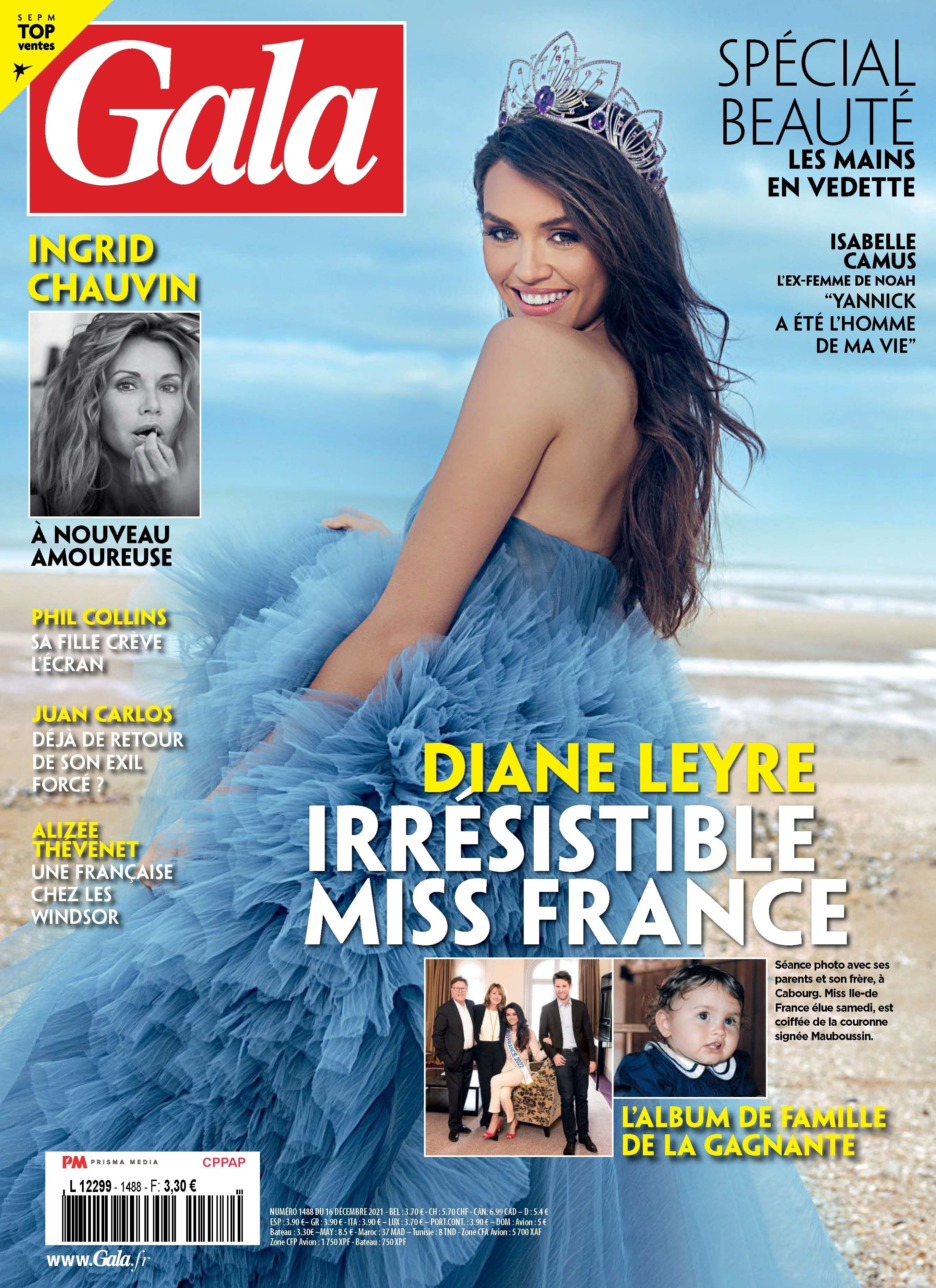
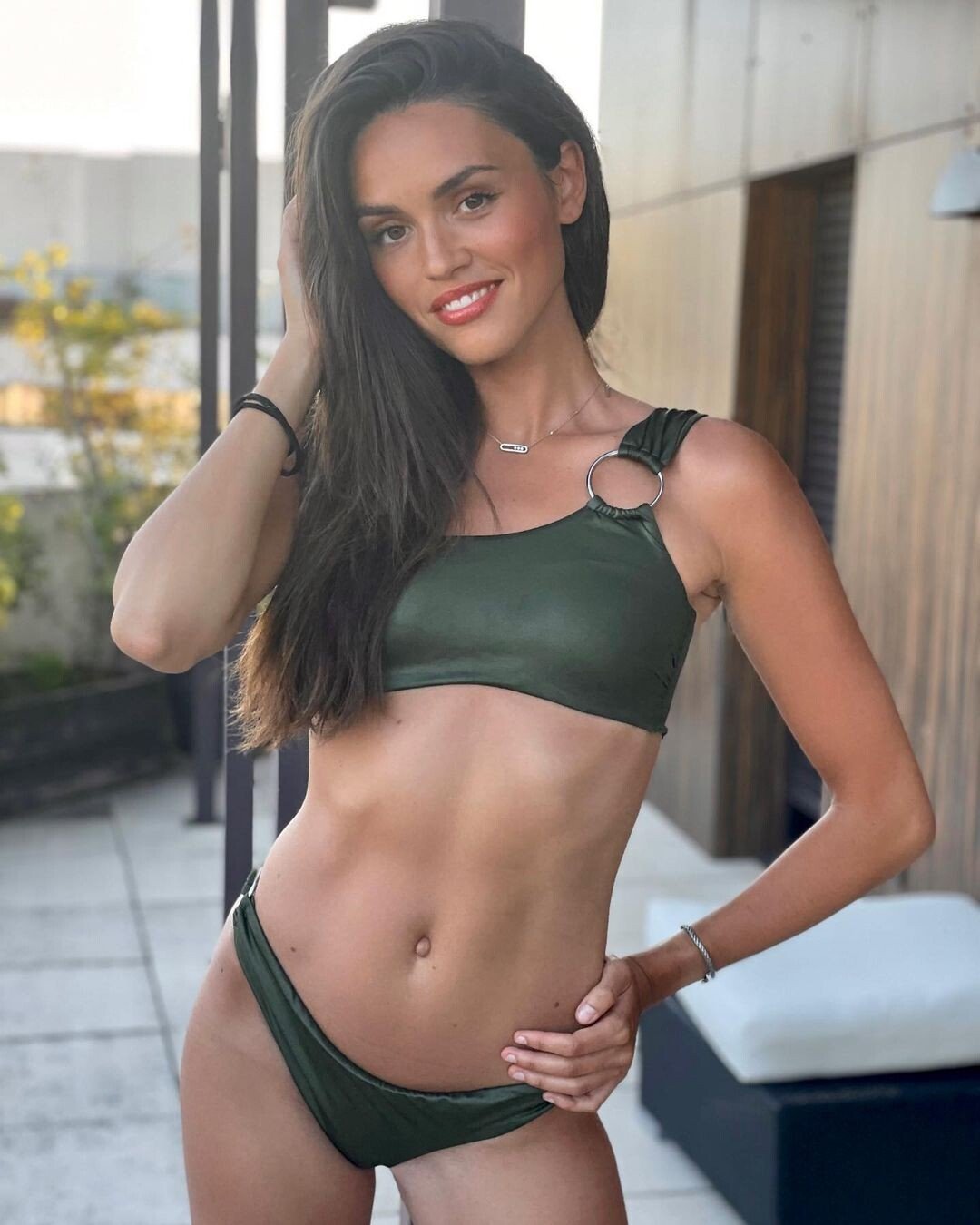
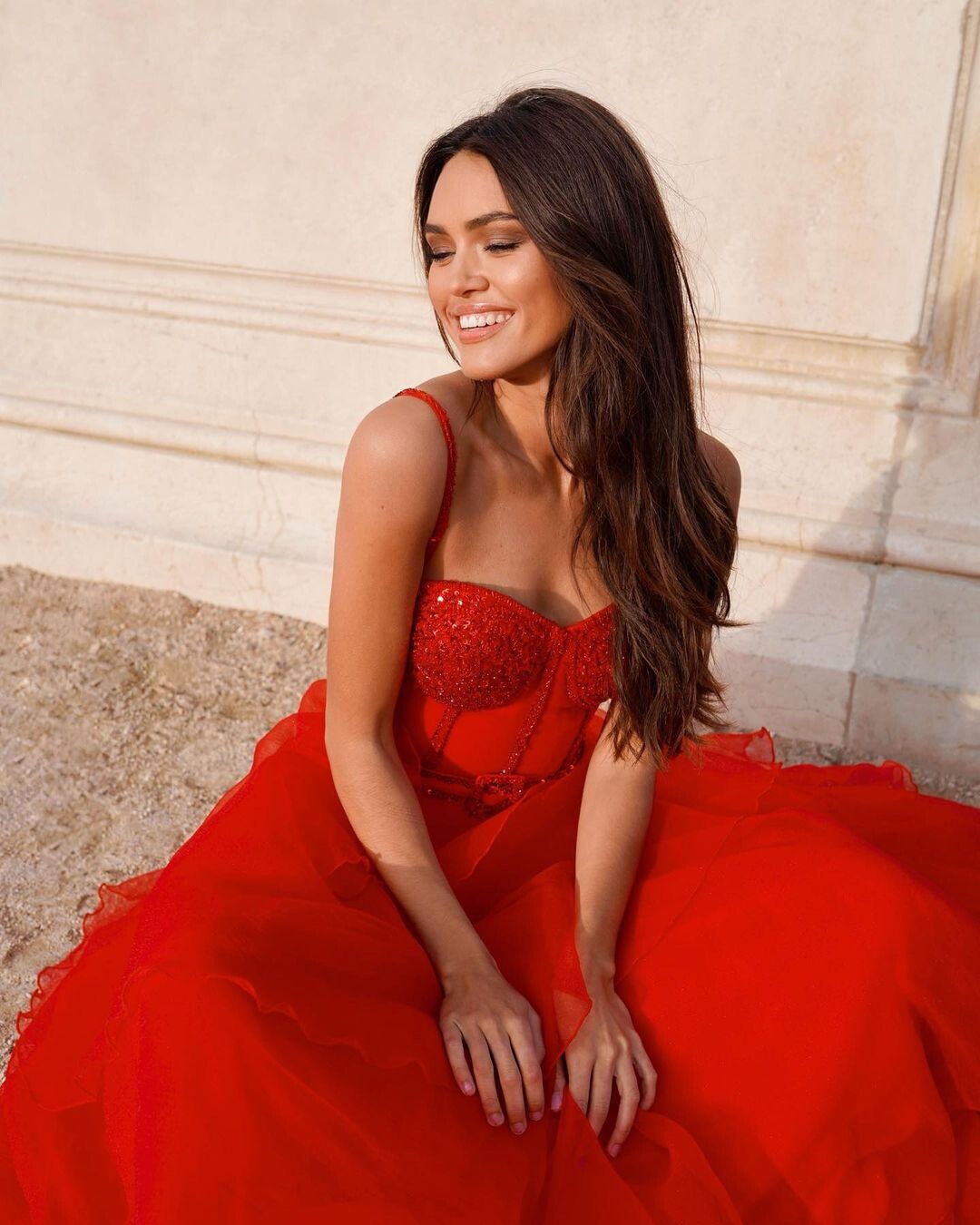
Miss France 2022 has a beautiful smile!
I want to shoot my fridge (that mofo is loud as f***)!
Yep, and that's a red flag to me!
Really?? If it's true, that does mean that Cavill has been pretty disingenuous, because he said that Season 2 would be more faithful. (PS: his name is Cavill, why do you want him to be an Italian? Cavilli means "technicalities" in Italian)
Interesting.
I never understood the politicization of entertainment (and honestly, this is why I've come to hate political correctness - I didn't care about it first, but I really took notice when it started to infiltrate the cultural products I like). It seems to me that this politicization doesn't make sense: 1) On a marketing viewpoint: you basically risk to cut a huge chunk of your audience (I wouldn't say it's divided by 2, but you get the idea) 2) On a creative viewpoint: by implementing "McCarthyist" practices (and yes, Woke entertainment is neo-McCarthyism), you just restrict the creative freedom (hence the diversity of artworks - diversity in the original meaning of the word!) 3) On a philosophical viewpoint: if they're so convinced of the logical/moral/virtuous value of their ideologies, why force-feed them? Just let people's reason/heart be convinced. What I do understand is the sheep-like behavior of big companies: when they become too big, companies (like Disney) become risk-adverse as fuck (meaning that they shit their pants all the time and won't take risks - and when you follow the mob, you don't take risks).
Izabela Ion Tanya Kizko Kelsey Merritt Tanya Mityushina
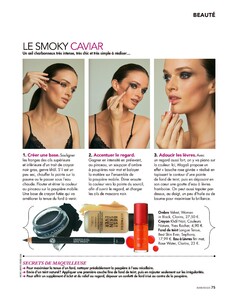
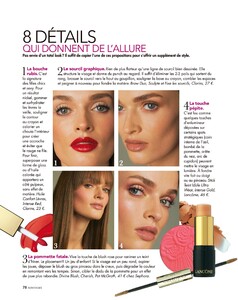
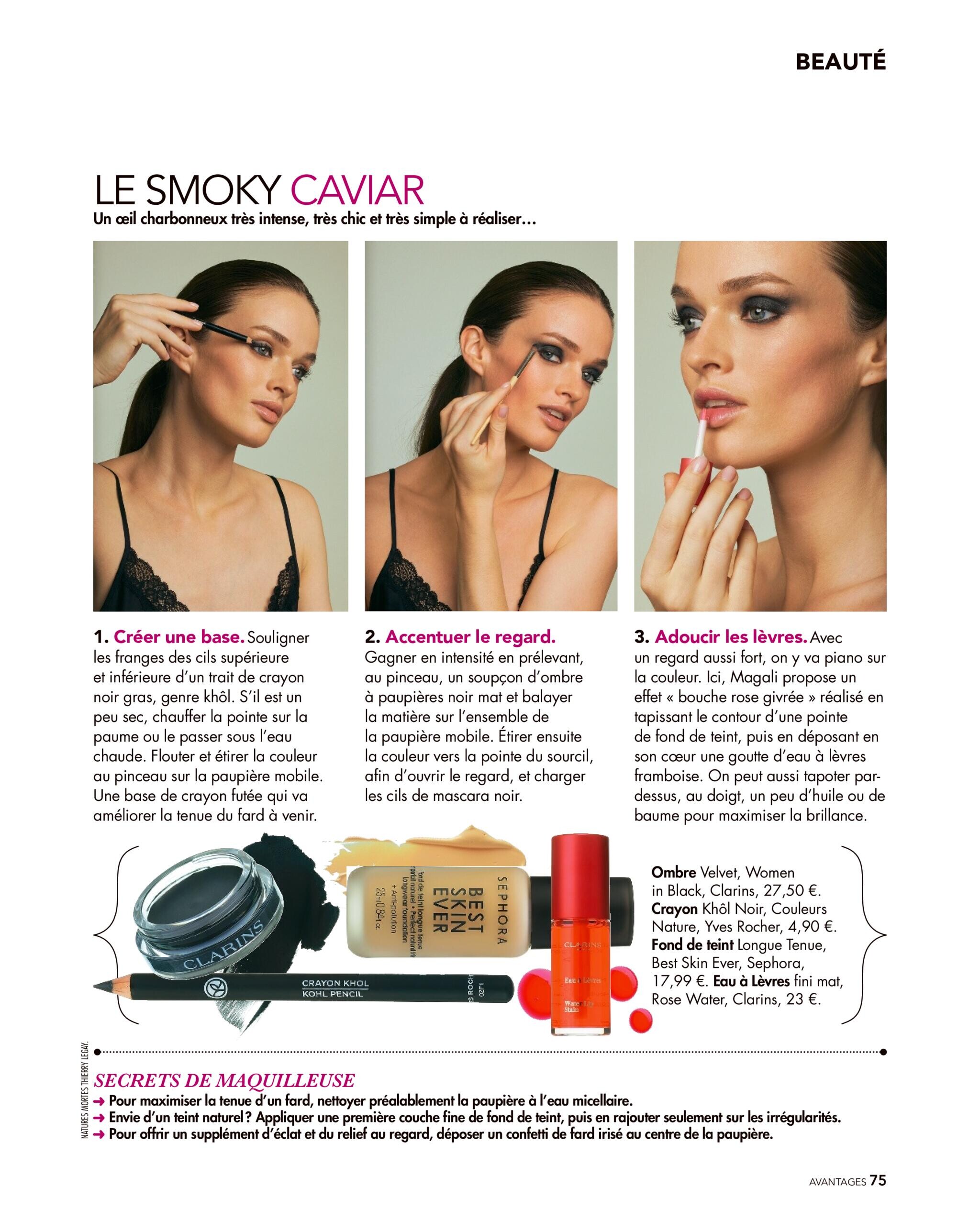
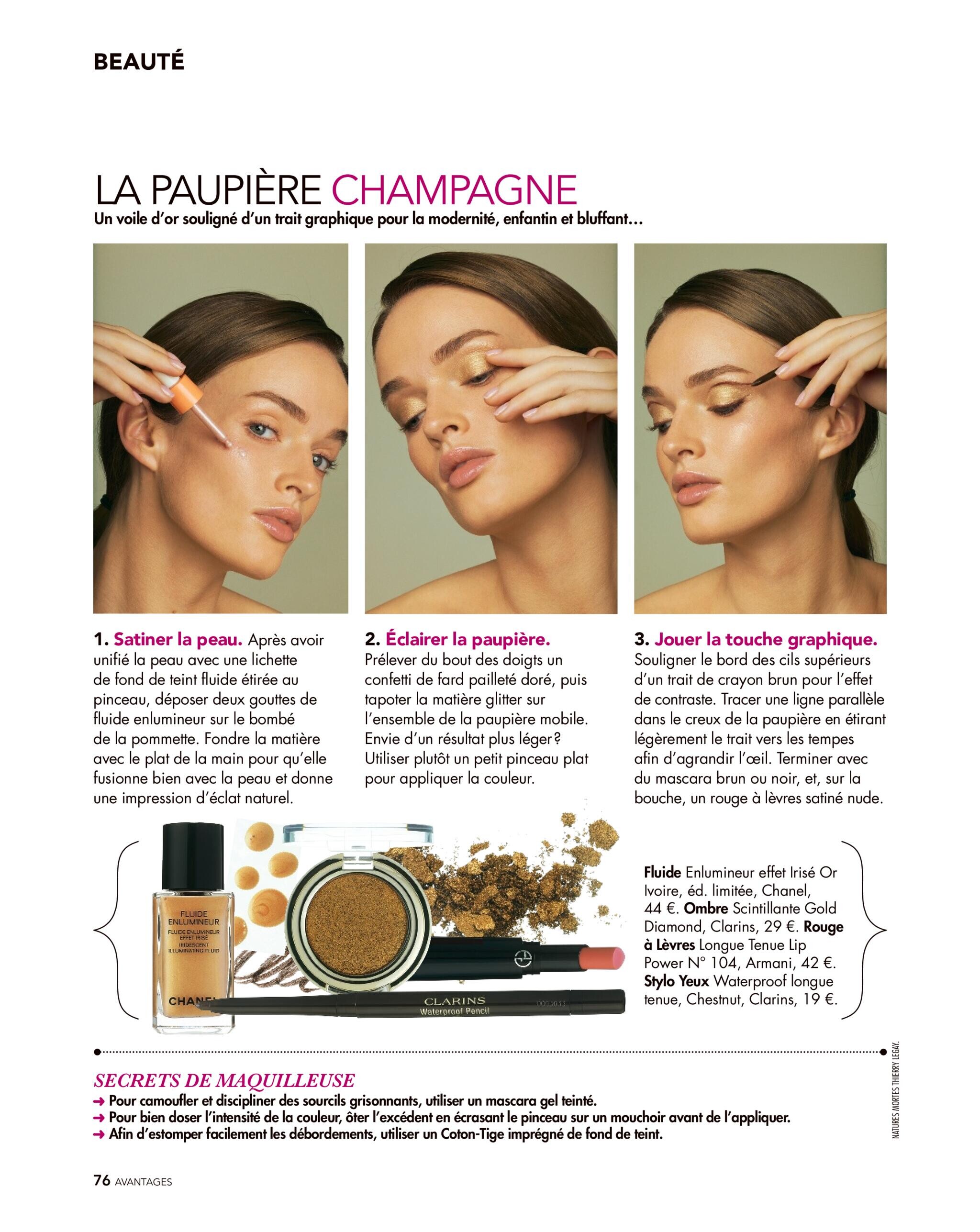
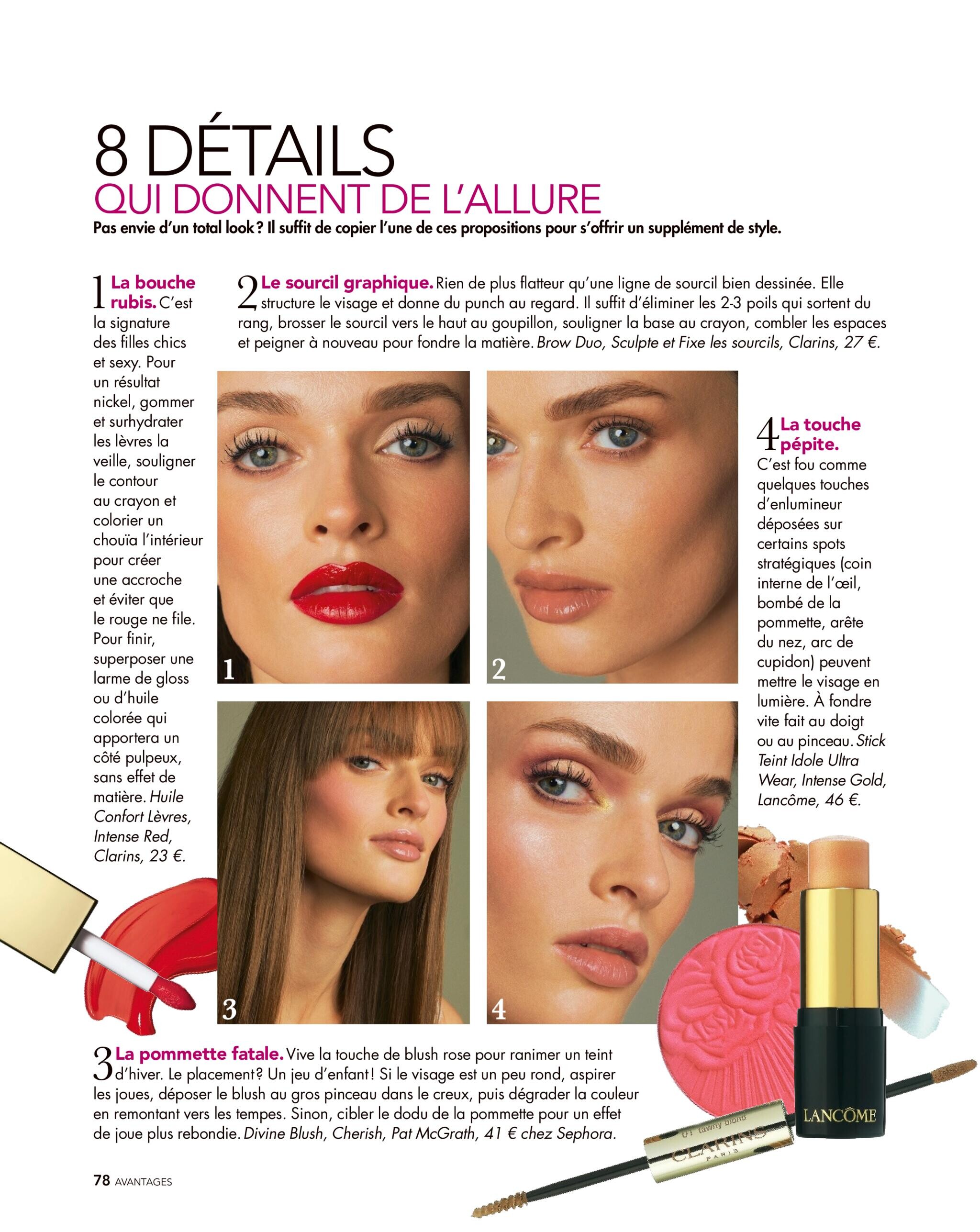
Editorial in Avantages magazine, January 2022
What's wrong Matt? Why do you bang your head?
Maybe I should, that would be "so 2021"
I've watched episode 1 of season 2. Pretty good so far.
Miss France 2022 has a beautiful smile!
I want to shoot my fridge (that mofo is loud as f***)!
Yep, and that's a red flag to me!
Really?? If it's true, that does mean that Cavill has been pretty disingenuous, because he said that Season 2 would be more faithful. (PS: his name is Cavill, why do you want him to be an Italian? Cavilli means "technicalities" in Italian)
Interesting.
I never understood the politicization of entertainment (and honestly, this is why I've come to hate political correctness - I didn't care about it first, but I really took notice when it started to infiltrate the cultural products I like). It seems to me that this politicization doesn't make sense: 1) On a marketing viewpoint: you basically risk to cut a huge chunk of your audience (I wouldn't say it's divided by 2, but you get the idea) 2) On a creative viewpoint: by implementing "McCarthyist" practices (and yes, Woke entertainment is neo-McCarthyism), you just restrict the creative freedom (hence the diversity of artworks - diversity in the original meaning of the word!) 3) On a philosophical viewpoint: if they're so convinced of the logical/moral/virtuous value of their ideologies, why force-feed them? Just let people's reason/heart be convinced. What I do understand is the sheep-like behavior of big companies: when they become too big, companies (like Disney) become risk-adverse as fuck (meaning that they shit their pants all the time and won't take risks - and when you follow the mob, you don't take risks).
Izabela Ion Tanya Kizko Kelsey Merritt Tanya Mityushina
Editorial in Avantages magazine, January 2022



 Ah, inflation... who would've thought that putting ideologues into power would shred the economy? (but, hey, at least their tweets are nice )
I'll definitely watch S02 of the Witcher But I don't think I'll watch the next Matrix movie. It's probably going to be some remake of the first movie (with some woke shit in it). I may be wrong, so I'll wait for objective/trustworthy reviews (meaning not journalist reviews) and if they say it's good, maybe I'll consider watching it. And you?
Ah, inflation... who would've thought that putting ideologues into power would shred the economy? (but, hey, at least their tweets are nice )
I'll definitely watch S02 of the Witcher But I don't think I'll watch the next Matrix movie. It's probably going to be some remake of the first movie (with some woke shit in it). I may be wrong, so I'll wait for objective/trustworthy reviews (meaning not journalist reviews) and if they say it's good, maybe I'll consider watching it. And you?







.jpg.10e7b9b5aa9650f476d71787a9be5db6.jpg)
Account
Search
Configure browser push notifications
Chrome (Android)
- Tap the lock icon next to the address bar.
- Tap Permissions → Notifications.
- Adjust your preference.
Chrome (Desktop)
- Click the padlock icon in the address bar.
- Select Site settings.
- Find Notifications and adjust your preference.
Safari (iOS 16.4+)
- Ensure the site is installed via Add to Home Screen.
- Open Settings App → Notifications.
- Find your app name and adjust your preference.
Safari (macOS)
- Go to Safari → Preferences.
- Click the Websites tab.
- Select Notifications in the sidebar.
- Find this website and adjust your preference.
Edge (Android)
- Tap the lock icon next to the address bar.
- Tap Permissions.
- Find Notifications and adjust your preference.
Edge (Desktop)
- Click the padlock icon in the address bar.
- Click Permissions for this site.
- Find Notifications and adjust your preference.
Firefox (Android)
- Go to Settings → Site permissions.
- Tap Notifications.
- Find this site in the list and adjust your preference.
Firefox (Desktop)
- Open Firefox Settings.
- Search for Notifications.
- Find this site in the list and adjust your preference.