Everything posted by gedeon67
-
Héloïse Giraud
Thanks for rightening... Probably Thanks for rightening I don't know why this pic was uploaded with the others...
-
Julija Steponaviciute
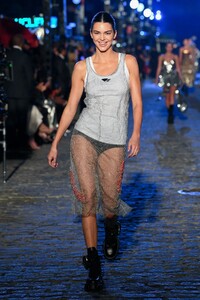
- Hailey Bieber
-
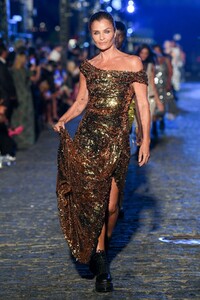
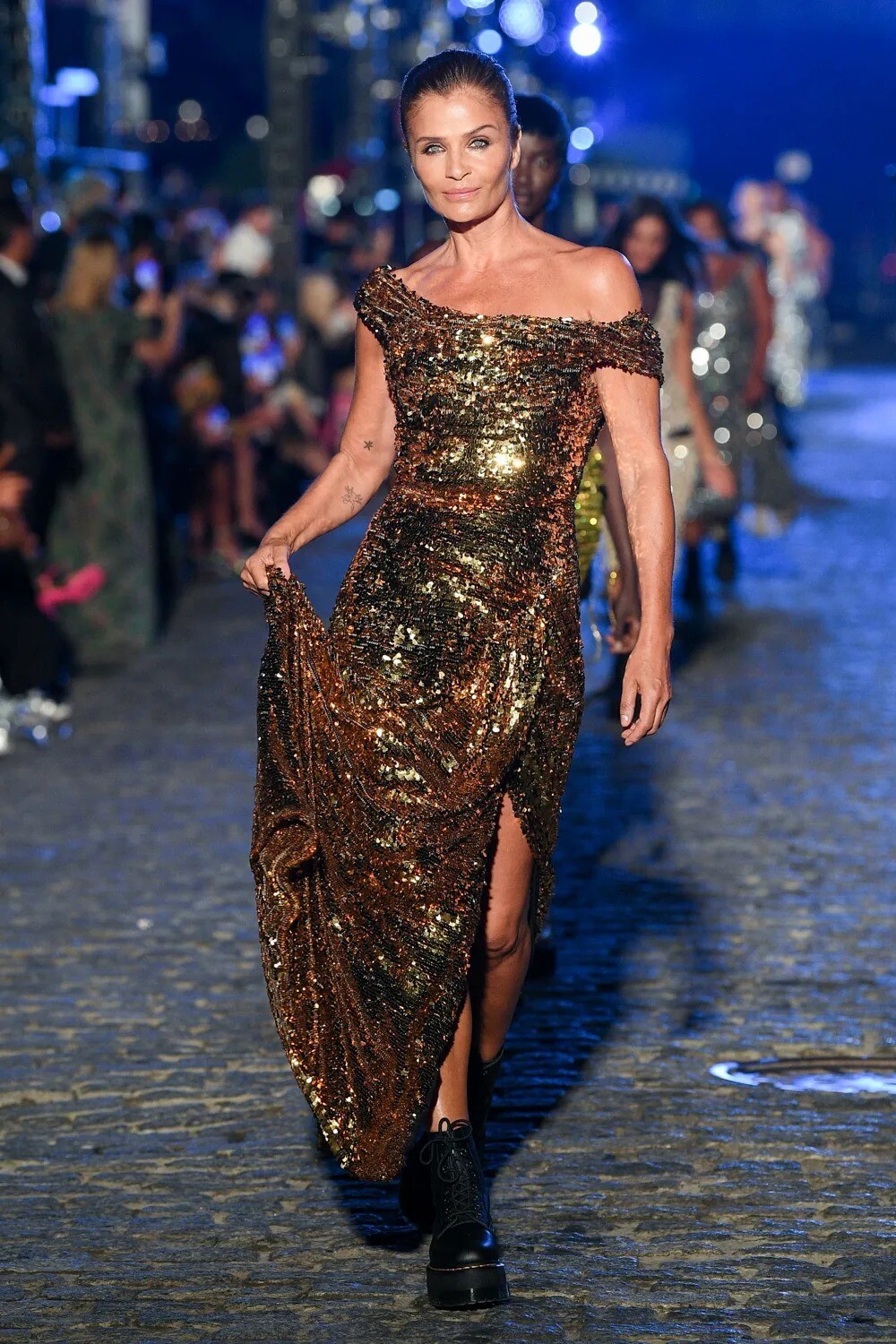
Helena Christensen
-
Roos Abels
InStyle España - 09.2022 Mini vs Maxi Photo : Daniel Scheel Real : Francesca Rinciari Make-up : Gato Hair : Jesus de Paula
-
Rozanne Verduin
Harper's Bazaar España - septiembre 2022 Grandes esperanzas Photo : Leticia Diaz de la Morena Styling : Claudia Laukamp Hair+Make-up : Cynthia de Leon
-
Karmen Pedaru
Harper's Bazaar España - septiembre 2022 Cuestion de actitud Photo: Vladimir Marti Styling : Beatriz Moreno de la Cova Hair : Manu Fernandez Make-up : Jose Belmonte
-
Cato Van Ee
Elle España - septiembre 2022 Un Mundo por descubrir Photo : Mario Sierra Rea : Garralda & Montoliu Hair+Make-up : Vicky Marcos
-
Linda Evangelista
- Eva Herzigova
- Eva Herzigova
- Lindsey Wixson
Zara South 2022 Campaign Elizaveta Porodina - Photographer Georgia Pendlebury - Fashion Editor/Stylist Pierre Saint Sever - Hair Stylist Masae Ito - Makeup Artist Felix Gesnouin - Set Designer Eri Narita - Manicurist- Lindsey Wixson
- Lindsey Wixson
Vogue Polska July/August 2022 Covers Arianna Lago - Photographer Ashlee Barrett-Bourmier - Fashion Editor/Stylist Homa Safar - Makeup Artist Megan McCluskie - Casting Director- Lindsey Wixson
- Valerie Scherzinger
- Cato Van Ee
- Ine Neefs
- Jessica Picton Warlow
- Liya Kebede
Elle FR n0 4000 - 18 Août 2022 Lovely Liya Photo : Emma Tempest Real : Hortense Manga Hair : Stephane Lancien Make-up : Margaux Jalouzot- Fran Summers
- Julia Nobis
- Hana Soukupova
- Adut Akech Bior
- Paloma Elsesser
American Vogue 09.2002 Always And Forever 13 Models Test Out Fall’s Most Timeless Silhouettes Sam Rock - Photographer Kate Phelan - Fashion Editor/Stylist Esther Langham - Hair Stylist Dick Page - Makeup Artist - Eva Herzigova
Account
Navigation
Search
Configure browser push notifications
Chrome (Android)
- Tap the lock icon next to the address bar.
- Tap Permissions → Notifications.
- Adjust your preference.
Chrome (Desktop)
- Click the padlock icon in the address bar.
- Select Site settings.
- Find Notifications and adjust your preference.
Safari (iOS 16.4+)
- Ensure the site is installed via Add to Home Screen.
- Open Settings App → Notifications.
- Find your app name and adjust your preference.
Safari (macOS)
- Go to Safari → Preferences.
- Click the Websites tab.
- Select Notifications in the sidebar.
- Find this website and adjust your preference.
Edge (Android)
- Tap the lock icon next to the address bar.
- Tap Permissions.
- Find Notifications and adjust your preference.
Edge (Desktop)
- Click the padlock icon in the address bar.
- Click Permissions for this site.
- Find Notifications and adjust your preference.
Firefox (Android)
- Go to Settings → Site permissions.
- Tap Notifications.
- Find this site in the list and adjust your preference.
Firefox (Desktop)
- Open Firefox Settings.
- Search for Notifications.
- Find this site in the list and adjust your preference.