
gedeon67
Members
-
Joined
-
Last visited
Everything posted by gedeon67
-
reposted-server error
-
reposted-server error
-
D la Repubblica 17.09.2022 Photo : Carlijn Jacobs Styling: Jacob K Hair: Shon Hyungsun Ju Make-up: Masae Ito
-
D la Repubblica 17.09.2022 Photo : Carlijn Jacobs Styling: Jacob K Hair: Shon Hyungsun Ju Make-up: Masae Ito
-
reposted-server error
-
Photo : Jonathan Segade
-
David Koma SPRING 2023 READY-TO-WEAR
-
David Koma SPRING 2023 READY-TO-WEAR
-
Derek Lam 10 Crosby spring 2023 Hao Zeng - Photographer Natasha Royt - Fashion Editor/Stylist Takuya Yamaguchi - Hair Stylist Akiko Owada - Makeup Artist
-
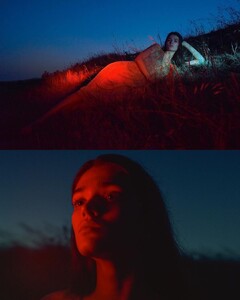
Photoshoot by Nicholas Fols Styling : Anca Macavei Make-up : Vania Cesarato













-
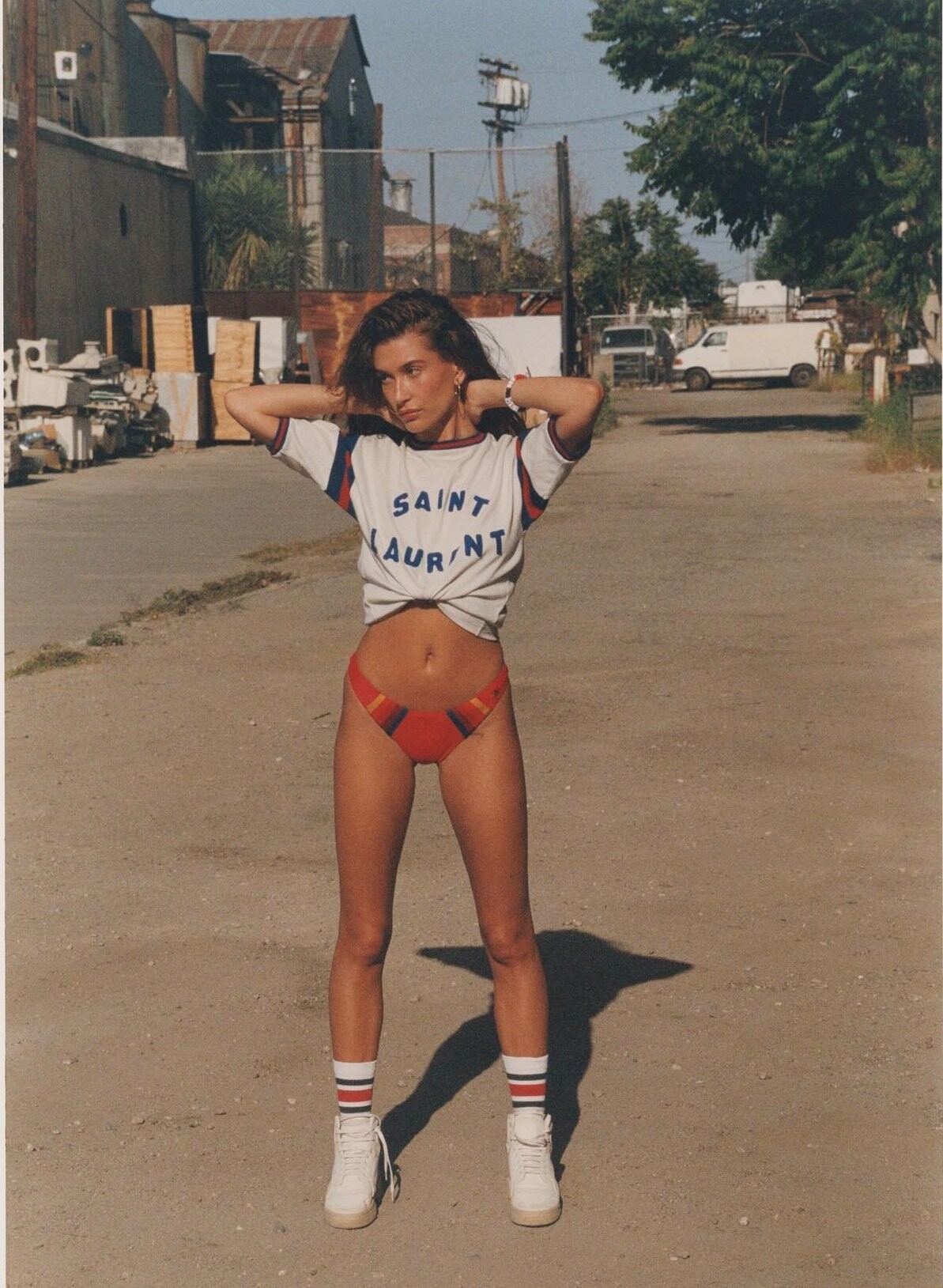
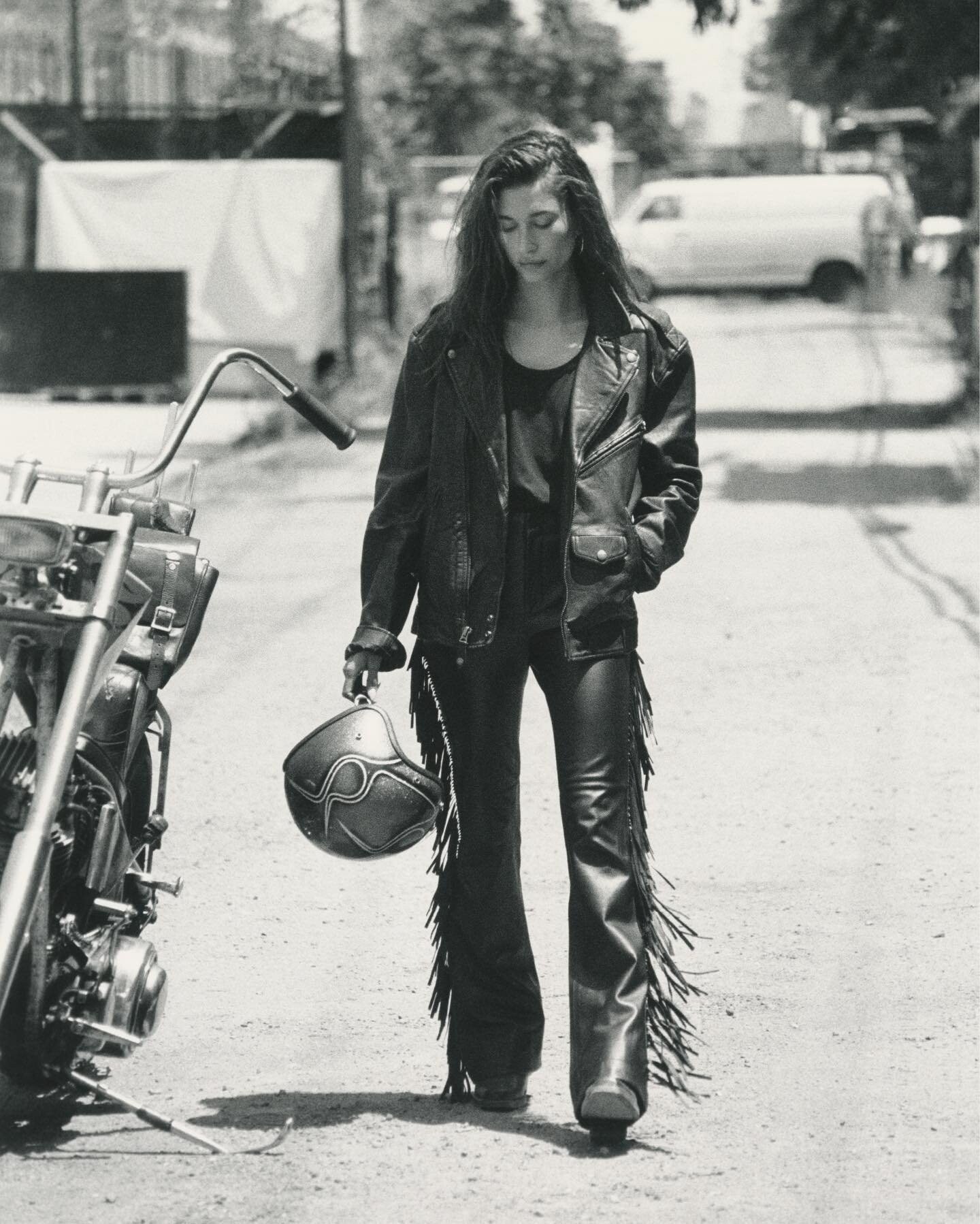
Le Goût de M - 2022 (No. 2) American Beauties Photo : Henrik Purienne Styled by Emmanuelle Alt Hair : Hikaru Make-up : Homa Safar Models : Ashley Graham, Carolyn Murphy, Hailey Bieber, Majesty Amare
-
-
-
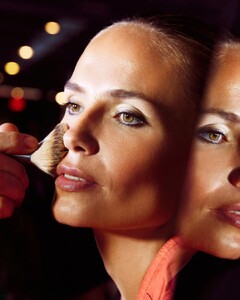
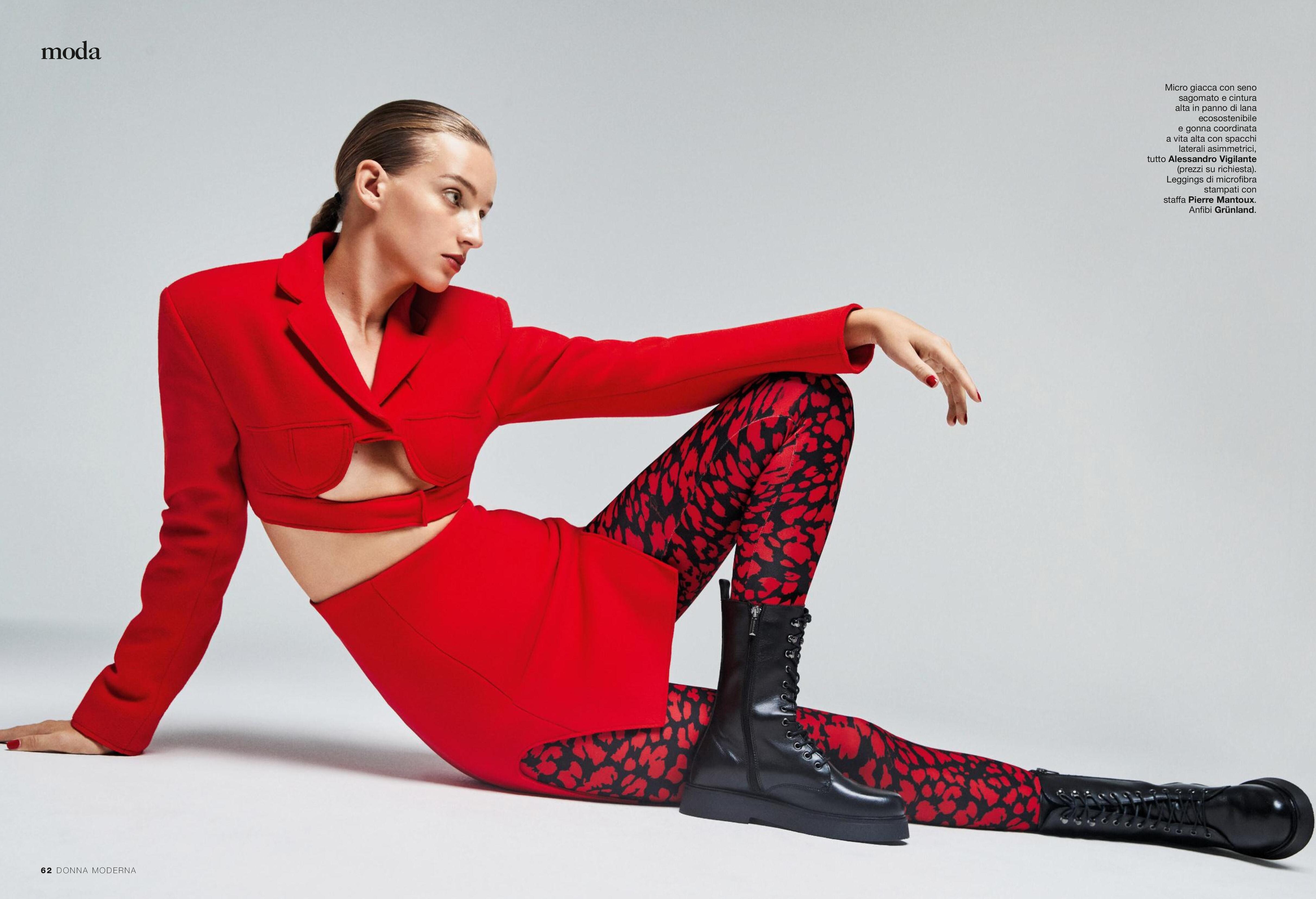
Grazia IT 15.09.2022 L'Arte Di Apparire Photo : Emre Güven Styling : Selin Bursalioglu Hair : Giovanni Erroi Make-up : Alessandra Casoni
-
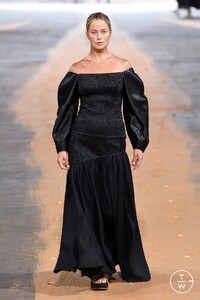
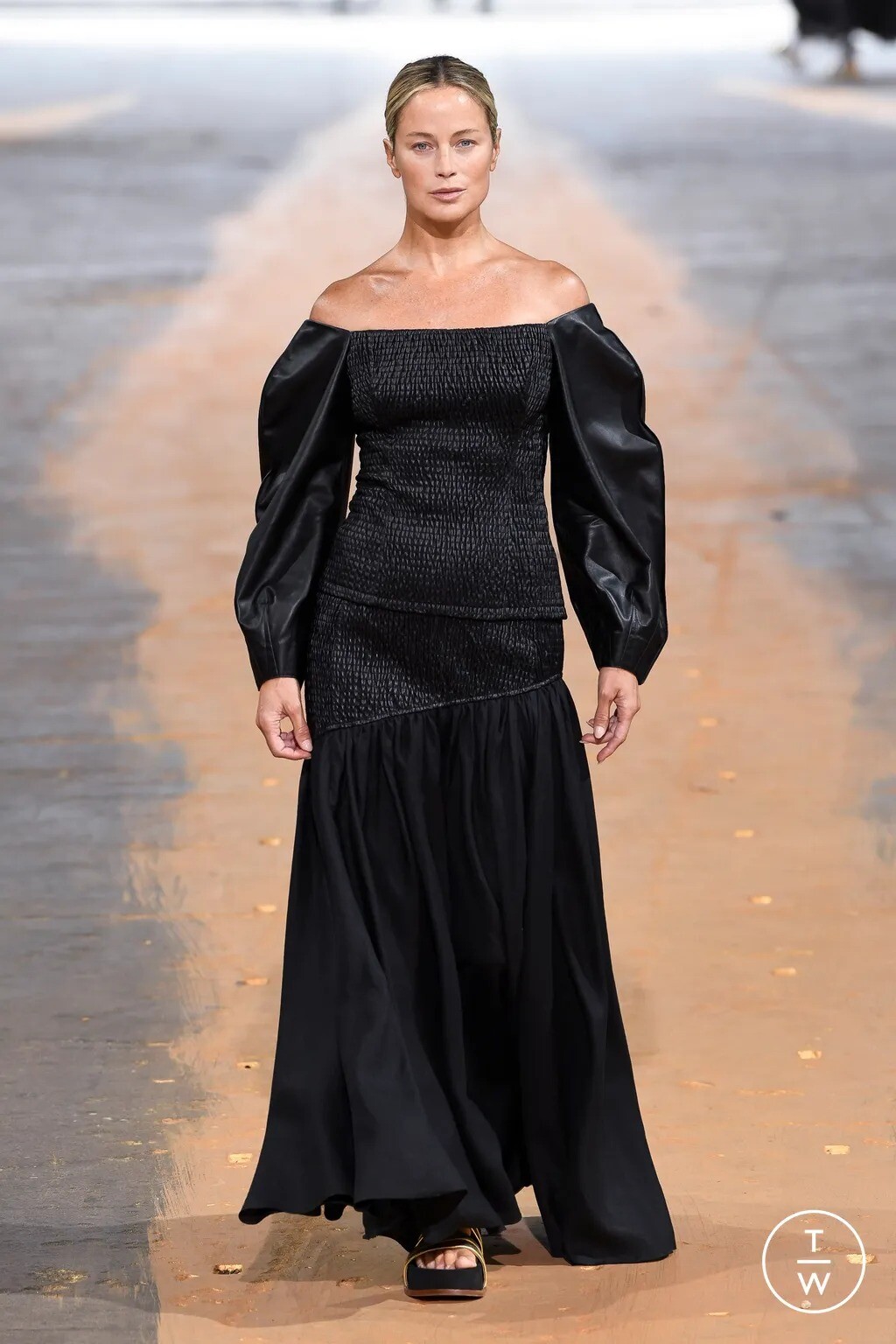
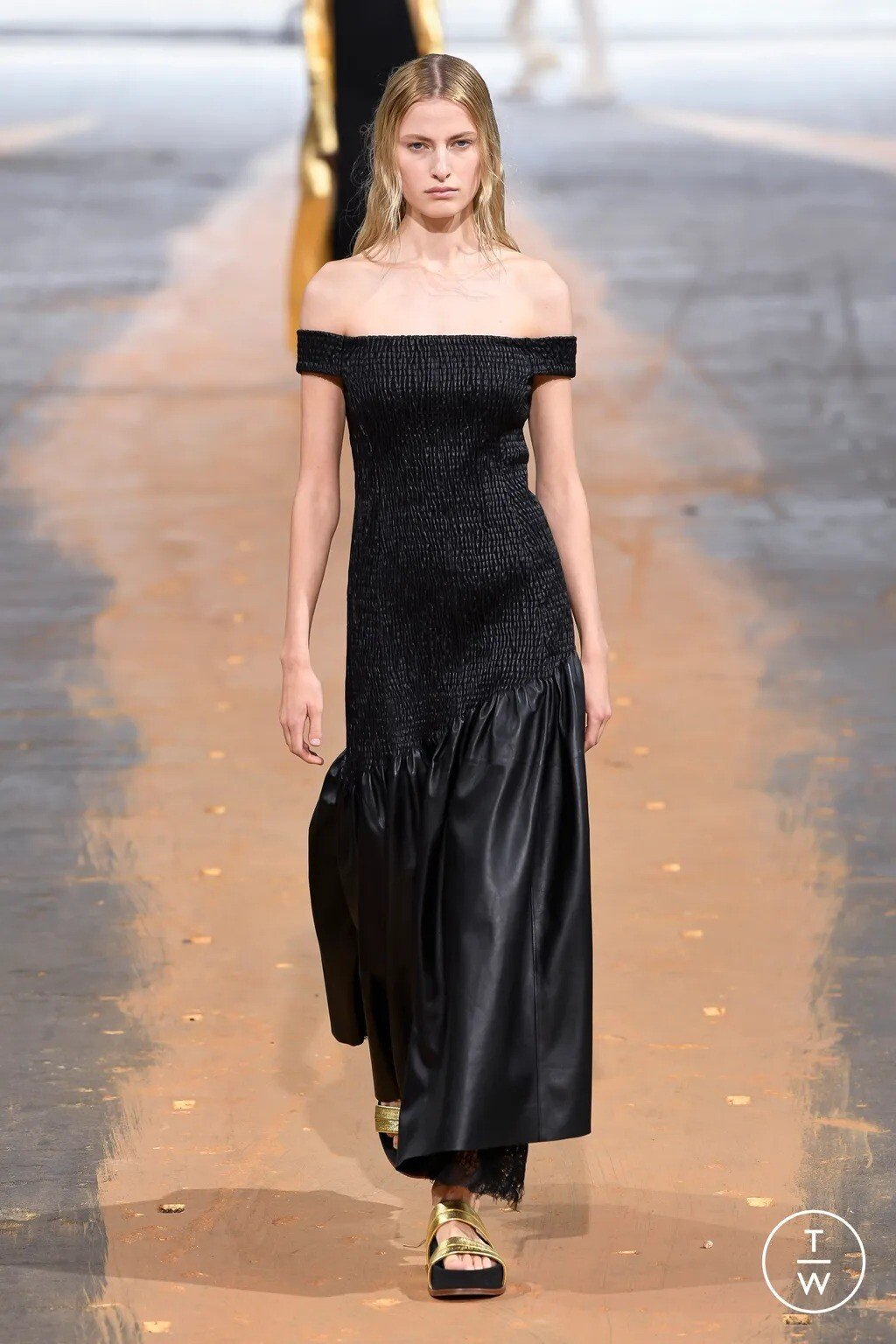
Gabriela Hearst S/S 2023
-
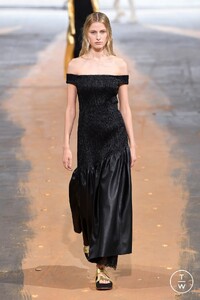
Gabriela Hearst S/S 2023
-
Grazia IT 15.09.2022 Libera la Tua Forza Photo : Matia Holm Styling : Anna Castan Hair : Ana Rodriguez Make-up : Alisonn Fetouaki
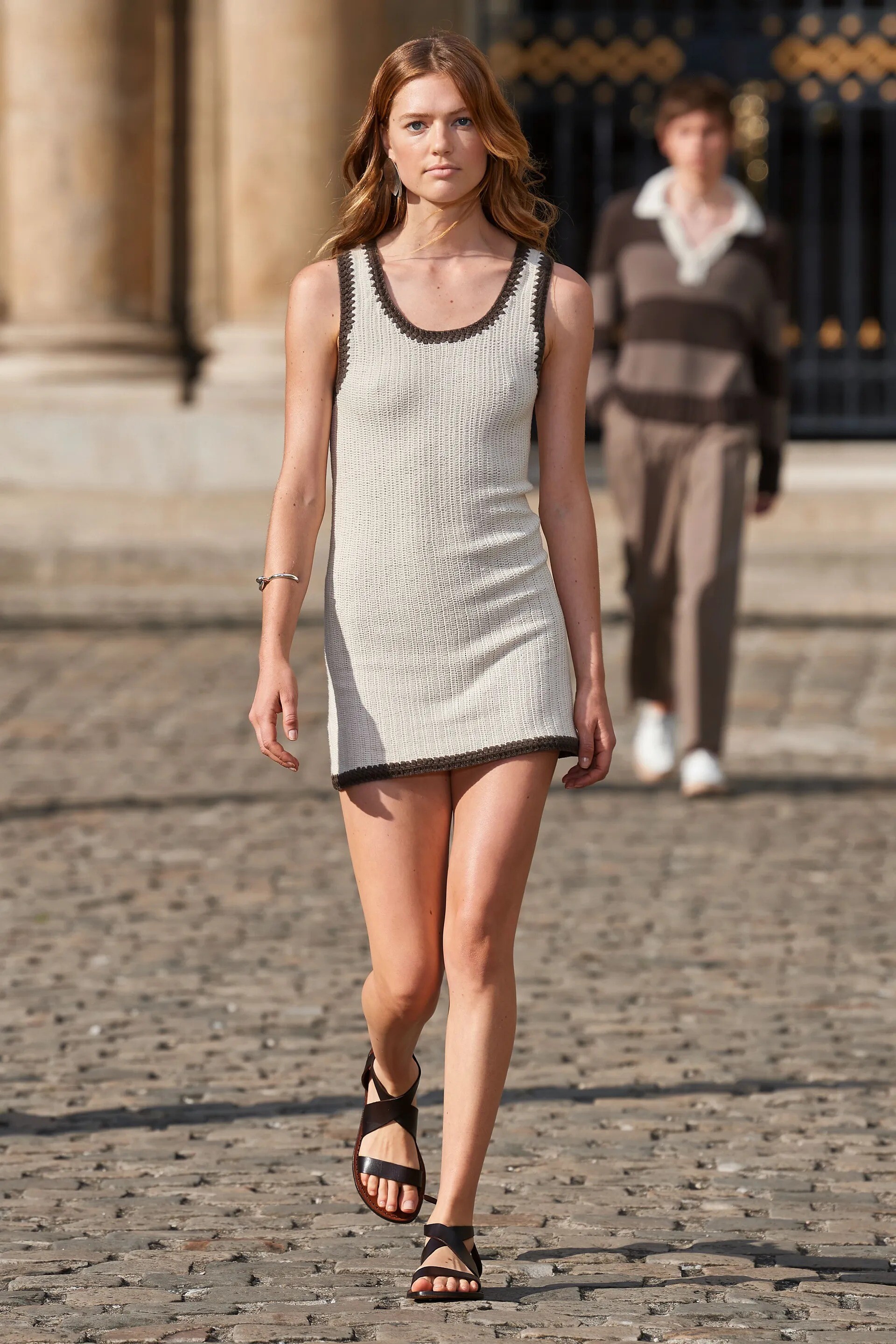
Officine Générale S/S 23 Show menswear
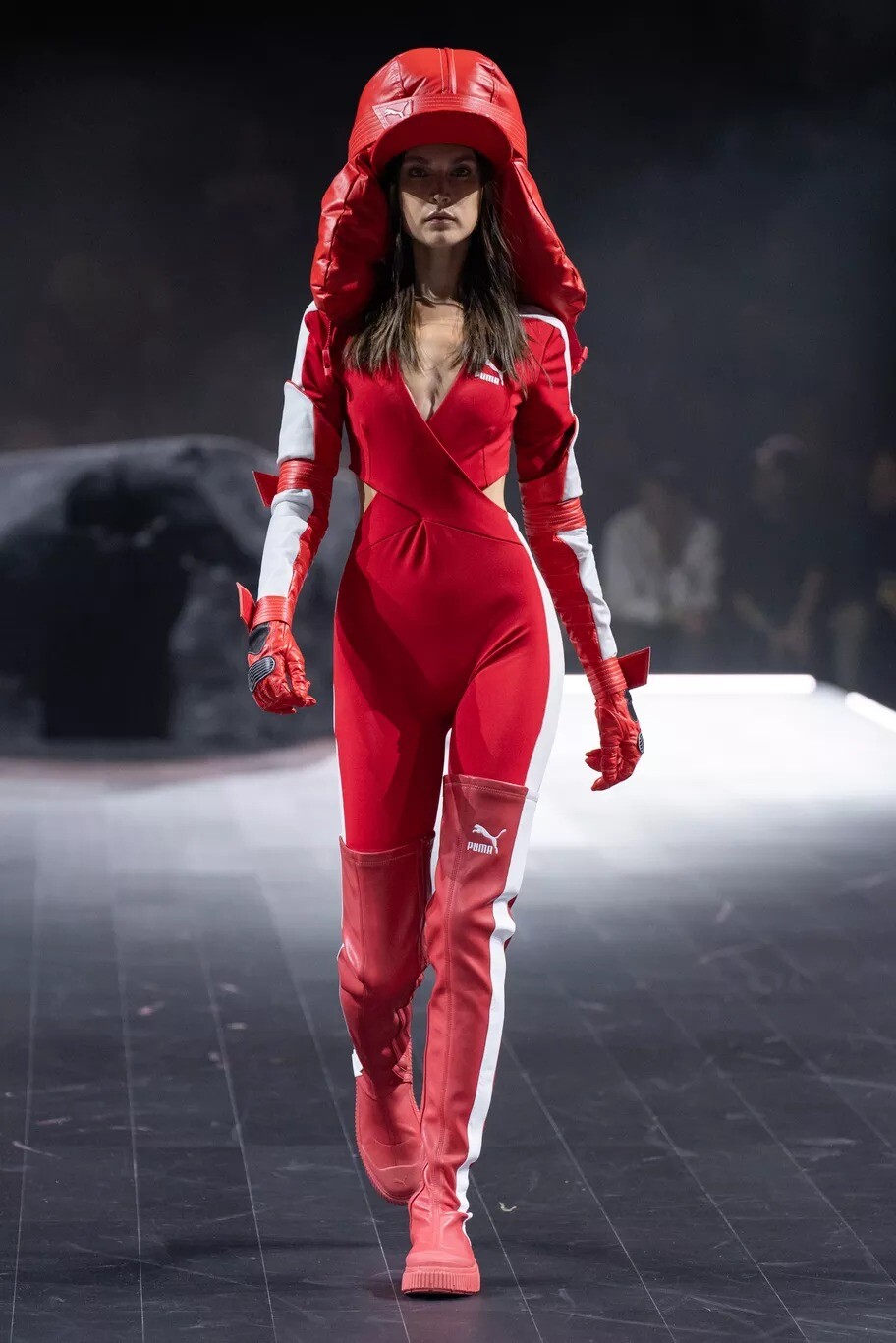
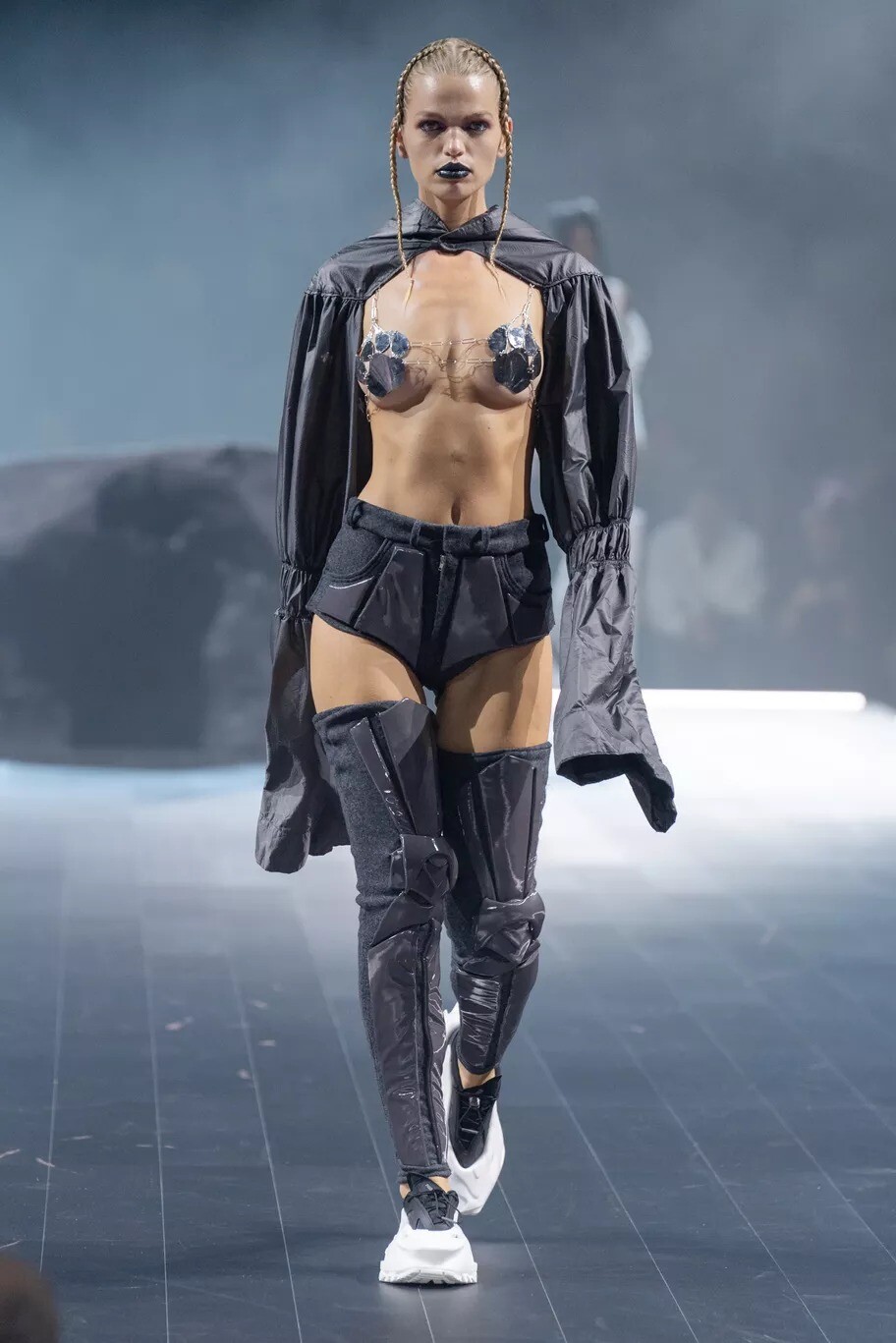
 Puma S/S 23 Show
 Puma S/S 23 Show
 Puma S/S 23 Show
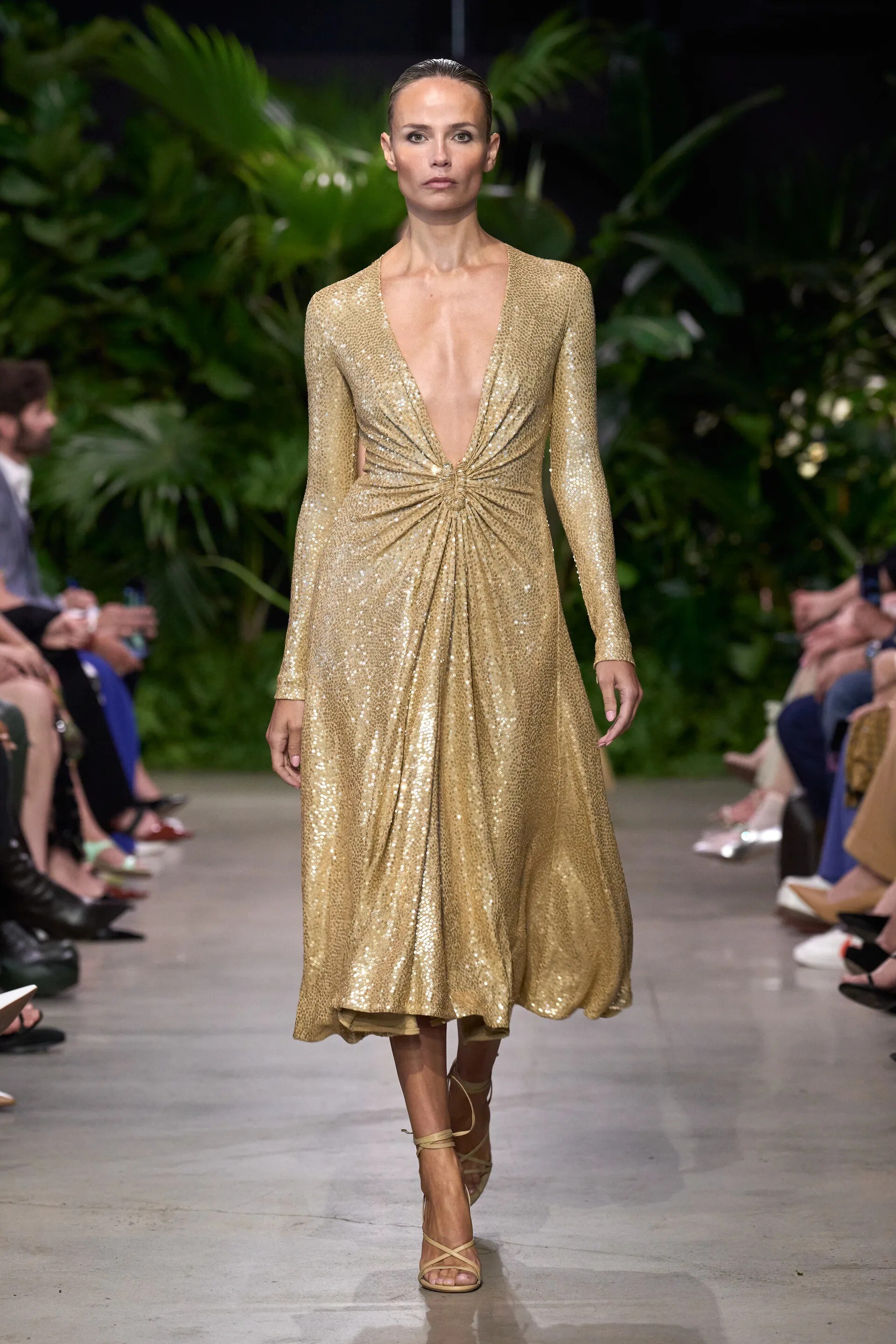
 Michael Kors S/S 2023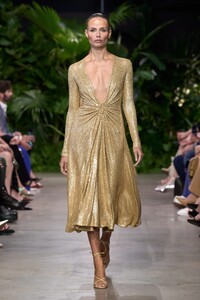

















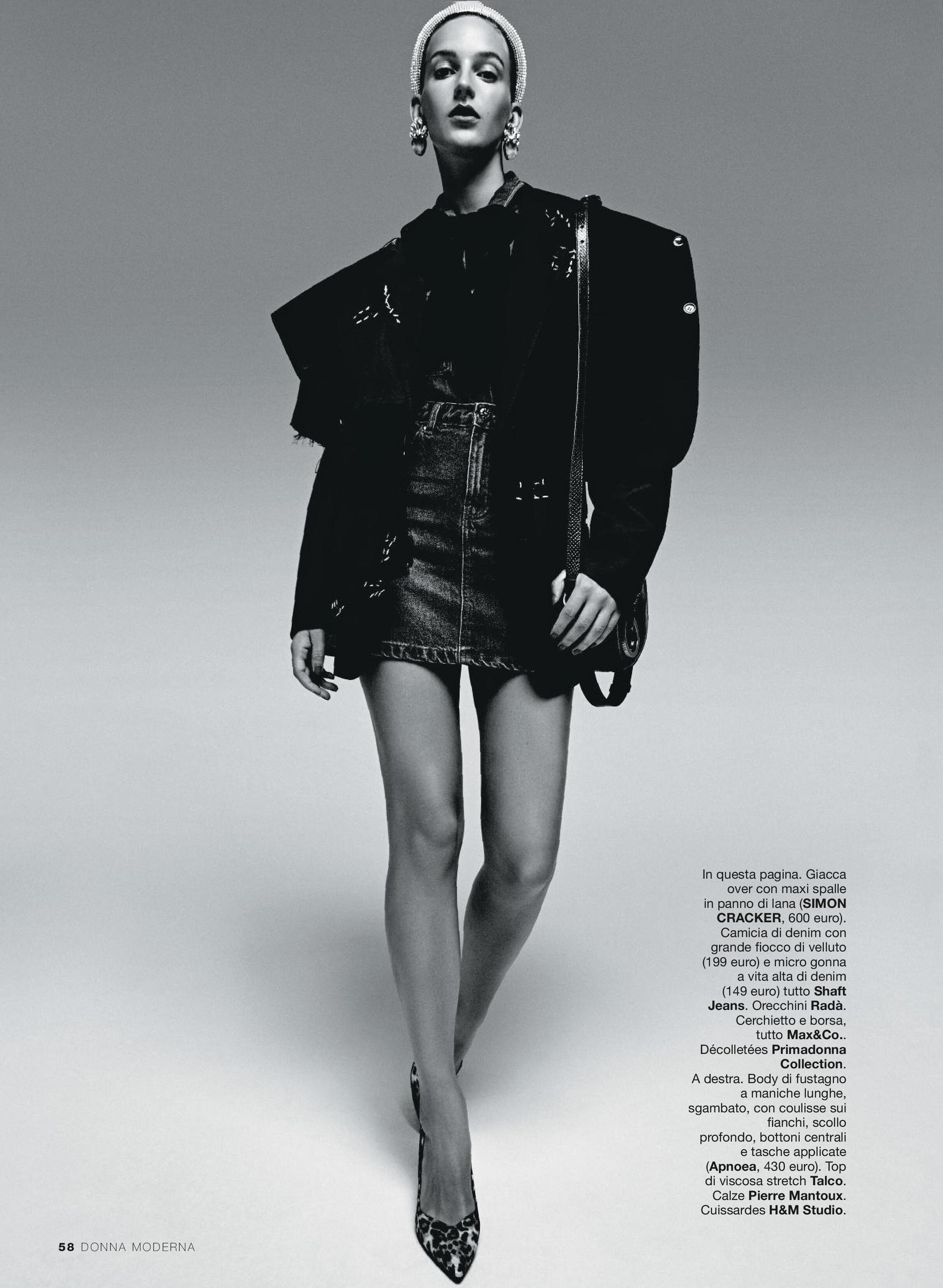
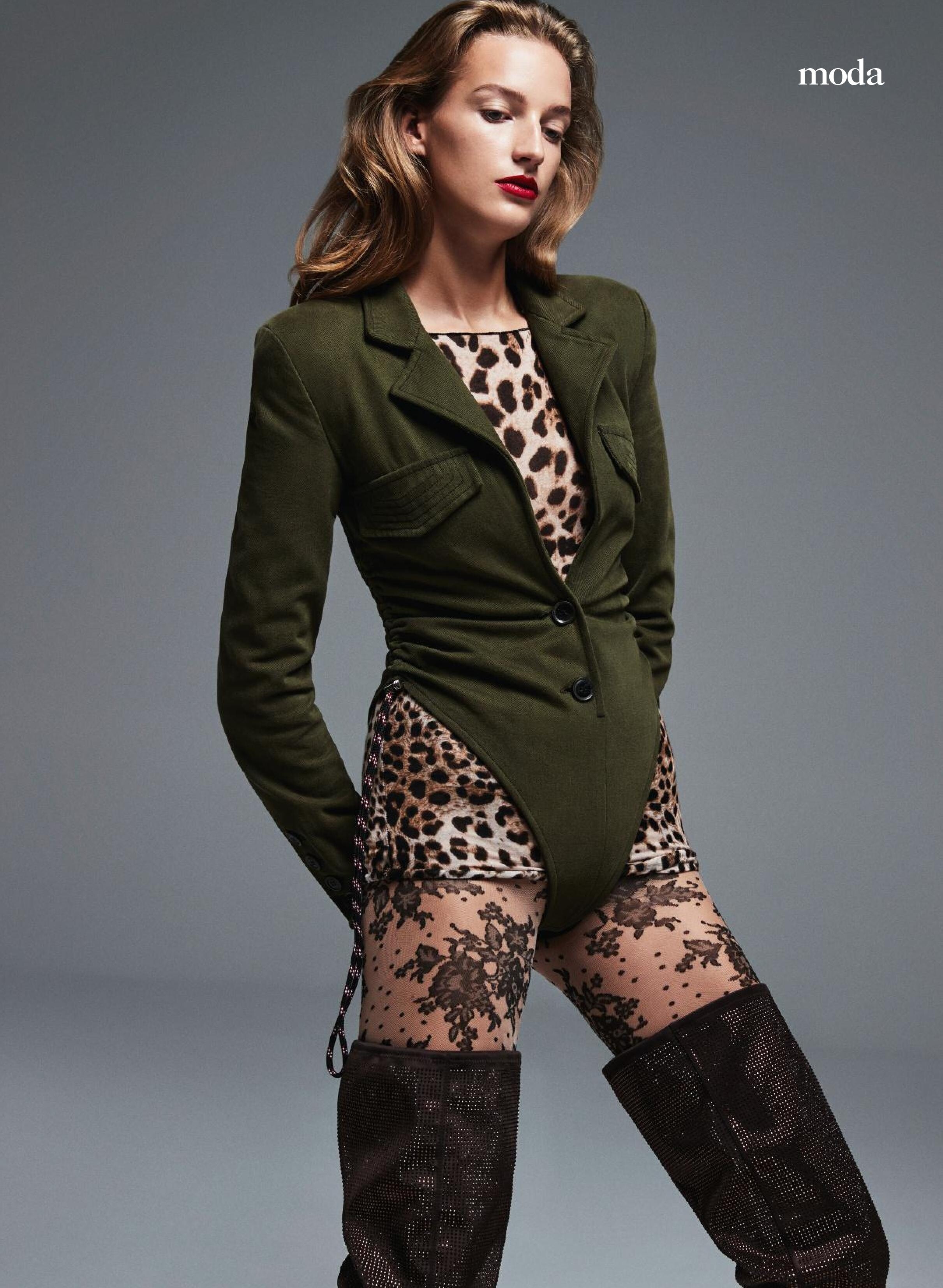

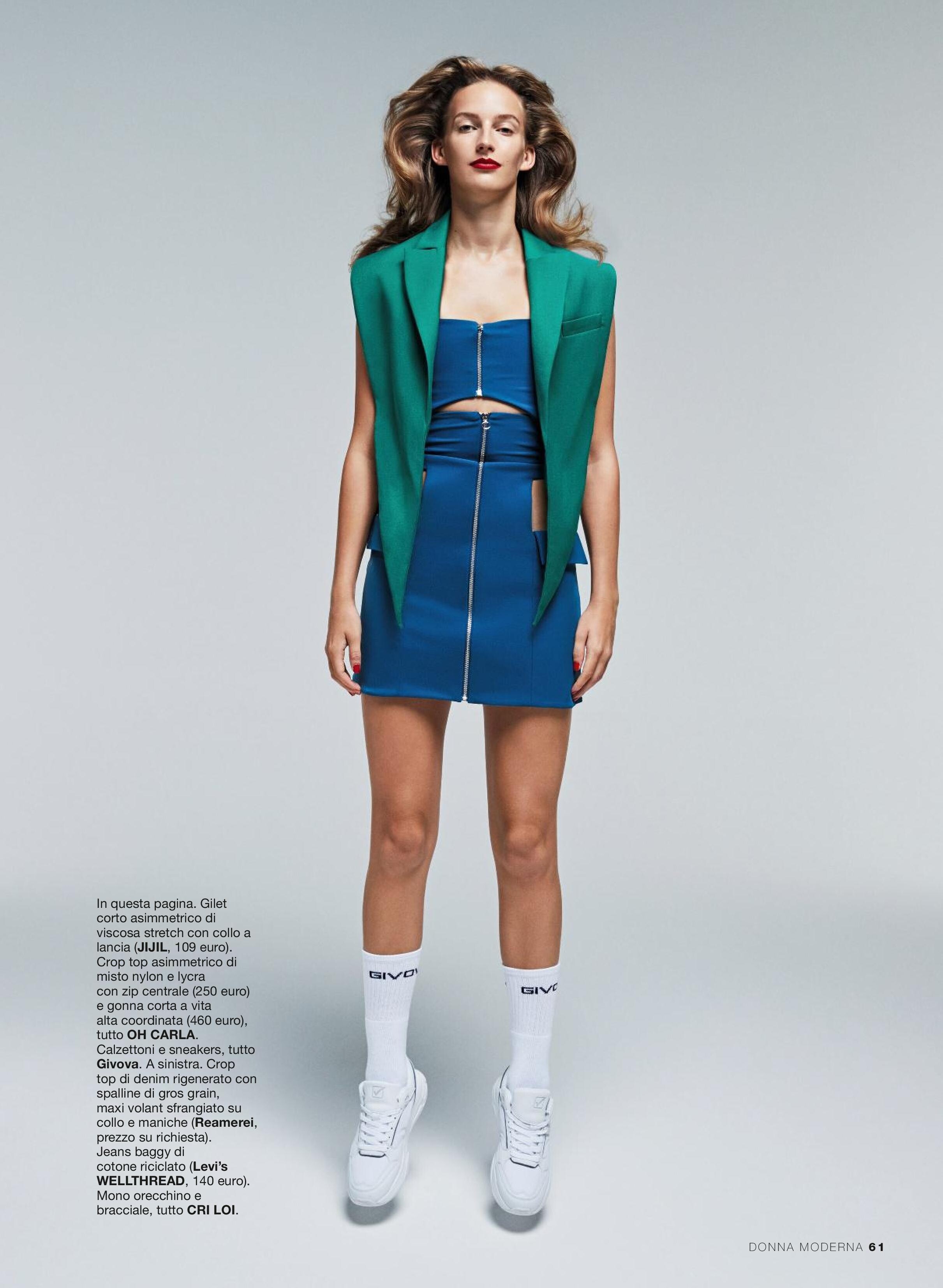
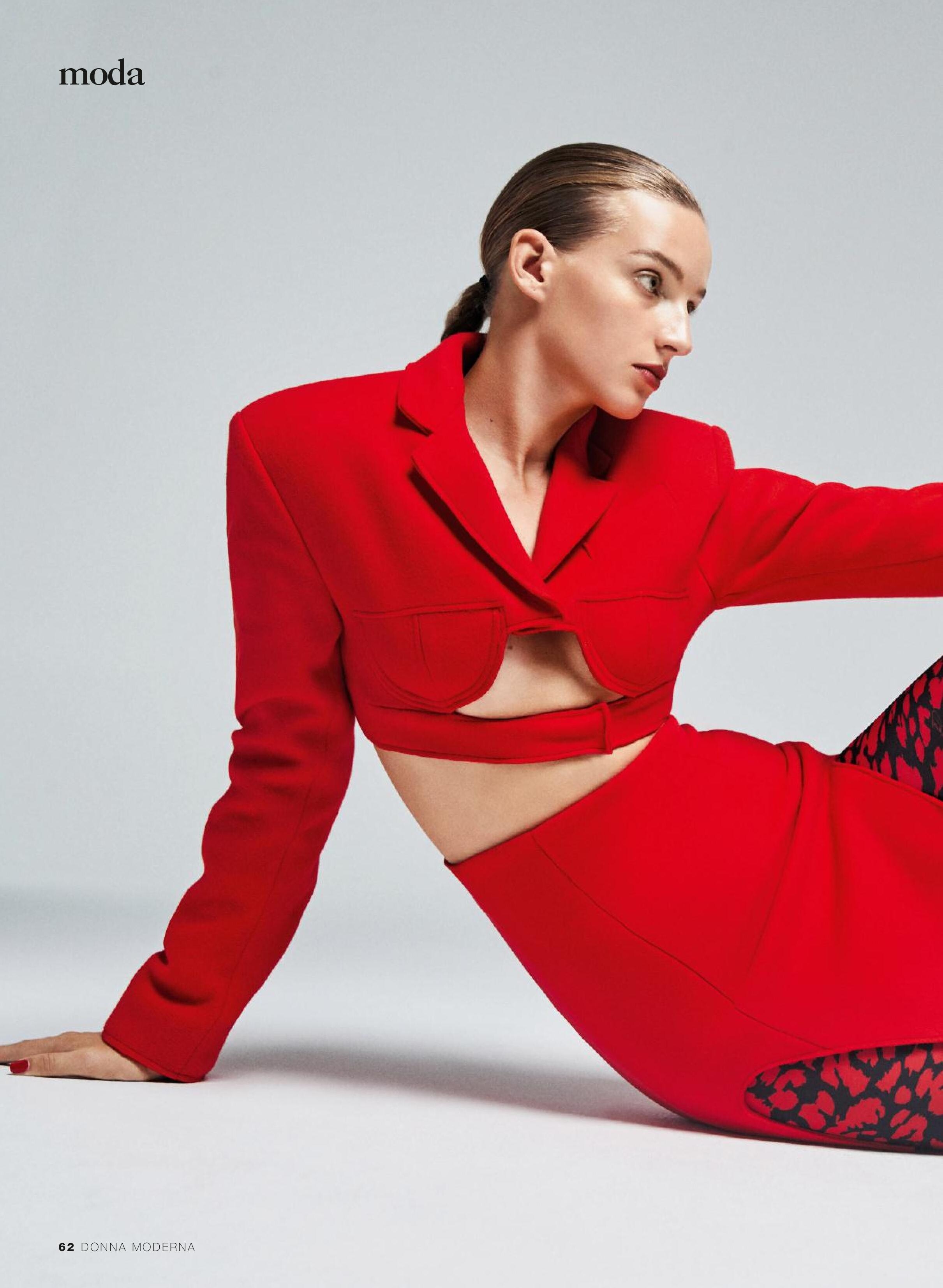

Account
Navigation
Search
Configure browser push notifications
Chrome (Android)
- Tap the lock icon next to the address bar.
- Tap Permissions → Notifications.
- Adjust your preference.
Chrome (Desktop)
- Click the padlock icon in the address bar.
- Select Site settings.
- Find Notifications and adjust your preference.
Safari (iOS 16.4+)
- Ensure the site is installed via Add to Home Screen.
- Open Settings App → Notifications.
- Find your app name and adjust your preference.
Safari (macOS)
- Go to Safari → Preferences.
- Click the Websites tab.
- Select Notifications in the sidebar.
- Find this website and adjust your preference.
Edge (Android)
- Tap the lock icon next to the address bar.
- Tap Permissions.
- Find Notifications and adjust your preference.
Edge (Desktop)
- Click the padlock icon in the address bar.
- Click Permissions for this site.
- Find Notifications and adjust your preference.
Firefox (Android)
- Go to Settings → Site permissions.
- Tap Notifications.
- Find this site in the list and adjust your preference.
Firefox (Desktop)
- Open Firefox Settings.
- Search for Notifications.
- Find this site in the list and adjust your preference.