
gedeon67
Members
-
Joined
-
Last visited
Everything posted by gedeon67
-
DIOR LE SAC LADY 95 directed by Tess Ayano.22 photographer Brigitte Lacombe
-
Digitals by Aleksei Benuchi
-
H&M Spring 2023 Collection – Isla Hennes
-
Ferragamo S/S 23 Campaign Rafael PavarottEdward Quarmby - Art Director Mavi Staiano - Fashion Editor/Stylist Virginie Pinto Moreira - Hair Stylist Thom Walker - Makeup Artisti - Photographer

 Ferragamo S/S 23 Campaign Rafael PavarottEdward Quarmby - Art Director Mavi Staiano - Fashion Editor/Stylist Virginie Pinto Moreira - Hair Stylist Thom Walker - Makeup Artisti - Photographer
 Ferragamo S/S 23 Campaign Rafael PavarottEdward Quarmby - Art Director Mavi Staiano - Fashion Editor/Stylist Virginie Pinto Moreira - Hair Stylist Thom Walker - Makeup Artisti - Photographer
 PARIS, FRANCE - MARCH 02/2023
 RUSSH – Issue 103 TOGETHER Photo : Charles Dennington Styling : Charlotte Agnew Hair : Madison Voloshin Make-up : Isabella Schimid
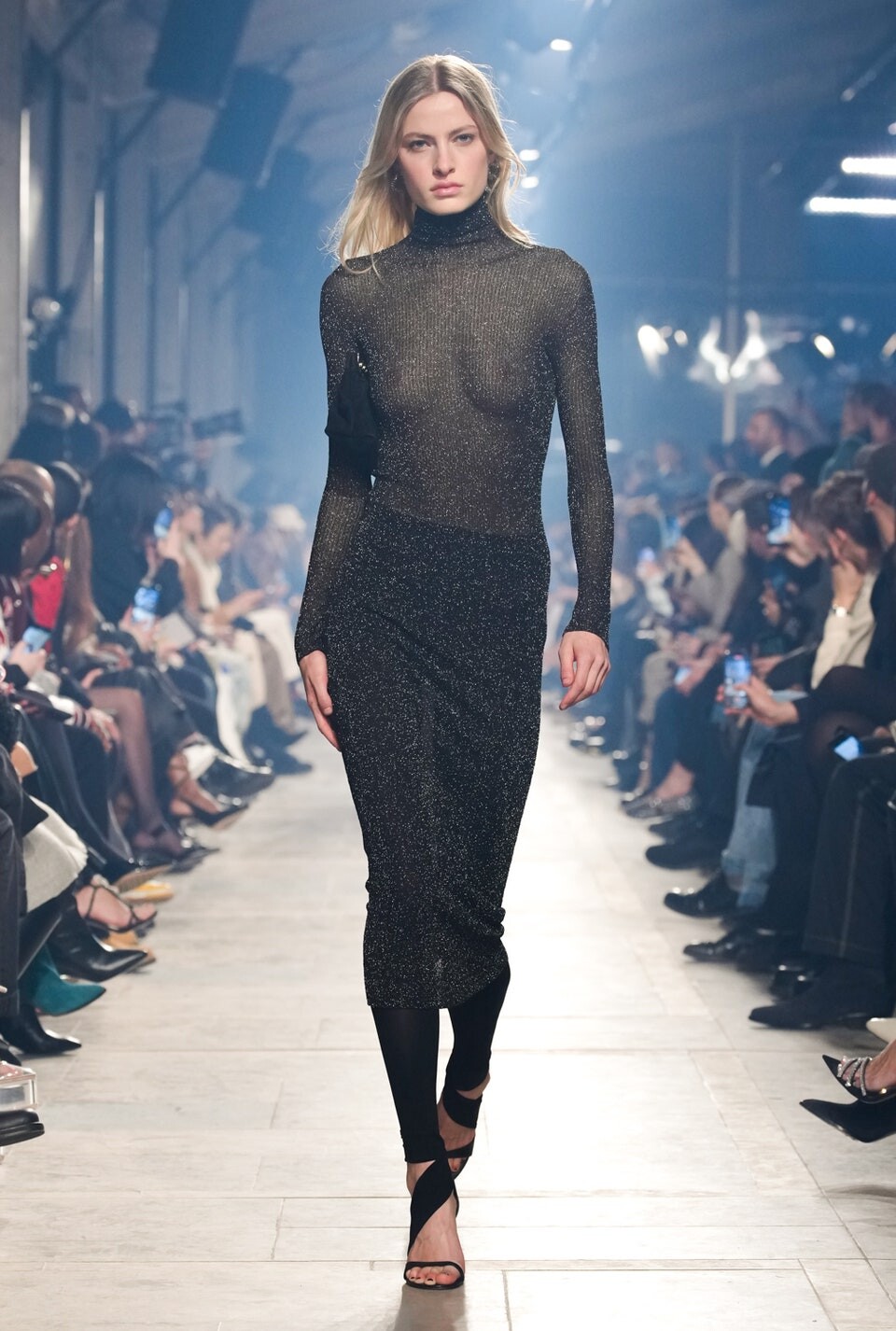
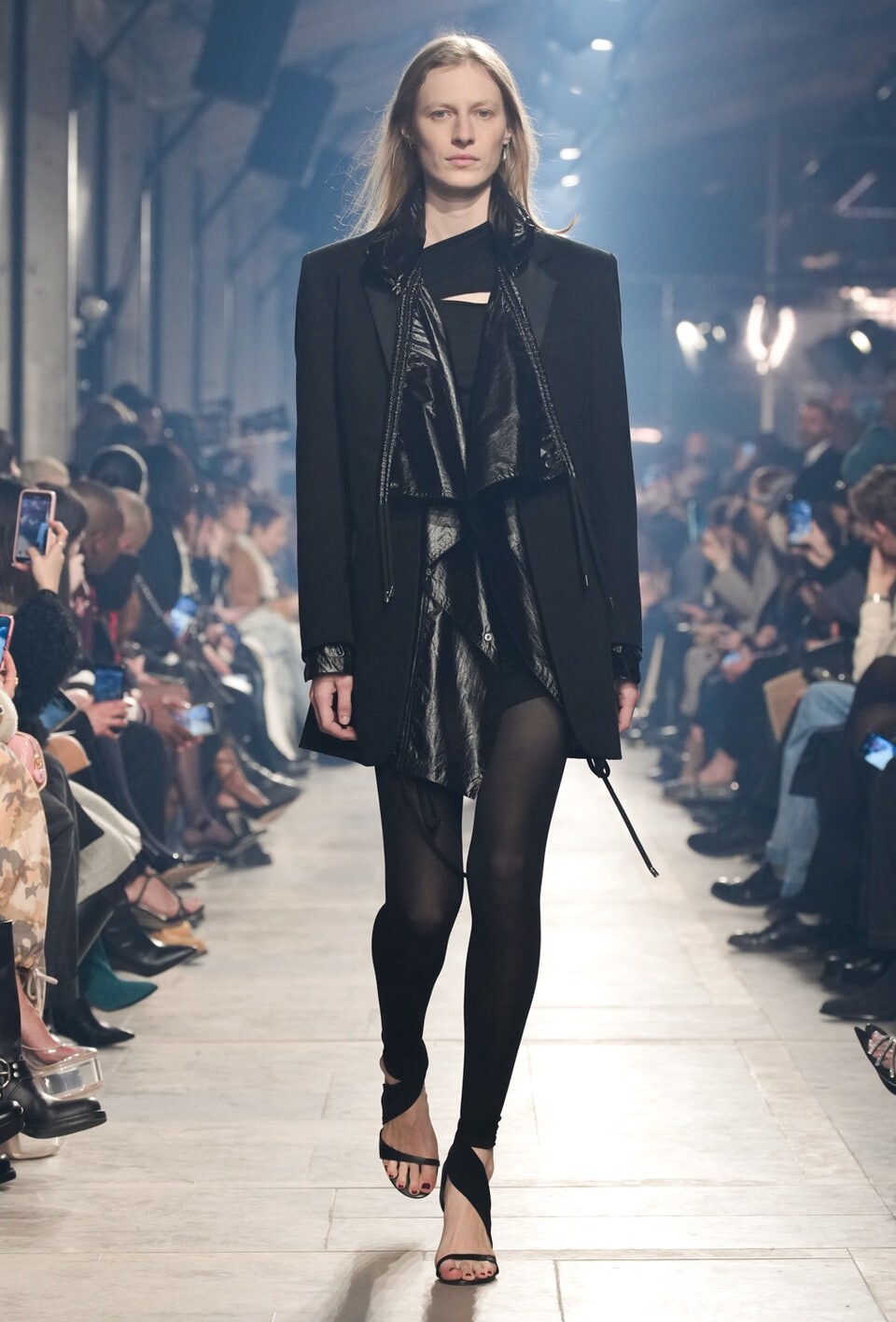
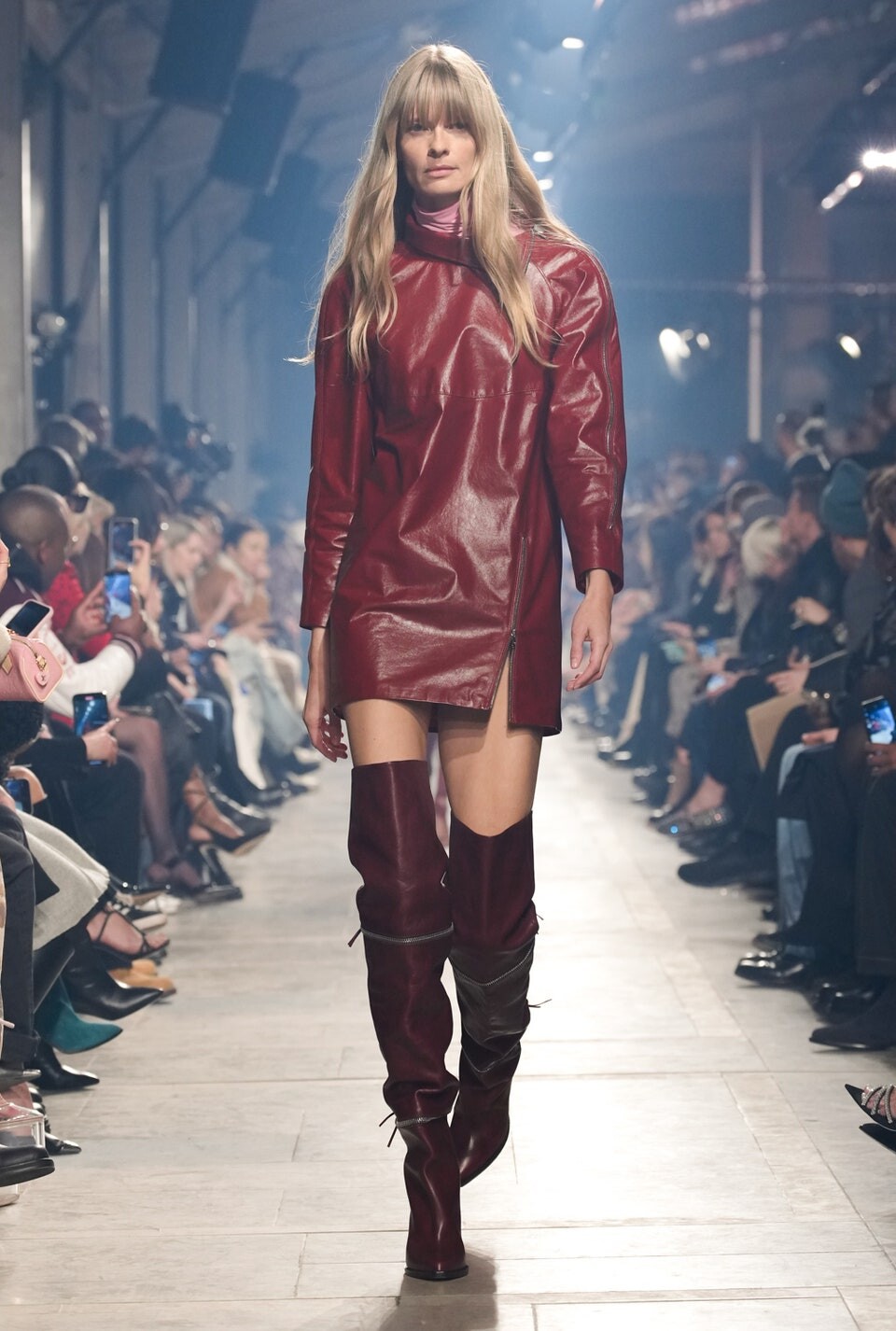
Isabel Marant FW 2023
RUSSH – Issue 103 TOGETHER Photo : Charles Dennington Styling : Charlotte Agnew Hair : Madison Voloshin Make-up : Isabella Schimid
Isabel Marant FW 2023 Isabel Marant FW 2023
 Isabel Marant FW 2023
 Isabel Marant FW 2023
 Isabel Marant FW 2023
 Isabel Marant FW 2023
 Isabel Marant FW 2023
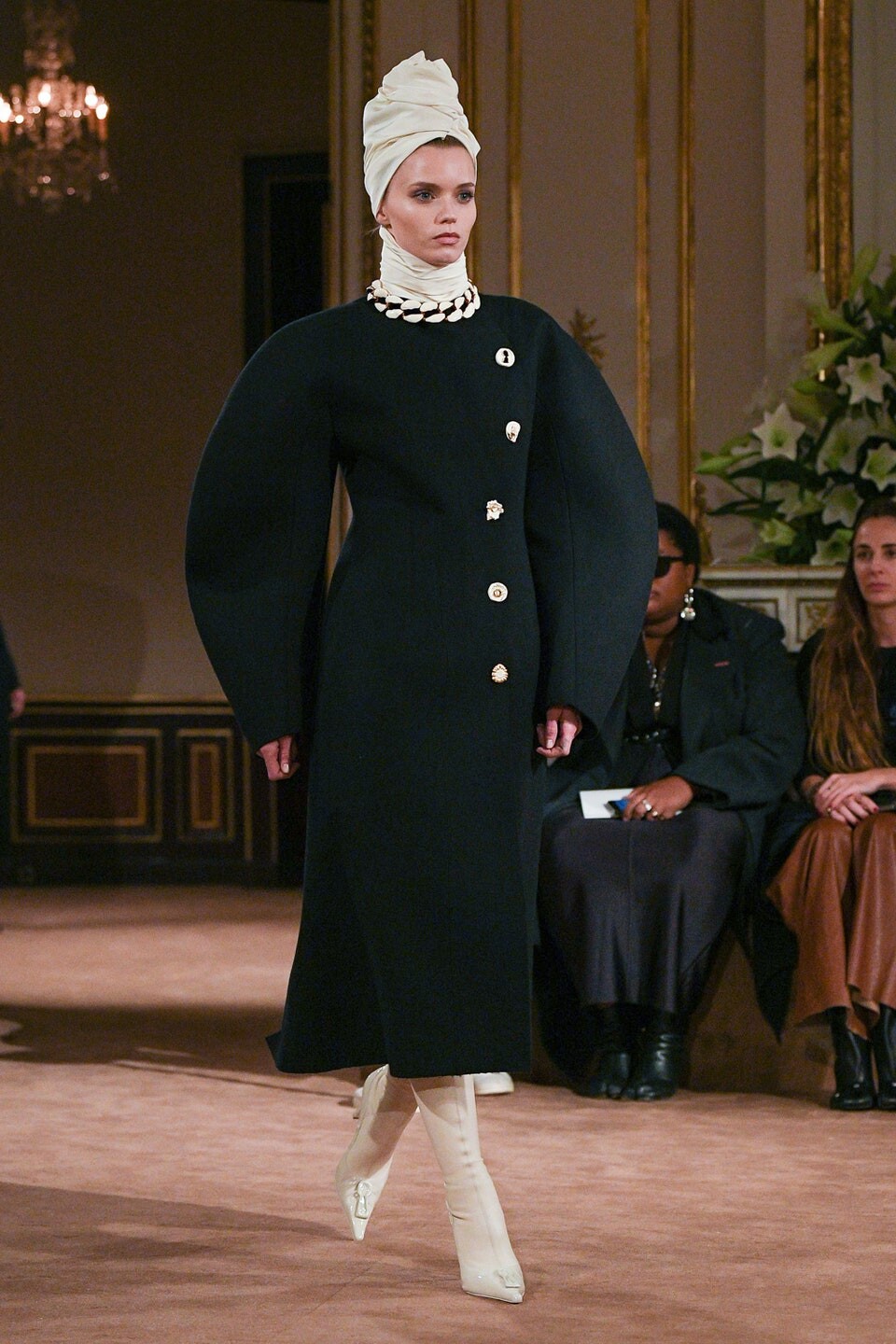
 Schiaparelli FW 2023 (O)
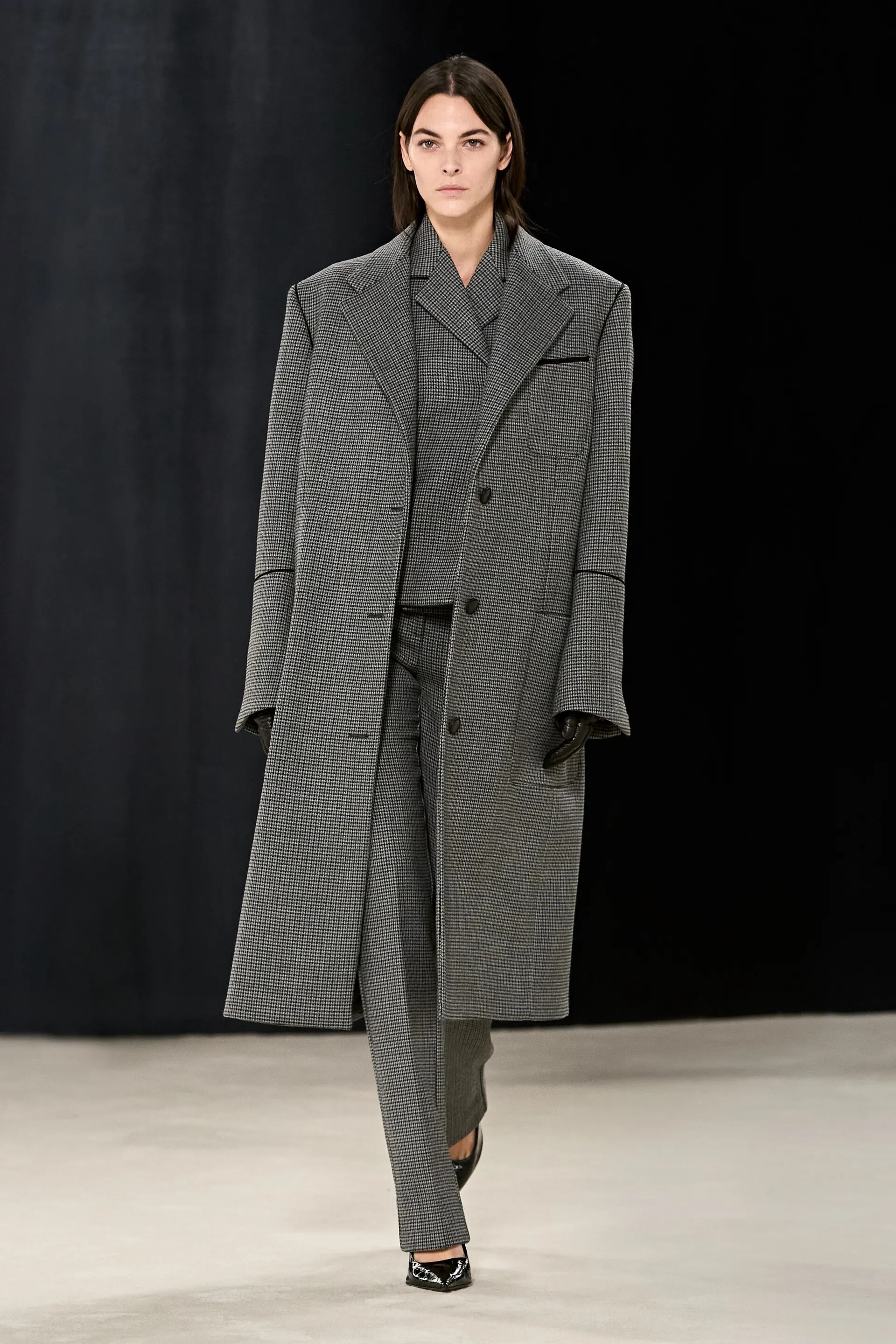
 Ferragamo F/W 23 Show
 Bottega Veneta F/W 23 Show
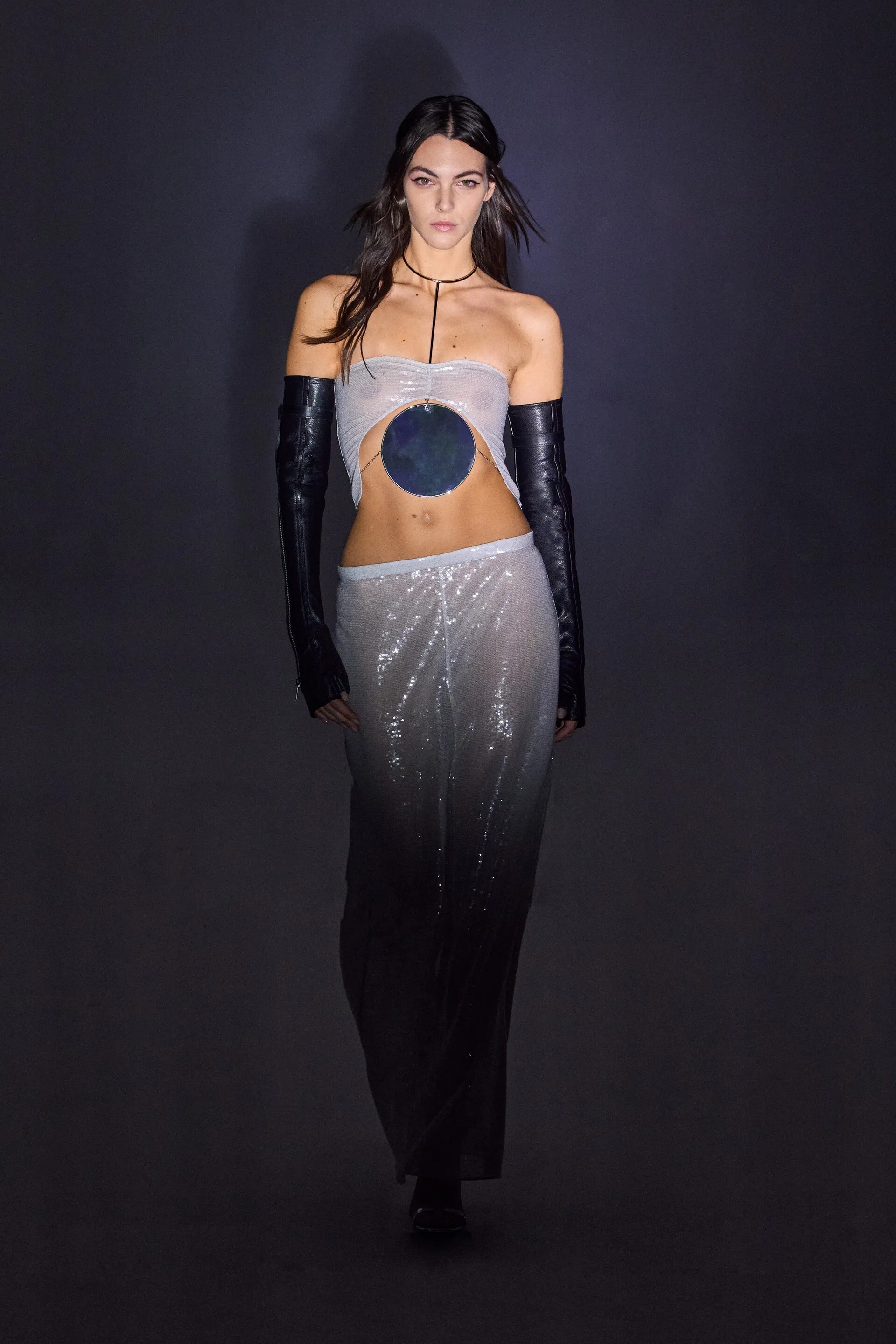
 Courreges F/W 23 Show
 Givenchy FW 2023
 Courreges F/W 23 Show














Account
Navigation
Search
Configure browser push notifications
Chrome (Android)
- Tap the lock icon next to the address bar.
- Tap Permissions → Notifications.
- Adjust your preference.
Chrome (Desktop)
- Click the padlock icon in the address bar.
- Select Site settings.
- Find Notifications and adjust your preference.
Safari (iOS 16.4+)
- Ensure the site is installed via Add to Home Screen.
- Open Settings App → Notifications.
- Find your app name and adjust your preference.
Safari (macOS)
- Go to Safari → Preferences.
- Click the Websites tab.
- Select Notifications in the sidebar.
- Find this website and adjust your preference.
Edge (Android)
- Tap the lock icon next to the address bar.
- Tap Permissions.
- Find Notifications and adjust your preference.
Edge (Desktop)
- Click the padlock icon in the address bar.
- Click Permissions for this site.
- Find Notifications and adjust your preference.
Firefox (Android)
- Go to Settings → Site permissions.
- Tap Notifications.
- Find this site in the list and adjust your preference.
Firefox (Desktop)
- Open Firefox Settings.
- Search for Notifications.
- Find this site in the list and adjust your preference.