
gedeon67
Members
-
Joined
-
Last visited
Everything posted by gedeon67
-
Cosmopolitan Korea
Desigual Desigual
Reformation Holiday Collection Reformation Holiday2023.mp4
Vogue España January 2024 Aire Fresco Photo : Lachlan Bailey - Stylist : Kate Phelan Hair : Shiori Takahashi Makeup : Petros Petrohilos
Chanel chanel-les-beiges.mp4
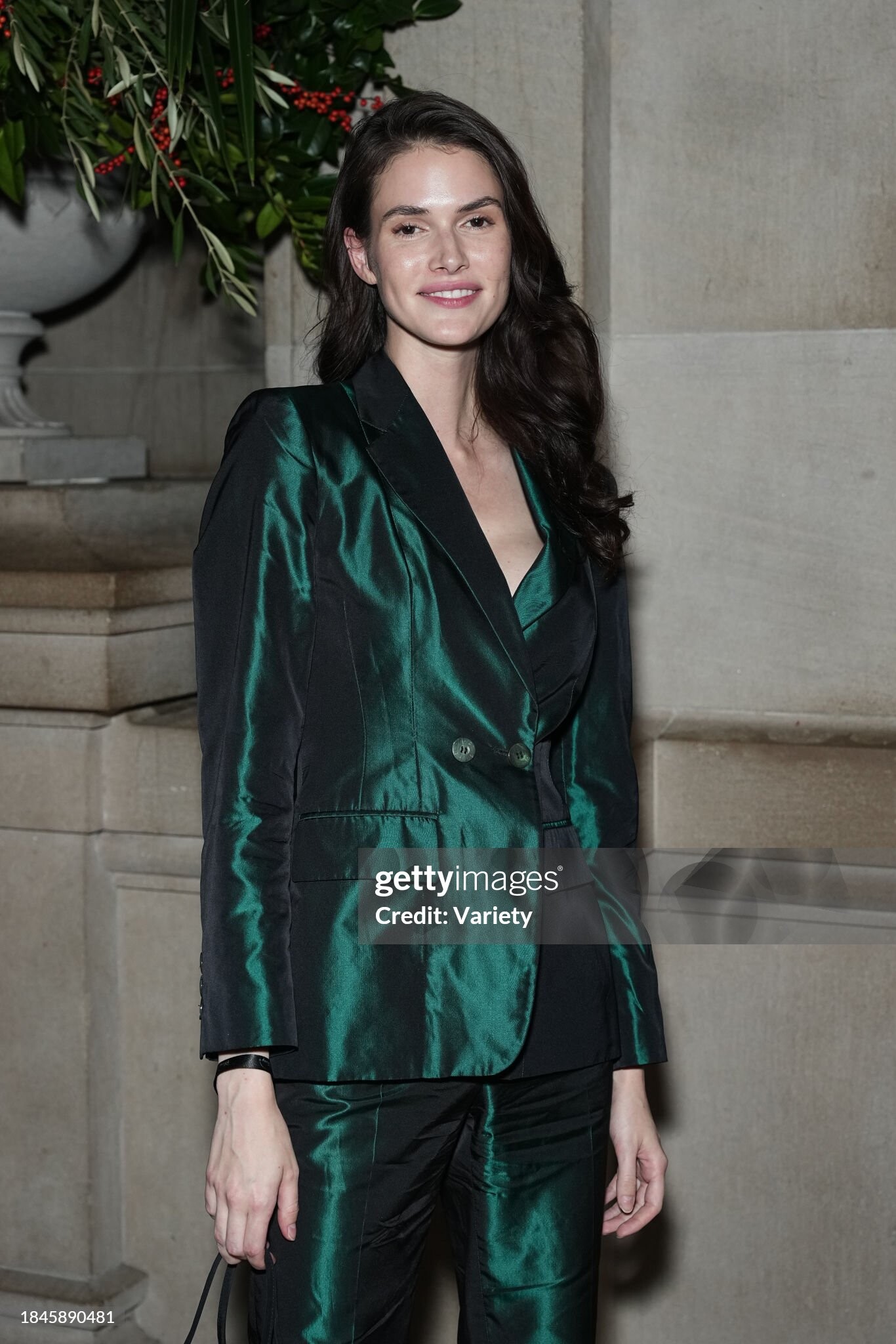
Disney's "Percy Jackson And The Olympians" New York Premiere 13.12.2023 gettyimages-1854060317-640_adpp.mp4


 lle Fr n.4069 Glamorama Photo : Jeremie Monnier Styling : Anne-Marie Brouillet Hair : Nelson Makeup : Tatsu Yamanaka Manicure : Virginie Mataja
Oscar de la Renta Pre-Fall 2024
Love Want Magazine #31 THE SOFT POWER Photo : Bec Parsons Stylist : Natasha Royt Hair : Lauren Berrones Makeup : Kuma Manicure : Deborah Lippmann
Vogue Australia dec 2023 Photo : Max Papendieck
V Magazine #145 Take the Plunge Photography Alvaro Beamud Cortes Fashion : Anastasia Barbieri Makeup : Luciano Chiarello Hair : Lorenzo Barcella
Krushing Magazine Summer 2019
Zara Studio Collection Photo: Hanna Tveite
lle Fr n.4069 Glamorama Photo : Jeremie Monnier Styling : Anne-Marie Brouillet Hair : Nelson Makeup : Tatsu Yamanaka Manicure : Virginie Mataja
Oscar de la Renta Pre-Fall 2024
Love Want Magazine #31 THE SOFT POWER Photo : Bec Parsons Stylist : Natasha Royt Hair : Lauren Berrones Makeup : Kuma Manicure : Deborah Lippmann
Vogue Australia dec 2023 Photo : Max Papendieck
V Magazine #145 Take the Plunge Photography Alvaro Beamud Cortes Fashion : Anastasia Barbieri Makeup : Luciano Chiarello Hair : Lorenzo Barcella
Krushing Magazine Summer 2019
Zara Studio Collection Photo: Hanna Tveite



Account
Navigation
Search
Configure browser push notifications
Chrome (Android)
- Tap the lock icon next to the address bar.
- Tap Permissions → Notifications.
- Adjust your preference.
Chrome (Desktop)
- Click the padlock icon in the address bar.
- Select Site settings.
- Find Notifications and adjust your preference.
Safari (iOS 16.4+)
- Ensure the site is installed via Add to Home Screen.
- Open Settings App → Notifications.
- Find your app name and adjust your preference.
Safari (macOS)
- Go to Safari → Preferences.
- Click the Websites tab.
- Select Notifications in the sidebar.
- Find this website and adjust your preference.
Edge (Android)
- Tap the lock icon next to the address bar.
- Tap Permissions.
- Find Notifications and adjust your preference.
Edge (Desktop)
- Click the padlock icon in the address bar.
- Click Permissions for this site.
- Find Notifications and adjust your preference.
Firefox (Android)
- Go to Settings → Site permissions.
- Tap Notifications.
- Find this site in the list and adjust your preference.
Firefox (Desktop)
- Open Firefox Settings.
- Search for Notifications.
- Find this site in the list and adjust your preference.