gedeon67
Members
-
Joined
-
Last visited
Everything posted by gedeon67
-
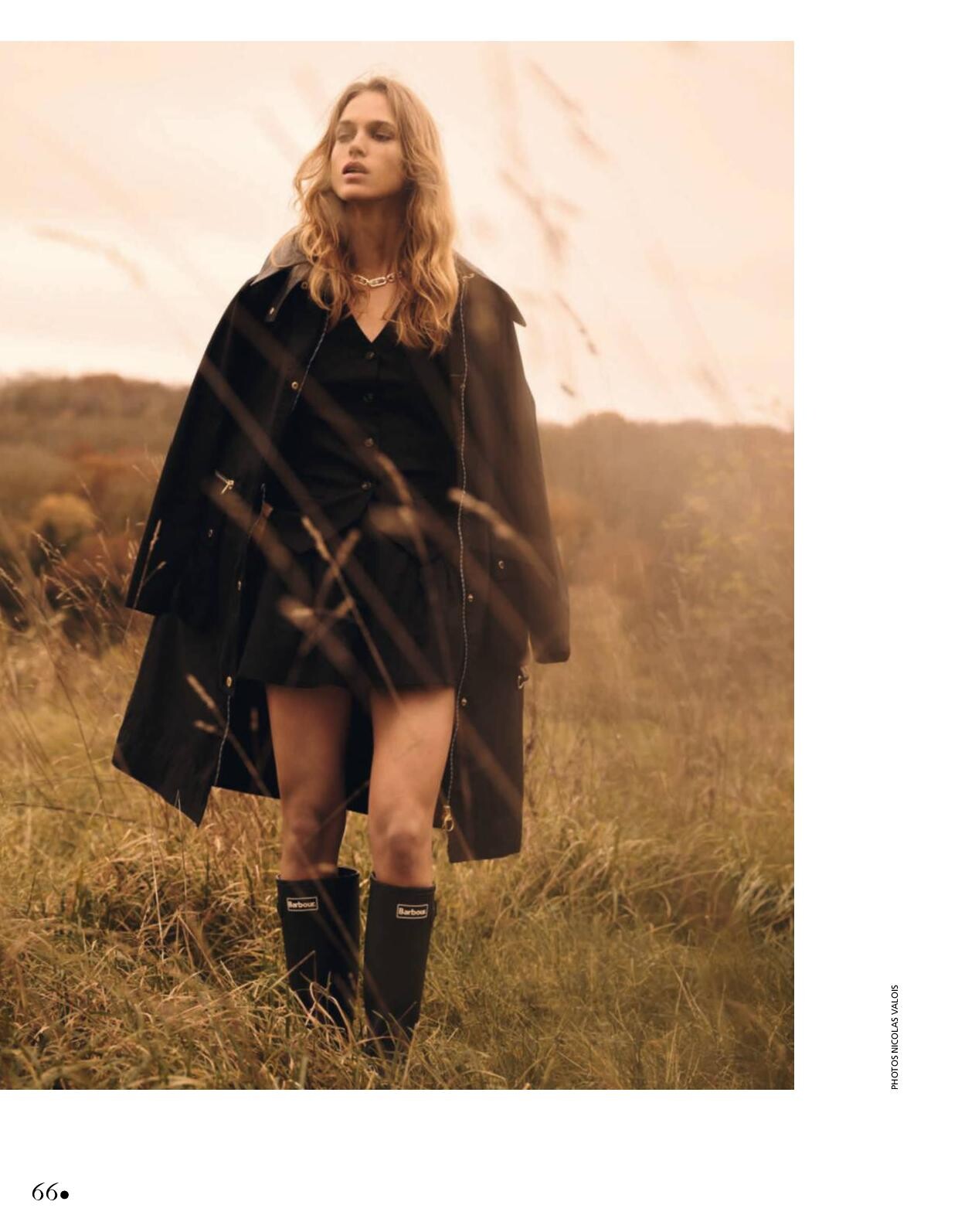
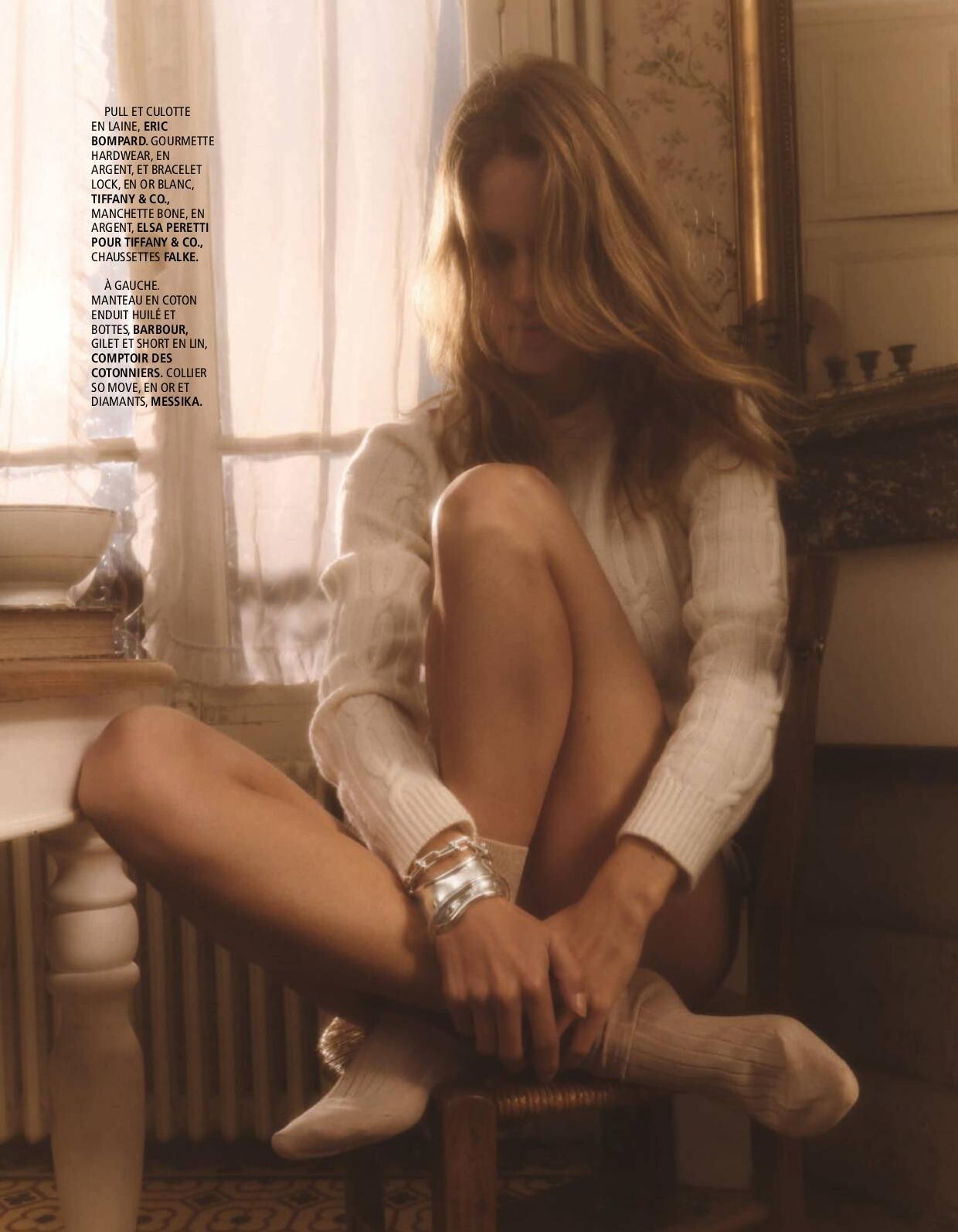
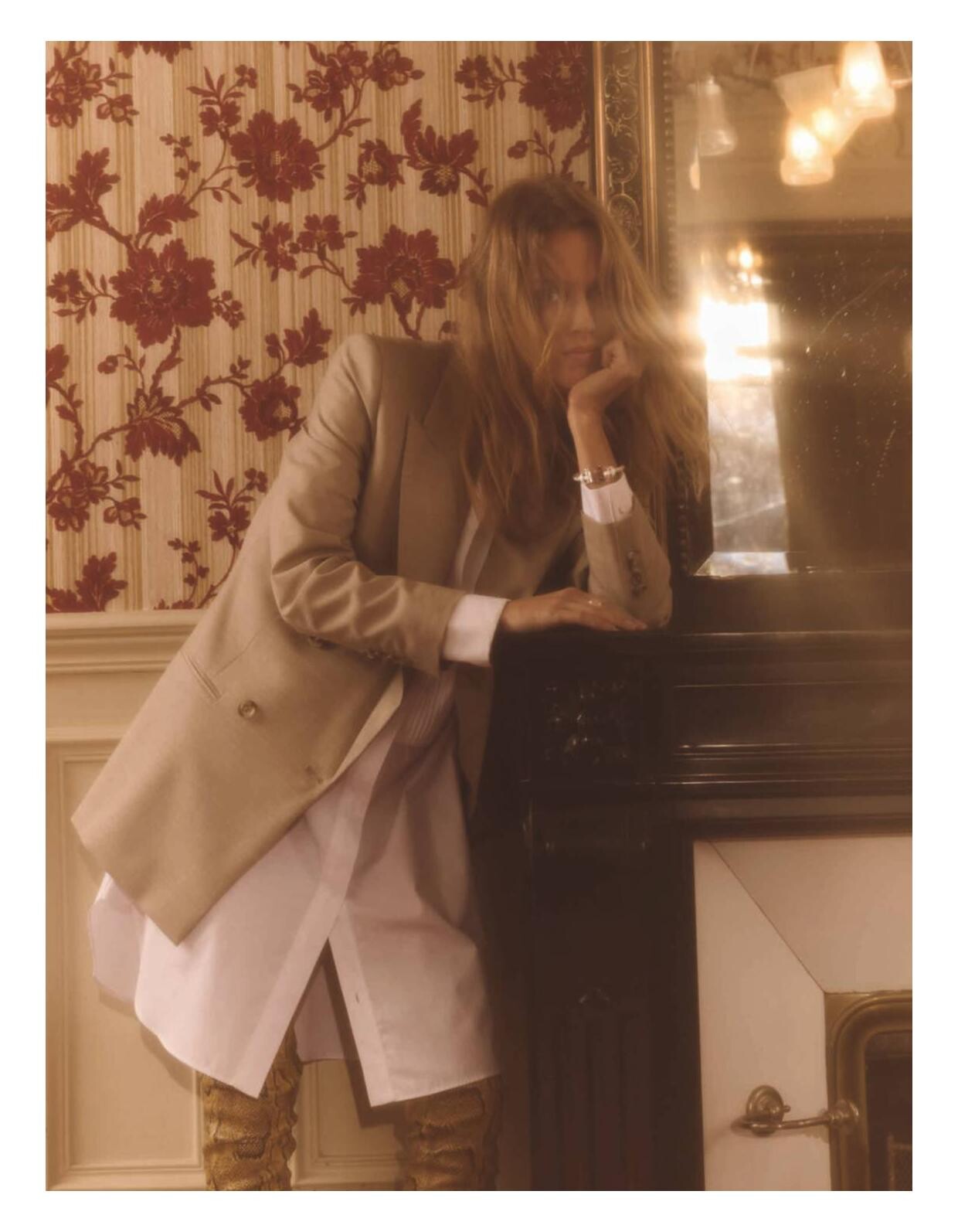
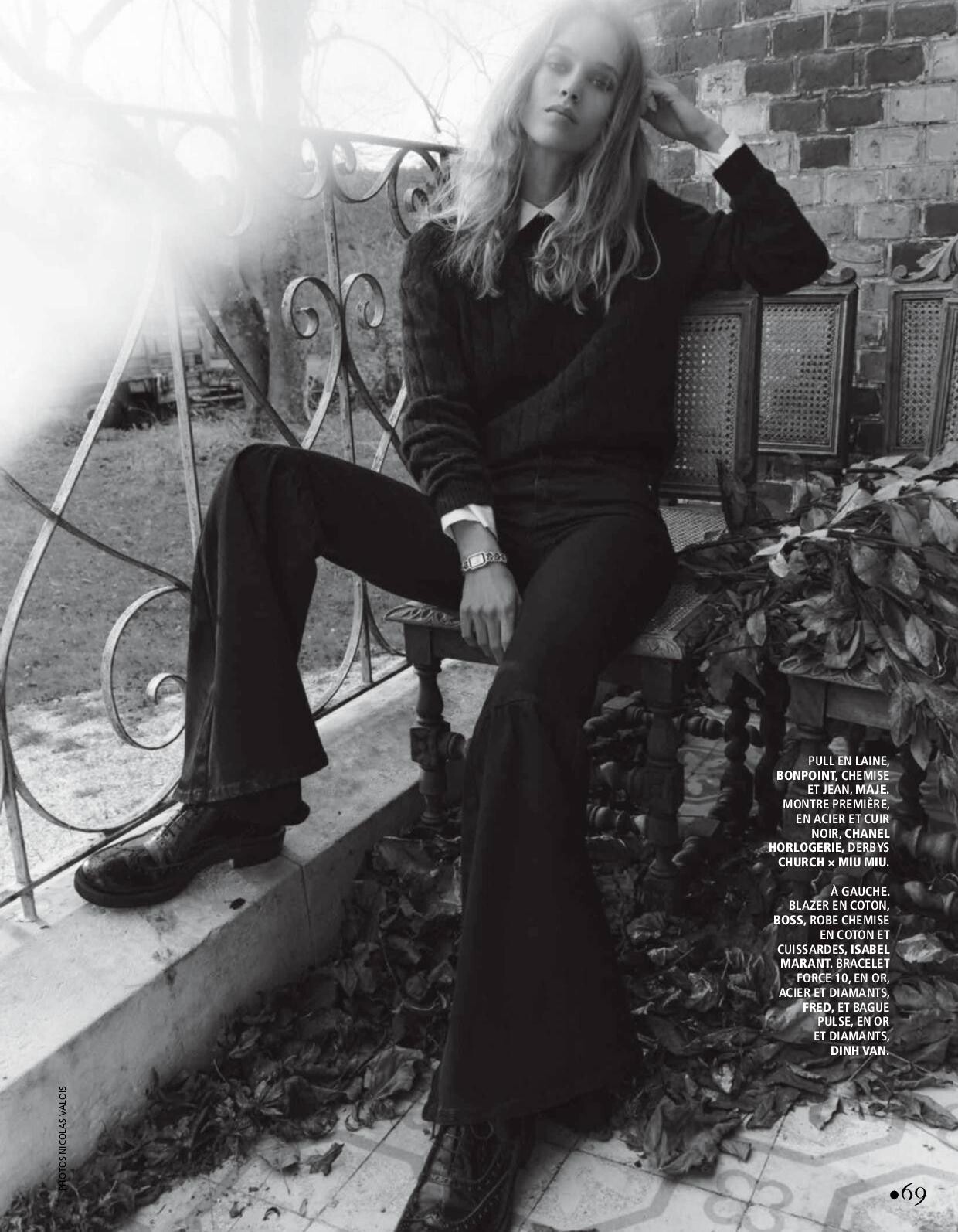
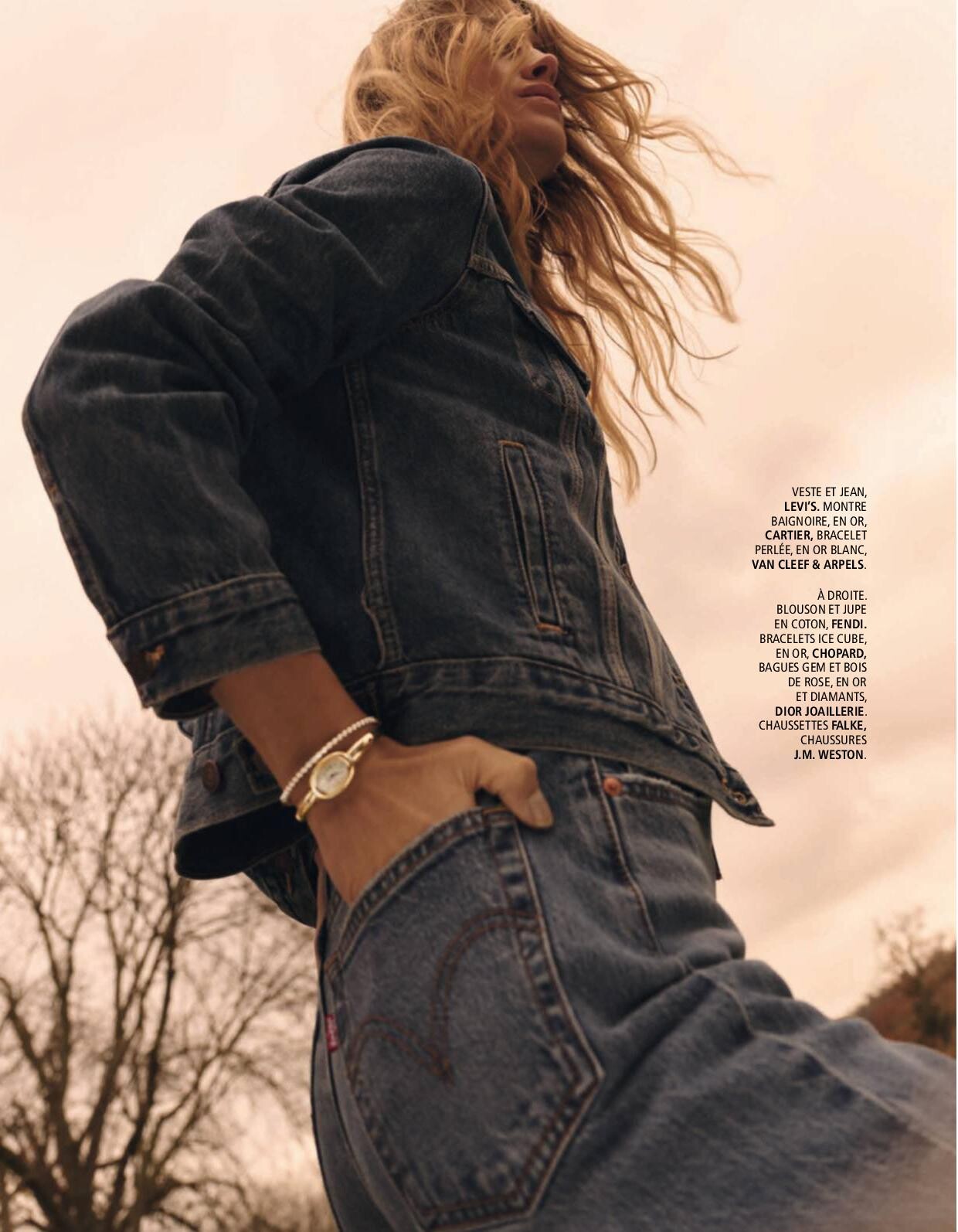
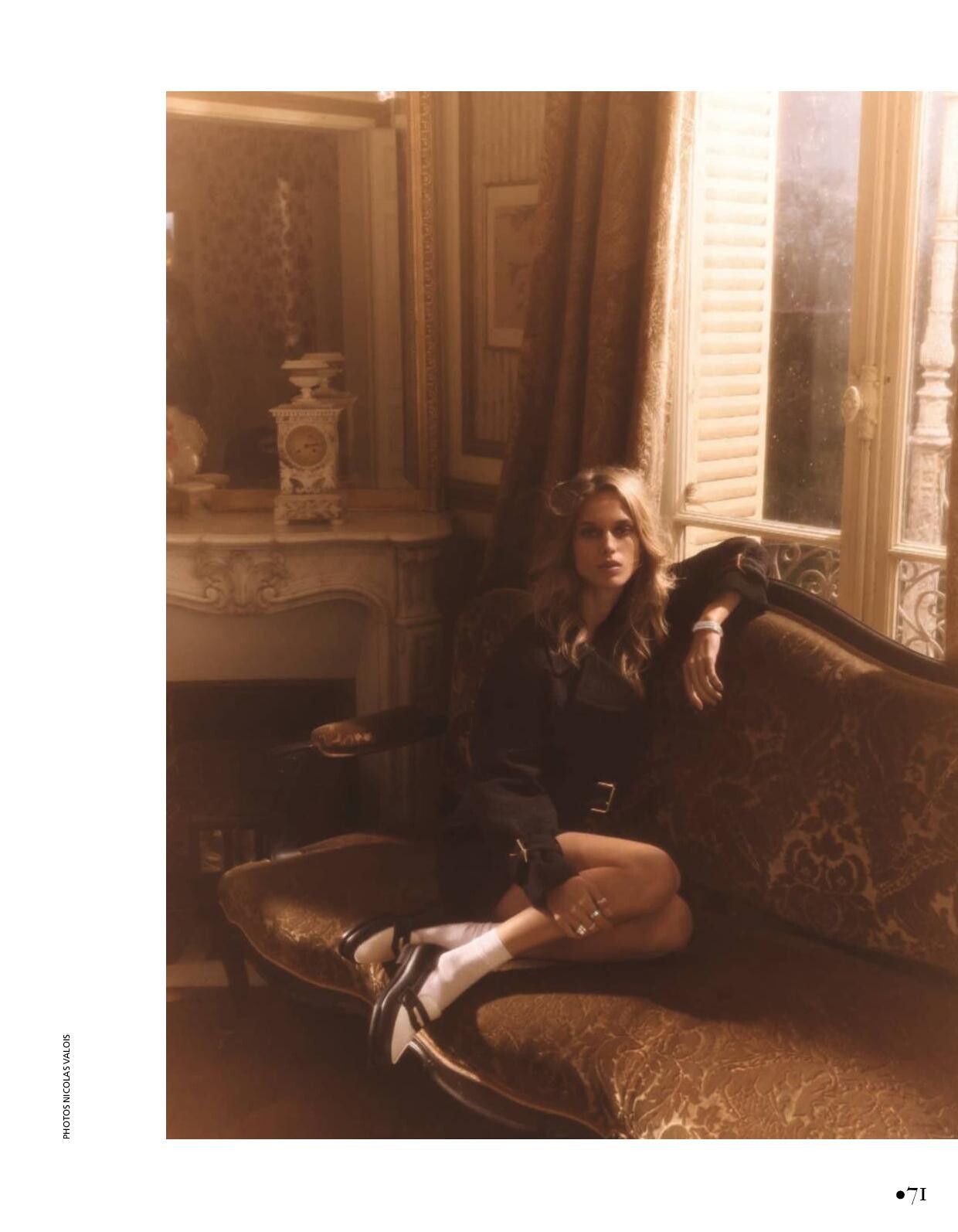
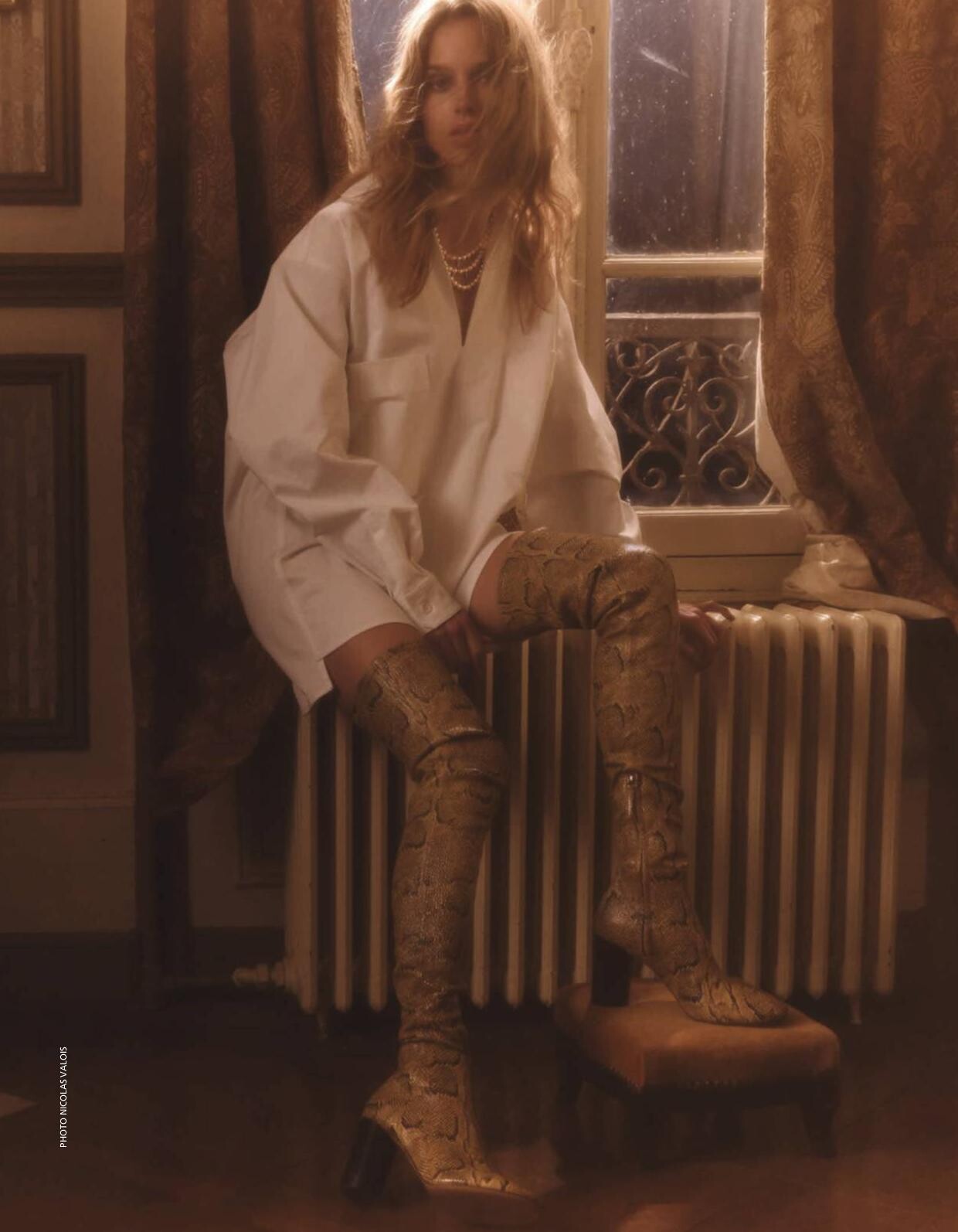
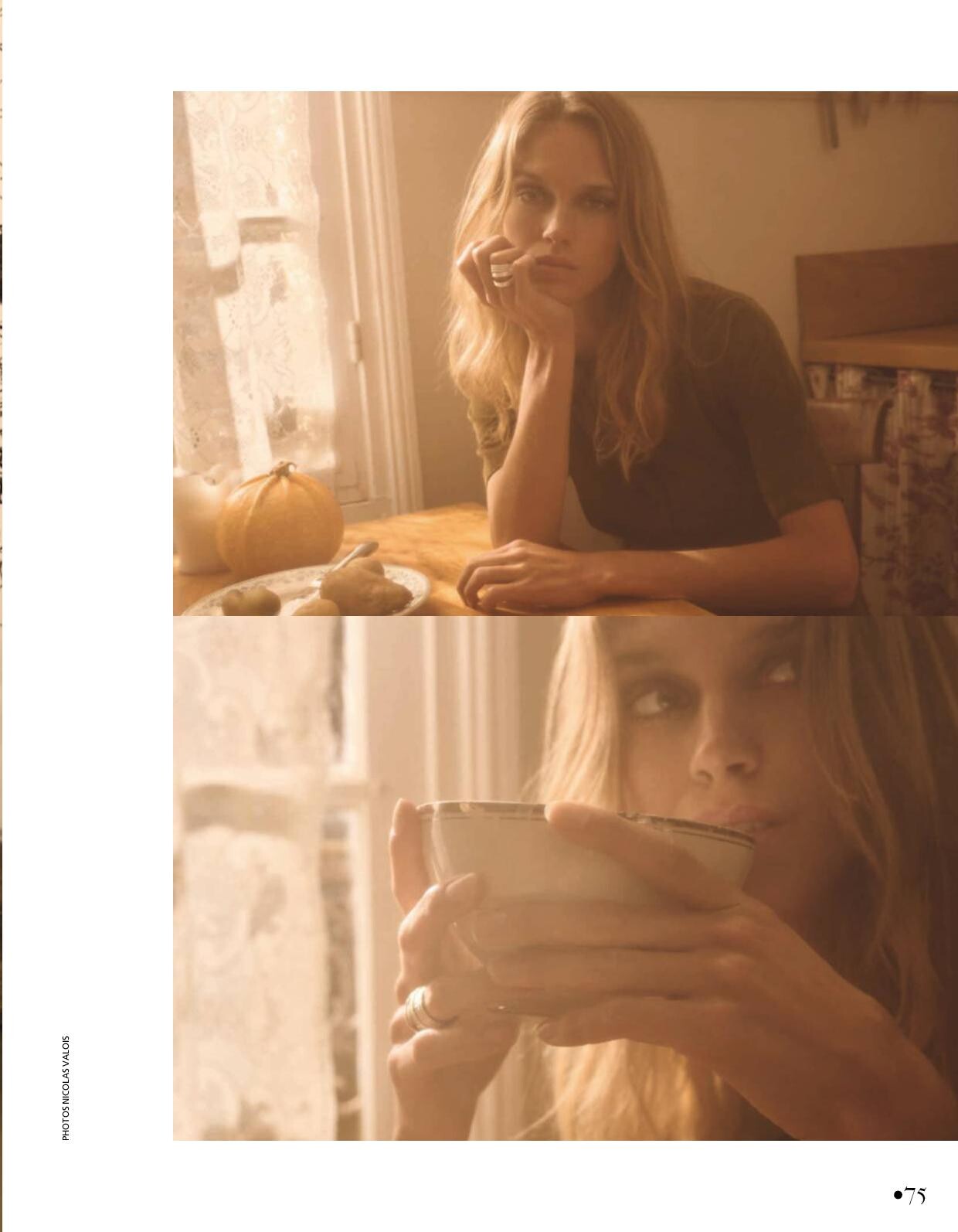
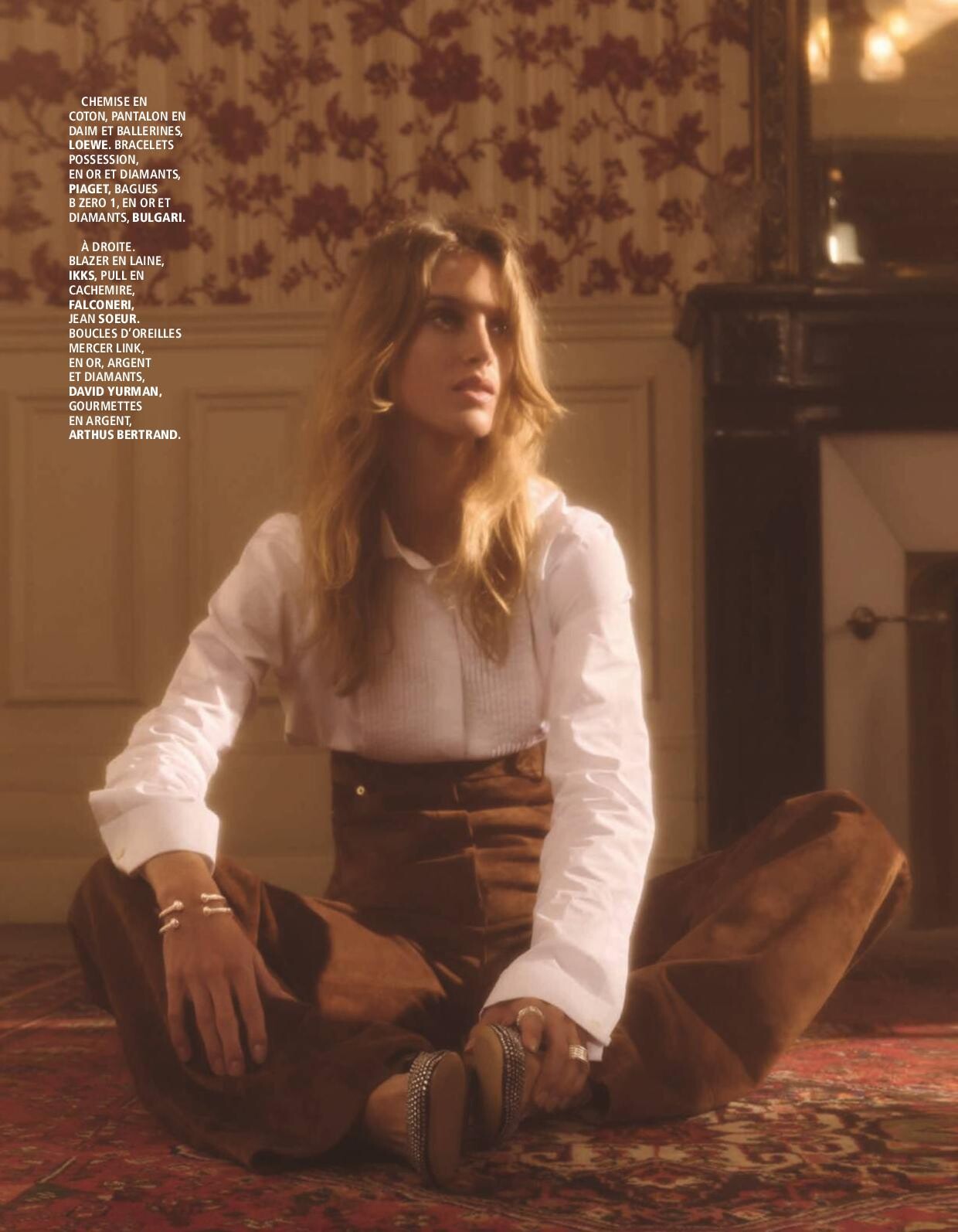
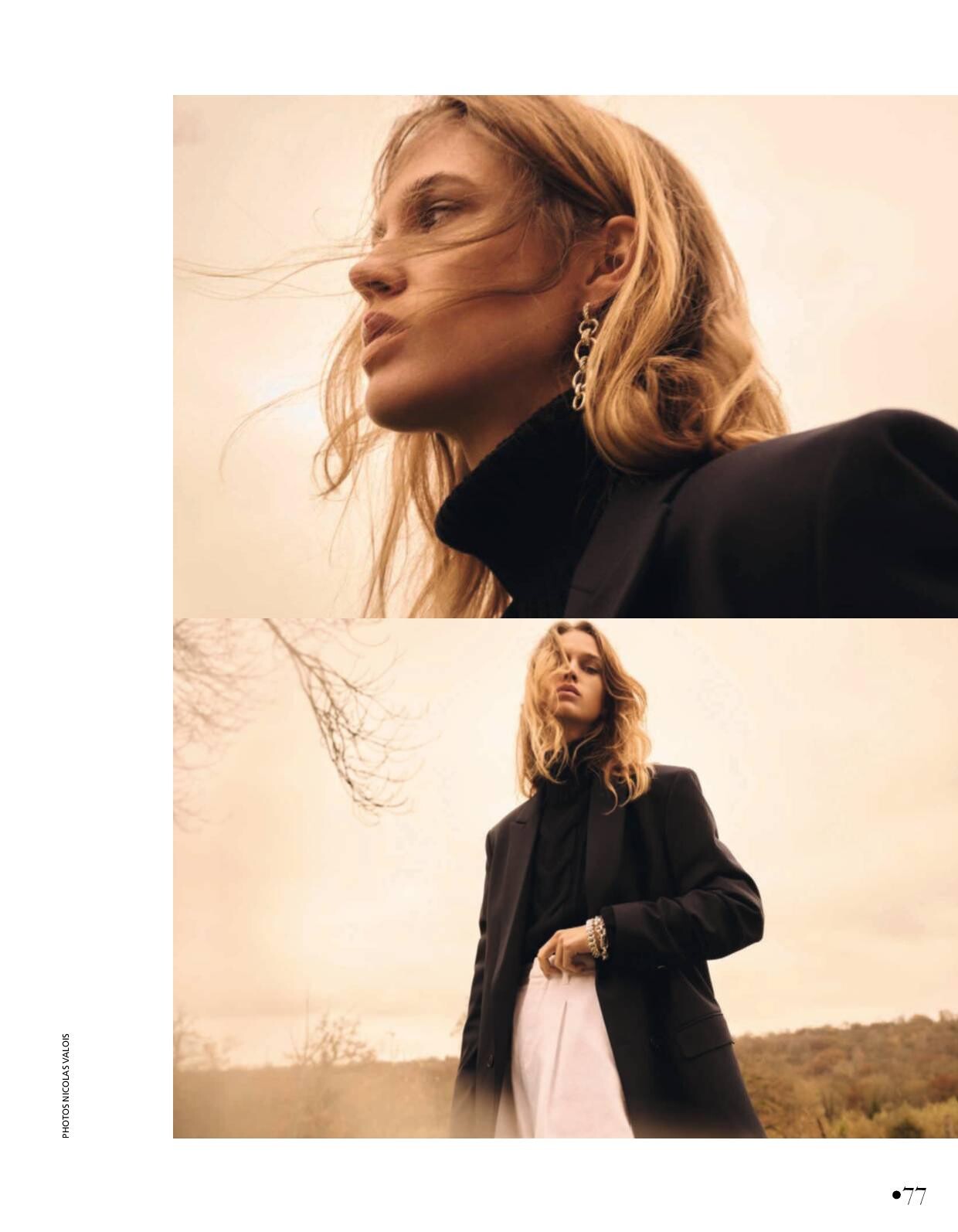
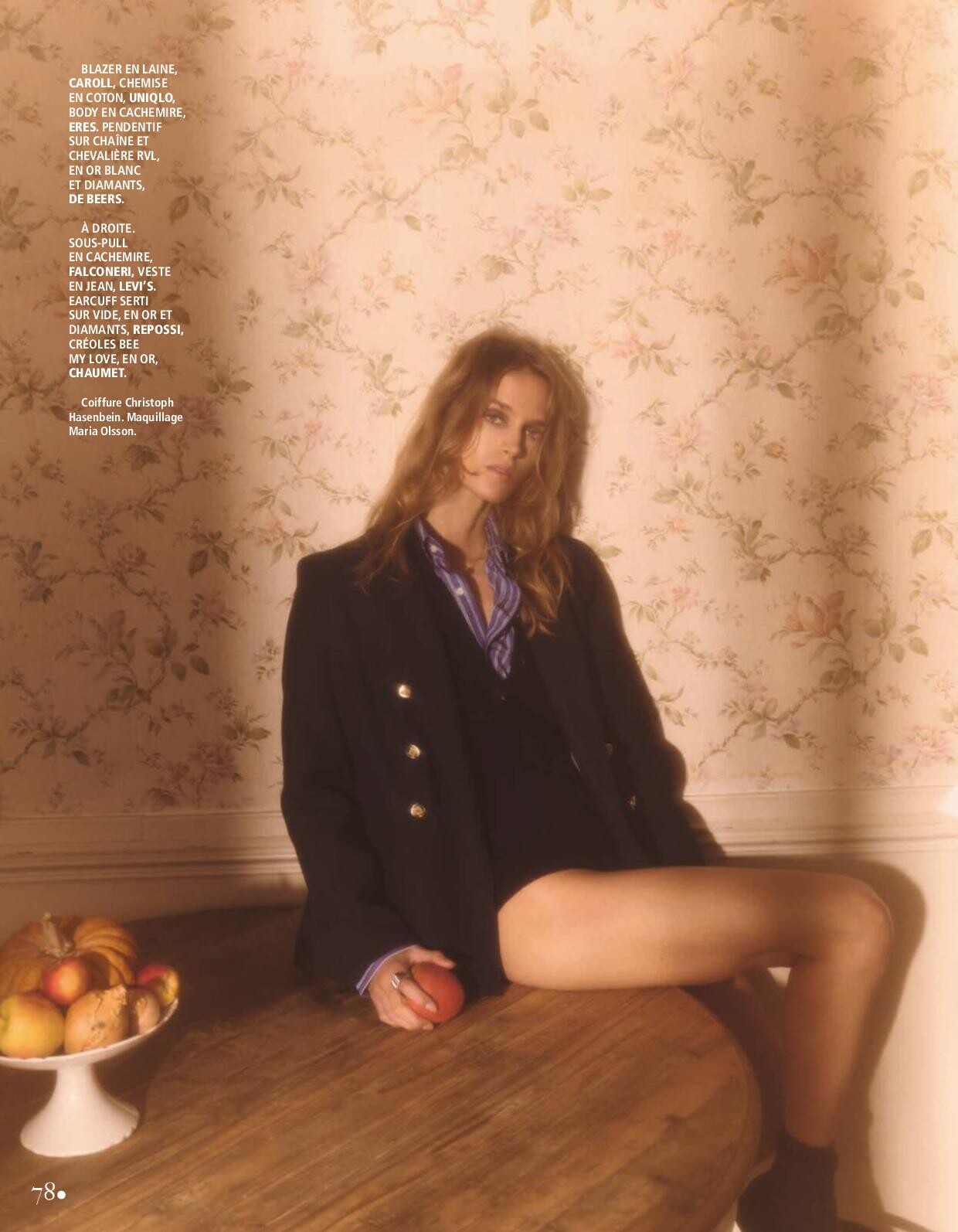
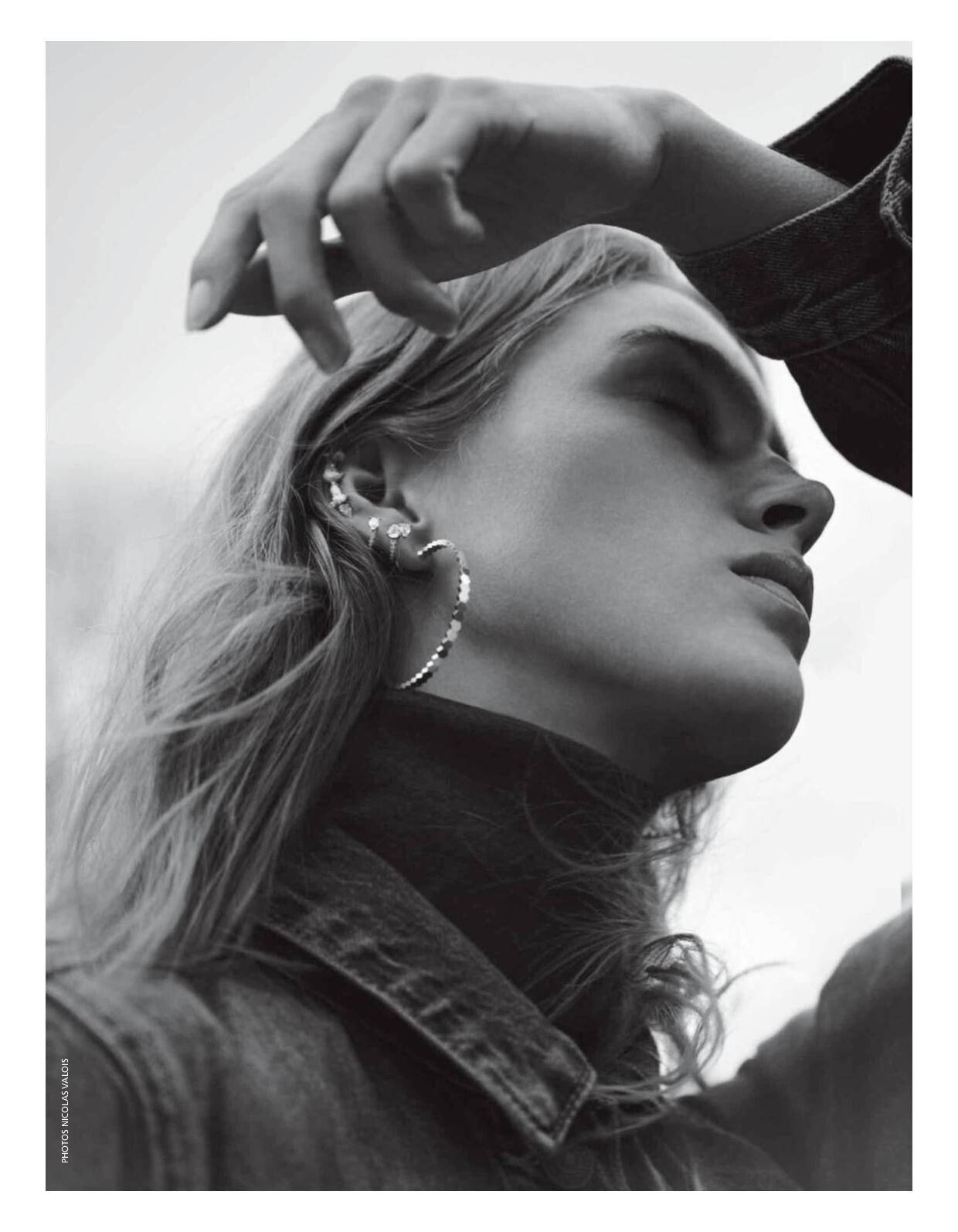
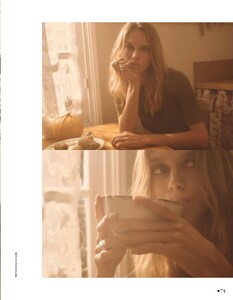
Madame Figaro - 19 Janvier 2024 Le Charme discret du chic Photo : Nicolas Valois Real : Céciele Martin Hair : Christoph Hasenbein Makeup : Maria Olsson





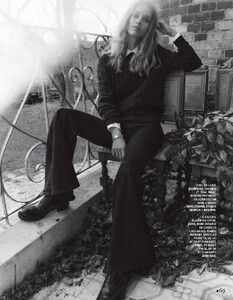

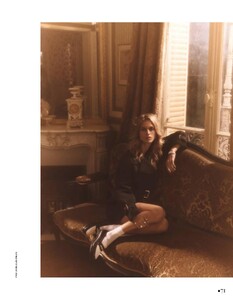





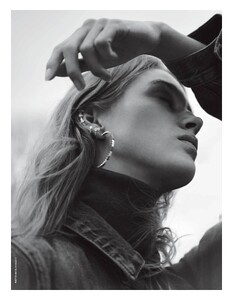 ELLE España - Febrero 2024 Photo : : ROCÍO RAMOS. REALIZACIÓN: BÁRBARA GARRALDA. MAQUILLAJE: BIANCA MAZOCCHI. PELO: VICKY MARCOS MANICURA: LUCERO HURTADO. Bianca-Balti-No-te-presion.mp4
BURBERRY PRE-FALL 2024 LOOKBOOK
Paul Andrew Season Four Campaign Photo : Jet Swan Styling : Jodie Barnes Hair : Holli Smith Make-up : Fara Homidi
The Row the row w2023.mp4
Prada Spring Summer 2024
ELLE España - Febrero 2024 Photo : : ROCÍO RAMOS. REALIZACIÓN: BÁRBARA GARRALDA. MAQUILLAJE: BIANCA MAZOCCHI. PELO: VICKY MARCOS MANICURA: LUCERO HURTADO. Bianca-Balti-No-te-presion.mp4
BURBERRY PRE-FALL 2024 LOOKBOOK
Paul Andrew Season Four Campaign Photo : Jet Swan Styling : Jodie Barnes Hair : Holli Smith Make-up : Fara Homidi
The Row the row w2023.mp4
Prada Spring Summer 2024 Pat McGrath Labs Heart Desire collection pacmcgrath.mp4
Marie Claire Turkey 10.2023 Photo : Hasan Karaarslan
Mouna Digitals 2024
The Times Magazine Luxx UK November 2023 Photo : Josh David Payne Stylist : Sophie Goodwin Hair ; Sharon Robinson Makeup : Oonah Anderson
Retrofête pre-fall 2024 (daphne+madison)
Retrofête pre-fall 2024 (daphne+madison)
Pat McGrath Labs Heart Desire collection pacmcgrath.mp4
Marie Claire Turkey 10.2023 Photo : Hasan Karaarslan
Mouna Digitals 2024
The Times Magazine Luxx UK November 2023 Photo : Josh David Payne Stylist : Sophie Goodwin Hair ; Sharon Robinson Makeup : Oonah Anderson
Retrofête pre-fall 2024 (daphne+madison)
Retrofête pre-fall 2024 (daphne+madison)Account
Navigation
Search
Configure browser push notifications
Chrome (Android)
- Tap the lock icon next to the address bar.
- Tap Permissions → Notifications.
- Adjust your preference.
Chrome (Desktop)
- Click the padlock icon in the address bar.
- Select Site settings.
- Find Notifications and adjust your preference.
Safari (iOS 16.4+)
- Ensure the site is installed via Add to Home Screen.
- Open Settings App → Notifications.
- Find your app name and adjust your preference.
Safari (macOS)
- Go to Safari → Preferences.
- Click the Websites tab.
- Select Notifications in the sidebar.
- Find this website and adjust your preference.
Edge (Android)
- Tap the lock icon next to the address bar.
- Tap Permissions.
- Find Notifications and adjust your preference.
Edge (Desktop)
- Click the padlock icon in the address bar.
- Click Permissions for this site.
- Find Notifications and adjust your preference.
Firefox (Android)
- Go to Settings → Site permissions.
- Tap Notifications.
- Find this site in the list and adjust your preference.
Firefox (Desktop)
- Open Firefox Settings.
- Search for Notifications.
- Find this site in the list and adjust your preference.