
gedeon67
Members
-
Joined
-
Last visited
Everything posted by gedeon67
-
Luisa Spagnoli S/S 2024 Campaign Photo : Giampaolo Sgura Stylist : Viviana Volpicella Hair : Franco Gobbi Make-up : Luciano Chiarello
-
-
Sportmax F/W 24(O)
-
-
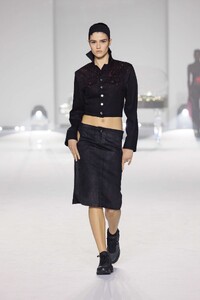
Maison Yoshiki F/W 24
-
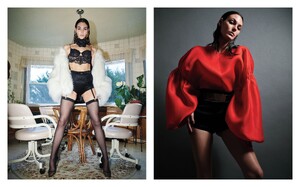
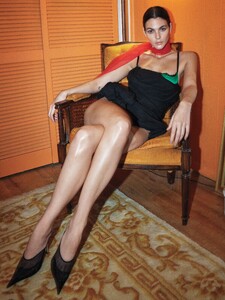
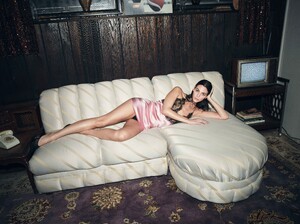
textless pics Mario Sorrenti - Photographer Alex White - Fashion Editor/Stylist Tomo Jidai - Hair Stylist Diane Kendal - Makeup Artist Philipp Haemmerle - Set Designer Alicia Torello - Manicurist

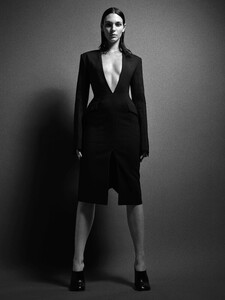

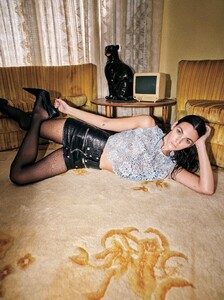
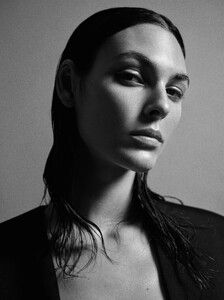

-
-
-
Tom Ford F/W 24
-
Tom Ford F/W 24
-
Tom Ford Fw 24
-
Tom Ford F/W 24
-
Giada F/W 24
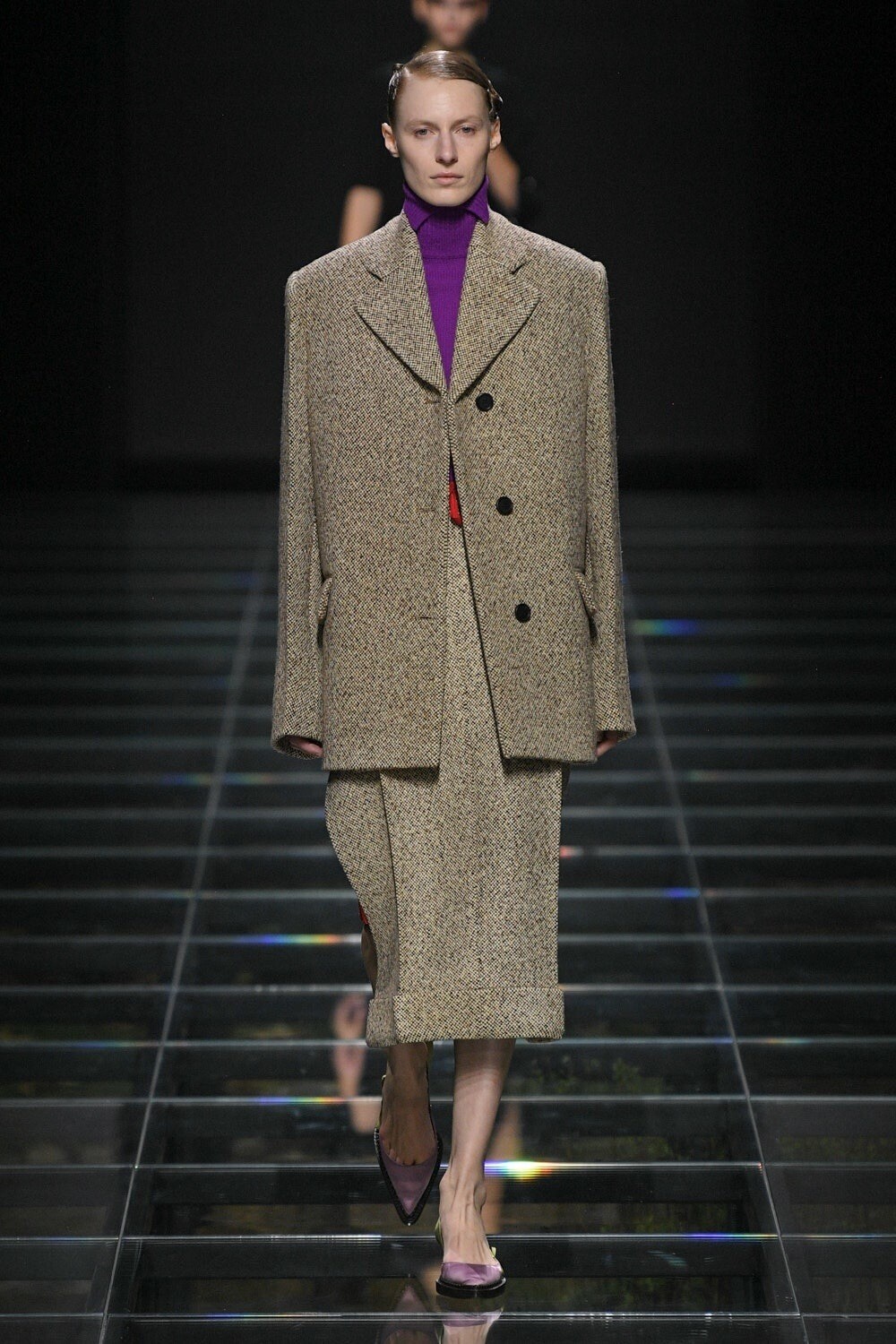
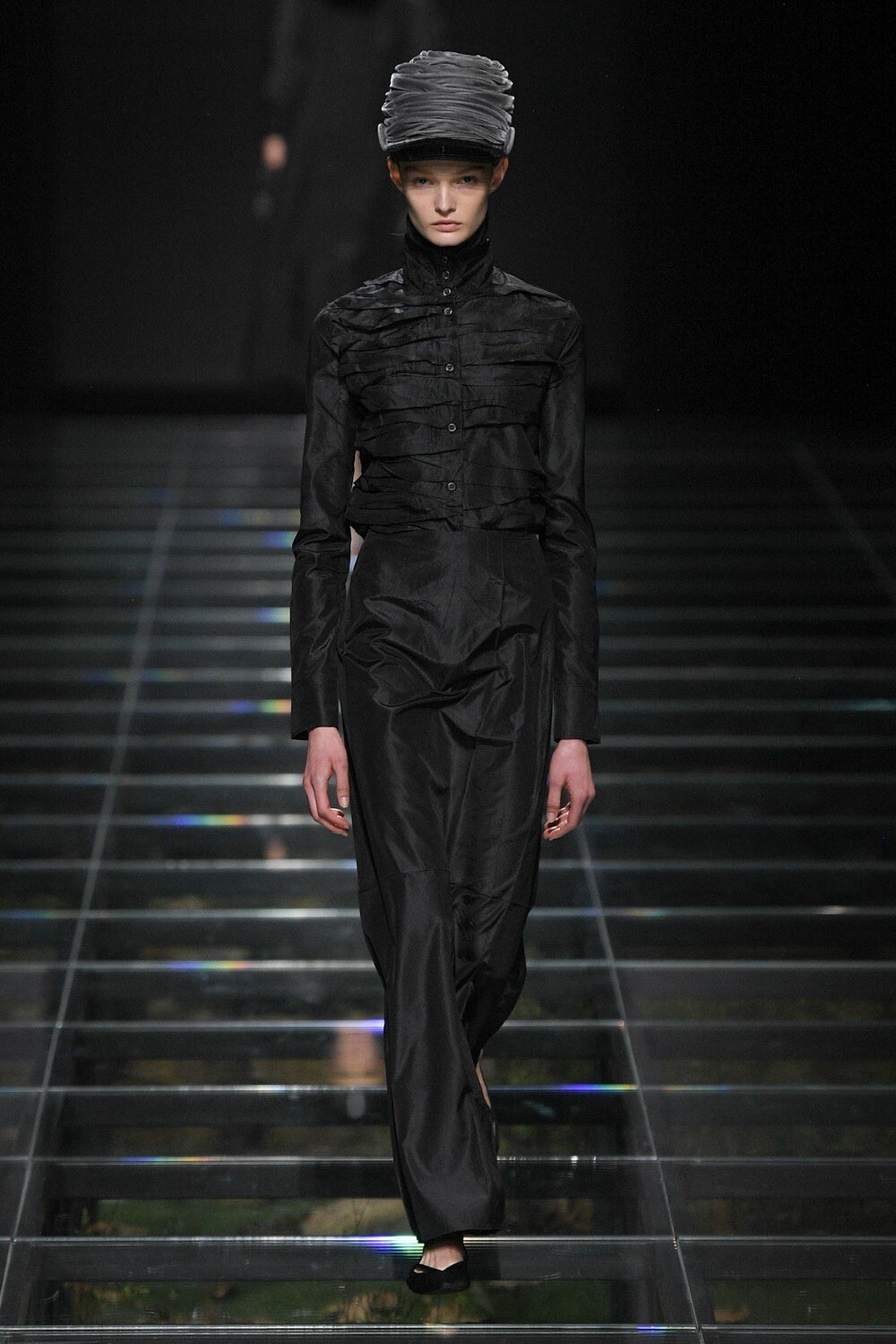
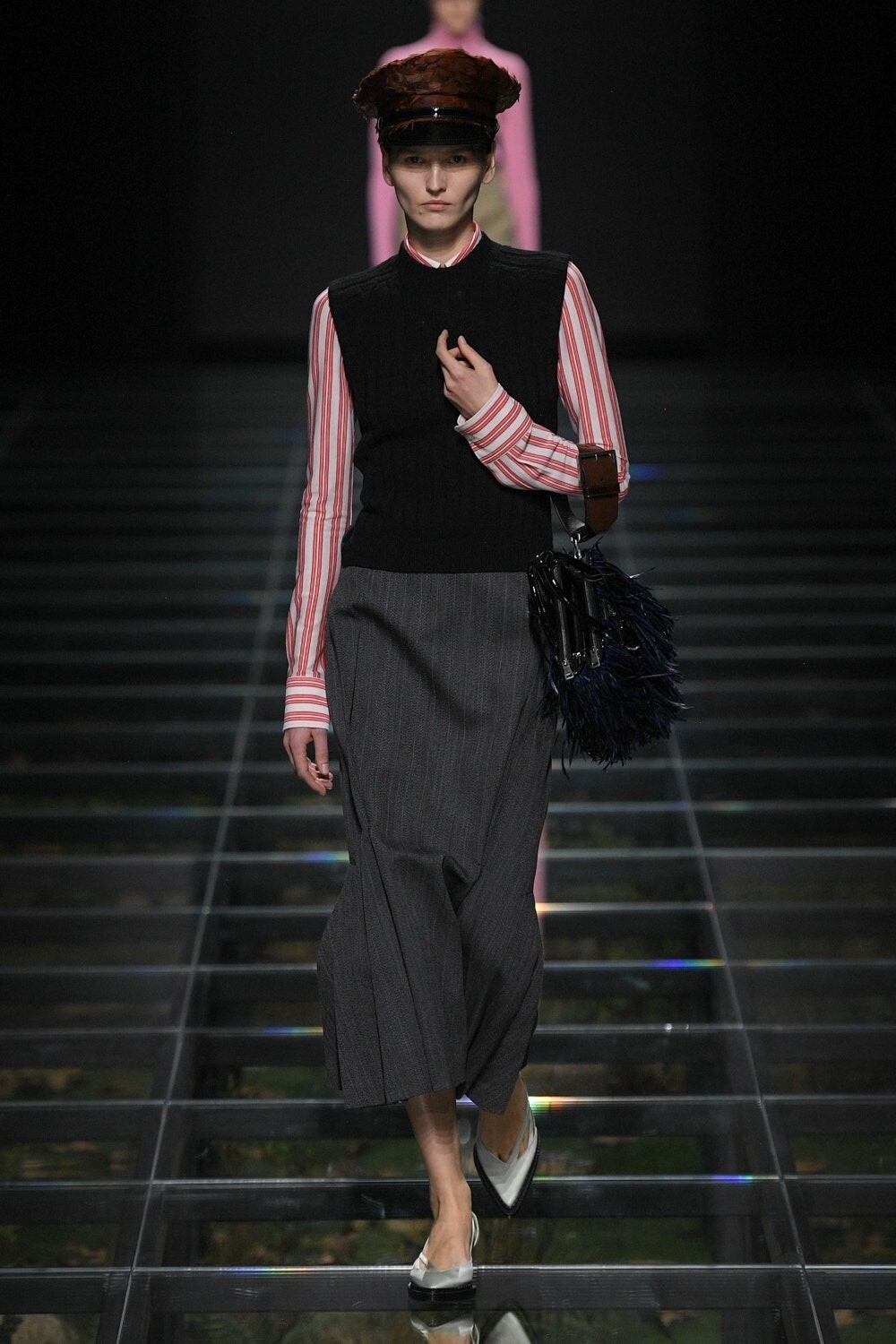
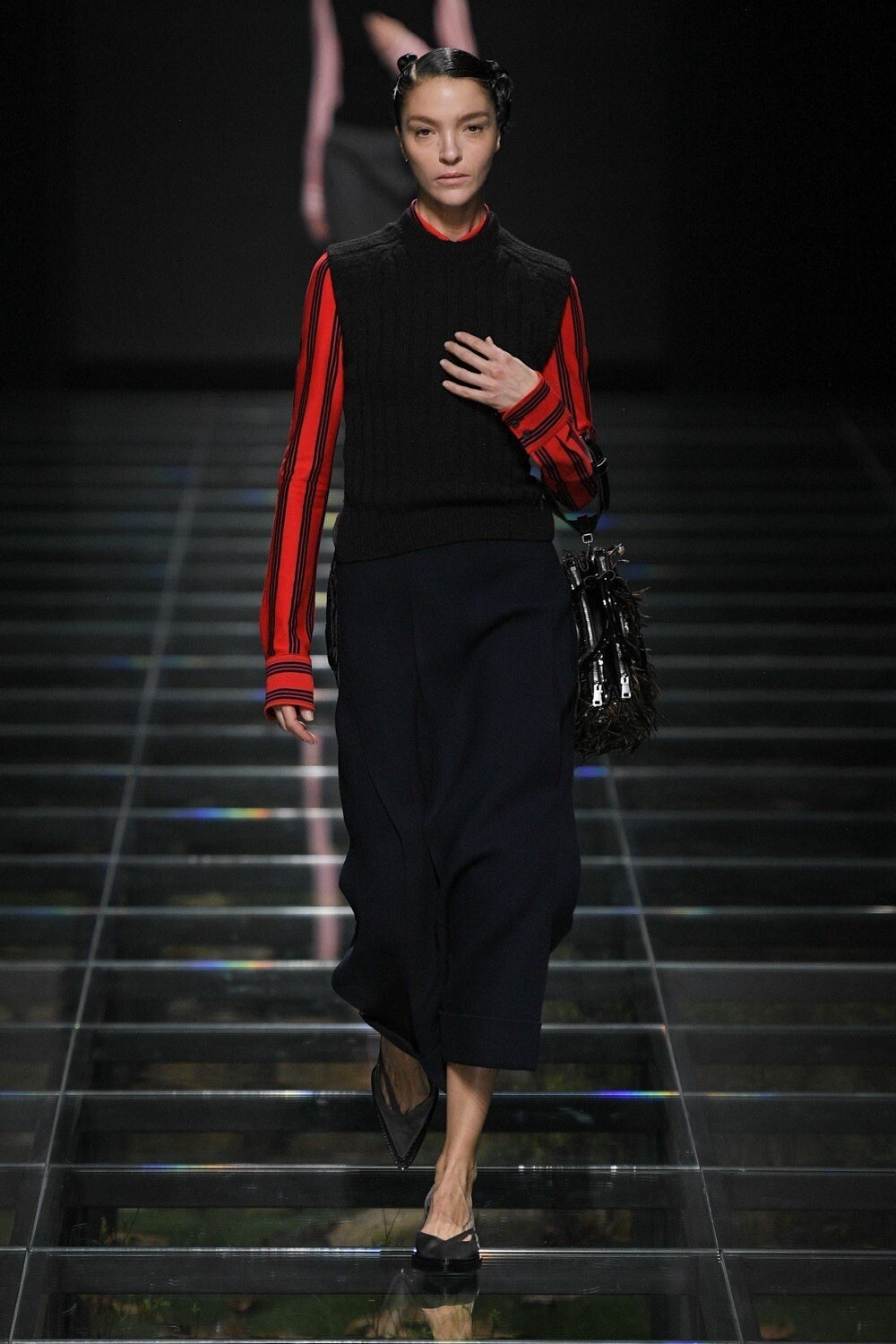
Prada F/W 24
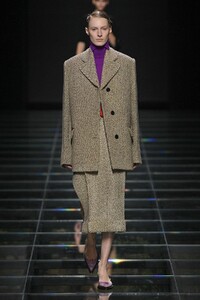 Prada F/W 24
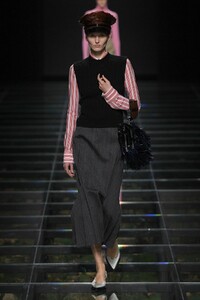 Prada F/W 24
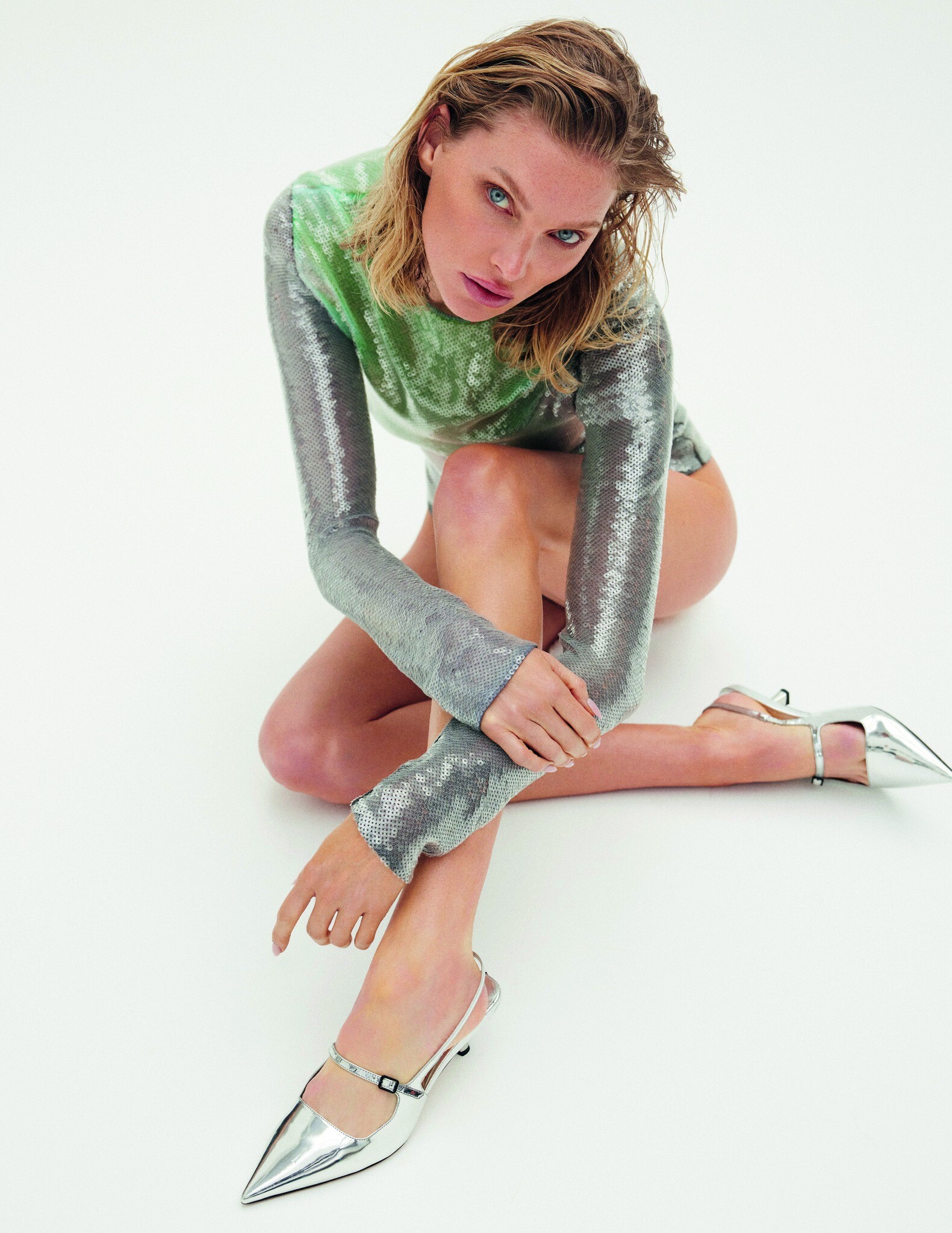
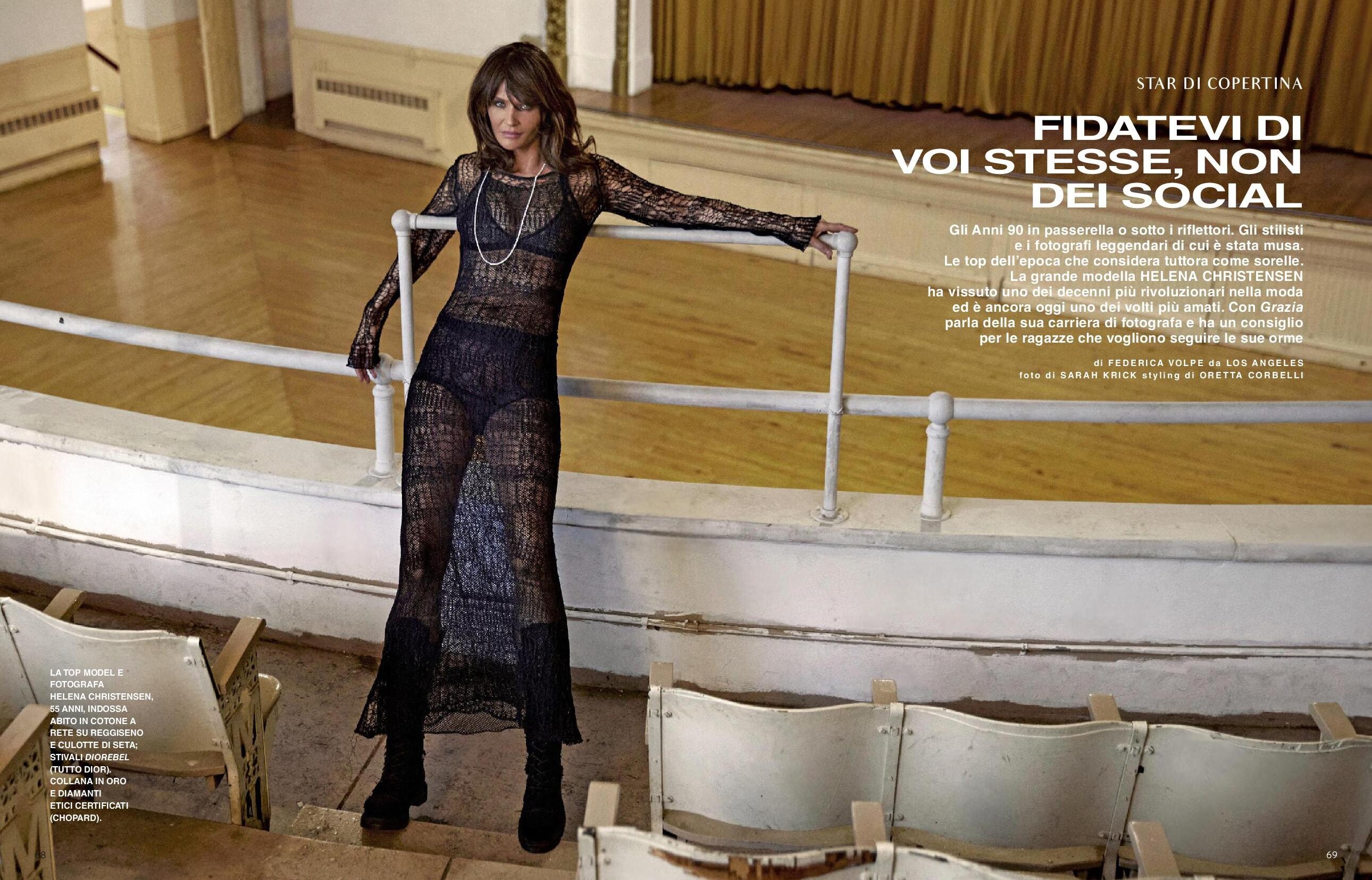
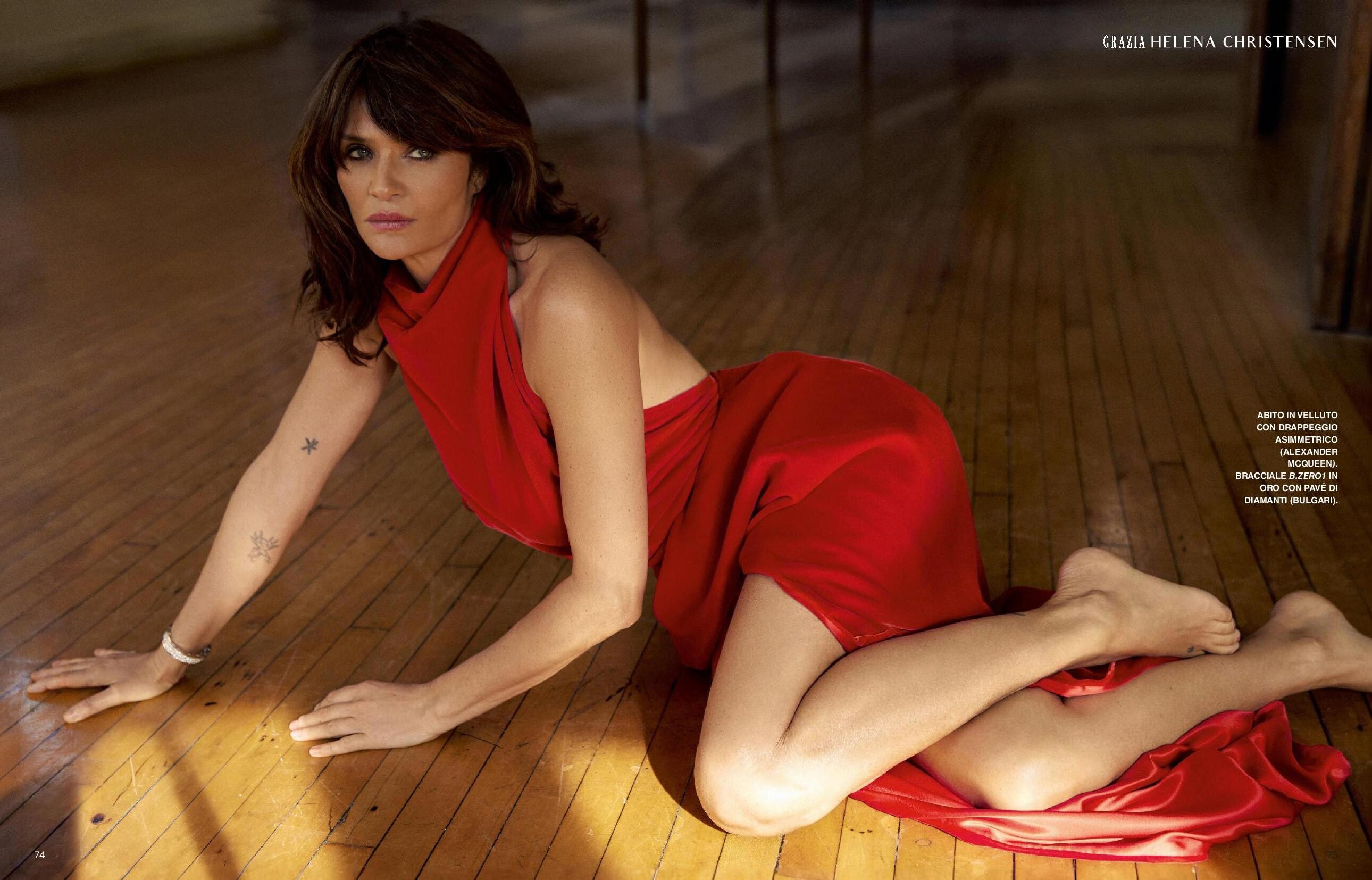
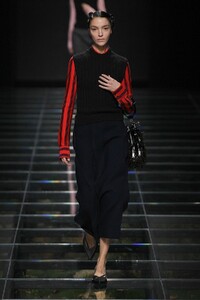 Grazia Italia N.11 - 22.02.2024 Photo : Sarah Krick Styling : Oretta Corbelli Hair : Rita Marmor Make-up : Soo Park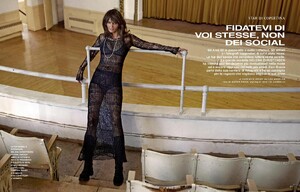
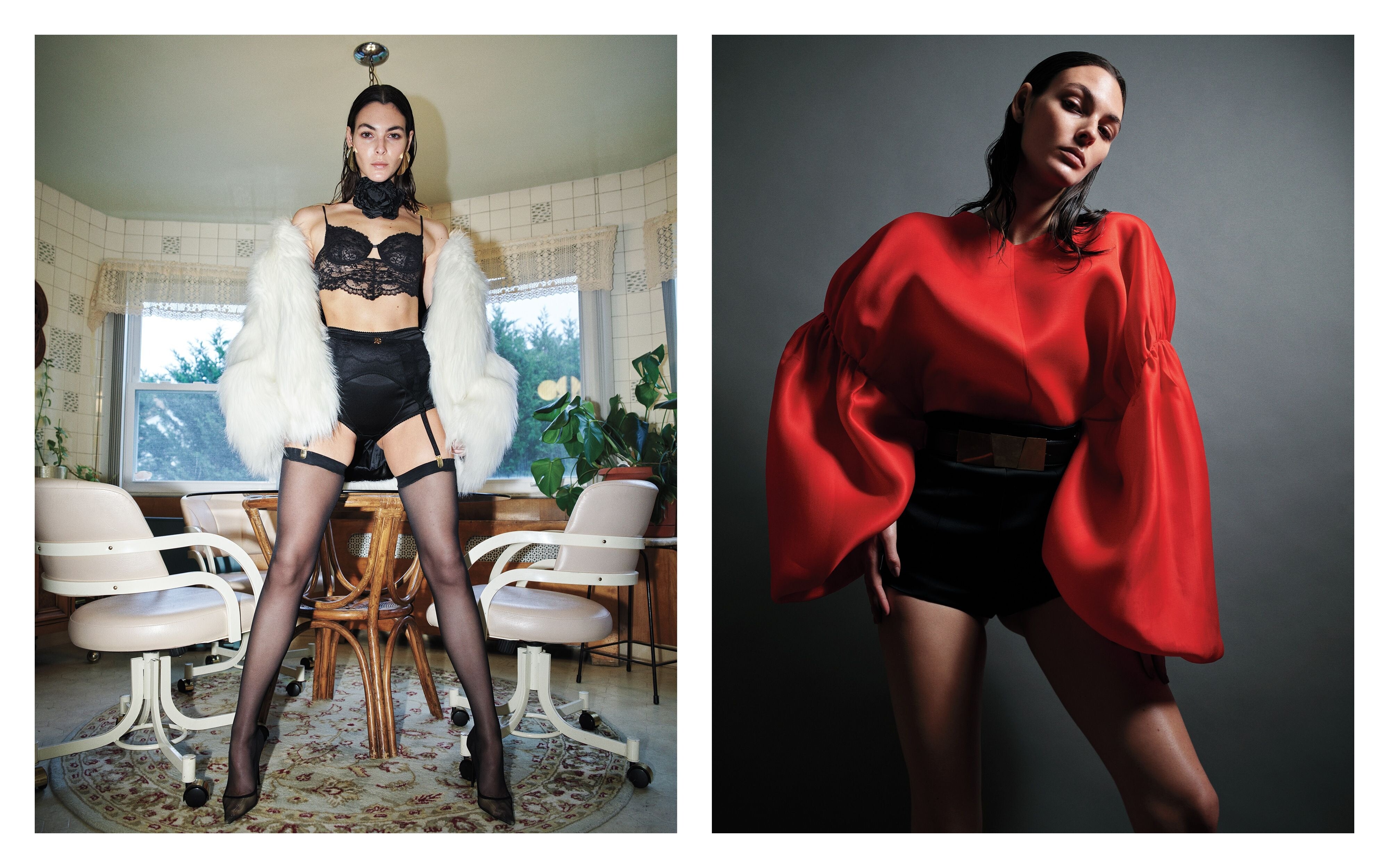
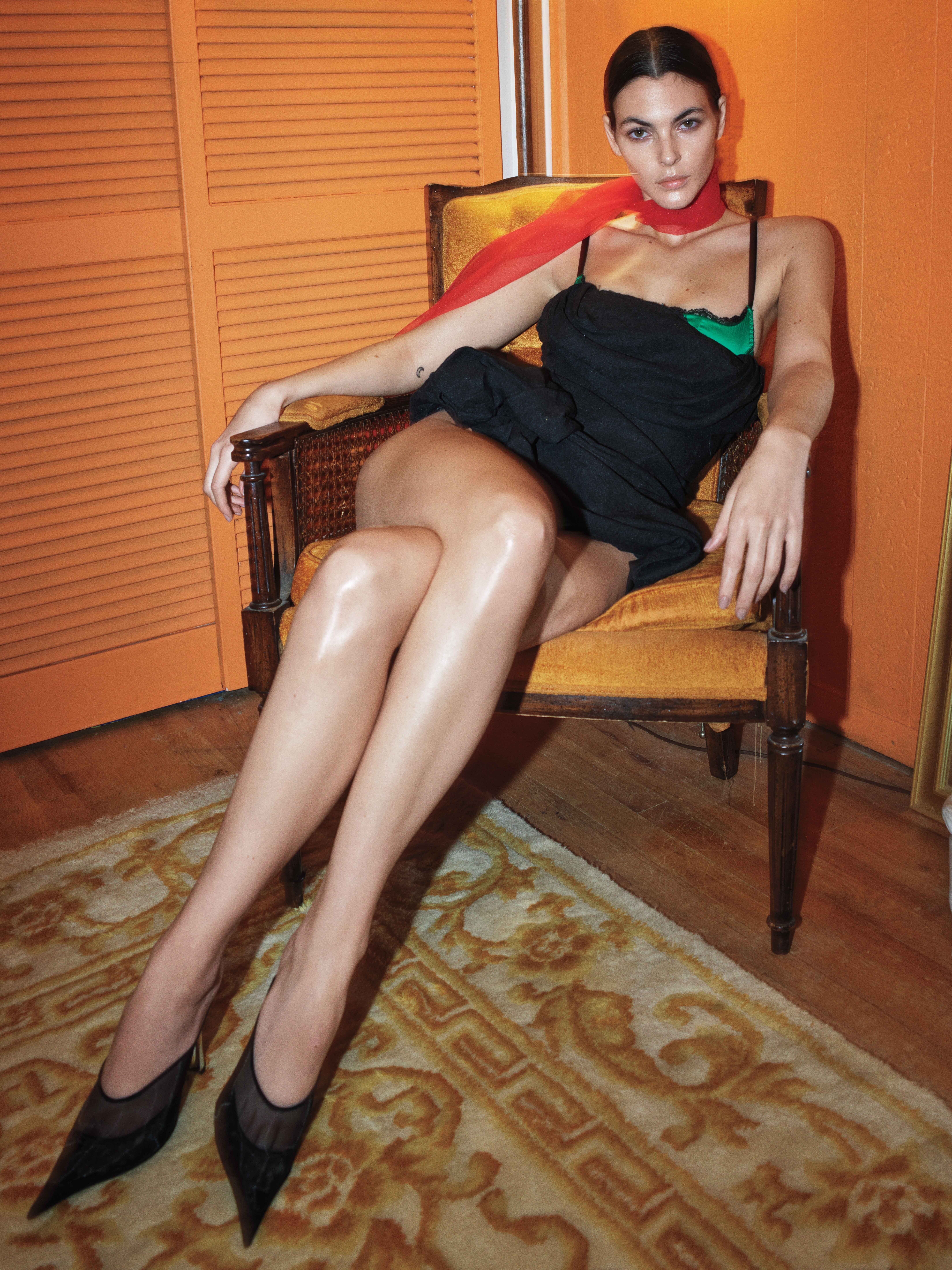
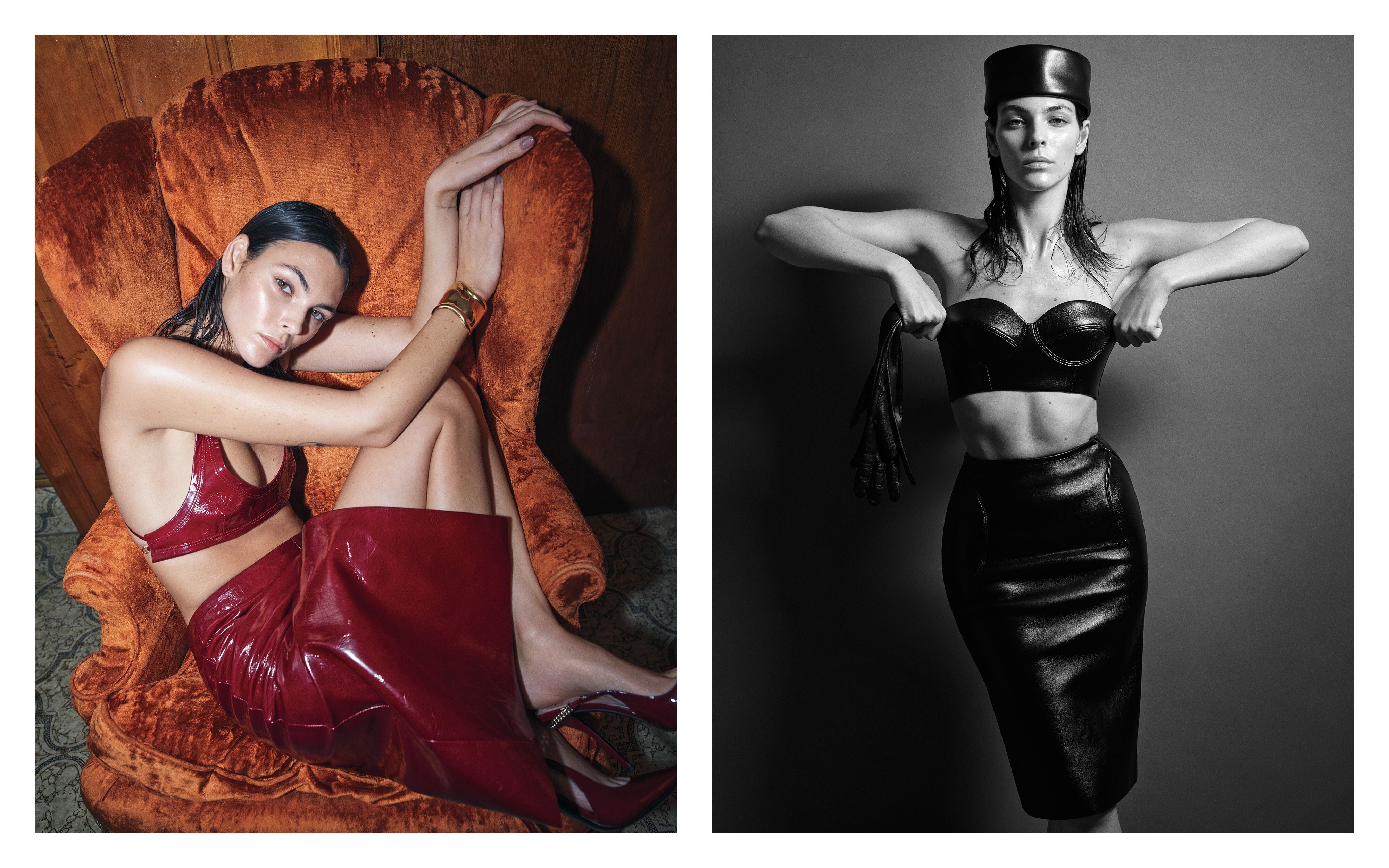
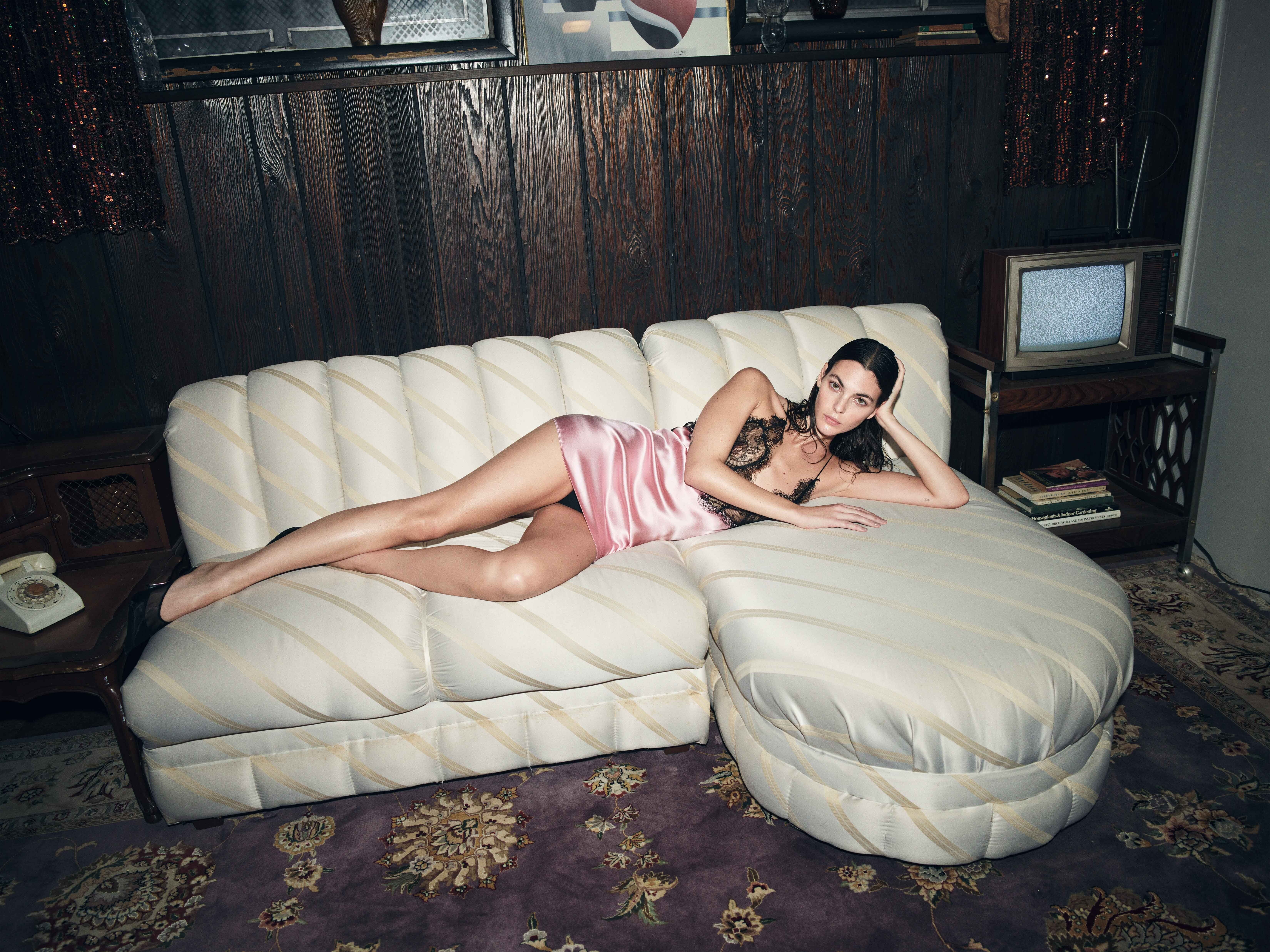
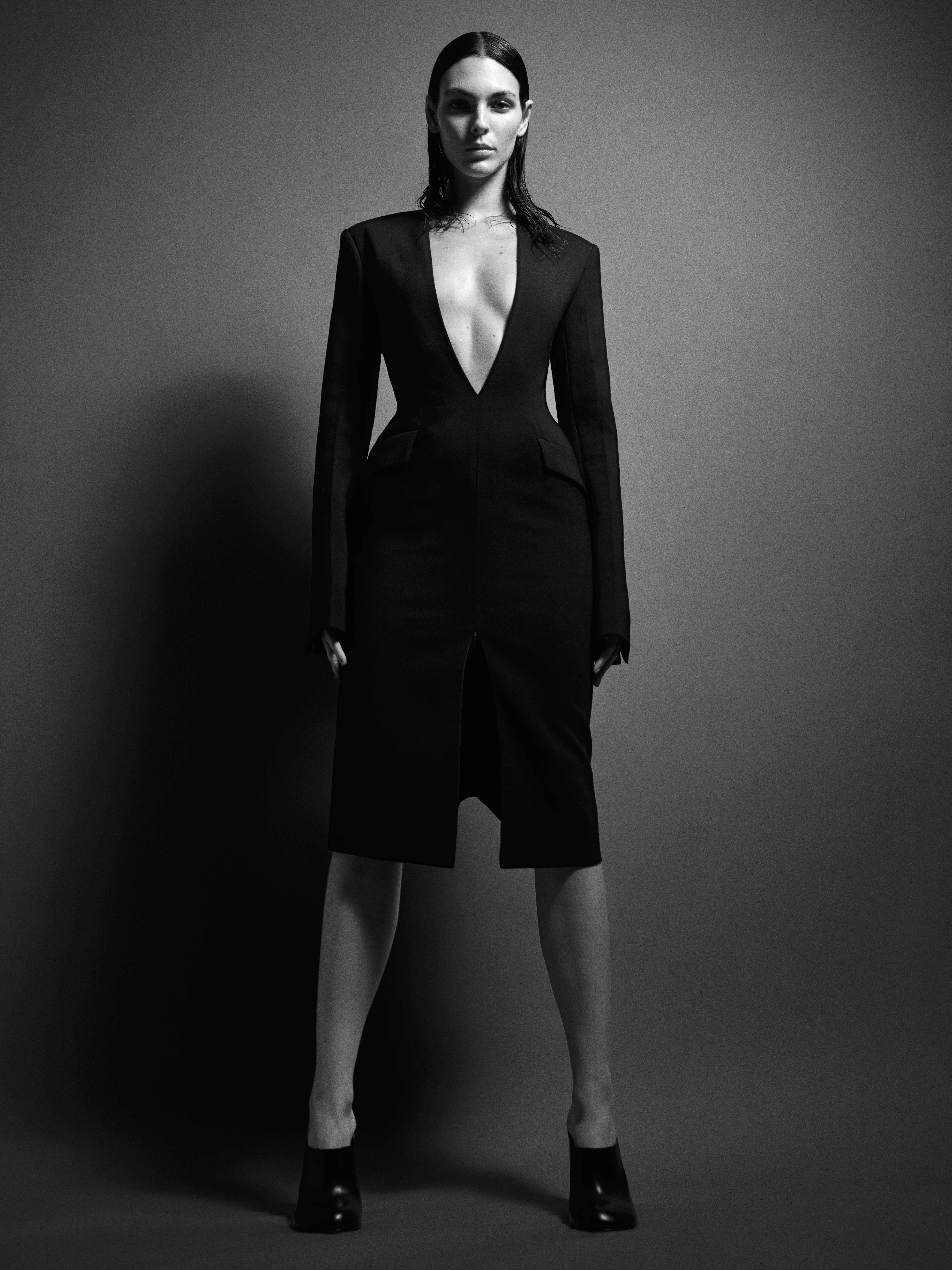
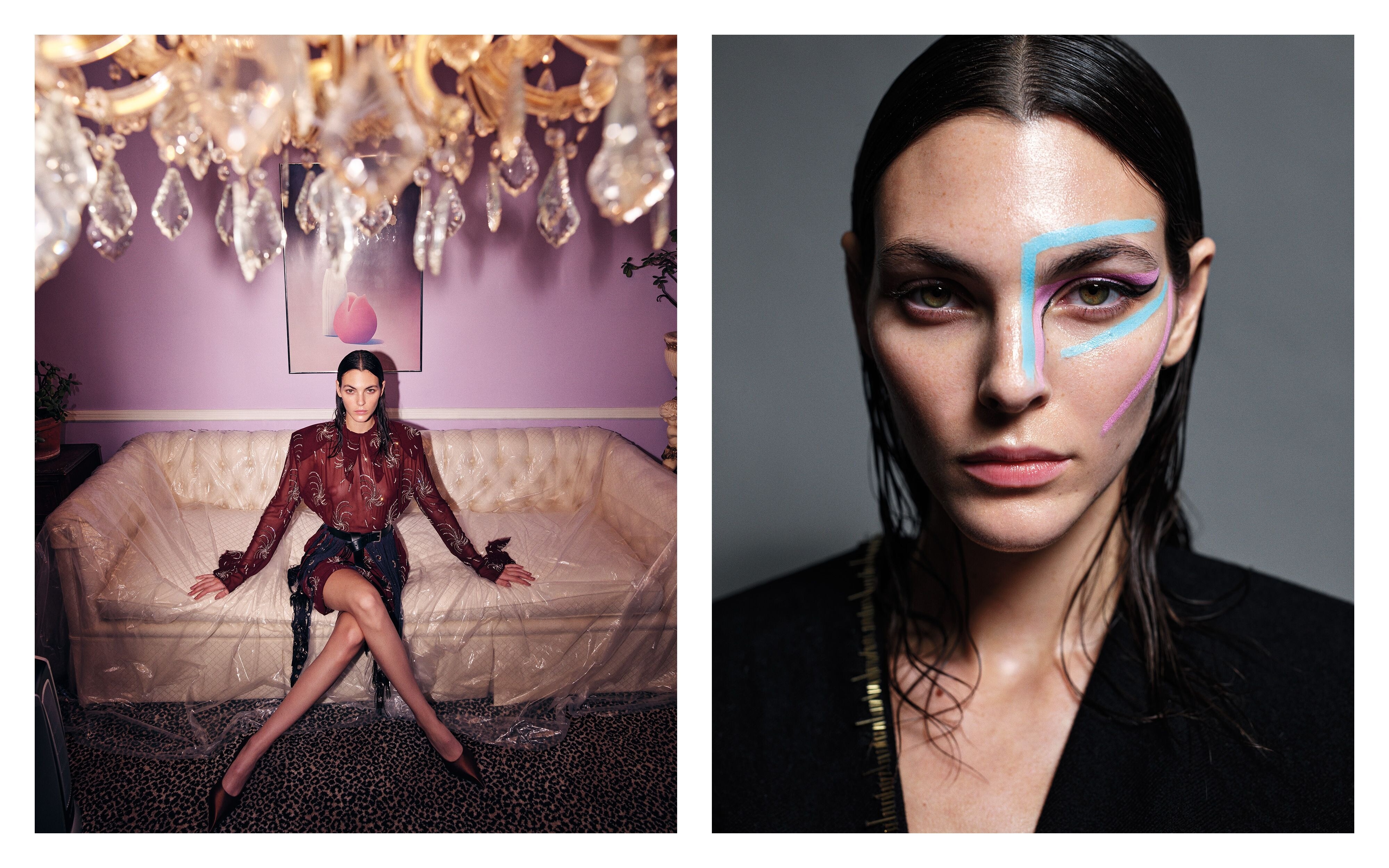
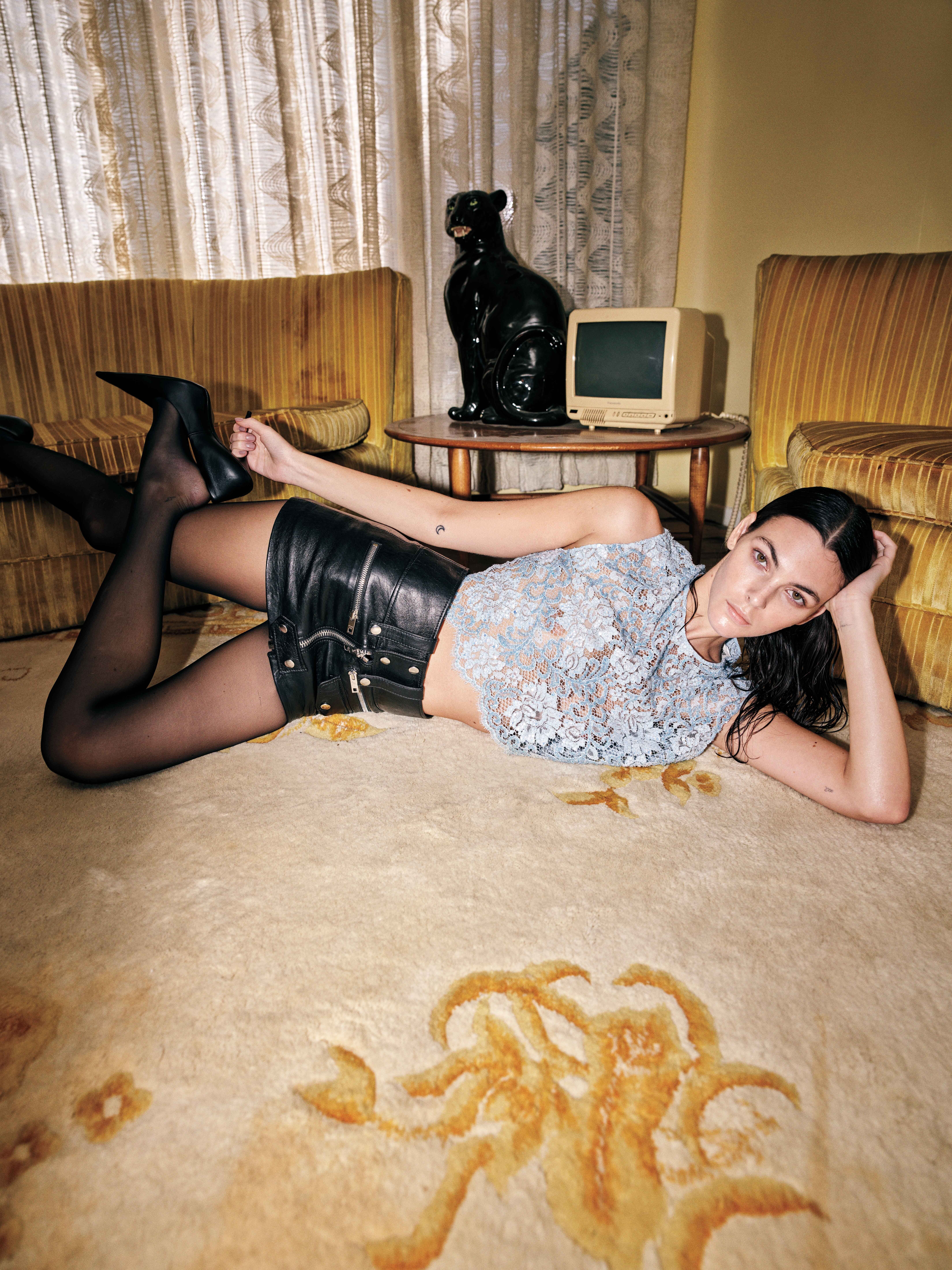
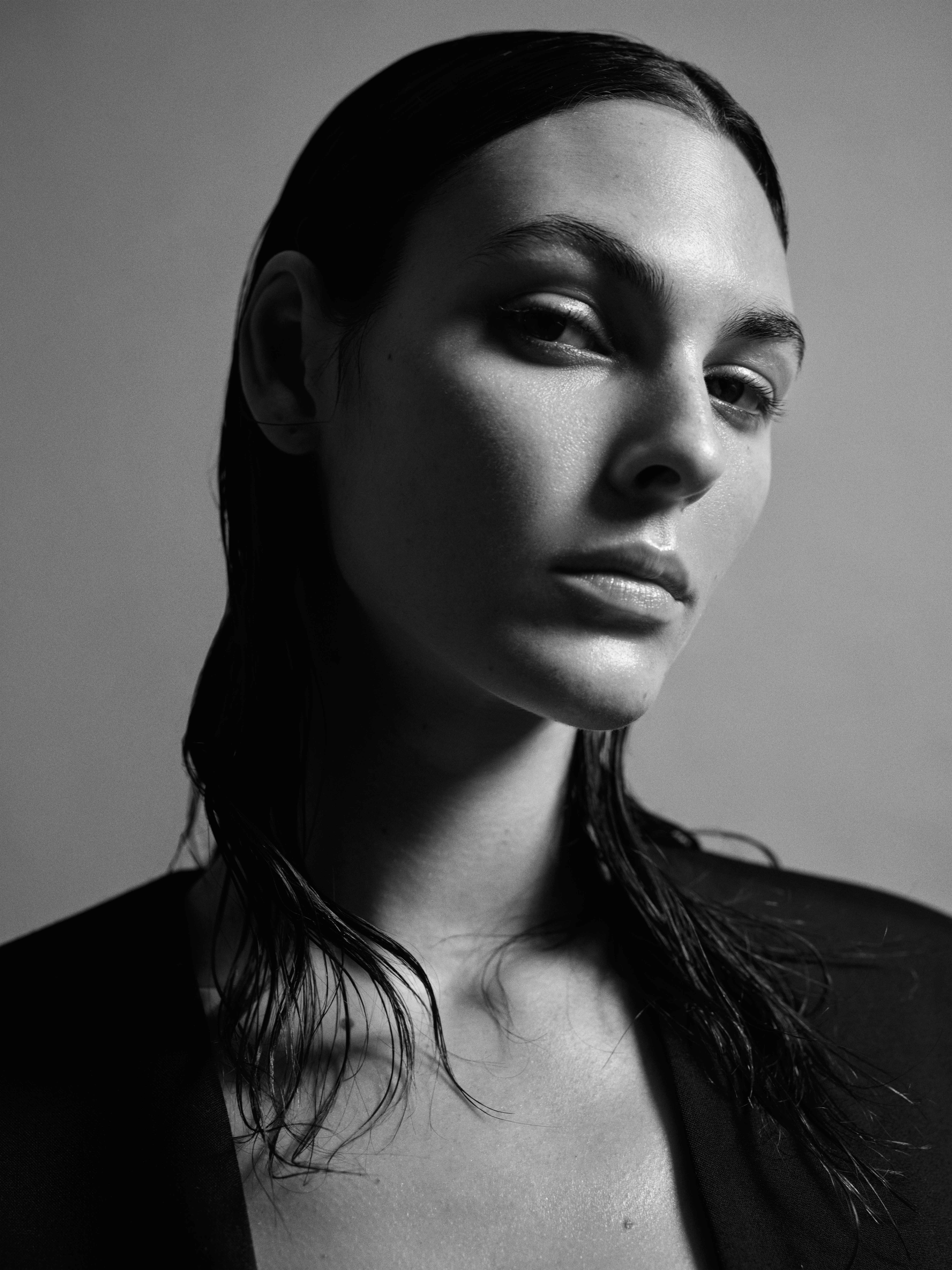
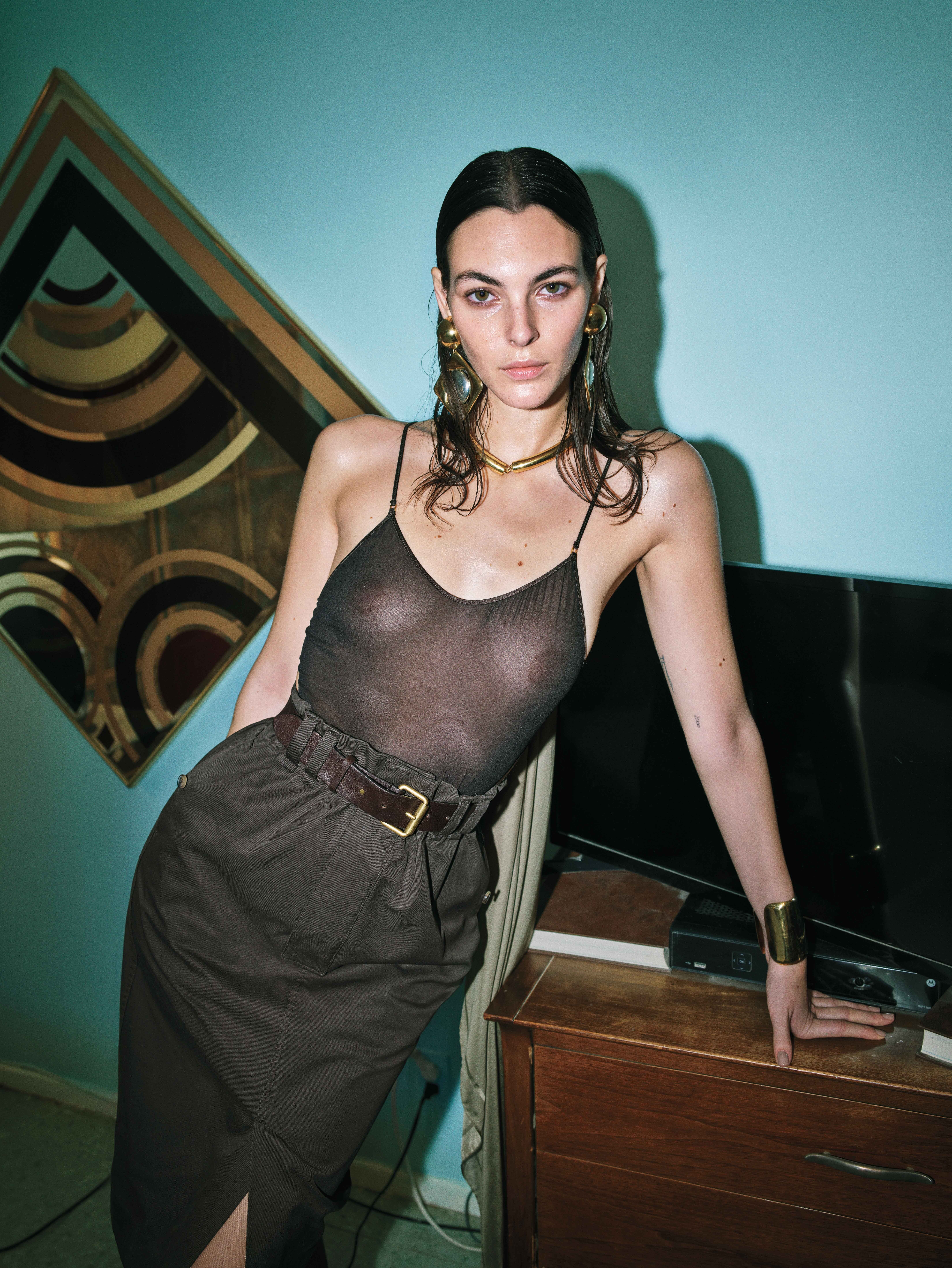
 Harper's Bazaar USA - March 2024 Sharp Turns Photo : Oliver Hadlee Pearch Styling : Carlos Nazario Hair :Ryan Mitchell Make-up : Kanako Takase nudity

Account
Navigation
Search
Configure browser push notifications
Chrome (Android)
- Tap the lock icon next to the address bar.
- Tap Permissions → Notifications.
- Adjust your preference.
Chrome (Desktop)
- Click the padlock icon in the address bar.
- Select Site settings.
- Find Notifications and adjust your preference.
Safari (iOS 16.4+)
- Ensure the site is installed via Add to Home Screen.
- Open Settings App → Notifications.
- Find your app name and adjust your preference.
Safari (macOS)
- Go to Safari → Preferences.
- Click the Websites tab.
- Select Notifications in the sidebar.
- Find this website and adjust your preference.
Edge (Android)
- Tap the lock icon next to the address bar.
- Tap Permissions.
- Find Notifications and adjust your preference.
Edge (Desktop)
- Click the padlock icon in the address bar.
- Click Permissions for this site.
- Find Notifications and adjust your preference.
Firefox (Android)
- Go to Settings → Site permissions.
- Tap Notifications.
- Find this site in the list and adjust your preference.
Firefox (Desktop)
- Open Firefox Settings.
- Search for Notifications.
- Find this site in the list and adjust your preference.