
Stromboli1
Members
-
Joined
Everything posted by Stromboli1
-
 39533004_601753546987332_2427694530366332010_n.mp4 41096877_2261356947233735_3705549984514037185_n.mp4 41096877_2261356947233735_3705549984514037185_n.mp4 34659337_632644440570999_8899445642126864742_n.mp4 39535352_101421704445806_6711767609586310912_n.mp4
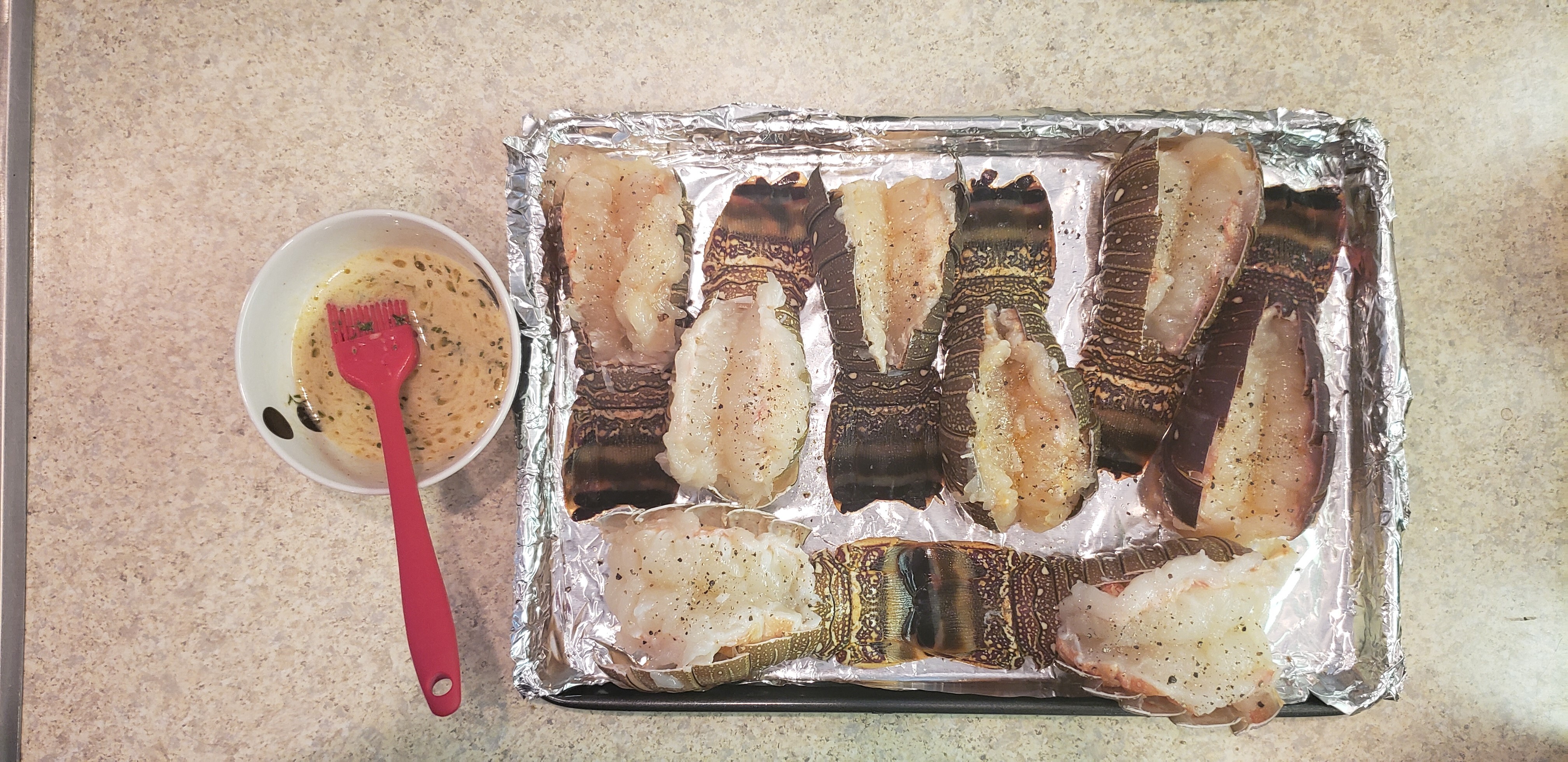
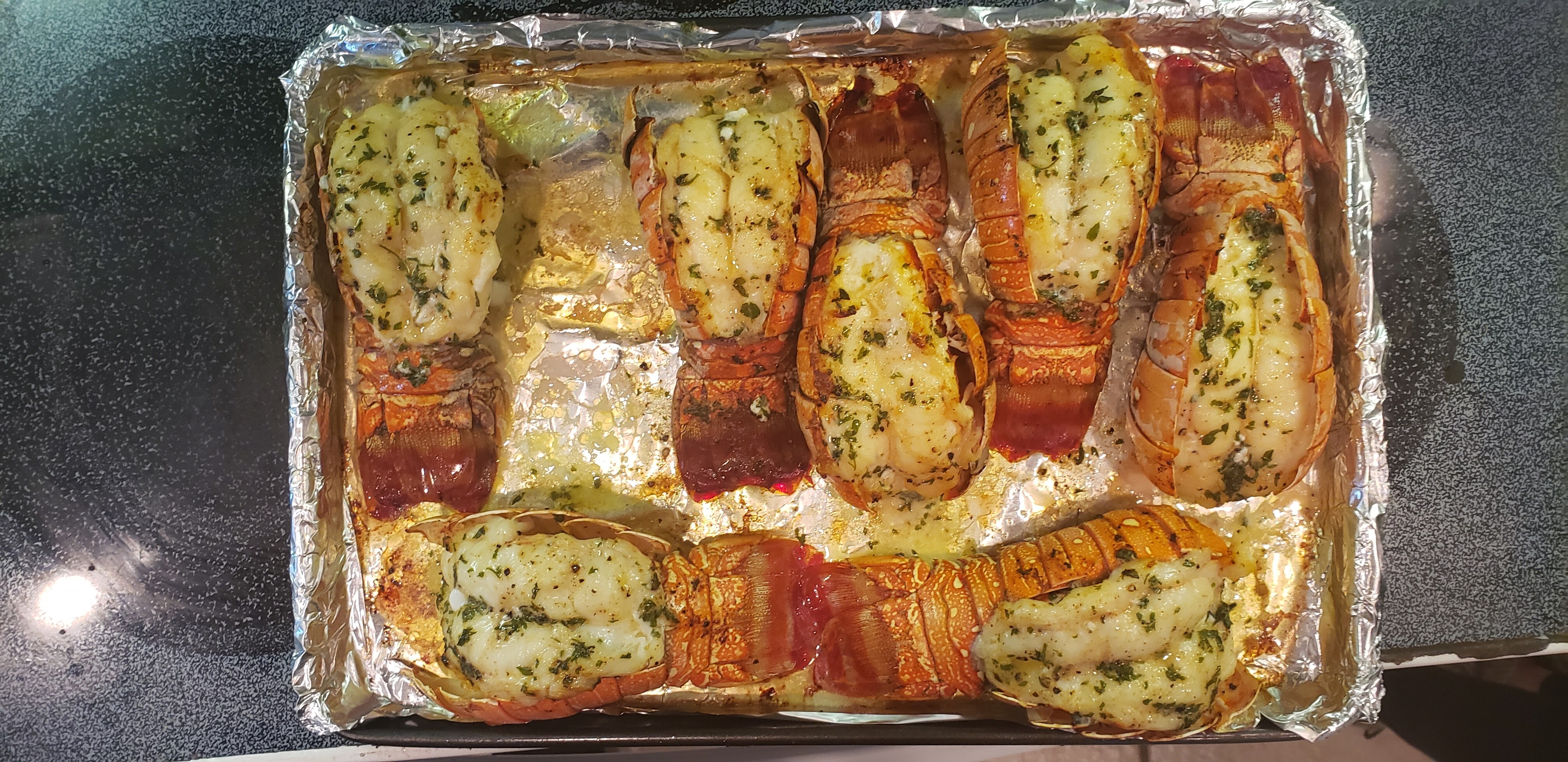
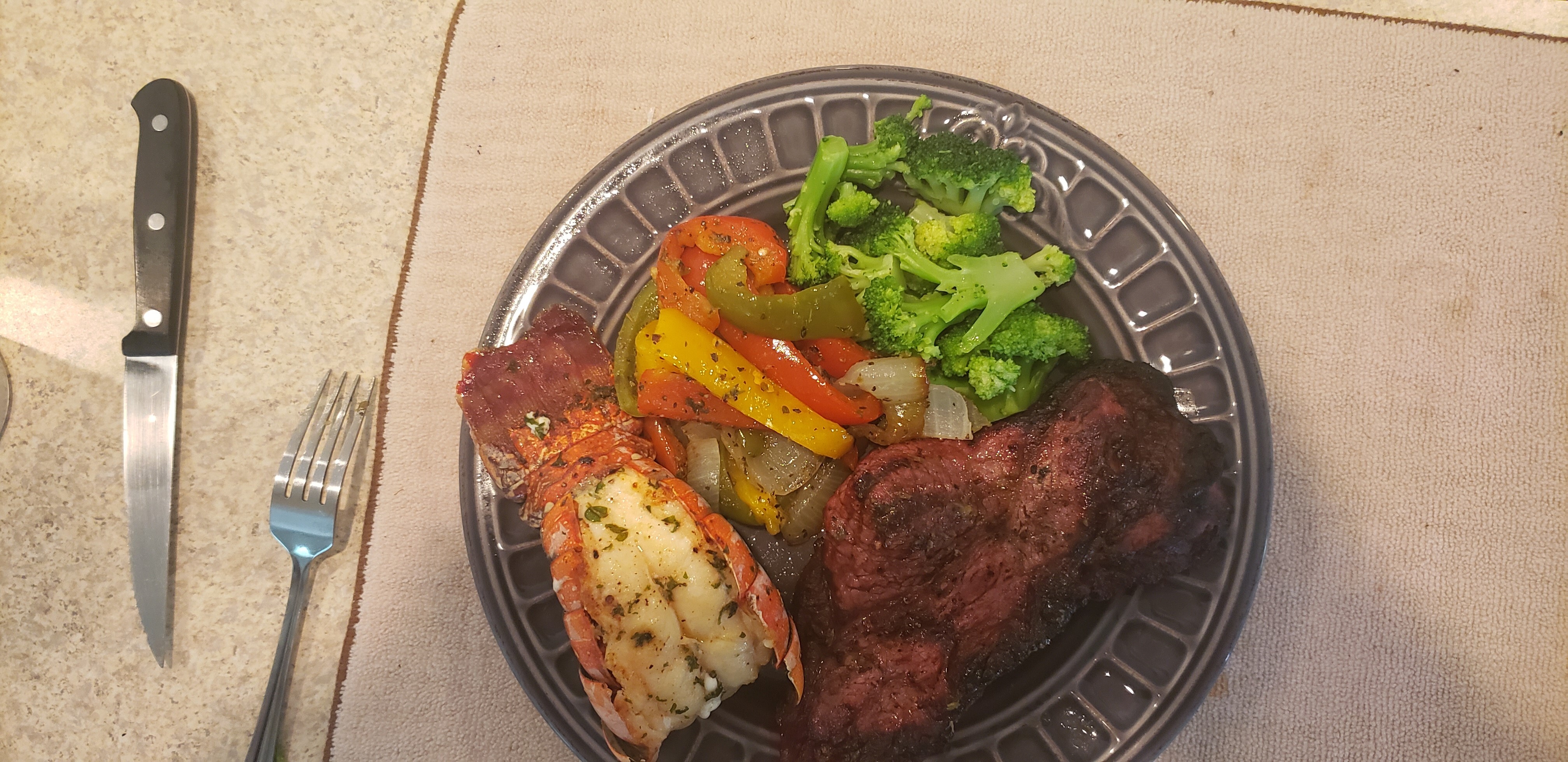
Yesterday's food.
39533004_601753546987332_2427694530366332010_n.mp4 41096877_2261356947233735_3705549984514037185_n.mp4 41096877_2261356947233735_3705549984514037185_n.mp4 34659337_632644440570999_8899445642126864742_n.mp4 39535352_101421704445806_6711767609586310912_n.mp4
Yesterday's food.


 France South Korea Spain Germany
Too slow!
Bottom picture is bringing the heat!
What the hell is an ASMR?
Thailand USA
54772958_684639625378810_8960550410745913288_n.mp4
France South Korea Spain Germany
Too slow!
Bottom picture is bringing the heat!
What the hell is an ASMR?
Thailand USA
54772958_684639625378810_8960550410745913288_n.mp4

Account
Search
Configure browser push notifications
Chrome (Android)
- Tap the lock icon next to the address bar.
- Tap Permissions → Notifications.
- Adjust your preference.
Chrome (Desktop)
- Click the padlock icon in the address bar.
- Select Site settings.
- Find Notifications and adjust your preference.
Safari (iOS 16.4+)
- Ensure the site is installed via Add to Home Screen.
- Open Settings App → Notifications.
- Find your app name and adjust your preference.
Safari (macOS)
- Go to Safari → Preferences.
- Click the Websites tab.
- Select Notifications in the sidebar.
- Find this website and adjust your preference.
Edge (Android)
- Tap the lock icon next to the address bar.
- Tap Permissions.
- Find Notifications and adjust your preference.
Edge (Desktop)
- Click the padlock icon in the address bar.
- Click Permissions for this site.
- Find Notifications and adjust your preference.
Firefox (Android)
- Go to Settings → Site permissions.
- Tap Notifications.
- Find this site in the list and adjust your preference.
Firefox (Desktop)
- Open Firefox Settings.
- Search for Notifications.
- Find this site in the list and adjust your preference.