MissPadilla
Members
-
Joined
-
Last visited
Everything posted by MissPadilla
-
 Yonathan Baraki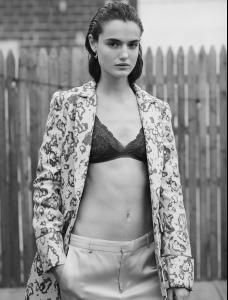
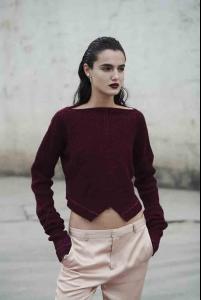
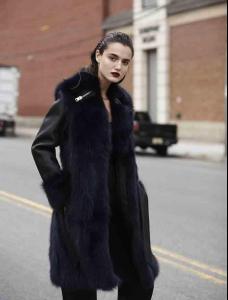
-
June 13th 2015
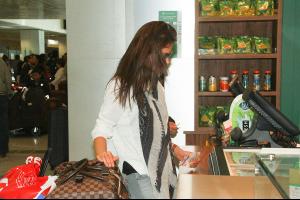

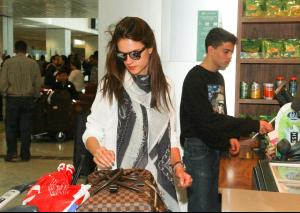
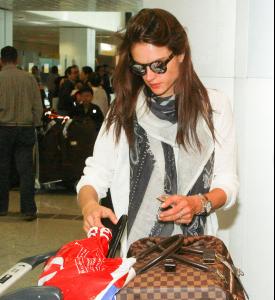
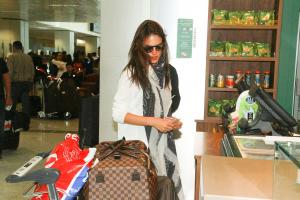
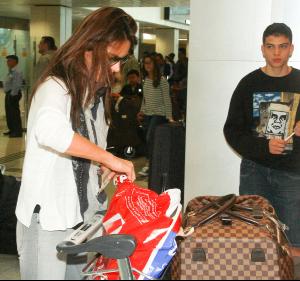
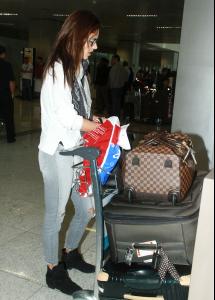
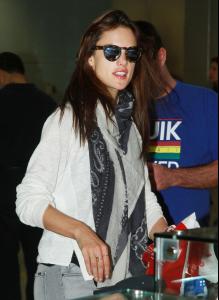
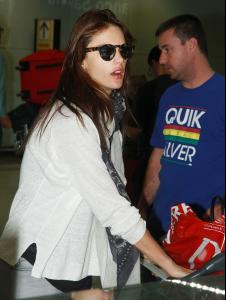
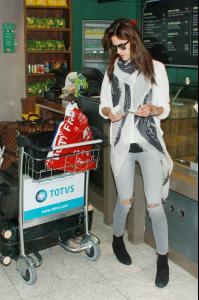
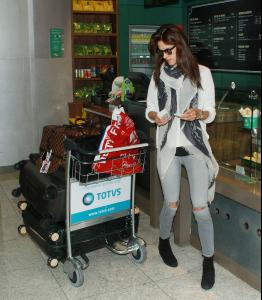
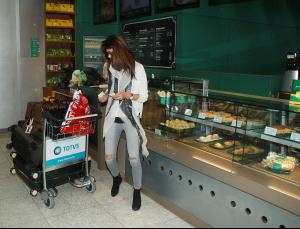
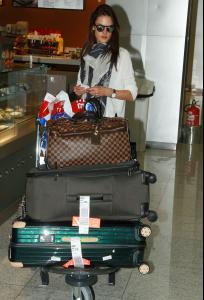
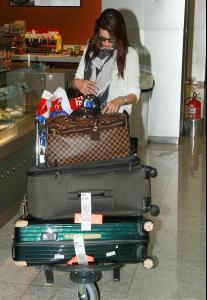
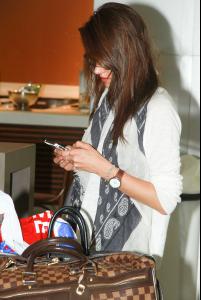
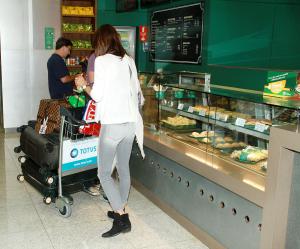
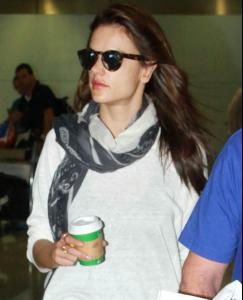
-
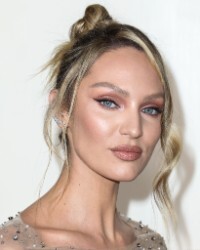
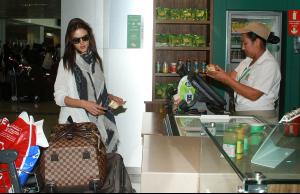
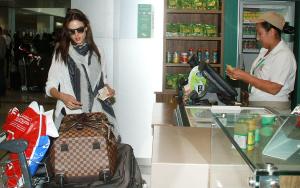
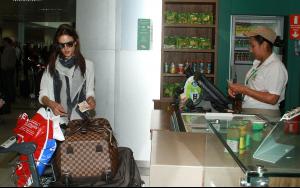
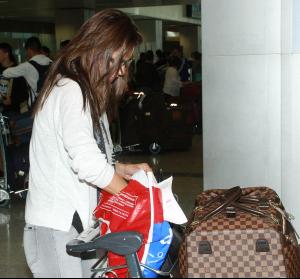
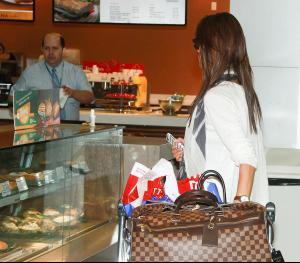
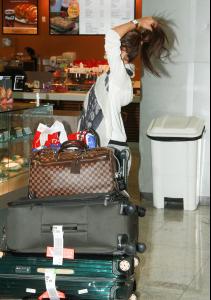
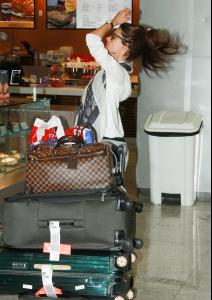
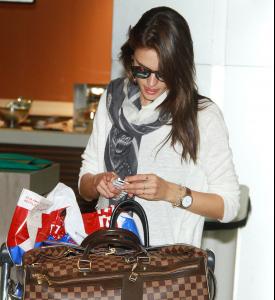
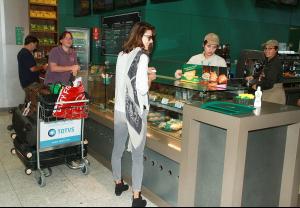
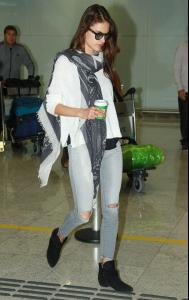
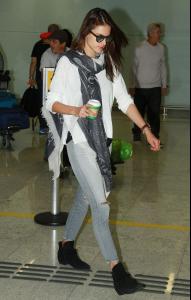
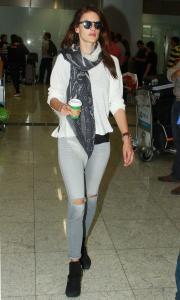
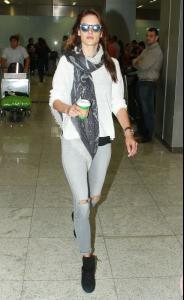
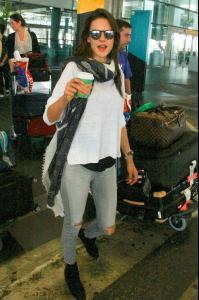
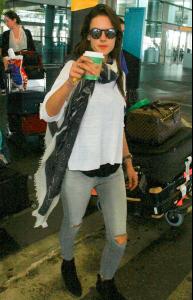
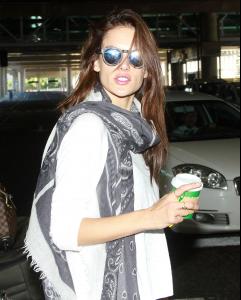
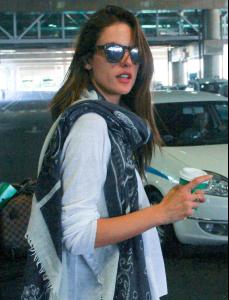
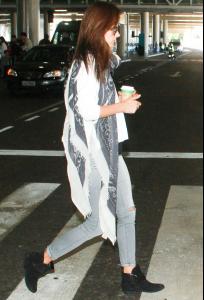
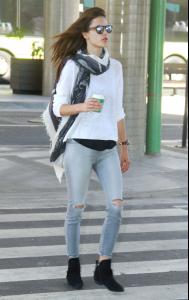
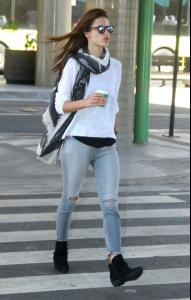
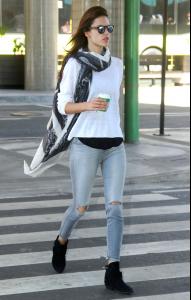
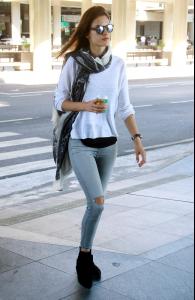
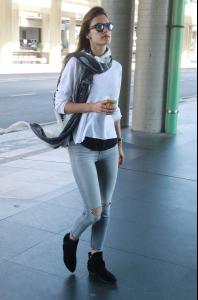
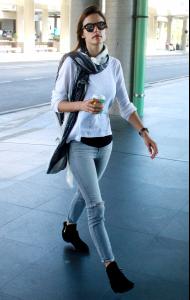
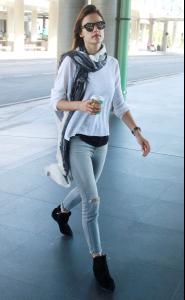
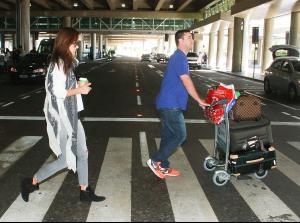
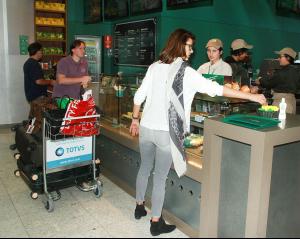
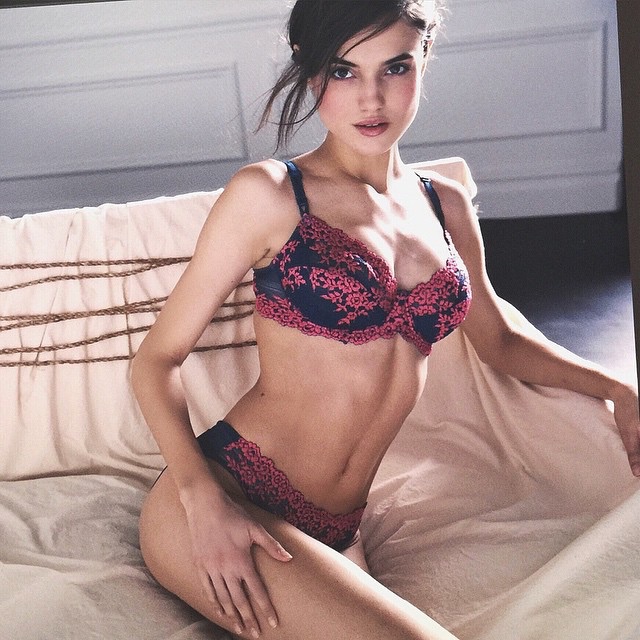
I hope is a new VS photo. She looks amazing! Thanks for posting

-
-
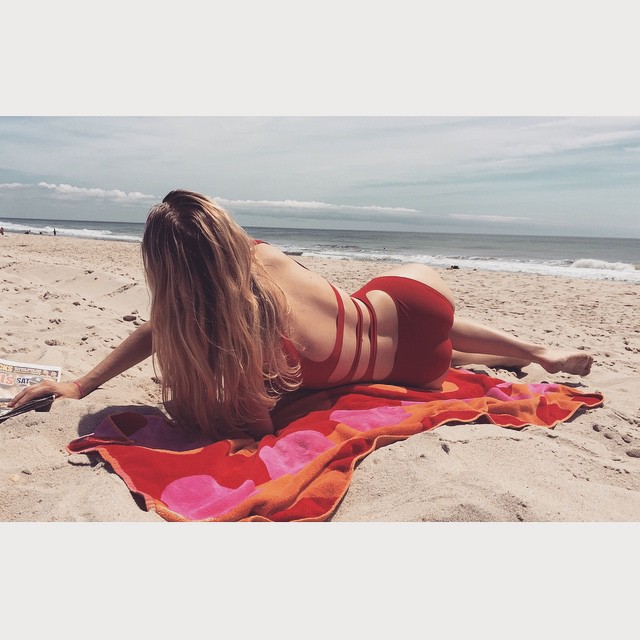
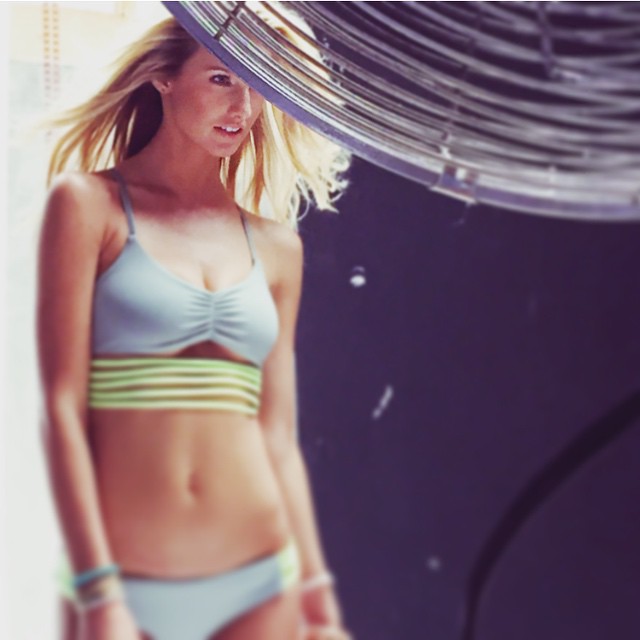
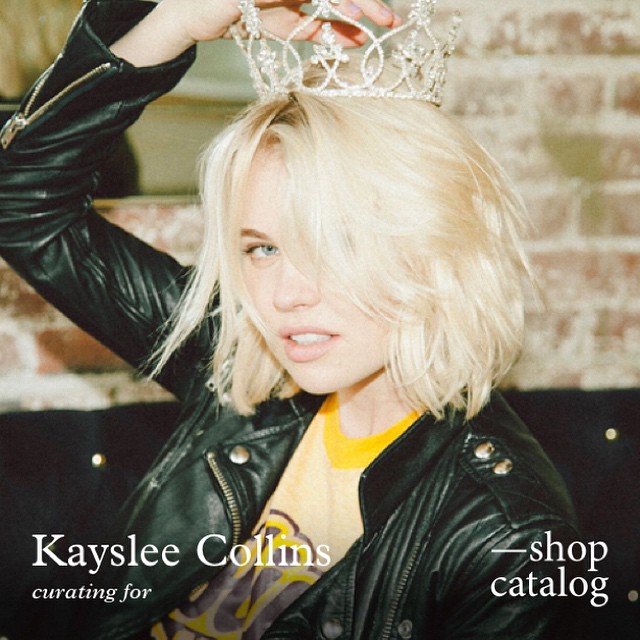
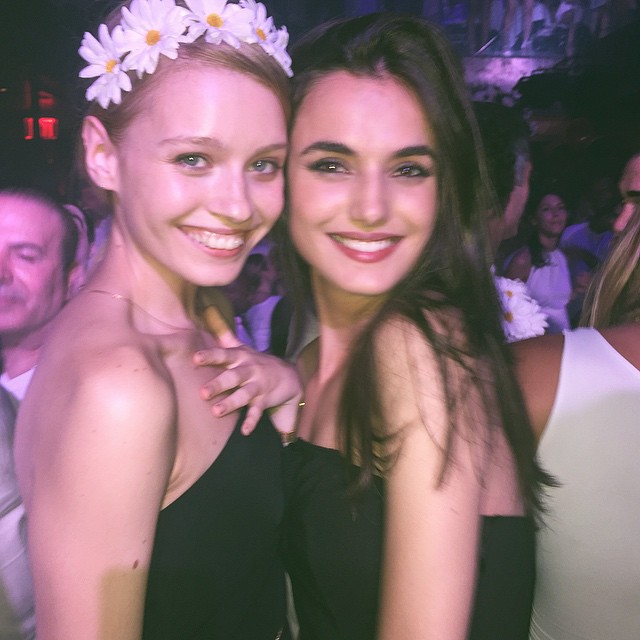
The name of the girl is Joanna Buckley Dahlberg
-
The pic is from her IG sorry.
-
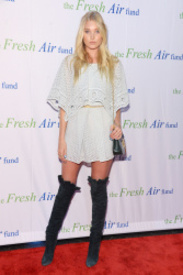
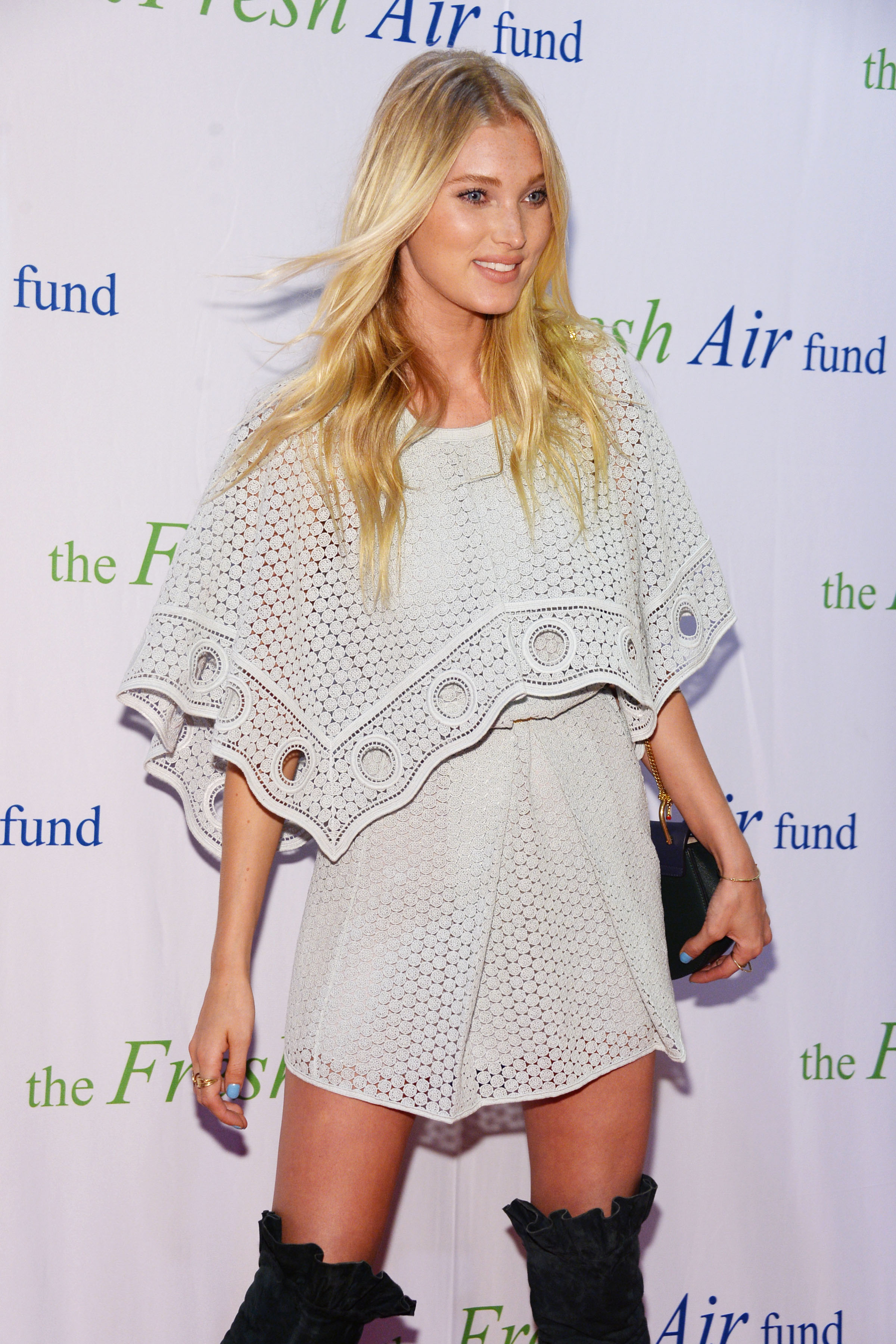
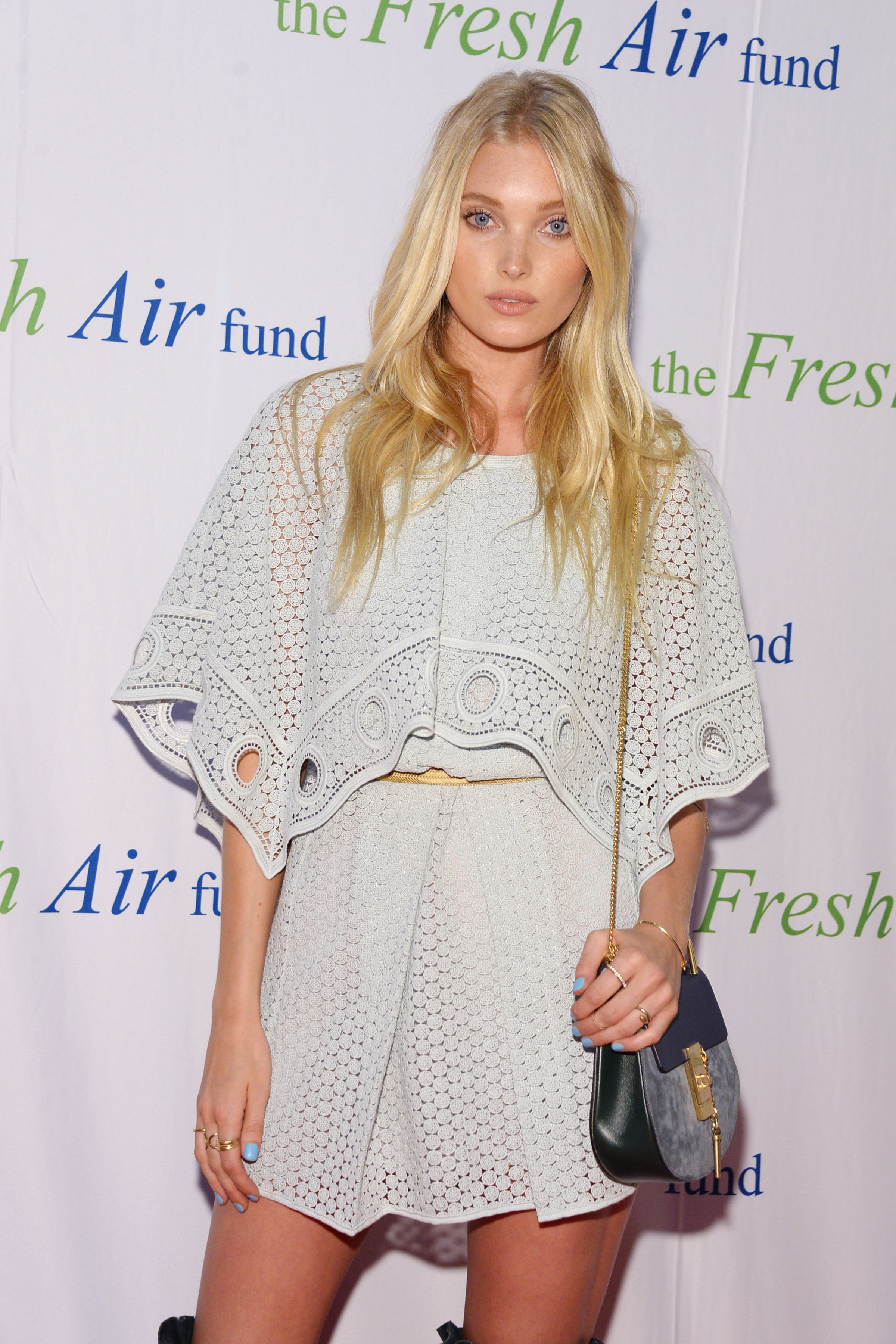
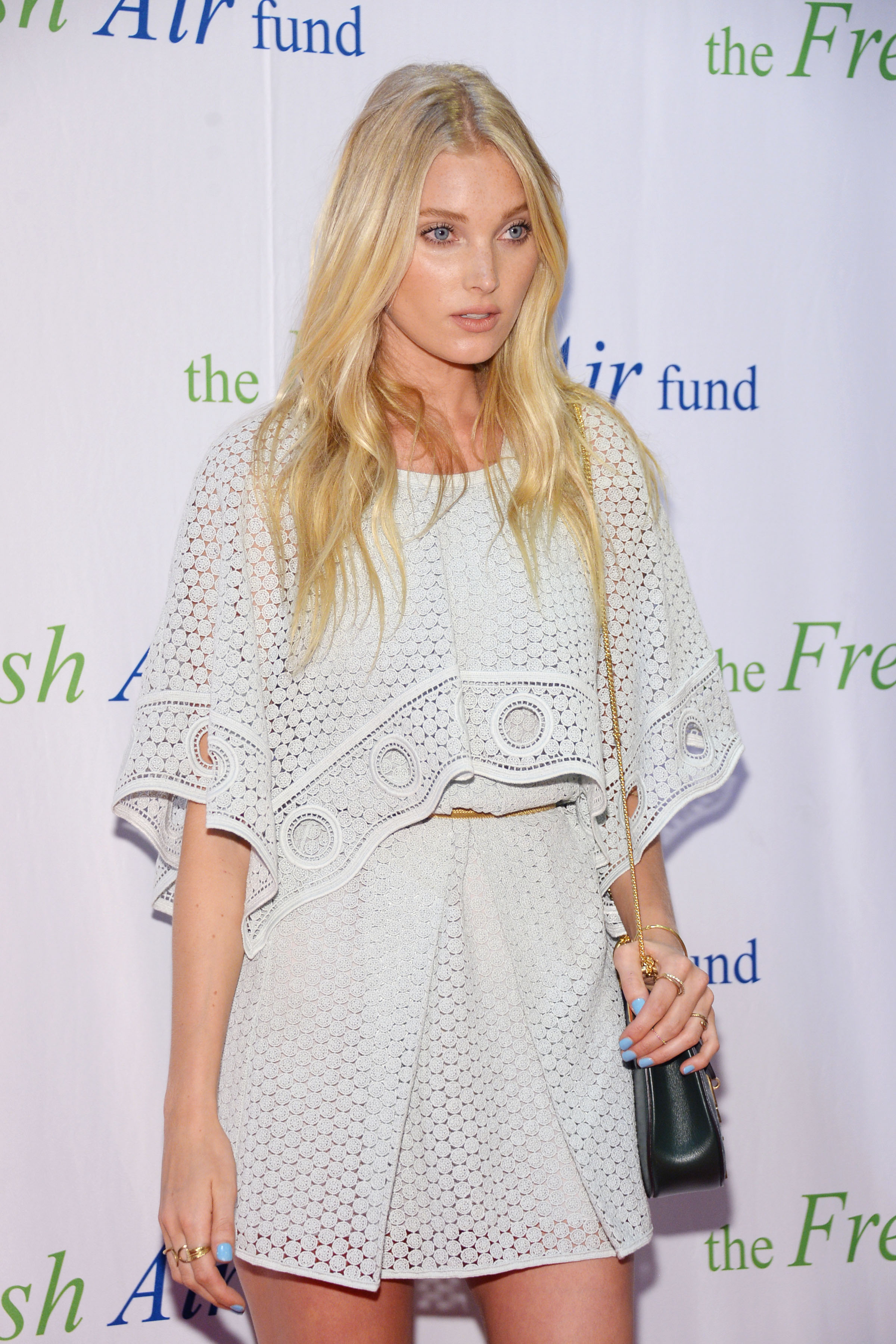
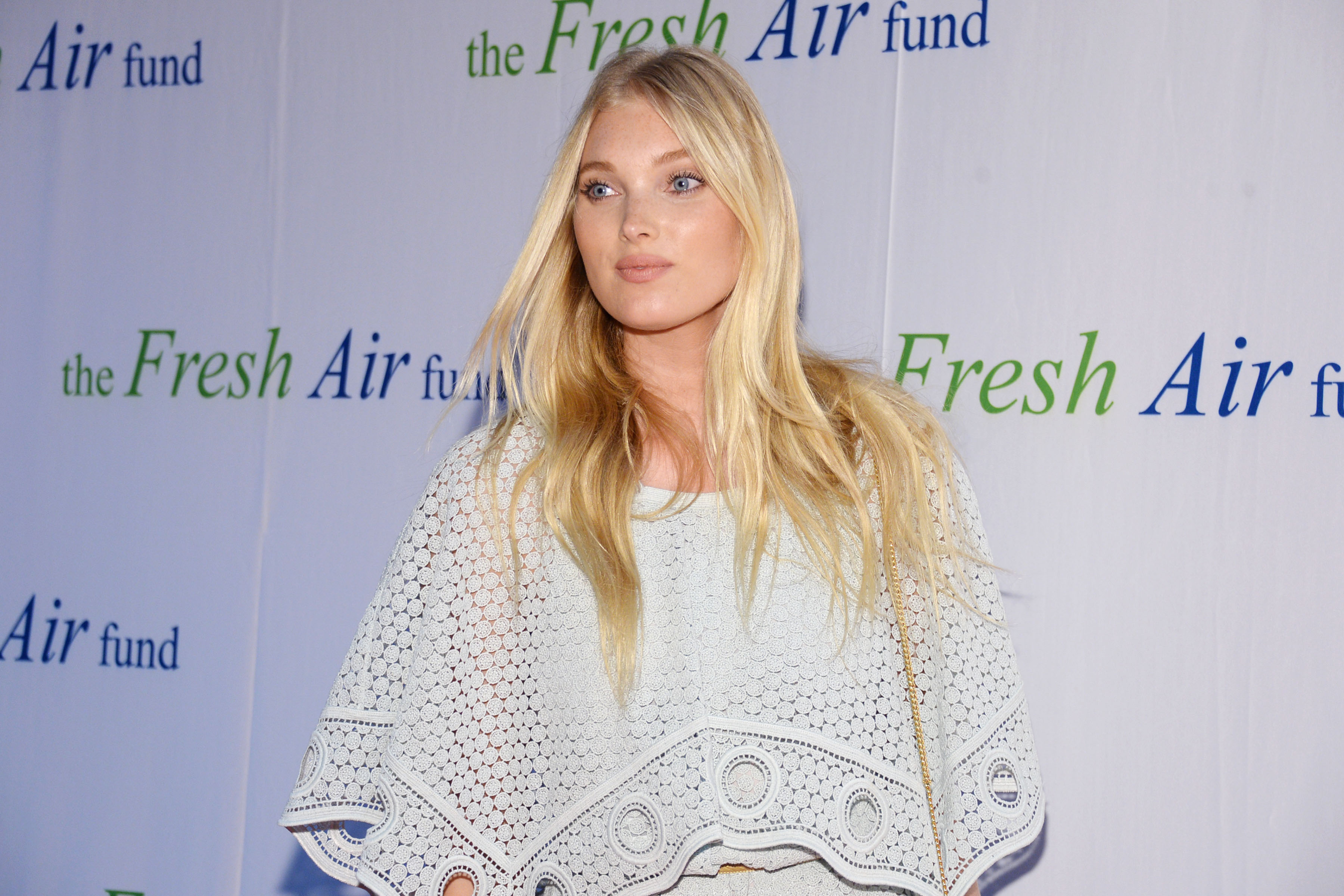
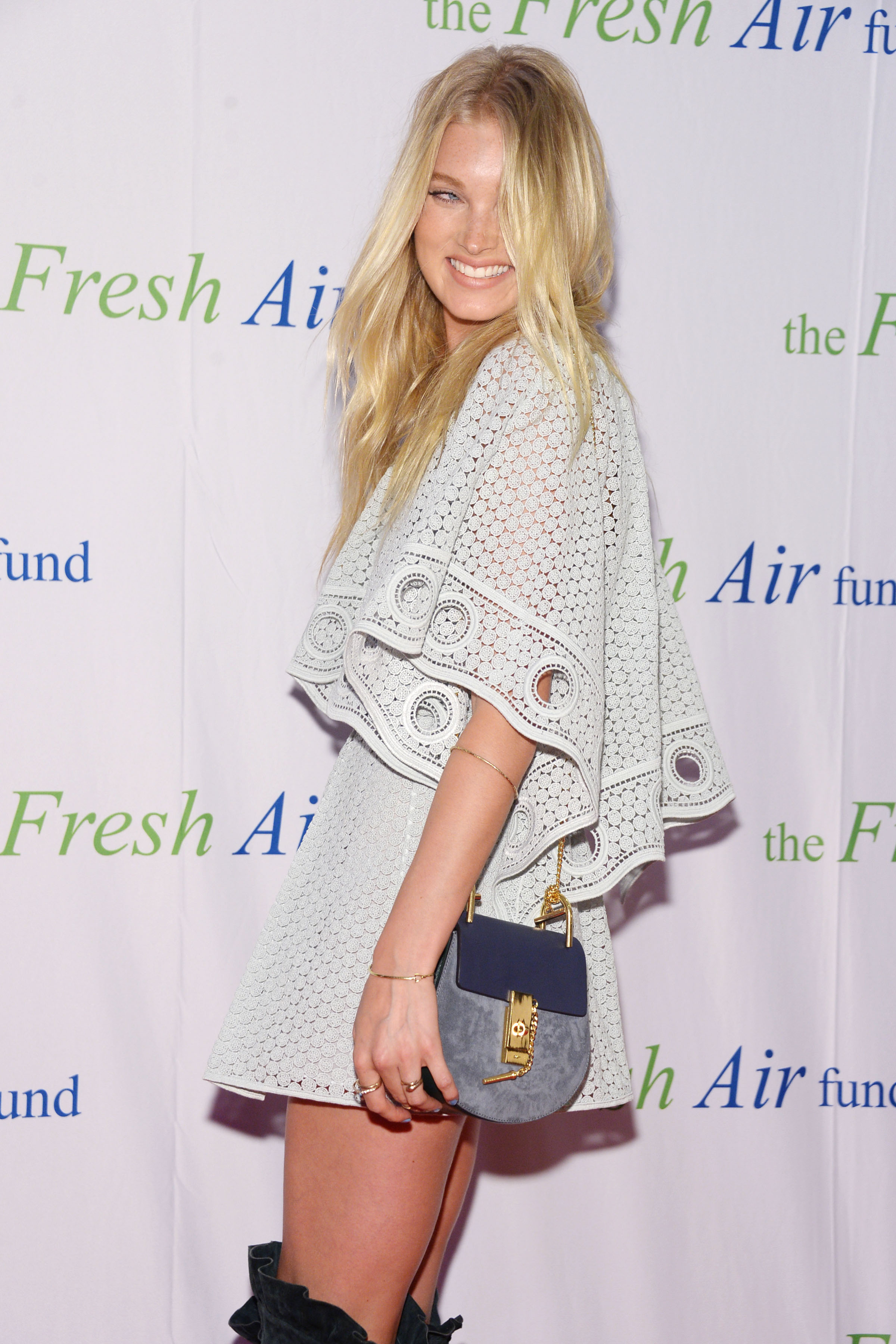
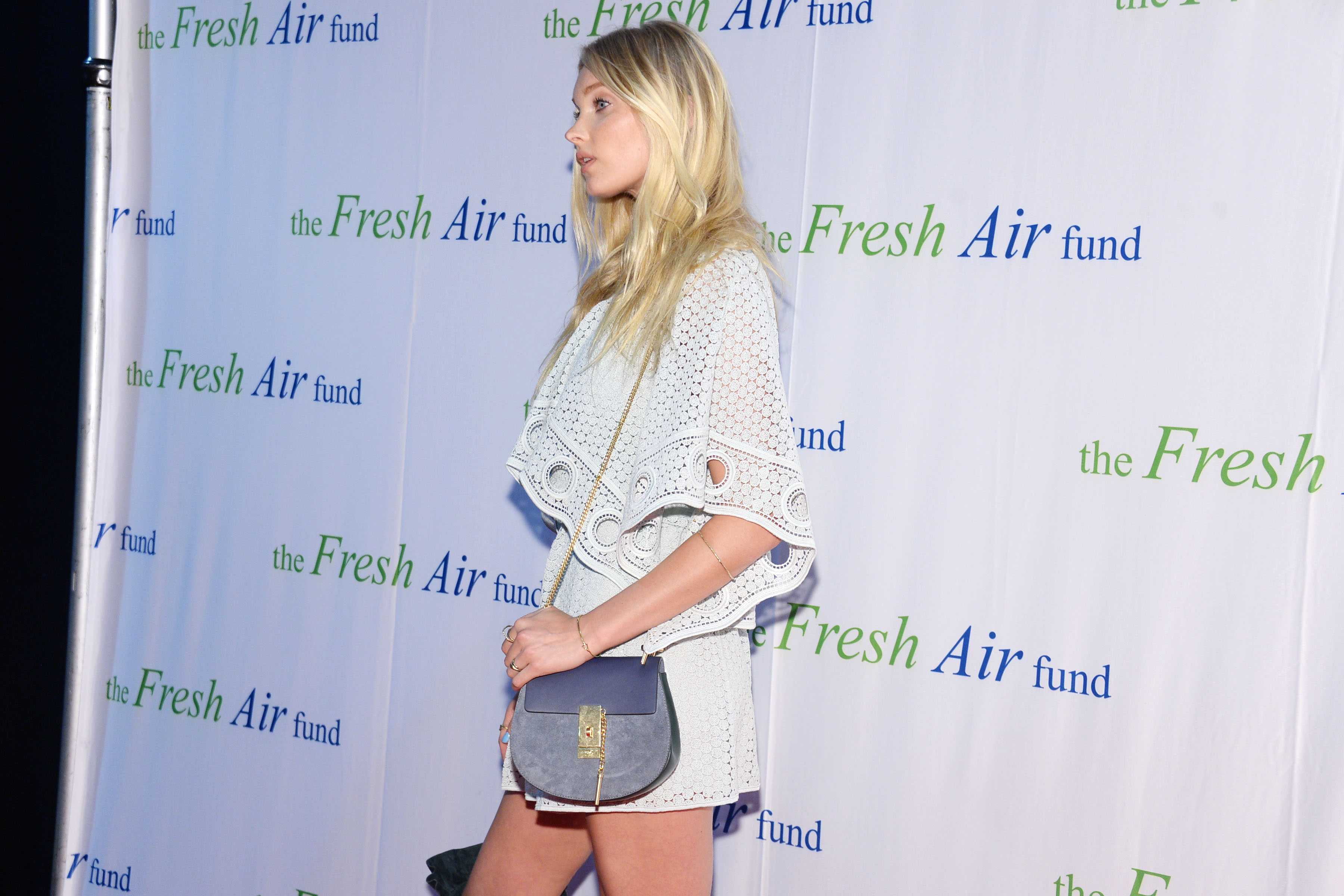
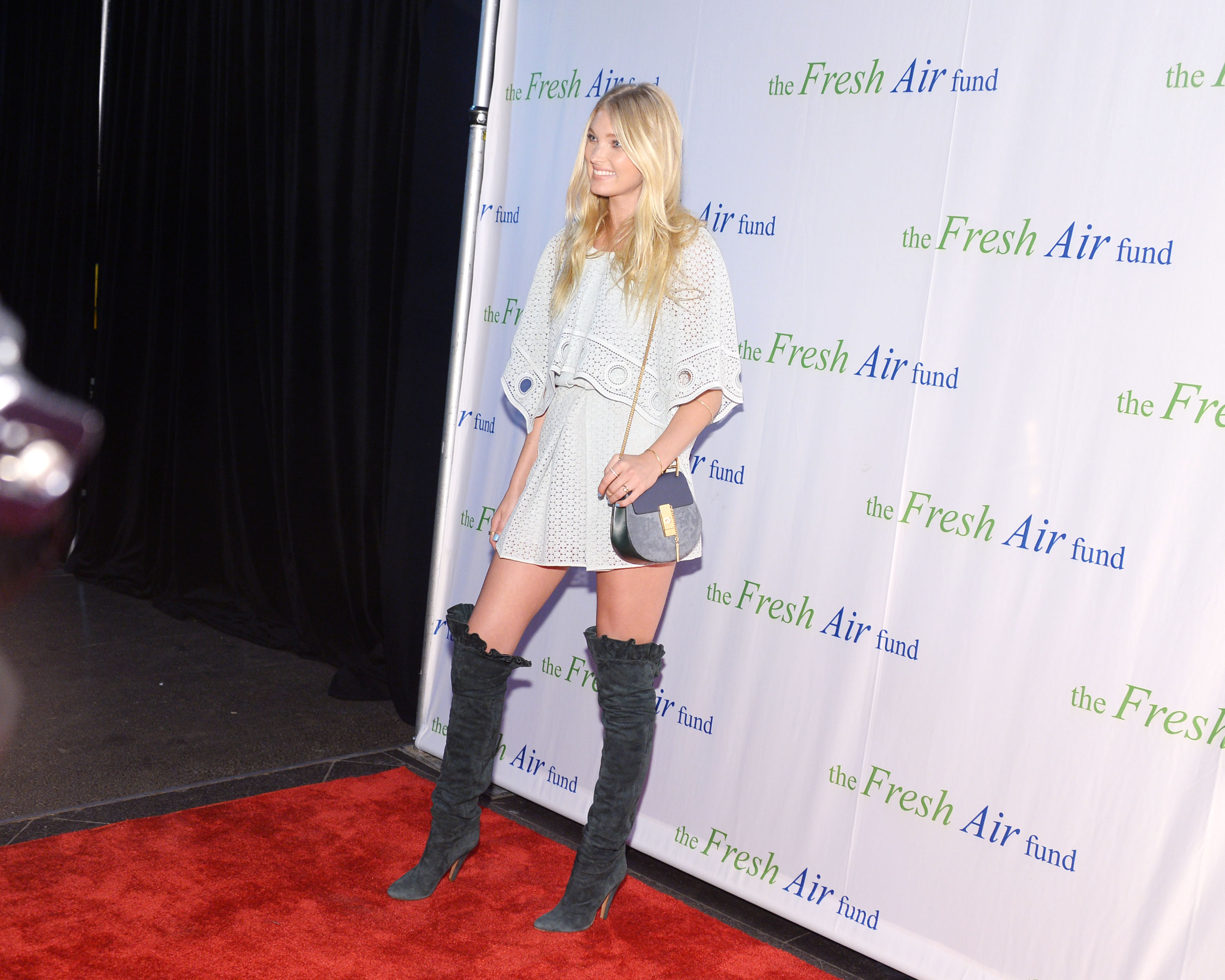
The Fresh Air Fund Spring Benefit 2015 in New York - May 28, 2015 /monthly_06_2015/post-91234-0-1446079497-96144_thumb.jpg" data-fileid="3622477" alt="post-91234-0-1446079497-96144_thumb.jpg" data-ratio="150">

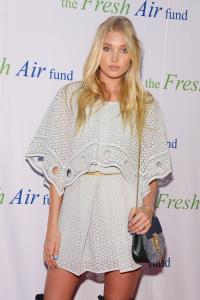

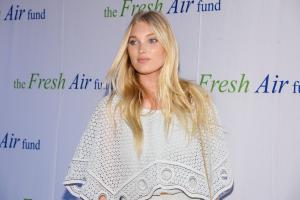



 I was thinking it was like interviews or maybe live shoot with her but when I saw it was old VS campaigns and shoots we already was kinda down. Yet it's cool to see it all again. They post their contenct on their Dailymotion channel. Keep an eye there
Fashion TV is dedicating Candice two days of videos. They have a live stream on fashiontv.com/live Source
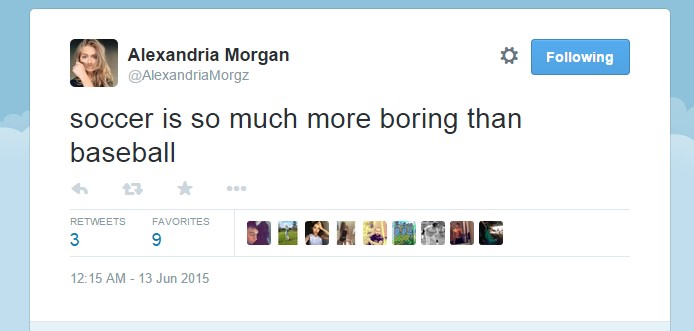
LMFAO! Poor Alexandria. I guess she has not found about the Olympics yet
I was thinking it was like interviews or maybe live shoot with her but when I saw it was old VS campaigns and shoots we already was kinda down. Yet it's cool to see it all again. They post their contenct on their Dailymotion channel. Keep an eye there
Fashion TV is dedicating Candice two days of videos. They have a live stream on fashiontv.com/live Source
LMFAO! Poor Alexandria. I guess she has not found about the Olympics yet Welcome JJ
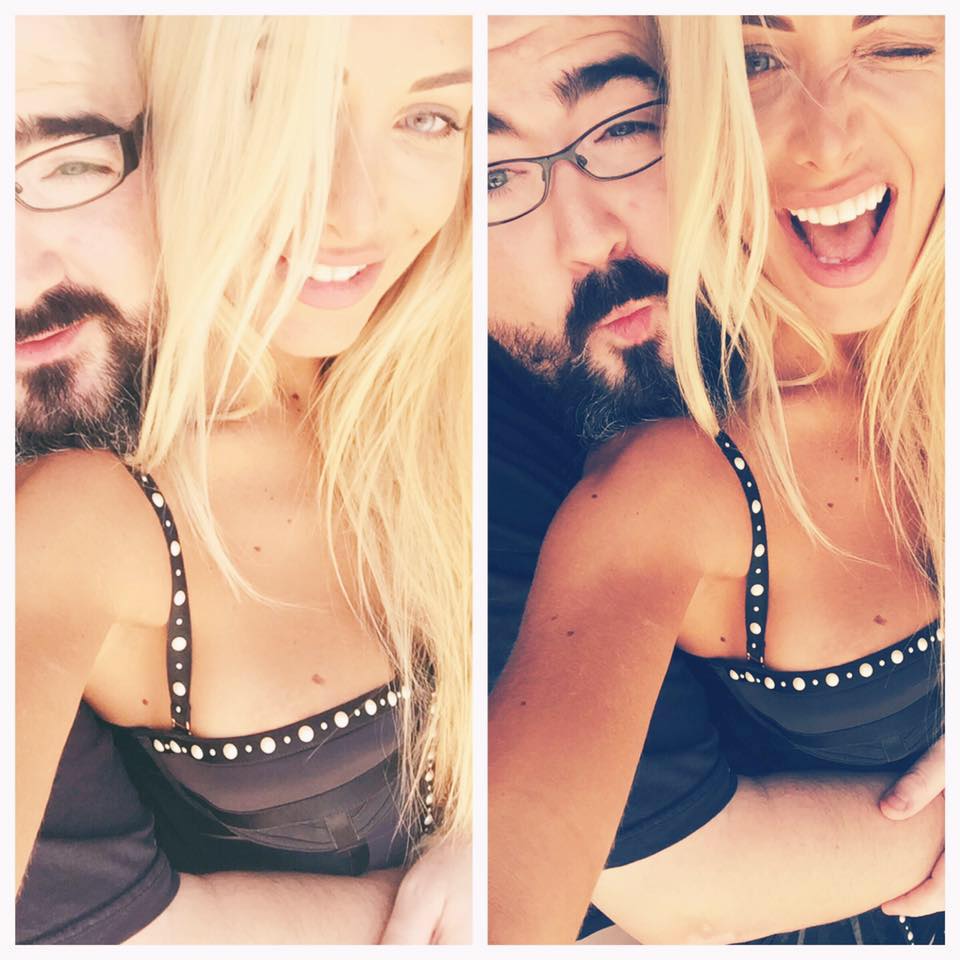
From a friend's Facebook
Welcome JJ
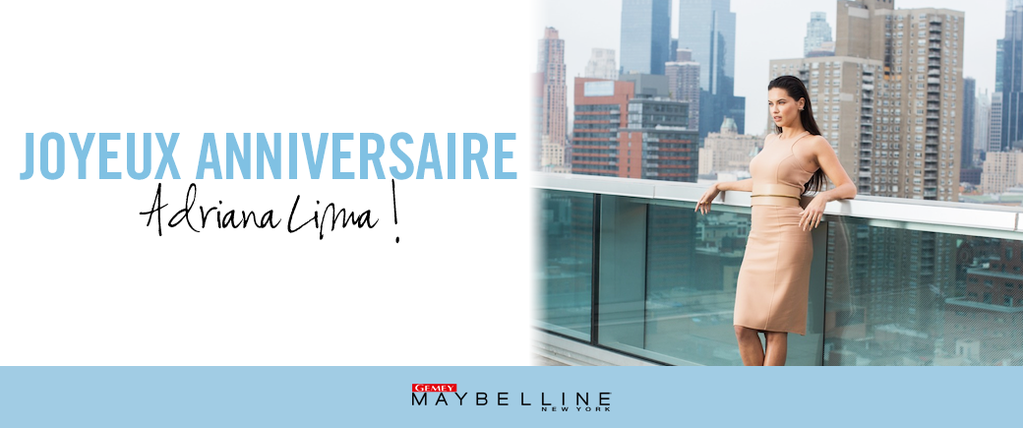
From a friend's Facebook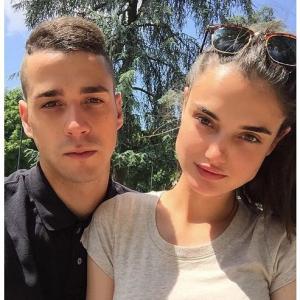 From Gemey Maybelline
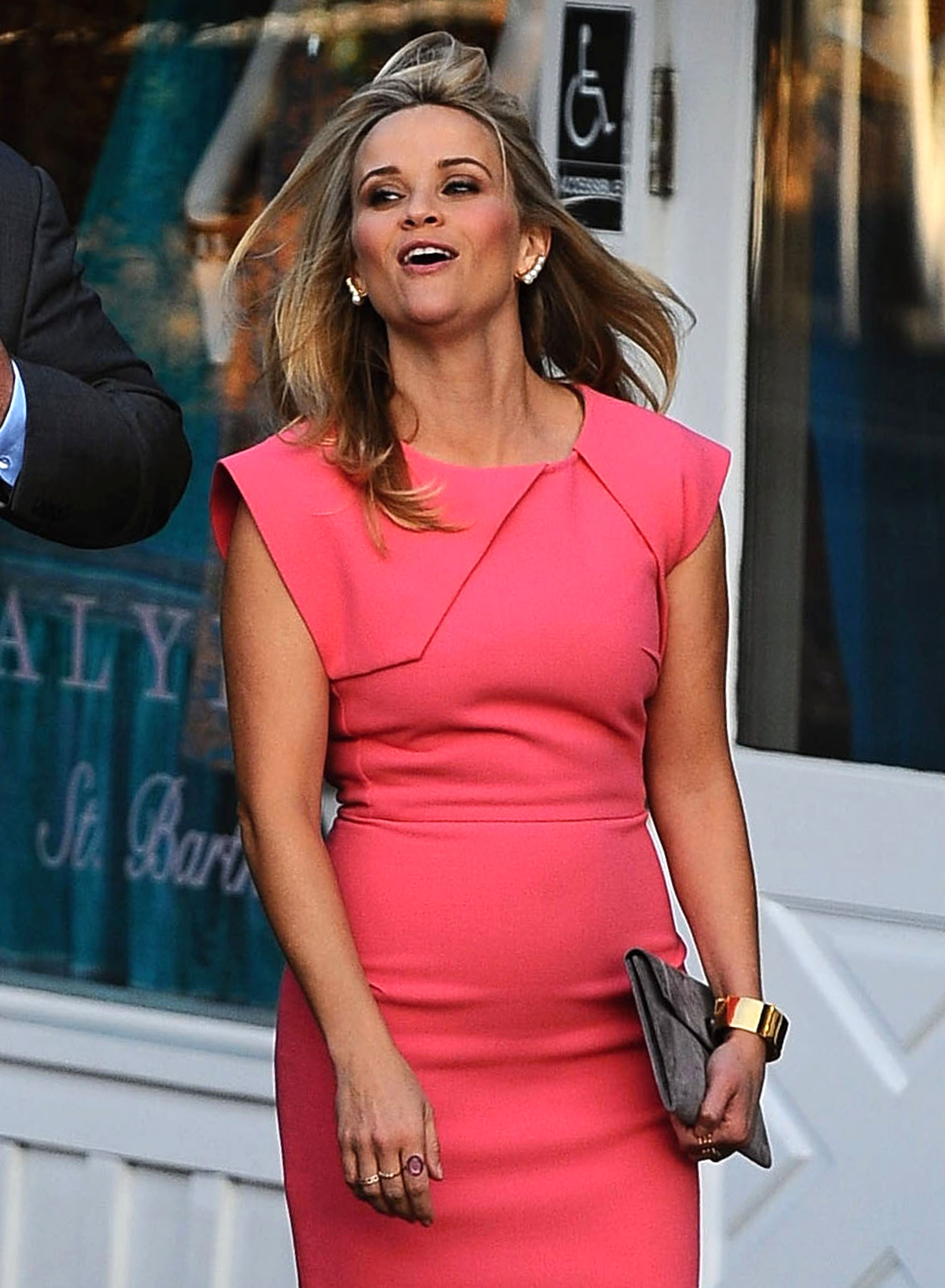
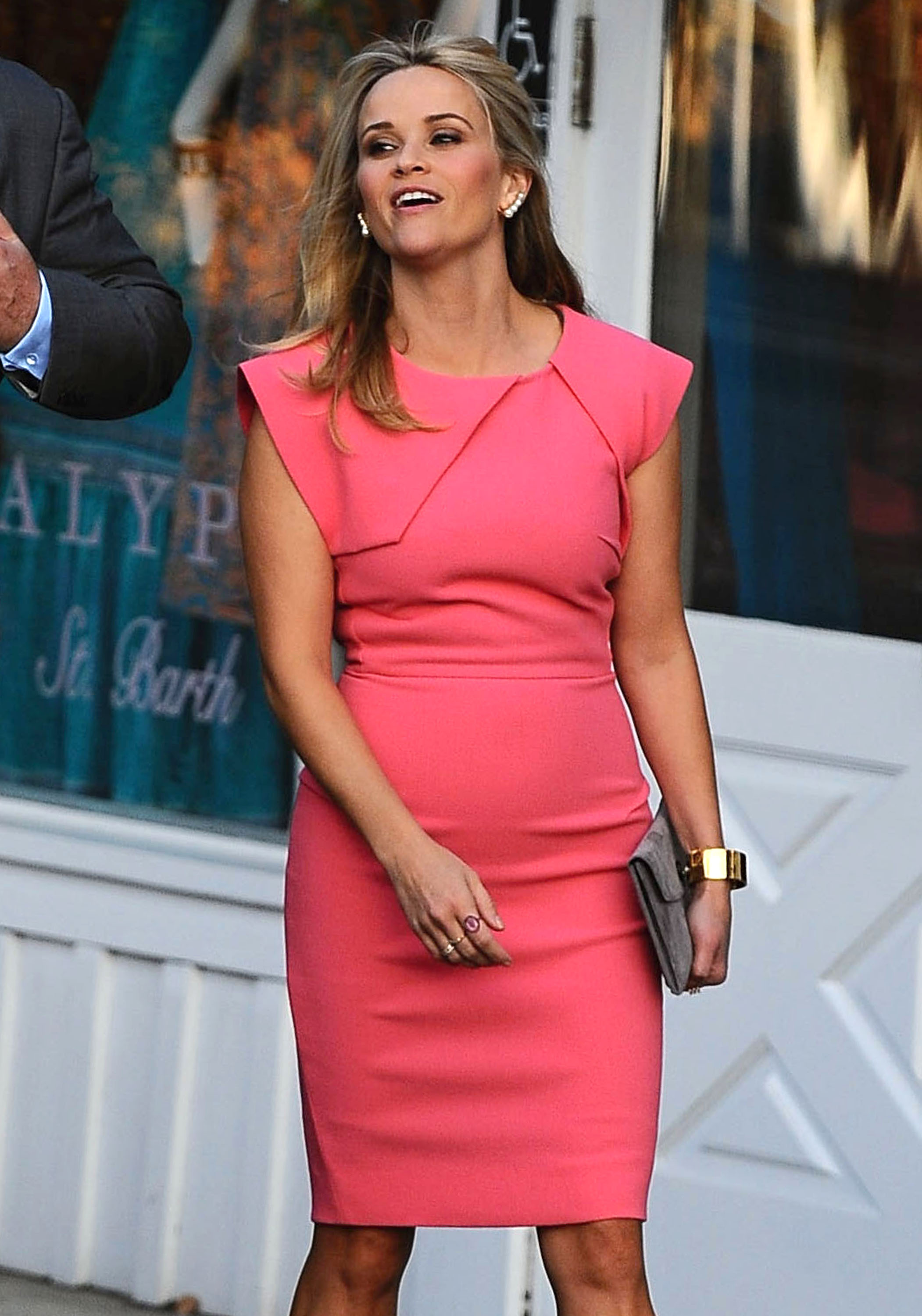
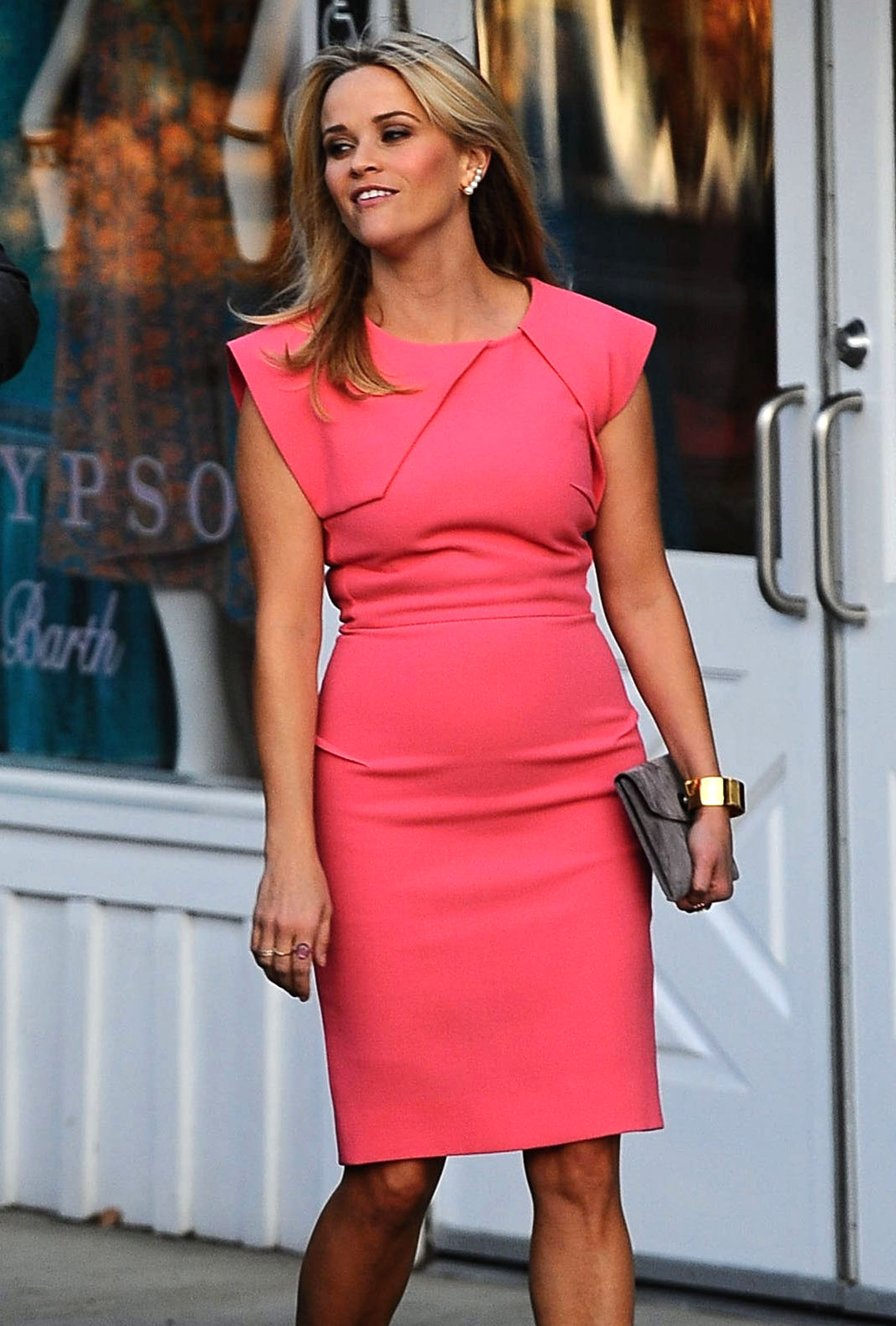
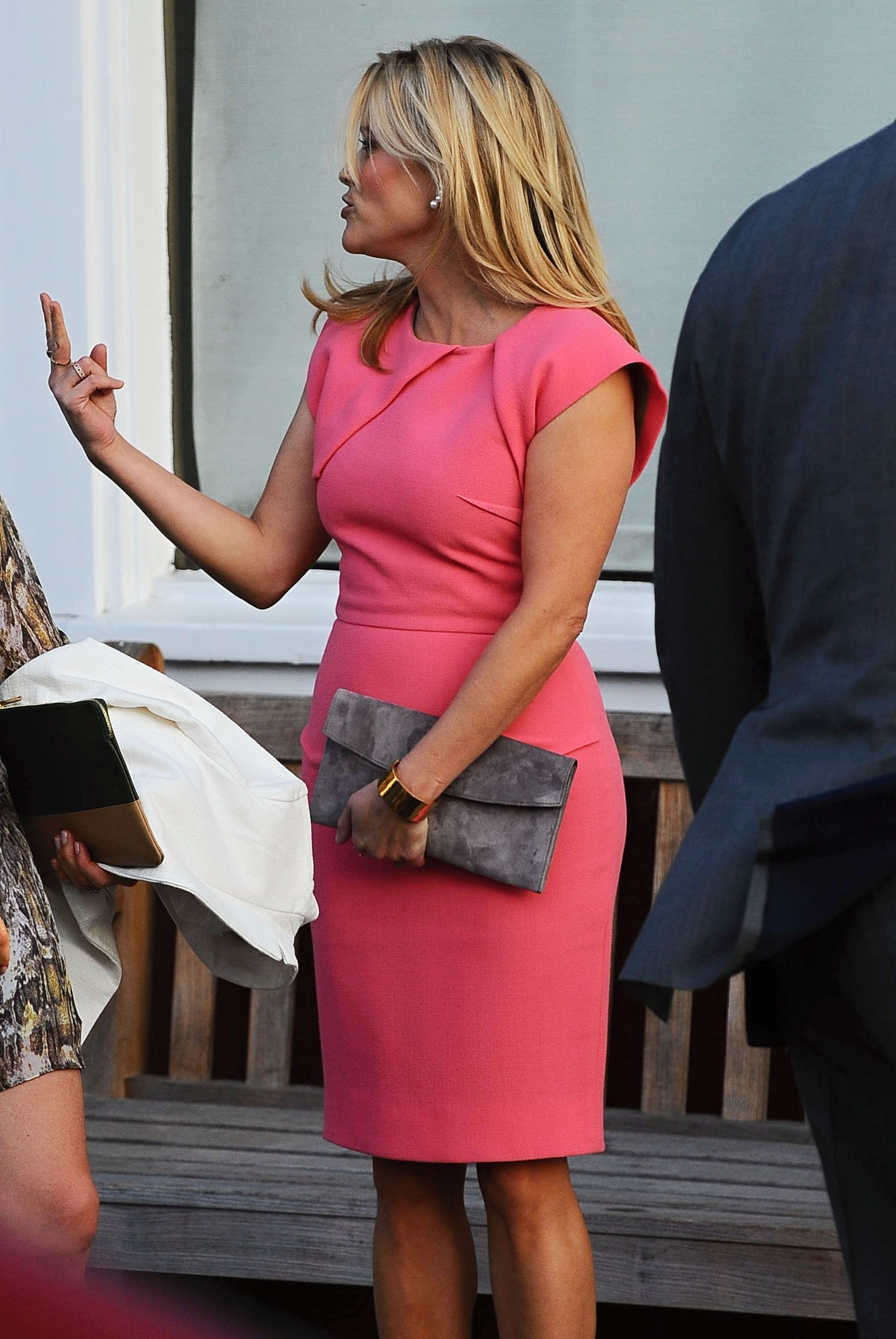
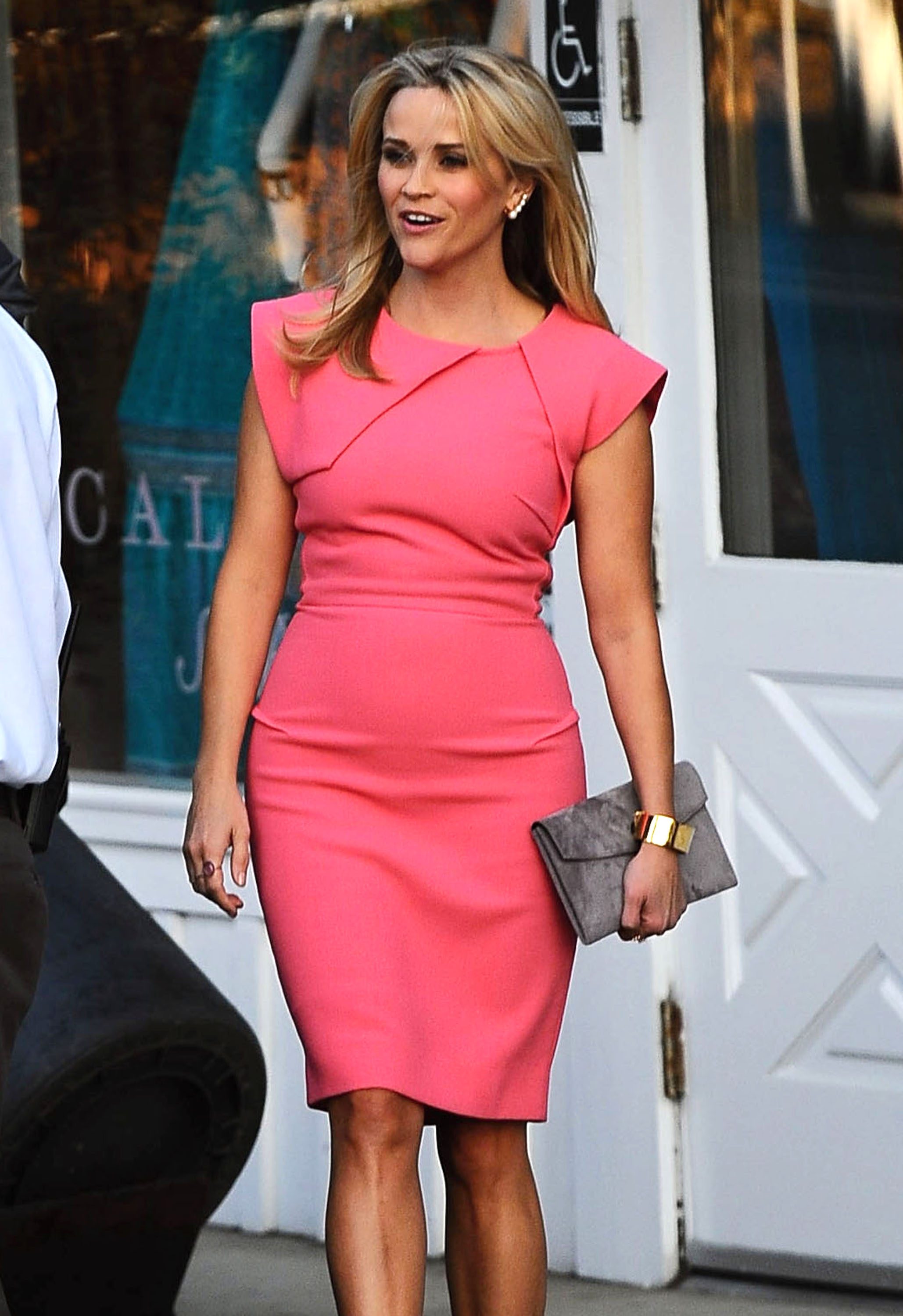
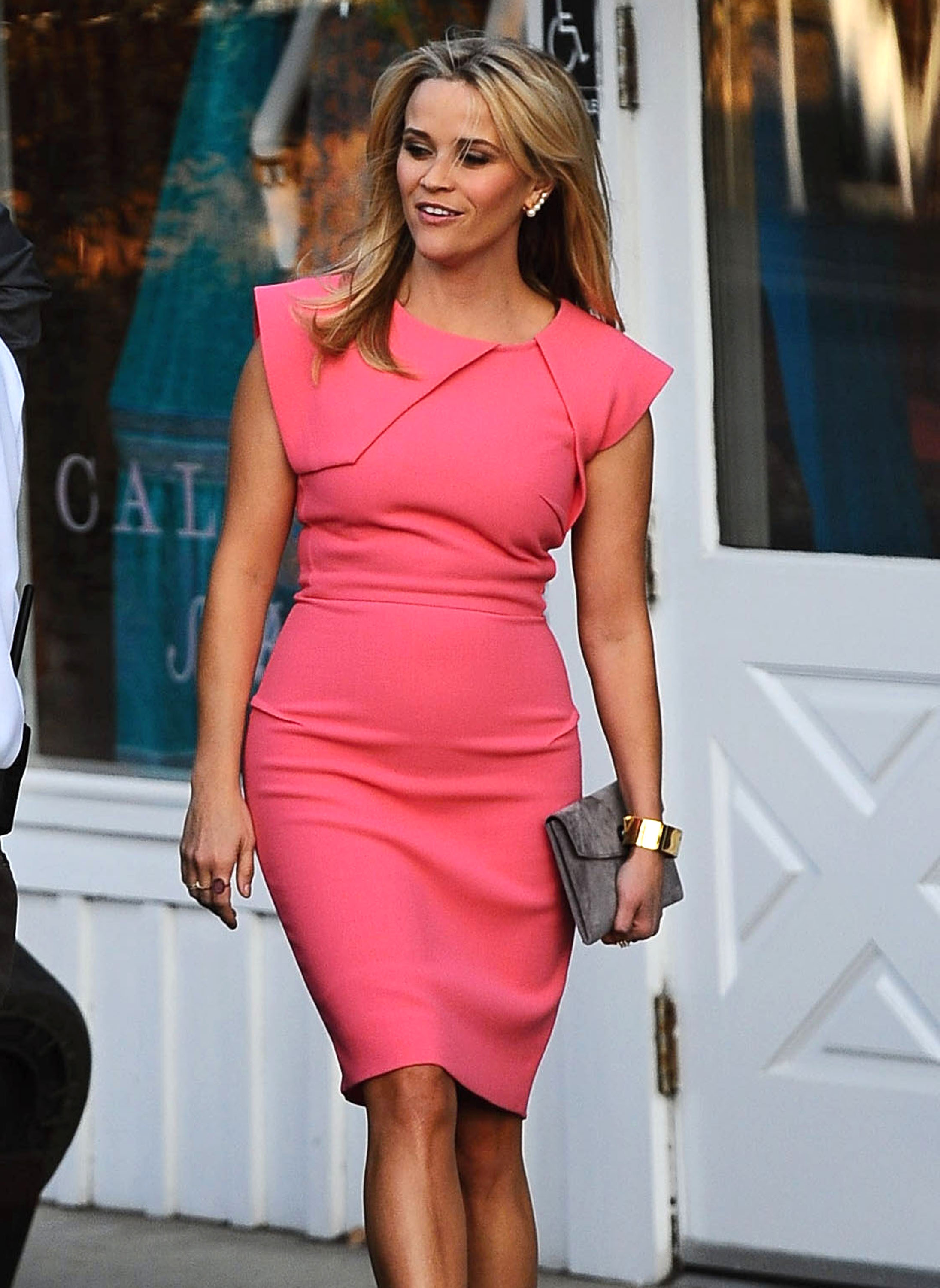
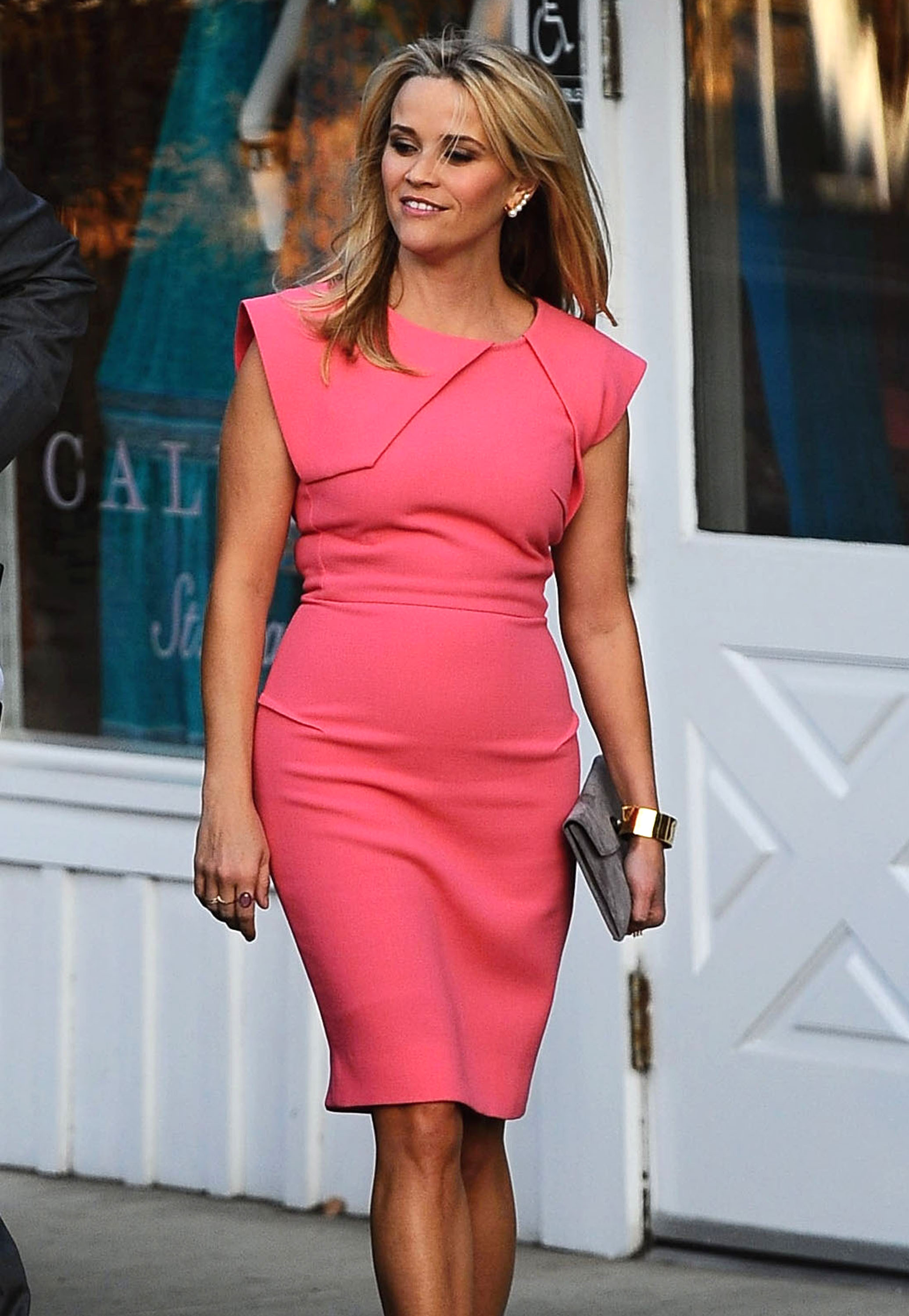
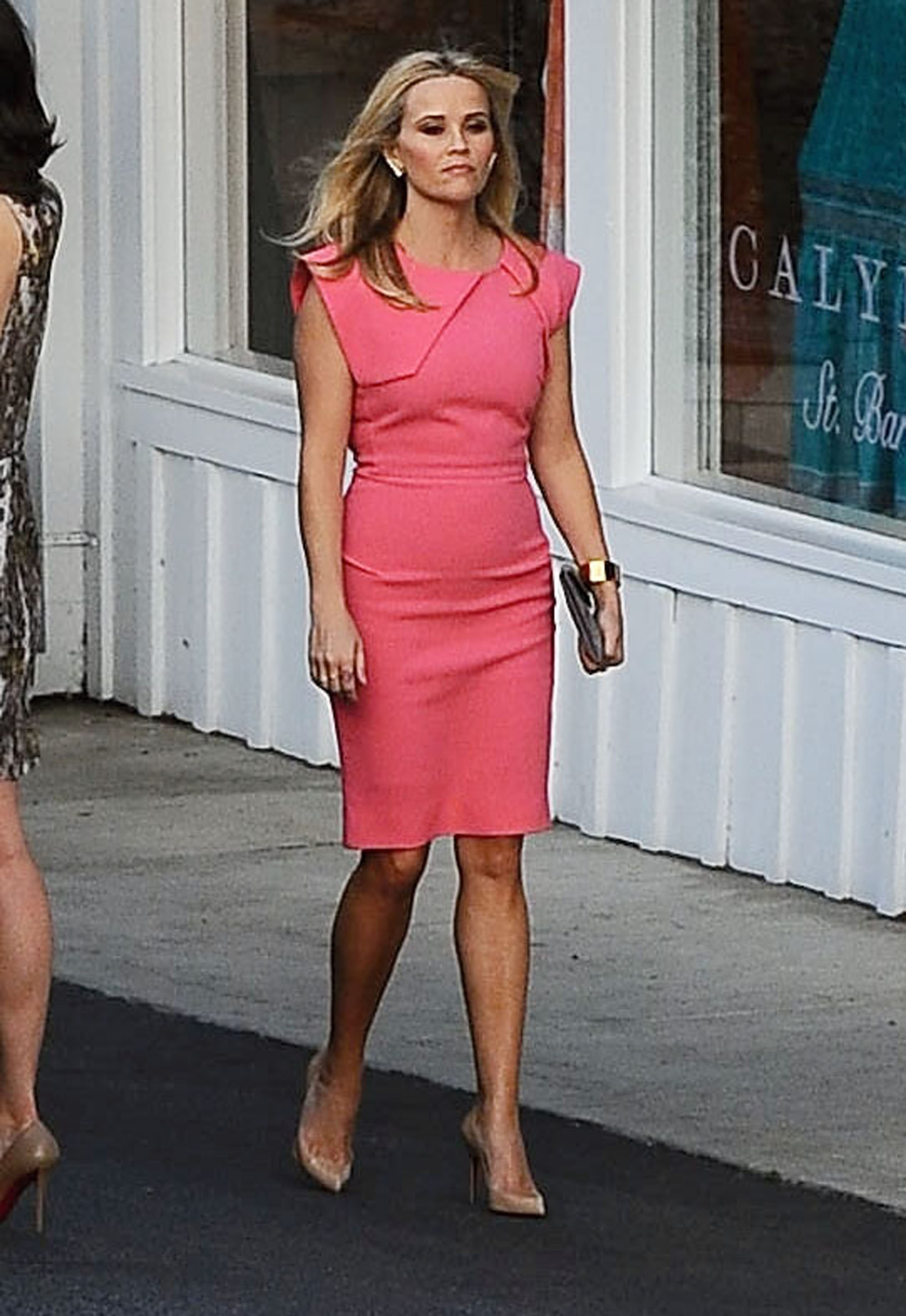
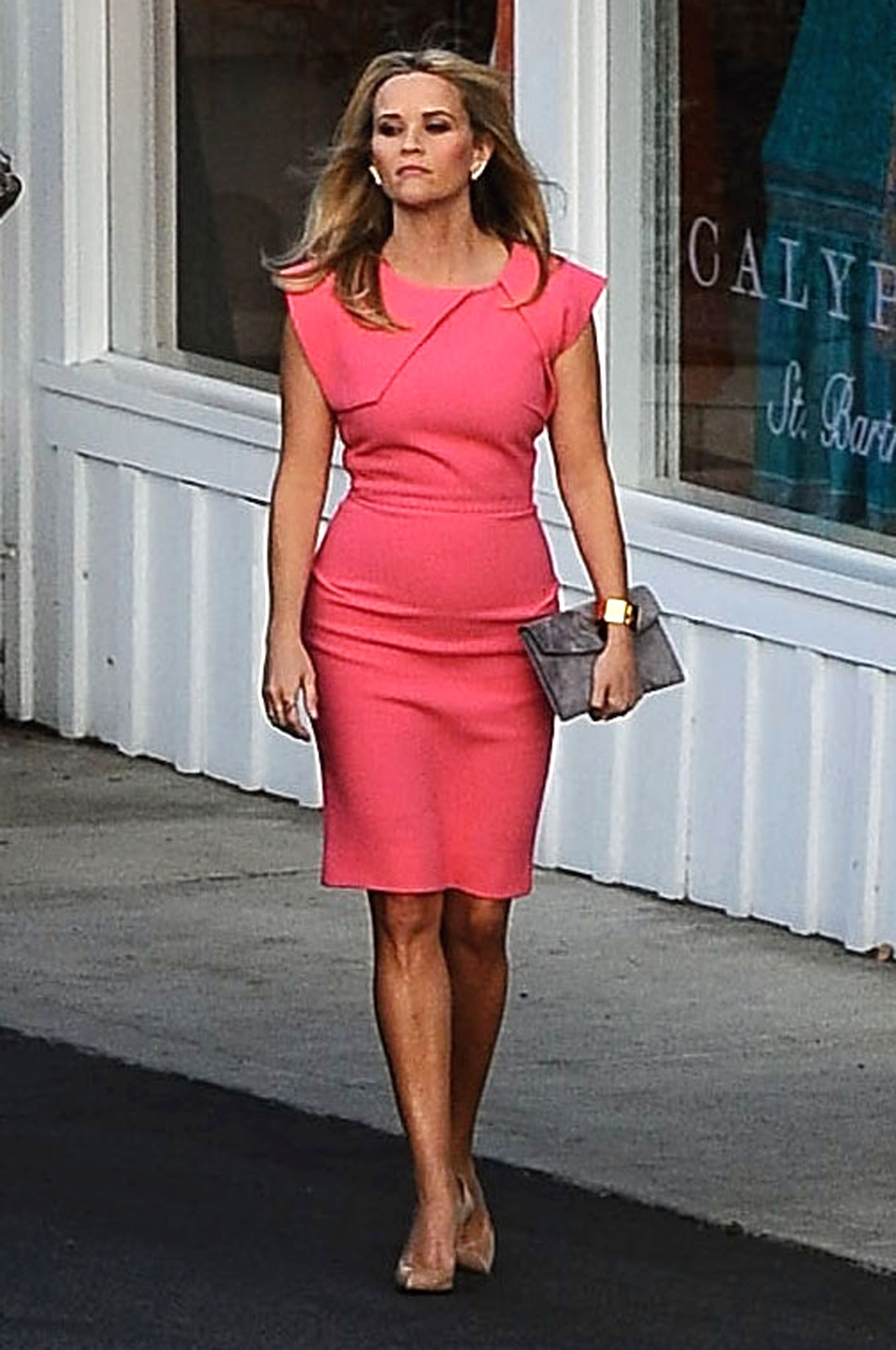
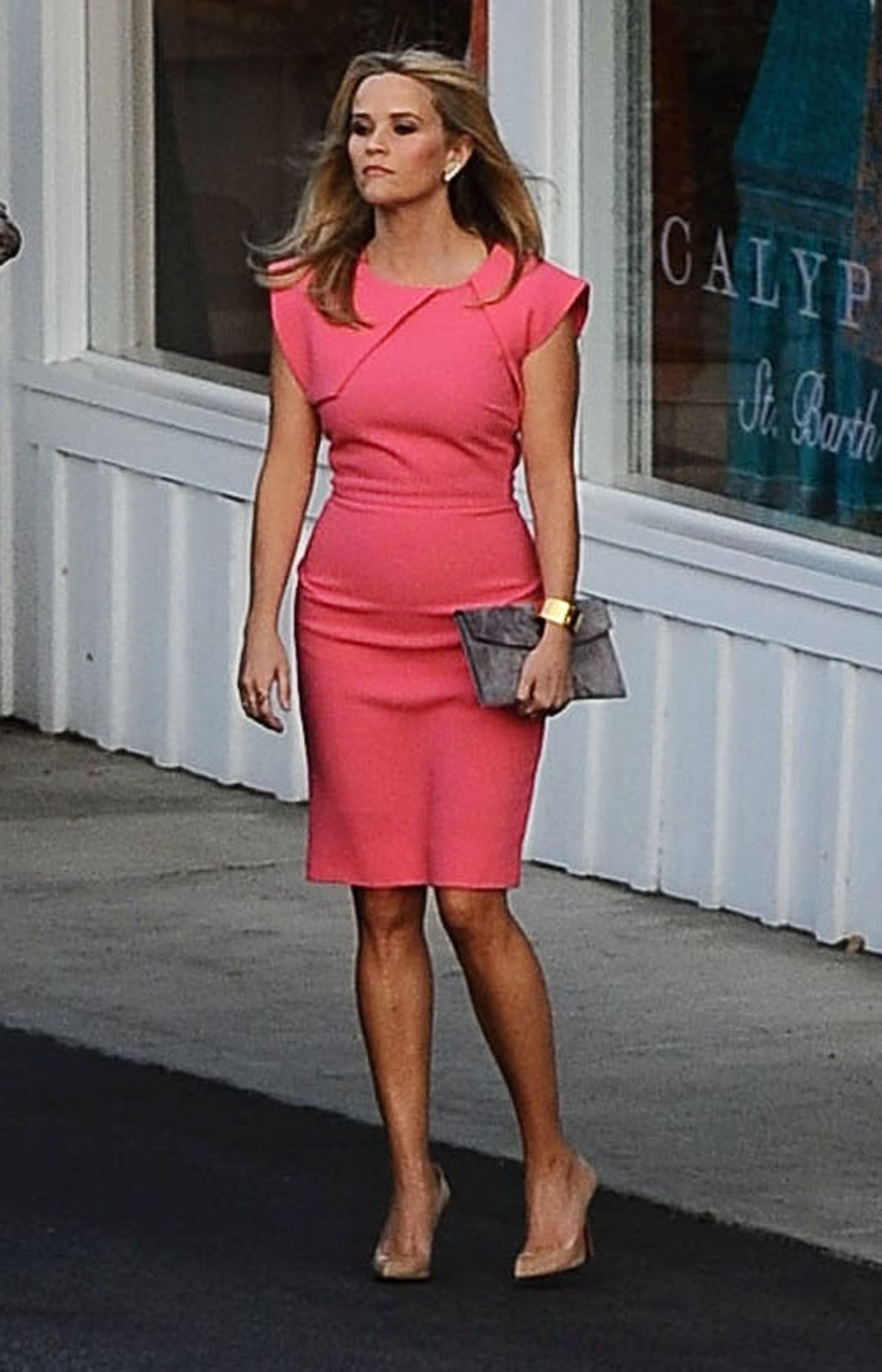
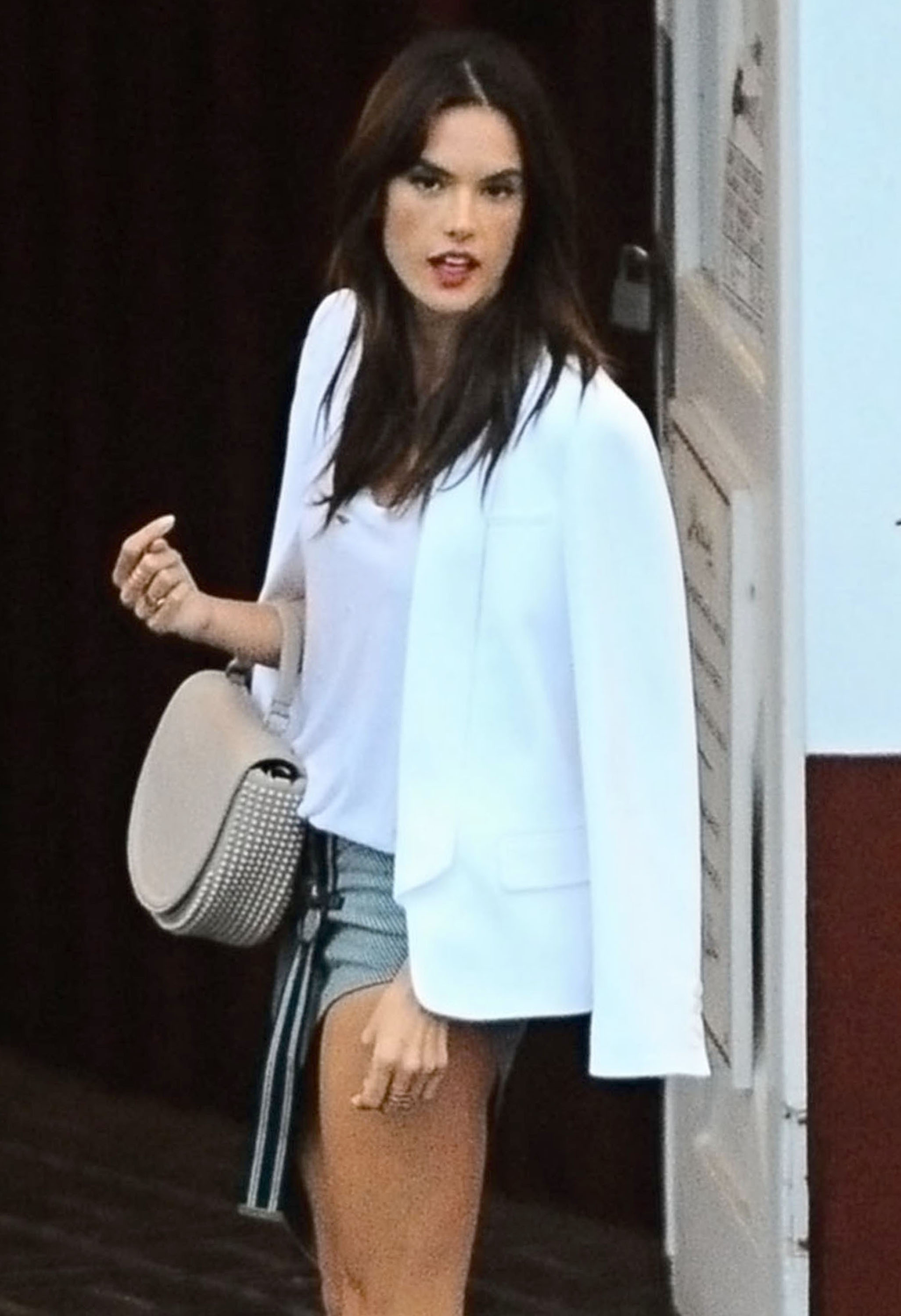
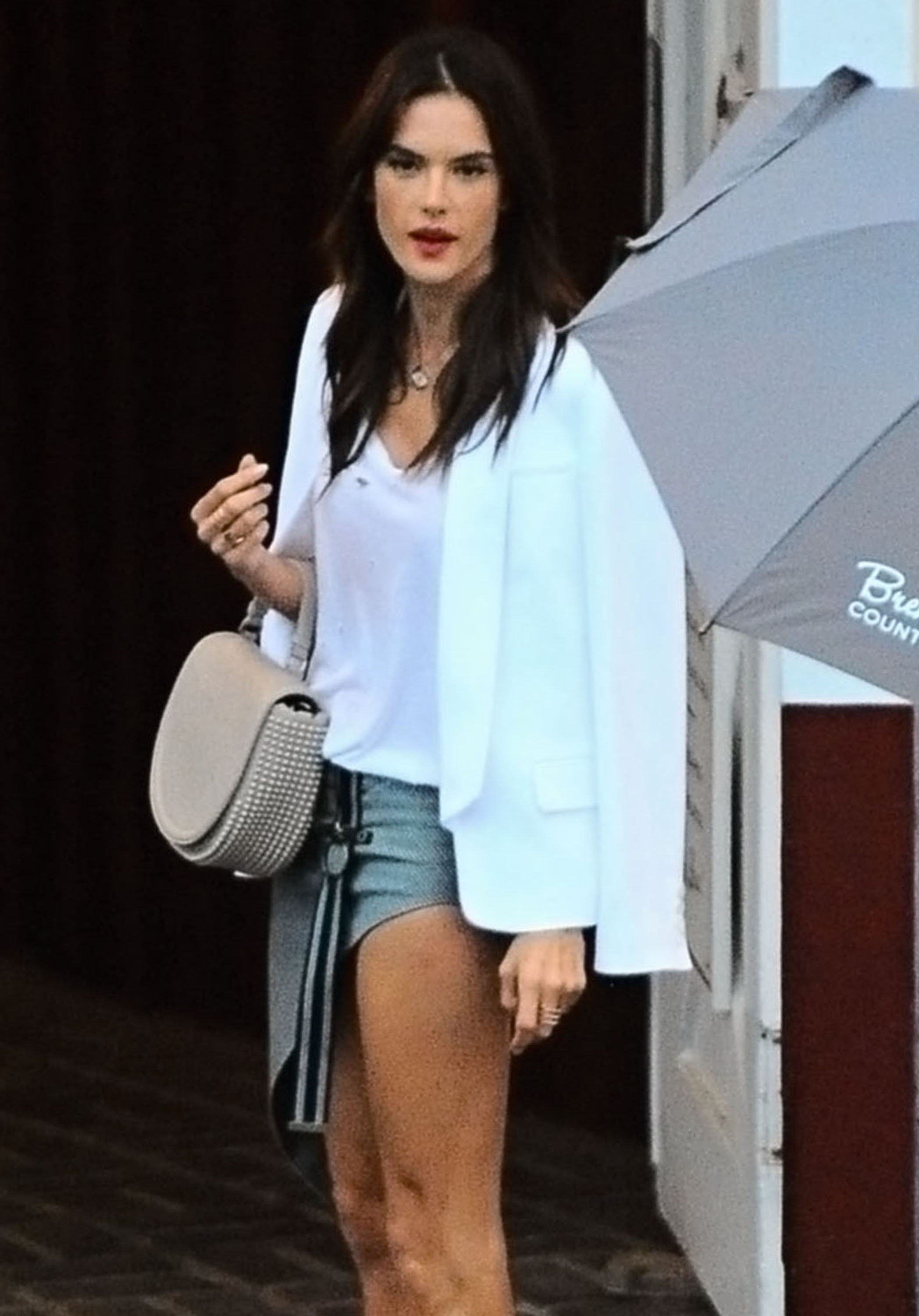
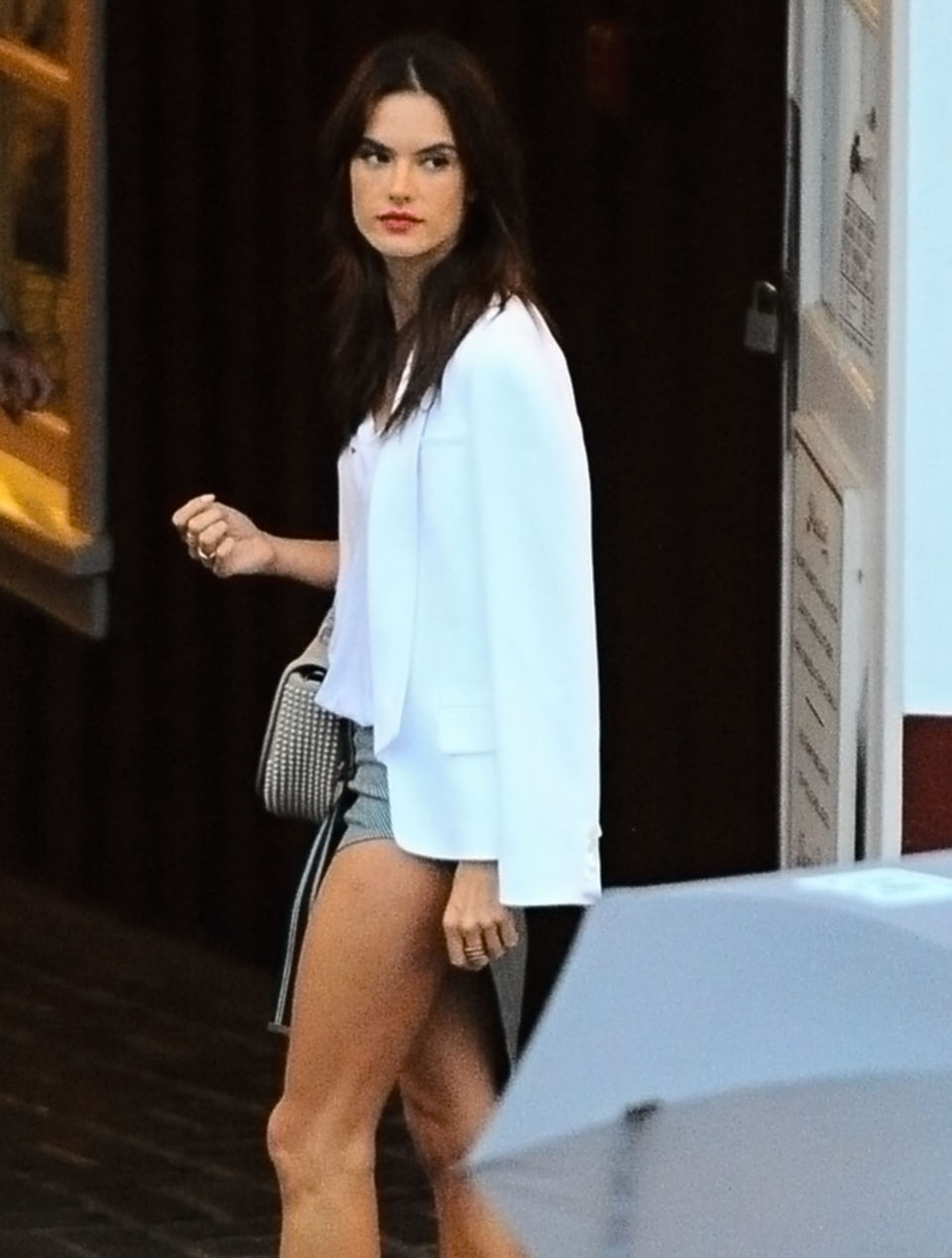
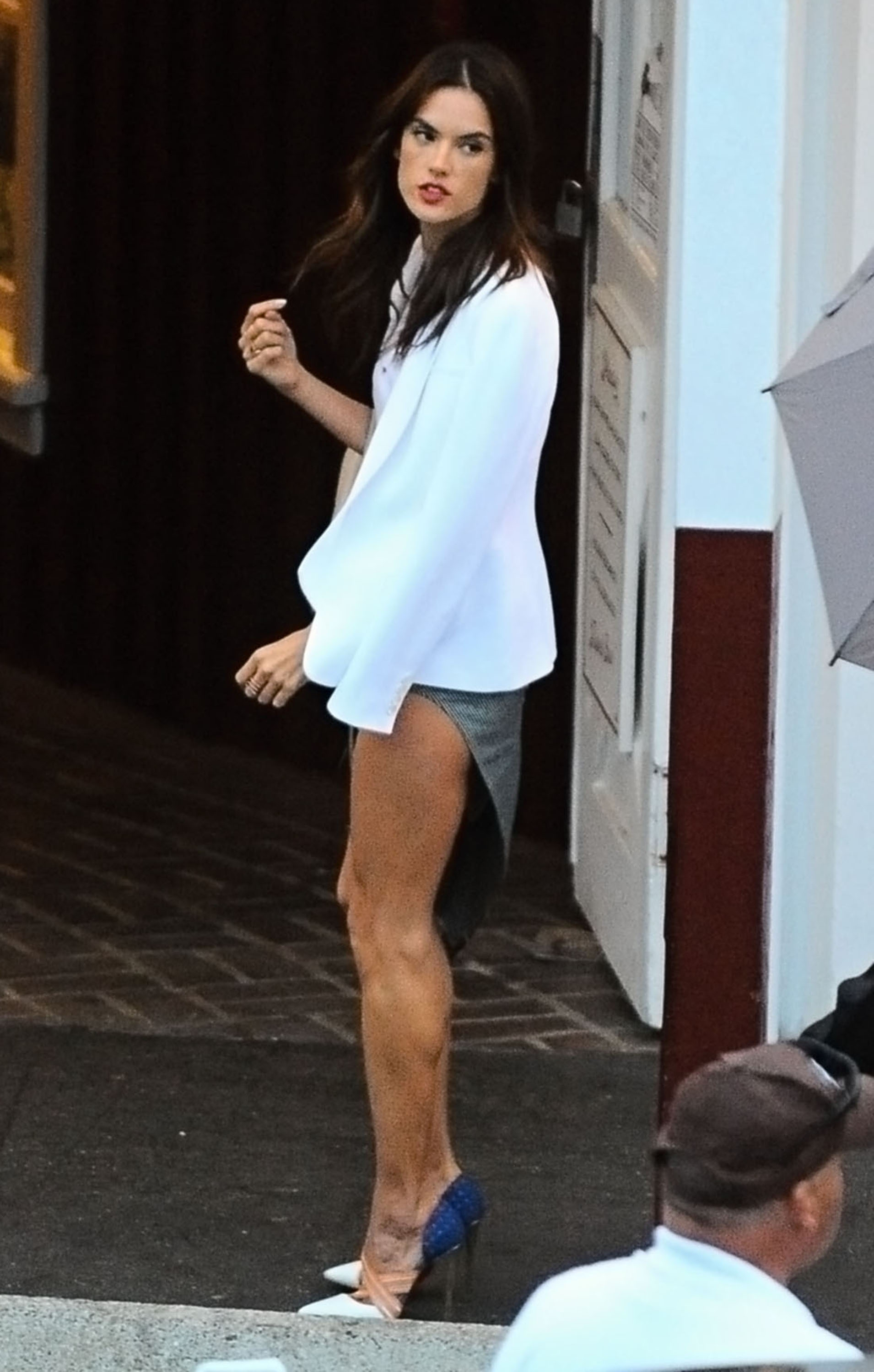
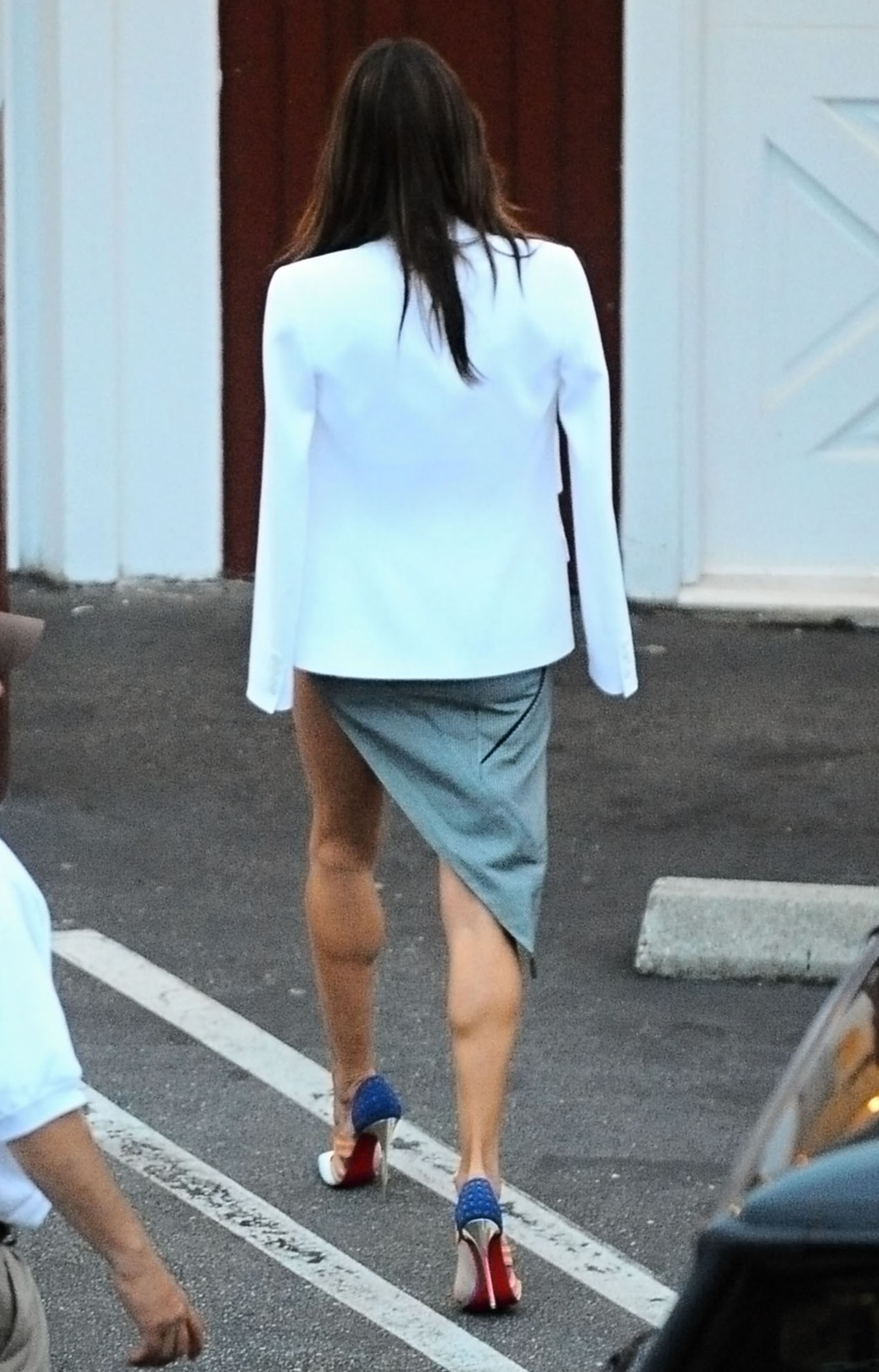
 Reese attending a private party at The Brentwood Country Mart in Brentwood, California on June 11, 2015.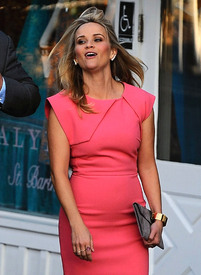
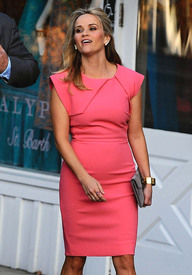
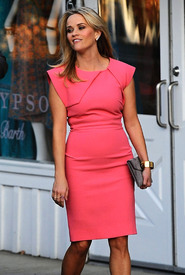
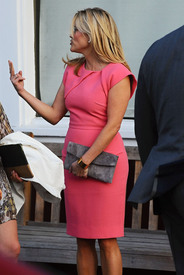
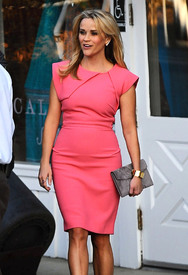
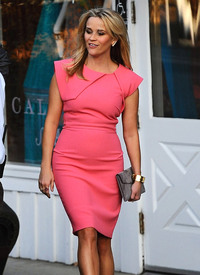
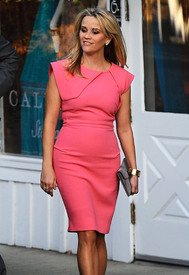
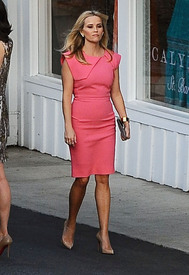
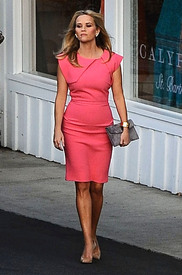
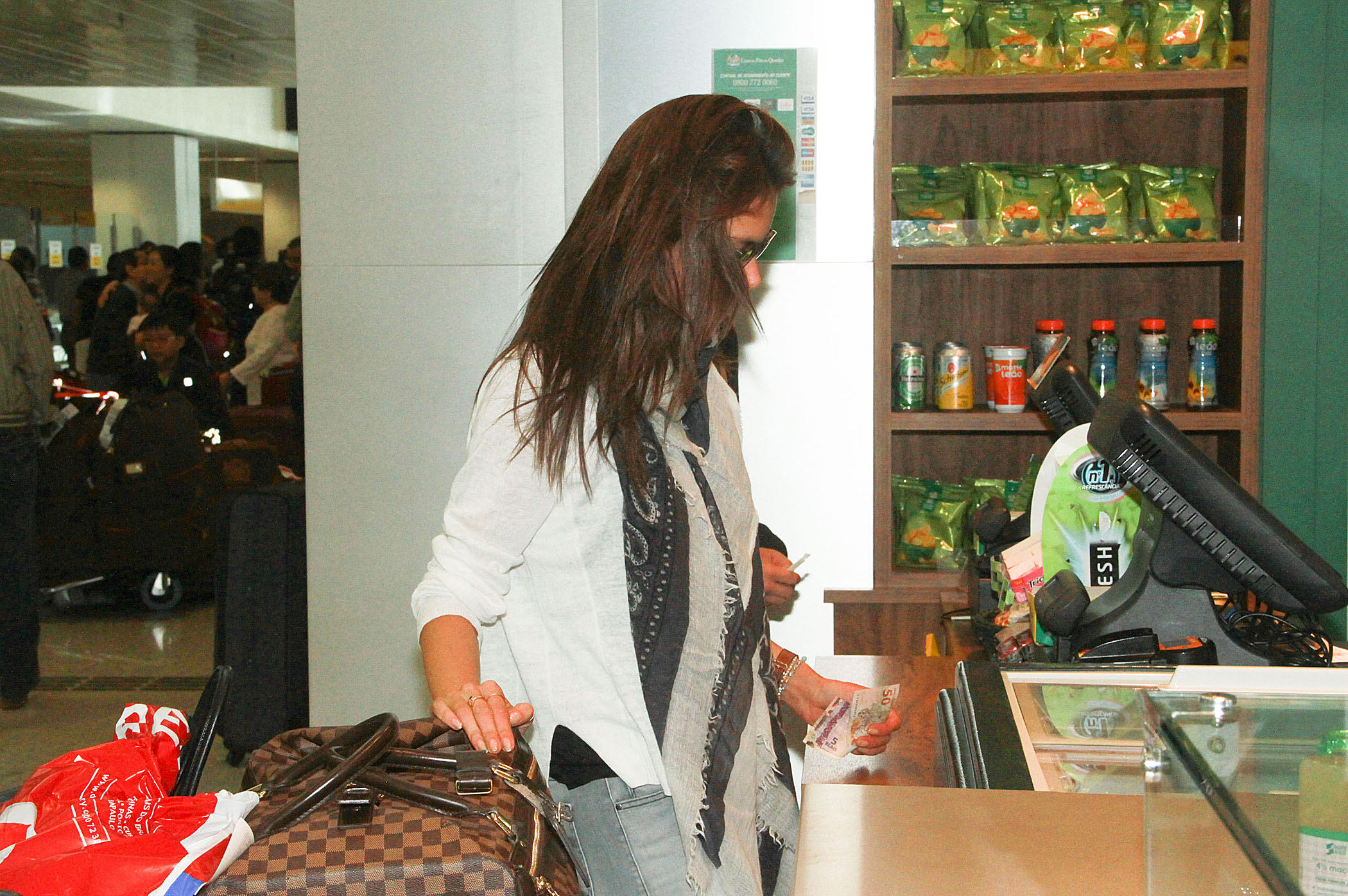
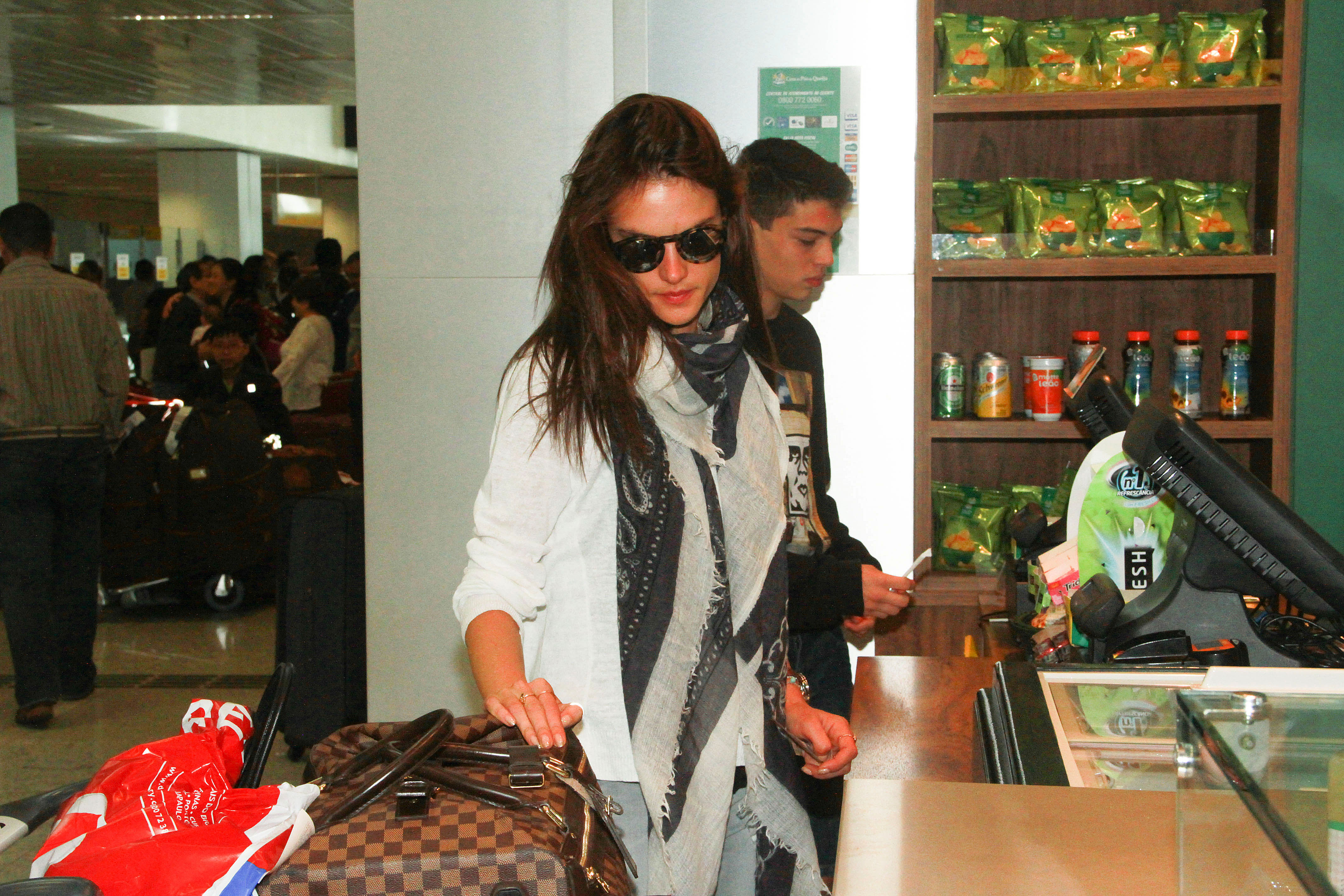
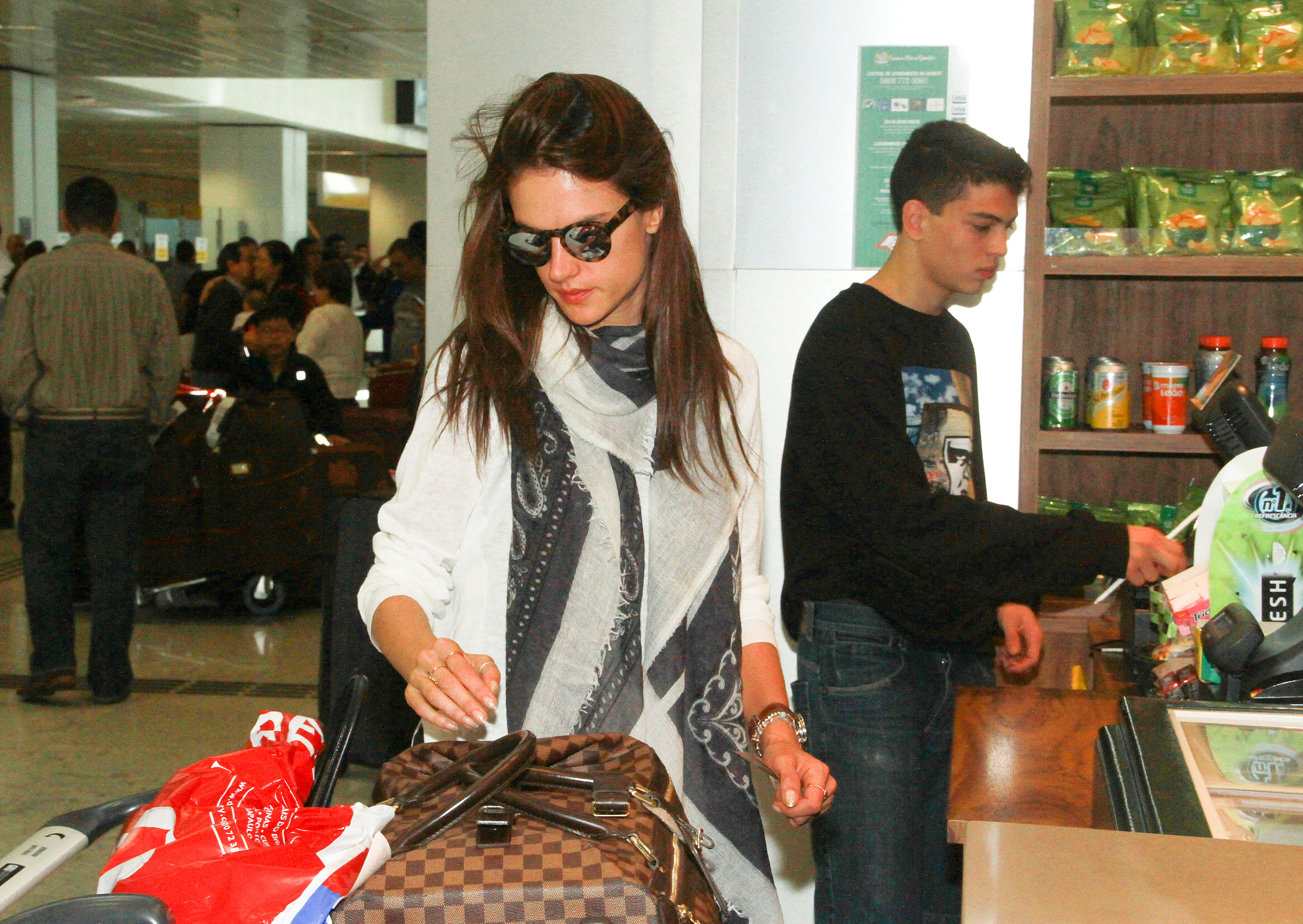
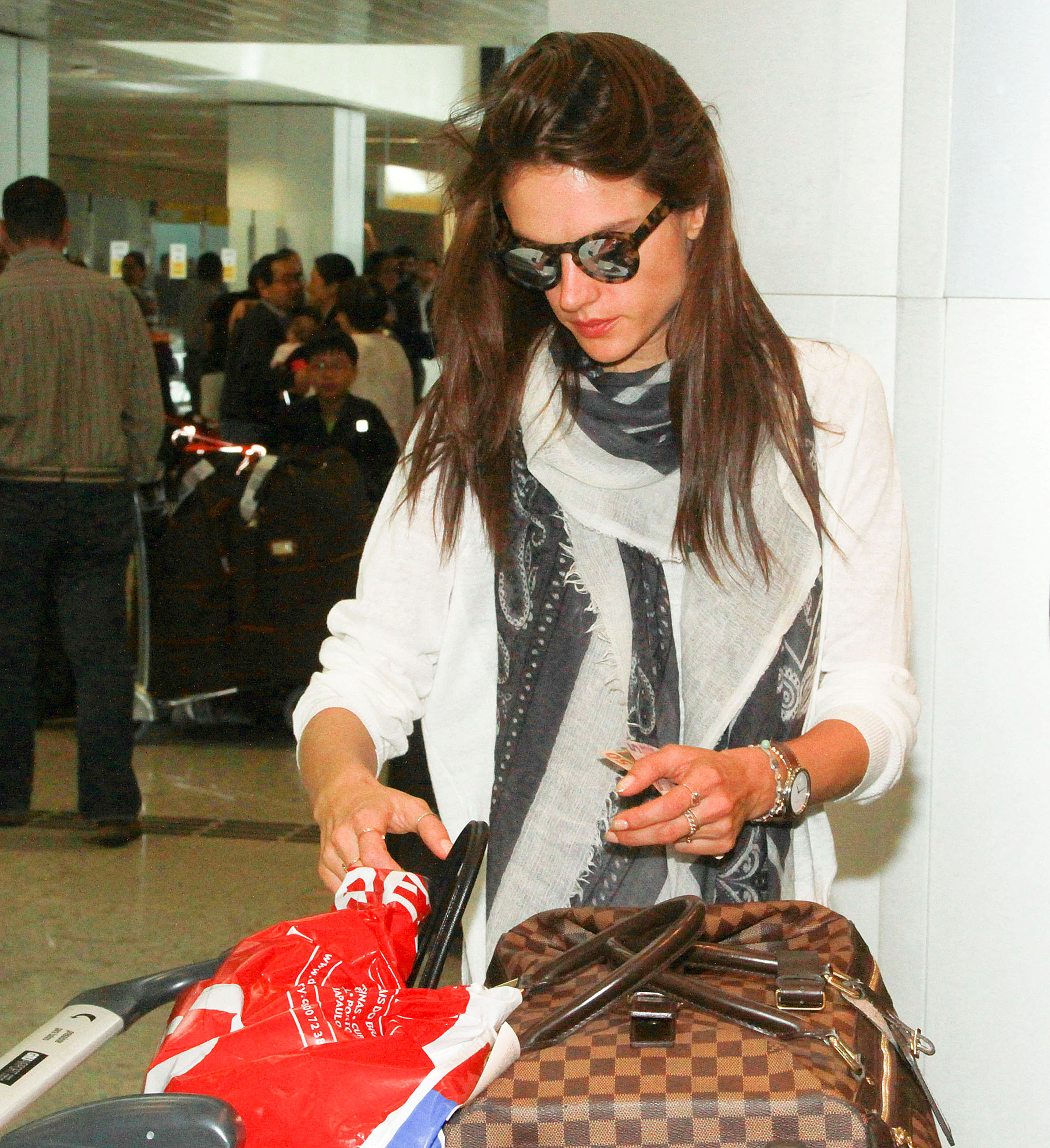
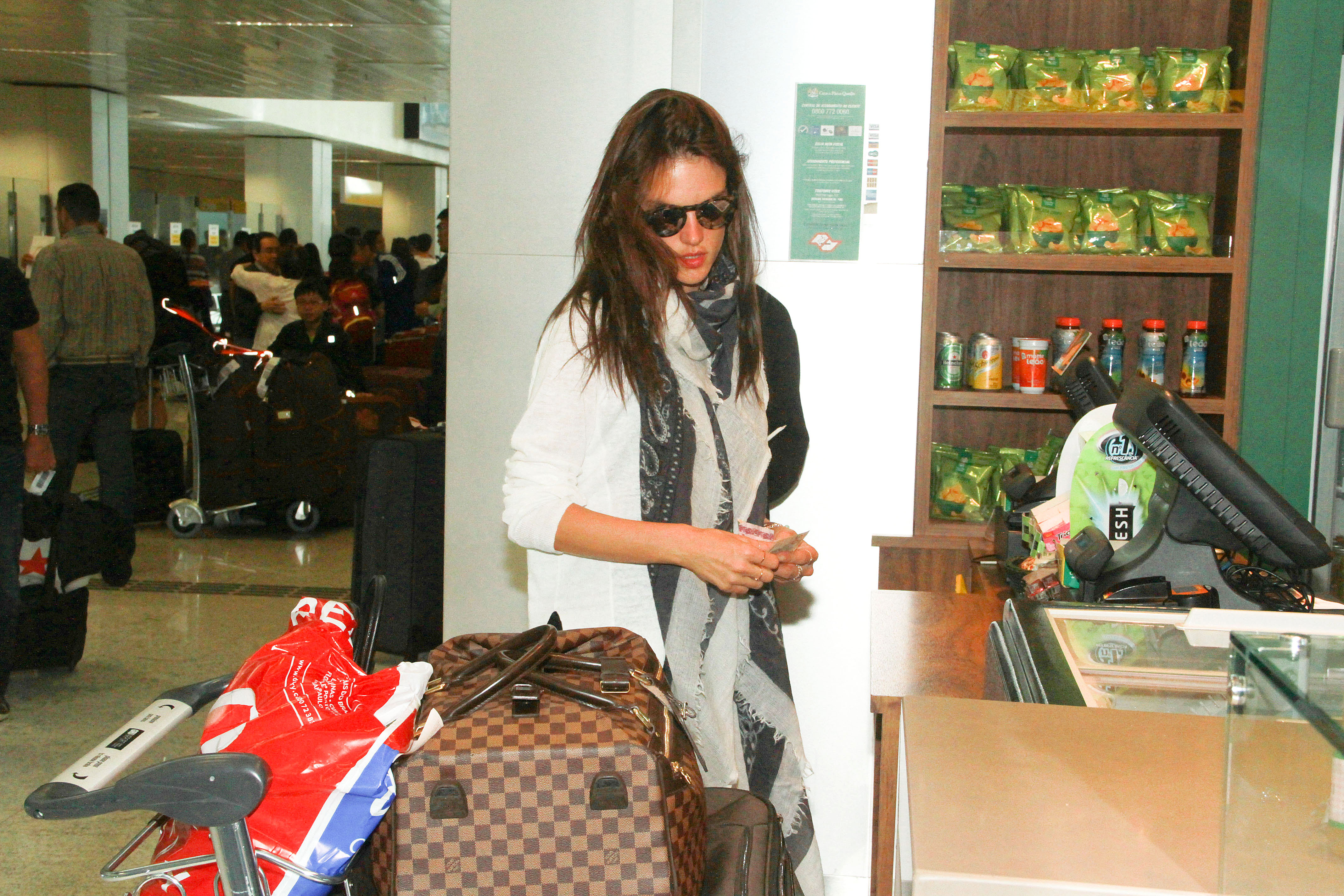
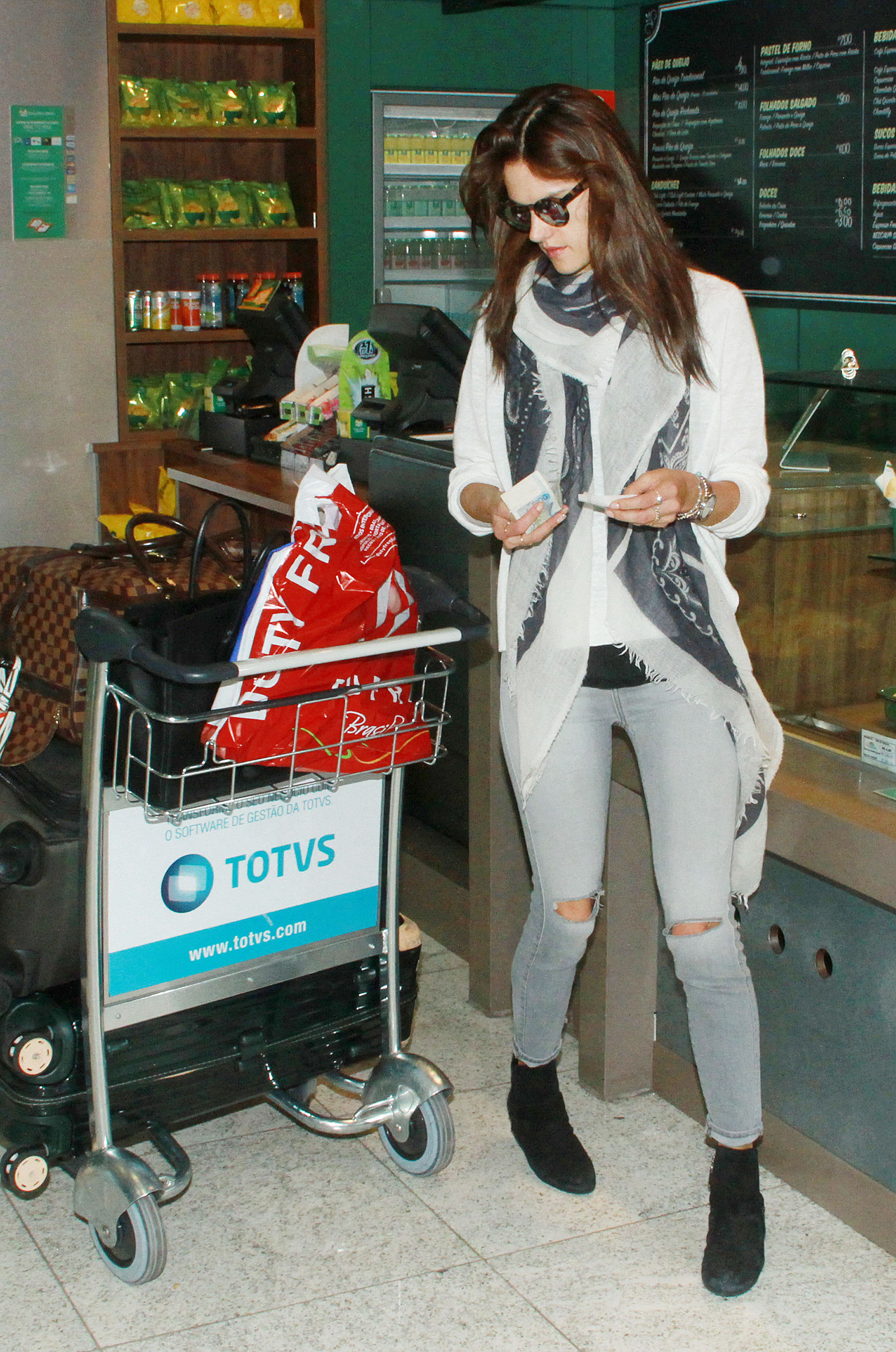
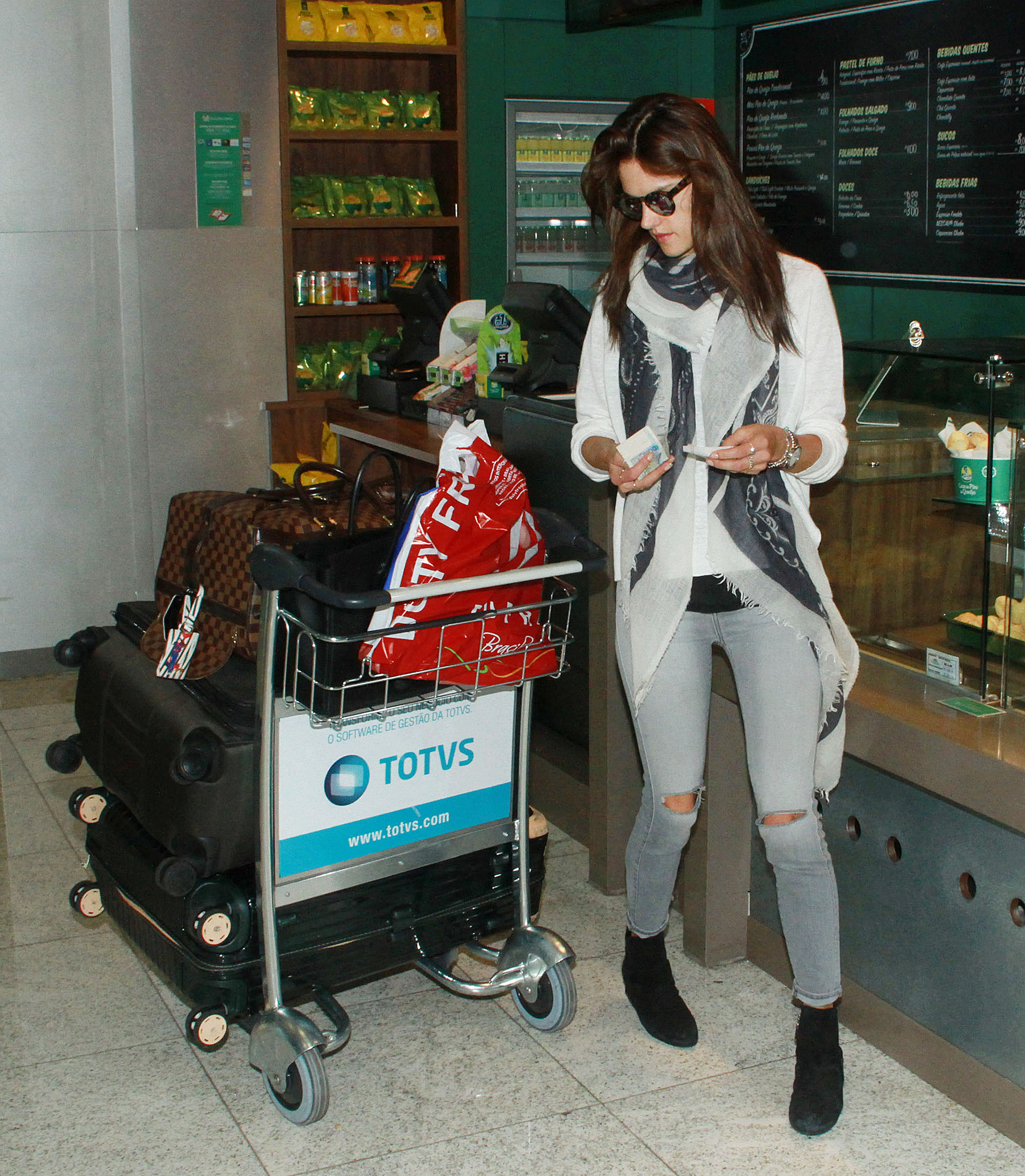
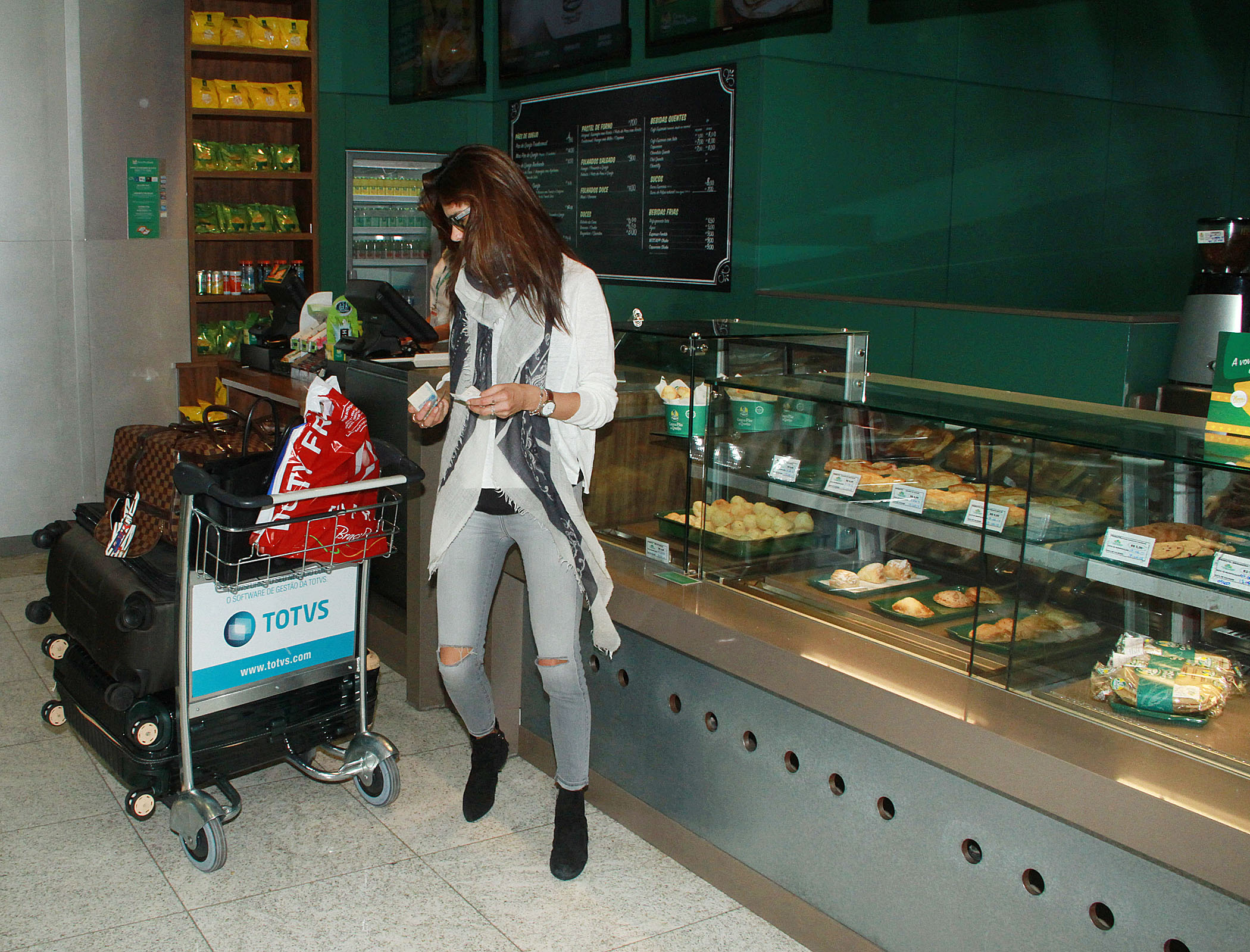
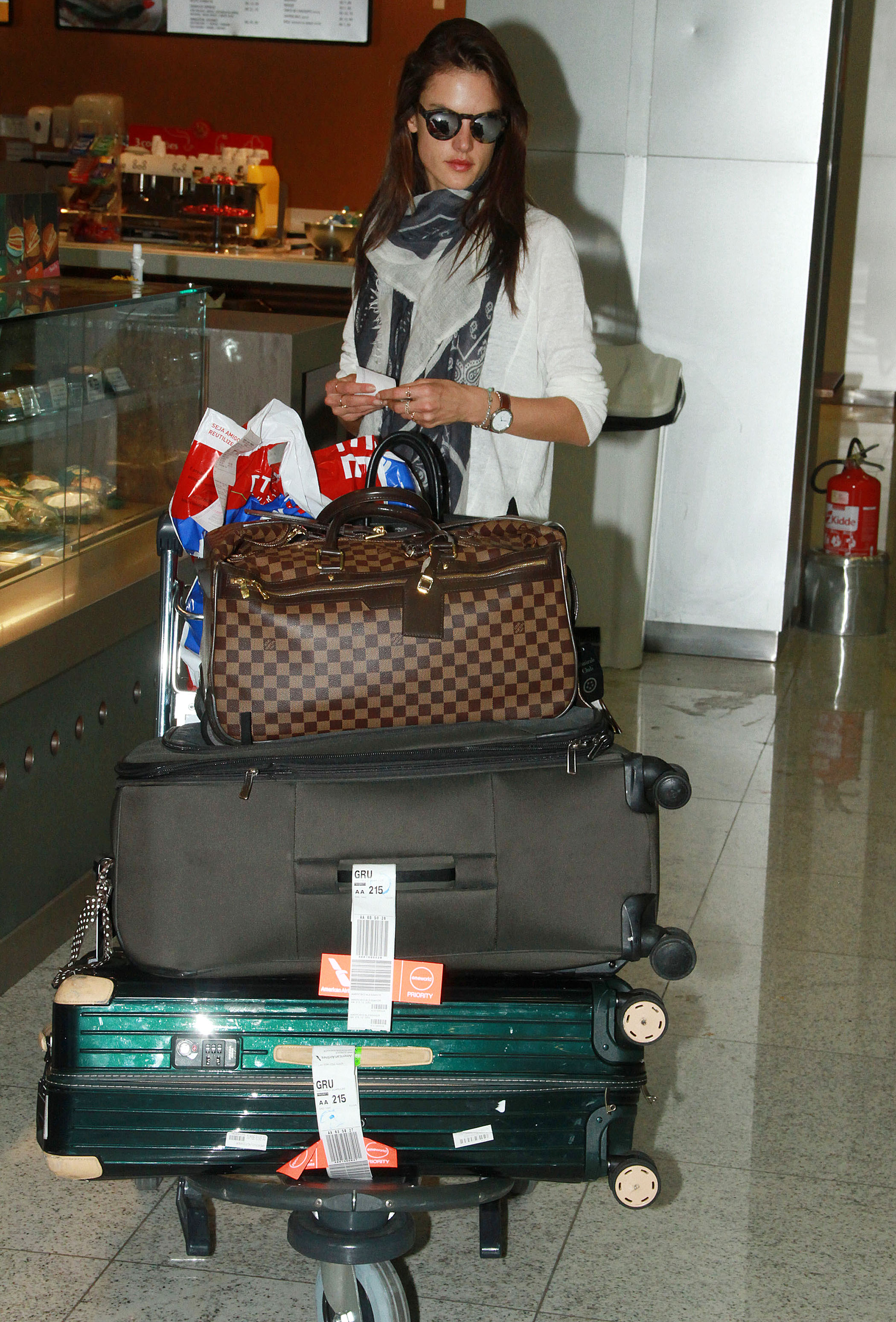
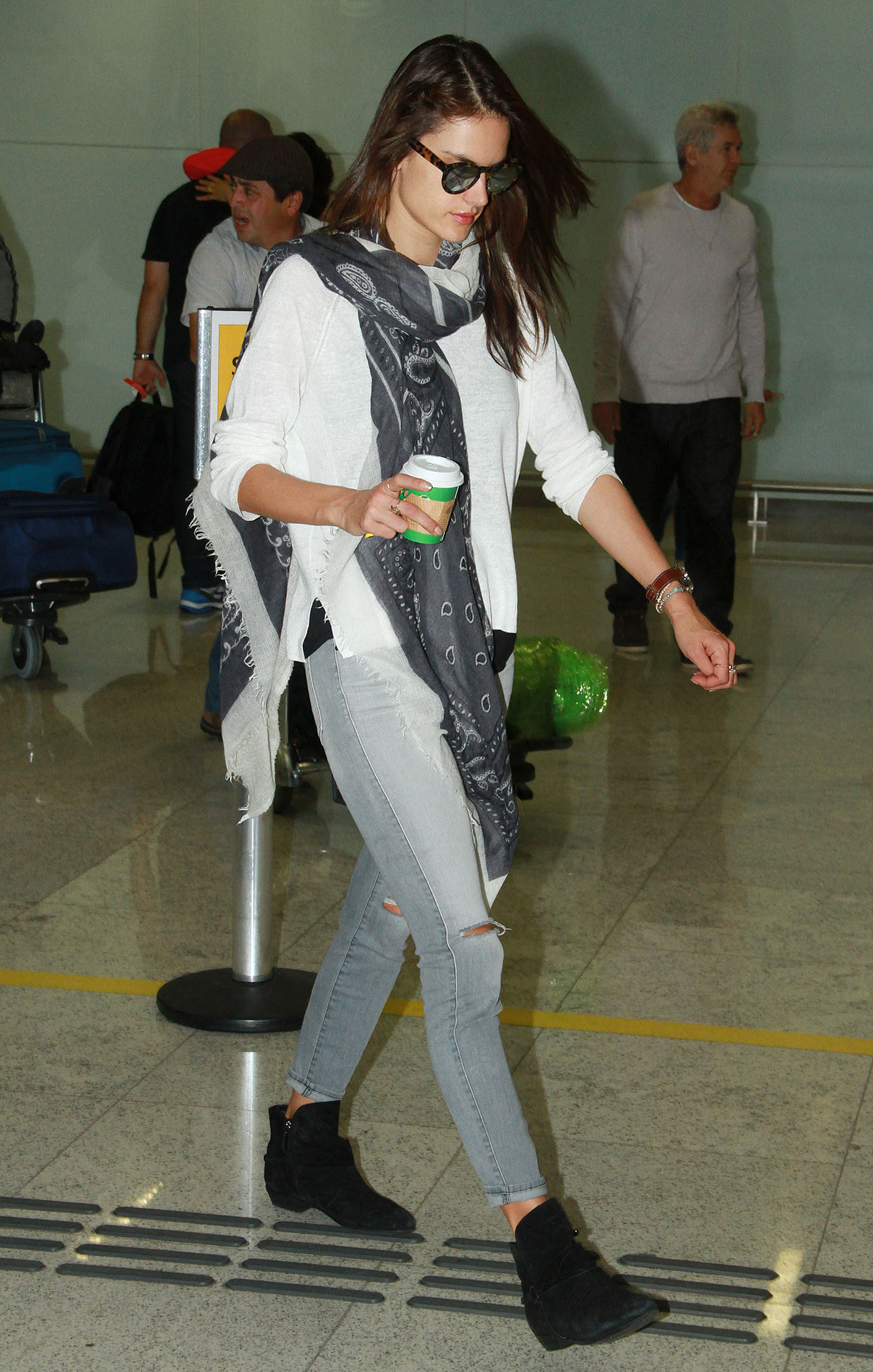
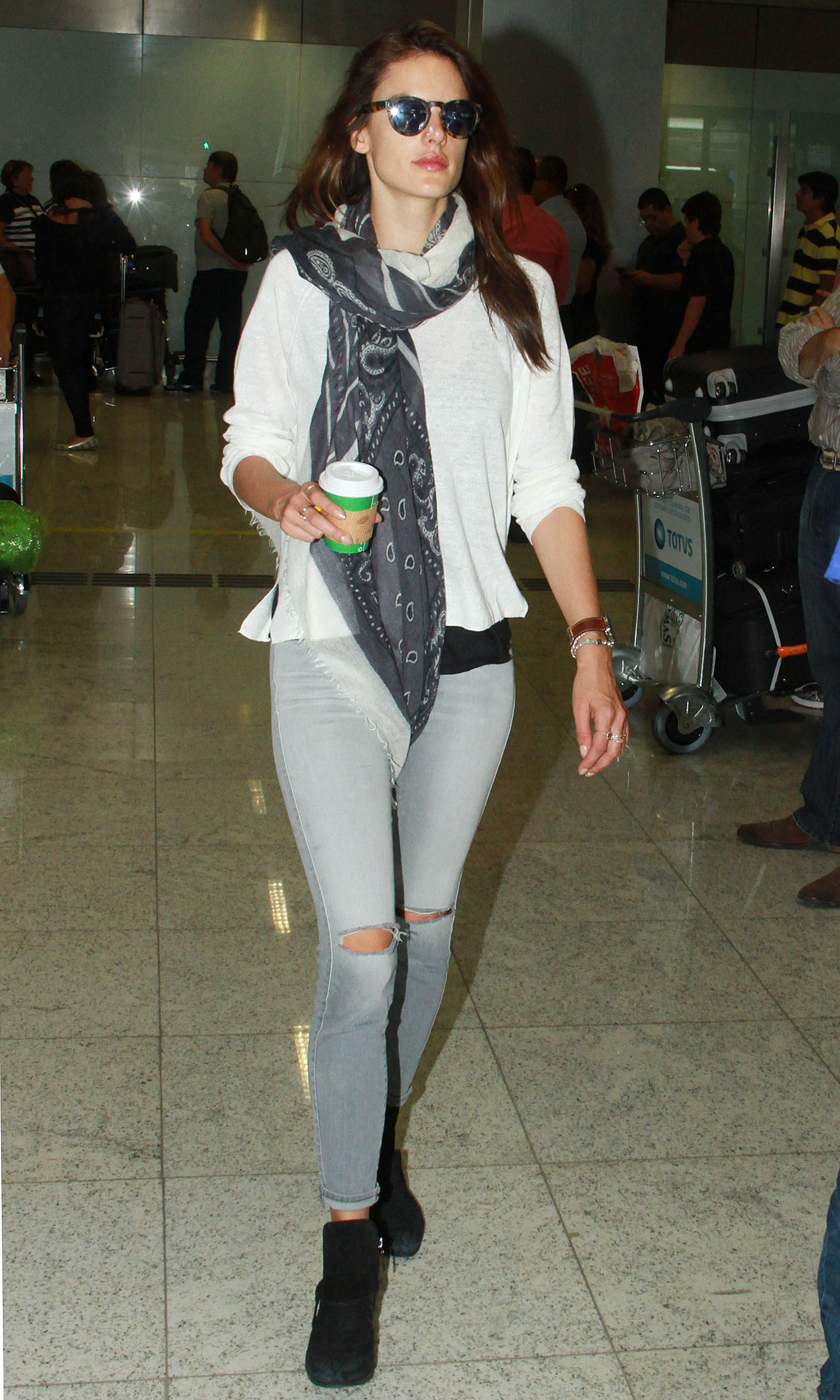
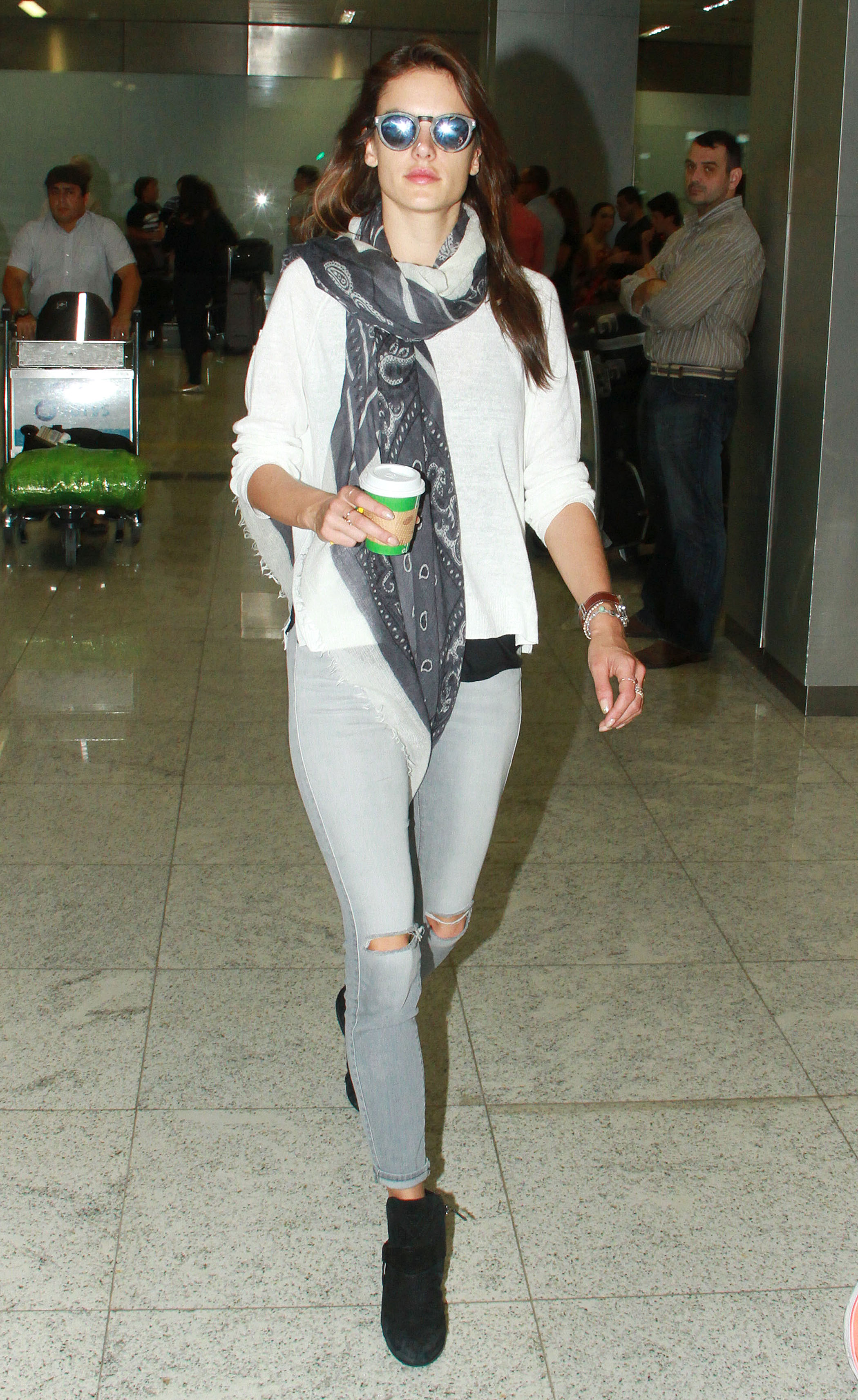
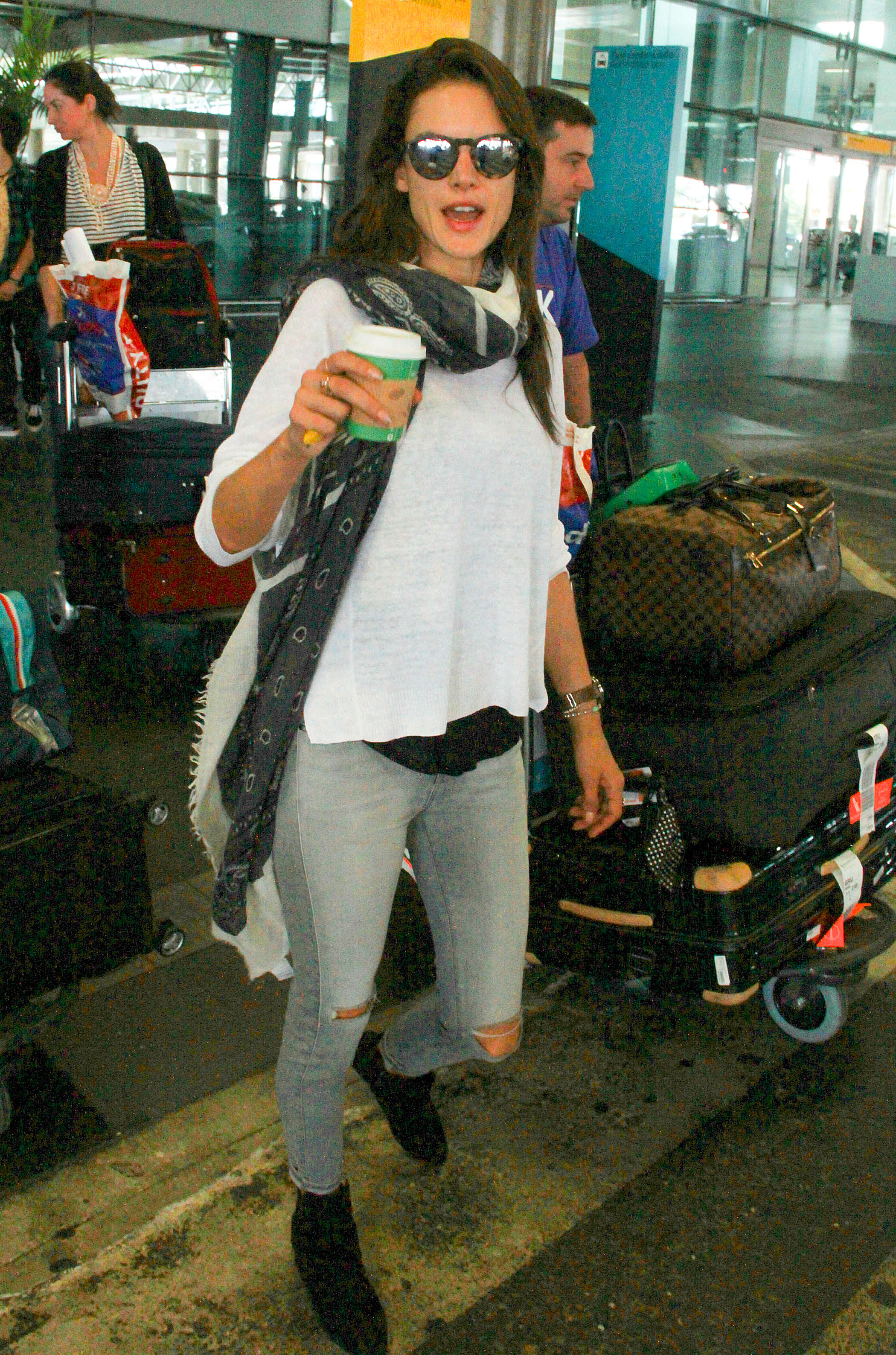
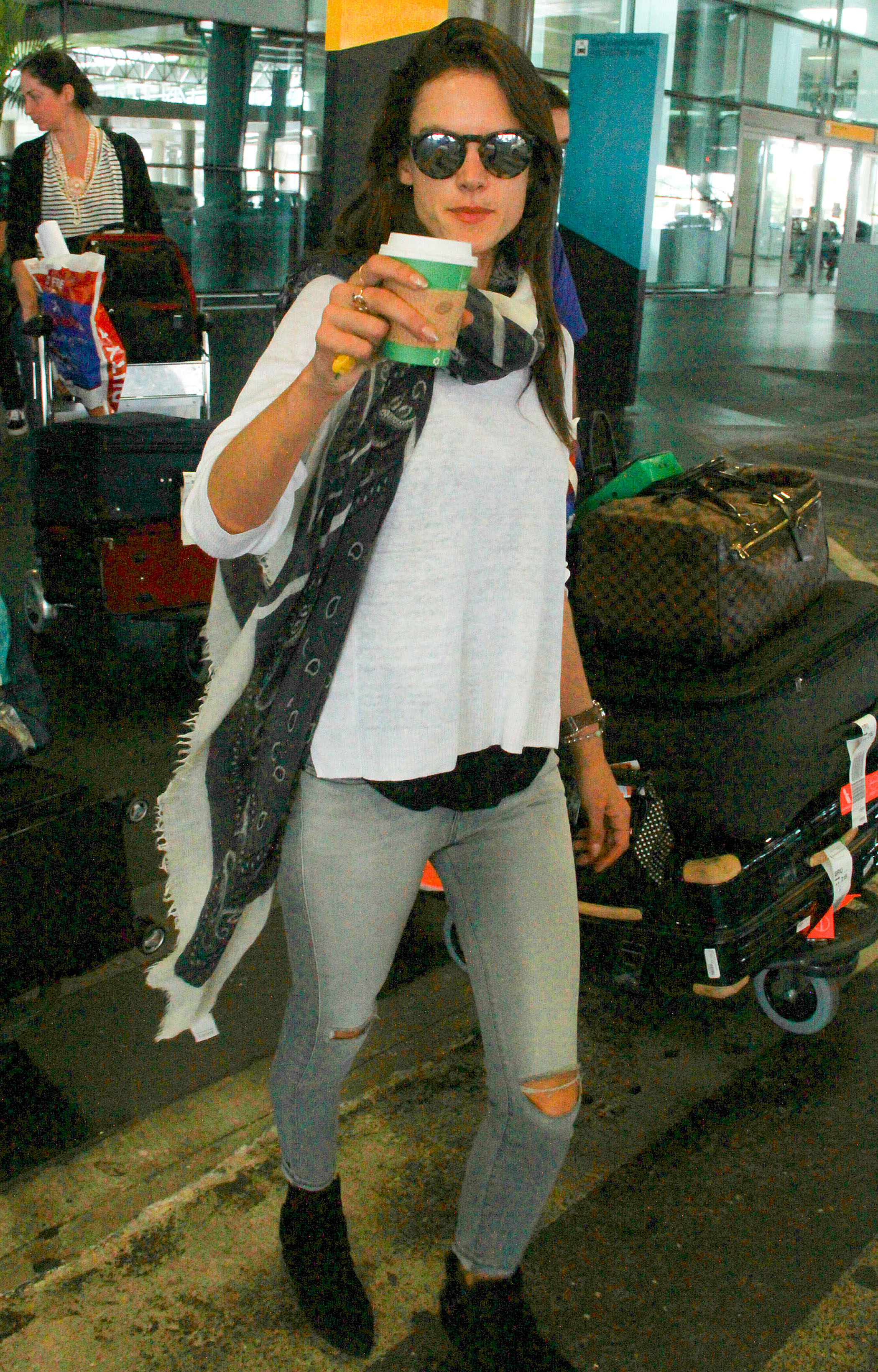
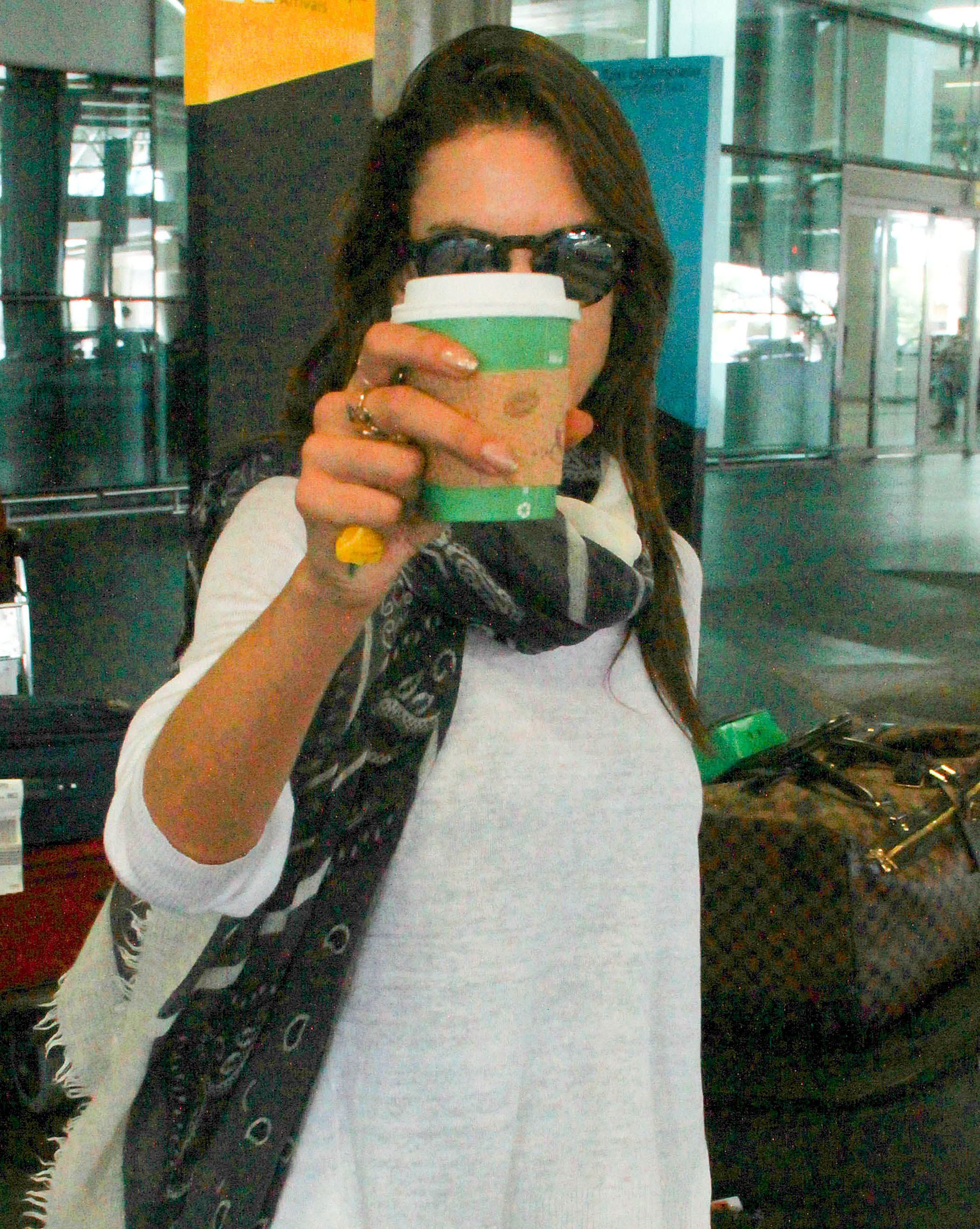
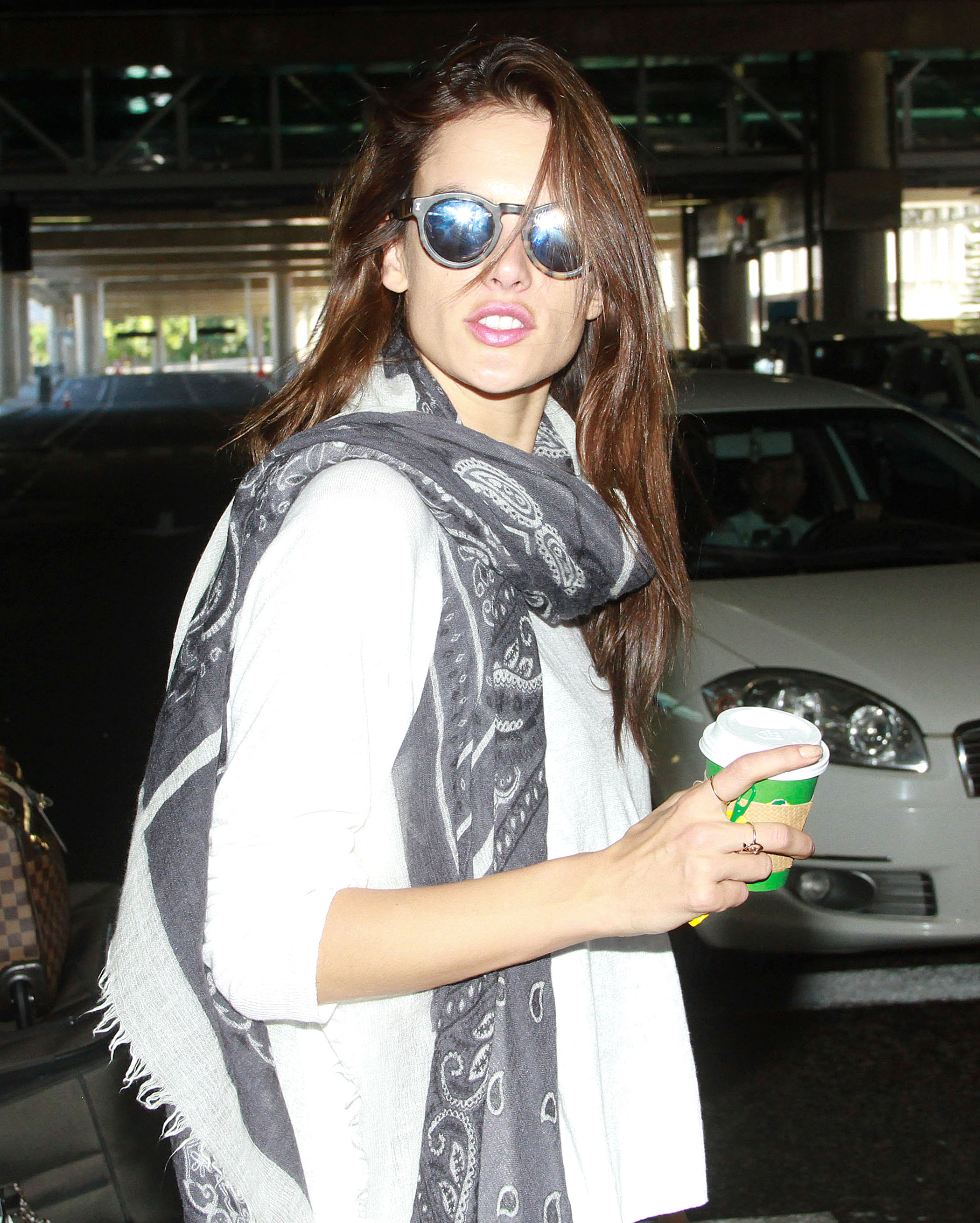
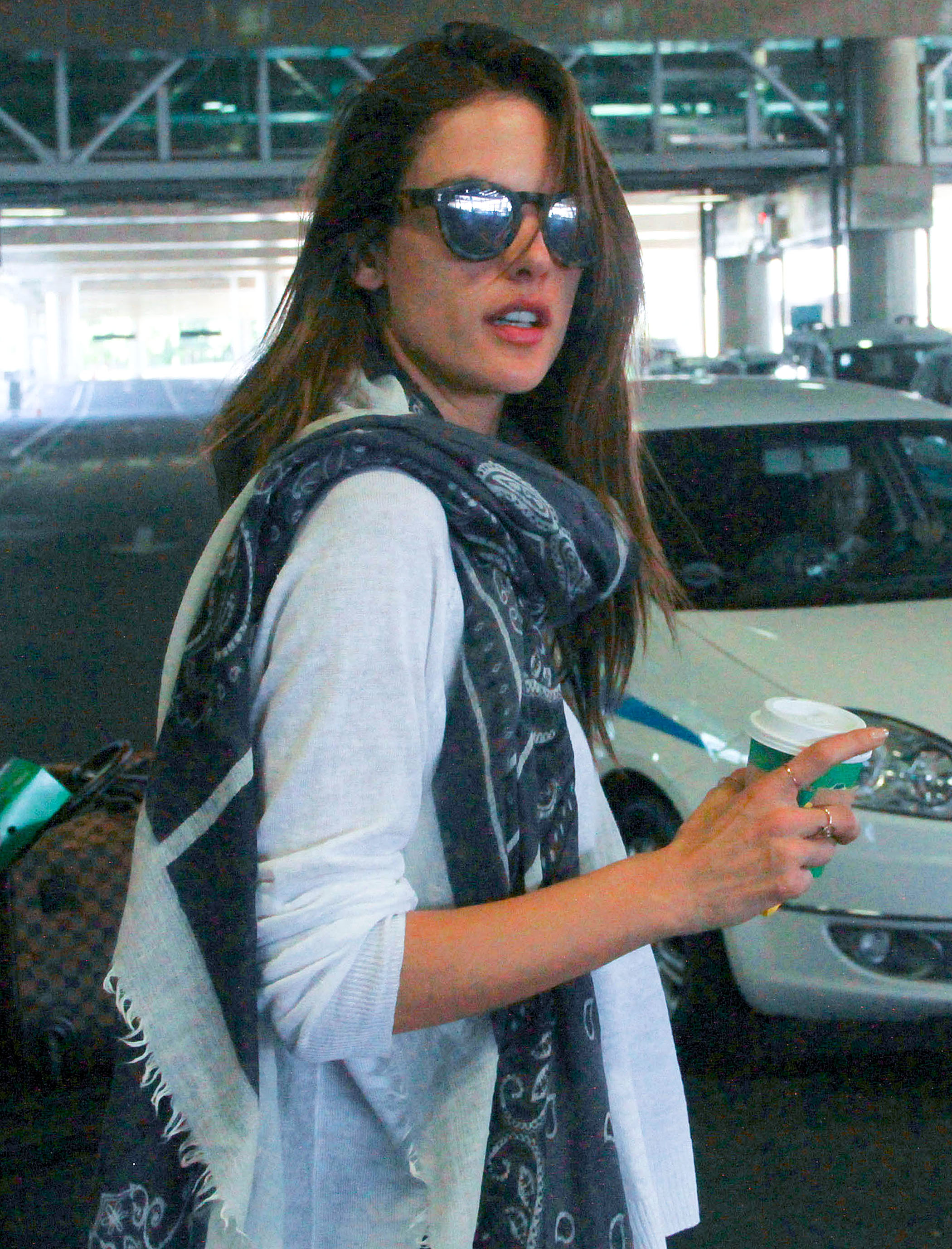
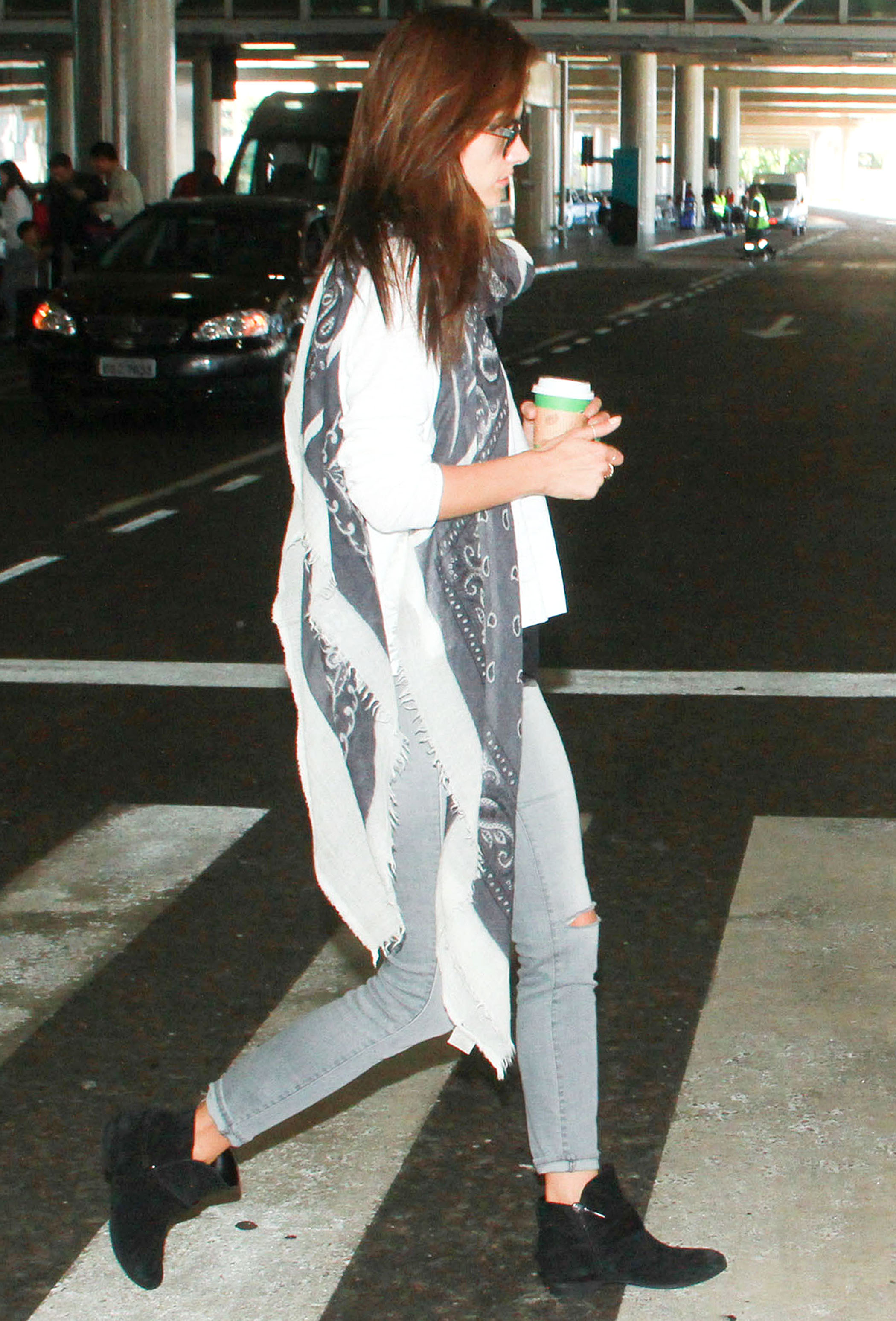
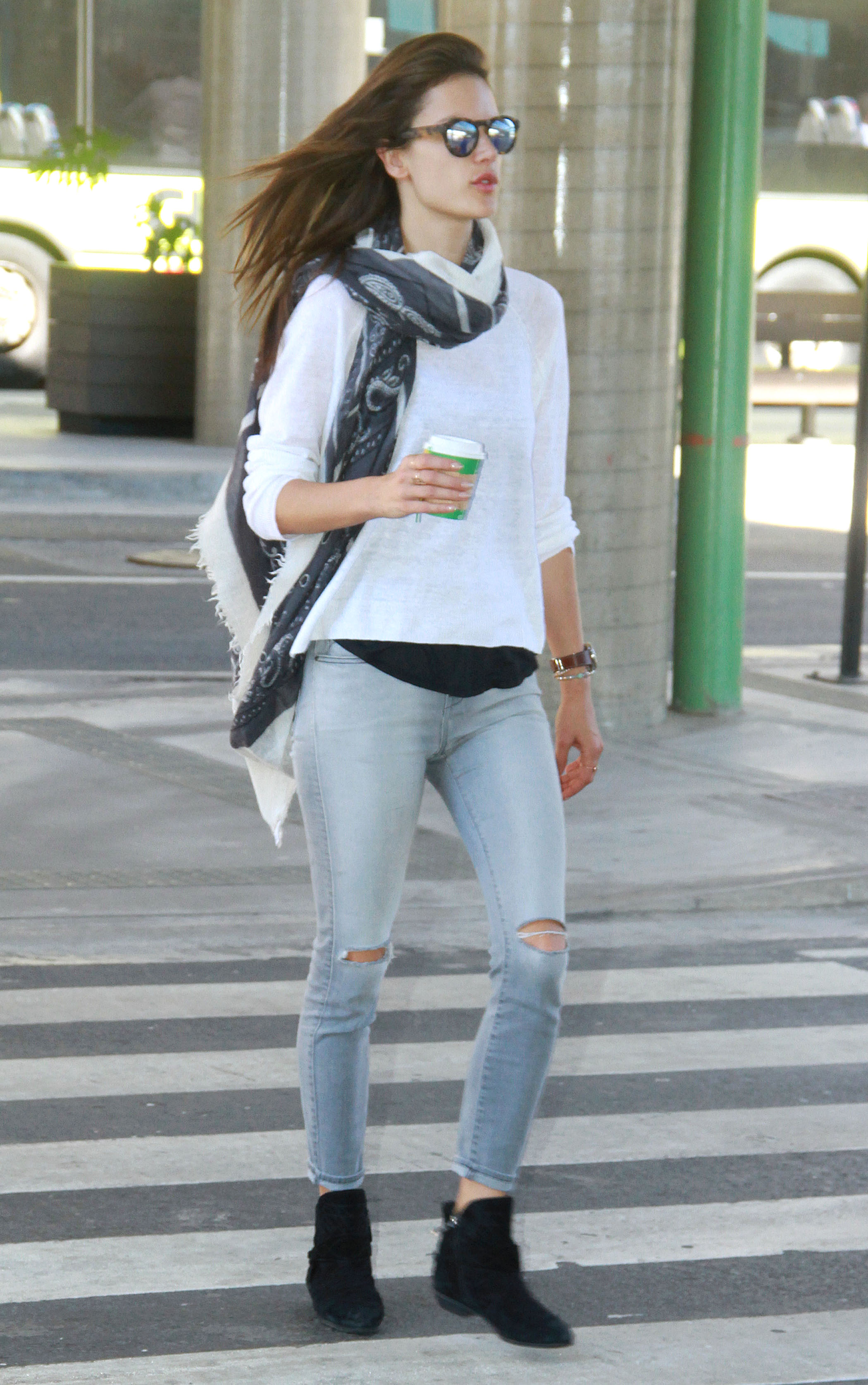
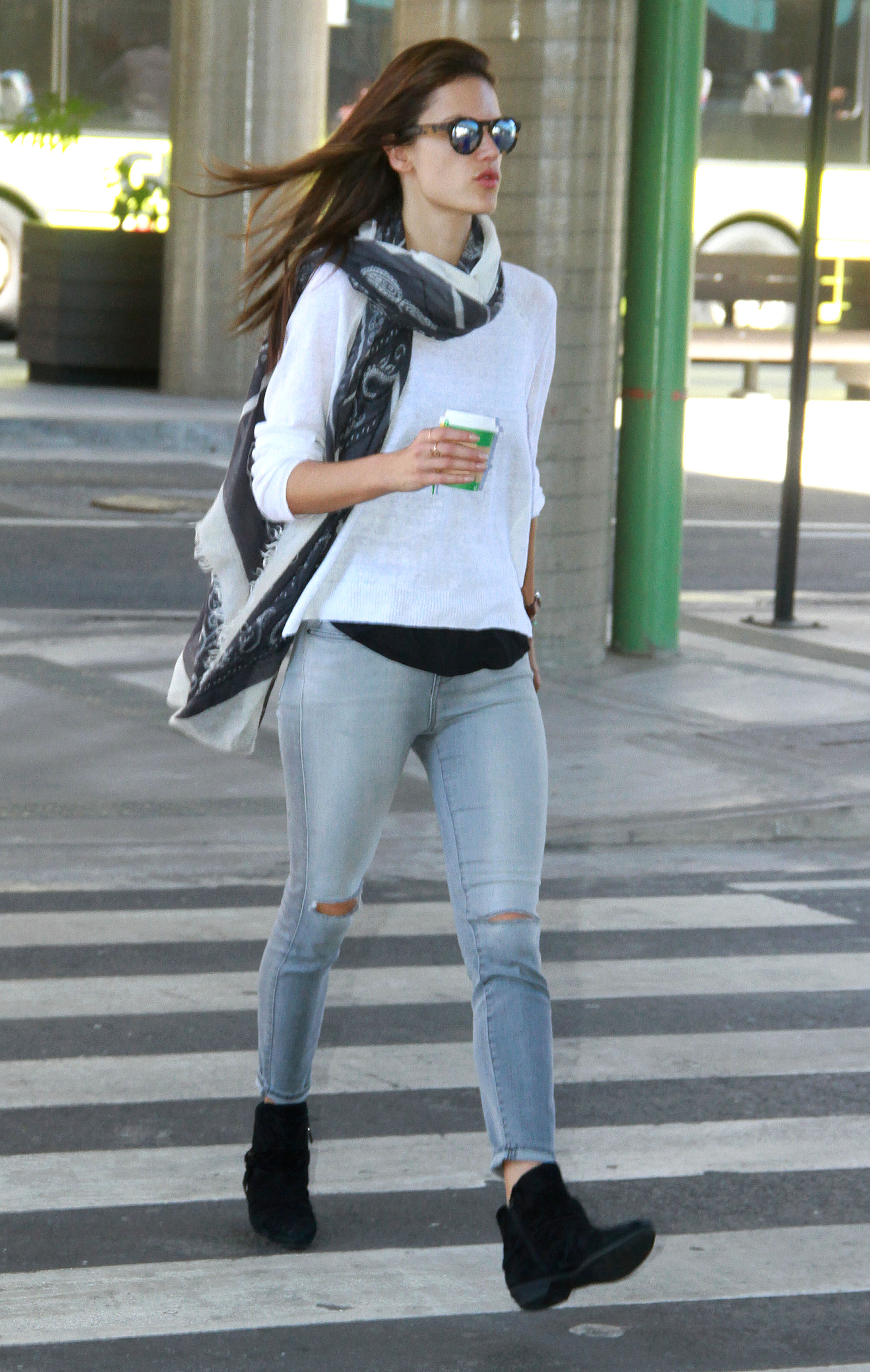
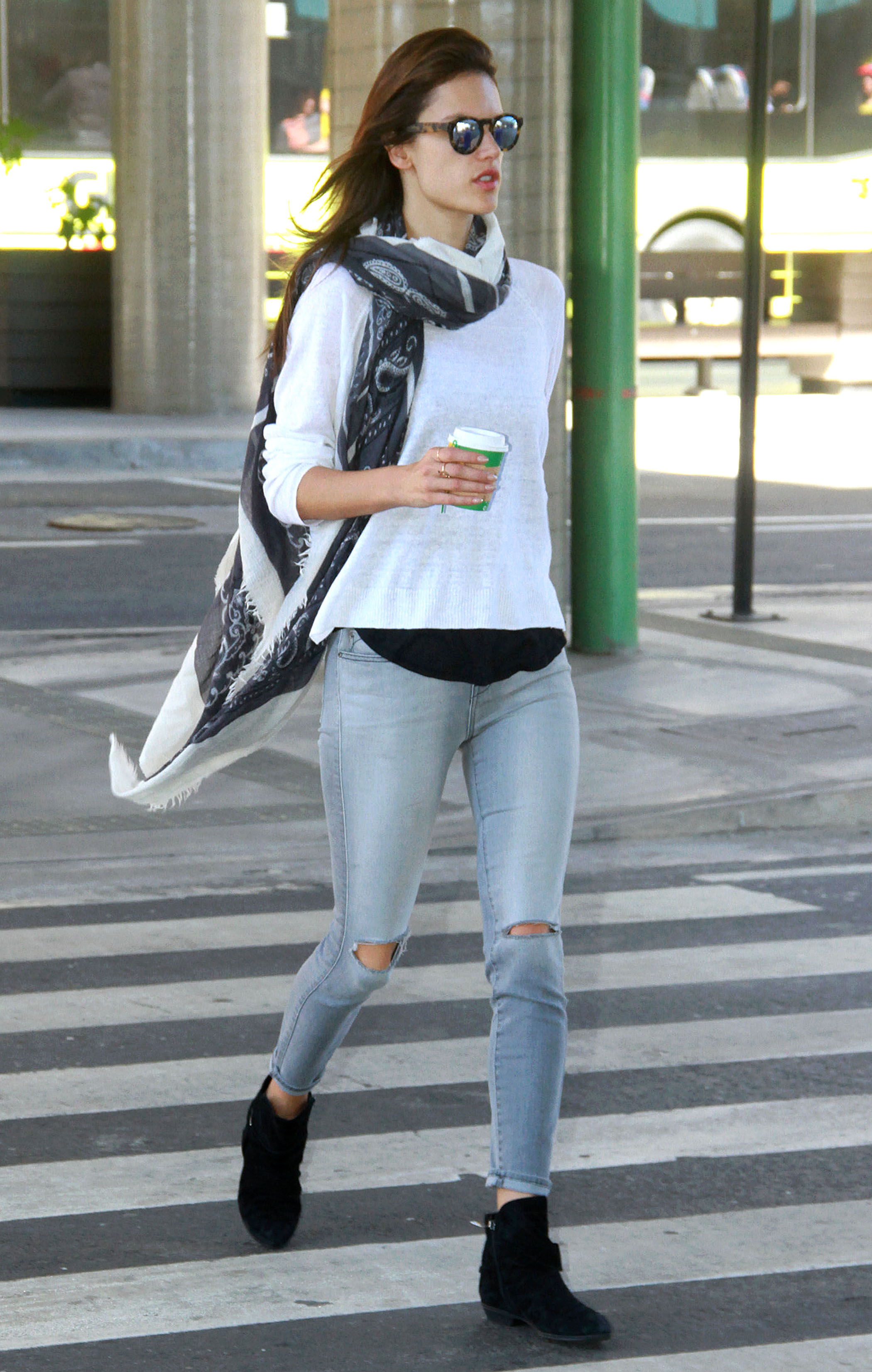
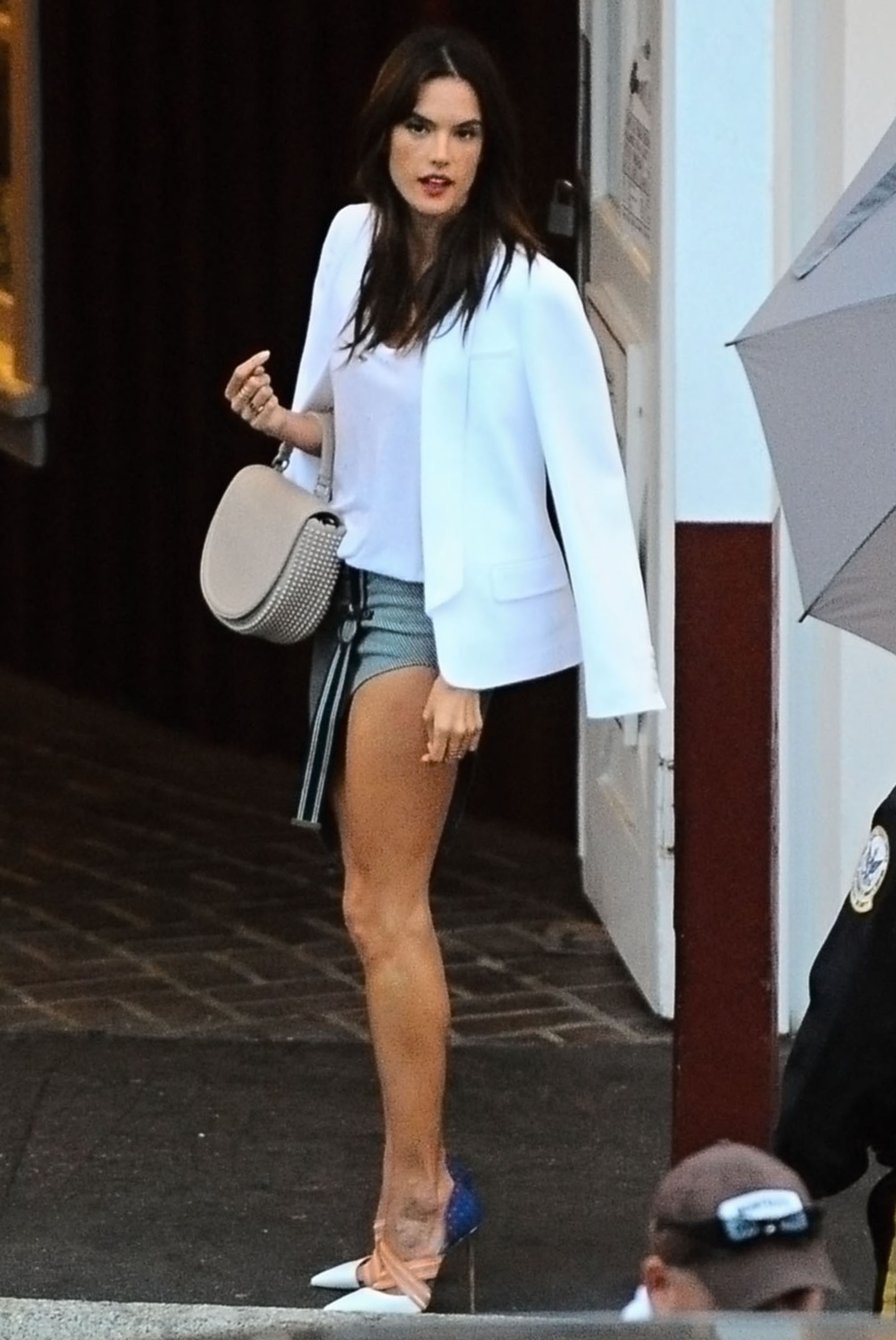
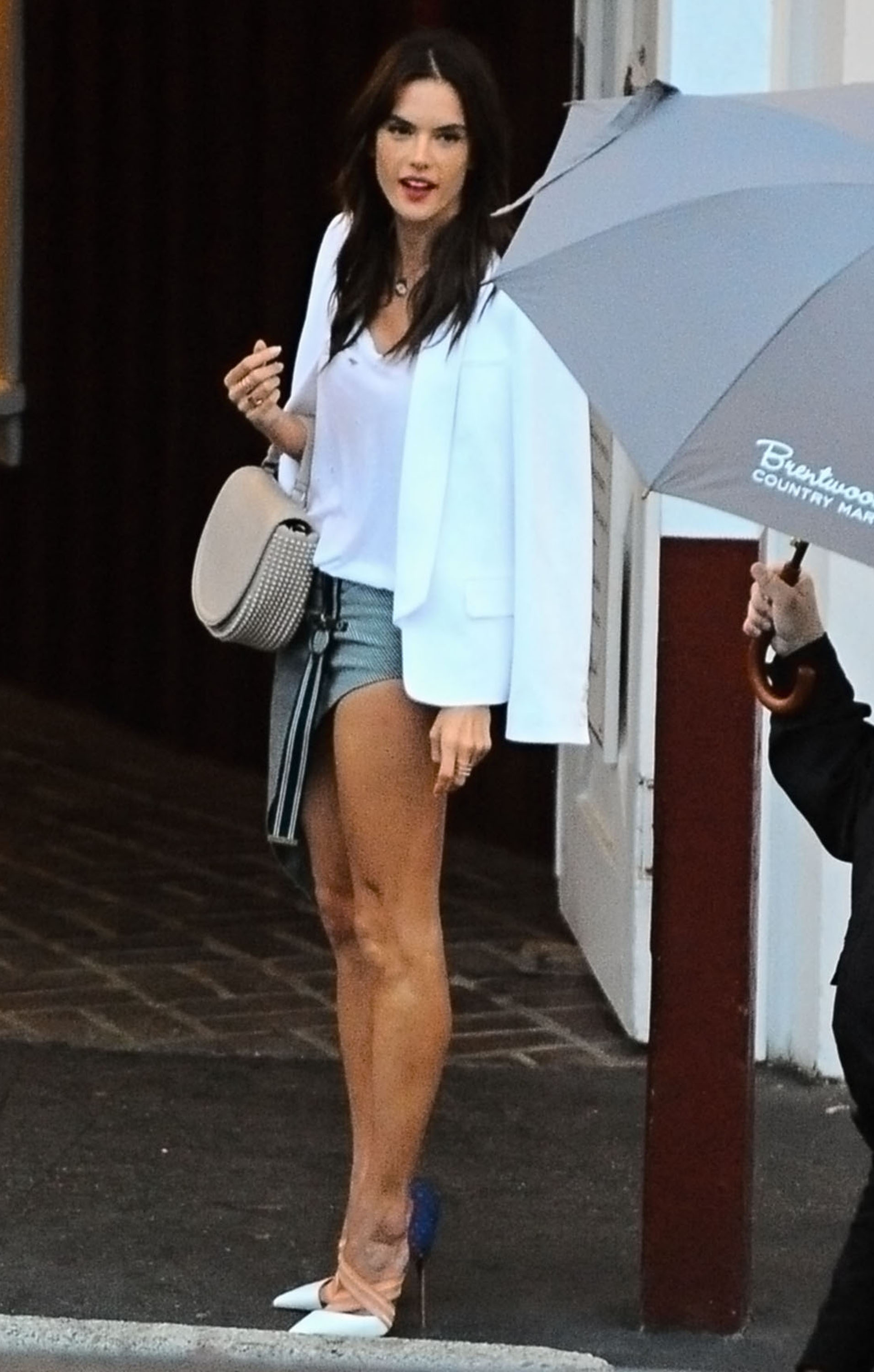
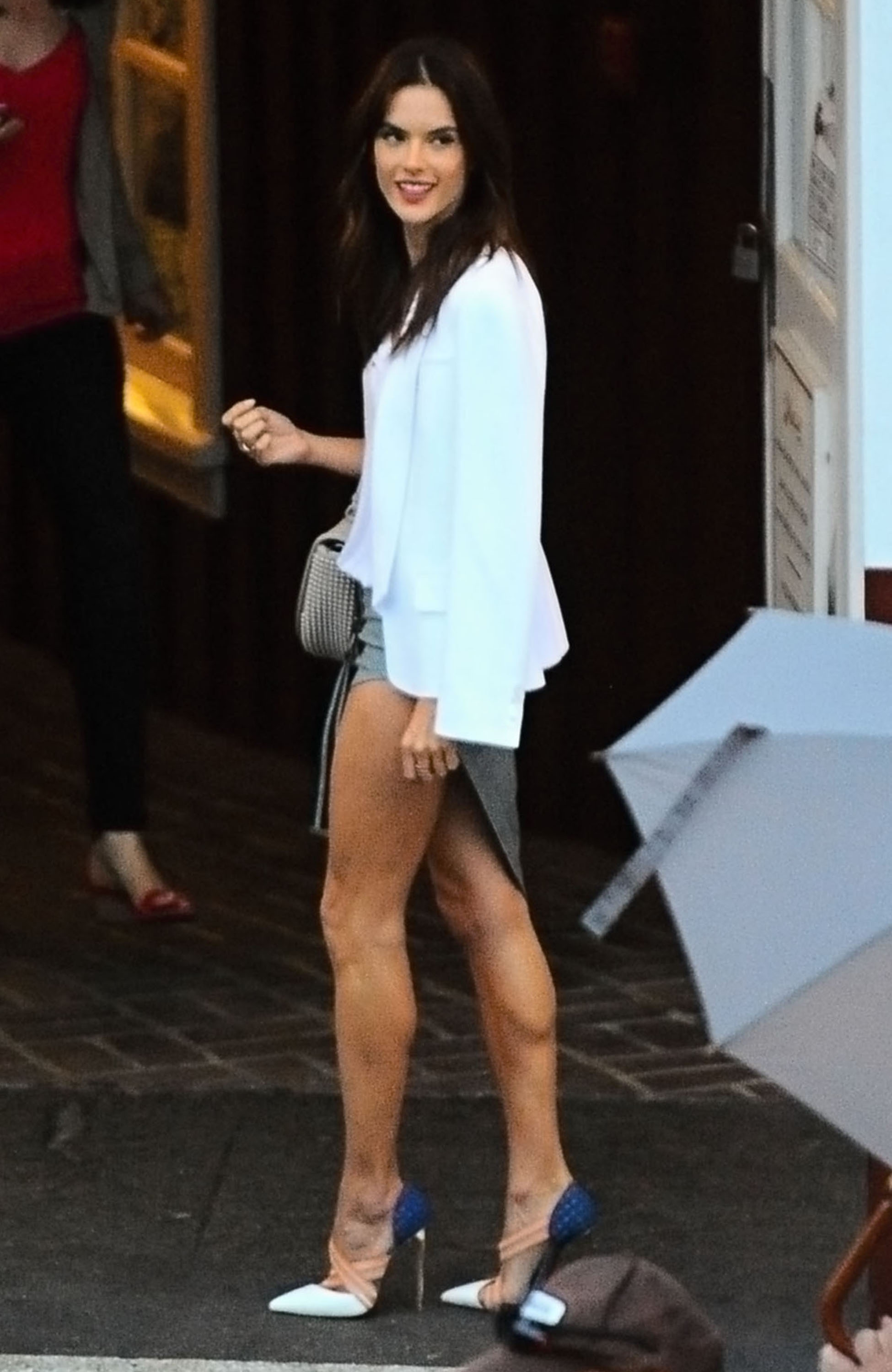
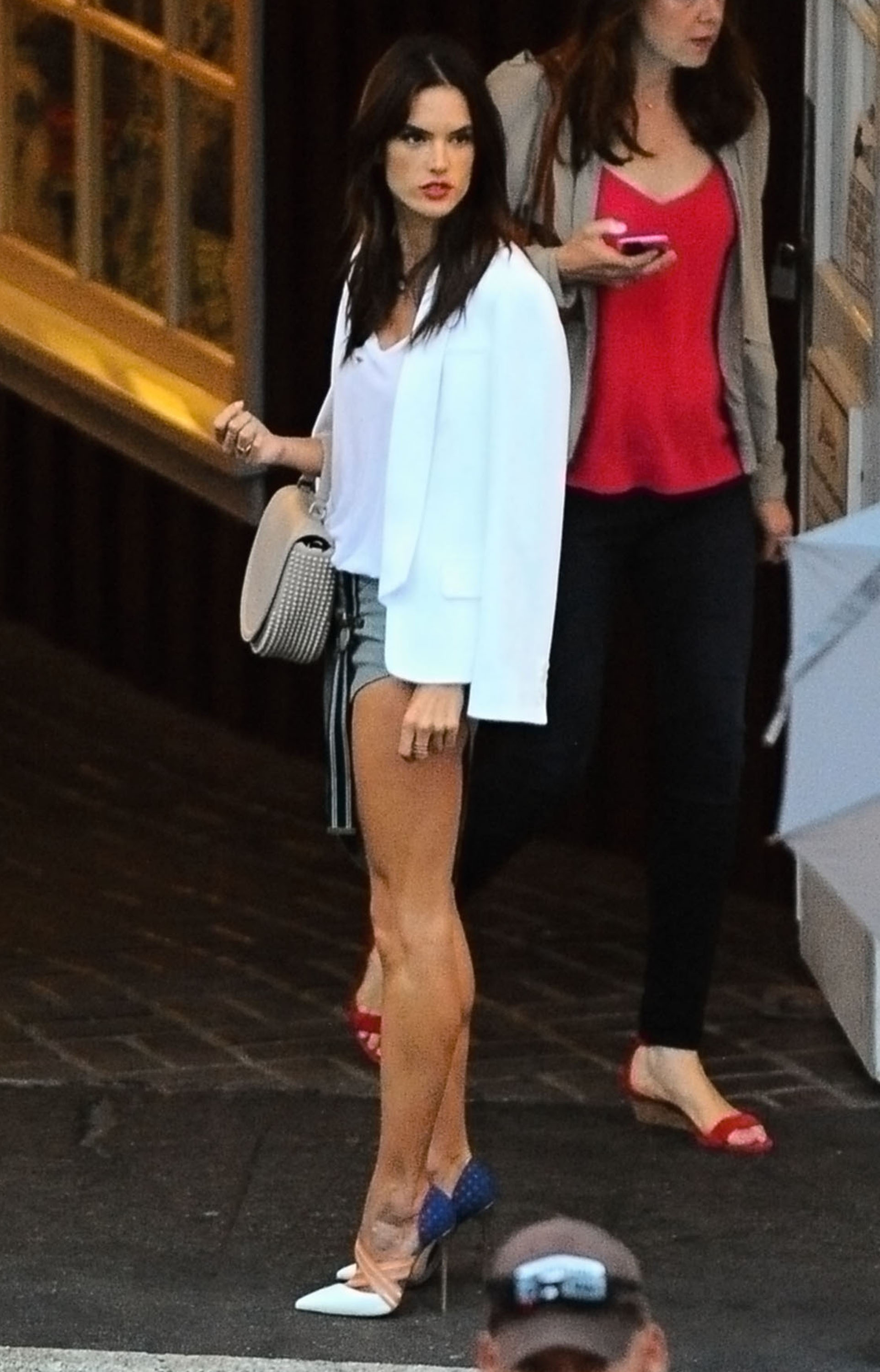
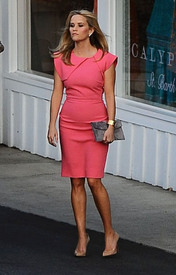 Alessandra Ambrosio attending a private party at The Brentwood Country Mart in Brentwood, California on June 11, 2015.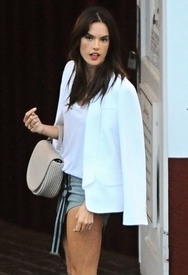
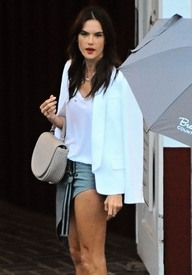
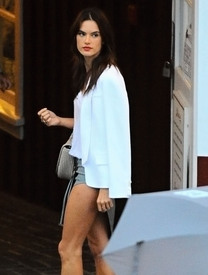
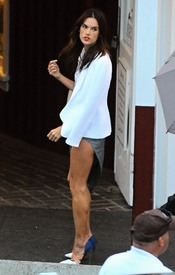
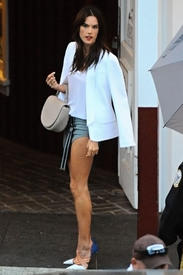
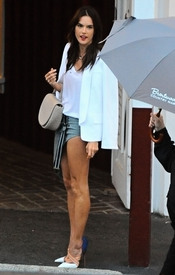
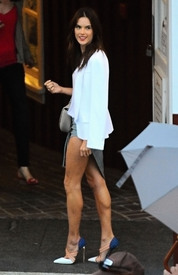
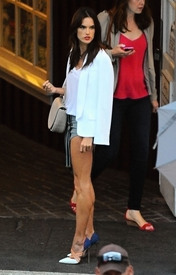
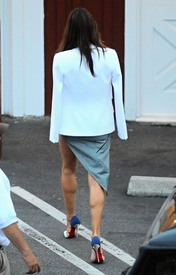 Alessandra Takes Her Kids to a party - June 11th 2015
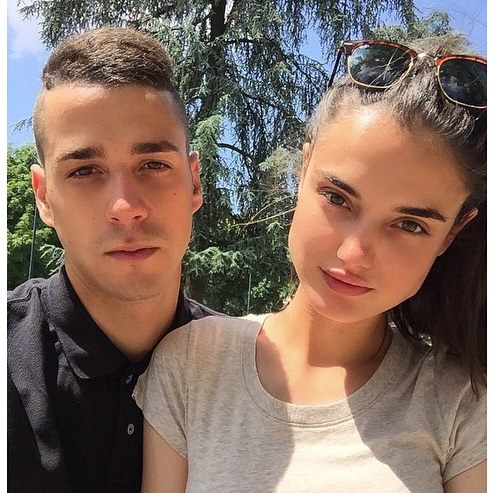
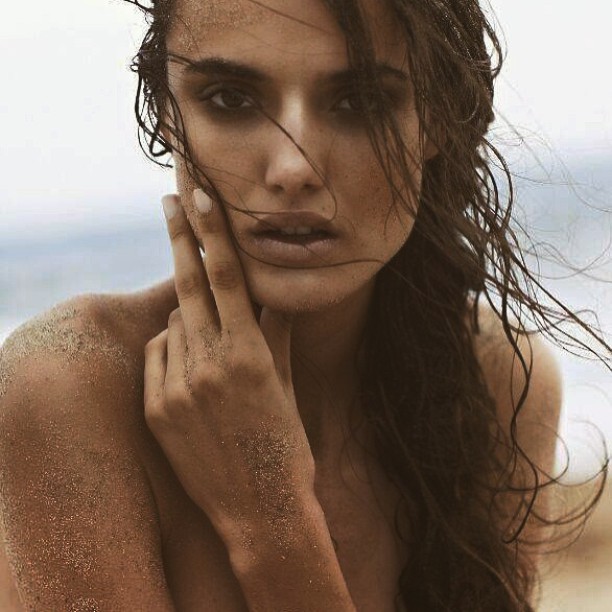
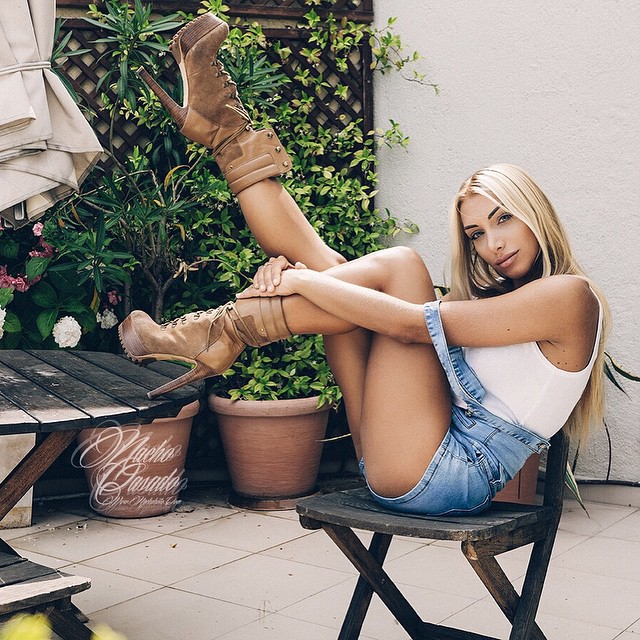
@blaancapadilla
Alessandra Takes Her Kids to a party - June 11th 2015
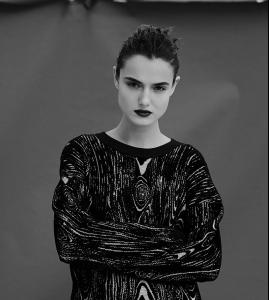
@blaancapadilla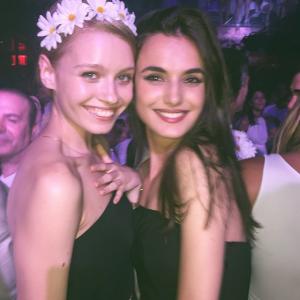
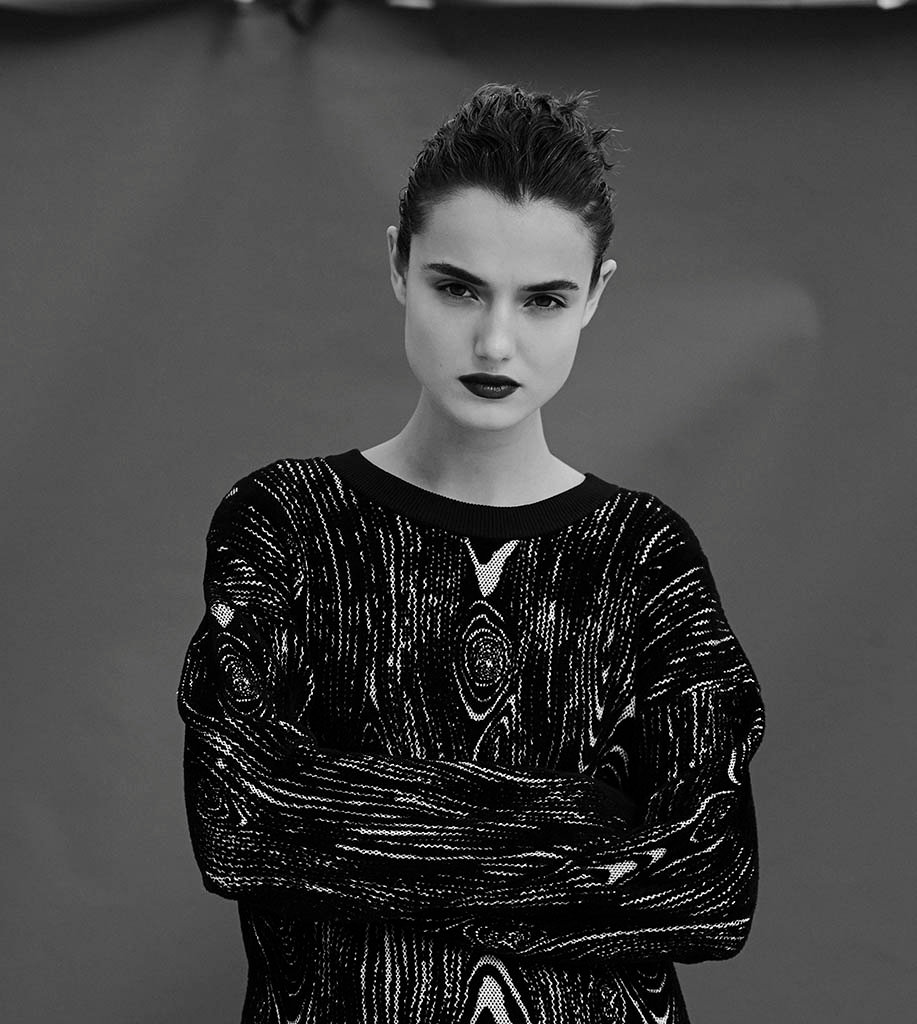
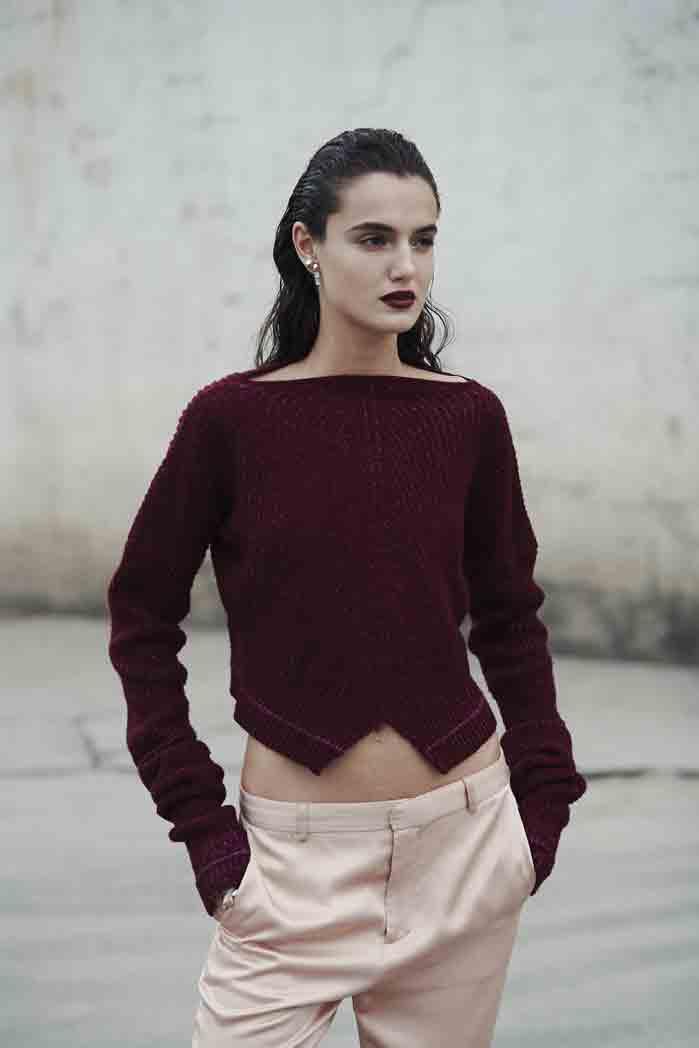
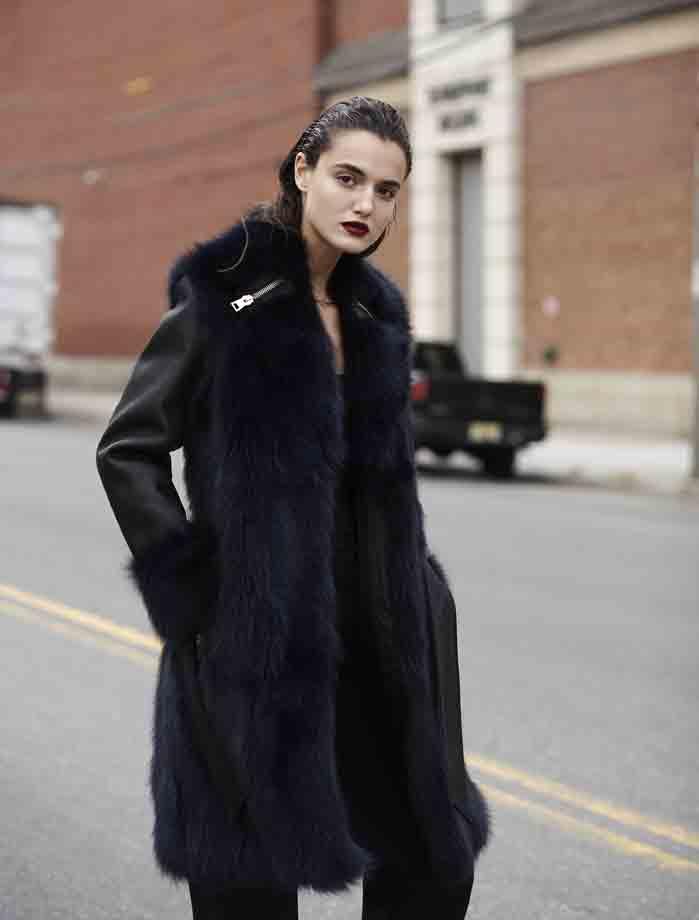
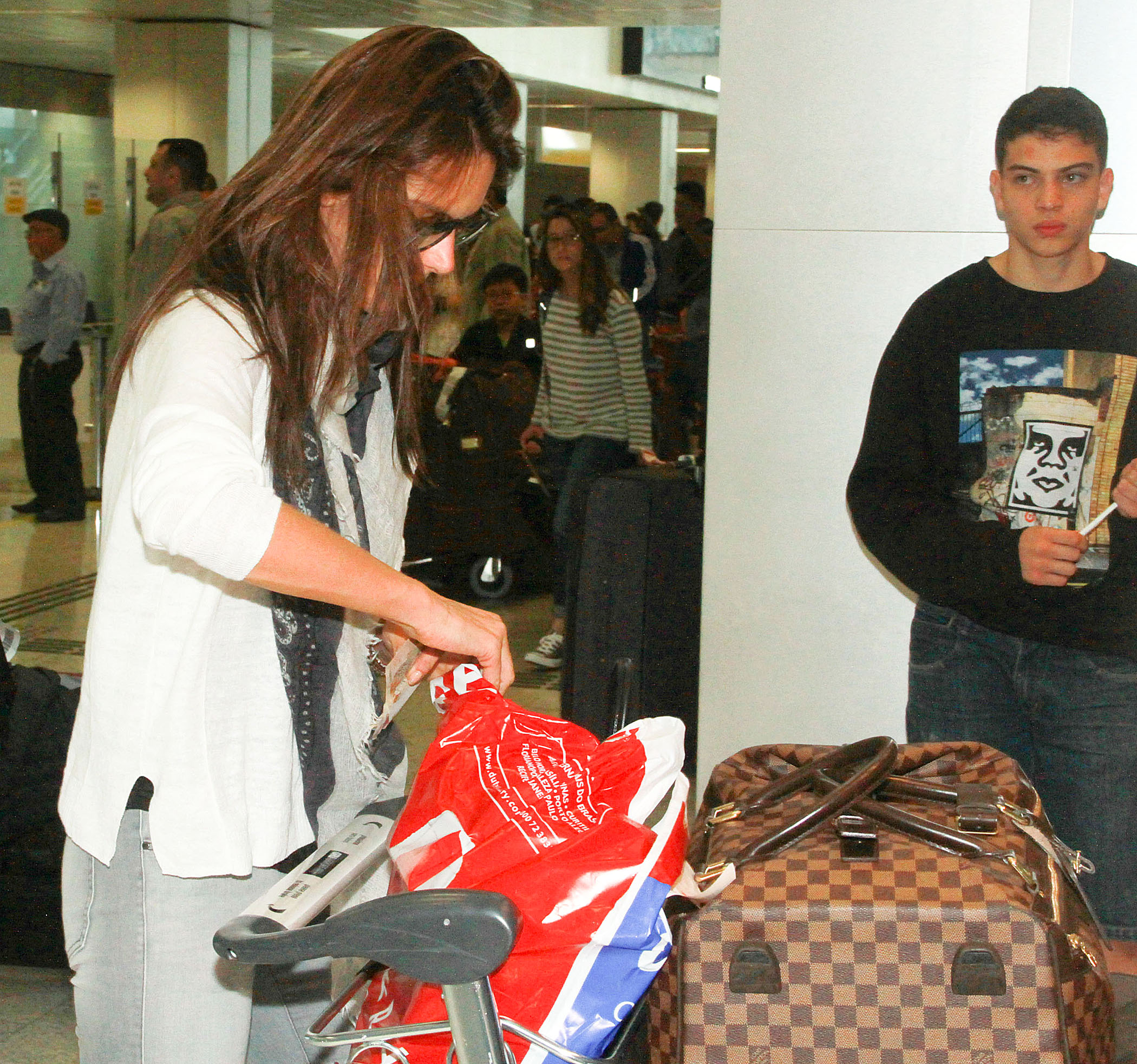
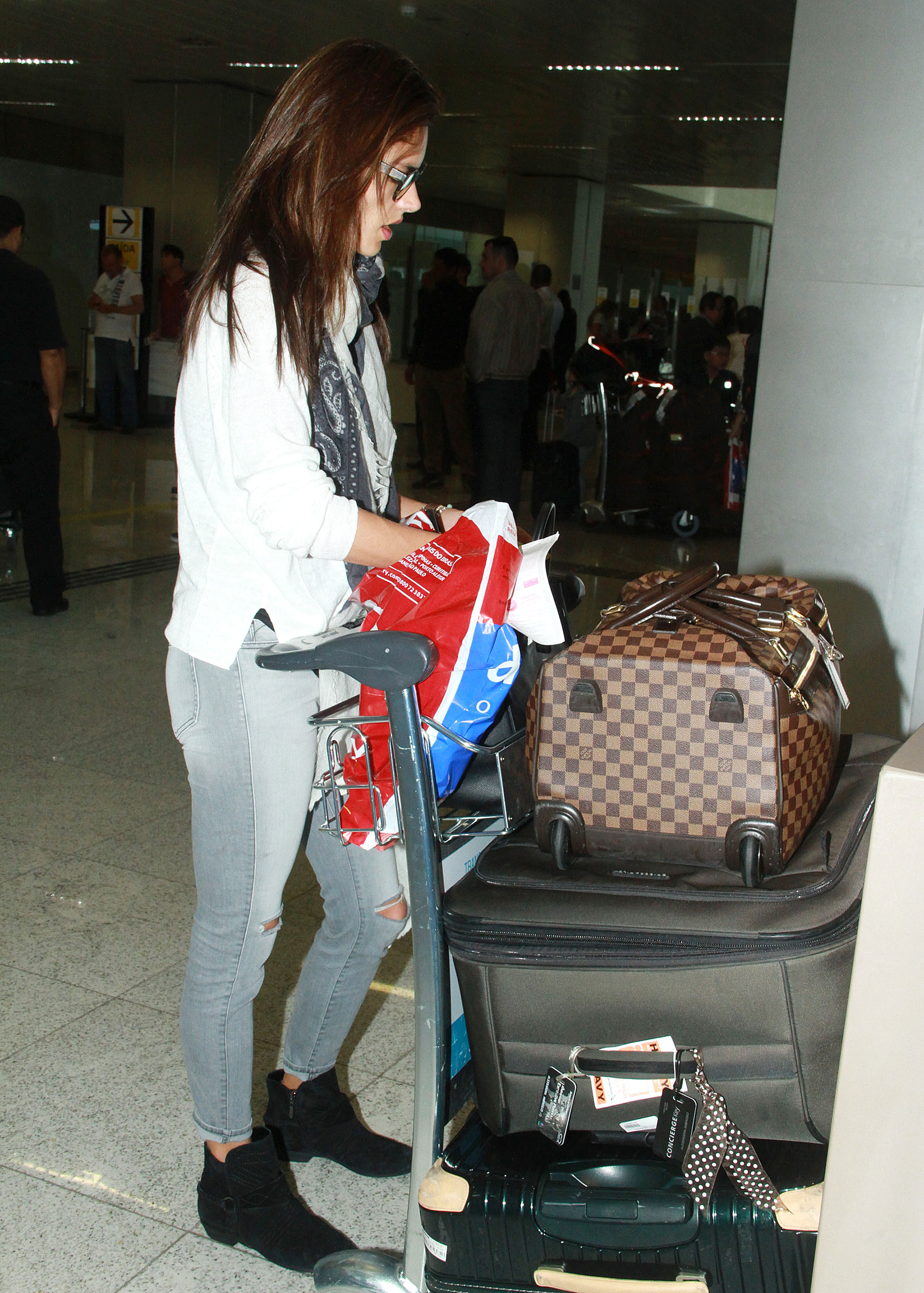
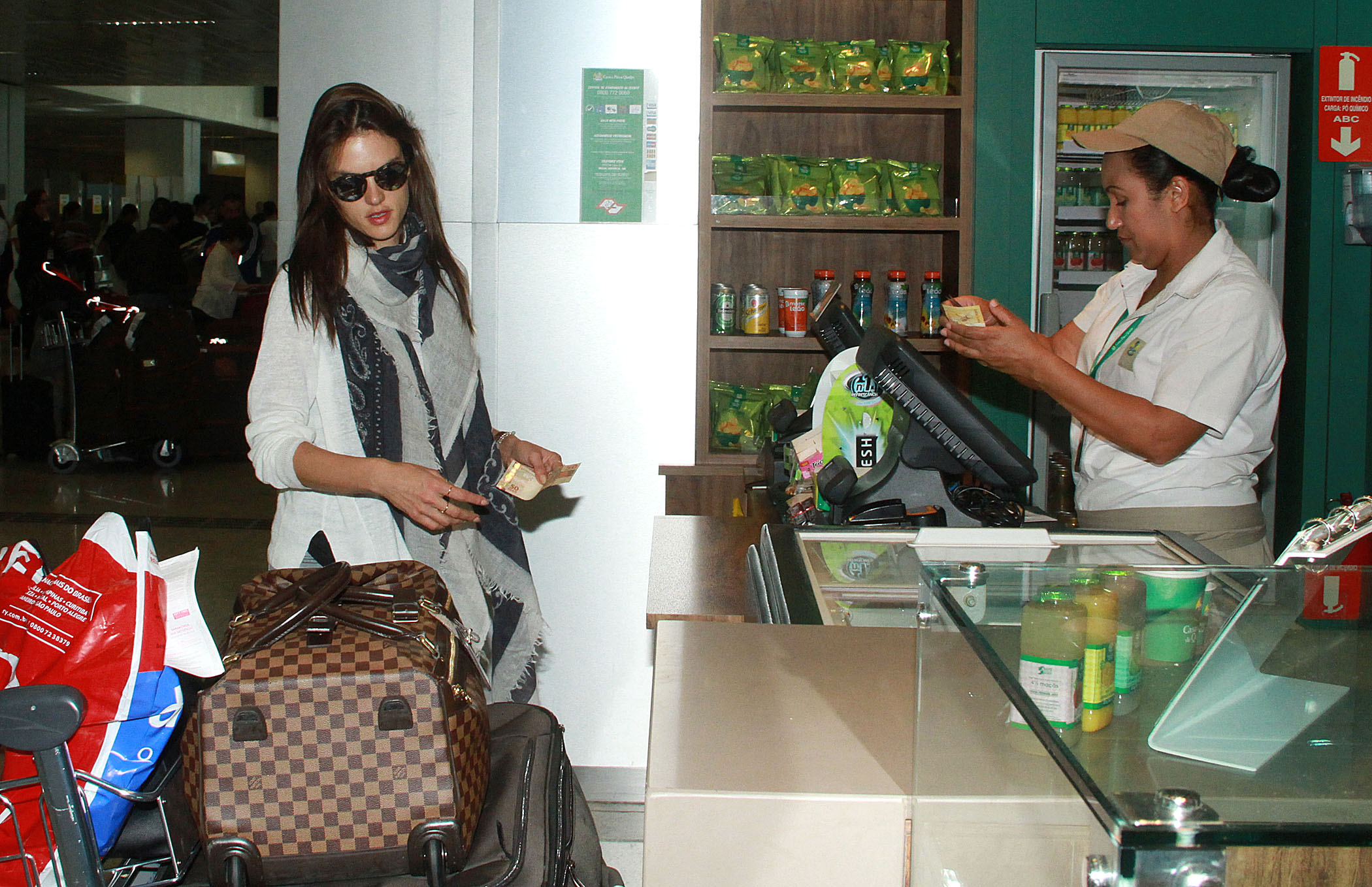
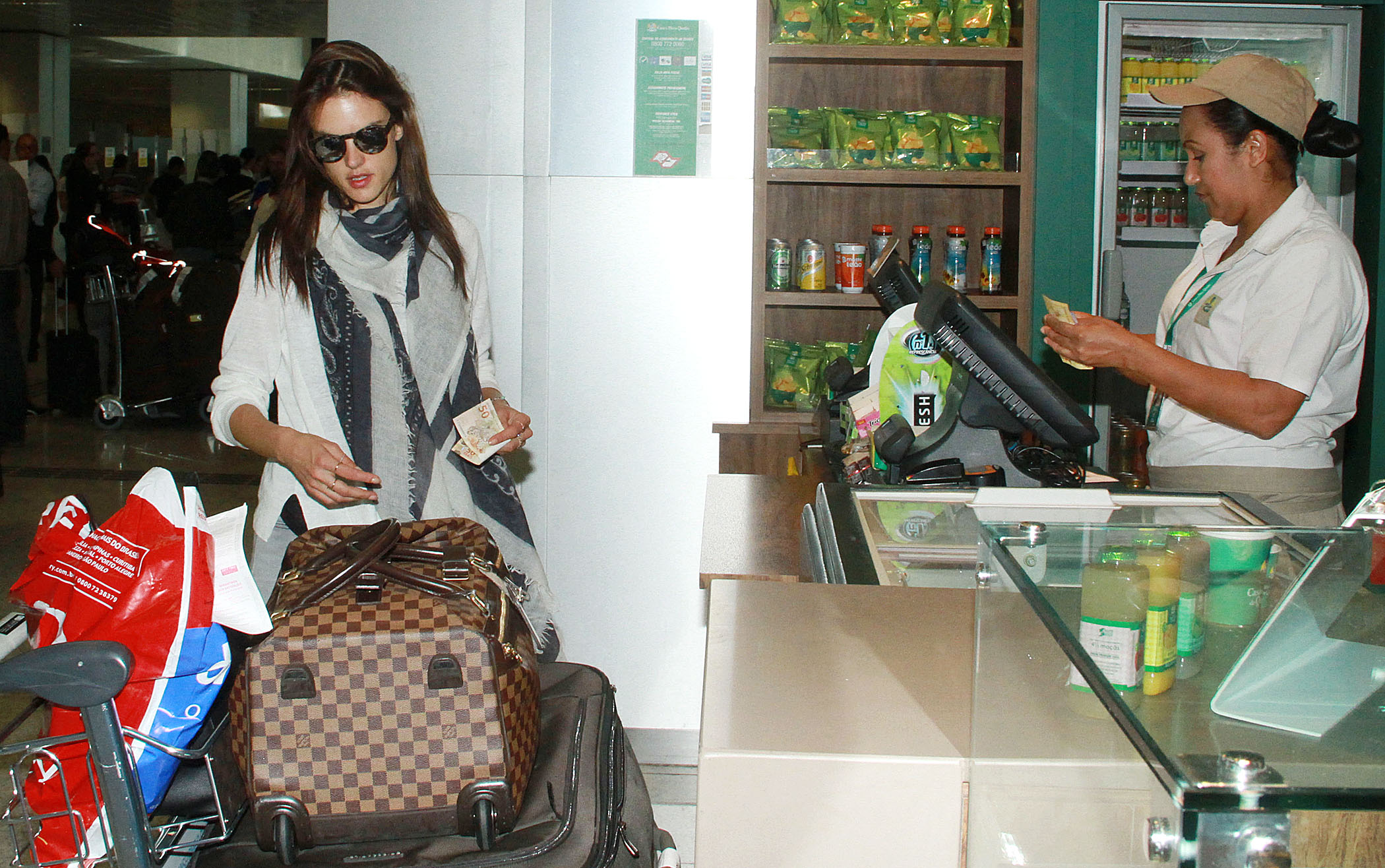
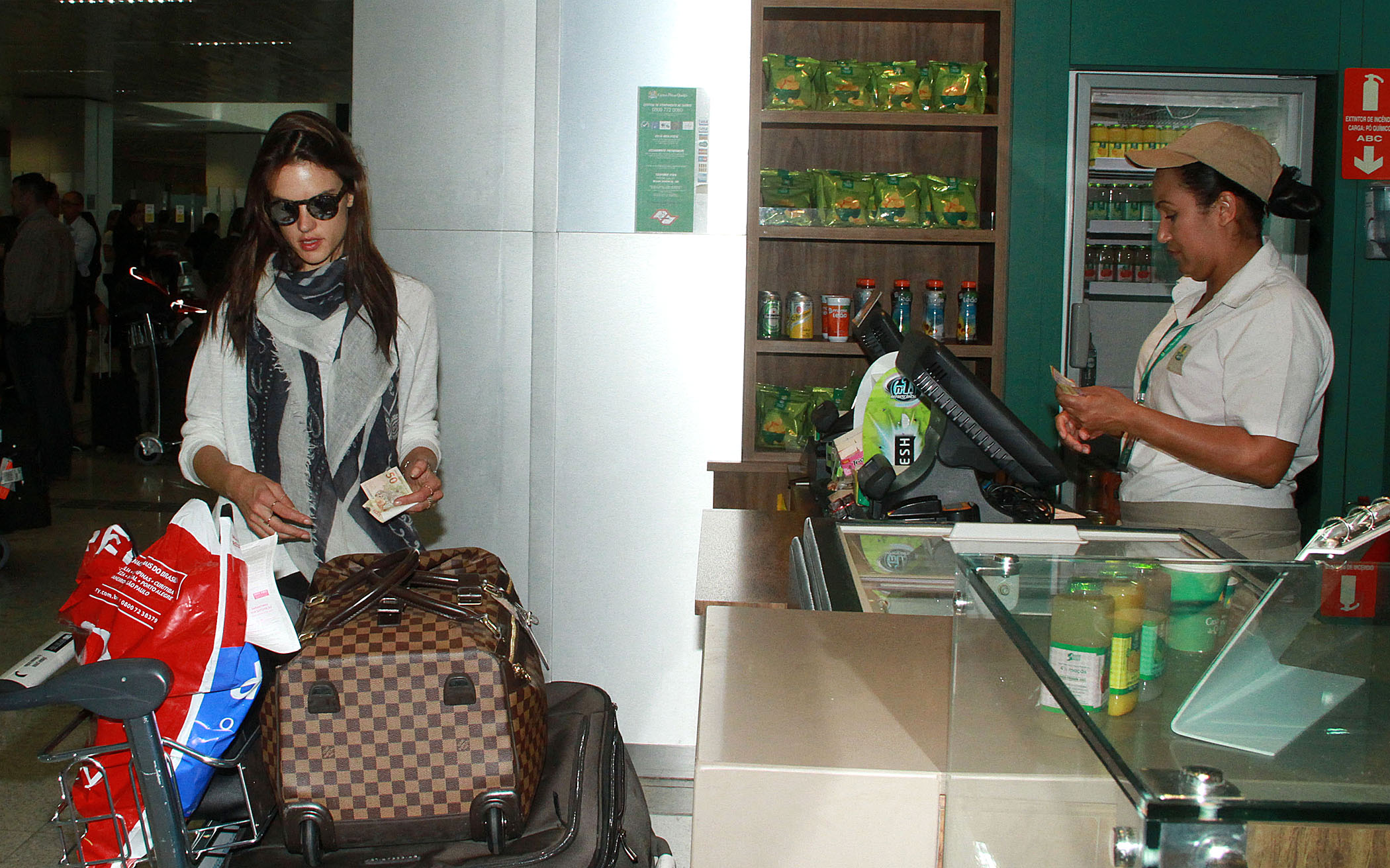
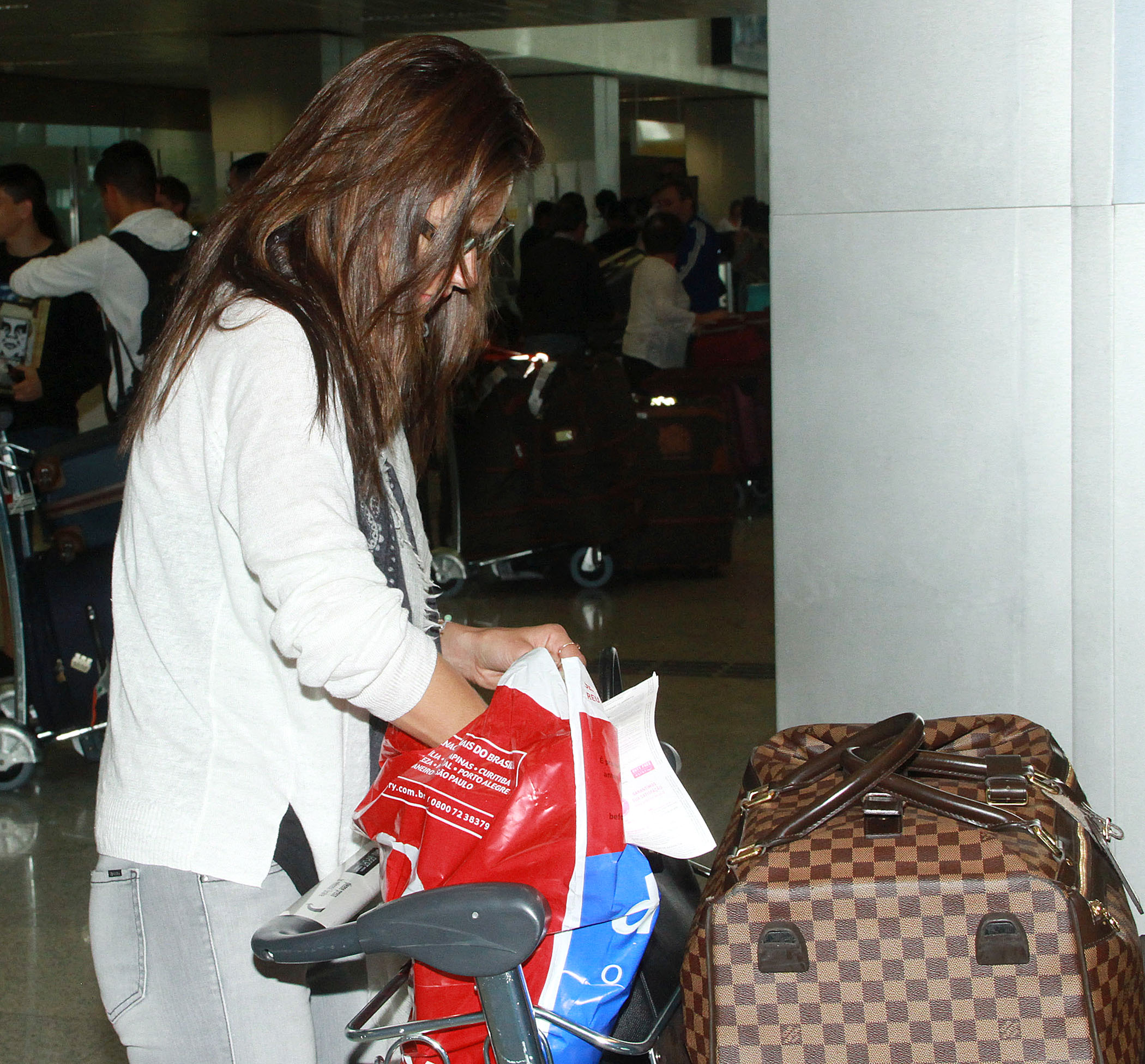
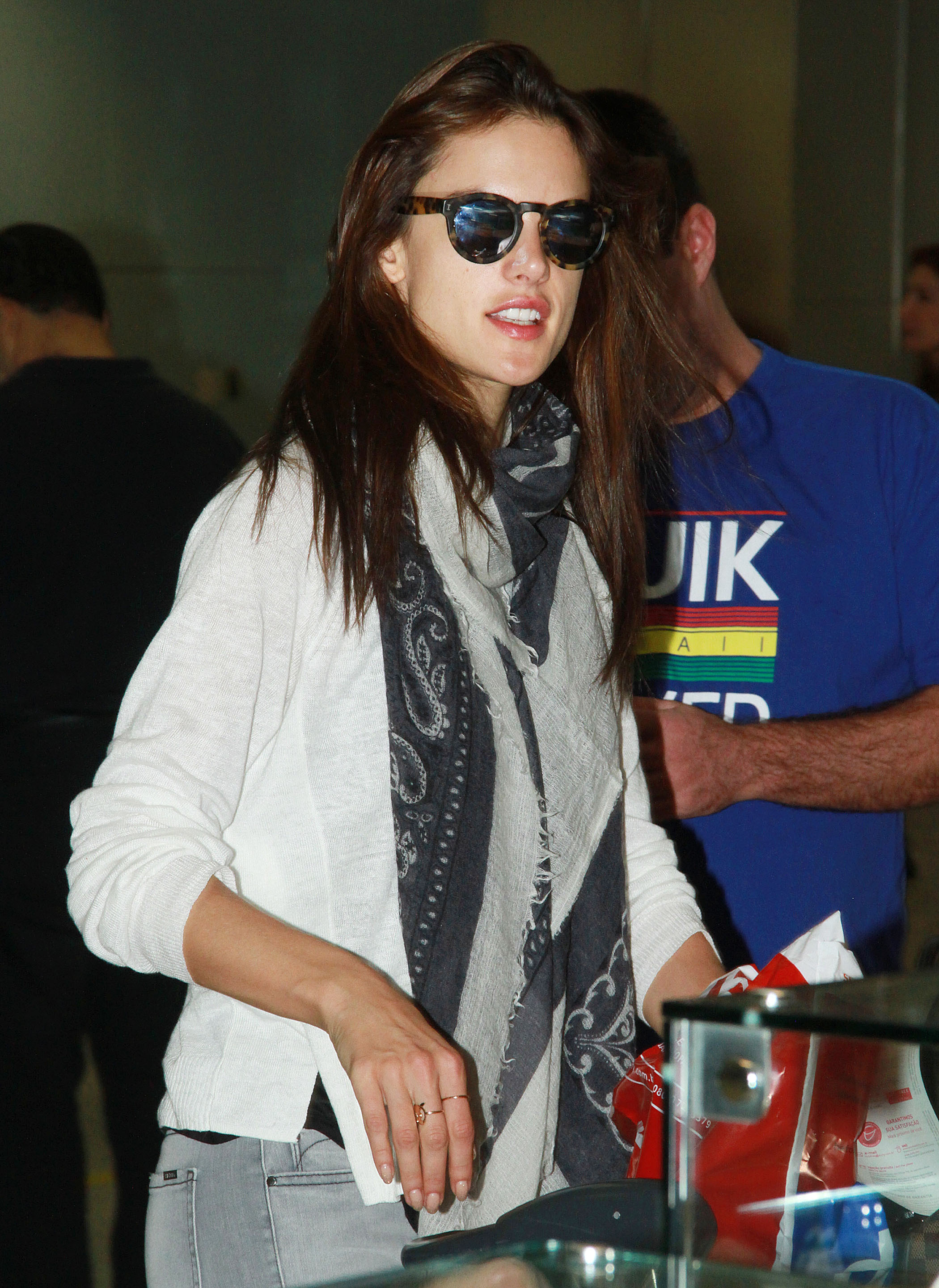
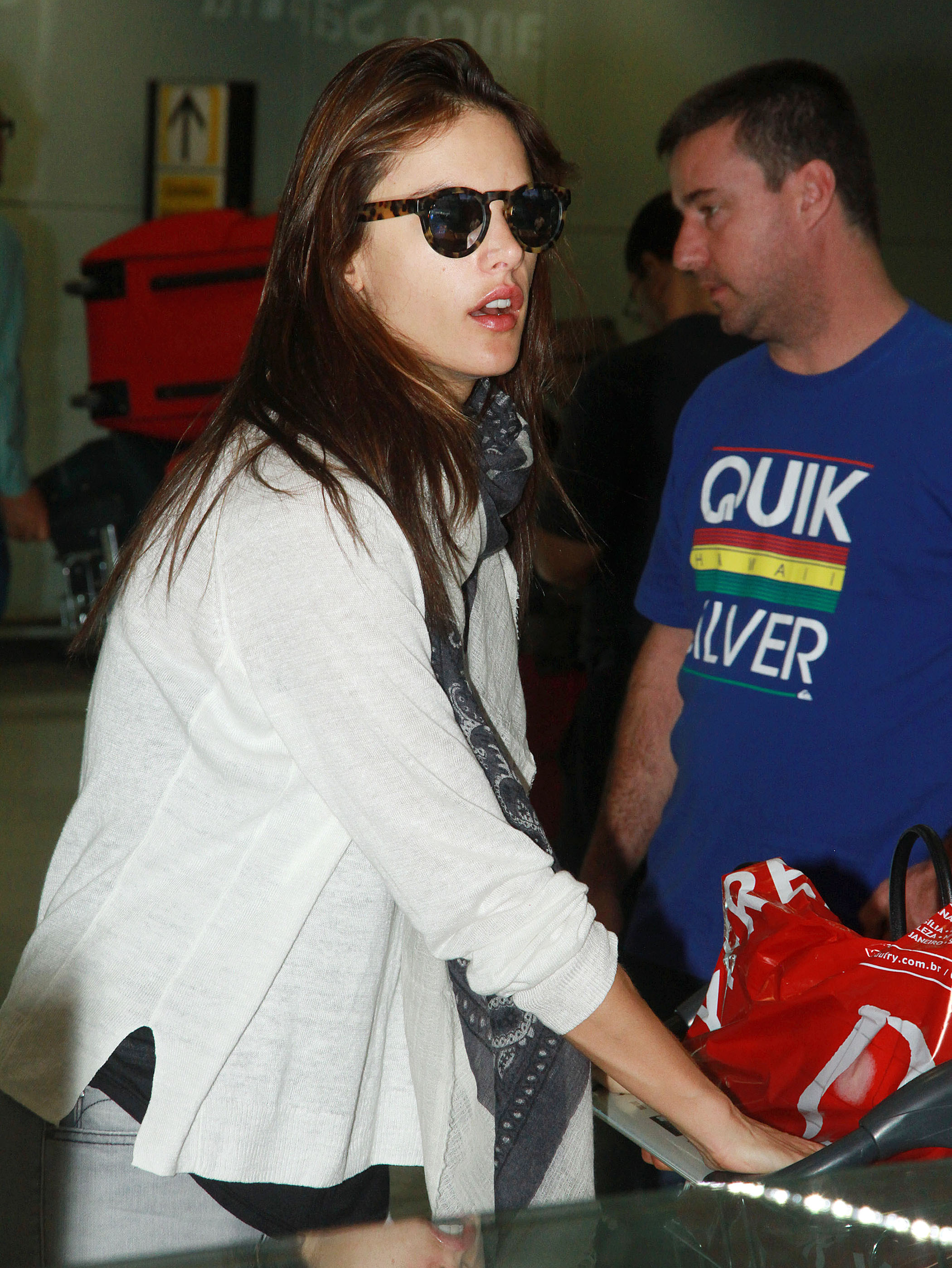
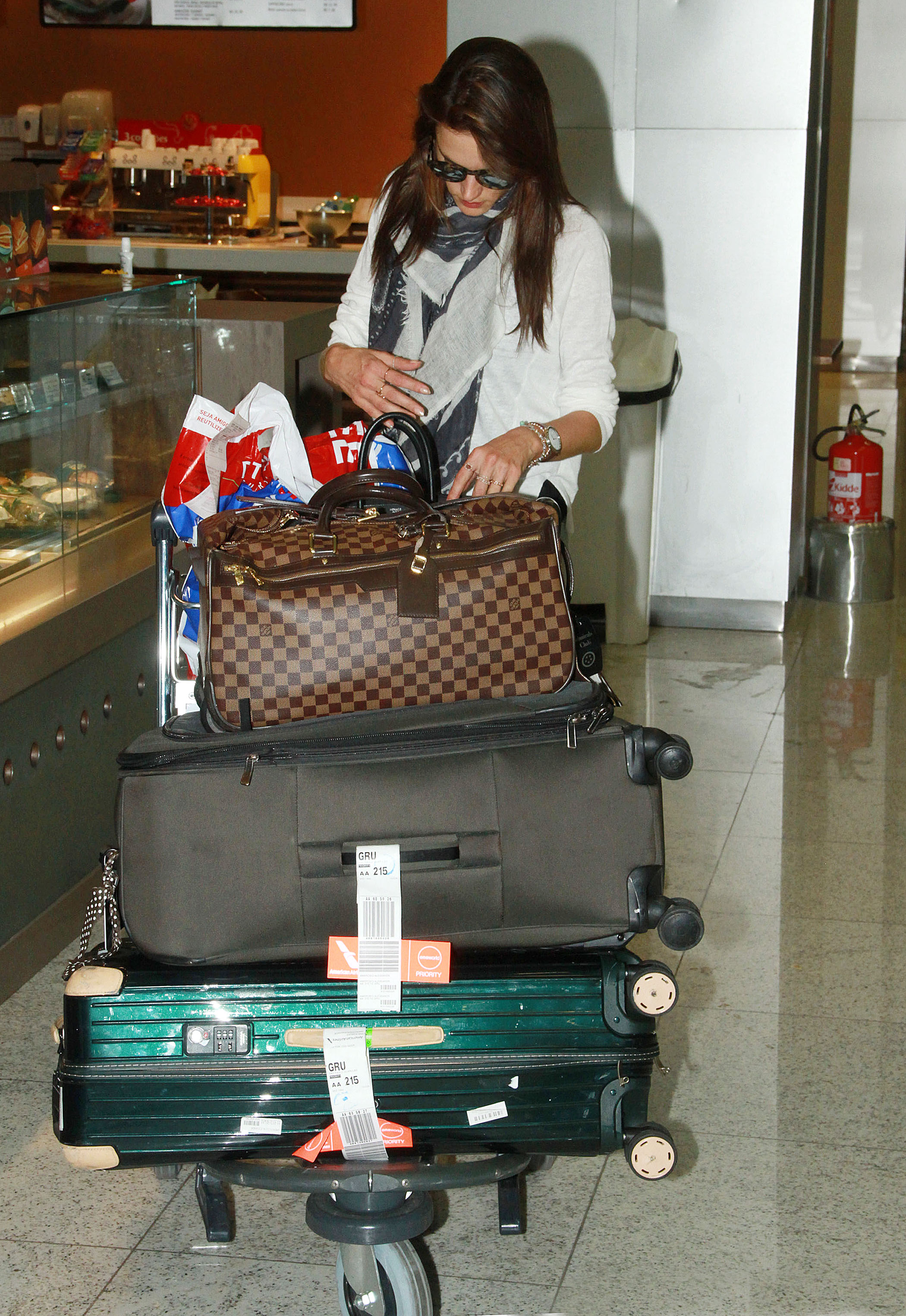
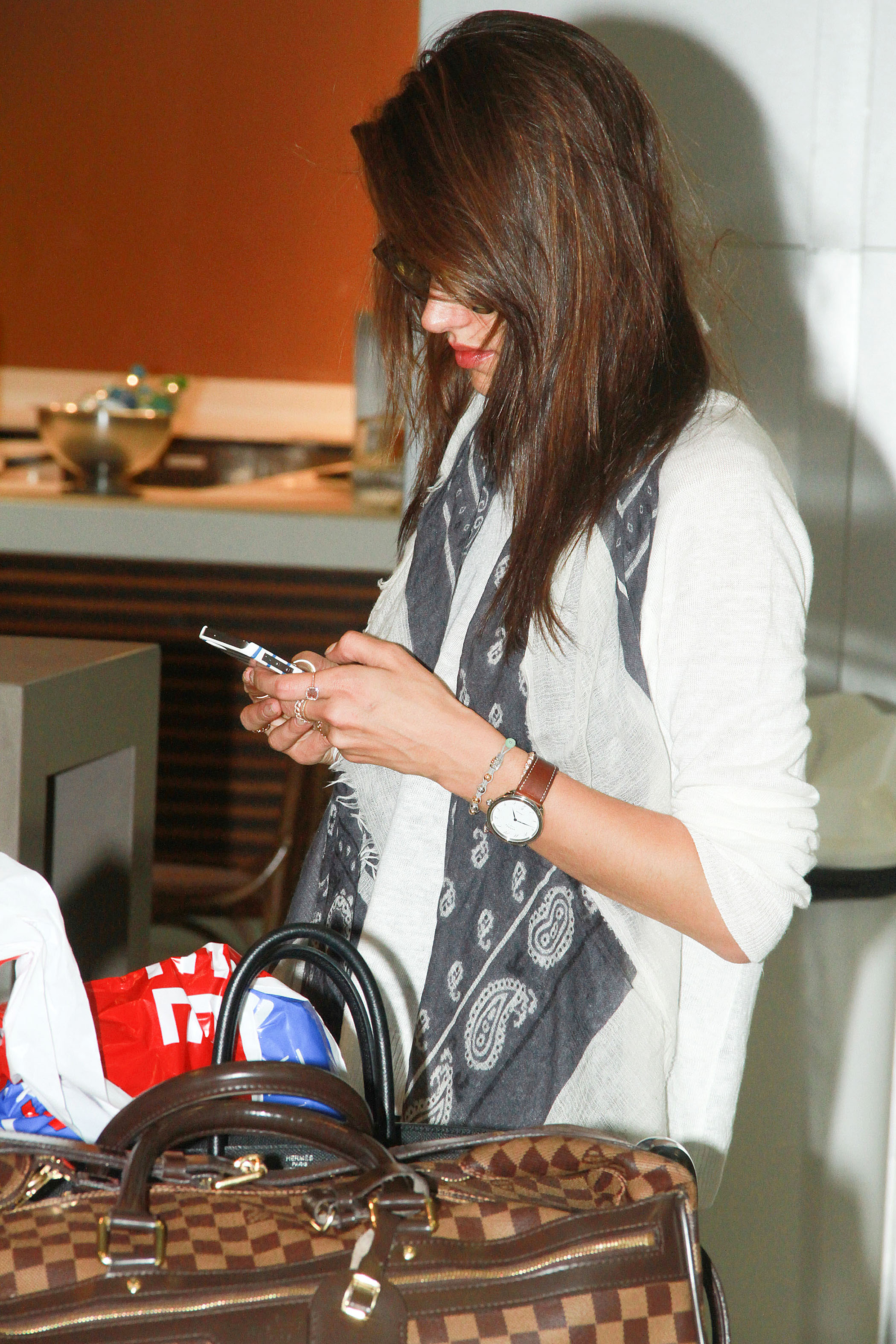
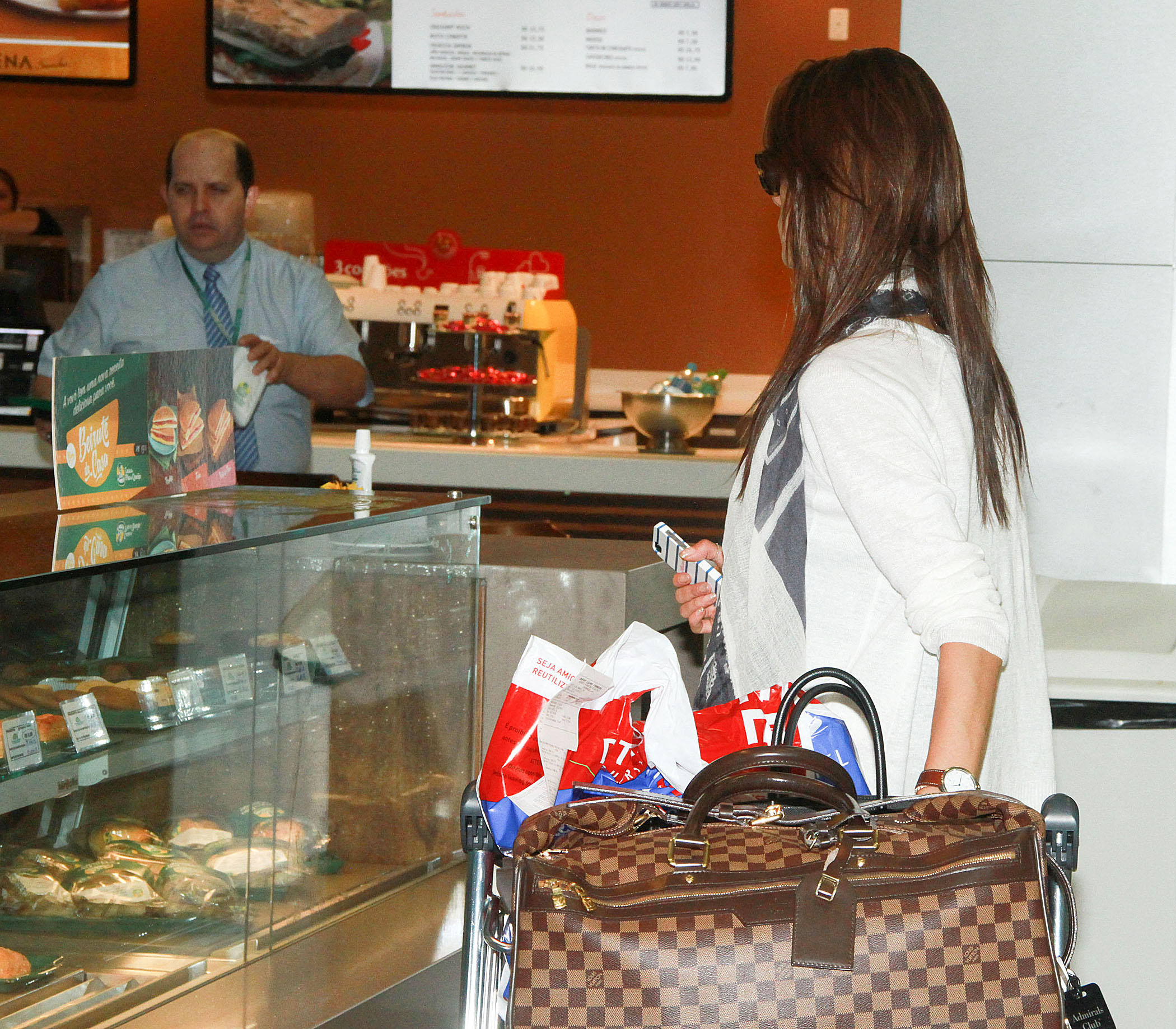
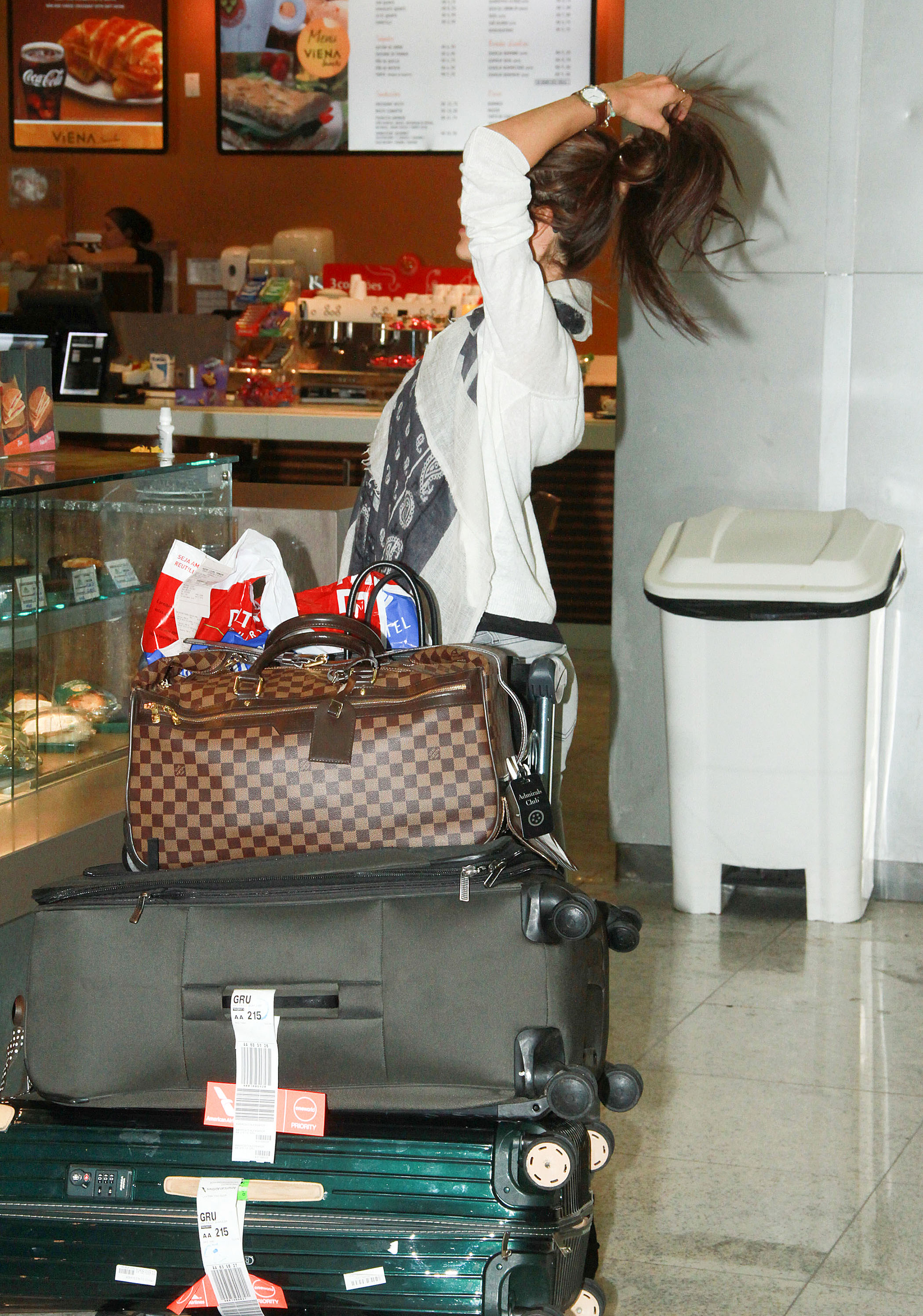
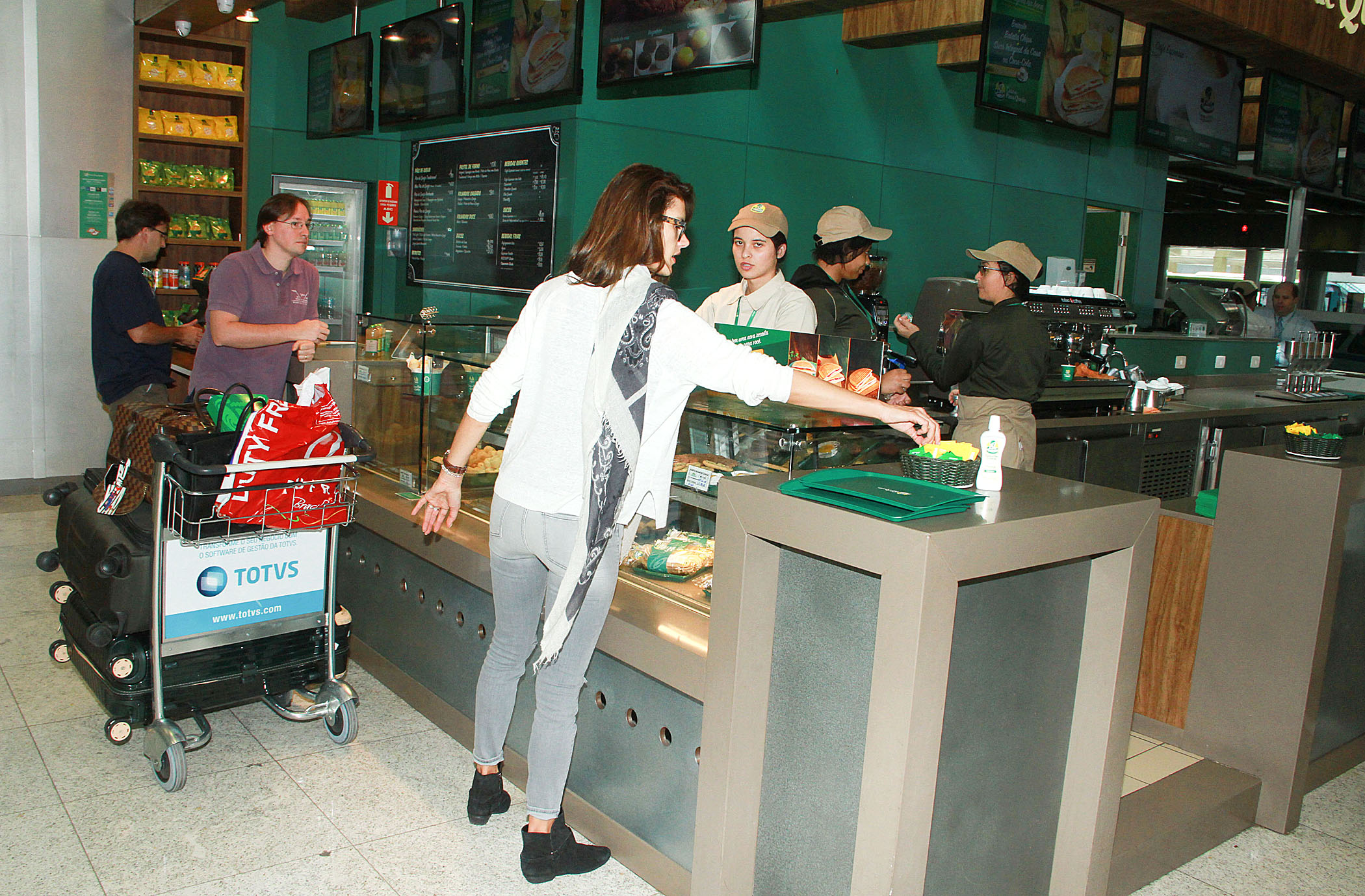
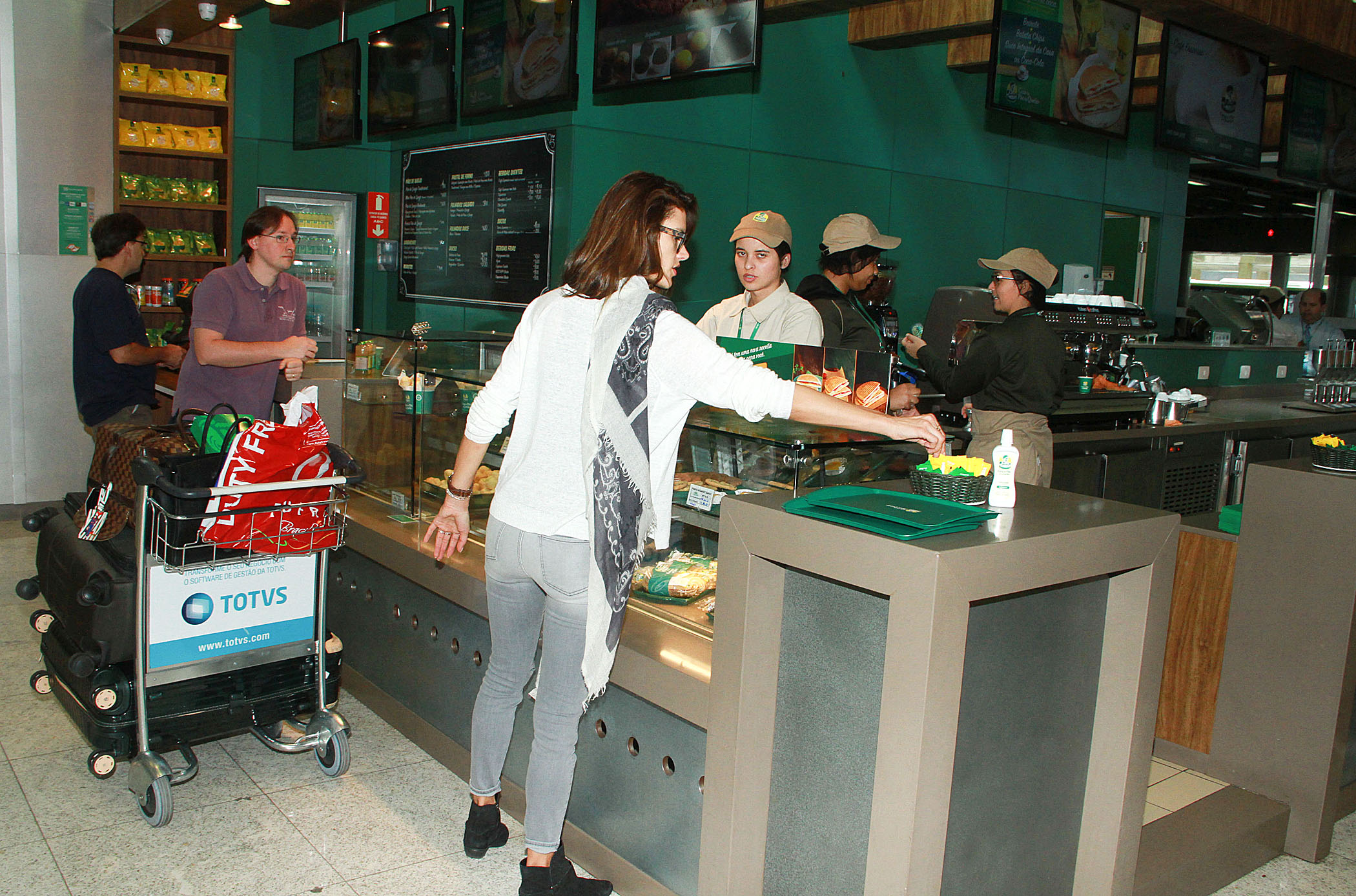
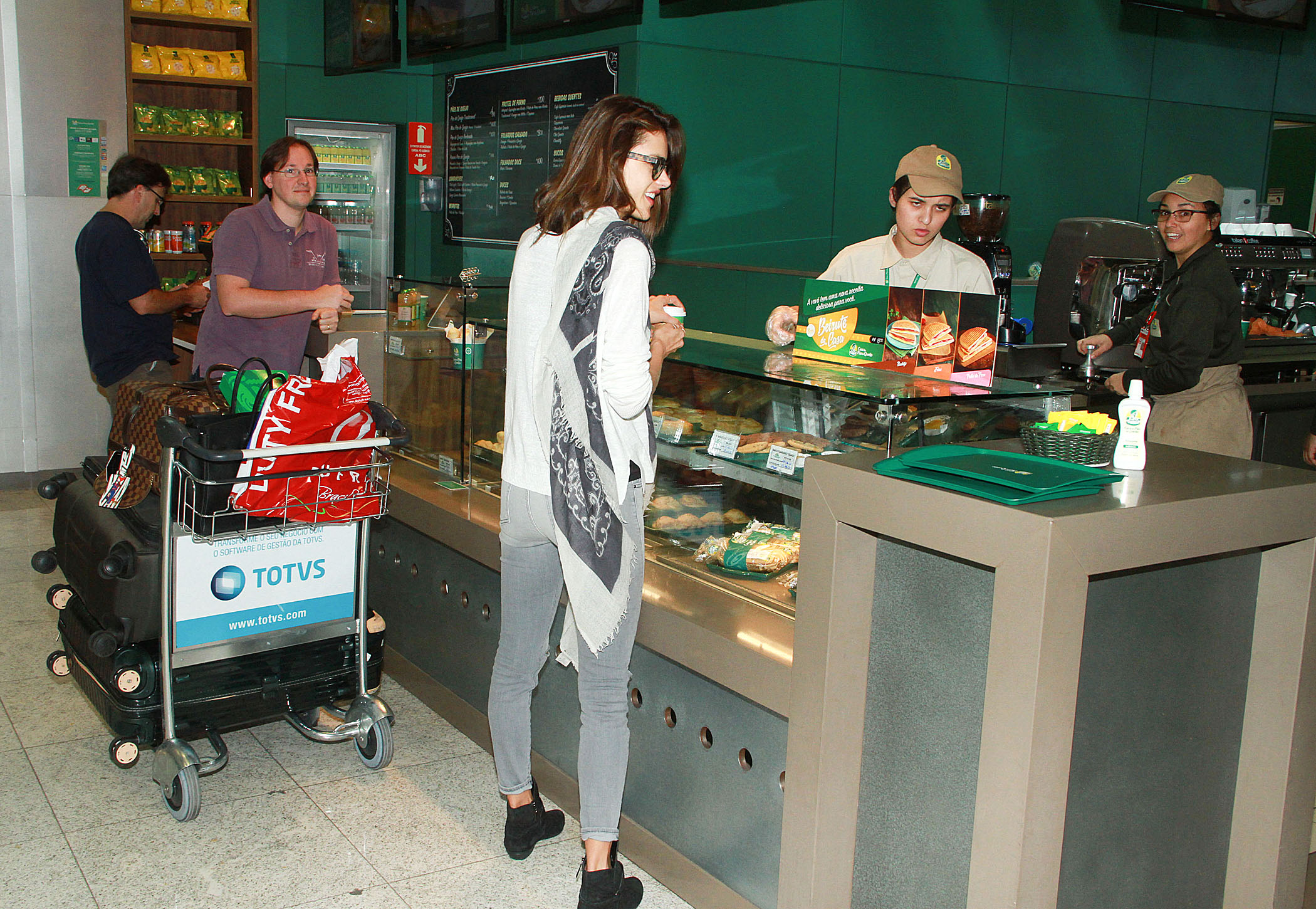
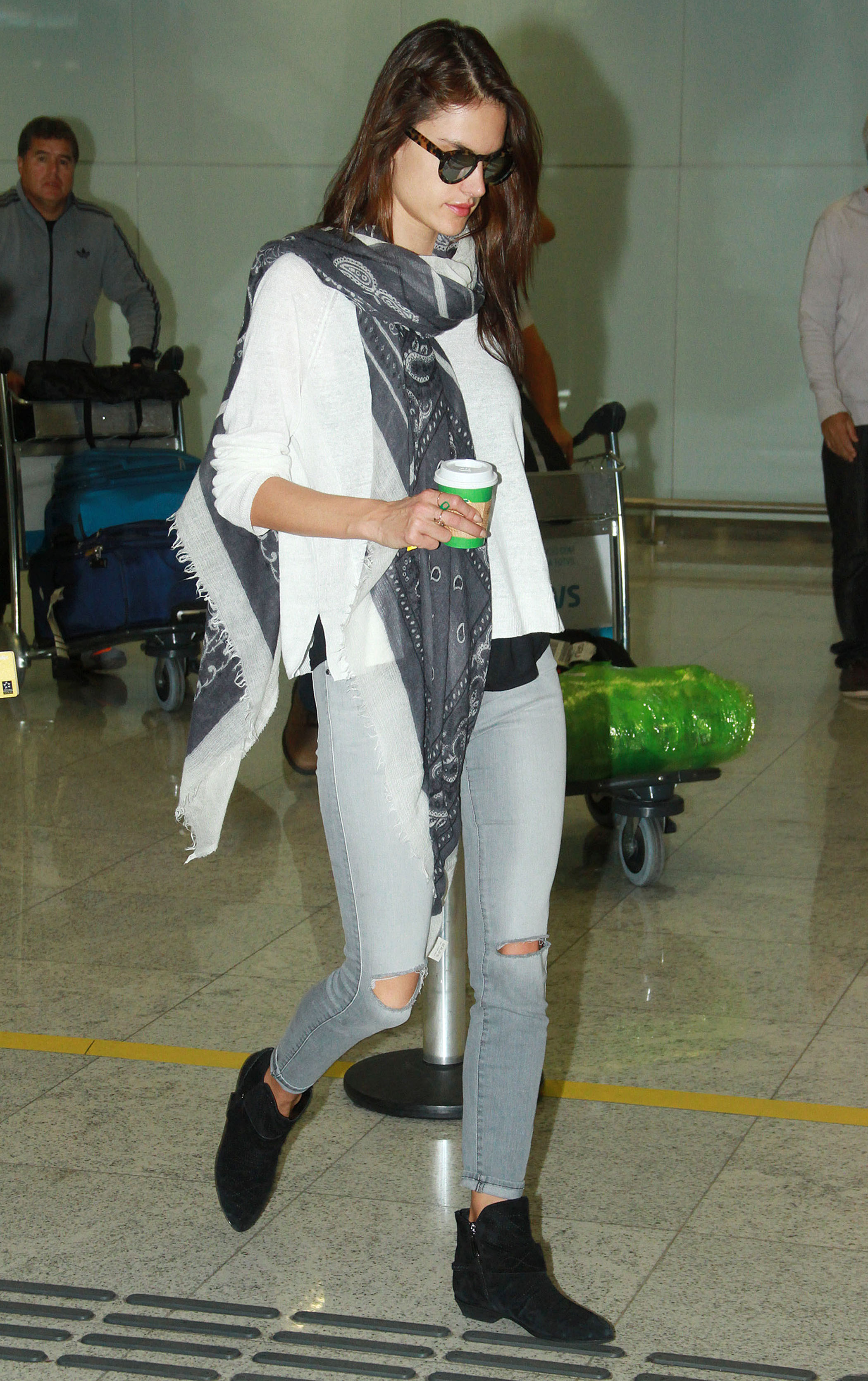
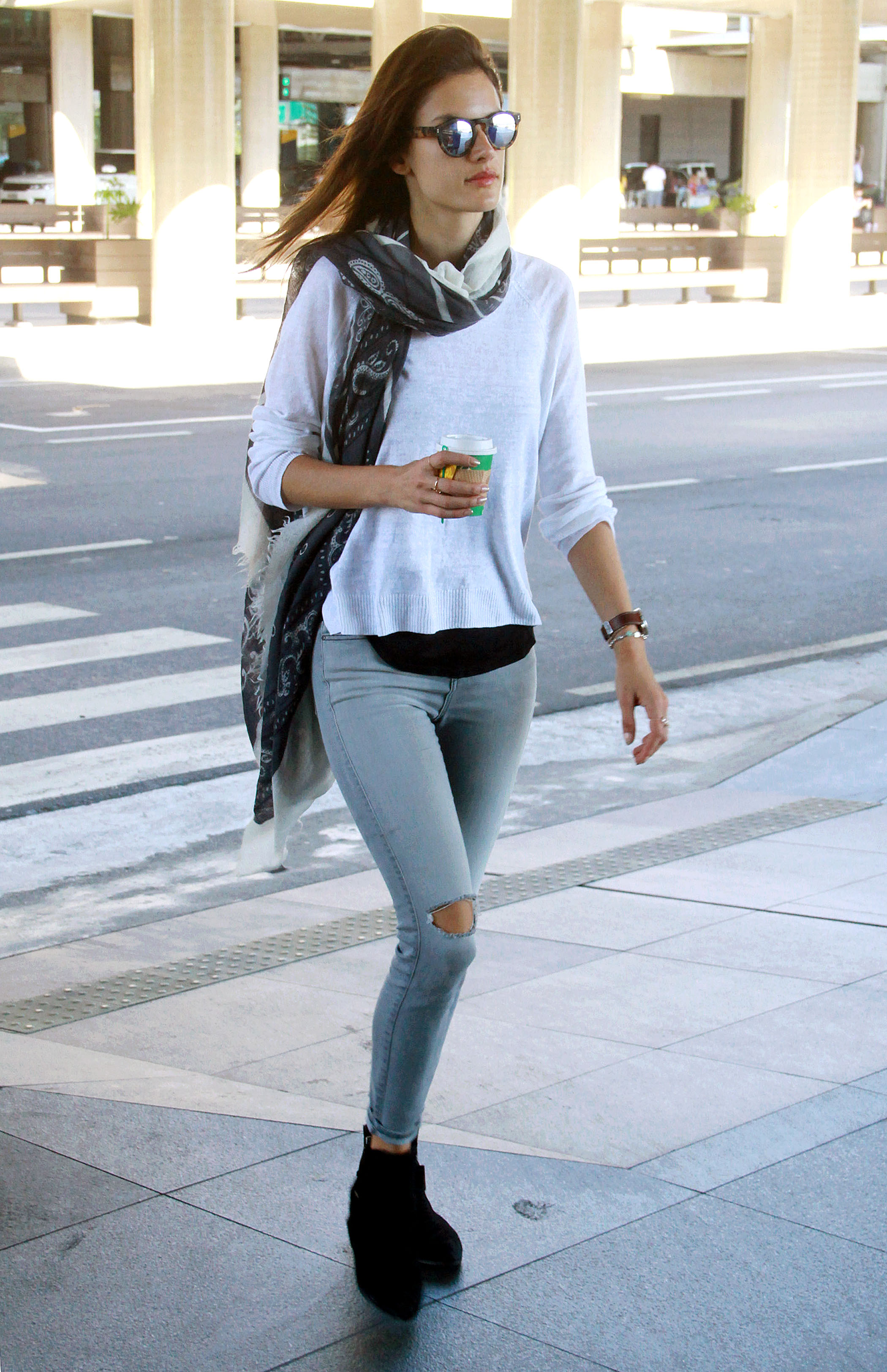
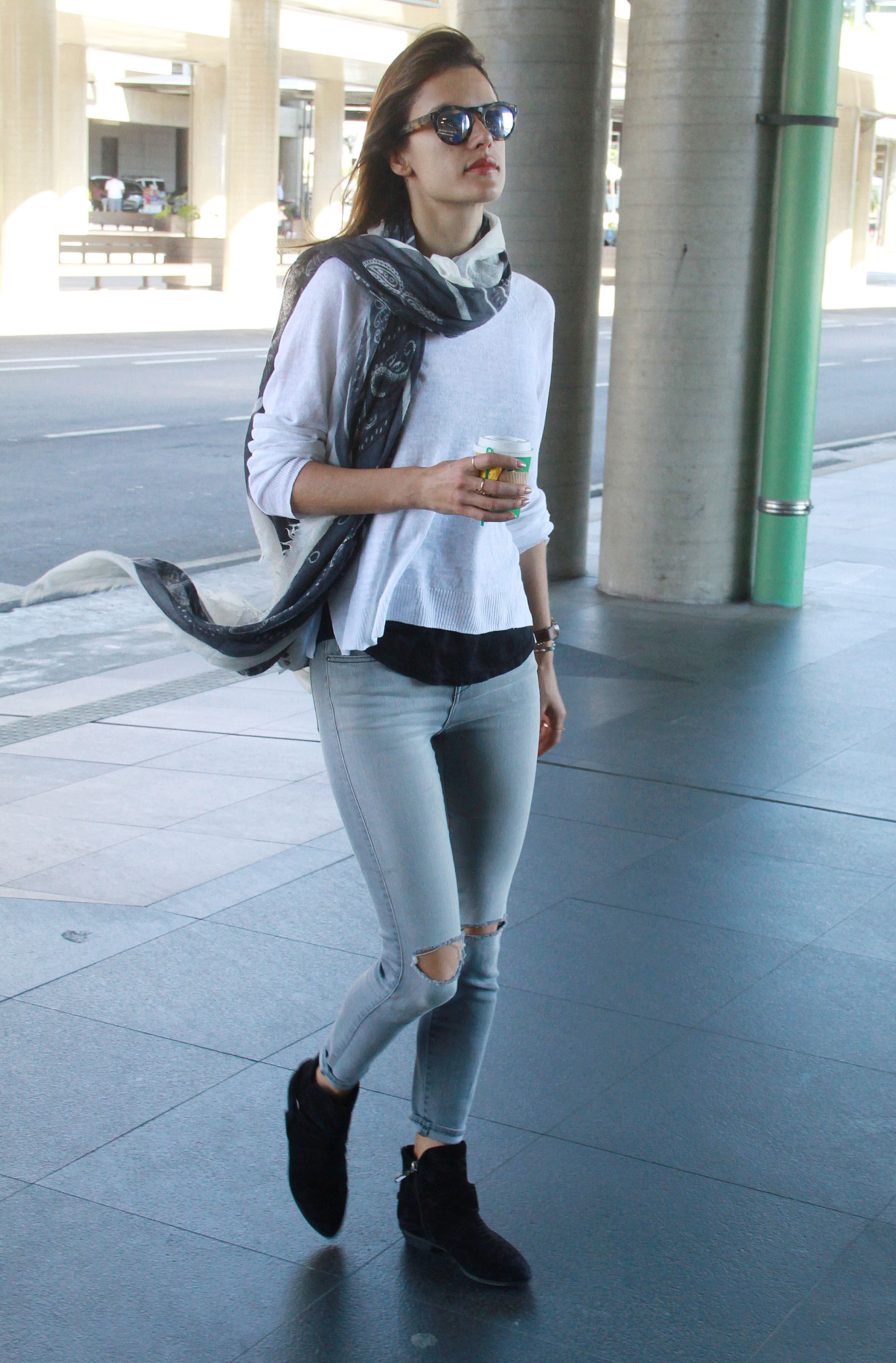
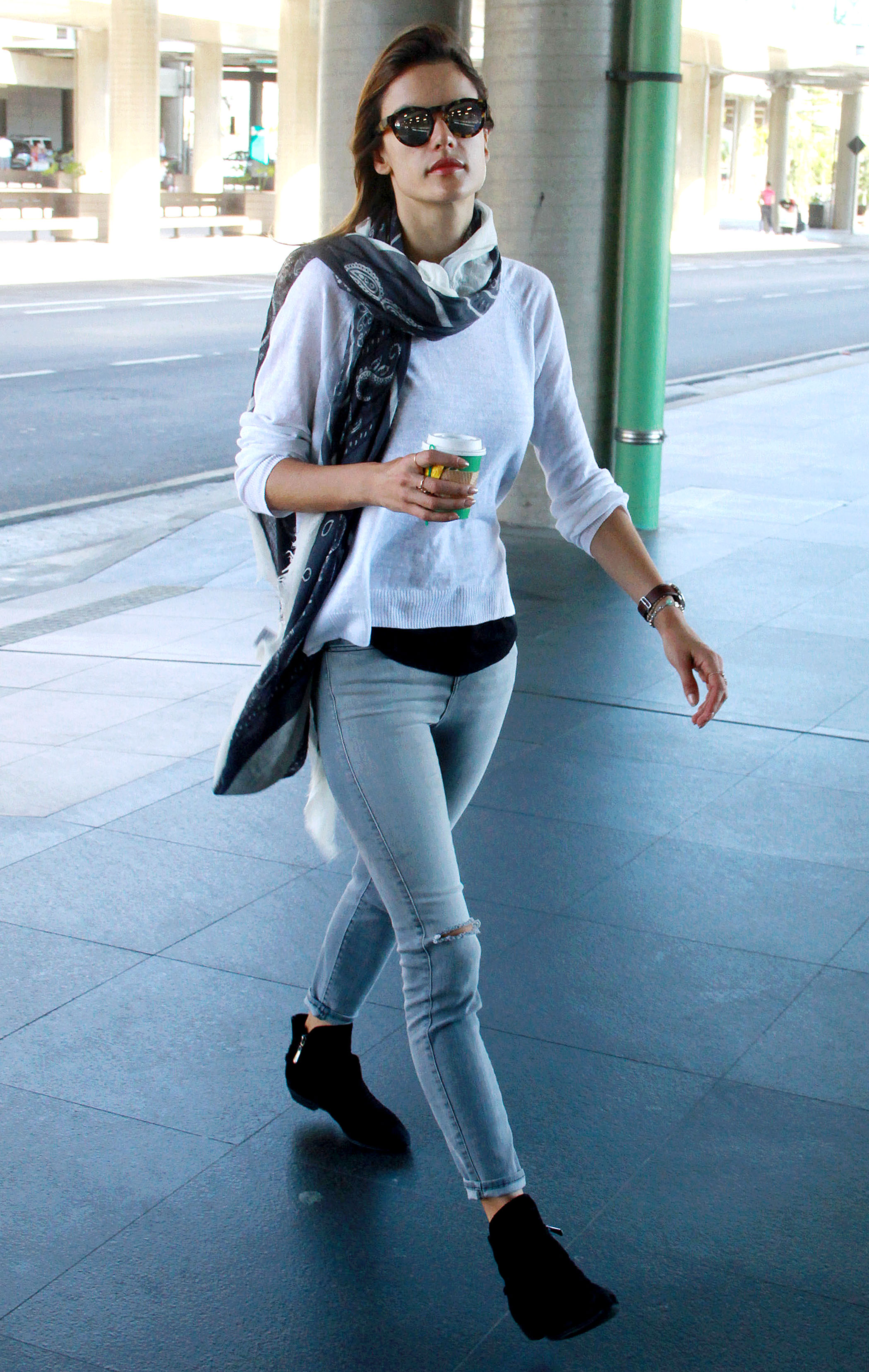
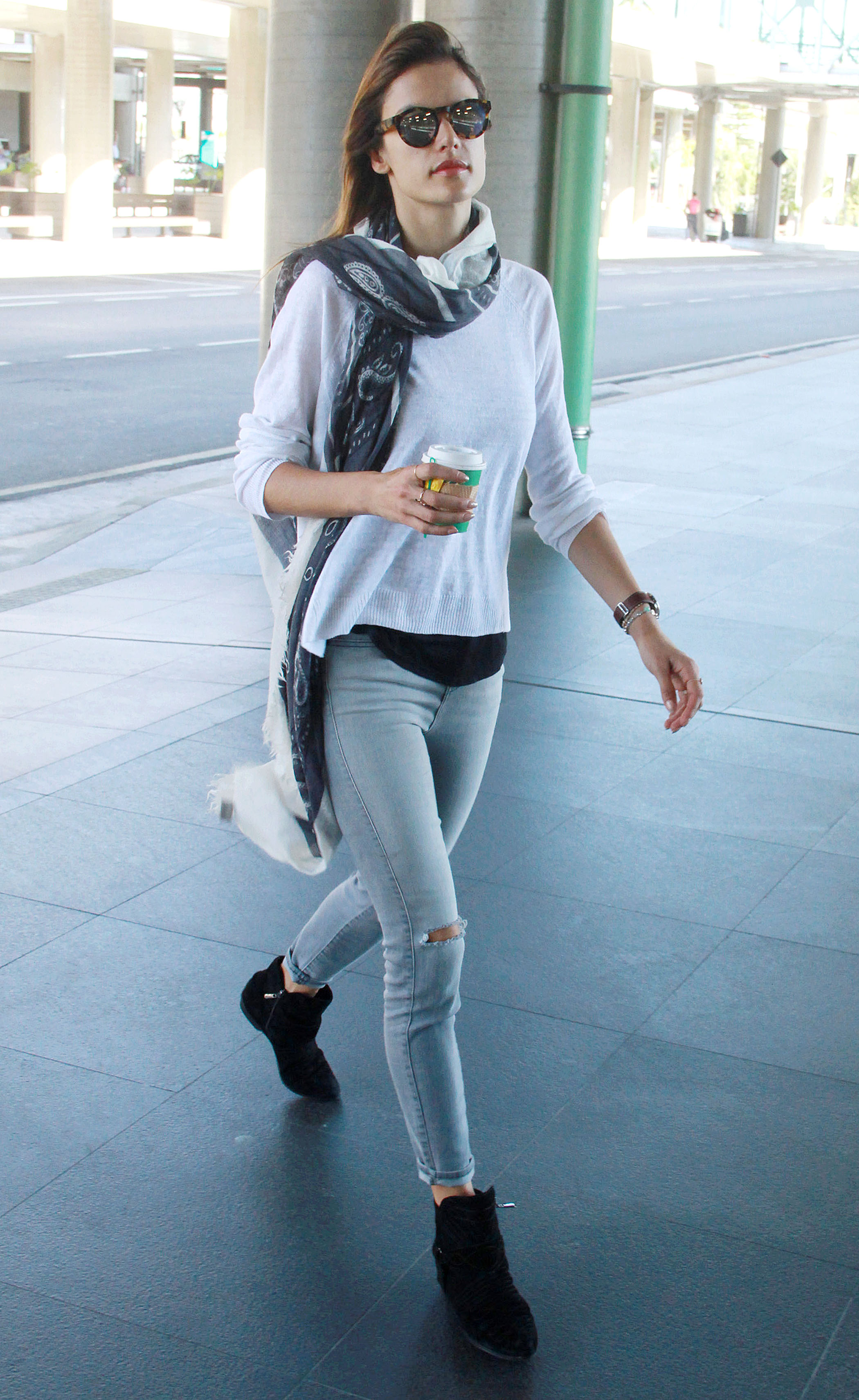
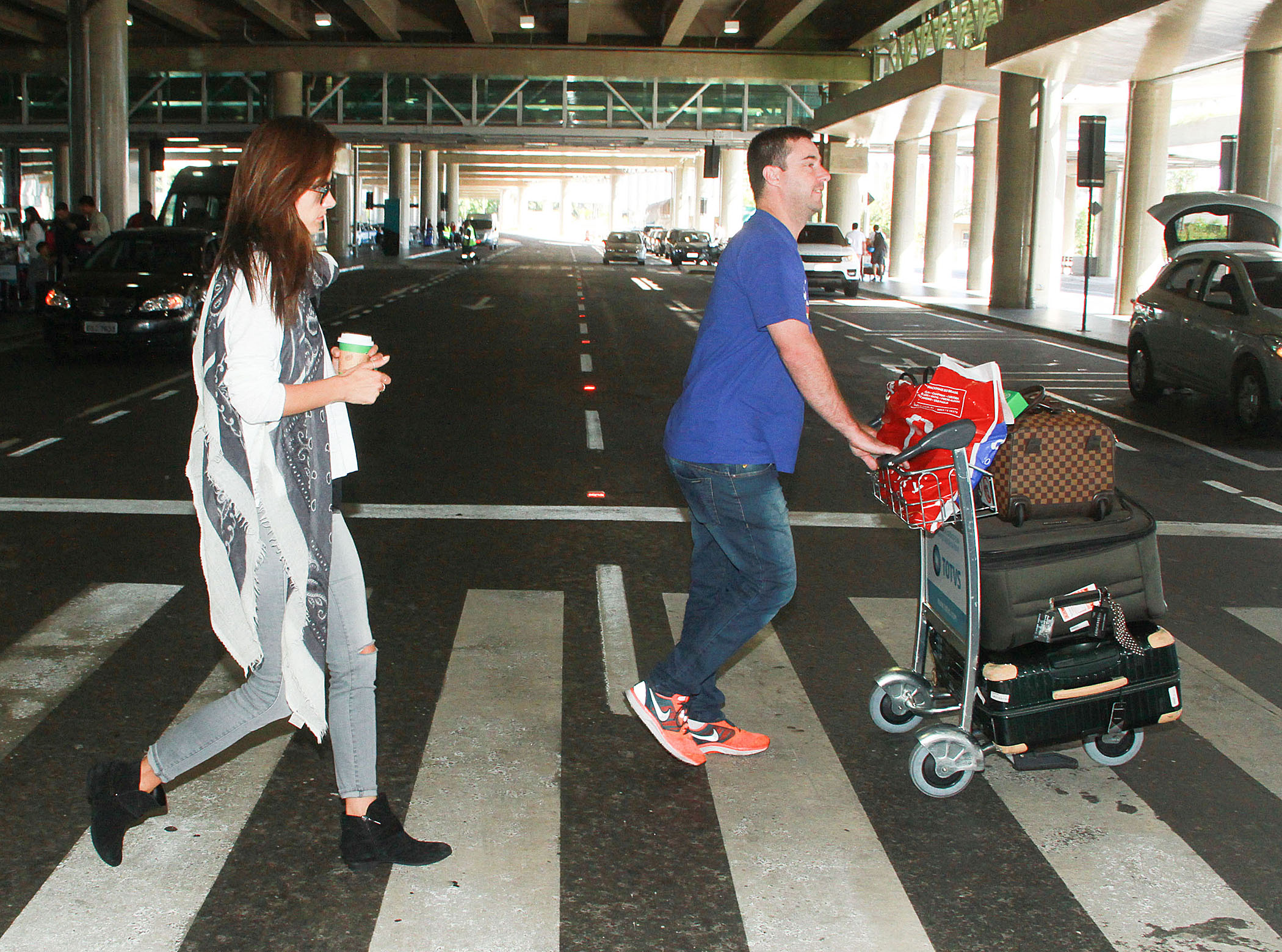
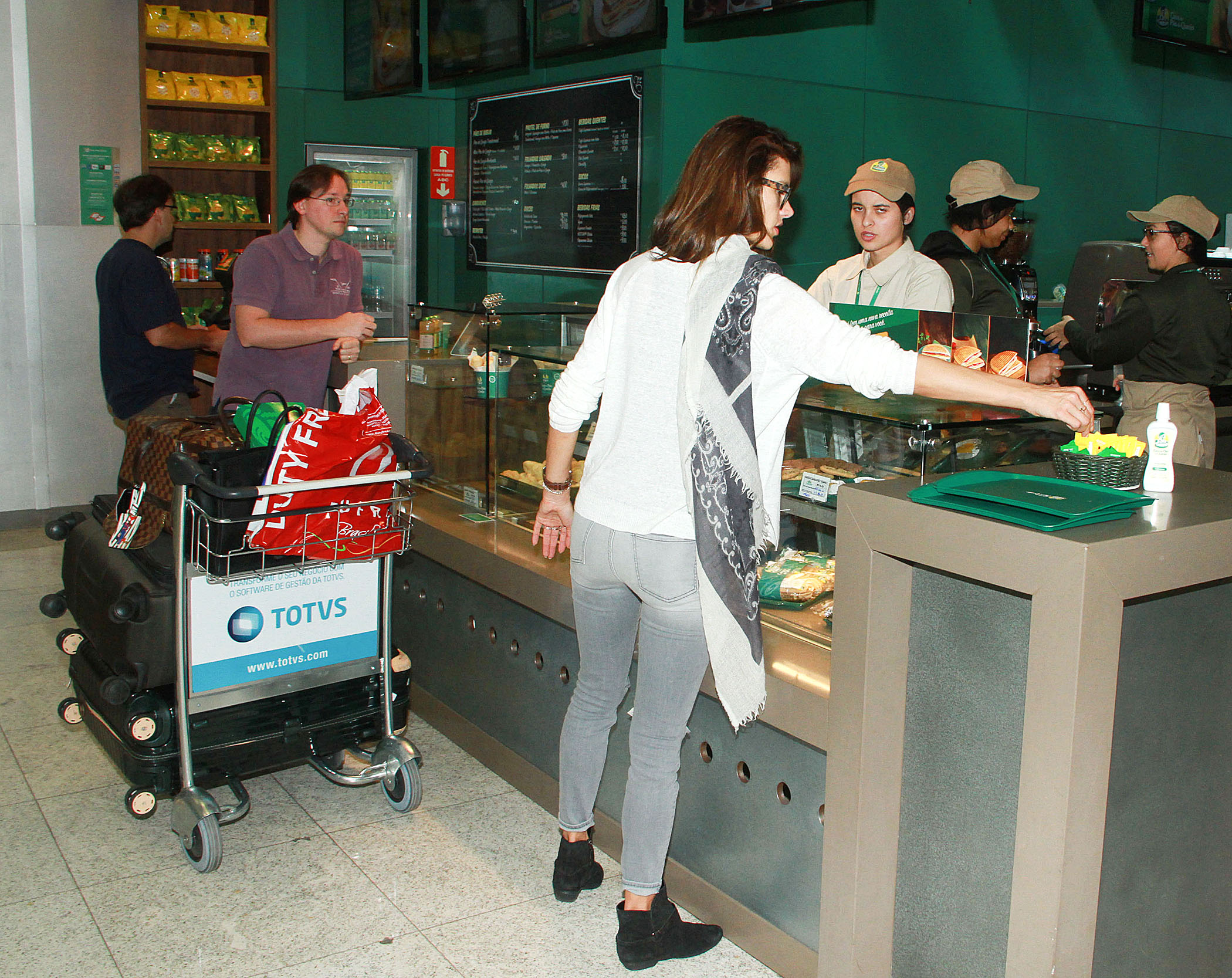
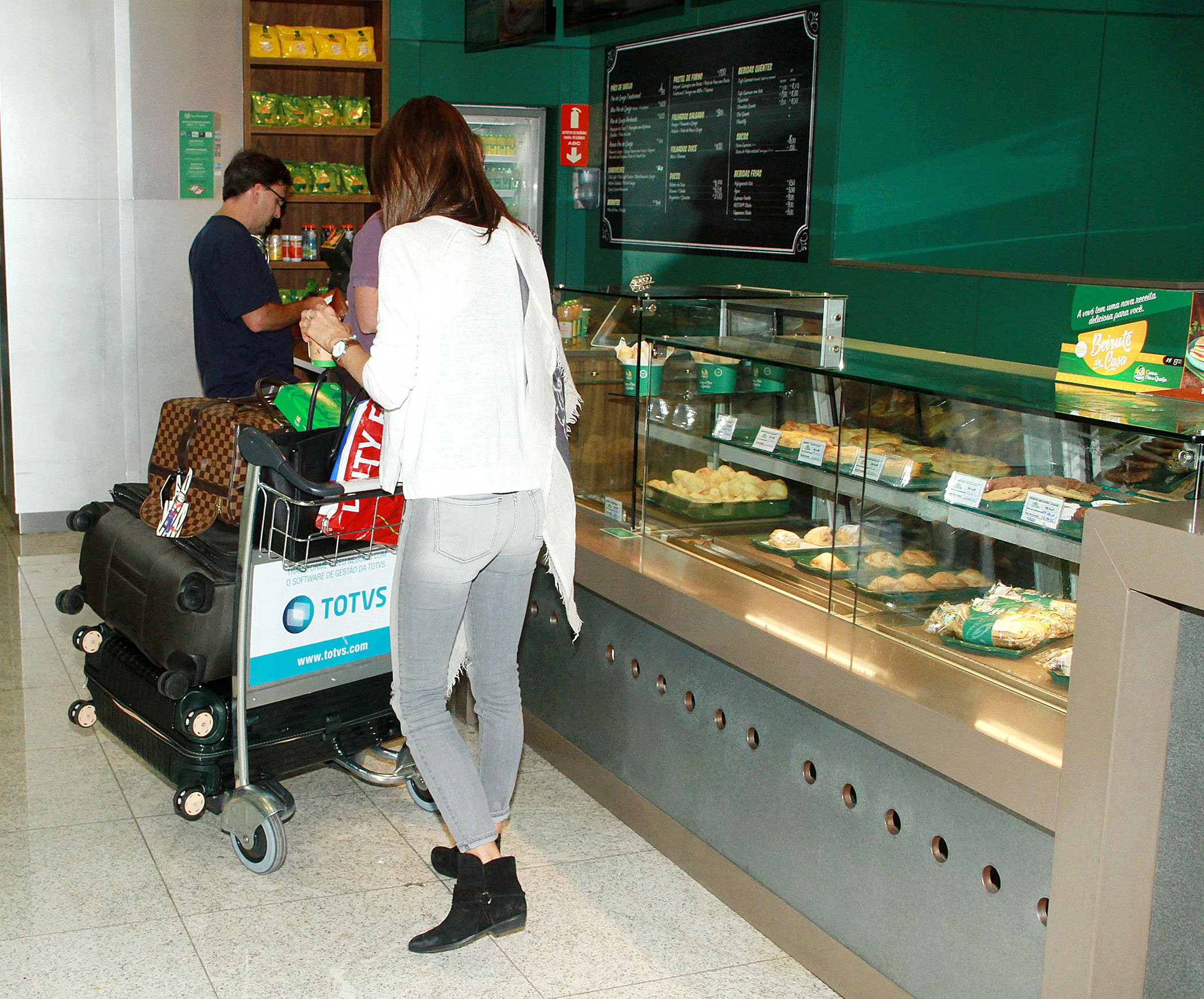
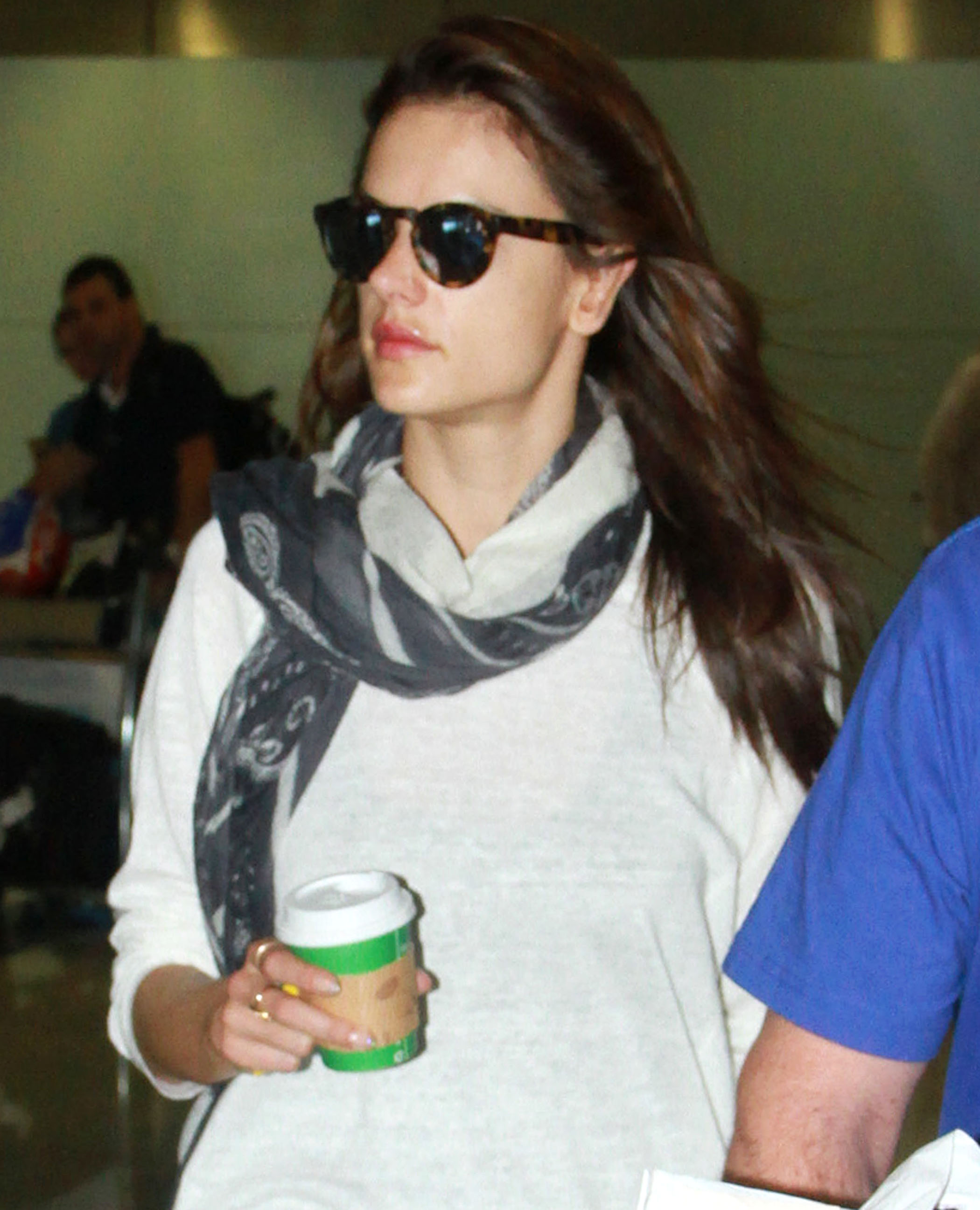
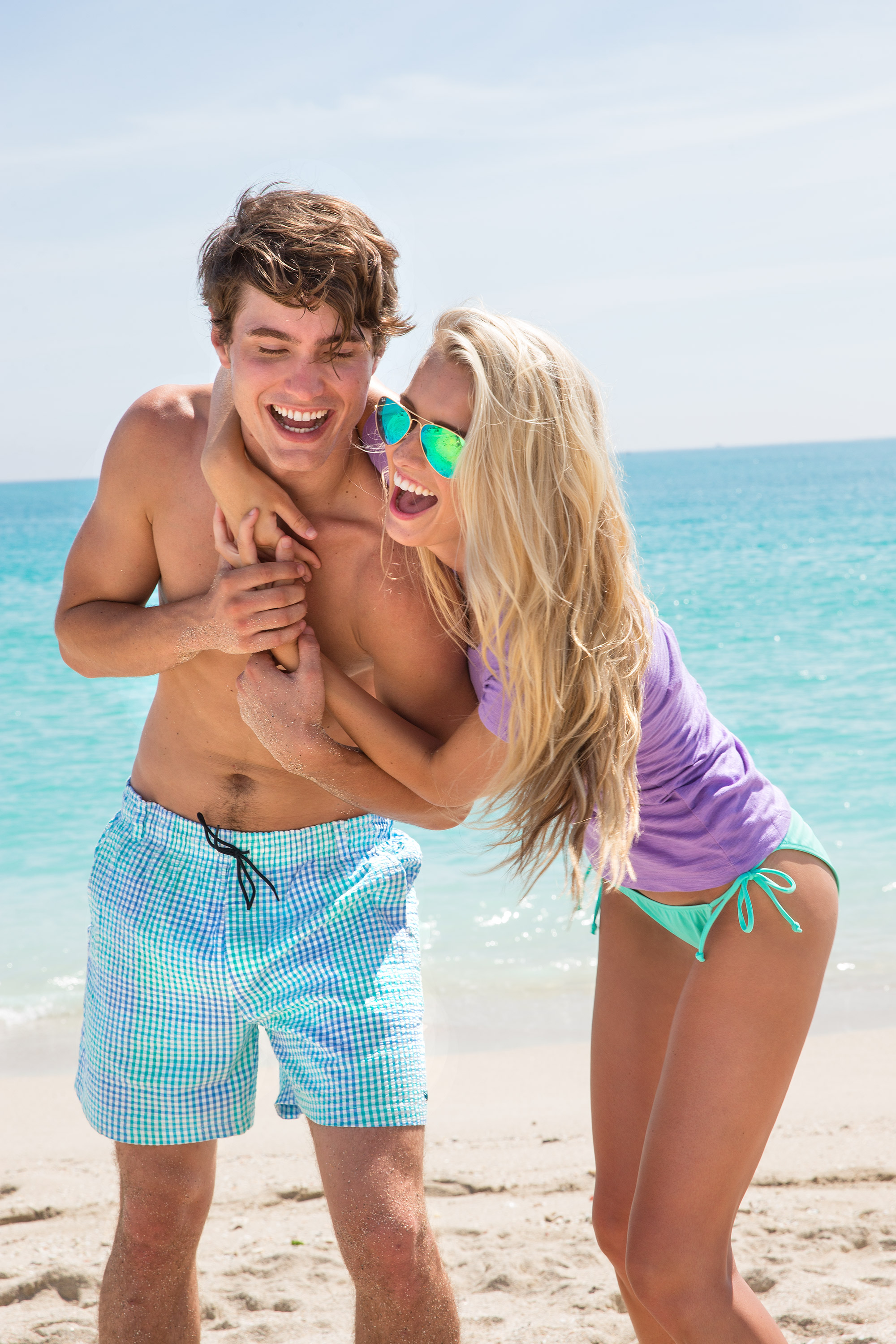
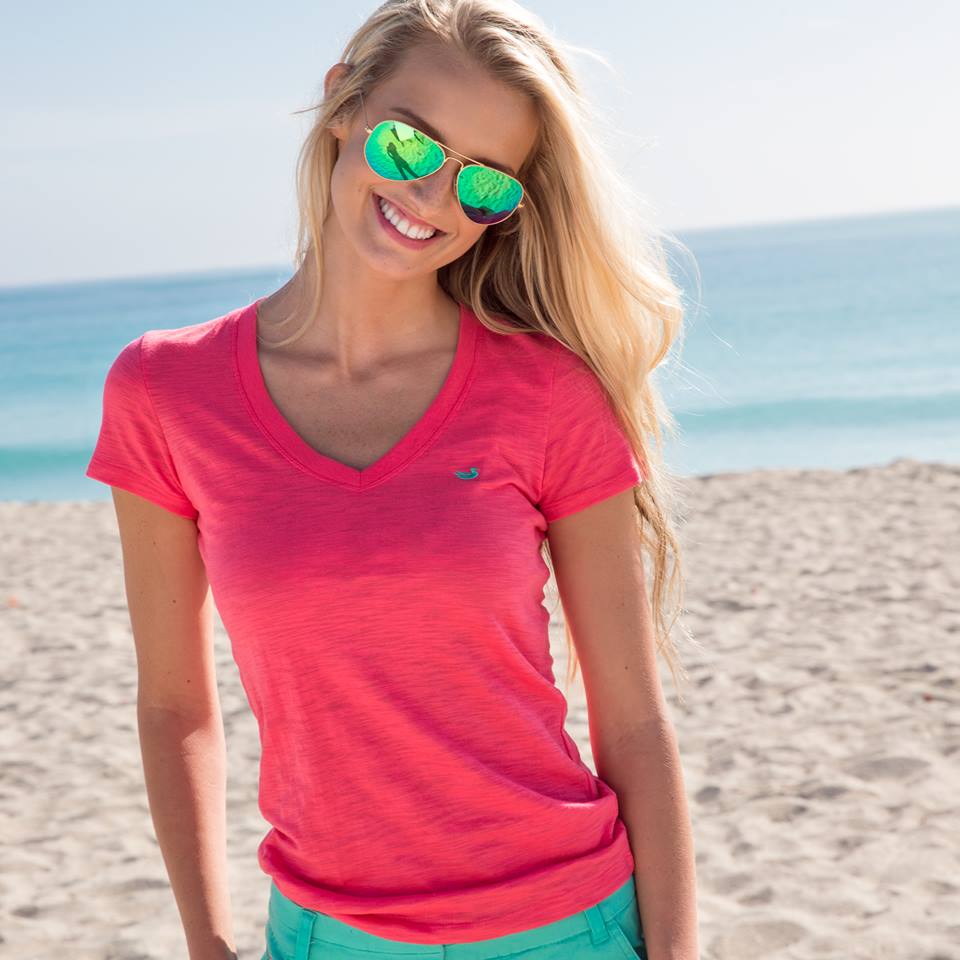
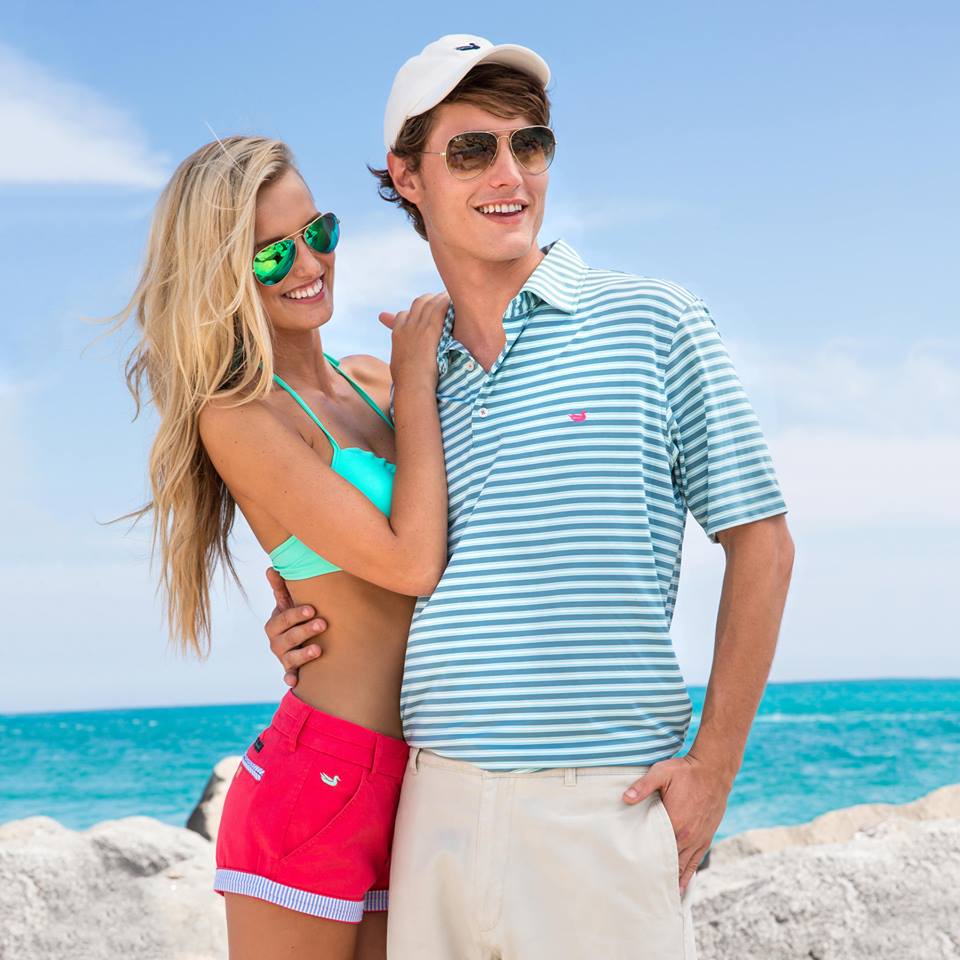
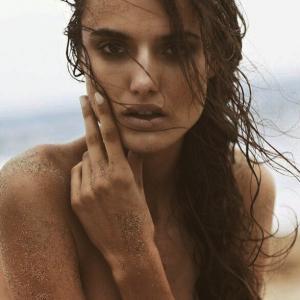 Huge thanks for those HQs of Blanca alerelax
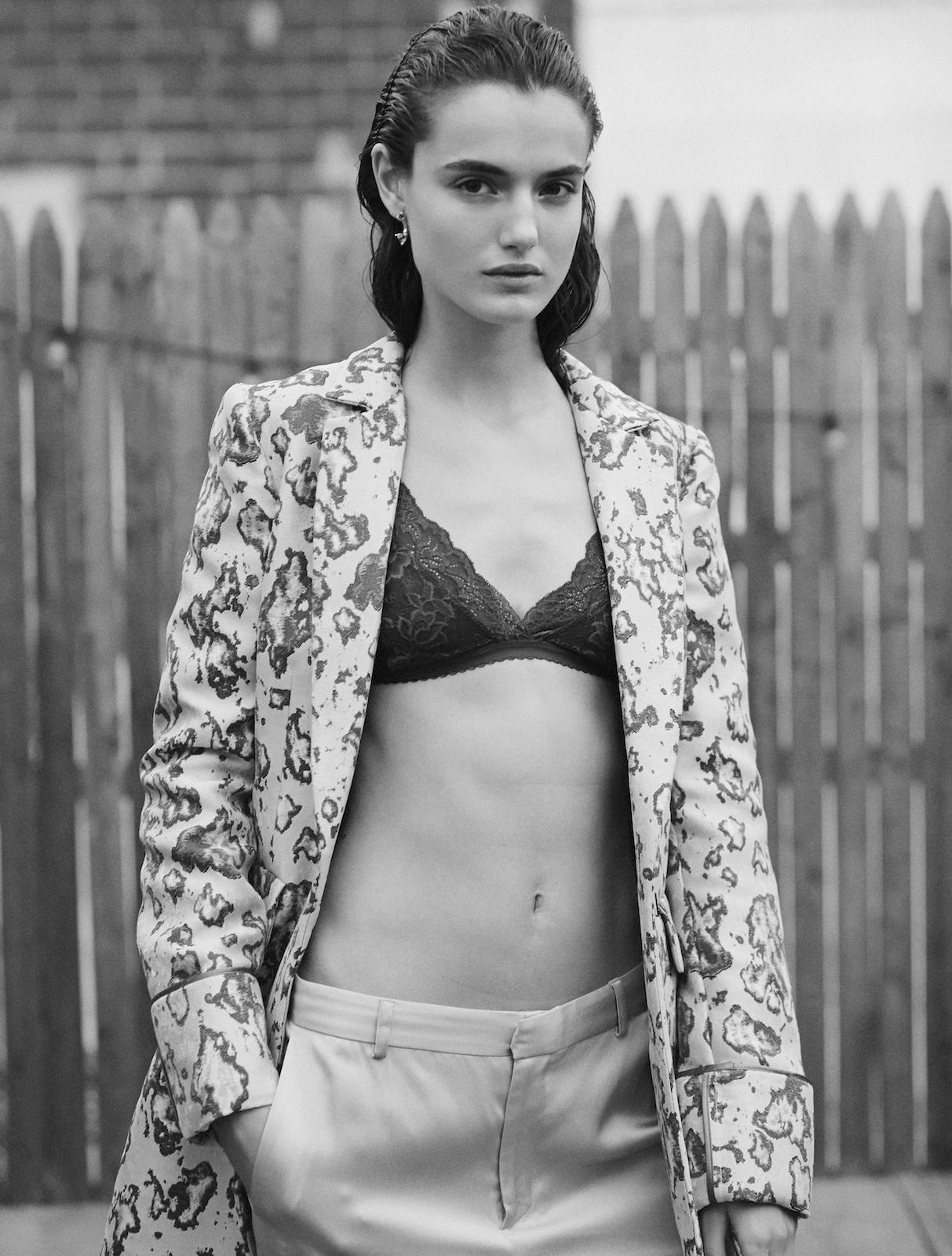
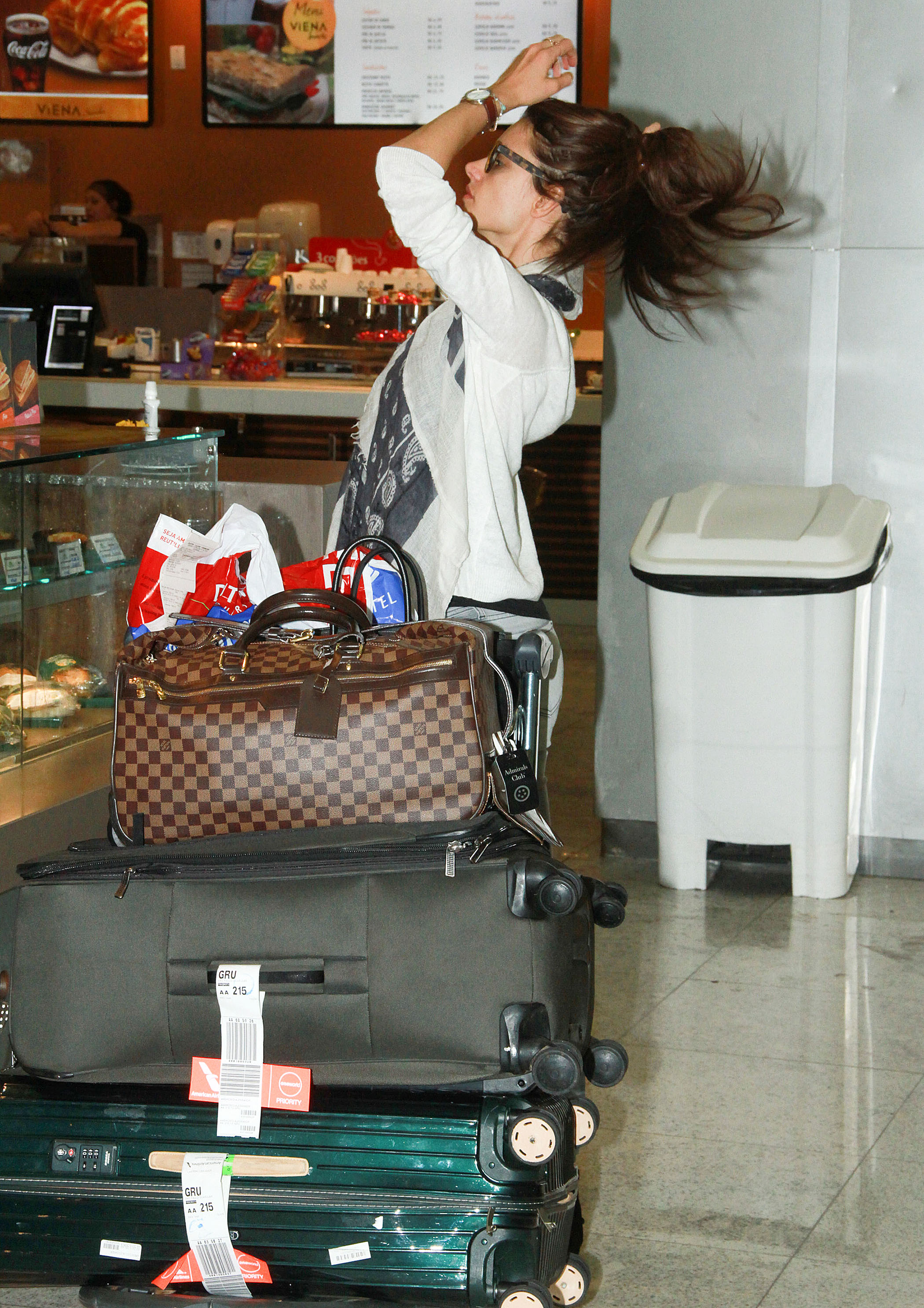
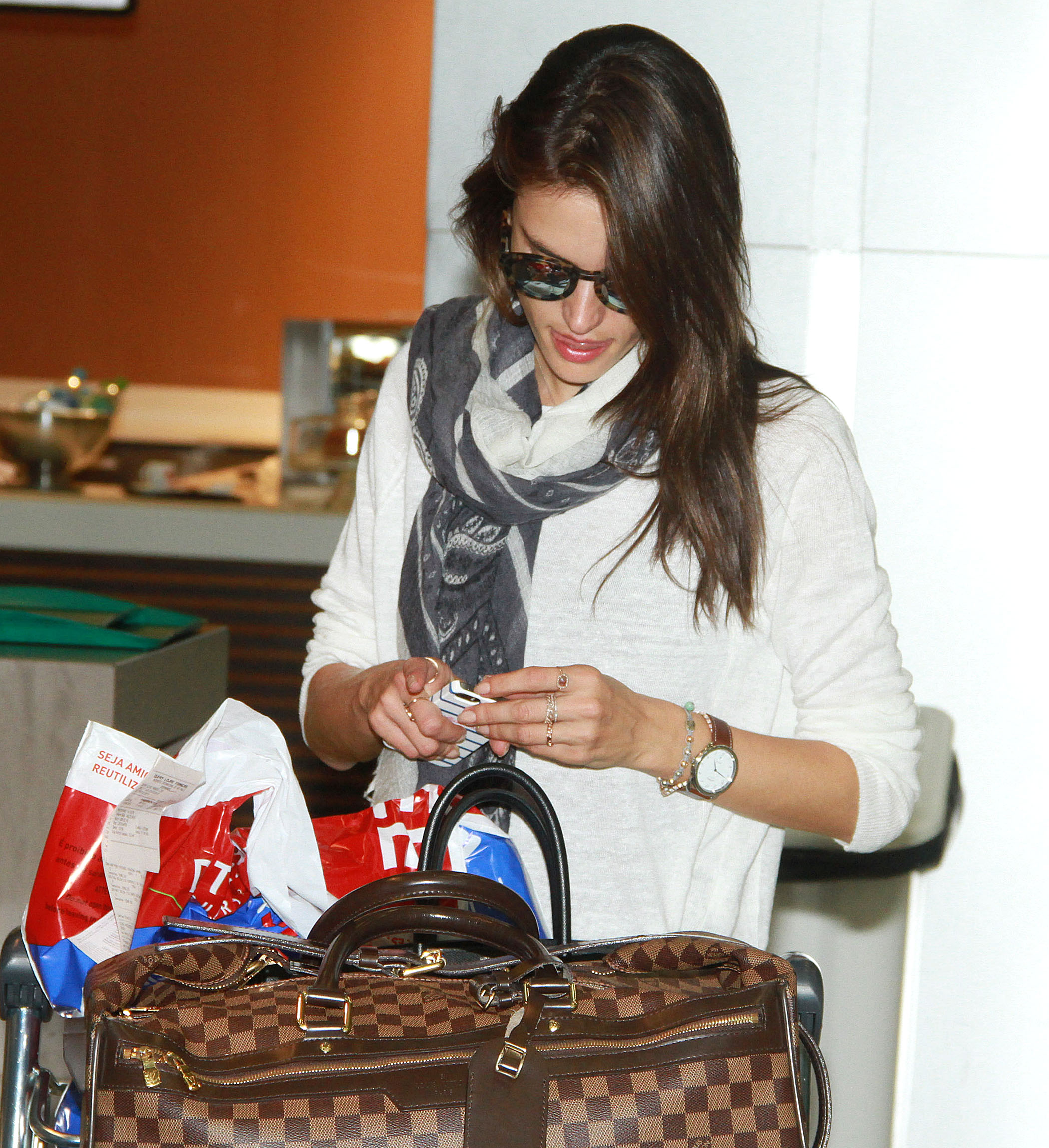
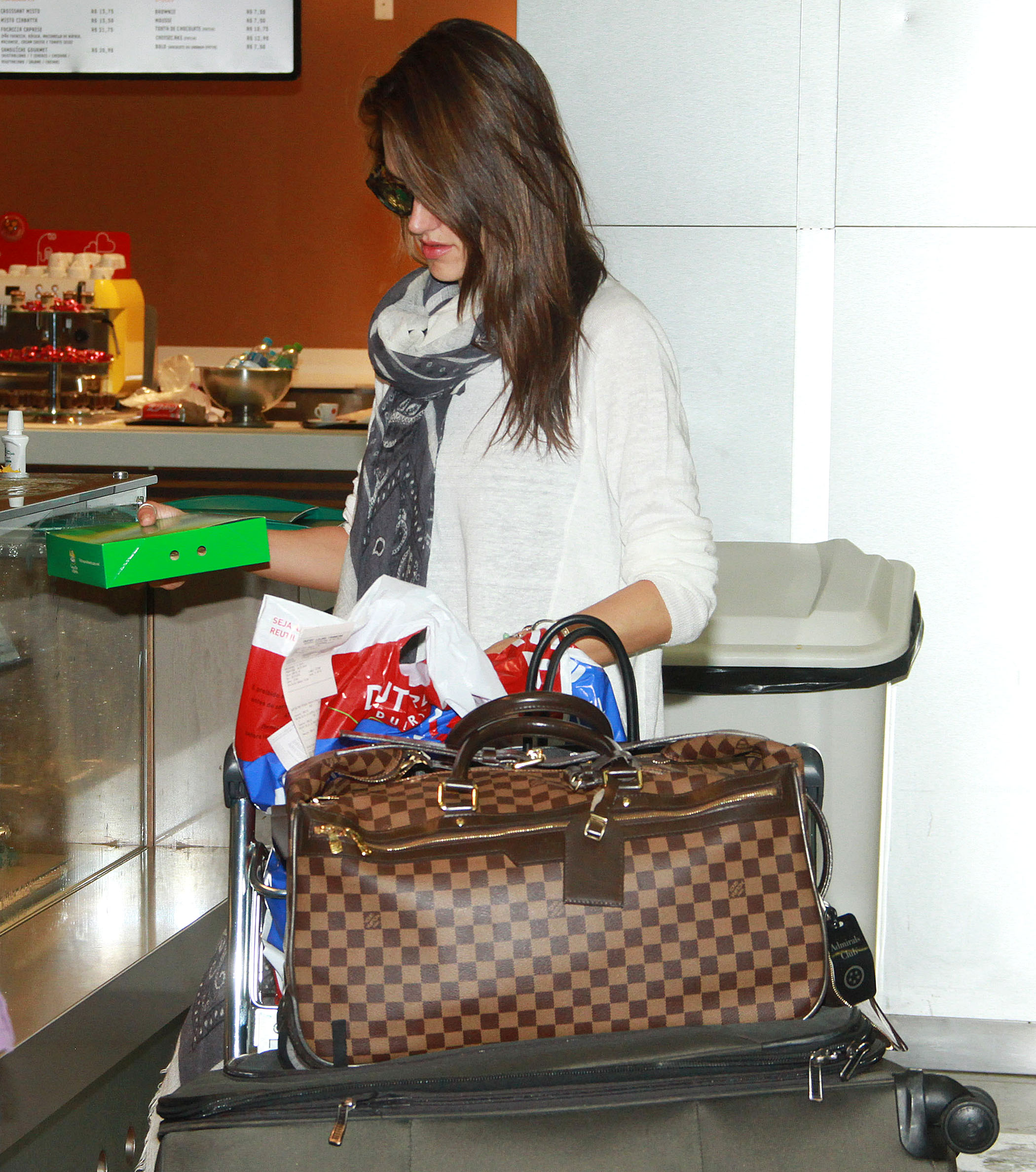
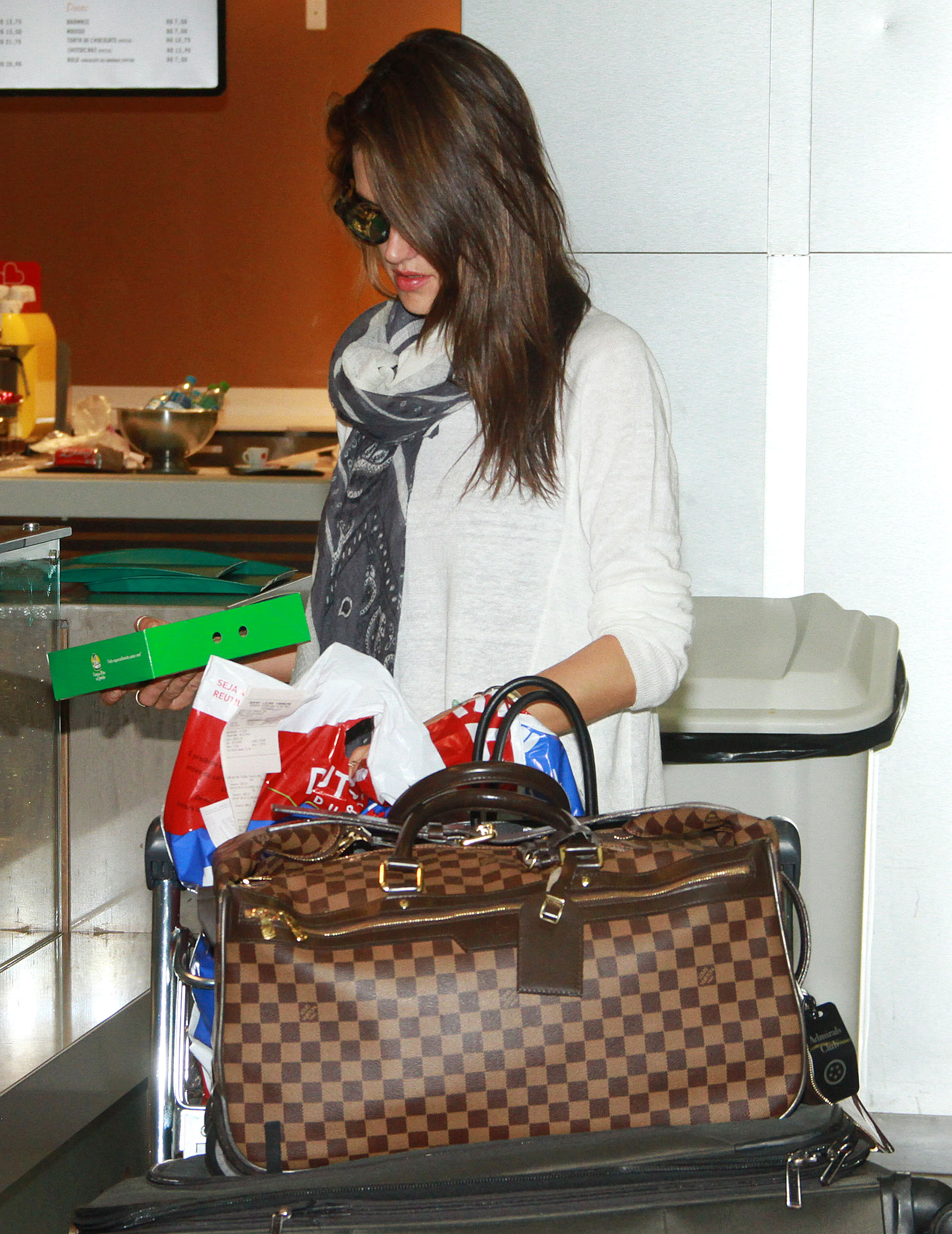

Account
Navigation
Search
Configure browser push notifications
Chrome (Android)
- Tap the lock icon next to the address bar.
- Tap Permissions → Notifications.
- Adjust your preference.
Chrome (Desktop)
- Click the padlock icon in the address bar.
- Select Site settings.
- Find Notifications and adjust your preference.
Safari (iOS 16.4+)
- Ensure the site is installed via Add to Home Screen.
- Open Settings App → Notifications.
- Find your app name and adjust your preference.
Safari (macOS)
- Go to Safari → Preferences.
- Click the Websites tab.
- Select Notifications in the sidebar.
- Find this website and adjust your preference.
Edge (Android)
- Tap the lock icon next to the address bar.
- Tap Permissions.
- Find Notifications and adjust your preference.
Edge (Desktop)
- Click the padlock icon in the address bar.
- Click Permissions for this site.
- Find Notifications and adjust your preference.
Firefox (Android)
- Go to Settings → Site permissions.
- Tap Notifications.
- Find this site in the list and adjust your preference.
Firefox (Desktop)
- Open Firefox Settings.
- Search for Notifications.
- Find this site in the list and adjust your preference.