Shale586
Members
-
Joined
-
Last visited
-
Currently
Viewing Topic: Cup of Continents - VIII [Team Creation Open. PM me]
Everything posted by Shale586
-
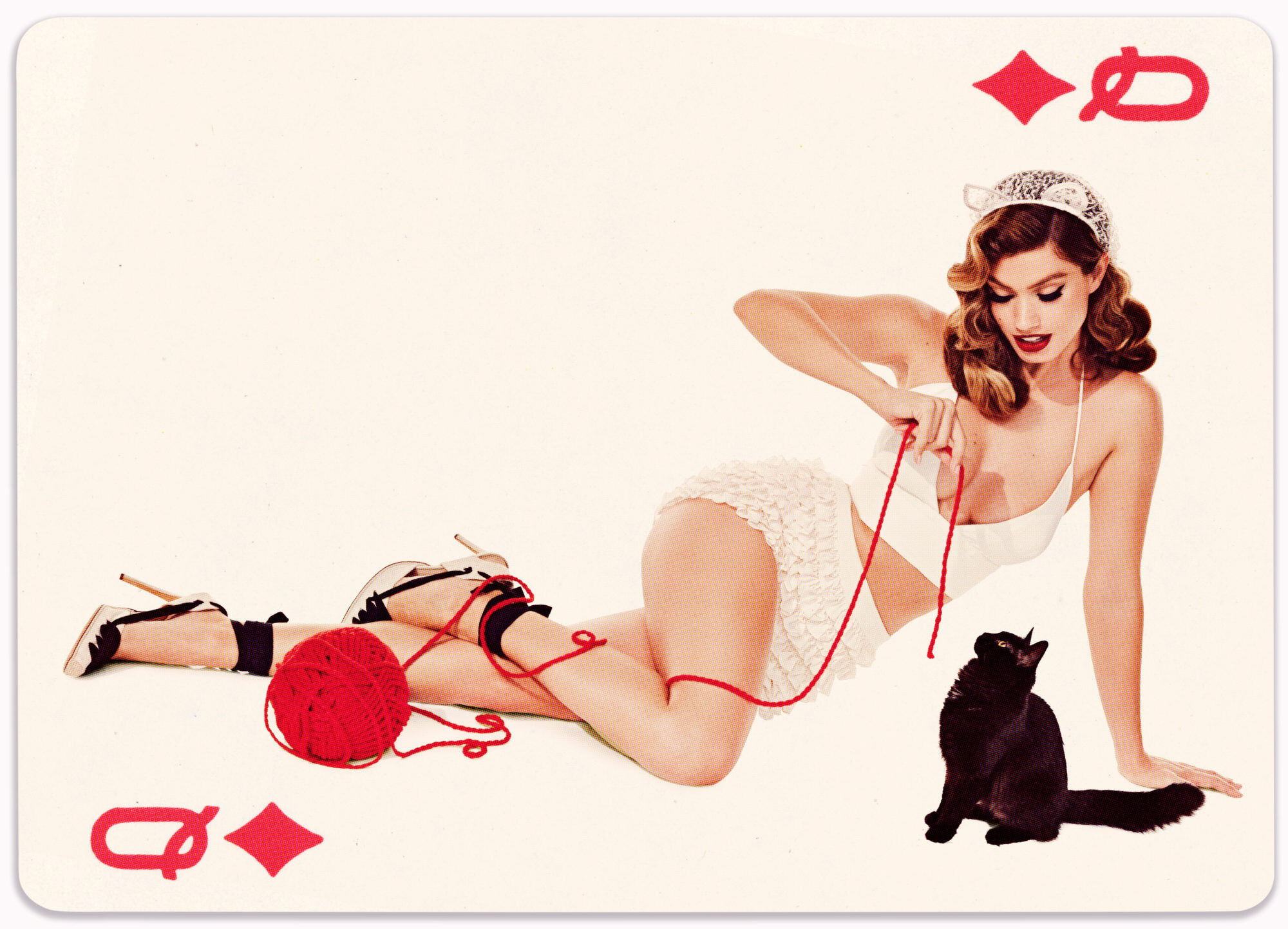
 "Queen of Diamonds" by Marian Sell 📷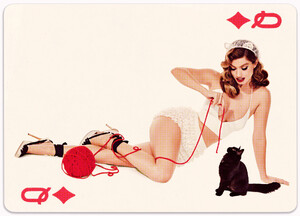
-
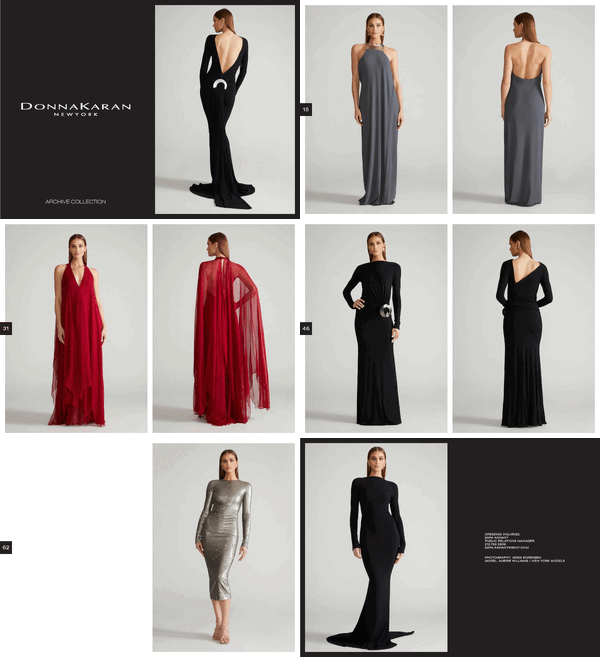
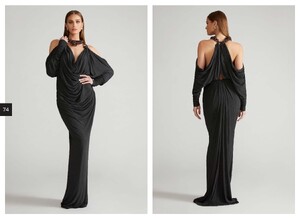
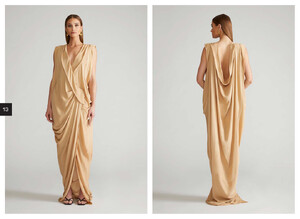
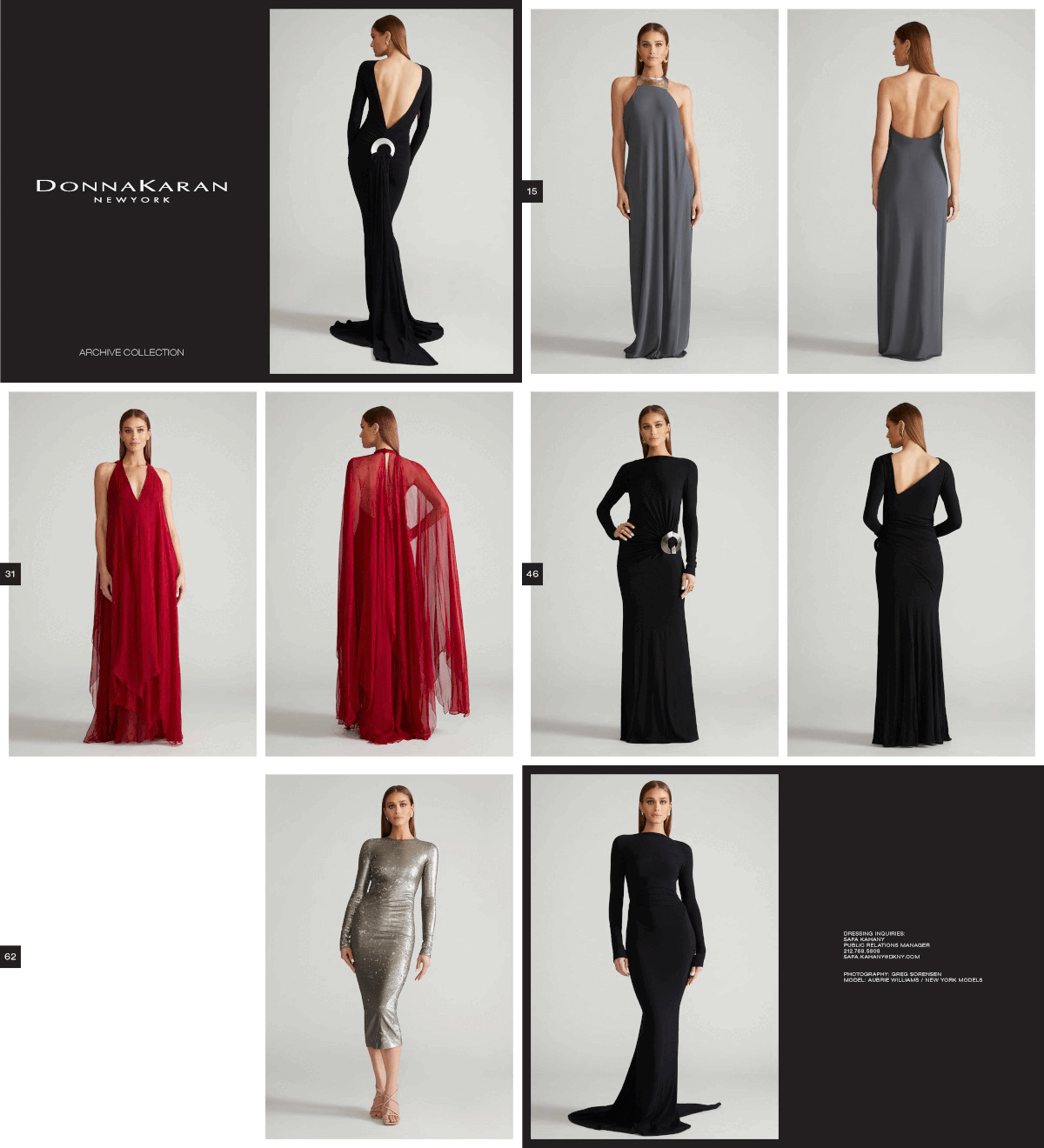
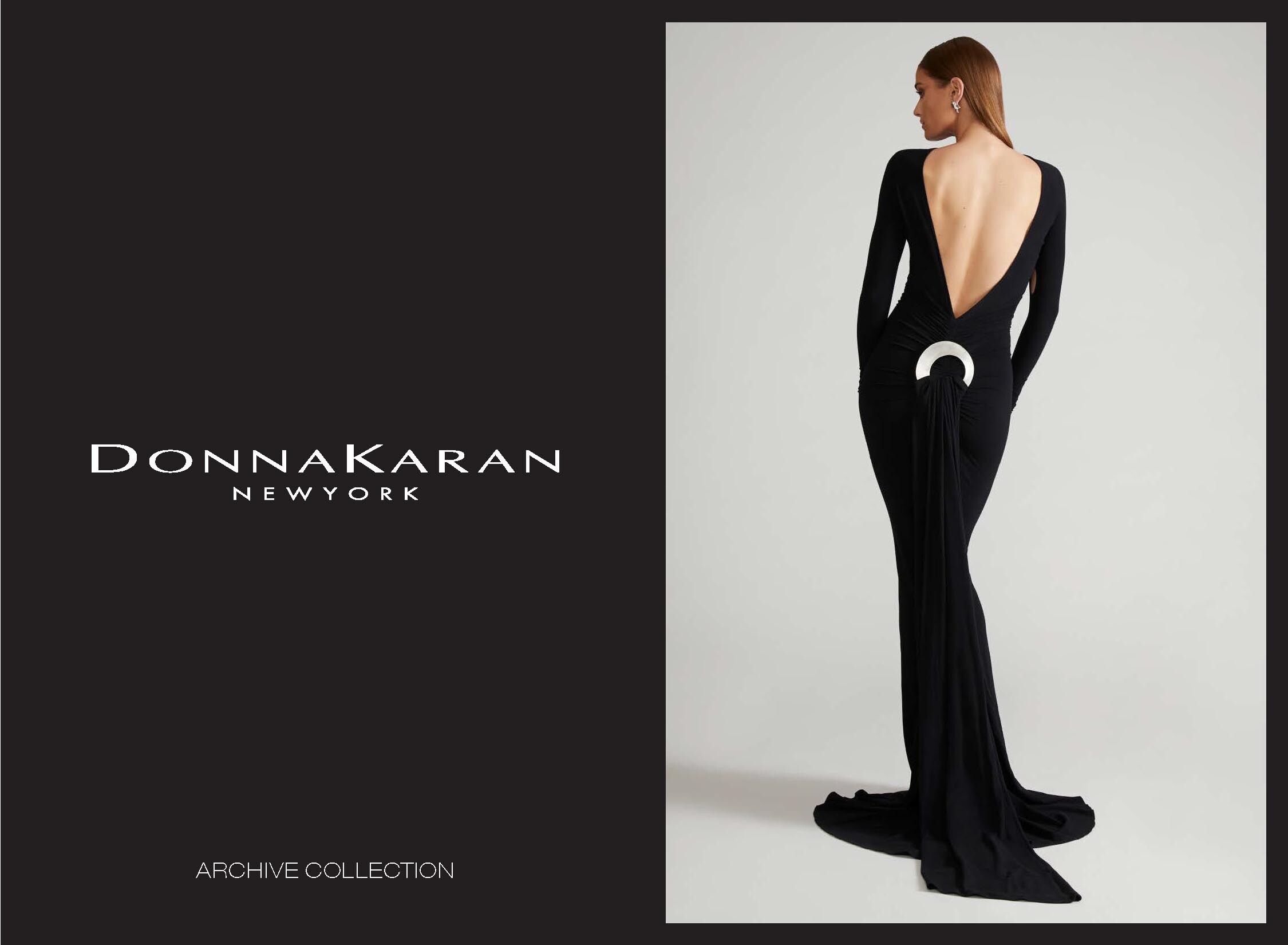
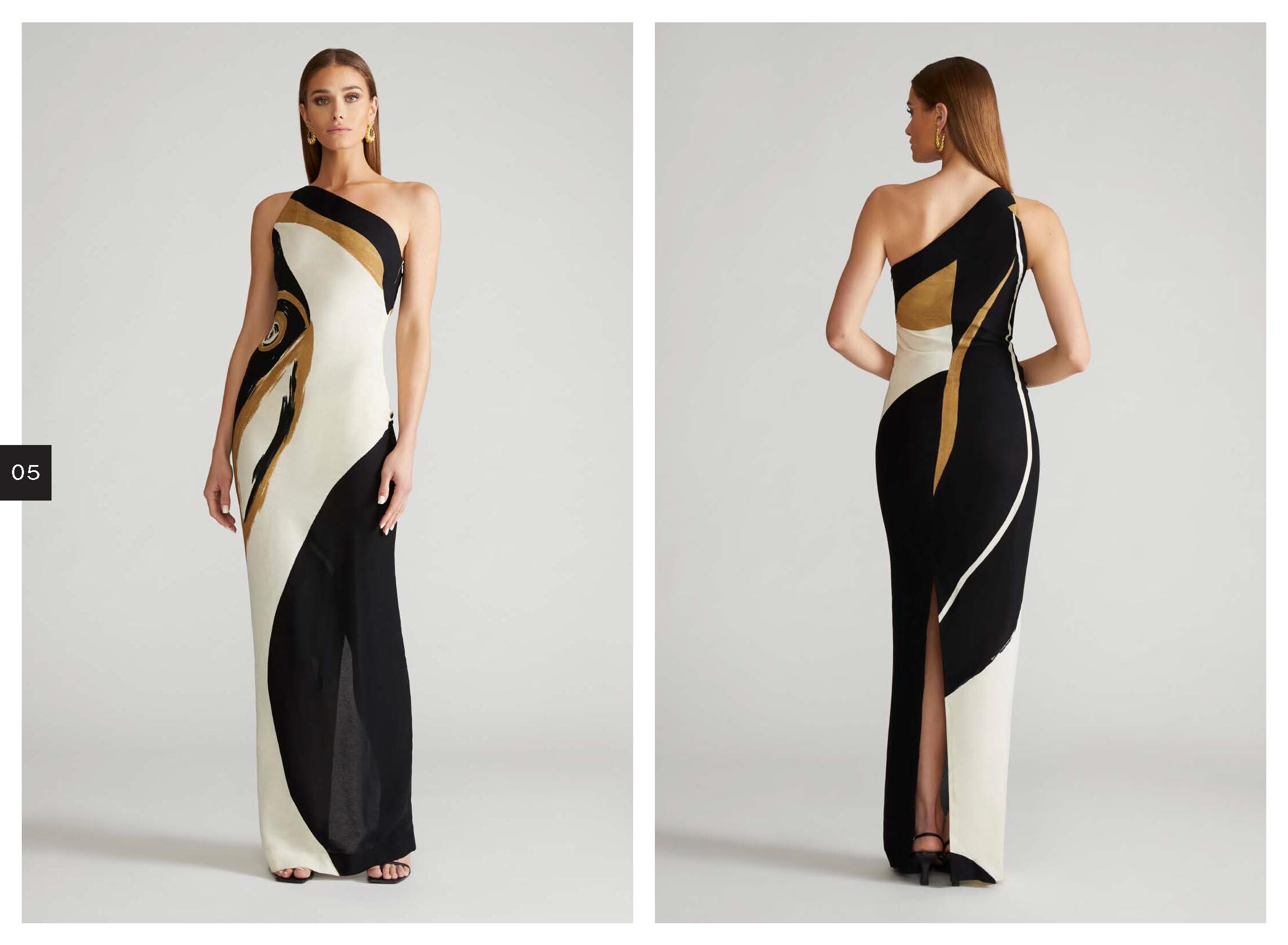
GREG SORENSEN 📸 for Donna Karan
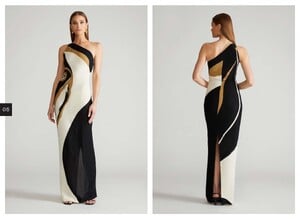
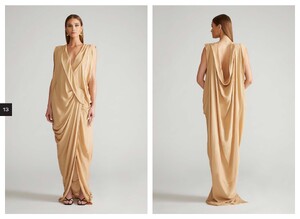
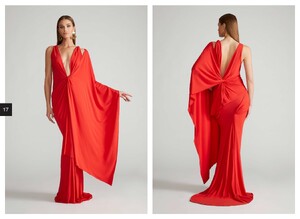
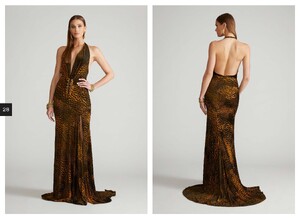
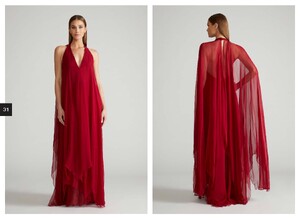
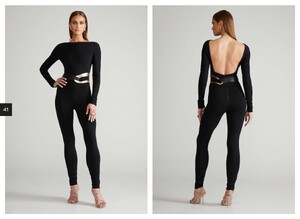
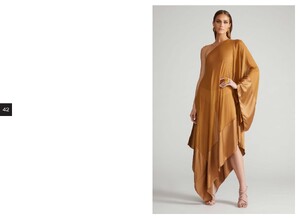
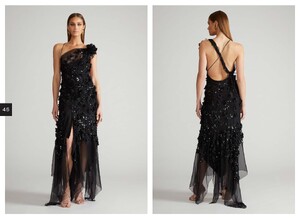
-
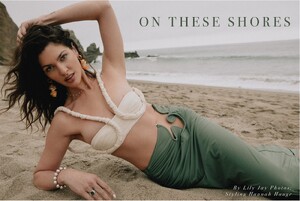
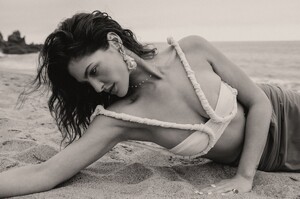
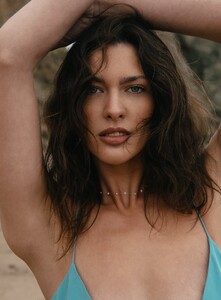
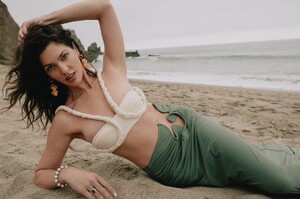
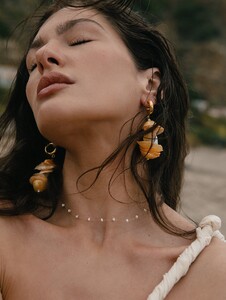
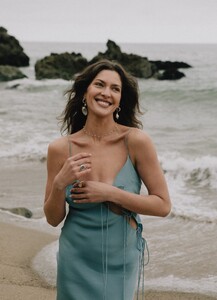
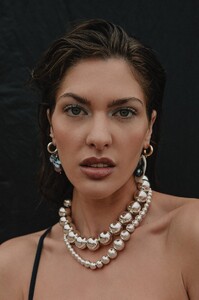
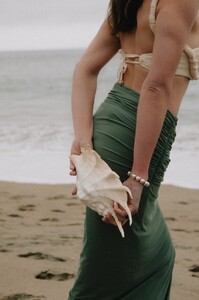
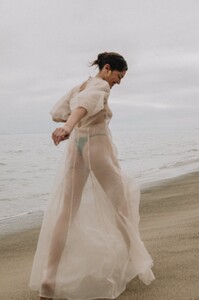
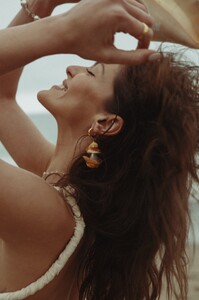
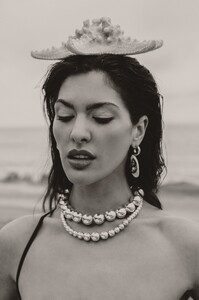
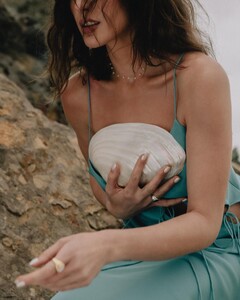
Lily Merriman for Odissea Snapinsta.app_video_362182274_836427937697002_4273697232894076231_n.mp4
-
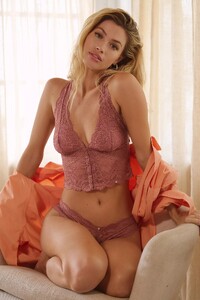
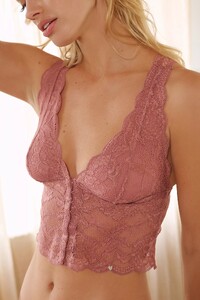
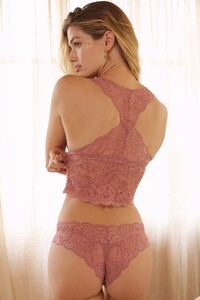
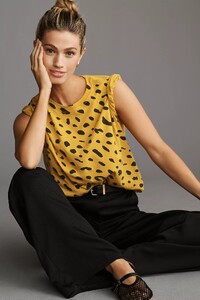
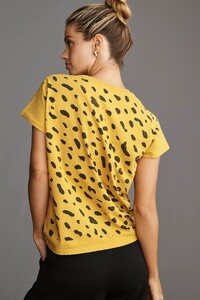
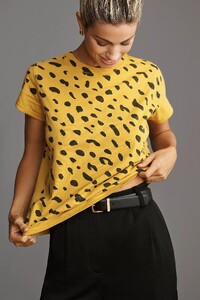
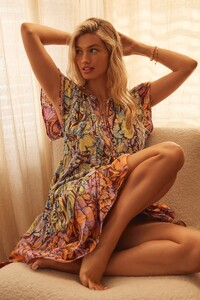
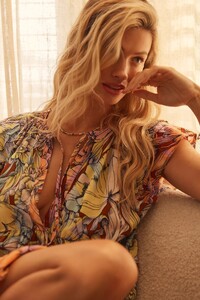
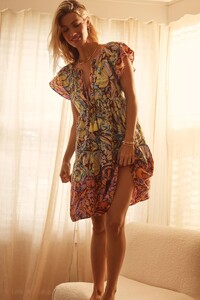
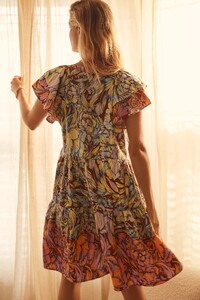
Anthro Wednesdays?
-
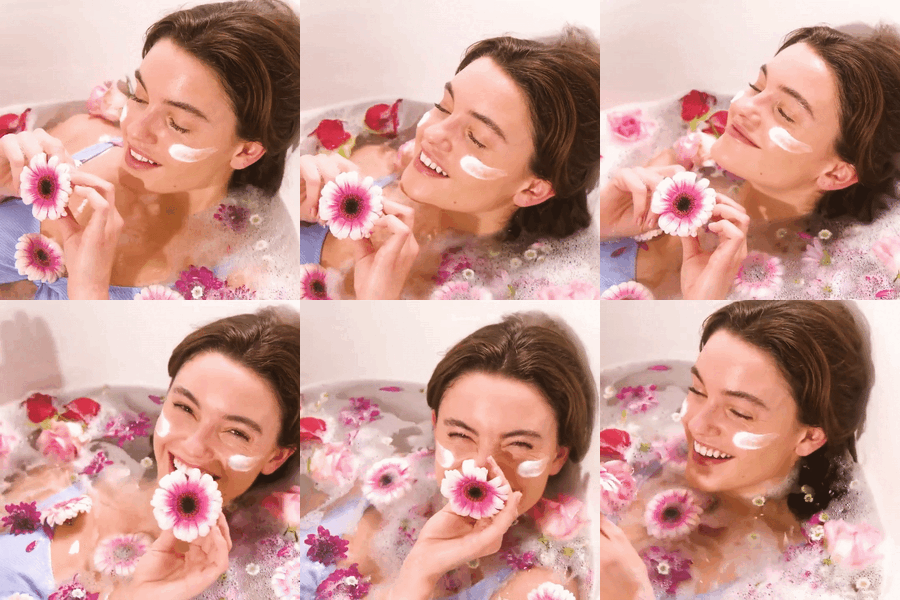
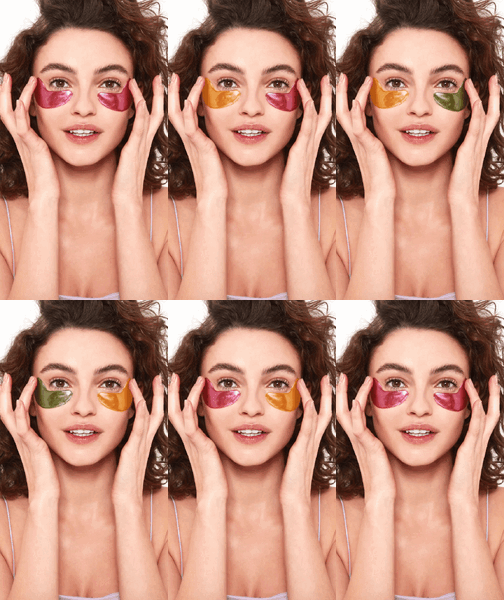
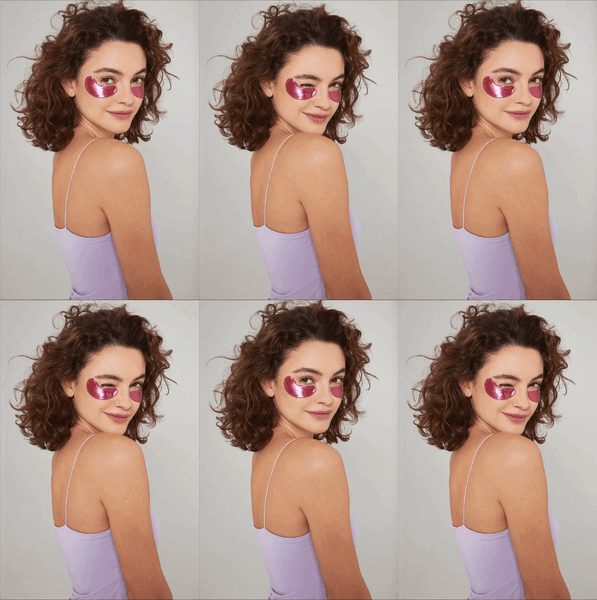
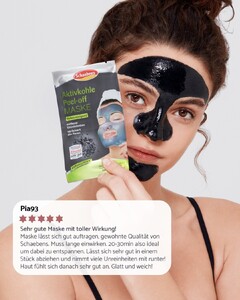
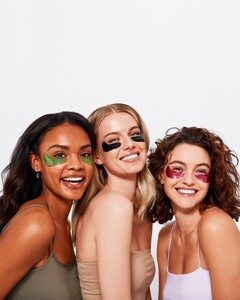
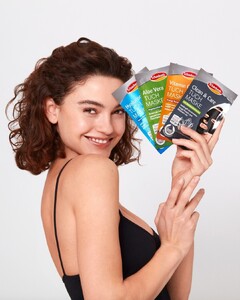
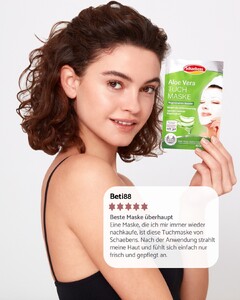
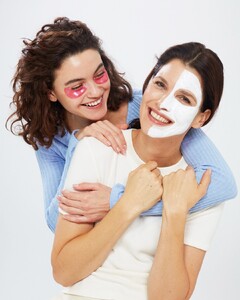
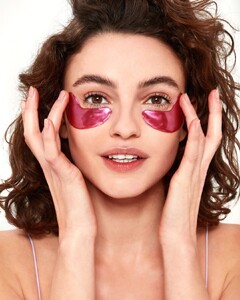
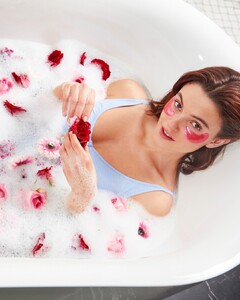
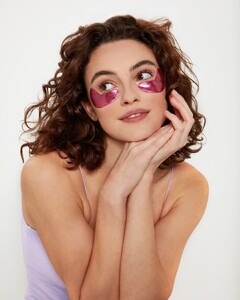
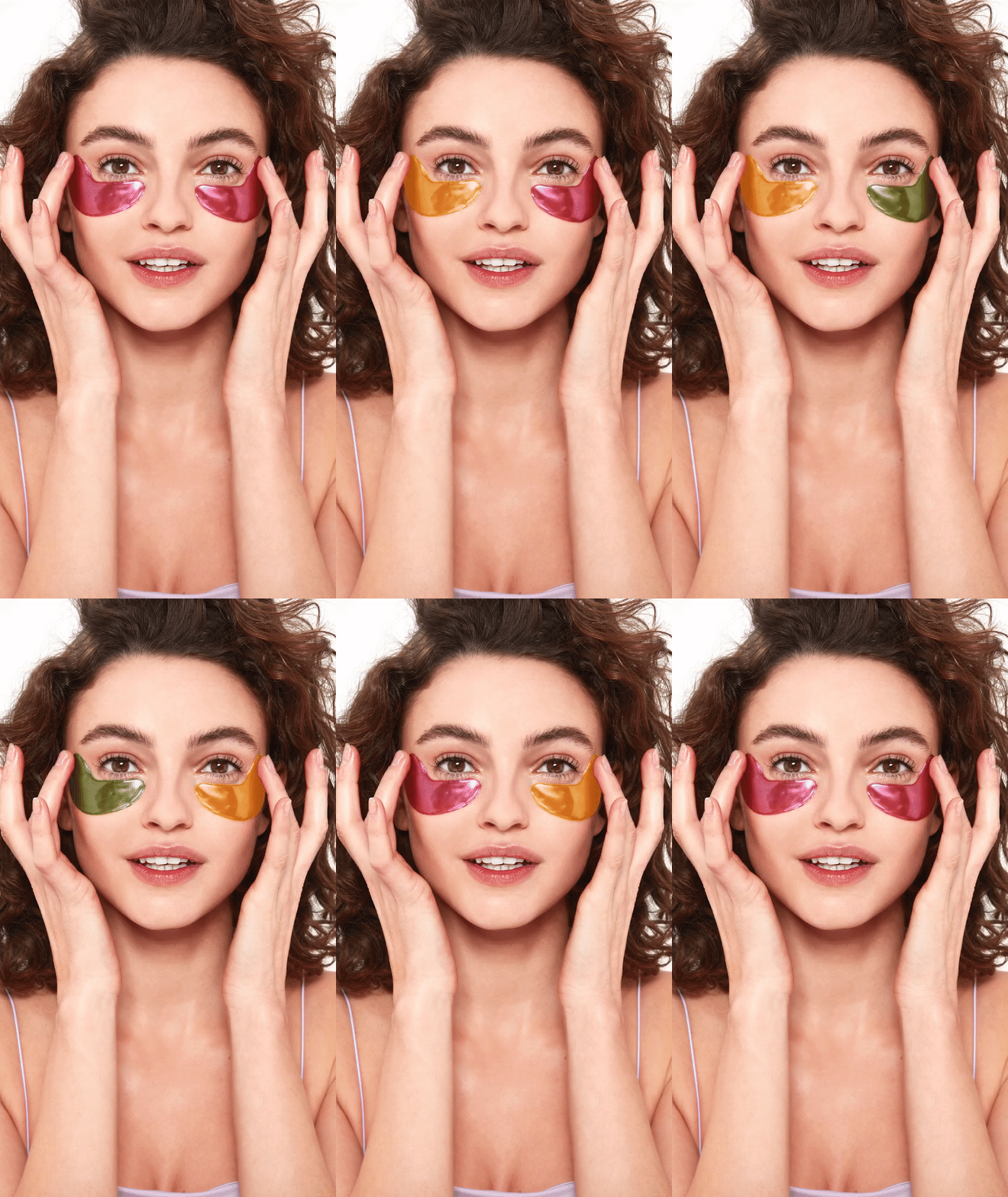
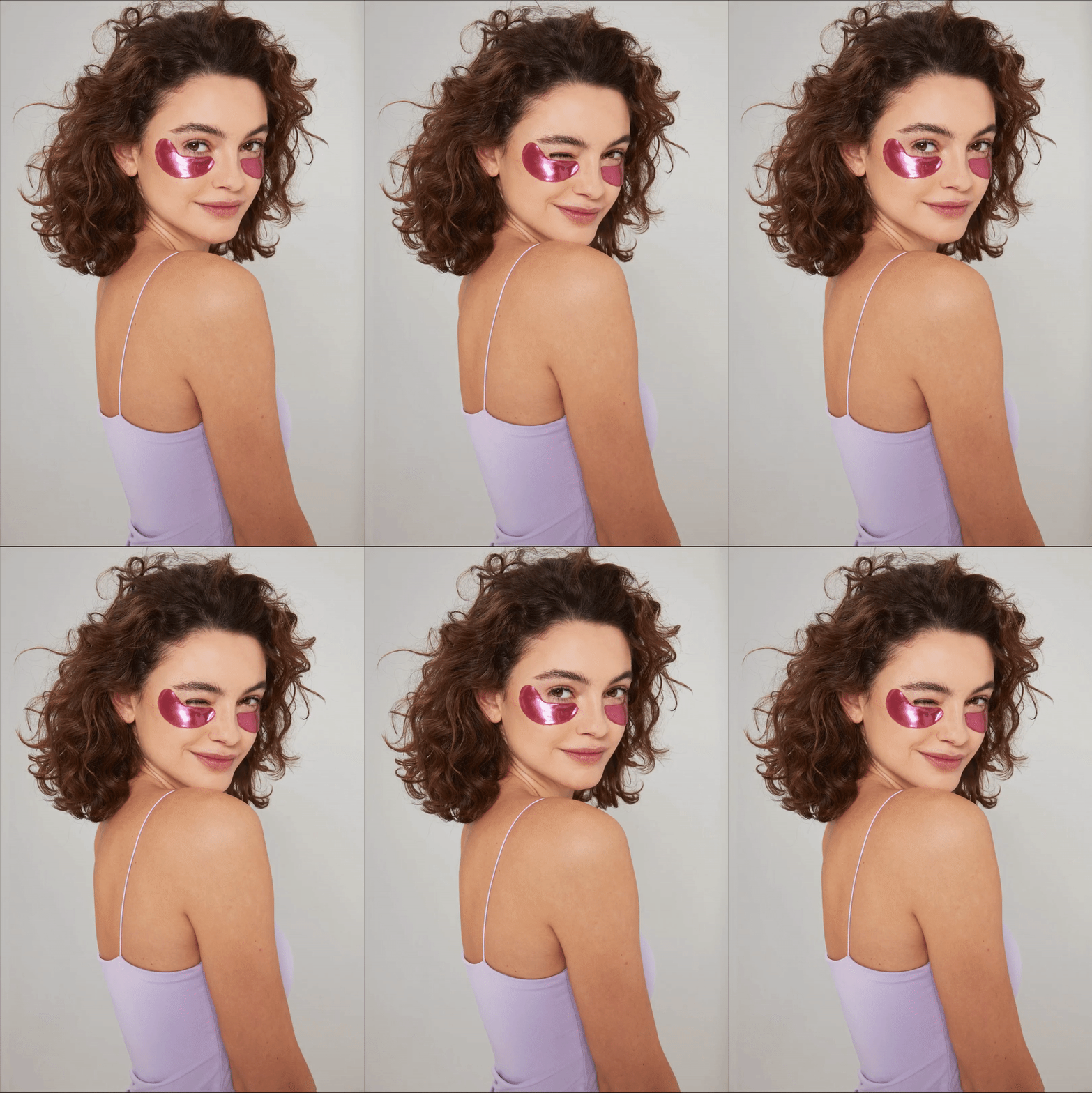
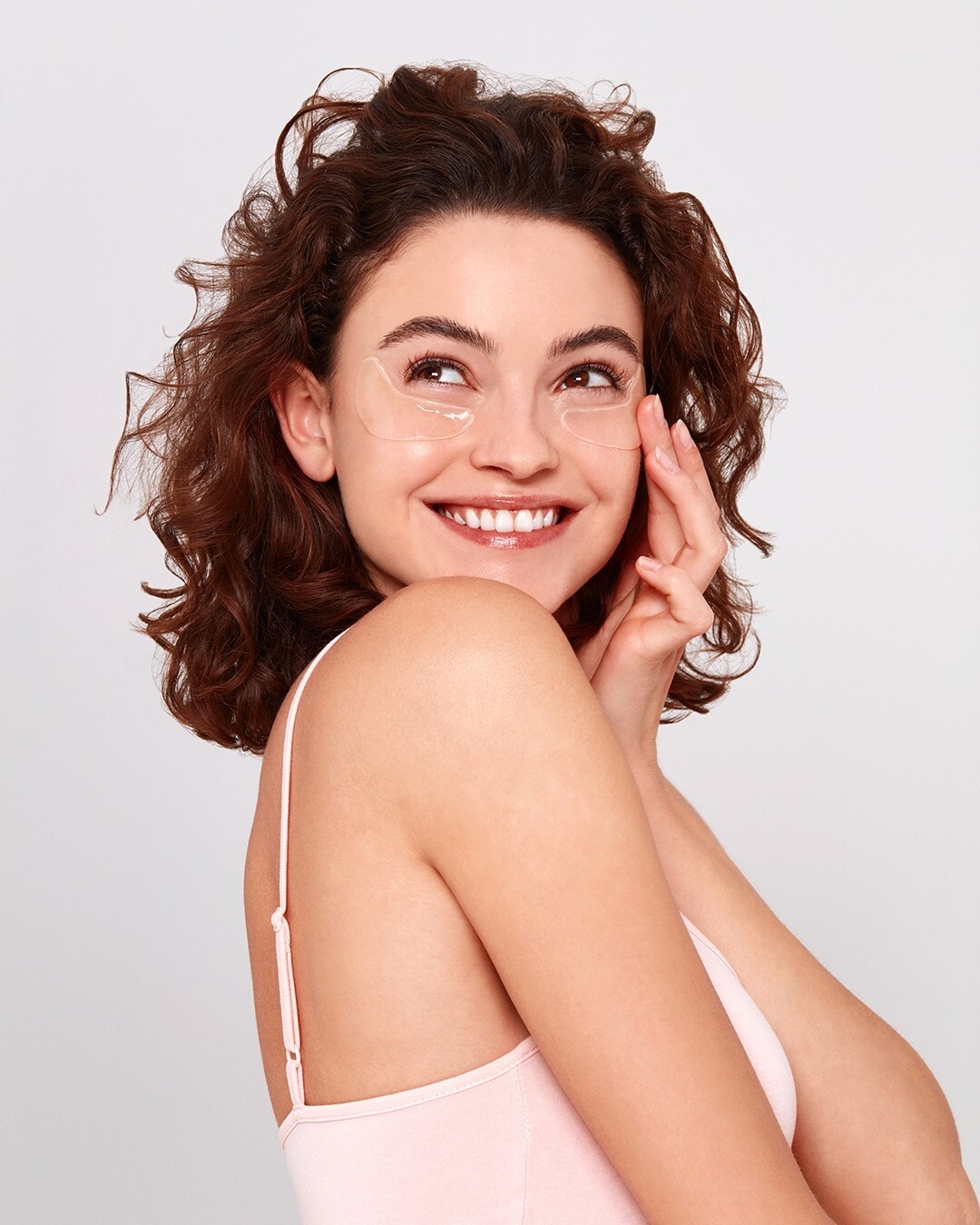
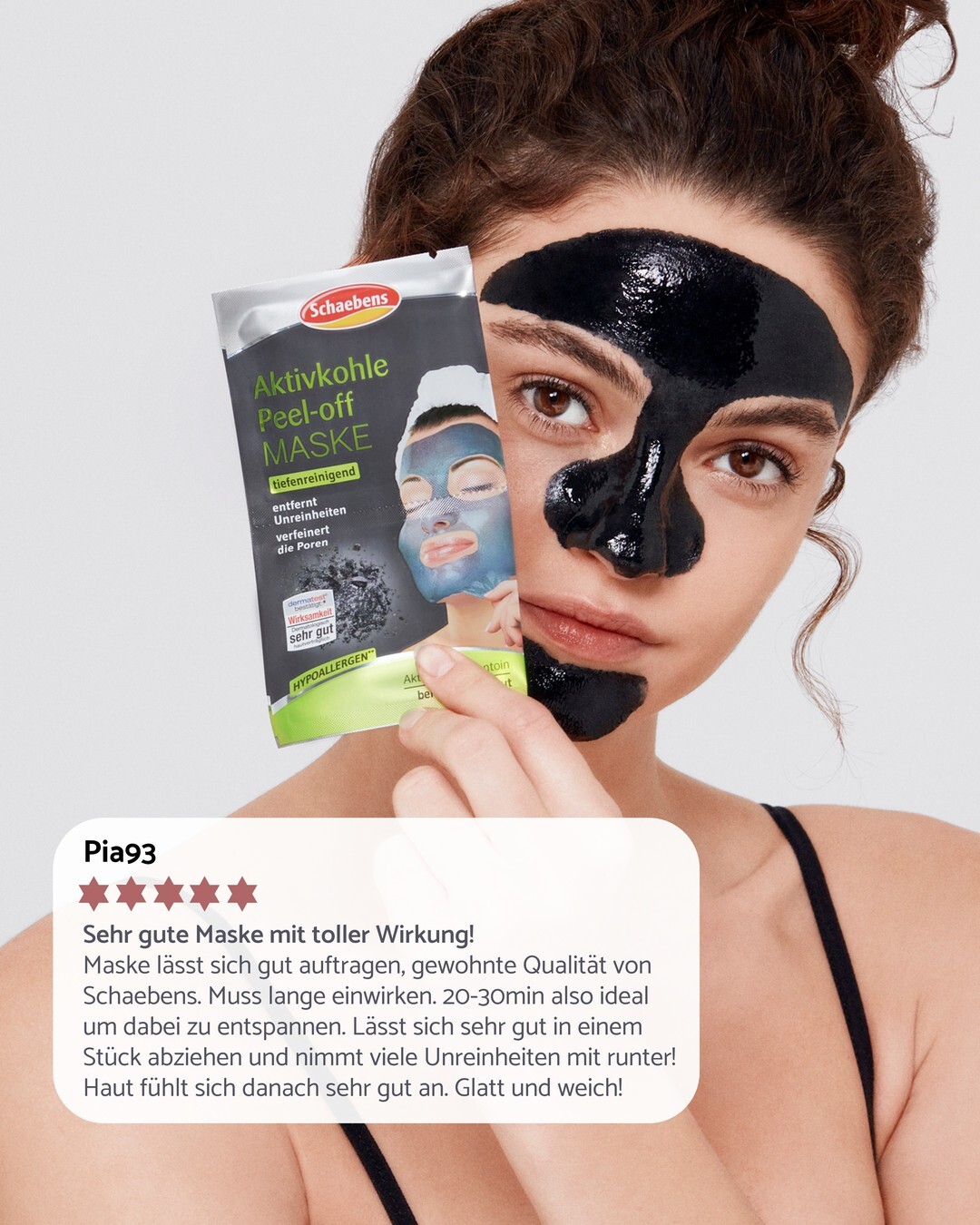
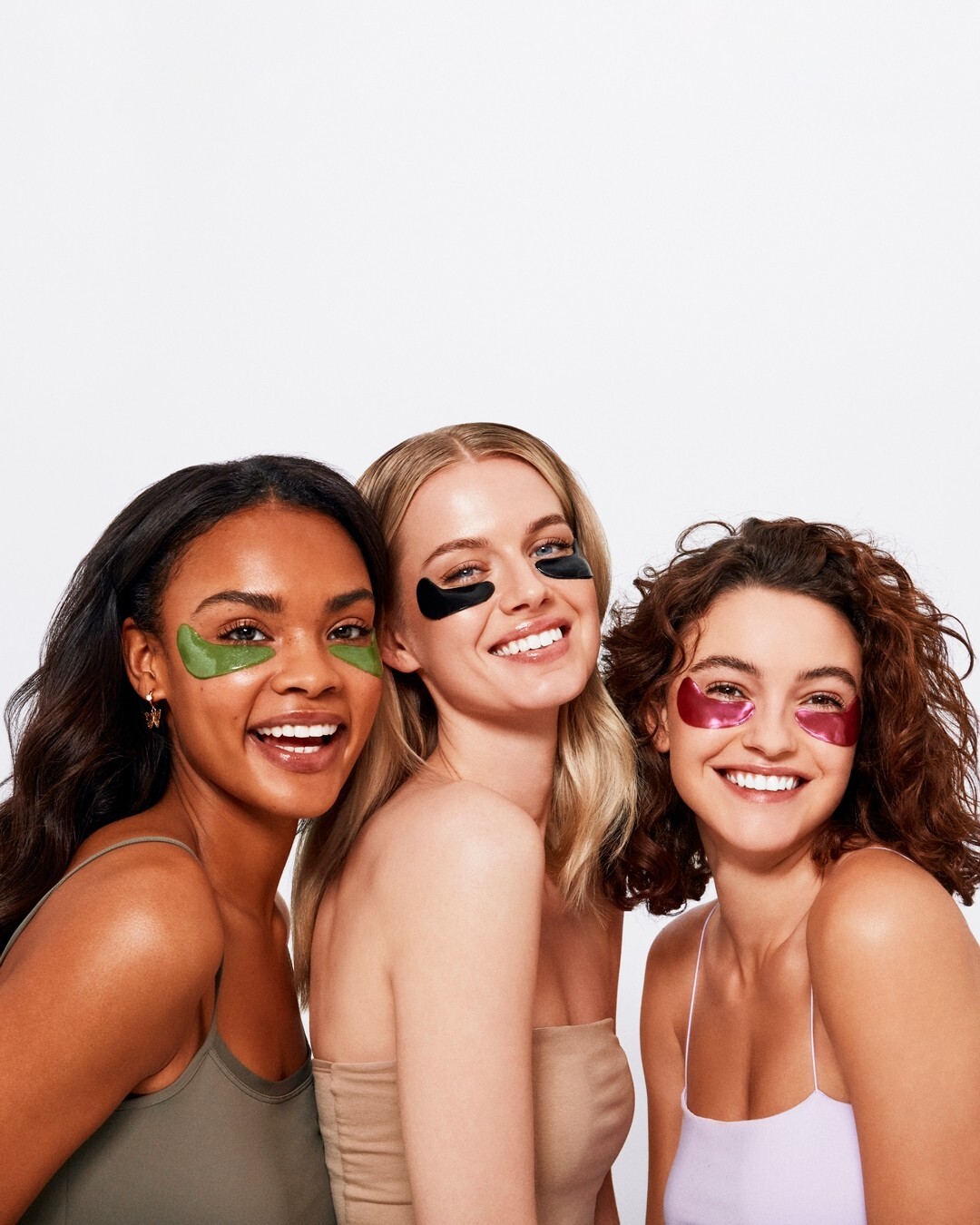
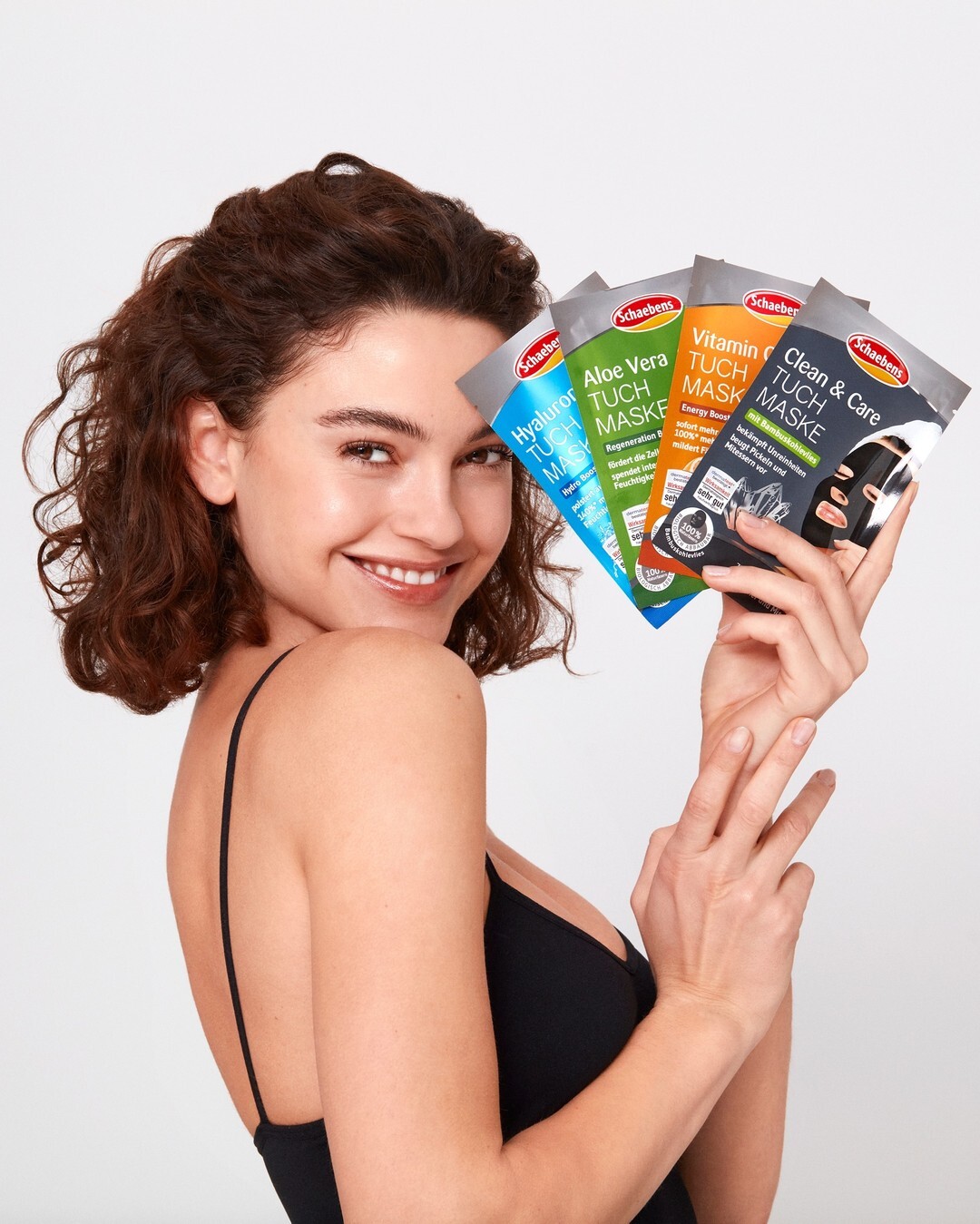
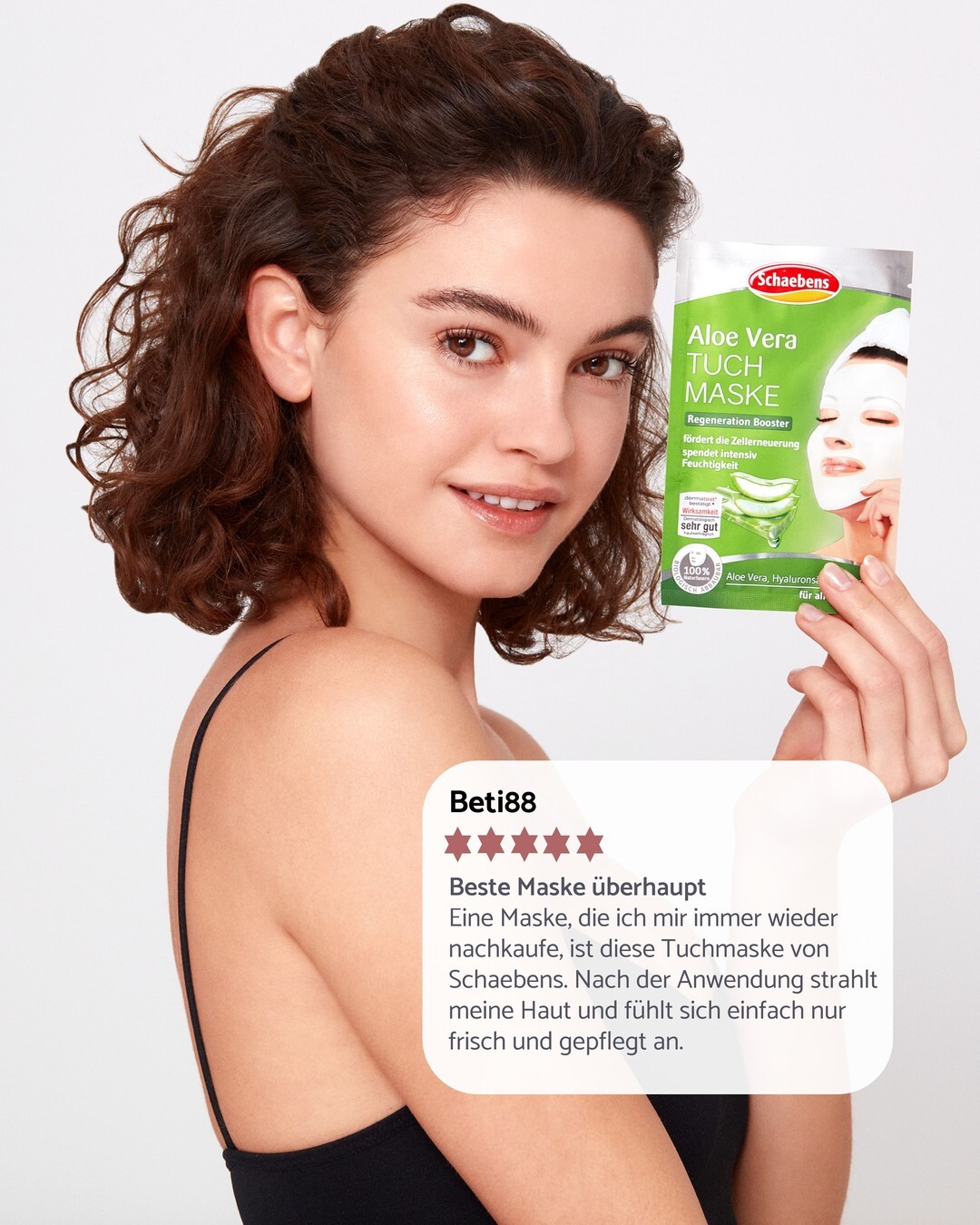
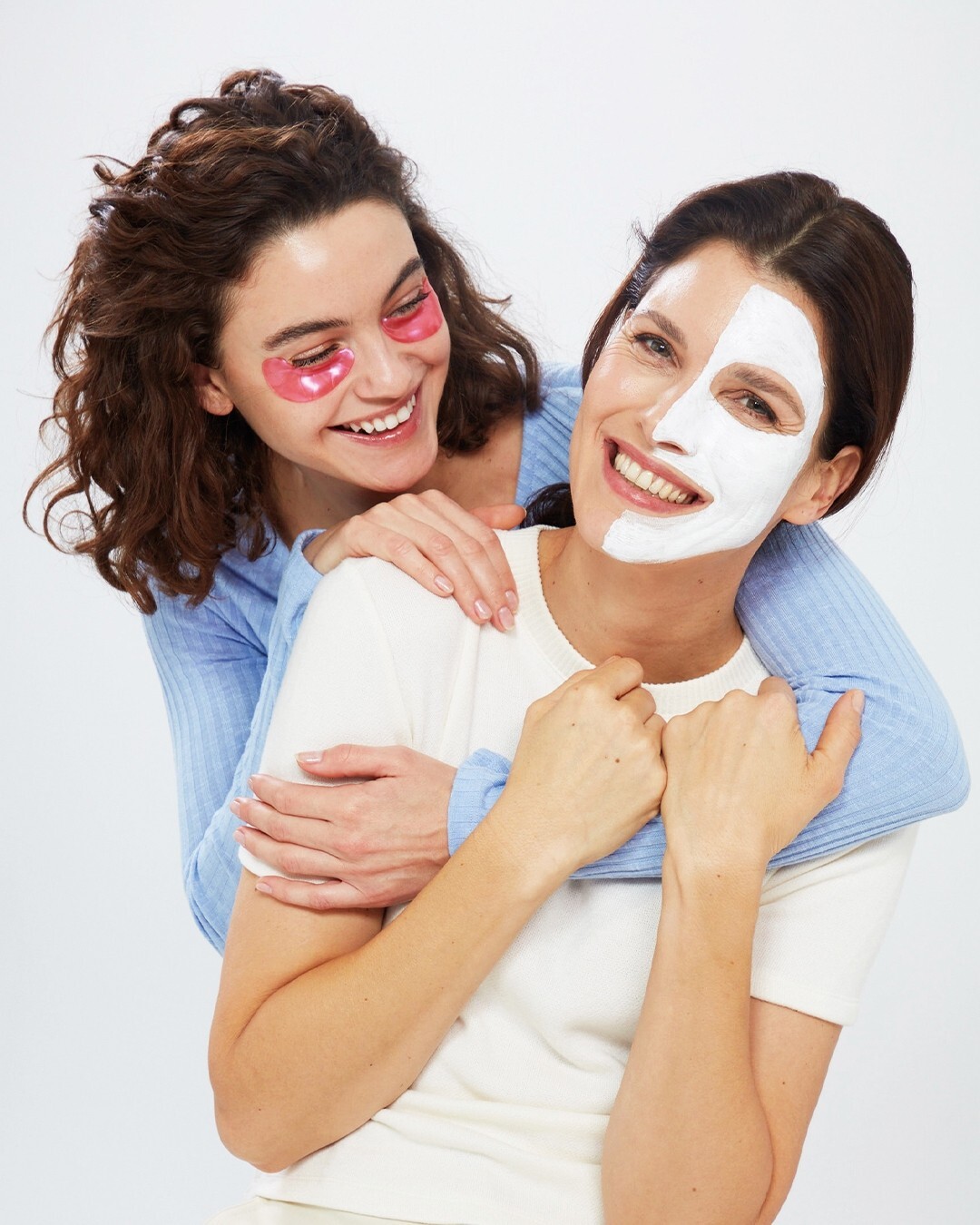
Schaebens
-
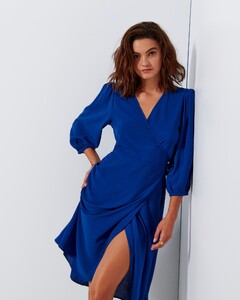
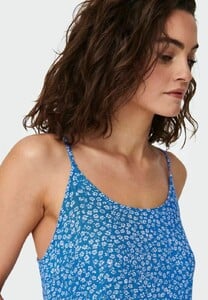
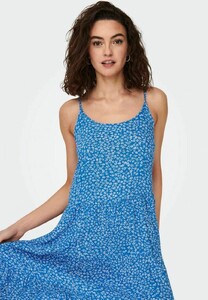
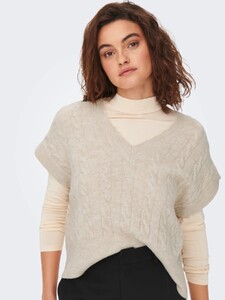
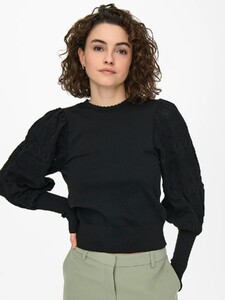
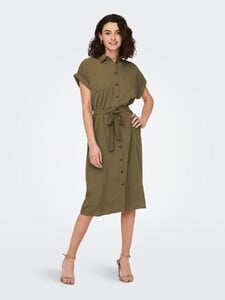
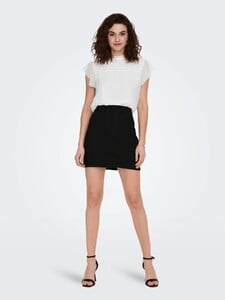
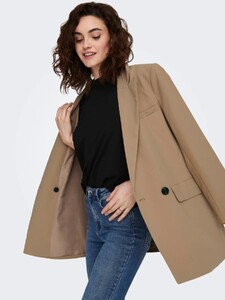
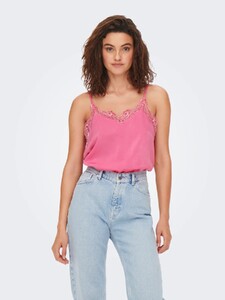
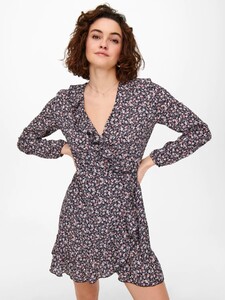
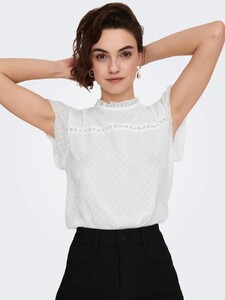
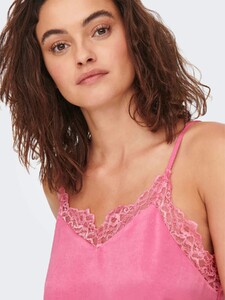
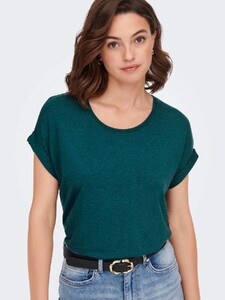
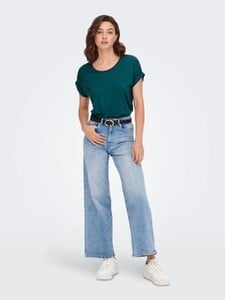
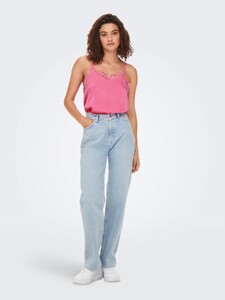
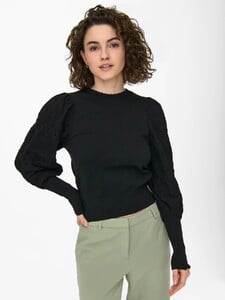
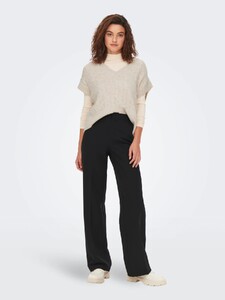
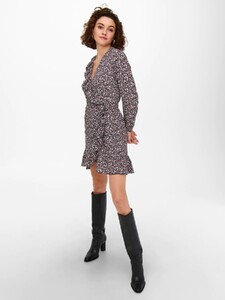
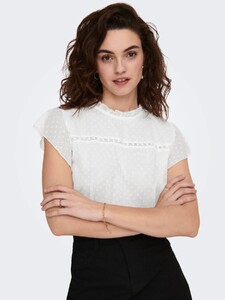
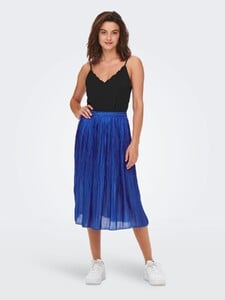
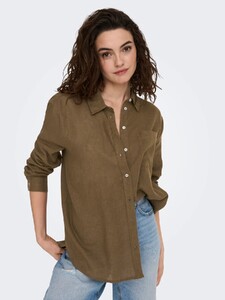
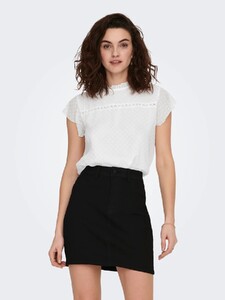
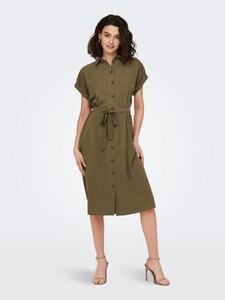
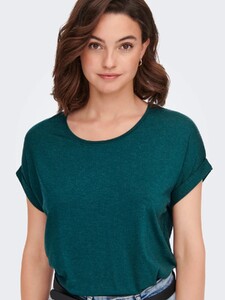
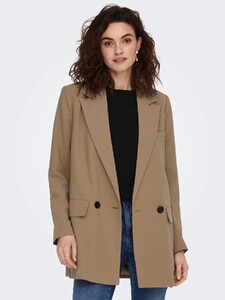
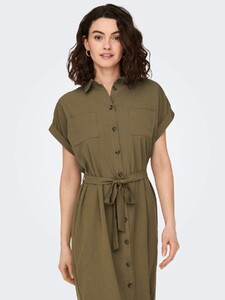
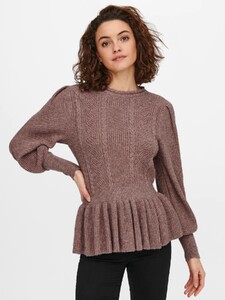
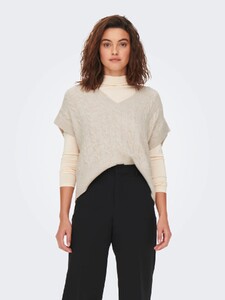
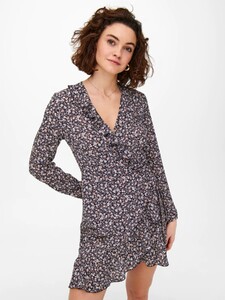
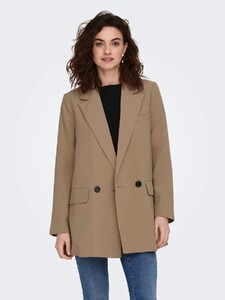
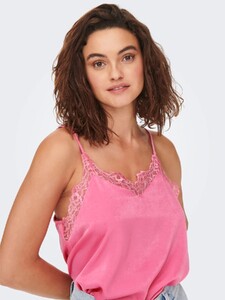
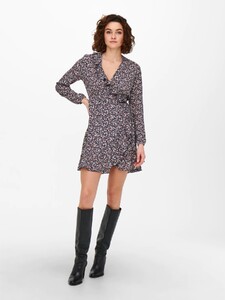
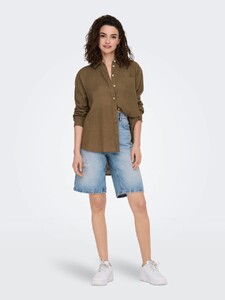
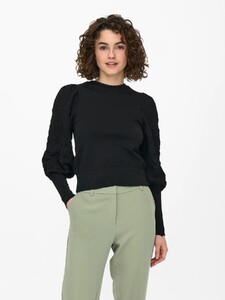
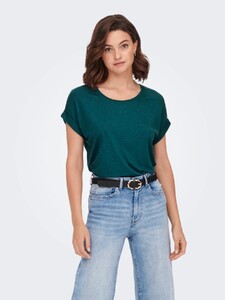
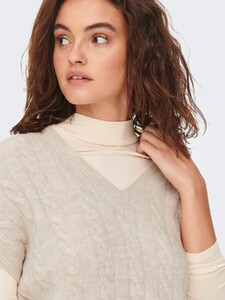
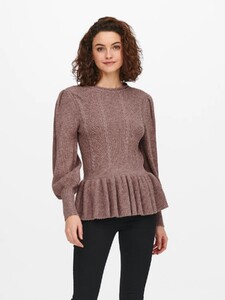
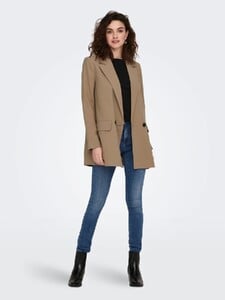
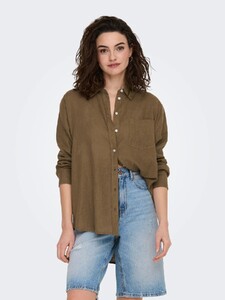
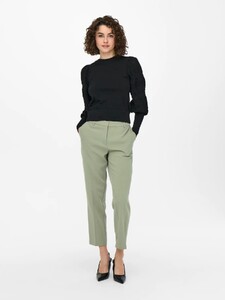
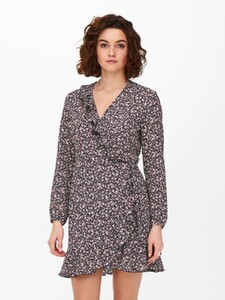
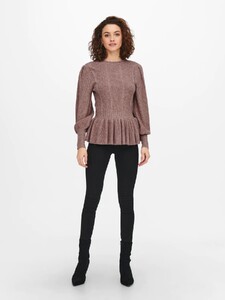
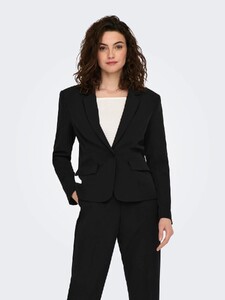
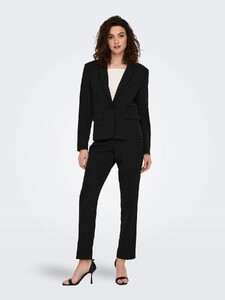
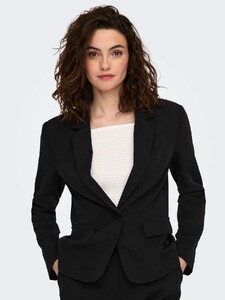
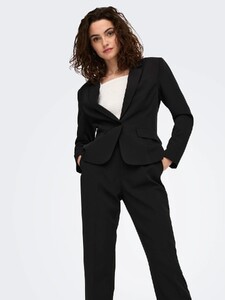
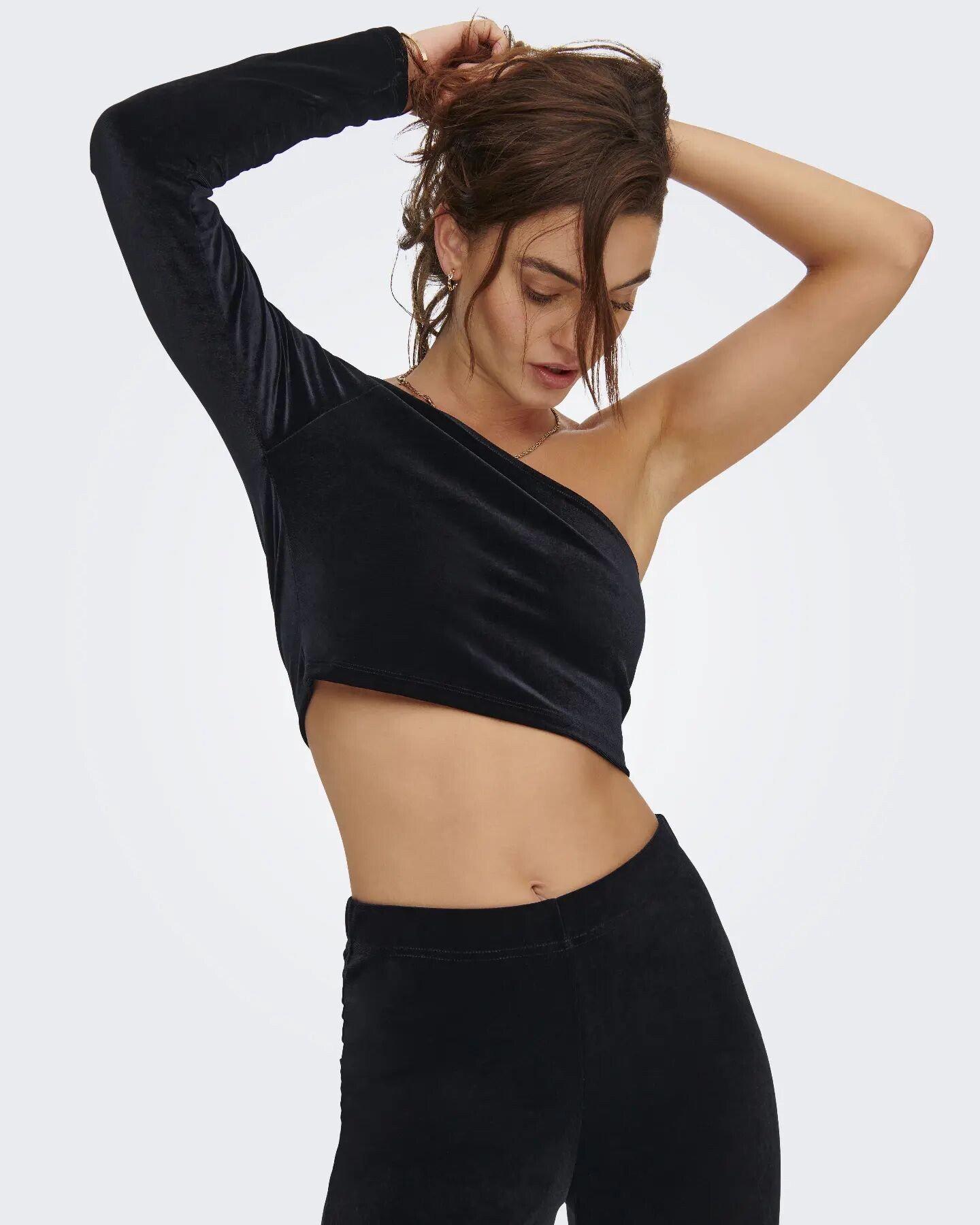
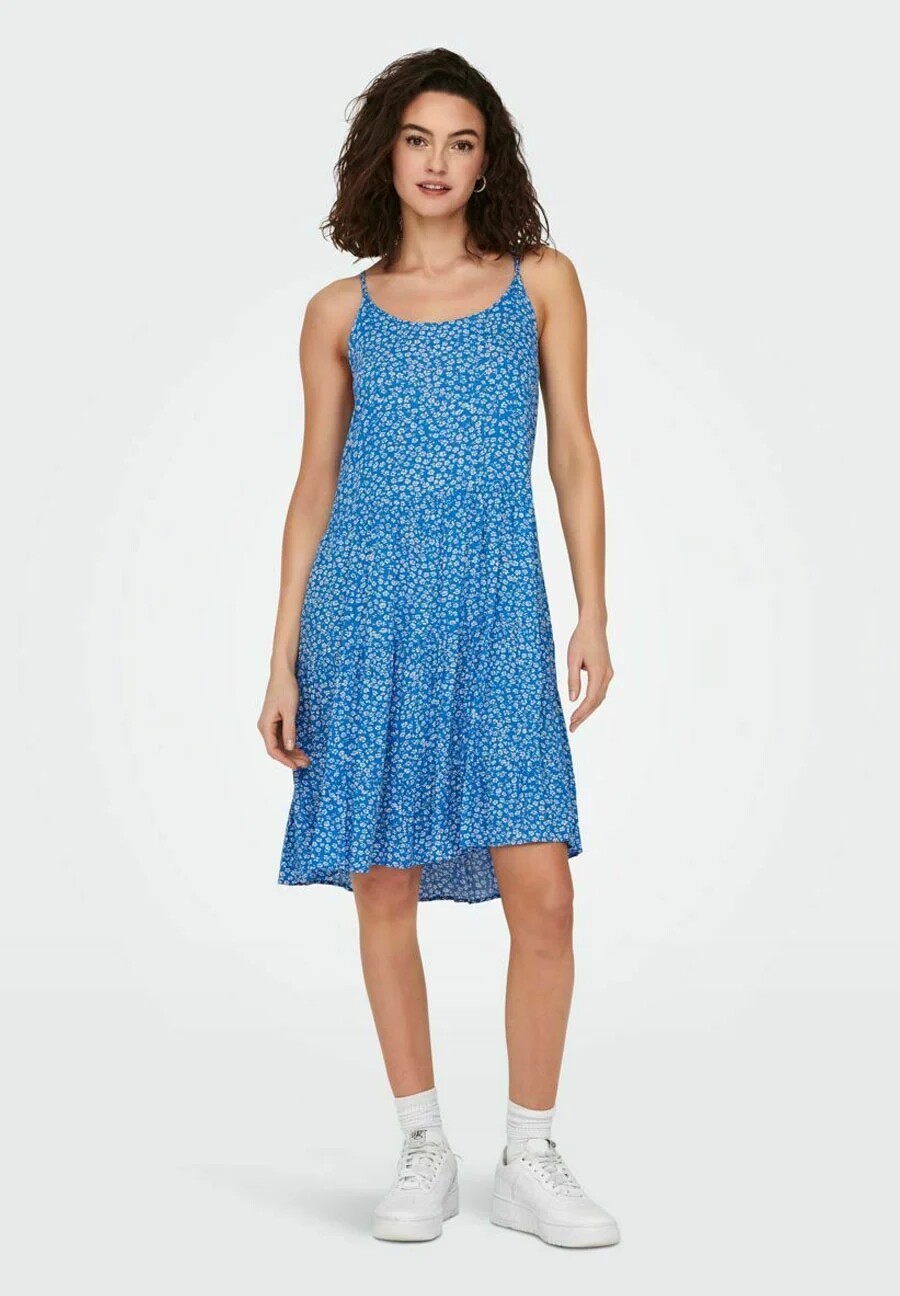
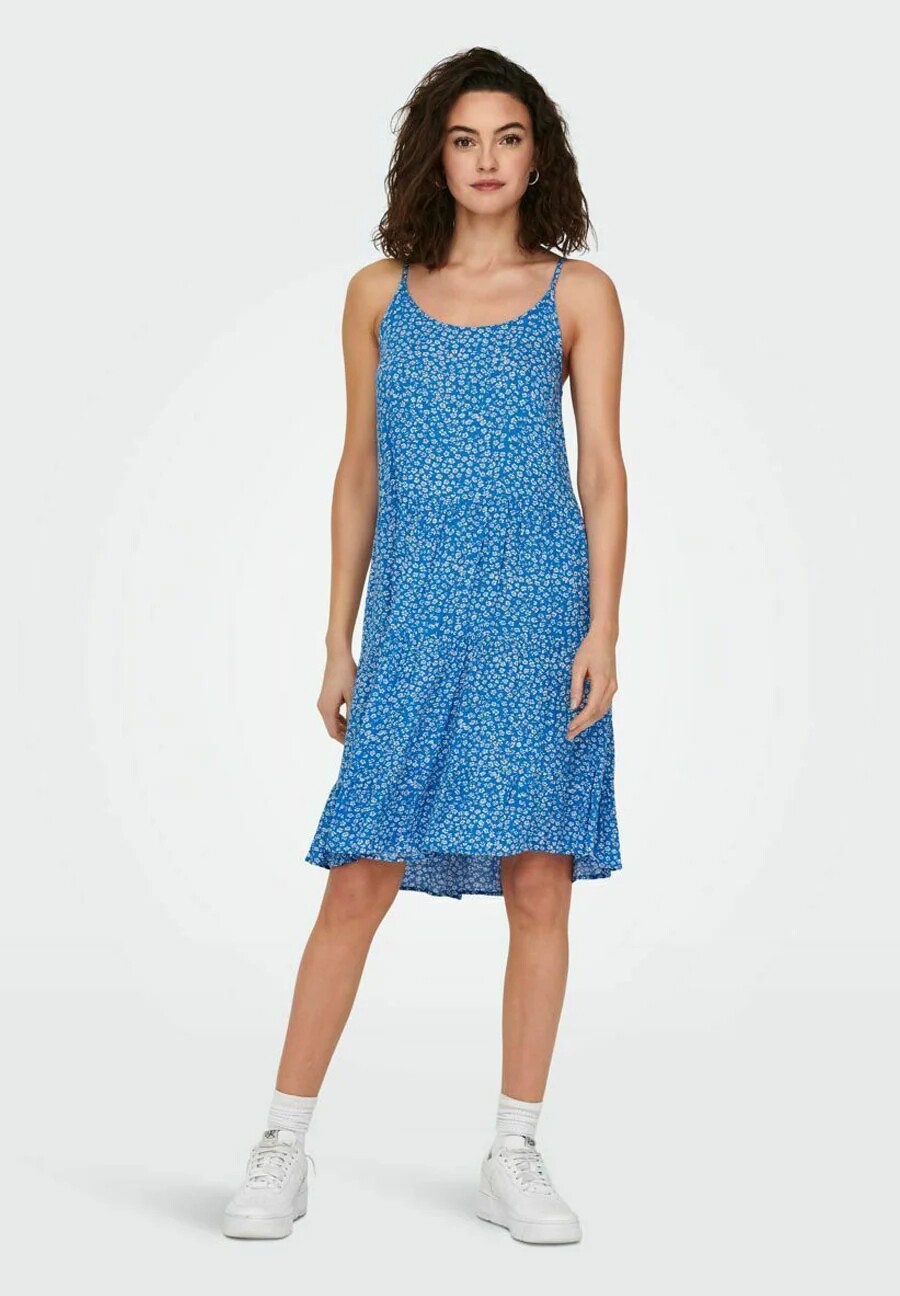
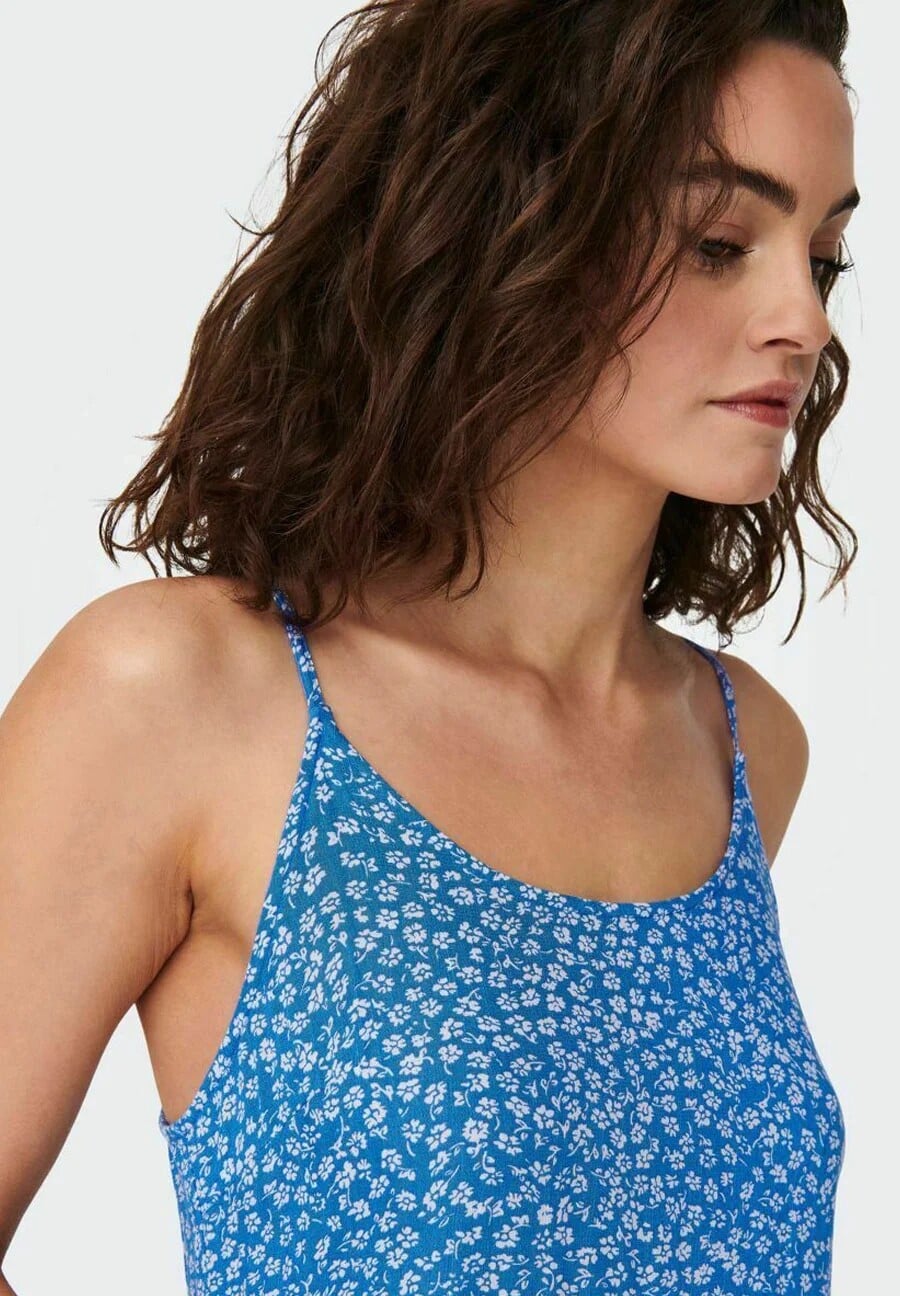
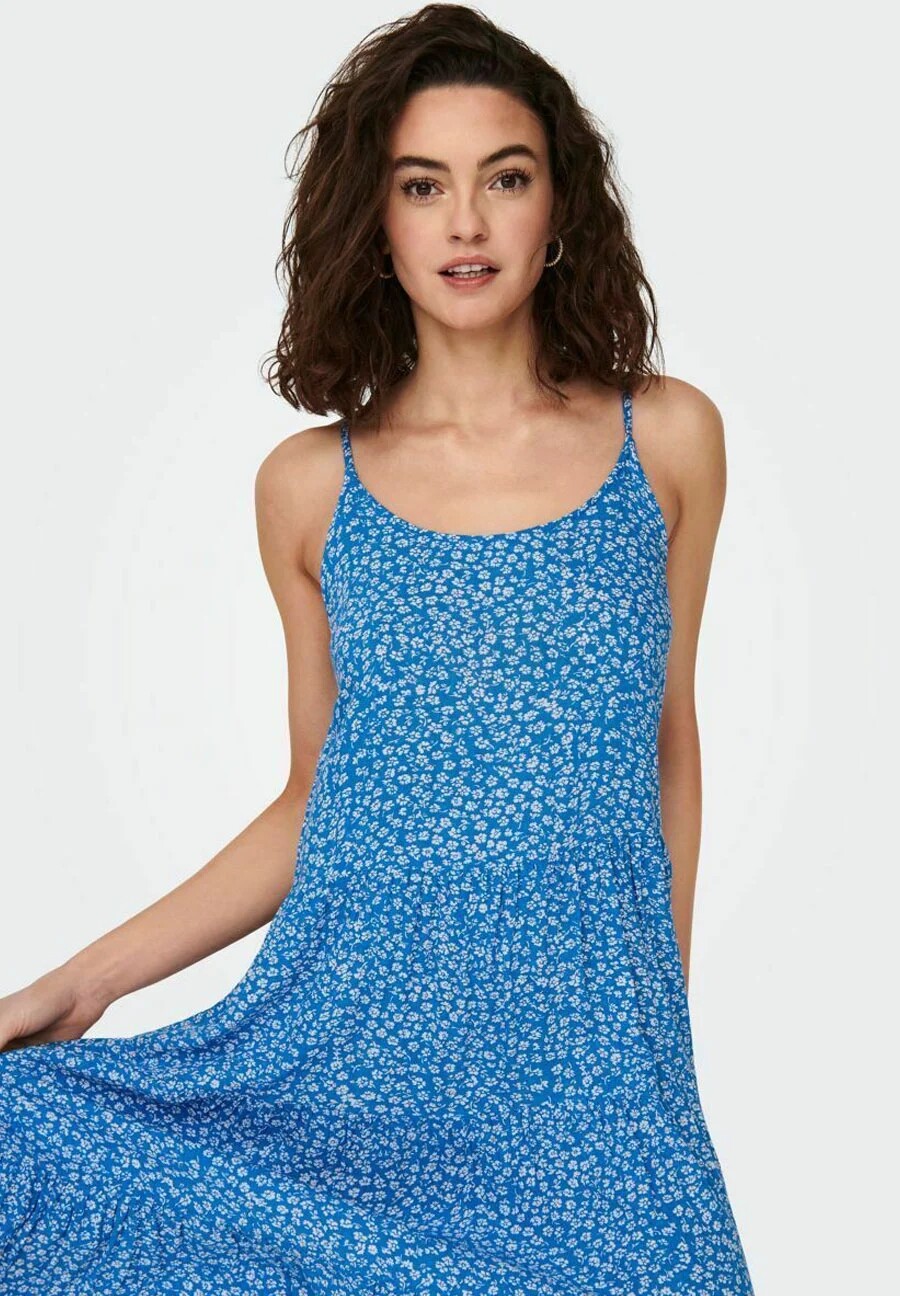
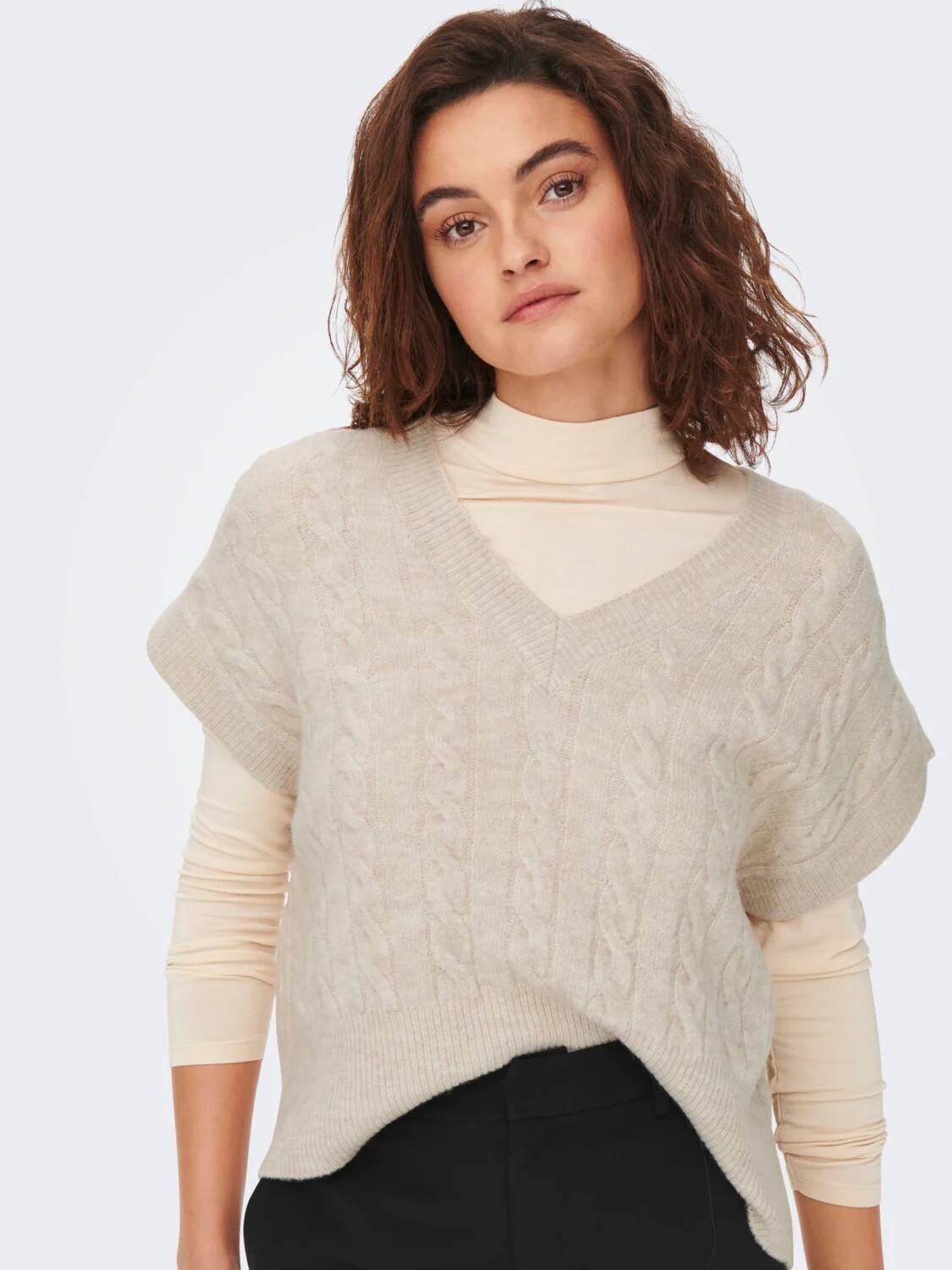
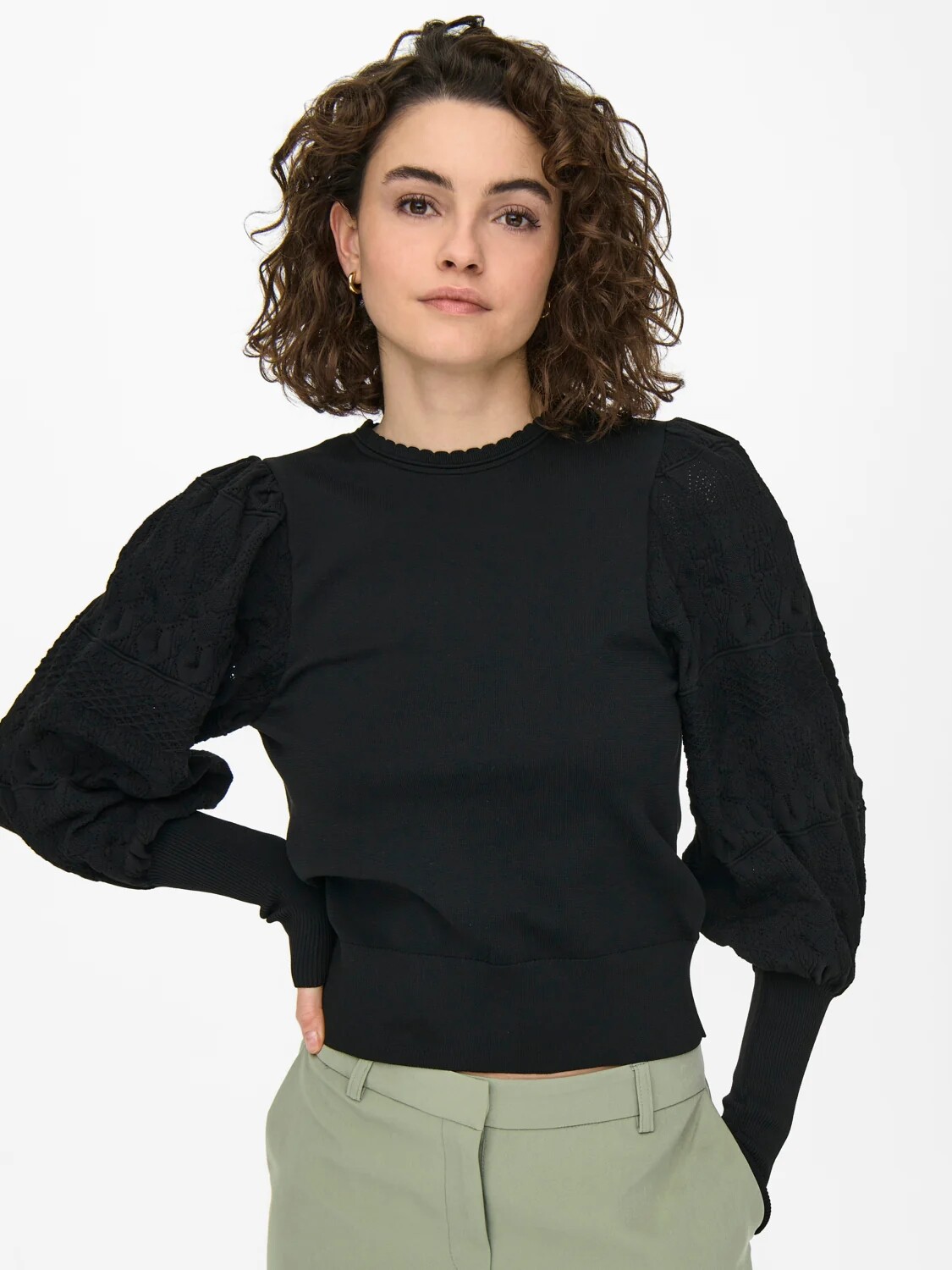
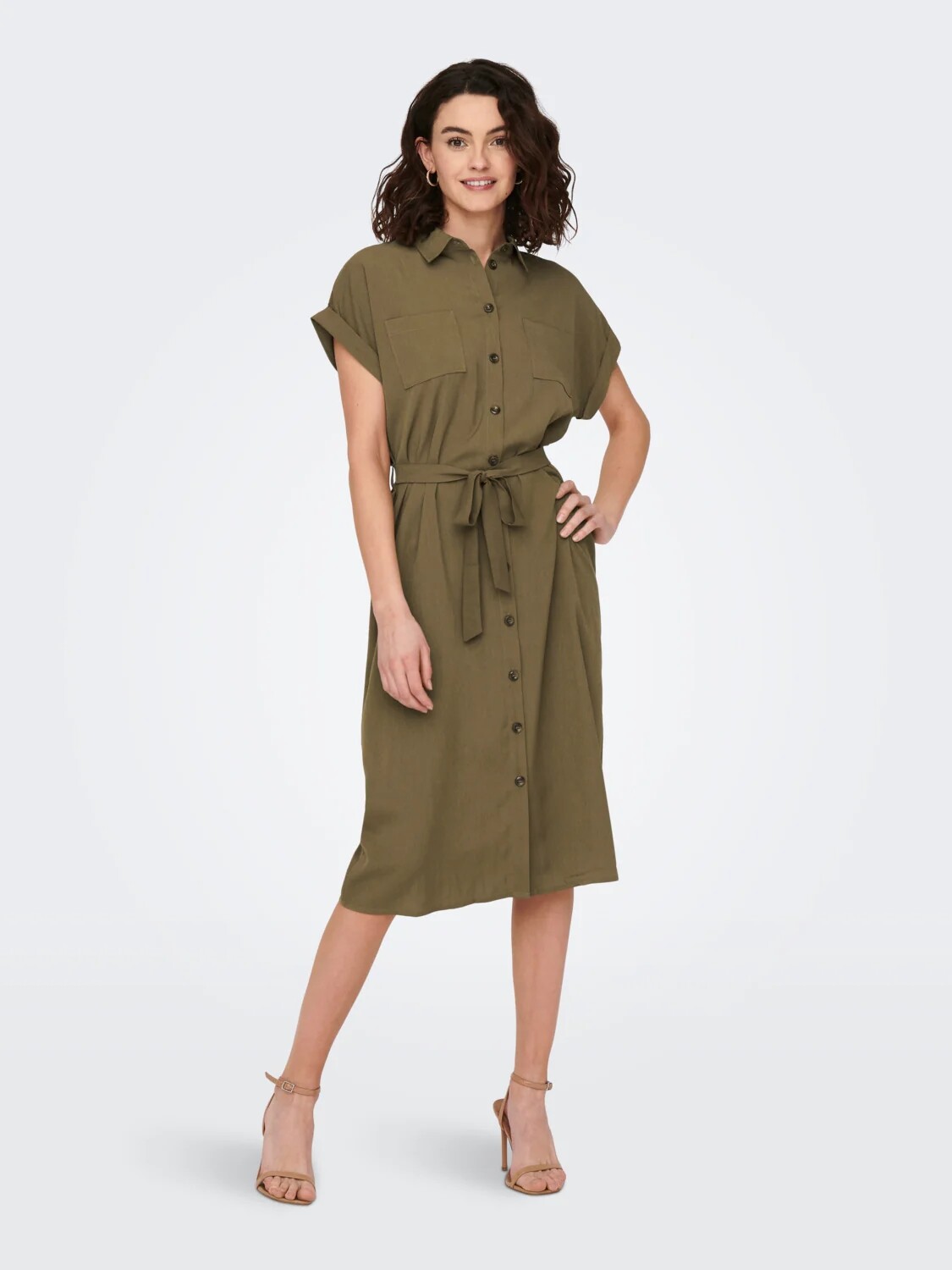
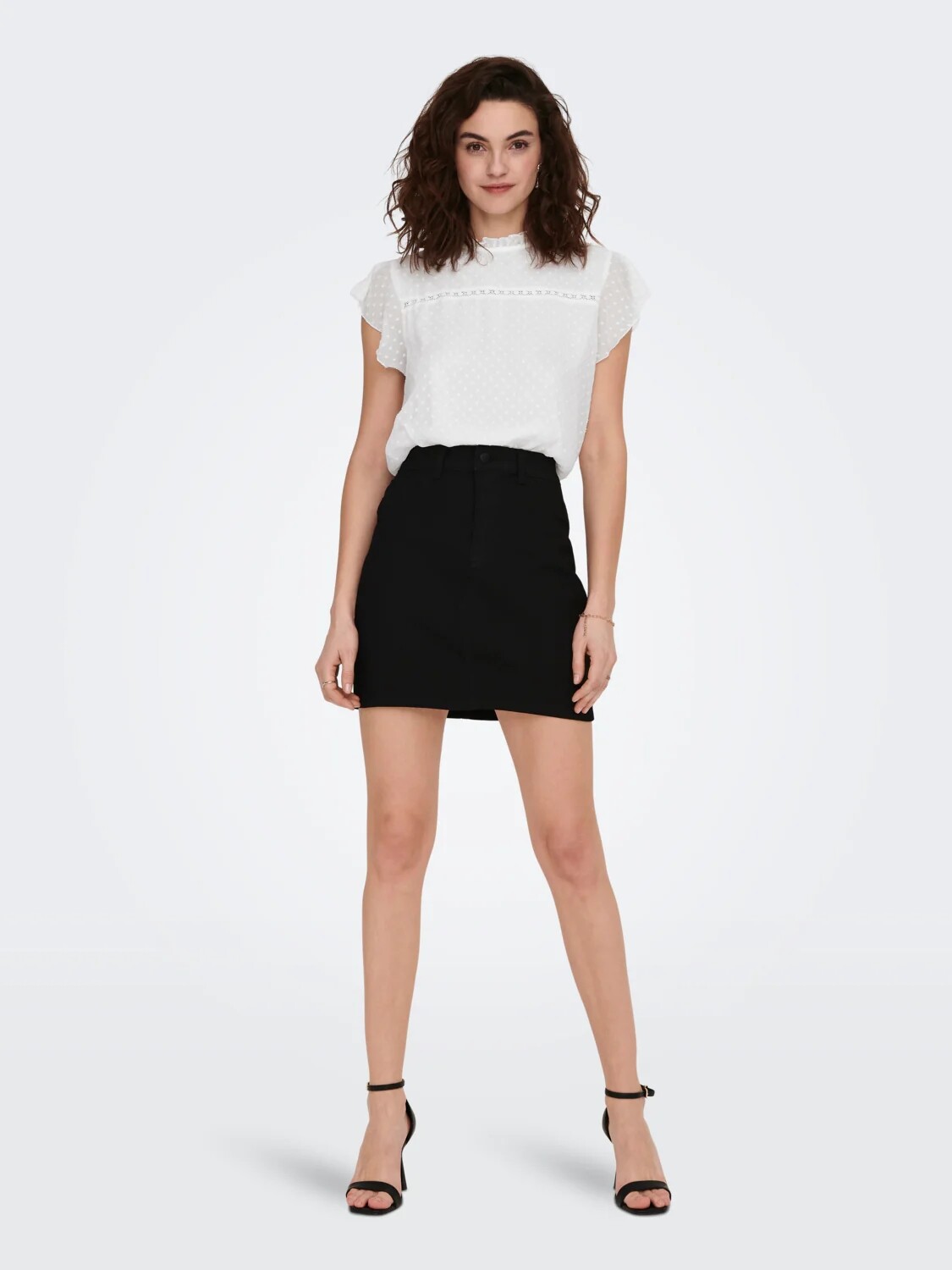
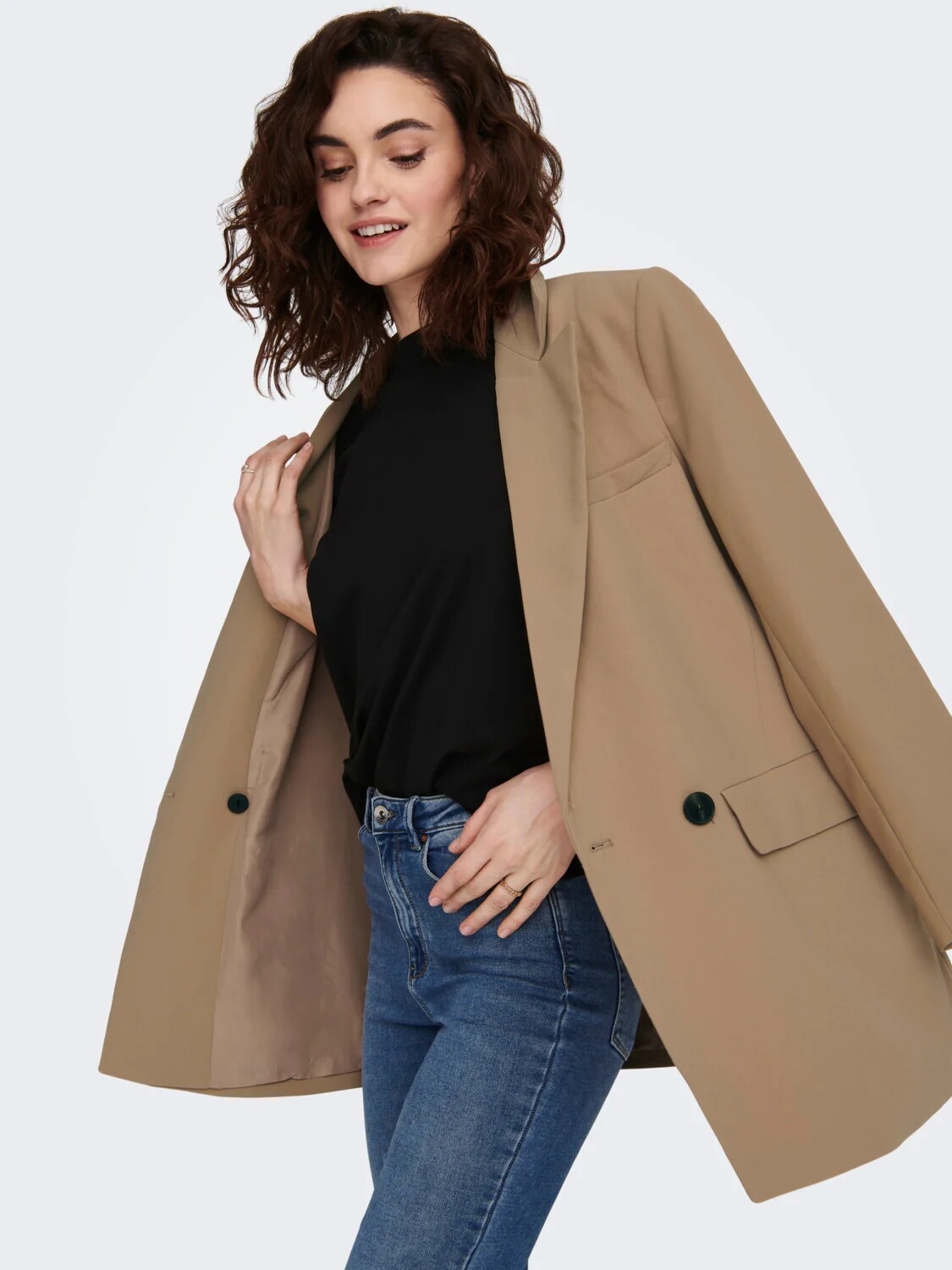
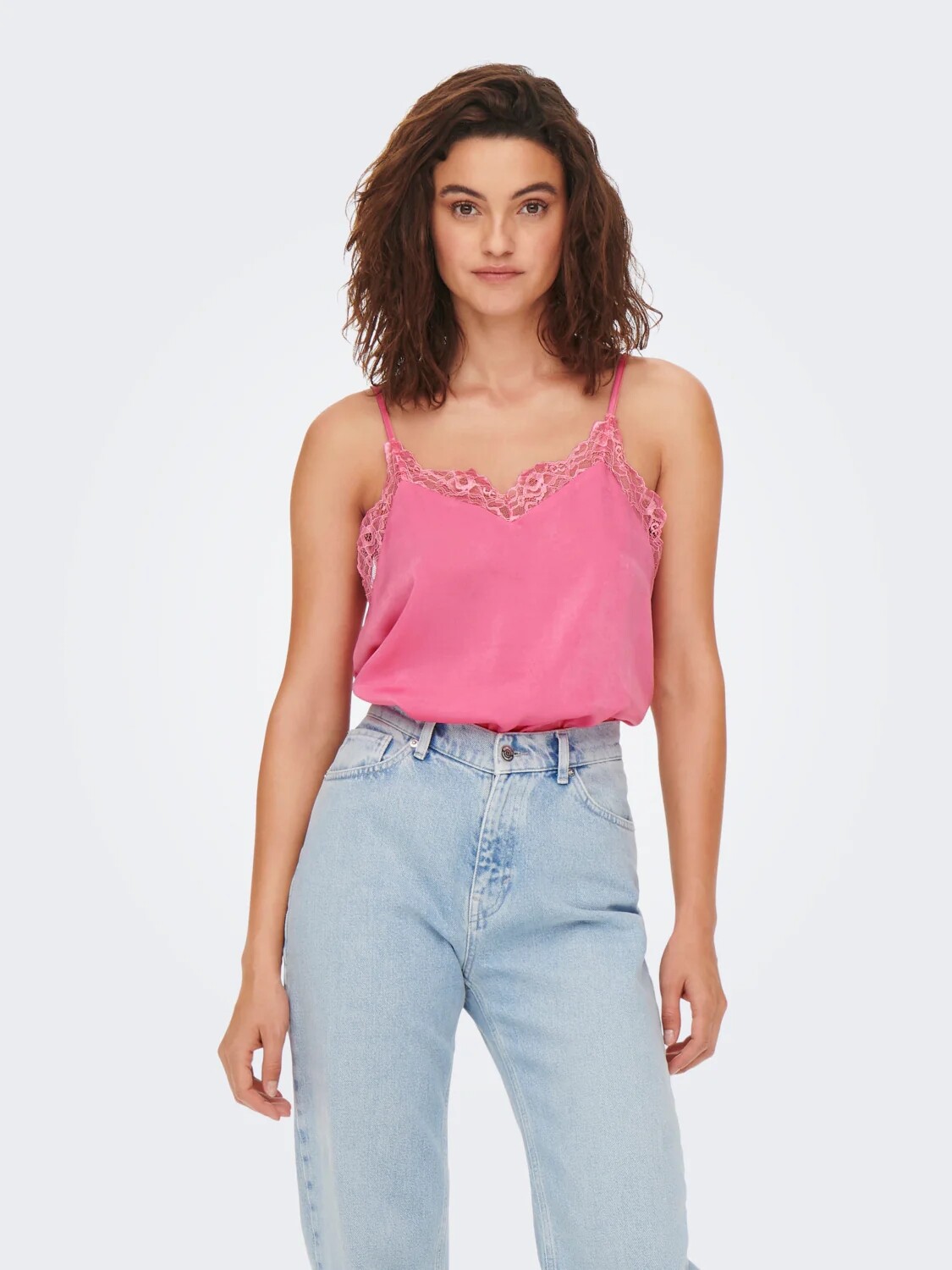
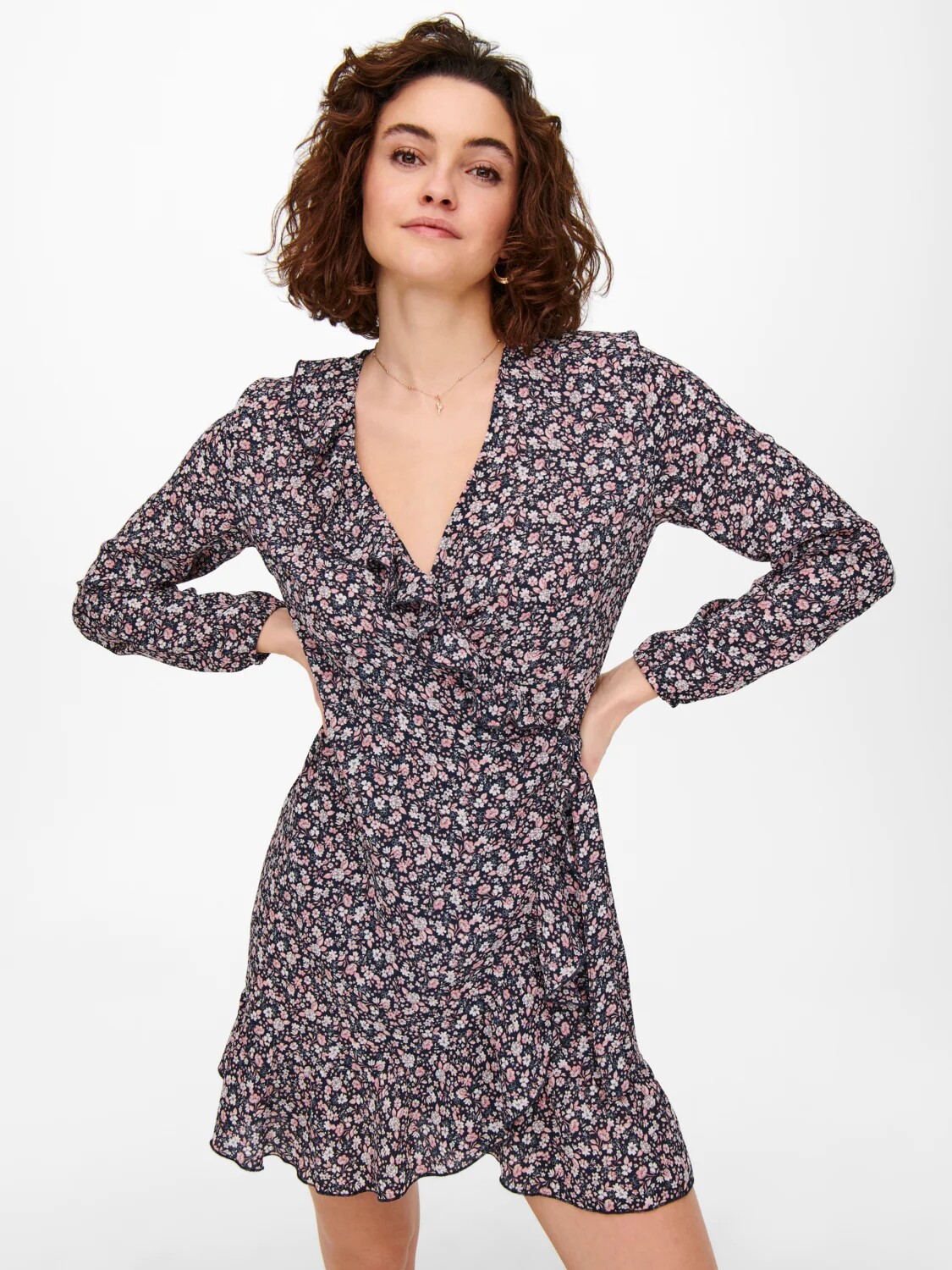
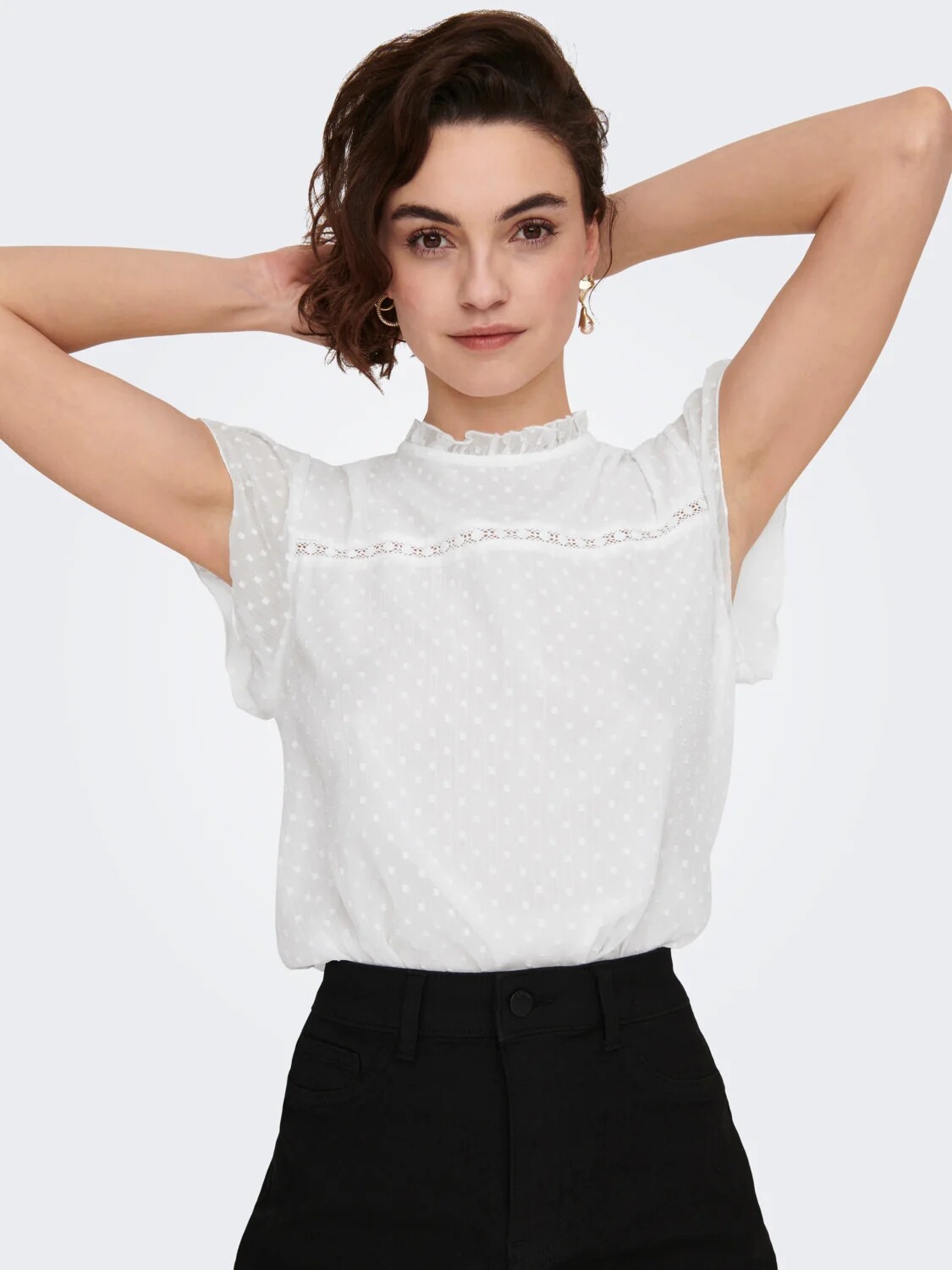
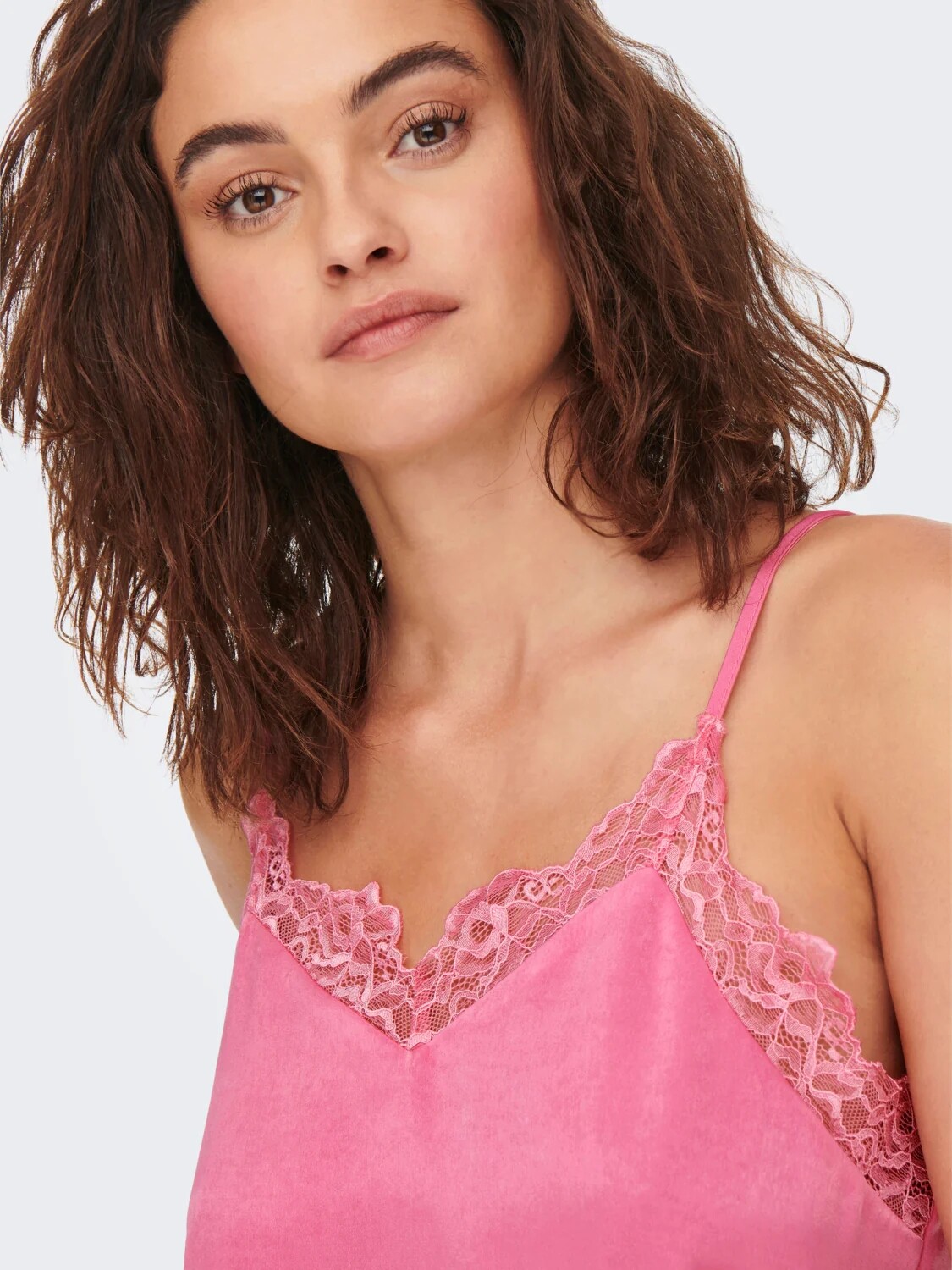
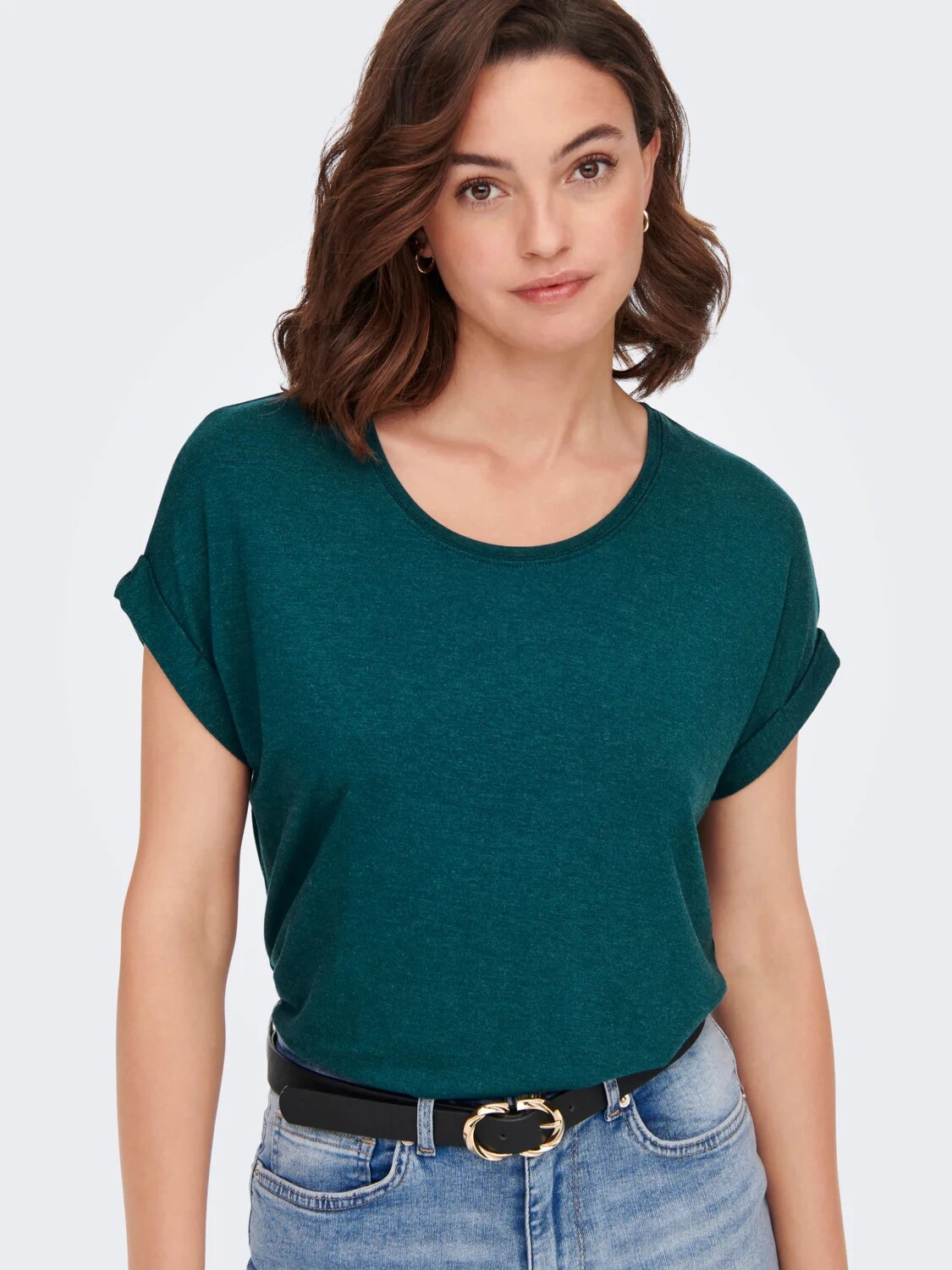
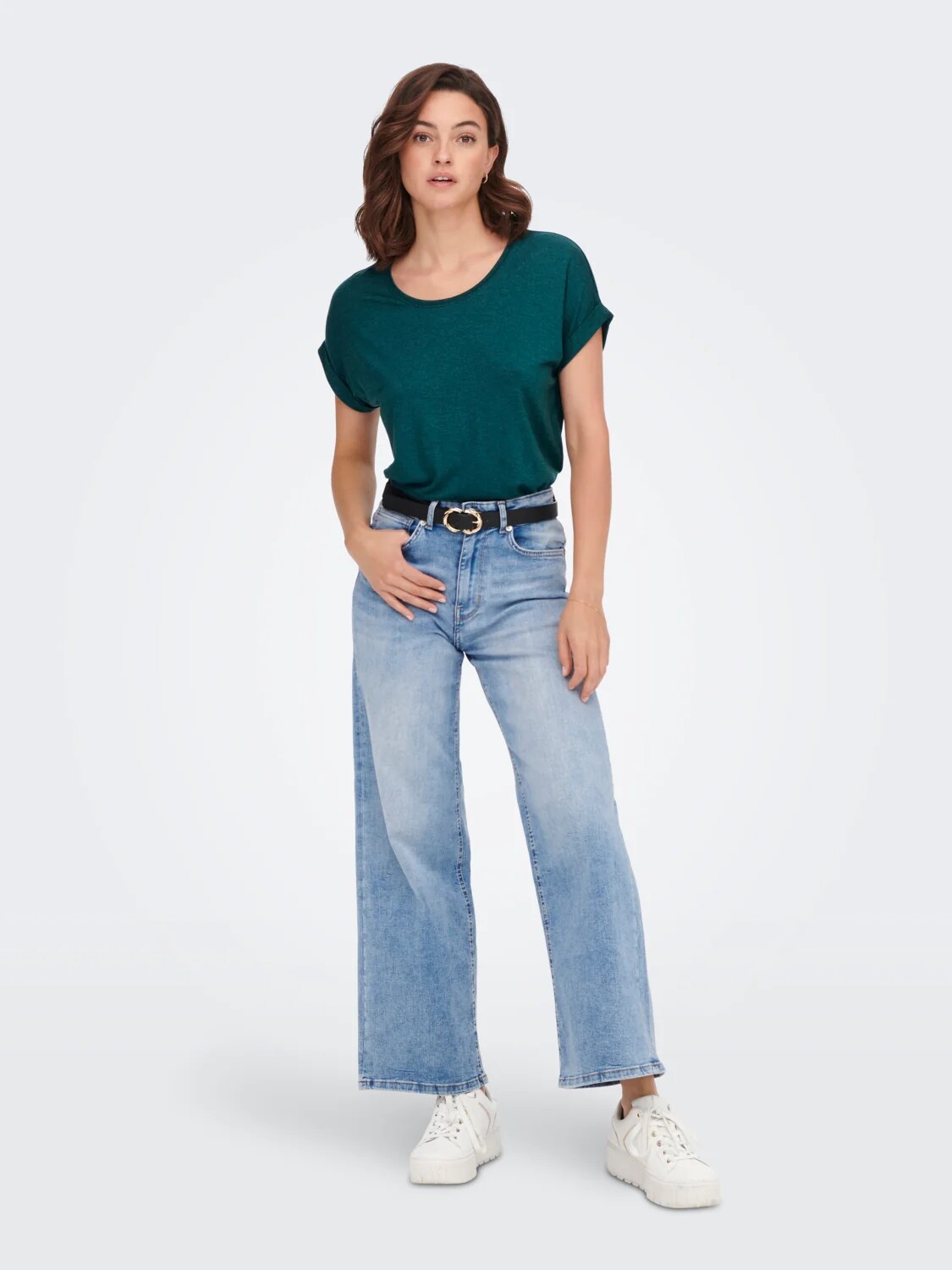
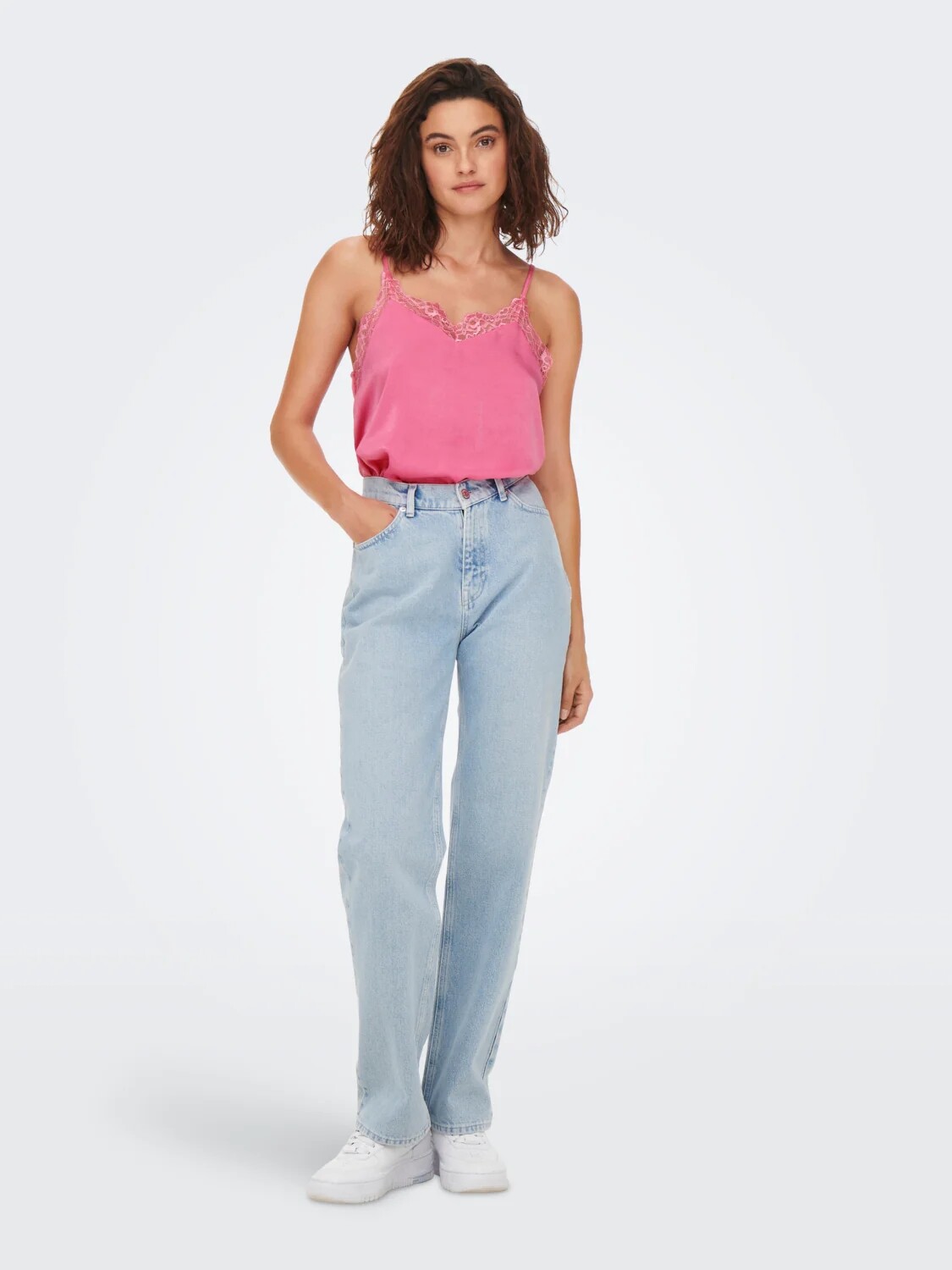
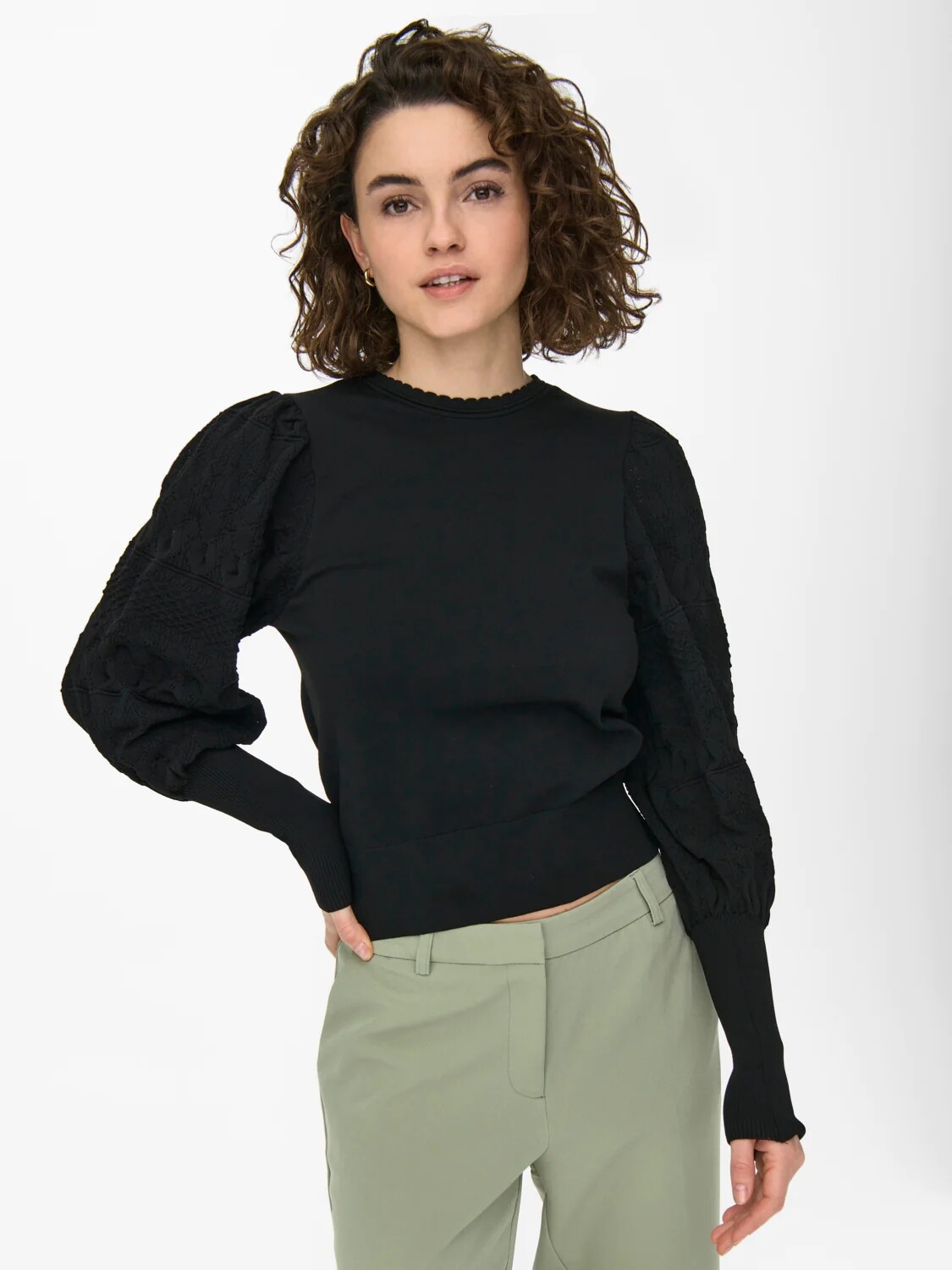
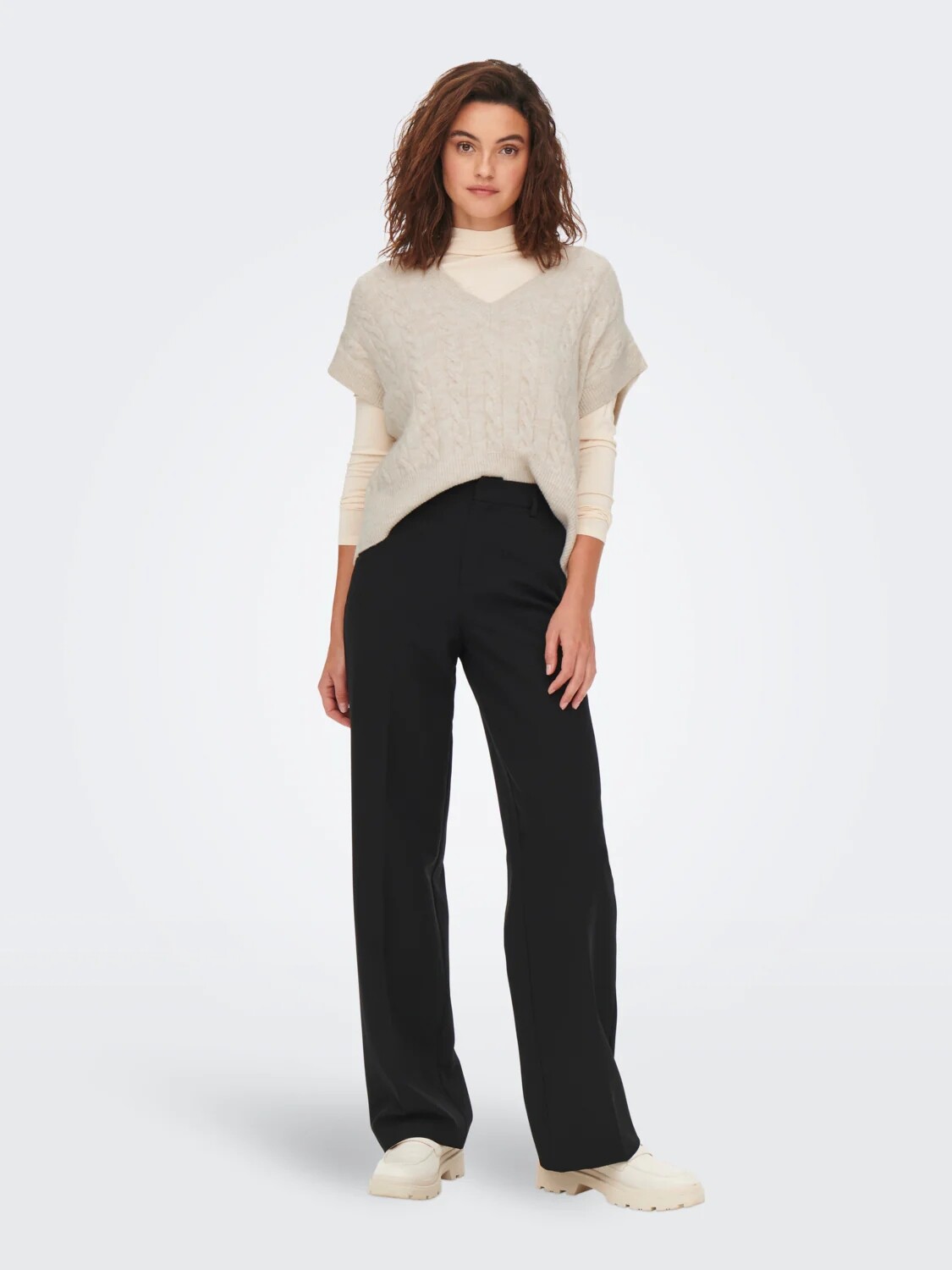
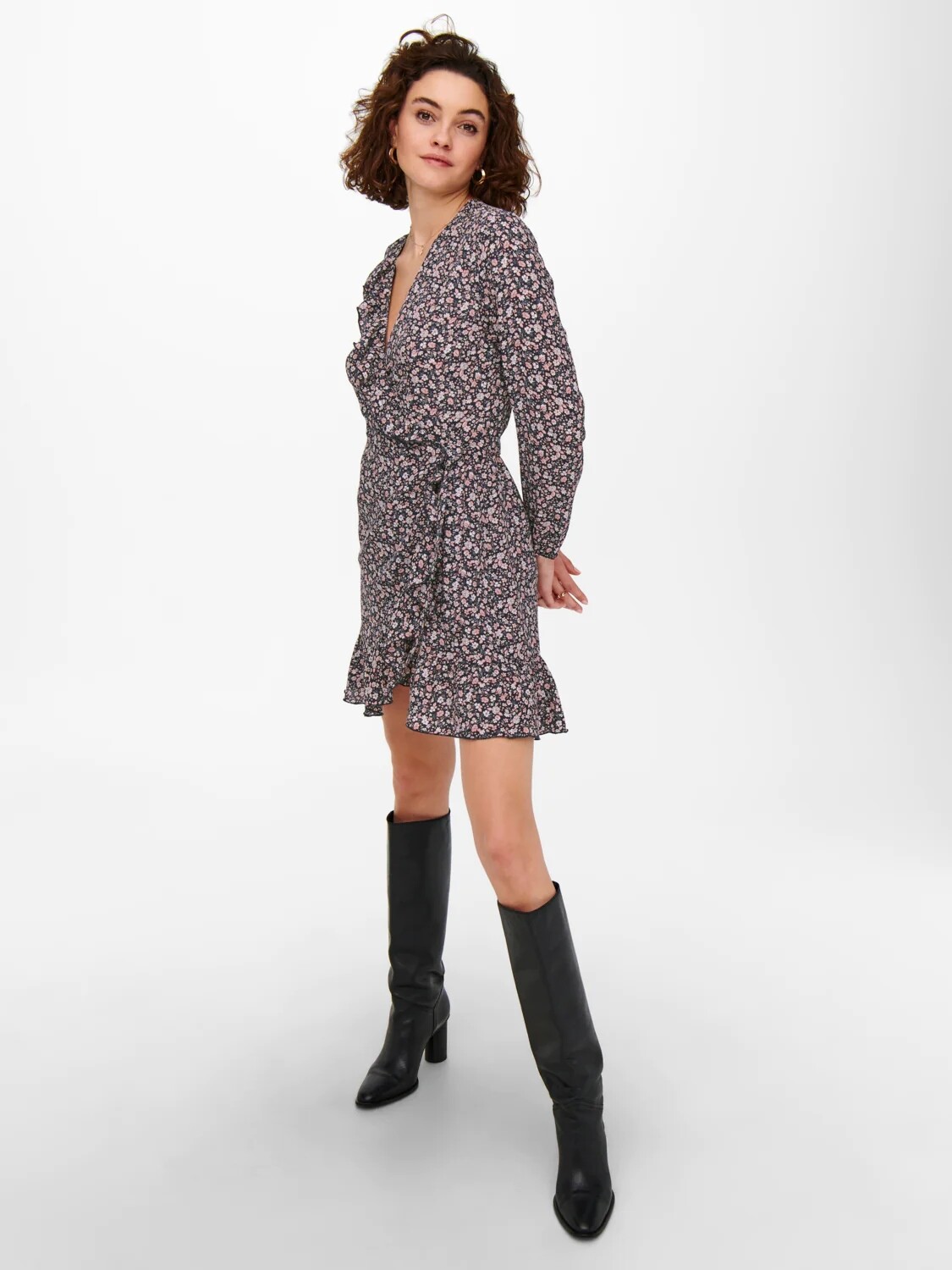
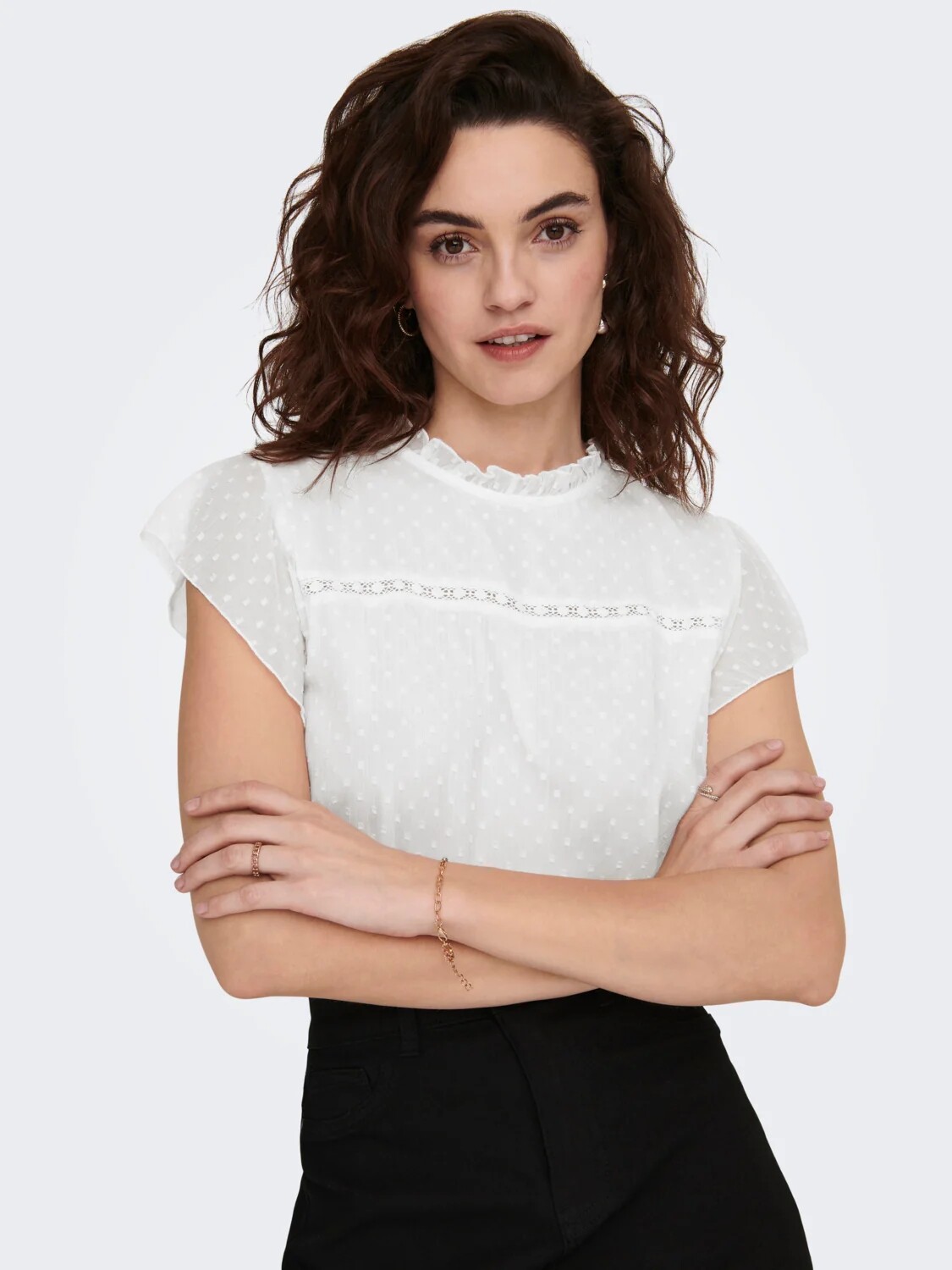
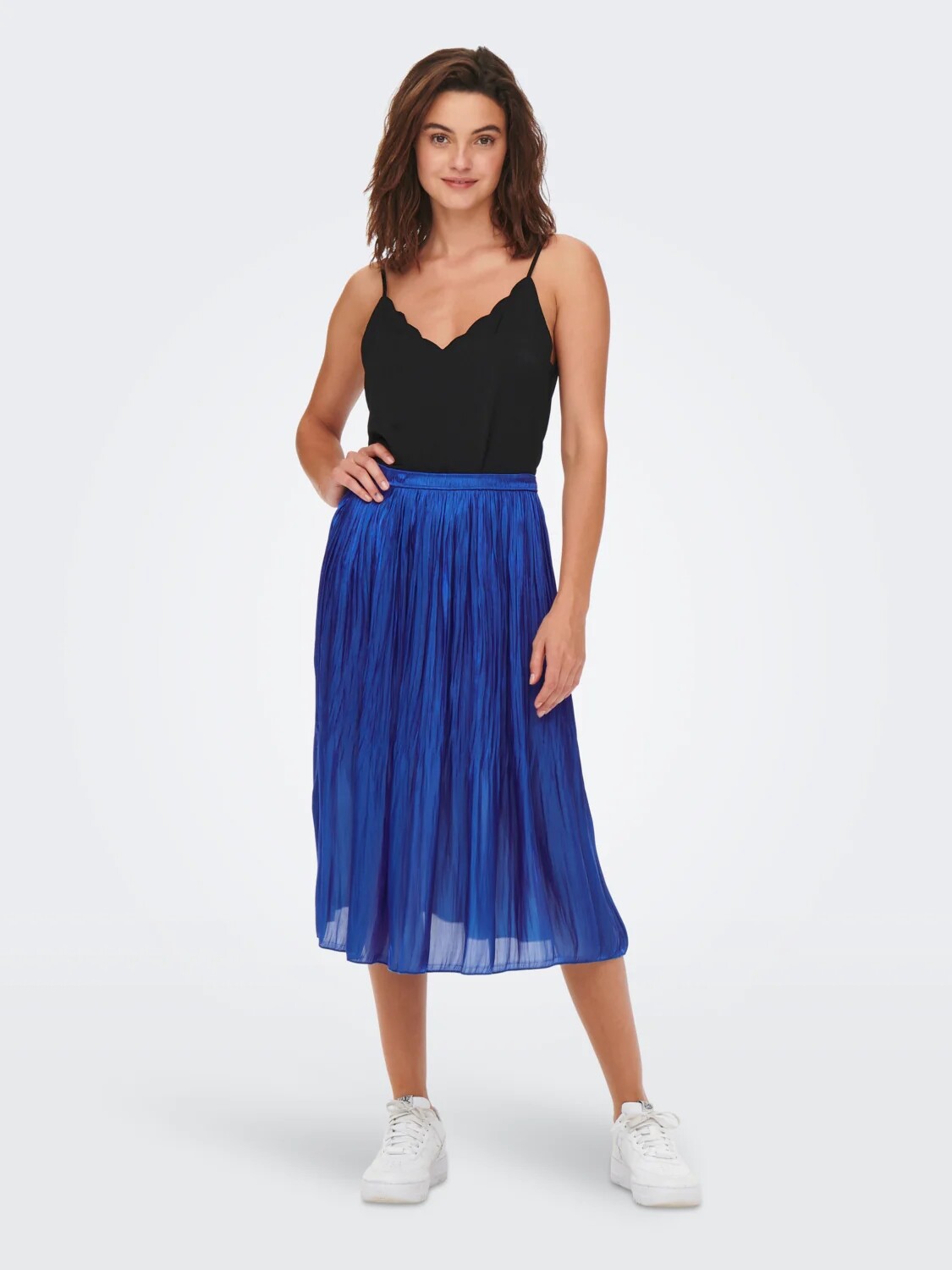
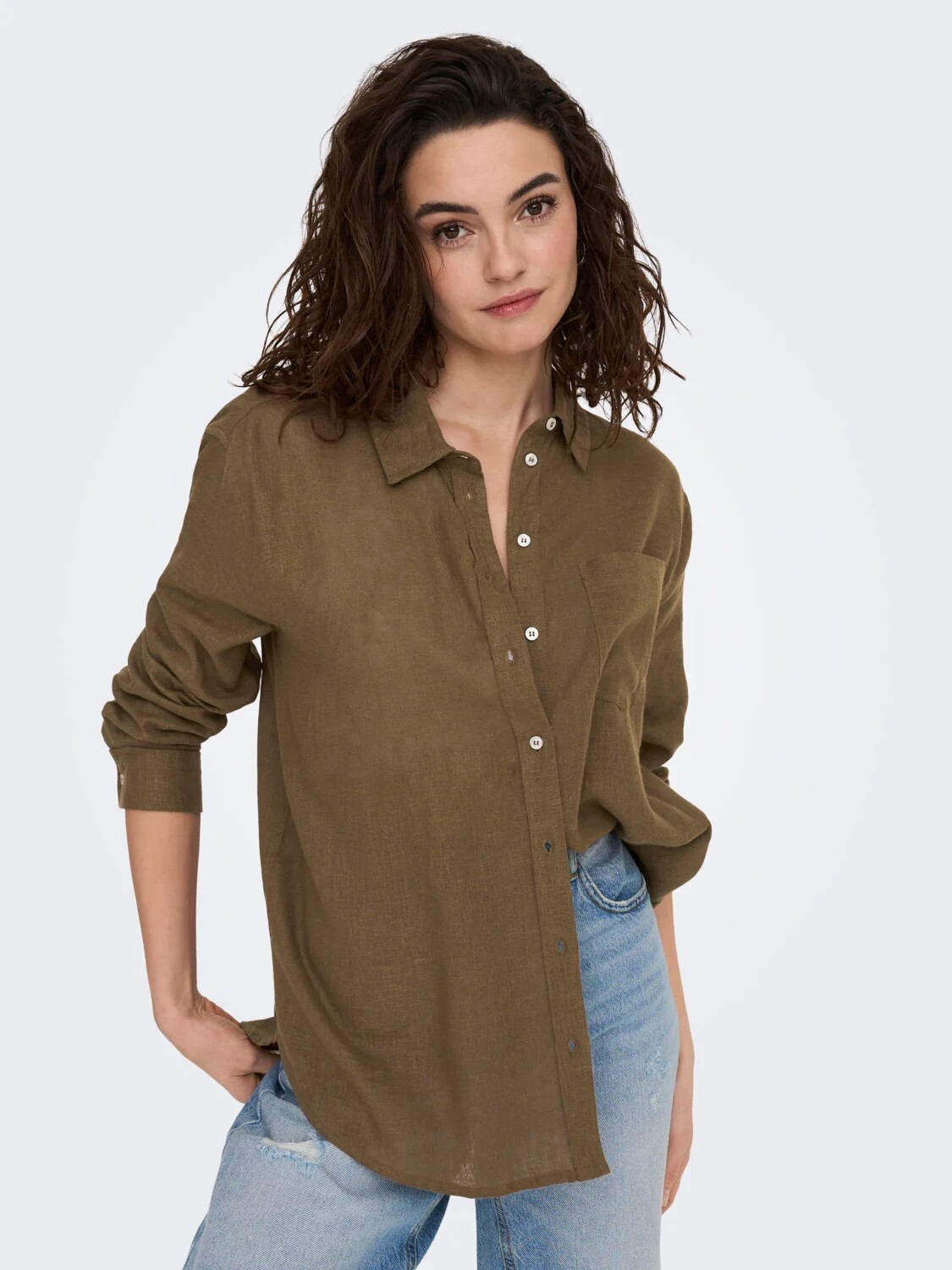
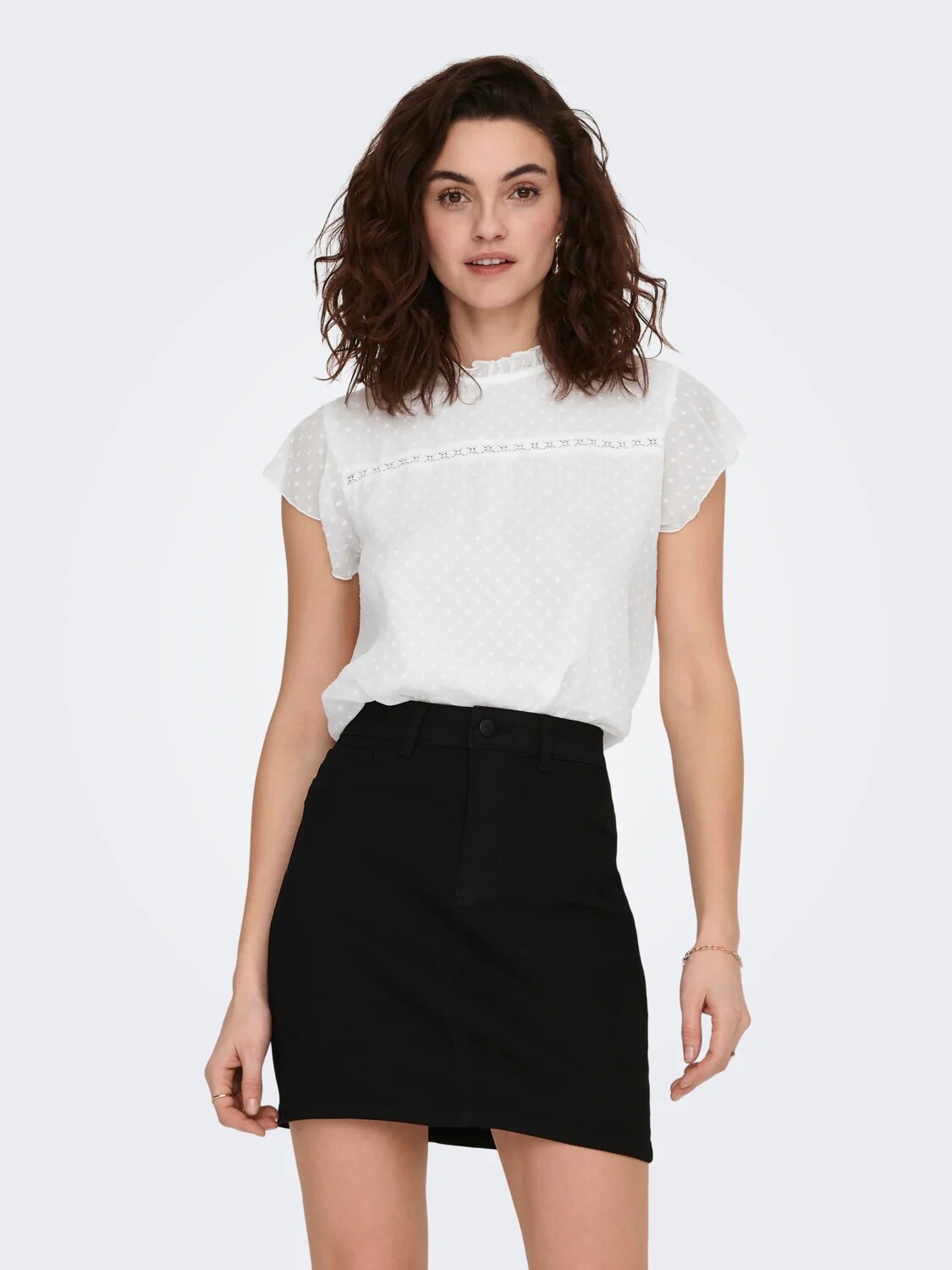
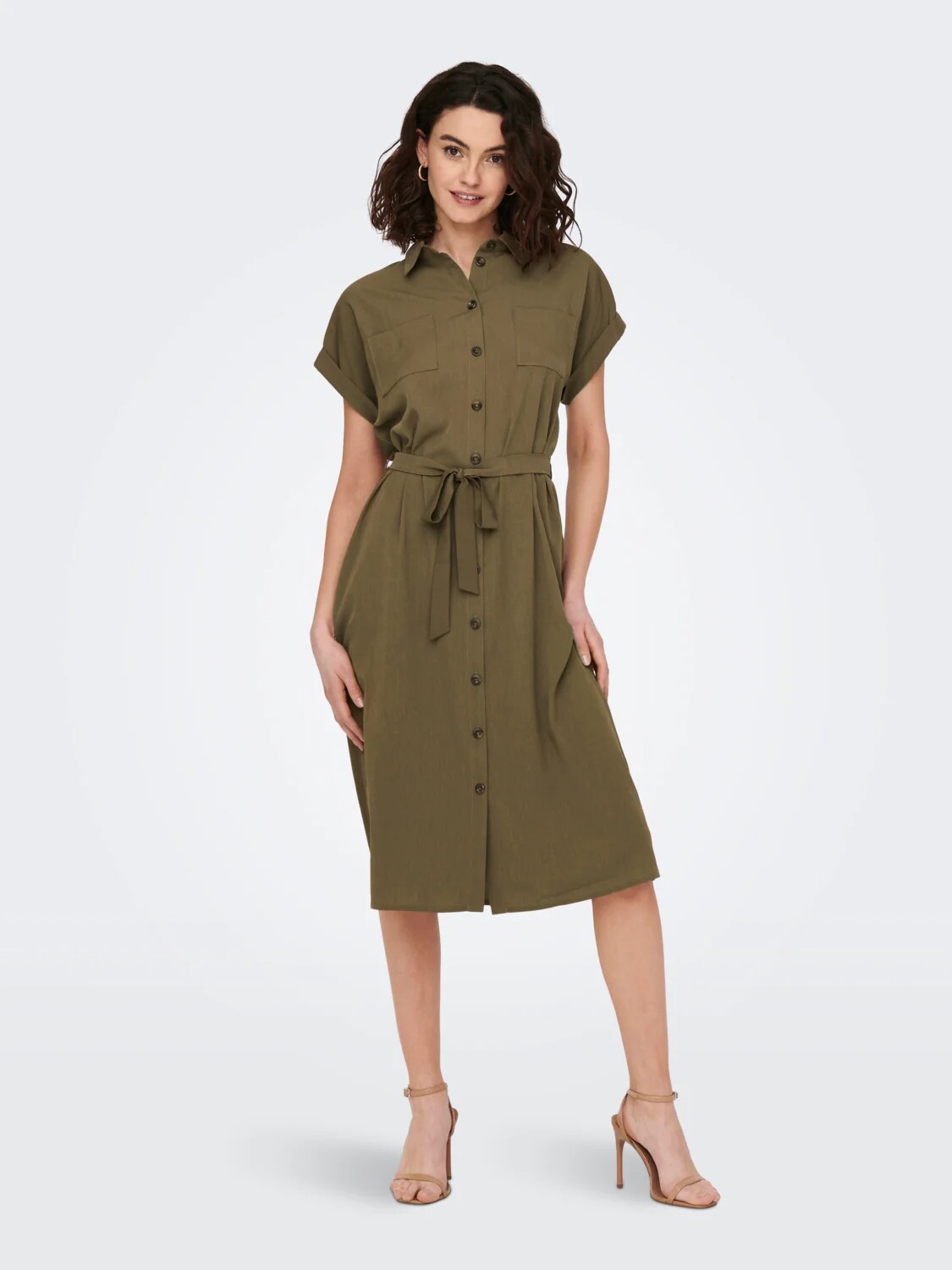
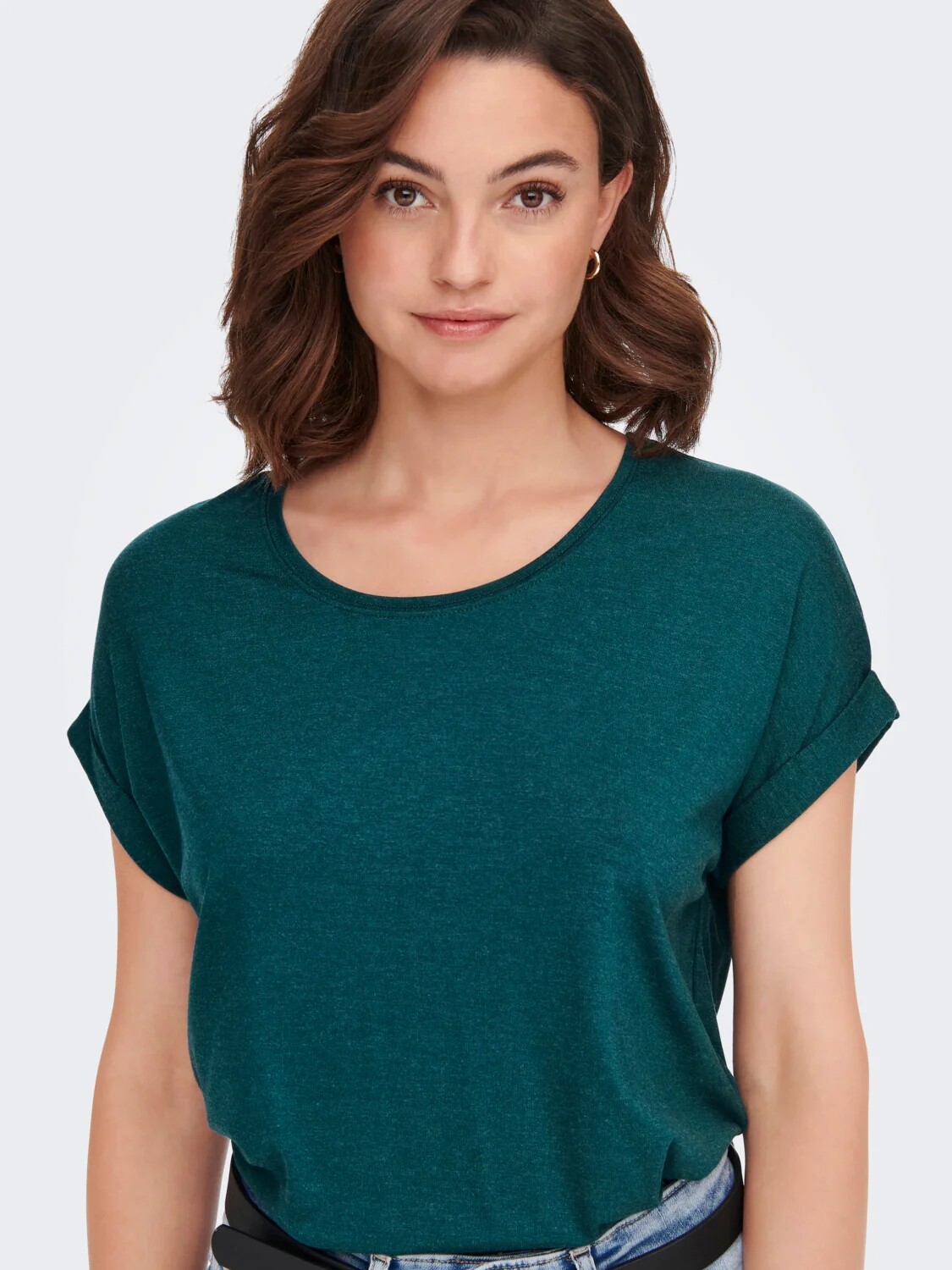
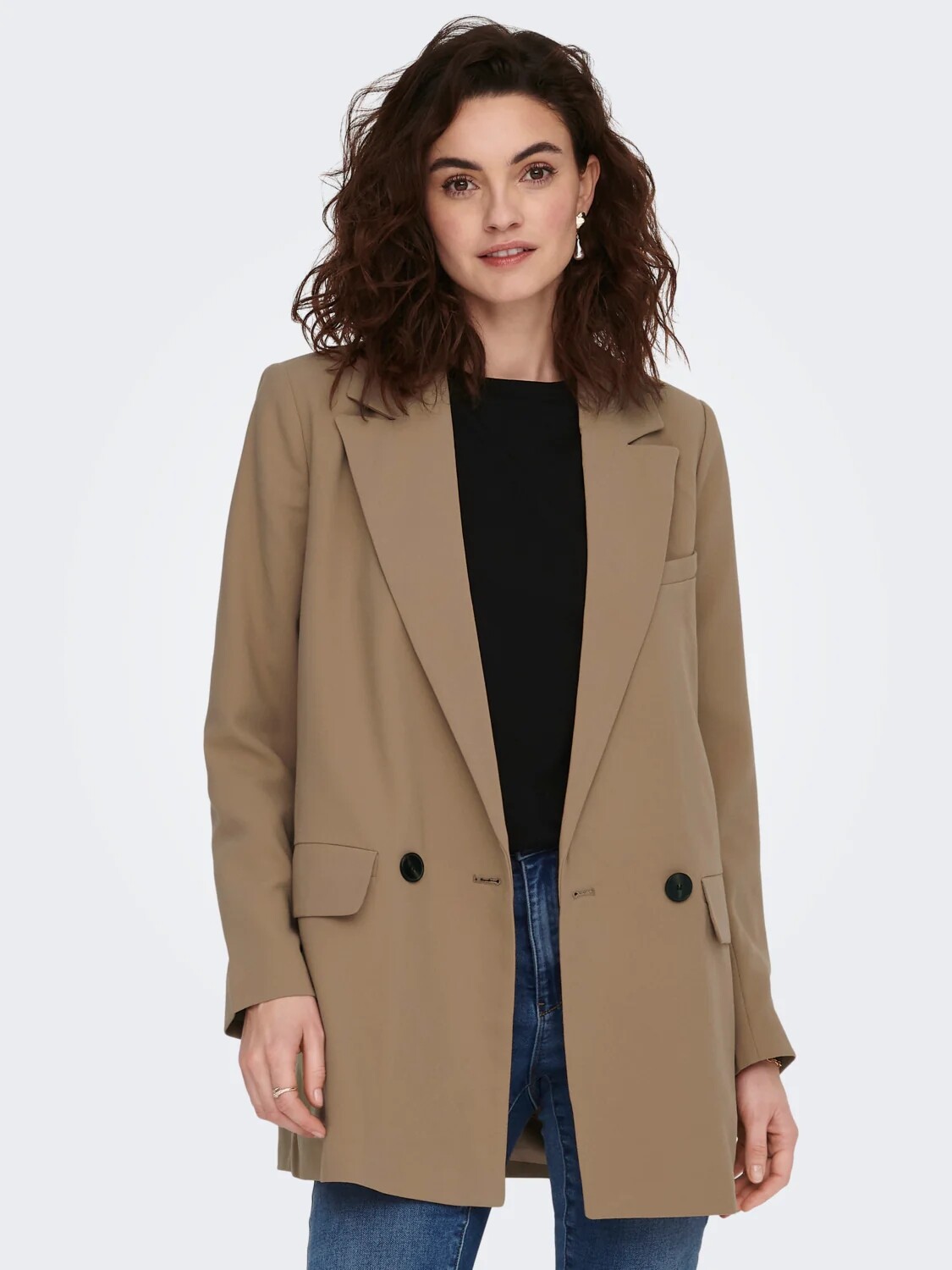
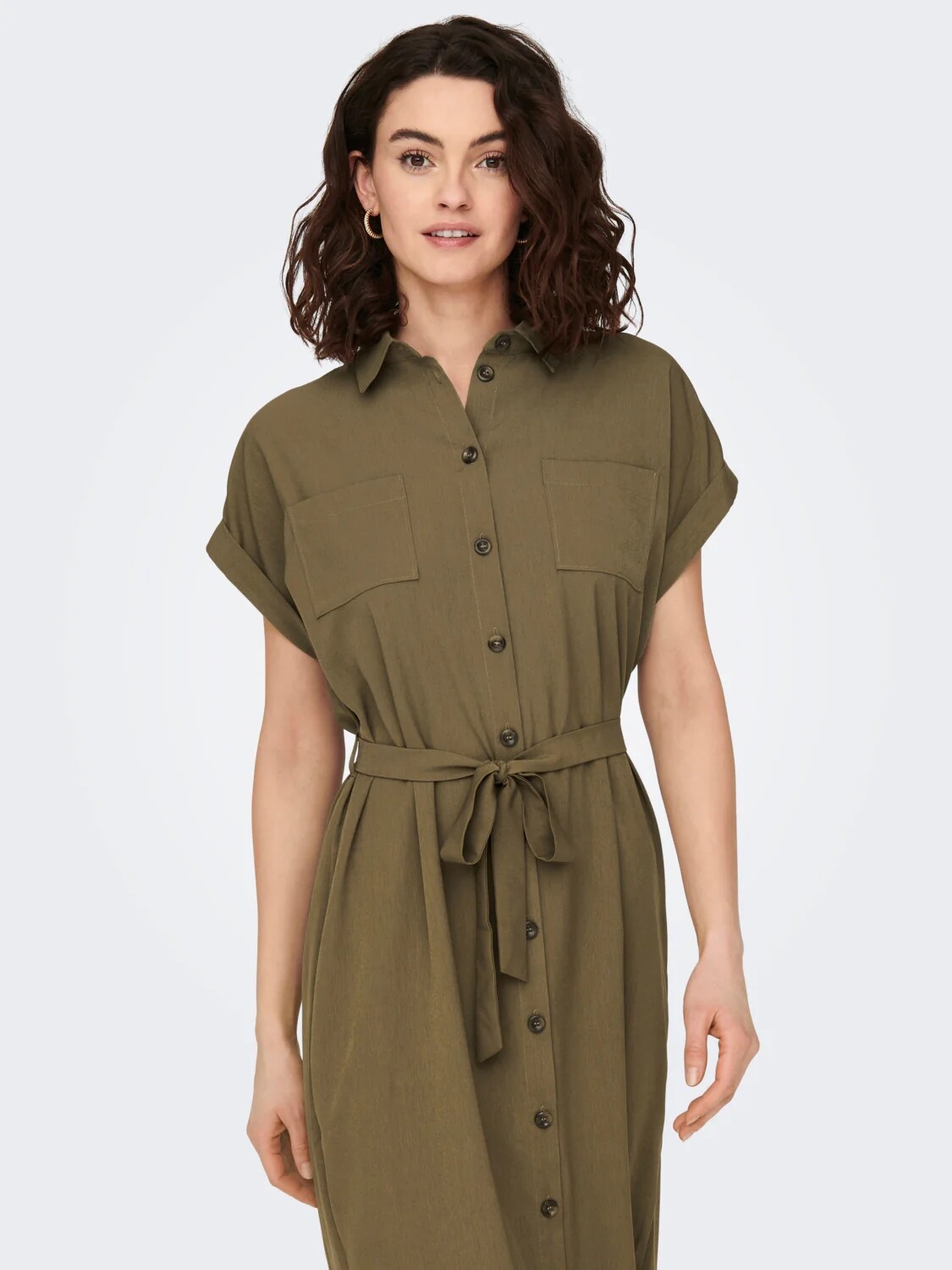
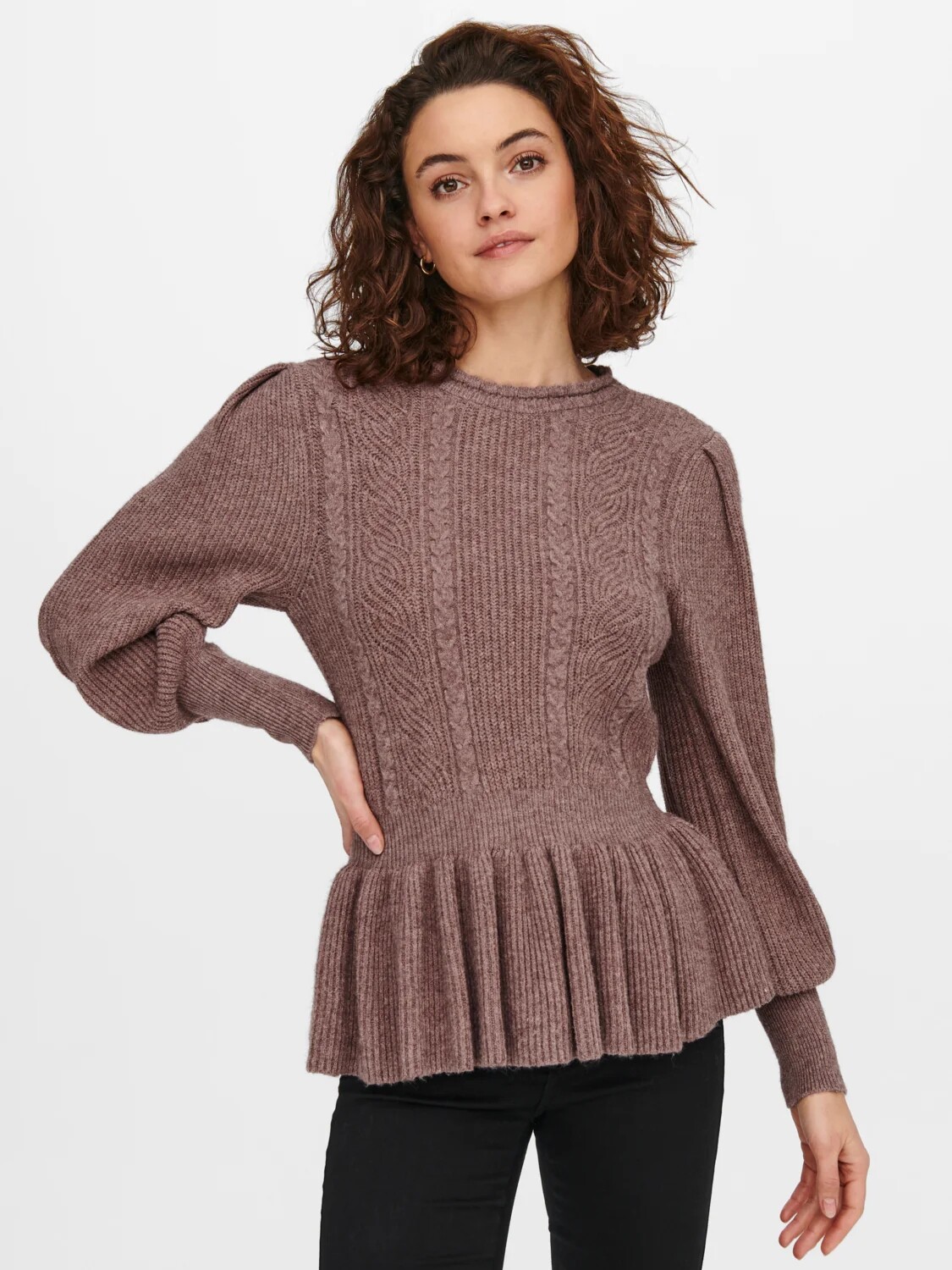
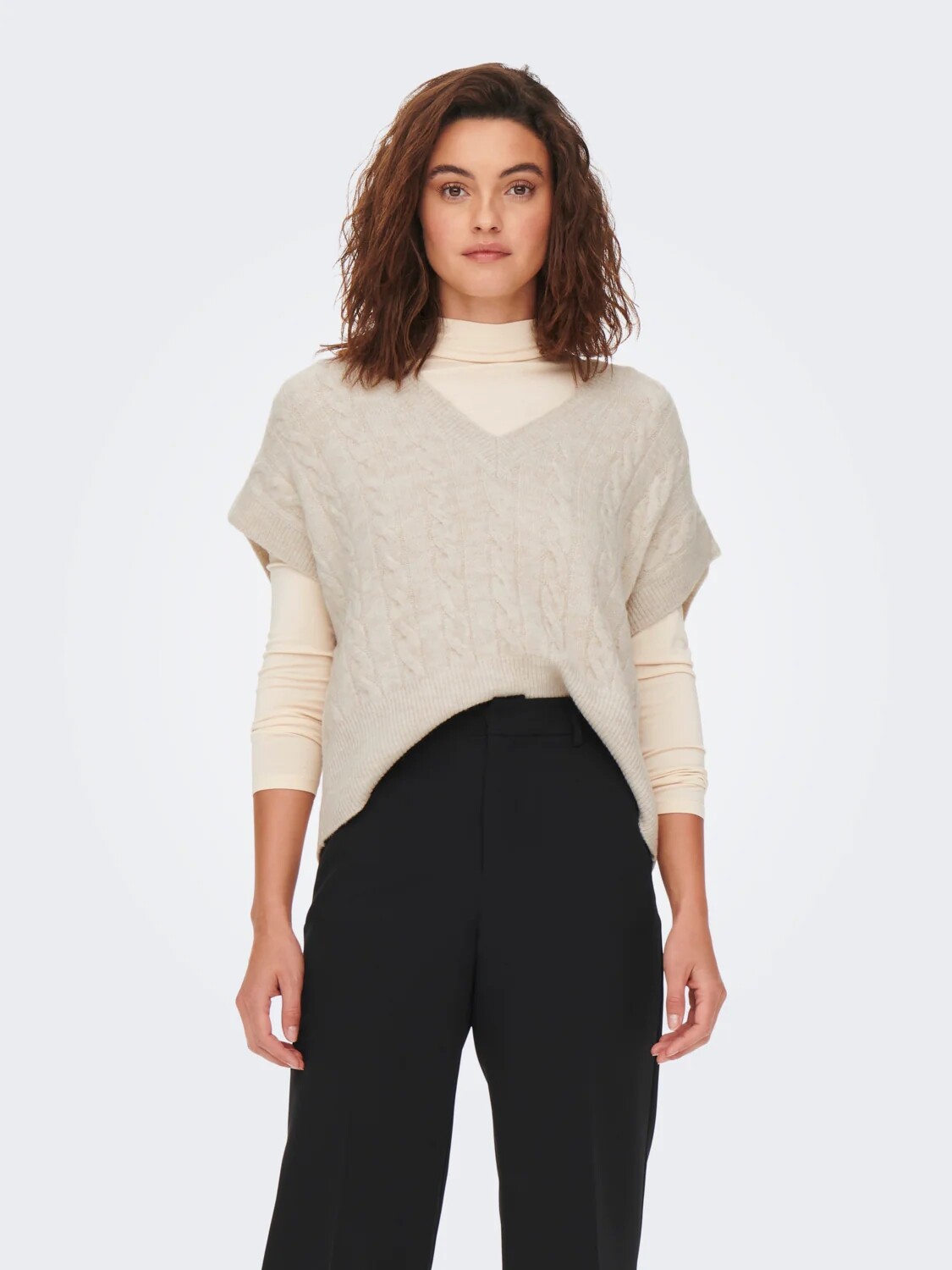
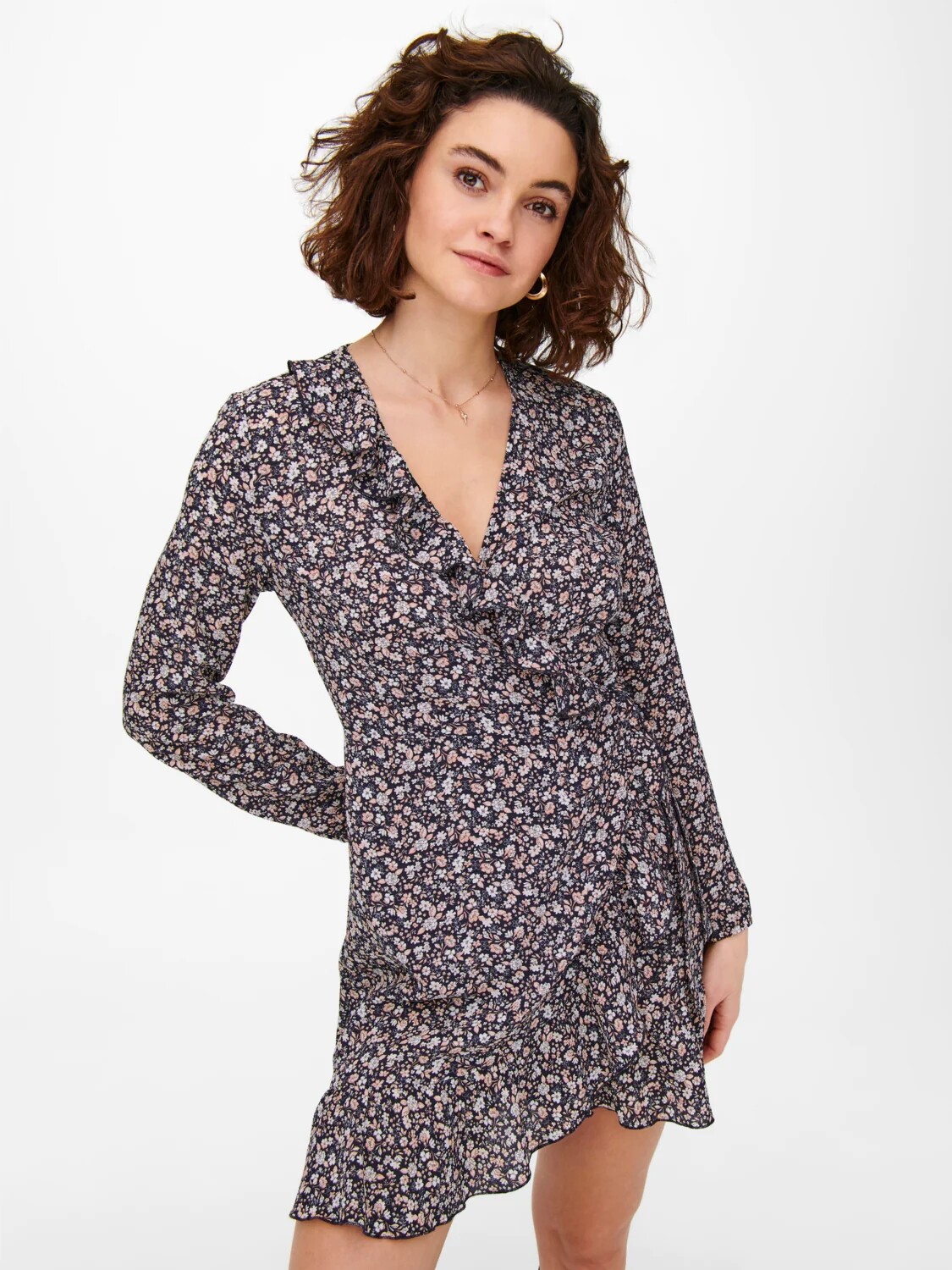
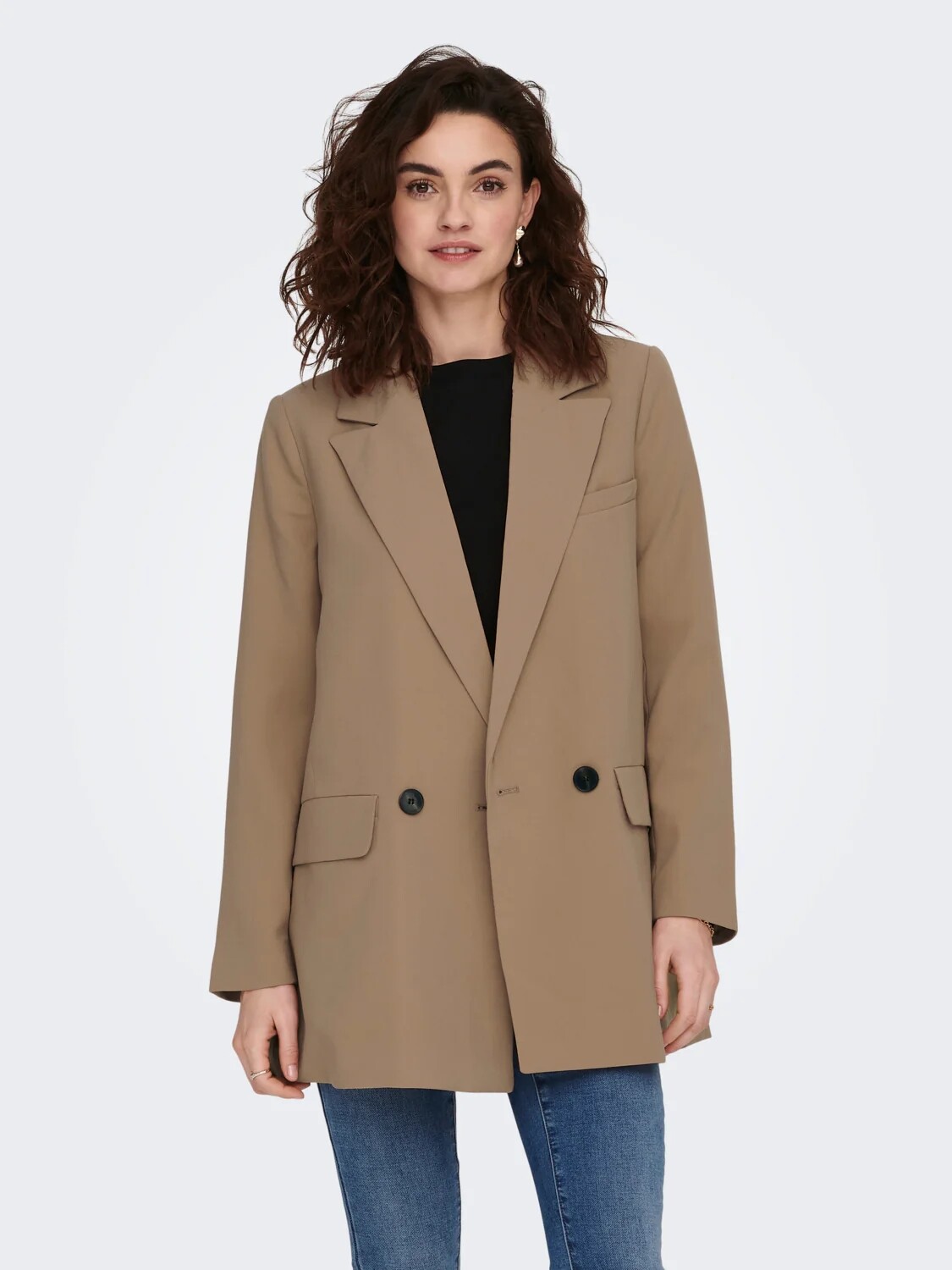
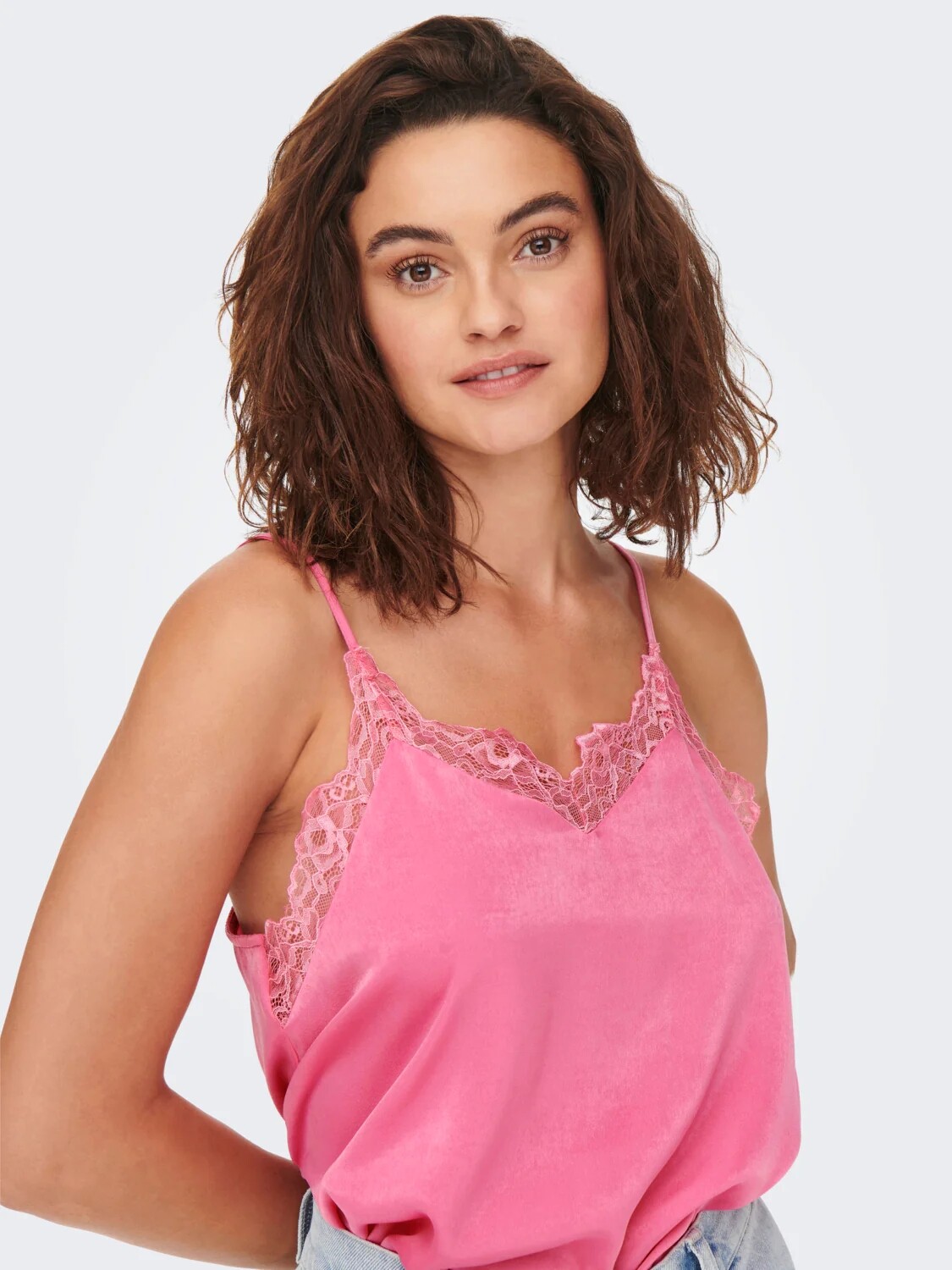
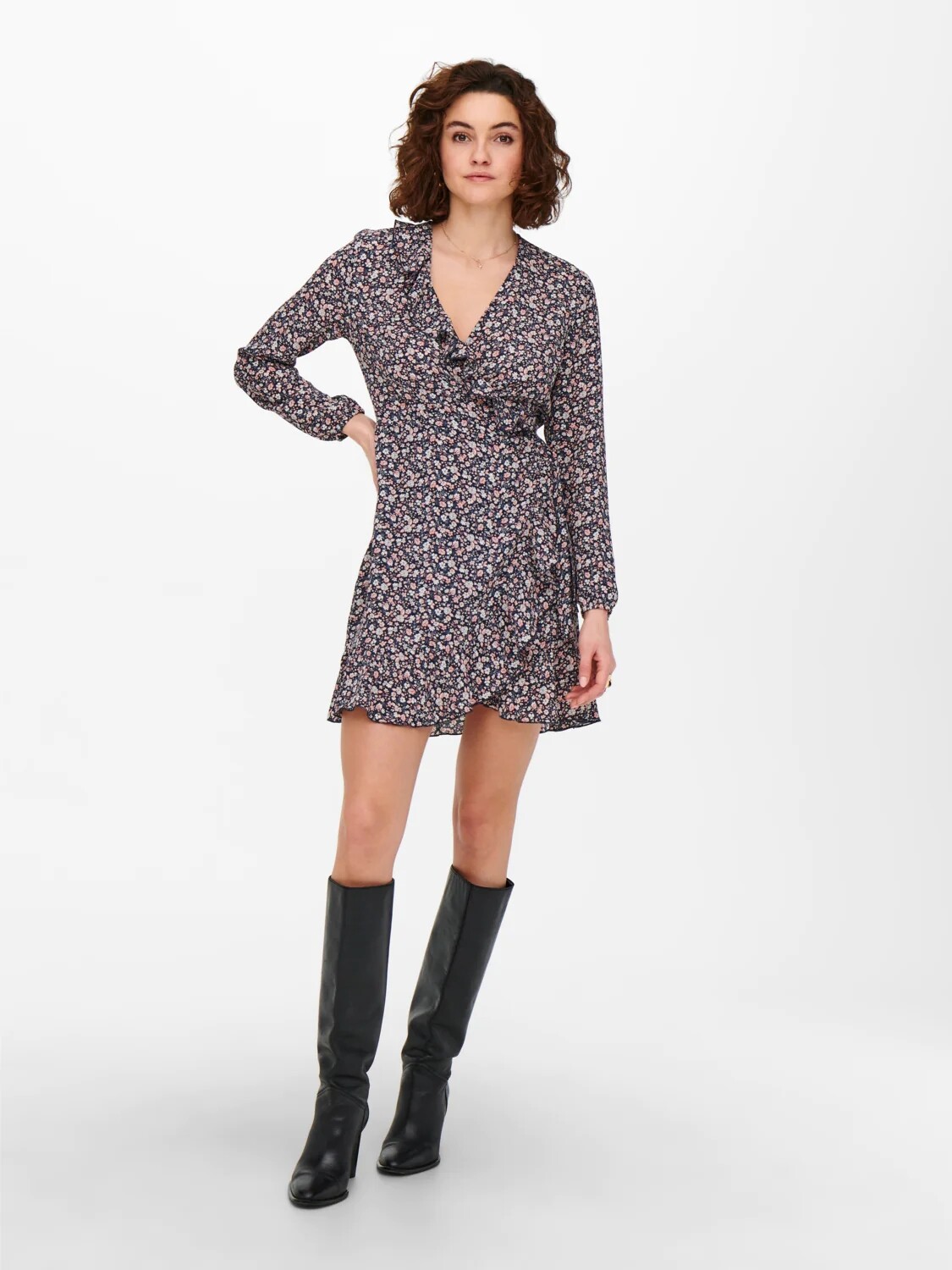
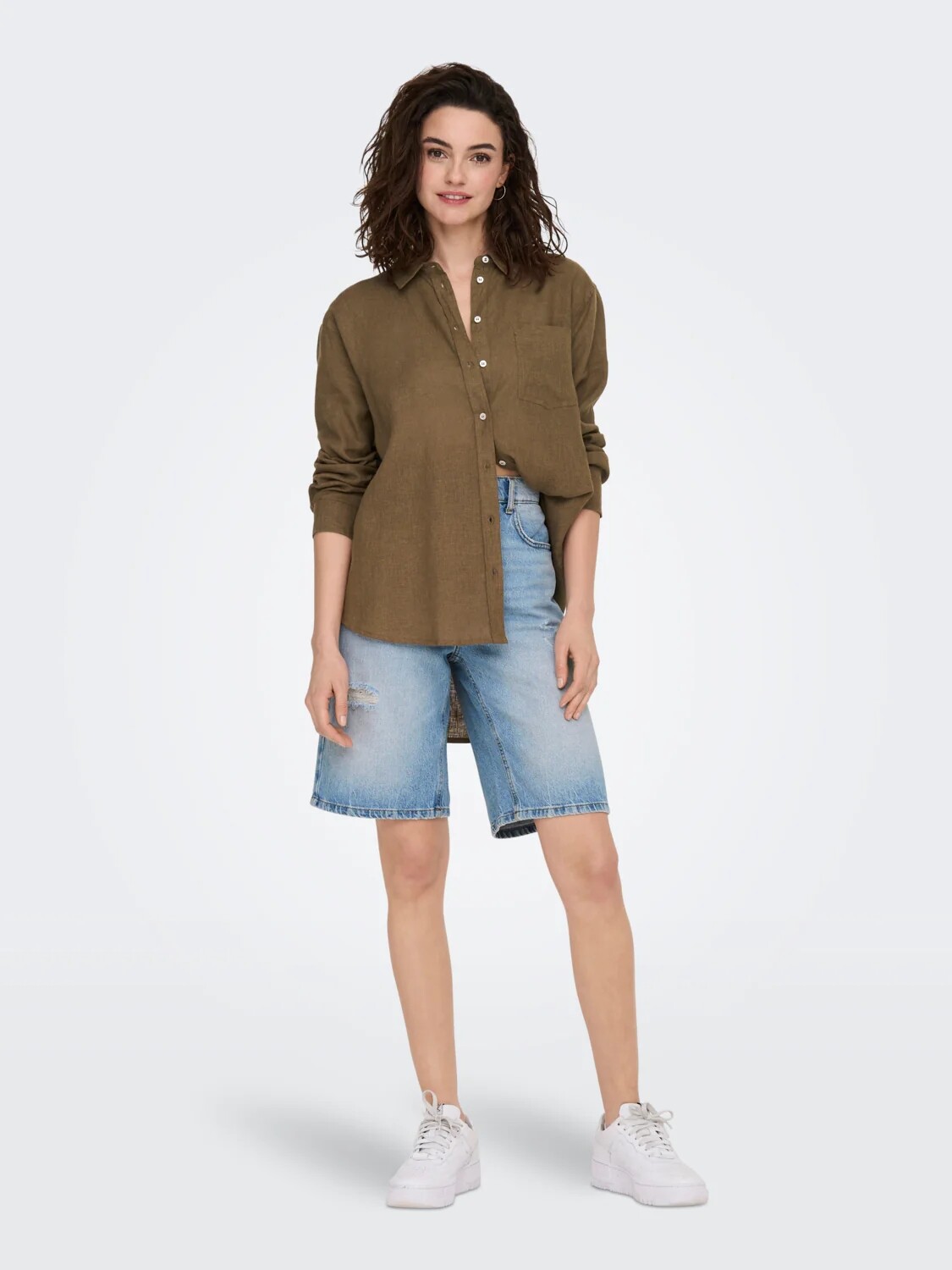
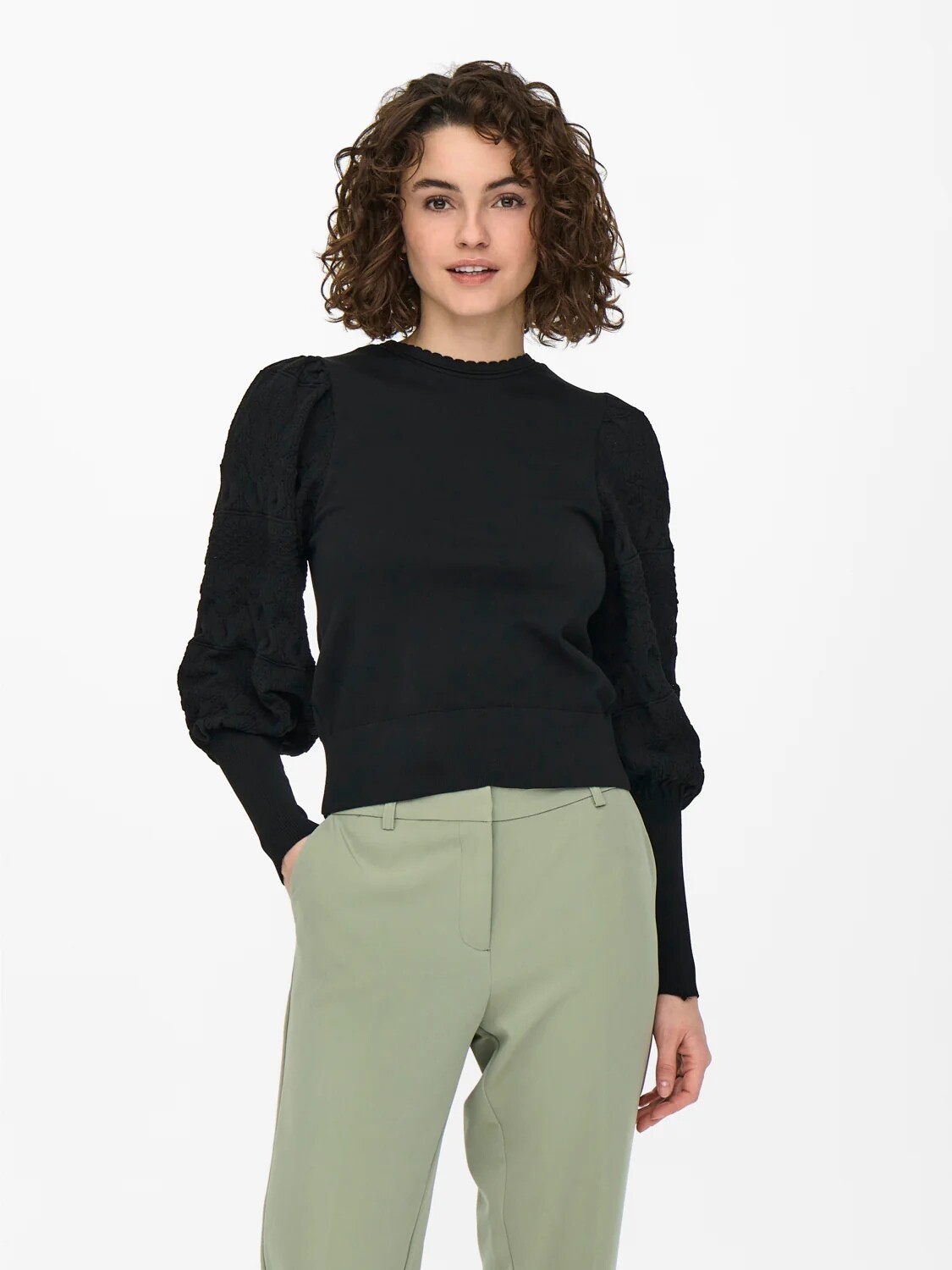
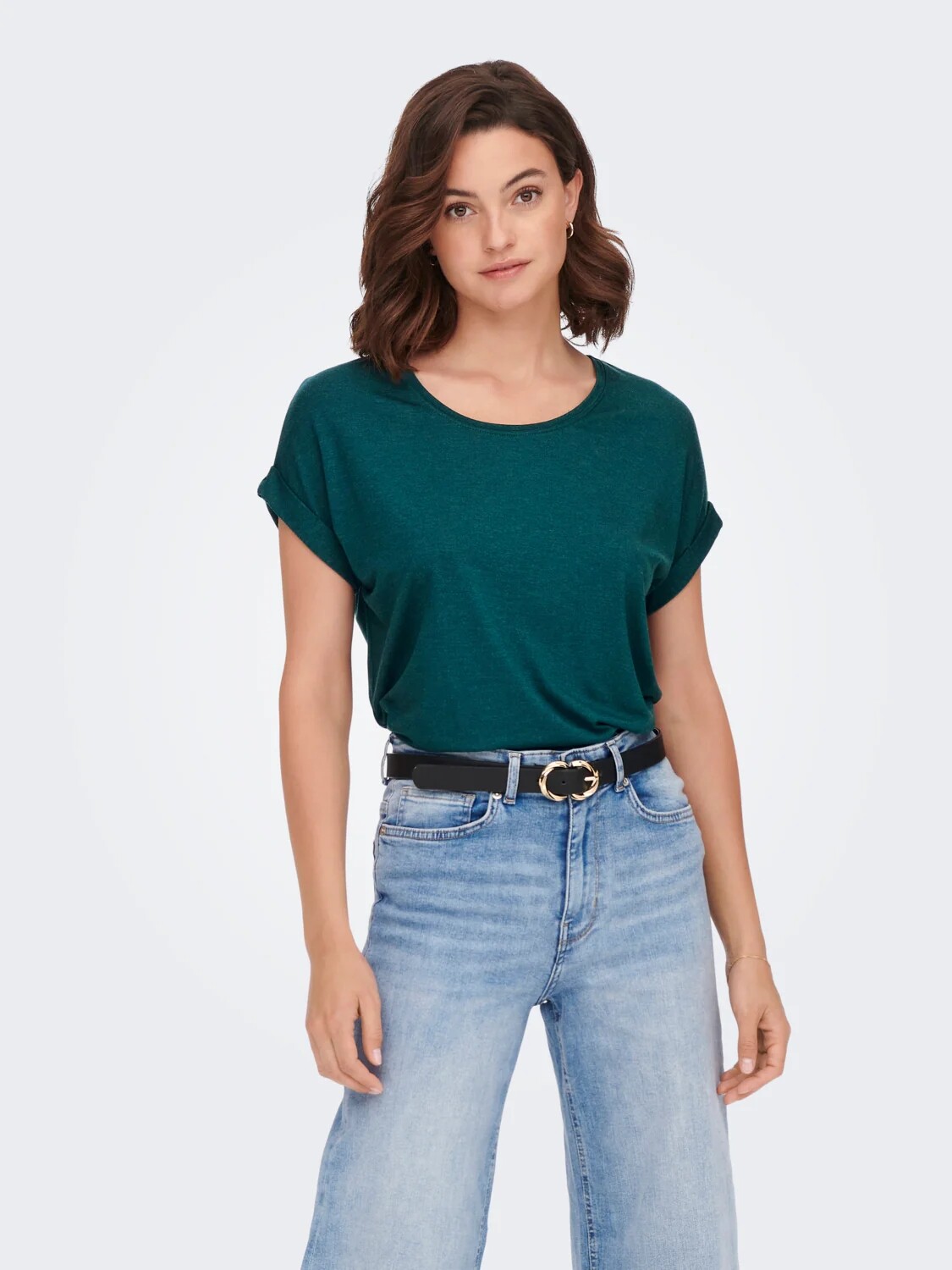
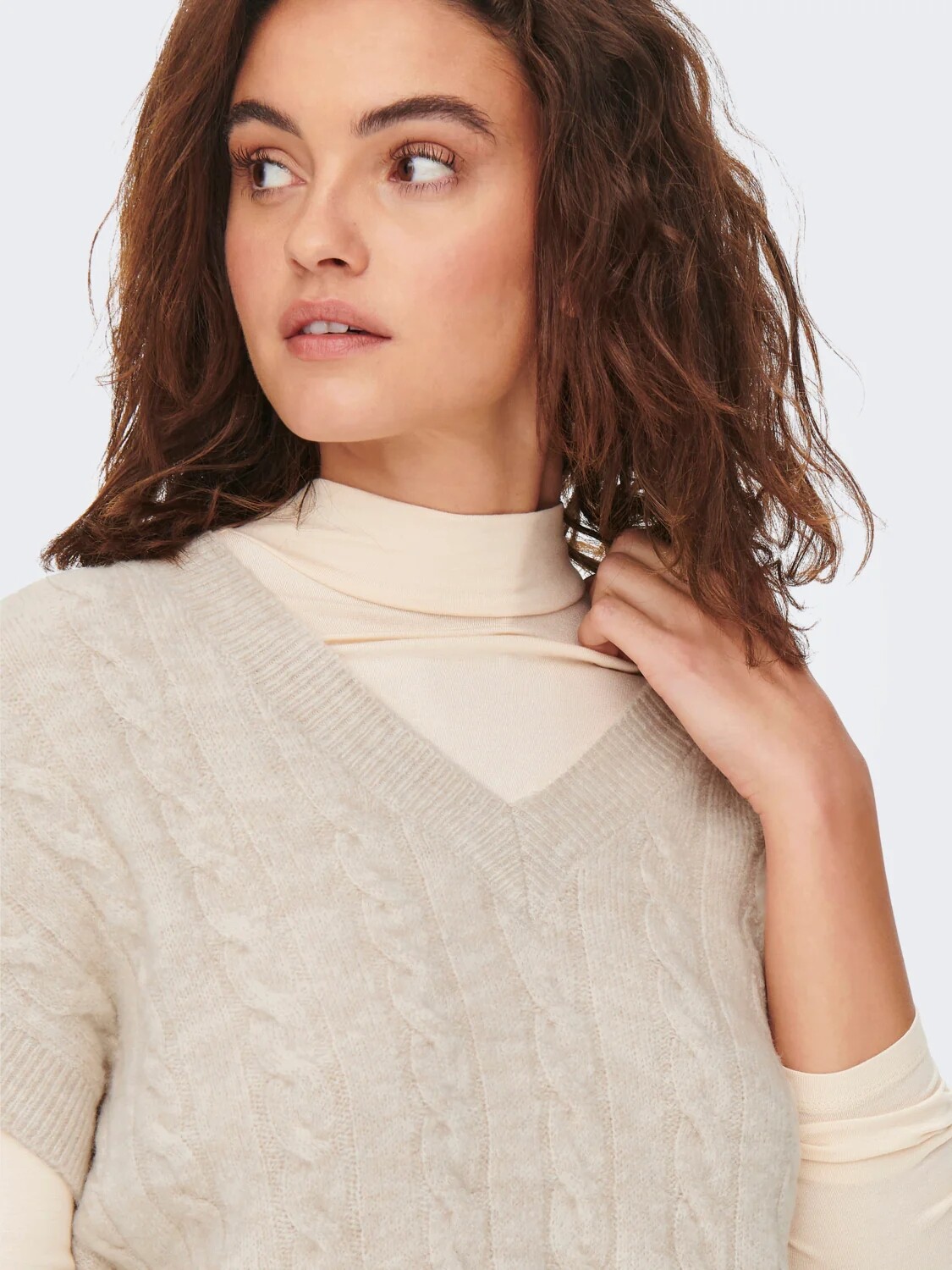
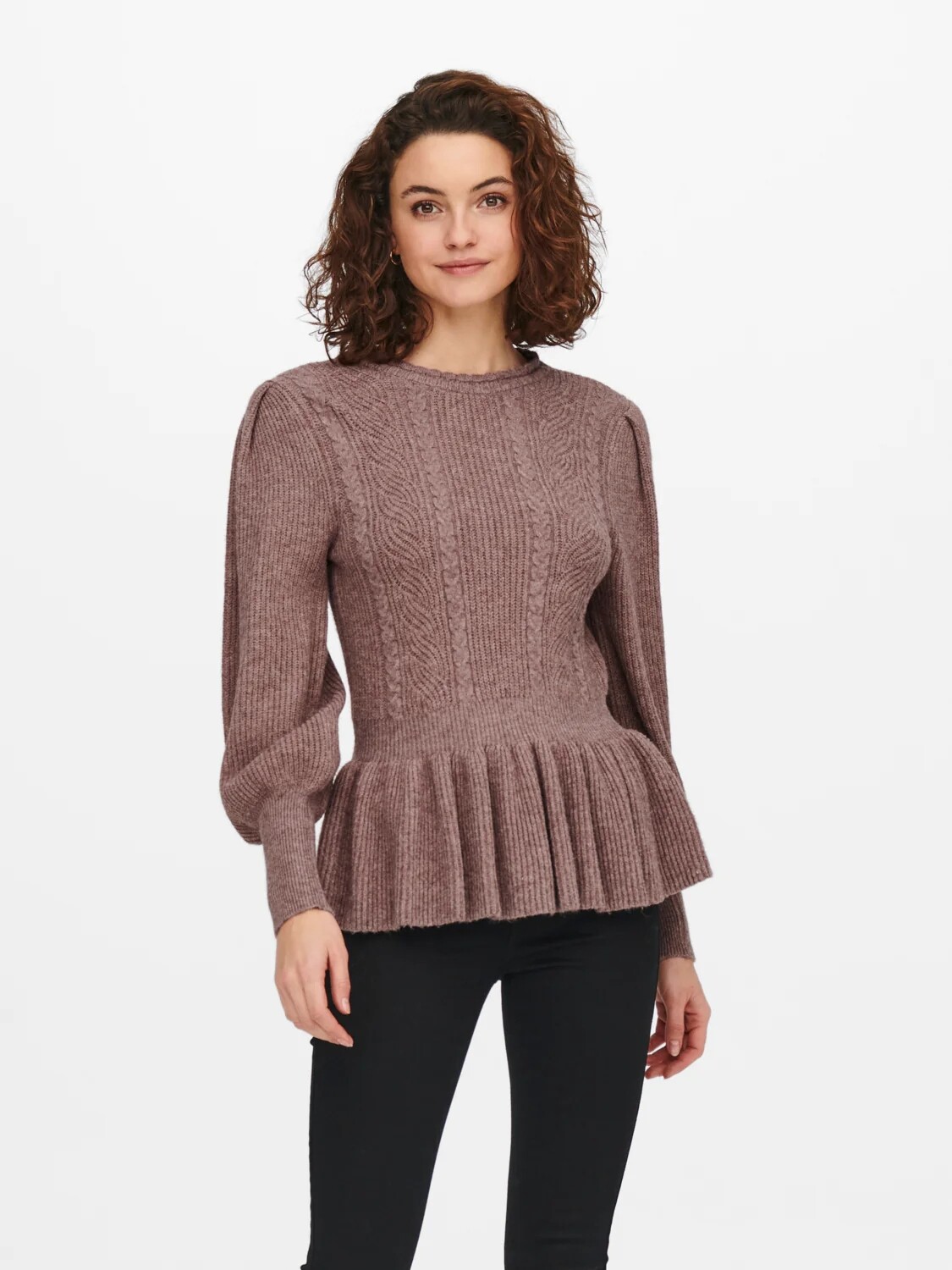
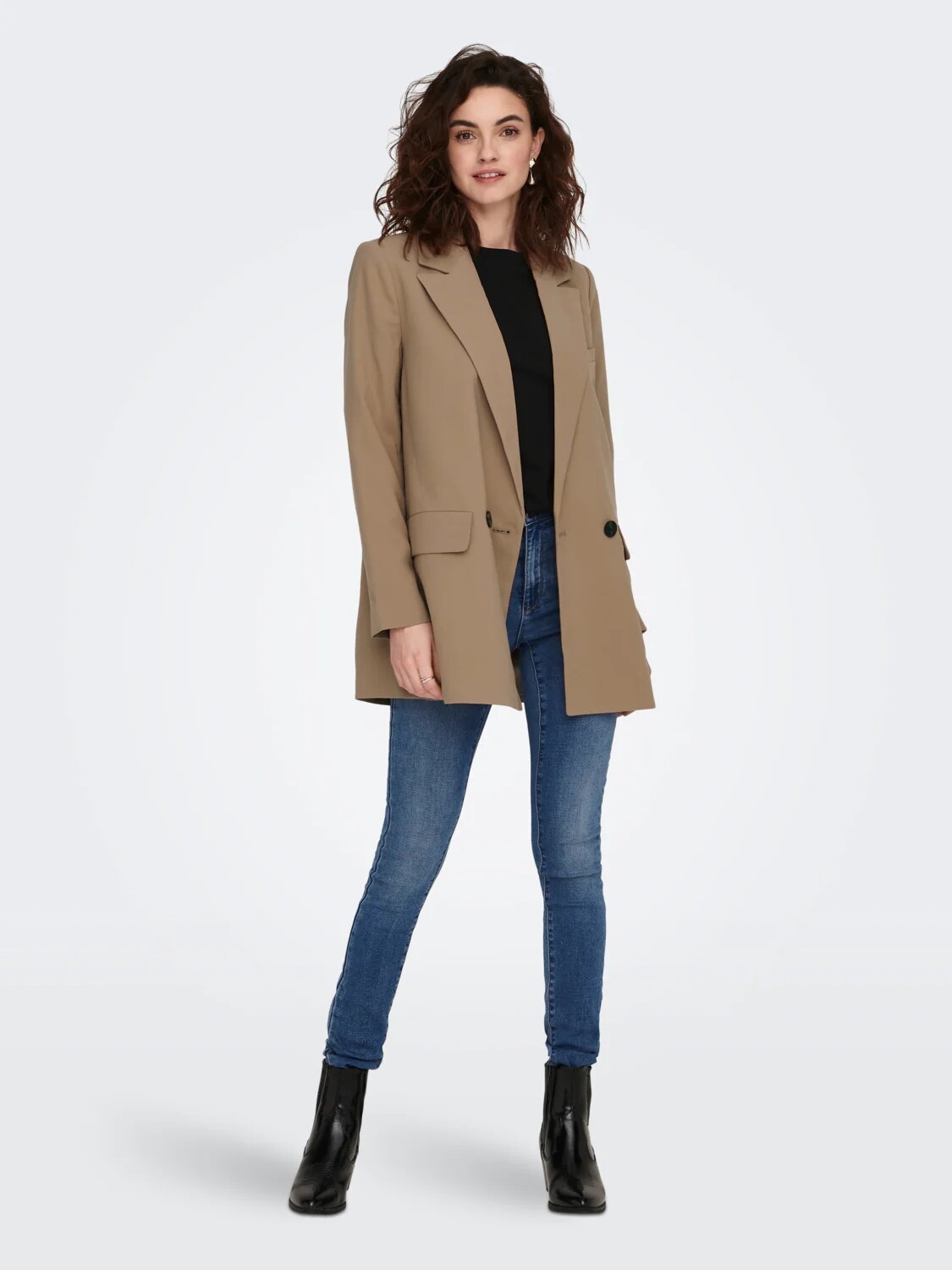
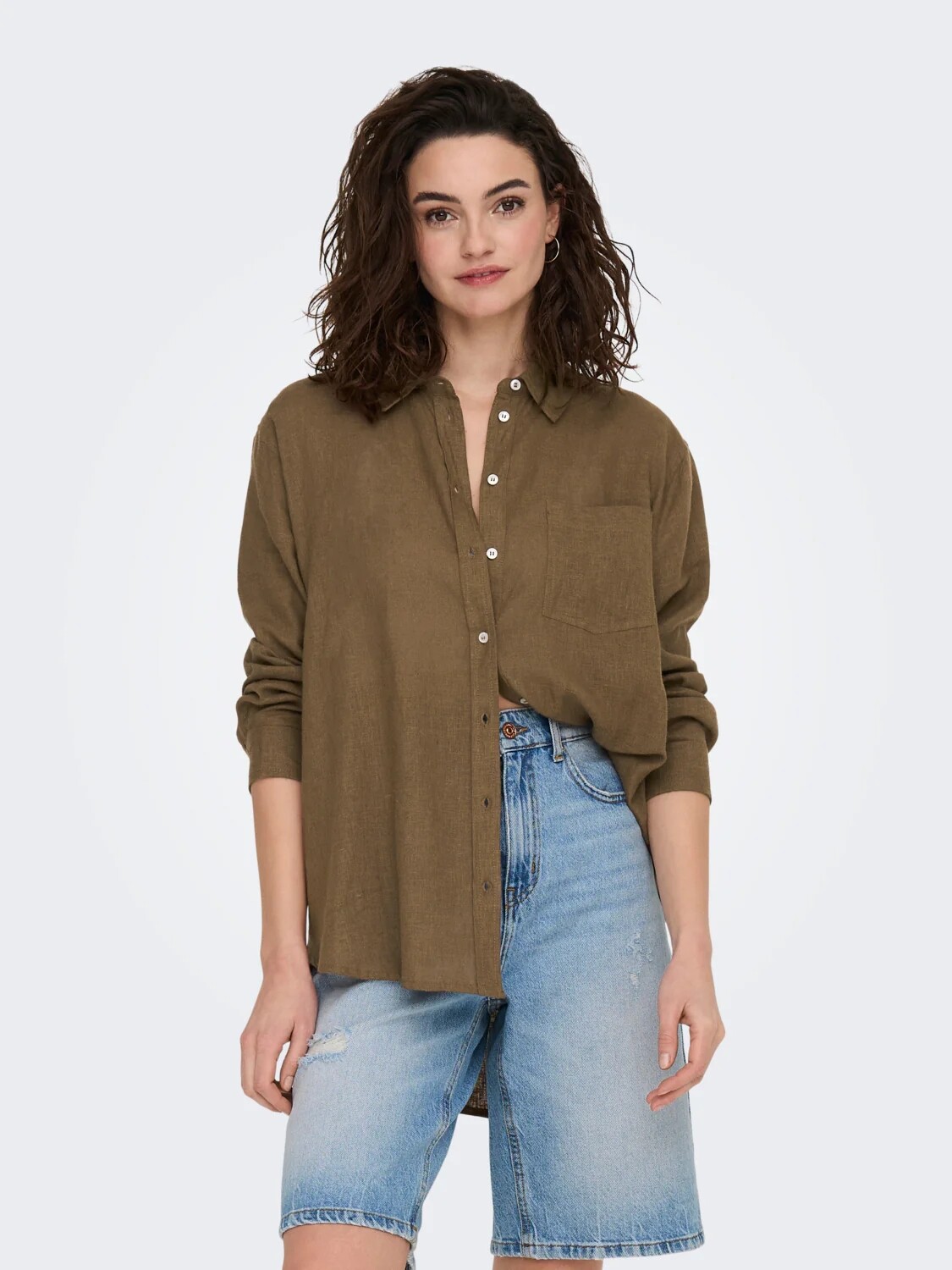
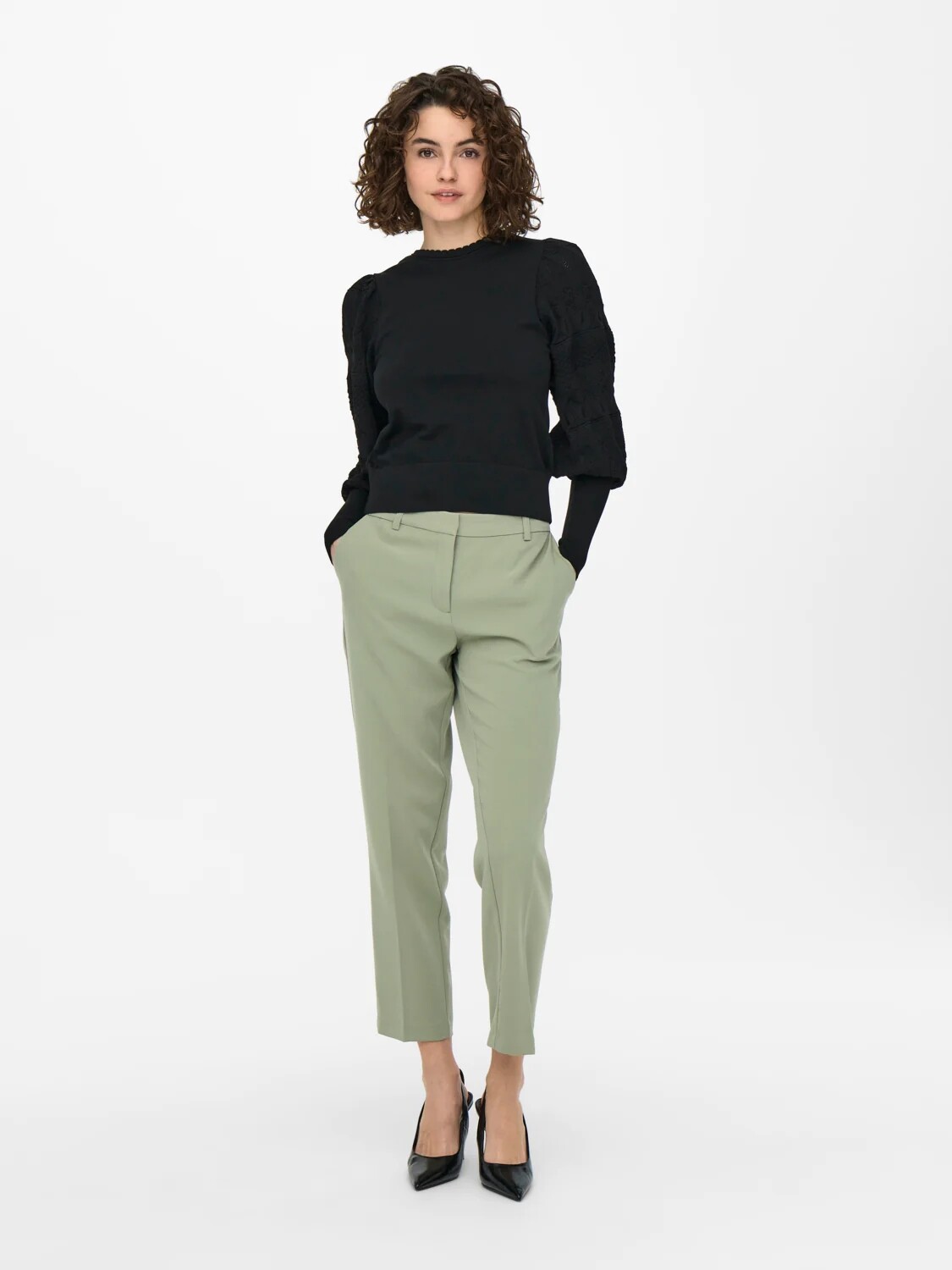
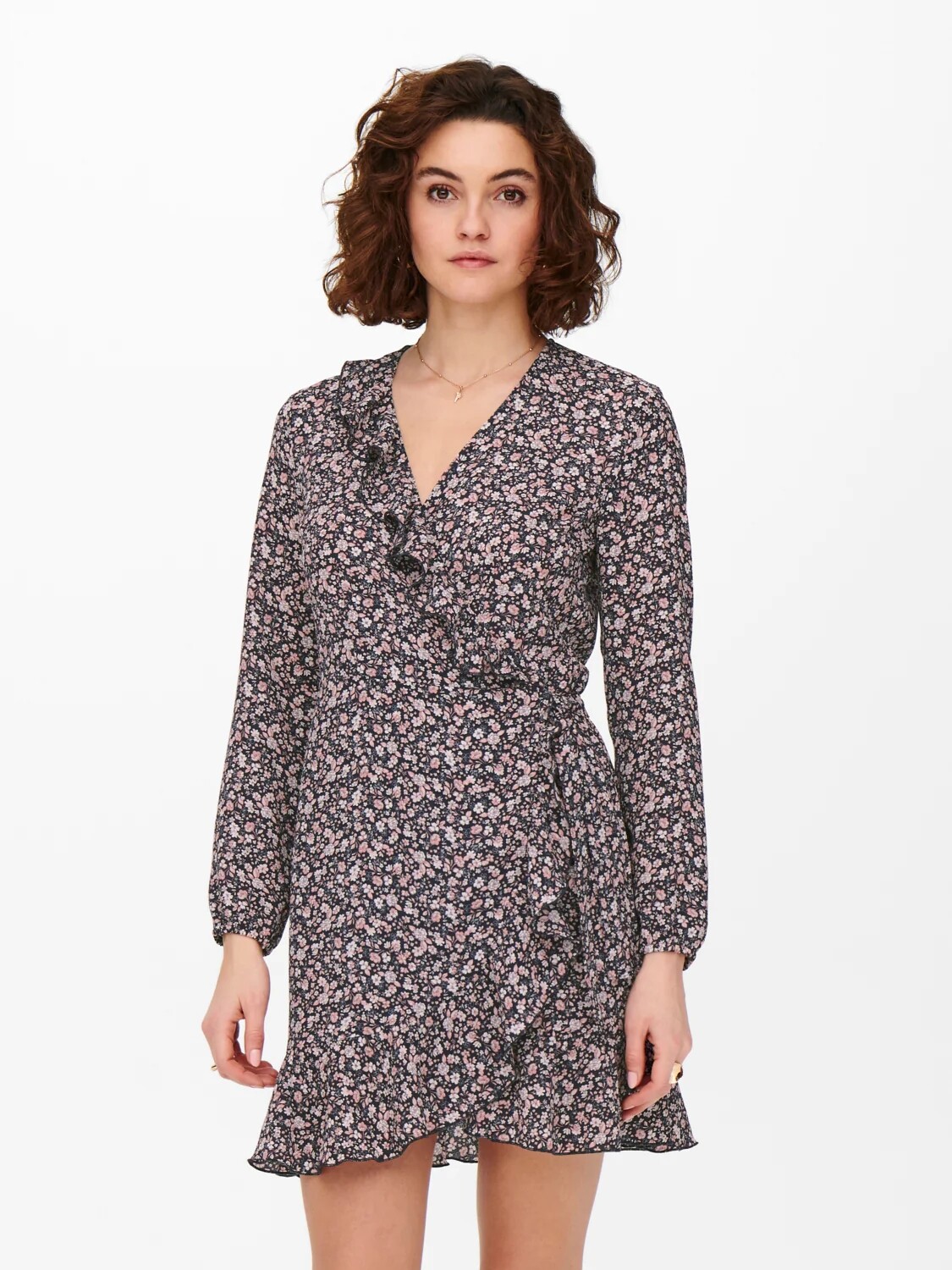
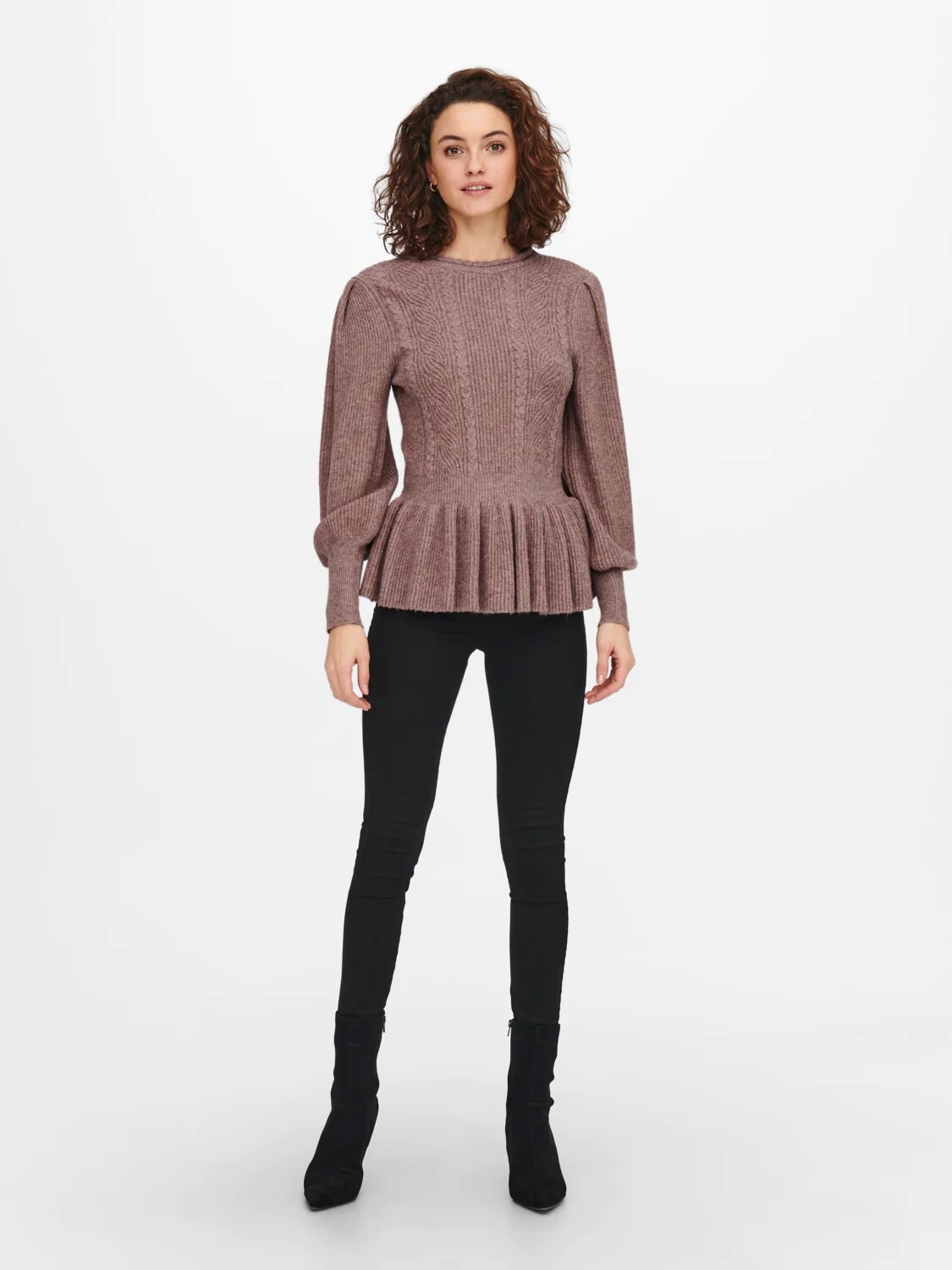
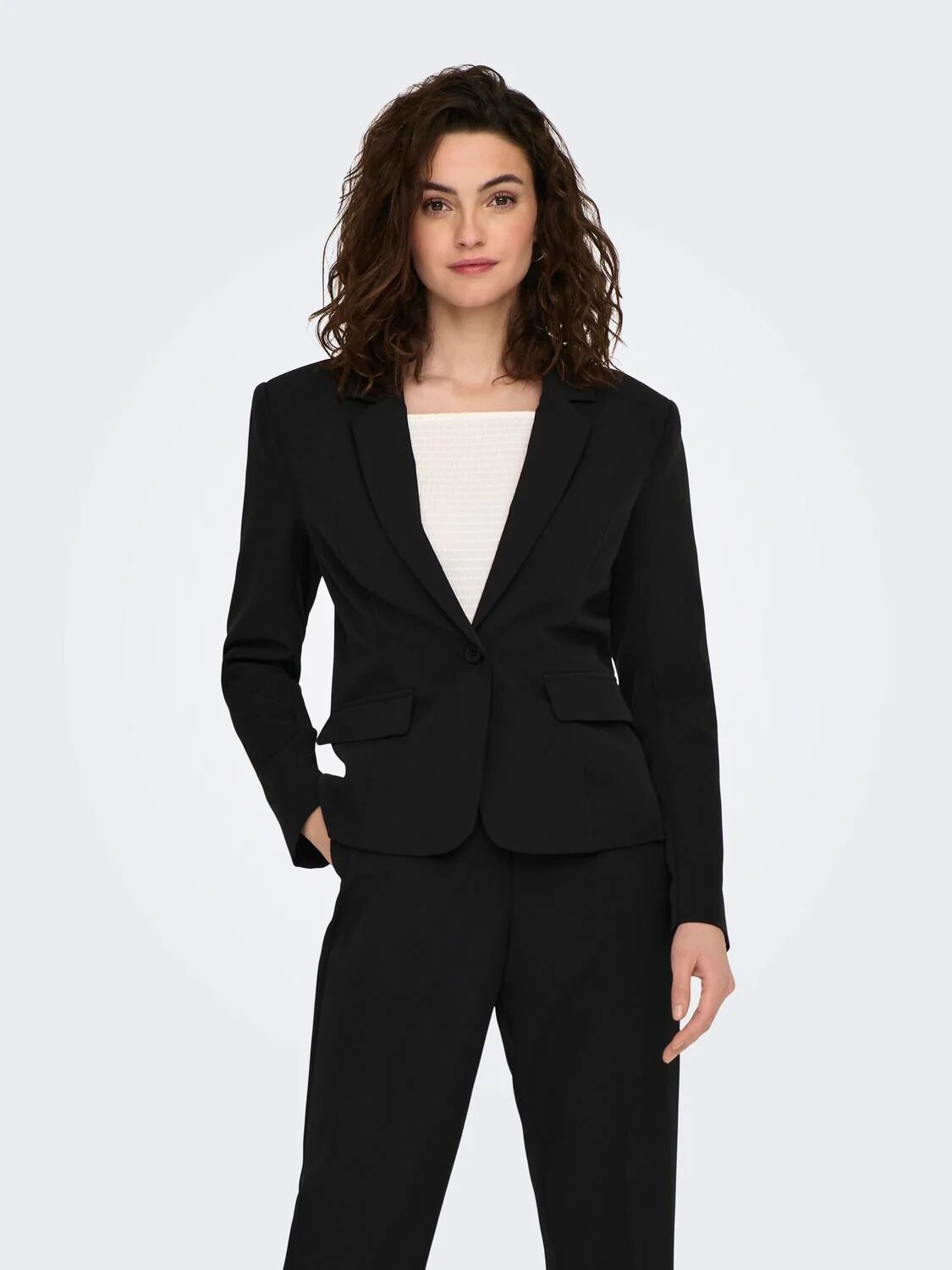
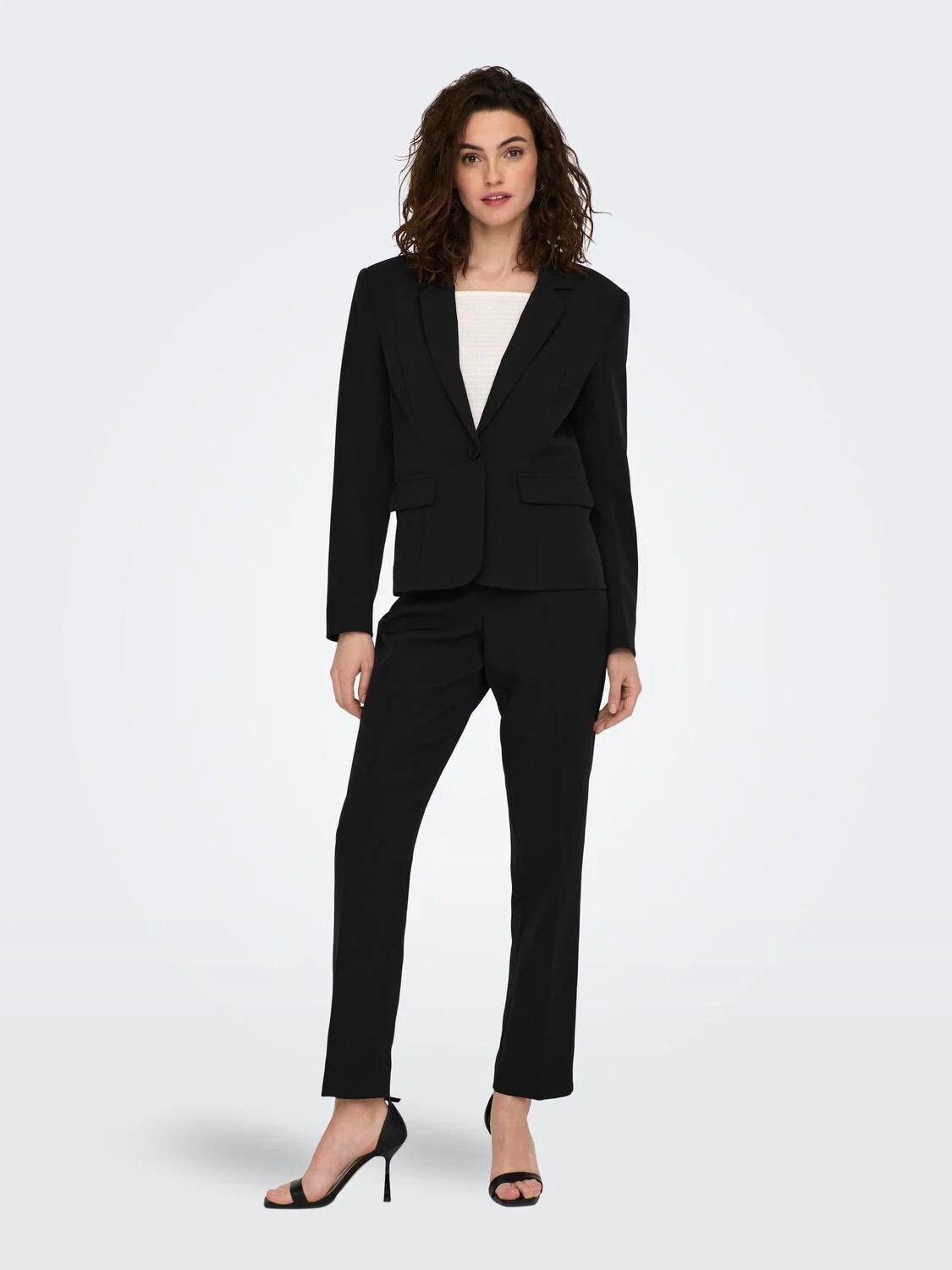
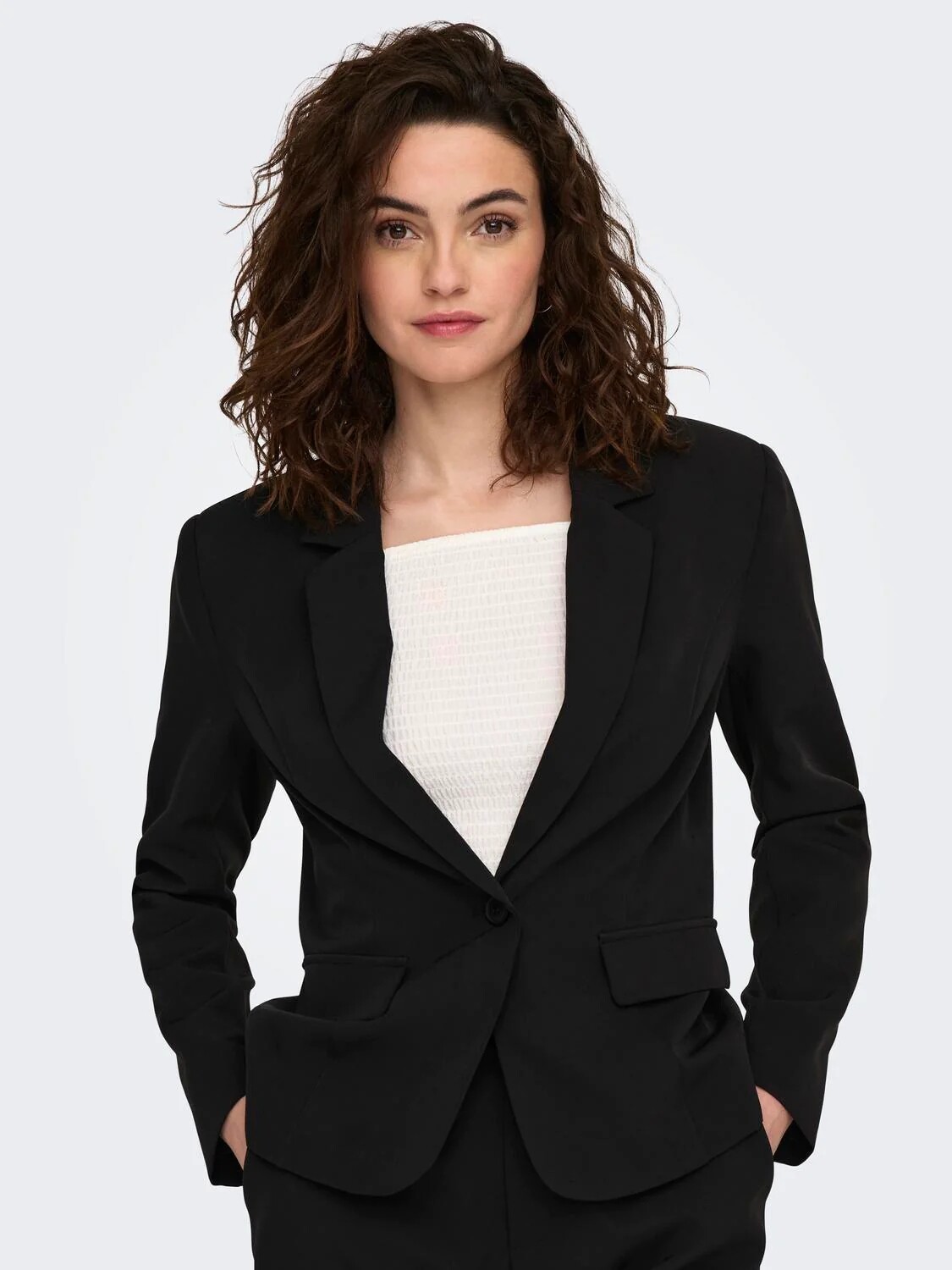
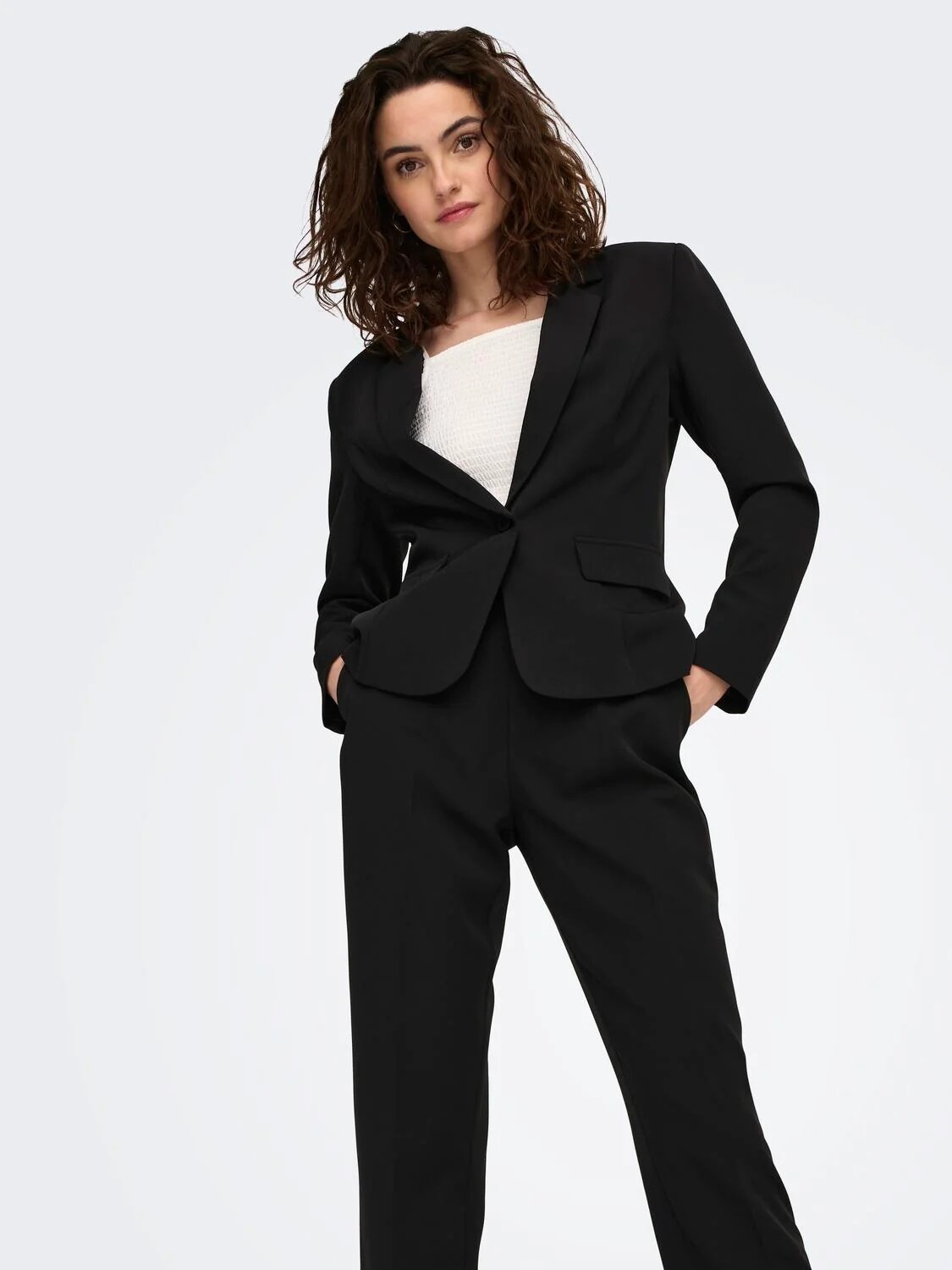
Mikkel Clausen 📷 for ONLY
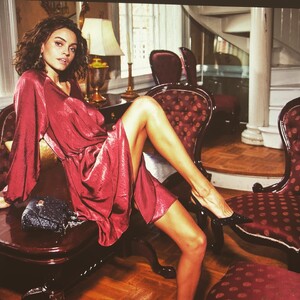
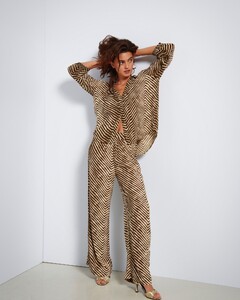
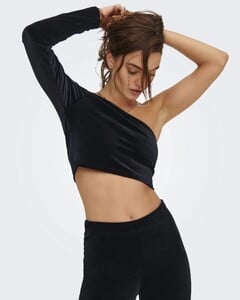
-
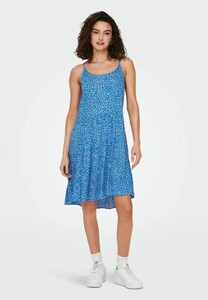
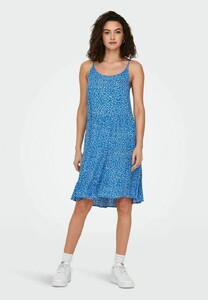
A few more from ONLY
-
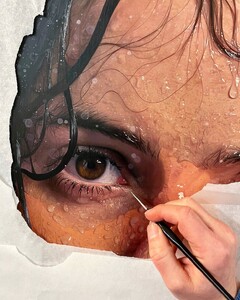
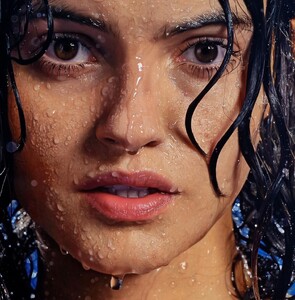
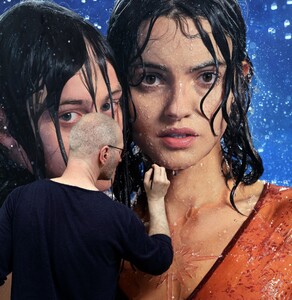
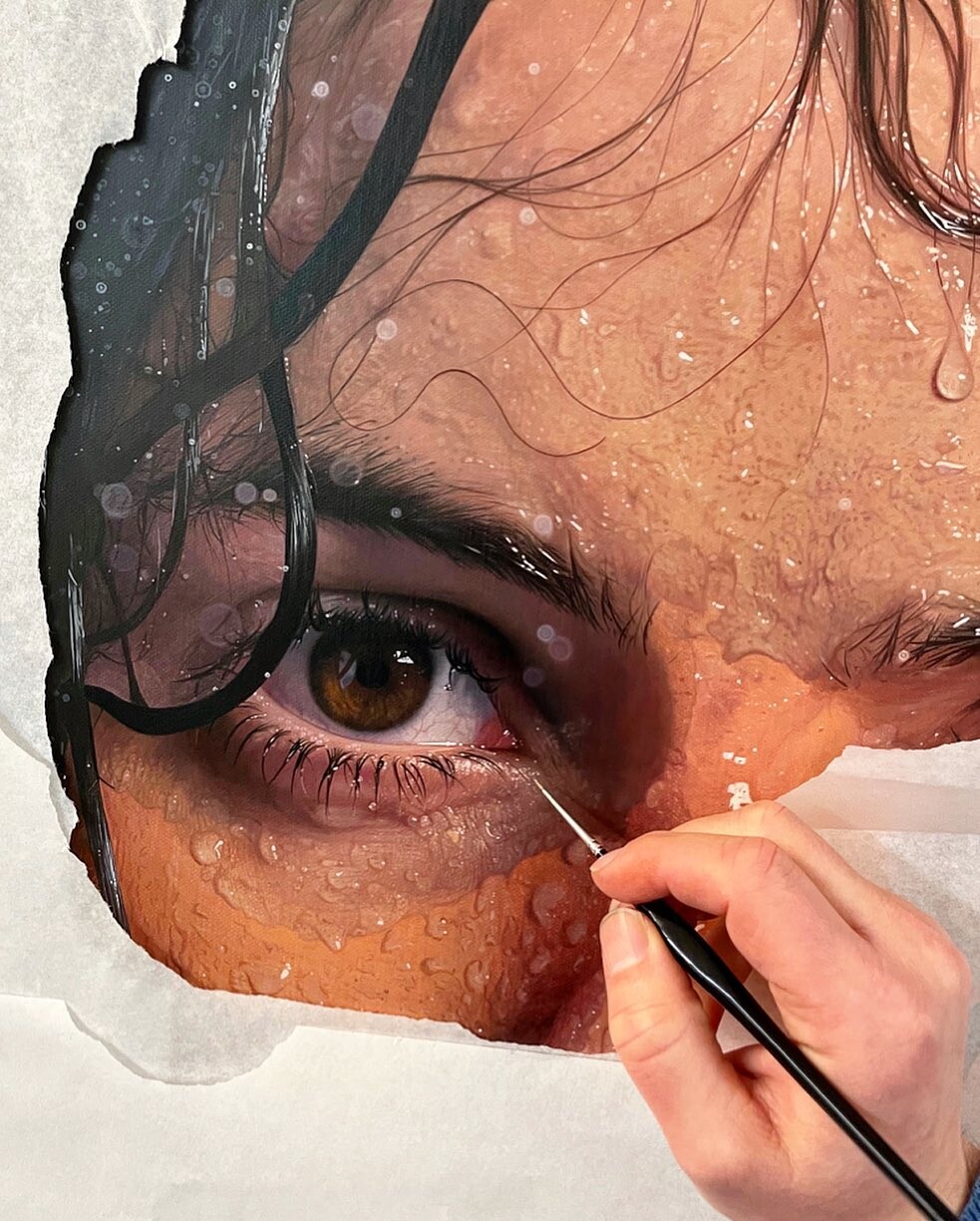
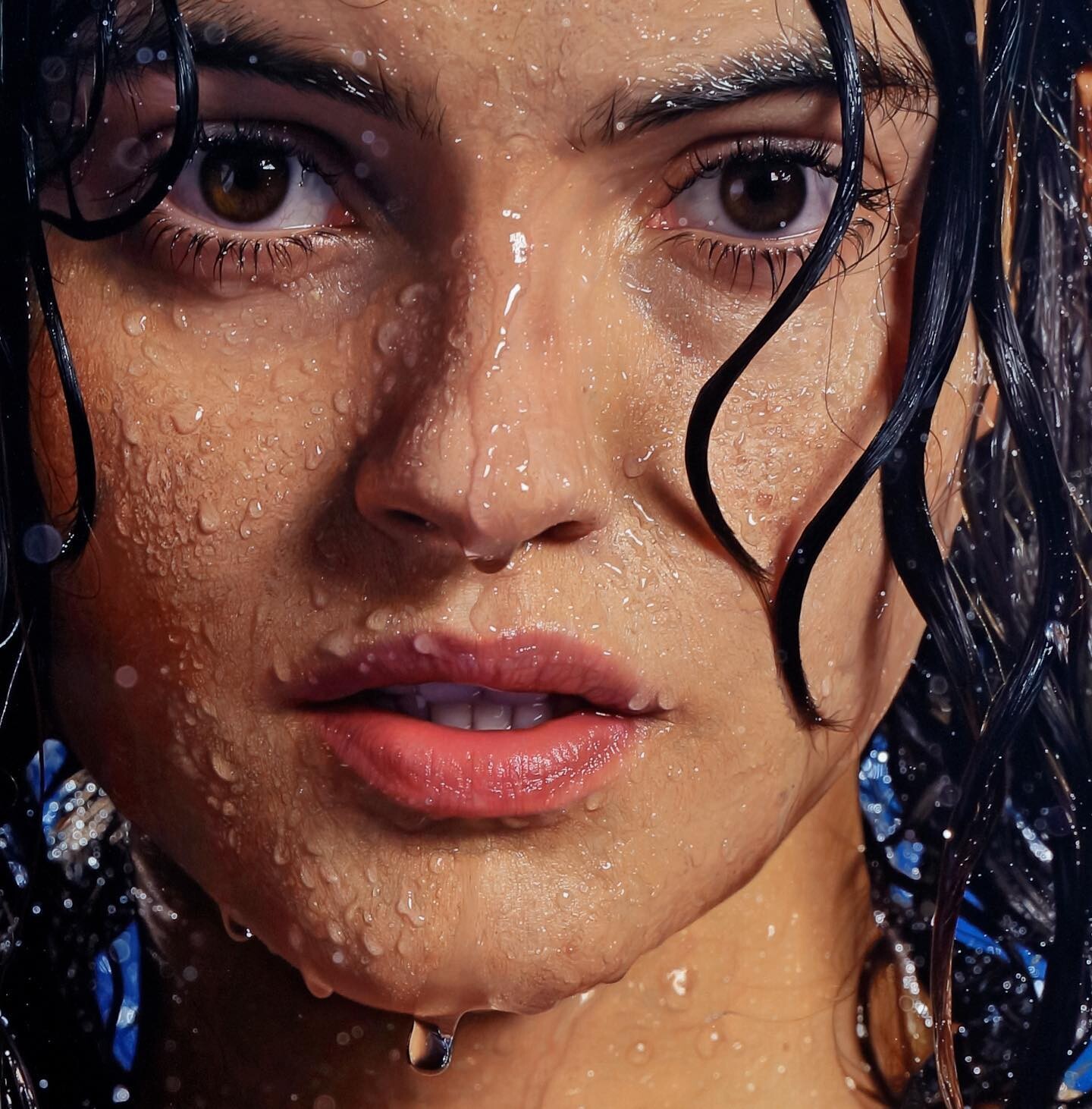
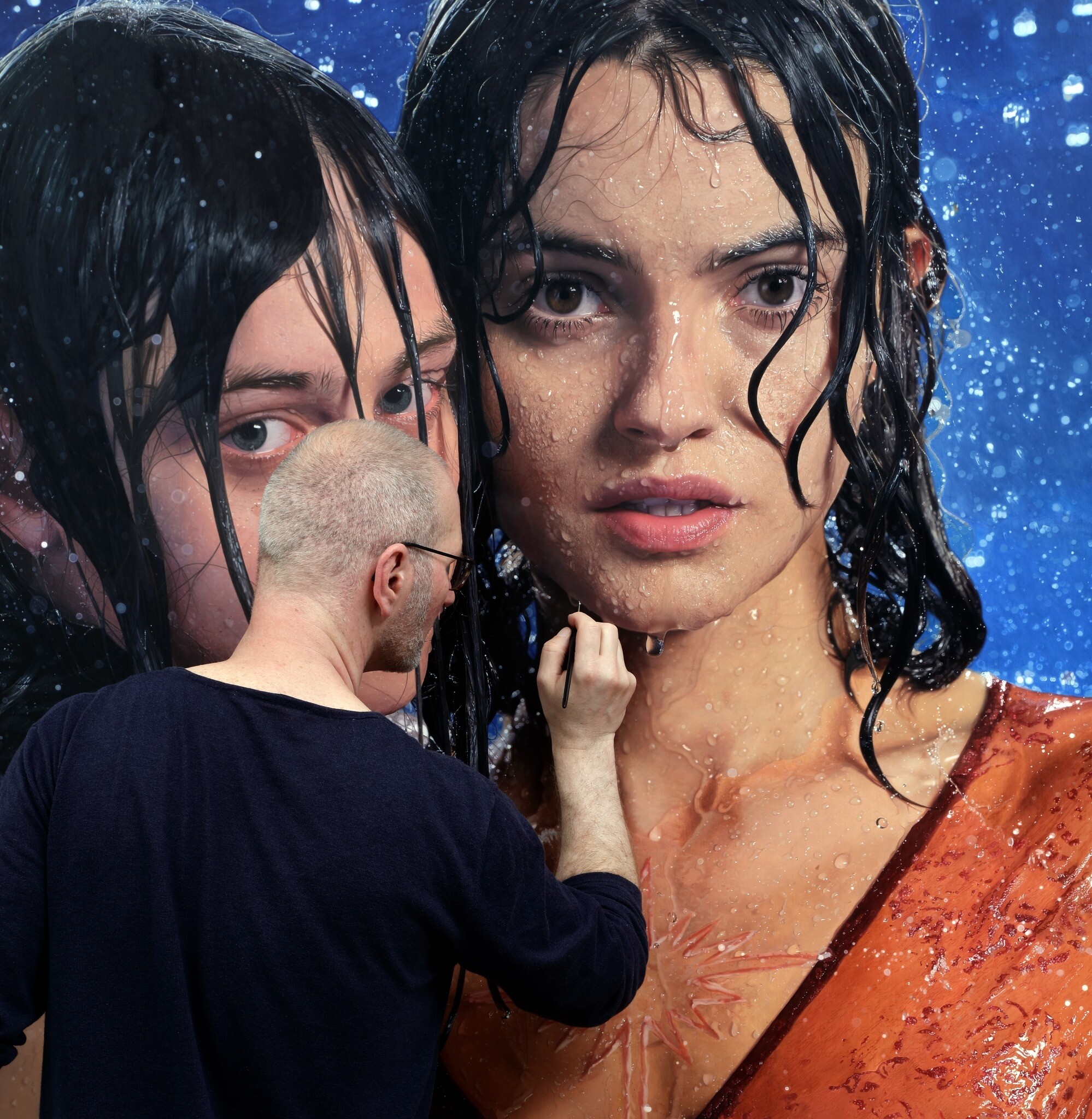
Philipp Weber 📷 Artist_Hyperrealism
-
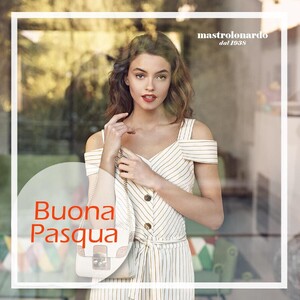
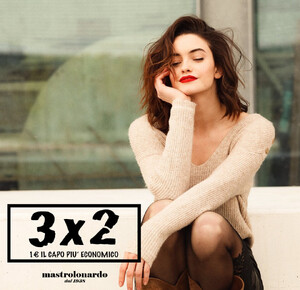
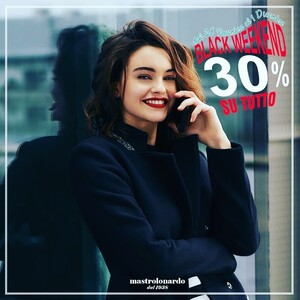
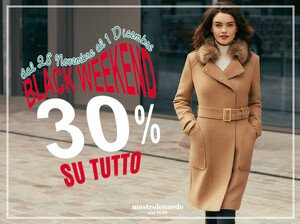
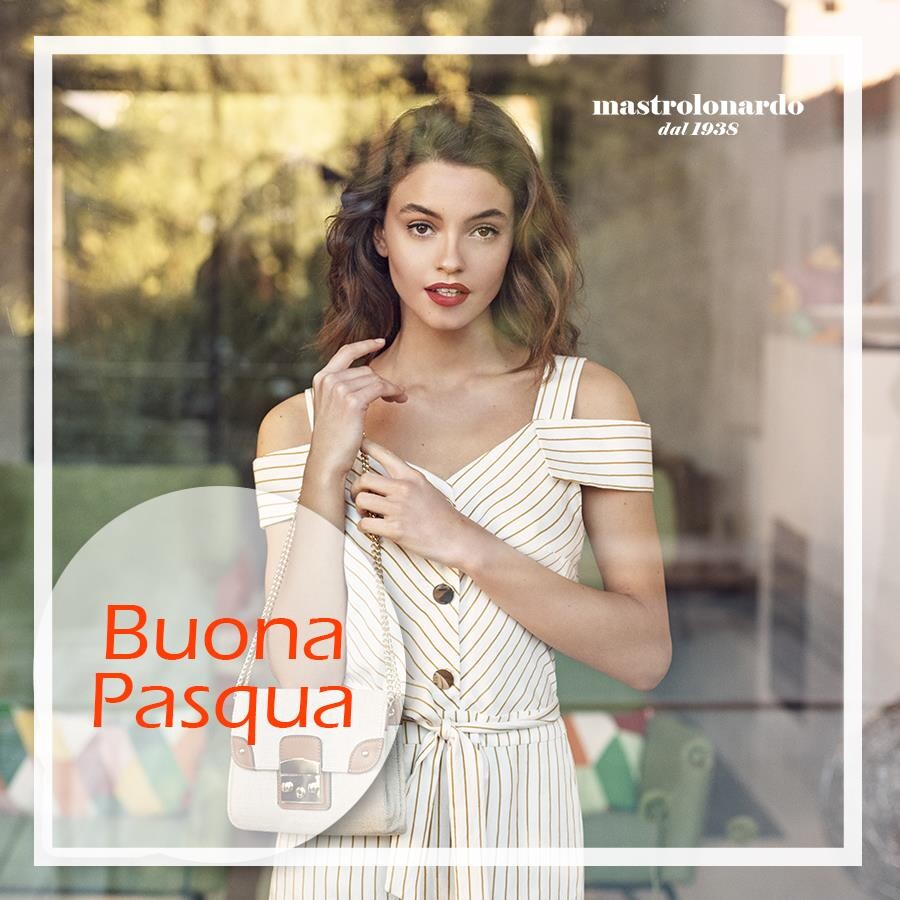
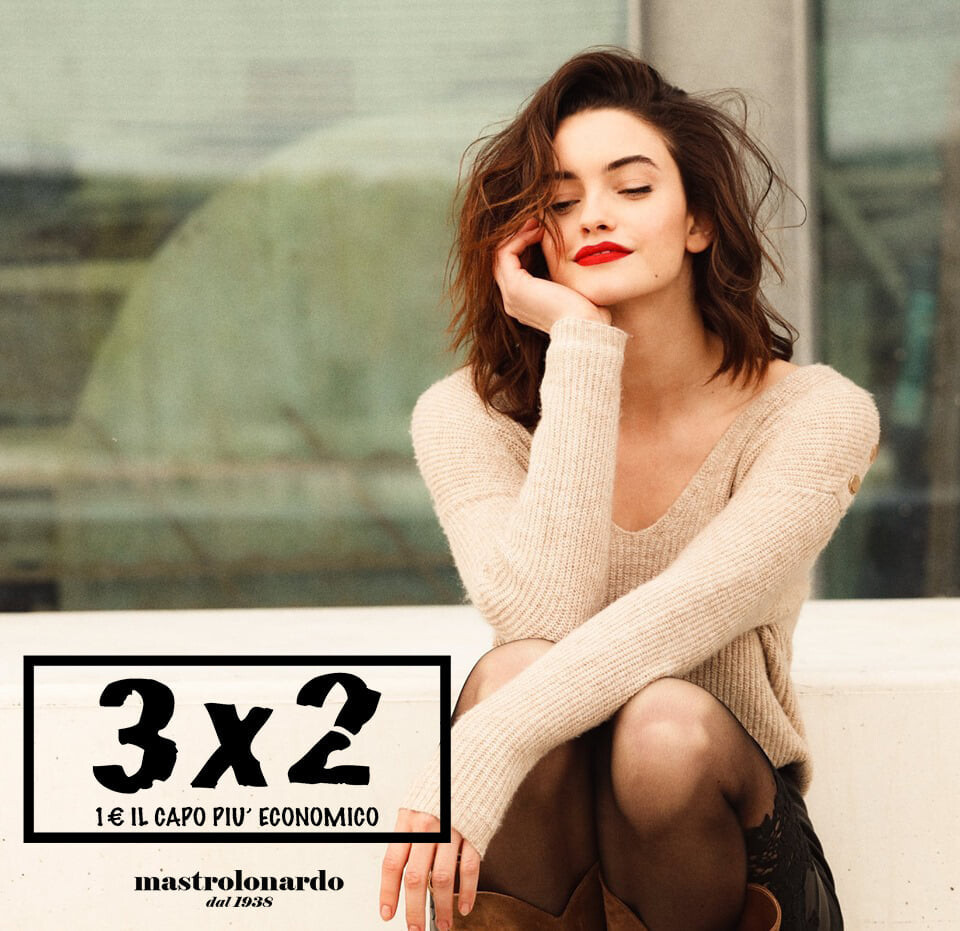
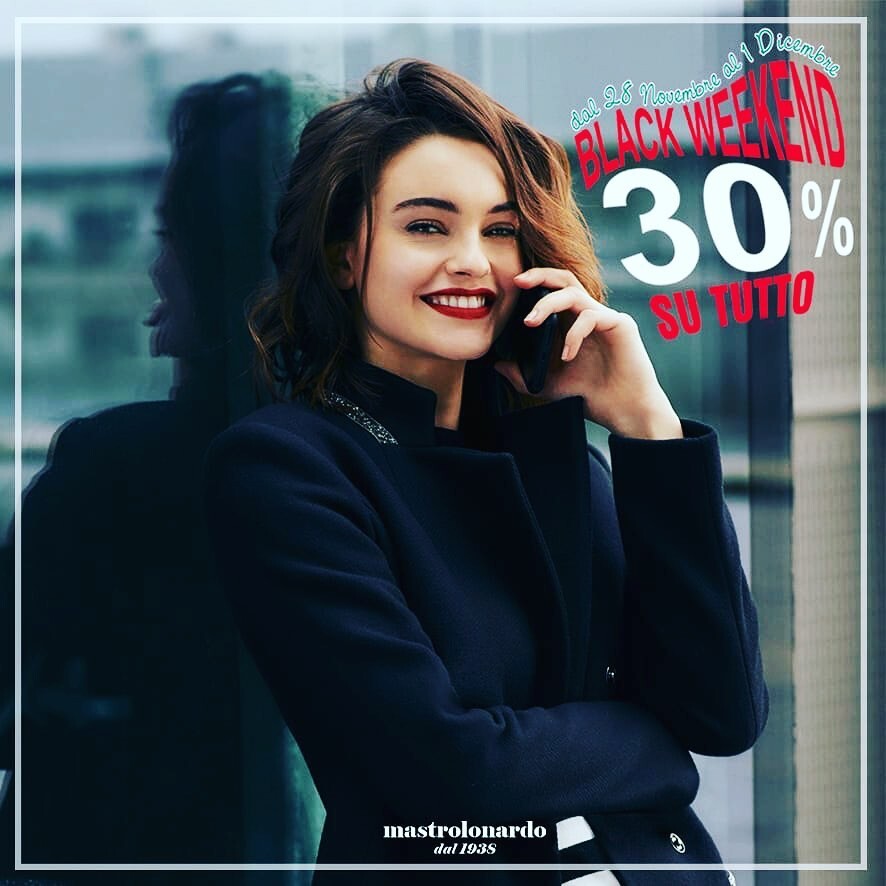
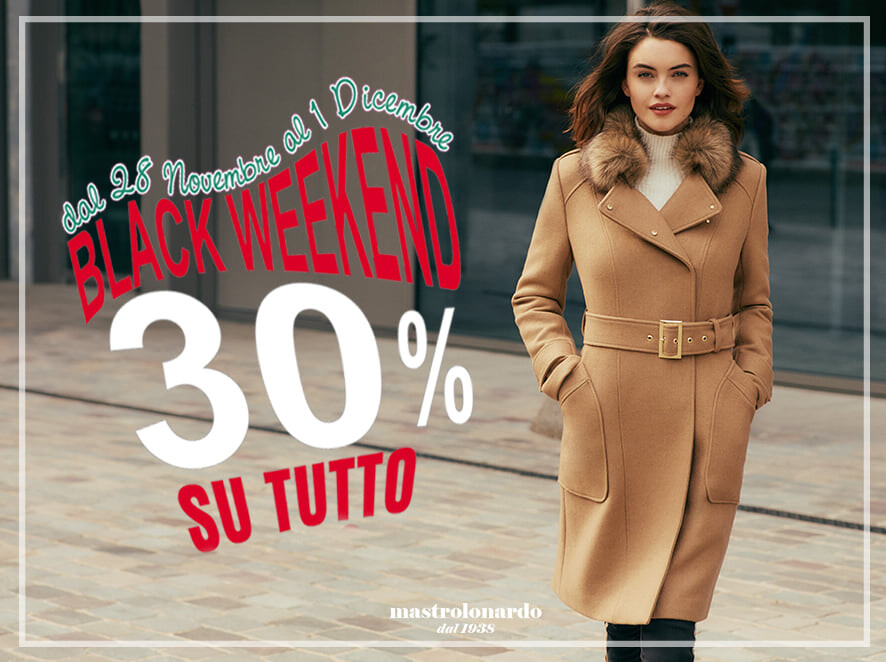
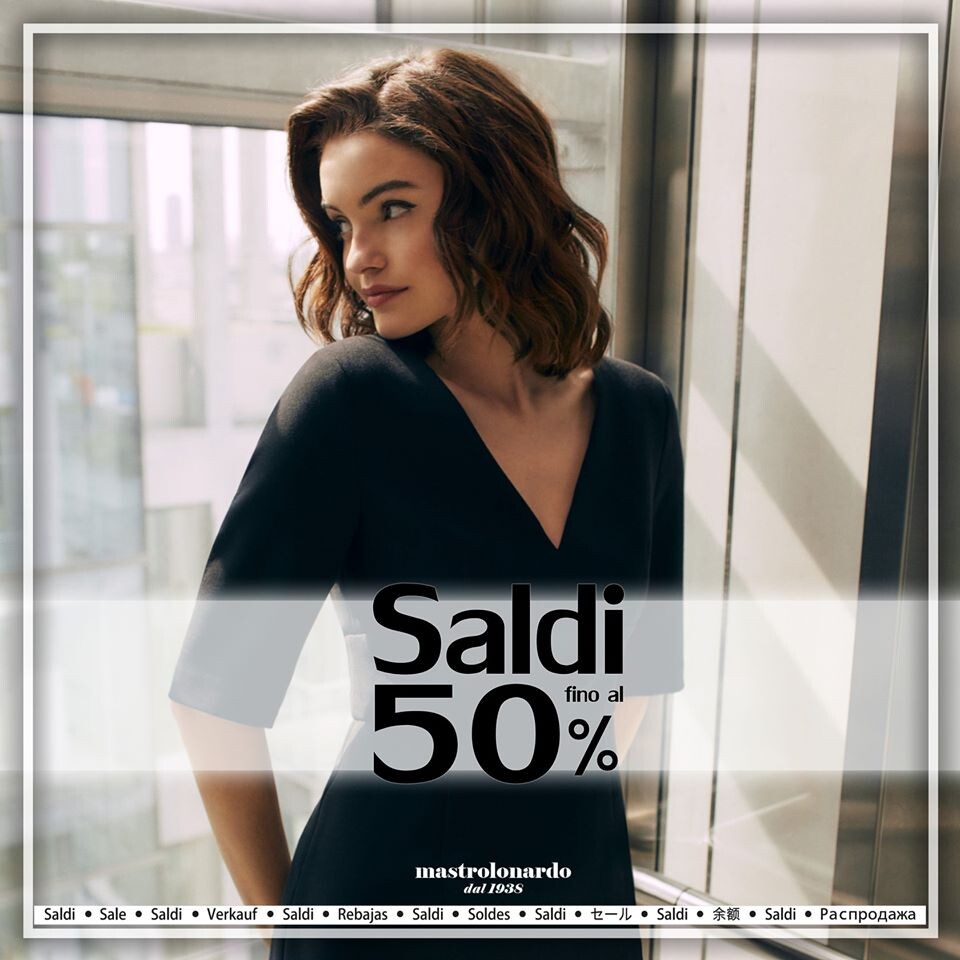
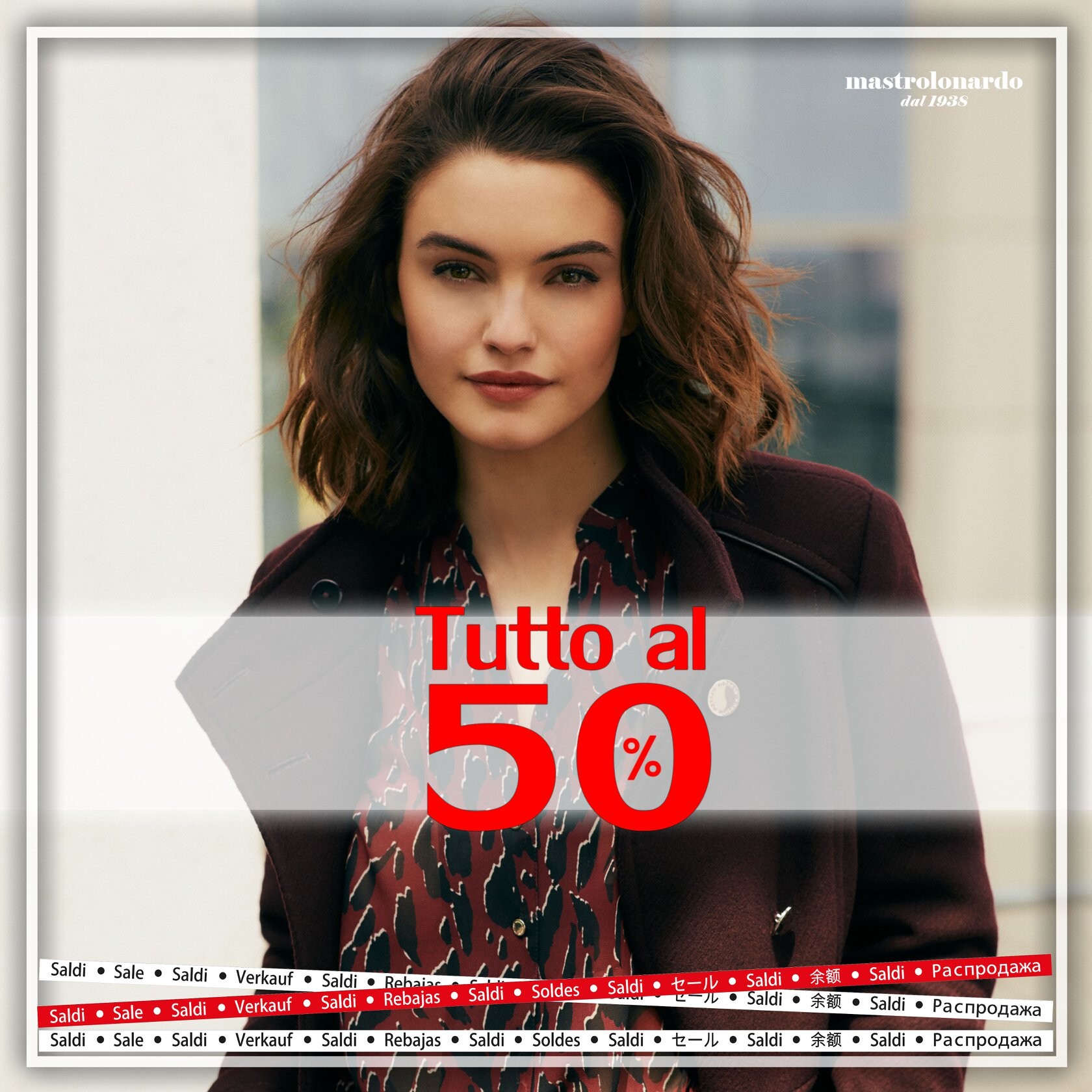
Mastrolonardo dal 1938
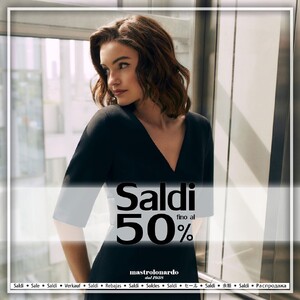
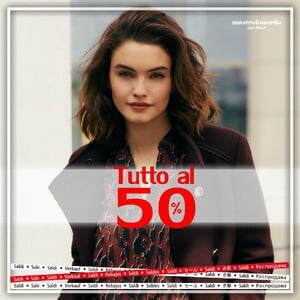
-
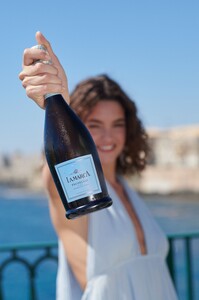
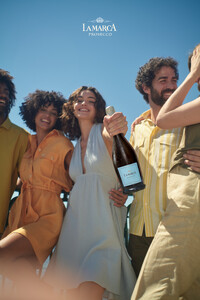
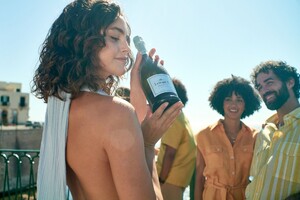
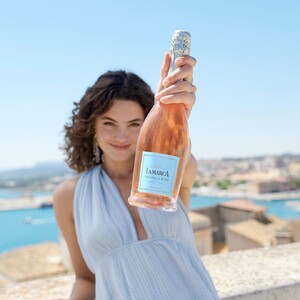
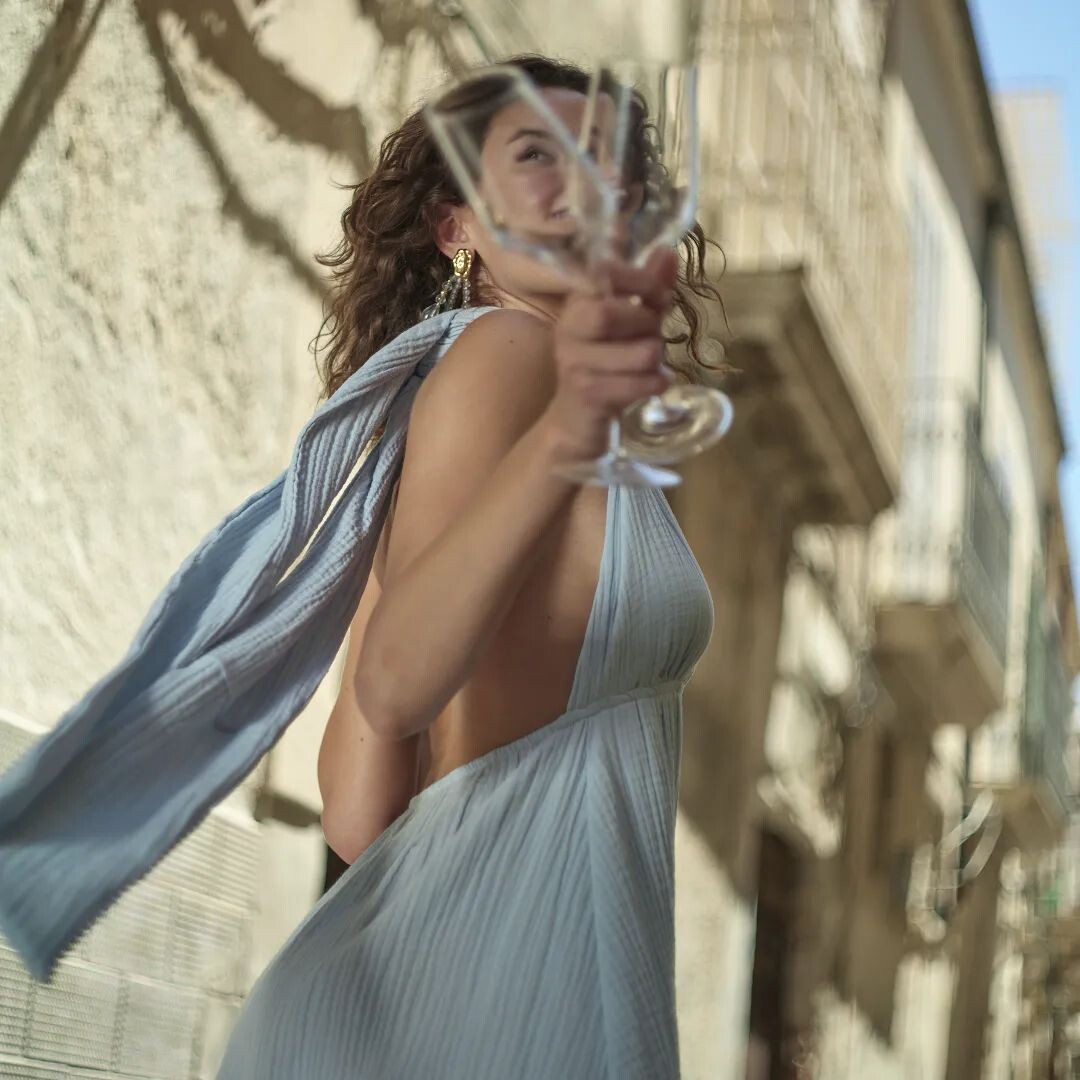
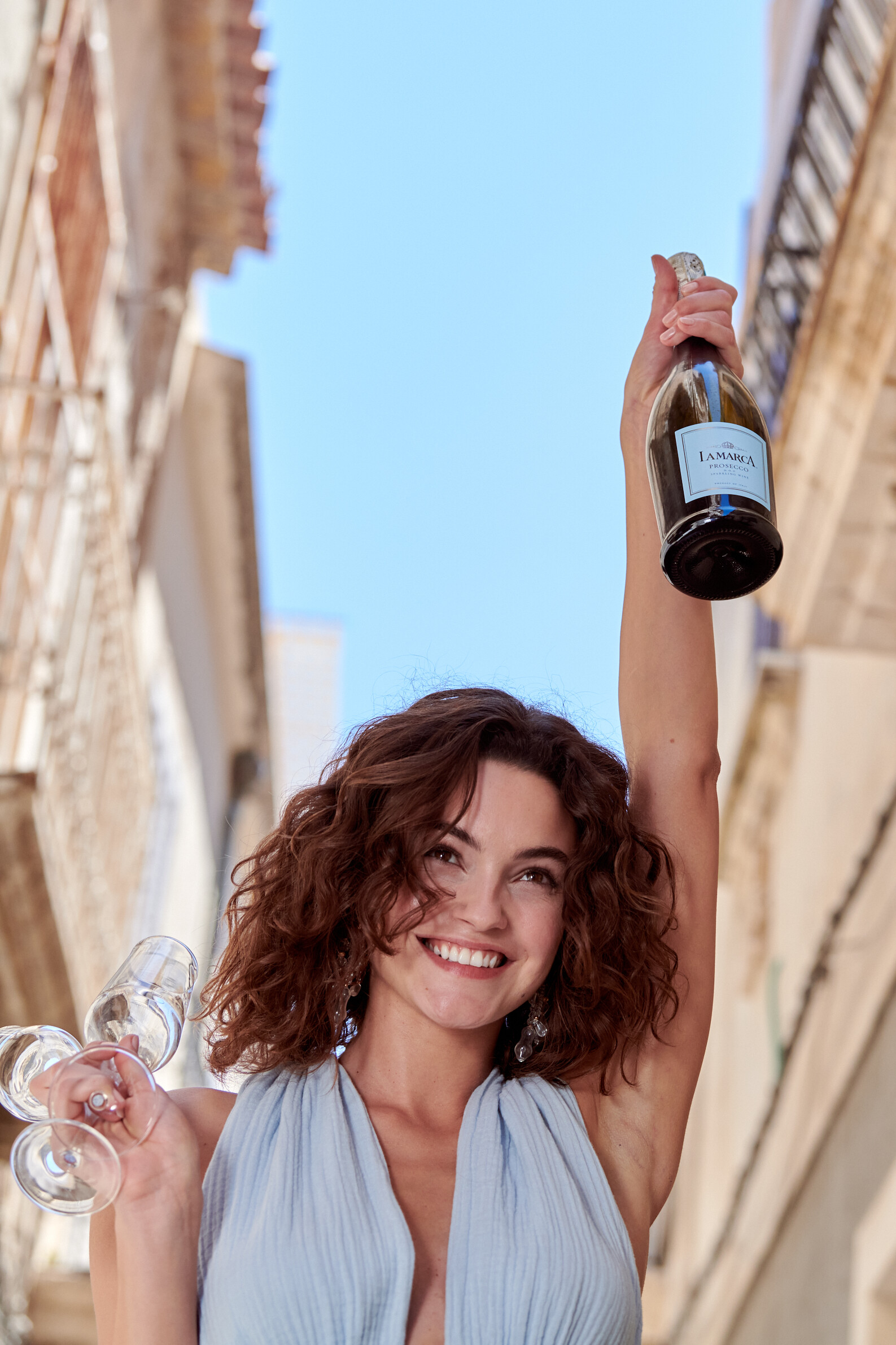
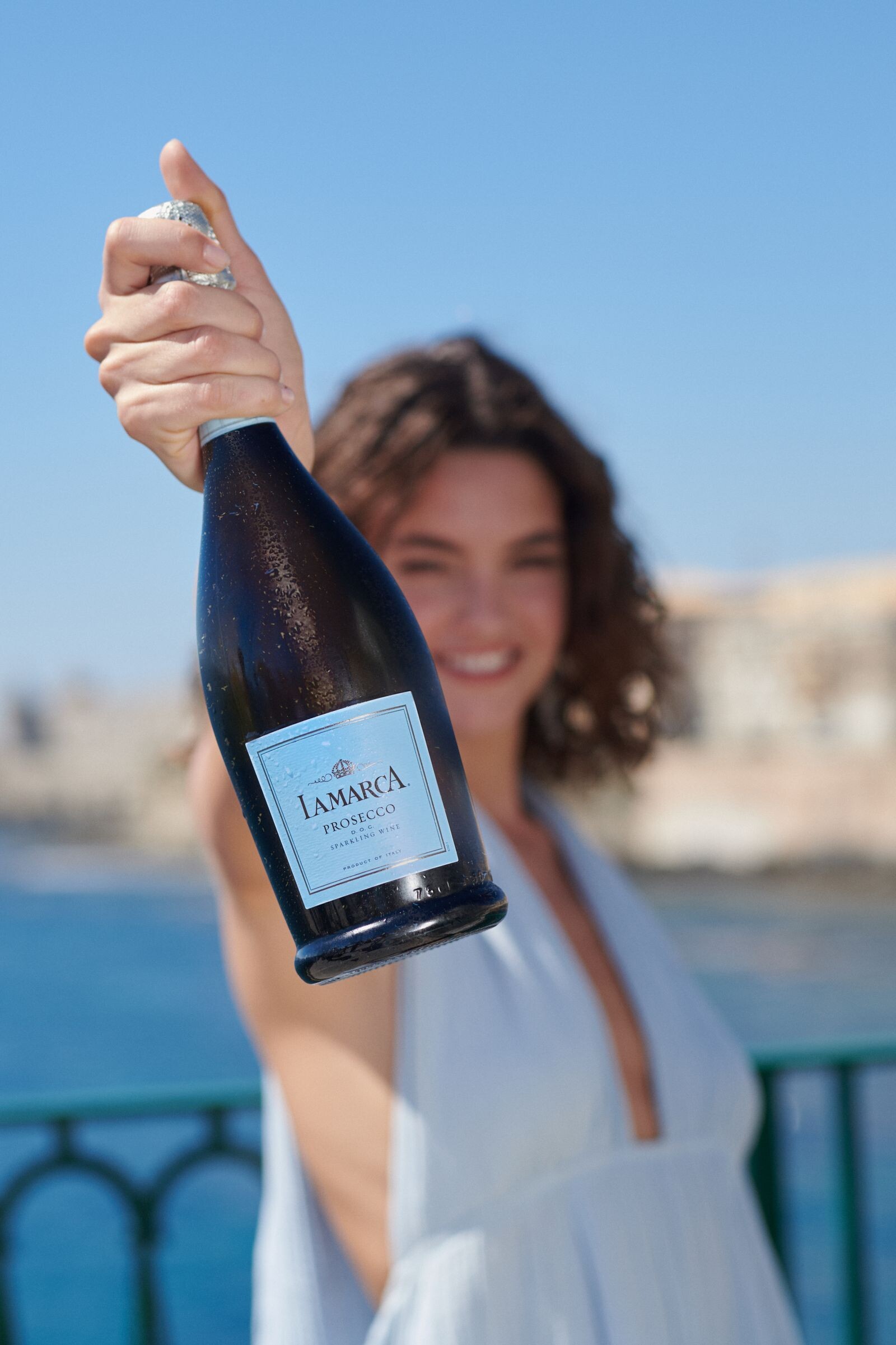
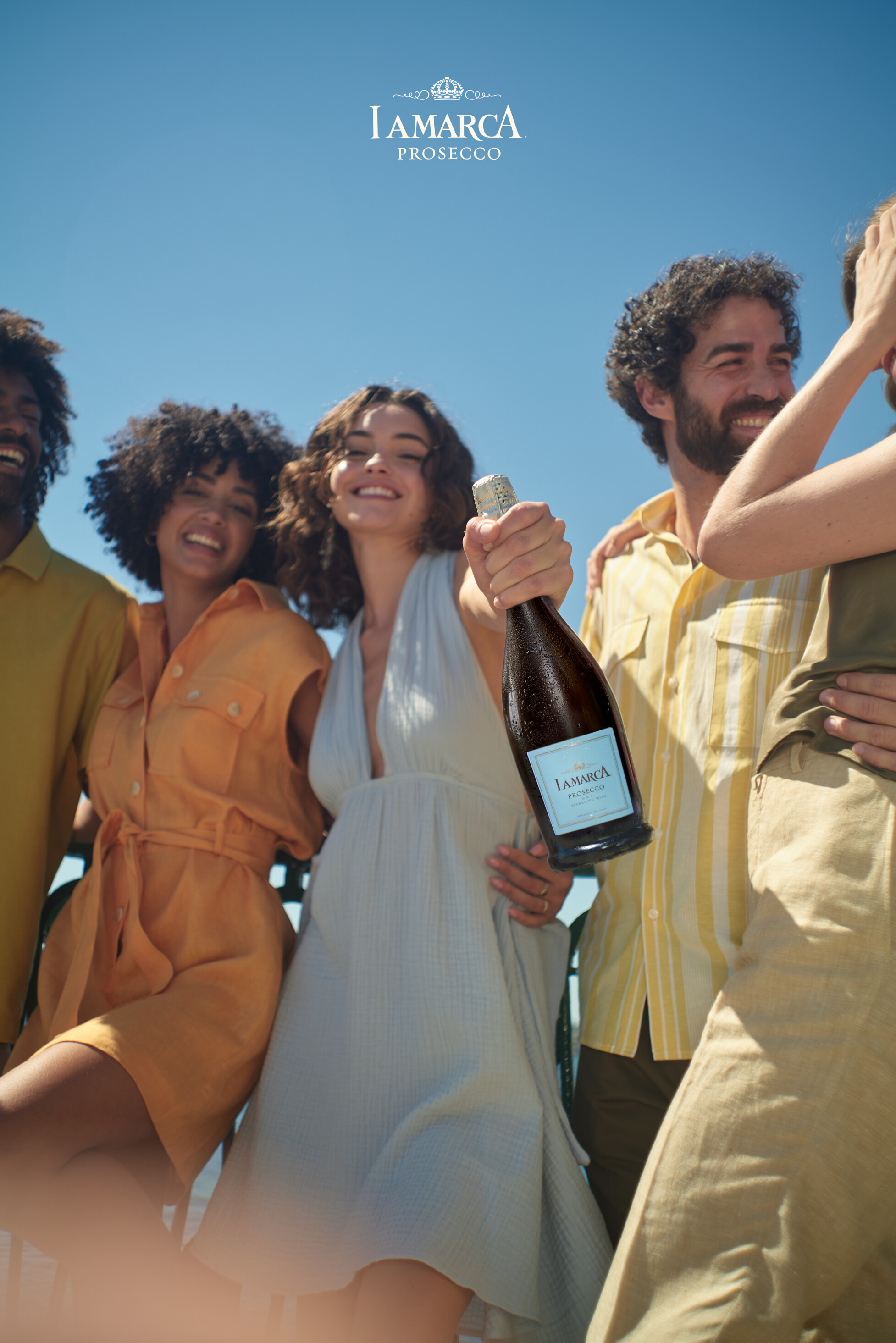
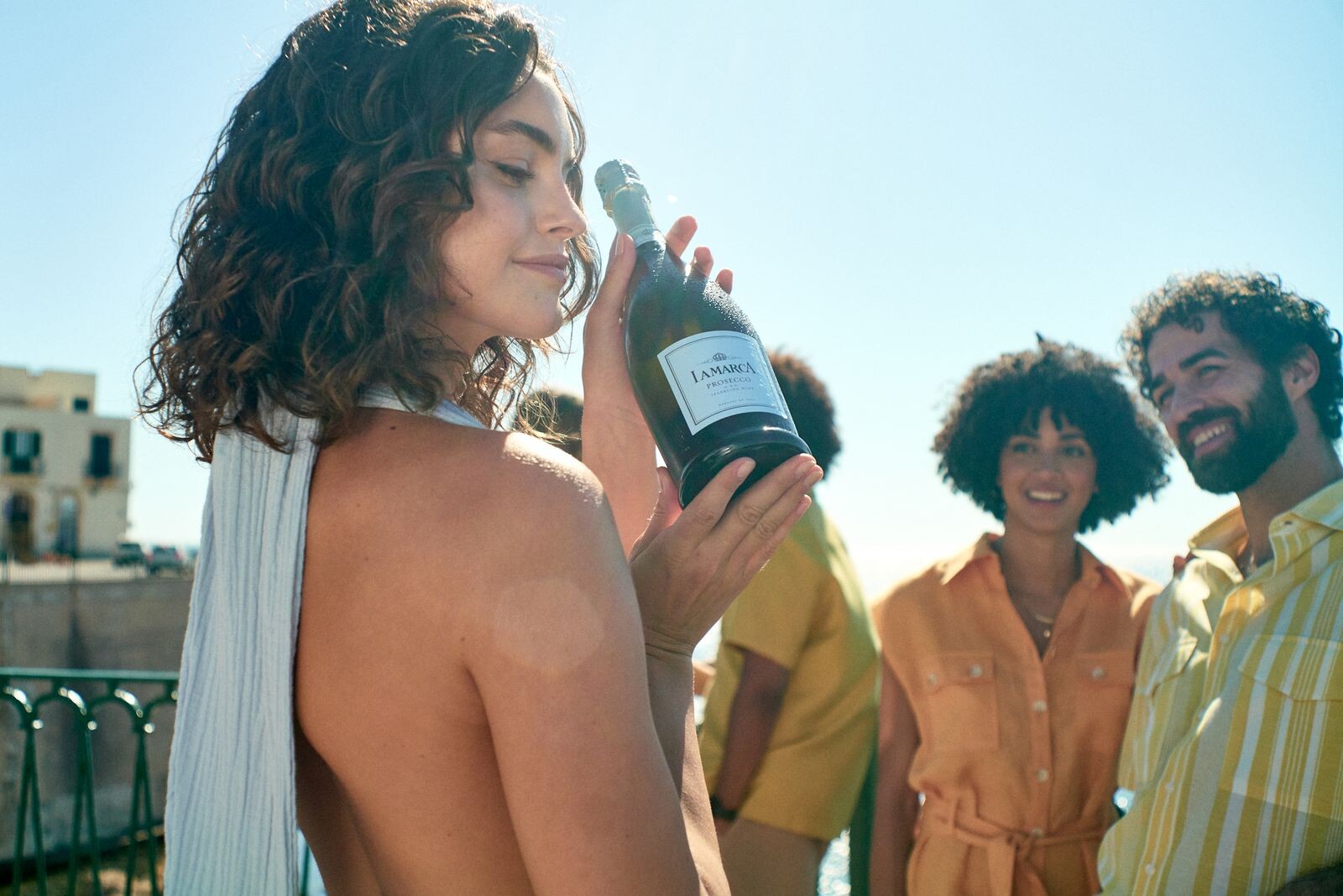
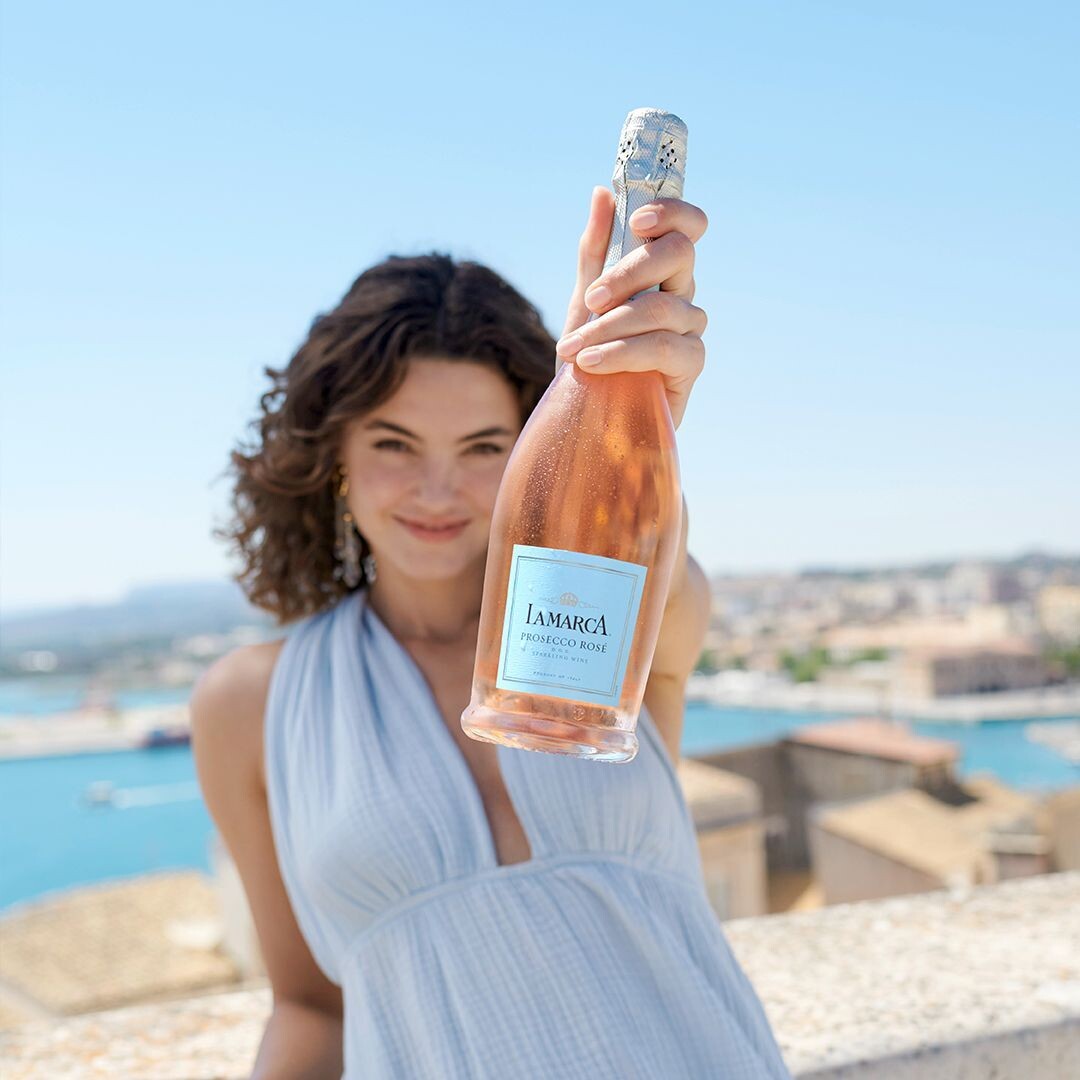
Gabriel Matula 📷 for La Marca Prosecco
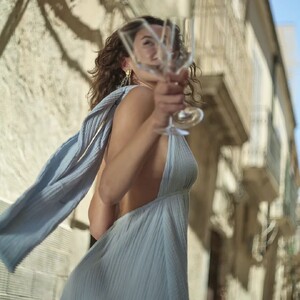
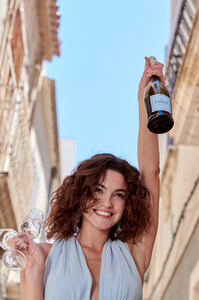
-
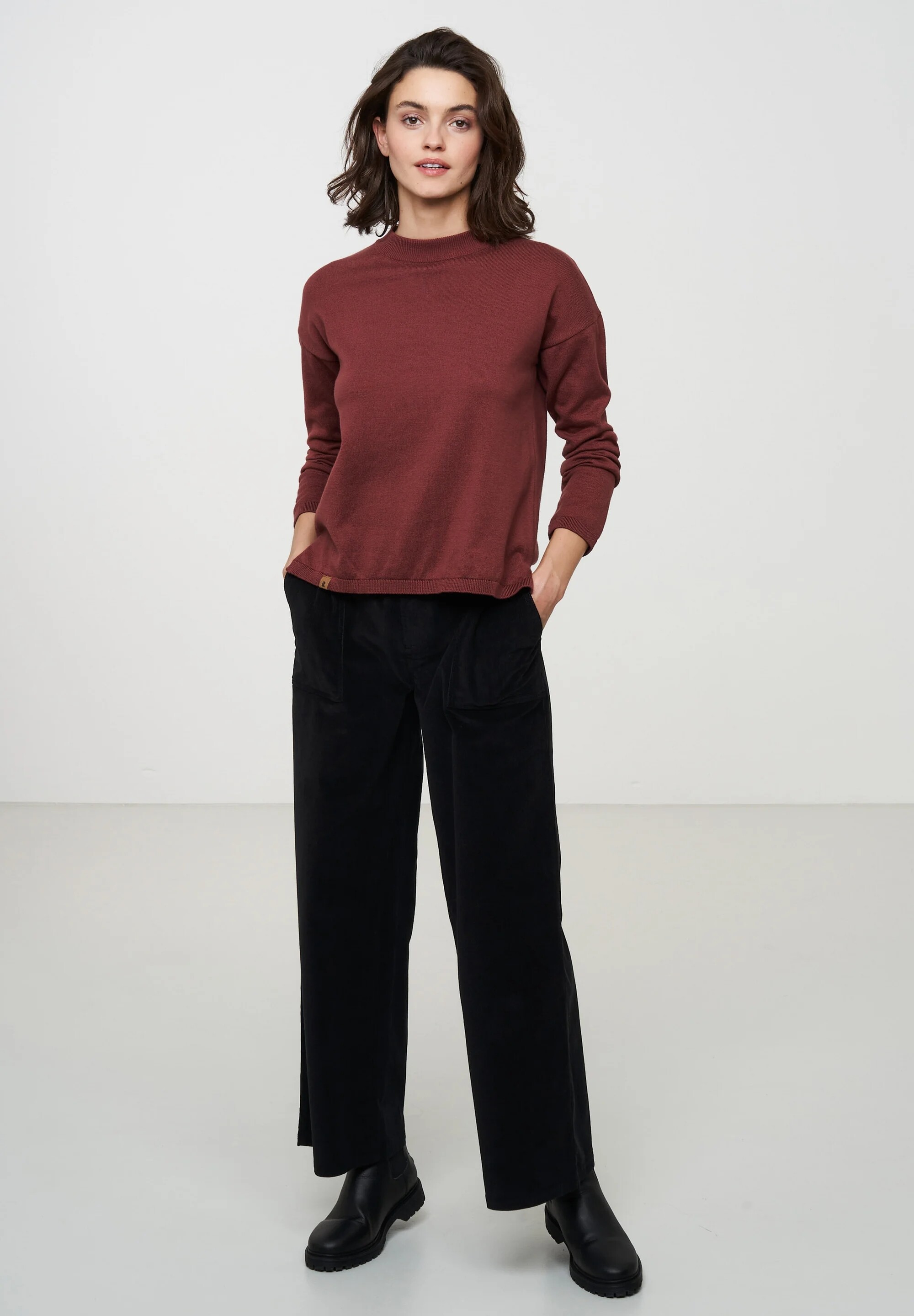
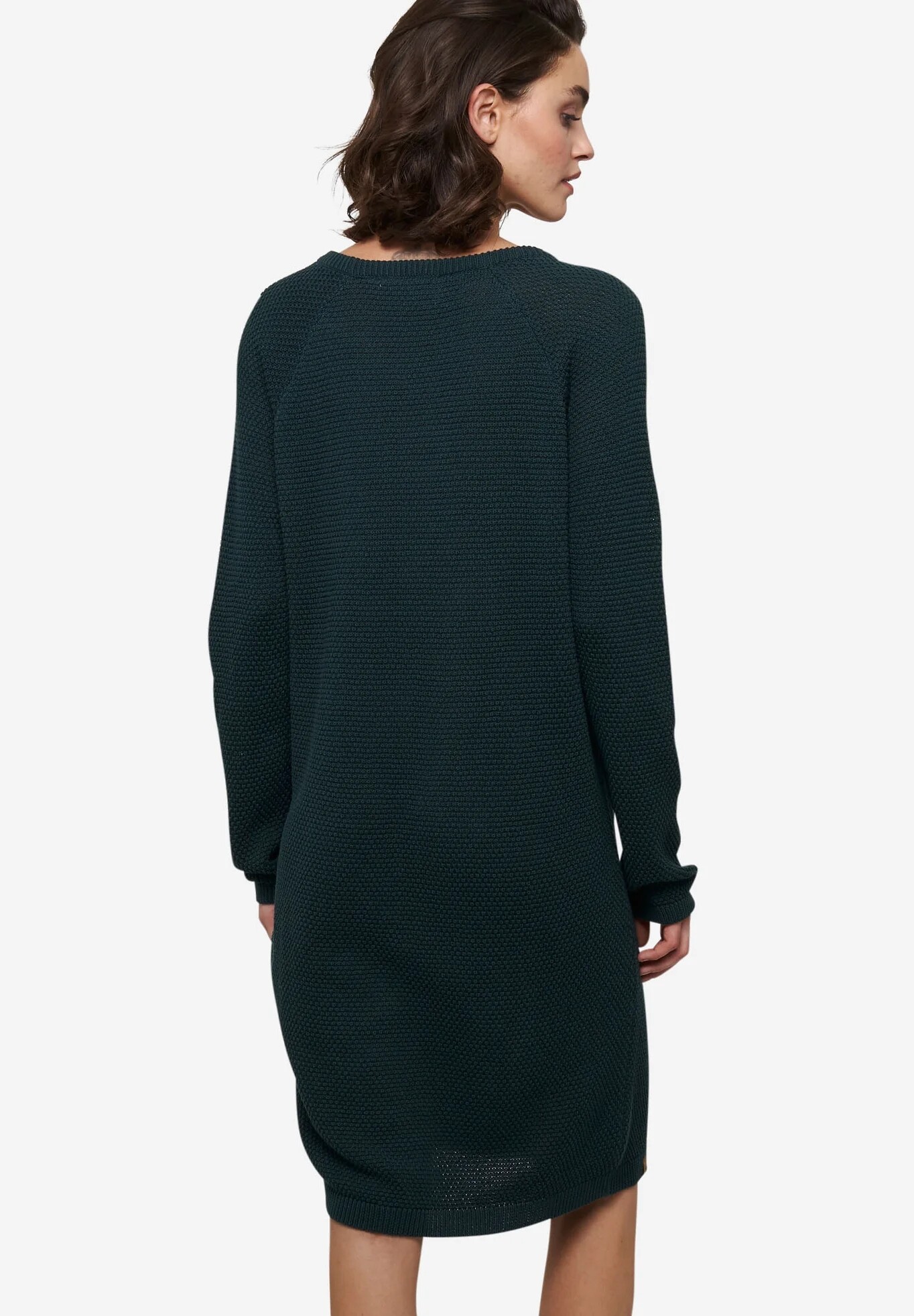
FORTE for Deerberg
.thumb.jpg.c8dc75fb1100c639471268ae9cef1925.jpg)
.thumb.jpg.3501700491ebd3b3b0e8d4d7f0ebd4b5.jpg)
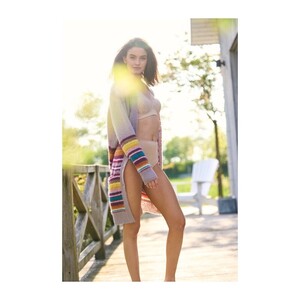
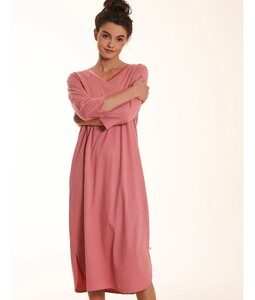
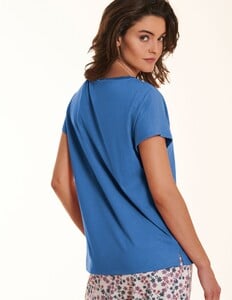
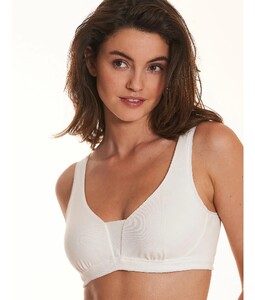
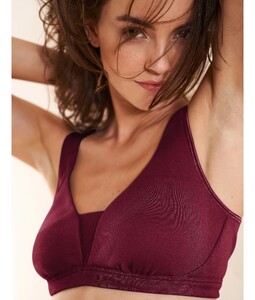
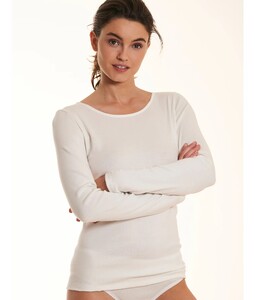
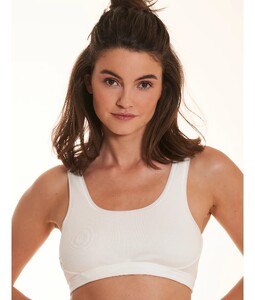
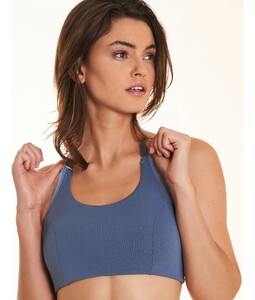
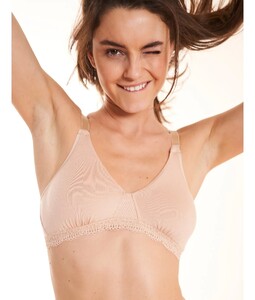
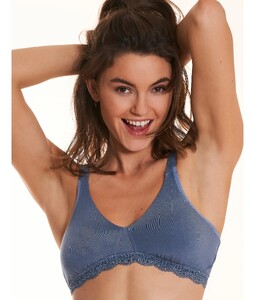
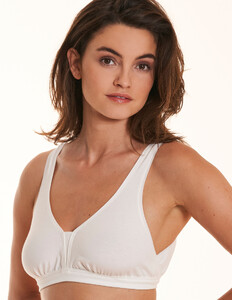
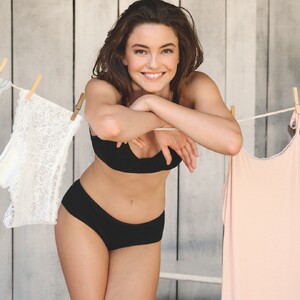

-
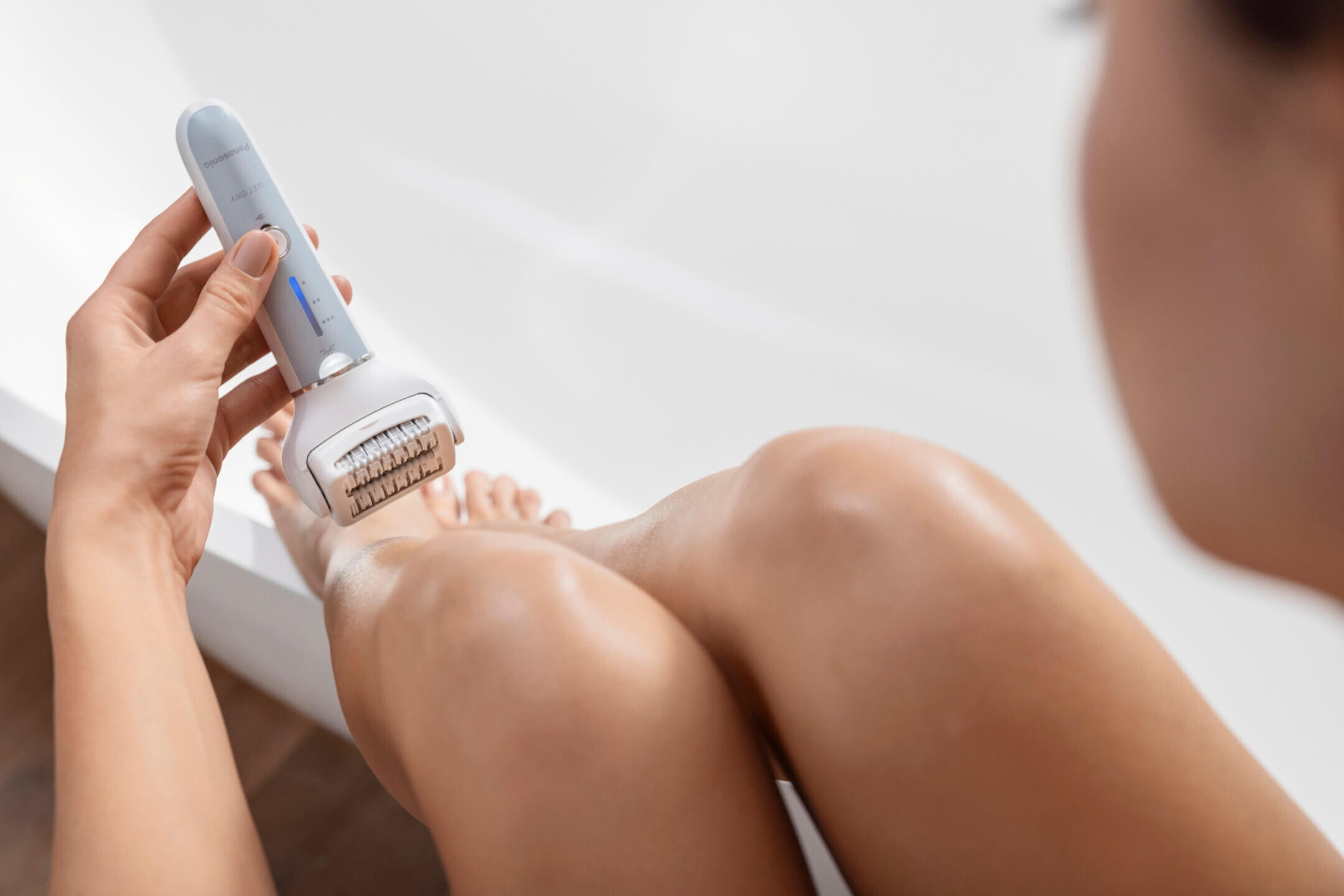
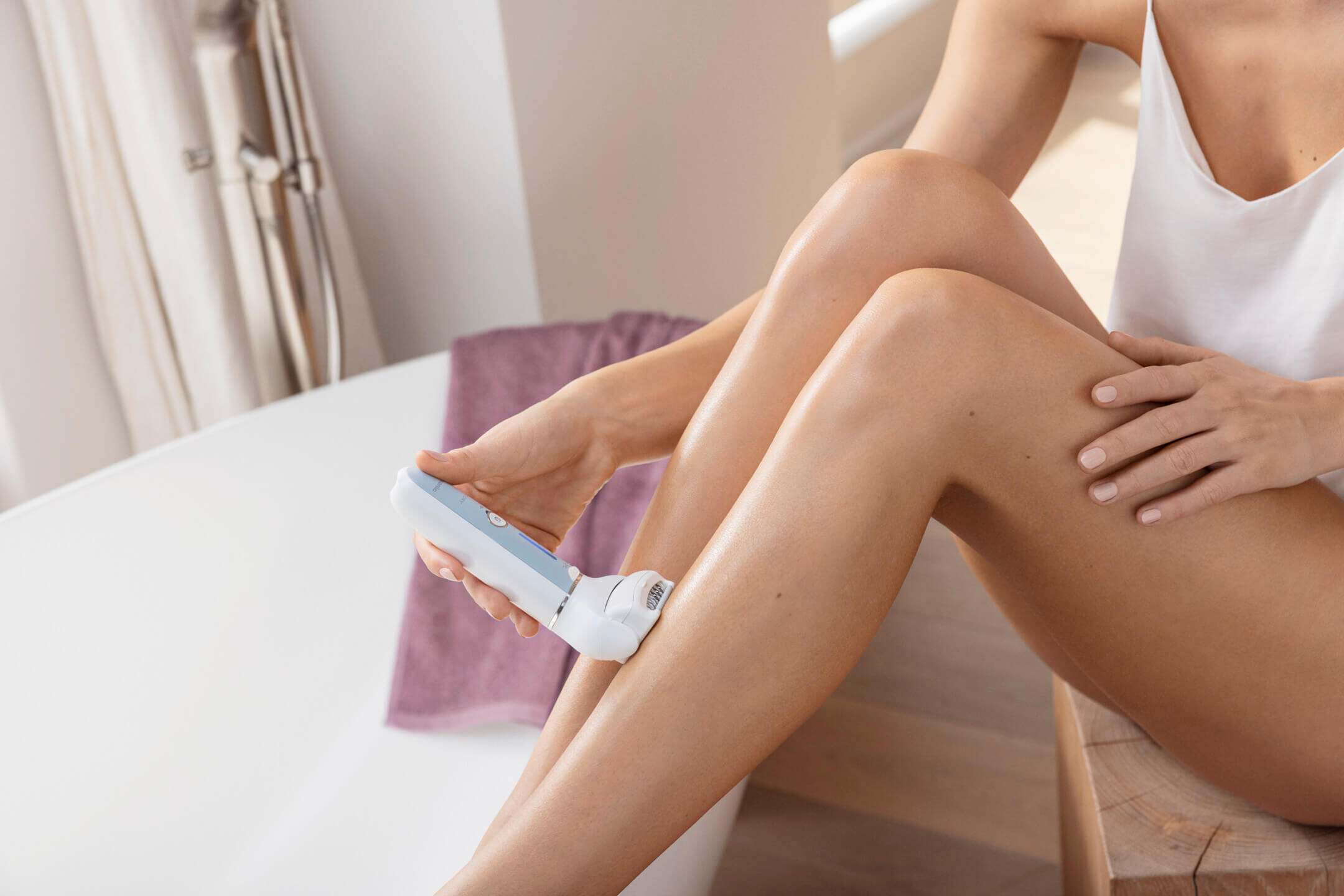
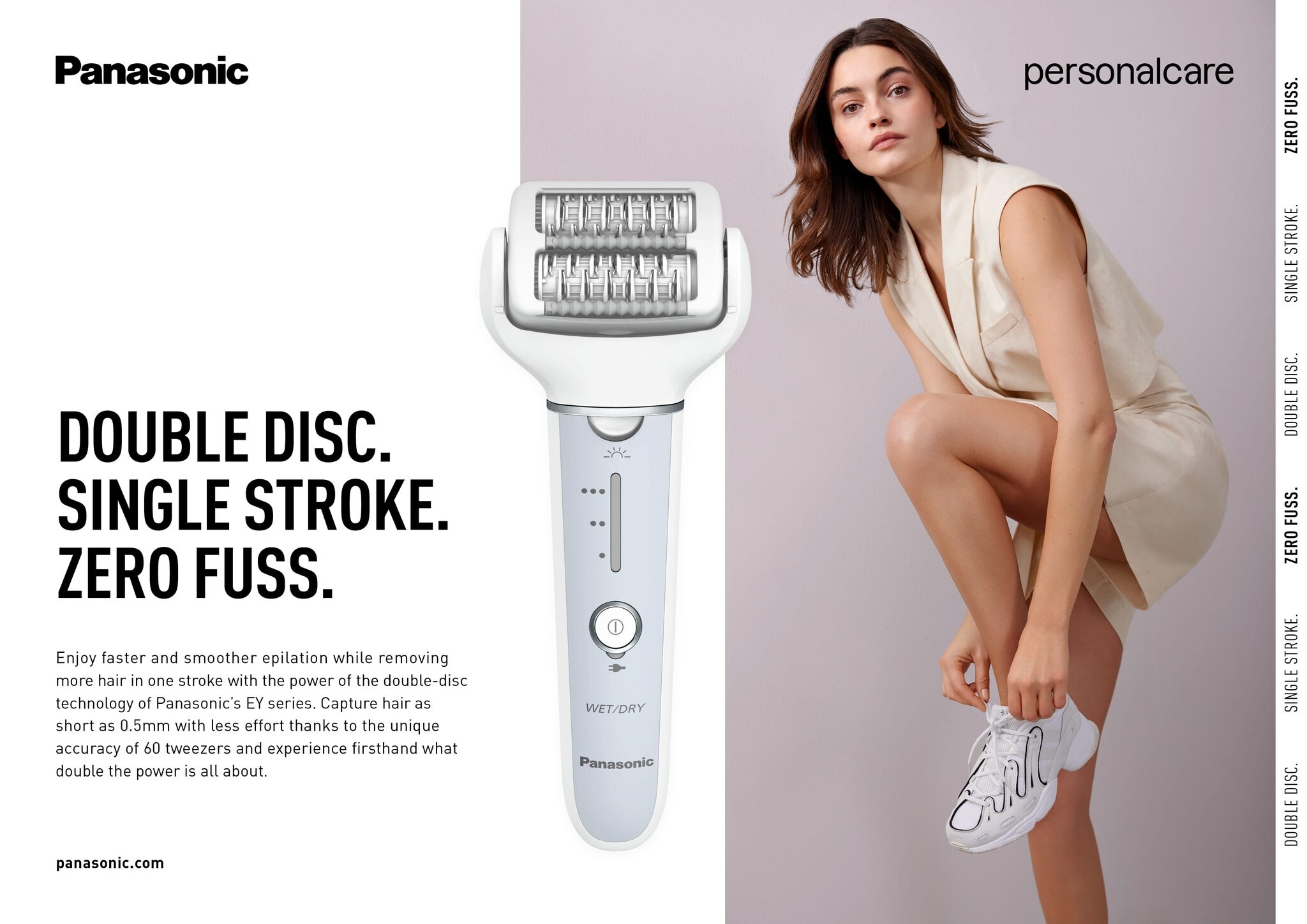
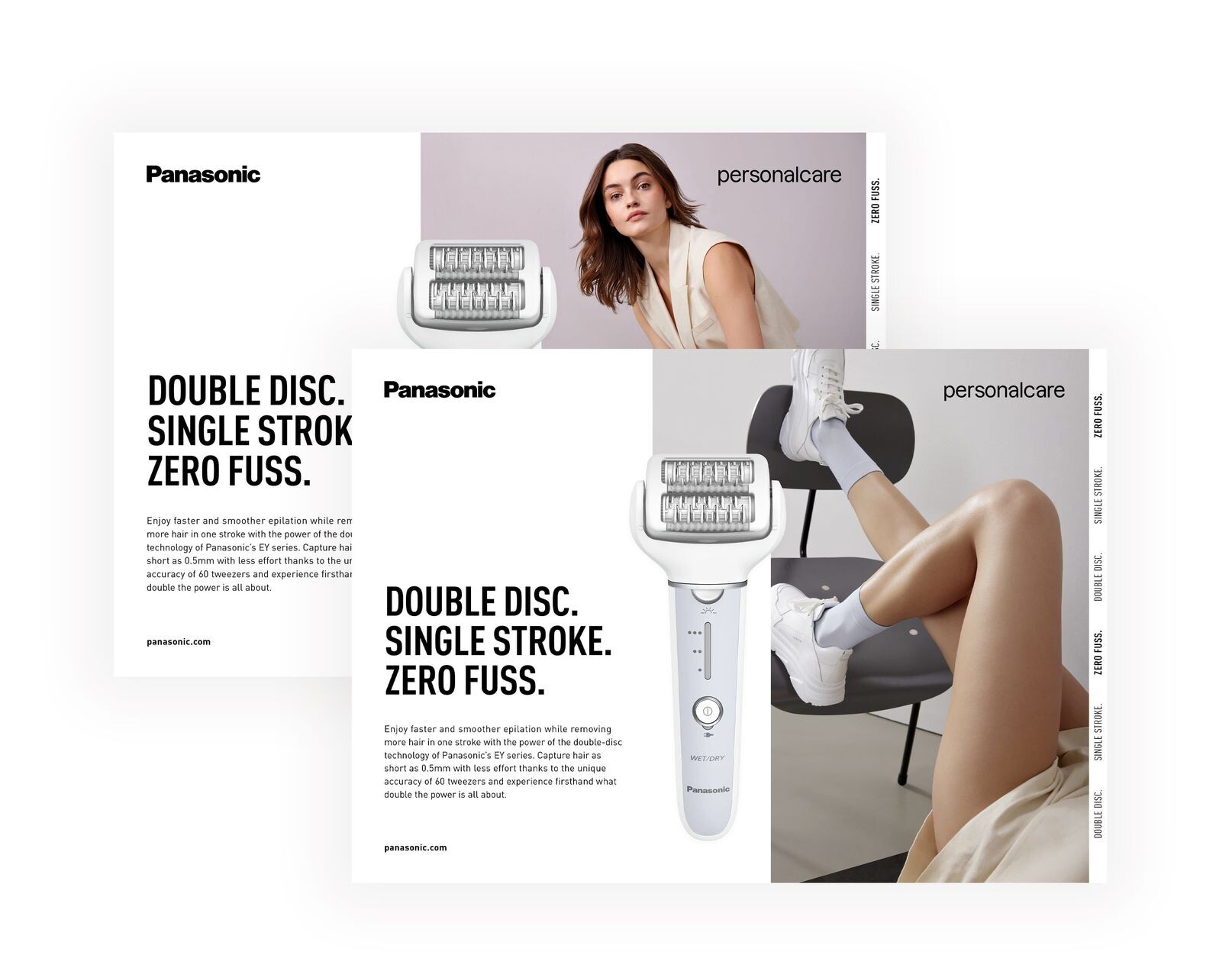
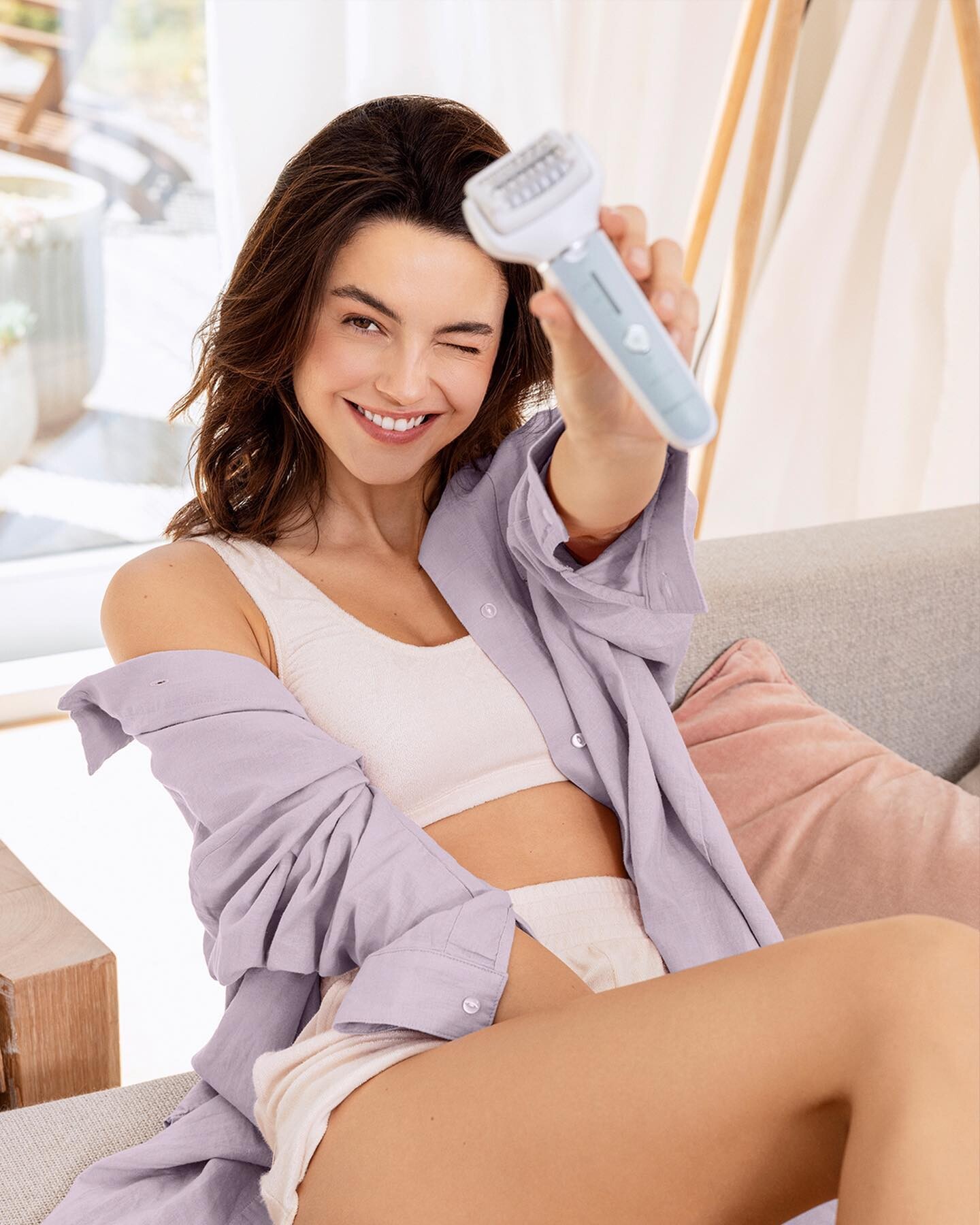
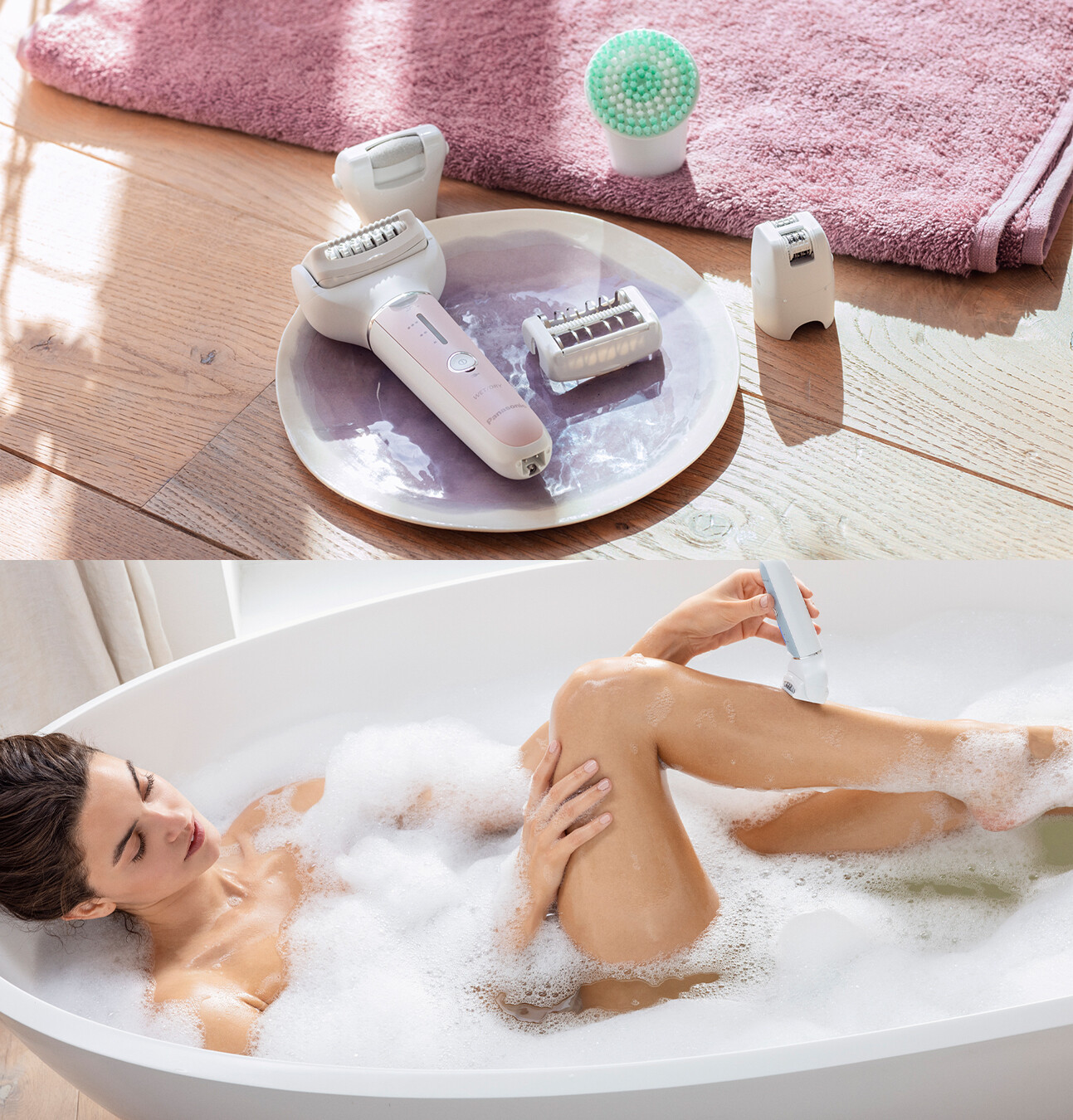
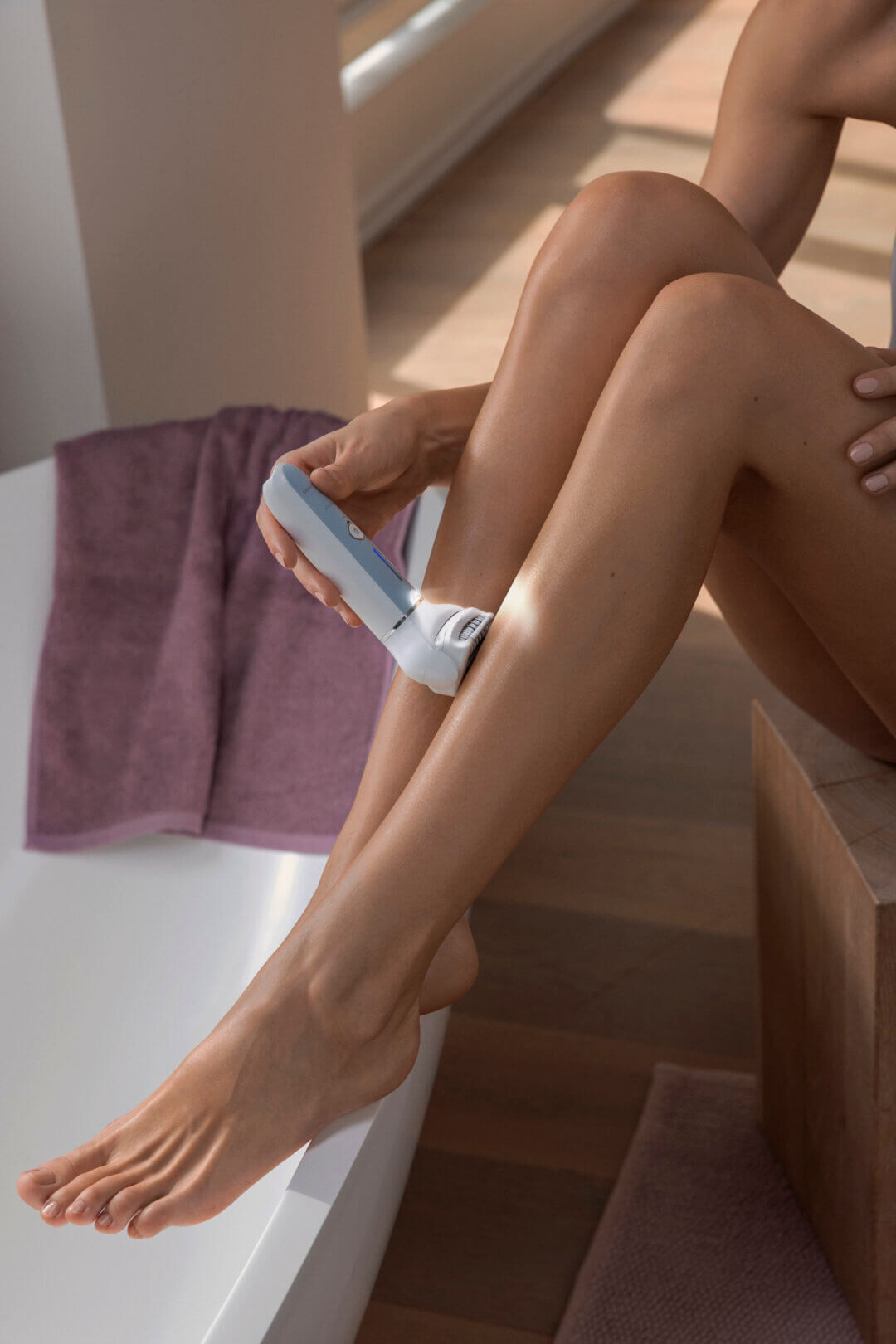
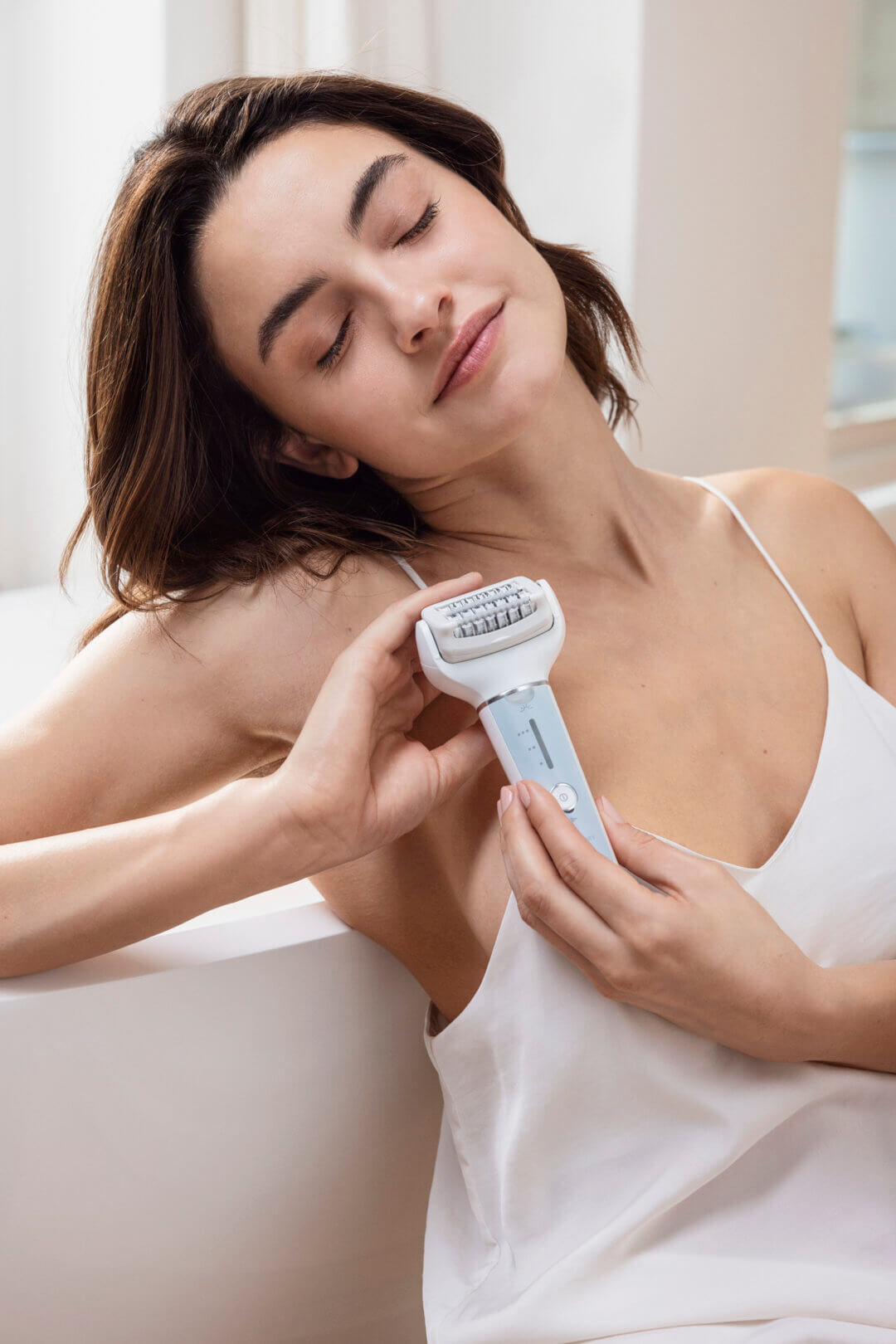
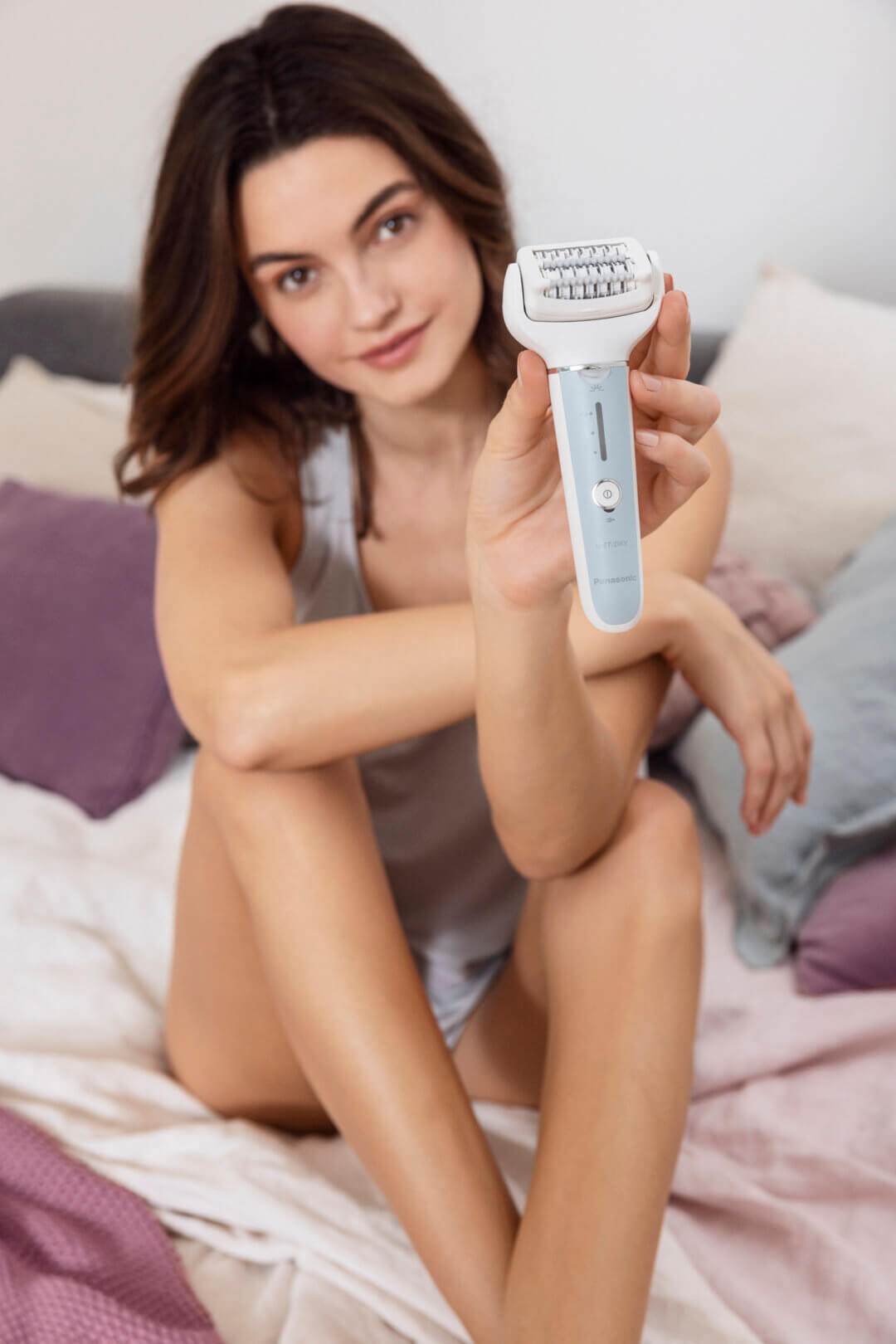
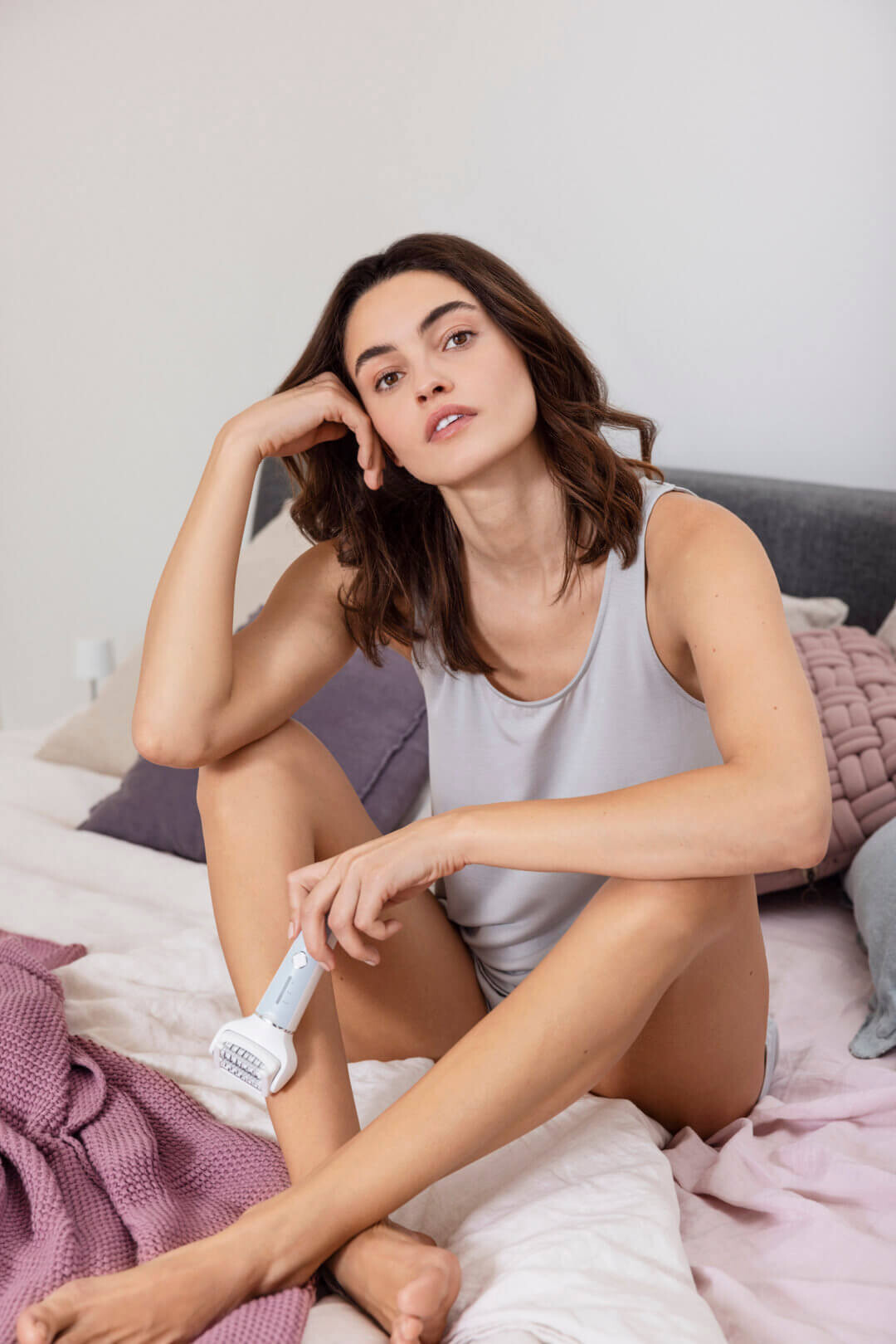
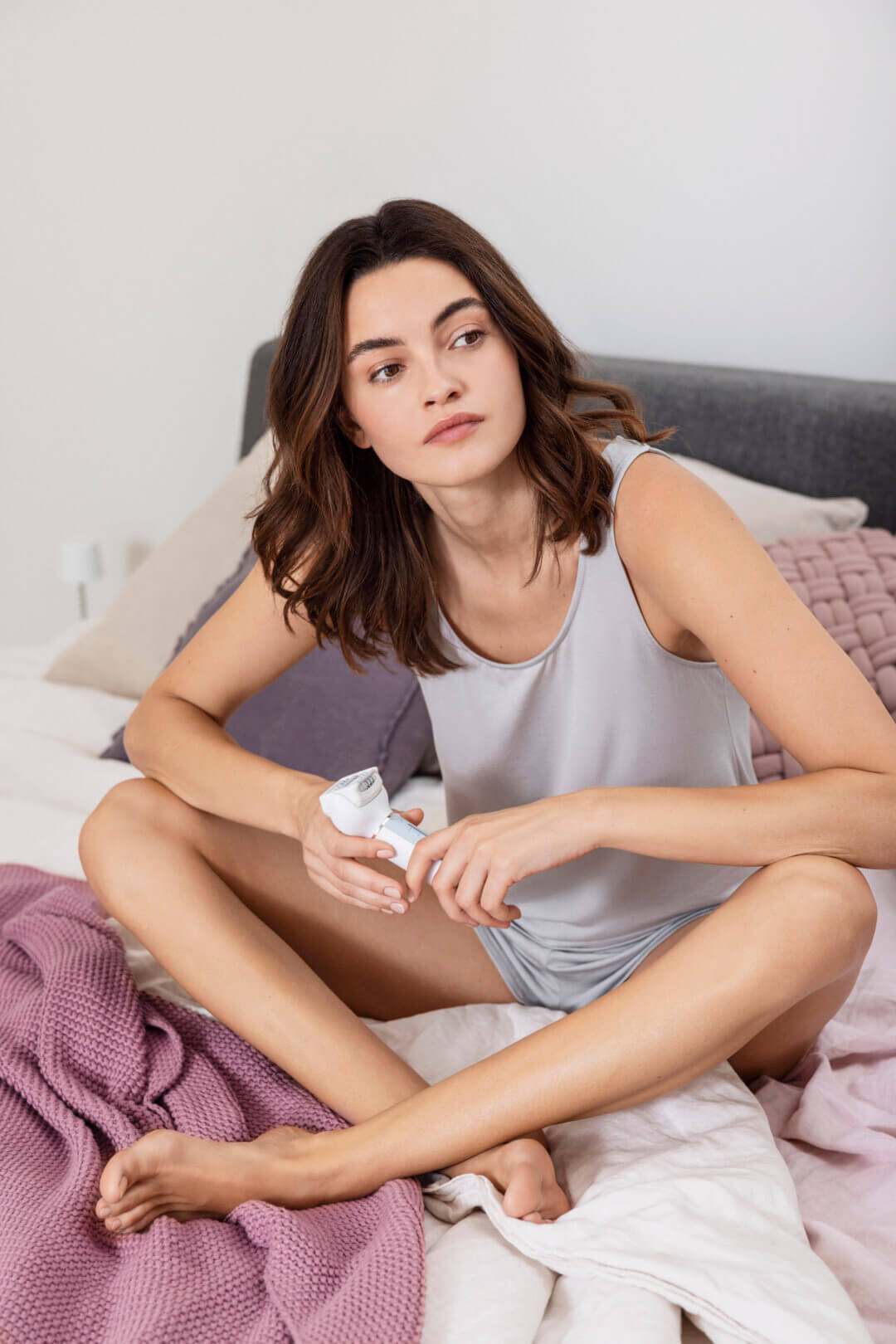
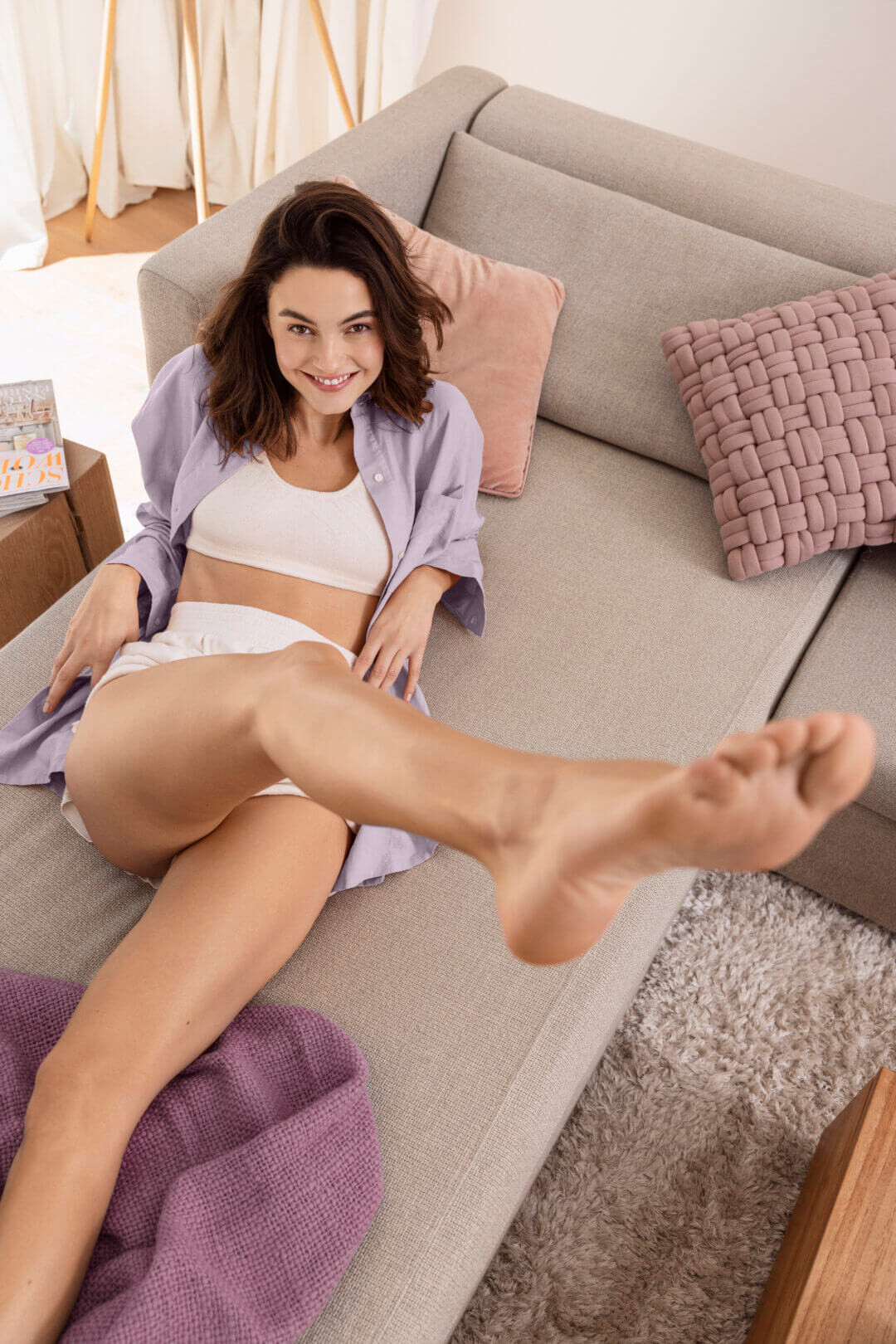
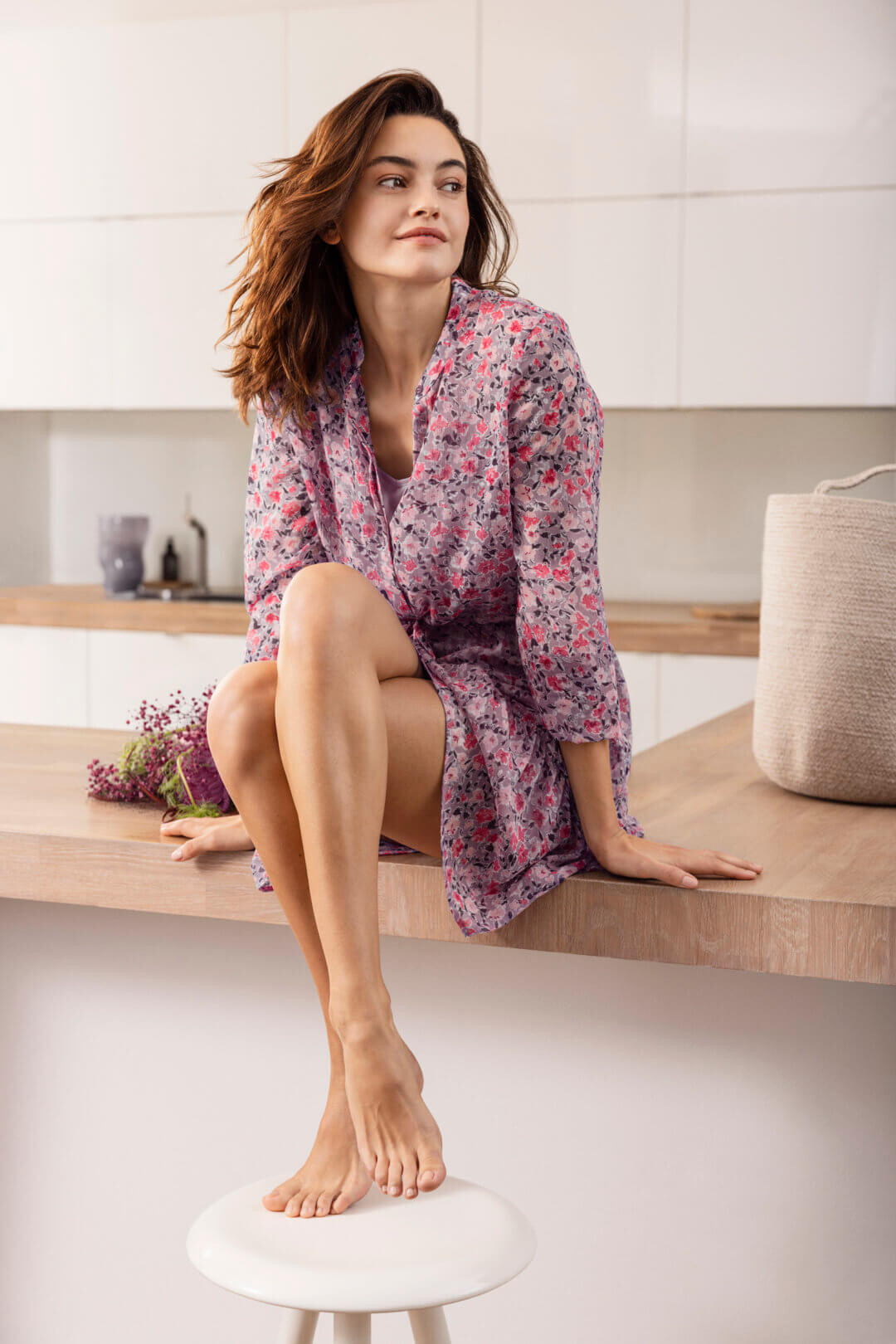
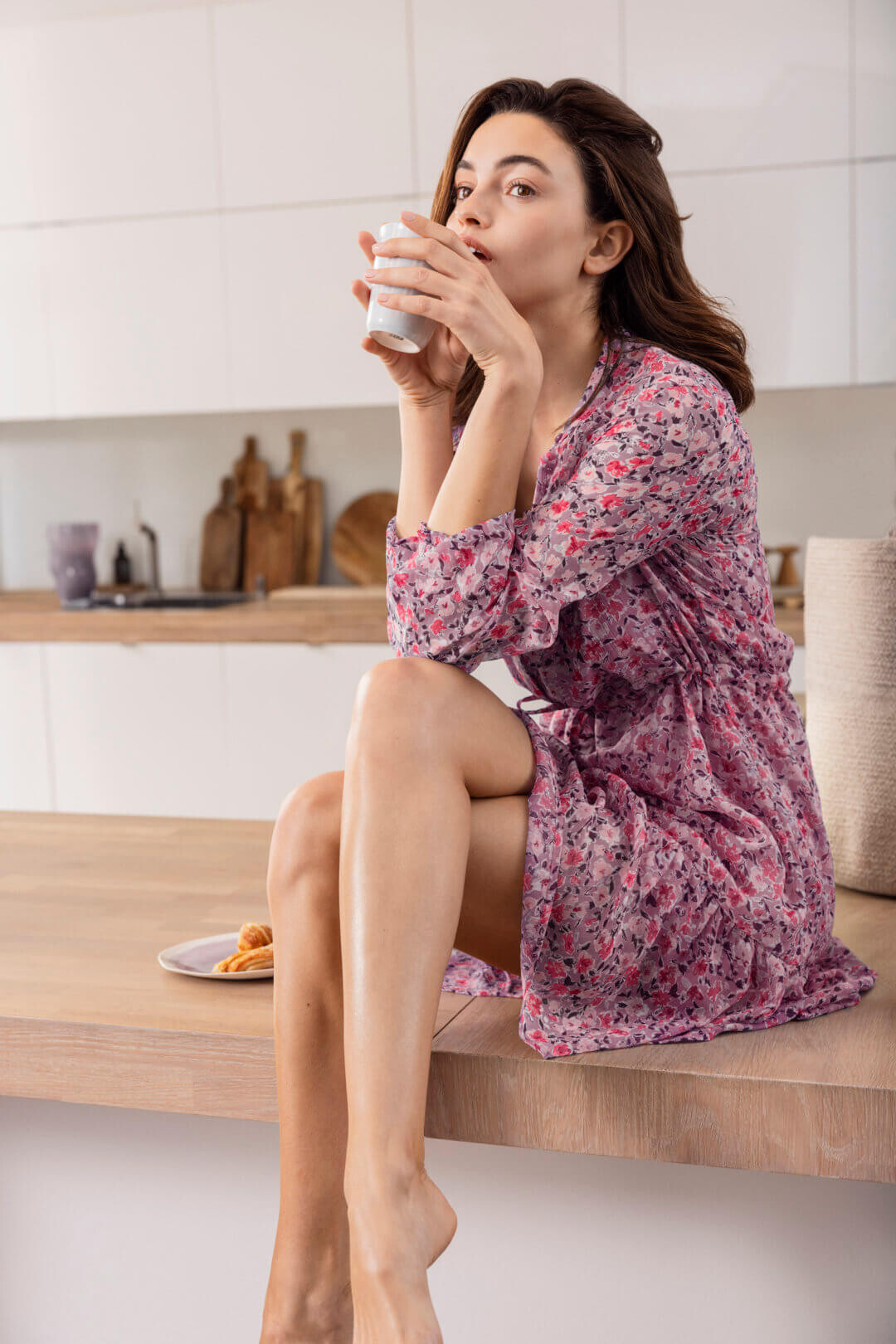
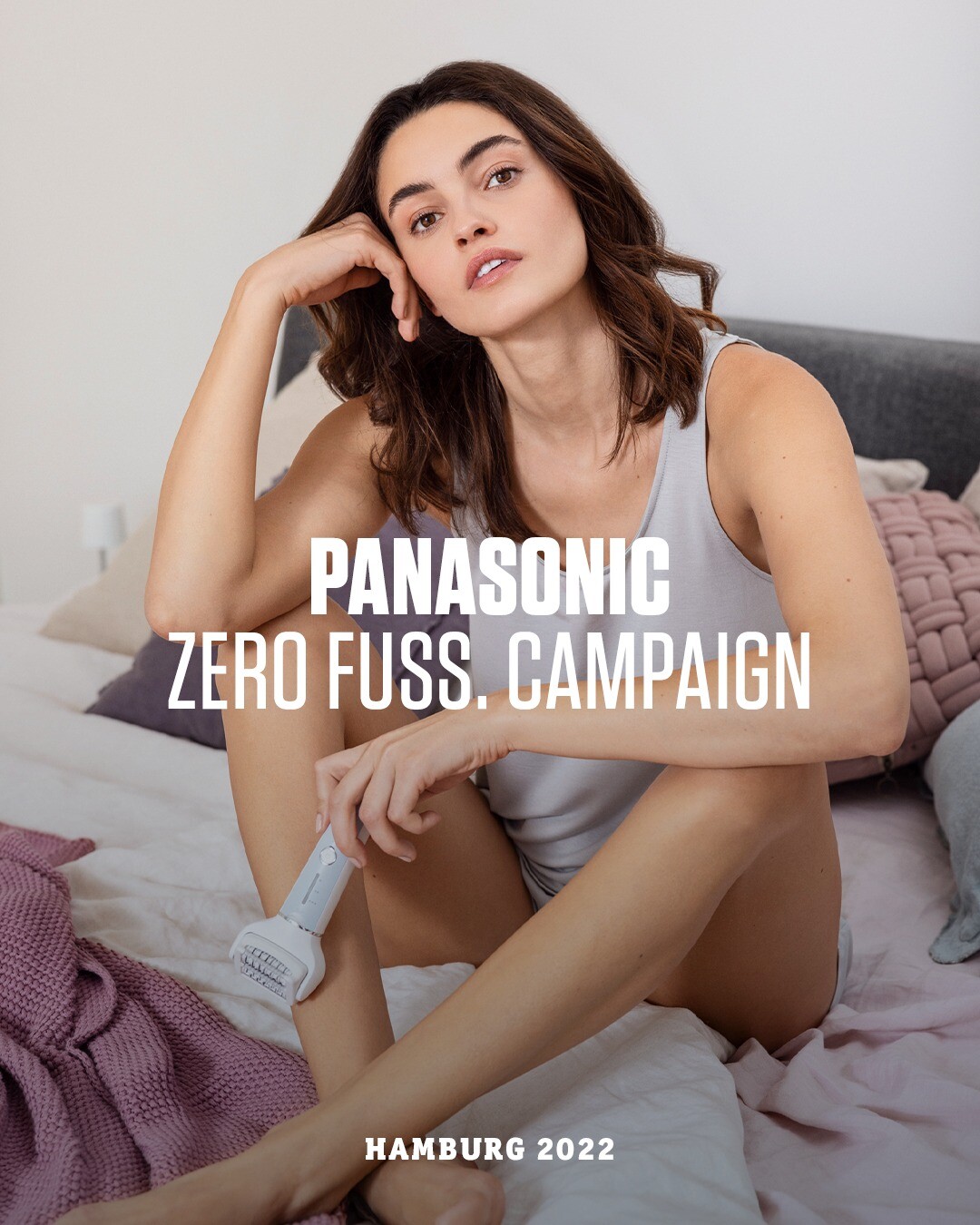
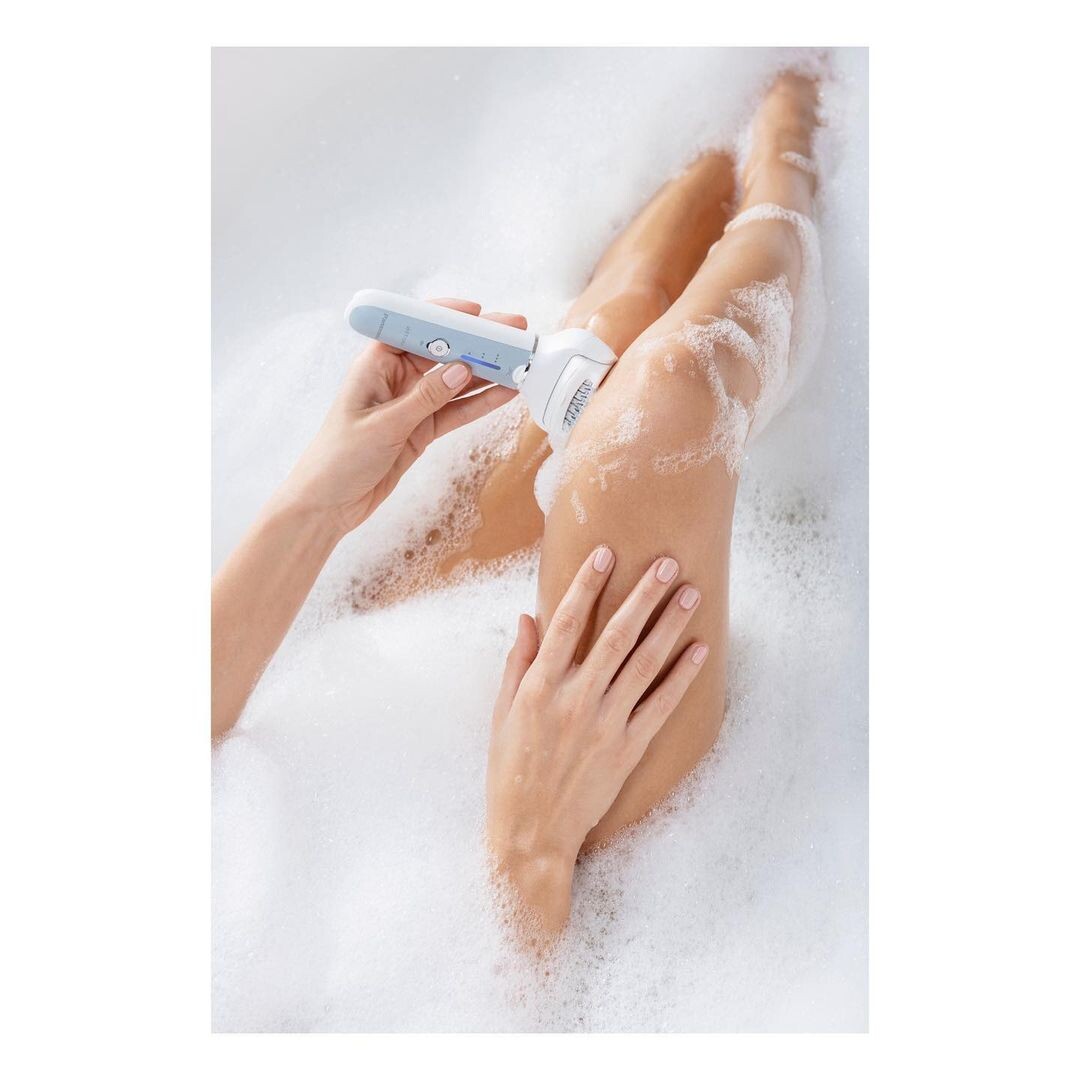
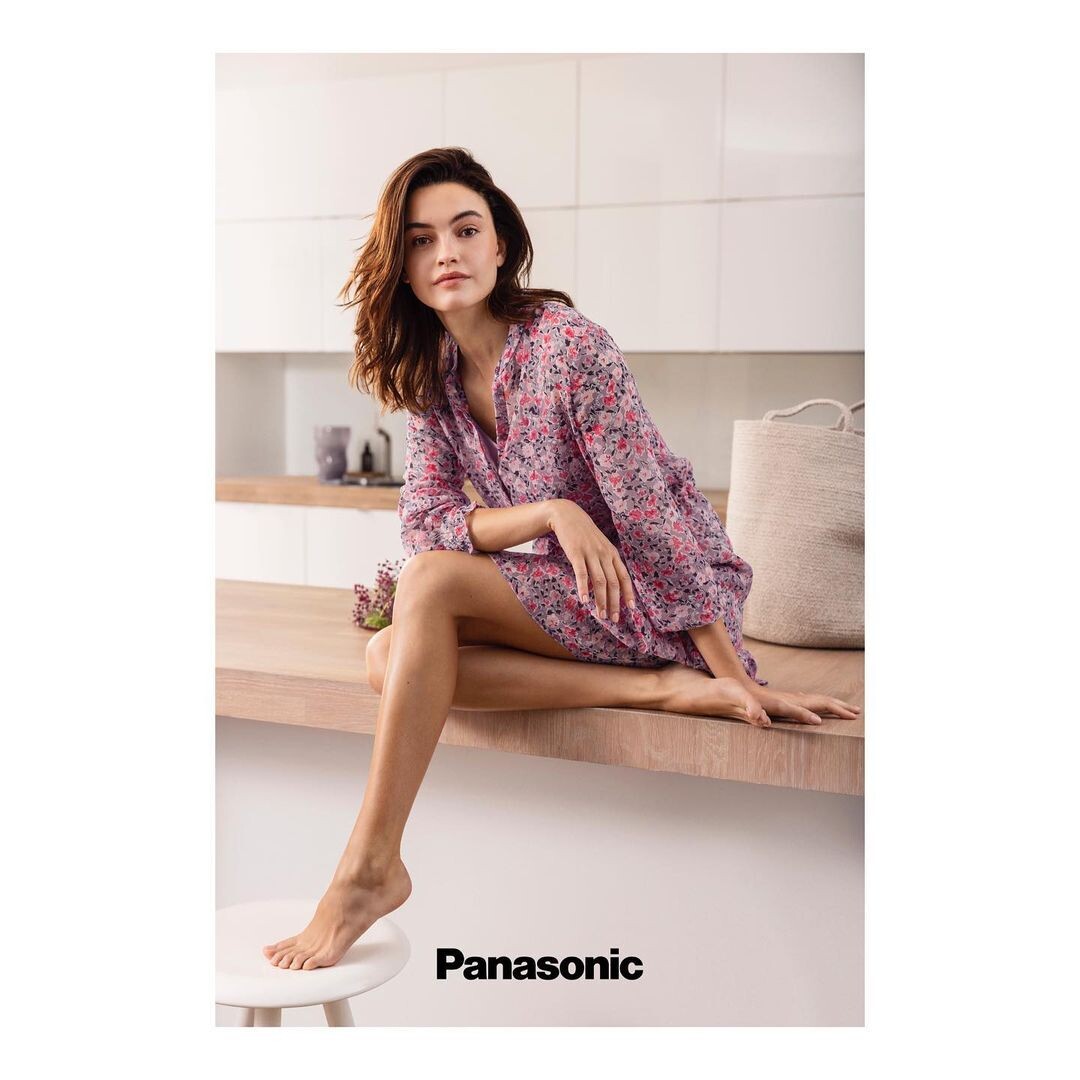
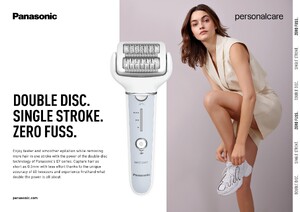
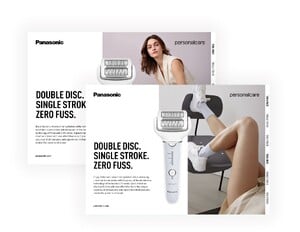
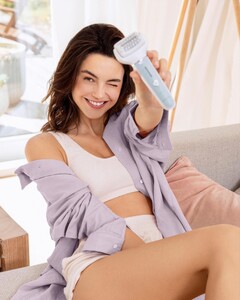
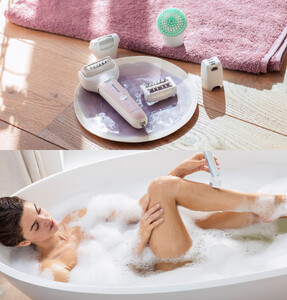
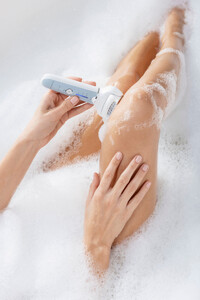
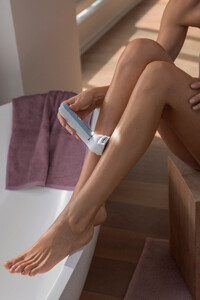
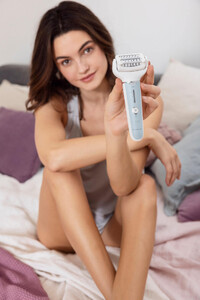
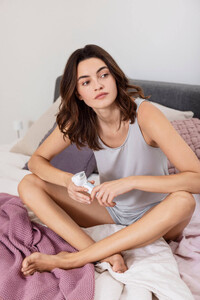
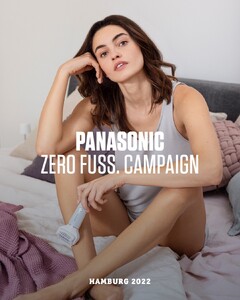
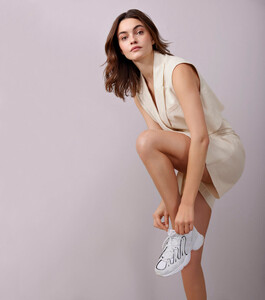
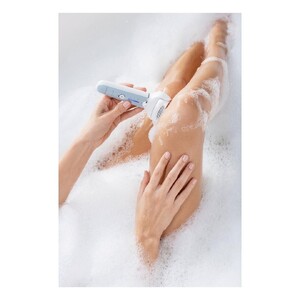
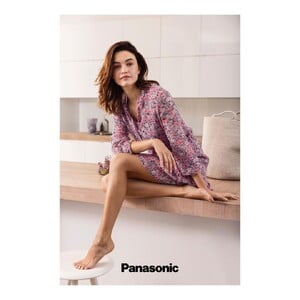
Florian Grill 📷 for Panasonic
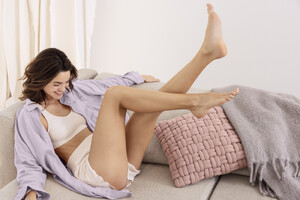
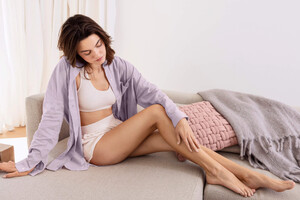


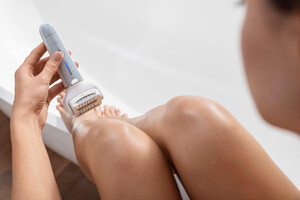
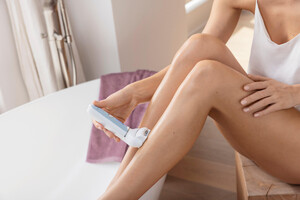


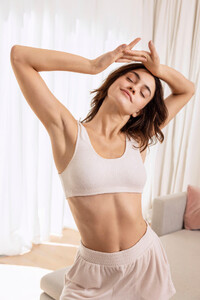
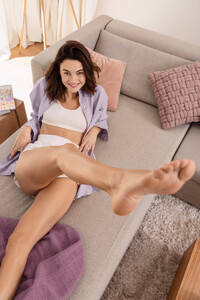
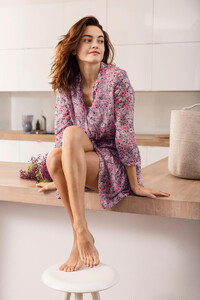
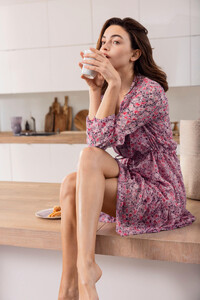
-
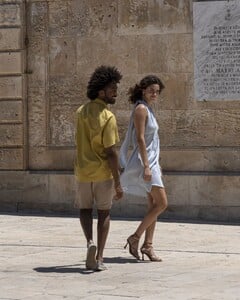
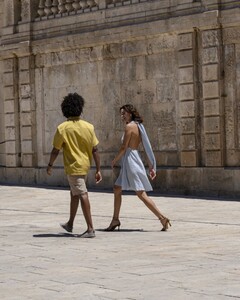
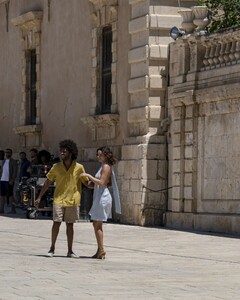
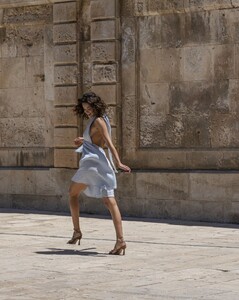
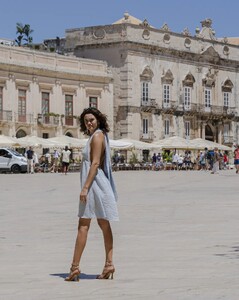
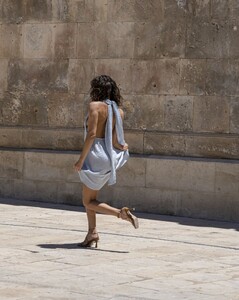
Andrea Picchio 📷
-
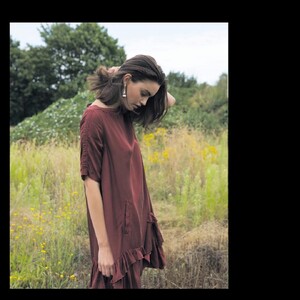
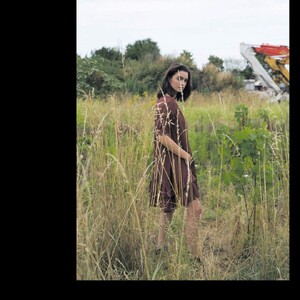
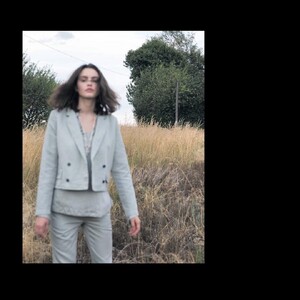
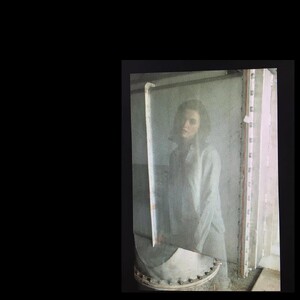
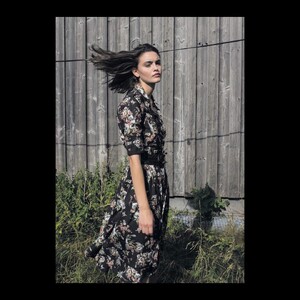
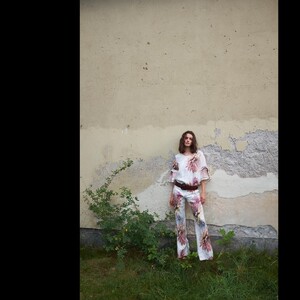
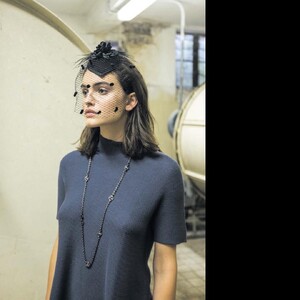
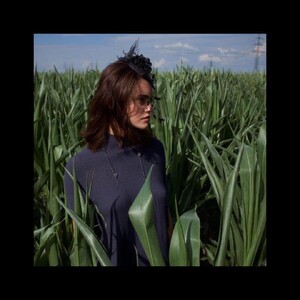
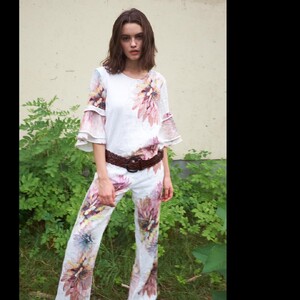
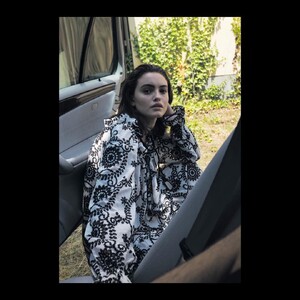
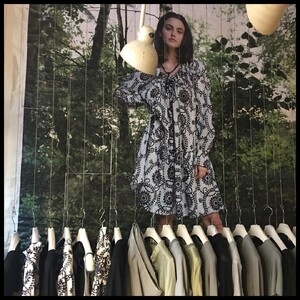
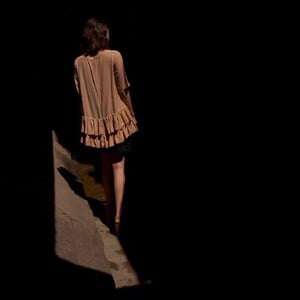
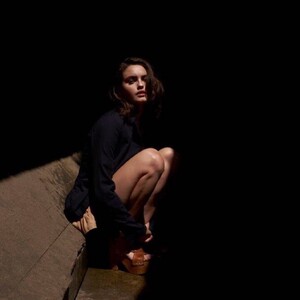
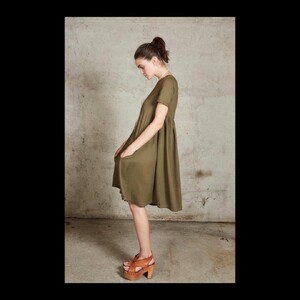
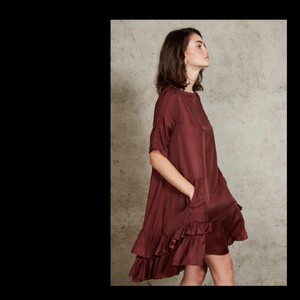
for hannes roether clothing - strange shoot!
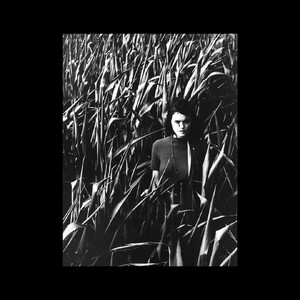
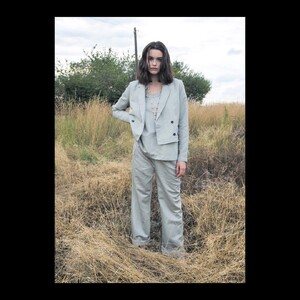
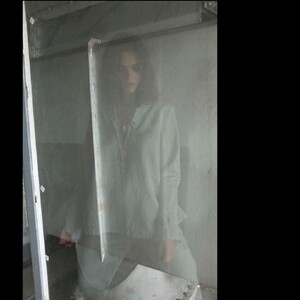
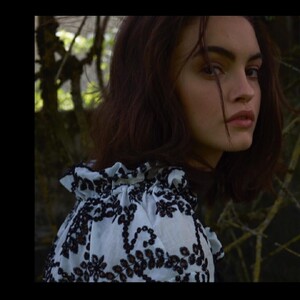
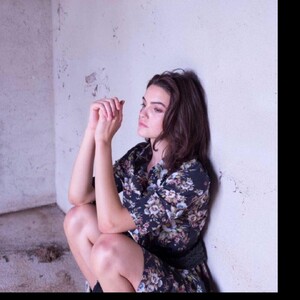
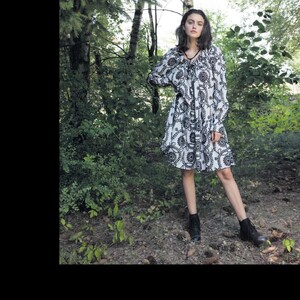
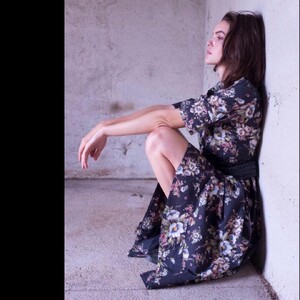
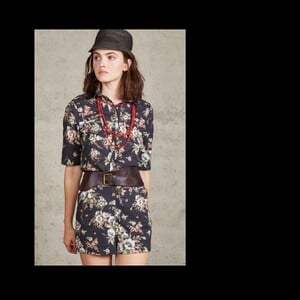
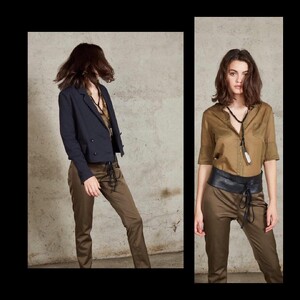
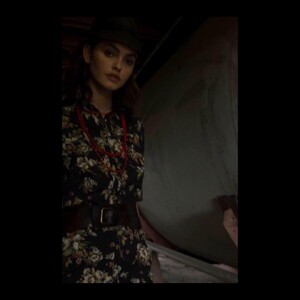
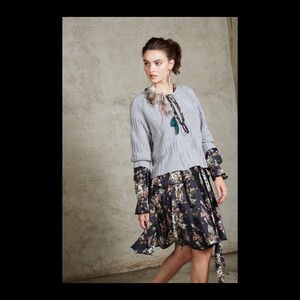
-
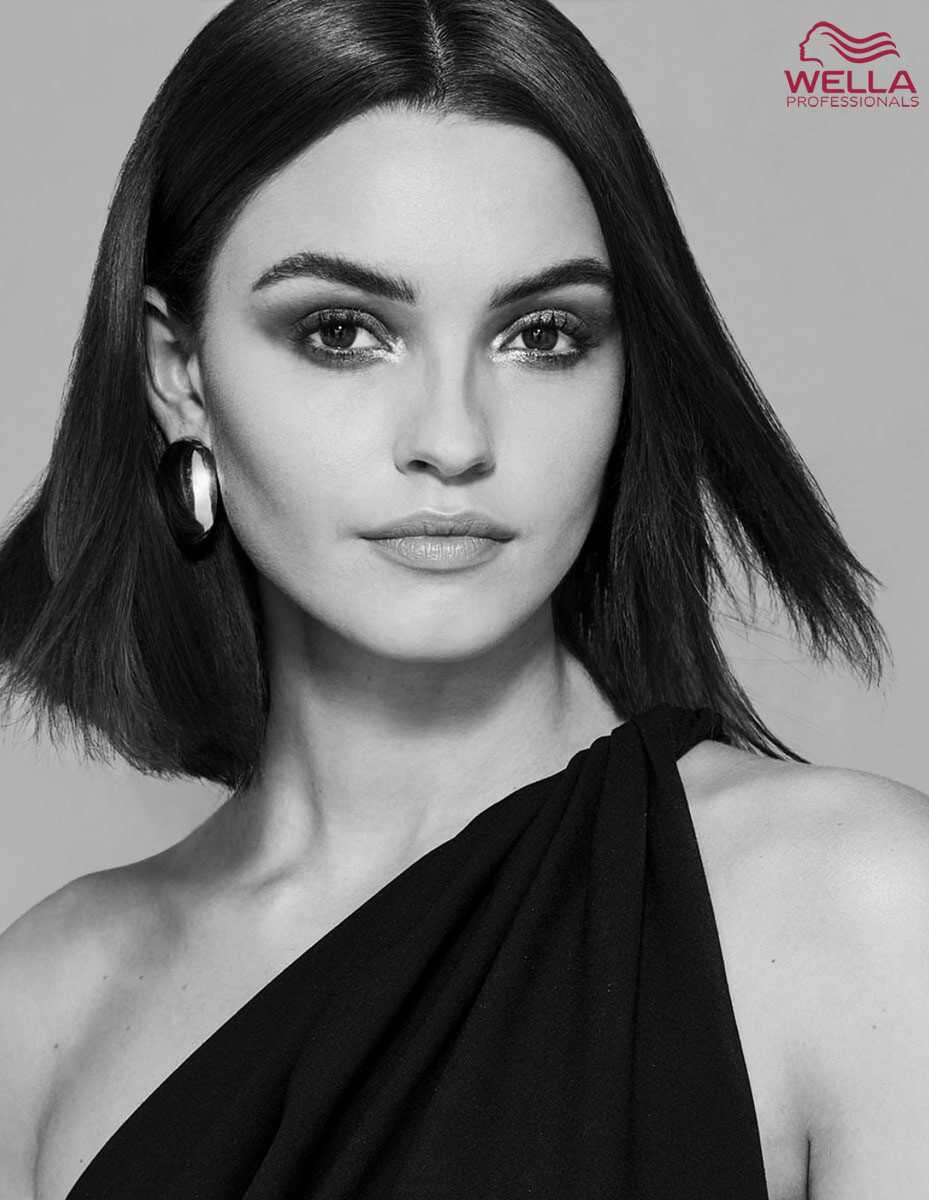
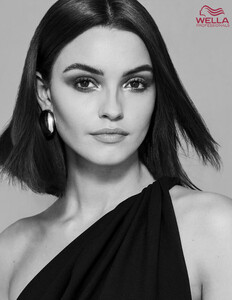
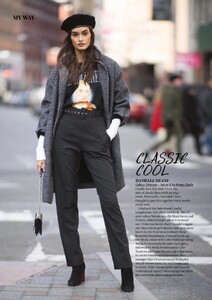
She also did some other work for Wella, uncredited:
-
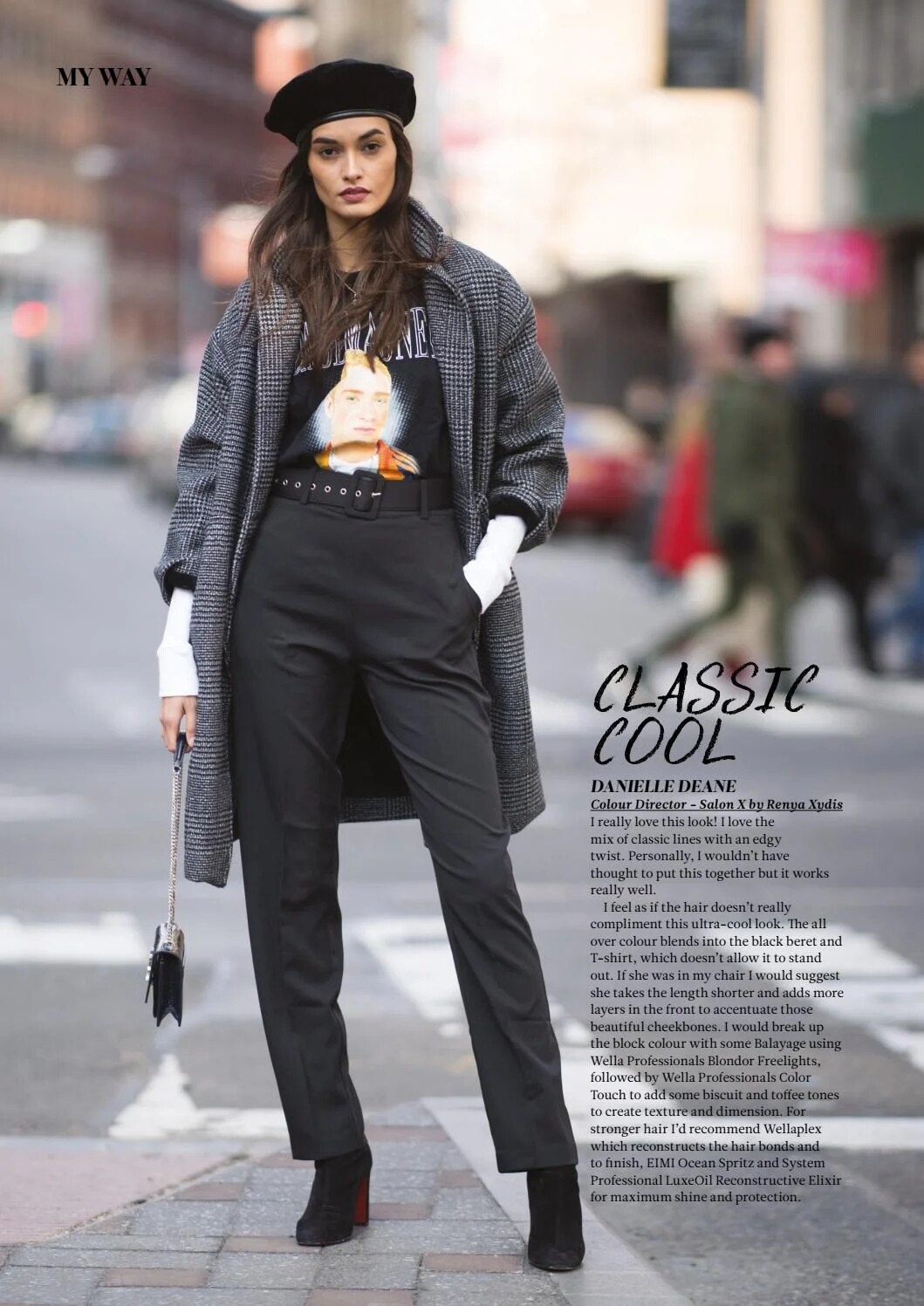
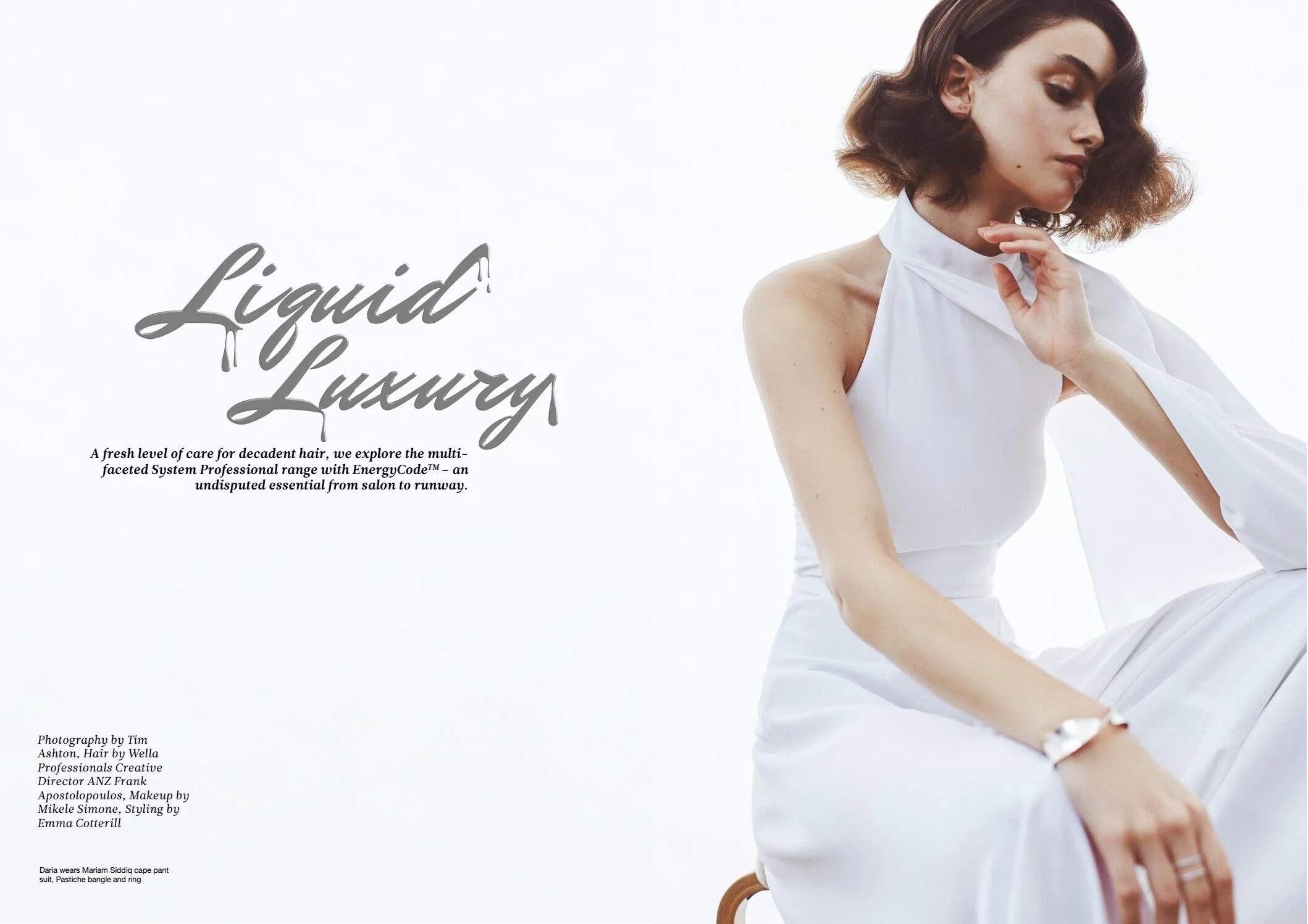
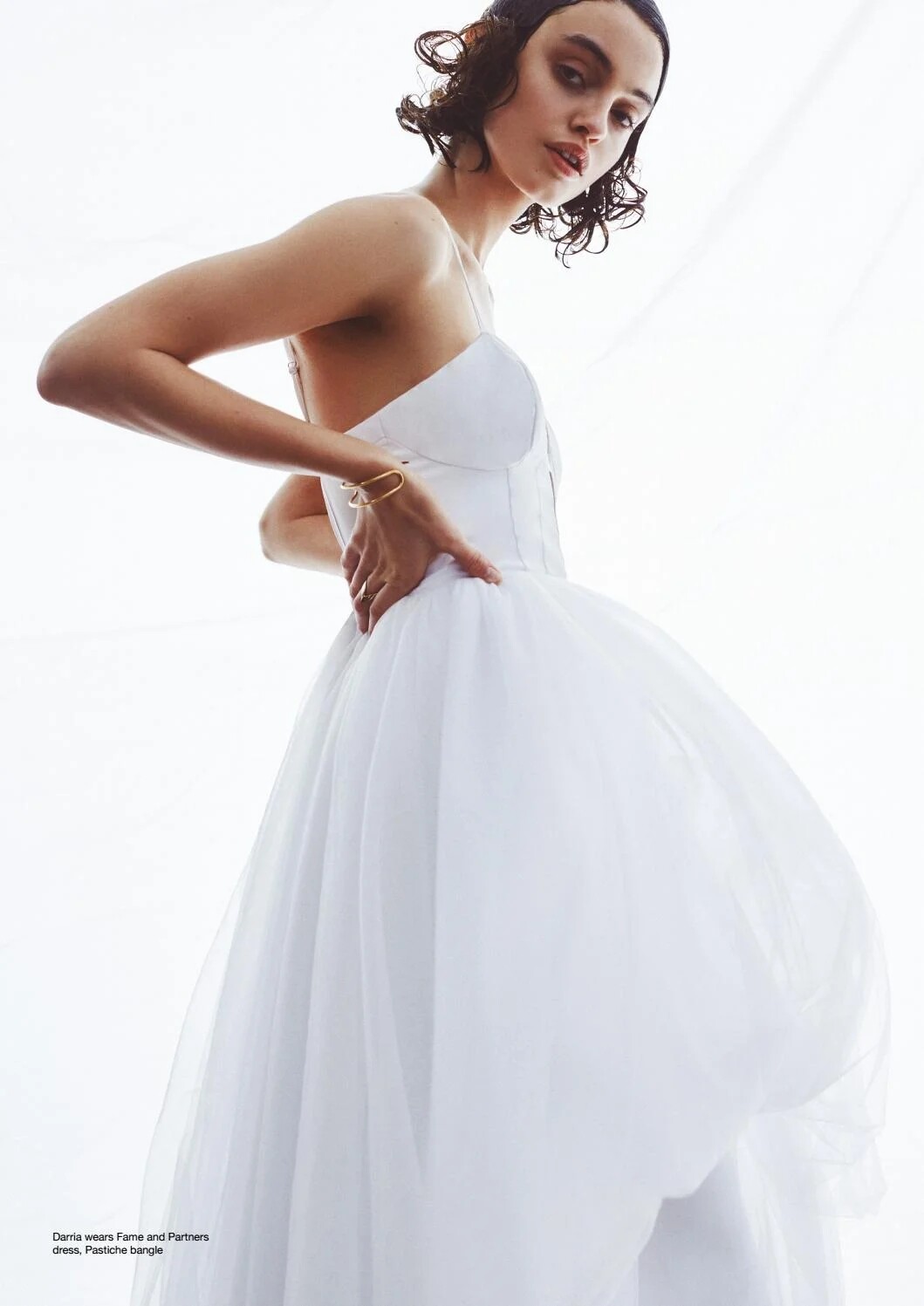
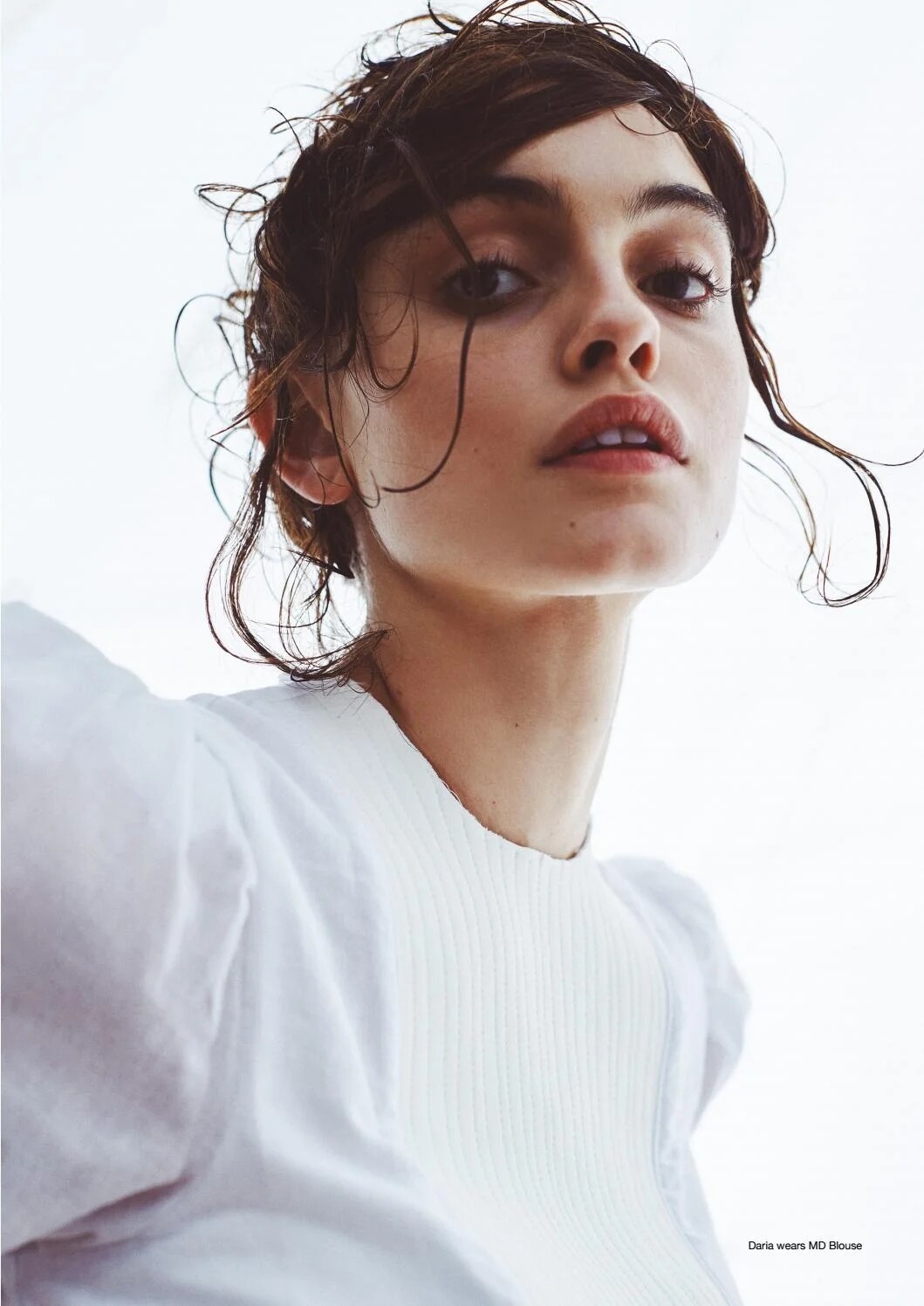
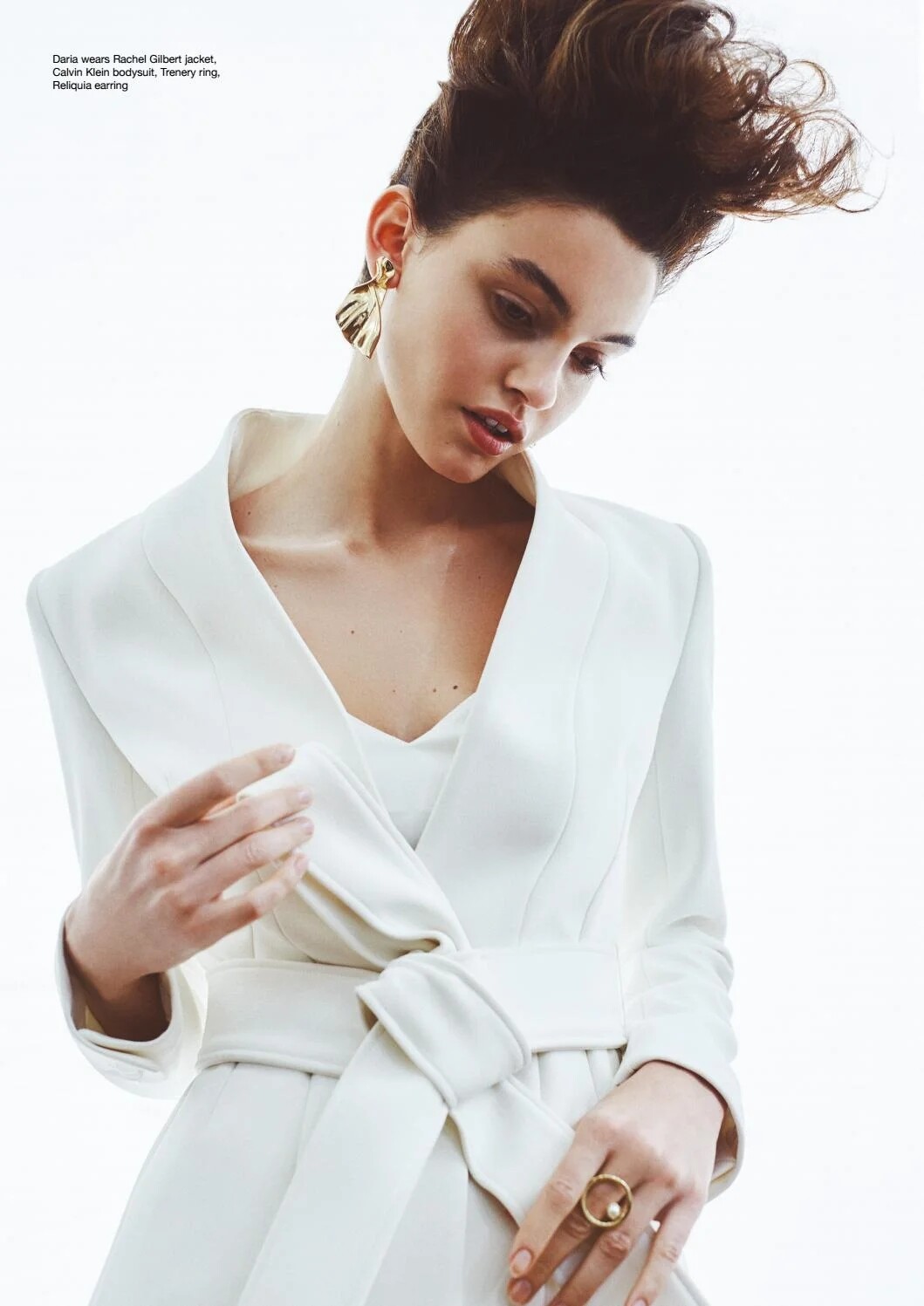
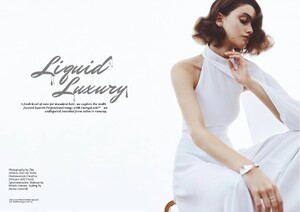
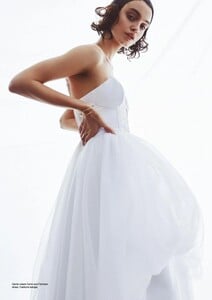
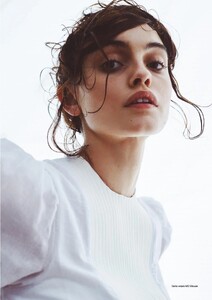
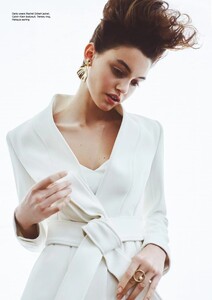
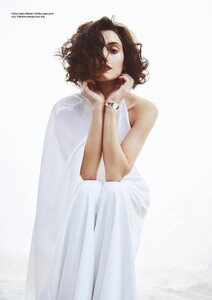
TIM ASHTON 📷 for INSTYLE Magazine and Wella
-
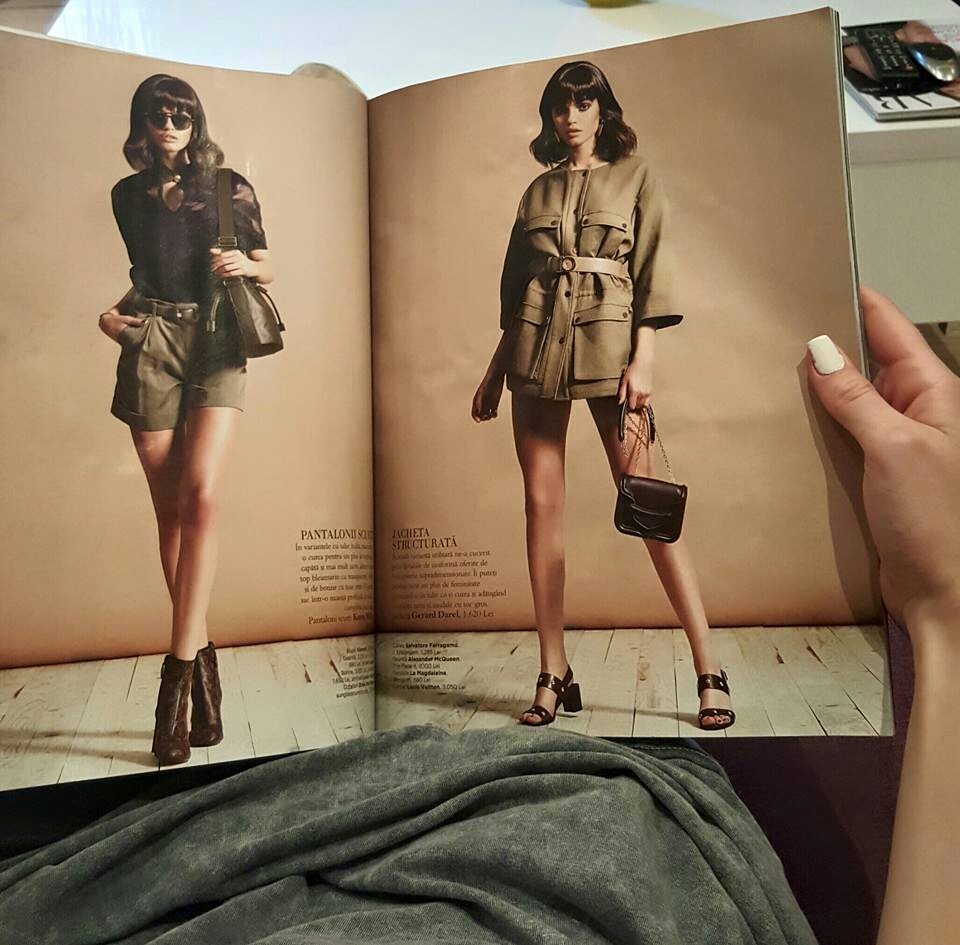
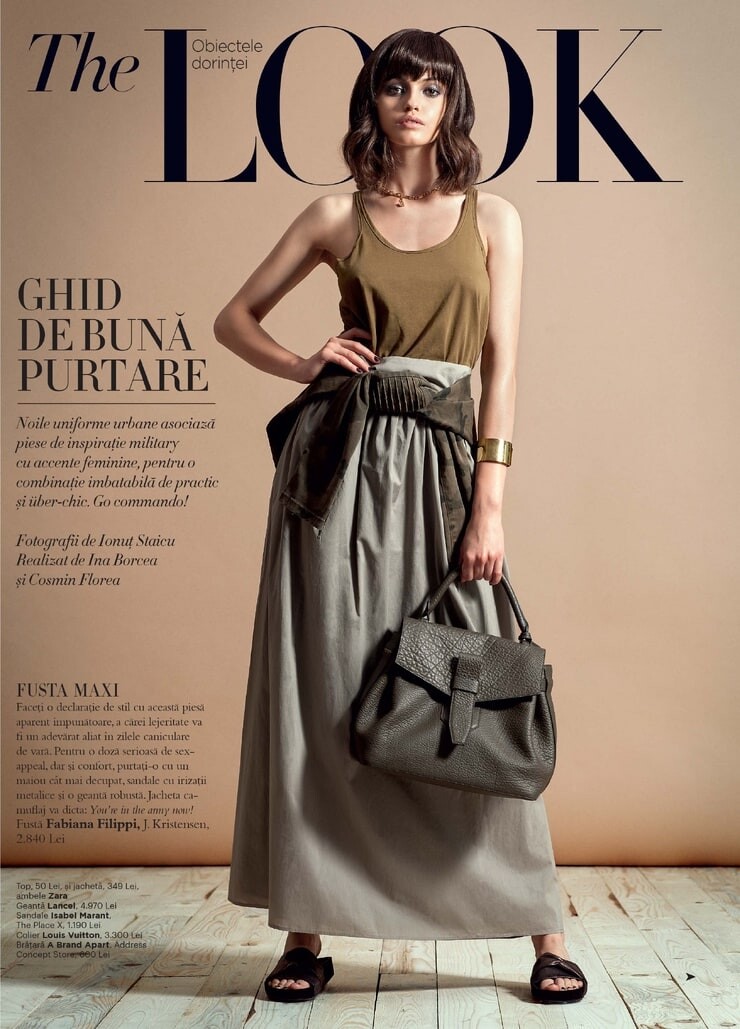
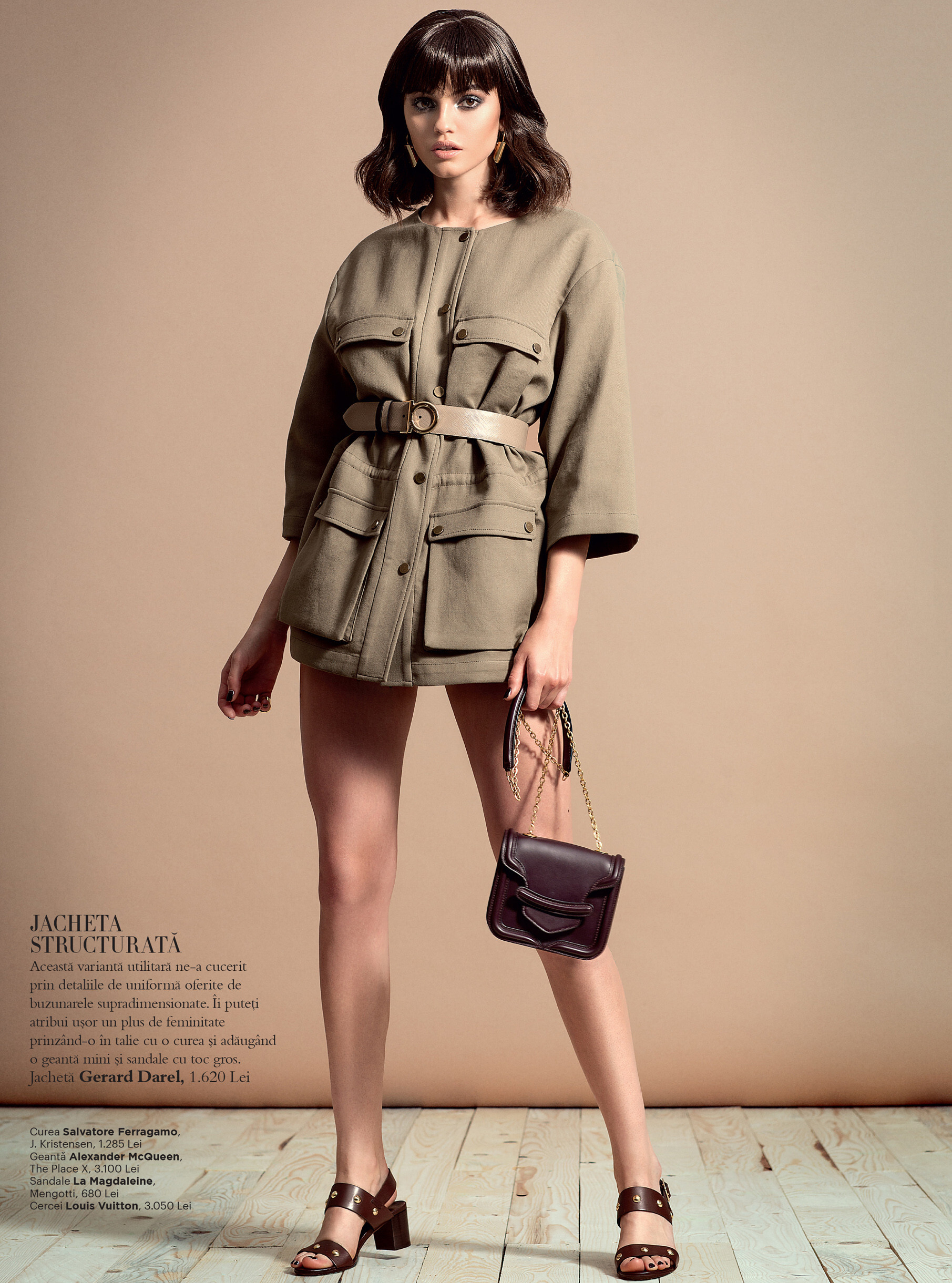
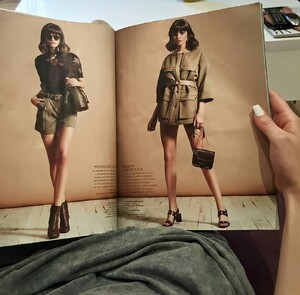
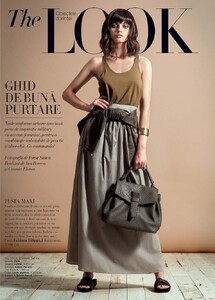
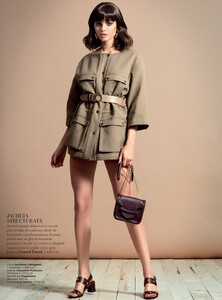
Harper's Bazaar România June, 2015 - apparently this was her first magazine she was published in. This is all I could find from it:
-
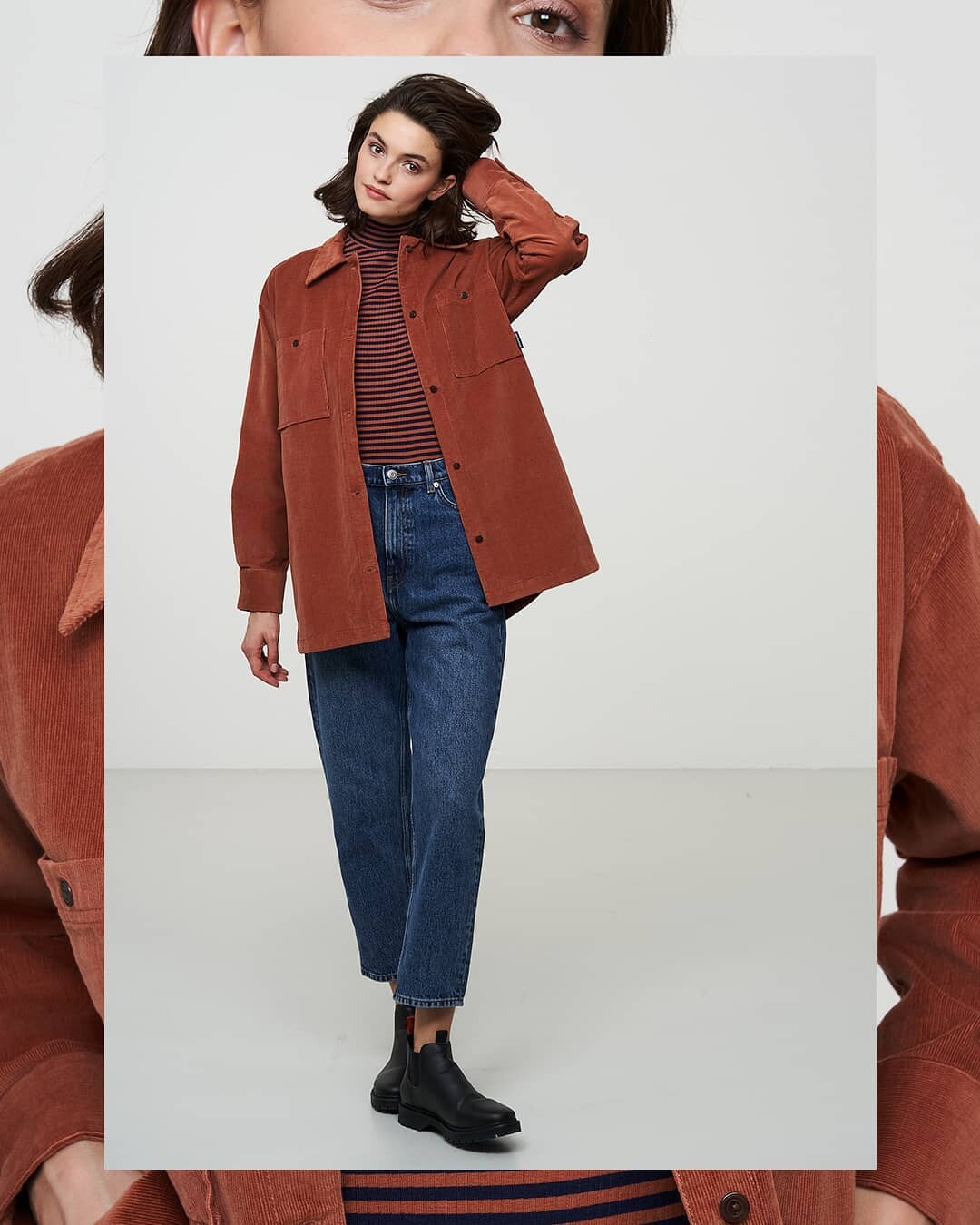
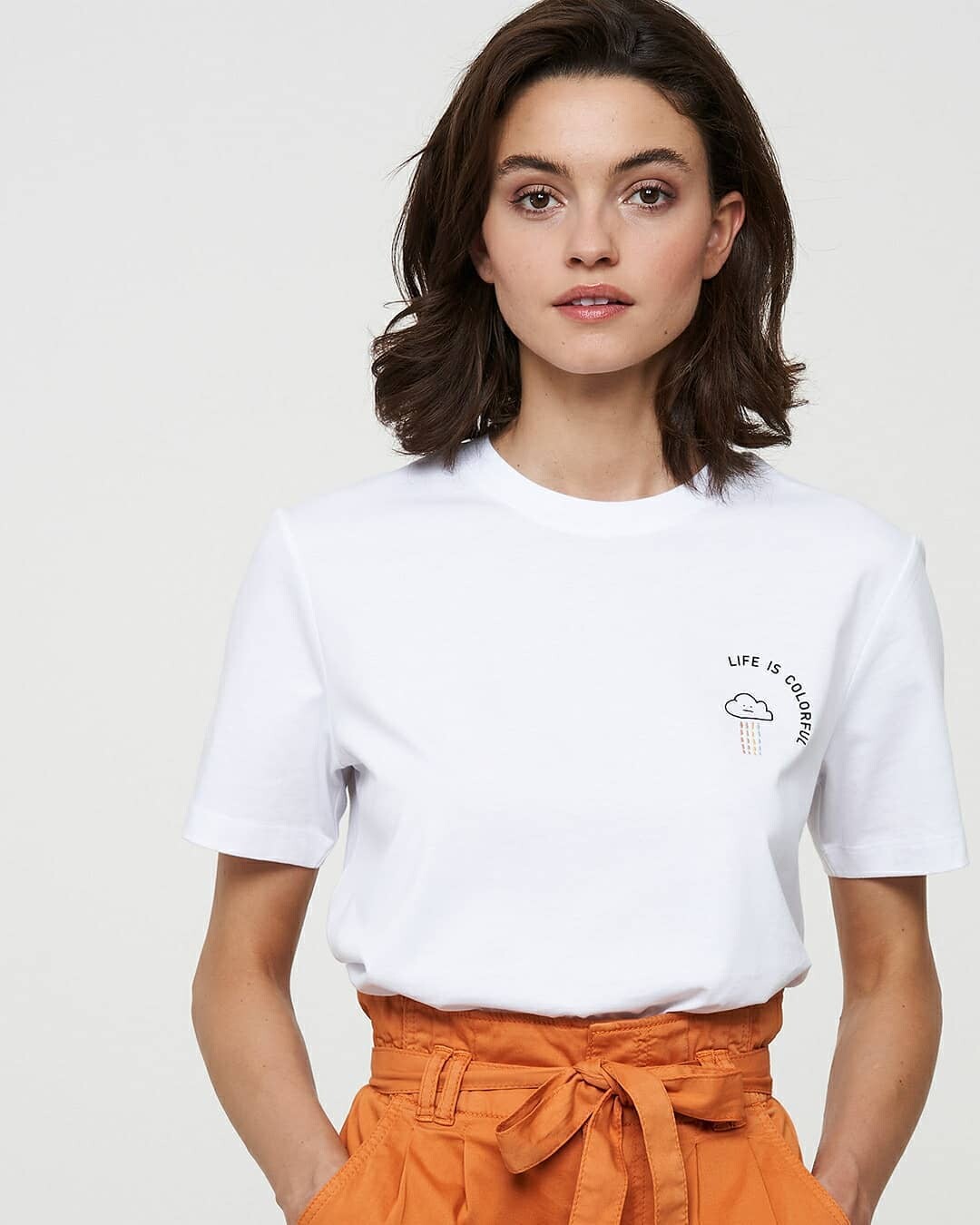
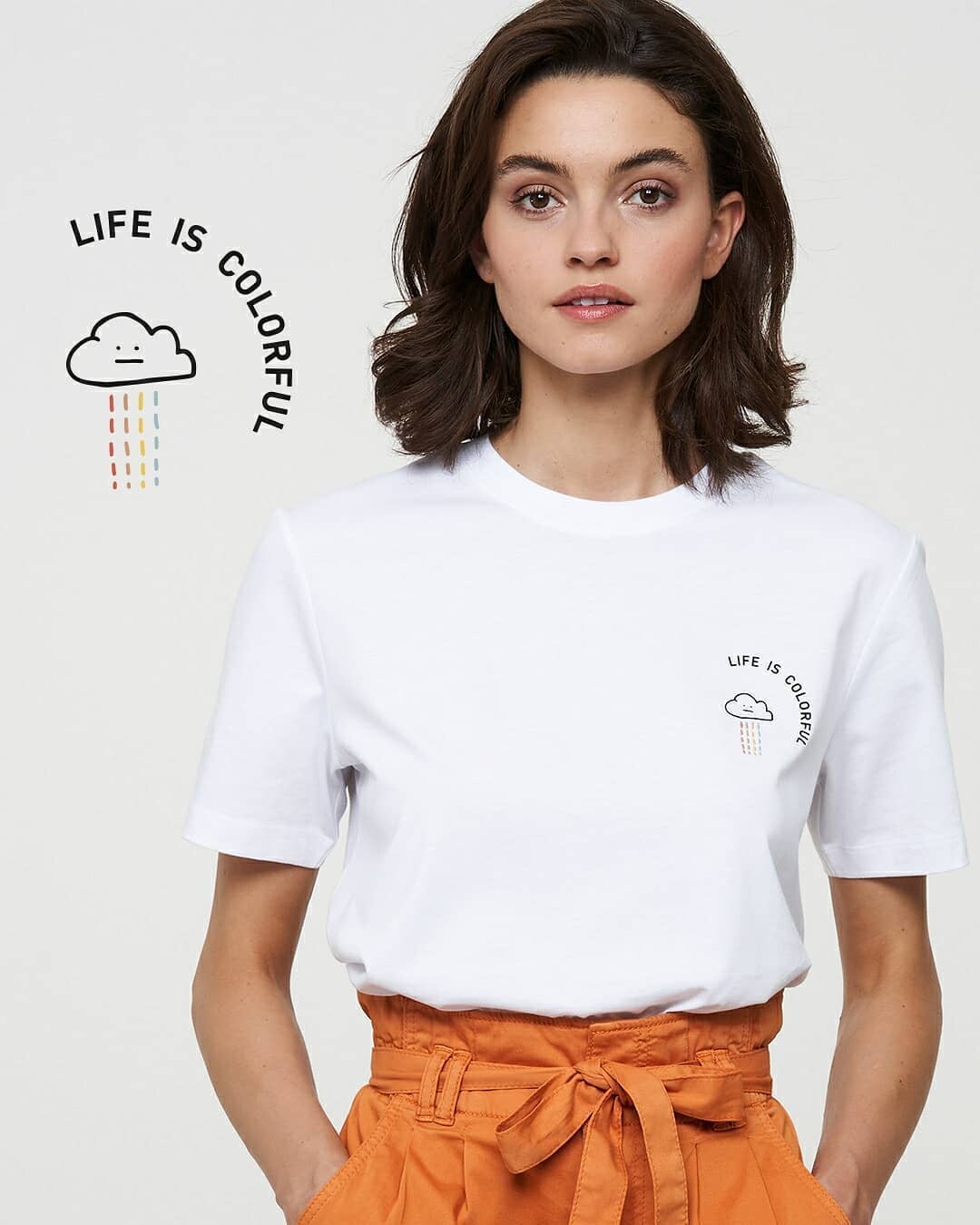
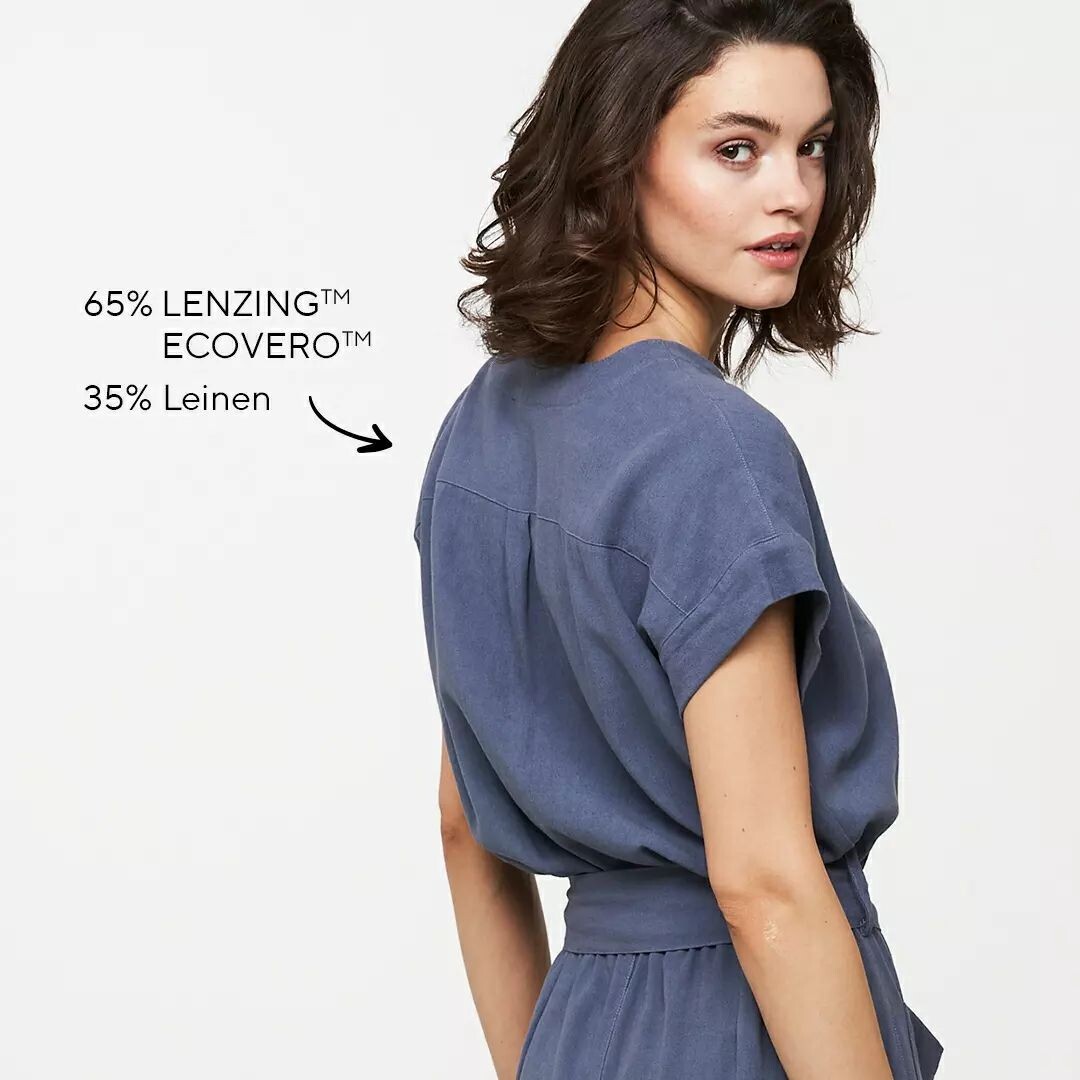
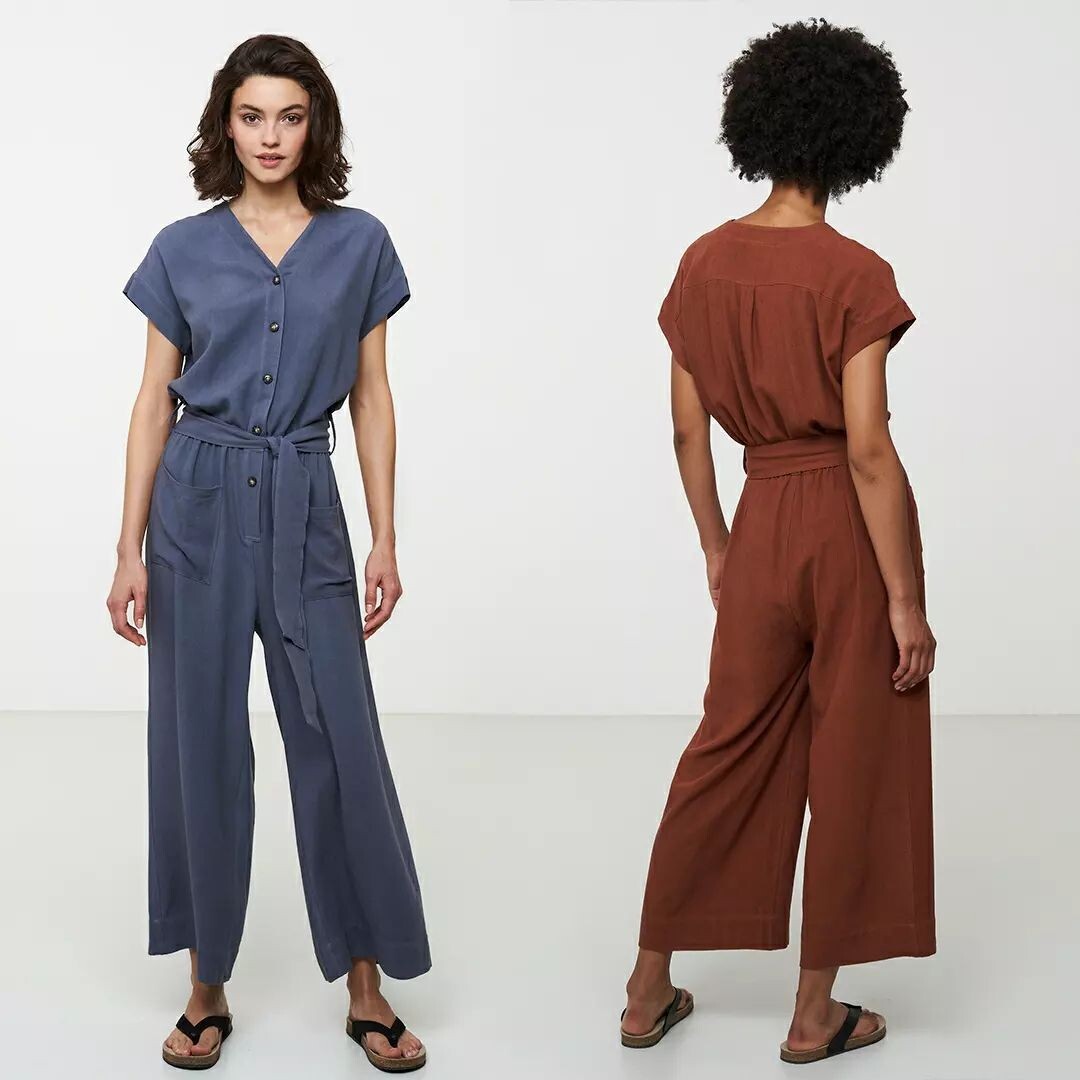
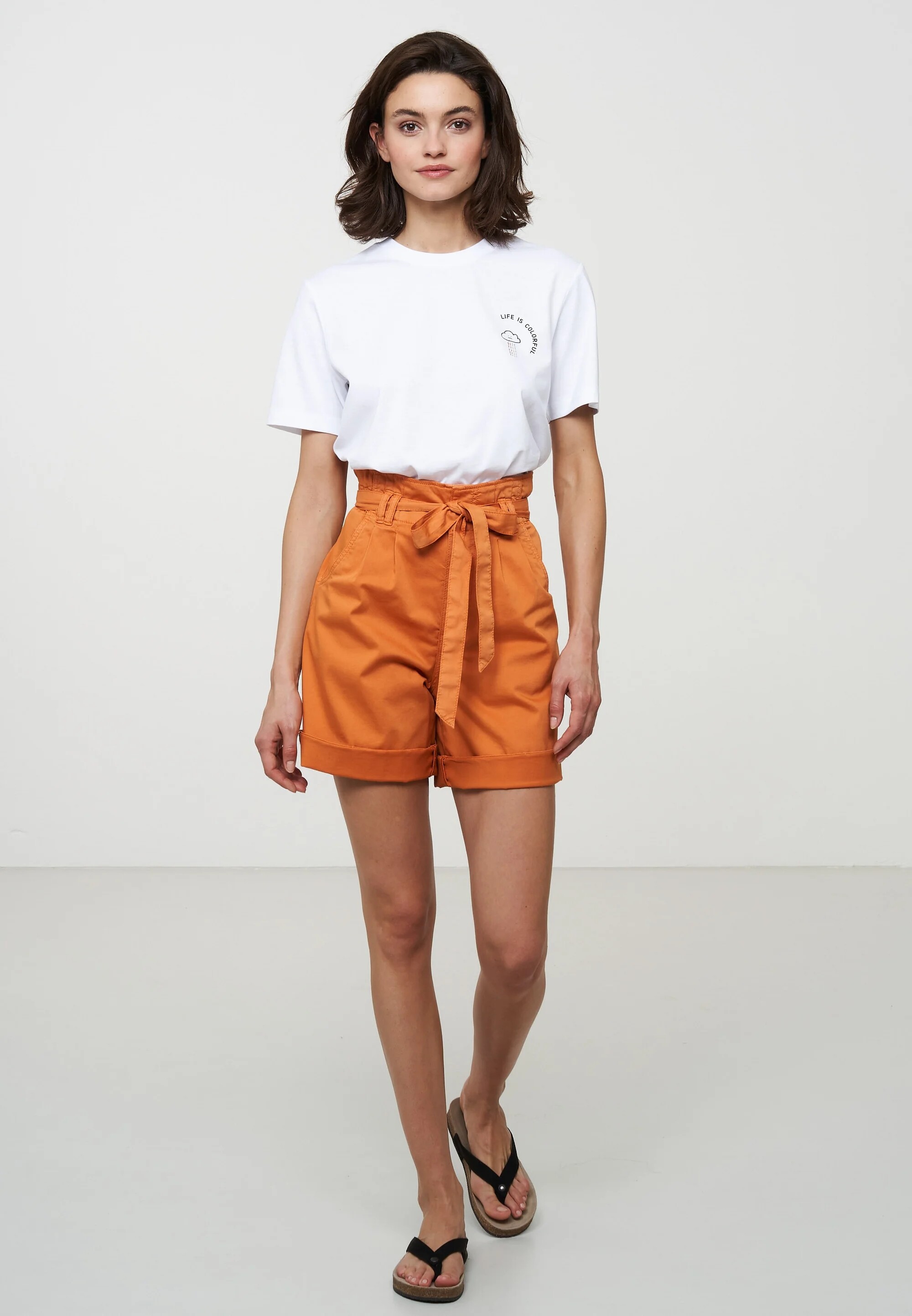
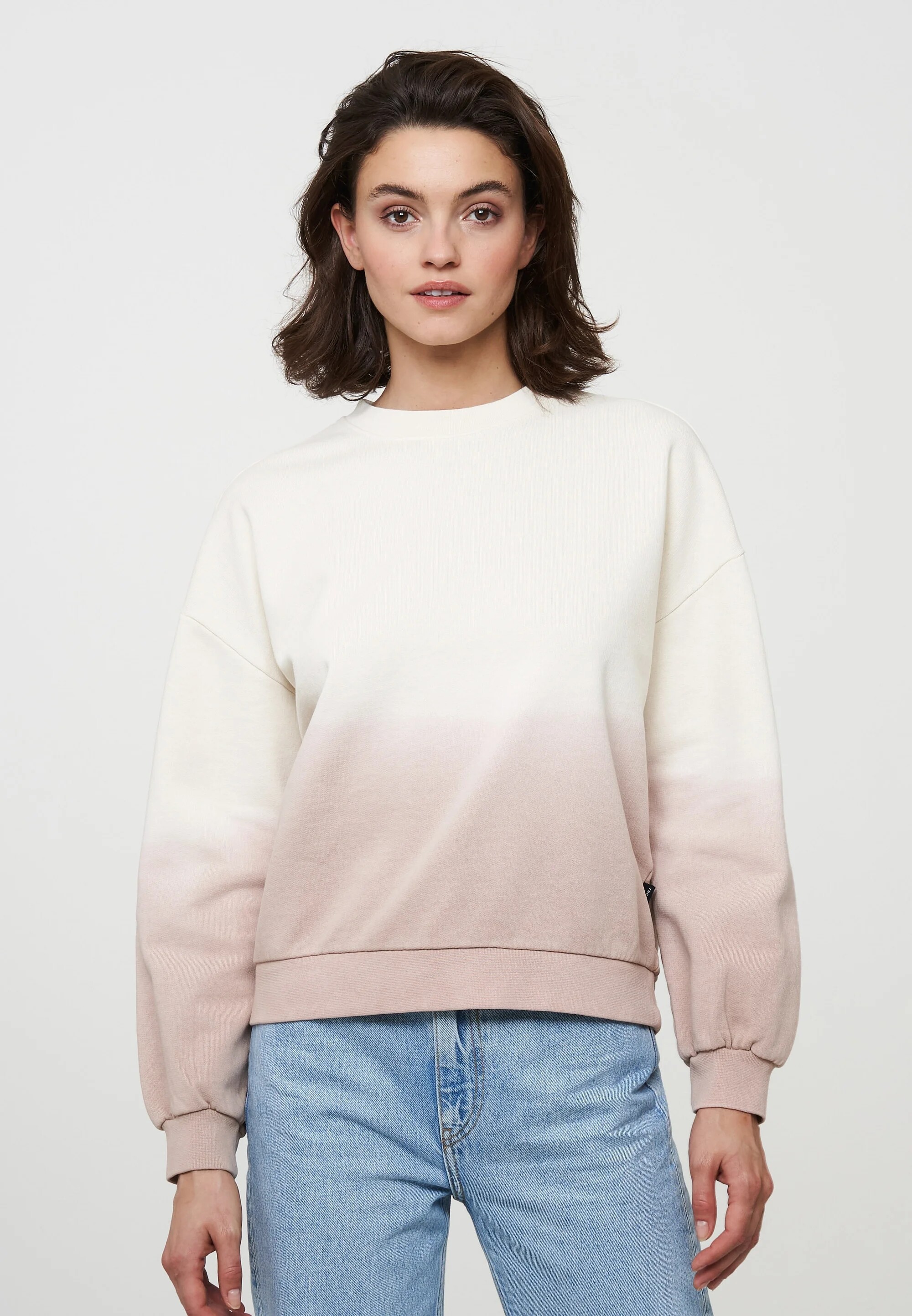
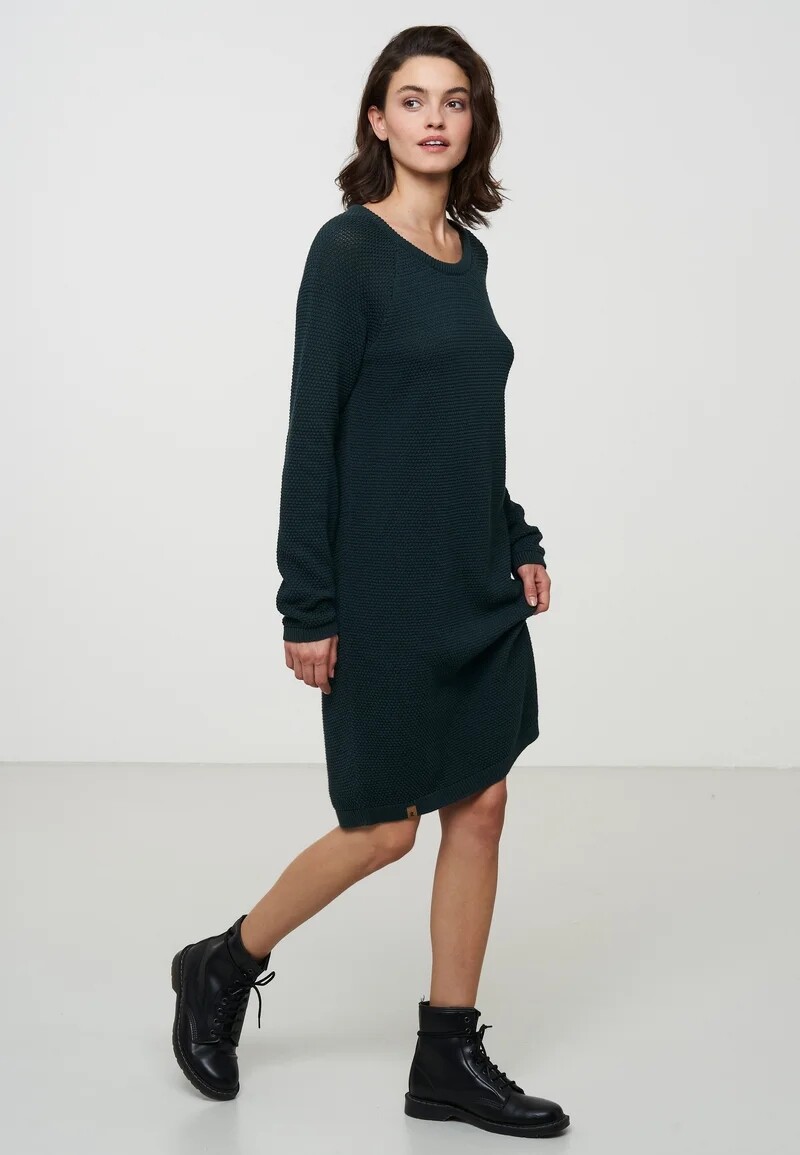
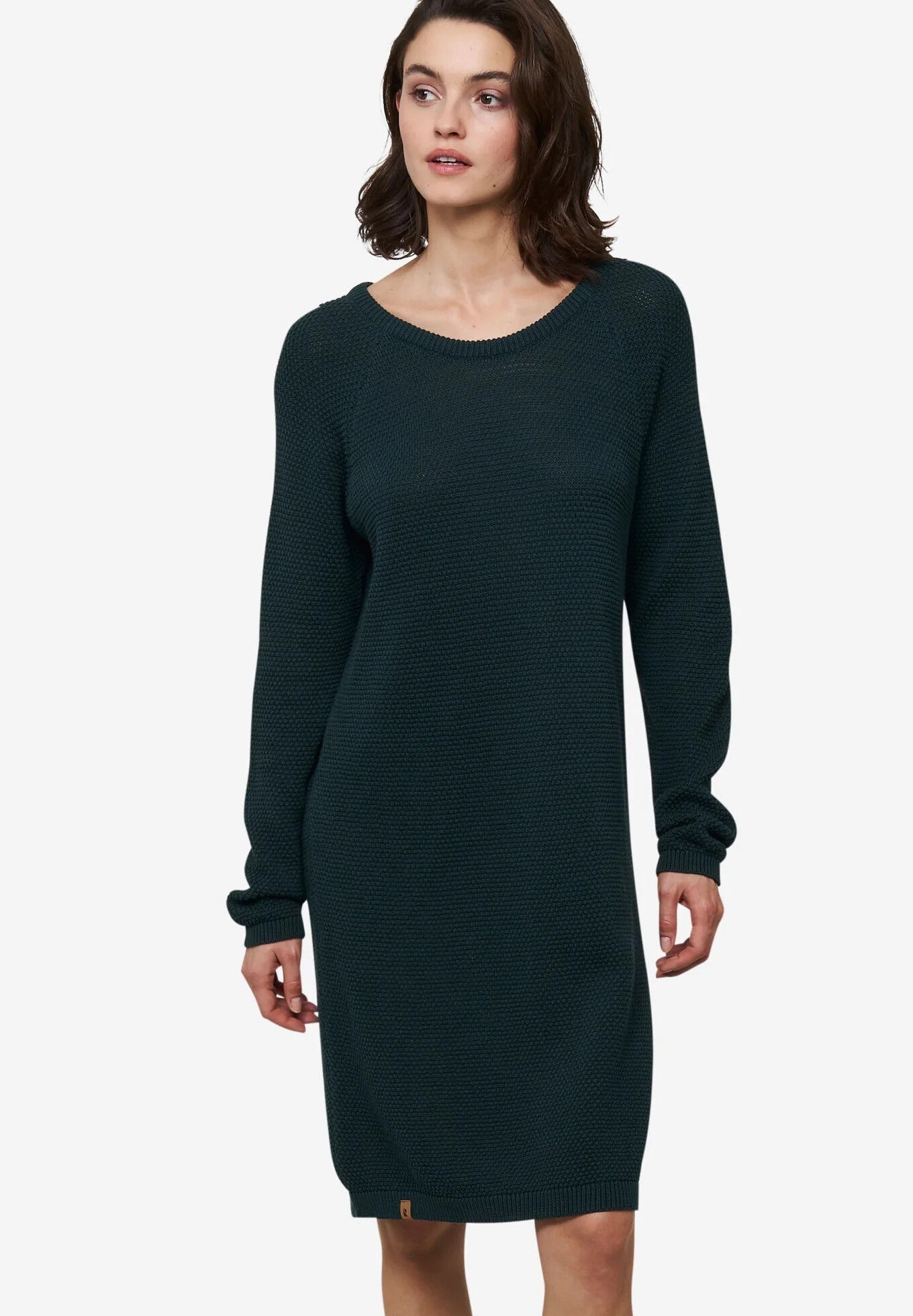
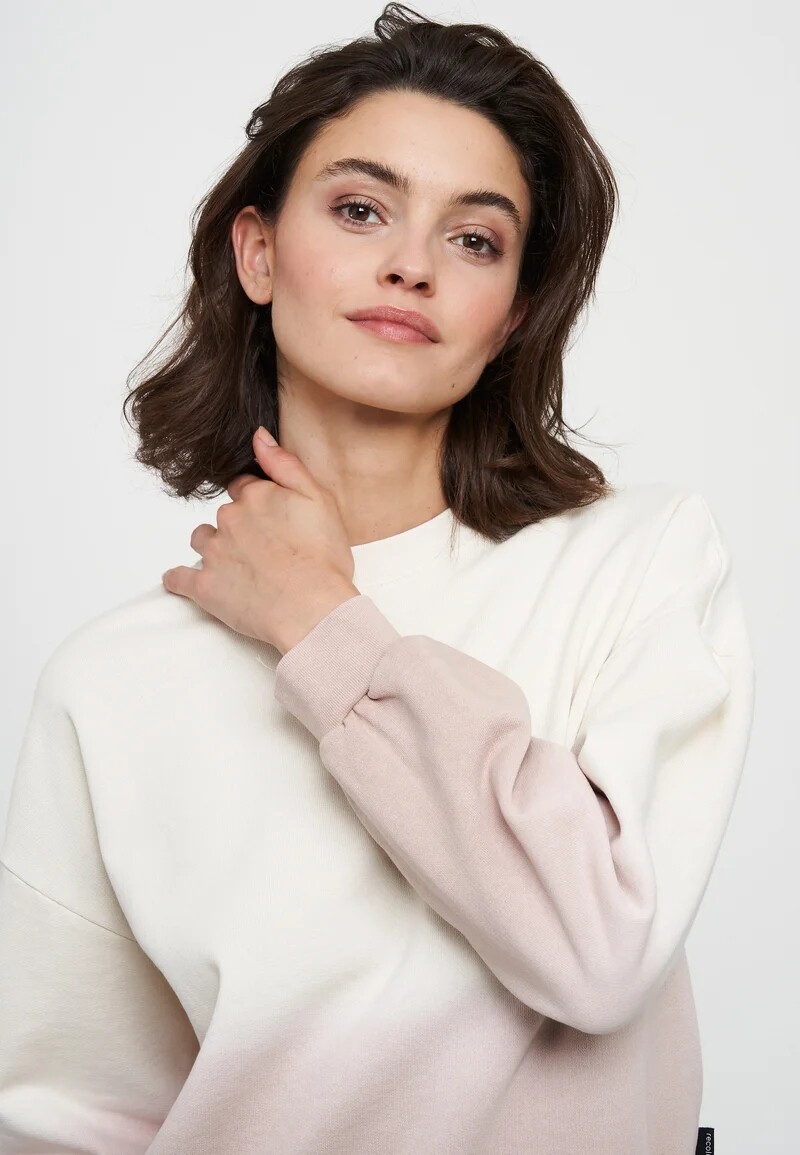
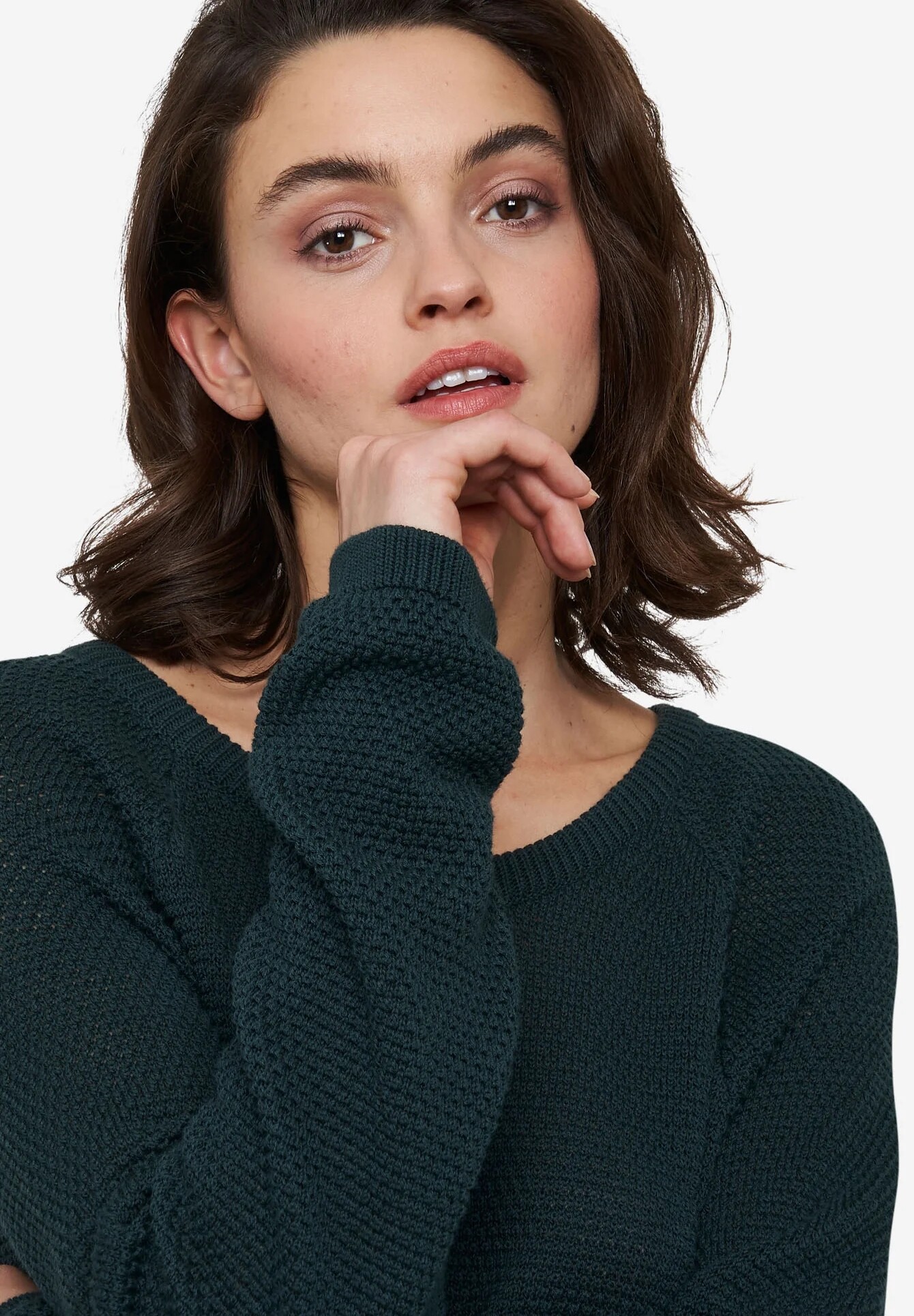
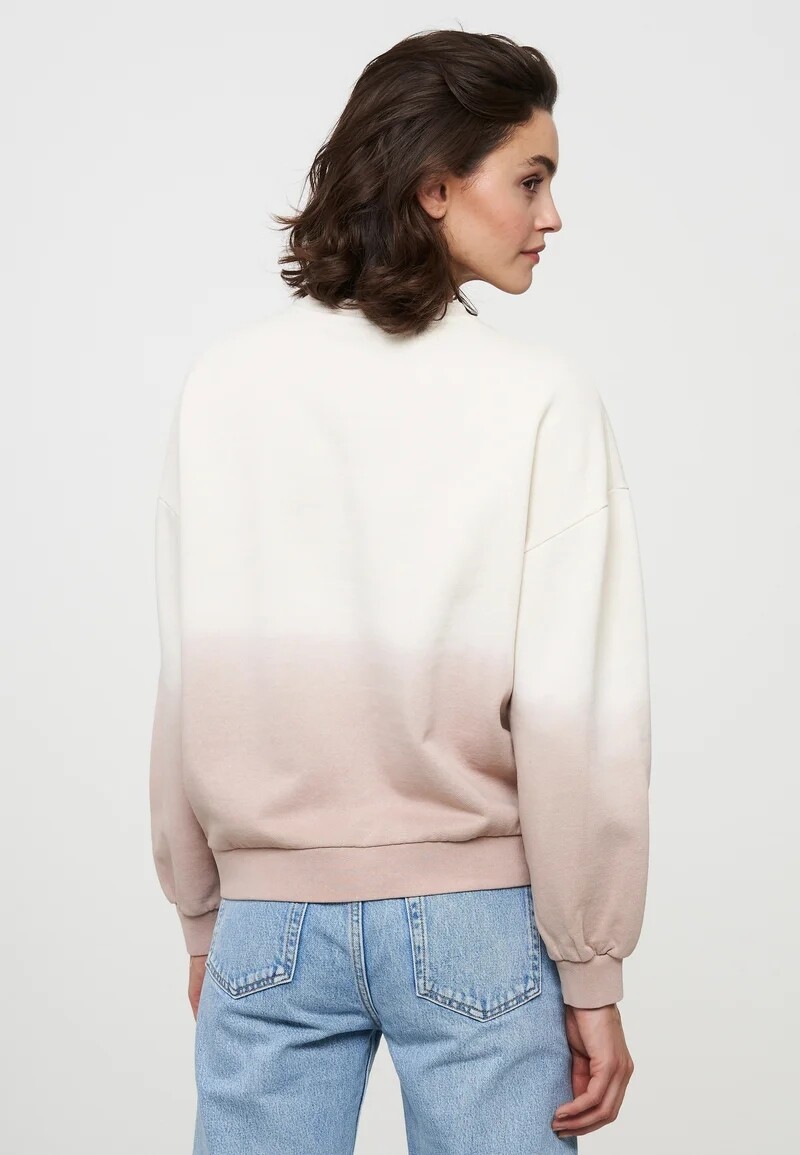
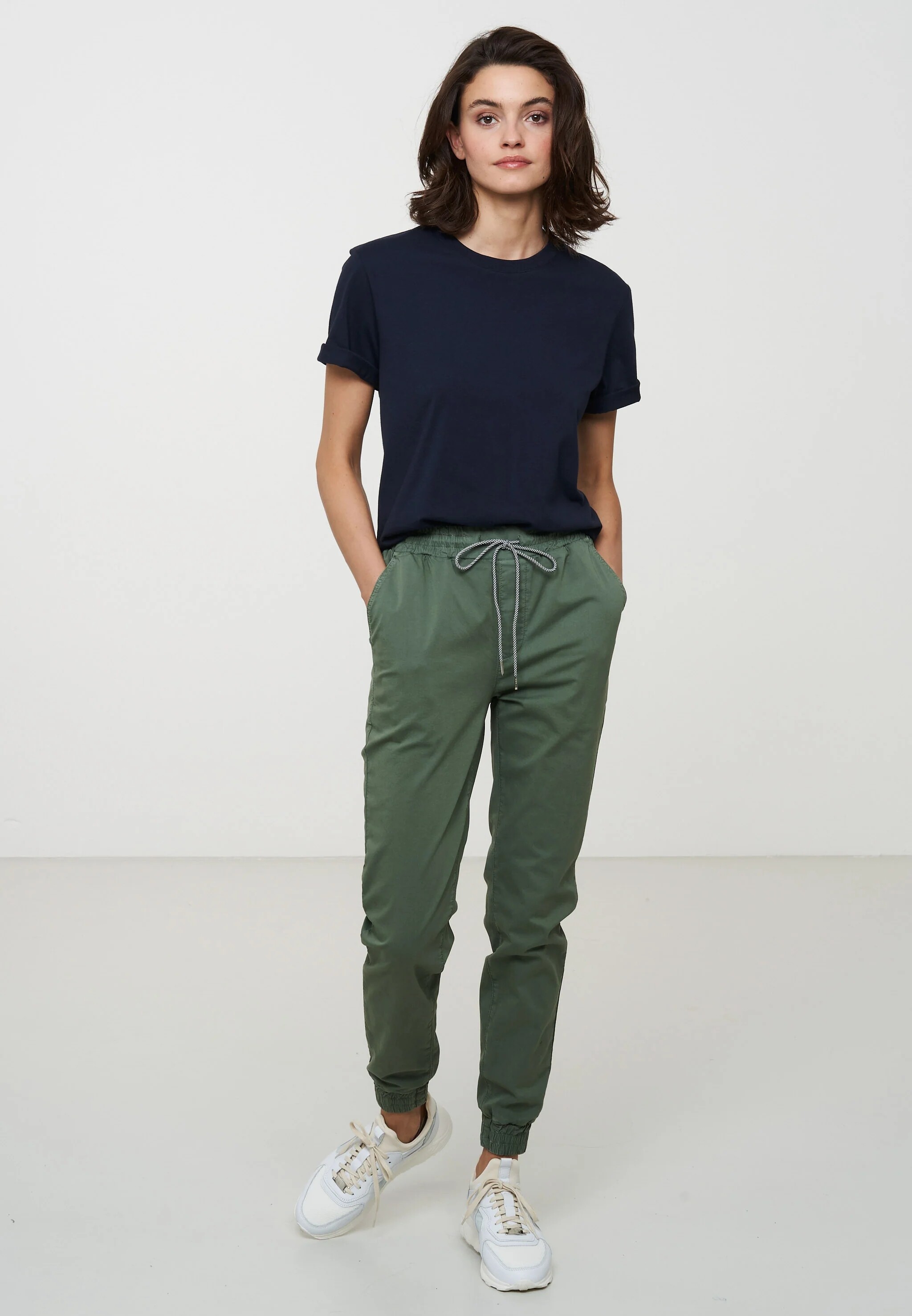
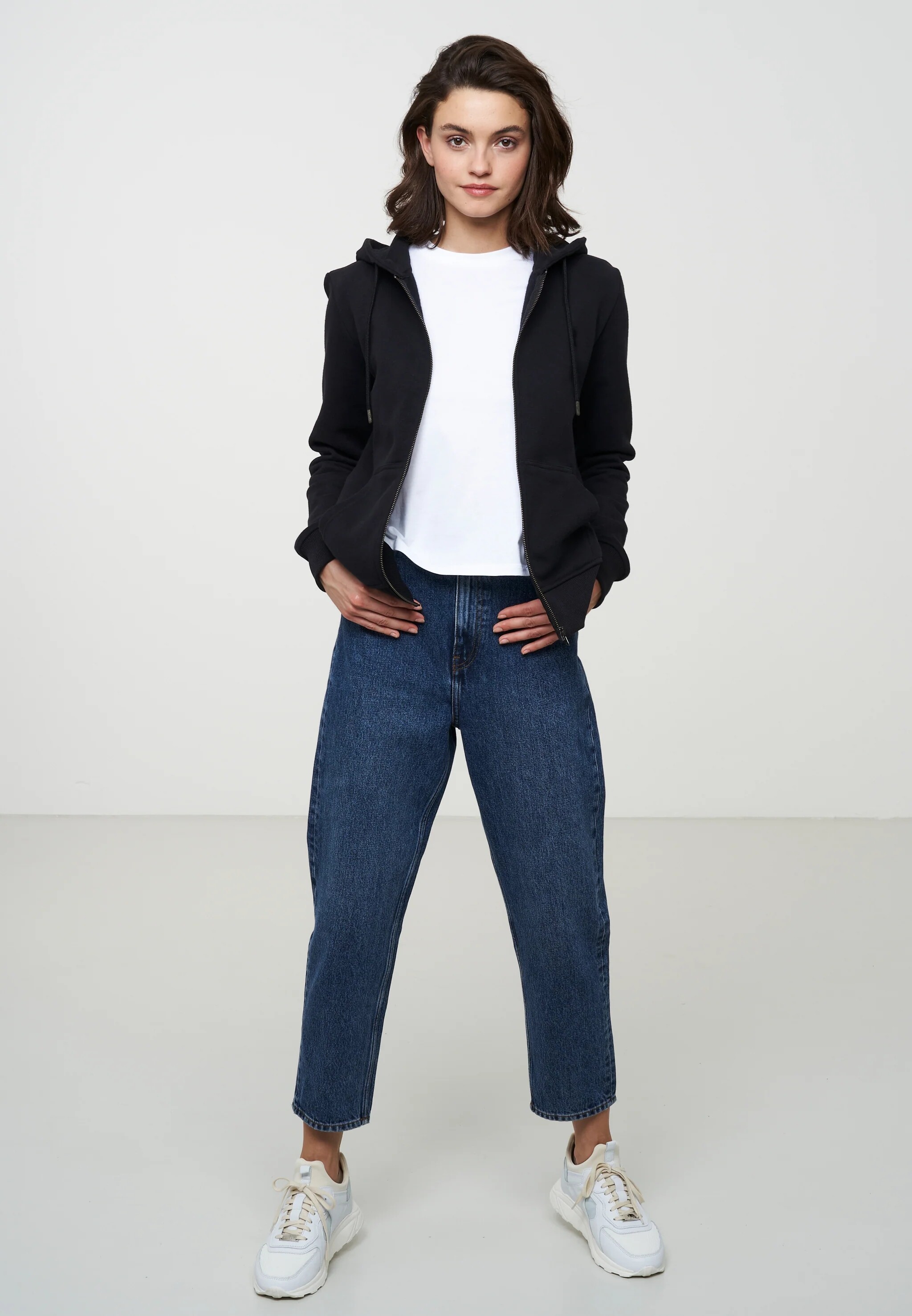
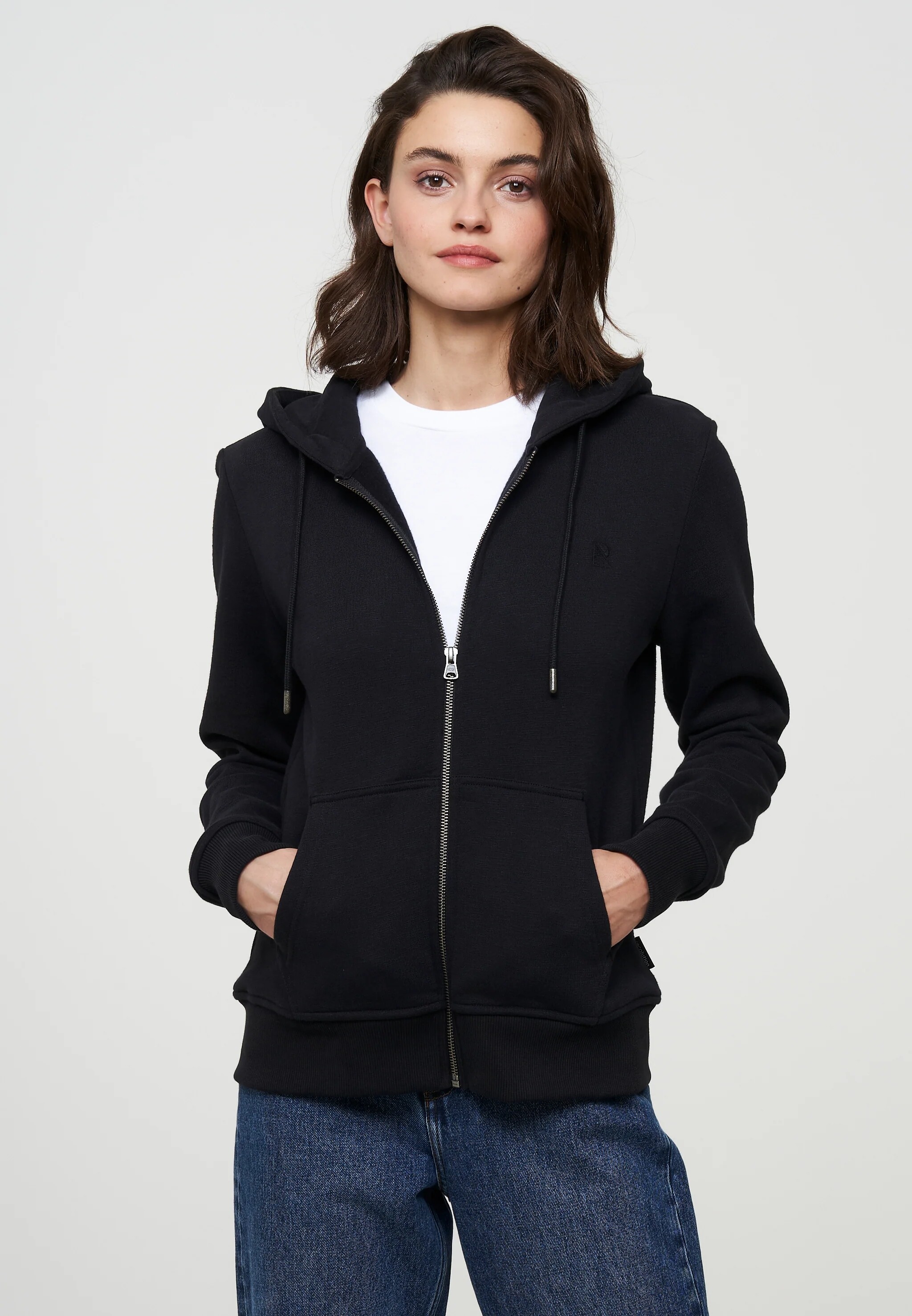
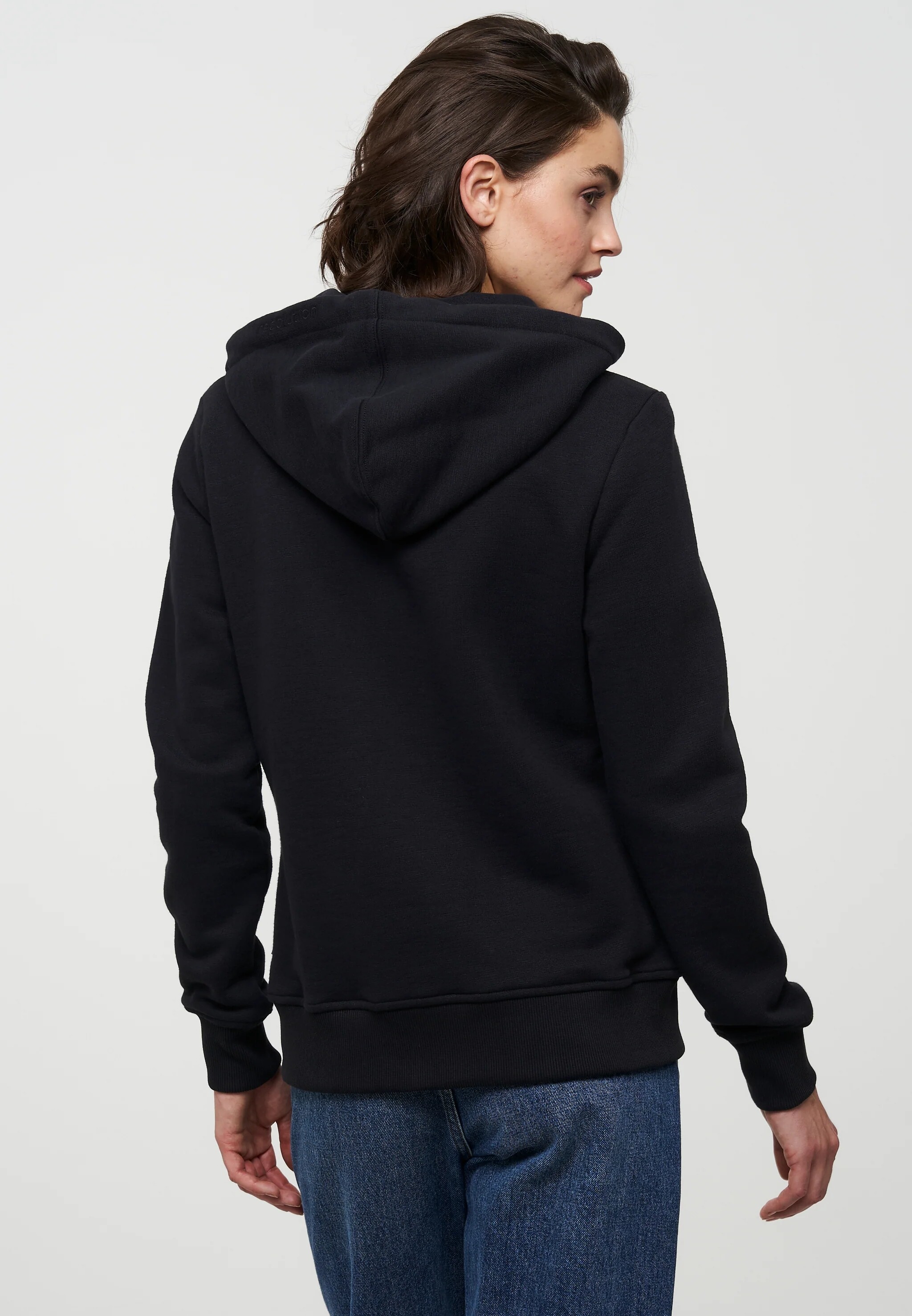
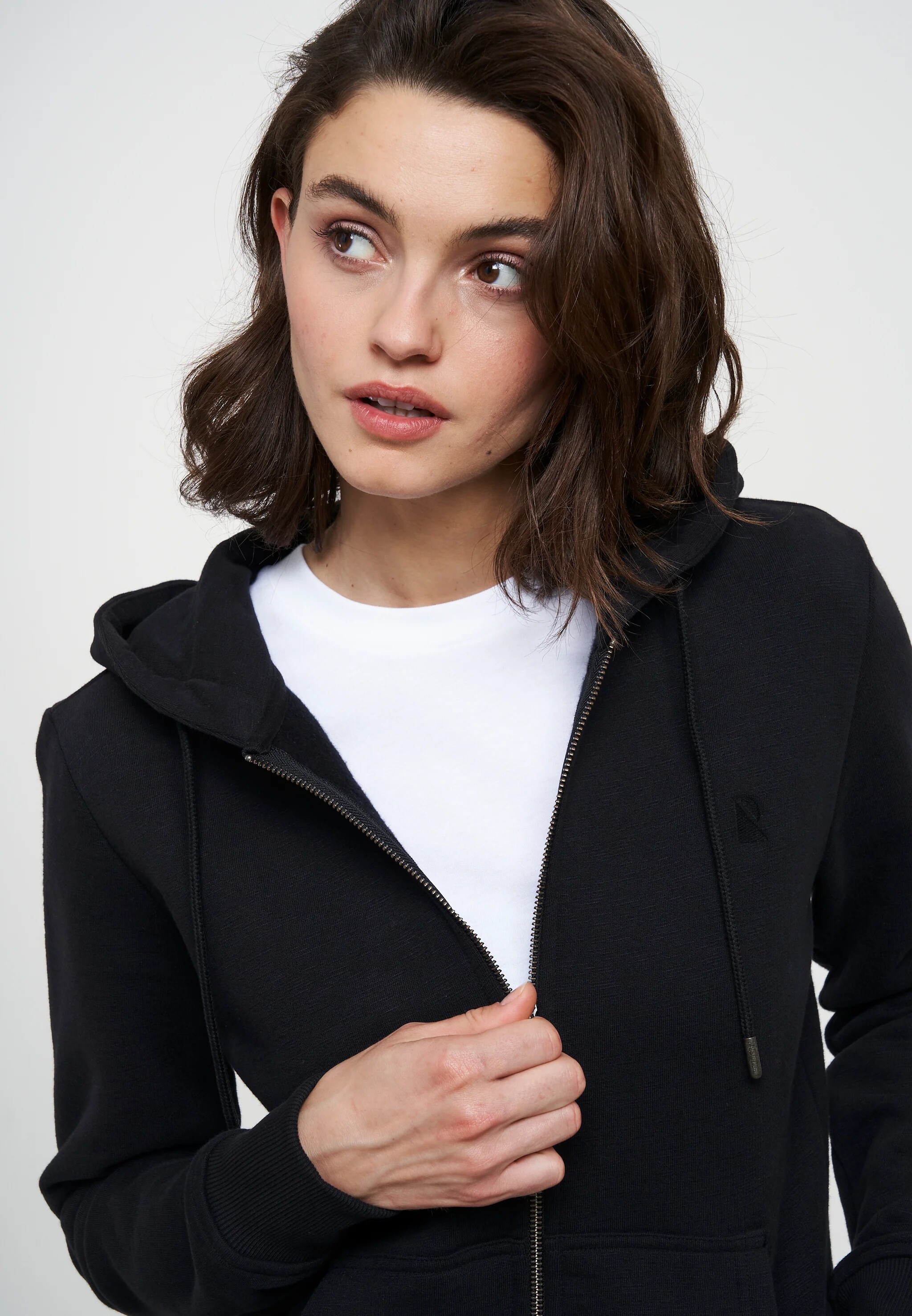
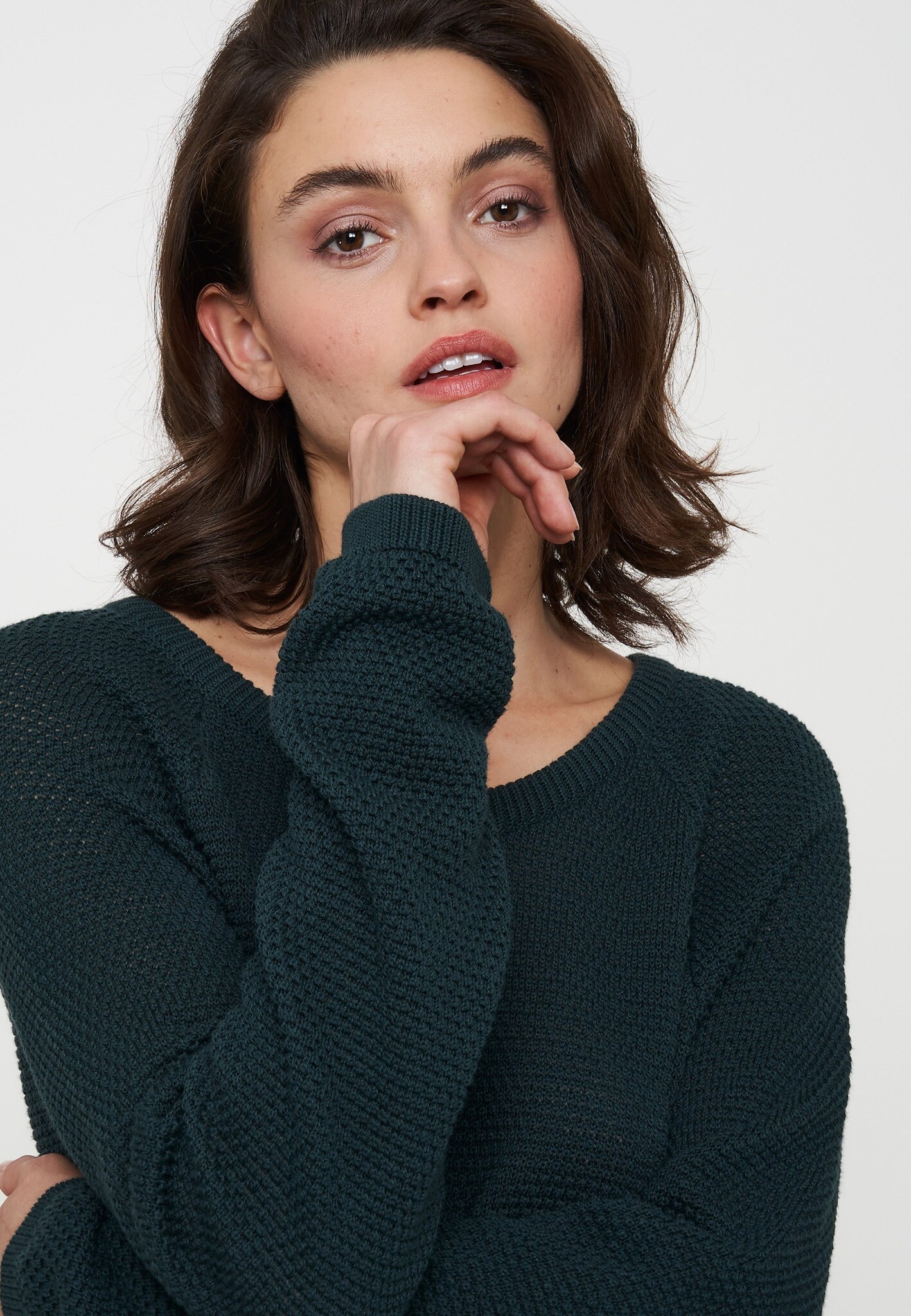
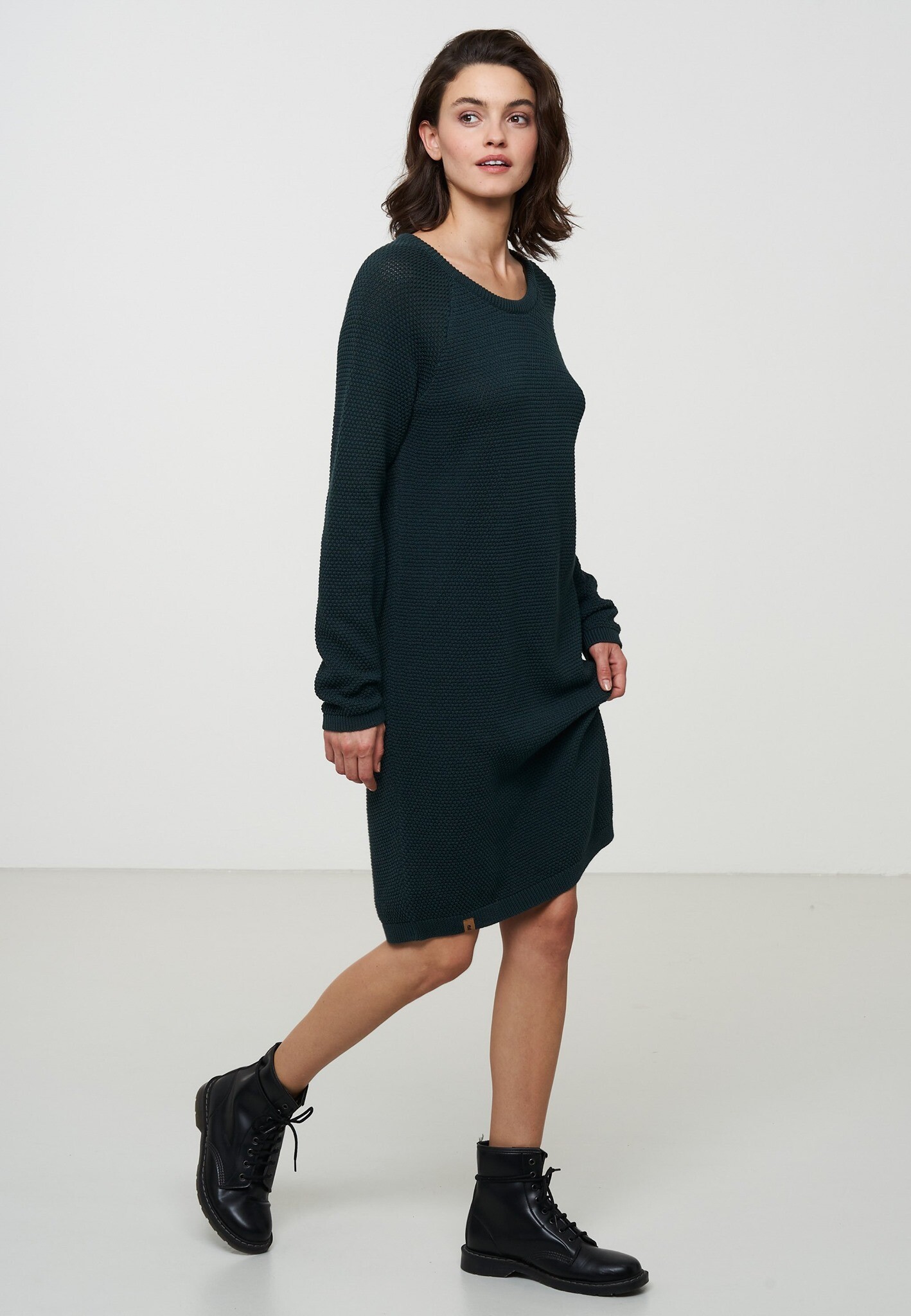
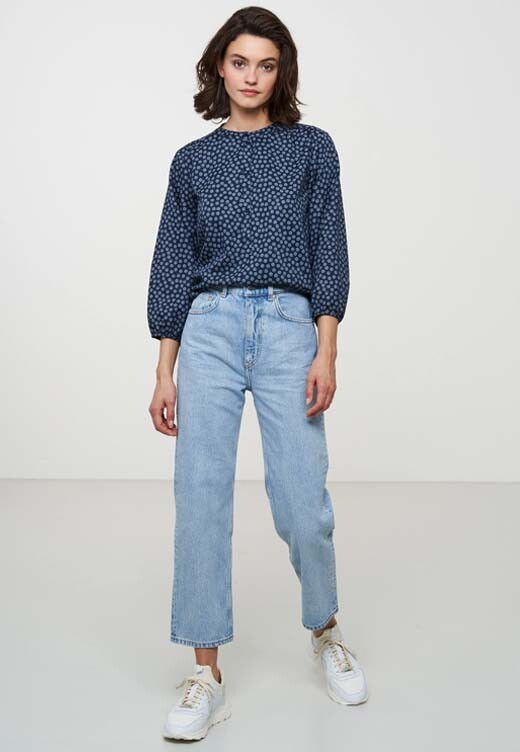
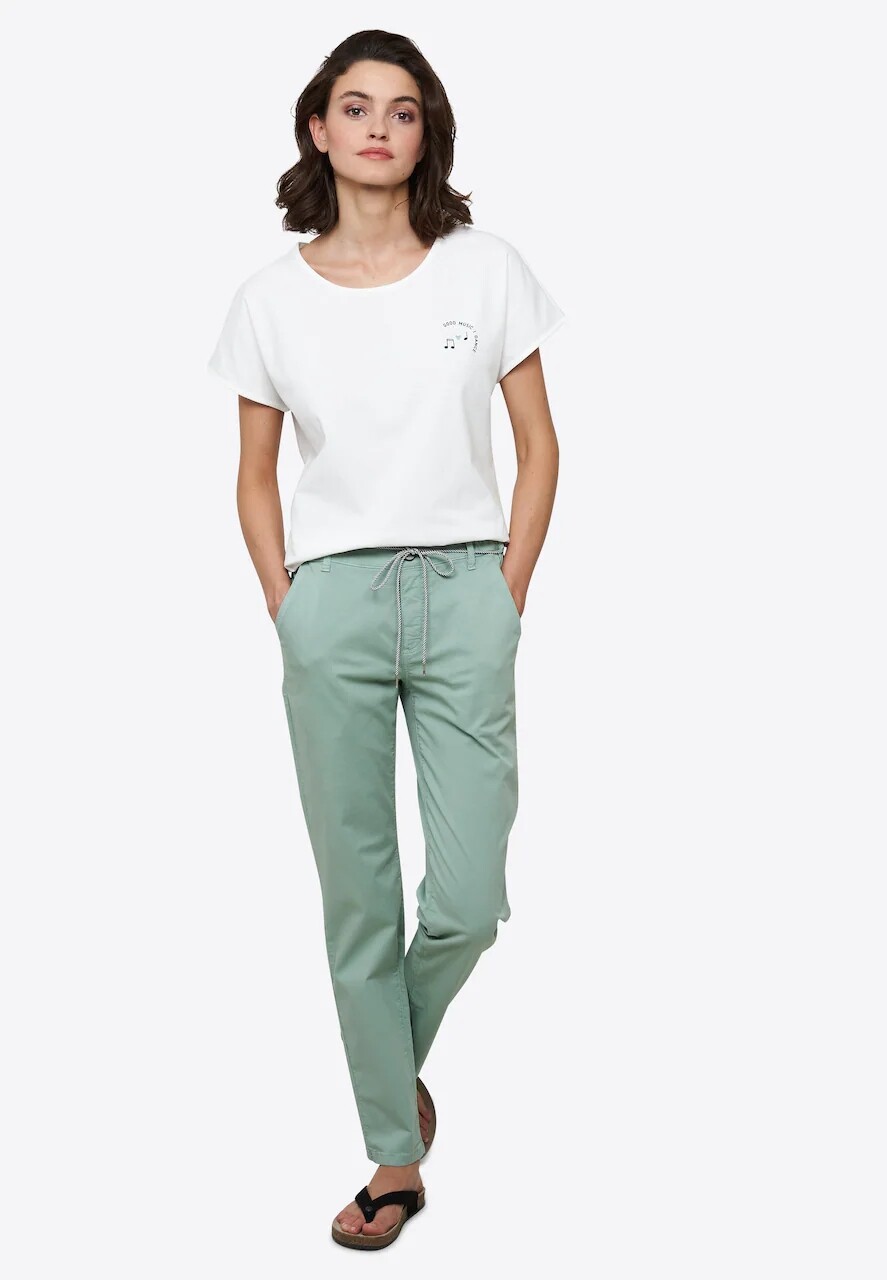
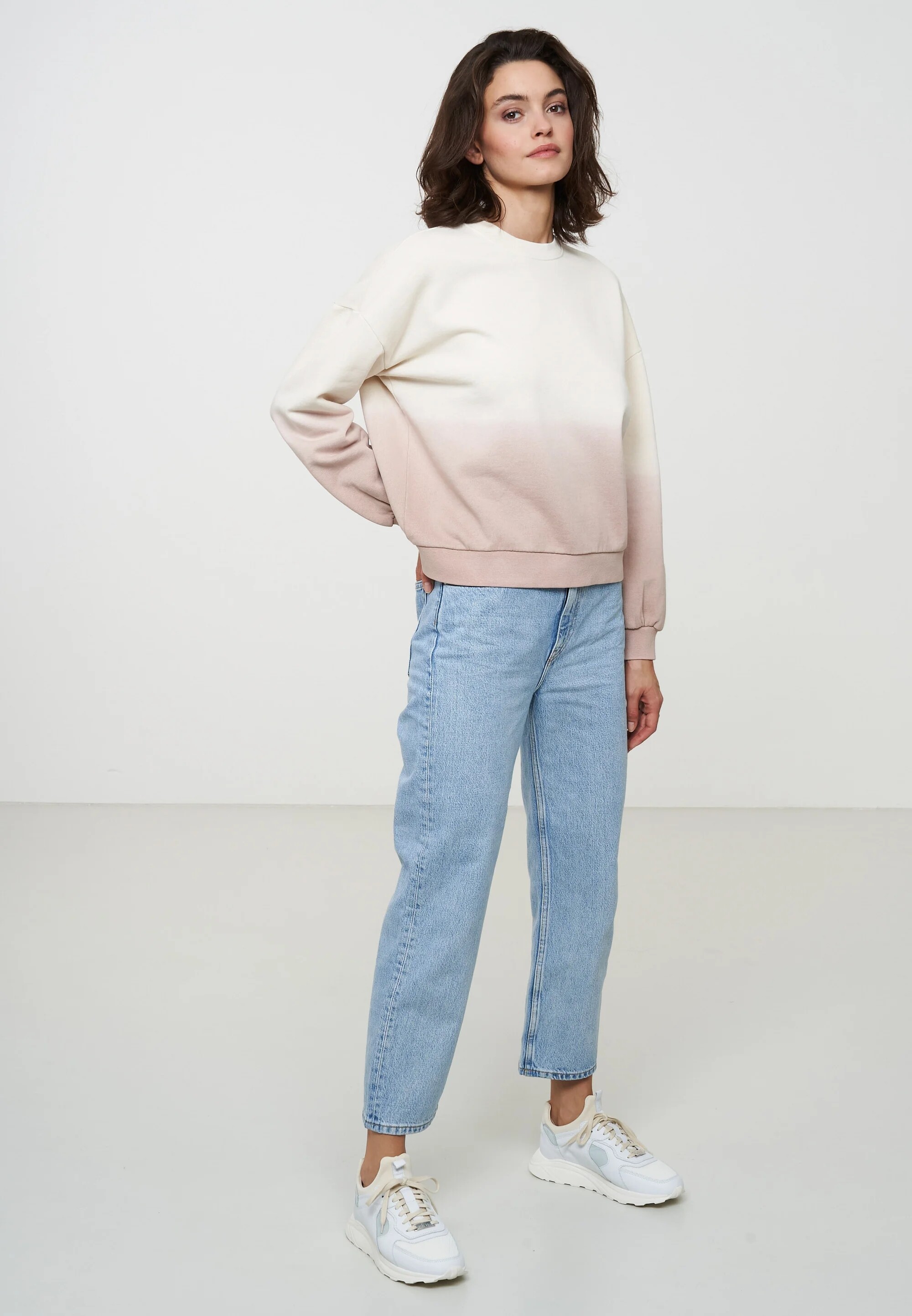
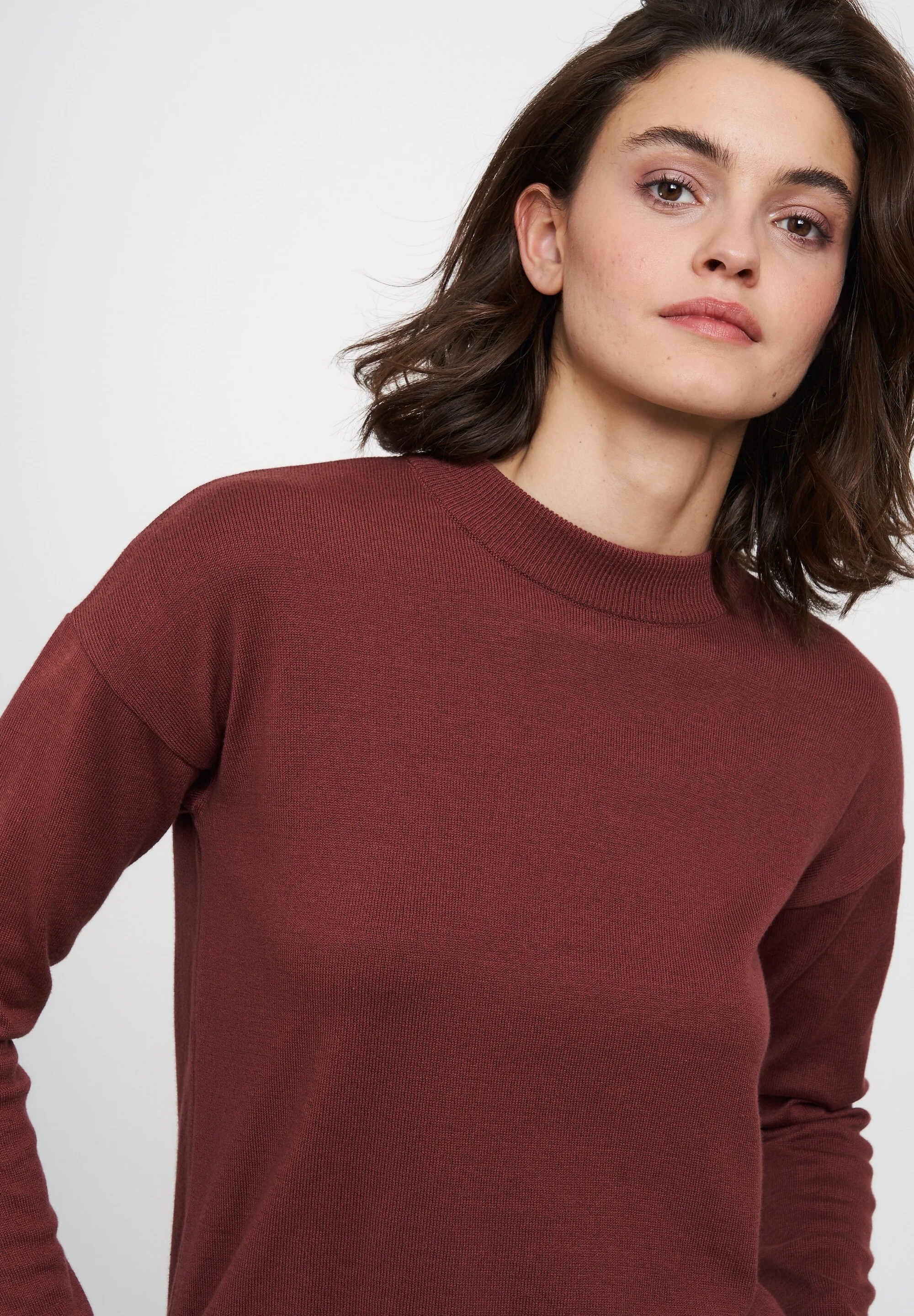
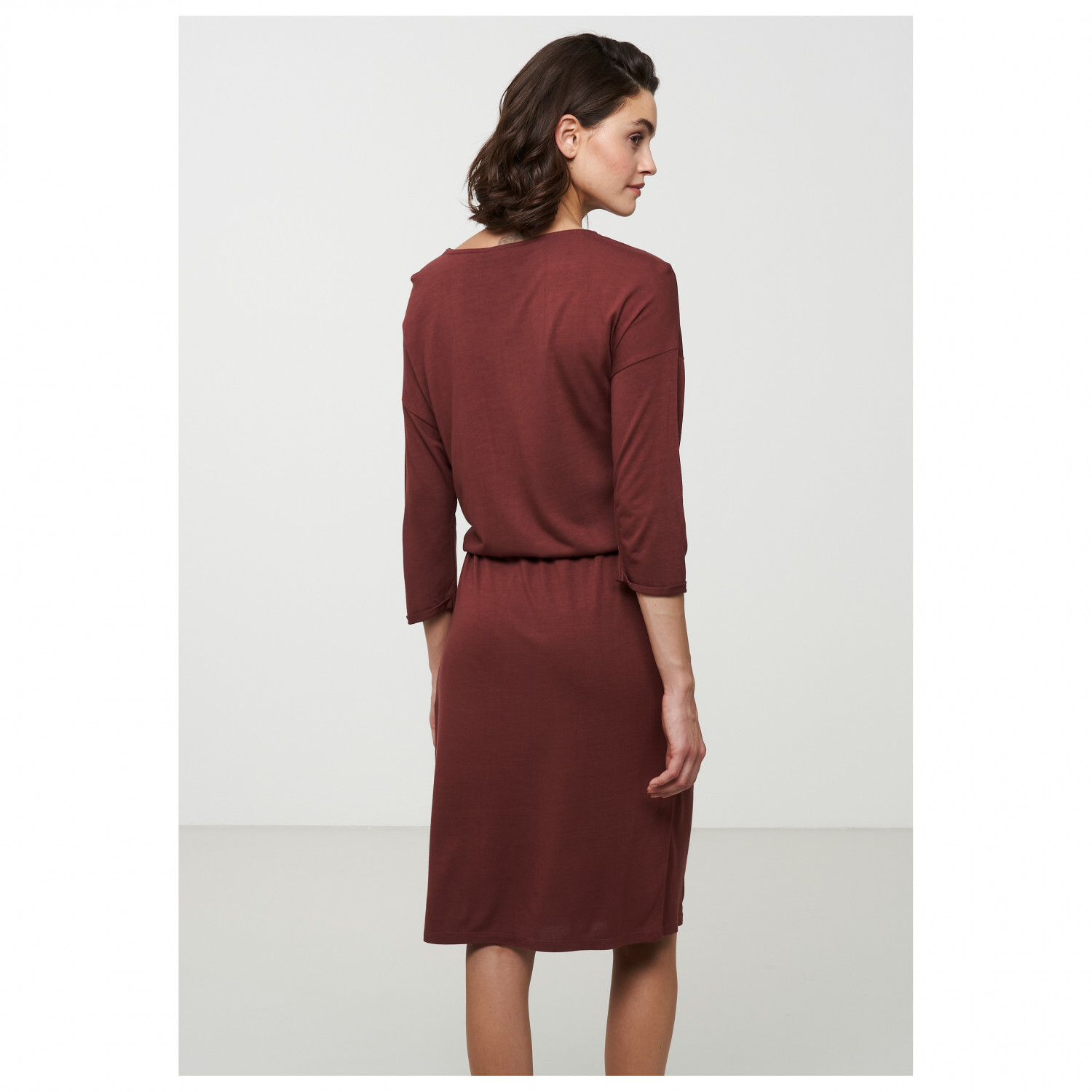
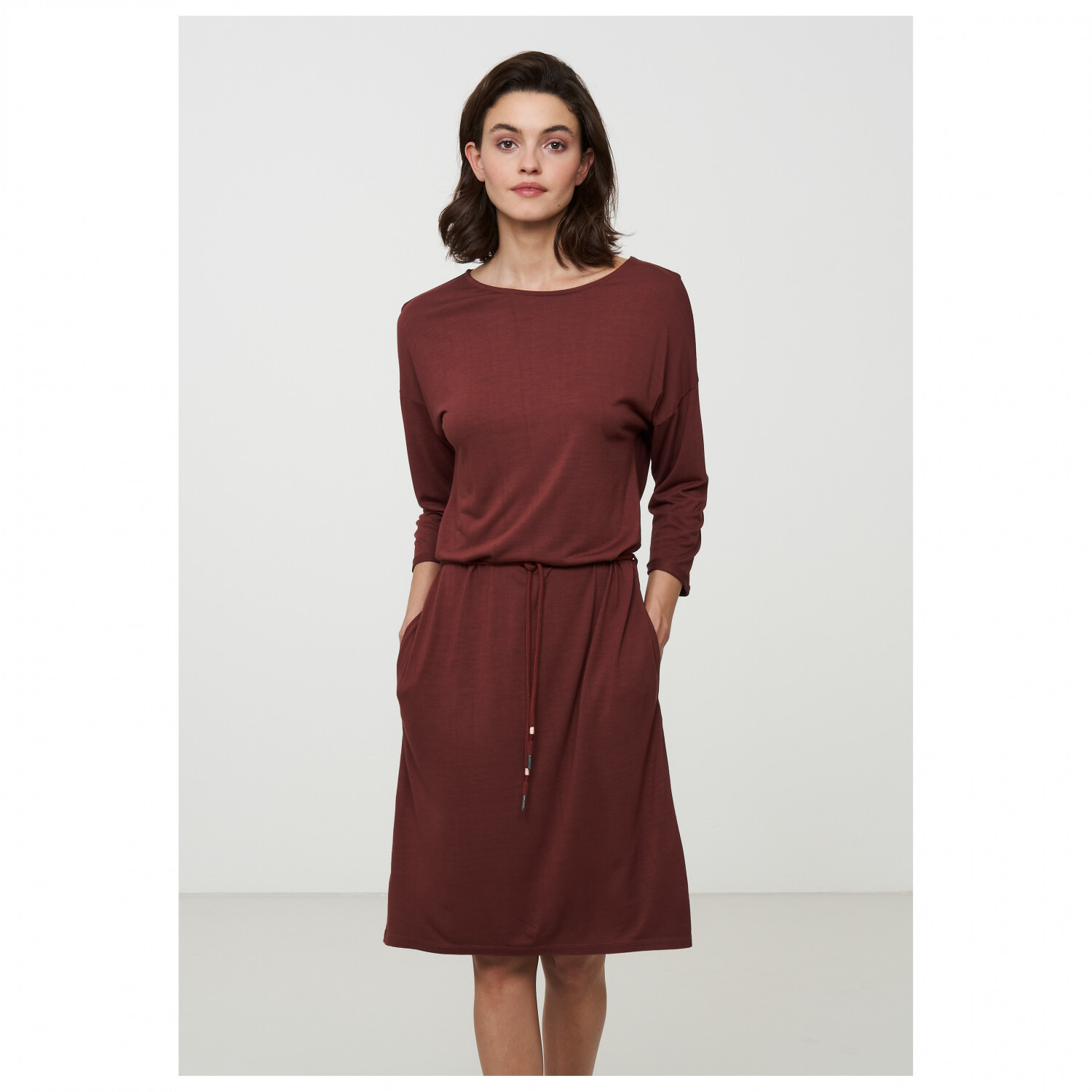
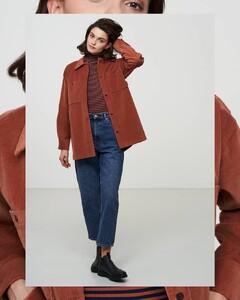
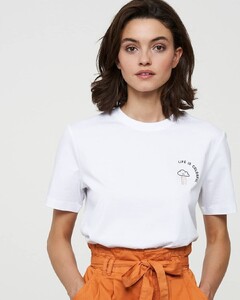
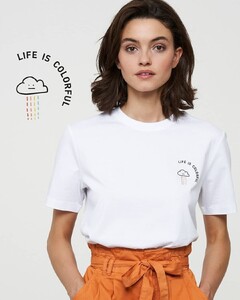
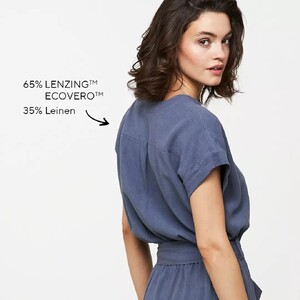
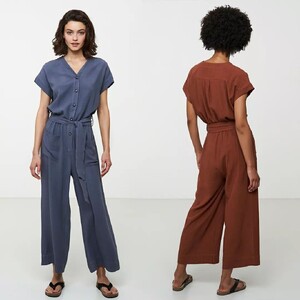
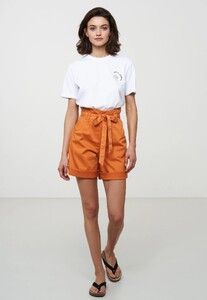
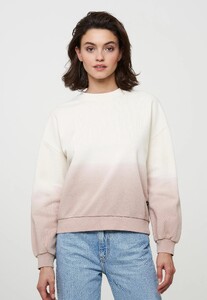
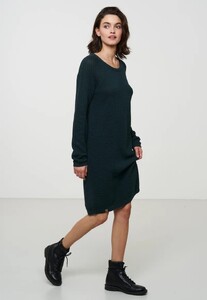
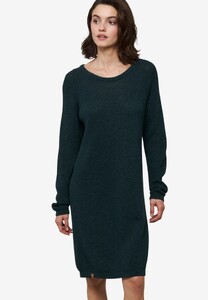
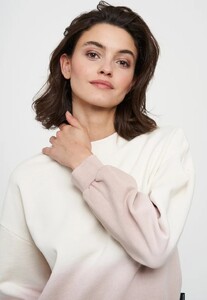
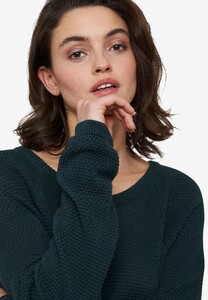
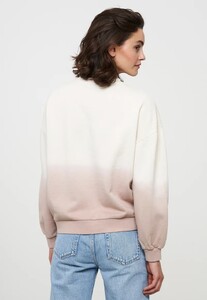
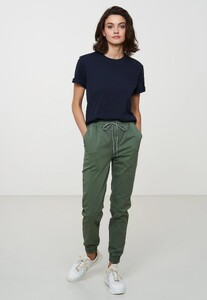
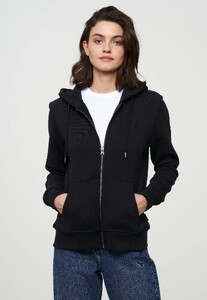
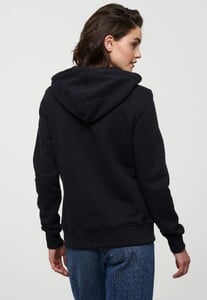
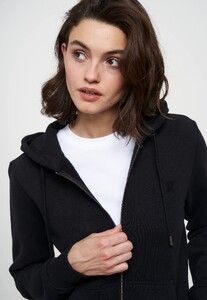
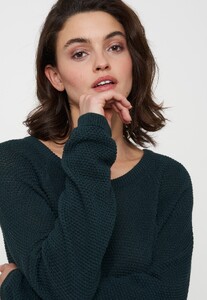
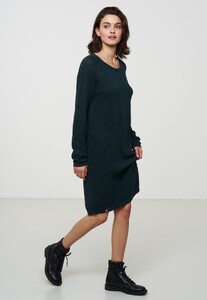
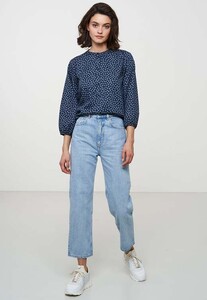
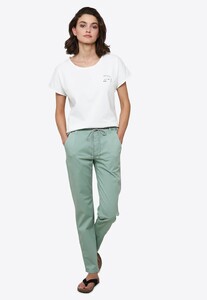
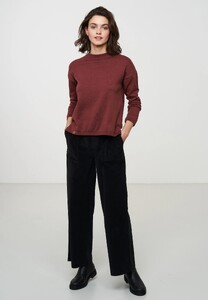
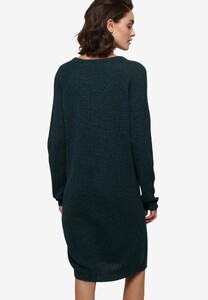
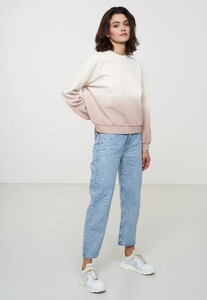
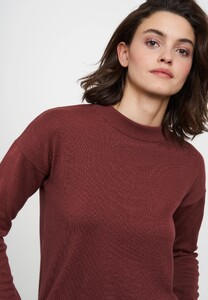
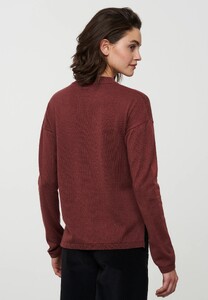
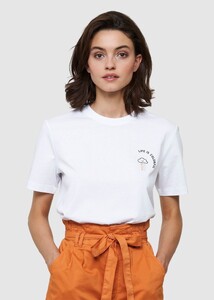
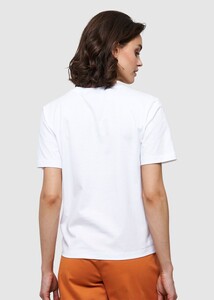
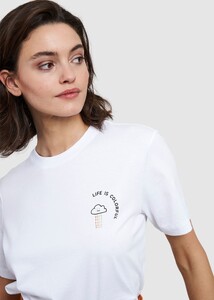
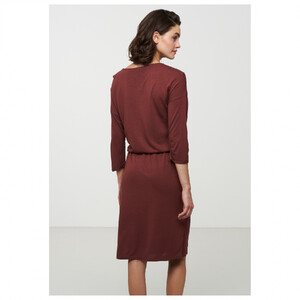
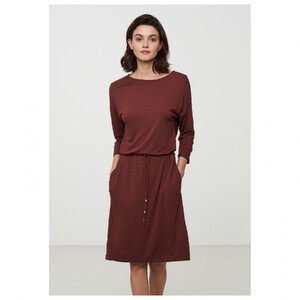
for recolution
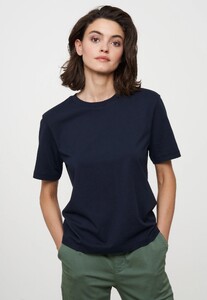
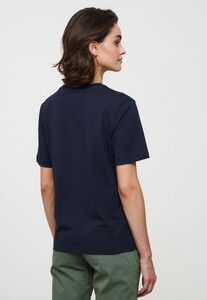
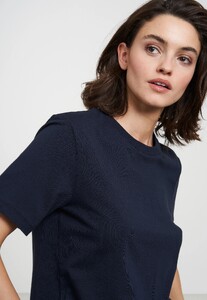
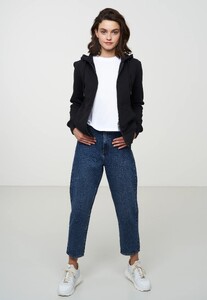
-
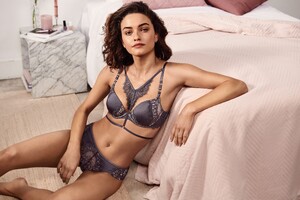
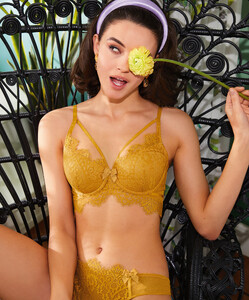
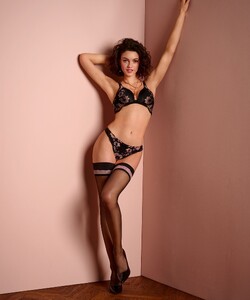
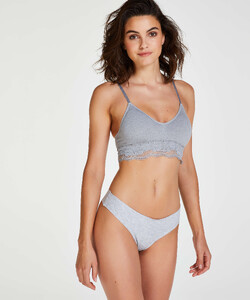
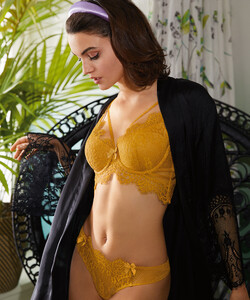
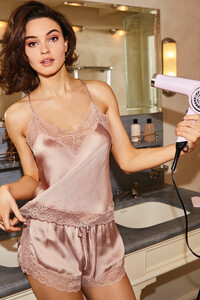
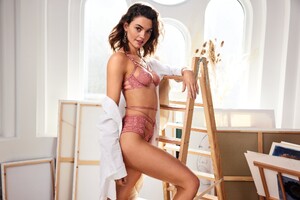
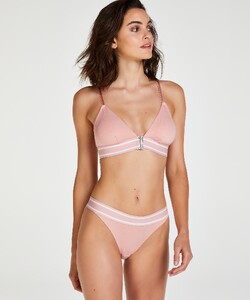
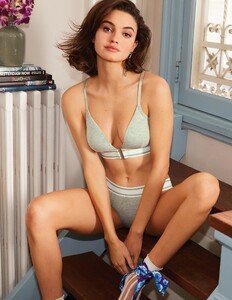
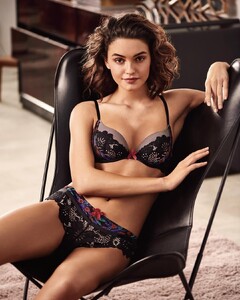
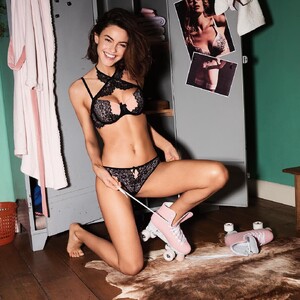
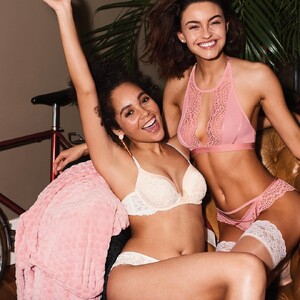
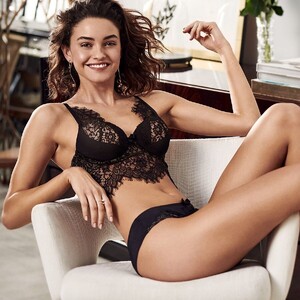
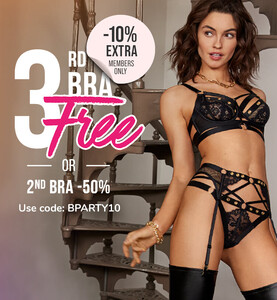
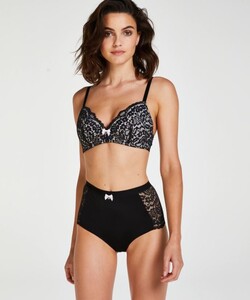
And then there was just the miscellaneous Hunkmöller stuff:

-
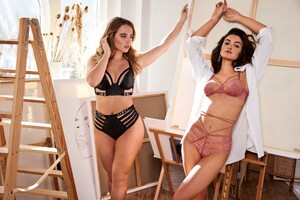
There was another Hunkmöller party kicked off by Daria:
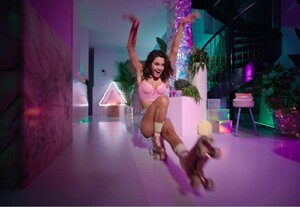
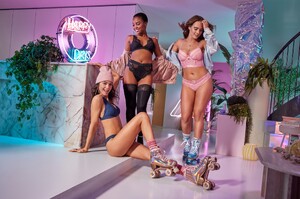
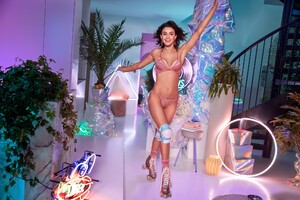
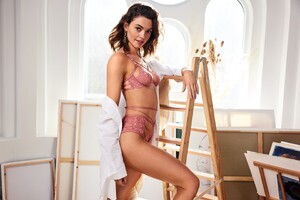
-
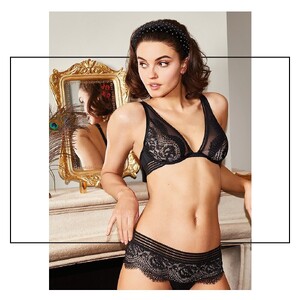
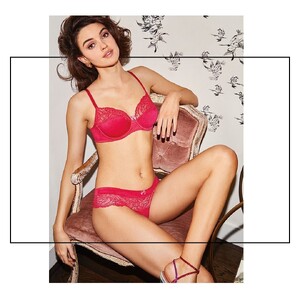
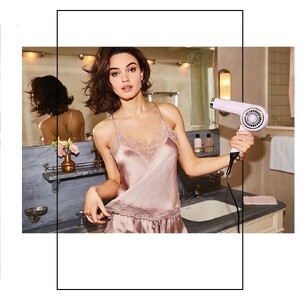
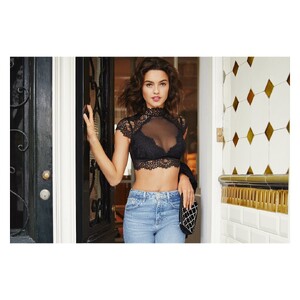
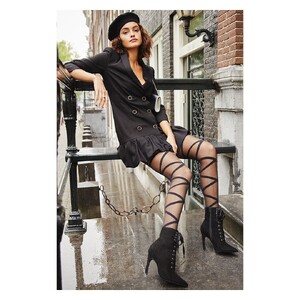
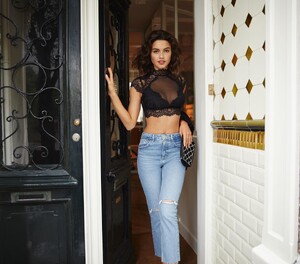
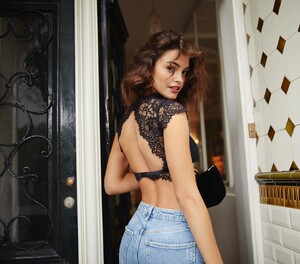
A photog took pics for Hunkmöller: Kasimir Szekeres 📷
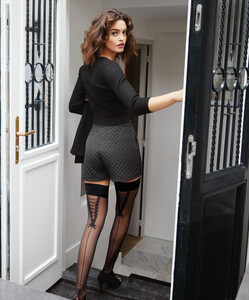
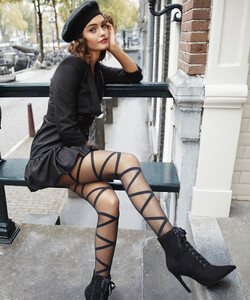
-
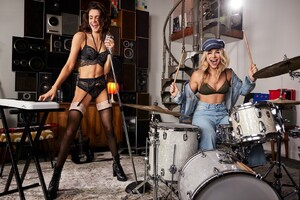
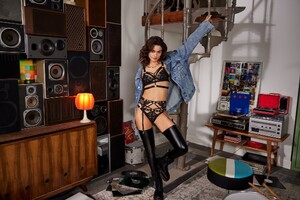
And HunkmöllerRU got in on the act:
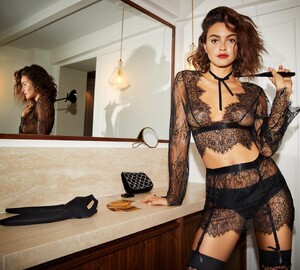
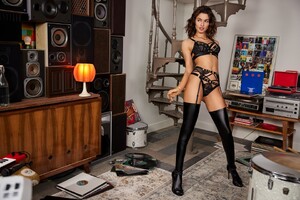
-
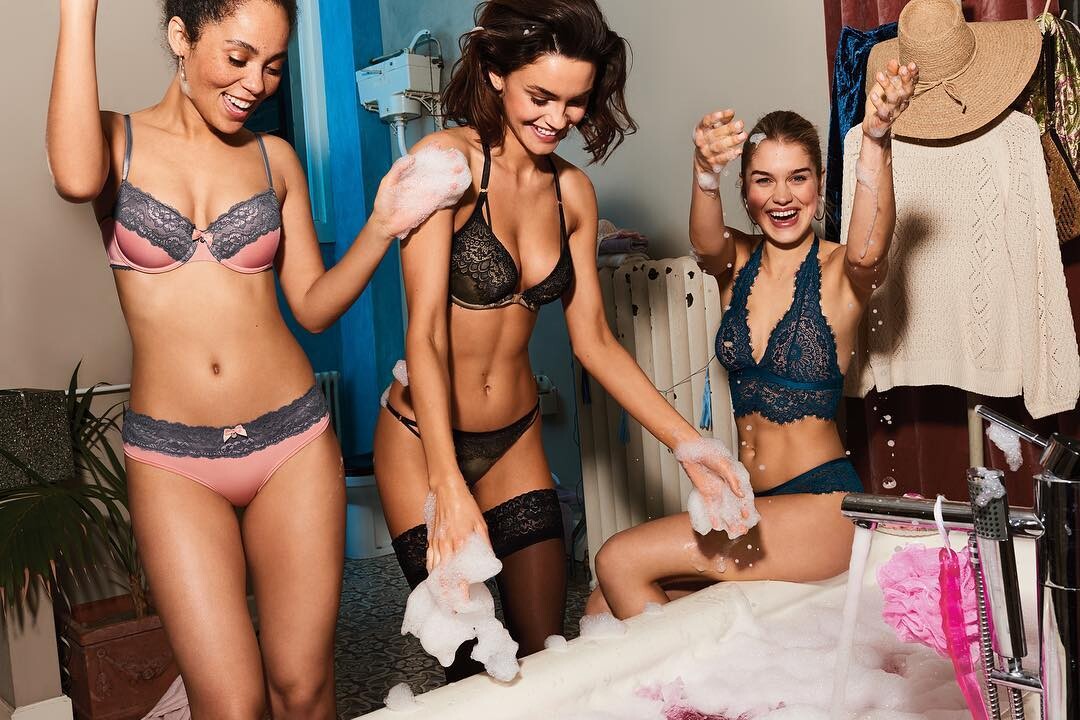
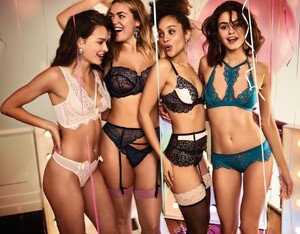
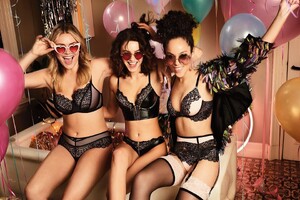
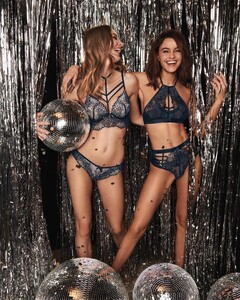
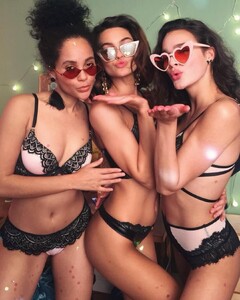
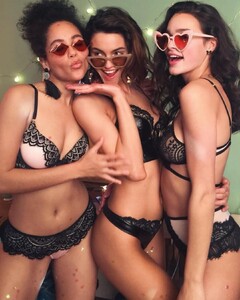
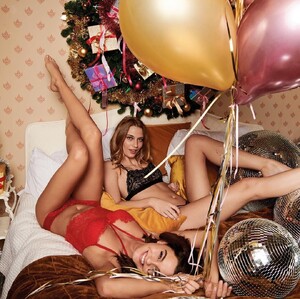
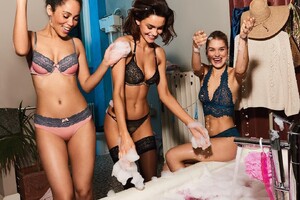
And then it's Hunkmöller party time!
-
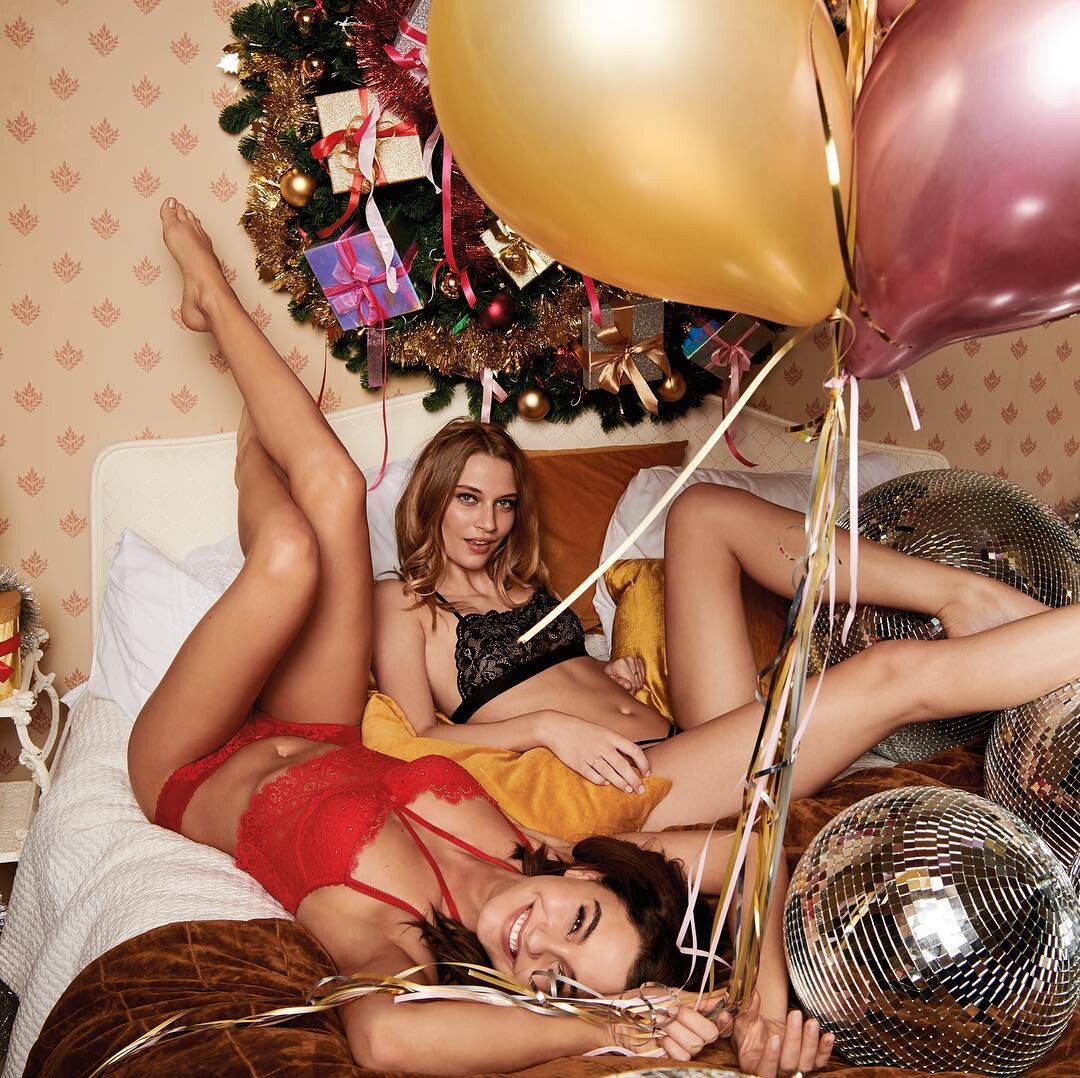
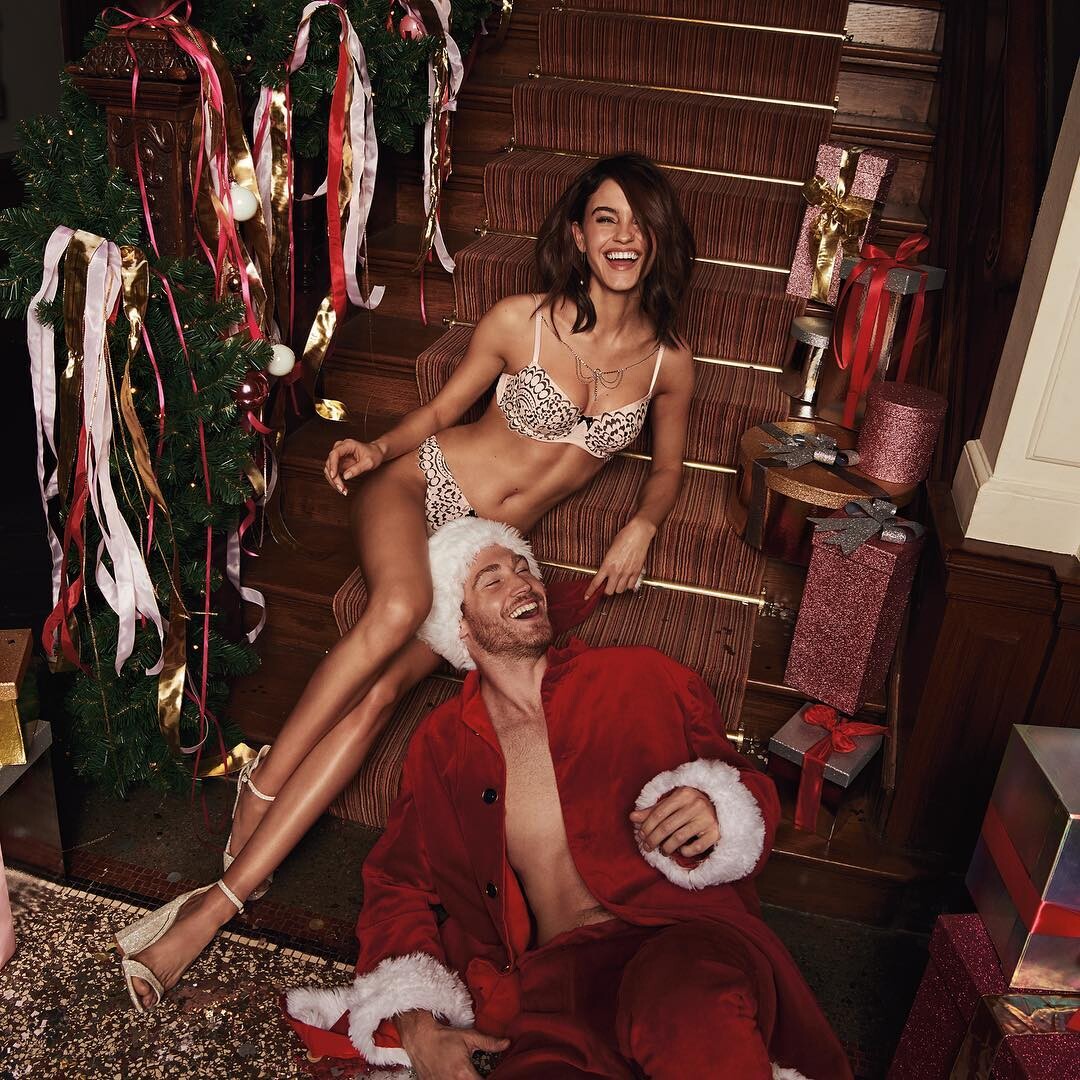
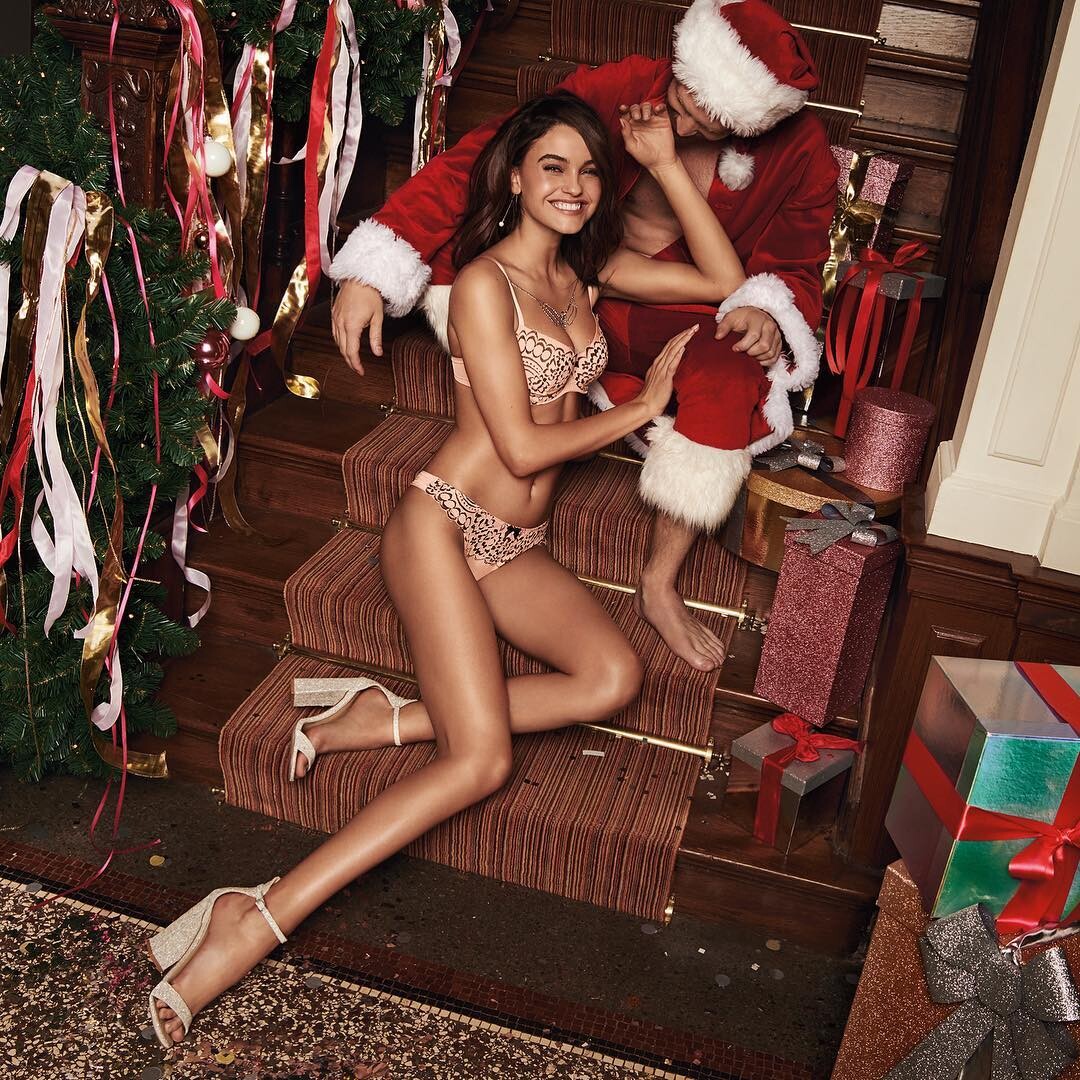
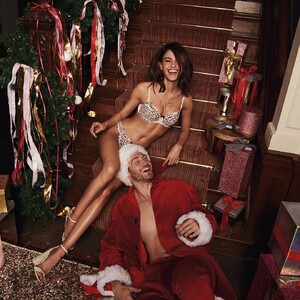
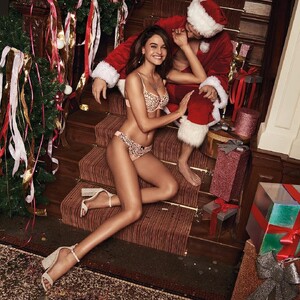
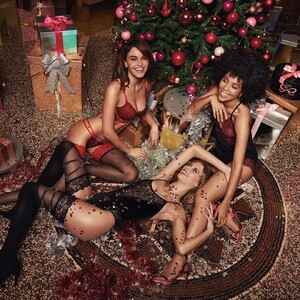
And then it was Hunkmöller Xmas:
-
There was also a 4th YT video for Hunkmöller with Daria in it:
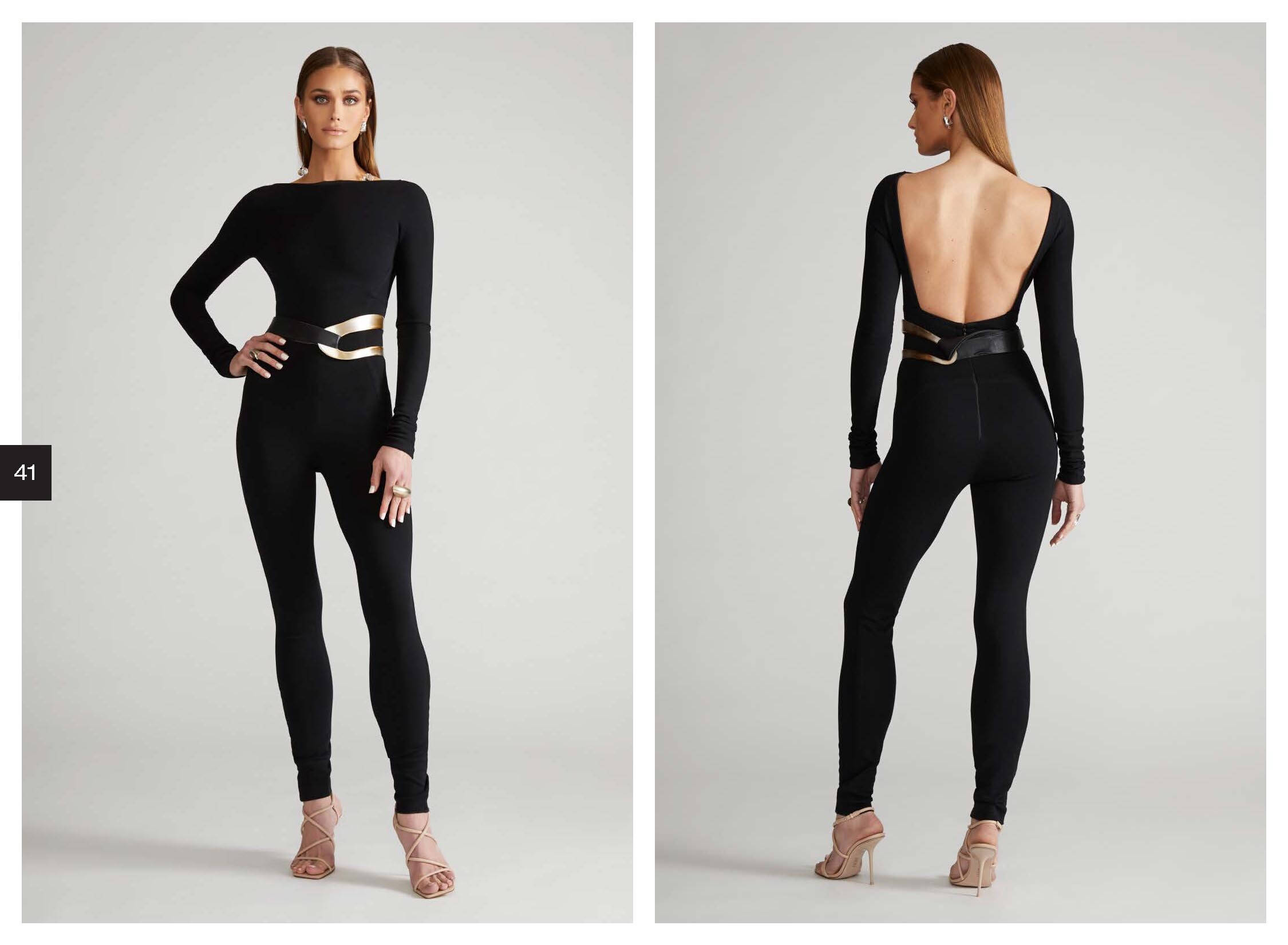
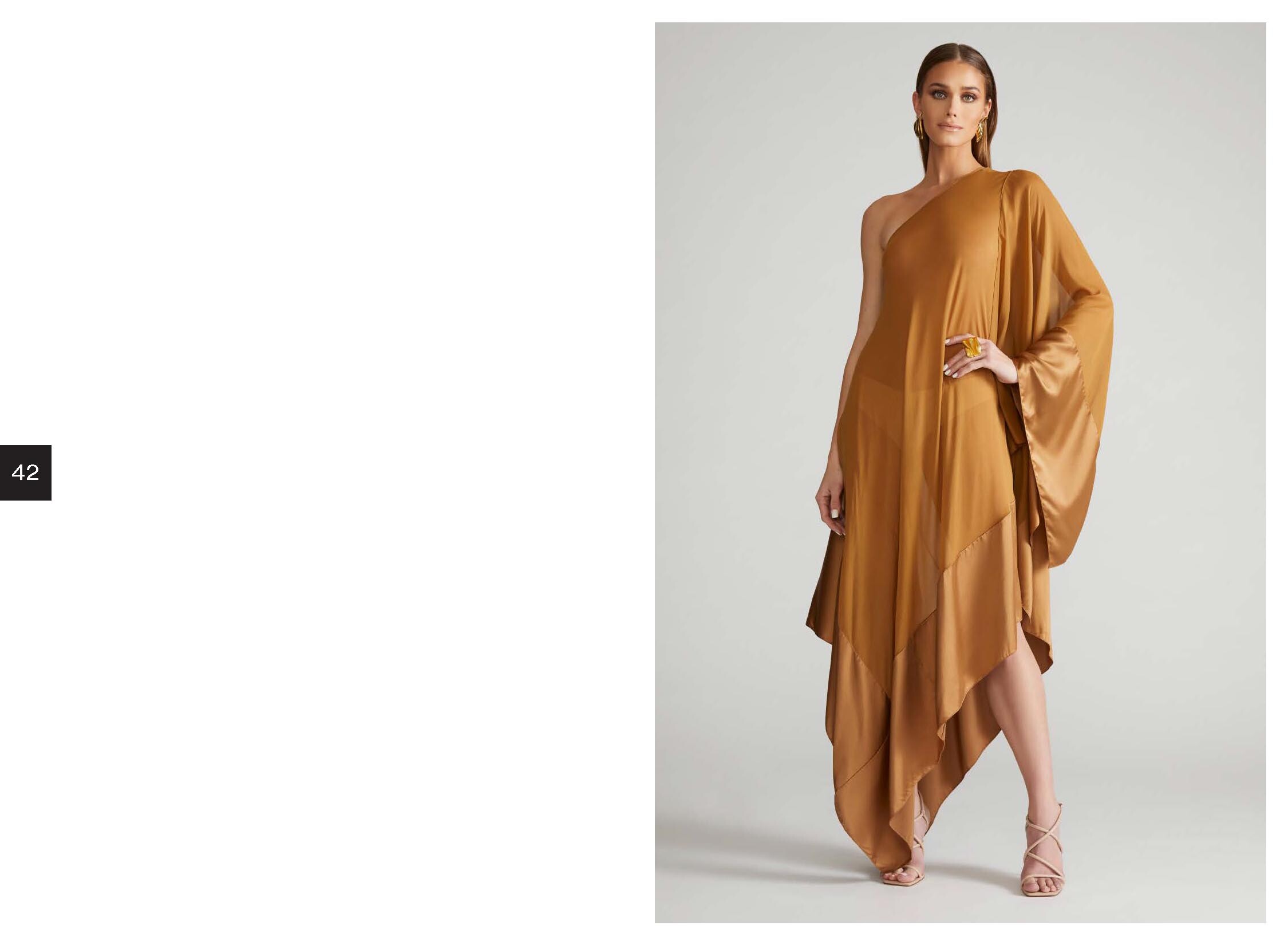
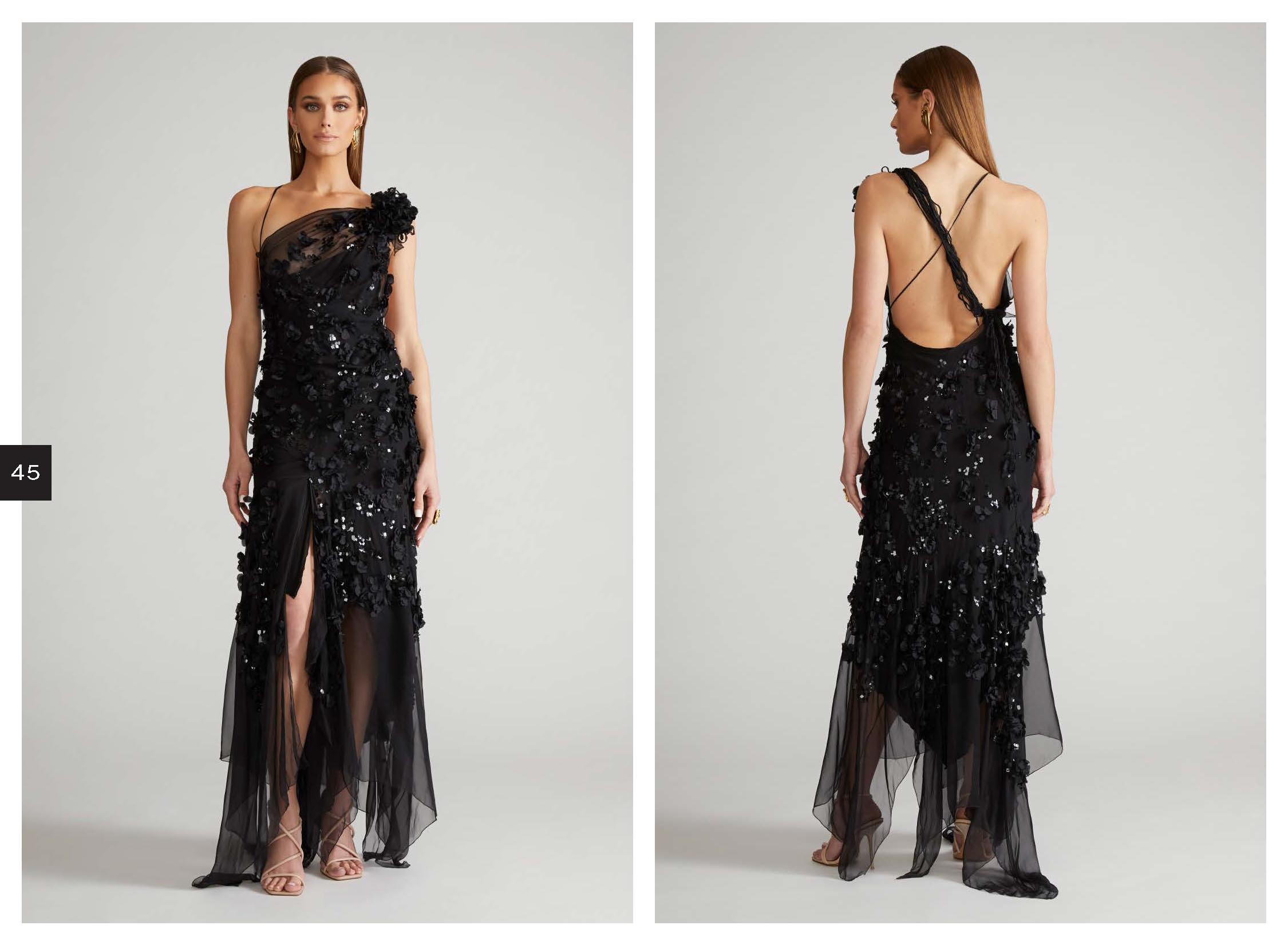
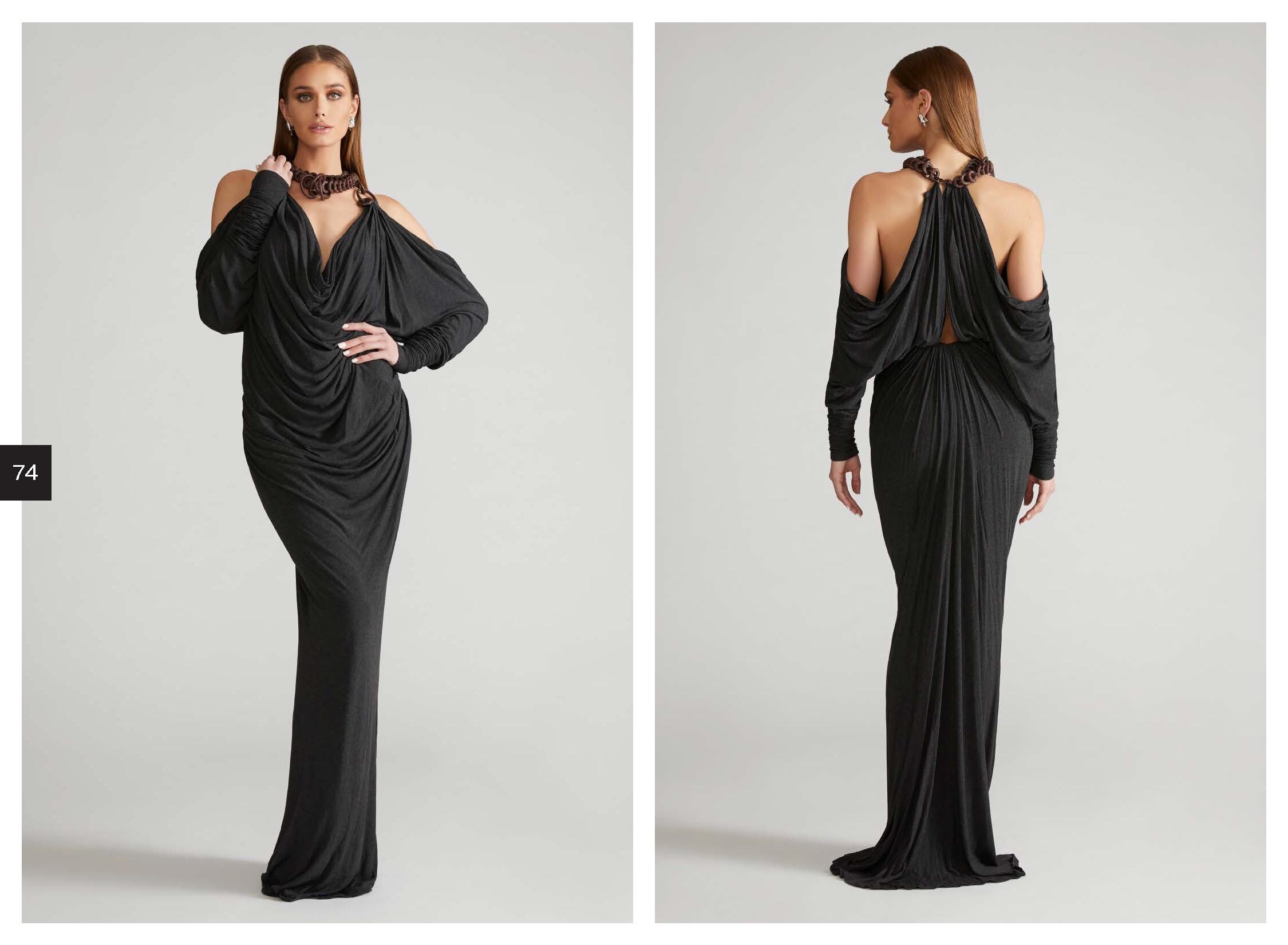
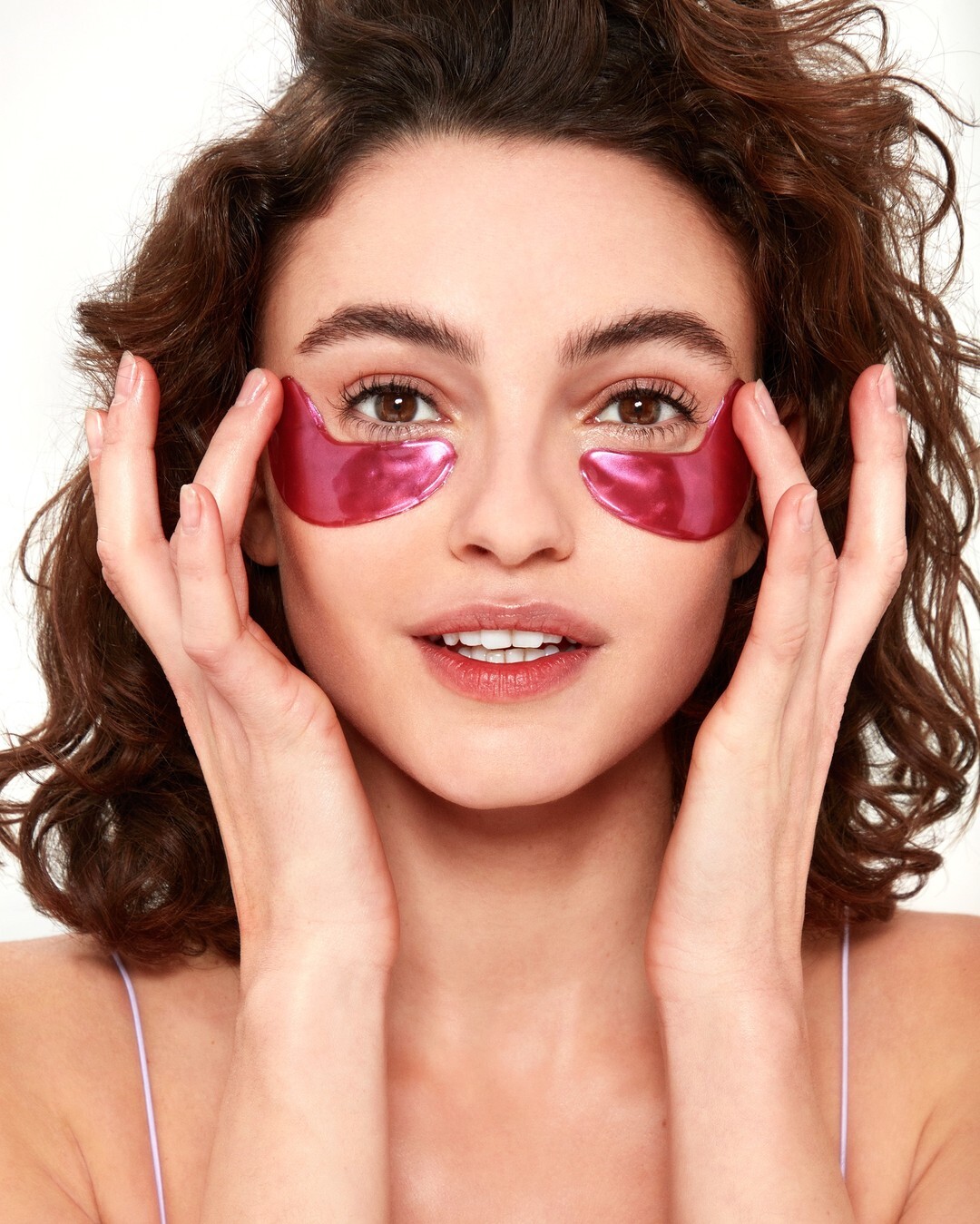
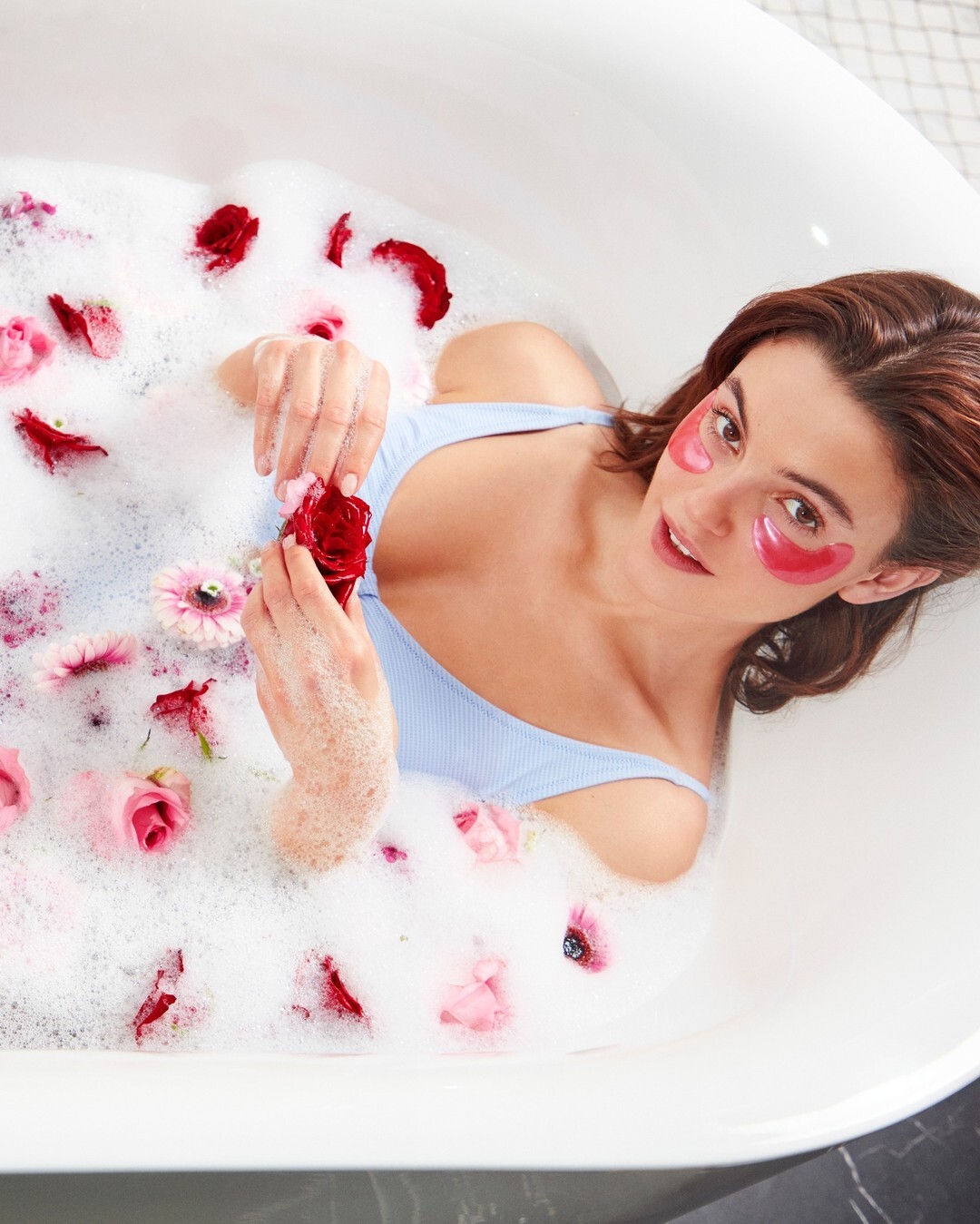
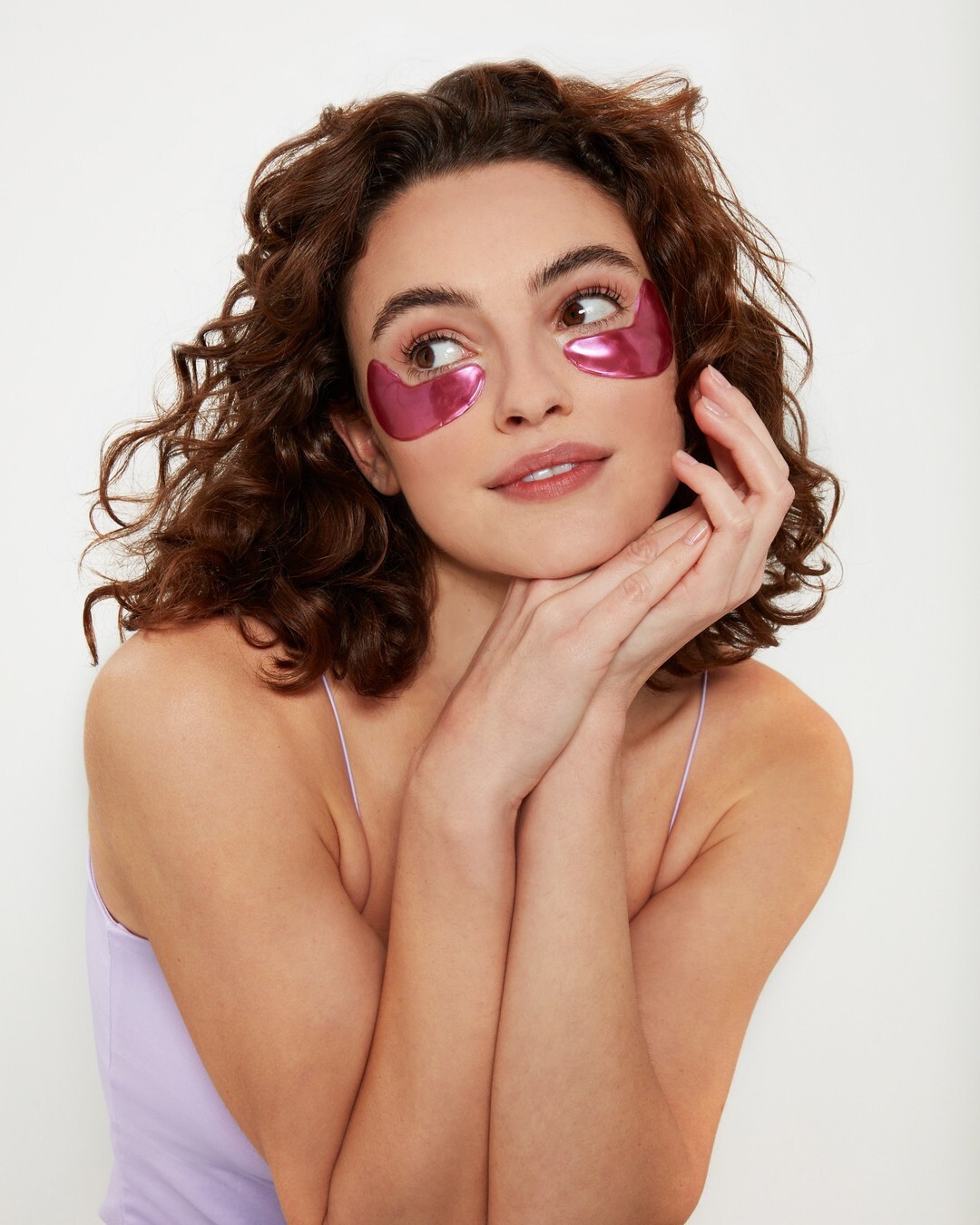
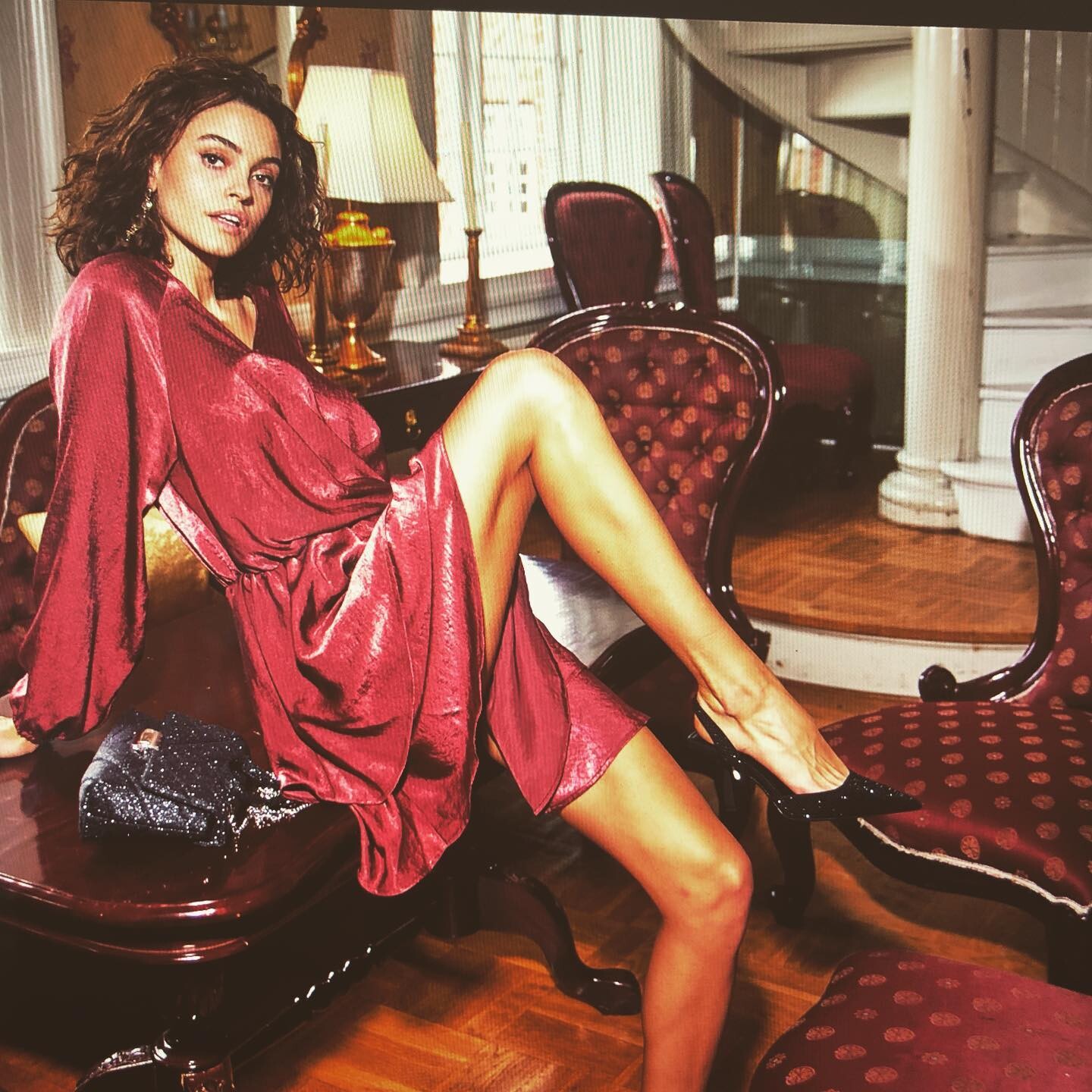
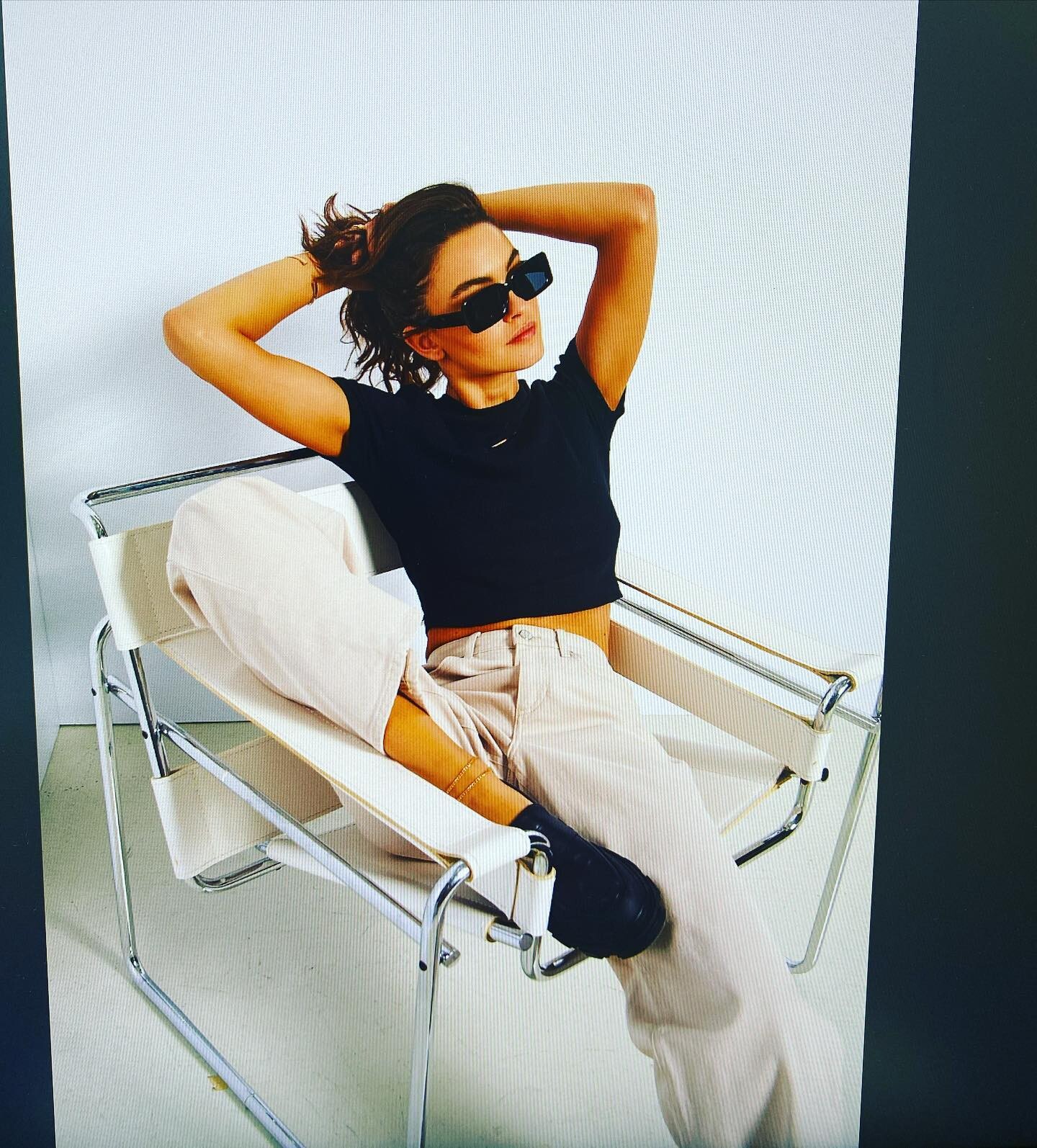
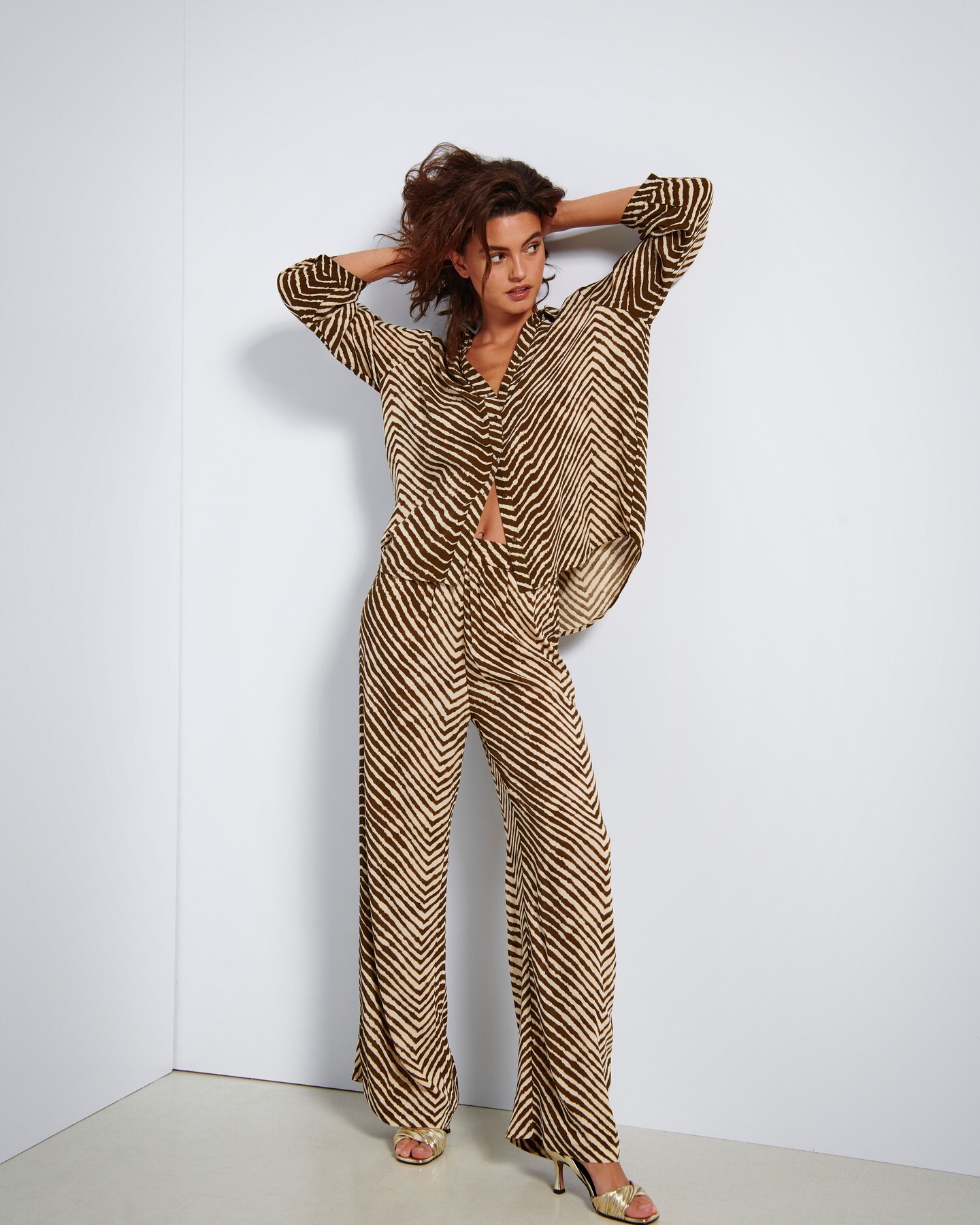
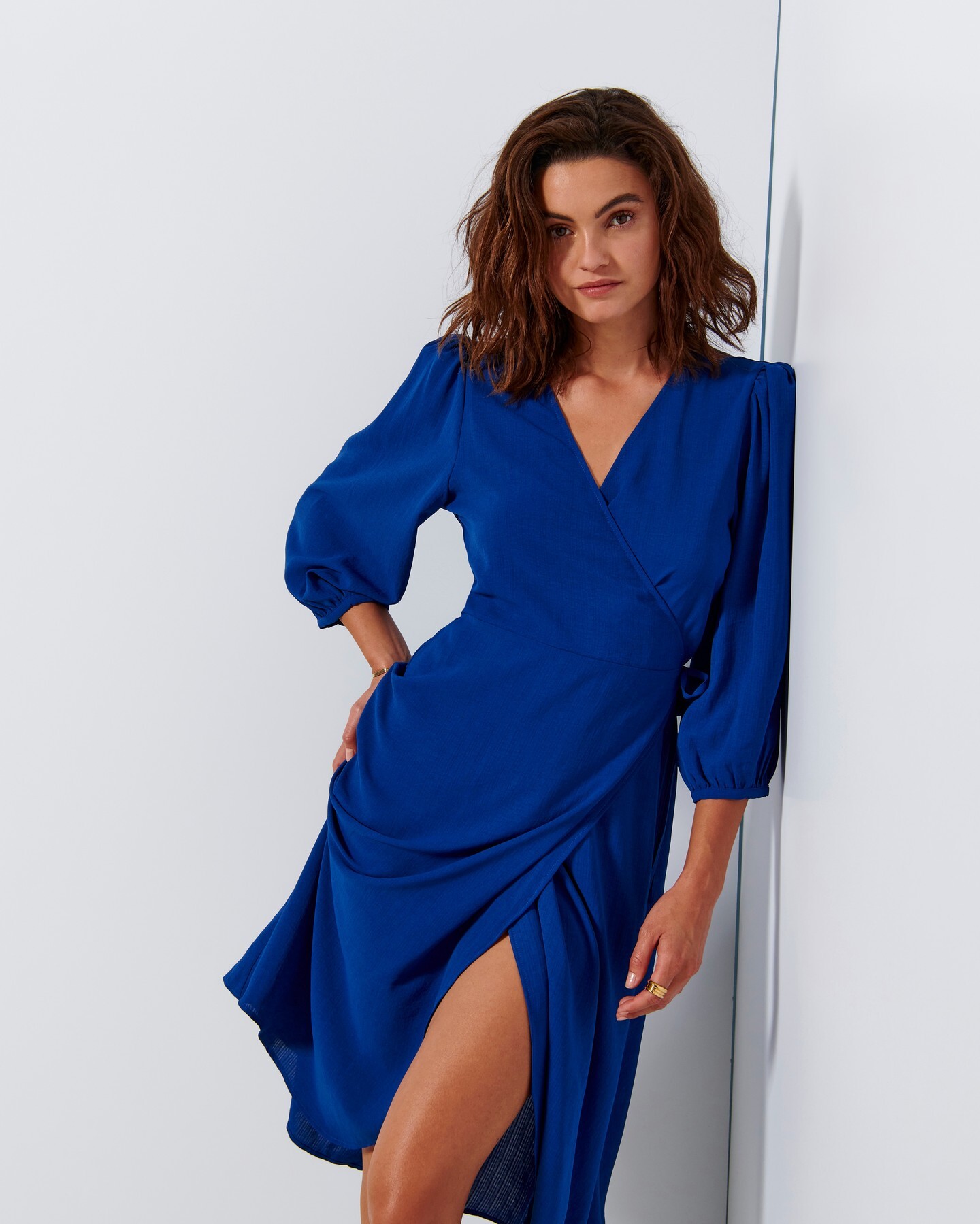
.jpg.2d744e16467523e0b7d7e3f7b67a74a8.jpg)
.jpg.d84f013820cd75eda4390e348f9d79ee.jpg)