

Weasel79
Members
-
Joined
-
Last visited
Everything posted by Weasel79
-
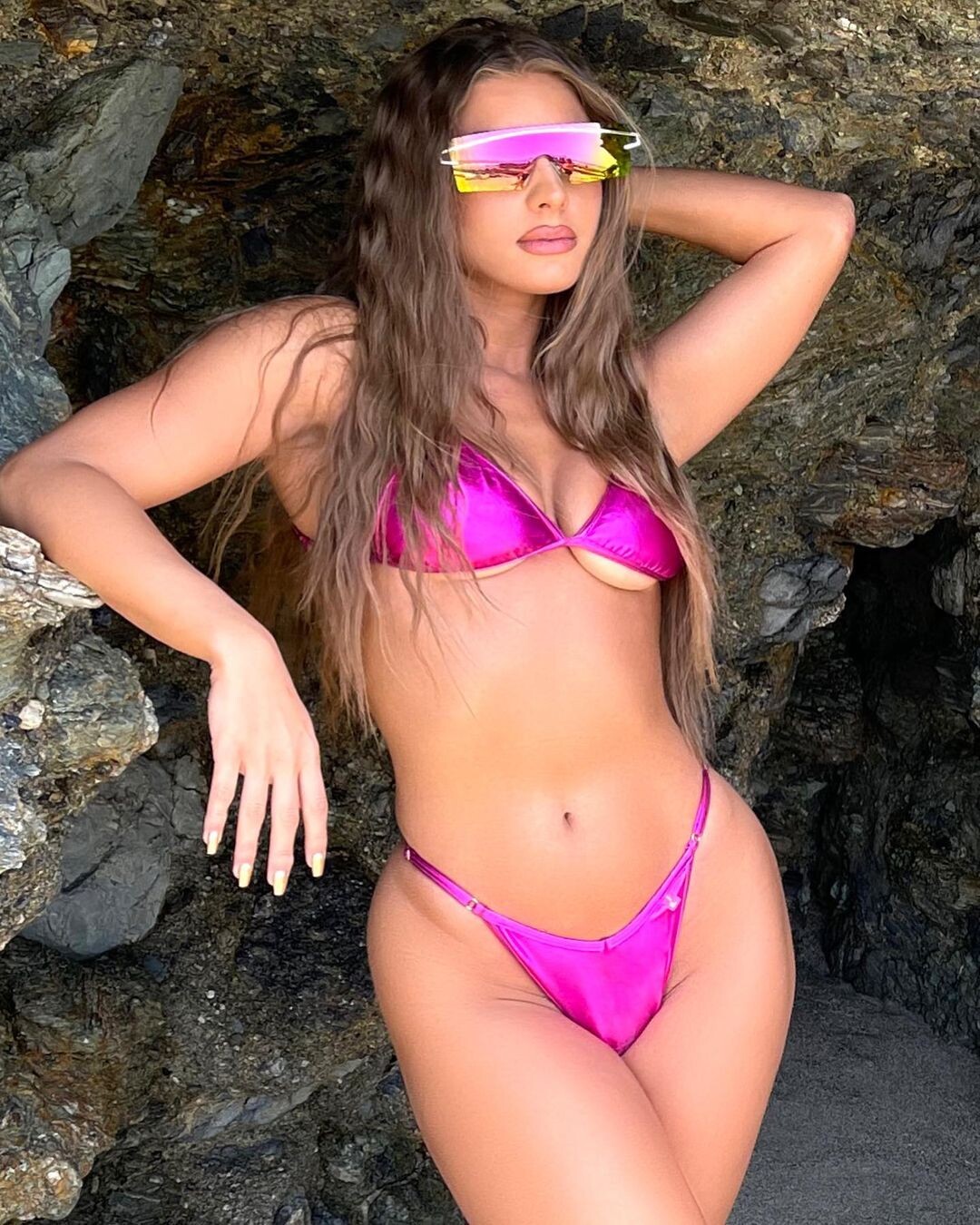
Chynnadolls Swim

-
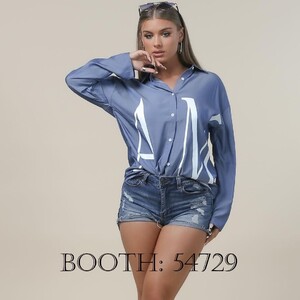
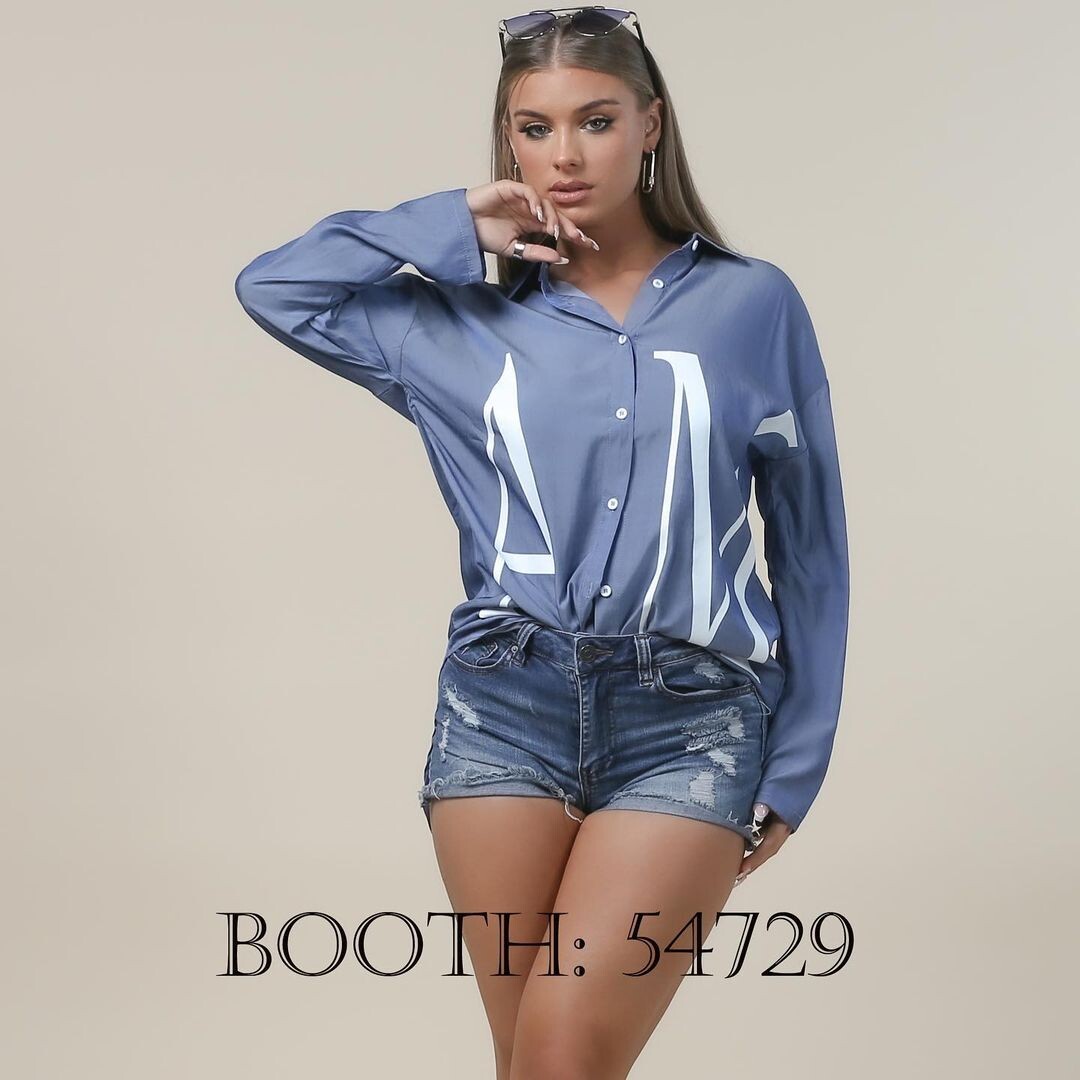
Nylon Apparel USA 222604108_673777220687376_1598150461454877404_n.mp4


-
-
Hannah come back and save the SI Swimsuit Issue!
-
Way too many hungry,hungry hippos this year.
-
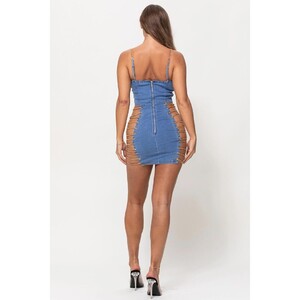
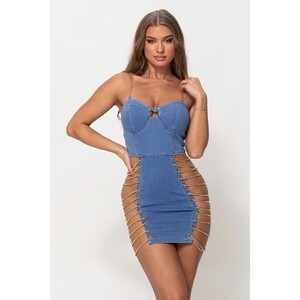
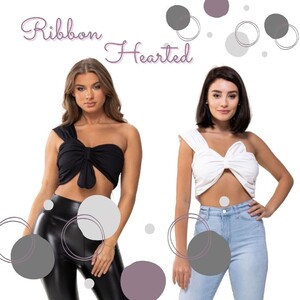
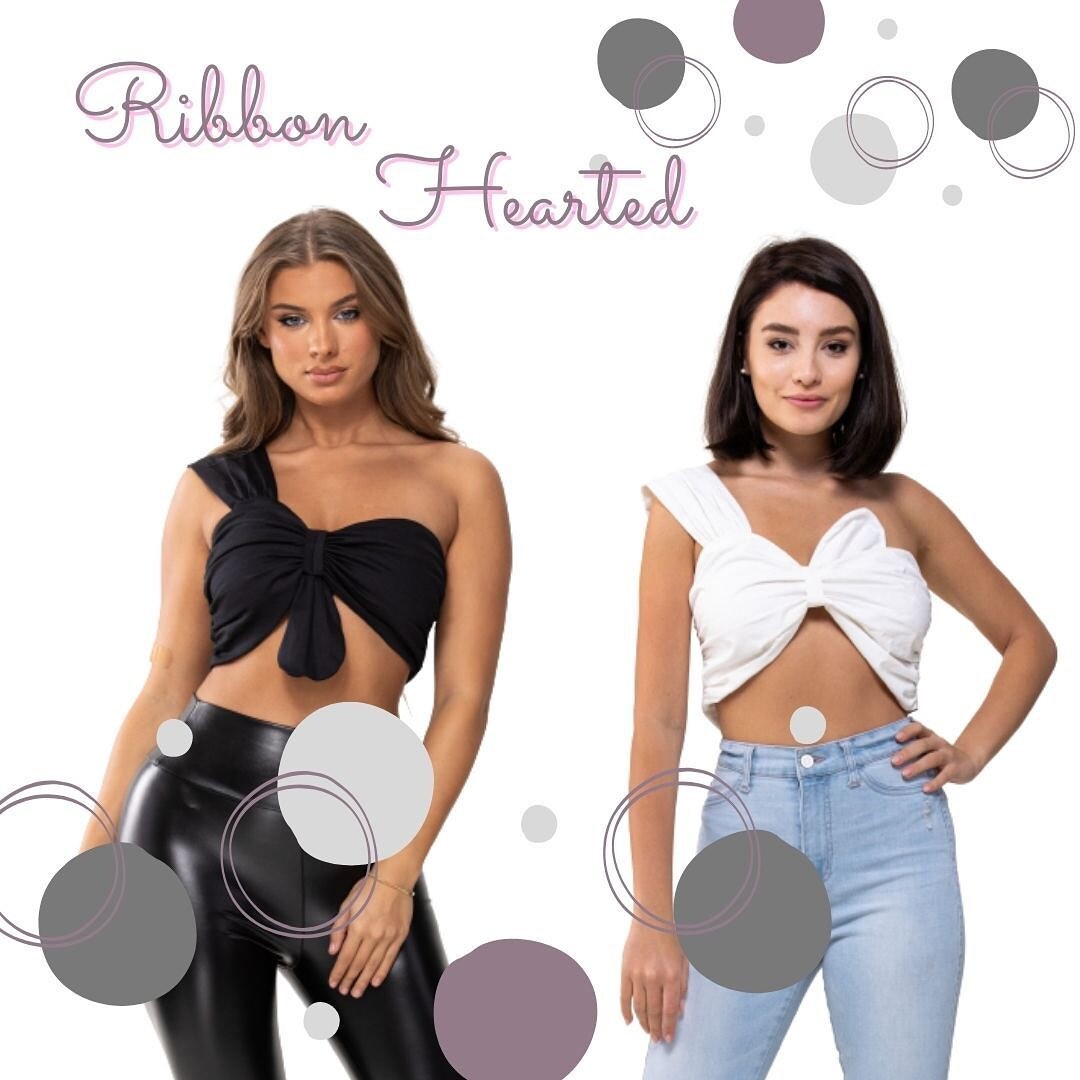
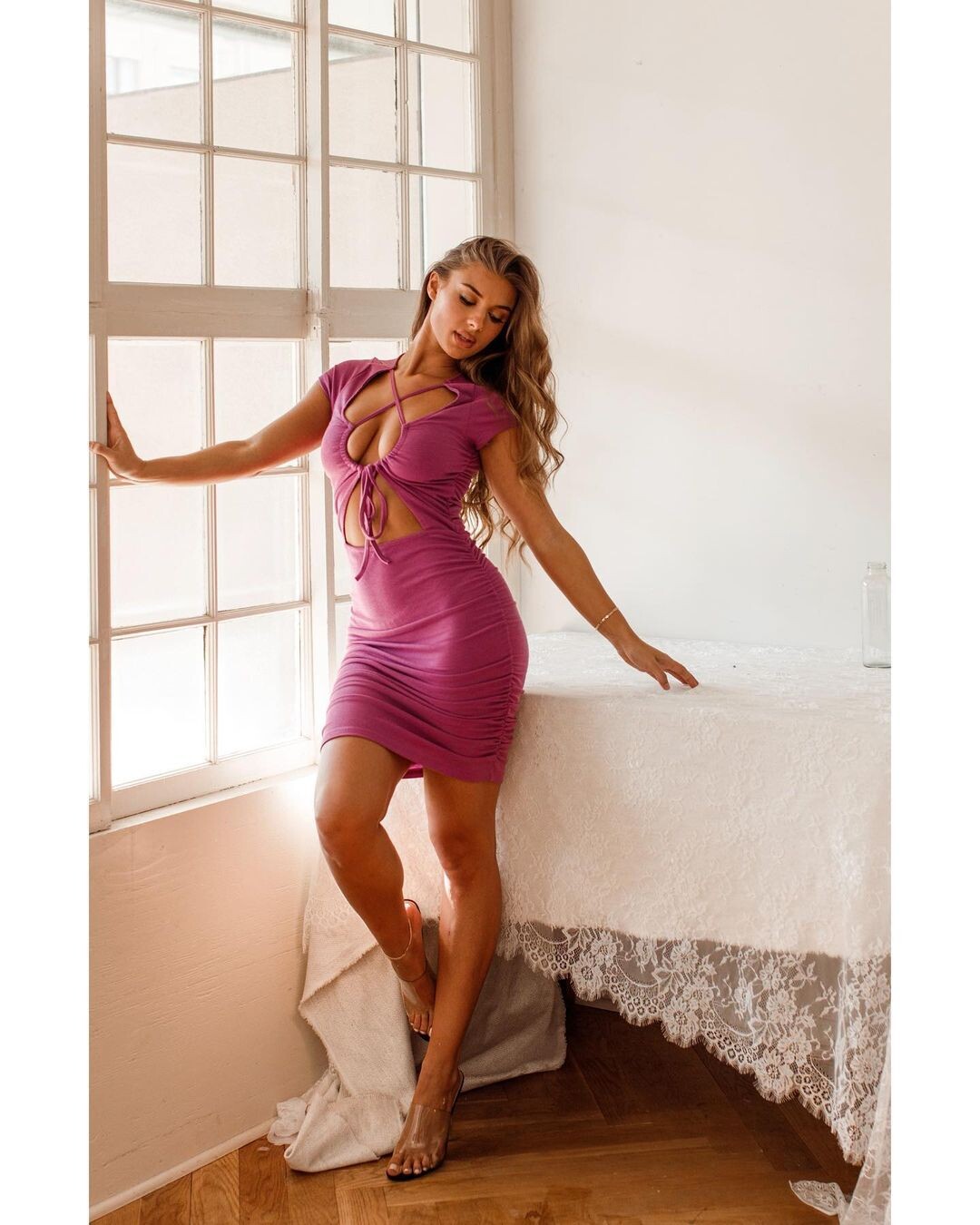
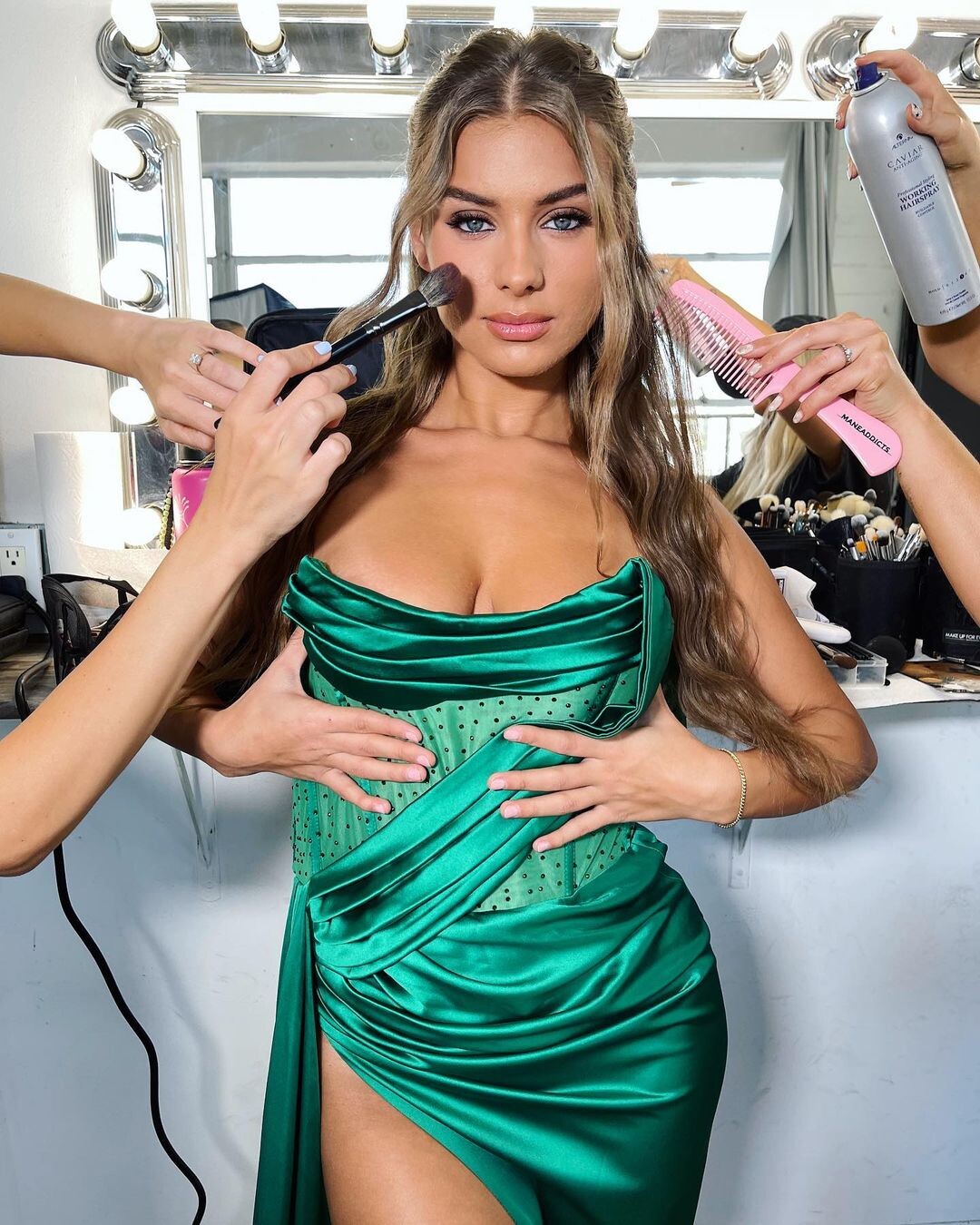
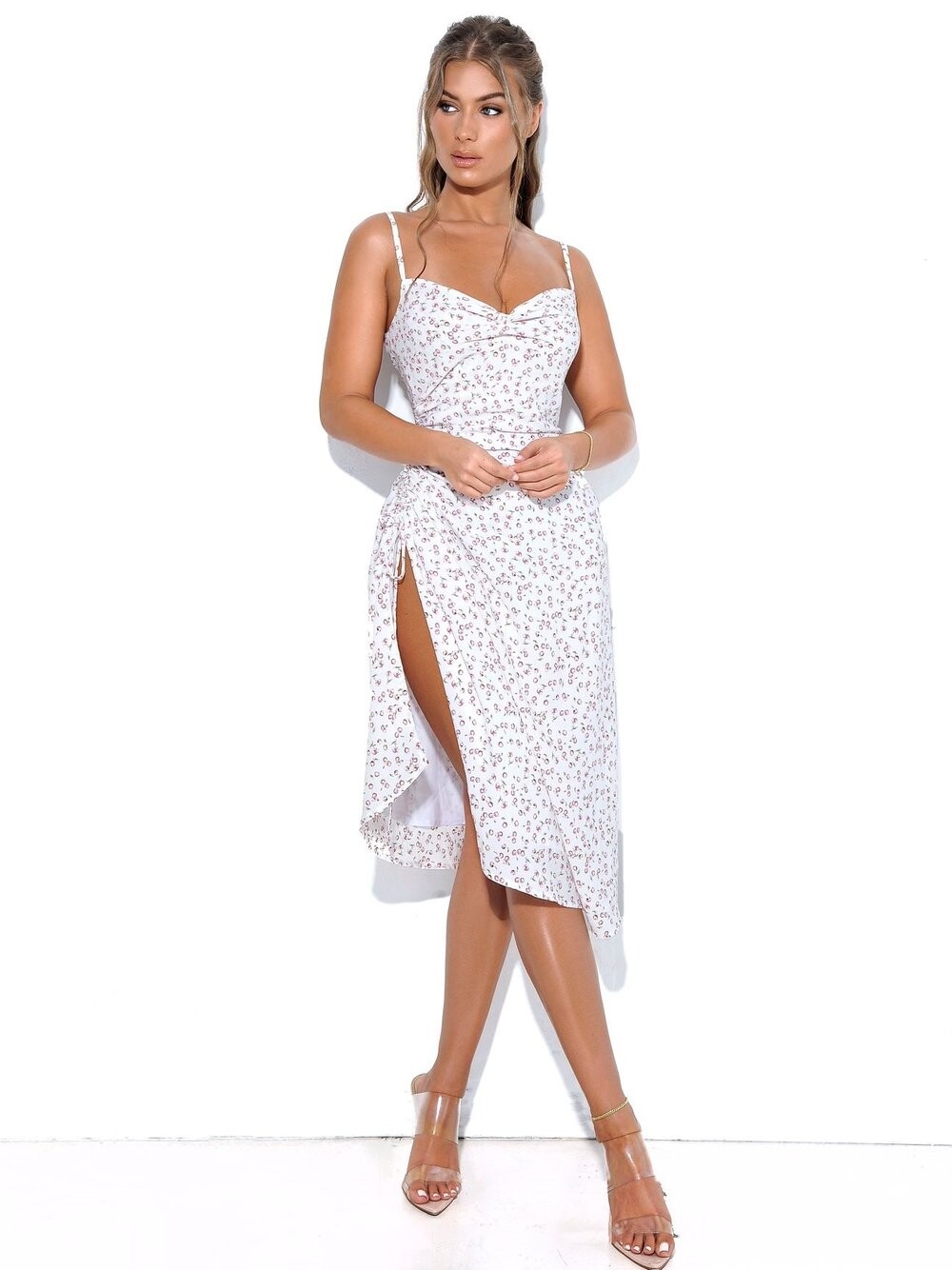
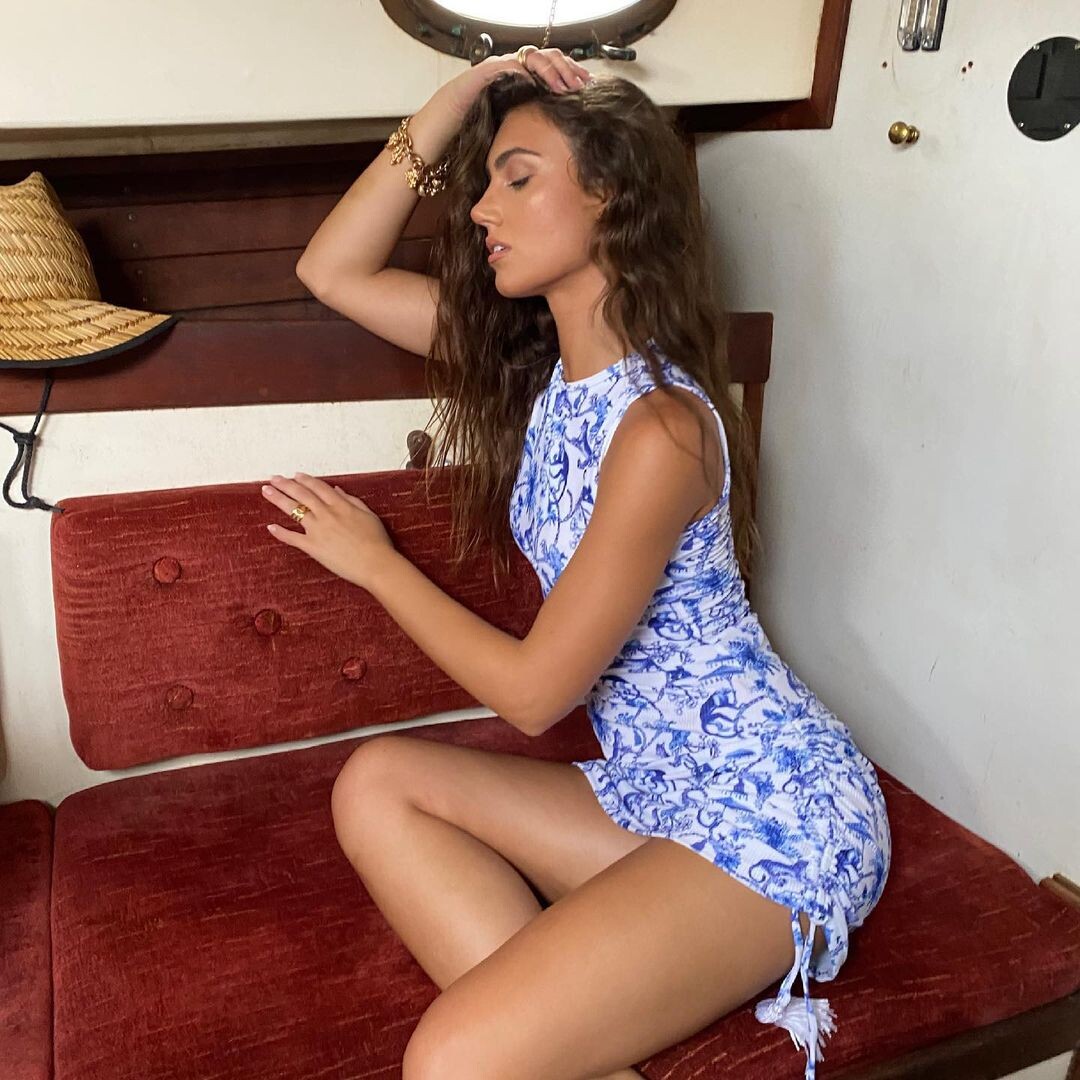
Fashionwildcat



-
Miss Circle

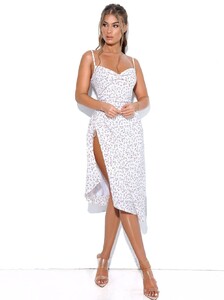
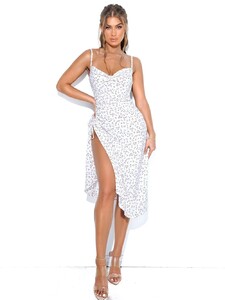


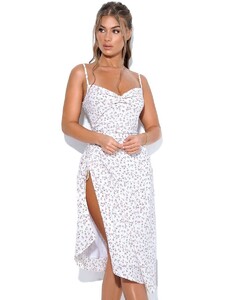
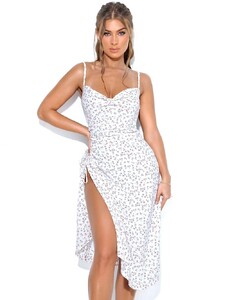

-
Good stuff, but she has a thread already
-
-
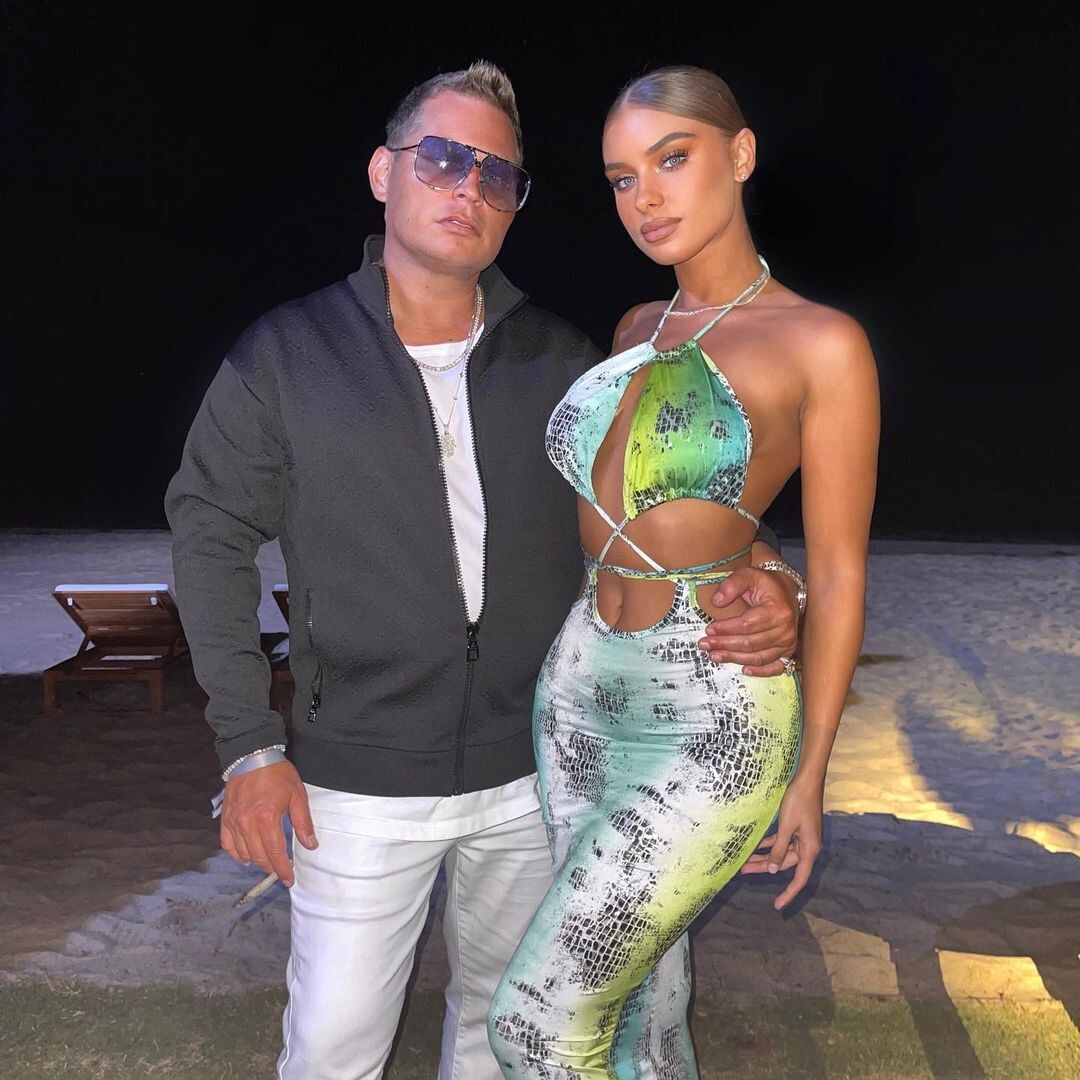
Instagram Pretty sure this is her boyfriend. He reminds me of the WWE Wrestler The Miz.

-
-
Happy viewing!
-
-
-
Fashion Wild Cat


-
Miss Circle 216909517_1128843974276672_7875395783747192098_n.mp4
-
-


















Account
Navigation
Search
Configure browser push notifications
Chrome (Android)
- Tap the lock icon next to the address bar.
- Tap Permissions → Notifications.
- Adjust your preference.
Chrome (Desktop)
- Click the padlock icon in the address bar.
- Select Site settings.
- Find Notifications and adjust your preference.
Safari (iOS 16.4+)
- Ensure the site is installed via Add to Home Screen.
- Open Settings App → Notifications.
- Find your app name and adjust your preference.
Safari (macOS)
- Go to Safari → Preferences.
- Click the Websites tab.
- Select Notifications in the sidebar.
- Find this website and adjust your preference.
Edge (Android)
- Tap the lock icon next to the address bar.
- Tap Permissions.
- Find Notifications and adjust your preference.
Edge (Desktop)
- Click the padlock icon in the address bar.
- Click Permissions for this site.
- Find Notifications and adjust your preference.
Firefox (Android)
- Go to Settings → Site permissions.
- Tap Notifications.
- Find this site in the list and adjust your preference.
Firefox (Desktop)
- Open Firefox Settings.
- Search for Notifications.
- Find this site in the list and adjust your preference.