
balenciagaaa
Members
-
Joined
-
Last visited
Everything posted by balenciagaaa
-
 Versace Fashion Show in West Hollywood 03/09/2023












-
IMDb Portrait Studio at the Film Independent Spirit Awards in Santa Monica 03/05/2023




-
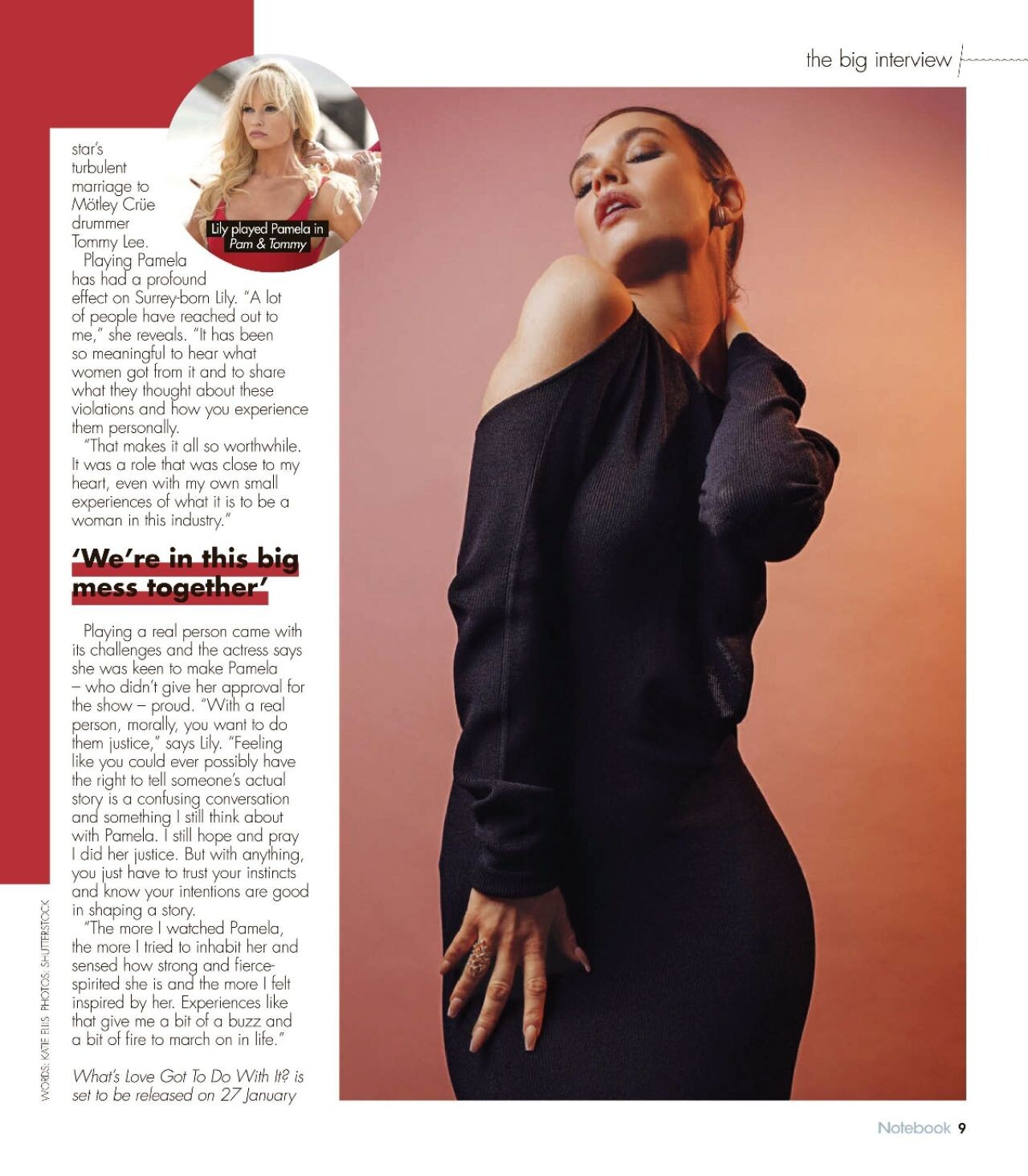
Notebook Magazine 01/15/2023






-
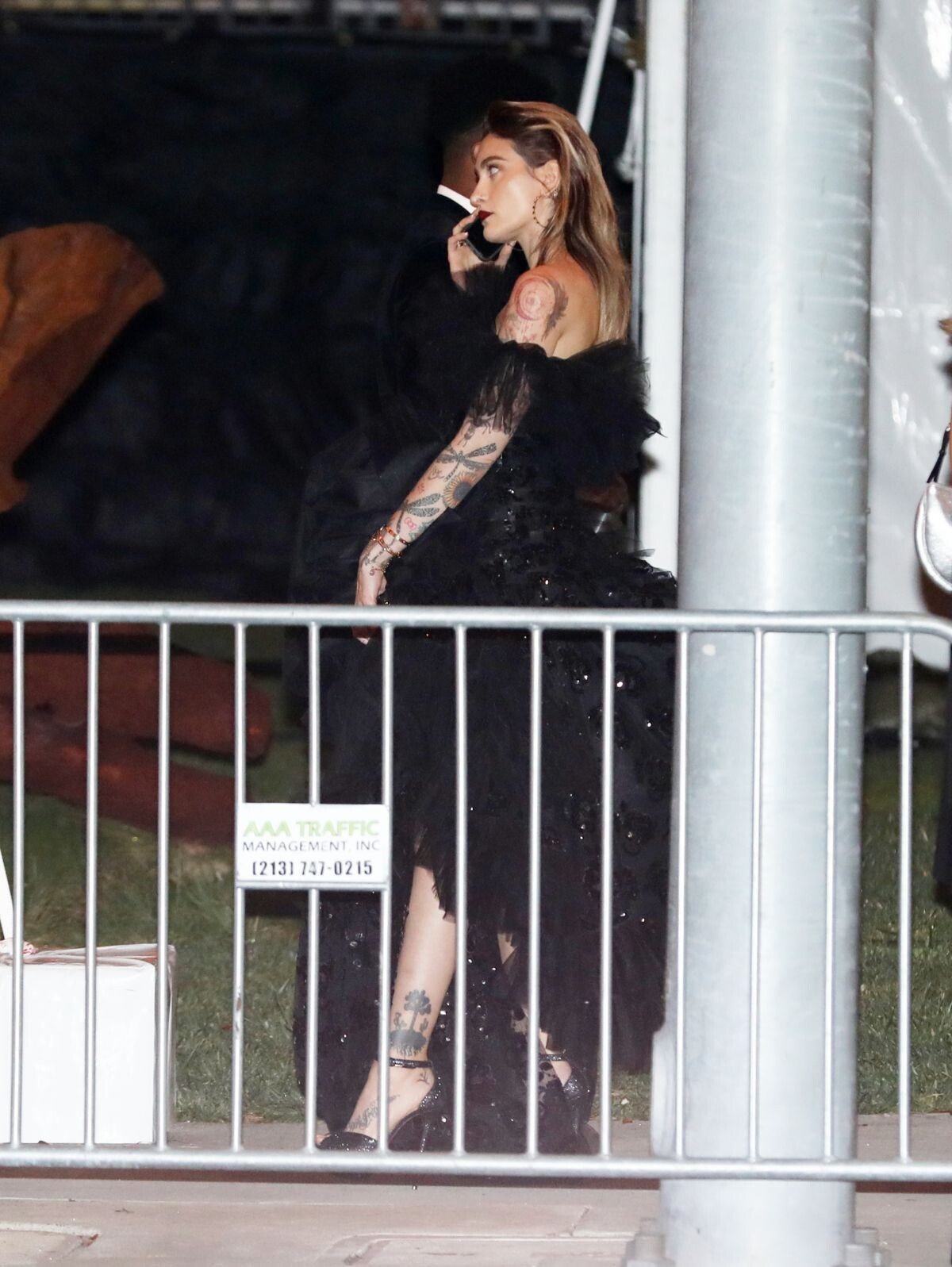
Vanity Fair Oscar Party in Beverly Hills 03/12/2023





 Academy Awards Photo Shoot March 2023












 Beverly Hills 03/13/2023





 2023 Vanity Fair Oscar Party in Beverly Hills



 2023 Vanity Fair Oscar Party in Beverly Hills 03/12/2023
 Leaves Vanity Fair Oscar Party in Beverly Hills 03/12/2023





 Santa Monica 03/13/2023





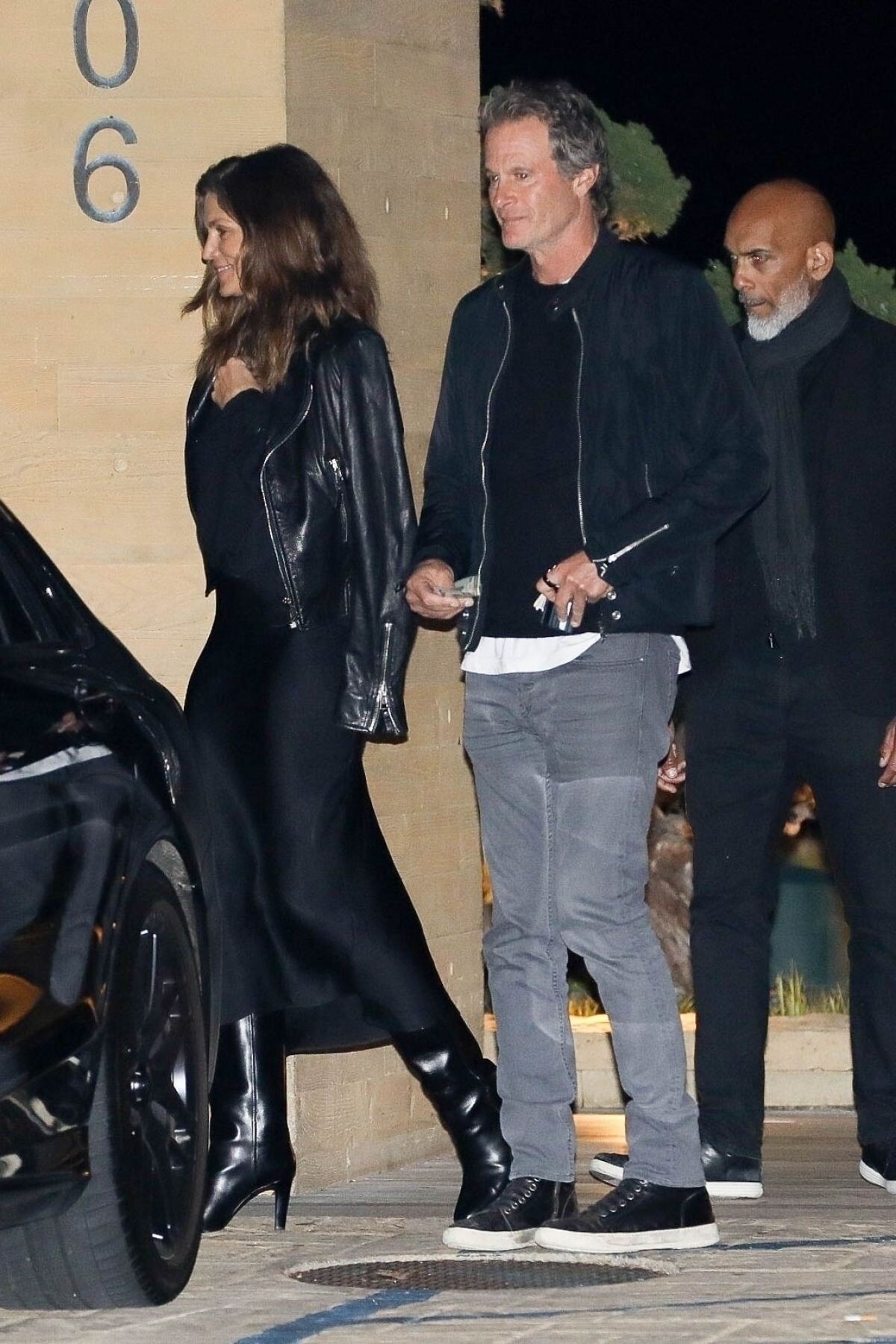
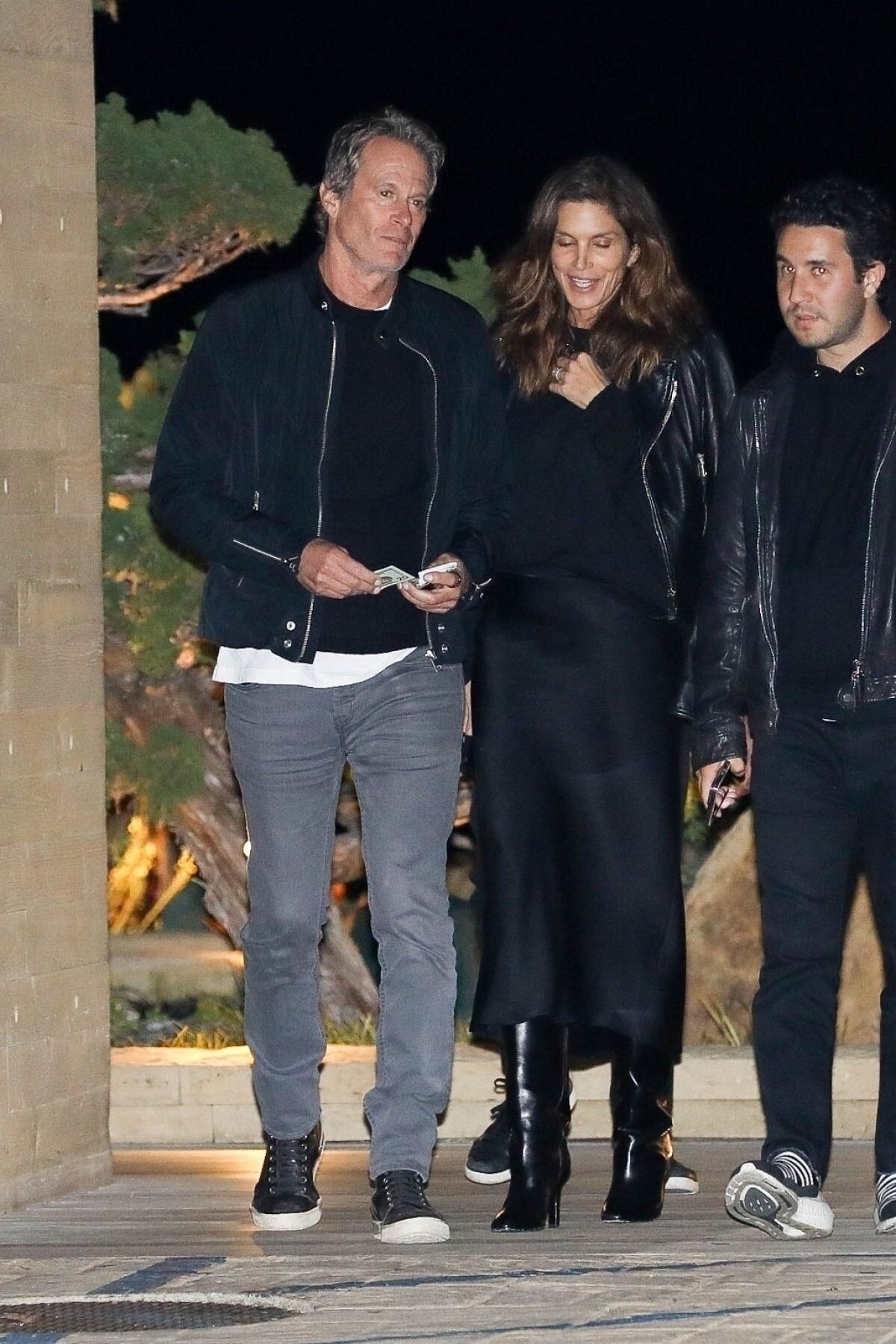
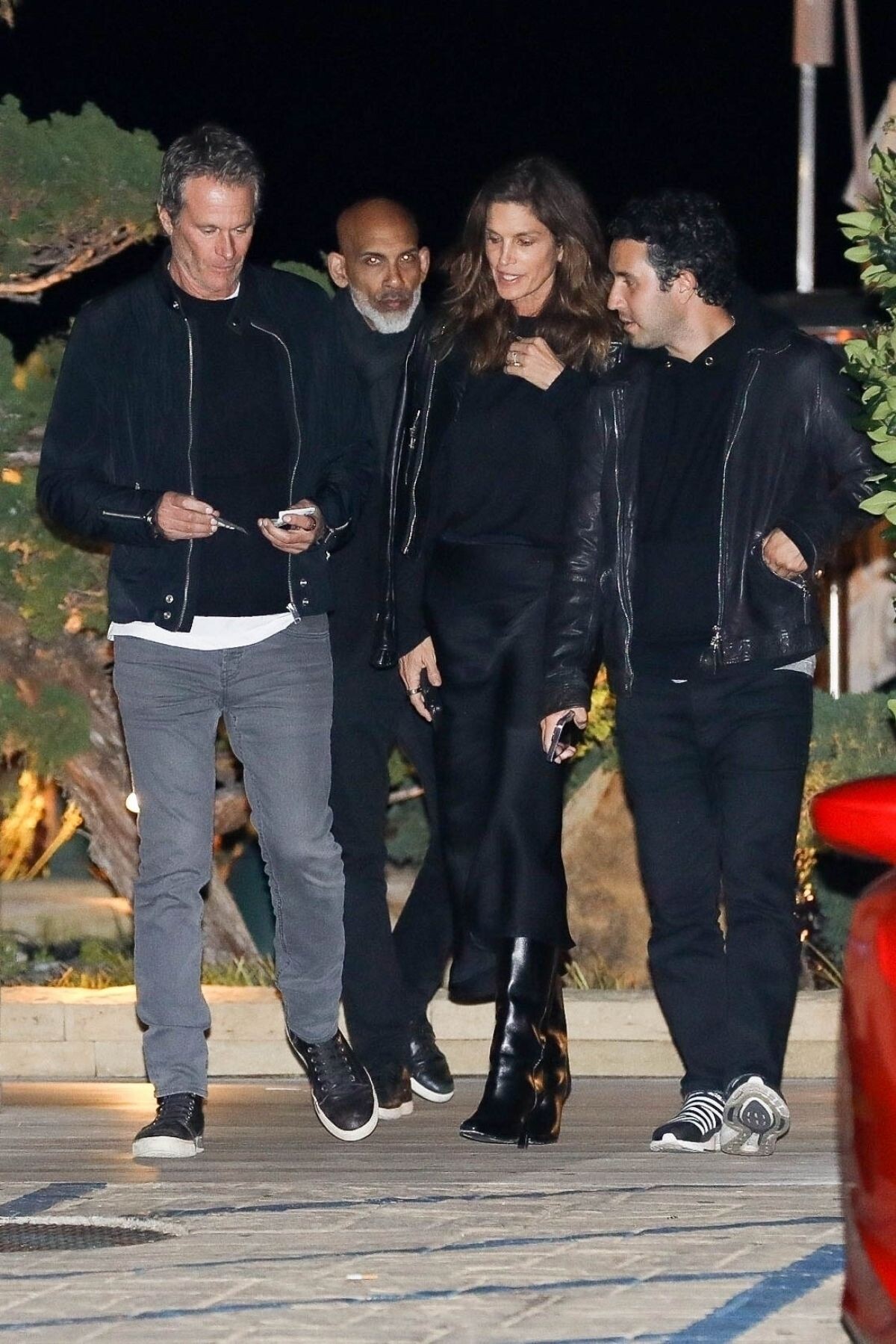
 Arrives at Nobu Restaurant in Malibu 03/13/2023





 Leaves Late Dinner with Friends at Nobu in Malibu 02/18/2023





 Miami Beach 02/16/2023


 Arrives at Catch Steak in West Hollywood 02/04/2023


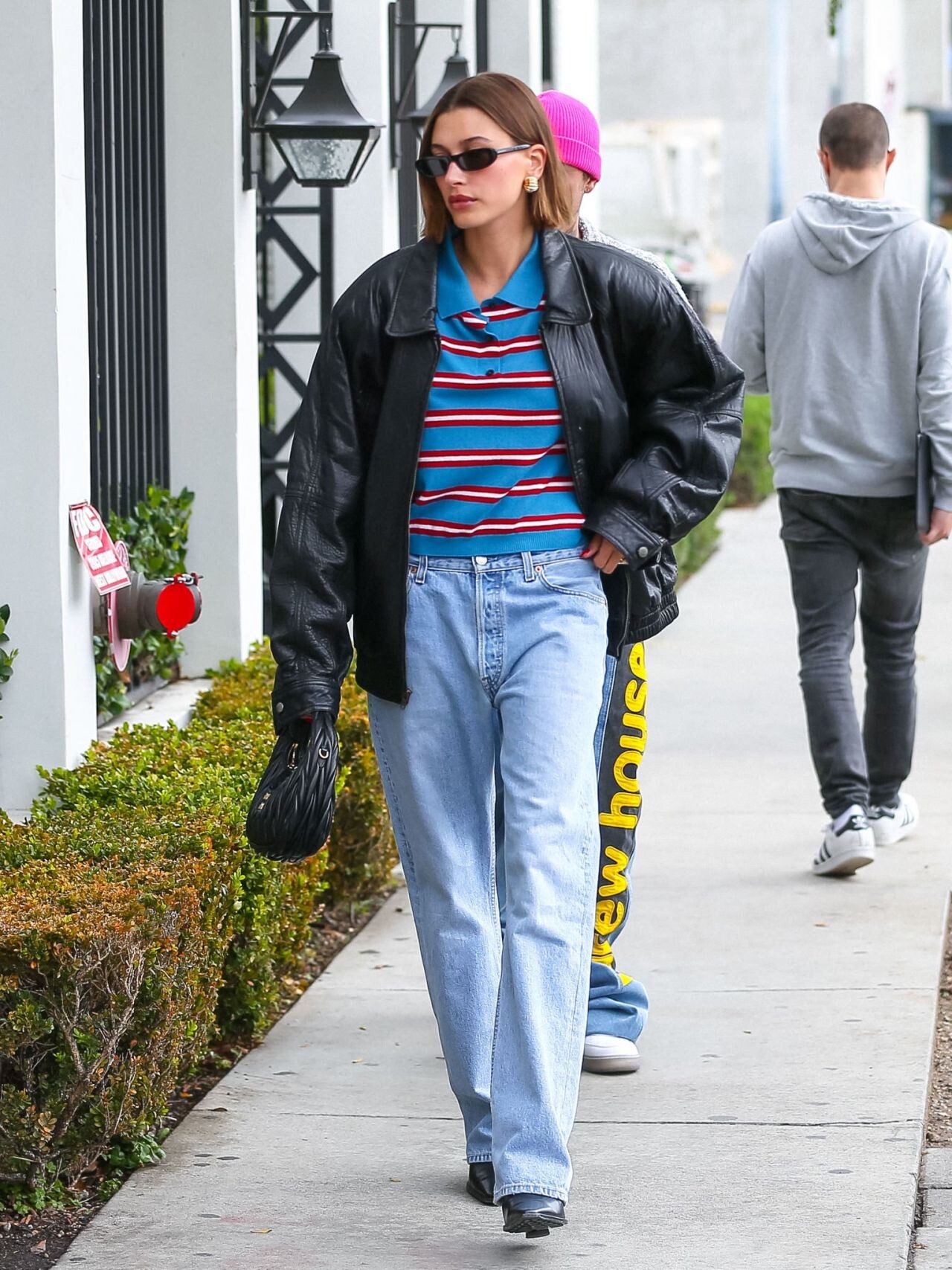
 Out for Lunch at Soho House in Malibu 01/25/2023





 Vanity Fair Oscar Party in Beverly Hills 03/12/2023




 T Magazine China & T Style February 2023























































































































































































Account
Navigation
Search
Configure browser push notifications
Chrome (Android)
- Tap the lock icon next to the address bar.
- Tap Permissions → Notifications.
- Adjust your preference.
Chrome (Desktop)
- Click the padlock icon in the address bar.
- Select Site settings.
- Find Notifications and adjust your preference.
Safari (iOS 16.4+)
- Ensure the site is installed via Add to Home Screen.
- Open Settings App → Notifications.
- Find your app name and adjust your preference.
Safari (macOS)
- Go to Safari → Preferences.
- Click the Websites tab.
- Select Notifications in the sidebar.
- Find this website and adjust your preference.
Edge (Android)
- Tap the lock icon next to the address bar.
- Tap Permissions.
- Find Notifications and adjust your preference.
Edge (Desktop)
- Click the padlock icon in the address bar.
- Click Permissions for this site.
- Find Notifications and adjust your preference.
Firefox (Android)
- Go to Settings → Site permissions.
- Tap Notifications.
- Find this site in the list and adjust your preference.
Firefox (Desktop)
- Open Firefox Settings.
- Search for Notifications.
- Find this site in the list and adjust your preference.