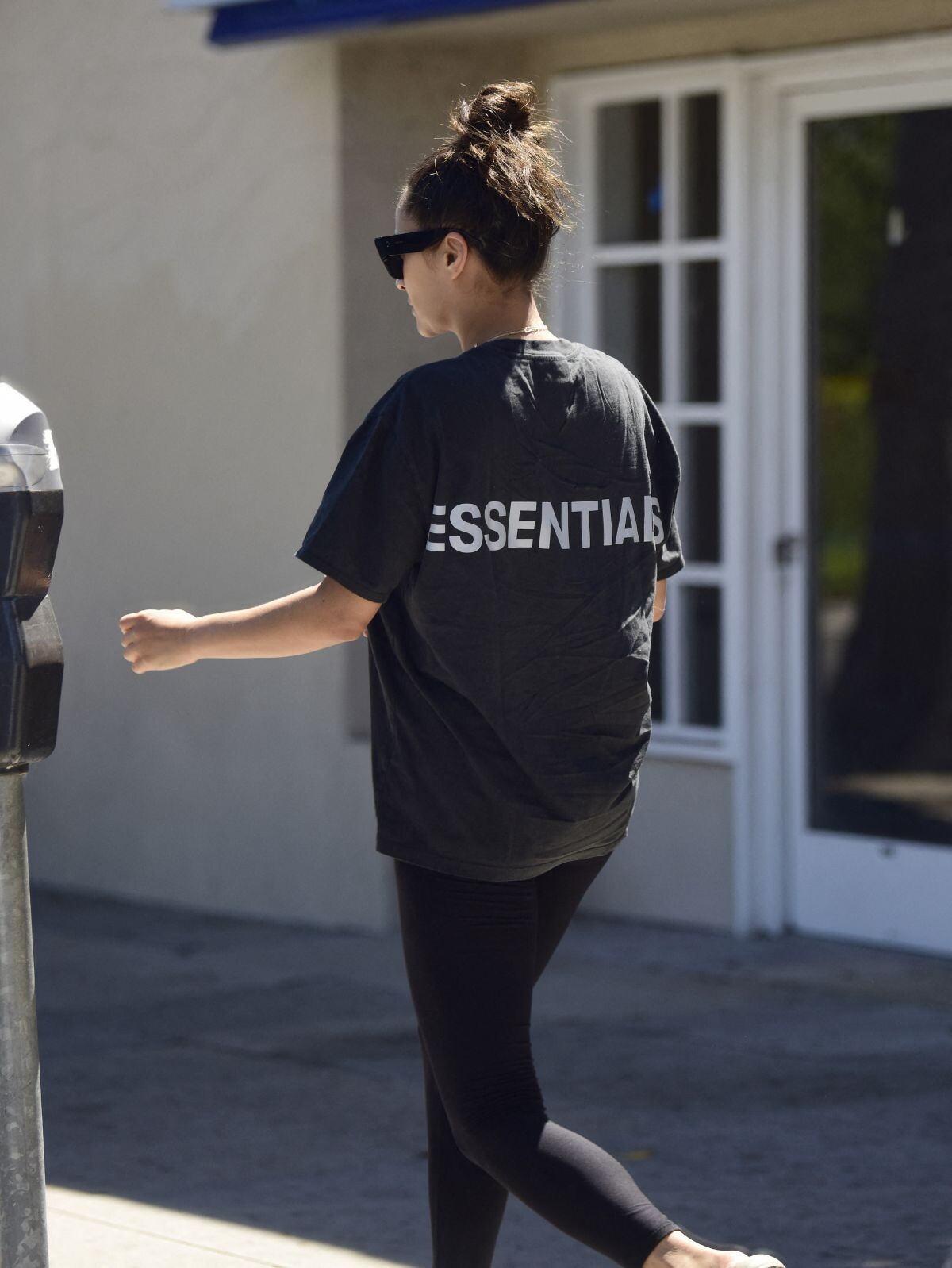
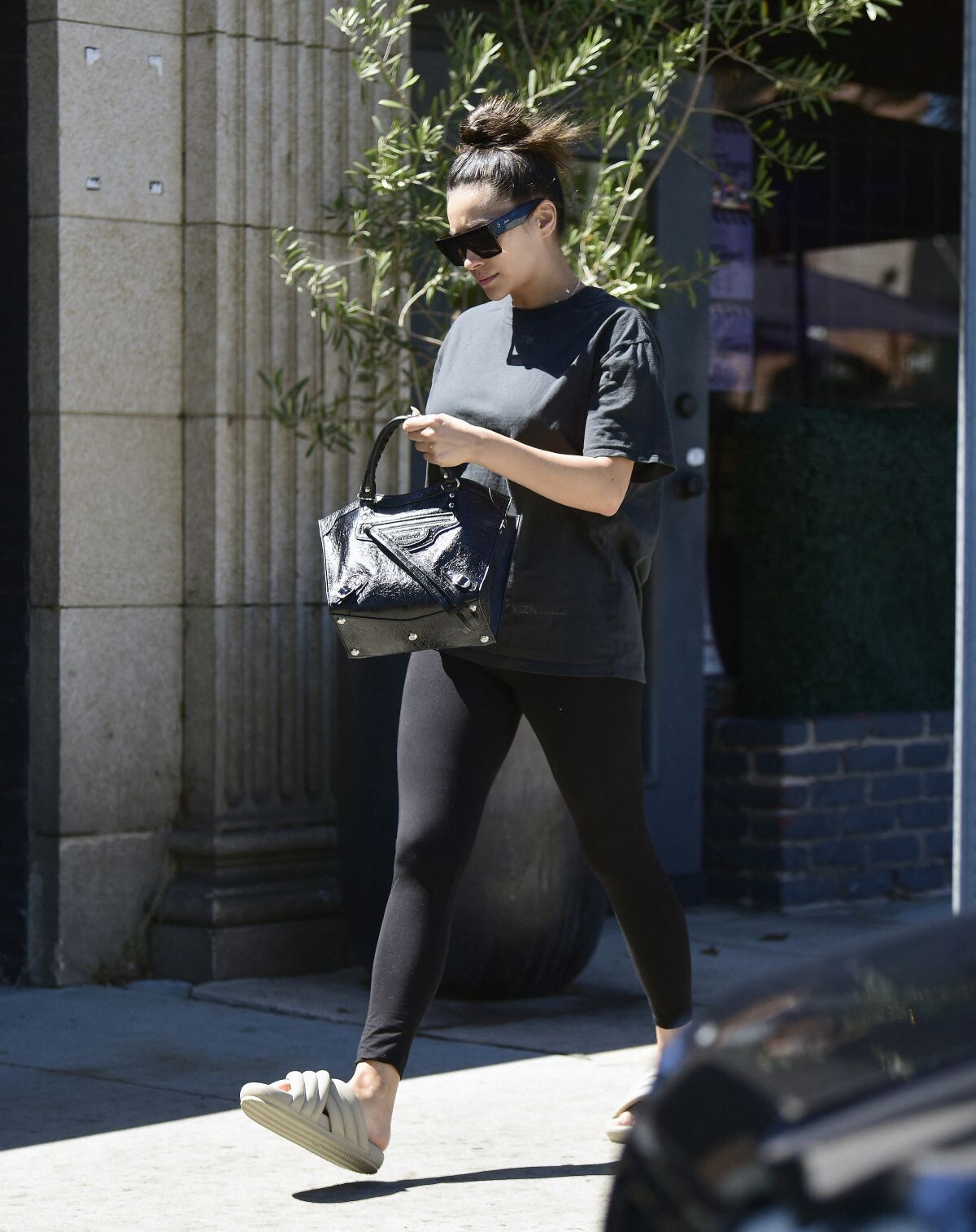
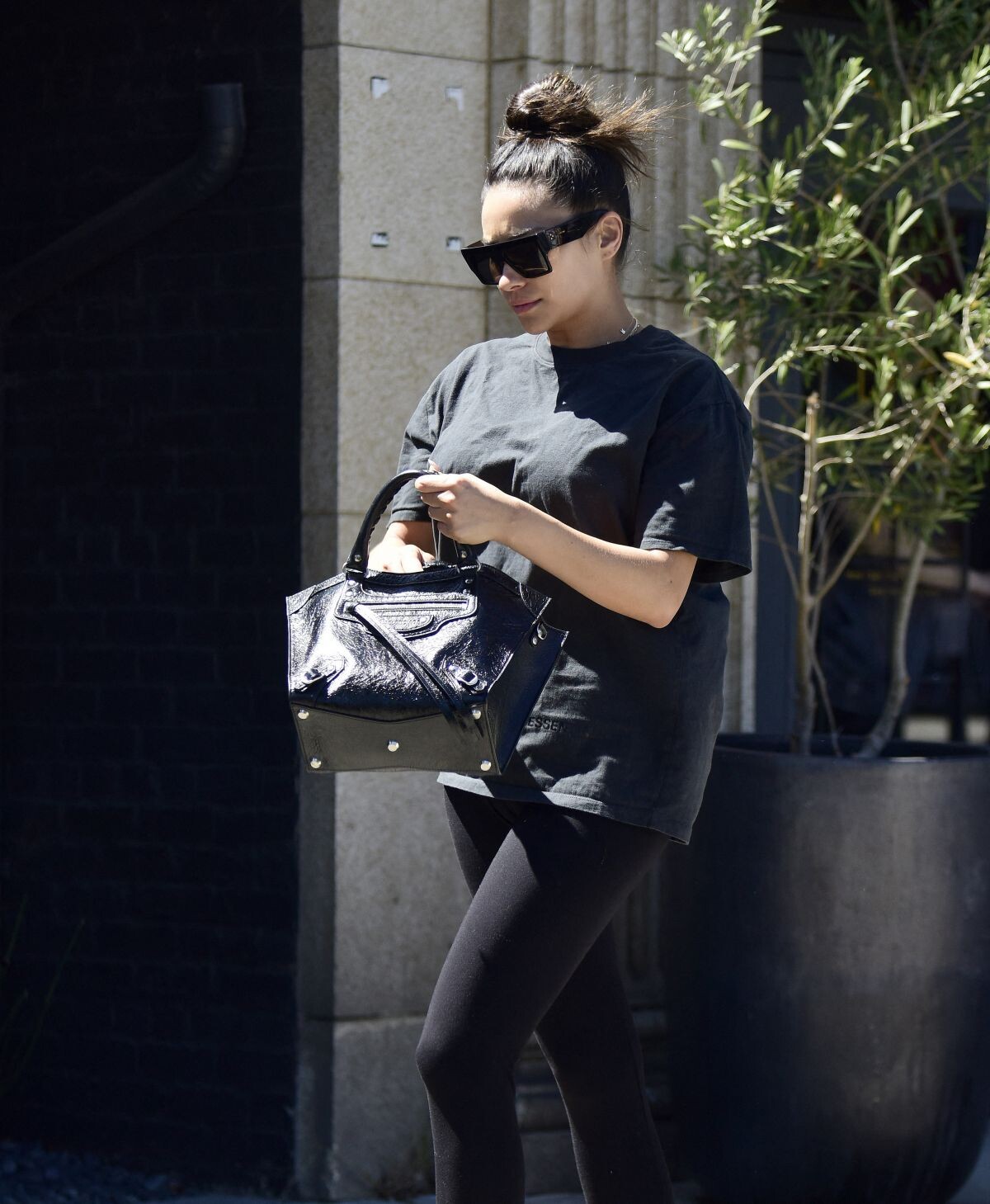
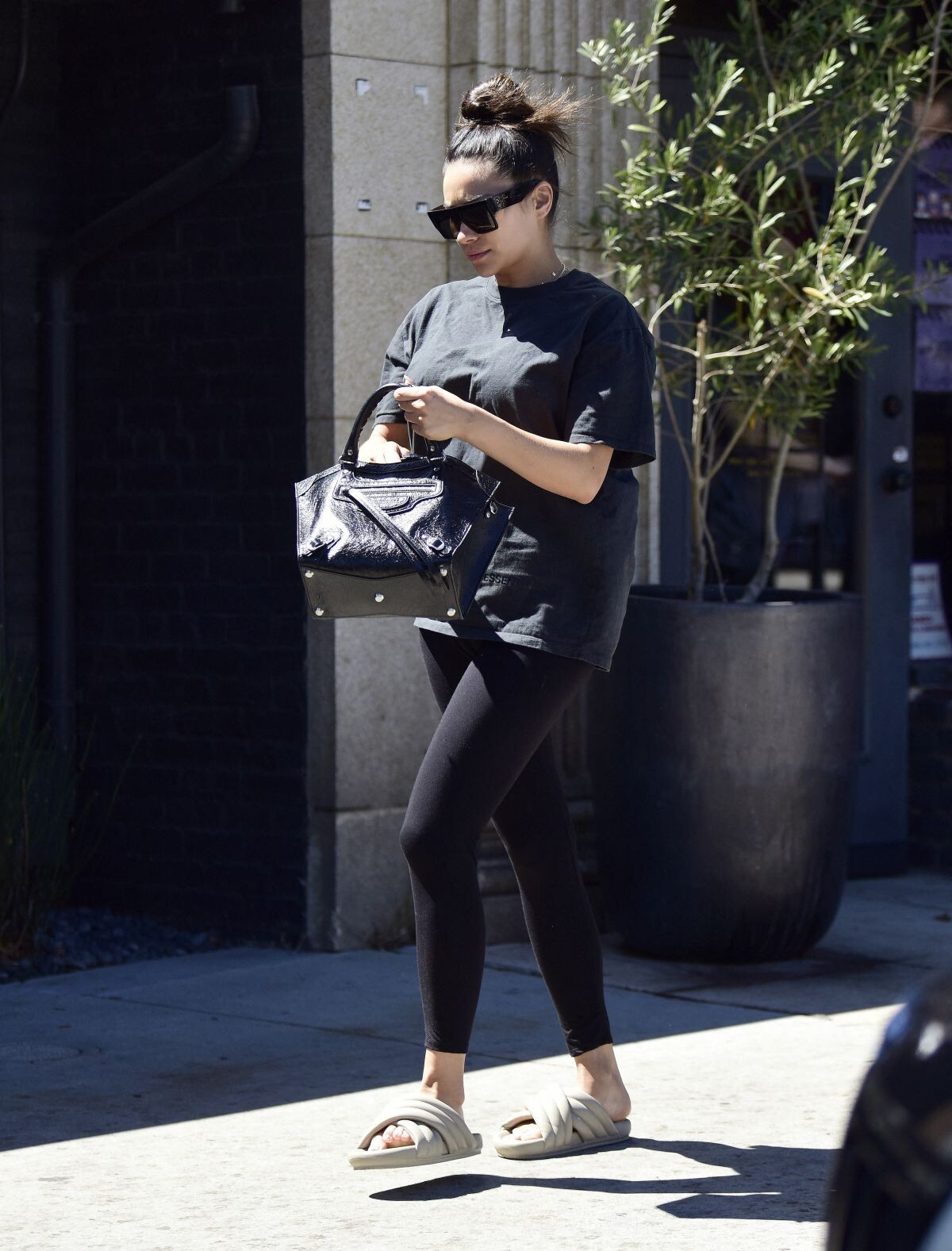
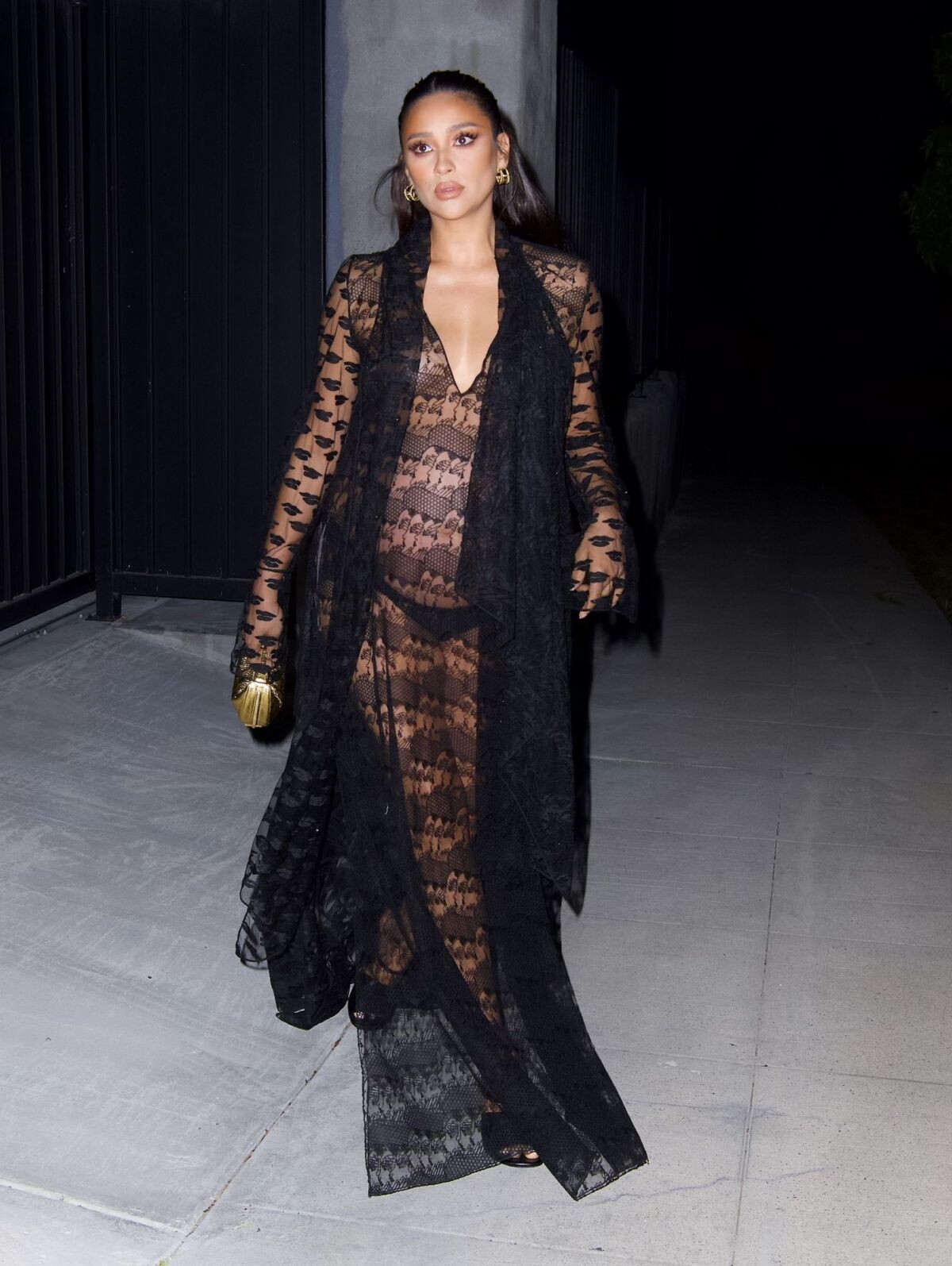
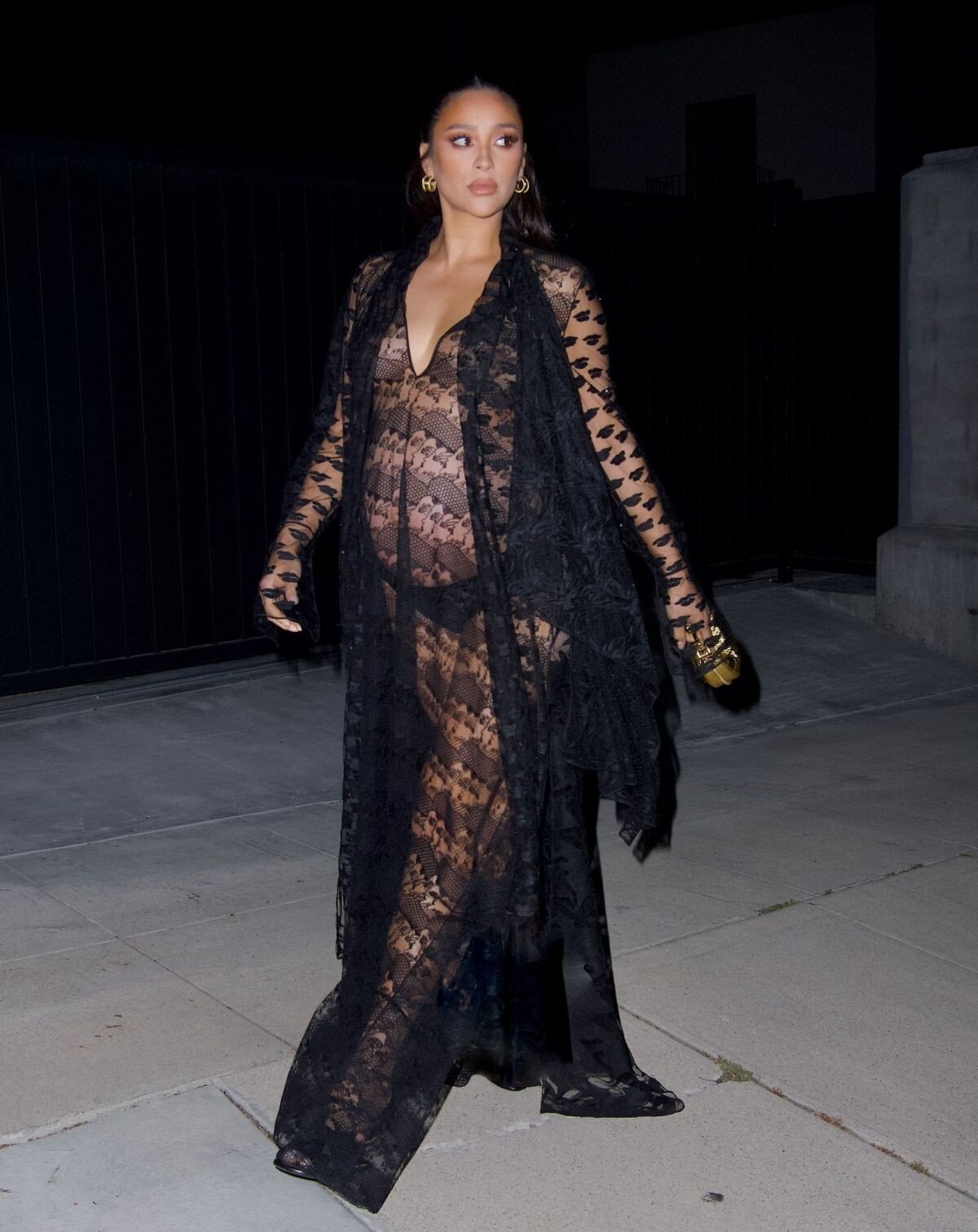
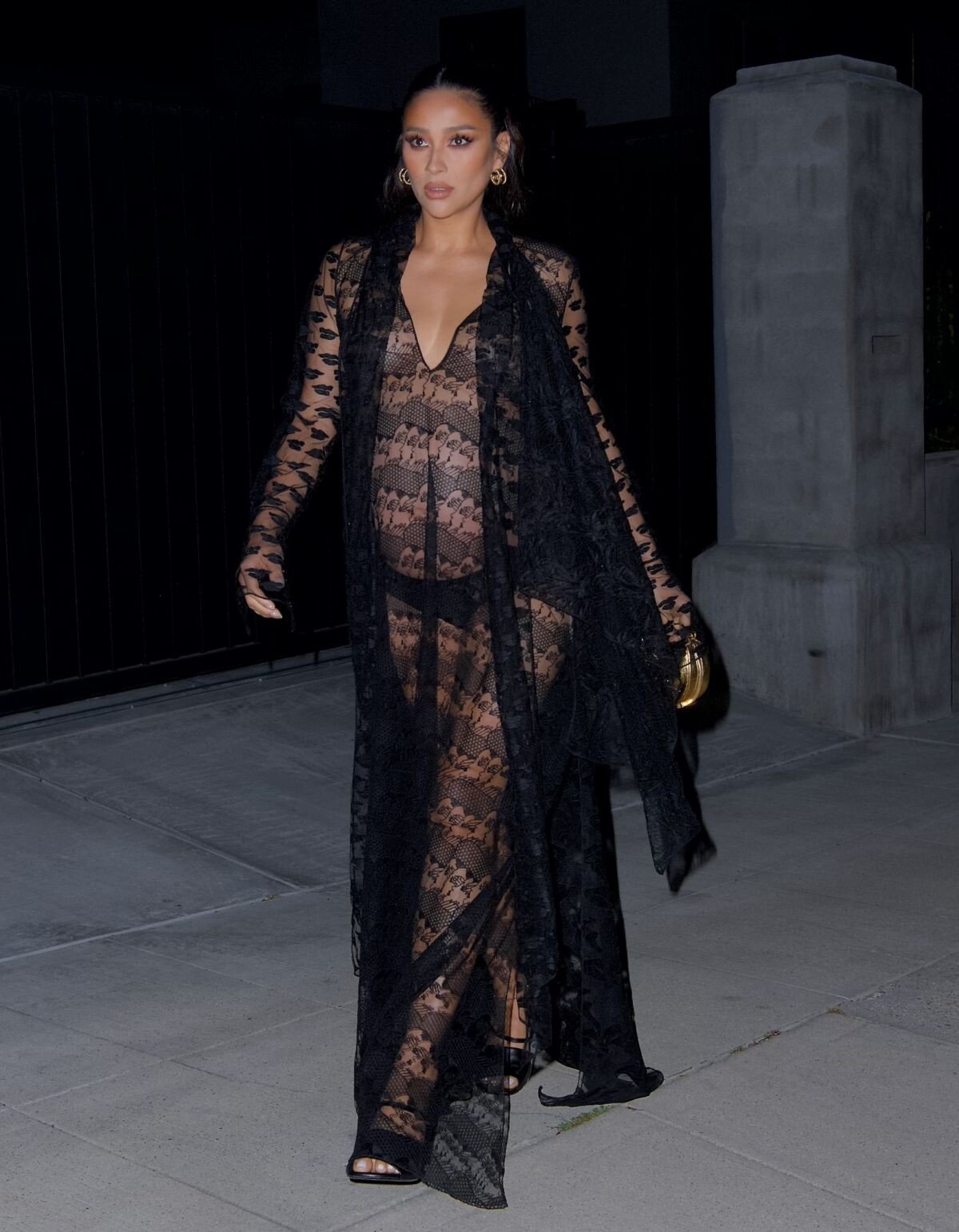
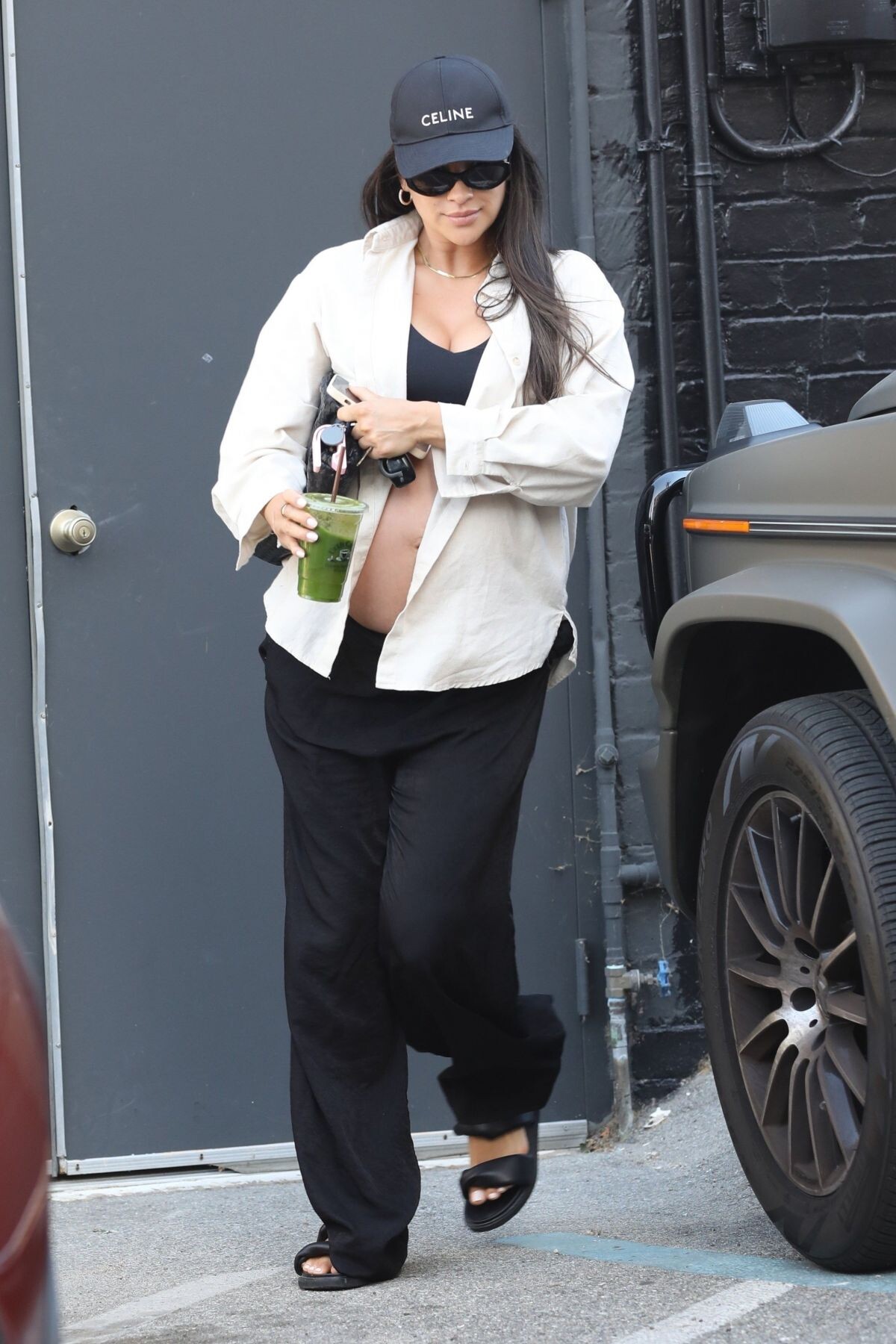
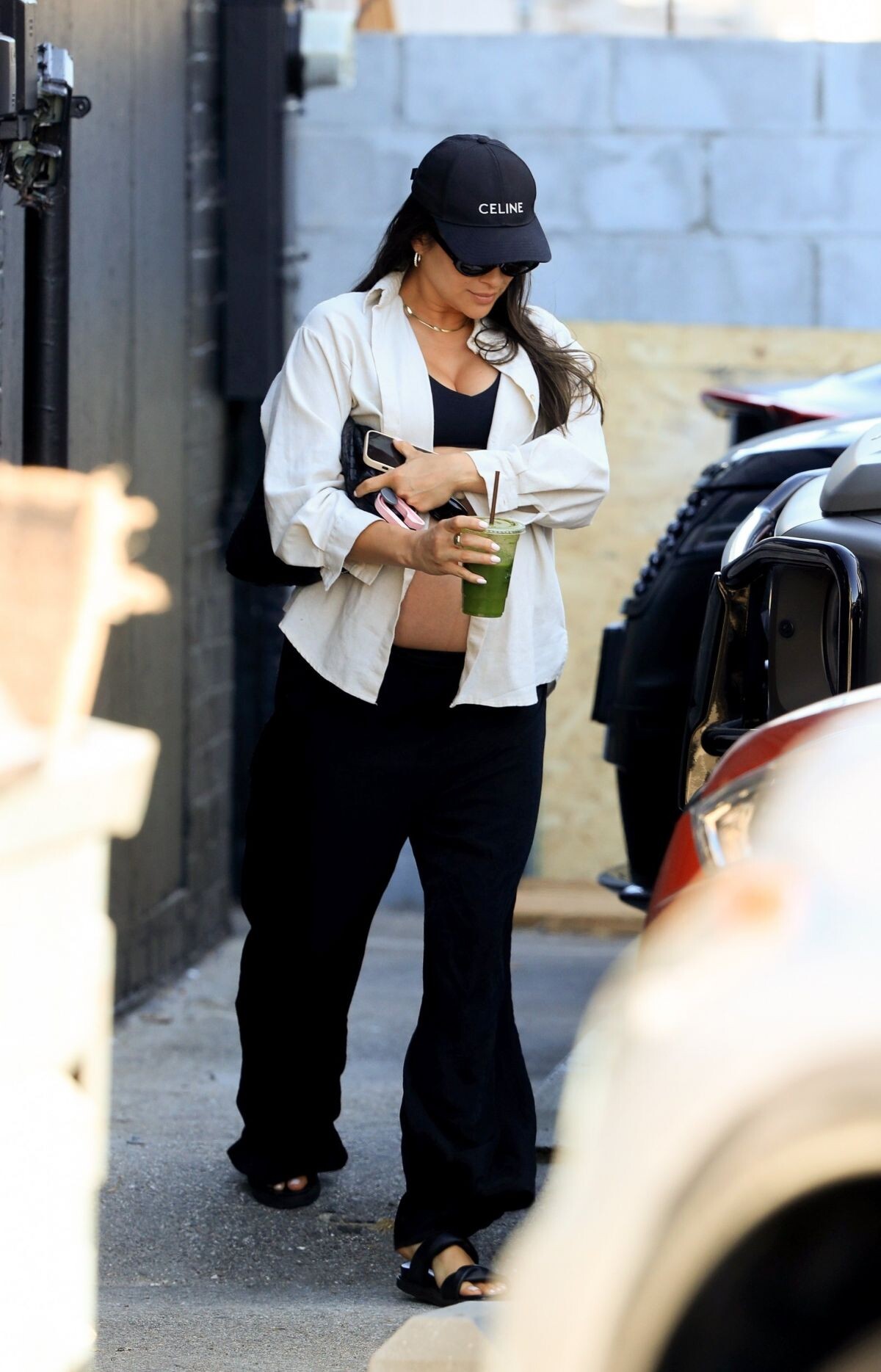
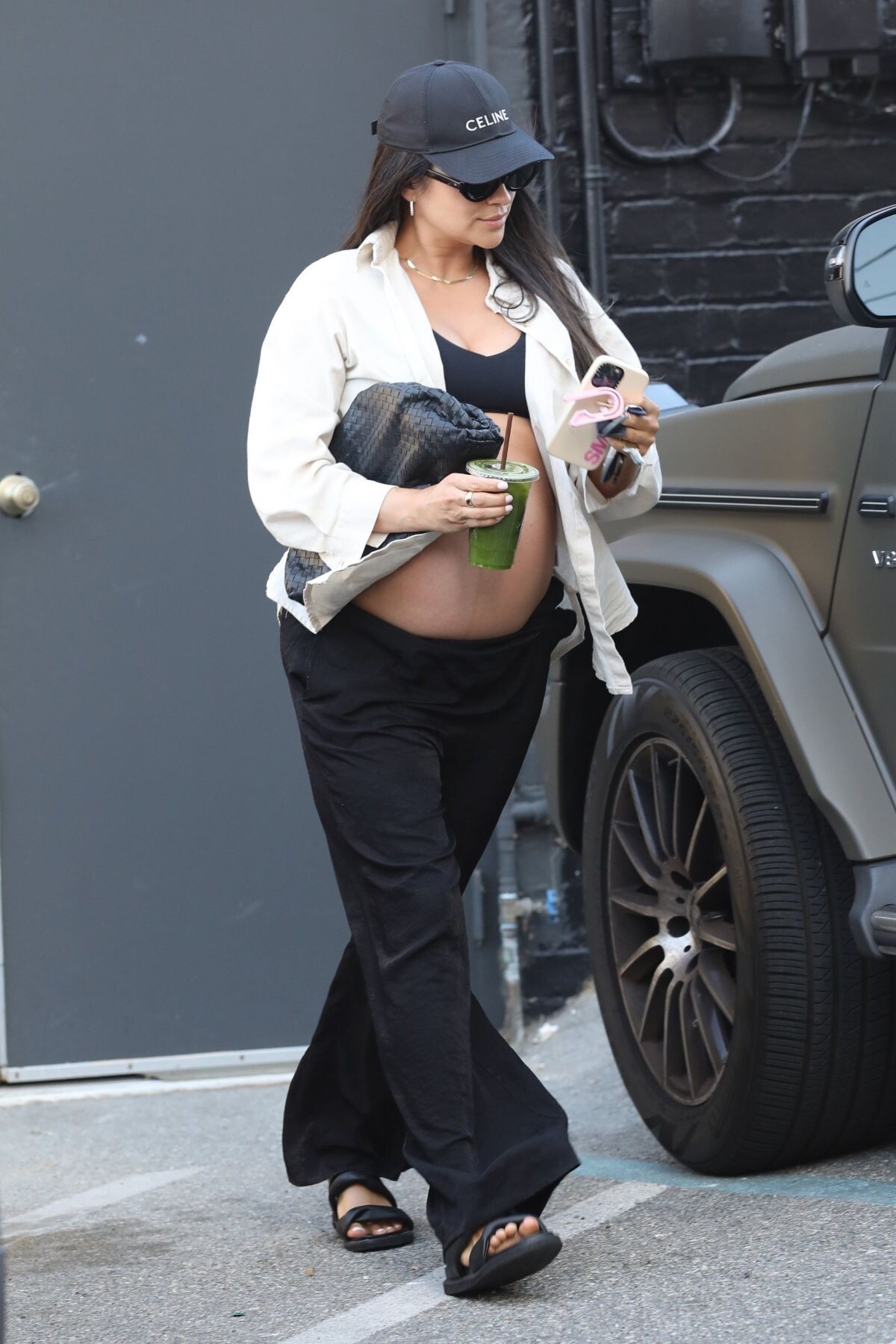
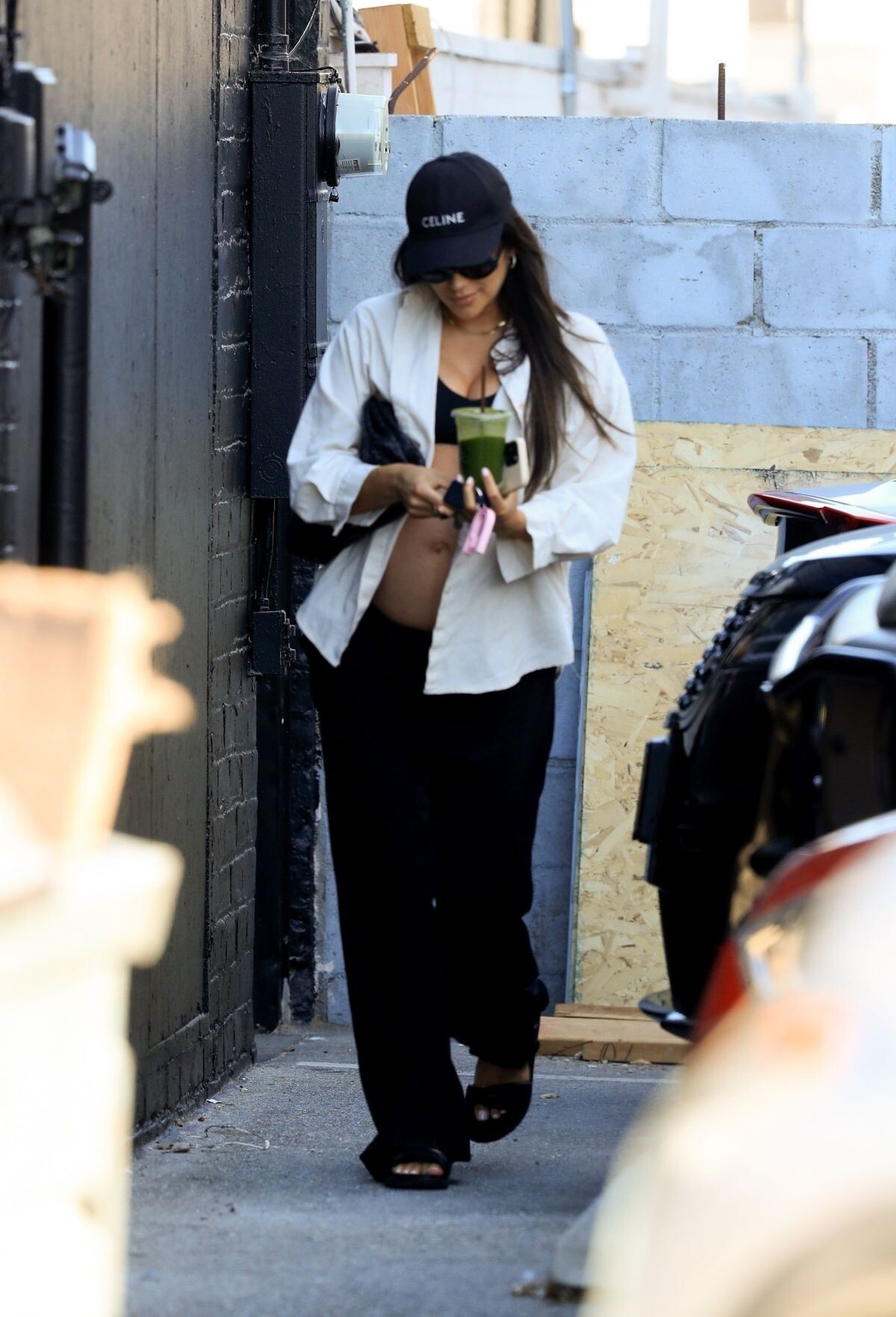
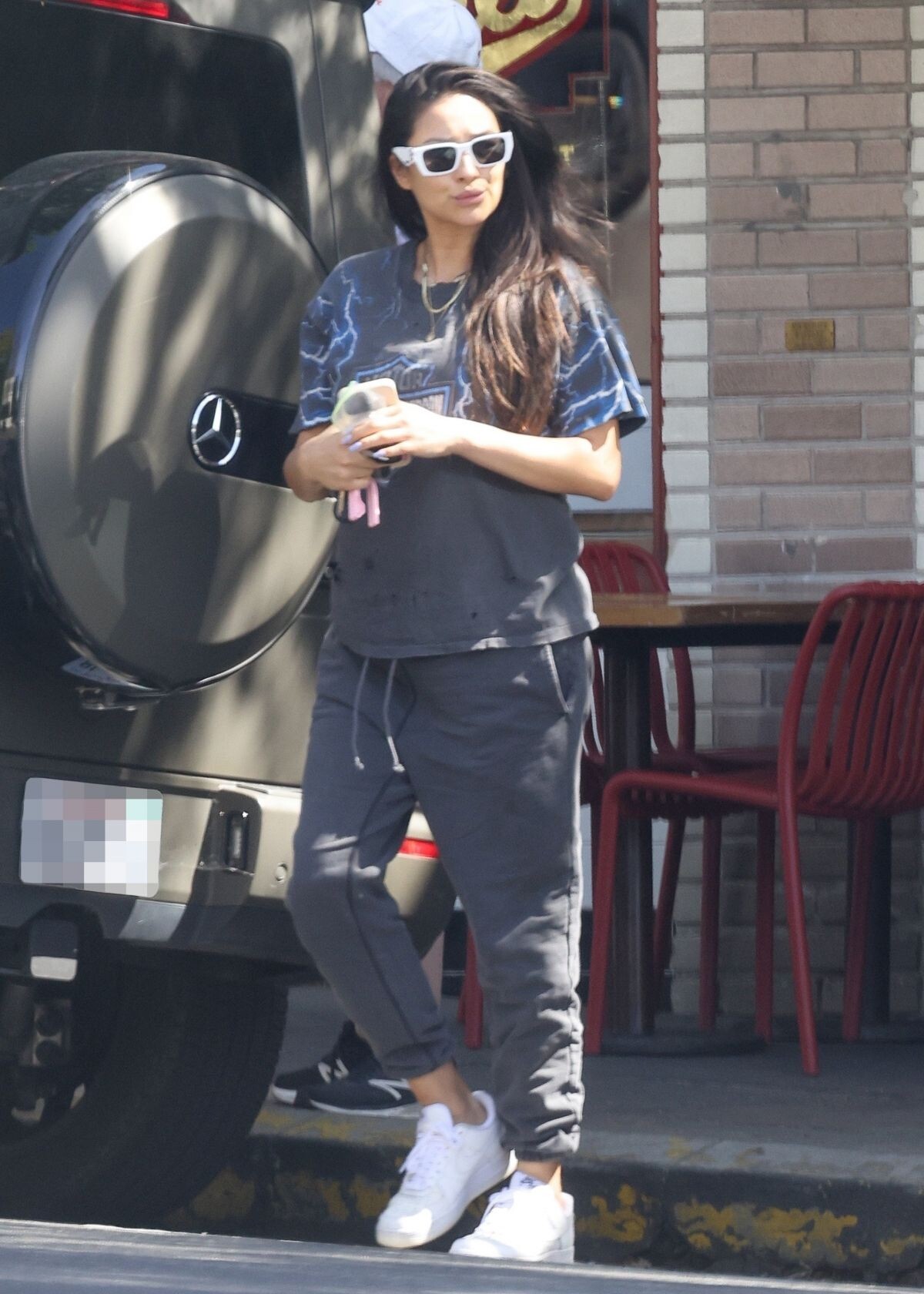
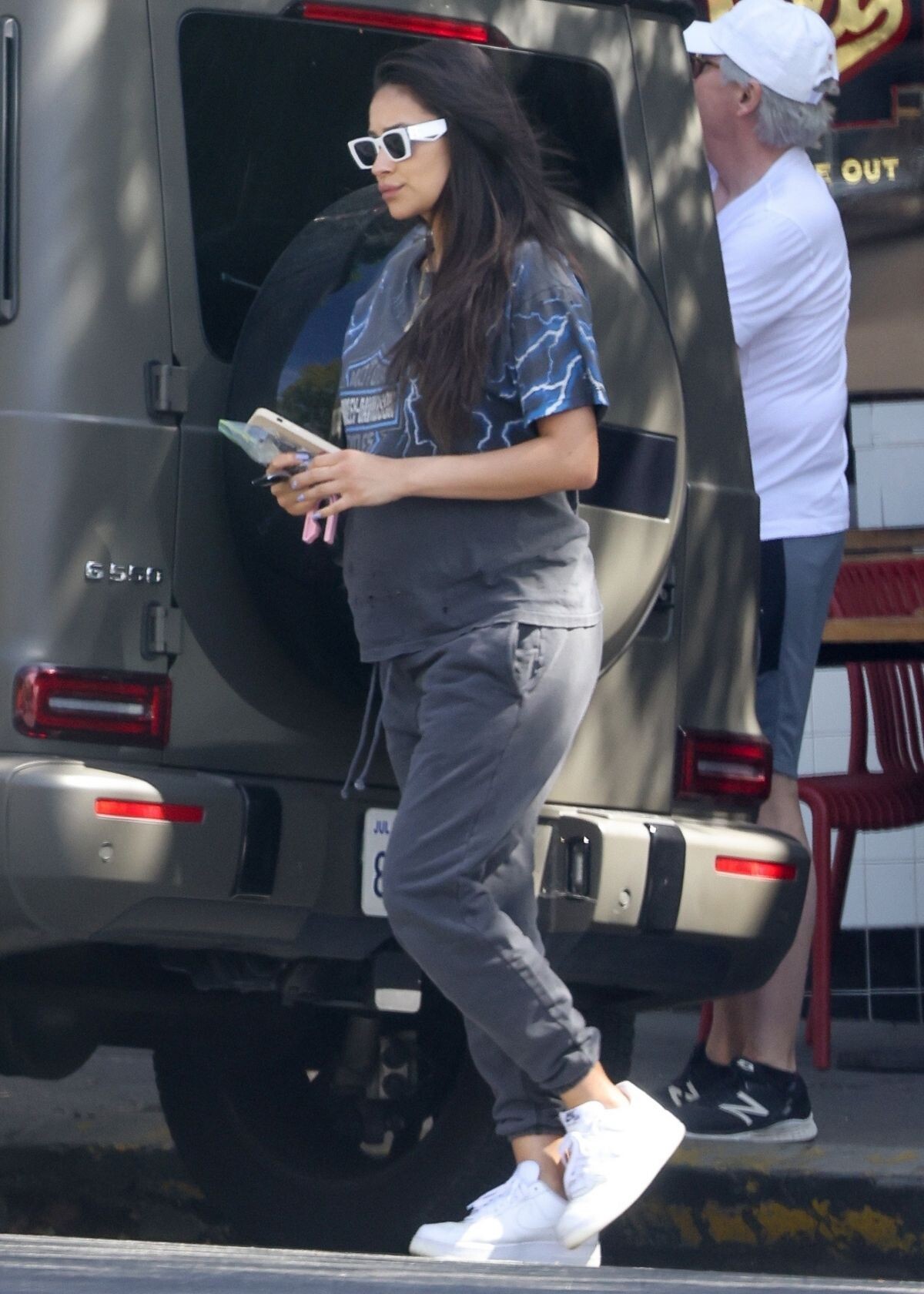
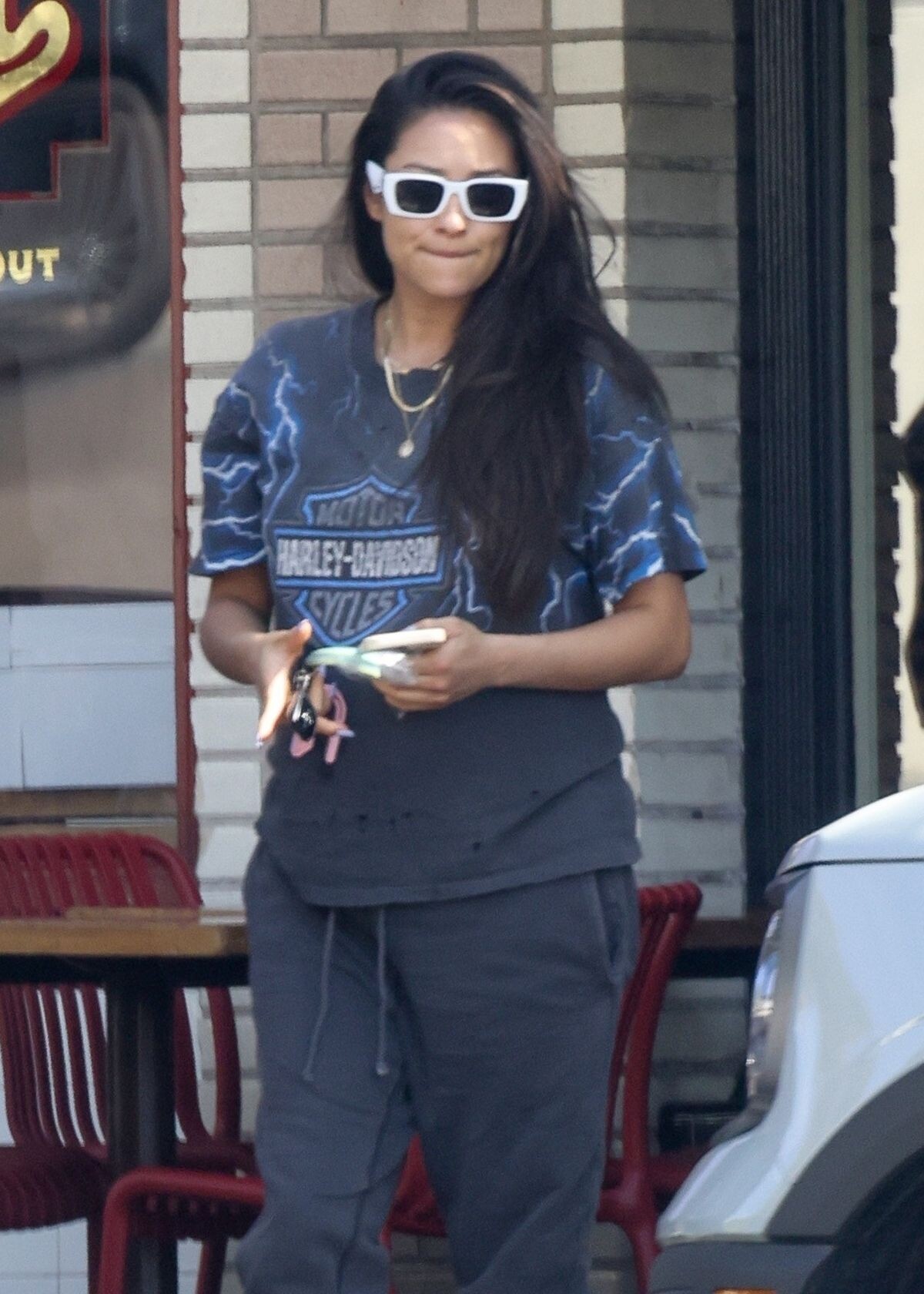
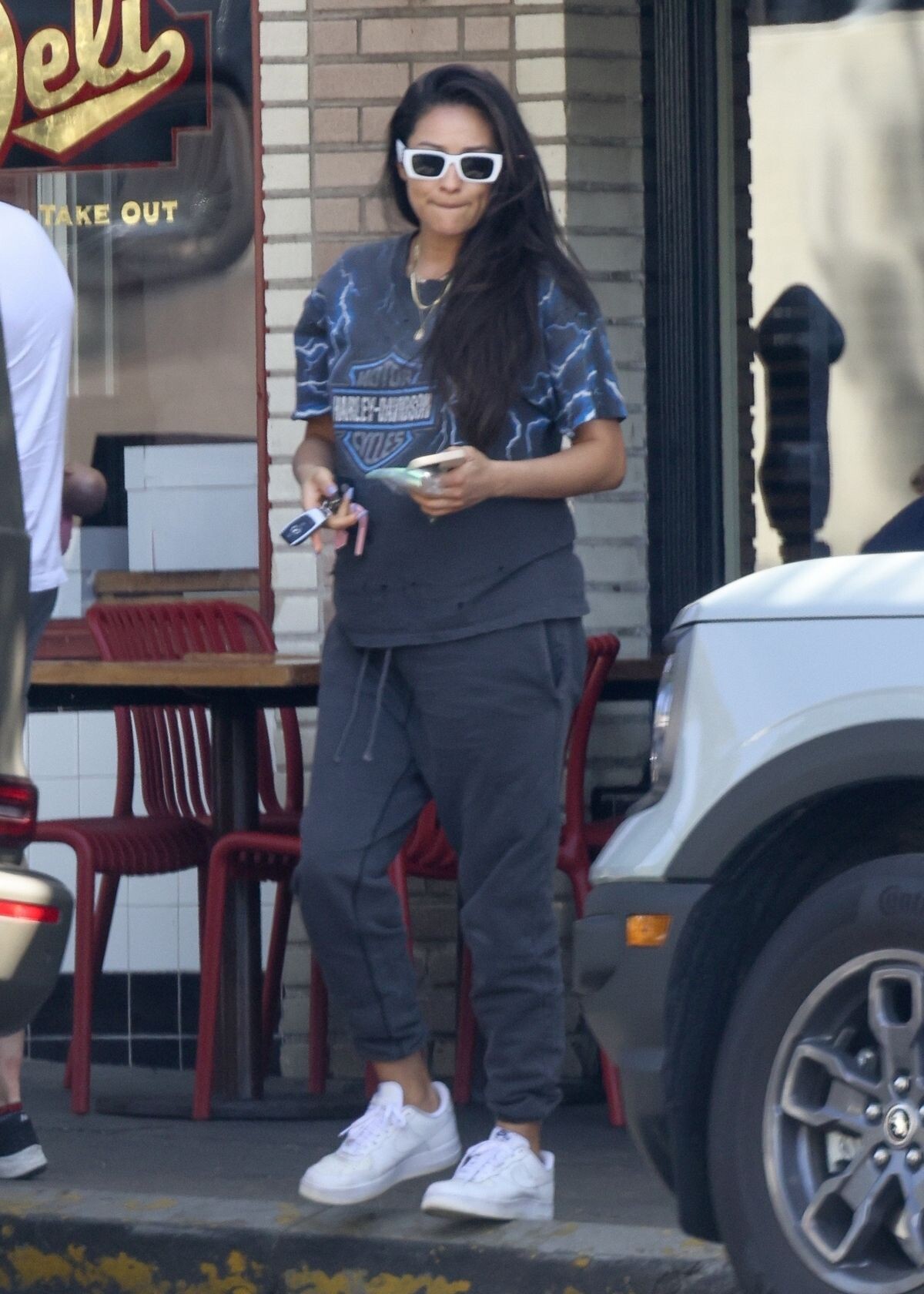
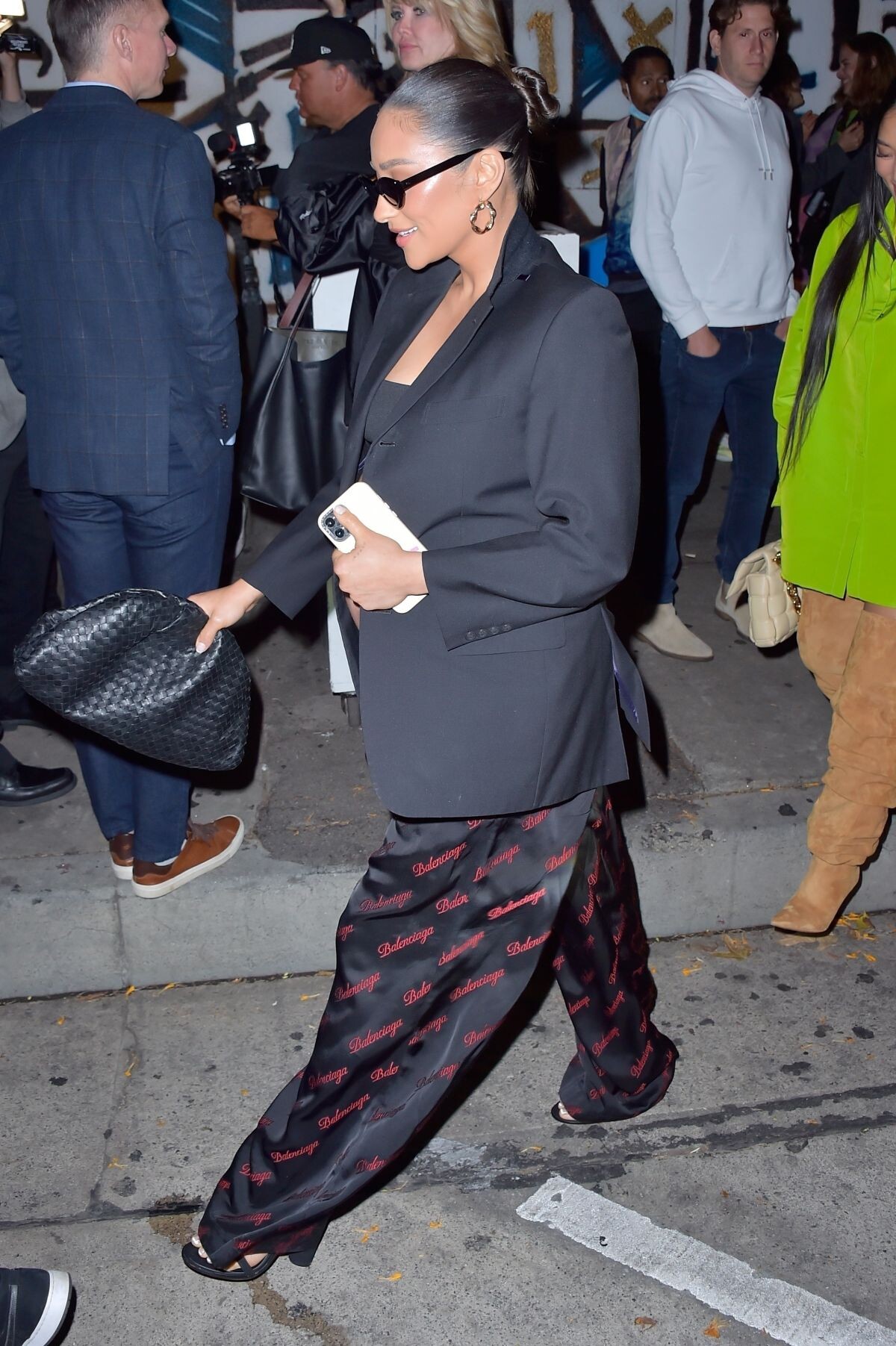
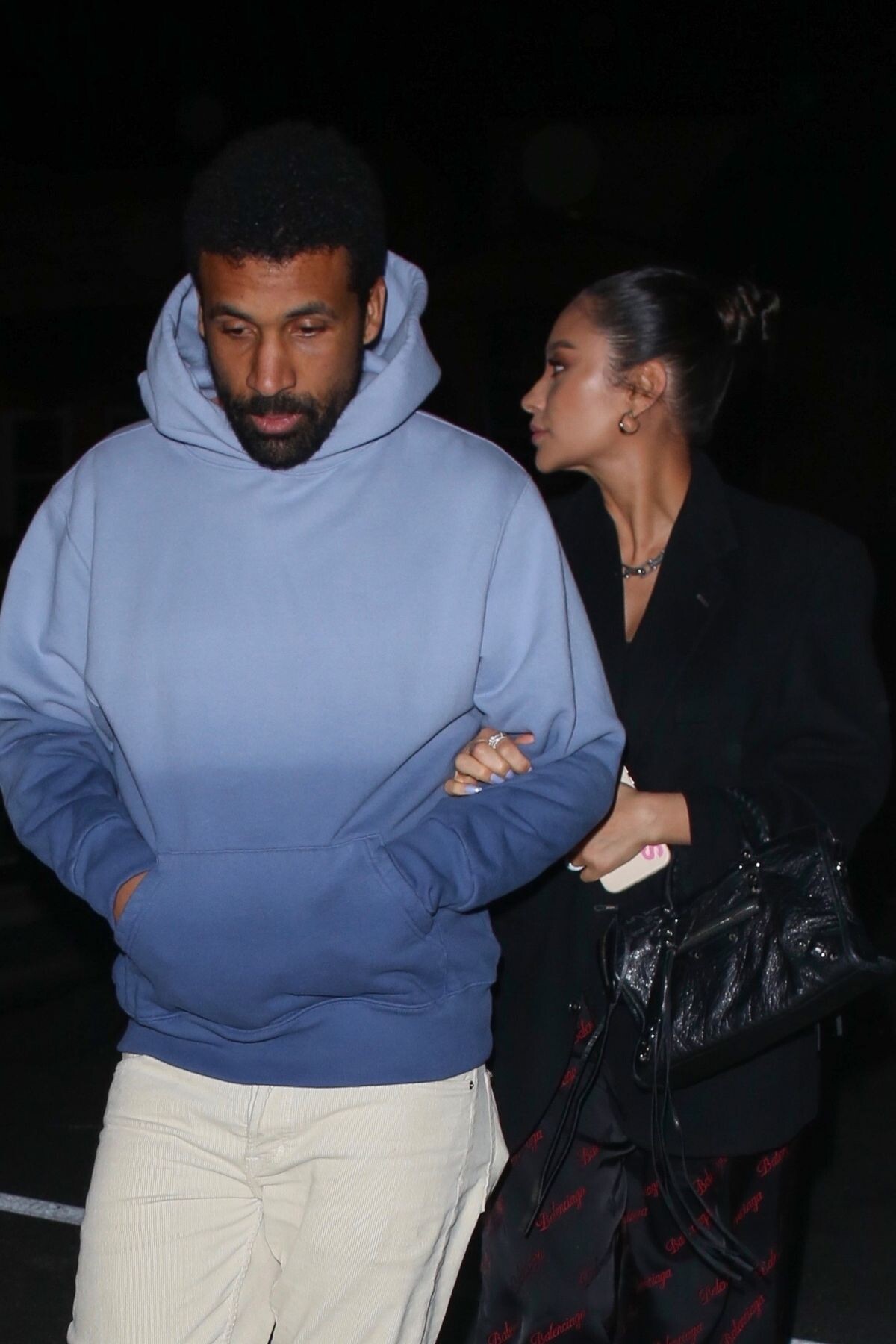
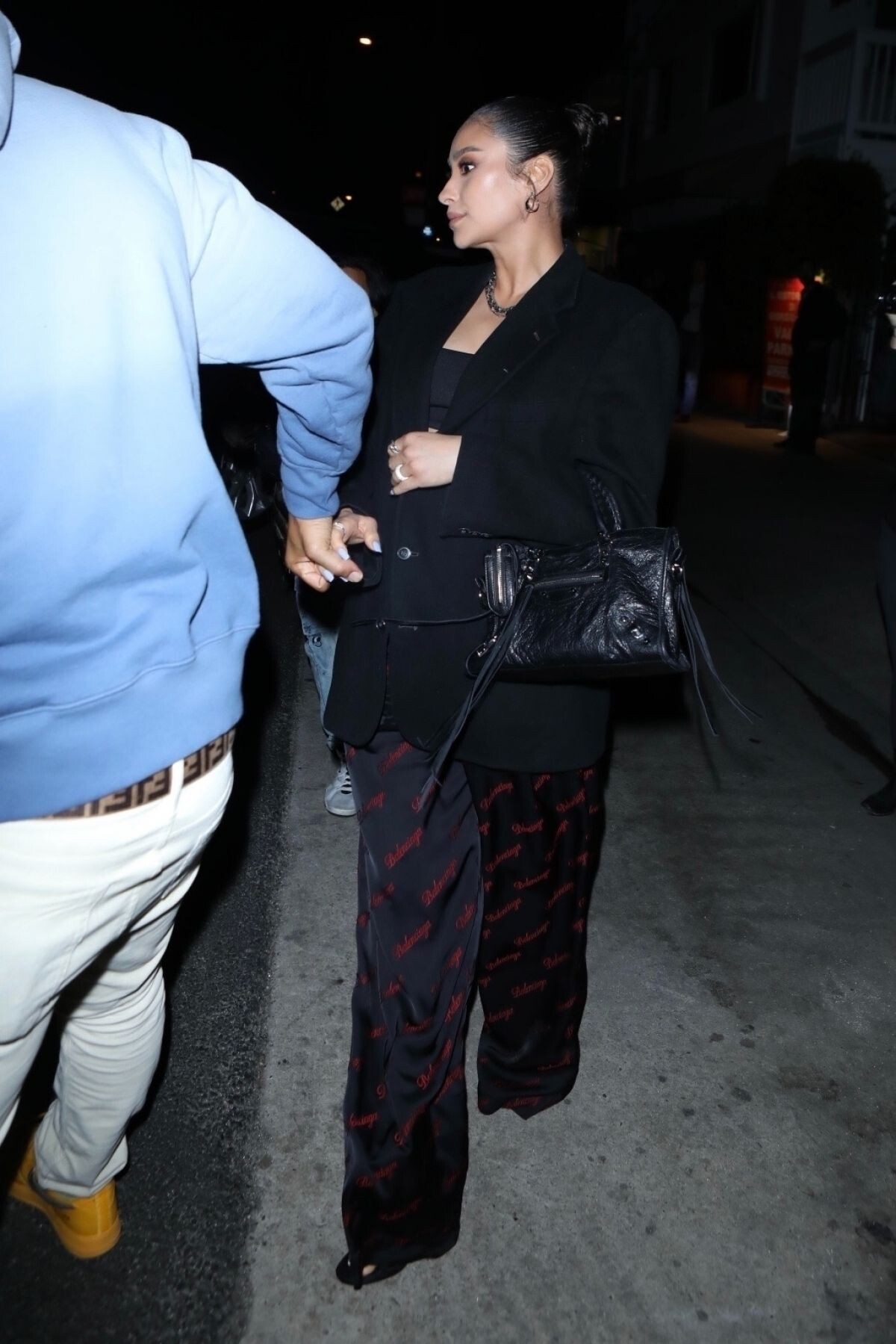
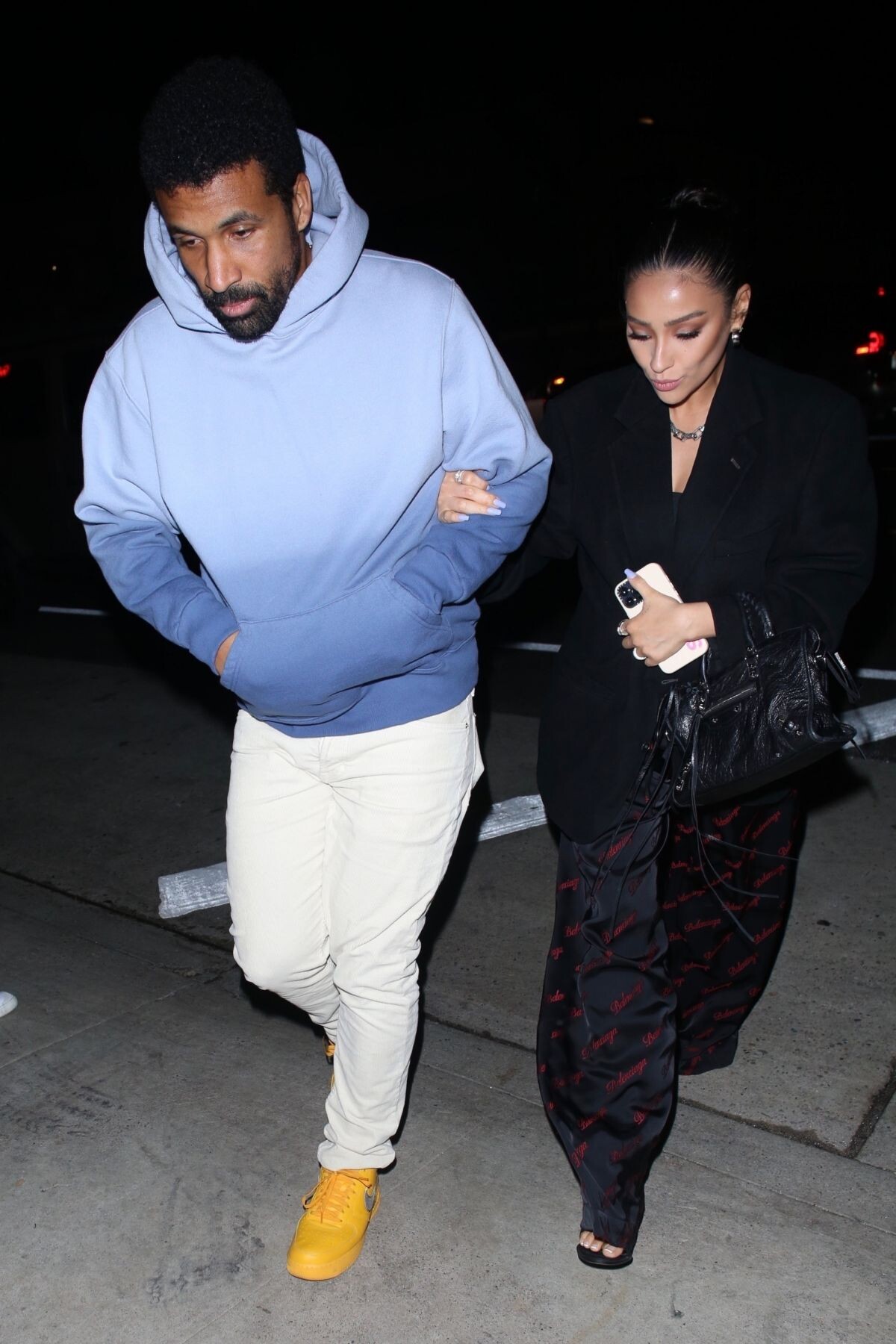
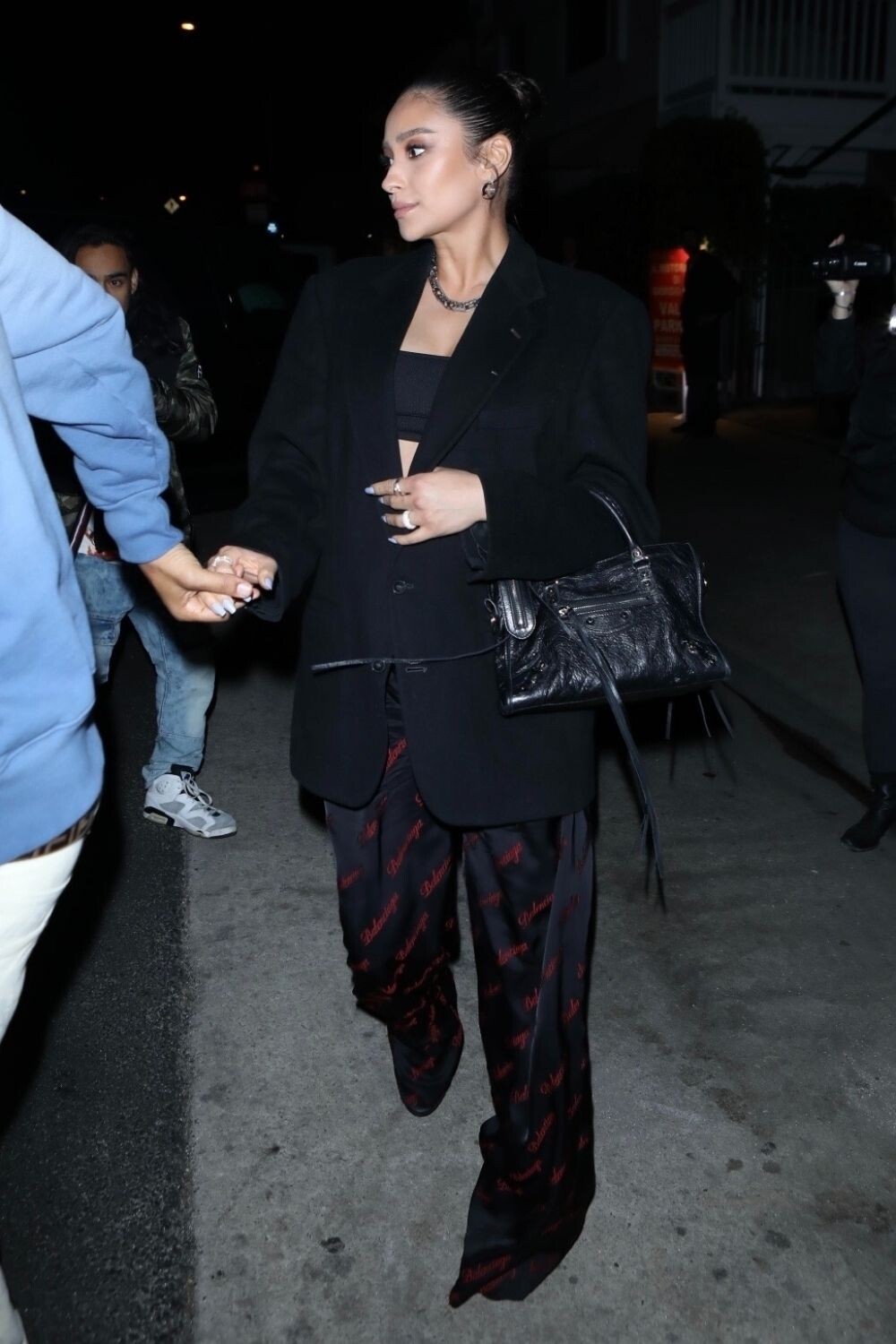
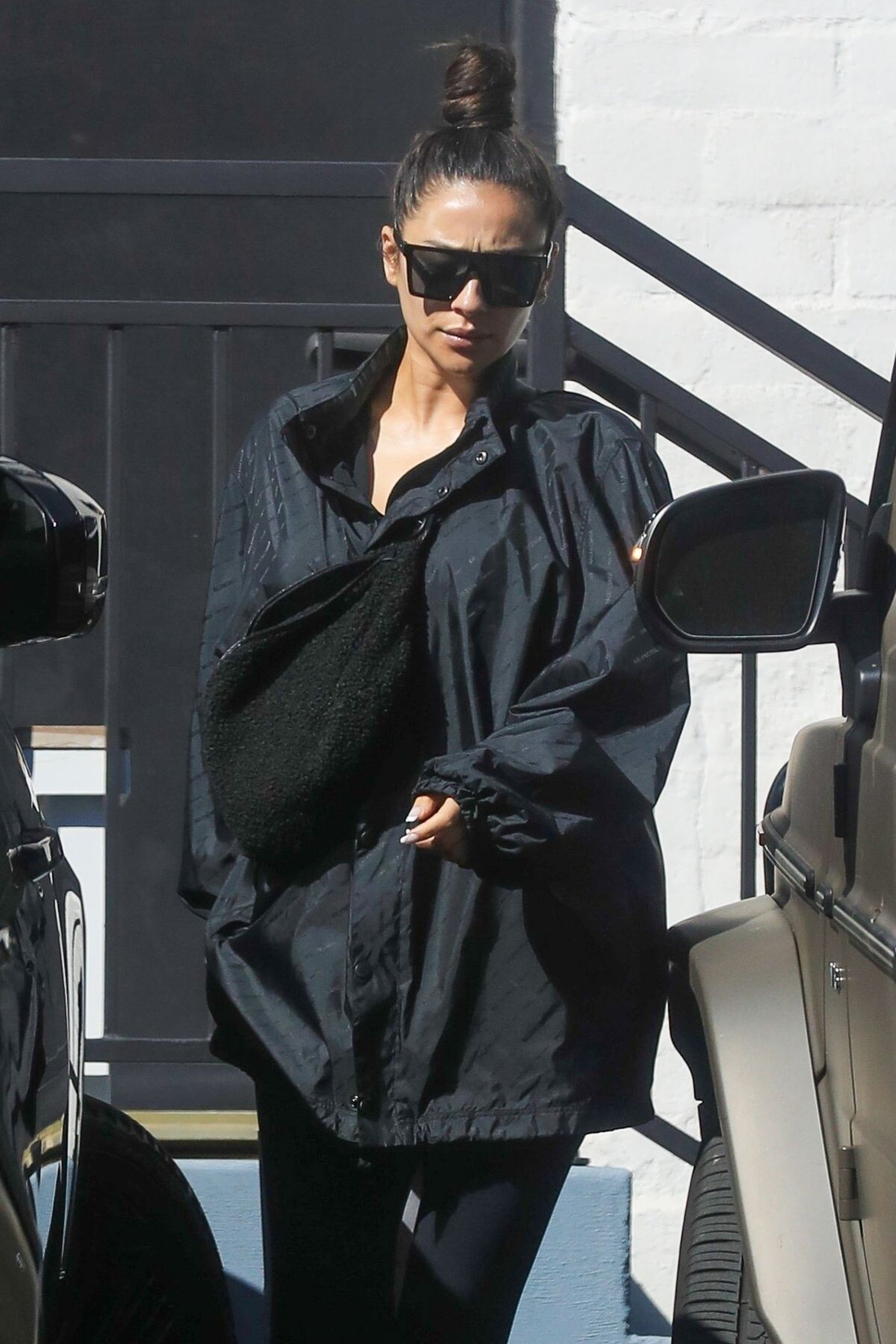
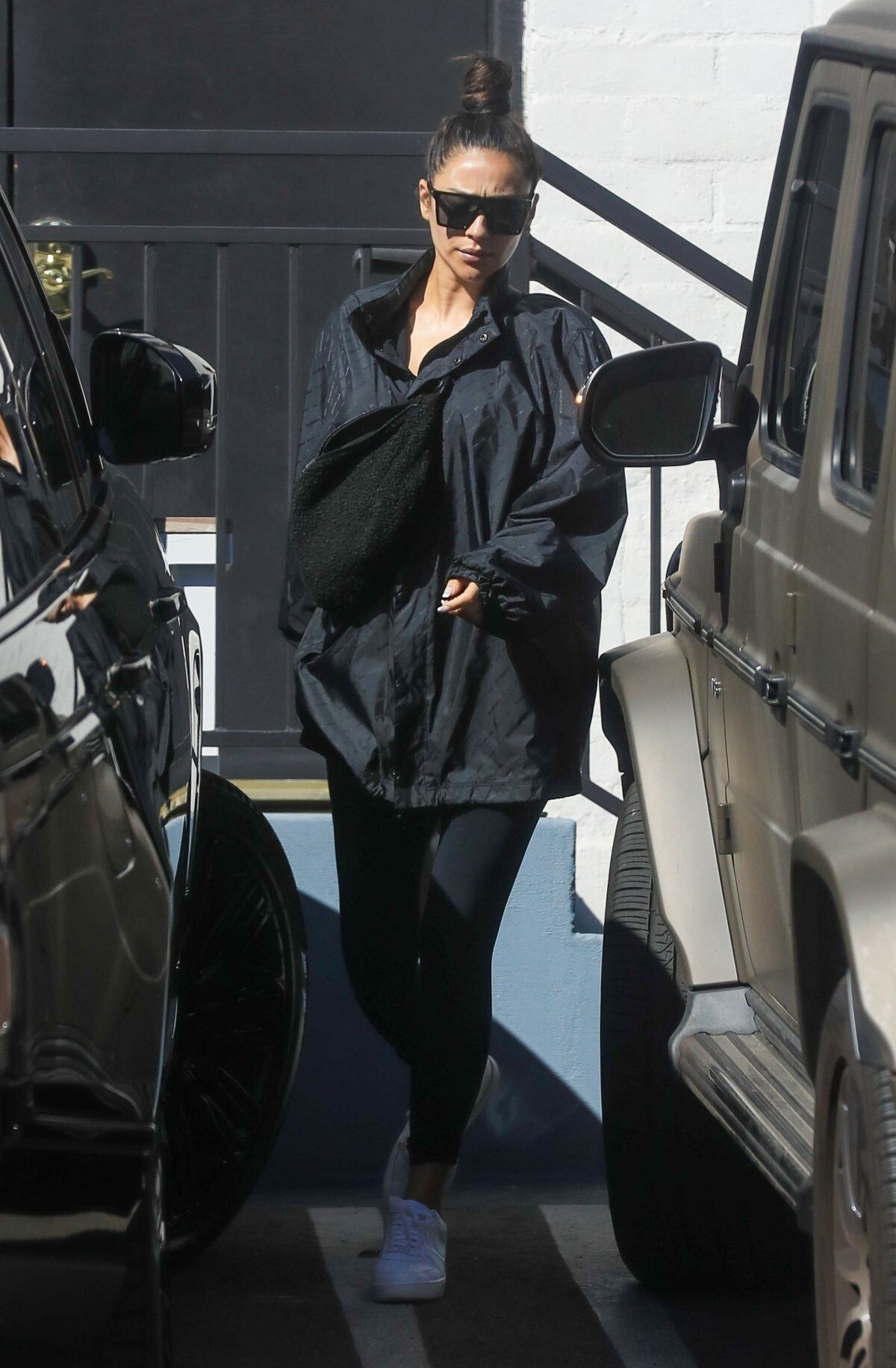
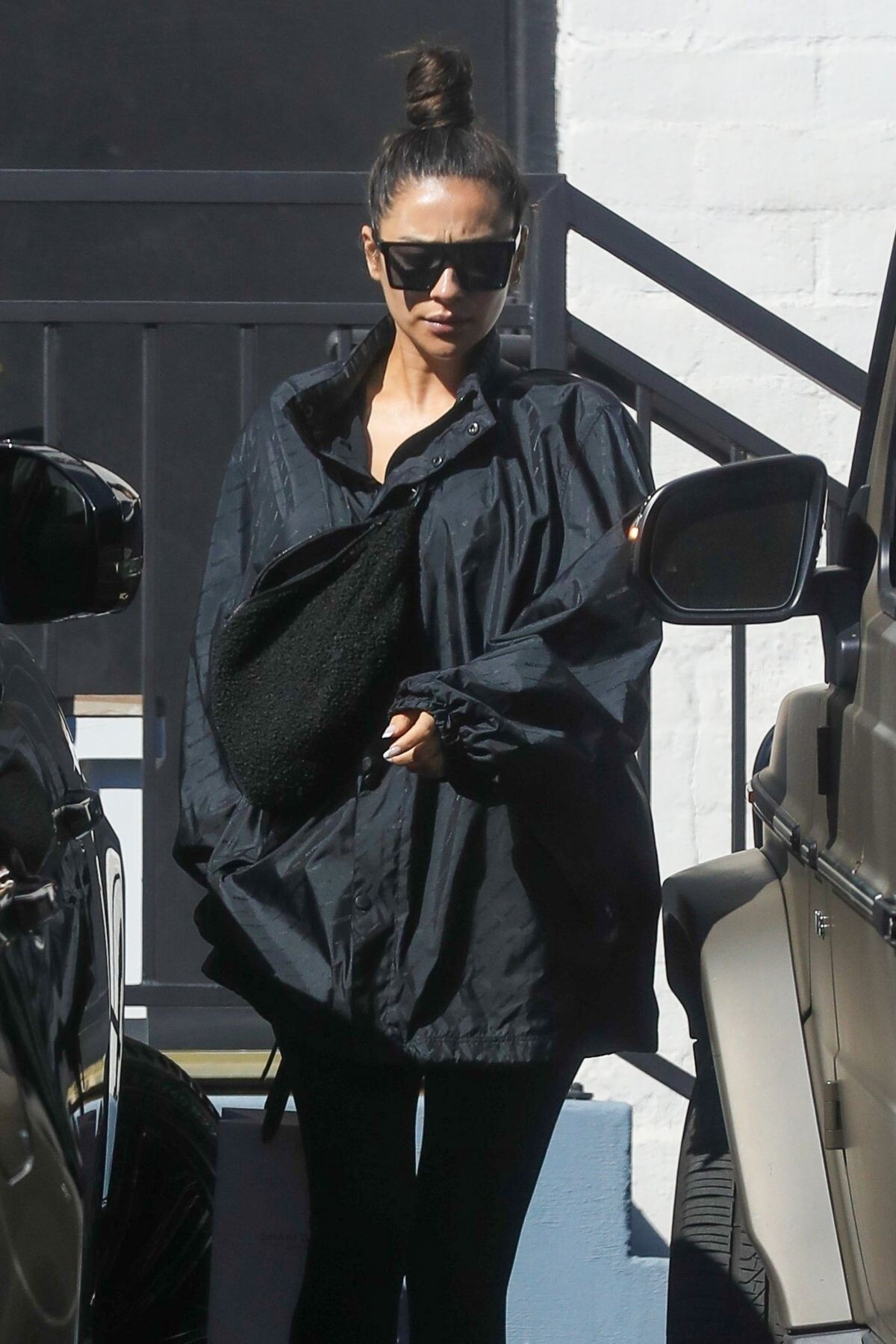
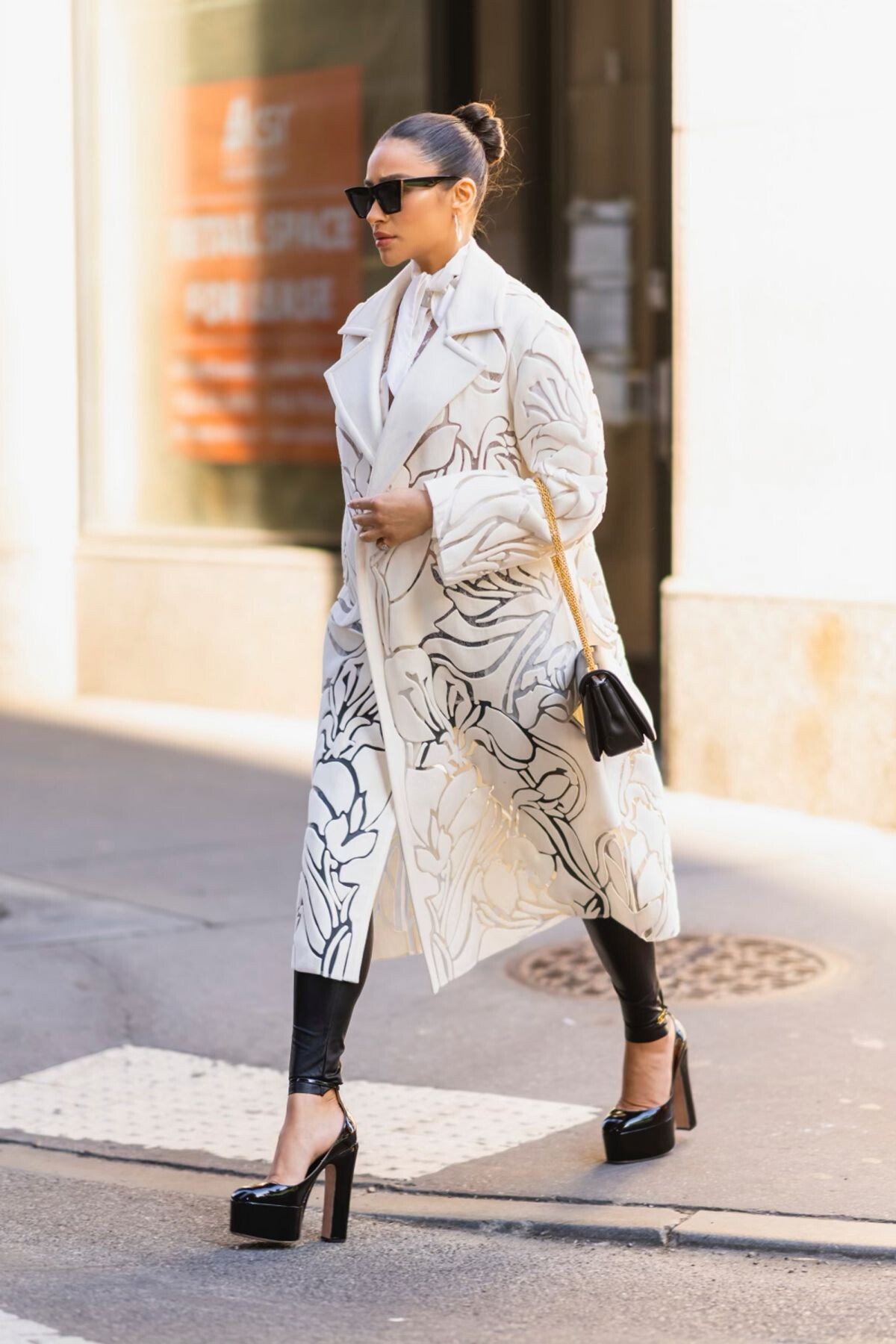
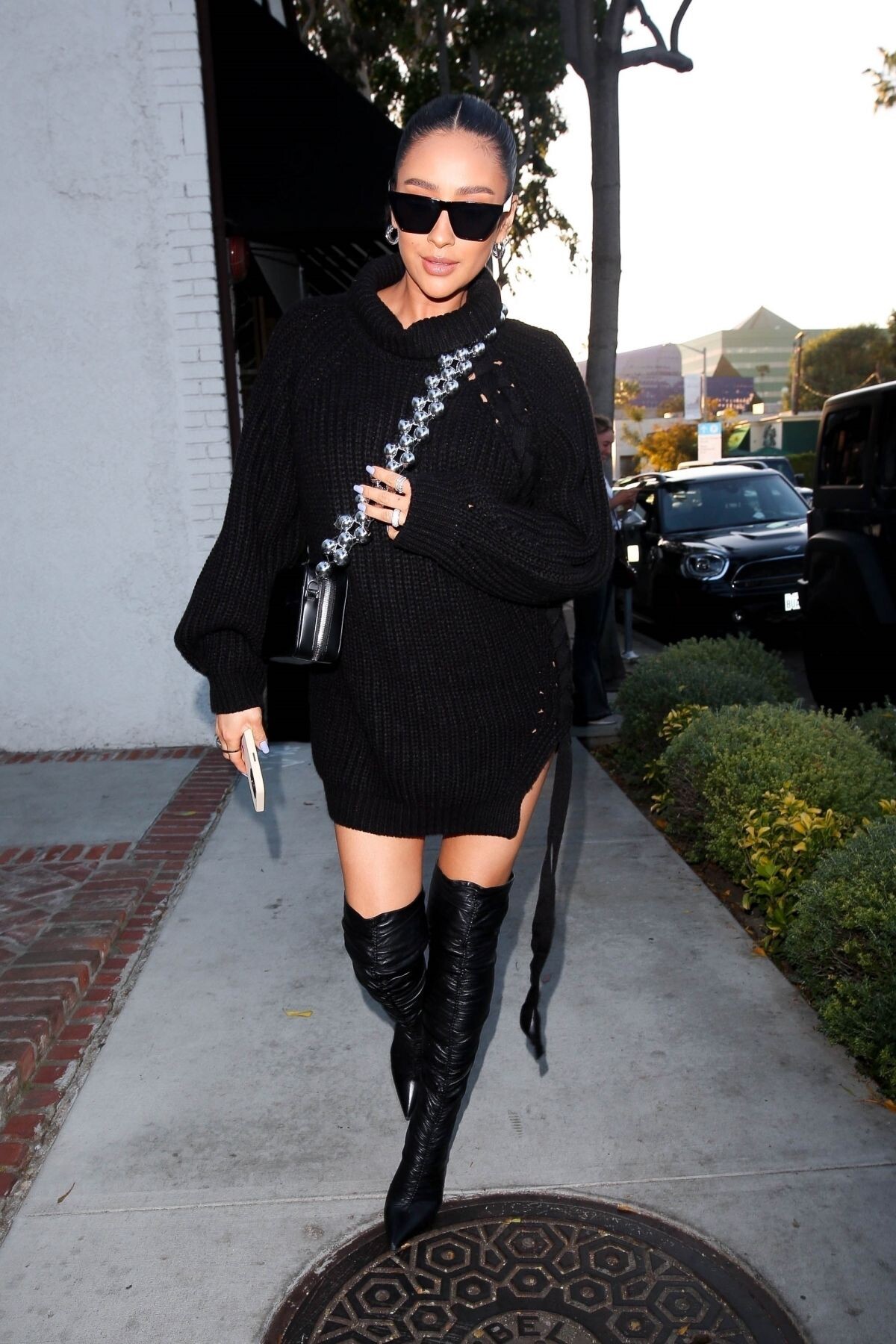
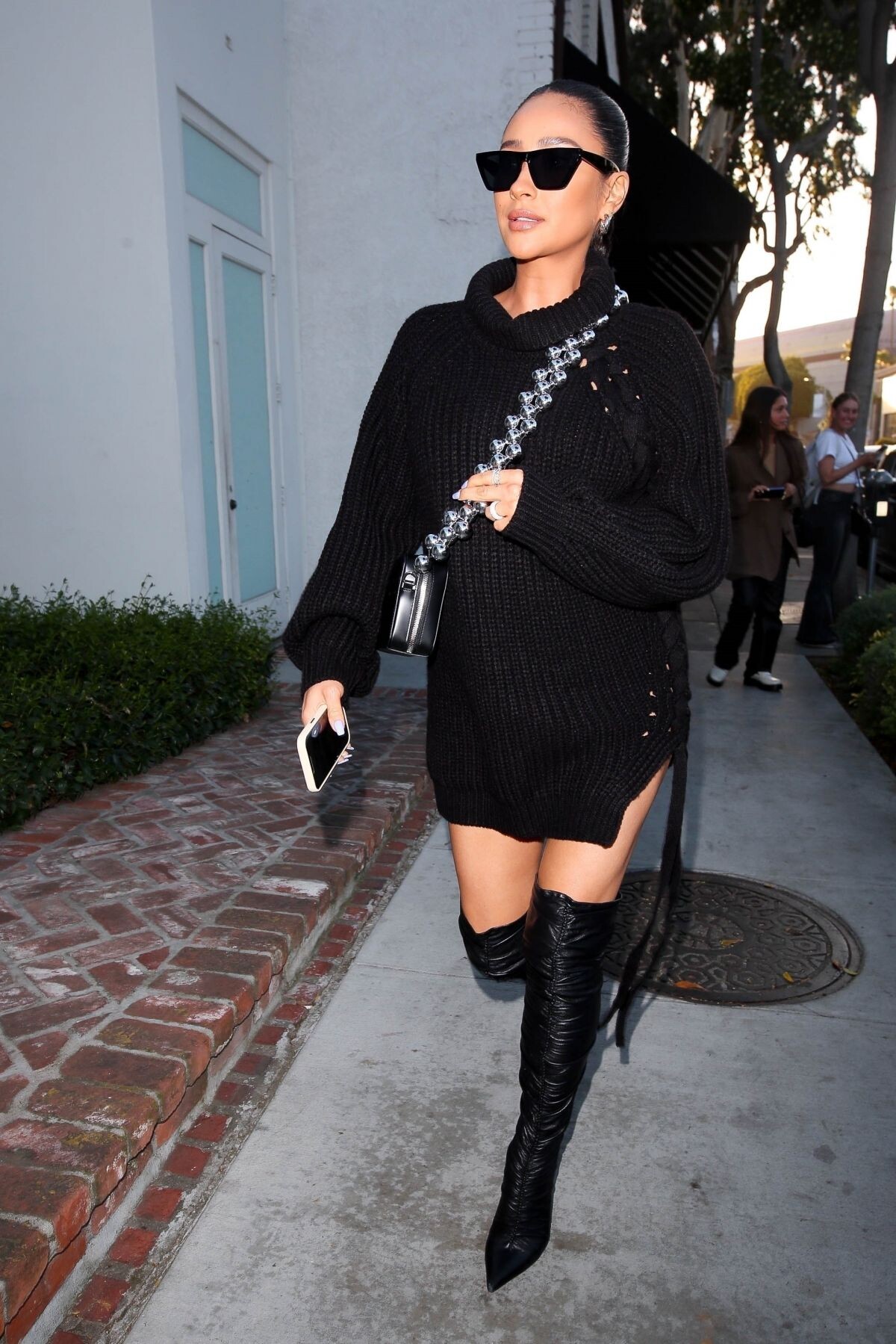
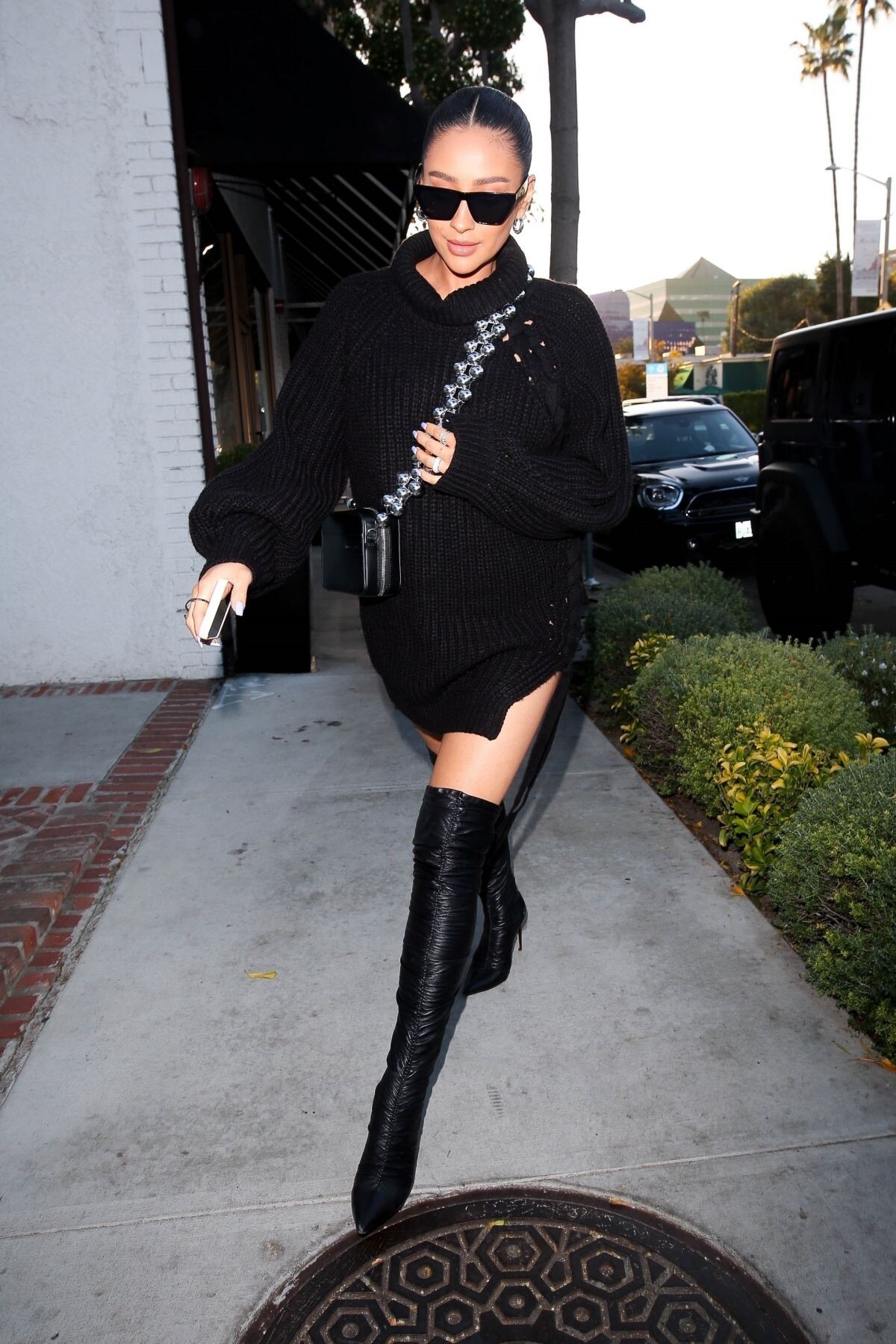
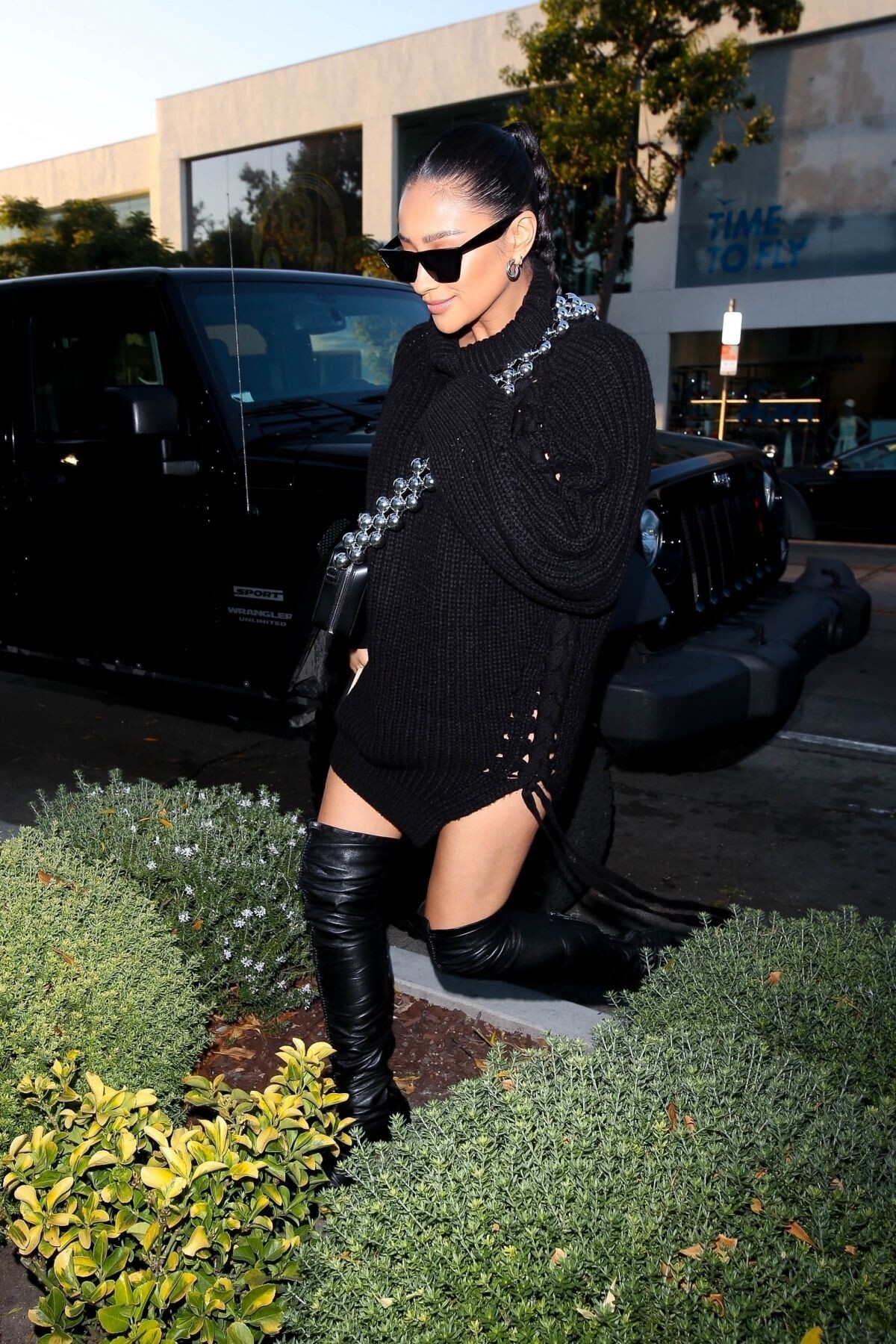
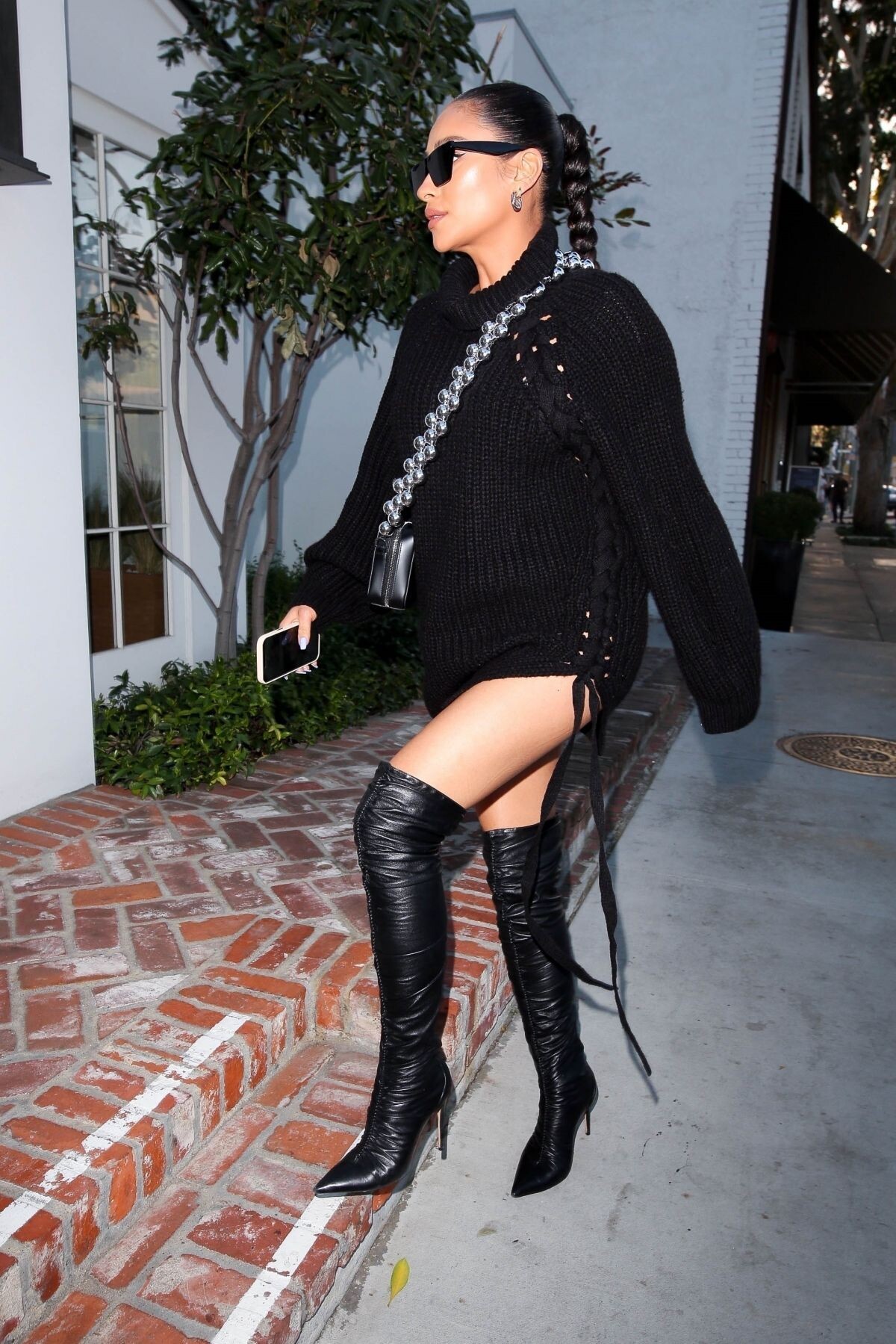
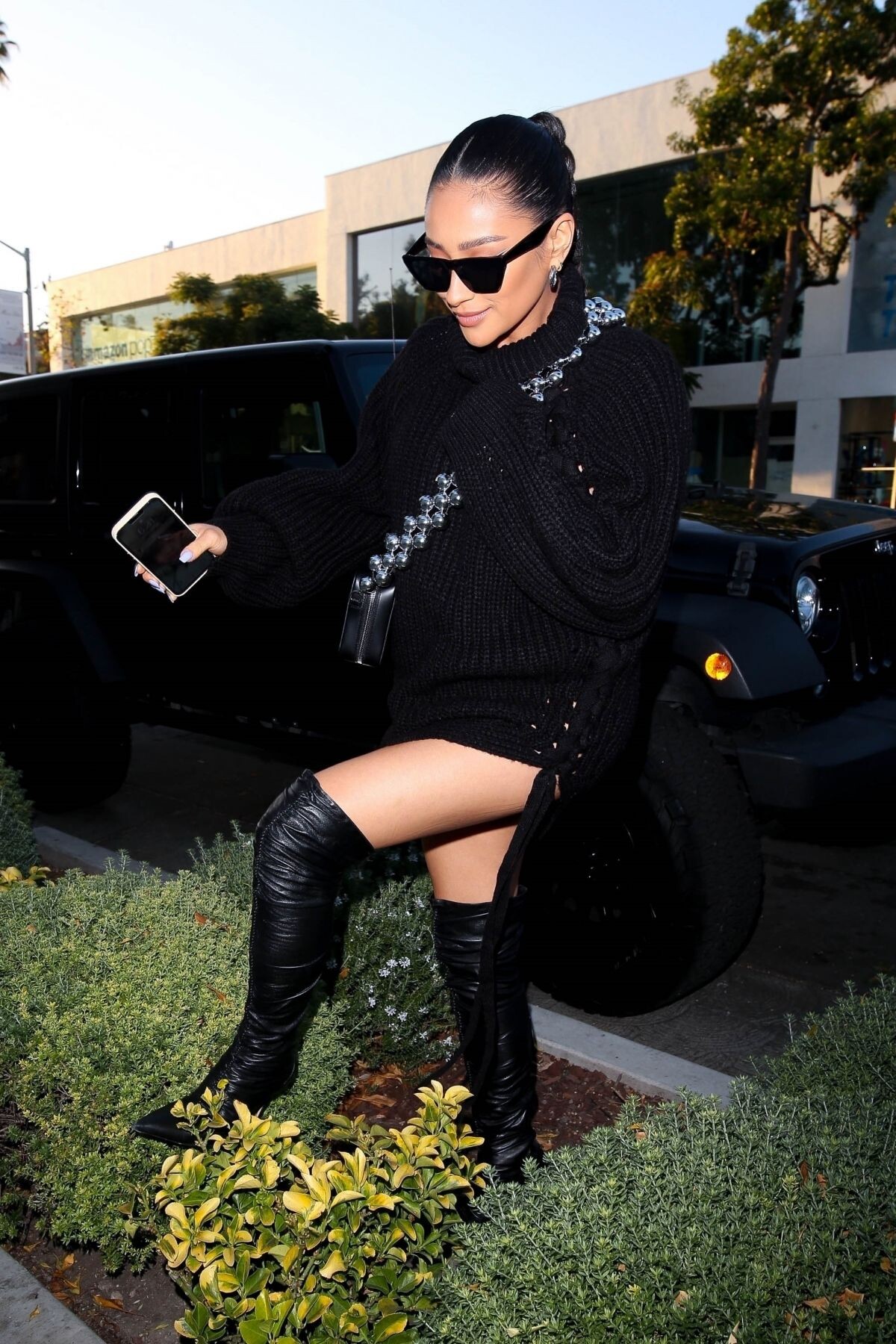
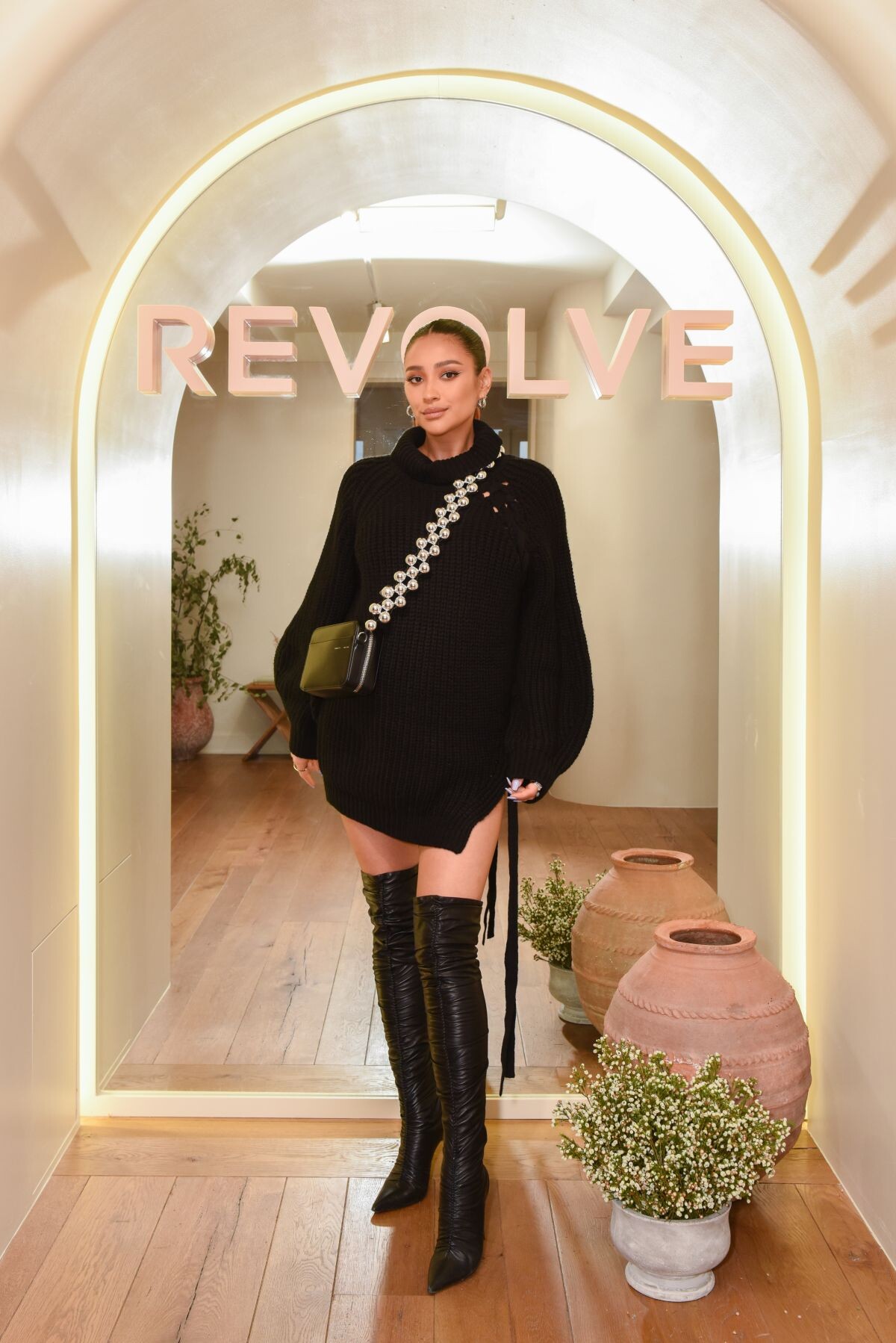
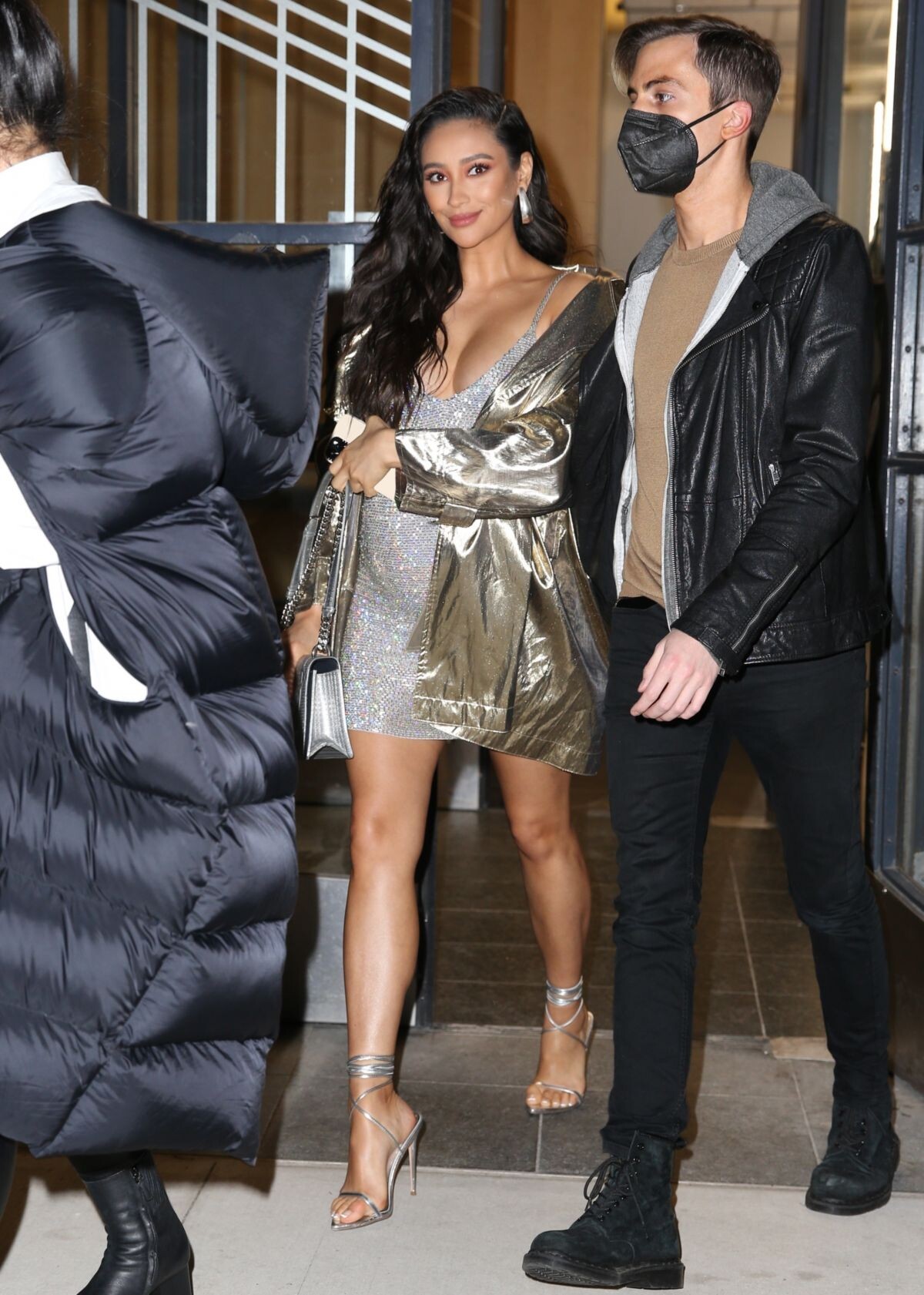
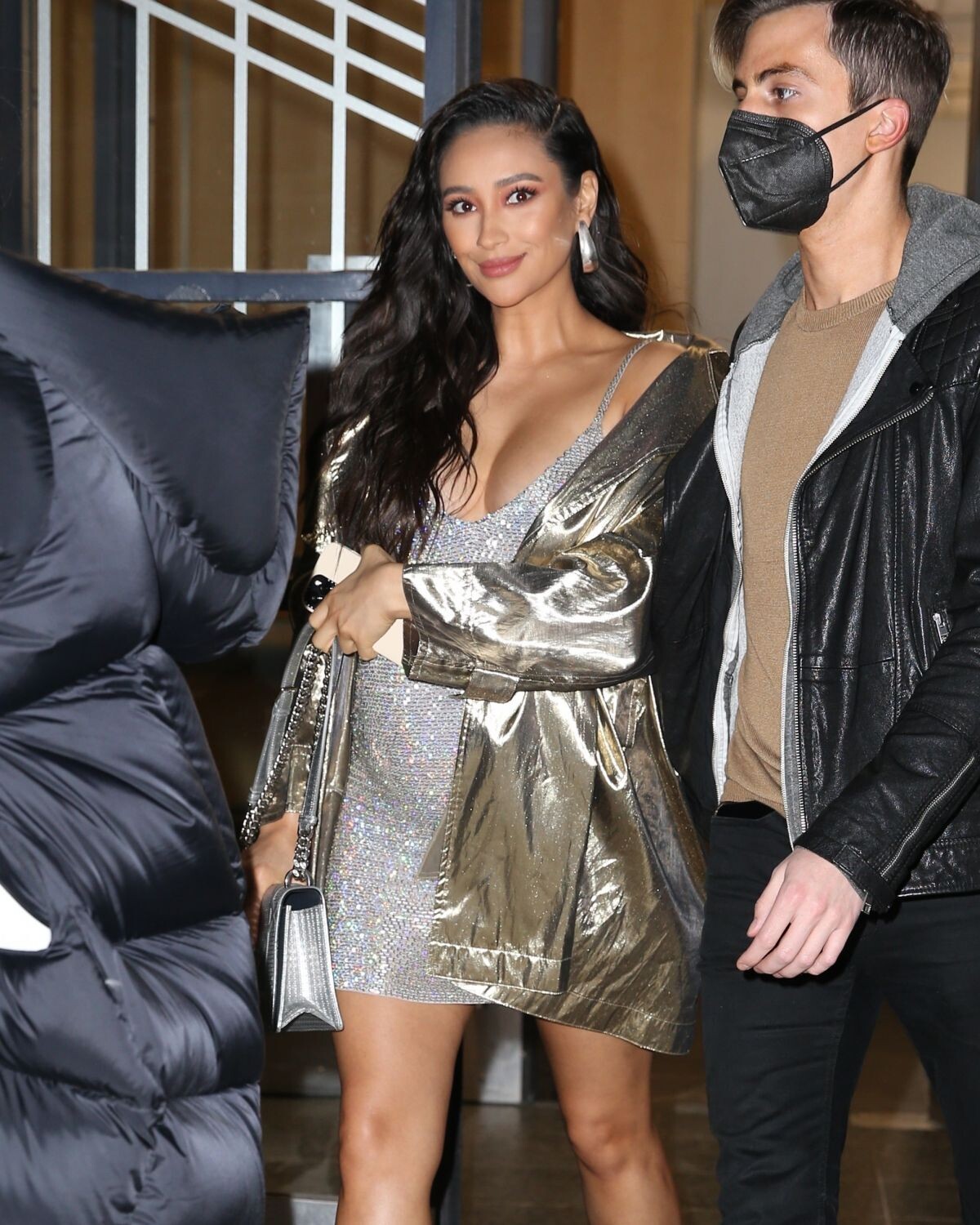
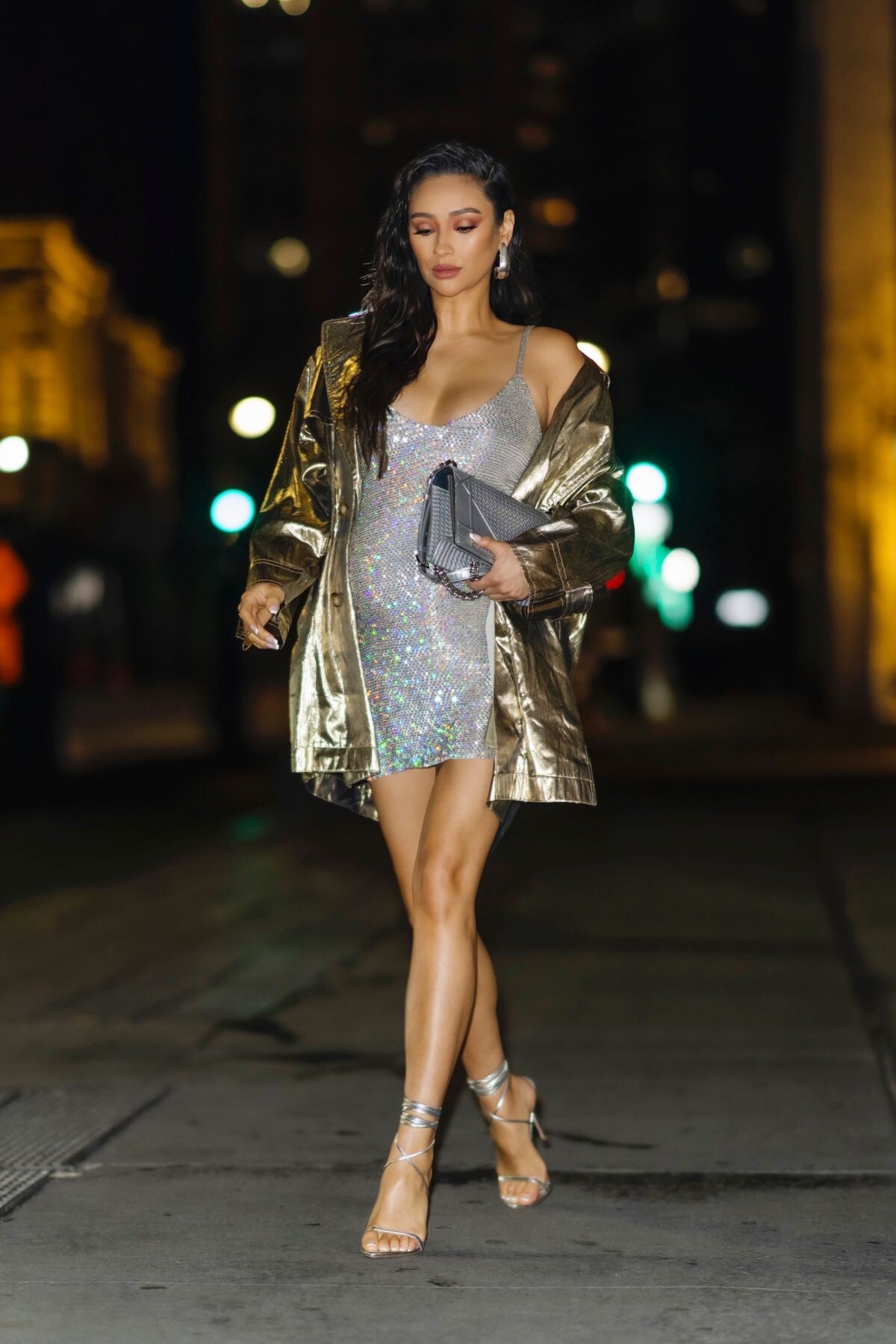
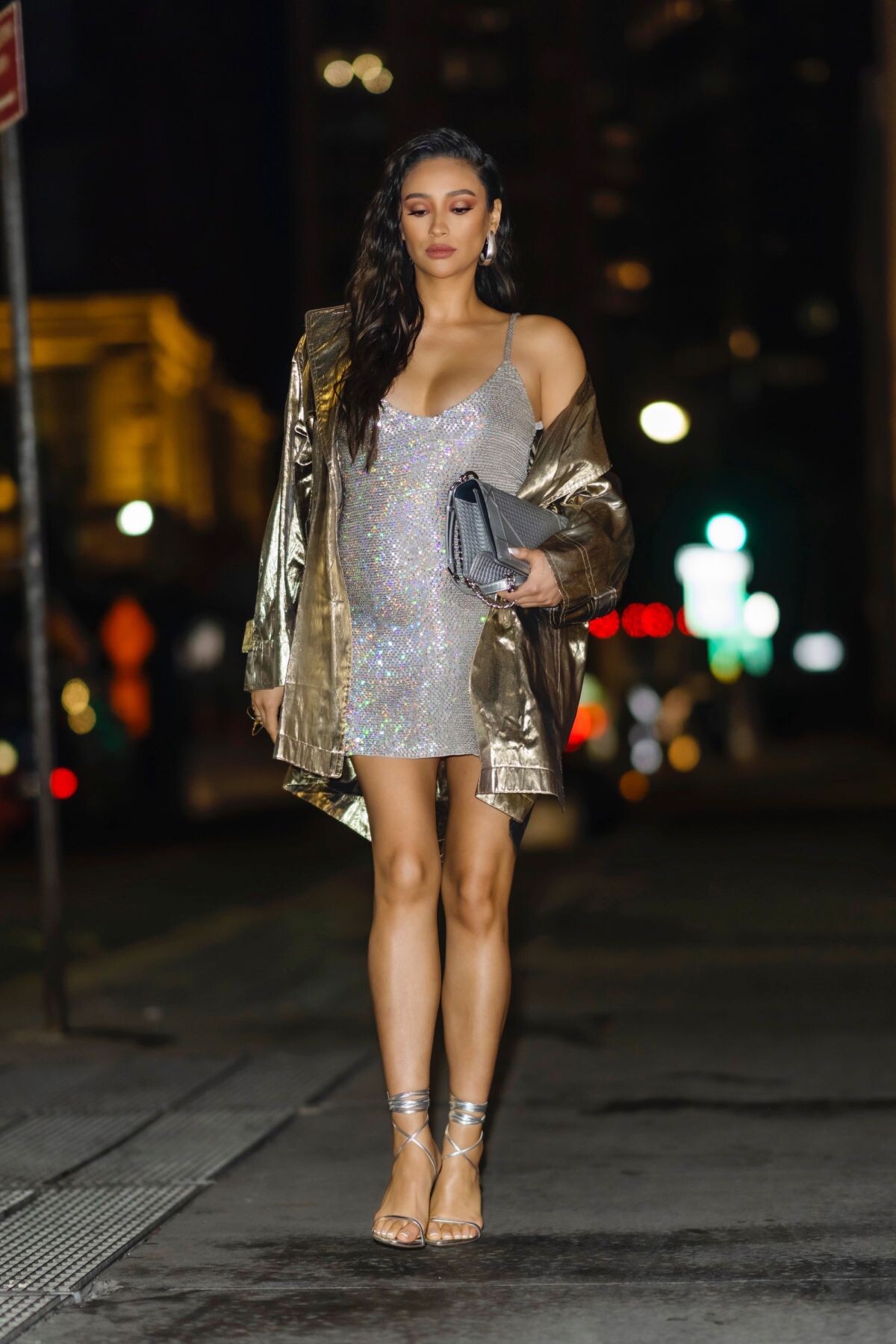
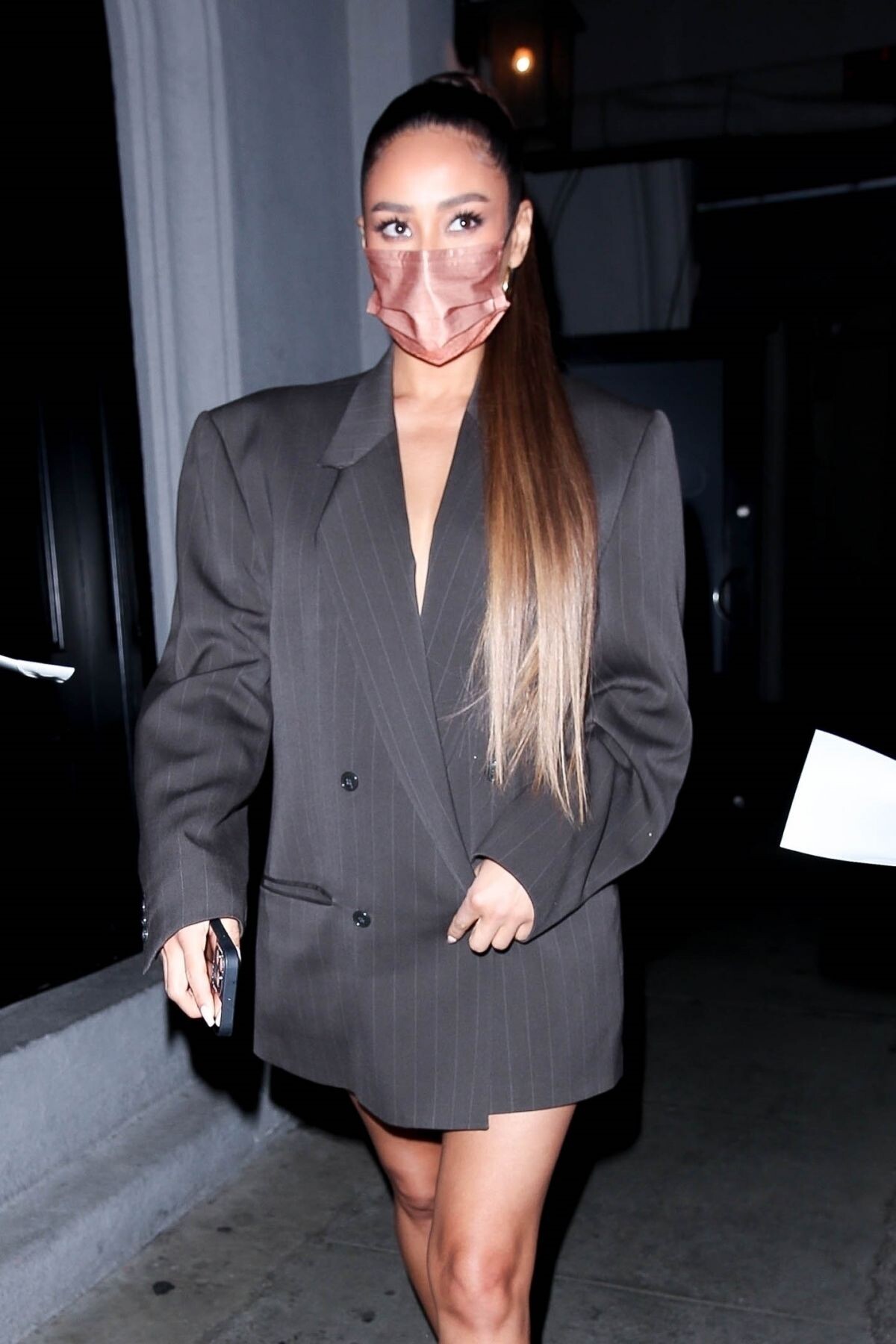
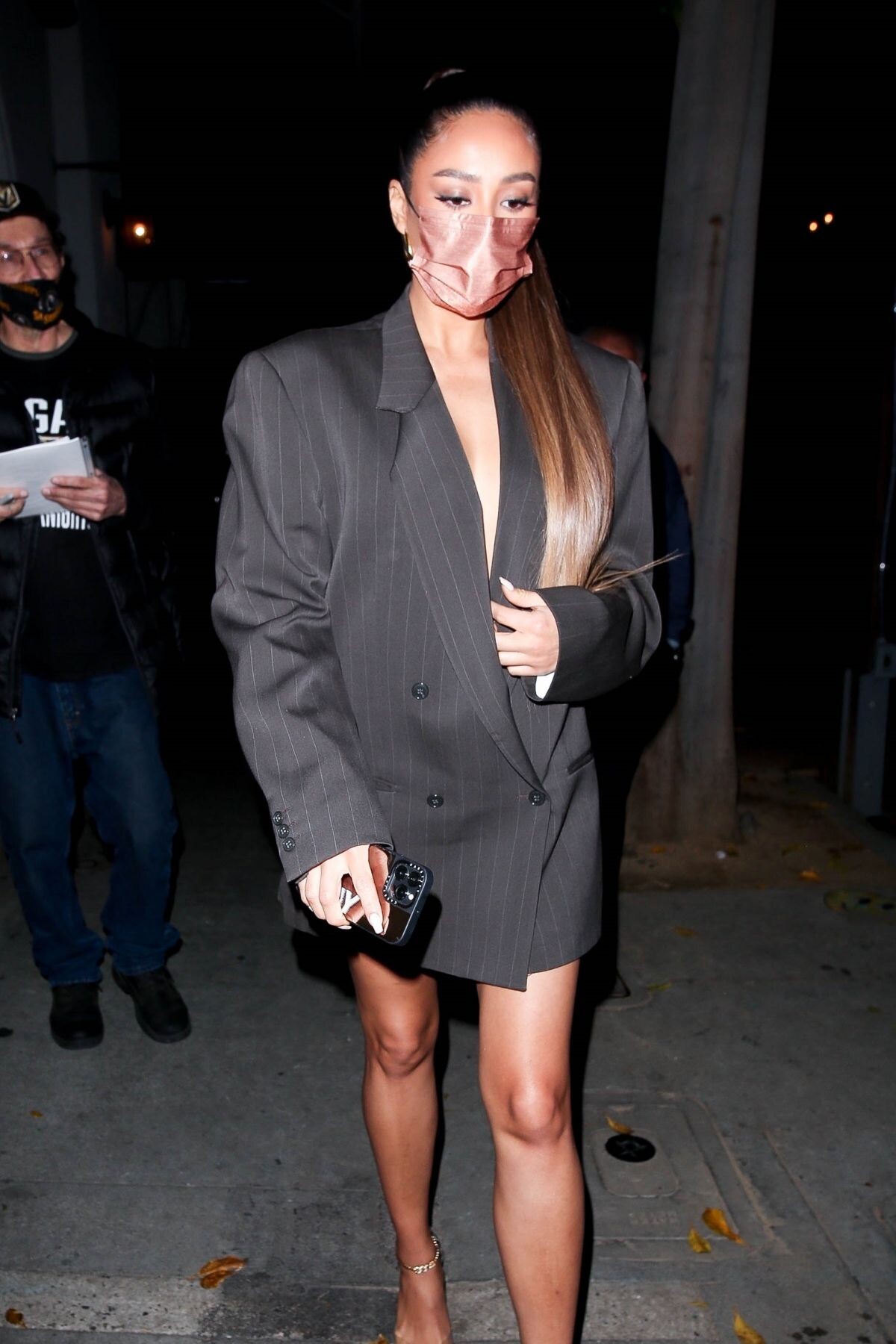
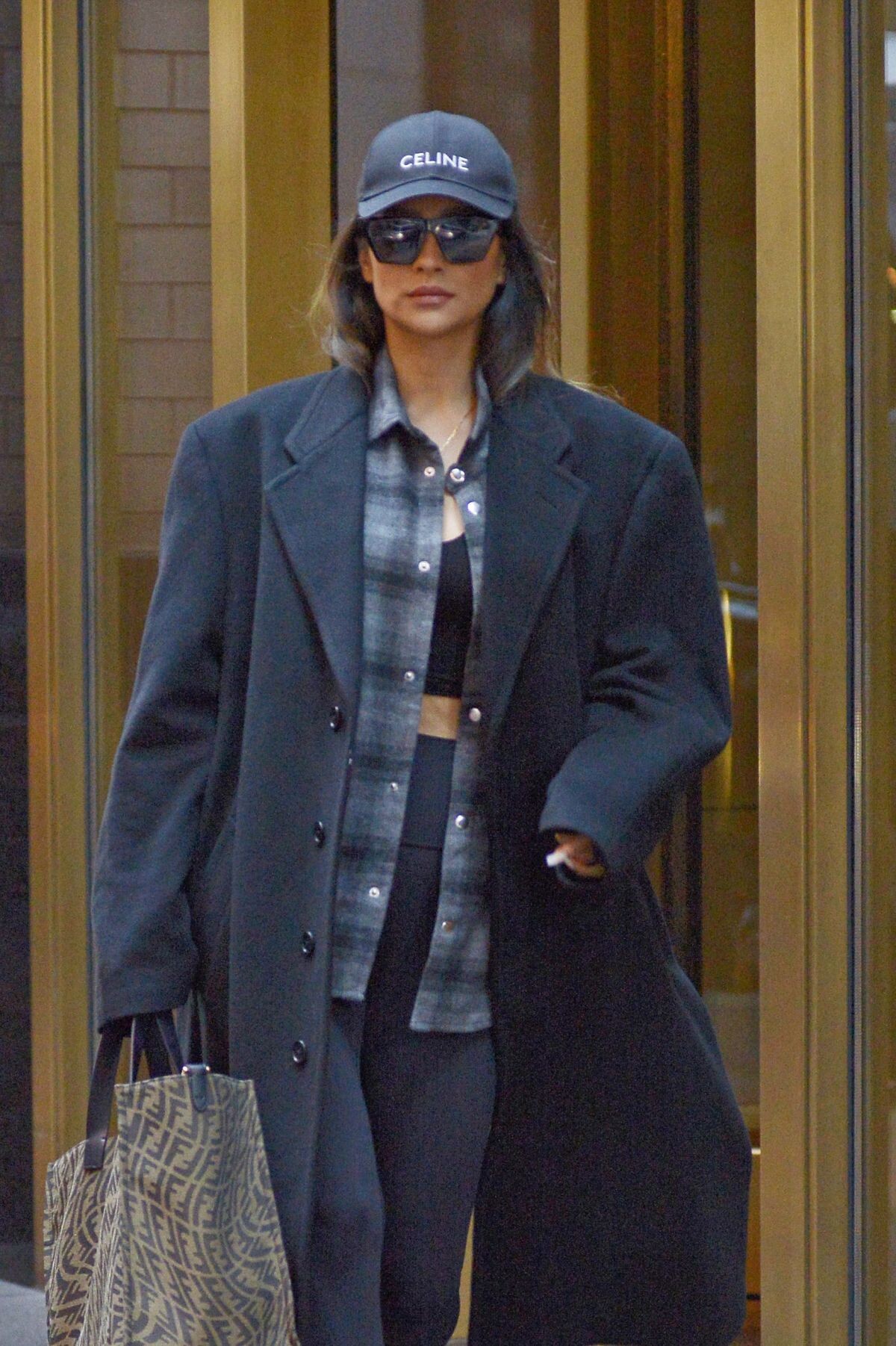
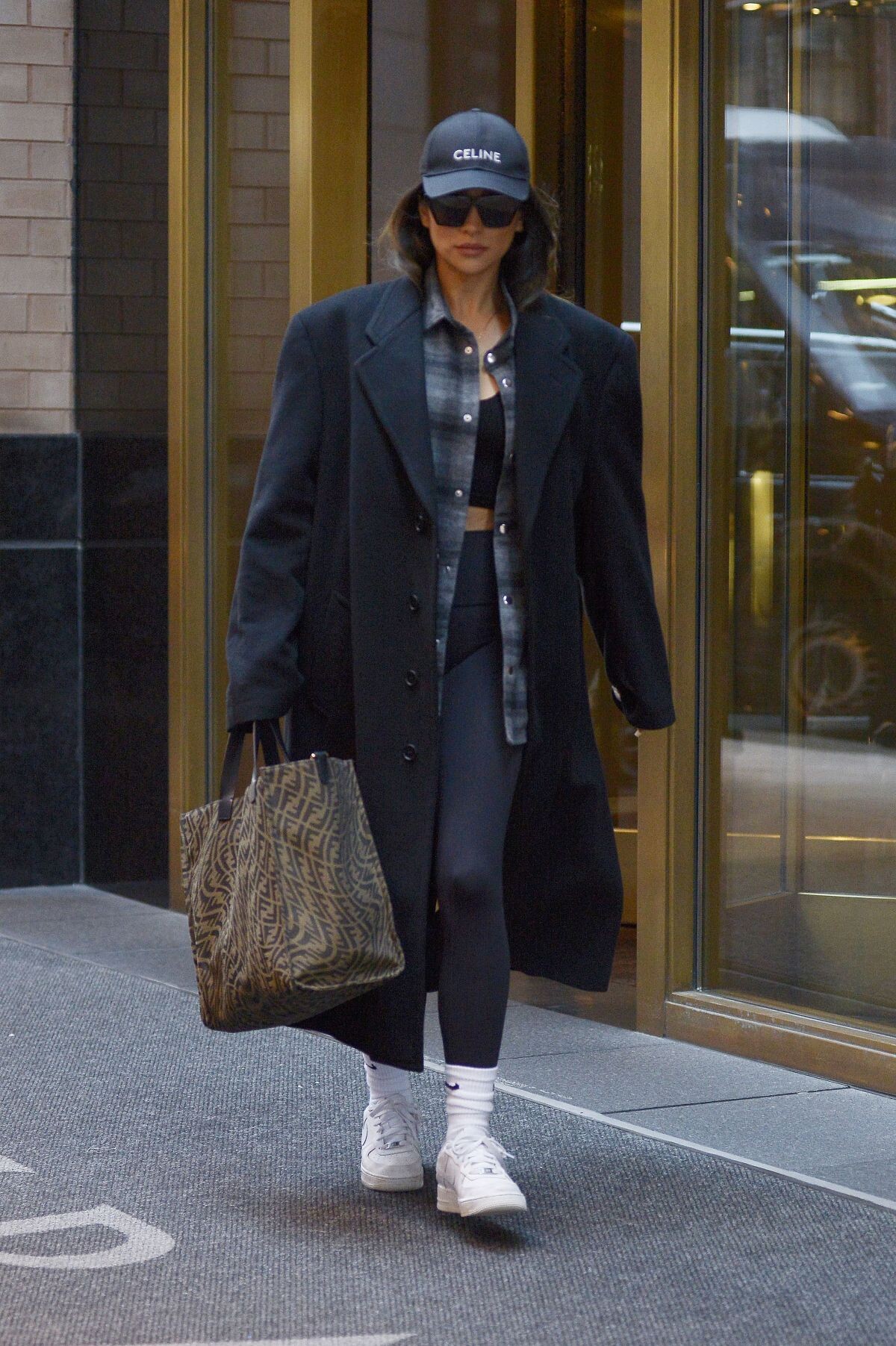
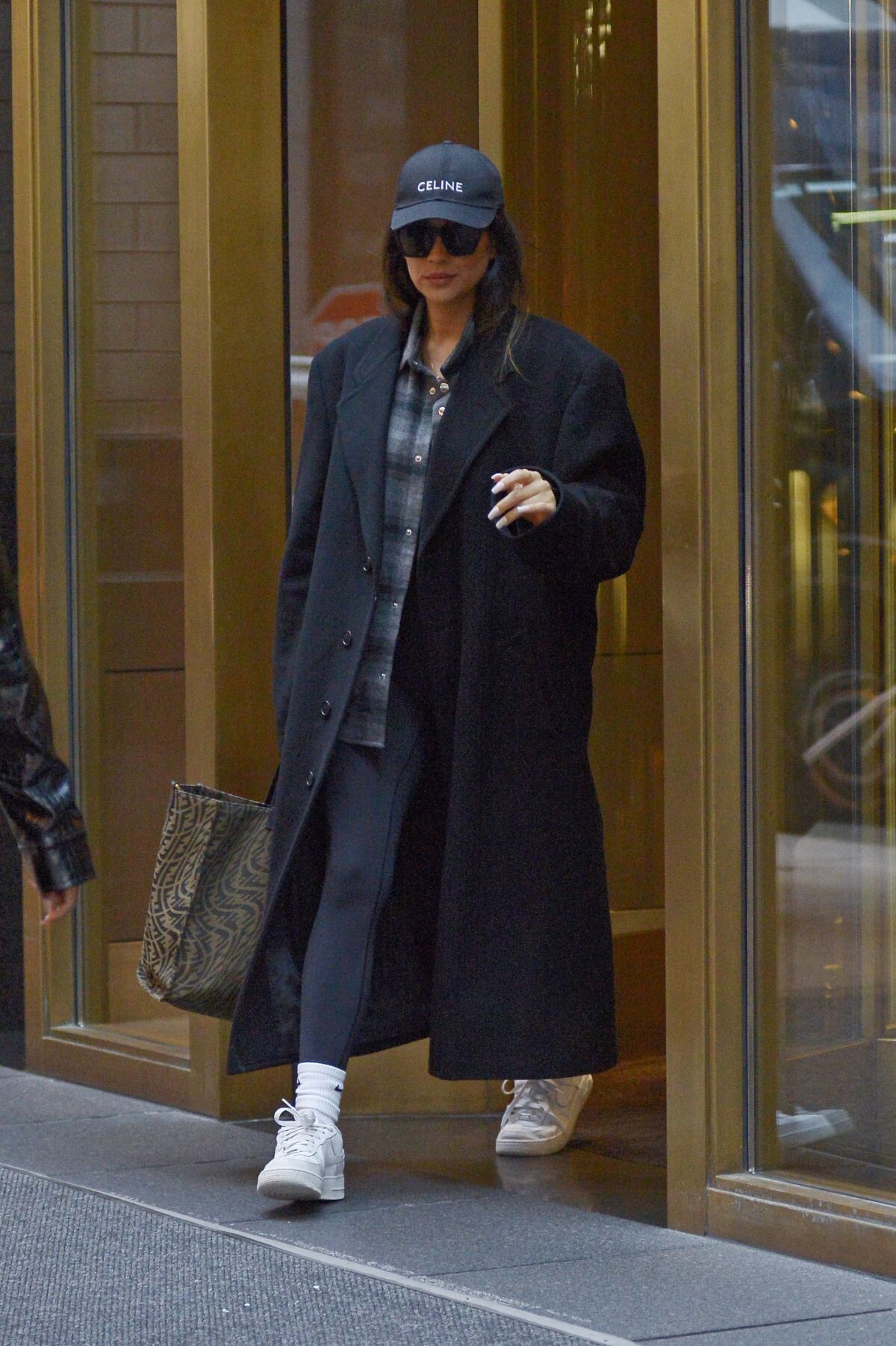
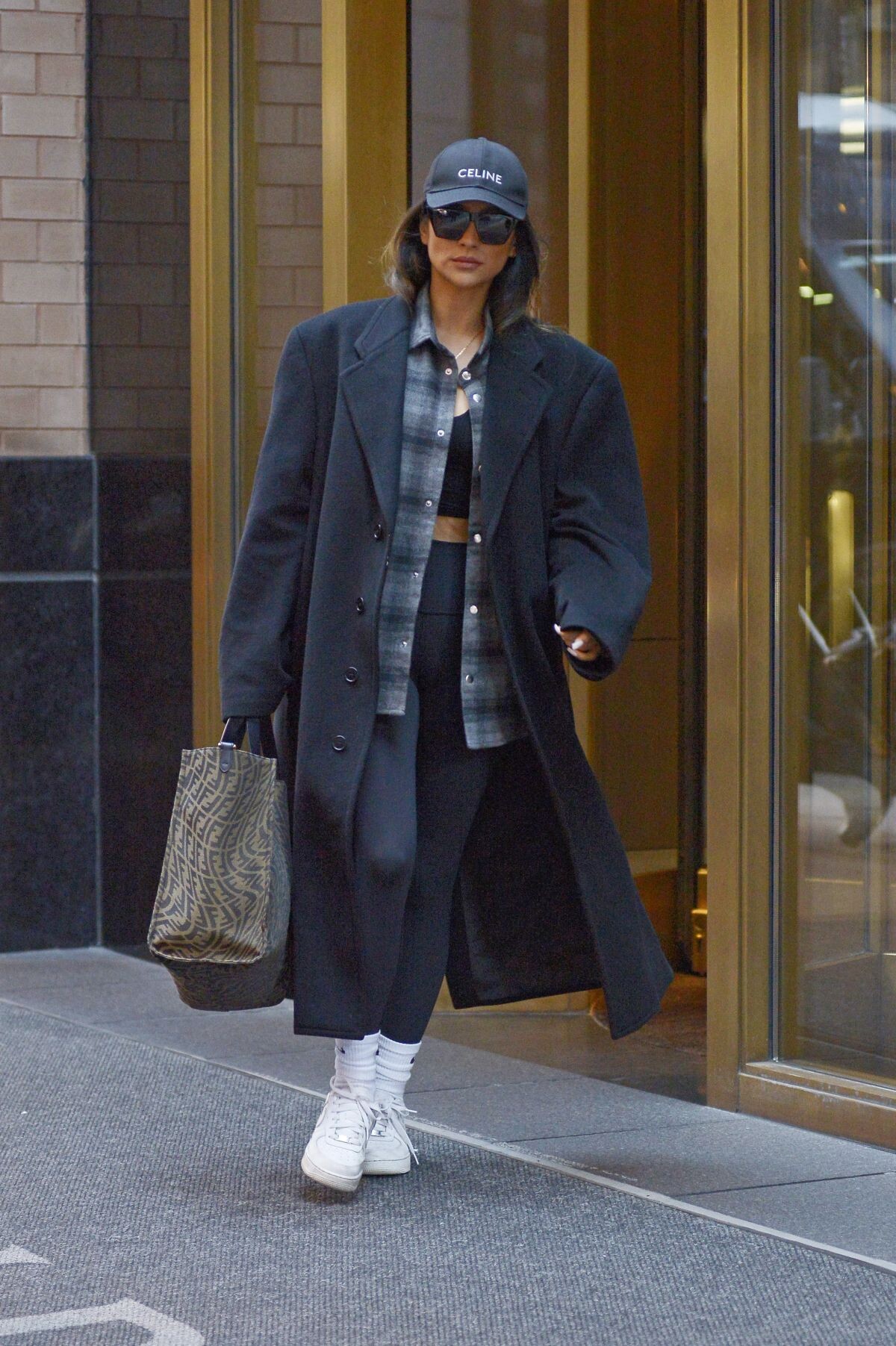
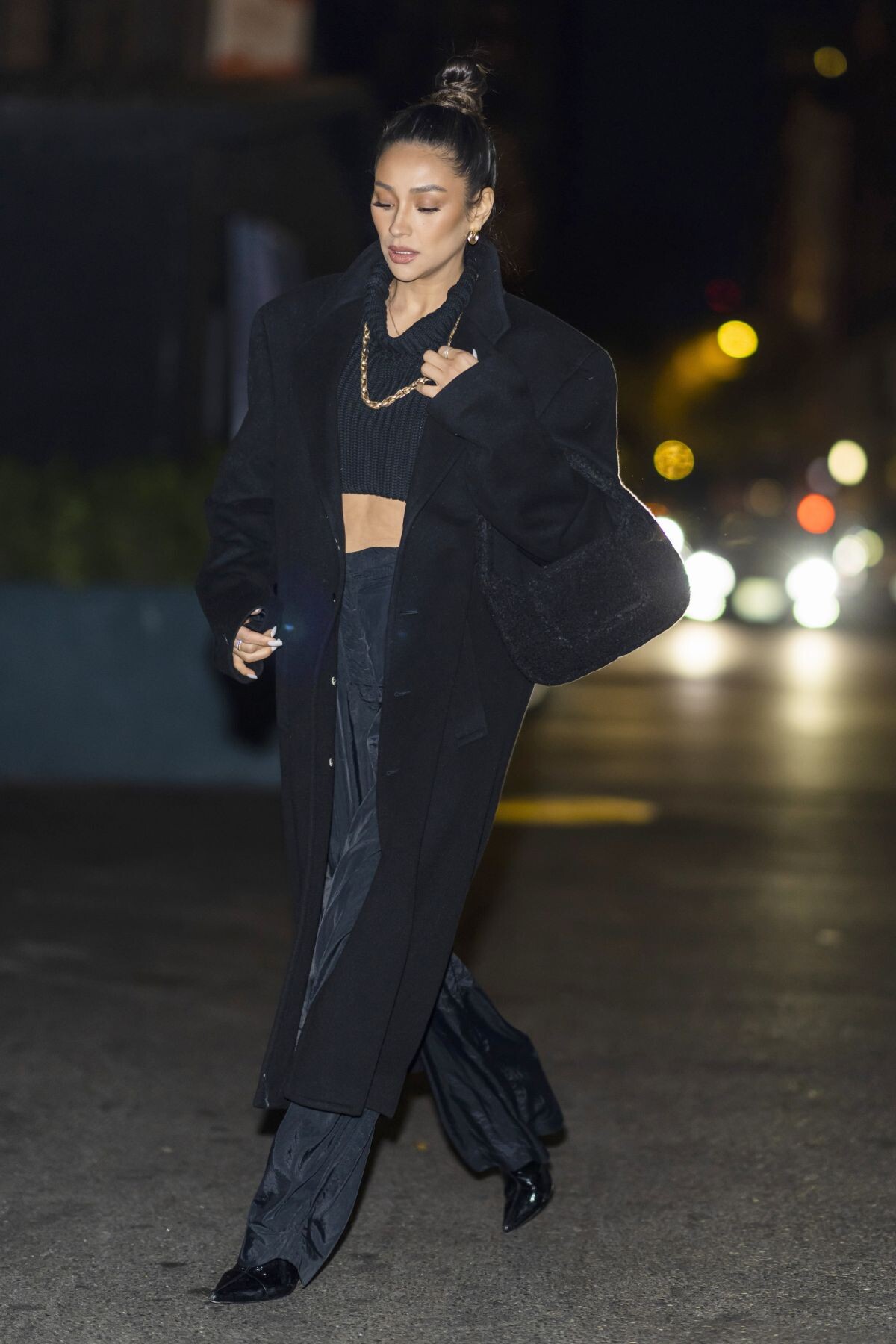
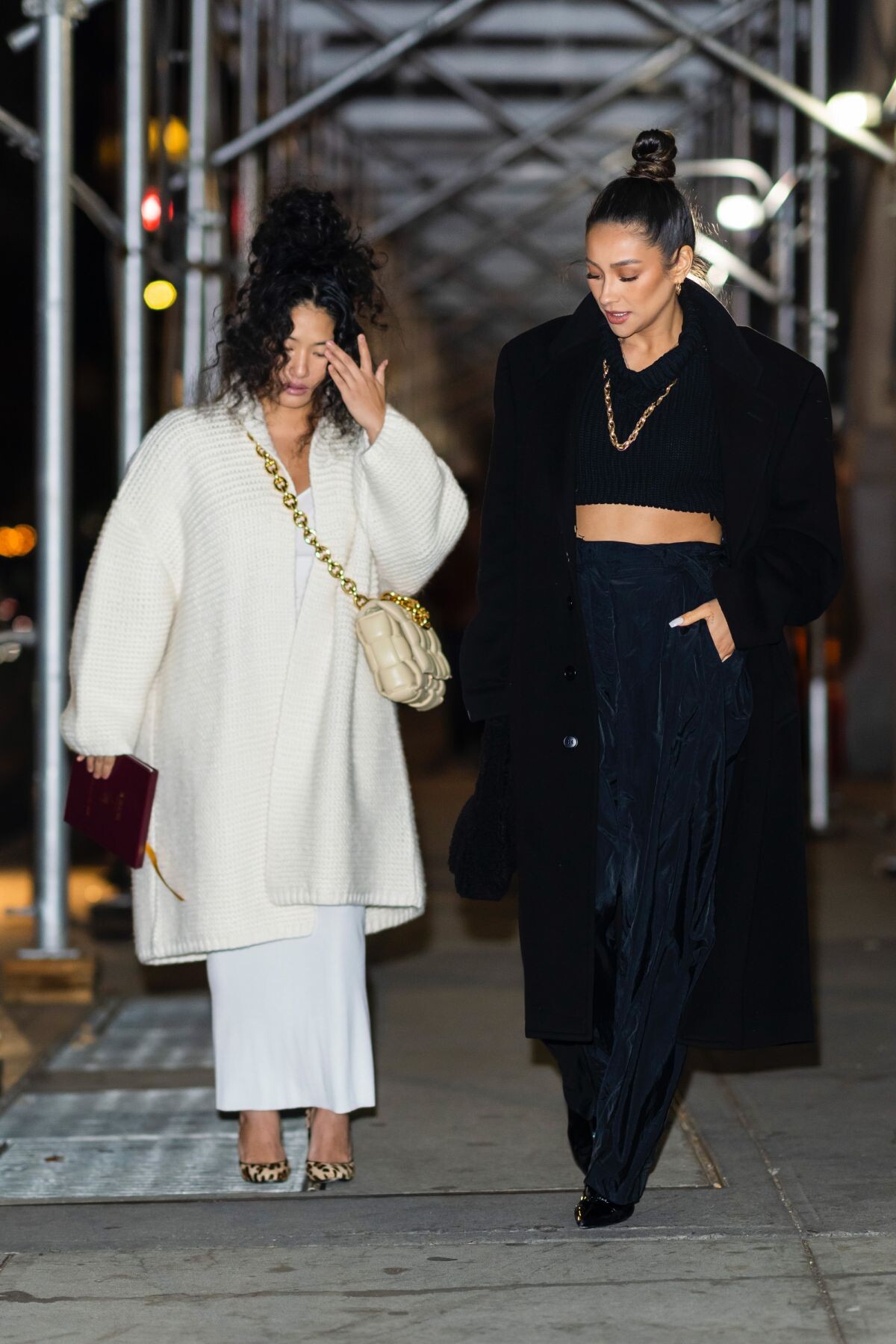
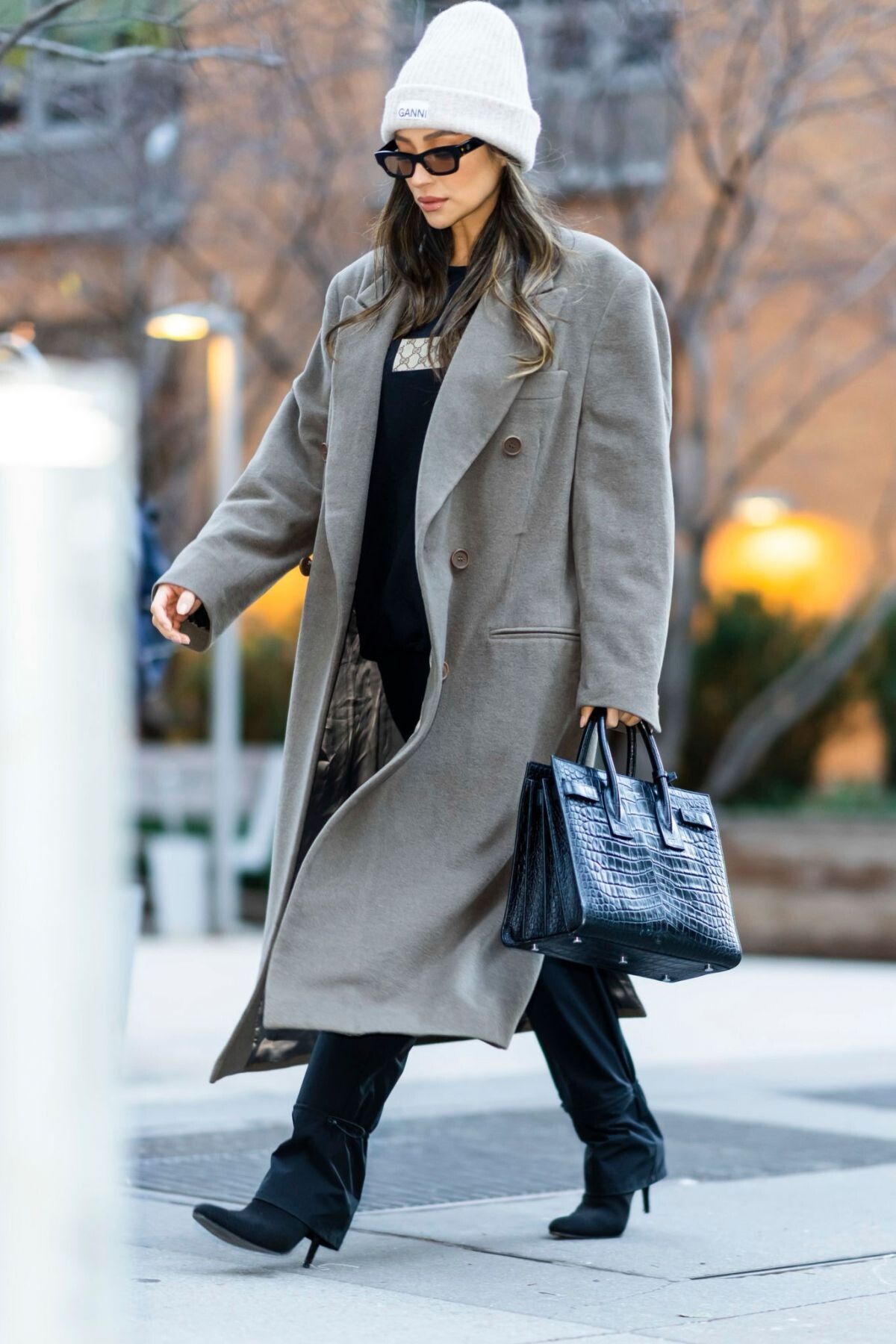
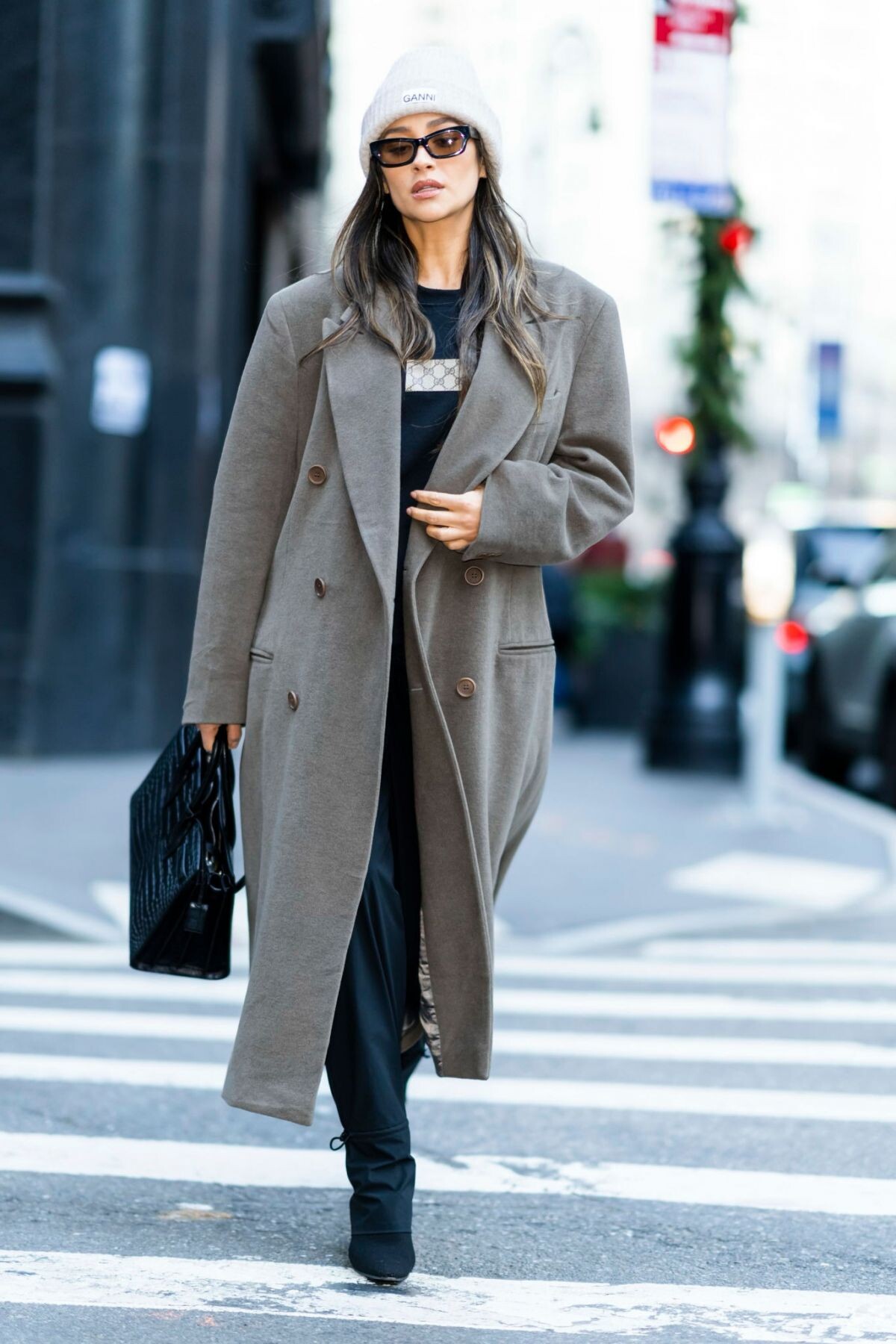
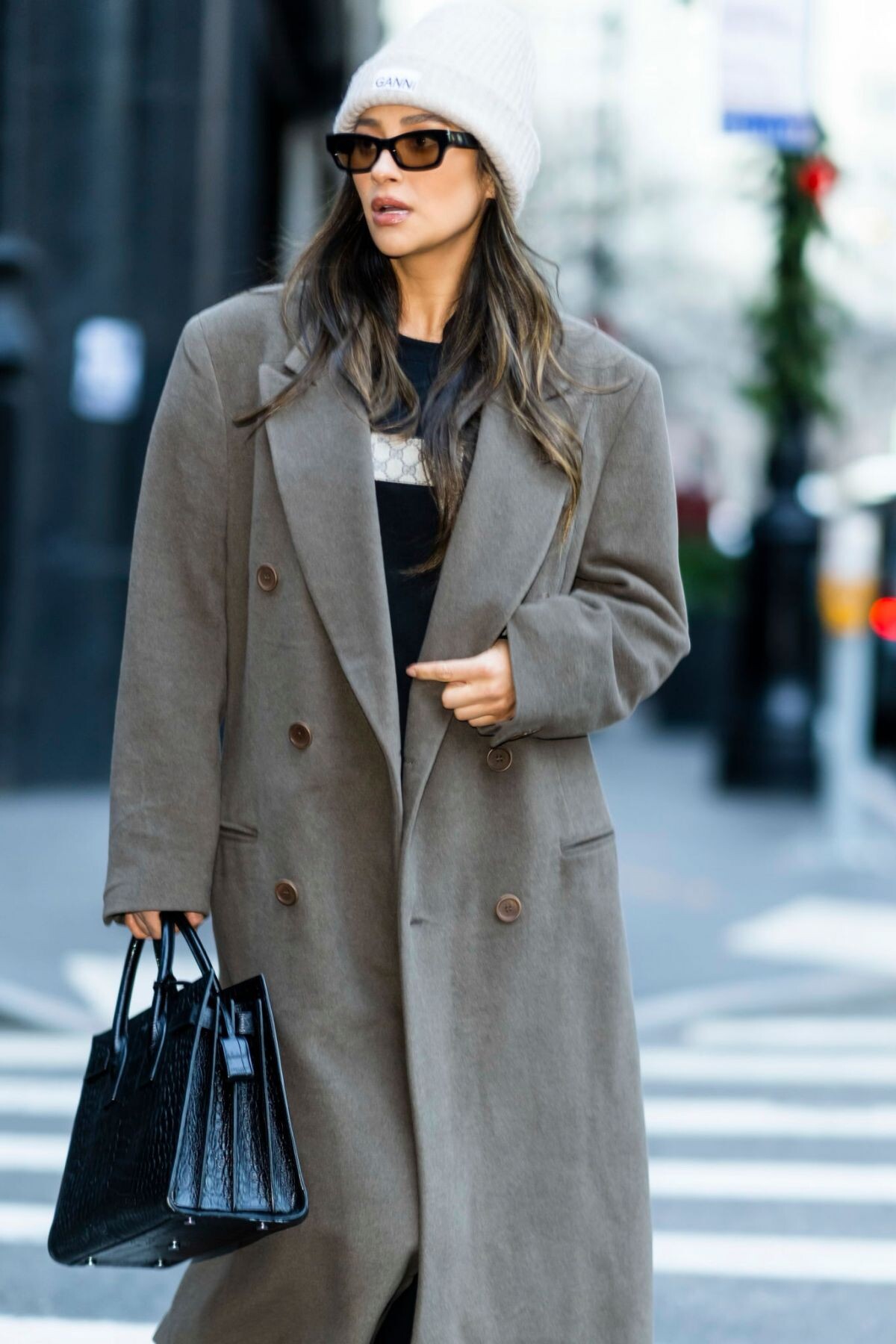
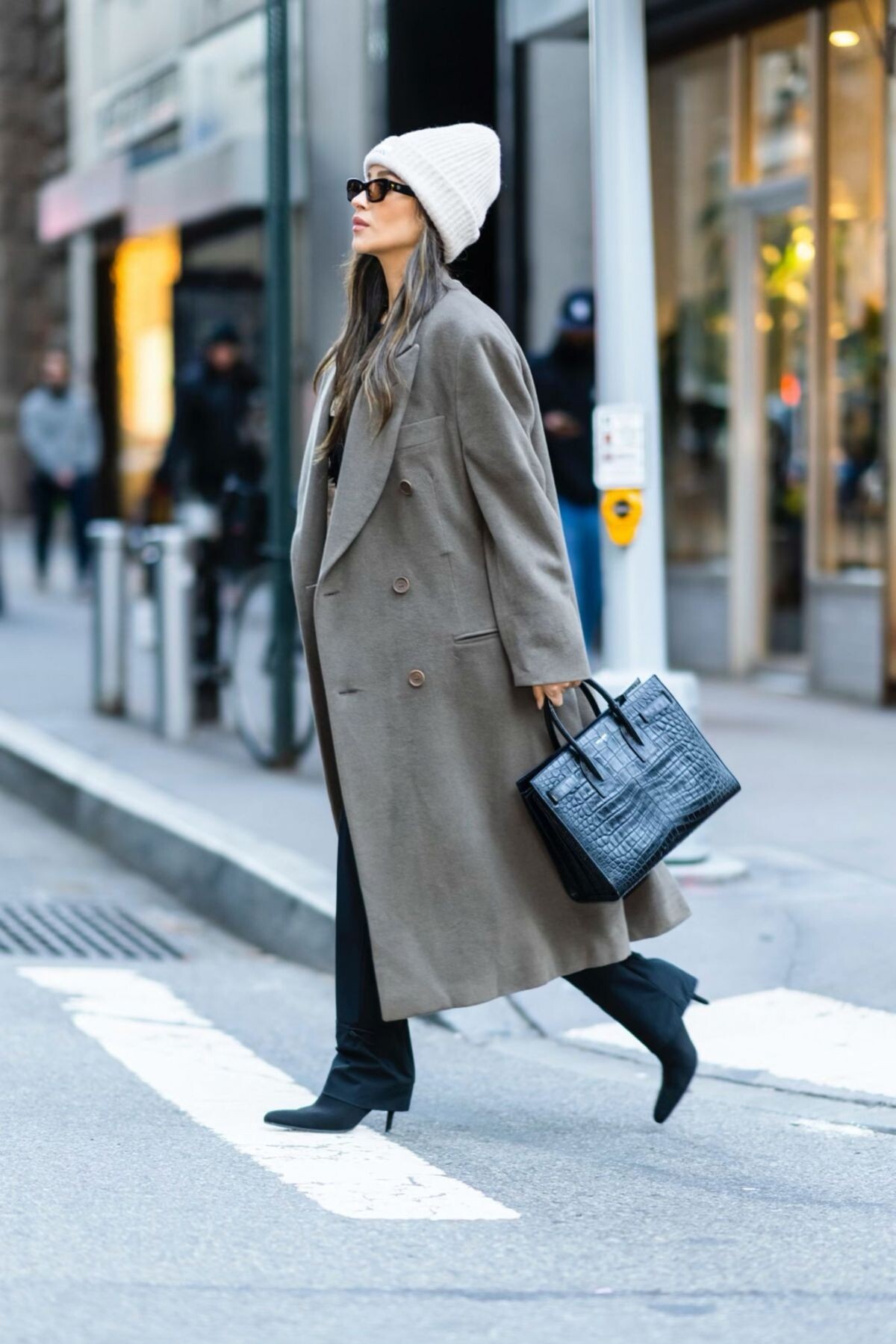
balenciagaaa
Members
-
Joined
-
Last visited
Everything posted by balenciagaaa
-
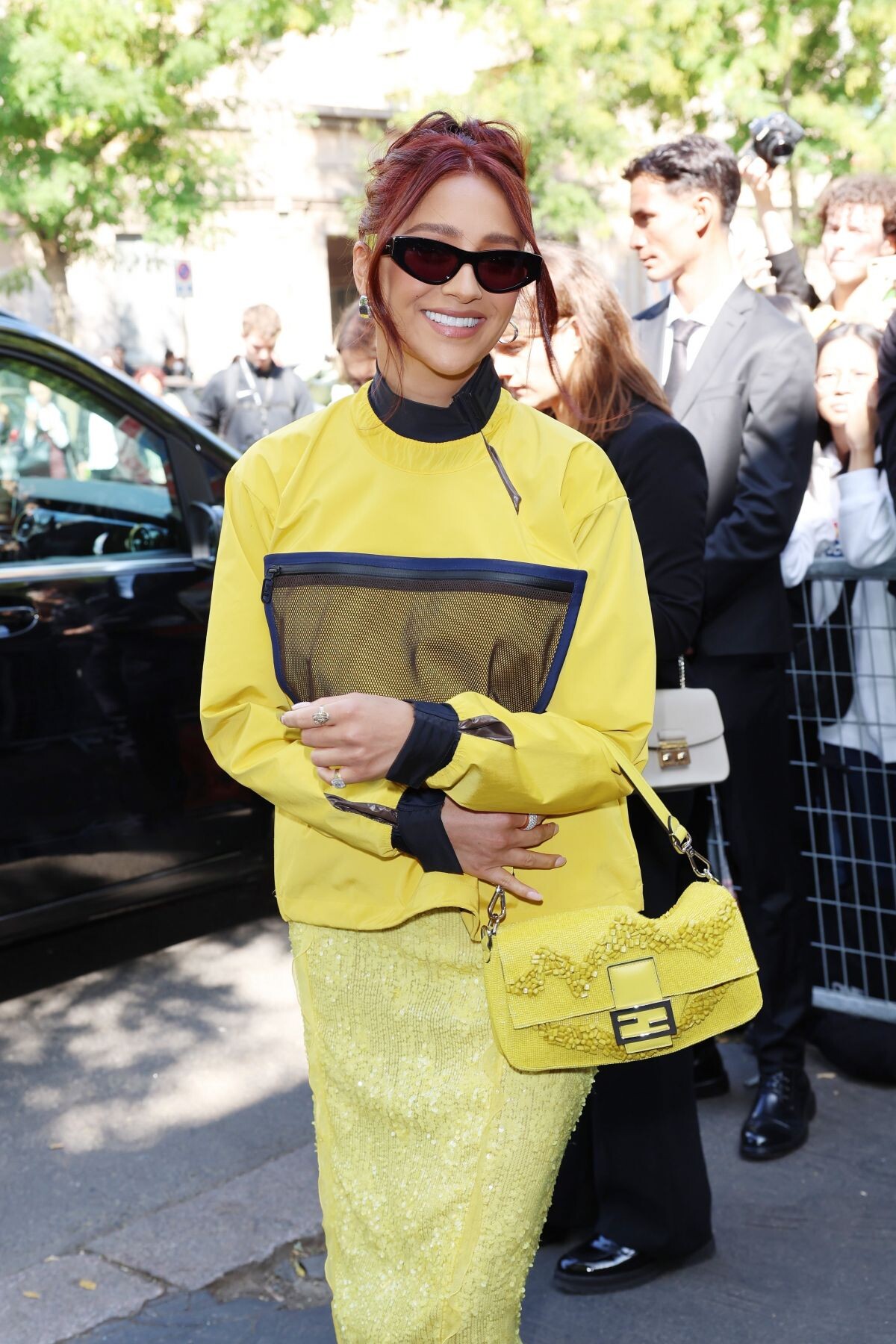
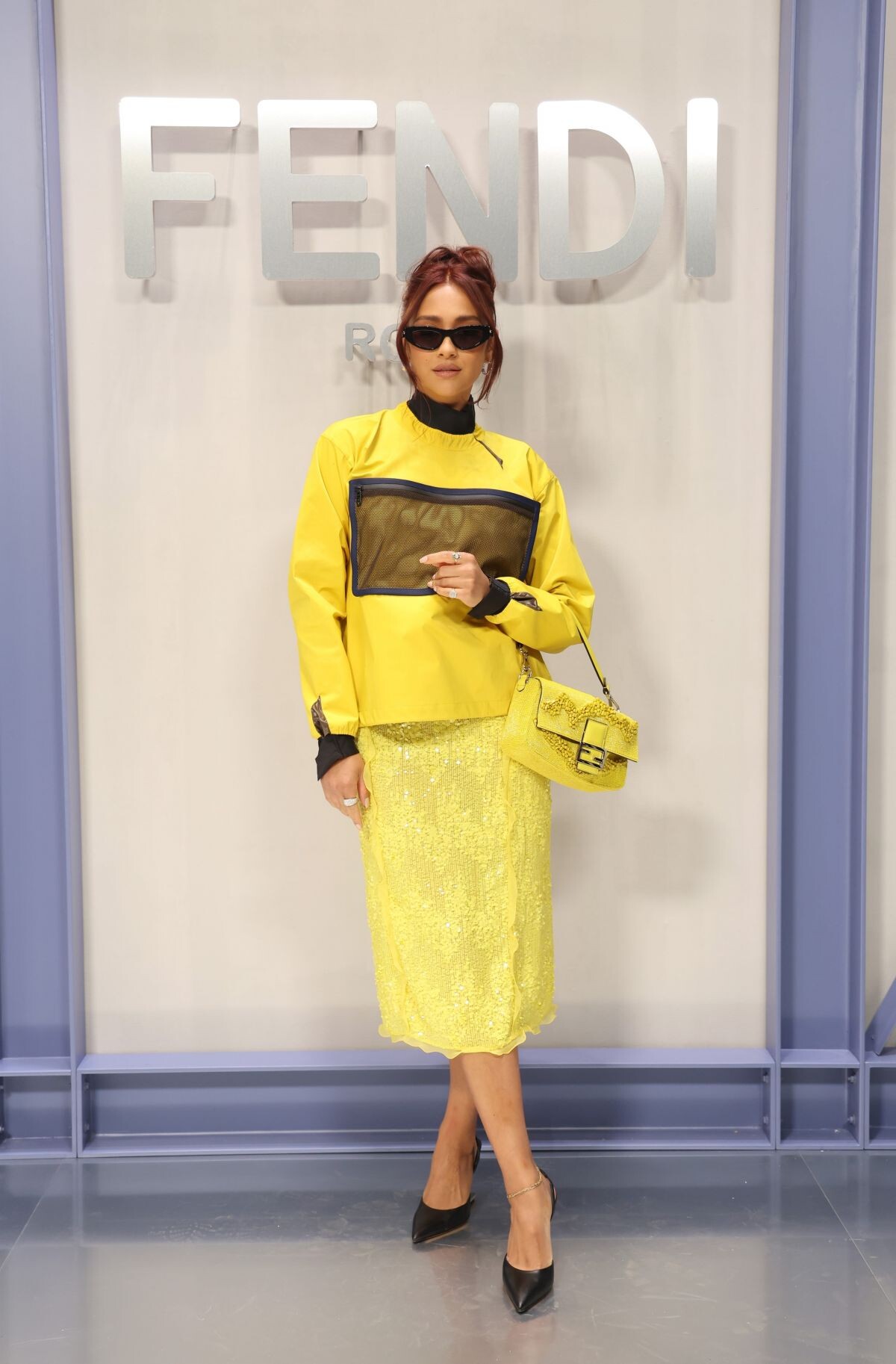
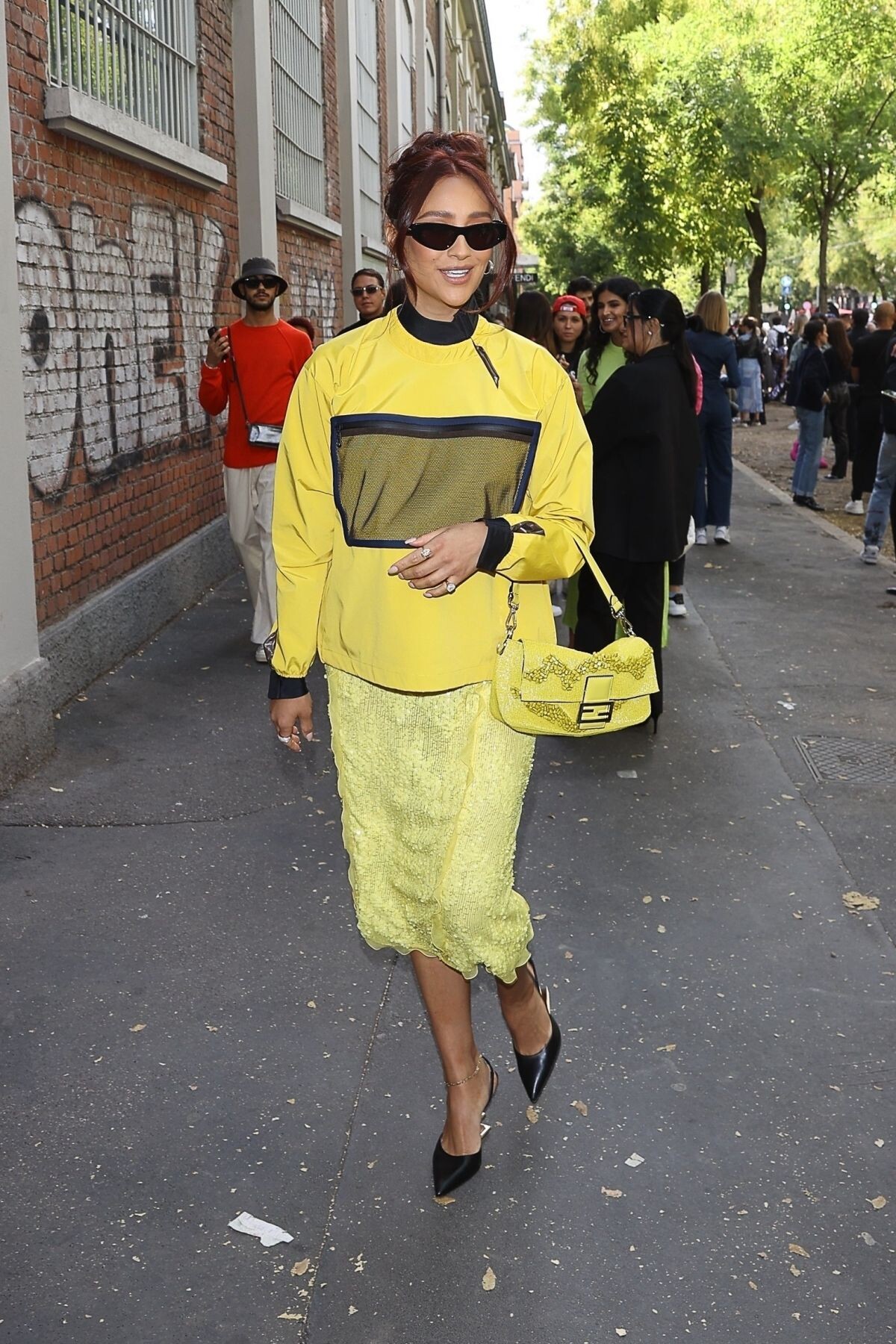
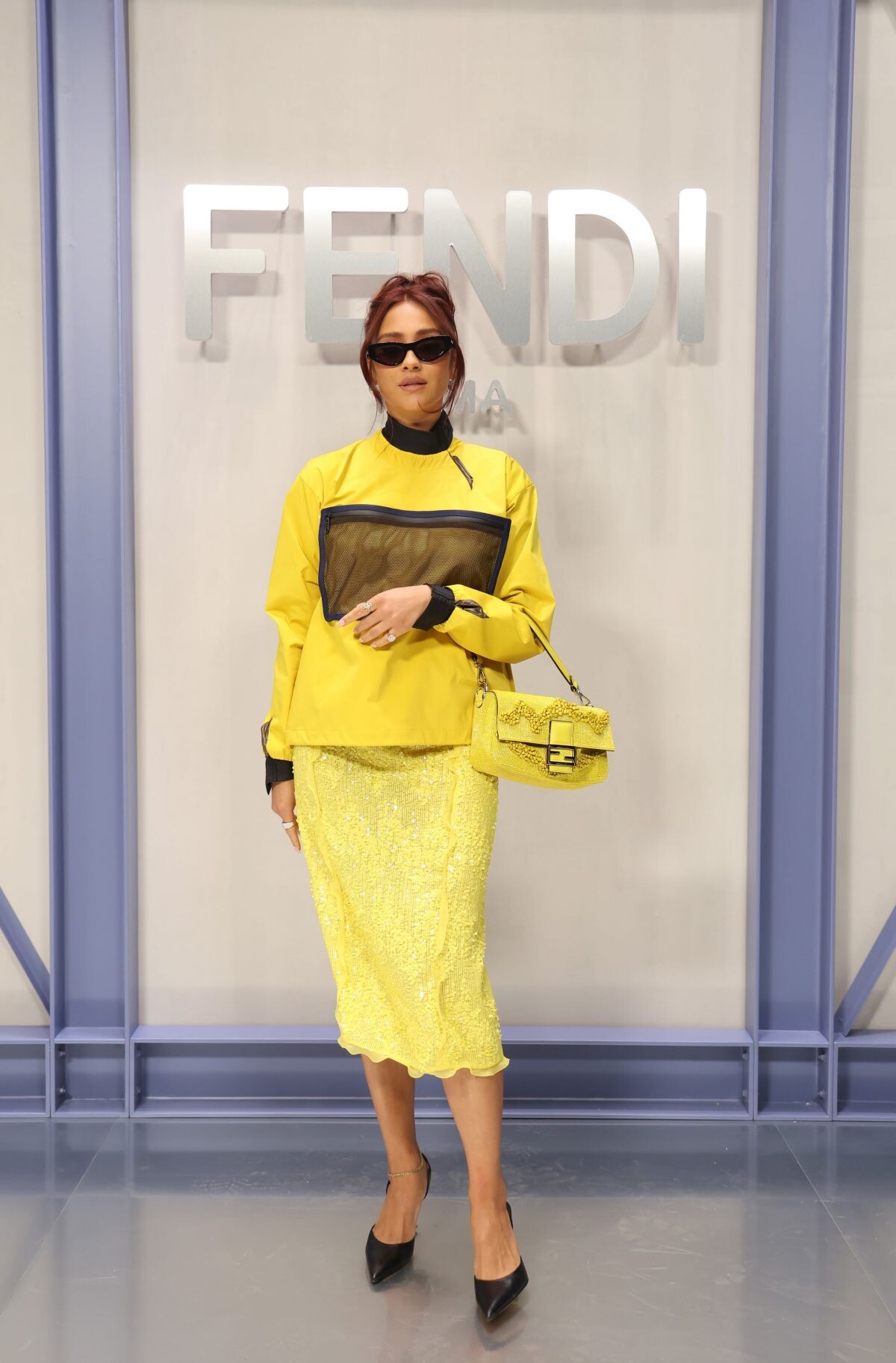
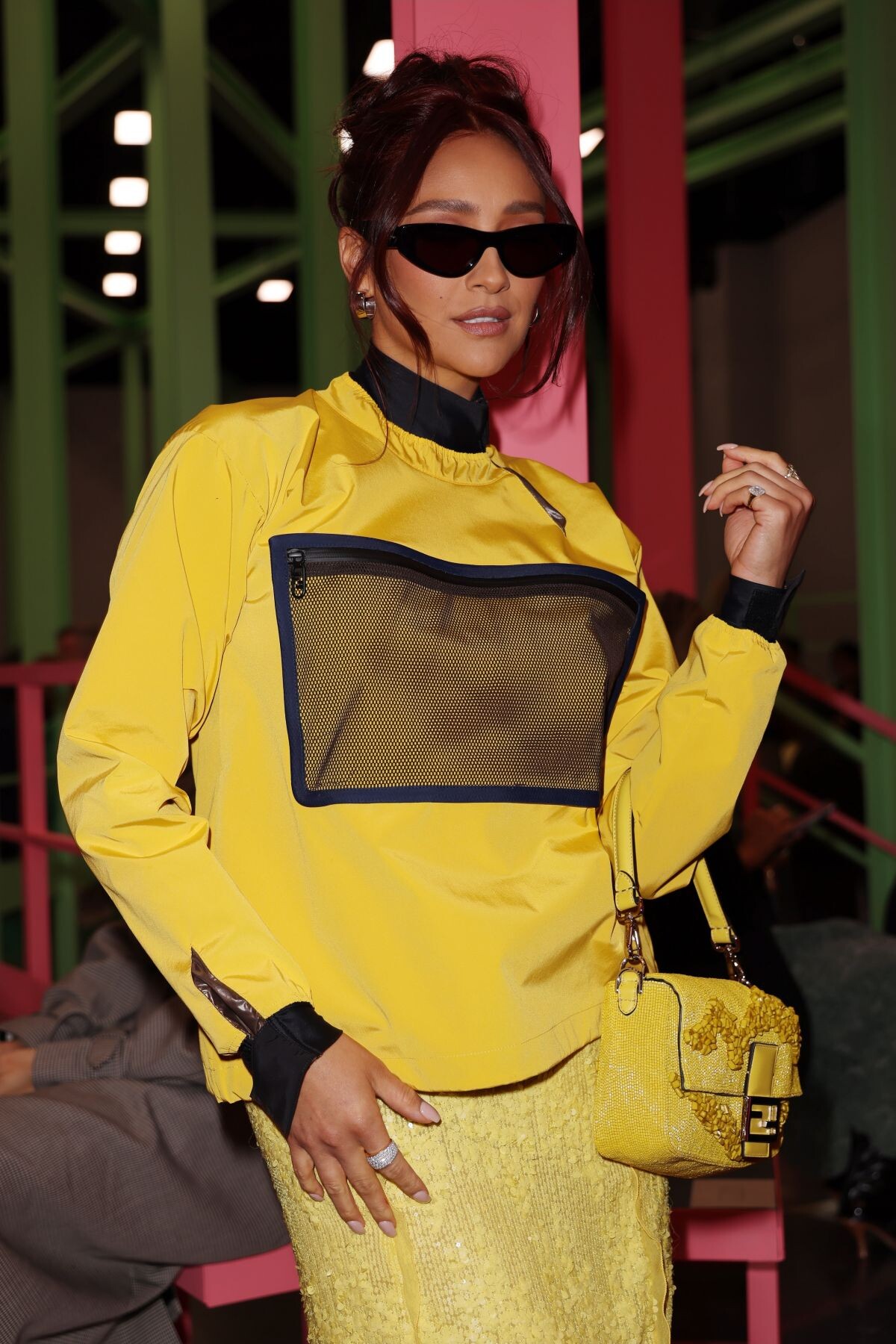
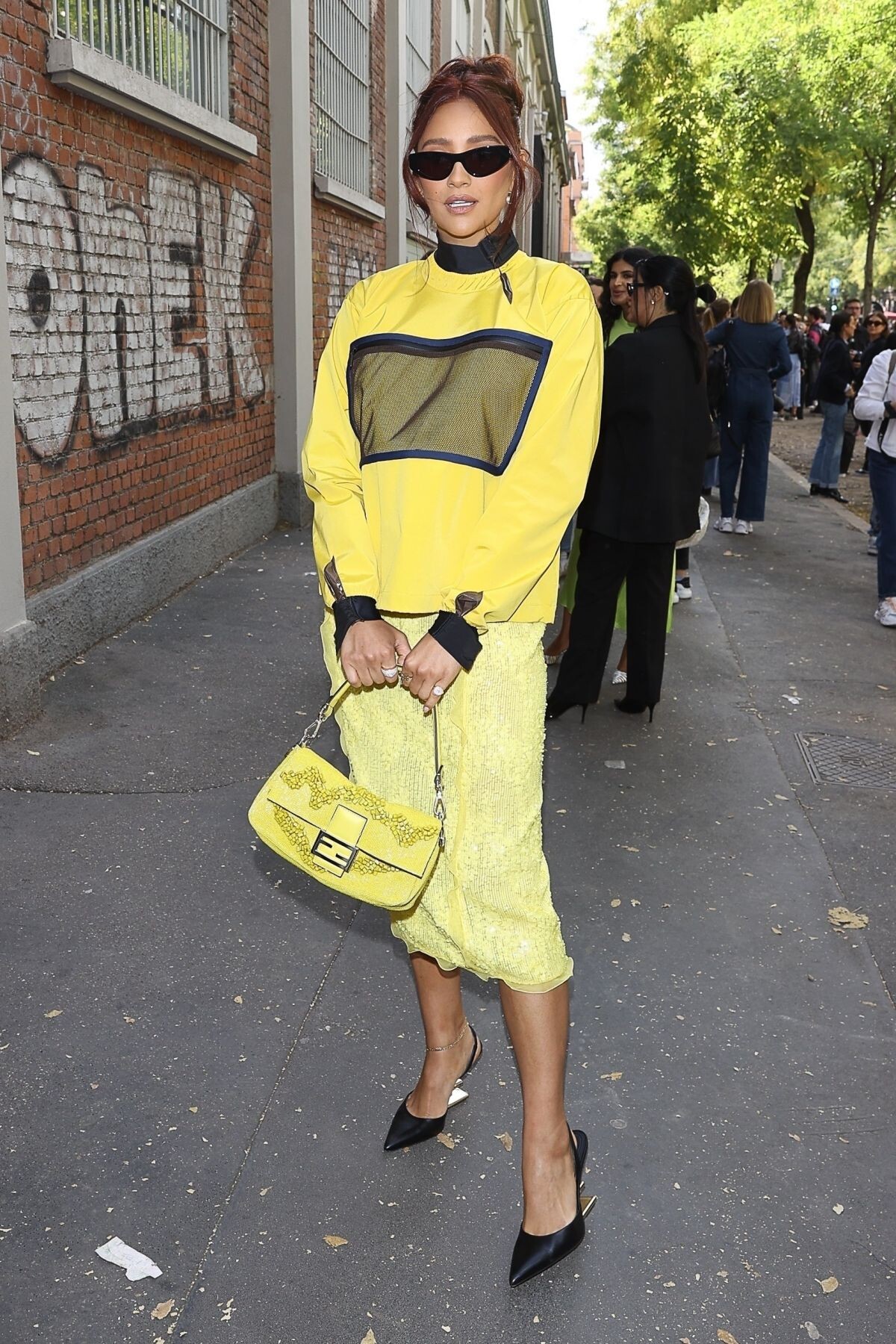
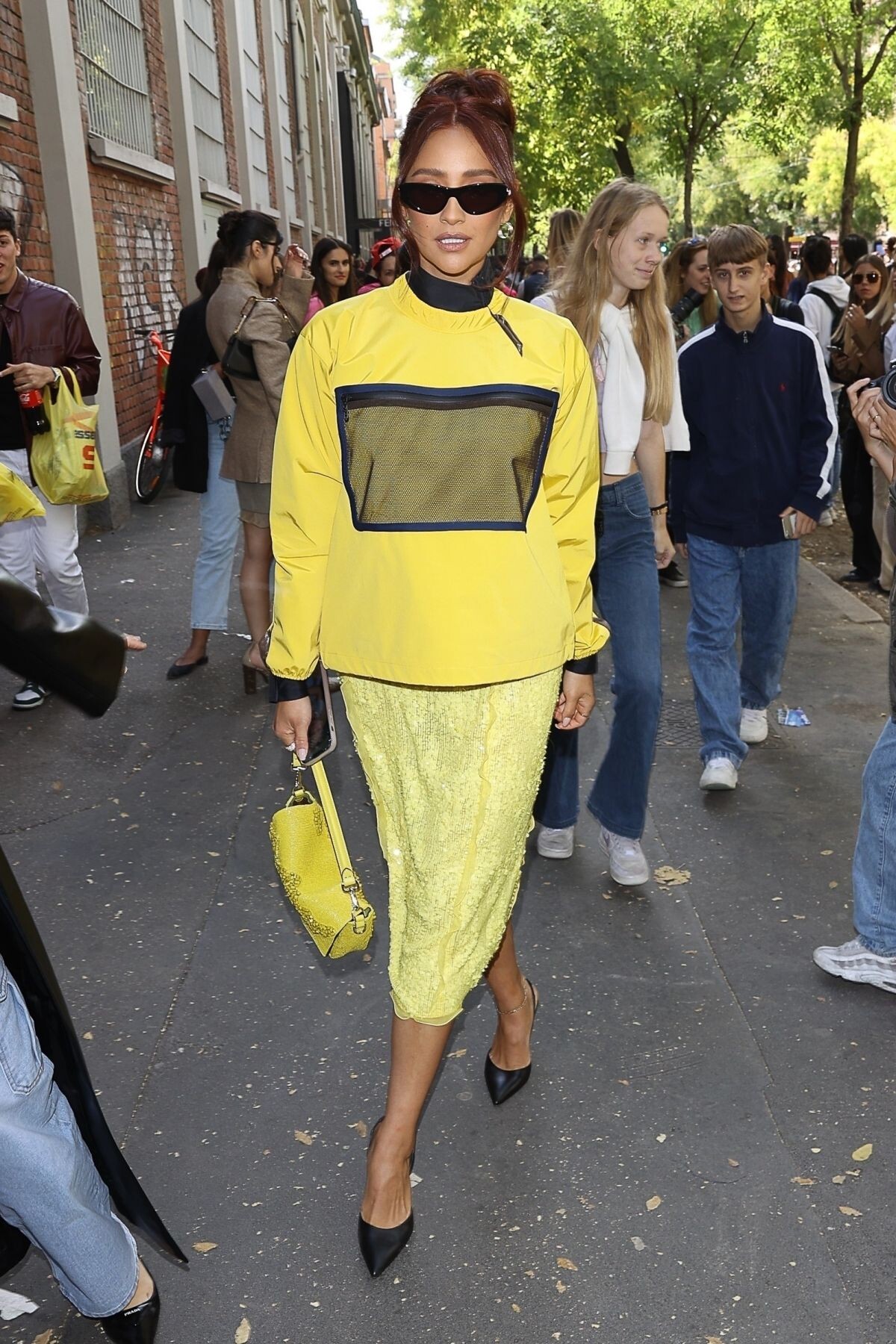
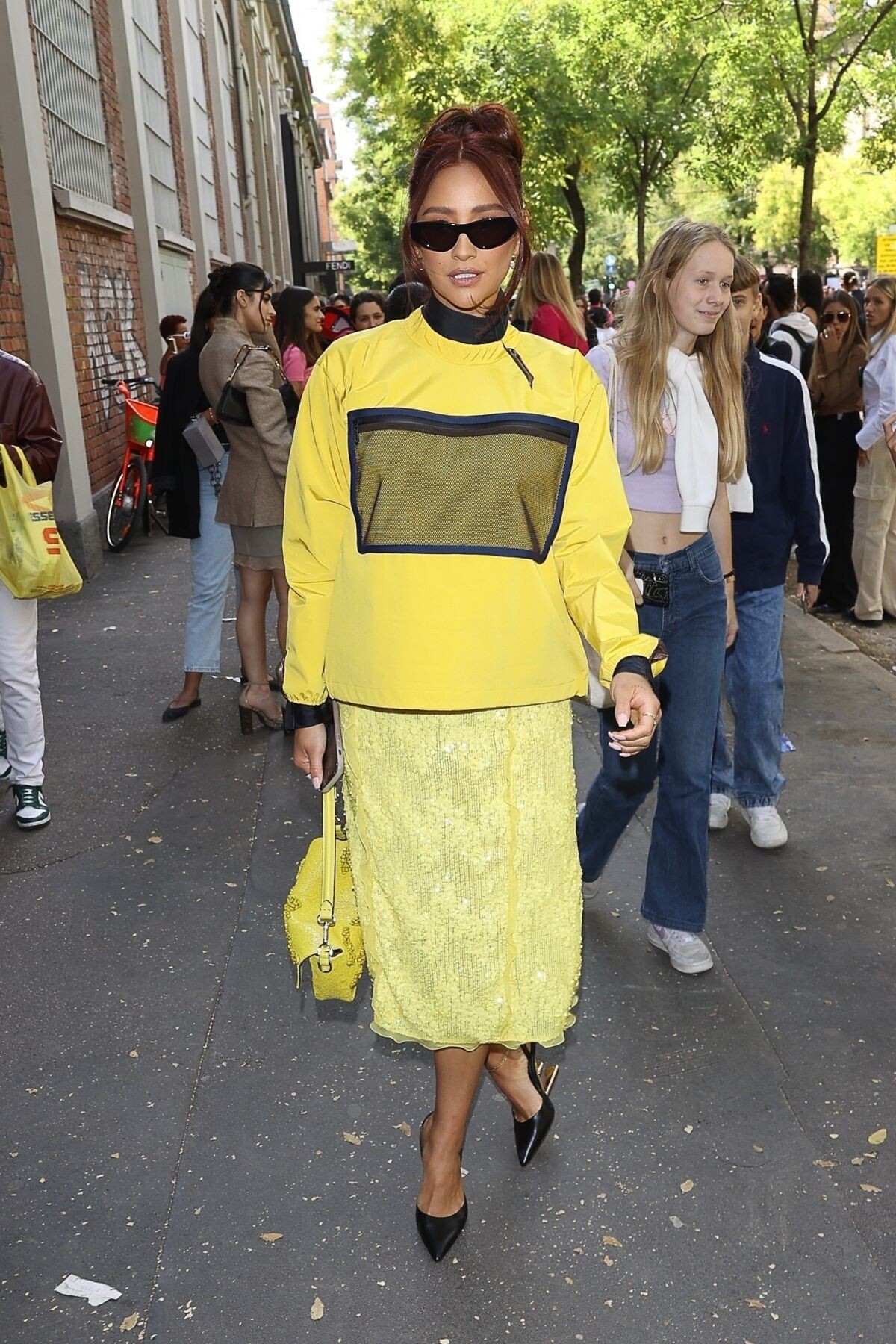
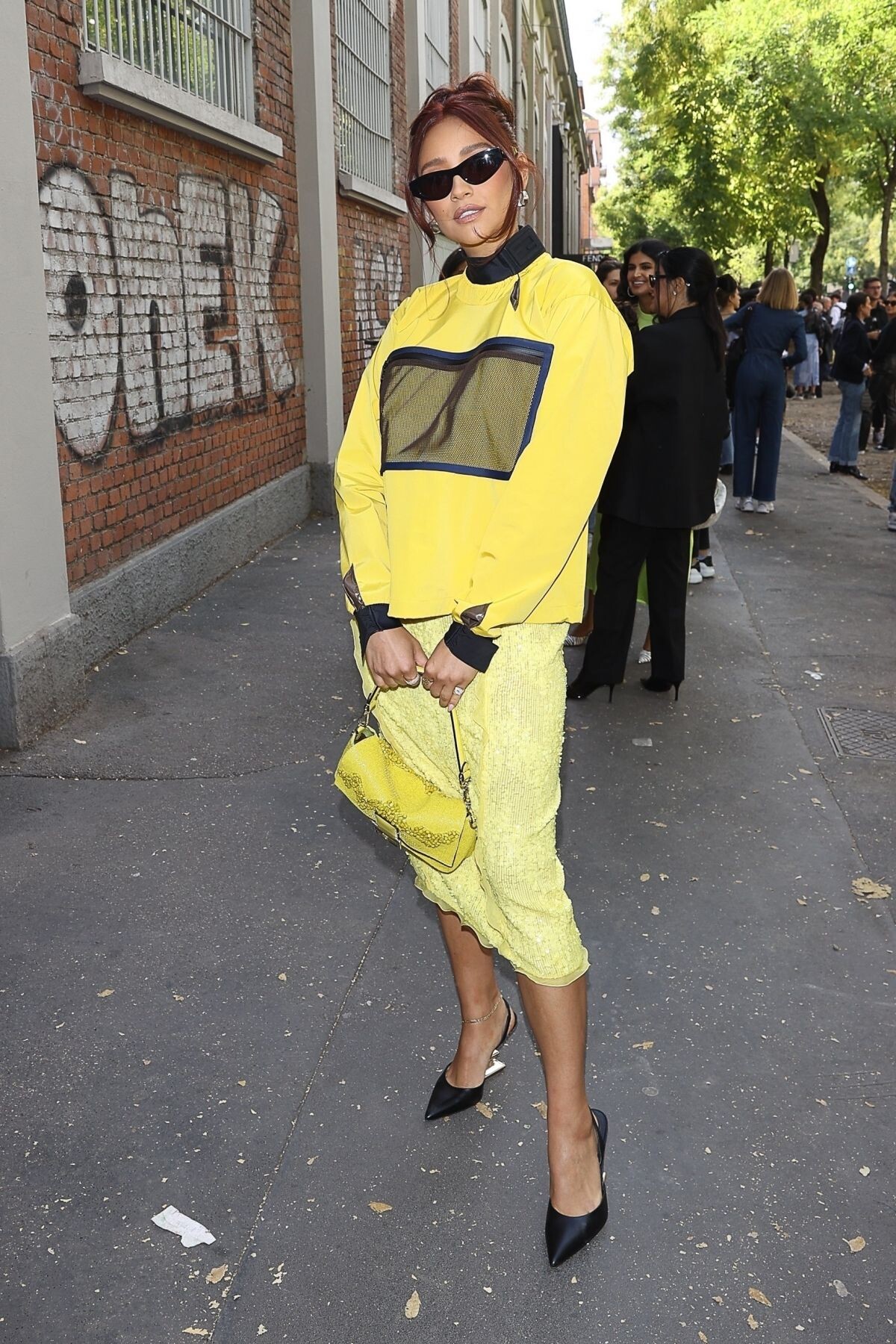
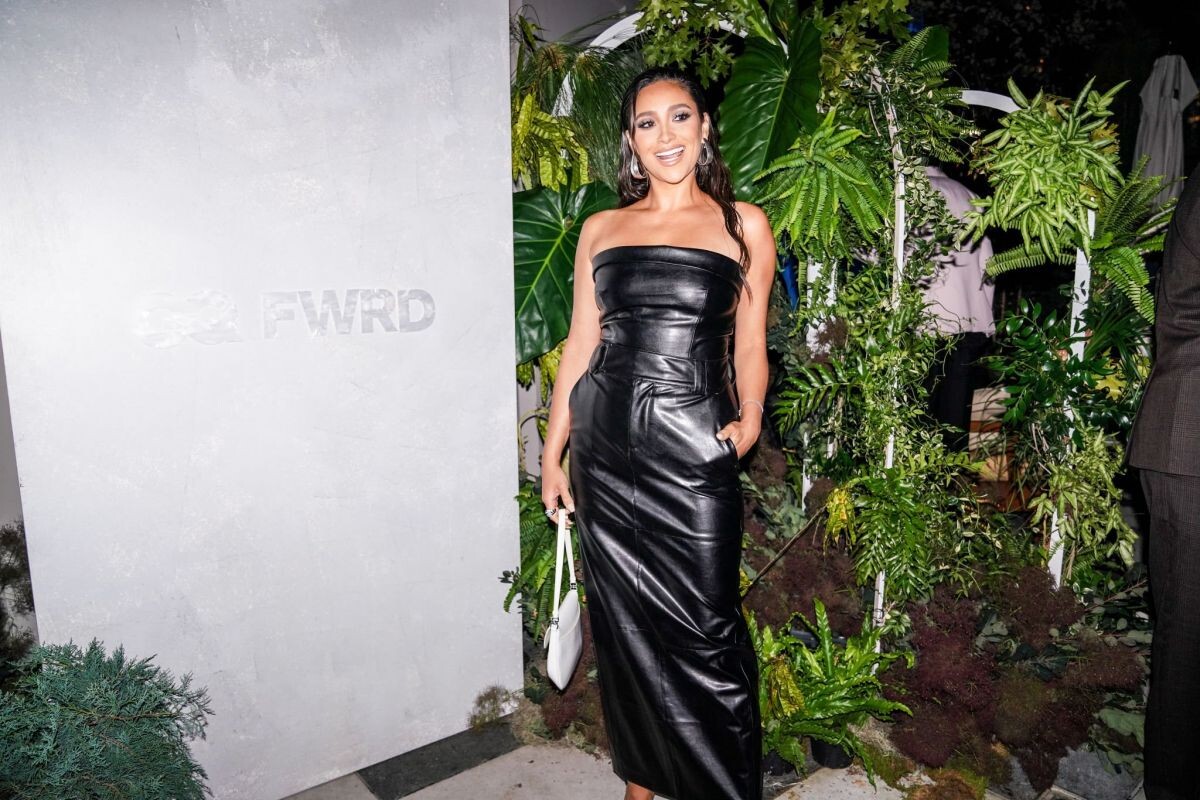
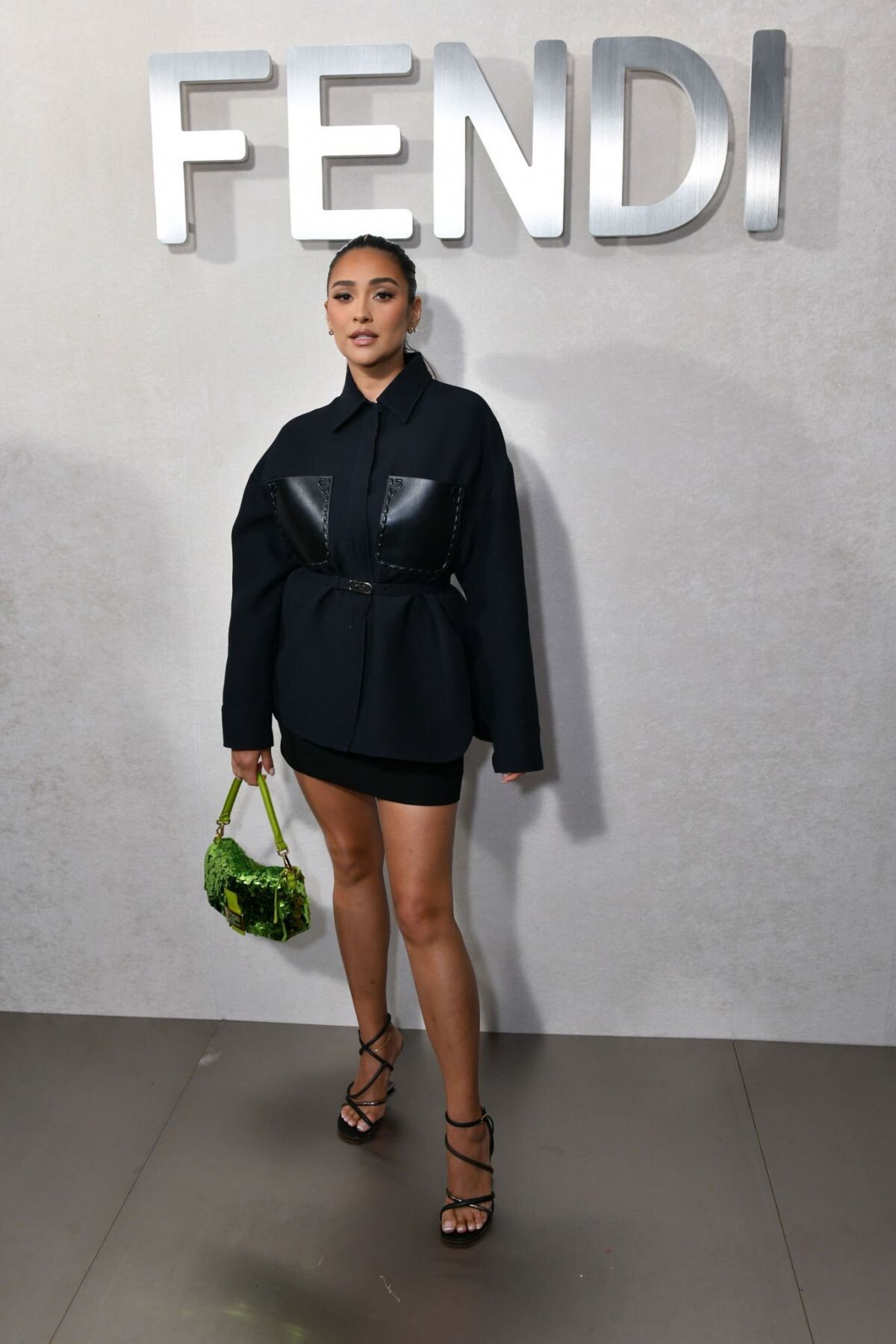
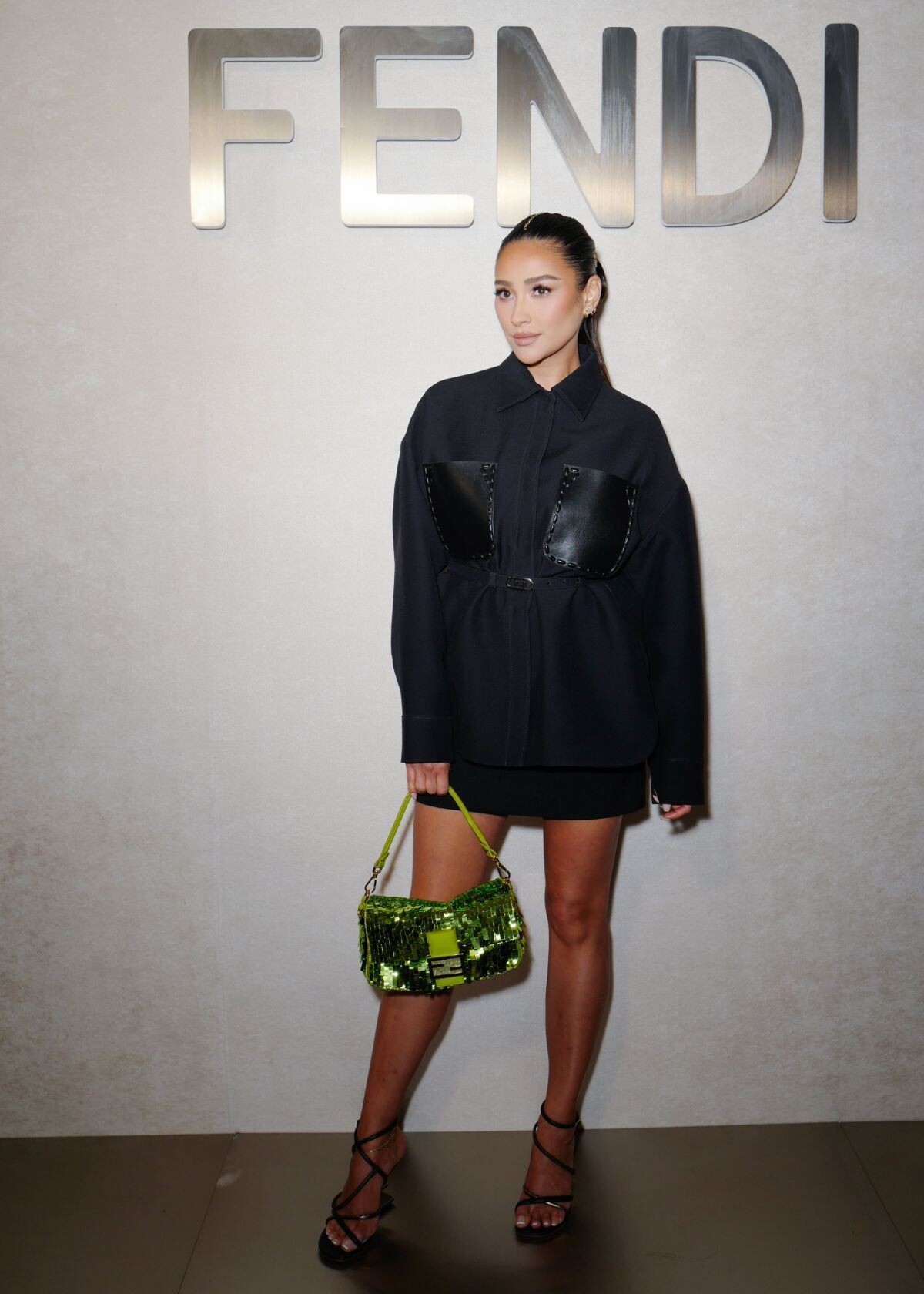
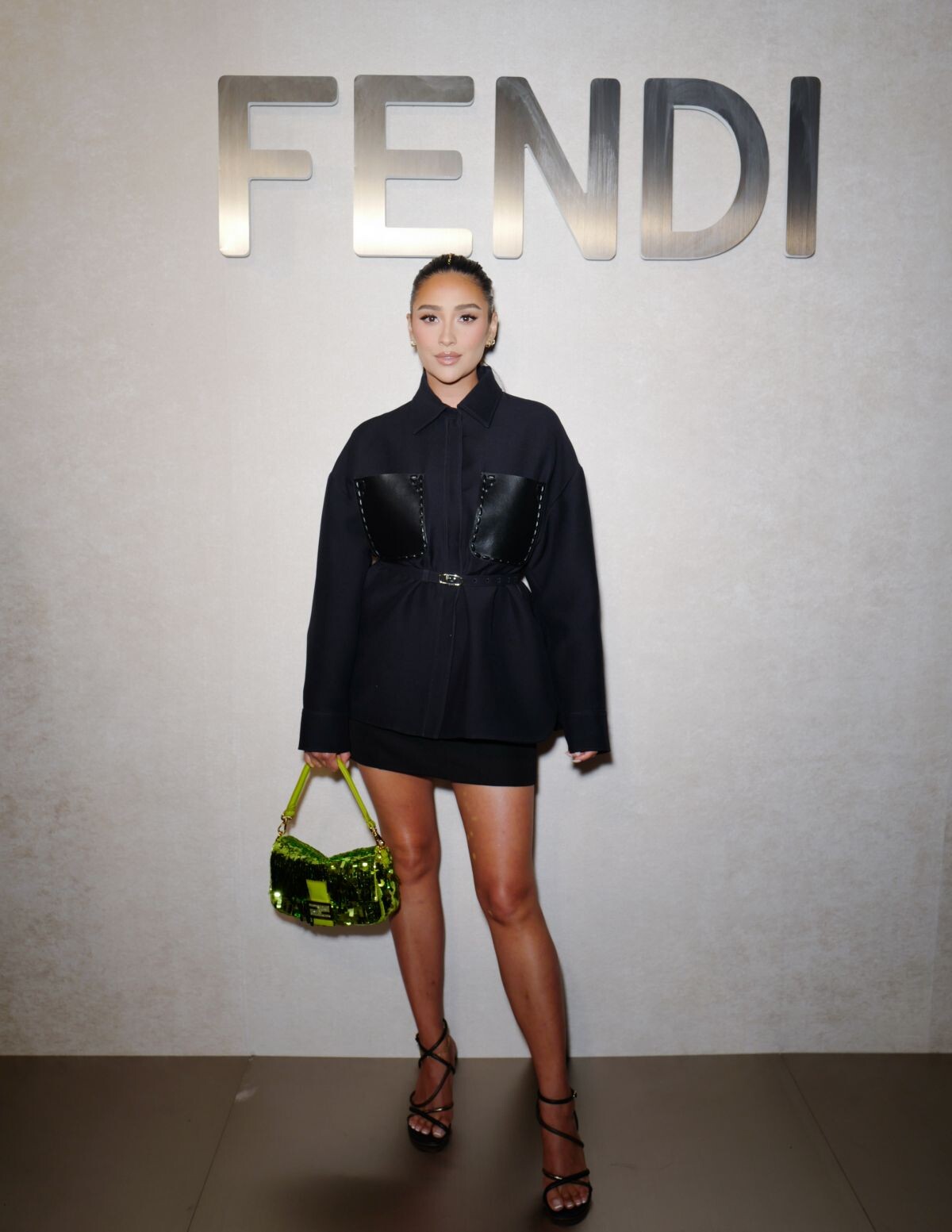
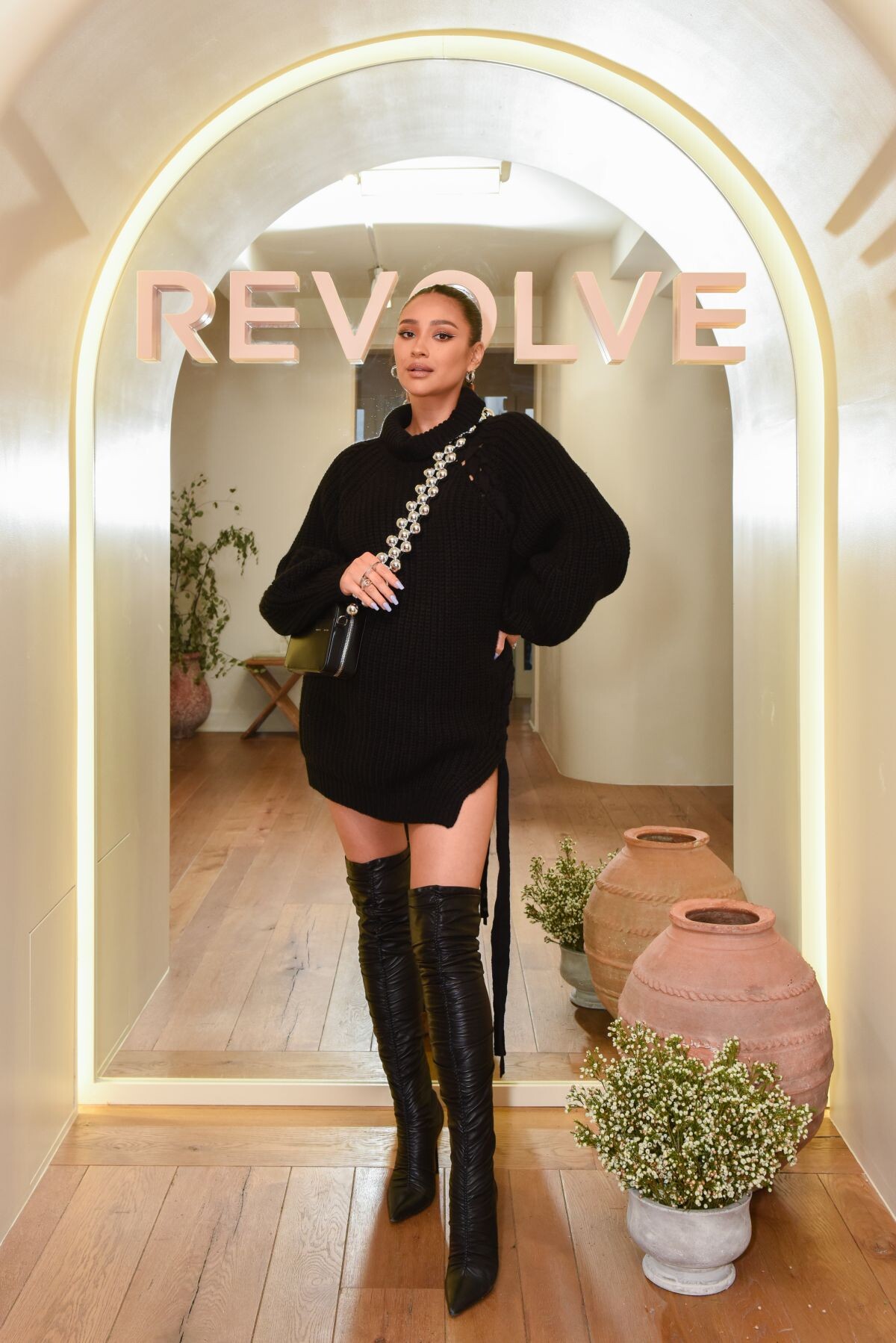
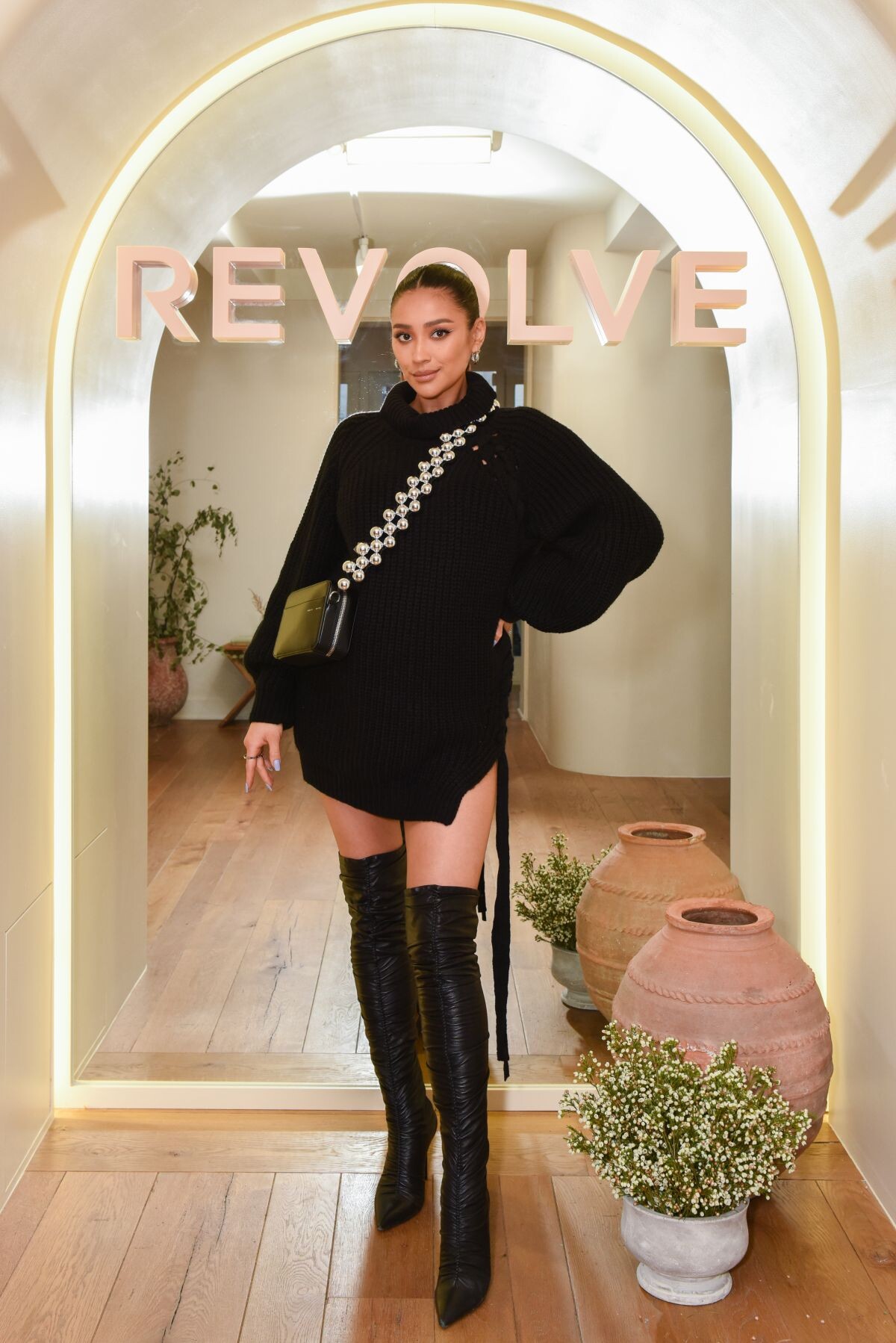
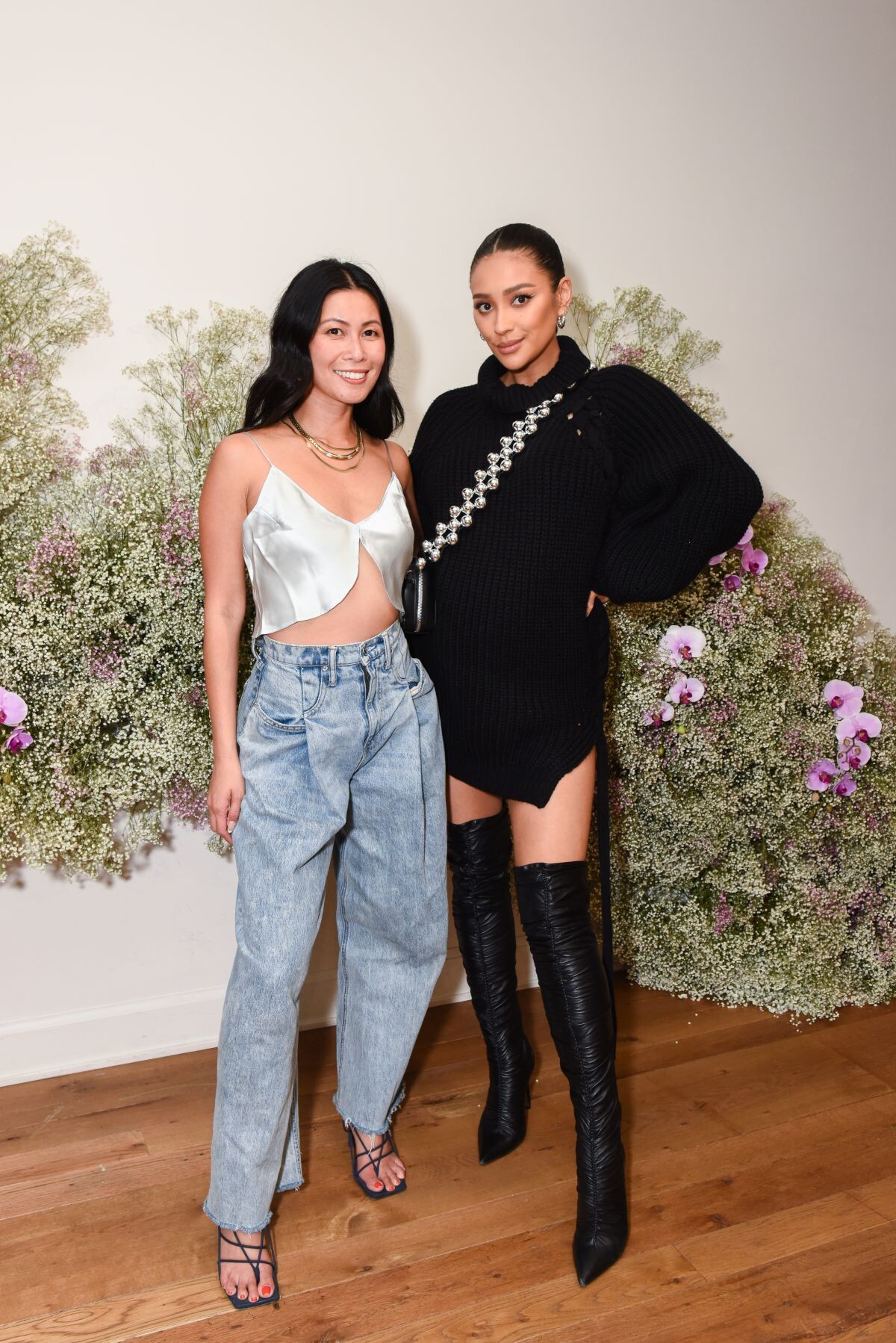
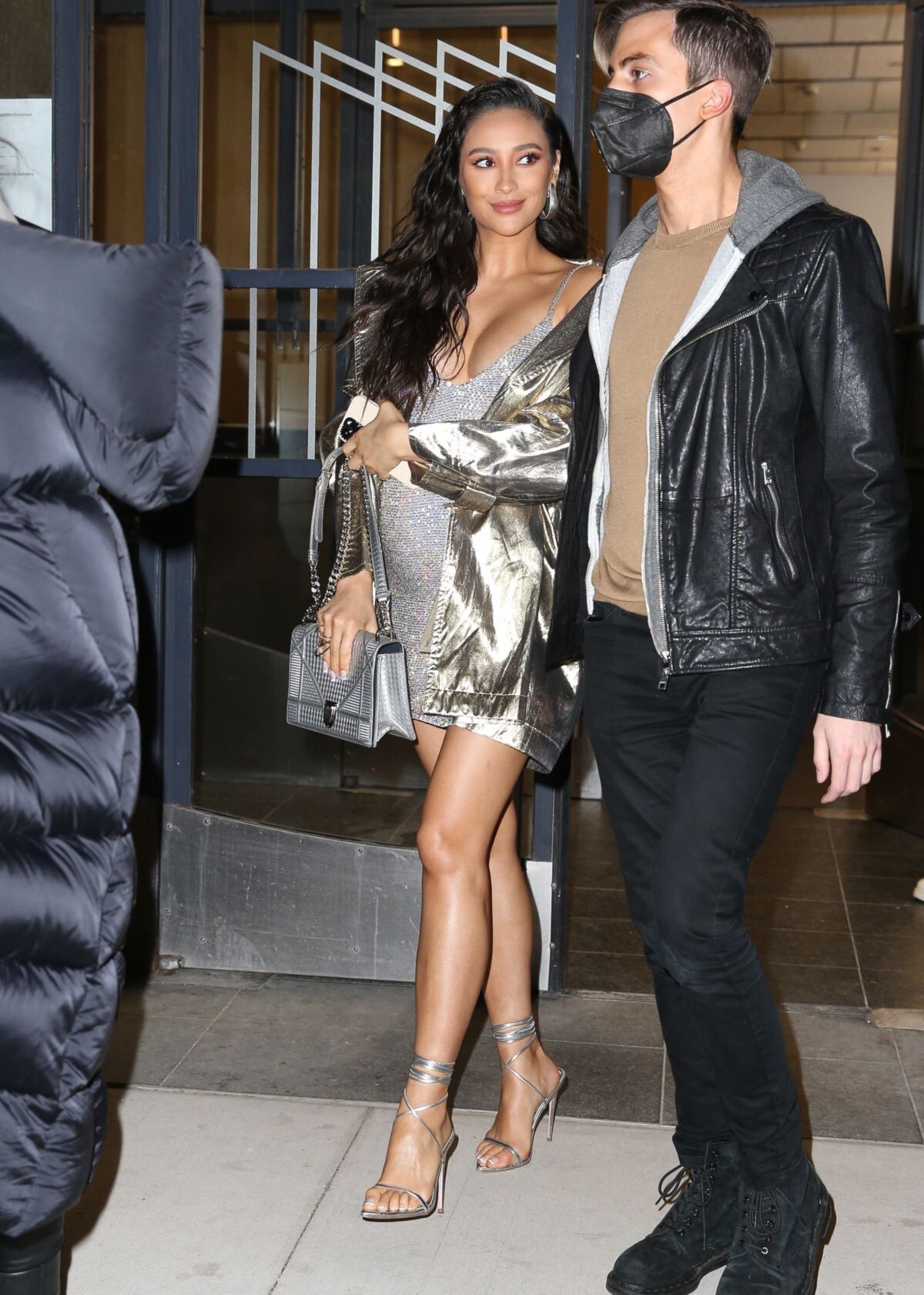
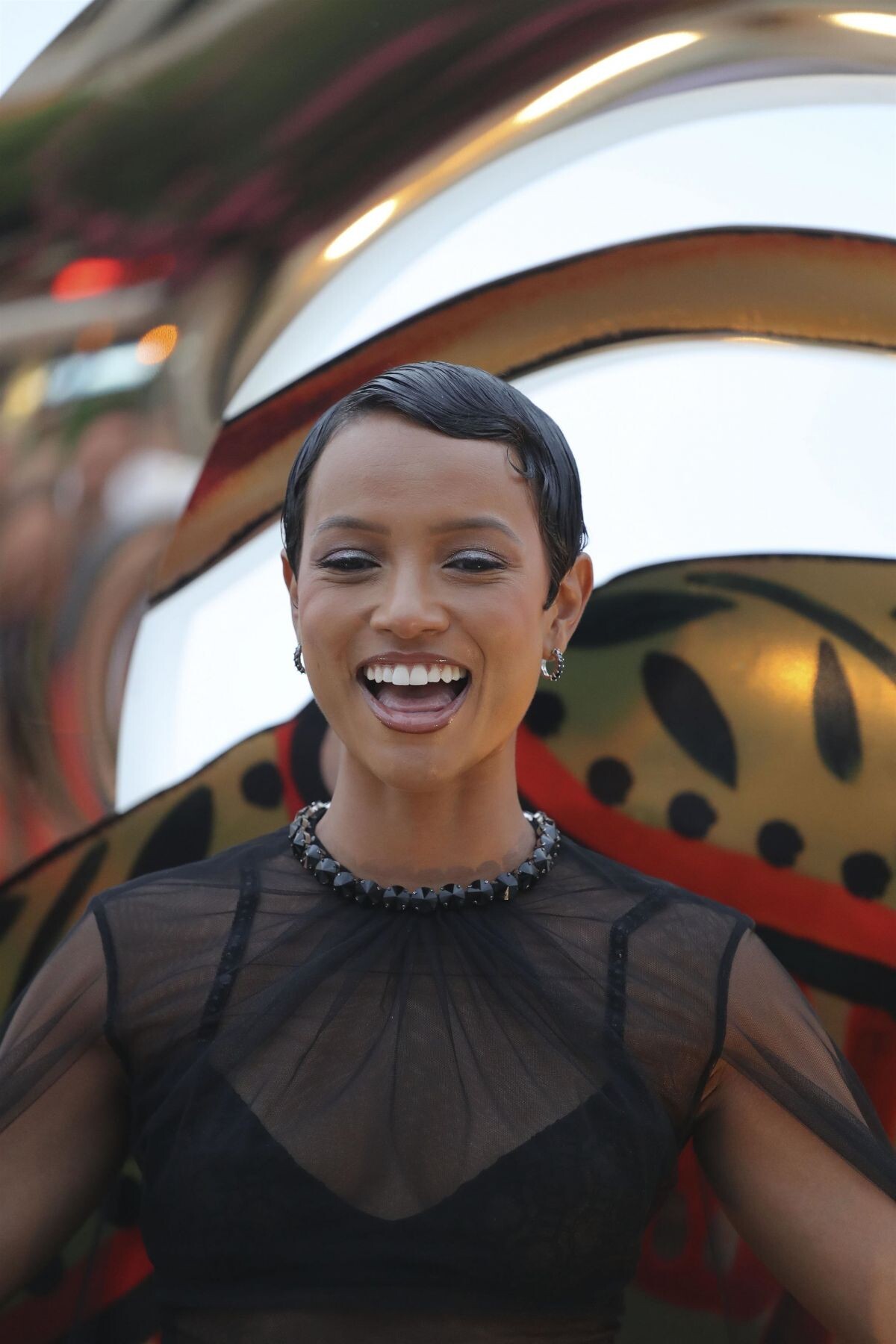
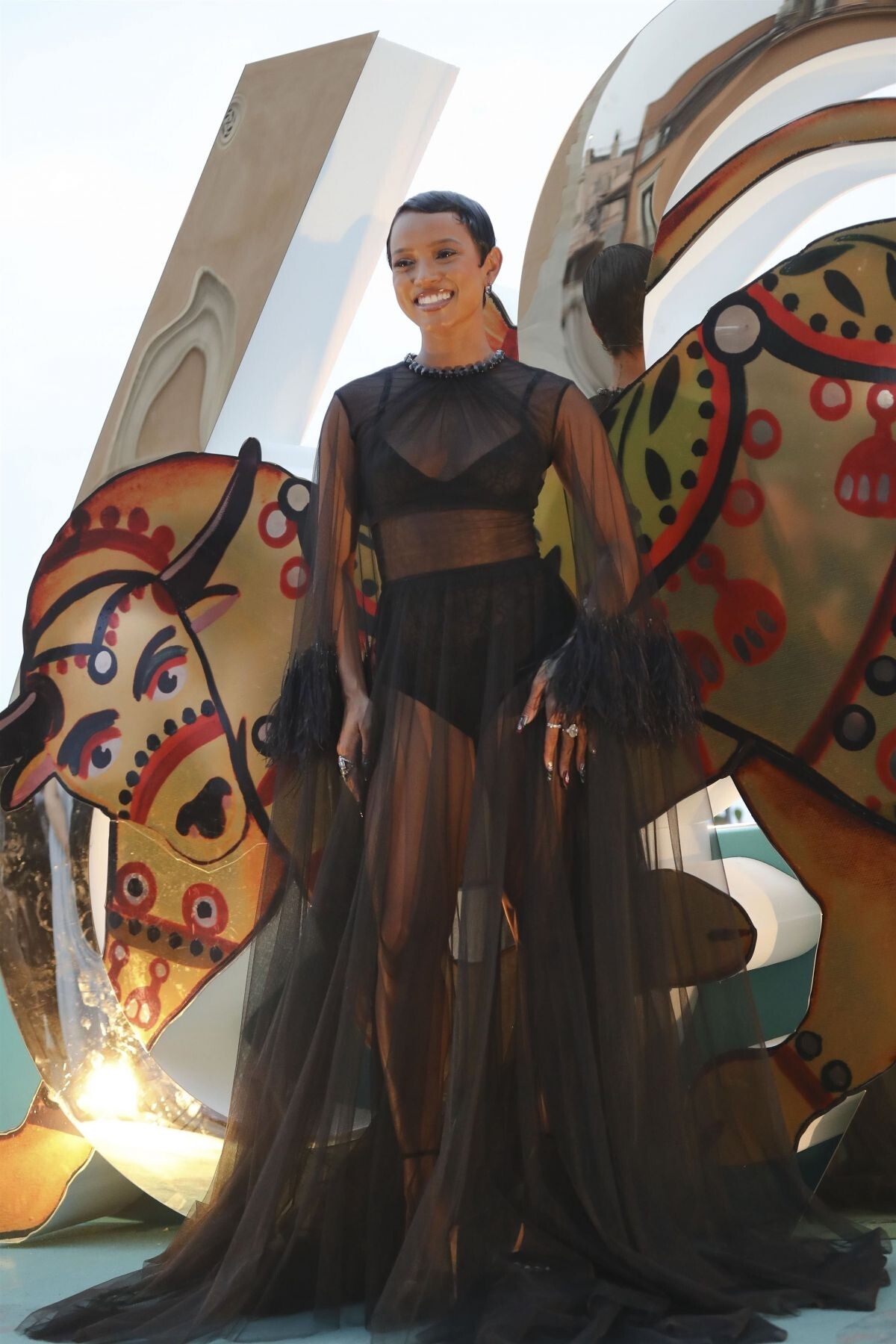
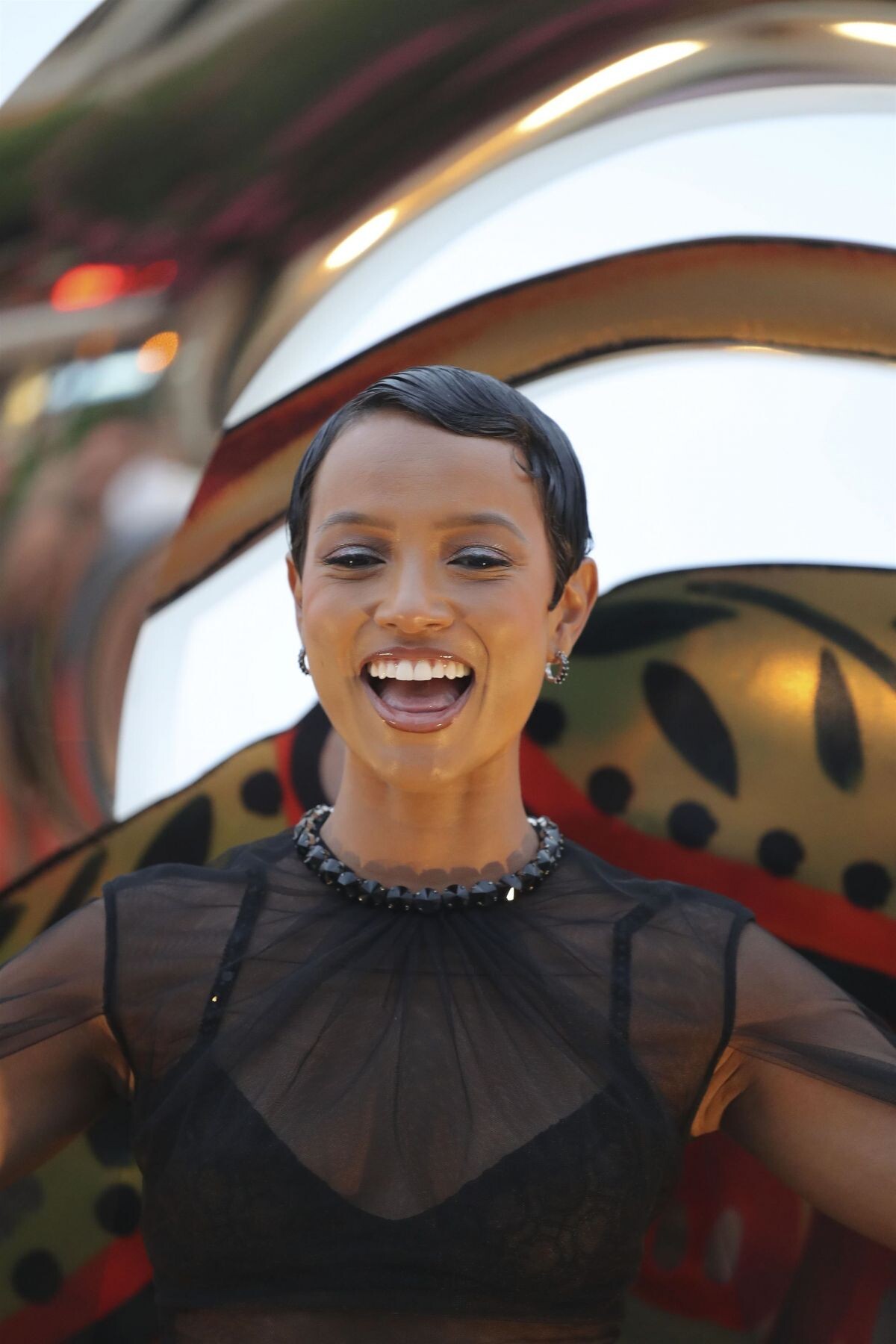
 Fendi Spring/Summer 2023 Show at Milan Fashion Week 09/21/2022



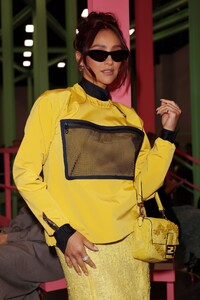



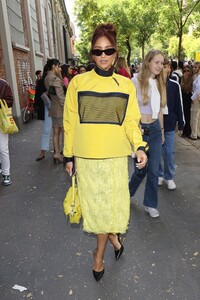

-
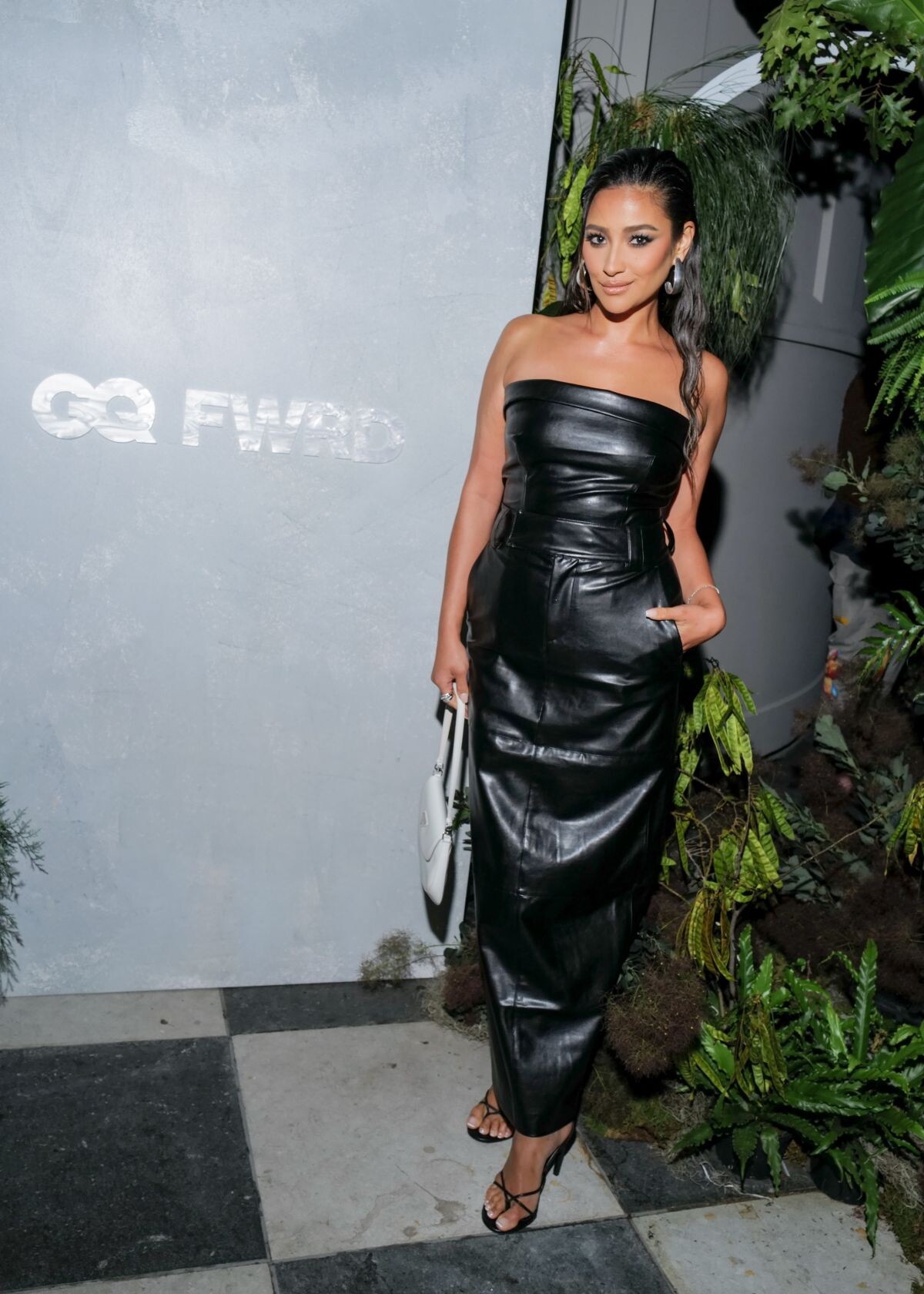
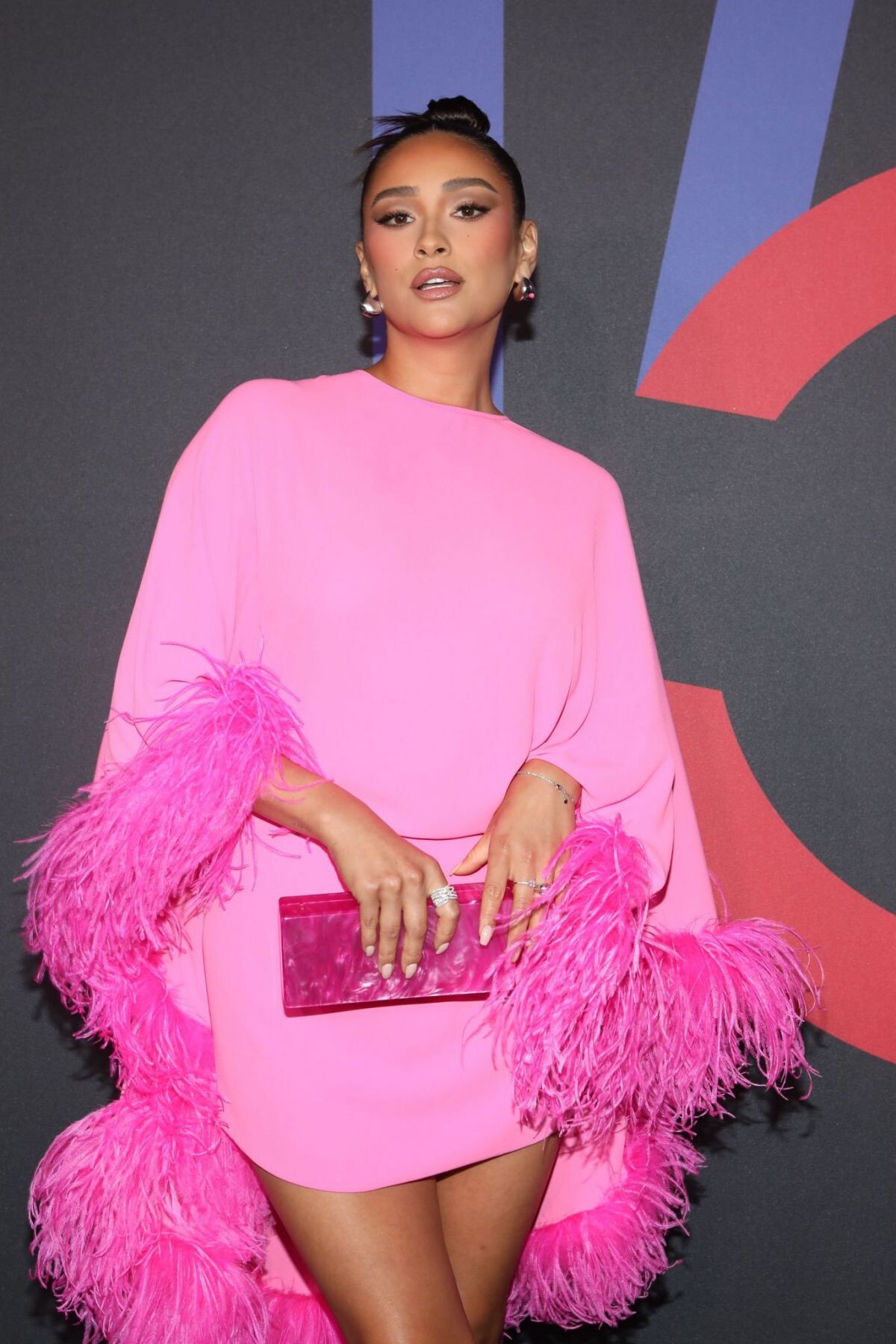
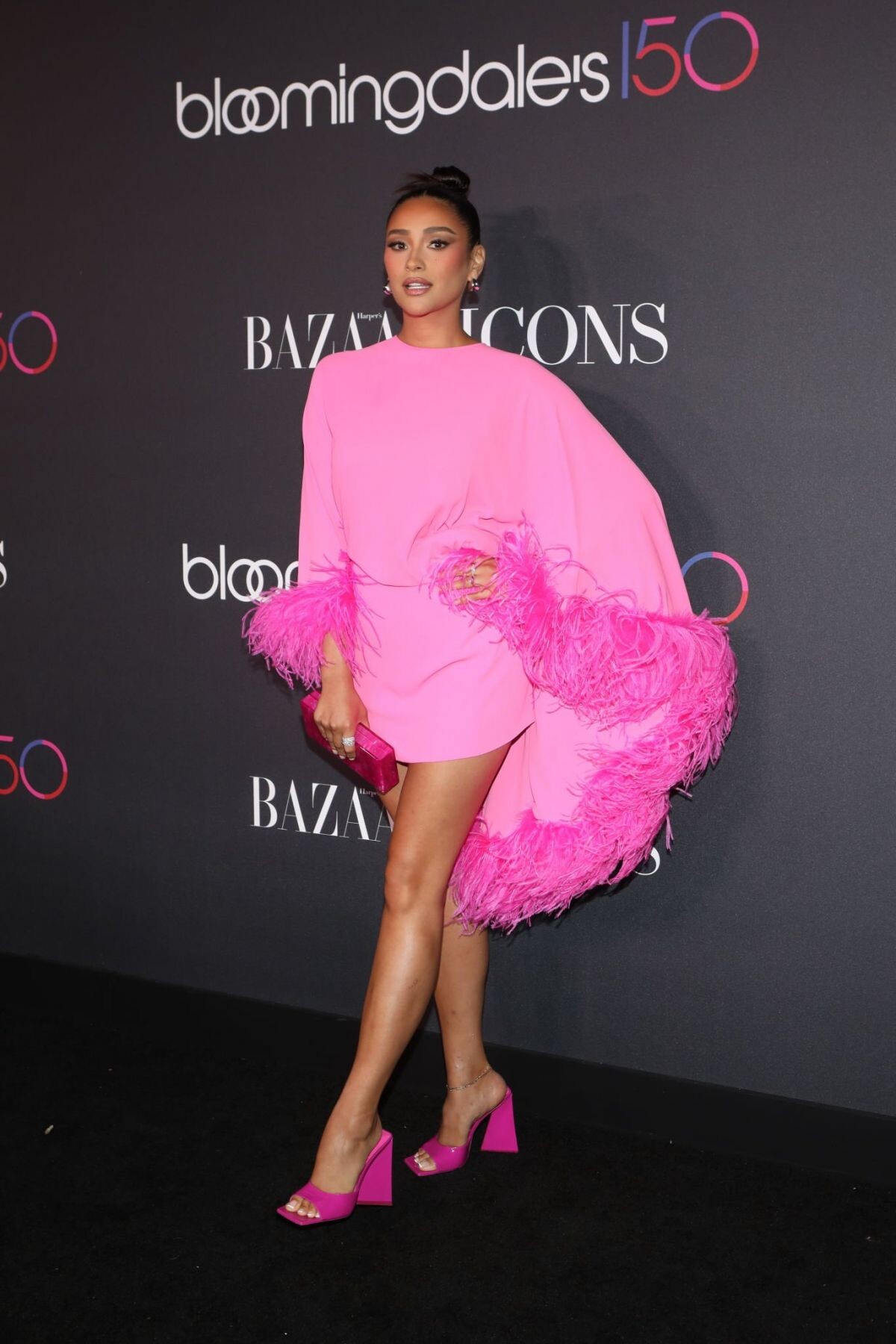
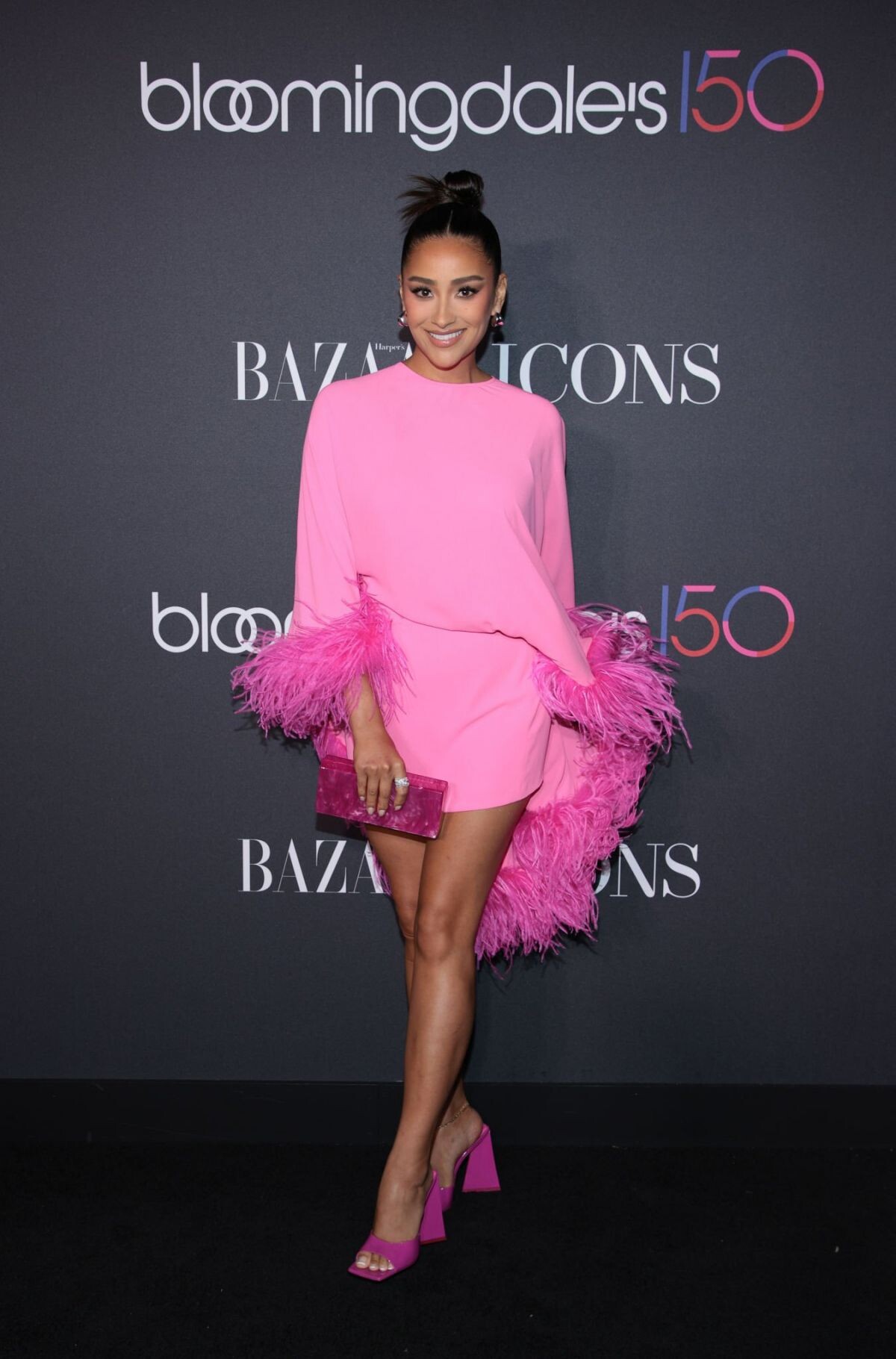
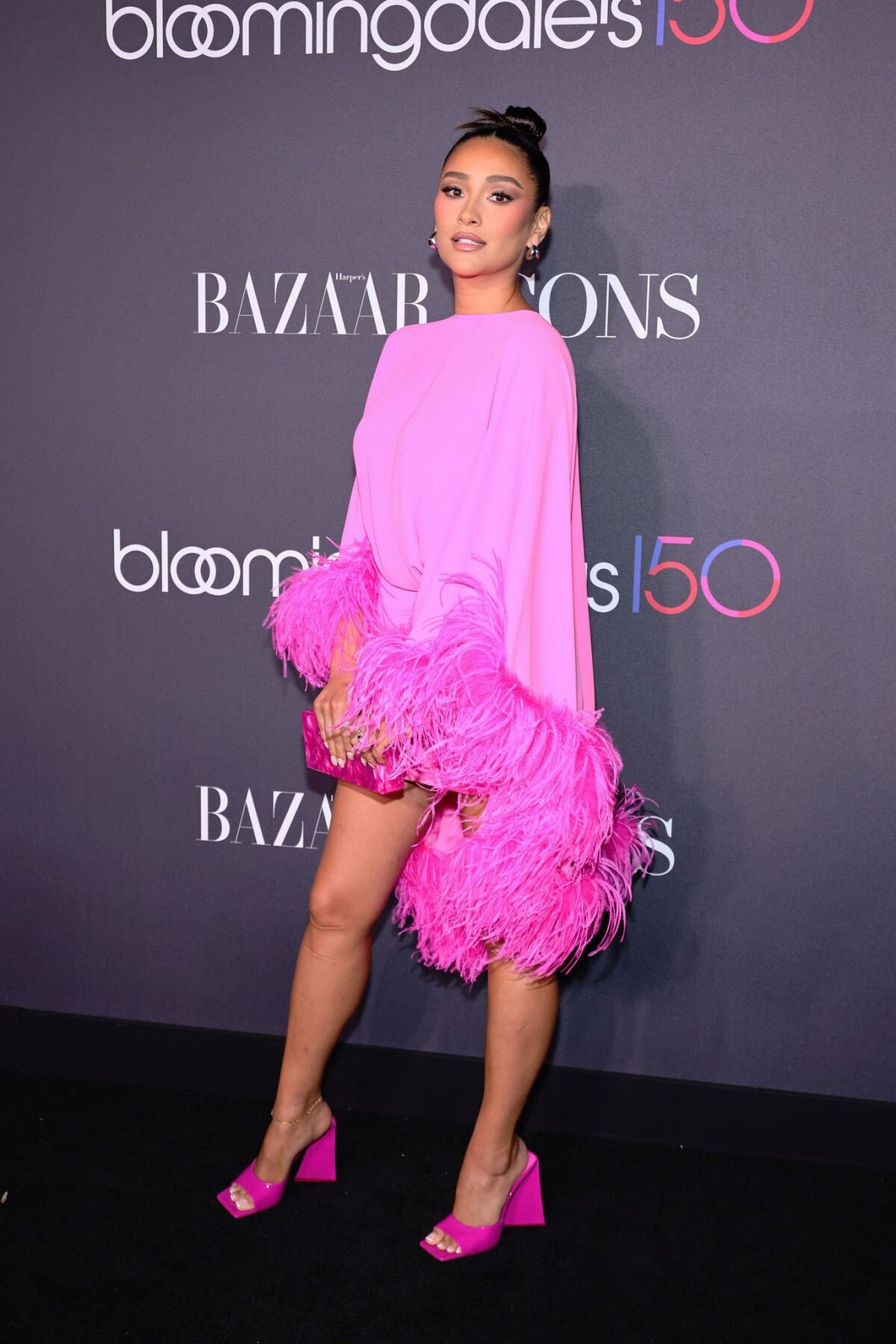
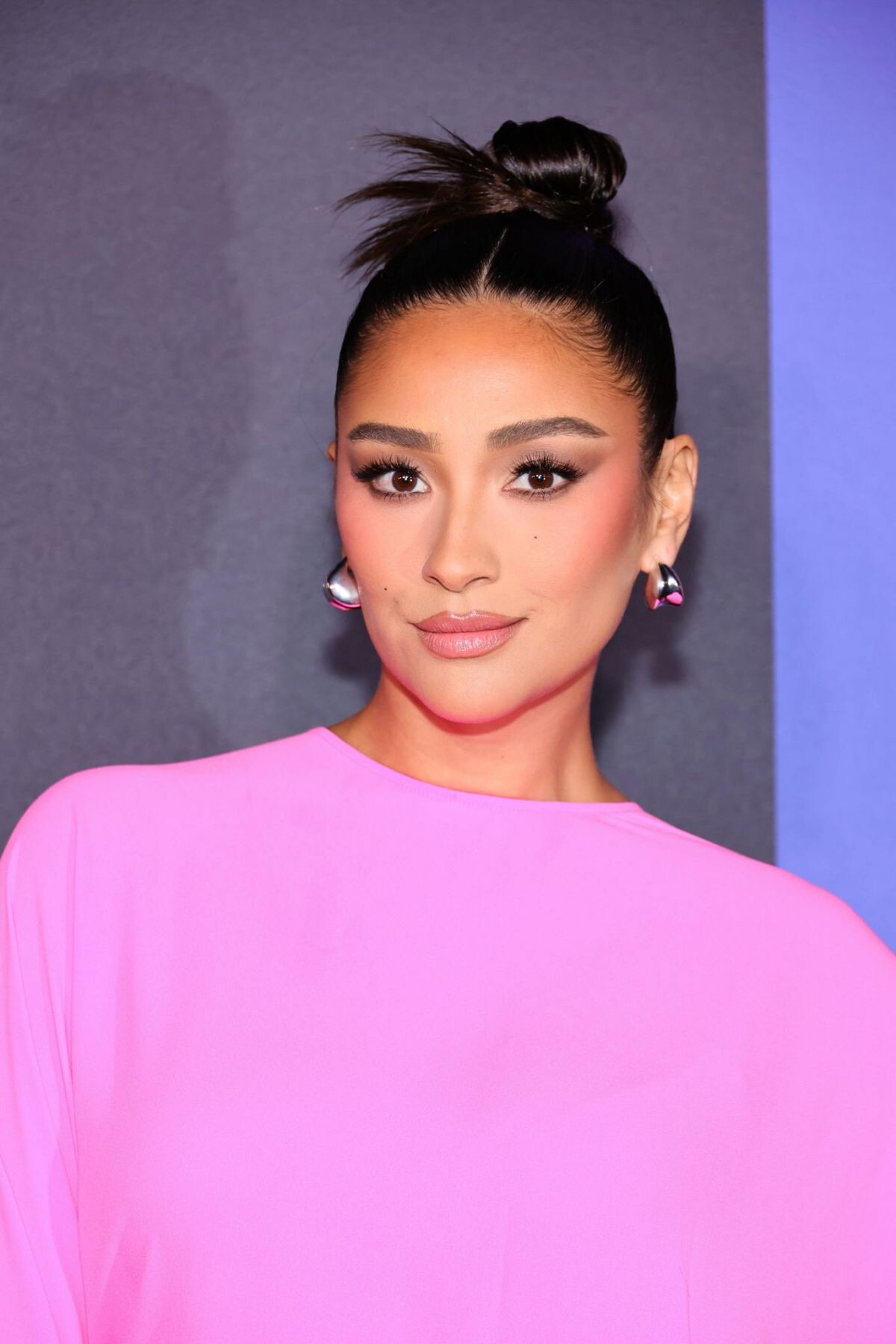
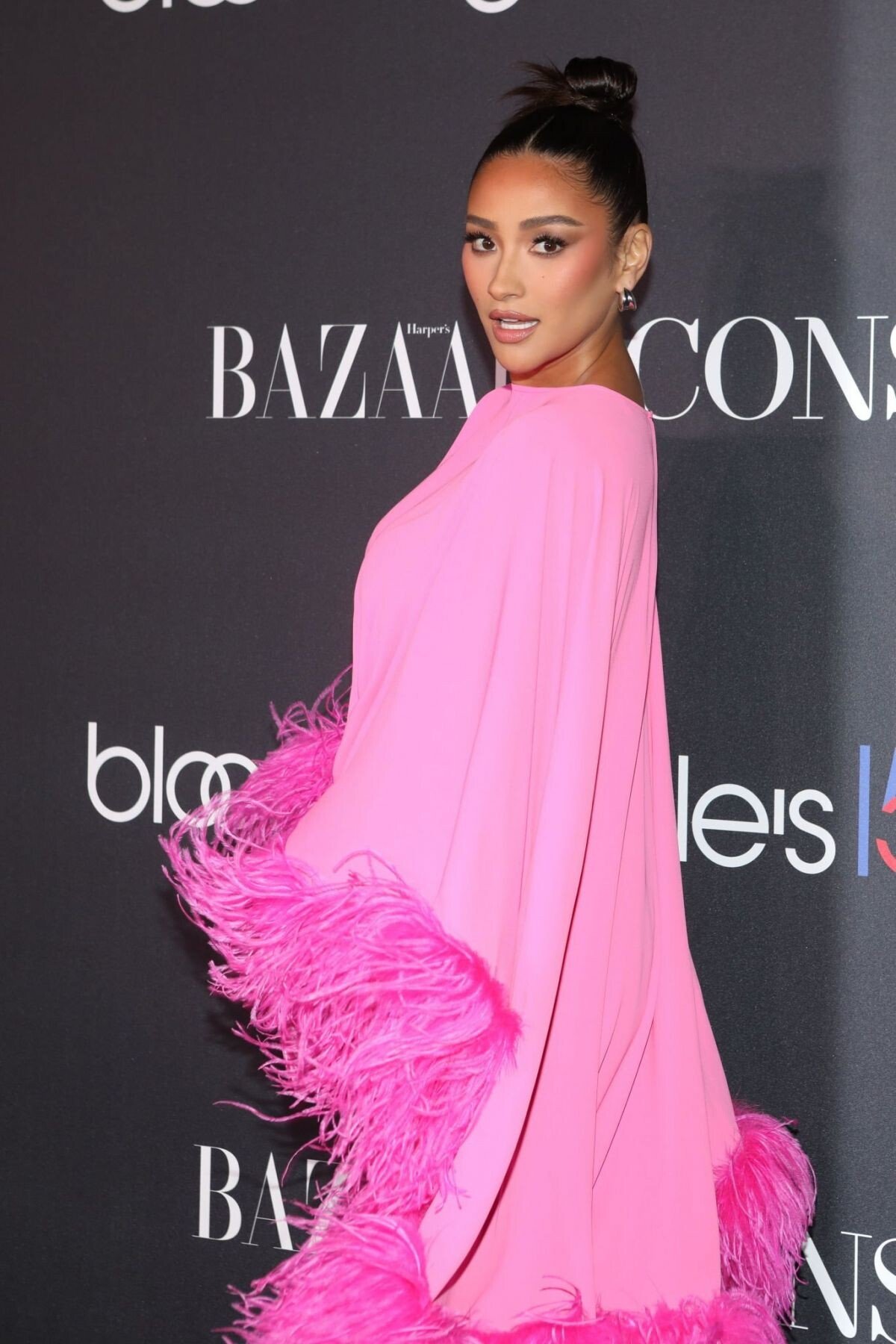
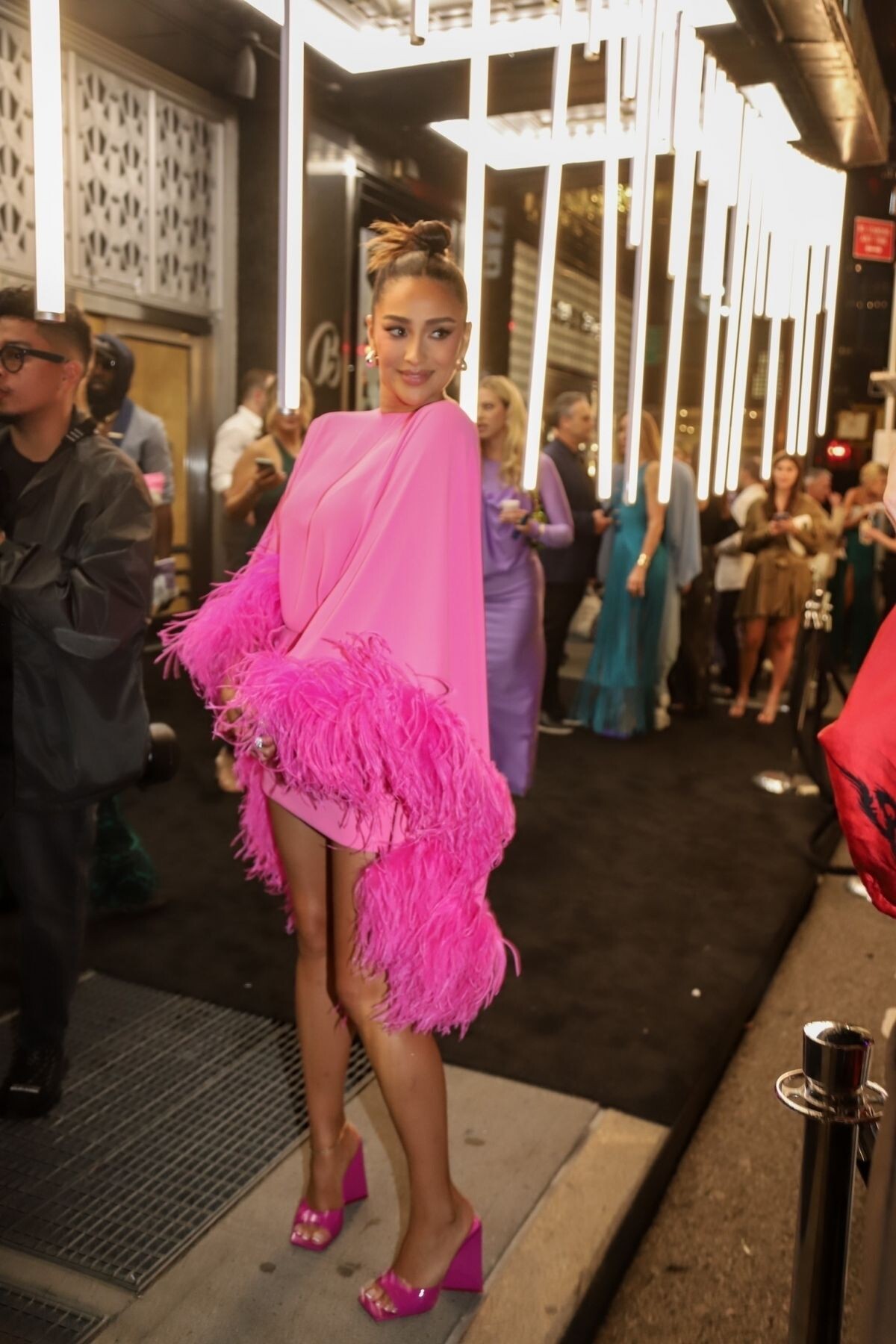
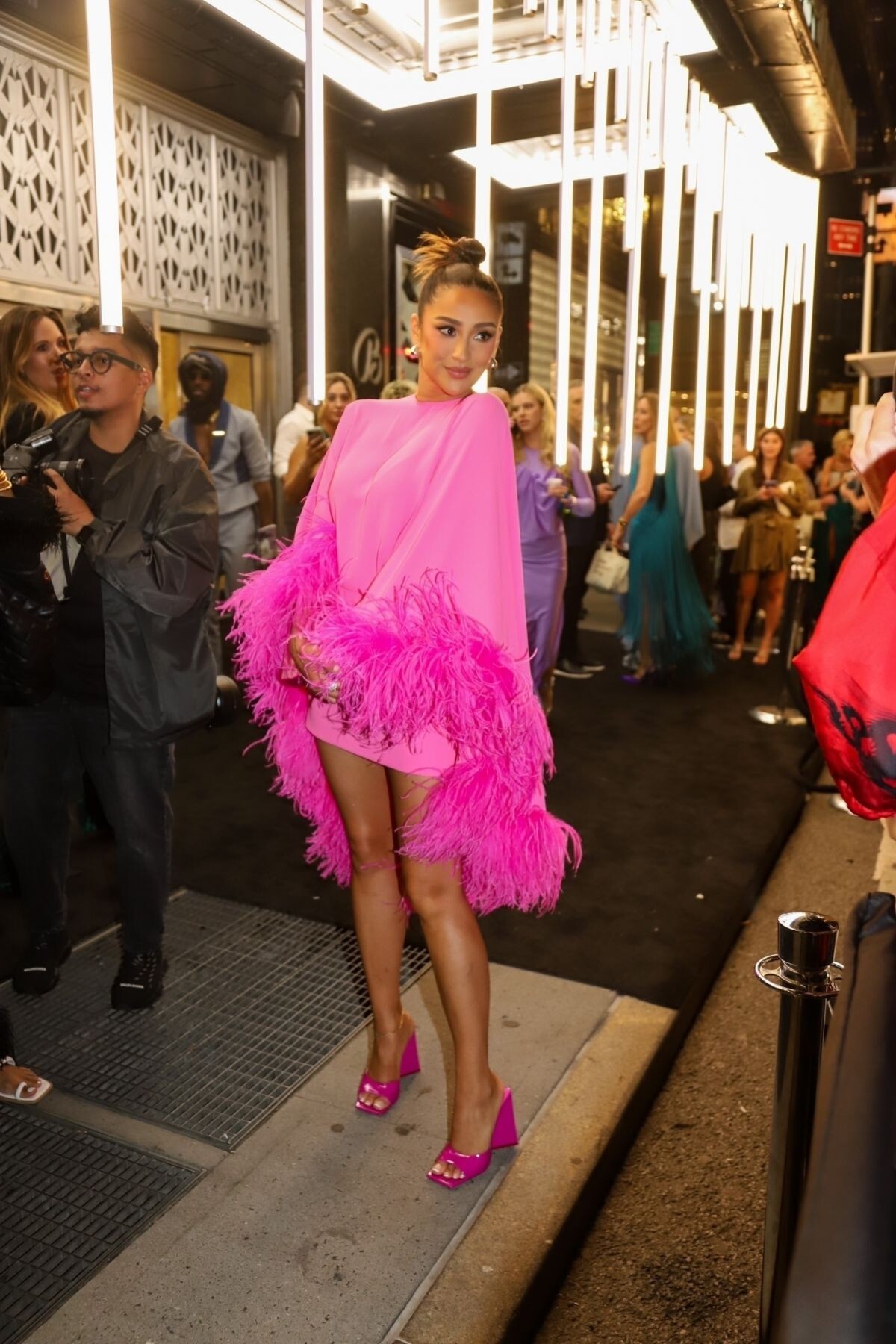
Harper’s Bazaar Icons & Bloomingdale’s 150th Anniversary in New York 09/09/2022

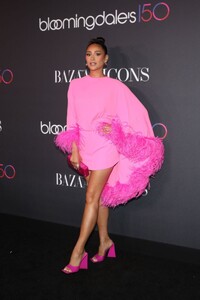
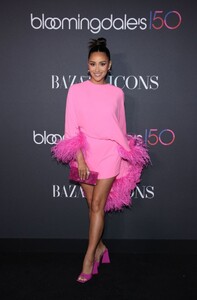
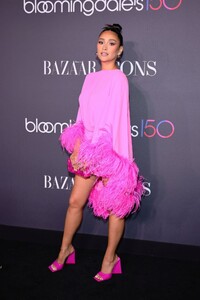


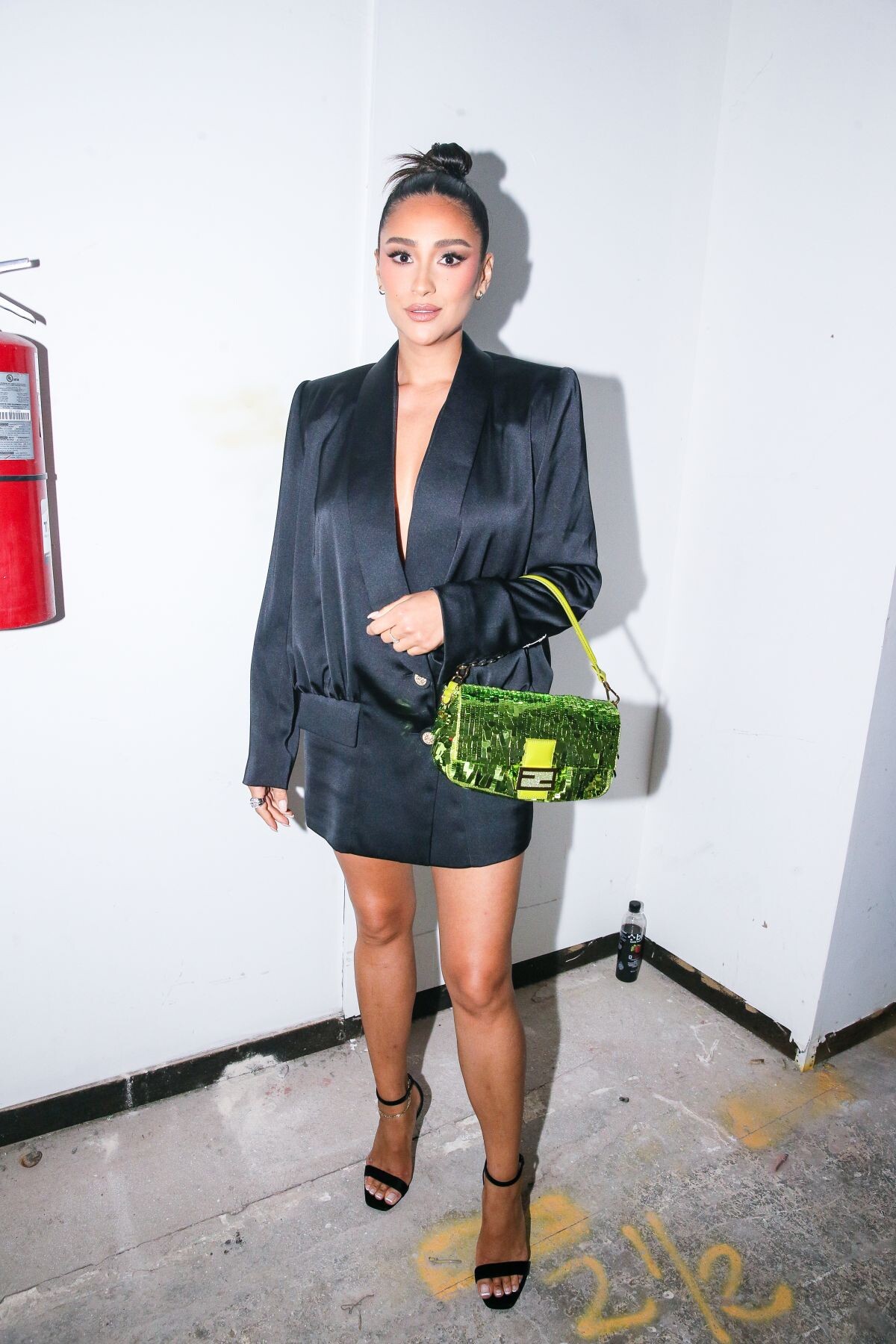
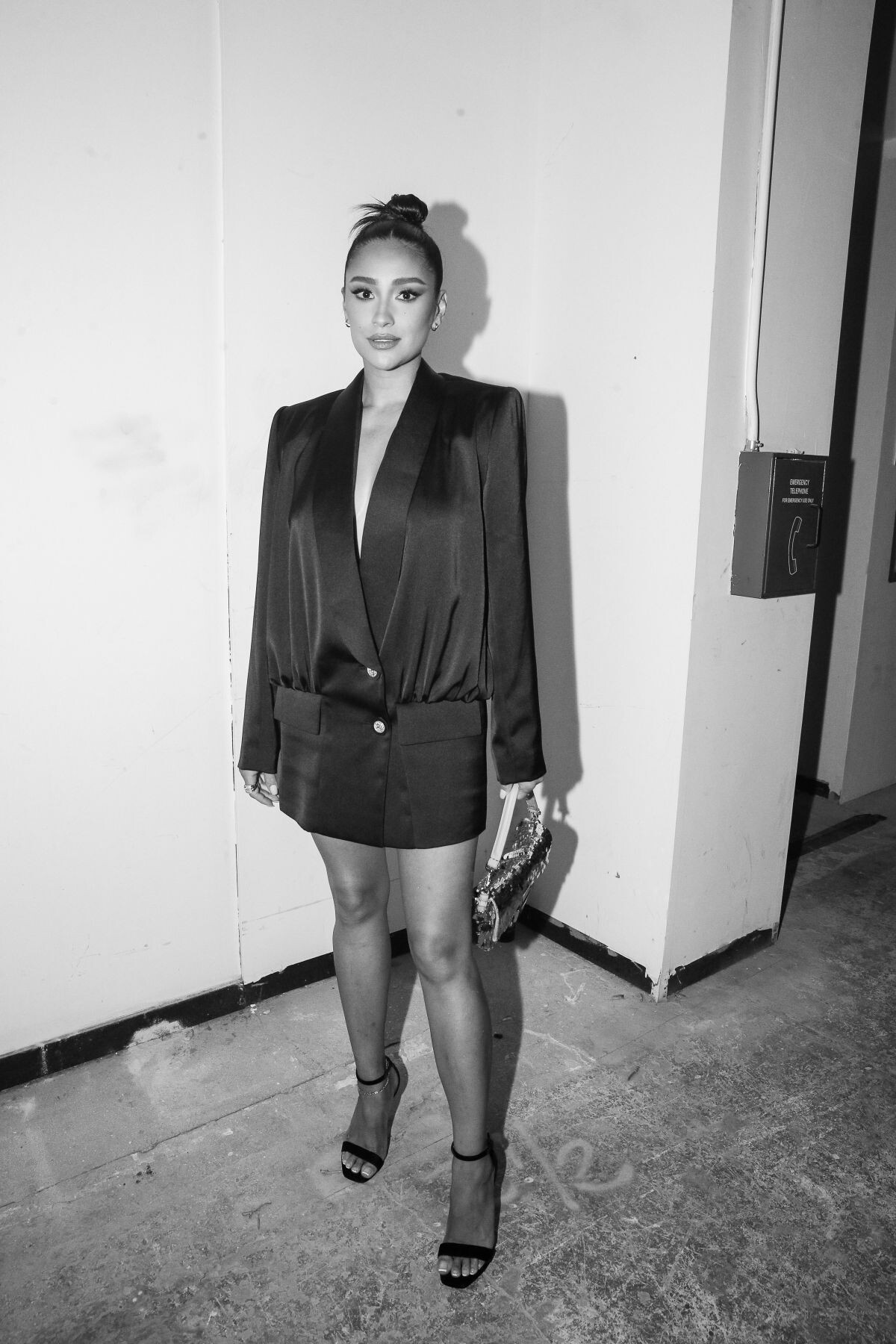
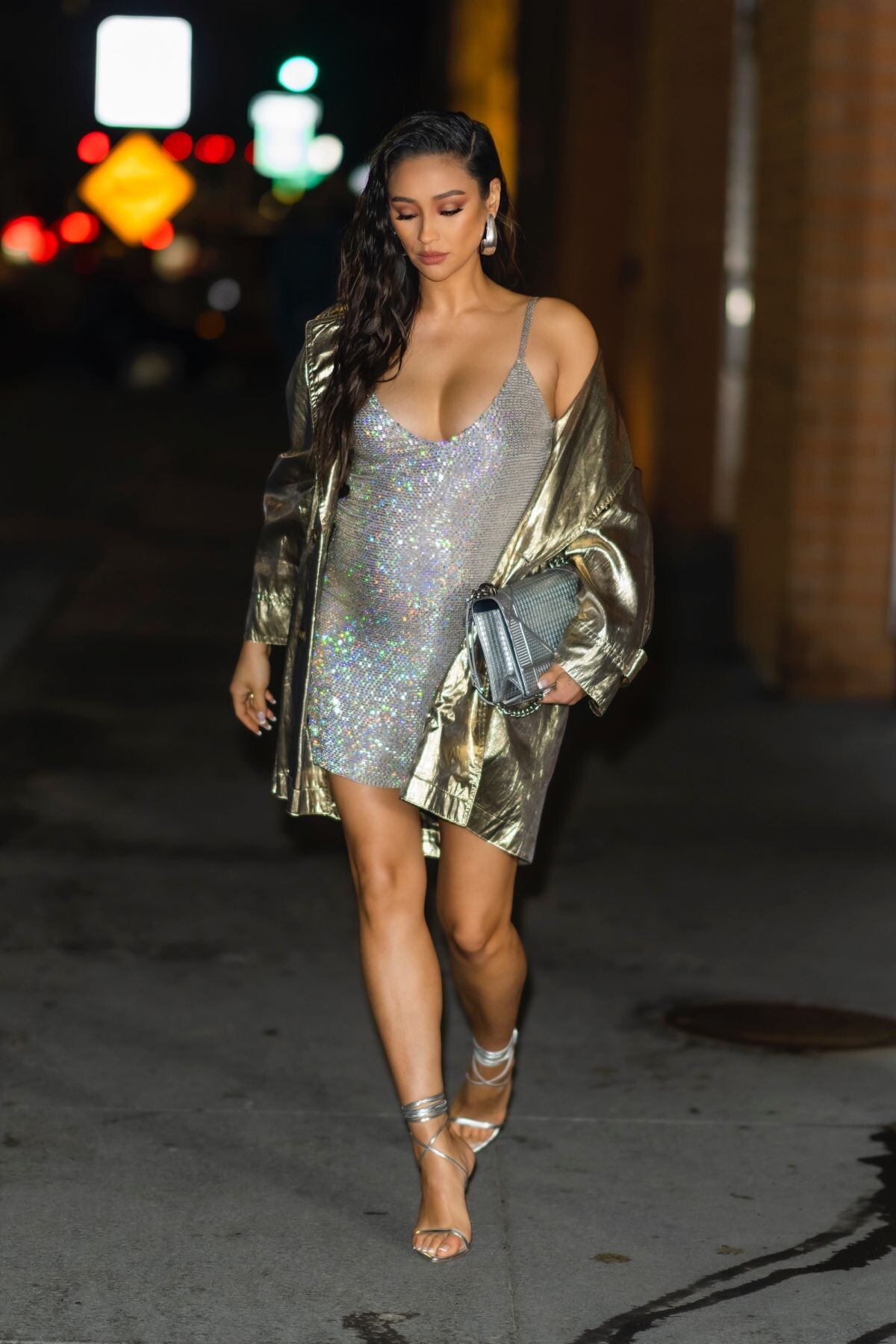
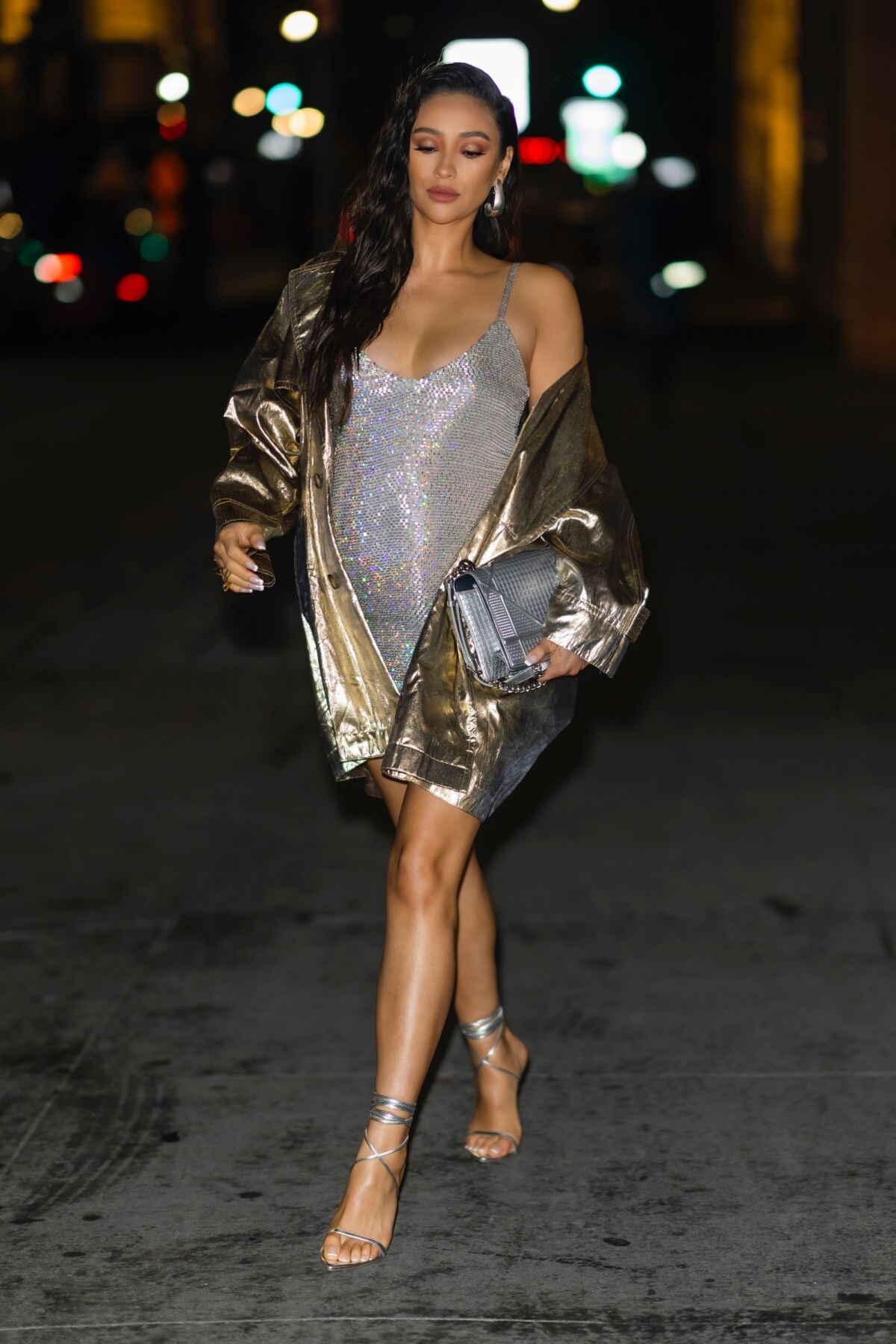
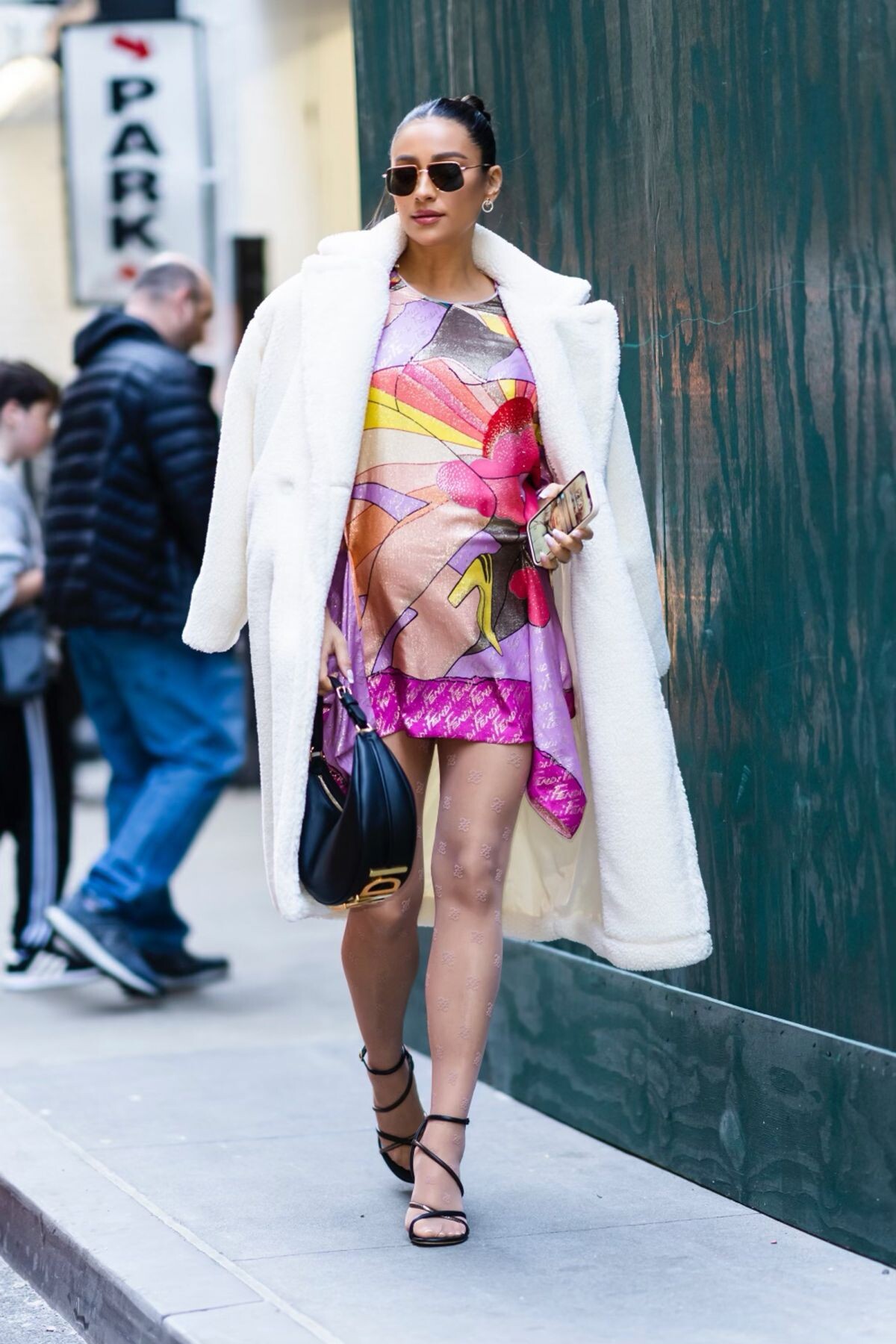
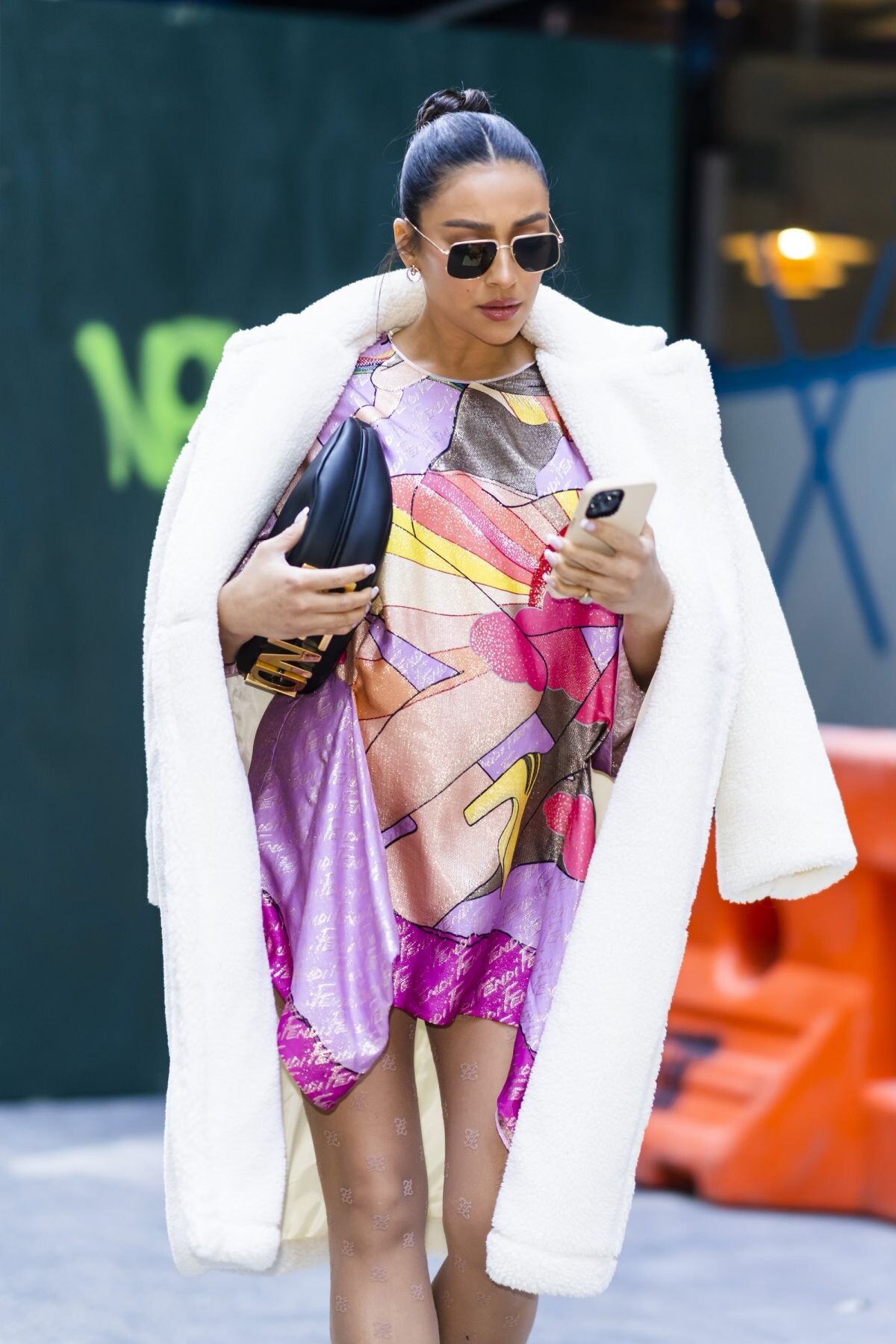
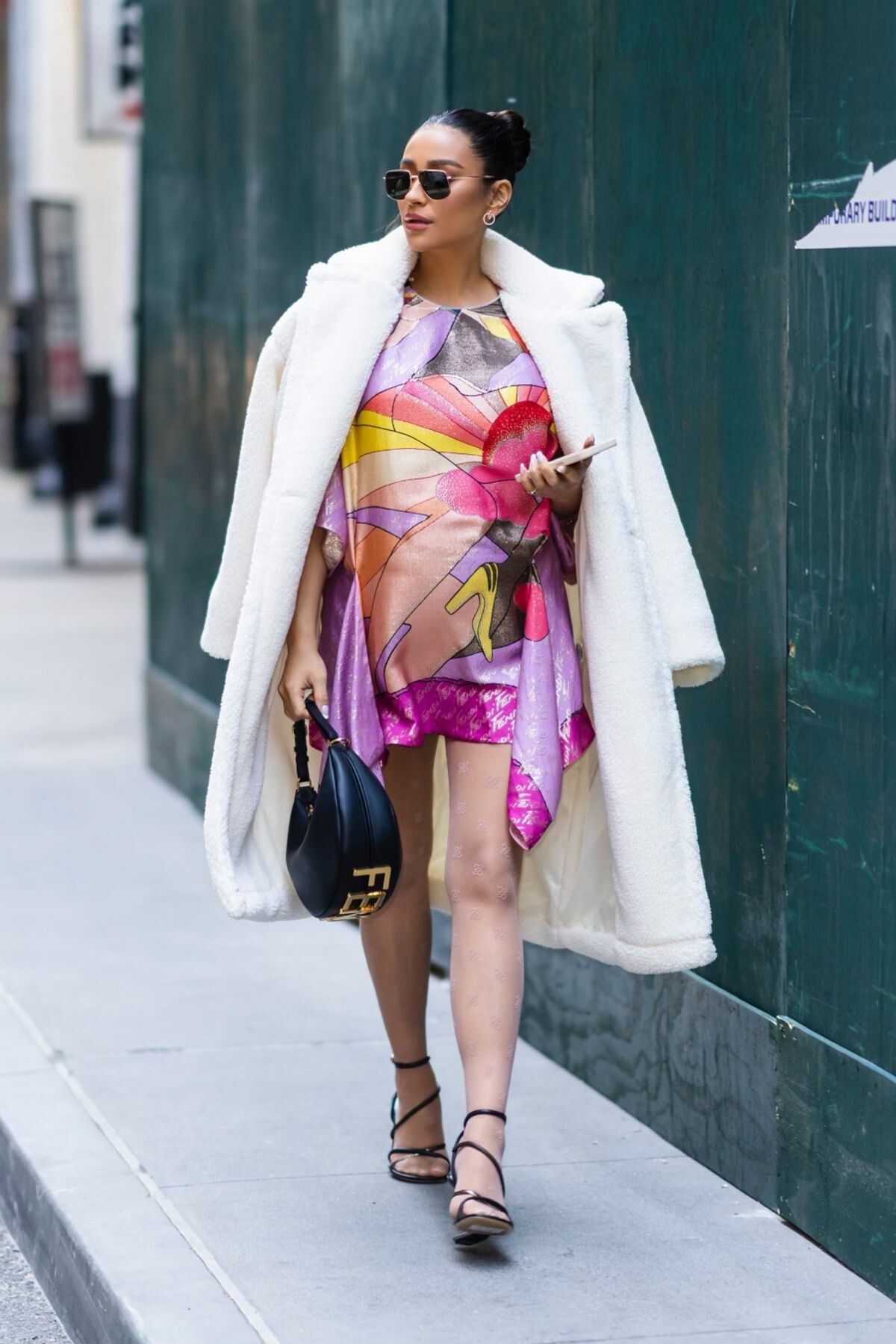
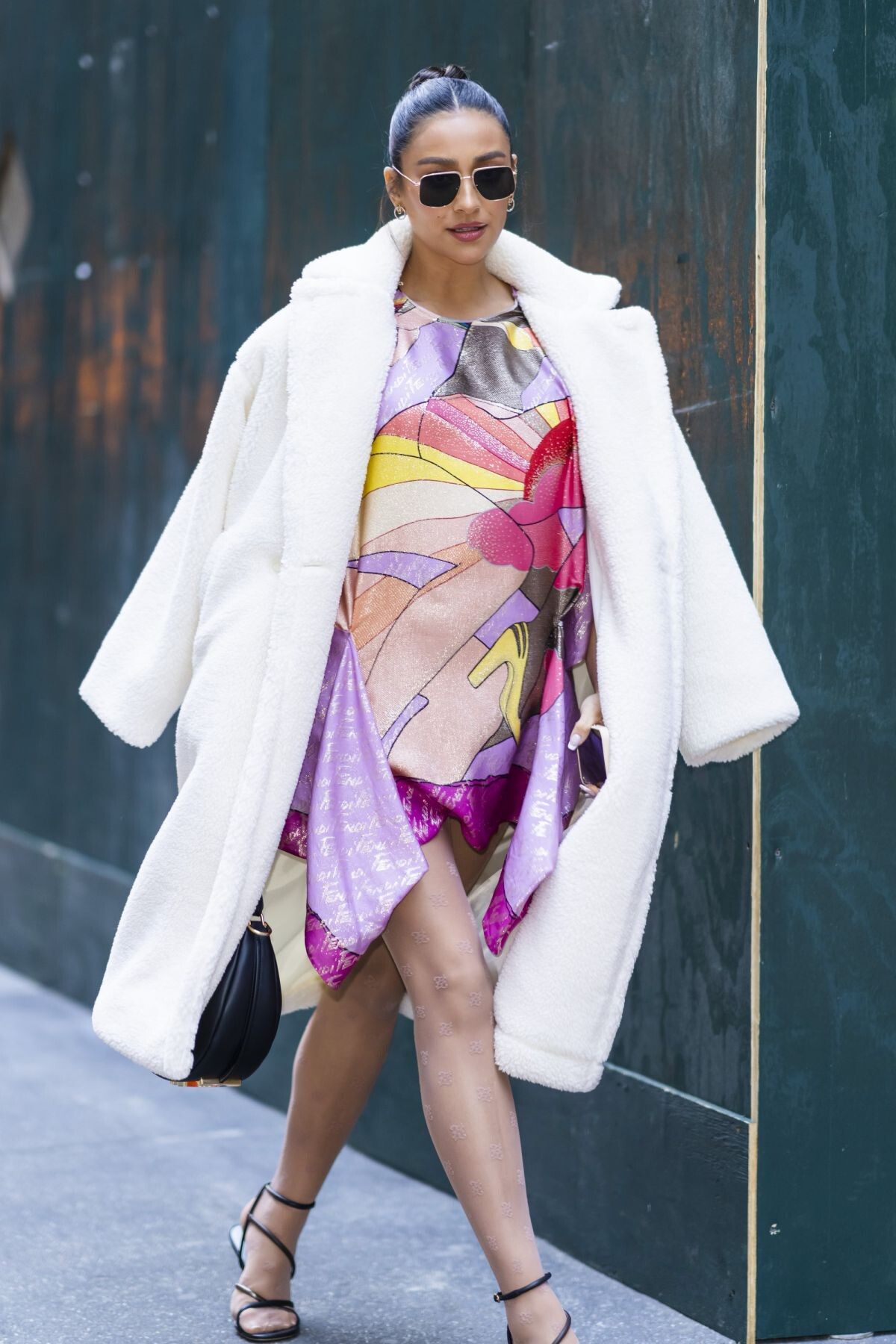
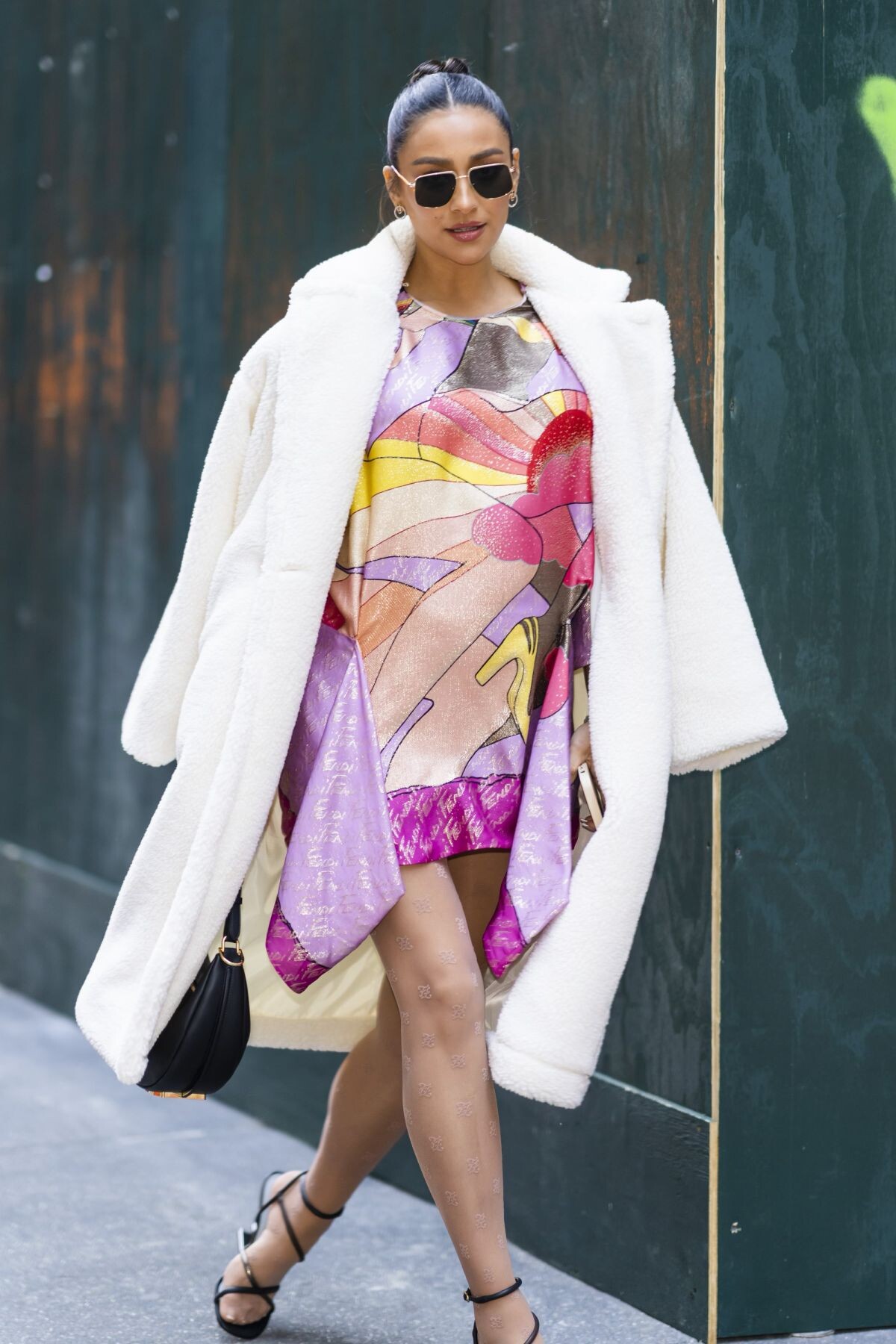
 Harper’s Bazaar Party in New York 09/09/2022 Fendi 25th Anniversary of Baguette in New York 09/09/2022




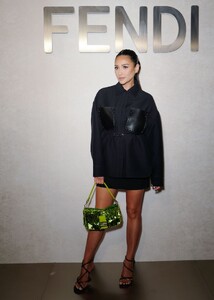
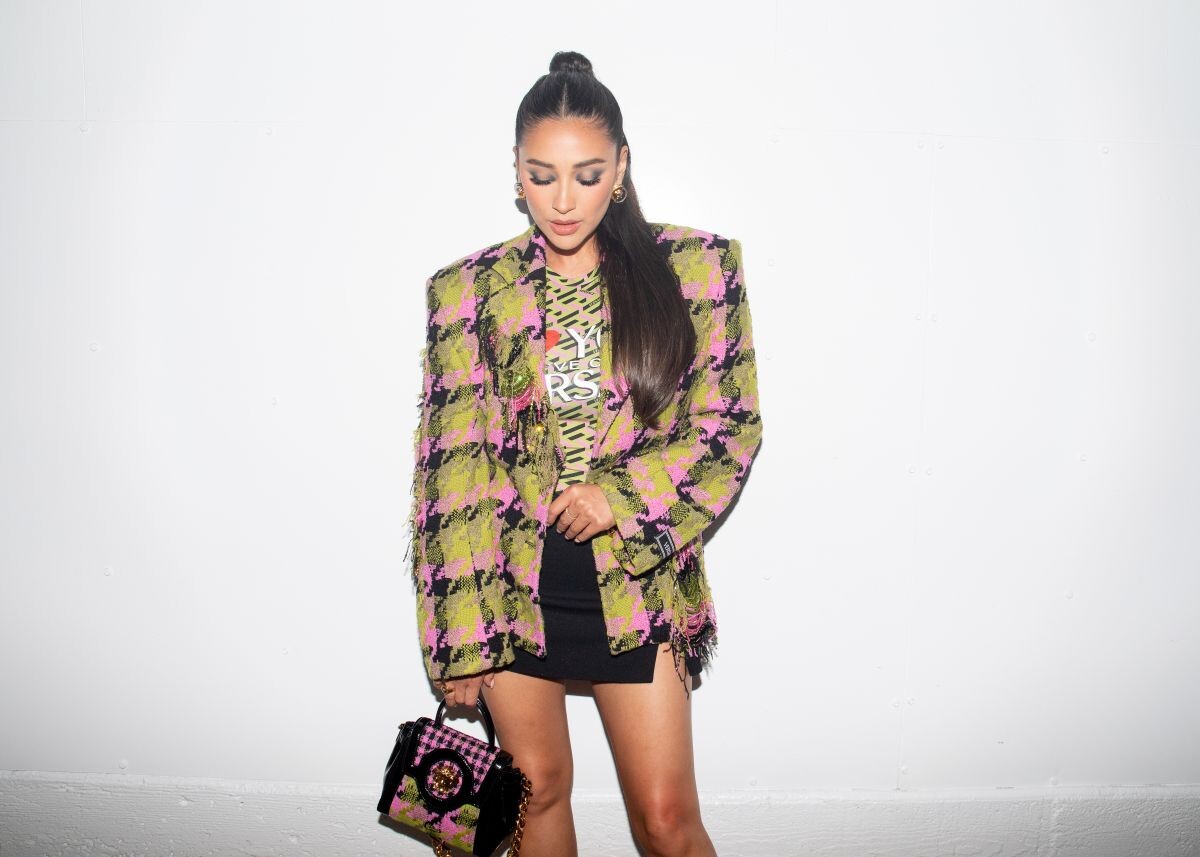
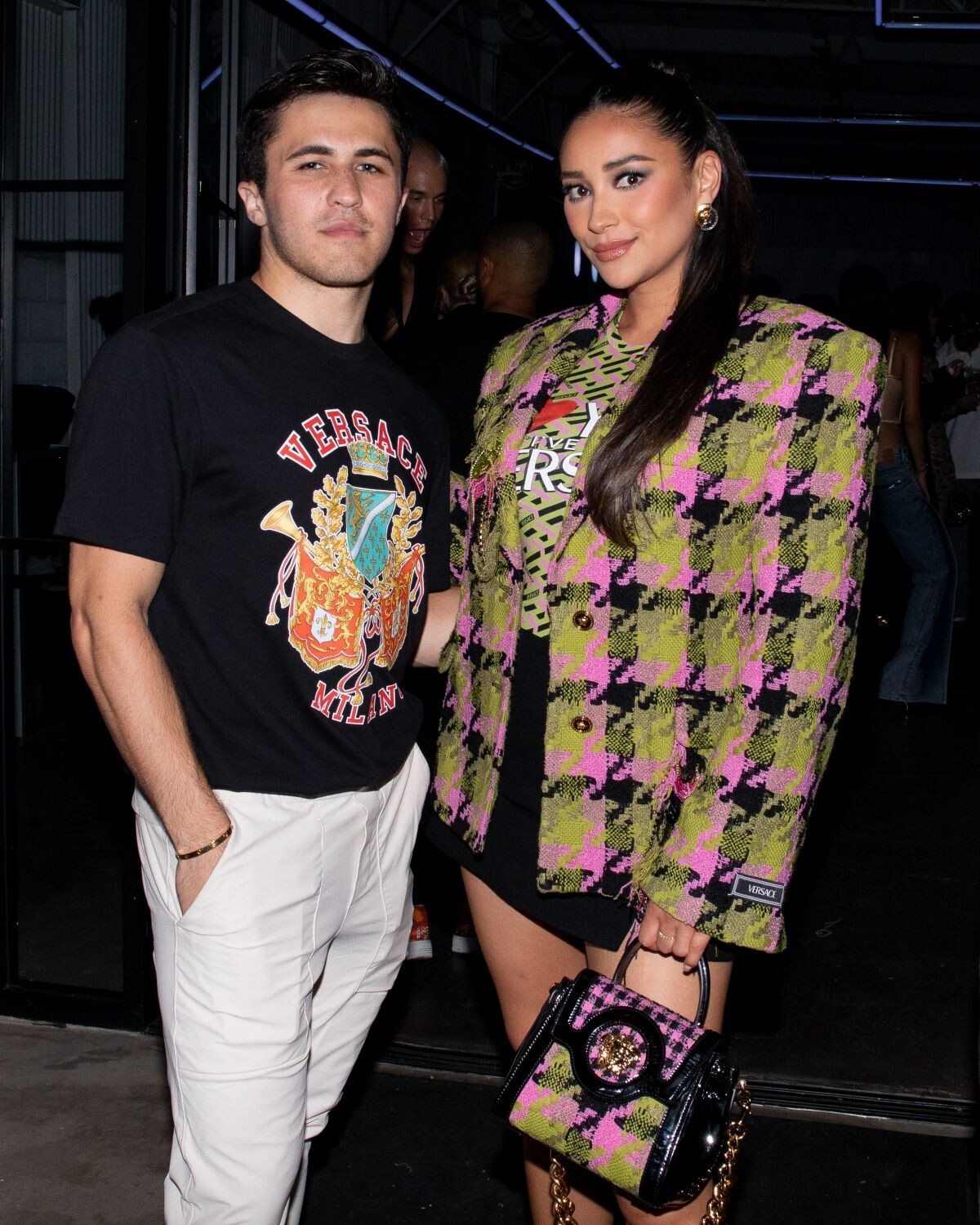
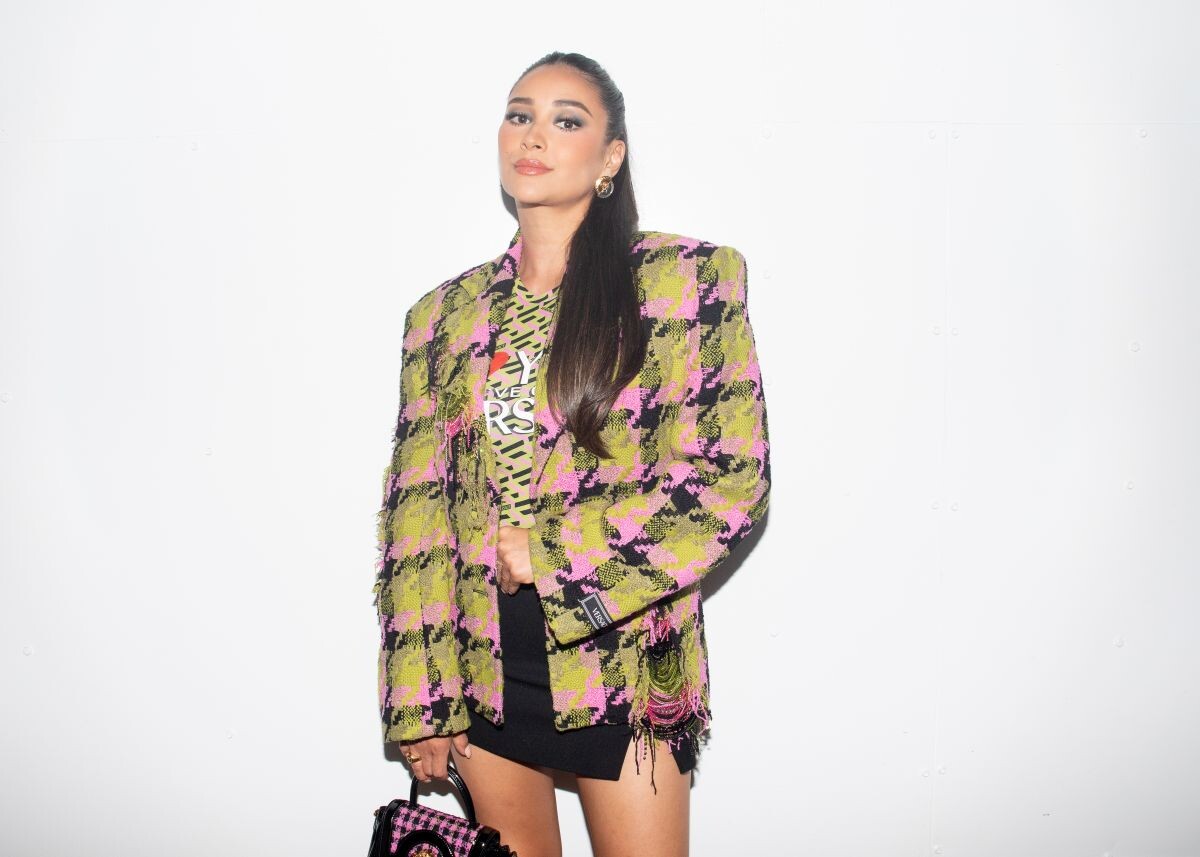
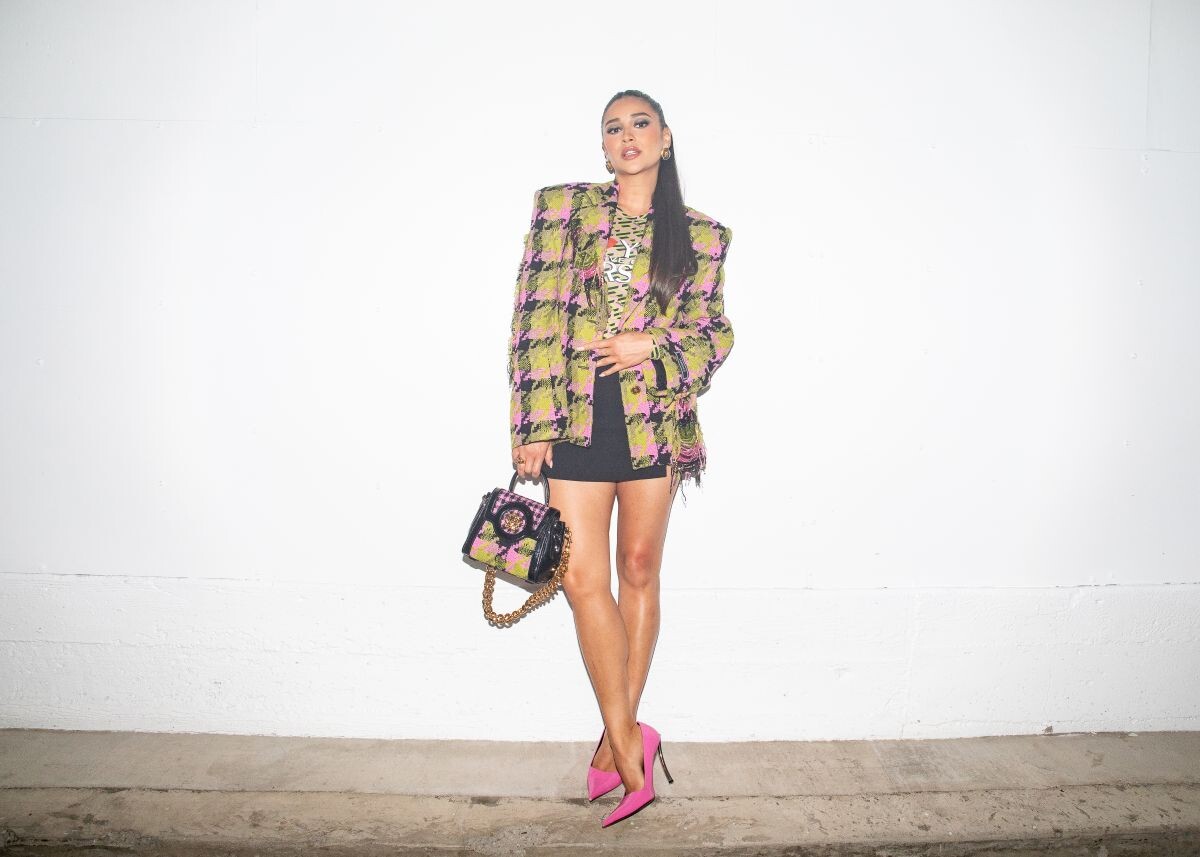
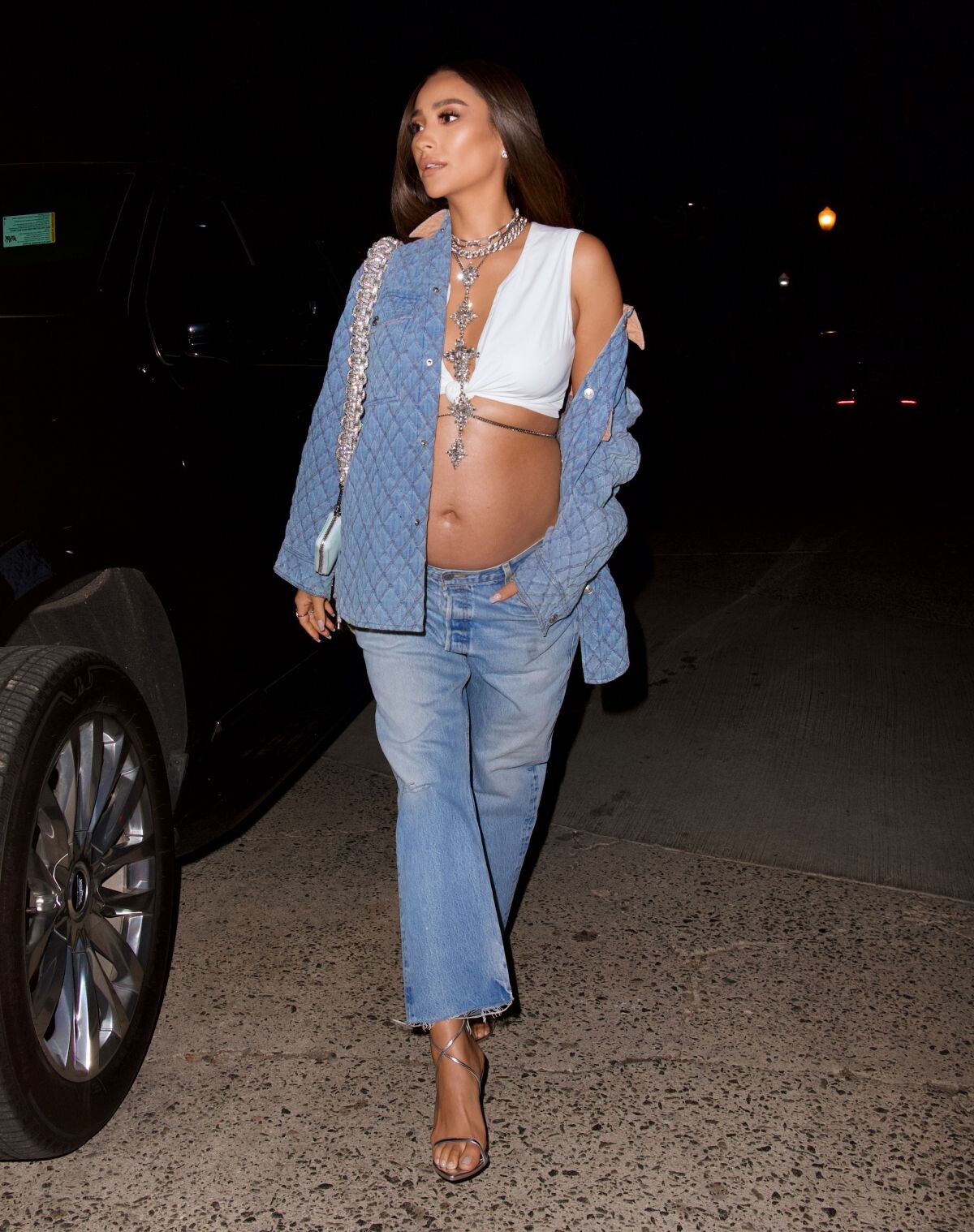
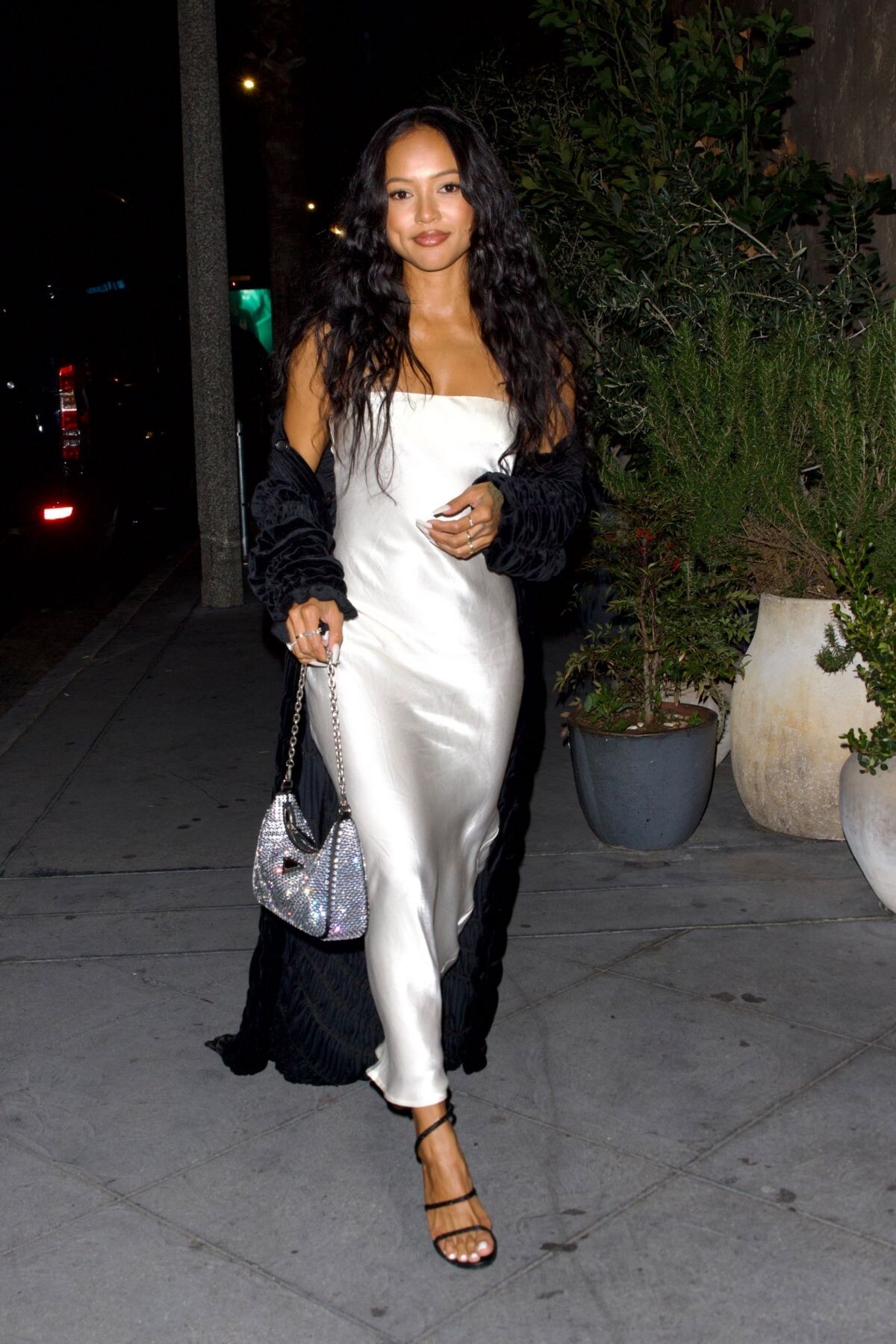
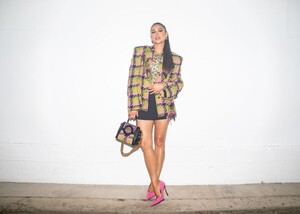
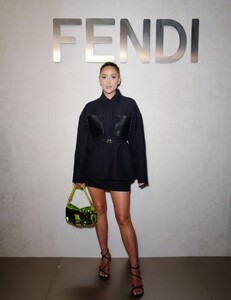 Dazed x Versace Celebration for Launch of the Versace Odissea Sneaker in Los Angeles 07/27/2022
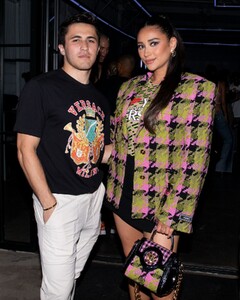

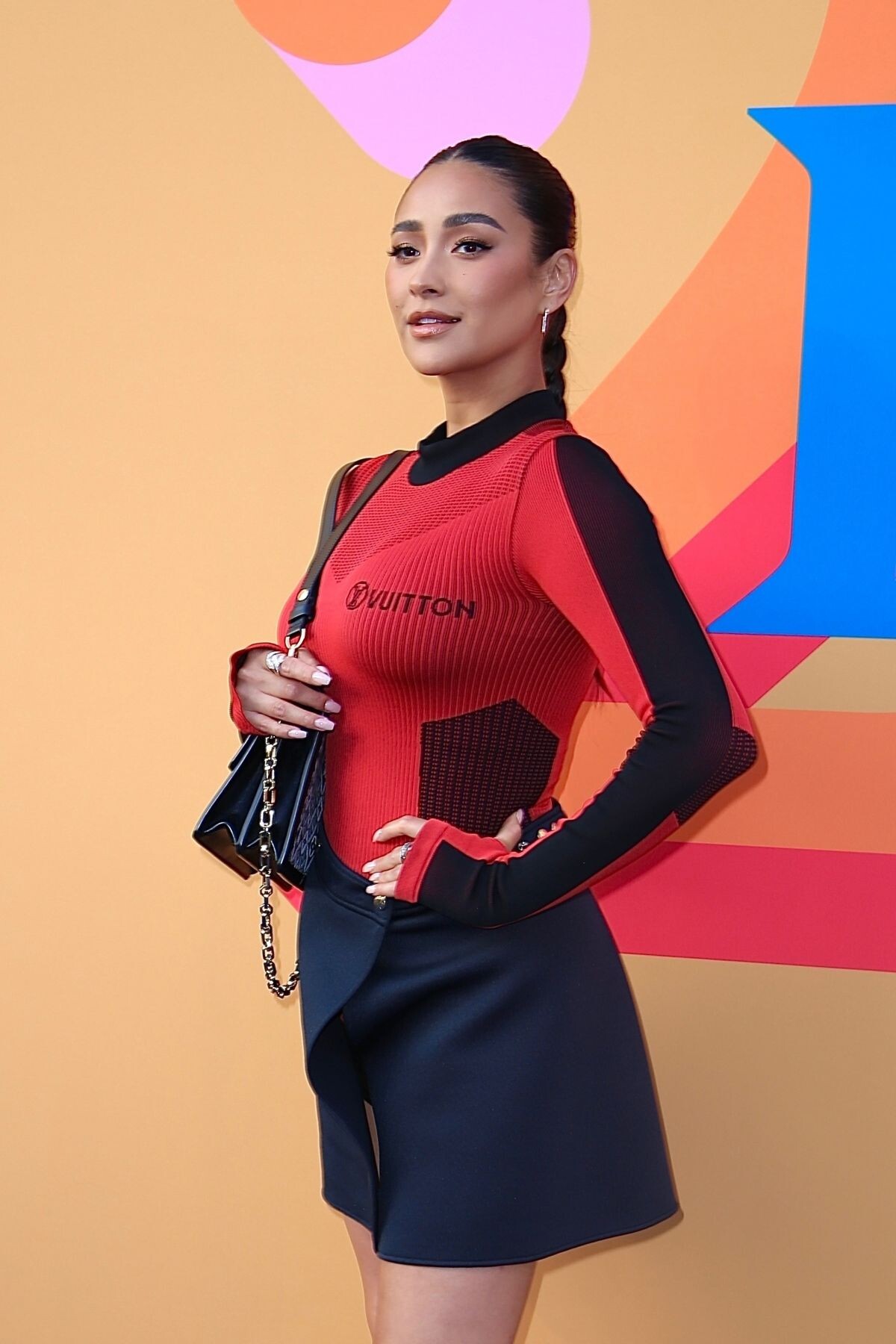
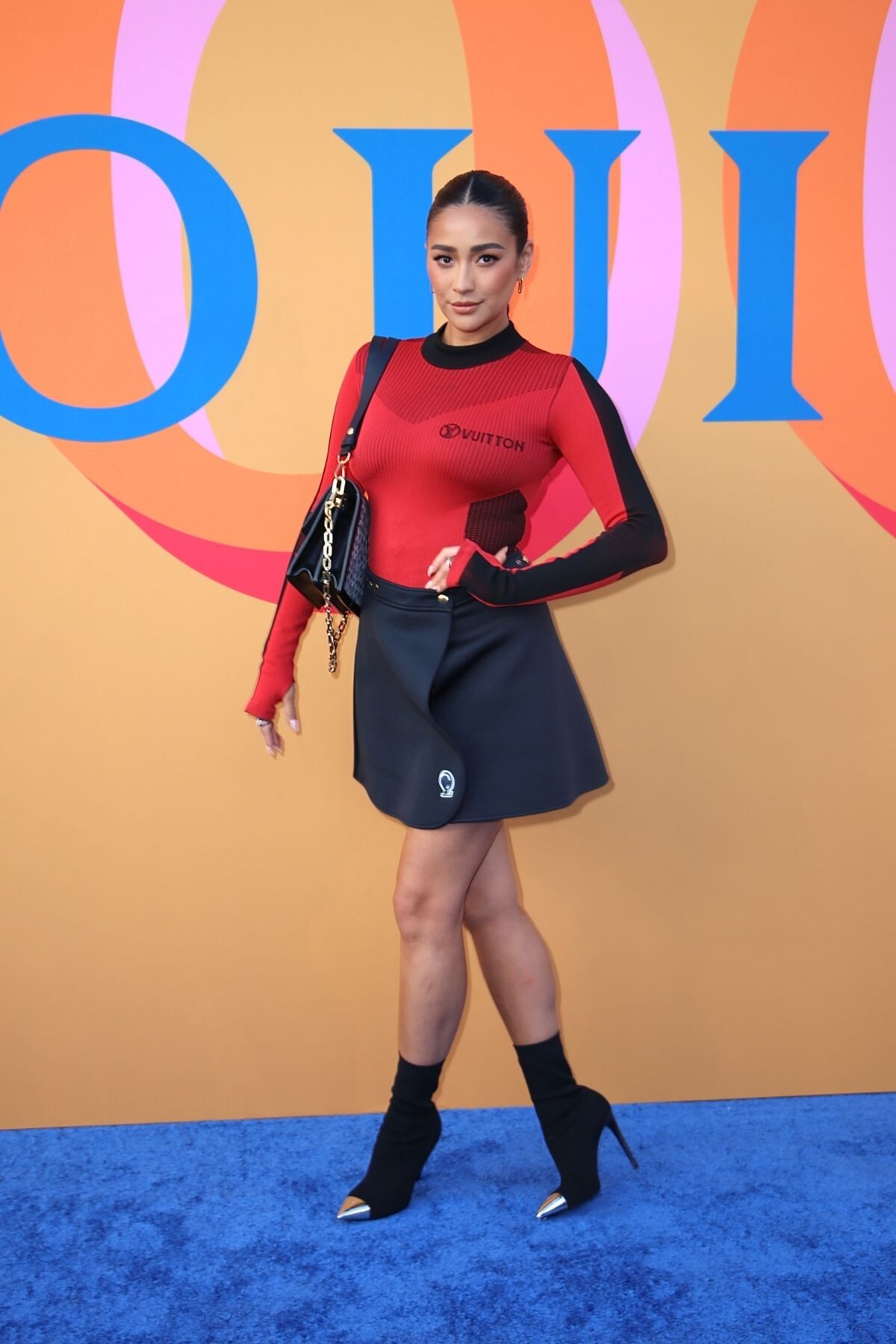
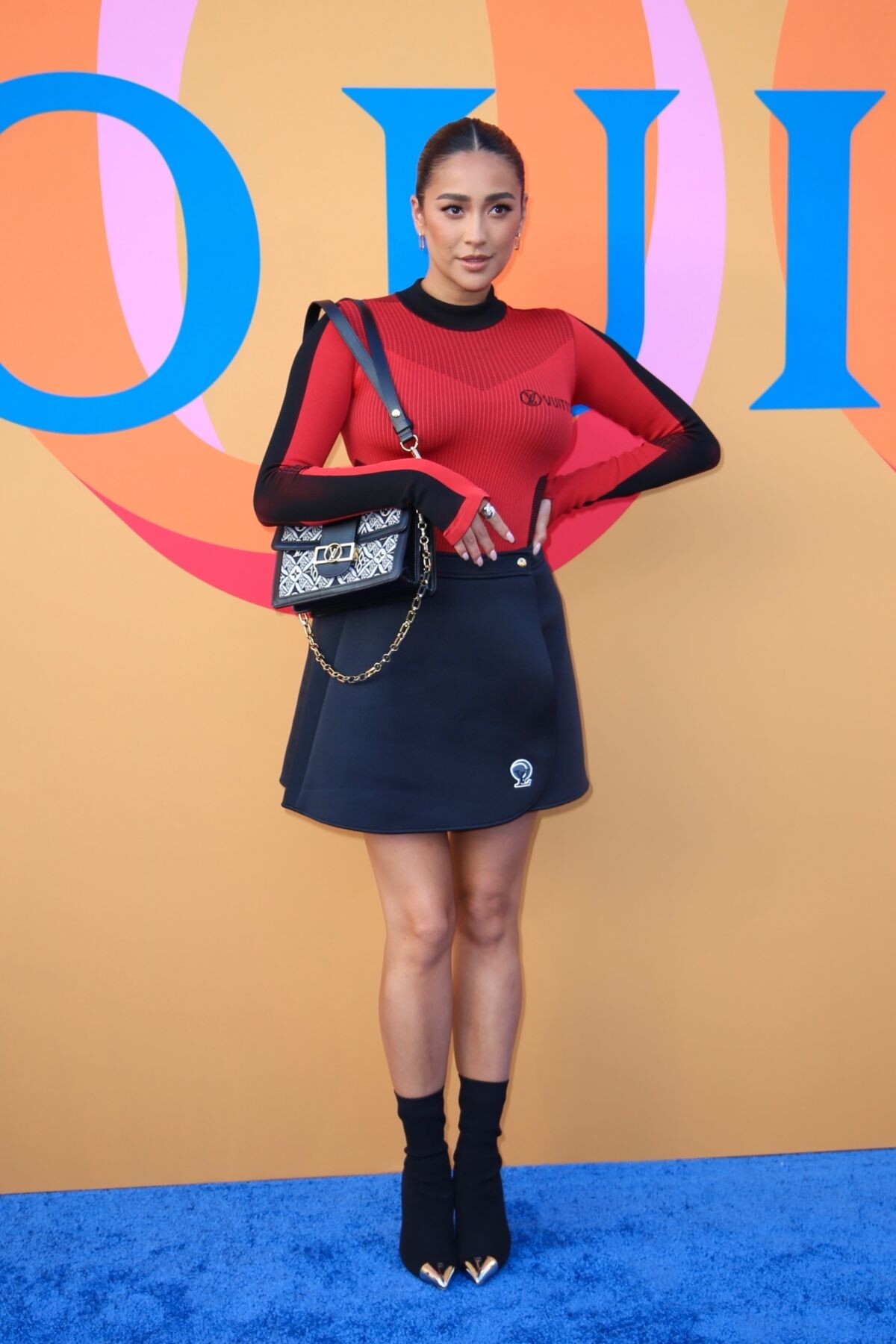
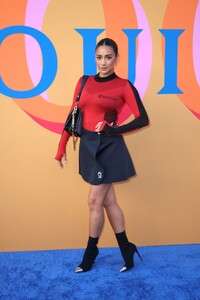
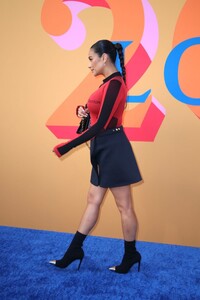
 Louis Vuitton 200 Trunks, 200 Visionaries Exhibit in Los Angeles 07/28/2022




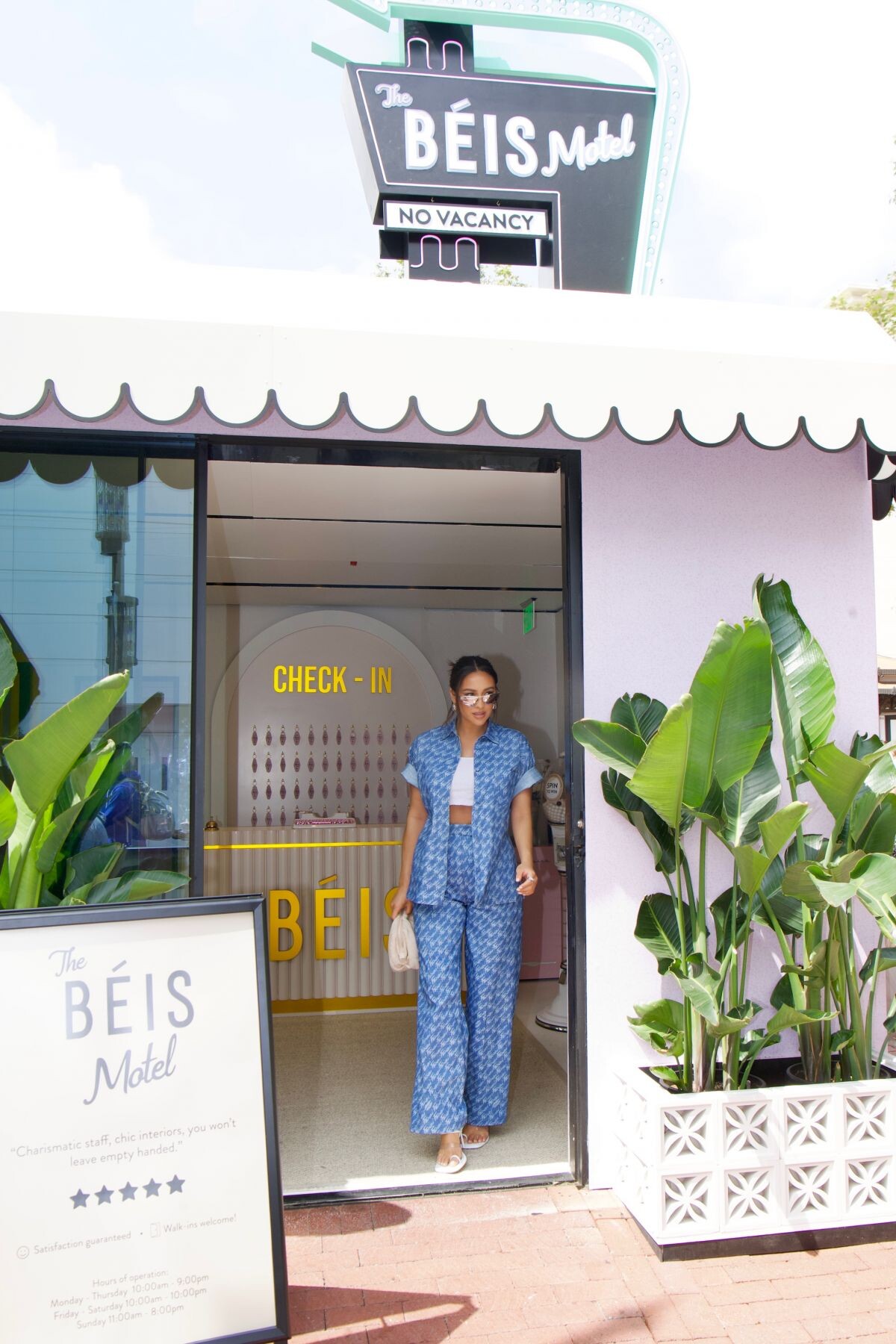
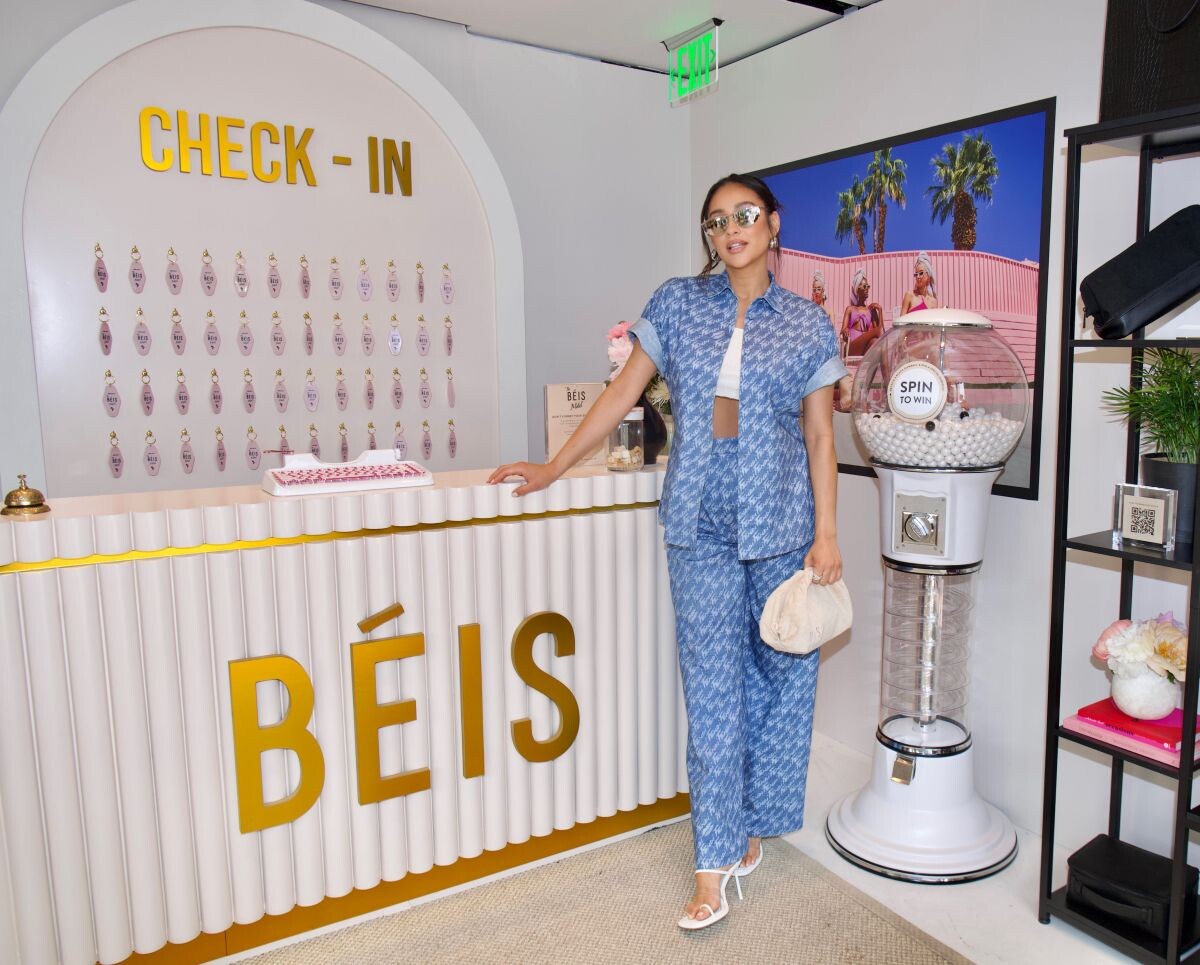
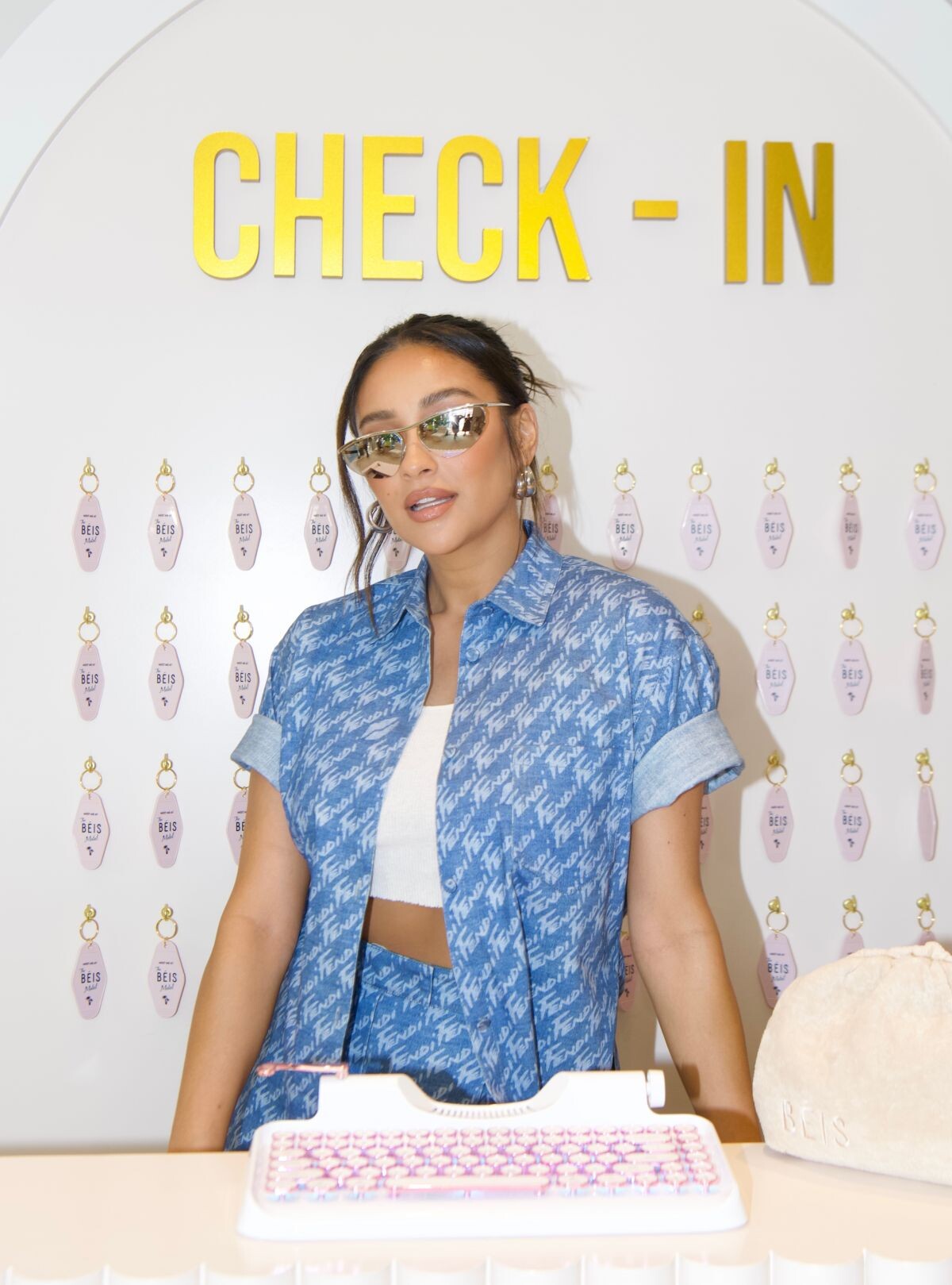
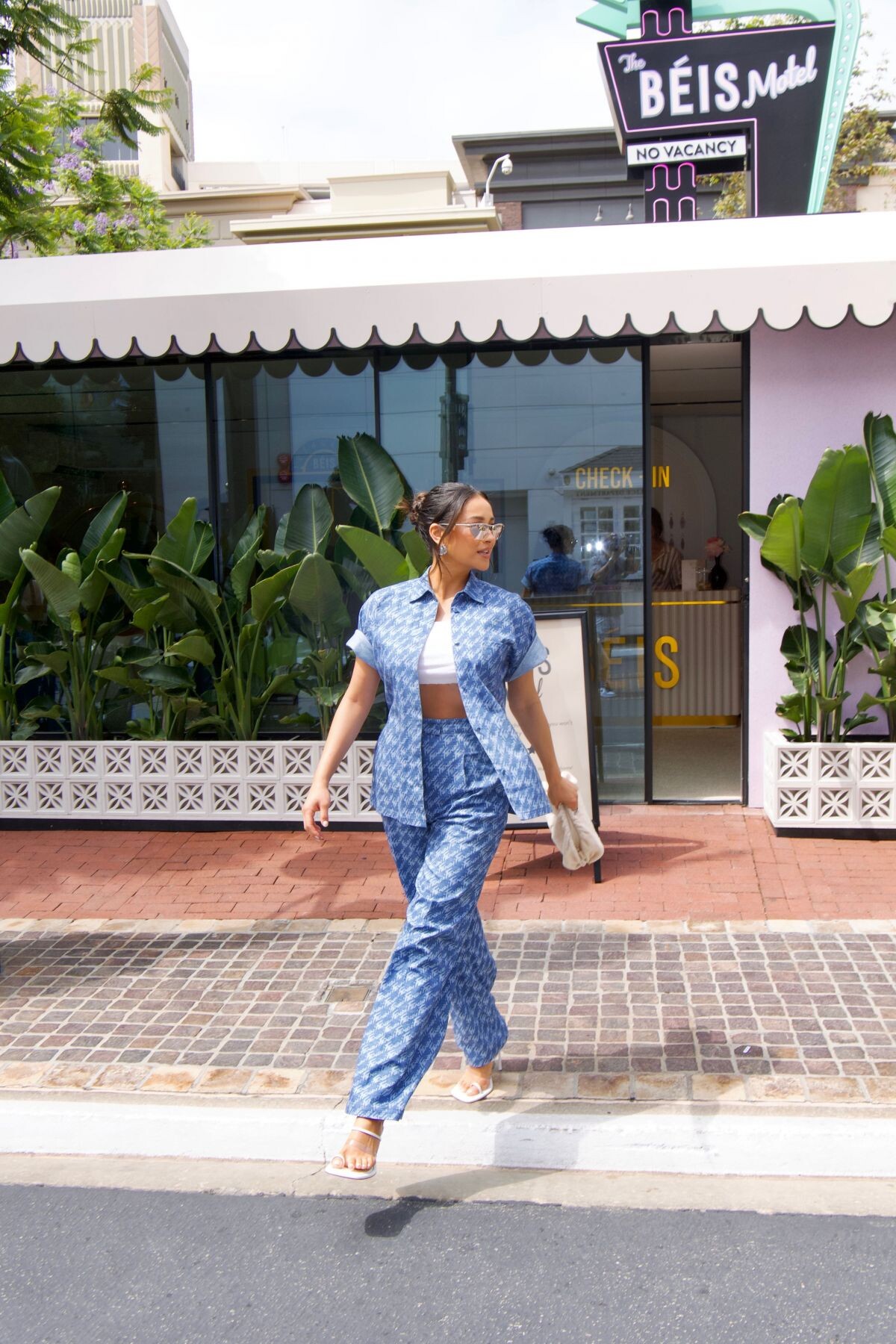
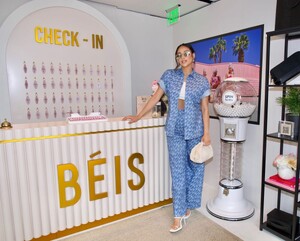
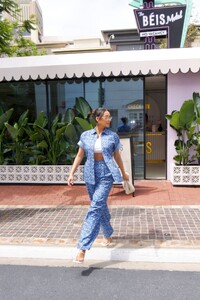
 Beis Motel Pop-up at The Grove in Los Angeles 06/04/2022

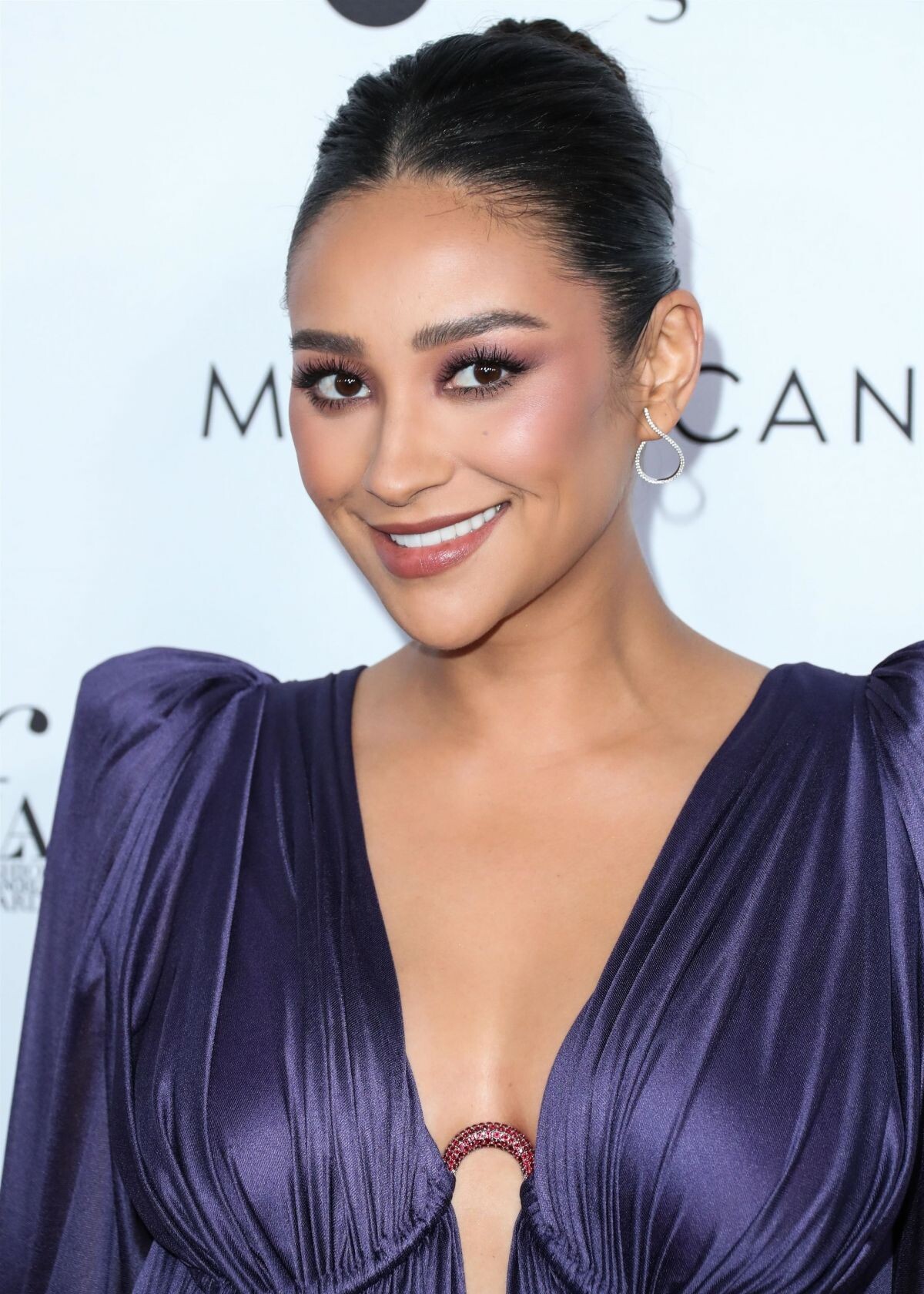
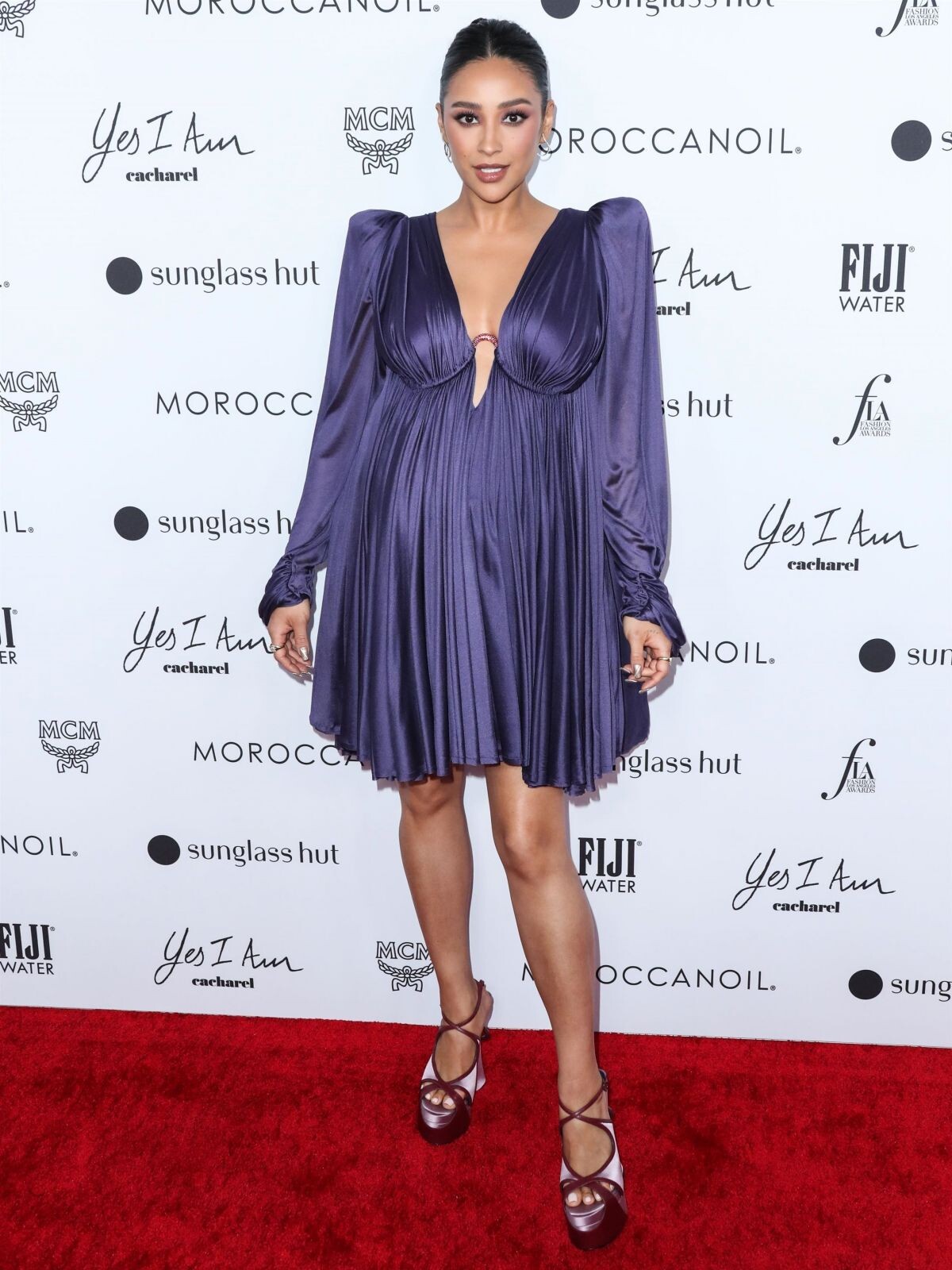
 Daily Front Row’s 6th Annual Fashion Awards in Beverly Hills 04/10/2022











Account
Navigation
Search
Configure browser push notifications
Chrome (Android)
- Tap the lock icon next to the address bar.
- Tap Permissions → Notifications.
- Adjust your preference.
Chrome (Desktop)
- Click the padlock icon in the address bar.
- Select Site settings.
- Find Notifications and adjust your preference.
Safari (iOS 16.4+)
- Ensure the site is installed via Add to Home Screen.
- Open Settings App → Notifications.
- Find your app name and adjust your preference.
Safari (macOS)
- Go to Safari → Preferences.
- Click the Websites tab.
- Select Notifications in the sidebar.
- Find this website and adjust your preference.
Edge (Android)
- Tap the lock icon next to the address bar.
- Tap Permissions.
- Find Notifications and adjust your preference.
Edge (Desktop)
- Click the padlock icon in the address bar.
- Click Permissions for this site.
- Find Notifications and adjust your preference.
Firefox (Android)
- Go to Settings → Site permissions.
- Tap Notifications.
- Find this site in the list and adjust your preference.
Firefox (Desktop)
- Open Firefox Settings.
- Search for Notifications.
- Find this site in the list and adjust your preference.