
balenciagaaa
Members
-
Joined
-
Last visited
Everything posted by balenciagaaa
-
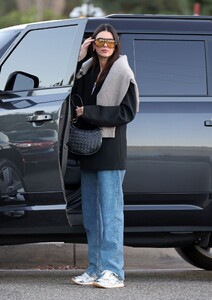
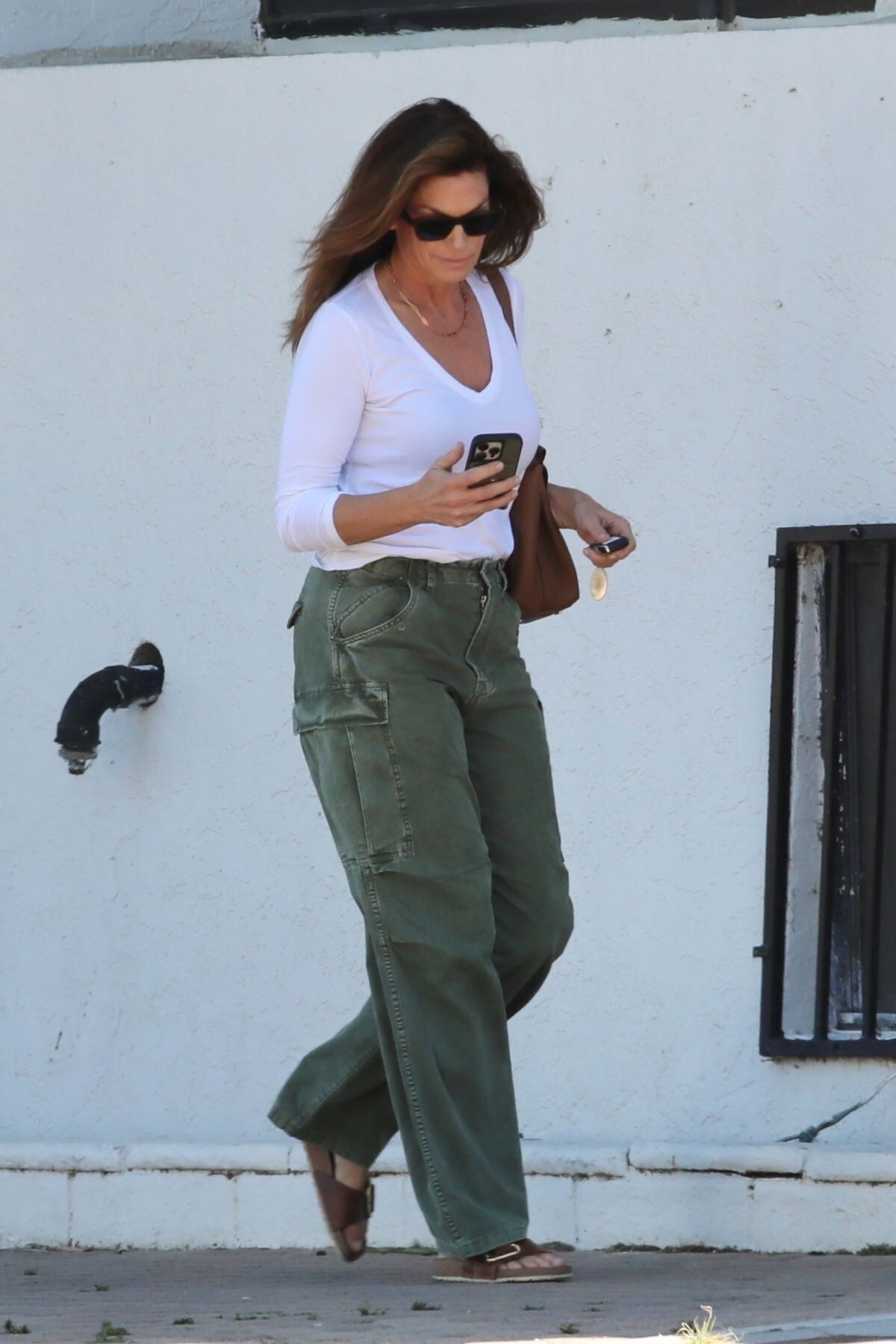
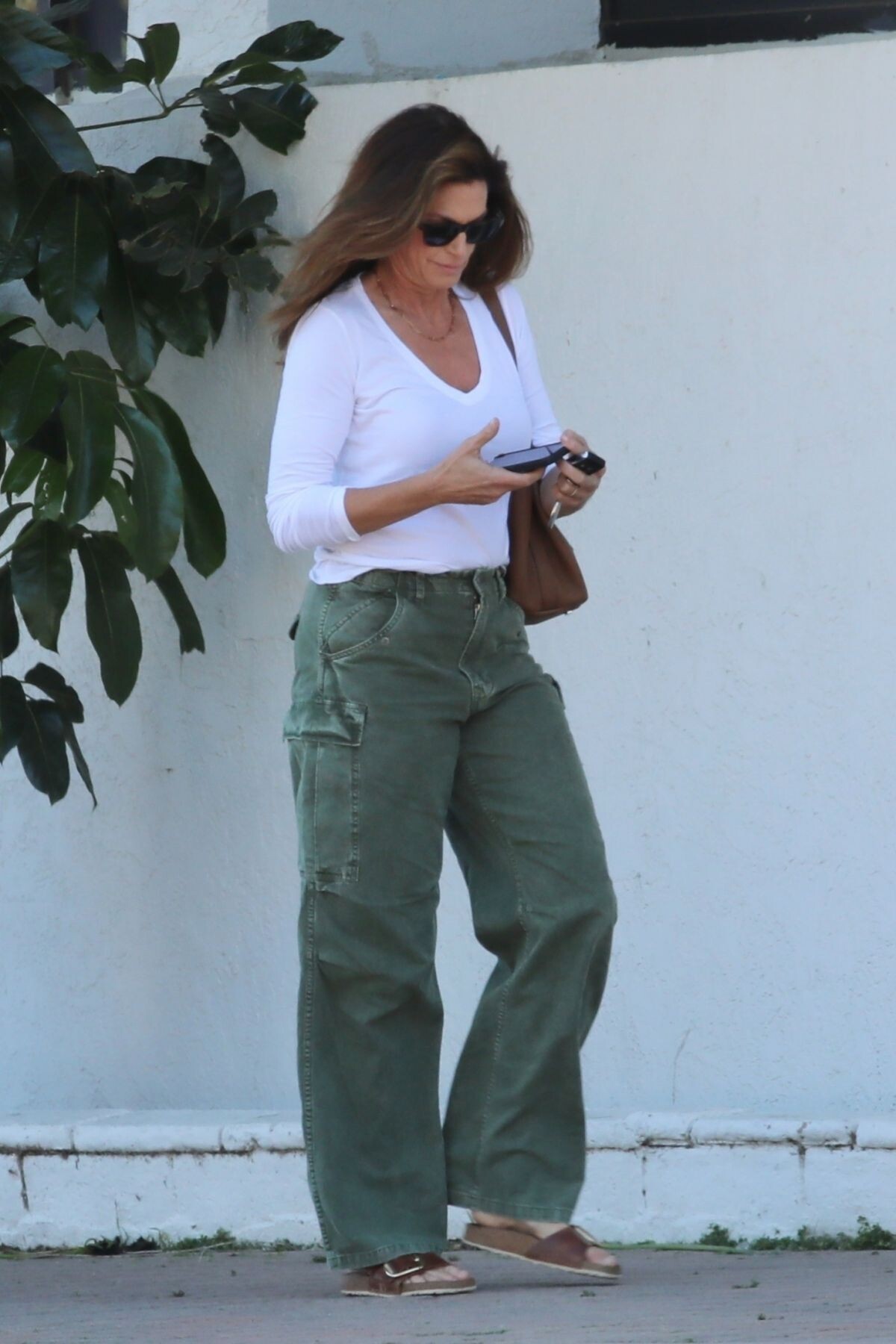
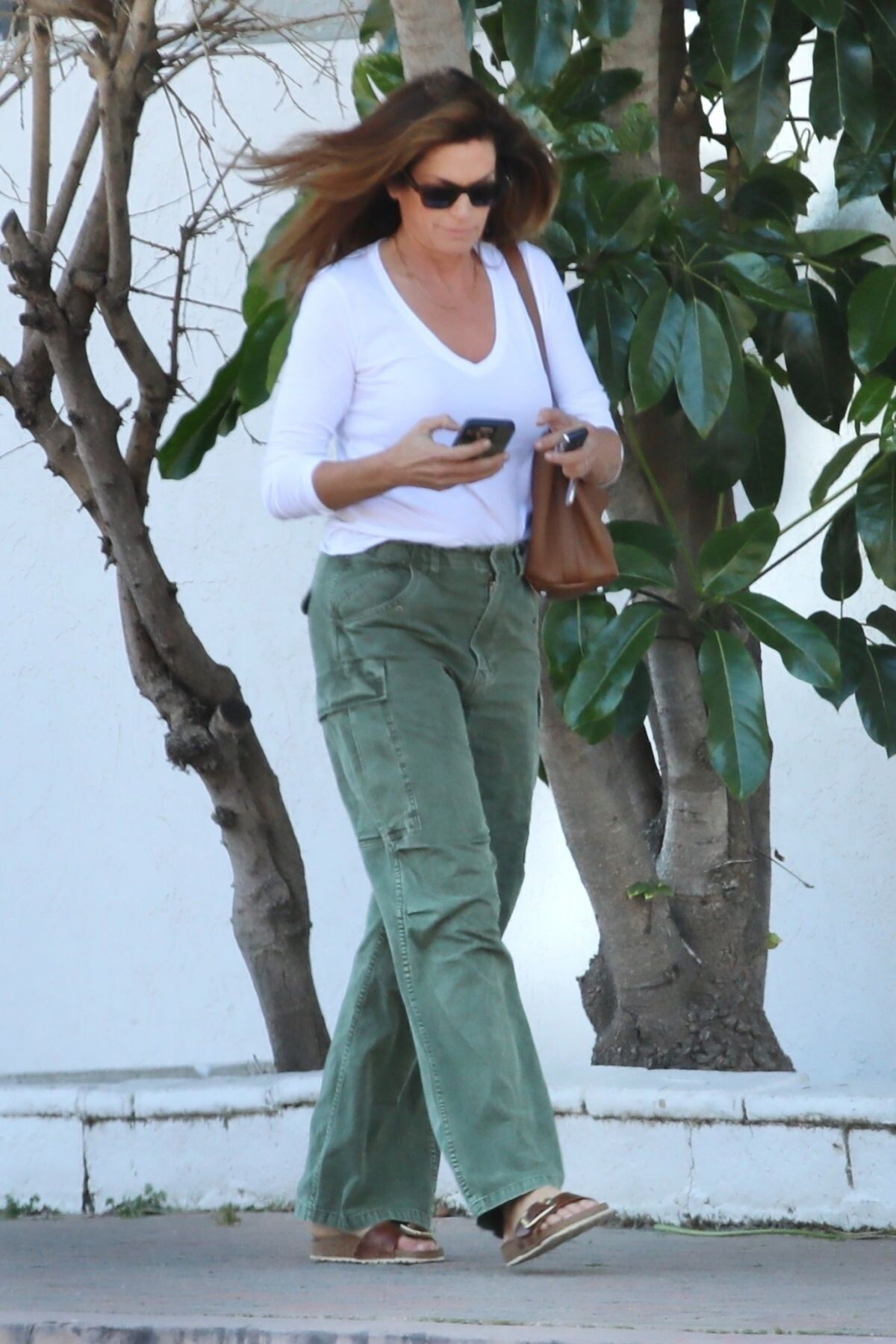
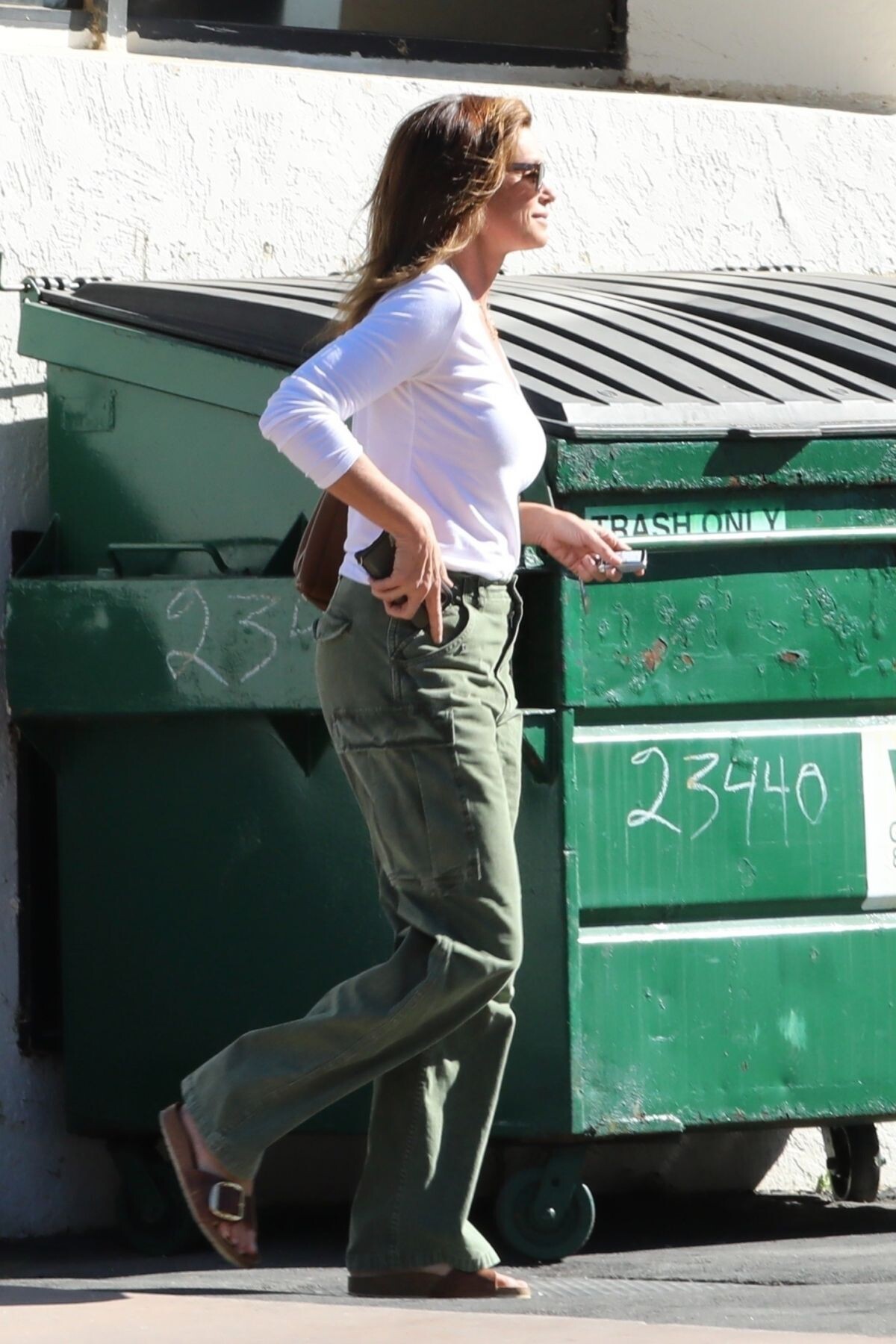
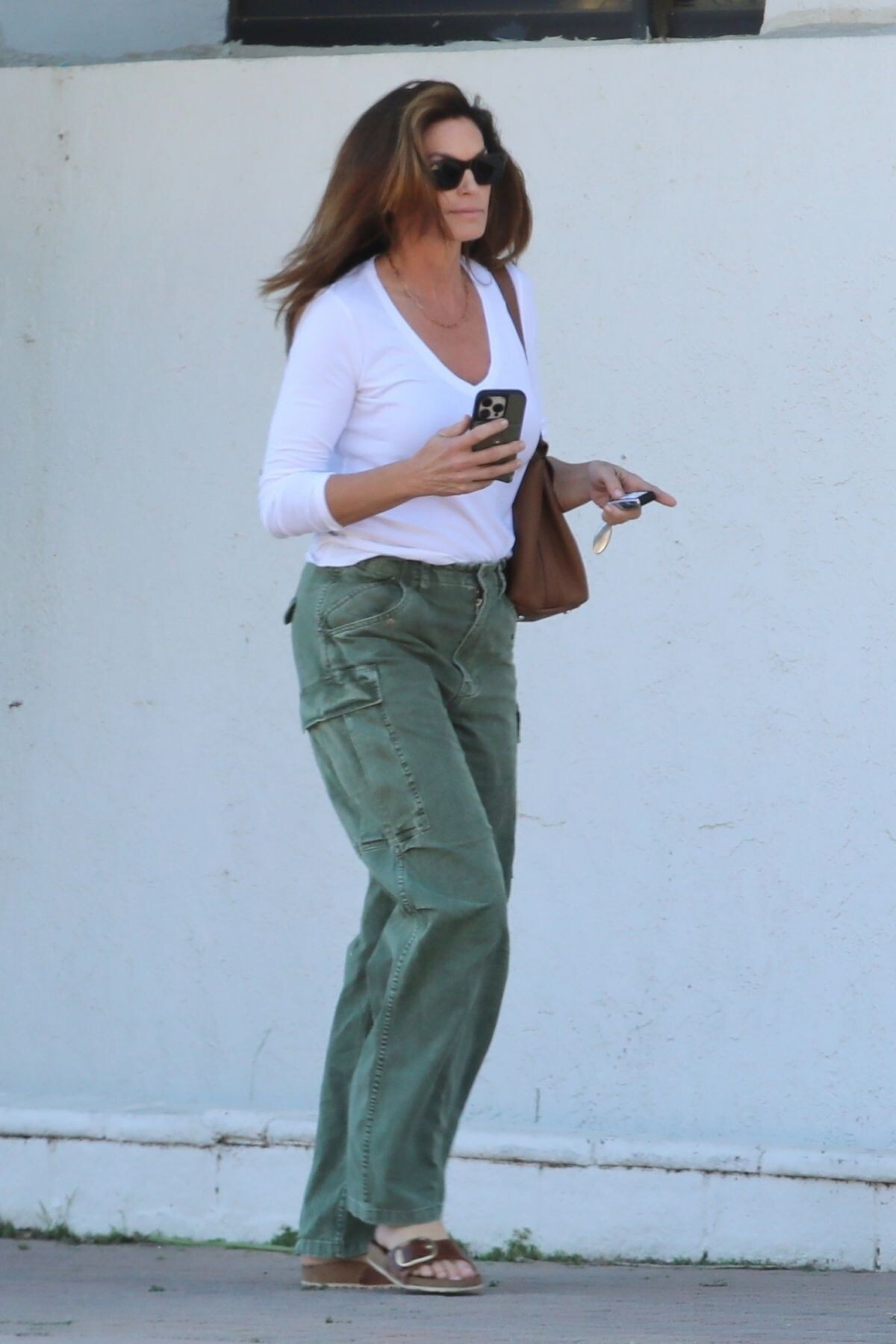
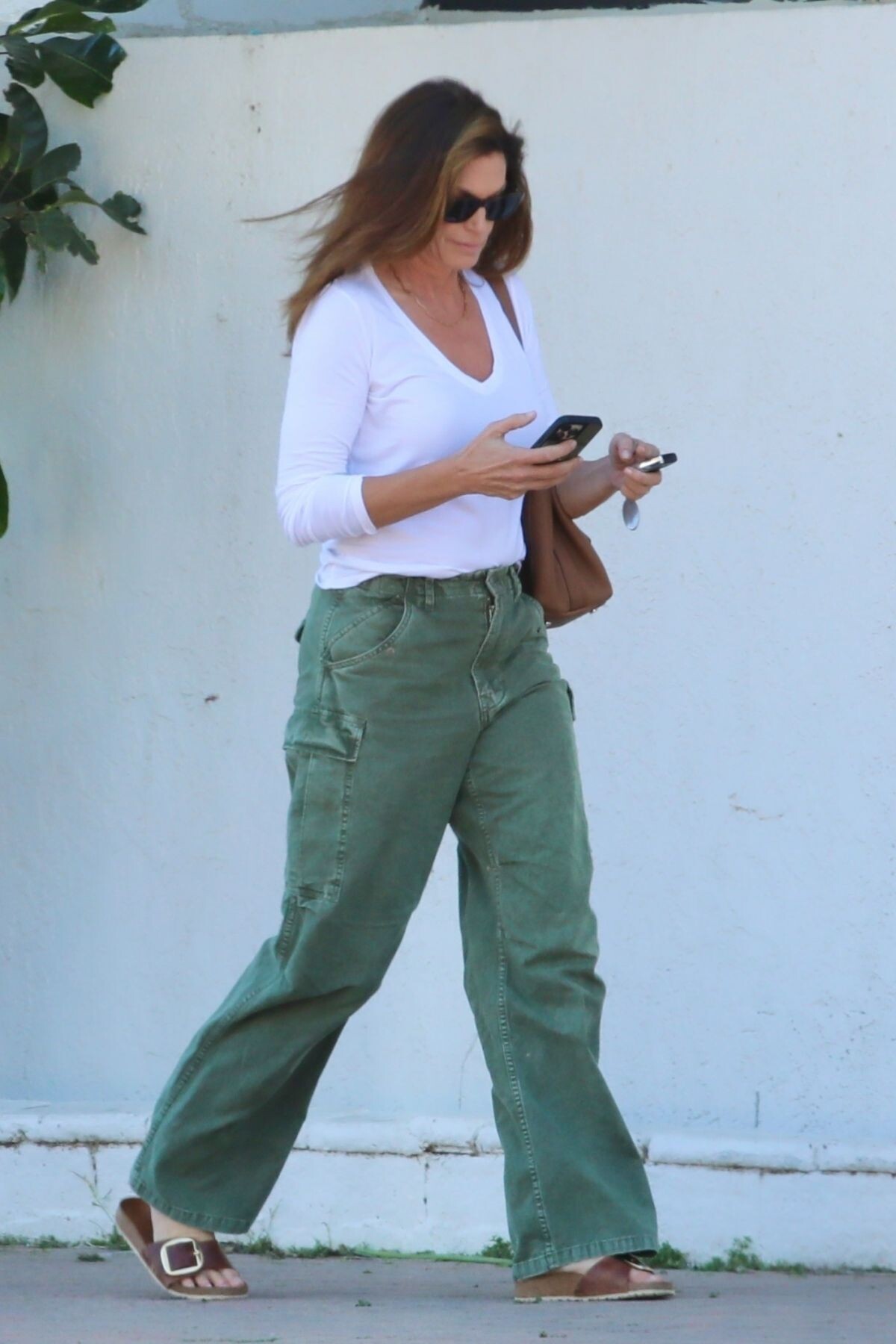
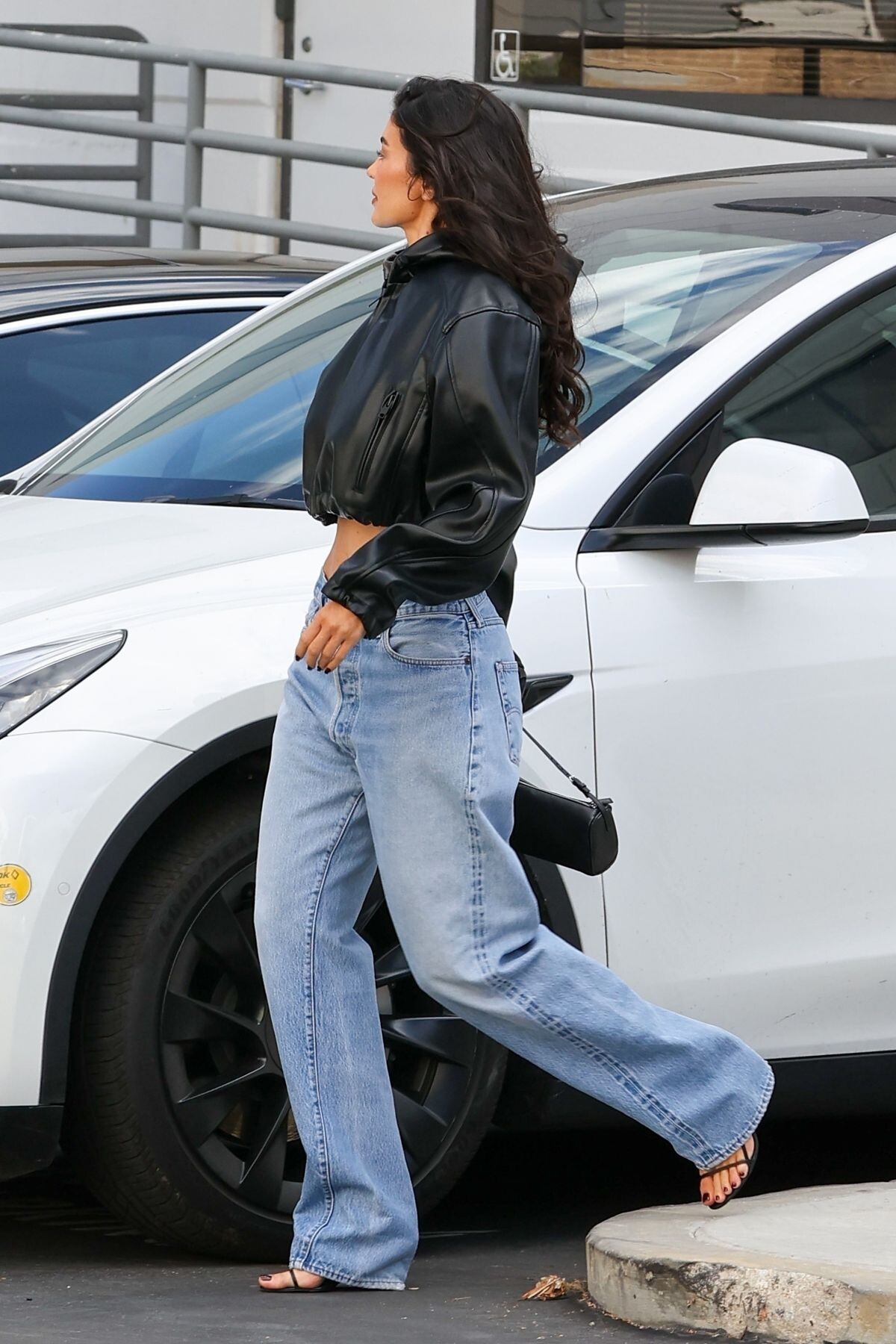
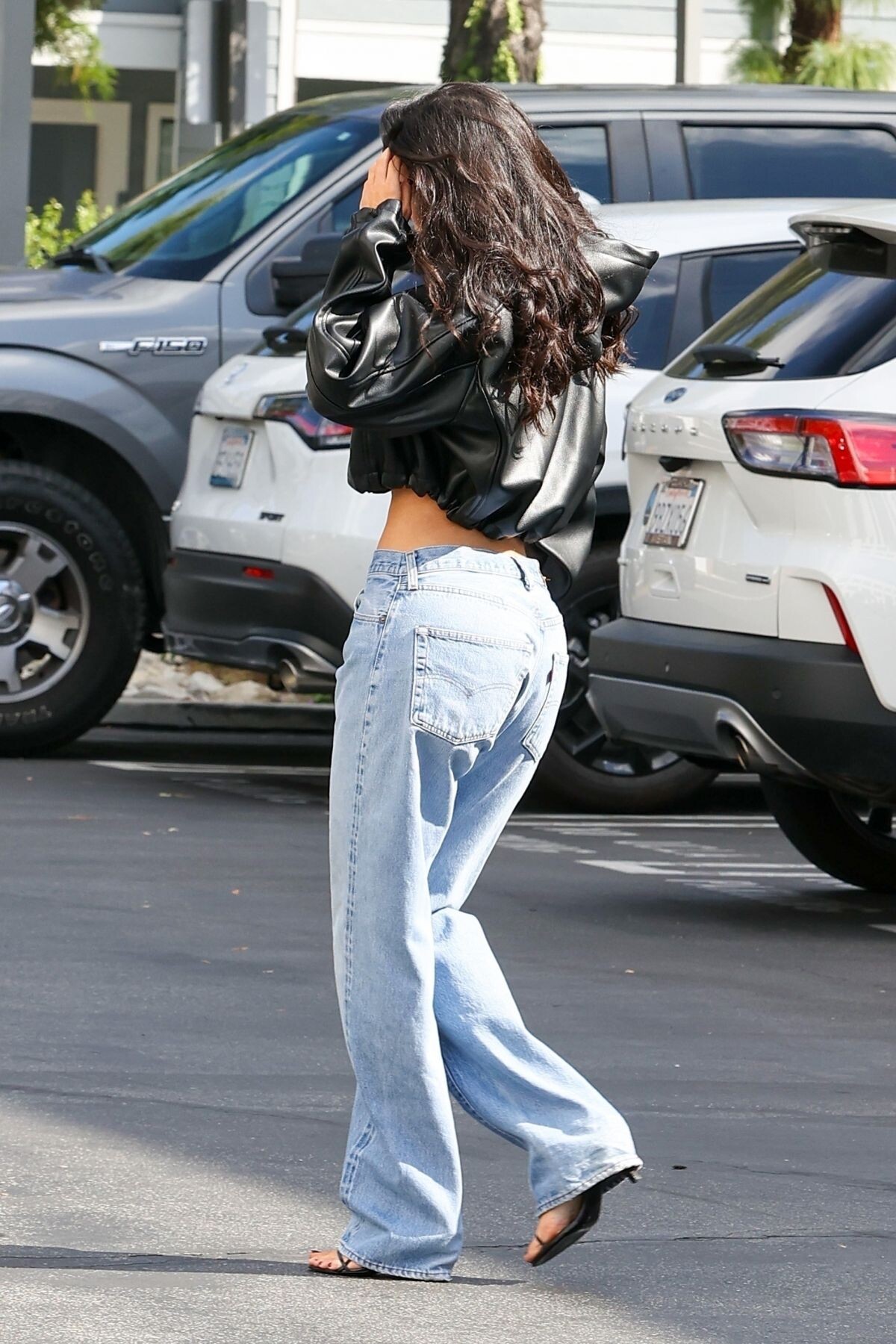
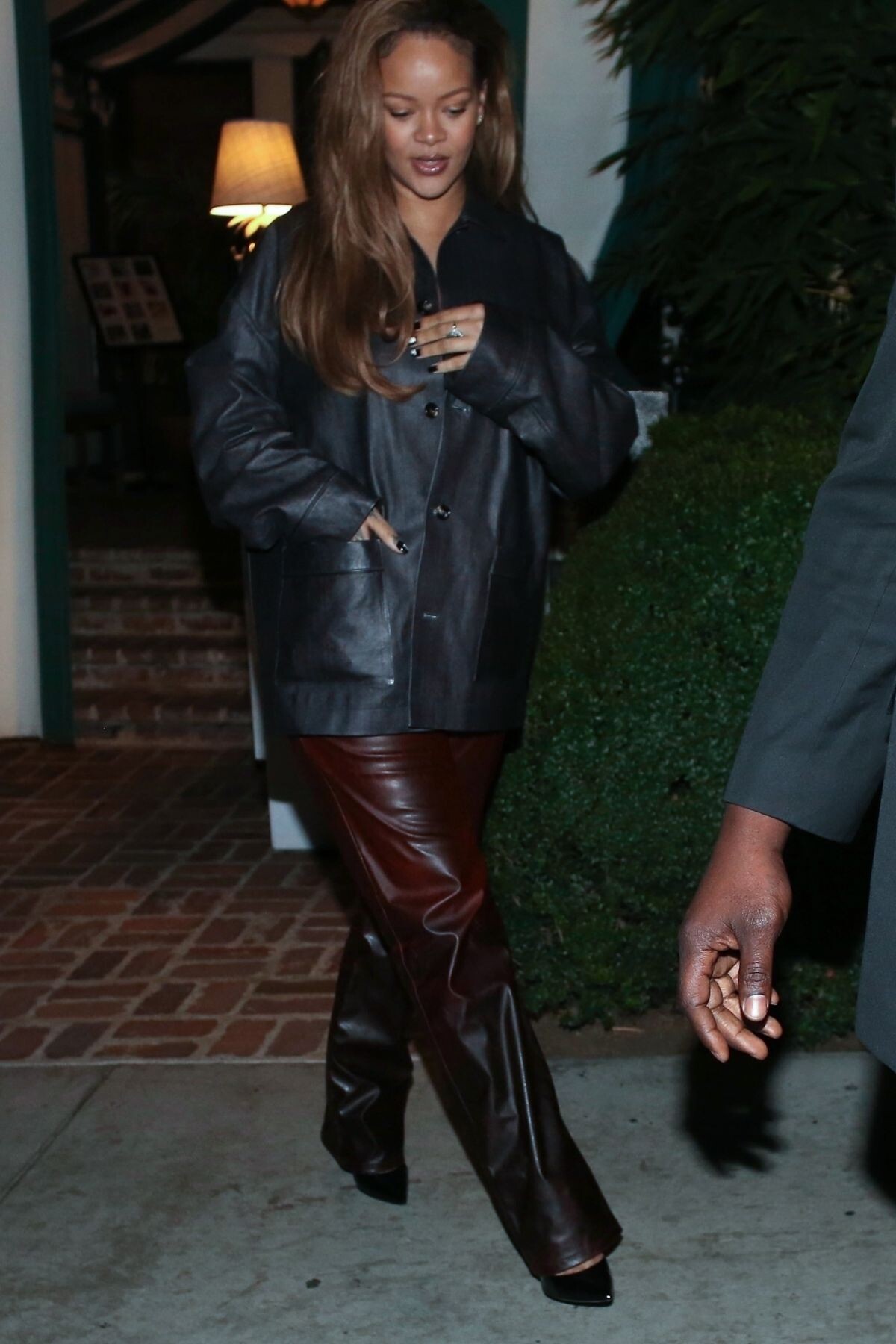
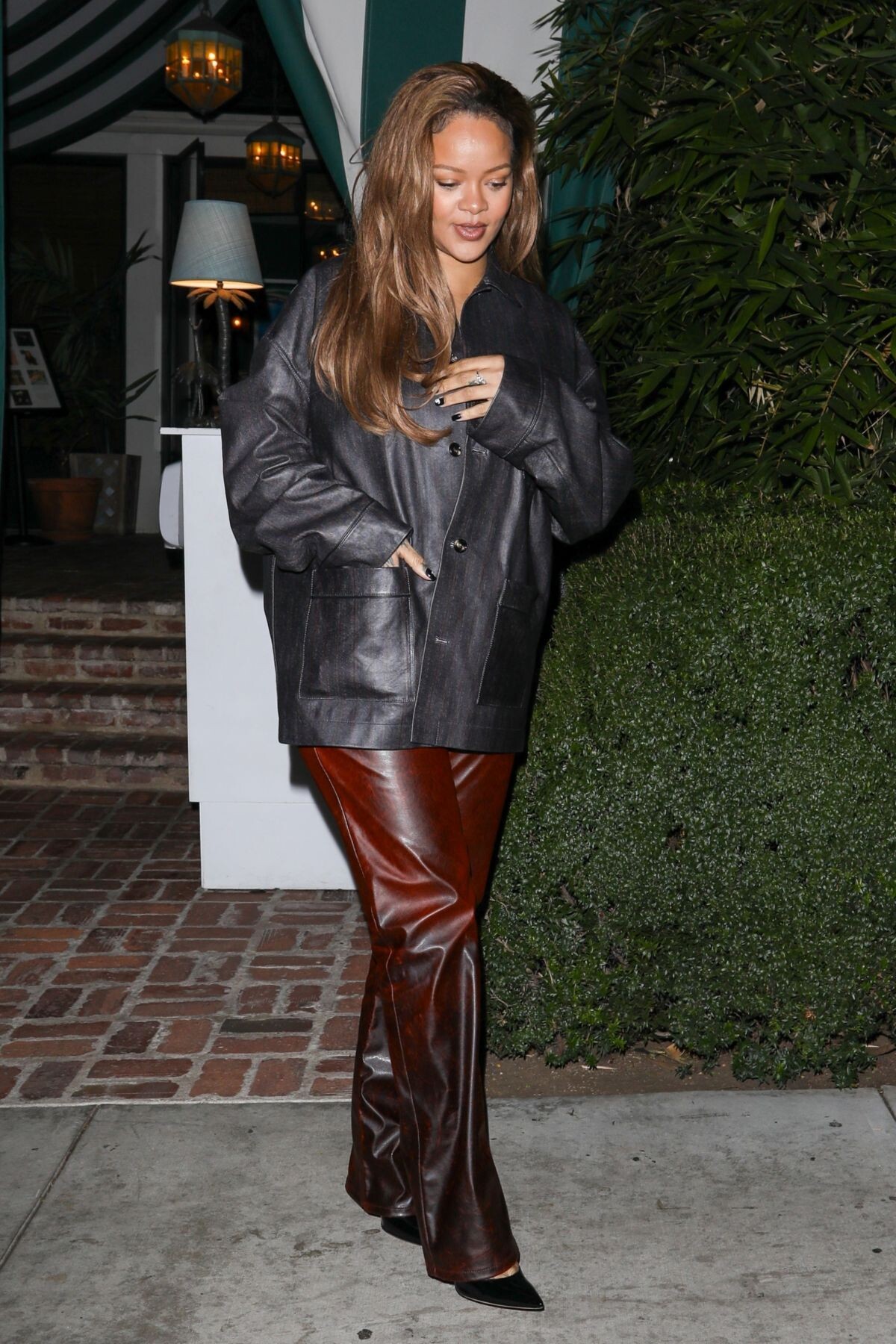
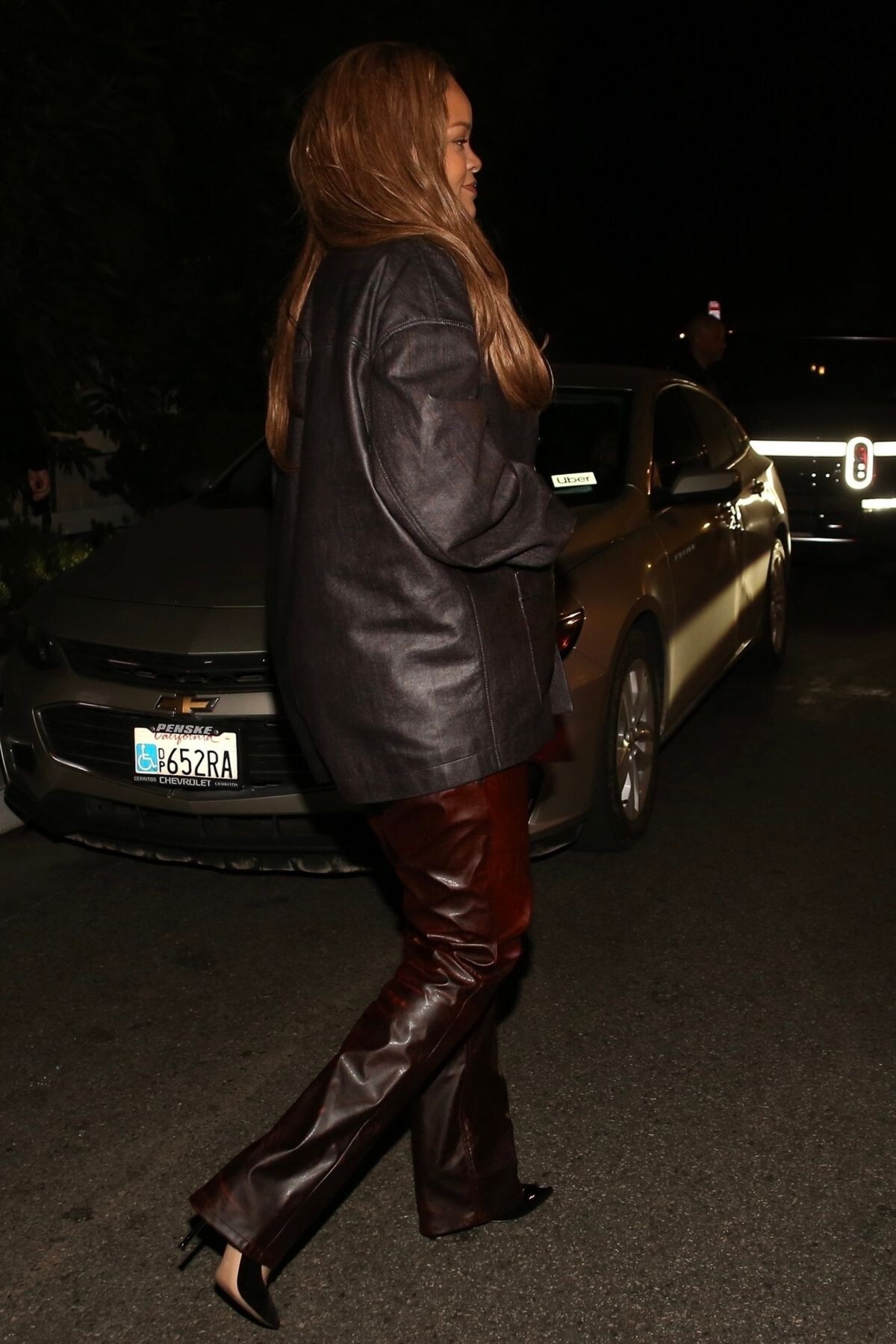
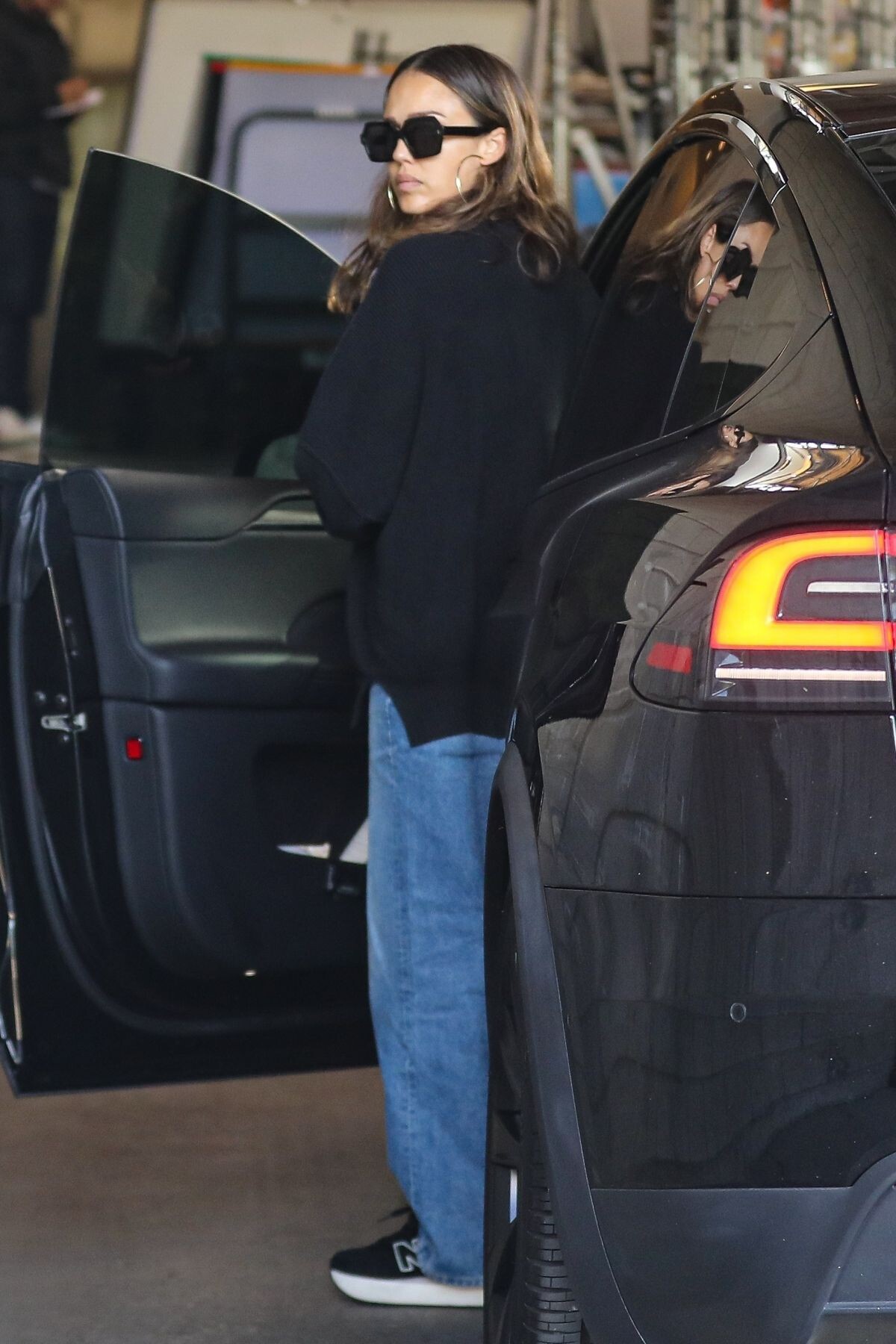
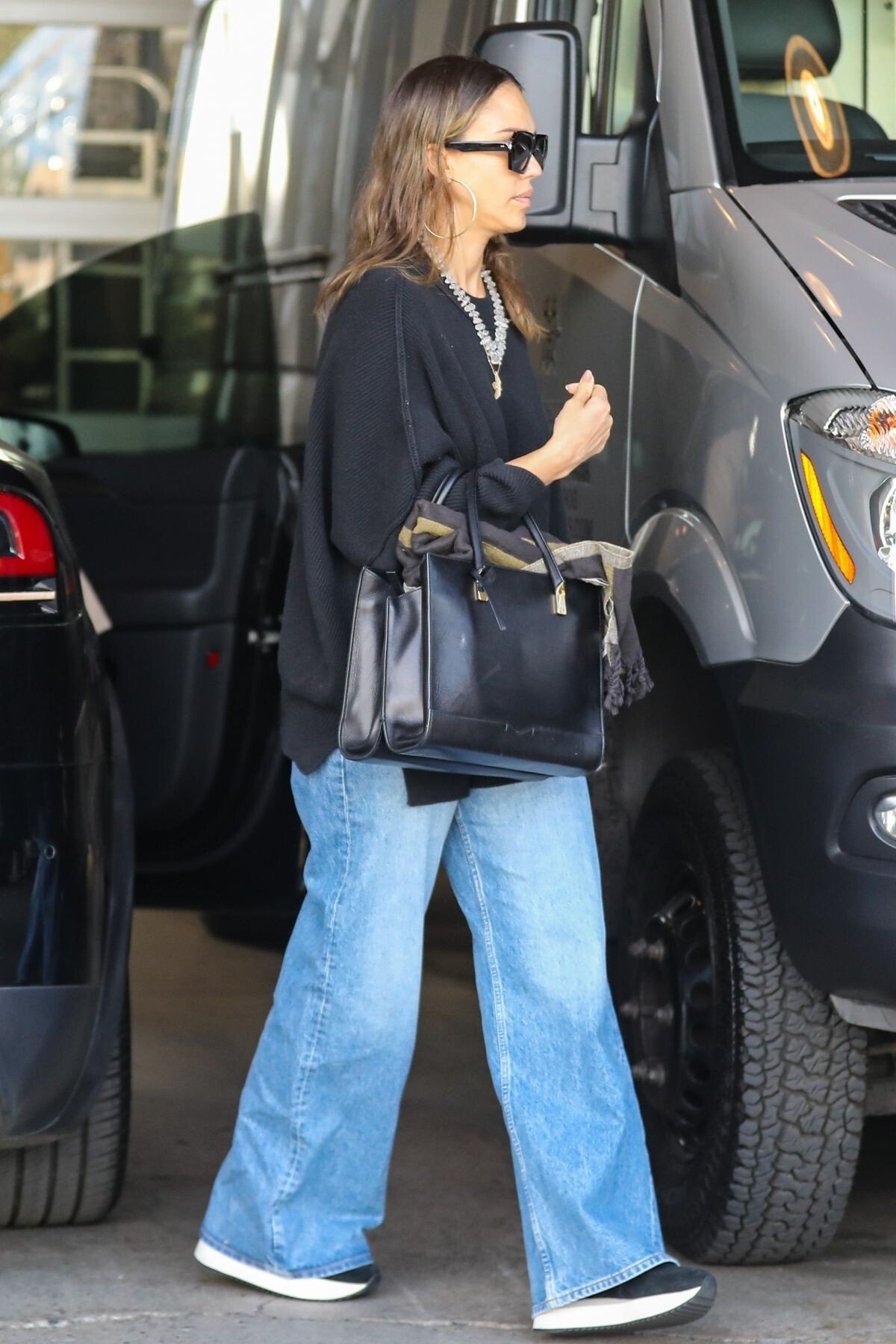
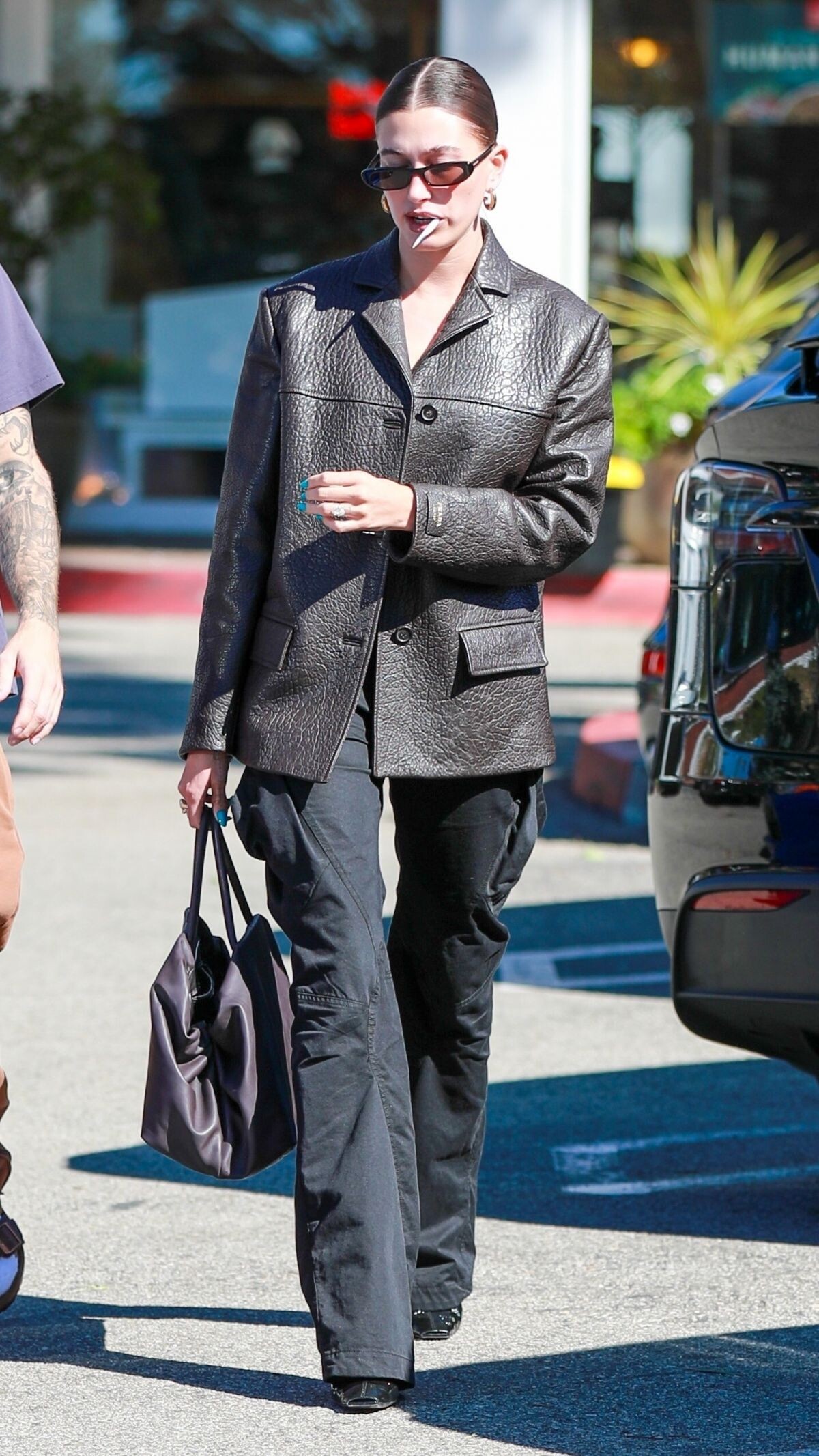
 Leaves a Business Meeting in Los Angeles 10/31/2023





-
-
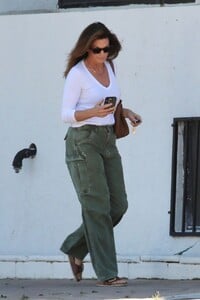
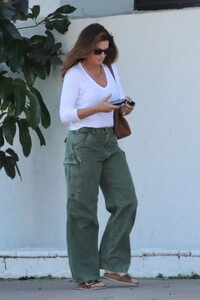
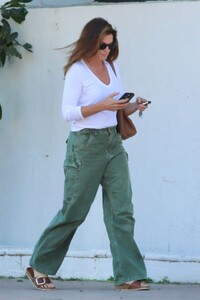
Malibu 11/01/2023




-
-
ASHLEY OLSEN Out and About in New York 11/01/2023







-
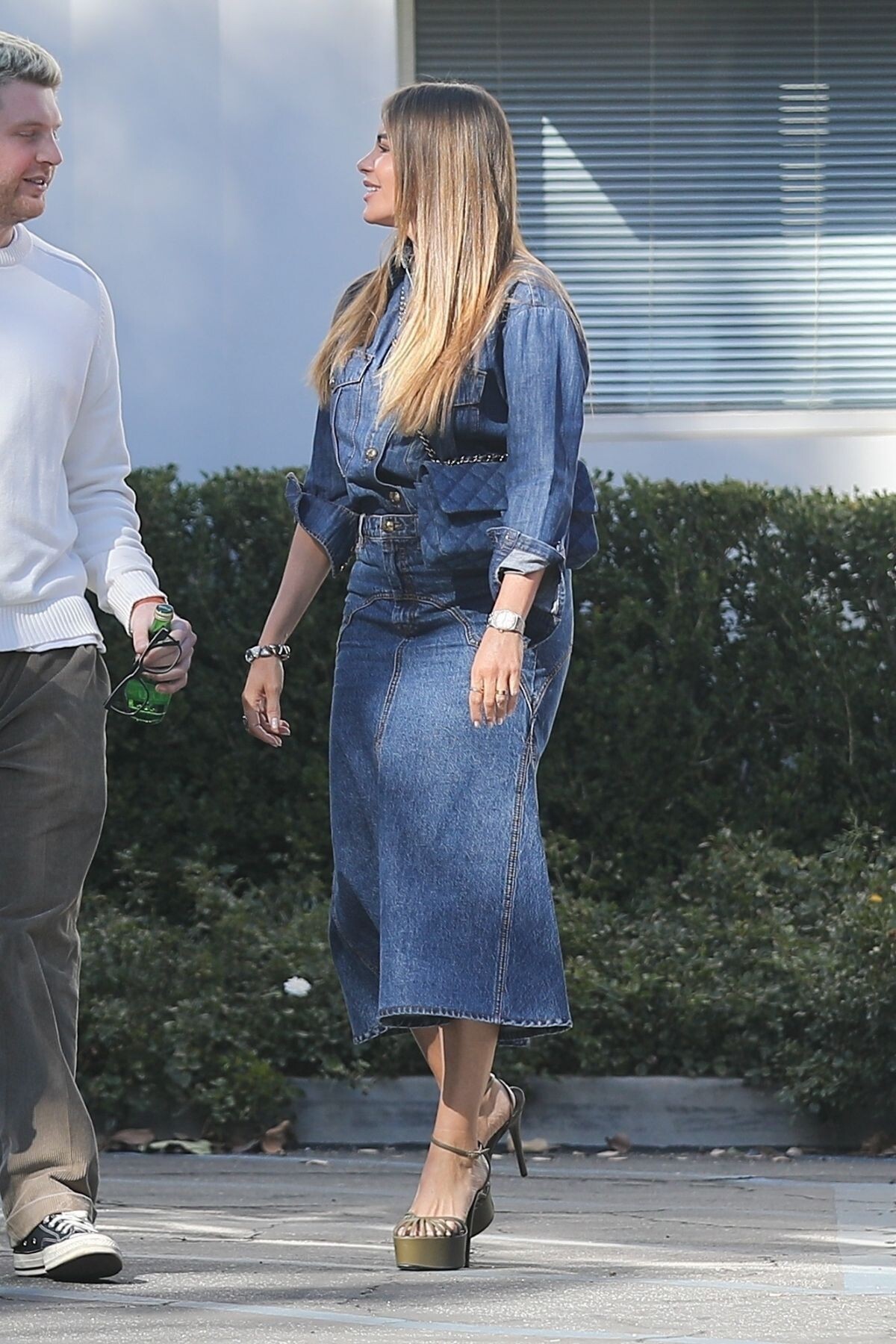
Out and About in Los Angeles 10/31/2023




-
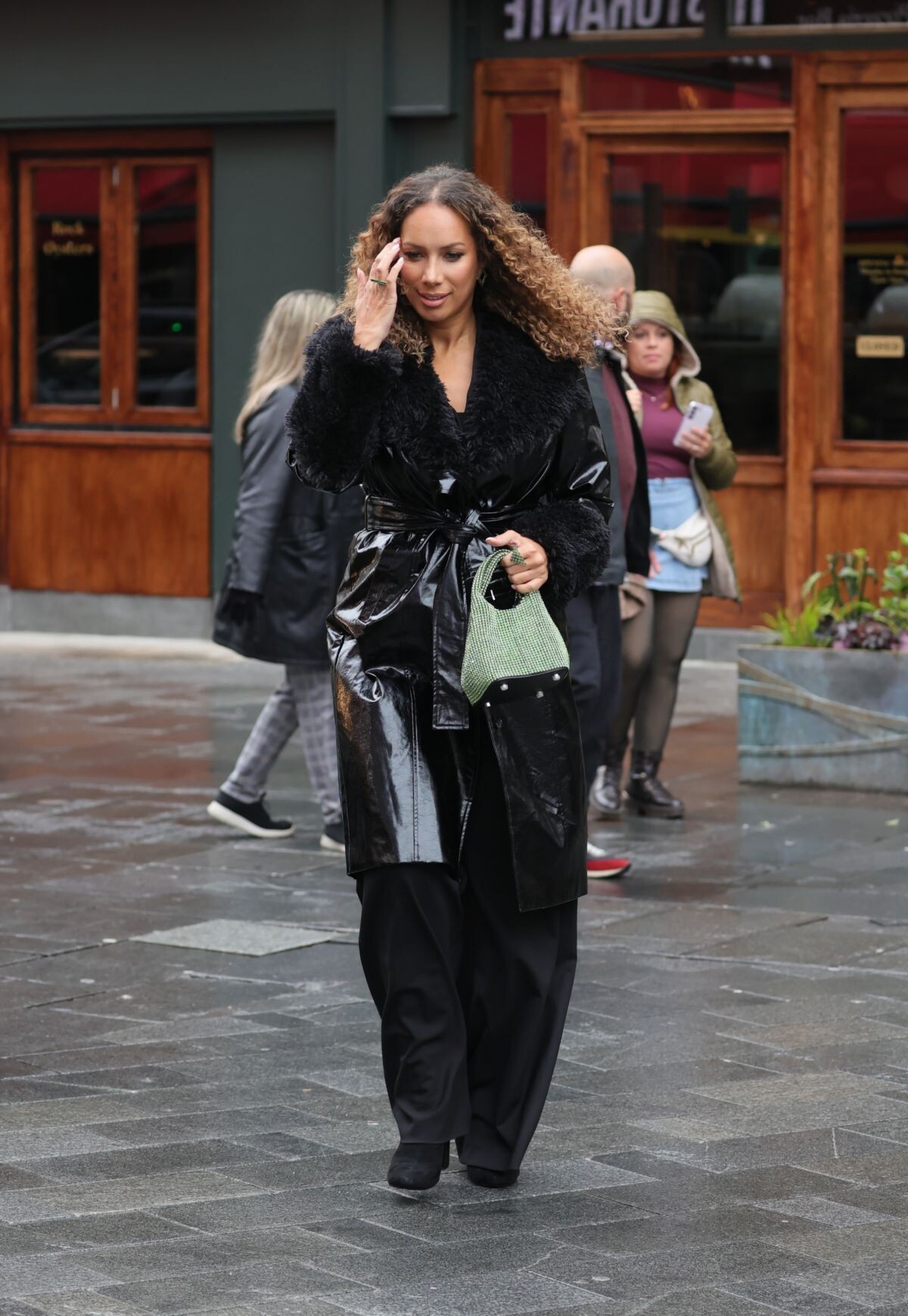
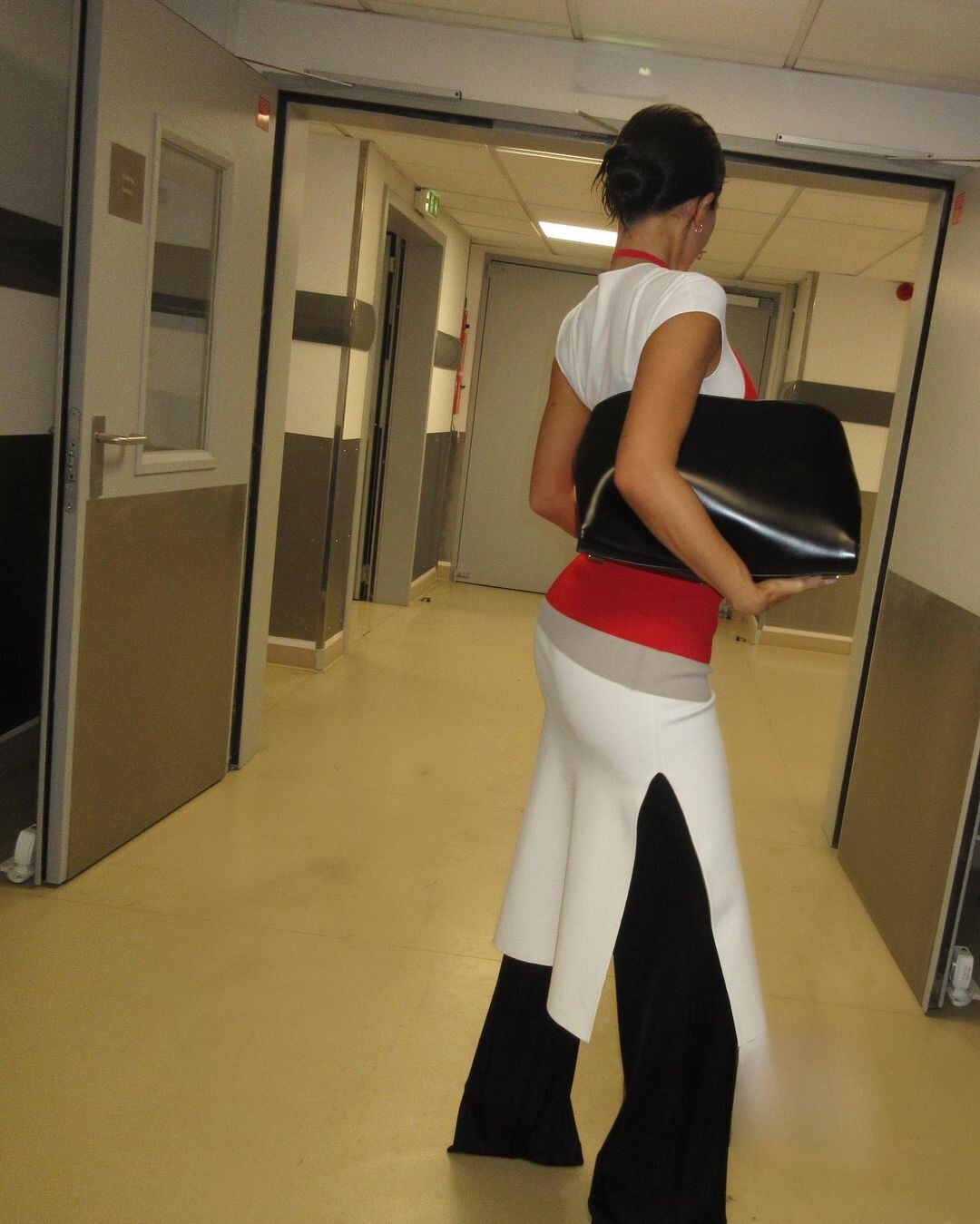
Los Angeles 09/17/2023 Leaves Heart Radio Studios in London 11/01/2023









-
Amfar Gala 2023 in Venice 09/03/2023







-
instagram
.thumb.jpeg.4550a5a0a69b747f45777de9167413a8.jpeg)
.thumb.jpeg.11c524d084884b75ece62feb071dc300.jpeg)
.thumb.jpeg.4bfb81adf5f4918fb827190f757468e7.jpeg)
.thumb.jpeg.85633c33270cf65ebf65ff29562fca02.jpeg)
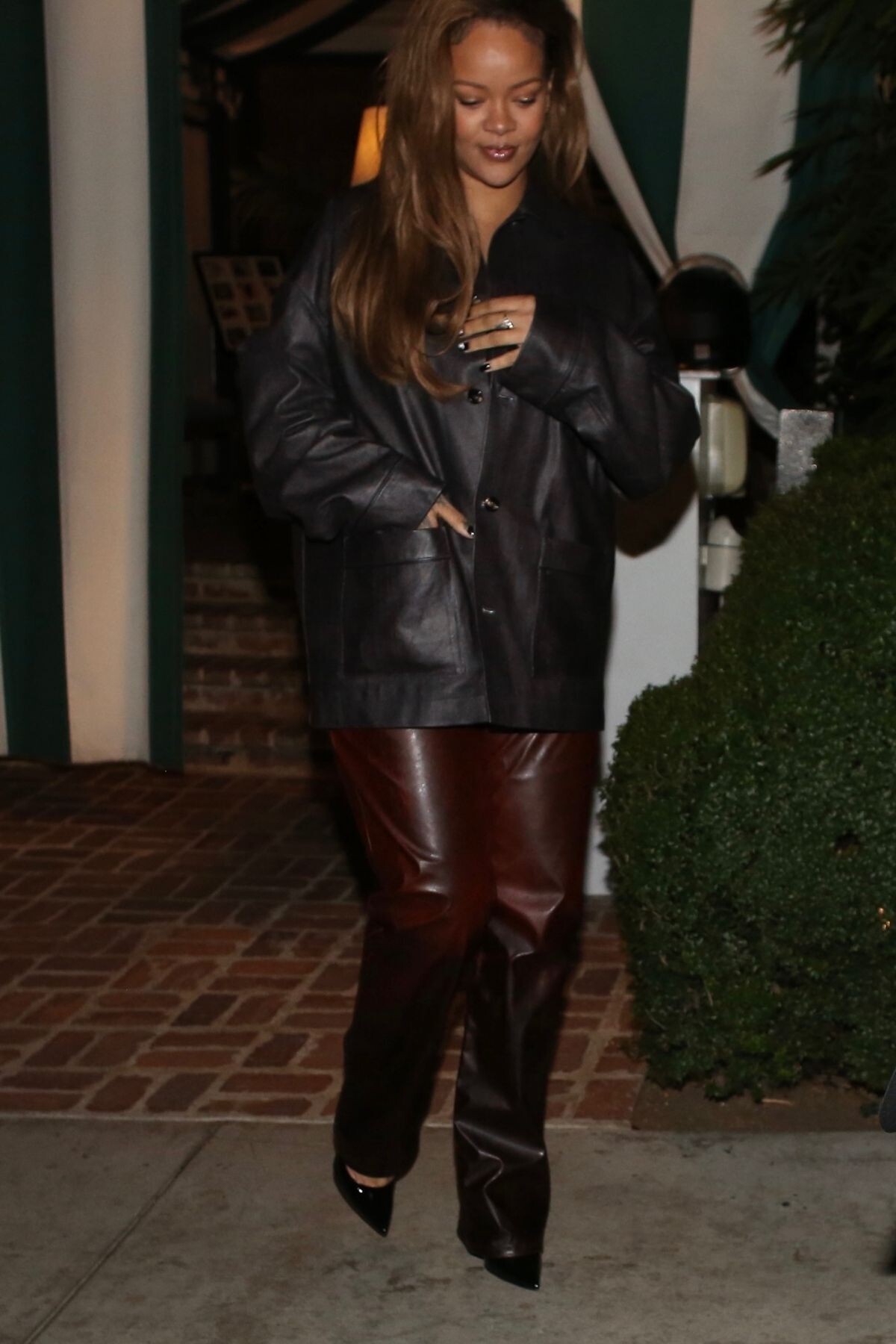
 Arrives at San Vincente Bungalows in West Hollywood 10/30/2023





 West Hollywood 10/30/2023





 10/30/2023





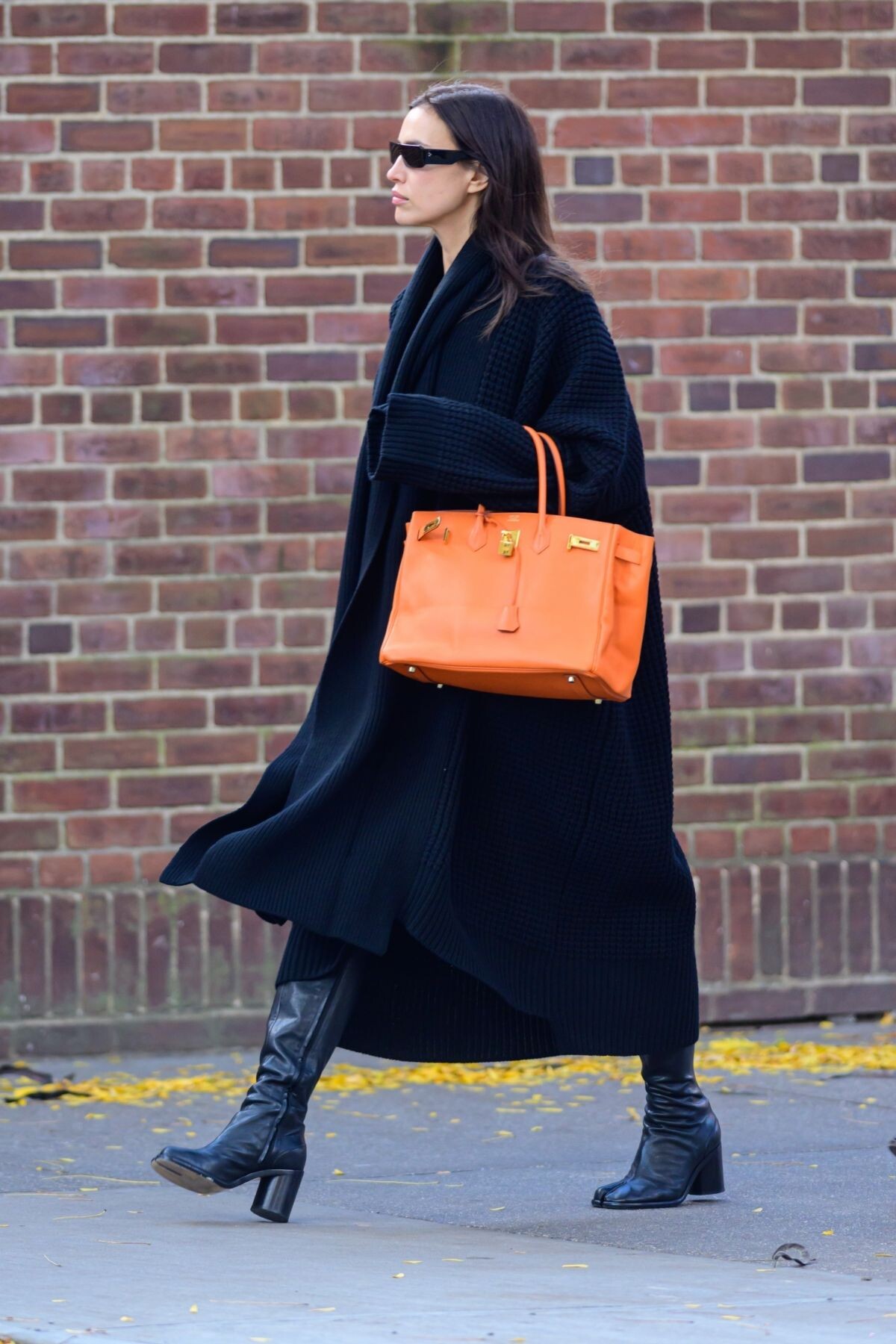
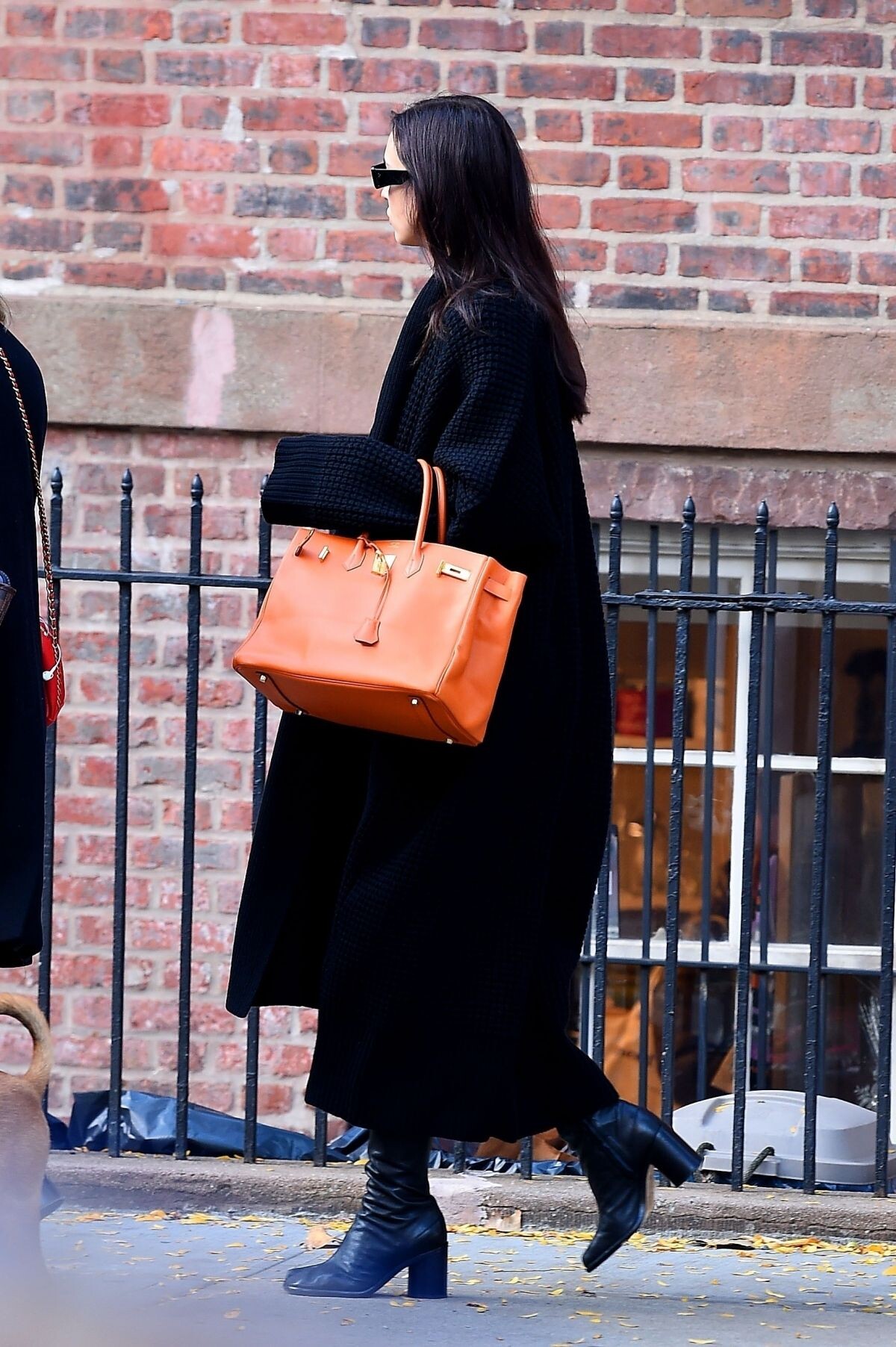
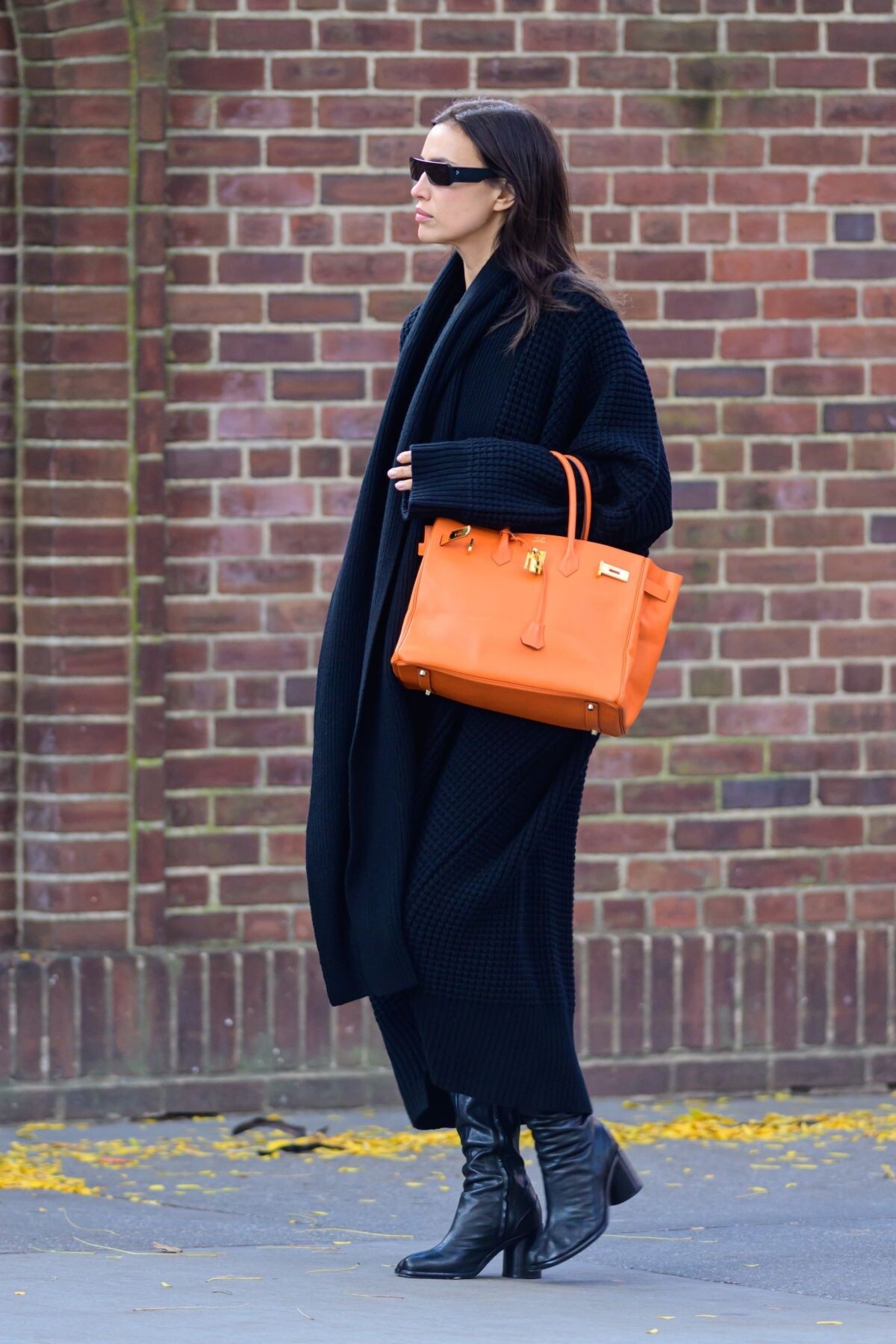
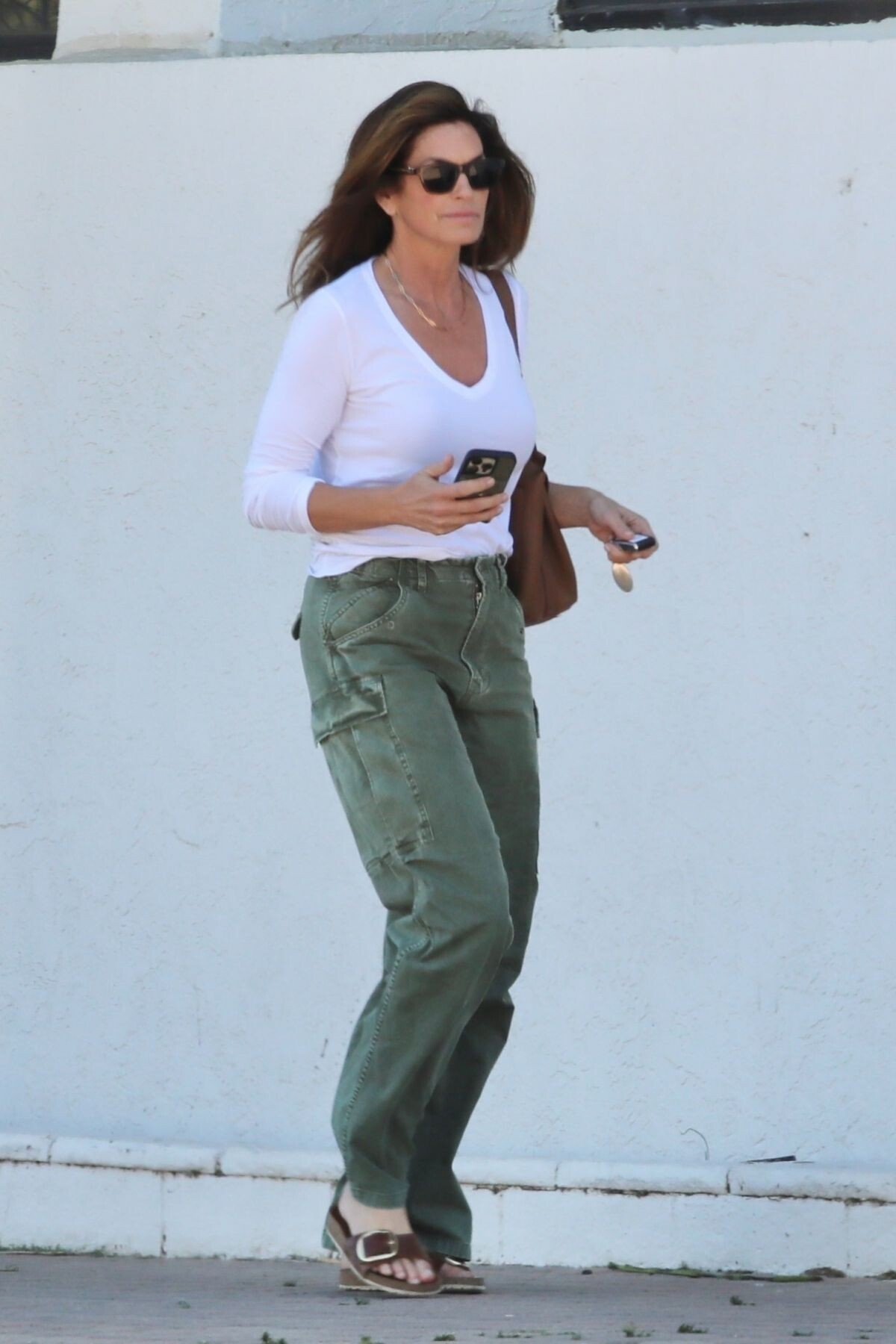
 Shopping at Whole Foods in New York 10/30/2023


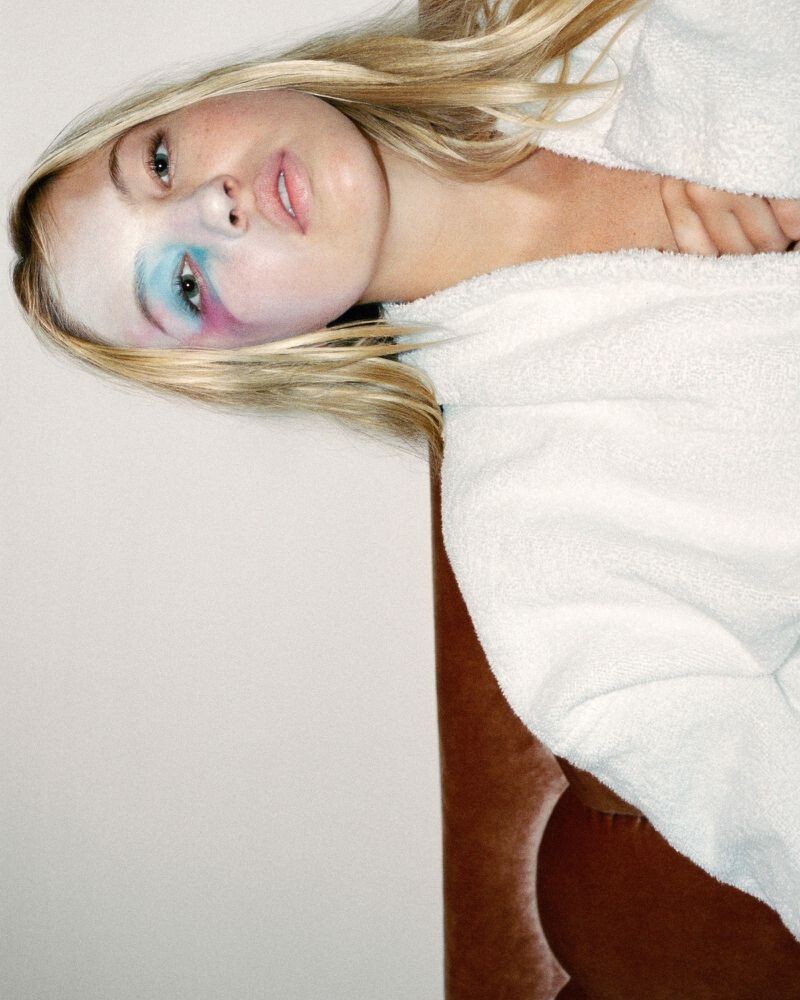
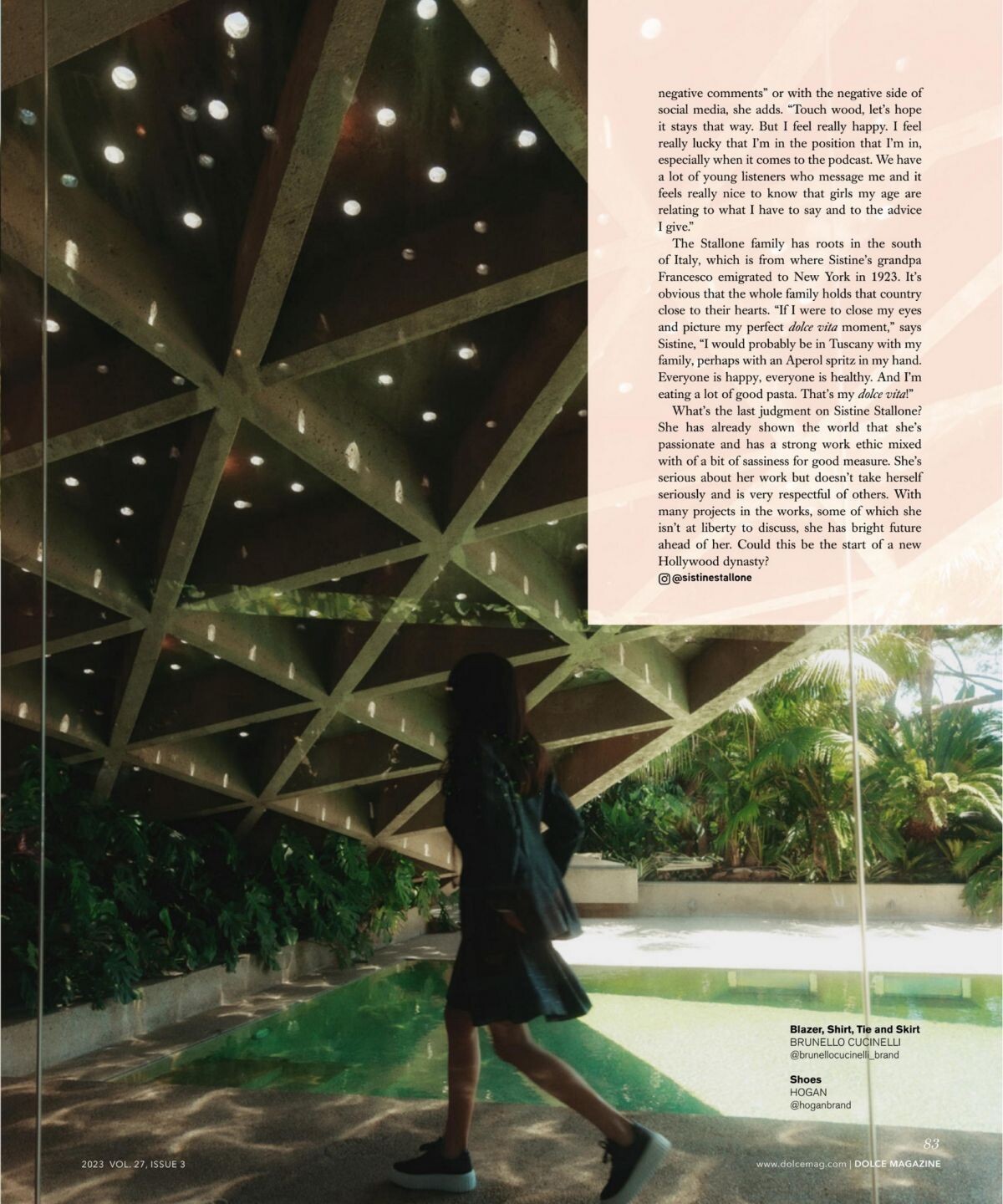
 Dolce Magazine, Vol.27, Issue 3, 2023



































































.jpeg.6410b15543c28bab697879622901300b.jpeg)
.jpeg.c0d44b39eae76698e2981b18deaefe61.jpeg)
.jpeg.ce35f98aad9b687ba5cf6534cc53208e.jpeg)
.jpeg.ad28ad62ce6f141e3cac229418659e3c.jpeg)
.jpeg.486ec54c8470d1ed1a55e1362f896494.jpeg)
.jpeg.63f7450769207f6d7c4b011f1f2b5d51.jpeg)
.jpeg.a0b61cb308c0f271989b47af70109d02.jpeg)
.jpeg.7450eb3bcccbdbad4e9fcfdae03deca9.jpeg)
.jpeg.cfd52a2921aee76e24fd17fe370603a6.jpeg)
.jpeg.58e3f30c2a4dd9fc6bd36c0fff2579a8.jpeg)
.jpeg.99a3d84aa490902d35935b18ec3b3cba.jpeg)
.jpeg.7de9ed9e4a880697b775c3b1a2a049cc.jpeg)
.jpeg.91a9fae27977fffbedcaf2faad85b325.jpeg)
.jpeg.1284059caec48eee795ae9fa13f5abb7.jpeg)
.jpeg.cfe8bab3f67c4ccf6b7efb58cf5b541d.jpeg)
.jpeg.2791752302cead6bb4e0cf979564c8eb.jpeg)



















































































































Account
Navigation
Search
Configure browser push notifications
Chrome (Android)
- Tap the lock icon next to the address bar.
- Tap Permissions → Notifications.
- Adjust your preference.
Chrome (Desktop)
- Click the padlock icon in the address bar.
- Select Site settings.
- Find Notifications and adjust your preference.
Safari (iOS 16.4+)
- Ensure the site is installed via Add to Home Screen.
- Open Settings App → Notifications.
- Find your app name and adjust your preference.
Safari (macOS)
- Go to Safari → Preferences.
- Click the Websites tab.
- Select Notifications in the sidebar.
- Find this website and adjust your preference.
Edge (Android)
- Tap the lock icon next to the address bar.
- Tap Permissions.
- Find Notifications and adjust your preference.
Edge (Desktop)
- Click the padlock icon in the address bar.
- Click Permissions for this site.
- Find Notifications and adjust your preference.
Firefox (Android)
- Go to Settings → Site permissions.
- Tap Notifications.
- Find this site in the list and adjust your preference.
Firefox (Desktop)
- Open Firefox Settings.
- Search for Notifications.
- Find this site in the list and adjust your preference.