
emerald7
Members
-
Joined
-
Last visited
Everything posted by emerald7
-
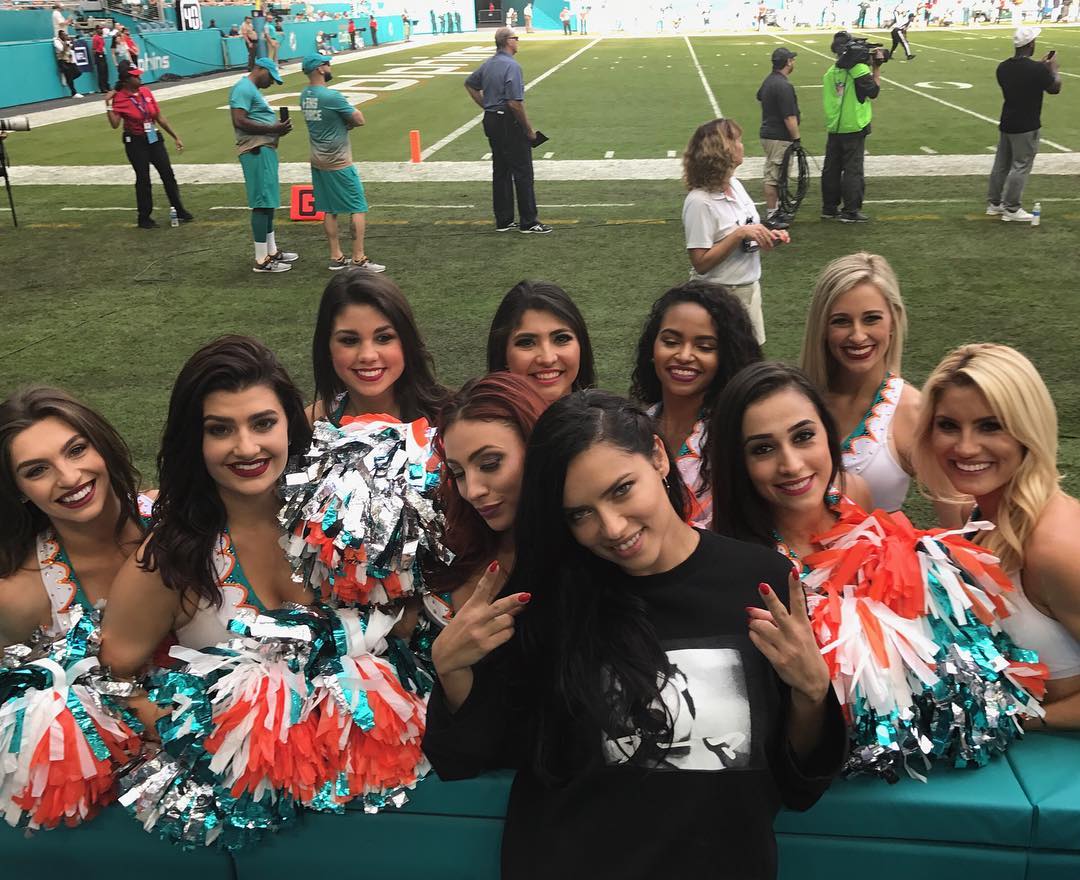
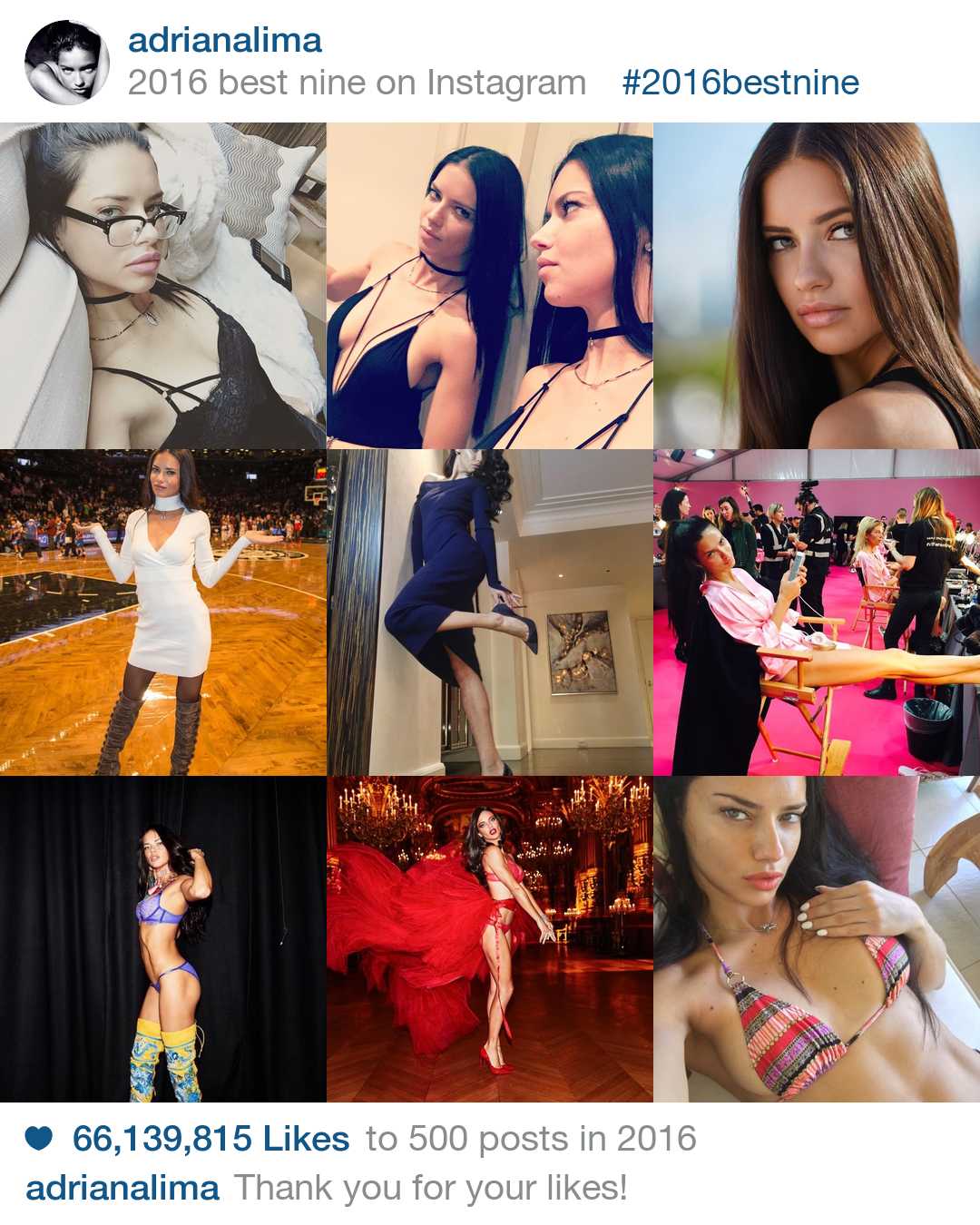
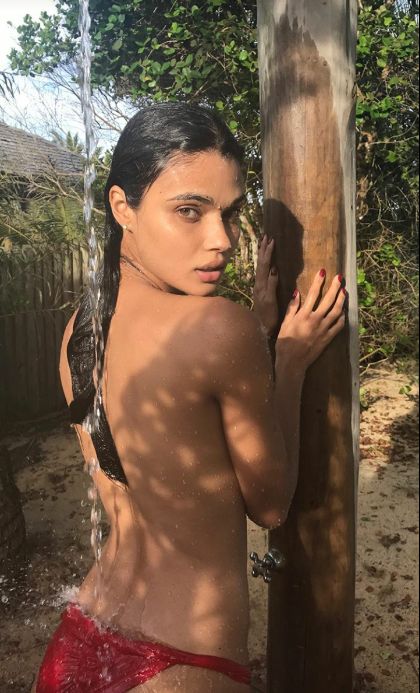
 Does someone know her? A brazilian singer and actress?? she has like 7 mio Followers on insta and many fans reposted that pic. Is she that famous in Brazil??
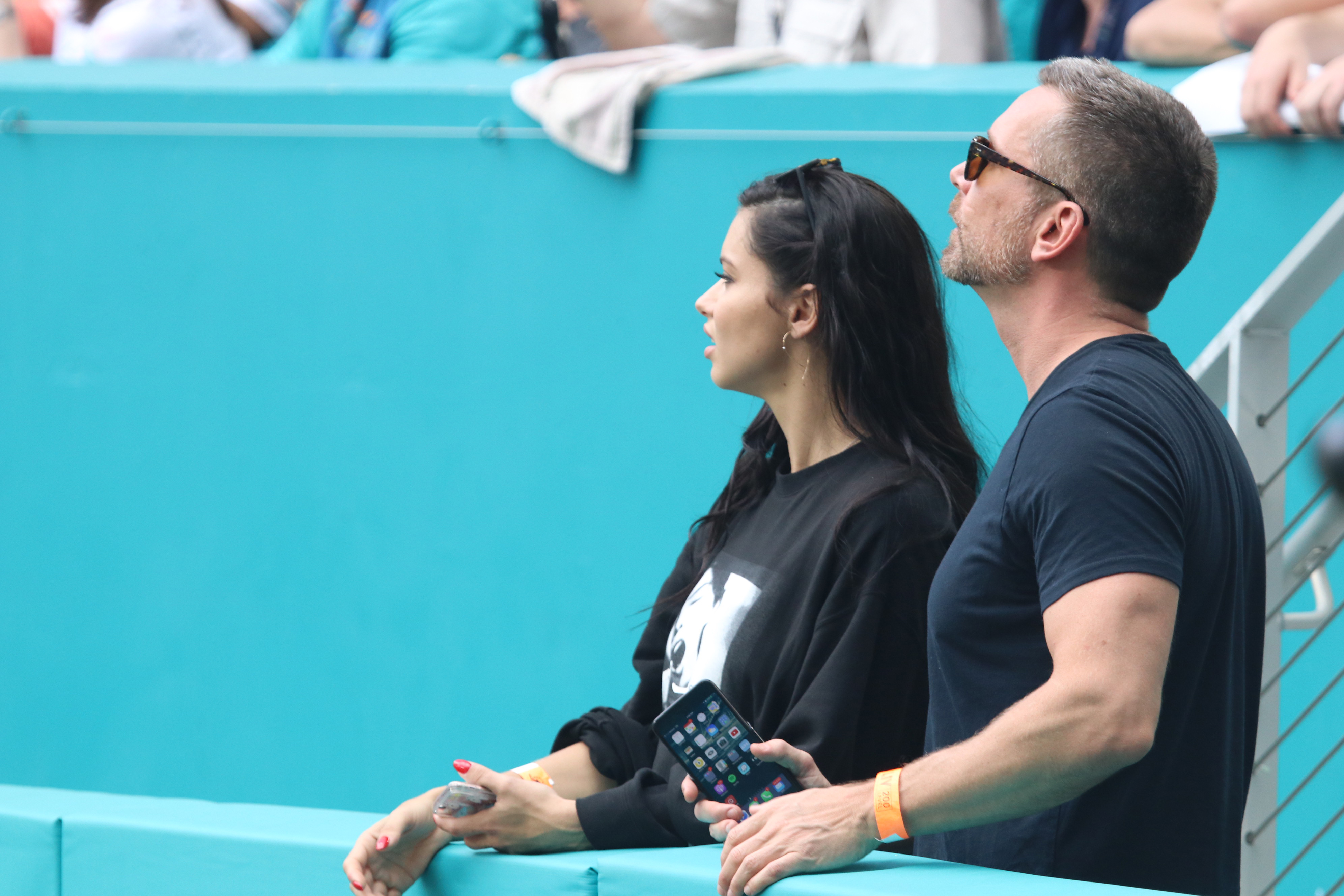
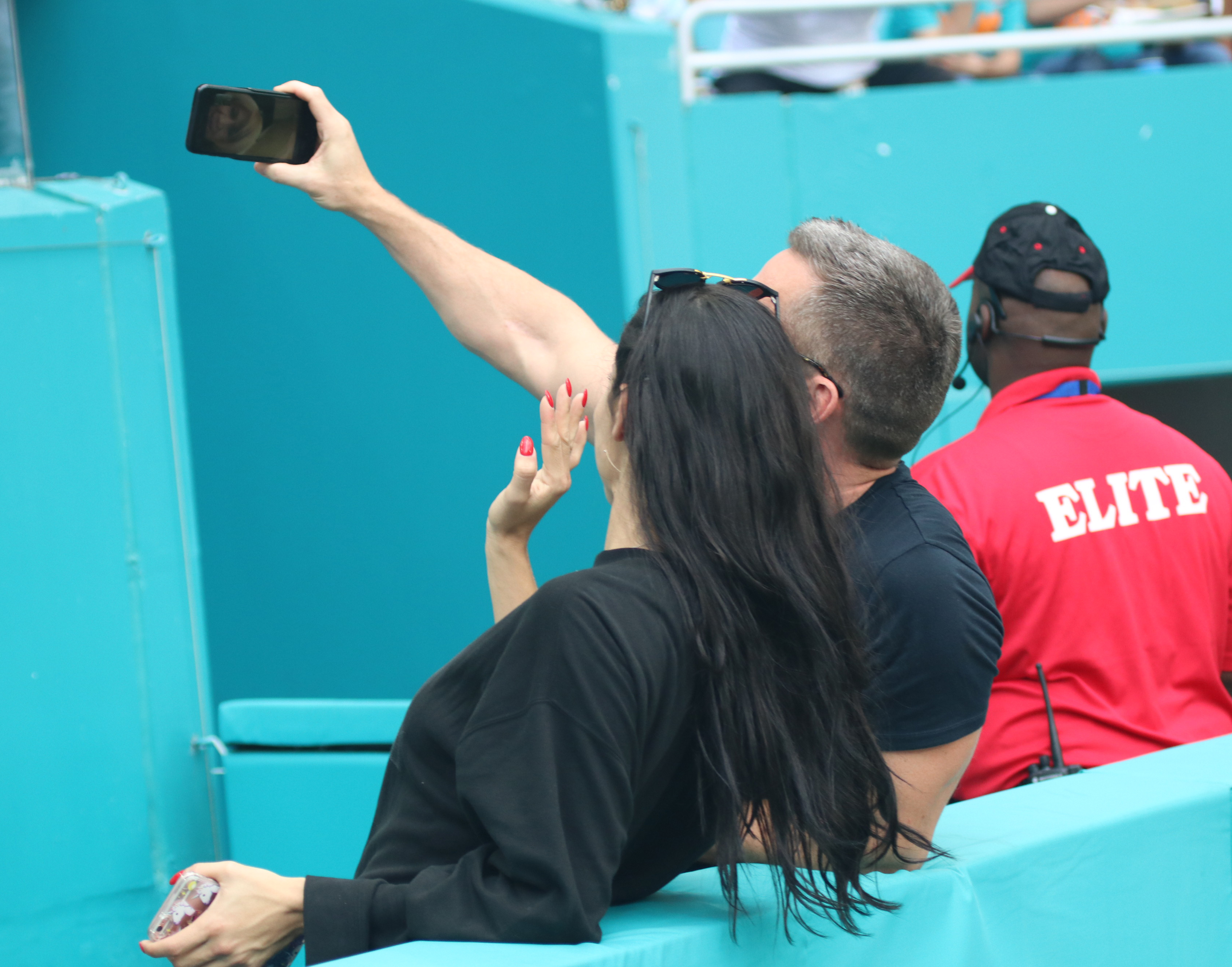
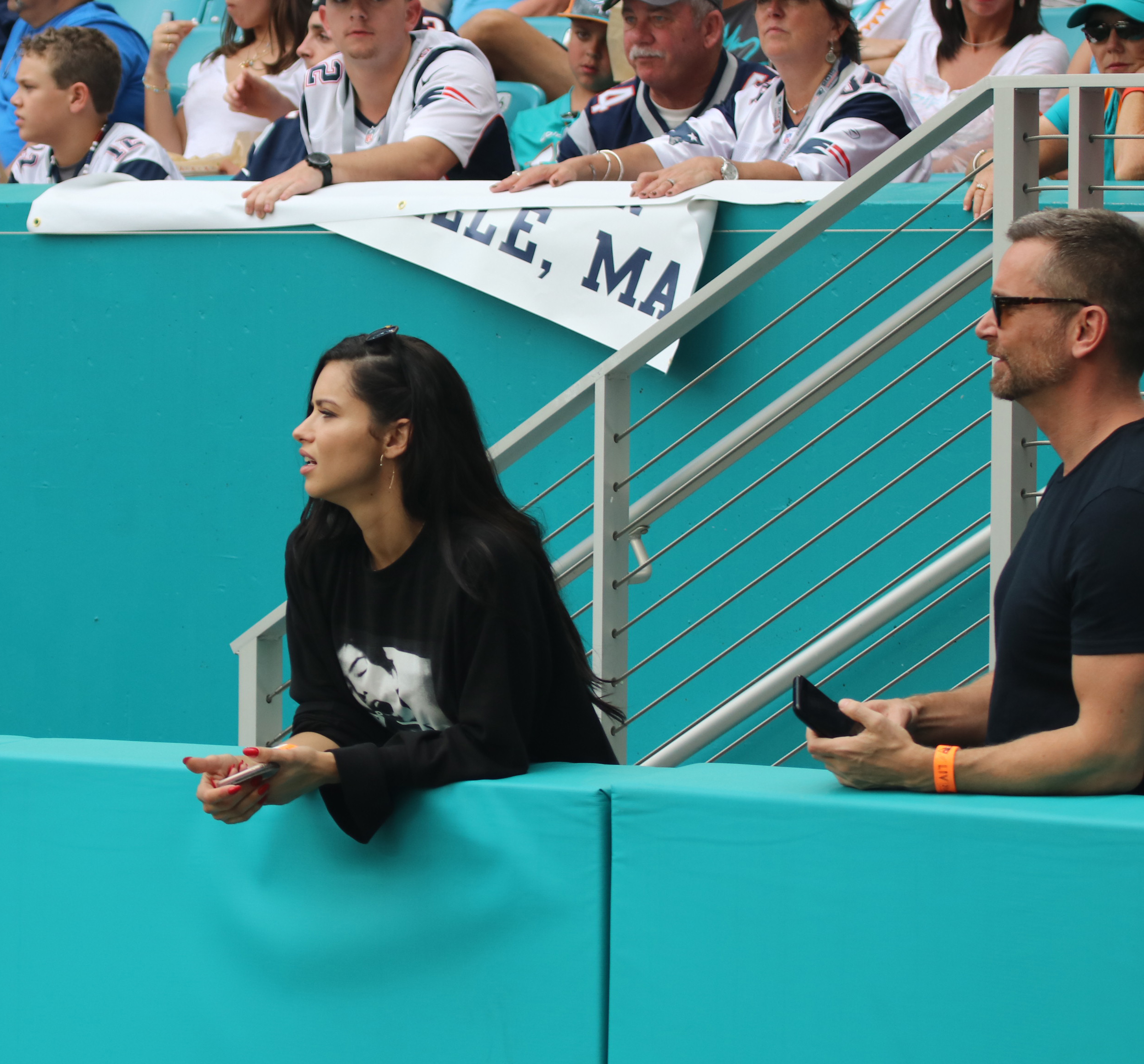
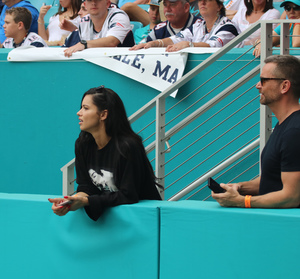
Adriana Lima Attends the Miami Dolphins and New England Patriots game in Miami 01.01.2017
Does someone know her? A brazilian singer and actress?? she has like 7 mio Followers on insta and many fans reposted that pic. Is she that famous in Brazil??
Adriana Lima Attends the Miami Dolphins and New England Patriots game in Miami 01.01.2017




 https://www.instagram.com/davegrutman/ another one thx is Chris also there?? the one with the red shoes on the previous videos?
thank you @nhlovesadri !! I will see if i find more. she looks nice
there are more on her instastory, if someone can post it. https://www.instagram.com/vashtie/
she looked great at the party, loved the white Dress. I also didn't expect it she went live on IG. Will she attend the IWC Event this month like each year? She always looks great there.
https://www.instagram.com/davegrutman/ another one thx is Chris also there?? the one with the red shoes on the previous videos?
thank you @nhlovesadri !! I will see if i find more. she looks nice
there are more on her instastory, if someone can post it. https://www.instagram.com/vashtie/
she looked great at the party, loved the white Dress. I also didn't expect it she went live on IG. Will she attend the IWC Event this month like each year? She always looks great there. yes, glad after that, she always had enough weight. what a Special year for candy, Happy New Year everyone!!!???
 instastory
Account
Navigation
Search
Configure browser push notifications
Chrome (Android)
- Tap the lock icon next to the address bar.
- Tap Permissions → Notifications.
- Adjust your preference.
Chrome (Desktop)
- Click the padlock icon in the address bar.
- Select Site settings.
- Find Notifications and adjust your preference.
Safari (iOS 16.4+)
- Ensure the site is installed via Add to Home Screen.
- Open Settings App → Notifications.
- Find your app name and adjust your preference.
Safari (macOS)
- Go to Safari → Preferences.
- Click the Websites tab.
- Select Notifications in the sidebar.
- Find this website and adjust your preference.
Edge (Android)
- Tap the lock icon next to the address bar.
- Tap Permissions.
- Find Notifications and adjust your preference.
Edge (Desktop)
- Click the padlock icon in the address bar.
- Click Permissions for this site.
- Find Notifications and adjust your preference.
Firefox (Android)
- Go to Settings → Site permissions.
- Tap Notifications.
- Find this site in the list and adjust your preference.
Firefox (Desktop)
- Open Firefox Settings.
- Search for Notifications.
- Find this site in the list and adjust your preference.