Everything posted by Matute
-
Chiara Baschetti
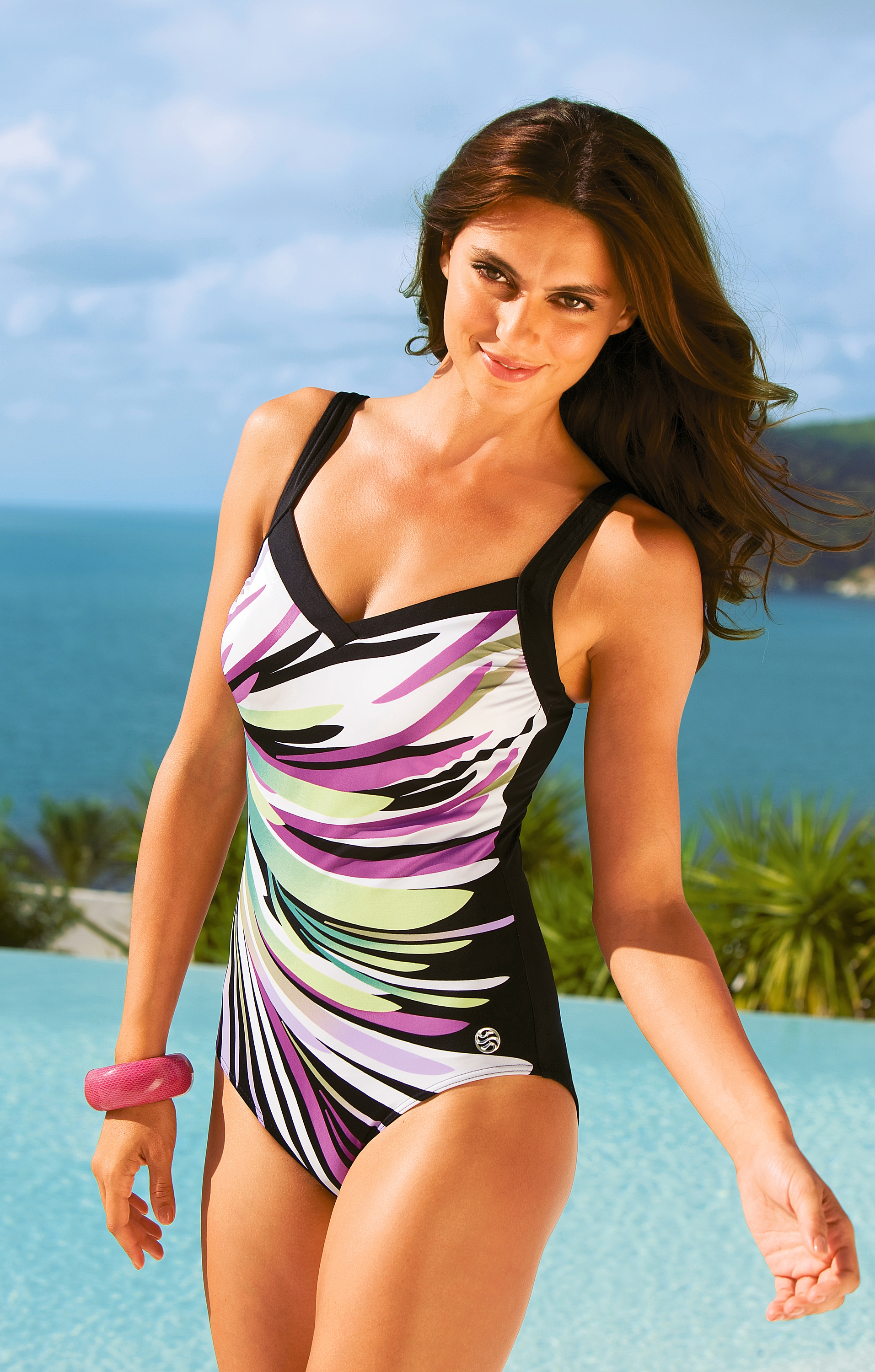
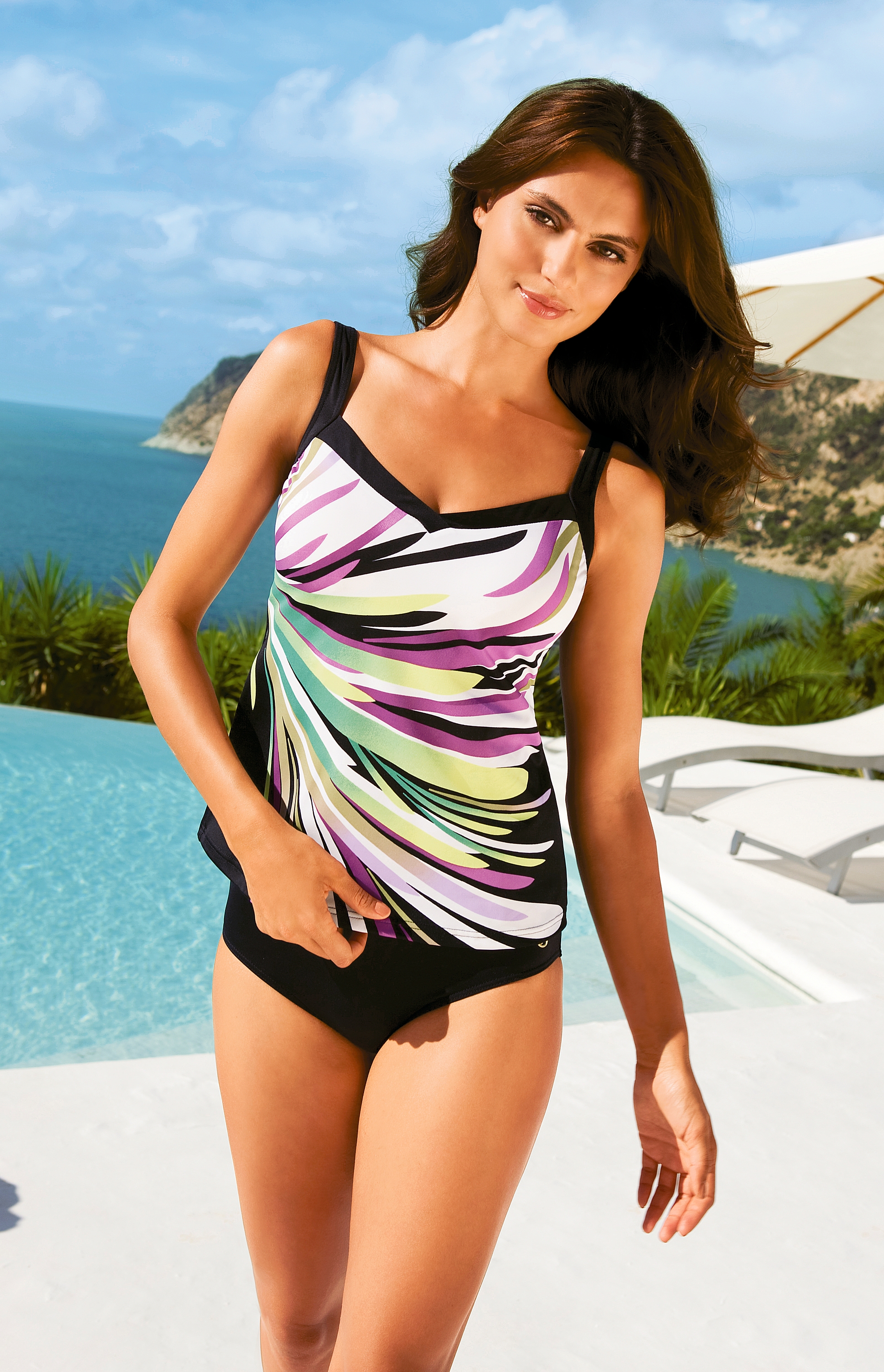
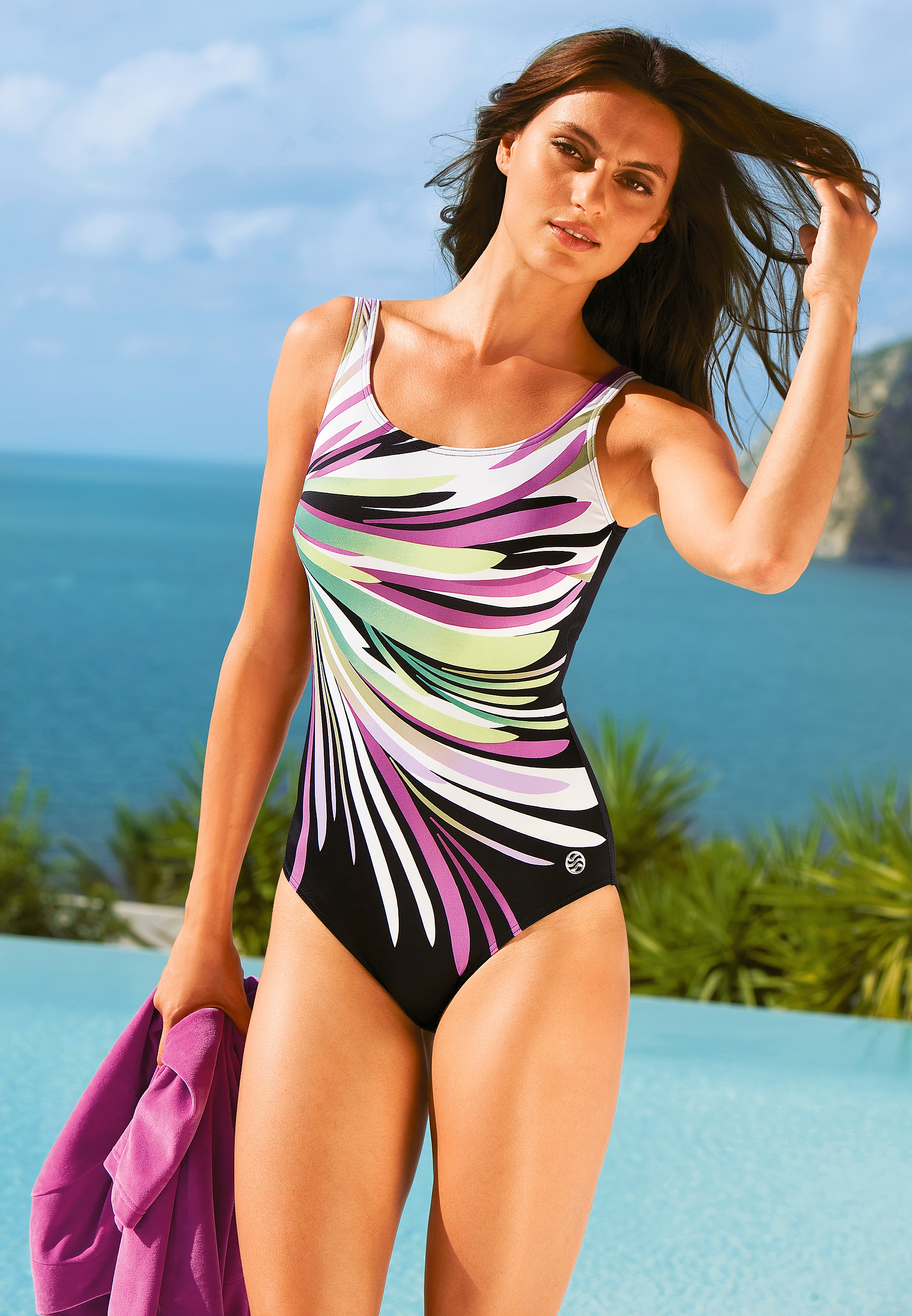
New Peter Hahn / HQs
-
Candice Swanepoel
Keep on earth, please. That´s not true. She never did SI. I think she might be confused with Landi Swanepoel. Edited: This must probably be passed on to me
-
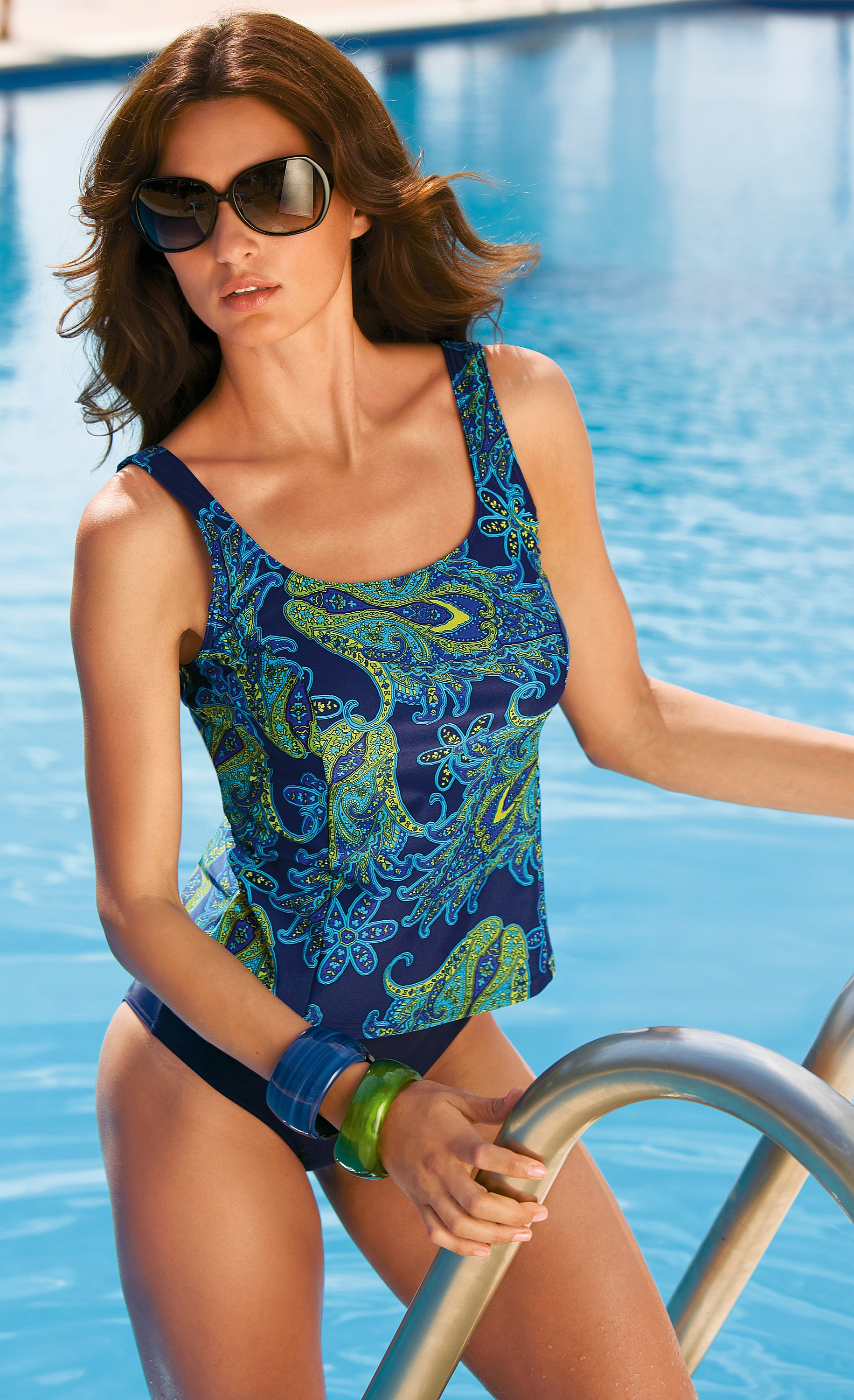
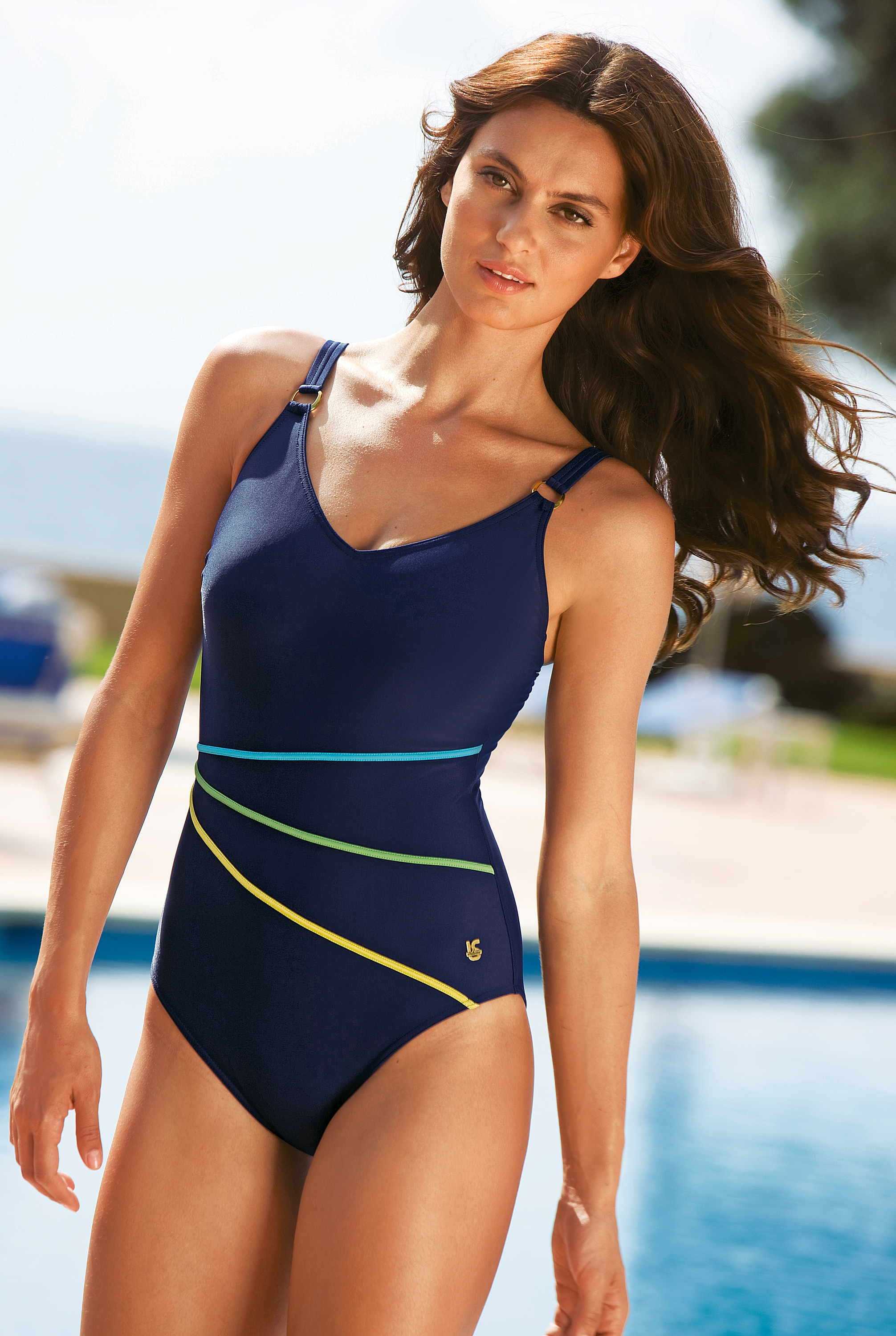
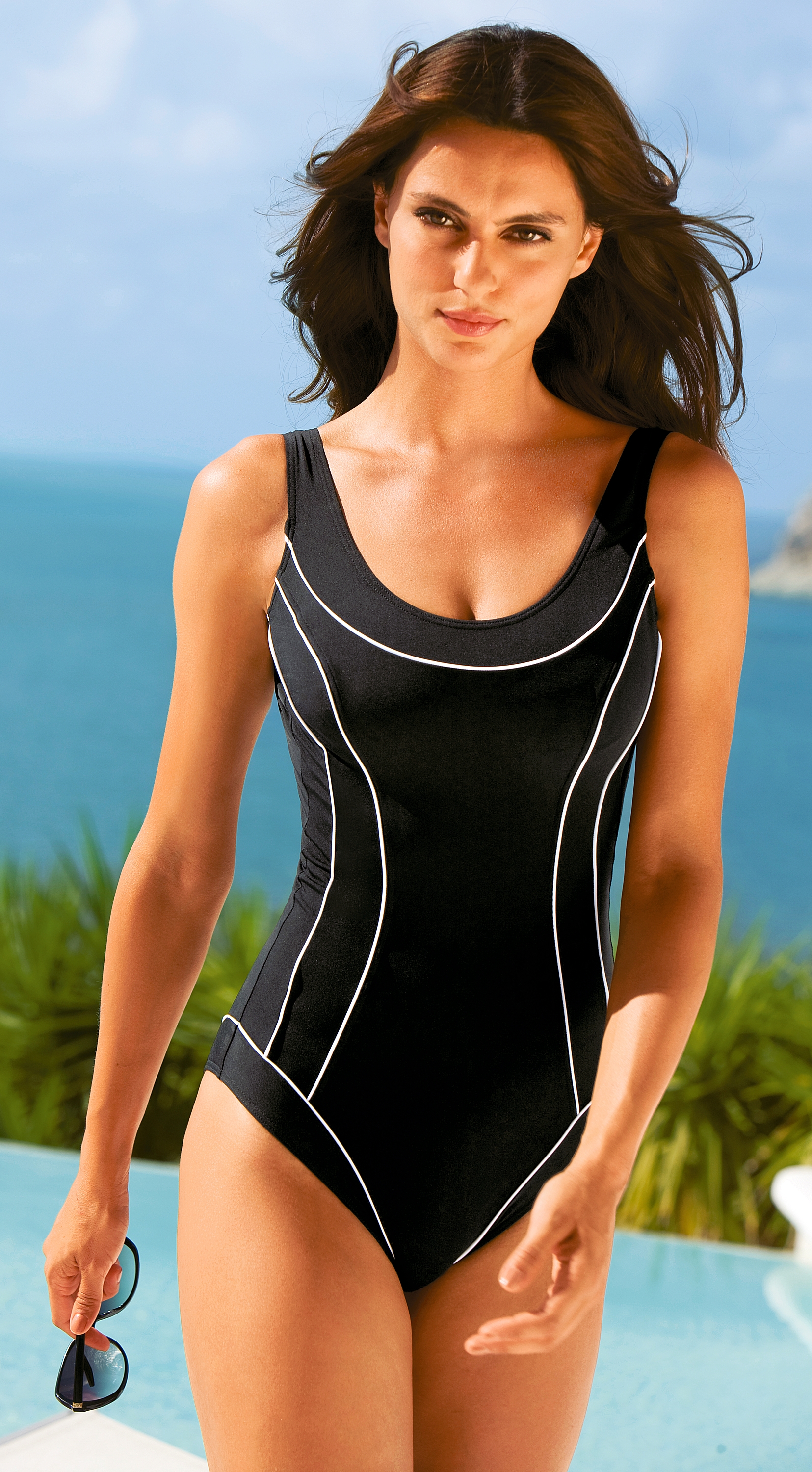
Catrinel Menghia
New Peter Hahn Swimwear / HQs The swimwear style is pretty old-fashioed but Catrinel looks good as always !

-
Candice Swanepoel
Keep on earth, please. That´s not true. She never did SI. she did but not the cover. Deliver the evidence of your assertion, please !
-
Candice Swanepoel
Keep on earth, please. That´s not true. She never did SI.
-
Emanuela de Paula
^^
-
Catrinel Menghia
^^ Perfection !!!!!!
-

Catrinel Menghia
- Irina Shayk
- Irina Shayk
- Candice Swanepoel
- Emanuela de Paula
Press prints for Next / UHQs /monthly_02_2011/post-8541-0-1446084673-60932_thumb.jpg" data-fileid="3738548" alt="post-8541-0-1446084673-60932_thumb.jpg" data-ratio="152.79">- Candice Swanepoel
- Candice Swanepoel
- Irina Shayk
- Irina Shayk
- Jenna Pietersen
- Raica Oliveira
- Raica Oliveira
- Irina Shayk
- Jenna Pietersen
- Clara Alonso
Calzedonia SS/2011 Campaign- Candice Swanepoel
Nice, I don't have that set. Were they posted in this thread? Most of them, yes. If I have time I will make a summary and post, asap.- Candice Swanepoel
^^ It´s from Otto Group (Catalogue), 2009/2010- Irina Shayk
Account
Navigation
Search
Configure browser push notifications
Chrome (Android)
- Tap the lock icon next to the address bar.
- Tap Permissions → Notifications.
- Adjust your preference.
Chrome (Desktop)
- Click the padlock icon in the address bar.
- Select Site settings.
- Find Notifications and adjust your preference.
Safari (iOS 16.4+)
- Ensure the site is installed via Add to Home Screen.
- Open Settings App → Notifications.
- Find your app name and adjust your preference.
Safari (macOS)
- Go to Safari → Preferences.
- Click the Websites tab.
- Select Notifications in the sidebar.
- Find this website and adjust your preference.
Edge (Android)
- Tap the lock icon next to the address bar.
- Tap Permissions.
- Find Notifications and adjust your preference.
Edge (Desktop)
- Click the padlock icon in the address bar.
- Click Permissions for this site.
- Find Notifications and adjust your preference.
Firefox (Android)
- Go to Settings → Site permissions.
- Tap Notifications.
- Find this site in the list and adjust your preference.
Firefox (Desktop)
- Open Firefox Settings.
- Search for Notifications.
- Find this site in the list and adjust your preference.