

RIP_Cabrini_Green
Members
-
Joined
-
Last visited
Everything posted by RIP_Cabrini_Green
-
 Oh my! Thank You Memento!!
 -
Damn lebron. You're a poet. That was some romance novel type shit. Nice. Hahaha
-
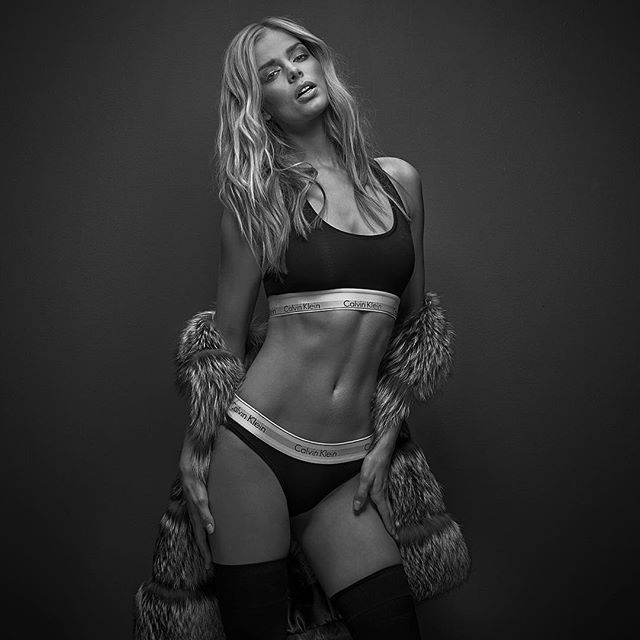
I have a feeling being an S.I. Cover Girl helps a little.... :brows:
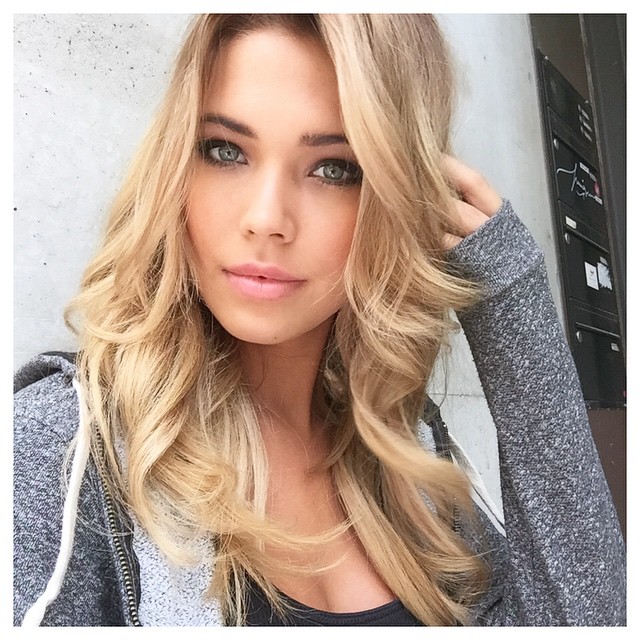
Wow Danni!!! Thank you for those!! Stunning.
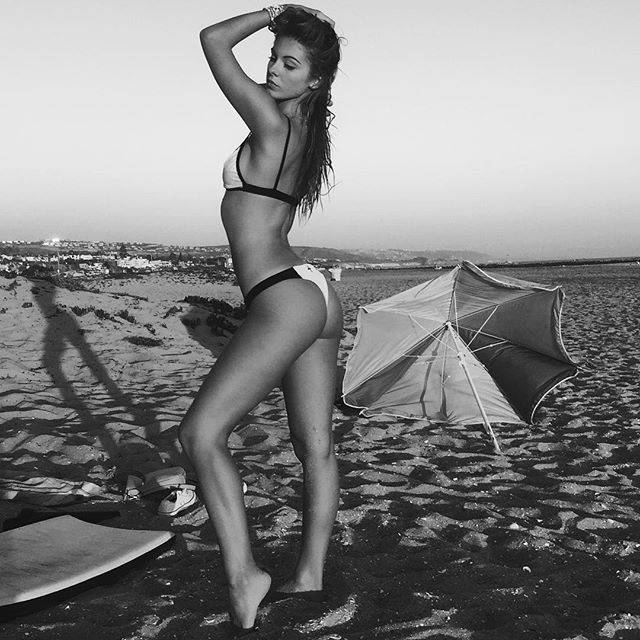
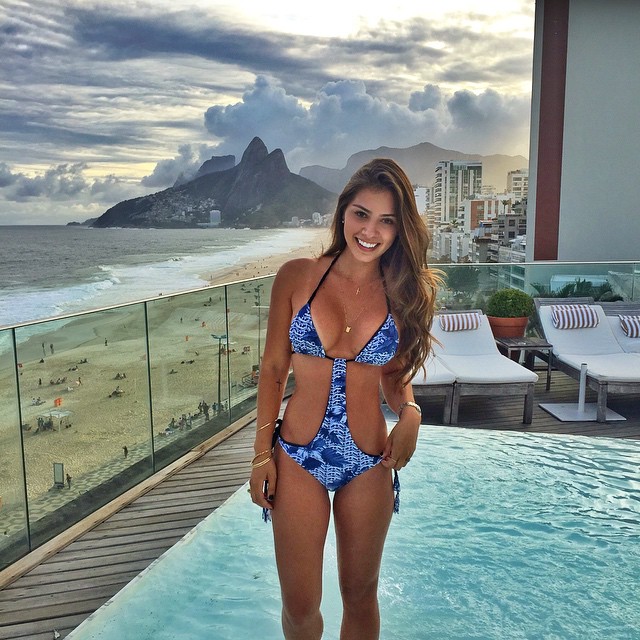
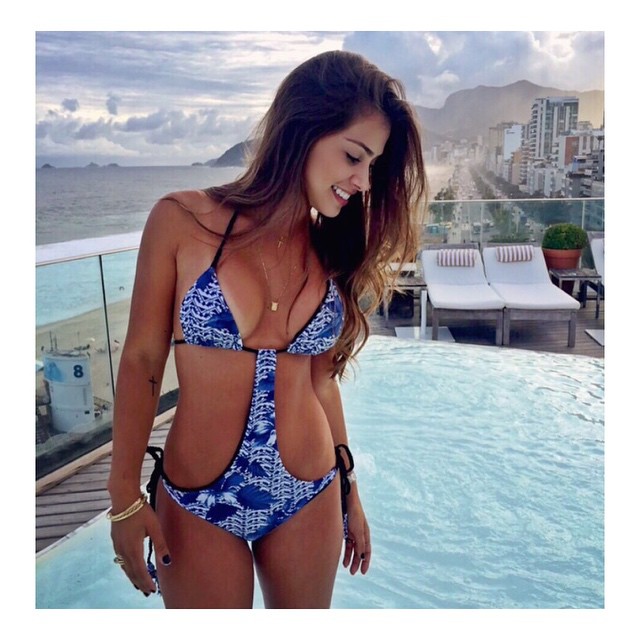
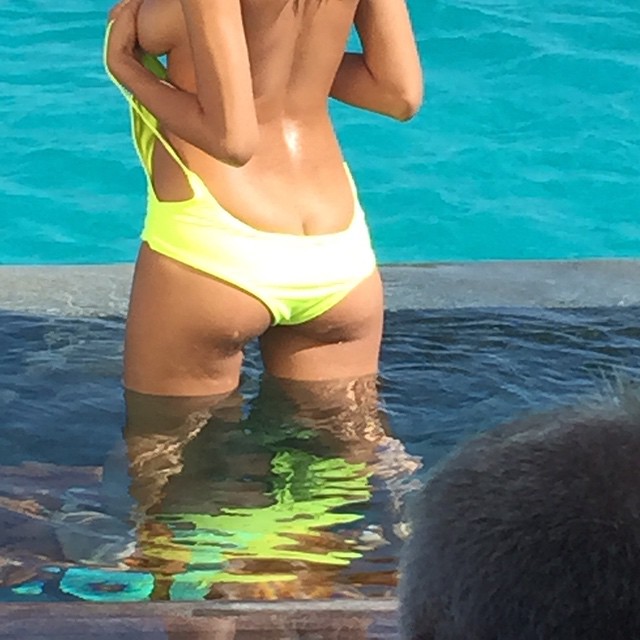
I like her body. A lot.
Well then. Good morning Hannah.
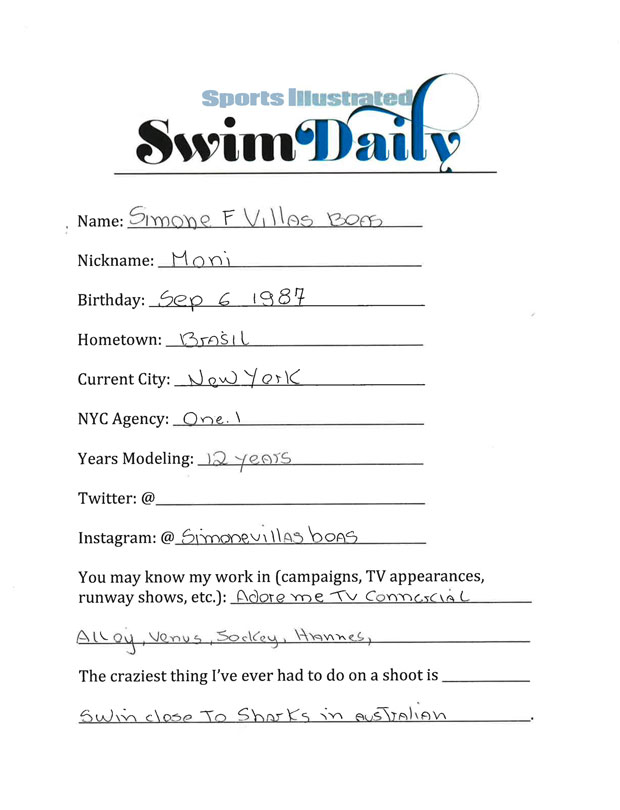
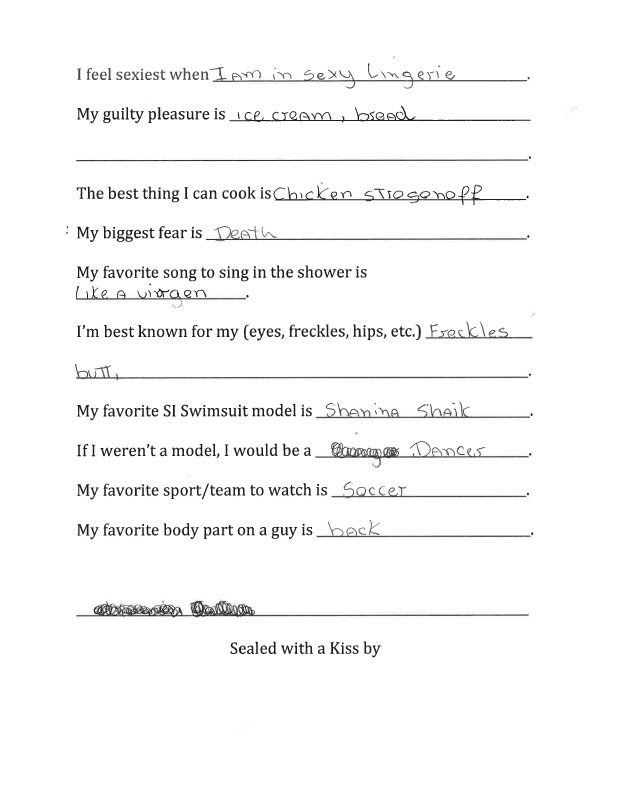
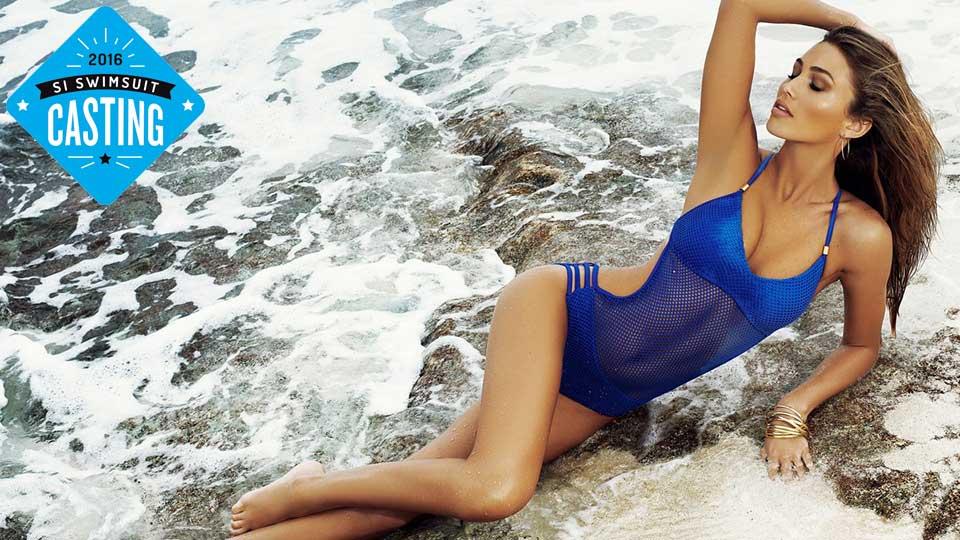
S.I. Swim Casting Call Source:http://www.si.com/swim-daily/photos/2015/08/27/simone-villas-boas-2016-si-swimsuit-casting
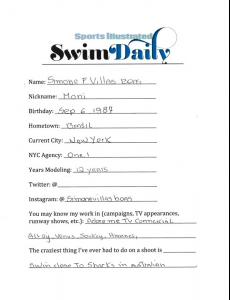
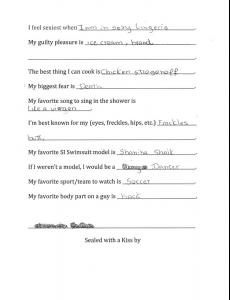
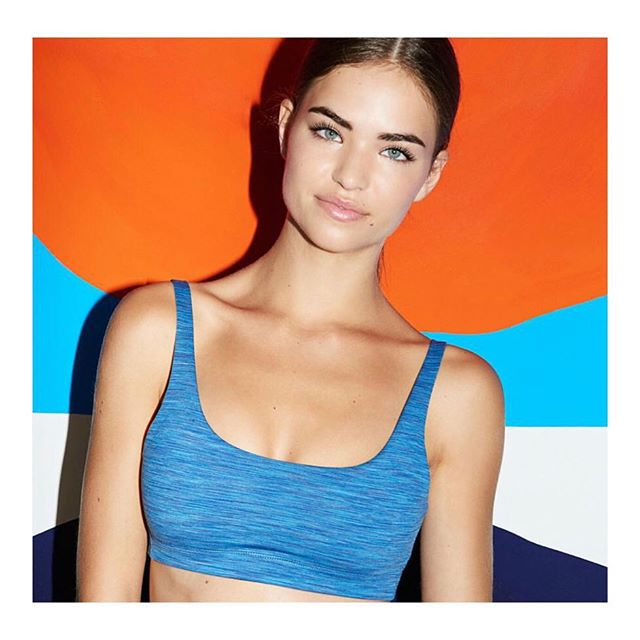
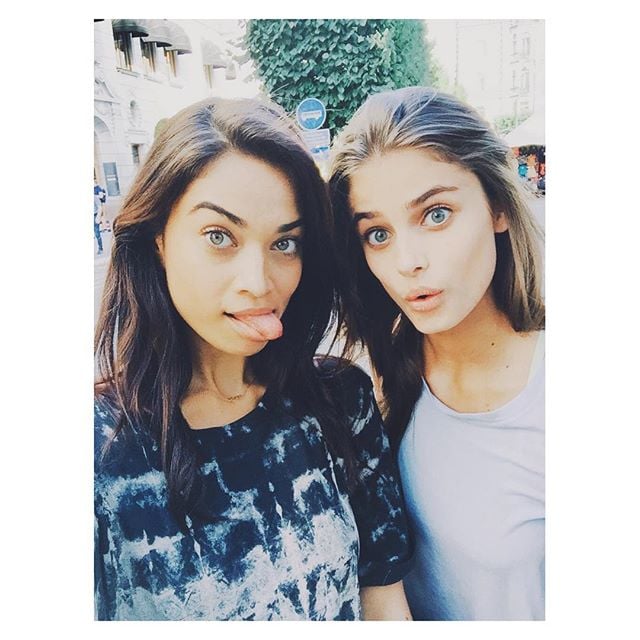
 Noavoss!! You're killing it on this thread! Thanks so much for all of your hard work, I (as I'm sure others as well) greatly appreciate it! I've been so focused on Danielle Knudson's and the S.I. Swim threads that I've seem to neglected Shiloh. But I'm back, let me know if there's anything I can help you with!!!














Account
Search
Configure browser push notifications
Chrome (Android)
- Tap the lock icon next to the address bar.
- Tap Permissions → Notifications.
- Adjust your preference.
Chrome (Desktop)
- Click the padlock icon in the address bar.
- Select Site settings.
- Find Notifications and adjust your preference.
Safari (iOS 16.4+)
- Ensure the site is installed via Add to Home Screen.
- Open Settings App → Notifications.
- Find your app name and adjust your preference.
Safari (macOS)
- Go to Safari → Preferences.
- Click the Websites tab.
- Select Notifications in the sidebar.
- Find this website and adjust your preference.
Edge (Android)
- Tap the lock icon next to the address bar.
- Tap Permissions.
- Find Notifications and adjust your preference.
Edge (Desktop)
- Click the padlock icon in the address bar.
- Click Permissions for this site.
- Find Notifications and adjust your preference.
Firefox (Android)
- Go to Settings → Site permissions.
- Tap Notifications.
- Find this site in the list and adjust your preference.
Firefox (Desktop)
- Open Firefox Settings.
- Search for Notifications.
- Find this site in the list and adjust your preference.