

RIP_Cabrini_Green
Members
-
Joined
-
Last visited
Everything posted by RIP_Cabrini_Green
-
 Holy shit.
Damn Candice.
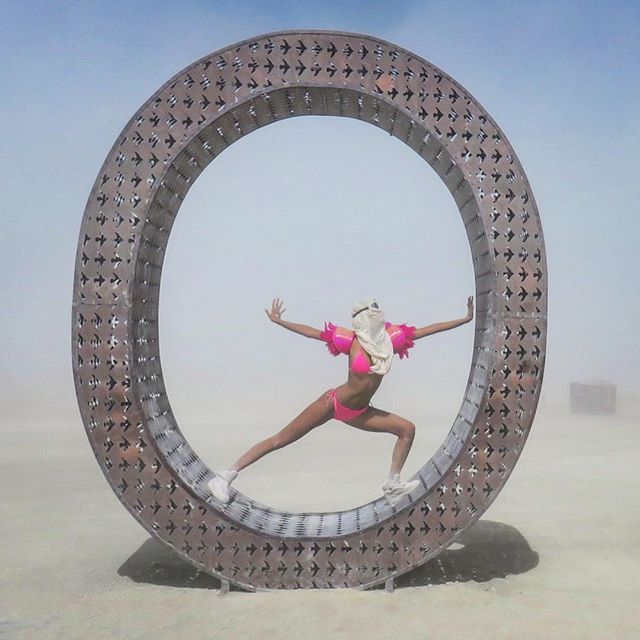
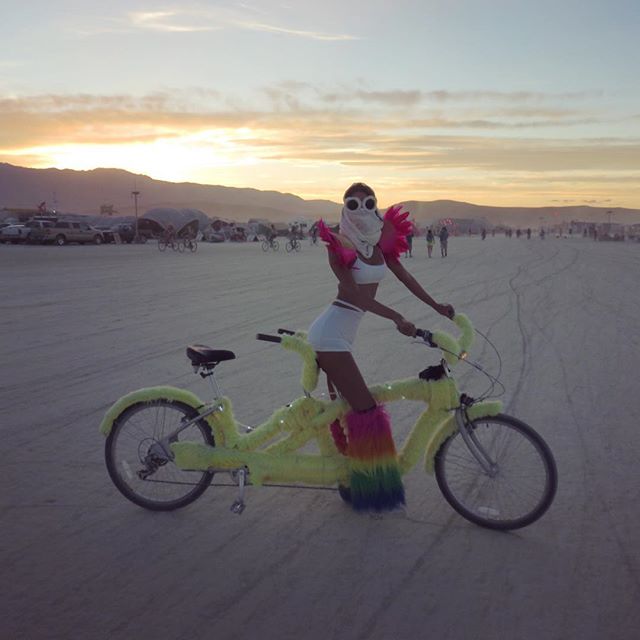
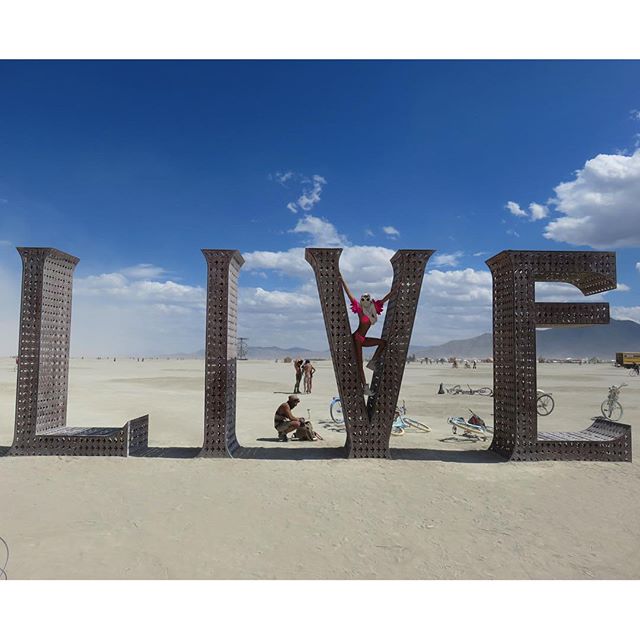
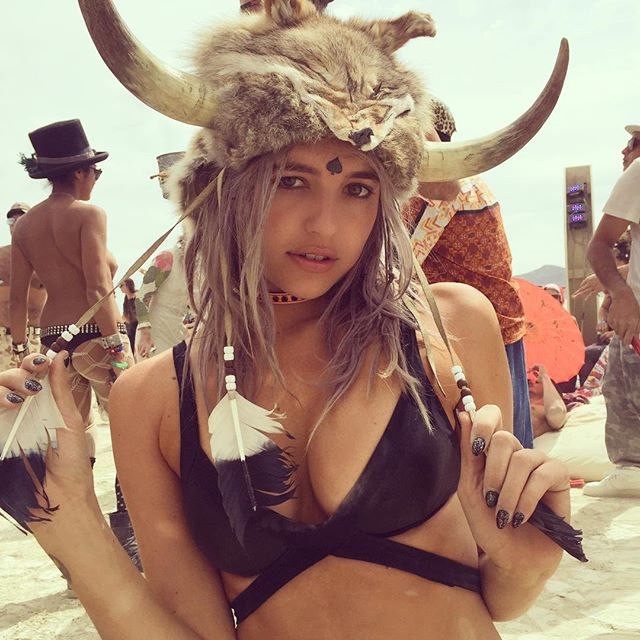
Burning Man
Holy shit.
Damn Candice.
Burning Man





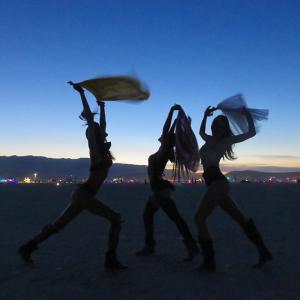

 If it's this one, I'm with you~ Catalina Otalvaro - Bésame That one is fantastic as well. But my favorite were her SoHo Shoots!! I think she had 2 separate SoHo shoots and they were absolute insanity.
 Truck Stop Ph: Taryn Kent Source:http://aldensteimle.com/truck-stop/




 Boholiday Source:http://aldensteimle.com/boholiday/
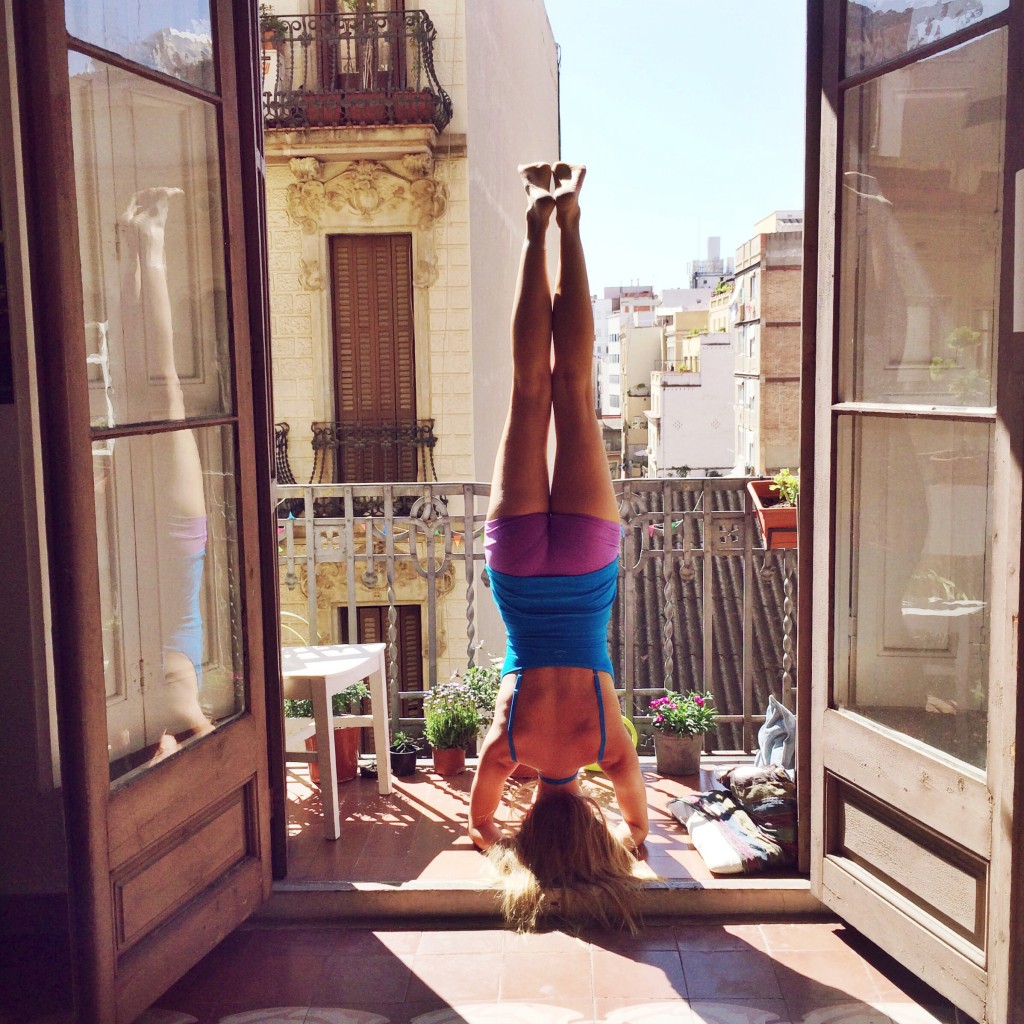
 Barcelona Source:http://aldensteimle.com/barcelona/




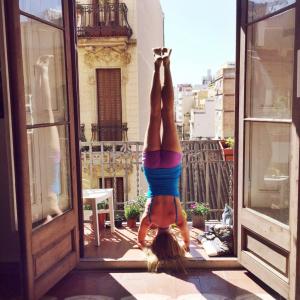



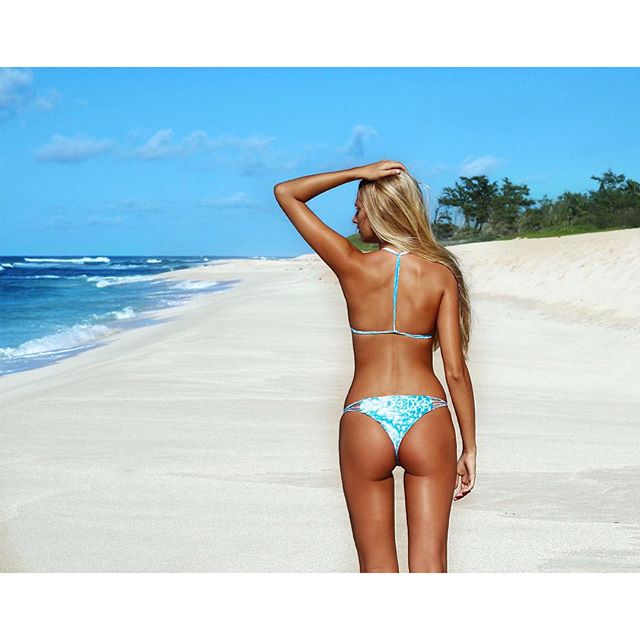
 Alden Steimle Ph: Taryn Kent Source:http://aldensteimle.com/beach-break/






 She looks gorgeous!
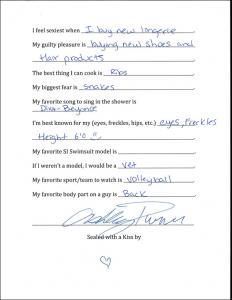
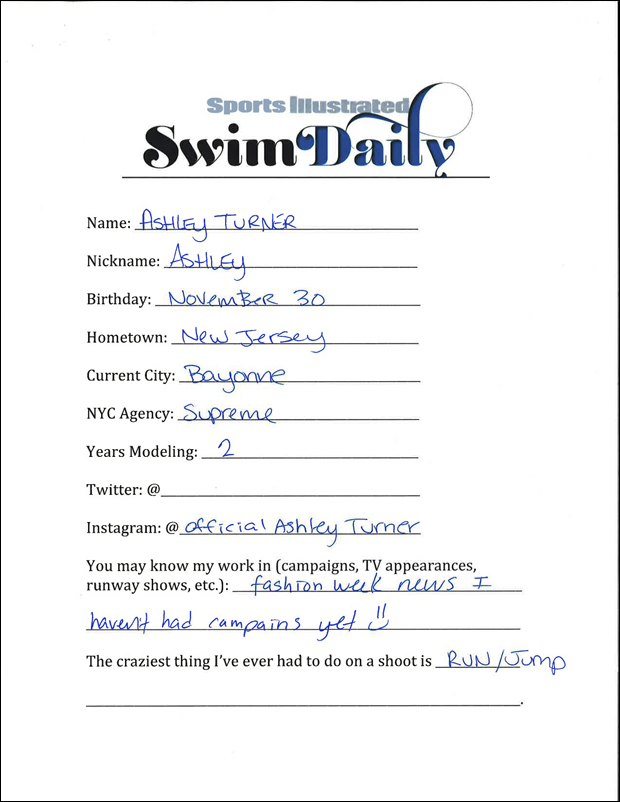
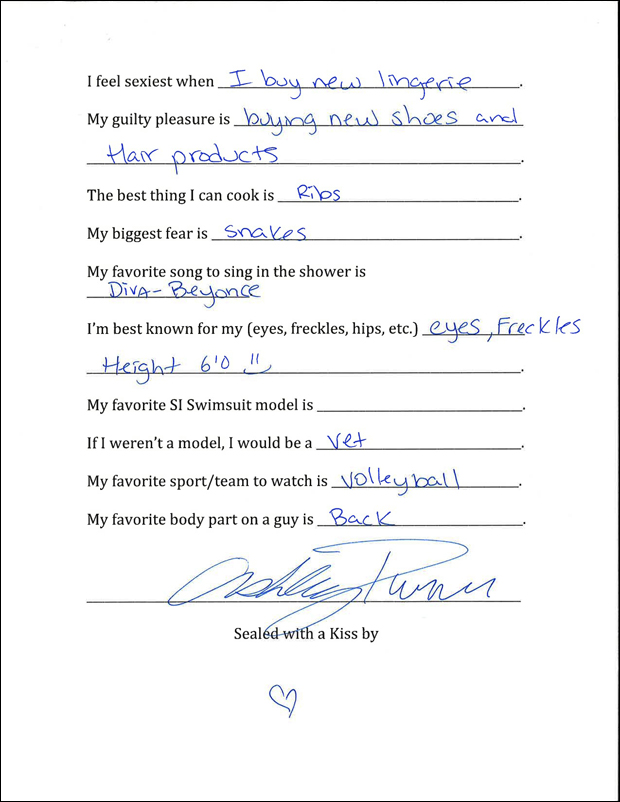
S.I. Swim Casting Call Source:http://www.si.com/swim-daily-casting-call-2016-ashley-turner
She looks gorgeous!
S.I. Swim Casting Call Source:http://www.si.com/swim-daily-casting-call-2016-ashley-turner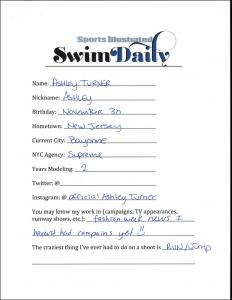
 Shooting a music video with Carmella Rose
 She's my favorite out of all the recent VS shoots. She's just on a different level.
Stunning as always!
+1
Nice to see her thread going again! She has one of my favorite shoots of all time.
It would be nice to see more of Chloe. Her S.I Casting Call turned me onto her. Not sure if she's a fit for S.I. but I'm definitely a fan!
She's my favorite out of all the recent VS shoots. She's just on a different level.
Stunning as always!
+1
Nice to see her thread going again! She has one of my favorite shoots of all time.
It would be nice to see more of Chloe. Her S.I Casting Call turned me onto her. Not sure if she's a fit for S.I. but I'm definitely a fan!












































Account
Search
Configure browser push notifications
Chrome (Android)
- Tap the lock icon next to the address bar.
- Tap Permissions → Notifications.
- Adjust your preference.
Chrome (Desktop)
- Click the padlock icon in the address bar.
- Select Site settings.
- Find Notifications and adjust your preference.
Safari (iOS 16.4+)
- Ensure the site is installed via Add to Home Screen.
- Open Settings App → Notifications.
- Find your app name and adjust your preference.
Safari (macOS)
- Go to Safari → Preferences.
- Click the Websites tab.
- Select Notifications in the sidebar.
- Find this website and adjust your preference.
Edge (Android)
- Tap the lock icon next to the address bar.
- Tap Permissions.
- Find Notifications and adjust your preference.
Edge (Desktop)
- Click the padlock icon in the address bar.
- Click Permissions for this site.
- Find Notifications and adjust your preference.
Firefox (Android)
- Go to Settings → Site permissions.
- Tap Notifications.
- Find this site in the list and adjust your preference.
Firefox (Desktop)
- Open Firefox Settings.
- Search for Notifications.
- Find this site in the list and adjust your preference.