

RIP_Cabrini_Green
Members
-
Joined
-
Last visited
Everything posted by RIP_Cabrini_Green
-
 I think "kind of heavy" is a bit of a stretch.... lol at 5'11", I think she looks healthy and fantastic.
I totally agree with you. Why she has not been more visible is shocking to me... When I get some time, later on tonight, I'm going to try to track down some of her stuff! Excited to see what I find.
She's the only model on this entire forum that I will proudly use the heart emoji for.
I think "kind of heavy" is a bit of a stretch.... lol at 5'11", I think she looks healthy and fantastic.
I totally agree with you. Why she has not been more visible is shocking to me... When I get some time, later on tonight, I'm going to try to track down some of her stuff! Excited to see what I find.
She's the only model on this entire forum that I will proudly use the heart emoji for. I don't get why this thread has been dead for so long. Kelly is stunning. I also don't get why it took me this long to find her.
Finally found her! I've seen her on Nelly so freaking much, never knew her name! Awesome.
Way to shit on my Monday....
I really hate posting pics with the pile of hair gel. But whatever.
I don't get why this thread has been dead for so long. Kelly is stunning. I also don't get why it took me this long to find her.
Finally found her! I've seen her on Nelly so freaking much, never knew her name! Awesome.
Way to shit on my Monday....
I really hate posting pics with the pile of hair gel. But whatever.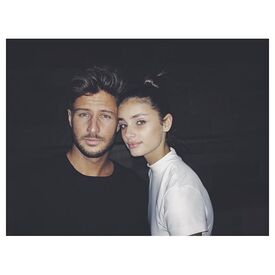 Gorgeous!
She is a stunner, that's for sure!
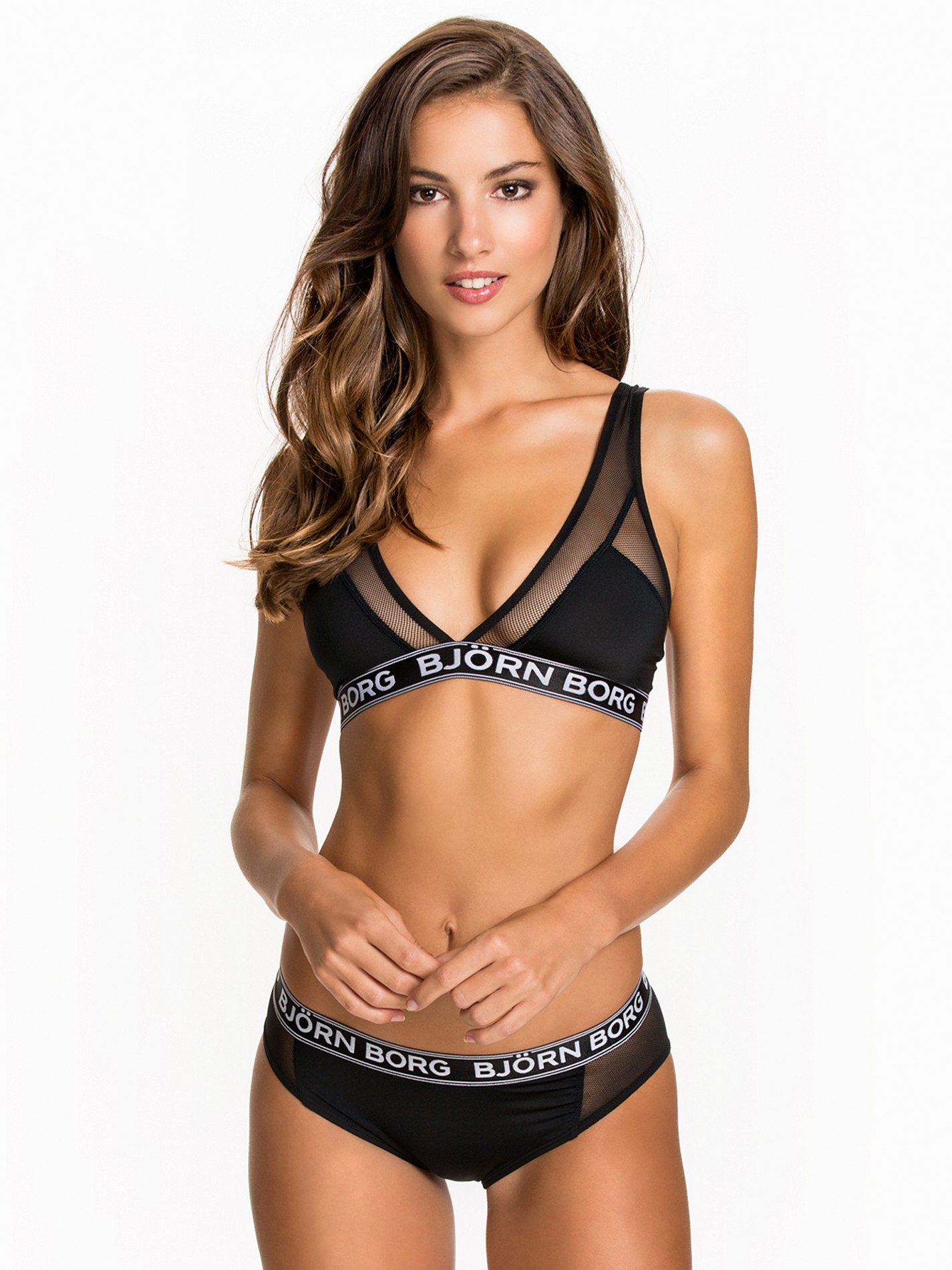
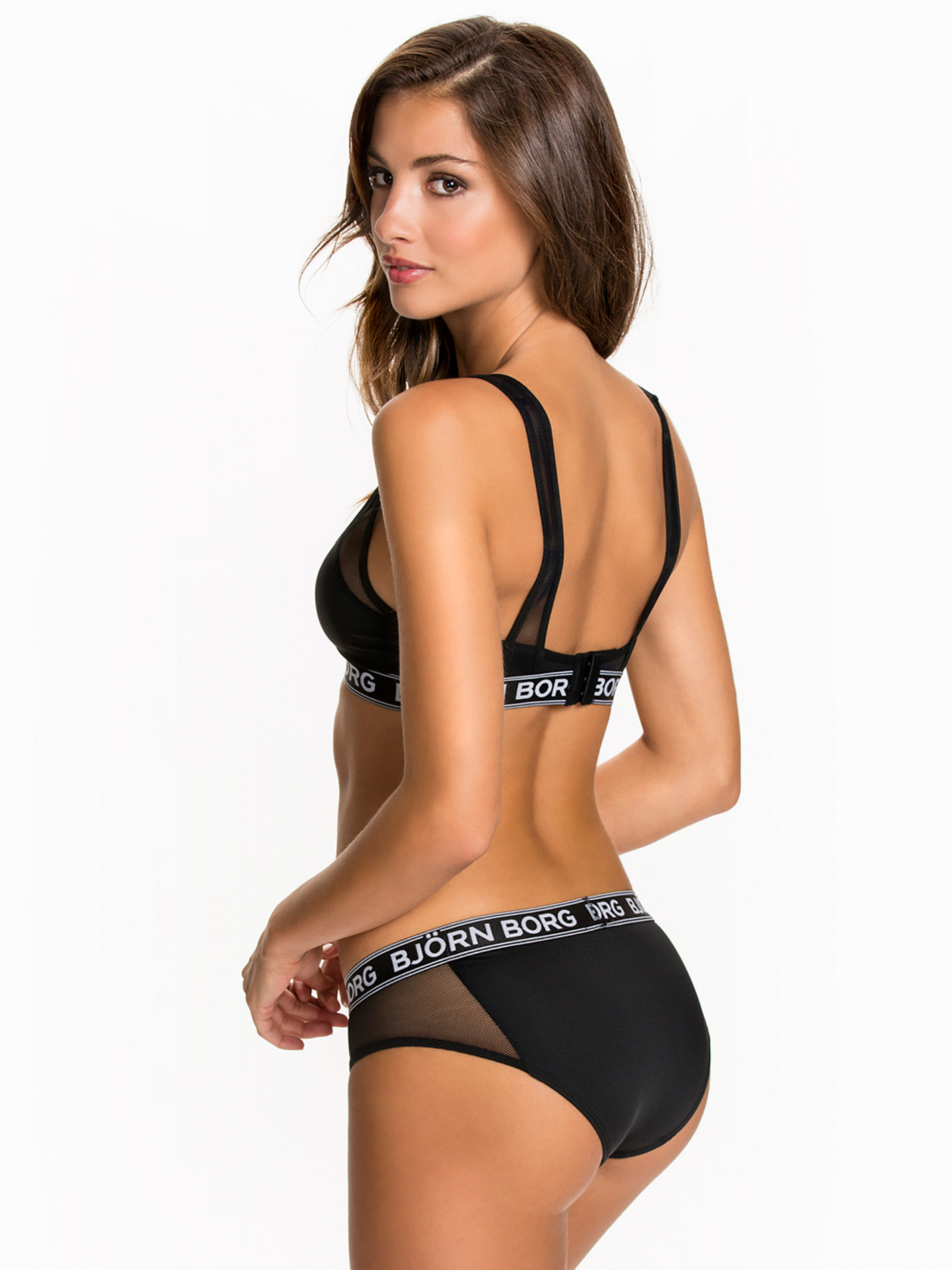
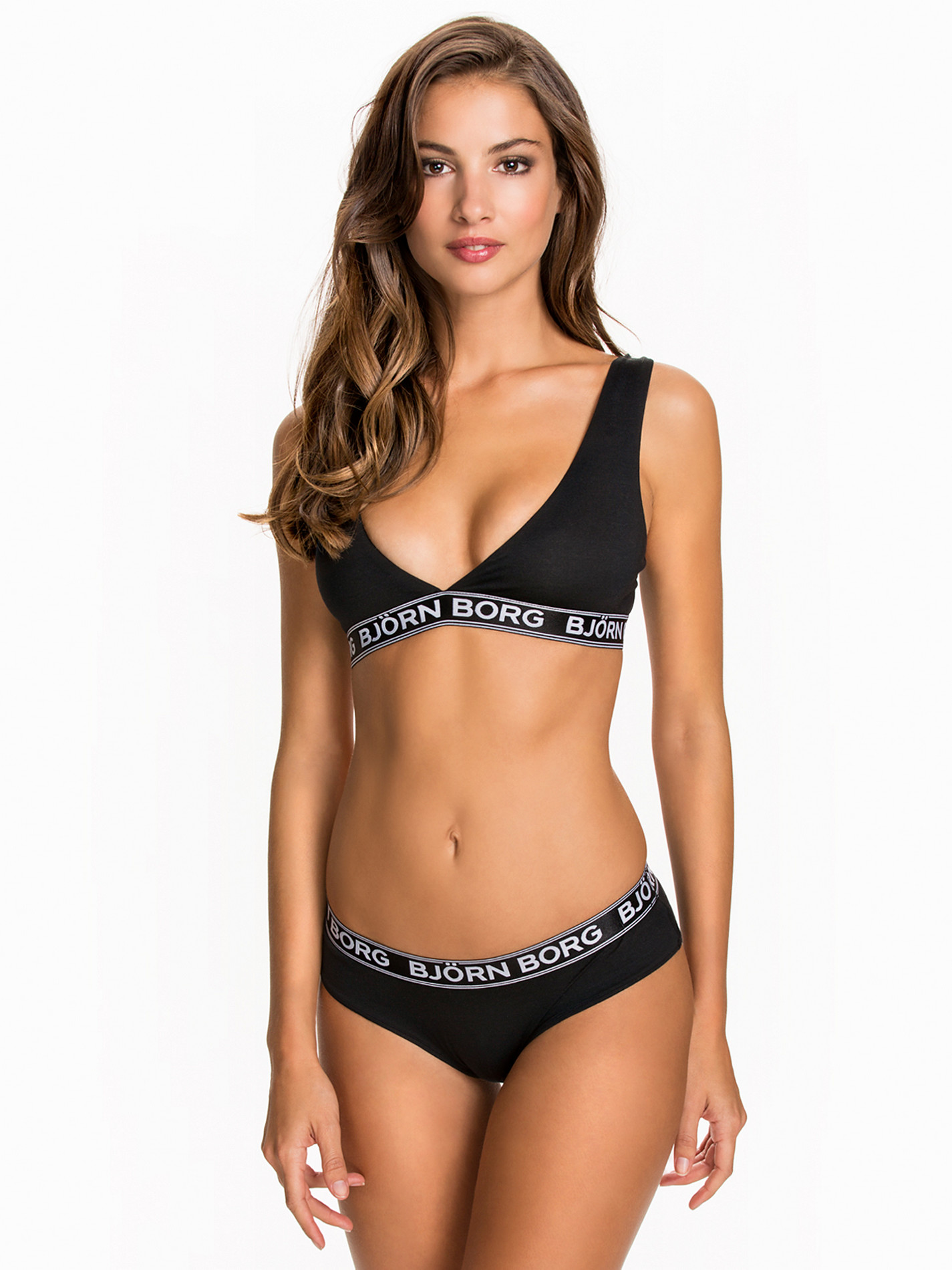
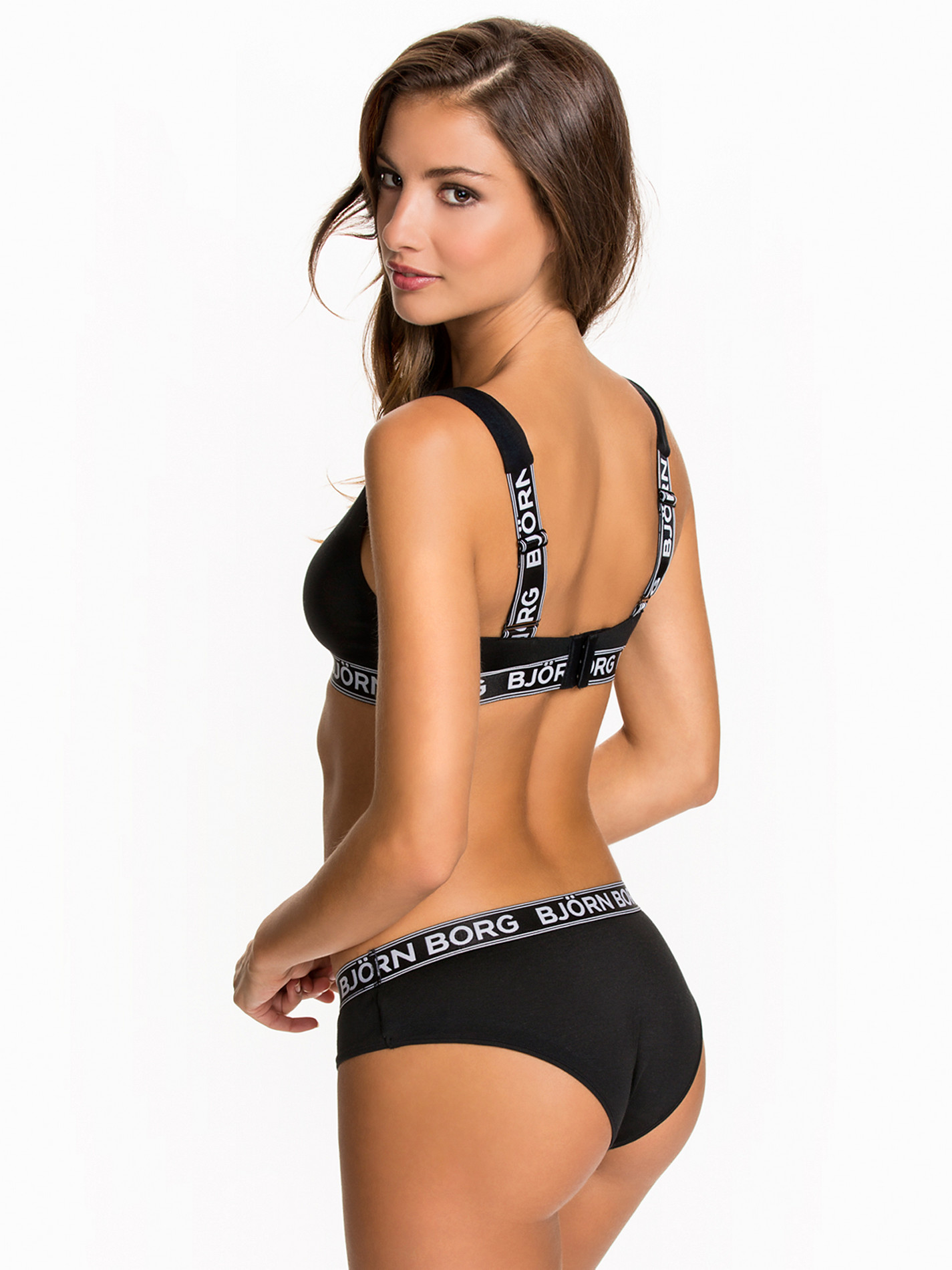
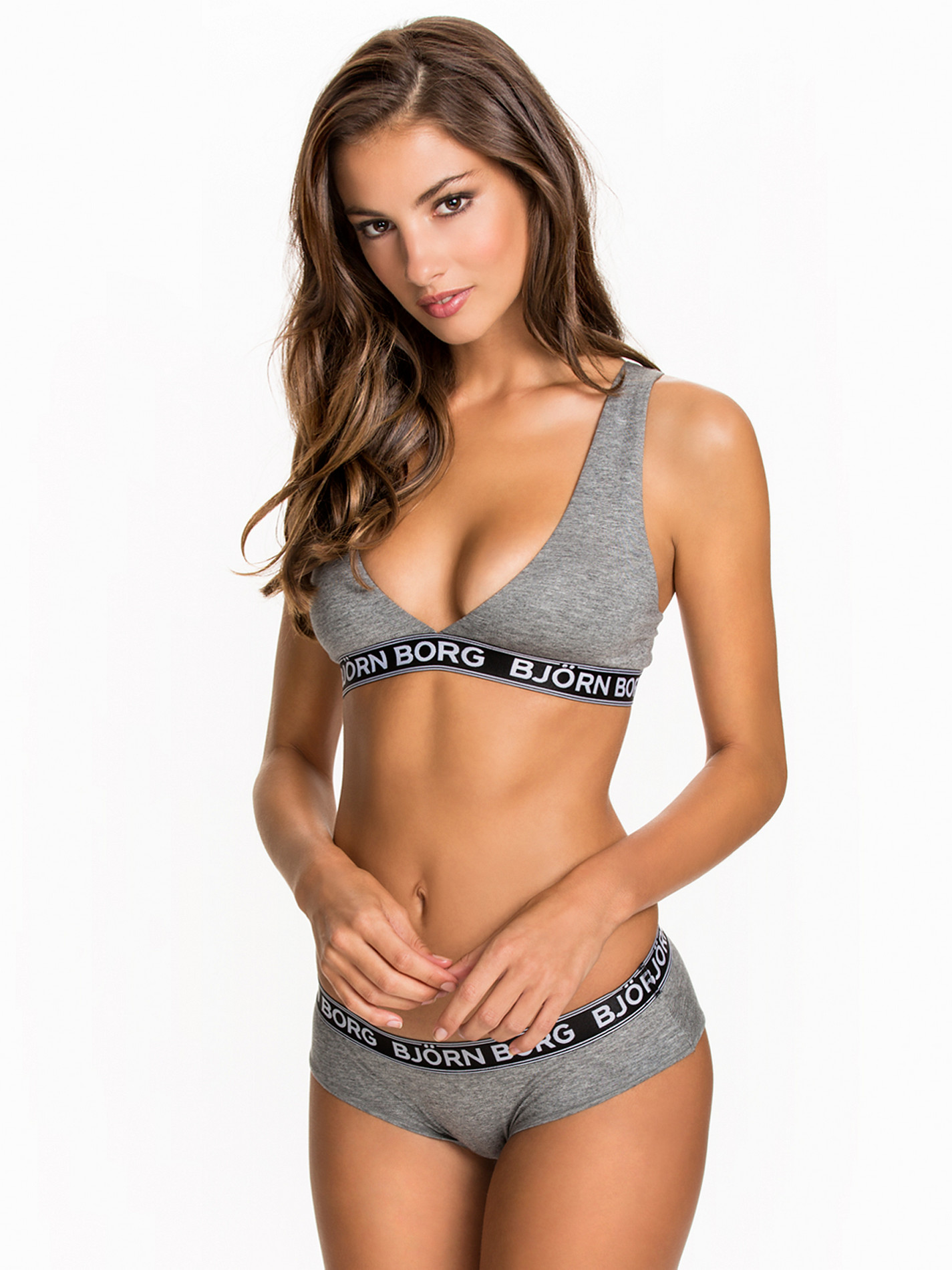
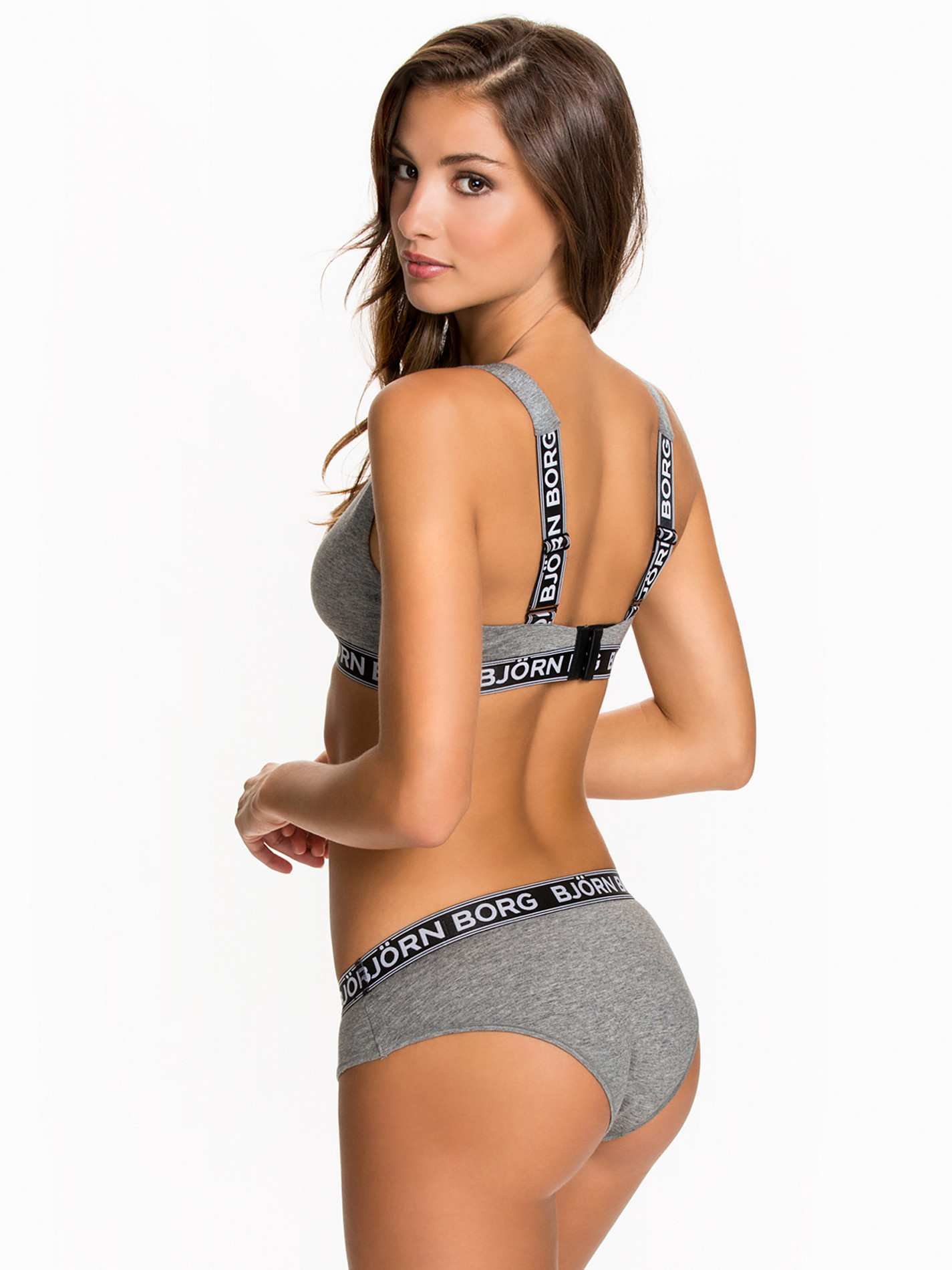
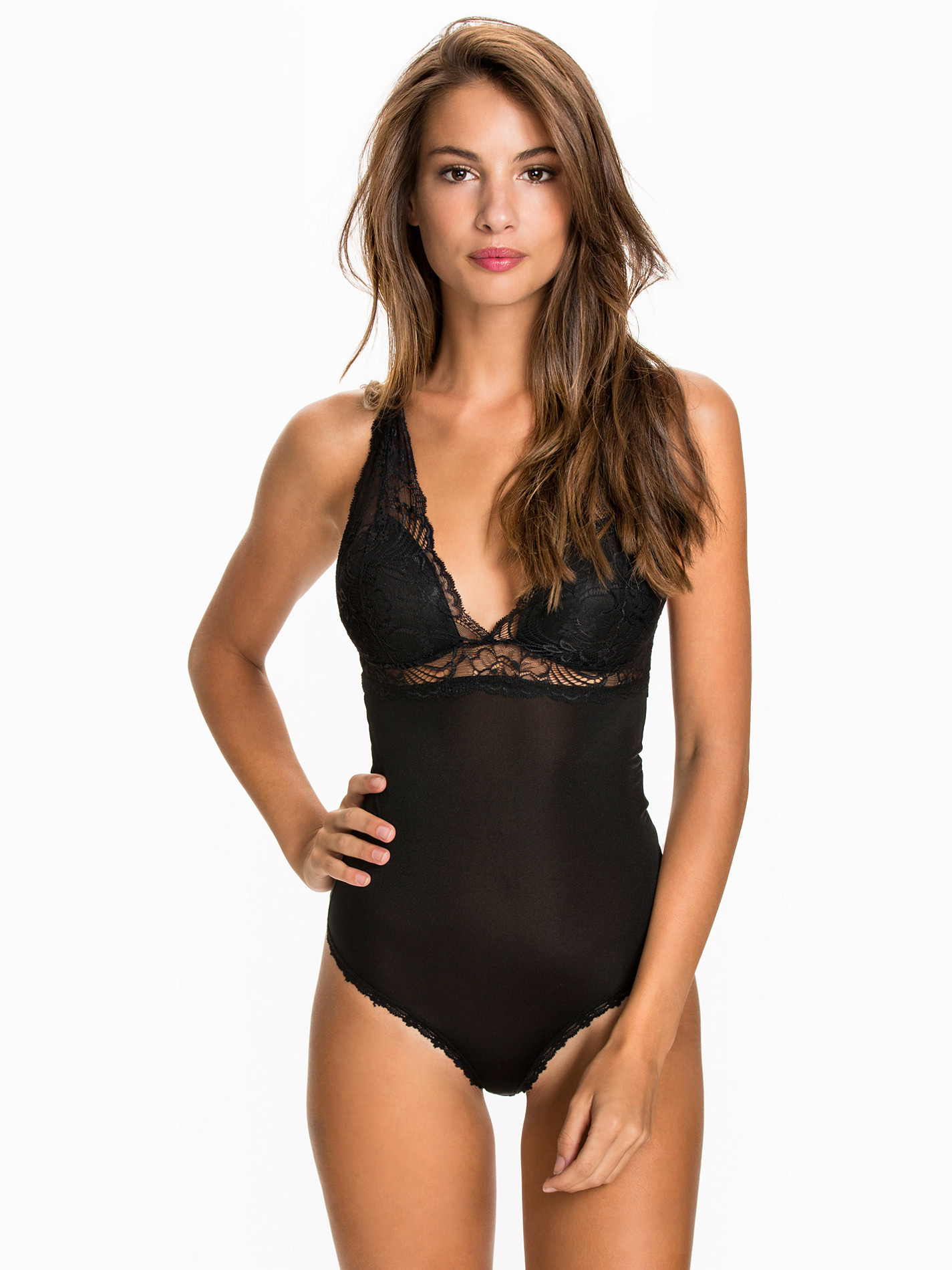
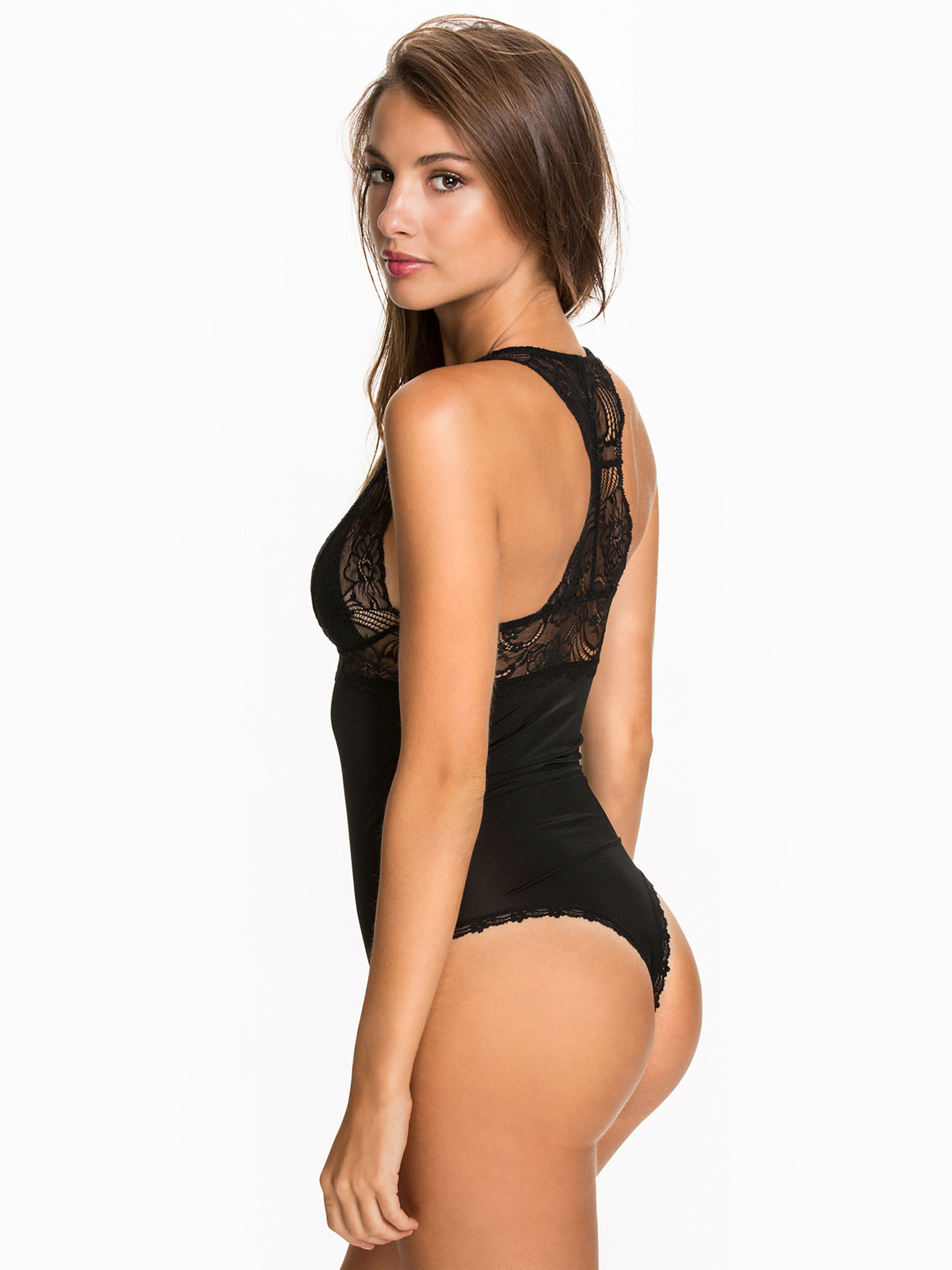
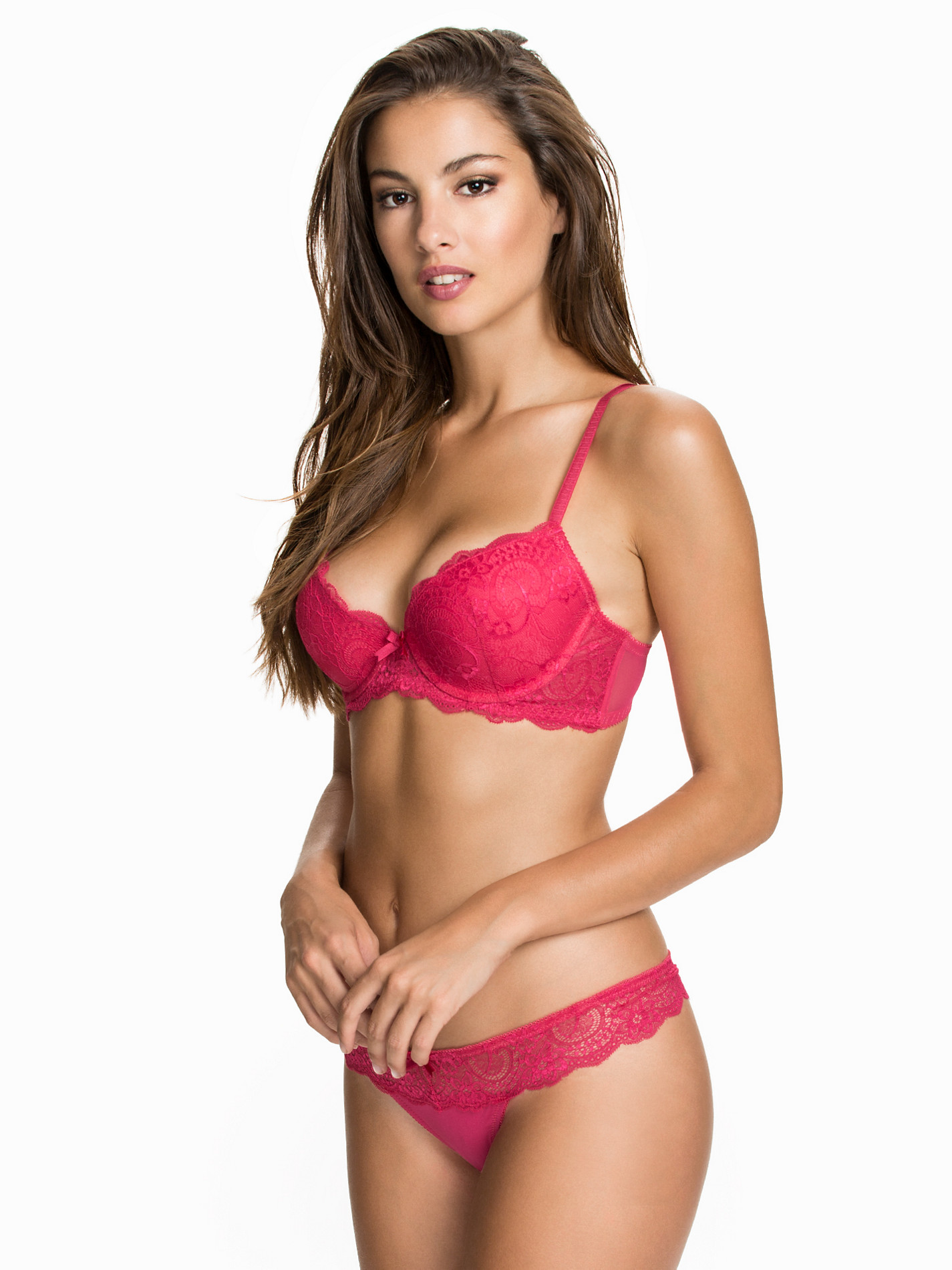
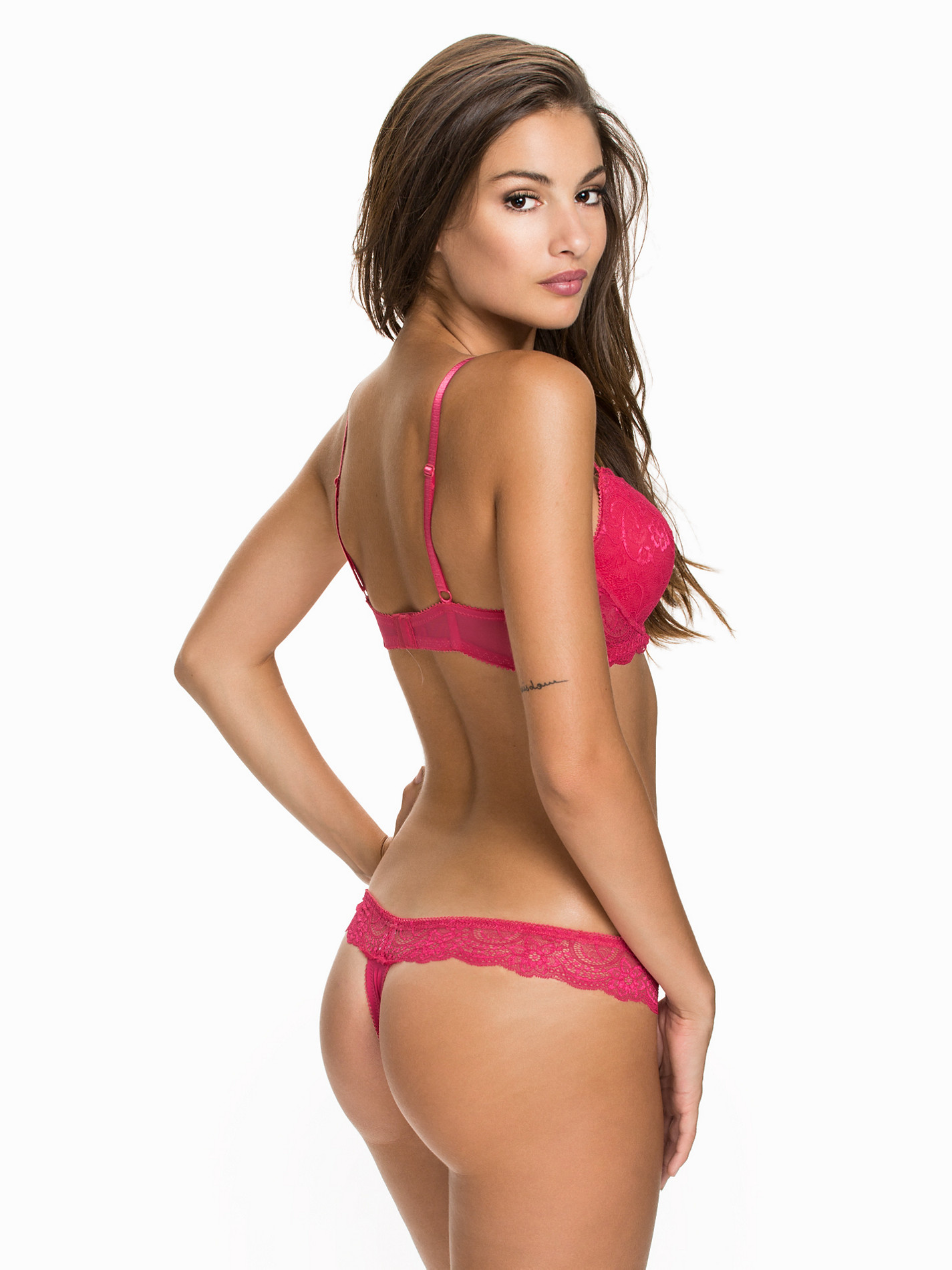
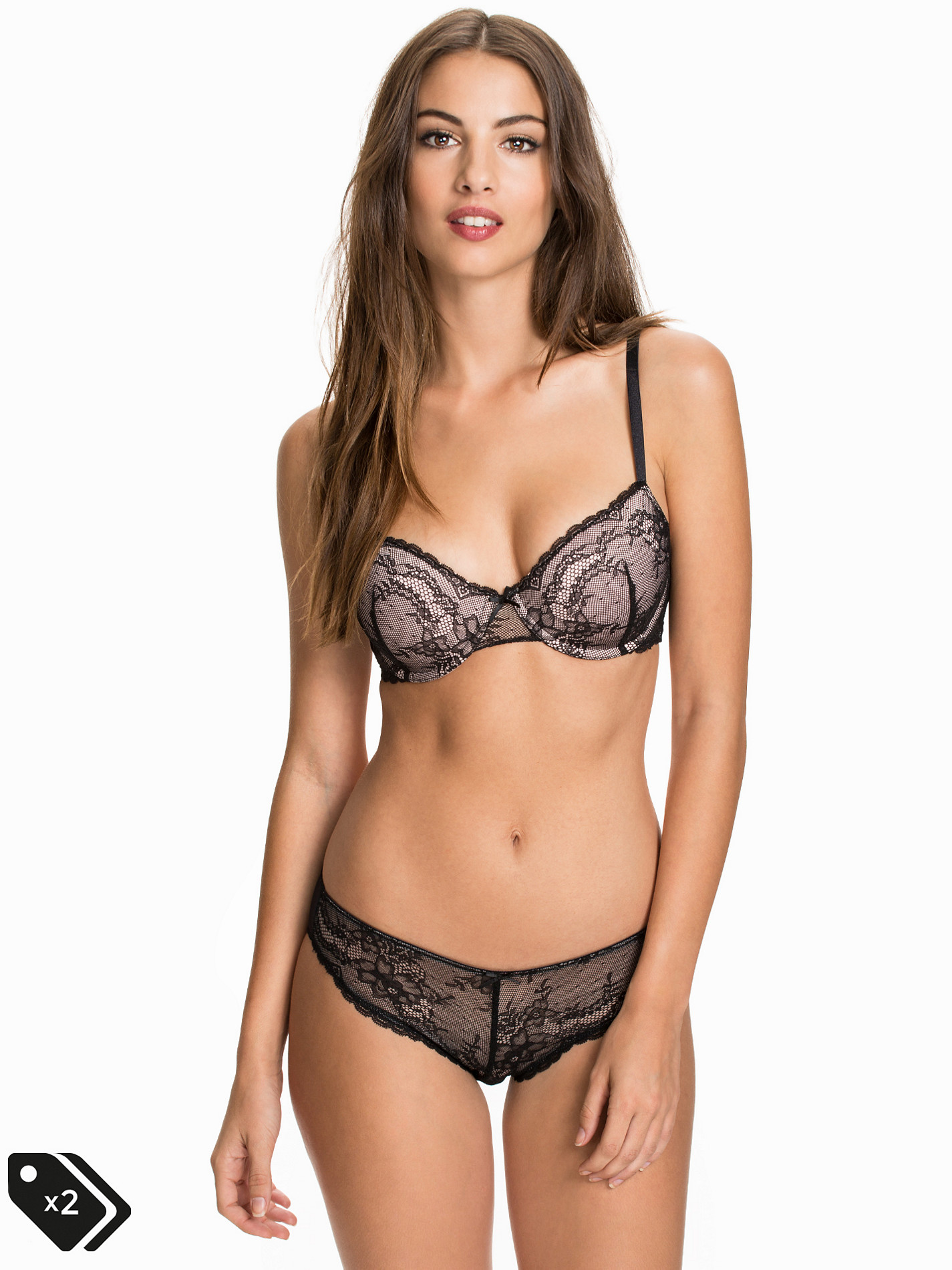
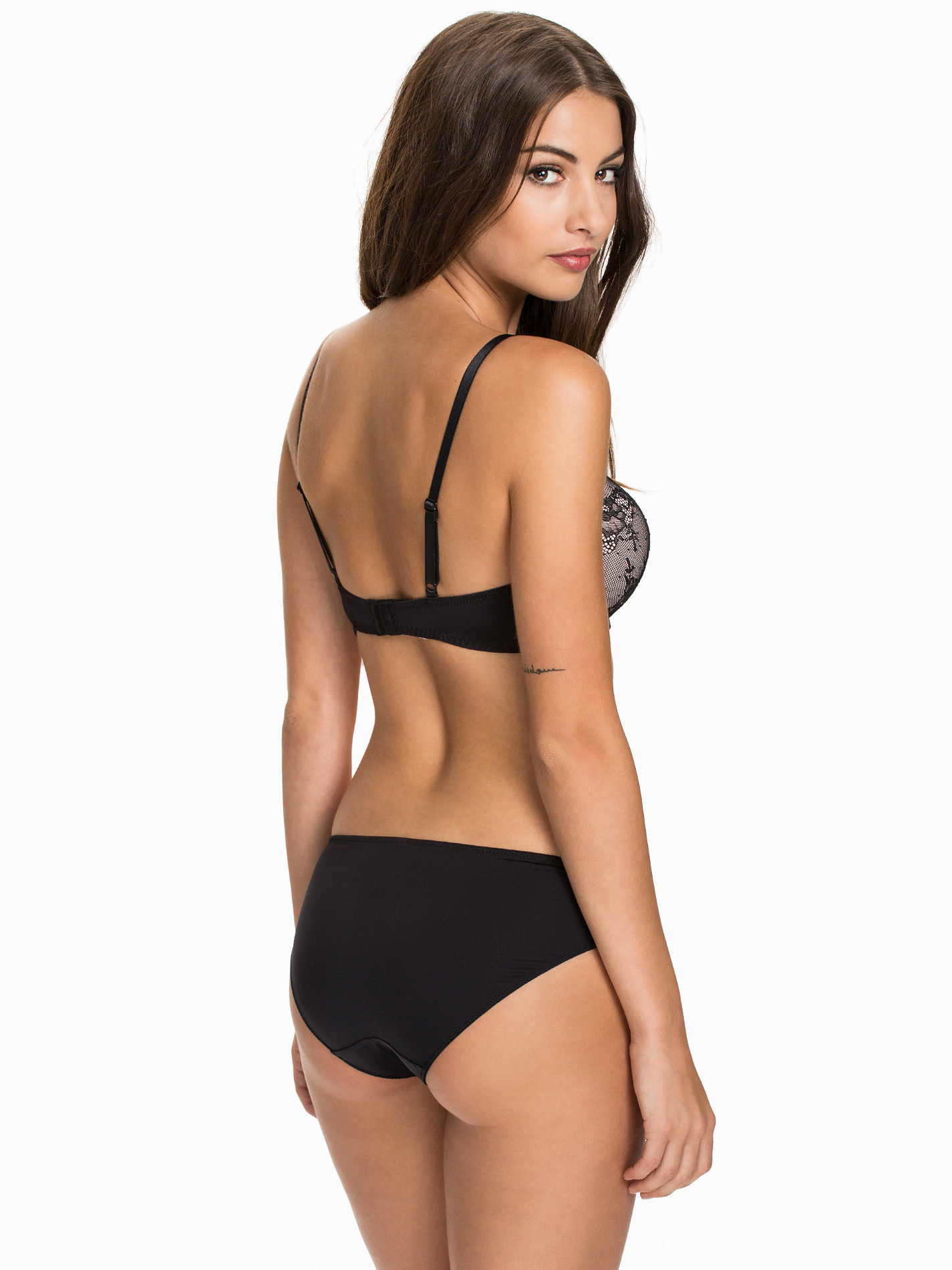
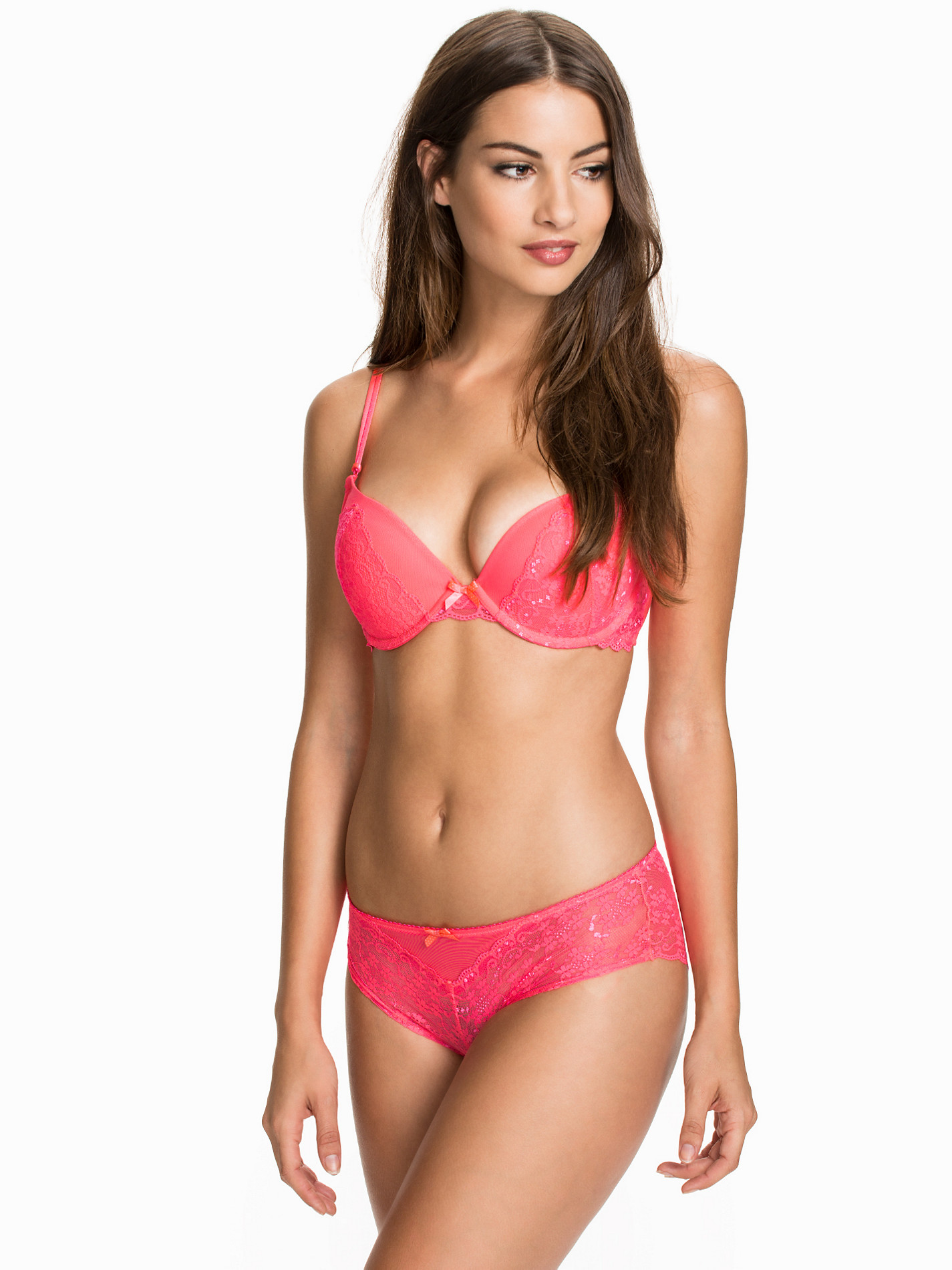
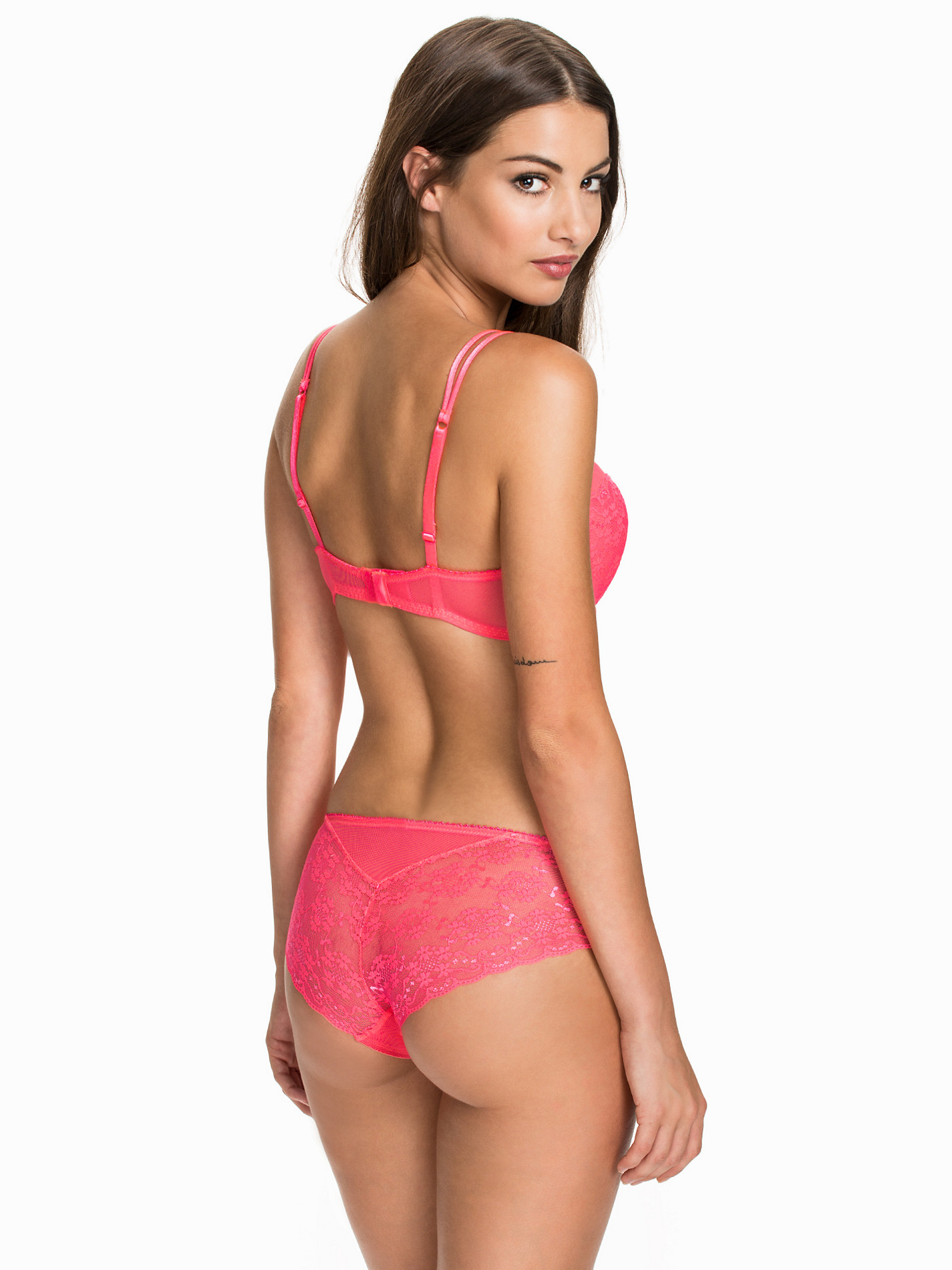
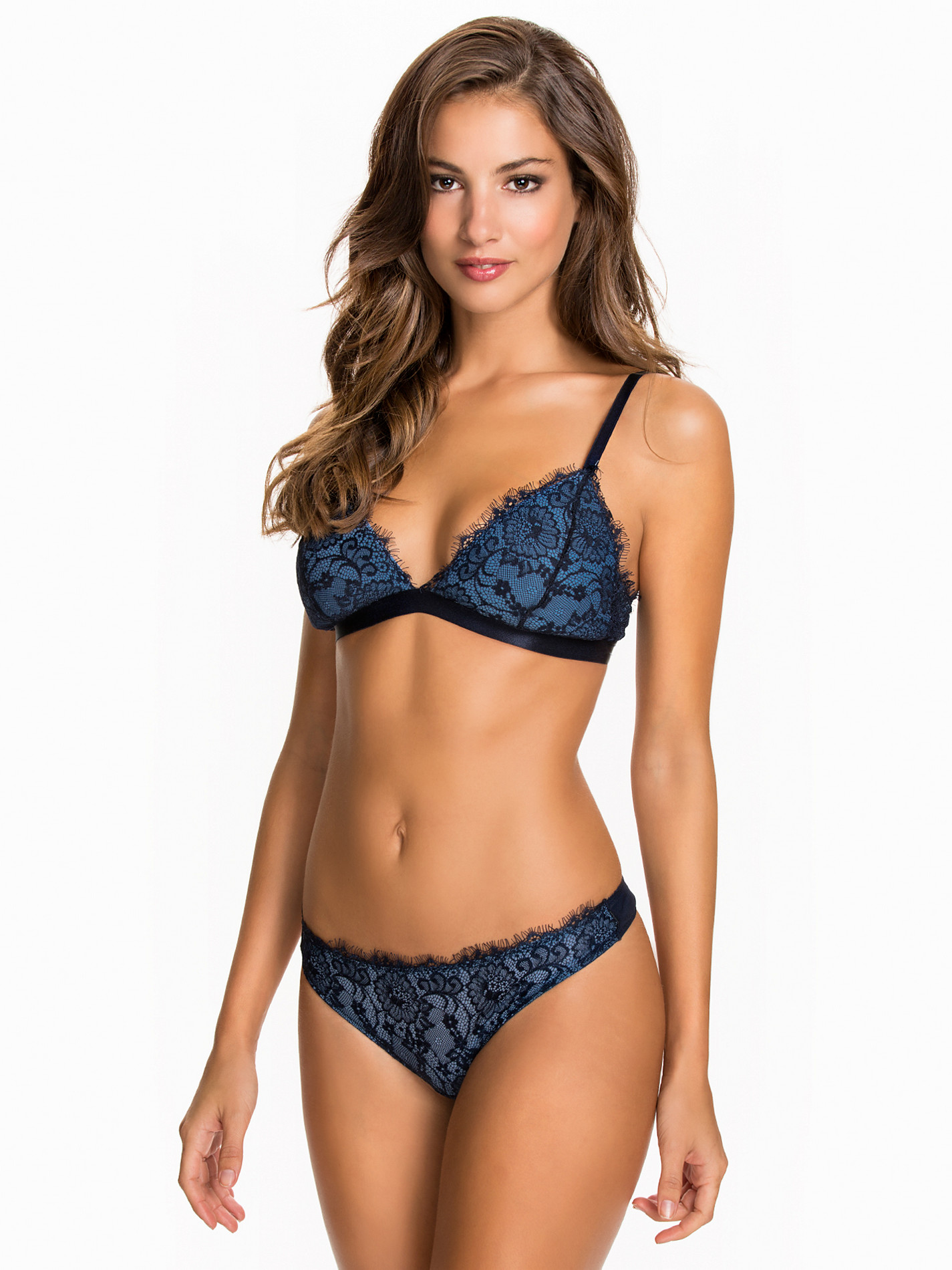
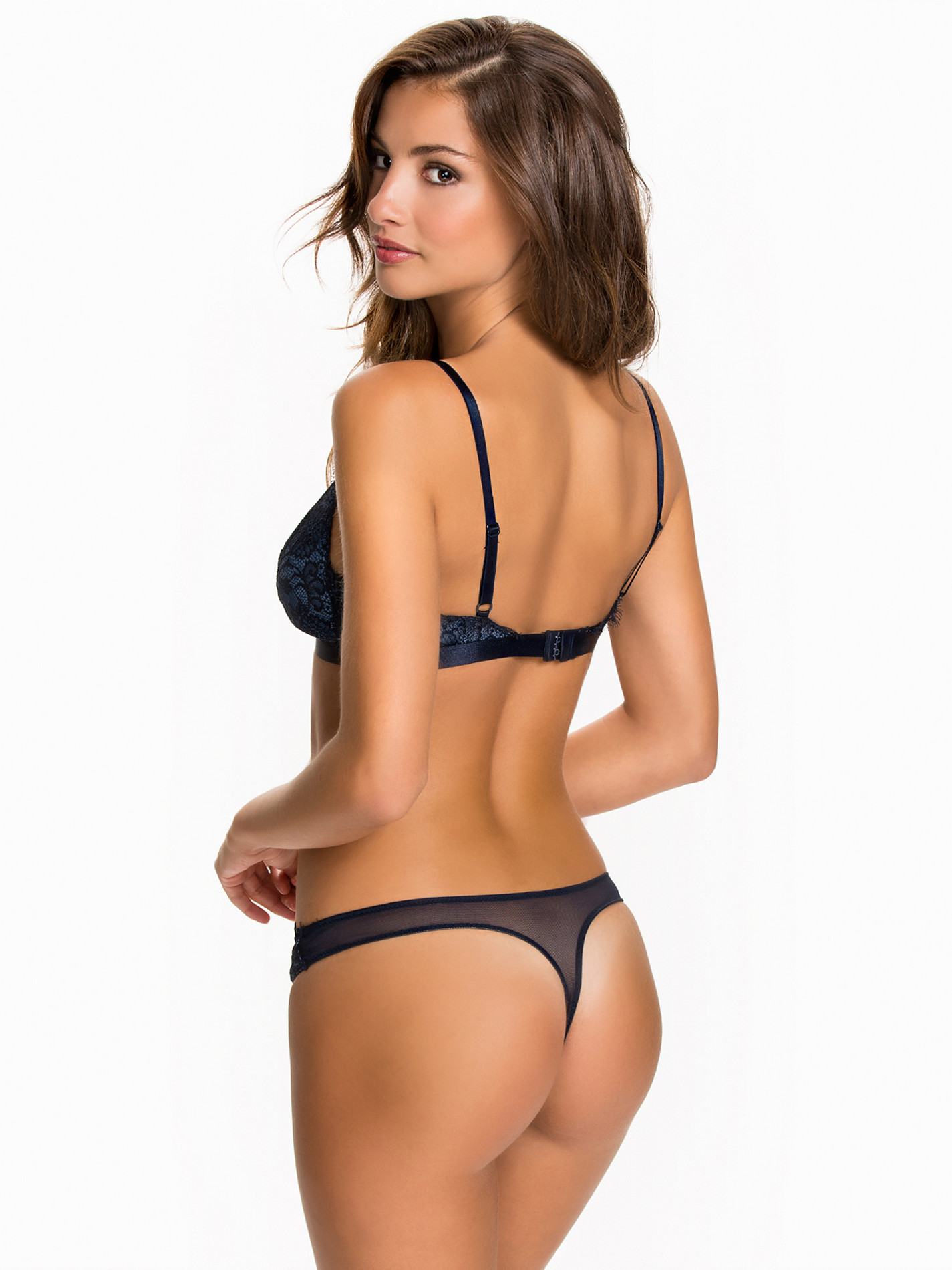
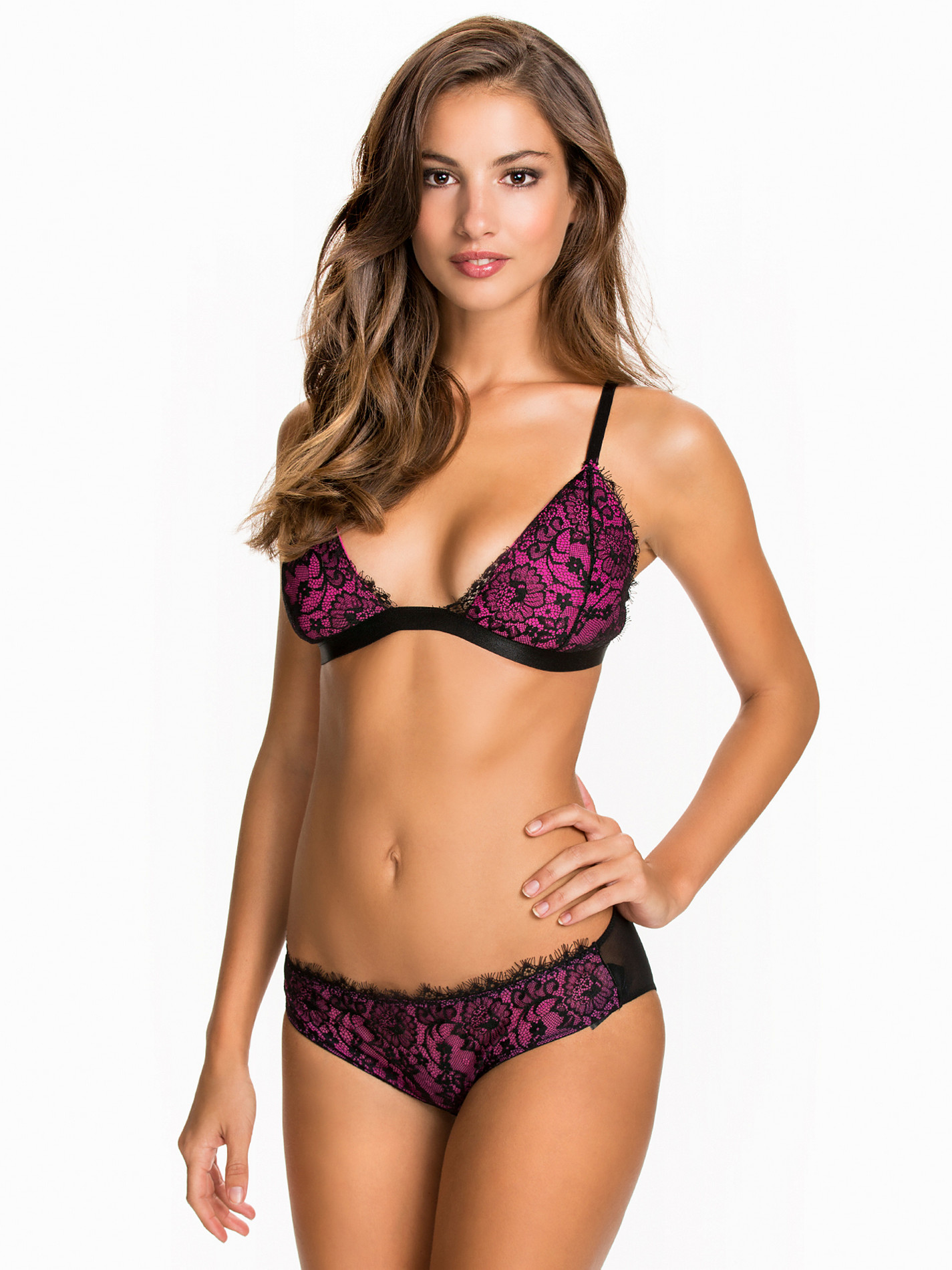
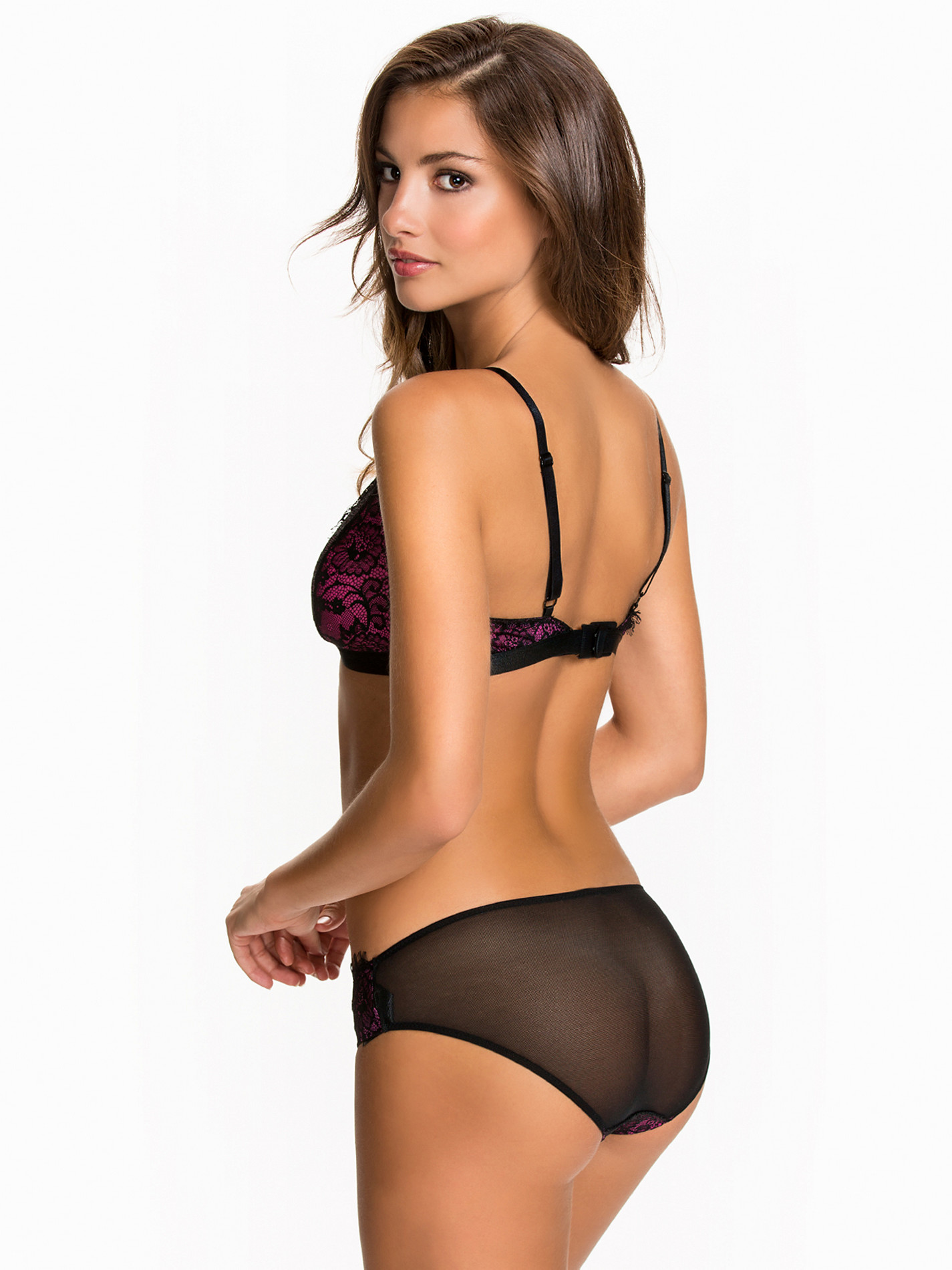
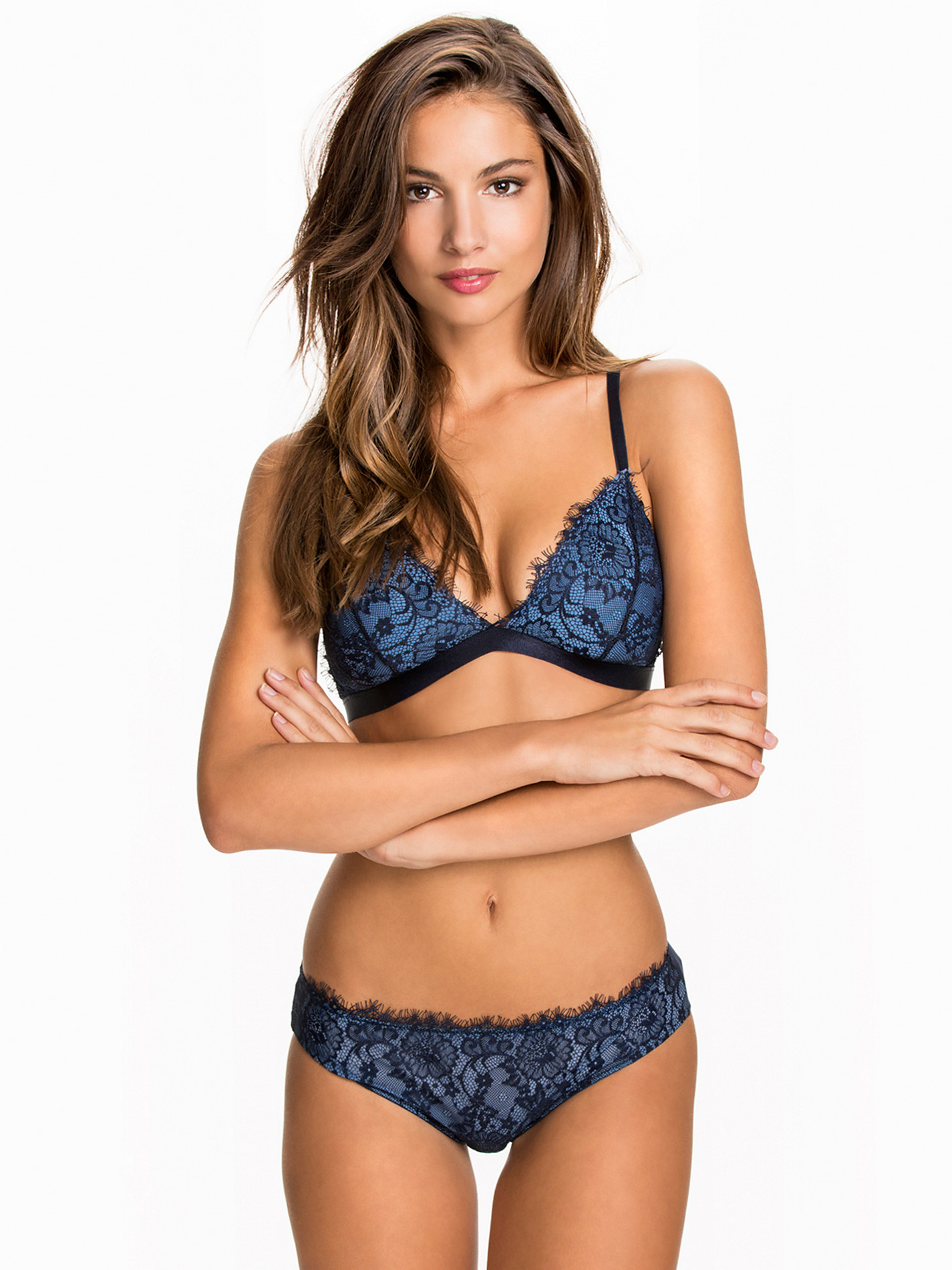
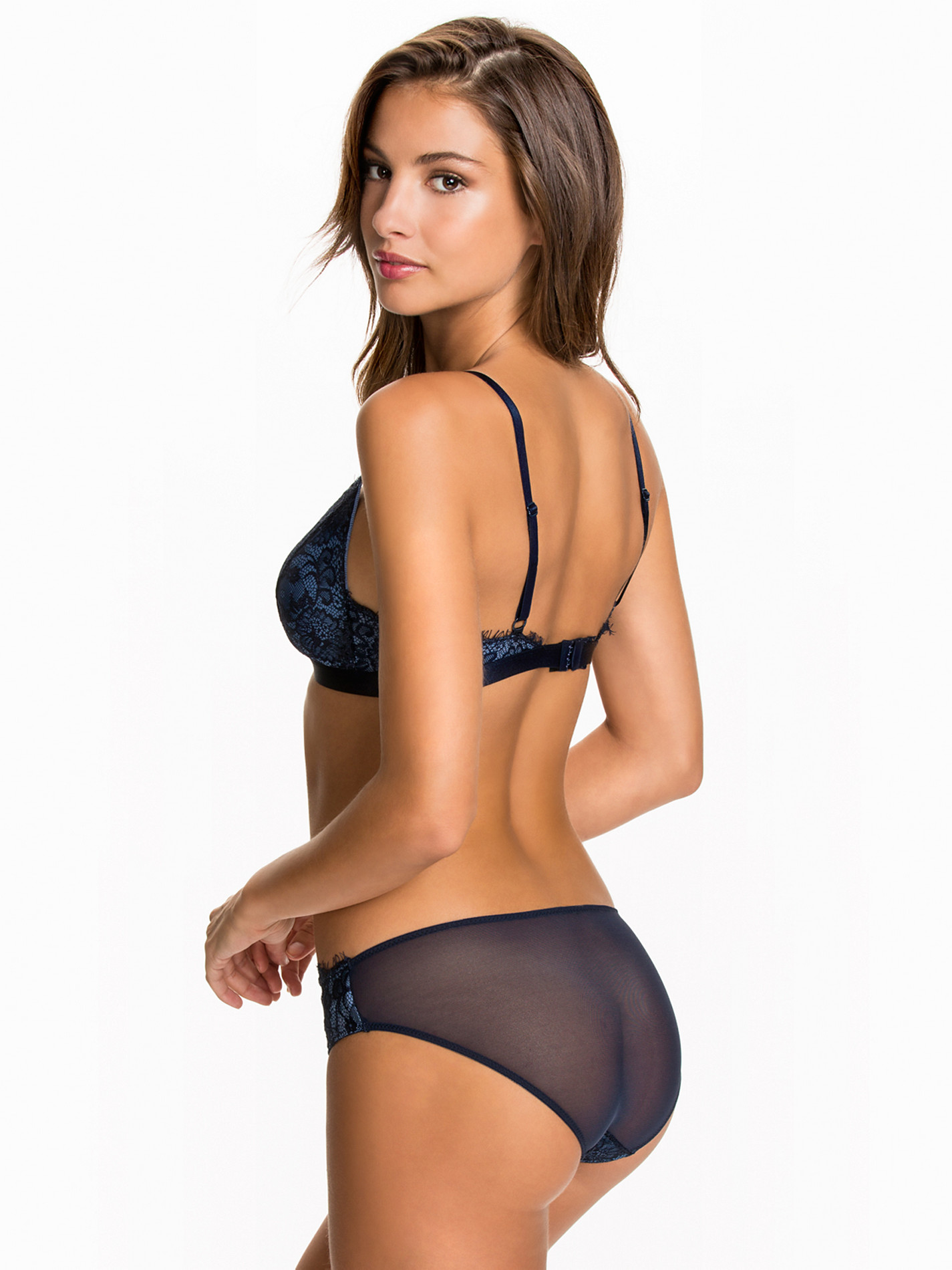
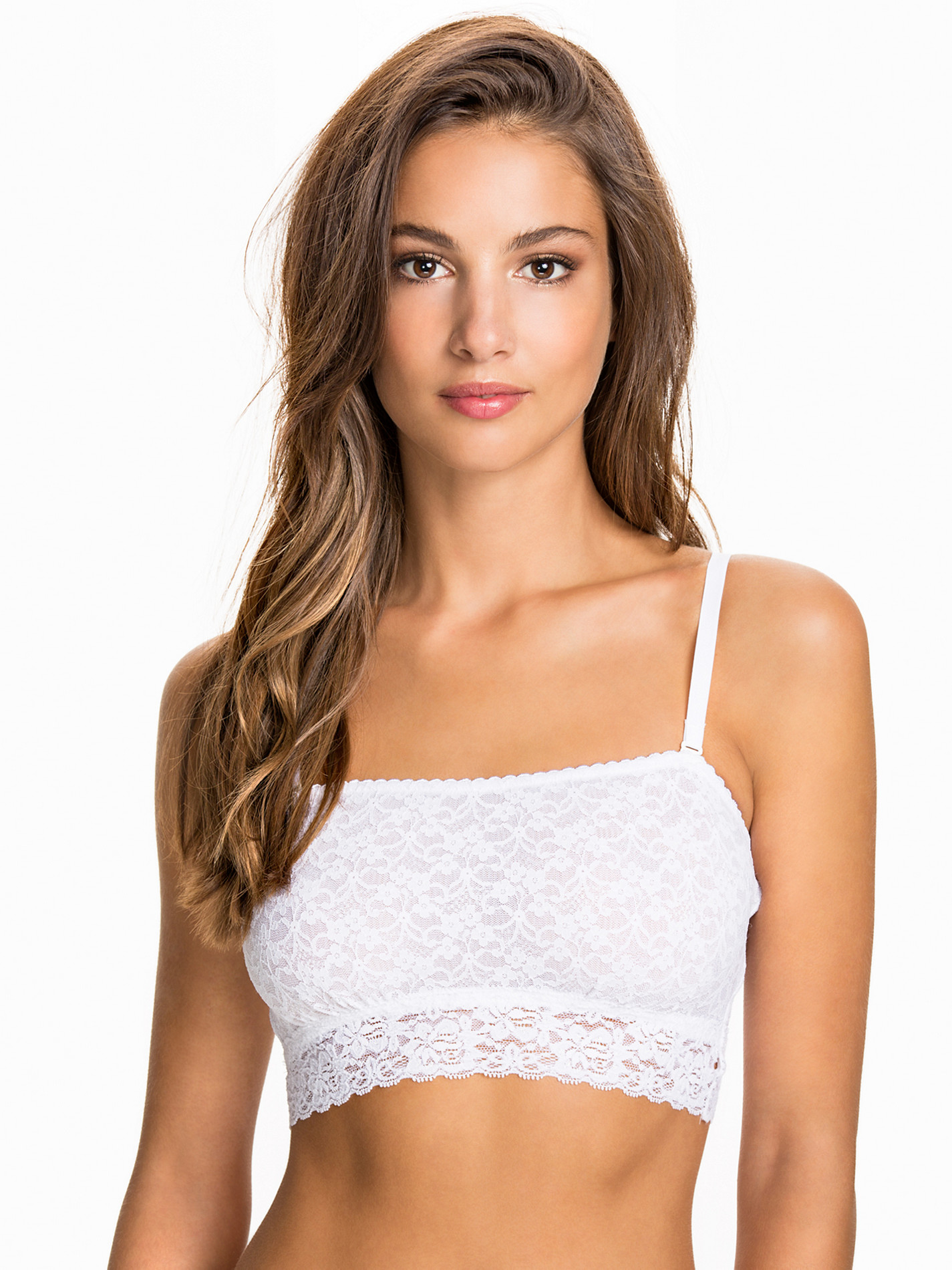
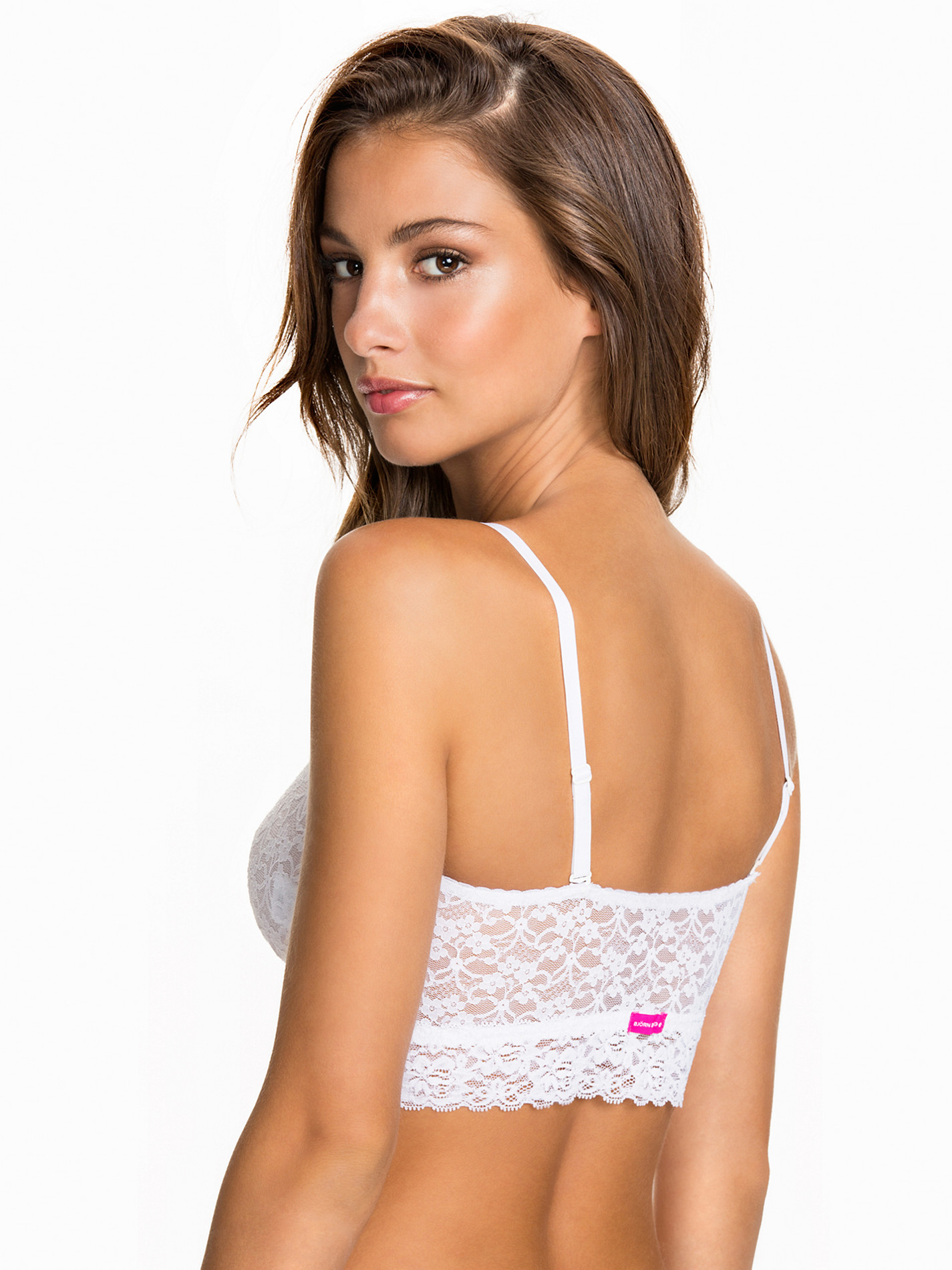
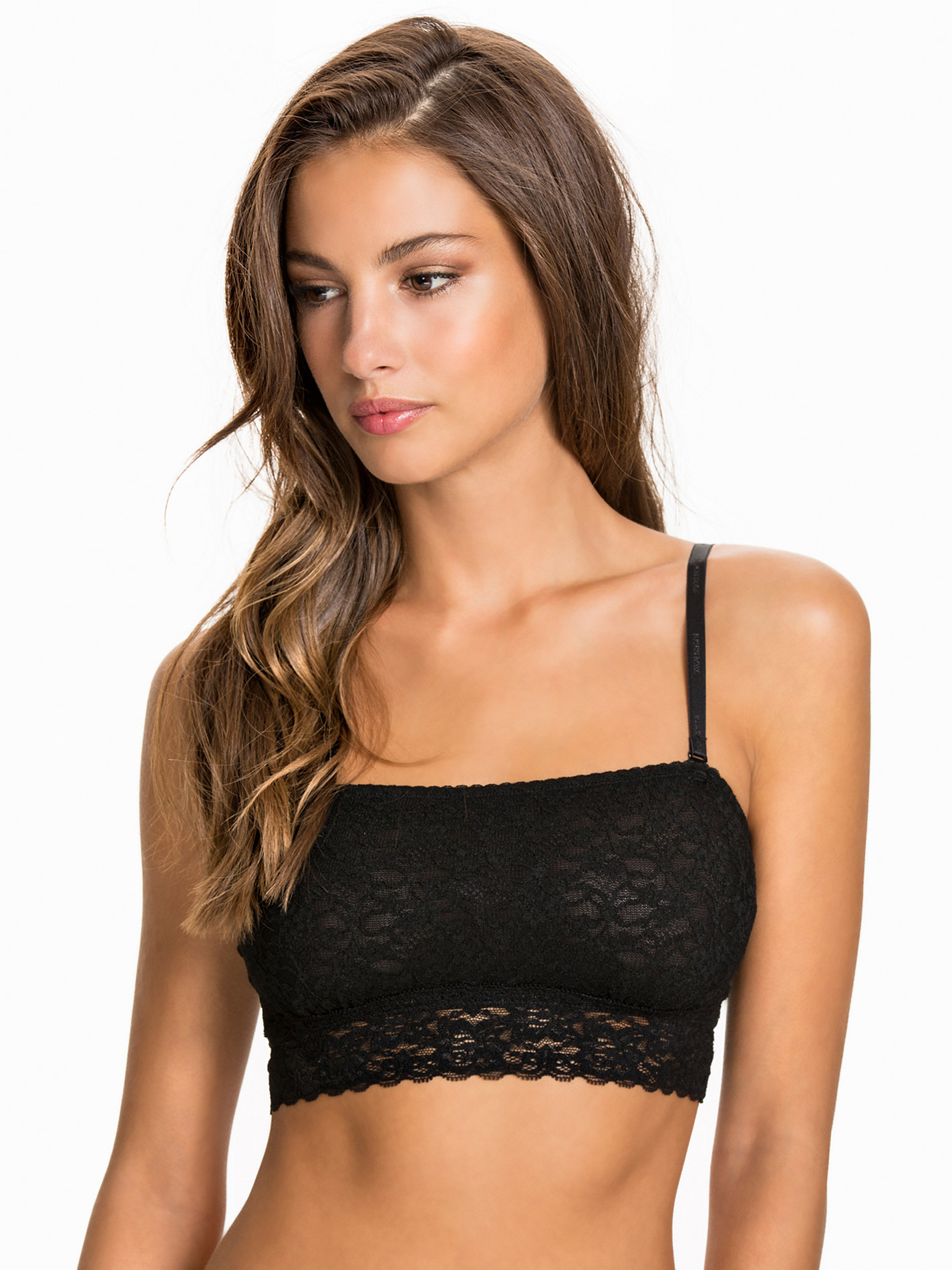
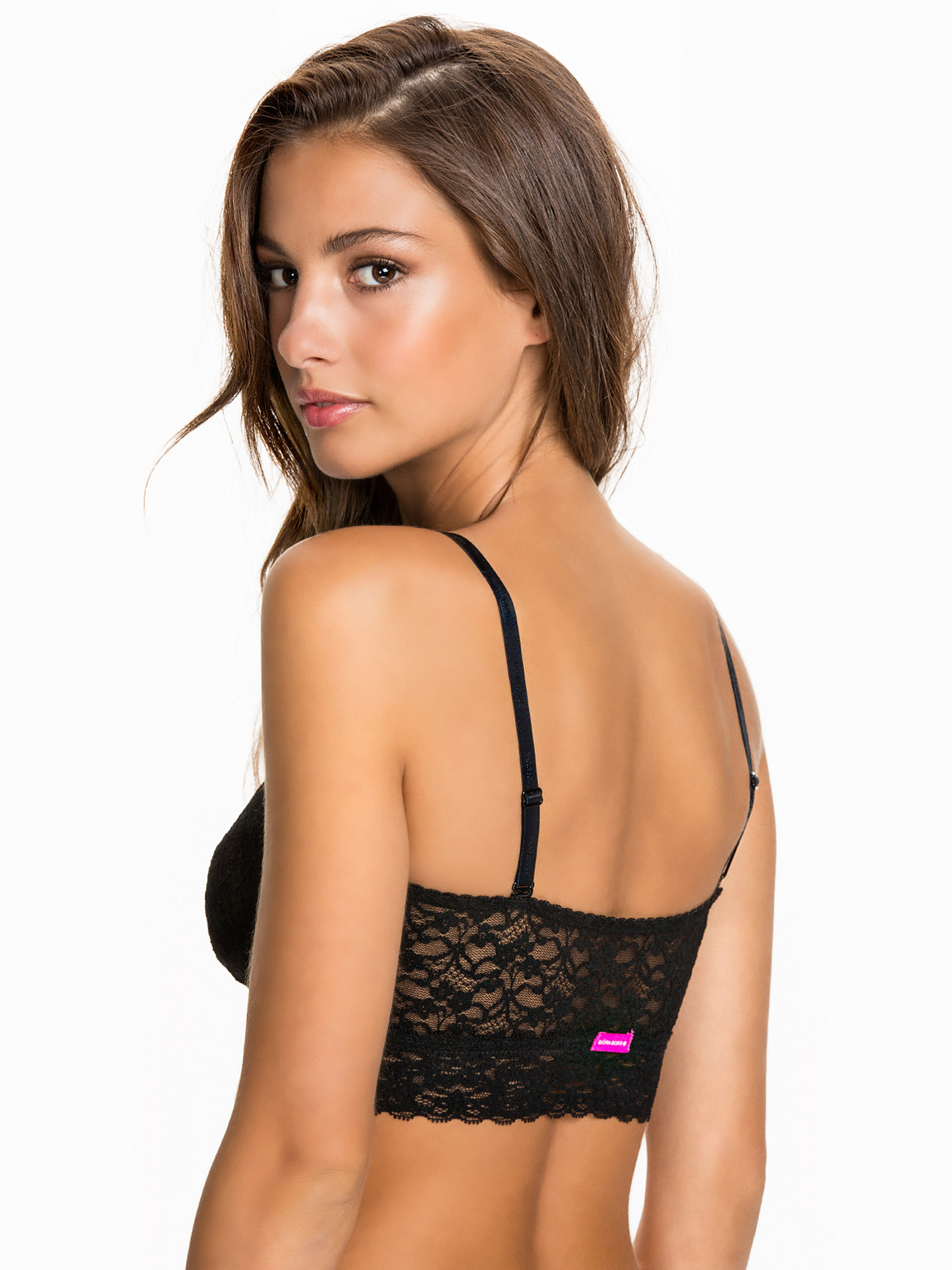
Nelly Lingerie
Gorgeous!
She is a stunner, that's for sure!
Nelly Lingerie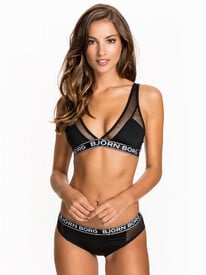
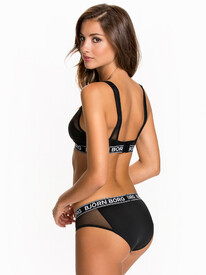
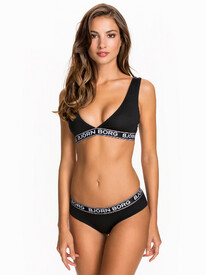
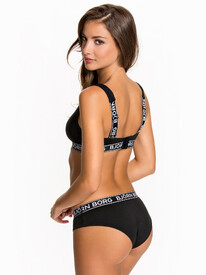

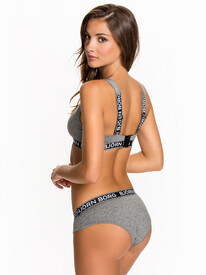
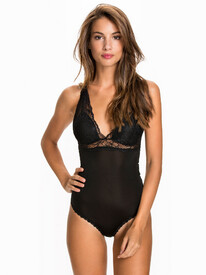
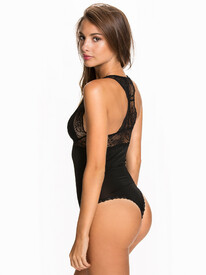

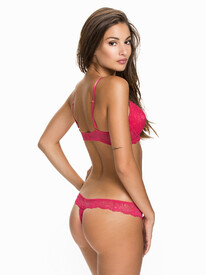
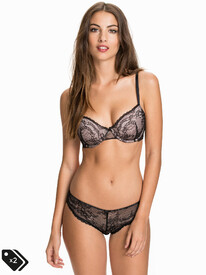
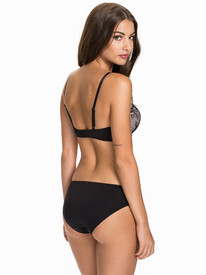
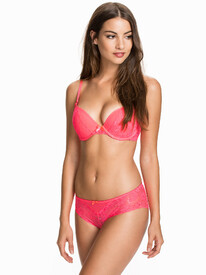
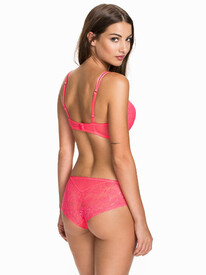
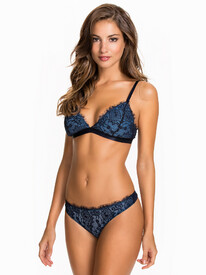
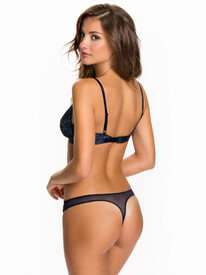
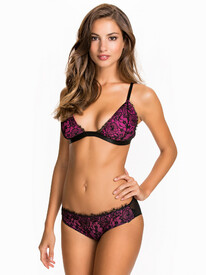
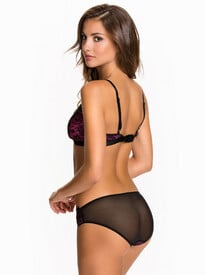
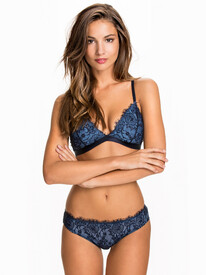
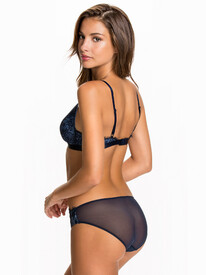
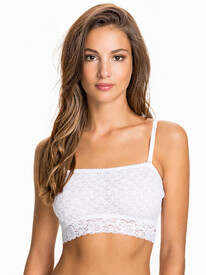

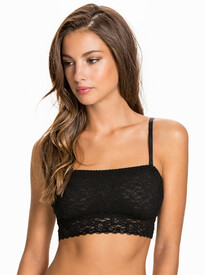
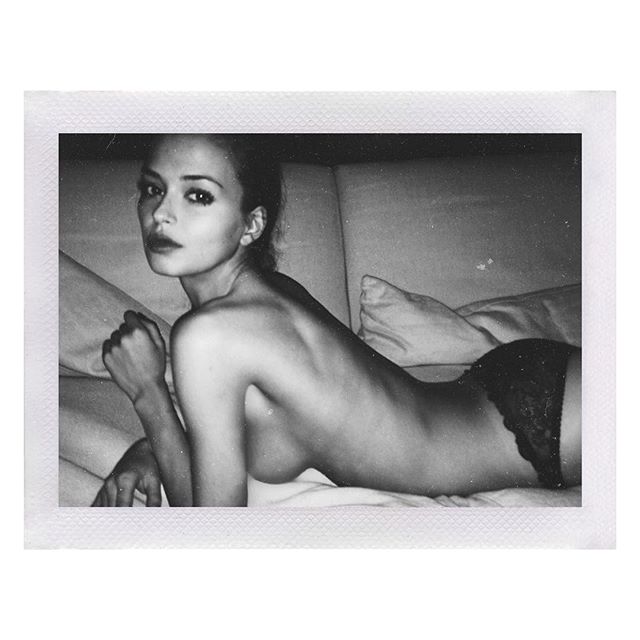
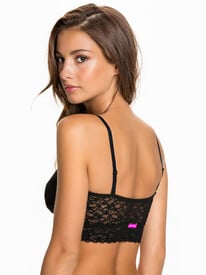 Nudity (+3 pics)
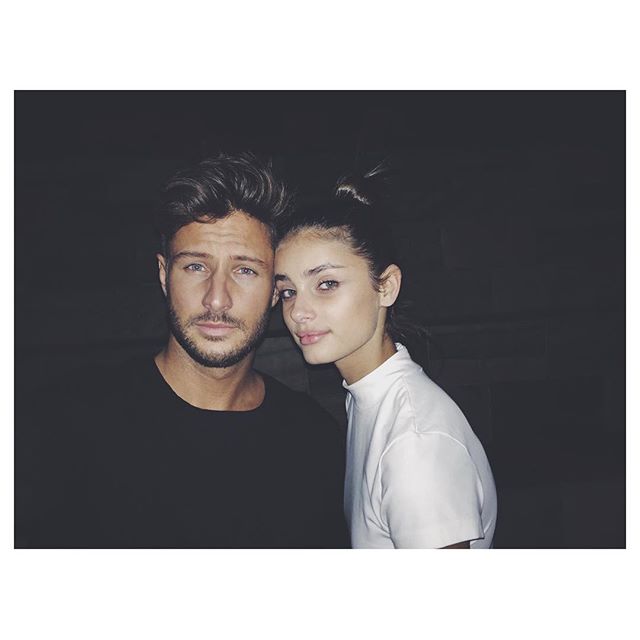
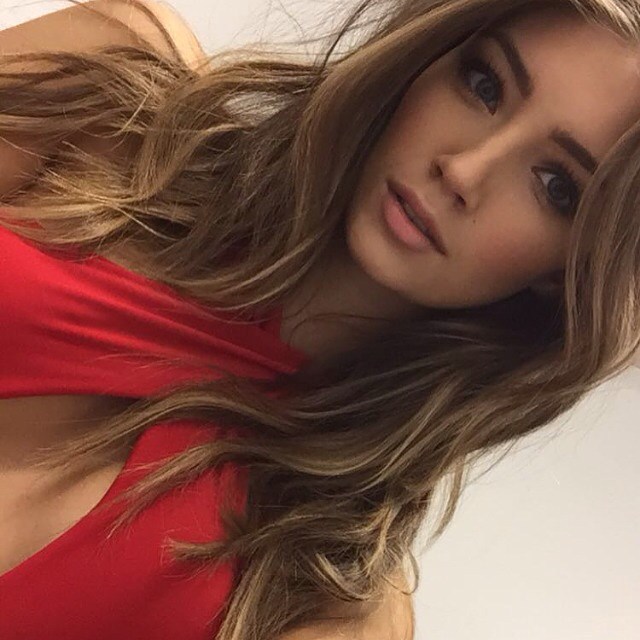
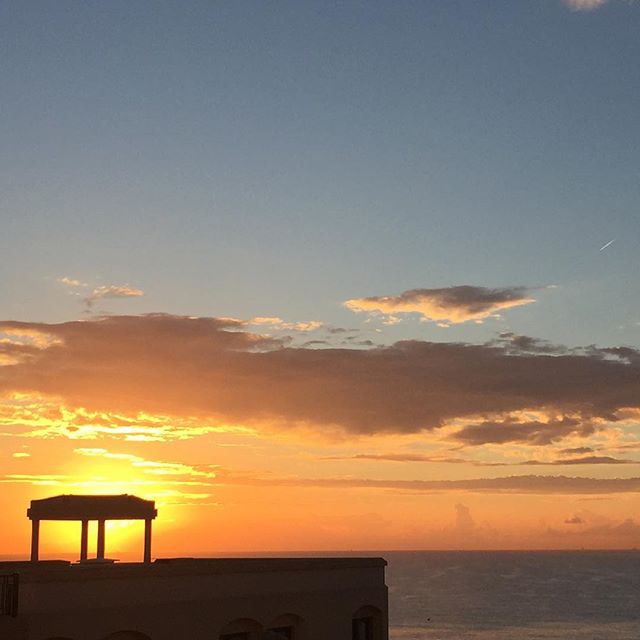
Some recent IG pics: https://instagram.com/kellyspronk/
Nudity (+3 pics)
Some recent IG pics: https://instagram.com/kellyspronk/


Account
Search
Configure browser push notifications
Chrome (Android)
- Tap the lock icon next to the address bar.
- Tap Permissions → Notifications.
- Adjust your preference.
Chrome (Desktop)
- Click the padlock icon in the address bar.
- Select Site settings.
- Find Notifications and adjust your preference.
Safari (iOS 16.4+)
- Ensure the site is installed via Add to Home Screen.
- Open Settings App → Notifications.
- Find your app name and adjust your preference.
Safari (macOS)
- Go to Safari → Preferences.
- Click the Websites tab.
- Select Notifications in the sidebar.
- Find this website and adjust your preference.
Edge (Android)
- Tap the lock icon next to the address bar.
- Tap Permissions.
- Find Notifications and adjust your preference.
Edge (Desktop)
- Click the padlock icon in the address bar.
- Click Permissions for this site.
- Find Notifications and adjust your preference.
Firefox (Android)
- Go to Settings → Site permissions.
- Tap Notifications.
- Find this site in the list and adjust your preference.
Firefox (Desktop)
- Open Firefox Settings.
- Search for Notifications.
- Find this site in the list and adjust your preference.