

RIP_Cabrini_Green
Members
-
Joined
-
Last visited
Everything posted by RIP_Cabrini_Green
-
 Congrats to Xenia!
Didn't work me either.....
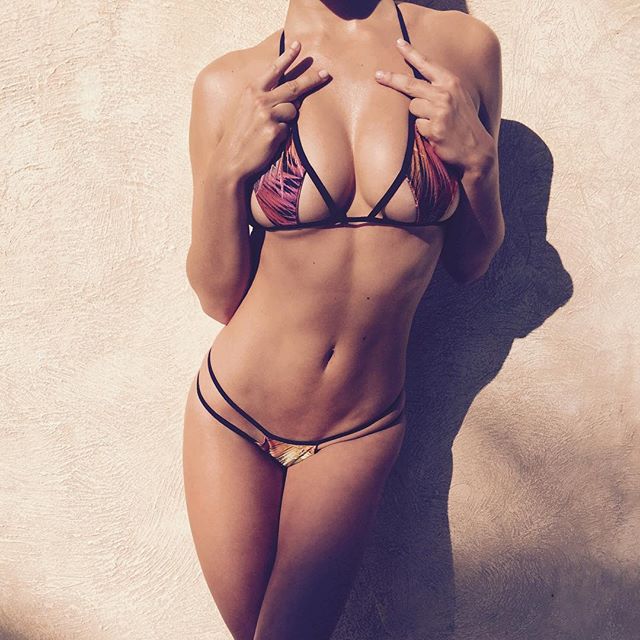
Tan lines are sexy.
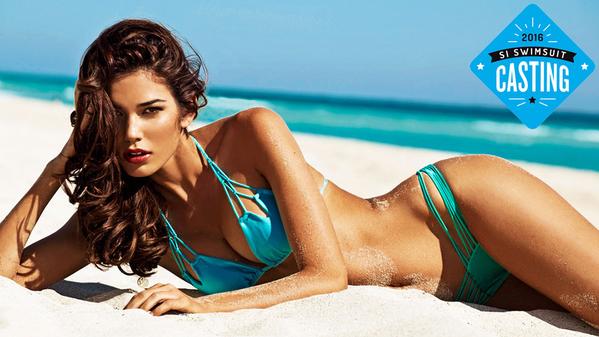
Wow. She looks great for Love Culture!
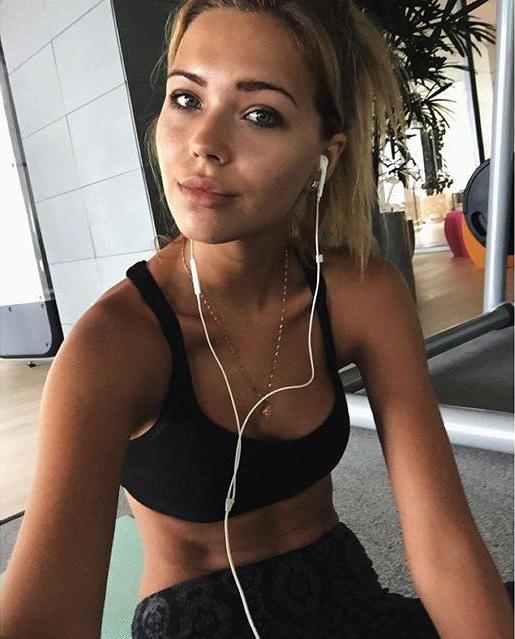
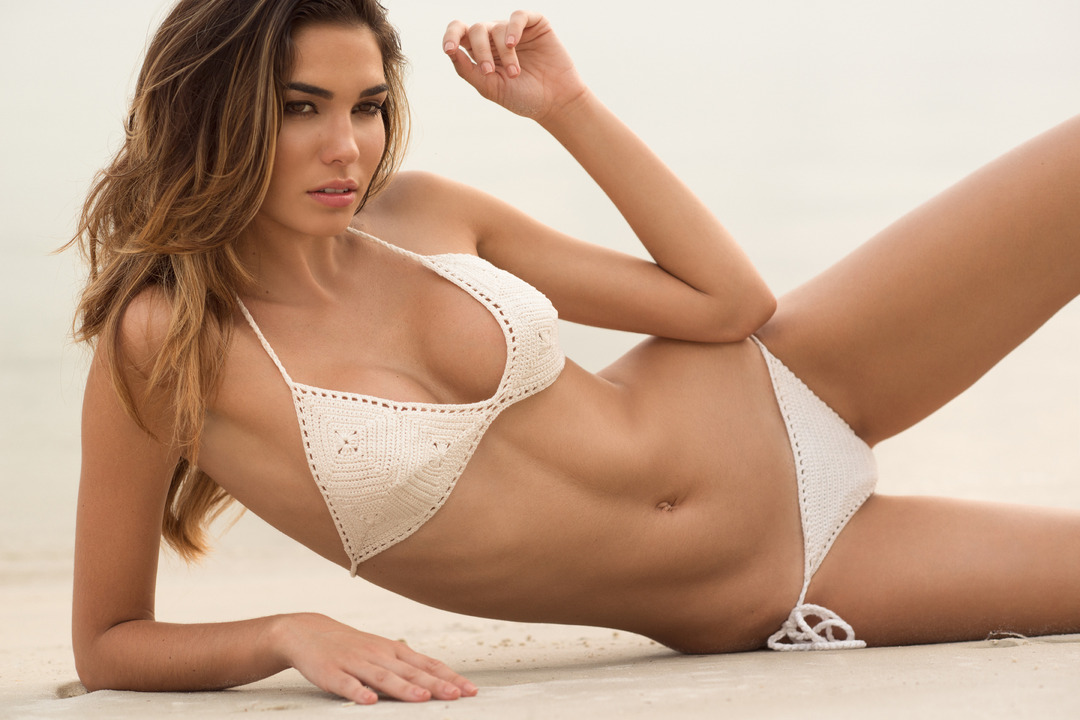
It will be interesting to see how good her S.I. shoot turns out to be. Because at first, I was not thrilled about her being a rookie. However, slowly but surely, I am getting comfortable about being on her bandwagon.
Completely understandable Pheno. It's probably best to let that whole saga die anyways.
Woah. She's on fire lately!!
We absolutely are on the same team! It's just so funny, because I've come to post one of her IG pics and it seems like you beat me to it like 3 minutes before I post. And that's happened like 6 times. So i relish in my rare, but sweet little victories against you. haha Yeah, I wonder that too. I think I've told one person because they asked, but for people that aren't from Chicago, probably would have no idea. You're from here right? So you get it.
It's not really that weird......
Congrats to Xenia!
Didn't work me either.....
Tan lines are sexy.
Wow. She looks great for Love Culture!
It will be interesting to see how good her S.I. shoot turns out to be. Because at first, I was not thrilled about her being a rookie. However, slowly but surely, I am getting comfortable about being on her bandwagon.
Completely understandable Pheno. It's probably best to let that whole saga die anyways.
Woah. She's on fire lately!!
We absolutely are on the same team! It's just so funny, because I've come to post one of her IG pics and it seems like you beat me to it like 3 minutes before I post. And that's happened like 6 times. So i relish in my rare, but sweet little victories against you. haha Yeah, I wonder that too. I think I've told one person because they asked, but for people that aren't from Chicago, probably would have no idea. You're from here right? So you get it.
It's not really that weird......



Account
Search
Configure browser push notifications
Chrome (Android)
- Tap the lock icon next to the address bar.
- Tap Permissions → Notifications.
- Adjust your preference.
Chrome (Desktop)
- Click the padlock icon in the address bar.
- Select Site settings.
- Find Notifications and adjust your preference.
Safari (iOS 16.4+)
- Ensure the site is installed via Add to Home Screen.
- Open Settings App → Notifications.
- Find your app name and adjust your preference.
Safari (macOS)
- Go to Safari → Preferences.
- Click the Websites tab.
- Select Notifications in the sidebar.
- Find this website and adjust your preference.
Edge (Android)
- Tap the lock icon next to the address bar.
- Tap Permissions.
- Find Notifications and adjust your preference.
Edge (Desktop)
- Click the padlock icon in the address bar.
- Click Permissions for this site.
- Find Notifications and adjust your preference.
Firefox (Android)
- Go to Settings → Site permissions.
- Tap Notifications.
- Find this site in the list and adjust your preference.
Firefox (Desktop)
- Open Firefox Settings.
- Search for Notifications.
- Find this site in the list and adjust your preference.