
Pith_Possum
Members
-
Joined
-
Last visited
Everything posted by Pith_Possum
-
 "A Taste of Summer" Photographer: Cody McGibbon codyjamesmcgibbon.com/stories/2016/5/16/a-taste-of-summer











 Nudity! nextmanagement.com/miami/profile/sandra-kubicka


 sandrakubicka Love this editorial from Tulum! More to come tomorrow
 bleeblu.tumblr.com
 Polaroids Elite Milano elitemodel.it/women/mainboard/georgia_martin.web


 megamodelagency.com/women/Georgia-Martin
 instagram.com/amathmagnan
 a few more pics from the Oh So Lovely Intimates Spring '15 Campaign: ohsolovelyhandmade.bigcartel.com/spring-15-campaign-wandering-hearts

















 short clip from Snapchat georgiaggm_1463341850903.mp4
 one more: mark-sullivanbradley.squarespace.com/georgia-martin
 Photographer: Ramiah Branch glamnashville.com instagram.com/ramiah.branch




















 Ph: John Schell instagram.com/johnschell
 Ph: Steve Gripp stevegripp
 Portfolio additions Two Management twomanagement.com






 imgmodels.com instagram.com/thekandelstudio
imgmodels.com instagram.com/deckary
Beach Bunny Swimwear
imgmodels.com instagram.com/thekandelstudio
imgmodels.com instagram.com/deckary
Beach Bunny Swimwear
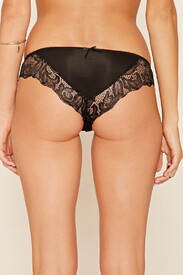
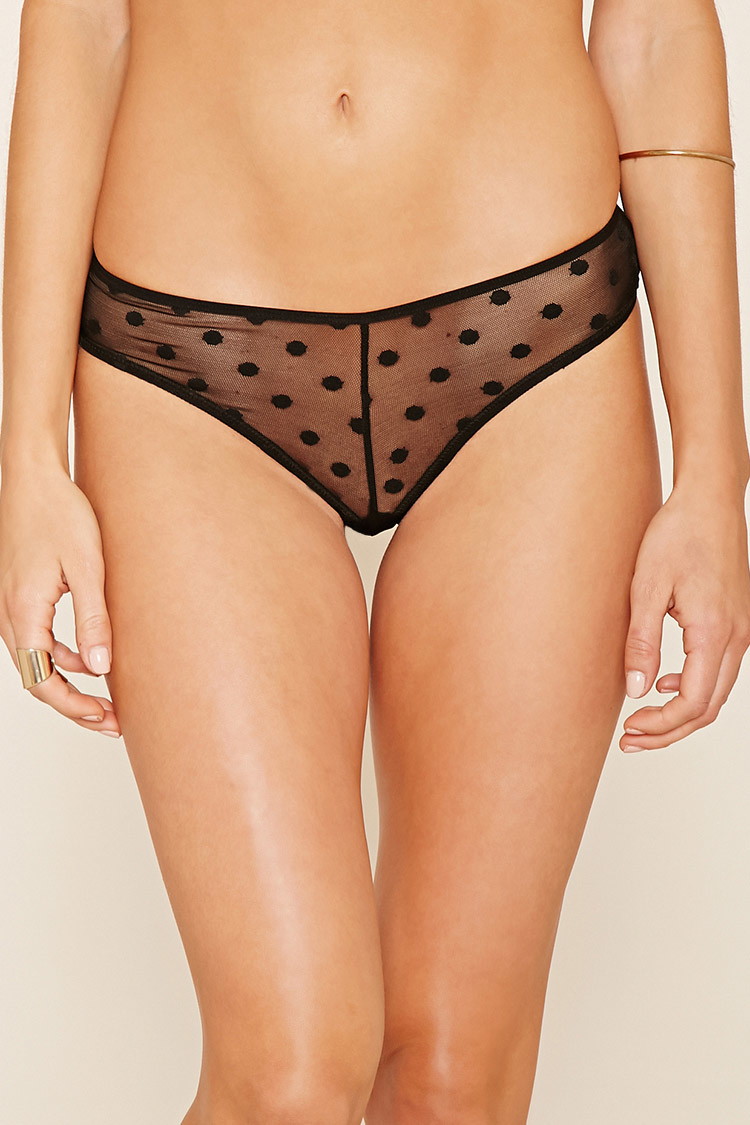
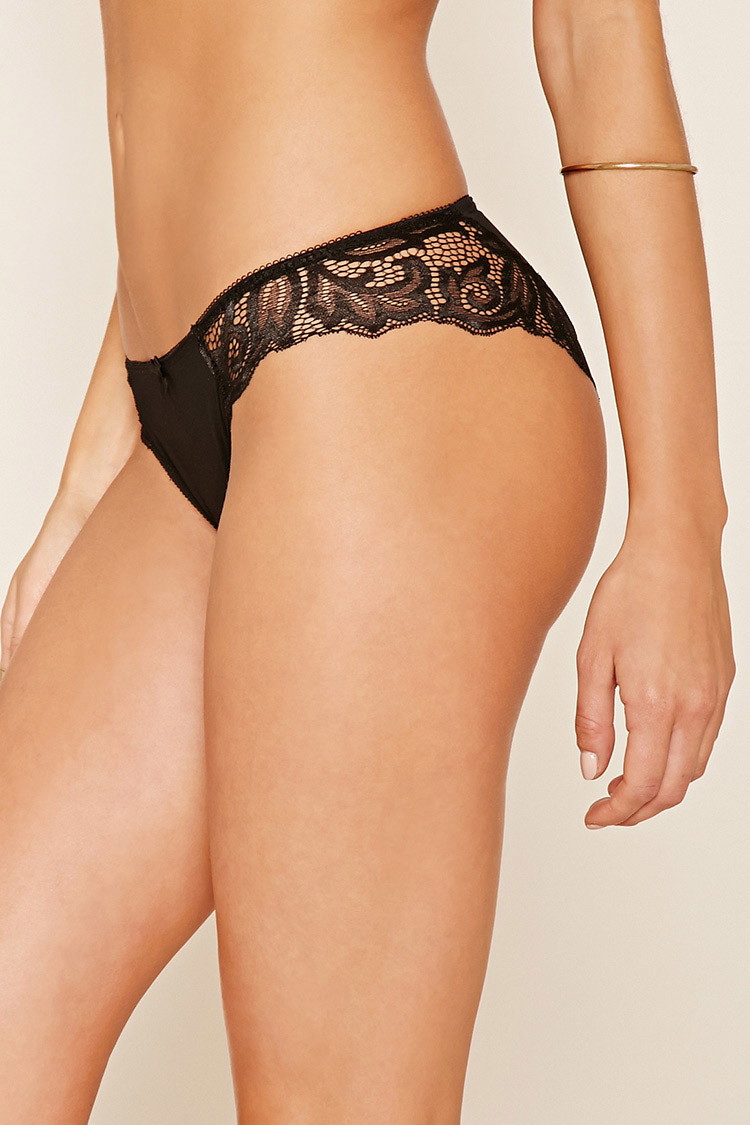
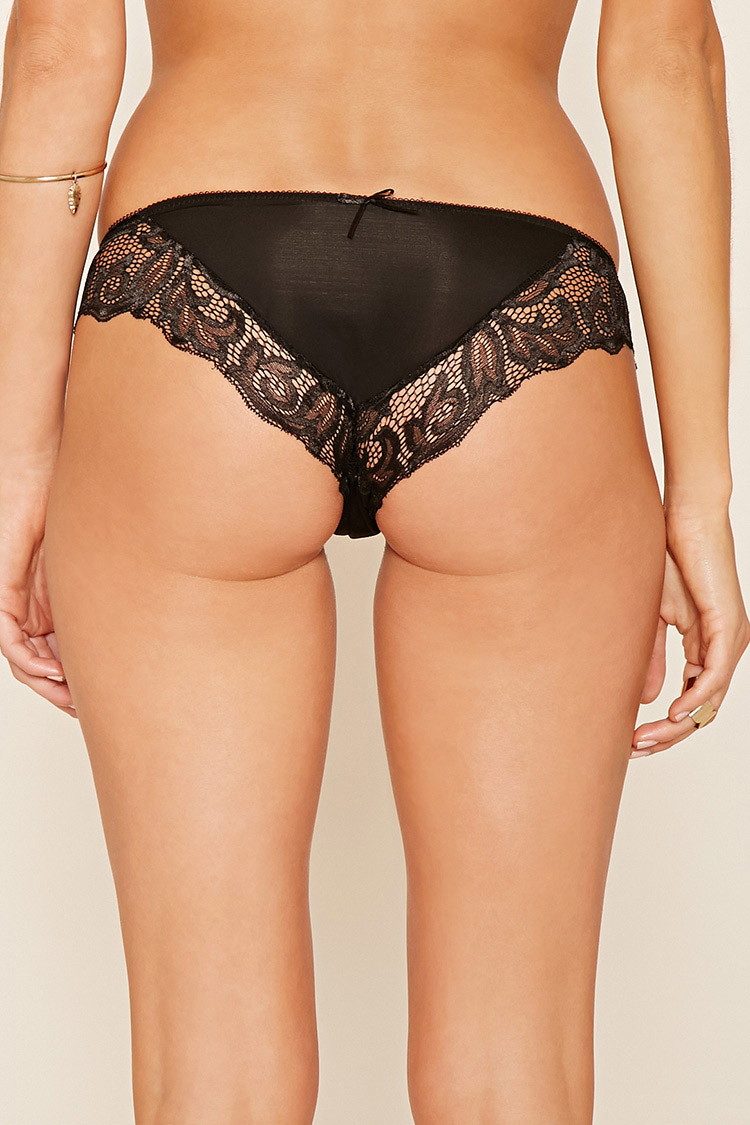
 Forever 21




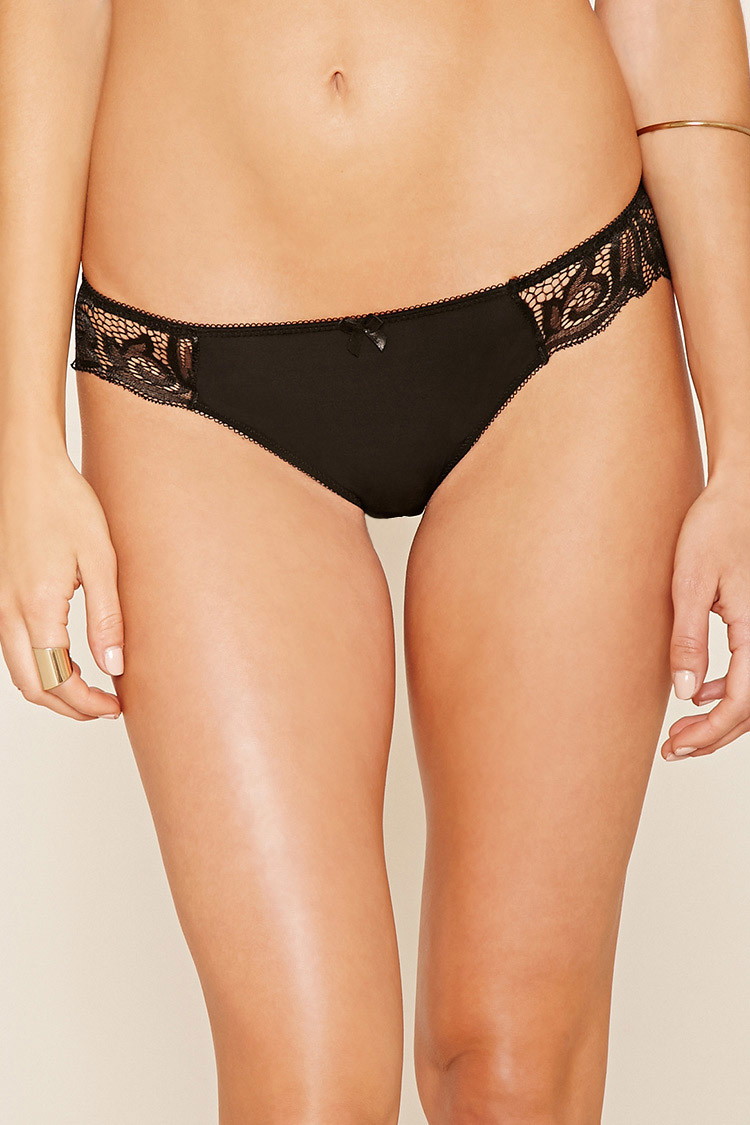
 Forever 21 Intimates




















































































































Account
Navigation
Search
Configure browser push notifications
Chrome (Android)
- Tap the lock icon next to the address bar.
- Tap Permissions → Notifications.
- Adjust your preference.
Chrome (Desktop)
- Click the padlock icon in the address bar.
- Select Site settings.
- Find Notifications and adjust your preference.
Safari (iOS 16.4+)
- Ensure the site is installed via Add to Home Screen.
- Open Settings App → Notifications.
- Find your app name and adjust your preference.
Safari (macOS)
- Go to Safari → Preferences.
- Click the Websites tab.
- Select Notifications in the sidebar.
- Find this website and adjust your preference.
Edge (Android)
- Tap the lock icon next to the address bar.
- Tap Permissions.
- Find Notifications and adjust your preference.
Edge (Desktop)
- Click the padlock icon in the address bar.
- Click Permissions for this site.
- Find Notifications and adjust your preference.
Firefox (Android)
- Go to Settings → Site permissions.
- Tap Notifications.
- Find this site in the list and adjust your preference.
Firefox (Desktop)
- Open Firefox Settings.
- Search for Notifications.
- Find this site in the list and adjust your preference.