
Pith_Possum
Members
-
Joined
-
Last visited
Everything posted by Pith_Possum
-
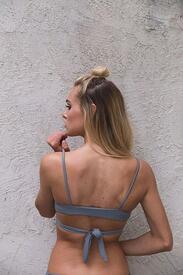
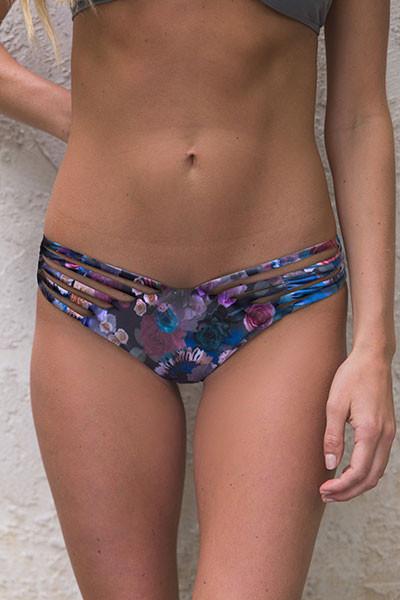
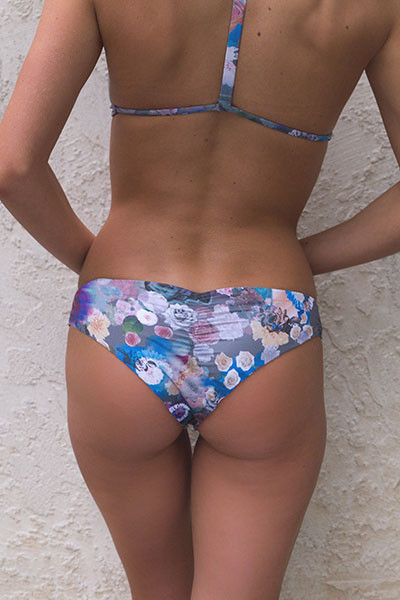
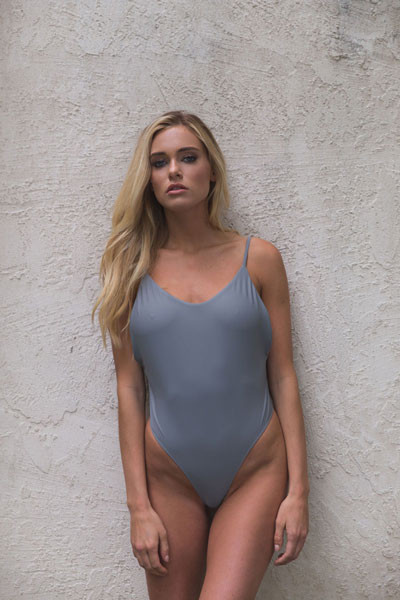
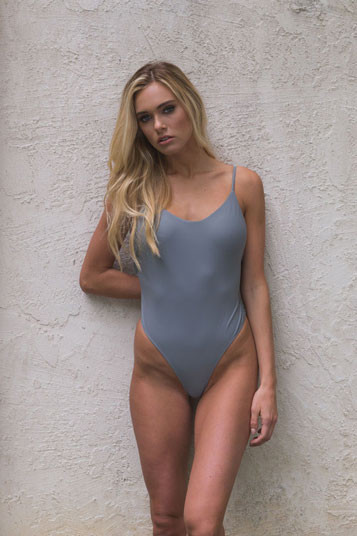
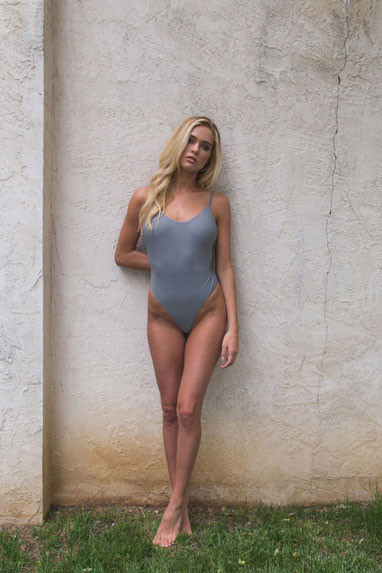
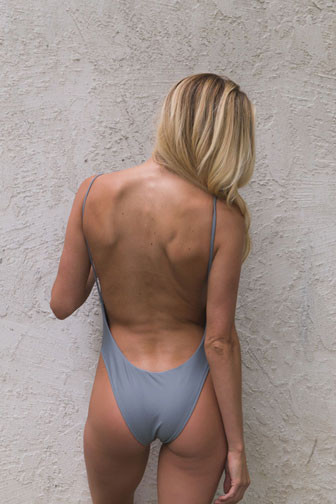
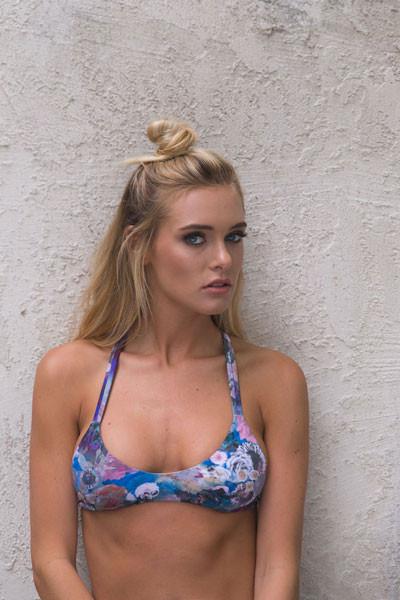
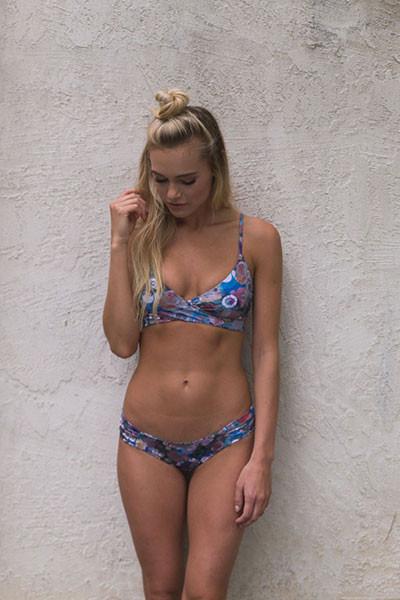
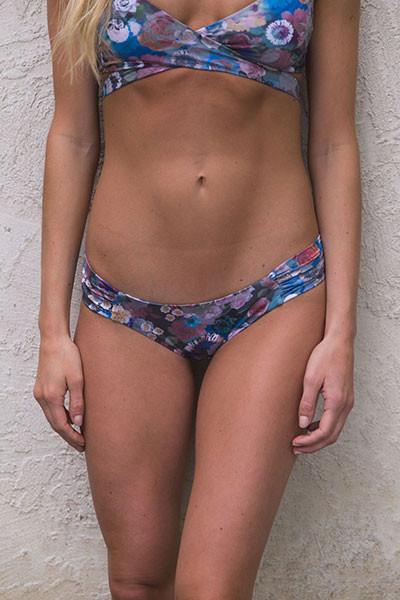
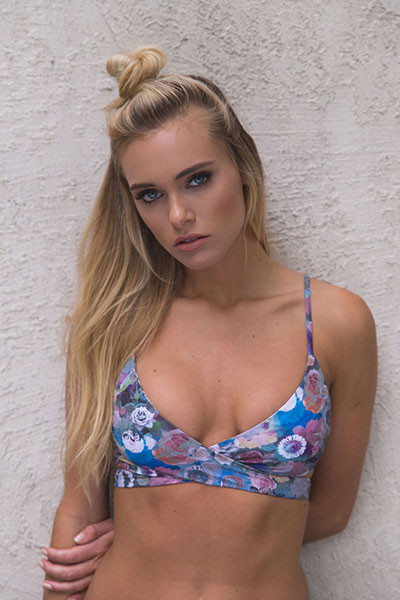
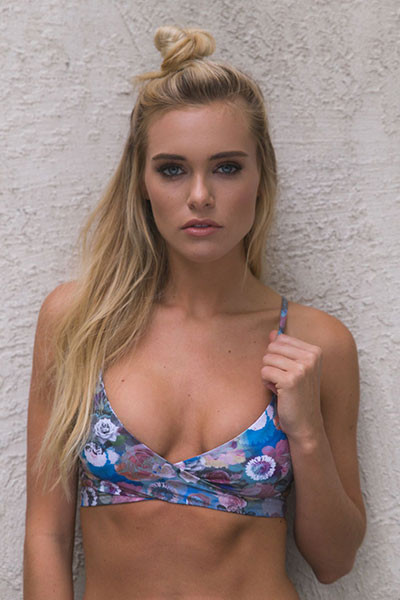
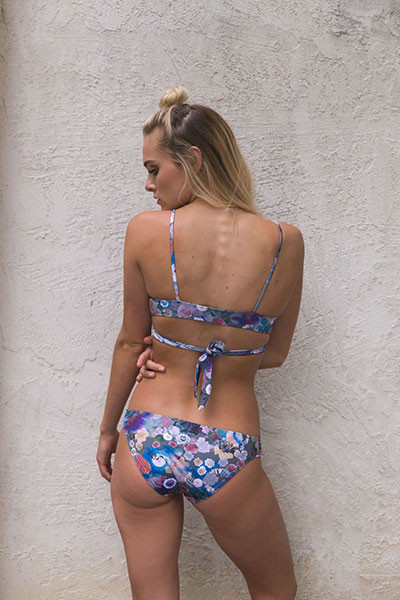
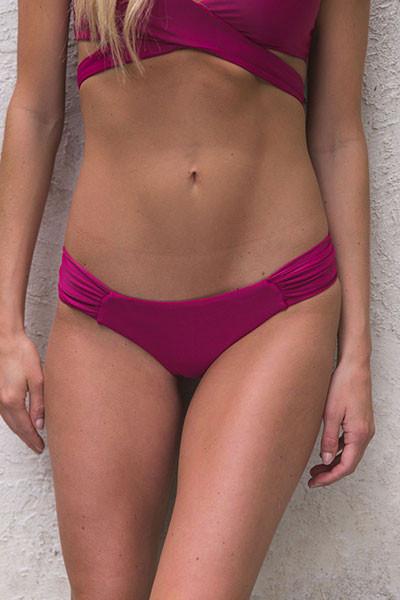
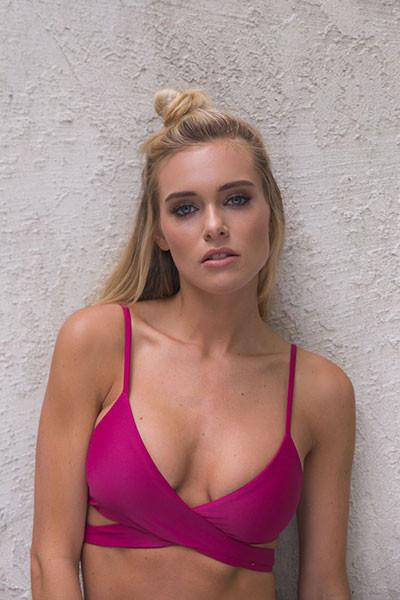
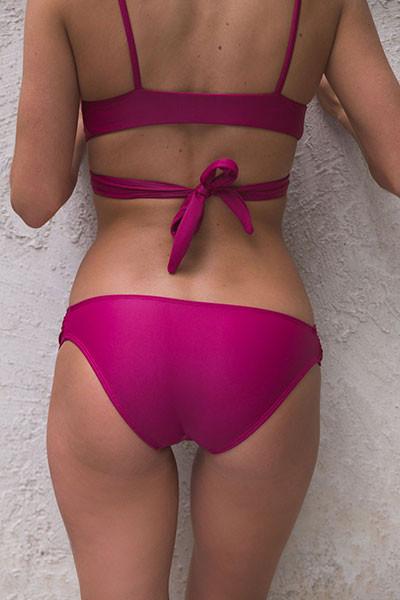
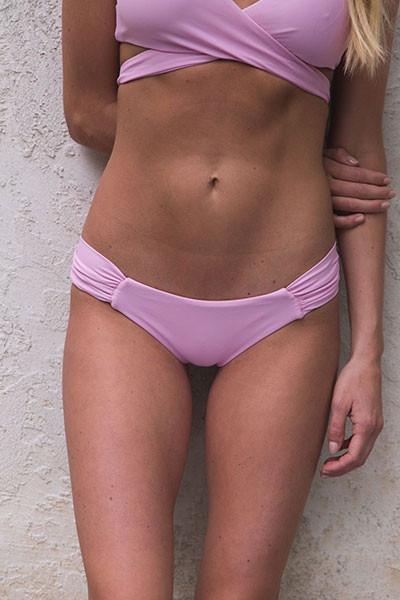
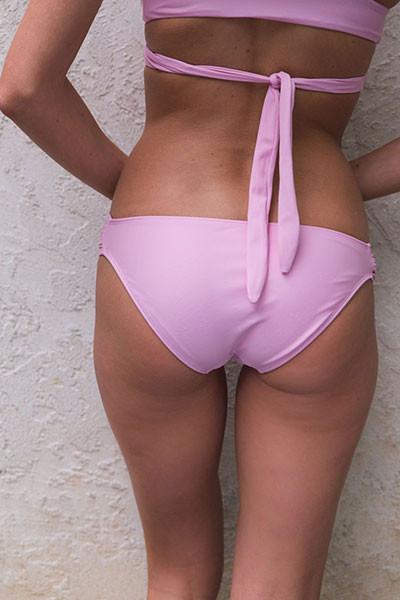
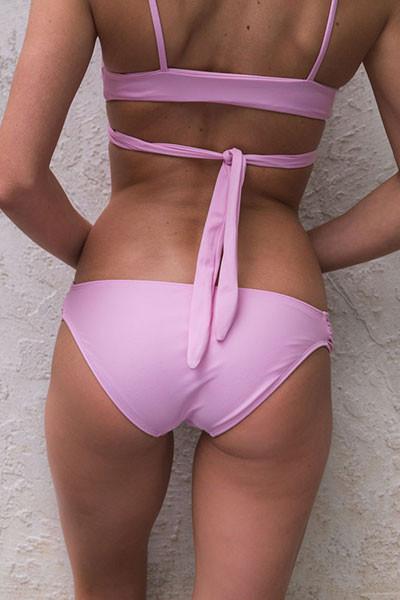
 Kay & Elle Swimwear Crush Capsule Collection kayandellethreads.com
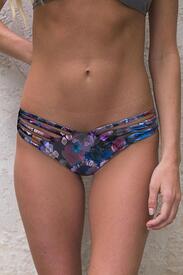
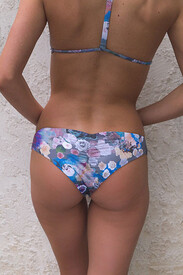
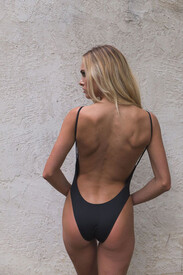
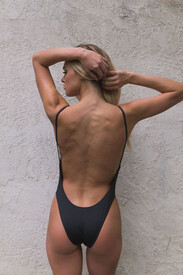


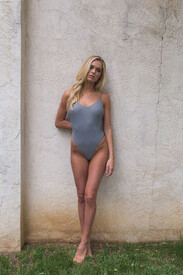
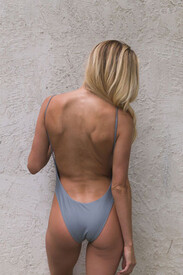
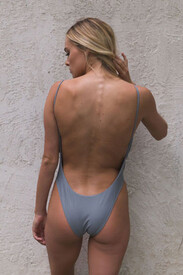


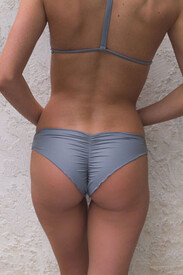
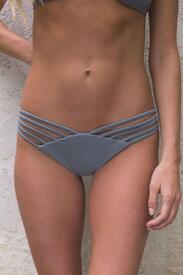


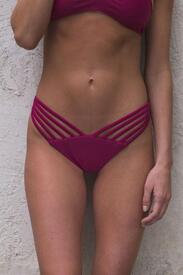
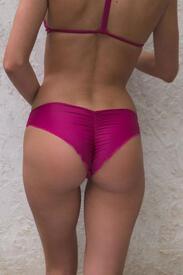
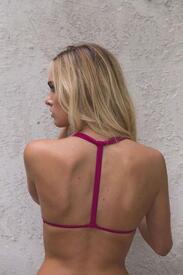



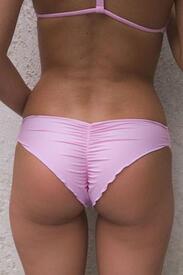
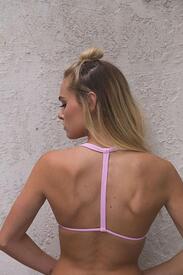
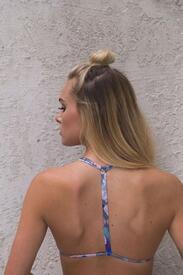


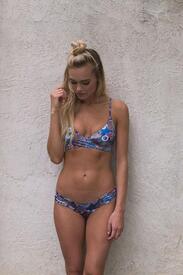
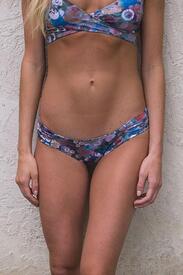
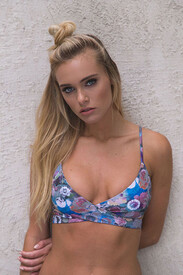
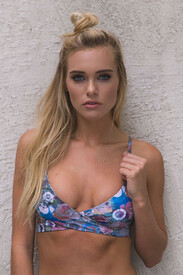
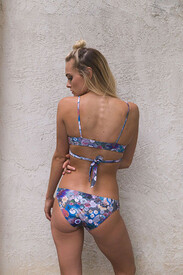
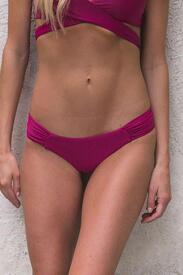

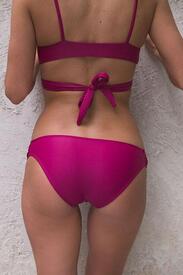
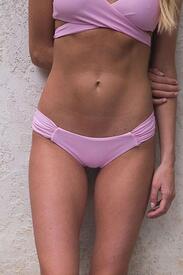

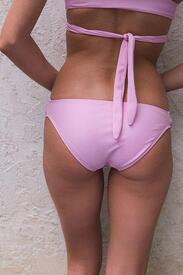
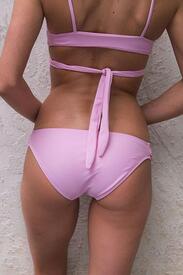
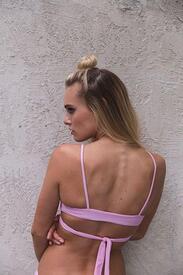


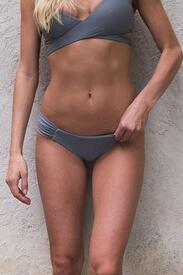

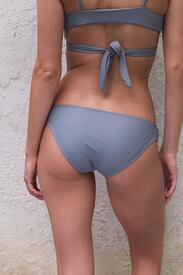













-
Ph: Nick Suarez
-
Ph: Dave Wheeler



-
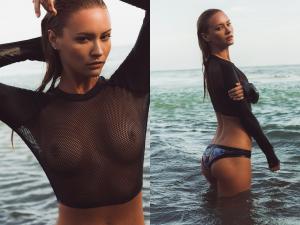
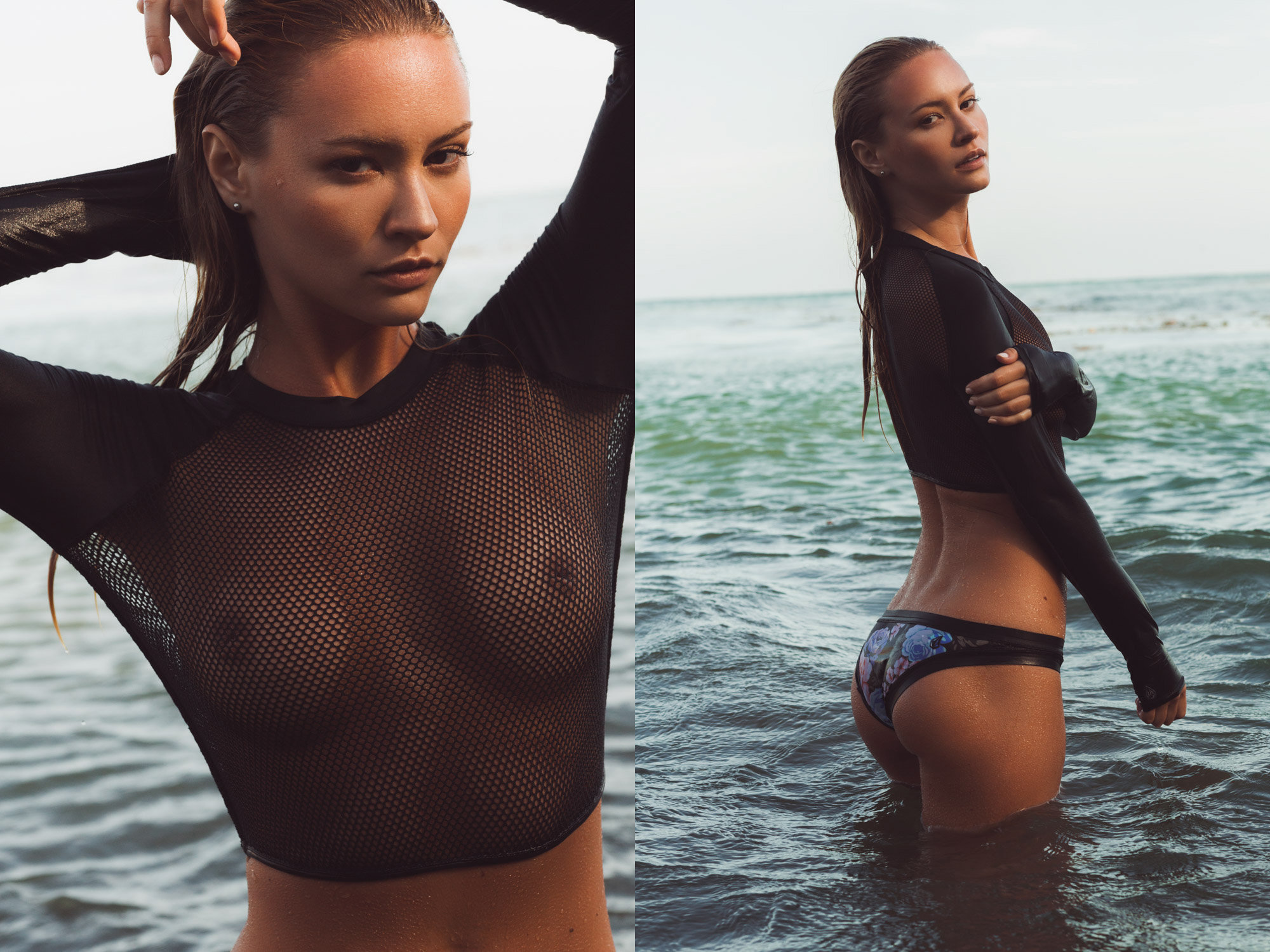
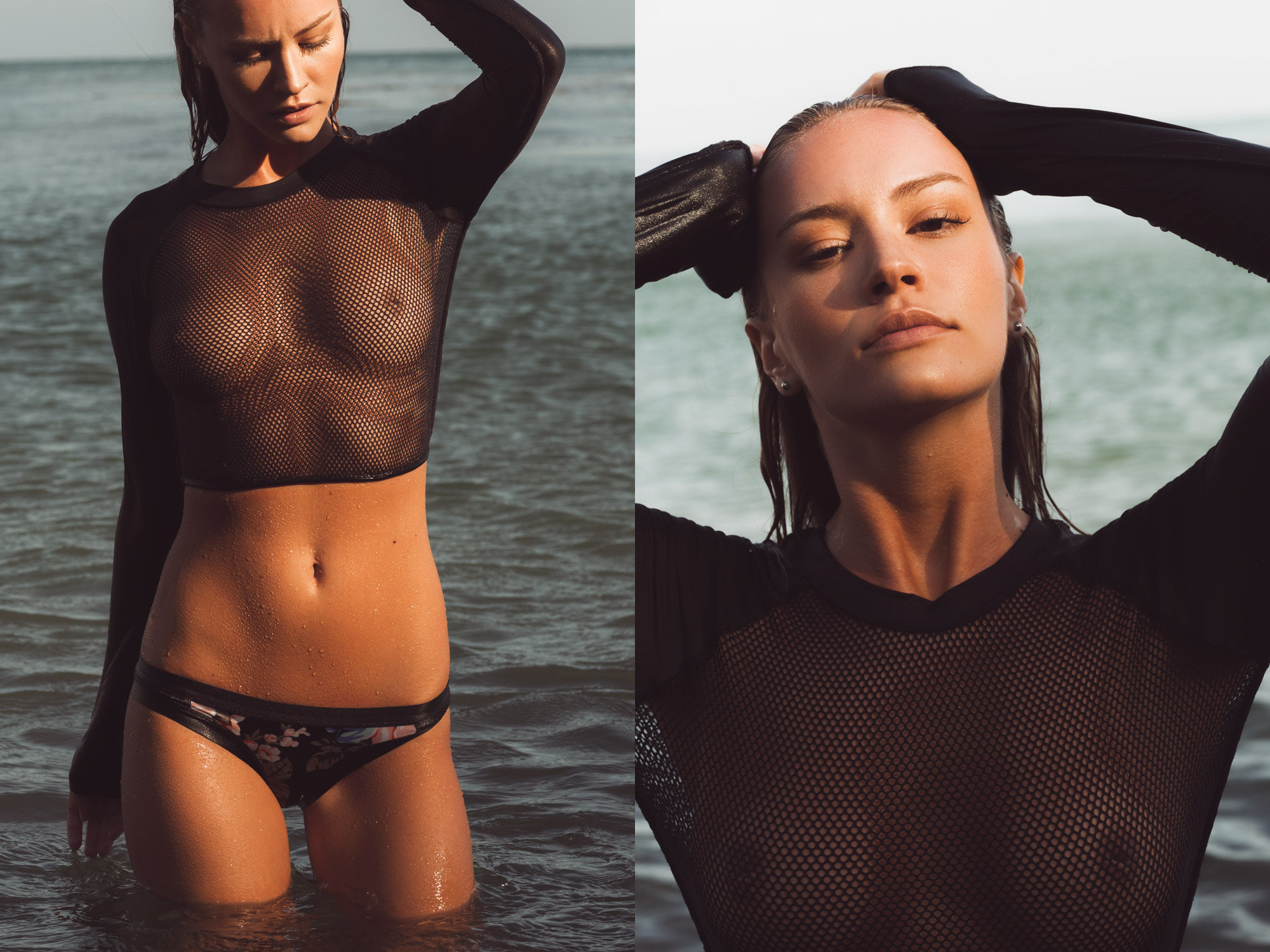
a few more: see-through nudity! nandoesparza.com/swim







-
Ph: Nando Esparza nandoesparza.com/swim
-
instagram.com/jay.lenard
 Ph: Larsen Sotelo Nudity! larsensotelo.tumblr.com
 instagram.com/tbswimwear
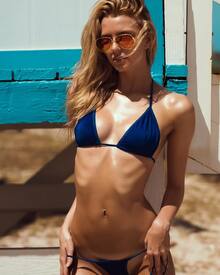
 Imagebam Mirror: http://www.imagebam.com/gallery/iocv5as4wwahbdi6fmgcjttdvqxtrji9
Photographer: Richard Guaty mc2models.com
Imagebam Mirror: http://www.imagebam.com/gallery/iocv5as4wwahbdi6fmgcjttdvqxtrji9
Photographer: Richard Guaty mc2models.com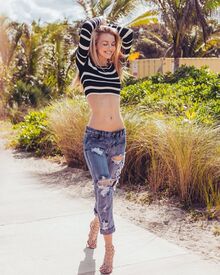






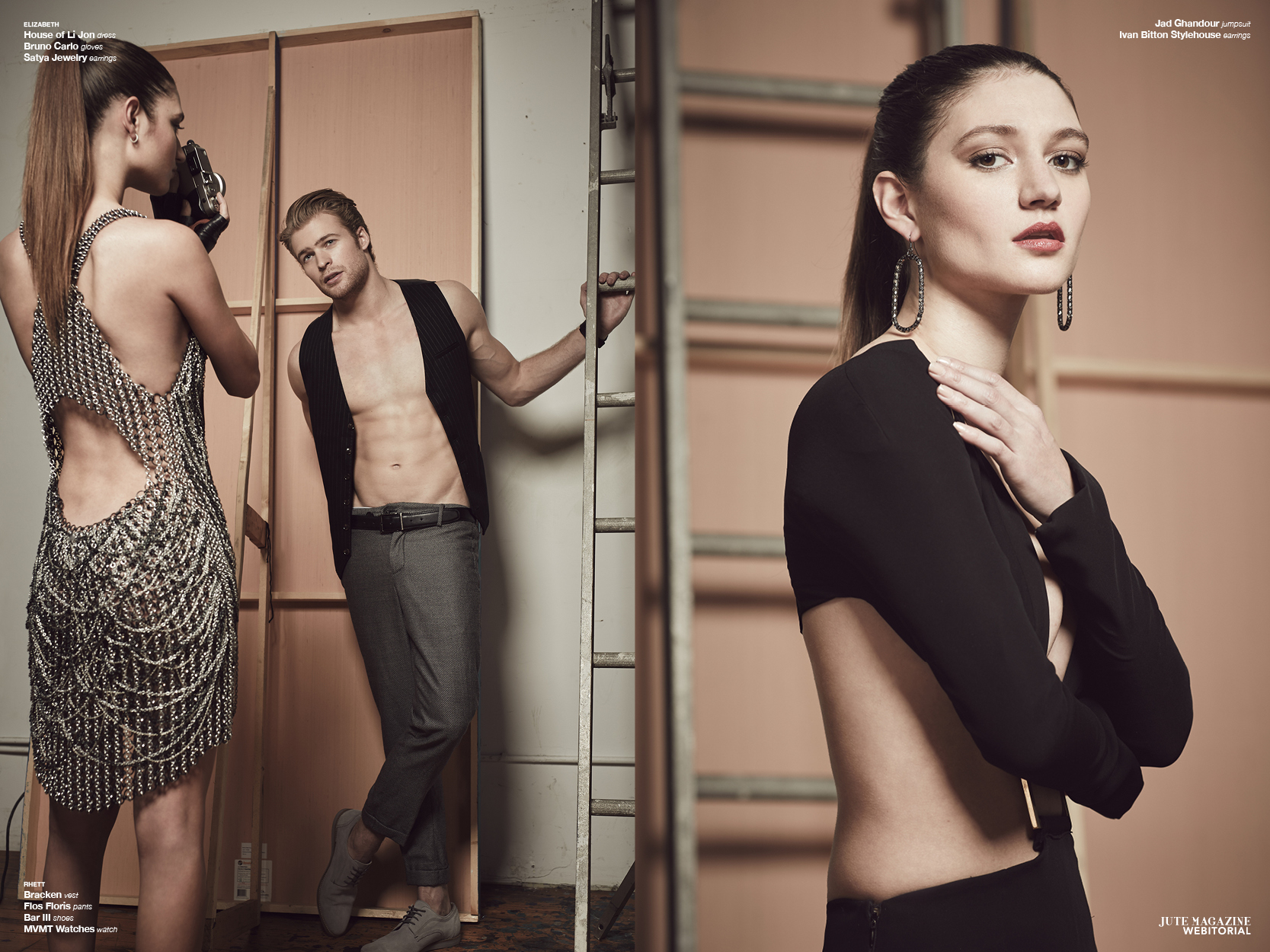
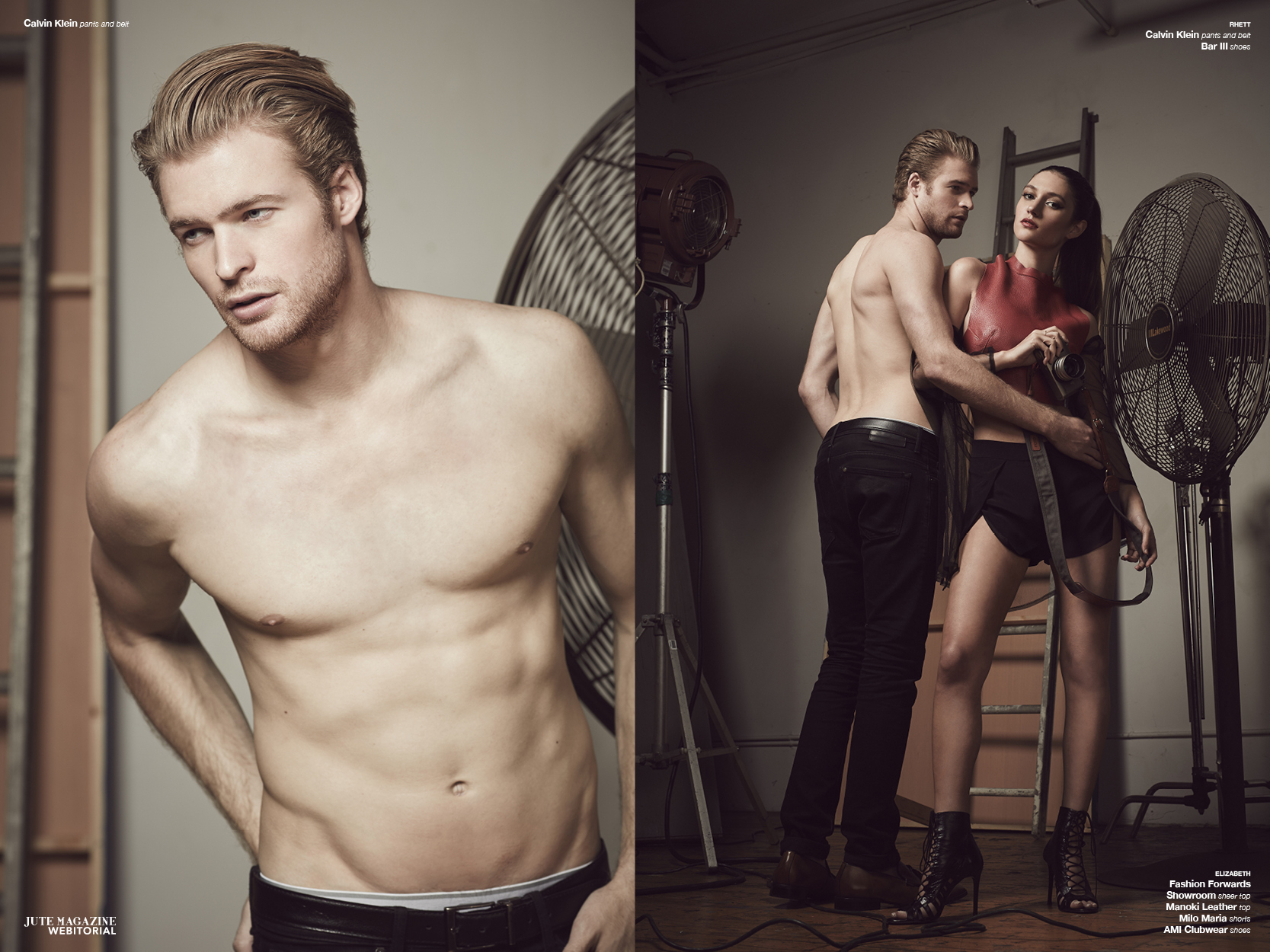
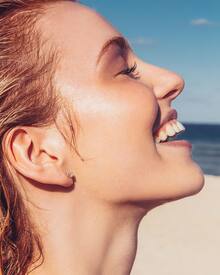 Jute Magazine êgérie by Dana Pennington Nudity! jutefashionmagazine.com/webitorial/egerie-by-dana-pennington

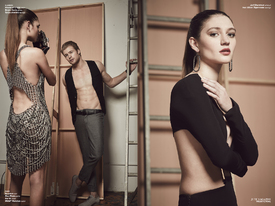
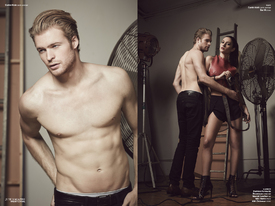

 Photographer: Devin del Santo instagram.com/szambor


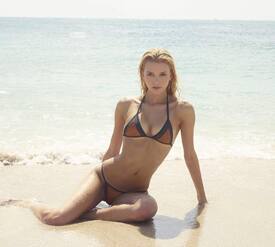
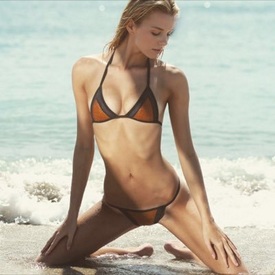 Photographer: Alex Chan alxchn.com/post/129662419453/rebecca-s-of-spot-6-management






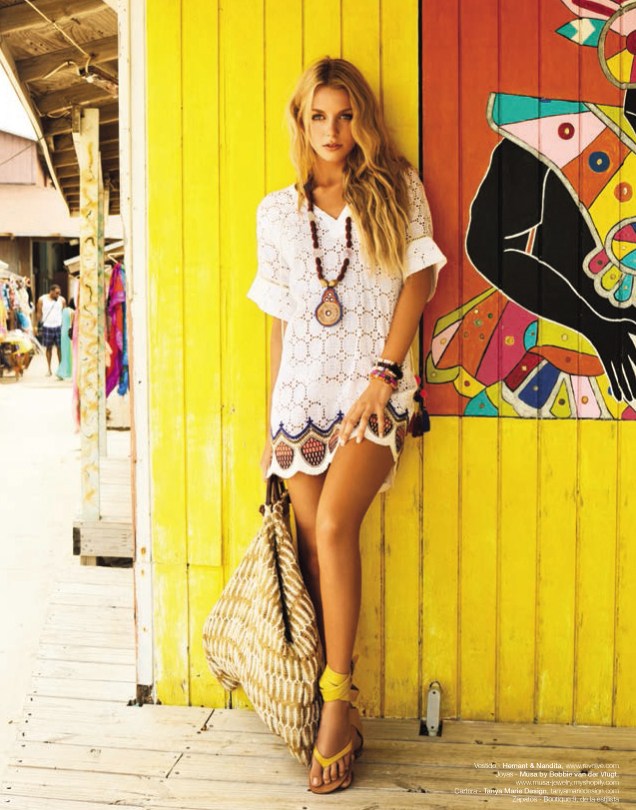
 Bradelis New York Spring/Summer 2016 Lookbook bradelisny.com/en/lookbook_bradelis.html













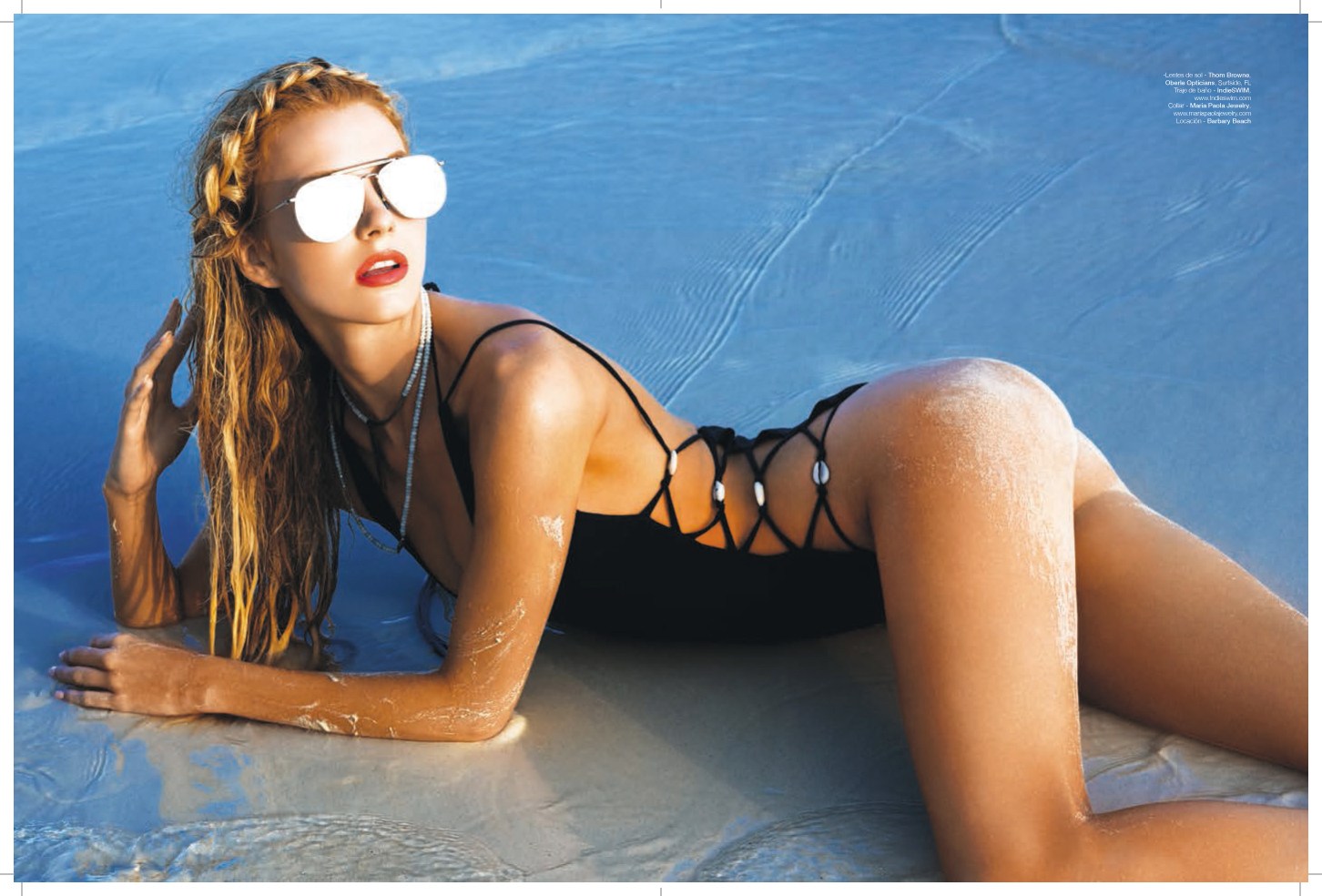
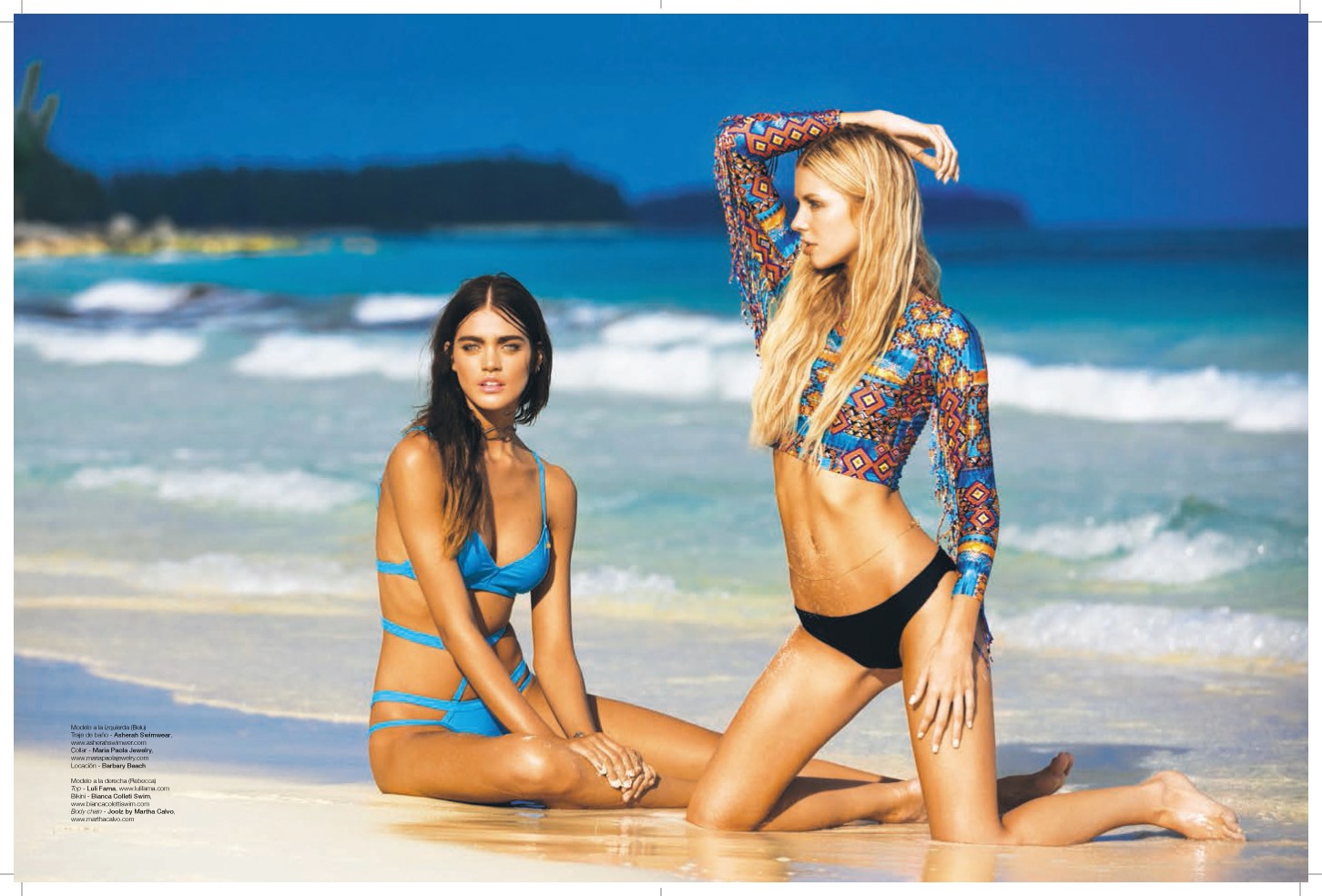
 Venue Magazine May 2016 Photographer: Michael Raveney mc2models.com/news/rebecca-szambor-for-venue-magazine-may-2016-issue

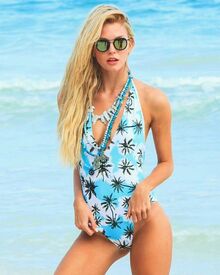






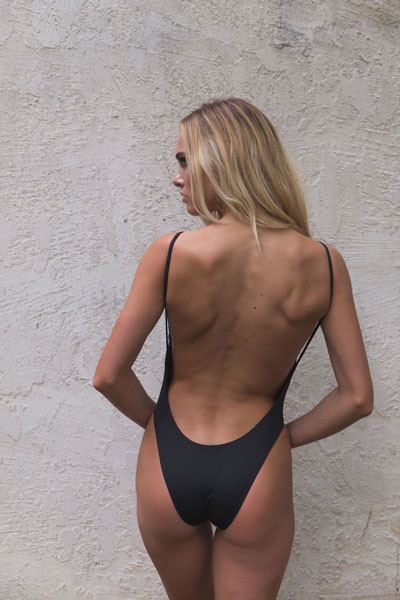
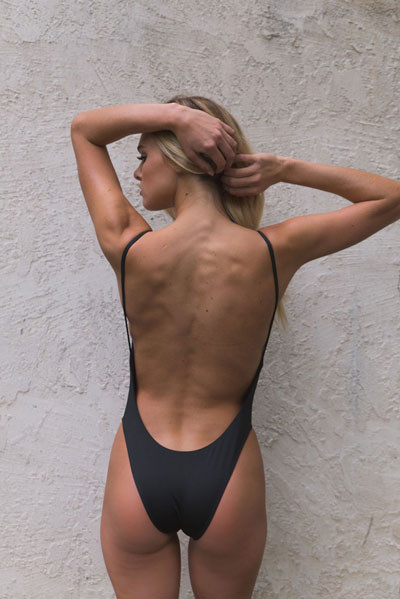
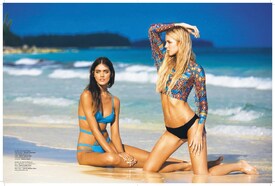 Todd Barrett Swimwear instagram.com/tbswimwear





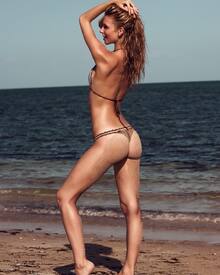

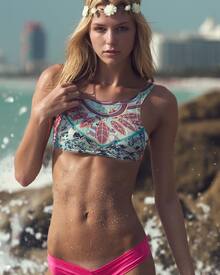

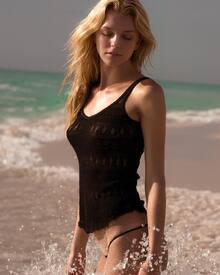









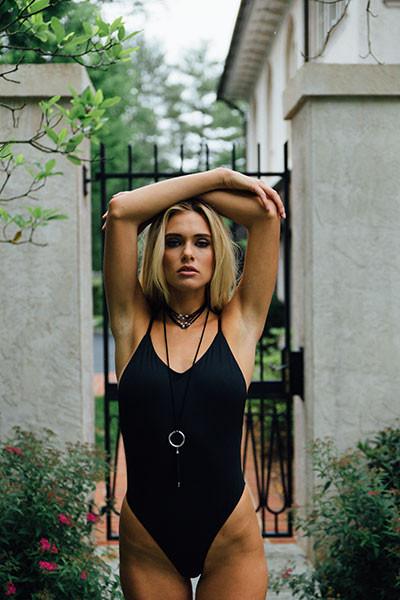
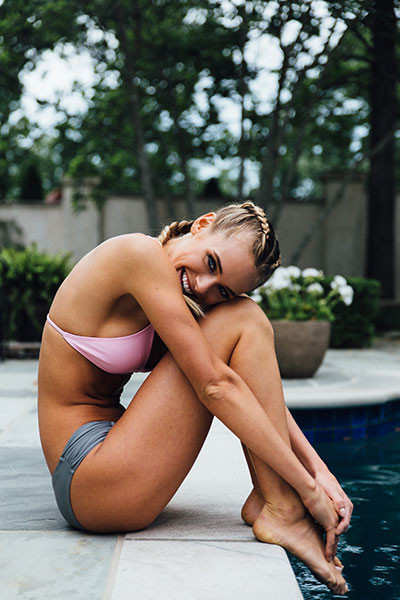
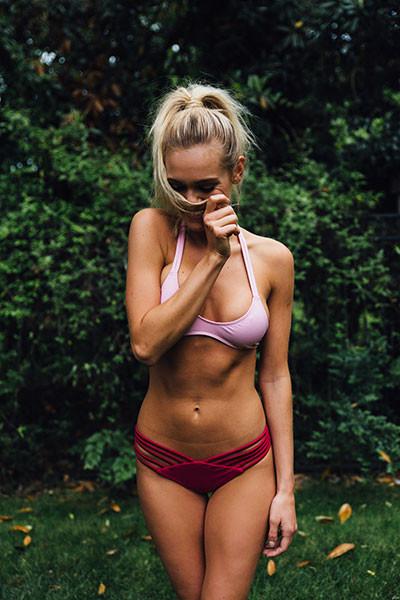
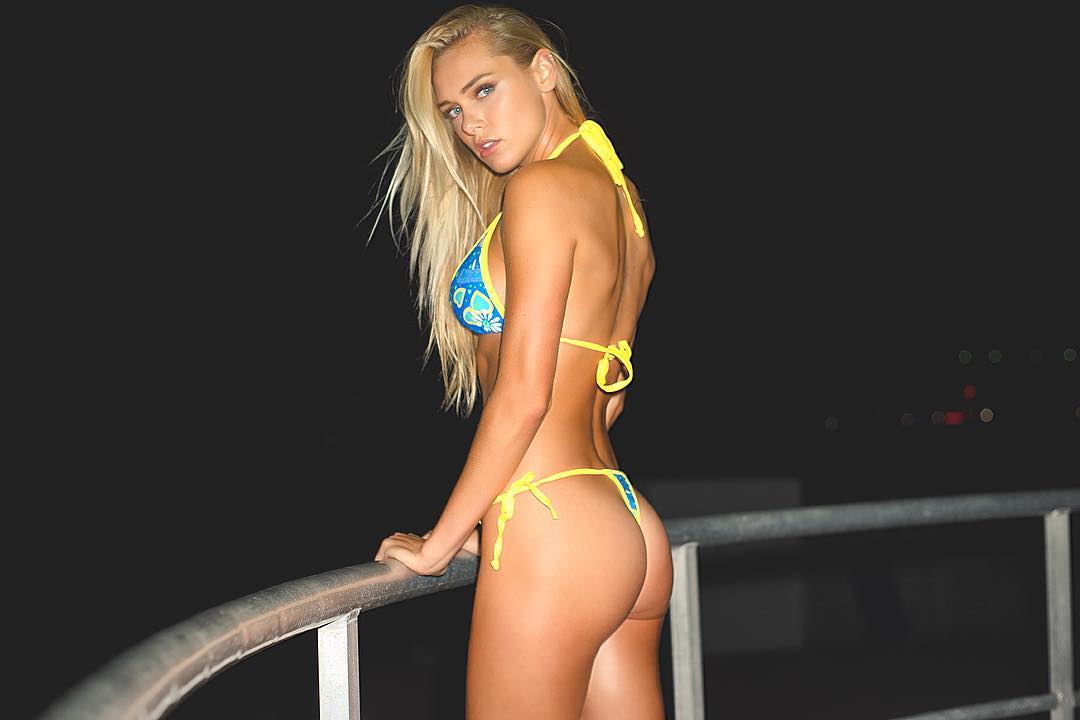
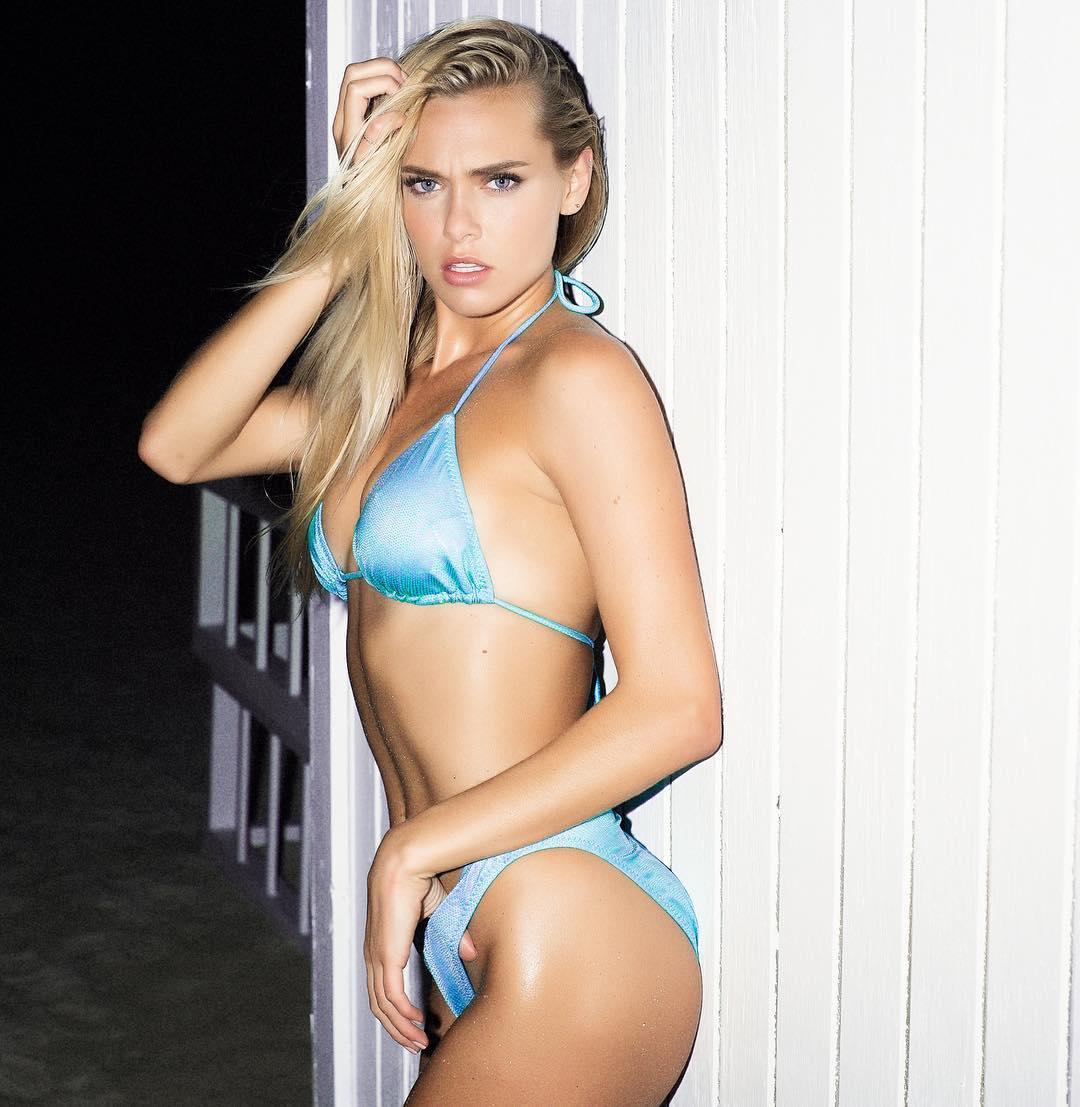
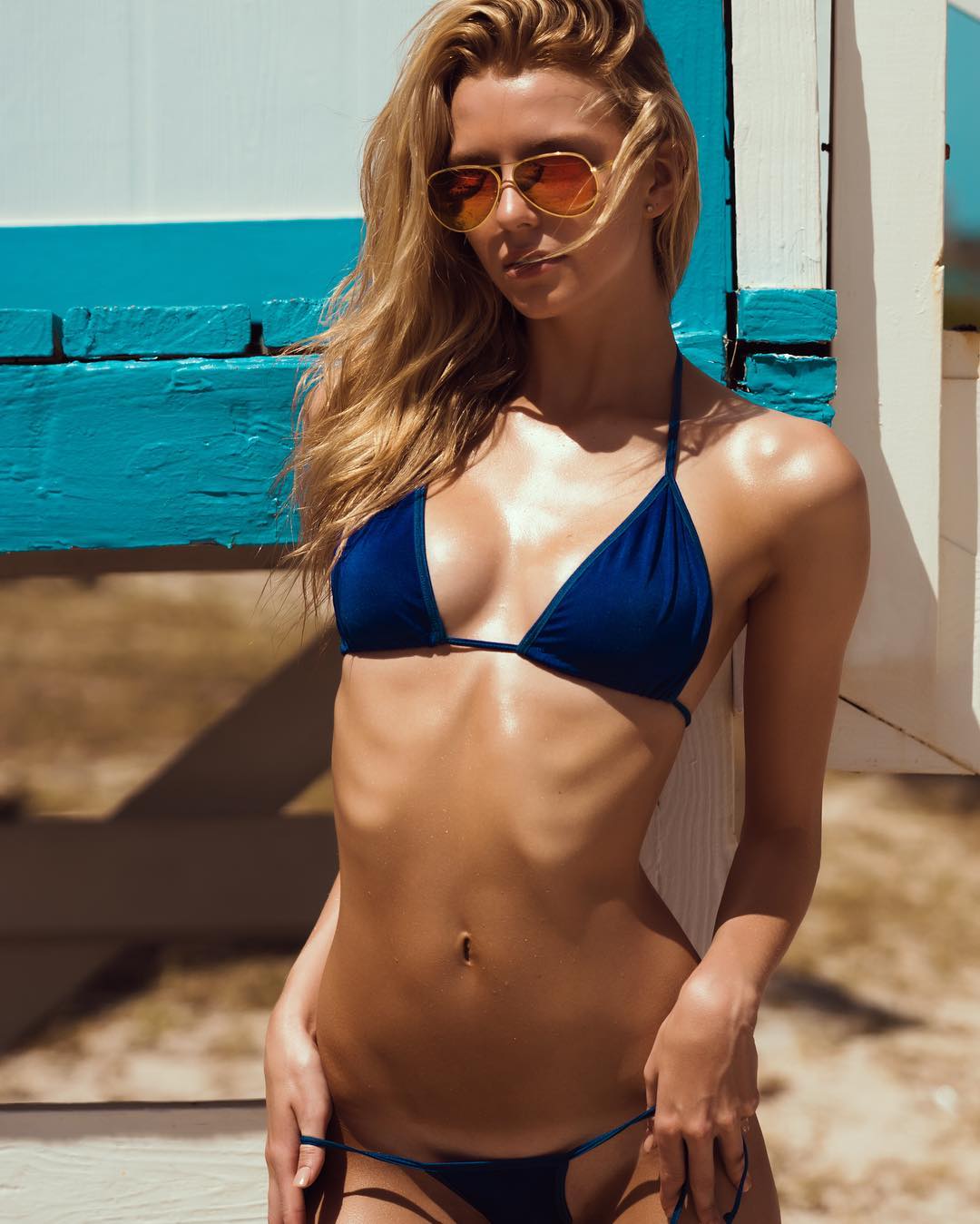
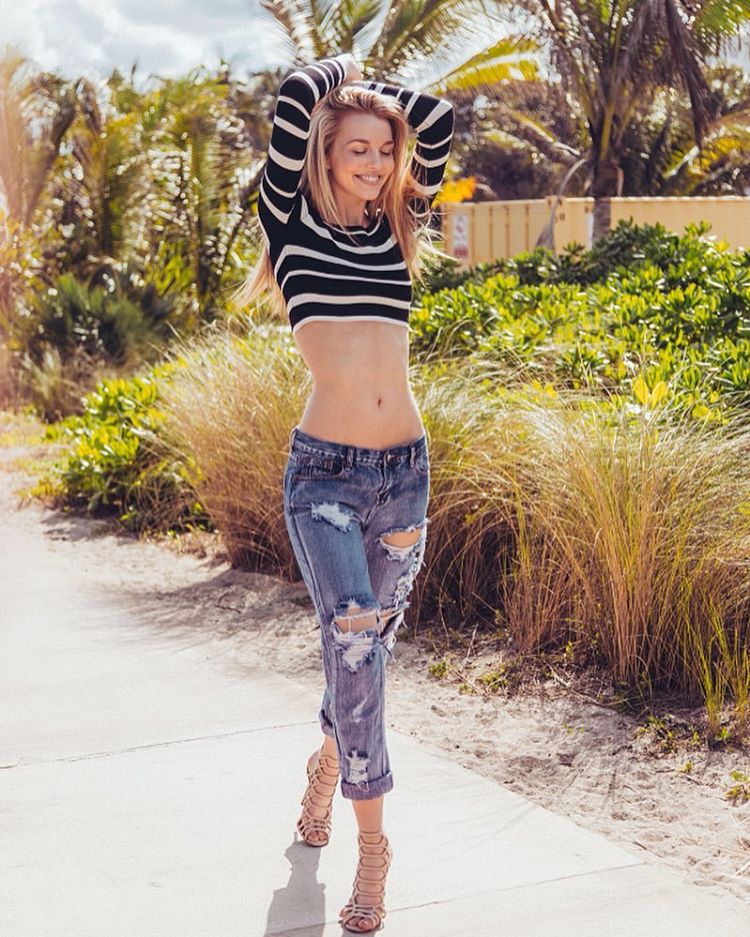
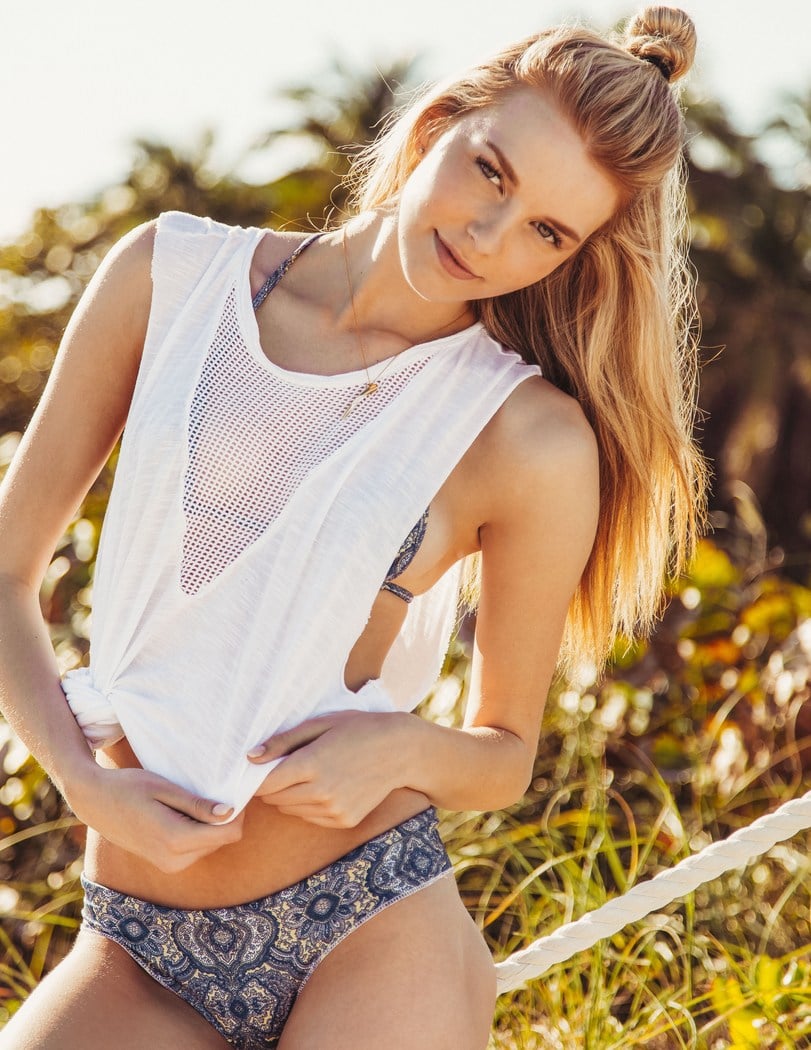
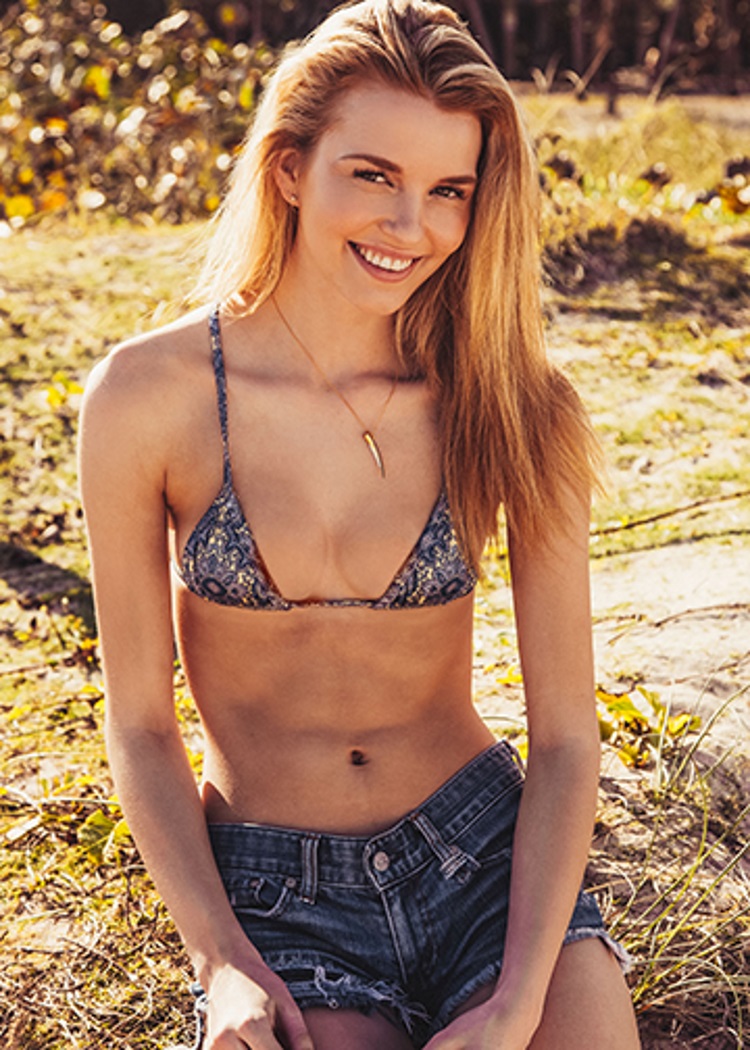
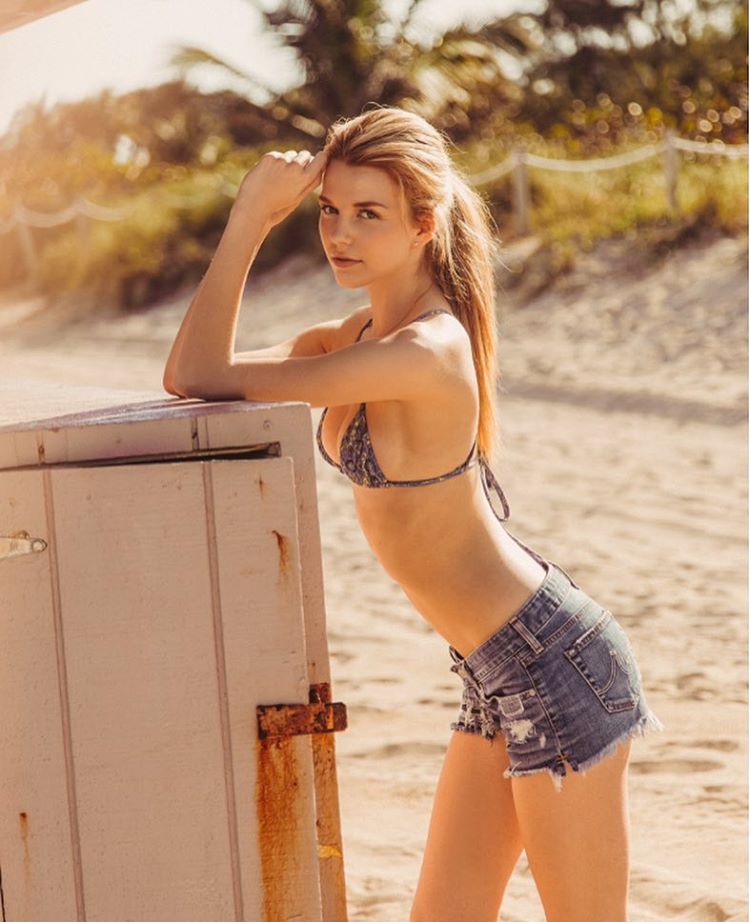
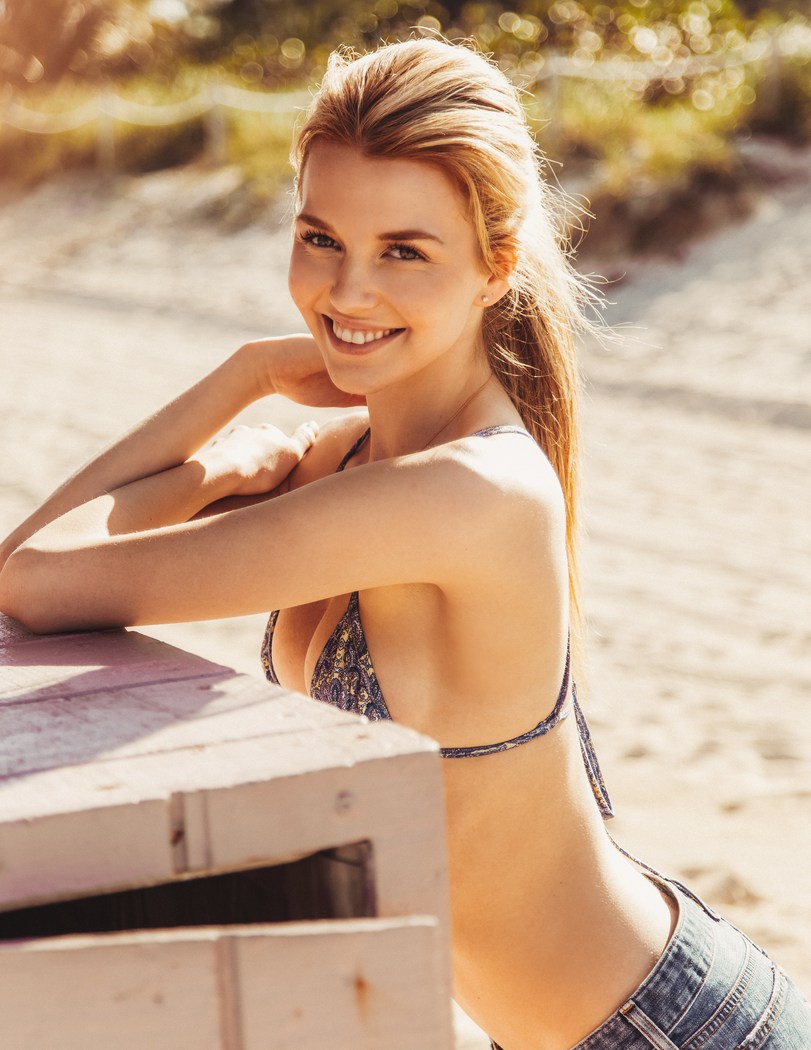
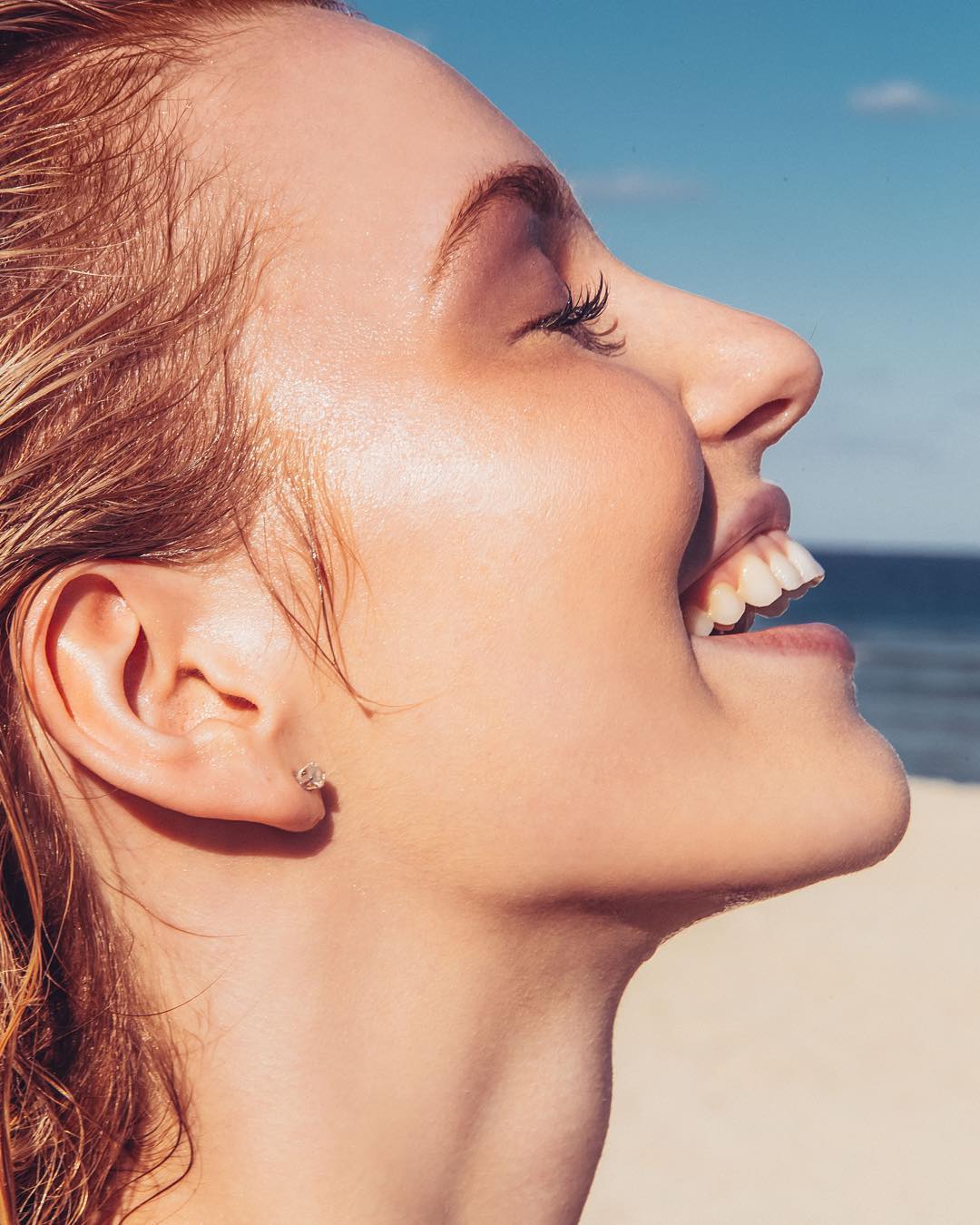
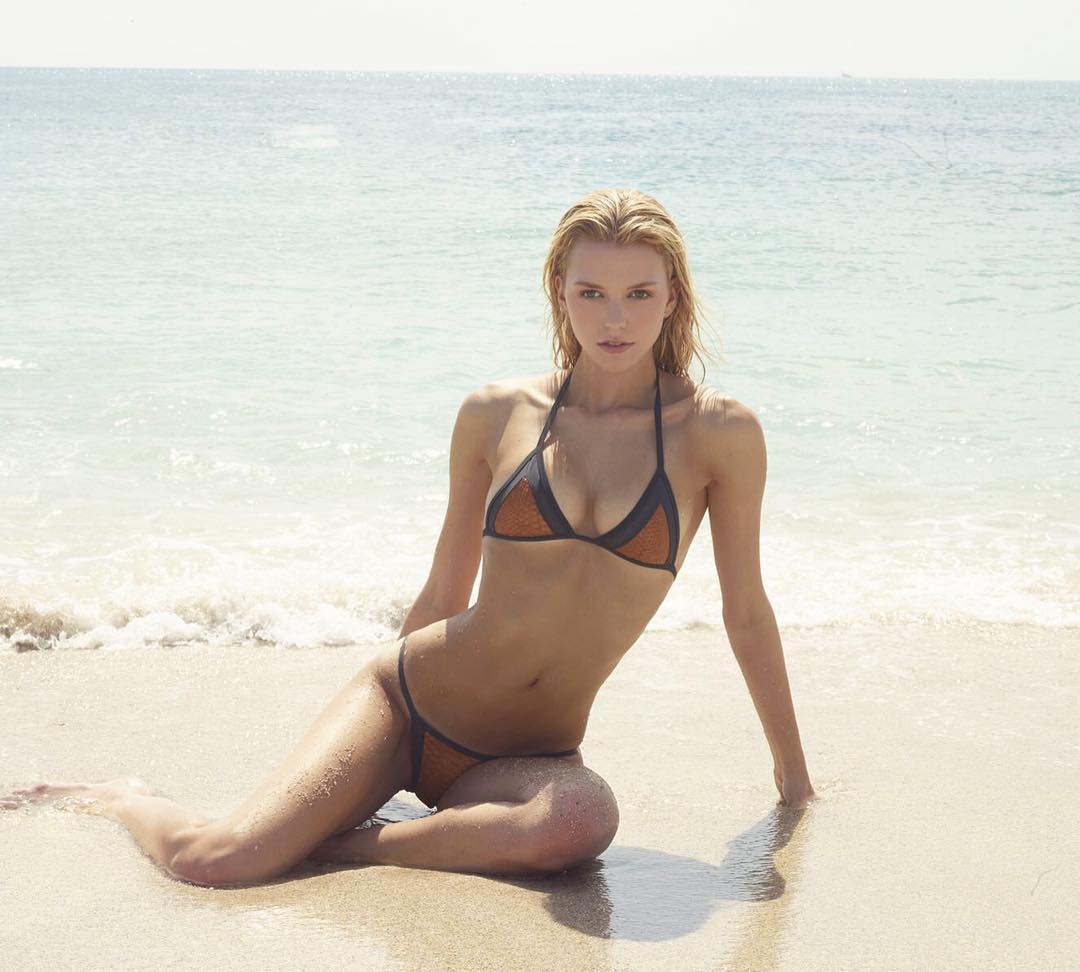
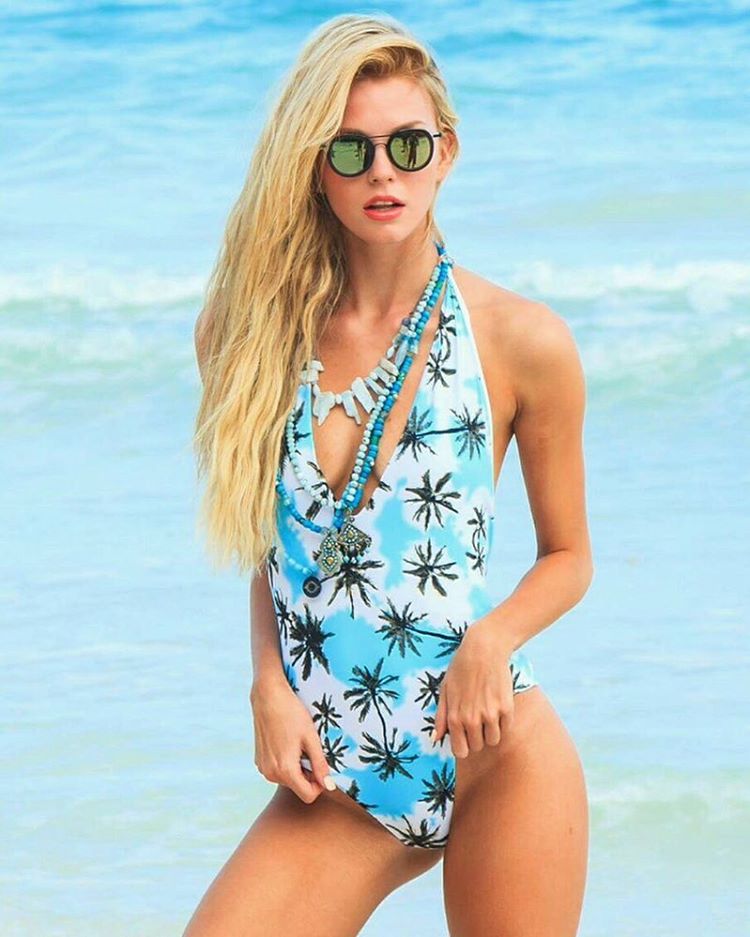
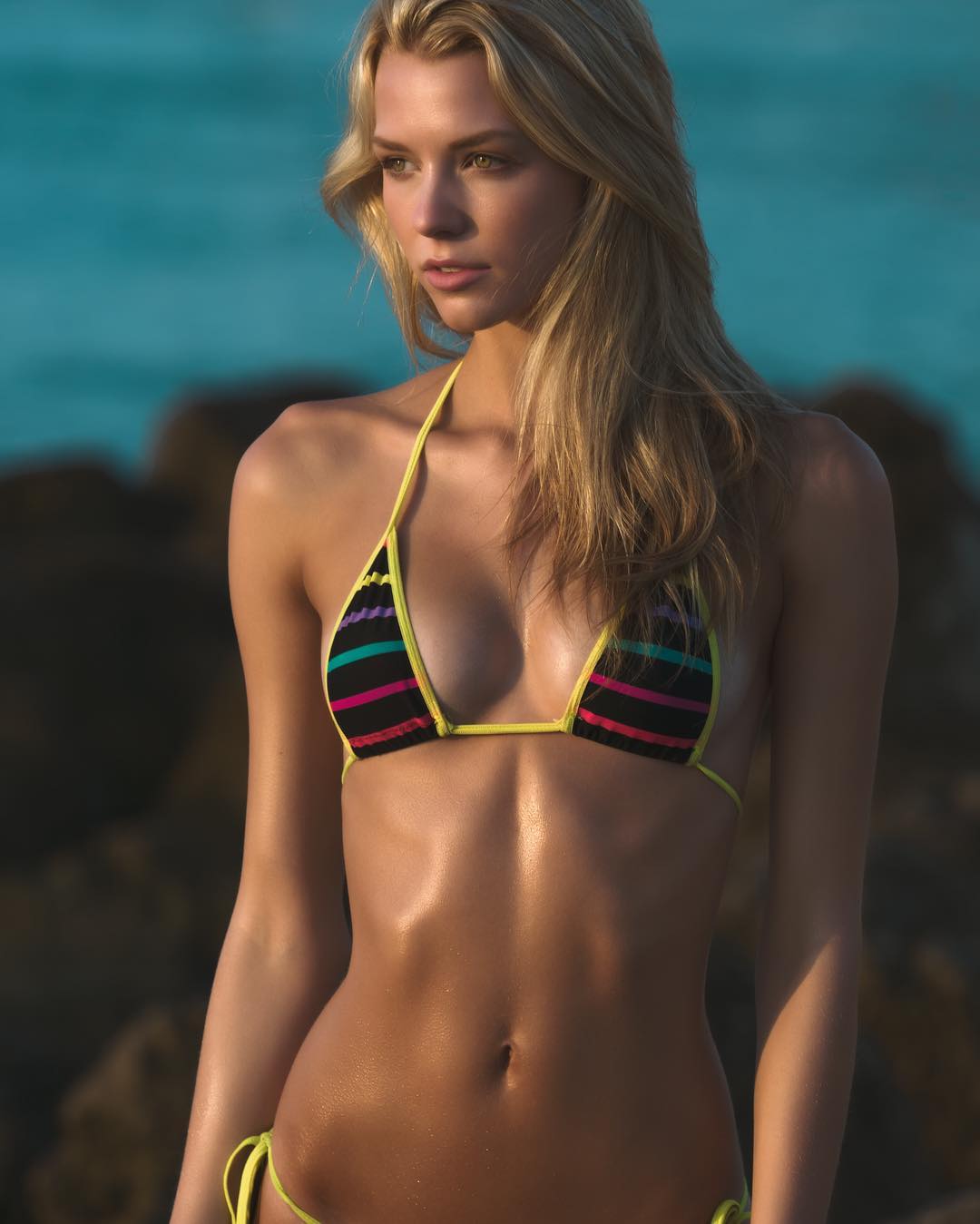
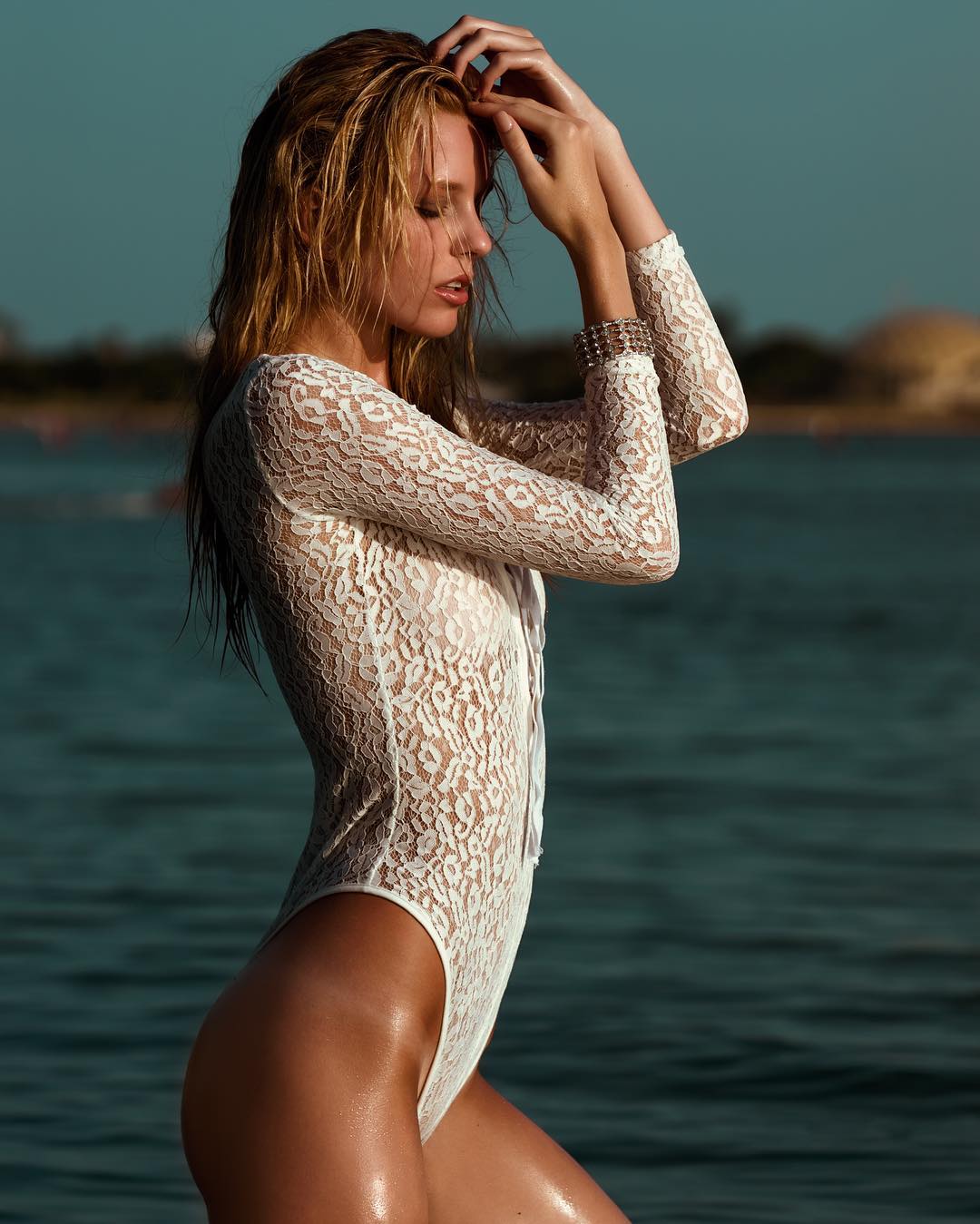
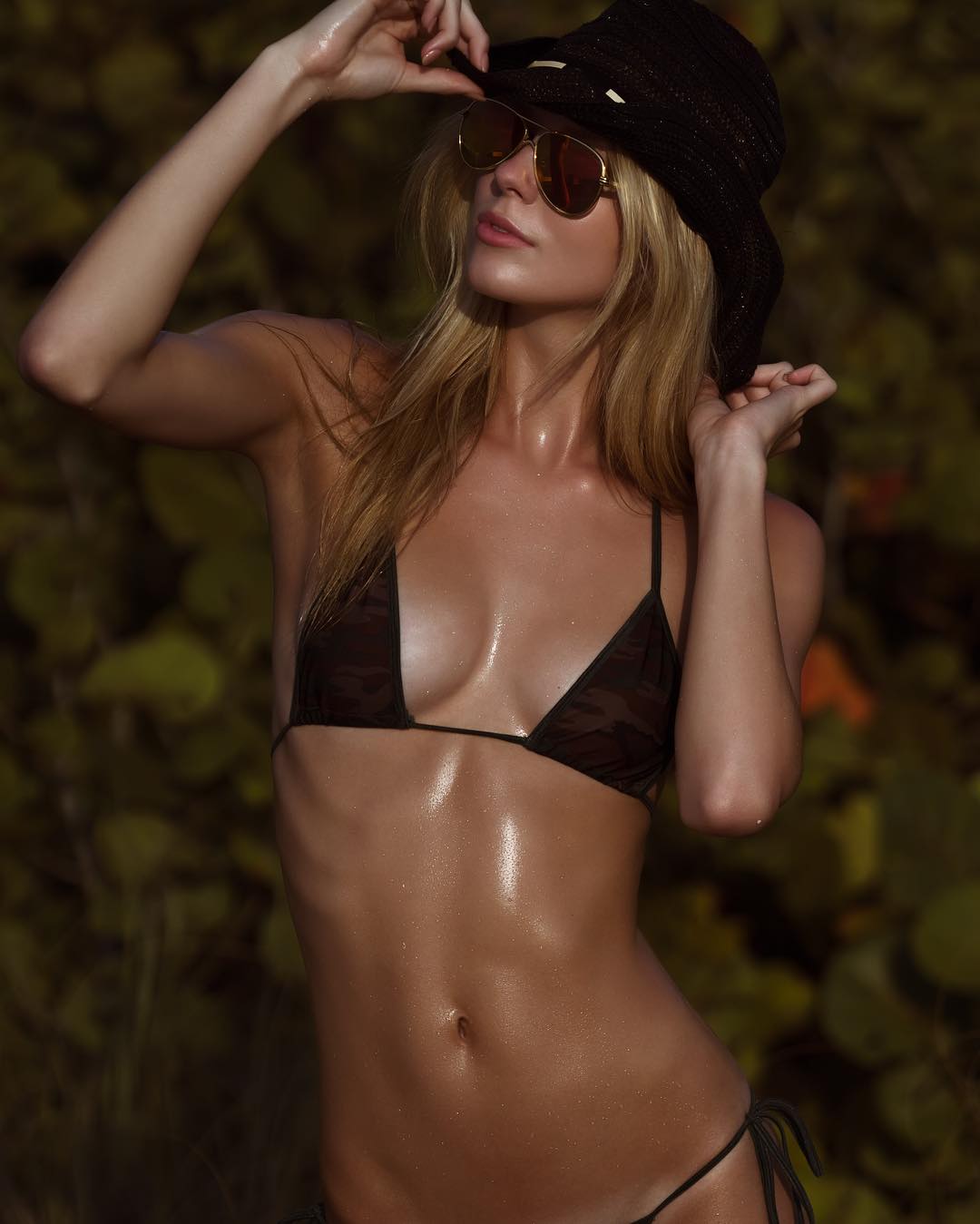
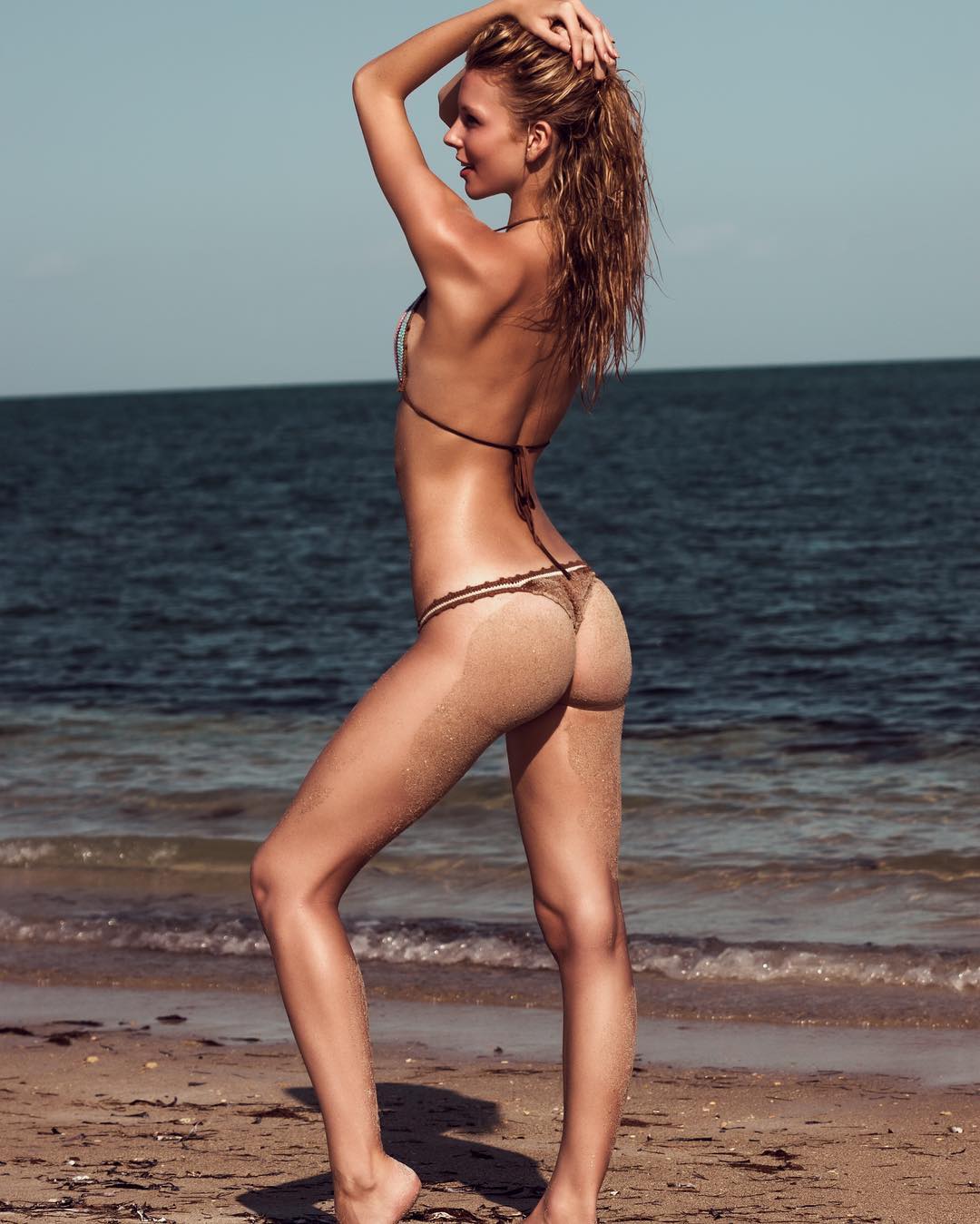
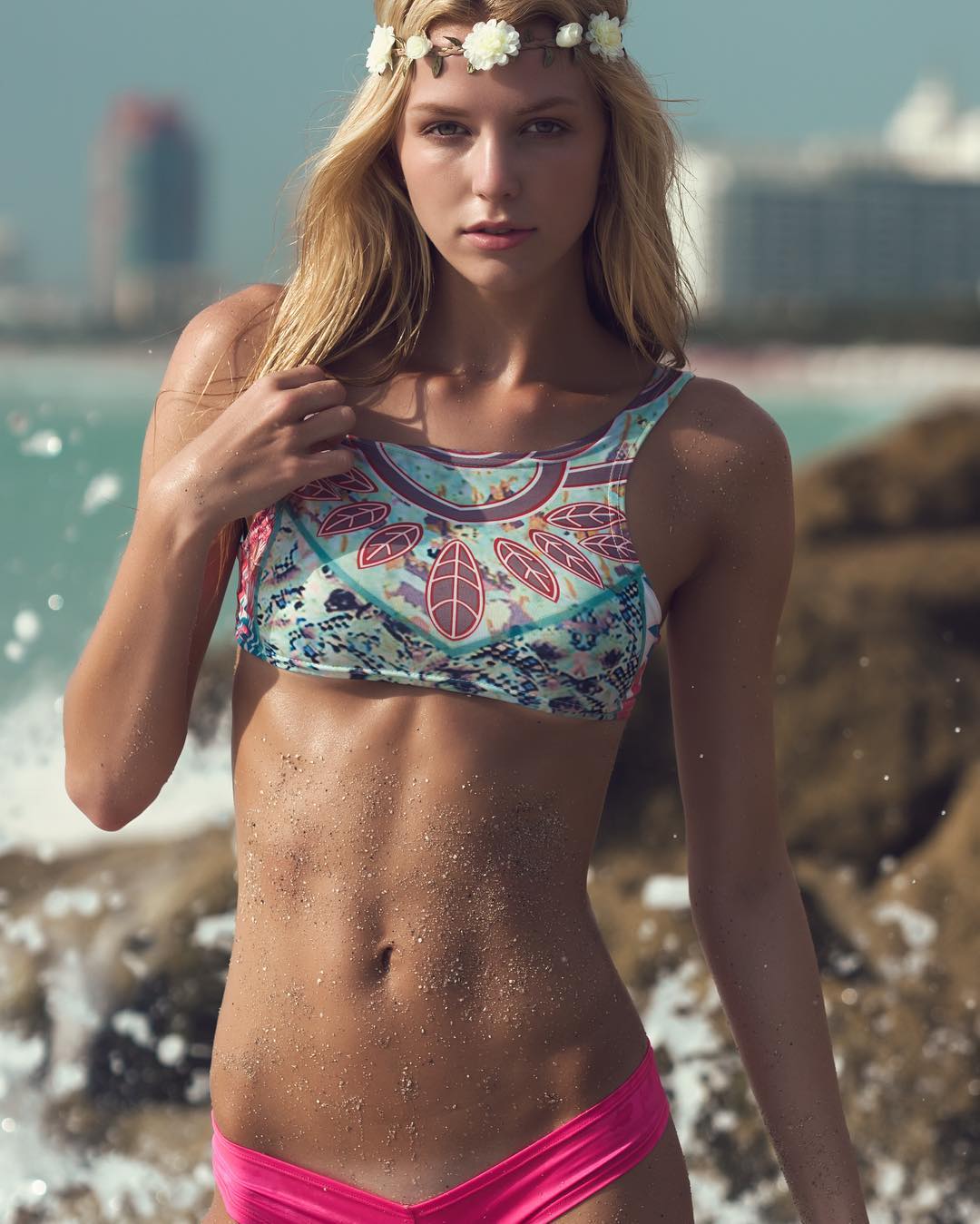
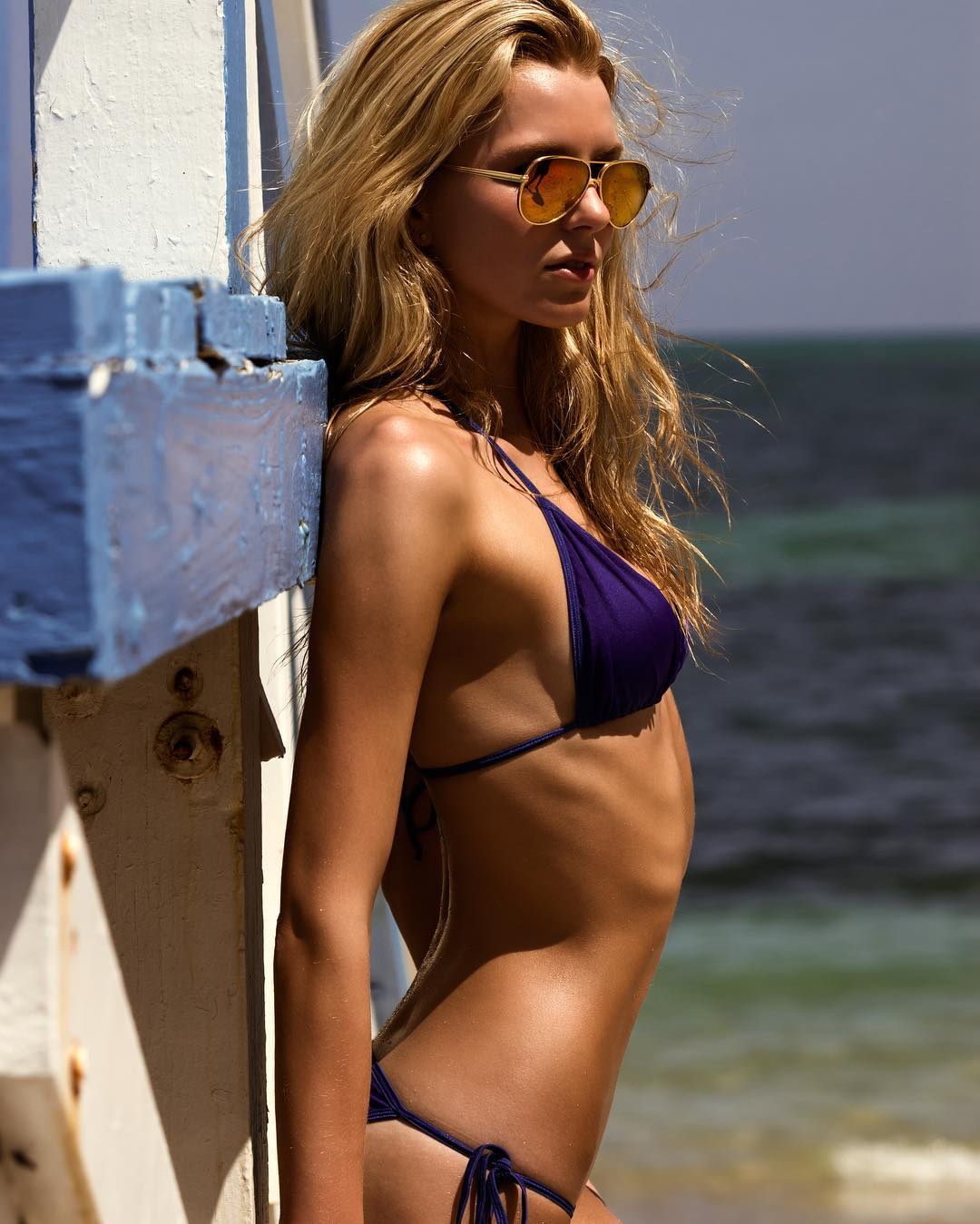
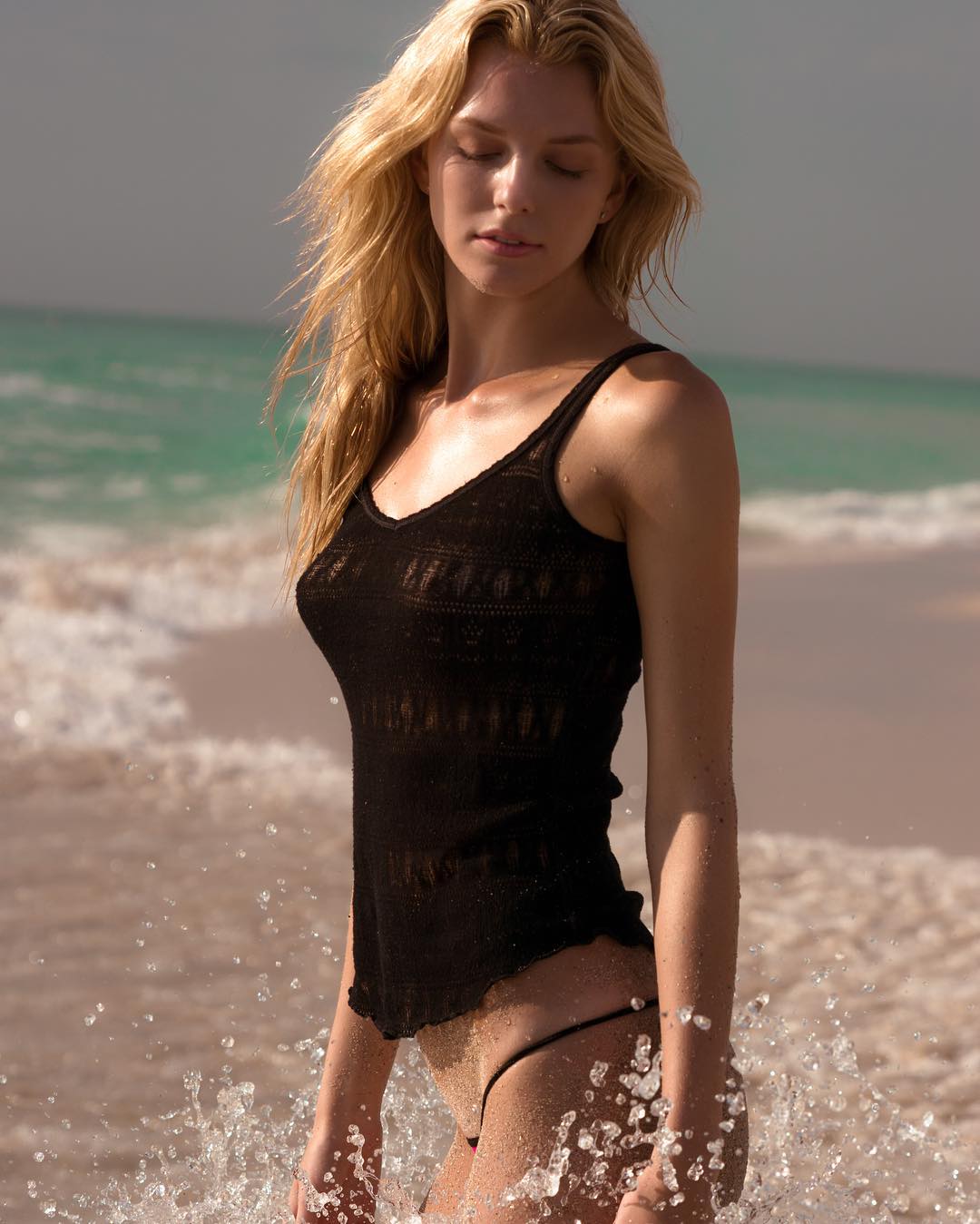
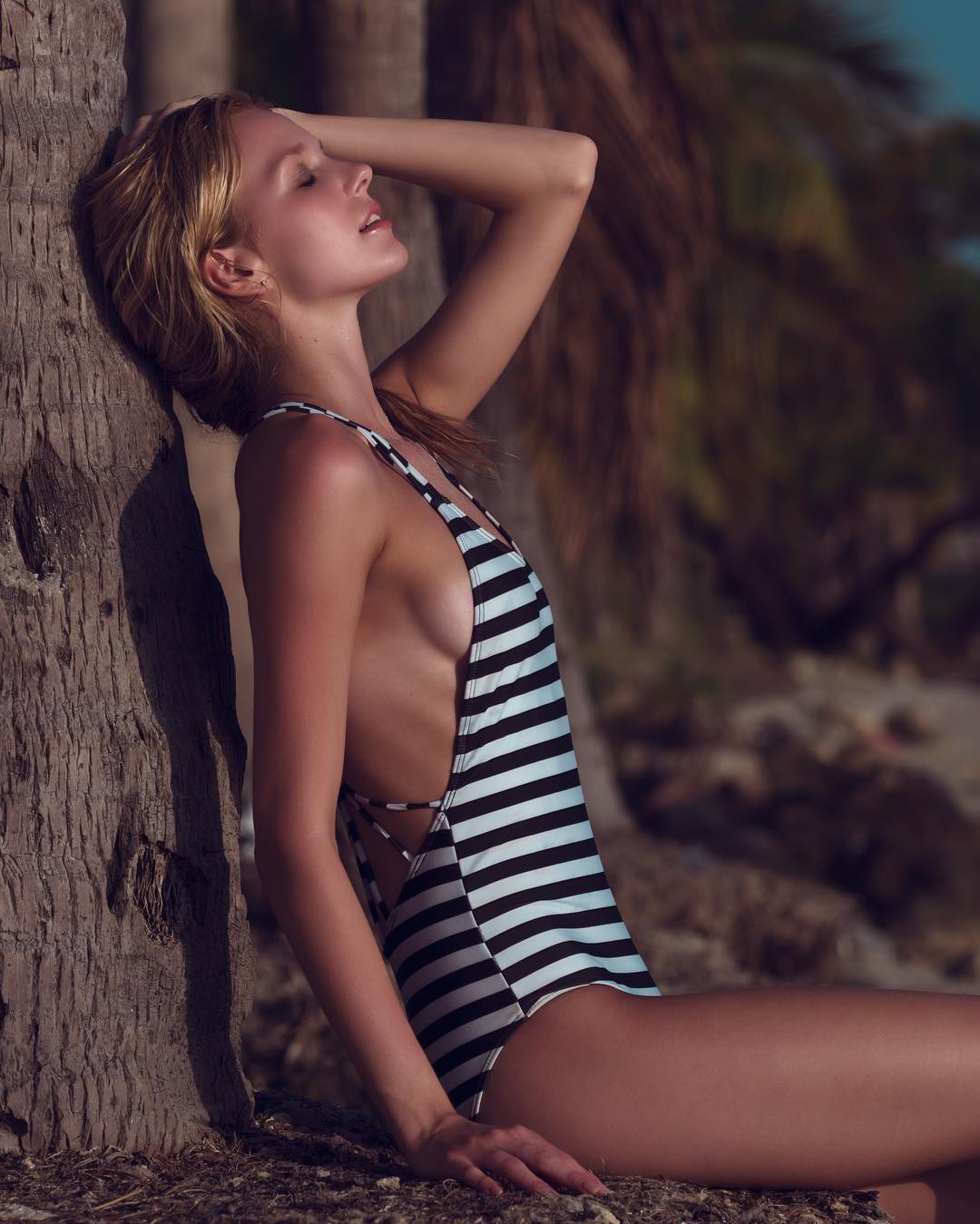
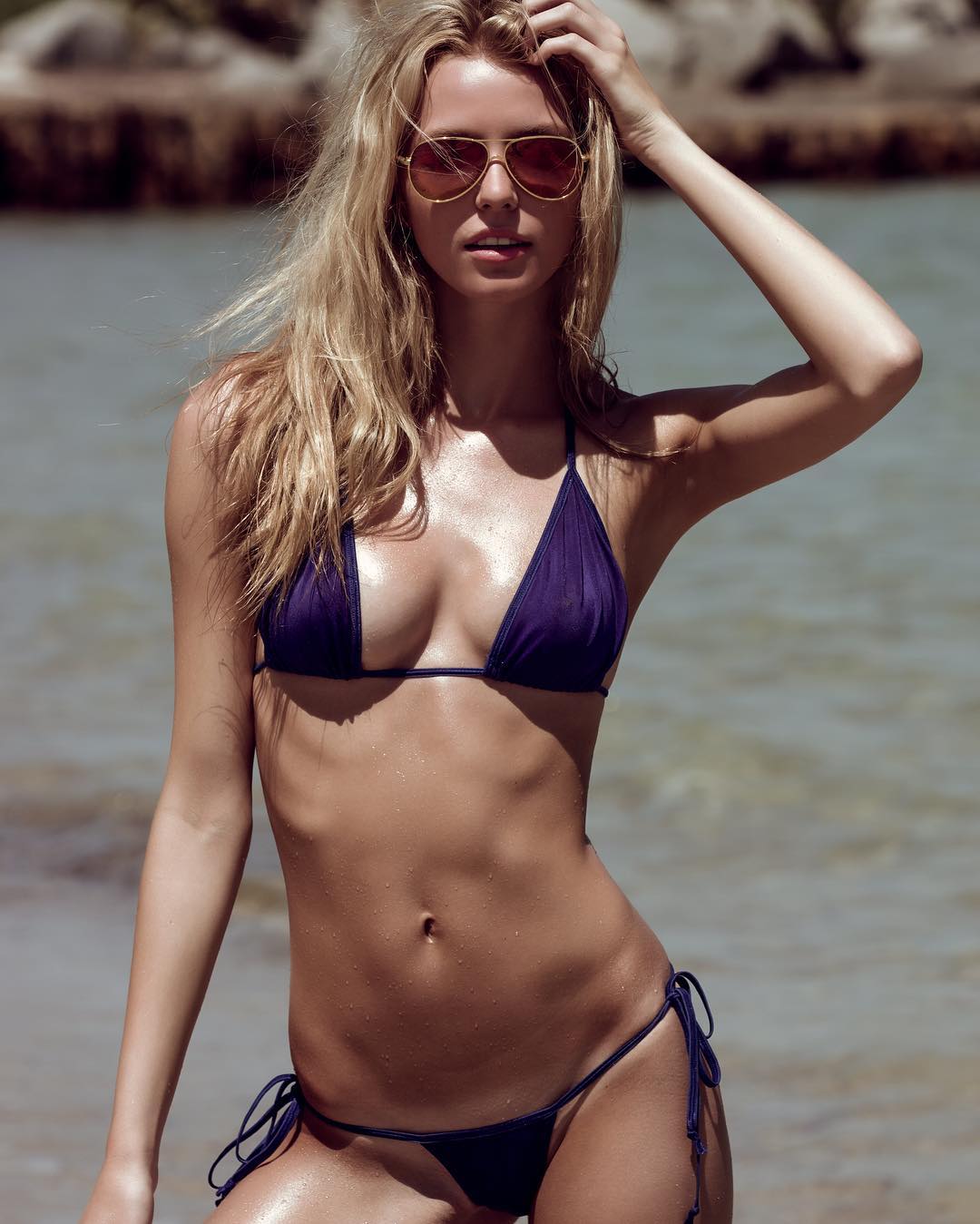
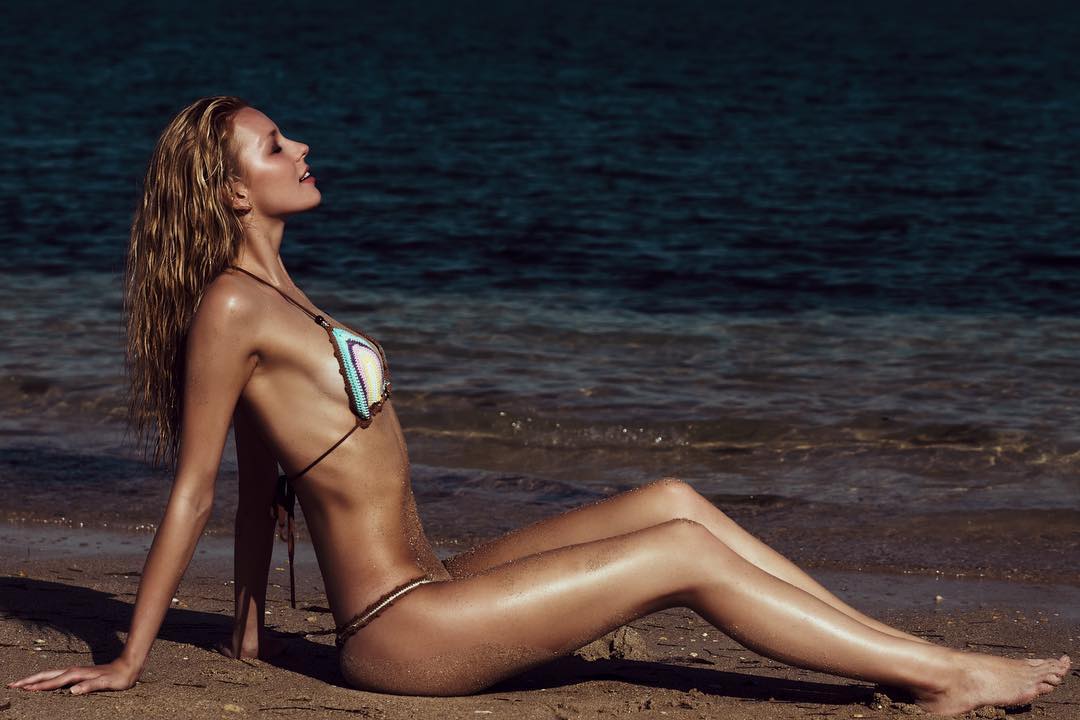
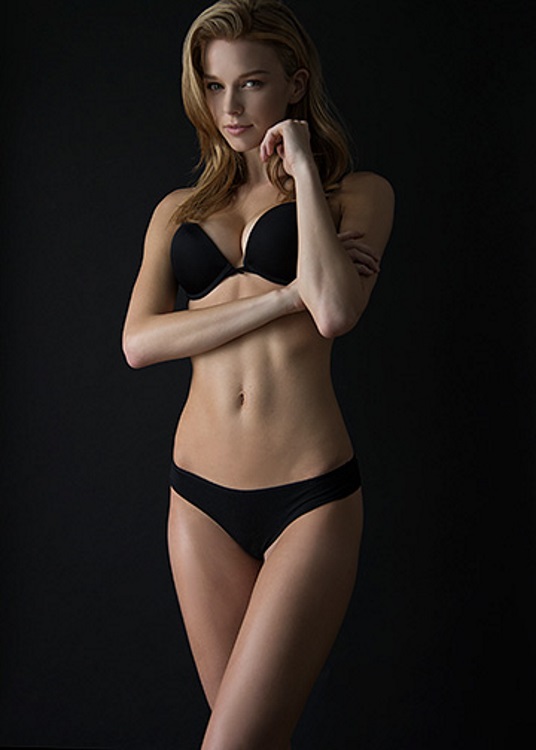
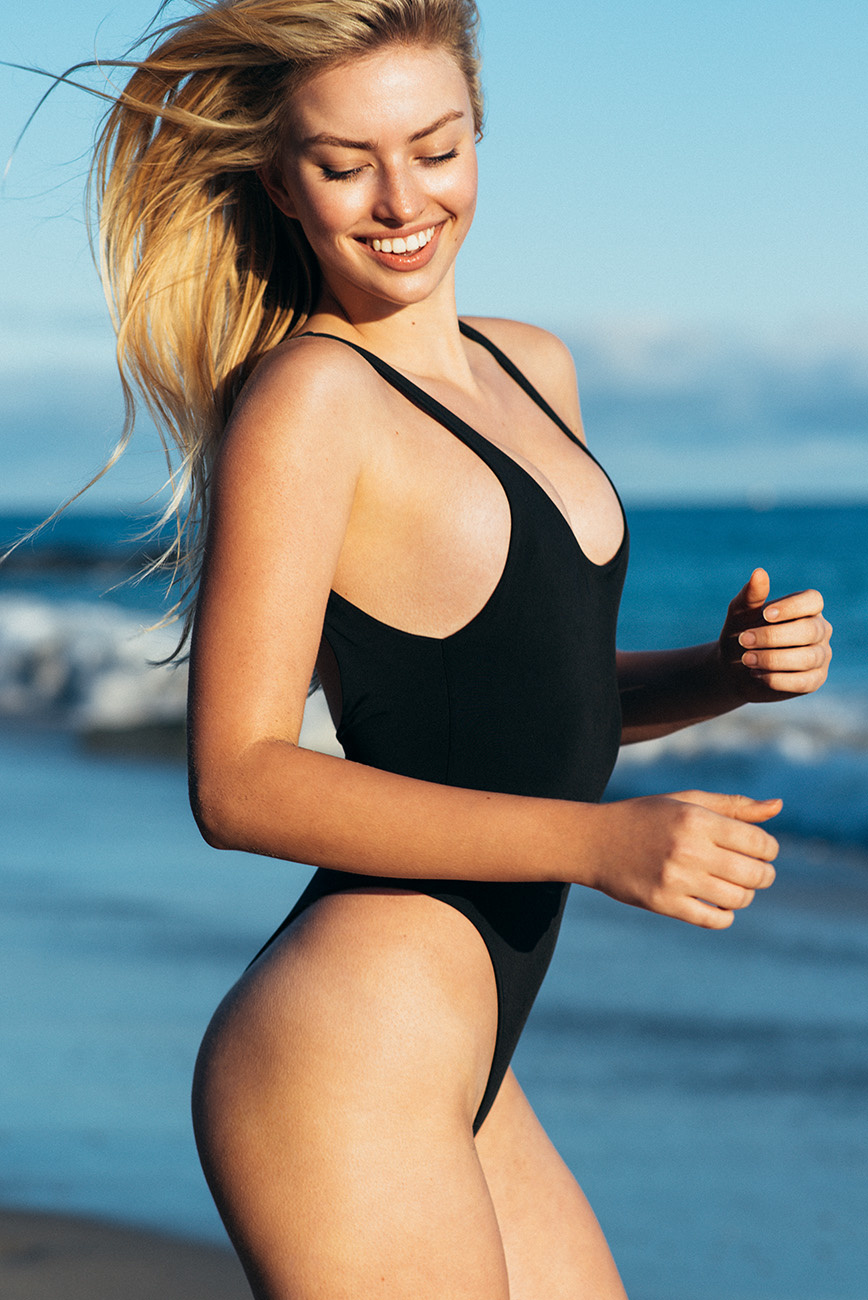
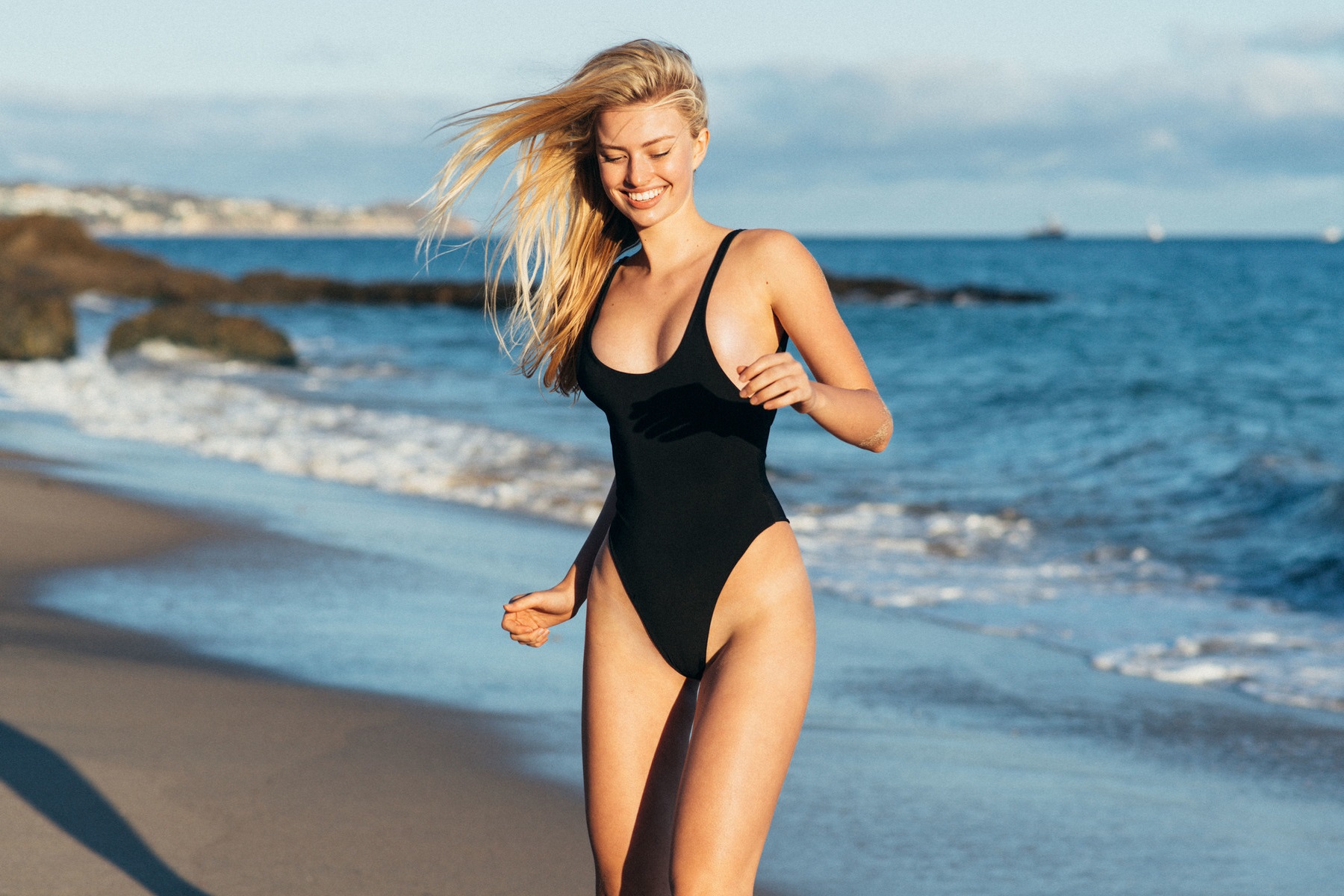
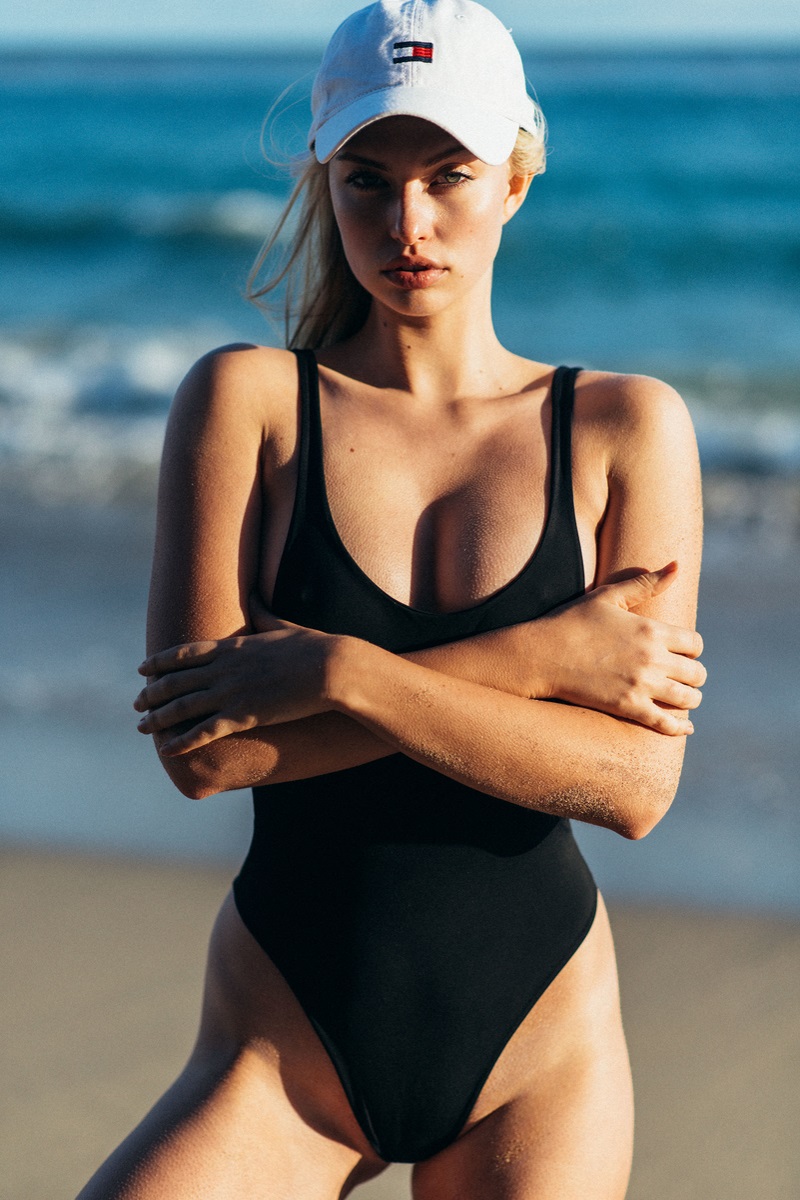
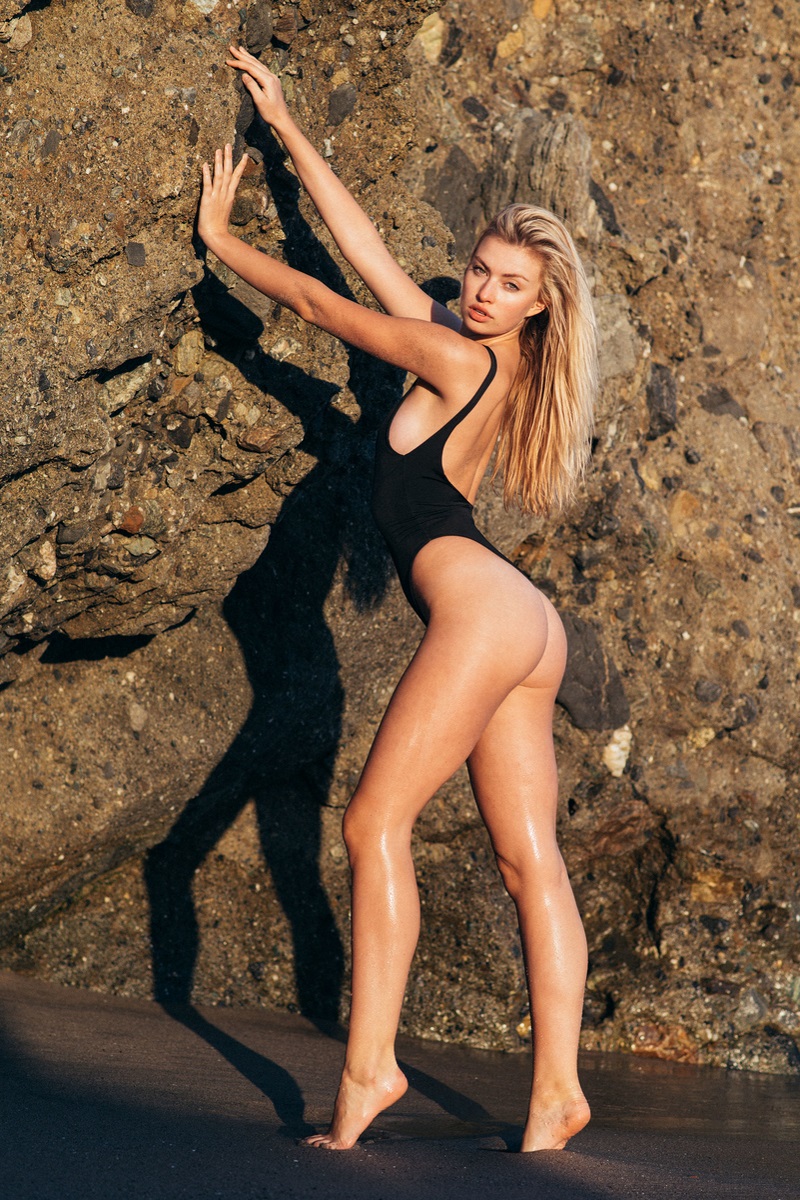
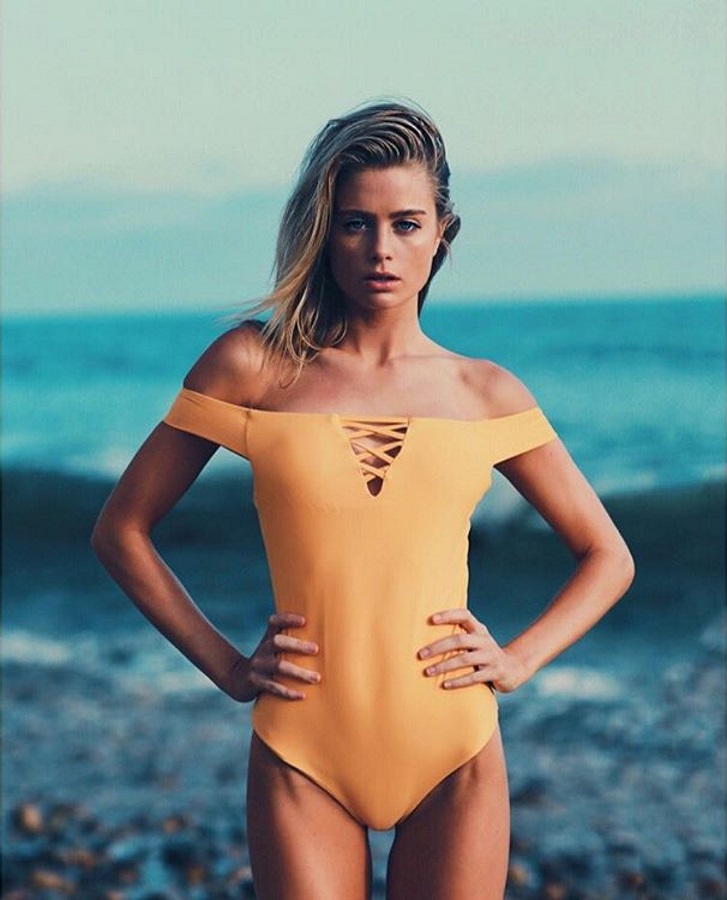
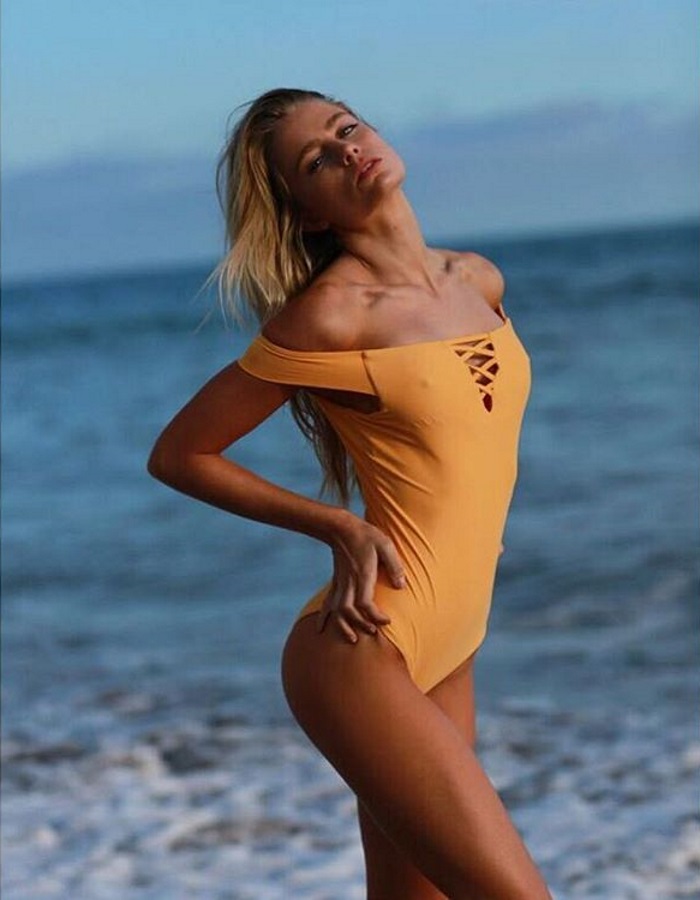
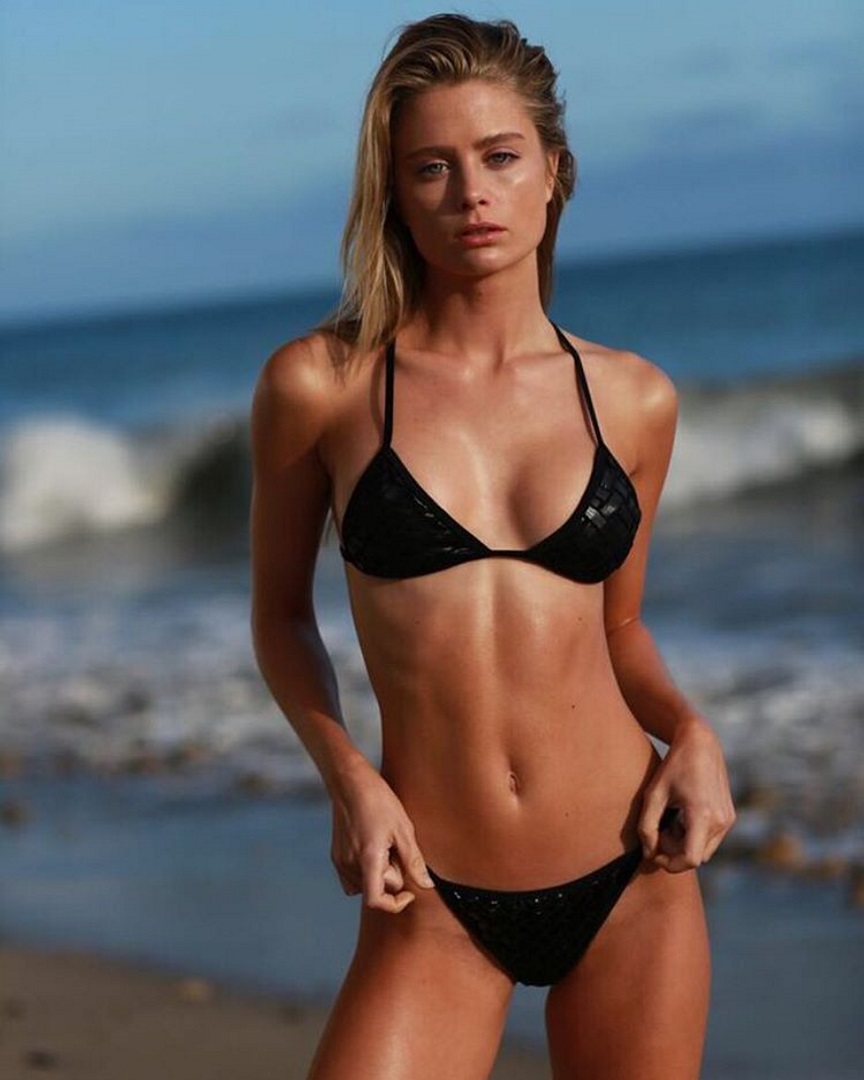
 Rebecca Szambor Height: 5'10" Bust: 34 Waist: 24 Hips: 34 Dress: 2 Shoe: 8.5 Hair: blonde Eyes: green Agencies: Spot 6 Management, Toronto MC2 Model Management, New York MC2 Model Management, Miami Instagram: instagram.com/szambor
 Ph: Will Vendramini
lamodels.com
Ph: Will Vendramini
lamodels.com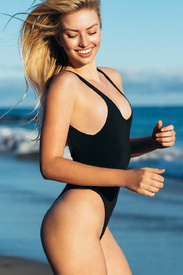
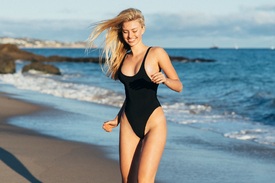



 davidmushegain @camimorrone @voguejapan
 clinteastwood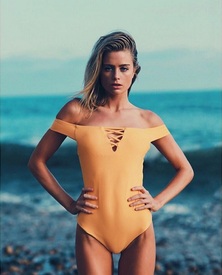



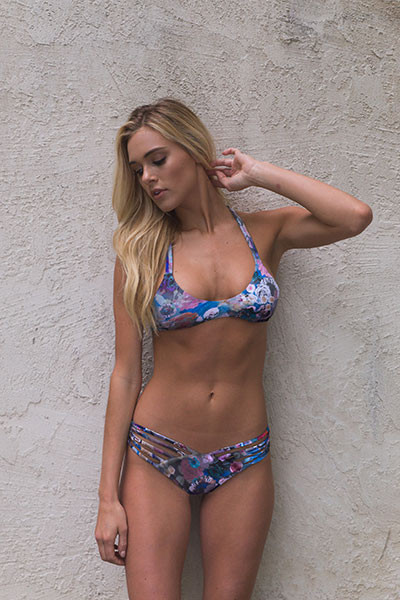
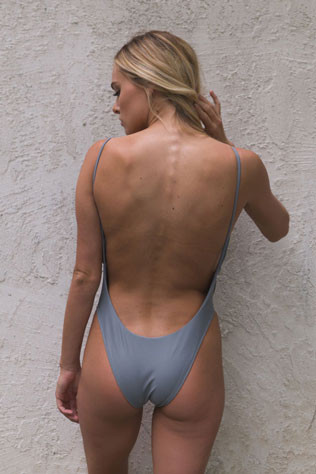
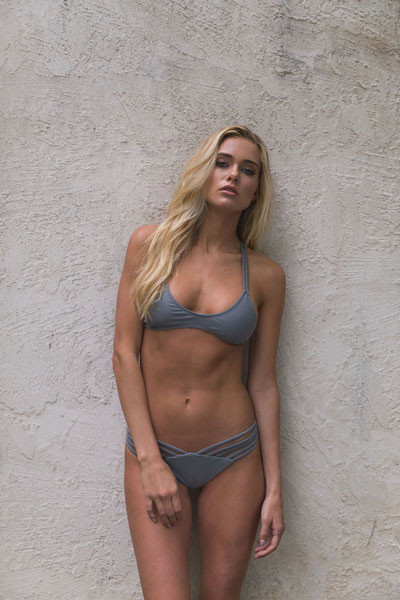
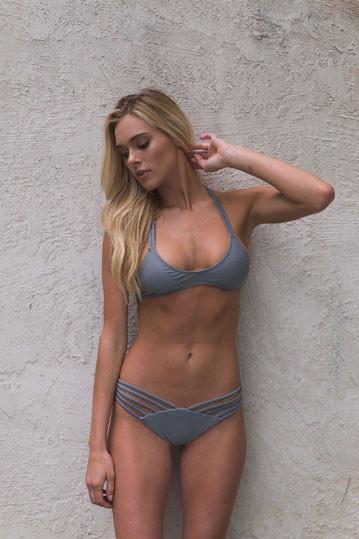
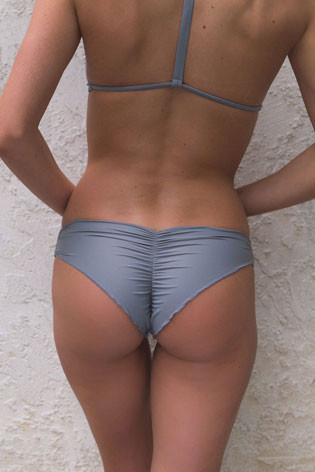


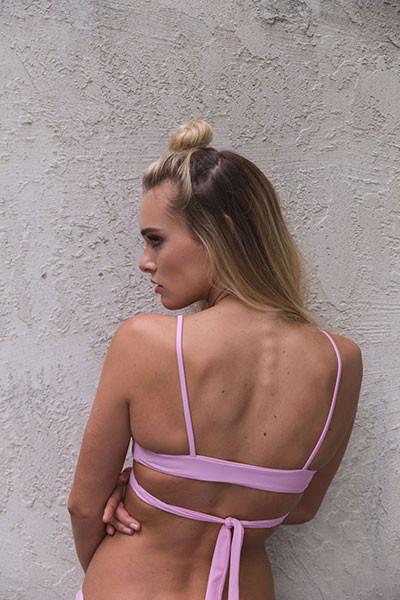
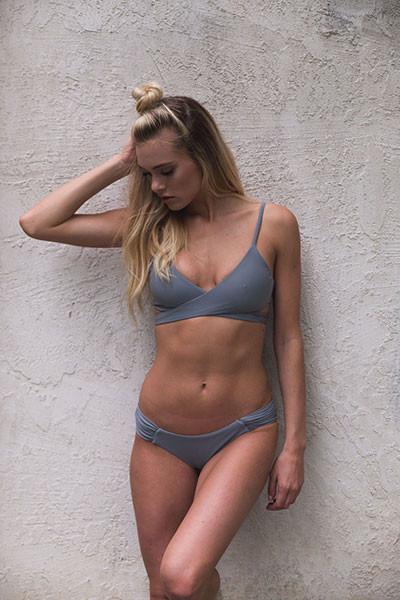
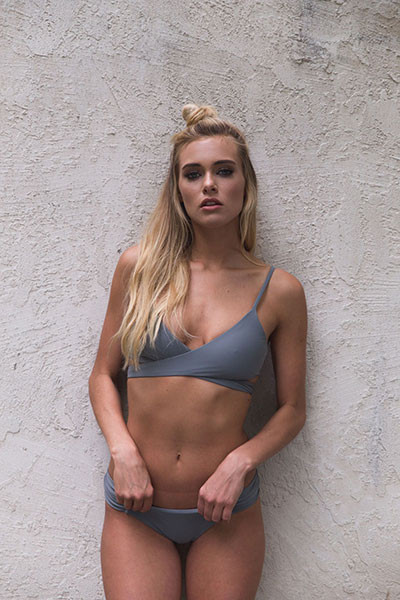
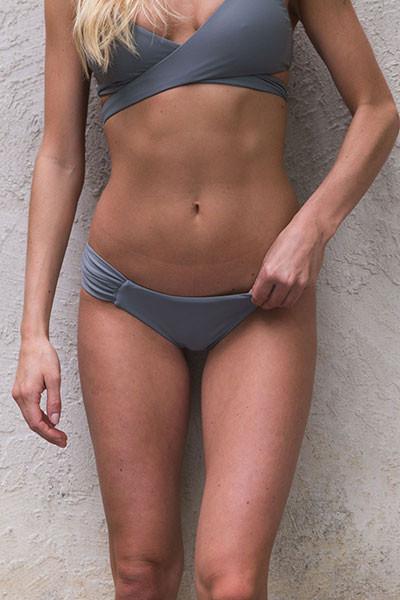












































































Account
Navigation
Search
Configure browser push notifications
Chrome (Android)
- Tap the lock icon next to the address bar.
- Tap Permissions → Notifications.
- Adjust your preference.
Chrome (Desktop)
- Click the padlock icon in the address bar.
- Select Site settings.
- Find Notifications and adjust your preference.
Safari (iOS 16.4+)
- Ensure the site is installed via Add to Home Screen.
- Open Settings App → Notifications.
- Find your app name and adjust your preference.
Safari (macOS)
- Go to Safari → Preferences.
- Click the Websites tab.
- Select Notifications in the sidebar.
- Find this website and adjust your preference.
Edge (Android)
- Tap the lock icon next to the address bar.
- Tap Permissions.
- Find Notifications and adjust your preference.
Edge (Desktop)
- Click the padlock icon in the address bar.
- Click Permissions for this site.
- Find Notifications and adjust your preference.
Firefox (Android)
- Go to Settings → Site permissions.
- Tap Notifications.
- Find this site in the list and adjust your preference.
Firefox (Desktop)
- Open Firefox Settings.
- Search for Notifications.
- Find this site in the list and adjust your preference.