
Pith_Possum
Members
-
Joined
-
Last visited
Everything posted by Pith_Possum
-
 Ph: Migjen Rama migjenrama.com instagram.com/migjen_rama


-
For Love & Lemons Skivvies Fall 2016 forloveandlemons.com/nightcap-fall-2016-skivvies







































































-
"Denim Diaries" Ph: Peter Soulis


 14206636_1758190447771169_207073846_n.mp4
Ph: Christopher von Steinbach christophervonsteinbach.com
14206636_1758190447771169_207073846_n.mp4
Ph: Christopher von Steinbach christophervonsteinbach.com

 Ph: Tyler Kandel see-through Nudity!




























 Polaroids Next Management





 Ph: John Burke





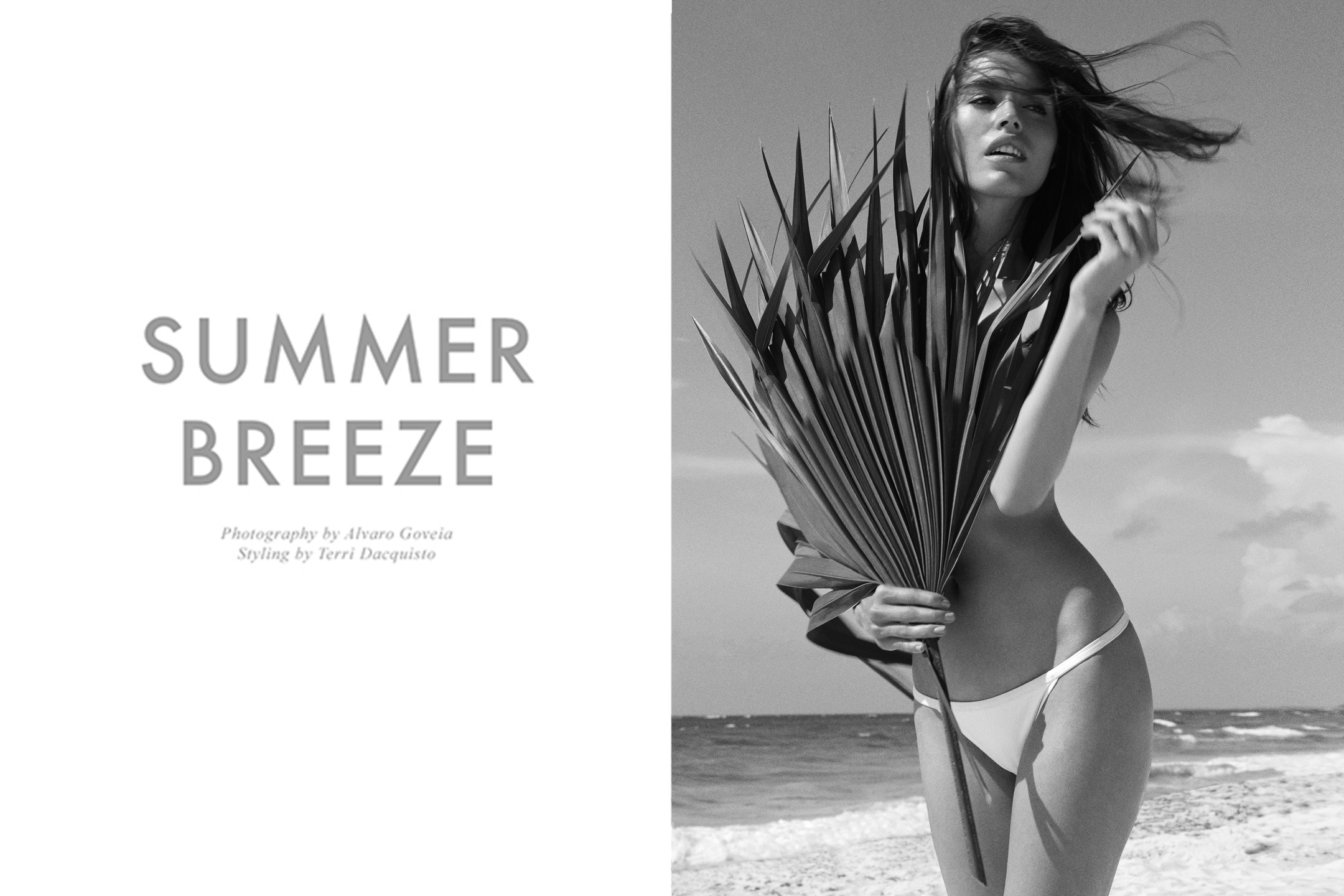
 Fashion Gone Rogue "Summer Breeze" Ph: Alvaro Goveia Nudity!








 Chloe Magazine "Swept from the Sea" Ph: Alvaro Goveia








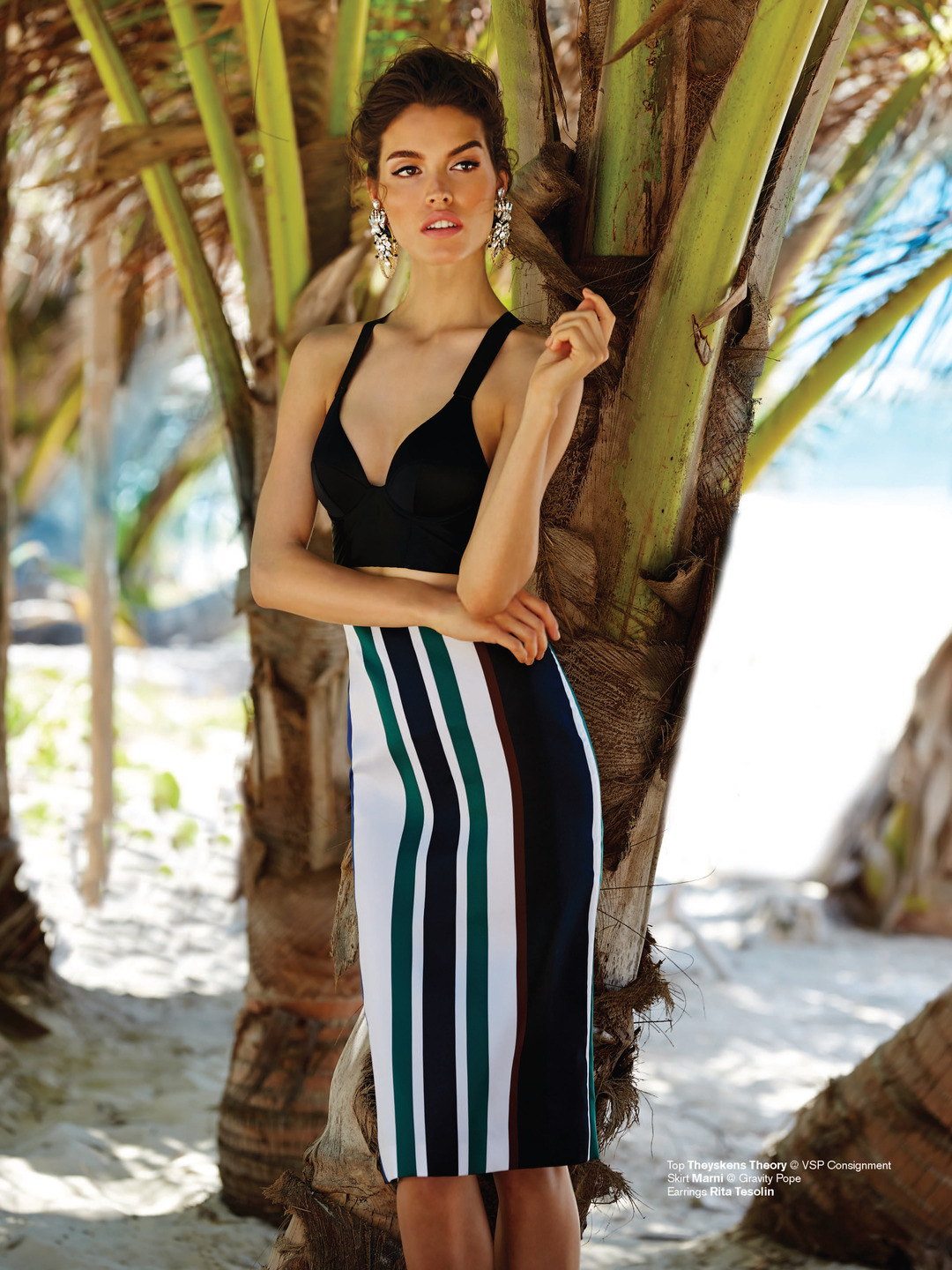
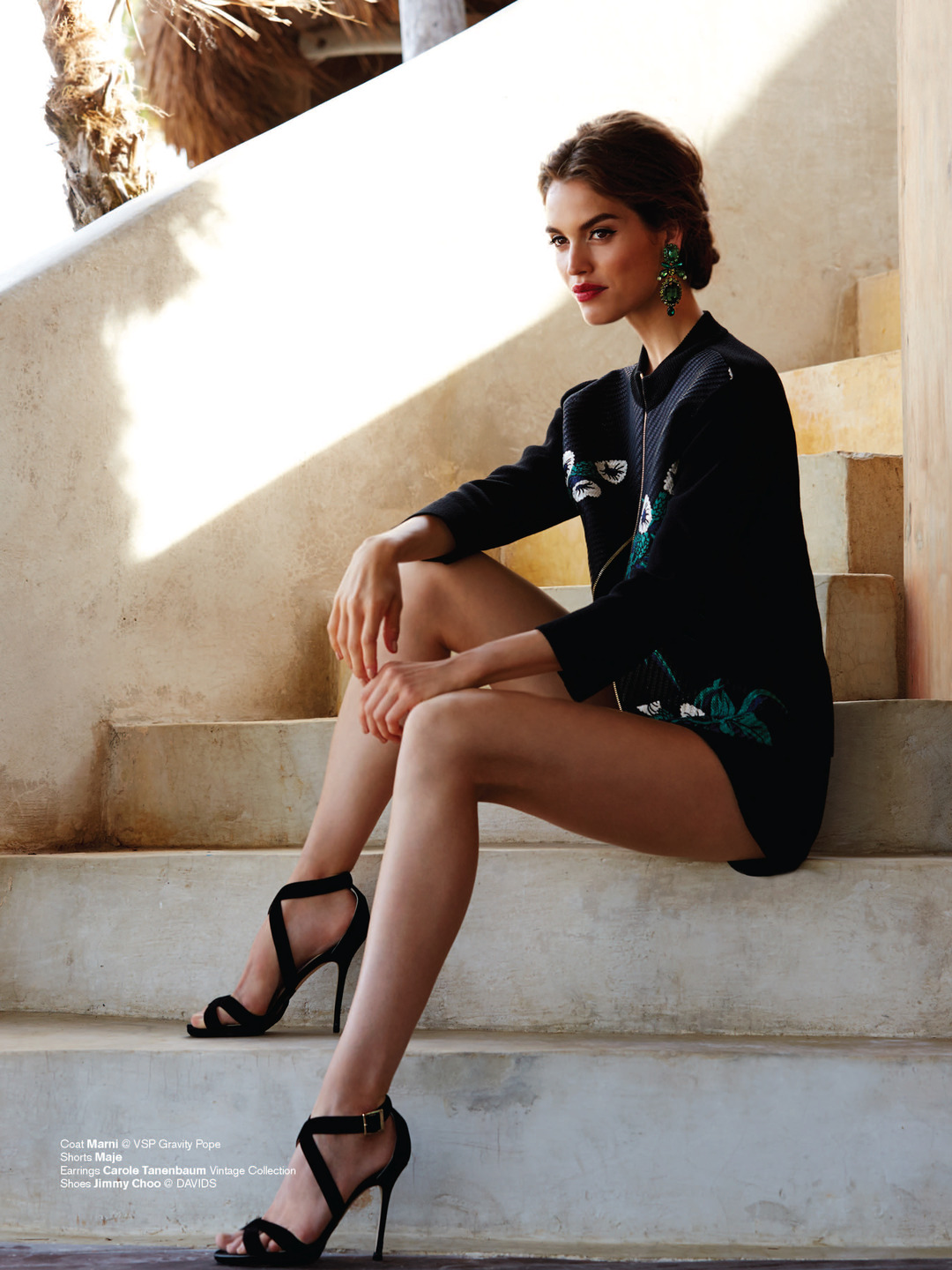
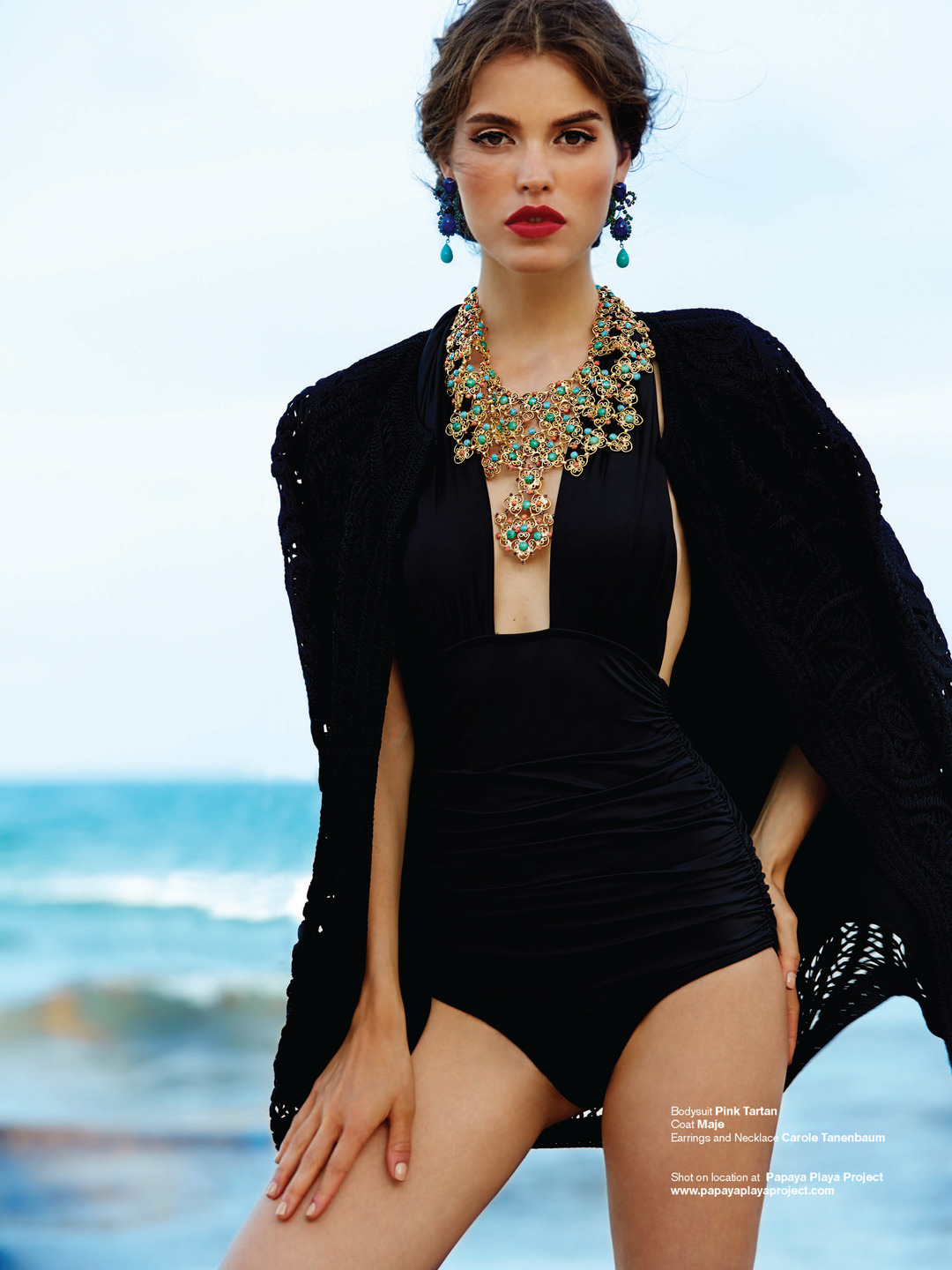
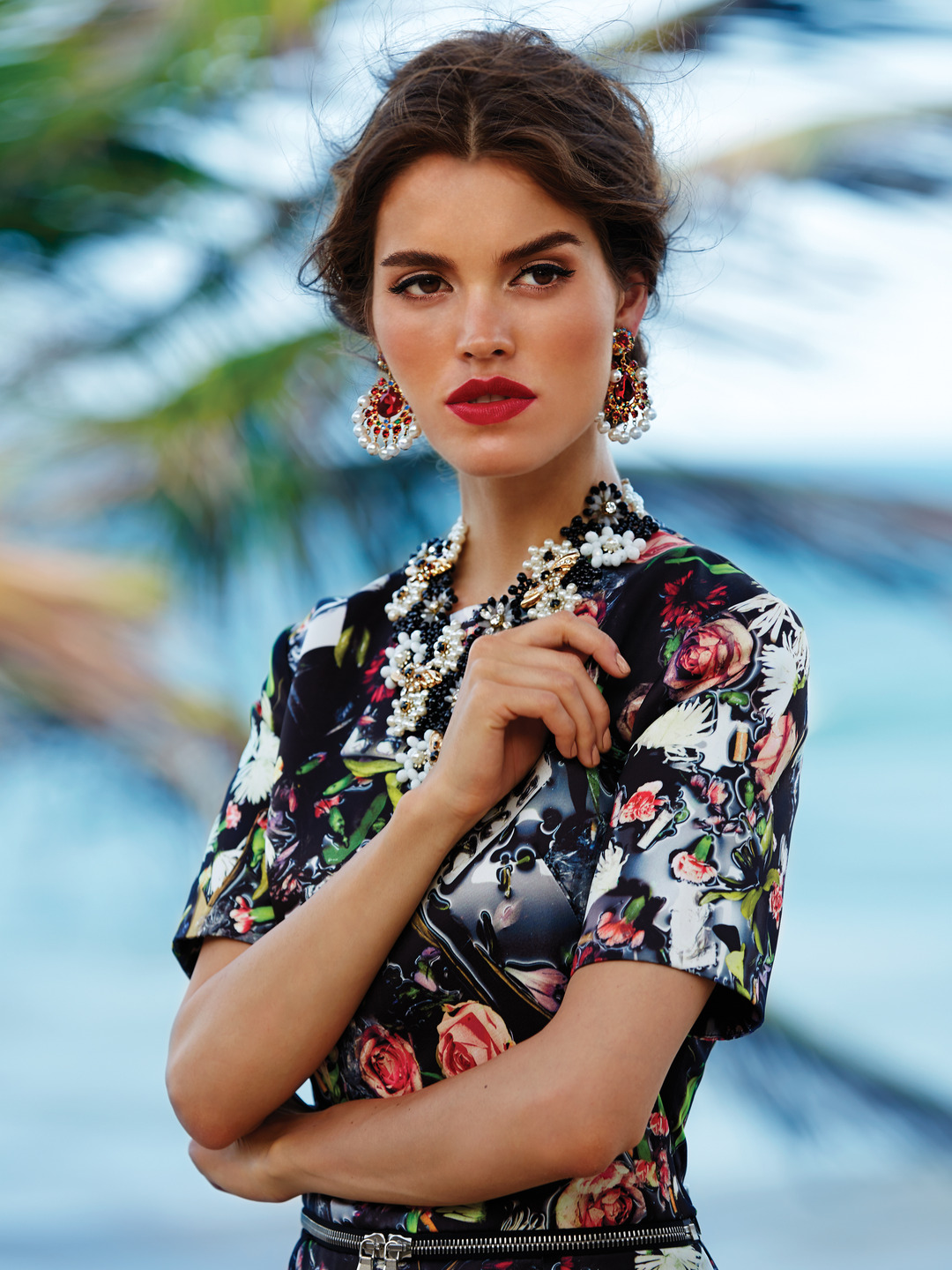
 Chloe Magazine "Blame it on Tulum" Ph: Alvaro Goveia






 Ph: Jarrett Meilleur and Von Jackson instagram.com/inthenextlife
 1968 Magazine Summer 2015 "The Big Blue" Ph: Alvaro Goveia





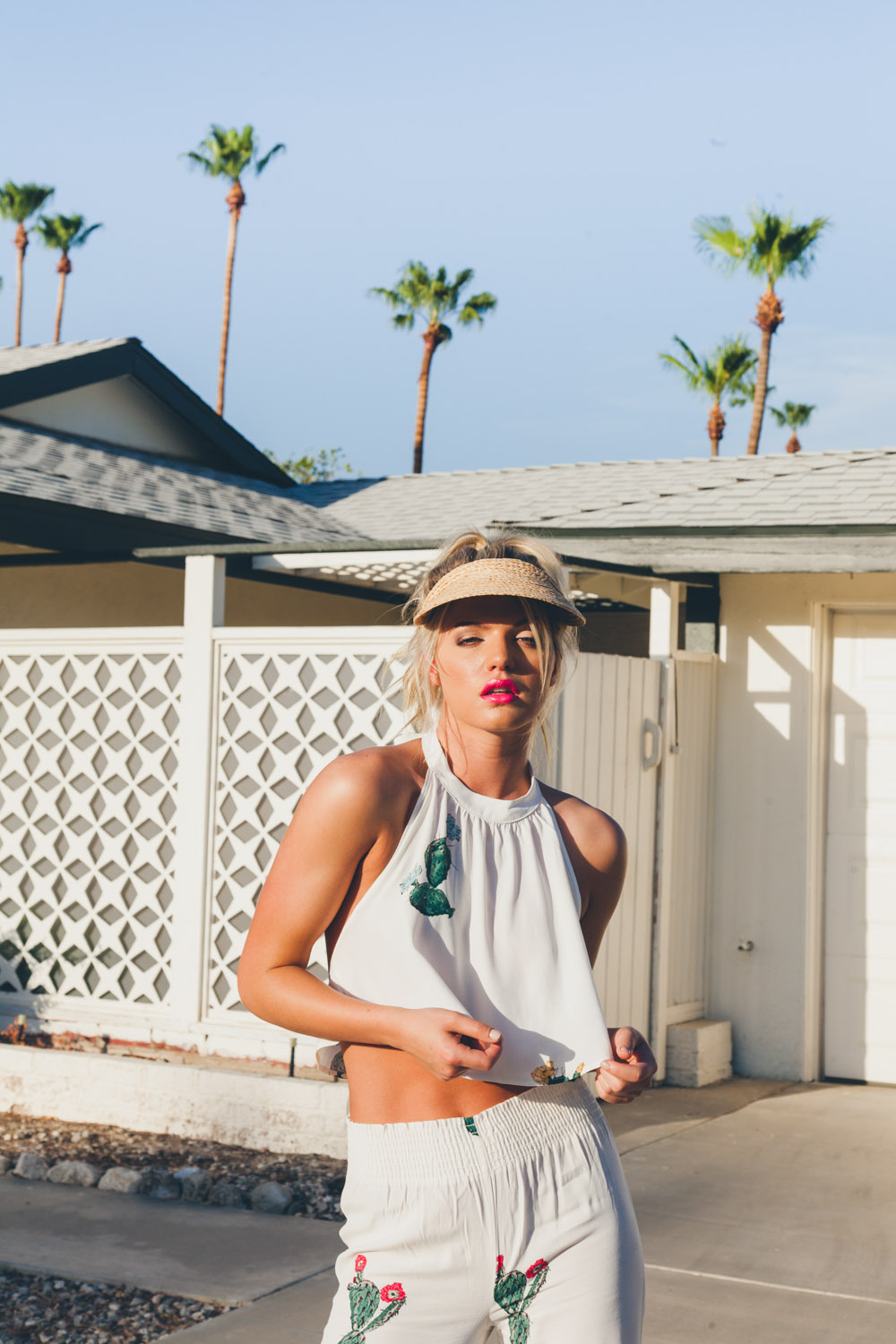
 "Dry Heat" Ph: Liza Boone sticksandstonesagency.com/dry-heat-by-liza-boone




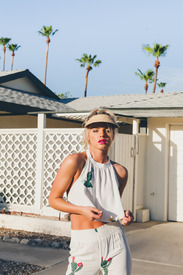


 Ph: Tyler Kandel censored Nudity! instagram.com/thekandelstudio
 Ph: Tyler Kandel


 Mariano Vivanco - Portraits Nudes Flowers Nudity! fashiontography.net












































































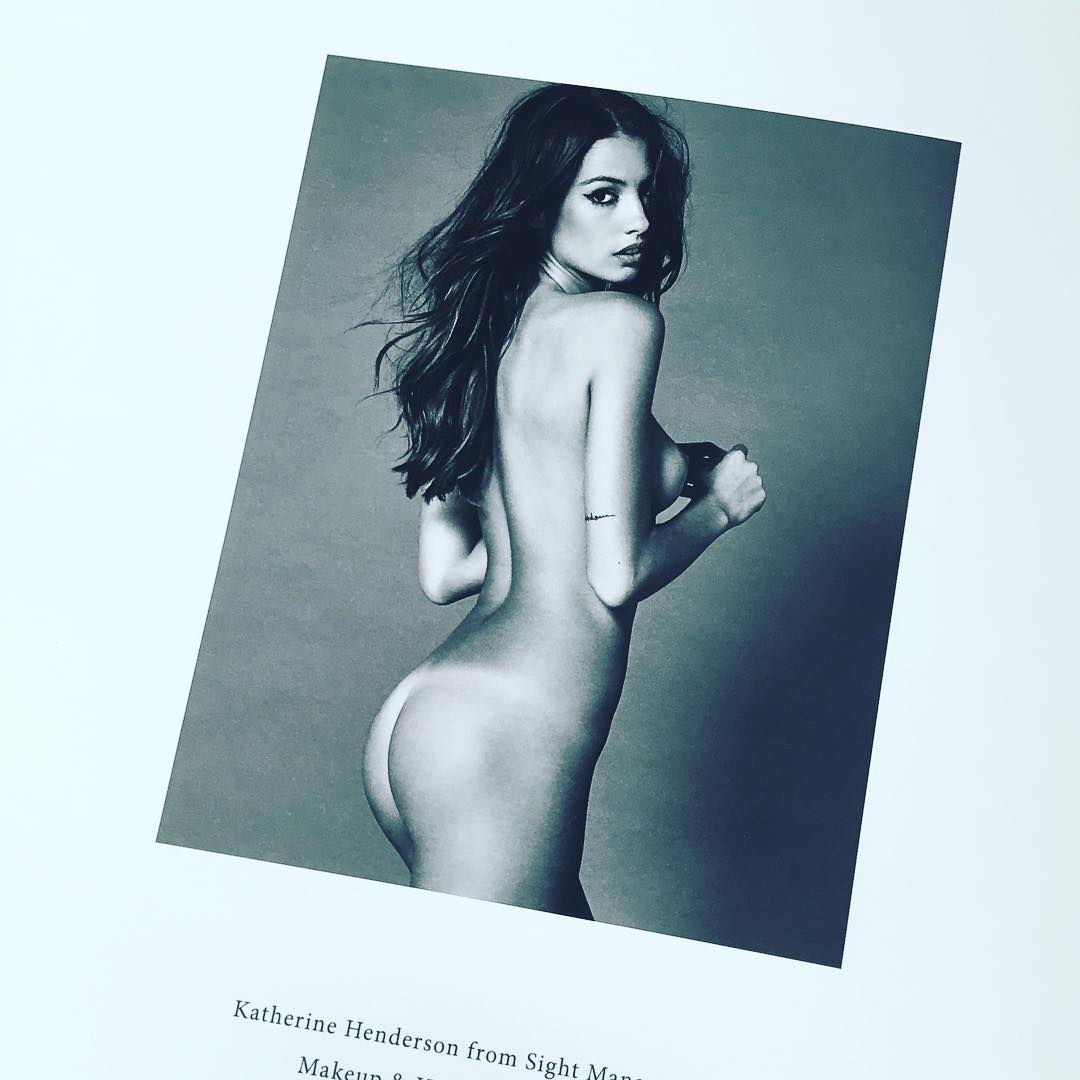














































































































Account
Navigation
Search
Configure browser push notifications
Chrome (Android)
- Tap the lock icon next to the address bar.
- Tap Permissions → Notifications.
- Adjust your preference.
Chrome (Desktop)
- Click the padlock icon in the address bar.
- Select Site settings.
- Find Notifications and adjust your preference.
Safari (iOS 16.4+)
- Ensure the site is installed via Add to Home Screen.
- Open Settings App → Notifications.
- Find your app name and adjust your preference.
Safari (macOS)
- Go to Safari → Preferences.
- Click the Websites tab.
- Select Notifications in the sidebar.
- Find this website and adjust your preference.
Edge (Android)
- Tap the lock icon next to the address bar.
- Tap Permissions.
- Find Notifications and adjust your preference.
Edge (Desktop)
- Click the padlock icon in the address bar.
- Click Permissions for this site.
- Find Notifications and adjust your preference.
Firefox (Android)
- Go to Settings → Site permissions.
- Tap Notifications.
- Find this site in the list and adjust your preference.
Firefox (Desktop)
- Open Firefox Settings.
- Search for Notifications.
- Find this site in the list and adjust your preference.