

Bettina Saw-Morgan
Members
-
Joined
-
Last visited
Everything posted by Bettina Saw-Morgan
-
 Jasmine Tookes


















-
BIKINI LOVERS

-
Romee Strijd



 Julian Ungano

 Dahlia Tequila
 elsa hosk








 Valeria Rudenko Caroline Lowe Solveig Mork Hansen Eden Fines
Katherine Konlin Yael Shelbia Noa Cohen Neta Alchimister
Naomi Watts 7 Natassia Vitskop 8.5 Olivia Wilde 6.5 Priyanka Chopra 8 Renee Murden 9.5 Rhihanna 5 Salma Hayek 4 Sara Sampaio 8 Scarlett Johansson 7 Scarlett Leithold 8
JOJA
JOJA
La bouche rouge, Paris
Adam Franzino
Valeria Rudenko Caroline Lowe Solveig Mork Hansen Eden Fines
Katherine Konlin Yael Shelbia Noa Cohen Neta Alchimister
Naomi Watts 7 Natassia Vitskop 8.5 Olivia Wilde 6.5 Priyanka Chopra 8 Renee Murden 9.5 Rhihanna 5 Salma Hayek 4 Sara Sampaio 8 Scarlett Johansson 7 Scarlett Leithold 8
JOJA
JOJA
La bouche rouge, Paris
Adam Franzino Jasmine Tookes
 elsa hosk
 Nastassia Vitskop
Lupita Nyong'o 6 Lynda Carter 4 Margot Robbie 7 Martha Hunt 7.5 Megan Fox 8.5 Megan Williams 8 Michelle Pfeiffer 4 Miranda Kerr 8.5 Monica Bellucci 5 Naomi Scott 5.5
BIKINI LOVERS
Nastassia Vitskop
Lupita Nyong'o 6 Lynda Carter 4 Margot Robbie 7 Martha Hunt 7.5 Megan Fox 8.5 Megan Williams 8 Michelle Pfeiffer 4 Miranda Kerr 8.5 Monica Bellucci 5 Naomi Scott 5.5
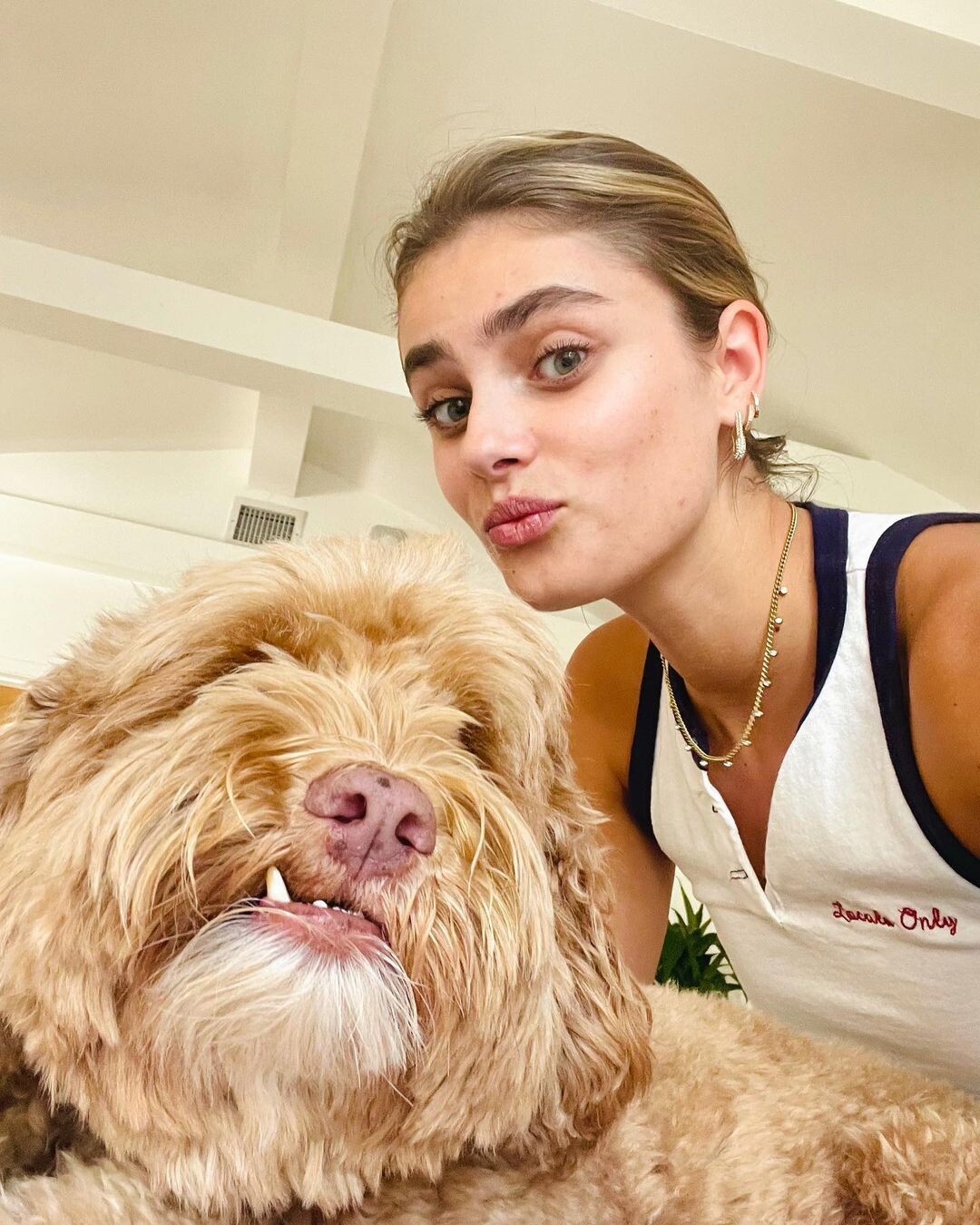
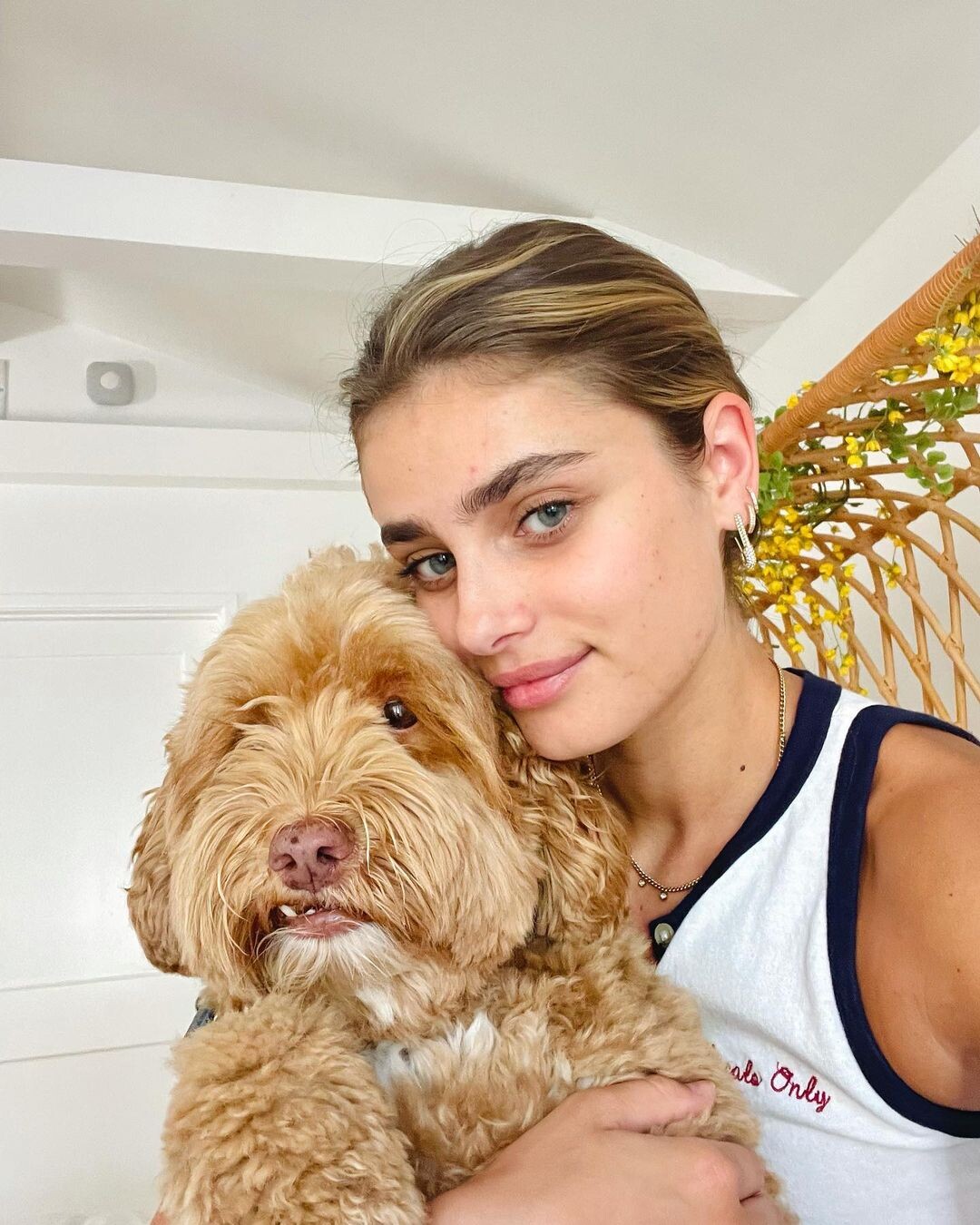
BIKINI LOVERS Taylor Hill
 Kelly Faetanini - Redux Collection 2022

































































































































































Account
Search
Configure browser push notifications
Chrome (Android)
- Tap the lock icon next to the address bar.
- Tap Permissions → Notifications.
- Adjust your preference.
Chrome (Desktop)
- Click the padlock icon in the address bar.
- Select Site settings.
- Find Notifications and adjust your preference.
Safari (iOS 16.4+)
- Ensure the site is installed via Add to Home Screen.
- Open Settings App → Notifications.
- Find your app name and adjust your preference.
Safari (macOS)
- Go to Safari → Preferences.
- Click the Websites tab.
- Select Notifications in the sidebar.
- Find this website and adjust your preference.
Edge (Android)
- Tap the lock icon next to the address bar.
- Tap Permissions.
- Find Notifications and adjust your preference.
Edge (Desktop)
- Click the padlock icon in the address bar.
- Click Permissions for this site.
- Find Notifications and adjust your preference.
Firefox (Android)
- Go to Settings → Site permissions.
- Tap Notifications.
- Find this site in the list and adjust your preference.
Firefox (Desktop)
- Open Firefox Settings.
- Search for Notifications.
- Find this site in the list and adjust your preference.