not90
Banned
-
Joined
-
Last visited
Everything posted by not90
-
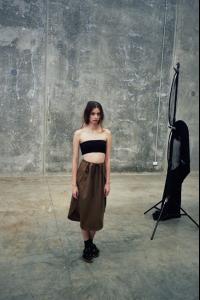
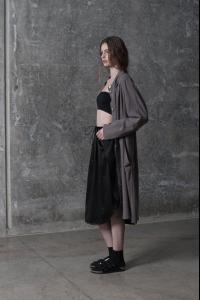
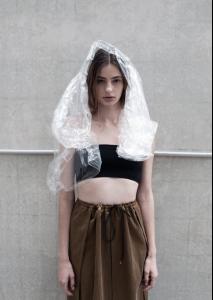
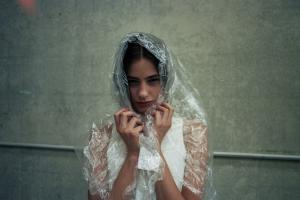
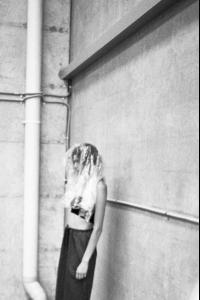
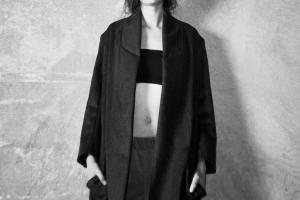
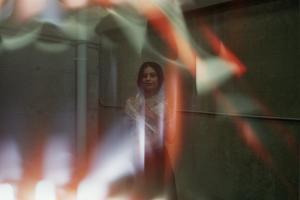
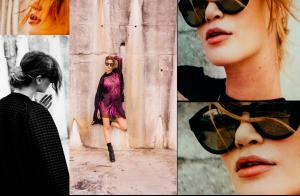
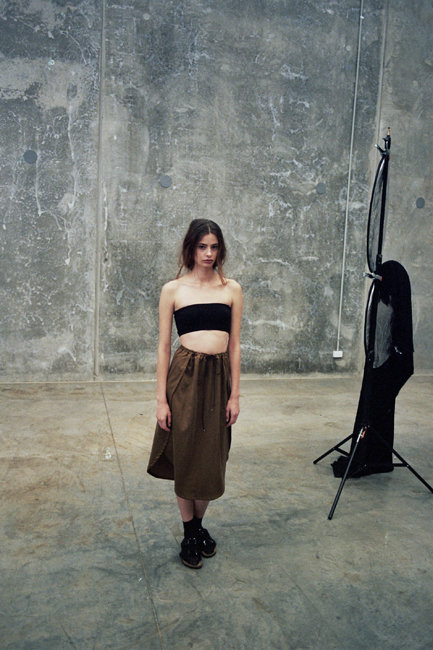
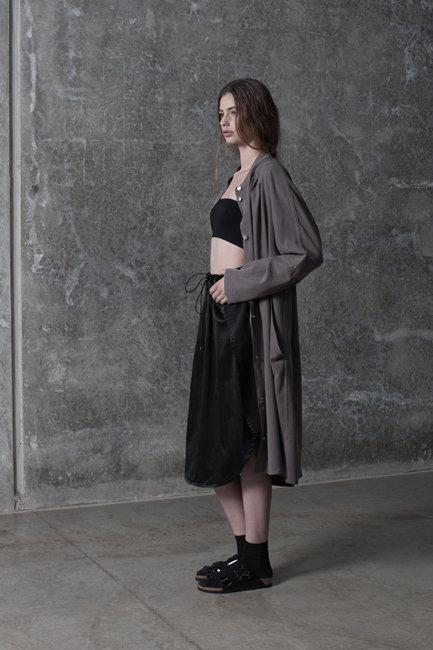
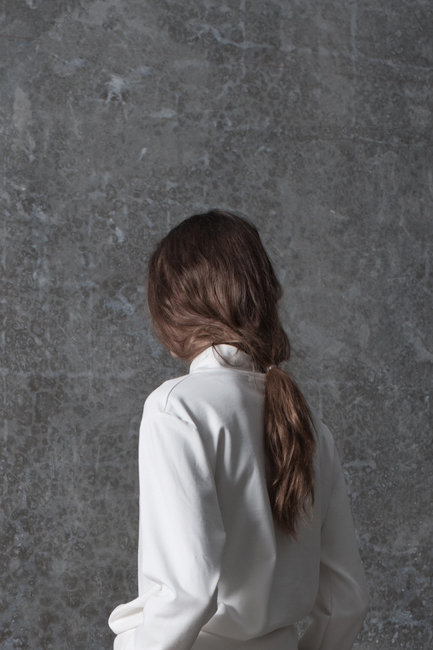
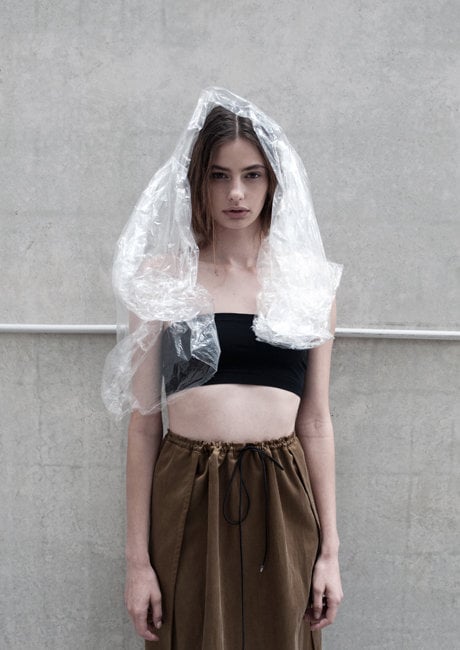
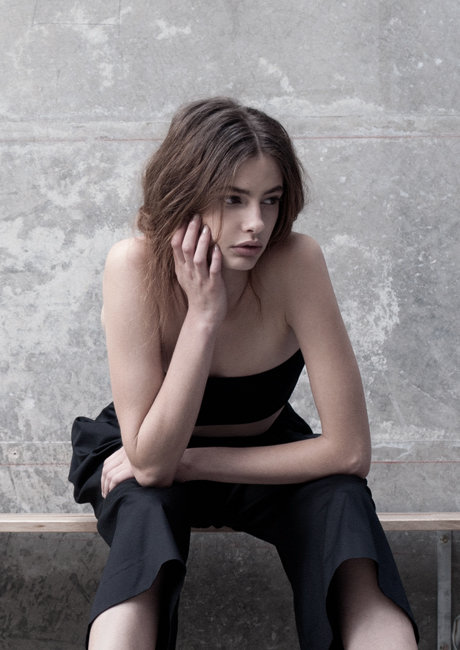
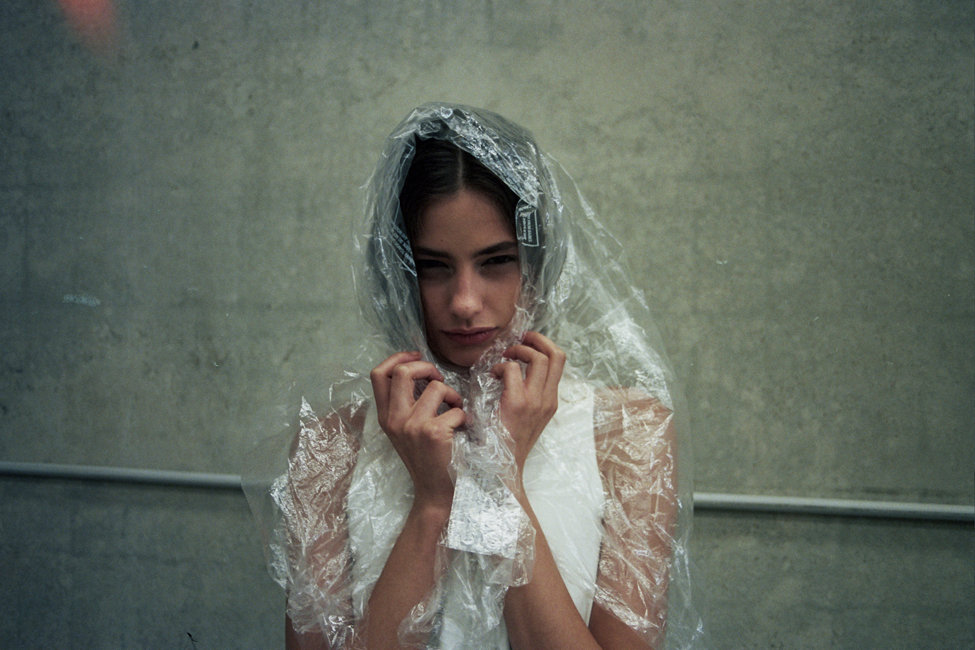
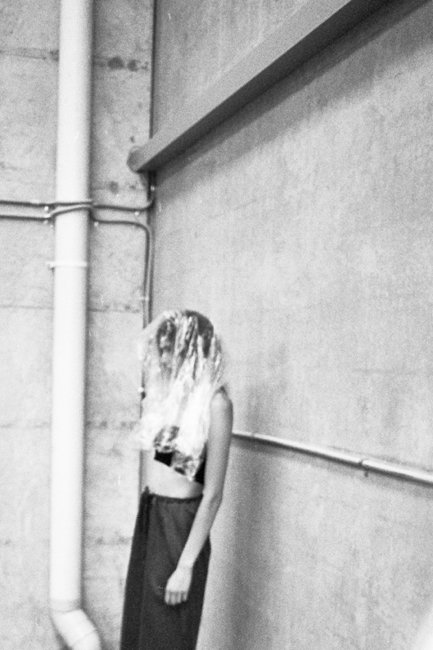
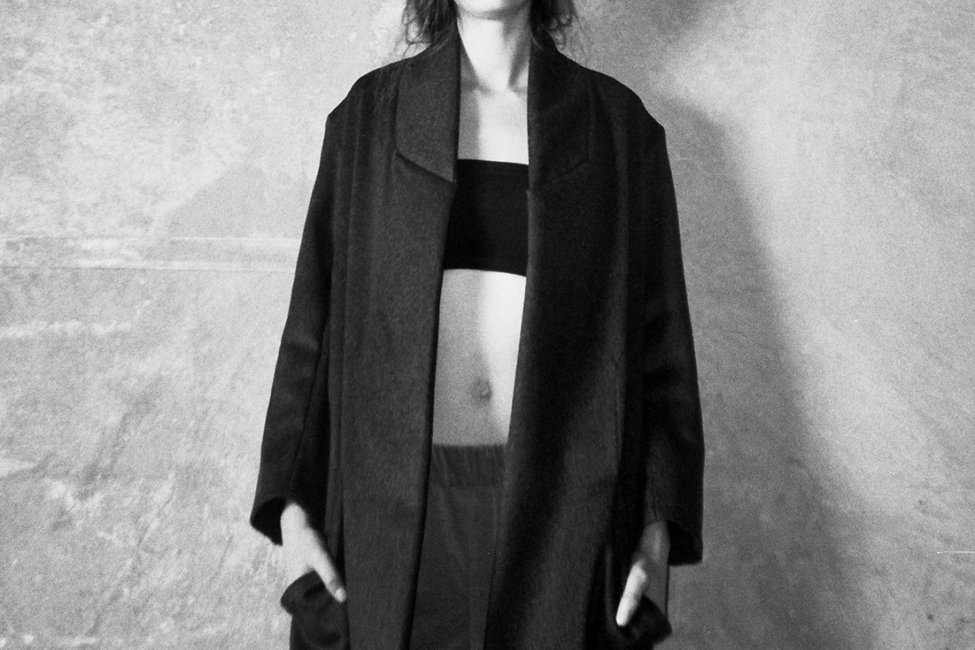
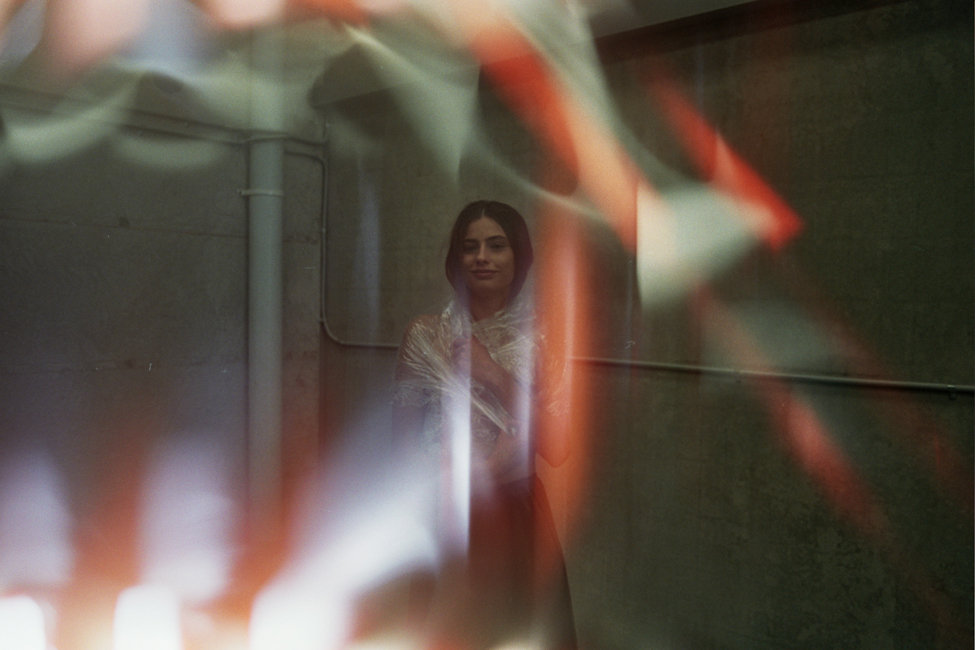
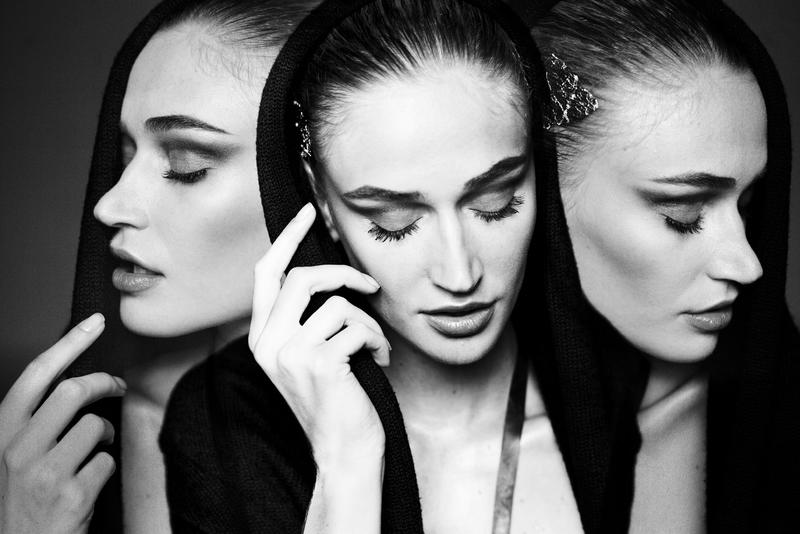
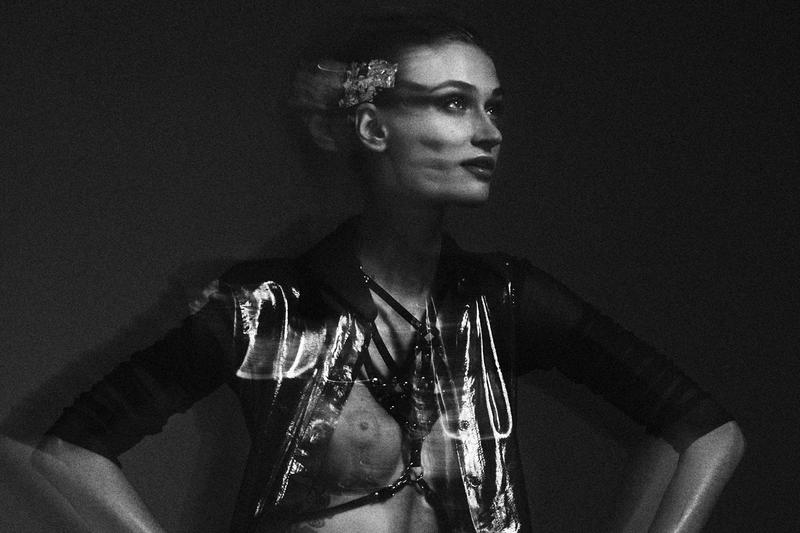
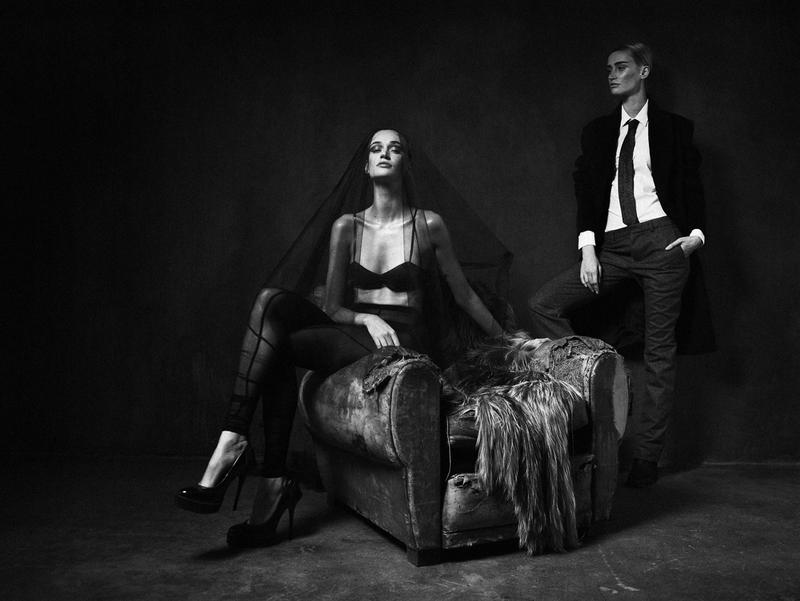
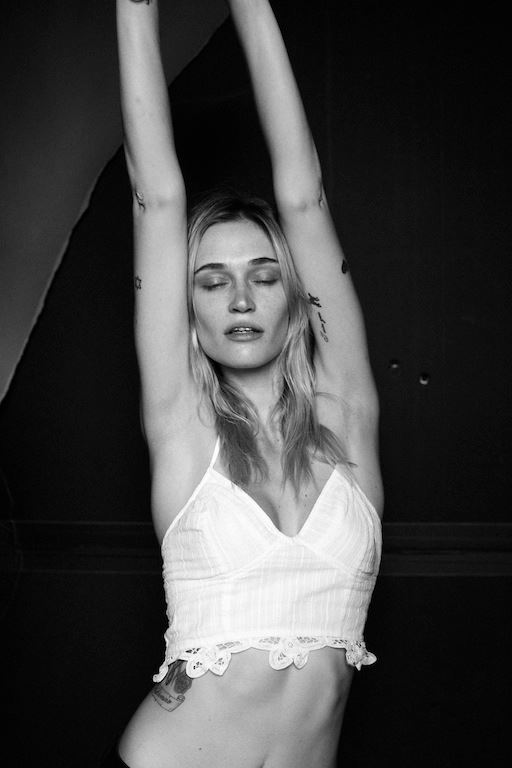
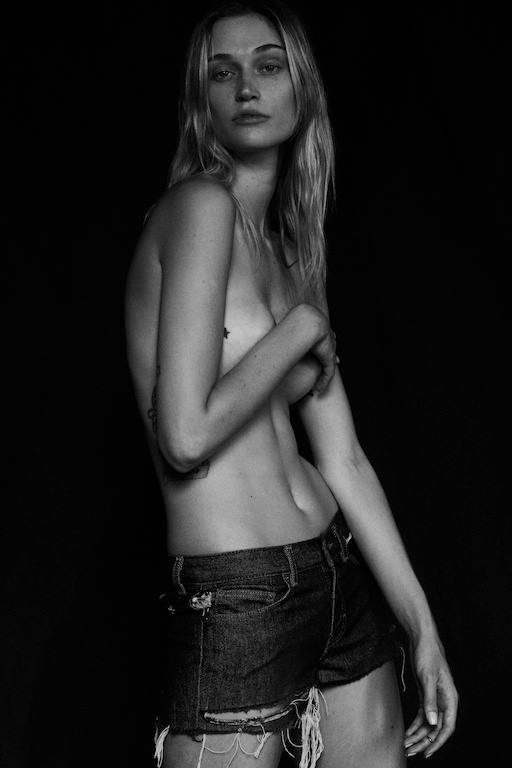
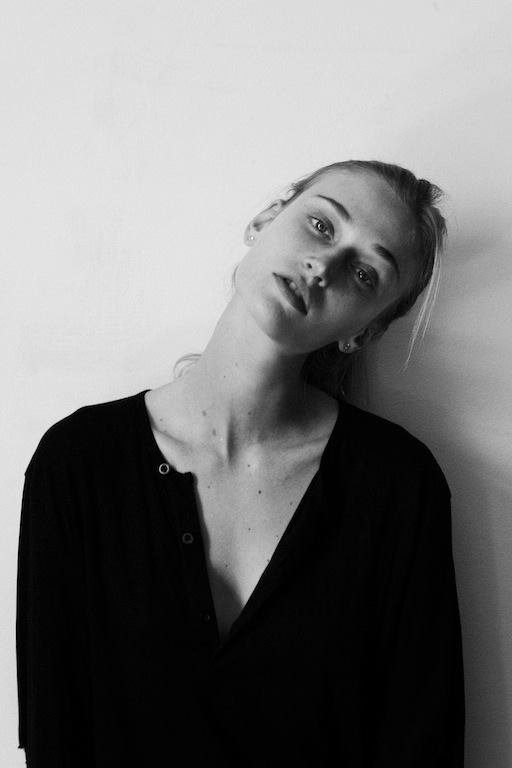
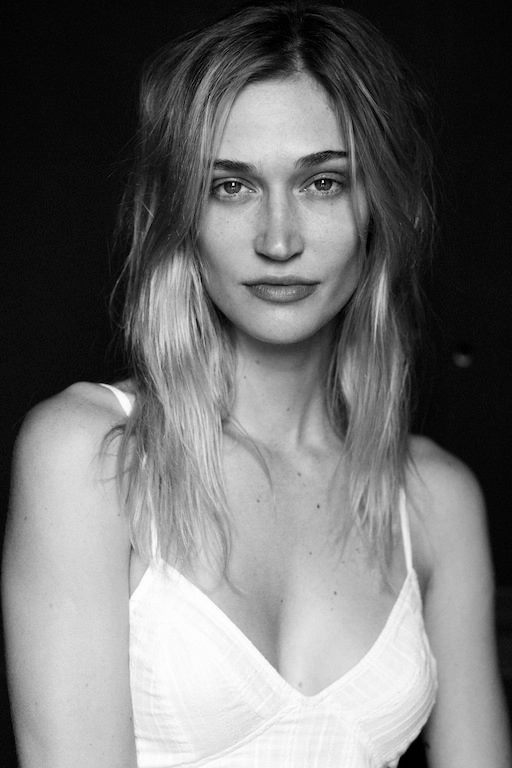
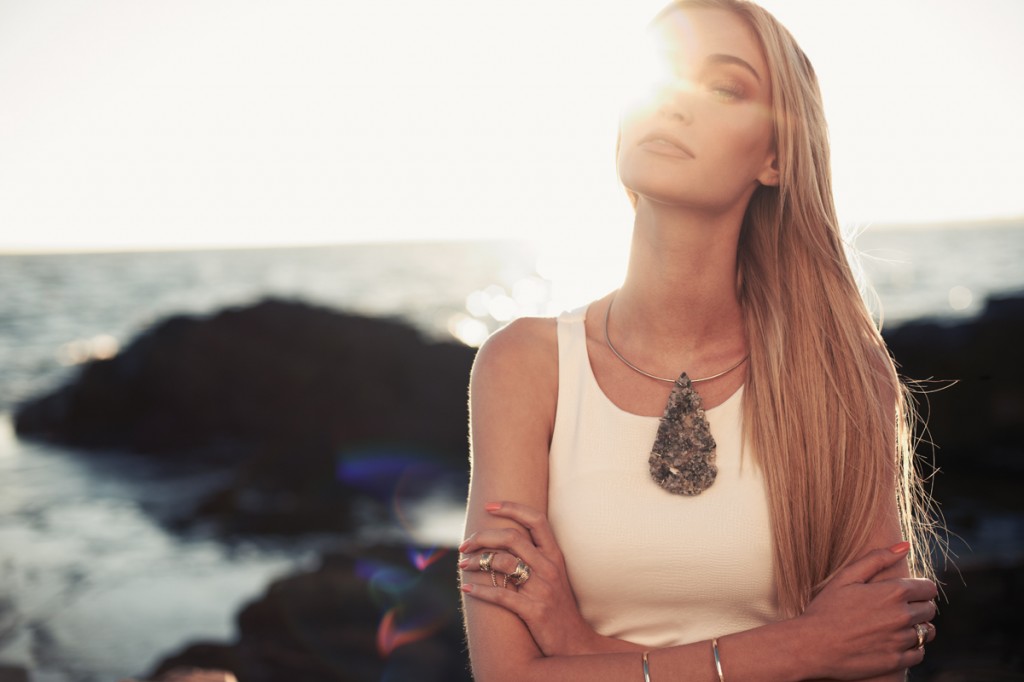
Exclusive: Carly Hunter AW14 Behind the scenes with Cassi Van Den Dungen Carly Hunter's AW14 'Homewear' collection is no misnomer — in fact we might as well be dressing up in cloud-soft, luxury bedding. With the Hunter-standard inventive drapery that we've come to expect and a focus on wearability, this collection redefines comfortwear while introducing new shapes and three-dimensional perspectives to the brand. This is hybird luxe loungewear at its innovative finest, people. Local stunner Cassi Van Den Dungen stars in the campaign, happily wrapped up in velveteen, cashmere and even plastic for photographer Carine Thevenau and behind-the-scenes photographer for-the-day, Carly Hunter herself. We cannot wait to do the same. Let's all get comfy with Carly! <3 Photos: Carine Thevenau / Carly Hunter Katie Hryce


-
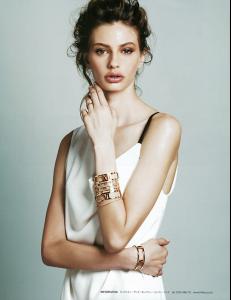
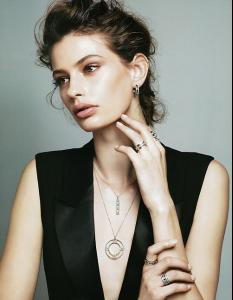
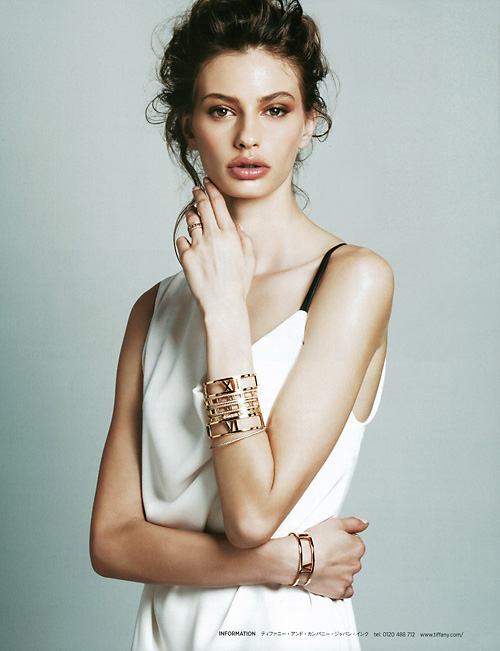
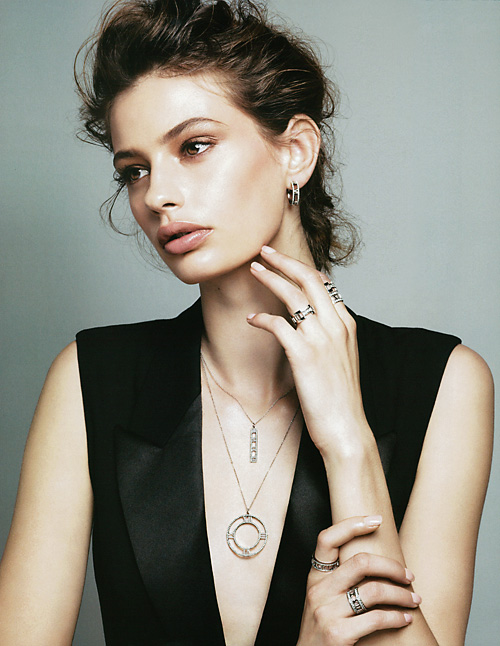
Harper's Bazaar Japan Photo: Toshio Onda (MILD) Makeup: RYUJI Hair: Tetsu(SEKIKAWA Office) Stylist: Rena Senba
-
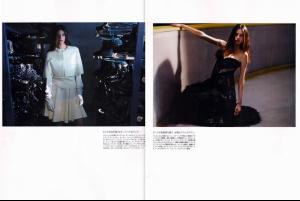
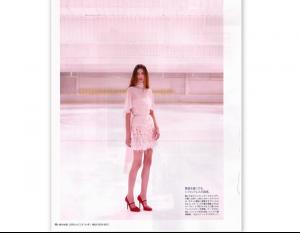
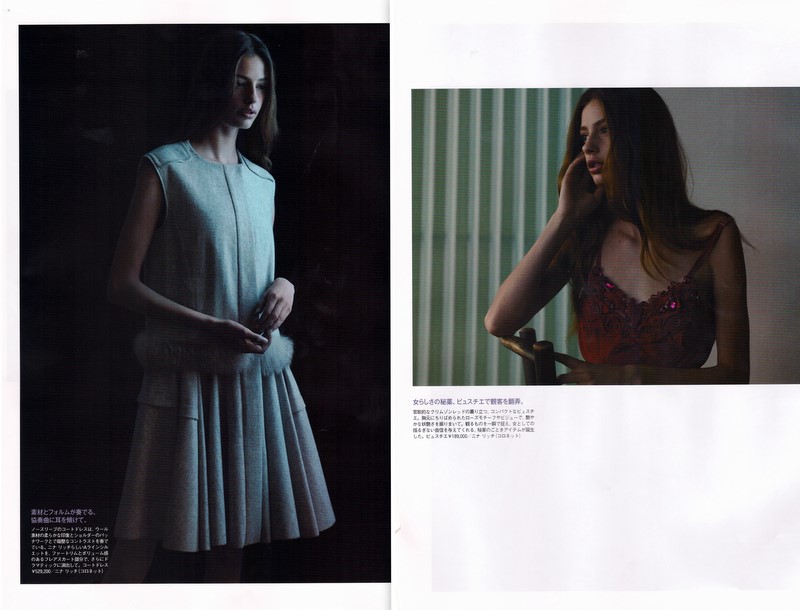
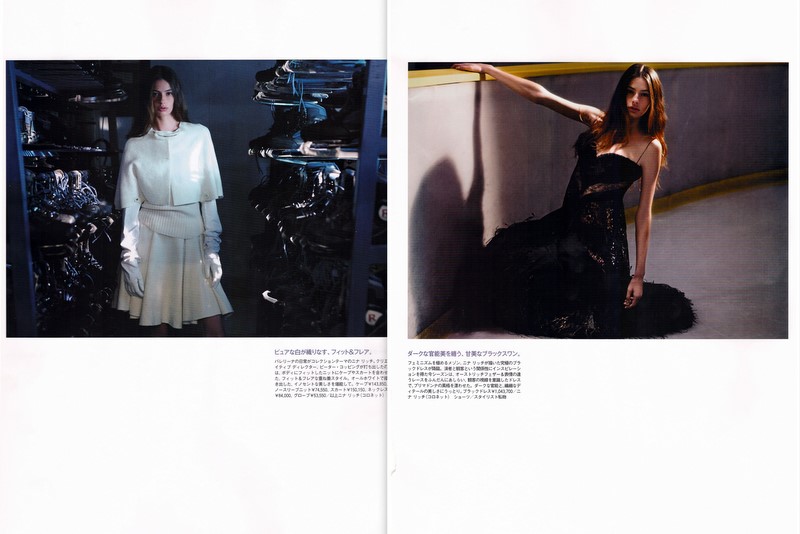
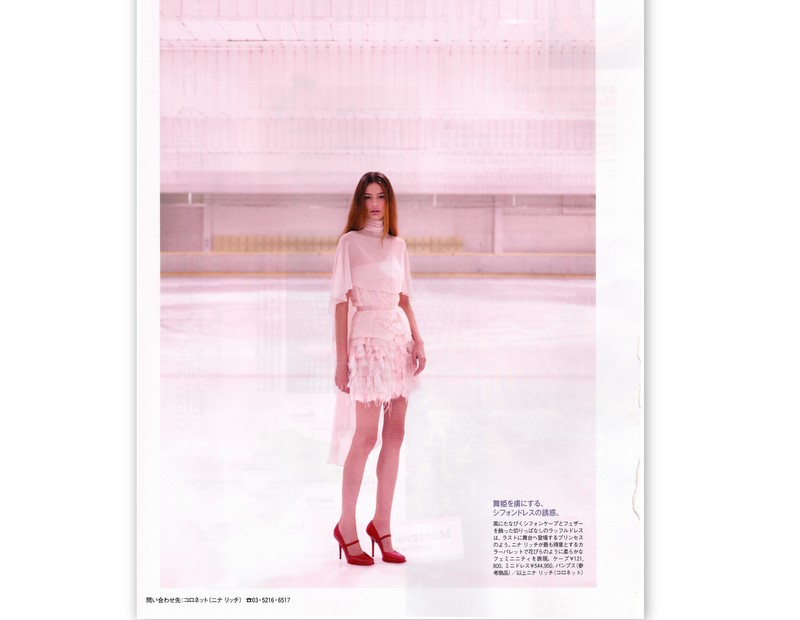
Madame Figaro Japan January 2014

-
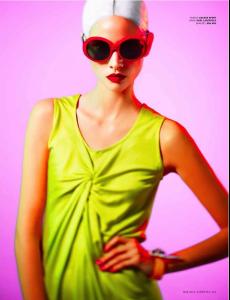
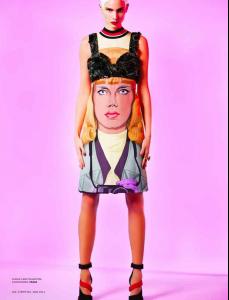
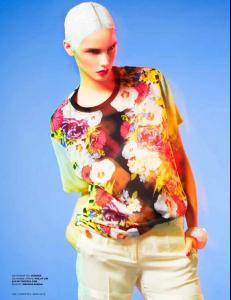
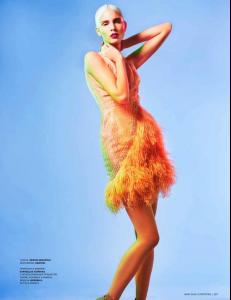
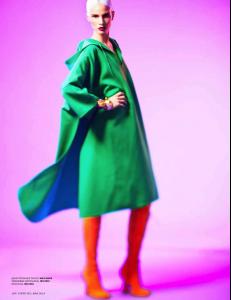
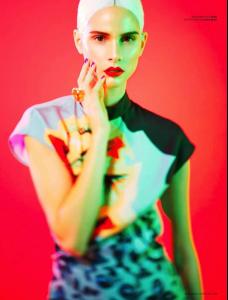
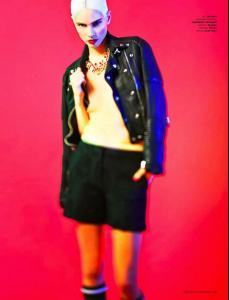
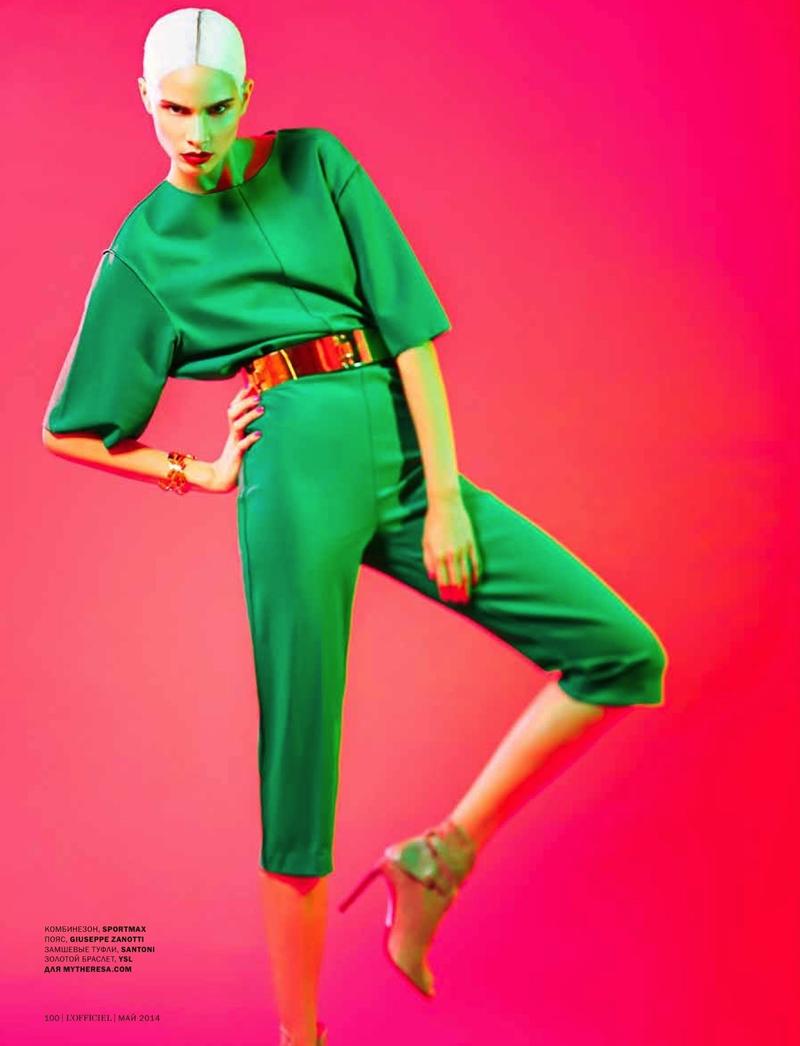
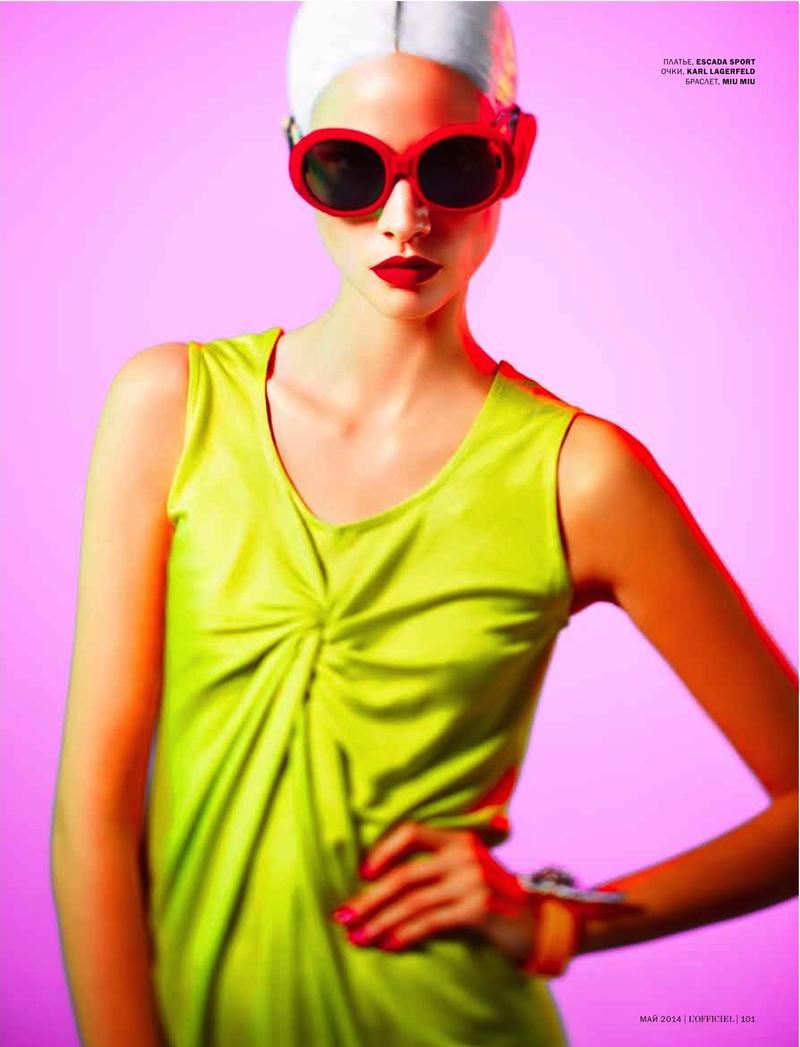
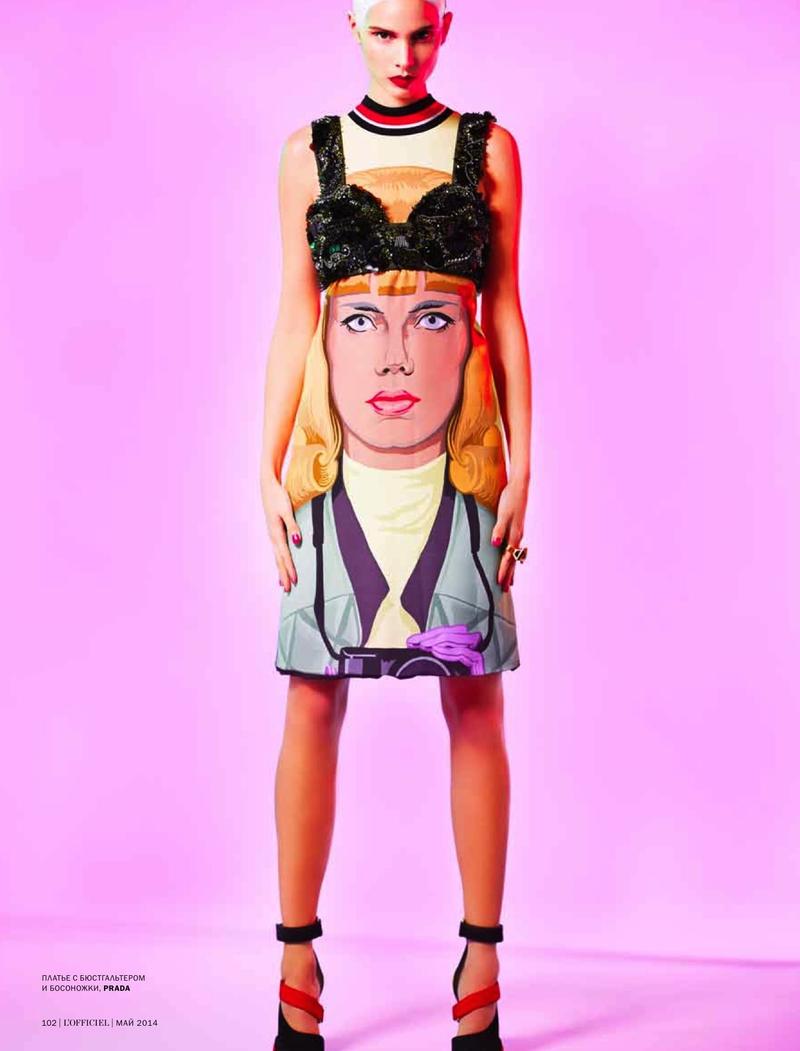
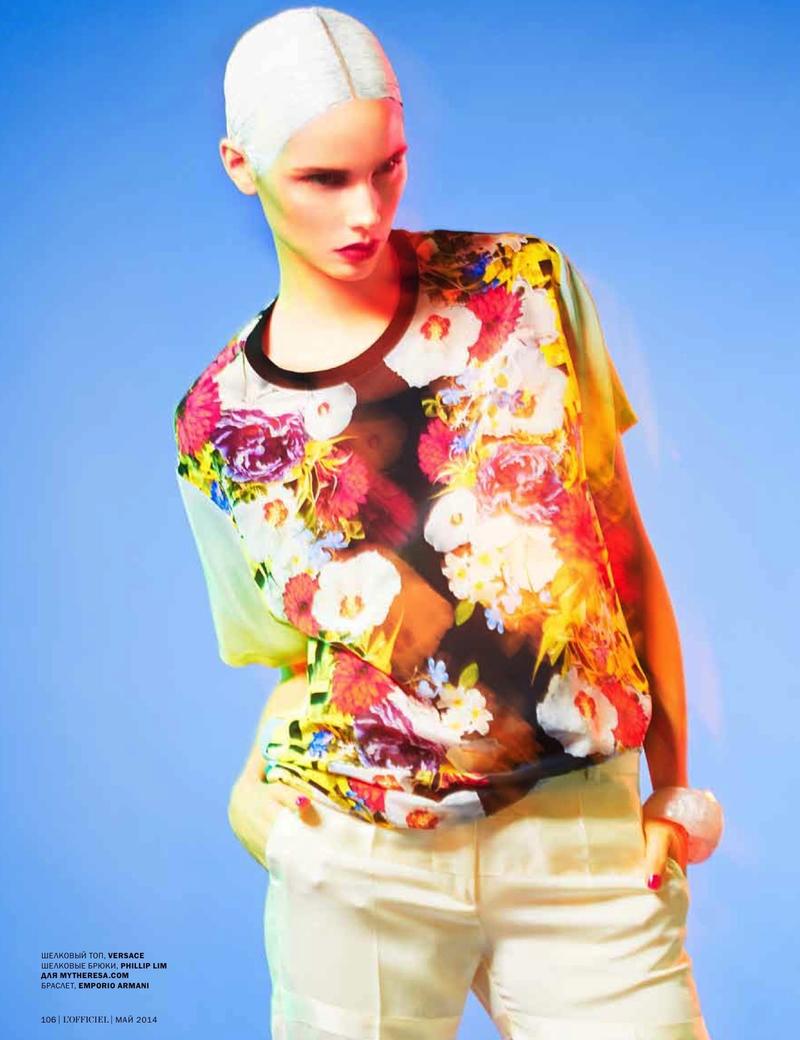
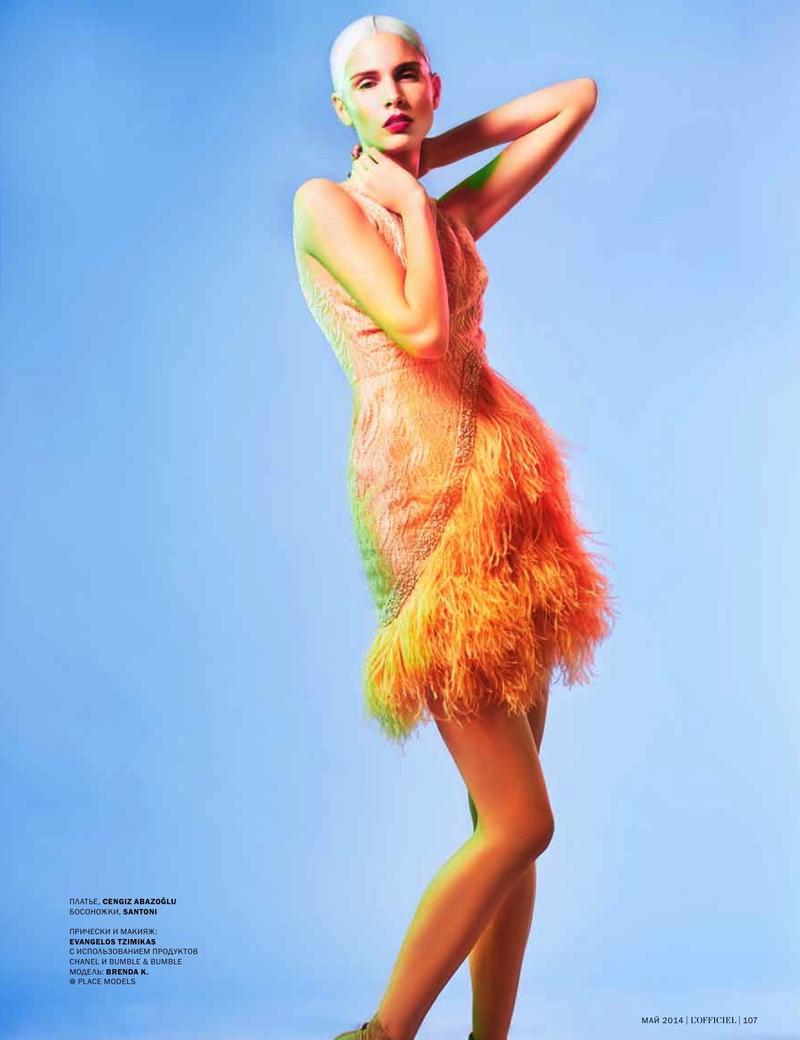
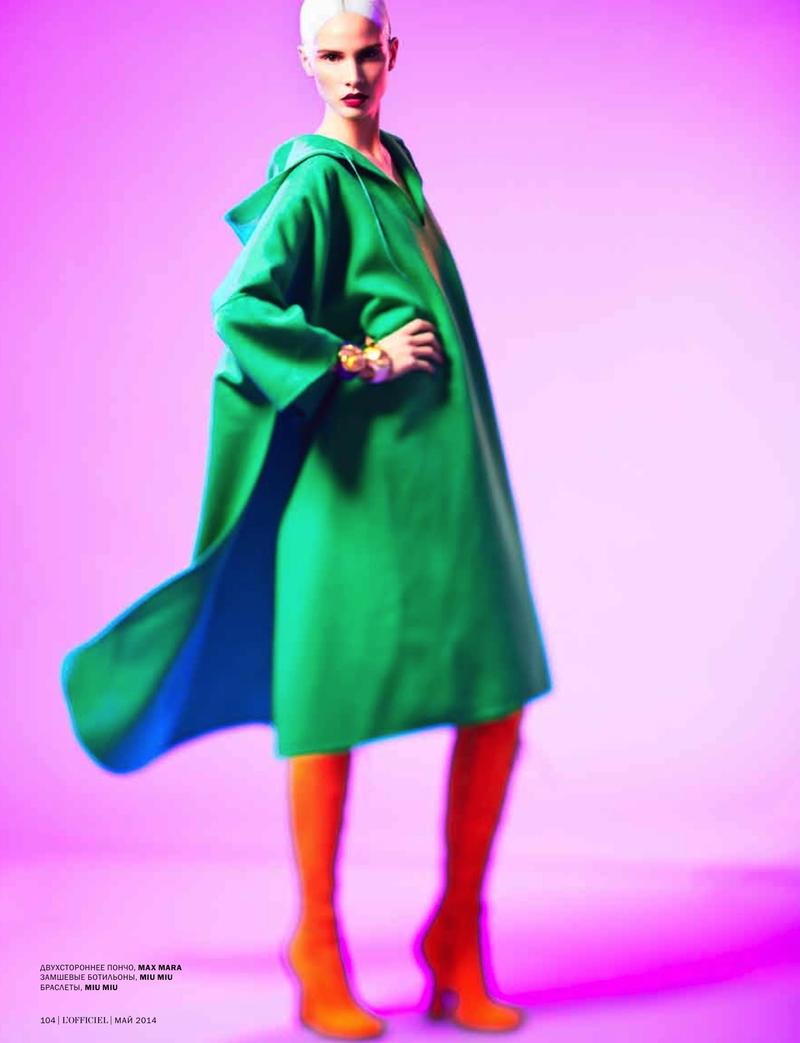
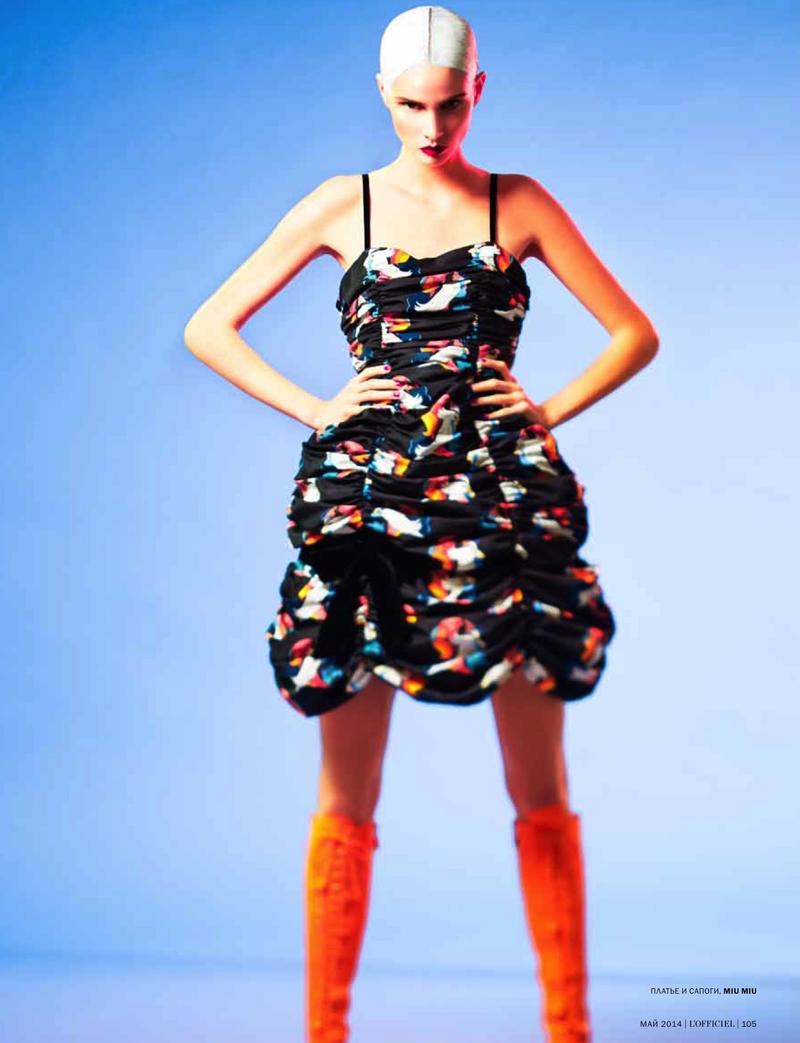
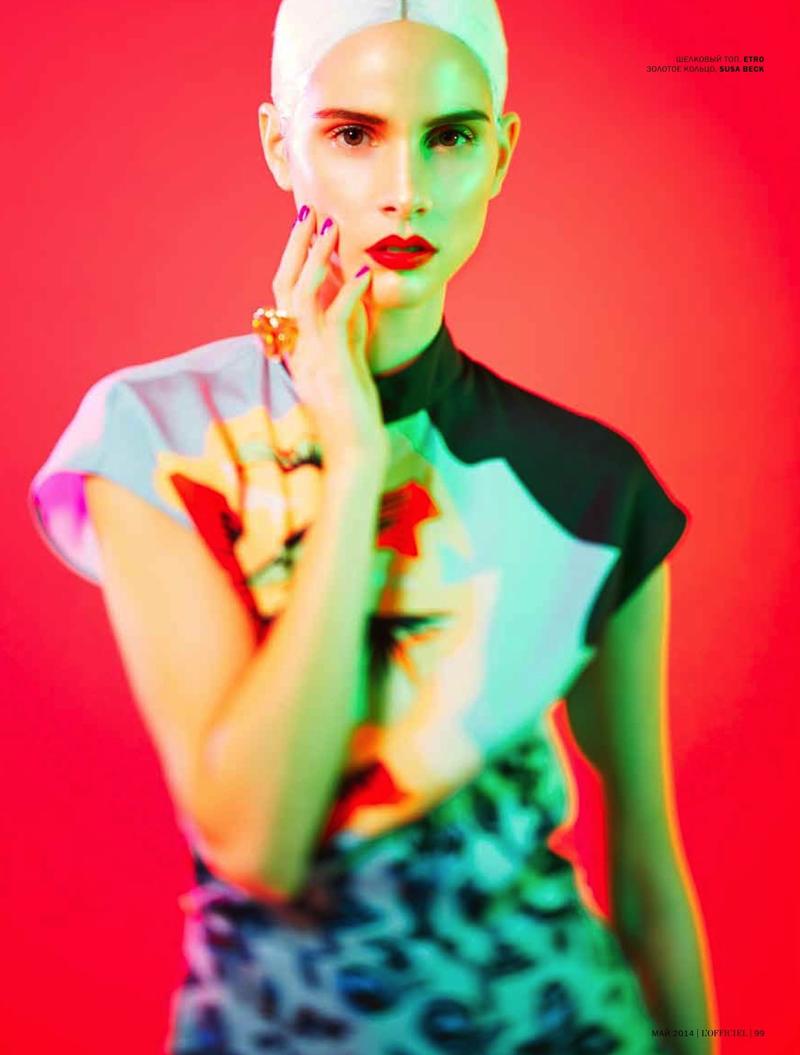
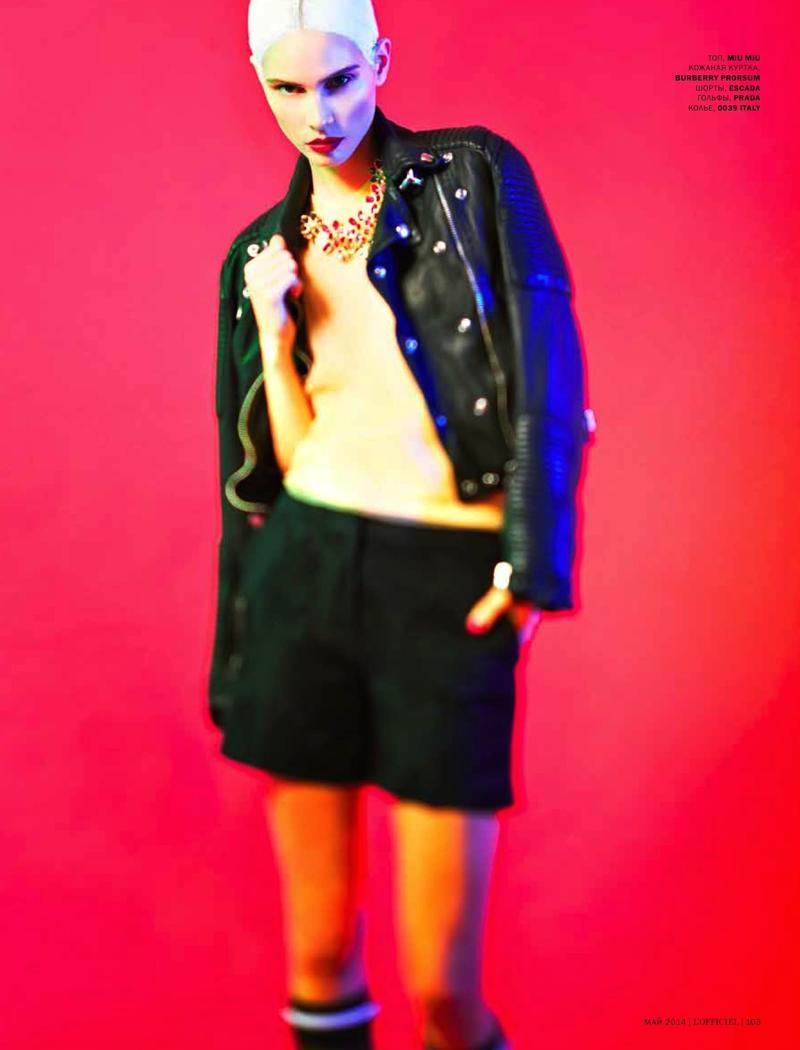
Heoh by Sebastian Lang L'Officiel Ukraine (Editorial) published: May 2014


-
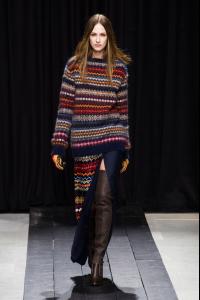
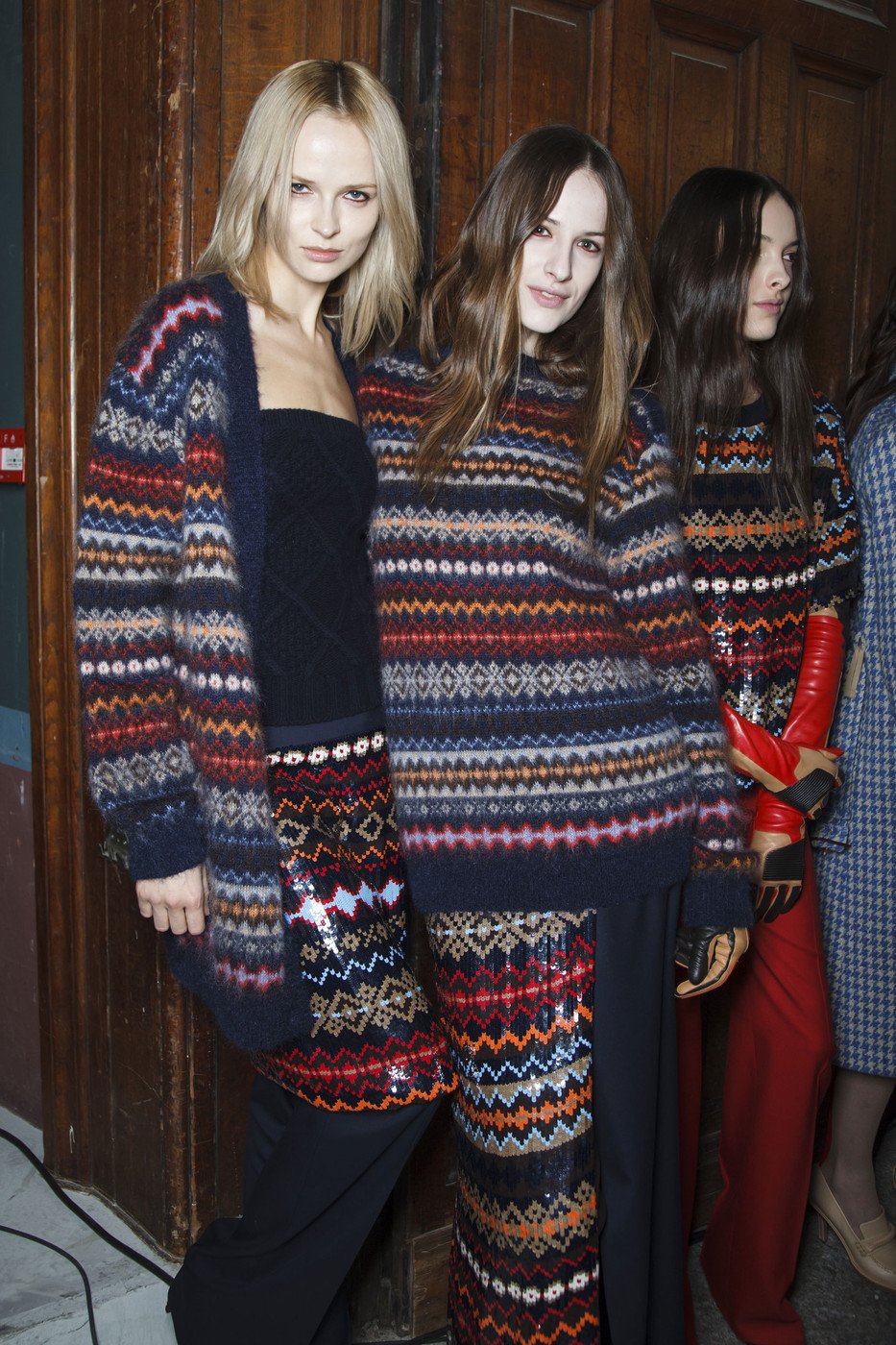
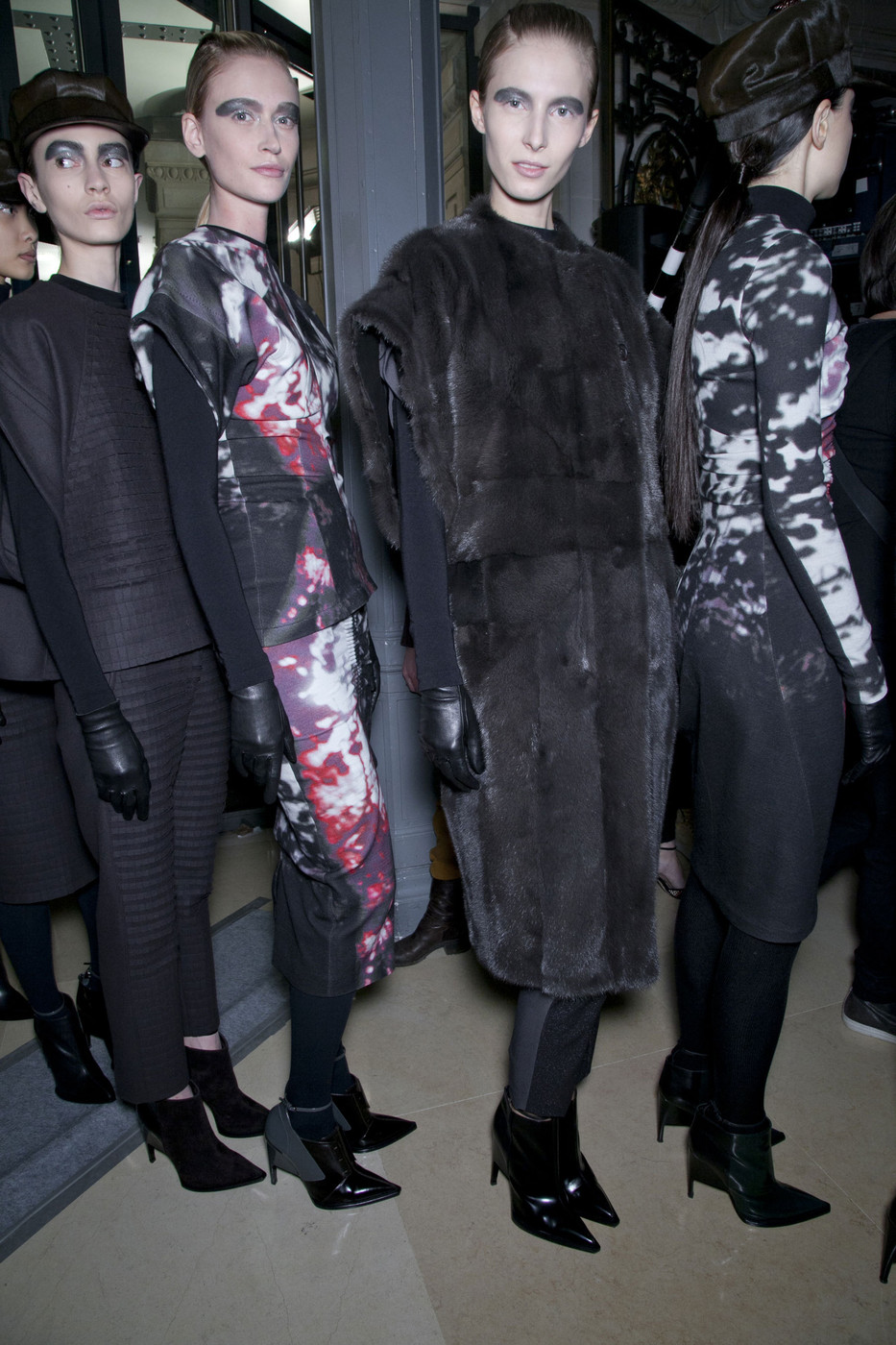
Veronique Branquinho fw14 - Paris
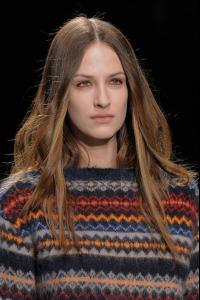
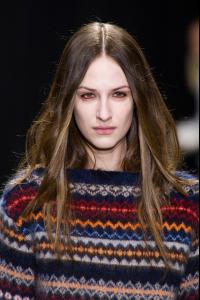
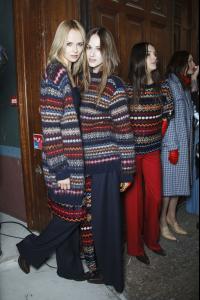
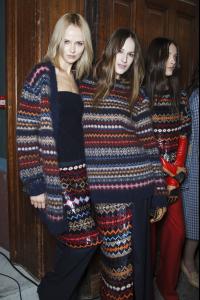
-
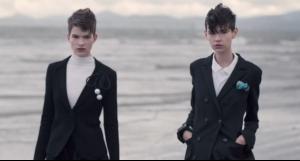
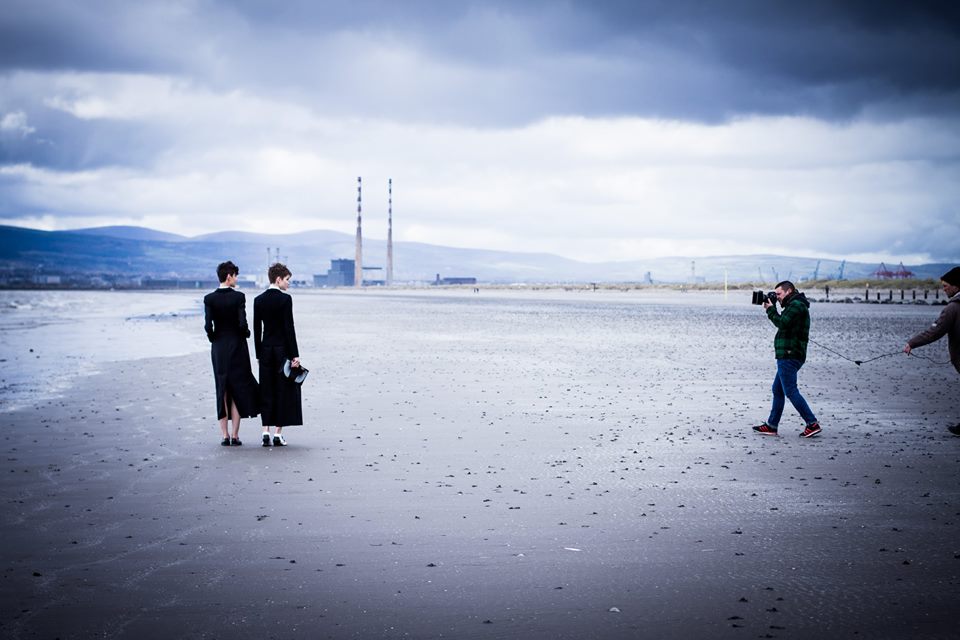
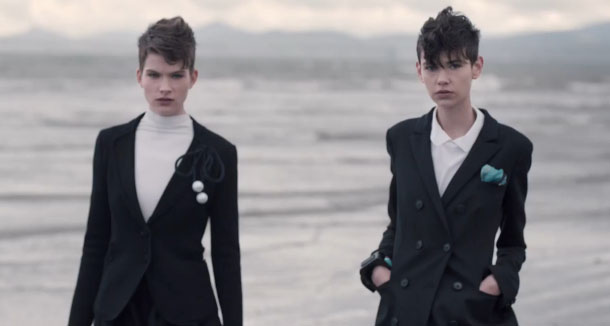
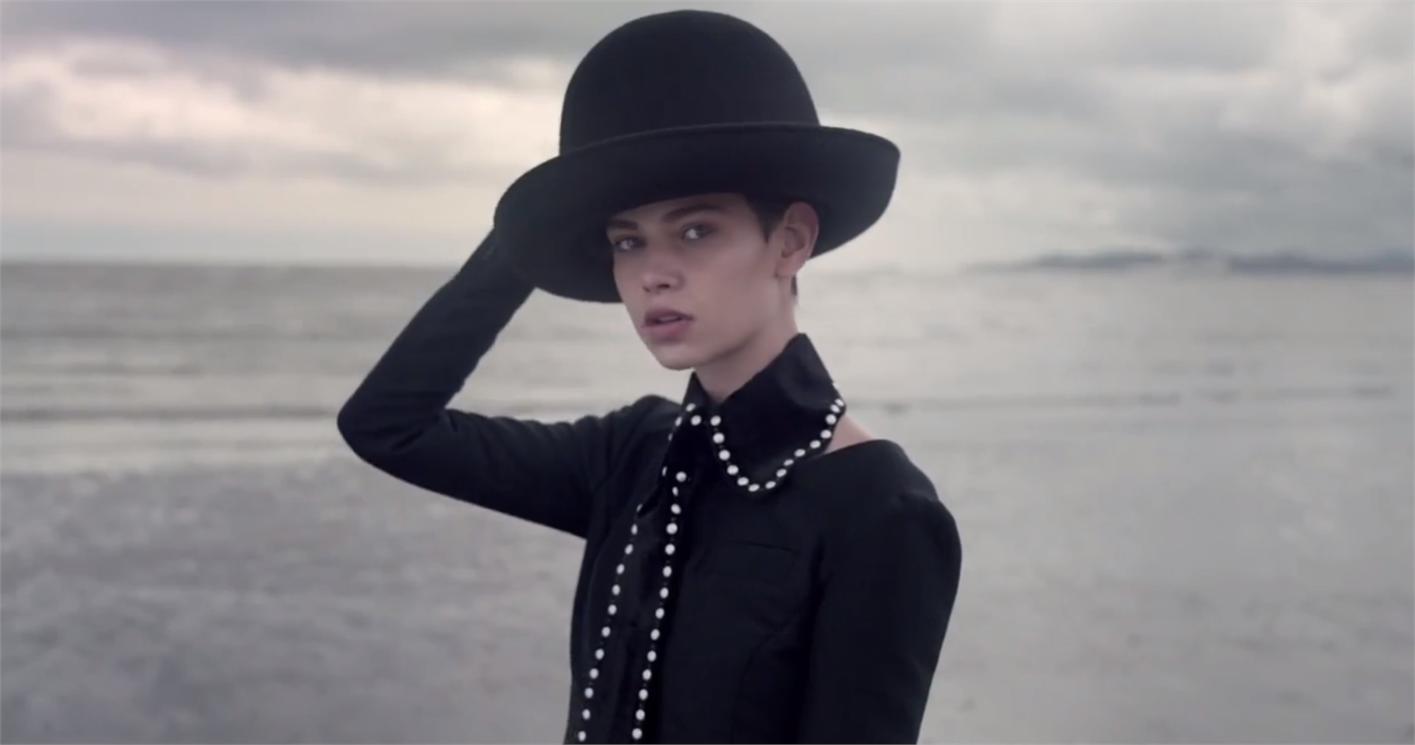
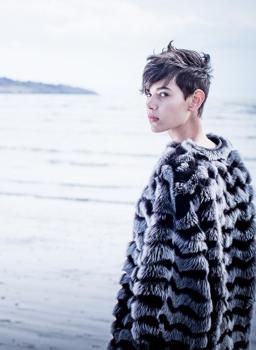
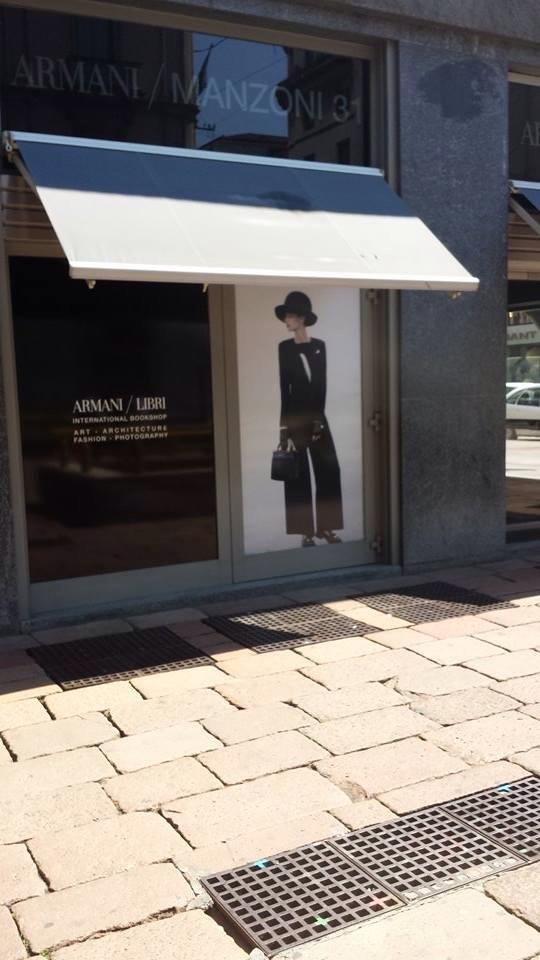
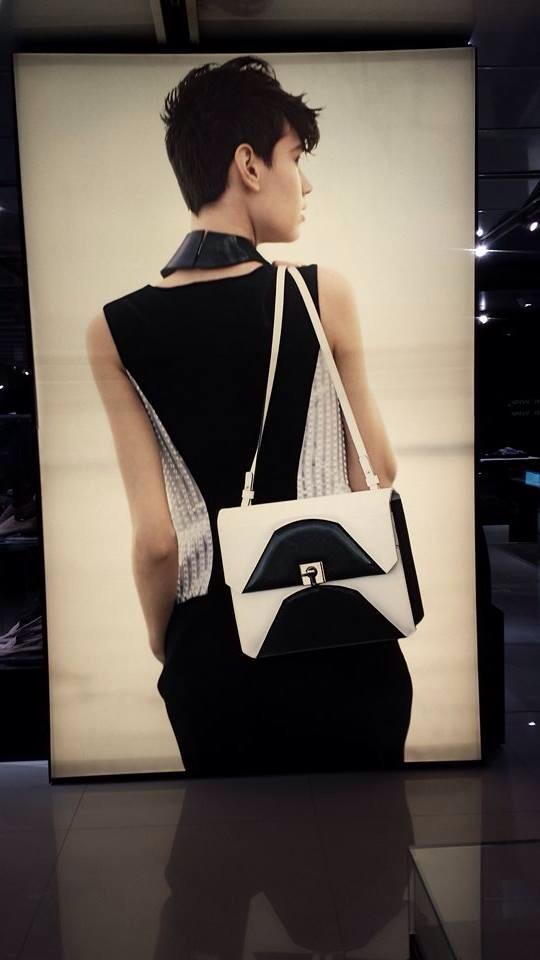
Giorgio Armani Hires Emerging Photographer for Fall Campaign By by Boo George
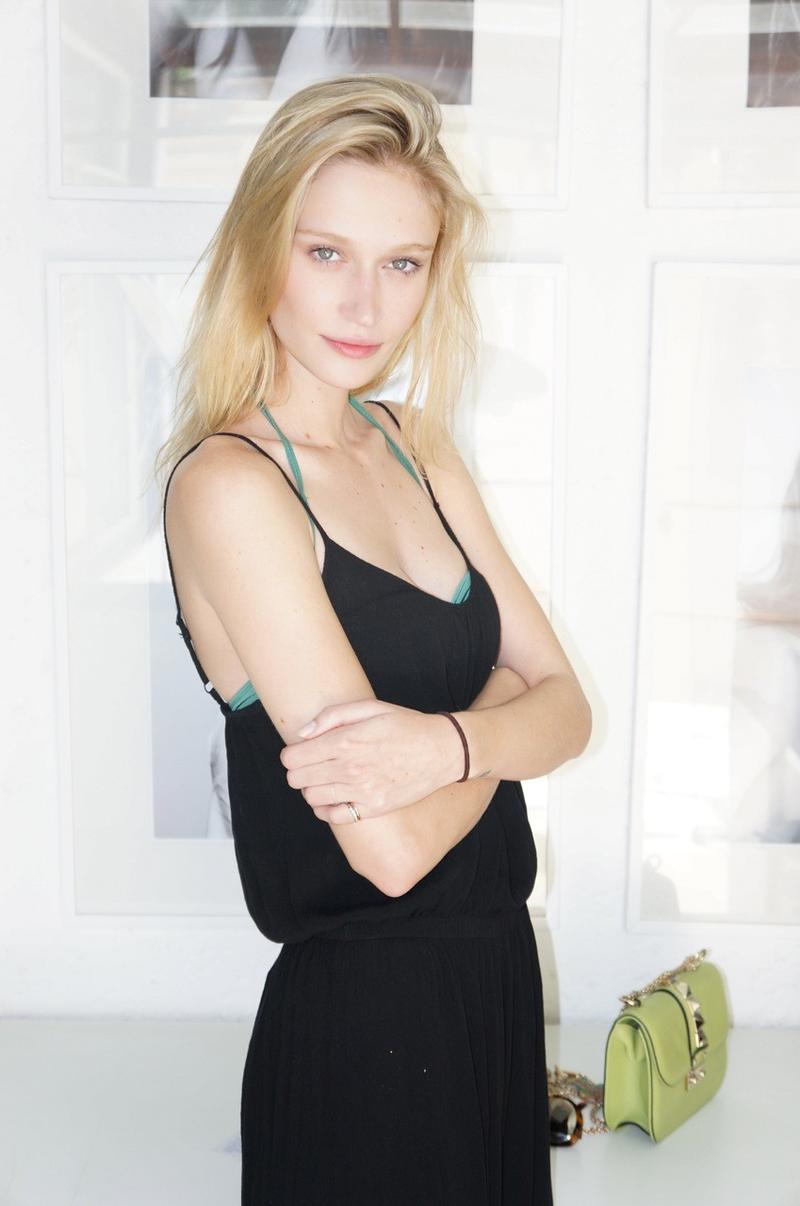
 Viviane Orth 2013 Polaroids/Digitals (Polaroids) season: Spring/Summer 2013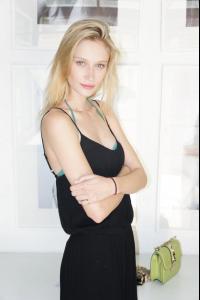
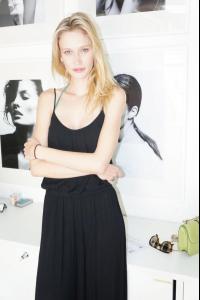

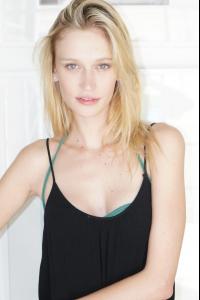 Story 25 by Jeronimo De Moraes Bambi Magazine (Editorial) season: Spring/Summer 2013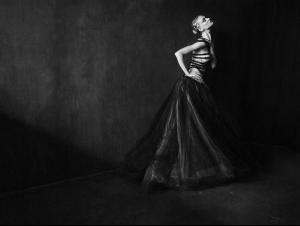
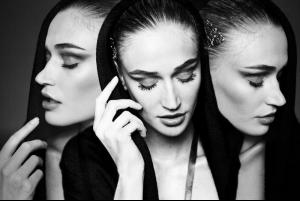
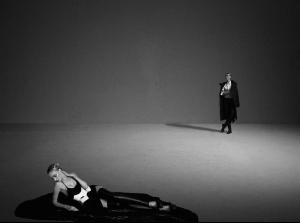
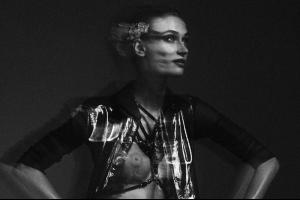
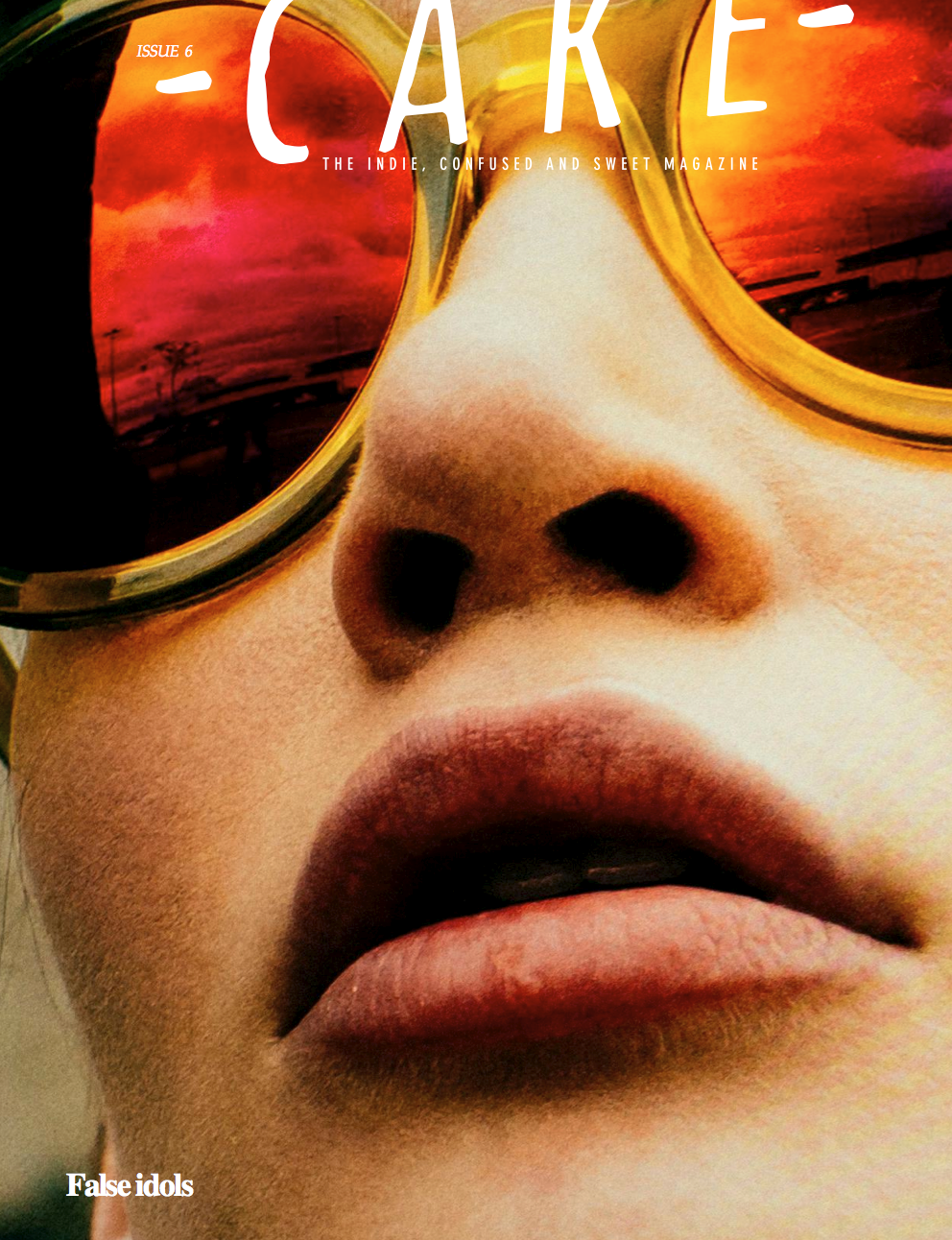
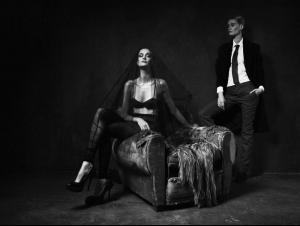 Cake Magazine #6 "Out of This World" Ph: Antonio Andrade Styling: Aline Meni Beauty: Kayo Ribas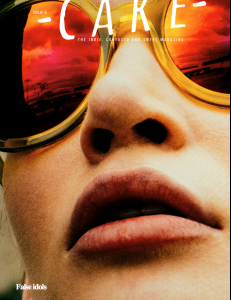
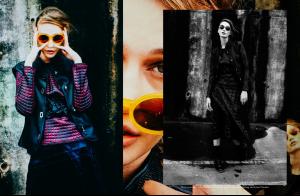
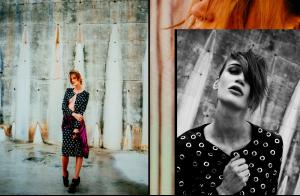
 Viviane by John Ciamillo.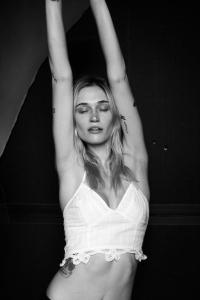
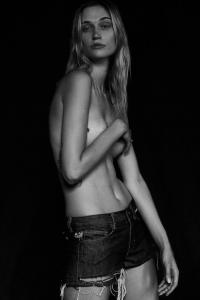

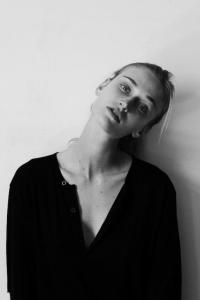
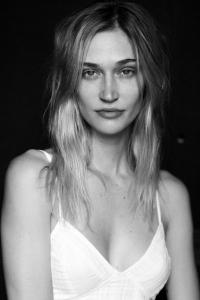
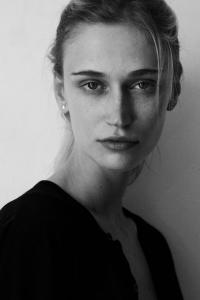

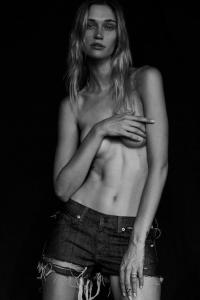
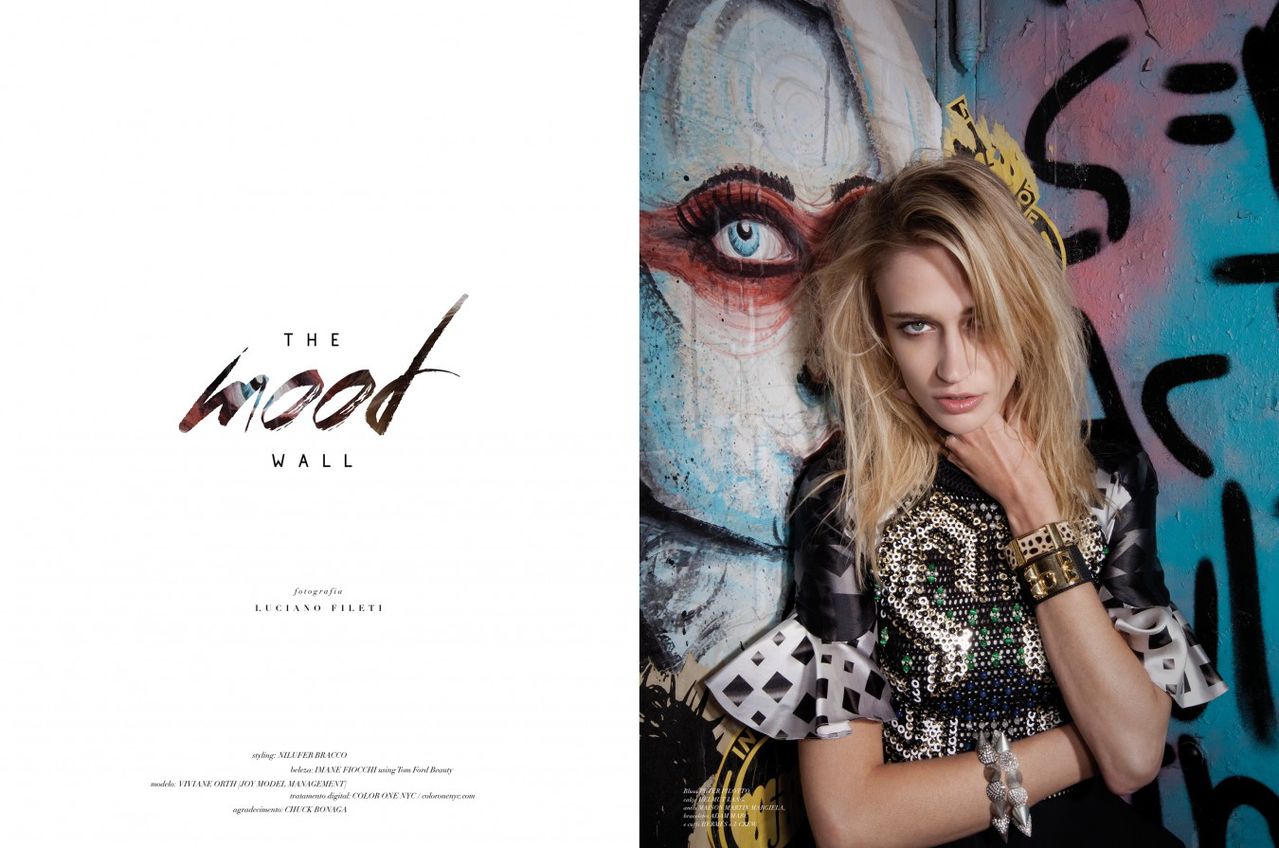
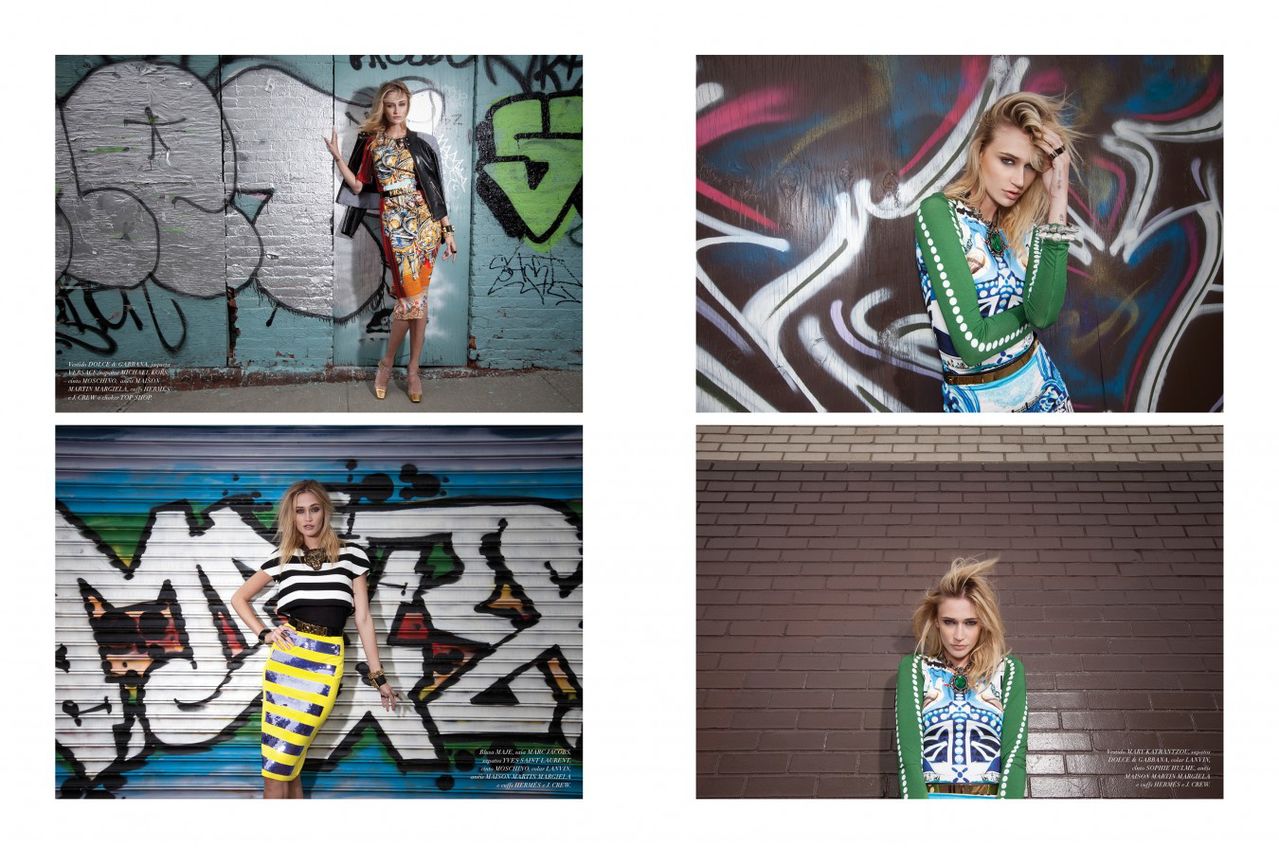
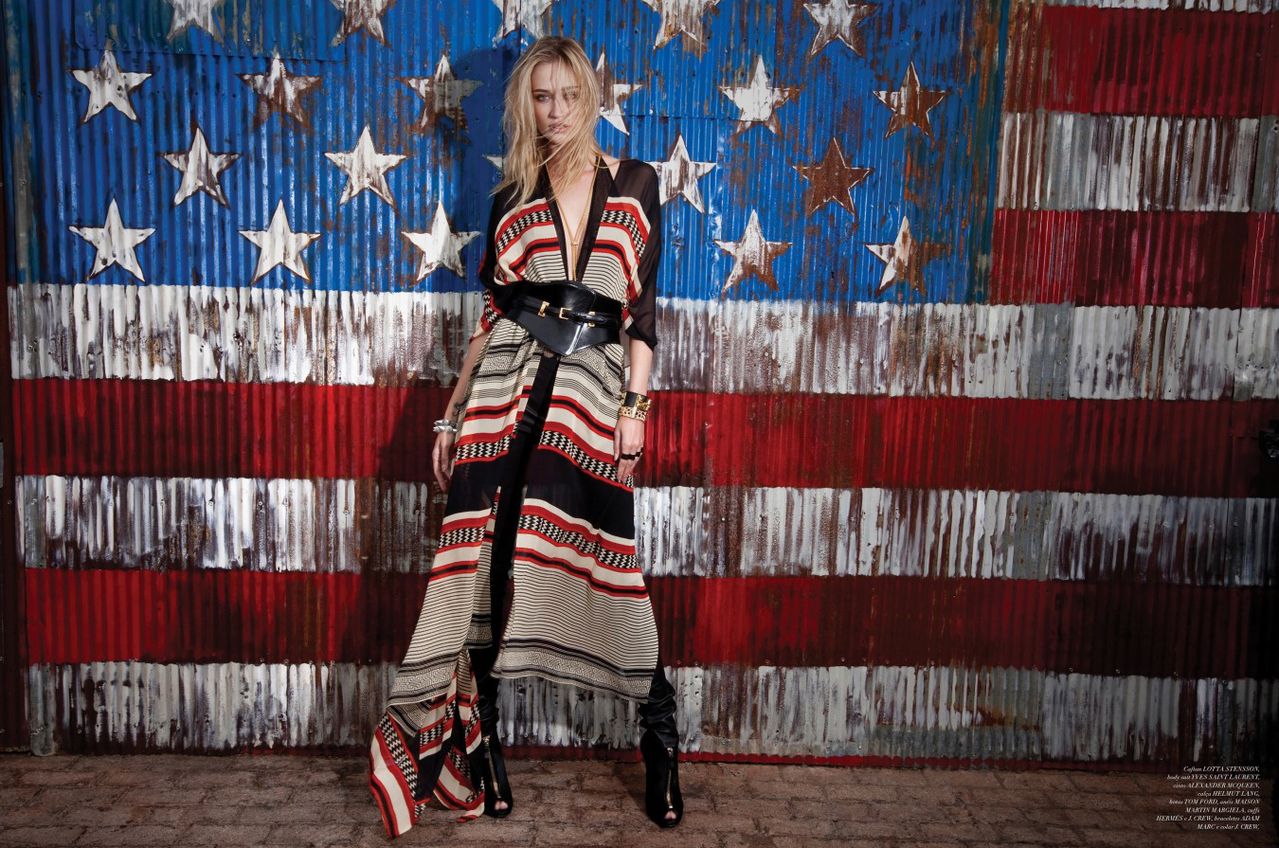
 Catarina #35 "The Mood Wall" Ph: Luciano Fileti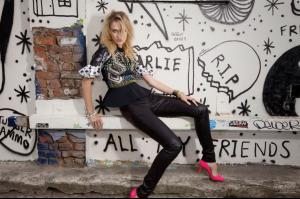

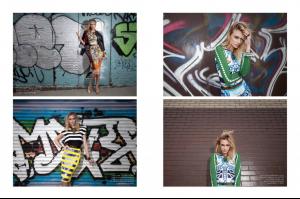
 Lado Avesso ss14 Ph: Marcio Rodrigues Beauty: Paulo Filatier Styling: Drica Cruz.
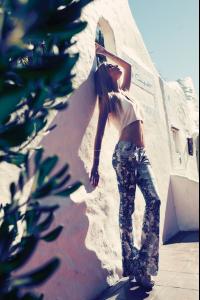
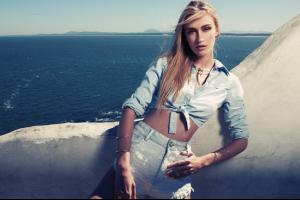
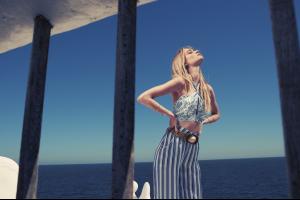
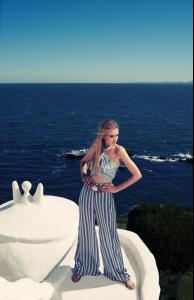
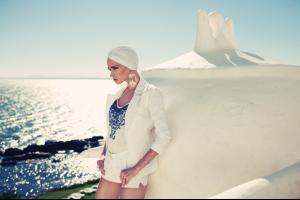

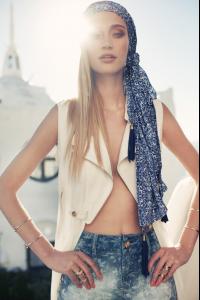

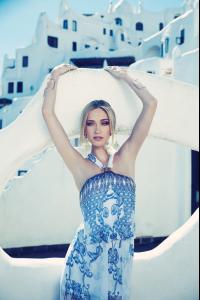
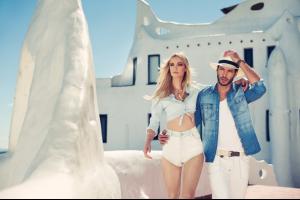
 Popup Store ss14 Ph: Gustavo Zylbersztajn Styling: Vanda Jacinto Beauty: Cris Biato.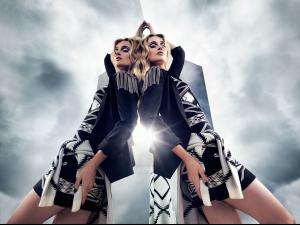
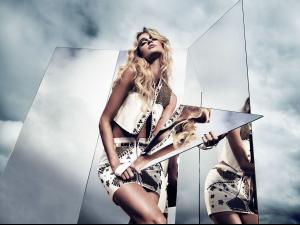
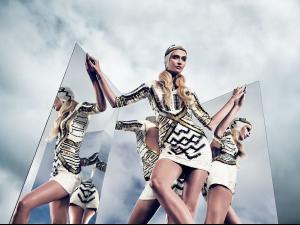
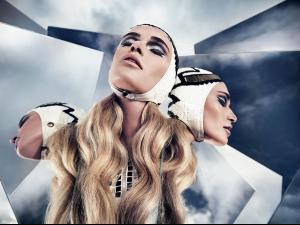

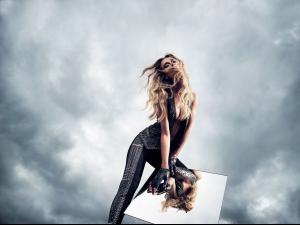
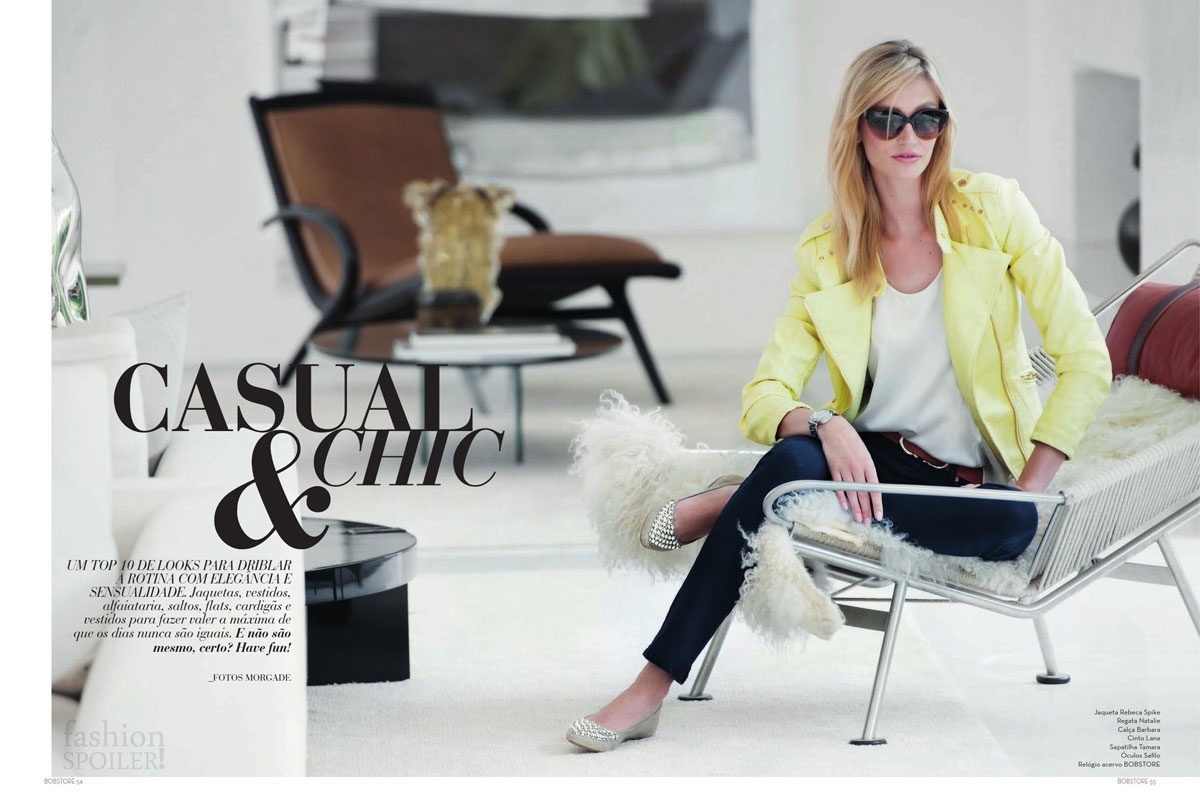
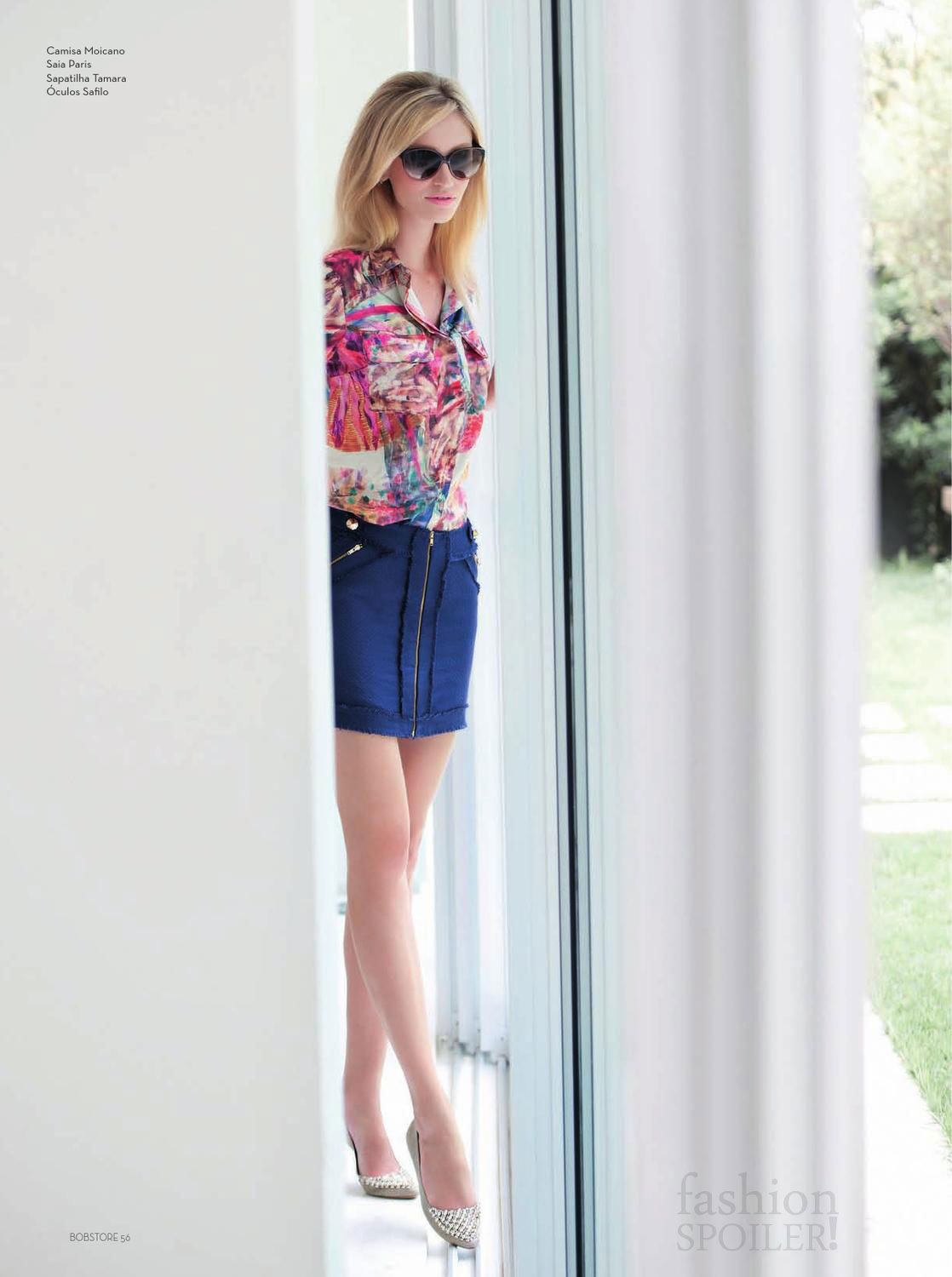
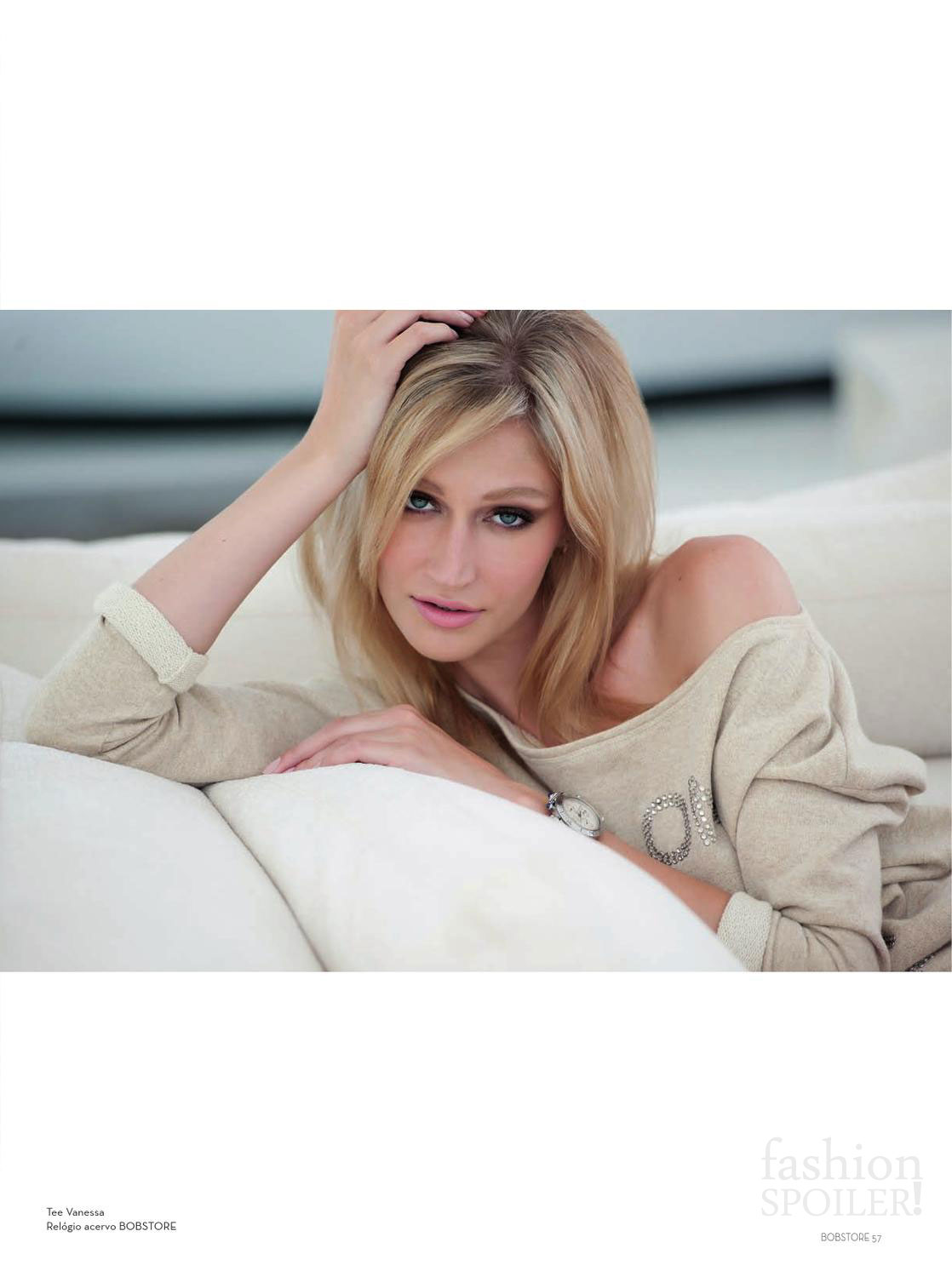
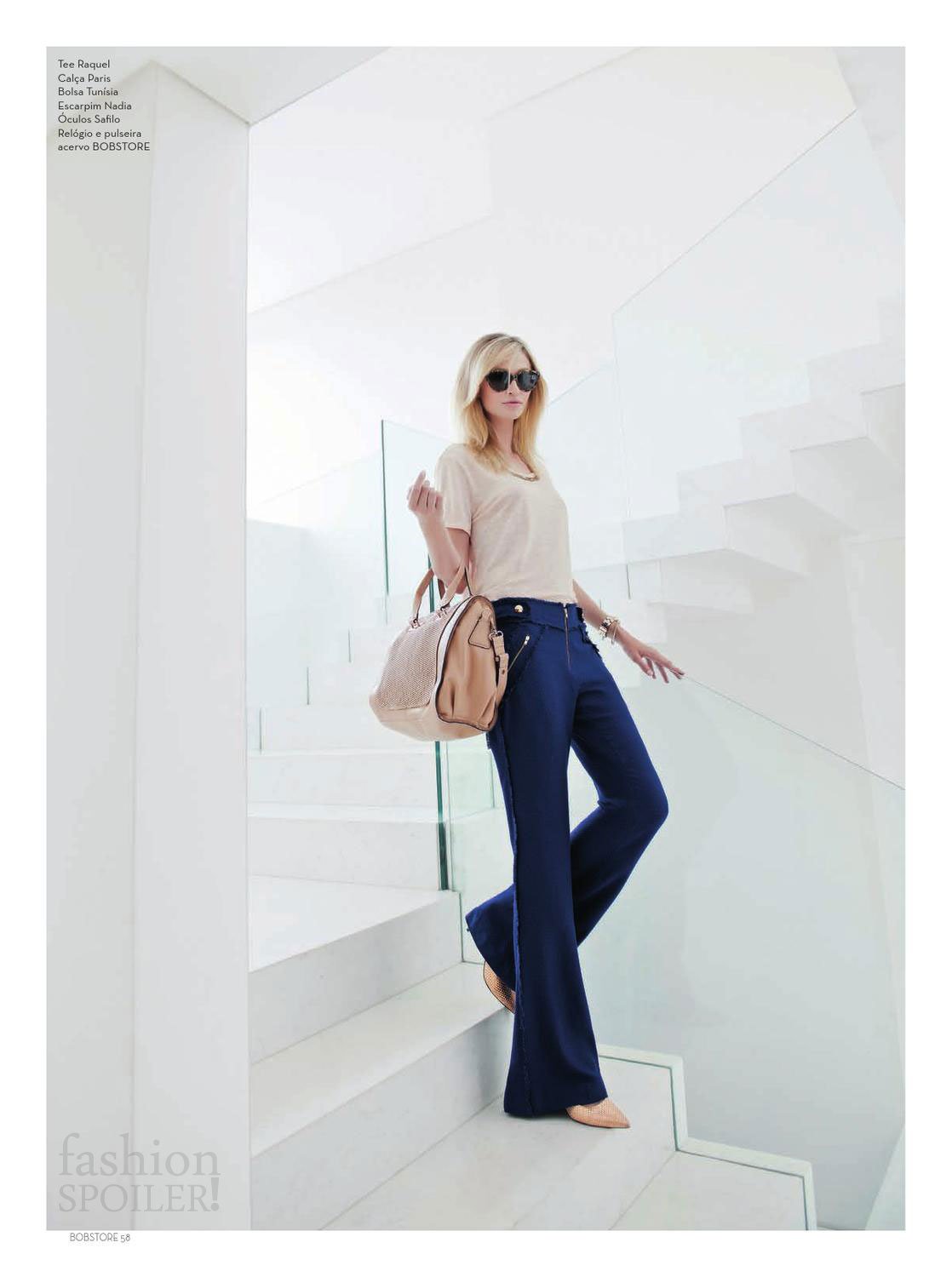
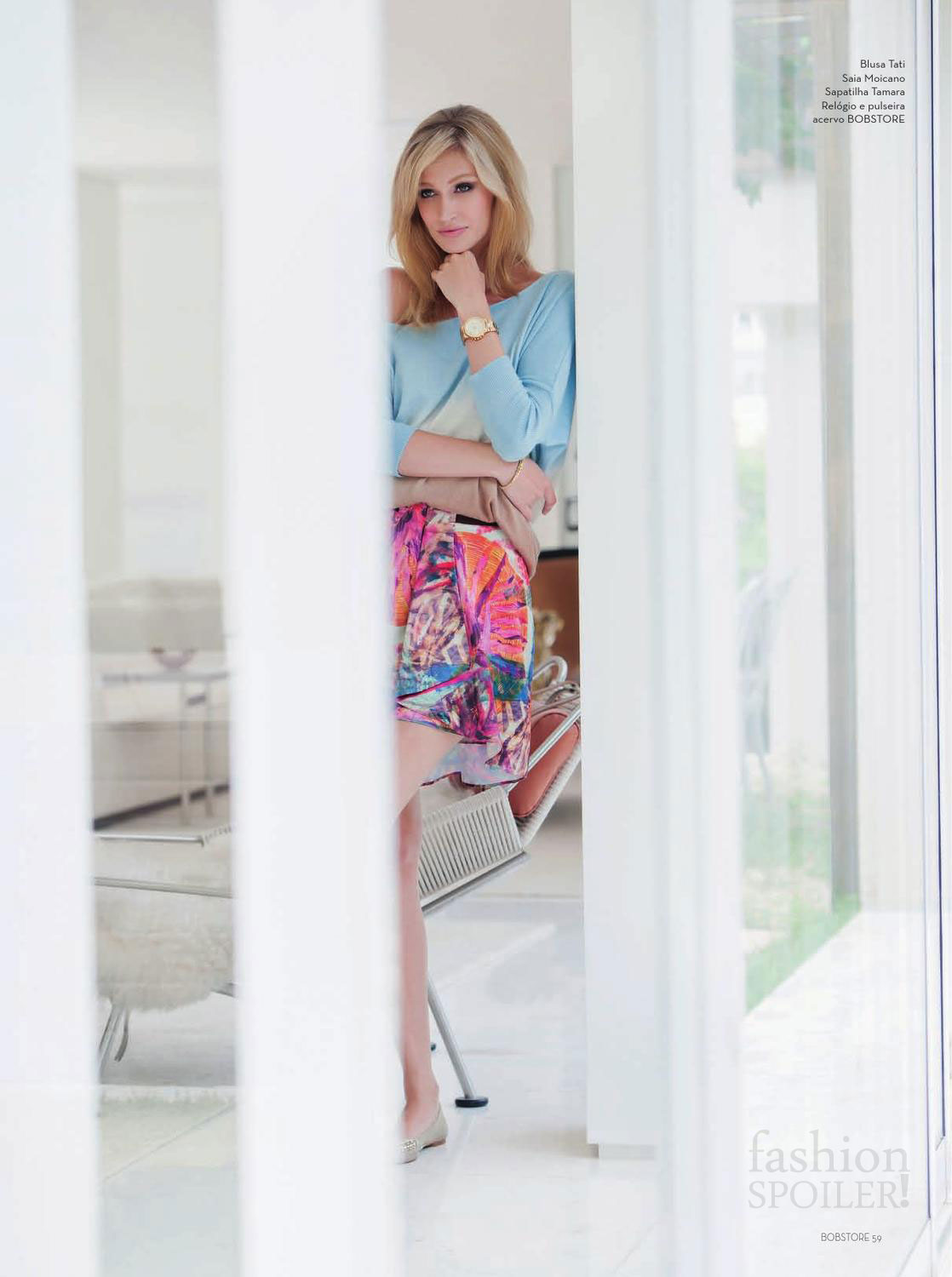
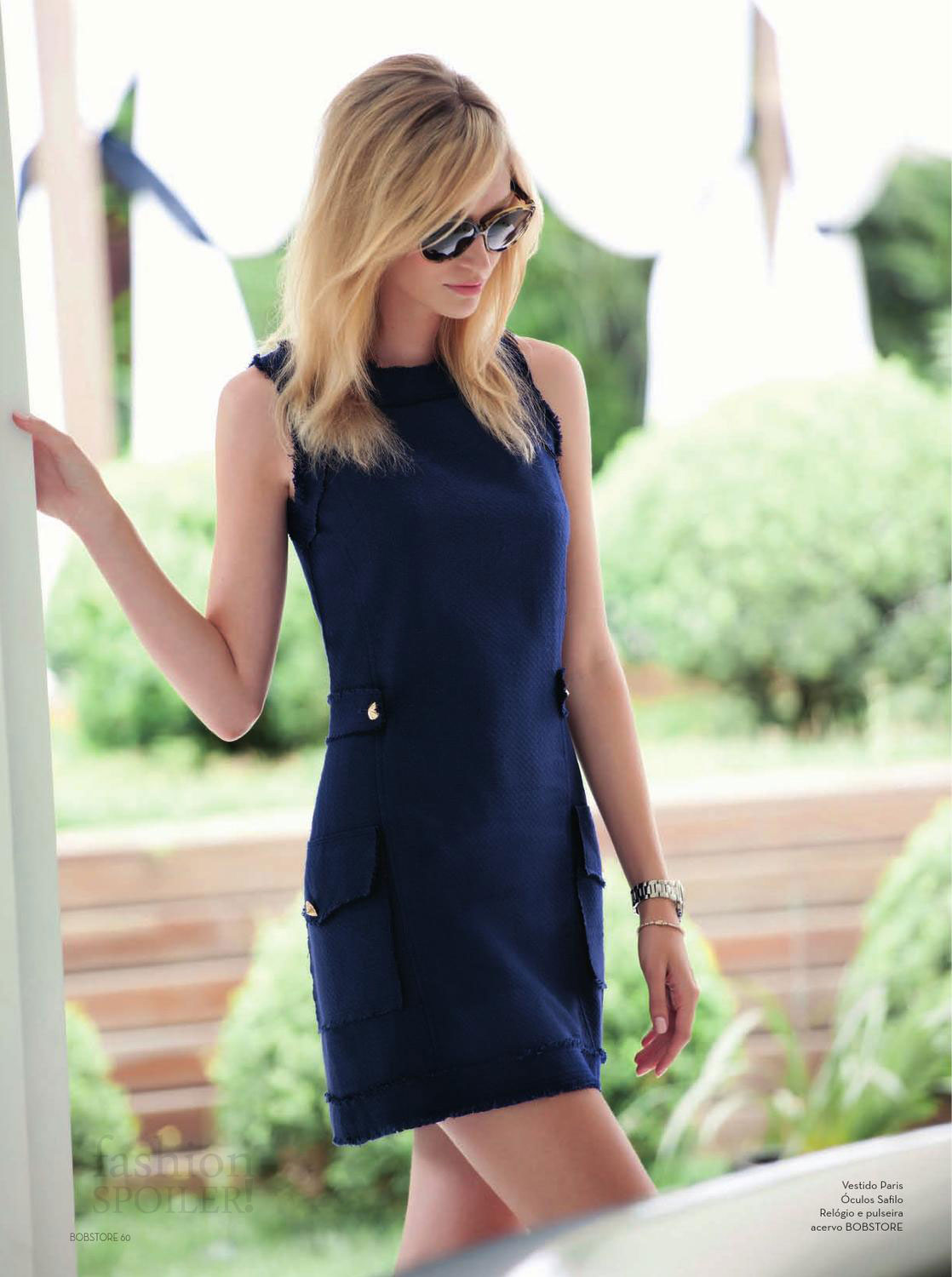
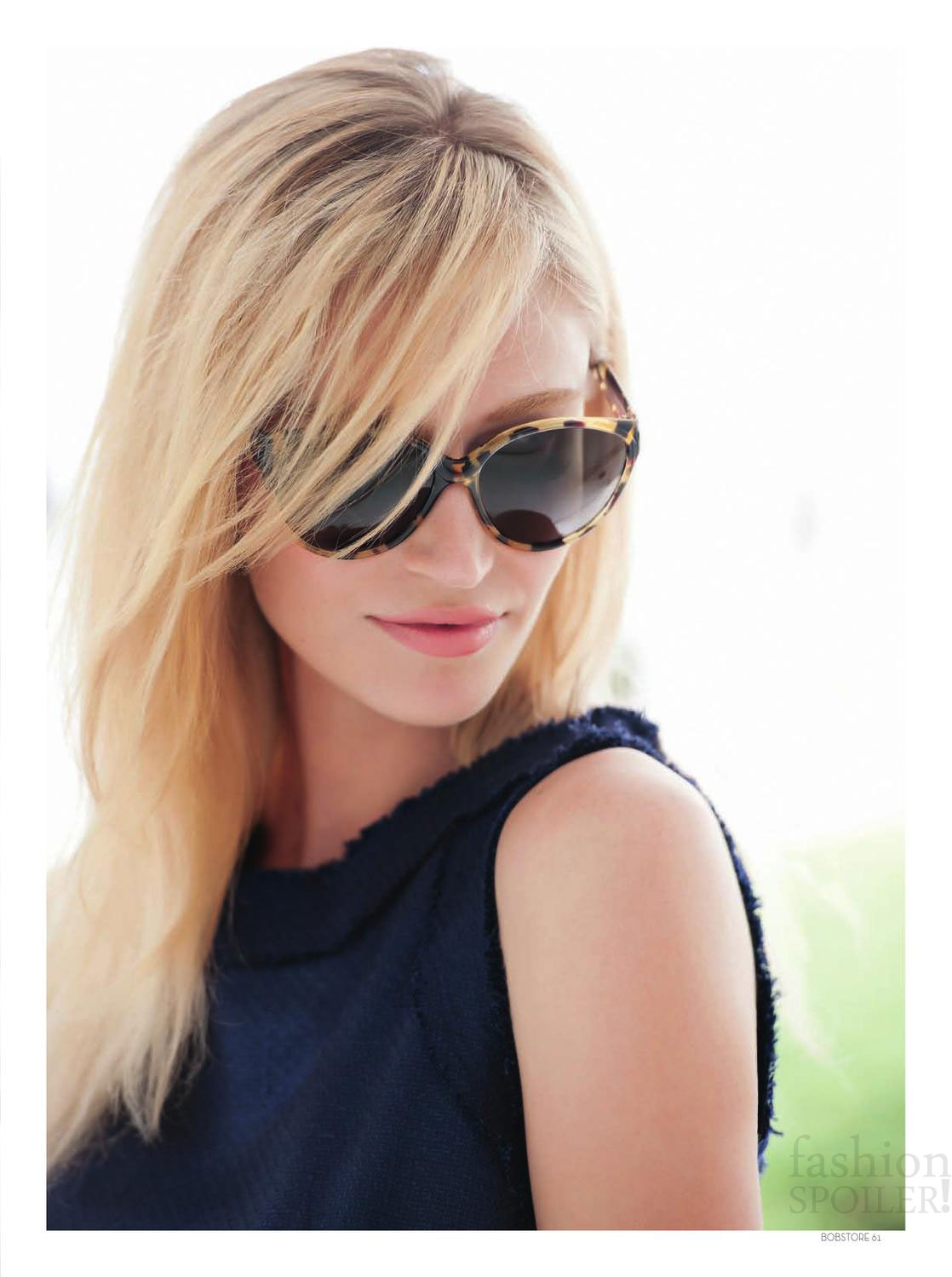
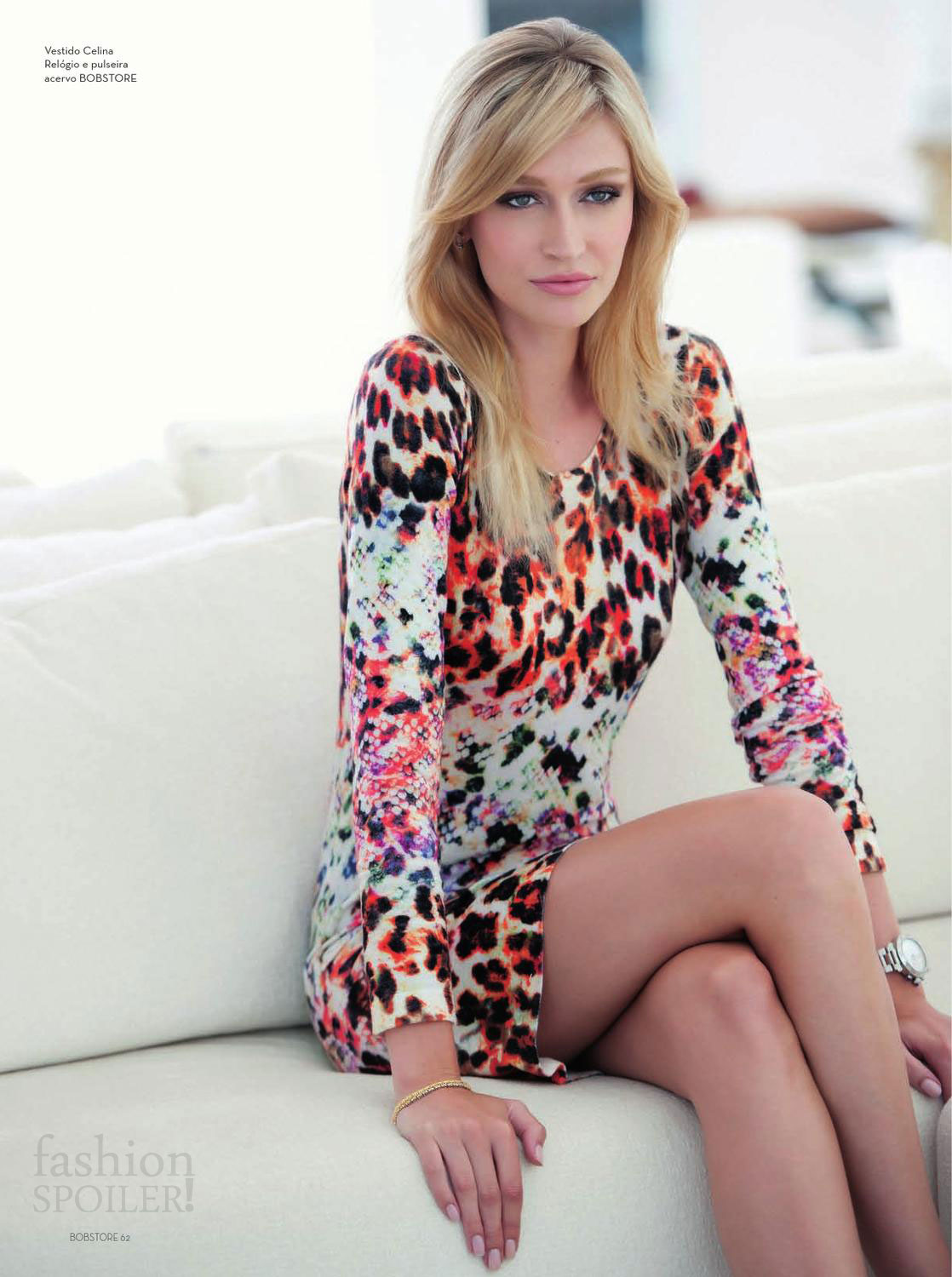
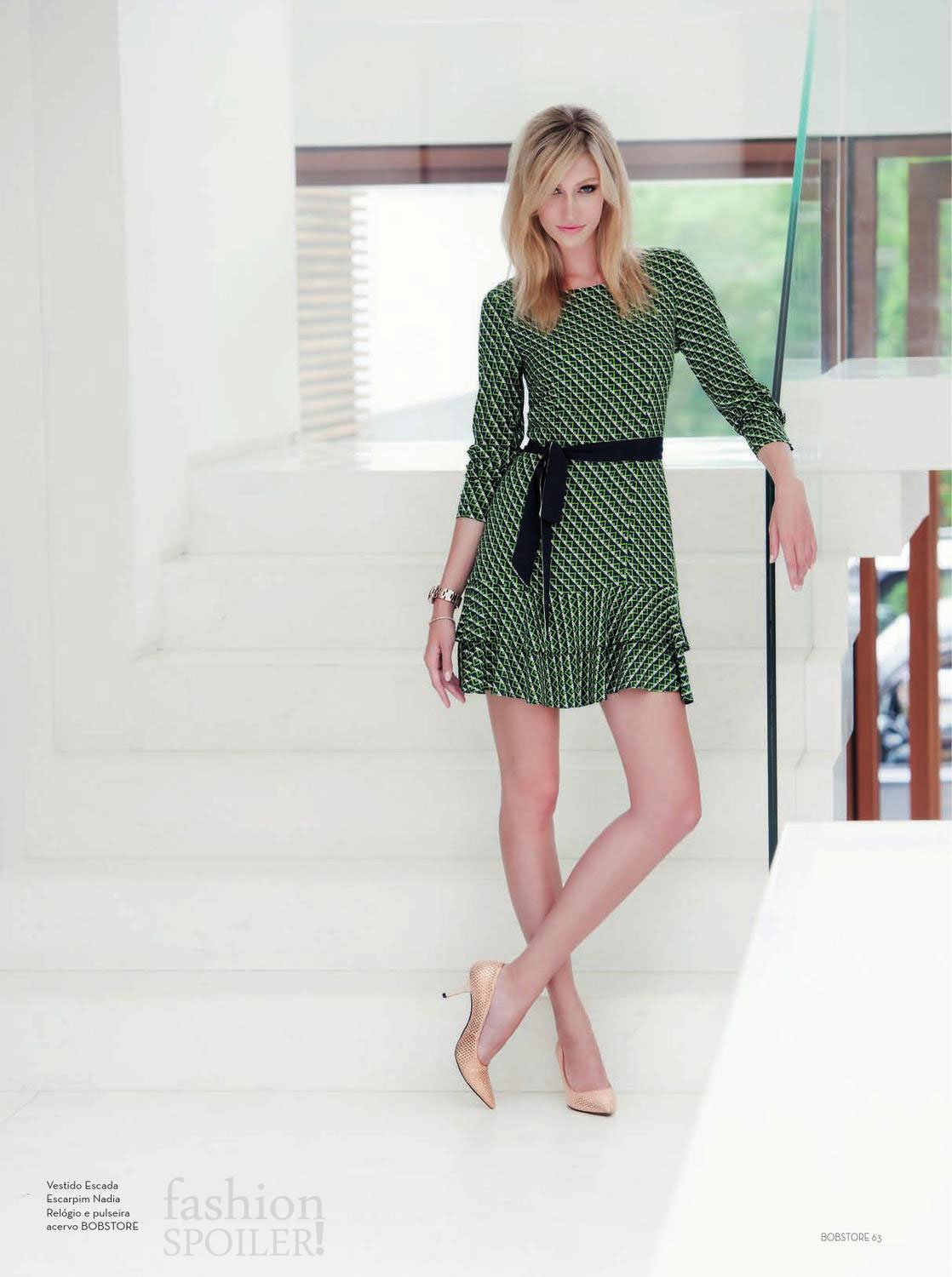
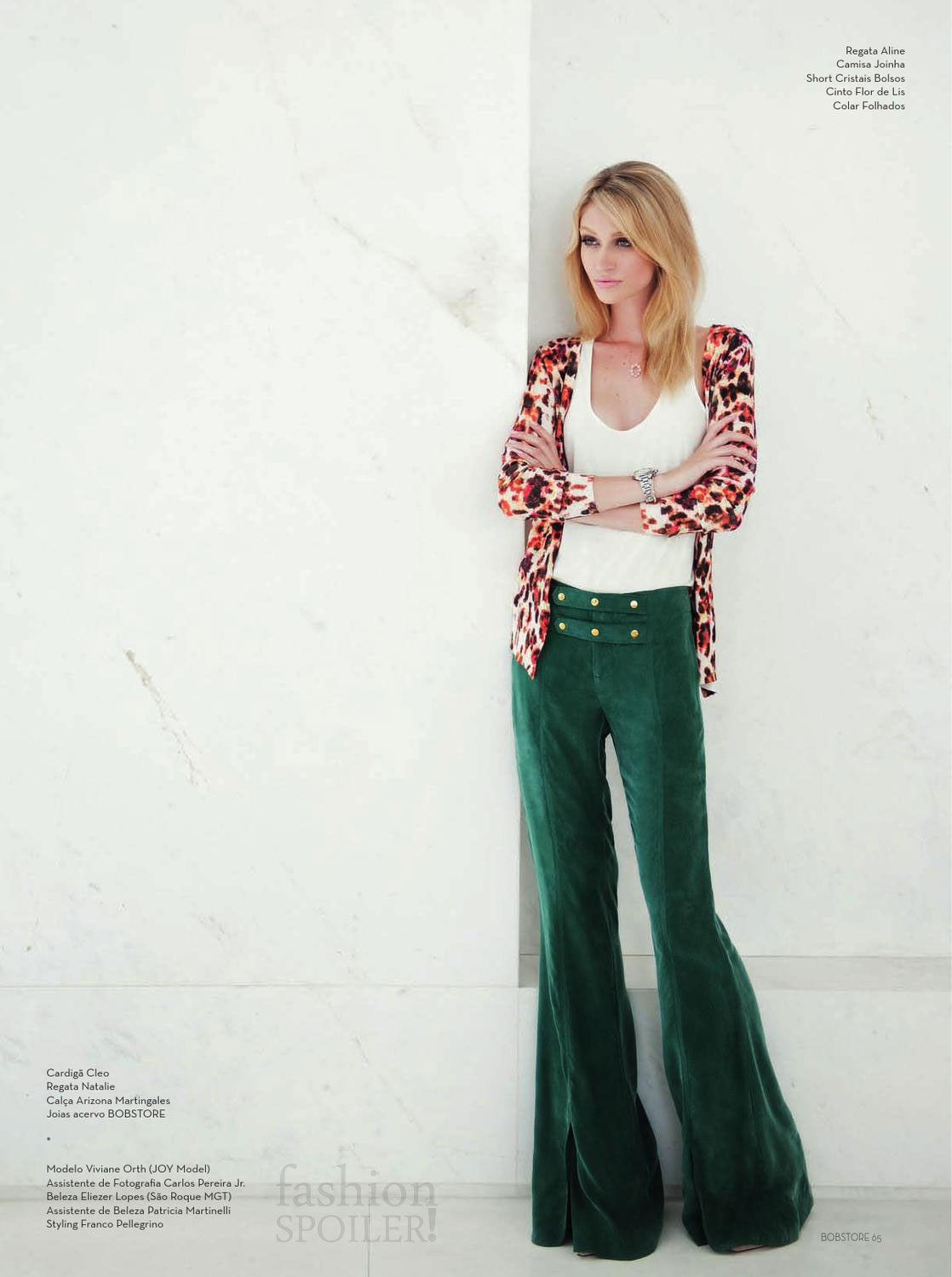
 Bobstore MAG - FW13 "Casual & Chic" Ph: Morgade Styling: Franco Pellegrino Beauty: Eliezer Lopes
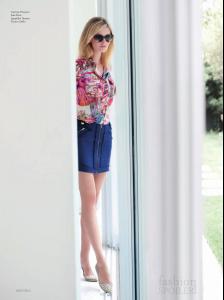

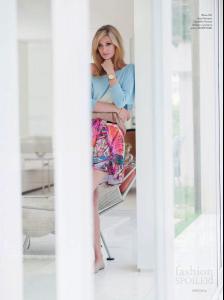


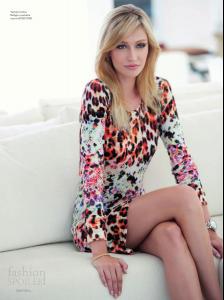
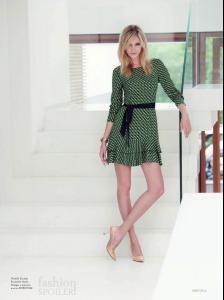

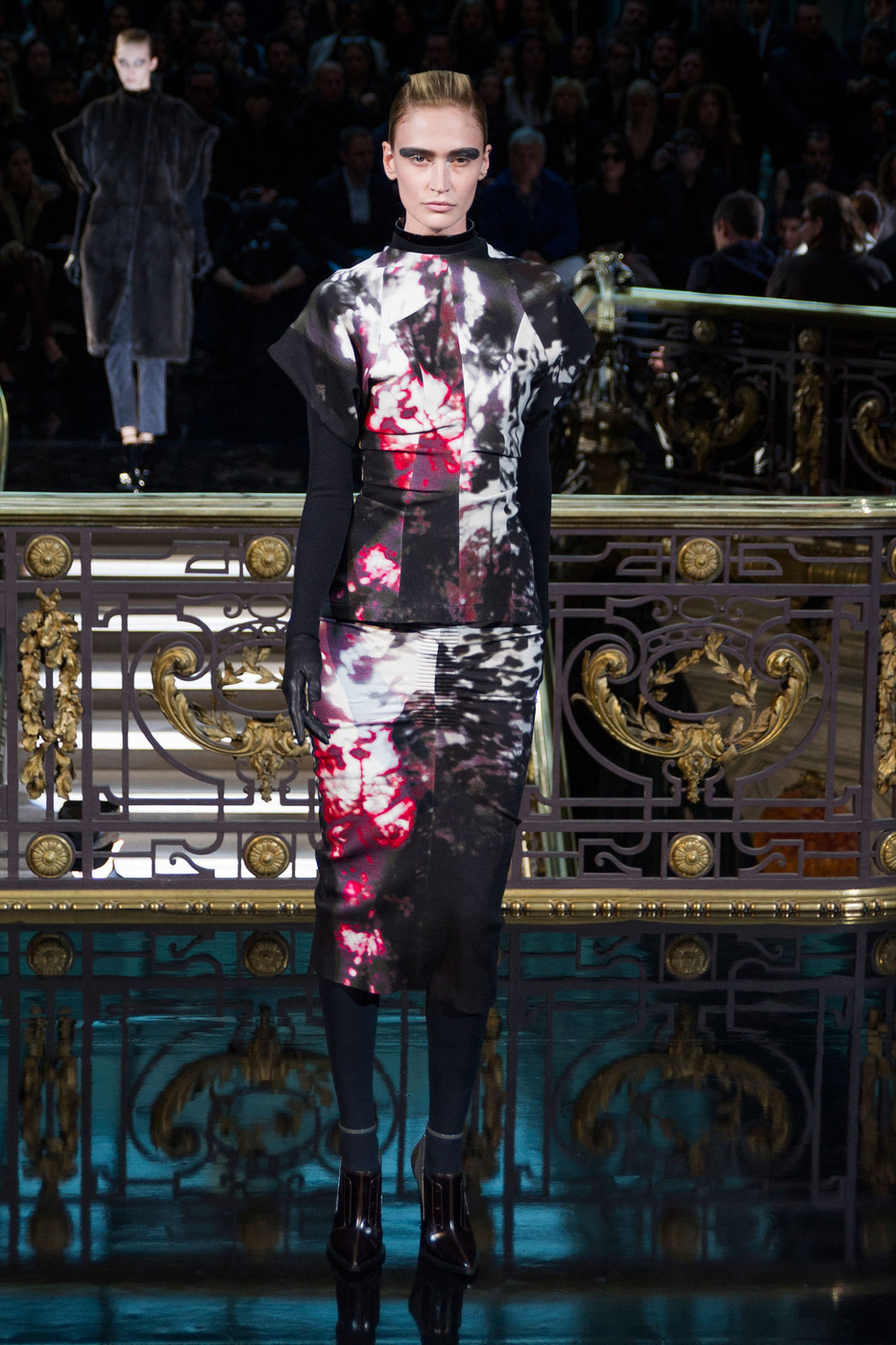
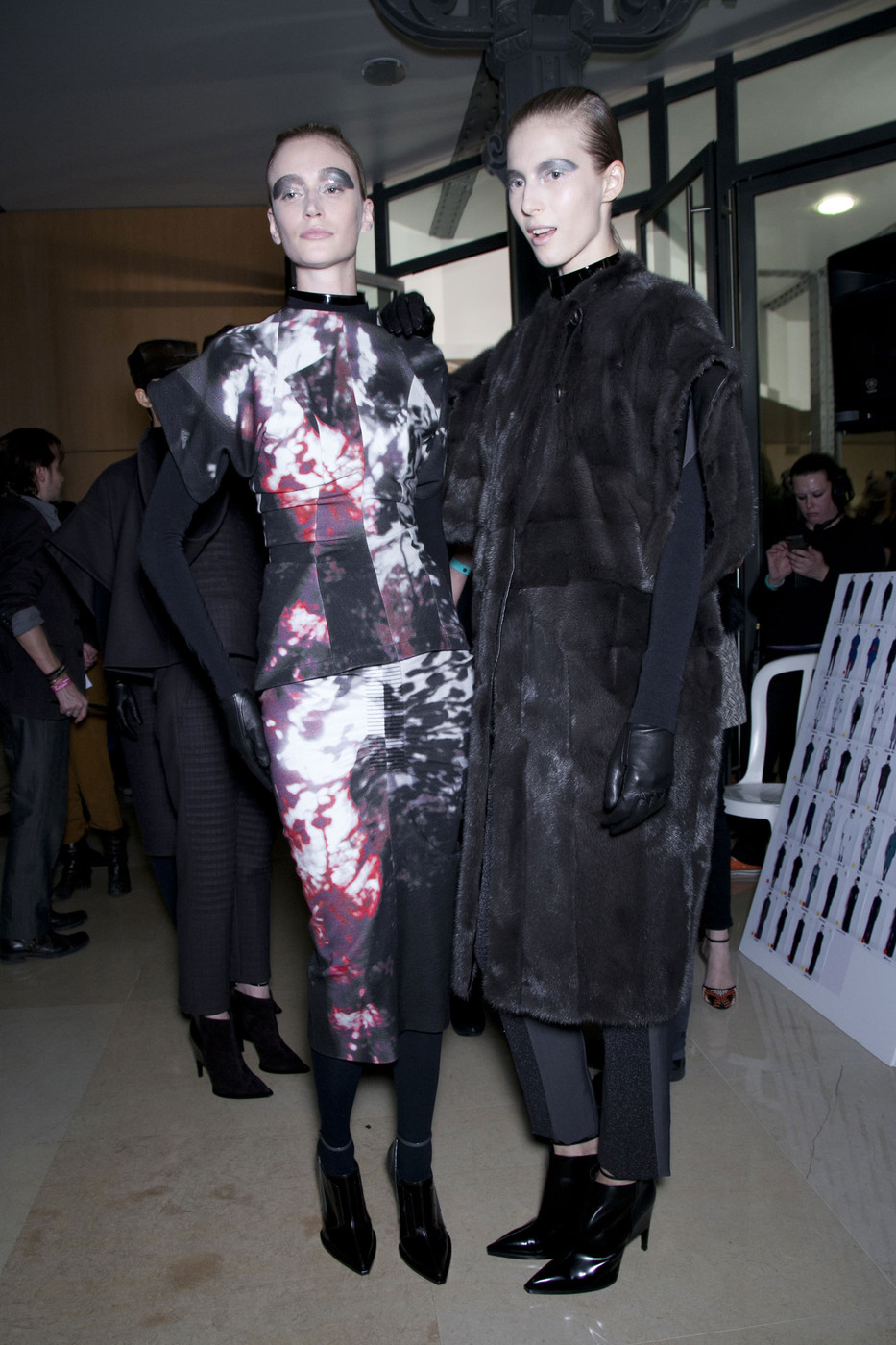
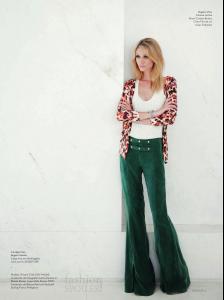 John Galliano fw13 - Paris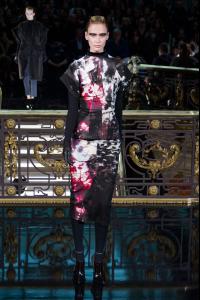
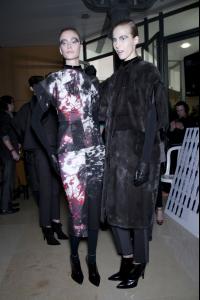
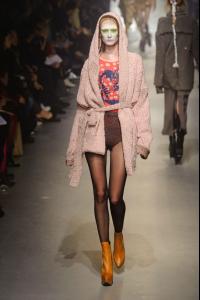
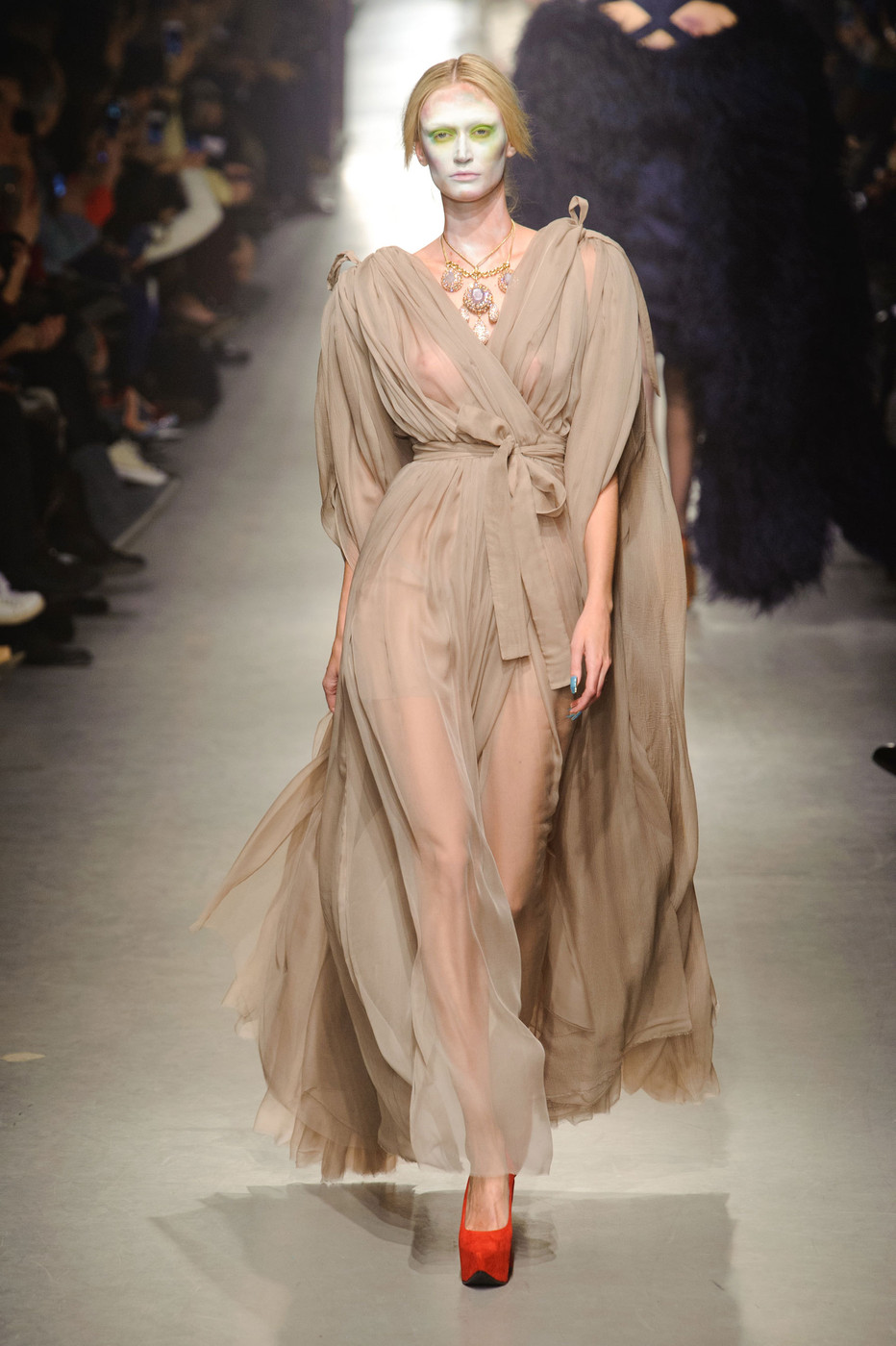
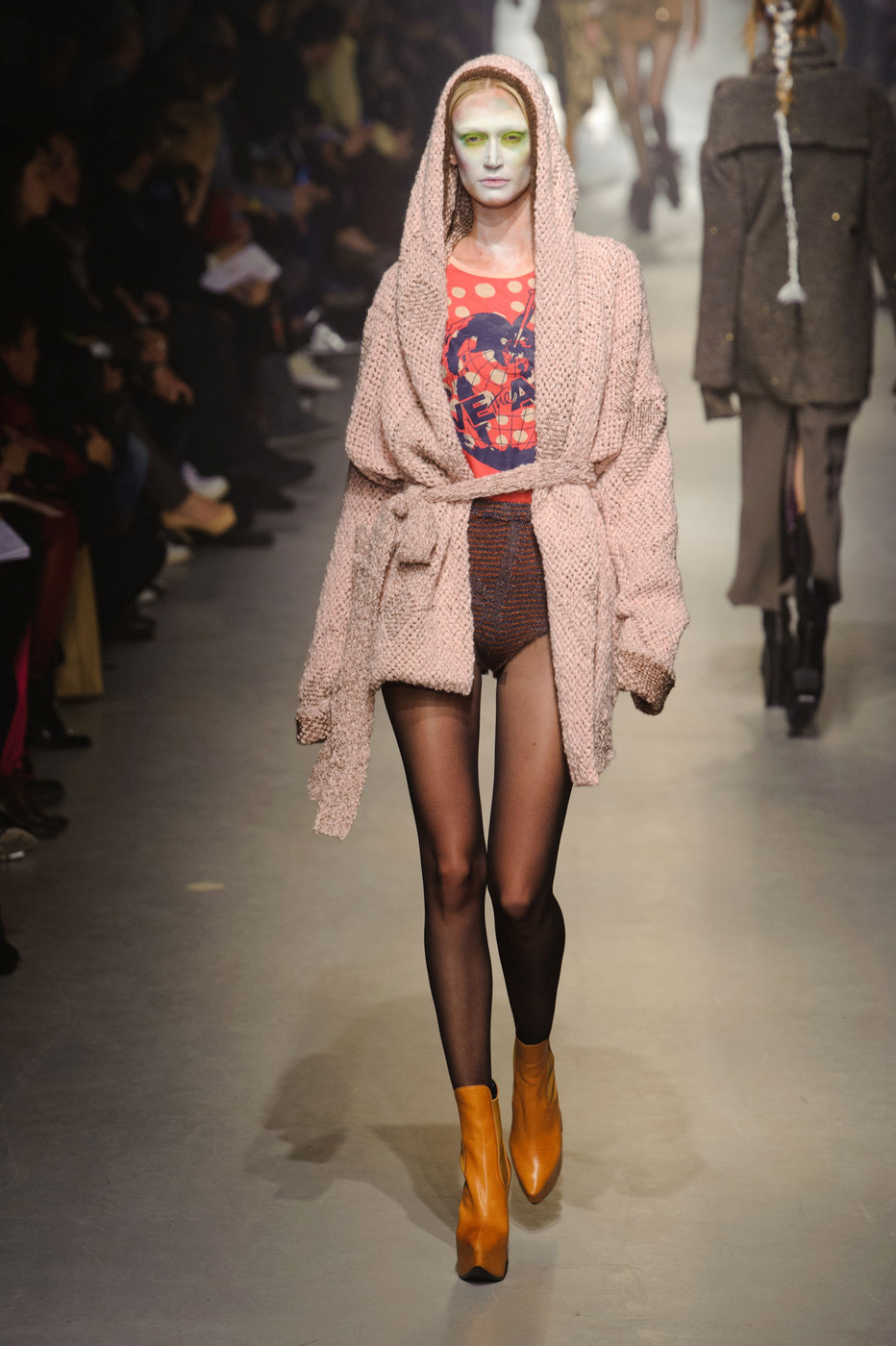
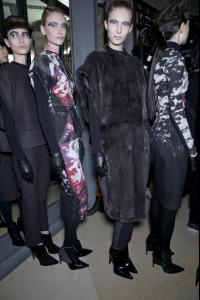 Vivienne Westwood fw13 - Paris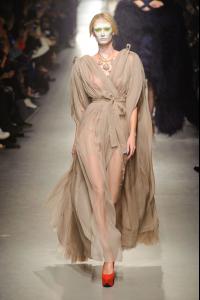
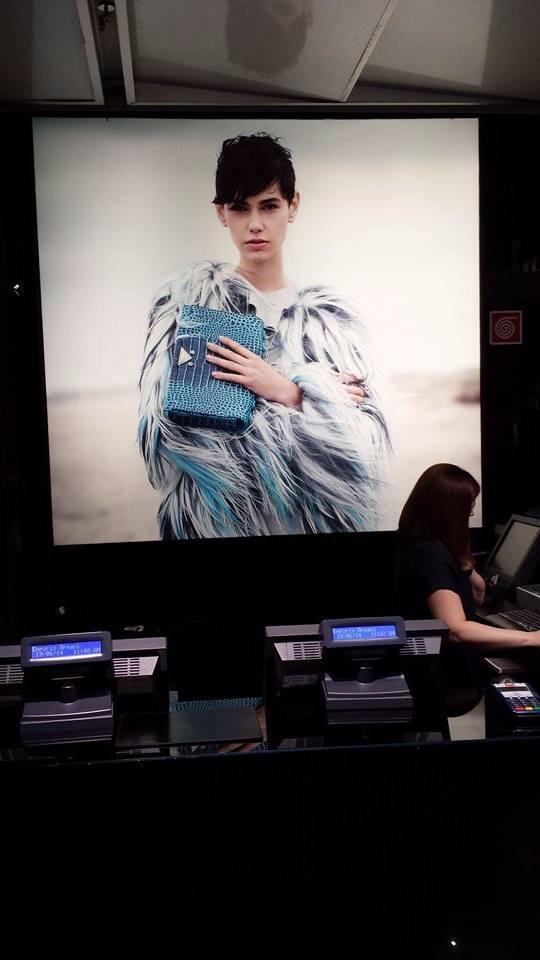
 More for Emporio Armani FW 2014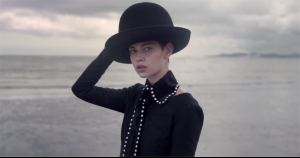
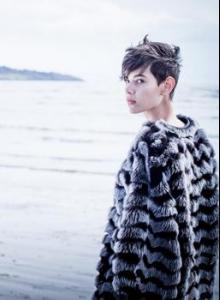 Armani Milano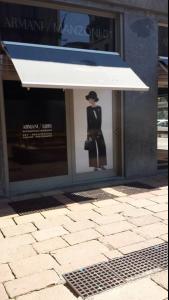
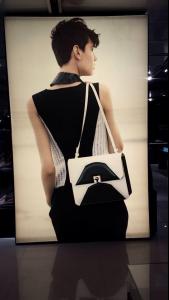
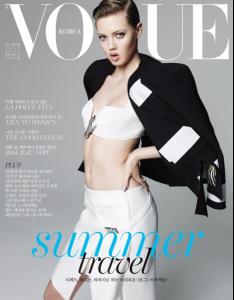
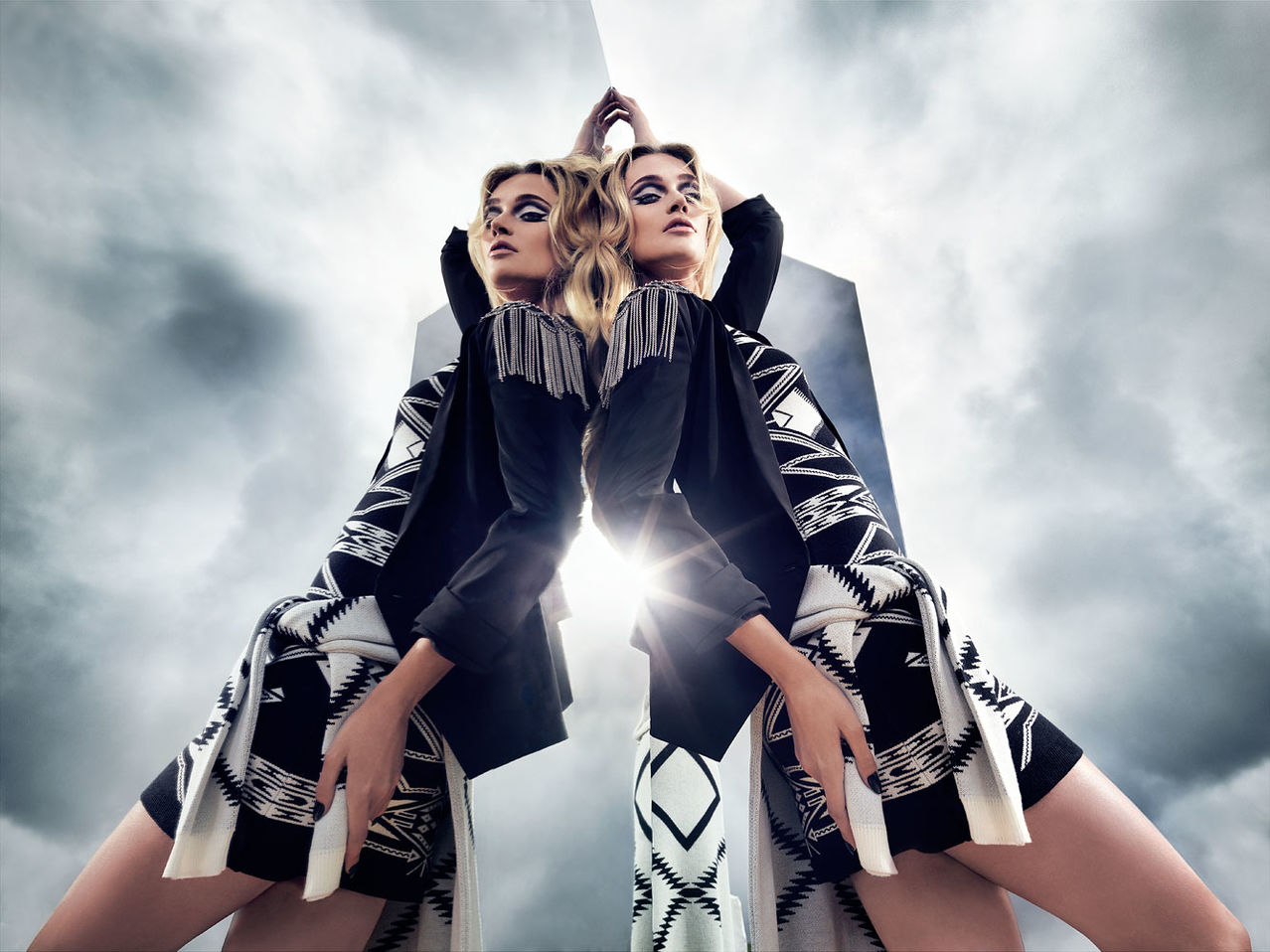
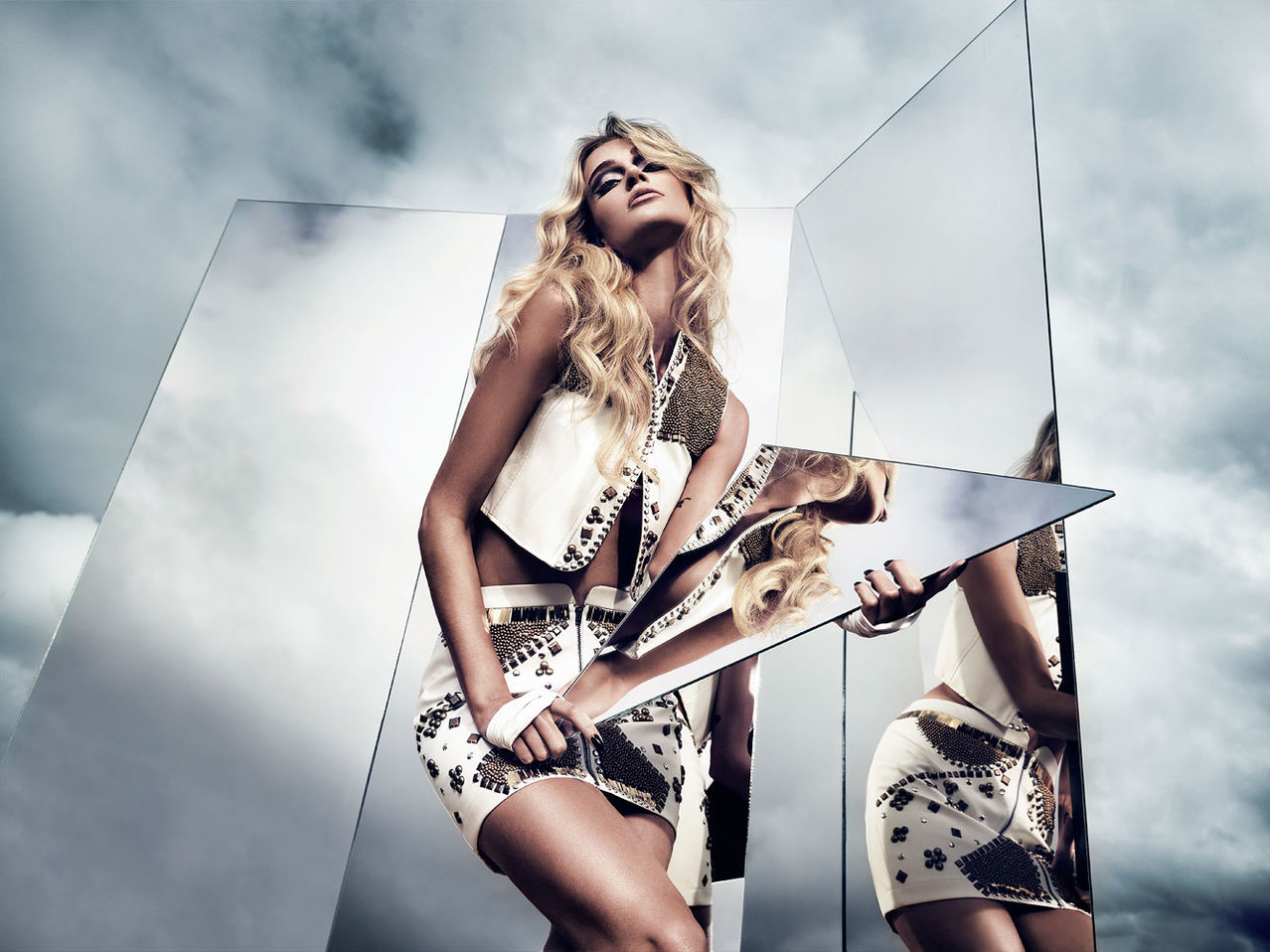
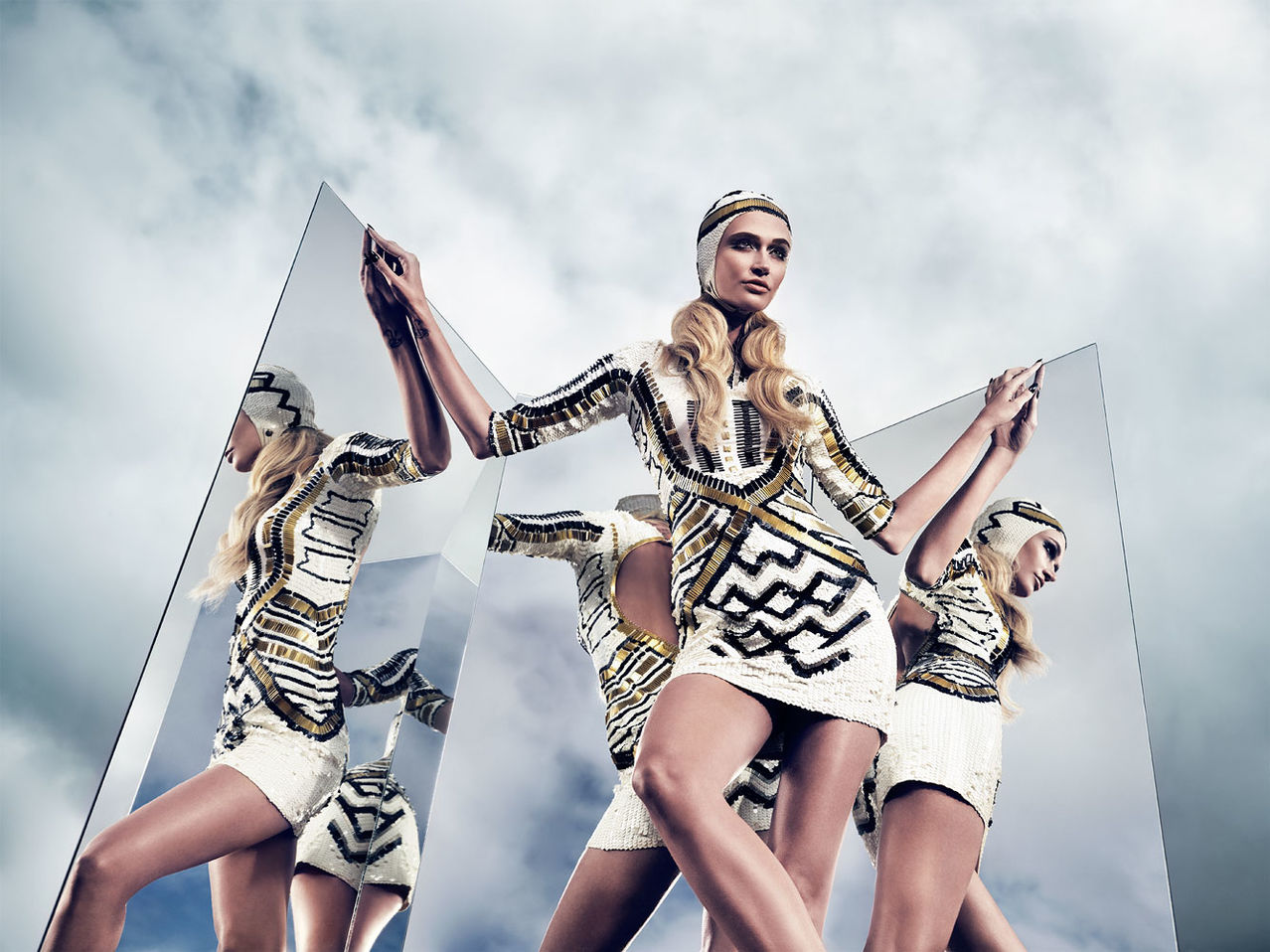
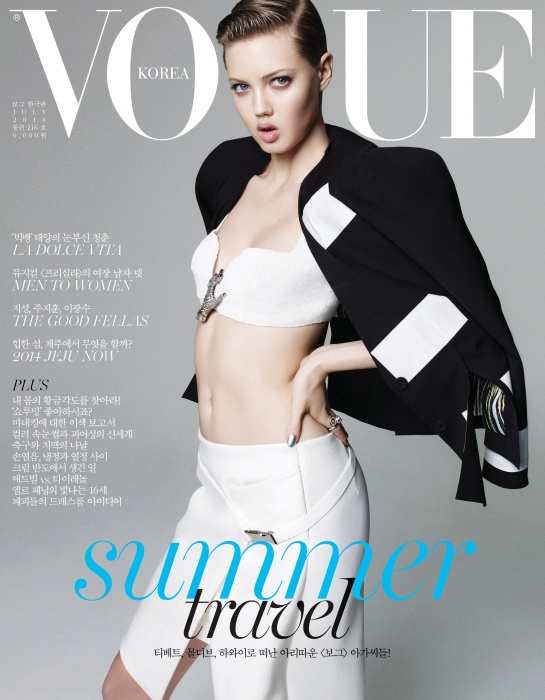
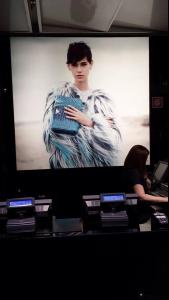 Vgue Korea July 2014
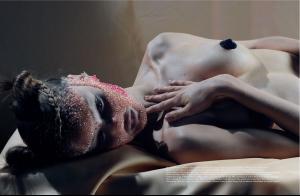
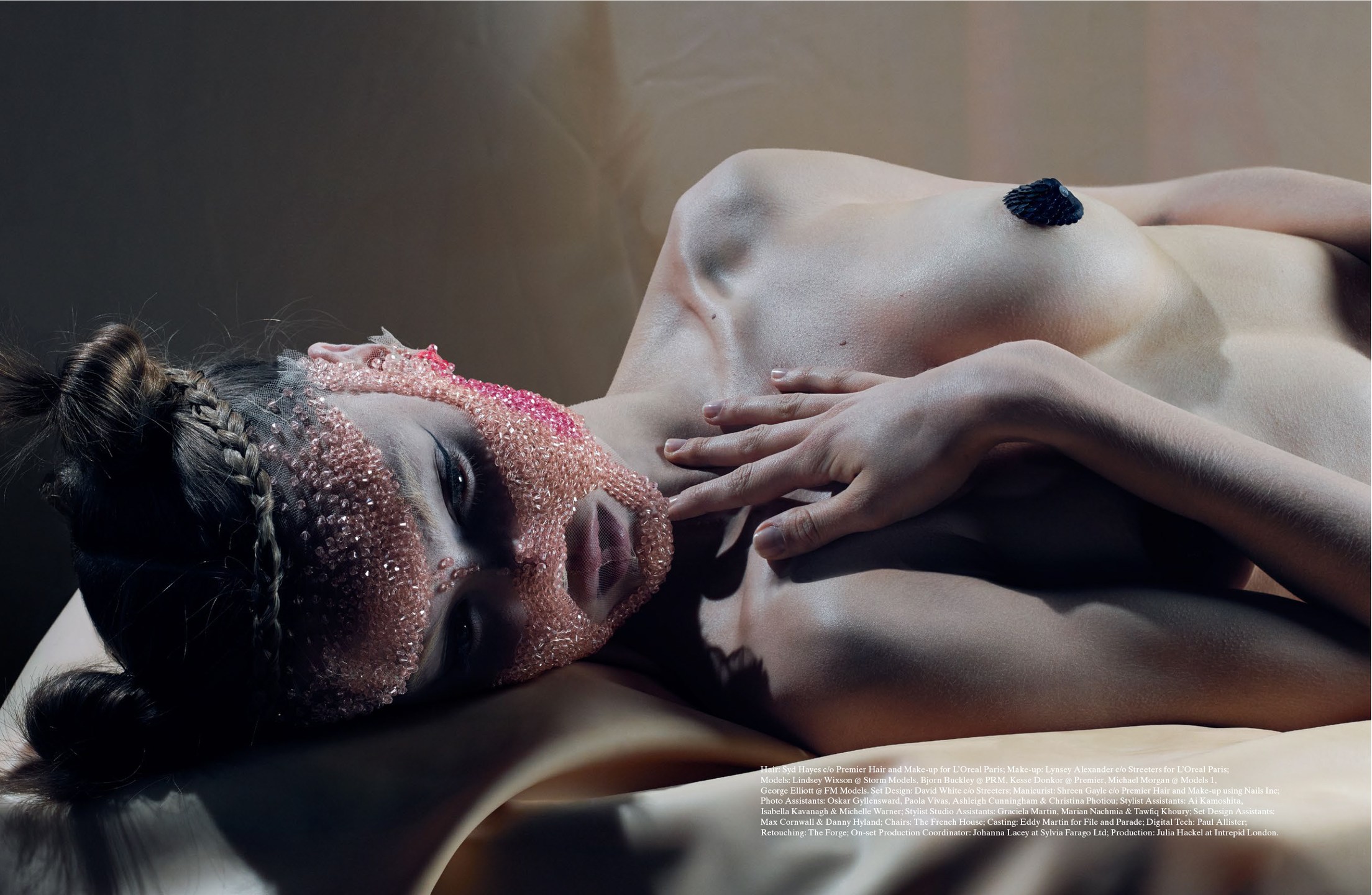
 Lindsey Wixson by Matthew Stone for System No.3 [Editorial]
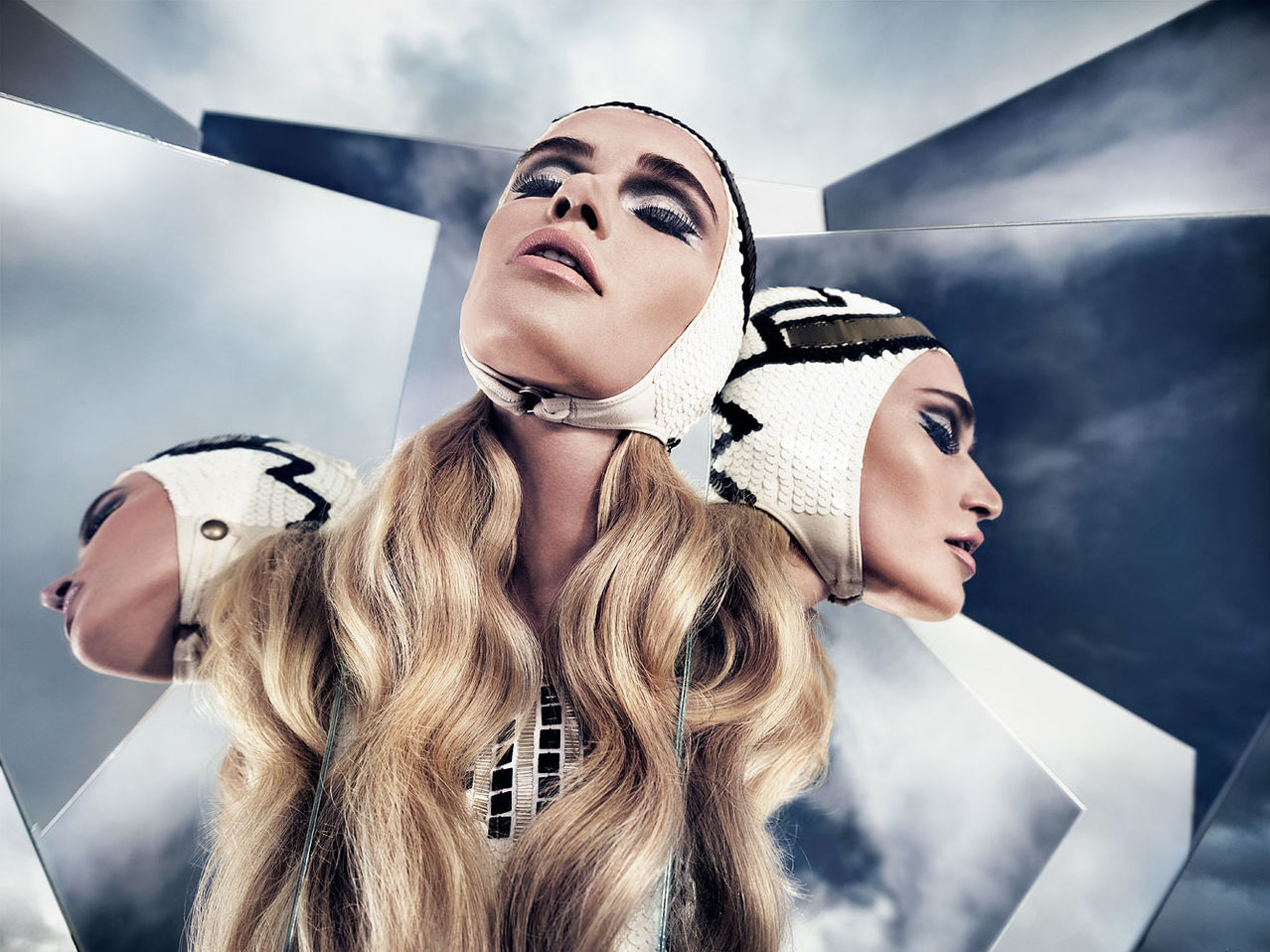
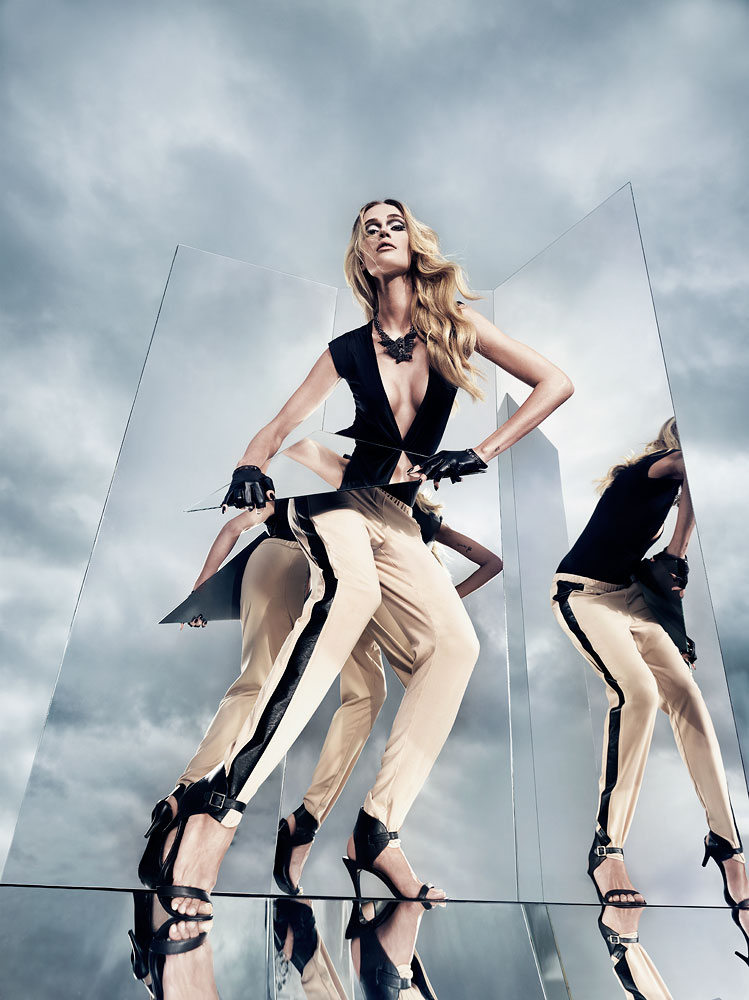
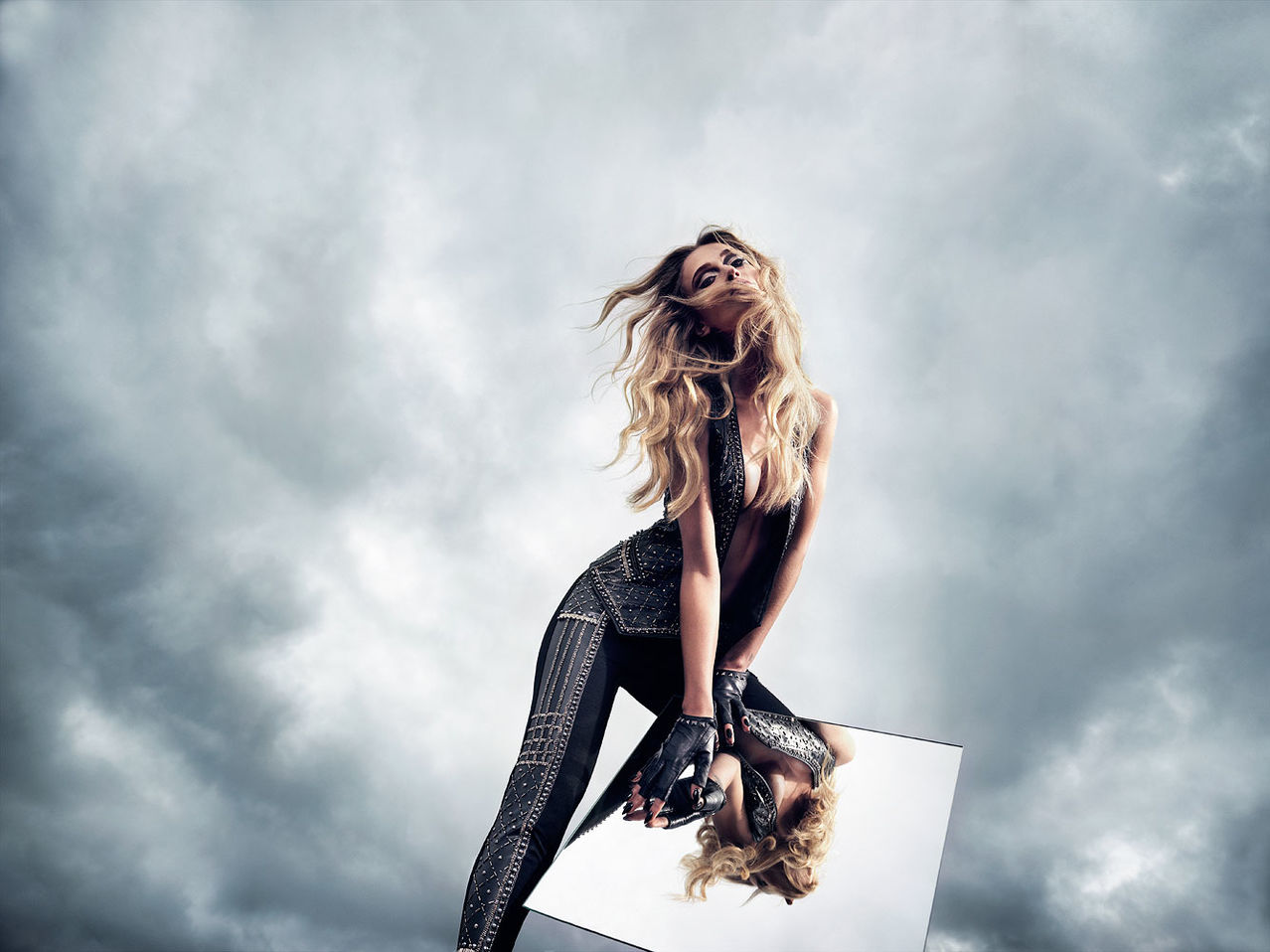
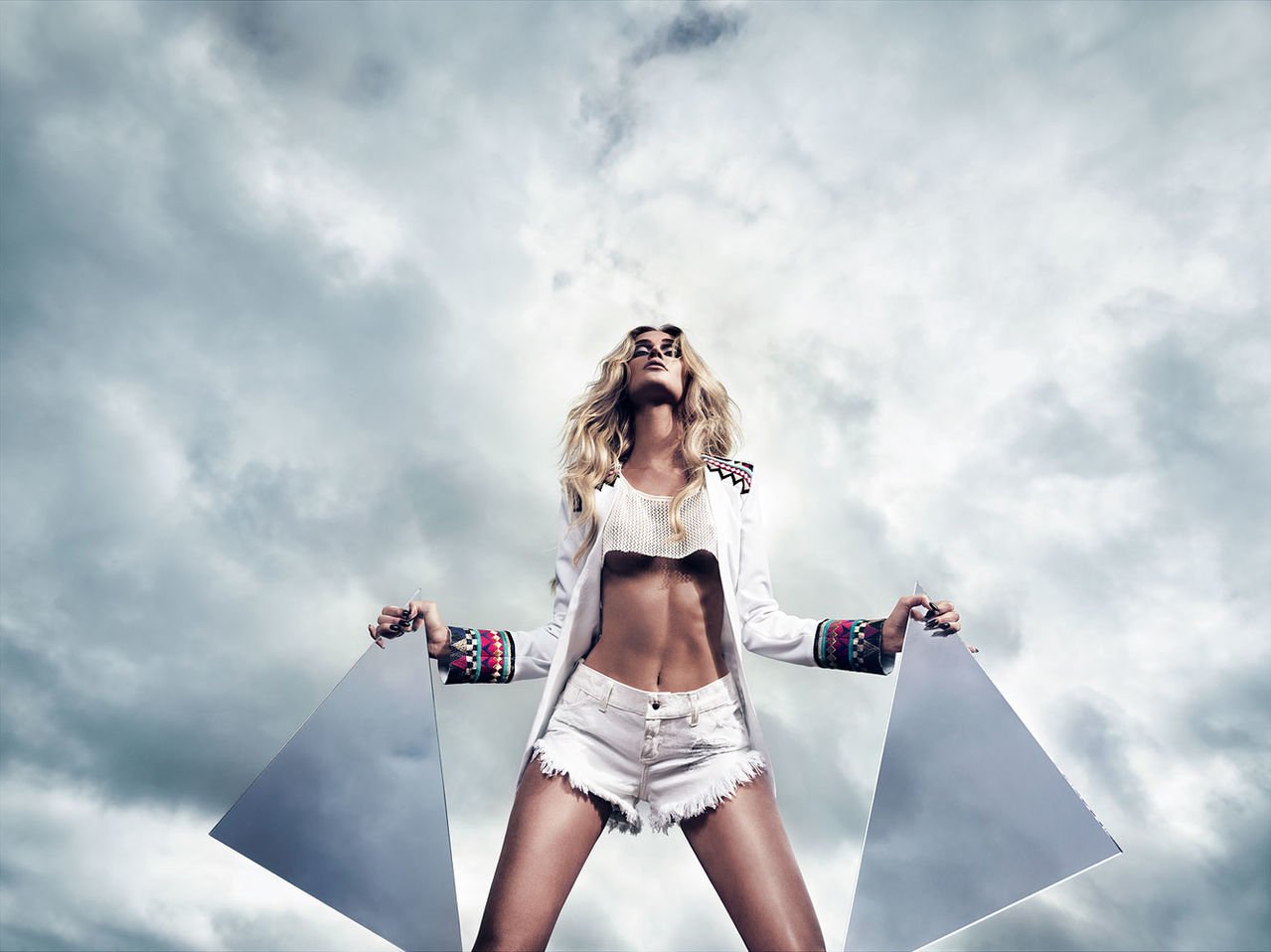
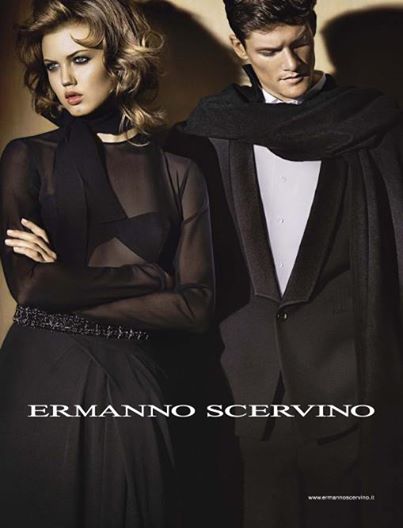
 Lindsey Wixson & Danny Beauchamp for Ermanno Scervino - Campaign Fall/Winter 2014

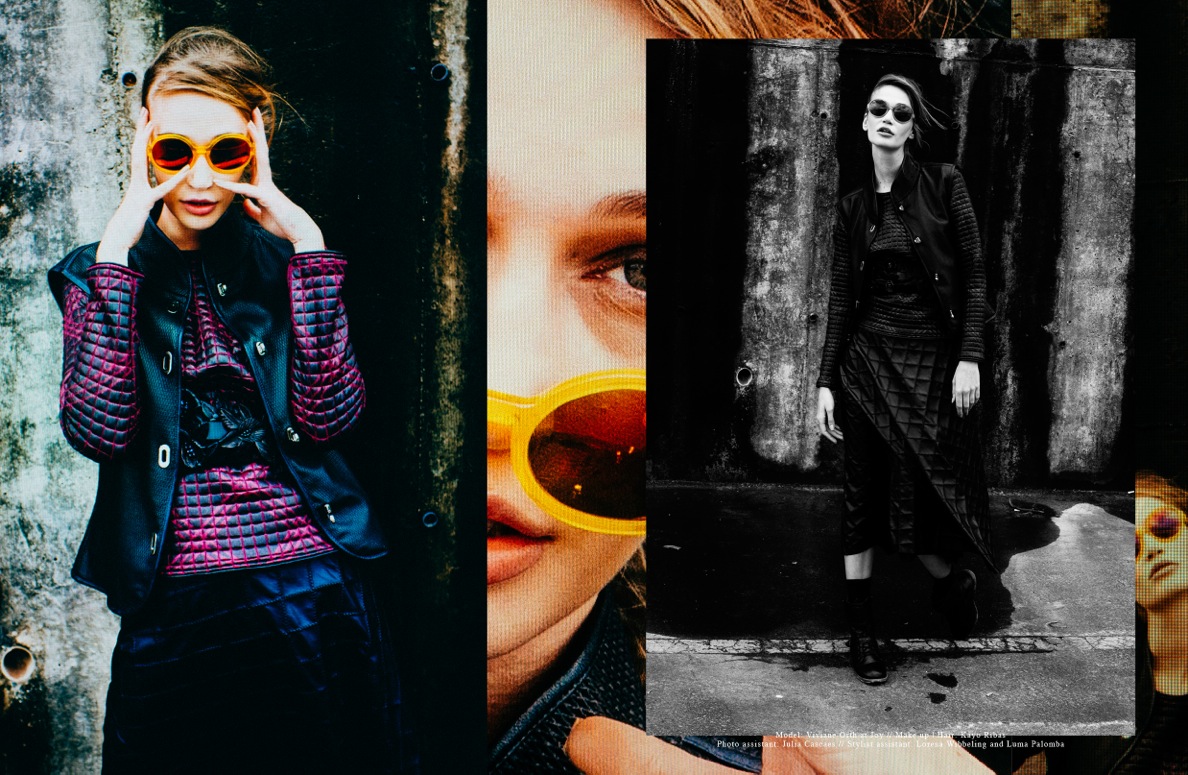
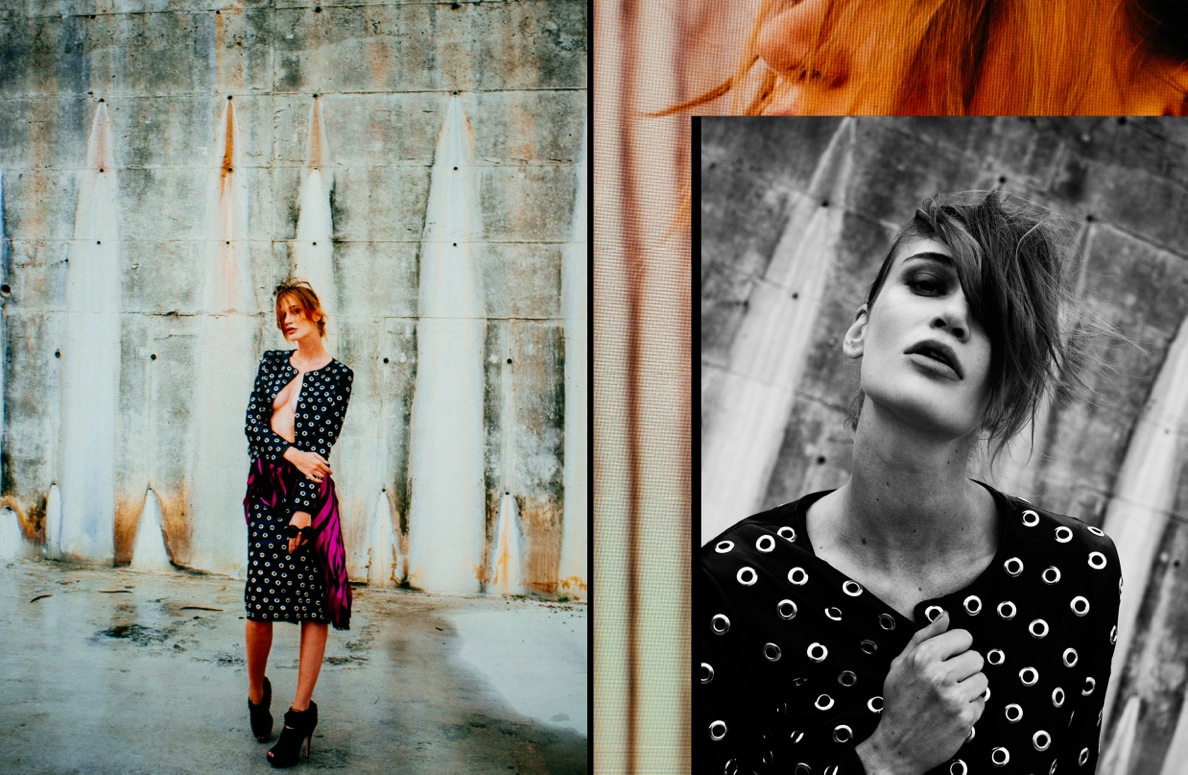
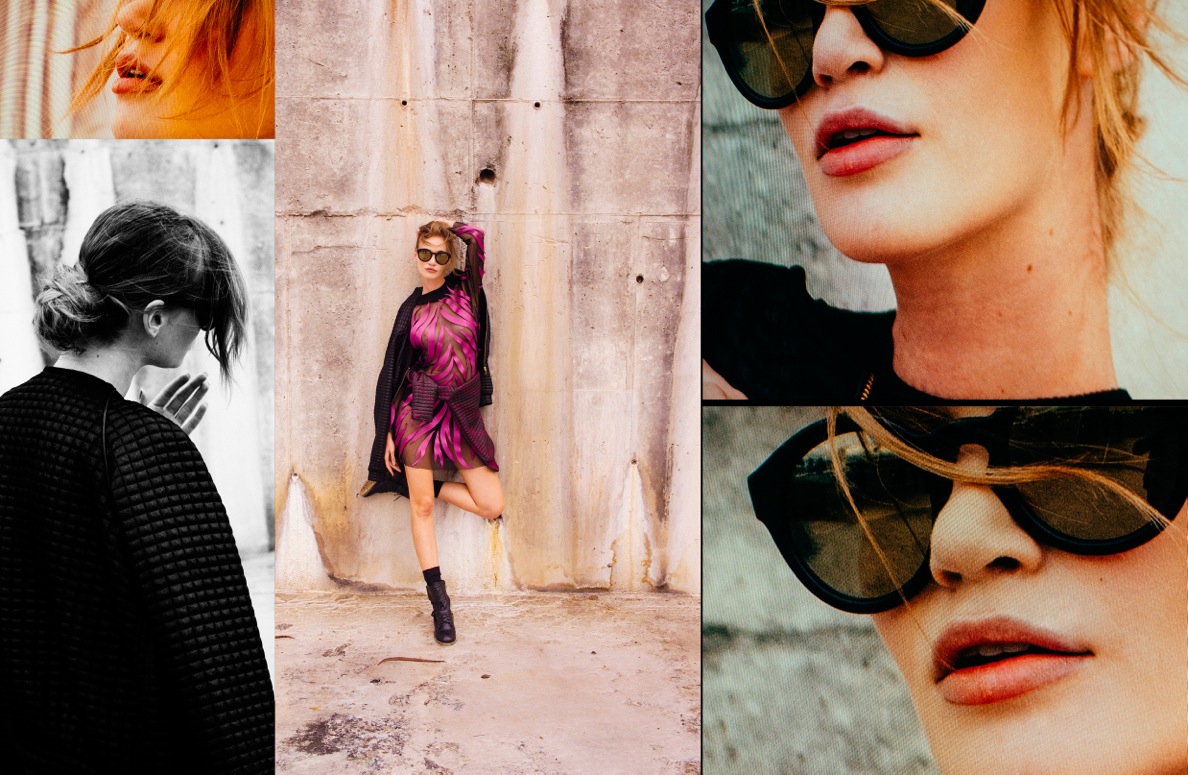
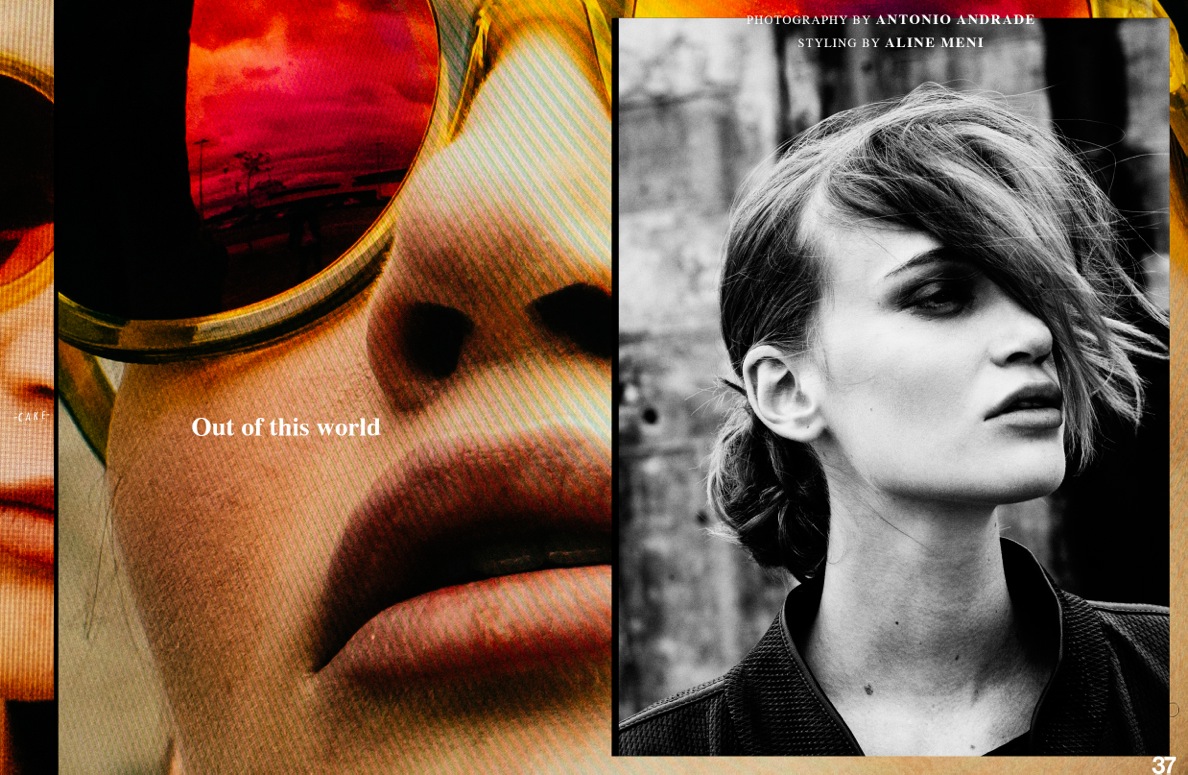

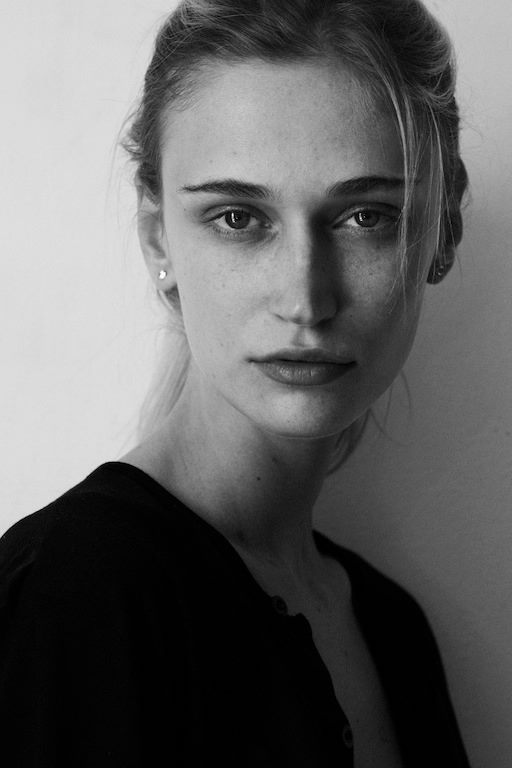
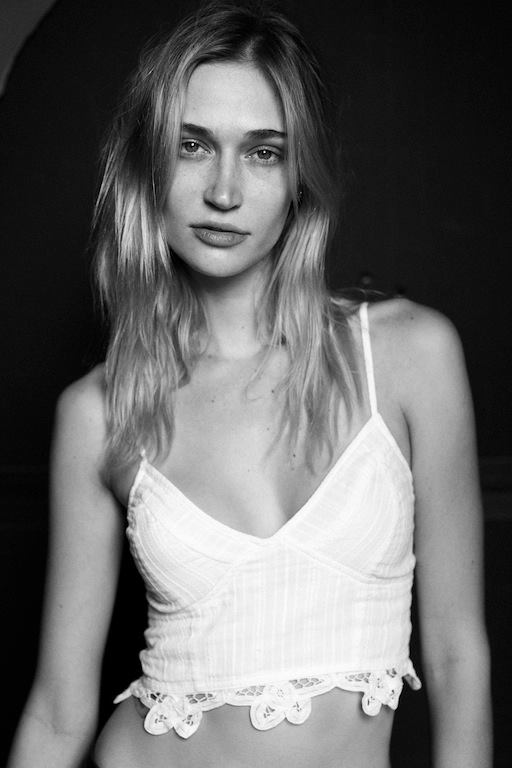

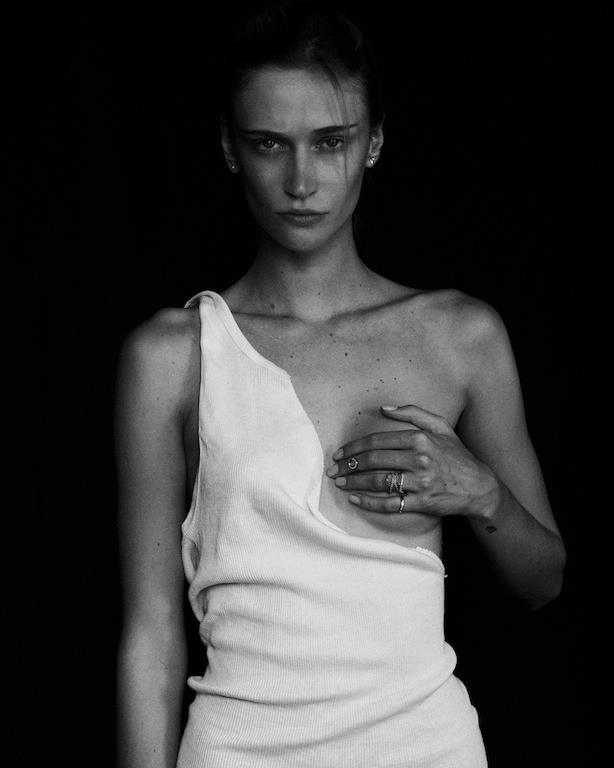
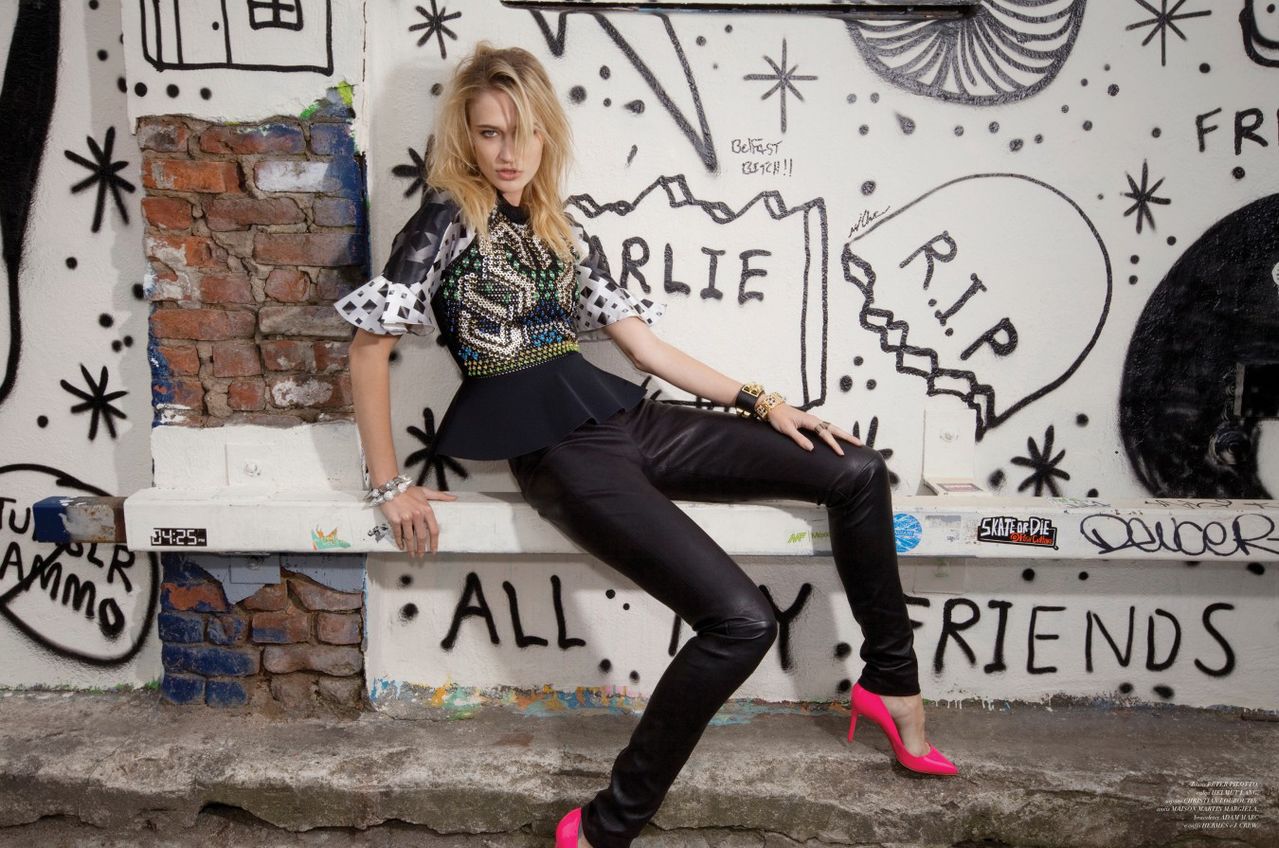
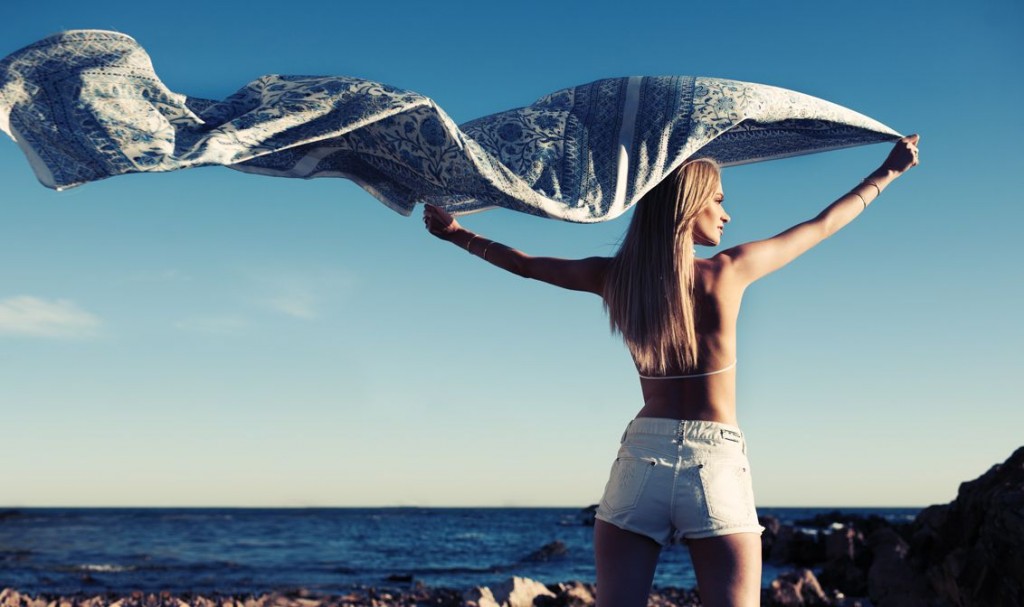
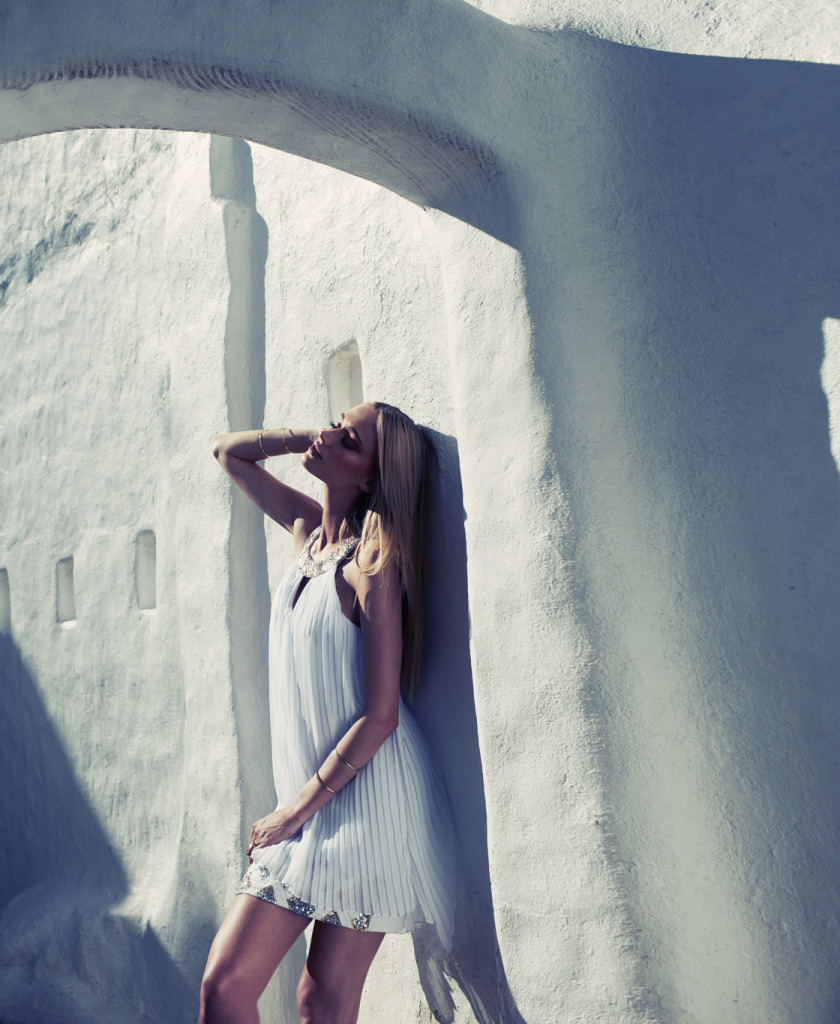
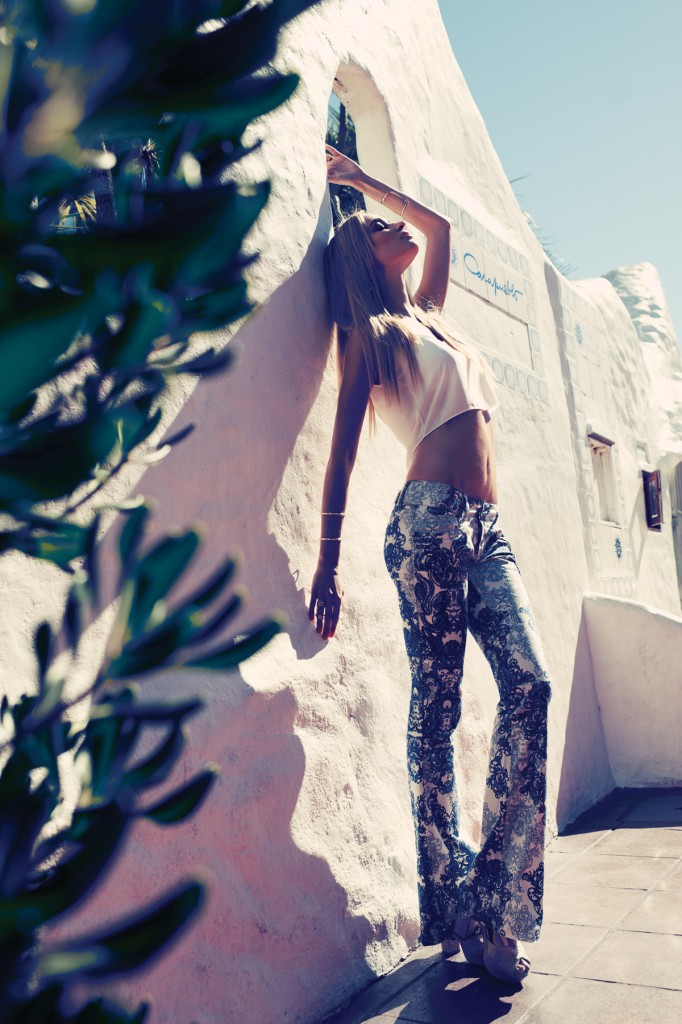
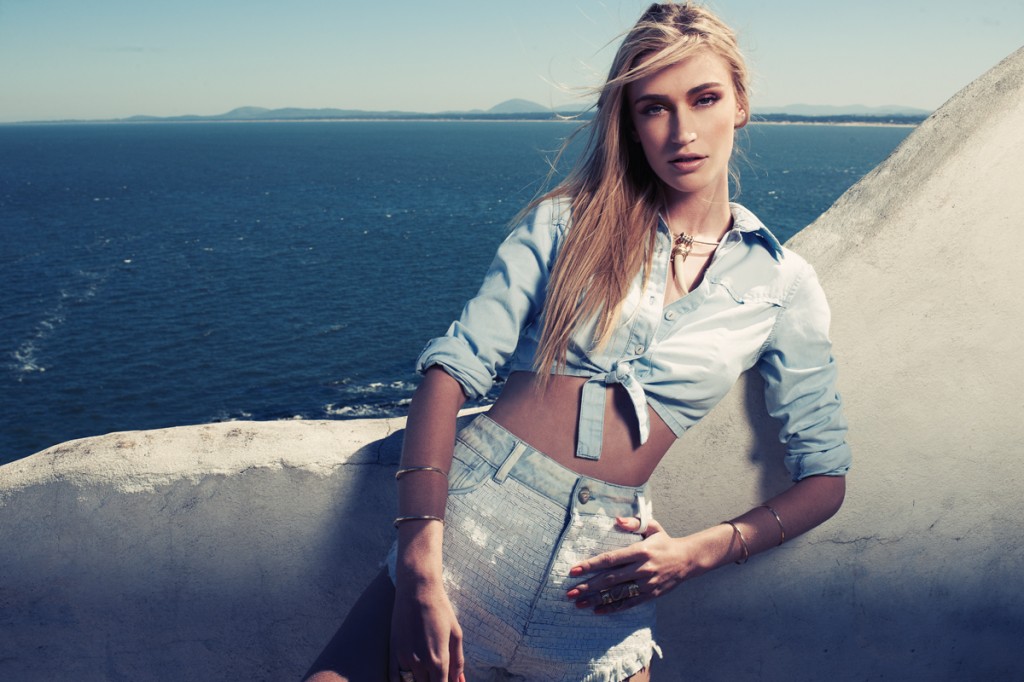

Account
Navigation
Search
Configure browser push notifications
Chrome (Android)
- Tap the lock icon next to the address bar.
- Tap Permissions → Notifications.
- Adjust your preference.
Chrome (Desktop)
- Click the padlock icon in the address bar.
- Select Site settings.
- Find Notifications and adjust your preference.
Safari (iOS 16.4+)
- Ensure the site is installed via Add to Home Screen.
- Open Settings App → Notifications.
- Find your app name and adjust your preference.
Safari (macOS)
- Go to Safari → Preferences.
- Click the Websites tab.
- Select Notifications in the sidebar.
- Find this website and adjust your preference.
Edge (Android)
- Tap the lock icon next to the address bar.
- Tap Permissions.
- Find Notifications and adjust your preference.
Edge (Desktop)
- Click the padlock icon in the address bar.
- Click Permissions for this site.
- Find Notifications and adjust your preference.
Firefox (Android)
- Go to Settings → Site permissions.
- Tap Notifications.
- Find this site in the list and adjust your preference.
Firefox (Desktop)
- Open Firefox Settings.
- Search for Notifications.
- Find this site in the list and adjust your preference.