ziggurat234
Members
-
Joined
-
Last visited
Everything posted by ziggurat234
-
 Ooooof course! My pleasure! Glad I could help!
 -
Some old VS faves of mine in HQ!




-
Some old VS pics in HQ!


-
go here K@l@m@ri rob: http://www2.victoriassecret.com/images/prodzoom/V248608.jpg To empower you a bit, you can copy and paste this link into your address bar, then, if you know the original image name of any pic you're looking for (VS image titles always start with a "V" and are followed by 6 numbers, in the case of the image you requested, it's V248608), you can insert that image name between the "prodzoom/" and the ".jpg" in the address given above. If VS has uploaded an HQ image of the one you're after, you will see that image after searching/hitting enter with that in place. So for example, let's say you wanted to see if there was an HQ of the image titled "V270841" ...you could replace the V248608 in that address above with that. So then you're URL would look like this: http://www2.victoriassecret.com/images/prodzoom/V270841.jpg Also, to find older lower quality images, you can always use this tool: http://vsbrowser.altervista.org/vsbrowser.html If you find an image you like on there that you want to see in HQ, you can always take the image name displayed on the left side of the tool and insert it into the first URL I provided (just remember this tool doesn't actually have the "V" at the beginning of the image name, so make sure that is included in the HQ URL). It can, however, be a tedious process if you want to get a lot of them. Just remember that VS doesn't have all of it's photos uploaded in HQ format! So you'll be taken to a "page cannot be displayed" on the VS website if an HQ doesn't exist for a pic. Hope this helps.
-
Thanks so much, Johnny! Much obliged. And that IS a very tedious process compared to the old point, right-click, and save method, but that's how it's gotta be done now...better than not being able to save pictures from there at all!
-
um...what do you have to do to save them? educate us! haha, pretty please?
-
-
-
And one more from that same shoot!

-
-
And here's another one:
-
no no no no, haha, I'm sorry, I should have been more specific! I meant...where did finchesthalia (the original poster of the pic) find this photo on the VS website? If I can find the URL of the original file, it may be possible to find the larger version.
-
I might be able to help...where exactly on the website did you find this photo?

-
Can't wait for the scans on this one :-)
-
Haha, Ana Beatriz Barros makes Izabel look like she's gotten a full night's sleep and had some serious energy drinks on top of it. No offense to Ana of course, my point is that there is a major contrast effect annnnd I probably don't see Izabel as looking tired because of it, heh. But having to travel so much (gotta love jet lag), do plenty of work between runways and photoshoots, make time for their friends and family, etc. etc....I would be surprised if models weren't often exhausted.
-
-
-
Hereee is another one! Or two. Heh.

-
Thanks Tinkerbelle! What magazine/website is that from?
-
A couple new VS pics! Well two of them are from a pic that I think has been posted before, but it's never been posted in this quality or form!

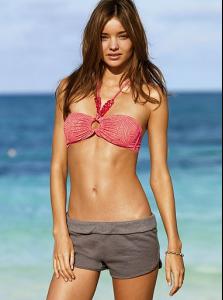
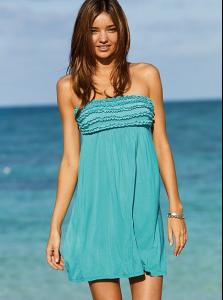


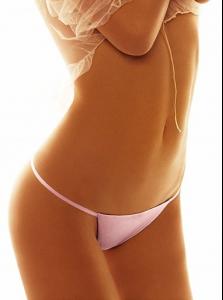


-
Two new photos in a couple of different forms/crops:






-
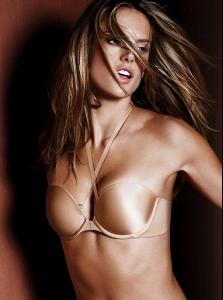
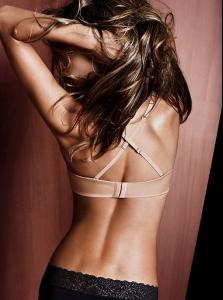
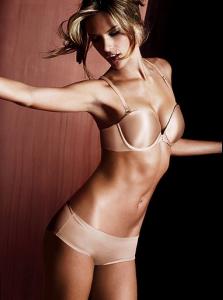
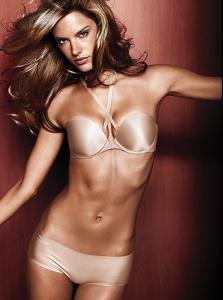
Here are some uncropped versions of the last few photos I posted (for some reason VS uploaded them long after the cropped versions), plus a few new ones. Also note that these have not posted on the website yet, so these are all in the old photo size, meaning they will hopefully get posted in their slightly larger versions on the website in the near future!

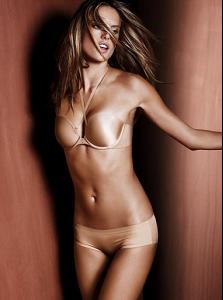

-
haha that pic actually got posted in Daniela's forum quite some time ago, and I contested that it was KK at the time because the nose doesn't seem like Daniela's. In any case, I really have no idea which one of them it is.
-
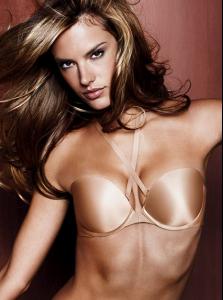
New Biofit VS




-
Some more JCPenney/Ambrielle Pics: