
Candylicious.
Members
-
Joined
Everything posted by Candylicious.
-
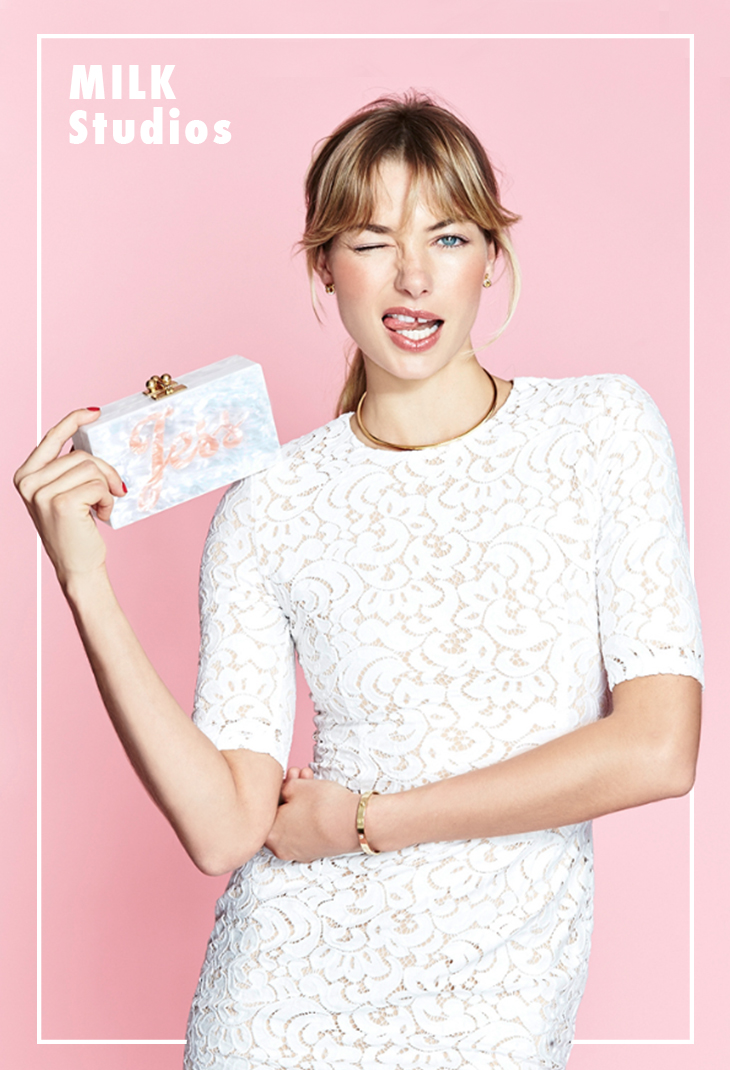
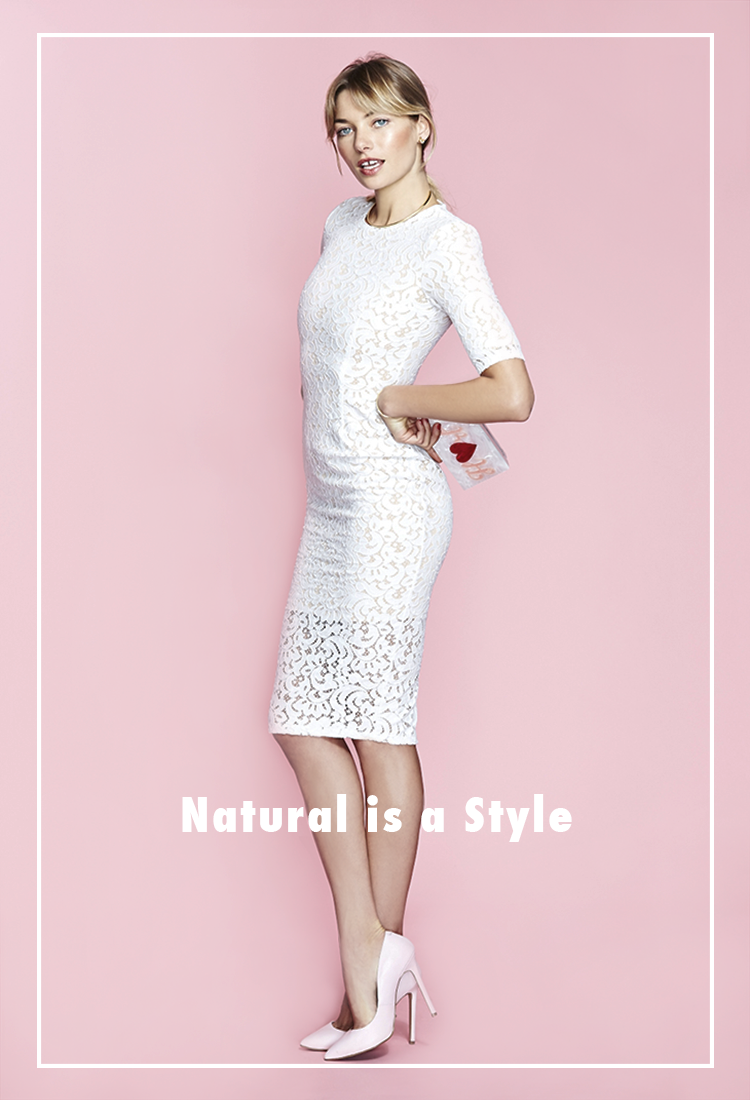
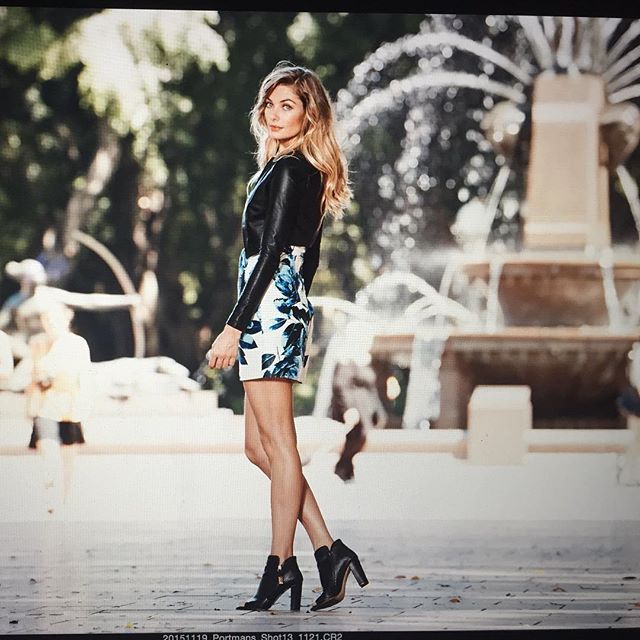
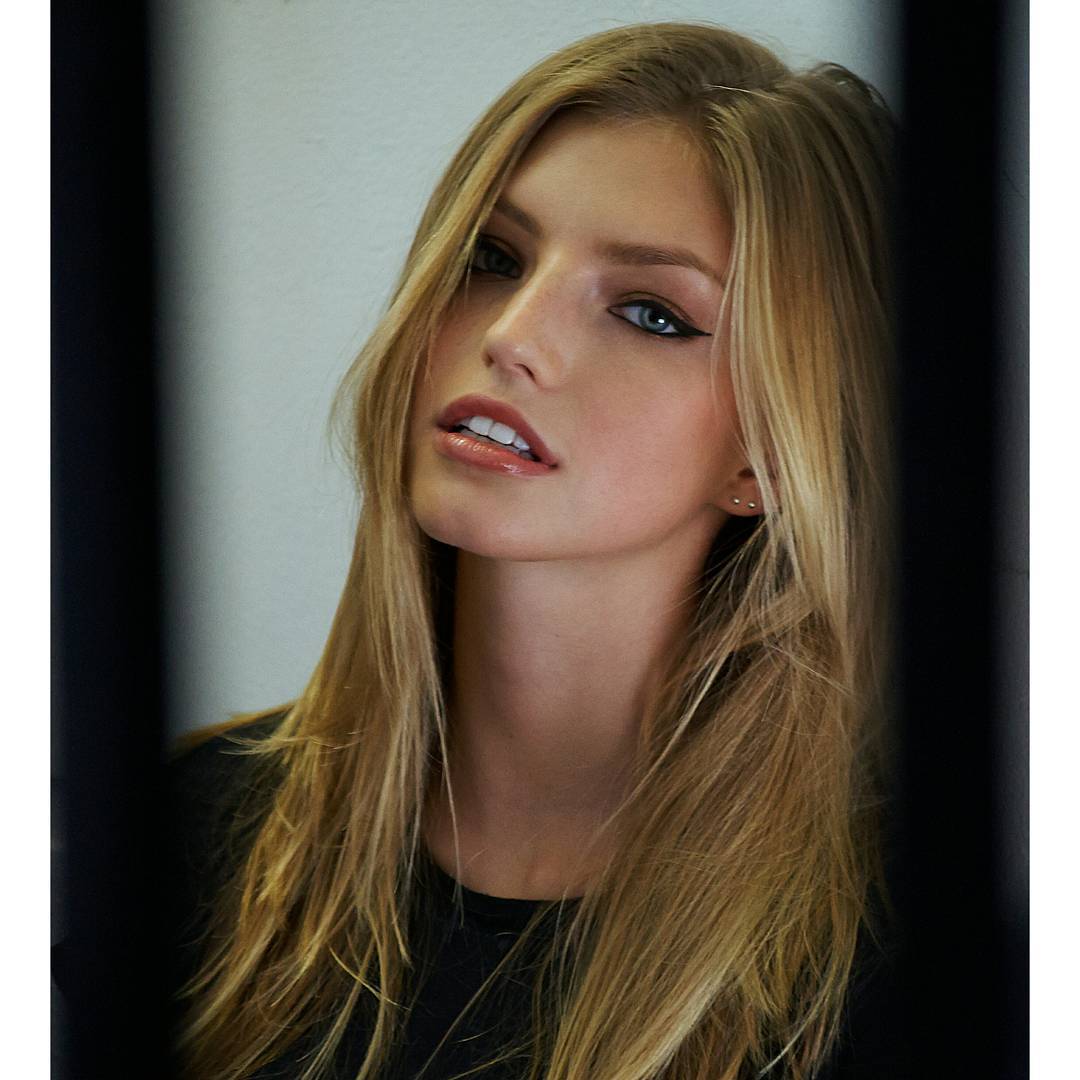
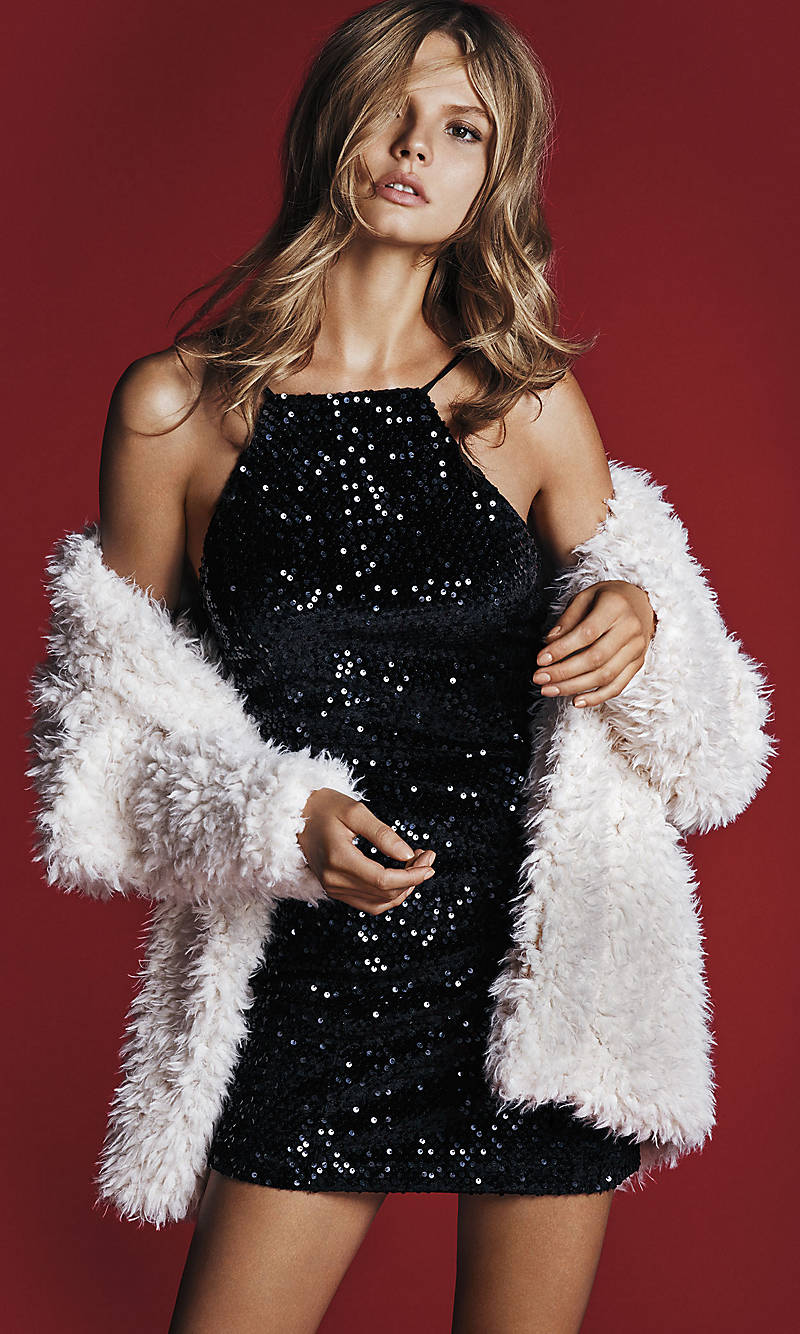
 ^^ Beautiful shot for cashmere! Thank youuu ! looking amazing! Hope more will come out and also the online versions

-
My god... Amazing adds Dani is stunning thanks all !
-
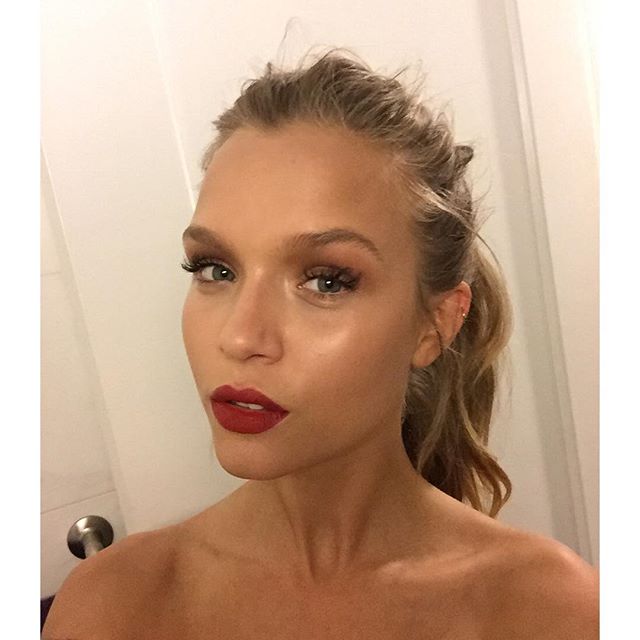
Beautiful !Thanks for the updates all
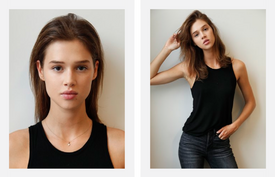
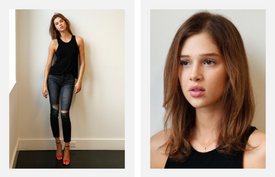
-
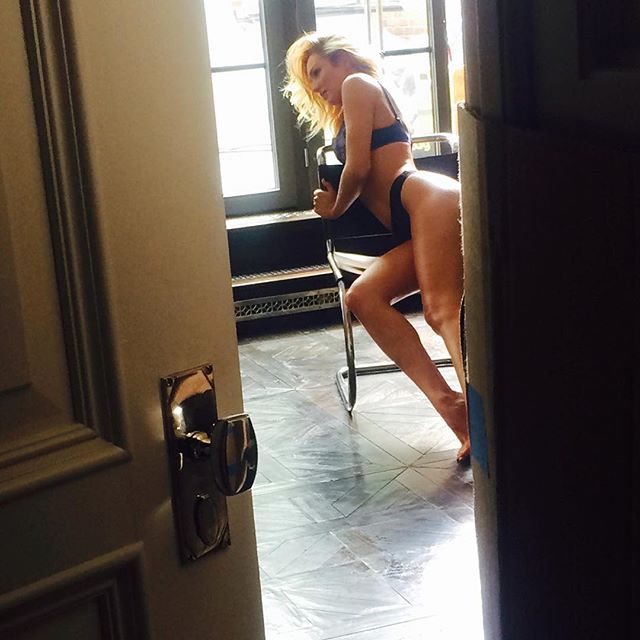
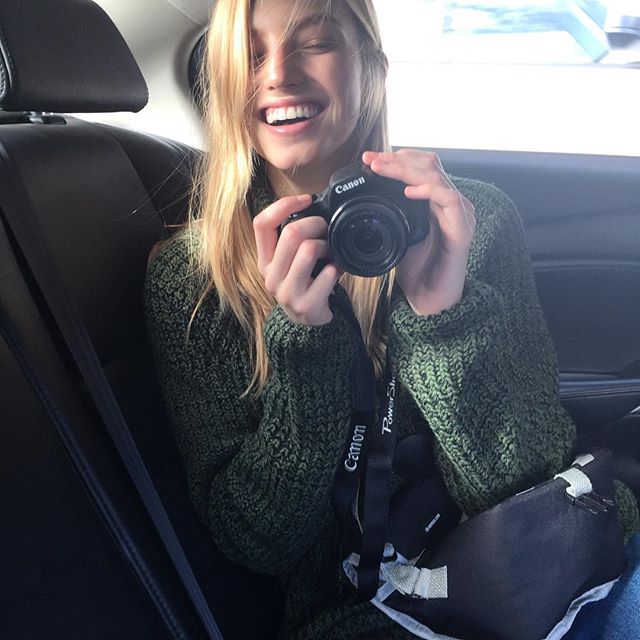
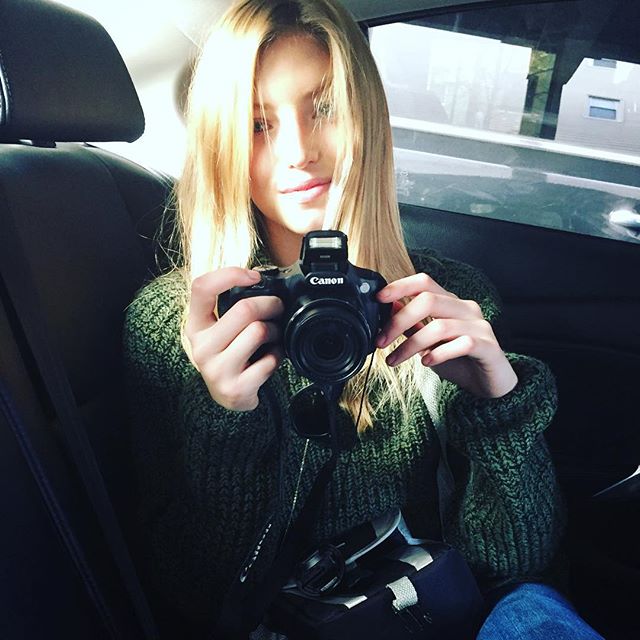
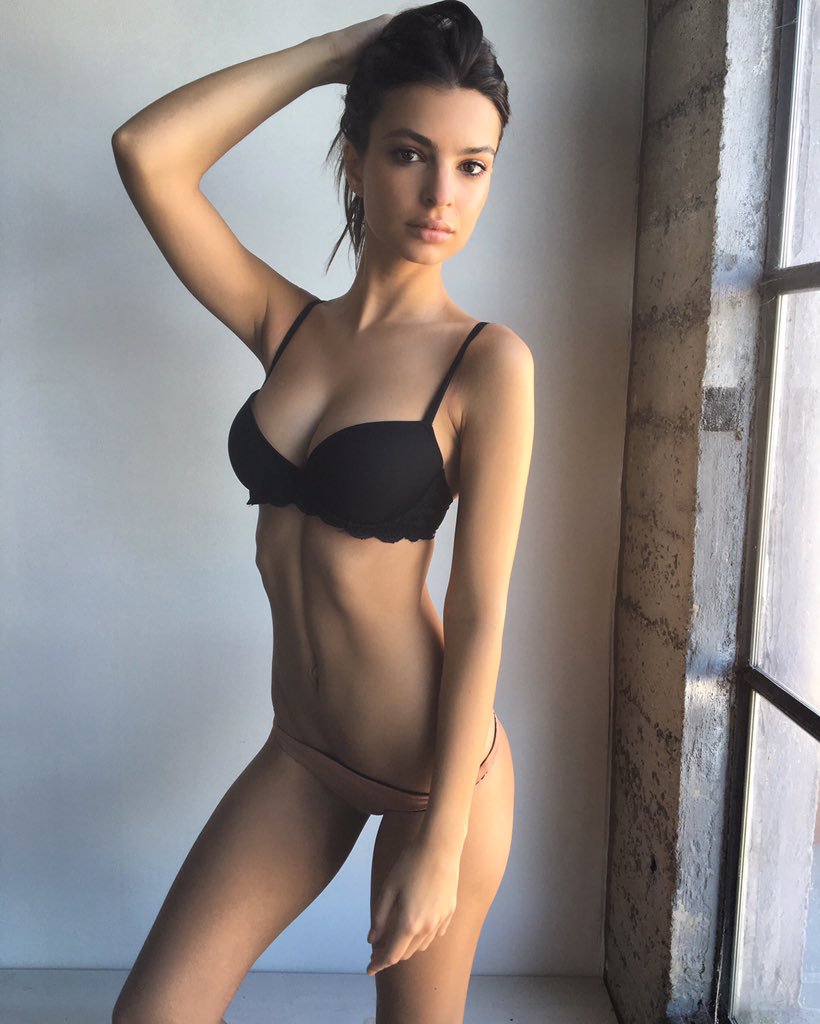
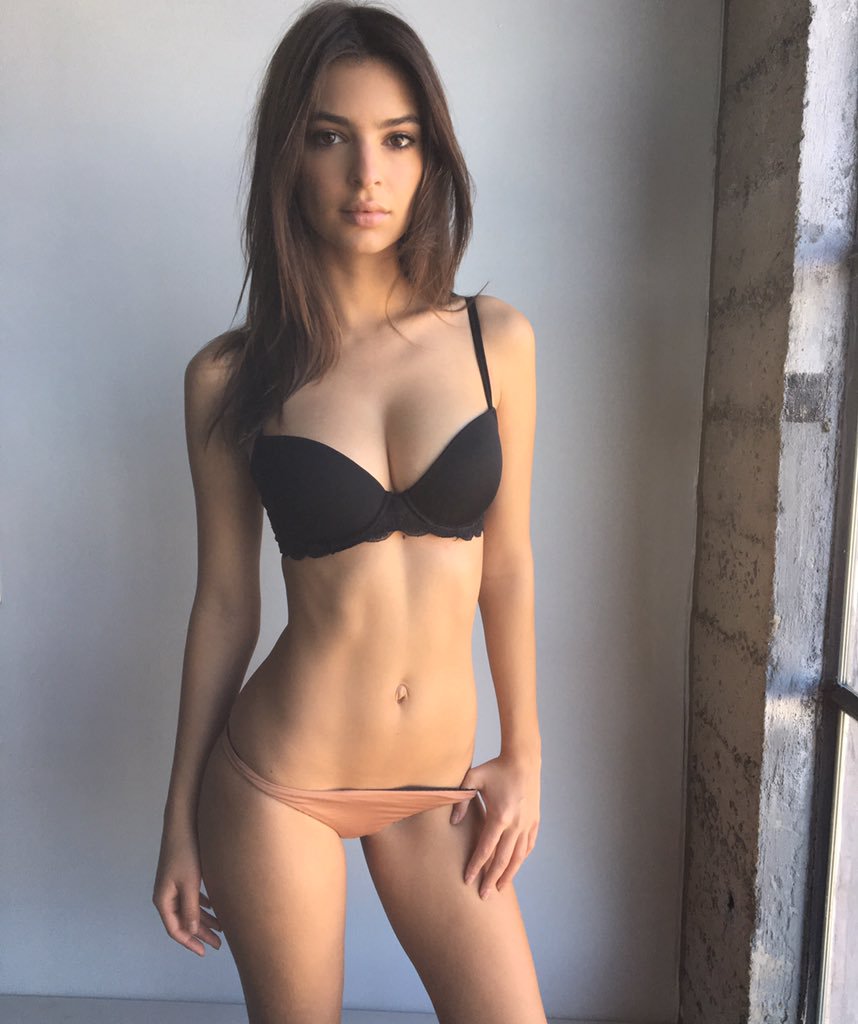
Looking absolutely GORGEOUS here her style is perfect Loving the gym pics too what an amazing beauty! Thanks all for the wonderfull updates
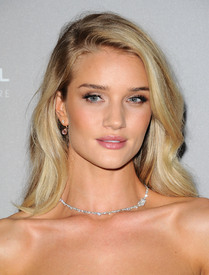

-
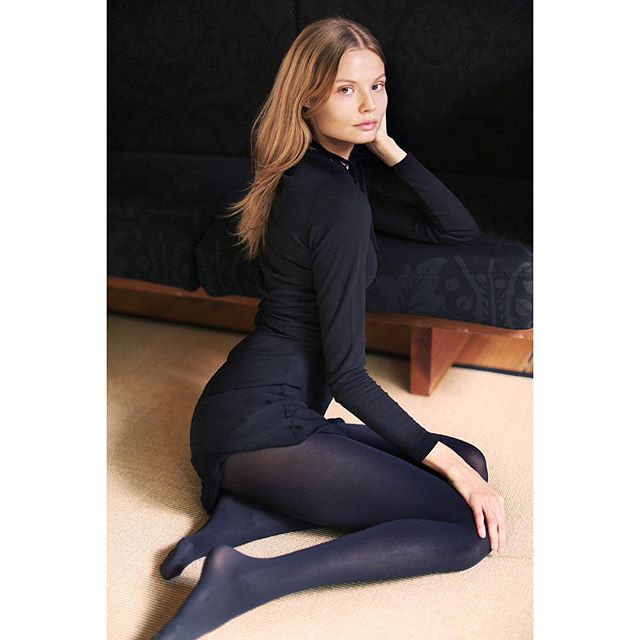
Beautiful shot Thanks for all the updates gosia
-
-
WOW! Gorgeous for Calzedonia love her for self magazine too Thanks for the updates
-
-

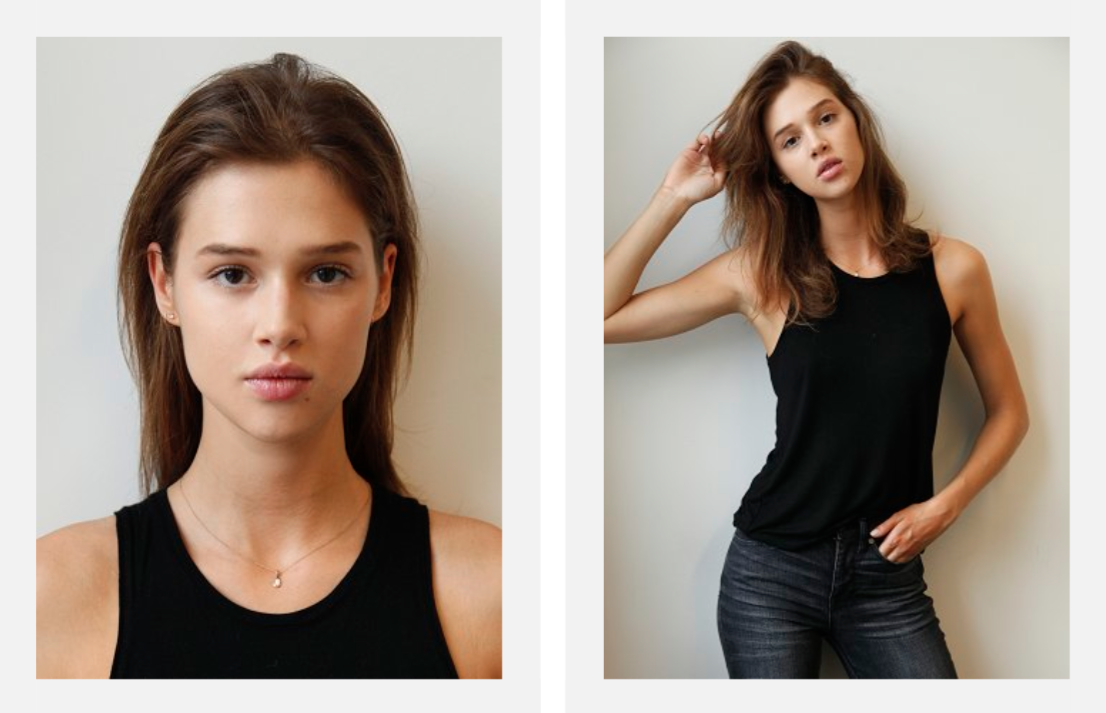
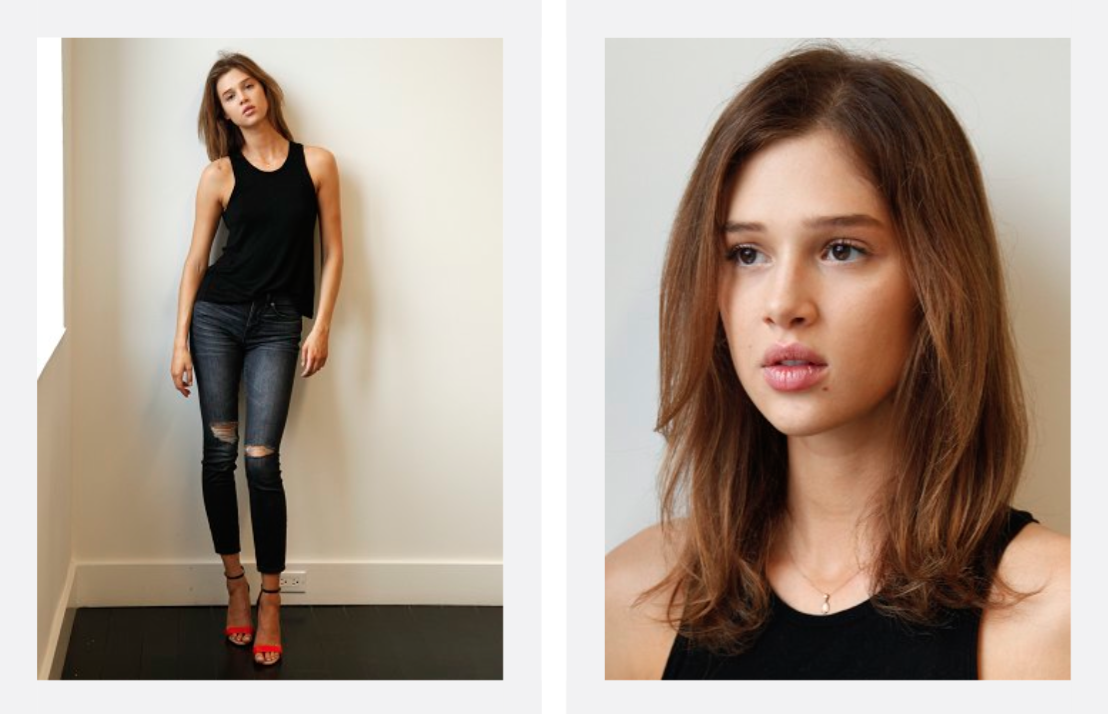
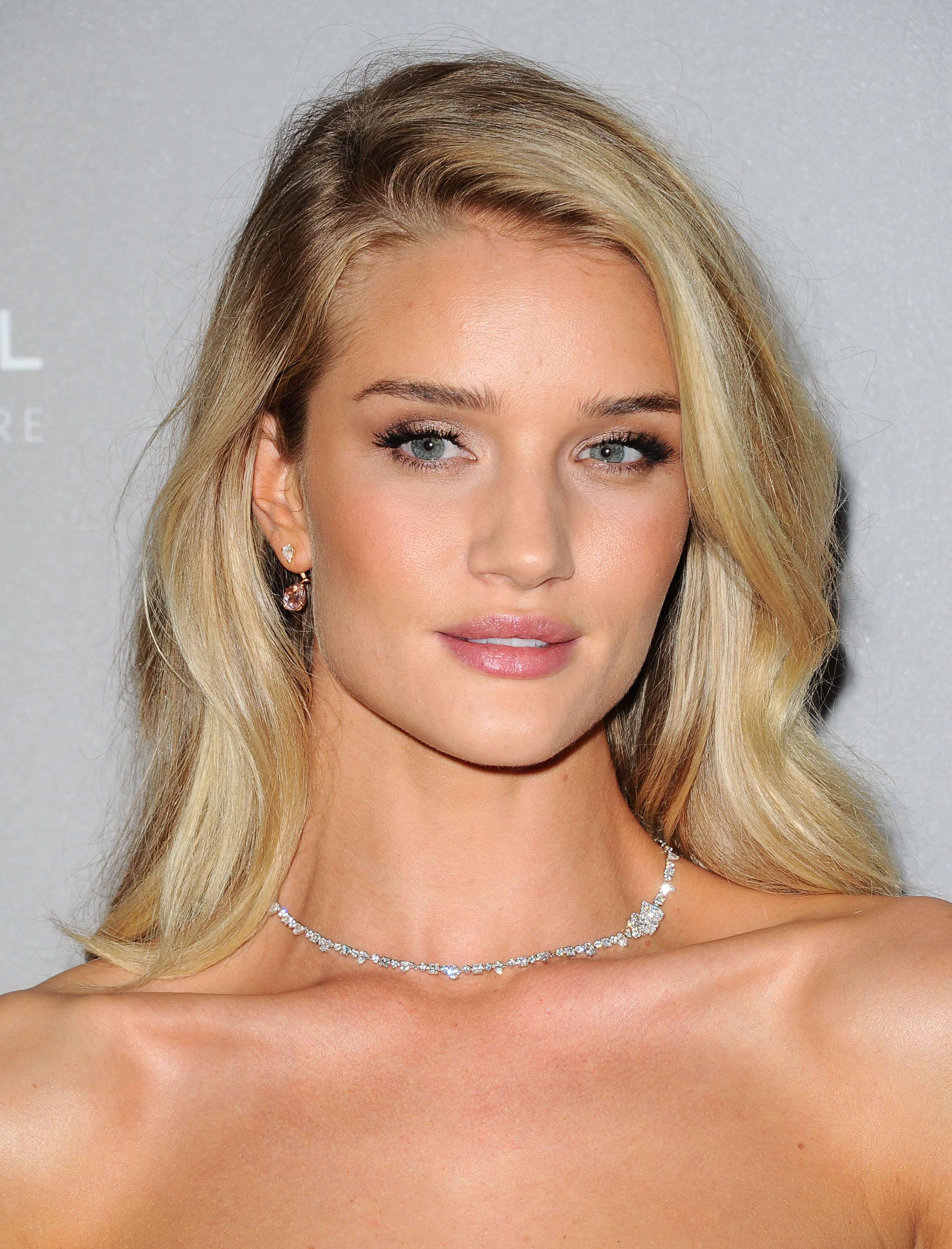

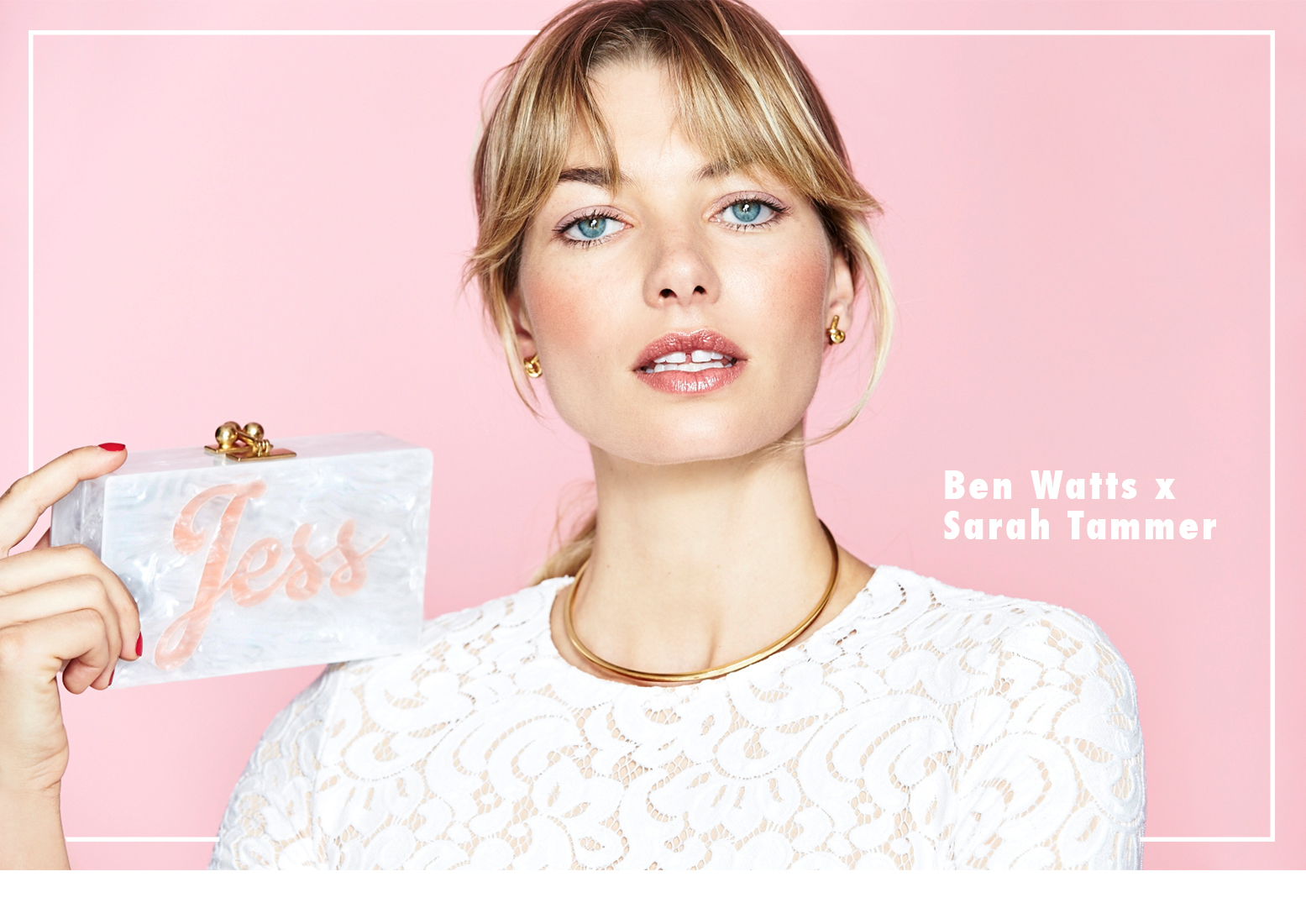











Account
Navigation
Search
Configure browser push notifications
Chrome (Android)
- Tap the lock icon next to the address bar.
- Tap Permissions → Notifications.
- Adjust your preference.
Chrome (Desktop)
- Click the padlock icon in the address bar.
- Select Site settings.
- Find Notifications and adjust your preference.
Safari (iOS 16.4+)
- Ensure the site is installed via Add to Home Screen.
- Open Settings App → Notifications.
- Find your app name and adjust your preference.
Safari (macOS)
- Go to Safari → Preferences.
- Click the Websites tab.
- Select Notifications in the sidebar.
- Find this website and adjust your preference.
Edge (Android)
- Tap the lock icon next to the address bar.
- Tap Permissions.
- Find Notifications and adjust your preference.
Edge (Desktop)
- Click the padlock icon in the address bar.
- Click Permissions for this site.
- Find Notifications and adjust your preference.
Firefox (Android)
- Go to Settings → Site permissions.
- Tap Notifications.
- Find this site in the list and adjust your preference.
Firefox (Desktop)
- Open Firefox Settings.
- Search for Notifications.
- Find this site in the list and adjust your preference.