
Candylicious.
Members
-
Joined
Everything posted by Candylicious.
-
 No Are you already looking forwad to the next weekend?
 -
Lights on Black or white?
-
Meat
-
Yes Are you tired?
-
Flip Beauty or beast?
-
Ready
-
^ Screepcaps Love the backstage shots of Behati, Lily and Candice hope there are coming some pics out of that moment !













 Not guilty Spend too much money during christmas?
No not yet Are you having a good day?
Hot chocolate
Ebony
Sparkle Star
Iphone but active then i think Apple or cherry?
Hot Christina Aguilera?
Center
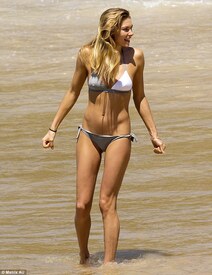
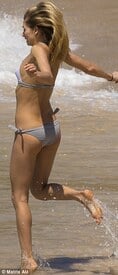
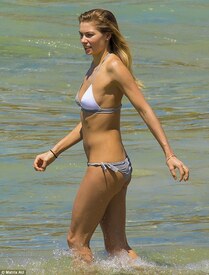
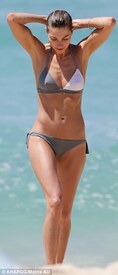
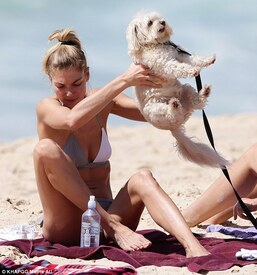
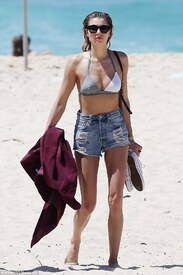
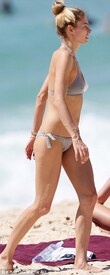
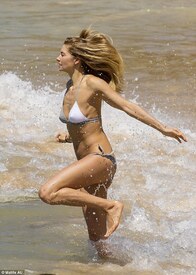
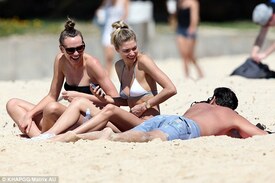
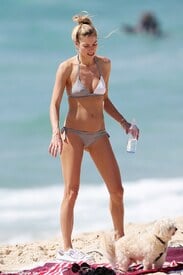
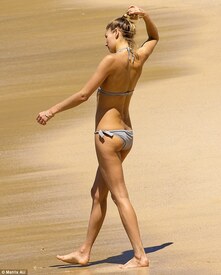
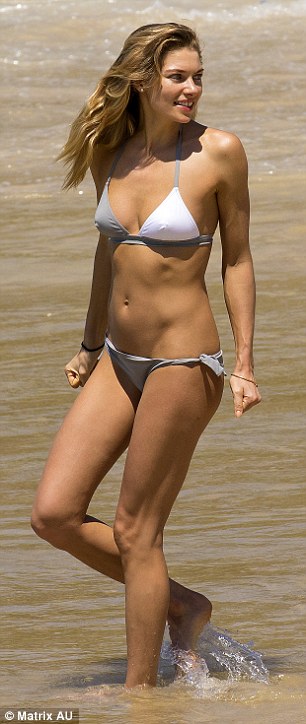
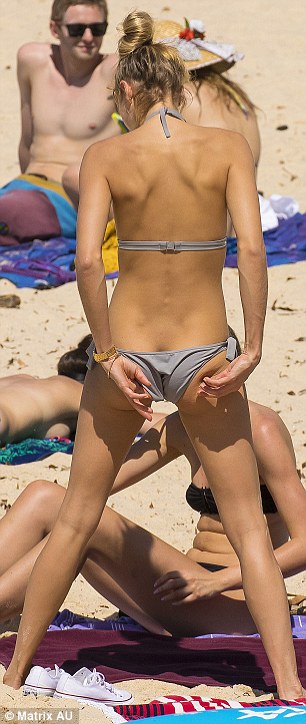
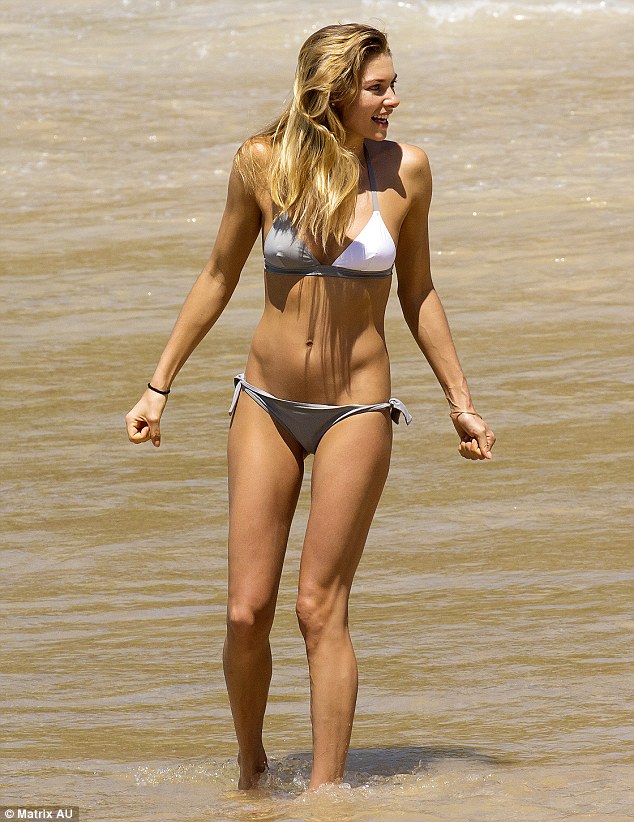
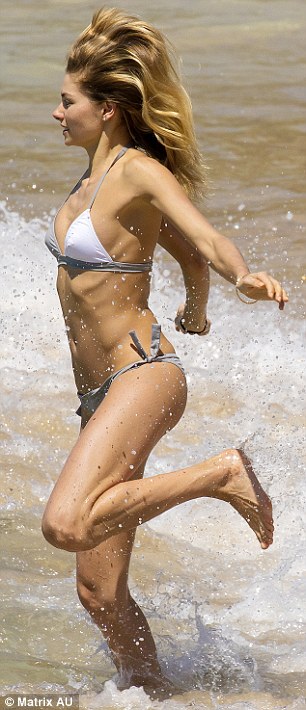
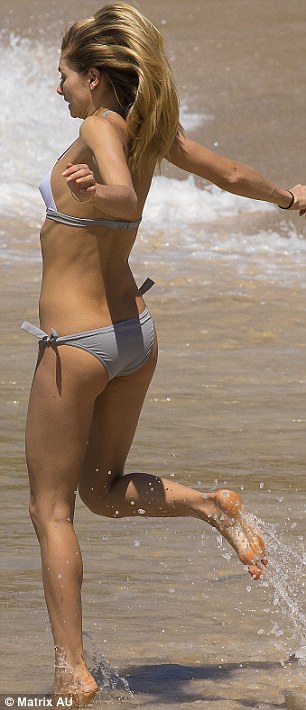
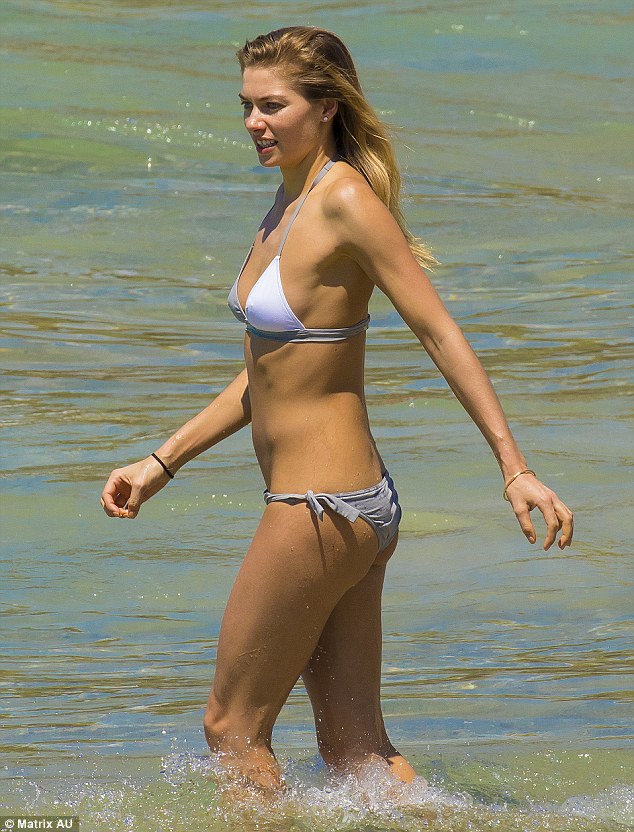
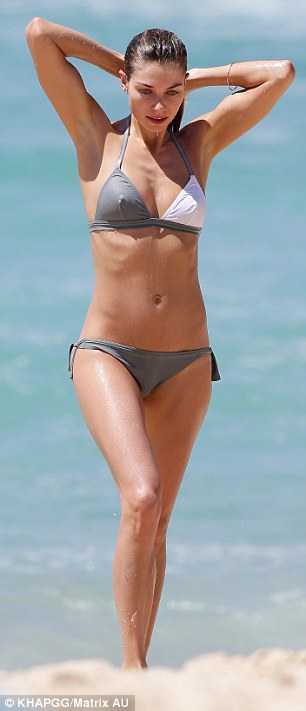
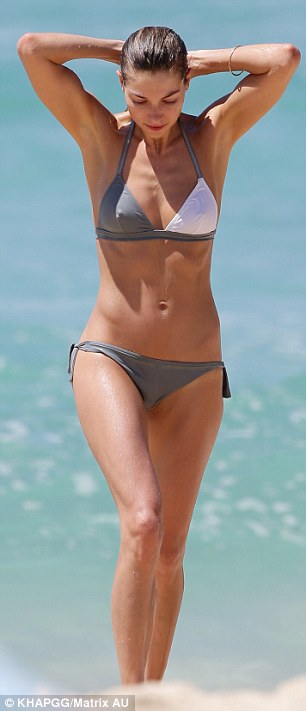
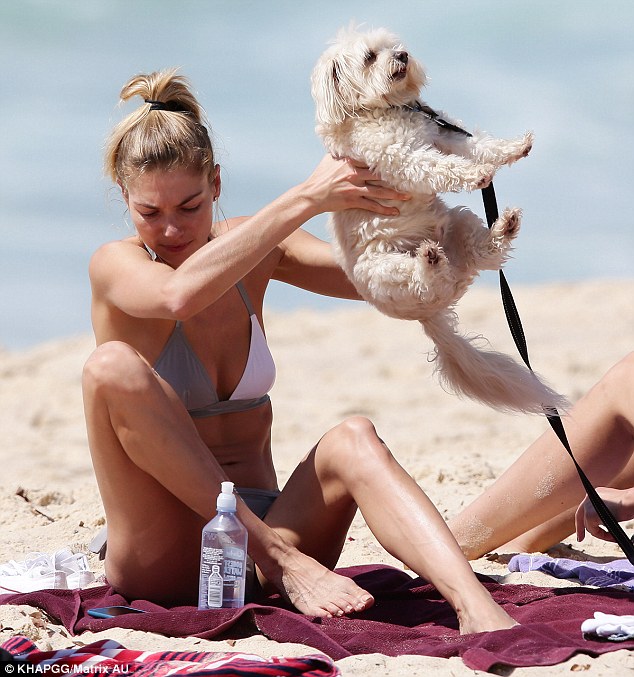
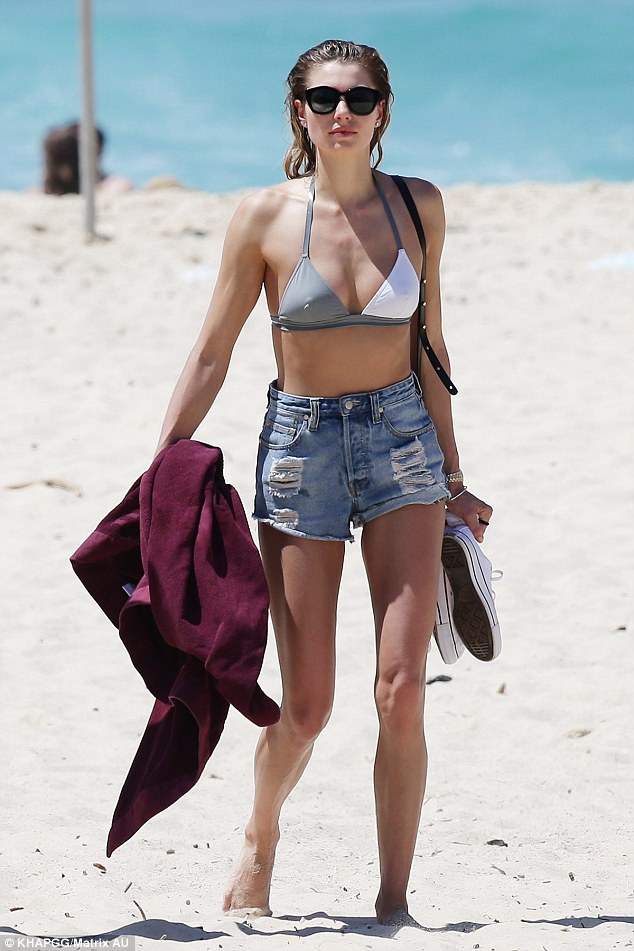
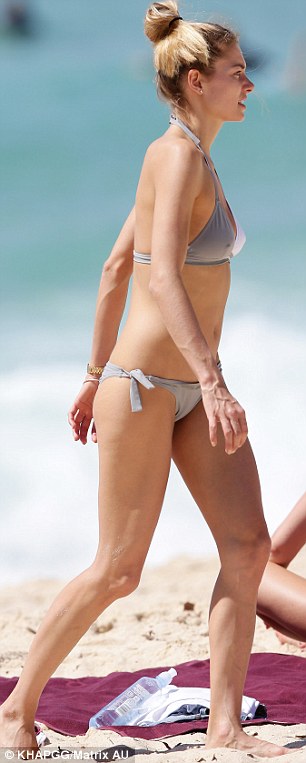
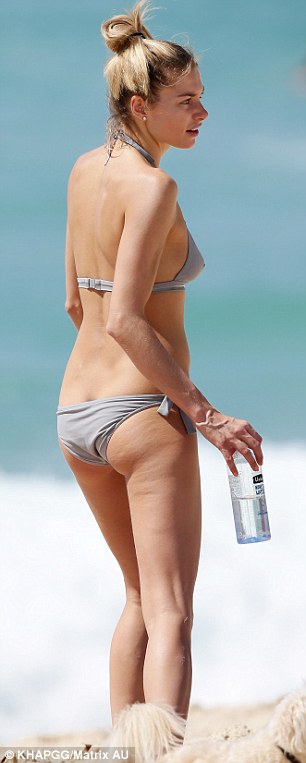
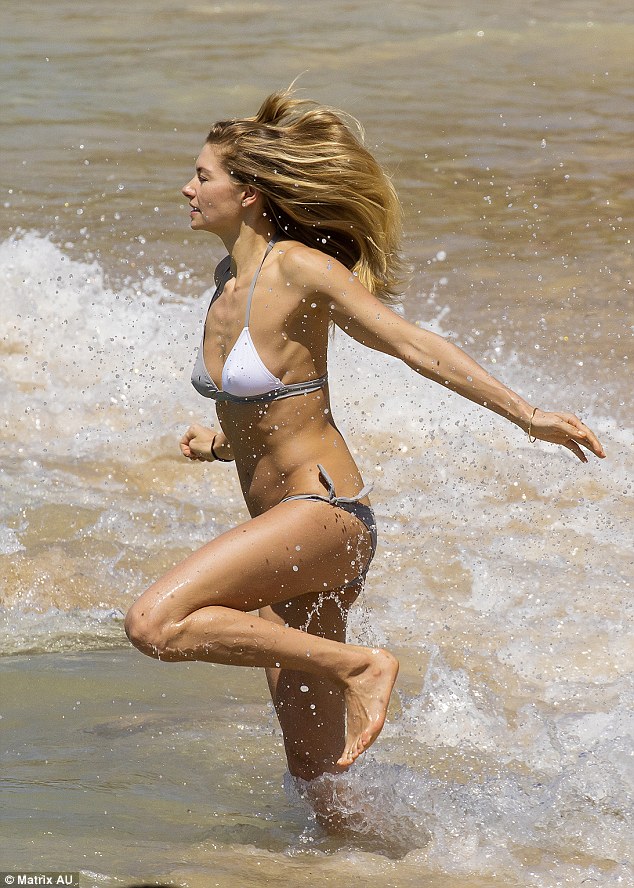
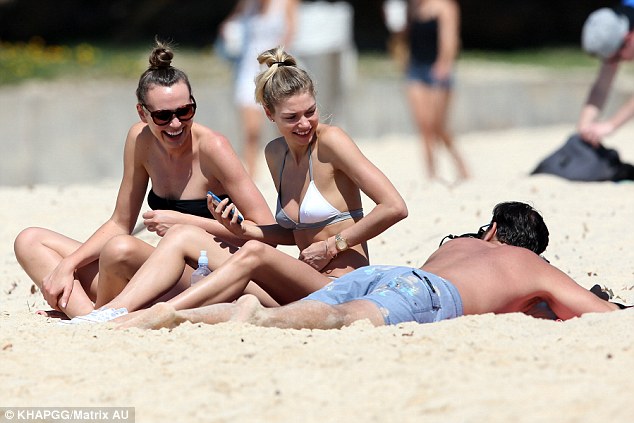
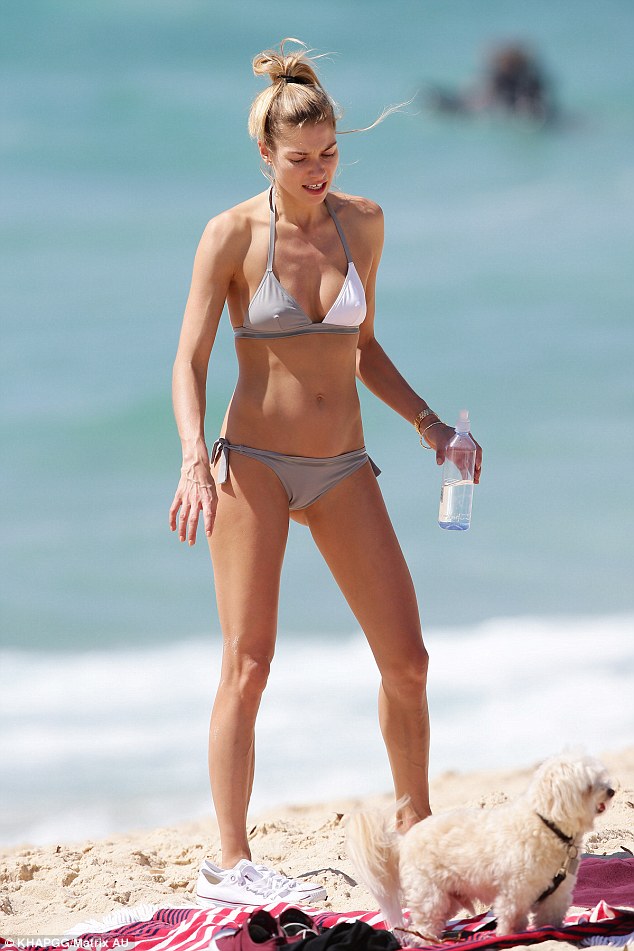
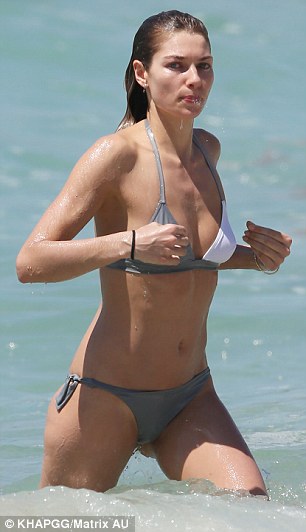
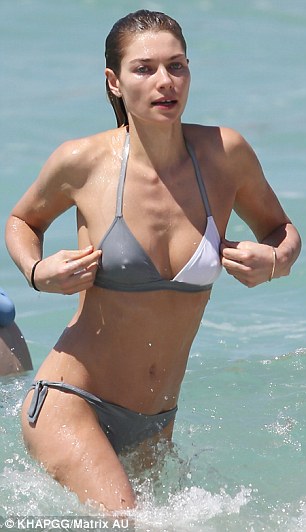
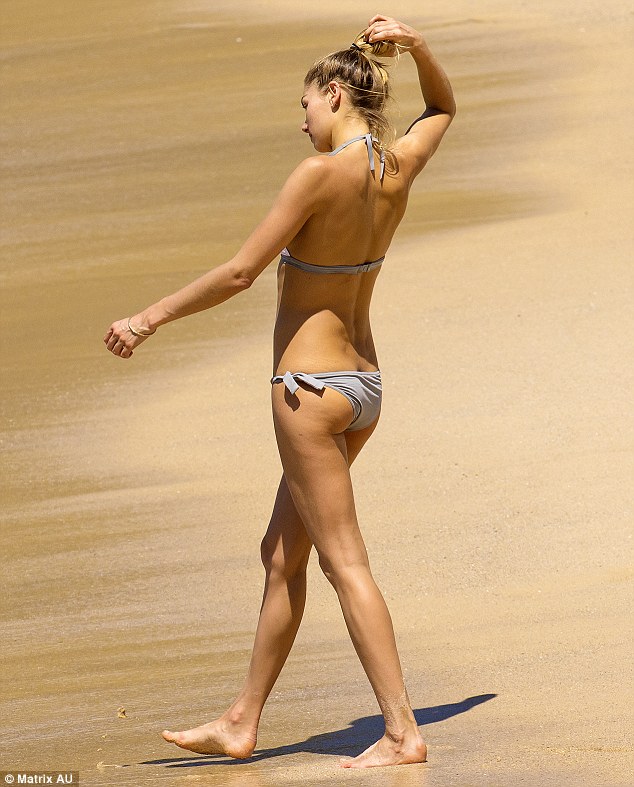
Friday 20 November, Tamarama Beach in Sydney, Australia
Not guilty Spend too much money during christmas?
No not yet Are you having a good day?
Hot chocolate
Ebony
Sparkle Star
Iphone but active then i think Apple or cherry?
Hot Christina Aguilera?
Center
Friday 20 November, Tamarama Beach in Sydney, Australia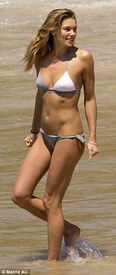


 https://youtube.com/watch?v=BimDBLoqfHc
GROUP 1: 1. Lana Zakocela 2. Britt Maren 3. Rachel Hilbert 4. Josie Maran 5. Kristina Romanova 6. Jarah Mariano 7. Alicia Ruelas 8. Kendra Spears GROUP 2: 1. Doutzen Kroes 2. Emily Didonato 3. Lara Stone 4. Sarah Stephens 5. Cindy Crawford 6. Cintia Dicker 7. Stephanie Rose Bertram 8. Liu Wen GROUP 3: 1. Lily Donaldson 2. Natasha Poly 3. Catherine McNeil 4. Danielle Knudson 5. Candice Boucher 6. Stella Maxwell 7. Natali Danish 8. Naomi Campbell Scores counted
Preview new Biotherm @hautedior
@999thousand
https://youtube.com/watch?v=BimDBLoqfHc
GROUP 1: 1. Lana Zakocela 2. Britt Maren 3. Rachel Hilbert 4. Josie Maran 5. Kristina Romanova 6. Jarah Mariano 7. Alicia Ruelas 8. Kendra Spears GROUP 2: 1. Doutzen Kroes 2. Emily Didonato 3. Lara Stone 4. Sarah Stephens 5. Cindy Crawford 6. Cintia Dicker 7. Stephanie Rose Bertram 8. Liu Wen GROUP 3: 1. Lily Donaldson 2. Natasha Poly 3. Catherine McNeil 4. Danielle Knudson 5. Candice Boucher 6. Stella Maxwell 7. Natali Danish 8. Naomi Campbell Scores counted
Preview new Biotherm @hautedior
@999thousand



















Account
Navigation
Search
Configure browser push notifications
Chrome (Android)
- Tap the lock icon next to the address bar.
- Tap Permissions → Notifications.
- Adjust your preference.
Chrome (Desktop)
- Click the padlock icon in the address bar.
- Select Site settings.
- Find Notifications and adjust your preference.
Safari (iOS 16.4+)
- Ensure the site is installed via Add to Home Screen.
- Open Settings App → Notifications.
- Find your app name and adjust your preference.
Safari (macOS)
- Go to Safari → Preferences.
- Click the Websites tab.
- Select Notifications in the sidebar.
- Find this website and adjust your preference.
Edge (Android)
- Tap the lock icon next to the address bar.
- Tap Permissions.
- Find Notifications and adjust your preference.
Edge (Desktop)
- Click the padlock icon in the address bar.
- Click Permissions for this site.
- Find Notifications and adjust your preference.
Firefox (Android)
- Go to Settings → Site permissions.
- Tap Notifications.
- Find this site in the list and adjust your preference.
Firefox (Desktop)
- Open Firefox Settings.
- Search for Notifications.
- Find this site in the list and adjust your preference.