
Everything posted by FRED 1401
-
Dua Lipa lors de l’événement Bvlgari Eclettica High Jewelry and High-Watches à Bollate, Italie, 23/03/2026























-
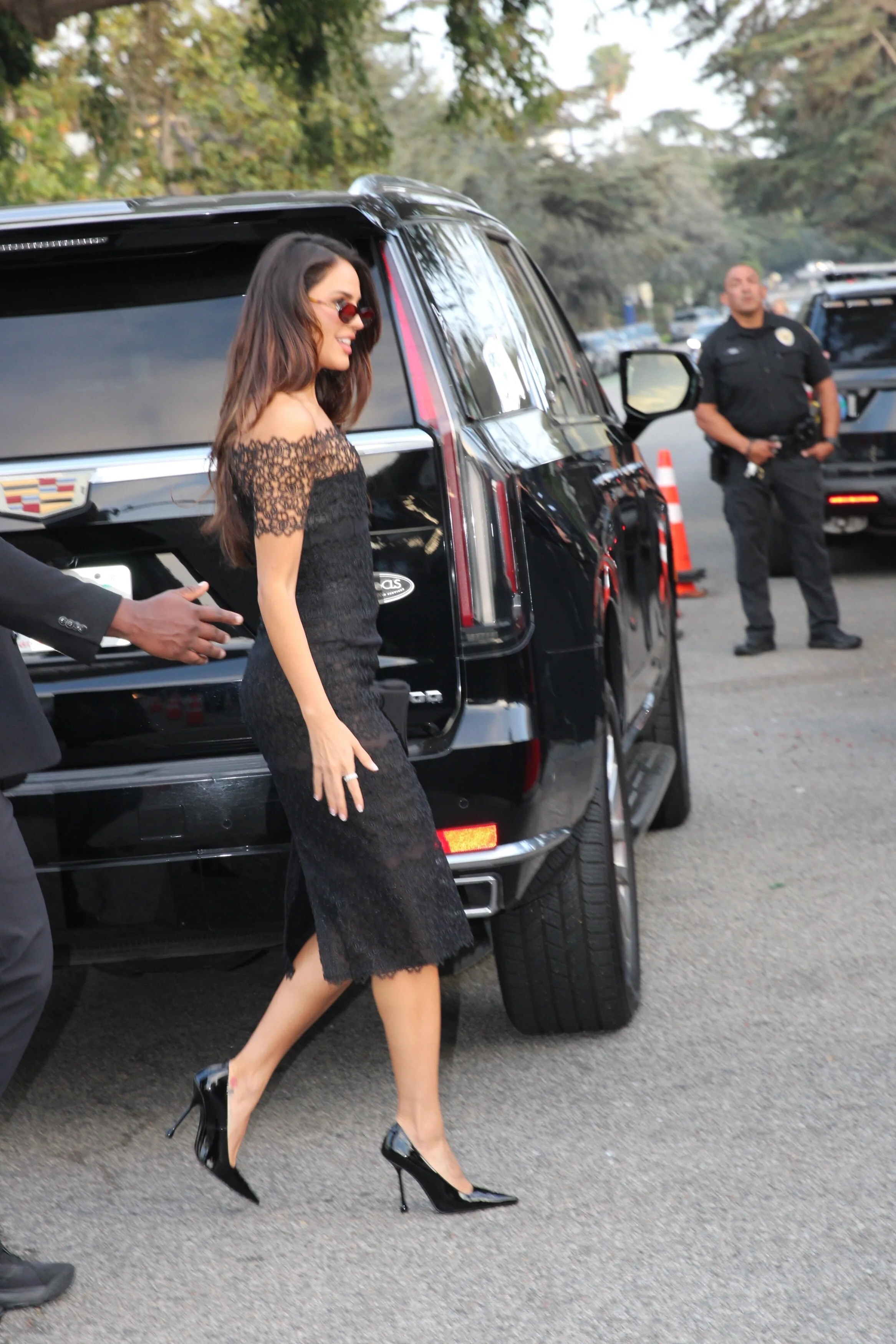
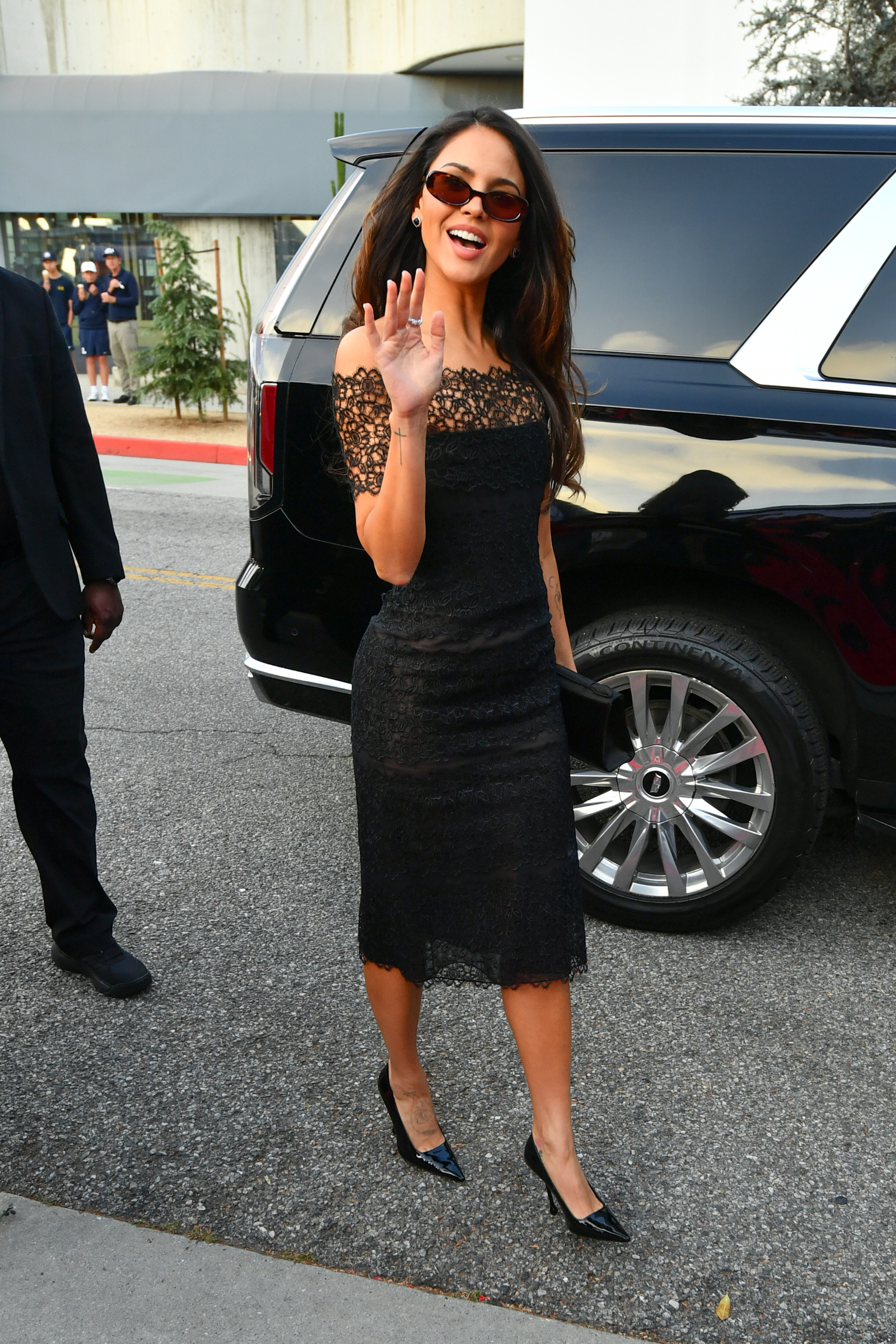
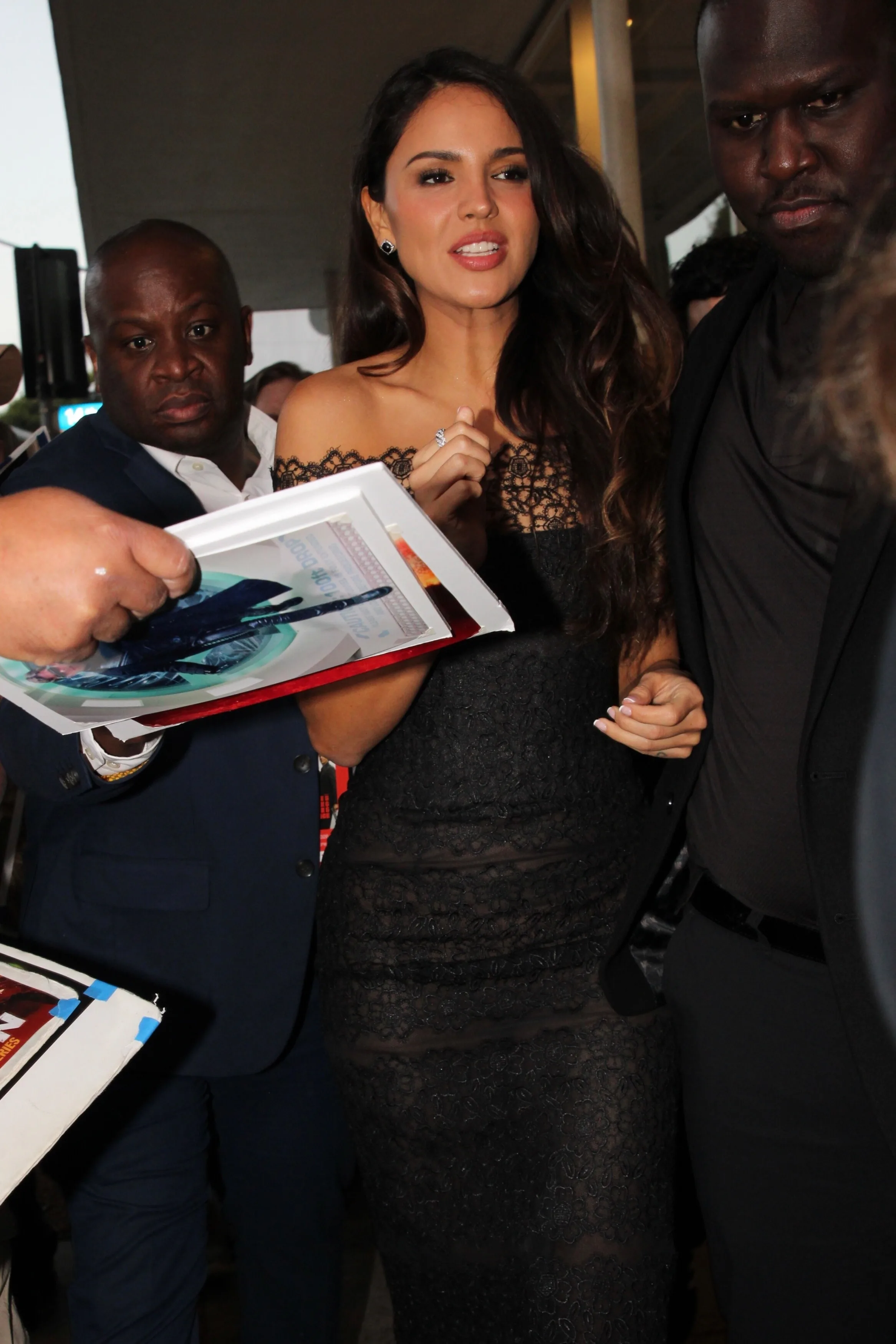
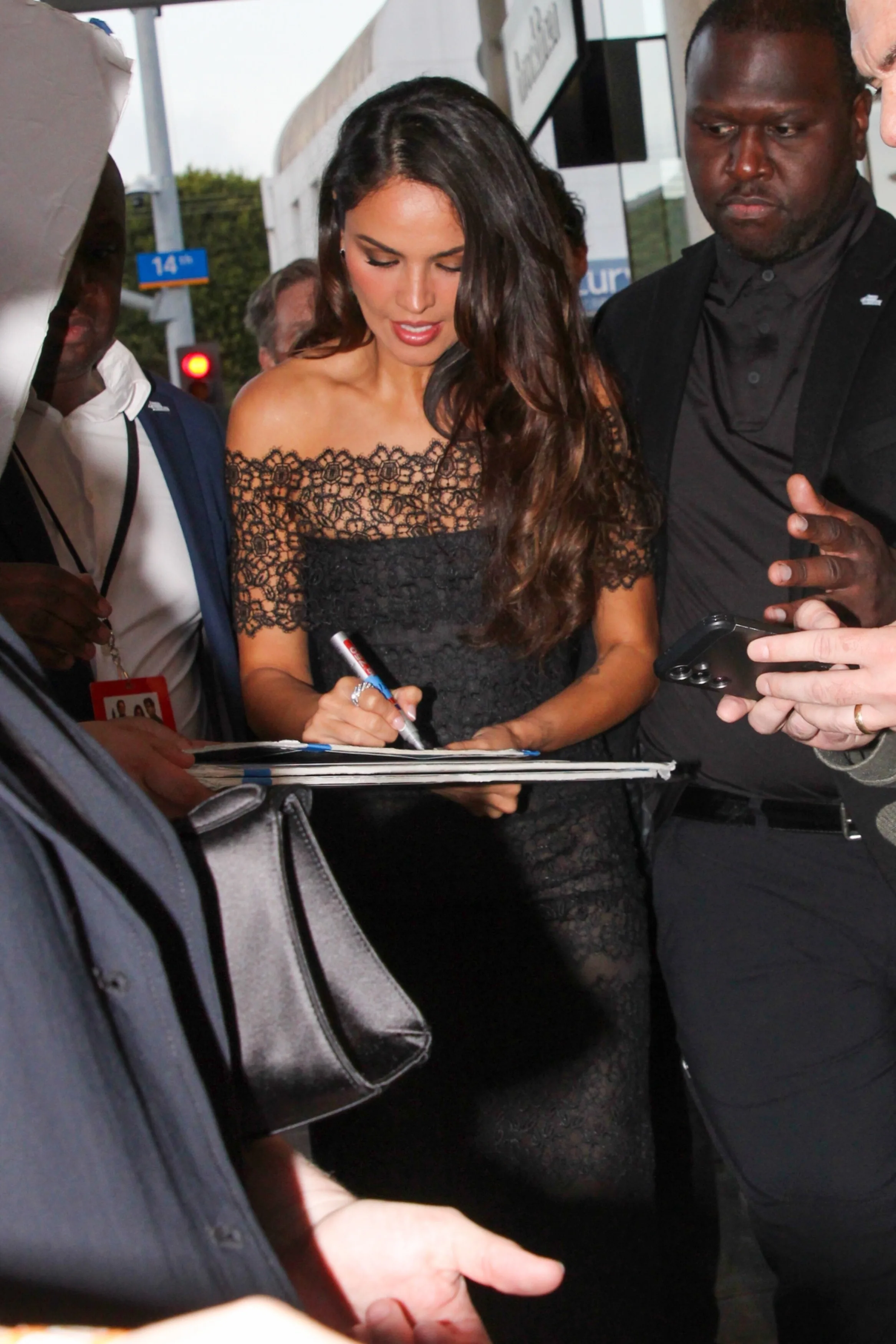
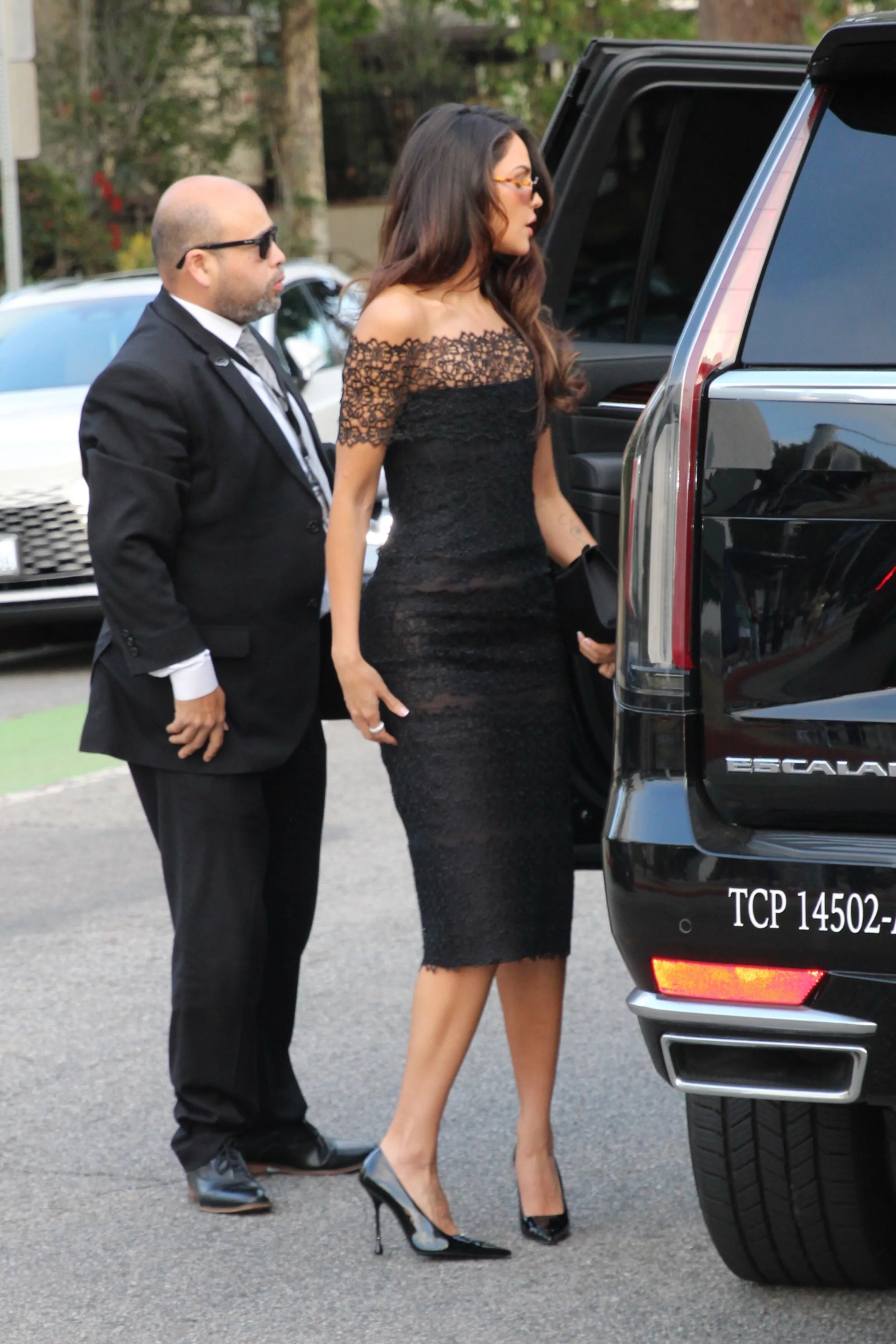
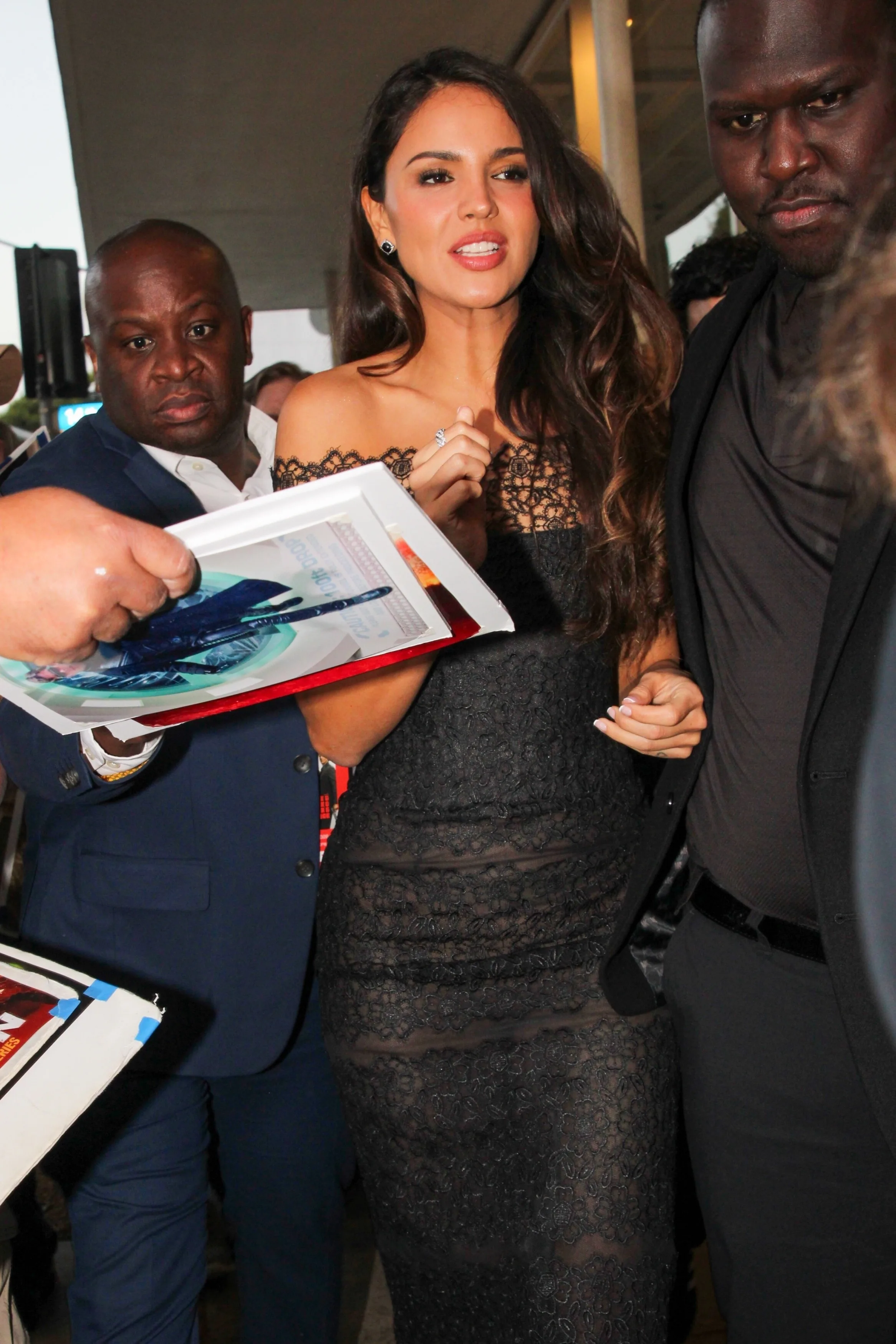
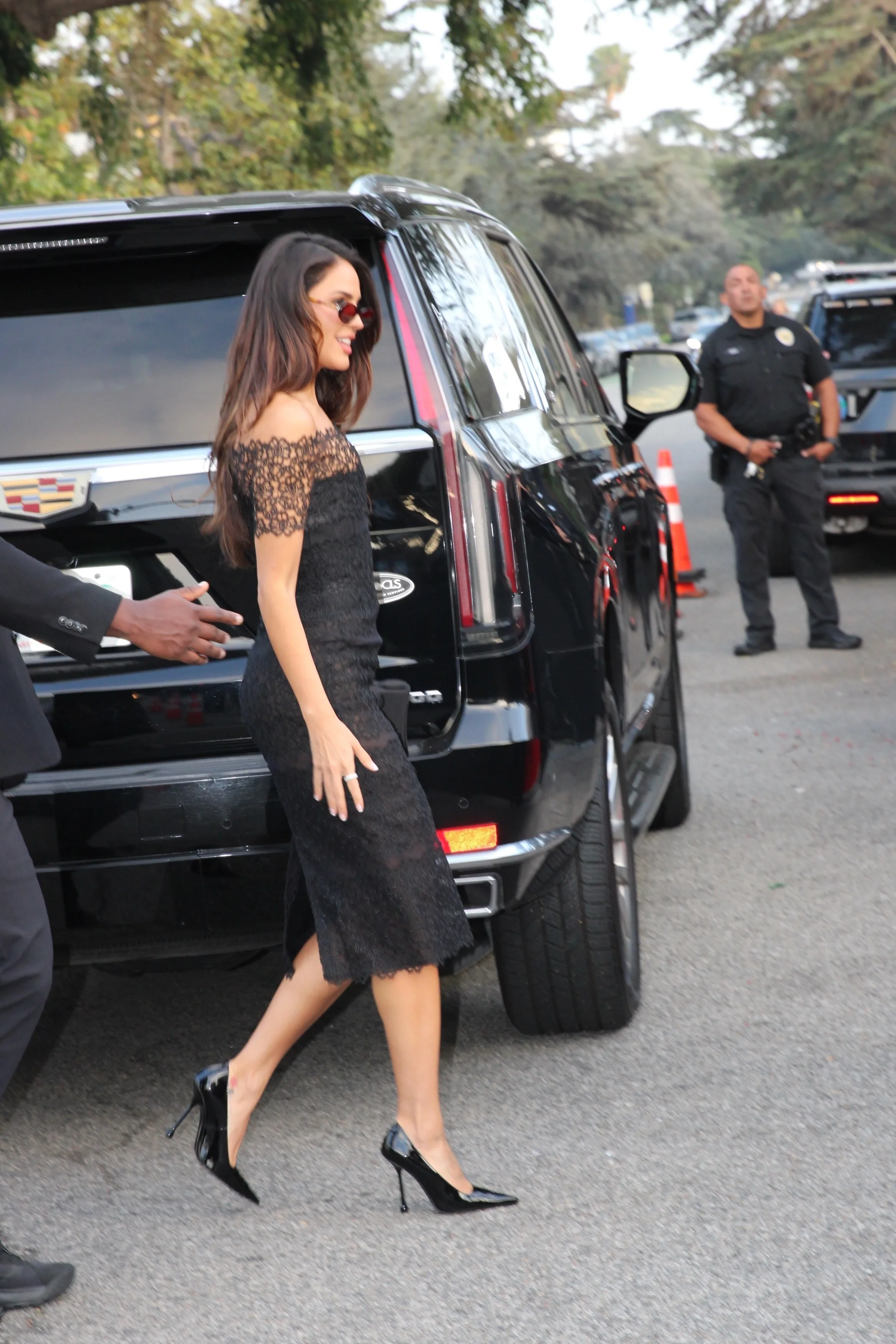
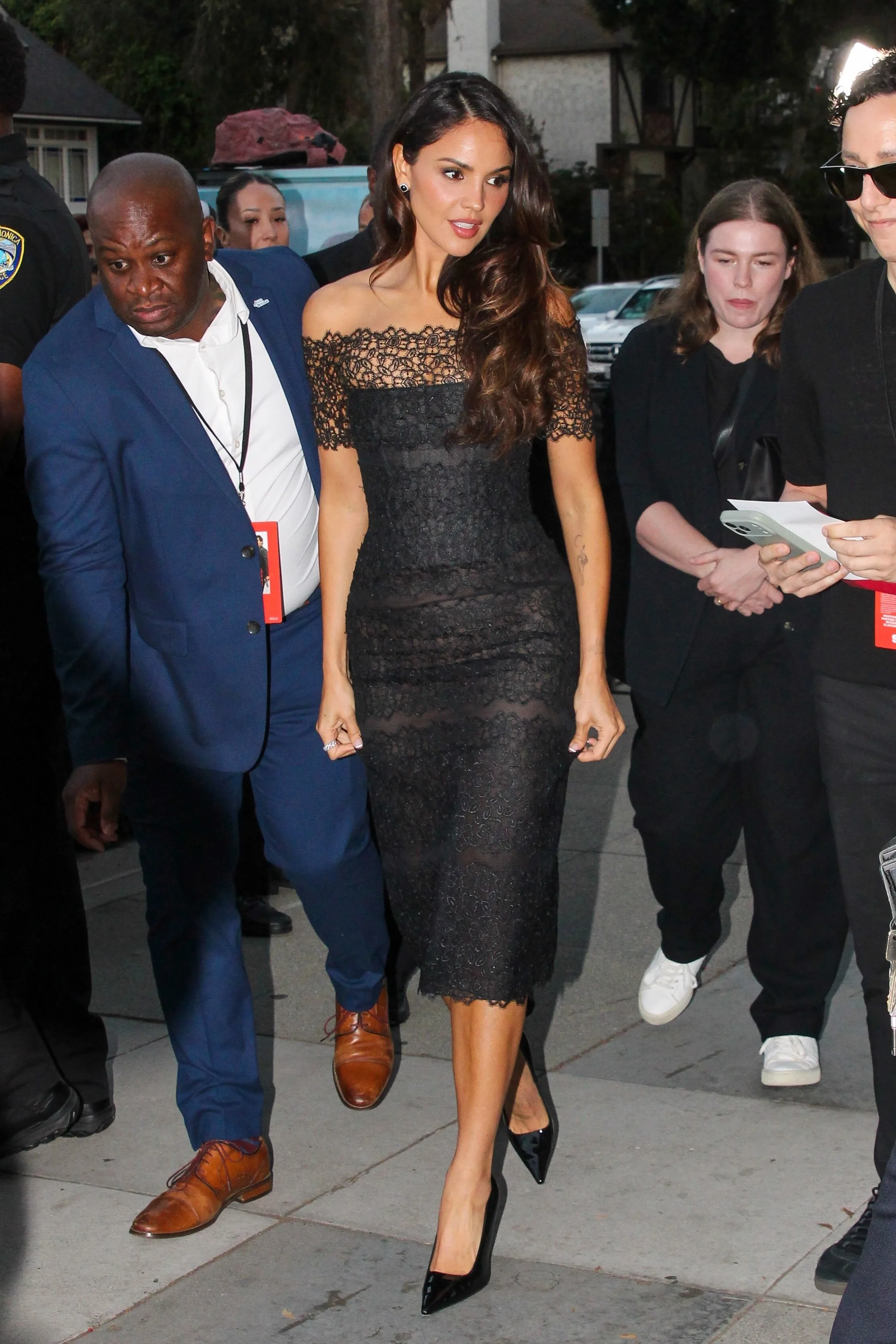
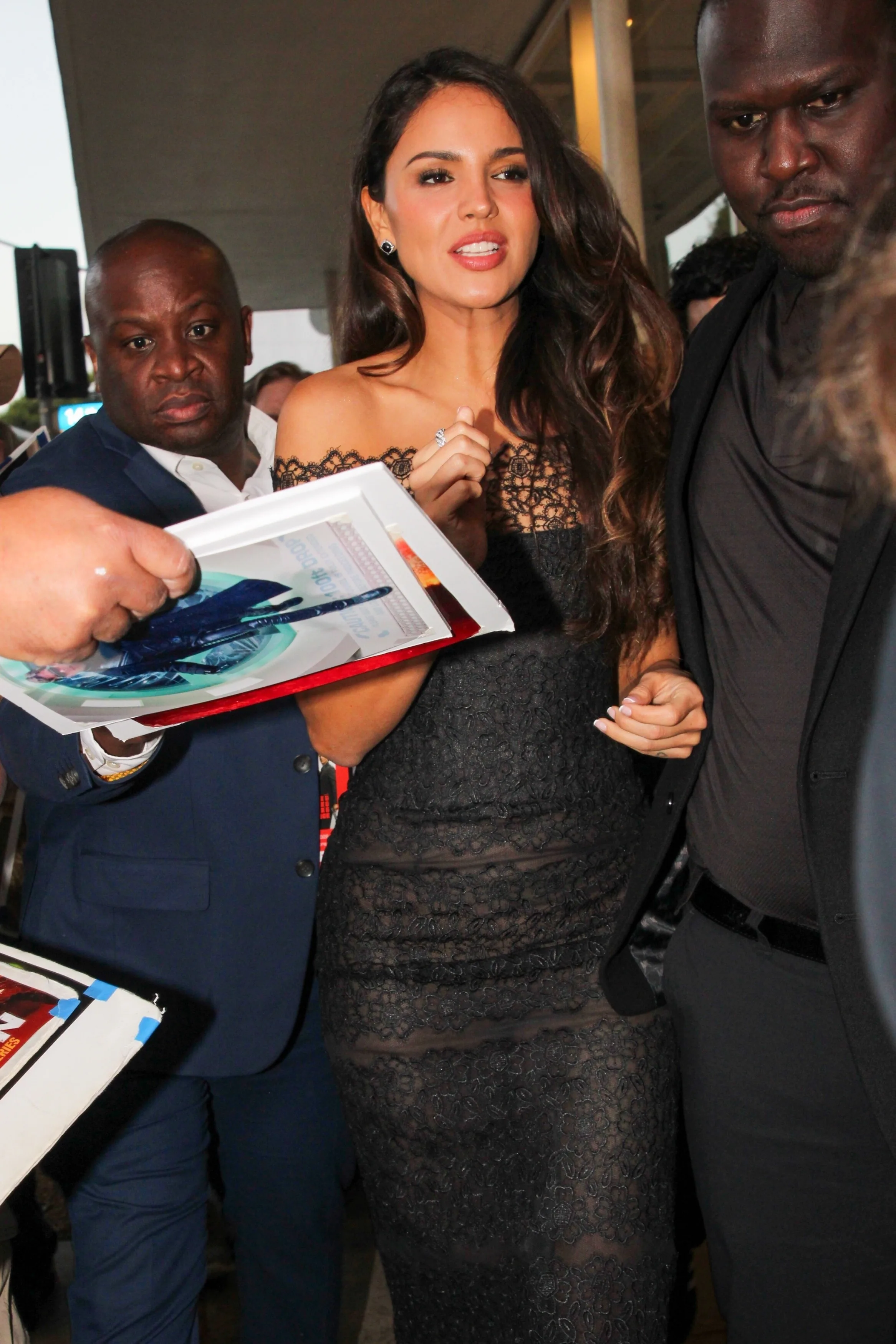
Première de « Mike & Nick & Nick & Alice » à Los Angeles, le 24/03/2026

































-
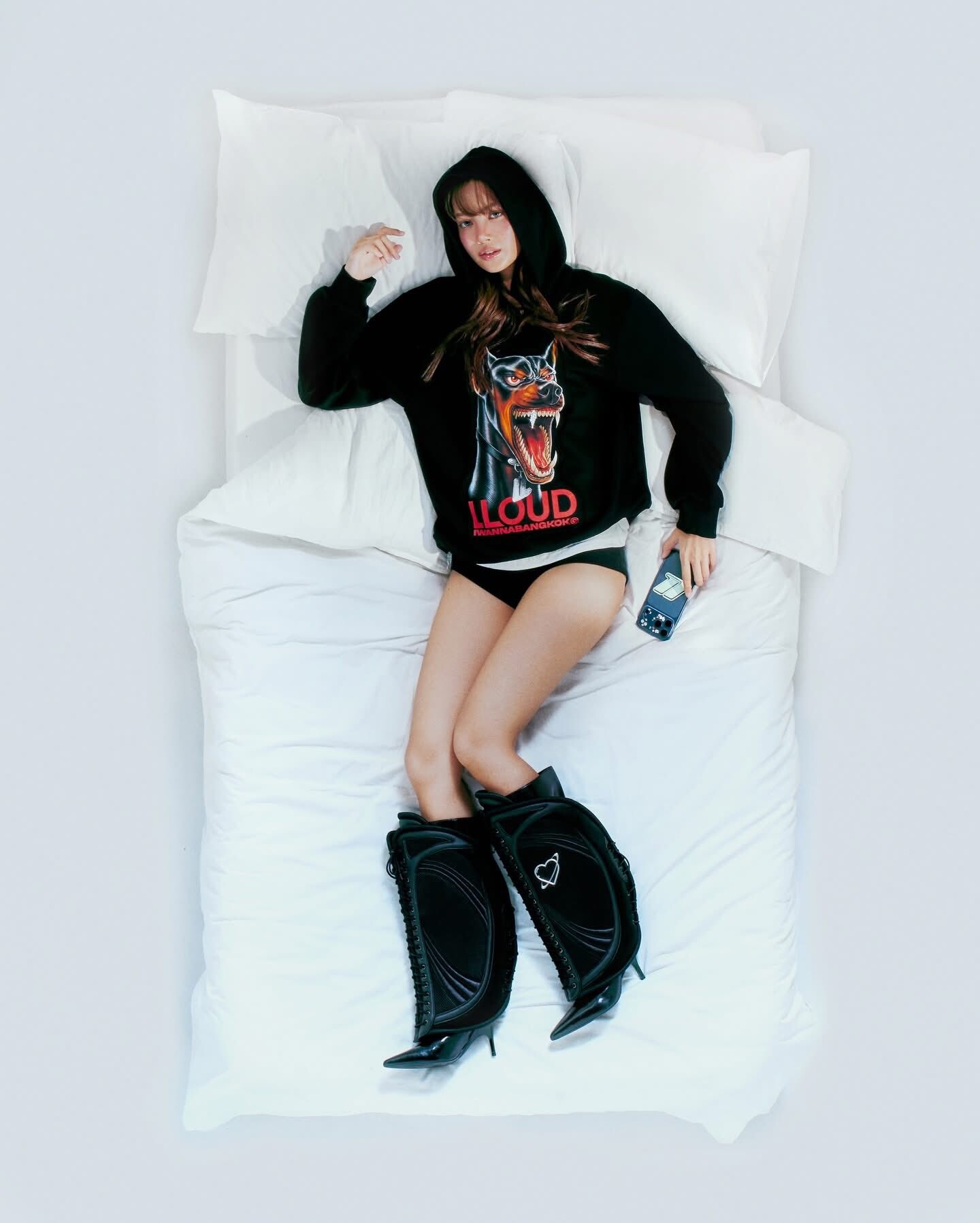
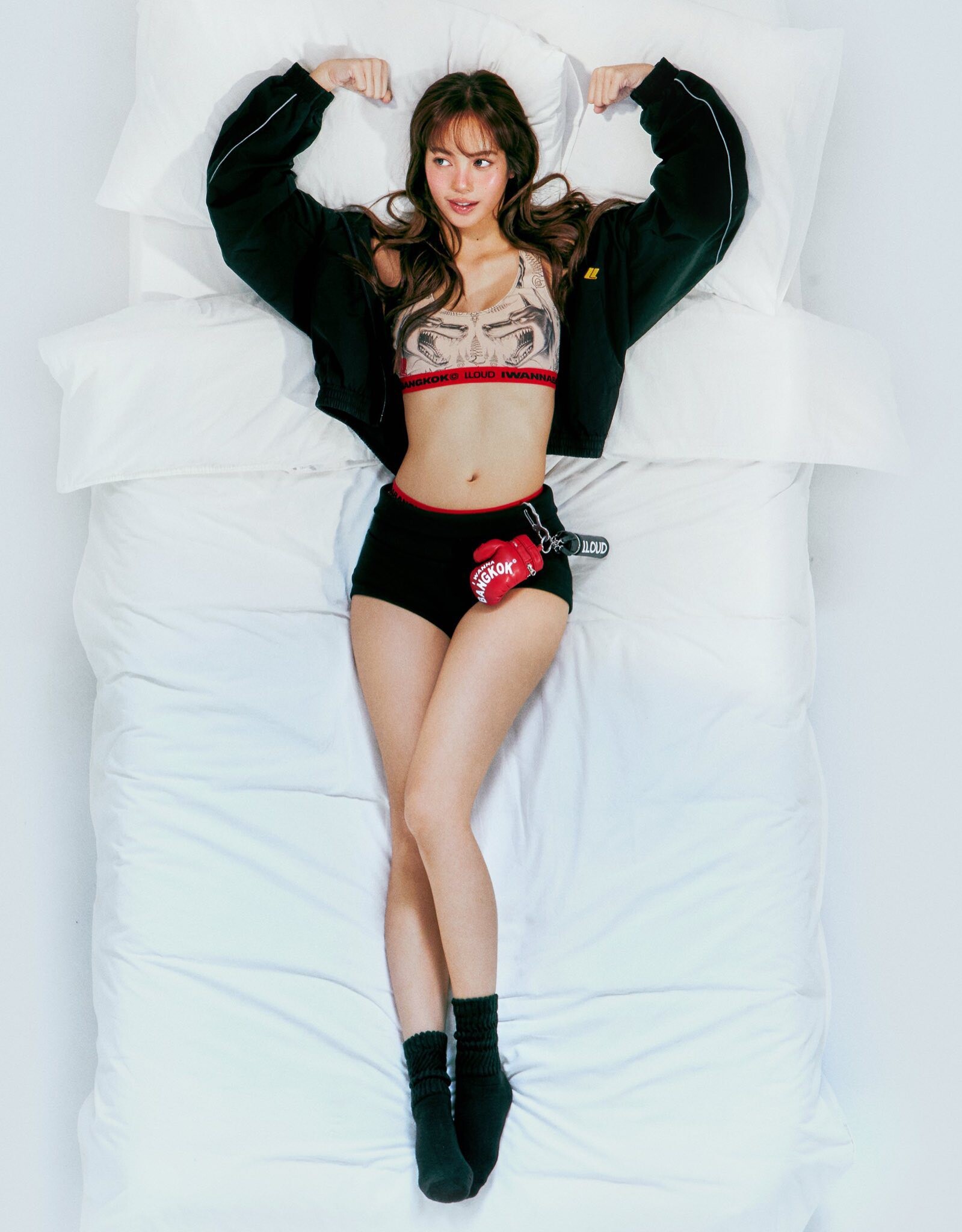
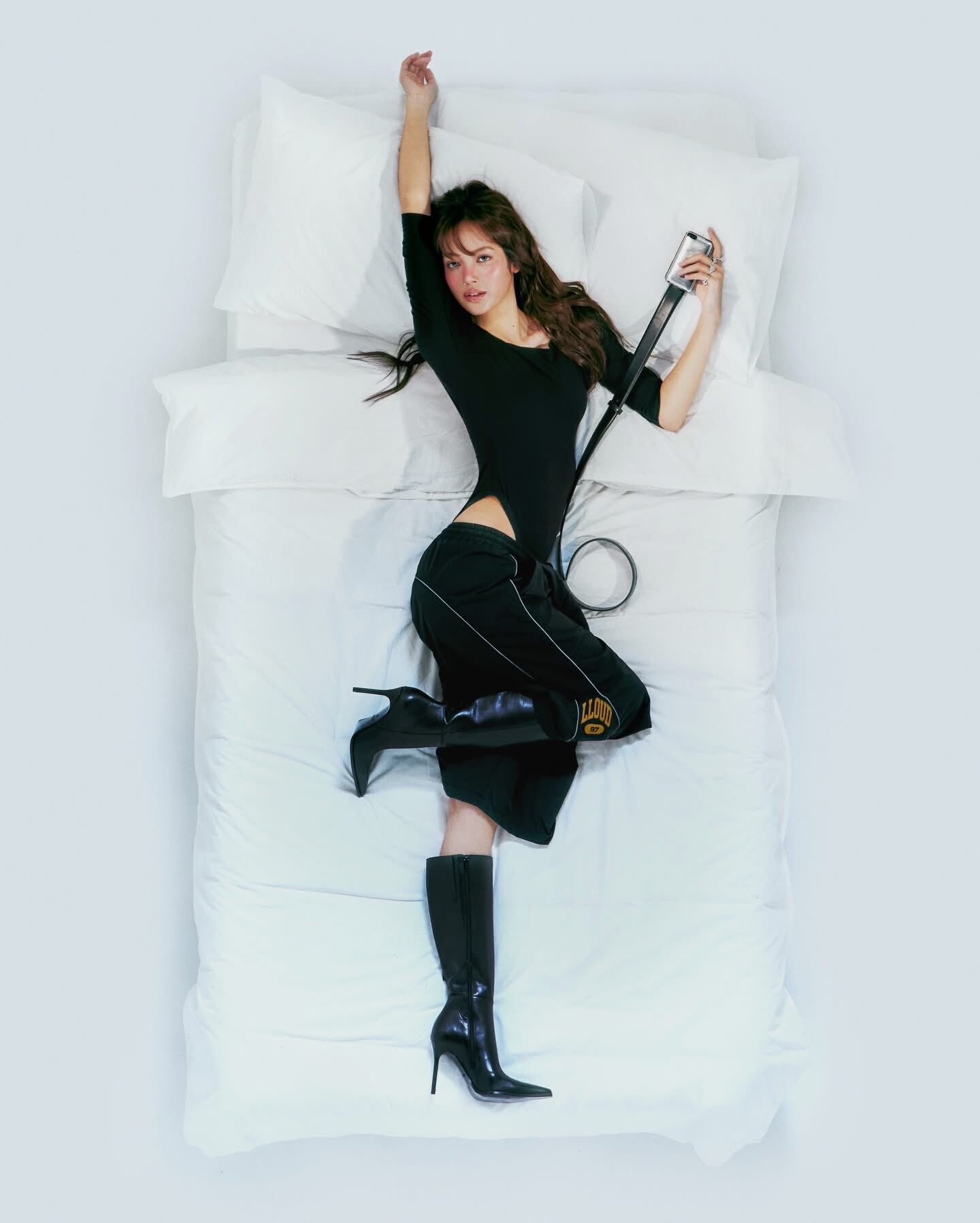
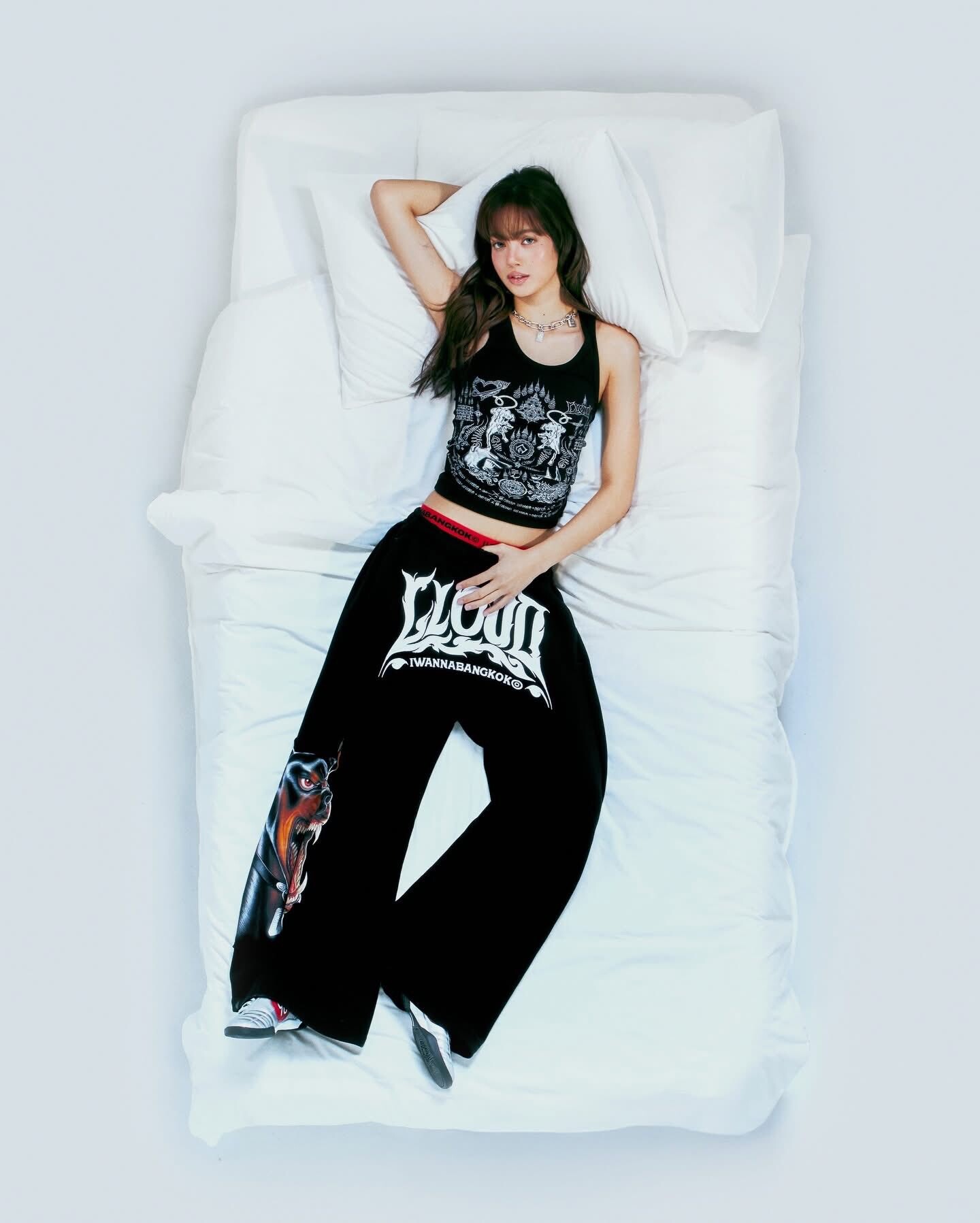
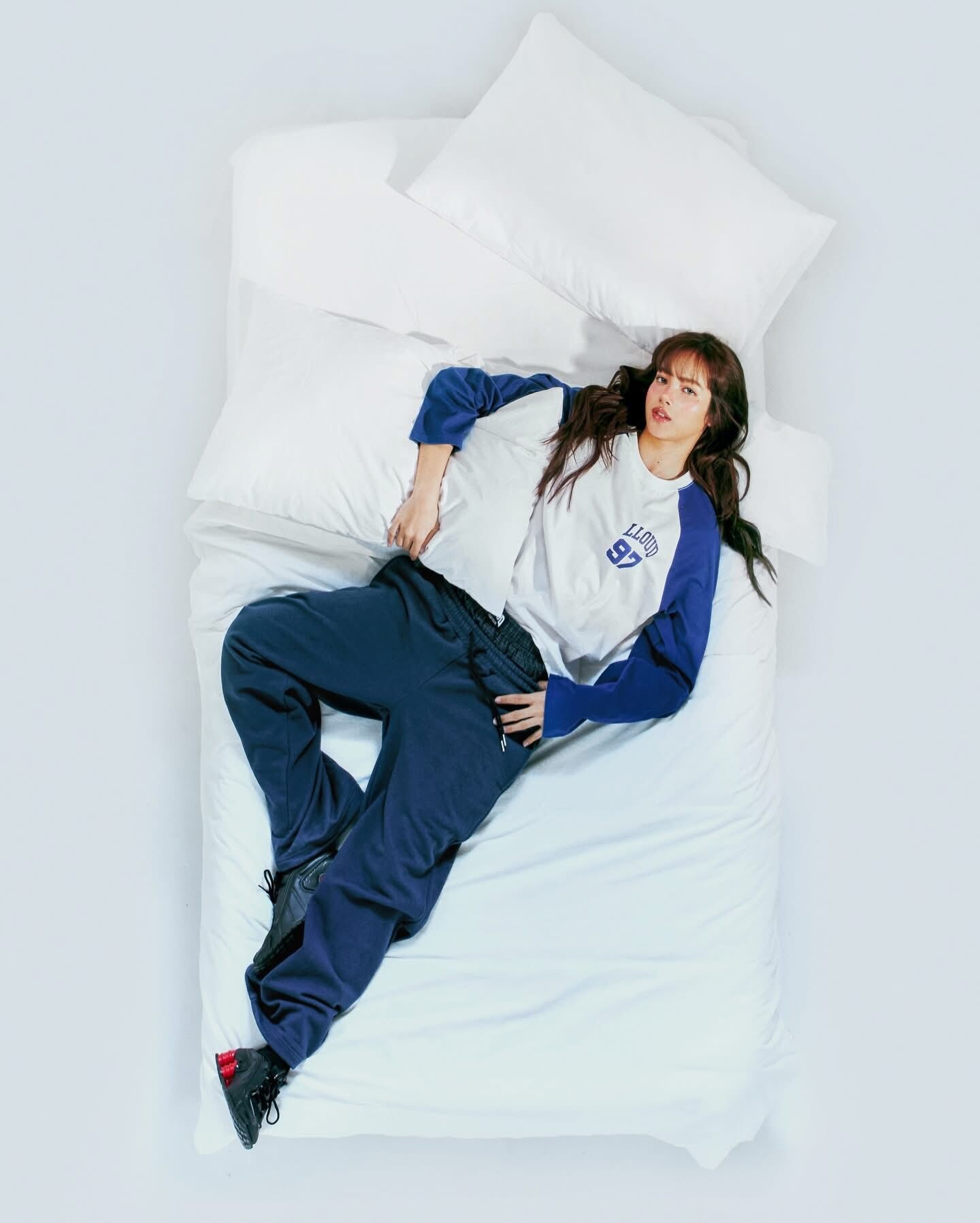
LLOUD GYM COLLECTION x IWANNABANGKOK© officially drops at ComplexCon Hon Kong












-
-
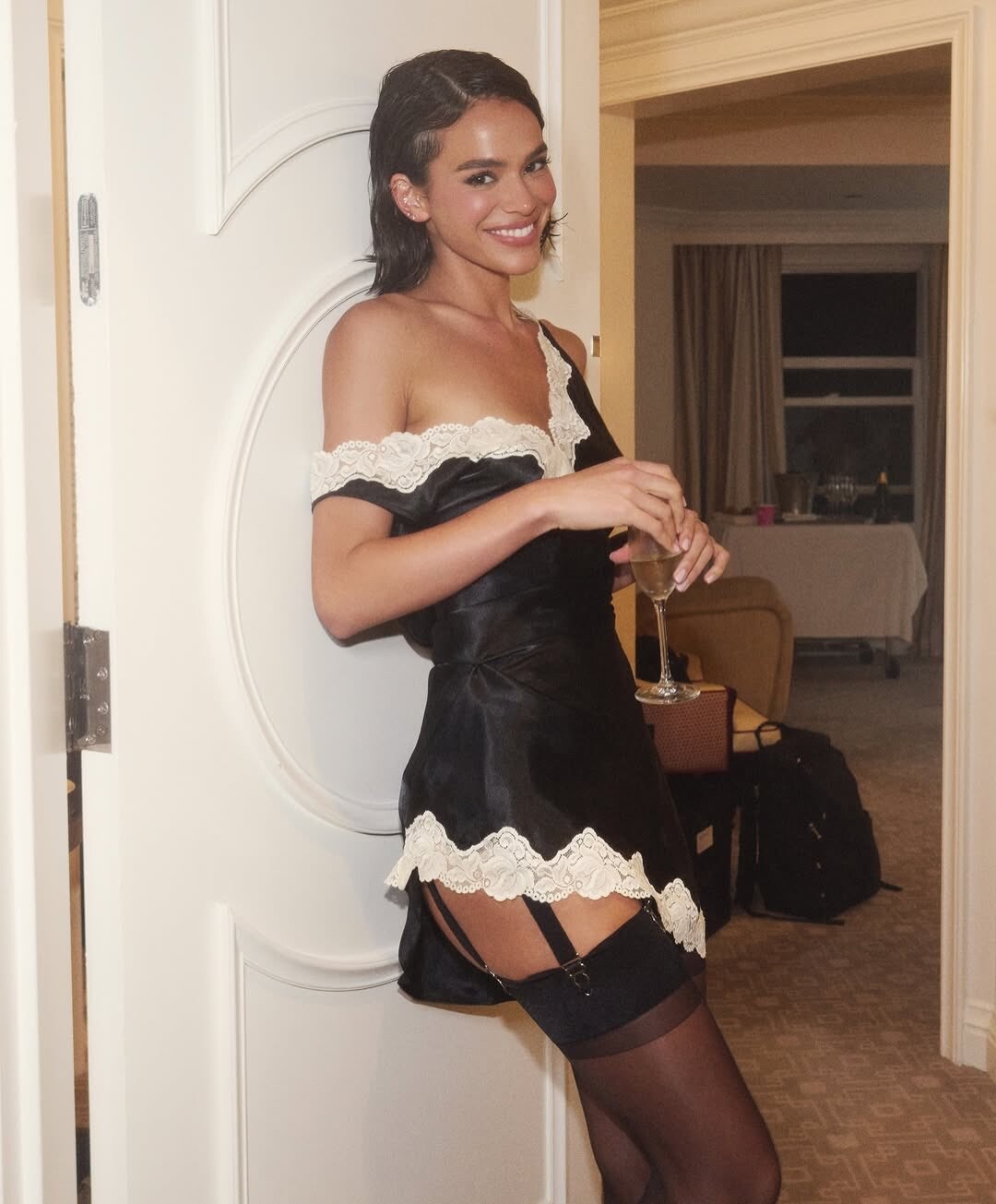
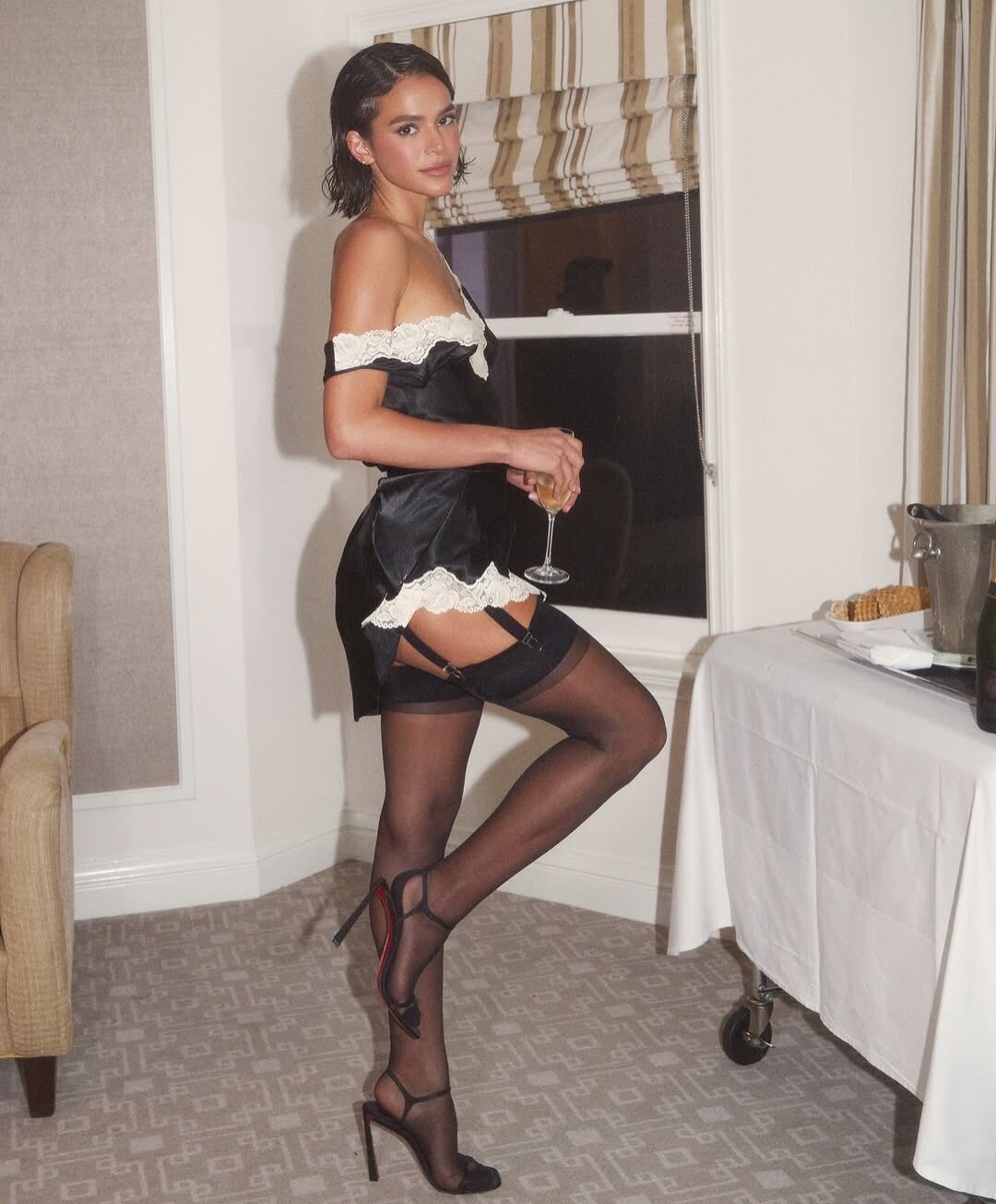
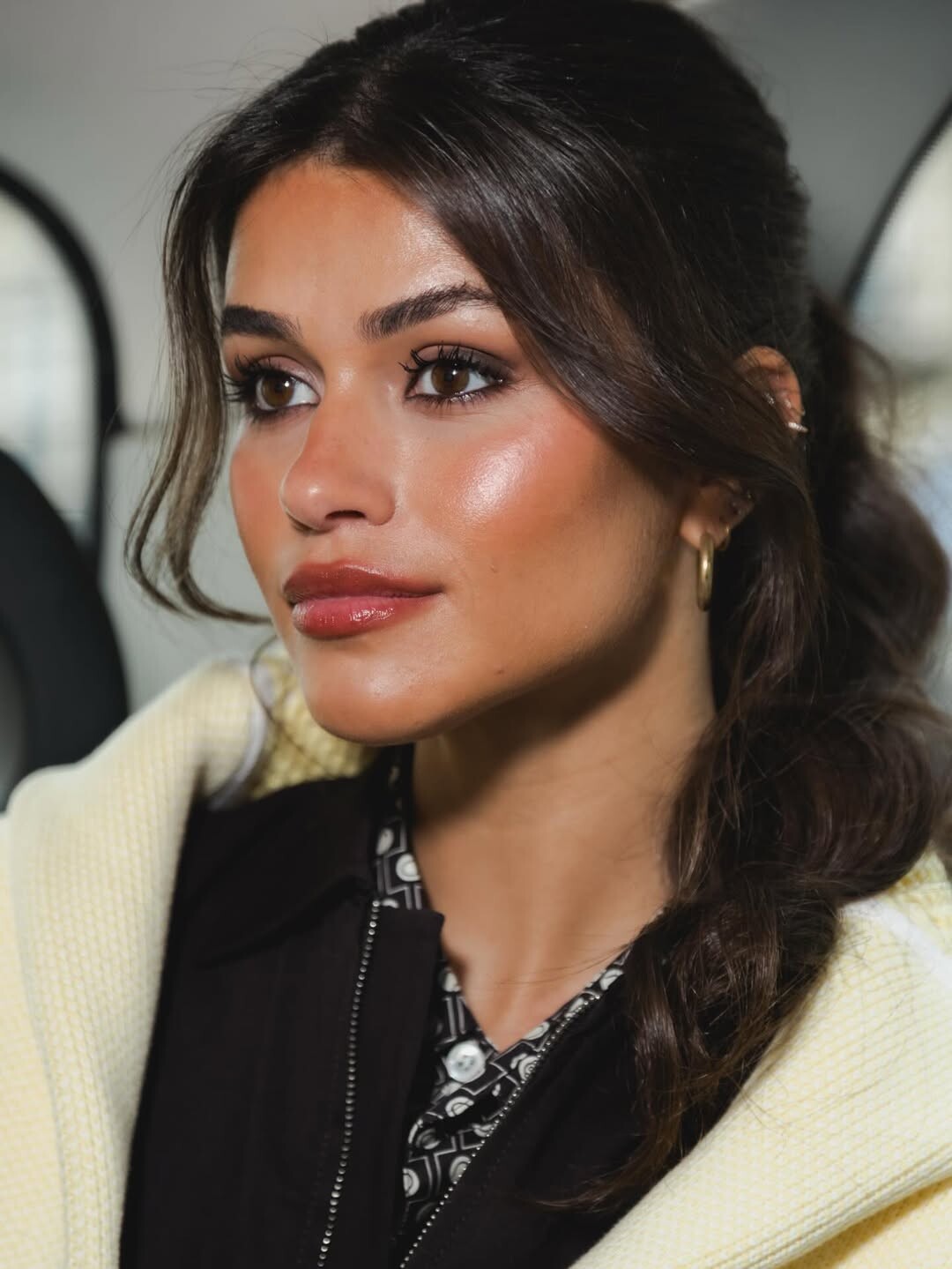
Bruna Marquezine para a after-party do Oscar. 🖤



 SaveInst.App_AQM_mN4czMa1AWbF8QspBt0rh67xd4B4IwiAXI8CFj2FX8wRrlJLHjtivWIGREJDA8CgY4gfy-RH7bKW5FYtO6um.mp4The Party! Bruna Marquezine para o after-party do Oscars de Guy Oseary com a Gucci.

 SaveInst.App_AQN_kEoCBGo6l0TtHPyx9w6wCBXo57ynpei1HdXPf240qS020gt6qfnbb7IvgI8vwhOQKor2Epi6QYZo6a2sLjf5.mp4Gala do Golden Globes no Copacabana Palace em Rio de Janeiro le 15 Mars 2026












 Soirée des Oscars Vanity Fair 2026 à Los Angeles, le 15/03/2026


























































 OSCARS PARTY 2026





 Soirée des Oscars Vanity Fair à Los Angeles le 15/03/2026





























 98e cérémonie des Oscars au Dolby Theatre à Hollywood le 15/03/2026





 Soirée des Oscars Vanity Fair 2026 à Los Angeles, le 15/03/2026











 SaveInst.App_AQNzqbojPJcUdyD-hubERpAd2ECwFZpIWU8nDsVr98fv0H4xV4lFVKWxc6UGGn7x2VDEbd_SKniwmu8UsFrNMQ1B.mp4Première de « I Love Boosters » au SXSW à Austin le12/03/2026


























































































































































































Account
Navigation
Search
Configure browser push notifications
Chrome (Android)
- Tap the lock icon next to the address bar.
- Tap Permissions → Notifications.
- Adjust your preference.
Chrome (Desktop)
- Click the padlock icon in the address bar.
- Select Site settings.
- Find Notifications and adjust your preference.
Safari (iOS 16.4+)
- Ensure the site is installed via Add to Home Screen.
- Open Settings App → Notifications.
- Find your app name and adjust your preference.
Safari (macOS)
- Go to Safari → Preferences.
- Click the Websites tab.
- Select Notifications in the sidebar.
- Find this website and adjust your preference.
Edge (Android)
- Tap the lock icon next to the address bar.
- Tap Permissions.
- Find Notifications and adjust your preference.
Edge (Desktop)
- Click the padlock icon in the address bar.
- Click Permissions for this site.
- Find Notifications and adjust your preference.
Firefox (Android)
- Go to Settings → Site permissions.
- Tap Notifications.
- Find this site in the list and adjust your preference.
Firefox (Desktop)
- Open Firefox Settings.
- Search for Notifications.
- Find this site in the list and adjust your preference.