FRED 1401
Members
-
Joined
-
Last visited
Everything posted by FRED 1401
-
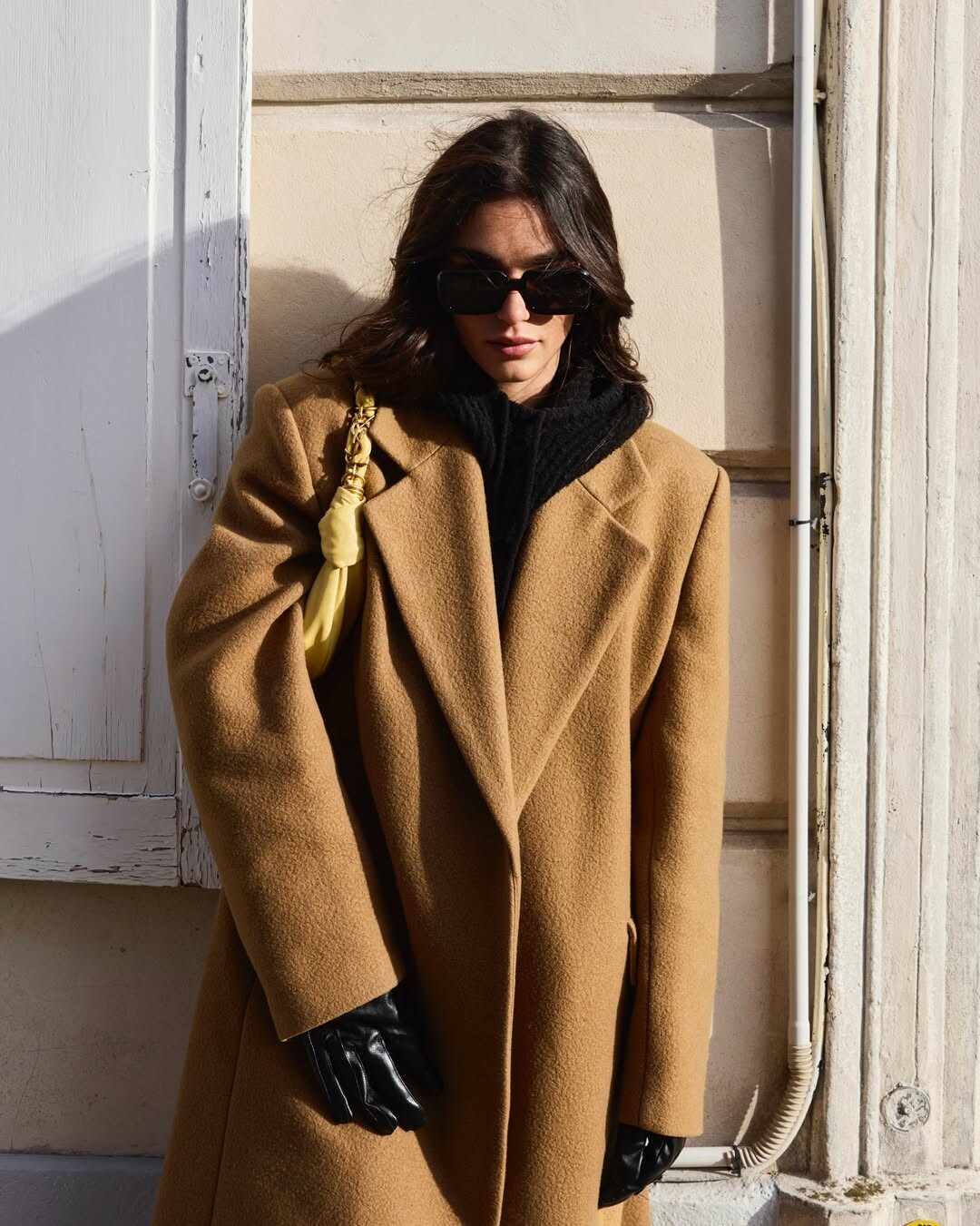
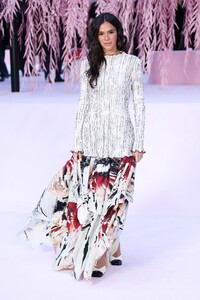
 Bruna Marquezine lors du défilé de la semaine de la haute couture Chanel SS26 à la Fashion Week de Paris 26/01/2026





















 SaveInst.App_AQPJ9J0xMus9QjTNhwr9ynn3FoHMXoZlK4IjVThAj4b5L07ZVqYaMsDVmS1ew-xF4fMu-wqbVb5OqVoM8LC3SiKK.mp4
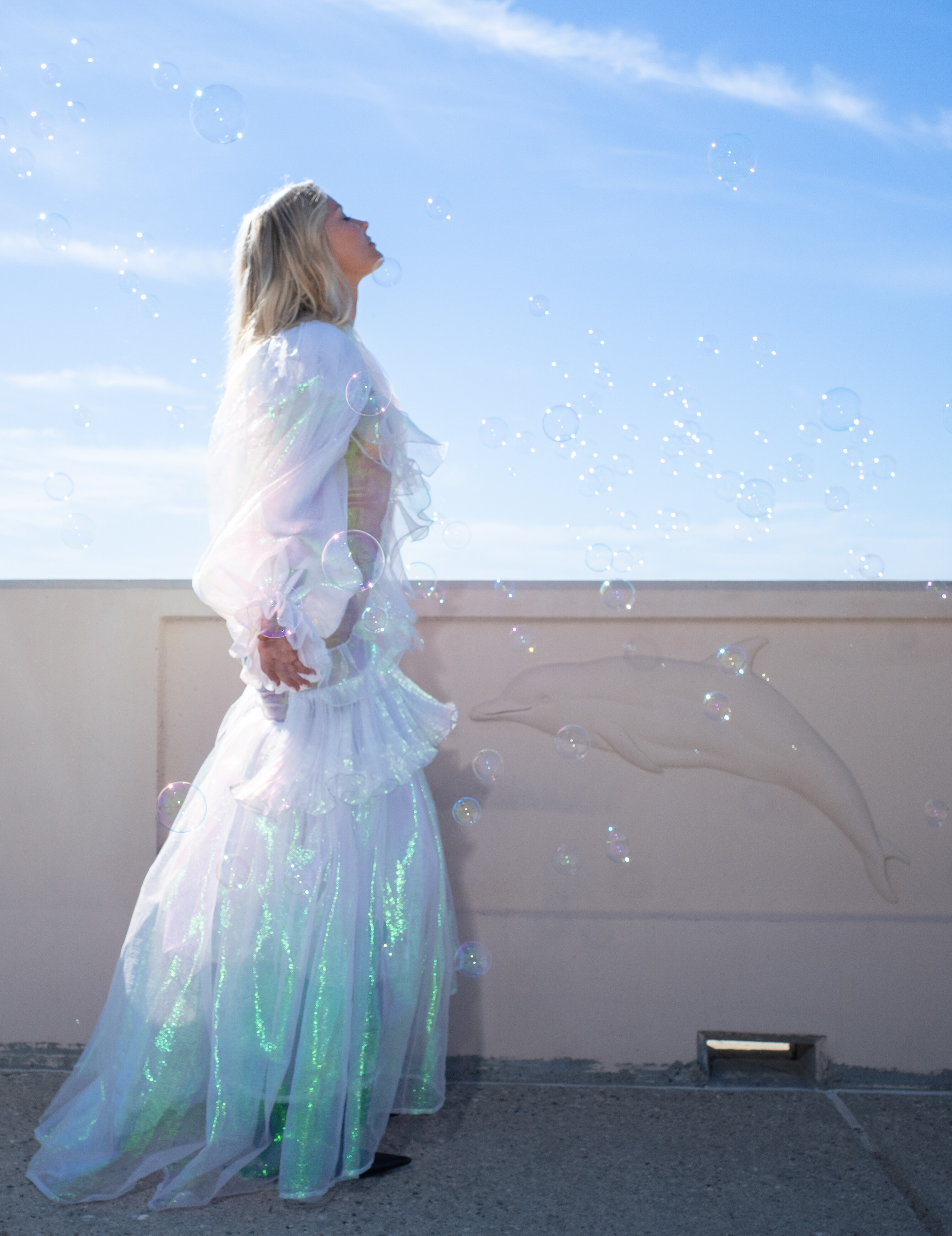
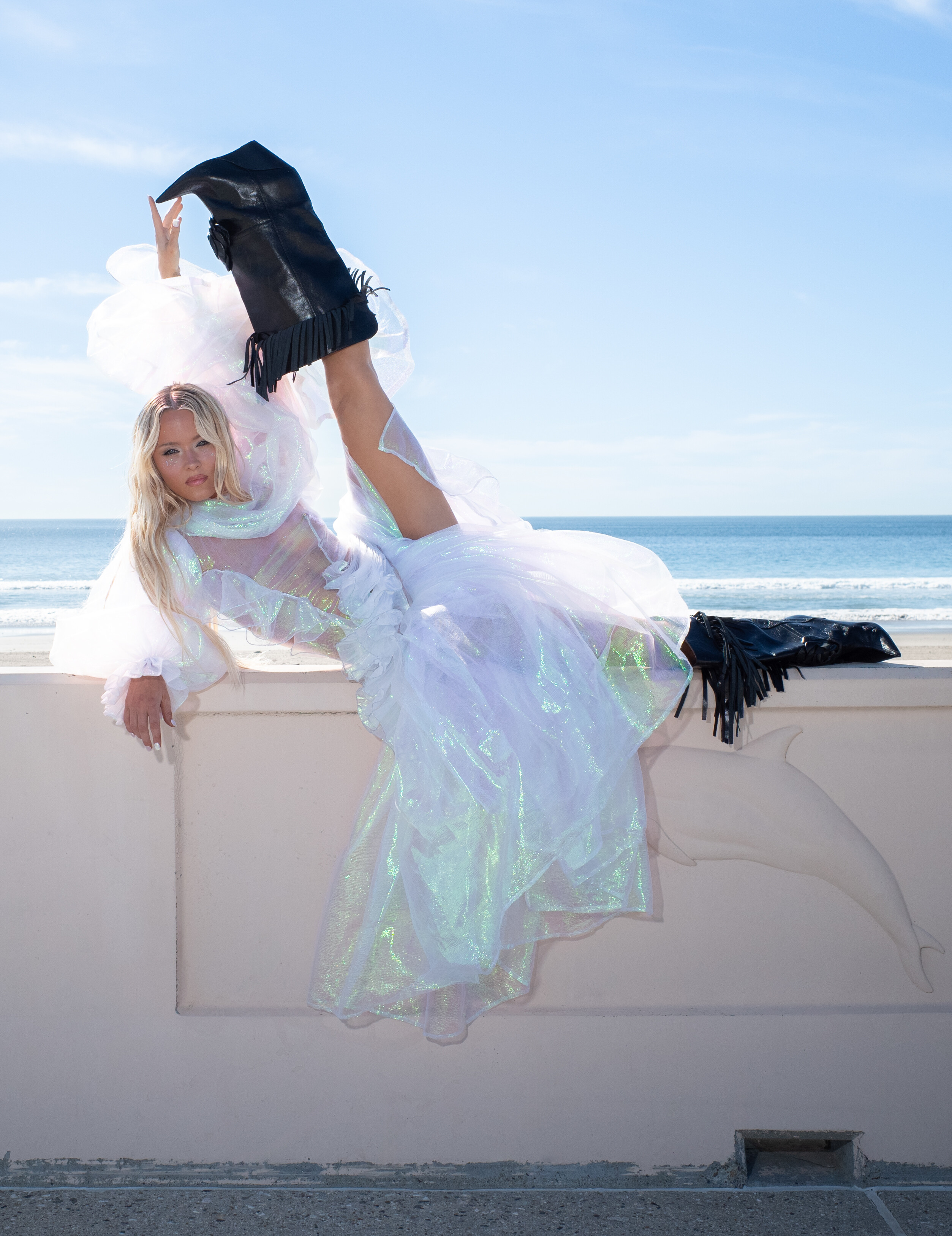
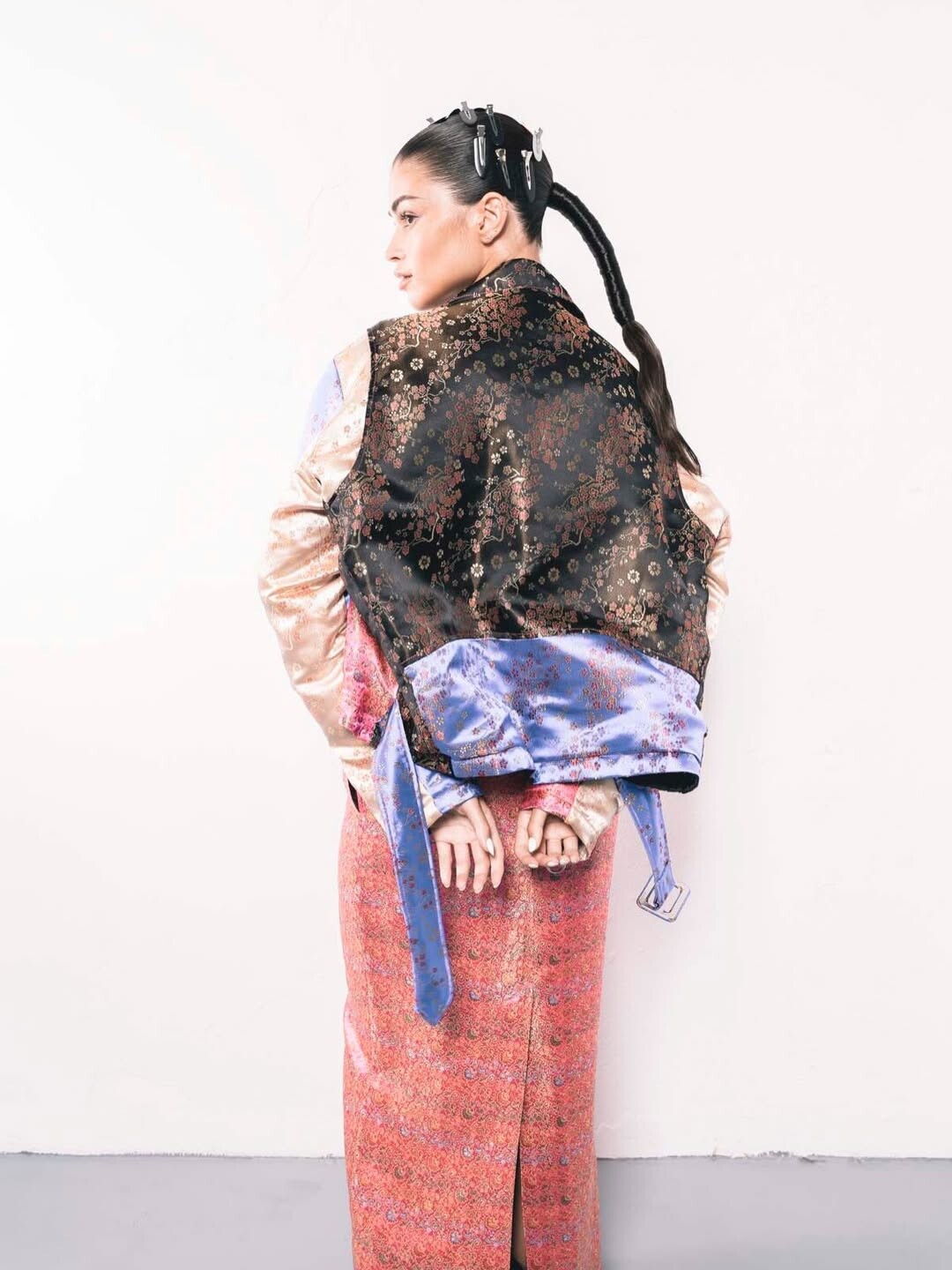
OEUVRES GRAPHIQUE DE LA PHOTOGRAPHE "FEMALE BADDES"
SaveInst.App_AQPJ9J0xMus9QjTNhwr9ynn3FoHMXoZlK4IjVThAj4b5L07ZVqYaMsDVmS1ew-xF4fMu-wqbVb5OqVoM8LC3SiKK.mp4
OEUVRES GRAPHIQUE DE LA PHOTOGRAPHE "FEMALE BADDES"
















 A few favourite looks from 2025 👠


















 SaveInst.App_AQNLsaZuaojTfEehb34mHtFKnrk9ObX3uVRu6c6ATIwCuo_tcWlzZeOI5RqGi4G69W0gkx49Tijr070vQr-4f8kEGpKdm9ISkF1SytU.mp4
SaveInst.App_AQMHxi_RJL7YNAIN9nhoBI0OKbX_tMTXtiMBXdonCUIRJYfbVGzNv6QfzsAImISw3hm6yStPxq1FvPFiwdCSuXyNfTFDV0DzIRqykKg.mp4
SaveInst.App_AQMp7FeYtt8y7kha8EHaFd2gW95D6w3sW2dkkuF2zwXg4CVCj23mjiGCufpFvQoIMSlYj4_ZuxxBrjR1KAZbuGH7_VBKbbvKd9bySQE.mp4
SaveInst.App_AQNLsaZuaojTfEehb34mHtFKnrk9ObX3uVRu6c6ATIwCuo_tcWlzZeOI5RqGi4G69W0gkx49Tijr070vQr-4f8kEGpKdm9ISkF1SytU.mp4
SaveInst.App_AQMHxi_RJL7YNAIN9nhoBI0OKbX_tMTXtiMBXdonCUIRJYfbVGzNv6QfzsAImISw3hm6yStPxq1FvPFiwdCSuXyNfTFDV0DzIRqykKg.mp4
SaveInst.App_AQMp7FeYtt8y7kha8EHaFd2gW95D6w3sW2dkkuF2zwXg4CVCj23mjiGCufpFvQoIMSlYj4_ZuxxBrjR1KAZbuGH7_VBKbbvKd9bySQE.mp4Account
Navigation
Search
Configure browser push notifications
Chrome (Android)
- Tap the lock icon next to the address bar.
- Tap Permissions → Notifications.
- Adjust your preference.
Chrome (Desktop)
- Click the padlock icon in the address bar.
- Select Site settings.
- Find Notifications and adjust your preference.
Safari (iOS 16.4+)
- Ensure the site is installed via Add to Home Screen.
- Open Settings App → Notifications.
- Find your app name and adjust your preference.
Safari (macOS)
- Go to Safari → Preferences.
- Click the Websites tab.
- Select Notifications in the sidebar.
- Find this website and adjust your preference.
Edge (Android)
- Tap the lock icon next to the address bar.
- Tap Permissions.
- Find Notifications and adjust your preference.
Edge (Desktop)
- Click the padlock icon in the address bar.
- Click Permissions for this site.
- Find Notifications and adjust your preference.
Firefox (Android)
- Go to Settings → Site permissions.
- Tap Notifications.
- Find this site in the list and adjust your preference.
Firefox (Desktop)
- Open Firefox Settings.
- Search for Notifications.
- Find this site in the list and adjust your preference.