

RocketQueen
Members
-
Joined
-
Last visited
Everything posted by RocketQueen
-
 Manon von Gerkan
 Cecilia Bonstrom
 Felicitas Boch
 It's Yvonne Khan once again.
Sandra Lerga
It's Yvonne Khan once again.
Sandra Lerga Anne Knecht
 Connie Nielsen
 Yvonne Khan
 Roberta Capua
 Awesome!
What do we do now, lol! I guess she's gonna be Gina-Cecile from now on!
Awesome!
What do we do now, lol! I guess she's gonna be Gina-Cecile from now on! Thanks a bunch, @Martial! You helped me so much!
Thank you, thought it was her but wasn't sure!
Anika Friebe
Thanks a bunch, @Martial! You helped me so much!
Thank you, thought it was her but wasn't sure!
Anika Friebe Thank you, guys!
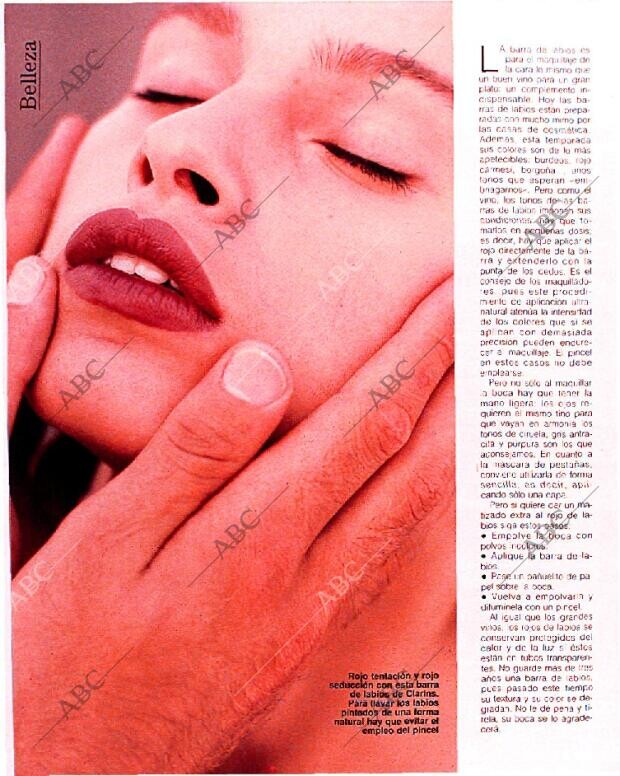
109, 110, 111, 112 113, 114, 115, 116 117, 118, 119, 120 121, 122, 123, 124
Thank you, guys!
109, 110, 111, 112 113, 114, 115, 116 117, 118, 119, 120 121, 122, 123, 124





.thumb.jpg.401c48ec3c1eca250daca0da7417e774.jpg)








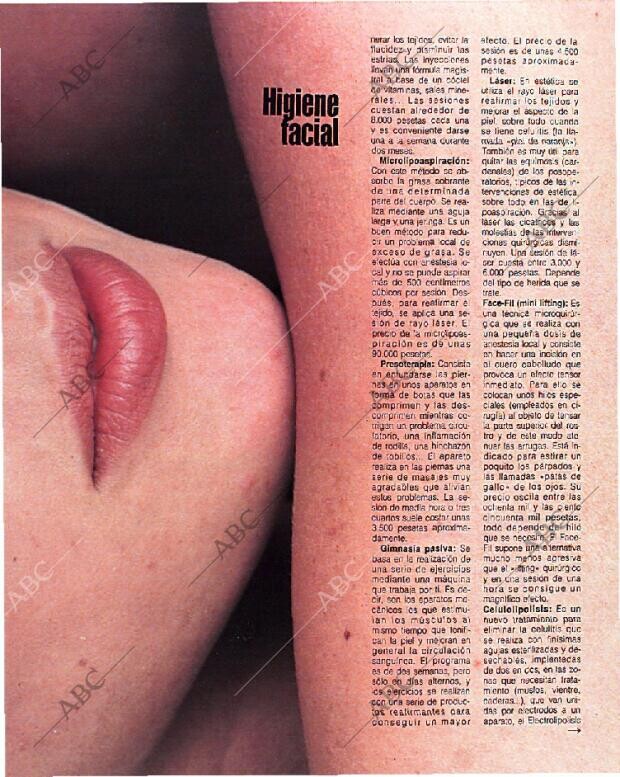
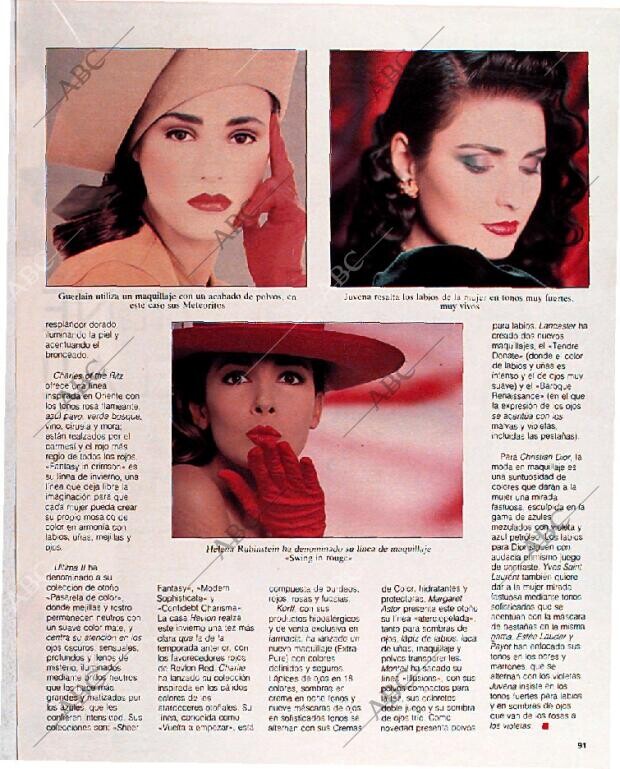
 86, 87, 88, 89 90, 91, 92, 93 94, 95, 96, 97 98, 99, 100, 101 102, 103, 104, 105 106, 107, 108















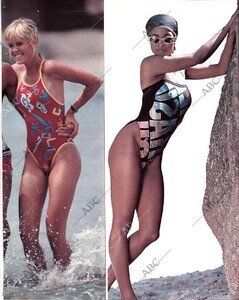





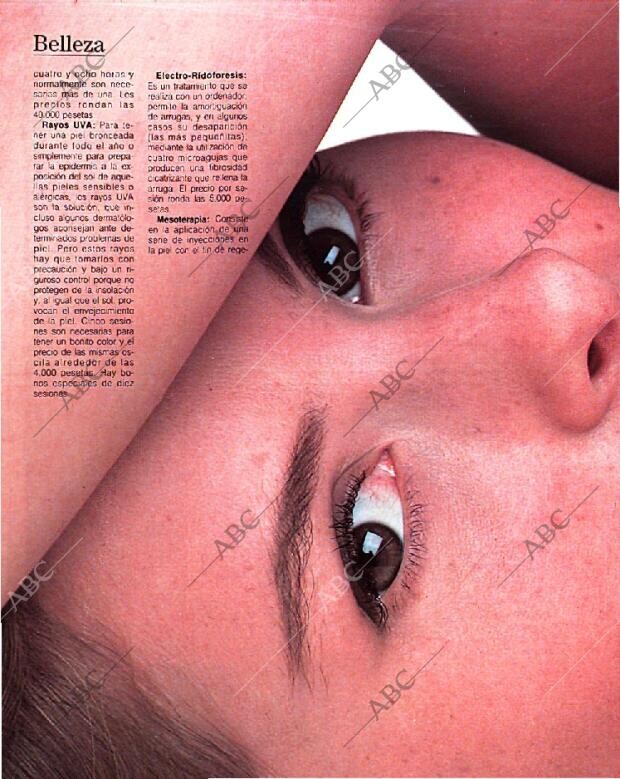
 67, 68, 69, 70 71 ,72 ,73, 74 75, 76, 77, 78 79, 80, 81, 82 83, 84, 85 (model in the red hat)

















 49, 50, 51, 52 53, 54, 55, 56 57, 58, 59, 60 61, 62, 63, 64 65, 66
















 24, 25, 26, 27 28, 29, 30, 31 32, 33, 34, 35 36, 37, 38, 39 40, 41, 42, 43 44, 45, 46, 47 48
.thumb.jpg.487d0874cbd9195bd92b1b948c1f211e.jpg)












































.jpg.c2a3c86485b9770c8474068af96b143a.jpg)

























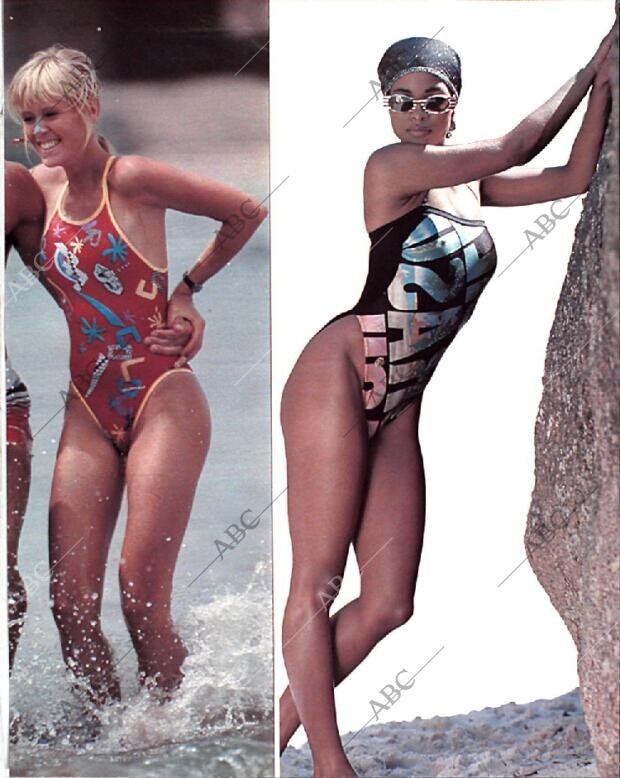










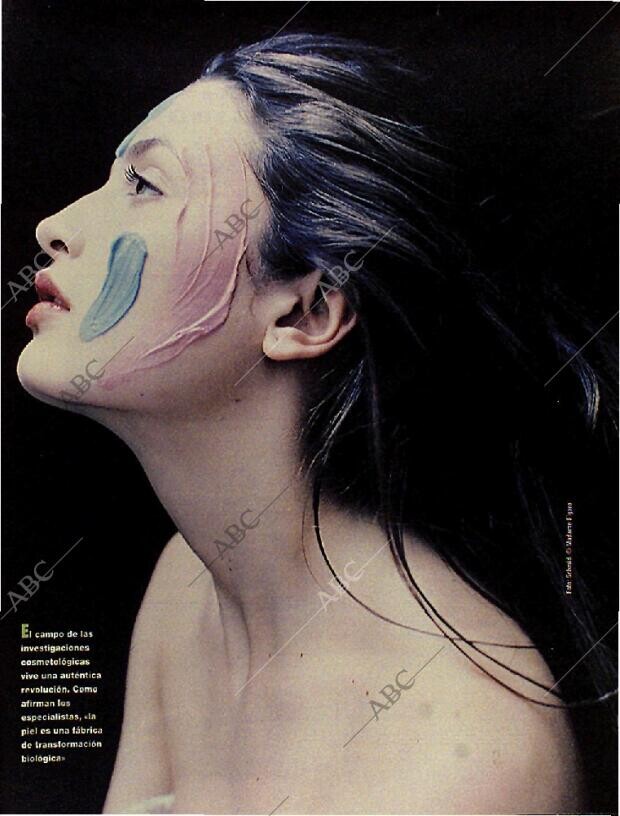































.jpg.89b8420a681ae3f582ec65145b495cb3.jpg)





















Account
Search
Configure browser push notifications
Chrome (Android)
- Tap the lock icon next to the address bar.
- Tap Permissions → Notifications.
- Adjust your preference.
Chrome (Desktop)
- Click the padlock icon in the address bar.
- Select Site settings.
- Find Notifications and adjust your preference.
Safari (iOS 16.4+)
- Ensure the site is installed via Add to Home Screen.
- Open Settings App → Notifications.
- Find your app name and adjust your preference.
Safari (macOS)
- Go to Safari → Preferences.
- Click the Websites tab.
- Select Notifications in the sidebar.
- Find this website and adjust your preference.
Edge (Android)
- Tap the lock icon next to the address bar.
- Tap Permissions.
- Find Notifications and adjust your preference.
Edge (Desktop)
- Click the padlock icon in the address bar.
- Click Permissions for this site.
- Find Notifications and adjust your preference.
Firefox (Android)
- Go to Settings → Site permissions.
- Tap Notifications.
- Find this site in the list and adjust your preference.
Firefox (Desktop)
- Open Firefox Settings.
- Search for Notifications.
- Find this site in the list and adjust your preference.