RocketQueen
Members
-
Joined
-
Last visited
Everything posted by RocketQueen
-
 Jessika Cardinahl
Lola
Jessika Cardinahl
Lola
 Nicola Perring
 Thank you!
Karen Pfrunder
Thank you!
Karen Pfrunder Thank you!
I've got more portions of these, lol!
Niiiice!
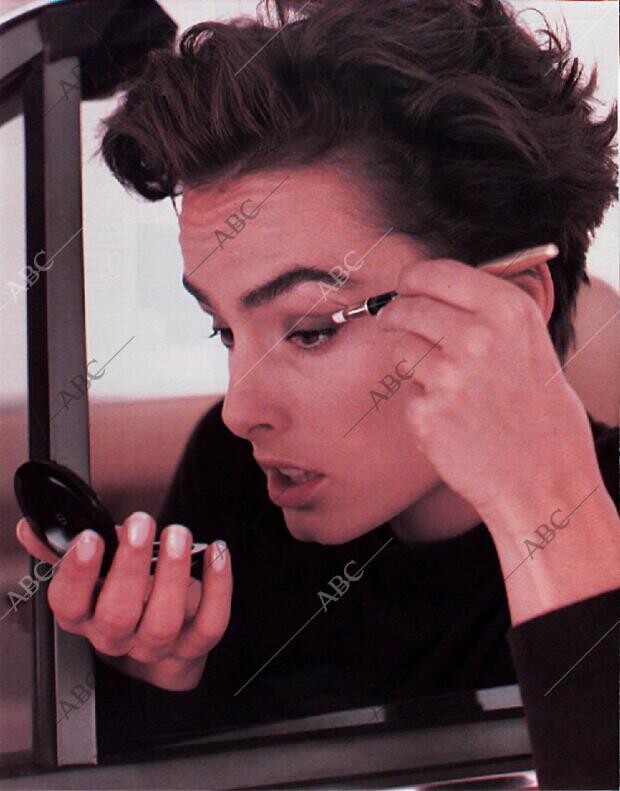
BLANCO Y NEGRO 1988 - 1998: 1, 2 (I need the name of the model in the center.), 3, 4 5, 6, 7, 8 9, 10, 11, 12 13, 14, 15 (Sonja Rasch?), 16 (Dee Dee?) 17, 18, 19, 20 21, 22, 23, 24 25, 26, 27 28, 29, 30 (The model at the bottom.), 31 32, 33, 34 35, 36
Thank you!
I've got more portions of these, lol!
Niiiice!
BLANCO Y NEGRO 1988 - 1998: 1, 2 (I need the name of the model in the center.), 3, 4 5, 6, 7, 8 9, 10, 11, 12 13, 14, 15 (Sonja Rasch?), 16 (Dee Dee?) 17, 18, 19, 20 21, 22, 23, 24 25, 26, 27 28, 29, 30 (The model at the bottom.), 31 32, 33, 34 35, 36
-SUZY-RICHARDS(RIGHT).thumb.jpg.bba86a1868db837ca5571a01f049055c.jpg)



































 Well, I don't think so.
Nice! Do you have a comp card?
Awesome!
AMU JP models: 1, 2, 3, 4 5, 6, 7, 8 9
Well, I don't think so.
Nice! Do you have a comp card?
Awesome!
AMU JP models: 1, 2, 3, 4 5, 6, 7, 8 9.thumb.jpg.70609ac91a5a455e12300def3fd7b70a.jpg)








Account
Search
Configure browser push notifications
Chrome (Android)
- Tap the lock icon next to the address bar.
- Tap Permissions → Notifications.
- Adjust your preference.
Chrome (Desktop)
- Click the padlock icon in the address bar.
- Select Site settings.
- Find Notifications and adjust your preference.
Safari (iOS 16.4+)
- Ensure the site is installed via Add to Home Screen.
- Open Settings App → Notifications.
- Find your app name and adjust your preference.
Safari (macOS)
- Go to Safari → Preferences.
- Click the Websites tab.
- Select Notifications in the sidebar.
- Find this website and adjust your preference.
Edge (Android)
- Tap the lock icon next to the address bar.
- Tap Permissions.
- Find Notifications and adjust your preference.
Edge (Desktop)
- Click the padlock icon in the address bar.
- Click Permissions for this site.
- Find Notifications and adjust your preference.
Firefox (Android)
- Go to Settings → Site permissions.
- Tap Notifications.
- Find this site in the list and adjust your preference.
Firefox (Desktop)
- Open Firefox Settings.
- Search for Notifications.
- Find this site in the list and adjust your preference.
















-SUZY-RICHARDS(RIGHT).jpg.ee702200cf589869d0a24ccee11023d0.jpg)



































.jpg.86a2a8dde1a4f873ab5f82edc55d0d42.jpg)