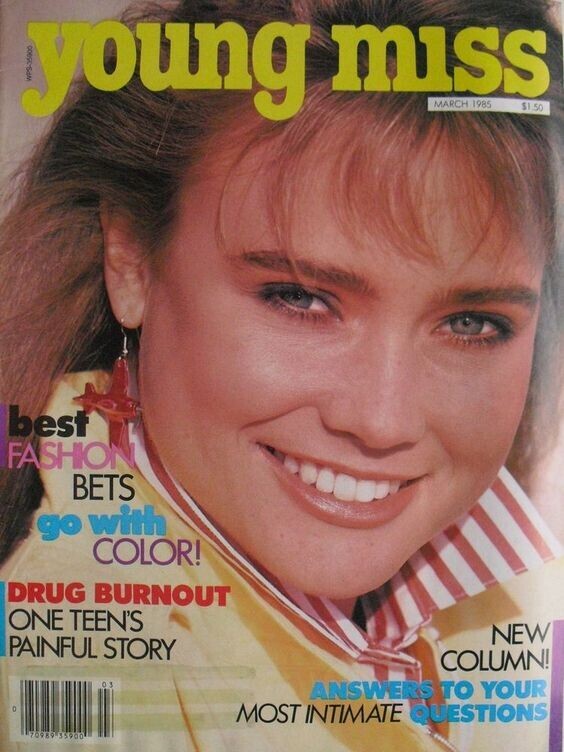
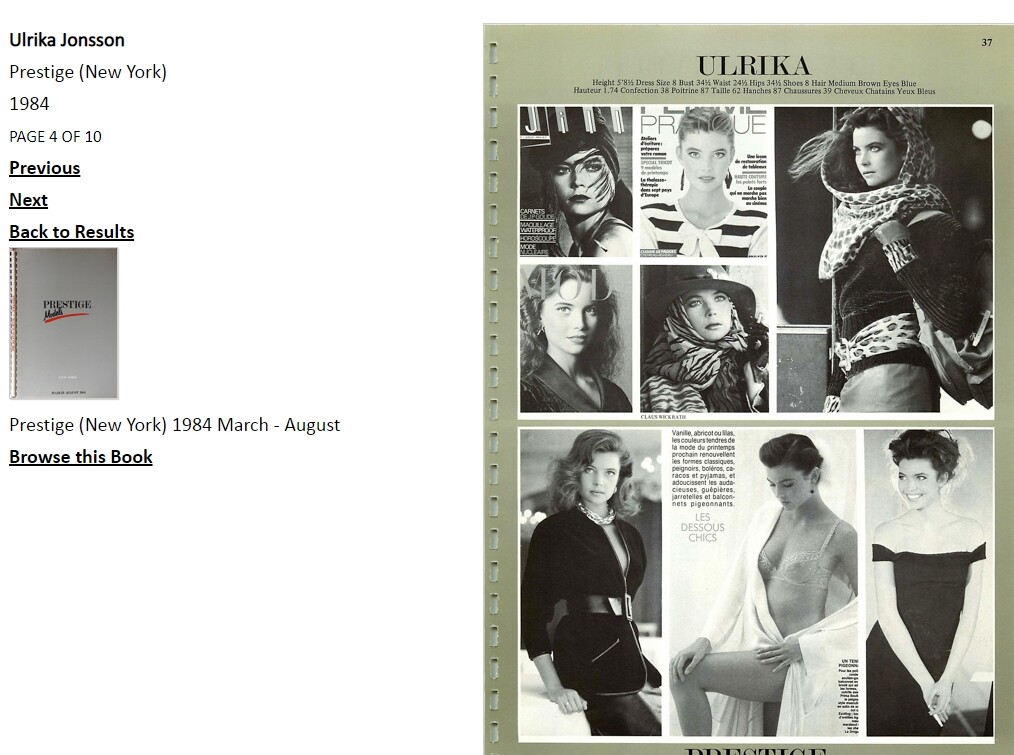
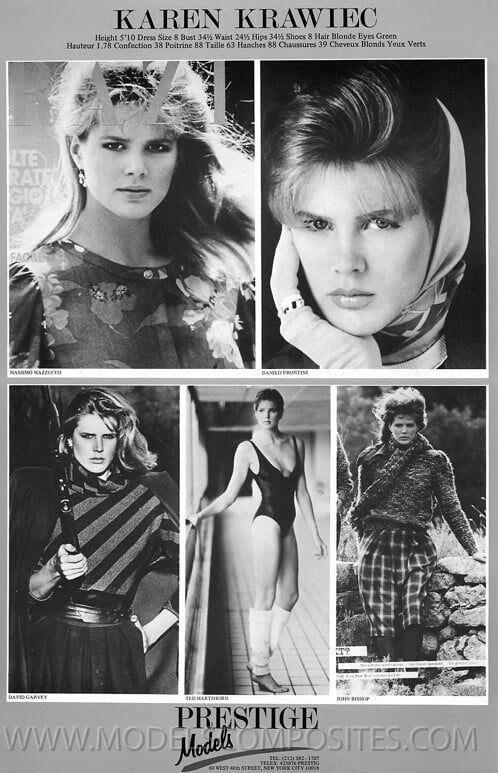
RocketQueen
Members
-
Joined
-
Last visited
Everything posted by RocketQueen
-
 Wooohooo, you've found the last name, great!
 -
I don't think I've ever seen her anywhere, sorry!
-
Yes, I figured it out some time ago!
-
Awesome, that's exactly who she is!
-
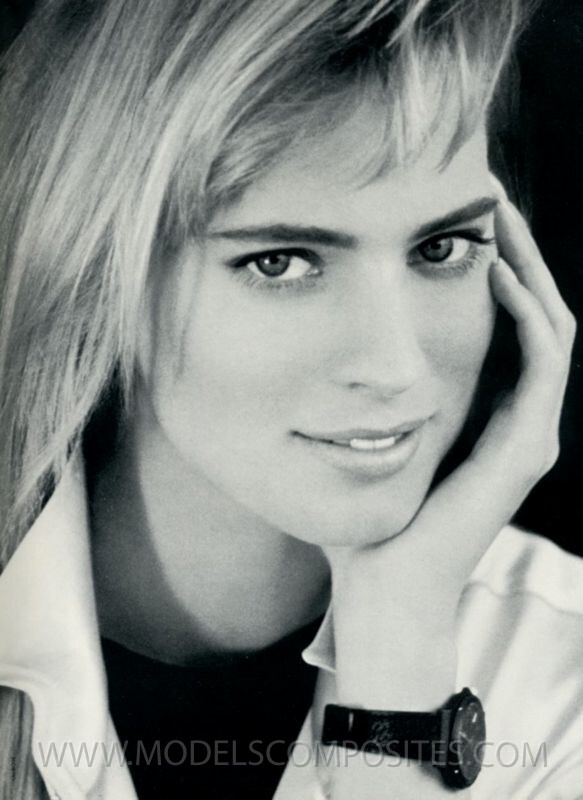
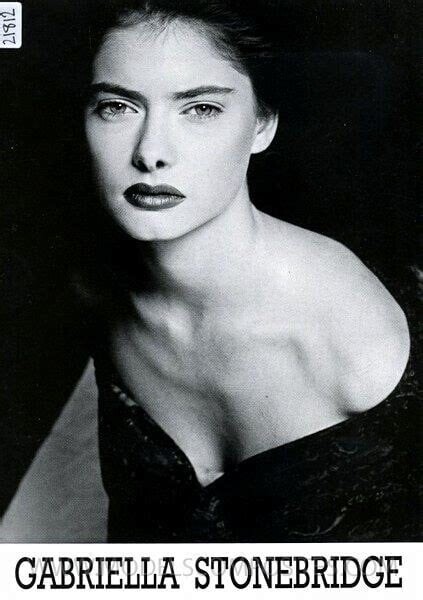
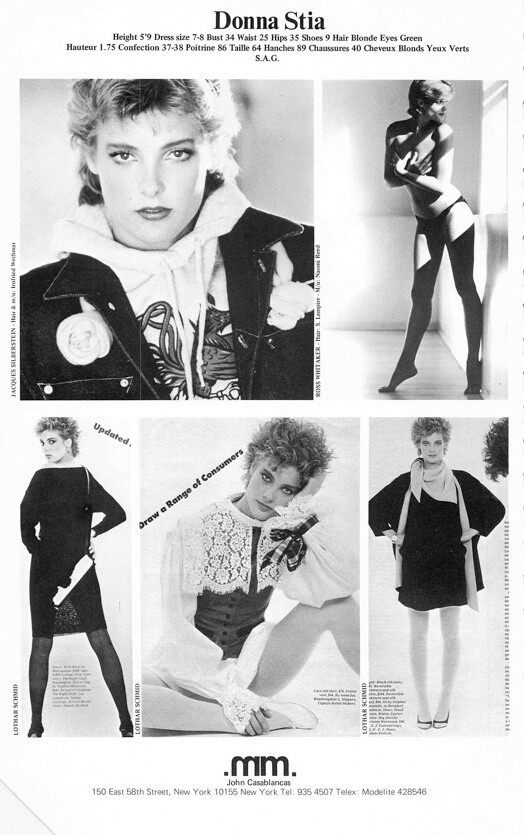
PENNI BROERSMA

-
JOYCE HARTENSTEIN
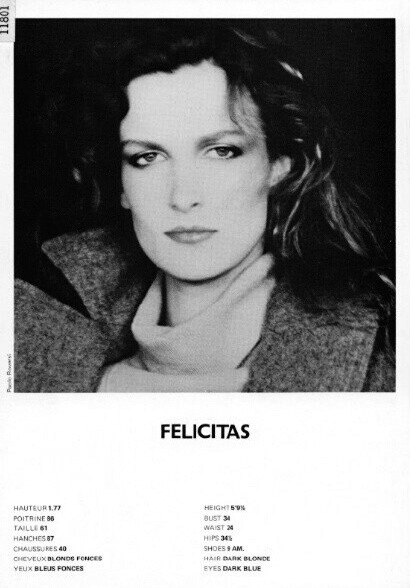
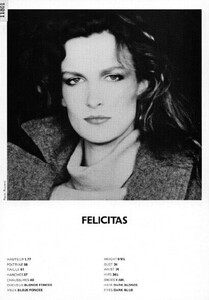
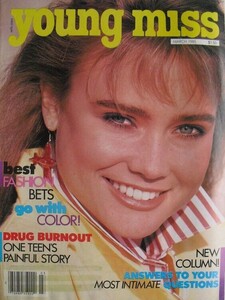 FELICITAS BOCH
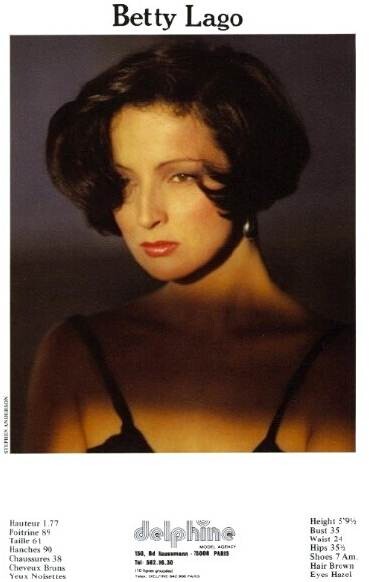
 She seems familiar, I bet @BlueAcadiaknows the name.
Yes, Joanne.
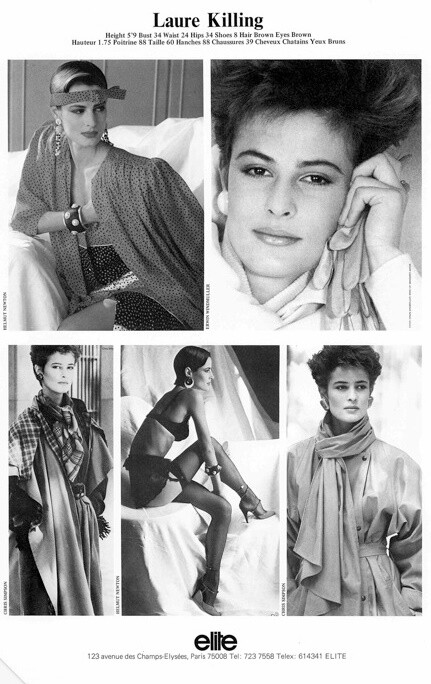
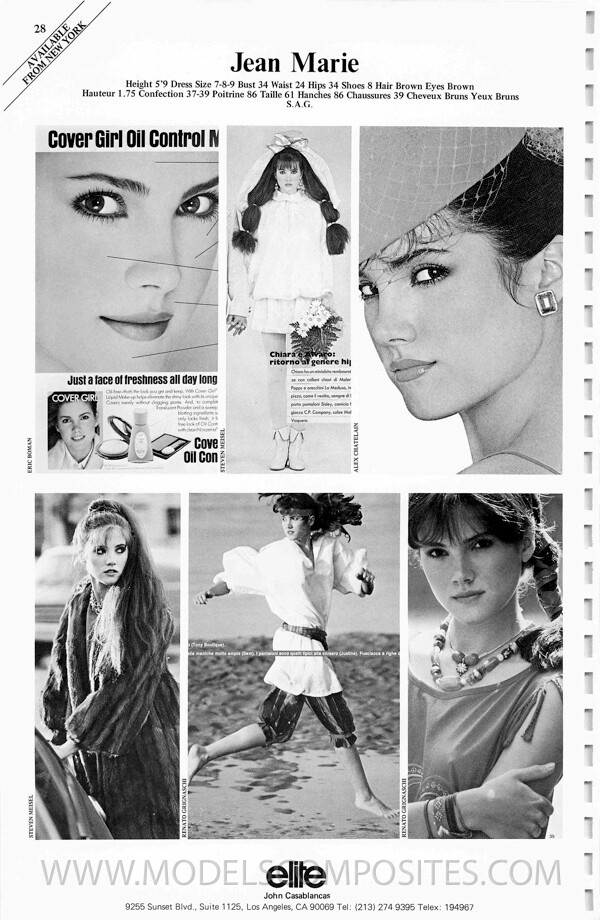
Jean Marie McClesky
She seems familiar, I bet @BlueAcadiaknows the name.
Yes, Joanne.
Jean Marie McClesky Looks like Maria Johnson.
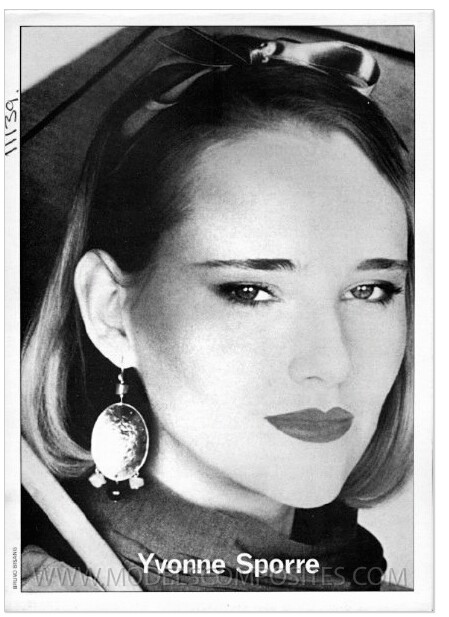
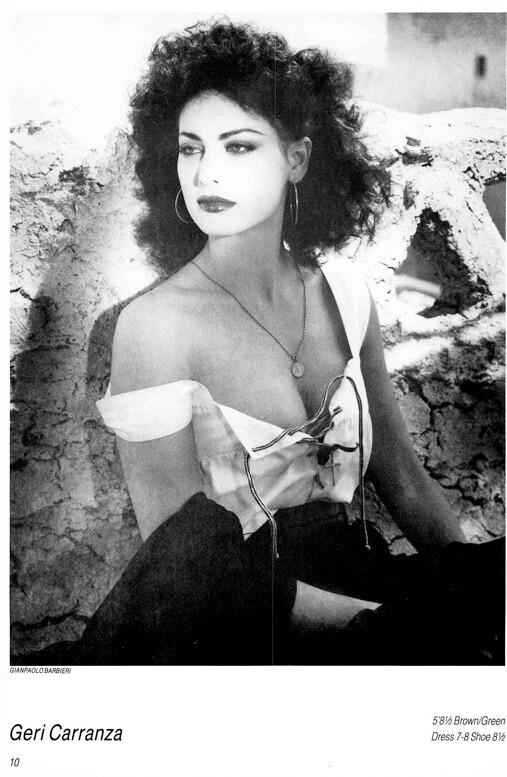
Christina Estrada
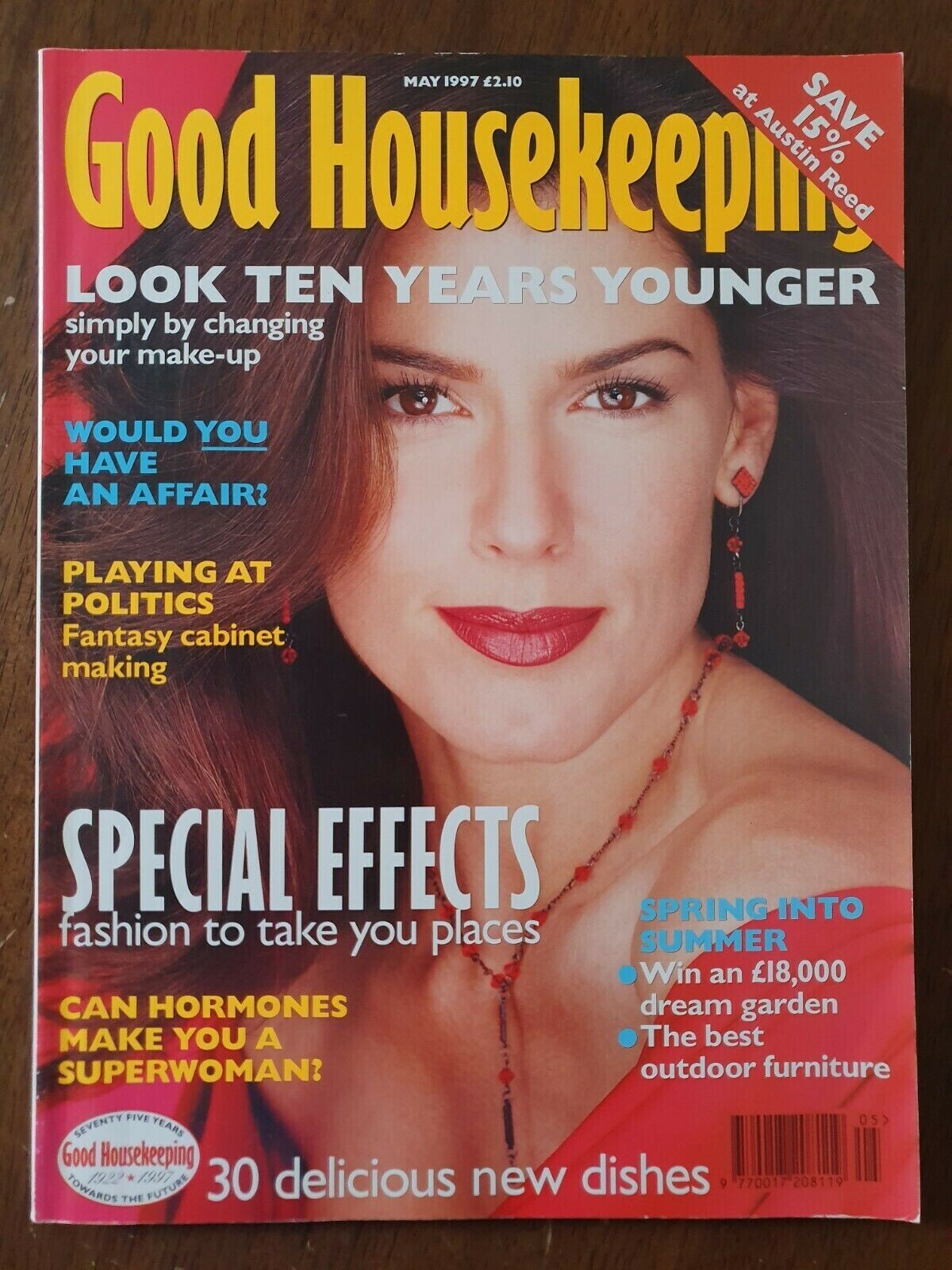
Looks like Maria Johnson.
Christina Estrada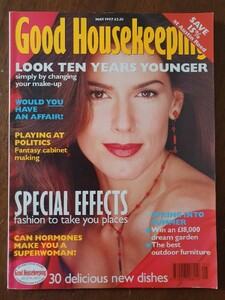
Account
Search
Configure browser push notifications
Chrome (Android)
- Tap the lock icon next to the address bar.
- Tap Permissions → Notifications.
- Adjust your preference.
Chrome (Desktop)
- Click the padlock icon in the address bar.
- Select Site settings.
- Find Notifications and adjust your preference.
Safari (iOS 16.4+)
- Ensure the site is installed via Add to Home Screen.
- Open Settings App → Notifications.
- Find your app name and adjust your preference.
Safari (macOS)
- Go to Safari → Preferences.
- Click the Websites tab.
- Select Notifications in the sidebar.
- Find this website and adjust your preference.
Edge (Android)
- Tap the lock icon next to the address bar.
- Tap Permissions.
- Find Notifications and adjust your preference.
Edge (Desktop)
- Click the padlock icon in the address bar.
- Click Permissions for this site.
- Find Notifications and adjust your preference.
Firefox (Android)
- Go to Settings → Site permissions.
- Tap Notifications.
- Find this site in the list and adjust your preference.
Firefox (Desktop)
- Open Firefox Settings.
- Search for Notifications.
- Find this site in the list and adjust your preference.