

RocketQueen
Members
-
Joined
-
Last visited
Everything posted by RocketQueen
-
 Sonia
Sonia
-
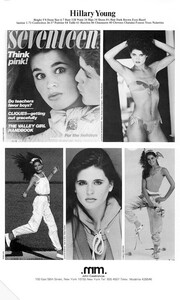
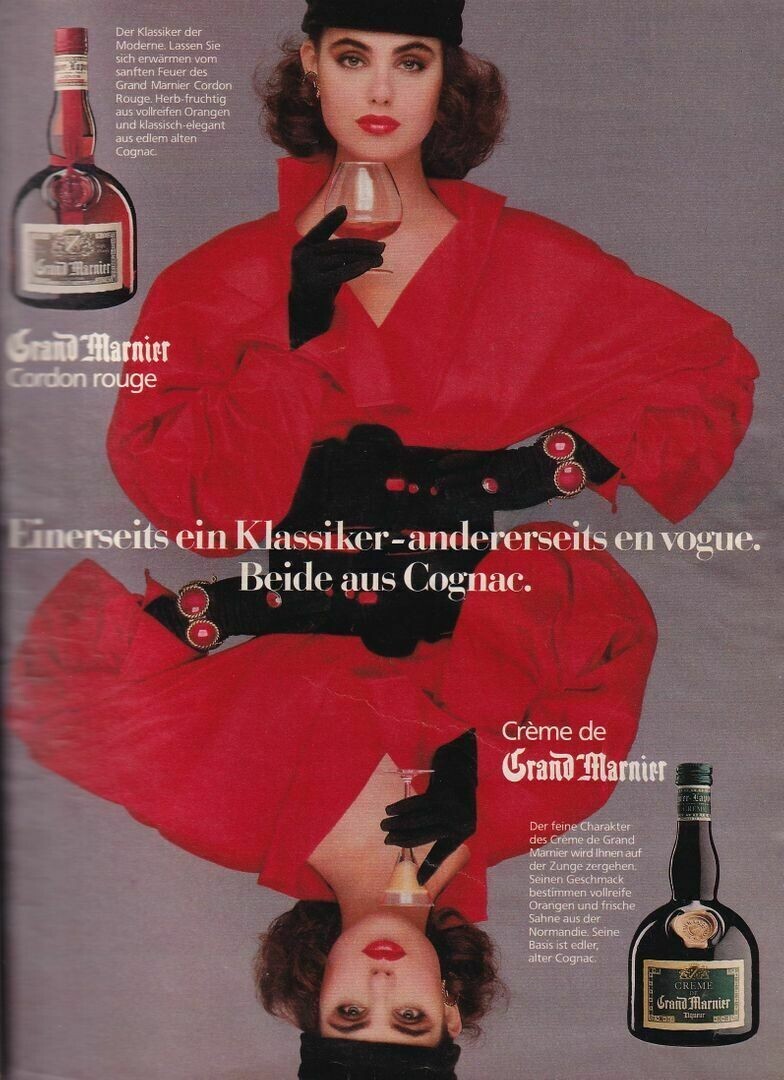
The one with the red hat:
-
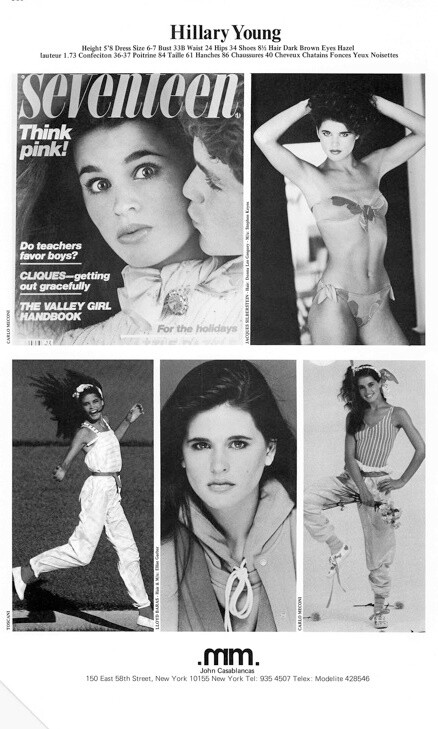
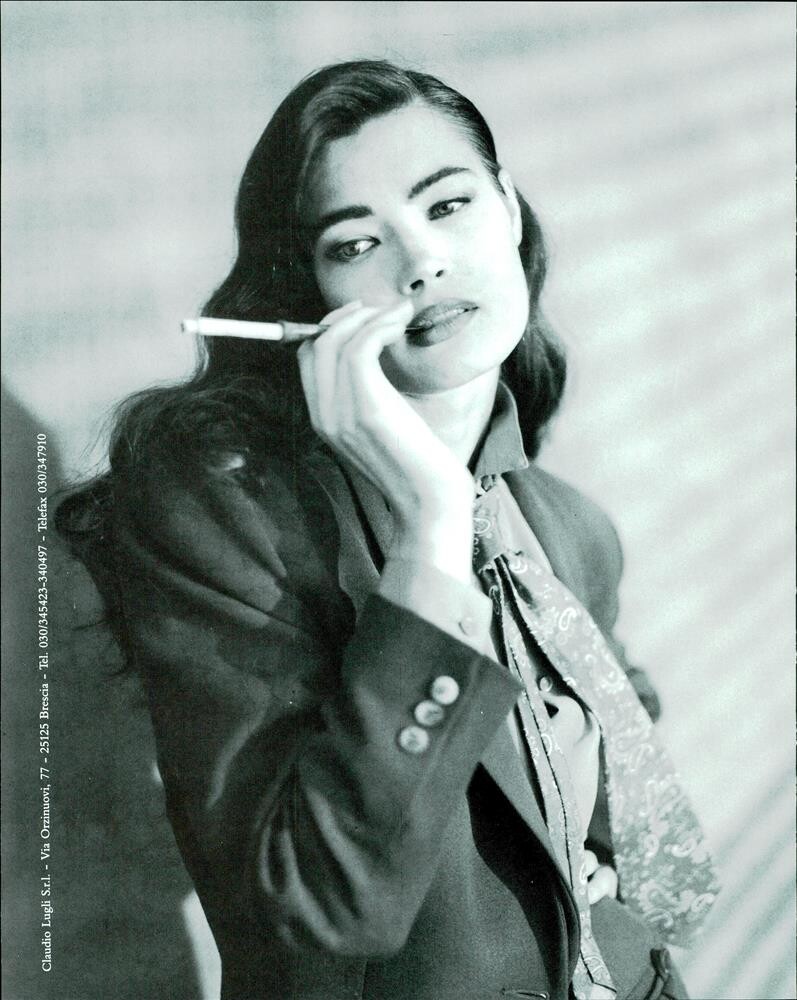
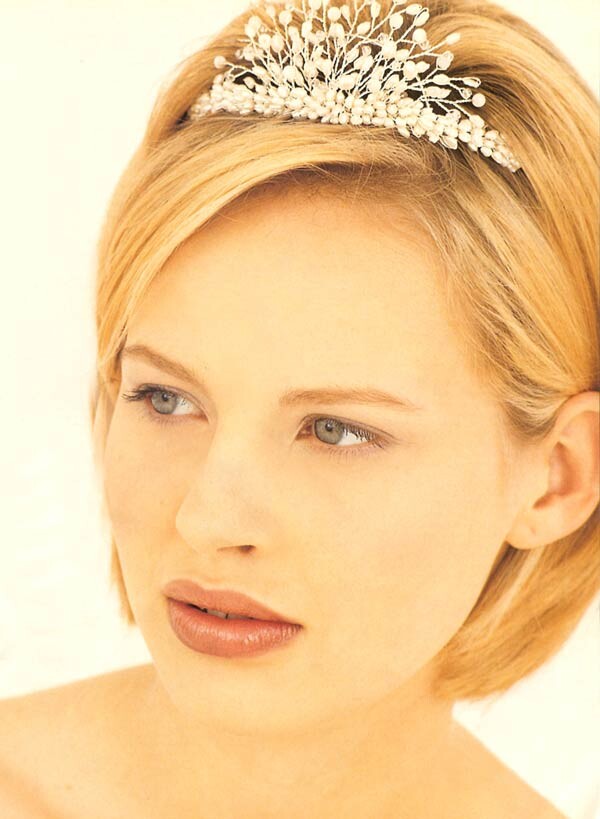
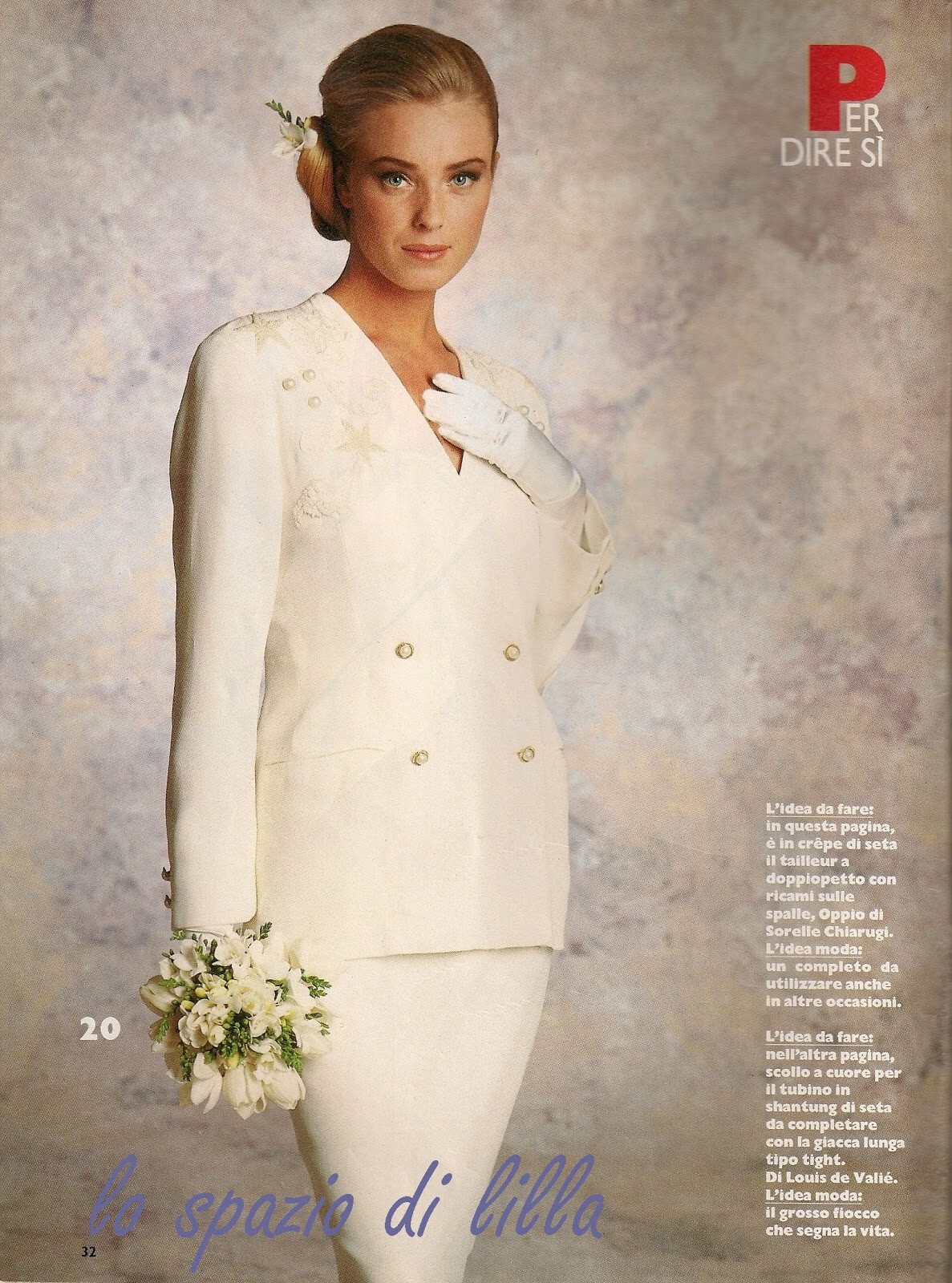
Well, guess what... It's that same model we still can't ID...

-
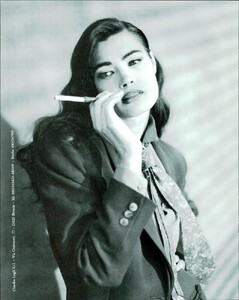
Ella Borisova
-
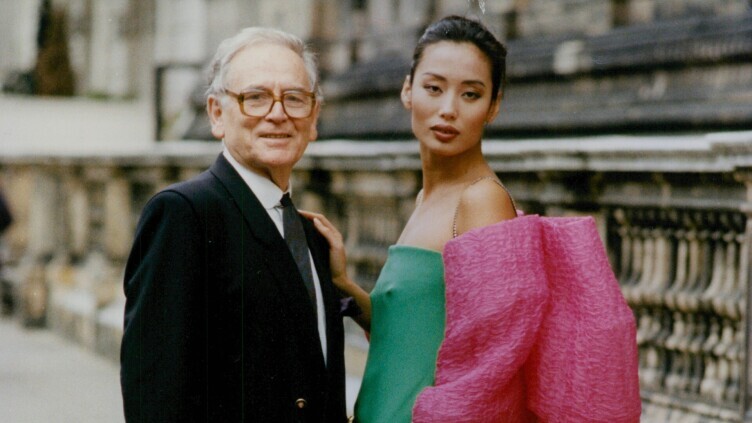
Shi Kaï

-
Considering the shape of the ears and the nose, I think it could be Miriam Eriksson but I'm not 100% sure.

-
Carmen van Geffen

-
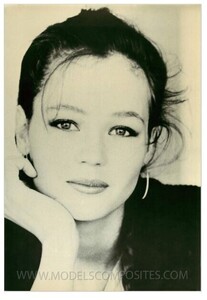
Sabine
-
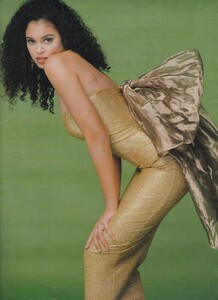
Stacey Lowe
-
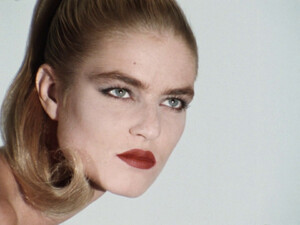
Cecilia Nord
-
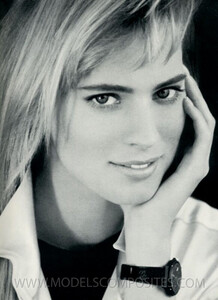
Penni Broersma
-
Yvonne Khan
.thumb.jpg.3d64ca1db26ace2917c2feebf5465a18.jpg)
-
Lu Lu

-
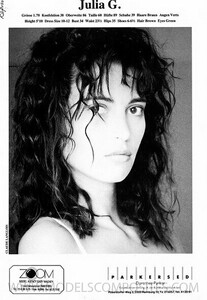
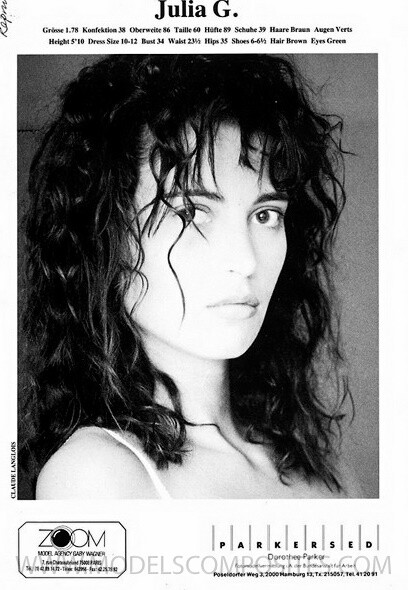
Julia Gonnett
 Vicky Brown
 Lucrezia Lante della Rovere
Mary Lindstrom
Lucrezia Lante della Rovere
Mary Lindstrom I think the third model is Roshumba Williams.
Caroline Fohr
I think the third model is Roshumba Williams.
Caroline Fohr Kathleen McClellan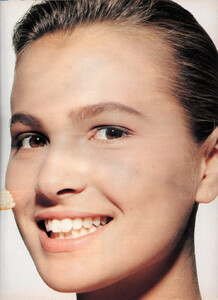

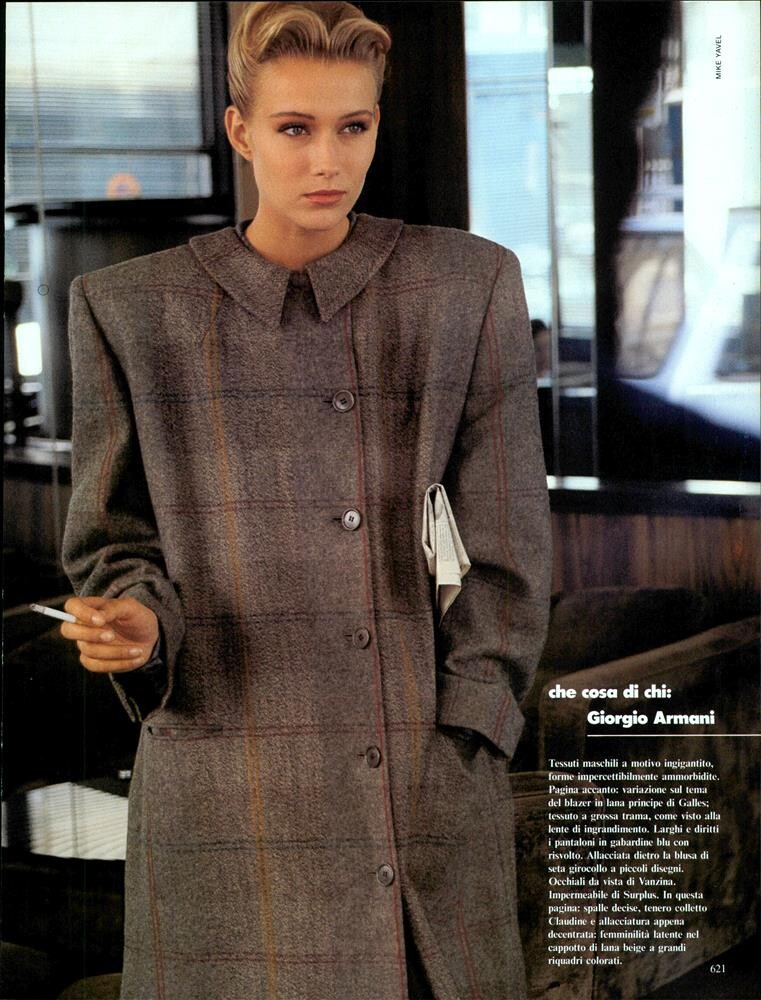
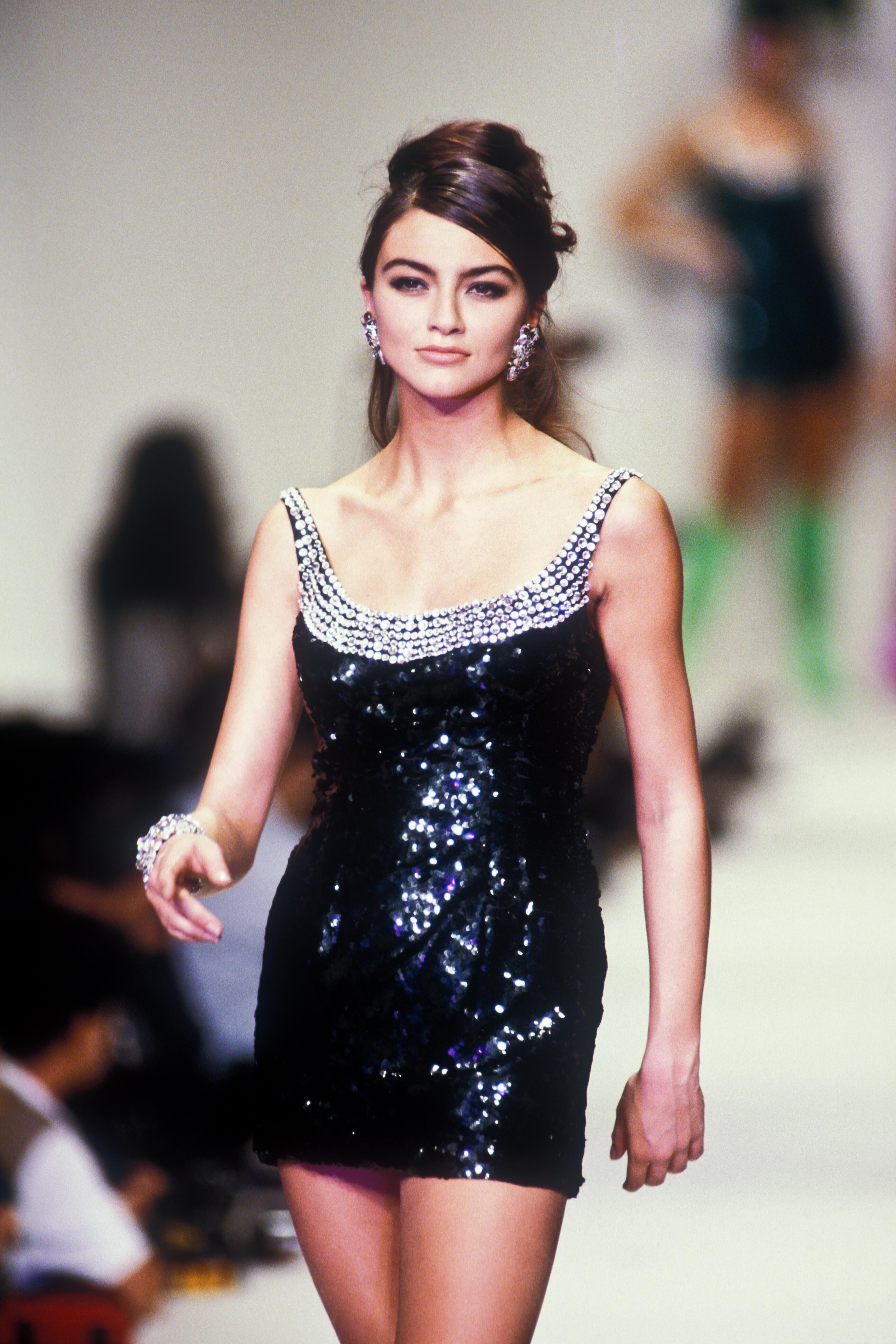
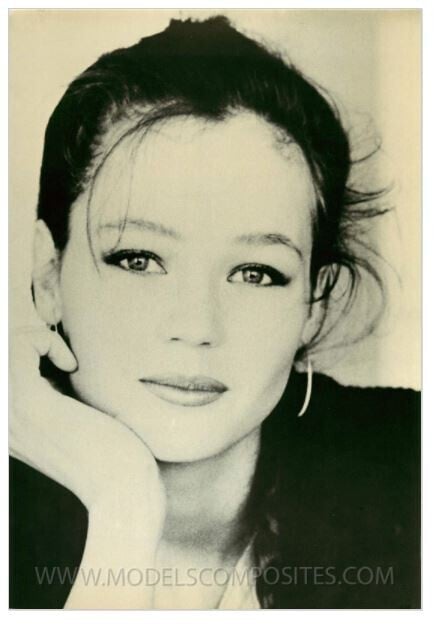
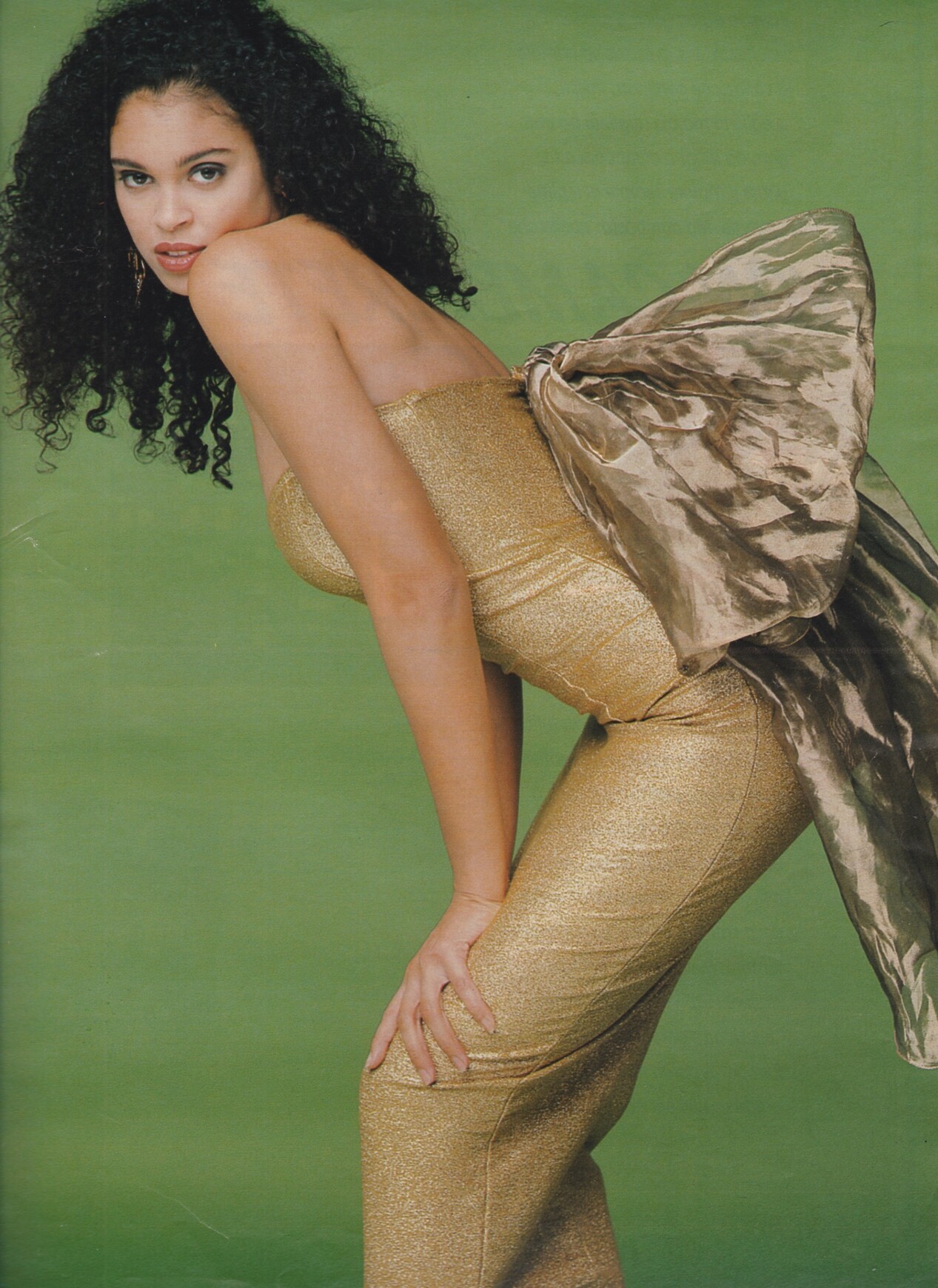
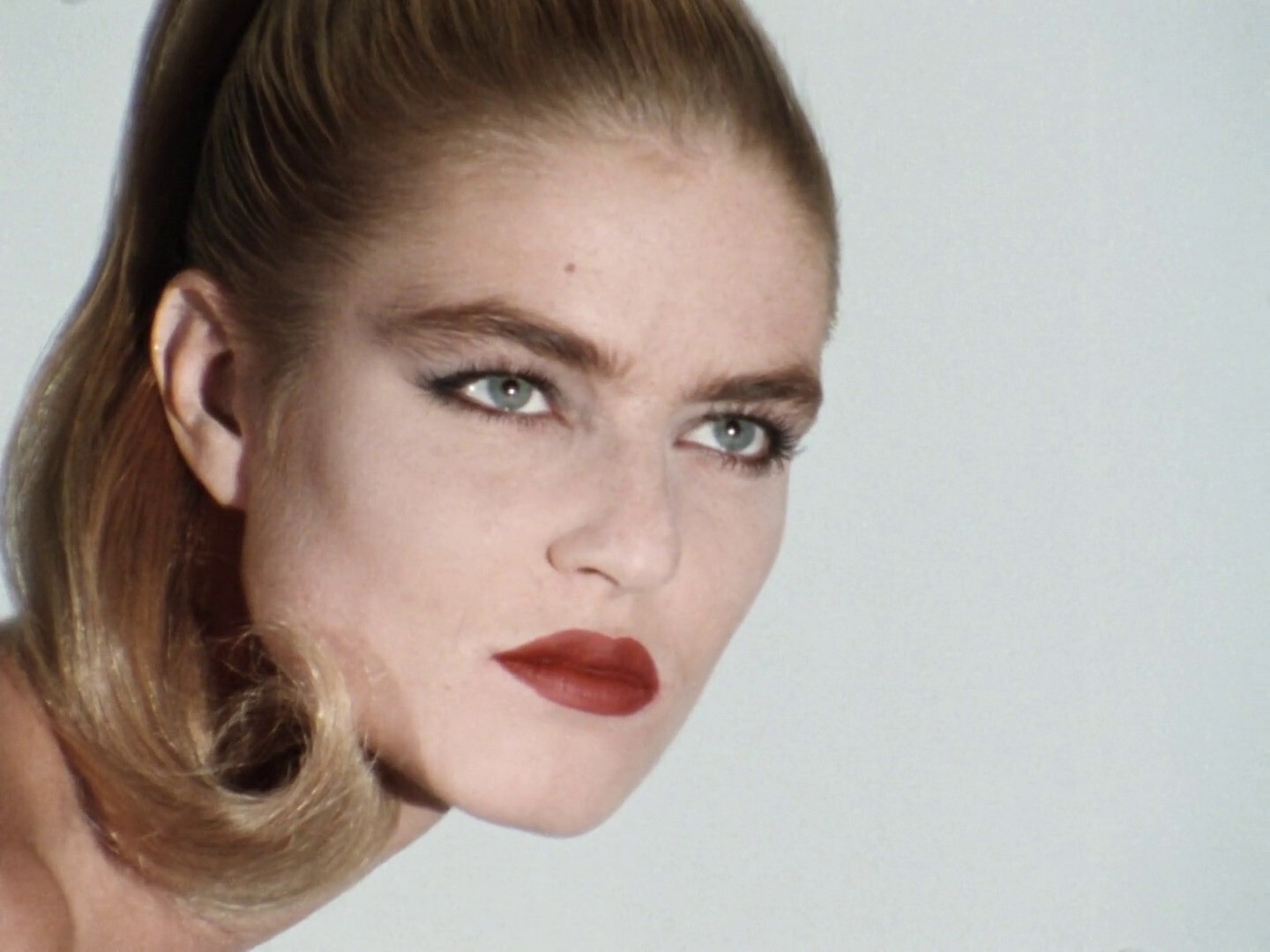
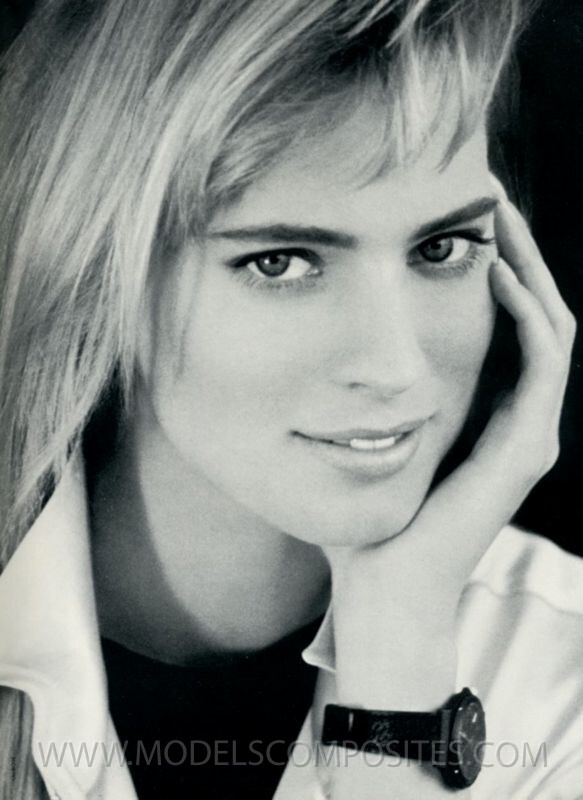
.jpg.1d0d9e0179e3a8a9644dfa81e6238a9d.jpg)
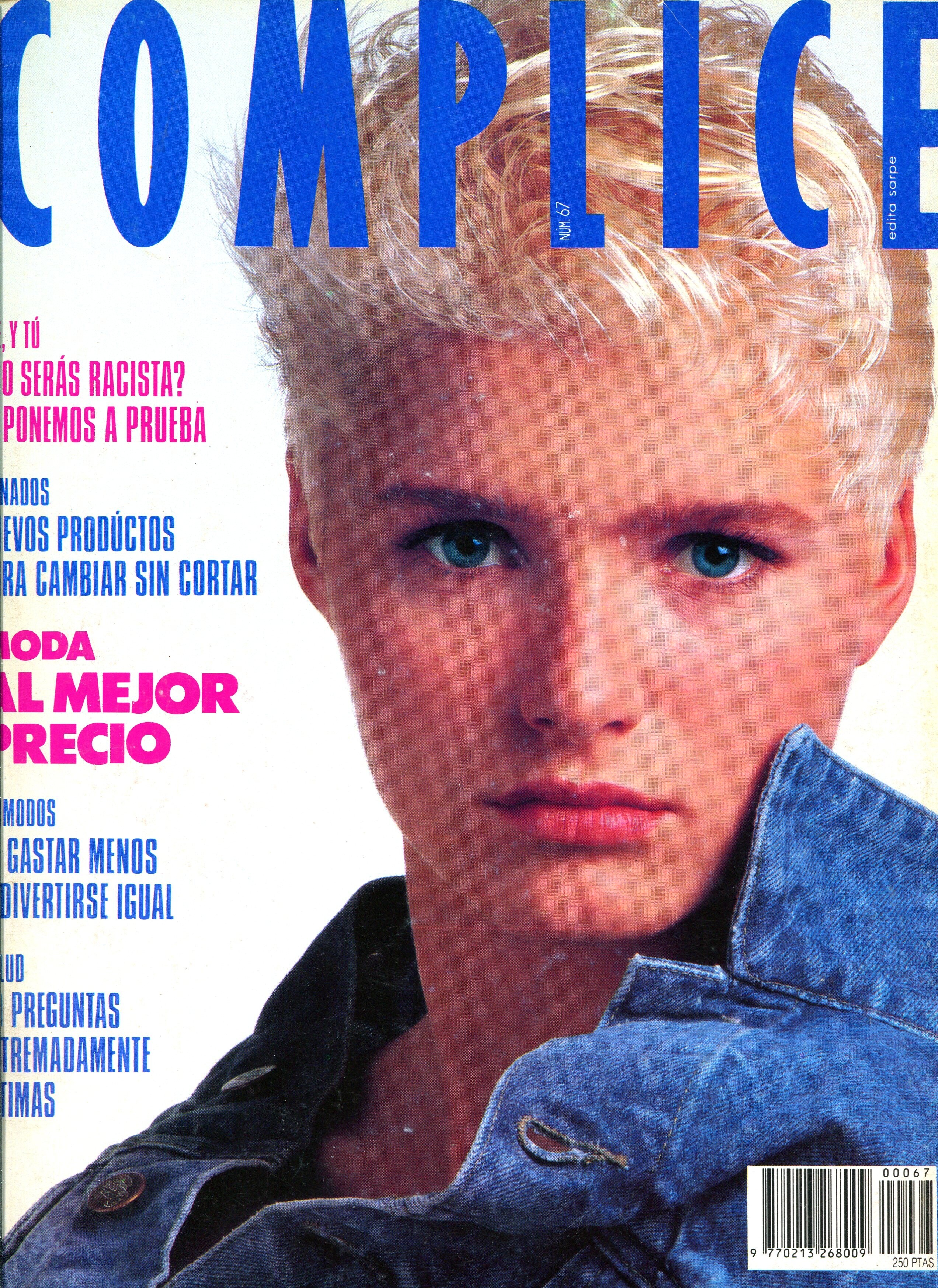
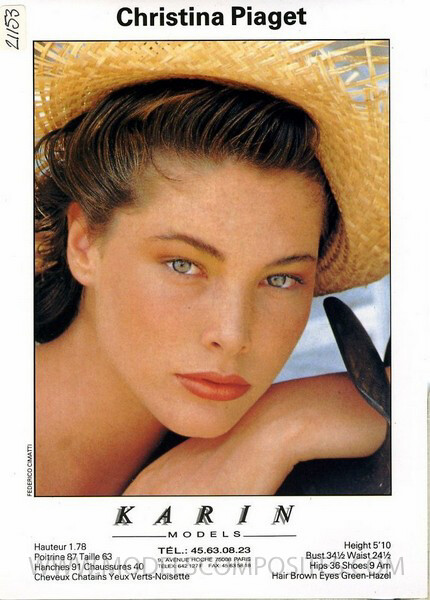

Account
Search
Configure browser push notifications
Chrome (Android)
- Tap the lock icon next to the address bar.
- Tap Permissions → Notifications.
- Adjust your preference.
Chrome (Desktop)
- Click the padlock icon in the address bar.
- Select Site settings.
- Find Notifications and adjust your preference.
Safari (iOS 16.4+)
- Ensure the site is installed via Add to Home Screen.
- Open Settings App → Notifications.
- Find your app name and adjust your preference.
Safari (macOS)
- Go to Safari → Preferences.
- Click the Websites tab.
- Select Notifications in the sidebar.
- Find this website and adjust your preference.
Edge (Android)
- Tap the lock icon next to the address bar.
- Tap Permissions.
- Find Notifications and adjust your preference.
Edge (Desktop)
- Click the padlock icon in the address bar.
- Click Permissions for this site.
- Find Notifications and adjust your preference.
Firefox (Android)
- Go to Settings → Site permissions.
- Tap Notifications.
- Find this site in the list and adjust your preference.
Firefox (Desktop)
- Open Firefox Settings.
- Search for Notifications.
- Find this site in the list and adjust your preference.