

RocketQueen
Members
-
Joined
-
Last visited
Everything posted by RocketQueen
-
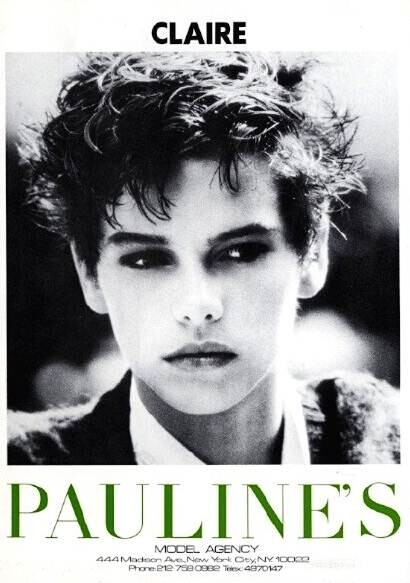
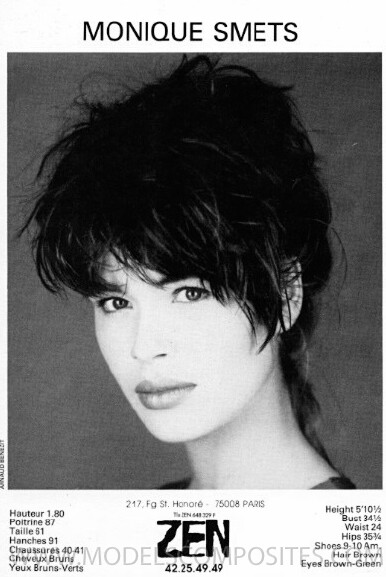
 Claire Dhelens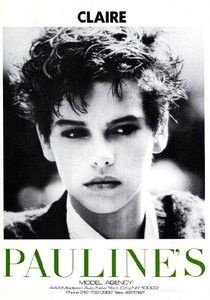
-
Looks like Vanessa Duve in the top picture.
-
Claire Levens

-
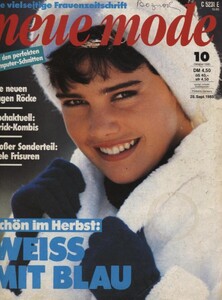
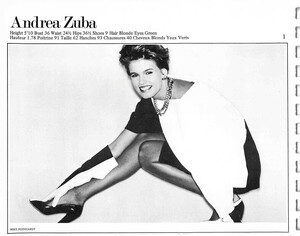
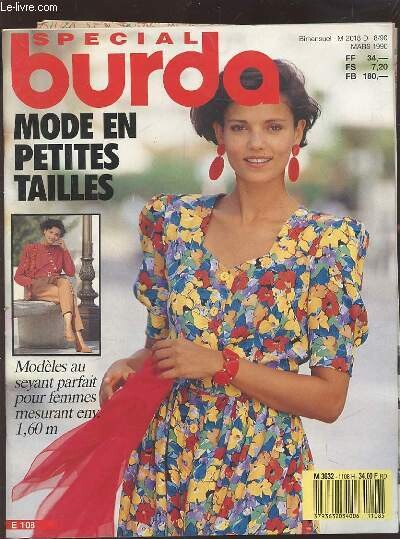
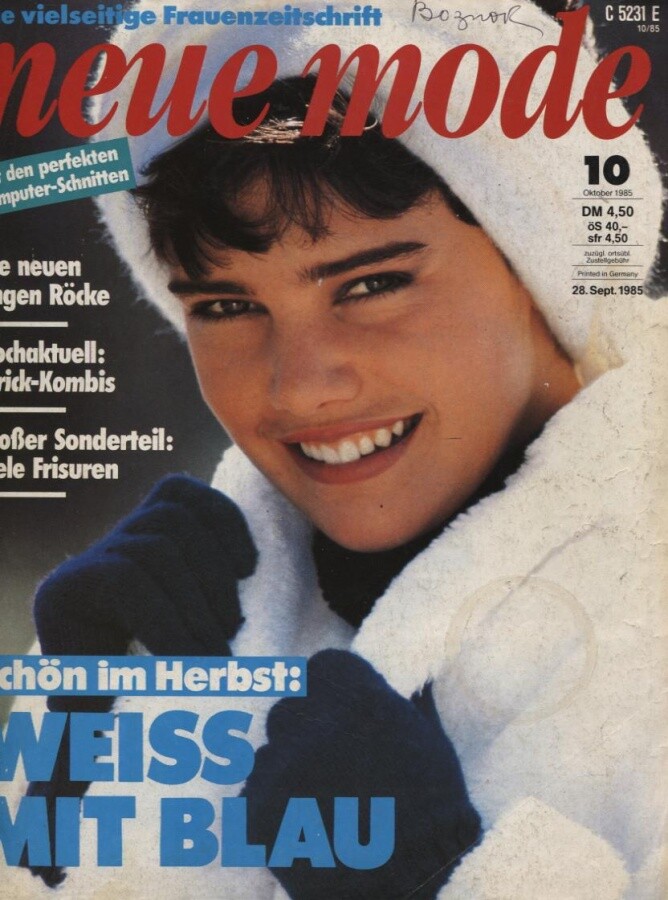
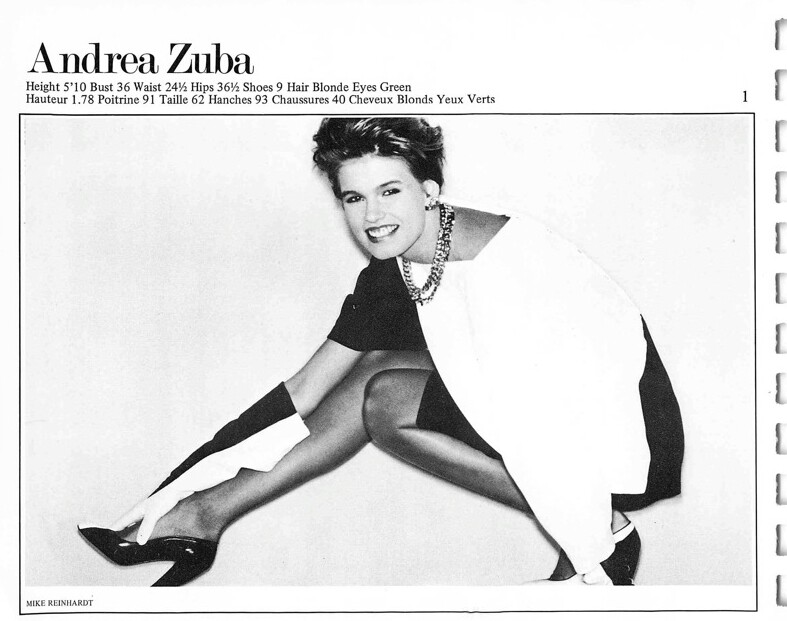
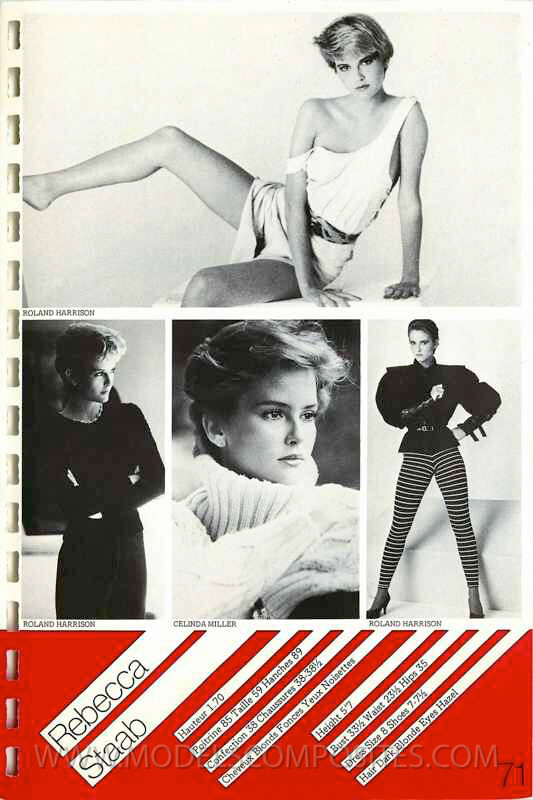
Joanne Aldany (second picture) Andrea Zuba (first and last picture)
-
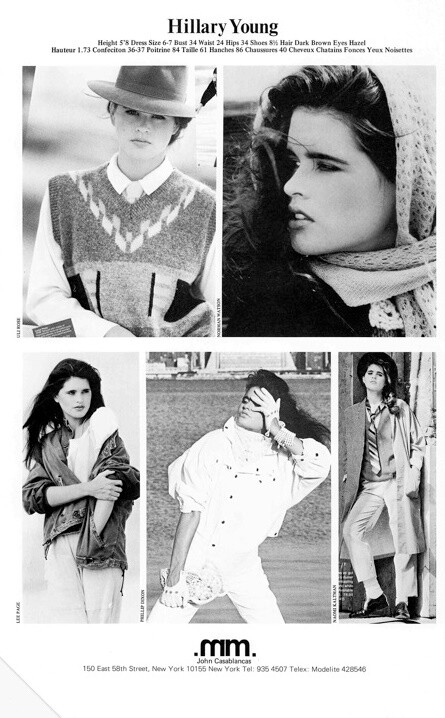
+ Ashley Richardson and Josie Borain
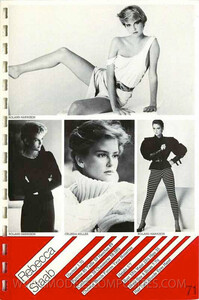
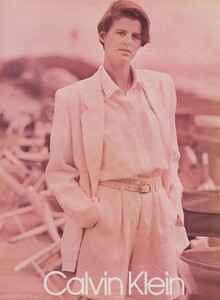 The only way is to pay for a subscription unfortunately...
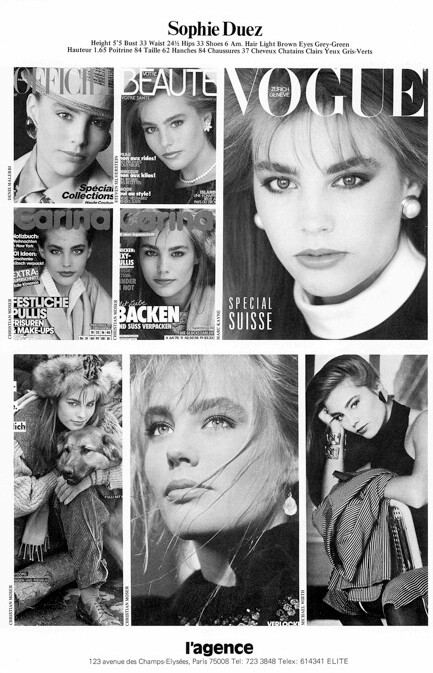
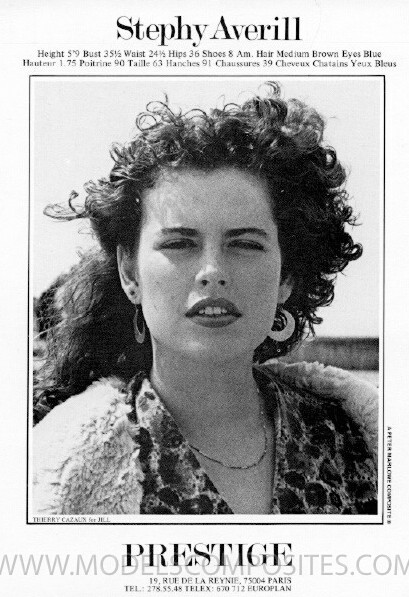
Samantha Phillips
The only way is to pay for a subscription unfortunately...
Samantha Phillips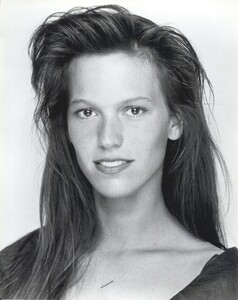 Yes, Jeny. And Sophie Duez in the small photo.
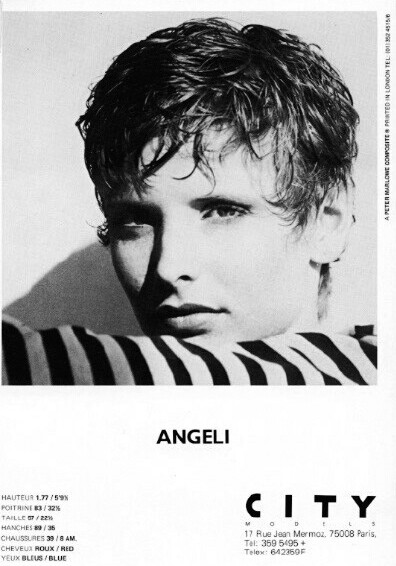
 Angeli Maria van Os
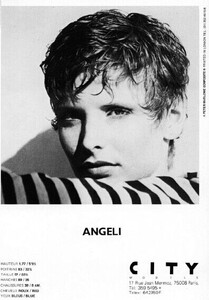 Elenya
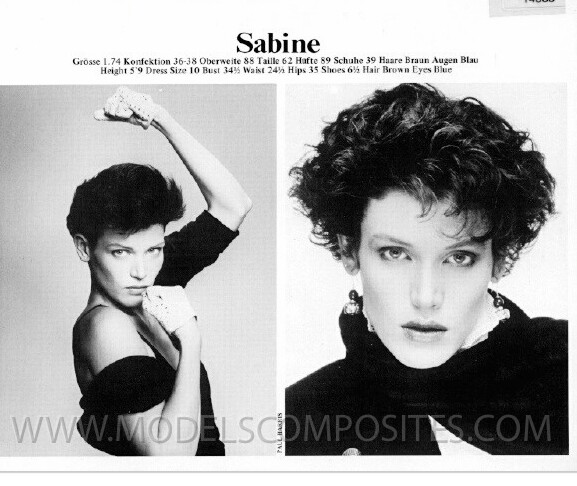
Sabine Stoffel (right)
Elenya
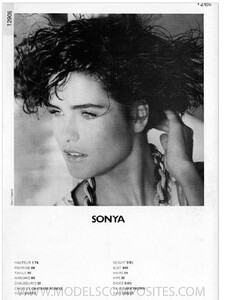
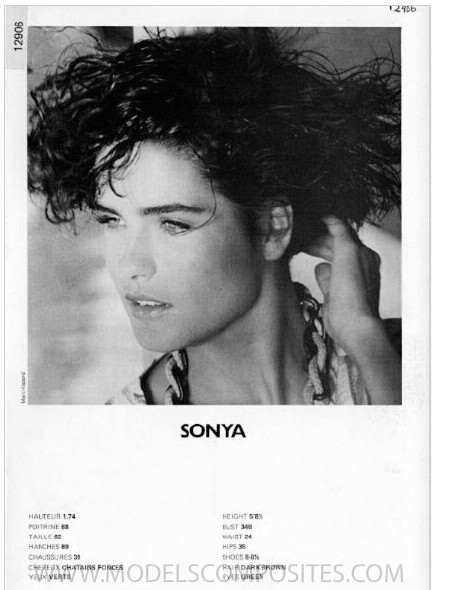
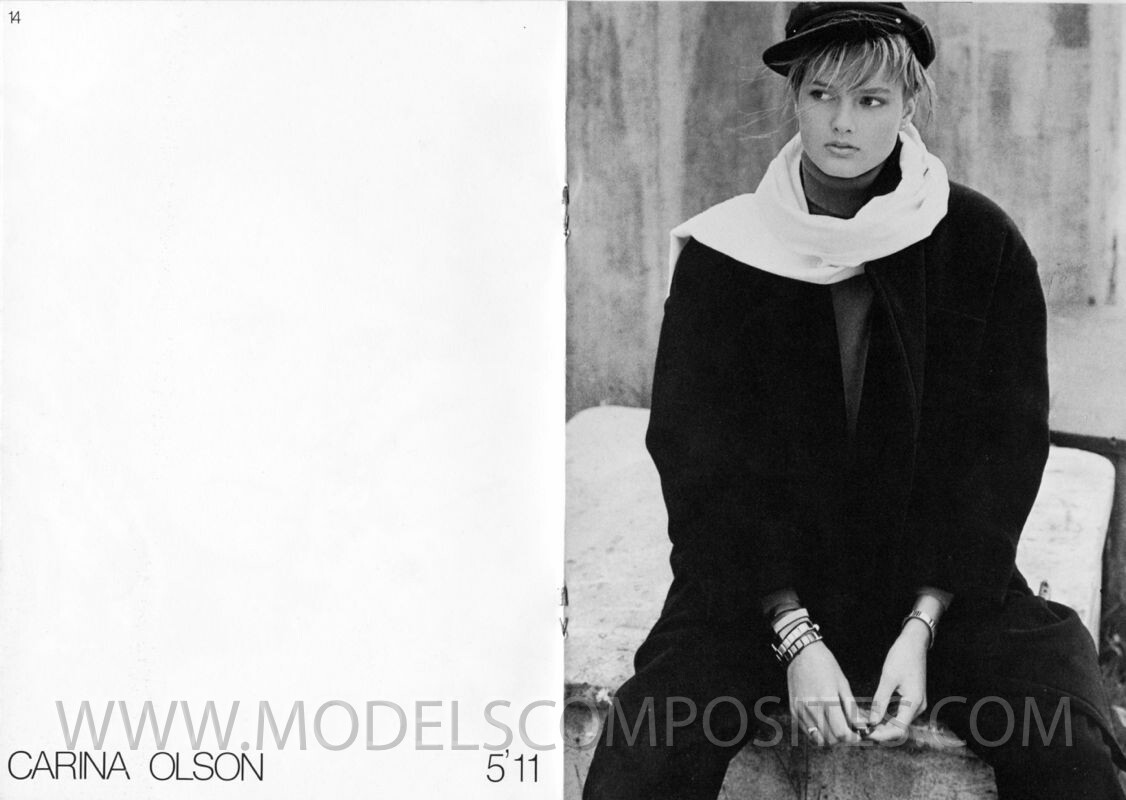
Sabine Stoffel (right)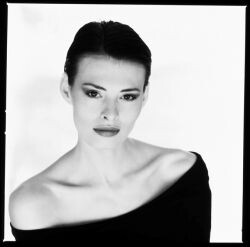 Sonya Wilander
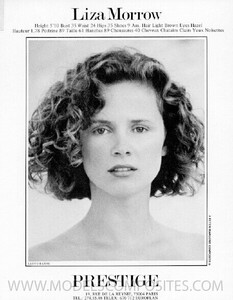
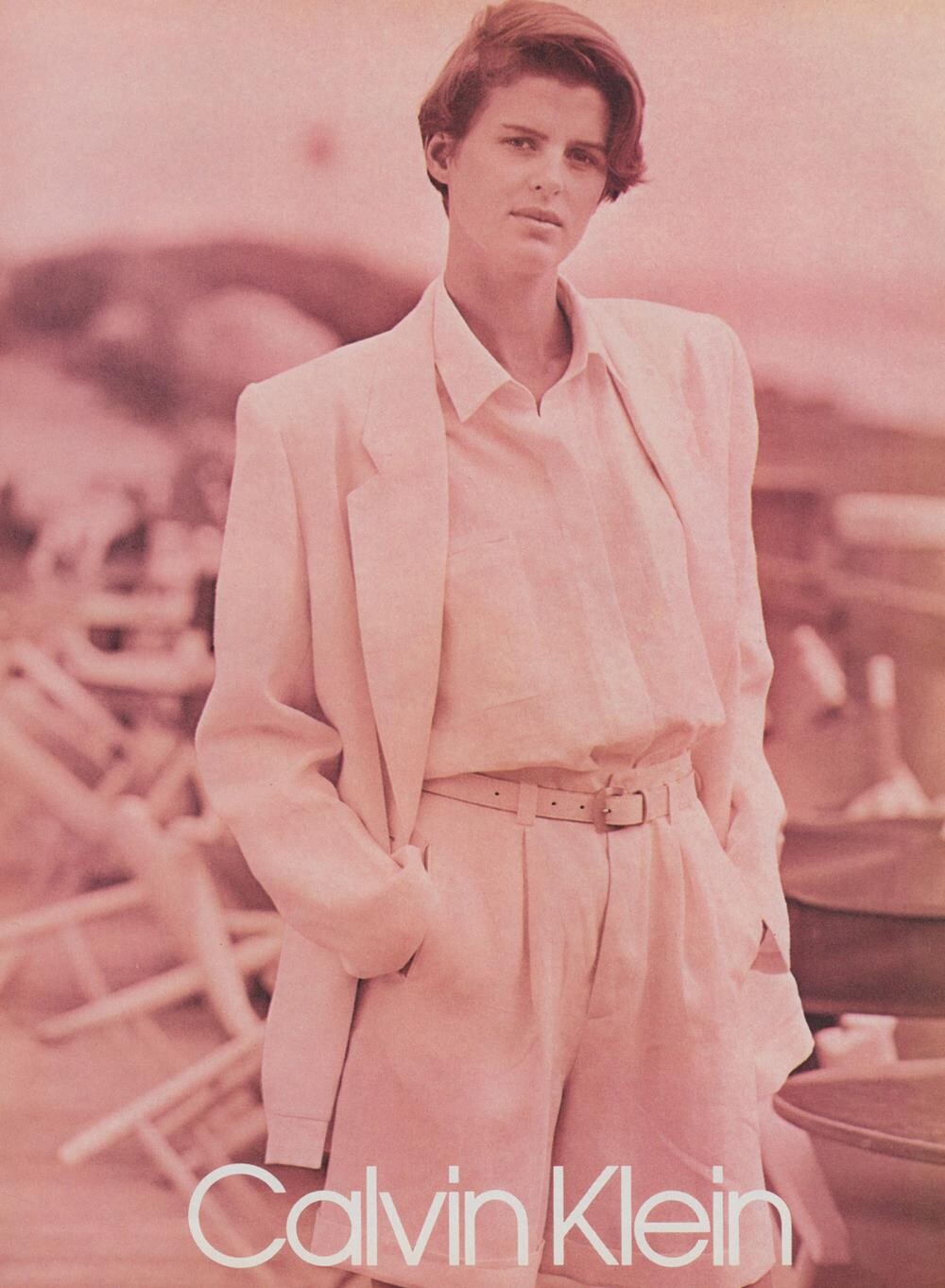
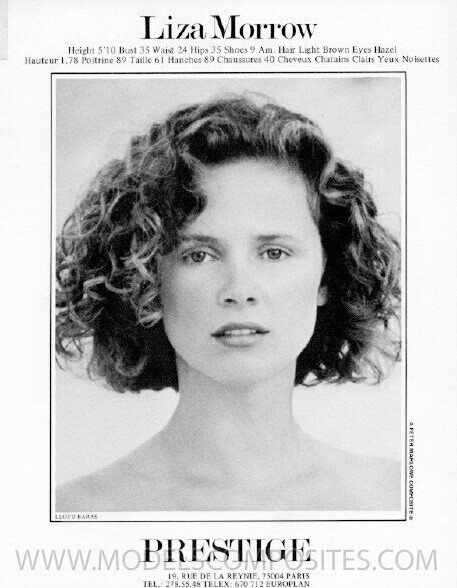
 Liza Morrow & Pamela Crown
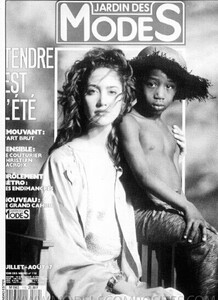
 Blue coat:
 Malena
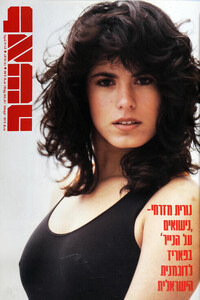
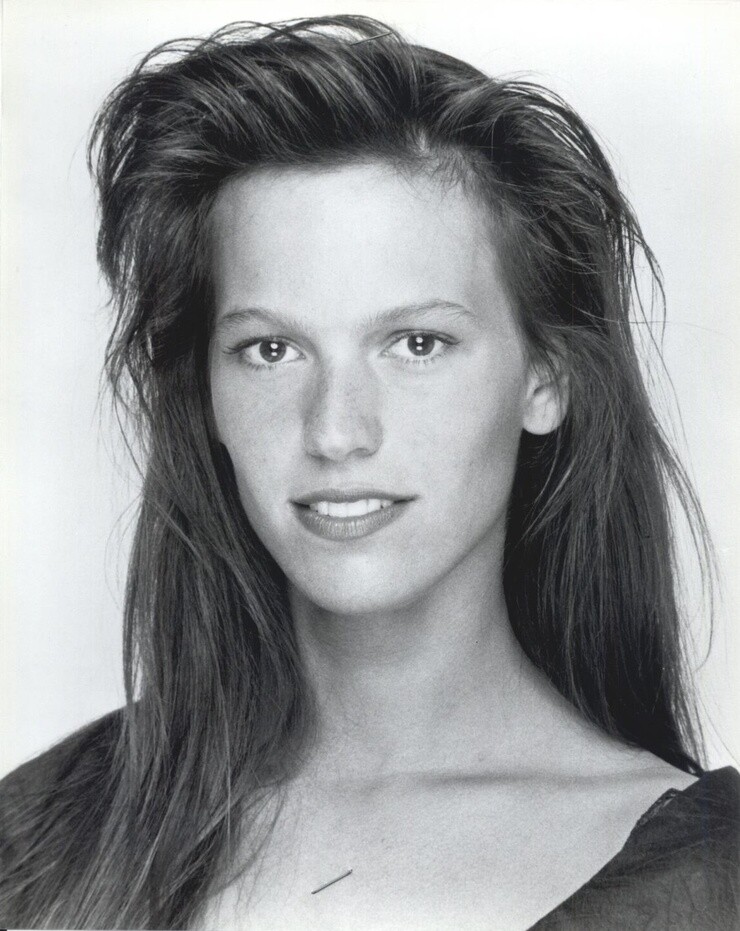
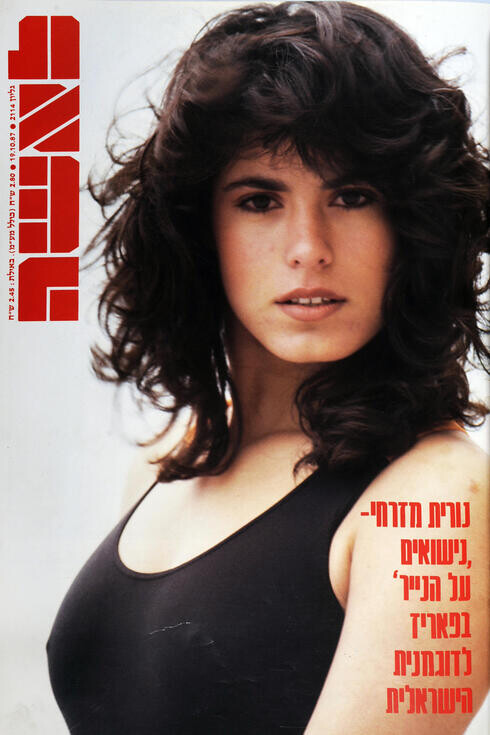
 Nurit Mizrachi
 Lea
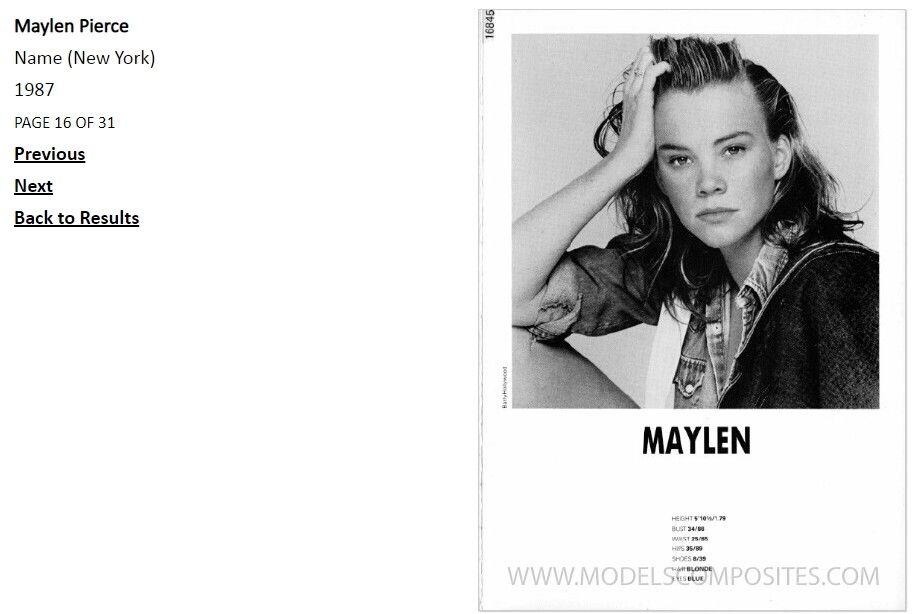
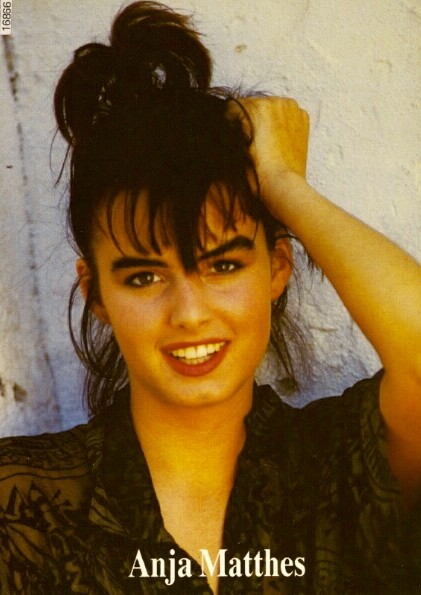
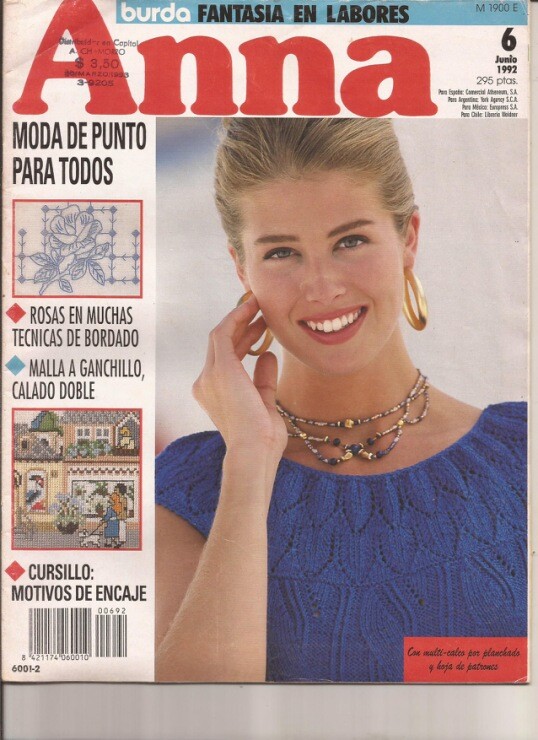
Lea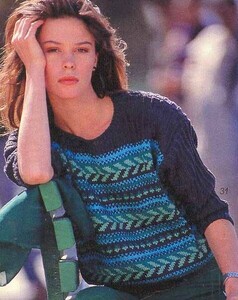 Amanda McCarthy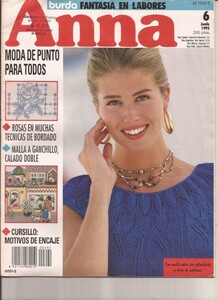
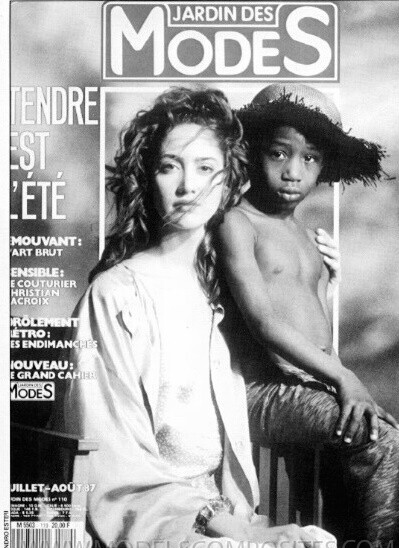
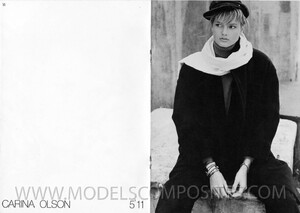 On the cover of Prima: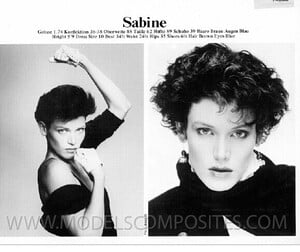


Account
Search
Configure browser push notifications
Chrome (Android)
- Tap the lock icon next to the address bar.
- Tap Permissions → Notifications.
- Adjust your preference.
Chrome (Desktop)
- Click the padlock icon in the address bar.
- Select Site settings.
- Find Notifications and adjust your preference.
Safari (iOS 16.4+)
- Ensure the site is installed via Add to Home Screen.
- Open Settings App → Notifications.
- Find your app name and adjust your preference.
Safari (macOS)
- Go to Safari → Preferences.
- Click the Websites tab.
- Select Notifications in the sidebar.
- Find this website and adjust your preference.
Edge (Android)
- Tap the lock icon next to the address bar.
- Tap Permissions.
- Find Notifications and adjust your preference.
Edge (Desktop)
- Click the padlock icon in the address bar.
- Click Permissions for this site.
- Find Notifications and adjust your preference.
Firefox (Android)
- Go to Settings → Site permissions.
- Tap Notifications.
- Find this site in the list and adjust your preference.
Firefox (Desktop)
- Open Firefox Settings.
- Search for Notifications.
- Find this site in the list and adjust your preference.