

RocketQueen
Members
-
Joined
-
Last visited
Everything posted by RocketQueen
-
 Nope, not Kelly.
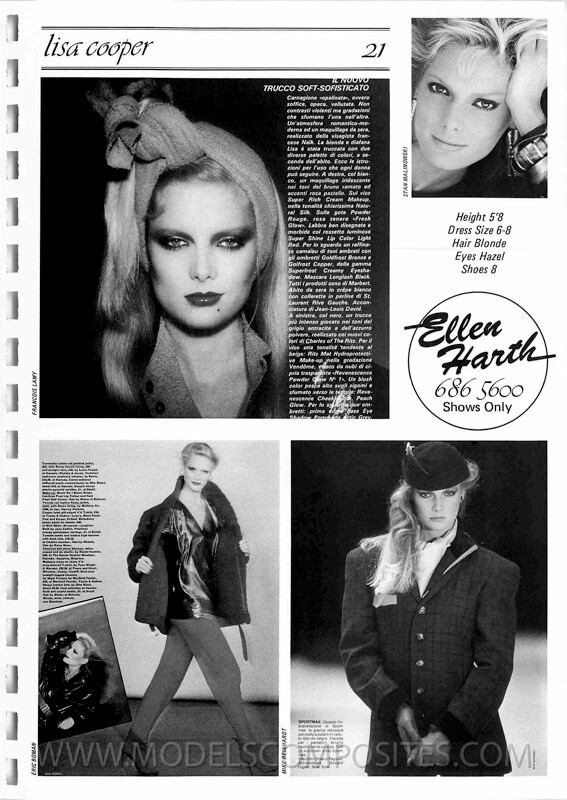
Lisa Rutledge again
Centre:
Nope, not Kelly.
Lisa Rutledge again
Centre: Shawn Ehlers (left):
 Kate Hatch (centre): Tara Shannon (right):
 Lisa Ryall (left): Dalma Callado (right):
 It's this model but I still don't have a name... All I have is this cover.
 Centre:
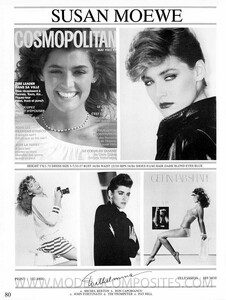 Wanakee again
Wanakee Pugh
Wanakee again
Wanakee Pugh Bottom pic:
 Joan Gocha (far right)
 Lol Woooohooo!
Absolutely right, except that's not Rosemary.
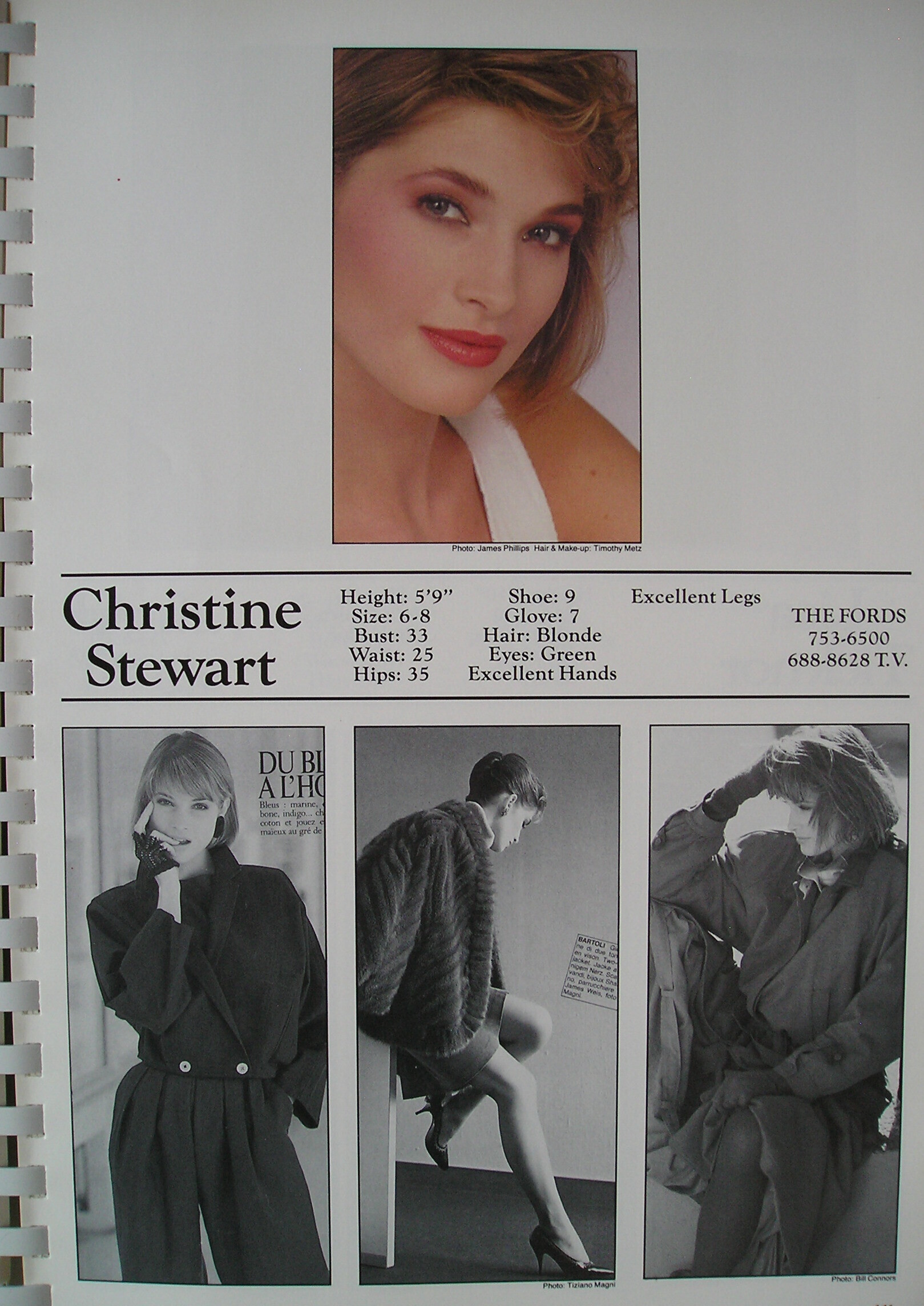
Martina Eistman (far left) Valerie (second page)
Lol Woooohooo!
Absolutely right, except that's not Rosemary.
Martina Eistman (far left) Valerie (second page)
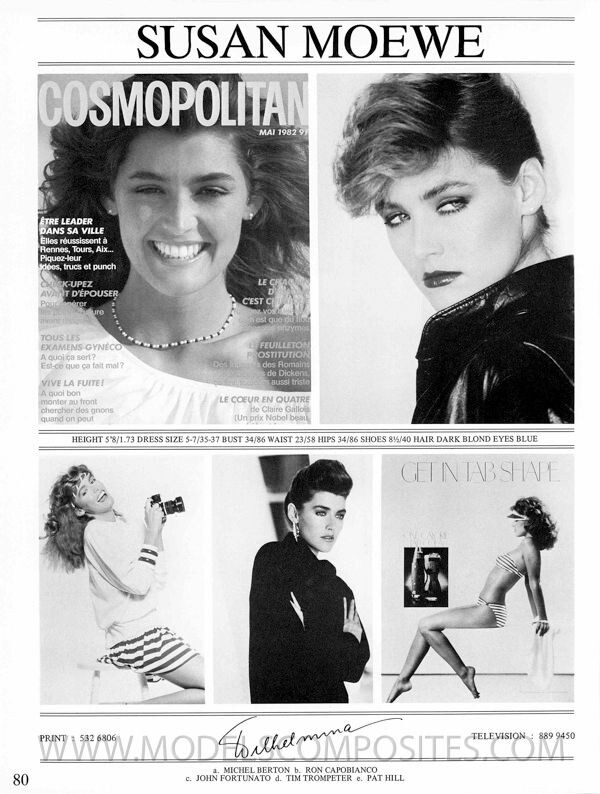
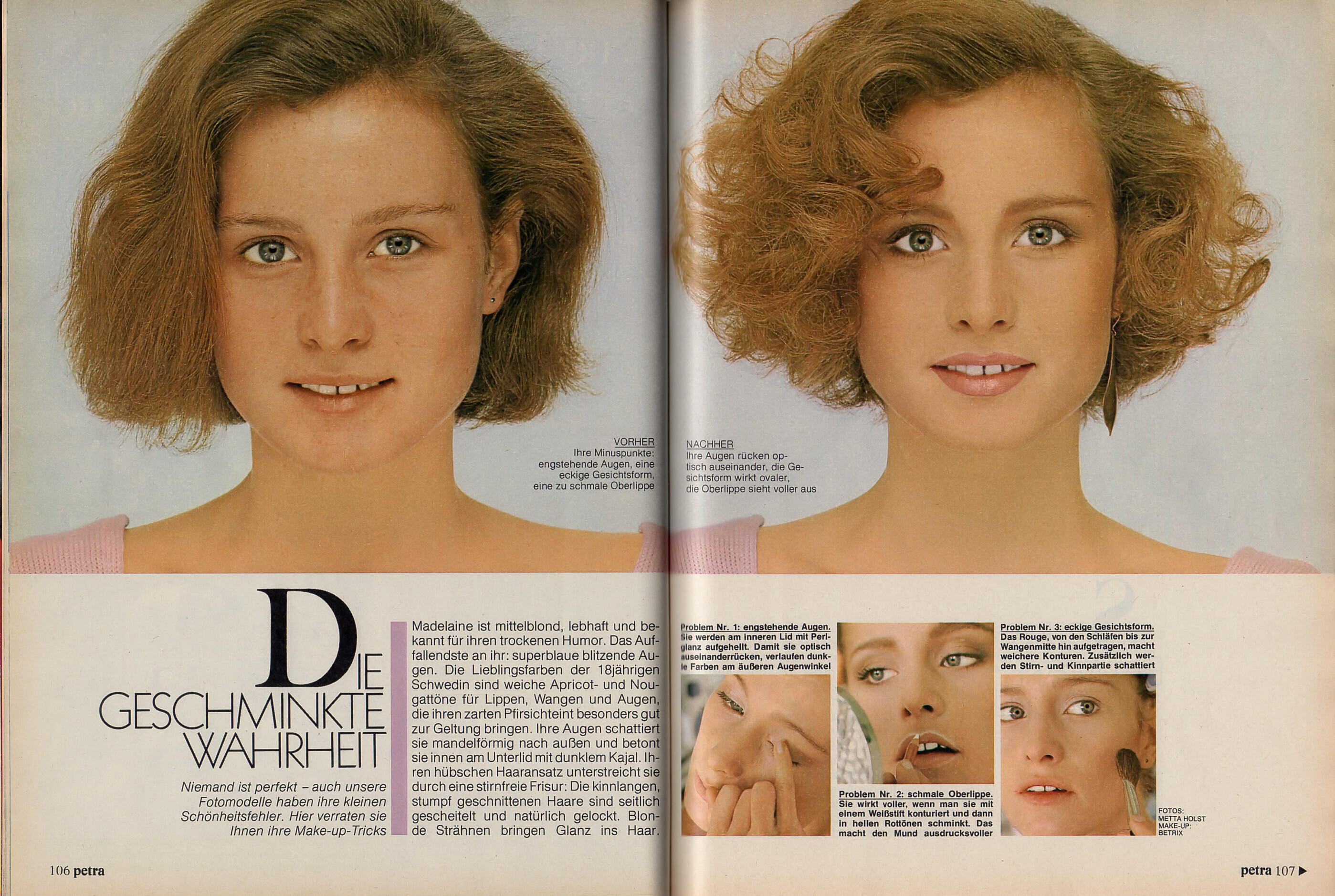
 Valerie again
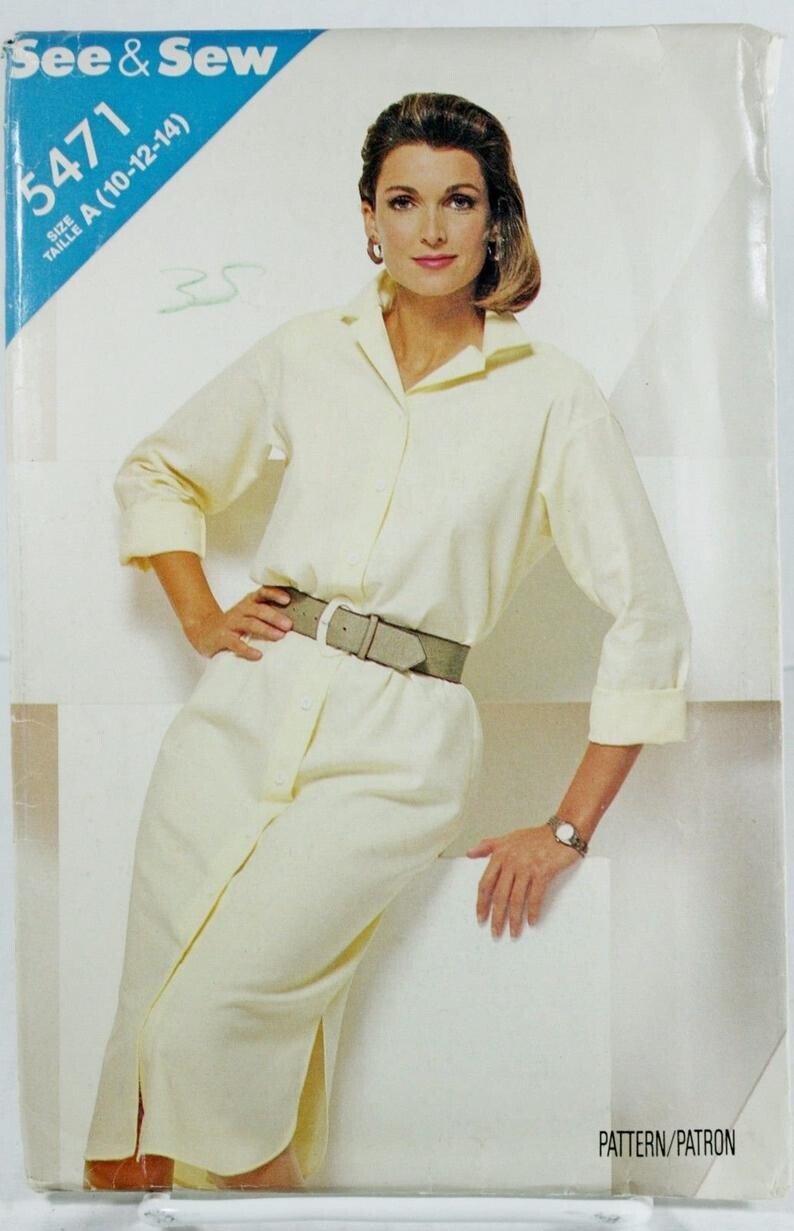
I really can't tell. I think there's a visible difference in the teeth but they eyebrows look the same; the eyes, too.
Valerie again
I really can't tell. I think there's a visible difference in the teeth but they eyebrows look the same; the eyes, too. I think they look similar but are two different models.












Account
Search
Configure browser push notifications
Chrome (Android)
- Tap the lock icon next to the address bar.
- Tap Permissions → Notifications.
- Adjust your preference.
Chrome (Desktop)
- Click the padlock icon in the address bar.
- Select Site settings.
- Find Notifications and adjust your preference.
Safari (iOS 16.4+)
- Ensure the site is installed via Add to Home Screen.
- Open Settings App → Notifications.
- Find your app name and adjust your preference.
Safari (macOS)
- Go to Safari → Preferences.
- Click the Websites tab.
- Select Notifications in the sidebar.
- Find this website and adjust your preference.
Edge (Android)
- Tap the lock icon next to the address bar.
- Tap Permissions.
- Find Notifications and adjust your preference.
Edge (Desktop)
- Click the padlock icon in the address bar.
- Click Permissions for this site.
- Find Notifications and adjust your preference.
Firefox (Android)
- Go to Settings → Site permissions.
- Tap Notifications.
- Find this site in the list and adjust your preference.
Firefox (Desktop)
- Open Firefox Settings.
- Search for Notifications.
- Find this site in the list and adjust your preference.