

RocketQueen
Members
-
Joined
-
Last visited
Everything posted by RocketQueen
-

-
No idea.
-
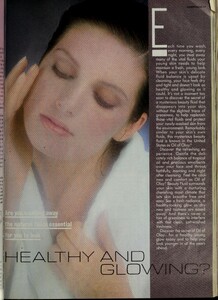
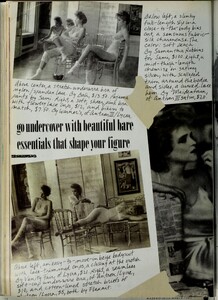
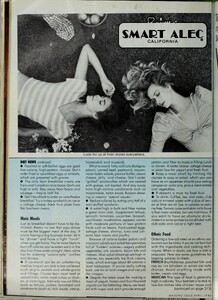
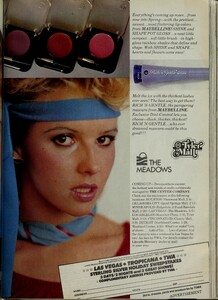
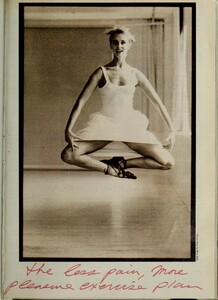
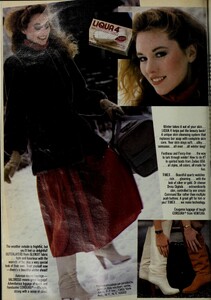
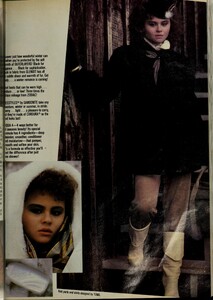
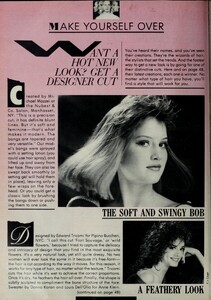
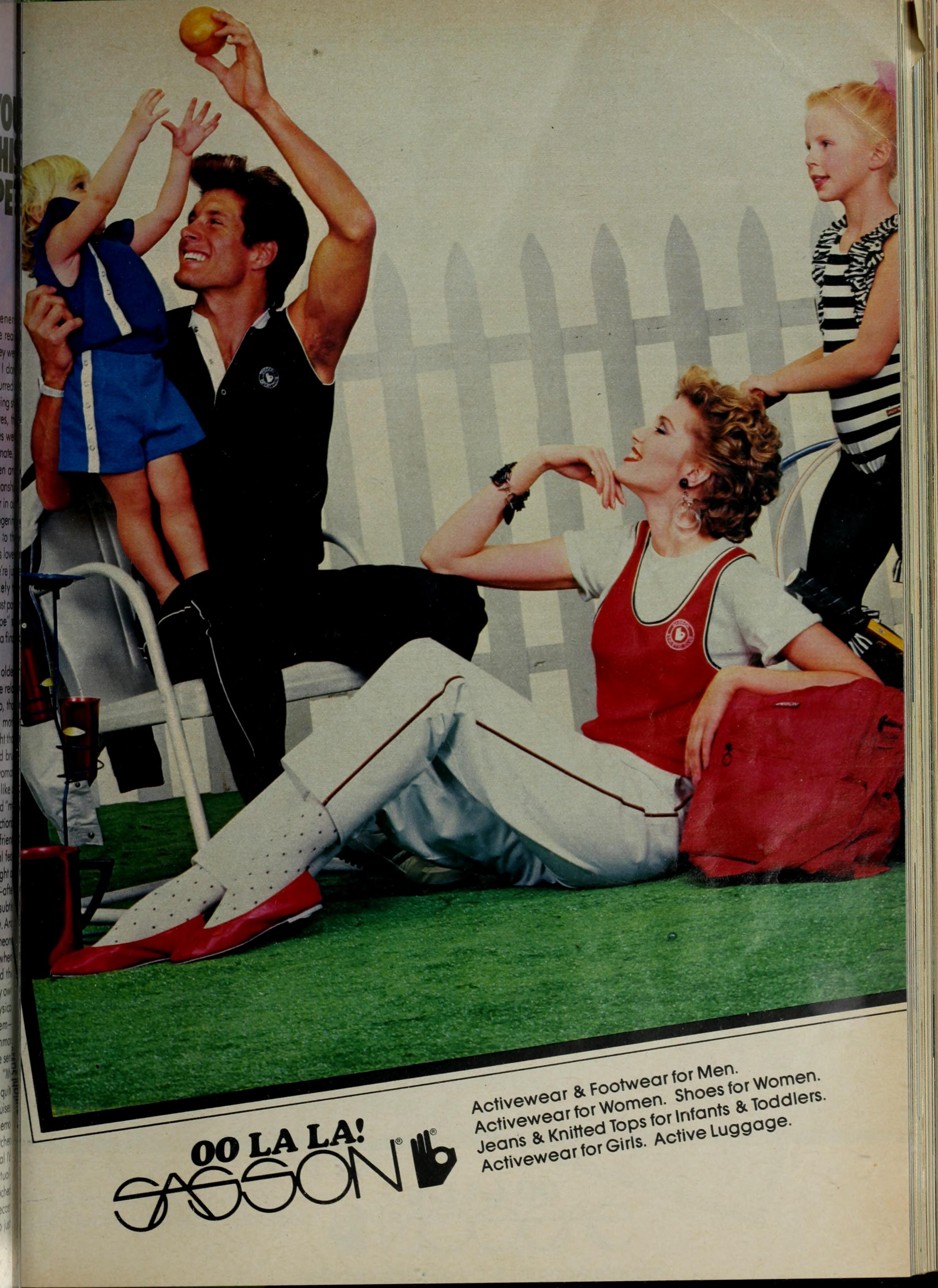
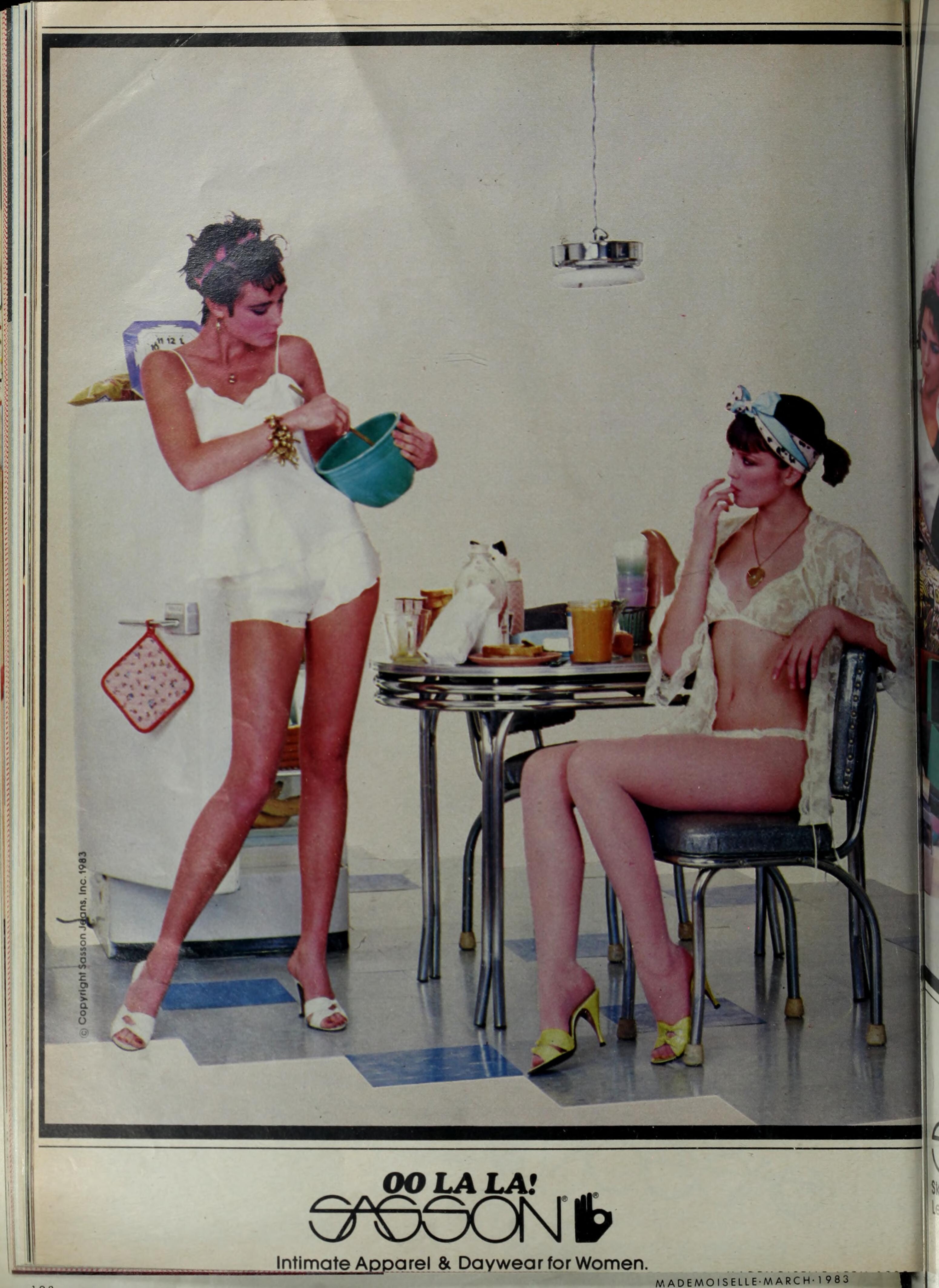
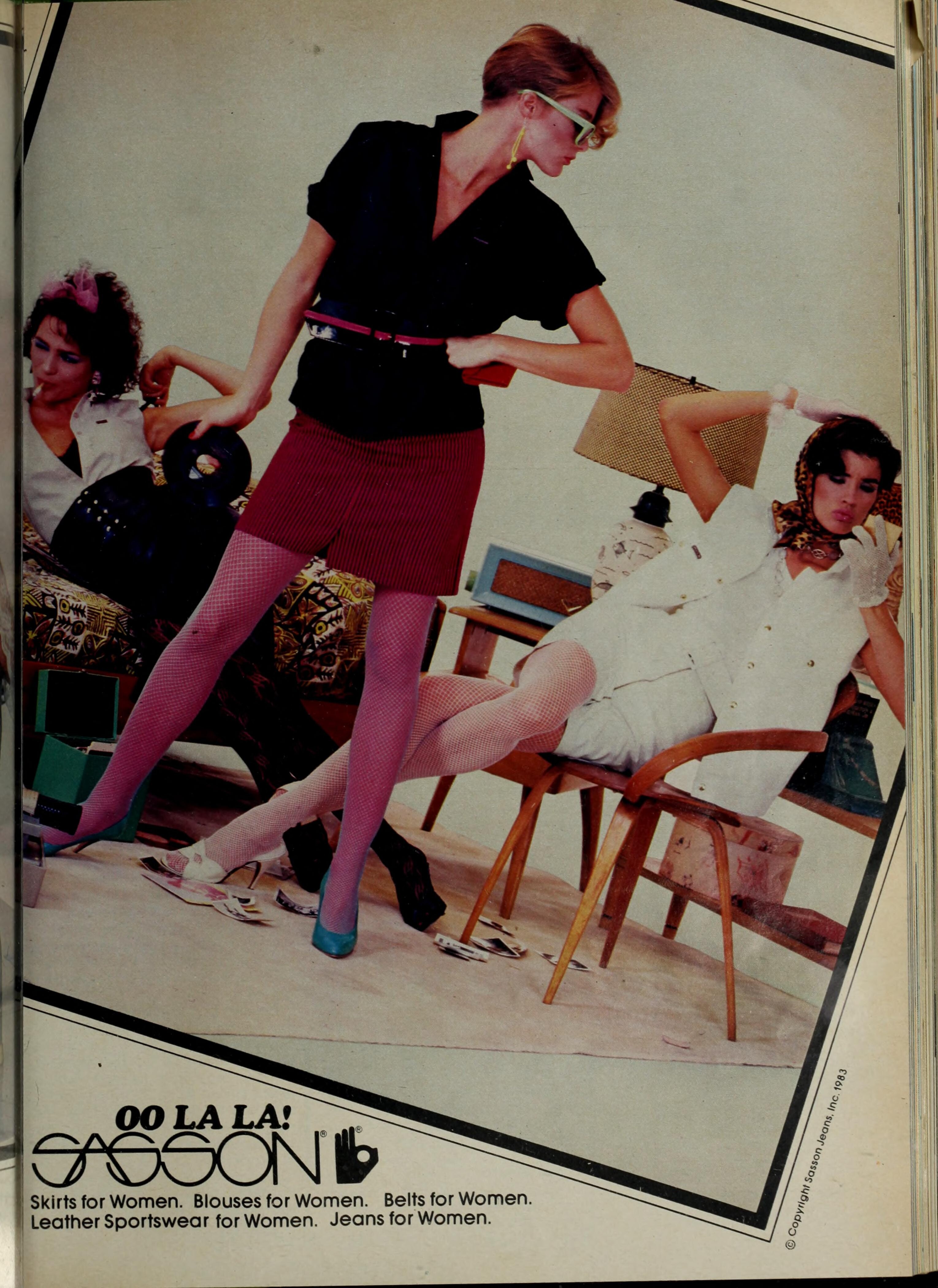
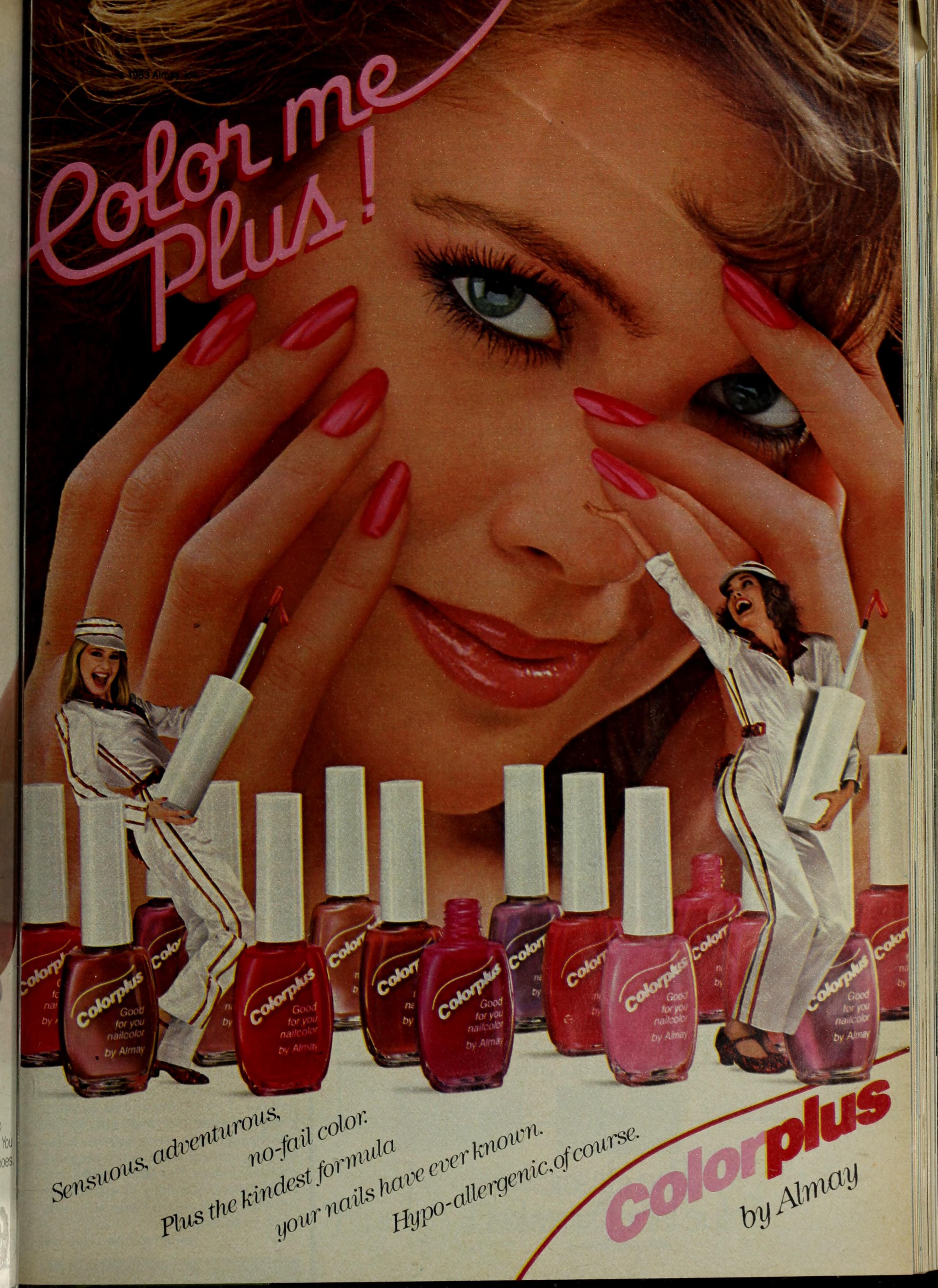
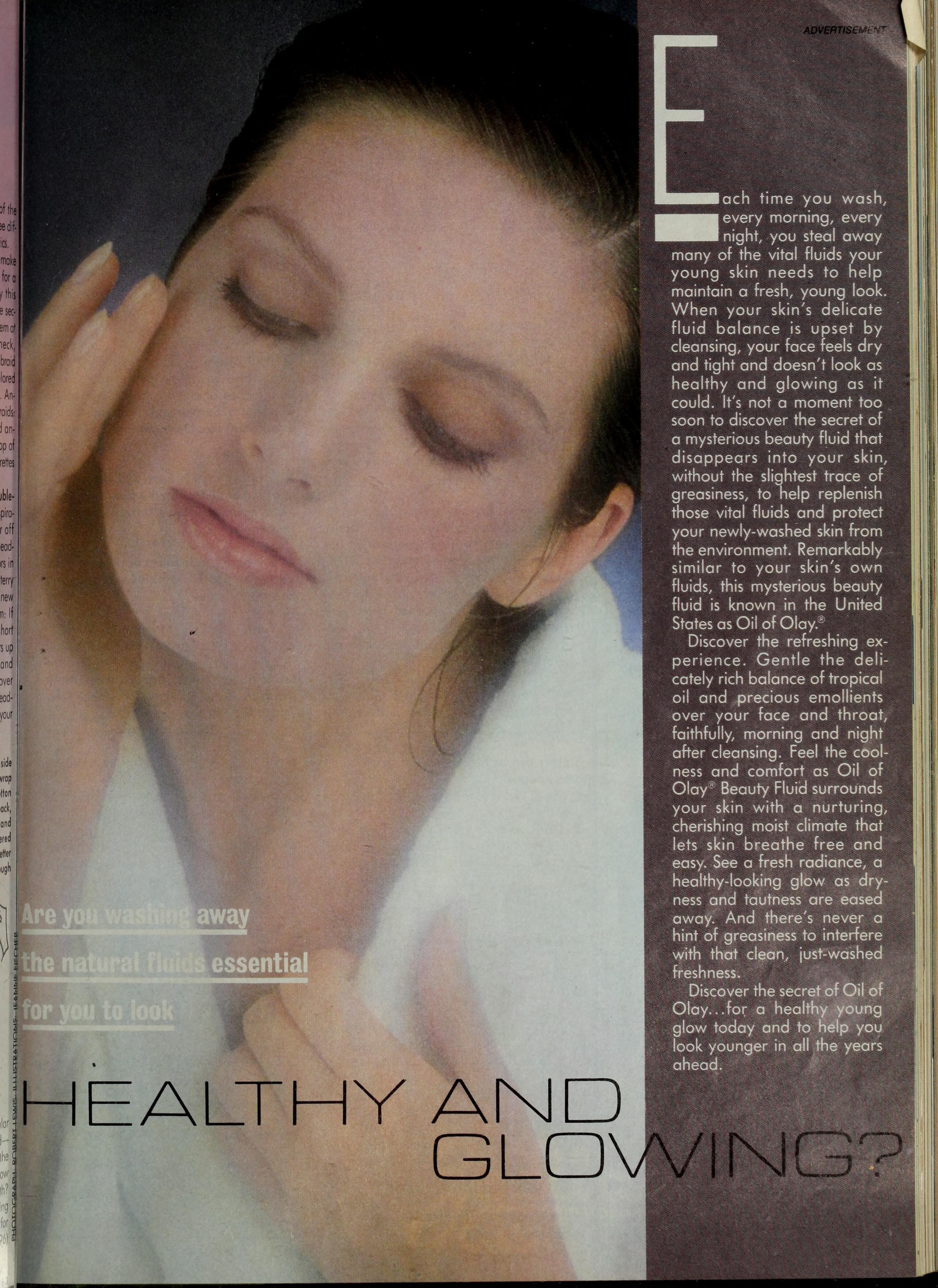
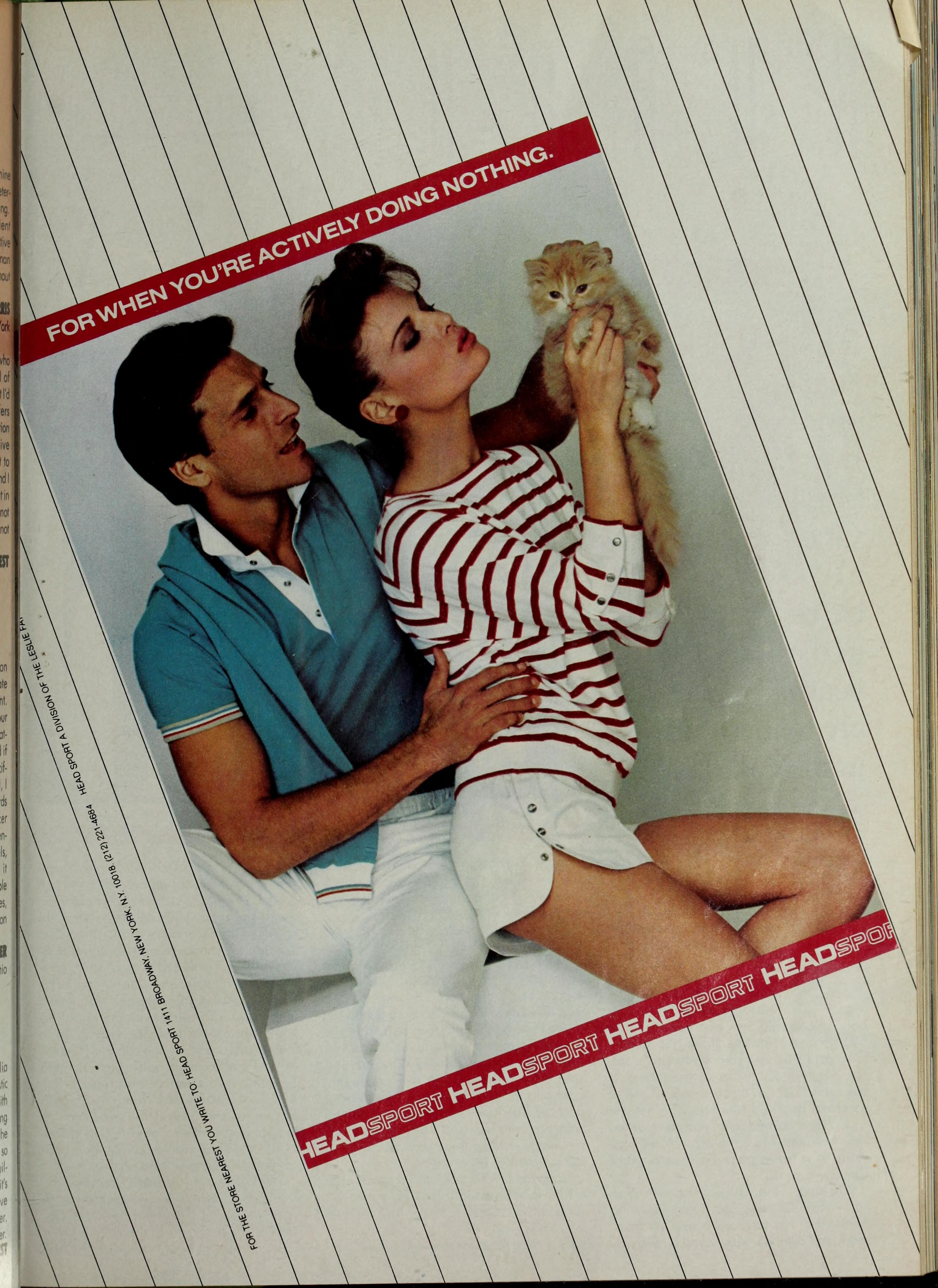
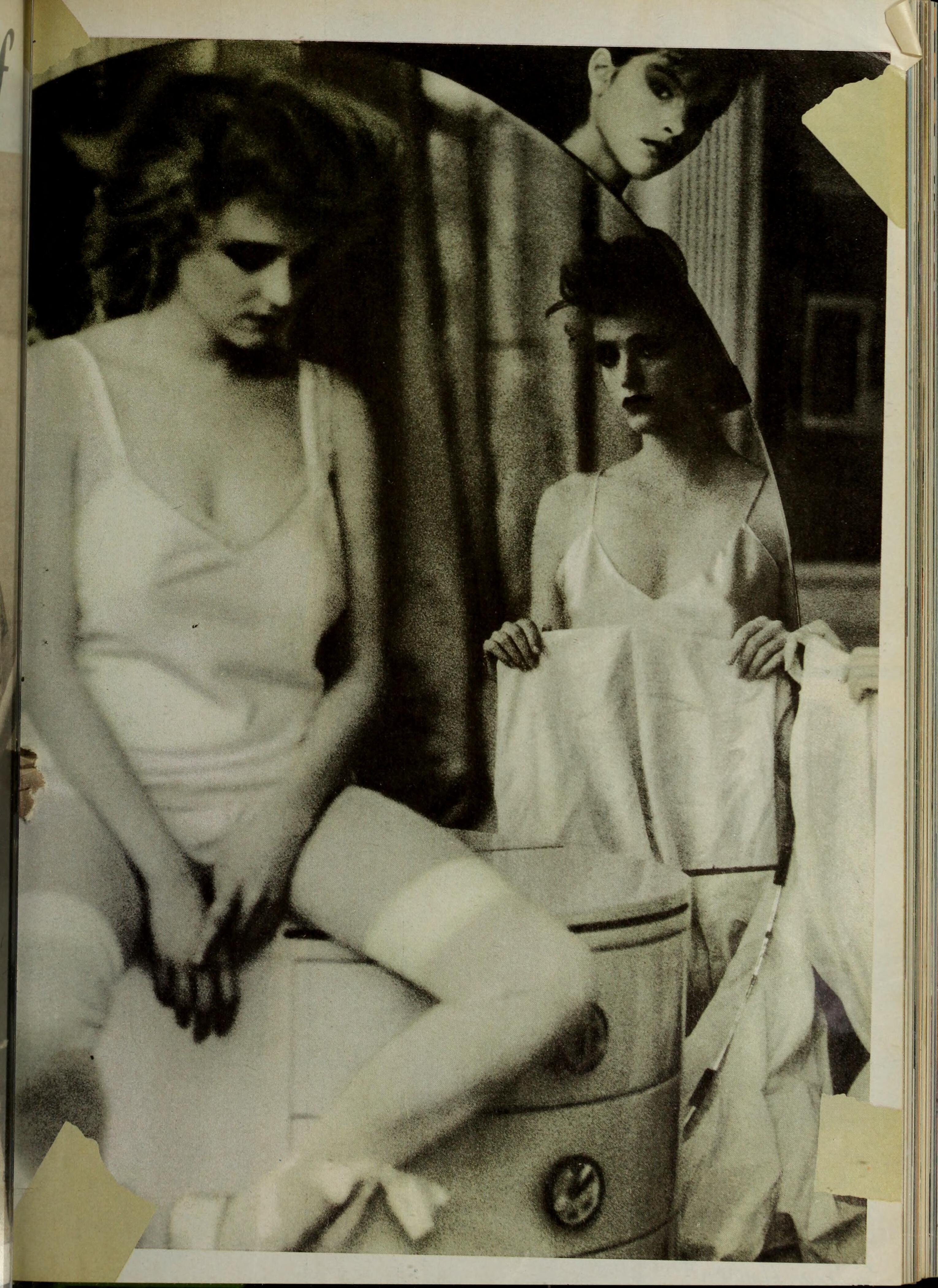
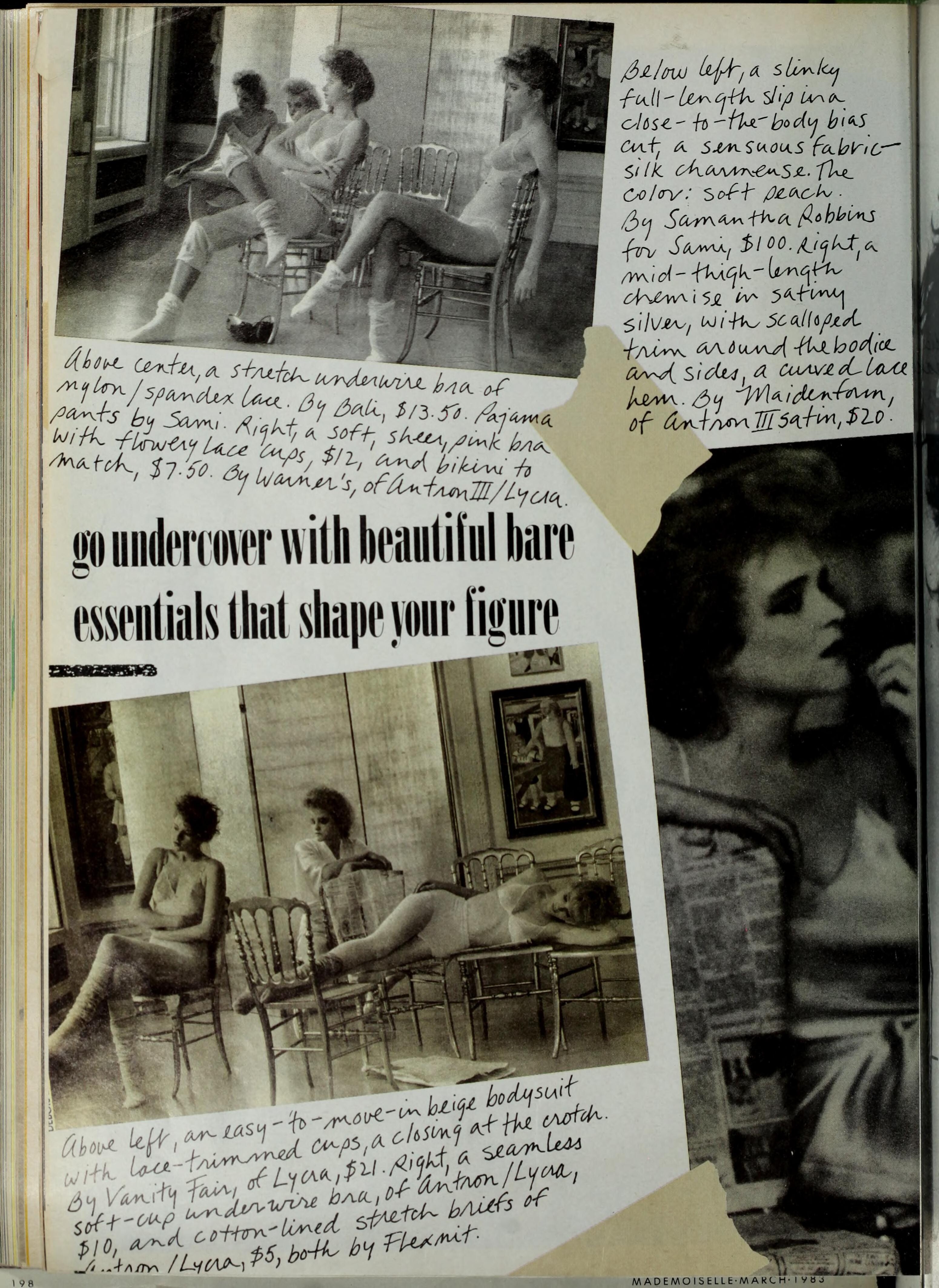
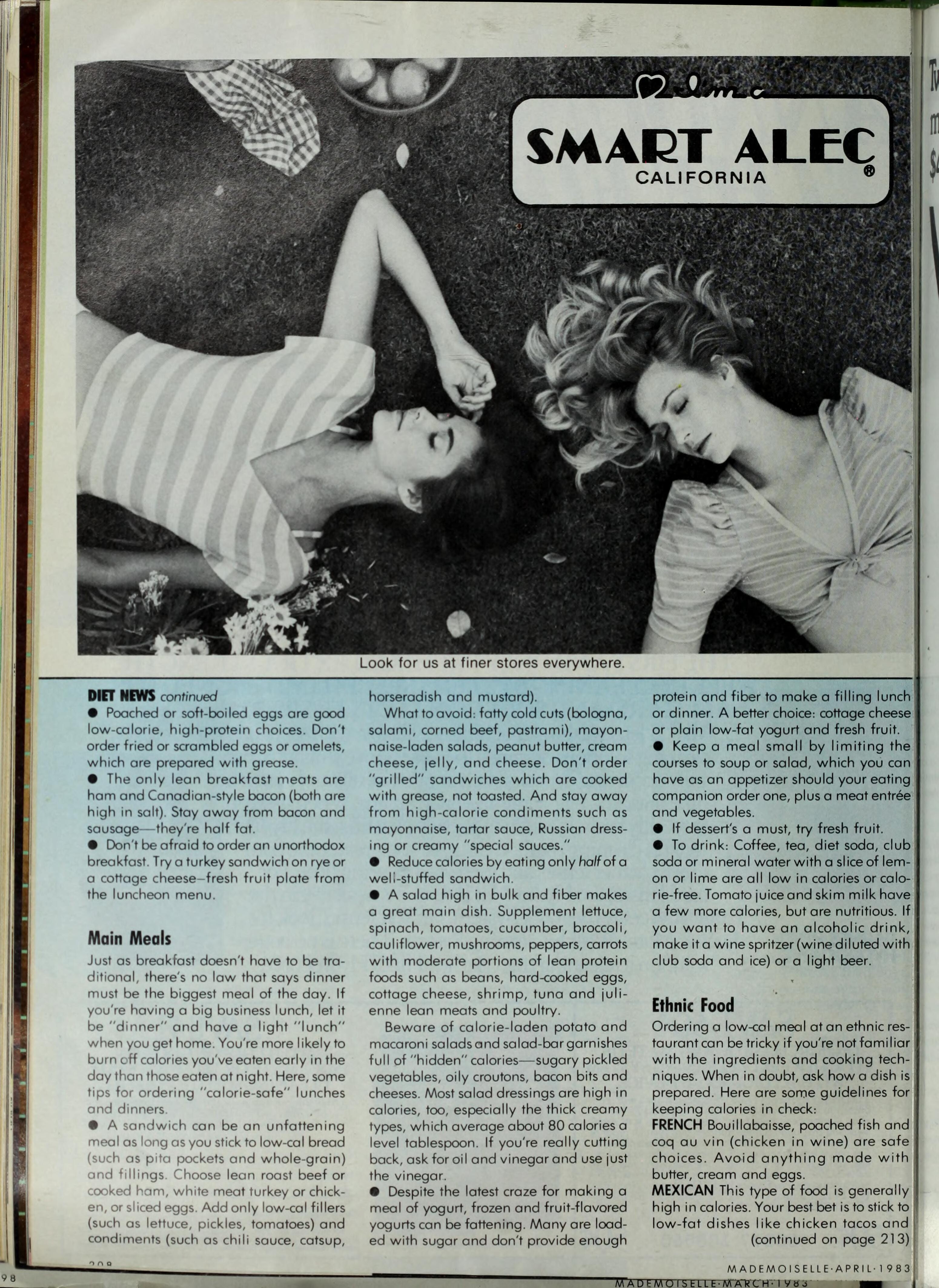
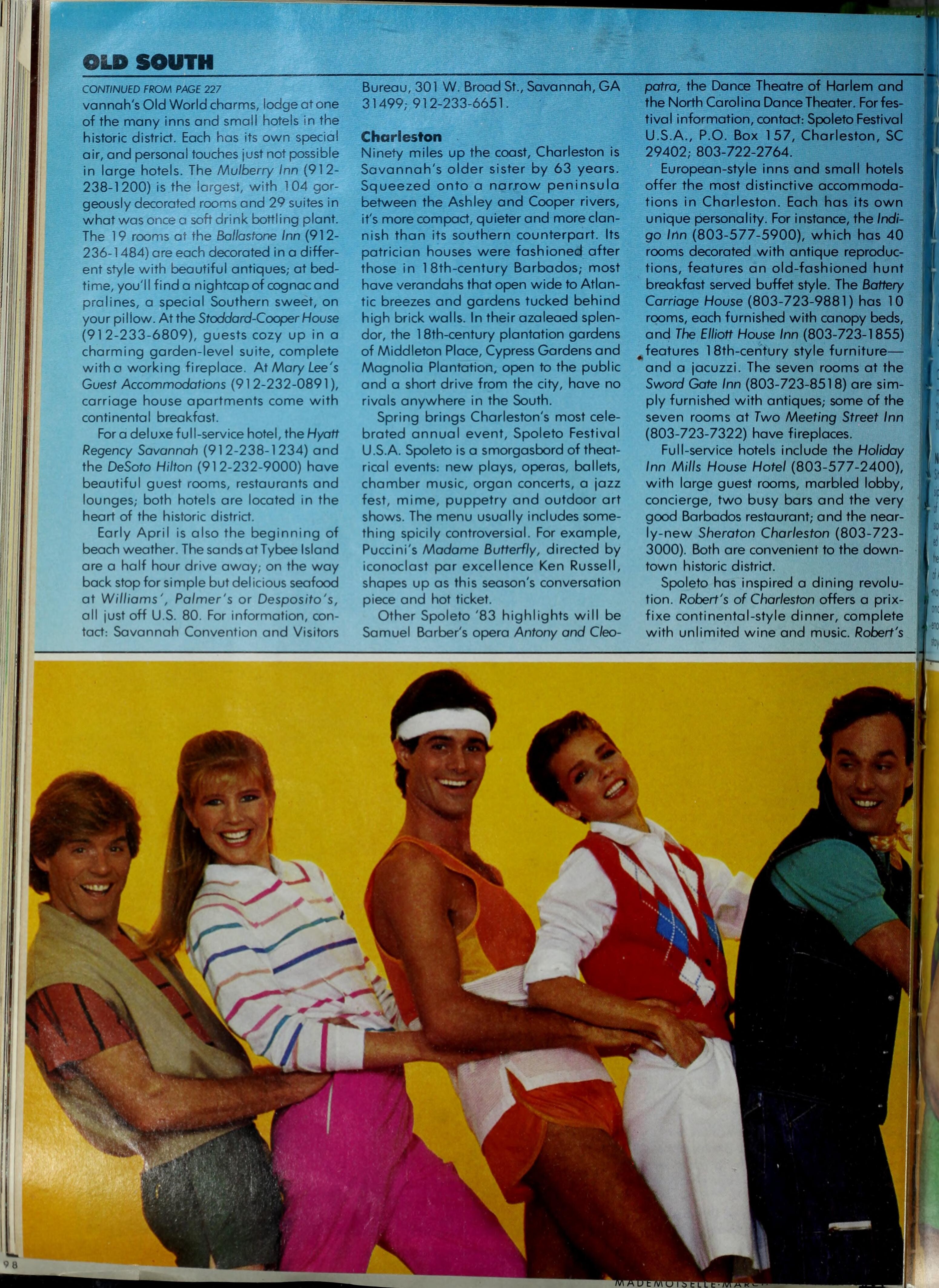
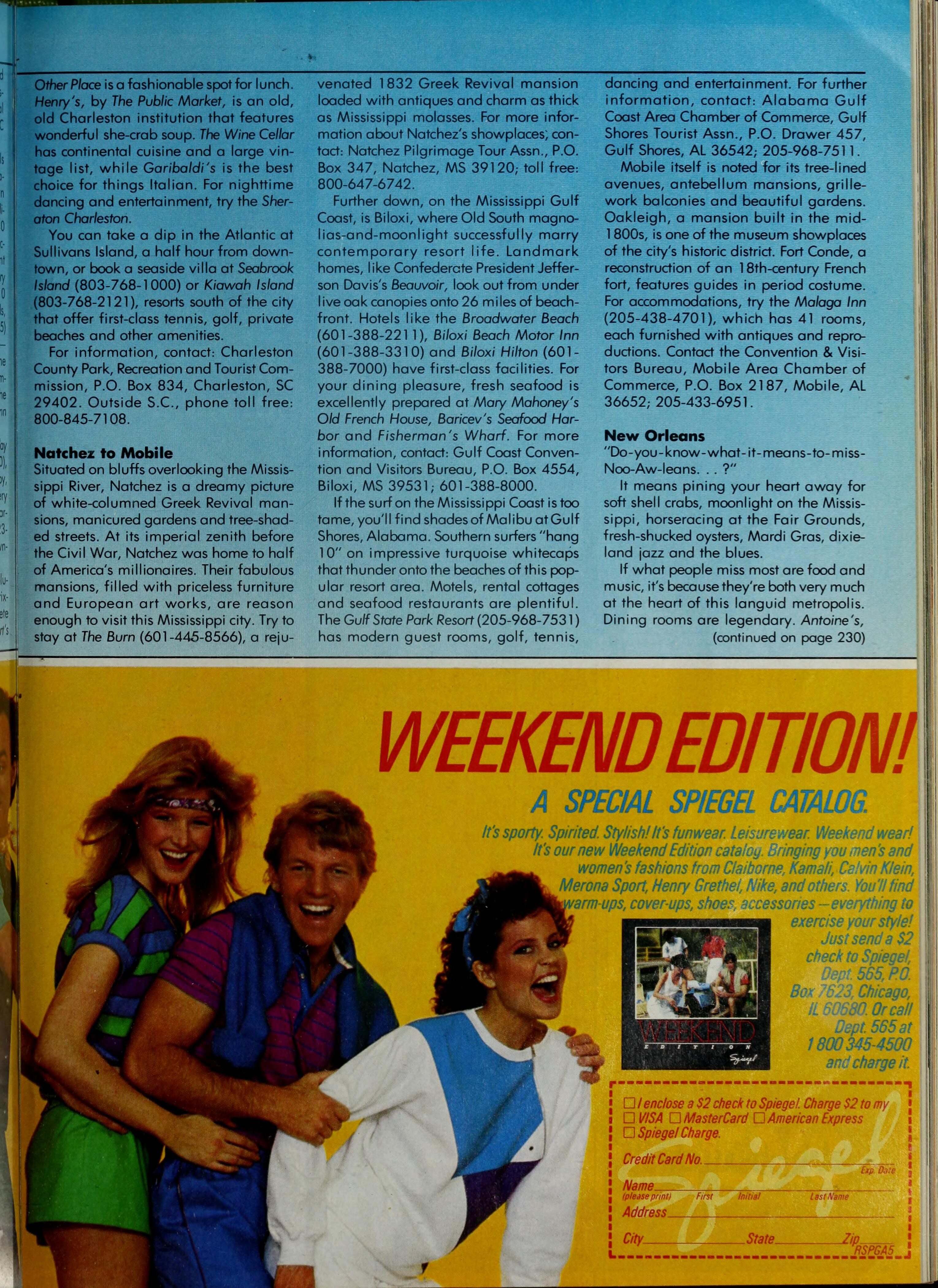
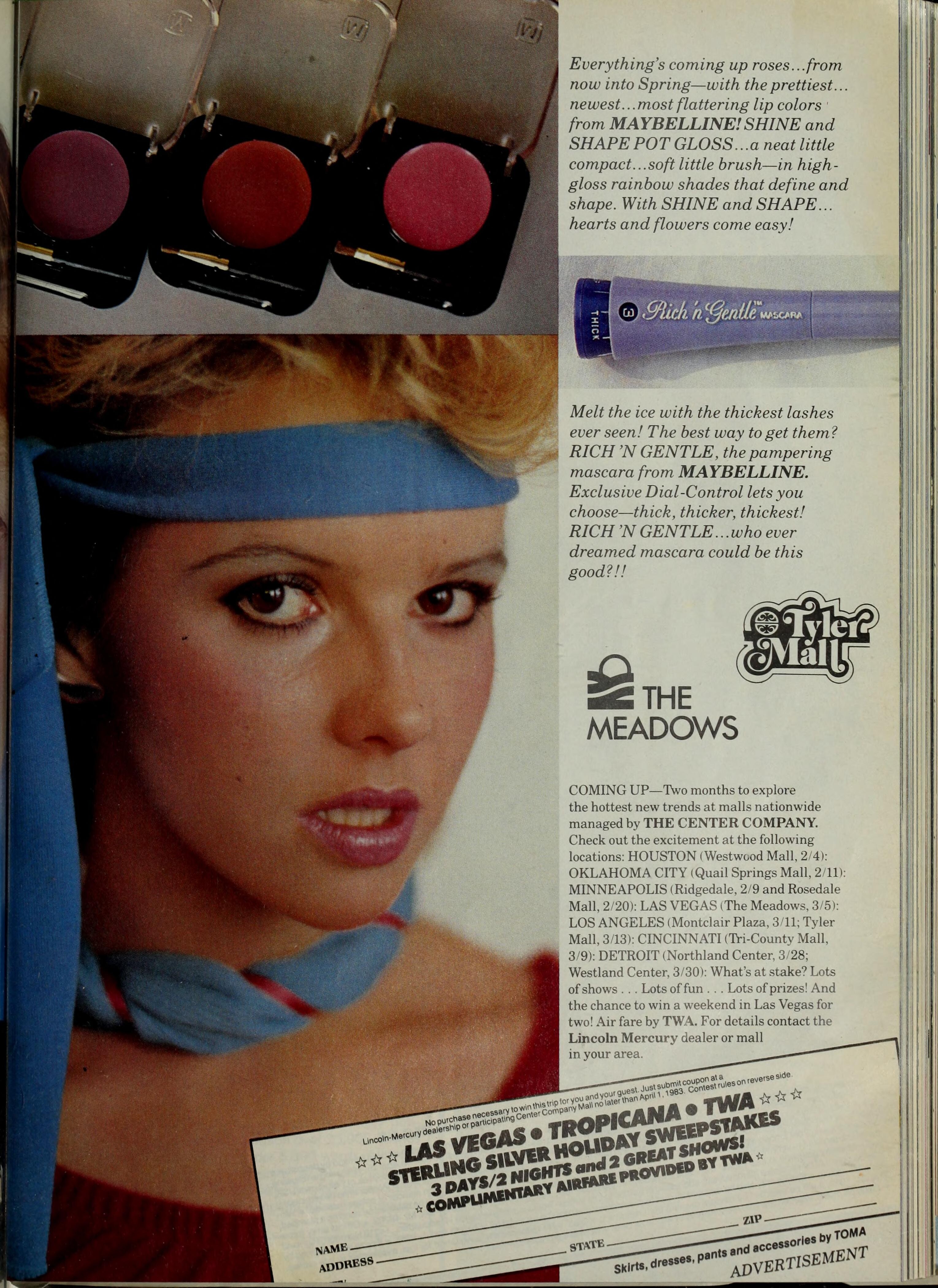
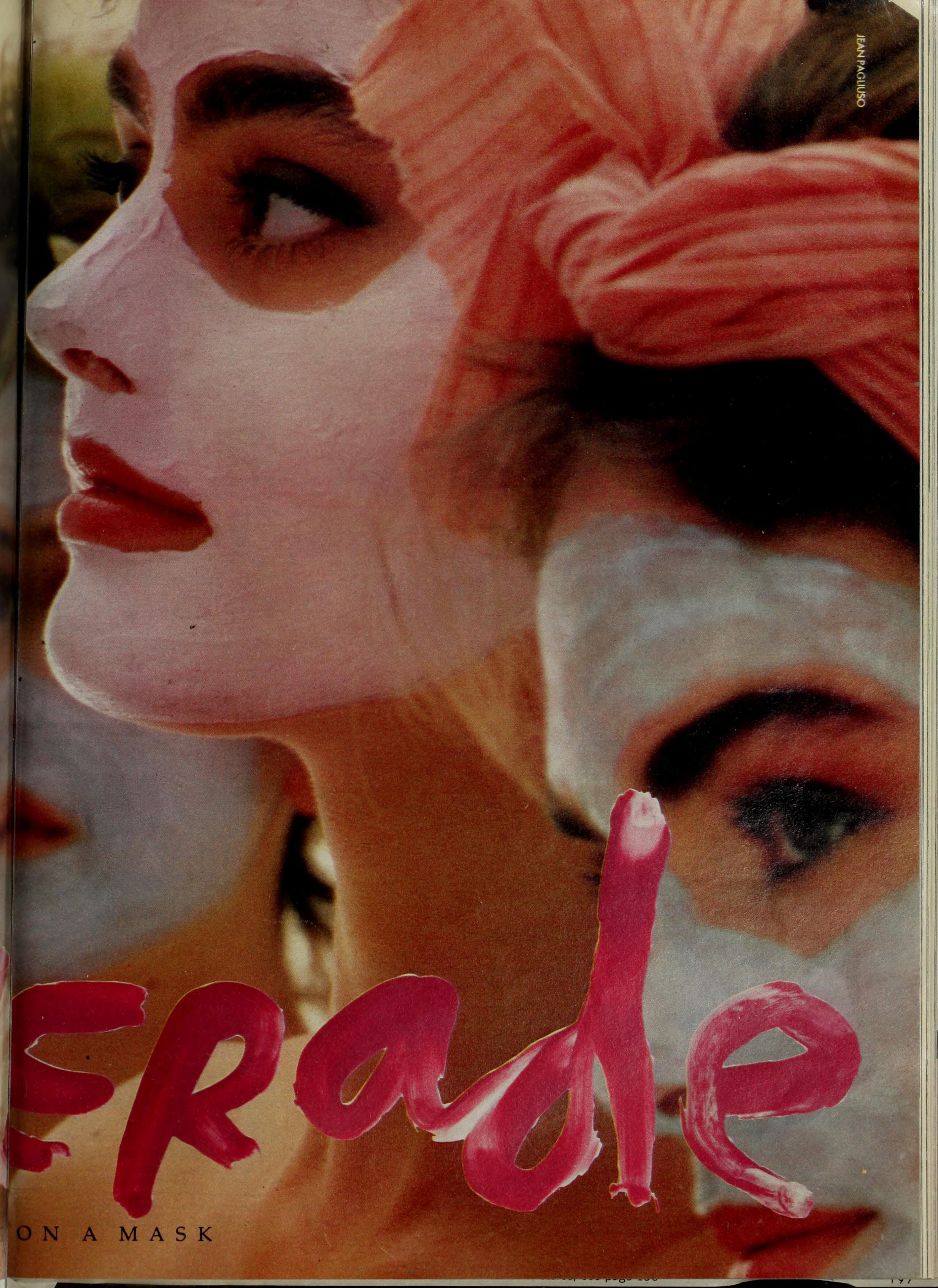
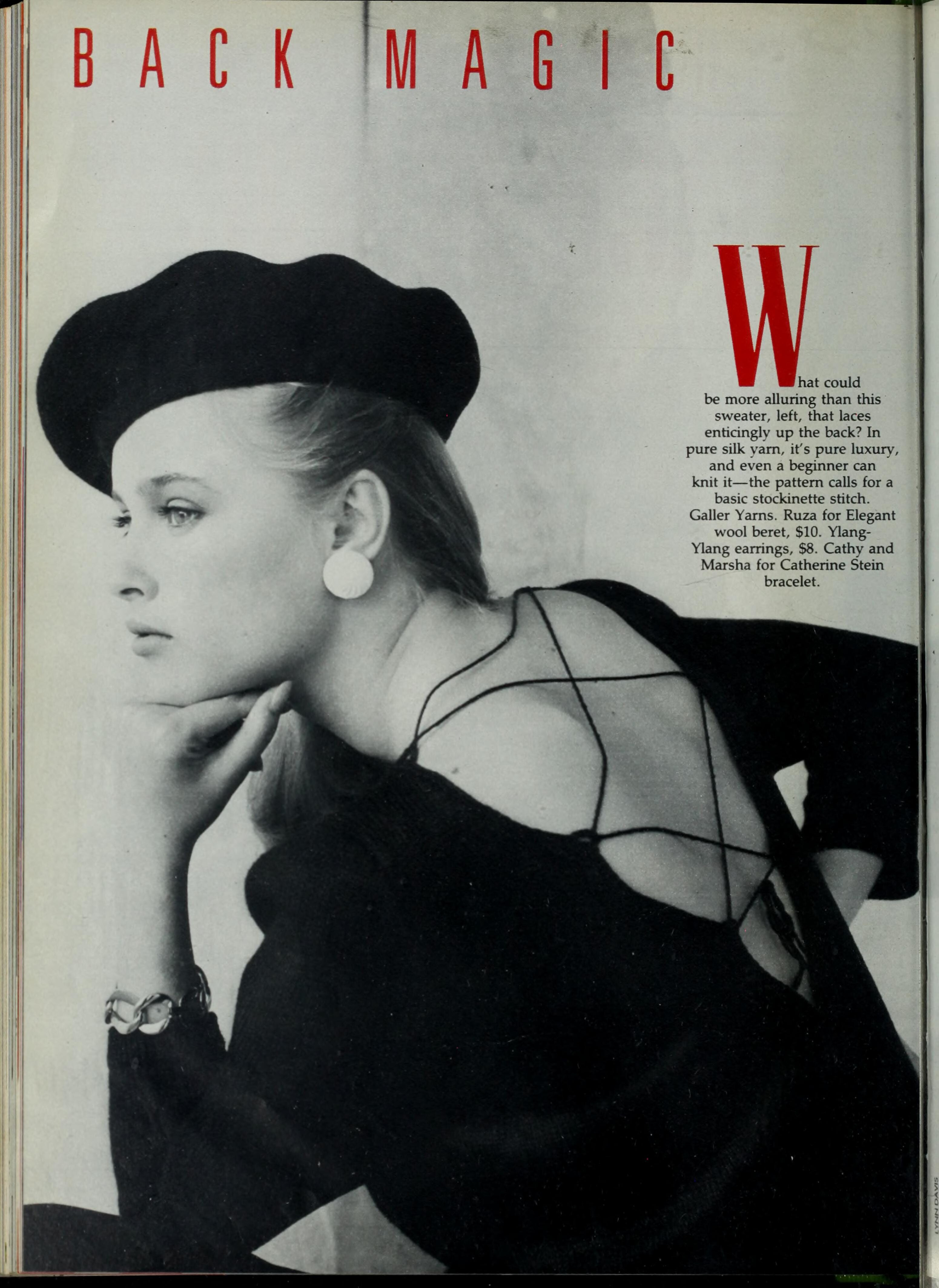
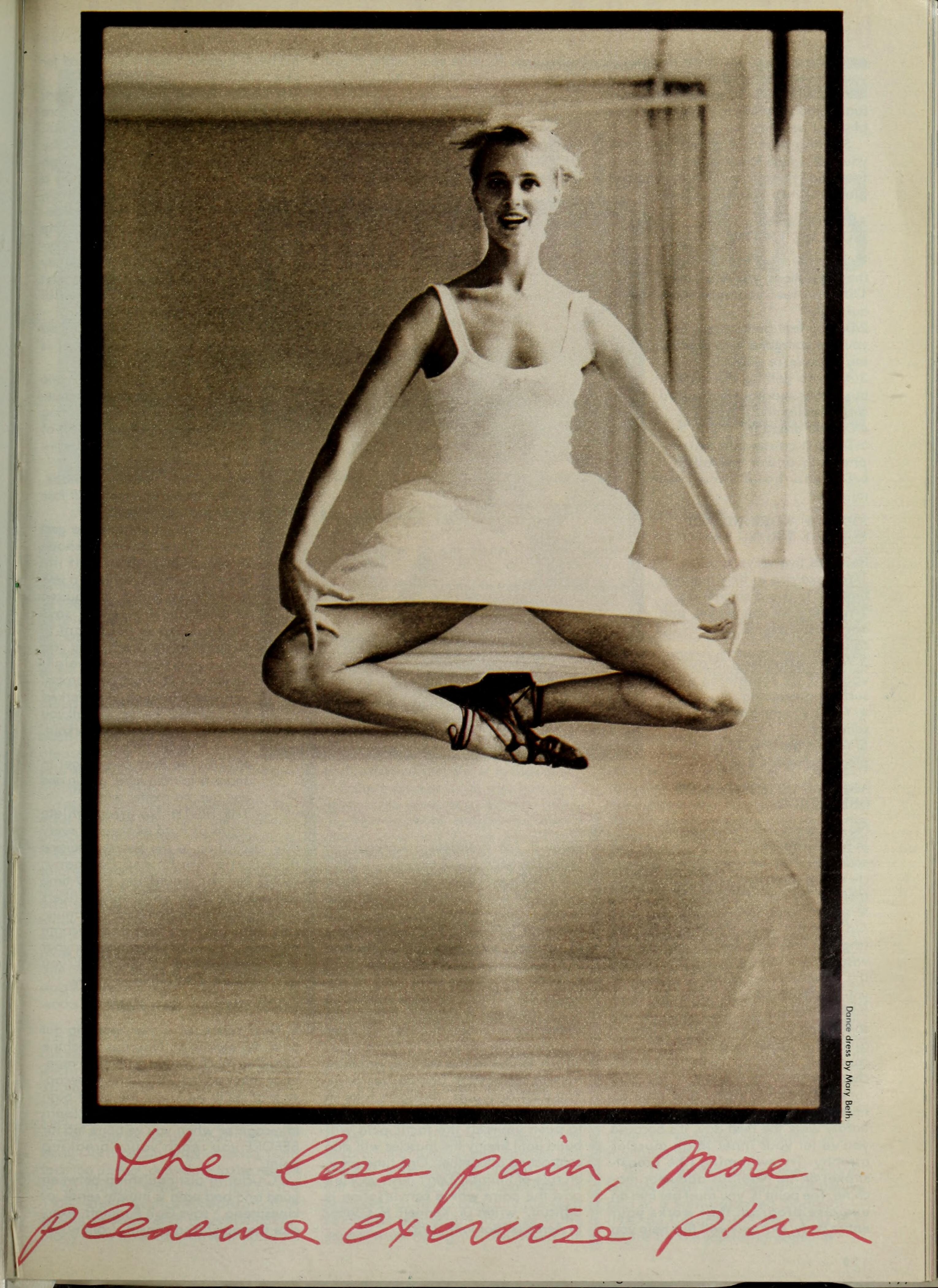
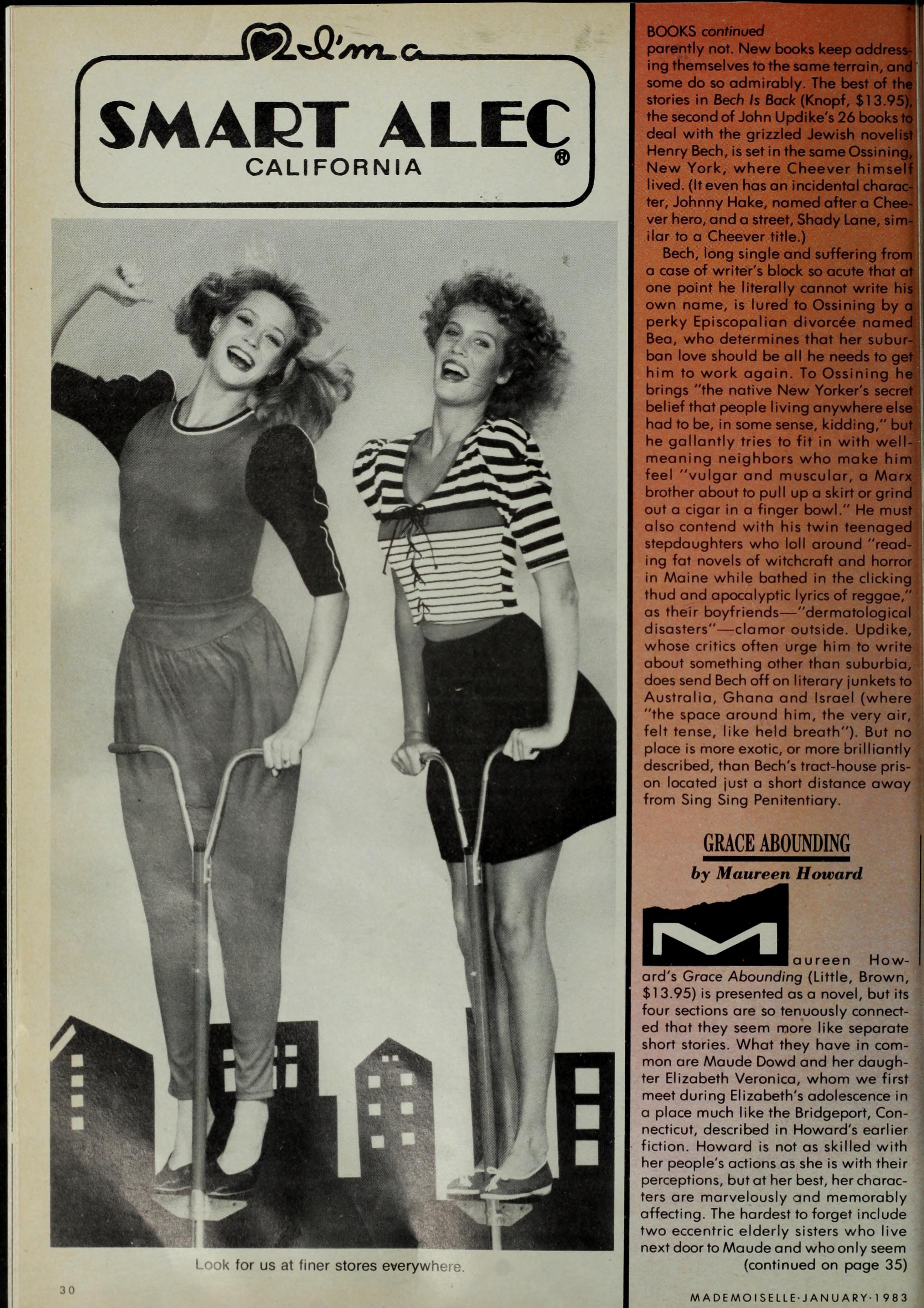
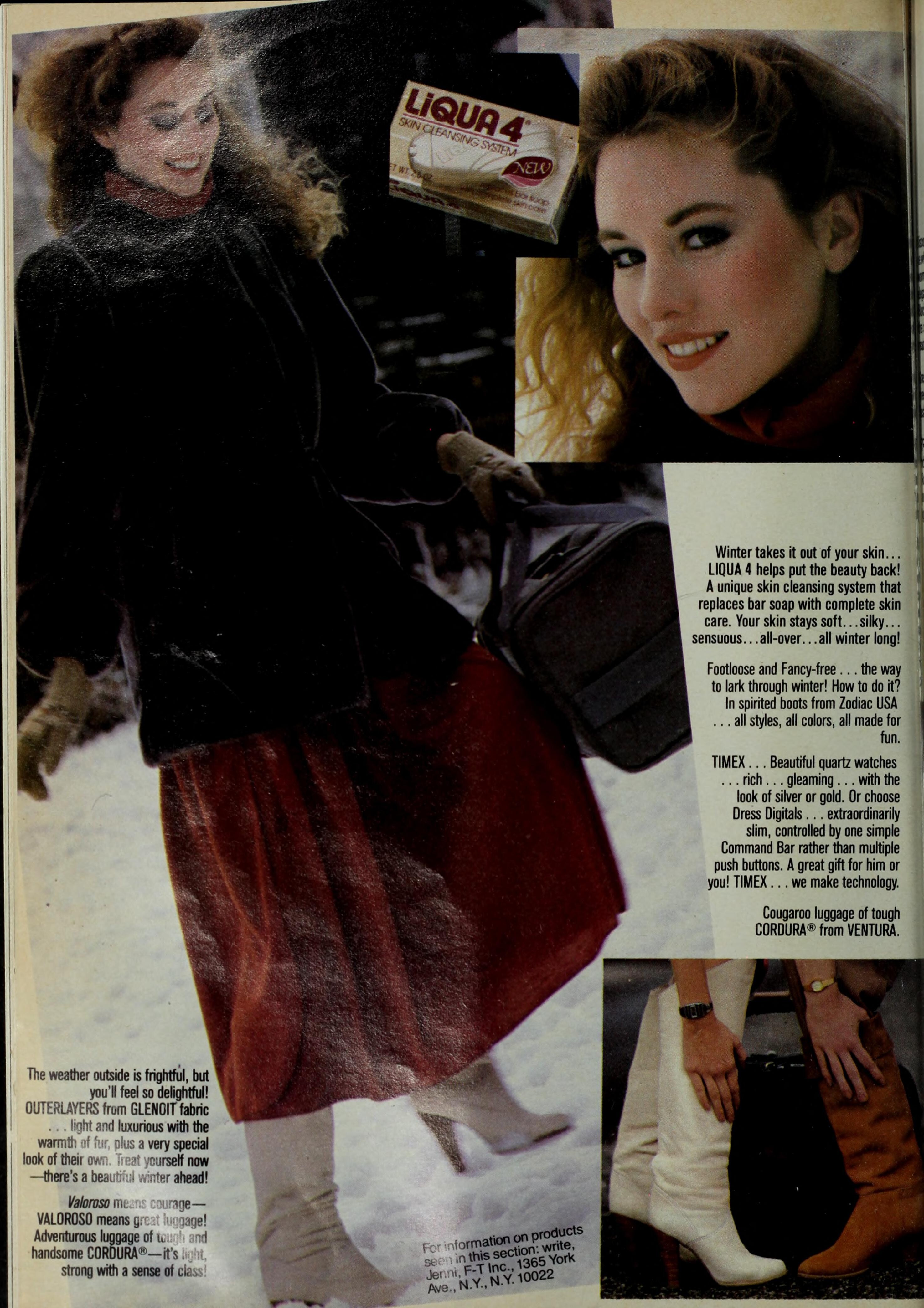
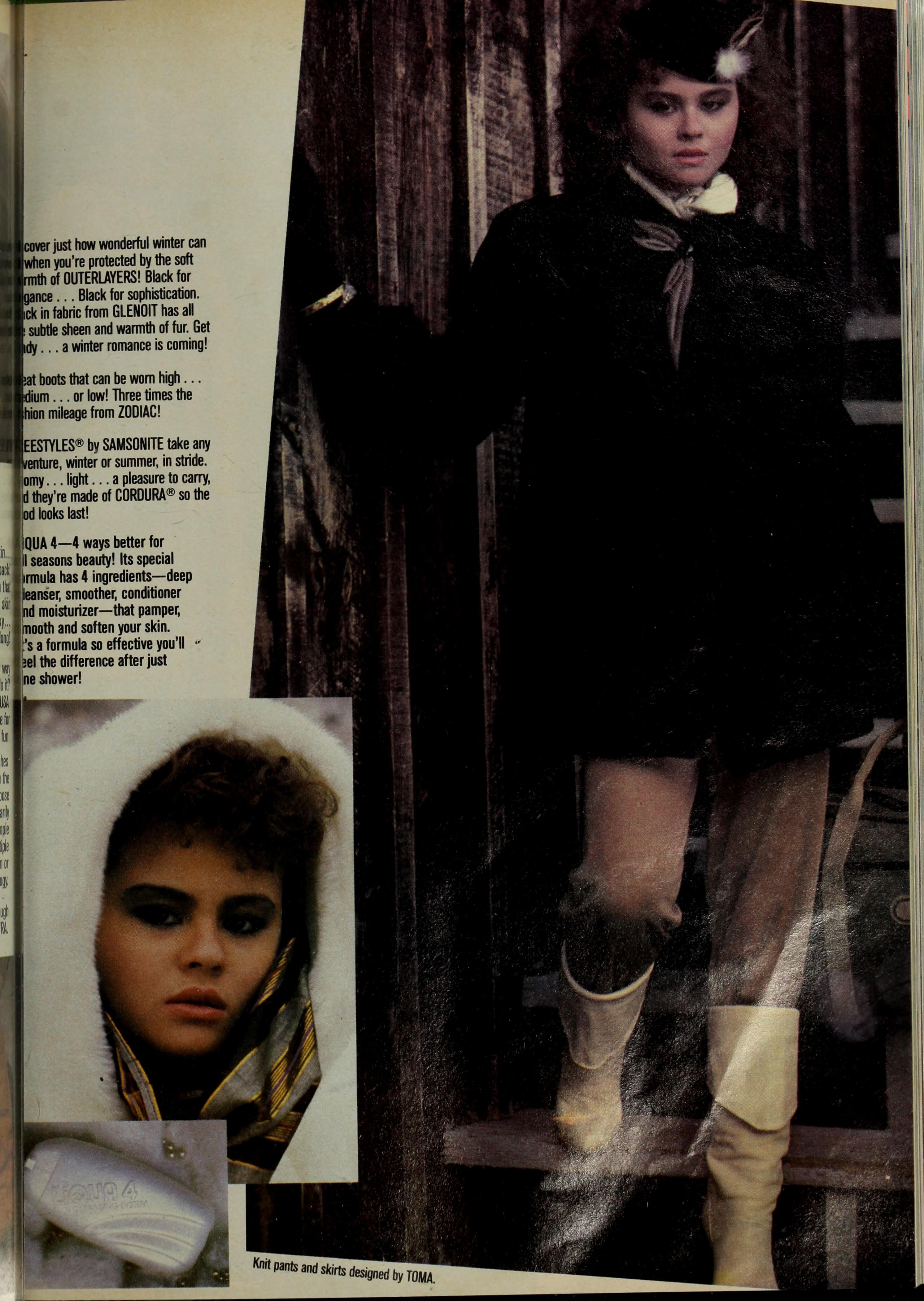
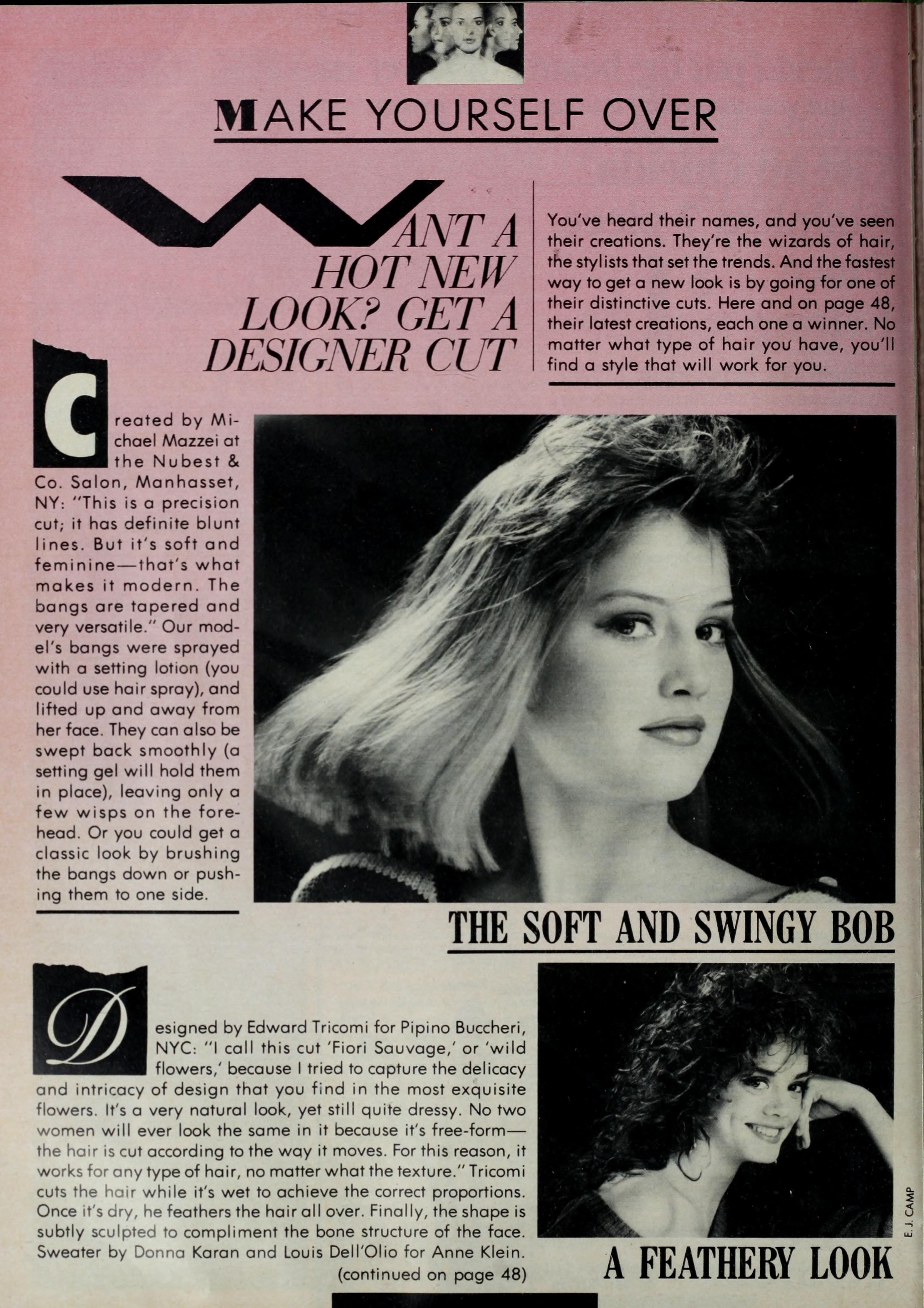
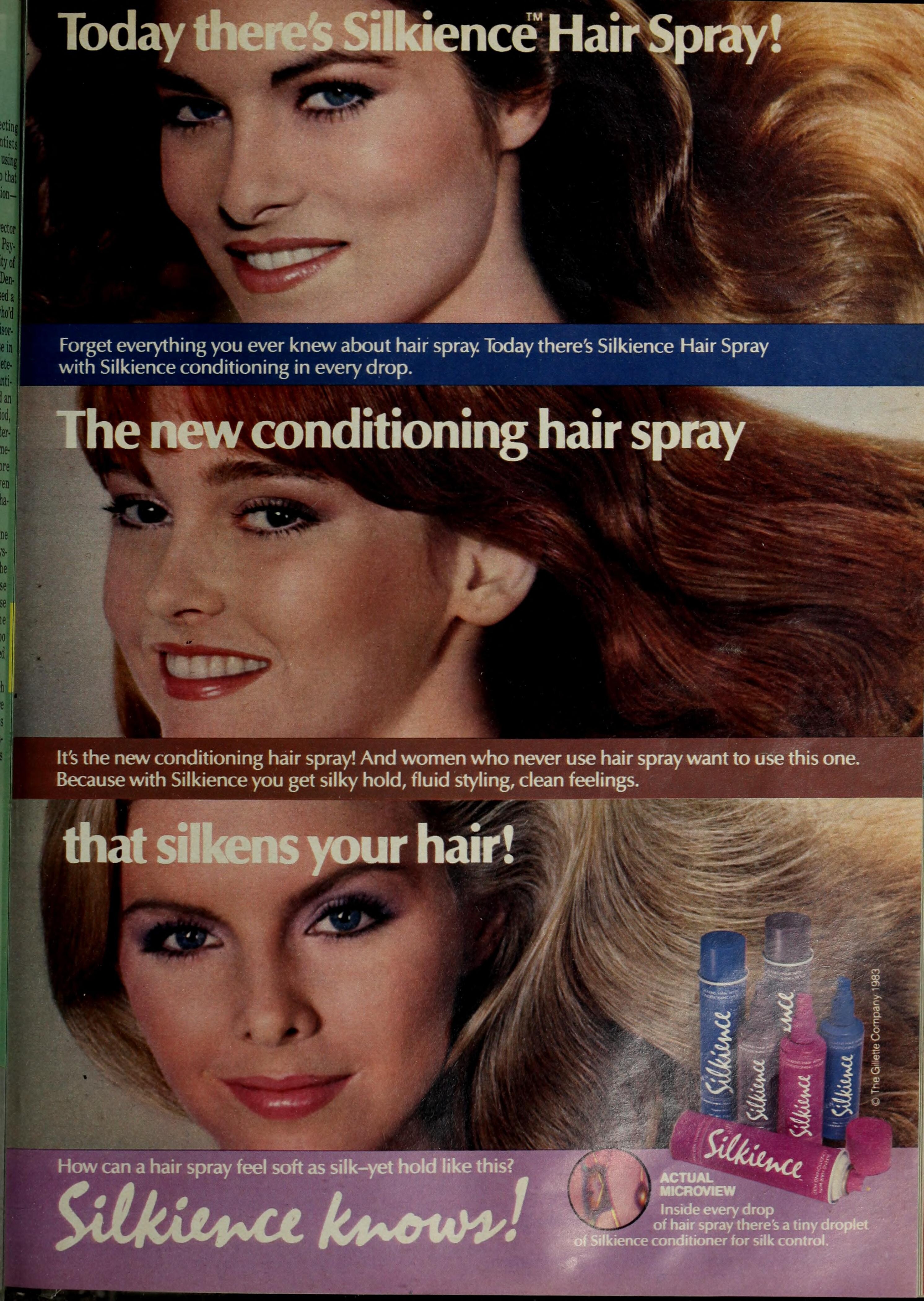
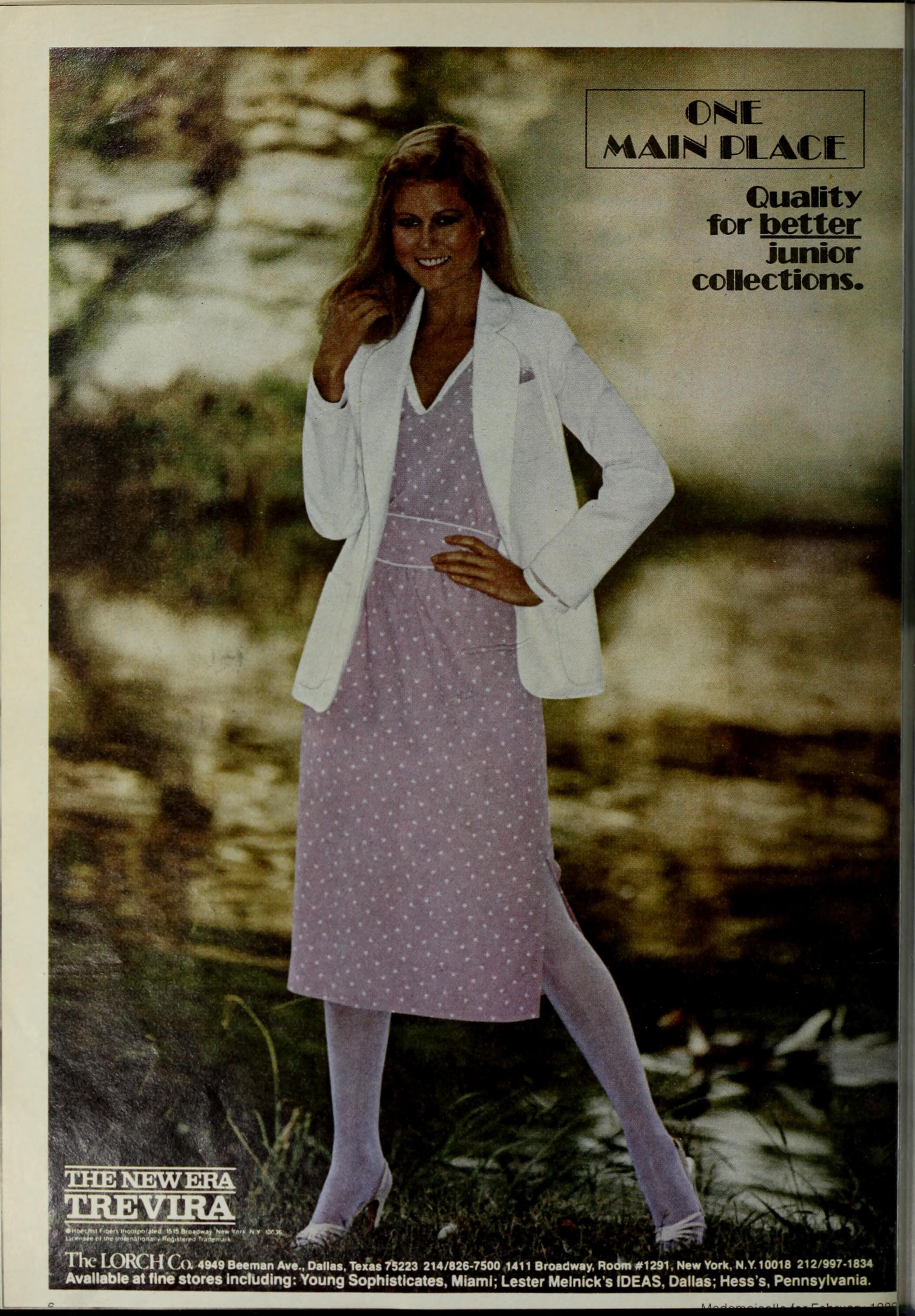
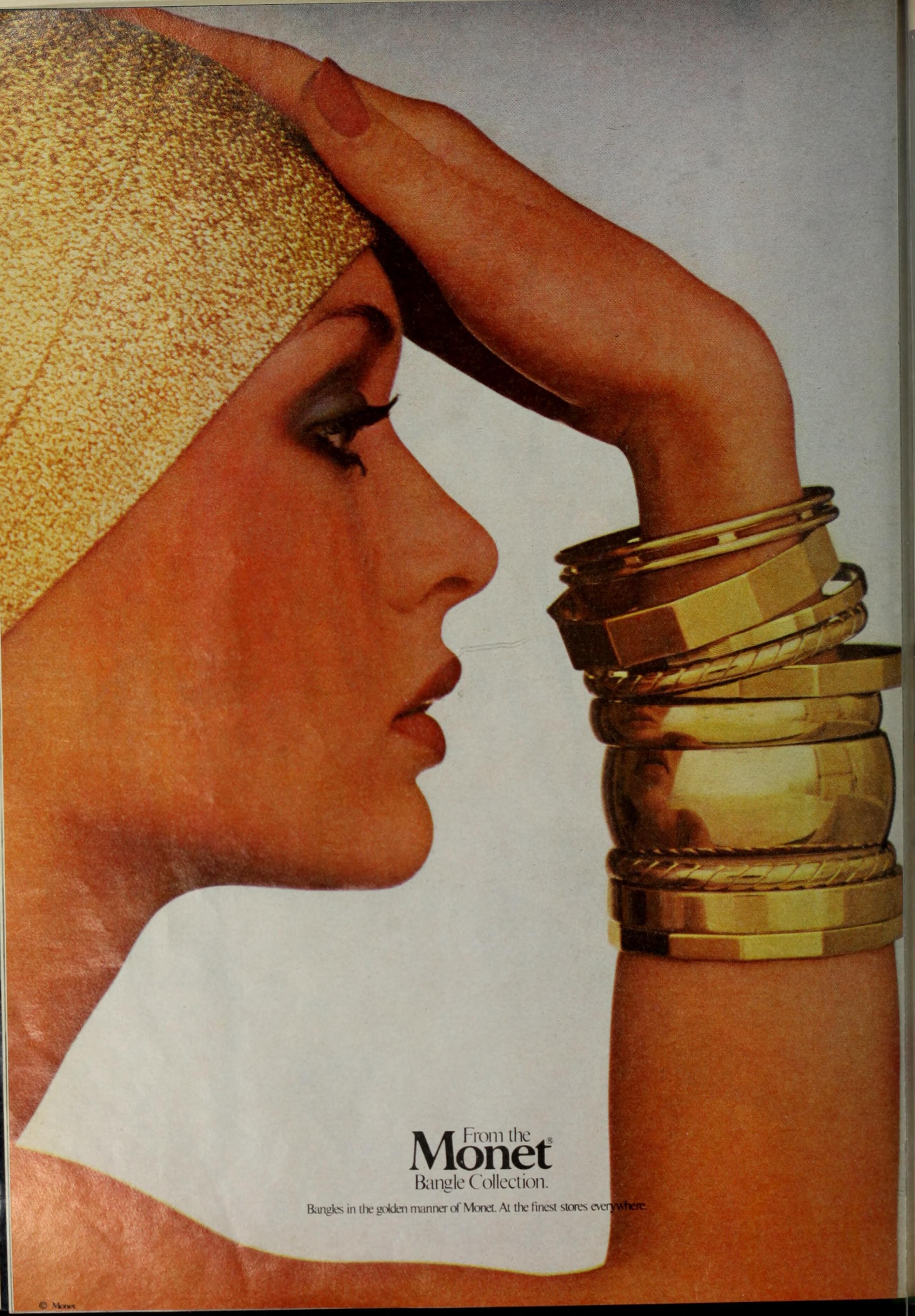
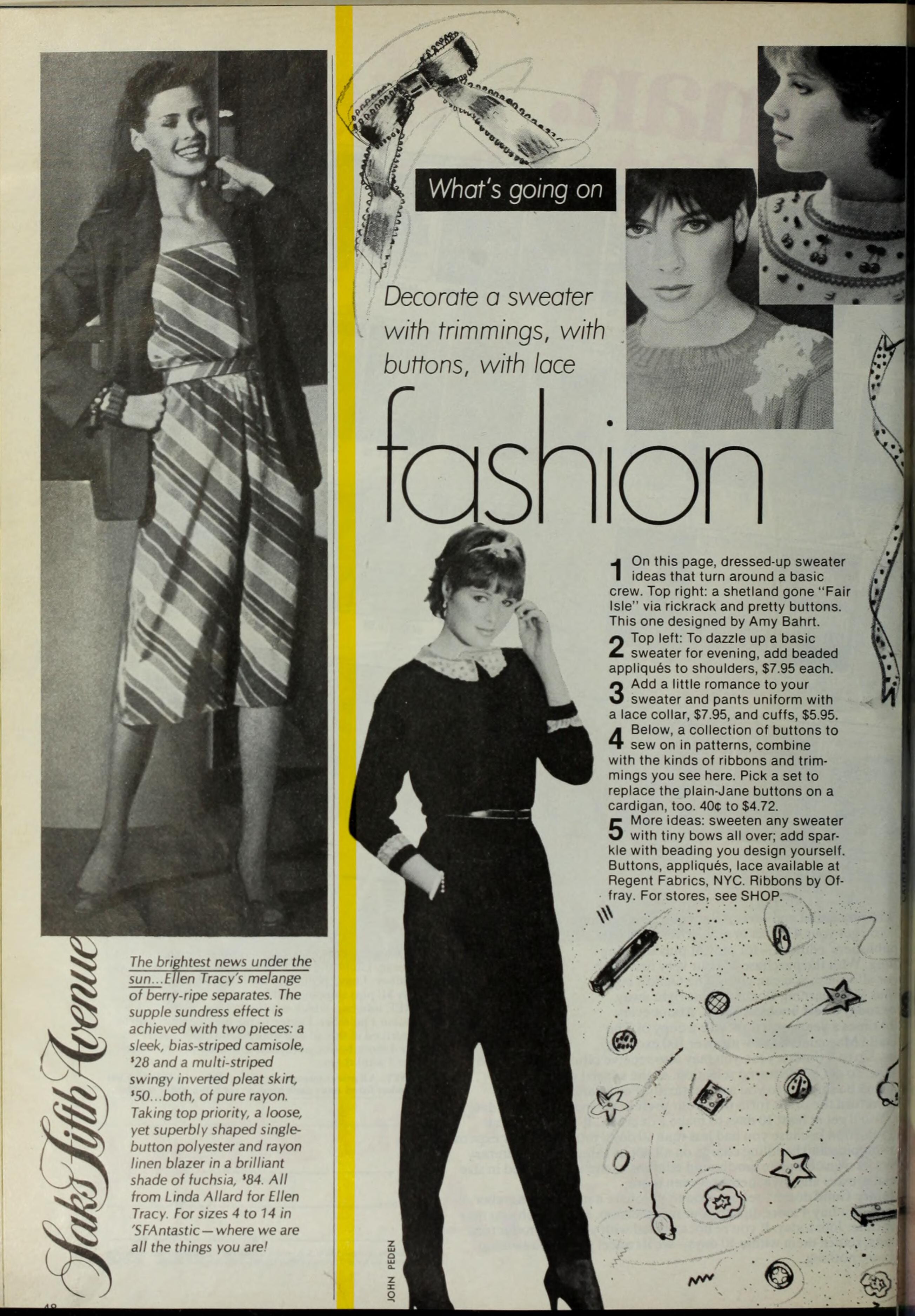
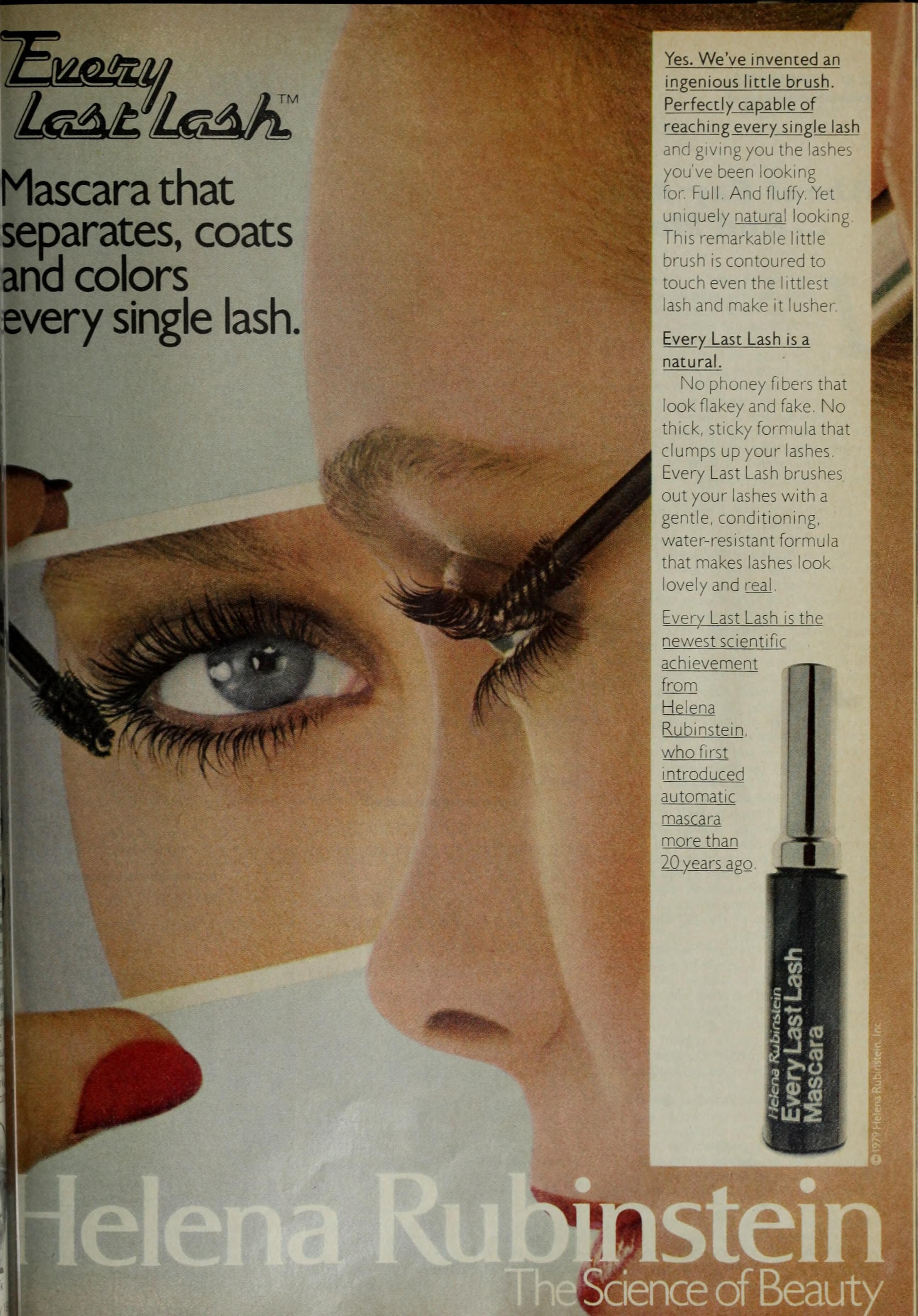
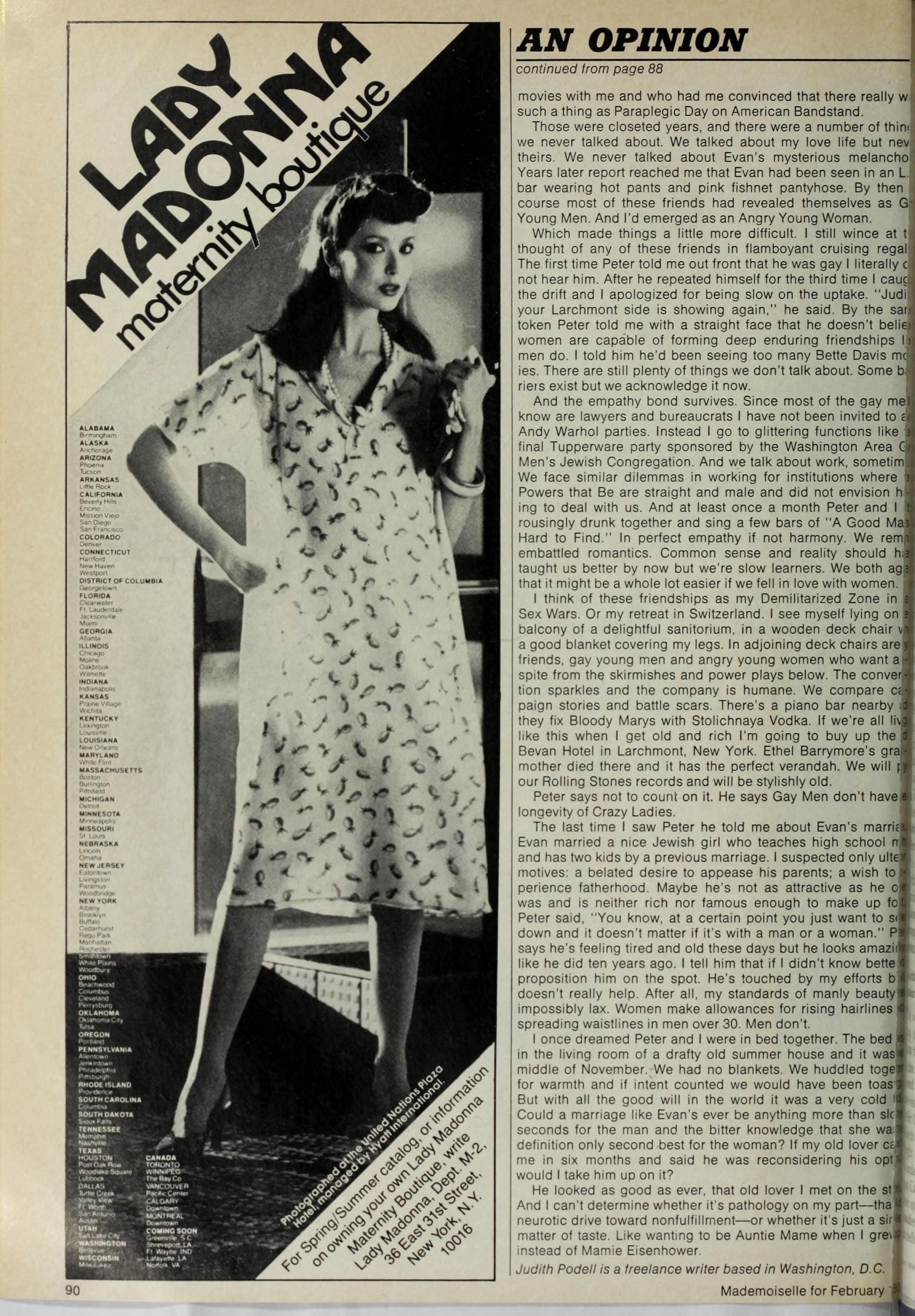
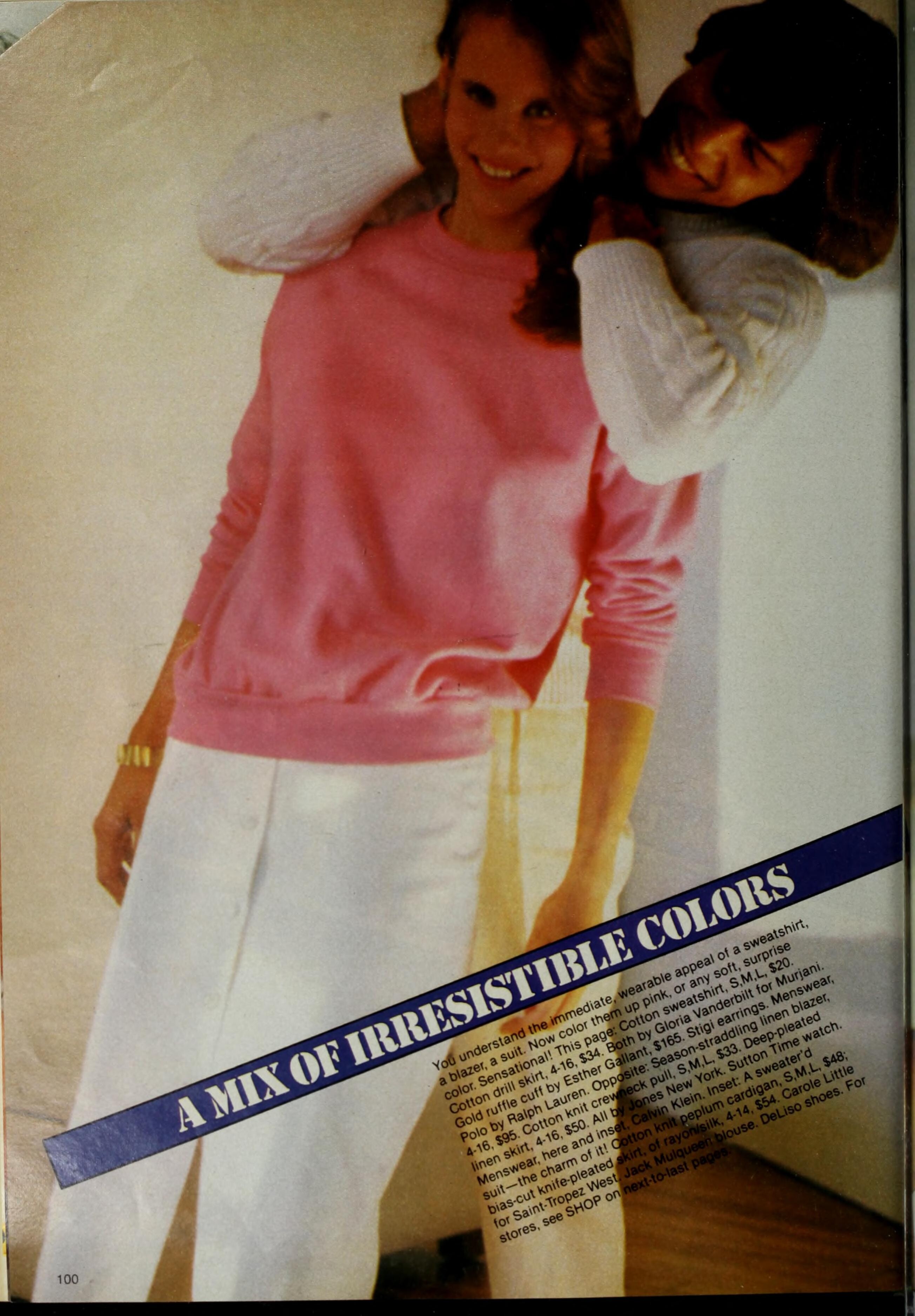
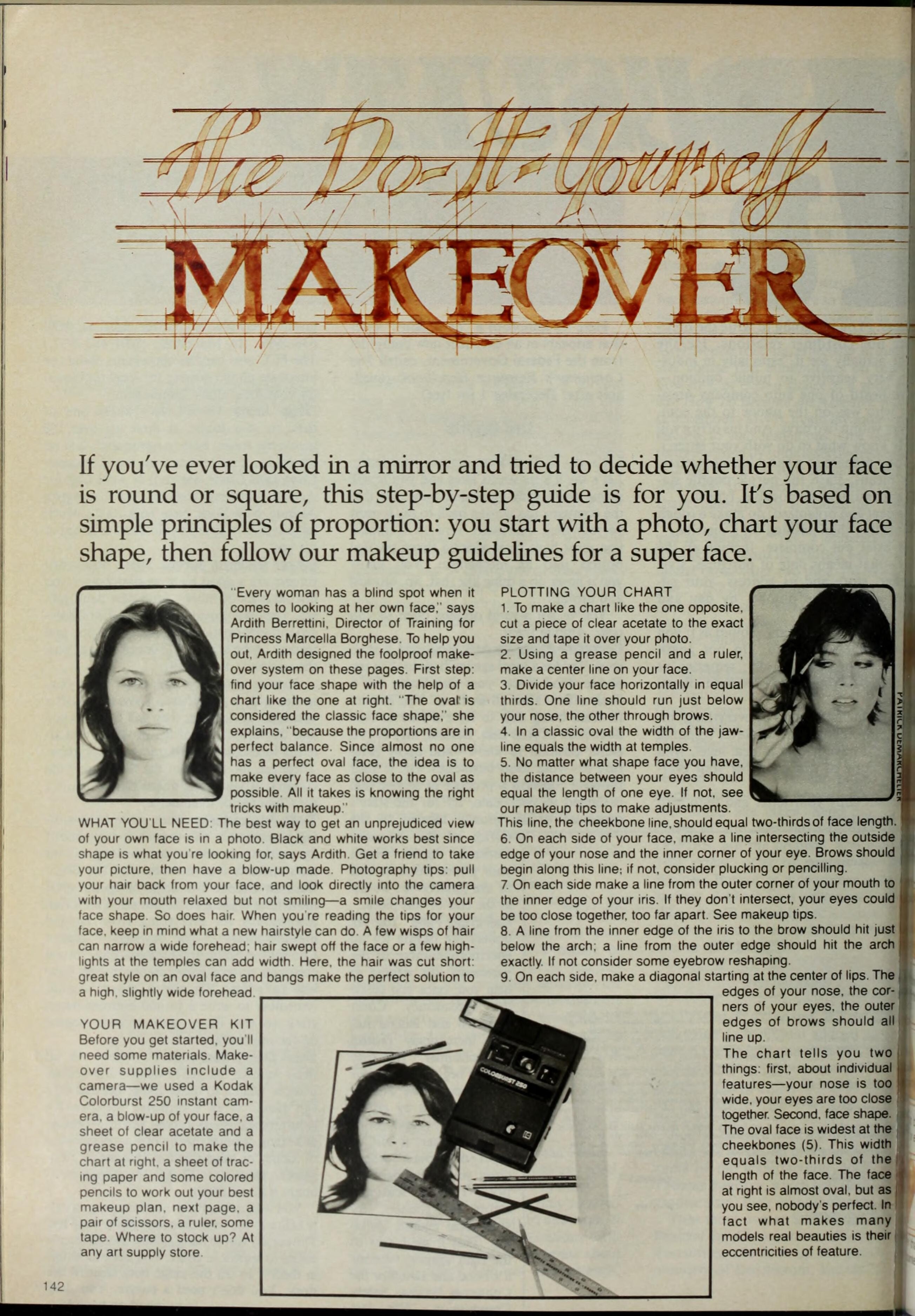
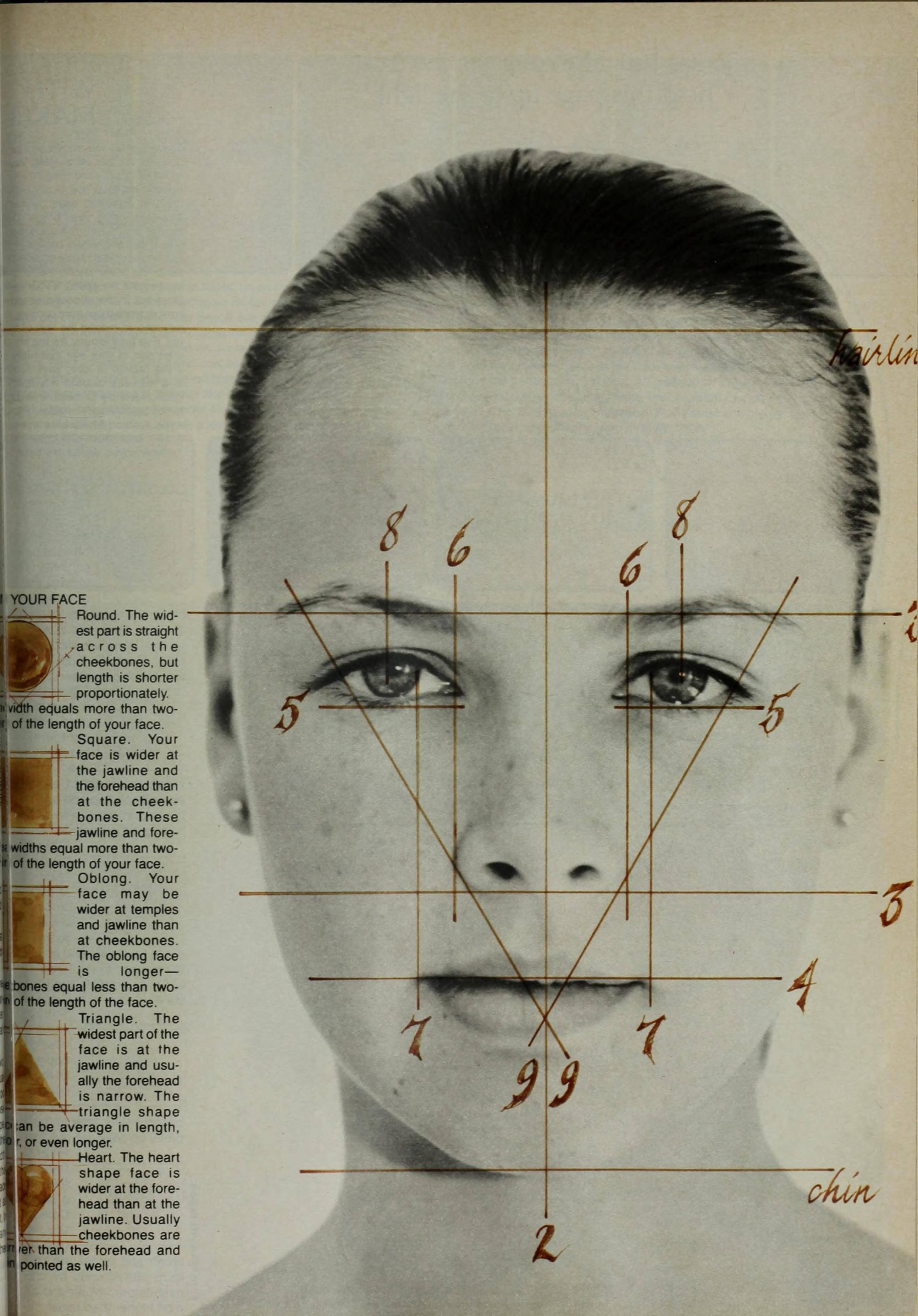
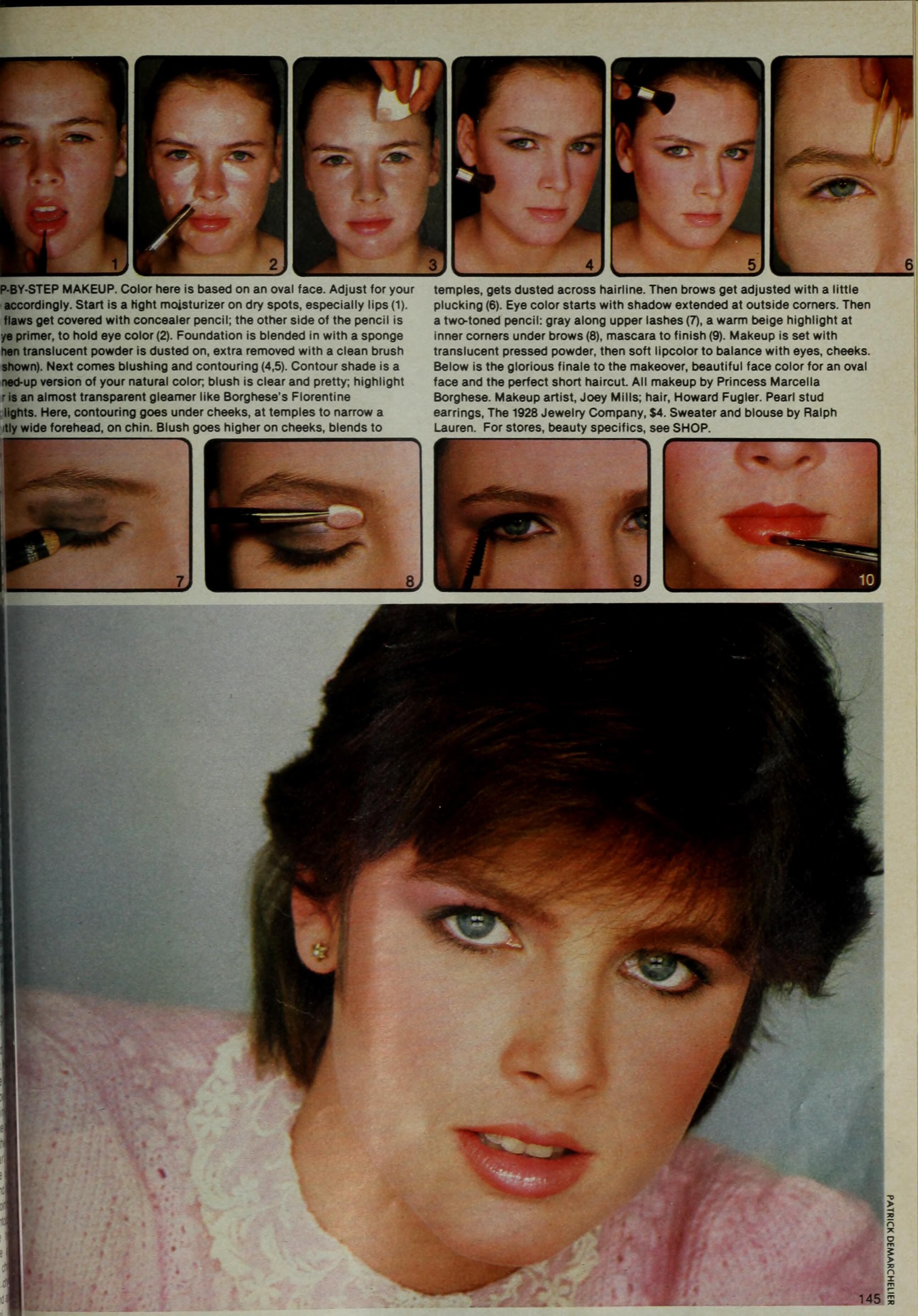
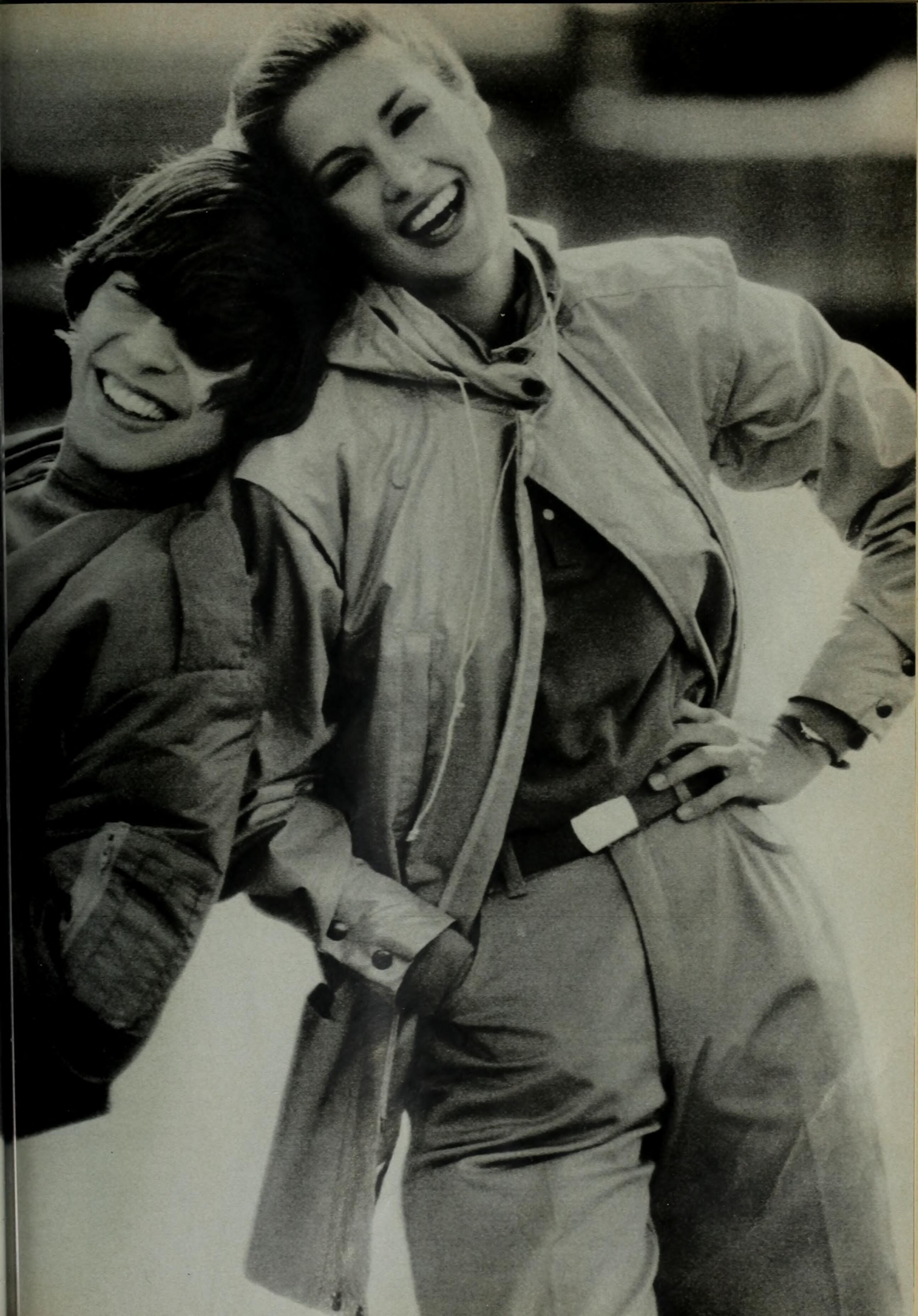
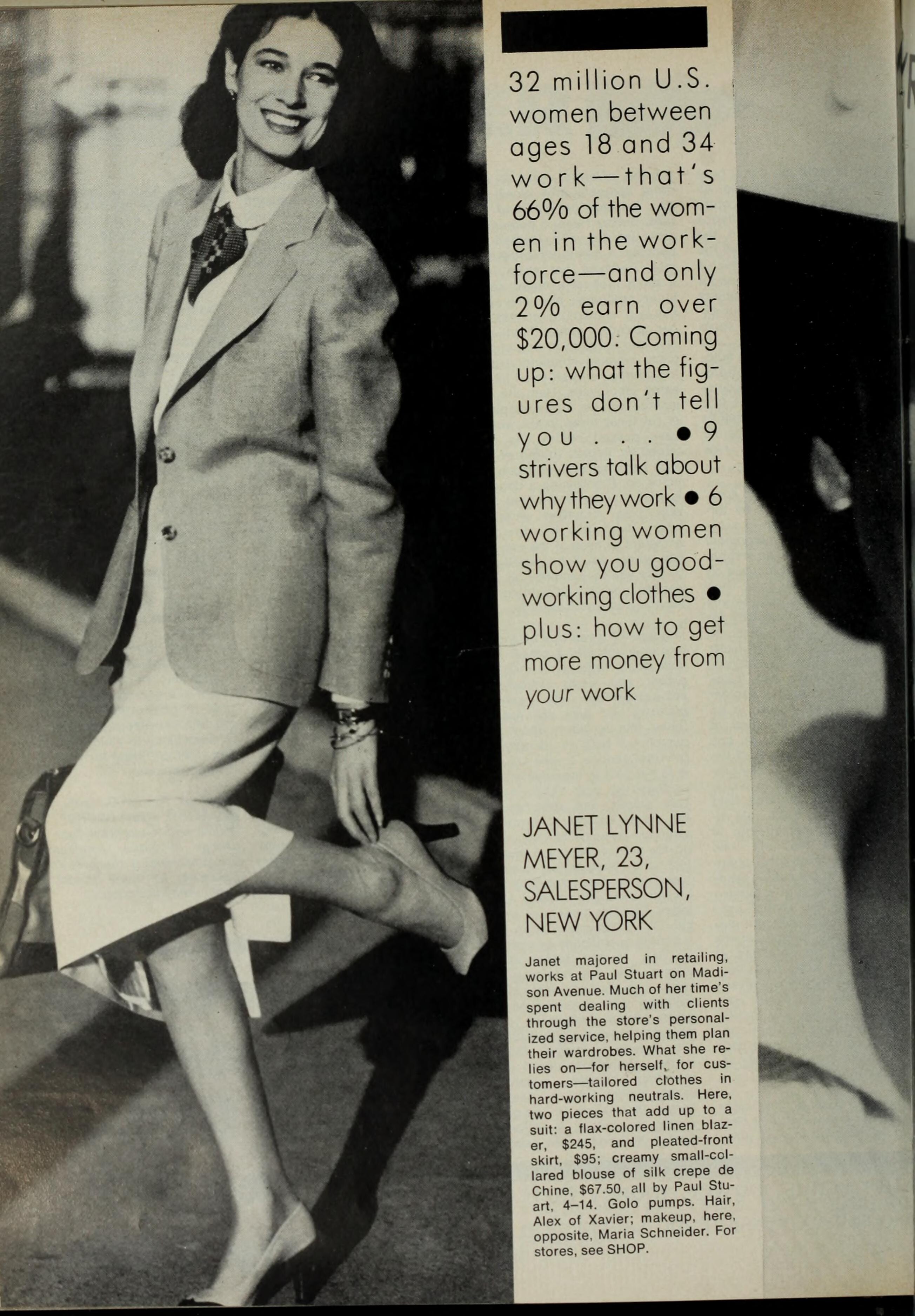
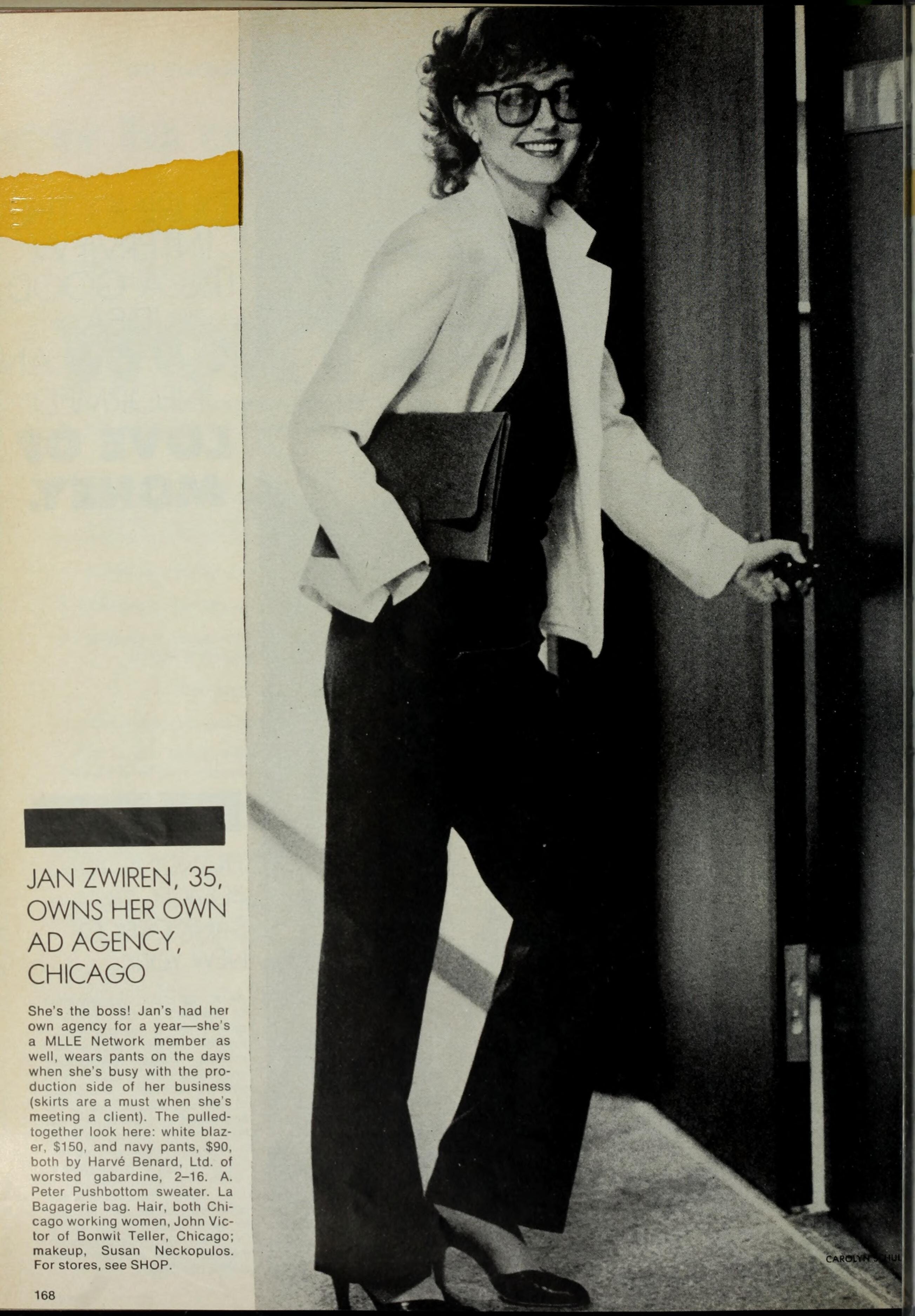
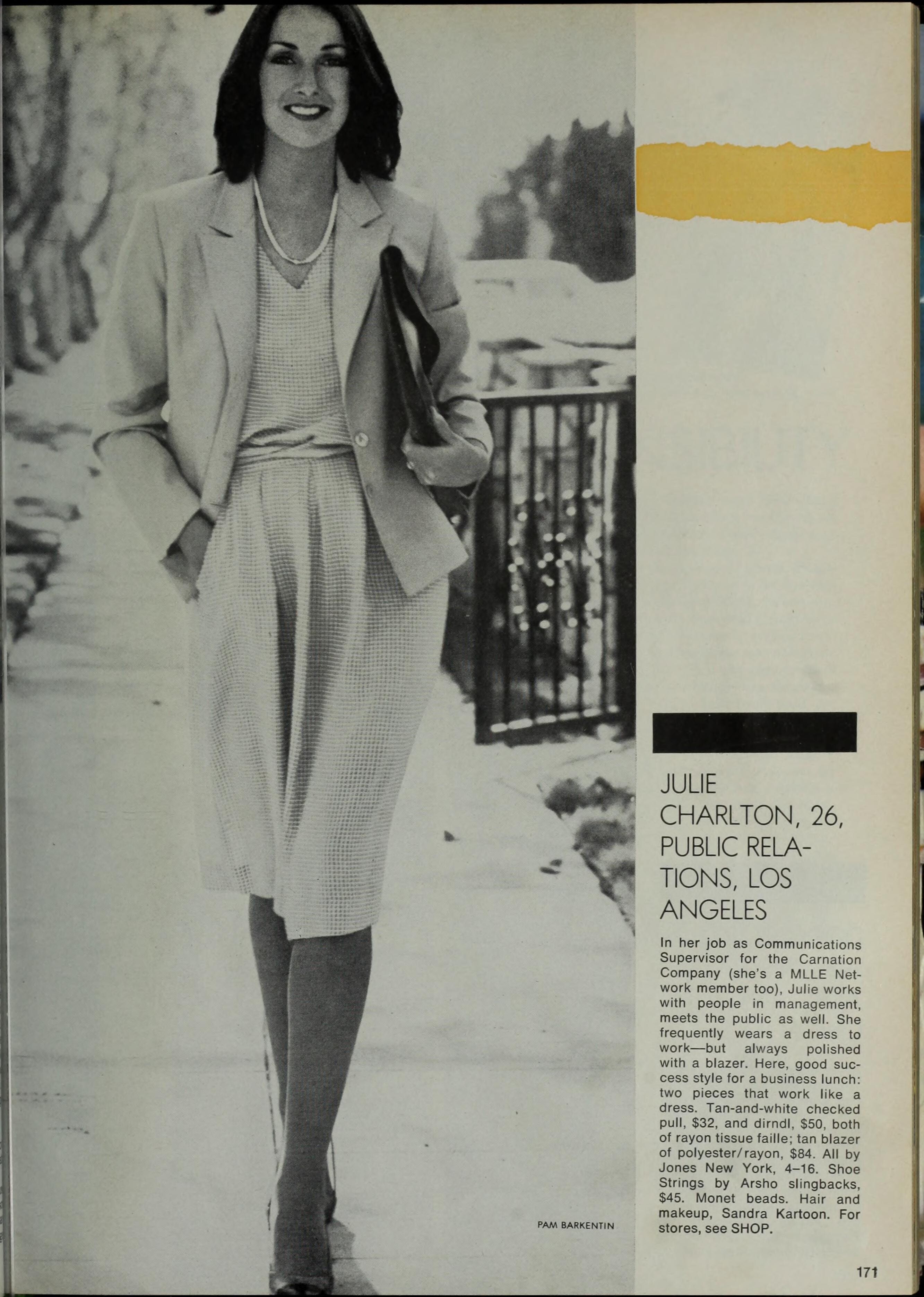
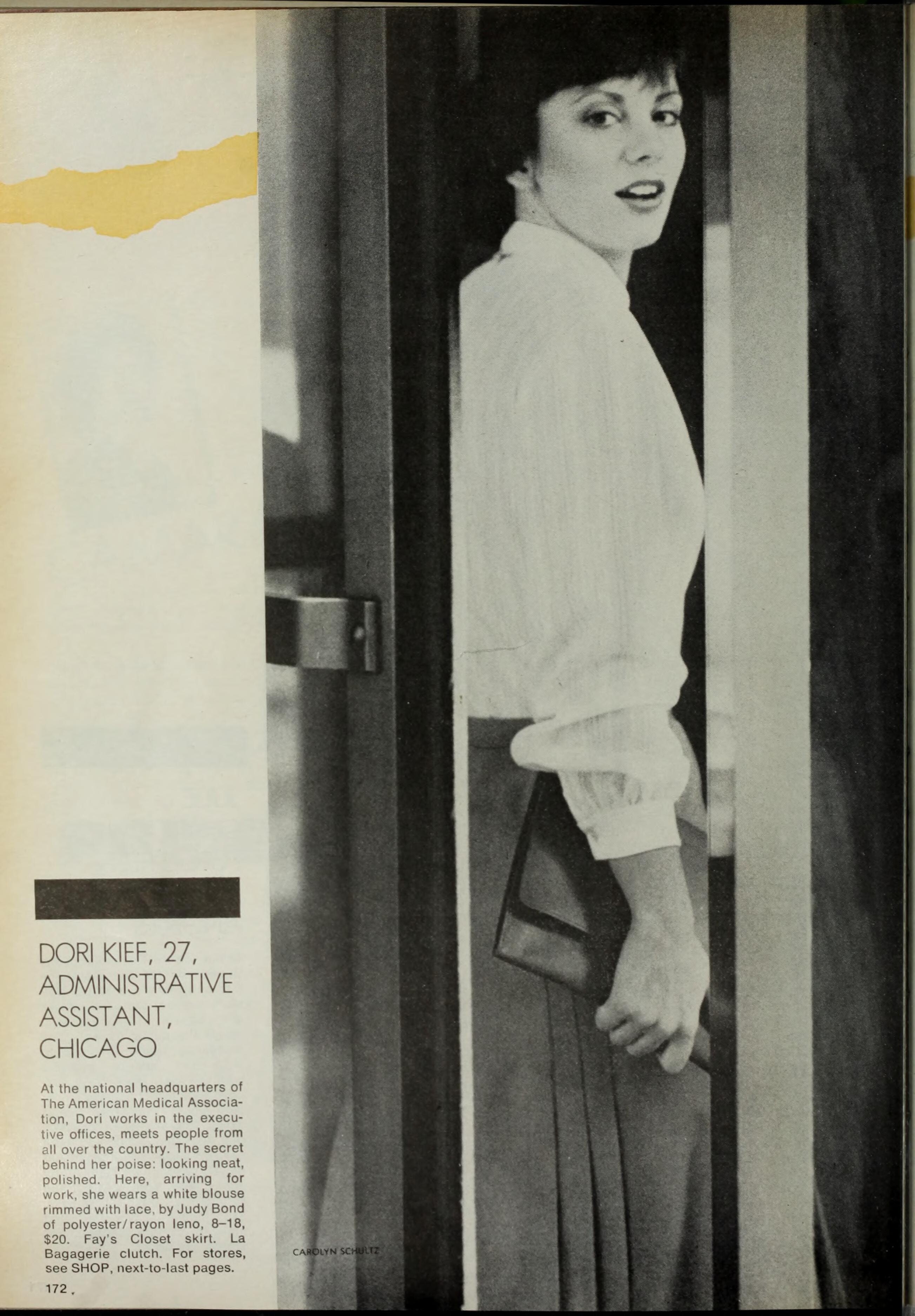
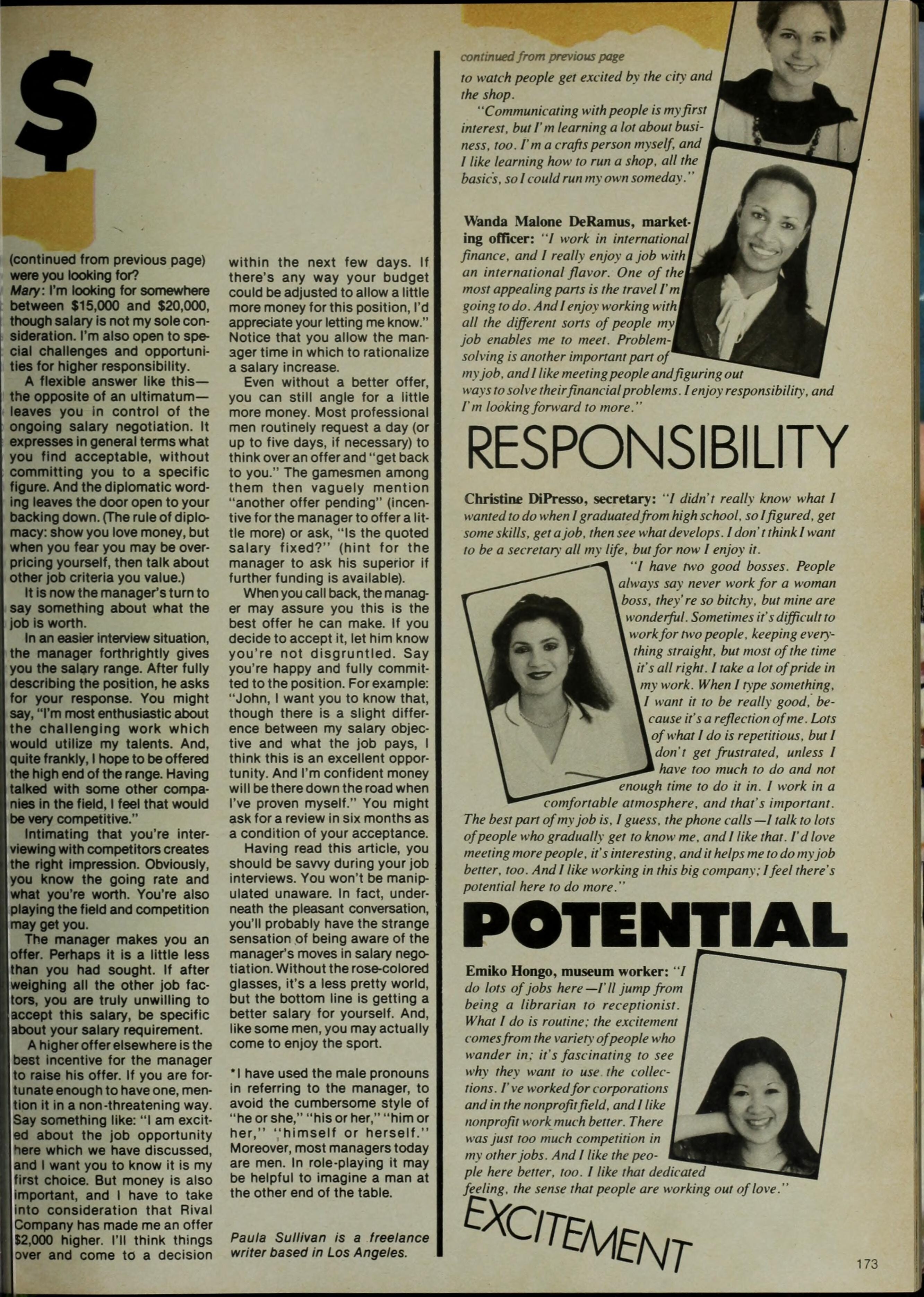
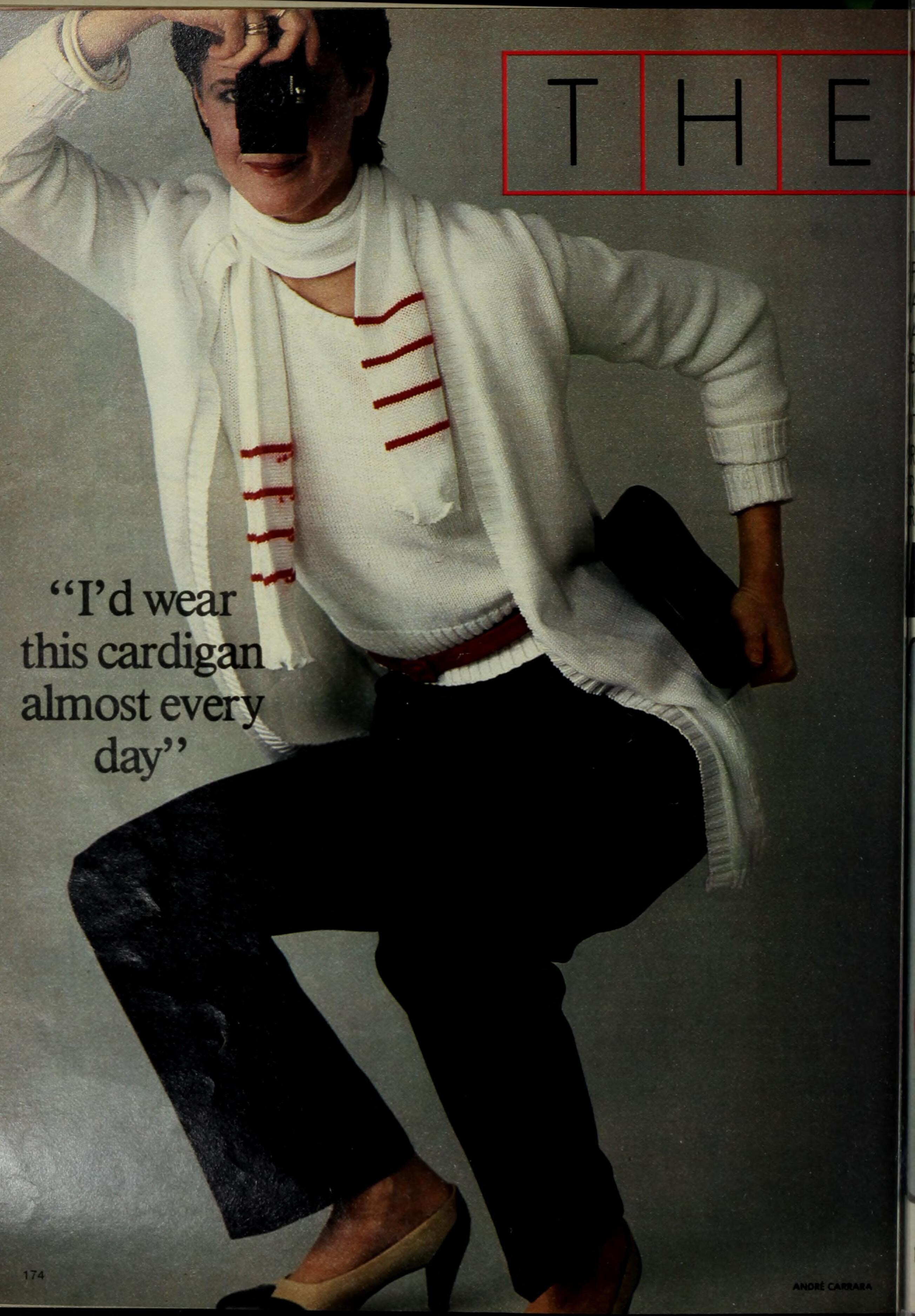
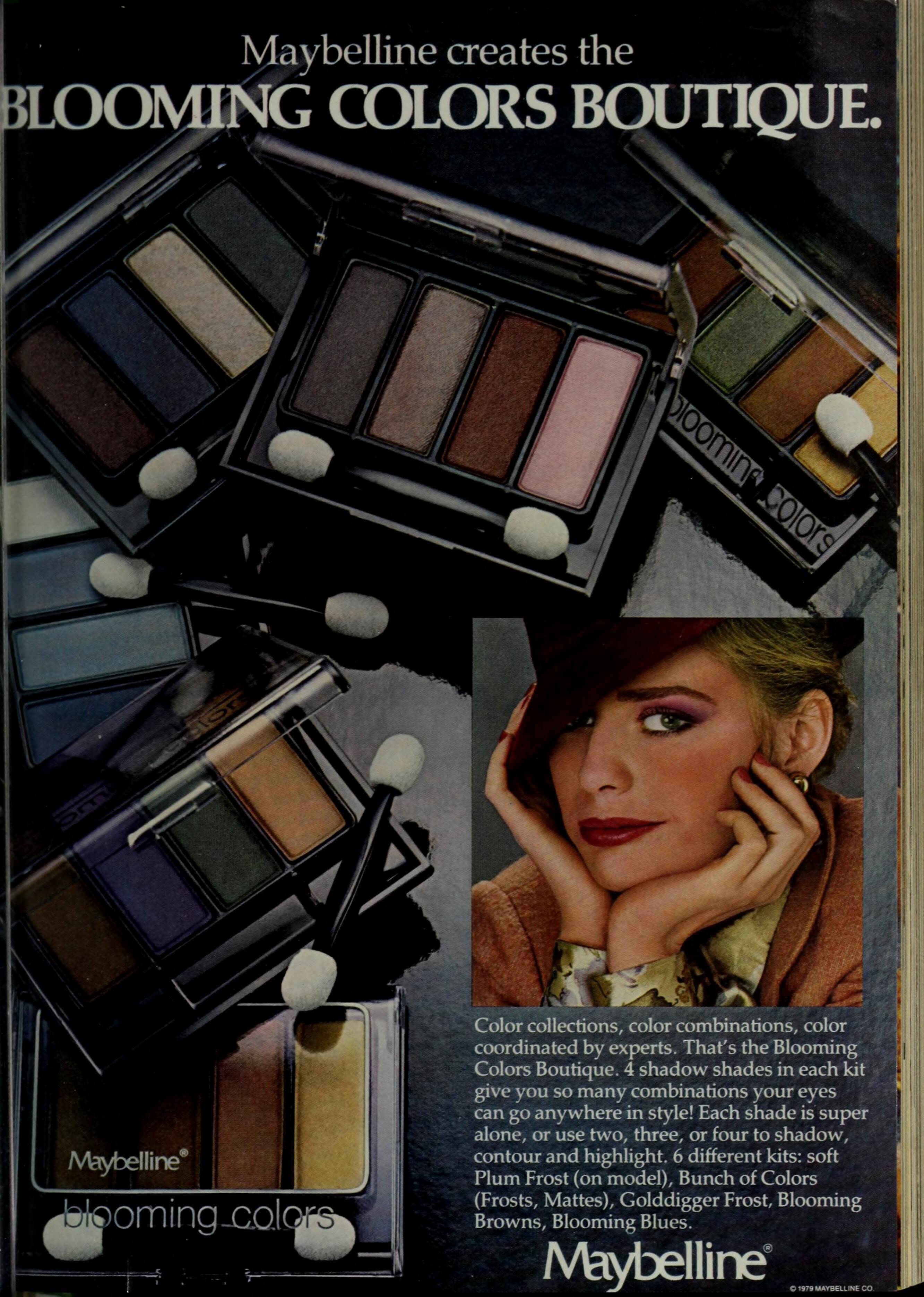
MADMEOISELLE Jan/Feb/Jun 1983: (Donna Stia, Janice Dickinson and?) (Pam Gidley on the left and?) (Caroline Westenberg - bottom)















-
Oh, so they're not models, I get it. MADEMOISELLE did it a lot in the early 80s, I didn't notice on this one I guess. Thank you!
-
Thank you, @parisienne !
-
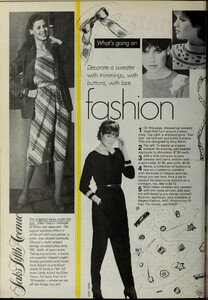
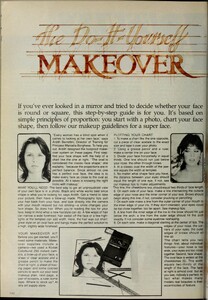
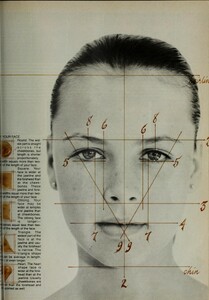
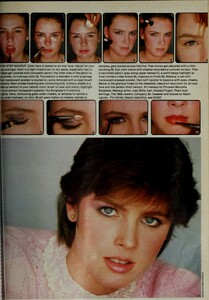
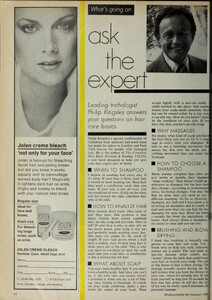
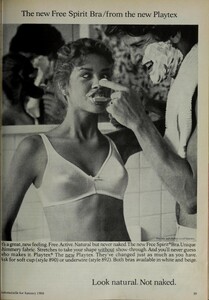
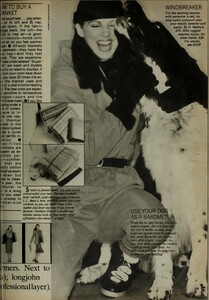
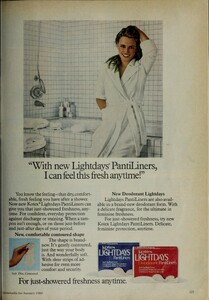
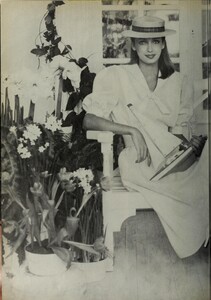
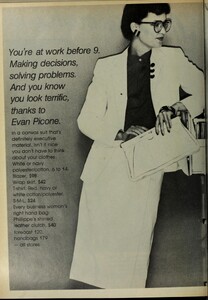
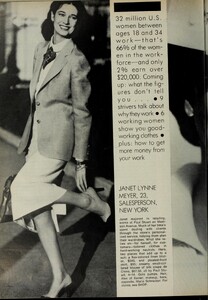
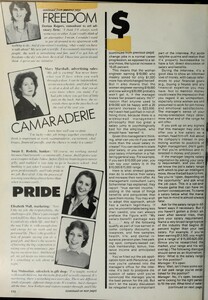
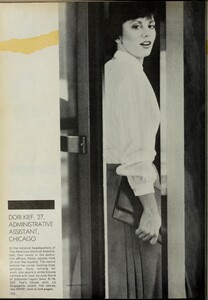
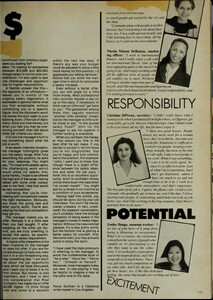
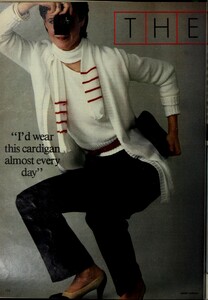
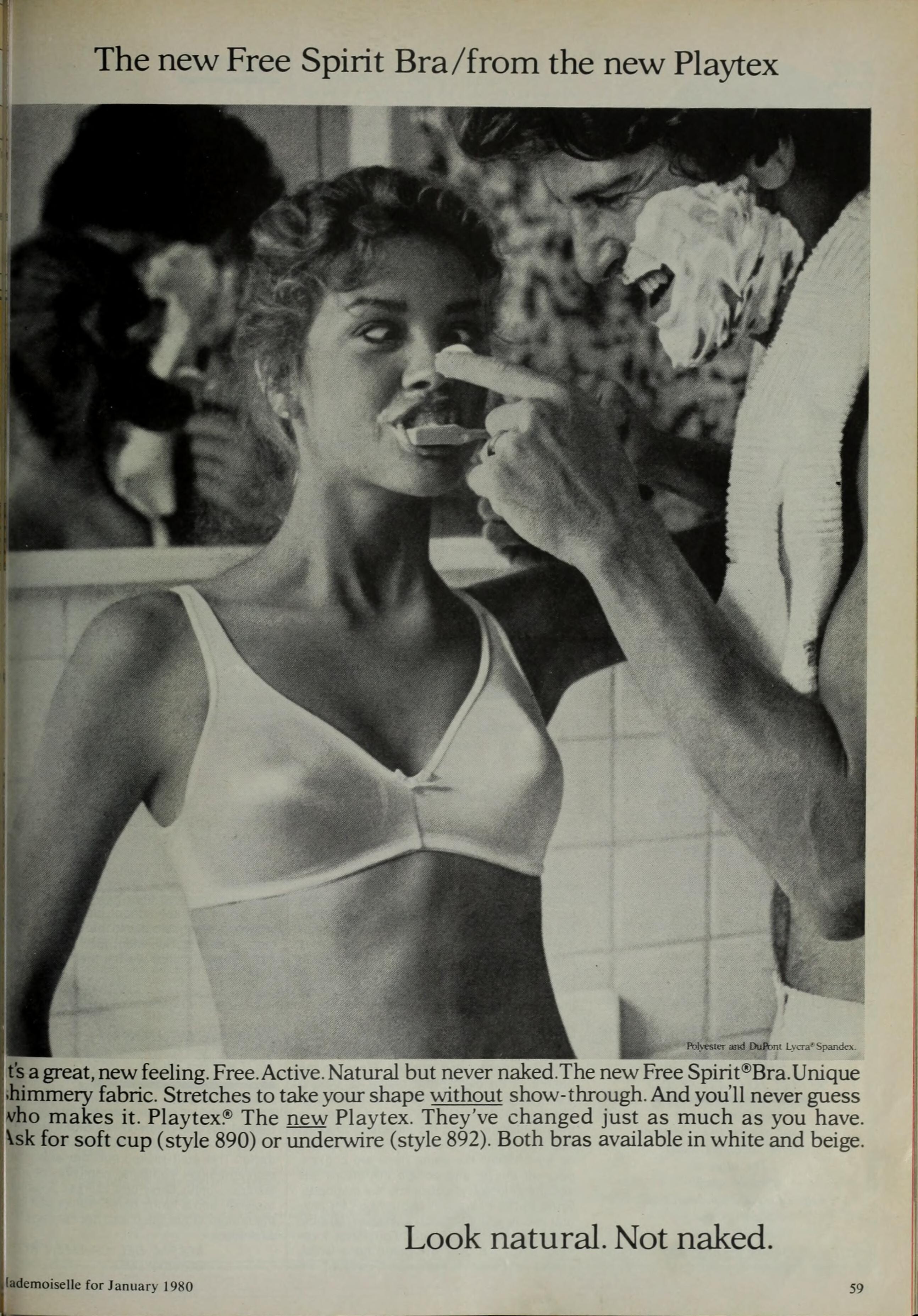
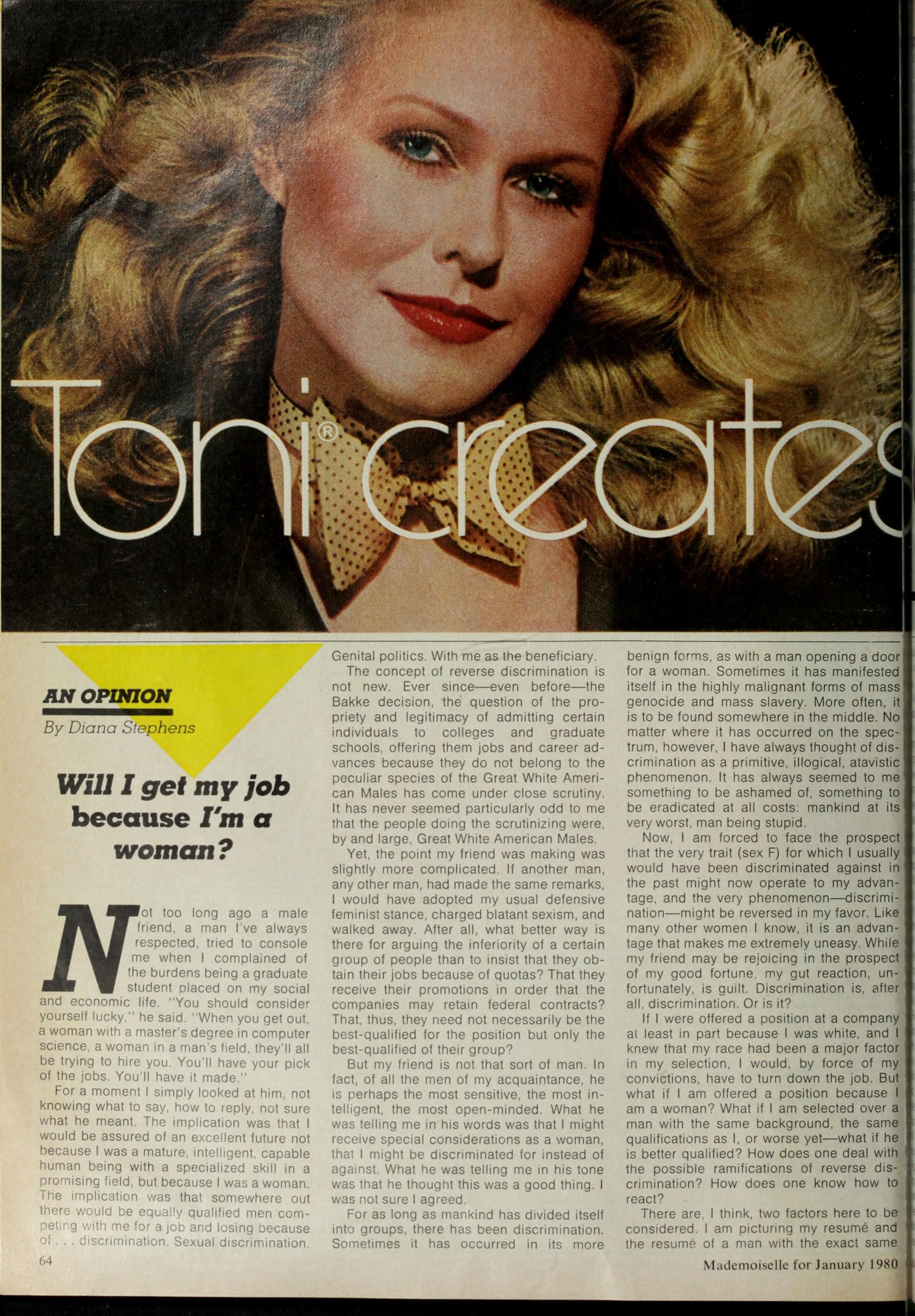
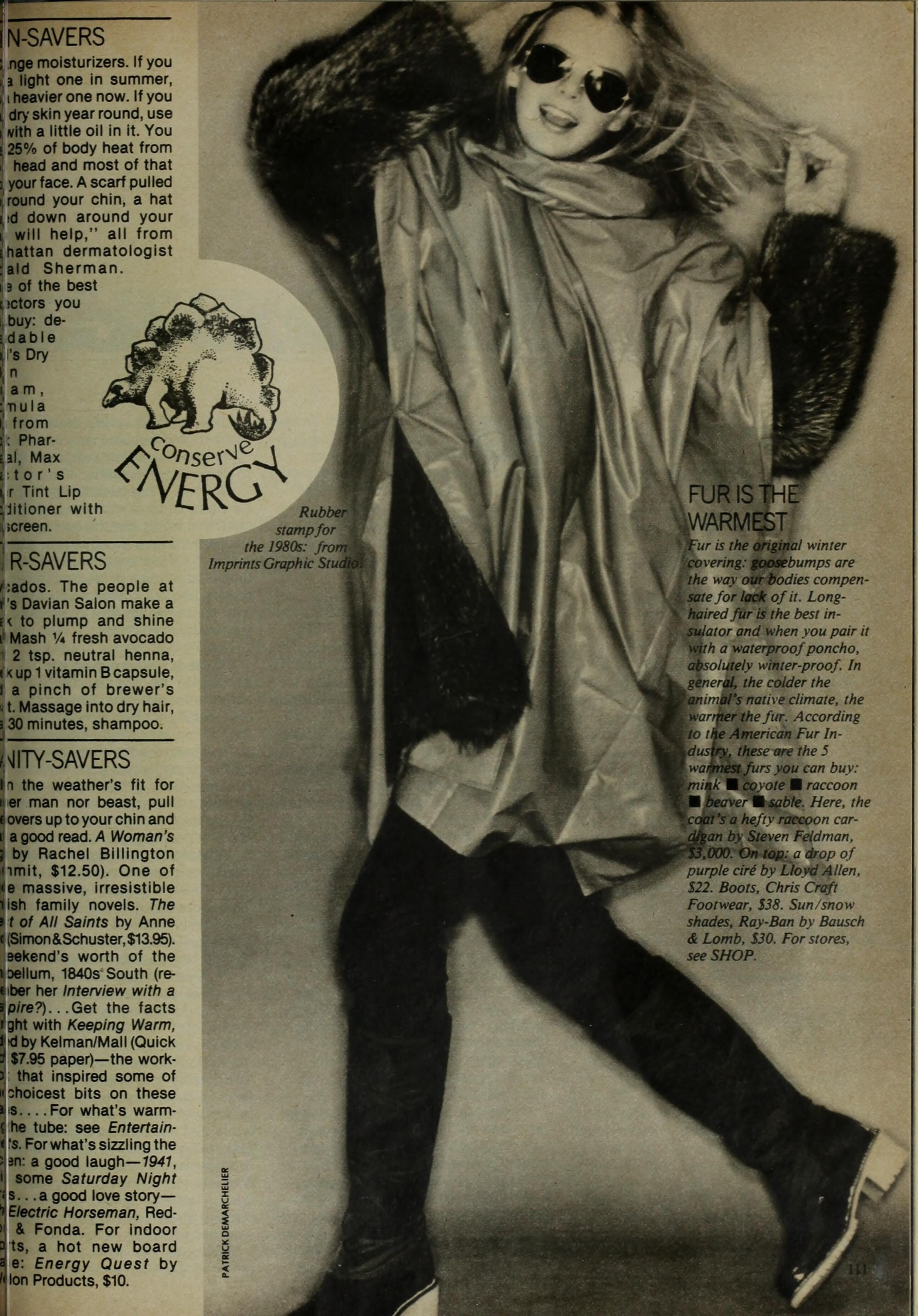
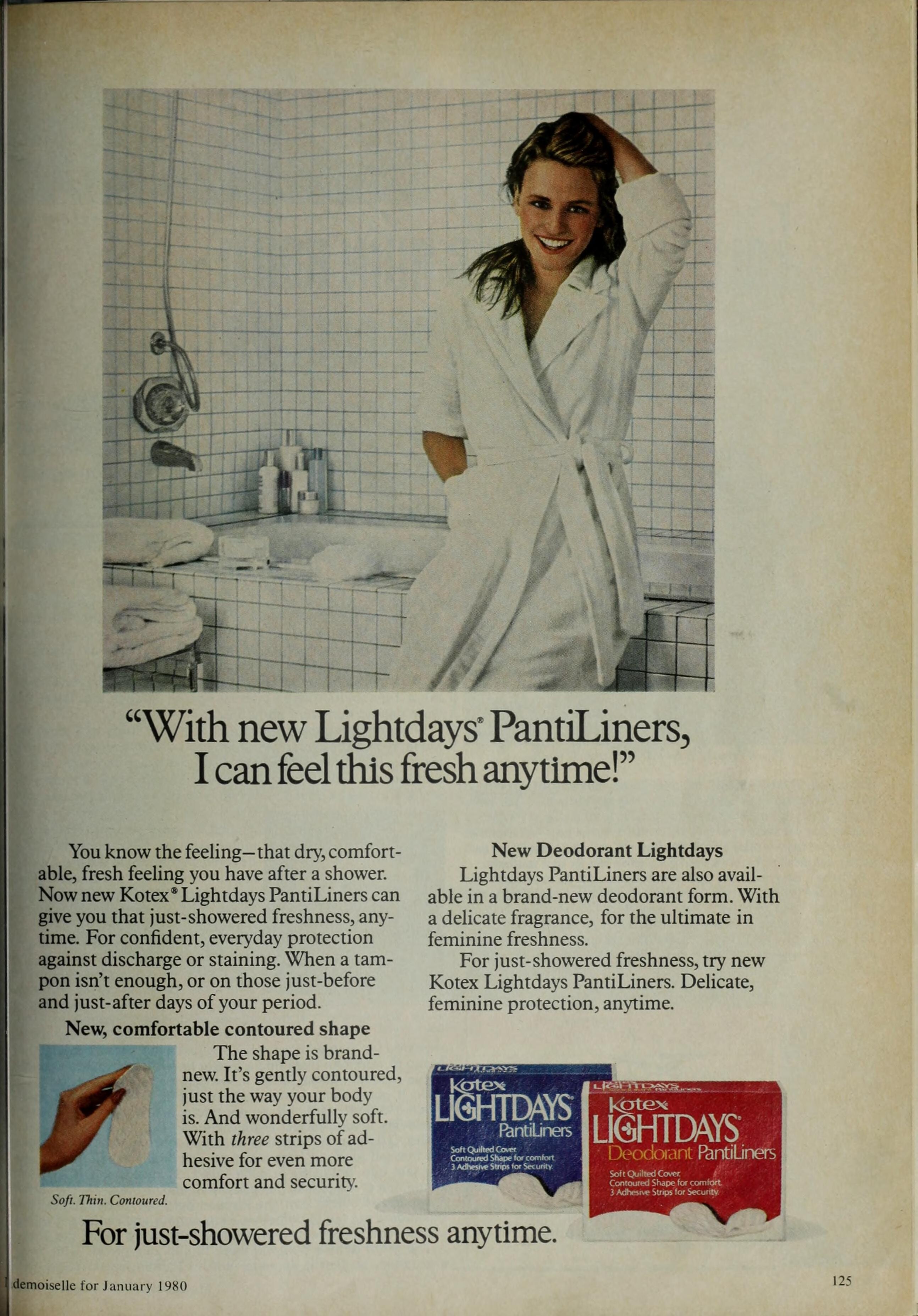
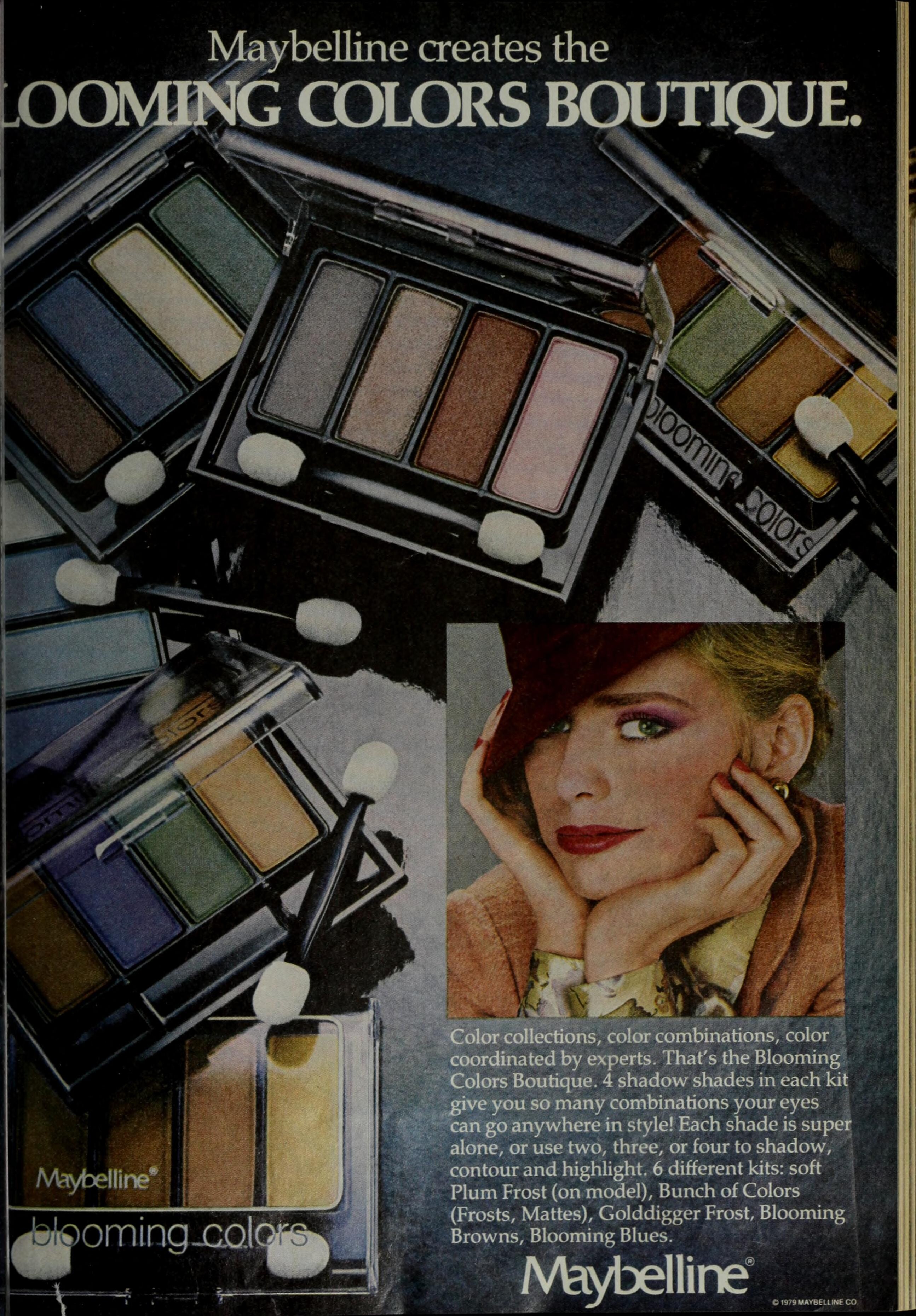
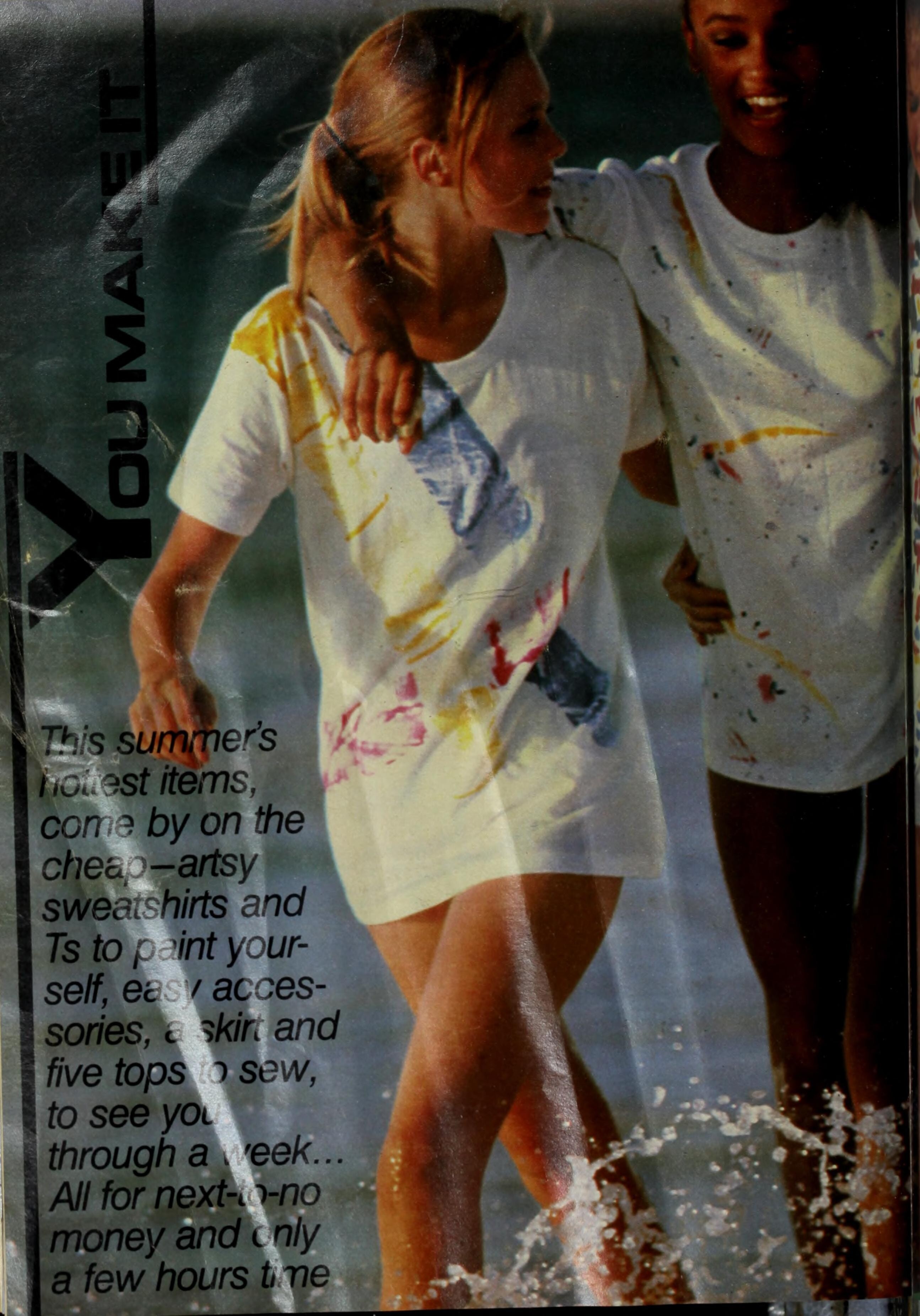
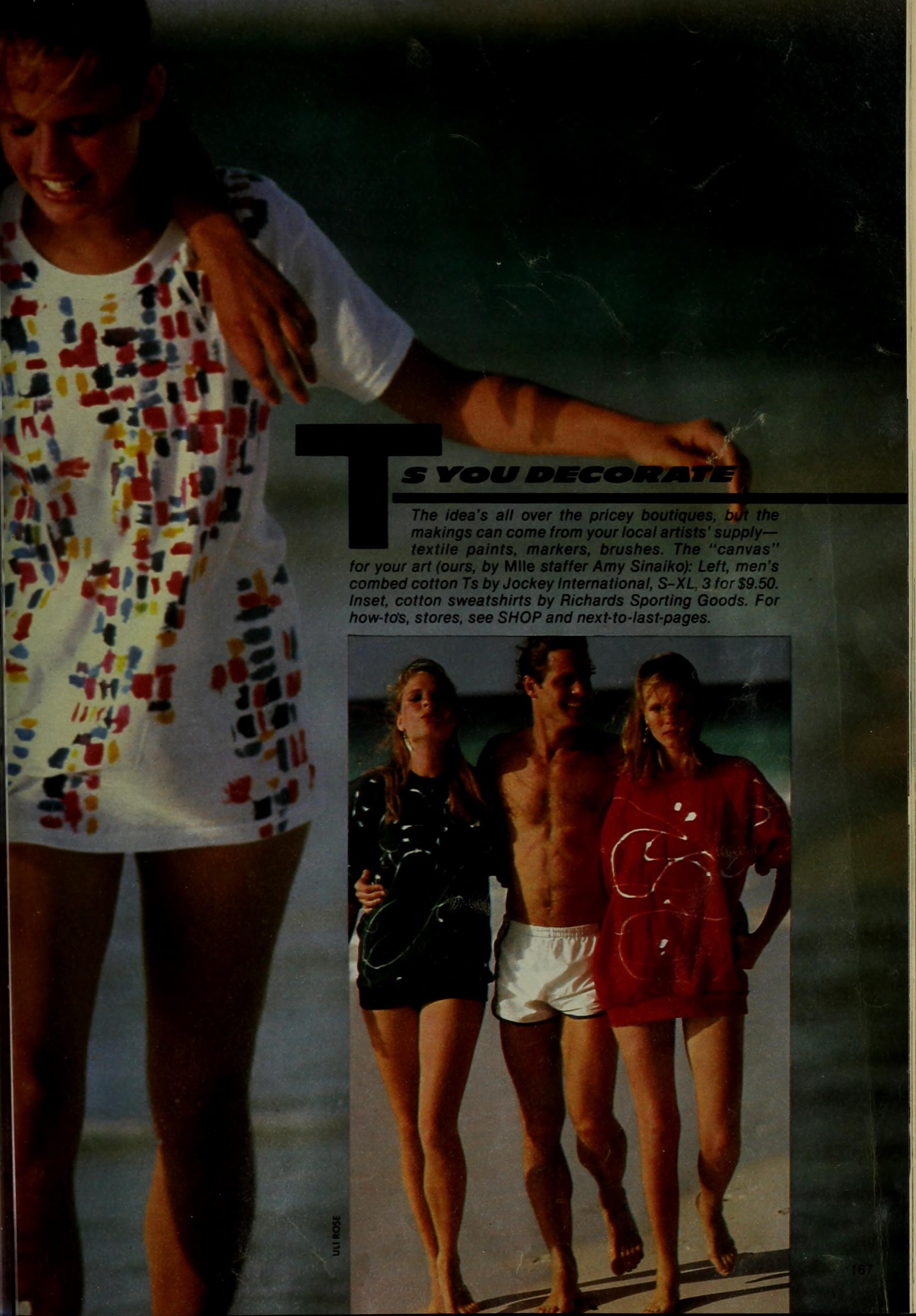
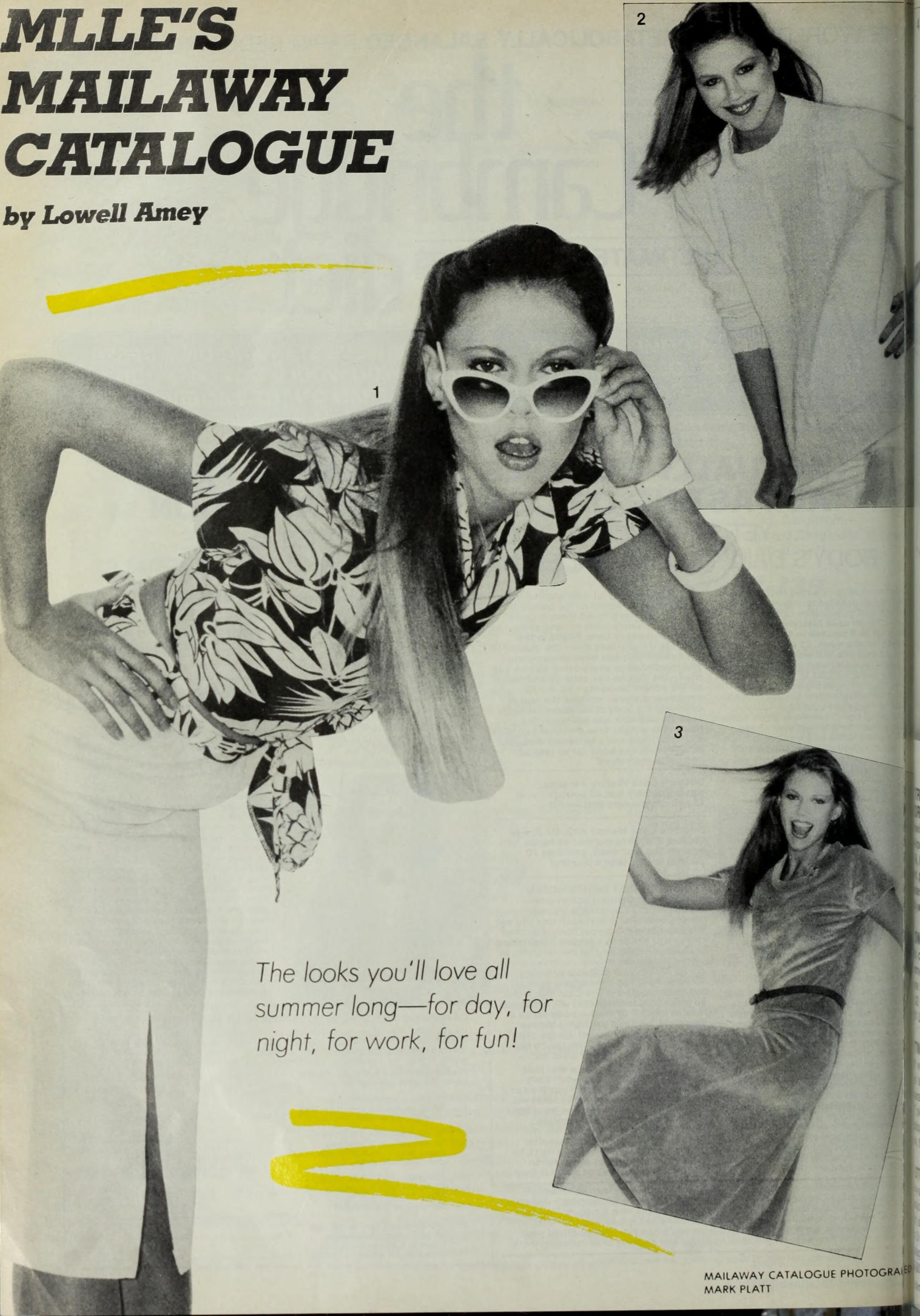
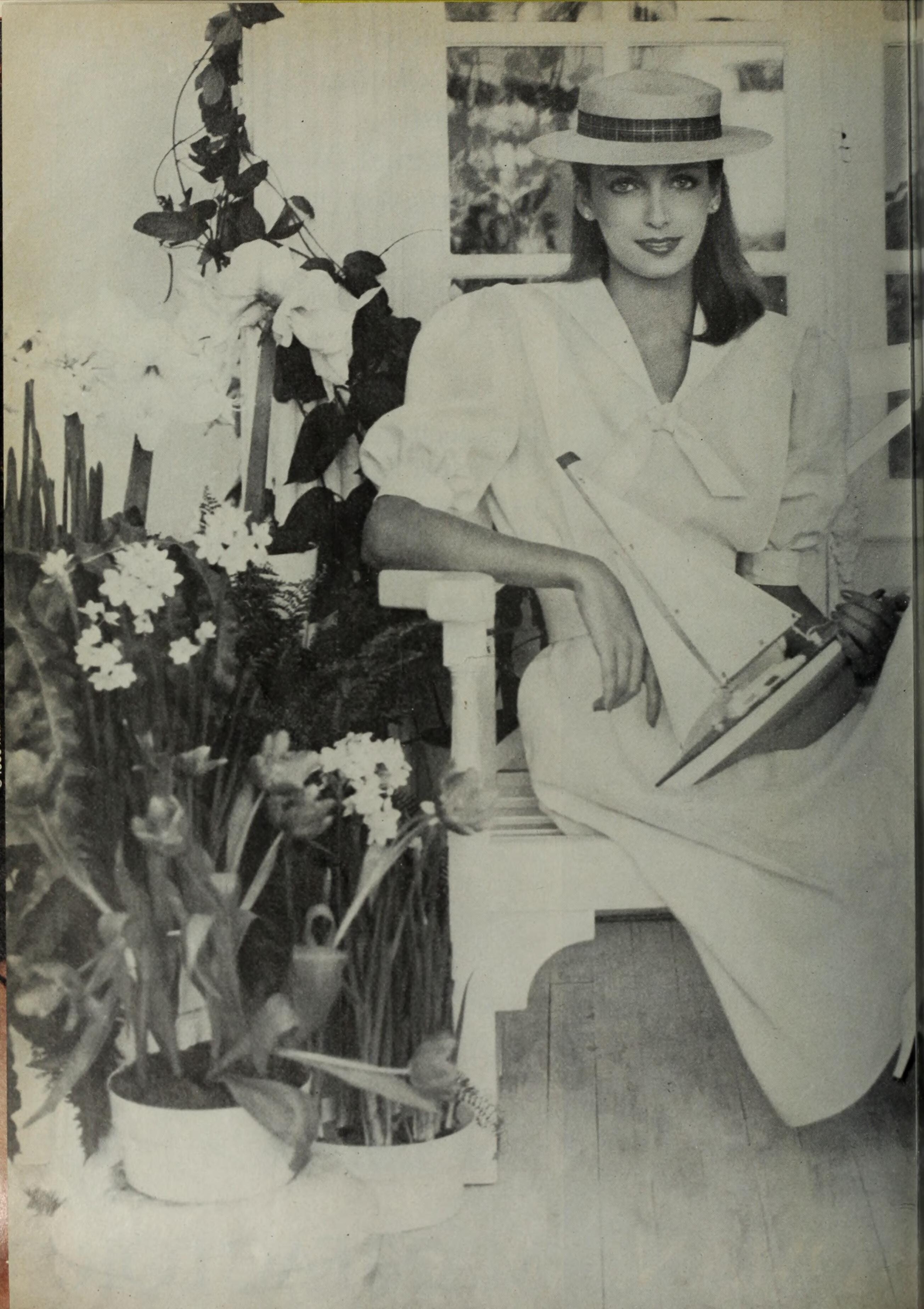
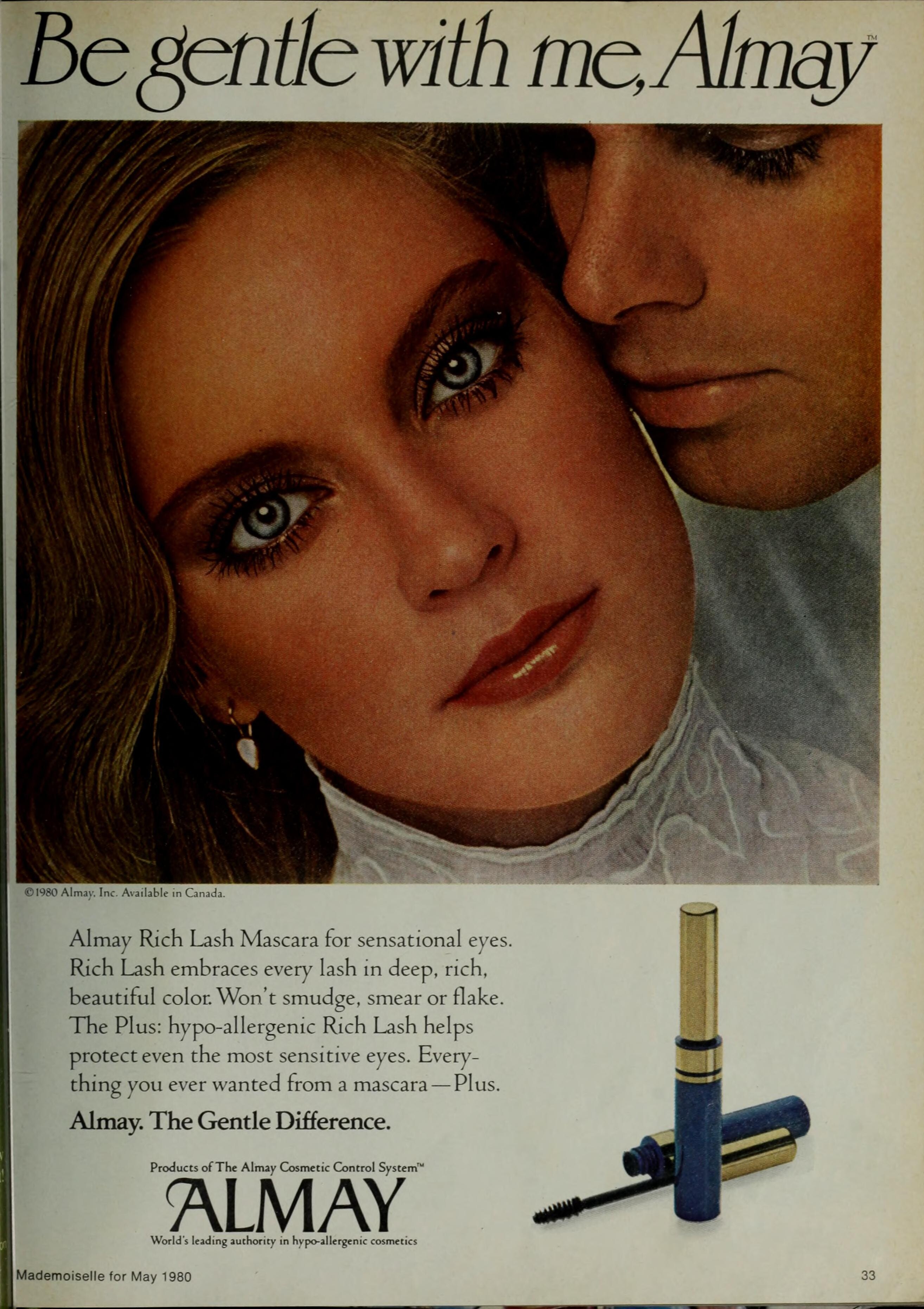
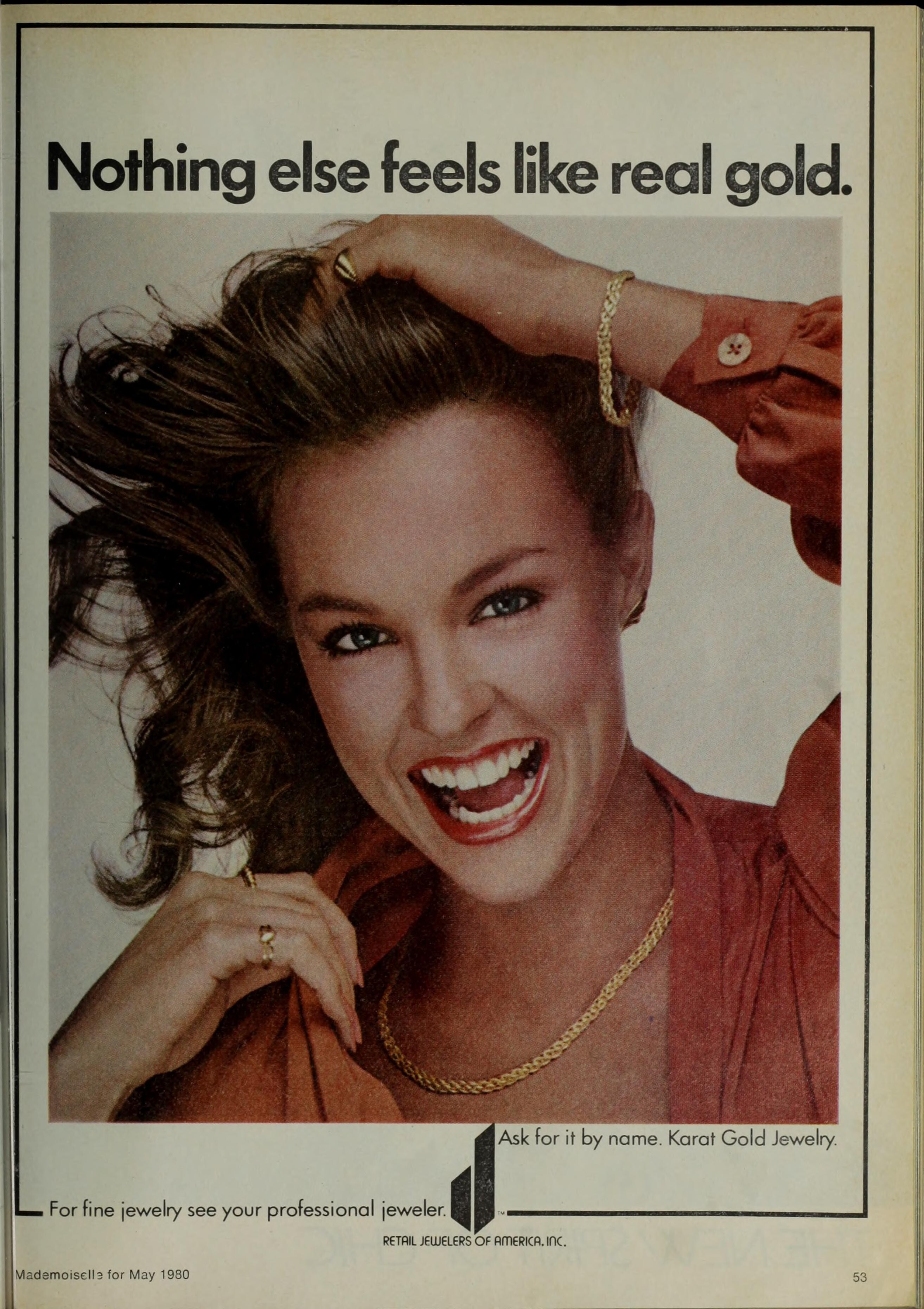
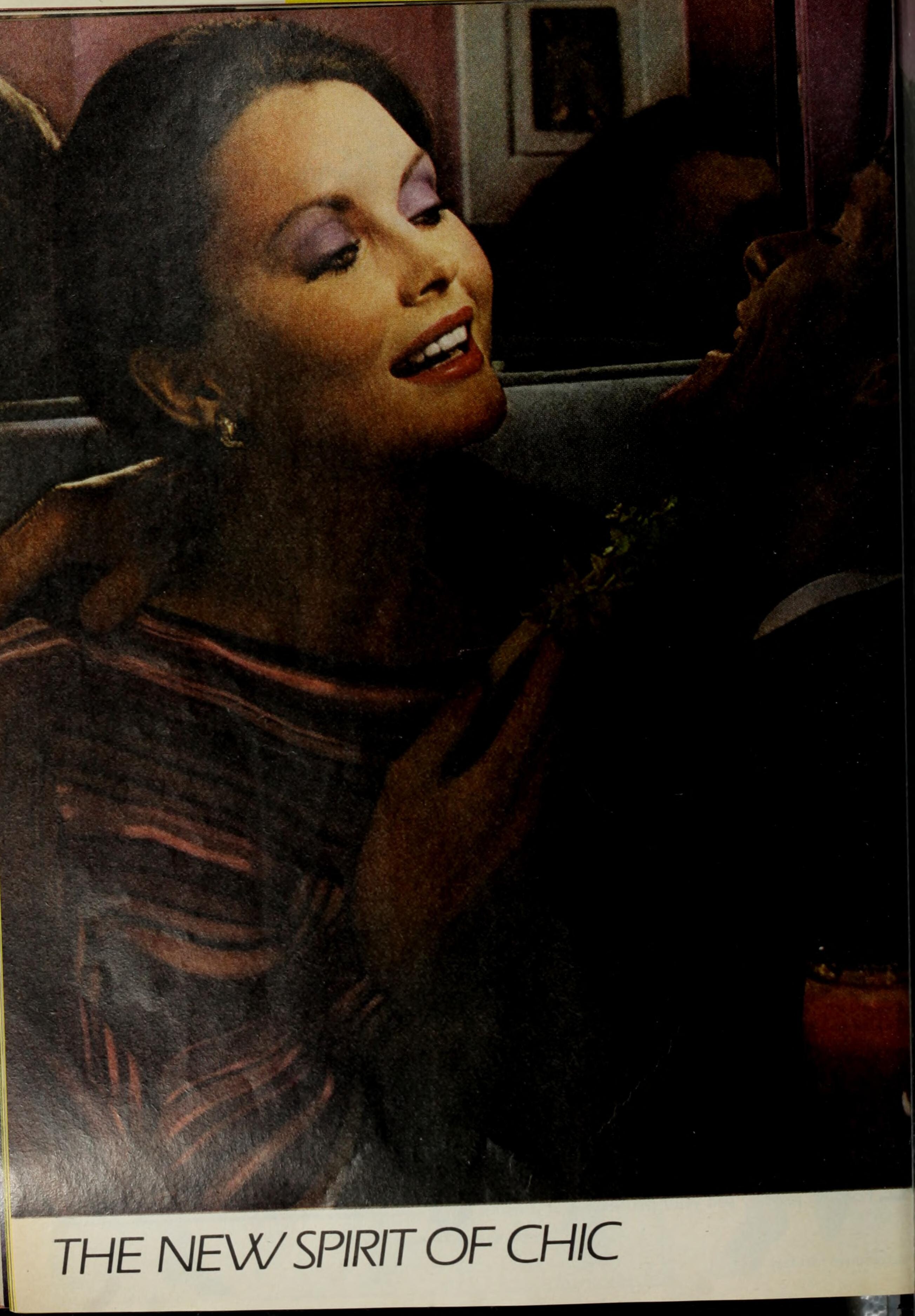
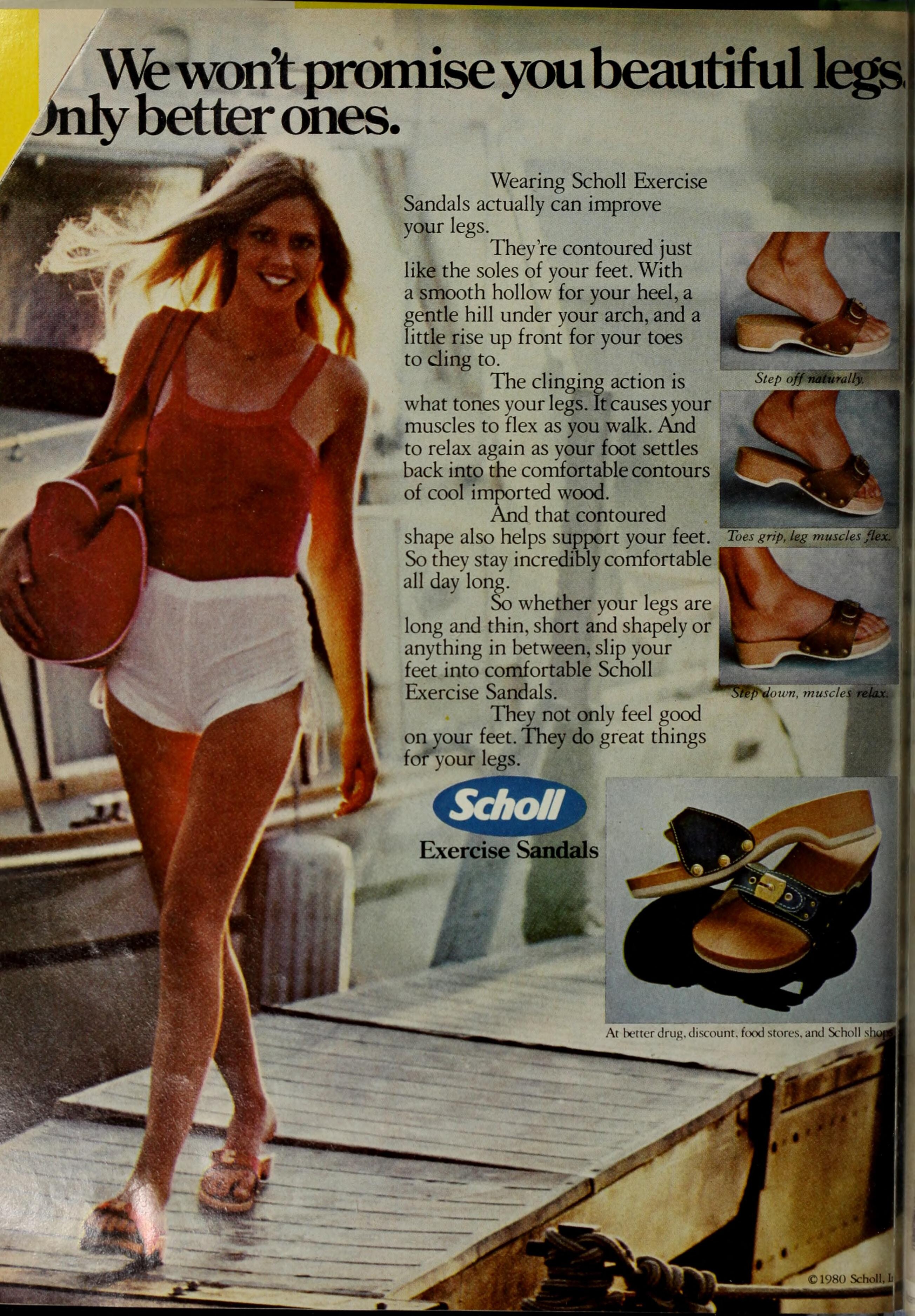
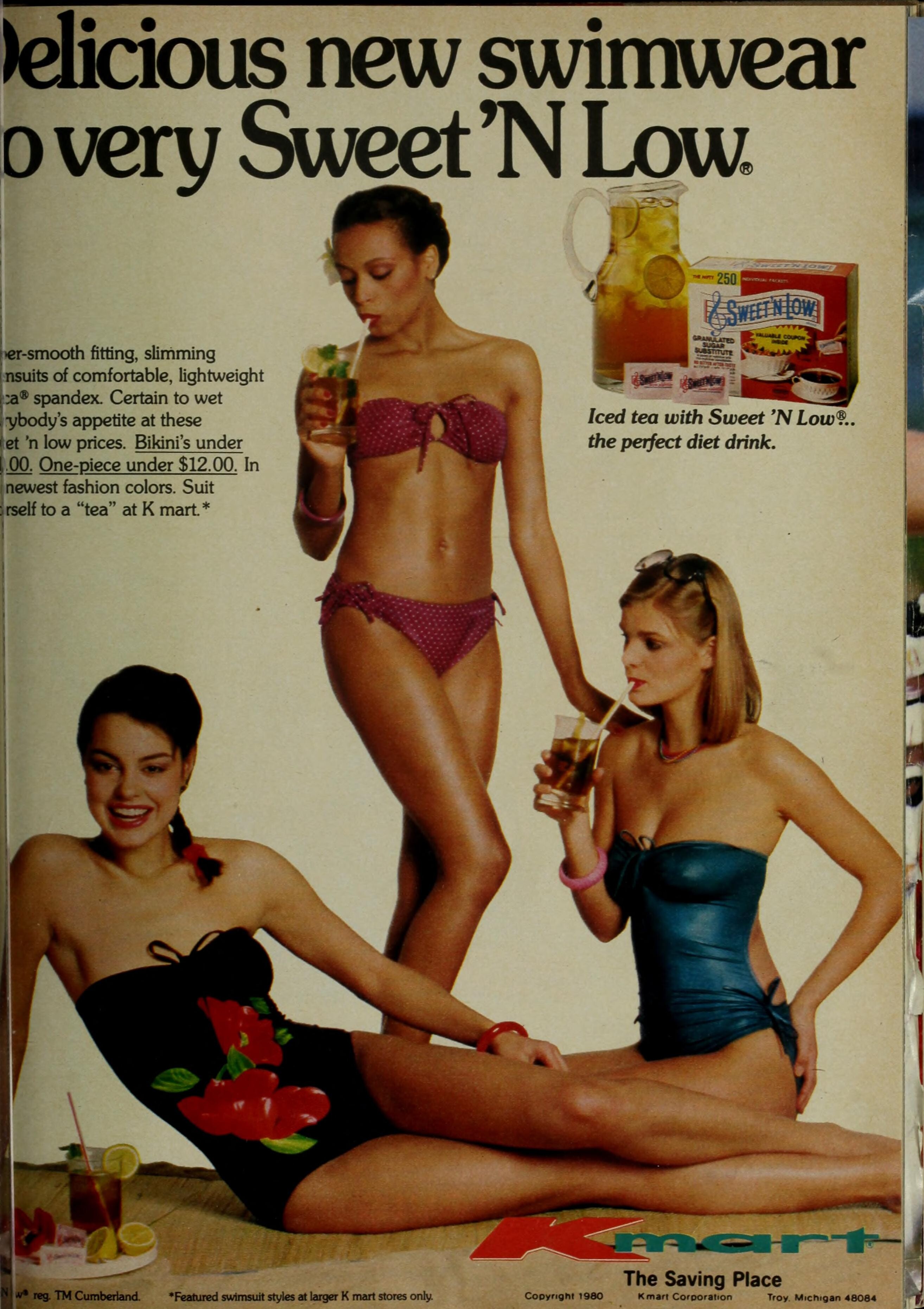
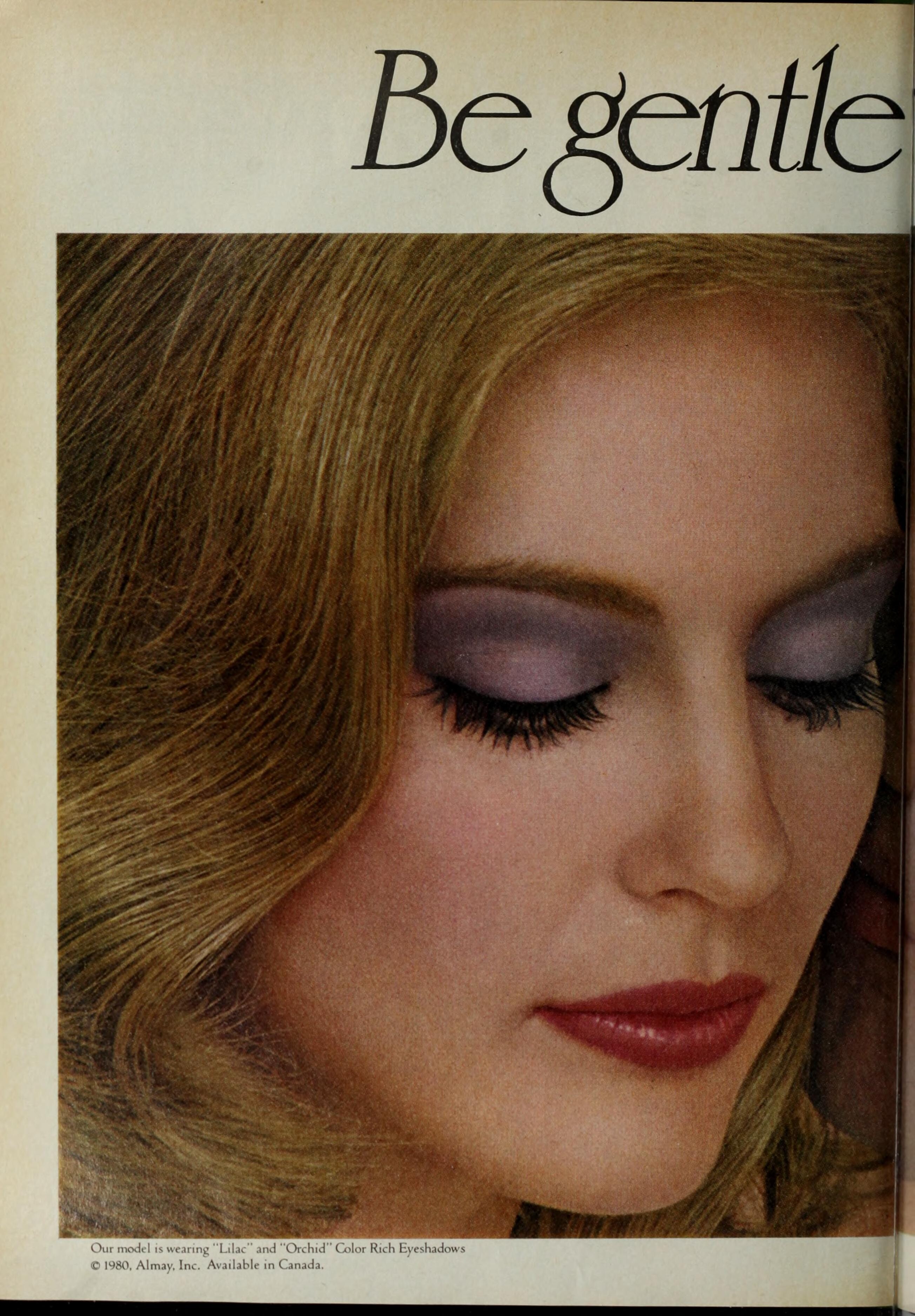
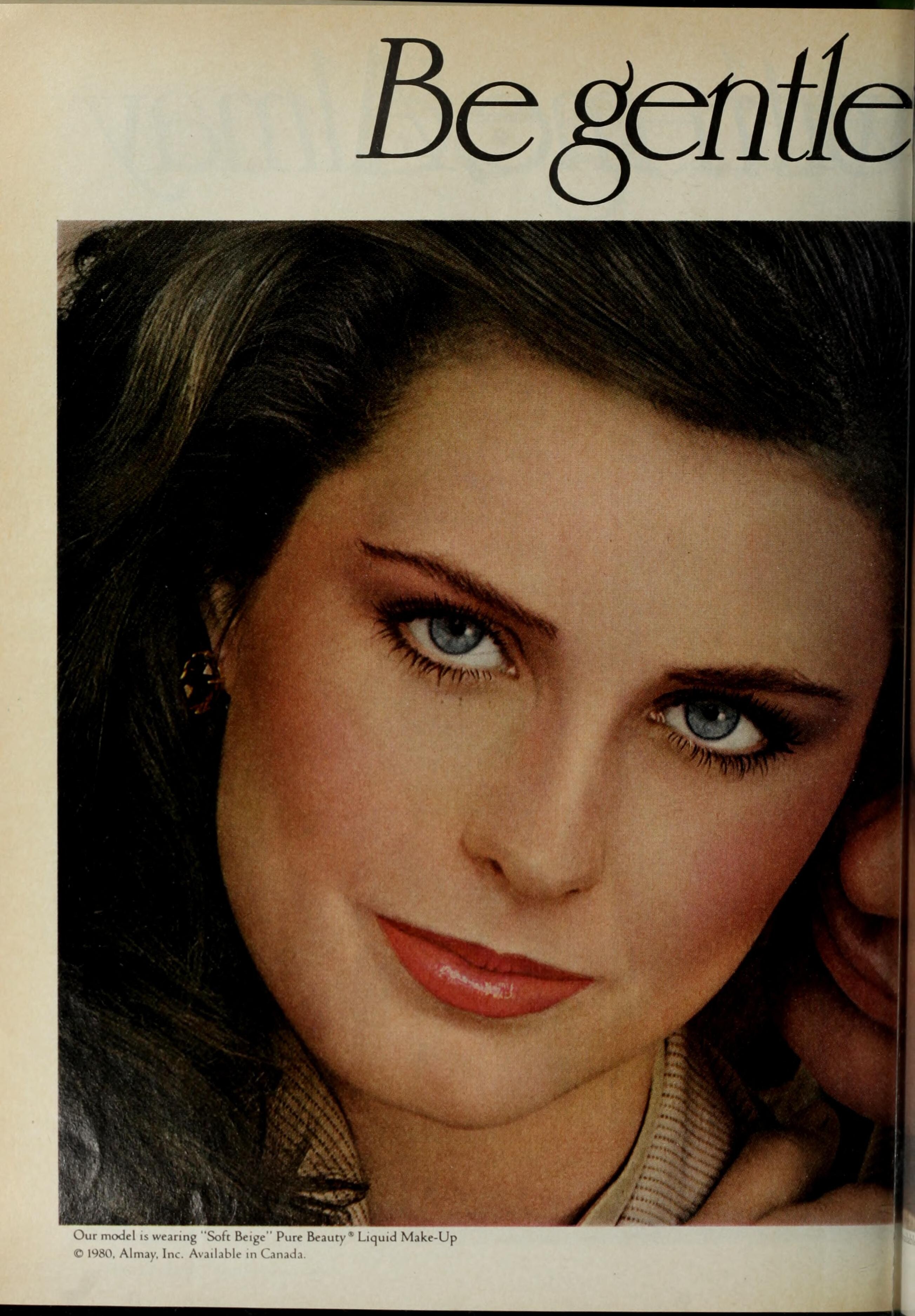
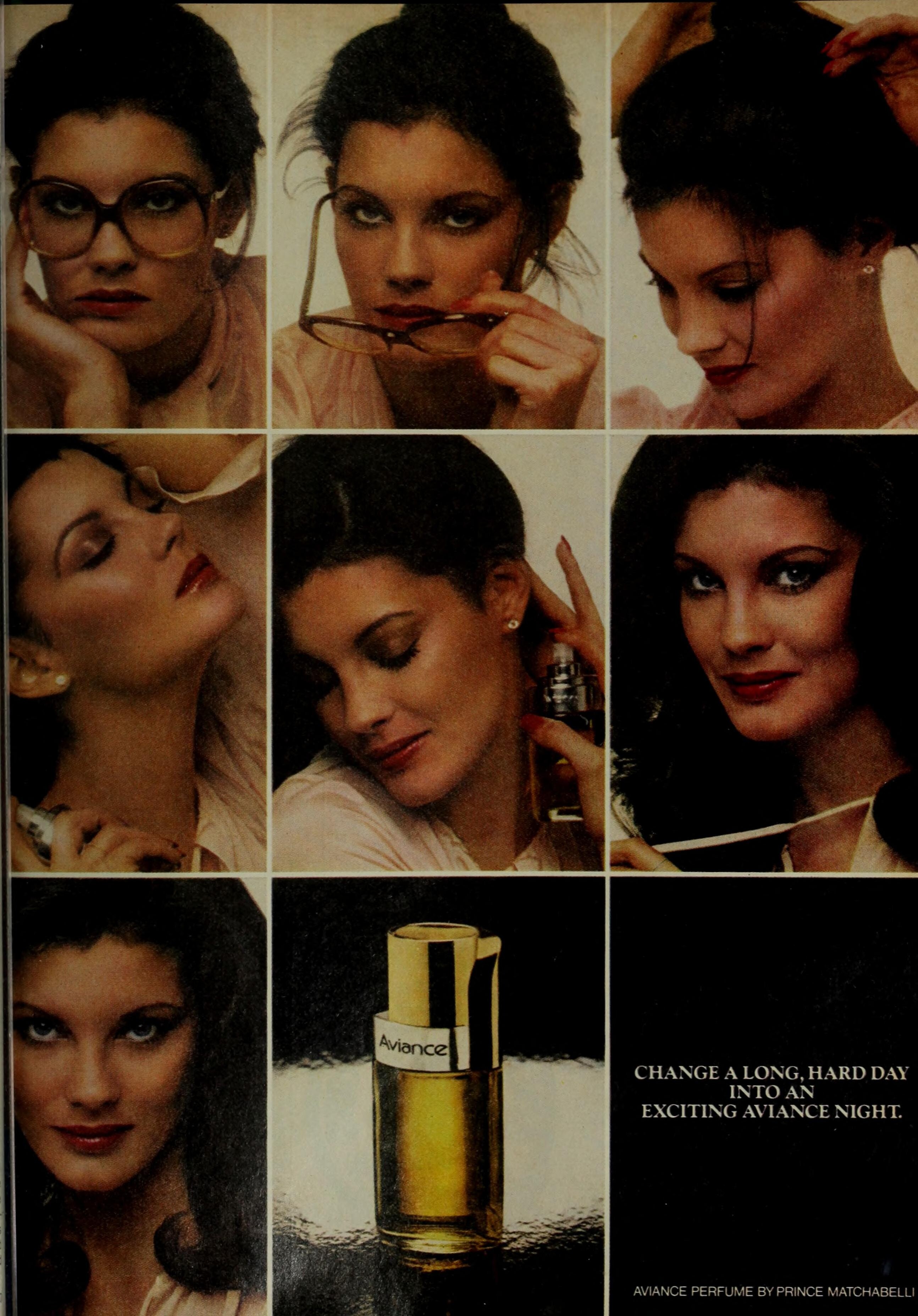
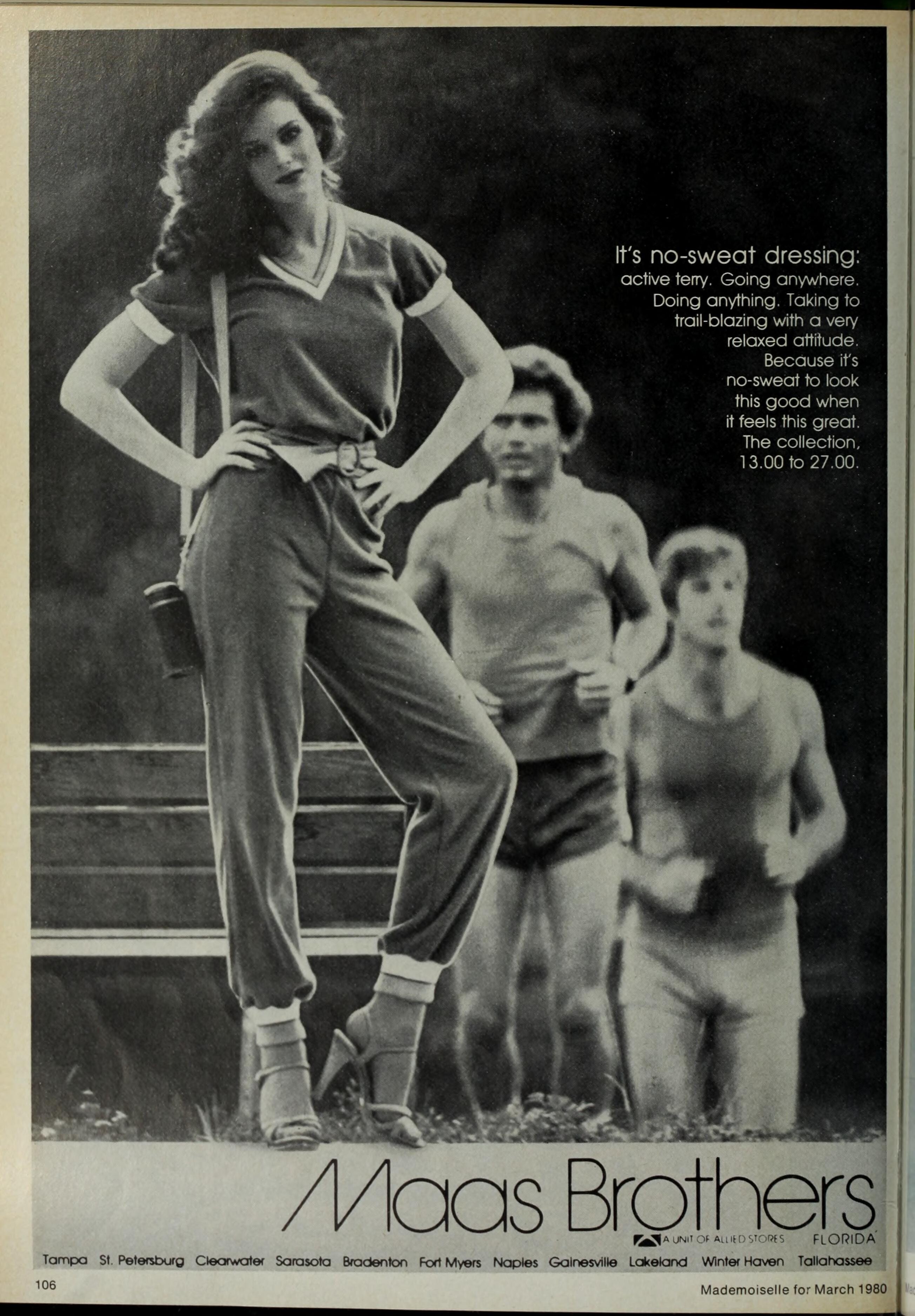
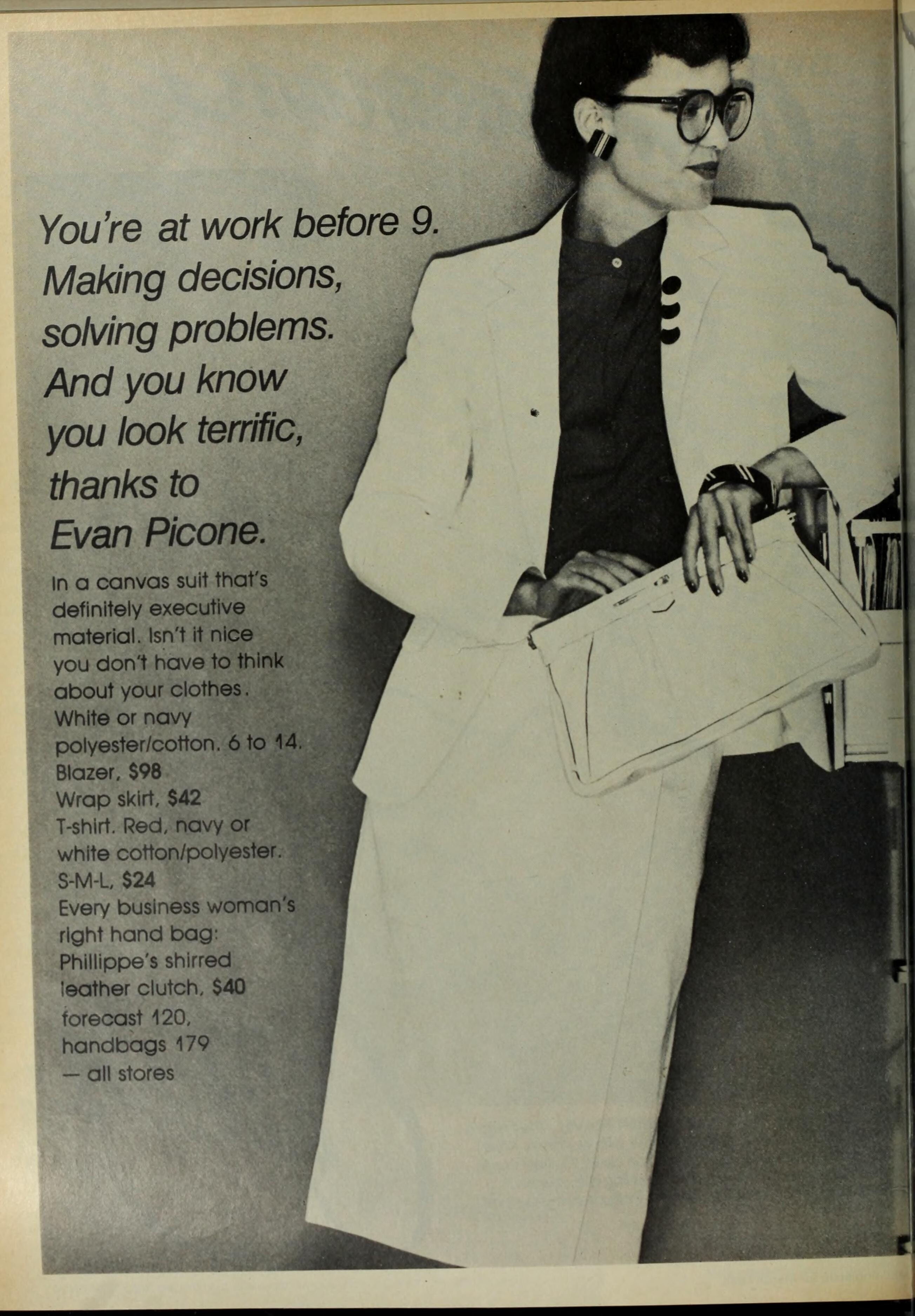
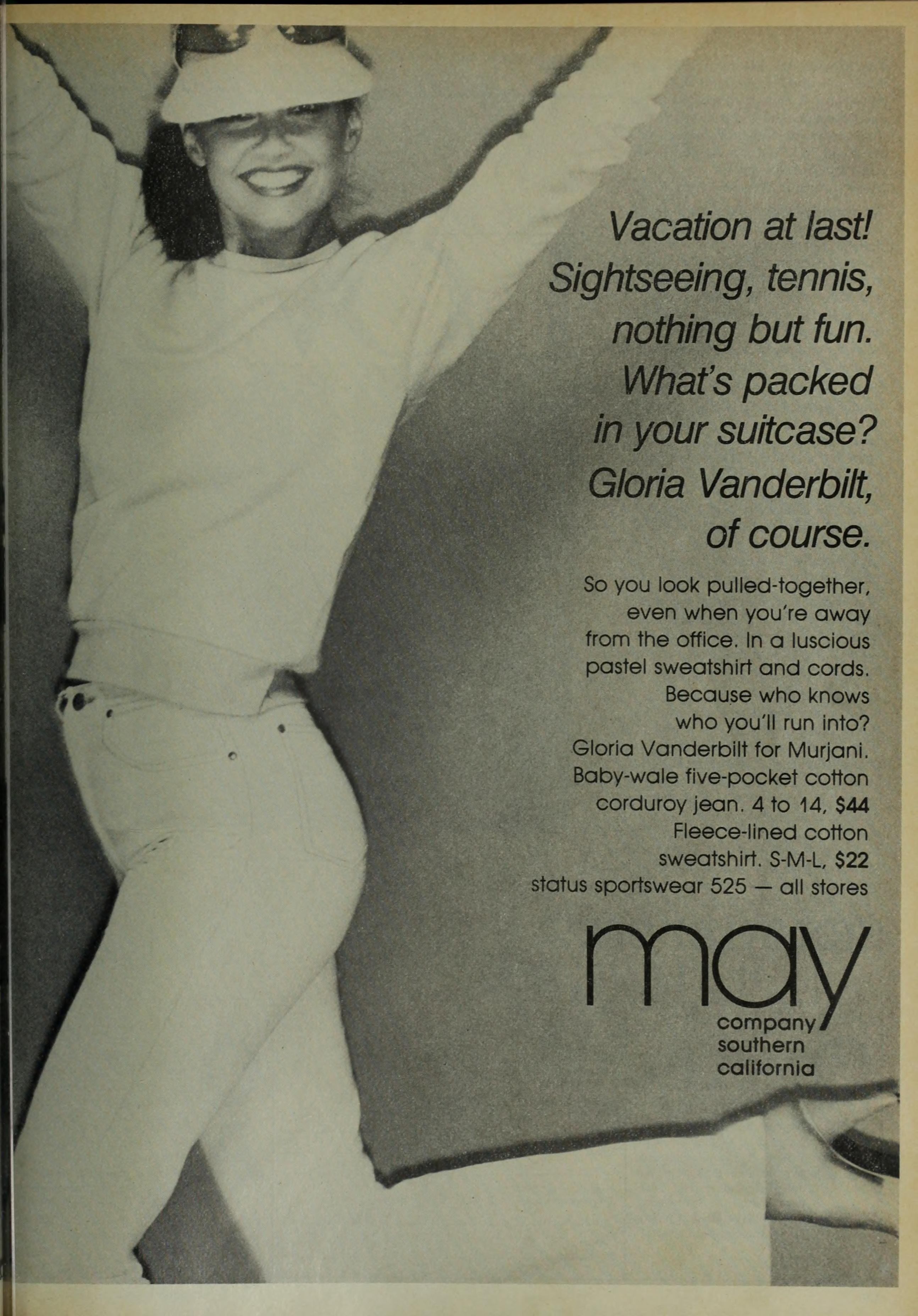
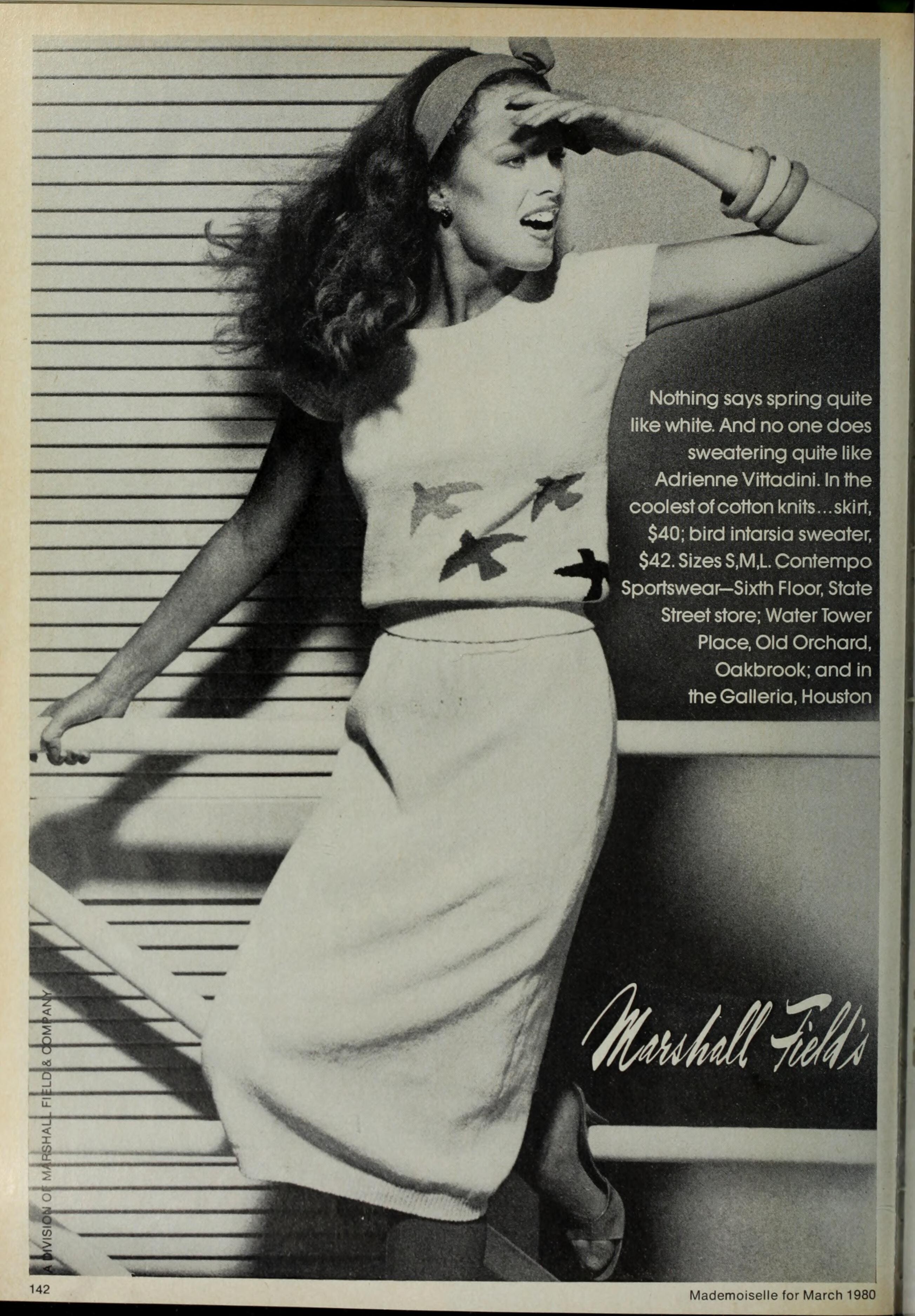
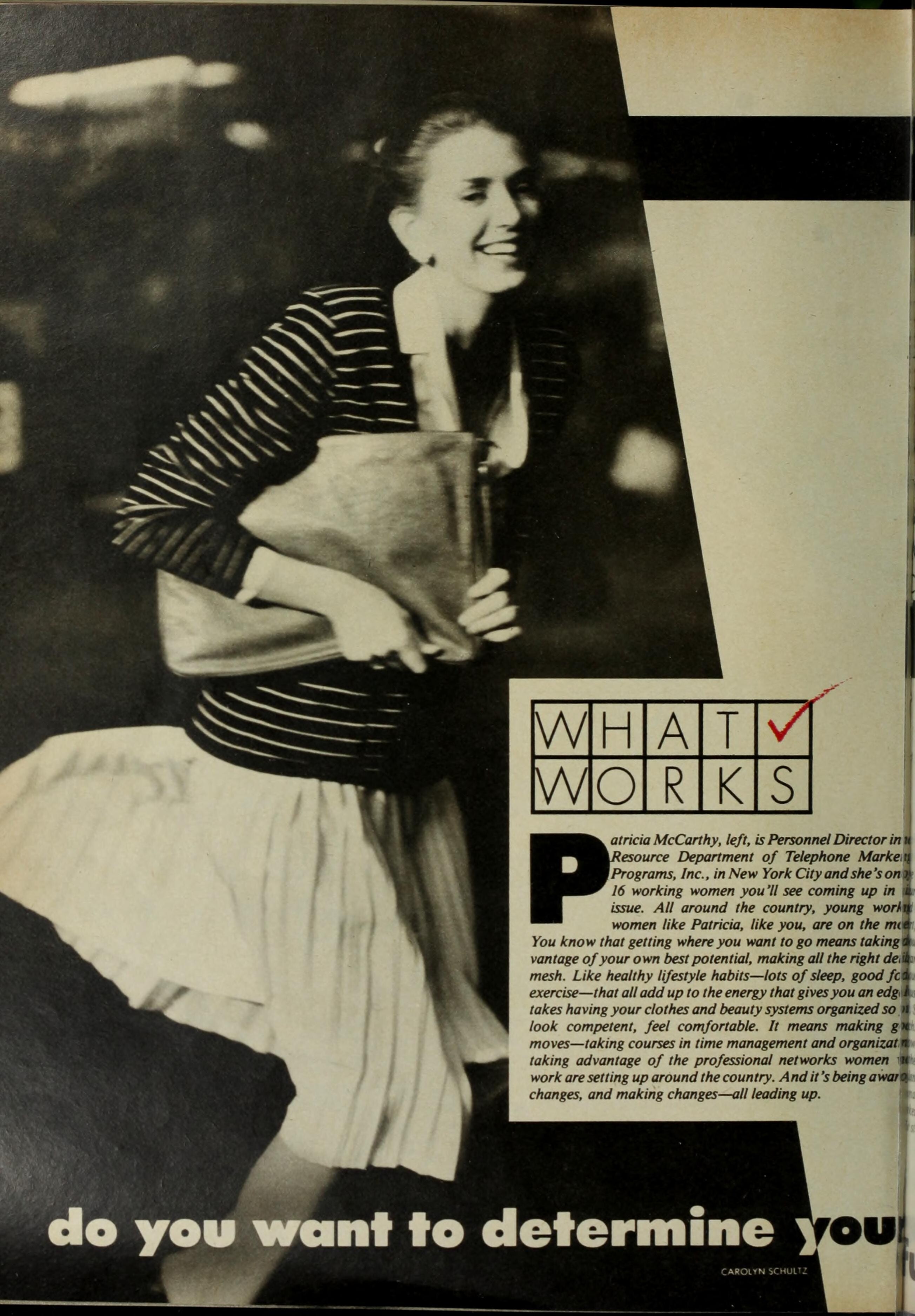
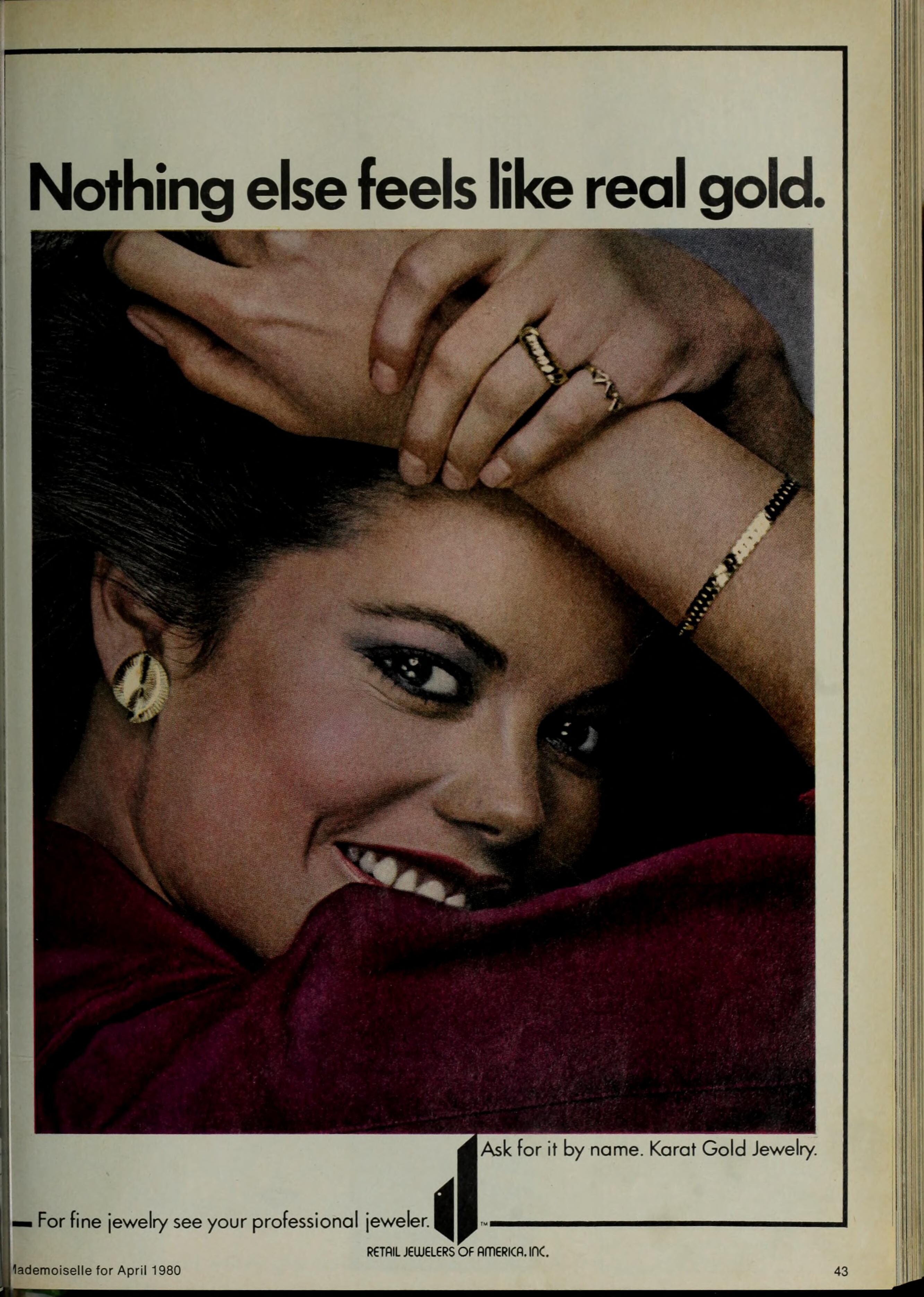
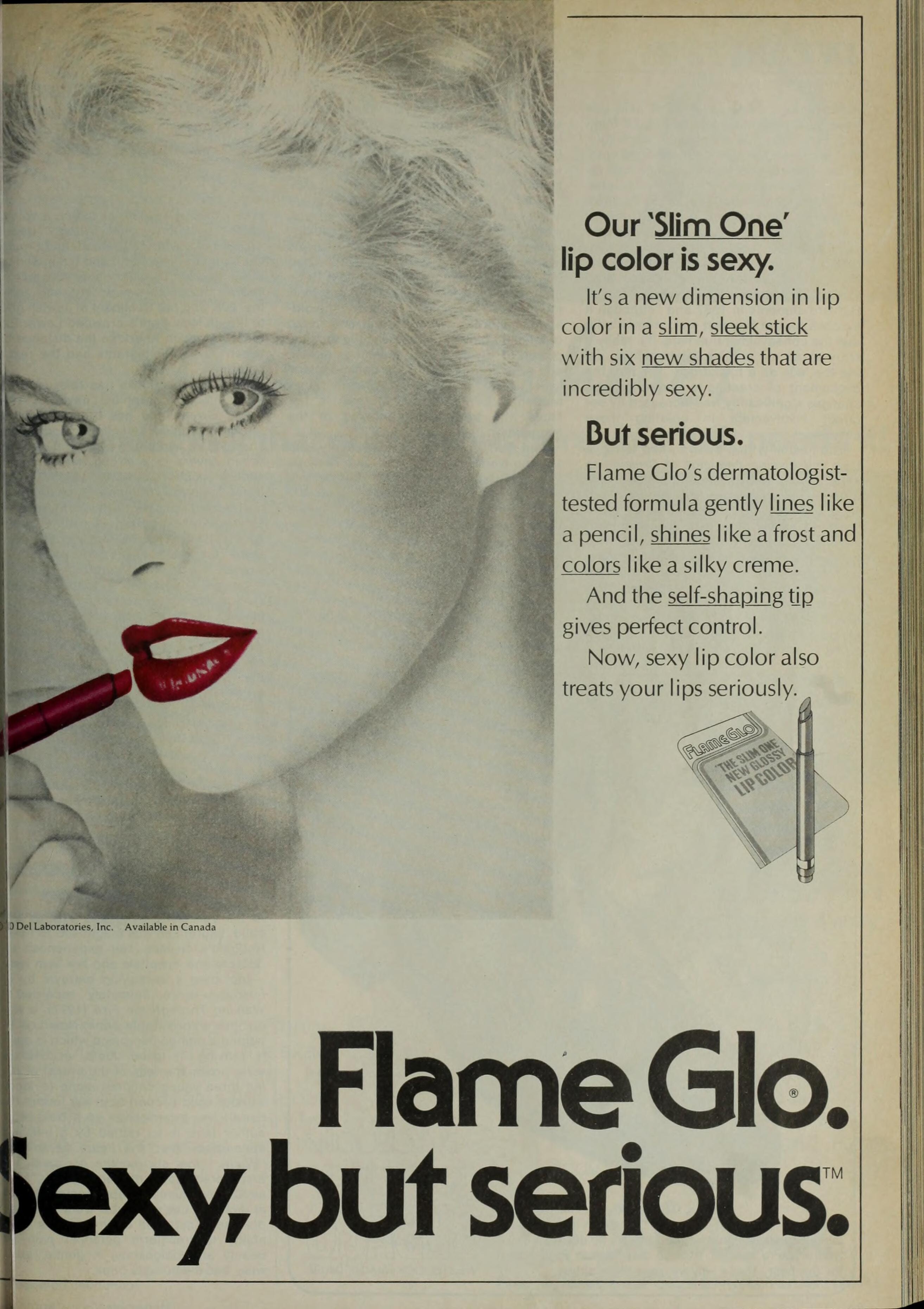
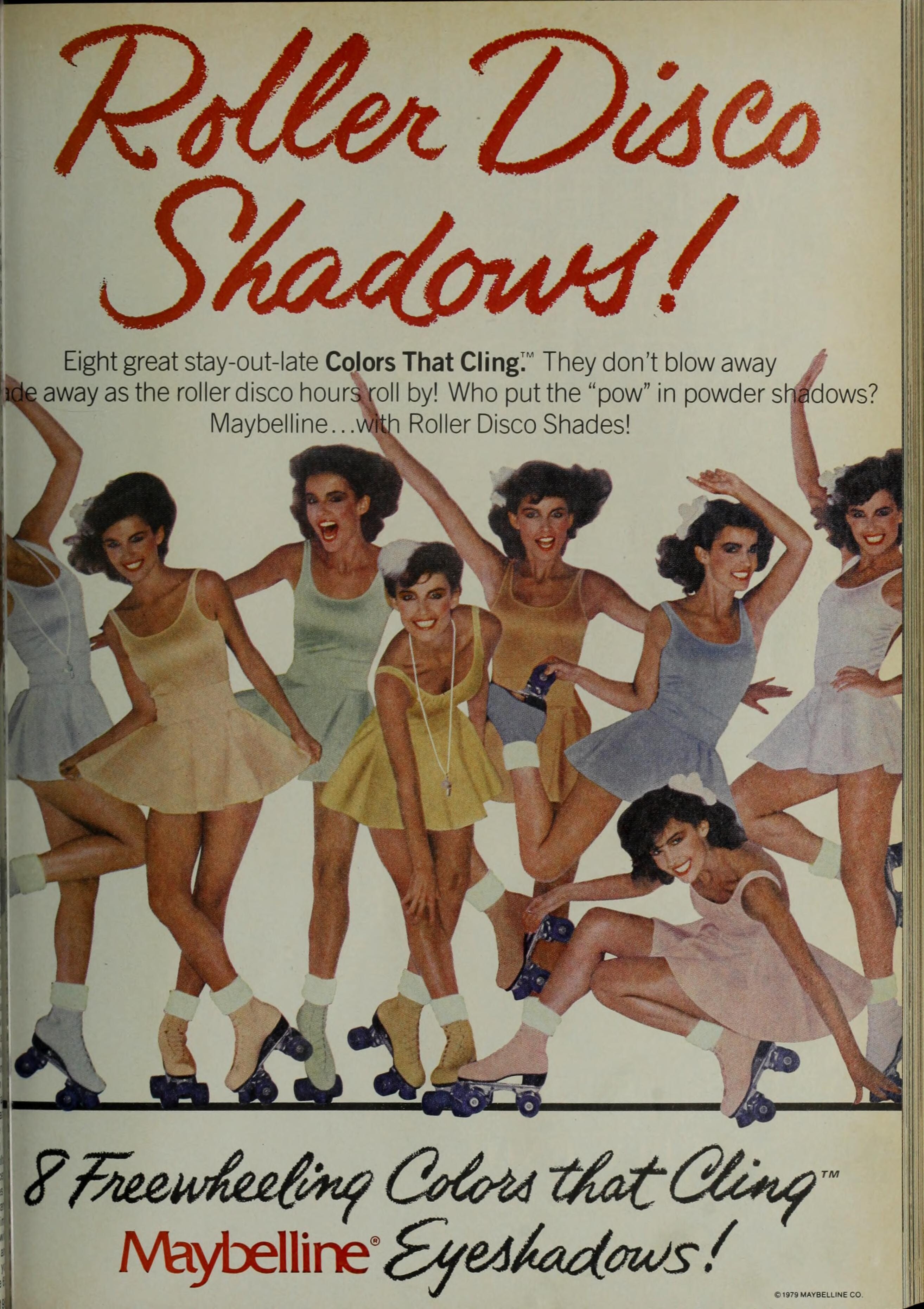
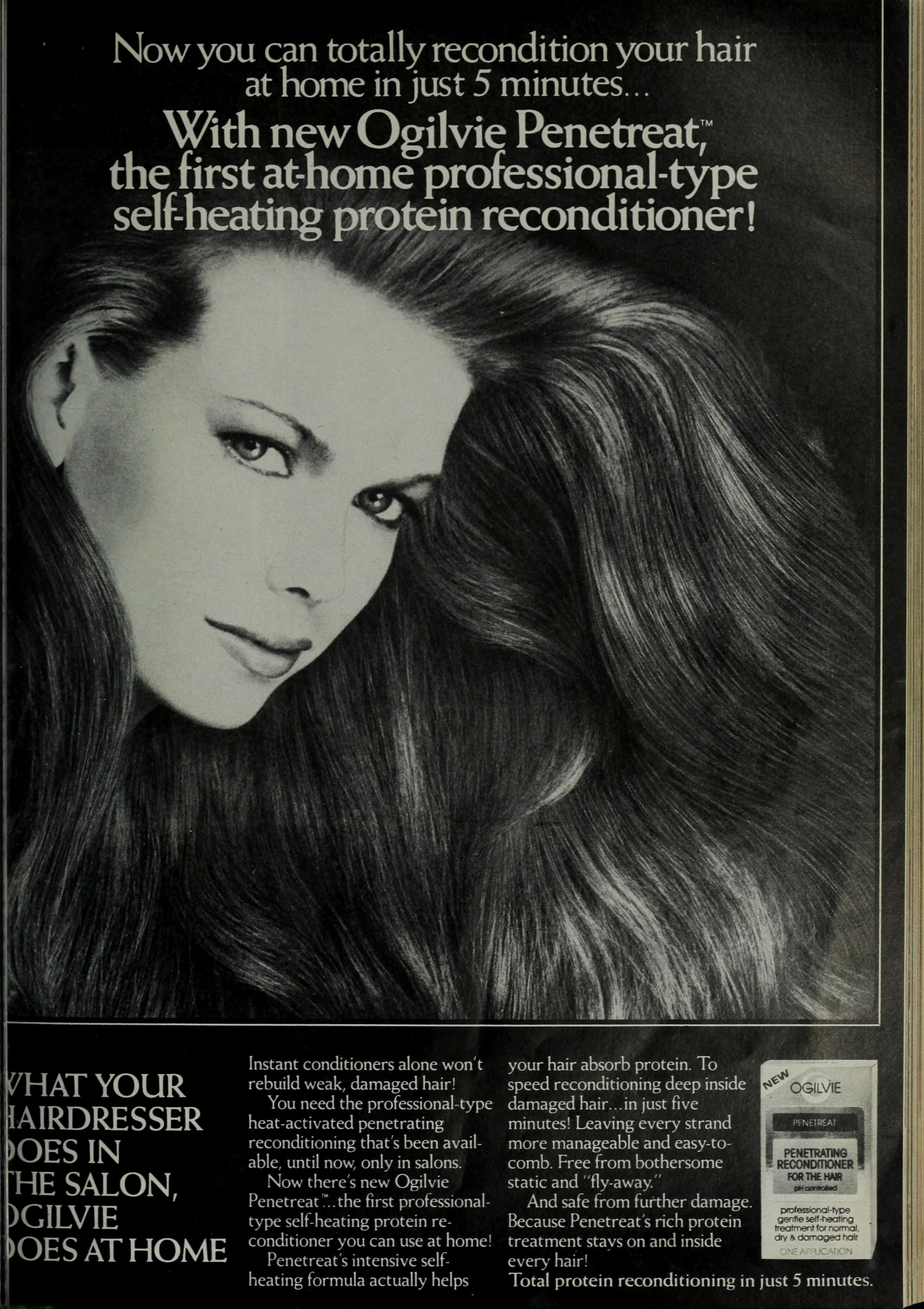
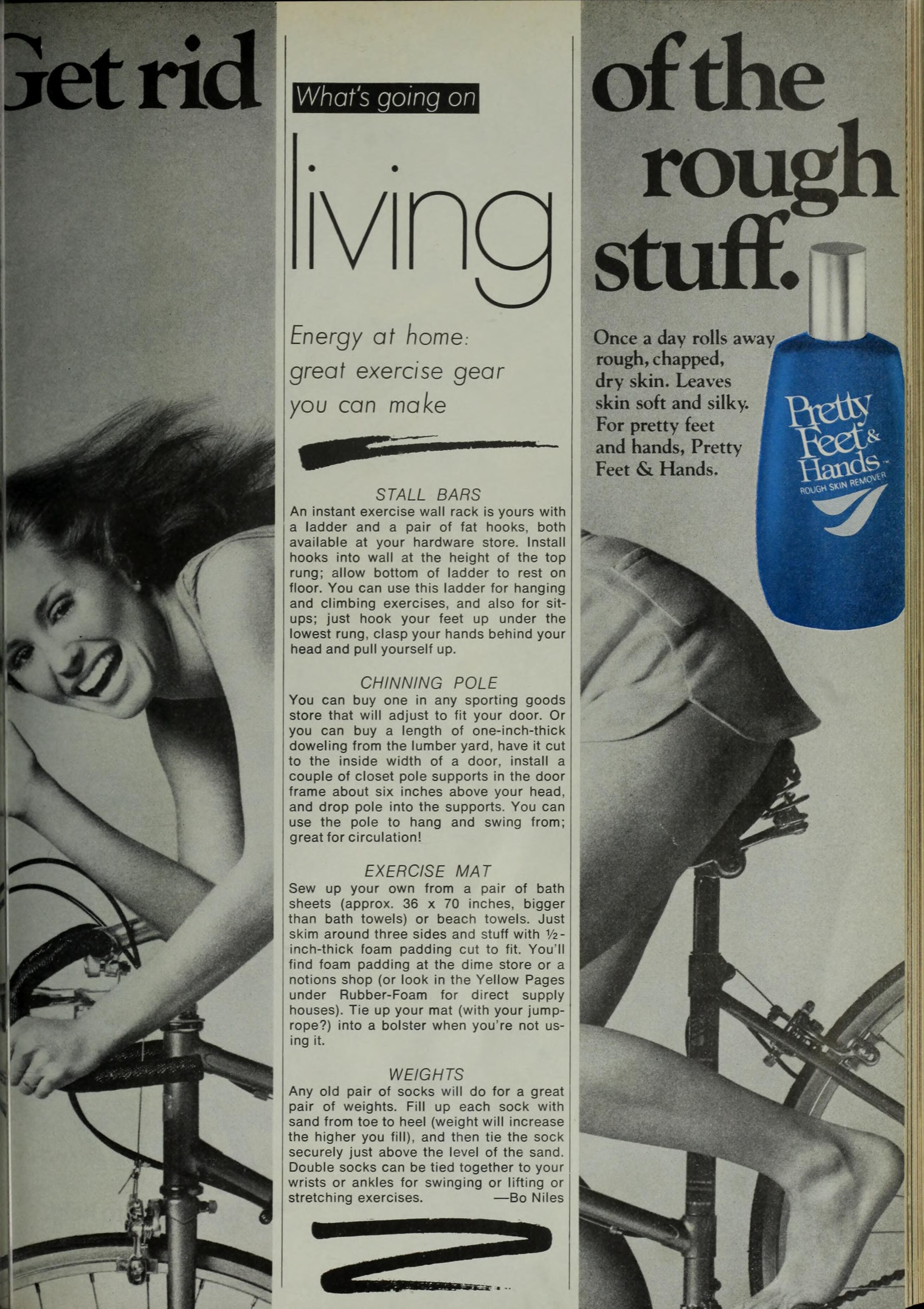
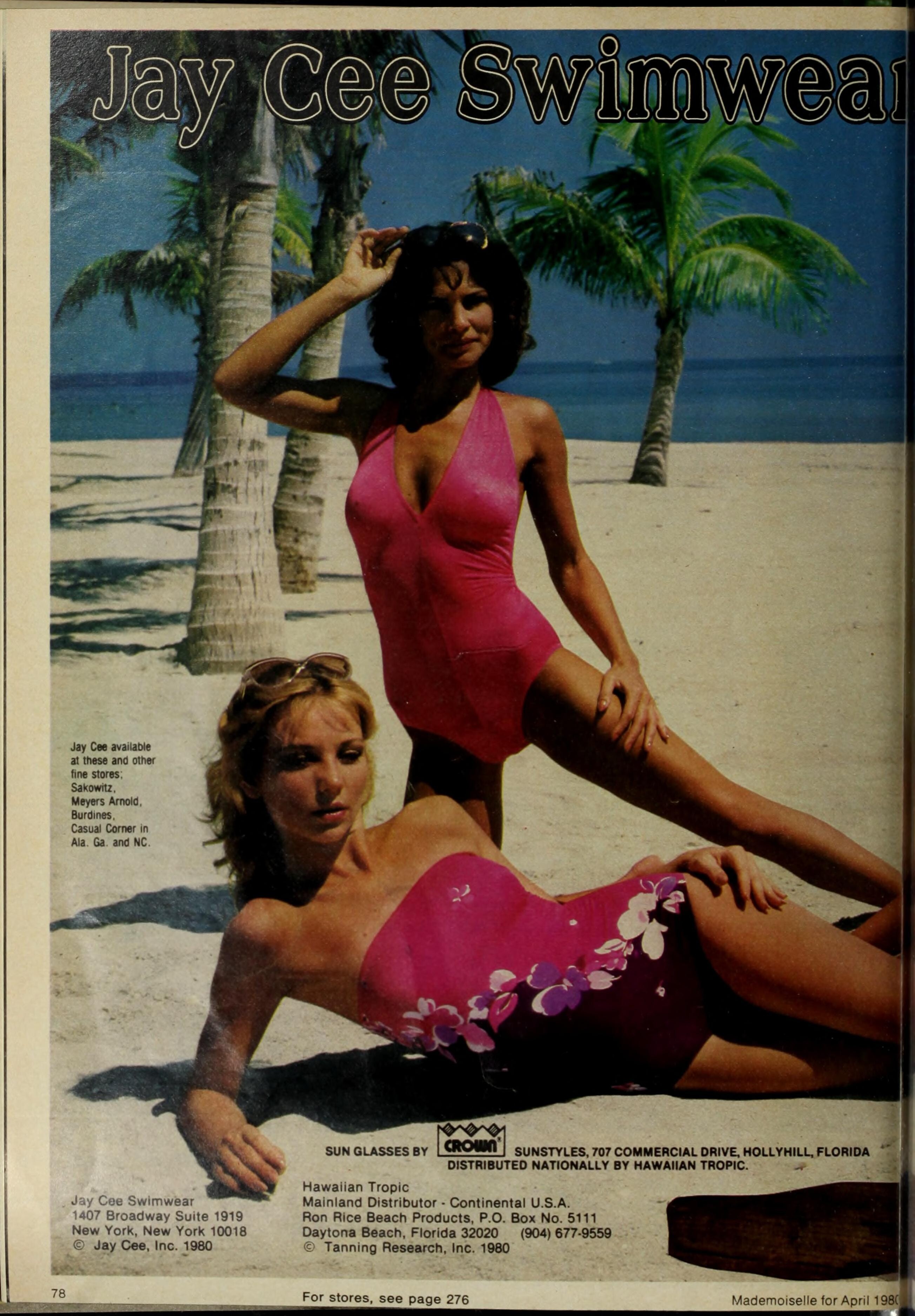
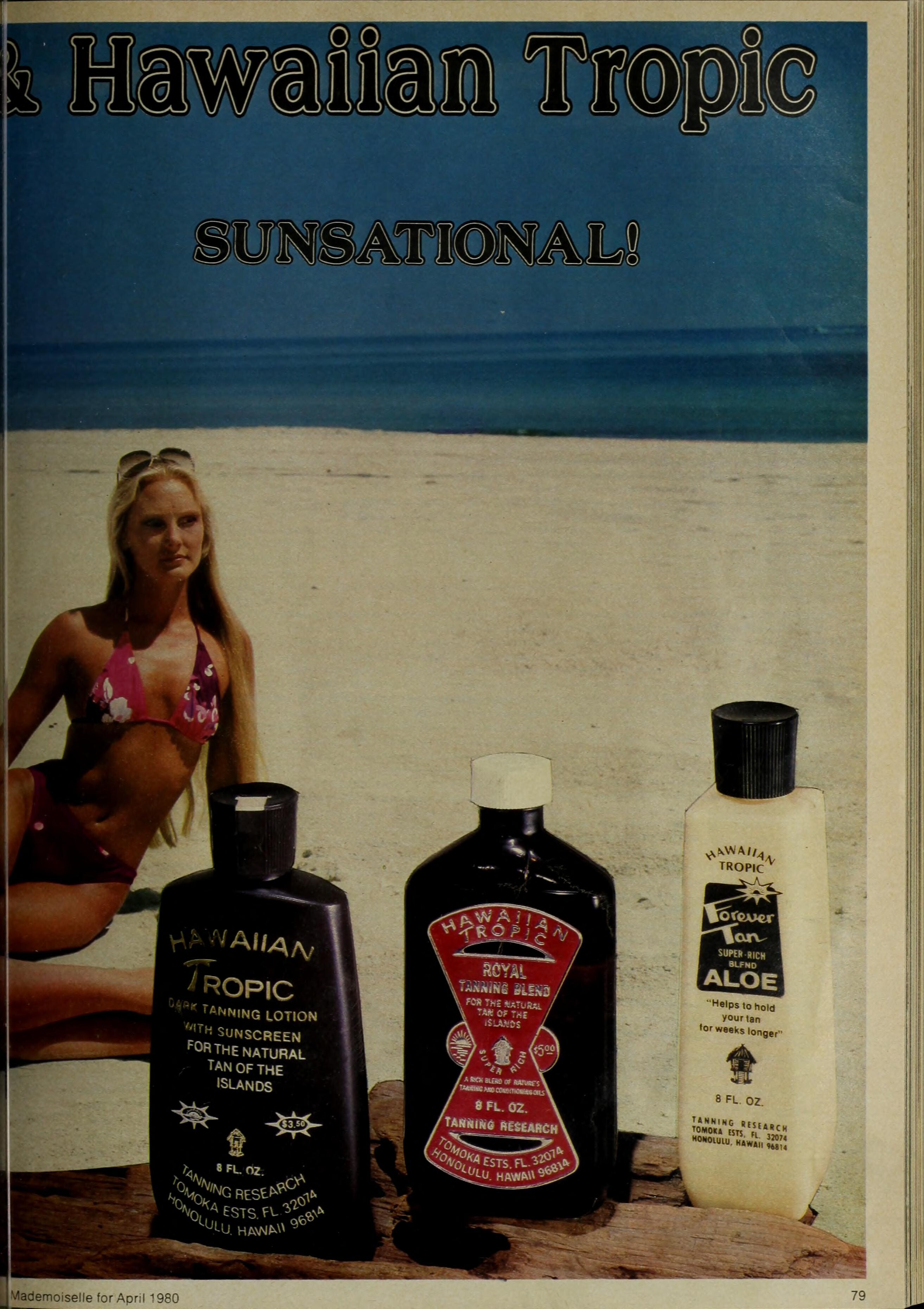
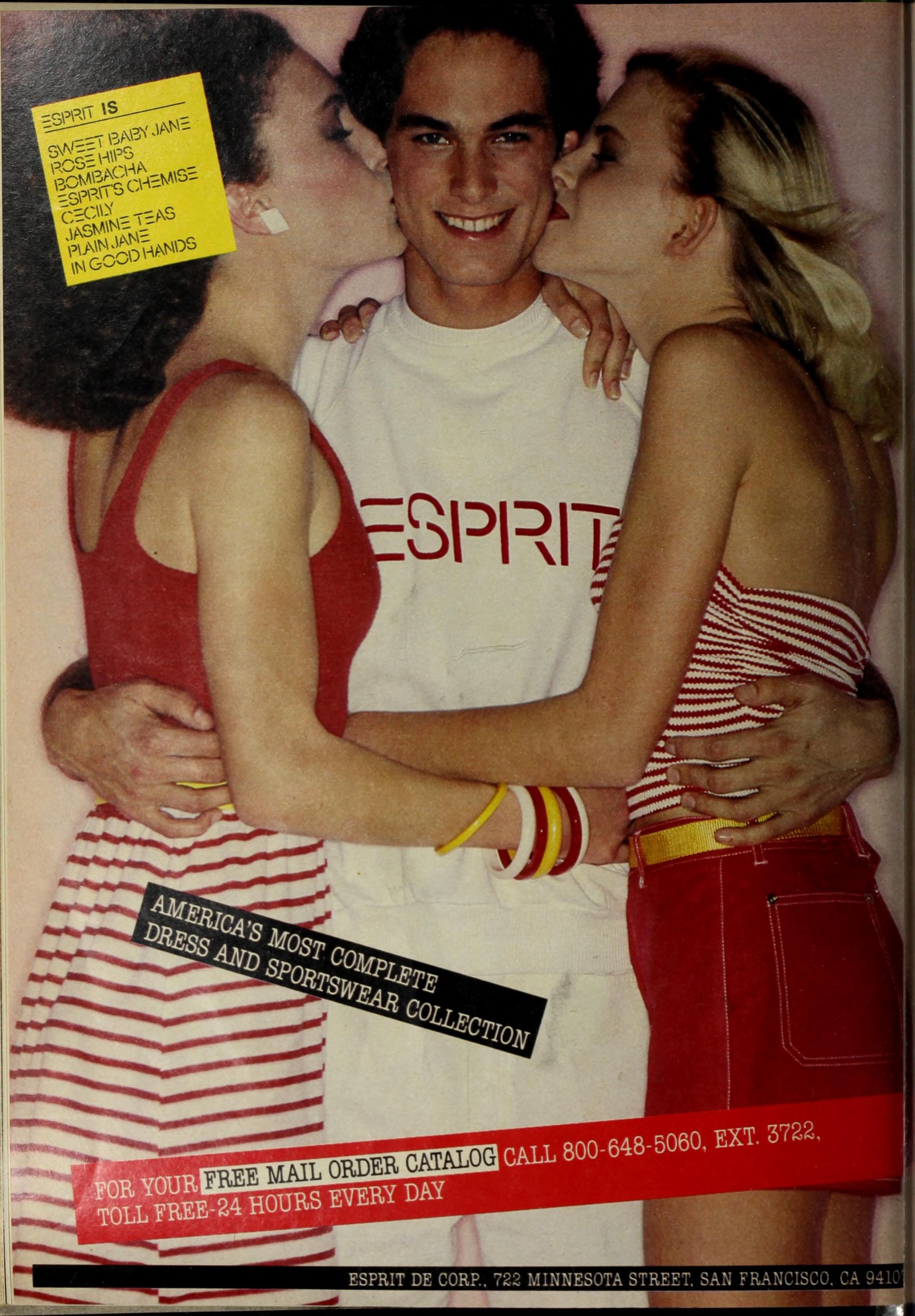
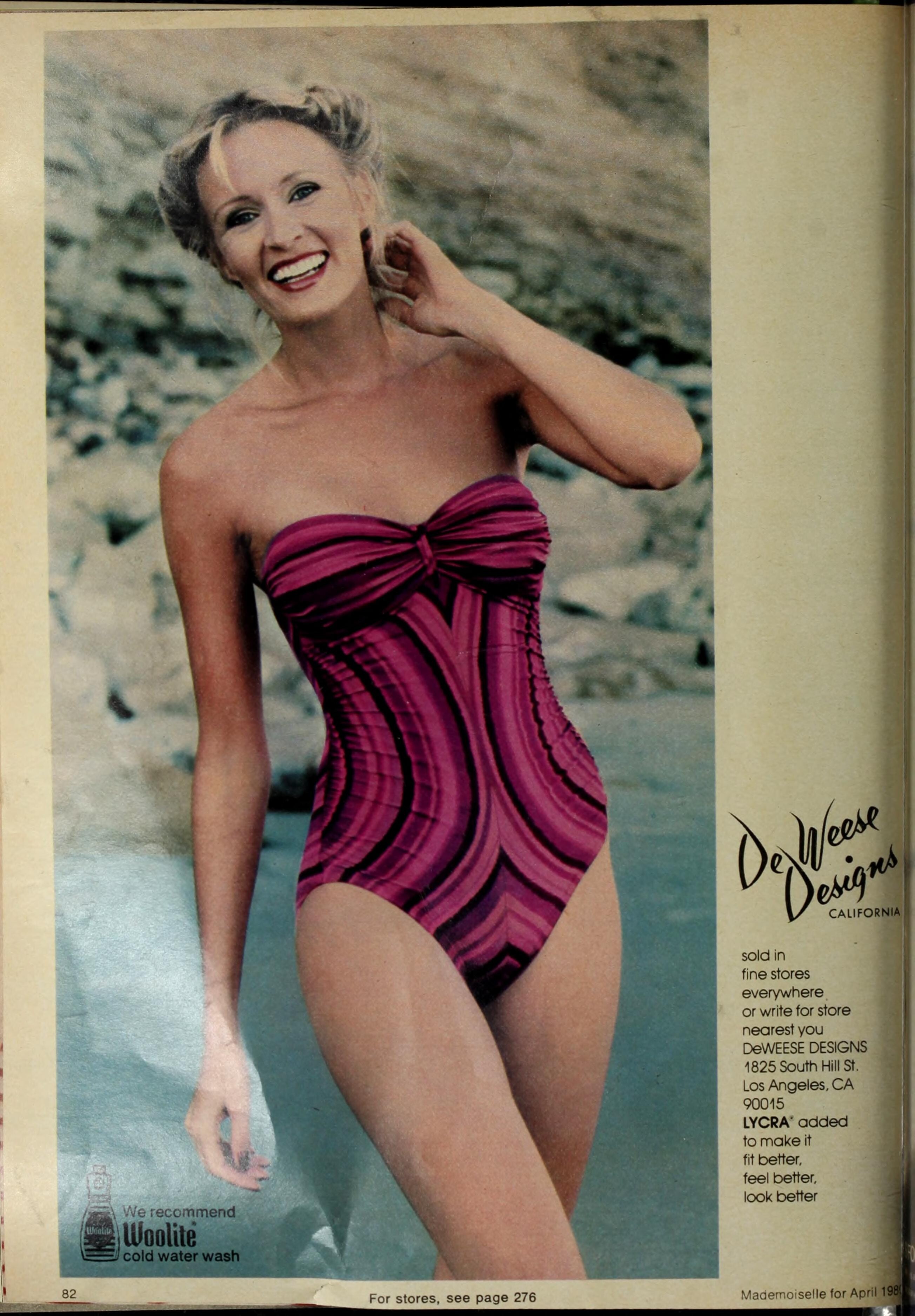
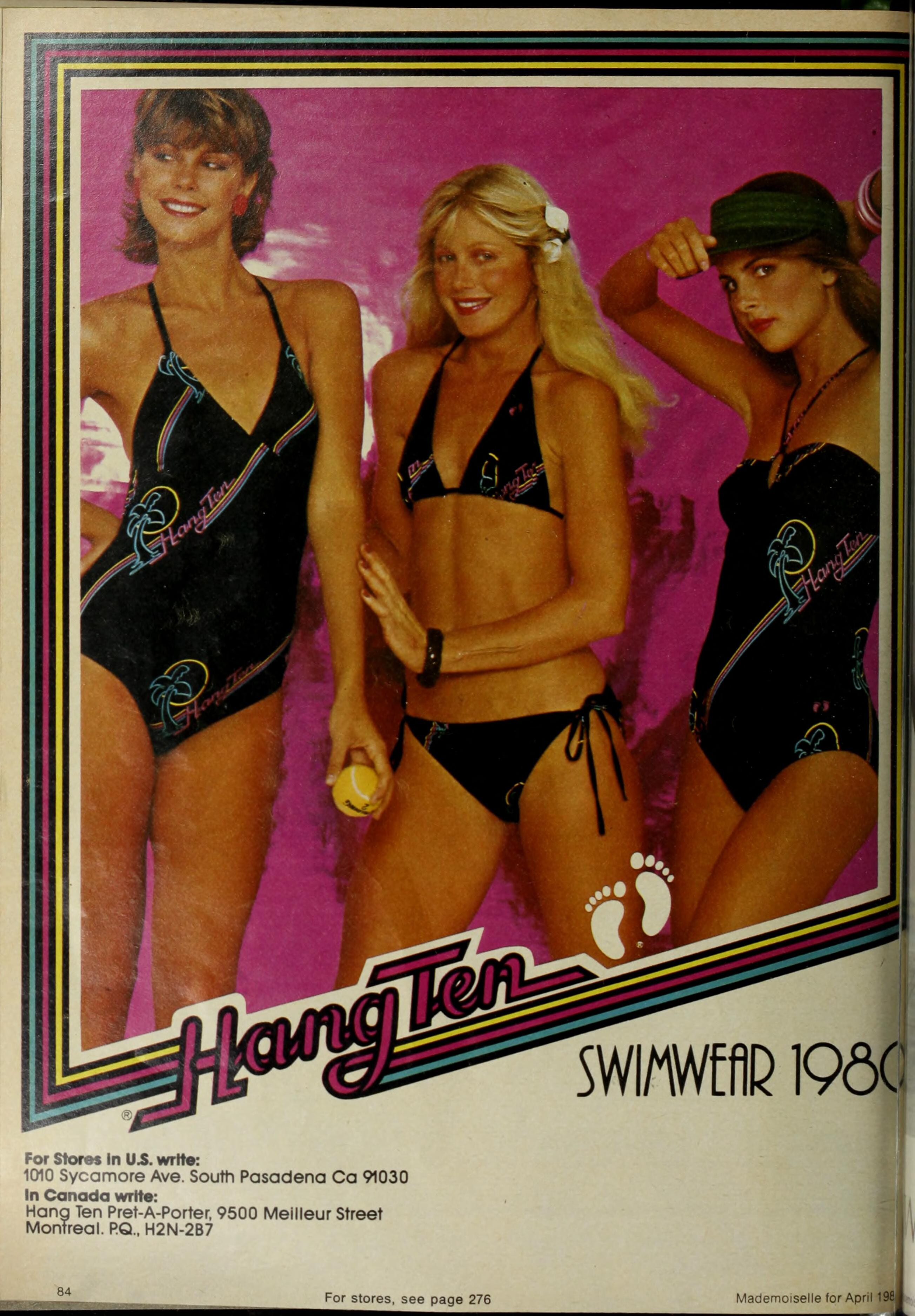
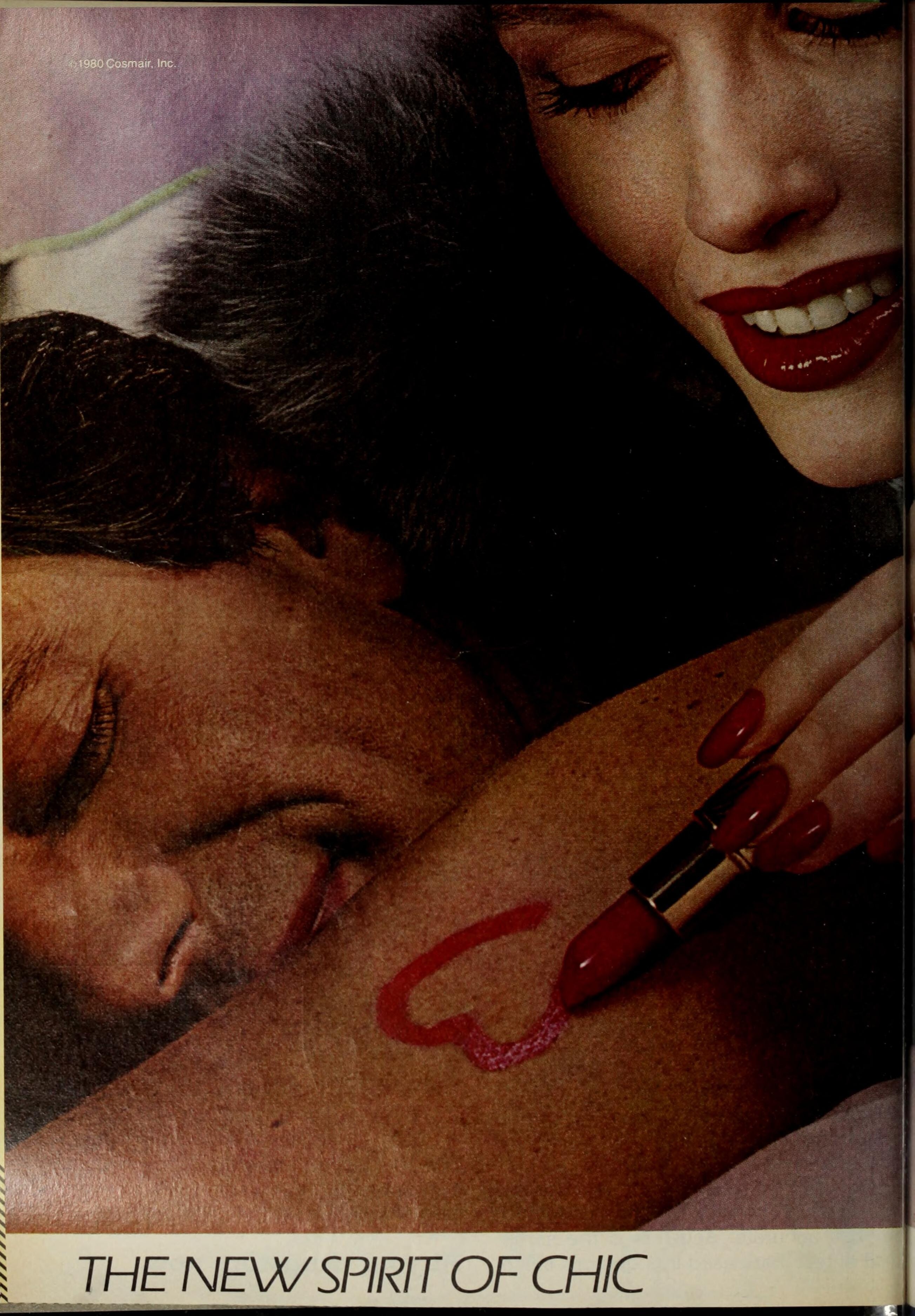
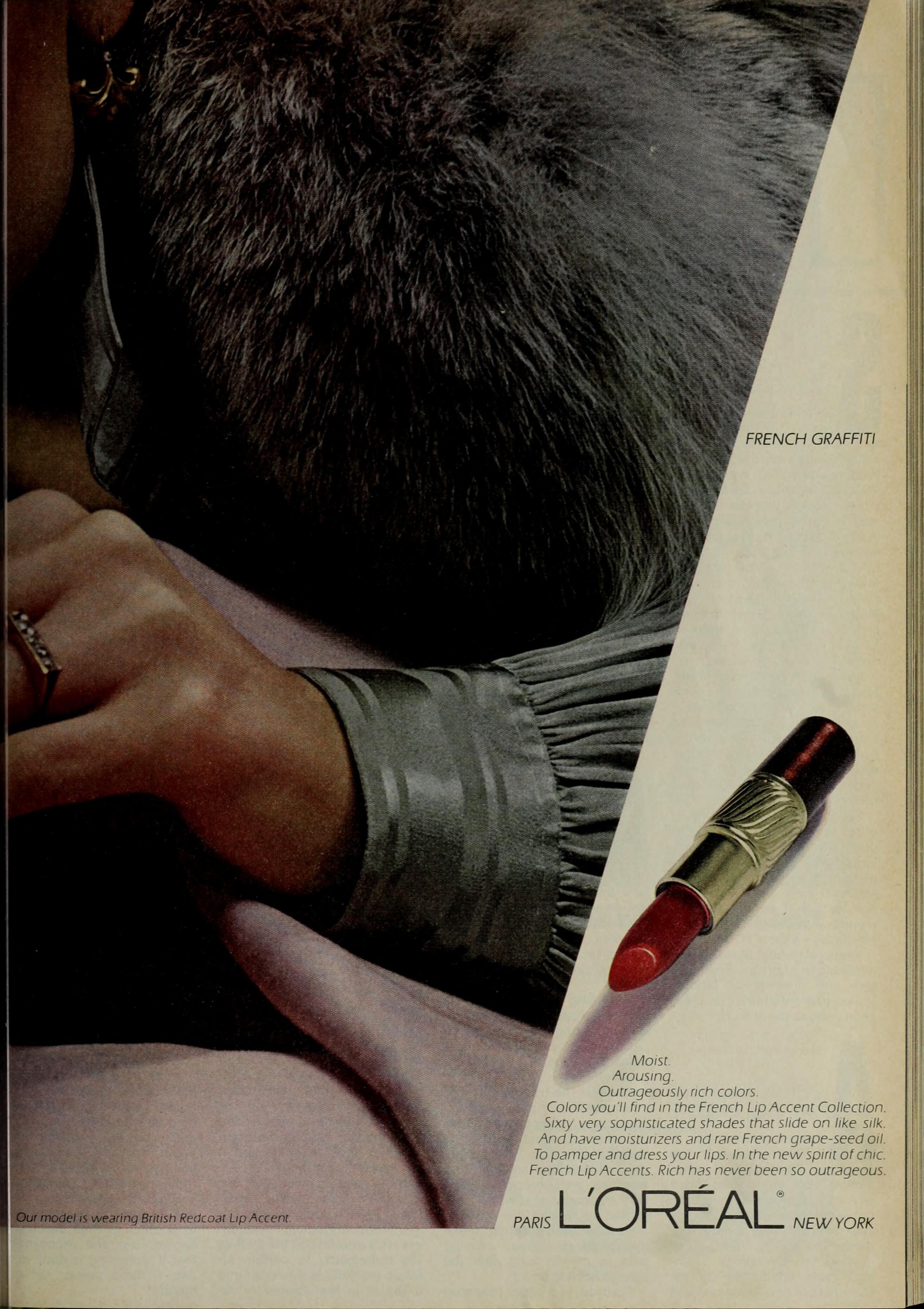
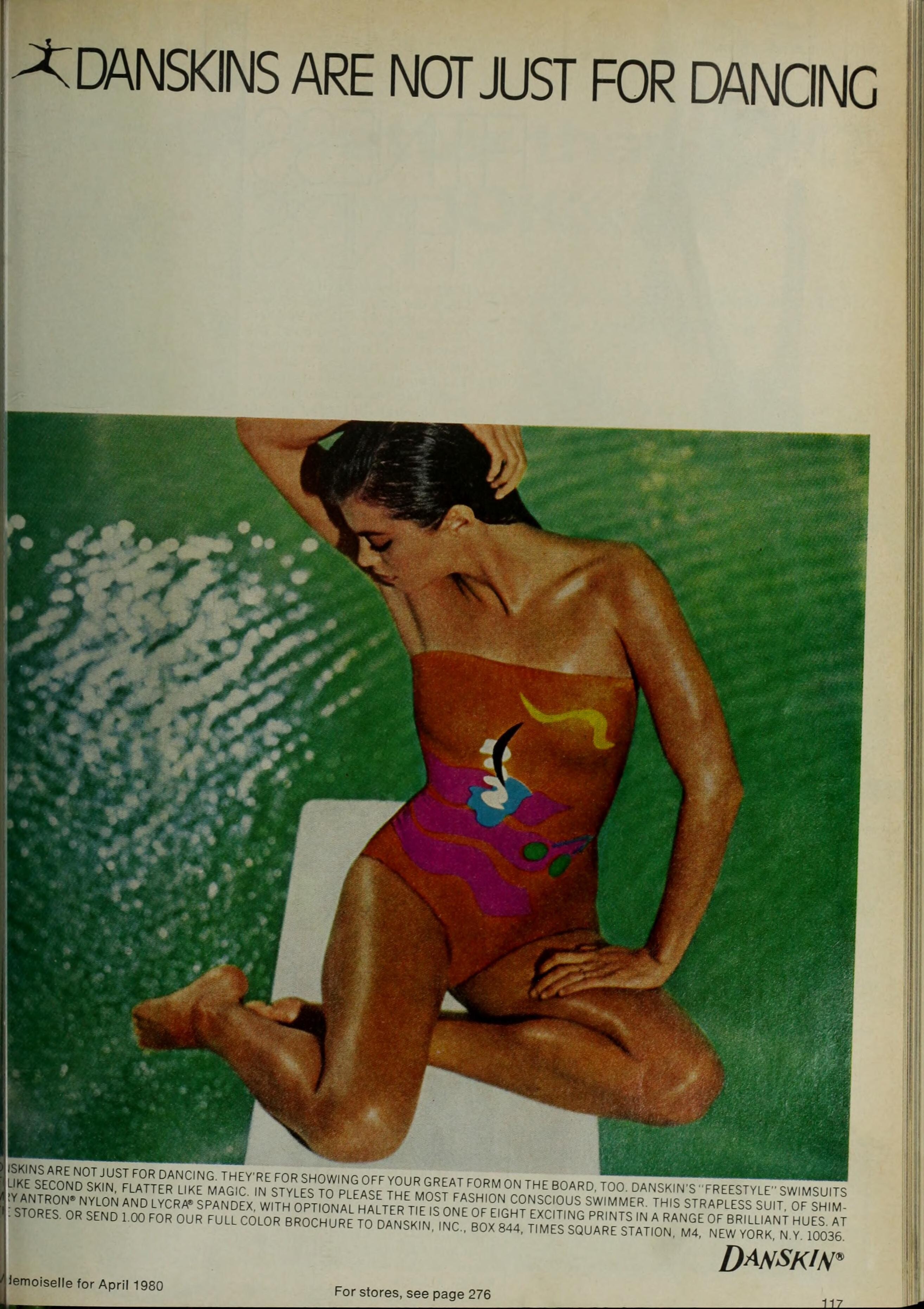
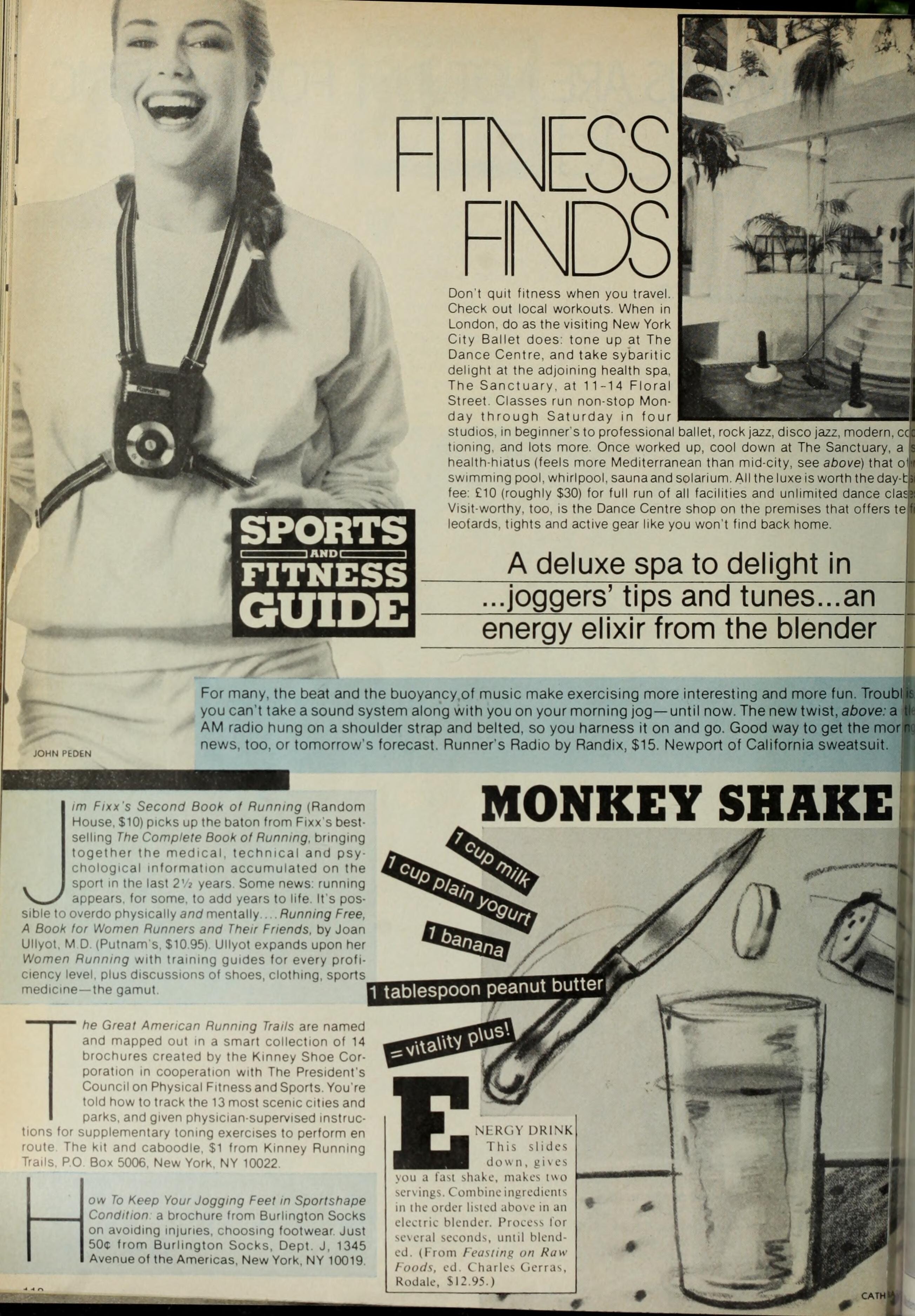
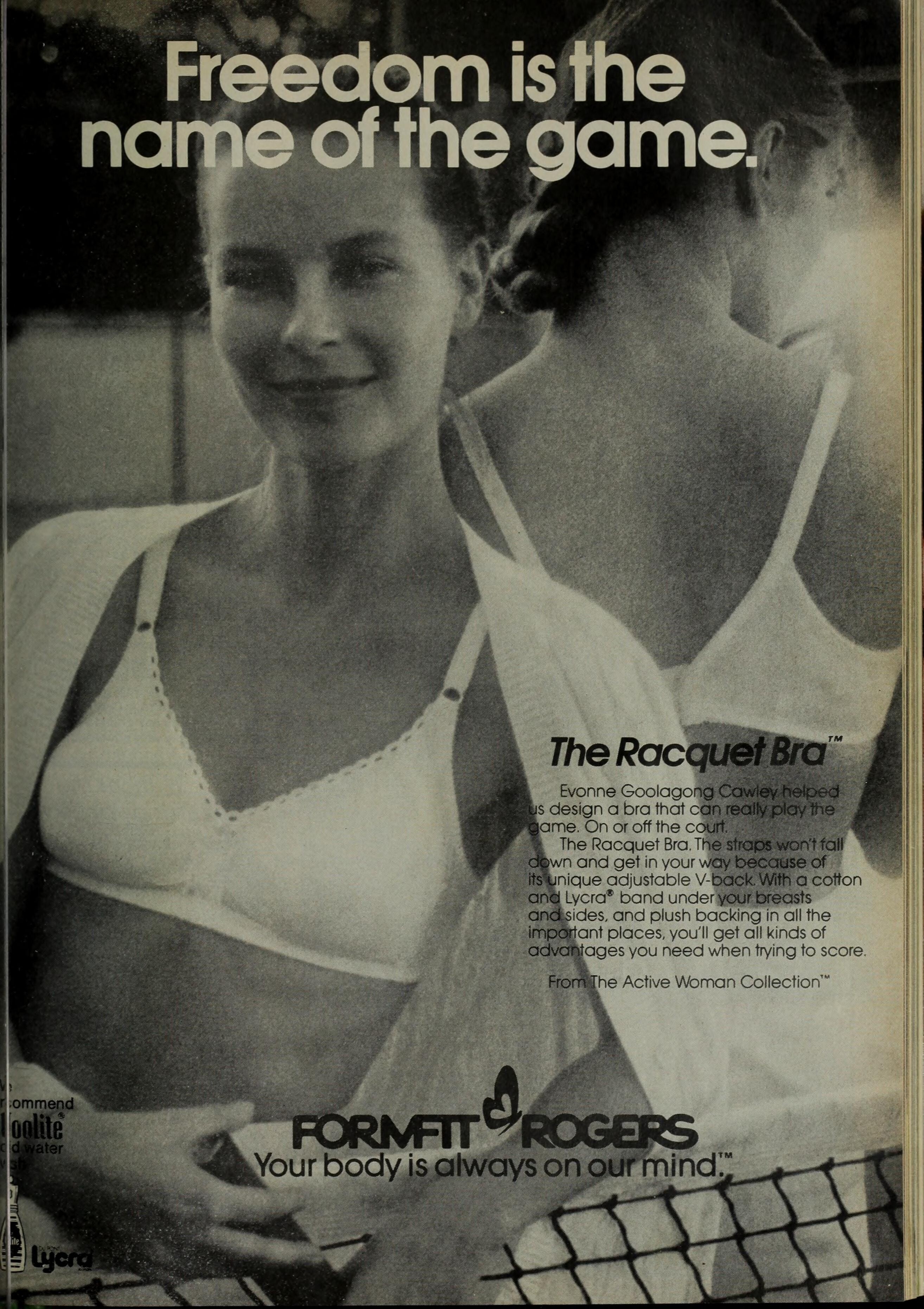
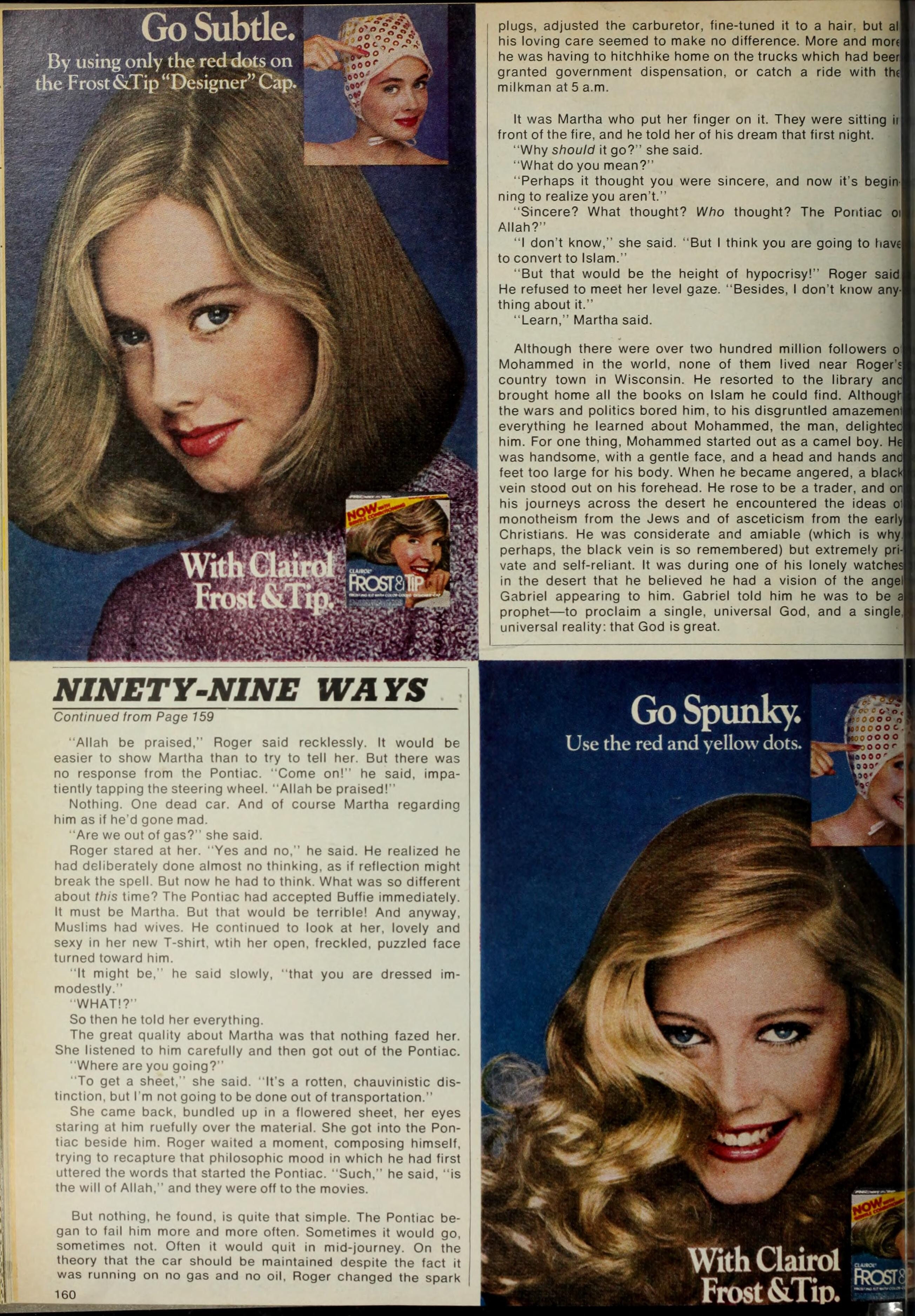
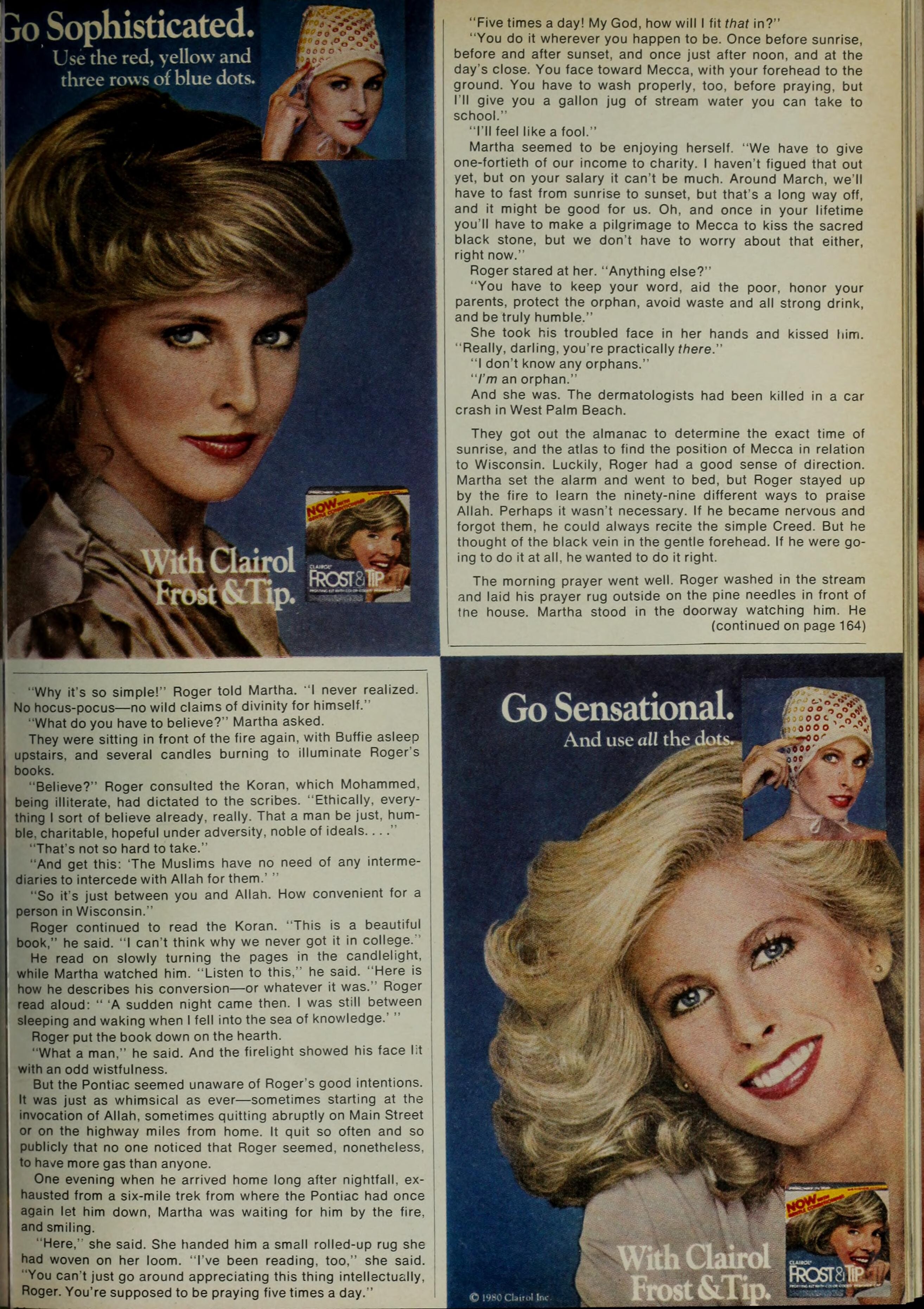
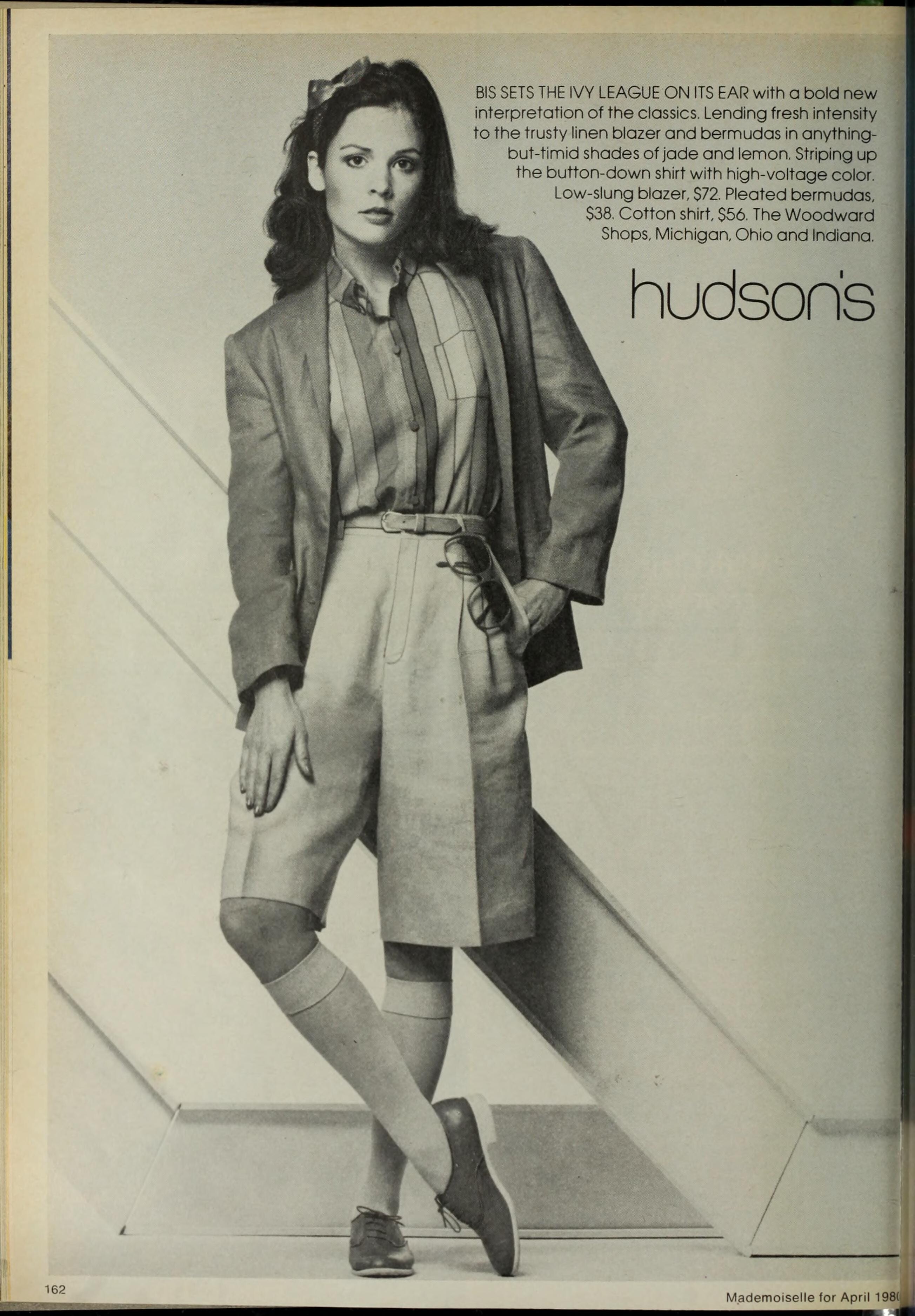
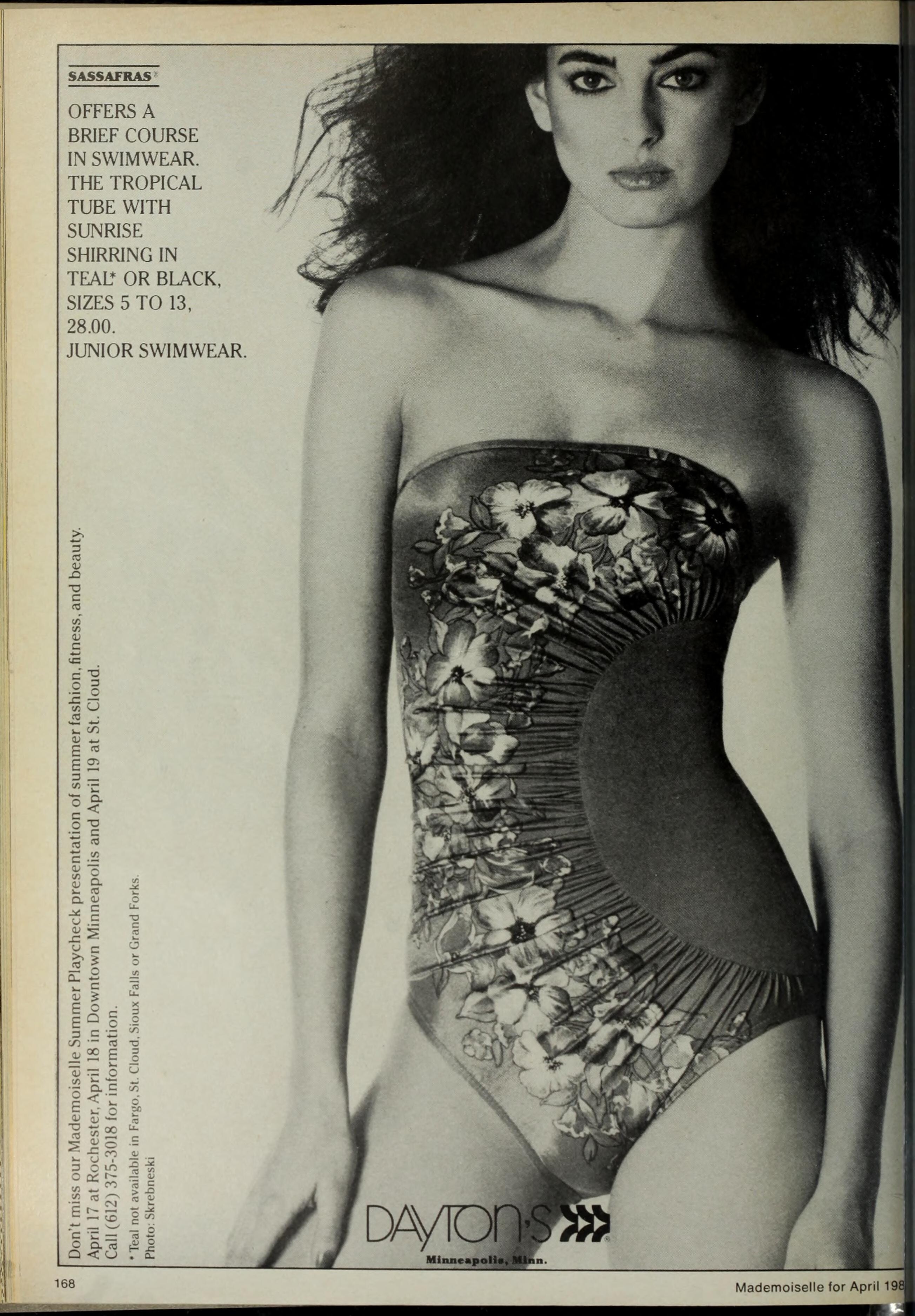
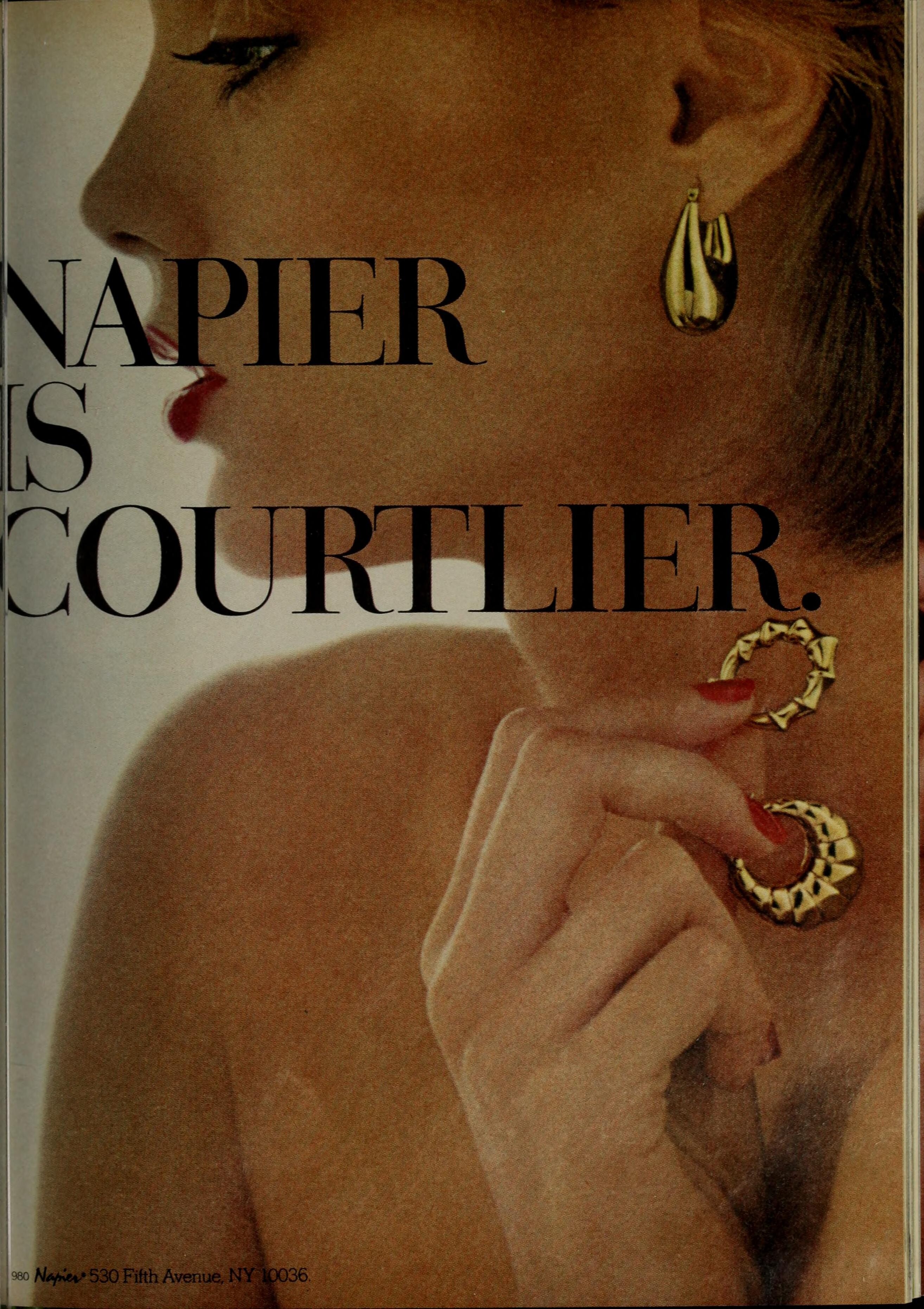
MADEMOISELLLE US, JAN/FEB/MAR/MAY/JUN 1980: (I need the name of the black model)





































-
Sanna again
-
I mean... It makes sense considering she looks older than a regular model in this photo. Thank you, @parisienne ! ❤️
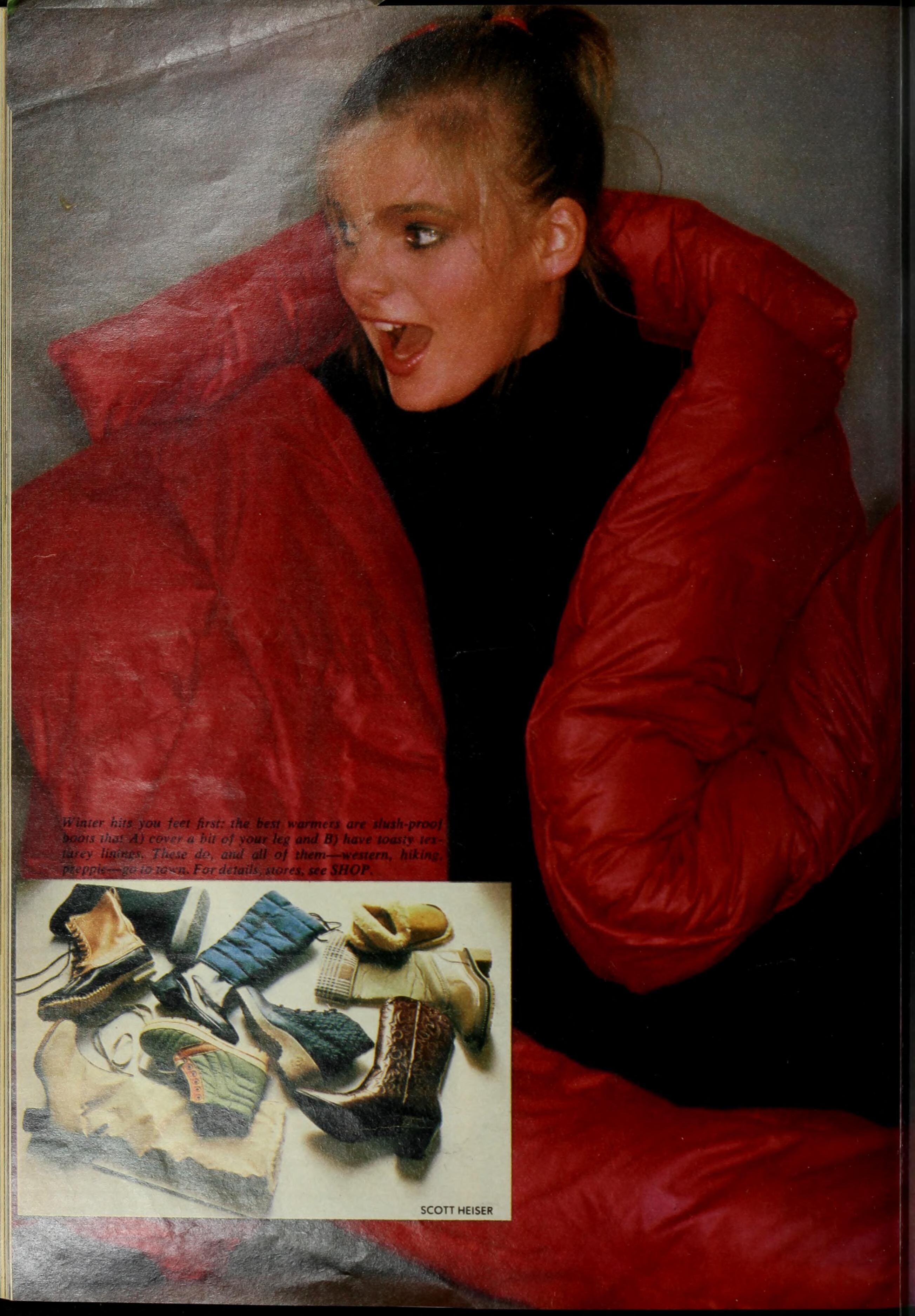
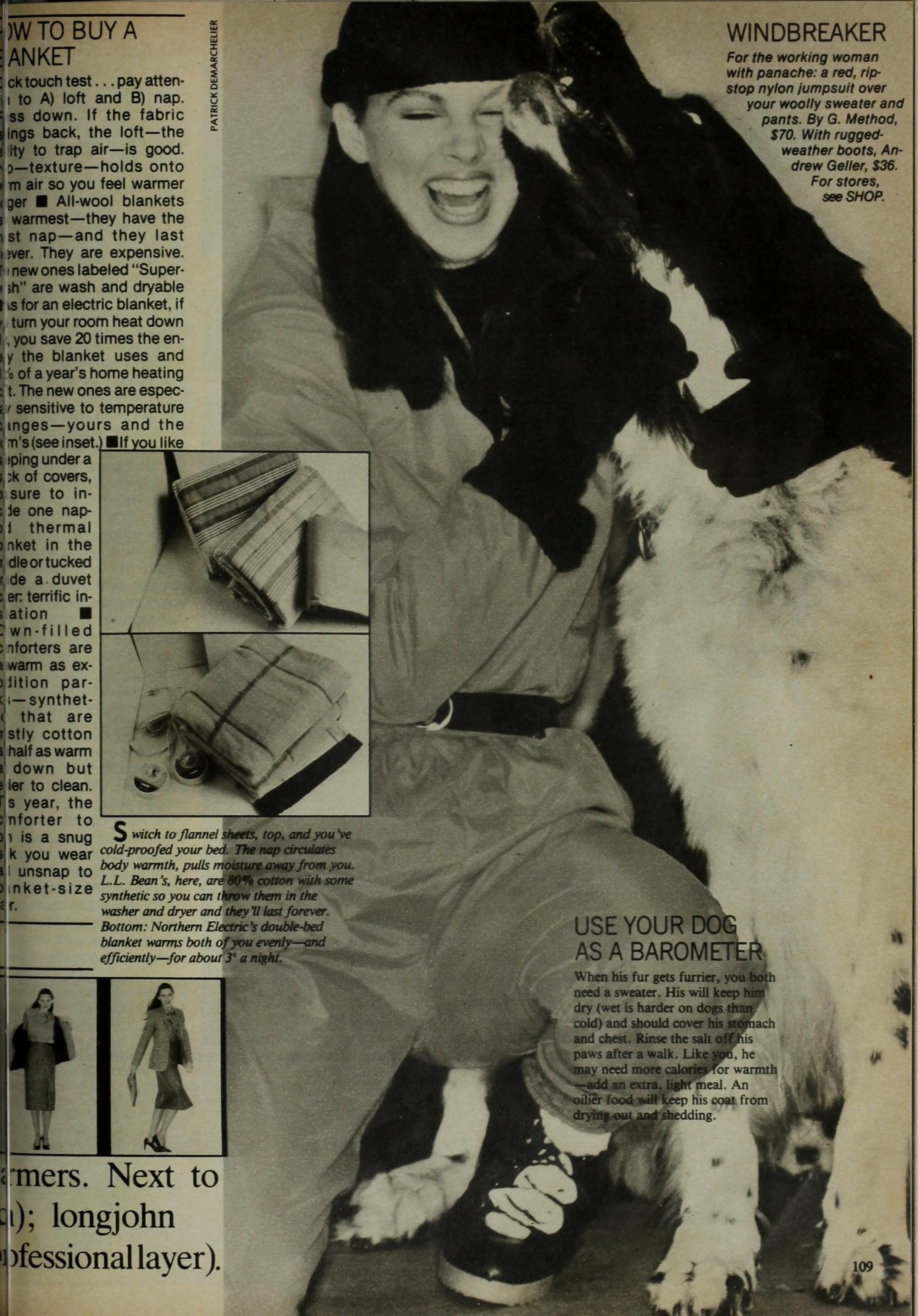
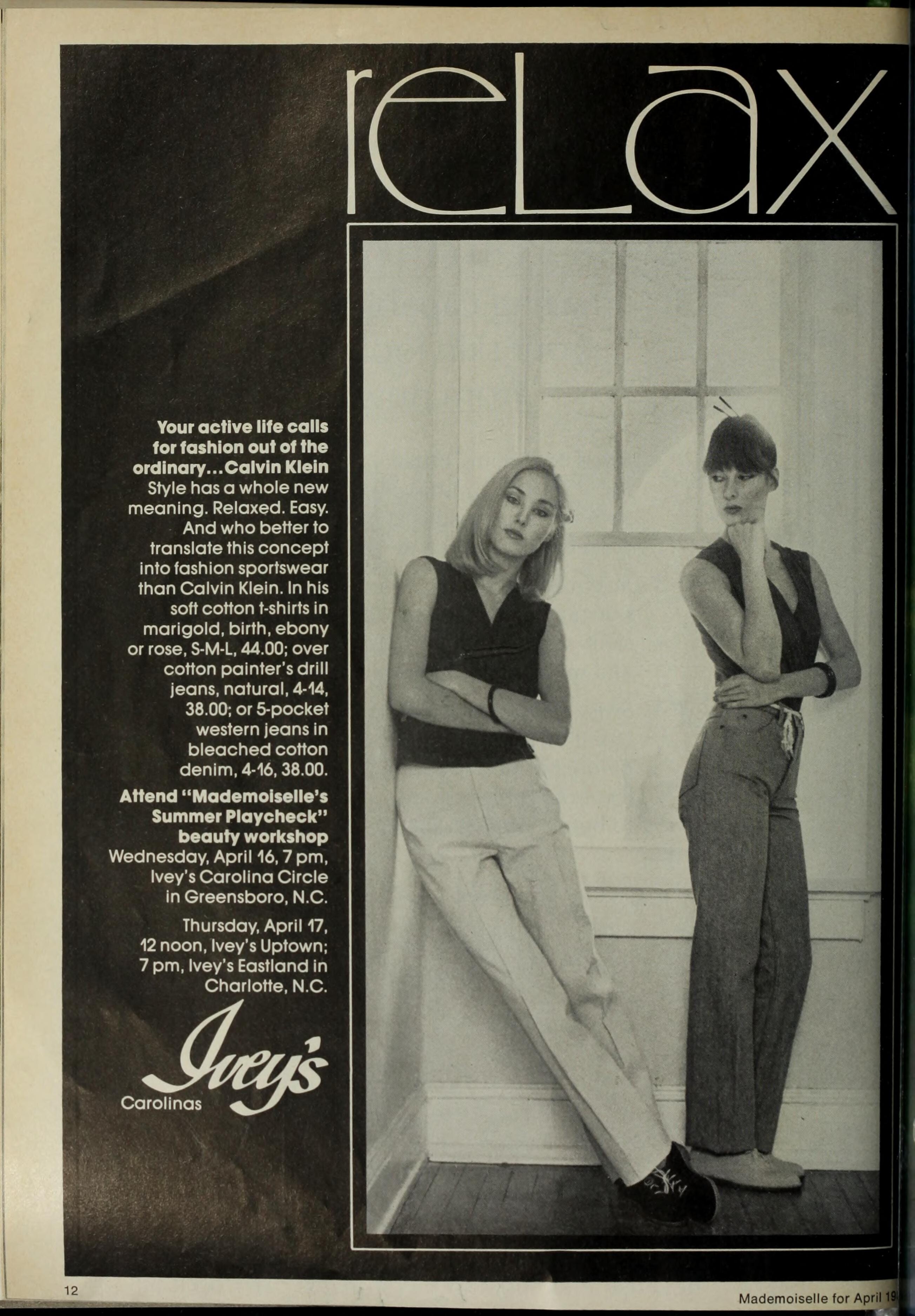
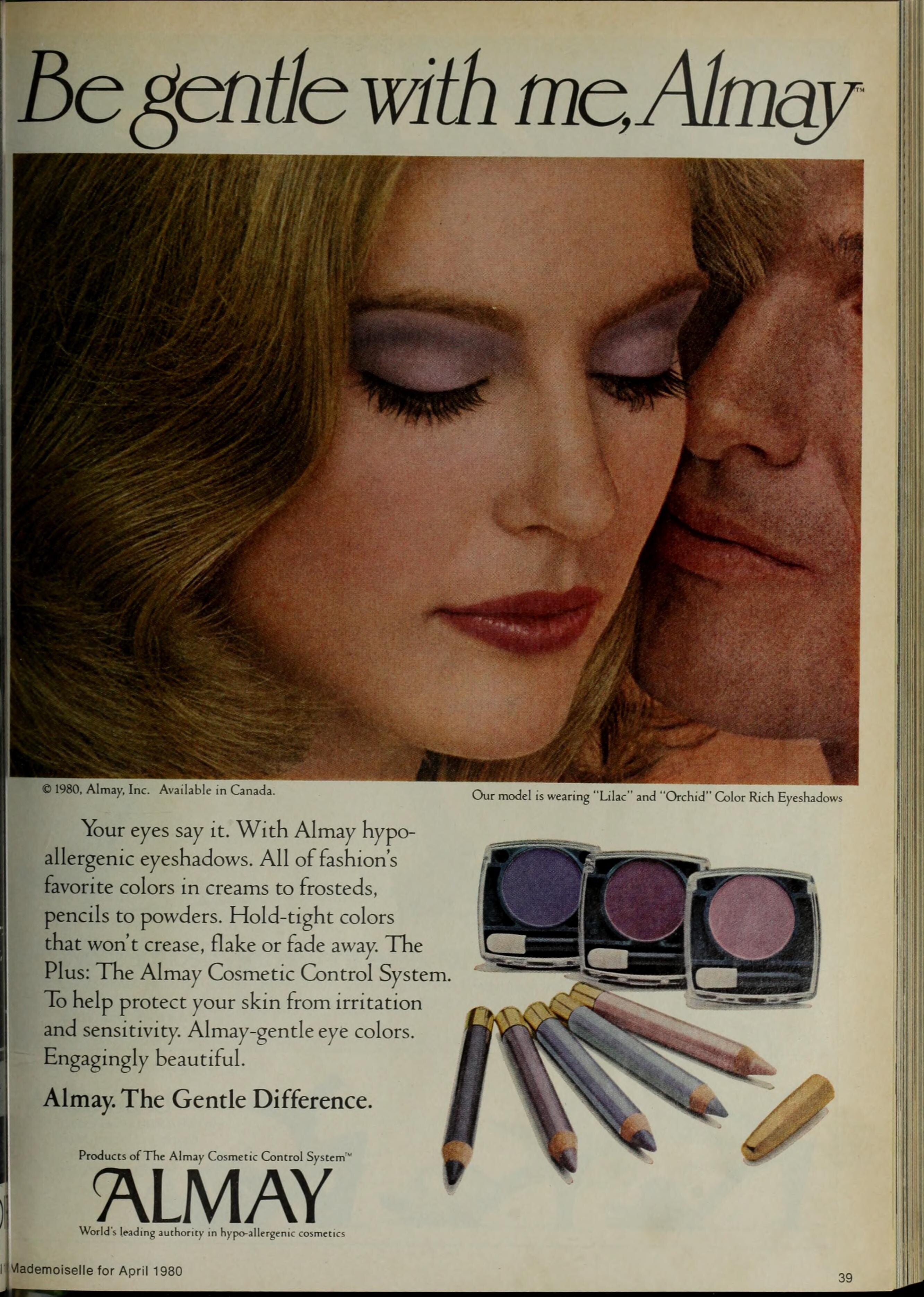
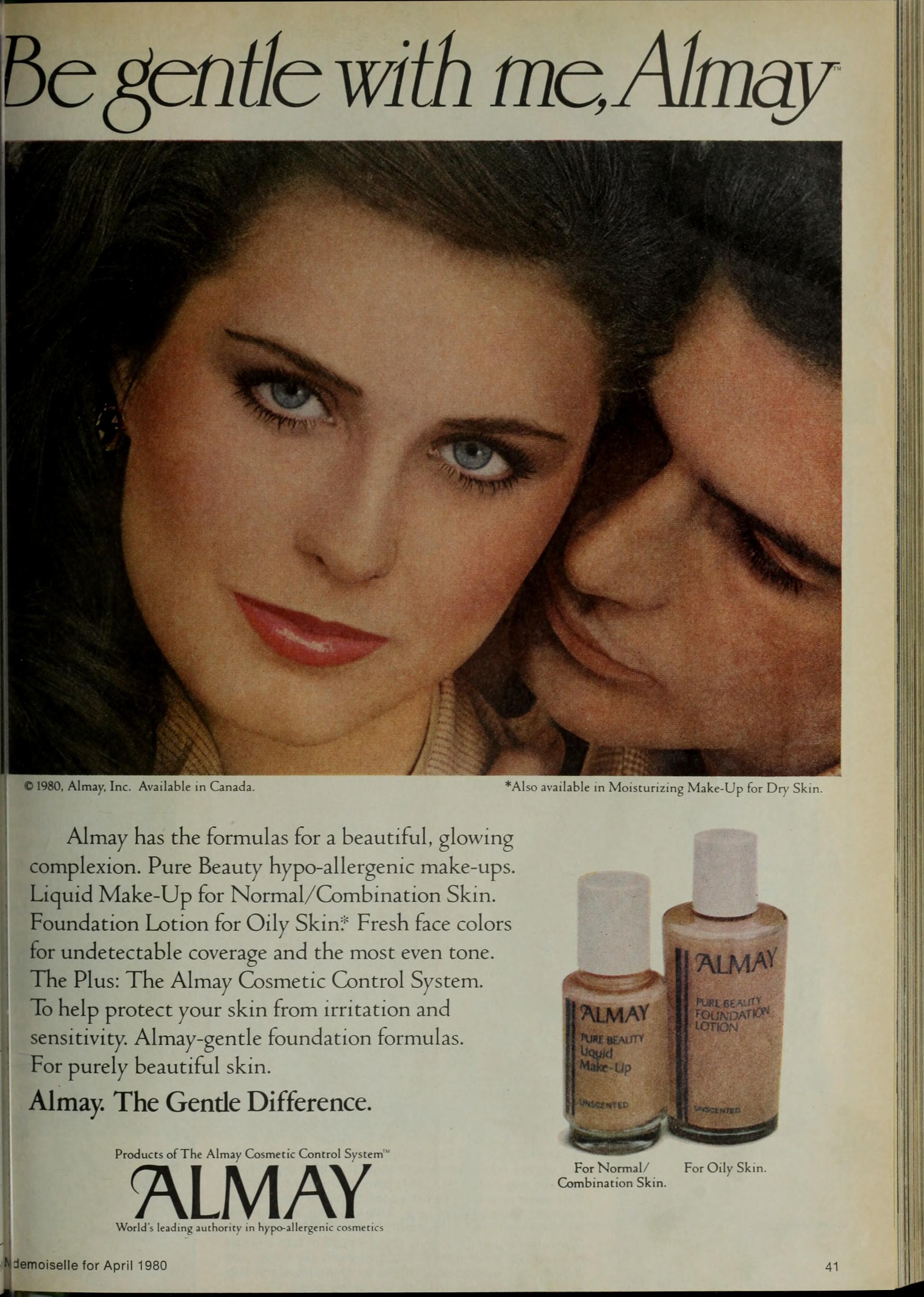
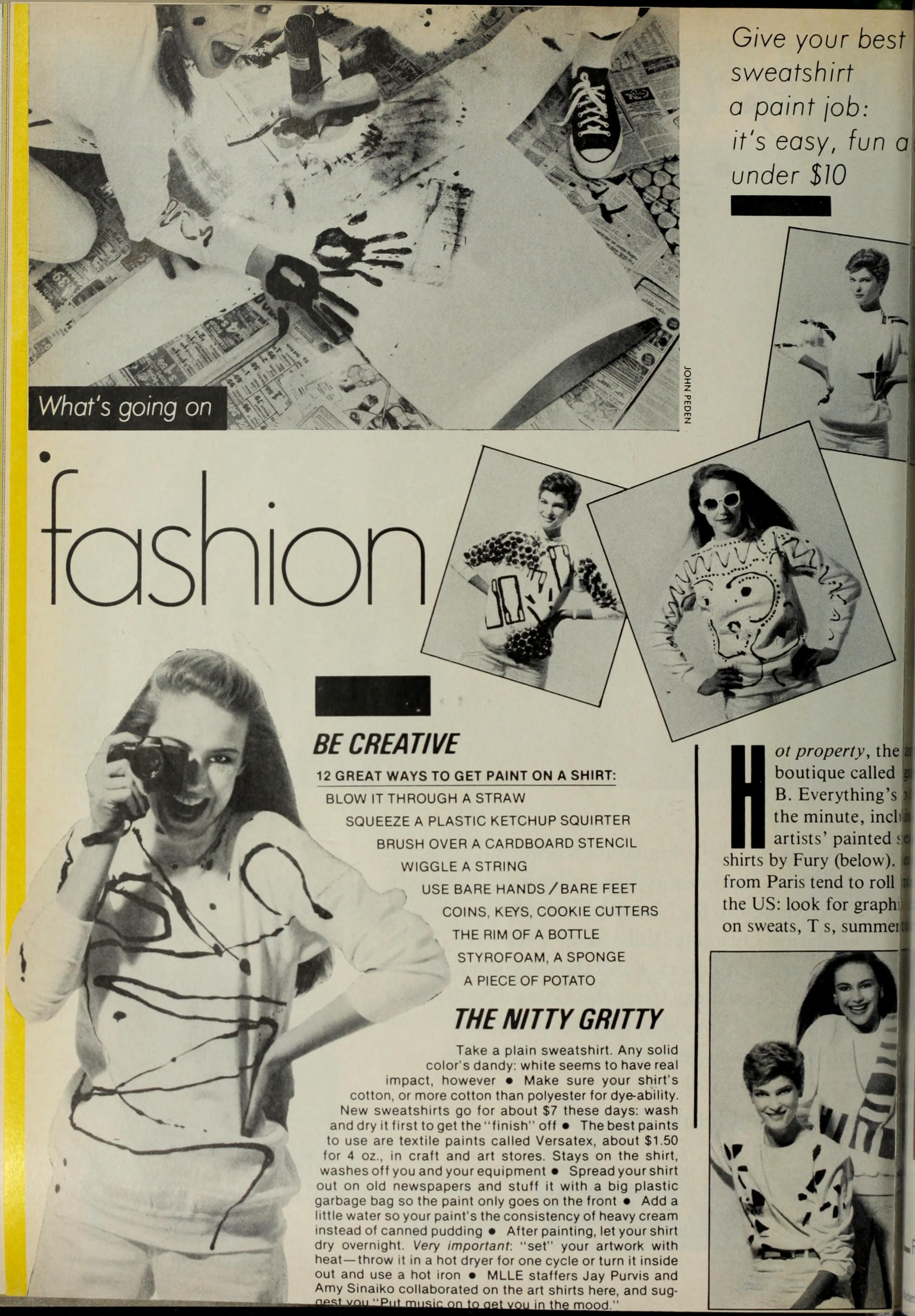
Some images from MADEMOISELLE mag 1980: Susanne Gregard Quilici (bottom)
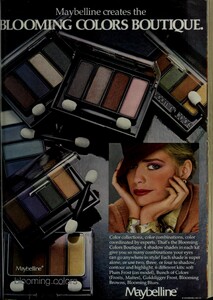






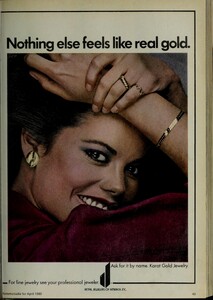


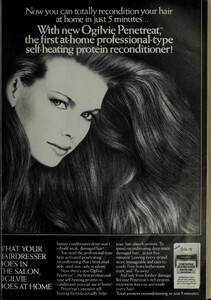
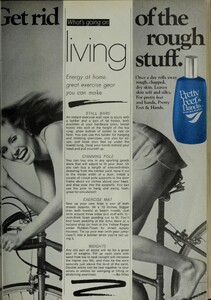





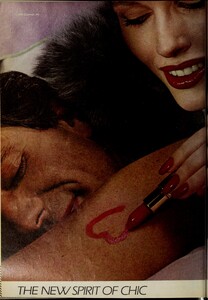
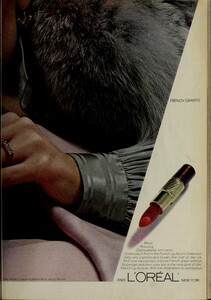
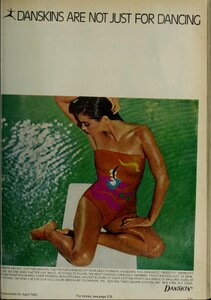
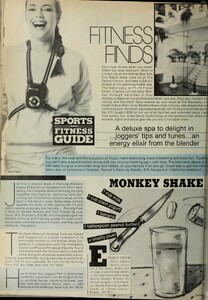





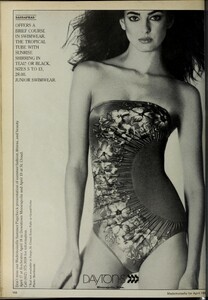
 Nope, Marpessa is one of the models, the curly one.
Malena
Nope, Marpessa is one of the models, the curly one.
Malena I still don't have a name...
 Dominique Kamber
 I agree
Wow, what a rare find! Irah van Deurzen
I agree
Wow, what a rare find! Irah van Deurzen Yes
Phillipa Scott
Yes
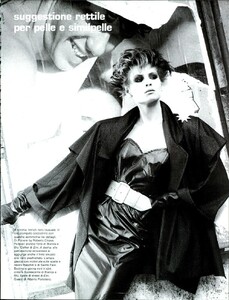
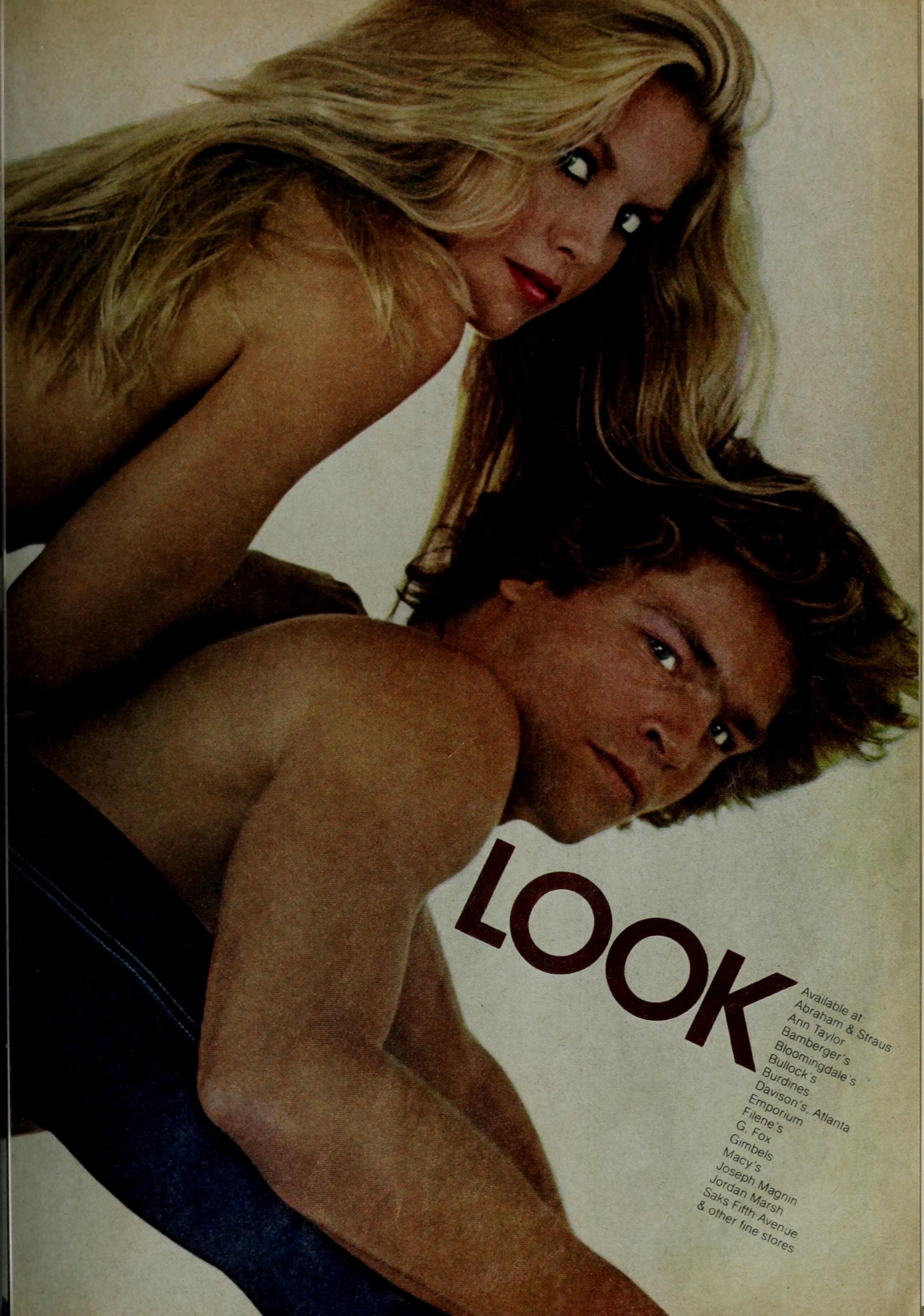
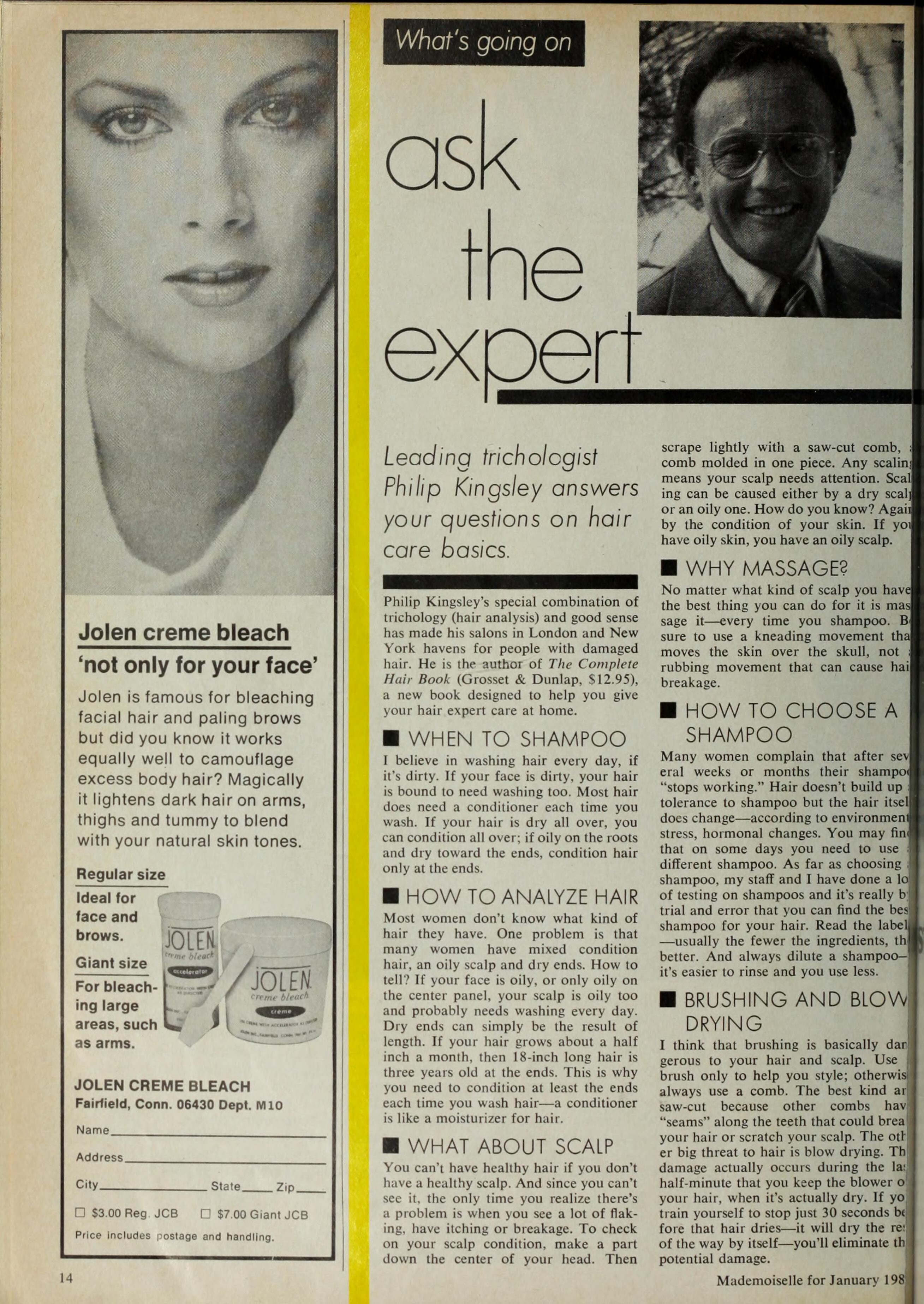
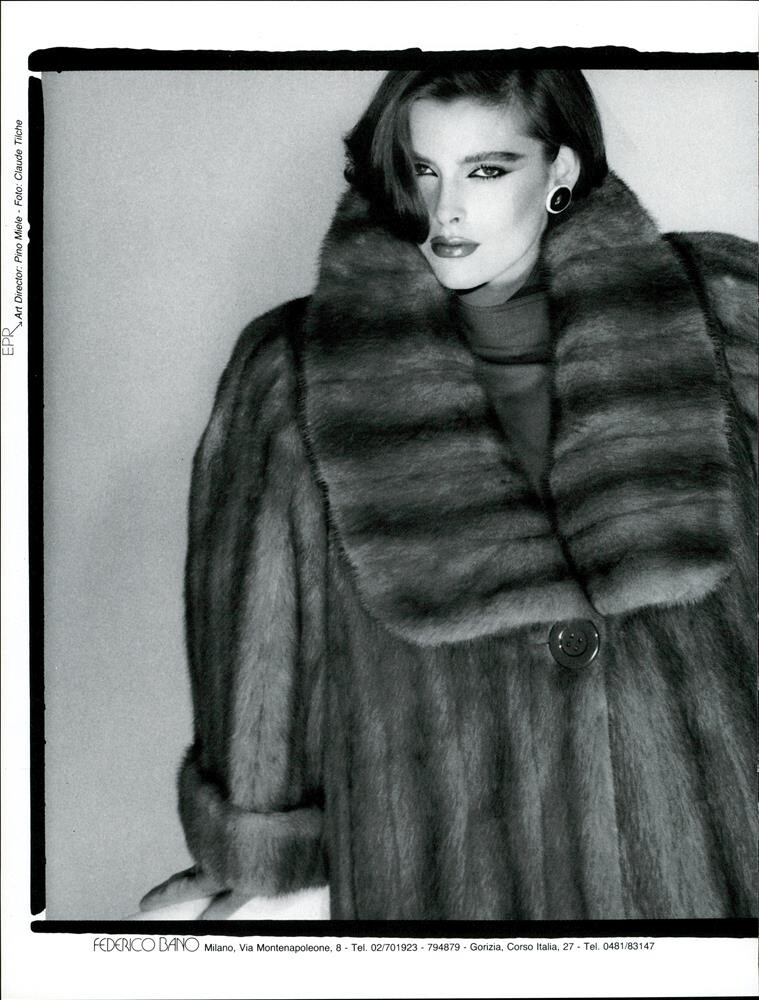
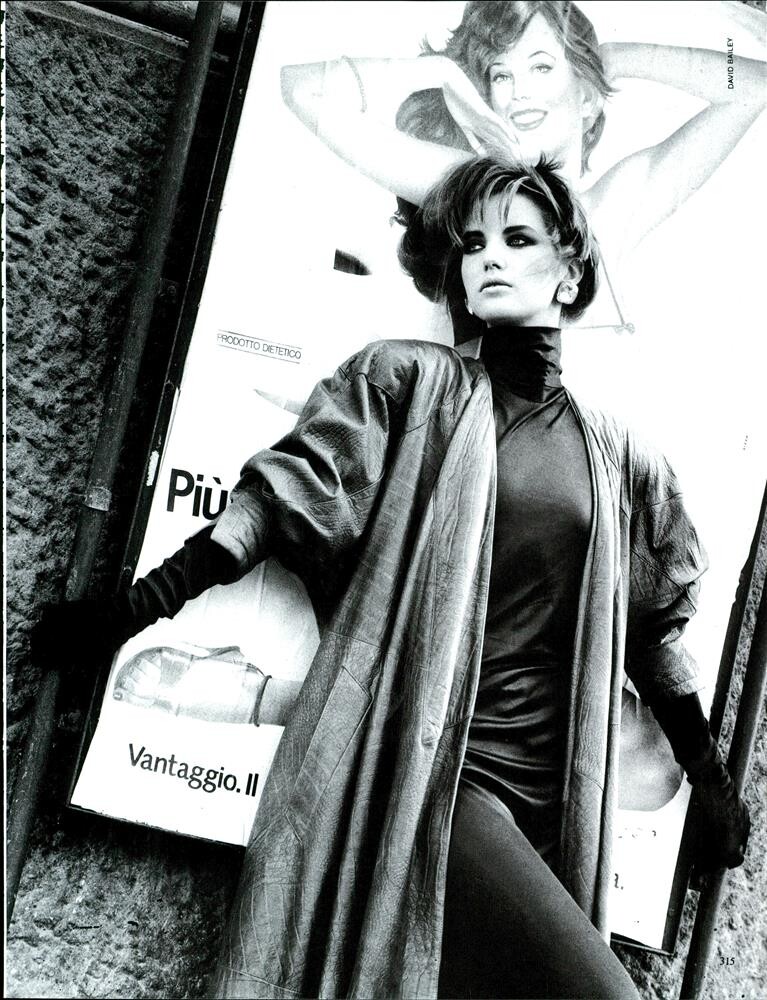
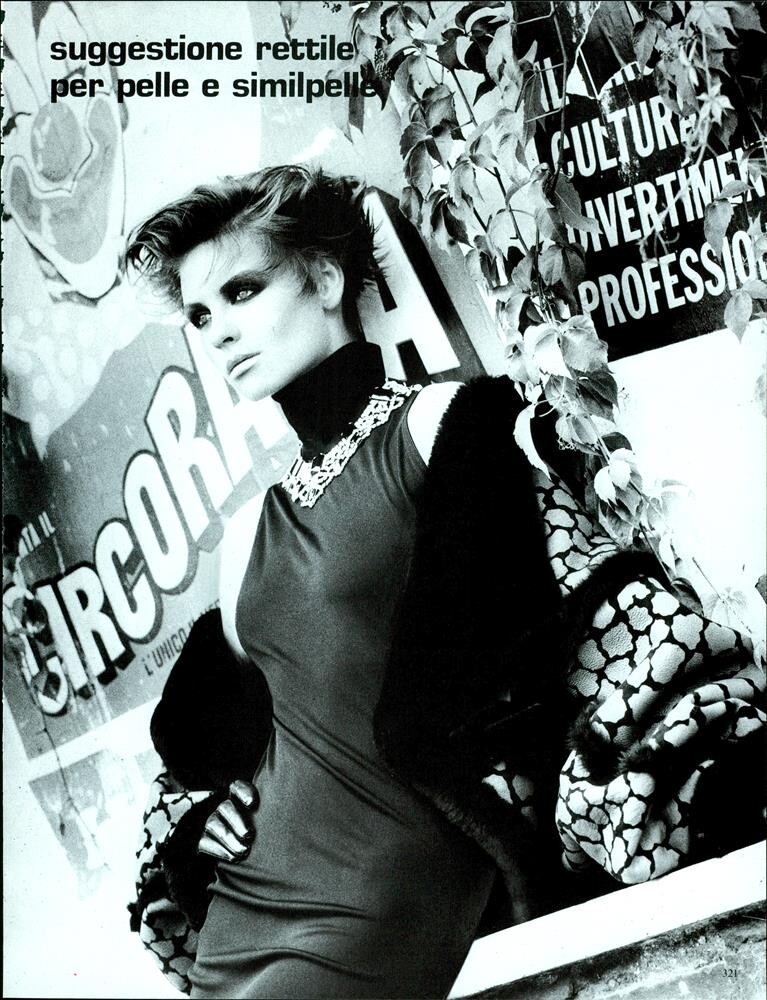
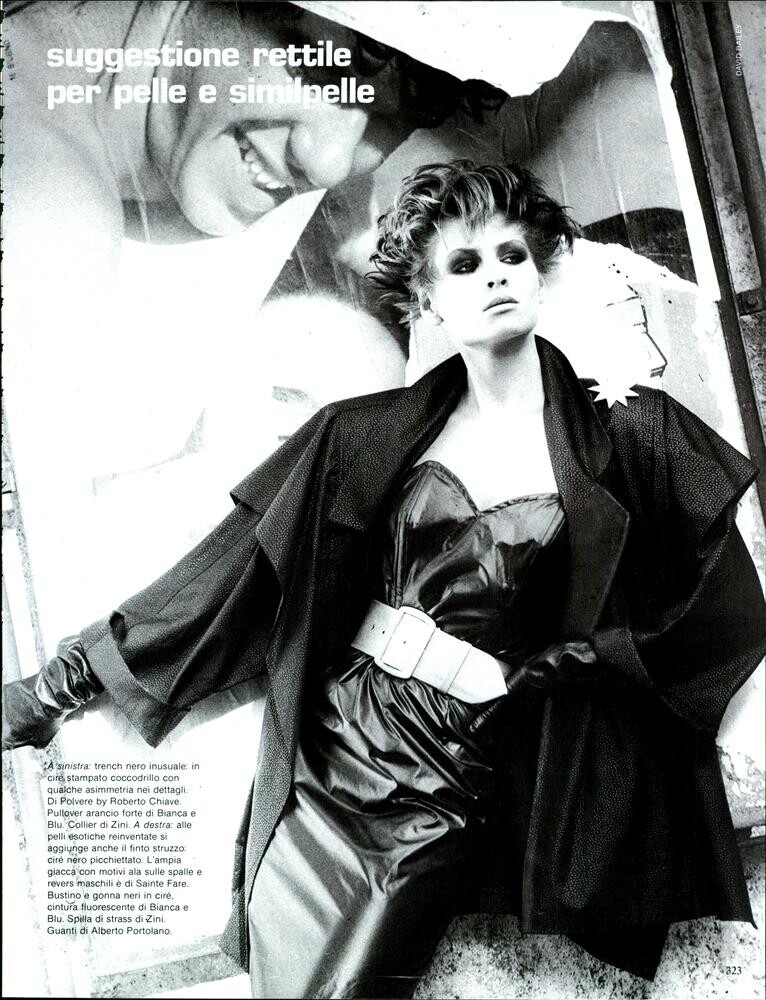
Phillipa Scott VOGUE IT, Oct 1984:
























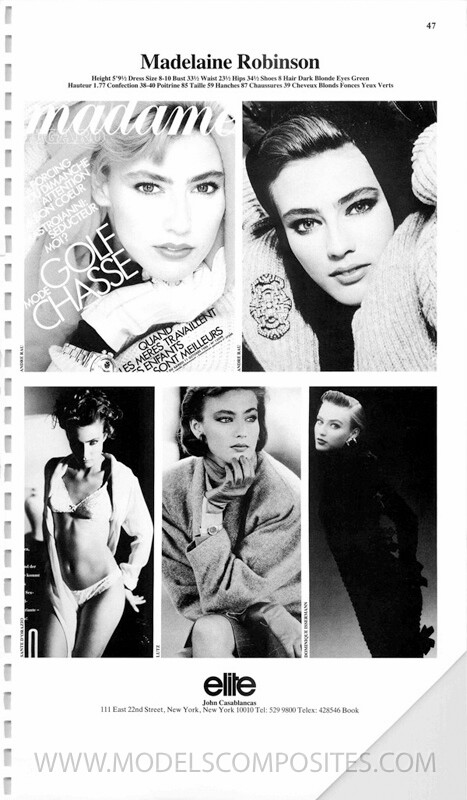



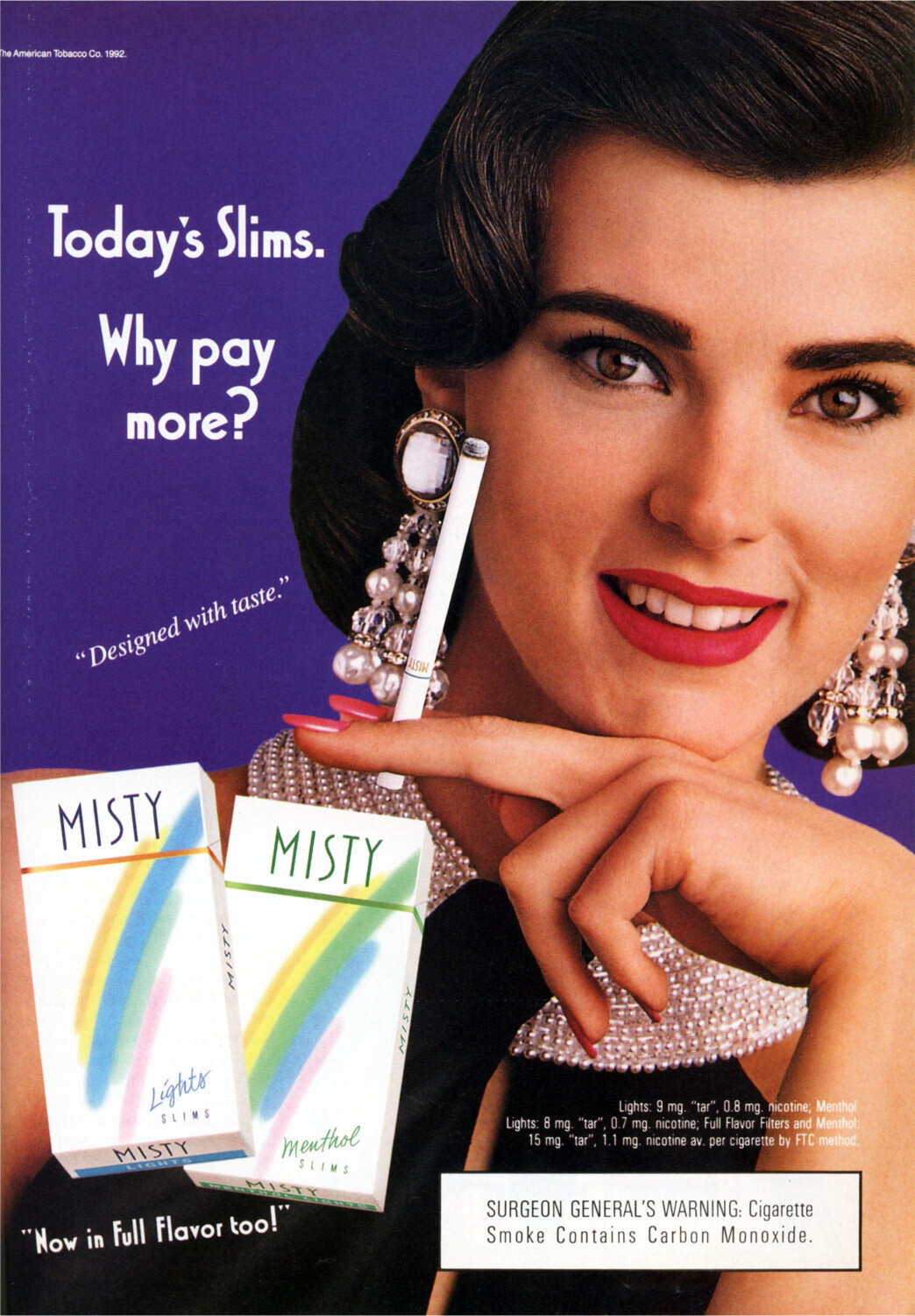


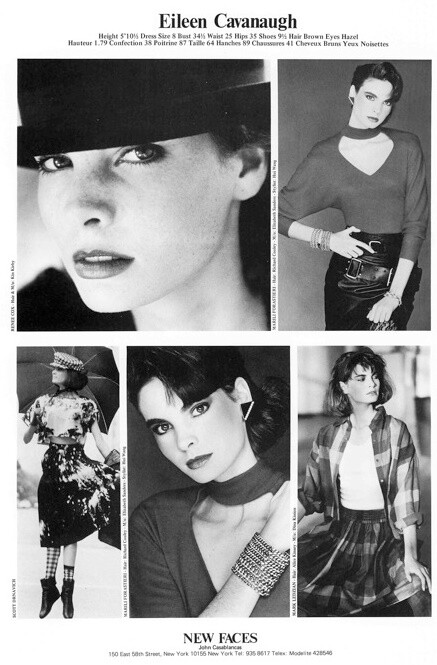

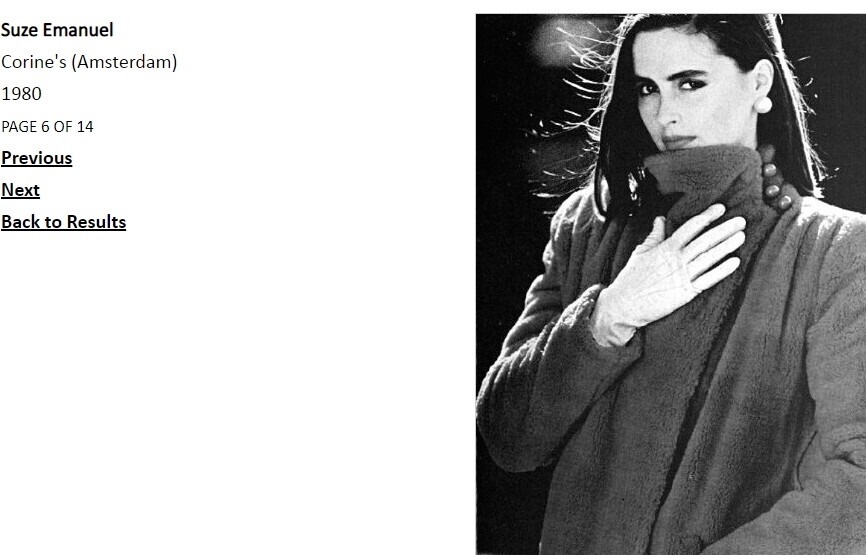





Account
Search
Configure browser push notifications
Chrome (Android)
- Tap the lock icon next to the address bar.
- Tap Permissions → Notifications.
- Adjust your preference.
Chrome (Desktop)
- Click the padlock icon in the address bar.
- Select Site settings.
- Find Notifications and adjust your preference.
Safari (iOS 16.4+)
- Ensure the site is installed via Add to Home Screen.
- Open Settings App → Notifications.
- Find your app name and adjust your preference.
Safari (macOS)
- Go to Safari → Preferences.
- Click the Websites tab.
- Select Notifications in the sidebar.
- Find this website and adjust your preference.
Edge (Android)
- Tap the lock icon next to the address bar.
- Tap Permissions.
- Find Notifications and adjust your preference.
Edge (Desktop)
- Click the padlock icon in the address bar.
- Click Permissions for this site.
- Find Notifications and adjust your preference.
Firefox (Android)
- Go to Settings → Site permissions.
- Tap Notifications.
- Find this site in the list and adjust your preference.
Firefox (Desktop)
- Open Firefox Settings.
- Search for Notifications.
- Find this site in the list and adjust your preference.