

RocketQueen
Members
-
Joined
-
Last visited
Everything posted by RocketQueen
-
 Amelie Fontaine
-
Lee Watson

-
Top left: Carina Axelsson (top right): Bottom right:



-
Judit Liebabher
-
Geri Gongora probably?
-
Elena Vannucci

-
Staci Hart (model with the big black hair):
.thumb.jpg.8ac447aecf39825b336ade8546d2016c.jpg) The one with the headband is Frankie Rayder.
Camille Stevens
The one with the headband is Frankie Rayder.
Camille Stevens Sky Nellor
 Center:
 Wow, I had forgotten about it! I've no idea what happened to it...
Danette Stuckey (middle): Right below Danette:
Wow, I had forgotten about it! I've no idea what happened to it...
Danette Stuckey (middle): Right below Danette:
 Catherine Flemming
Adrianne Hazelwood
Catherine Flemming
Adrianne Hazelwood Yes, Wendy Kritser! Also, Pernilla Carlsson:
 Christa Doelman
 Can't really tell, I can't really see the nose shape, the ears are also covered in the first pic.
Phoebe O'Brien
Can't really tell, I can't really see the nose shape, the ears are also covered in the first pic.
Phoebe O'Brien



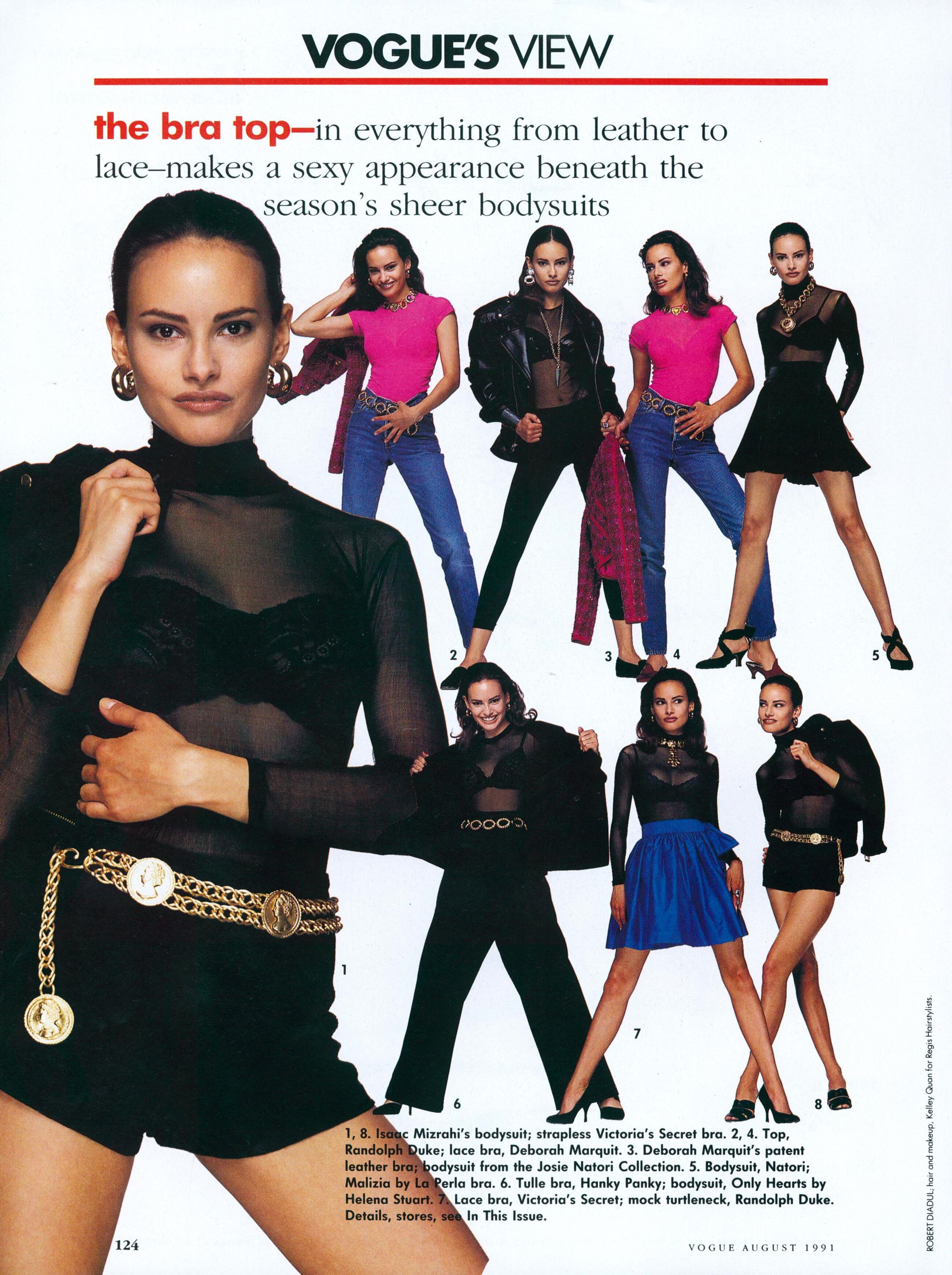



.jpg.4b3460799aa933a46e11e2a1095d4e64.jpg)





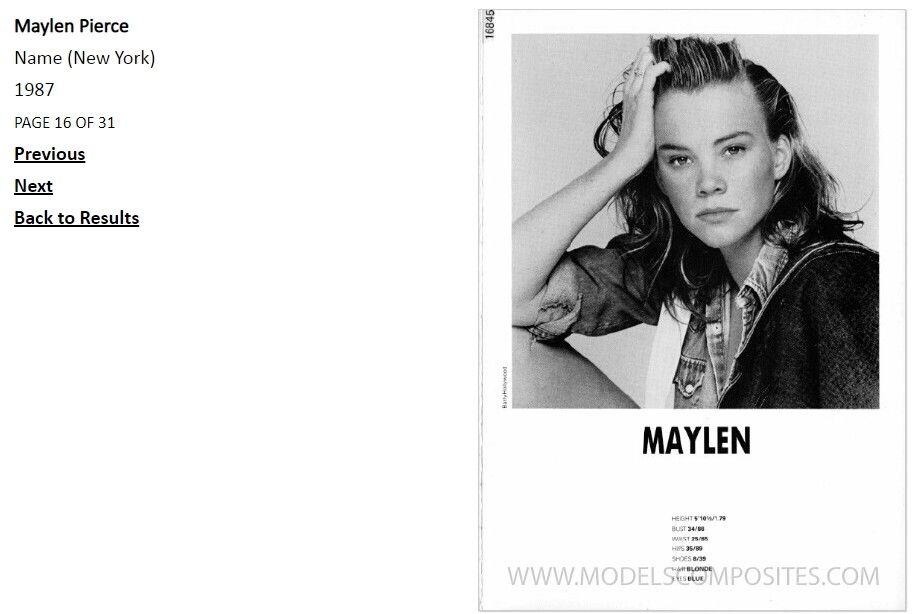


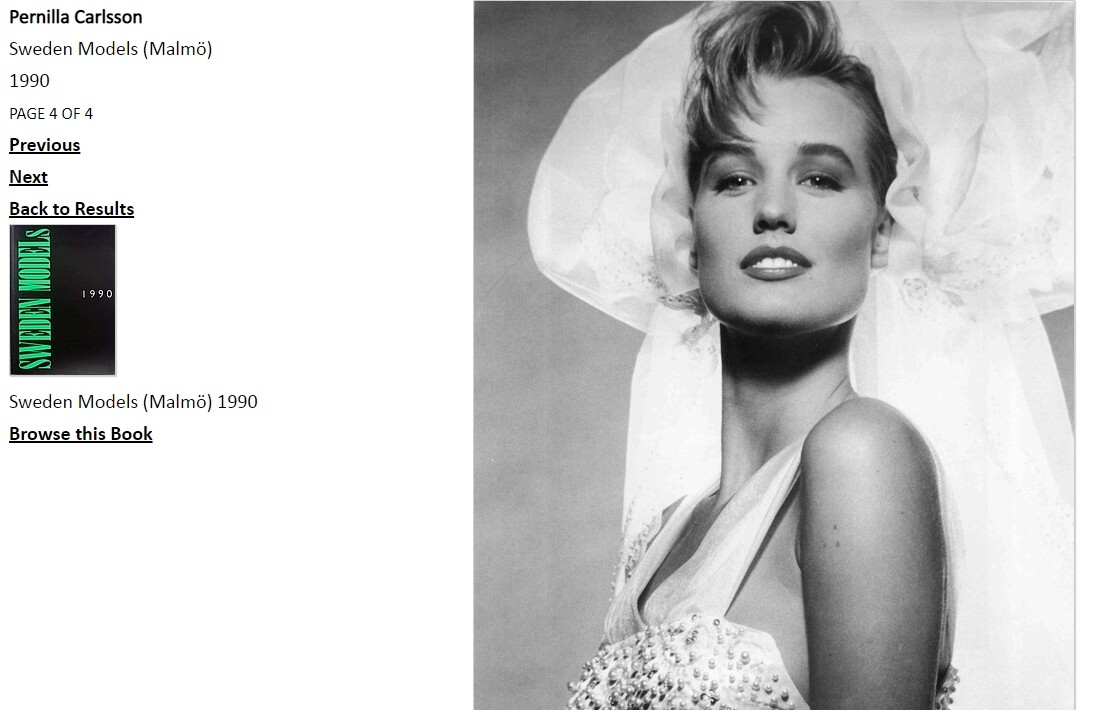



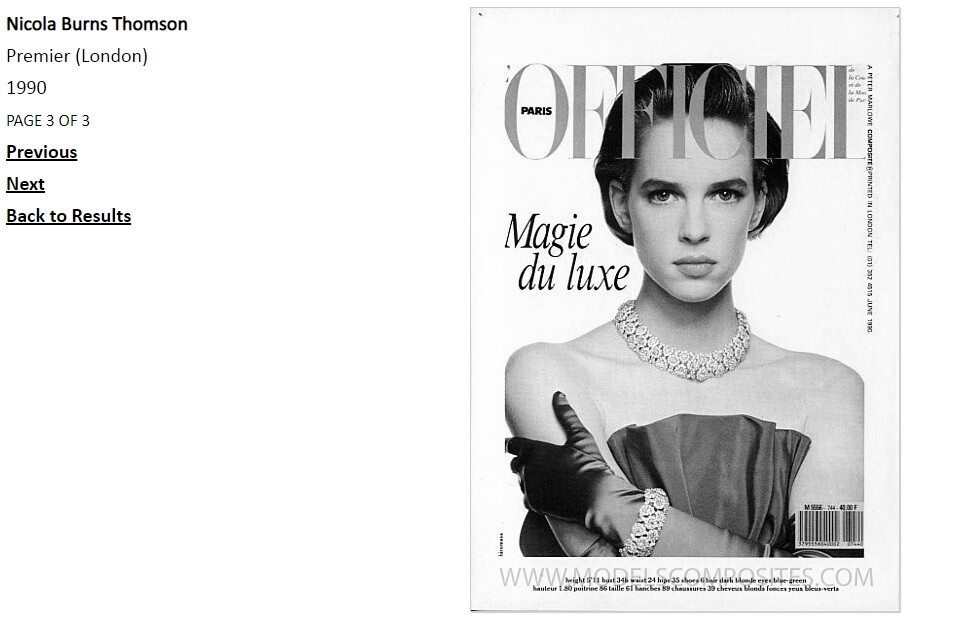
Account
Search
Configure browser push notifications
Chrome (Android)
- Tap the lock icon next to the address bar.
- Tap Permissions → Notifications.
- Adjust your preference.
Chrome (Desktop)
- Click the padlock icon in the address bar.
- Select Site settings.
- Find Notifications and adjust your preference.
Safari (iOS 16.4+)
- Ensure the site is installed via Add to Home Screen.
- Open Settings App → Notifications.
- Find your app name and adjust your preference.
Safari (macOS)
- Go to Safari → Preferences.
- Click the Websites tab.
- Select Notifications in the sidebar.
- Find this website and adjust your preference.
Edge (Android)
- Tap the lock icon next to the address bar.
- Tap Permissions.
- Find Notifications and adjust your preference.
Edge (Desktop)
- Click the padlock icon in the address bar.
- Click Permissions for this site.
- Find Notifications and adjust your preference.
Firefox (Android)
- Go to Settings → Site permissions.
- Tap Notifications.
- Find this site in the list and adjust your preference.
Firefox (Desktop)
- Open Firefox Settings.
- Search for Notifications.
- Find this site in the list and adjust your preference.