

RocketQueen
Members
-
Joined
-
Last visited
Everything posted by RocketQueen
-
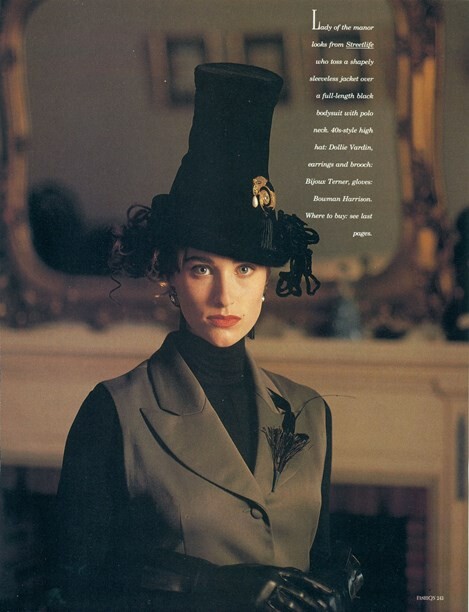
 FASHION QUARTERLY AUS, Fall 1989 - PH. UNK - UNK SOURCE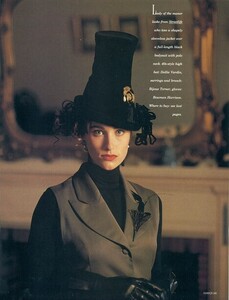
-
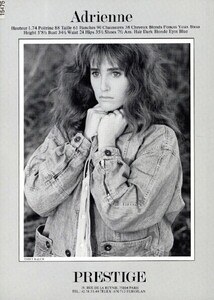
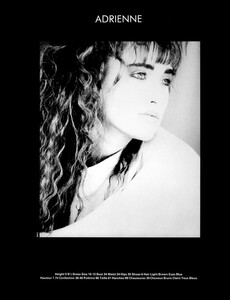
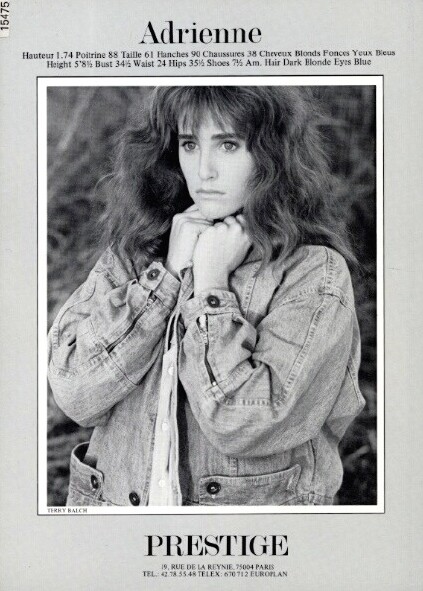
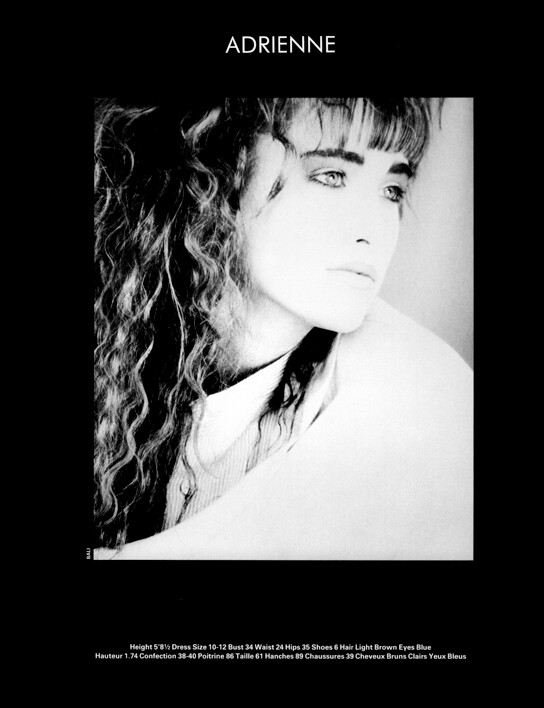
Adrienne Wright is an 80s/90s model, represented by Prestige, Paris. Height: 1.74 Bust: 88 Waist: 61 Hips: 90 Shoes: 38 Hair: Dark Blonde Eyes: Blue
-
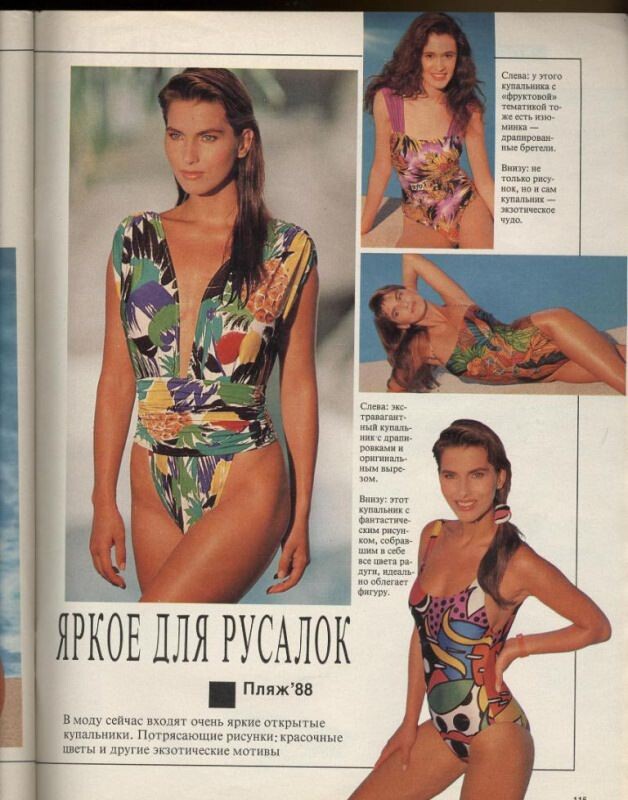
BURDA RUS, 1988 - PH. UNK - UNK SOURCE

-
MANEQUIM BR, Feb 1990 - PH. UNK - UNK SOURCE

-
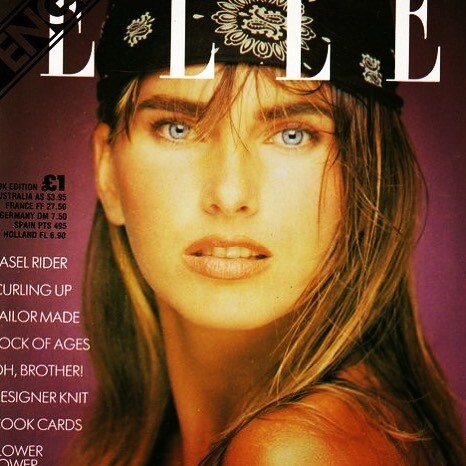
ELLE UK, unk - PH. UNK - UNK SOURCE

-
CRIATIVA BR, Aug 1990 - PH. UNK - UNK SOURCE

-
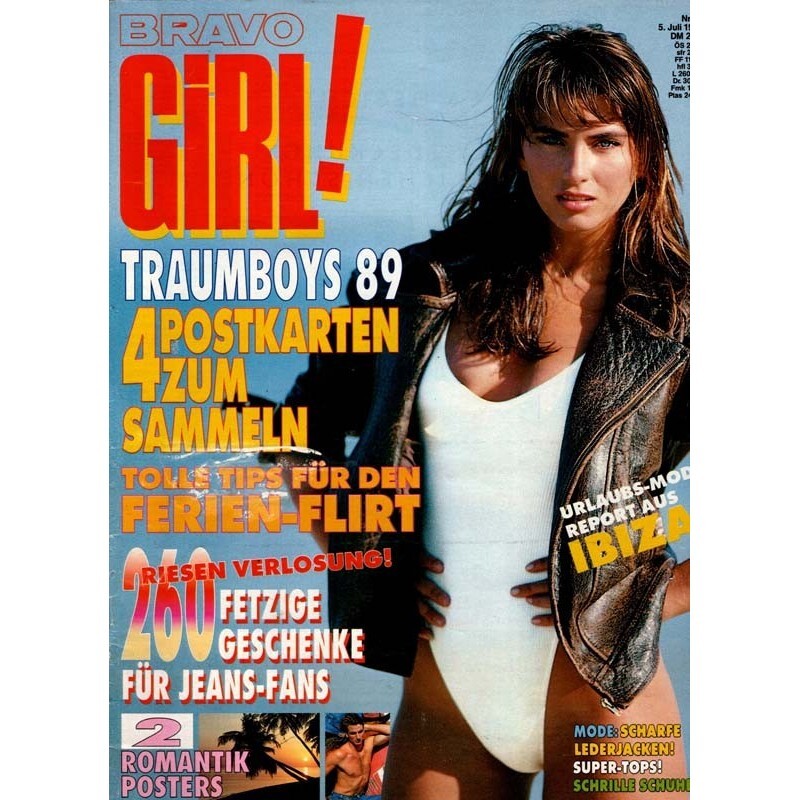
BRAVO GIRL DE, 5 Jul 1989 - PH. UNK - ALTEZEITSCHRIFTEN.DE

-
ANNA BURDA FR, Dec 1988 - PH. UNK - UNK SOURCE

-
ACTIVA PT, Jun 1991 - PH. UNK - EBAY

-
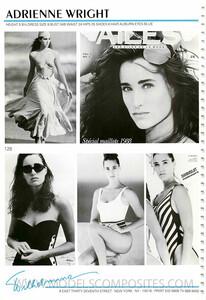
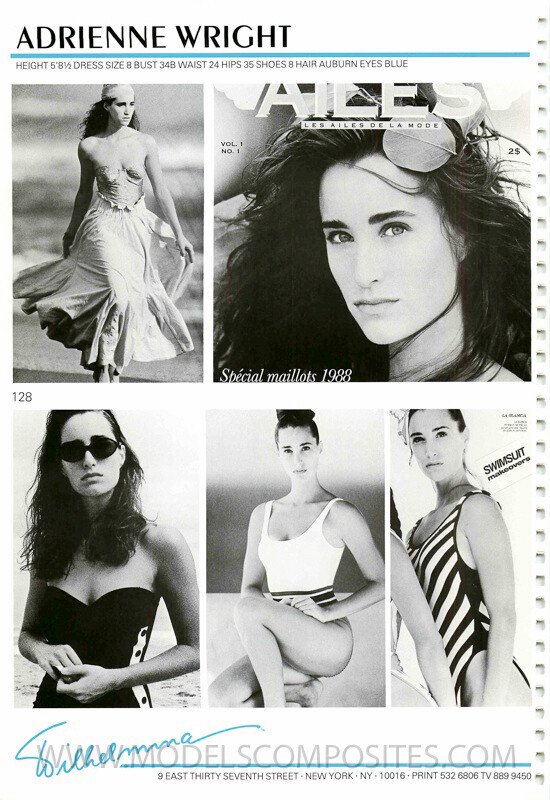
COMP CARD - MODELCOMPOSITES.COM

-
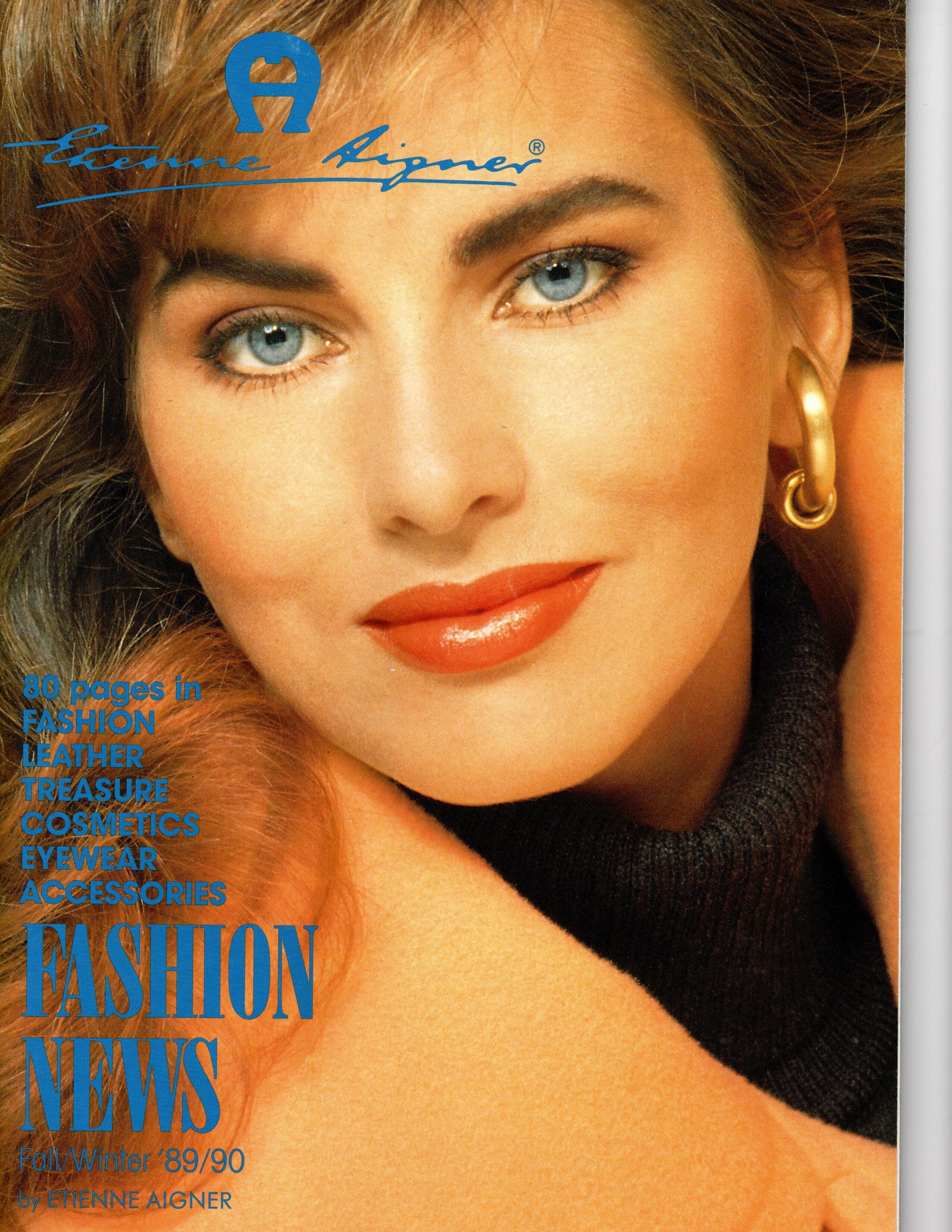
Aigner FW 1989 - PH. UNK - UNK SOURCE

-
Thank you so much for these rare editorials, @missparker7 !
-
Hi there and welcome! As @danny-19 mentioned we are a very small community but I'd say we are very knowledgeable, lol! We do need help though because we've encountered many models we can't ID, so feel free to join us on here and contribute with whatever you can. Also, we do posts the images of the already IDed models in their respective threads. You can definitely add all the info you have on the models on there, it would be very interesting to read more about our fav girls!
-
Therese Gargas
Cara Pelloso
Şebnem Tan
Celia Forner
Maureen Mueller
Yes! :)
Meredith Cooper
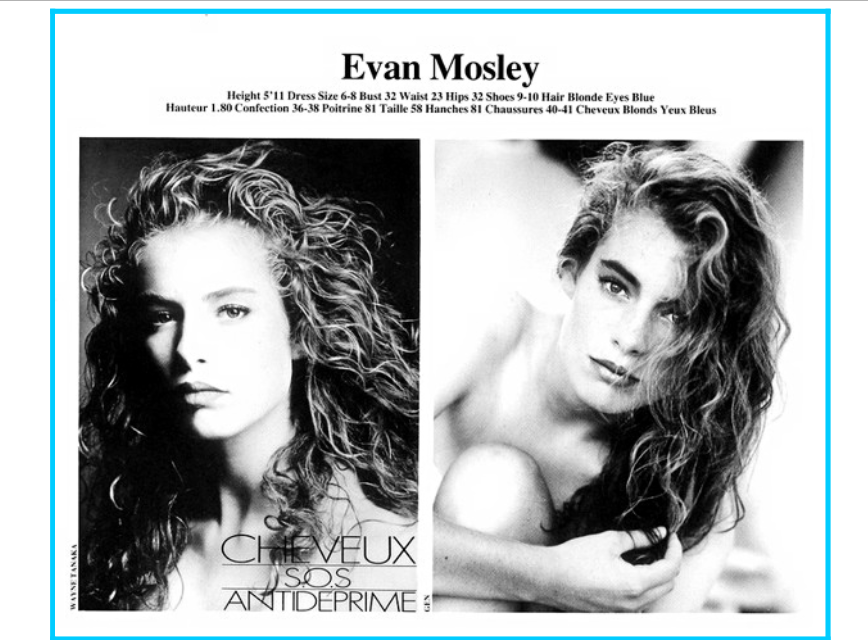
Evan Mosley again
Didem Ürer





Account
Search
Configure browser push notifications
Chrome (Android)
- Tap the lock icon next to the address bar.
- Tap Permissions → Notifications.
- Adjust your preference.
Chrome (Desktop)
- Click the padlock icon in the address bar.
- Select Site settings.
- Find Notifications and adjust your preference.
Safari (iOS 16.4+)
- Ensure the site is installed via Add to Home Screen.
- Open Settings App → Notifications.
- Find your app name and adjust your preference.
Safari (macOS)
- Go to Safari → Preferences.
- Click the Websites tab.
- Select Notifications in the sidebar.
- Find this website and adjust your preference.
Edge (Android)
- Tap the lock icon next to the address bar.
- Tap Permissions.
- Find Notifications and adjust your preference.
Edge (Desktop)
- Click the padlock icon in the address bar.
- Click Permissions for this site.
- Find Notifications and adjust your preference.
Firefox (Android)
- Go to Settings → Site permissions.
- Tap Notifications.
- Find this site in the list and adjust your preference.
Firefox (Desktop)
- Open Firefox Settings.
- Search for Notifications.
- Find this site in the list and adjust your preference.