
JoeAstor
Members
-
Joined
-
Last visited
-
"Ultimo" Lingerie Collection Spring/Summer 2015Image hidden for guestsSign in to viewImage hidden for guestsSign in to viewImage hidden for guestsSign in to viewImage hidden for guestsSign in to viewImage hidden for guestsSign in to viewImage hidden for guestsSign in to viewImage hidden for guestsSign in to viewImage hidden for guestsSign in to viewImage hidden for guestsSign in to viewImage hidden for guestsSign in to viewImage hidden for guestsSign in to viewImage hidden for guestsSign in to viewImage hidden for guestsSign in to viewImage hidden for guestsSign in to view
-
Oh my... Petra is the new face (and body) of Ultimo Lingerie http://www.ultimo.co.uk/ Can't believe she's back!
-
Thanks for these wonderful pics my friend!
-
It's from the Aerie by American Eagle Outfitters Photoshoot in 2012
-
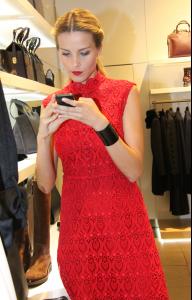
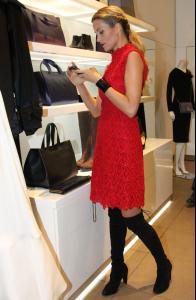
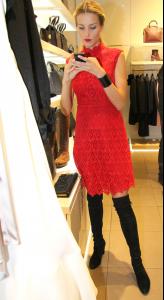
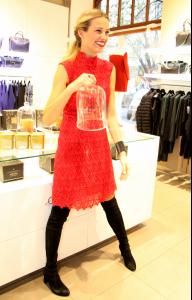
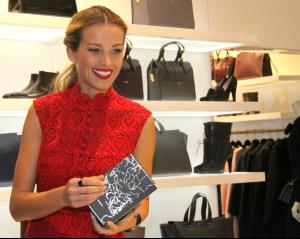
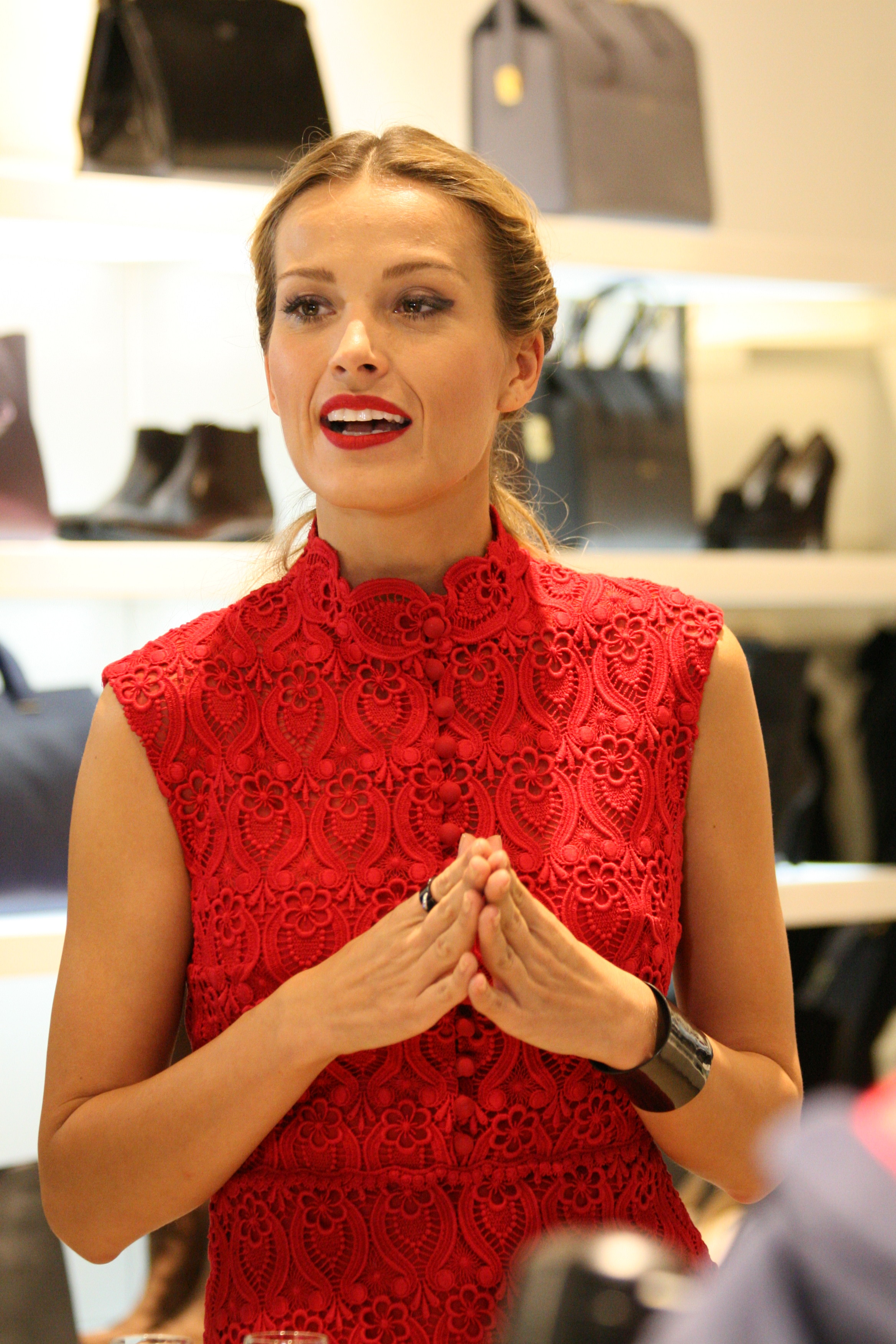
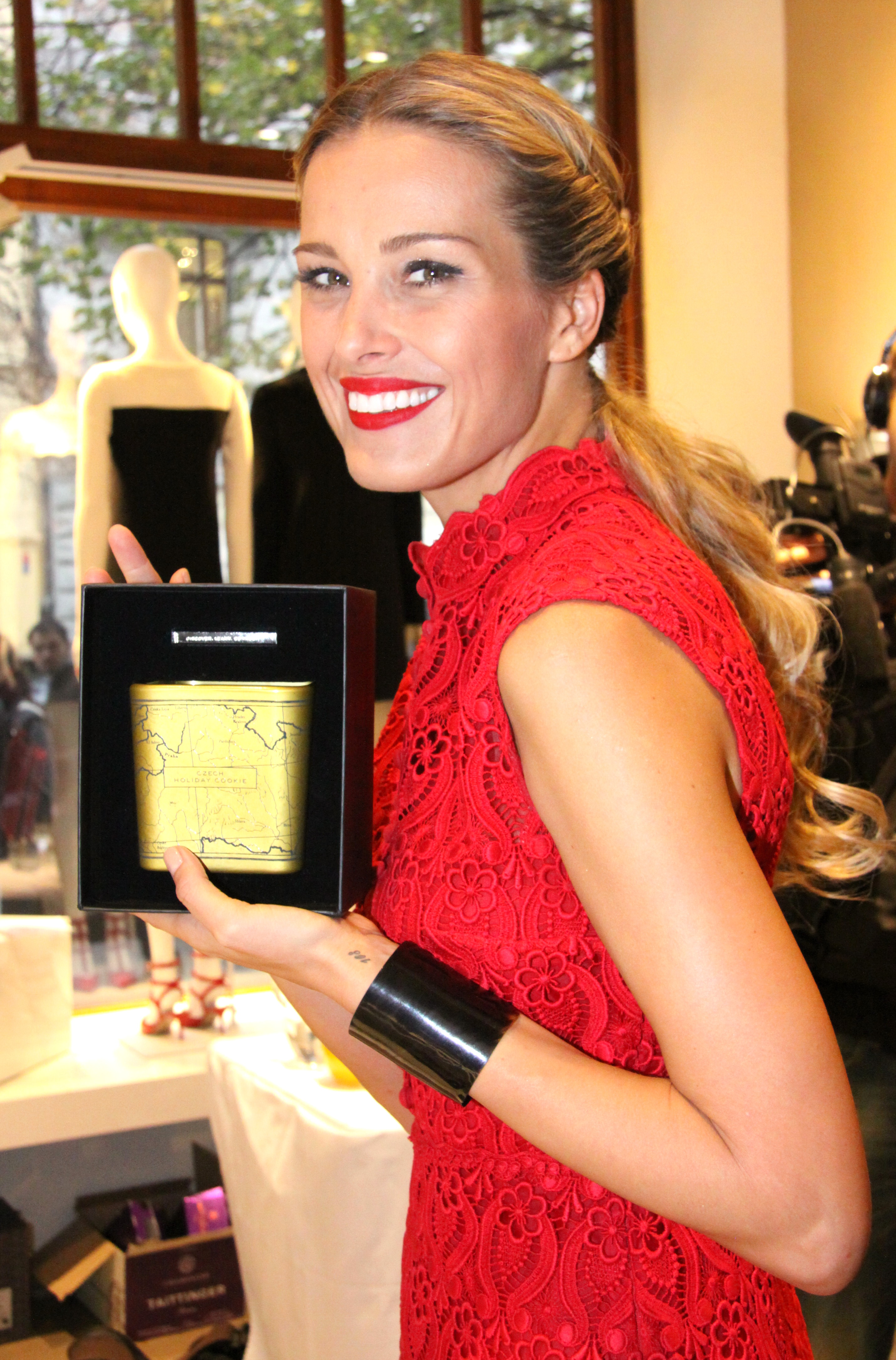
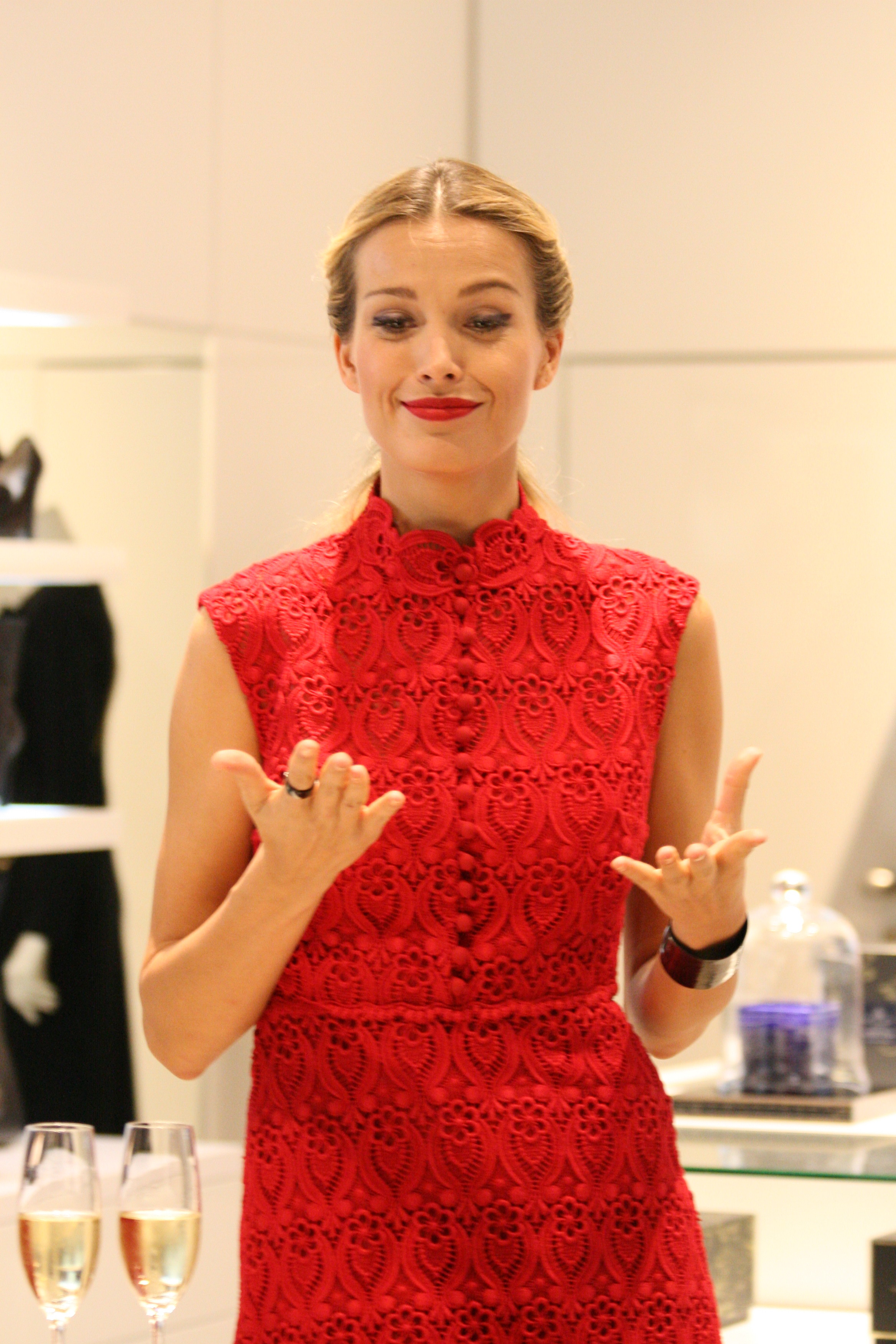
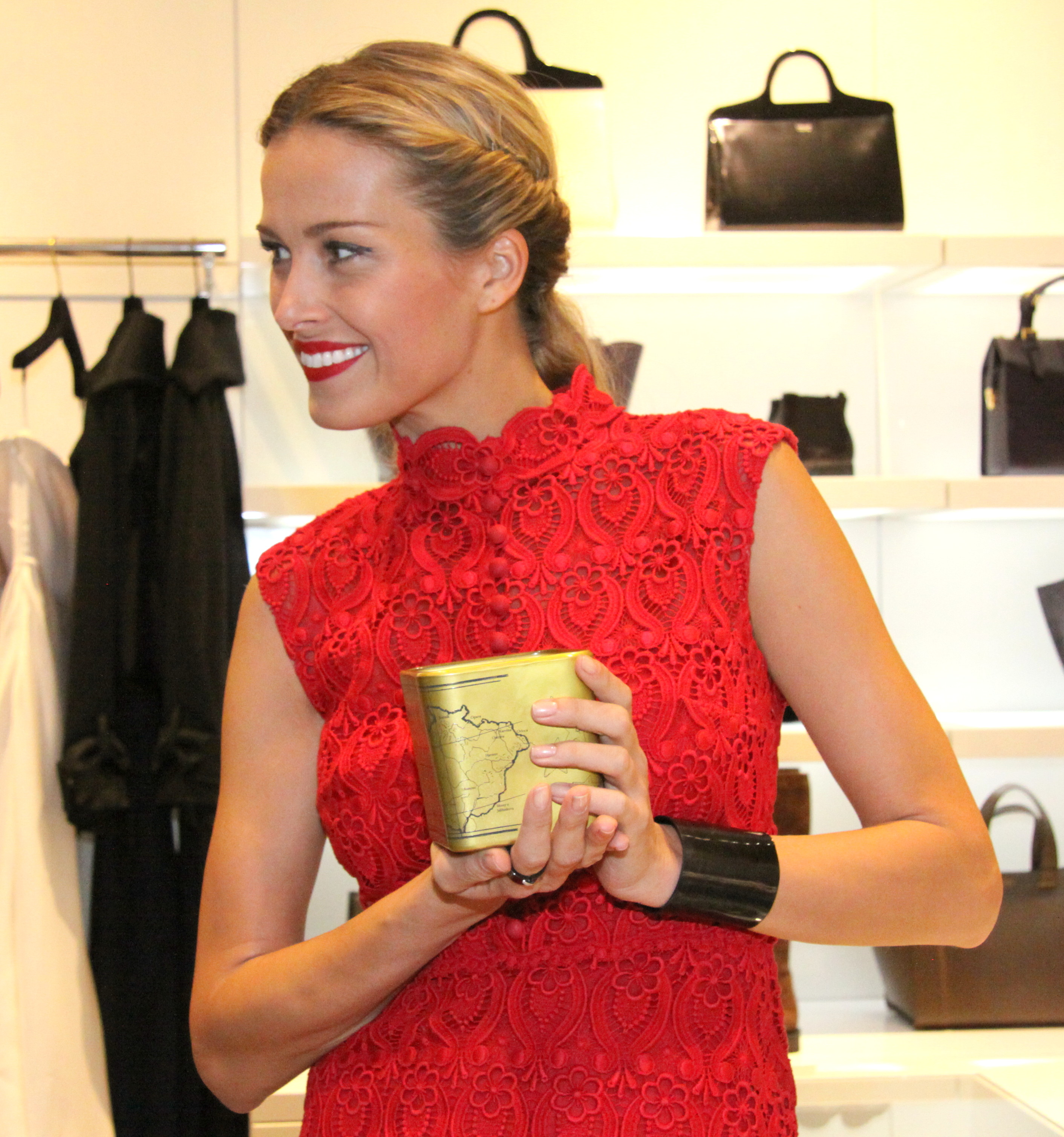
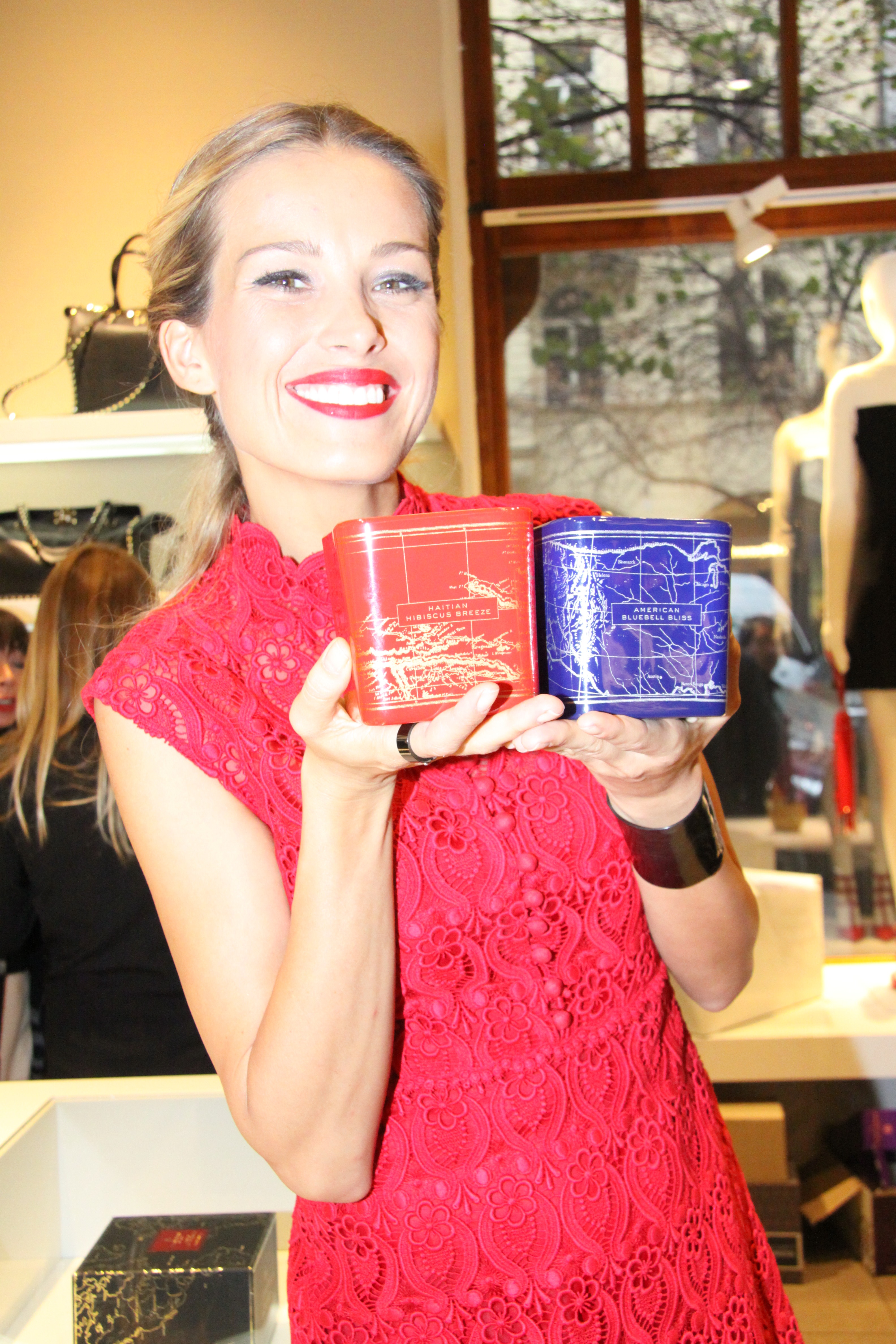
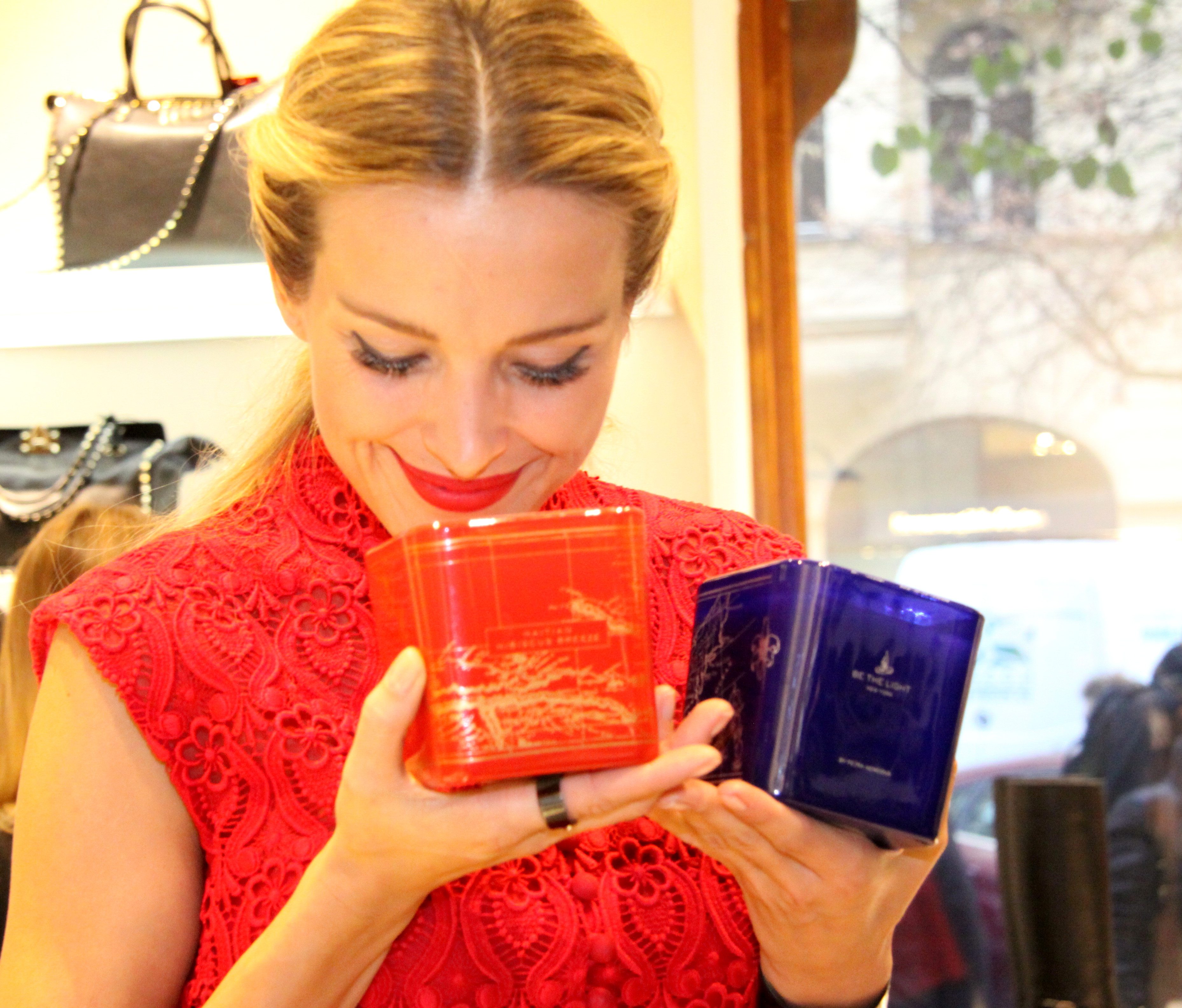
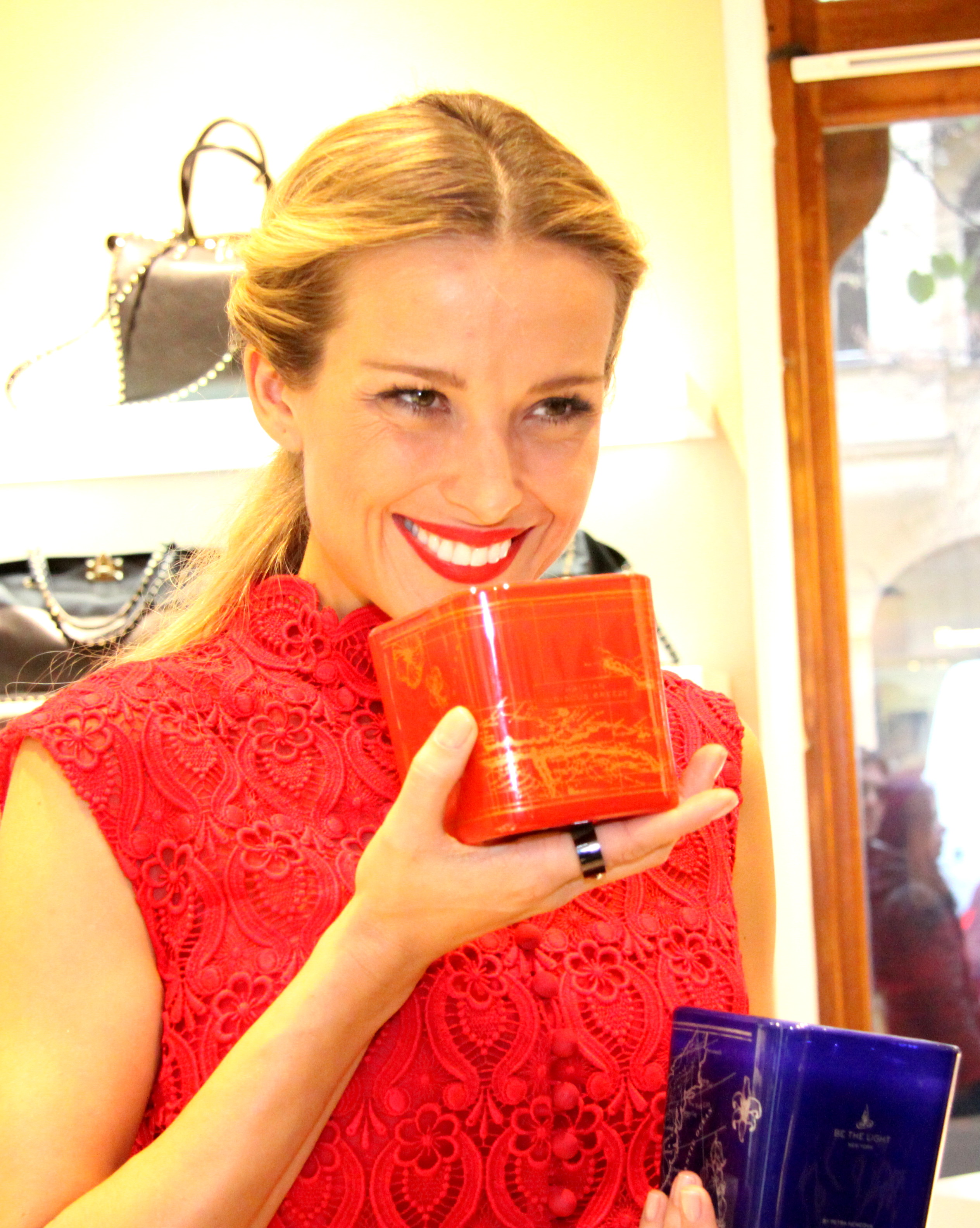
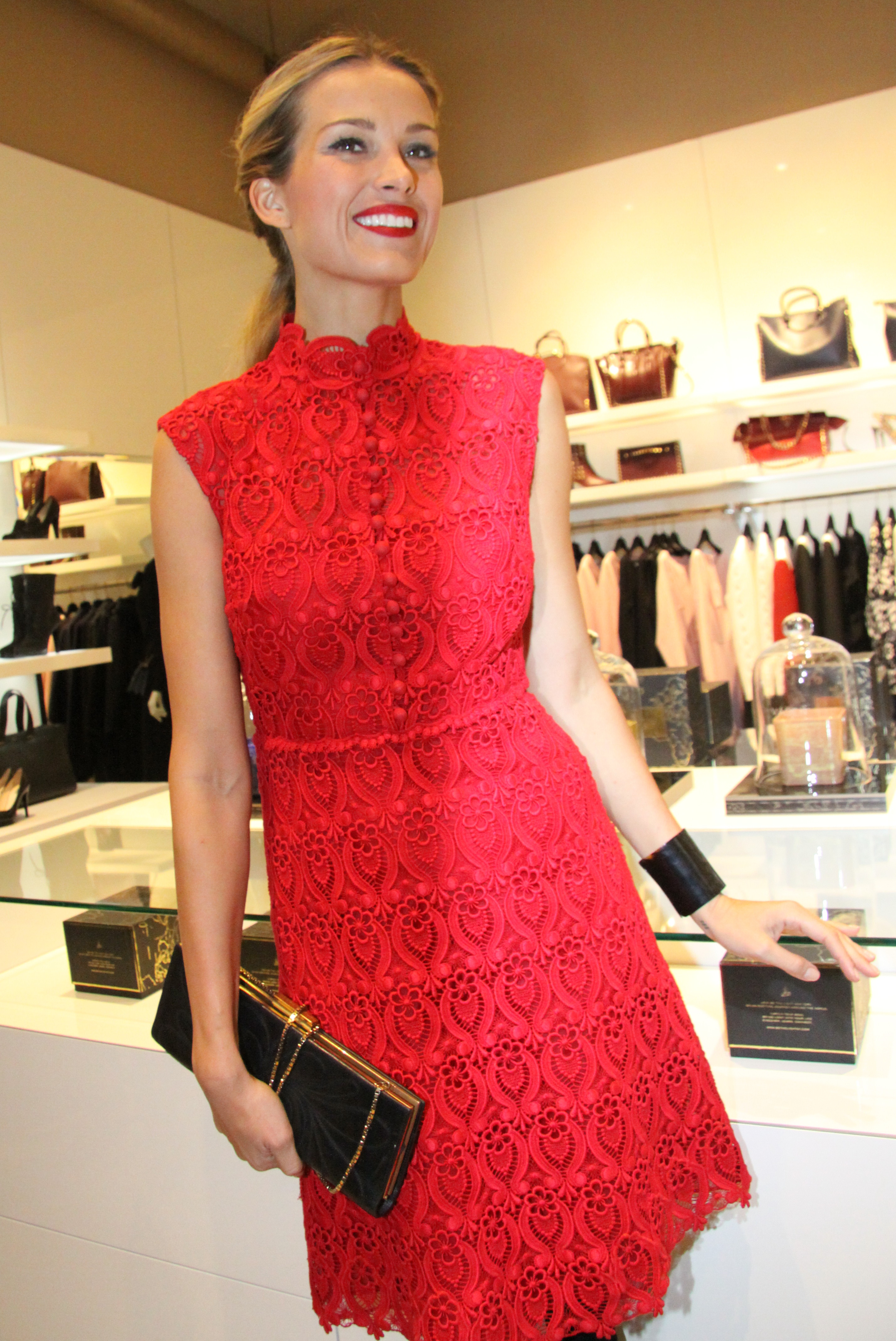
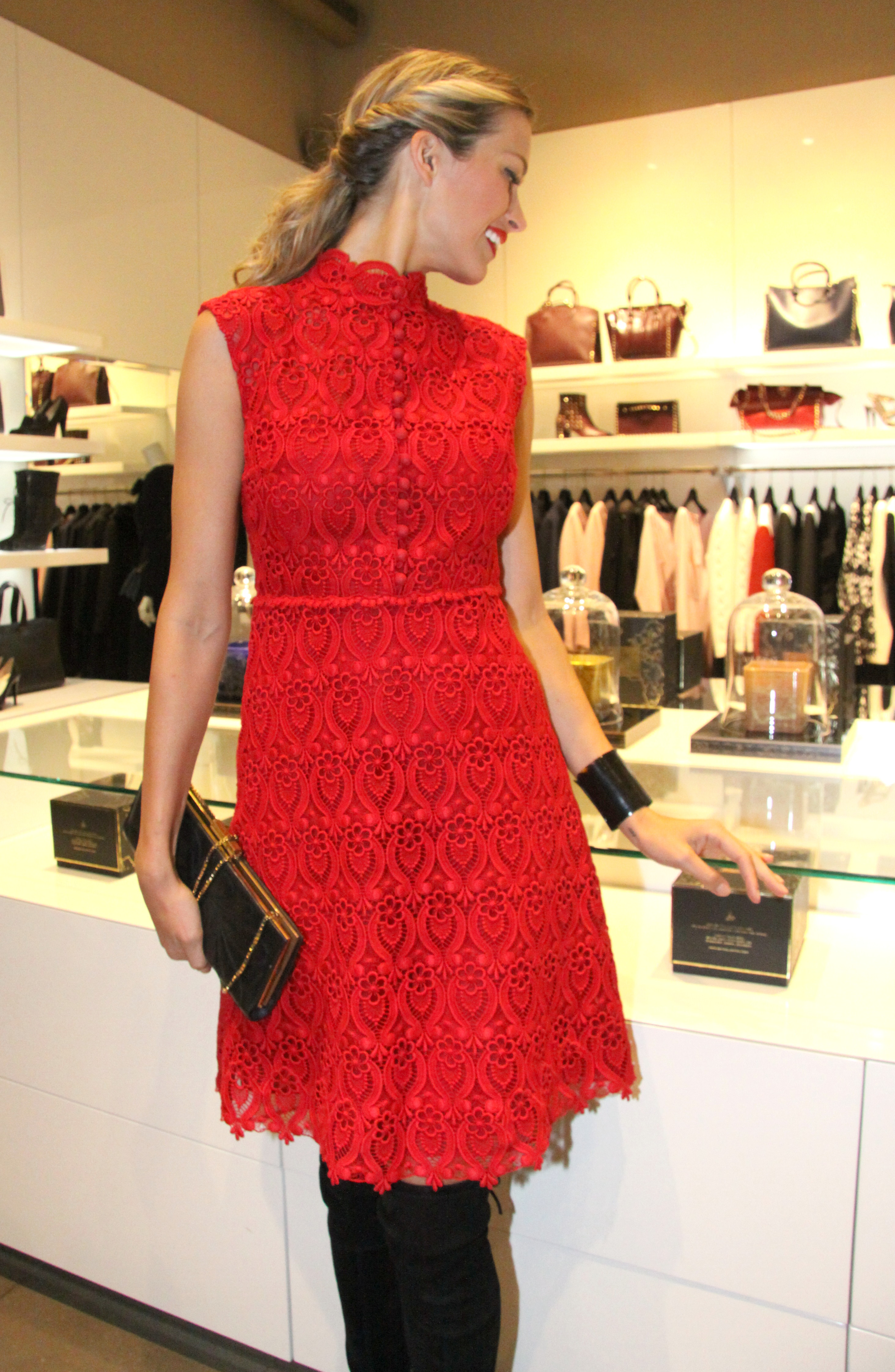
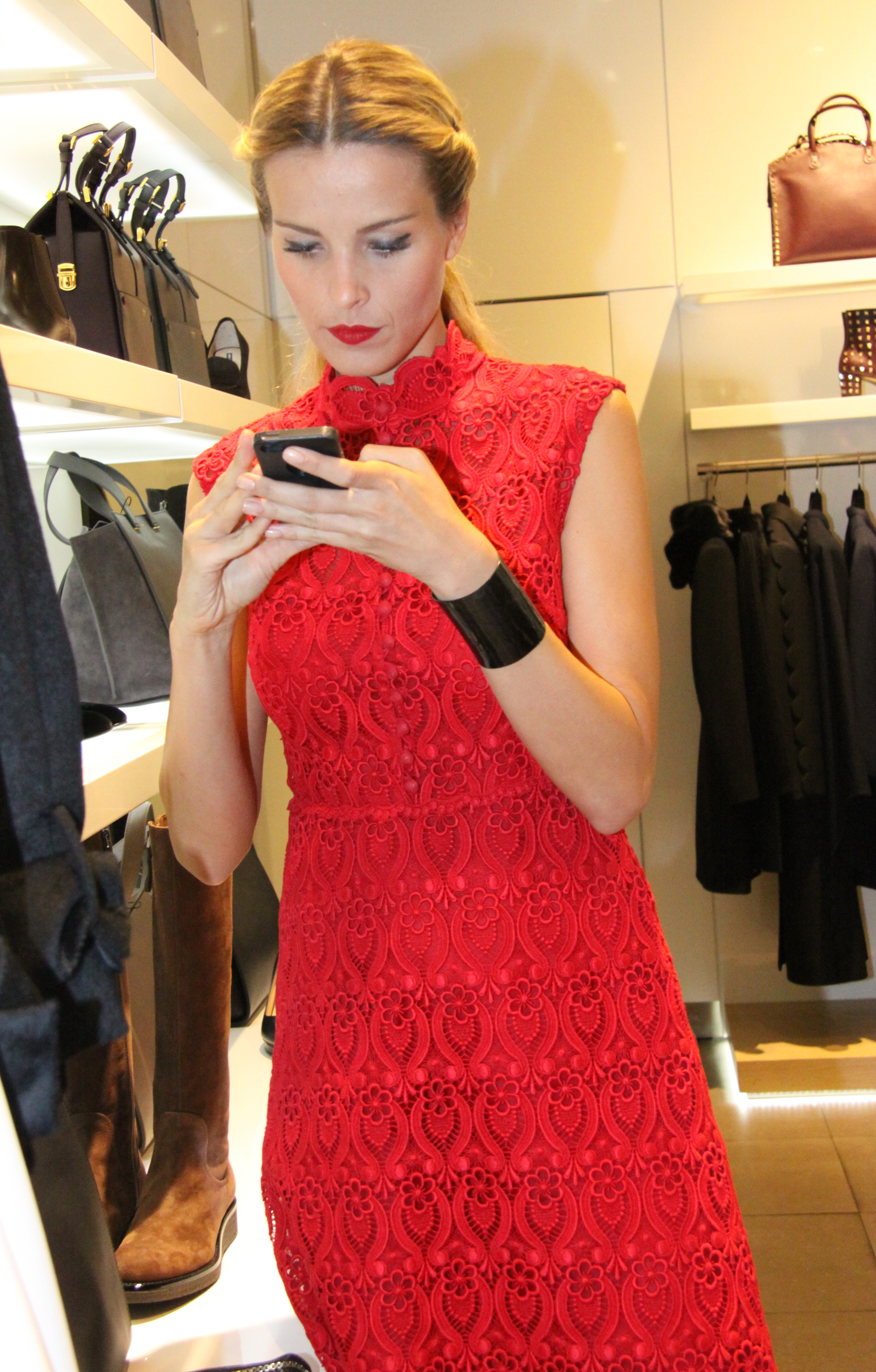
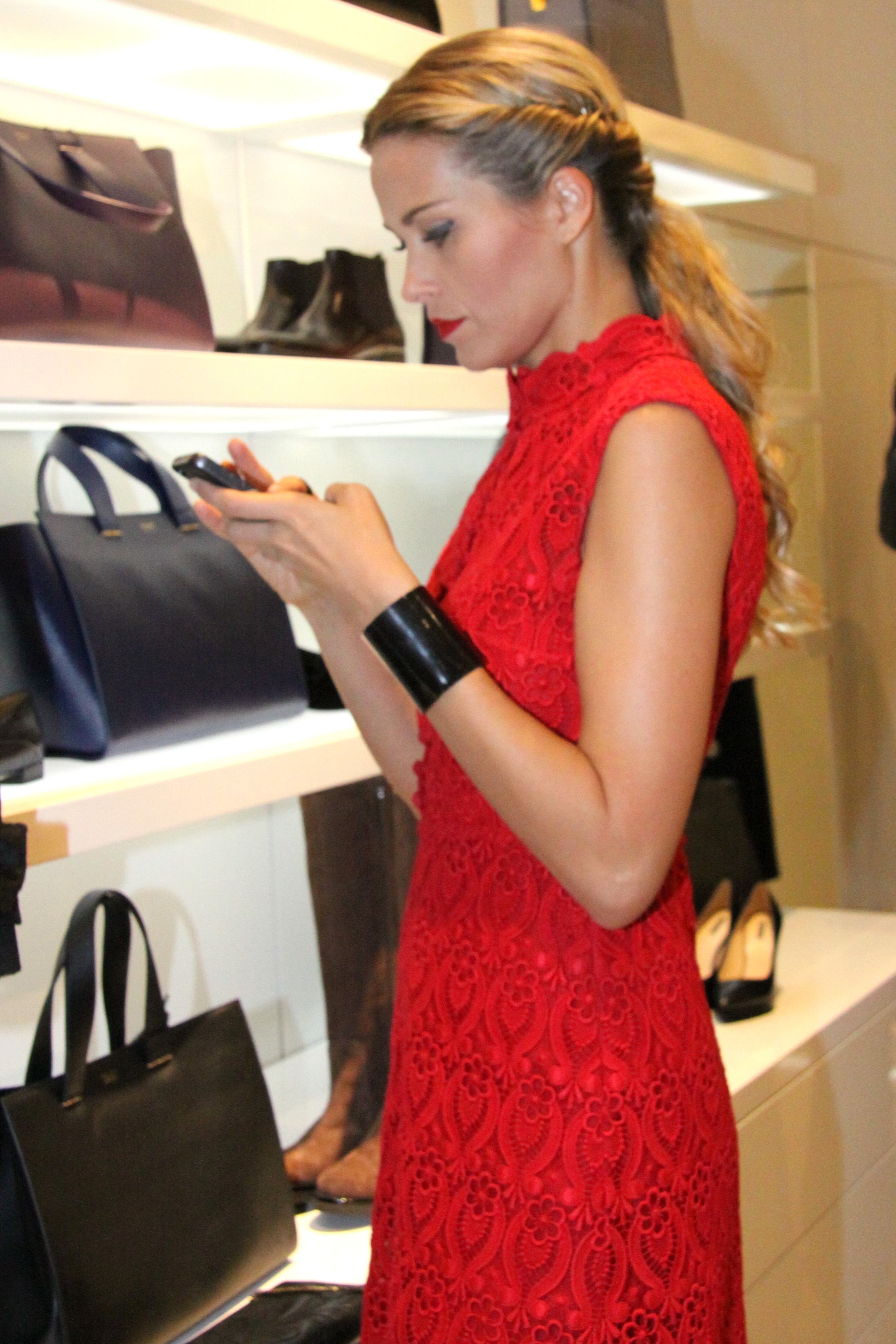
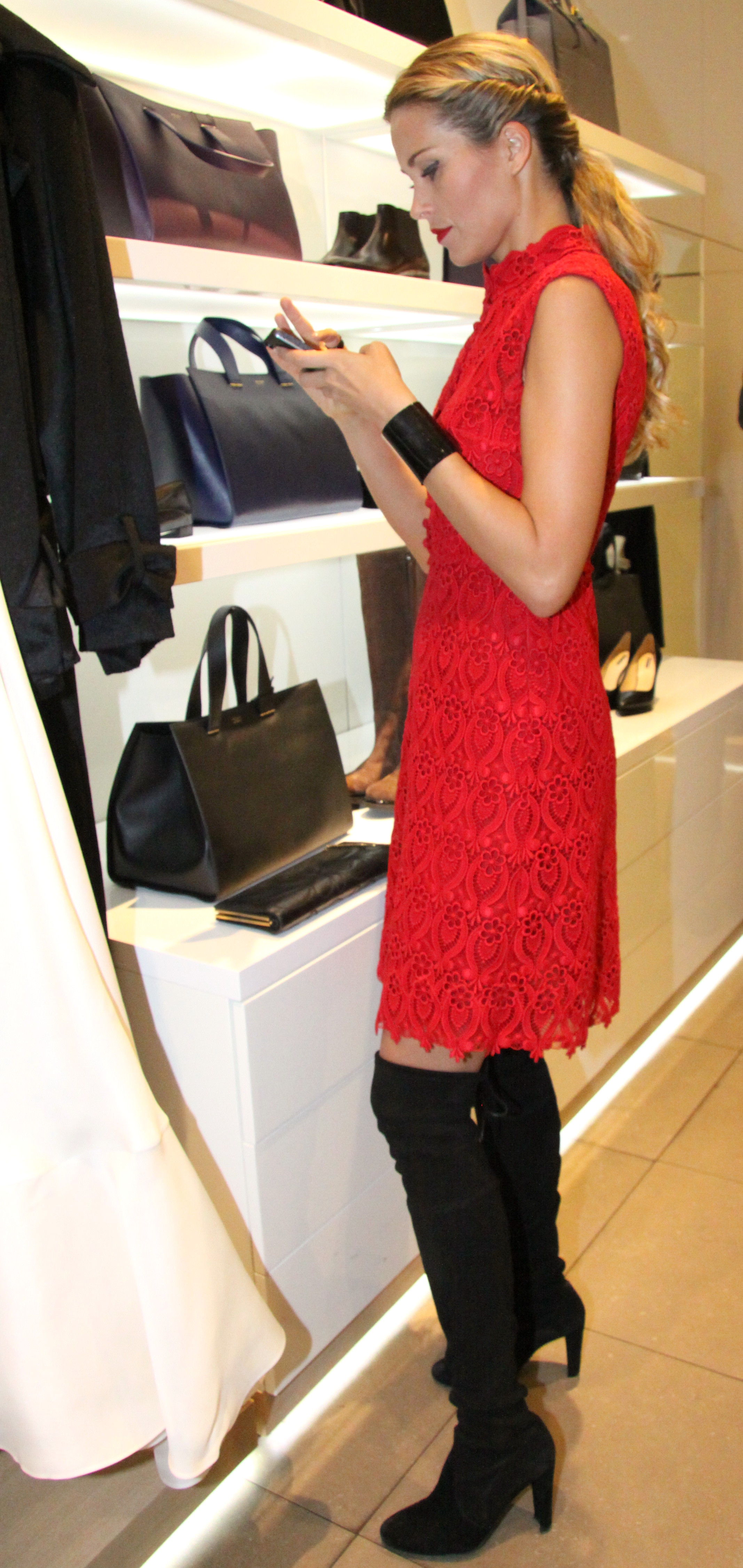
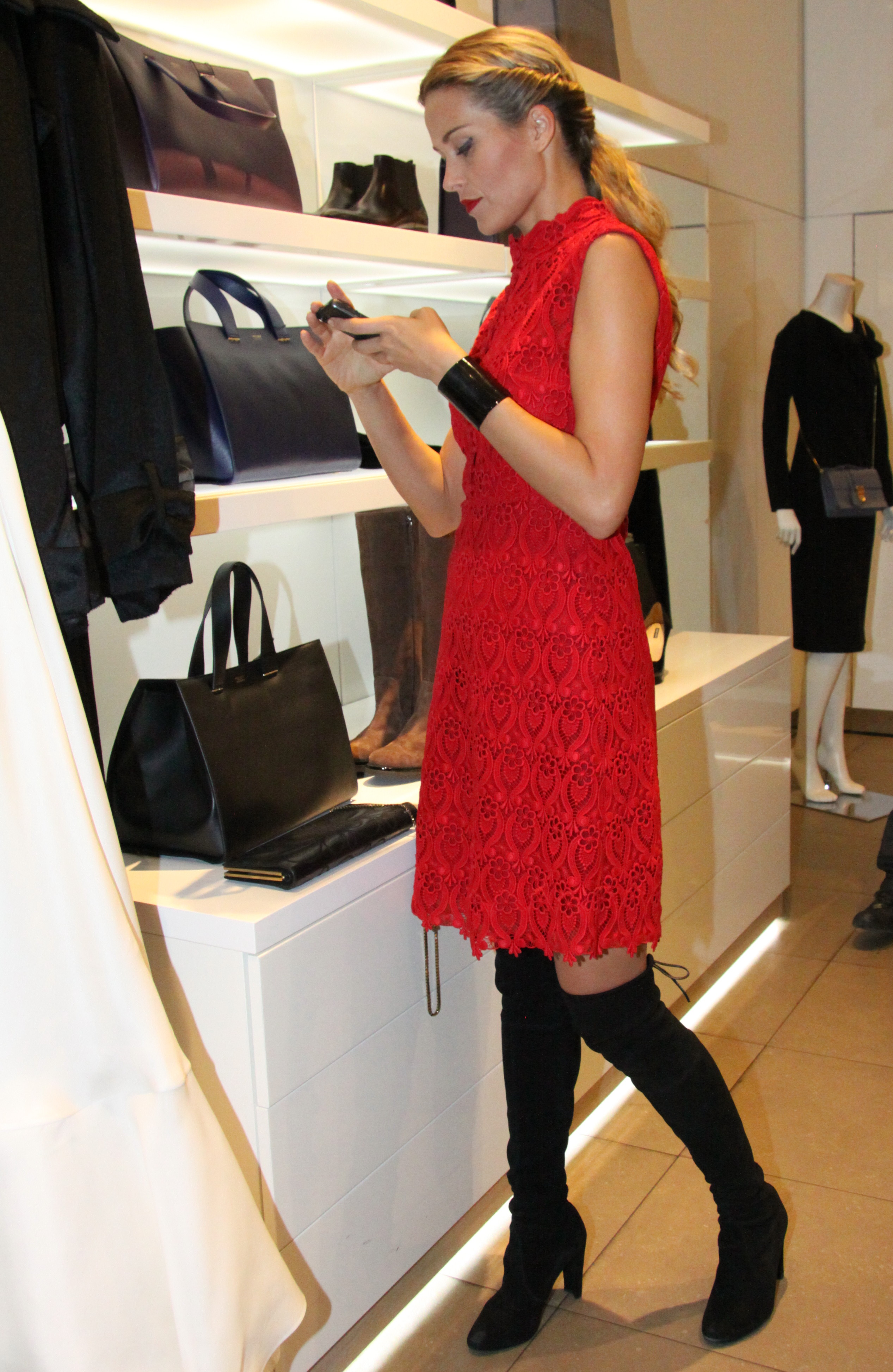
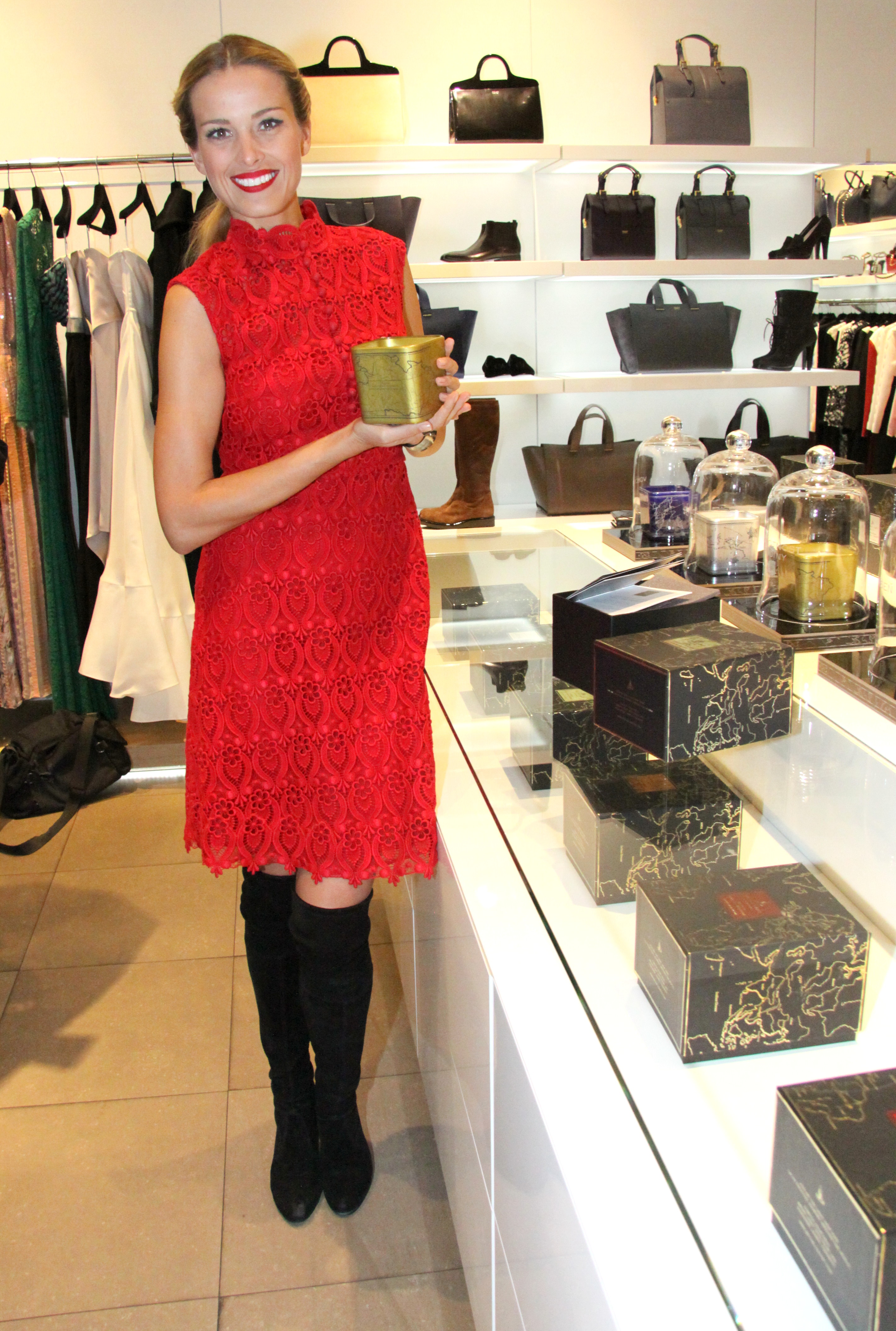
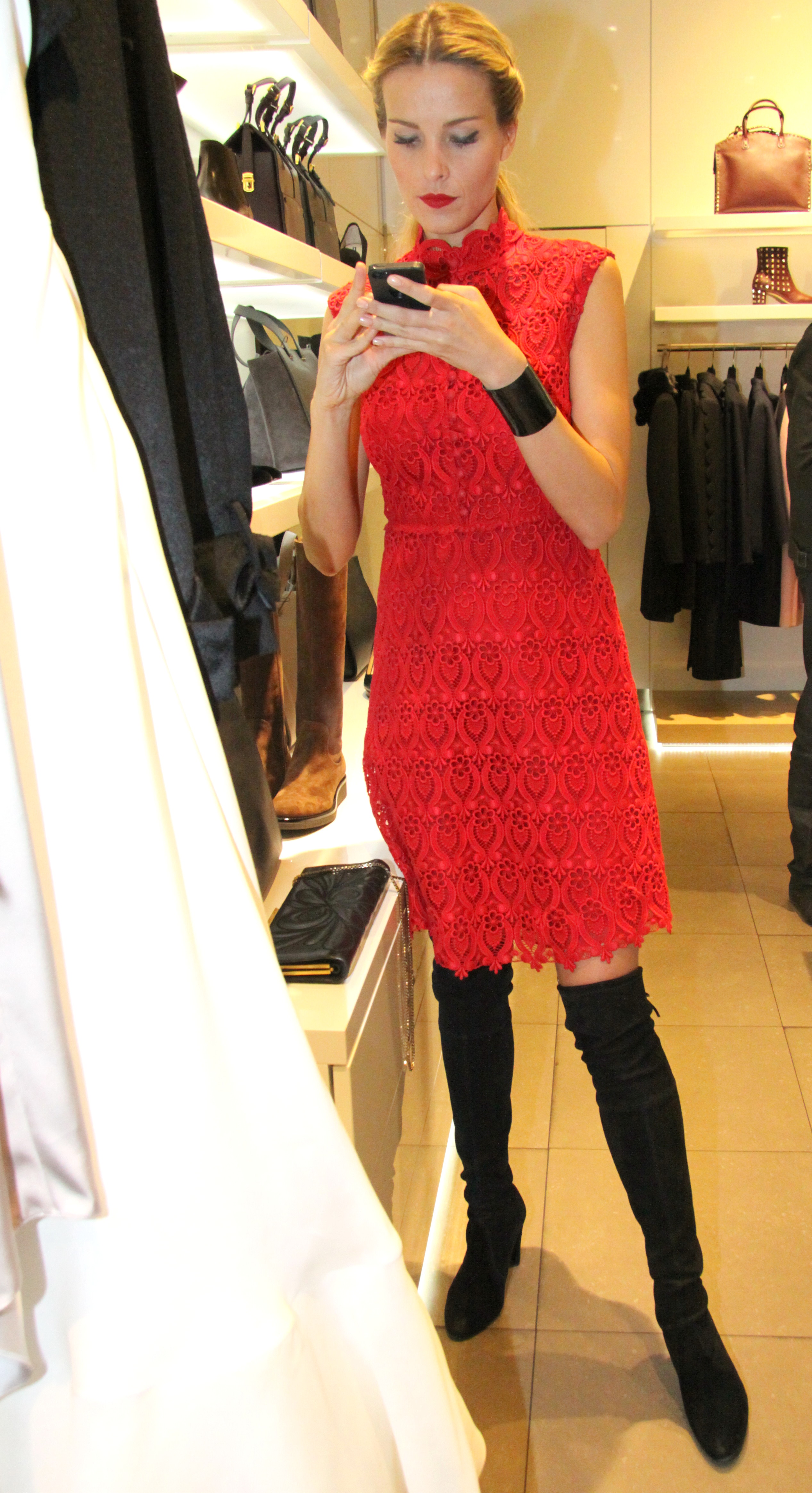
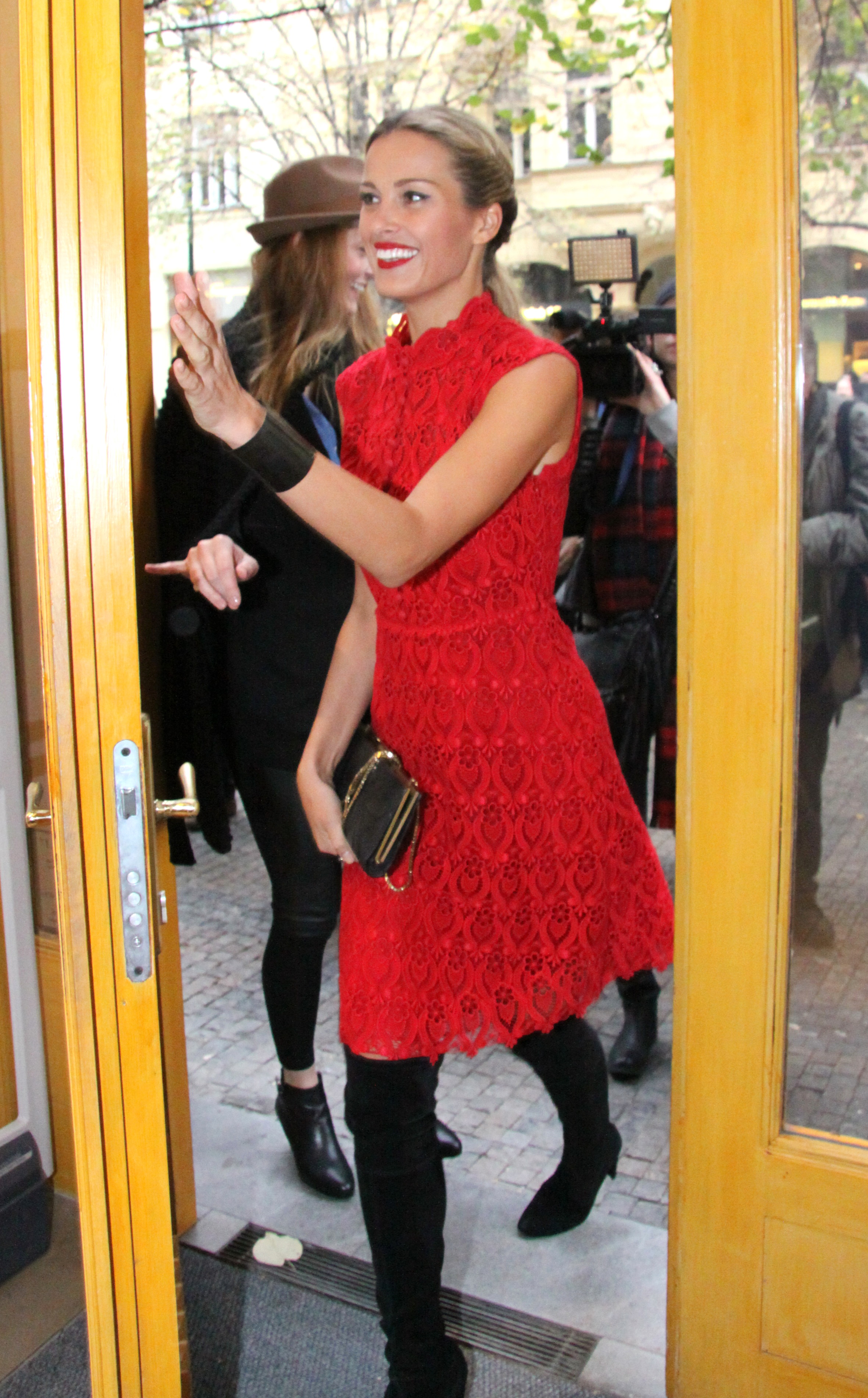
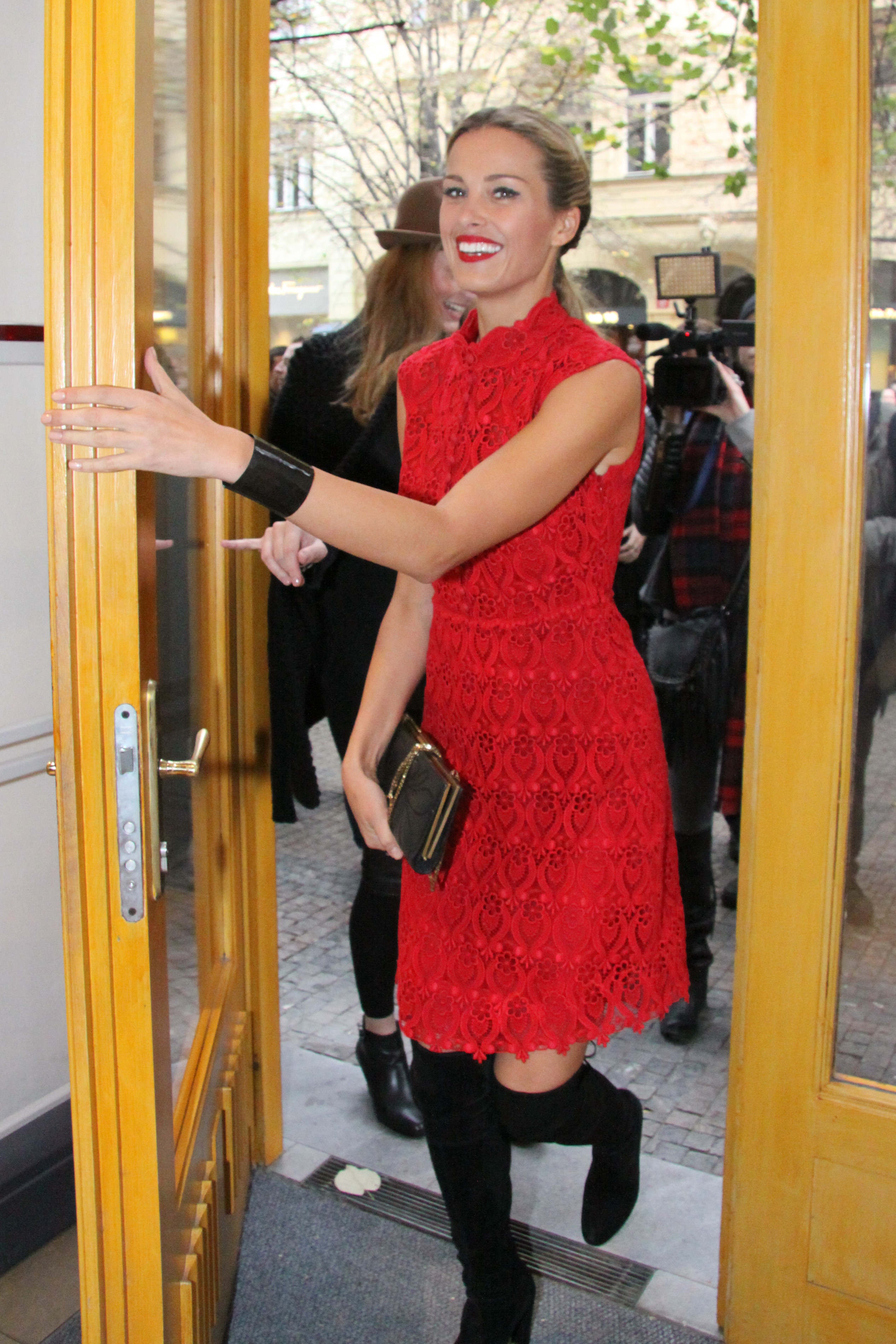
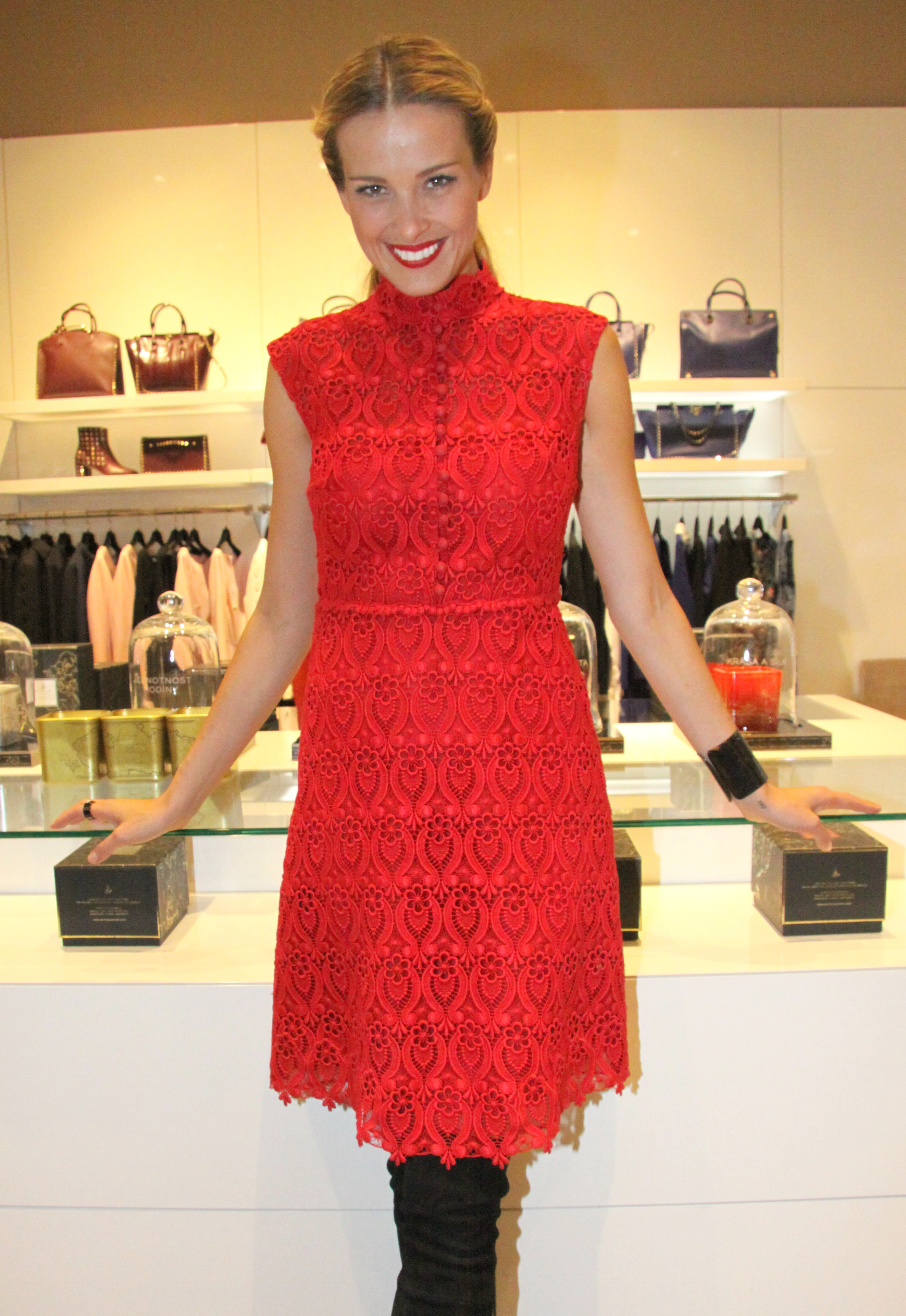
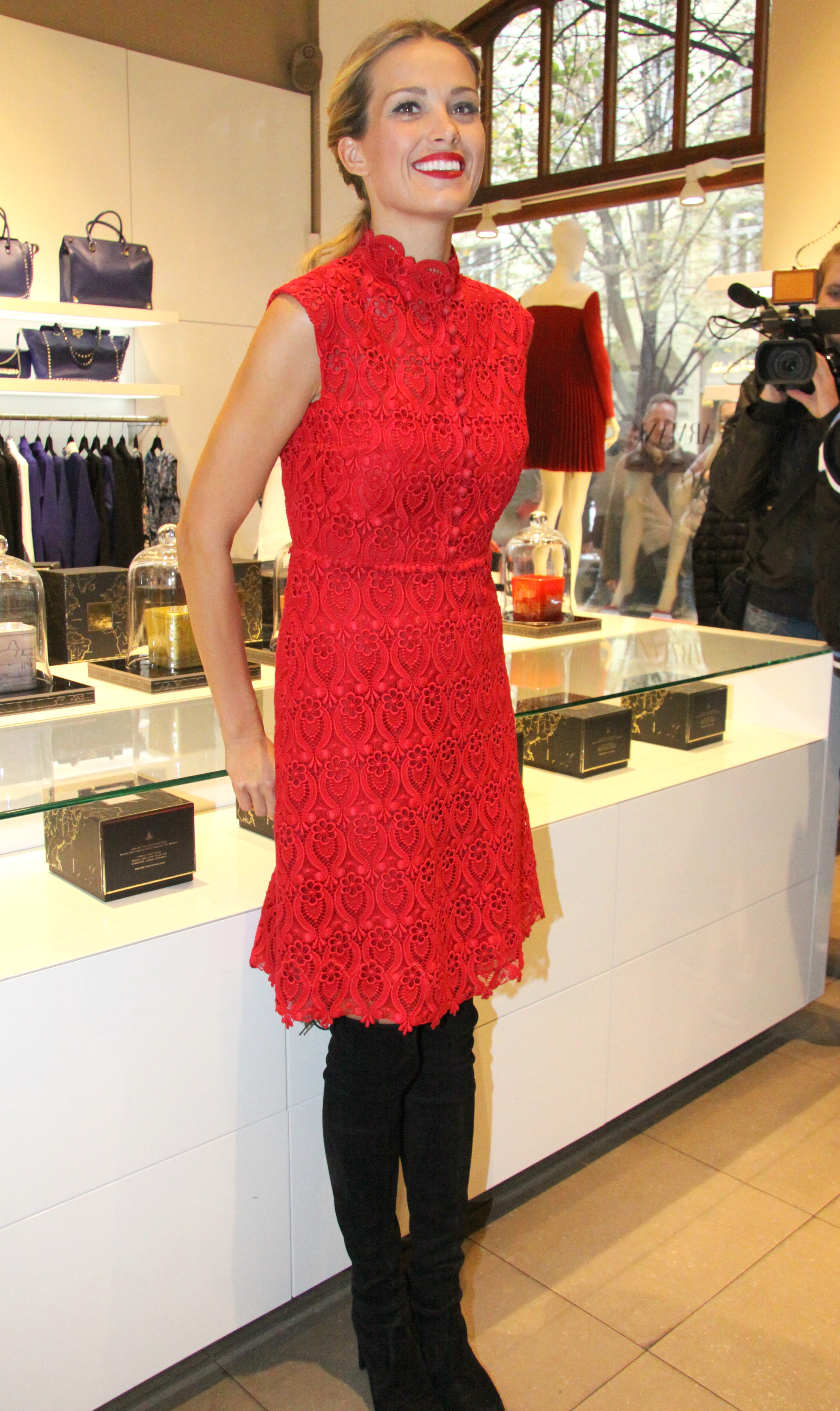
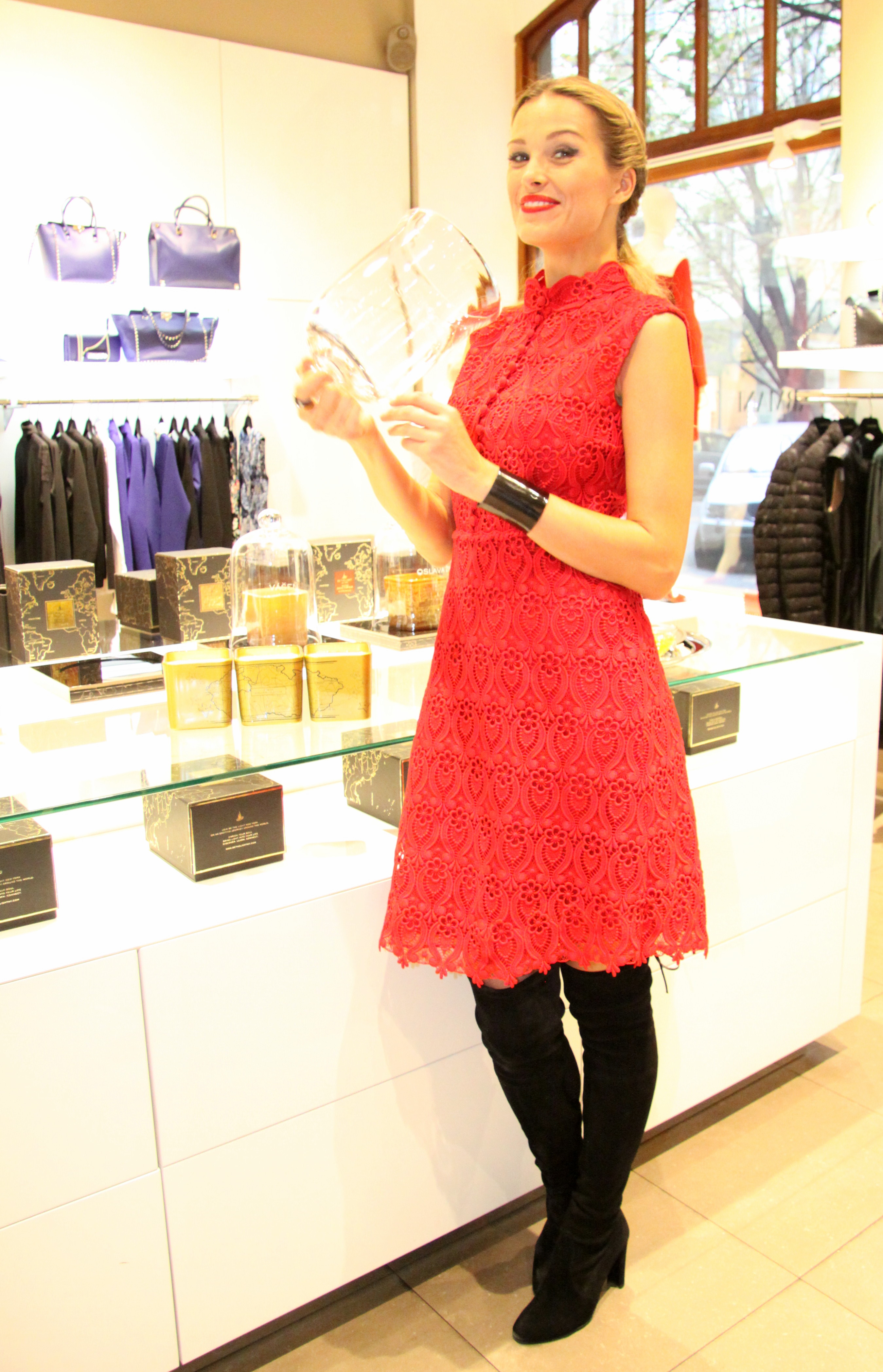
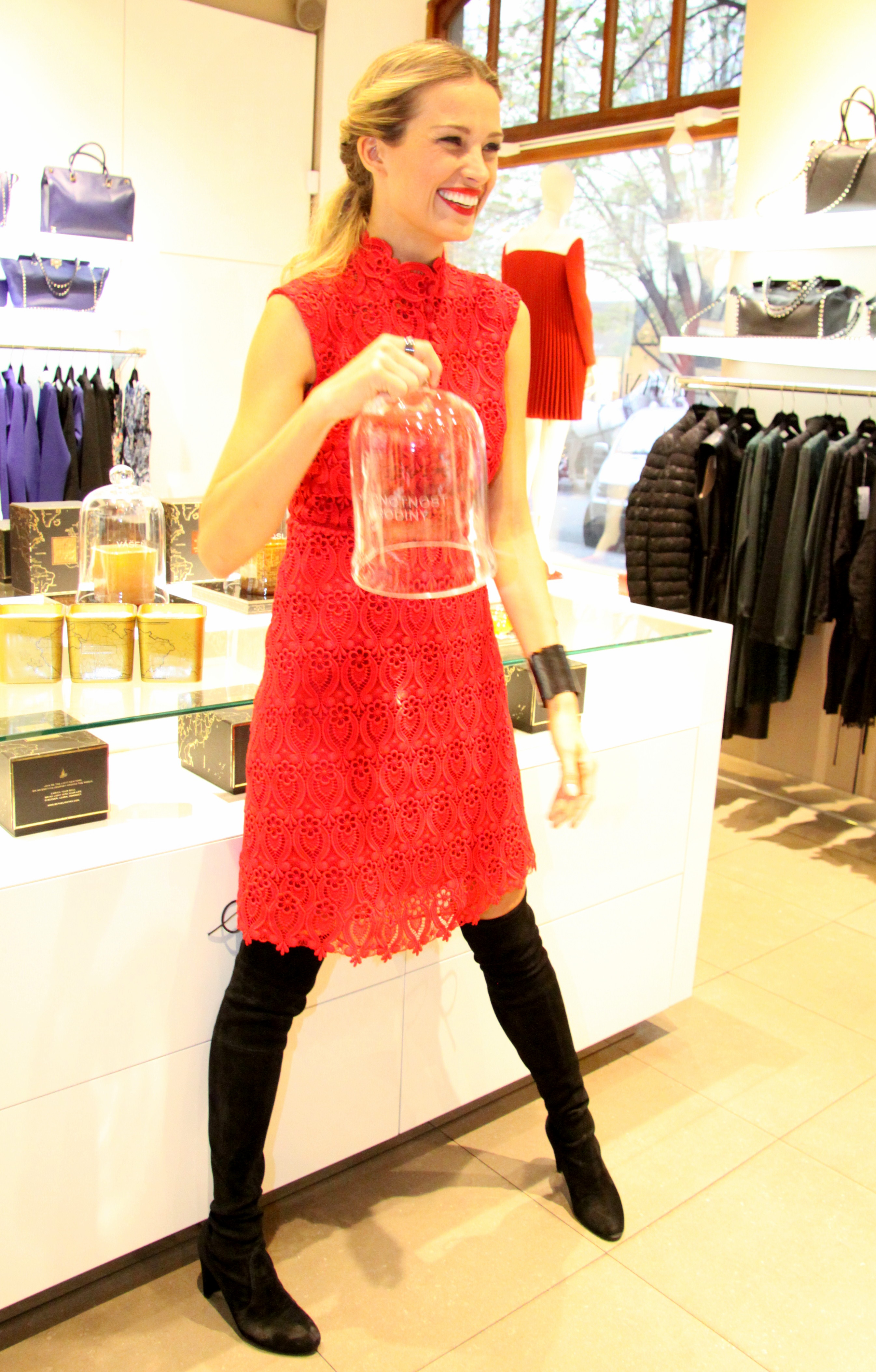
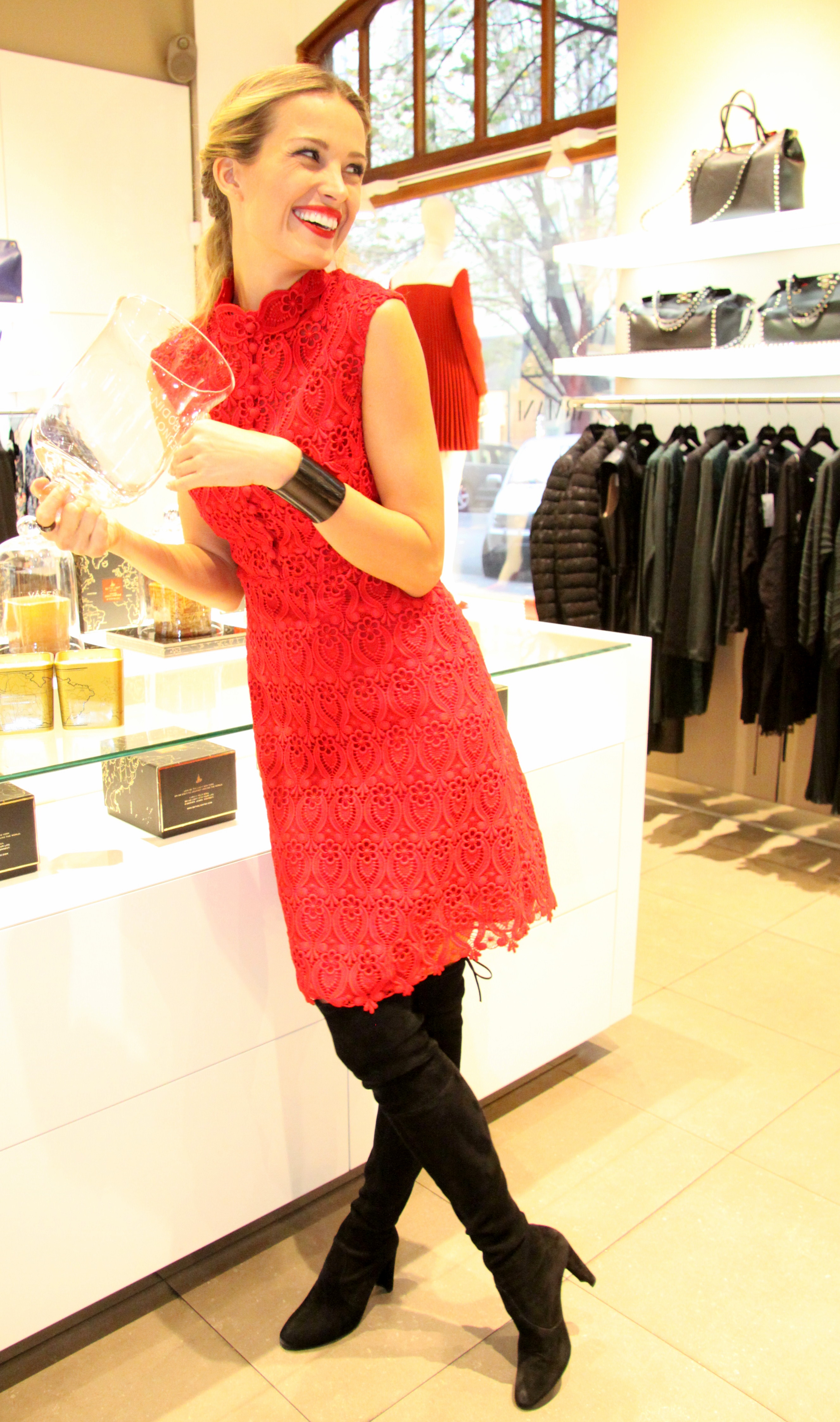
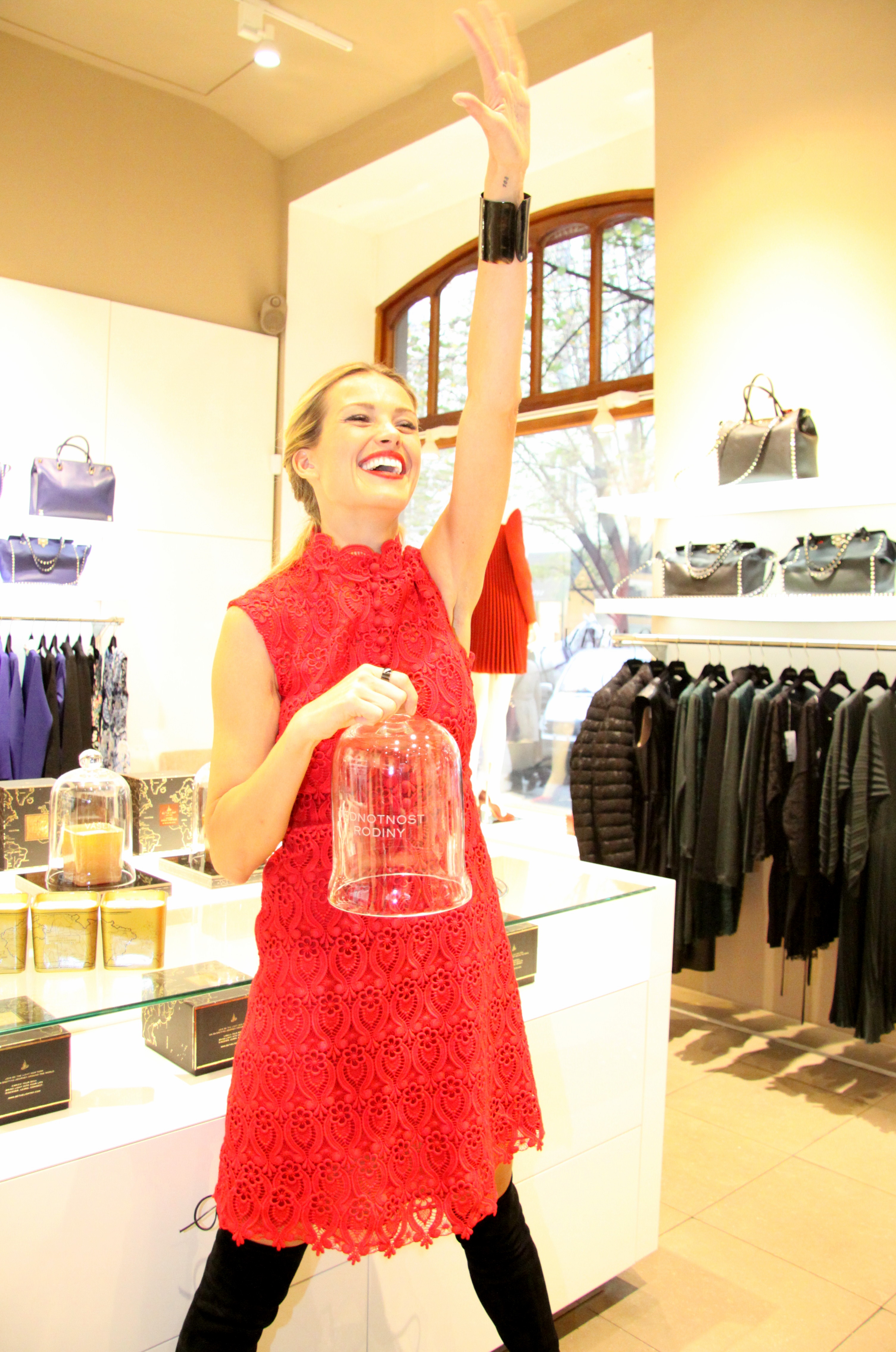
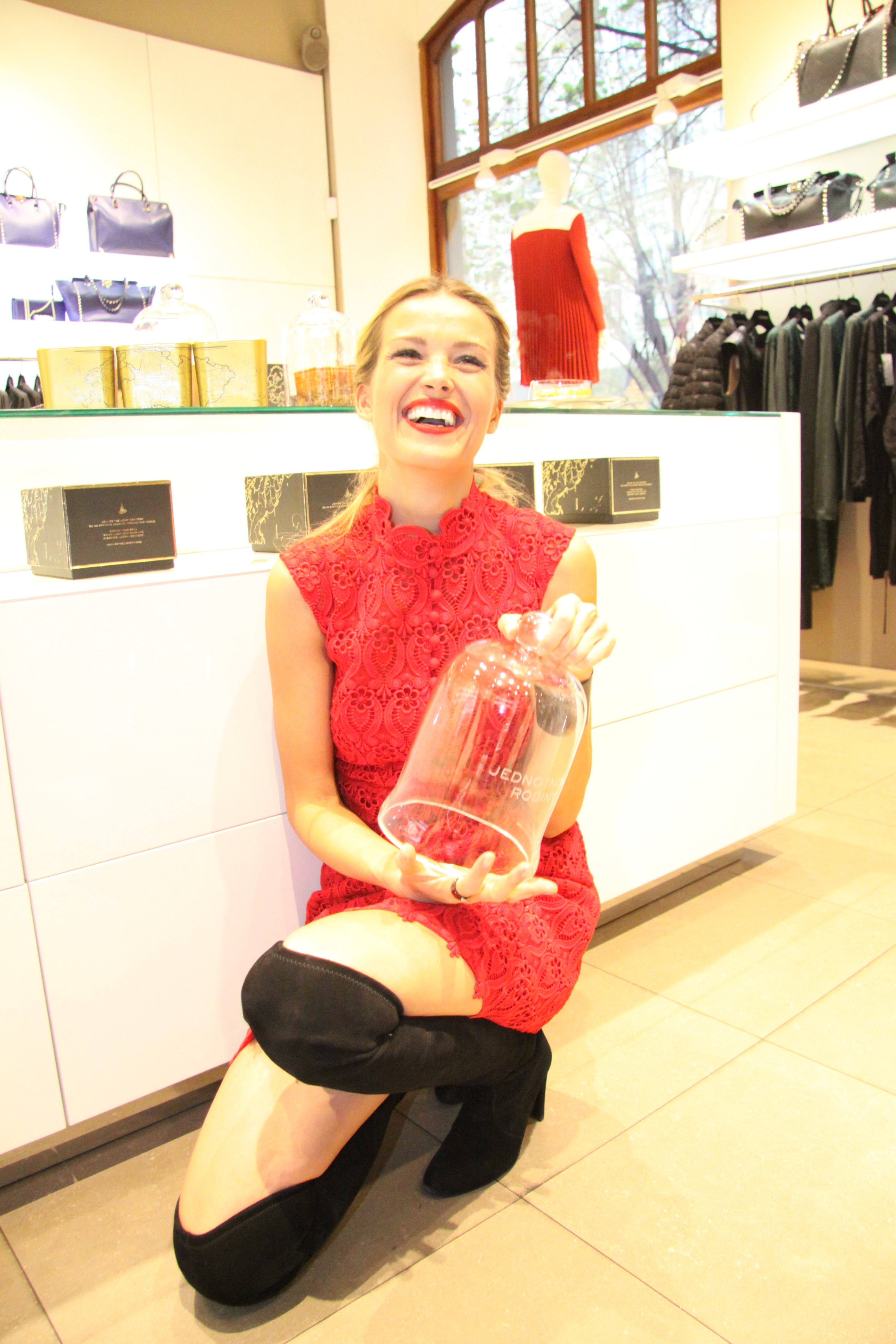
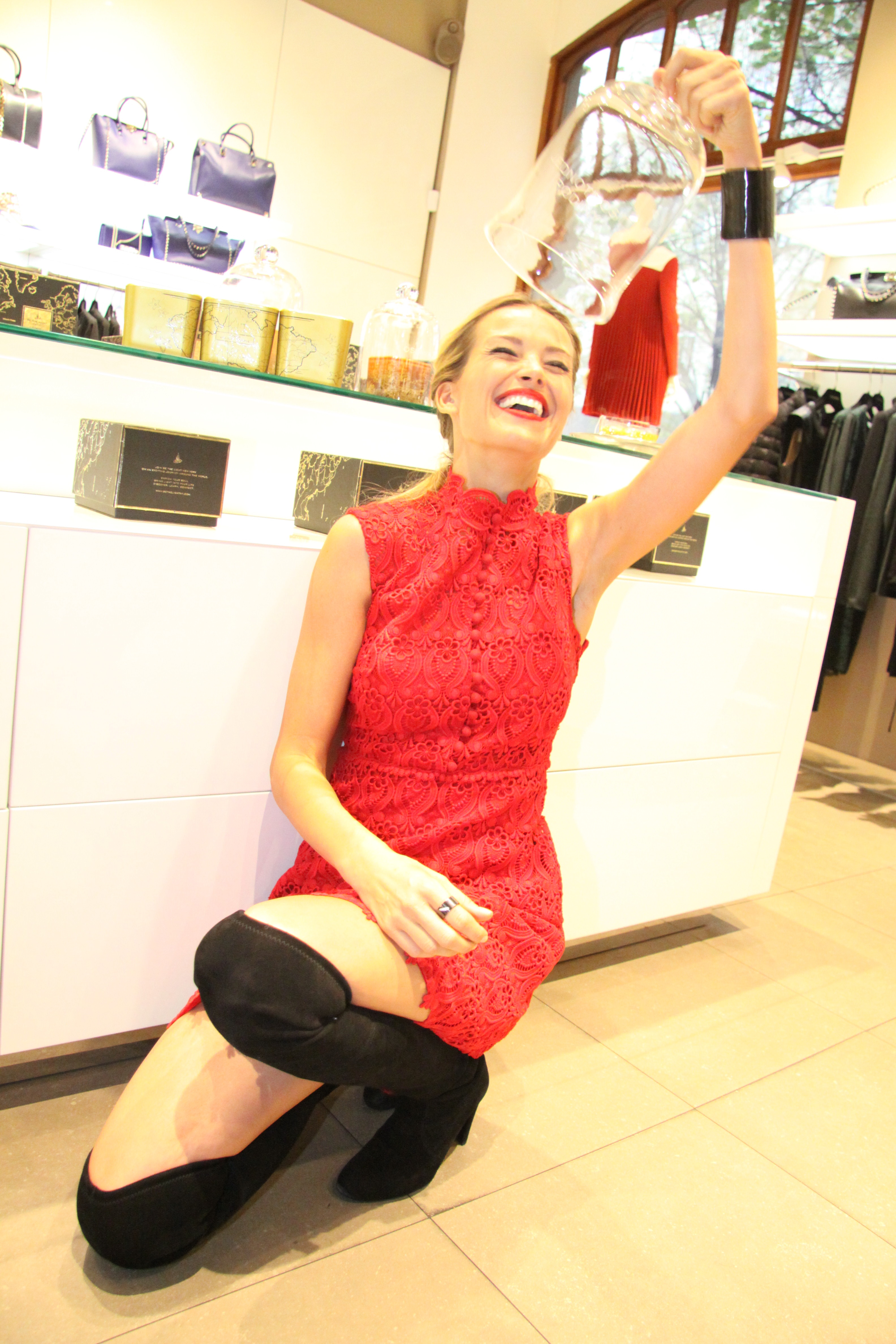
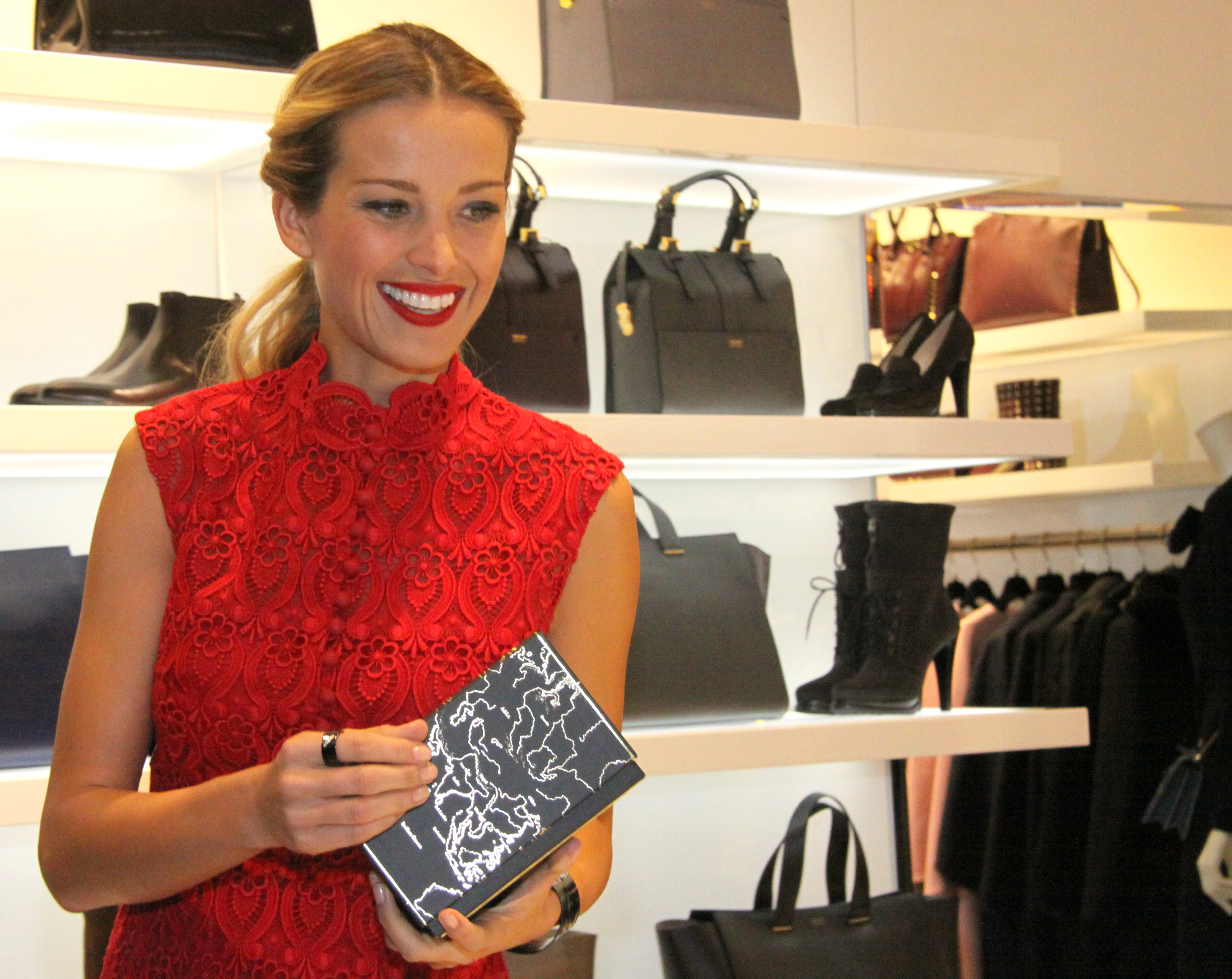
Petra Nemcova presented her collection of luxury candles in Prague - October 31, 2013






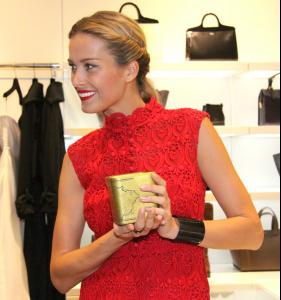


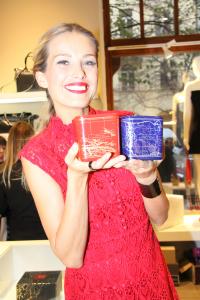
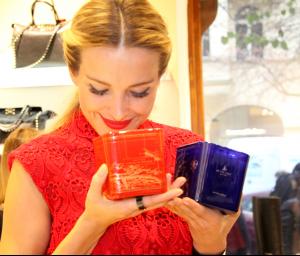
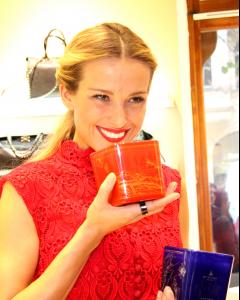

















-
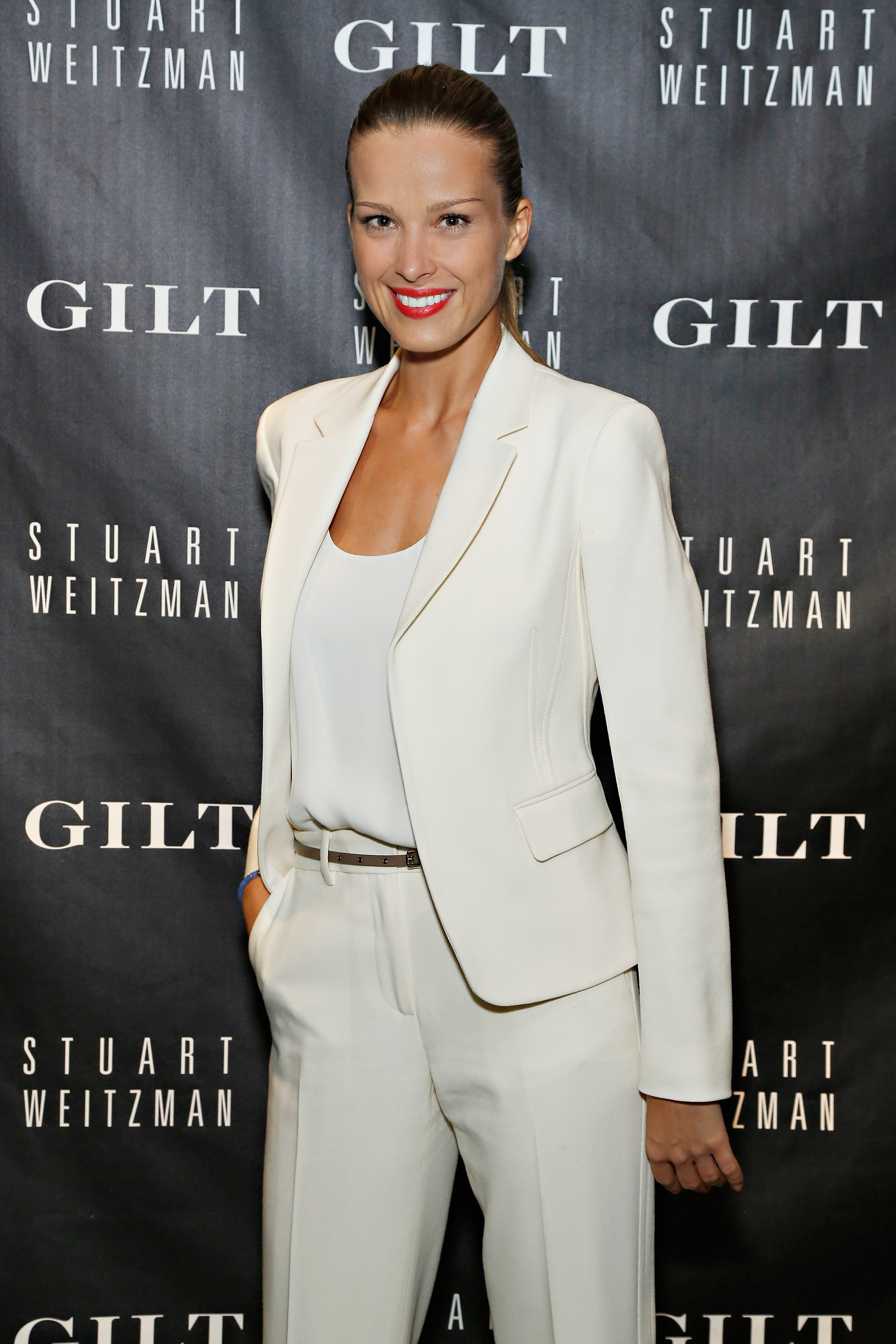
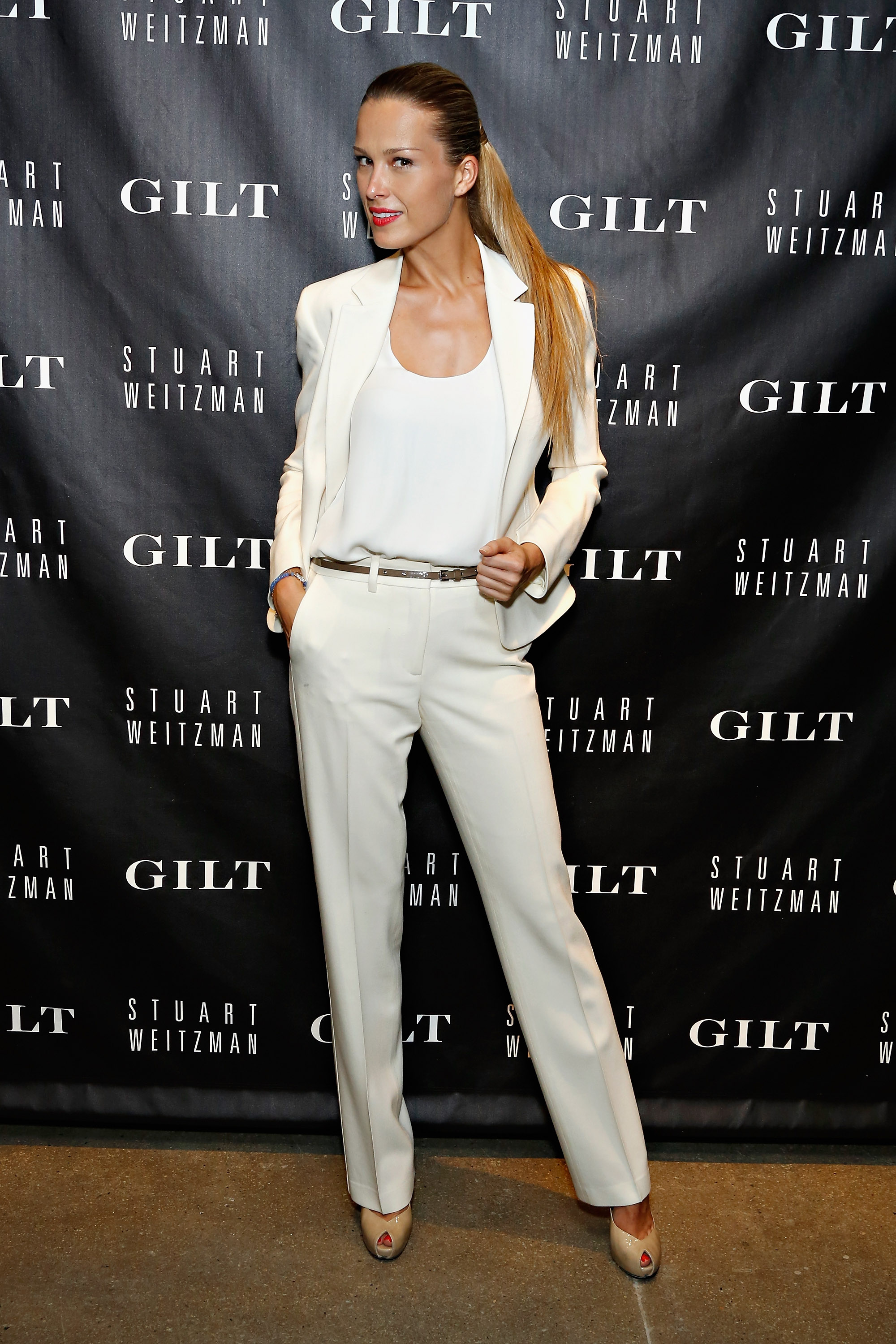
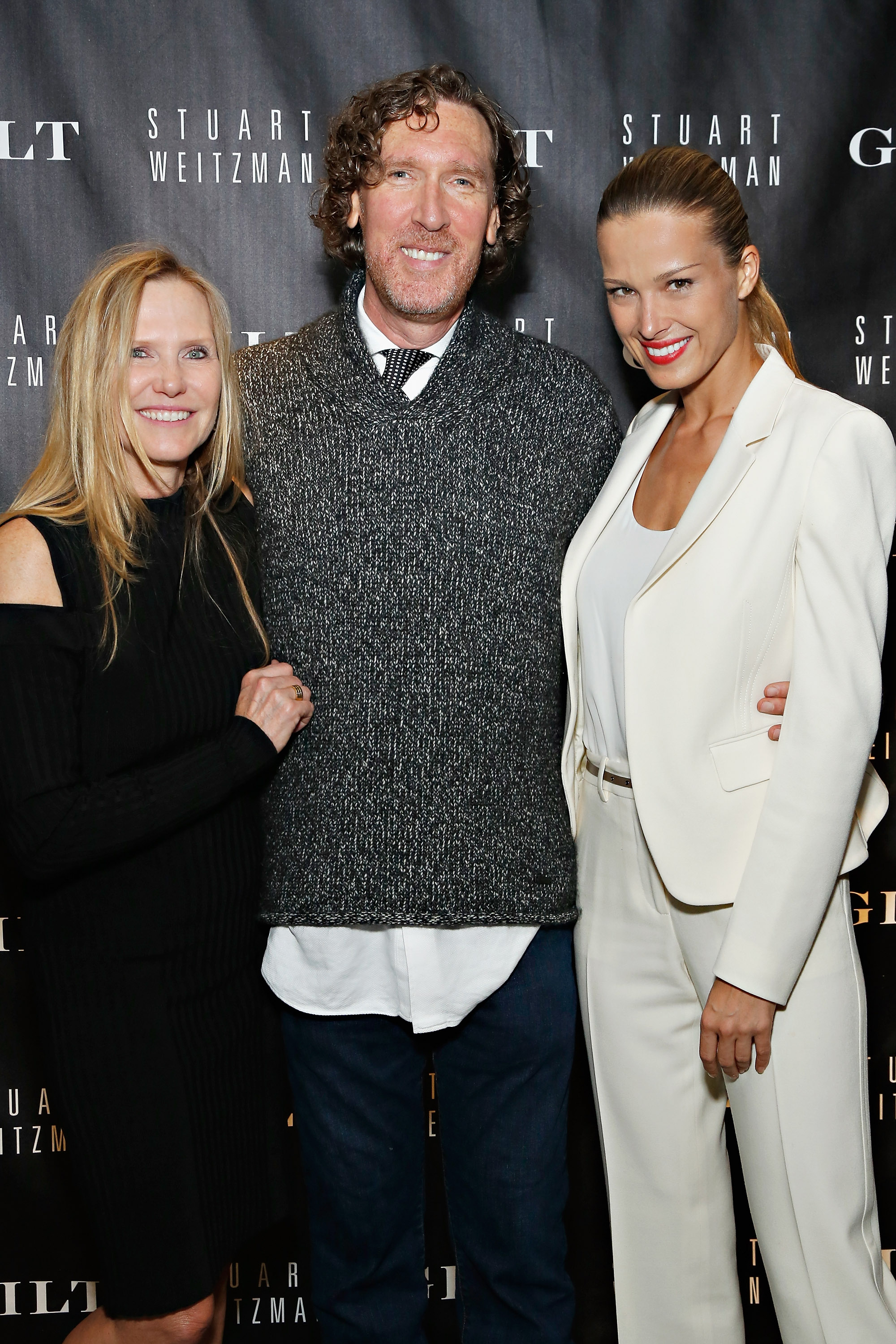
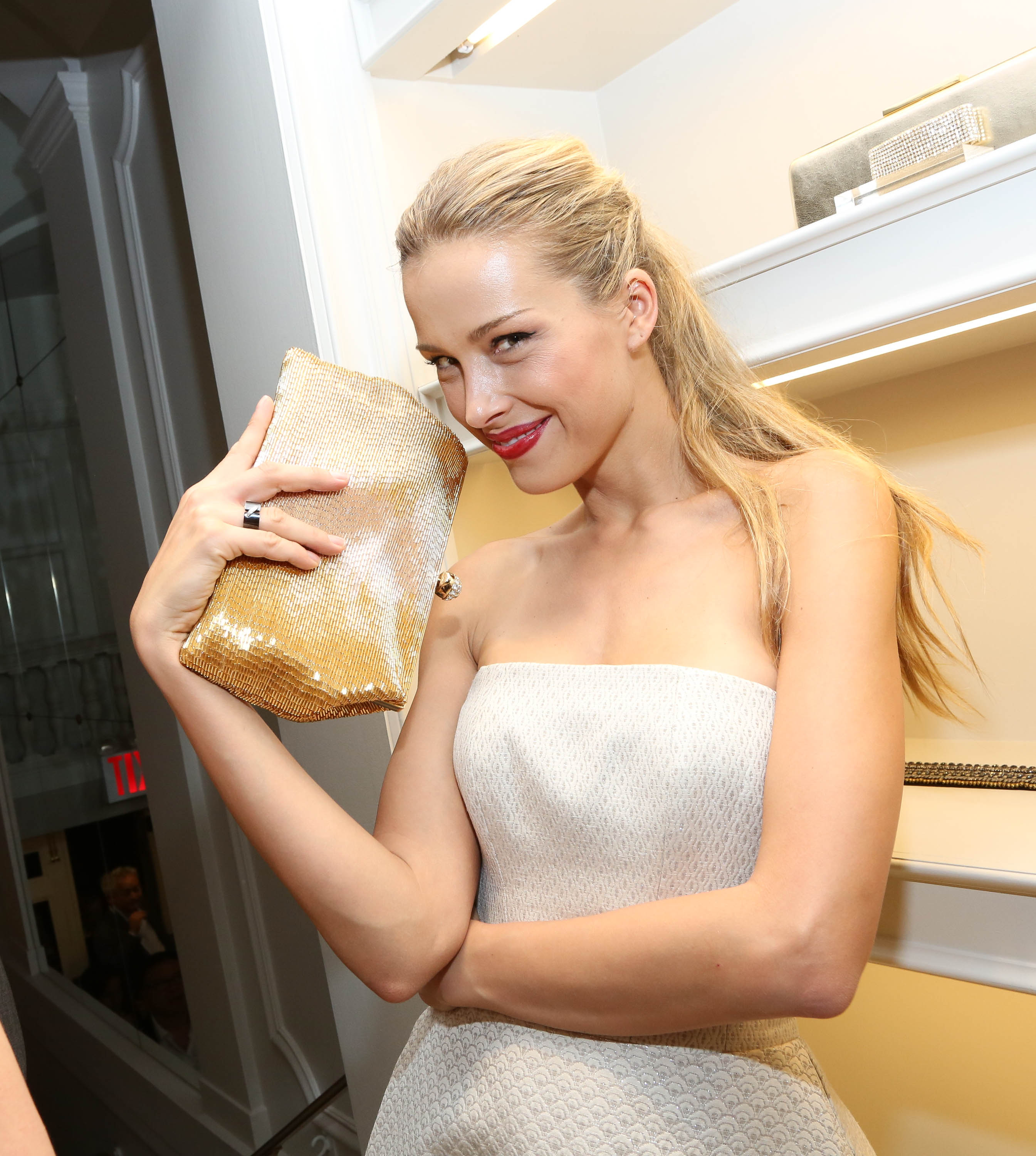
Gilt and Stuart Weitzman celebrate the 5050 Boot 20th Anniversary in New York, 16.10.2013









-
Victoria's Secret Beauty Night Fragrance Collection 2013 from vspressroom.com
-
@ Prague Fashion Trade Show, 2013/09/13

-
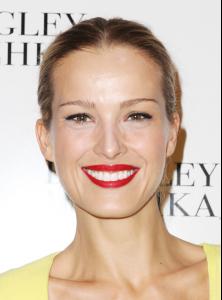
Badgley Mischka Fashion Show during MBFW Spring 2014 at Lincoln Center in New York, 2013/09/10













-
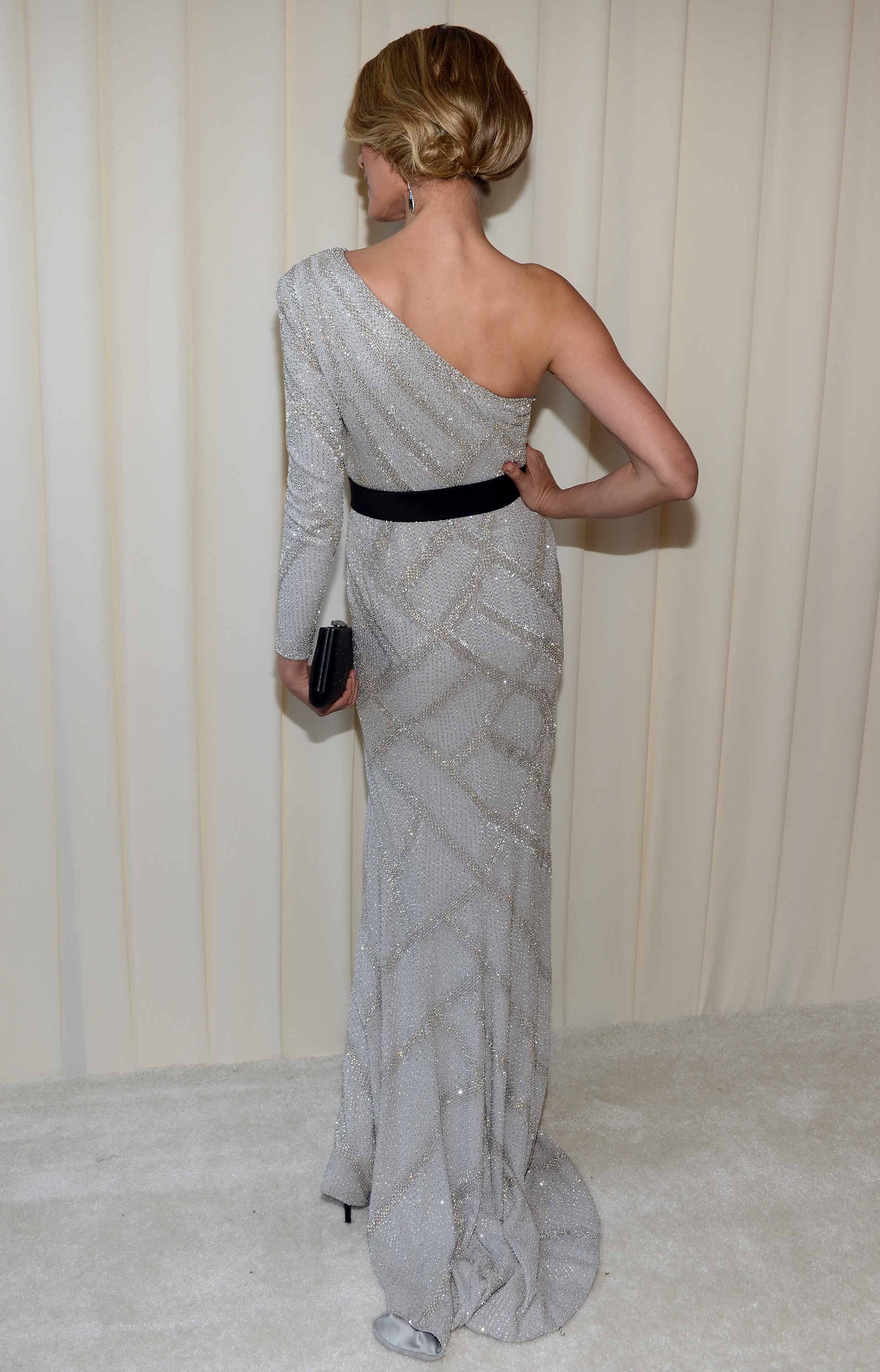
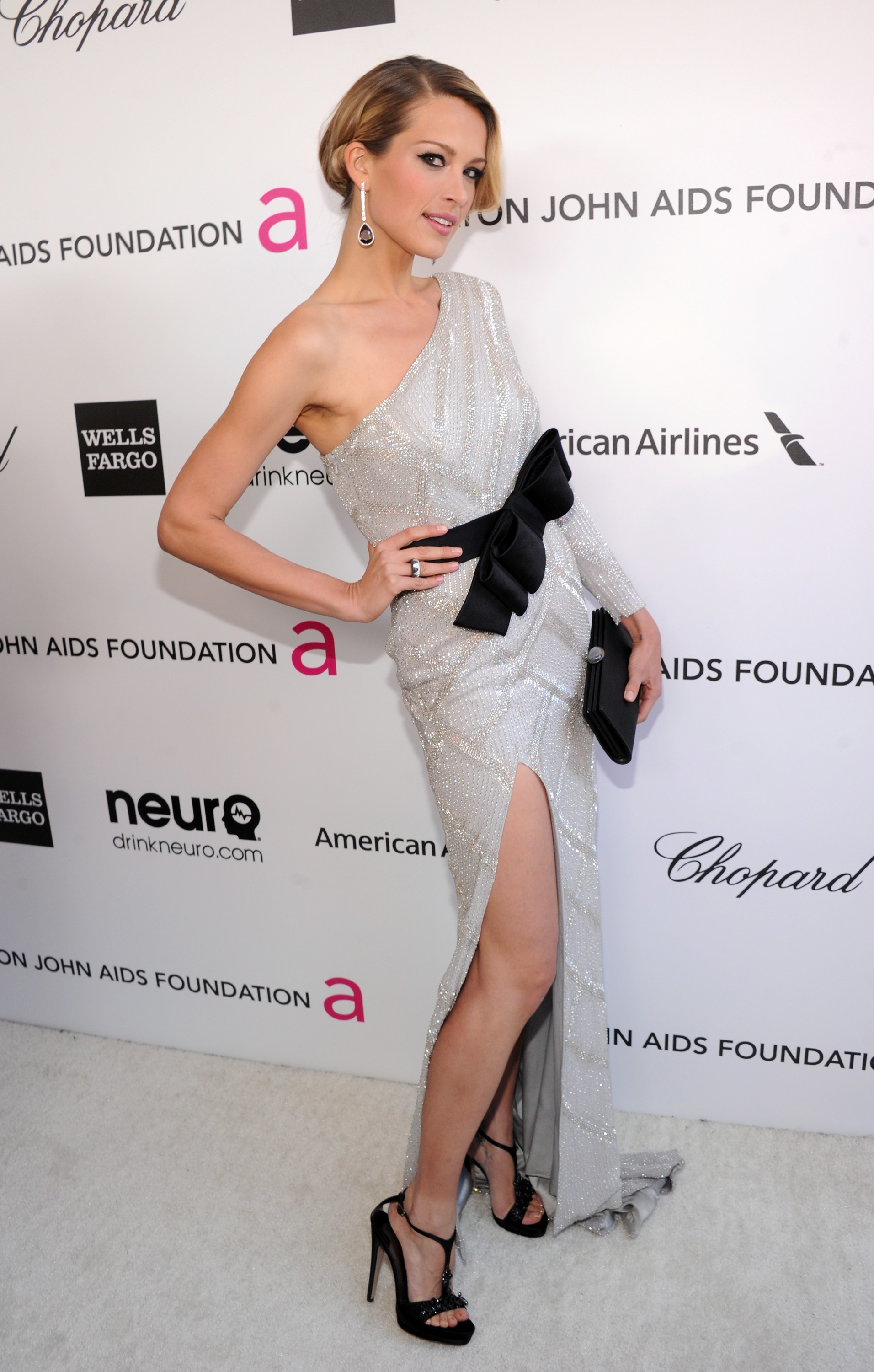
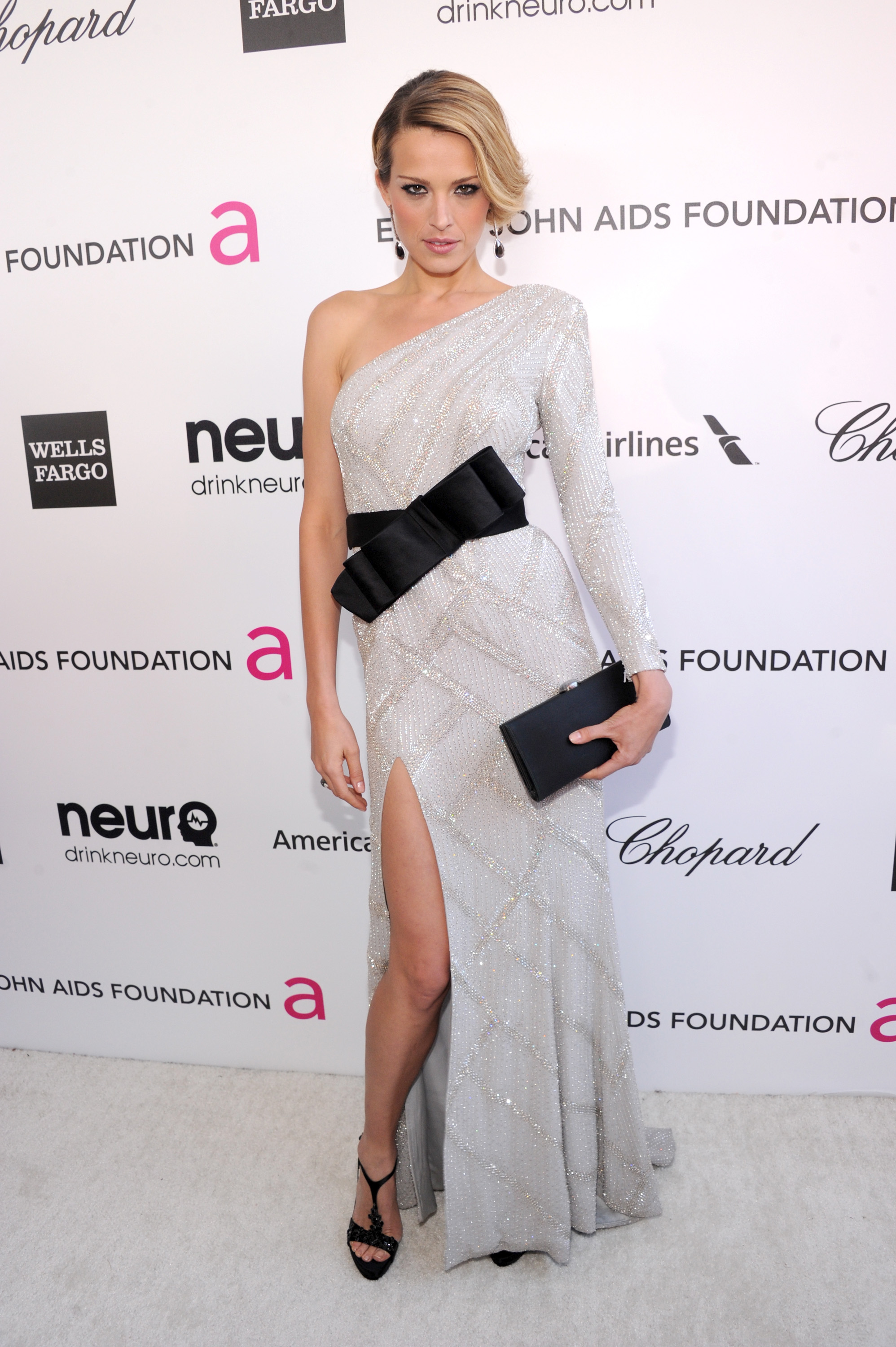
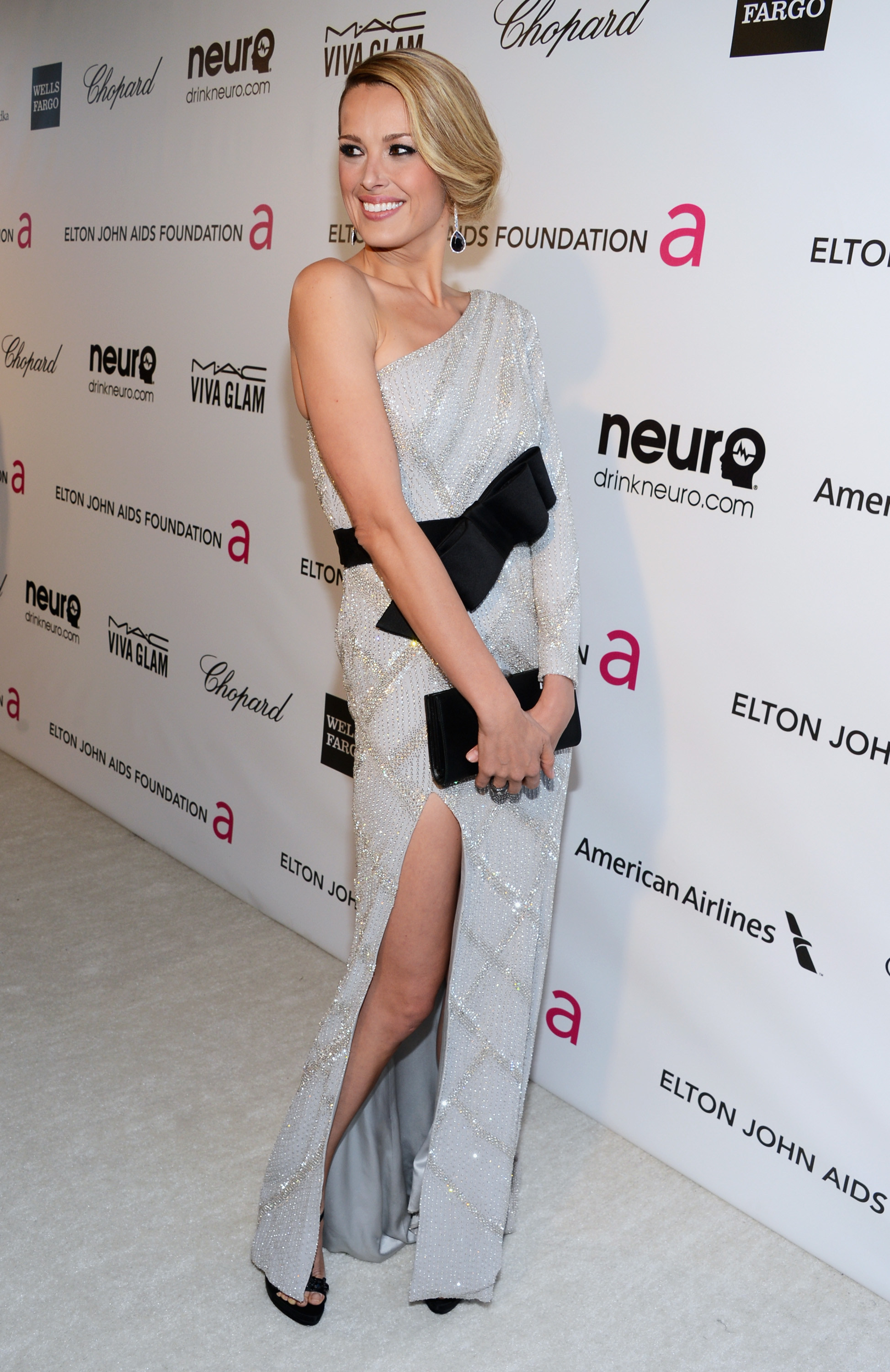
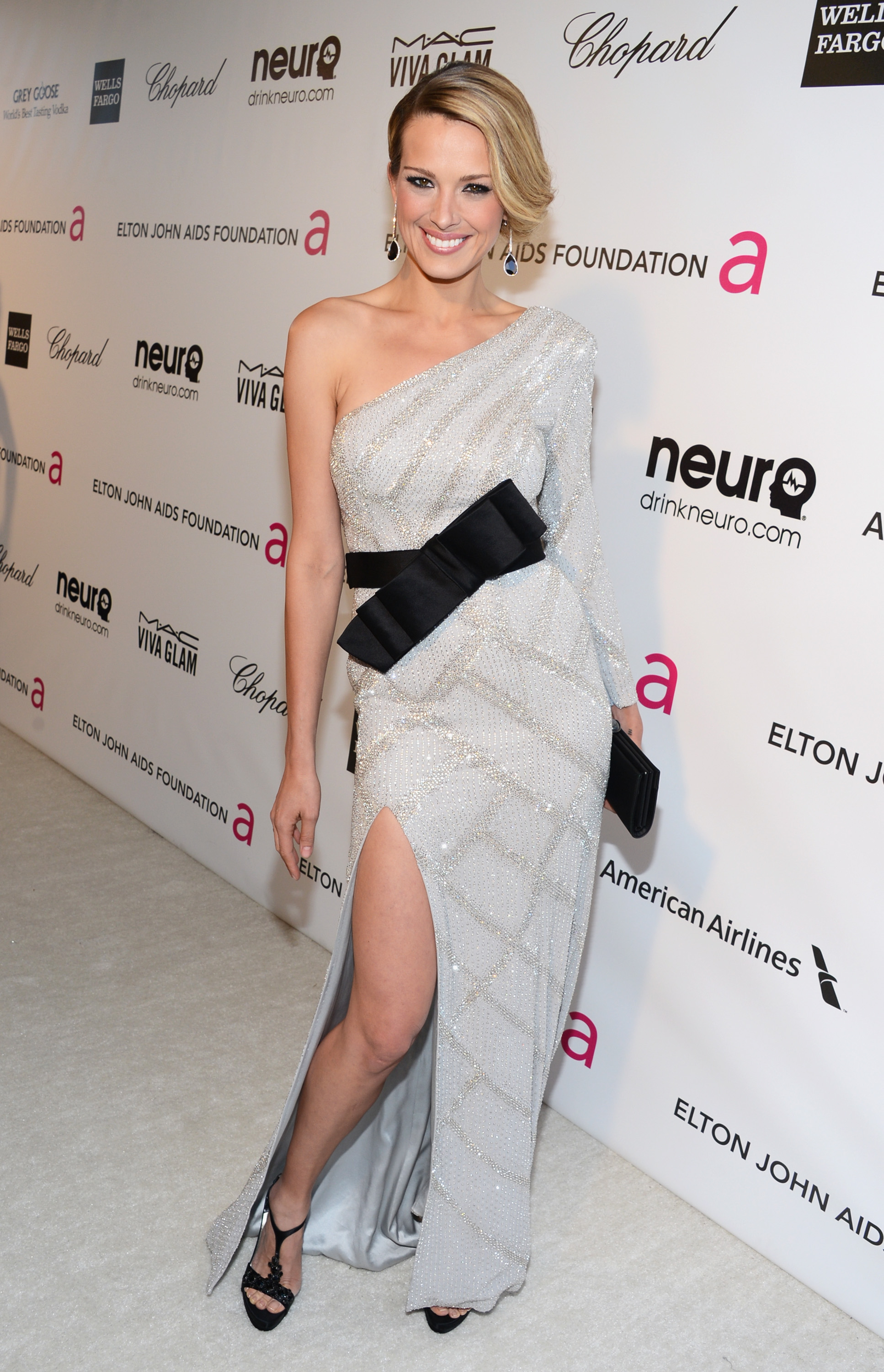
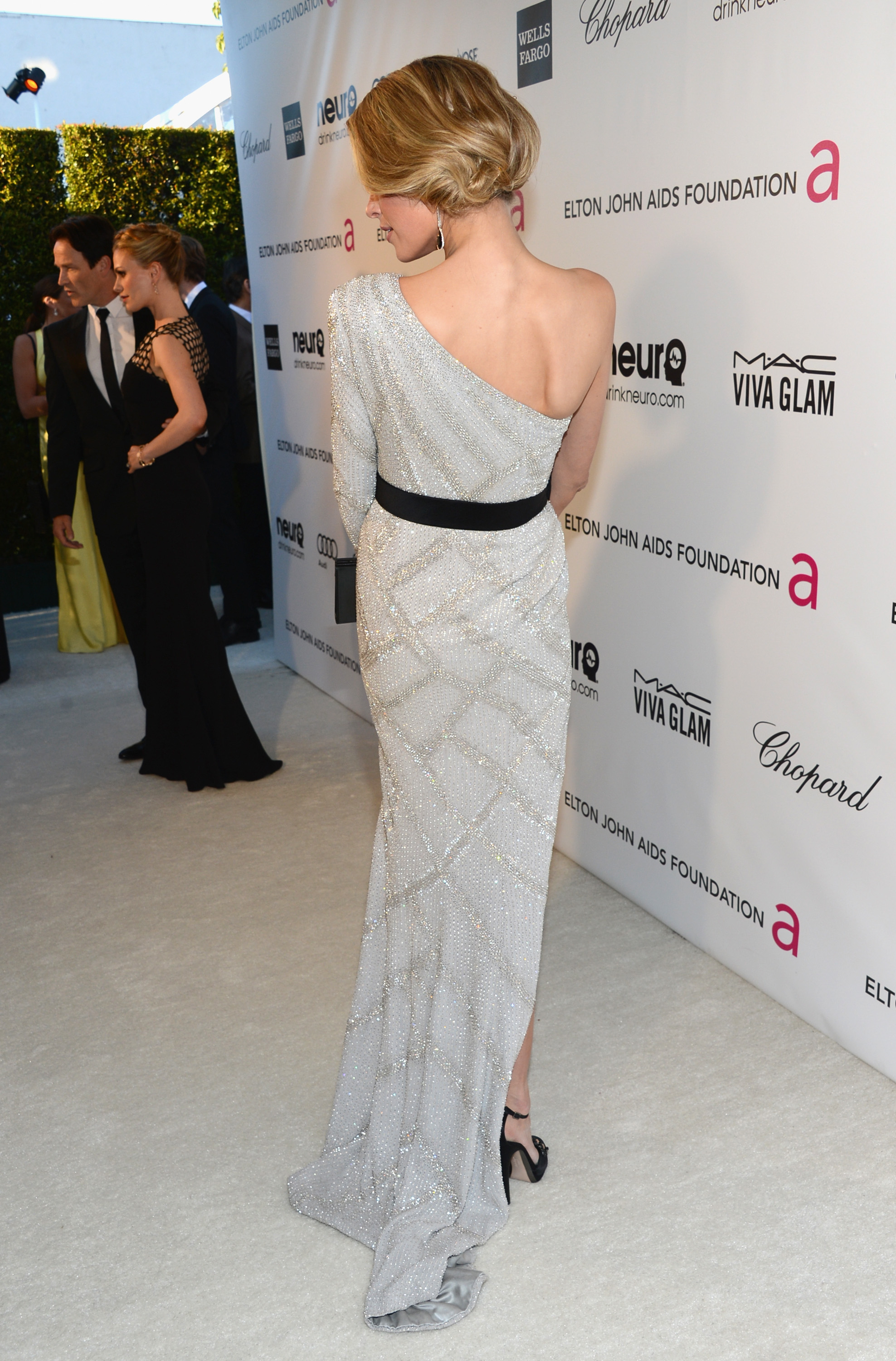
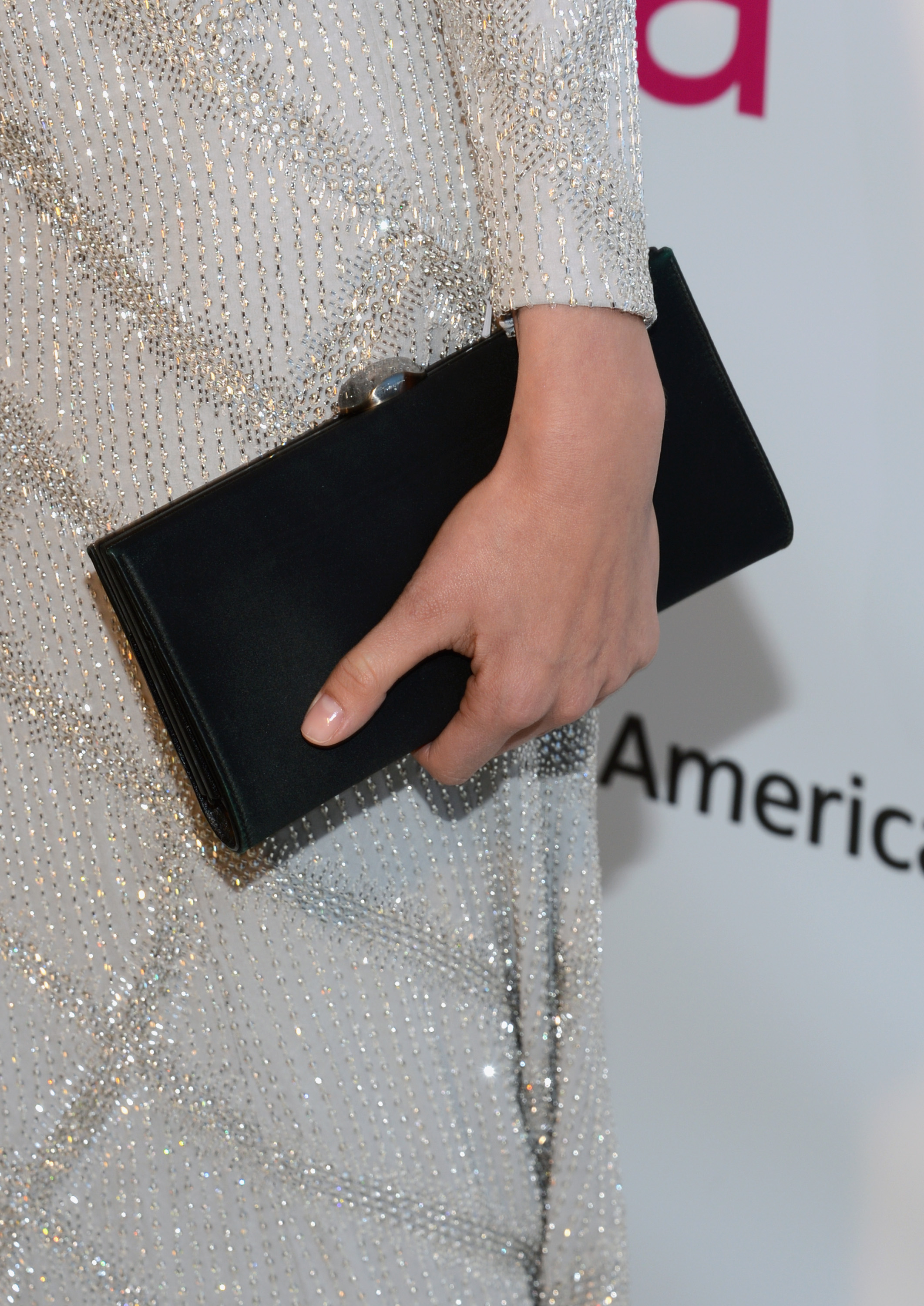
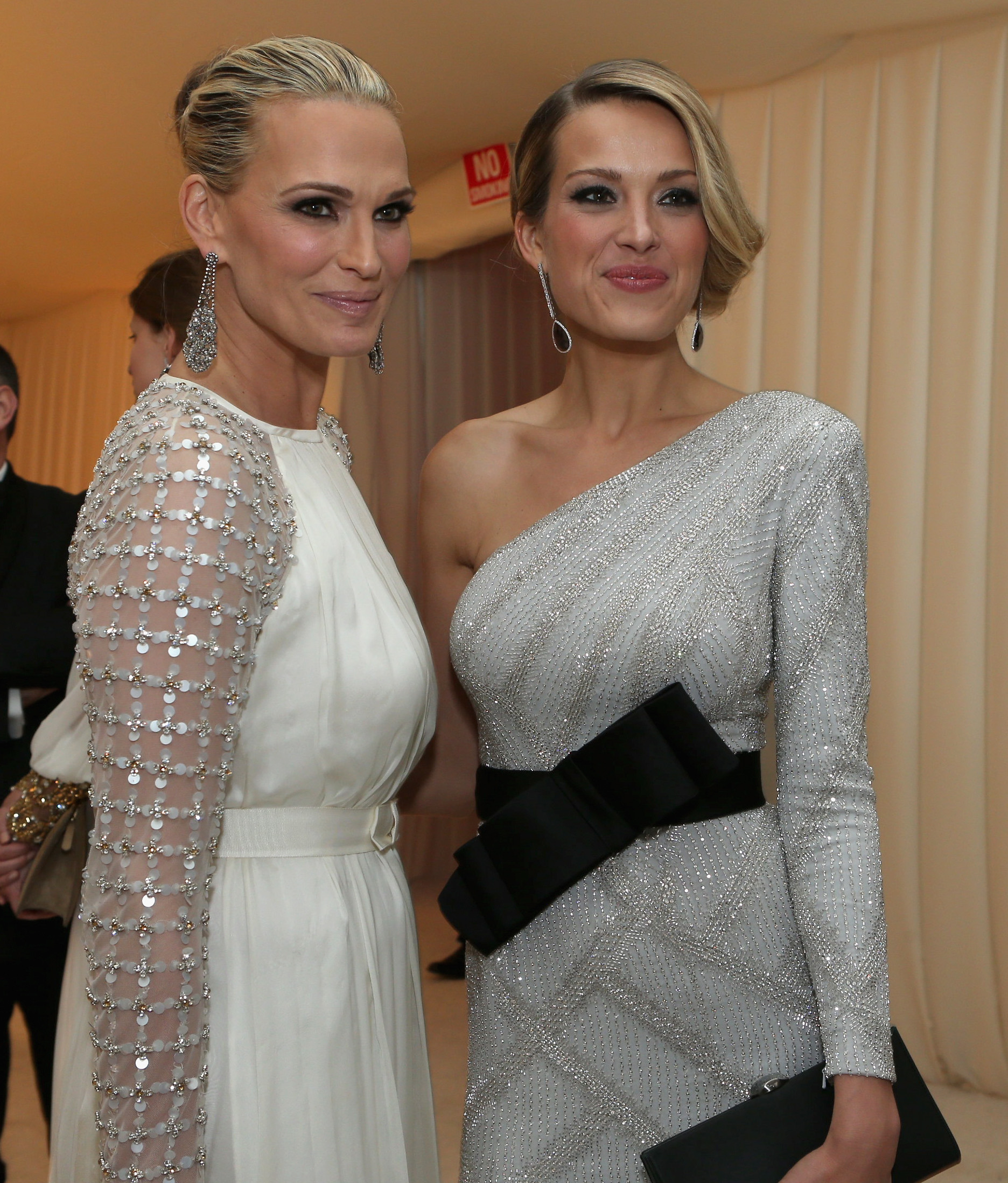
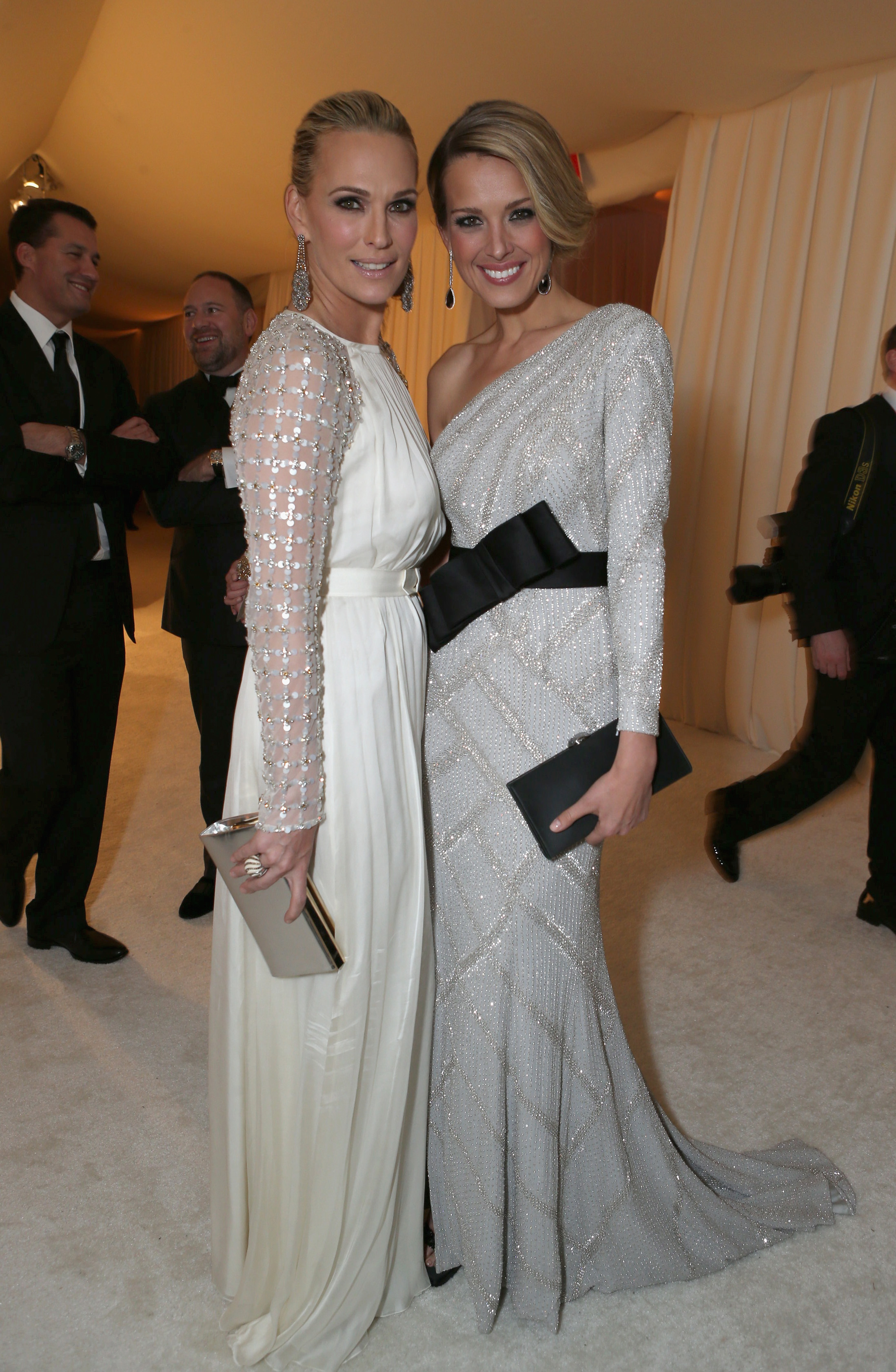
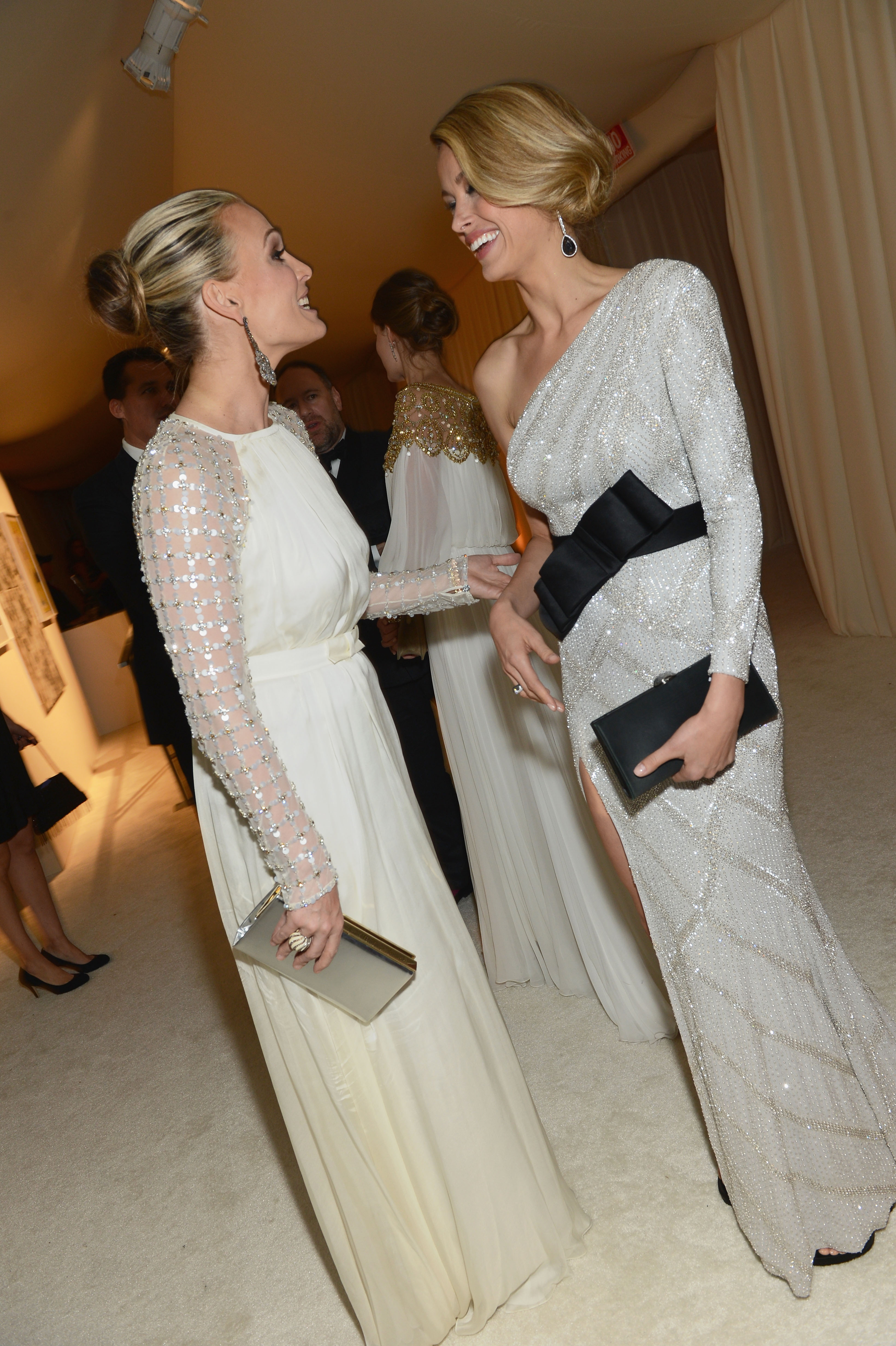
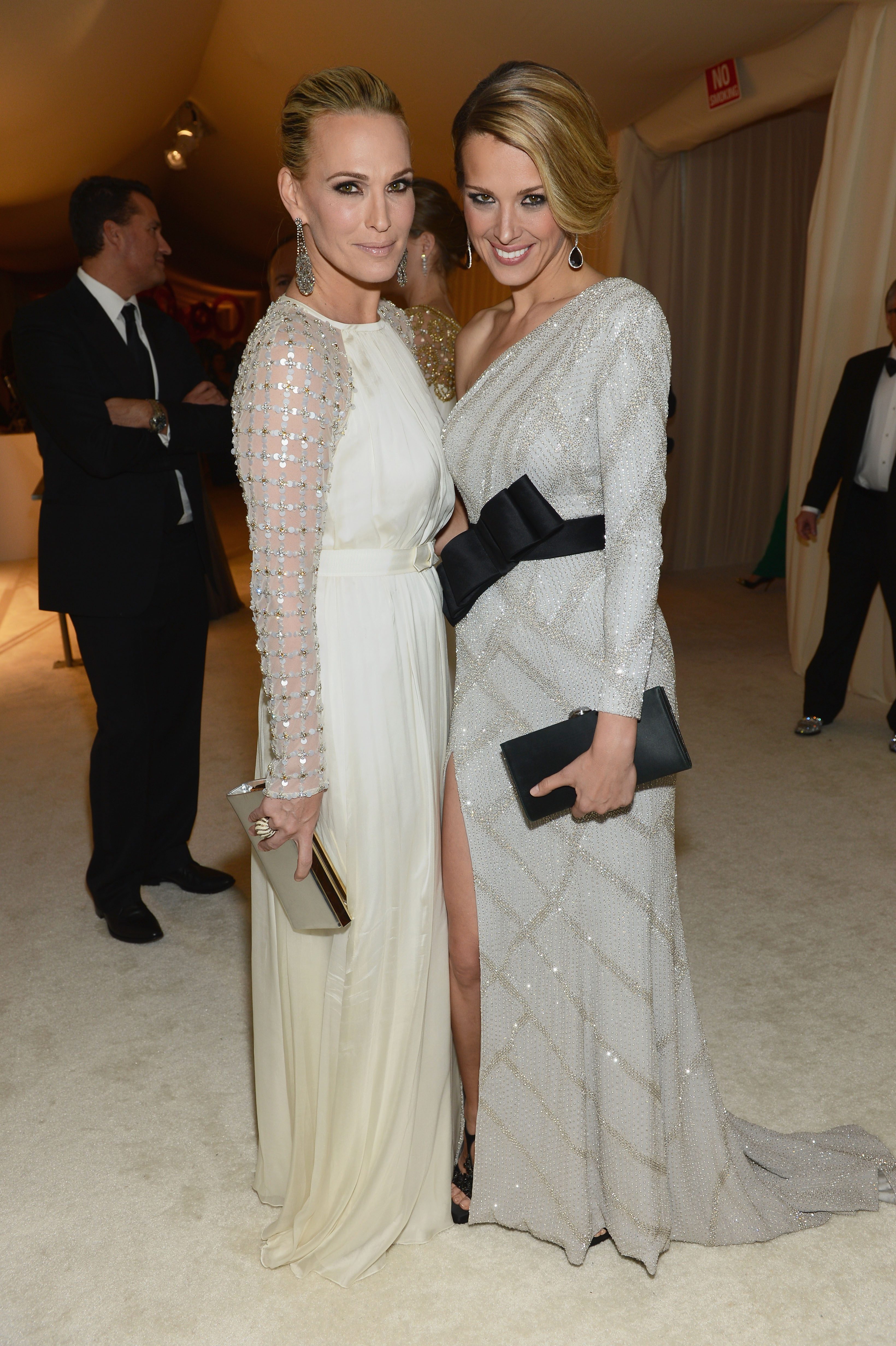
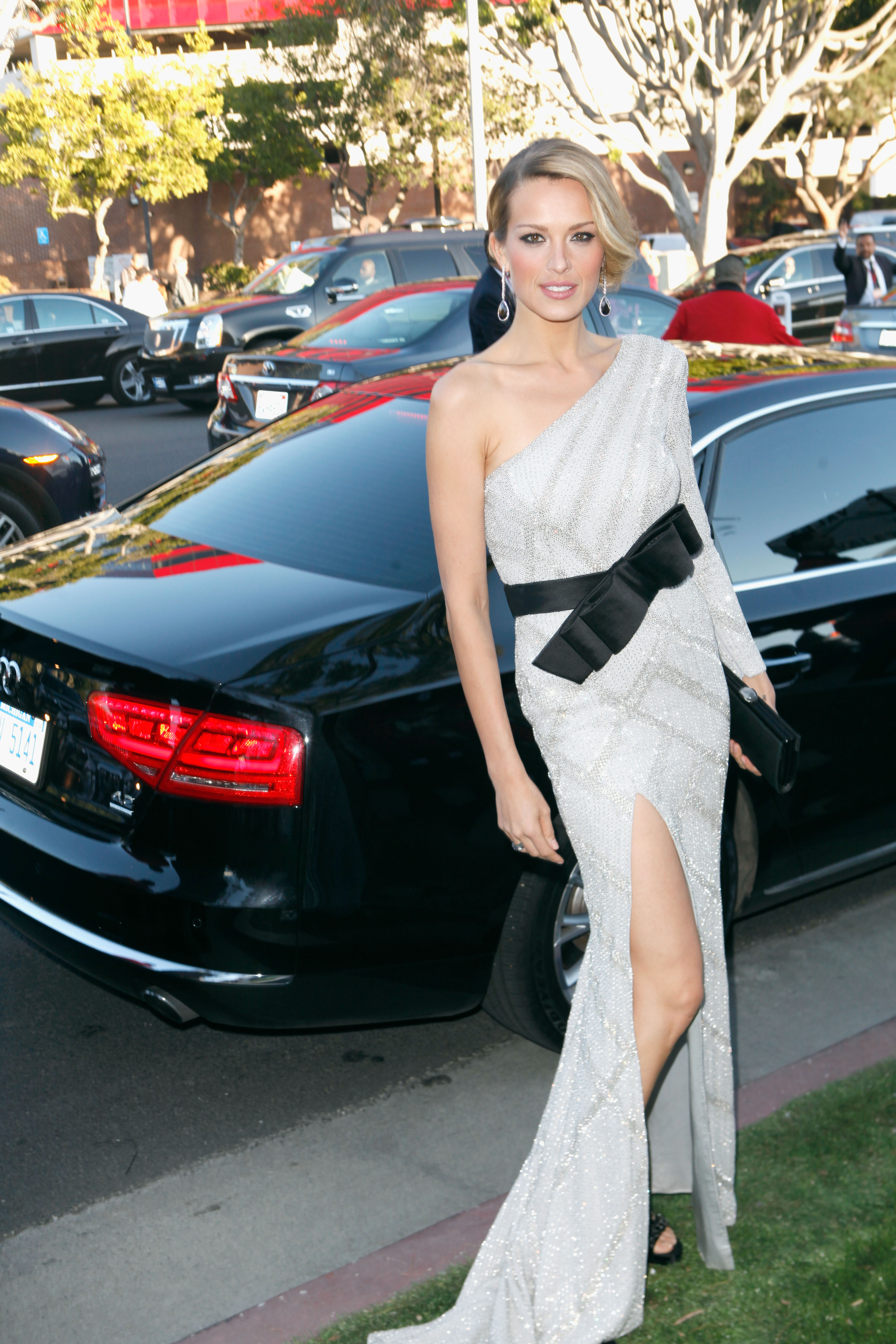
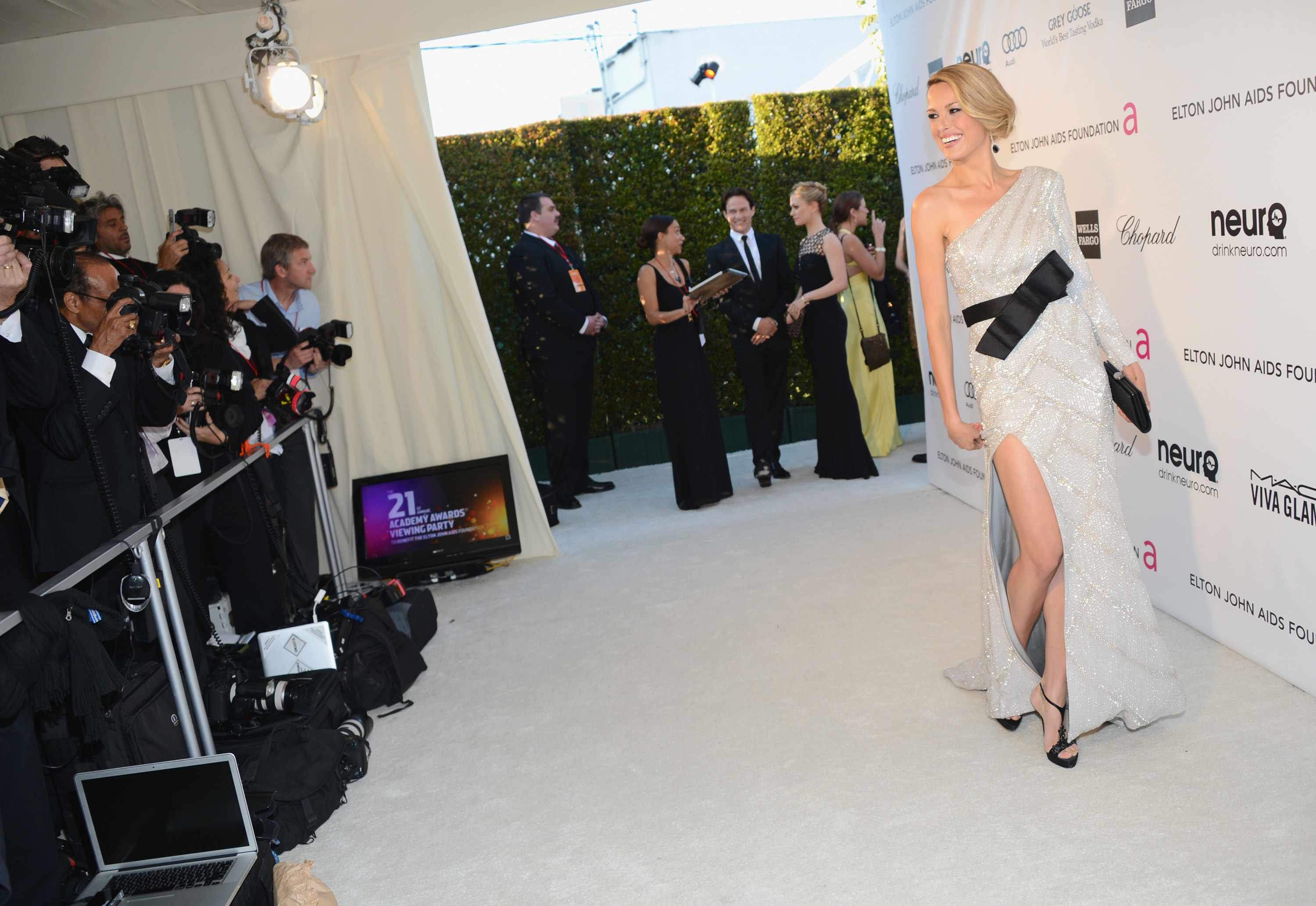
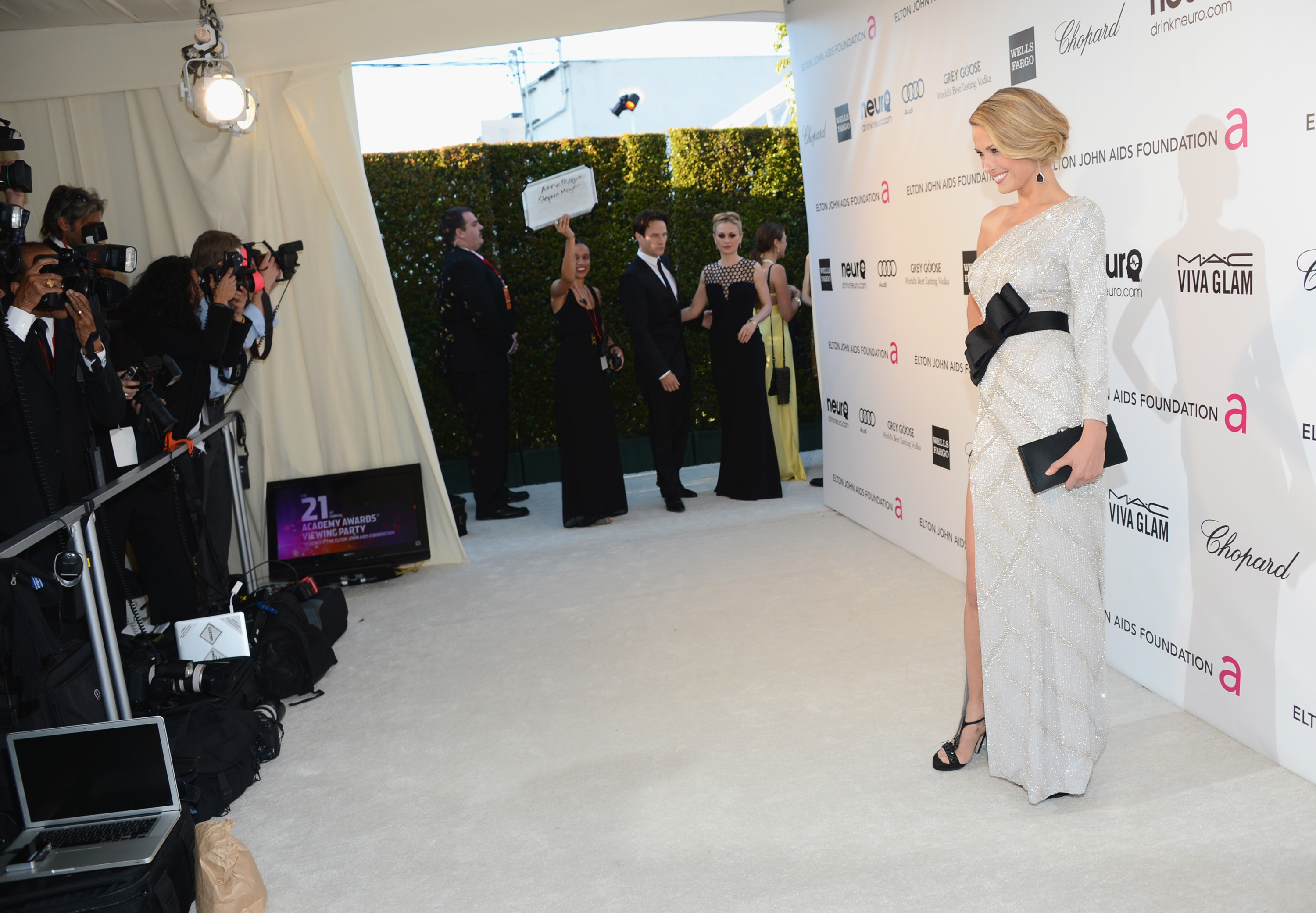
few adds...'The Impossible' Screening @ the Museum of Art and Design in NY, December 12th 2012


 The 2012 Happy Hearts Fund Land of Dreams Event in NY, December 11th 2012





































































Account
Navigation
Search
Configure browser push notifications
Chrome (Android)
- Tap the lock icon next to the address bar.
- Tap Permissions → Notifications.
- Adjust your preference.
Chrome (Desktop)
- Click the padlock icon in the address bar.
- Select Site settings.
- Find Notifications and adjust your preference.
Safari (iOS 16.4+)
- Ensure the site is installed via Add to Home Screen.
- Open Settings App → Notifications.
- Find your app name and adjust your preference.
Safari (macOS)
- Go to Safari → Preferences.
- Click the Websites tab.
- Select Notifications in the sidebar.
- Find this website and adjust your preference.
Edge (Android)
- Tap the lock icon next to the address bar.
- Tap Permissions.
- Find Notifications and adjust your preference.
Edge (Desktop)
- Click the padlock icon in the address bar.
- Click Permissions for this site.
- Find Notifications and adjust your preference.
Firefox (Android)
- Go to Settings → Site permissions.
- Tap Notifications.
- Find this site in the list and adjust your preference.
Firefox (Desktop)
- Open Firefox Settings.
- Search for Notifications.
- Find this site in the list and adjust your preference.