
Jeanmarc
Members
-
Joined
-
Last visited
Everything posted by Jeanmarc
-
L'ecole National Spring 2013 Models https://vimeo.com/58967477
-
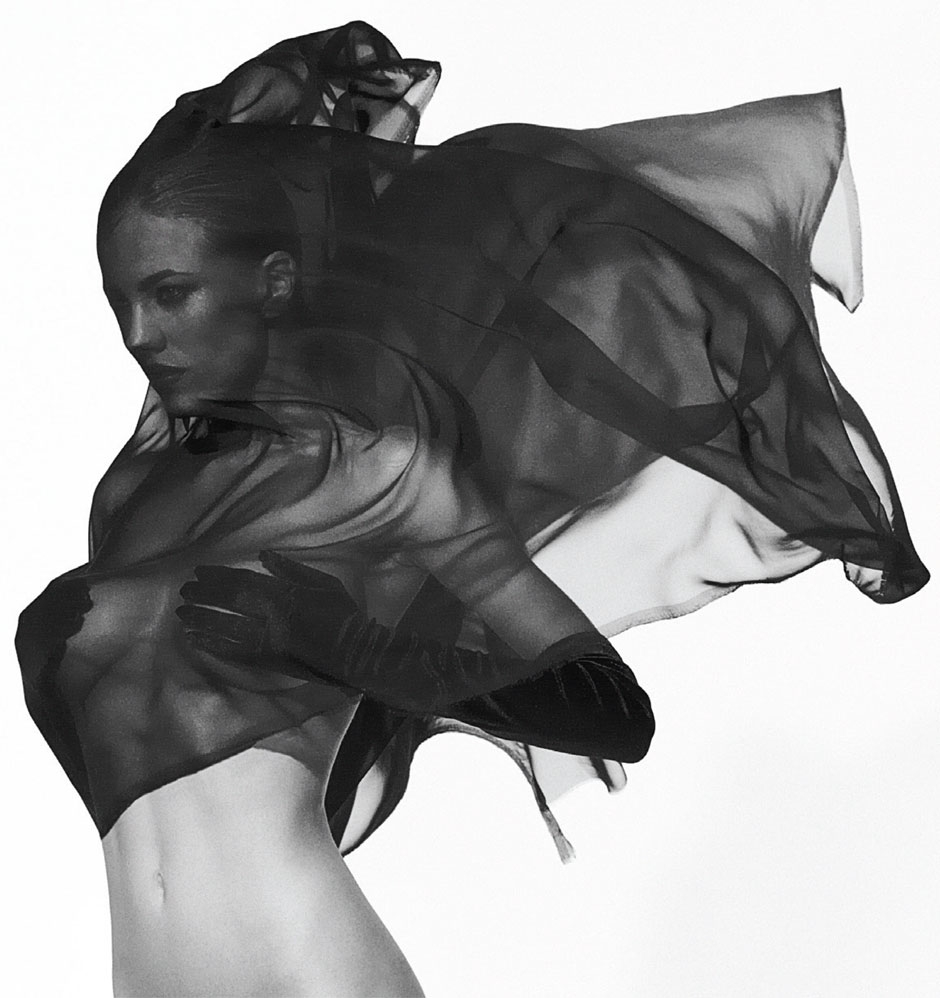
I love this picture http://jonnejohnson....age/32881486676
-
Therese Fischer Tumblr http://theresefischer.tumblr.com/
-
Francina Models http://www.francinamodels.com/es/woman/mainboard/portfolio_1653
-
coleurmagazine.tumblr Anthony Nobilo sube fotos sube fotos subefotos hosting imagenes
-
-
Woow! Great couple

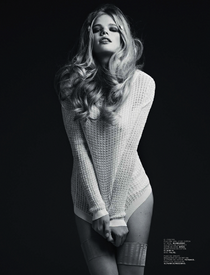







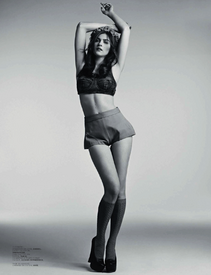




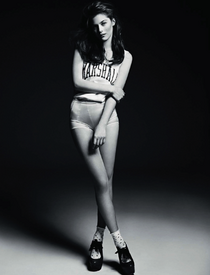
-
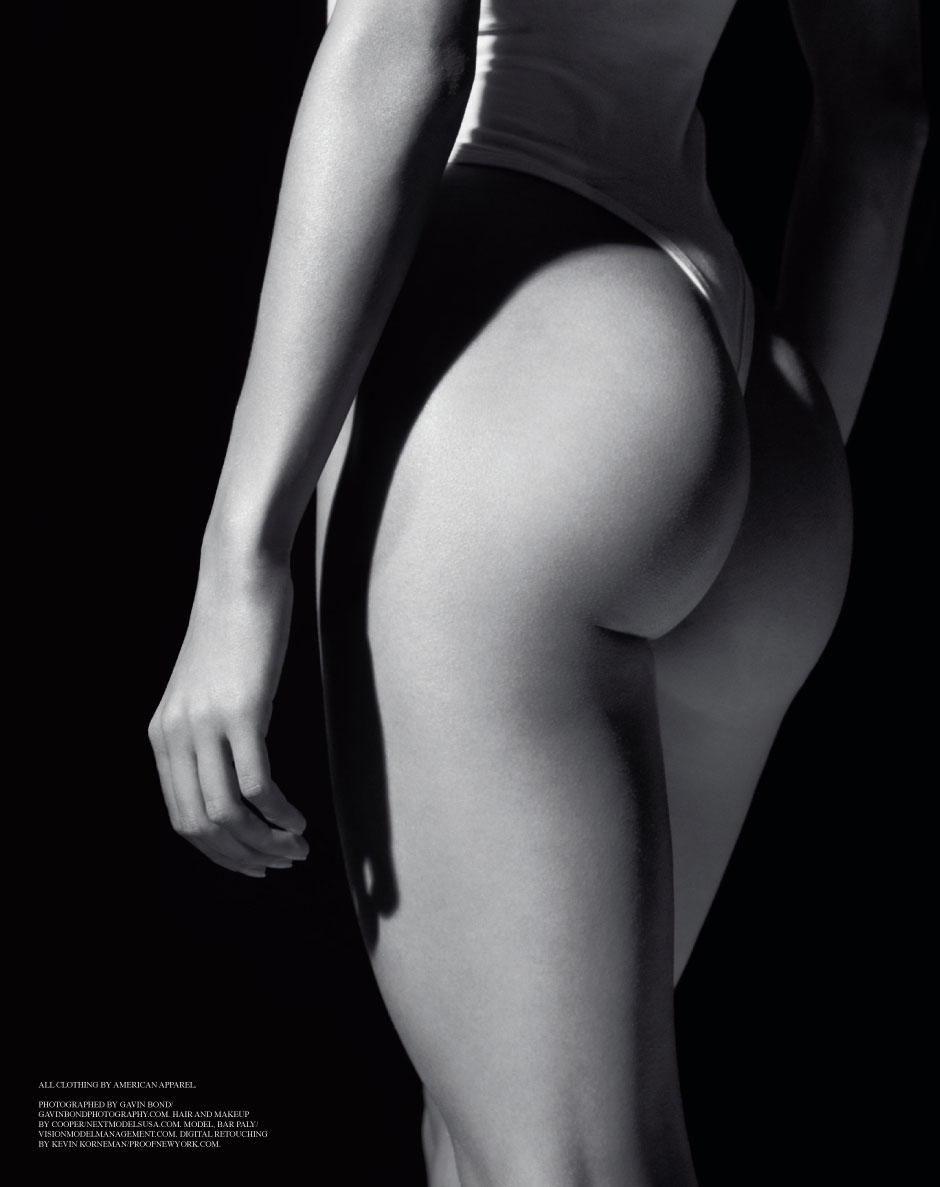
Thanks Bigmax for new pictures The Treats Magazine nº 1 issue link is http://your-daily-girl.com/2011/05/bar-poly-topless-in-treats-magazine/#more-12631
-
Model: Bar Paly Photographer: Gavin Bond Magazine: Treats! Magazine Issue #1 Nudity













-
Great work, katchitup
-
thank you maidude for the complete infoStacey Mark http://www.staceymark.com/
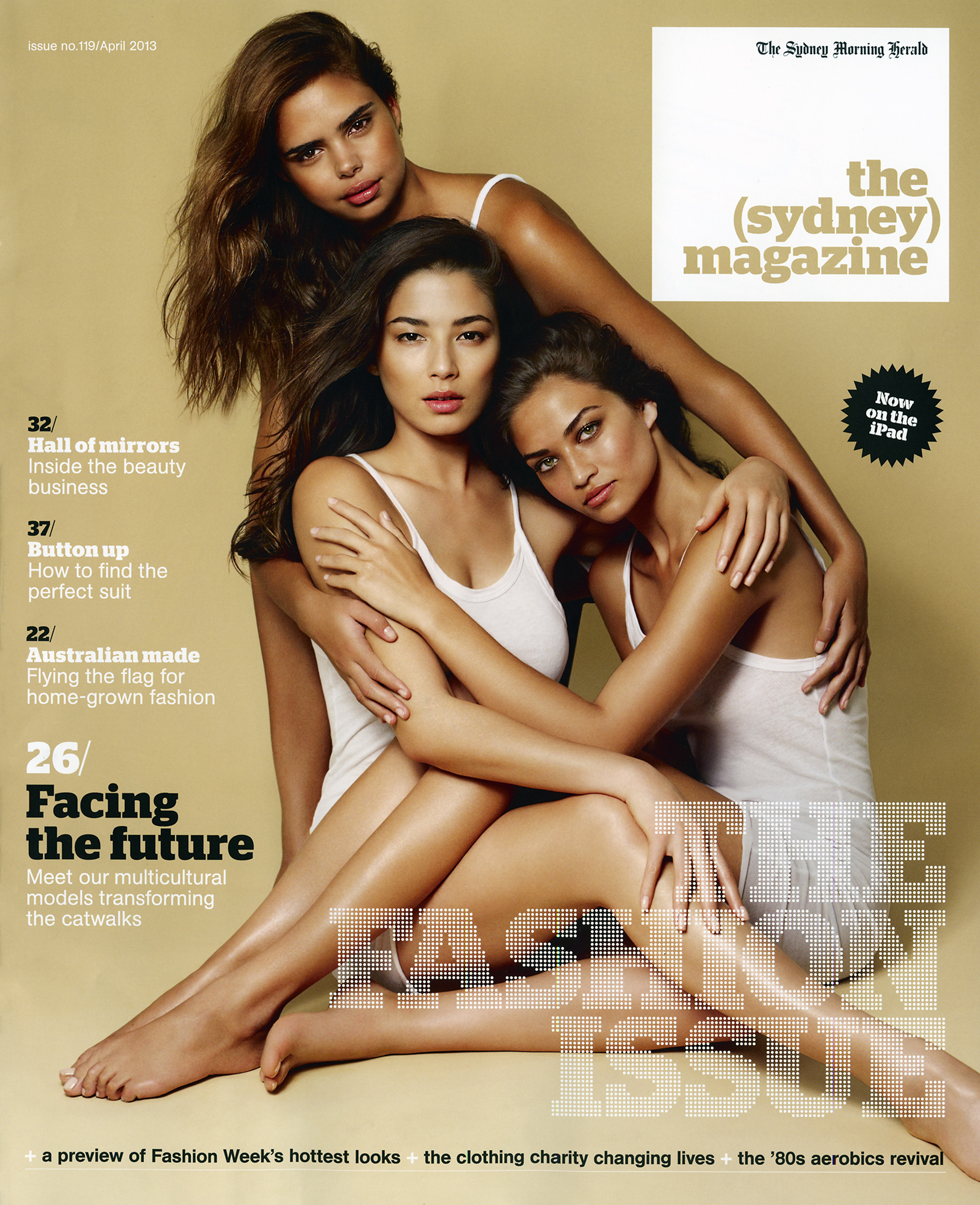
 SportsIllustrated 2013 Swimsuit, in ChinaThe Sydney Magazine - April 2013.
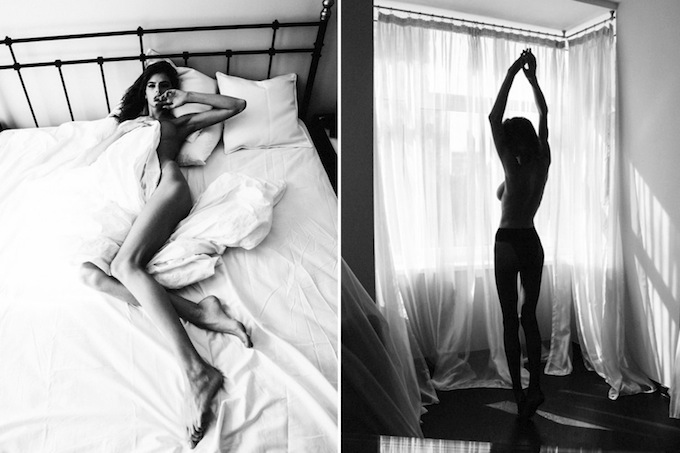
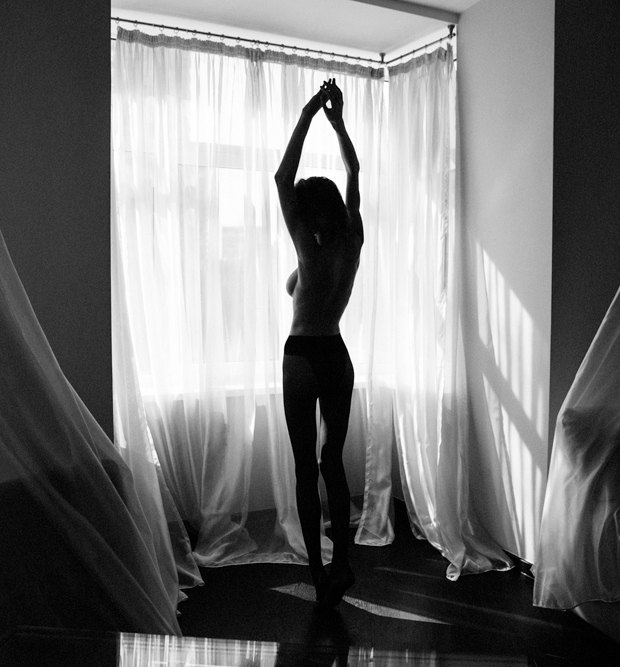
 Treats Magazine FROM RUSSIA WITH LOVE: JURIJ TRESKOW http://treatsmagazin...dasha-malygina/ Nudity http://imgbox.com/g/nTt39yiYZN






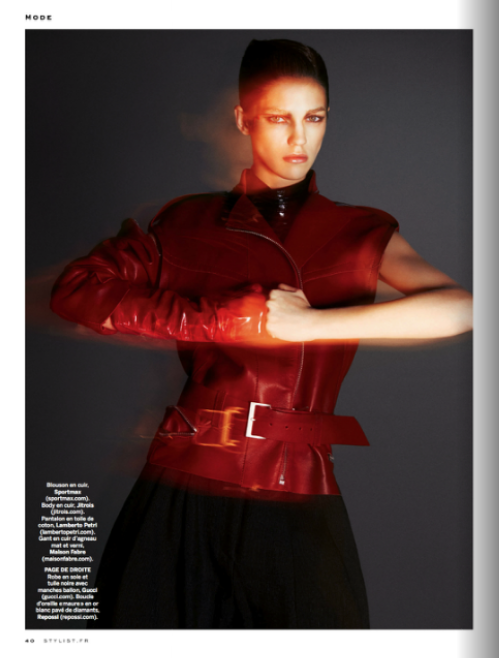
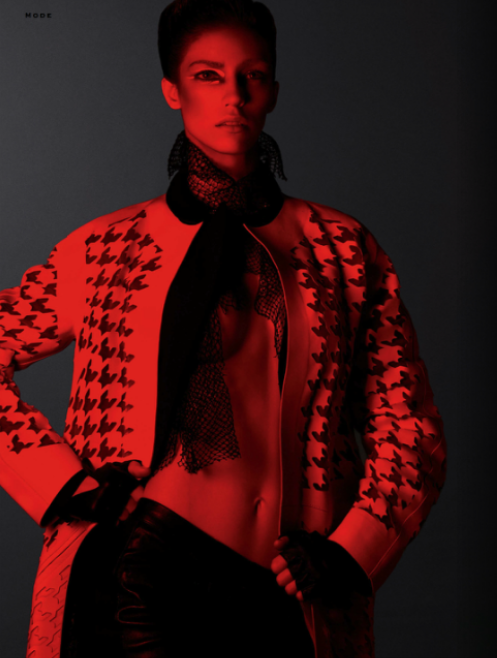
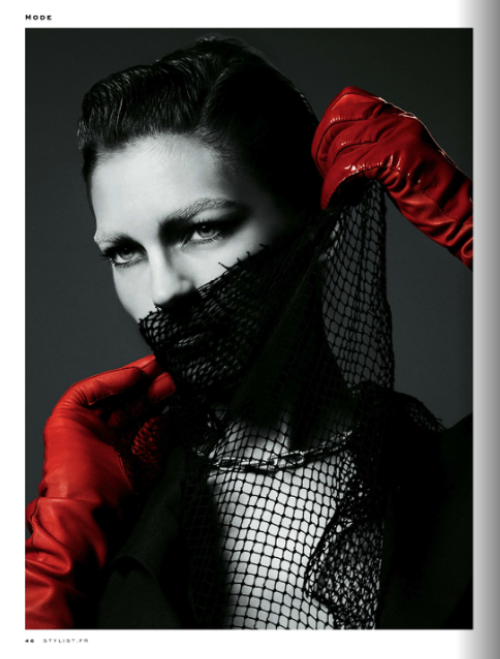
 Pirosami Backstage https://vimeo.com/64482440Furfur Magazine http://www.furfurmag.ru/furfur/all/devushki/163947-rossiyskaya-model-dasha-malygina-snyalas-dlya-zhurnala-purpleGRAZIA Germany #18/2013 "DENIM-DIVA" photo: Marc Philbert production: Nino Cerone hair: Sonia Duchaussoy make-up: Alexandra Schiavi model: Julia AlmendraVogue Paris IPAD Version Nudity http://imgbox.com/acxjLrEc http://imgbox.com/acdN5atA http://imgbox.com/adp7ITWWStylist Magazine Issue 1 in France Photographer: Txema Yeste
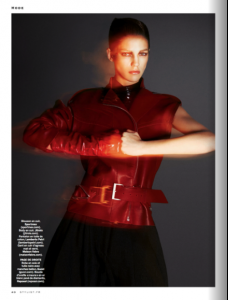
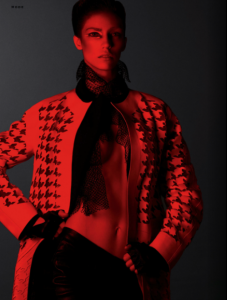


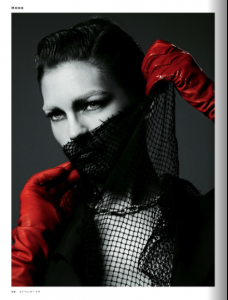
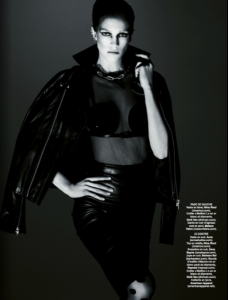
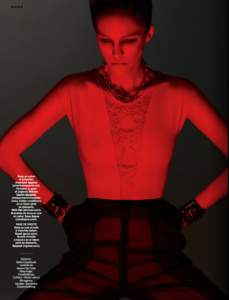
 On set with Josh Ryan http://joshryanphoto.com/ Nudity!!


















































Account
Navigation
Search
Configure browser push notifications
Chrome (Android)
- Tap the lock icon next to the address bar.
- Tap Permissions → Notifications.
- Adjust your preference.
Chrome (Desktop)
- Click the padlock icon in the address bar.
- Select Site settings.
- Find Notifications and adjust your preference.
Safari (iOS 16.4+)
- Ensure the site is installed via Add to Home Screen.
- Open Settings App → Notifications.
- Find your app name and adjust your preference.
Safari (macOS)
- Go to Safari → Preferences.
- Click the Websites tab.
- Select Notifications in the sidebar.
- Find this website and adjust your preference.
Edge (Android)
- Tap the lock icon next to the address bar.
- Tap Permissions.
- Find Notifications and adjust your preference.
Edge (Desktop)
- Click the padlock icon in the address bar.
- Click Permissions for this site.
- Find Notifications and adjust your preference.
Firefox (Android)
- Go to Settings → Site permissions.
- Tap Notifications.
- Find this site in the list and adjust your preference.
Firefox (Desktop)
- Open Firefox Settings.
- Search for Notifications.
- Find this site in the list and adjust your preference.