
Cowboys1274
Members
-
Joined
-
Last visited
Everything posted by Cowboys1274
-
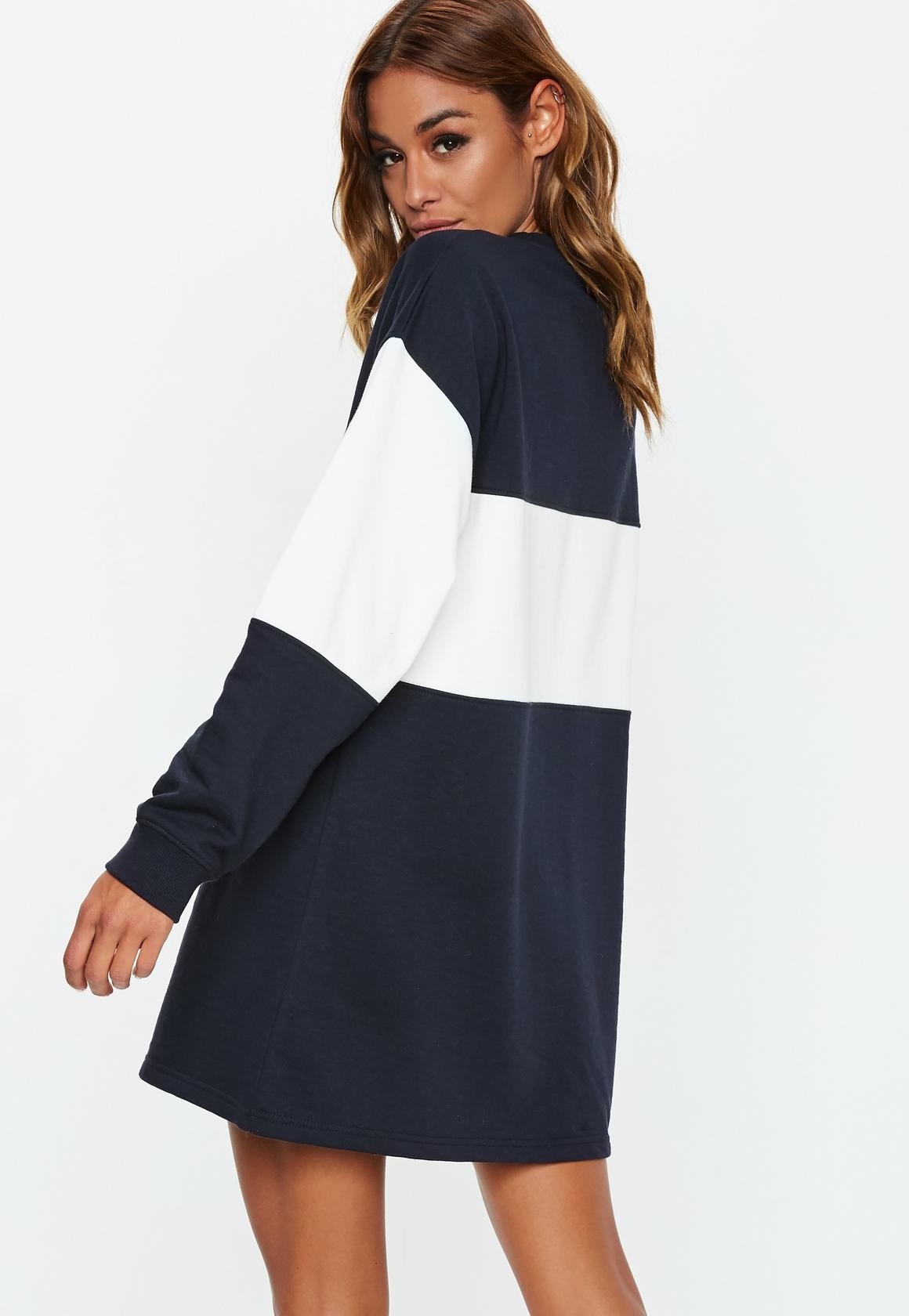
 MissGuided 6ea14da0-e860-4fb6-a863-7dbcfc2fae2e.webm



-
MissGuided e0081ae5-74b4-4415-b82b-7b27f6f5b3eb.webm




-
MissGuided 1d2b9ca2-e889-4381-9cb7-5c09ce5619f0.webm




-
Instagram


 InstaGram
MissGuided e5fdcdf3-f939-456f-90c3-e54bd18d169e.webm eadc4029-534e-4749-a0b6-4923b3cbab10.webm f1bd2115-ae57-4732-be10-2e2bf2fb16bb.webm 1b5bc19a-99d8-4593-b476-b03fb8ae4bde.webm 771b0069-36cb-4bd5-8bbb-4da4916005b0.webm e929e398-7223-421d-a24b-ed3fd6637eff.webm 01c8f9db-872f-43a8-9736-e3e8c0df541c.webm 5067756c-288f-435f-8455-32d1951101eb.webm
InstaGram
MissGuided e5fdcdf3-f939-456f-90c3-e54bd18d169e.webm eadc4029-534e-4749-a0b6-4923b3cbab10.webm f1bd2115-ae57-4732-be10-2e2bf2fb16bb.webm 1b5bc19a-99d8-4593-b476-b03fb8ae4bde.webm 771b0069-36cb-4bd5-8bbb-4da4916005b0.webm e929e398-7223-421d-a24b-ed3fd6637eff.webm 01c8f9db-872f-43a8-9736-e3e8c0df541c.webm 5067756c-288f-435f-8455-32d1951101eb.webm



















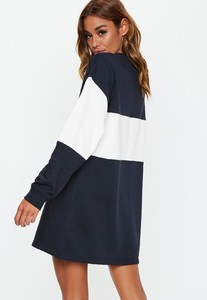










 InstaGram




 Instagram
InstaGram
InstaGram
Instagram
InstaGram
InstaGram InstaGram
InstaGram
InstaGram







 The RedHead is Victoria Britt
InstaGram Video 42814187_628447207556843_7284107978163093504_n.mp4
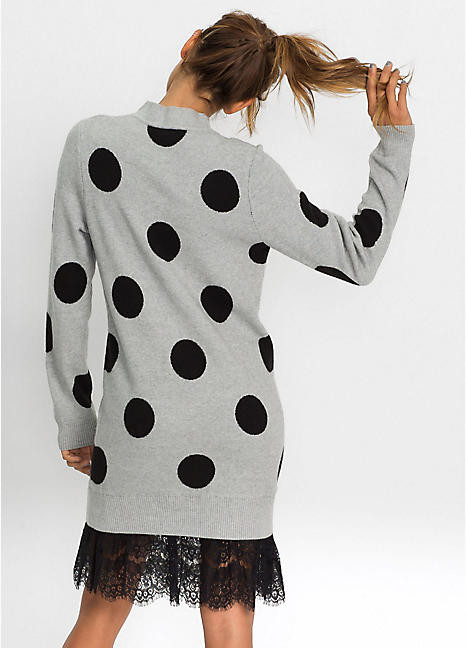
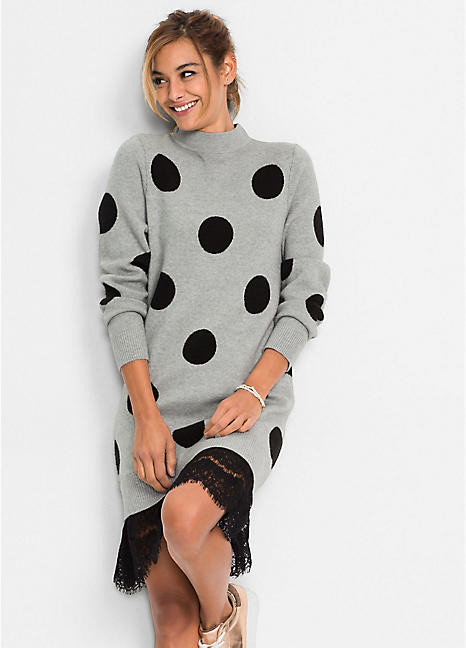
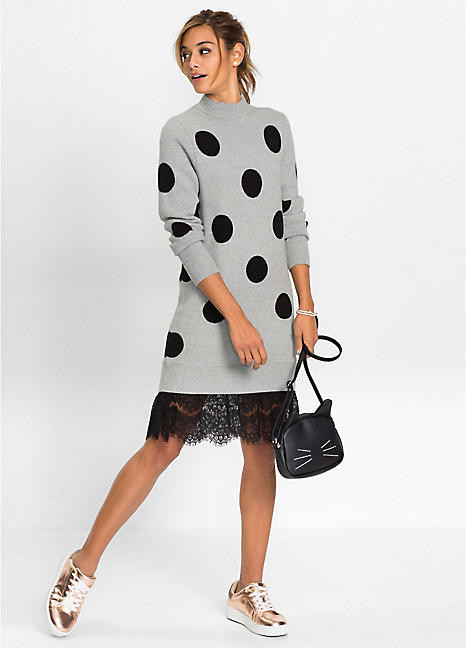
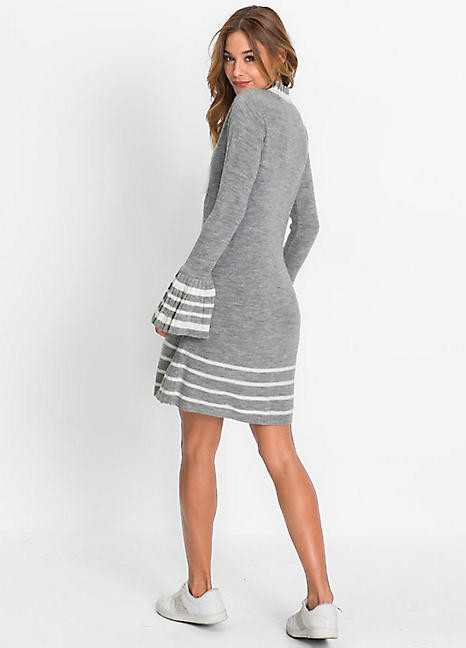
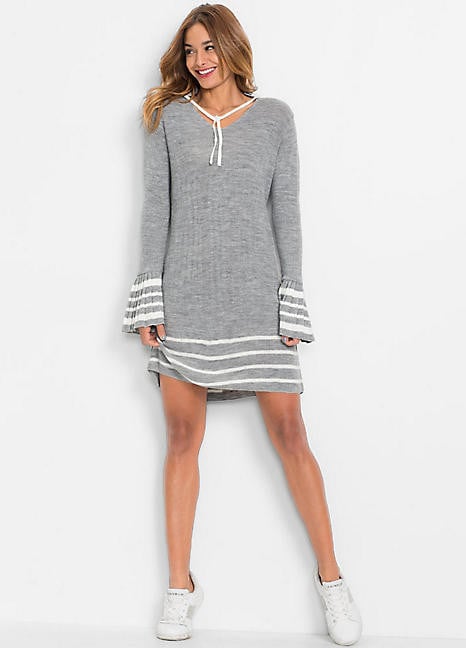
Bon Prix
The RedHead is Victoria Britt
InstaGram Video 42814187_628447207556843_7284107978163093504_n.mp4
Bon Prix


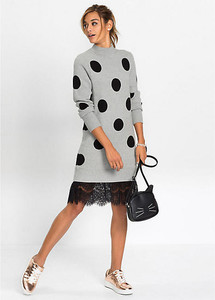 Bon Prix
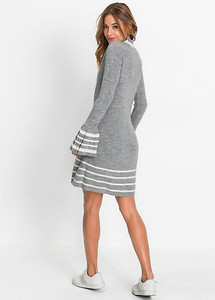
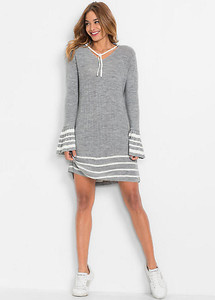 InstaGram

































































Account
Search
Configure browser push notifications
Chrome (Android)
- Tap the lock icon next to the address bar.
- Tap Permissions → Notifications.
- Adjust your preference.
Chrome (Desktop)
- Click the padlock icon in the address bar.
- Select Site settings.
- Find Notifications and adjust your preference.
Safari (iOS 16.4+)
- Ensure the site is installed via Add to Home Screen.
- Open Settings App → Notifications.
- Find your app name and adjust your preference.
Safari (macOS)
- Go to Safari → Preferences.
- Click the Websites tab.
- Select Notifications in the sidebar.
- Find this website and adjust your preference.
Edge (Android)
- Tap the lock icon next to the address bar.
- Tap Permissions.
- Find Notifications and adjust your preference.
Edge (Desktop)
- Click the padlock icon in the address bar.
- Click Permissions for this site.
- Find Notifications and adjust your preference.
Firefox (Android)
- Go to Settings → Site permissions.
- Tap Notifications.
- Find this site in the list and adjust your preference.
Firefox (Desktop)
- Open Firefox Settings.
- Search for Notifications.
- Find this site in the list and adjust your preference.