PlayGirl
Members
-
Joined
-
Last visited
Everything posted by PlayGirl
-
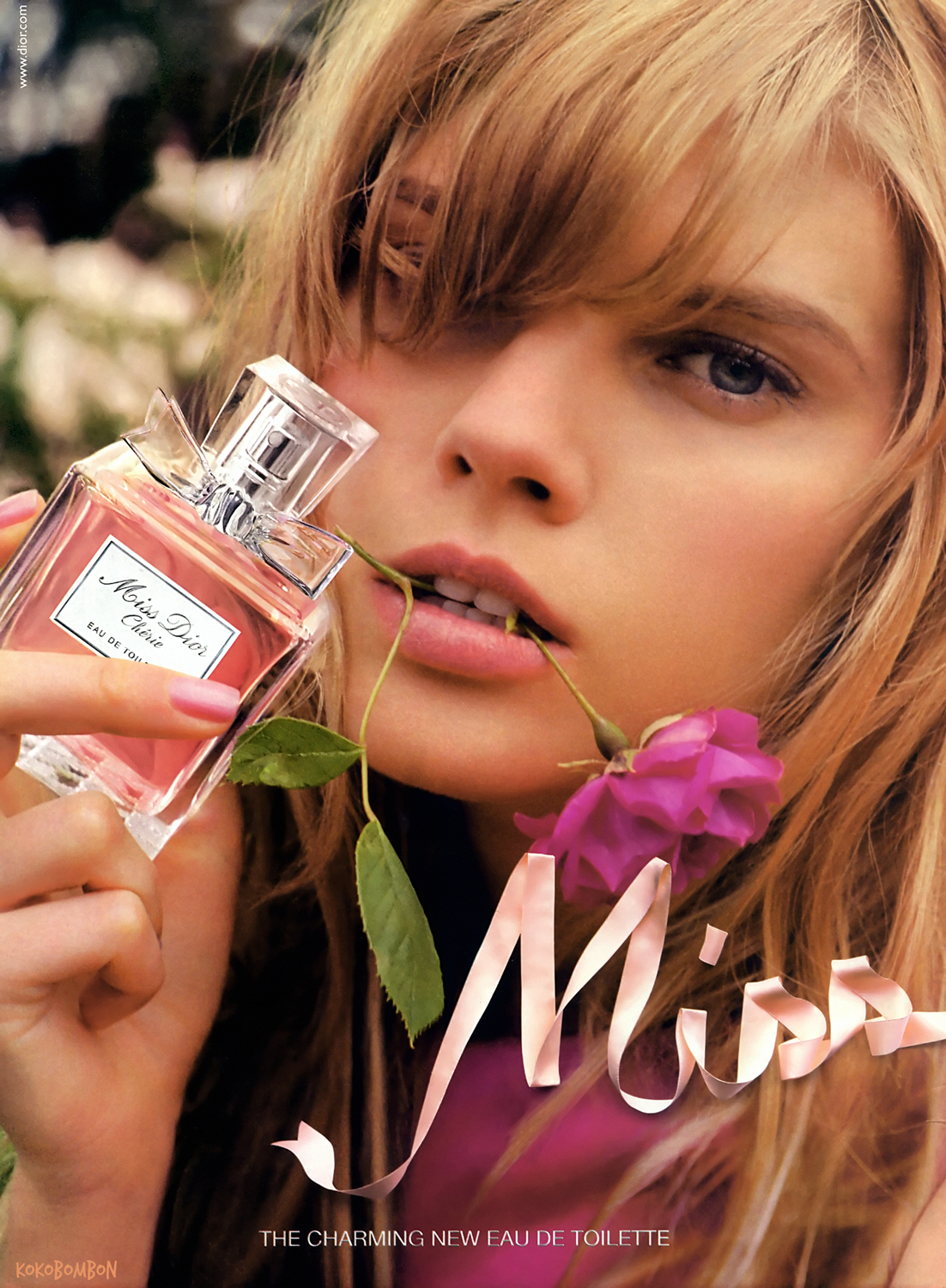
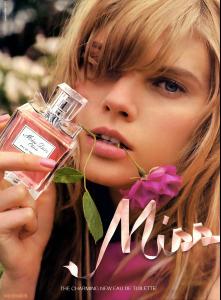
Dior
-
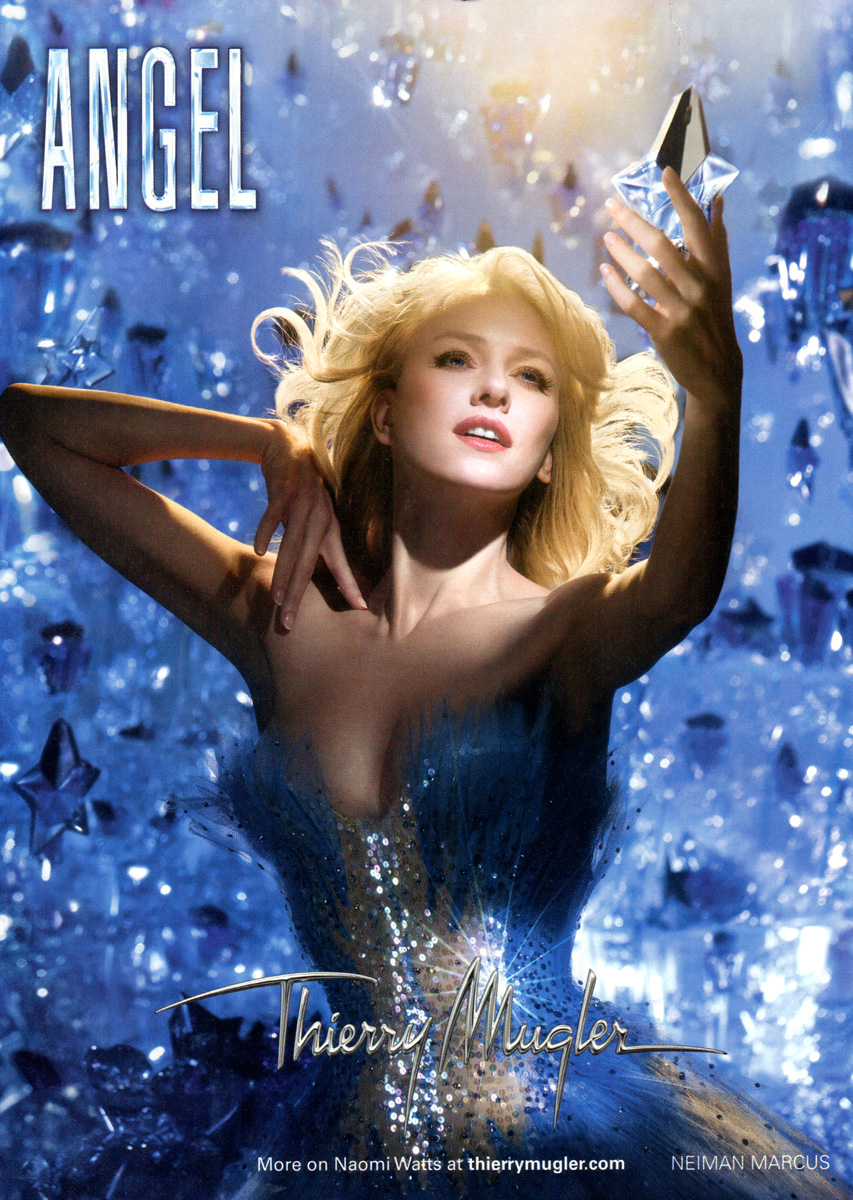
Thierry Mugler Perfume

-
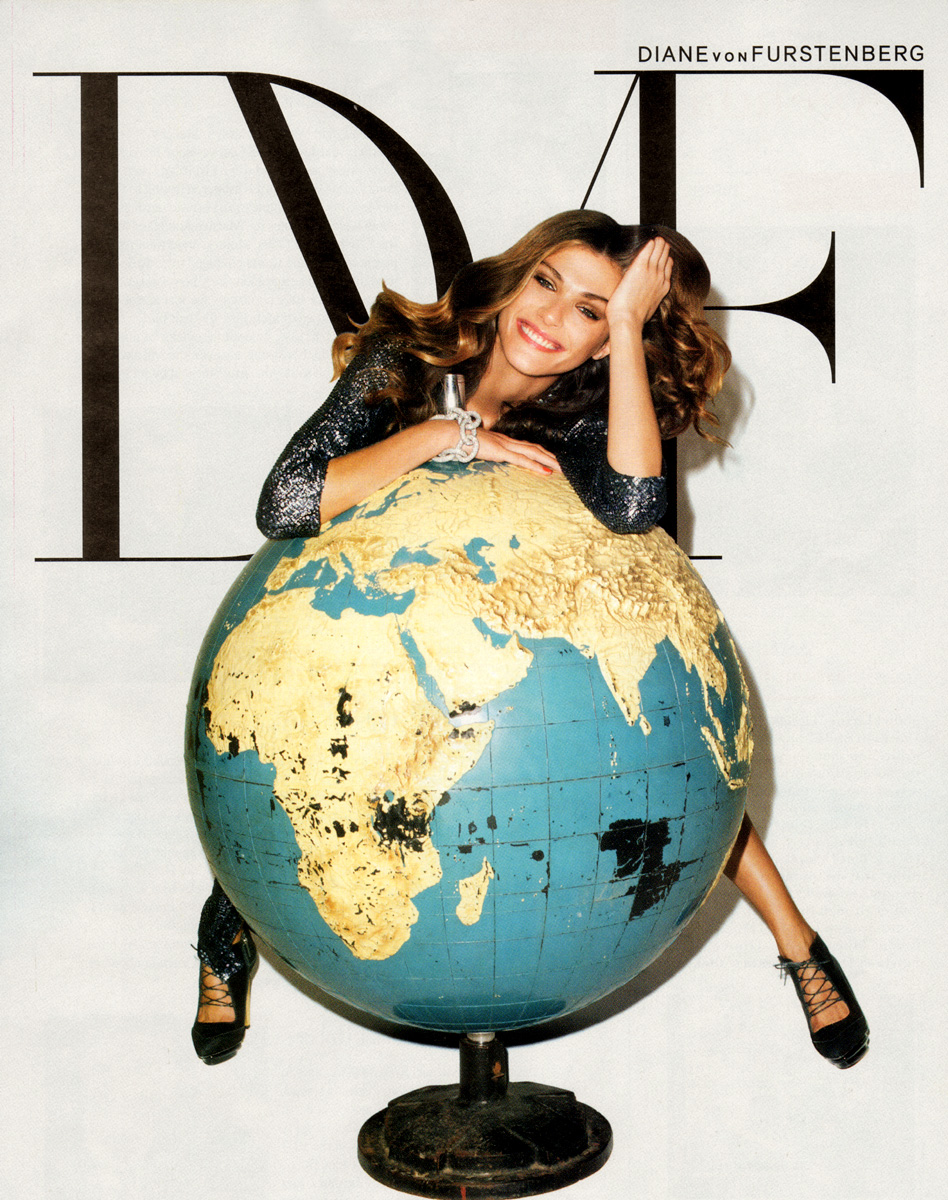
Diane von Furstenberg

-
-
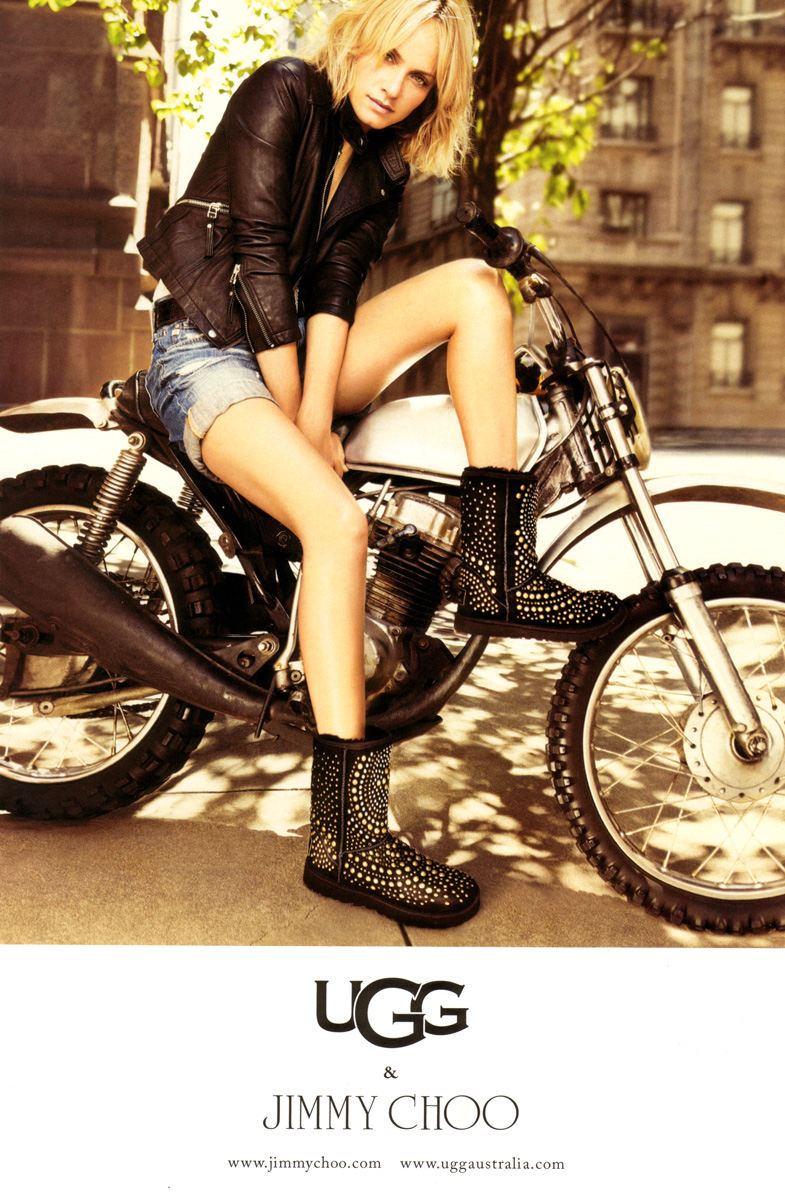
Jimmy Choo & Ugg

-
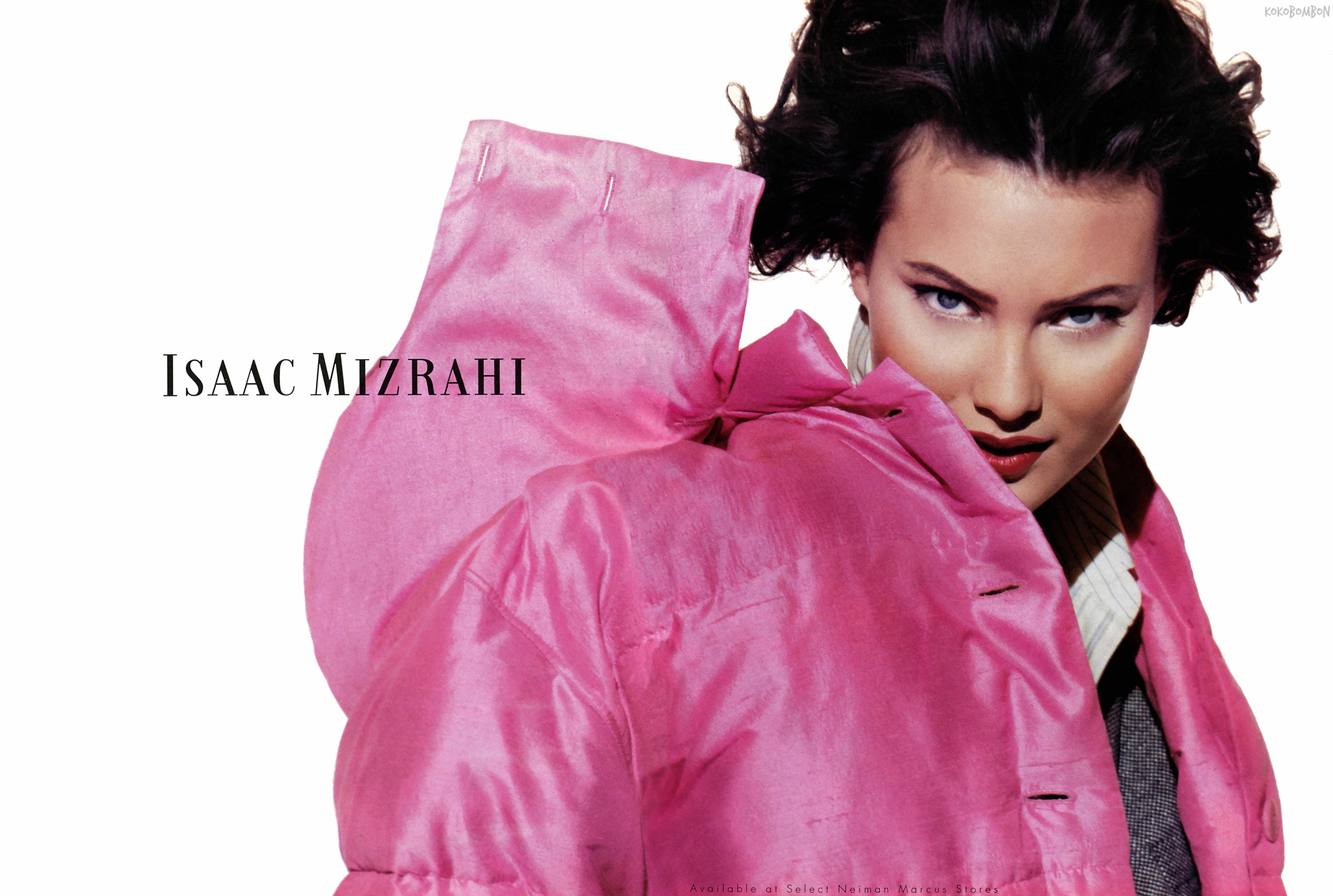
scanned by kokobombon
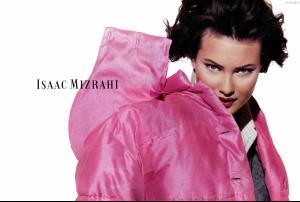
-
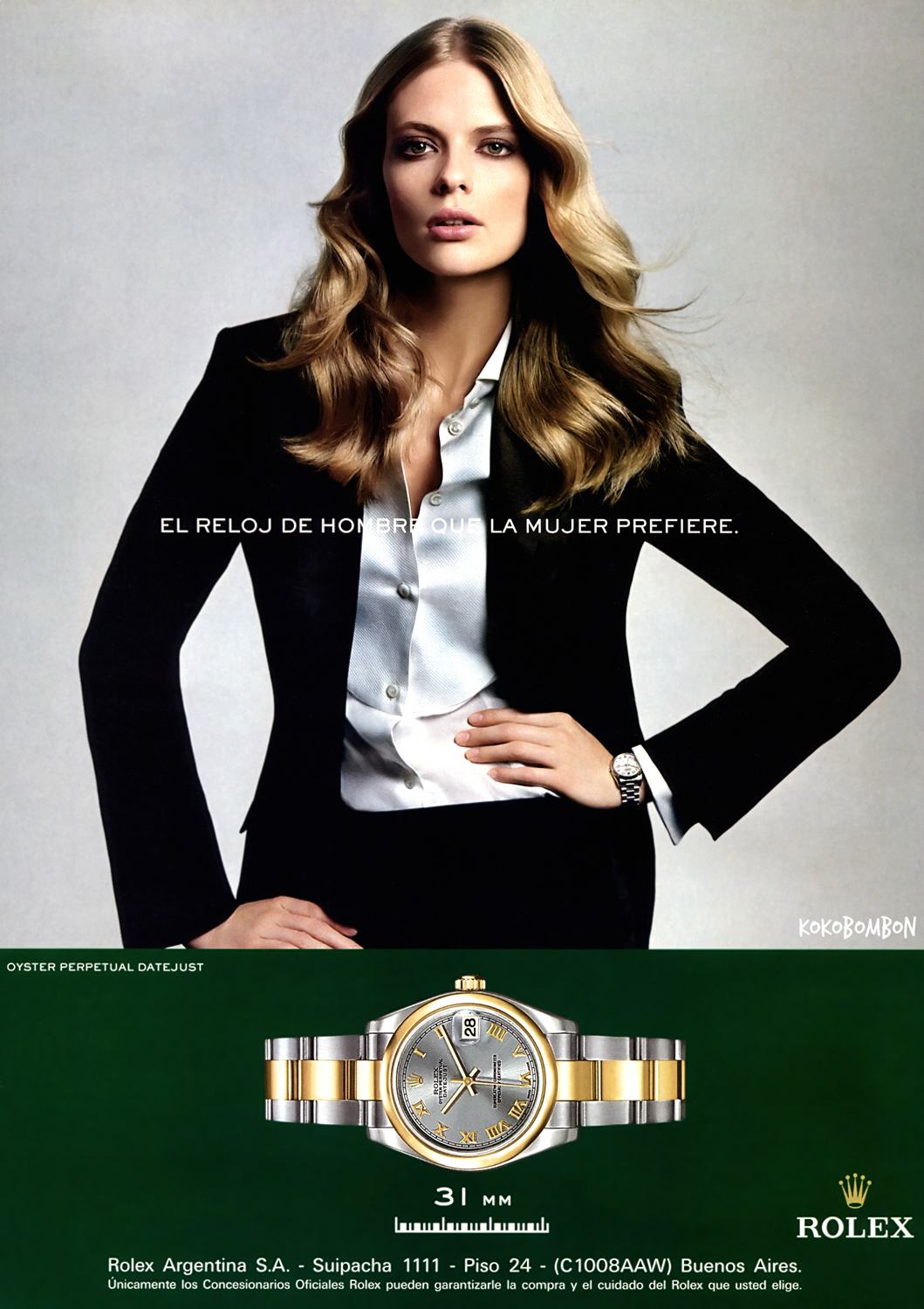
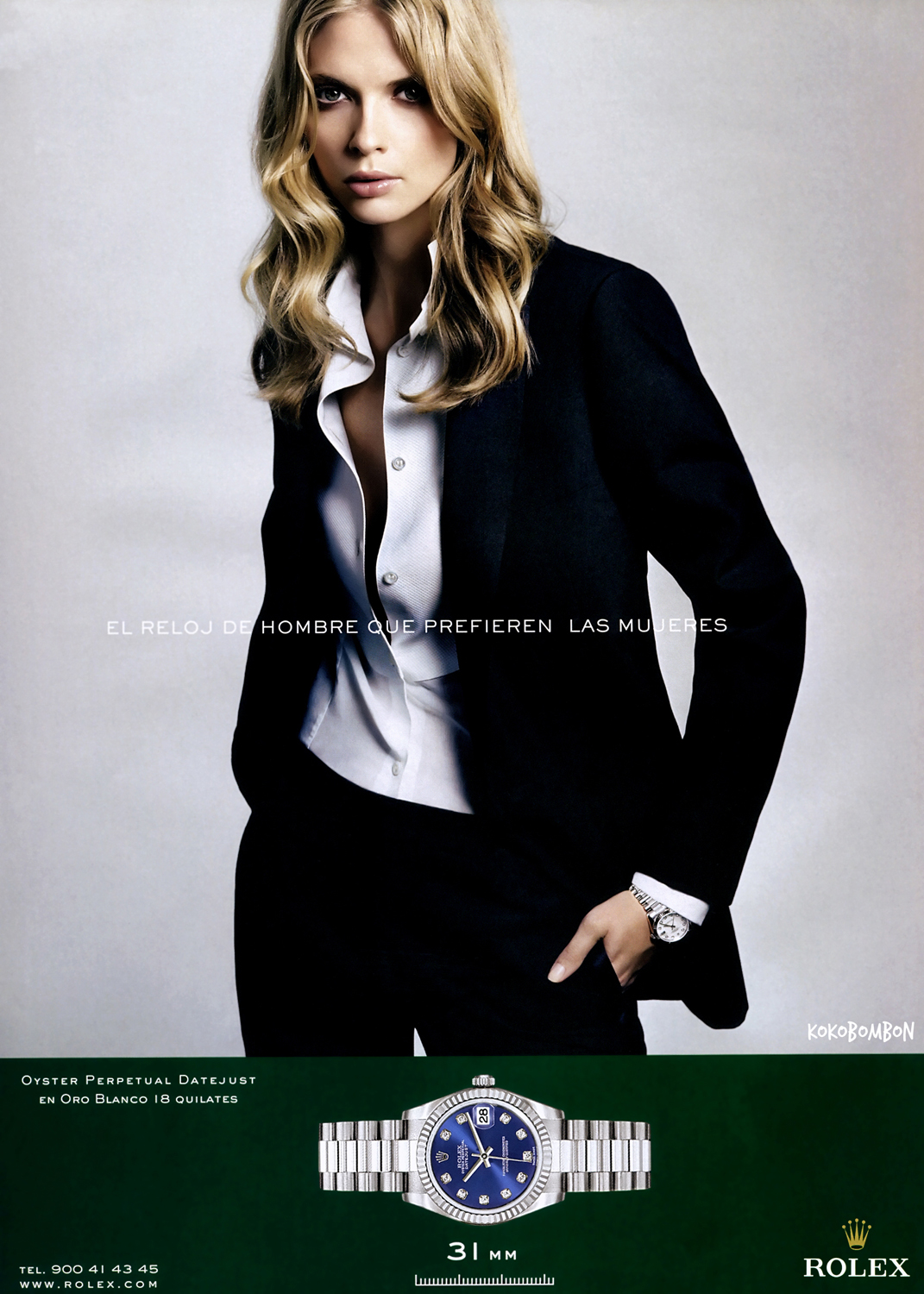
Rolex scanned by kokobombon


-
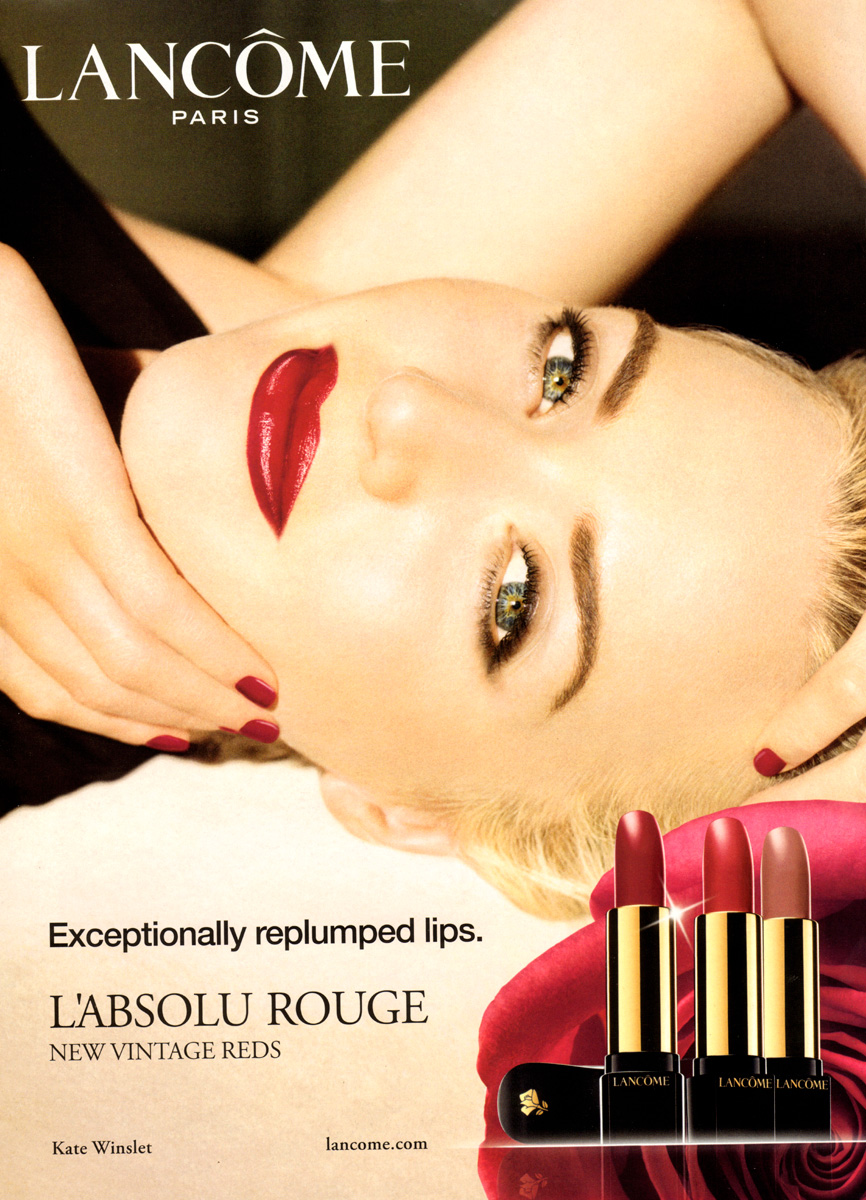
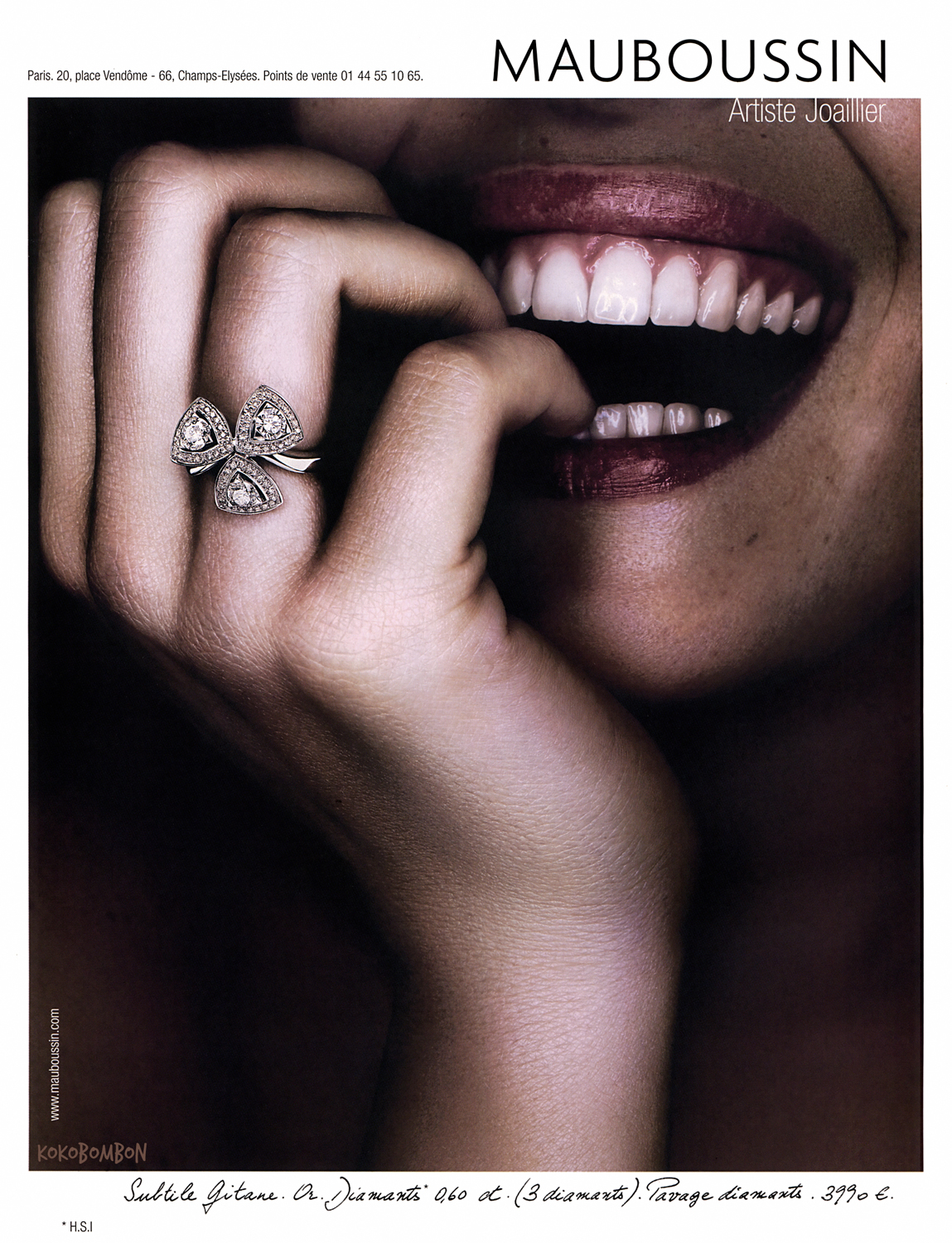
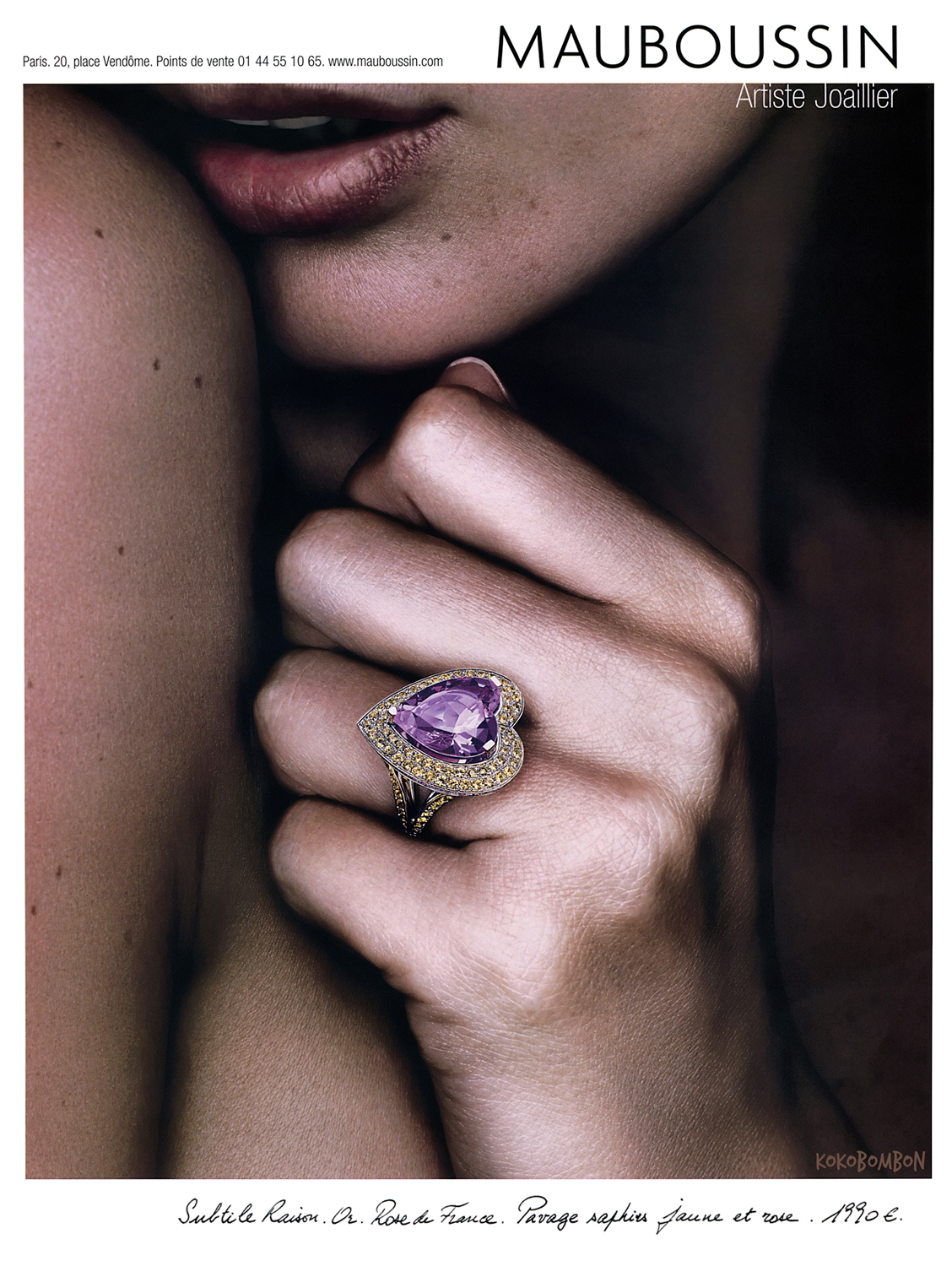
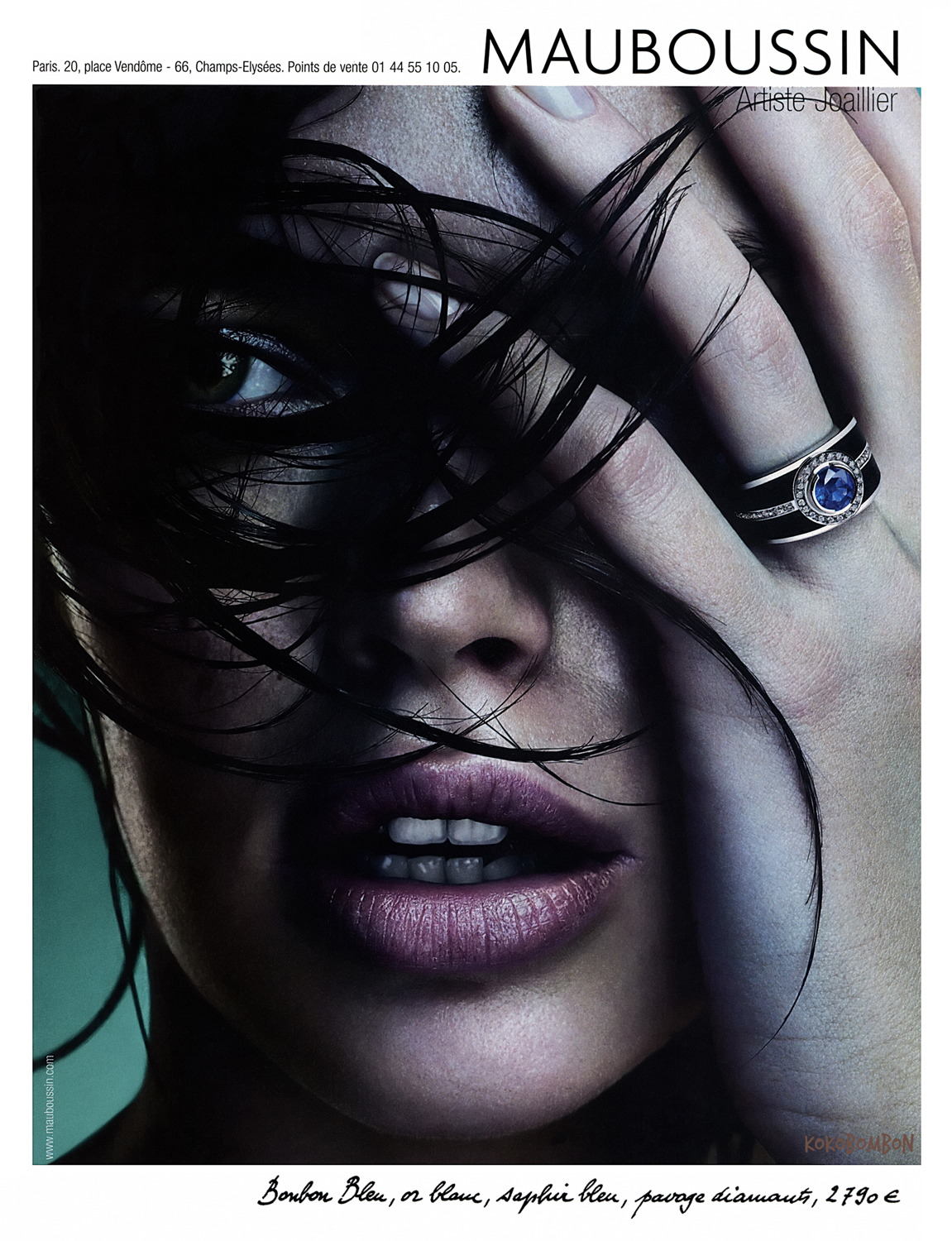
ads scanned by kokobombon
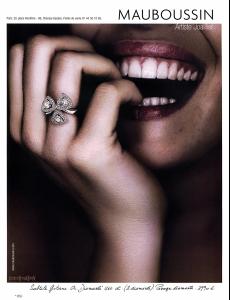
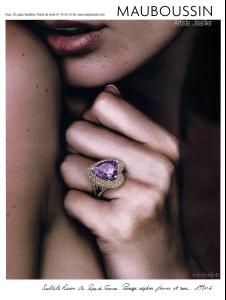
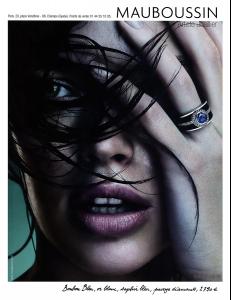
-
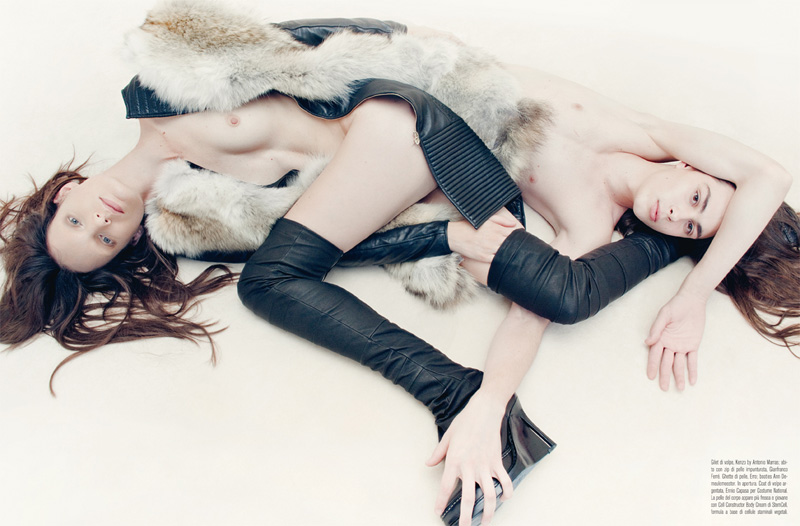
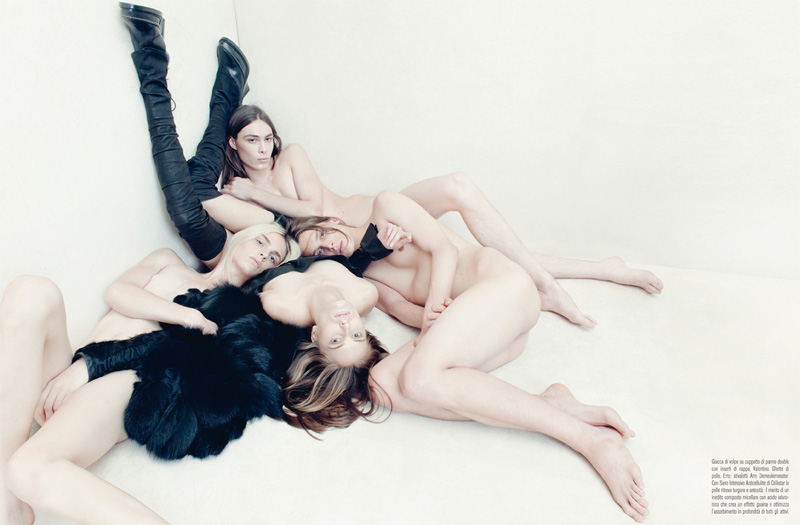
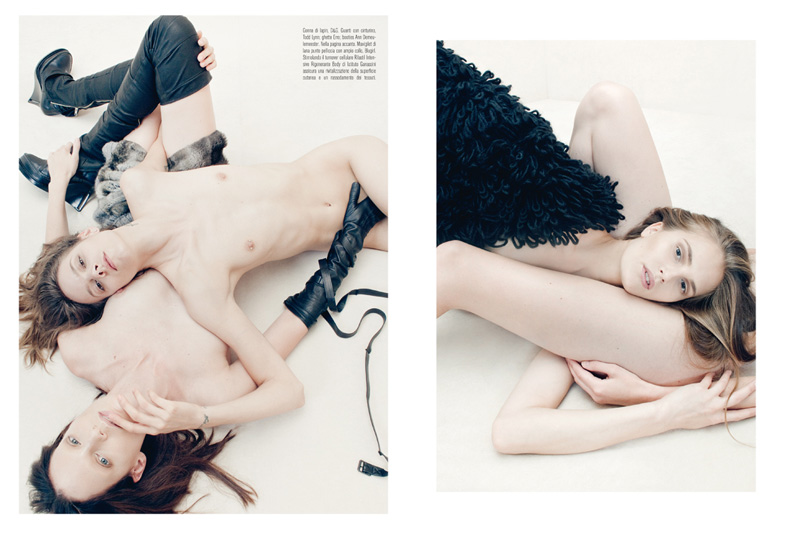
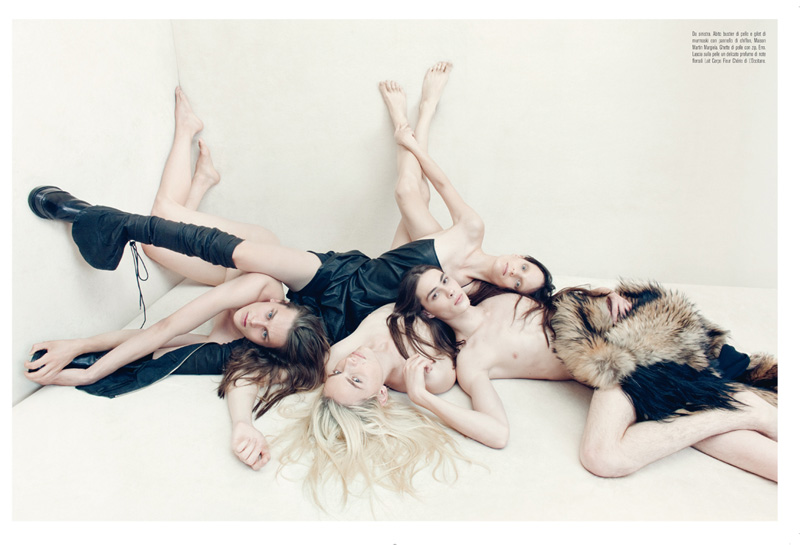
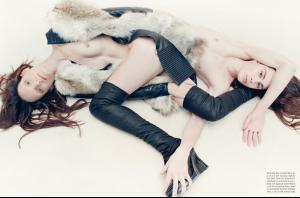
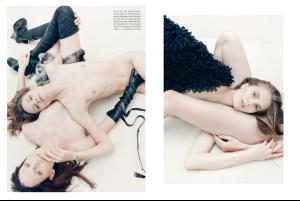
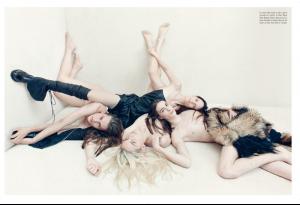
my fav *nudity*

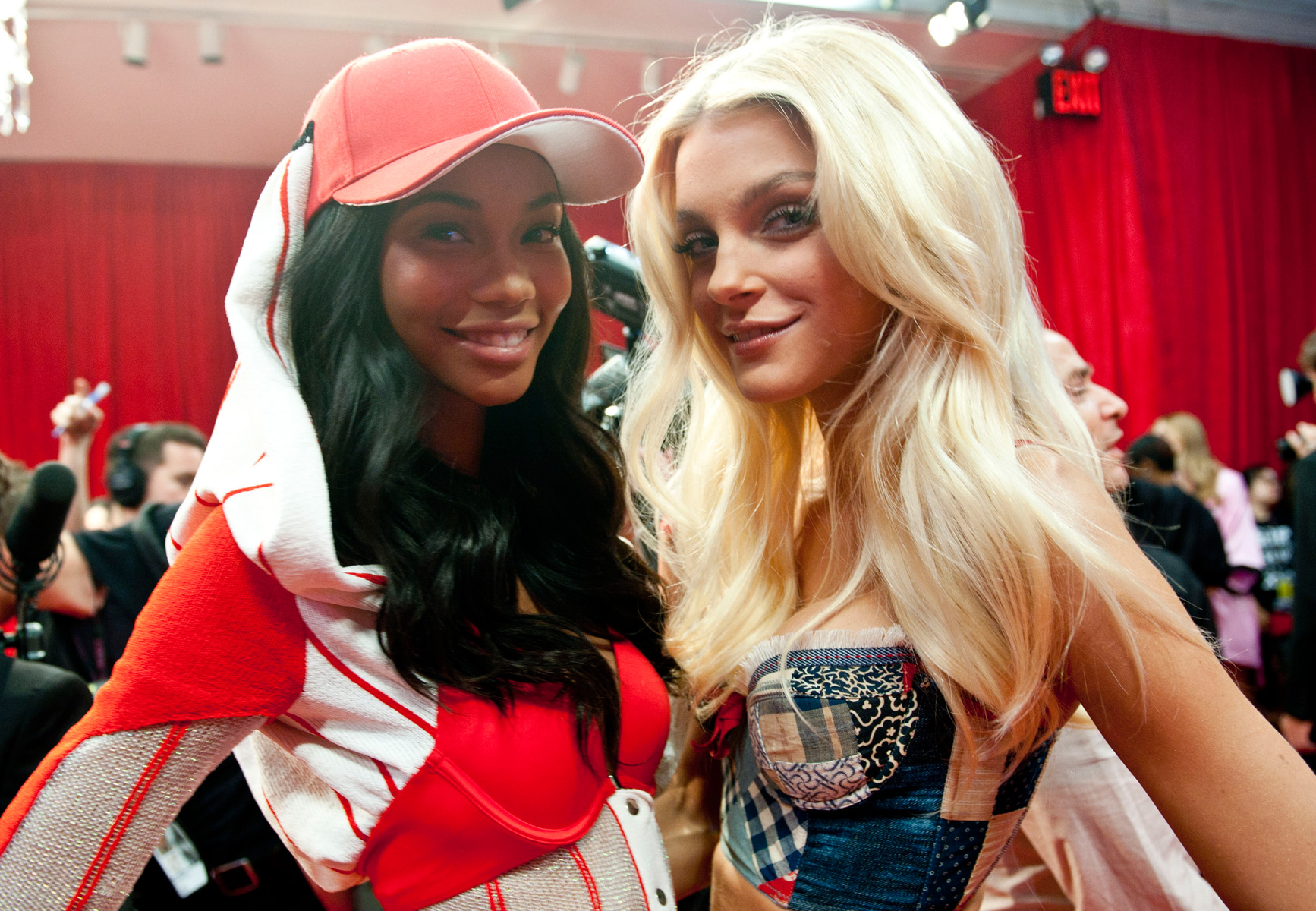
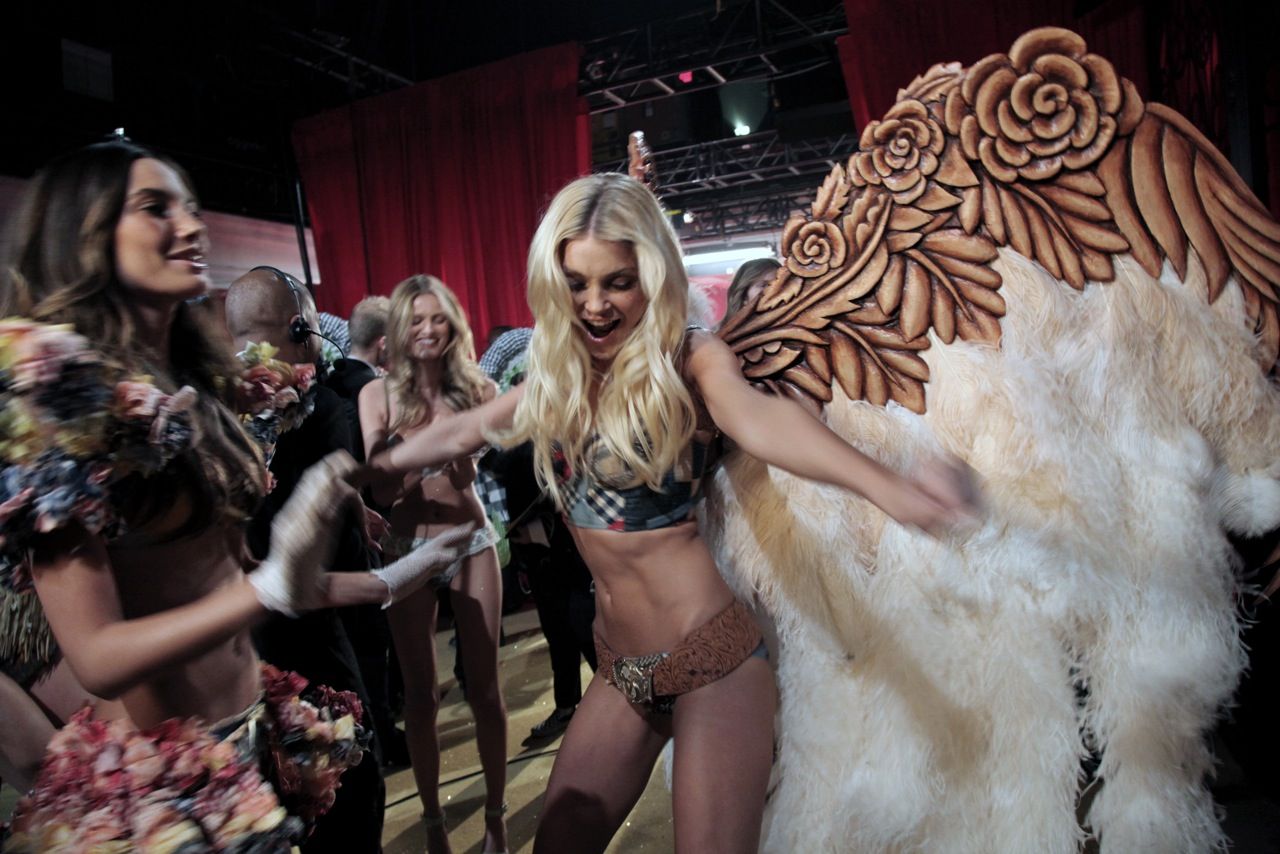
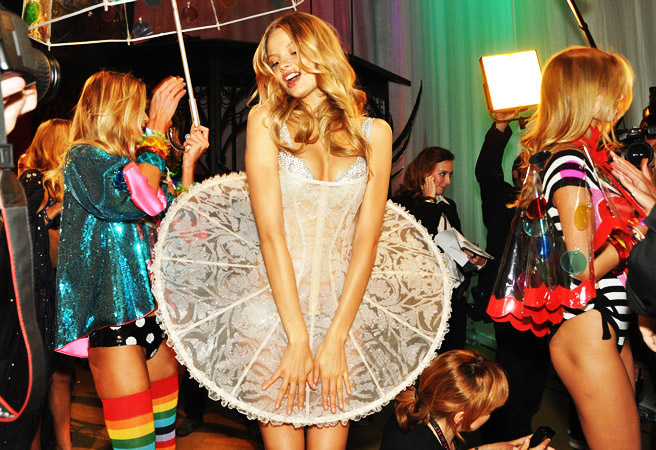
 Backstage at Dolce & Gabbana Women’s SS11 by Stefano GabbanaVSFS Backstage
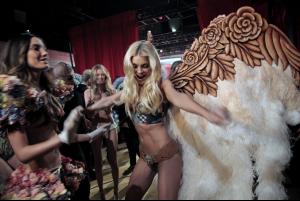 http://i052.radikal.ru/1011/53/ade2f592d3ff.jpg Large images exceeding 1050 pixels in size must be either manually resized or thumbnailed. -Post edited by Lady Fatalevery sexy girl... Thanks for foto!
Account
Navigation
Search
Configure browser push notifications
Chrome (Android)
- Tap the lock icon next to the address bar.
- Tap Permissions → Notifications.
- Adjust your preference.
Chrome (Desktop)
- Click the padlock icon in the address bar.
- Select Site settings.
- Find Notifications and adjust your preference.
Safari (iOS 16.4+)
- Ensure the site is installed via Add to Home Screen.
- Open Settings App → Notifications.
- Find your app name and adjust your preference.
Safari (macOS)
- Go to Safari → Preferences.
- Click the Websites tab.
- Select Notifications in the sidebar.
- Find this website and adjust your preference.
Edge (Android)
- Tap the lock icon next to the address bar.
- Tap Permissions.
- Find Notifications and adjust your preference.
Edge (Desktop)
- Click the padlock icon in the address bar.
- Click Permissions for this site.
- Find Notifications and adjust your preference.
Firefox (Android)
- Go to Settings → Site permissions.
- Tap Notifications.
- Find this site in the list and adjust your preference.
Firefox (Desktop)
- Open Firefox Settings.
- Search for Notifications.
- Find this site in the list and adjust your preference.