
Ariesdior
Members
-
Joined
-
Last visited
Everything posted by Ariesdior
-
 Backstage Berlin FW
 -
STRENESSE BLUE
Another ad from Chloe F/W scanned by Northern Star at tfs
Another ad from Chloe F/W scanned by Northern Star at tfs
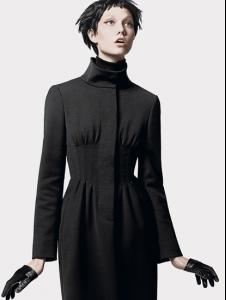
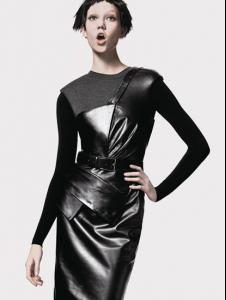
sportmax.it



 Olga x3
Shana
Julia
Miranda x3
Boy
Warning Nudity Nudity Nudity
more pictures
Olga x3
Shana
Julia
Miranda x3
Boy
Warning Nudity Nudity Nudity
more pictures
 new pic (i think)
 Christy
Bianca
I love Adriana but I like Julia's wings better Julia x3
Girl 2
scanned by Northern Star at tfs
Guerlain x3
I love those thanks francy
Christy
Bianca
I love Adriana but I like Julia's wings better Julia x3
Girl 2
scanned by Northern Star at tfs
Guerlain x3
I love those thanks francy


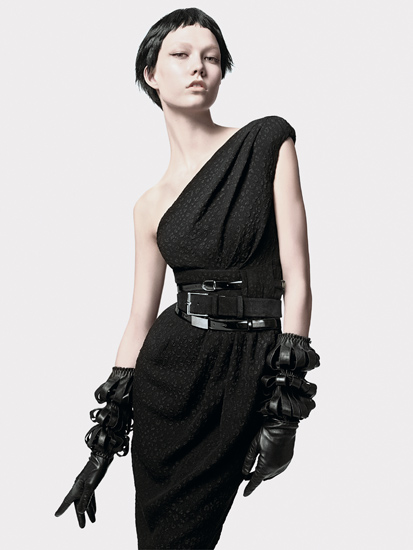
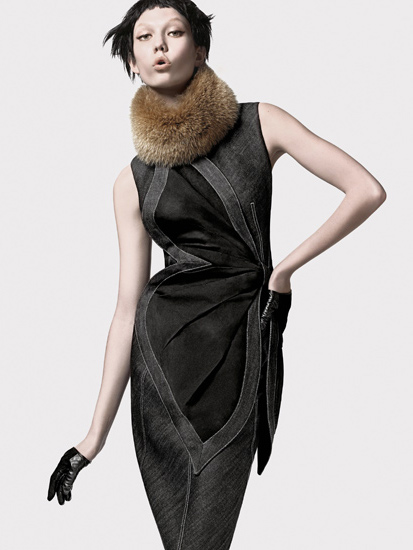
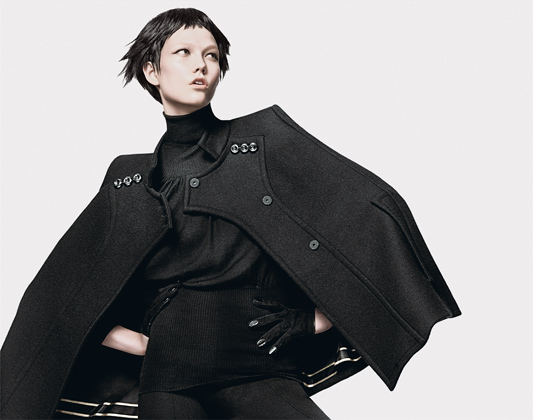
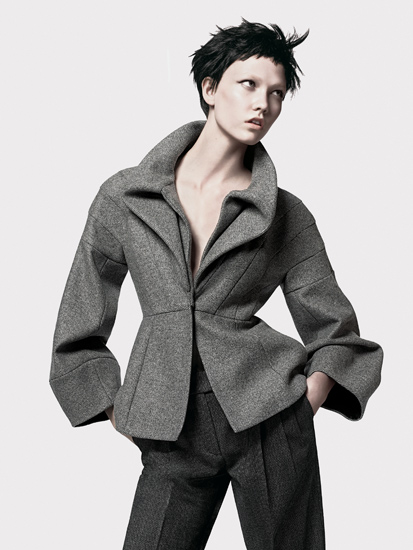


Account
Navigation
Search
Configure browser push notifications
Chrome (Android)
- Tap the lock icon next to the address bar.
- Tap Permissions → Notifications.
- Adjust your preference.
Chrome (Desktop)
- Click the padlock icon in the address bar.
- Select Site settings.
- Find Notifications and adjust your preference.
Safari (iOS 16.4+)
- Ensure the site is installed via Add to Home Screen.
- Open Settings App → Notifications.
- Find your app name and adjust your preference.
Safari (macOS)
- Go to Safari → Preferences.
- Click the Websites tab.
- Select Notifications in the sidebar.
- Find this website and adjust your preference.
Edge (Android)
- Tap the lock icon next to the address bar.
- Tap Permissions.
- Find Notifications and adjust your preference.
Edge (Desktop)
- Click the padlock icon in the address bar.
- Click Permissions for this site.
- Find Notifications and adjust your preference.
Firefox (Android)
- Go to Settings → Site permissions.
- Tap Notifications.
- Find this site in the list and adjust your preference.
Firefox (Desktop)
- Open Firefox Settings.
- Search for Notifications.
- Find this site in the list and adjust your preference.