
Ariesdior
Members
-
Joined
-
Last visited
Everything posted by Ariesdior
-
 Those Miss Sixty photos are the worst. Who ever photoshopped them should be fired. It barely looks like her because of what they did. Her body and the poses are perfection but her face is bad.
 -
The nude ones have to be text linked unknown
-
Preview of Vogue Australia September 2009 Warning Nudity
-
tfs


-
Gucci F/W 2009 scanned by Northern Star at tfs
-
Another VS I haven't seen

-
I'm in love with that editorial thanks baron
-
yay new VS thanks everyone
-
^ not a big deal everybody reposts once in a while
-
US Vogue August 2009 'She’s come undone’ Karlie Kloss ph by Steven Klein 'Portrait of a dress’ Karlie Kloss ph by Norman Jean Roy scanned by http://rockthetrend.com
-
Saks /monthly_07_2009/post-5329-0-1445988600-09277_thumb.jpg" data-fileid="2342760" alt="post-5329-0-1445988600-09277_thumb.jpg"> /monthly_07_2009/post-5329-0-1445988600-10736_thumb.jpg" data-fileid="2342762" alt="post-5329-0-1445988600-10736_thumb.jpg"> tfs












-
She's doing Nine West again yay
-
With Ruslana

-
Deutsch Vogue, December 2004 I haven't seen thses before scanned by VickiB at tfs


-
Happy Birthday Natasha
-
^ already been posted
-
Kasia with J.Jazzwin, Polish make-up artist in her mother agency [nk] tfs
-
more tfs







-
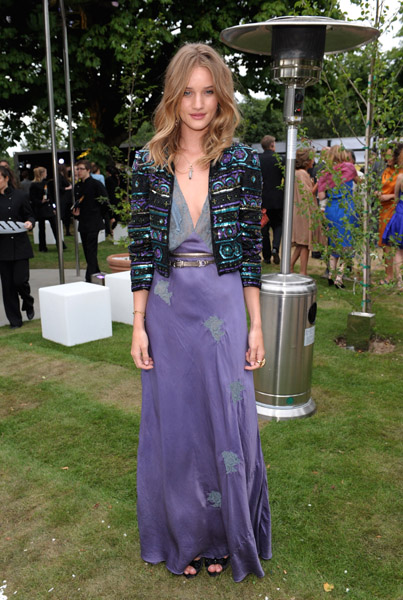
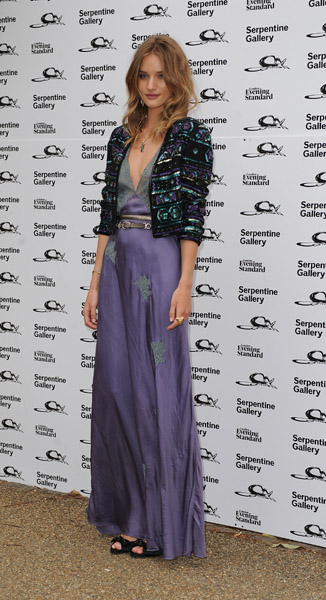
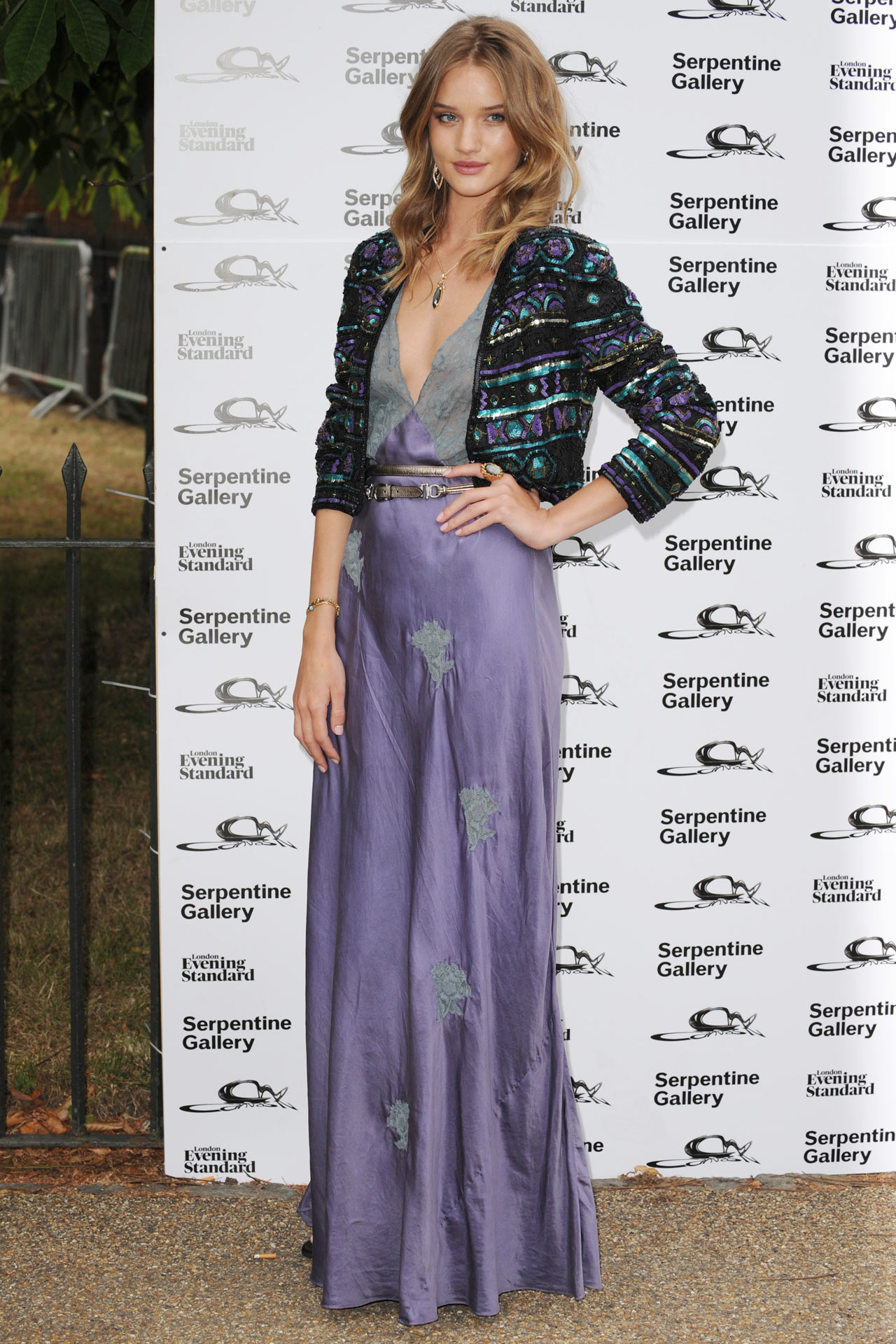
The Serpentine Gallery Summer Party - London - July 9, 2009 tfs I have to say I am in love with this look. She looks amazing




-
Costume Maagazine: Rom 1738 scans by AX80.com
-
V #60 July/August 2009 tfs
 Phi F/W 09.10 tfs





























Account
Navigation
Search
Configure browser push notifications
Chrome (Android)
- Tap the lock icon next to the address bar.
- Tap Permissions → Notifications.
- Adjust your preference.
Chrome (Desktop)
- Click the padlock icon in the address bar.
- Select Site settings.
- Find Notifications and adjust your preference.
Safari (iOS 16.4+)
- Ensure the site is installed via Add to Home Screen.
- Open Settings App → Notifications.
- Find your app name and adjust your preference.
Safari (macOS)
- Go to Safari → Preferences.
- Click the Websites tab.
- Select Notifications in the sidebar.
- Find this website and adjust your preference.
Edge (Android)
- Tap the lock icon next to the address bar.
- Tap Permissions.
- Find Notifications and adjust your preference.
Edge (Desktop)
- Click the padlock icon in the address bar.
- Click Permissions for this site.
- Find Notifications and adjust your preference.
Firefox (Android)
- Go to Settings → Site permissions.
- Tap Notifications.
- Find this site in the list and adjust your preference.
Firefox (Desktop)
- Open Firefox Settings.
- Search for Notifications.
- Find this site in the list and adjust your preference.