TheBestModels
Members
-
Joined
Everything posted by TheBestModels
-
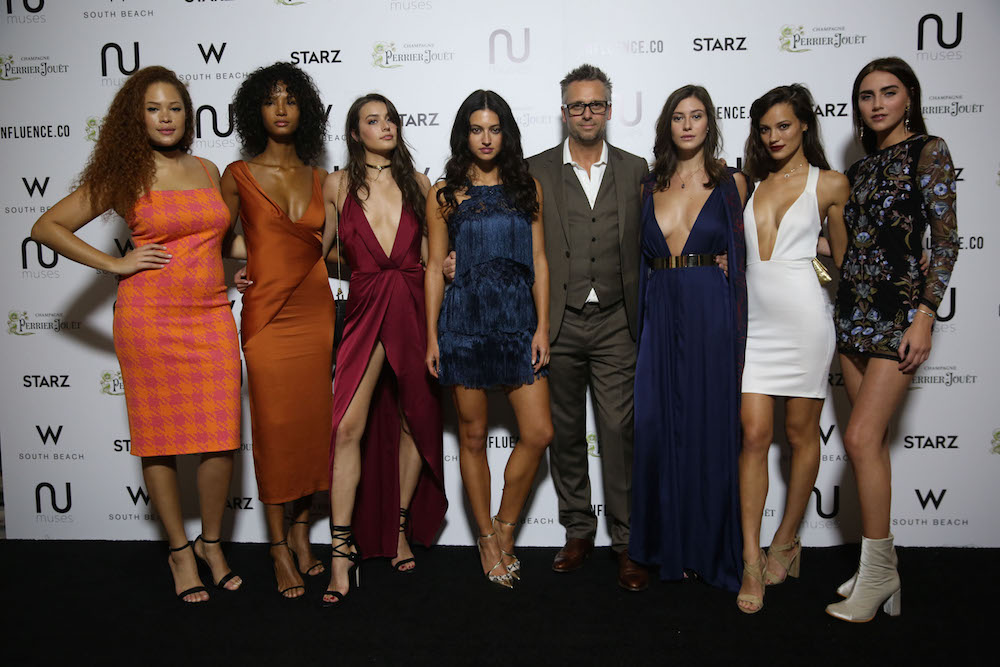
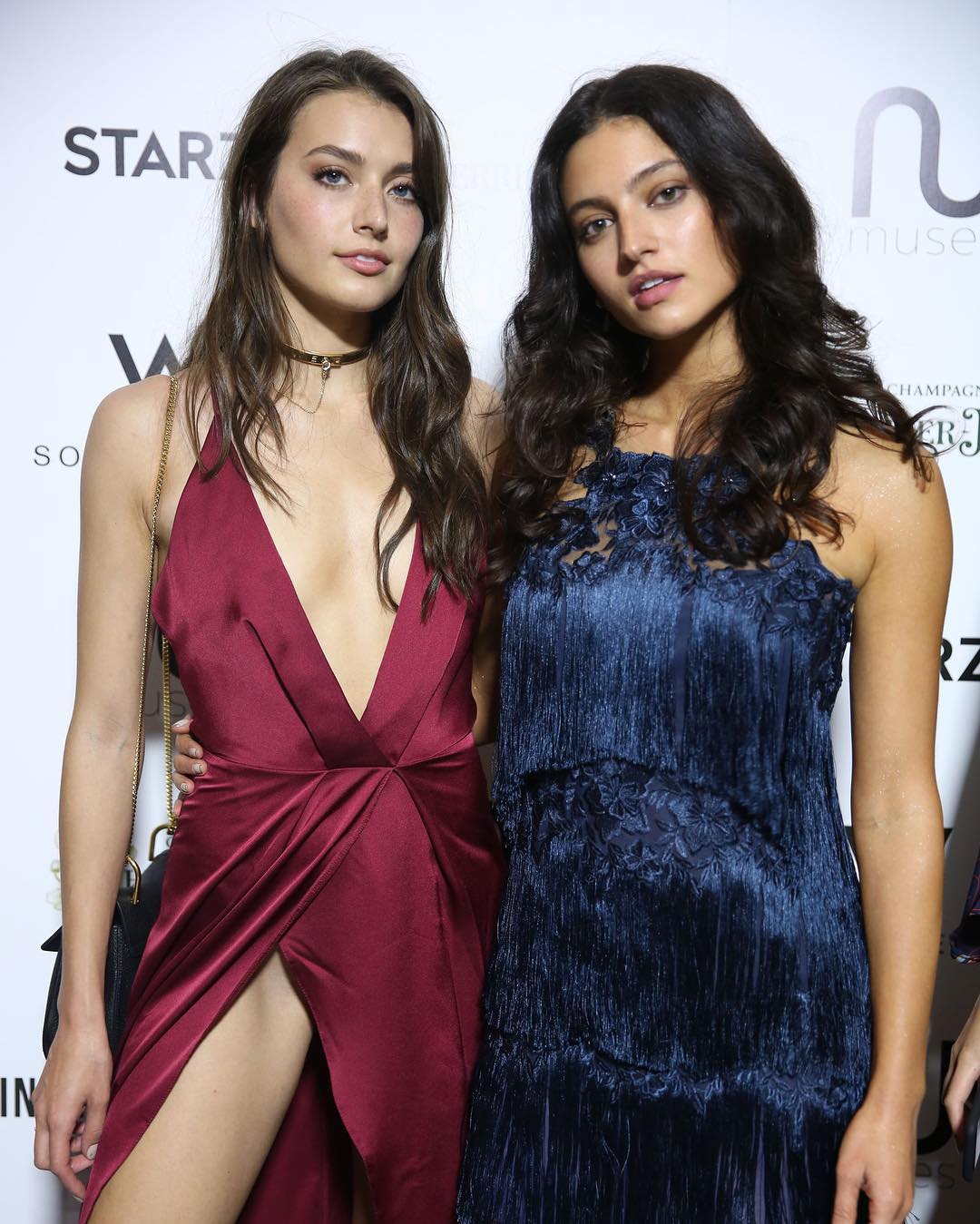
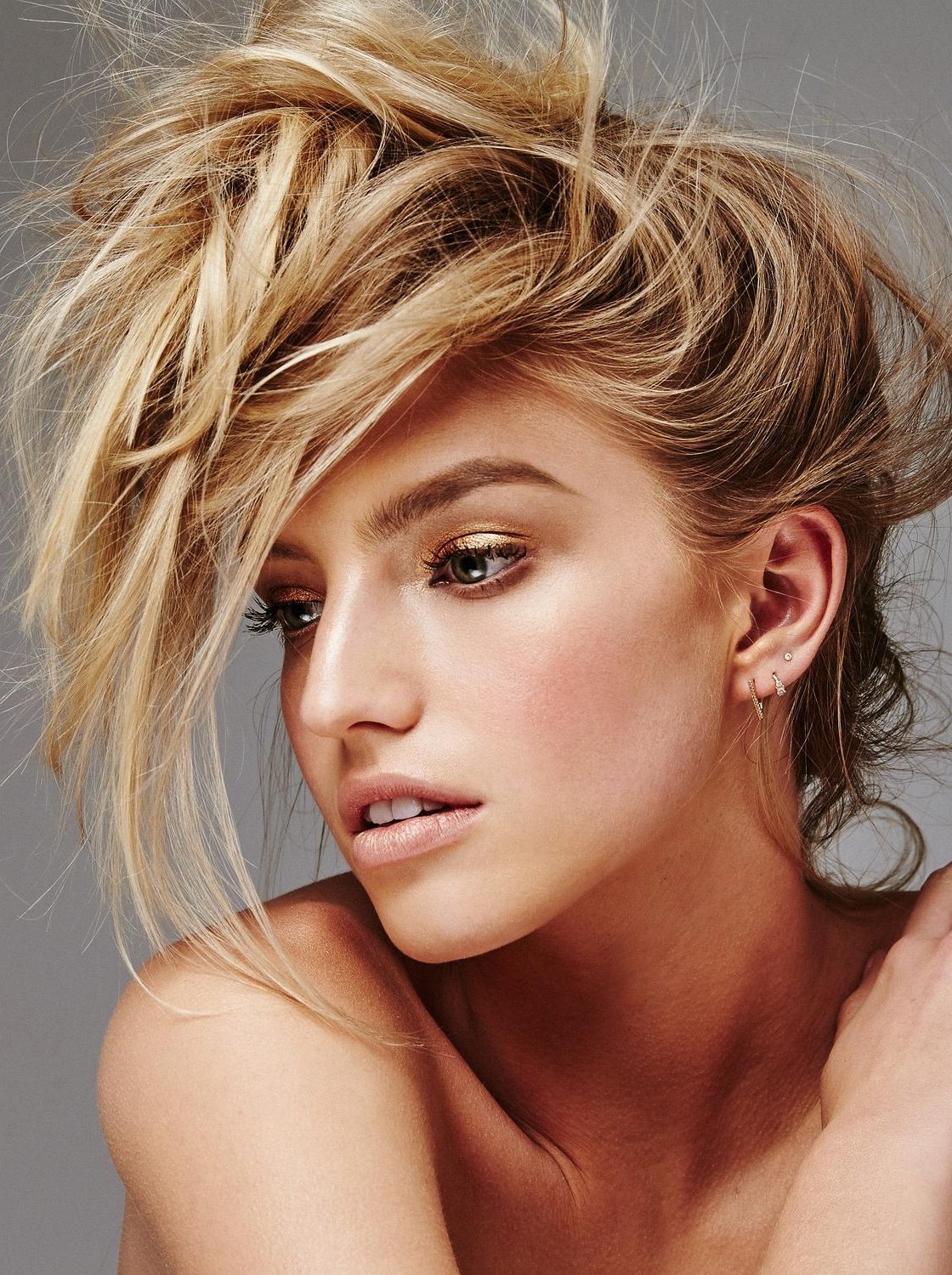
 Nu Muses 2017 calendar reveal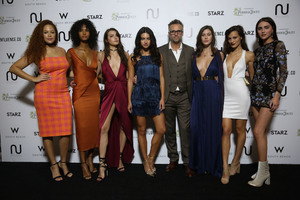
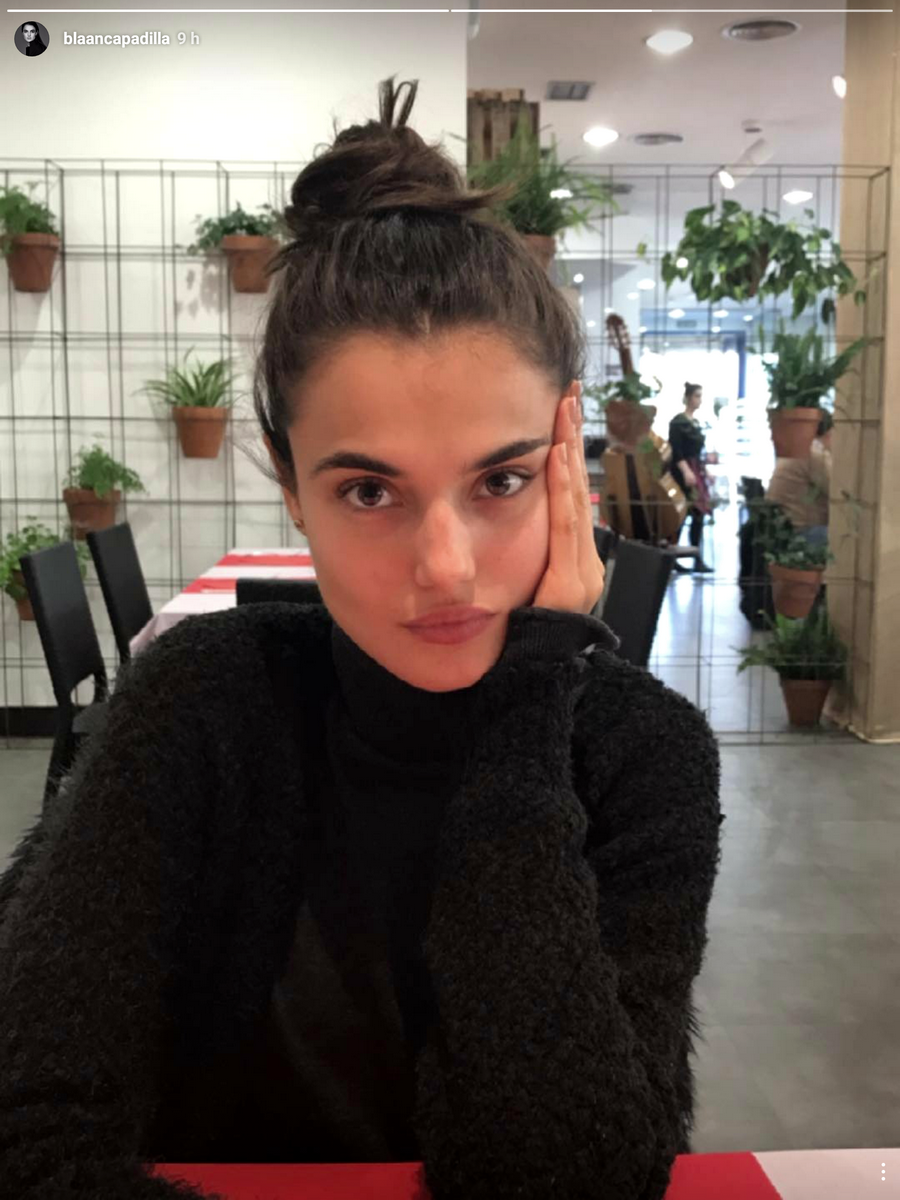
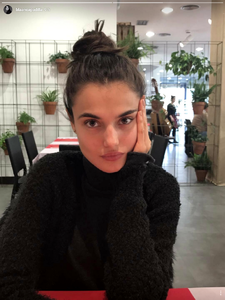
 IG Story
 Mix Social Media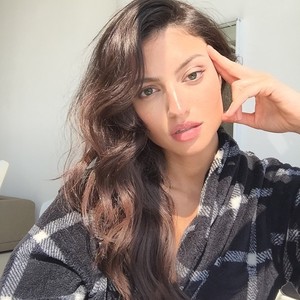
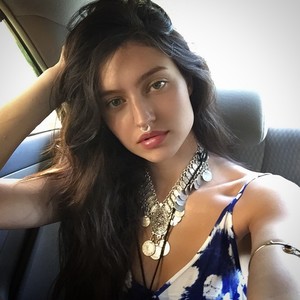
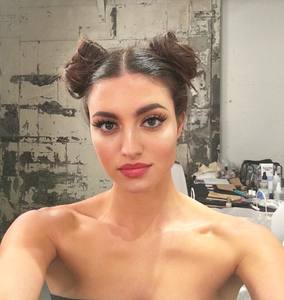
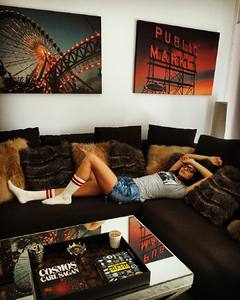
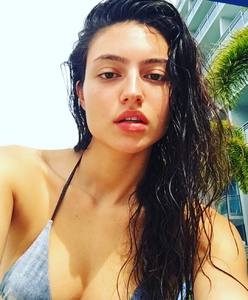
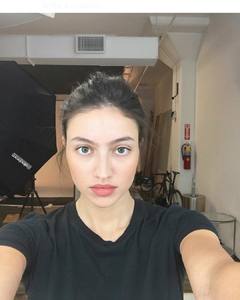
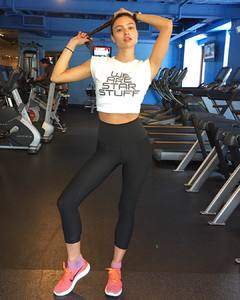
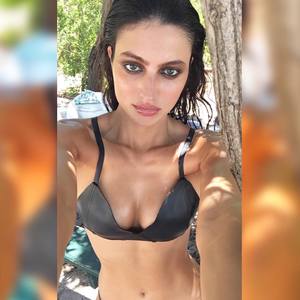
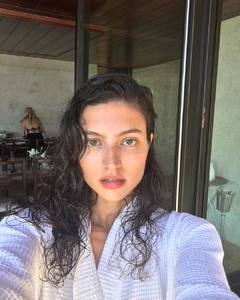
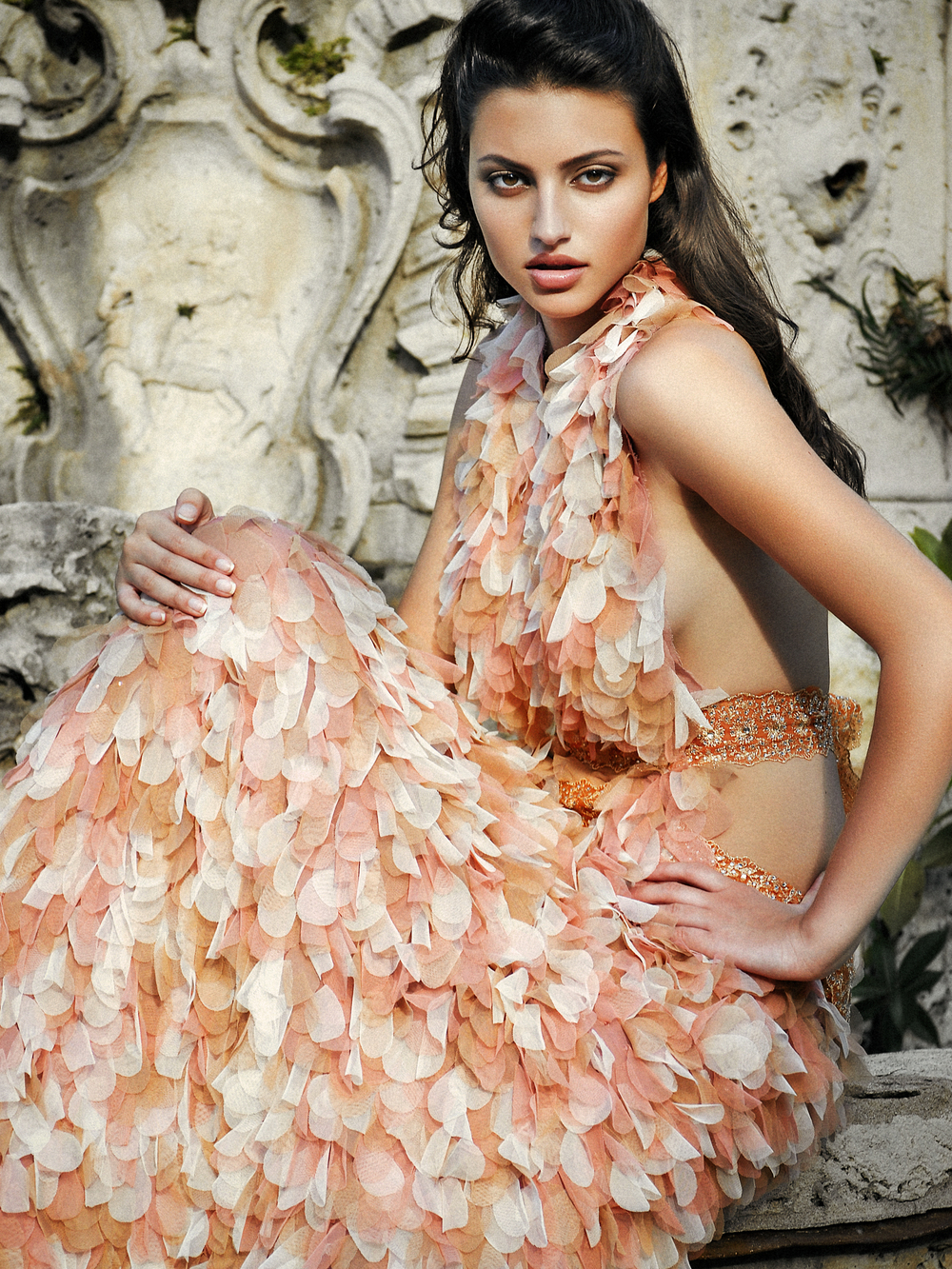
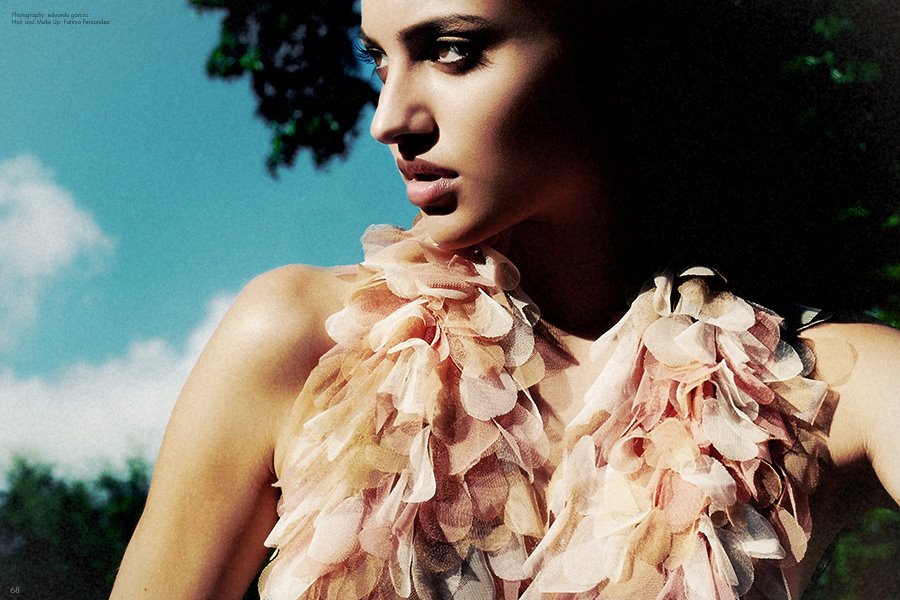
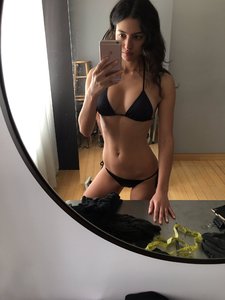 By Eduardo von Garcia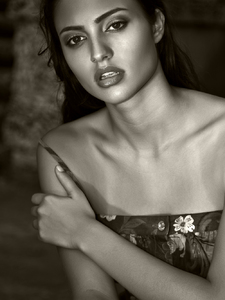
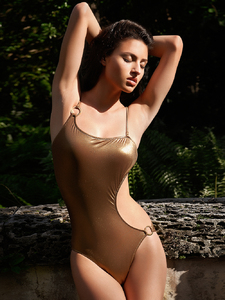
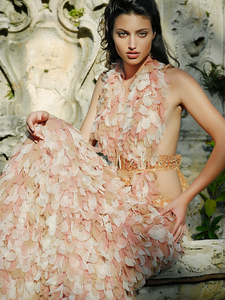
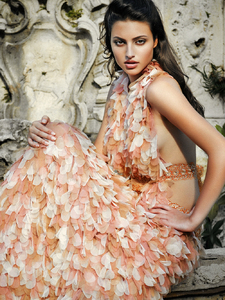
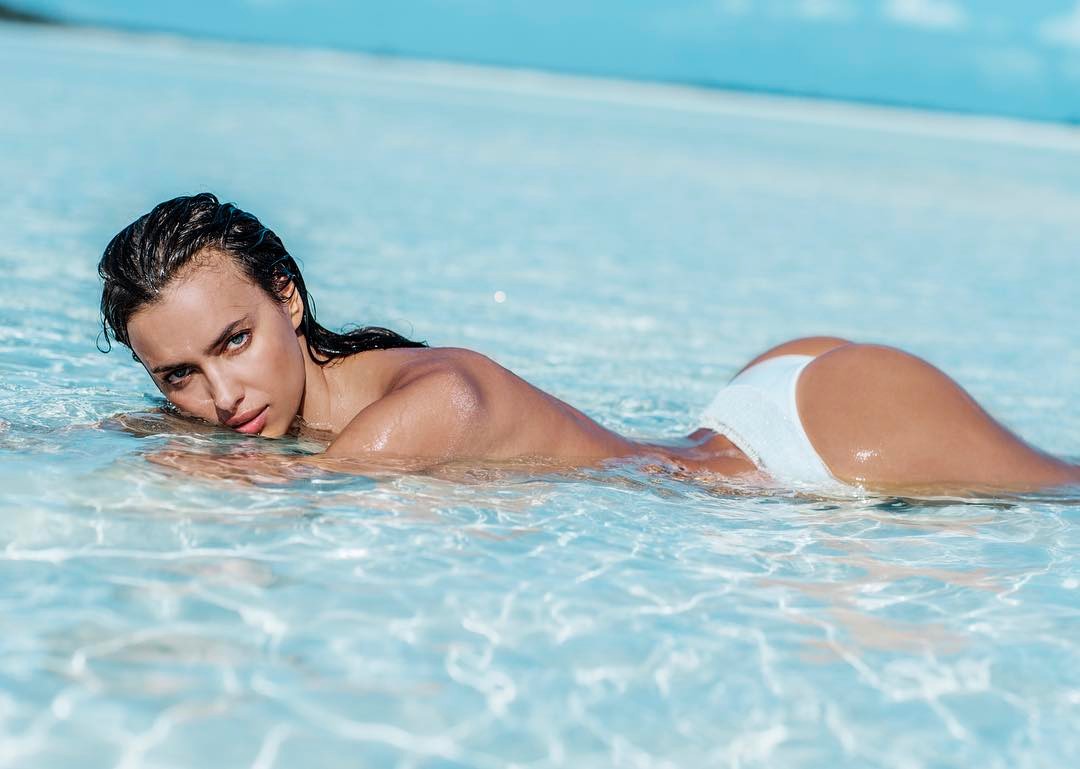
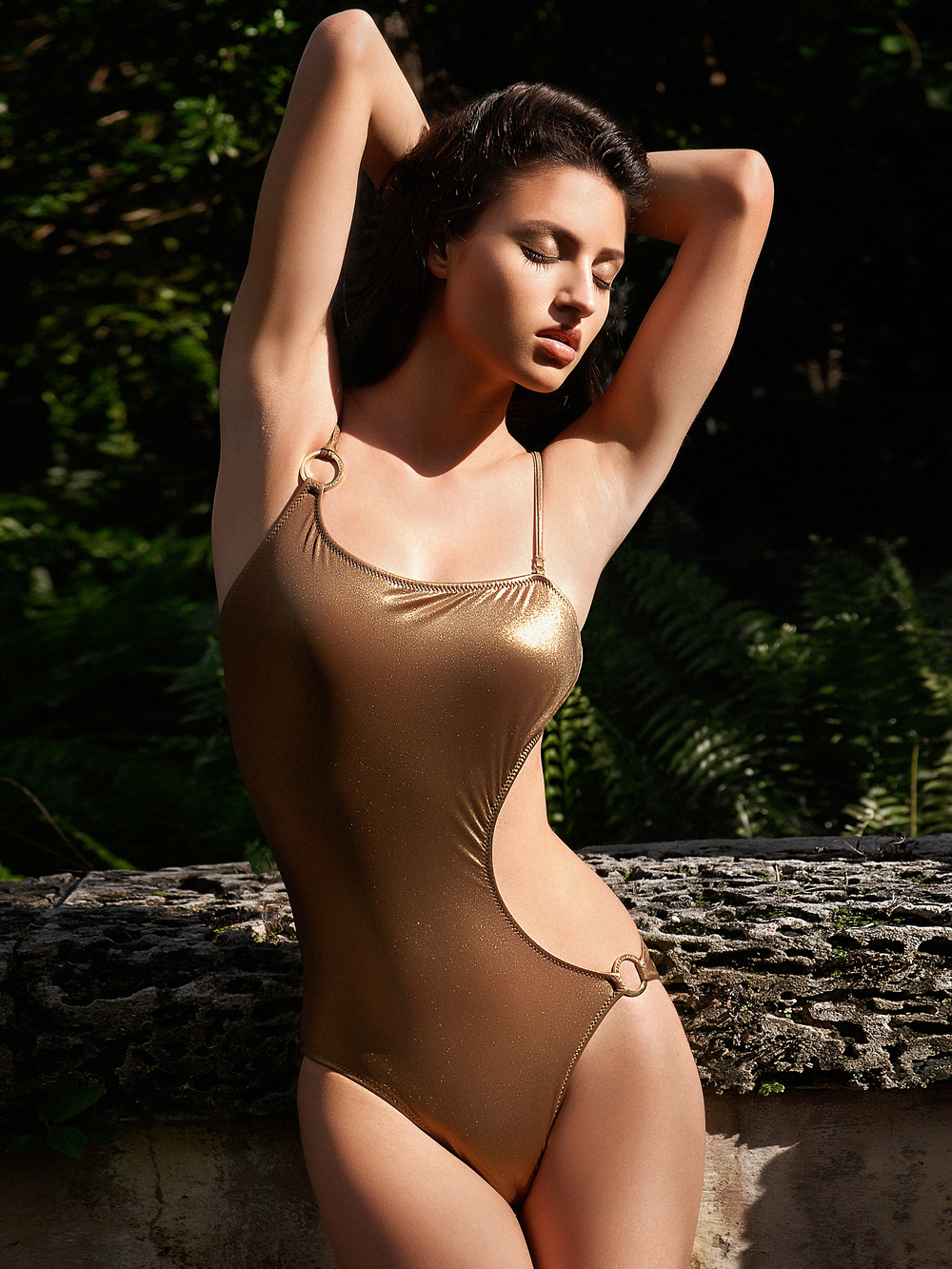
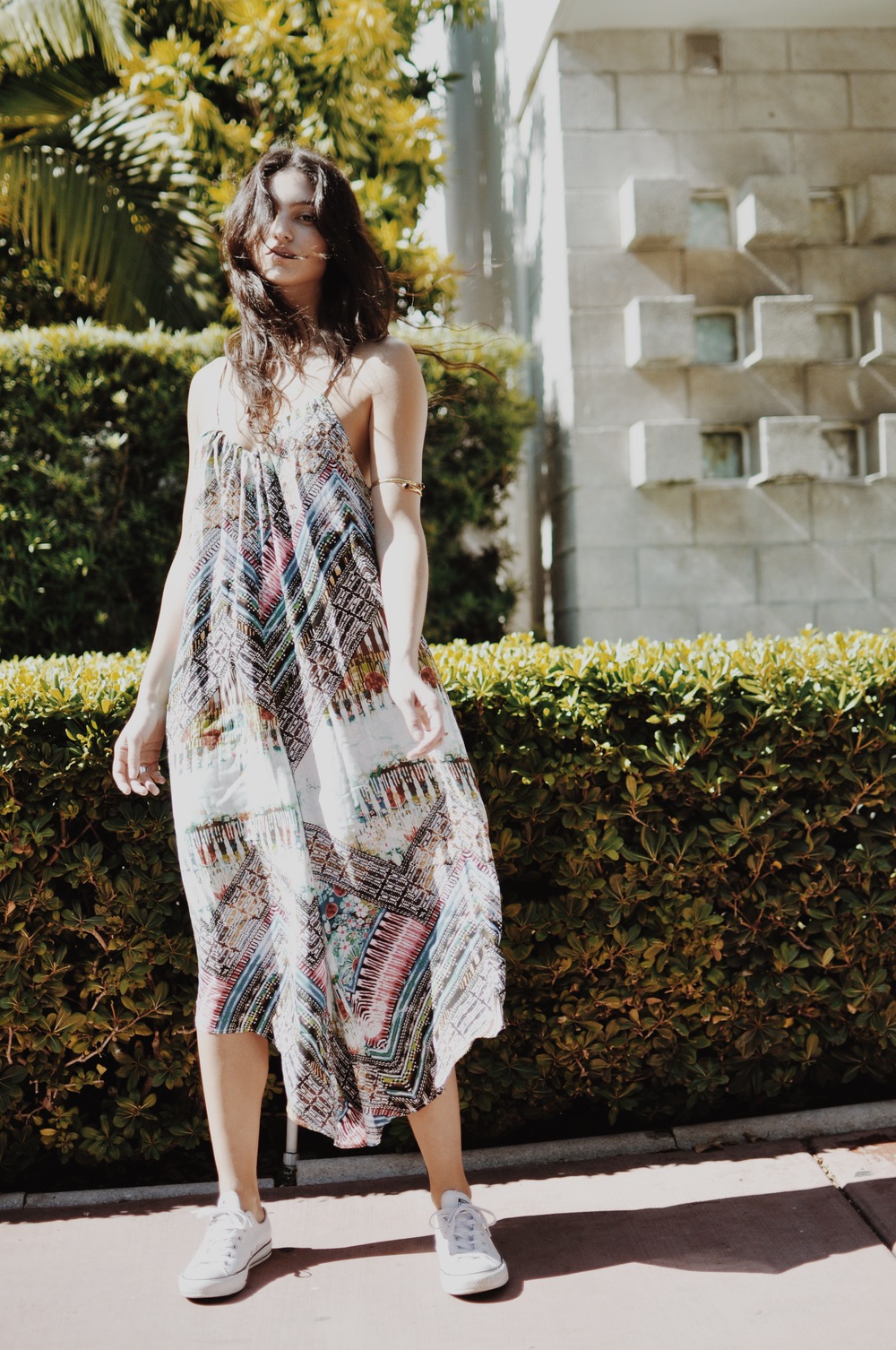
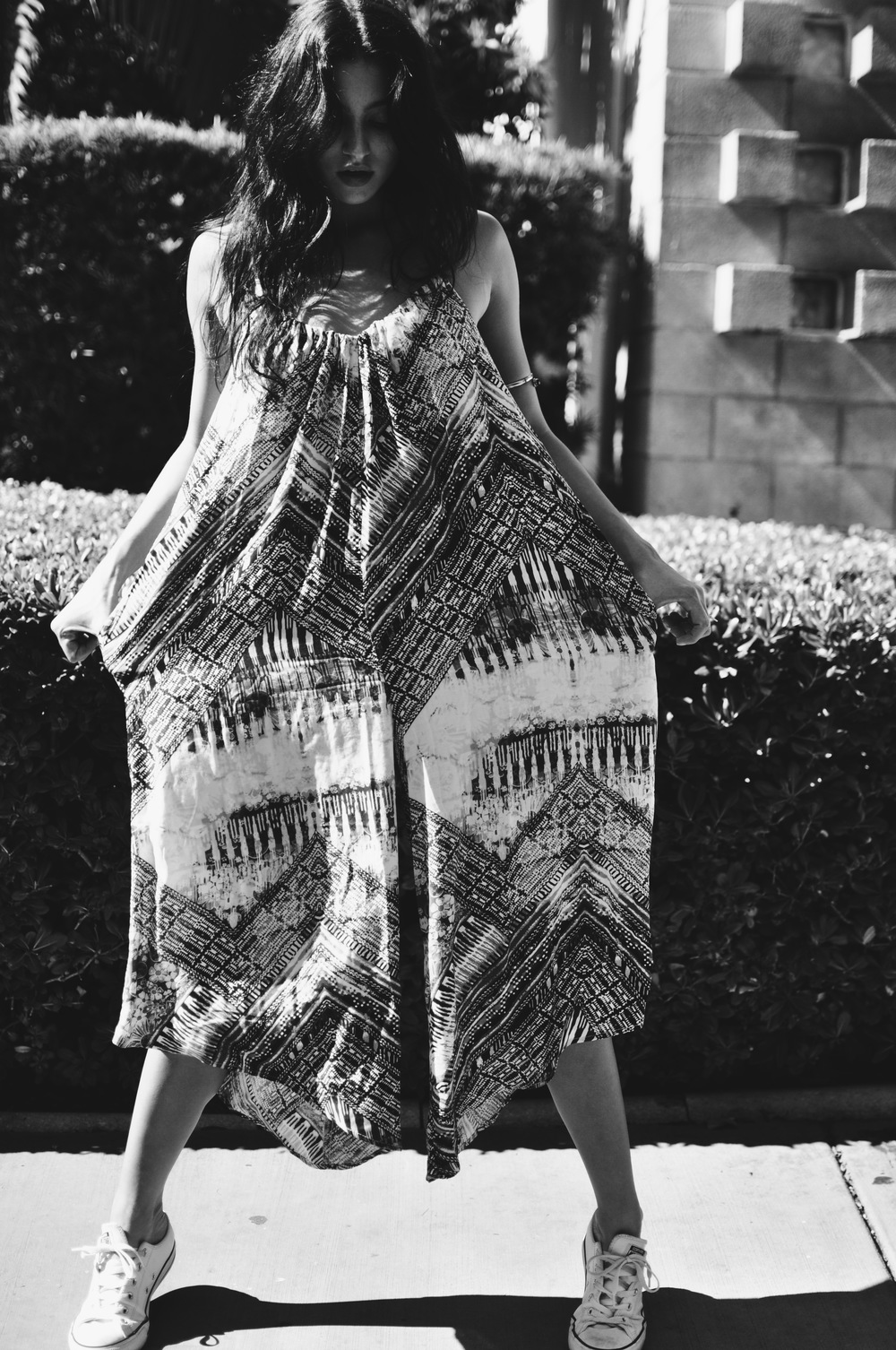
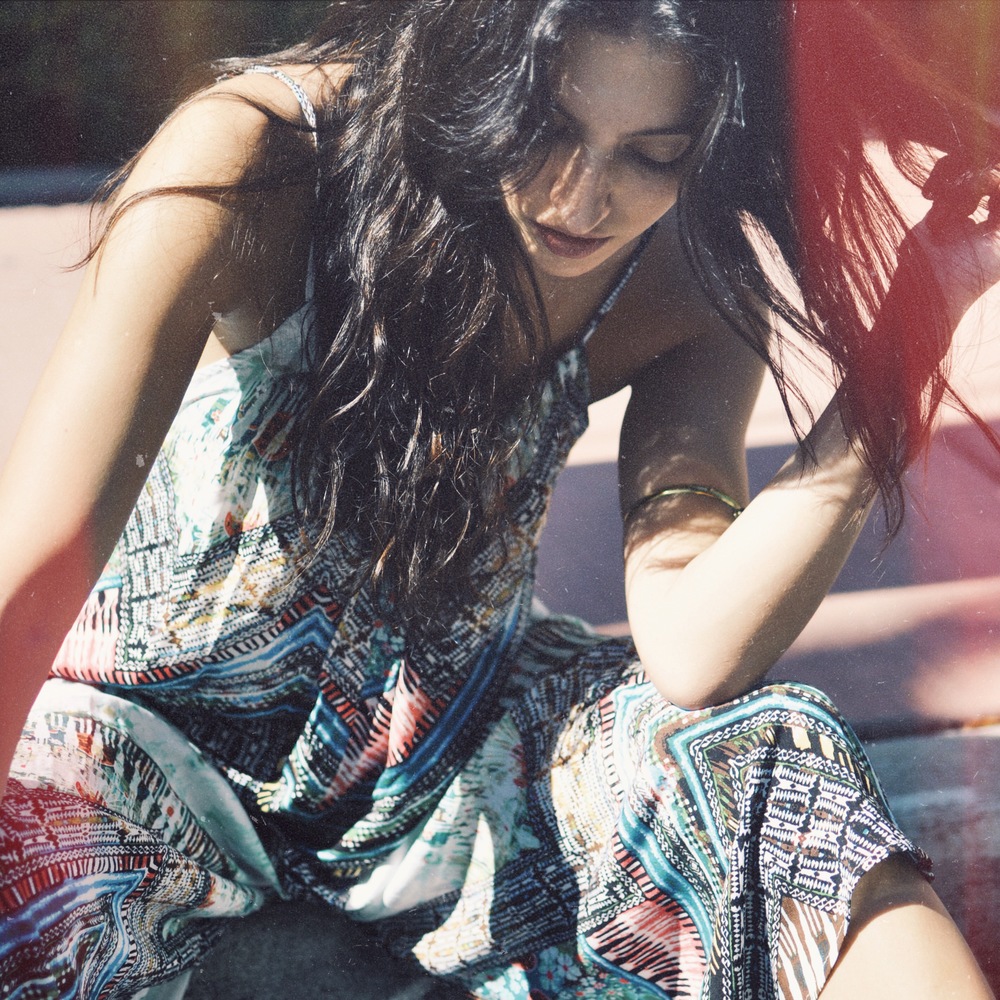
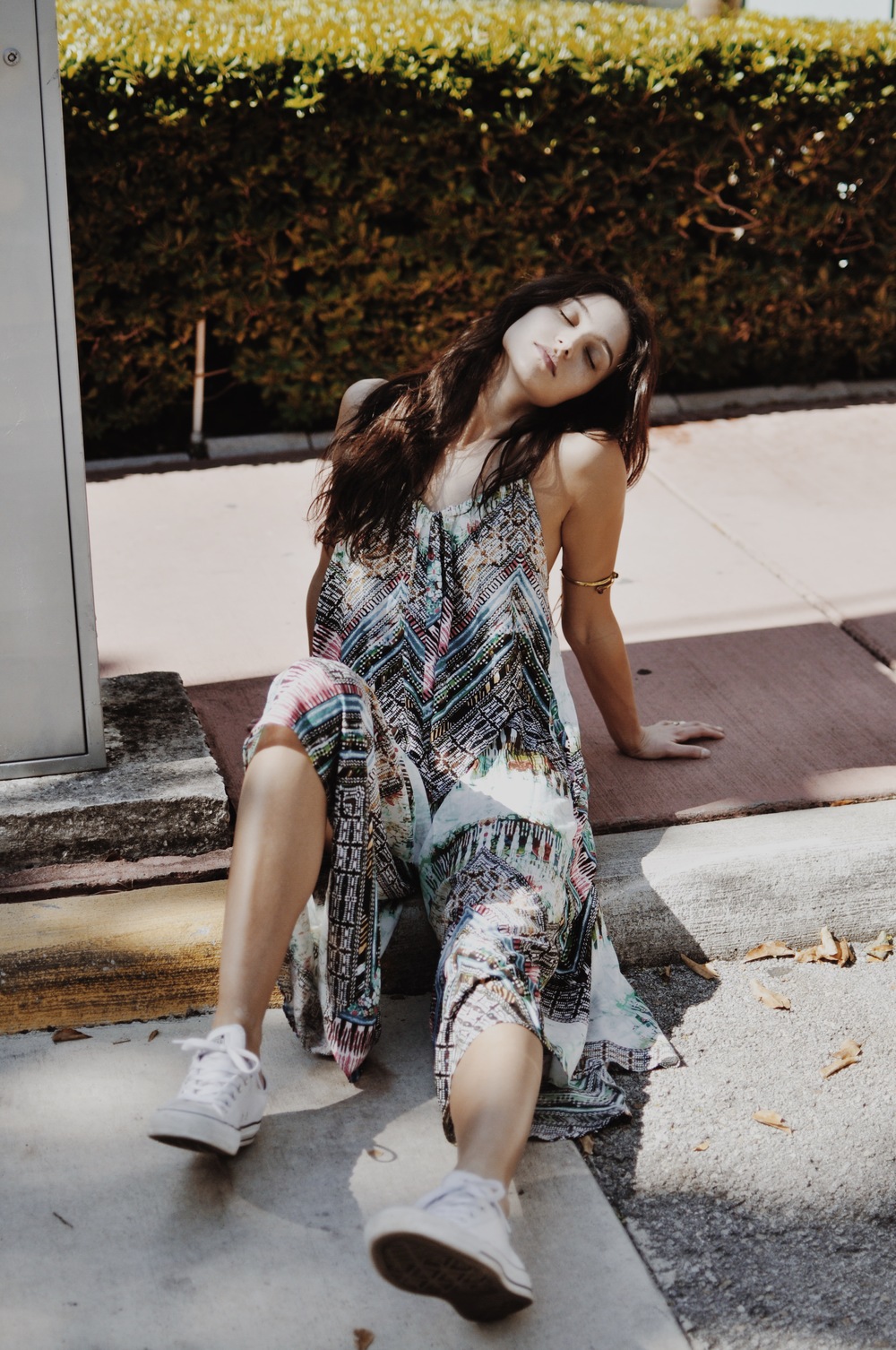
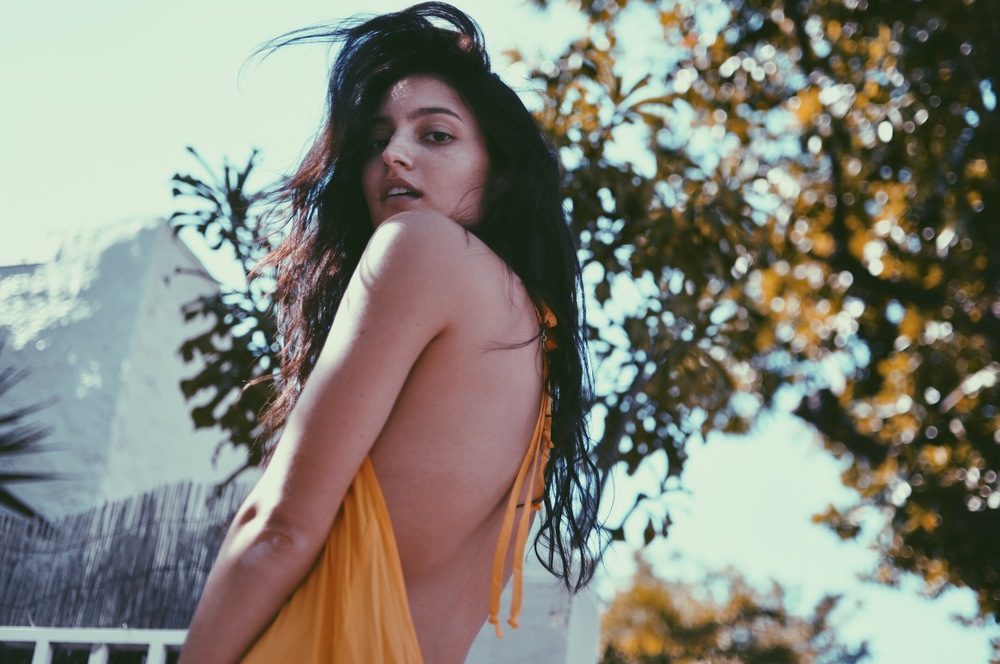
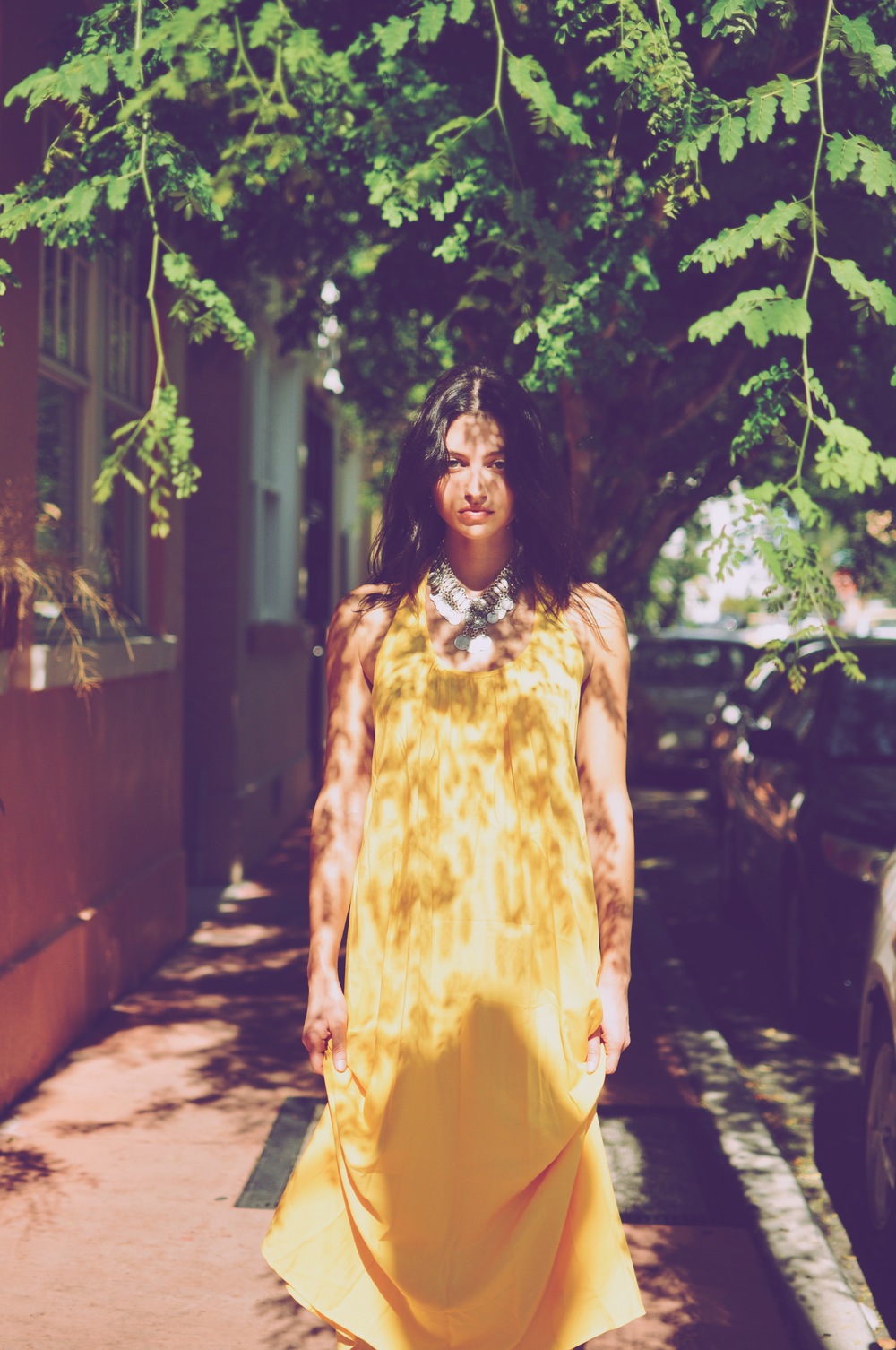
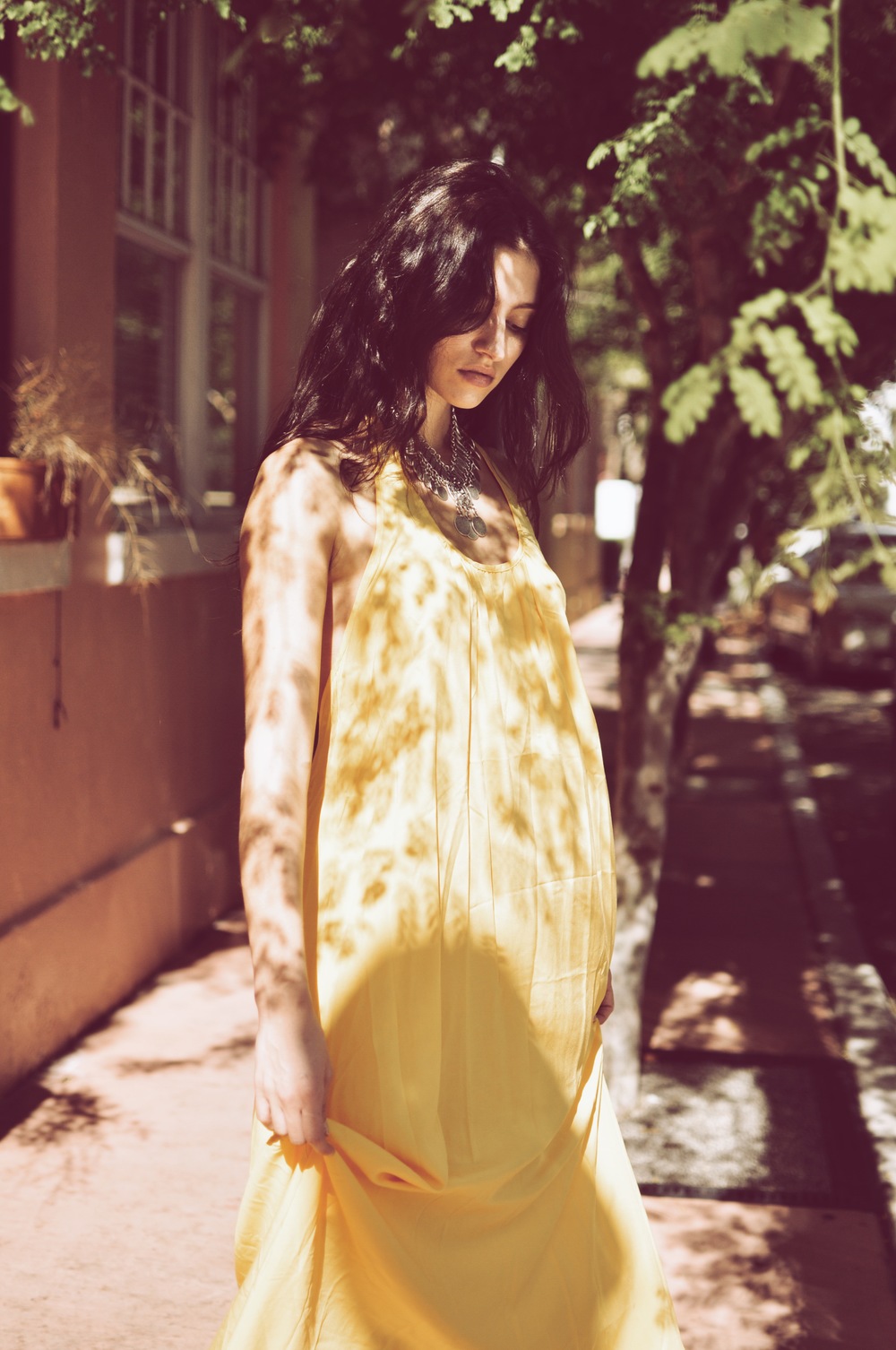
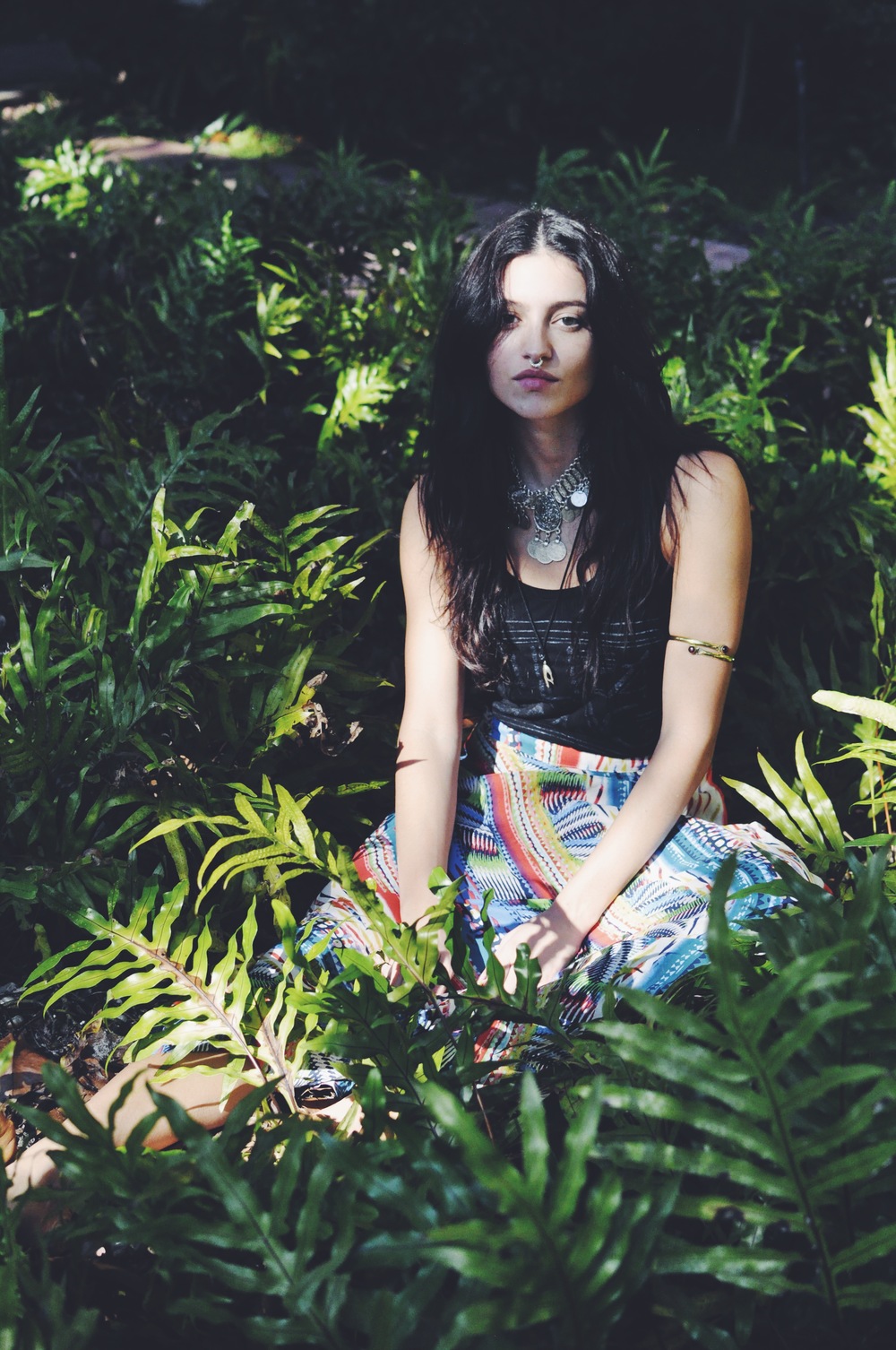
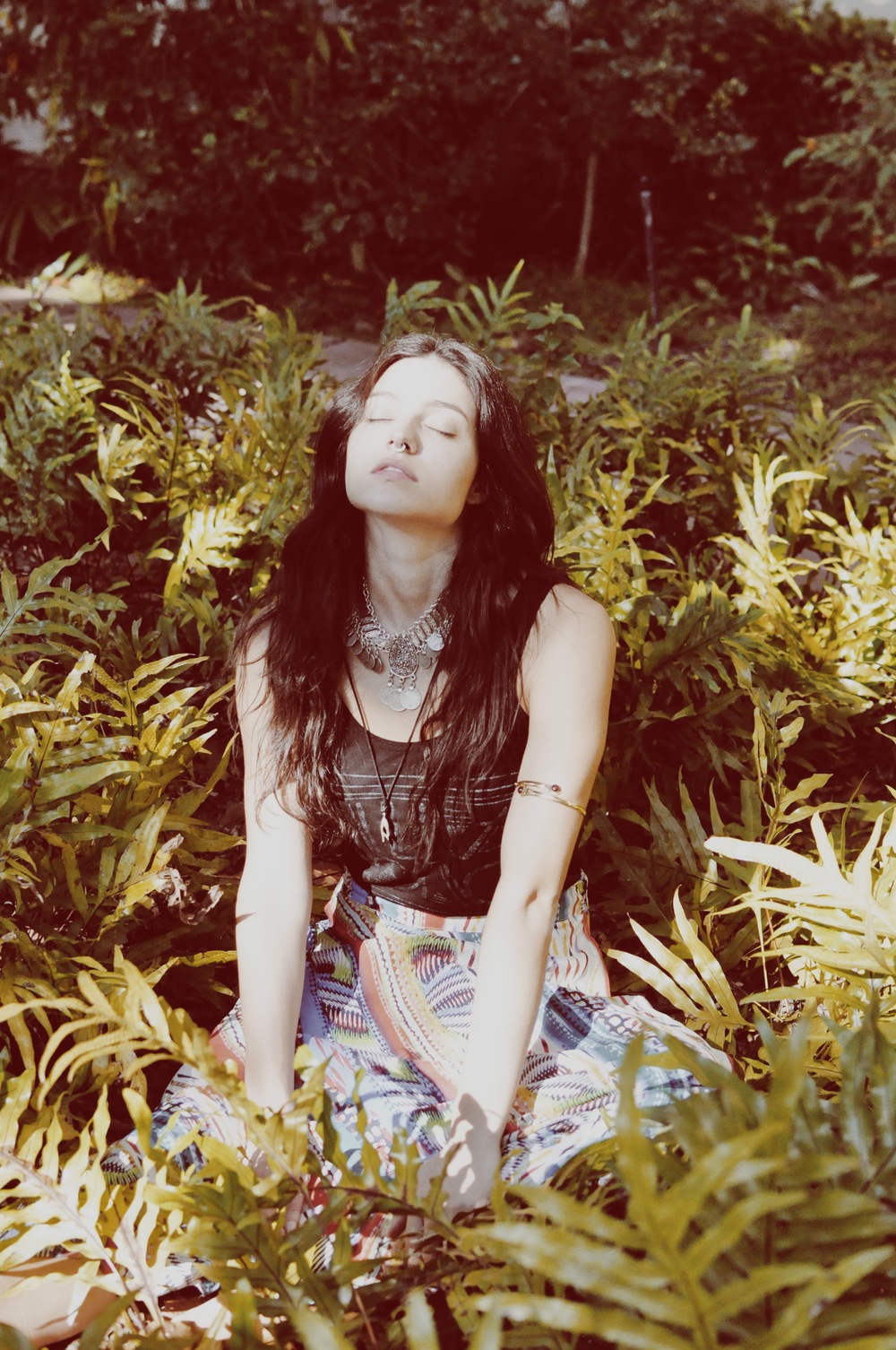
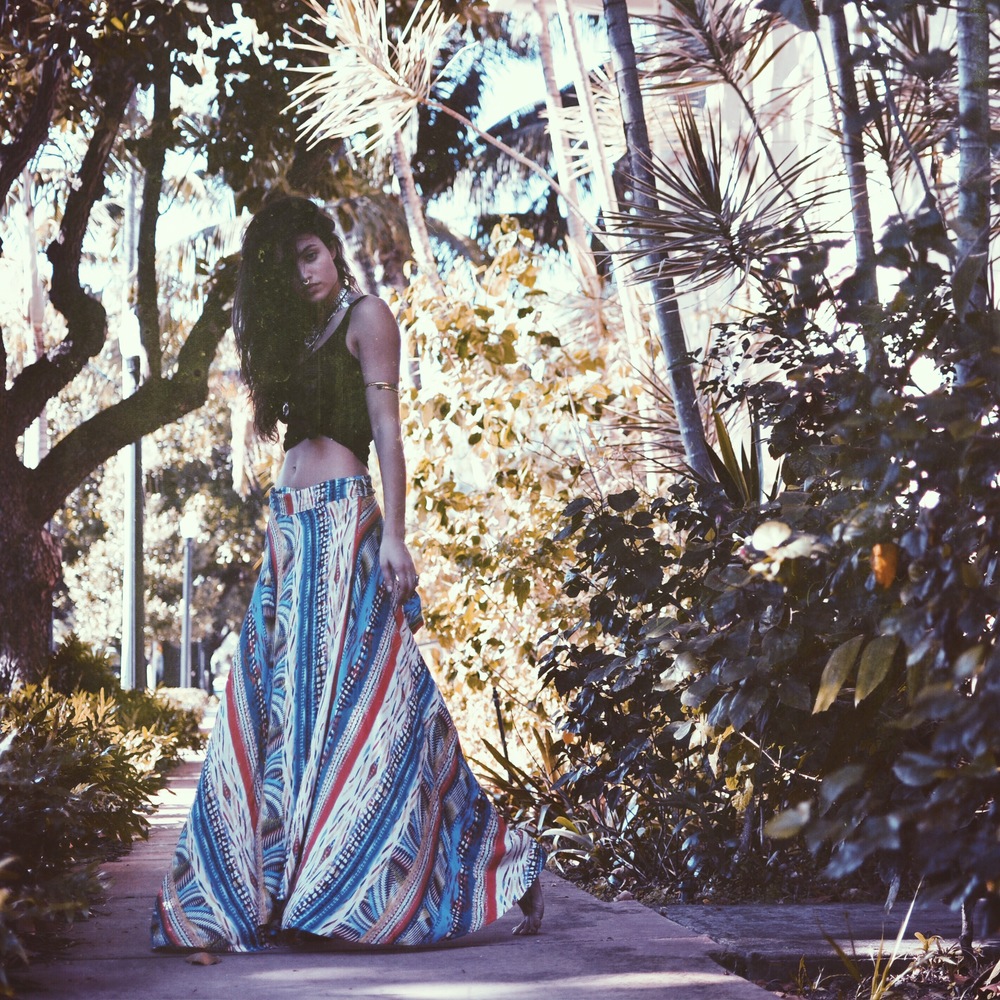
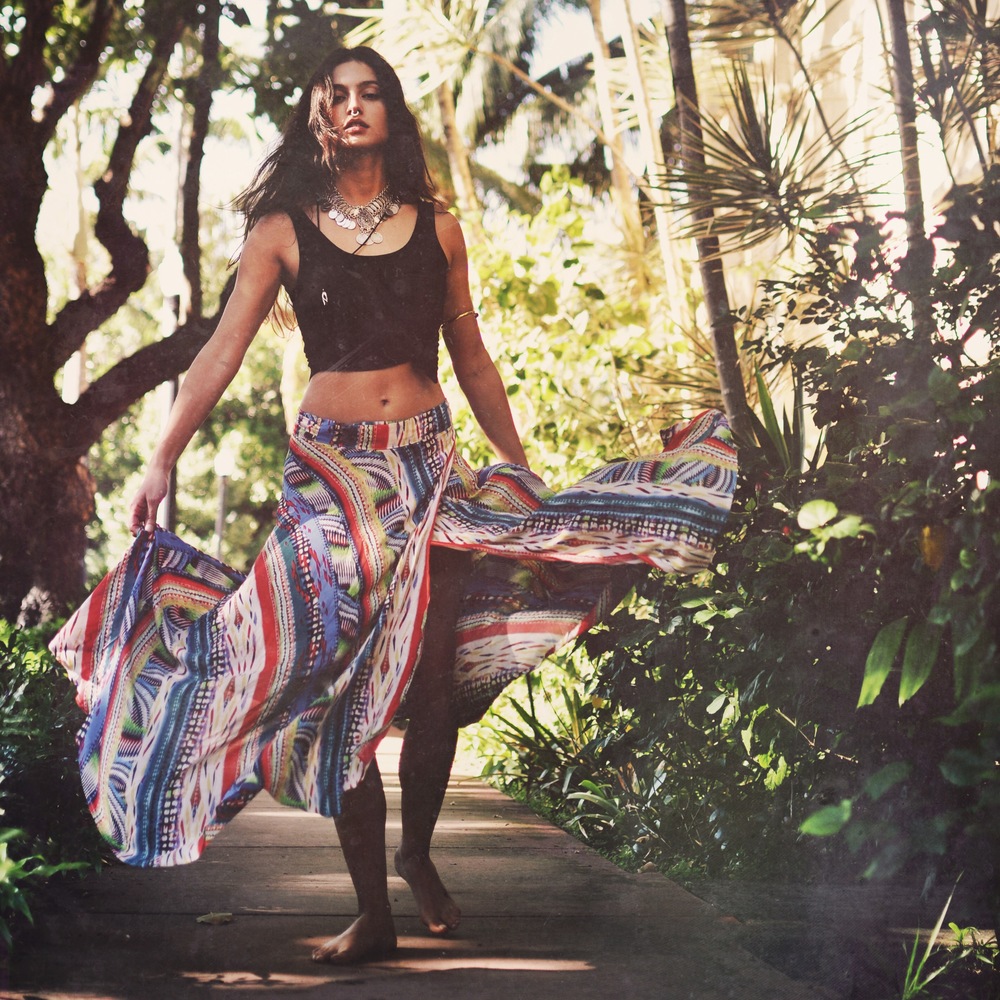
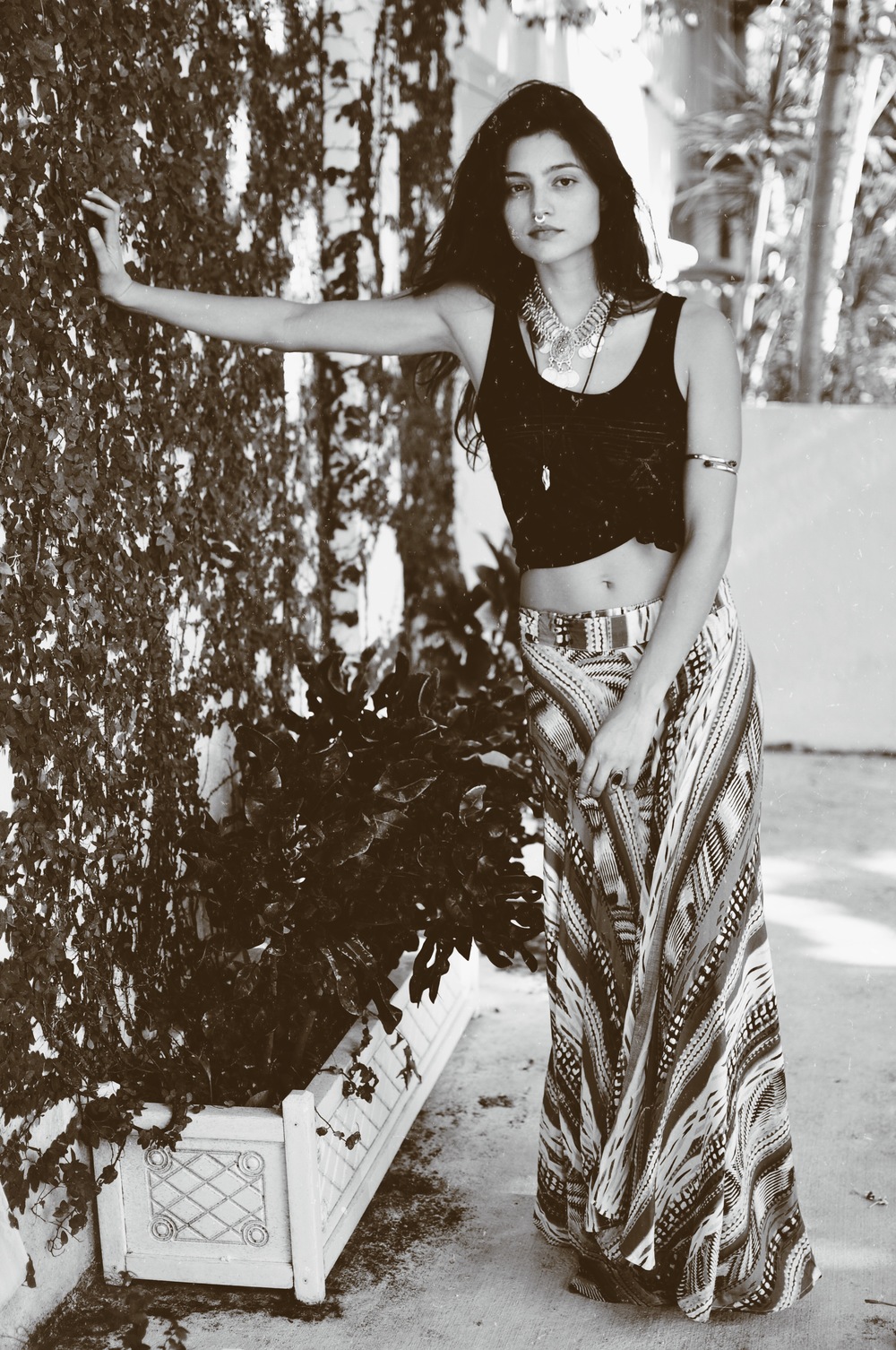
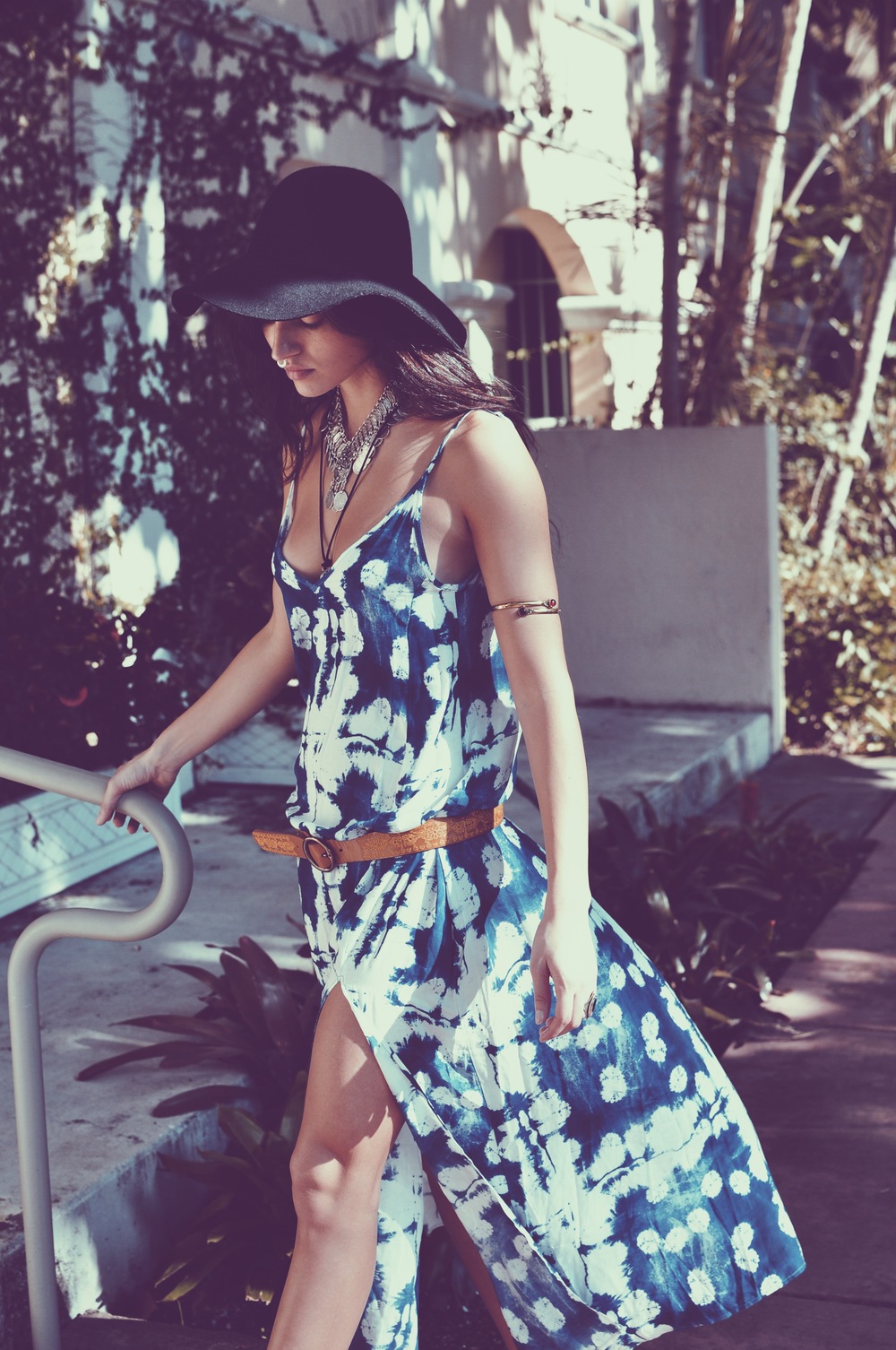
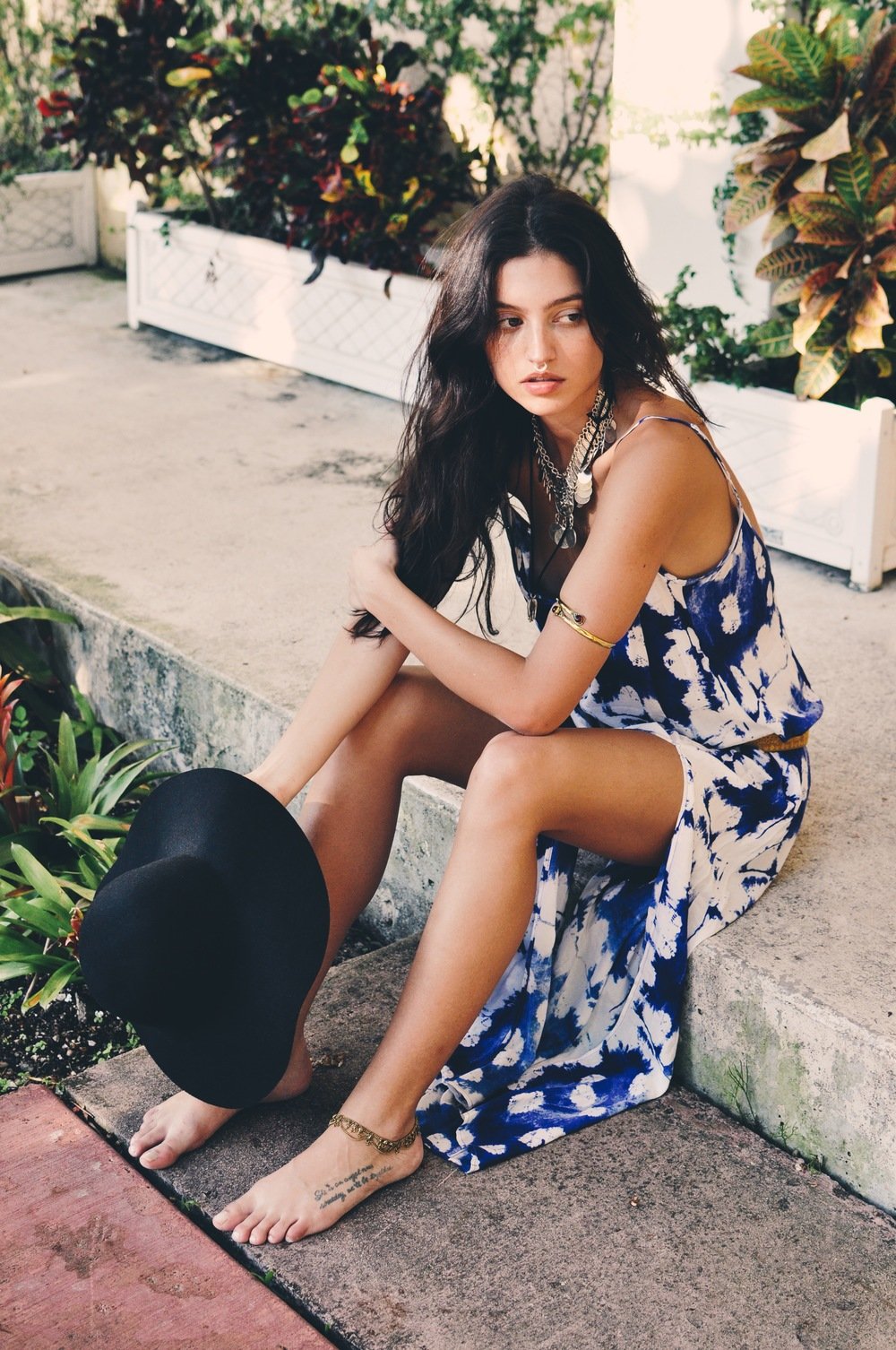
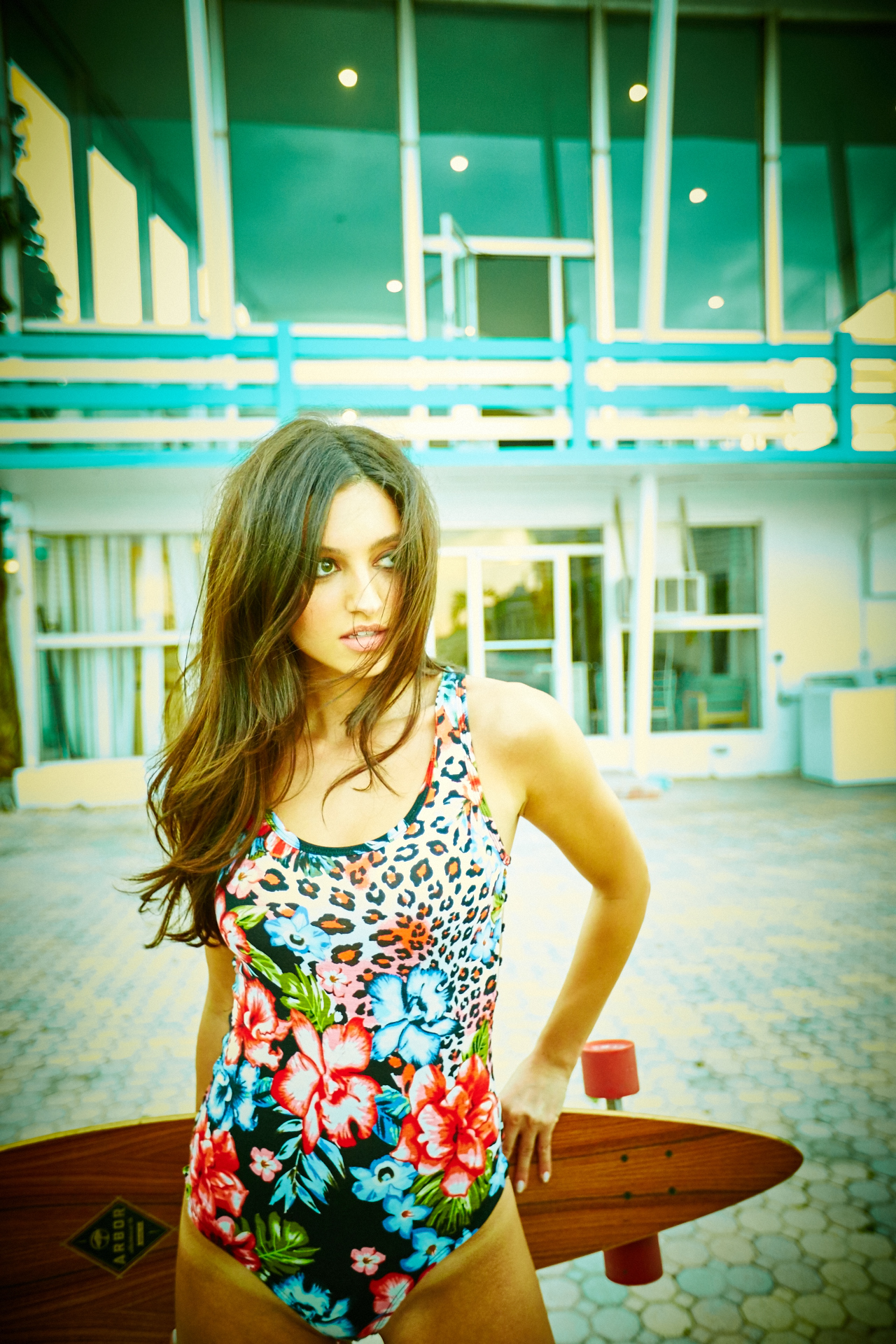
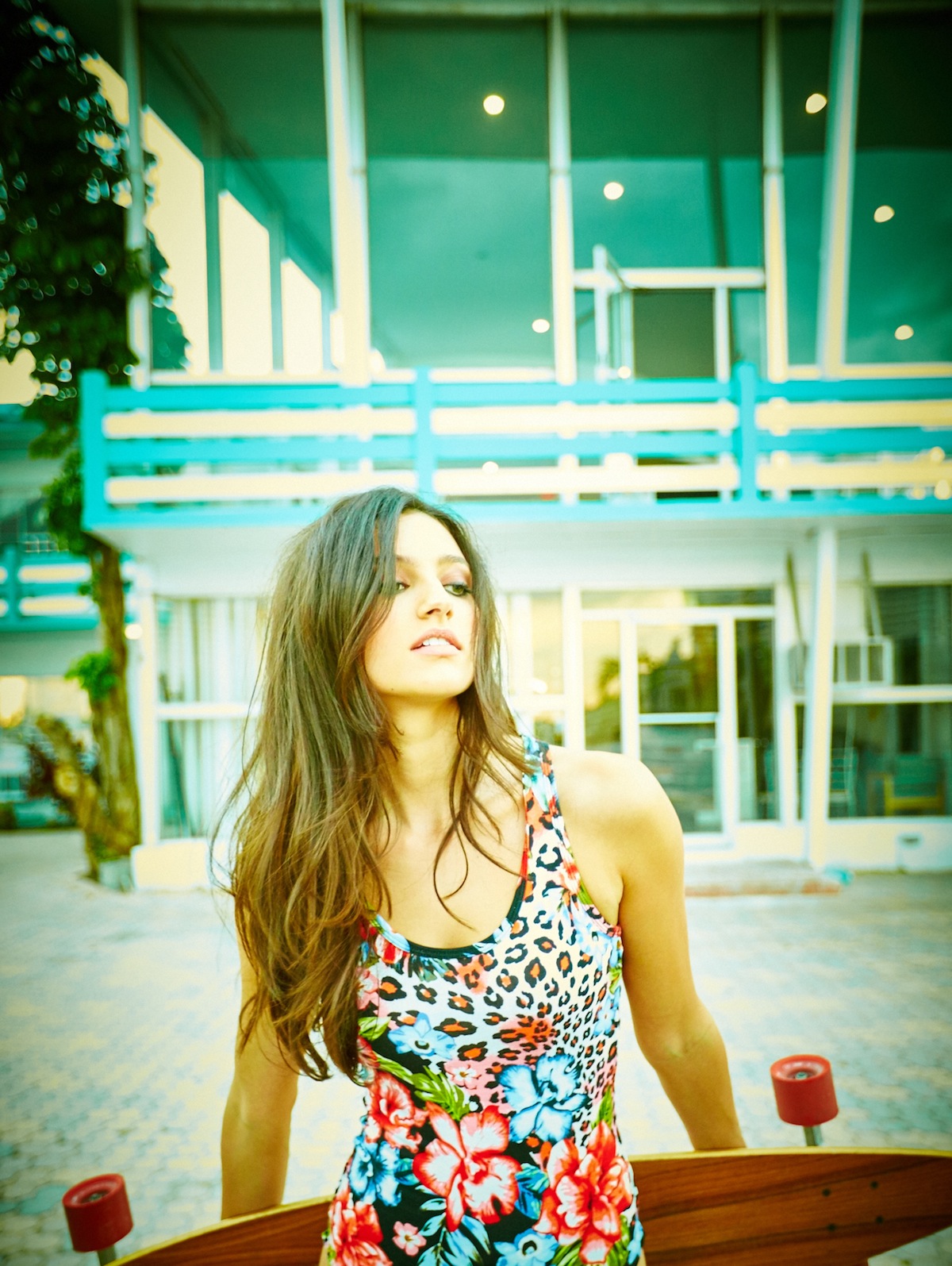
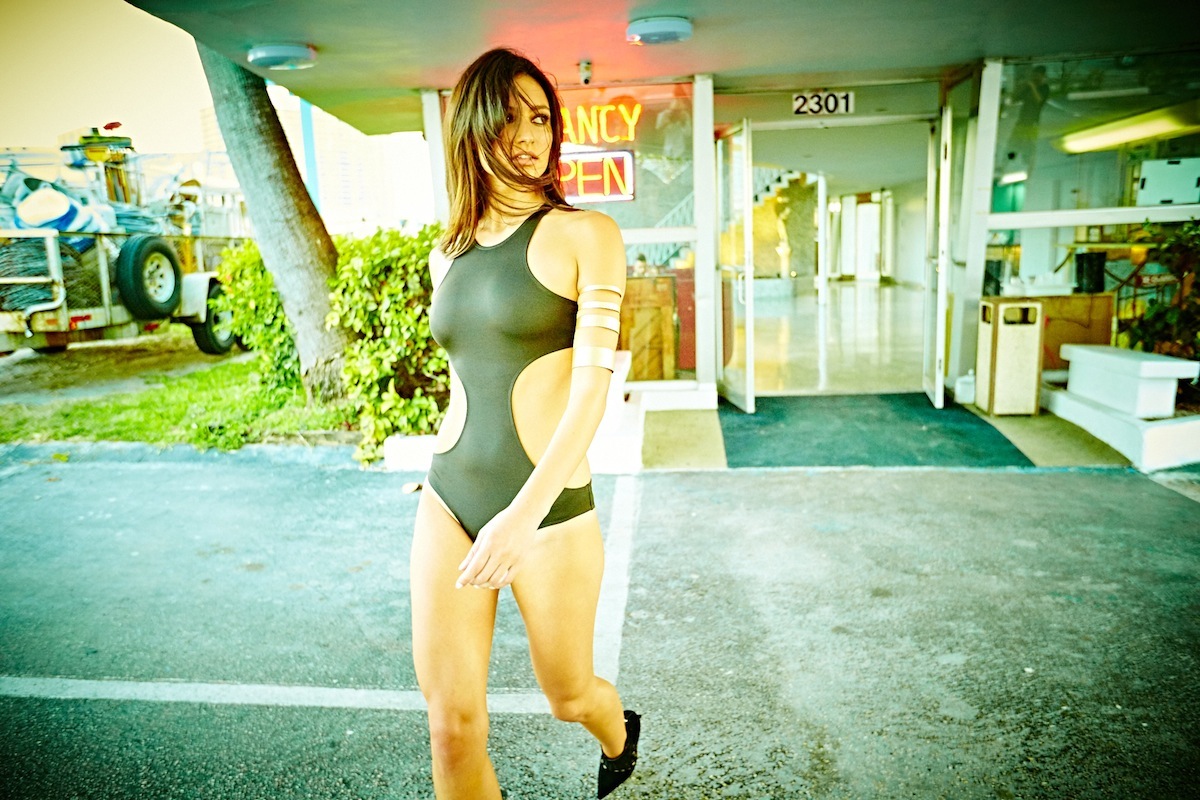
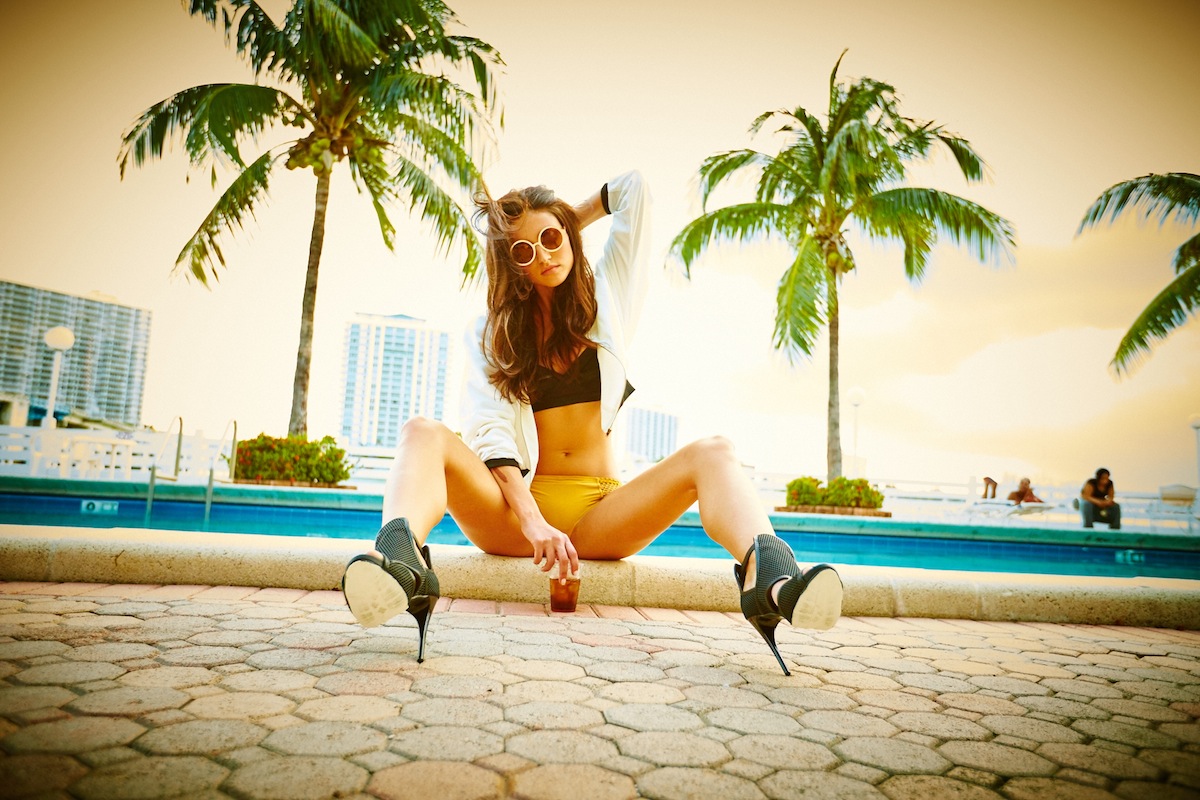
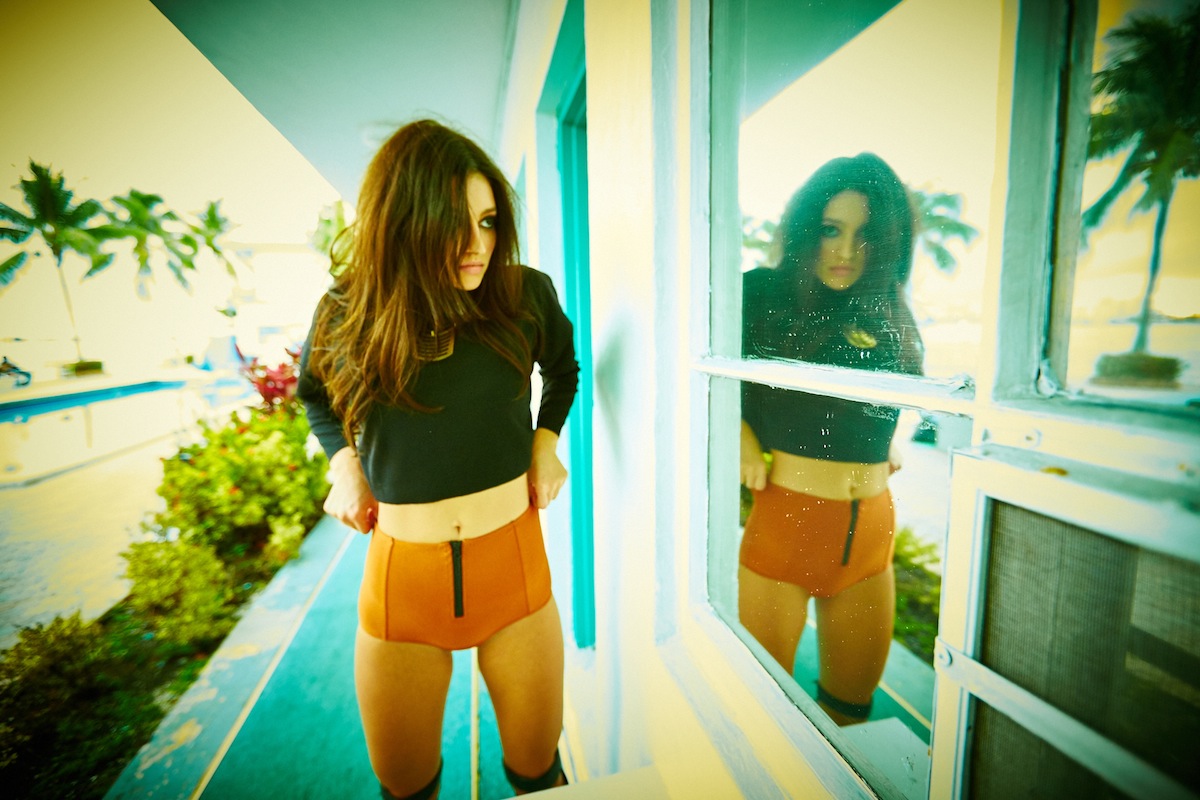
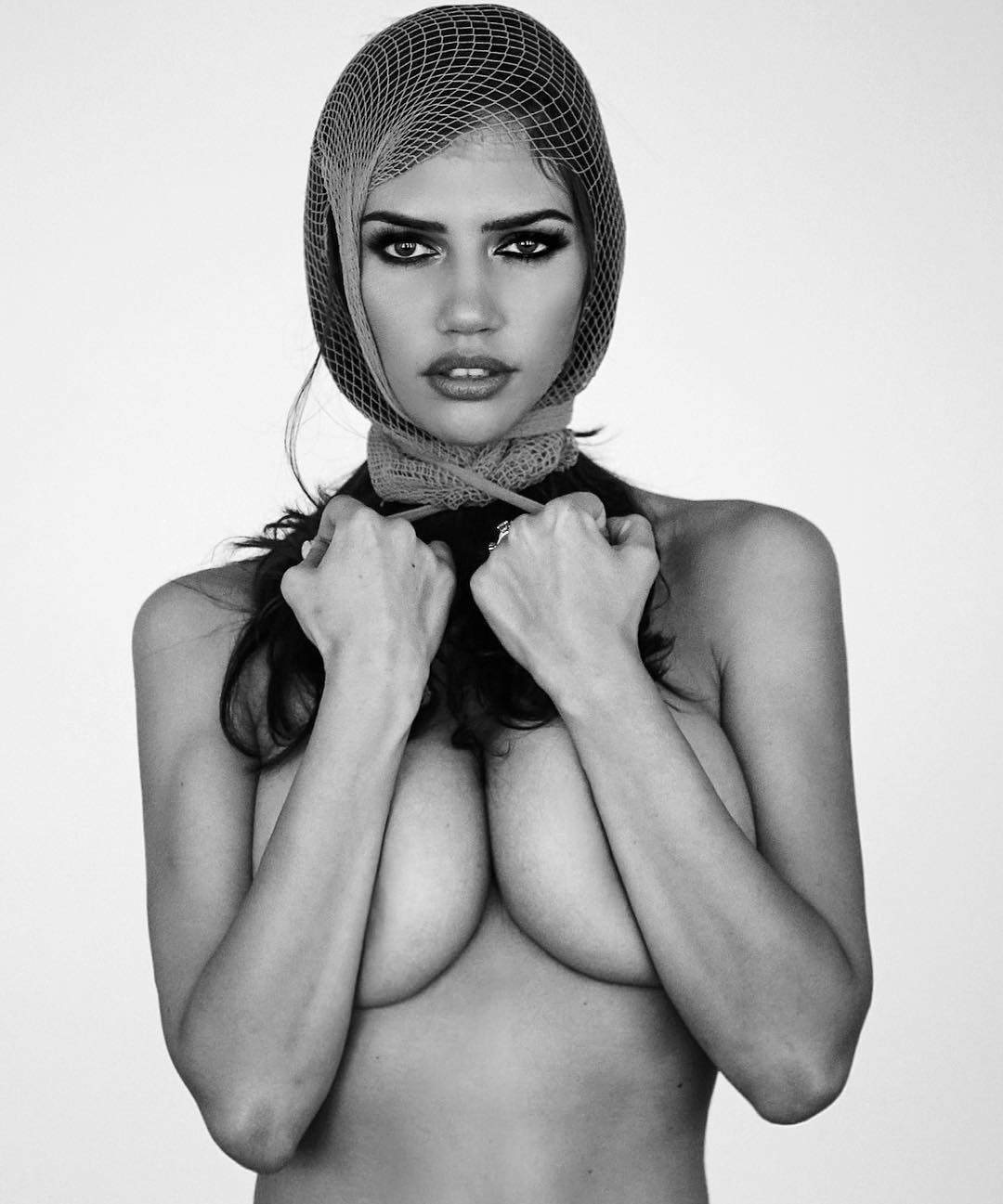
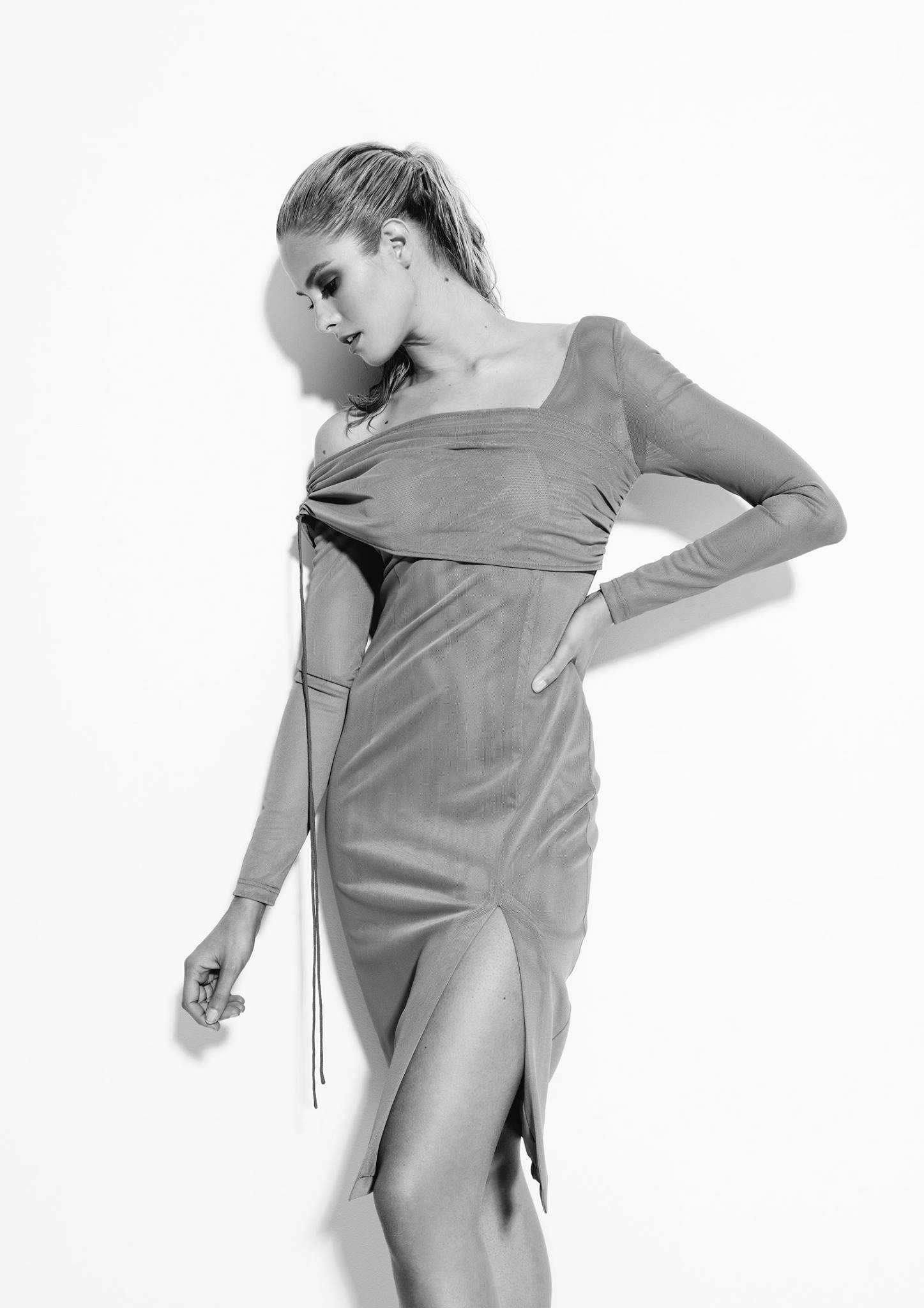
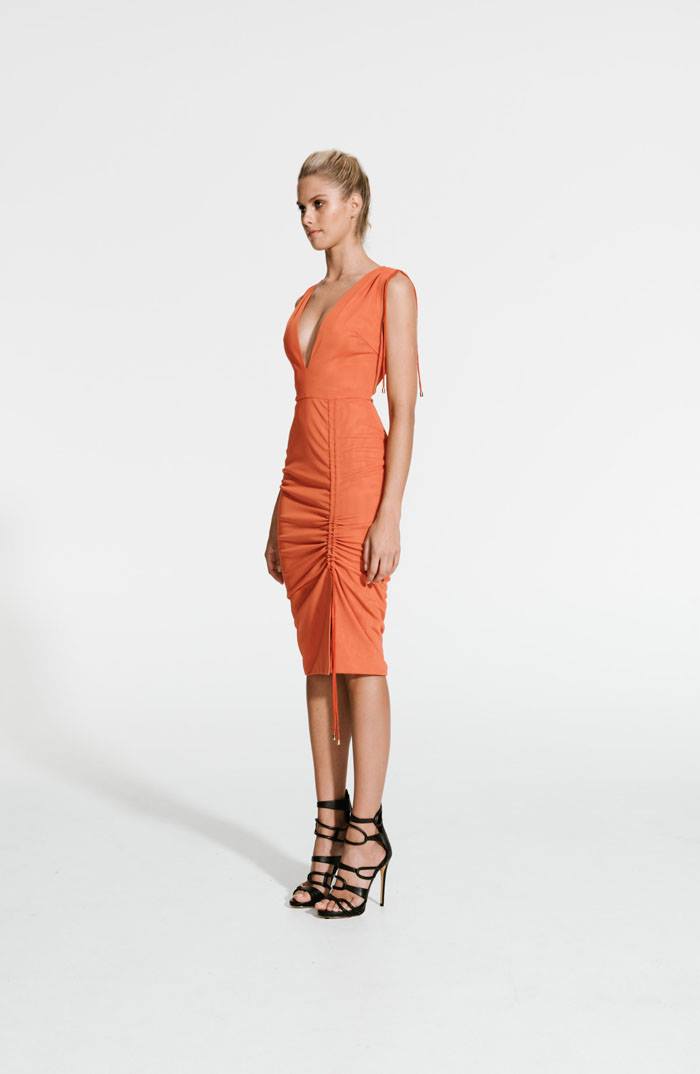
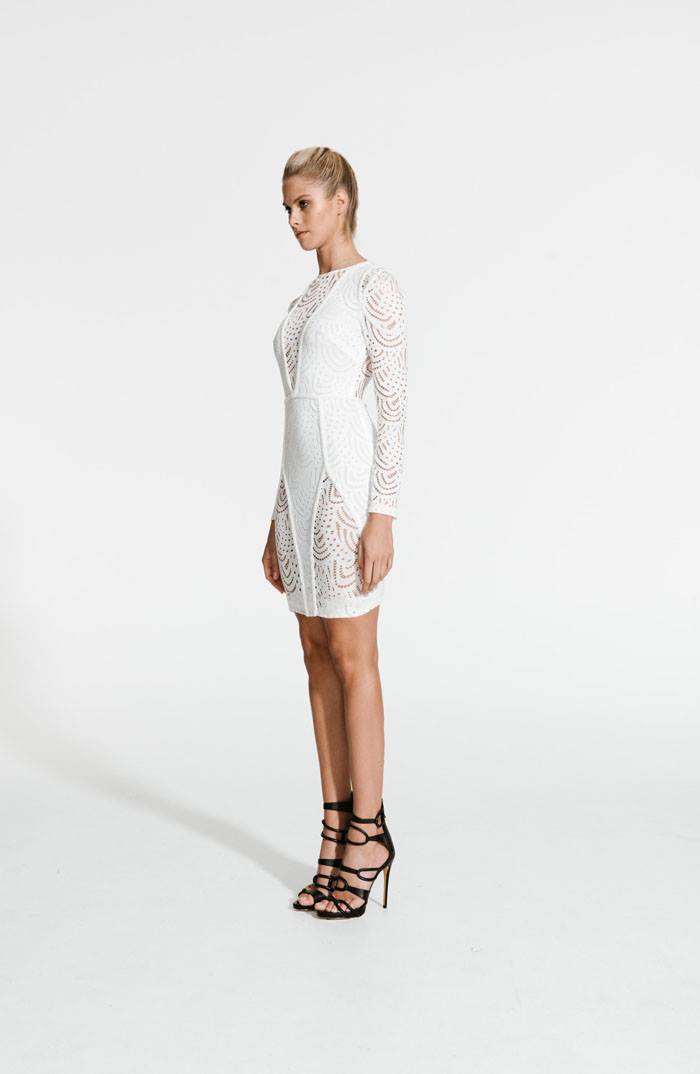
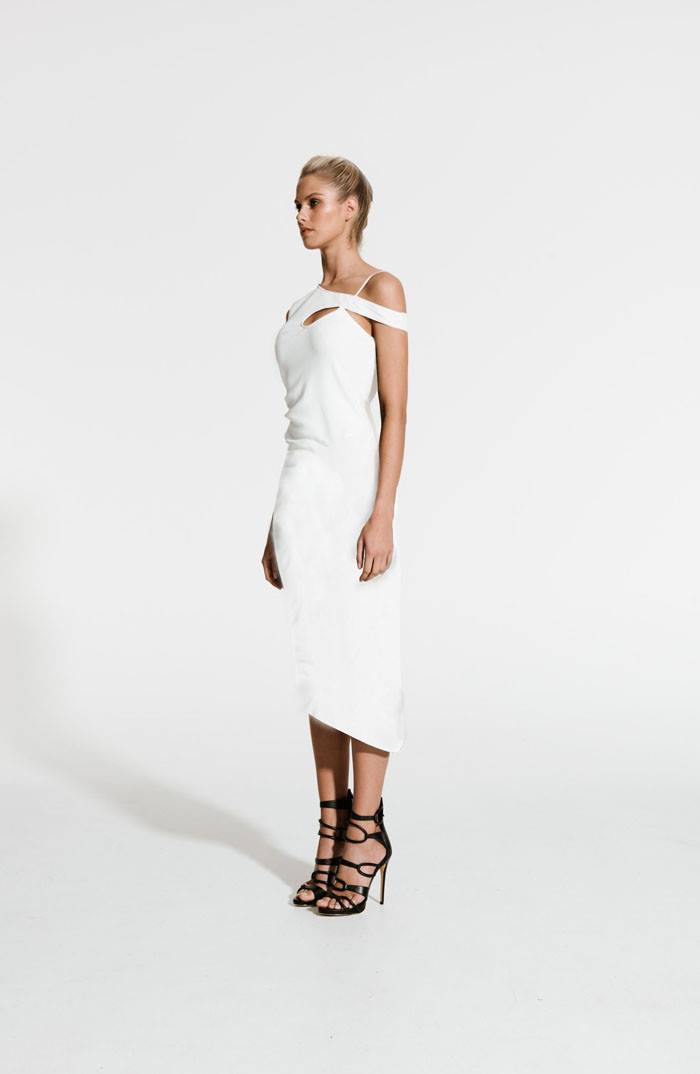
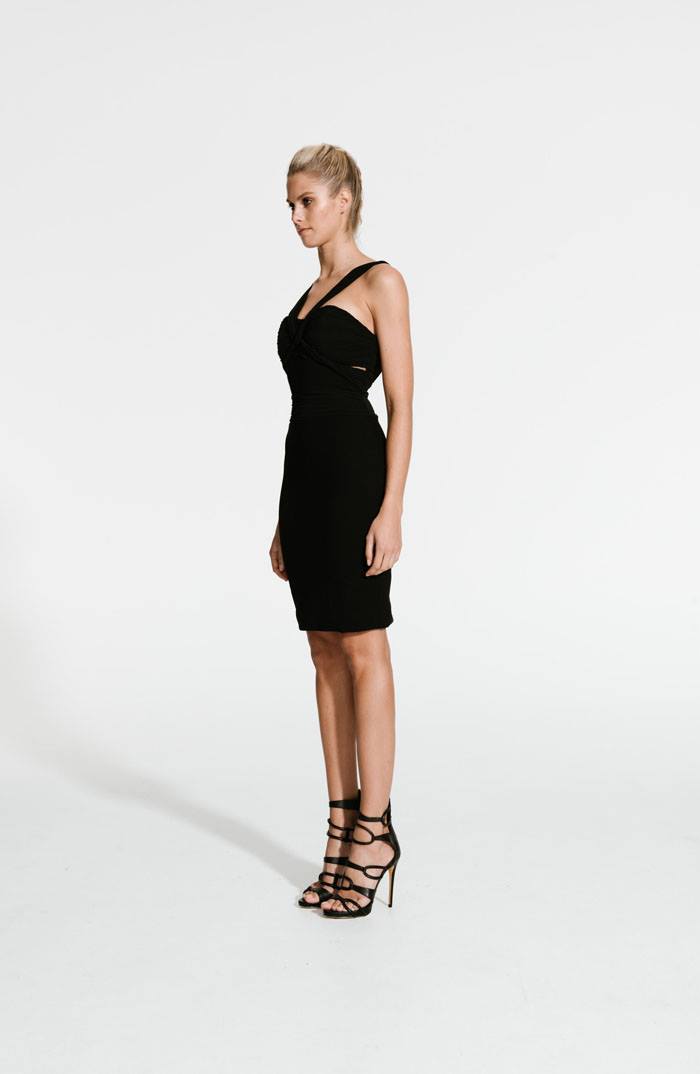
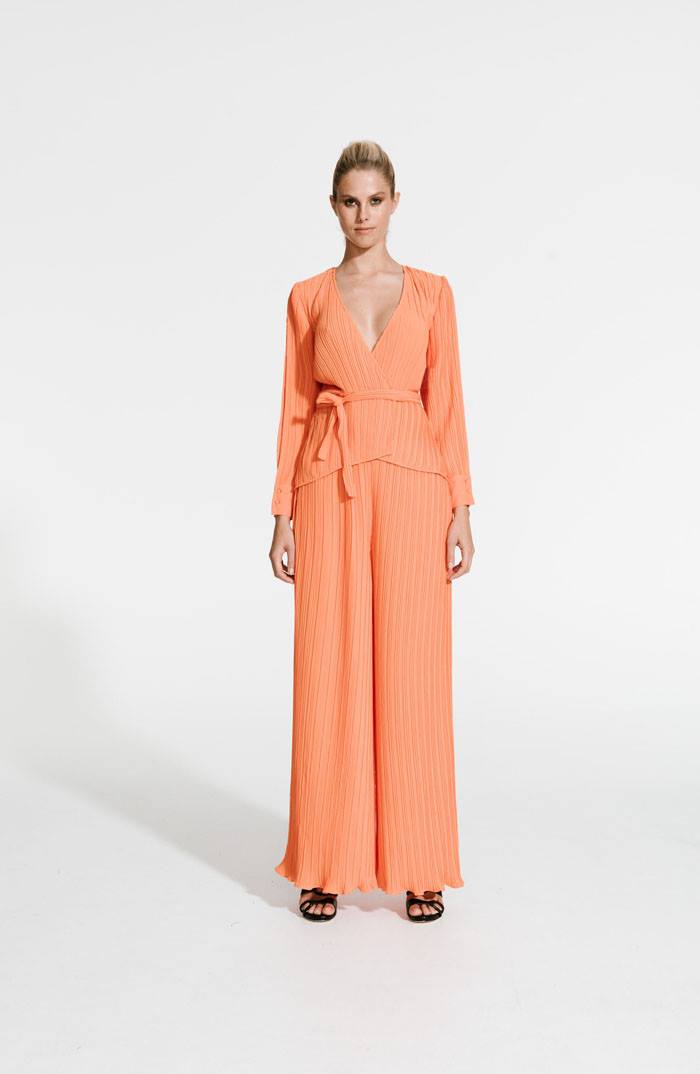
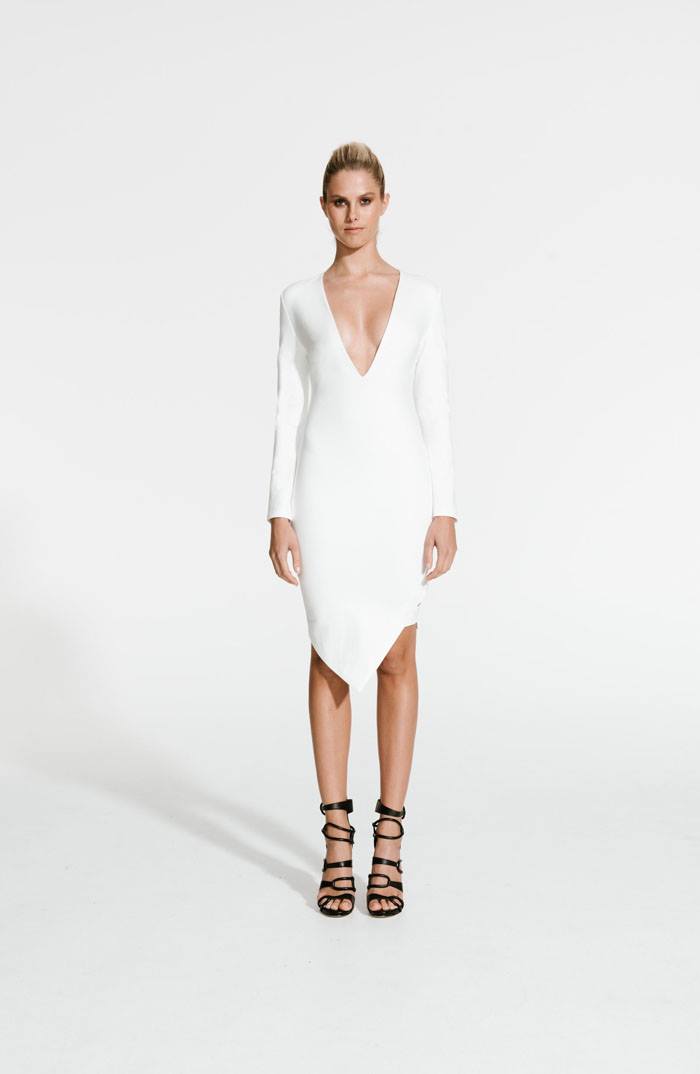
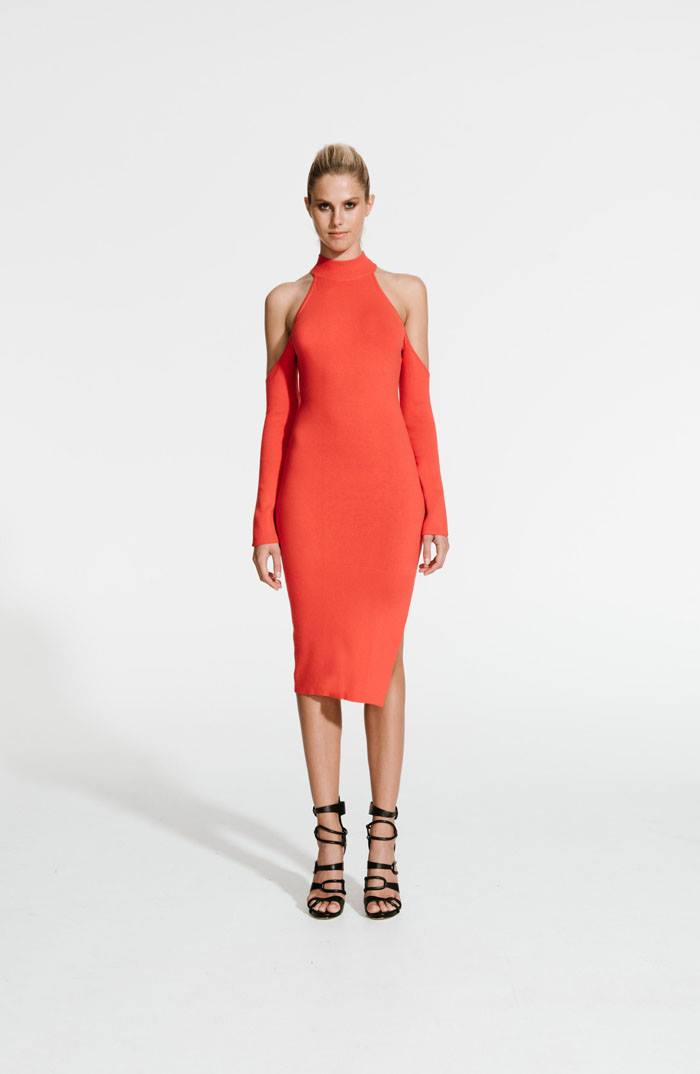
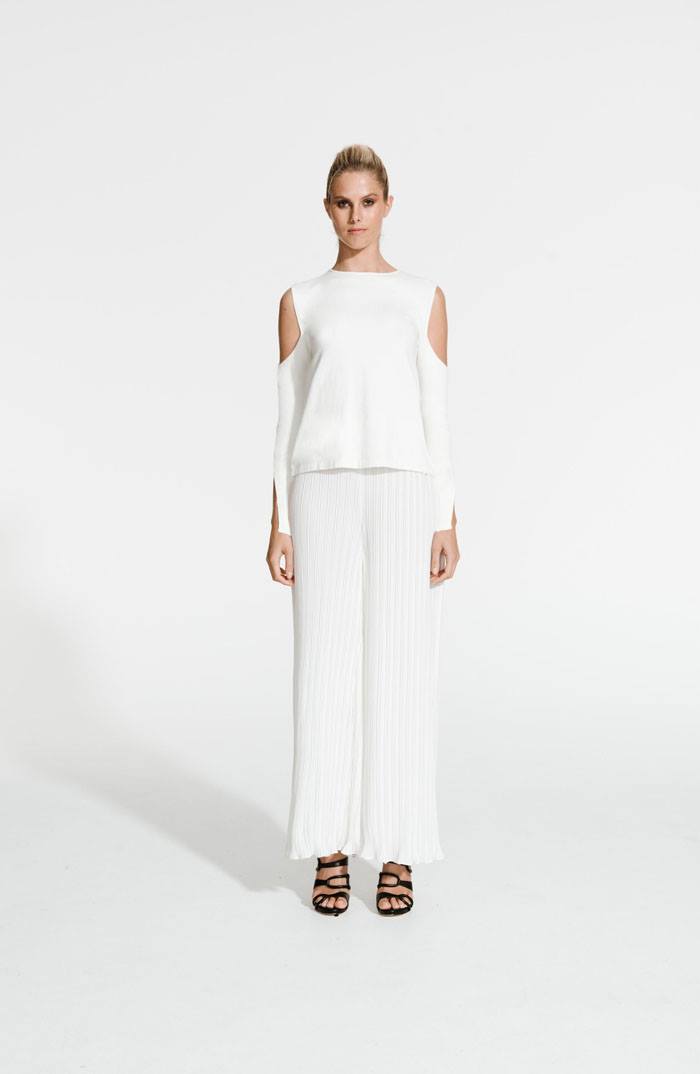
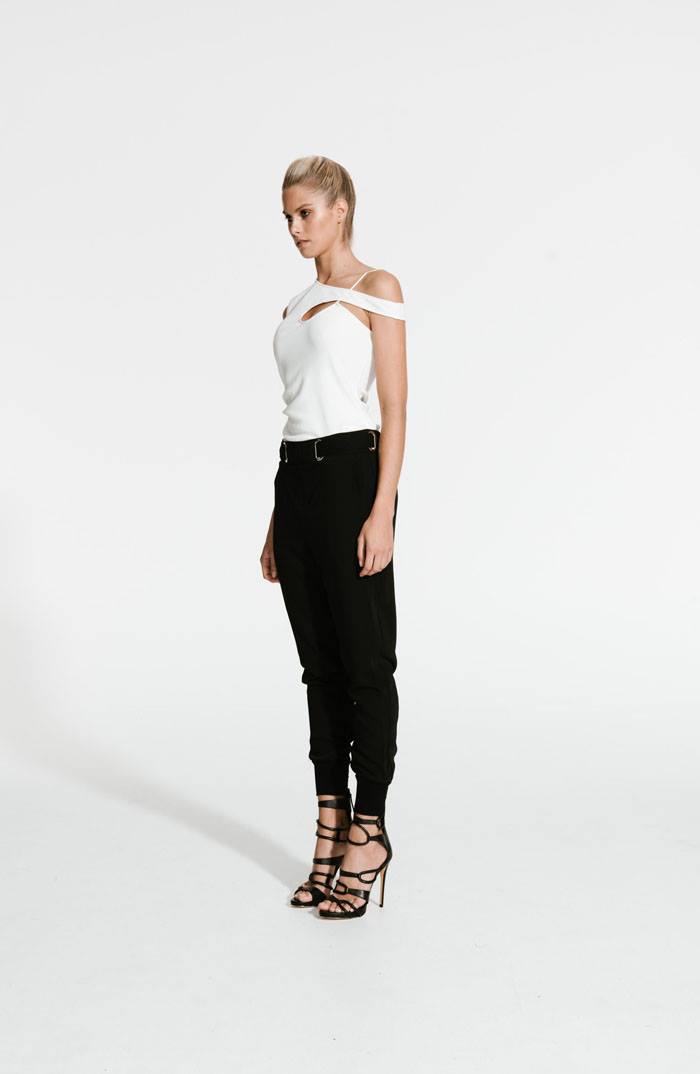
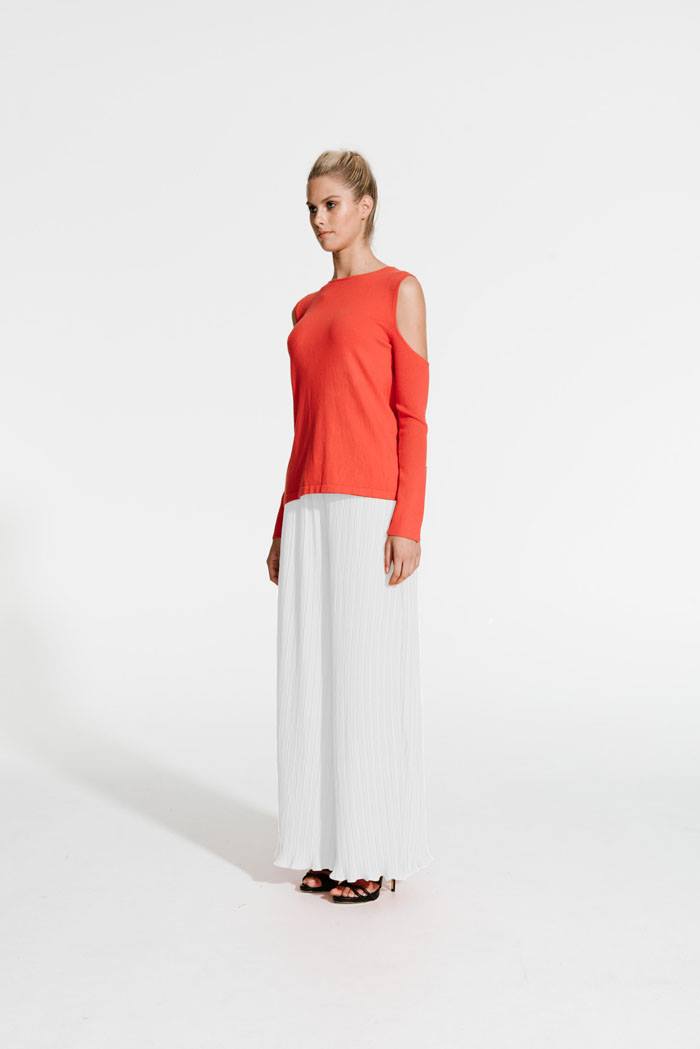
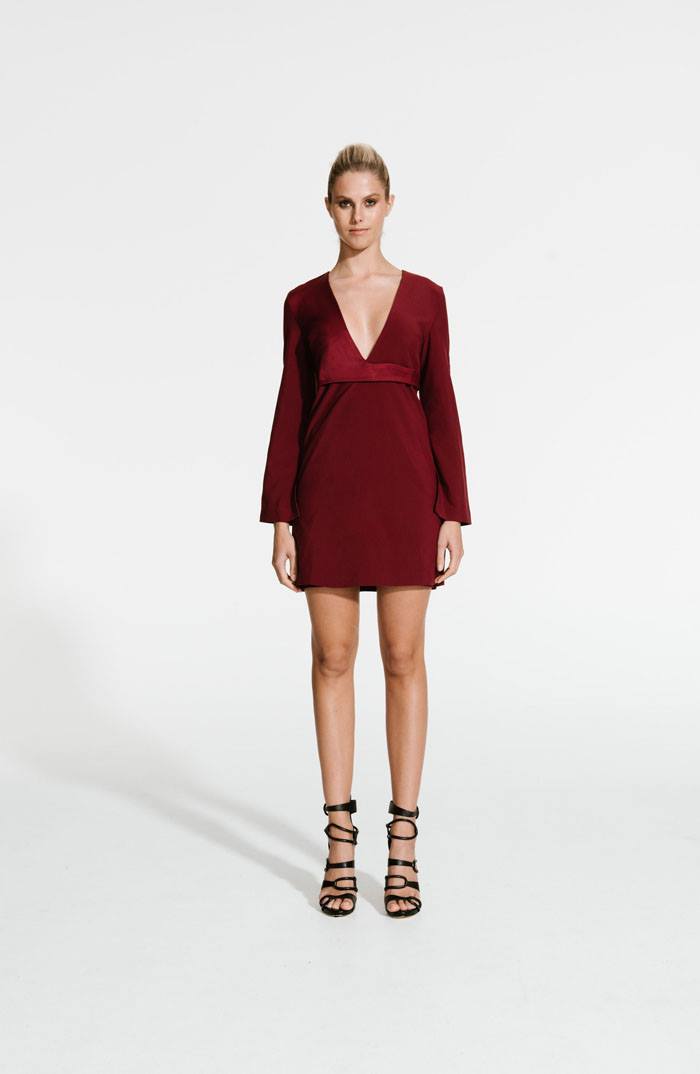
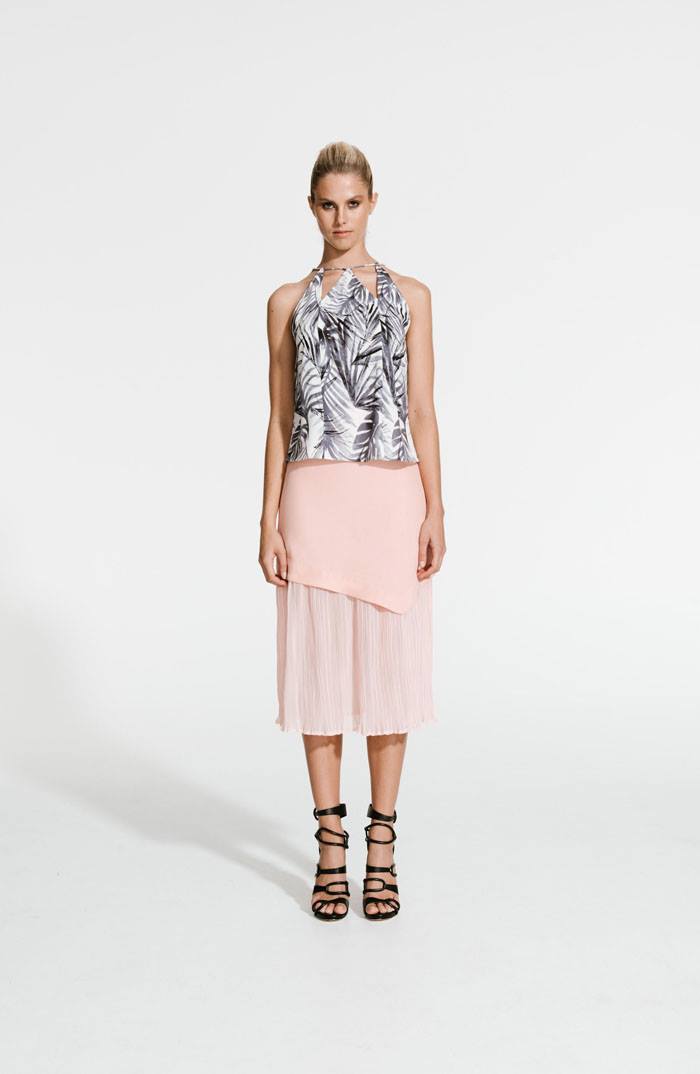
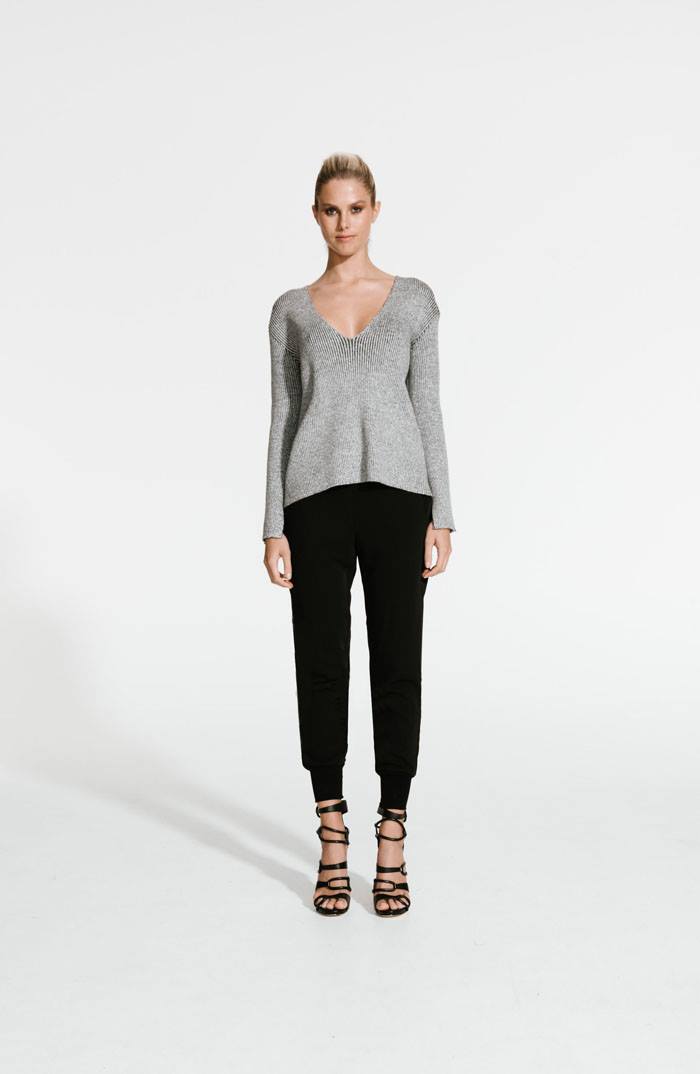
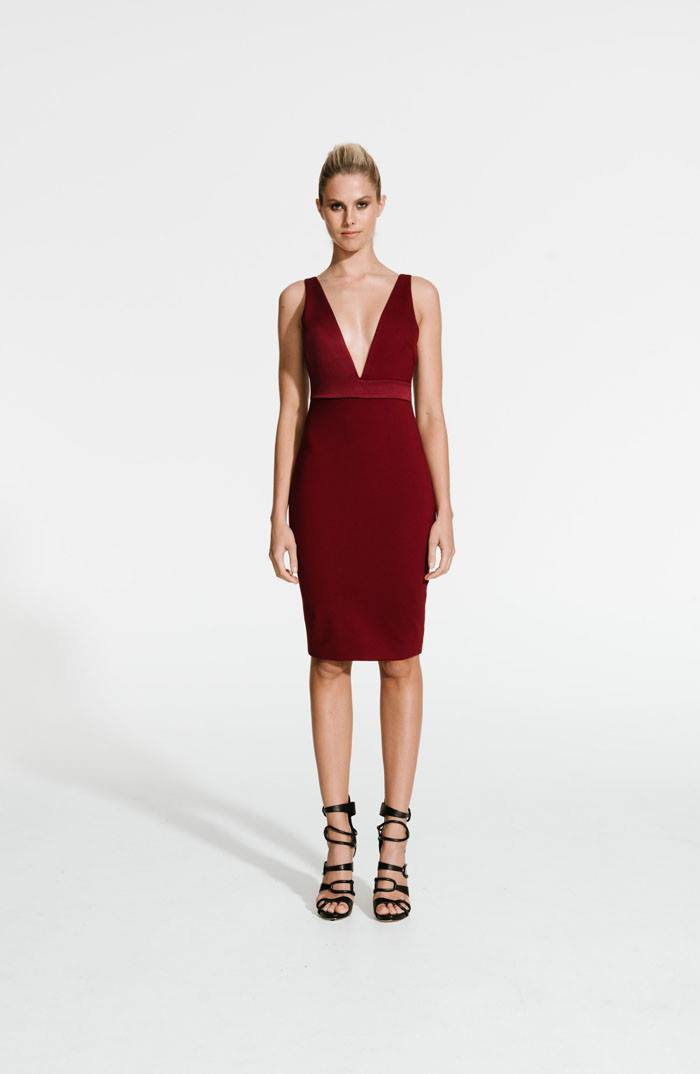
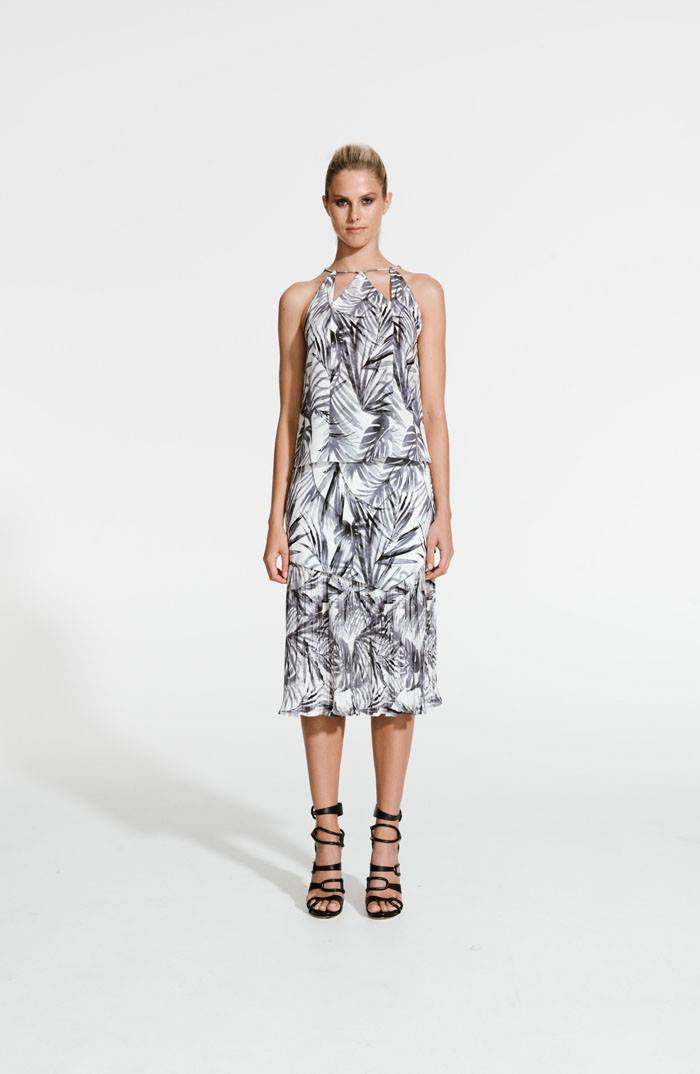
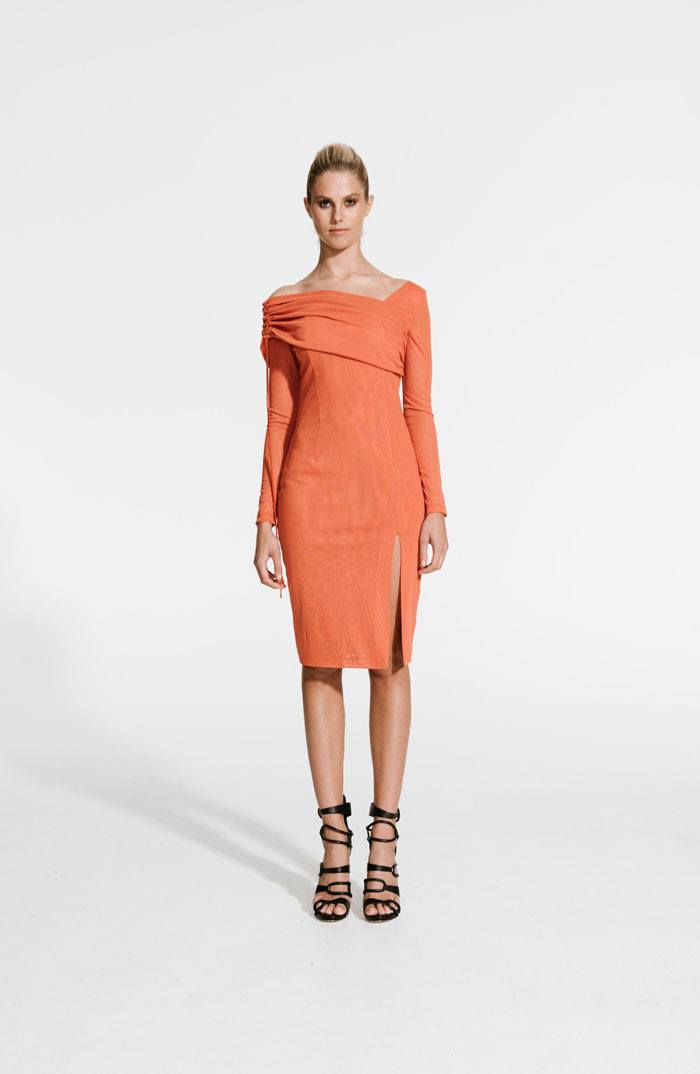
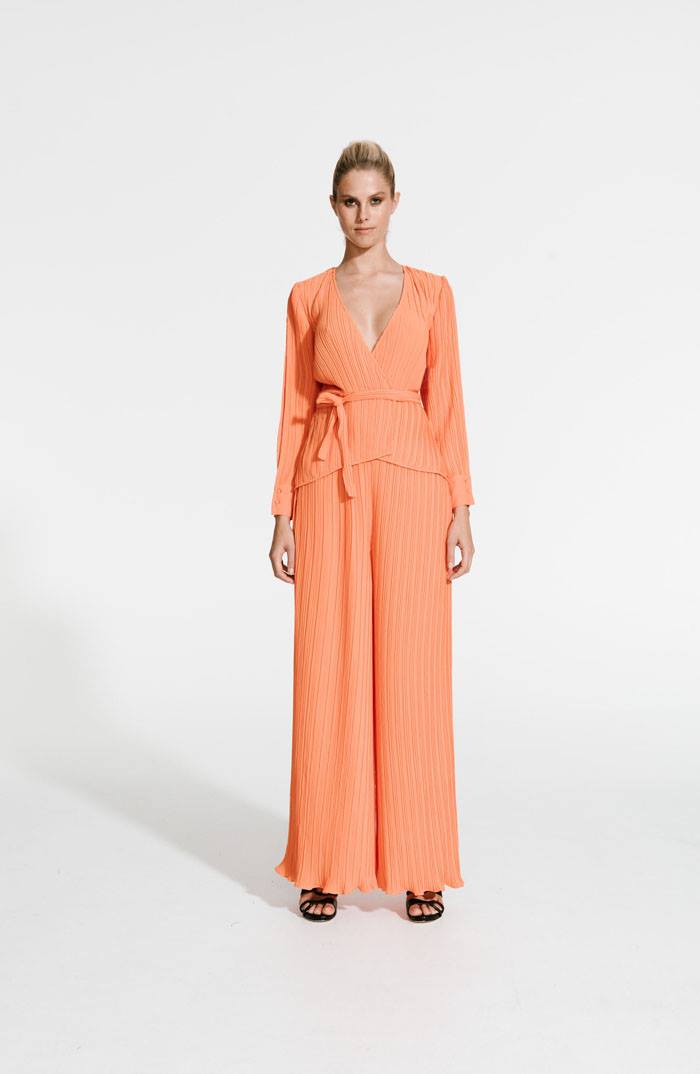
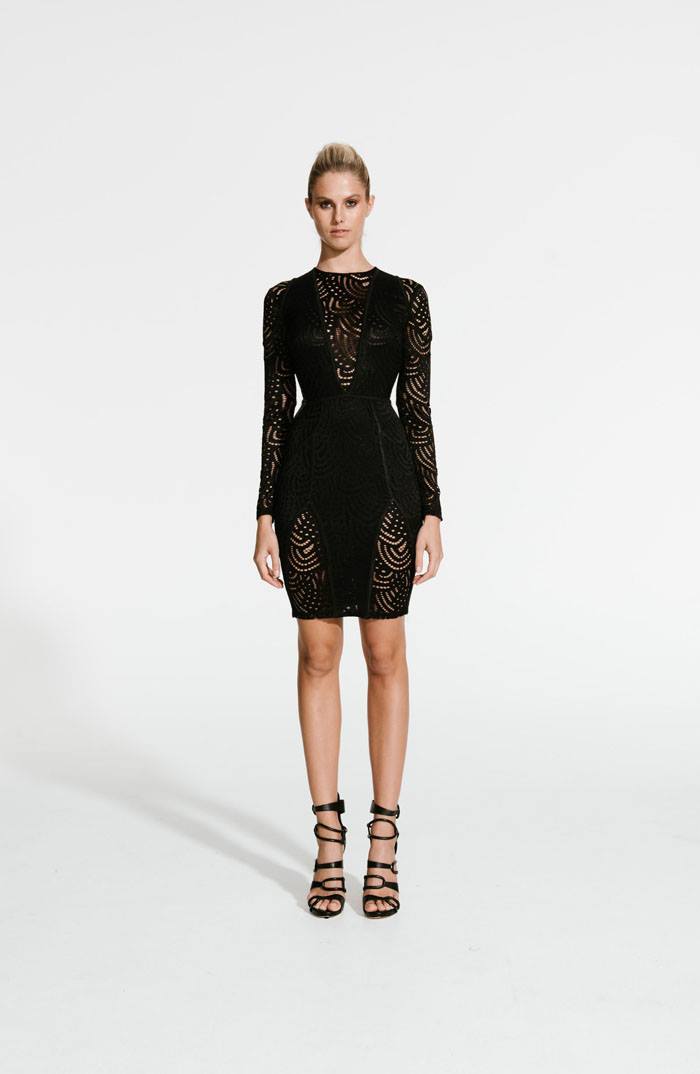
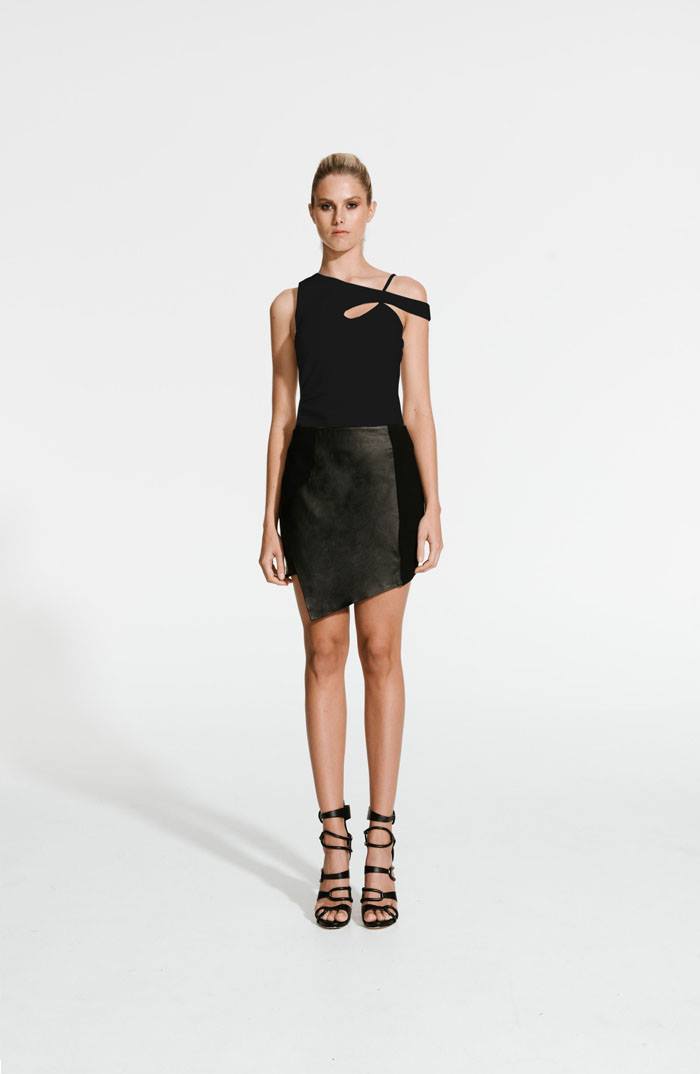
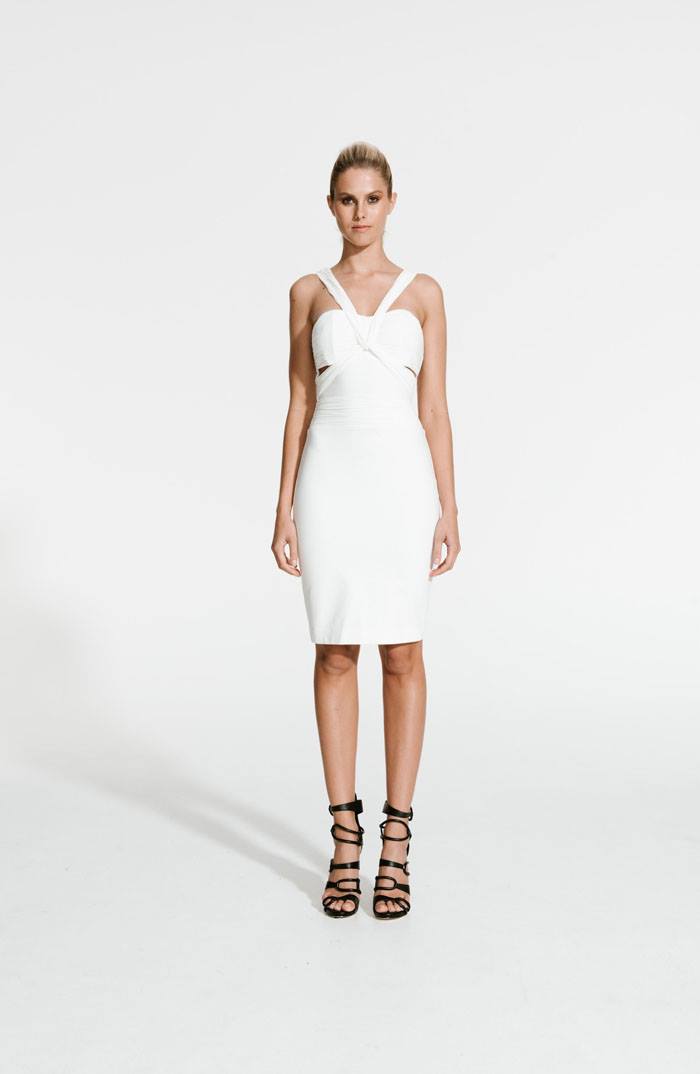
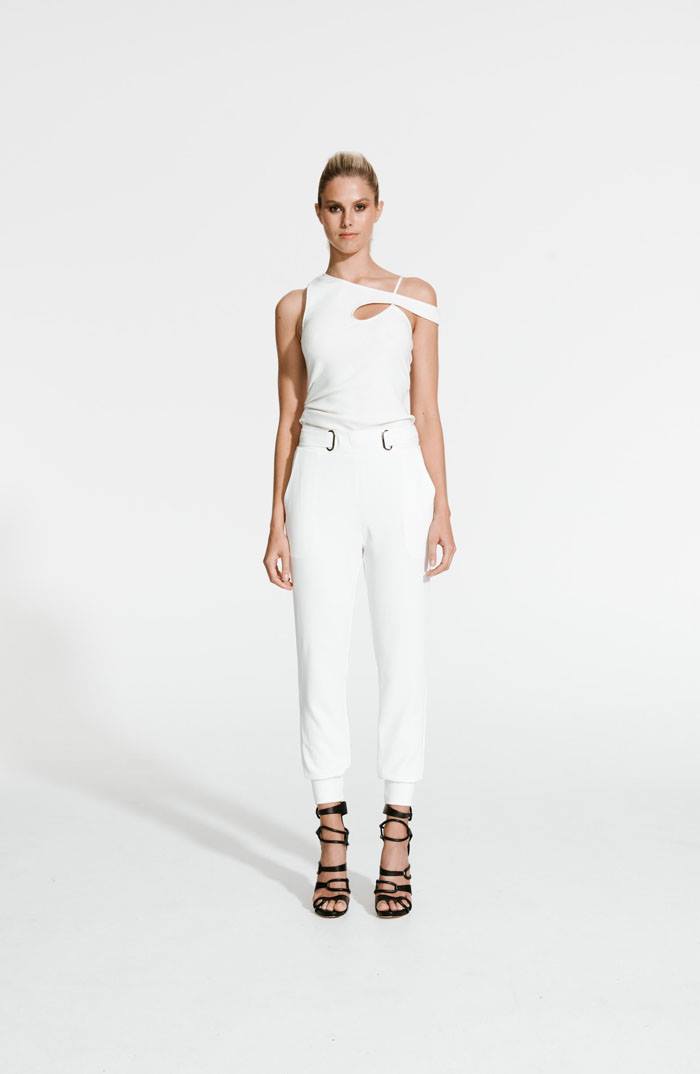
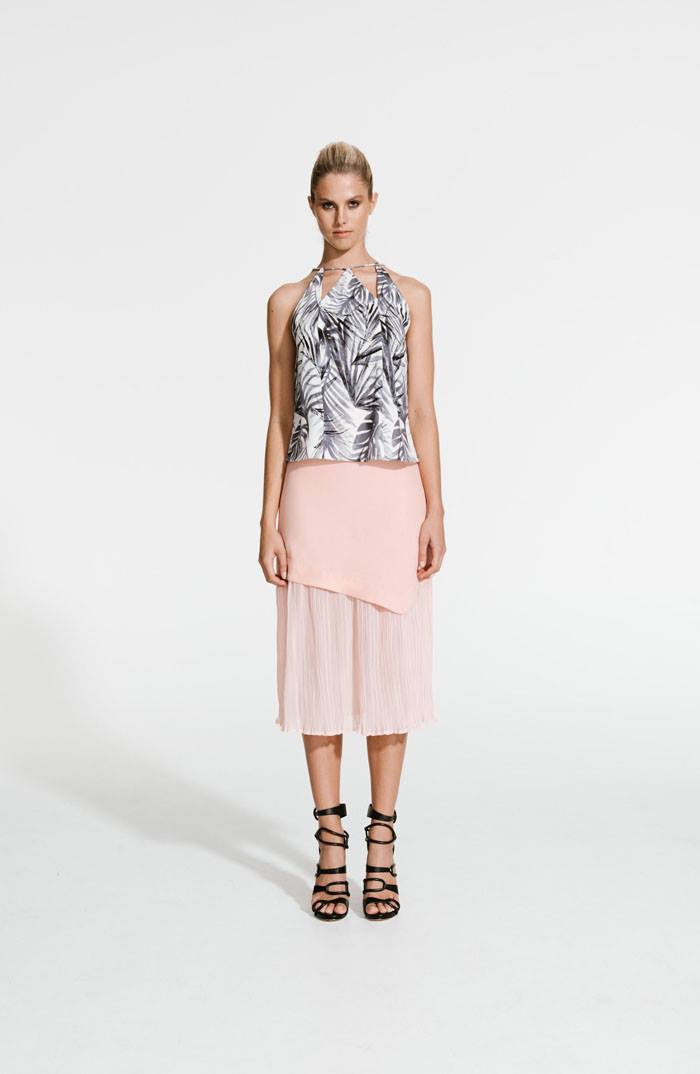
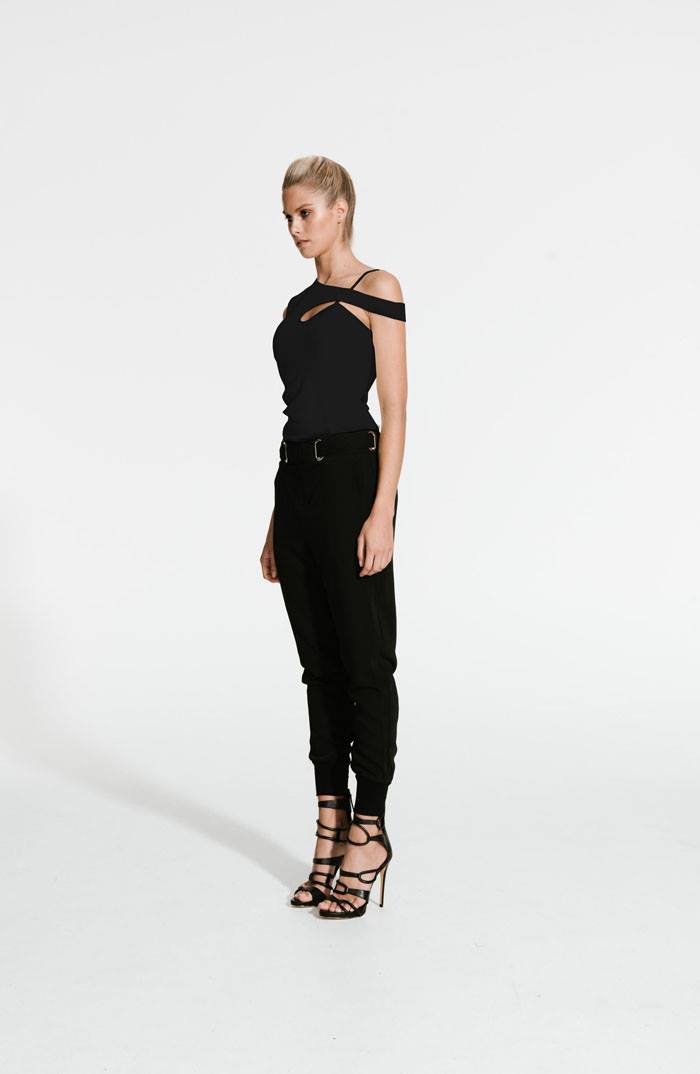
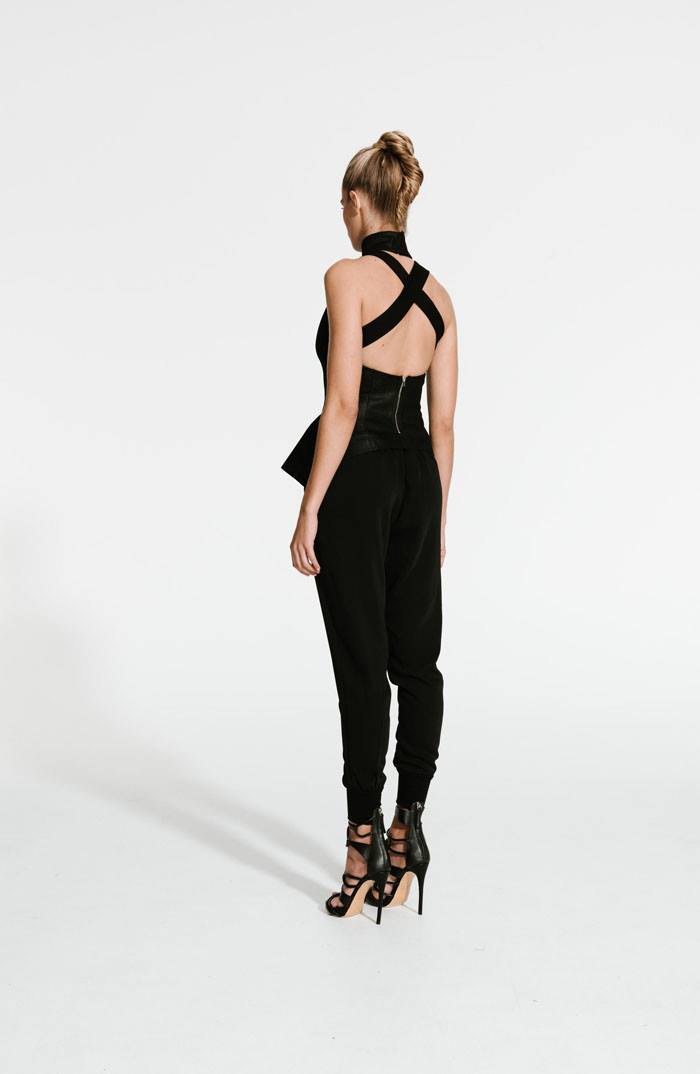
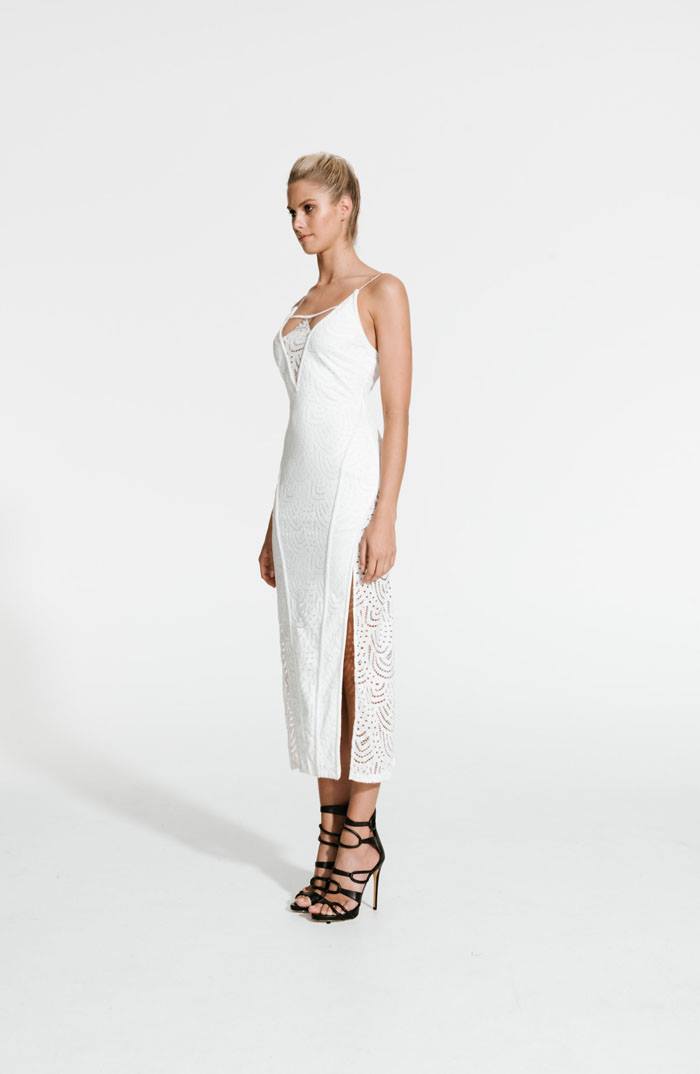
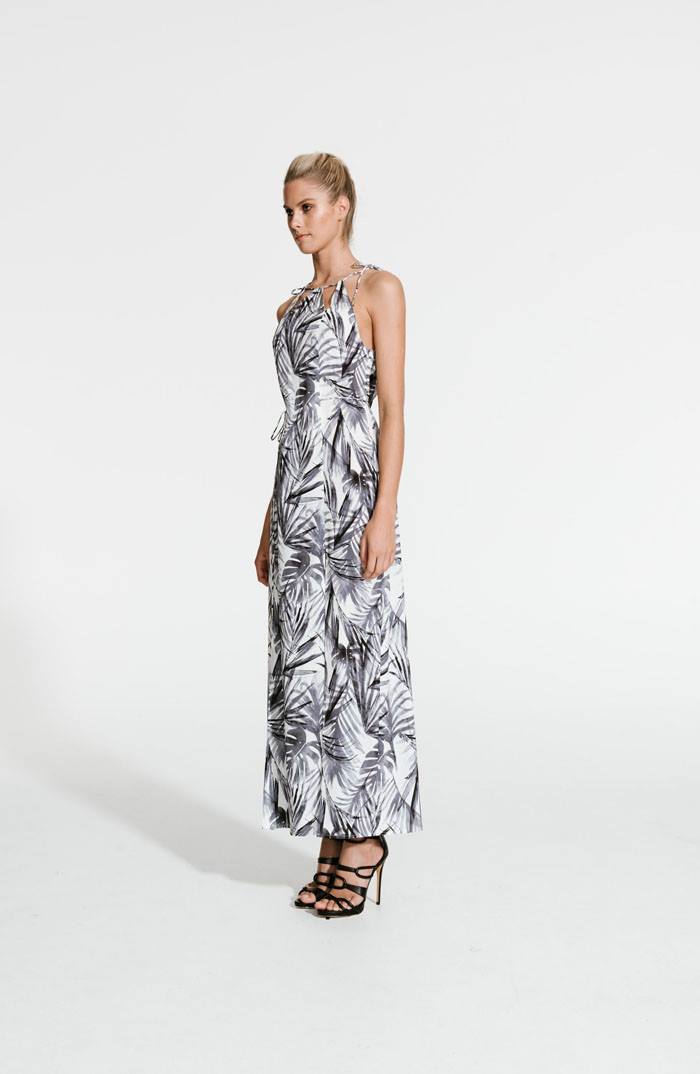
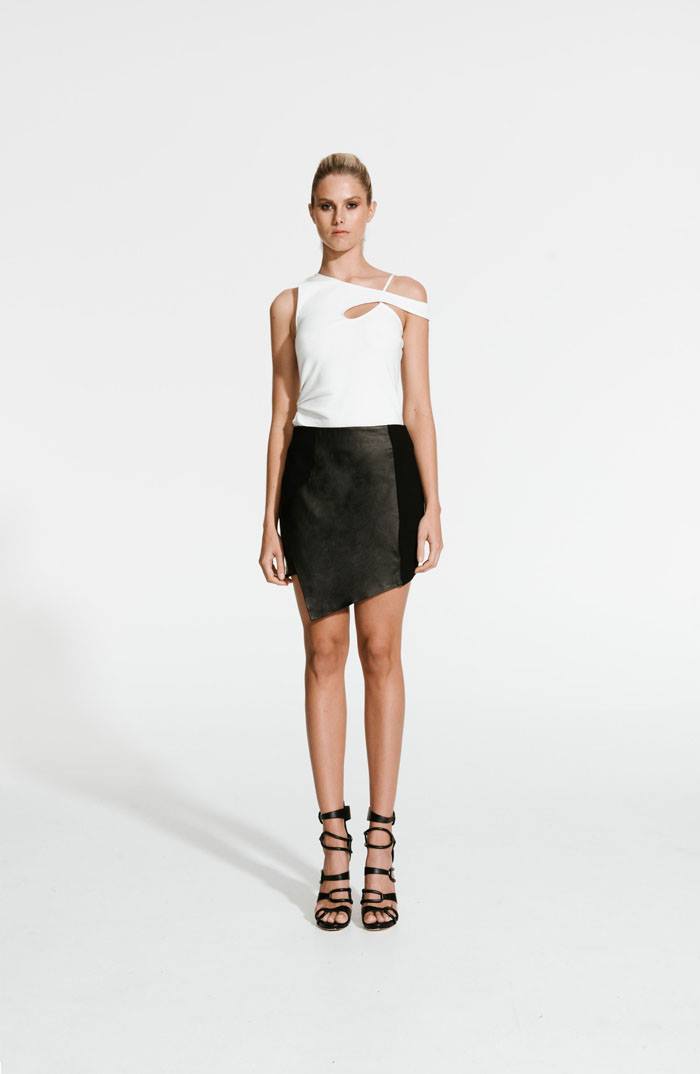
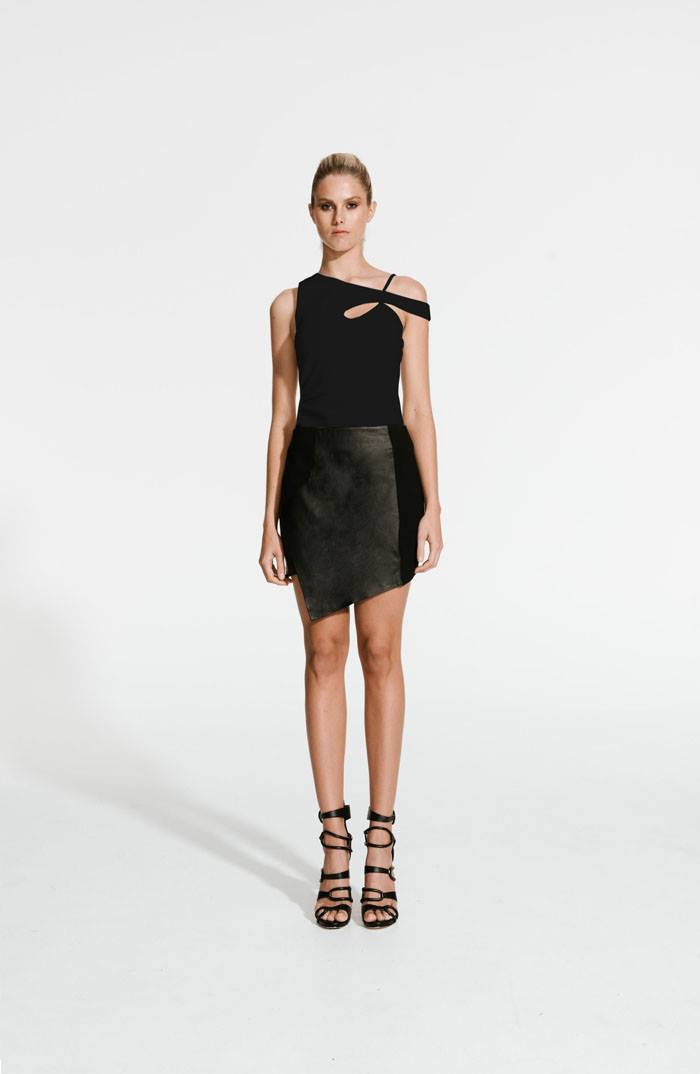
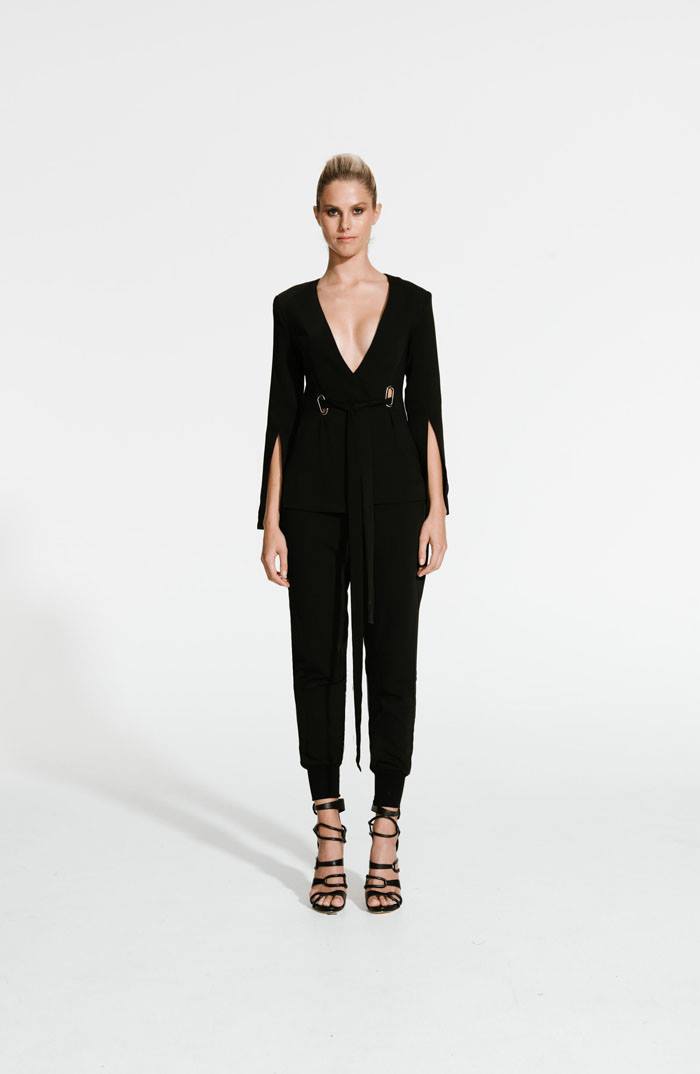
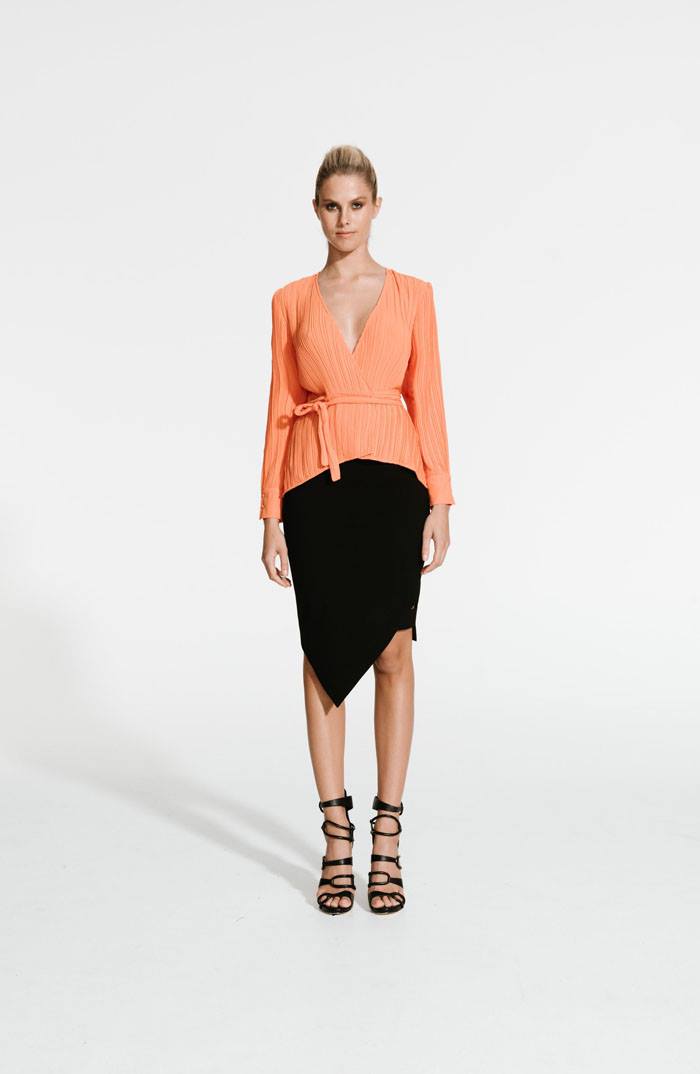
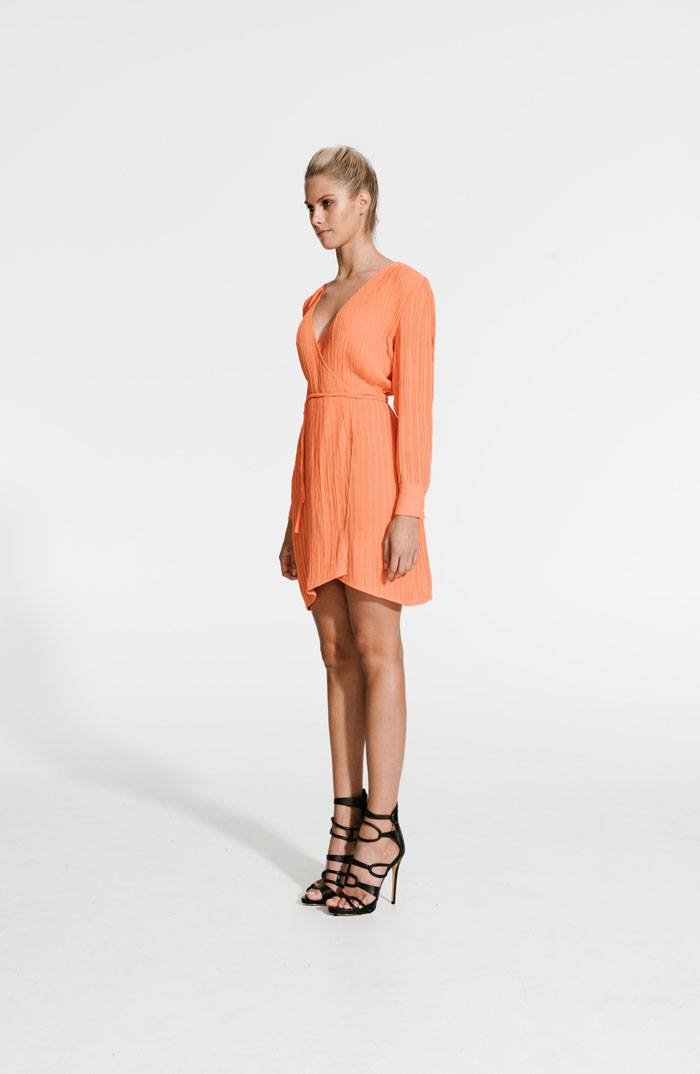
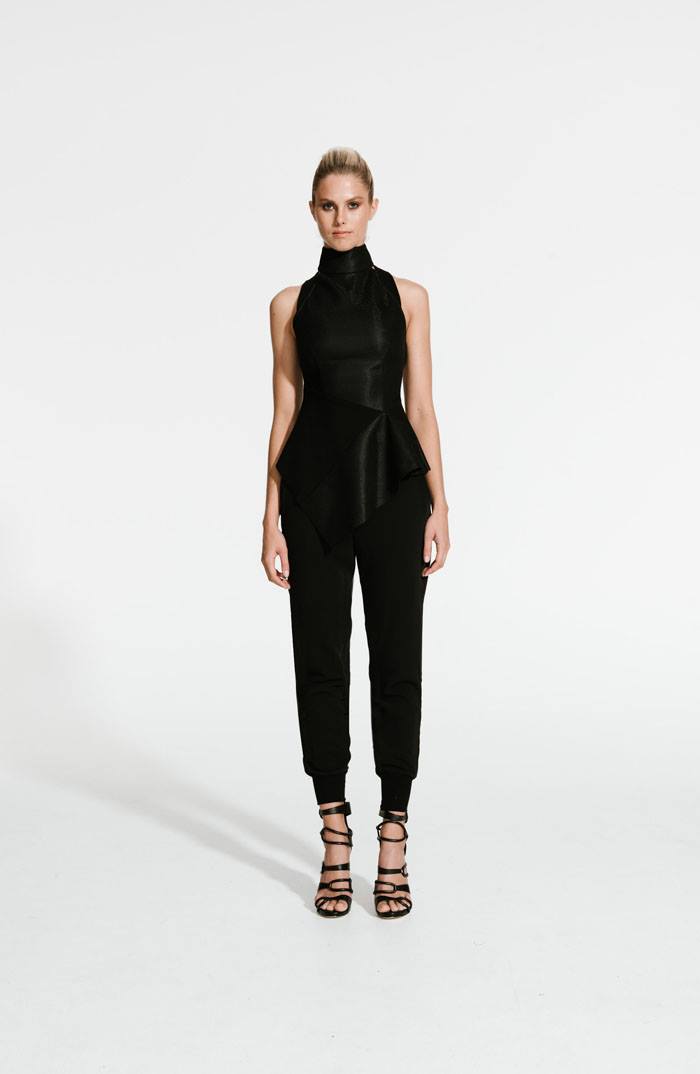
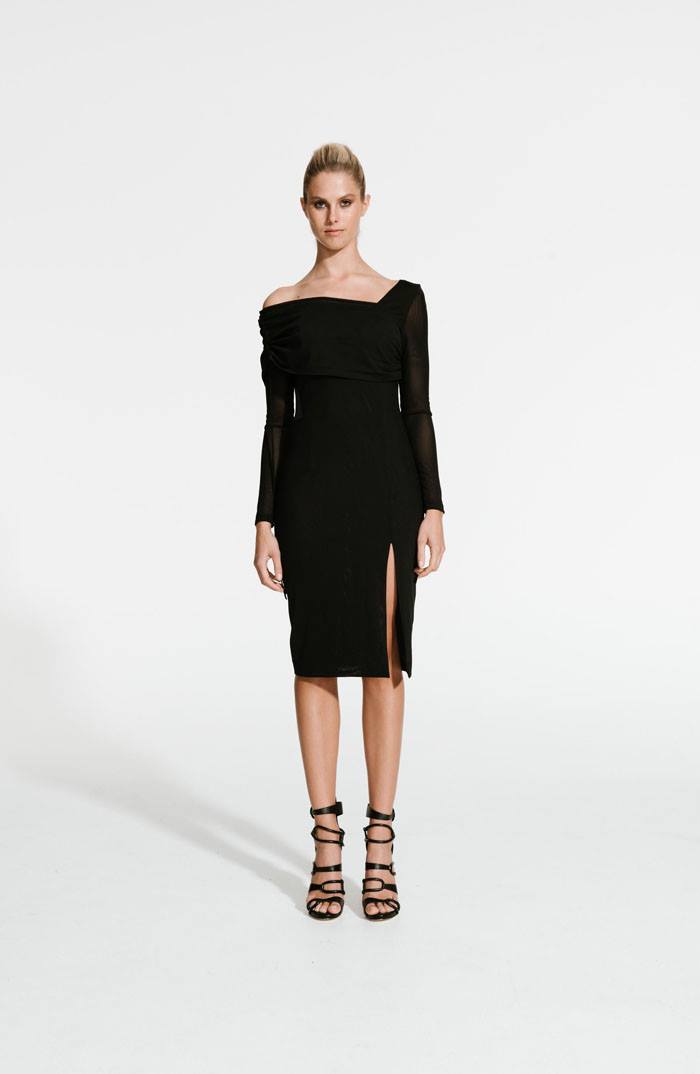
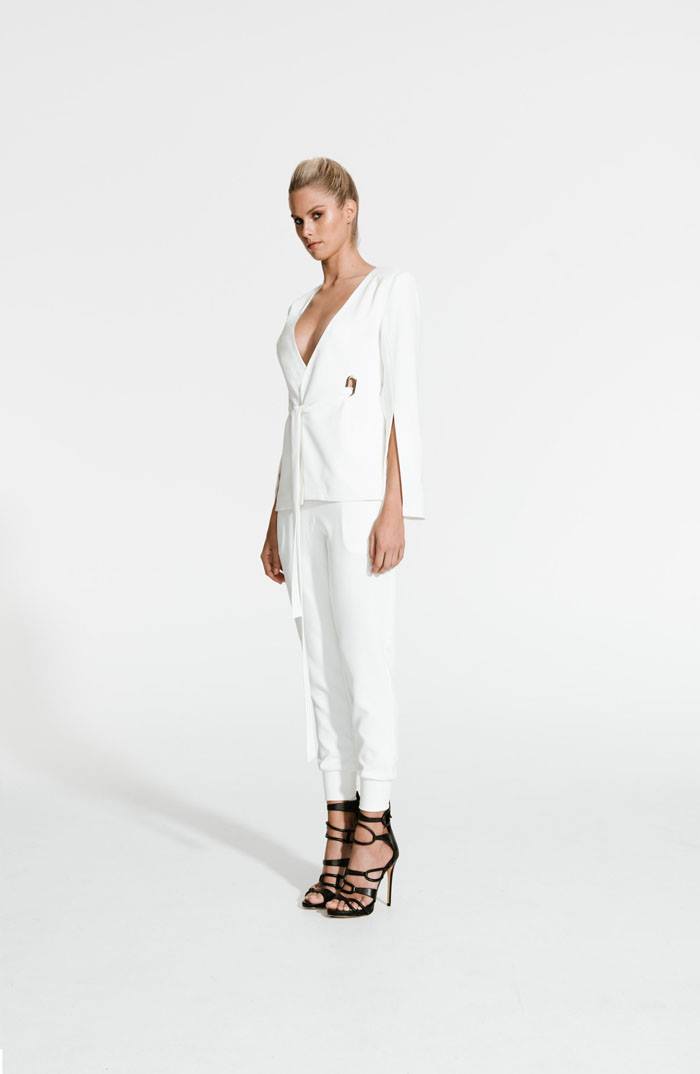
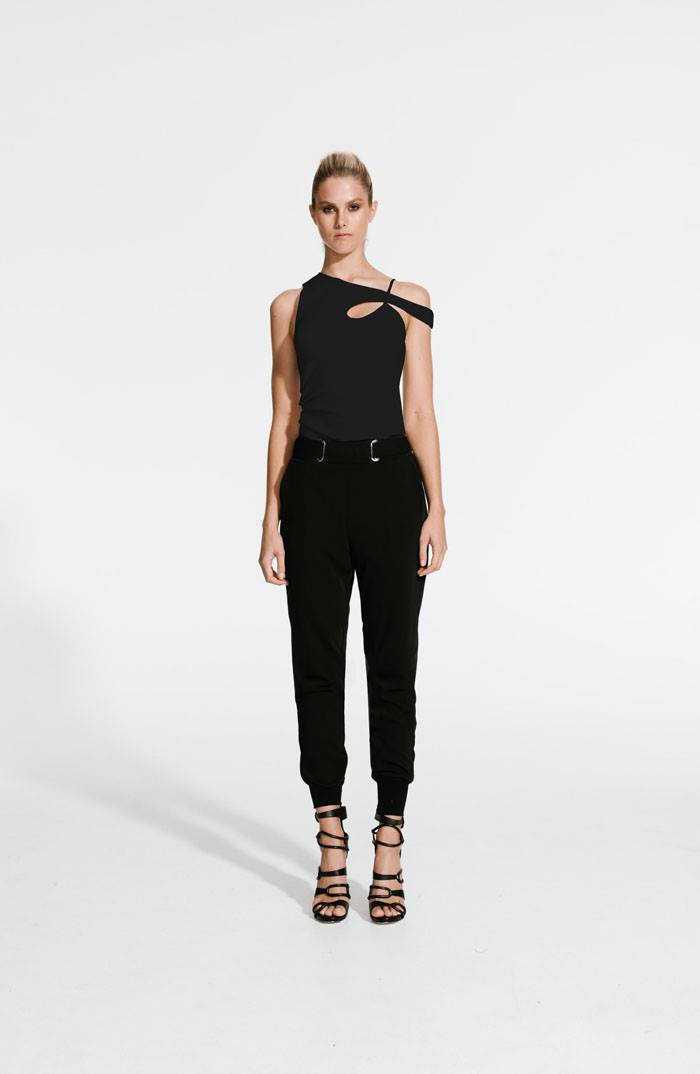
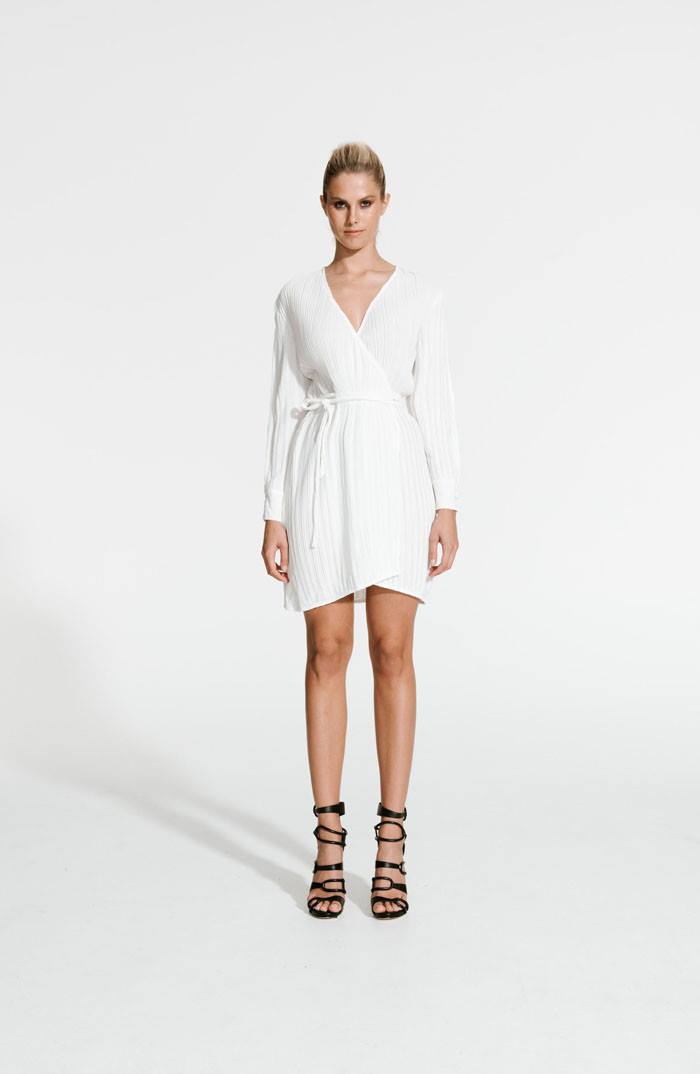
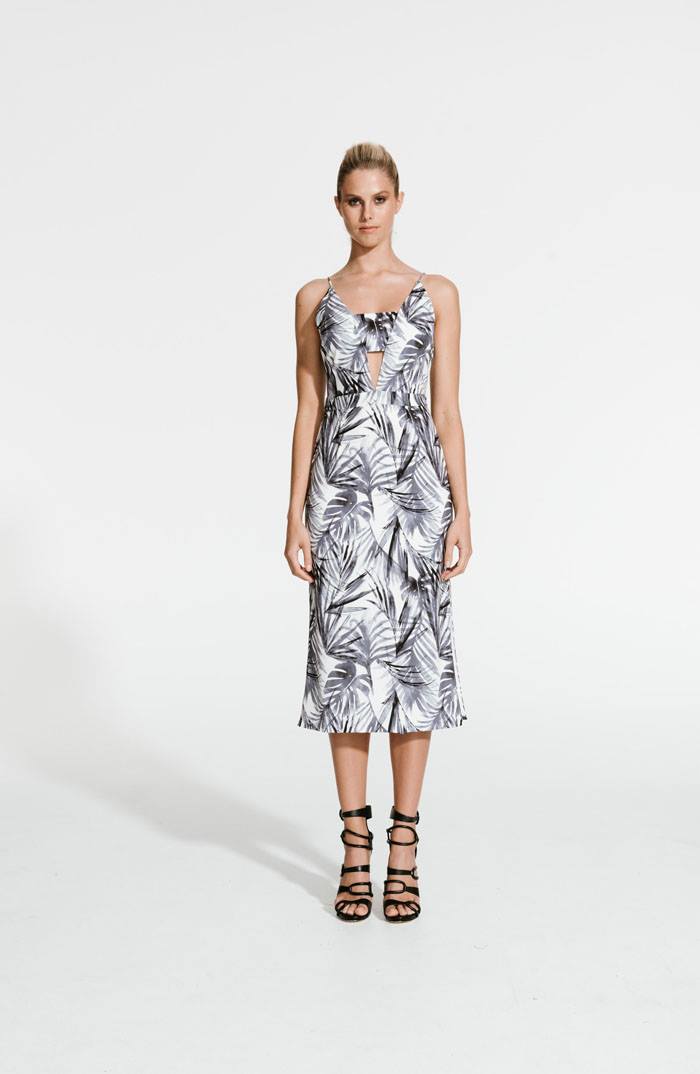
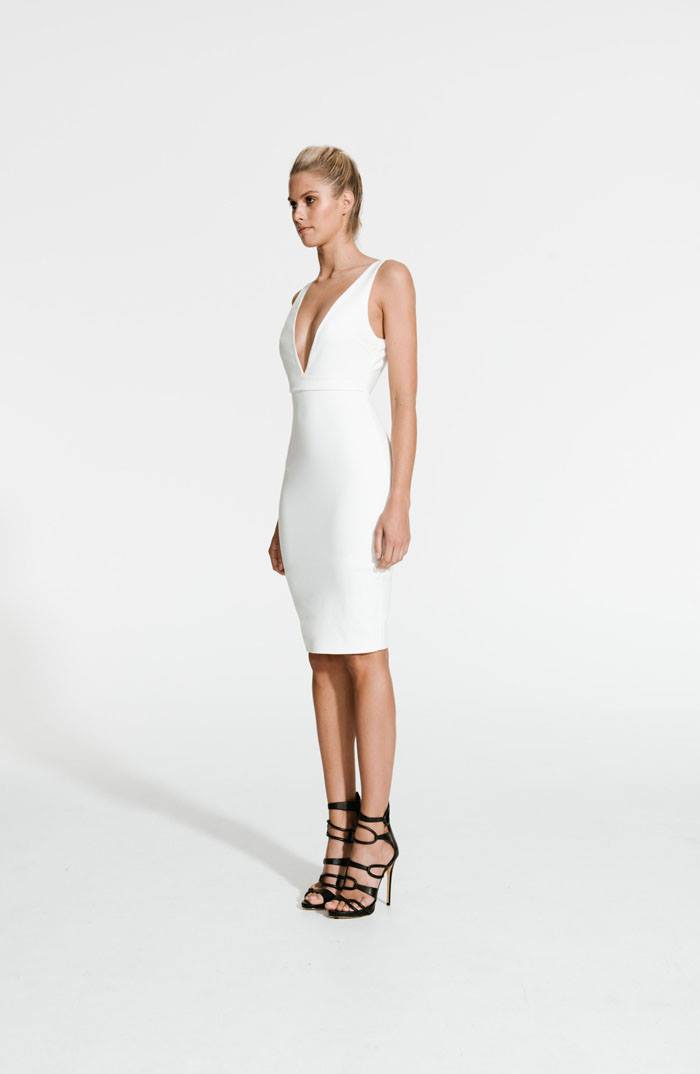
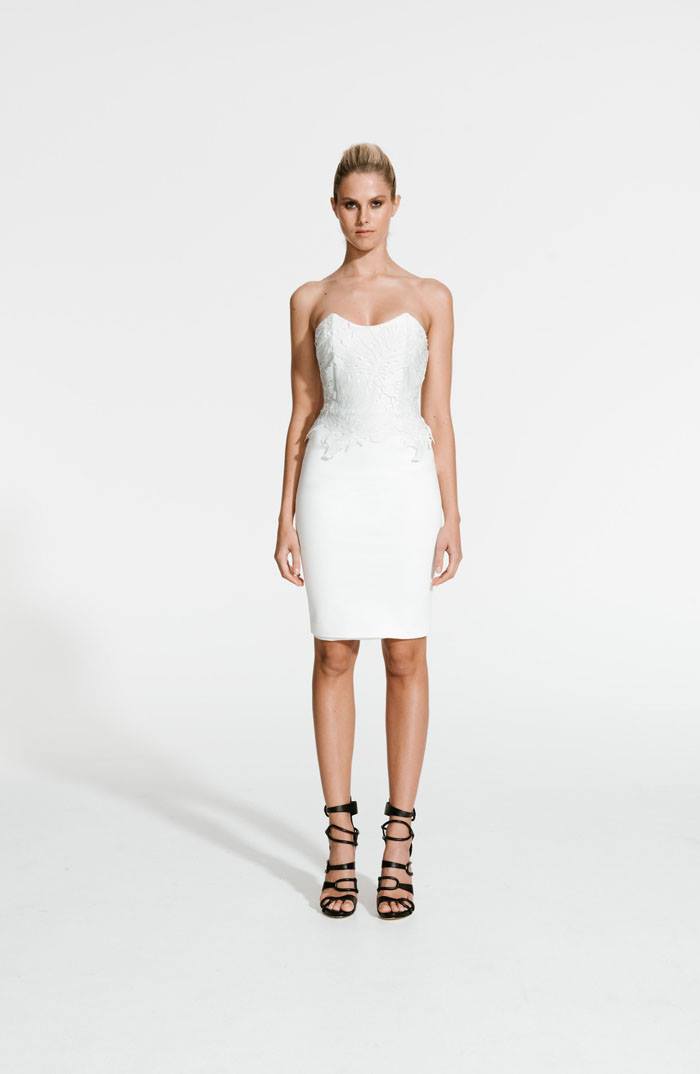
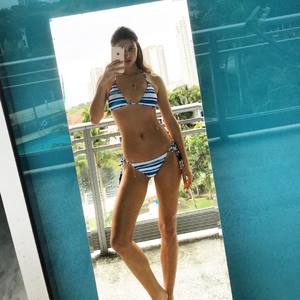
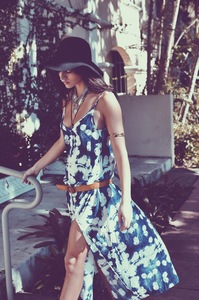
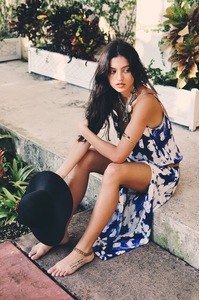
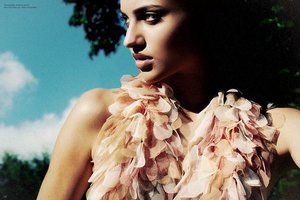 Tysa Designs Summer ’15 photography & styling Carla Barraez model Isabelle Boemeke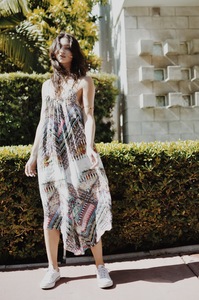
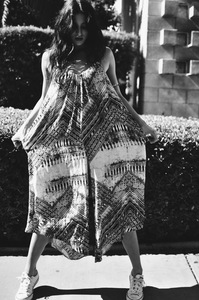
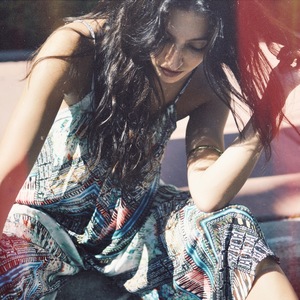
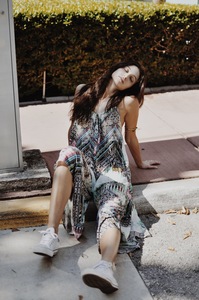
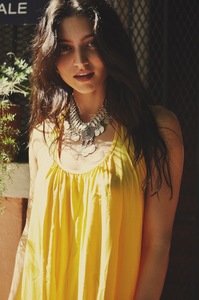
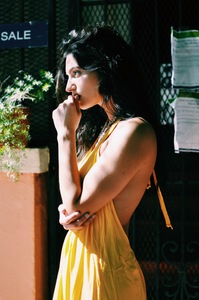
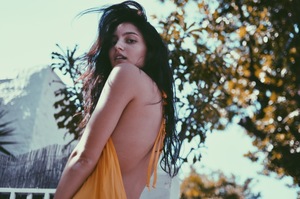
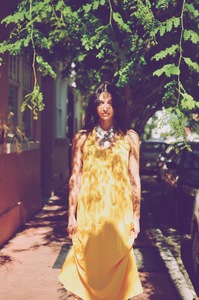
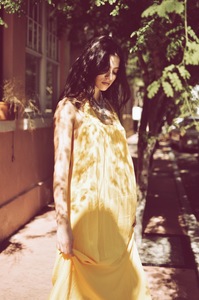
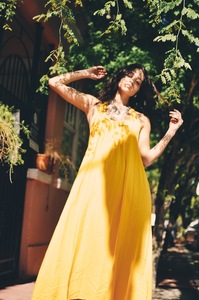
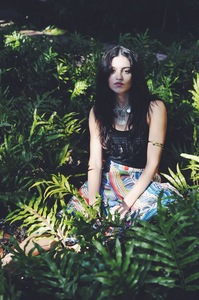

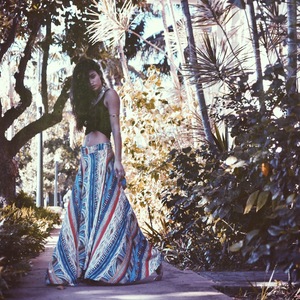
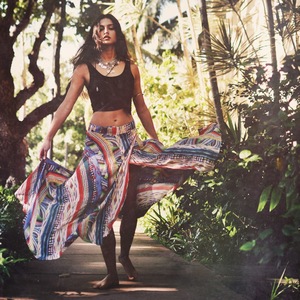
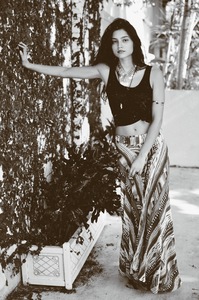
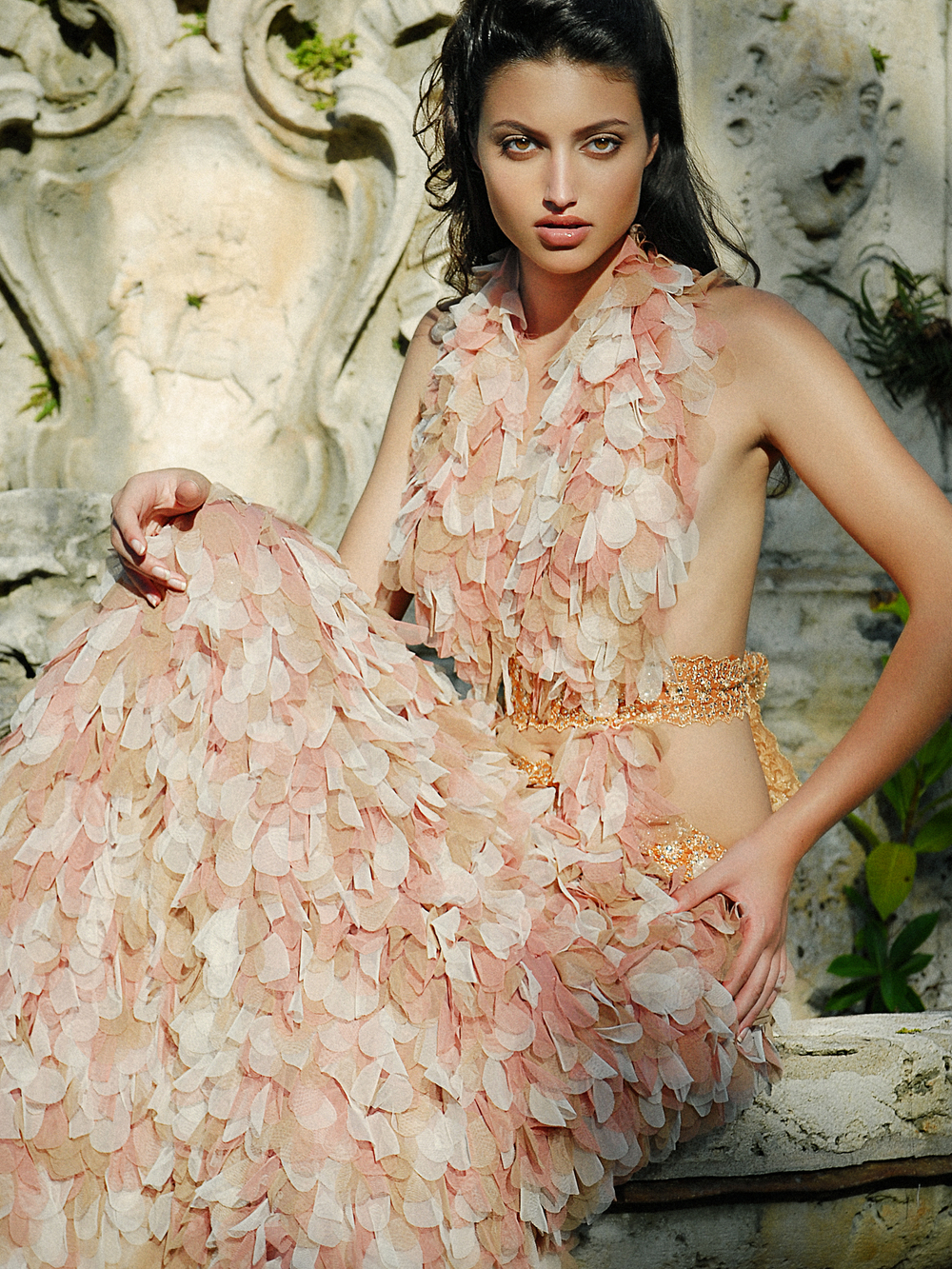
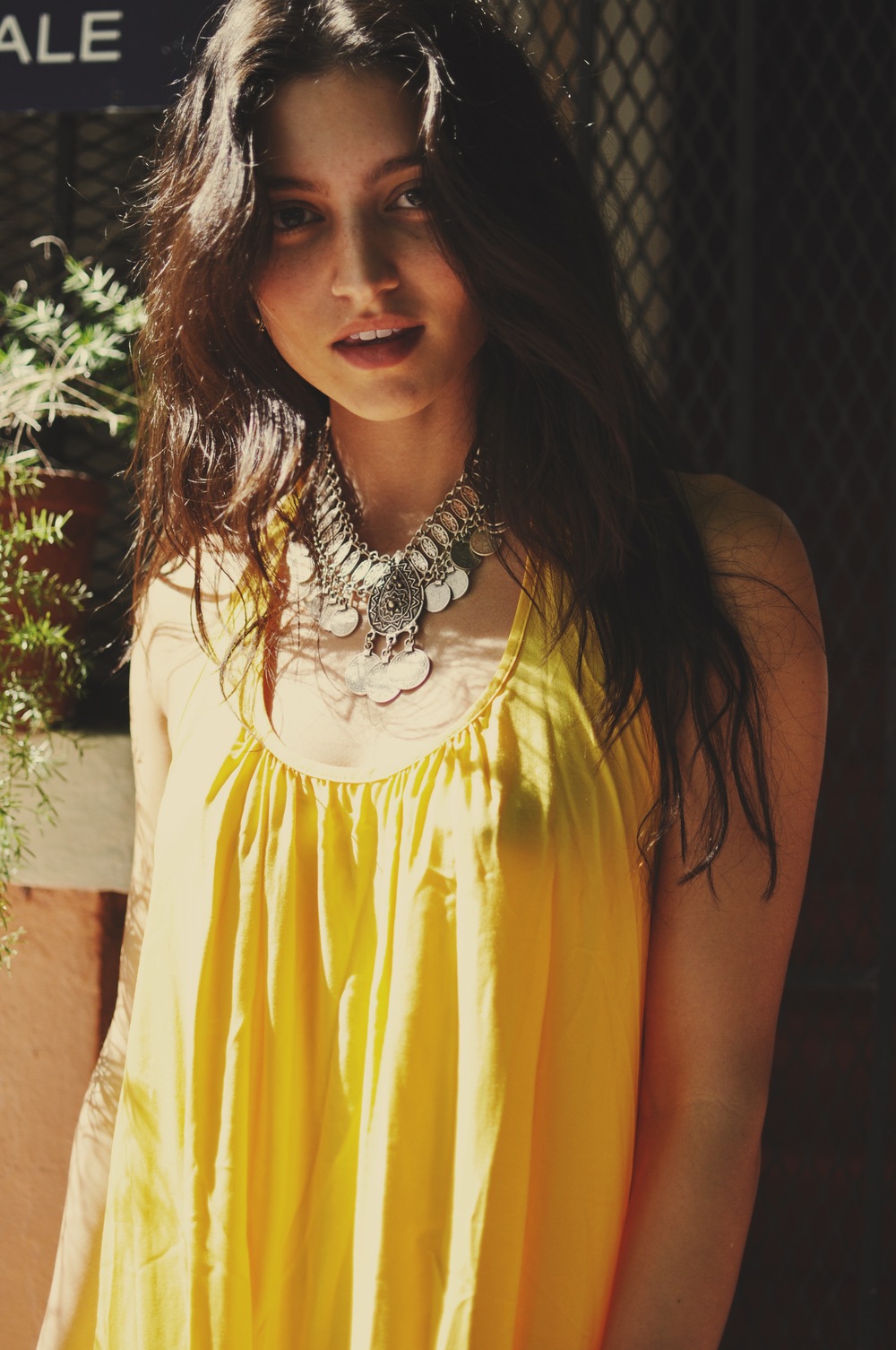
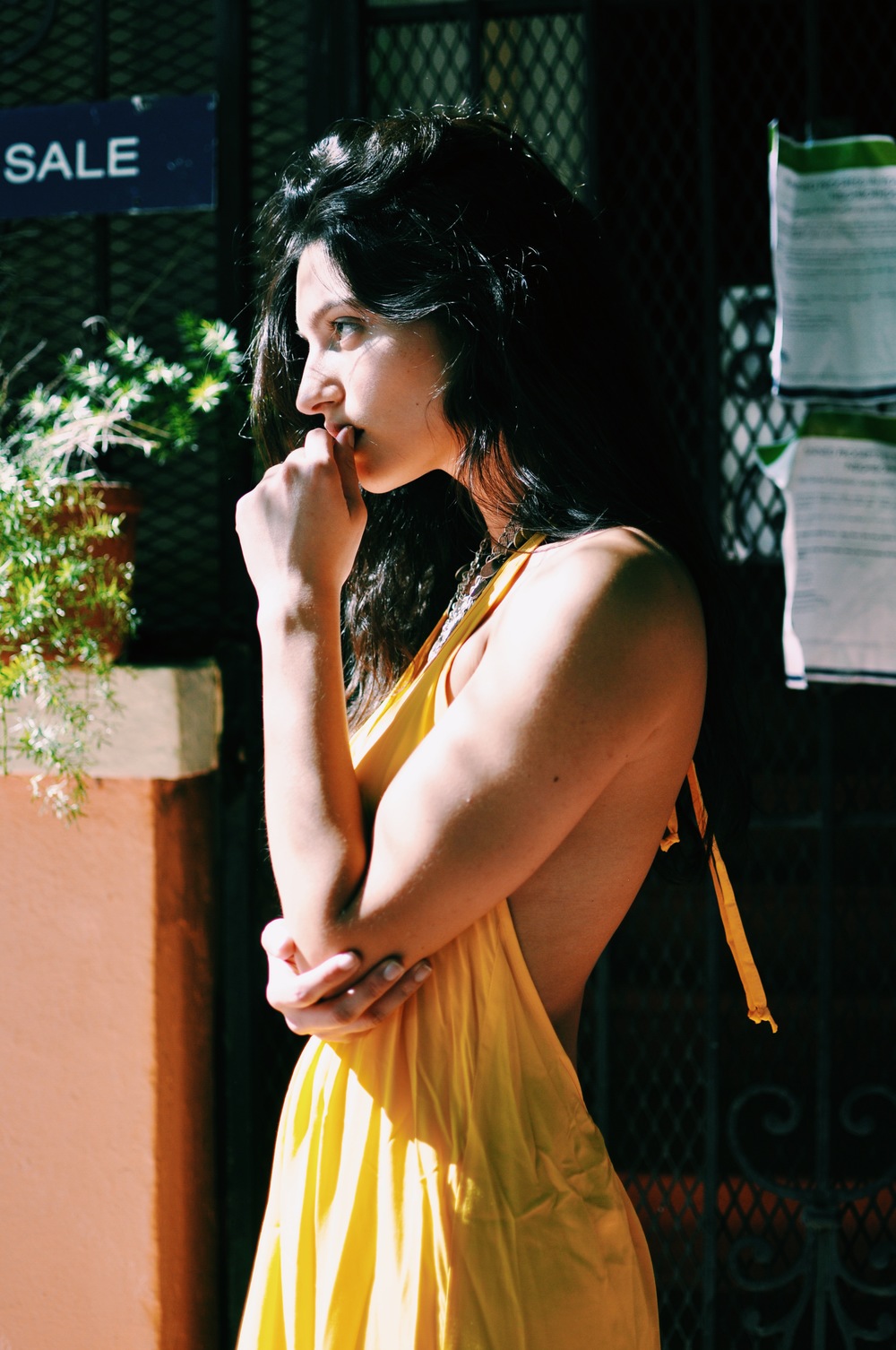
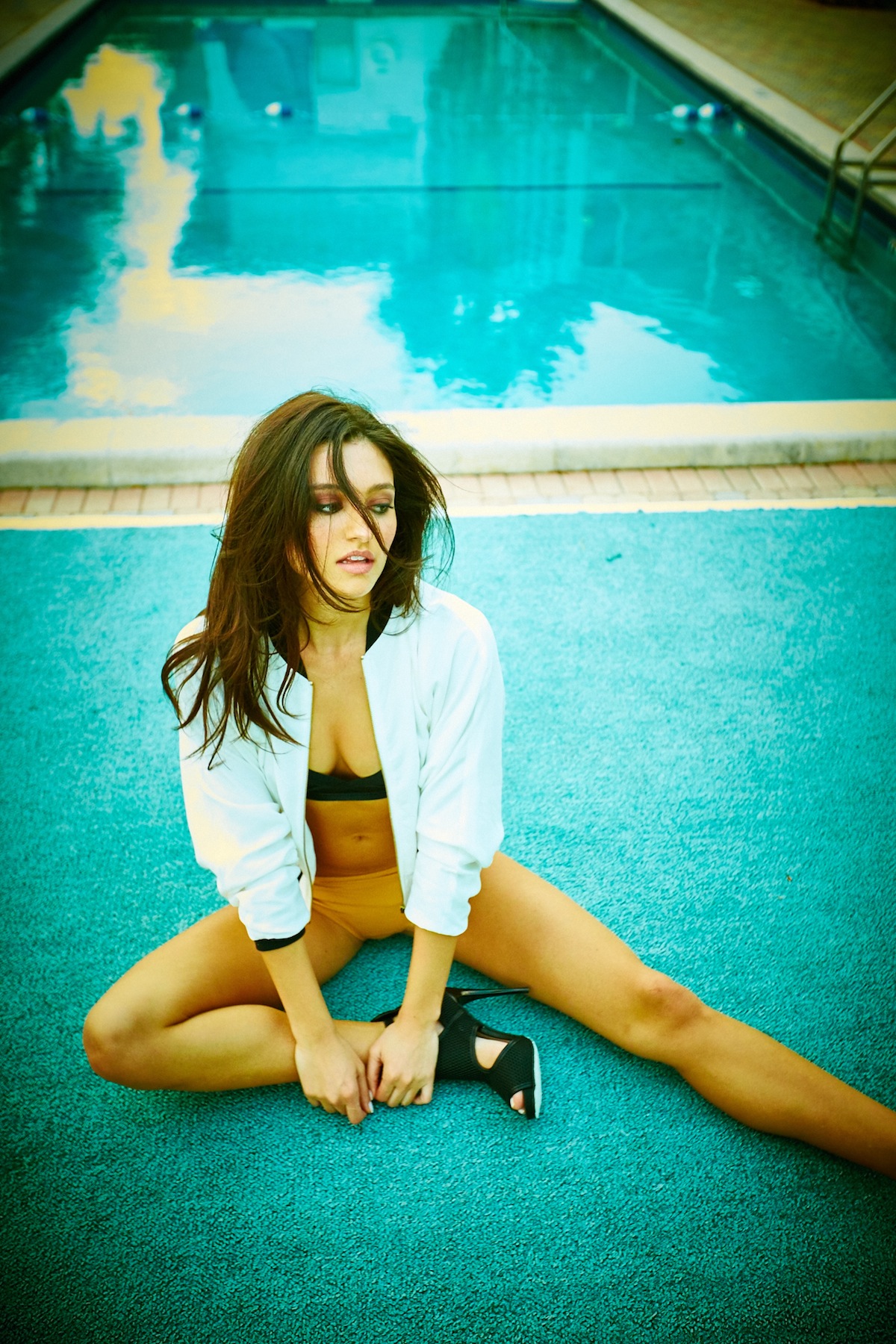
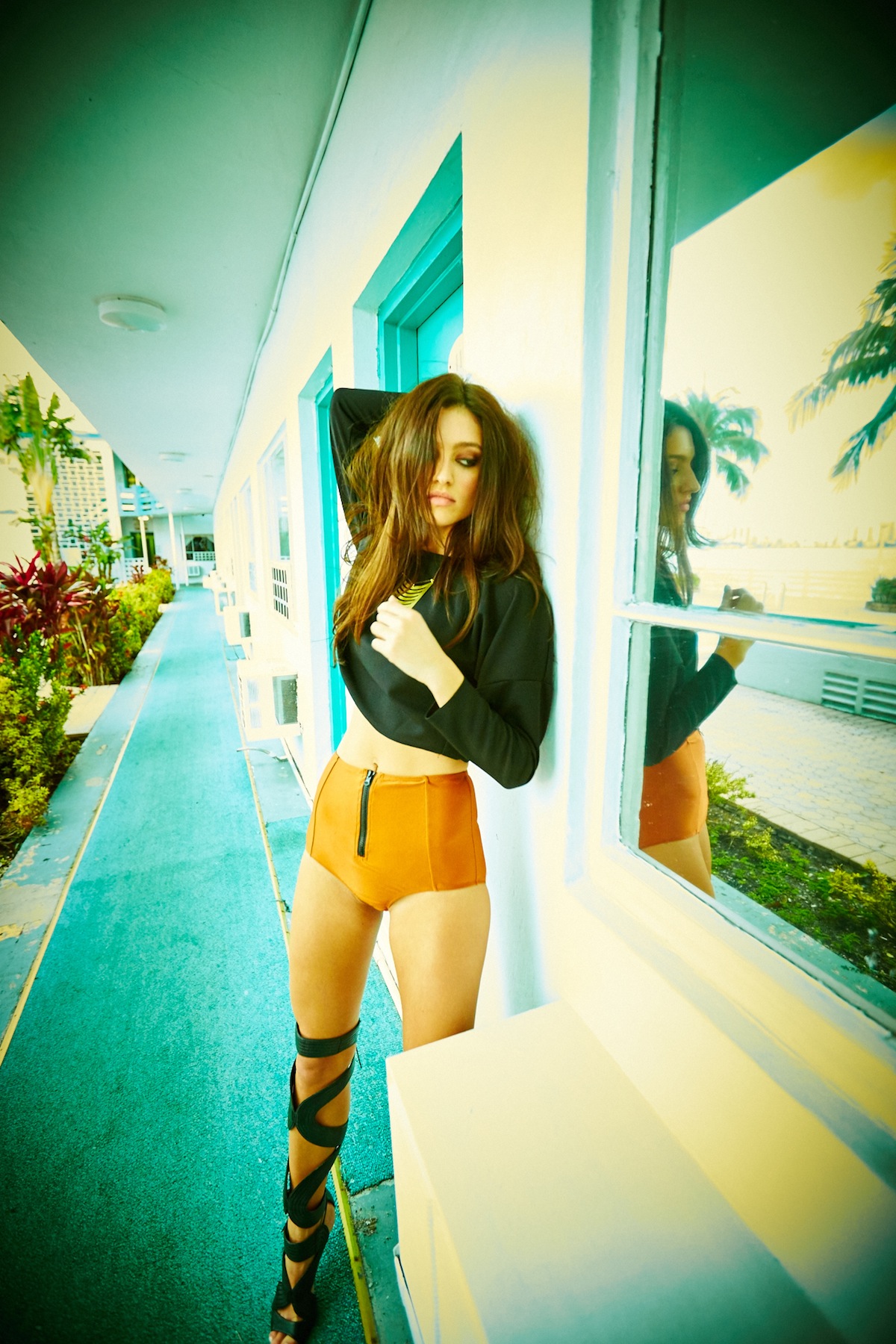
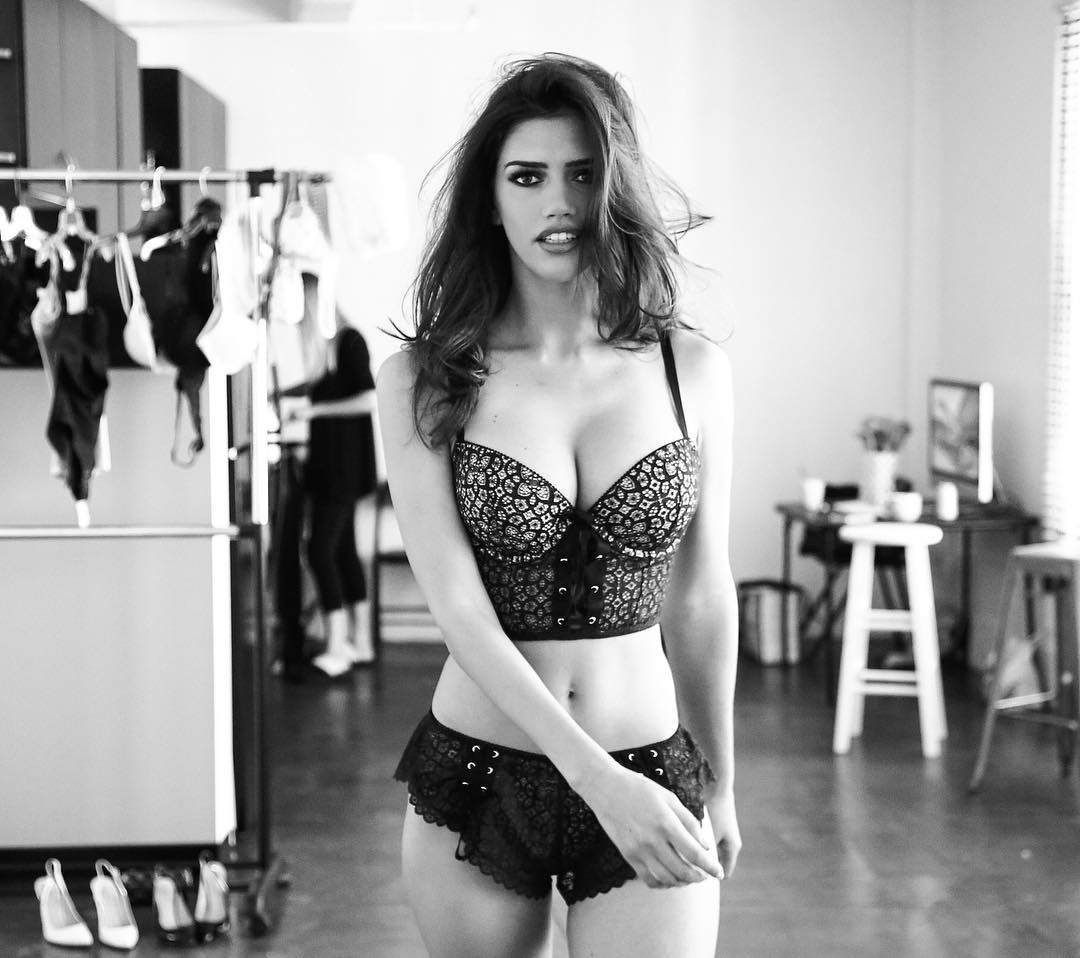
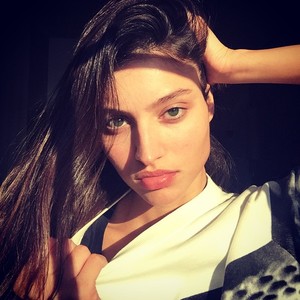
 Lisa Slusher’s brand Ph: Larry Bartholomew w/ Alyssa Pizer Management Stylist: Lisa Slusher HMU: Susie Jasper w/ Seaminx Management Model: Isabelle Boemeke w/ Mega Miami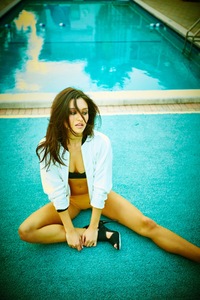
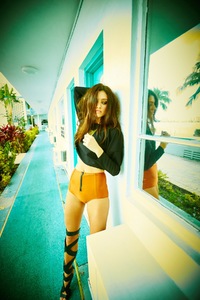
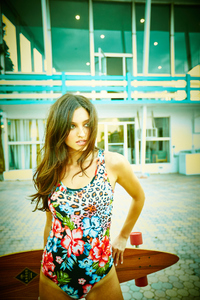
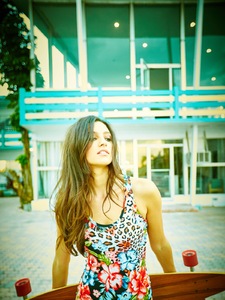
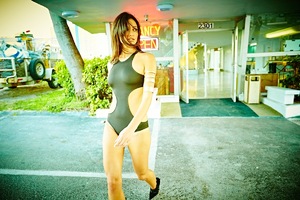
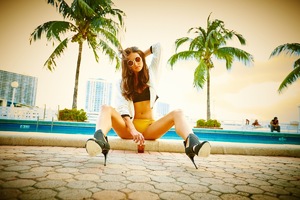
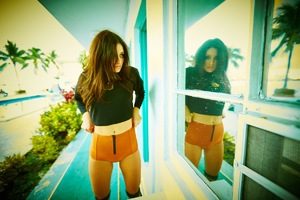 Thank you @sweetxlaments !
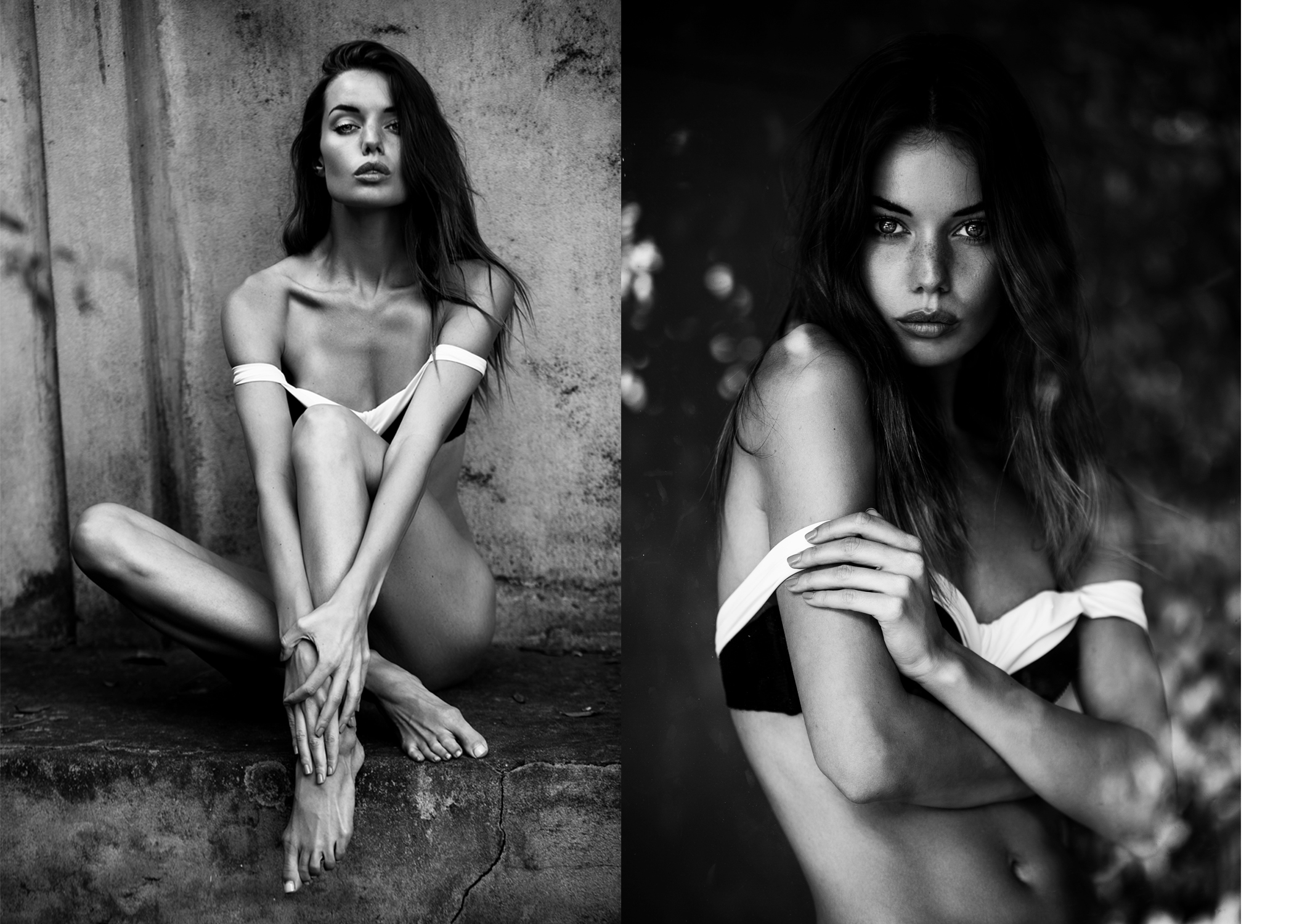
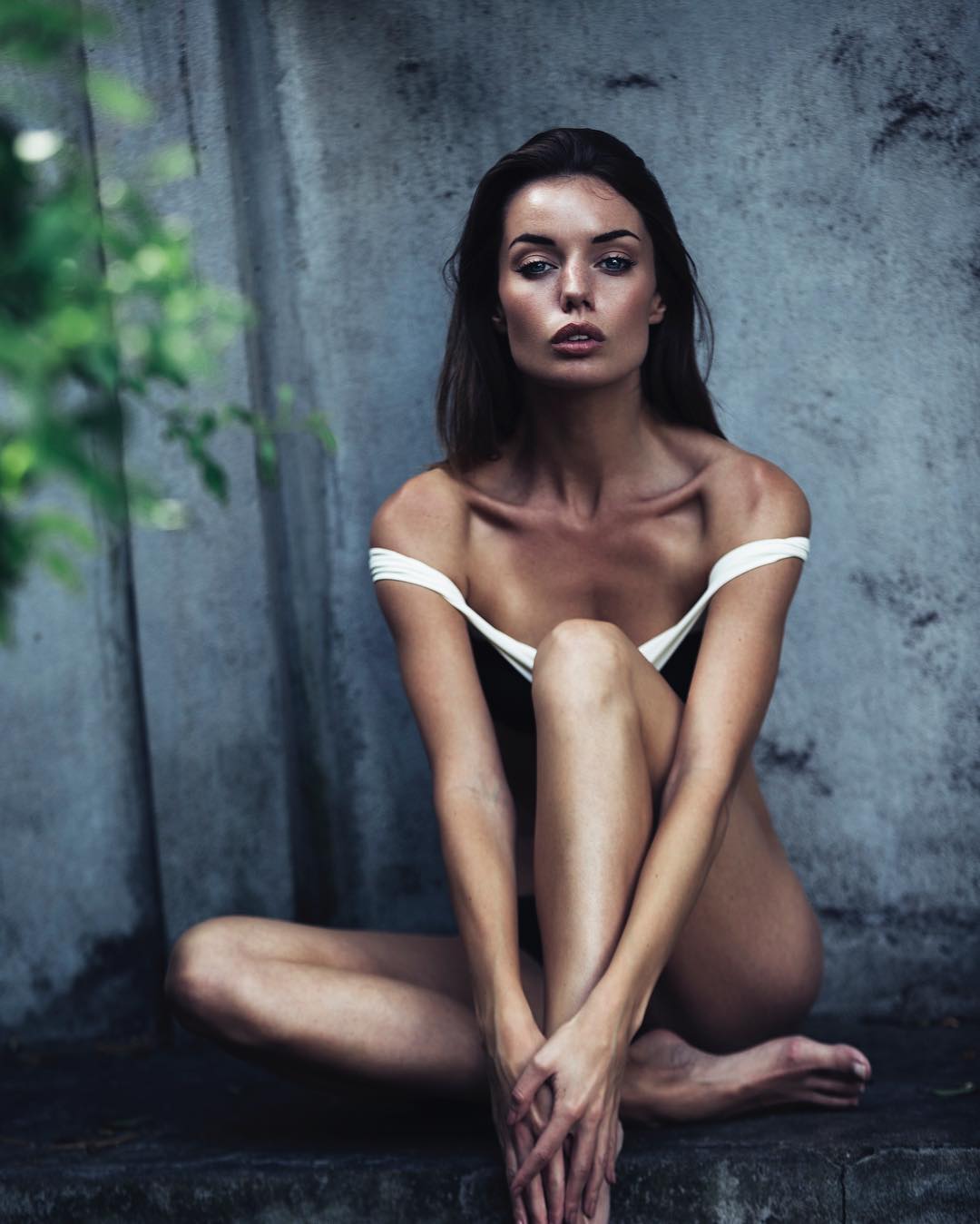
@gregoriophotography
Thank you @sweetxlaments !
@gregoriophotography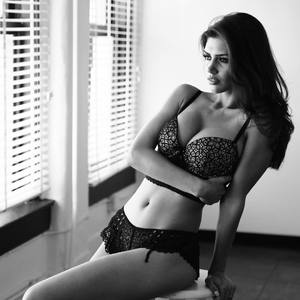
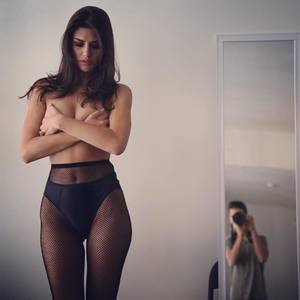
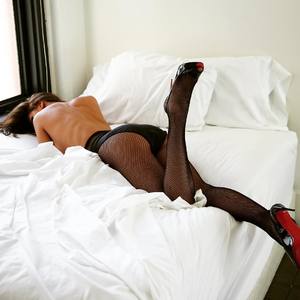
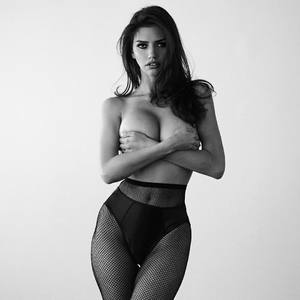
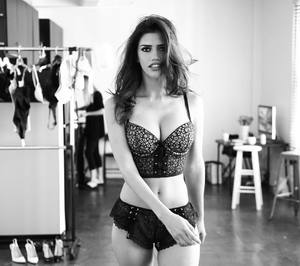
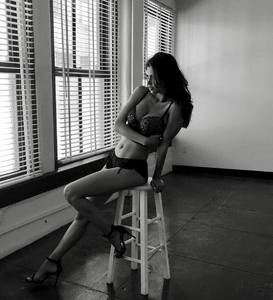
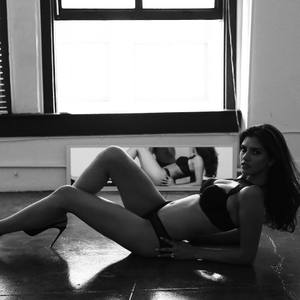
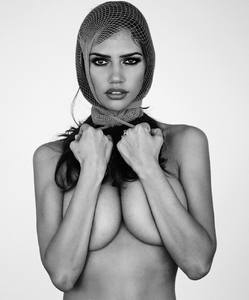
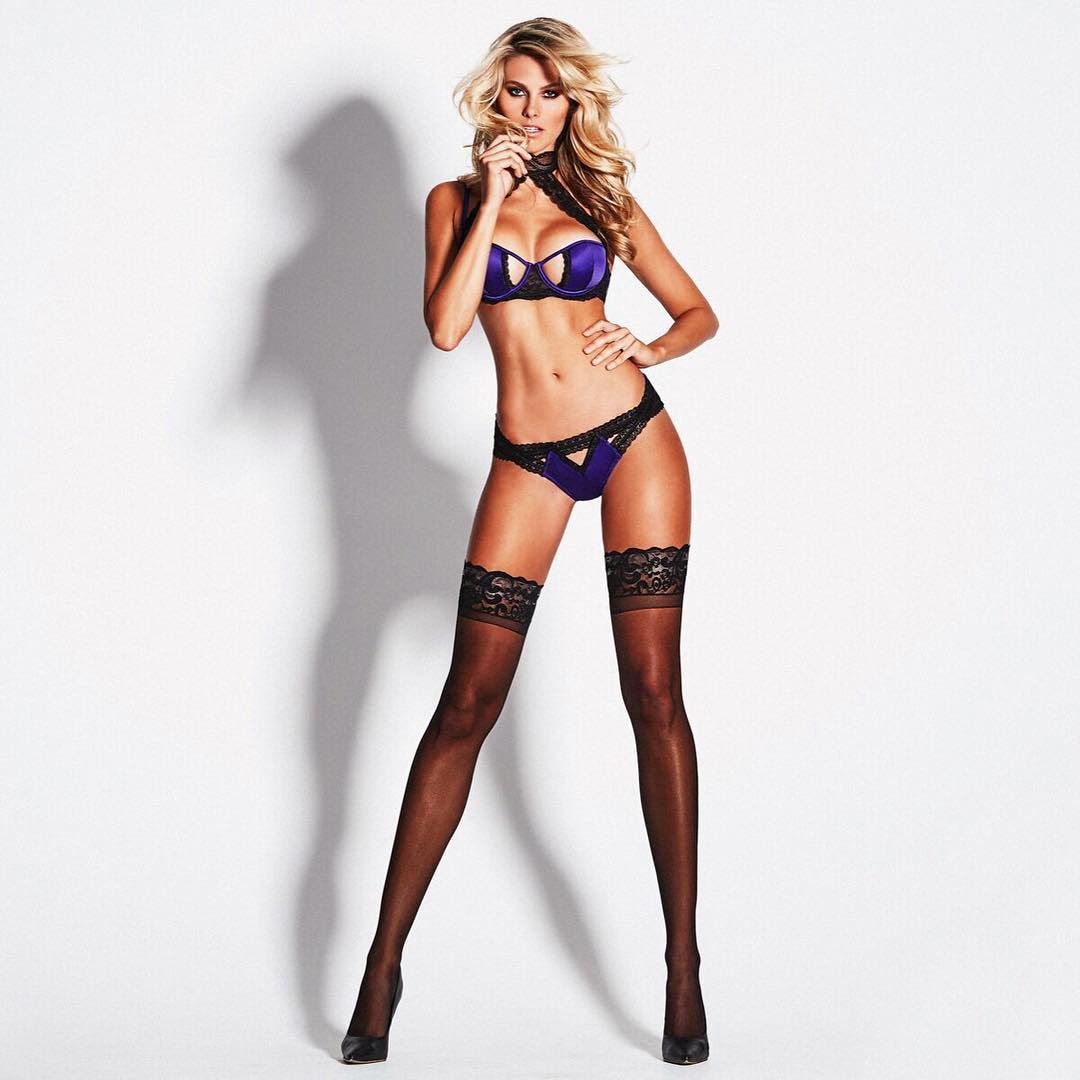
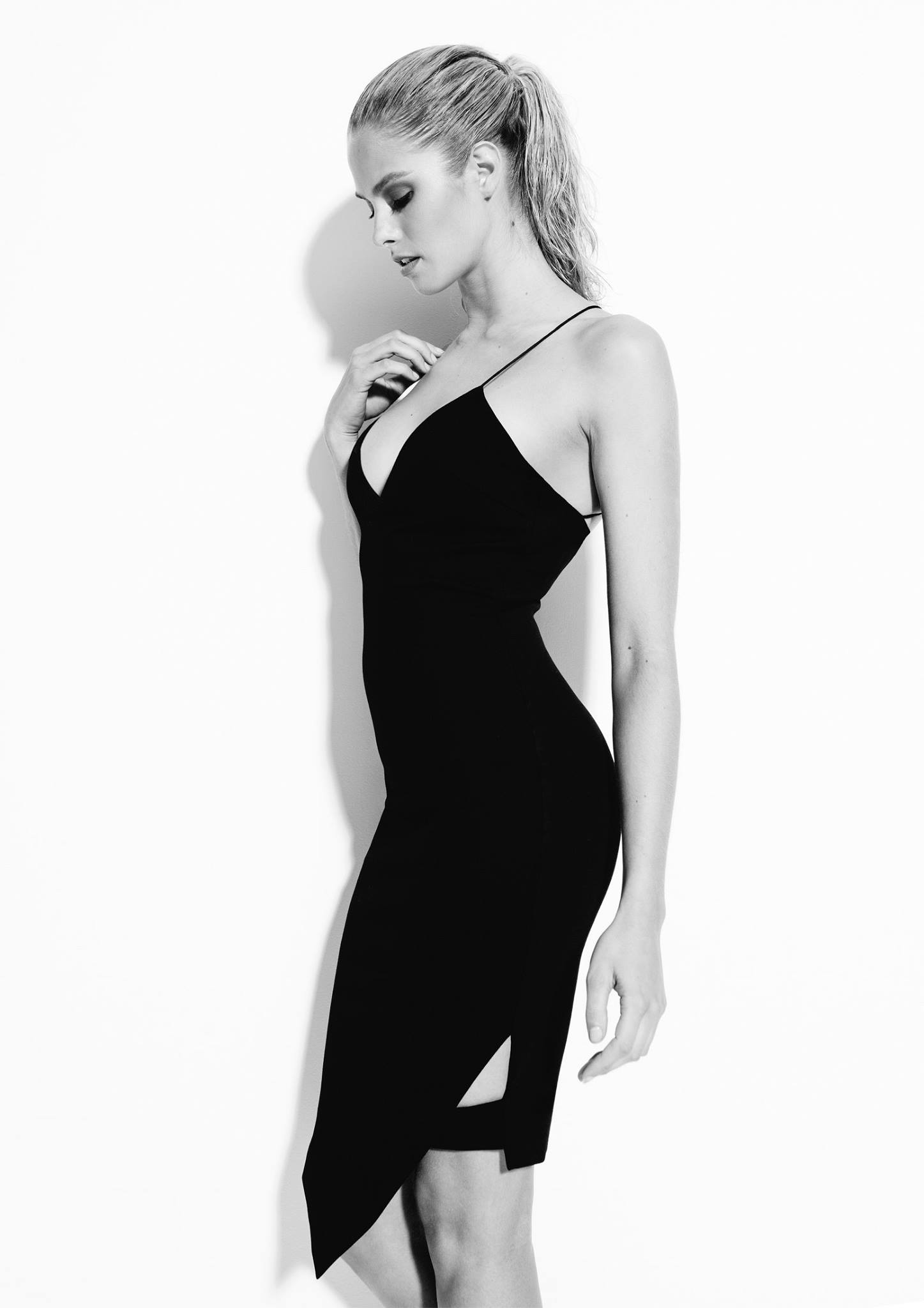
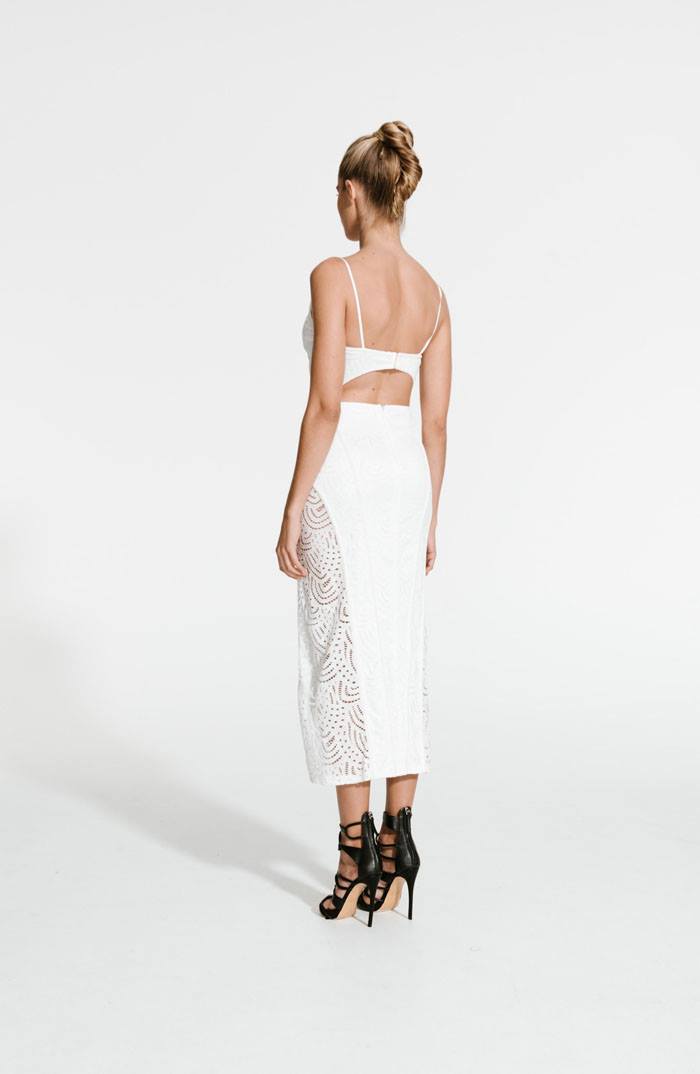
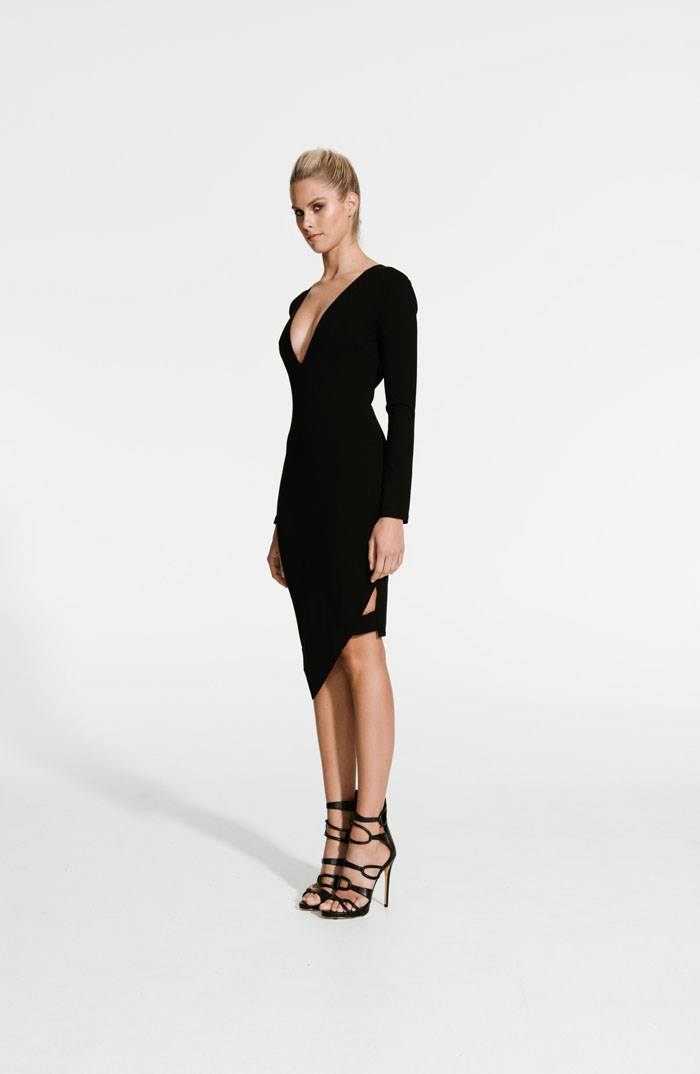
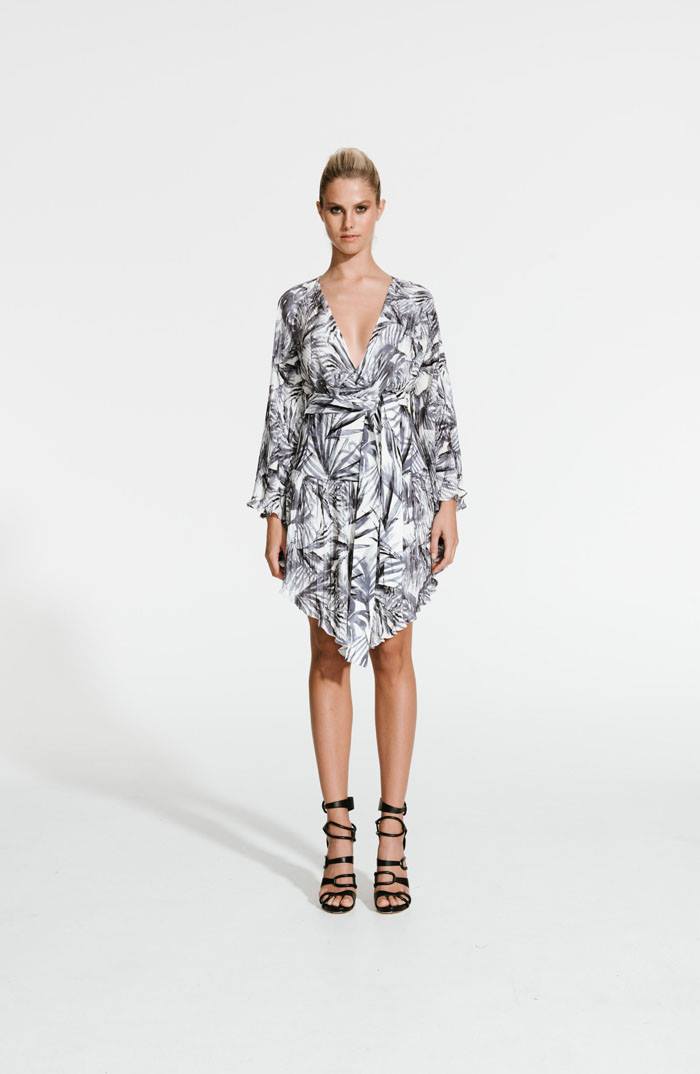
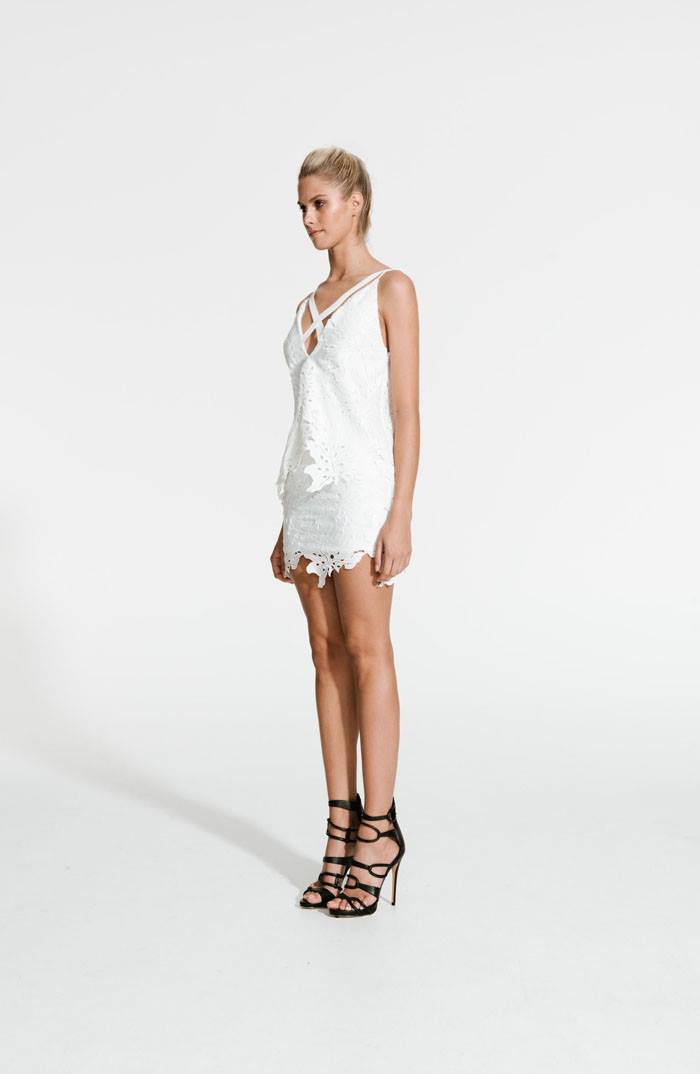
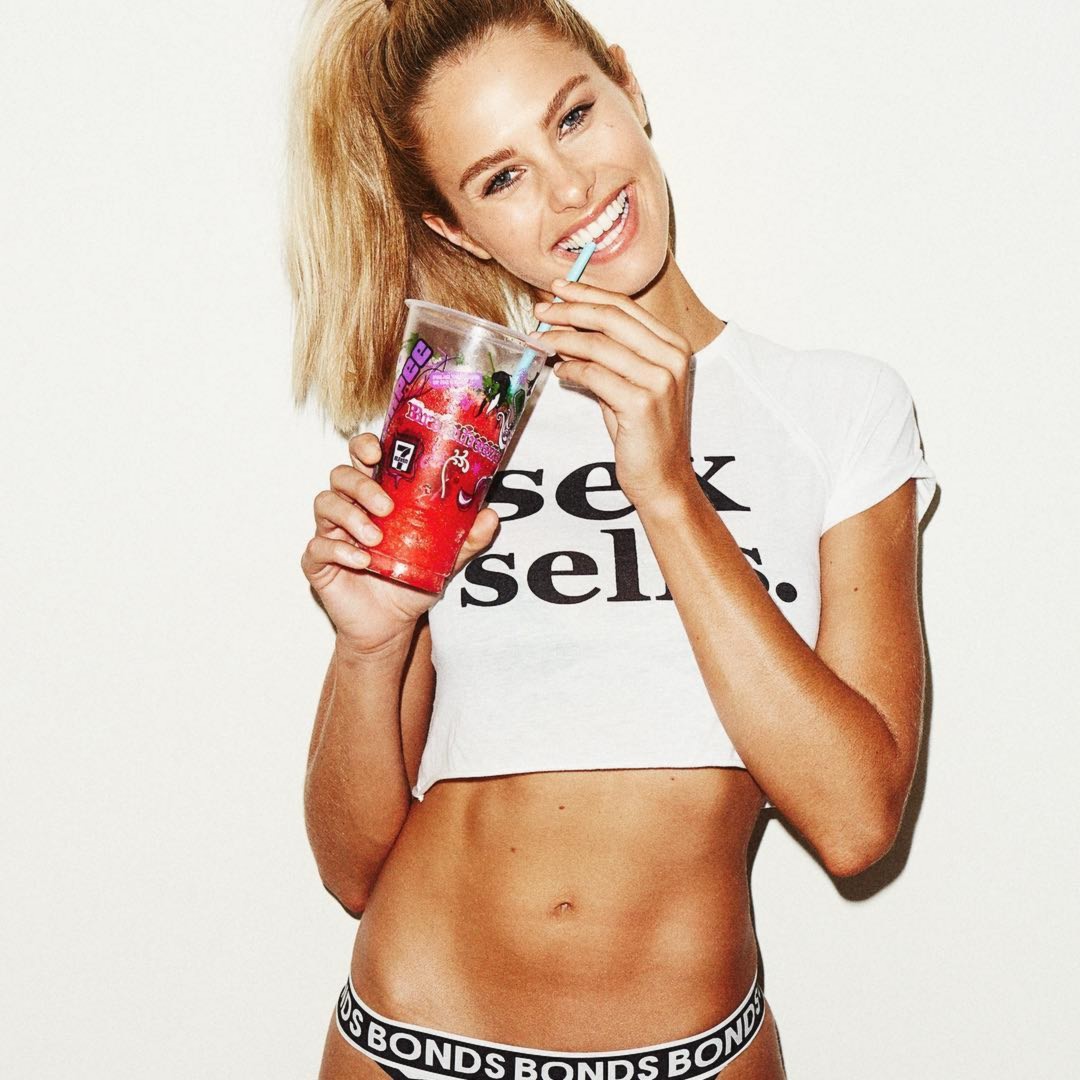
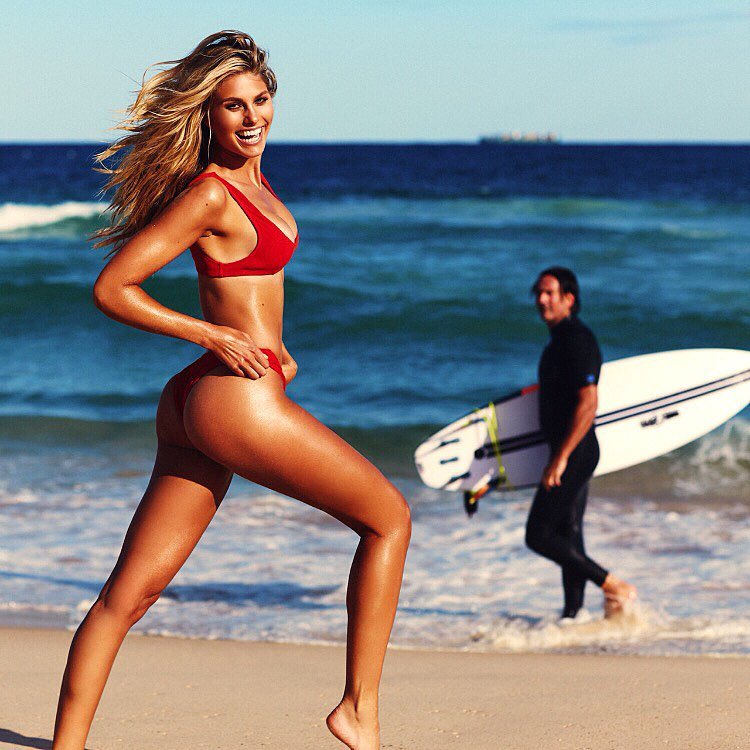
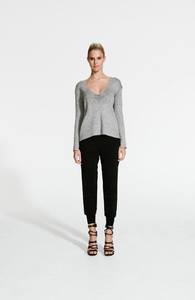
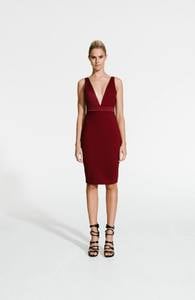
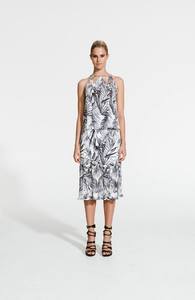
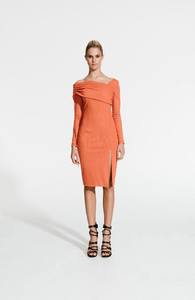
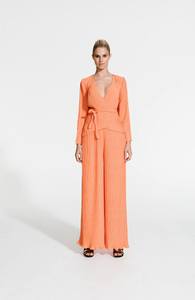
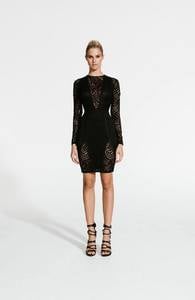
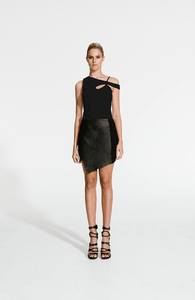
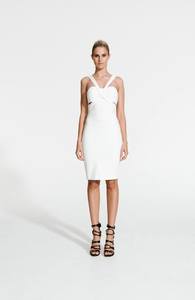
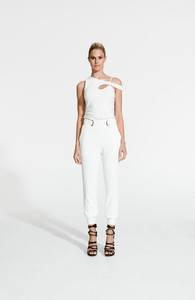
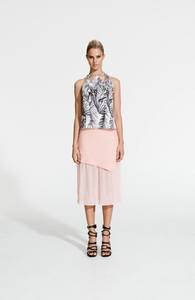
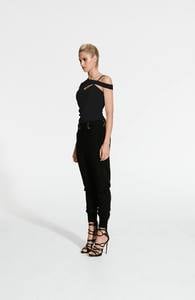
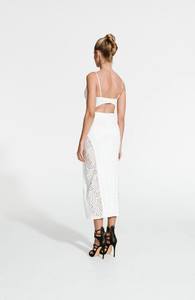
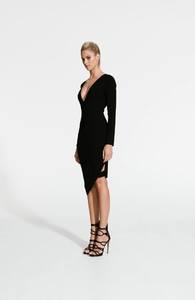
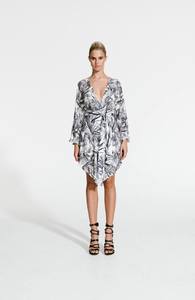
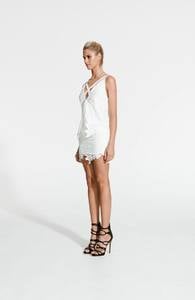
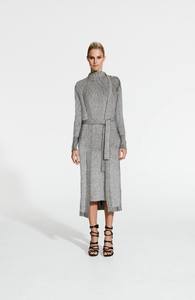
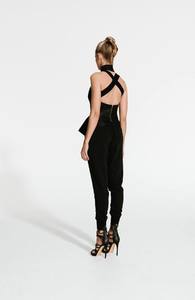
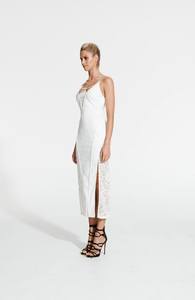
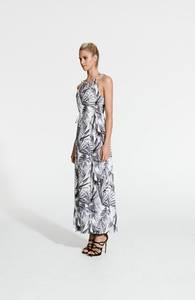
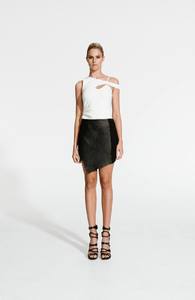
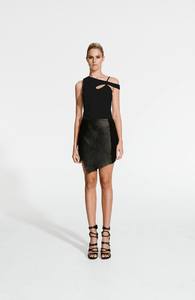
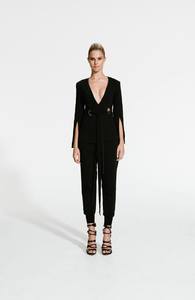
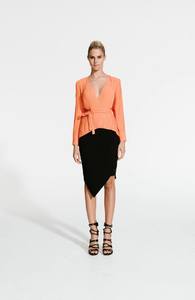
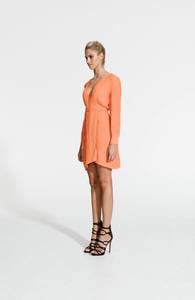
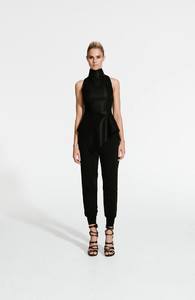
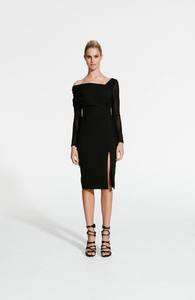
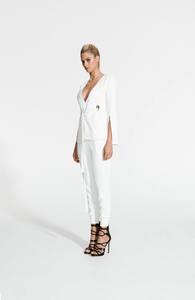
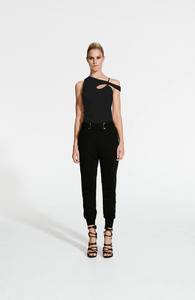
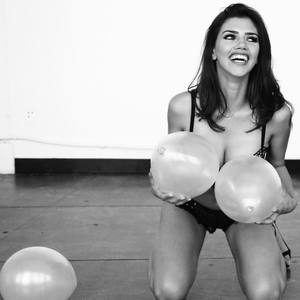 @blessed_are_the_meek| Jan/Feb 2017 campaign photographer: @eddienew_photography⠀ model: @natalie_roser⠀ hmua: @labiosthetiqueaus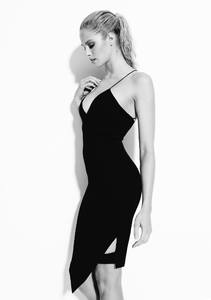
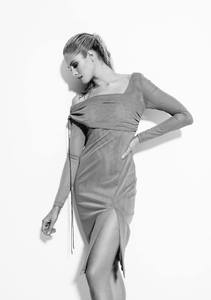
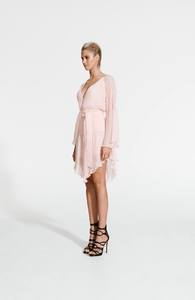
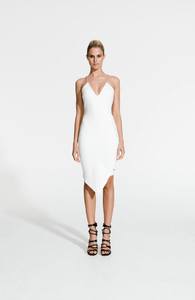
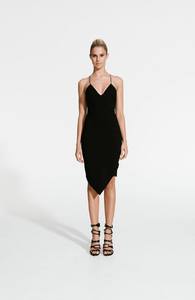
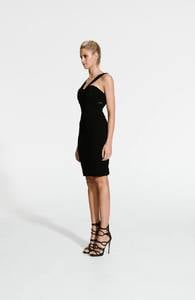
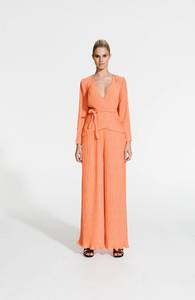
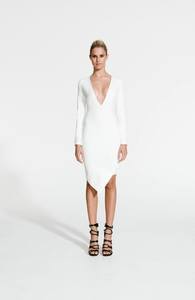
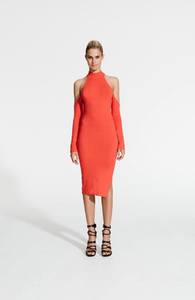
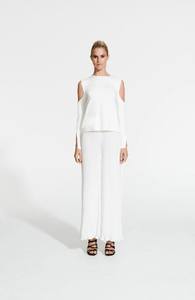
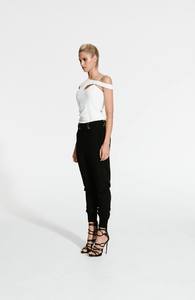
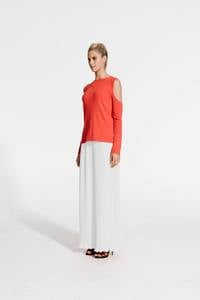
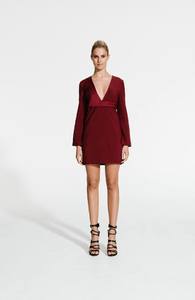
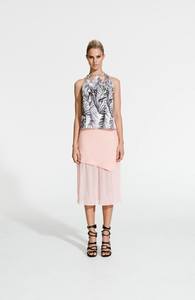
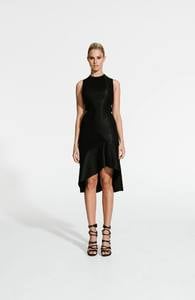
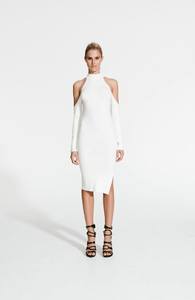
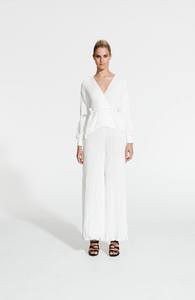
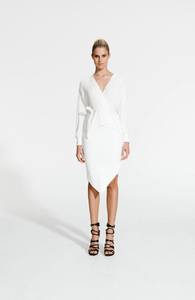
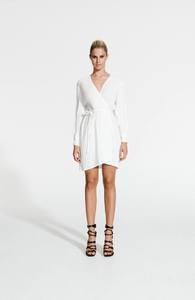
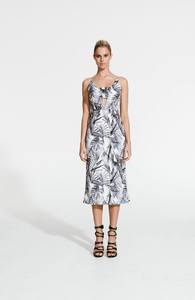
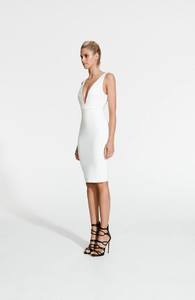
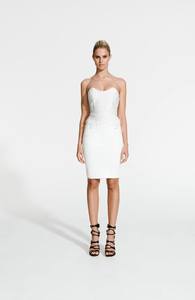
Account
Navigation
Search
Configure browser push notifications
Chrome (Android)
- Tap the lock icon next to the address bar.
- Tap Permissions → Notifications.
- Adjust your preference.
Chrome (Desktop)
- Click the padlock icon in the address bar.
- Select Site settings.
- Find Notifications and adjust your preference.
Safari (iOS 16.4+)
- Ensure the site is installed via Add to Home Screen.
- Open Settings App → Notifications.
- Find your app name and adjust your preference.
Safari (macOS)
- Go to Safari → Preferences.
- Click the Websites tab.
- Select Notifications in the sidebar.
- Find this website and adjust your preference.
Edge (Android)
- Tap the lock icon next to the address bar.
- Tap Permissions.
- Find Notifications and adjust your preference.
Edge (Desktop)
- Click the padlock icon in the address bar.
- Click Permissions for this site.
- Find Notifications and adjust your preference.
Firefox (Android)
- Go to Settings → Site permissions.
- Tap Notifications.
- Find this site in the list and adjust your preference.
Firefox (Desktop)
- Open Firefox Settings.
- Search for Notifications.
- Find this site in the list and adjust your preference.