TheBestModels
Members
-
Joined
Everything posted by TheBestModels
-
 I read that ... Incredible ! SO sad for Irina... I still hope something will happen, and they will be finally allowed to go there for the show. Such a BAD advertisement for China ... And such an unfair stuff for the models !
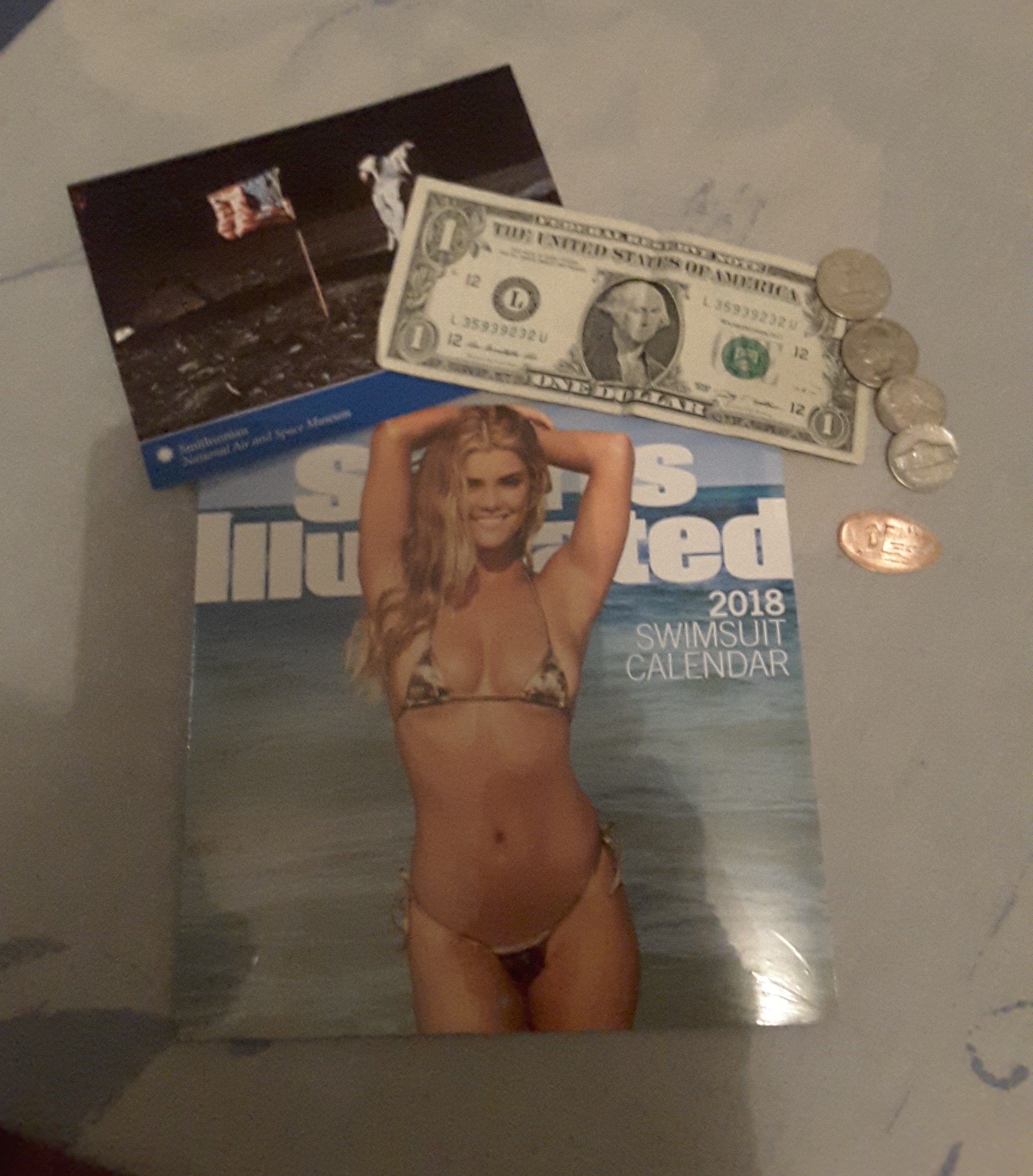
Souvenirs from America
I read that ... Incredible ! SO sad for Irina... I still hope something will happen, and they will be finally allowed to go there for the show. Such a BAD advertisement for China ... And such an unfair stuff for the models !
Souvenirs from America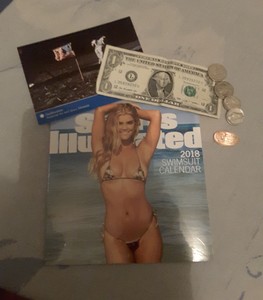 If that's true that's totally WTF ...
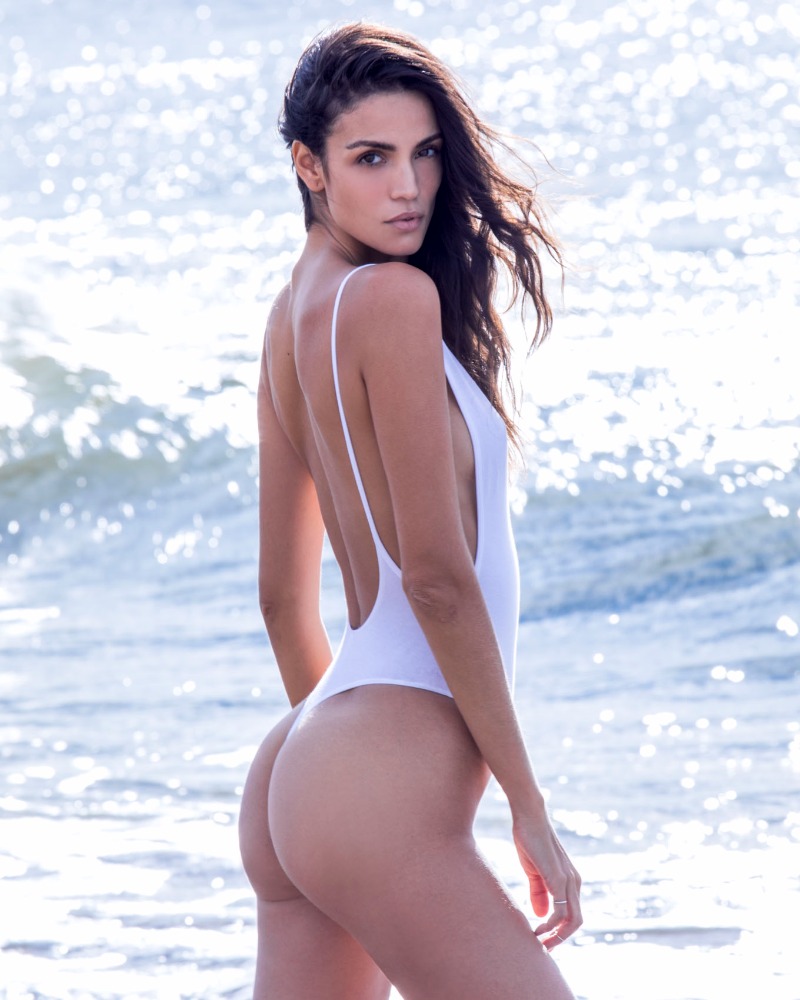
By @guyaroch Styling: @andreaskokkino Makeup: @ozzysalvatierraHair: @ramsell Set: @larkdove
If that's true that's totally WTF ...
By @guyaroch Styling: @andreaskokkino Makeup: @ozzysalvatierraHair: @ramsell Set: @larkdove



 By Jared Thomas NUDITY










 Are you sure ?
ET : How to Work Out Like Victoria's Secret Model Blanca Padilla >> How to Work Out Like Victoria's Secret Model Blanca Padilla .mp4
Are you sure ?
ET : How to Work Out Like Victoria's Secret Model Blanca Padilla >> How to Work Out Like Victoria's Secret Model Blanca Padilla .mp4Account
Navigation
Search
Configure browser push notifications
Chrome (Android)
- Tap the lock icon next to the address bar.
- Tap Permissions → Notifications.
- Adjust your preference.
Chrome (Desktop)
- Click the padlock icon in the address bar.
- Select Site settings.
- Find Notifications and adjust your preference.
Safari (iOS 16.4+)
- Ensure the site is installed via Add to Home Screen.
- Open Settings App → Notifications.
- Find your app name and adjust your preference.
Safari (macOS)
- Go to Safari → Preferences.
- Click the Websites tab.
- Select Notifications in the sidebar.
- Find this website and adjust your preference.
Edge (Android)
- Tap the lock icon next to the address bar.
- Tap Permissions.
- Find Notifications and adjust your preference.
Edge (Desktop)
- Click the padlock icon in the address bar.
- Click Permissions for this site.
- Find Notifications and adjust your preference.
Firefox (Android)
- Go to Settings → Site permissions.
- Tap Notifications.
- Find this site in the list and adjust your preference.
Firefox (Desktop)
- Open Firefox Settings.
- Search for Notifications.
- Find this site in the list and adjust your preference.