Everything posted by TheBestModels
-
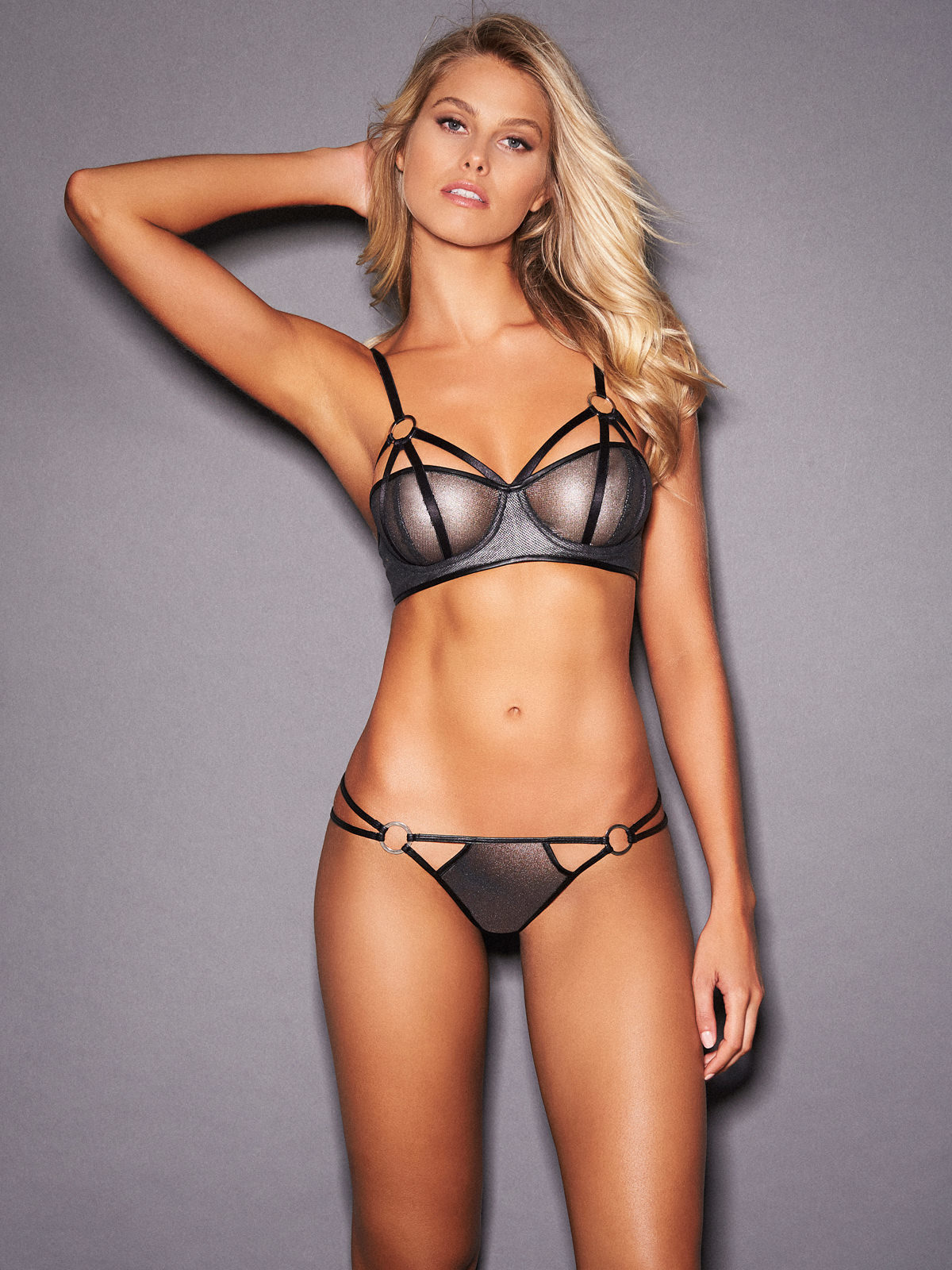
Natalie Jayne Roser
-
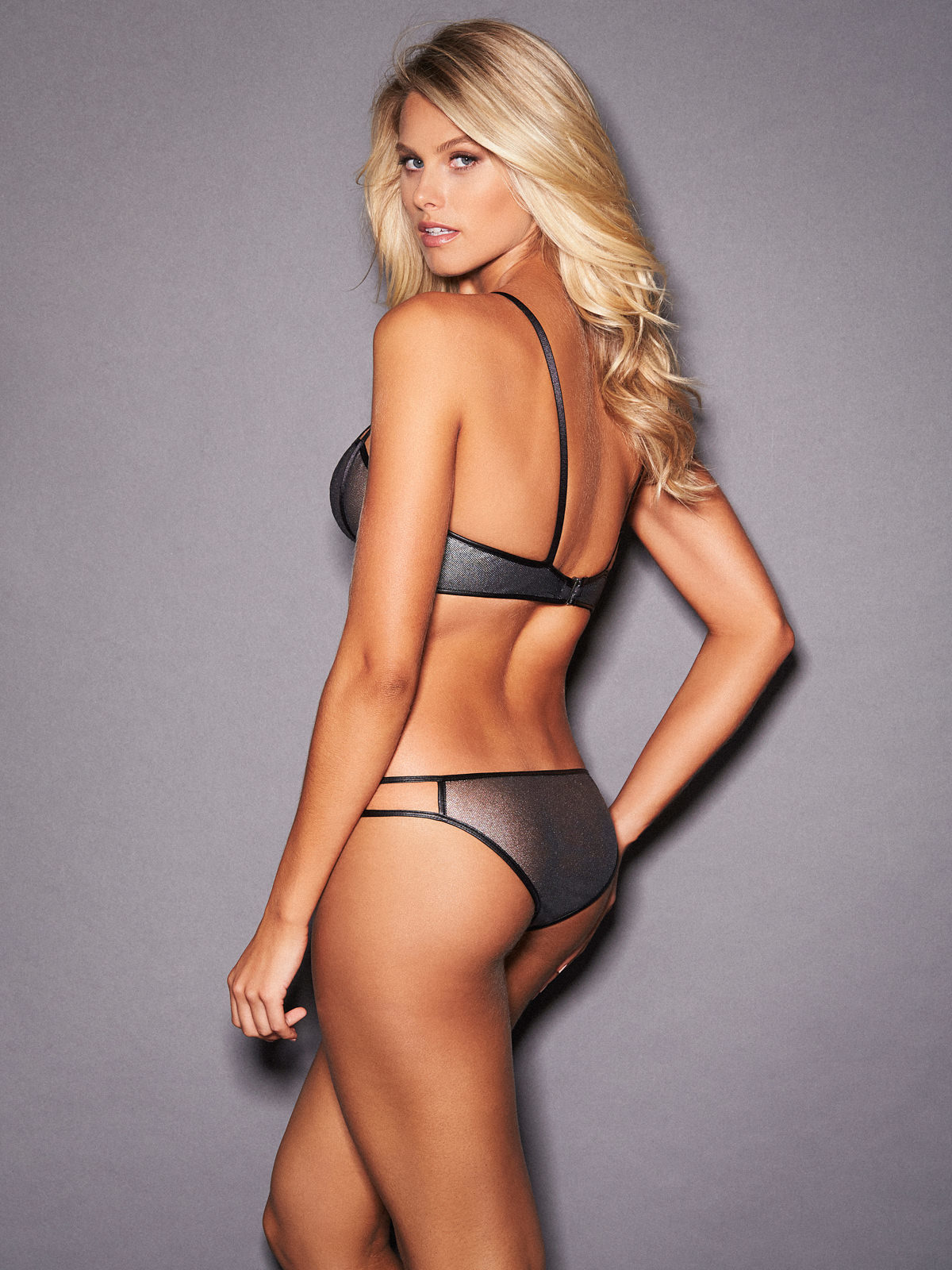
Natalie Jayne Roser
- Niamh Adkins
- Brooke Buchanan
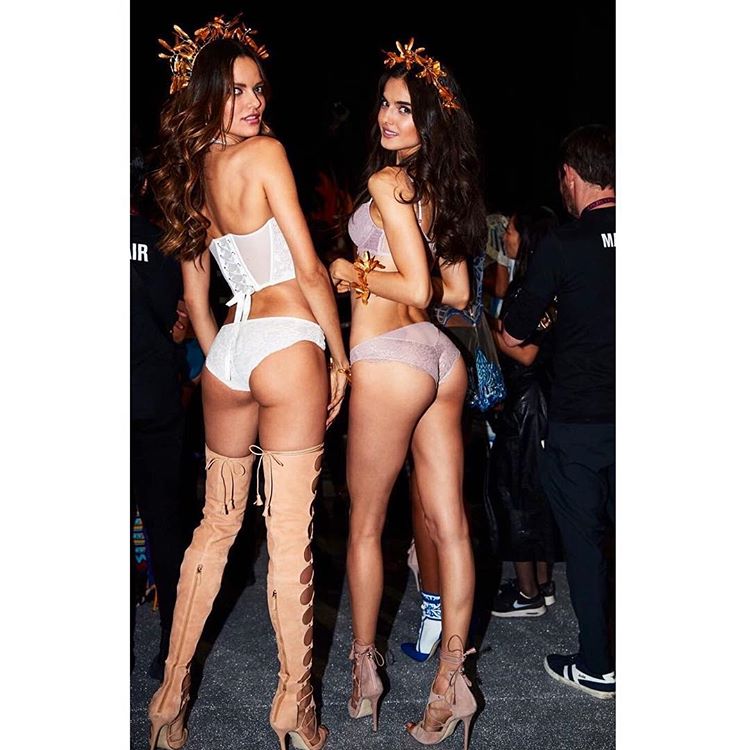
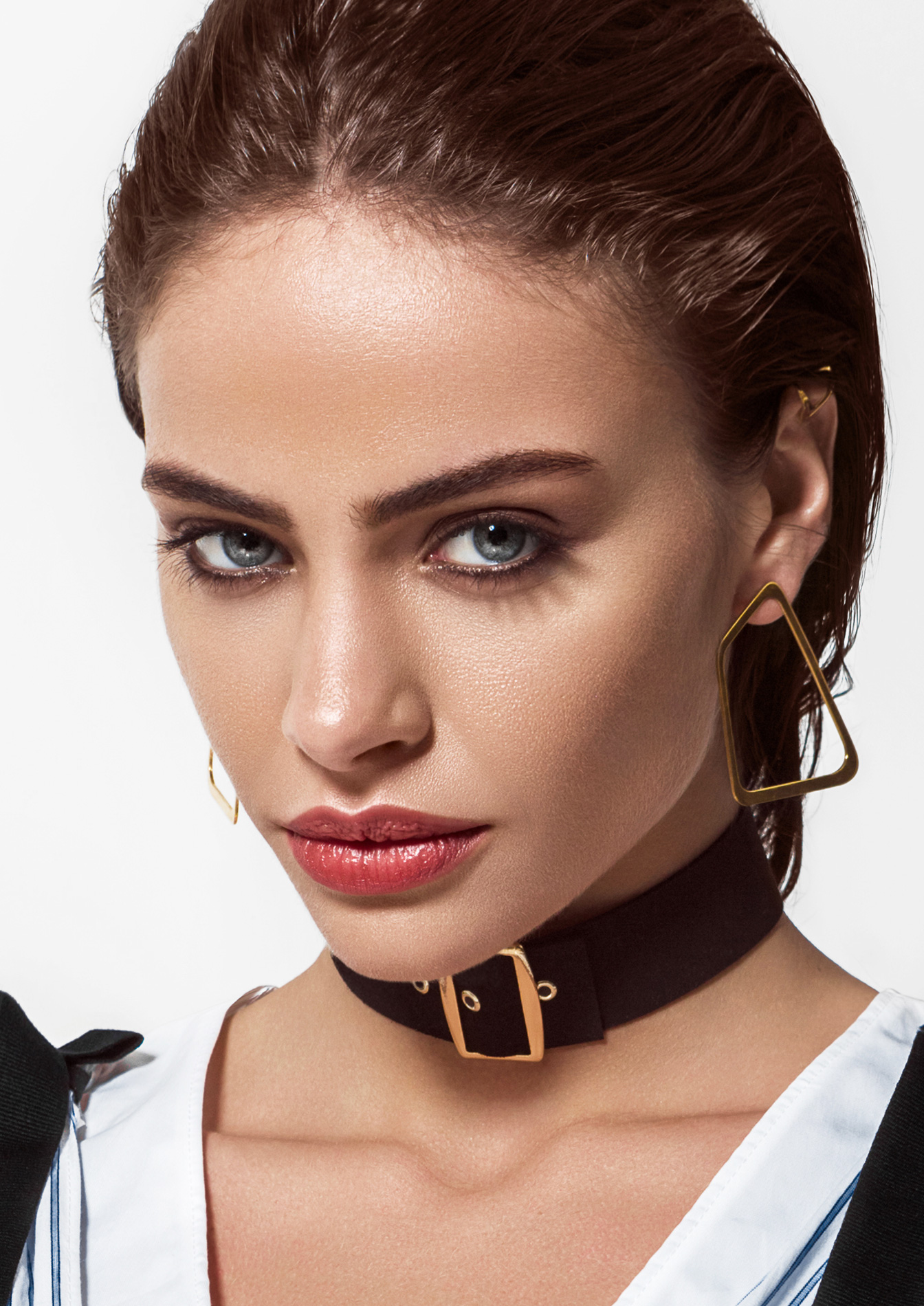
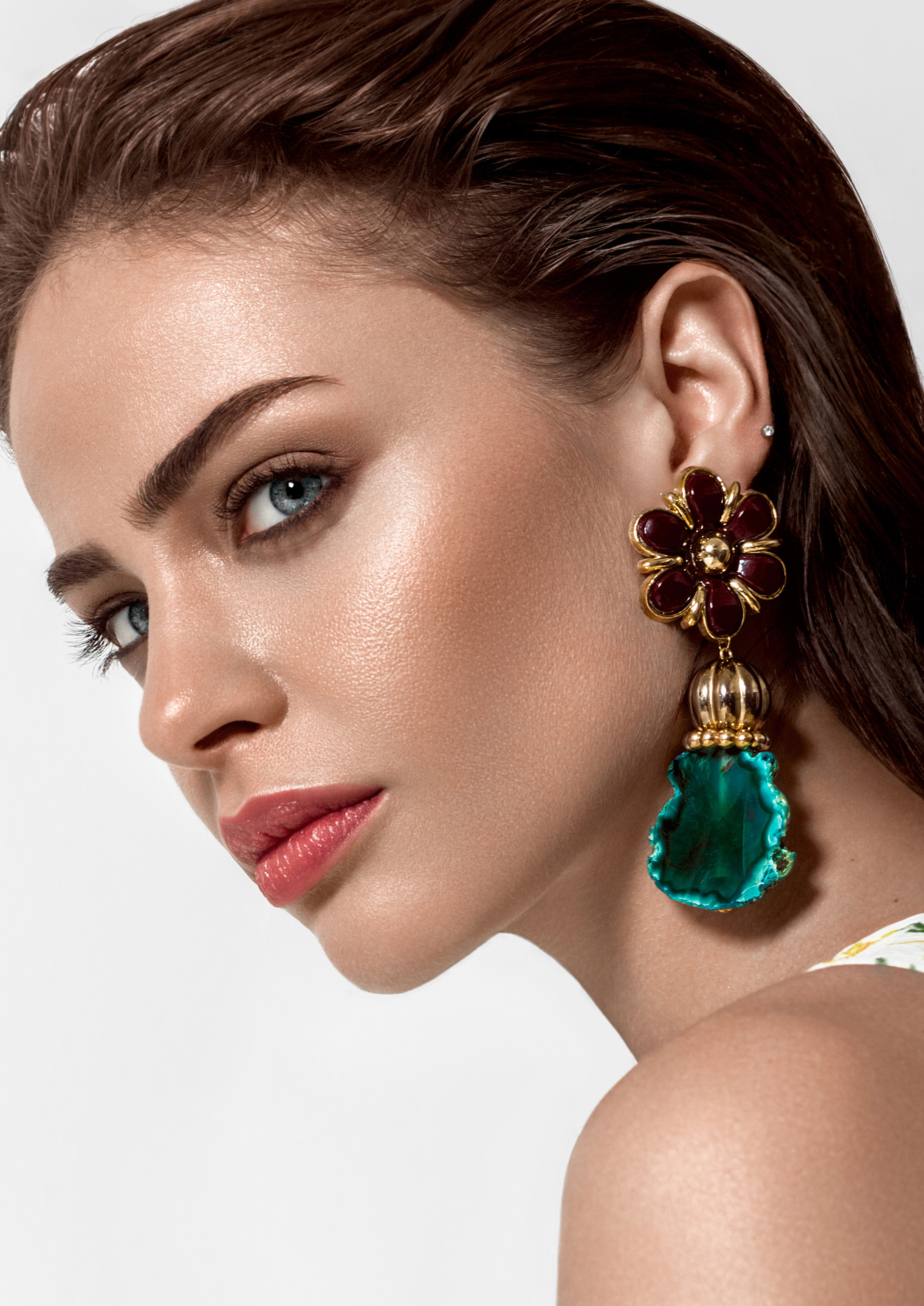
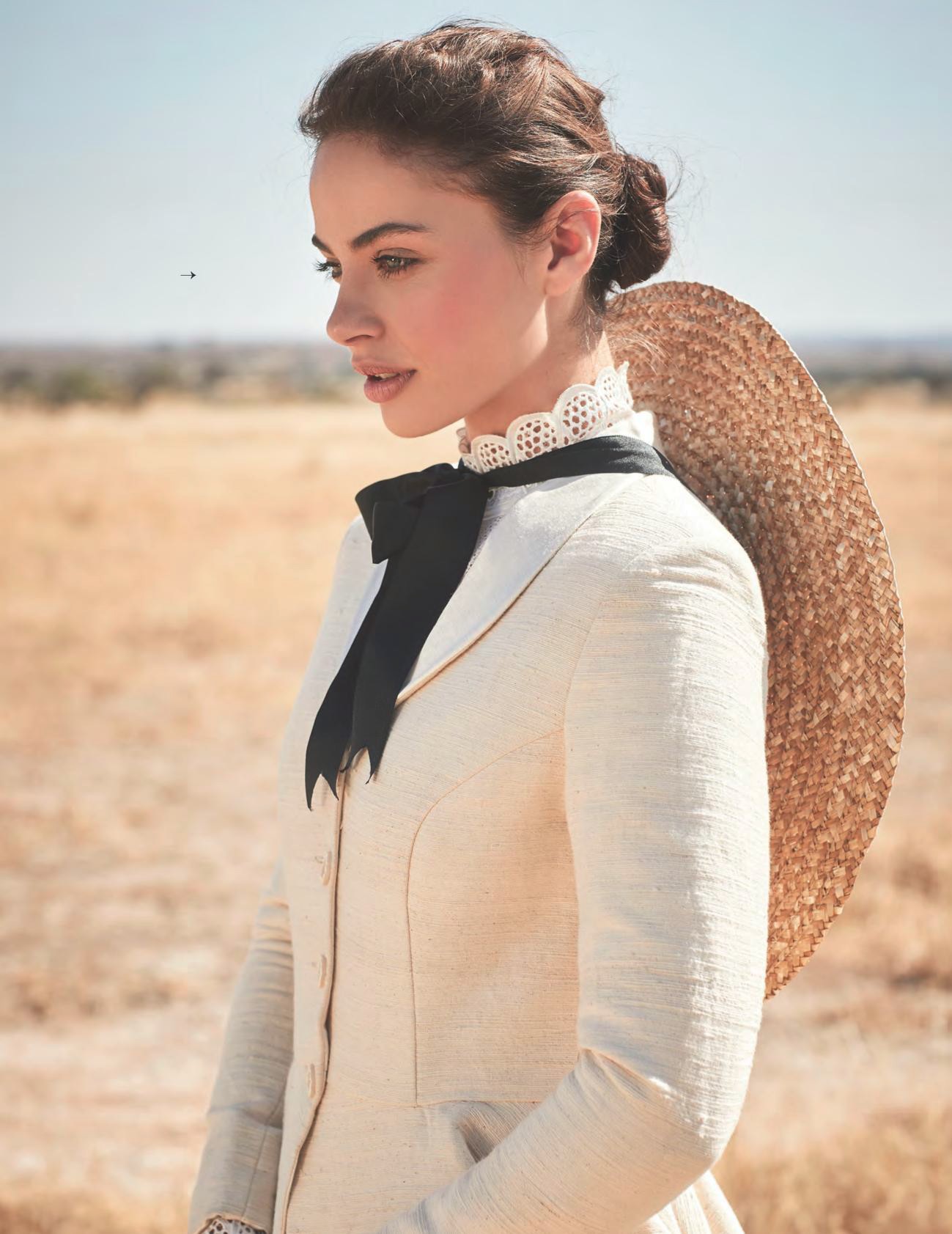
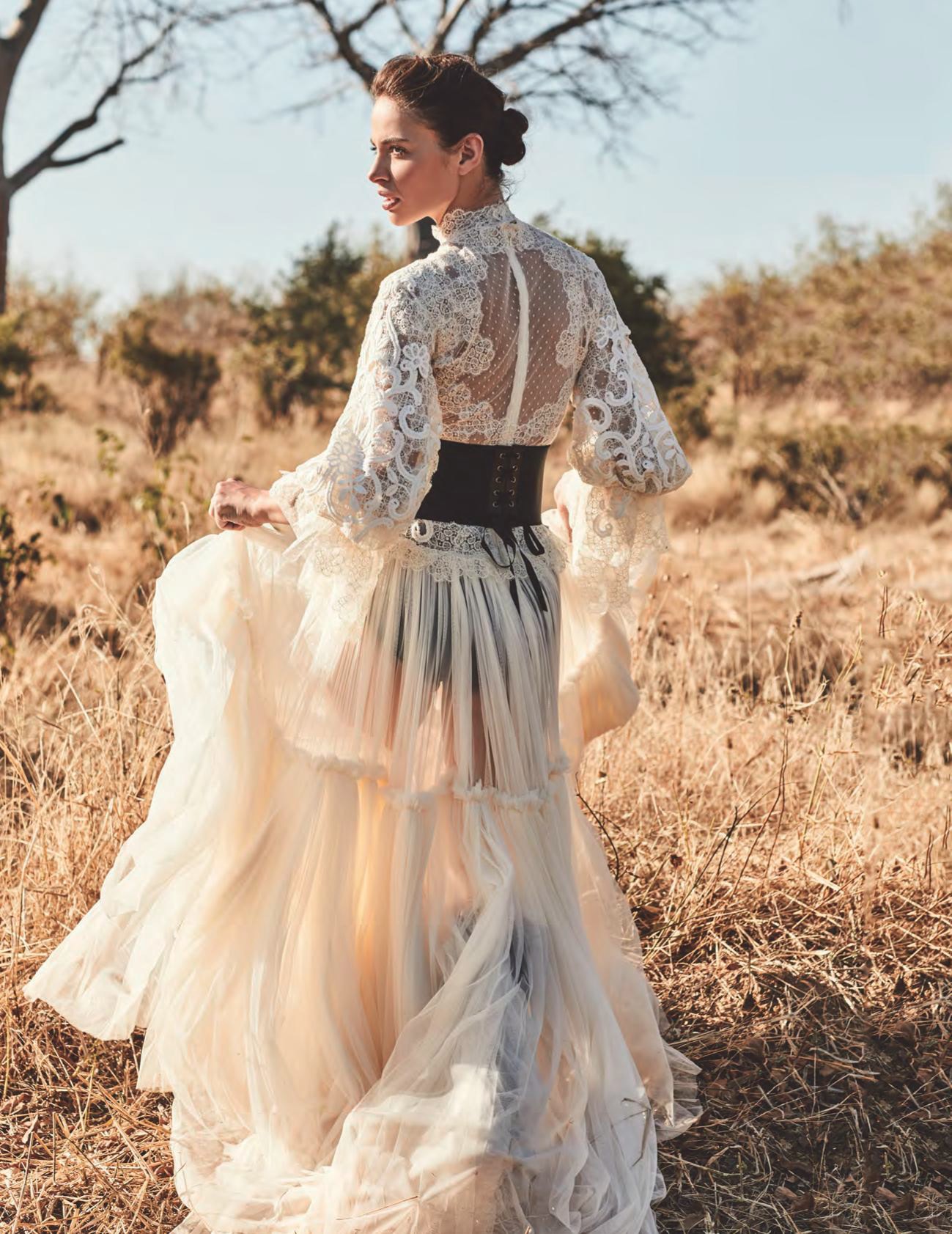
- Blanca Padilla
What a walk ! We should name Blanca's walk. We could call it the "Blanca". Sexiness + elegance + "un je ne sais quoi" = The Blanca- Blanca Padilla
VSFS2017 >> https://elpais.com/elpais/2017/11/24/gente/1511529787_894876.html?id_externo_rsoc=TW_CM_EST- Blanca Padilla
@ladydreams, yes those are repost. Please, check a few pages back before to add content- Alejandra Guilmant
How don't- The "What Are You Thinking About Right Now?" PIP
...- Alejandra Guilmant
^...- Niamh Adkins
- Natasha Barnard
- Natasha Barnard
- Natasha Barnard
- Nicole Meyer
@myhoneyhomebistro @marbetstyle @kuba_fabirkiewicz_photographer @katemakeupartist @affectpolska @kathkryst @grolsky_life @x_1125_mody_x_161_x @antolosagency @kazar- Emily Ratajkowski
- Irina Sharipova
- Emily Ratajkowski
- The "What Are You Thinking About Right Now?" PIP
What is Thanksgiving exactly ? I never heard it from an American citizen ...- What made you smile/laugh today?
- Hailey Clauson
- Elsa Hosk
- Blanca Padilla
Mall At Millenia - Somerset Collection Holiday 2017 PH: Tom Corbett, Styling: Emily Barnes Hair: Bobby Bujisic Makeup: Laura Seba- Blanca Padilla
I love that too with Blanca, they aren't many like this in the job. A real asset when you have to work with her i bet !- The "What Are You Thinking About Right Now?" PIP
Definitely agree ! The natural being is fundamental on my attractiveness scale. It mean no tatoo, or piercing, the less possible at least. I should add no IG filtre then. I just don't like Dasha, she only looks like a cheap version of Bo Krsmanovic to me. And that whole story of "spying" is just a confirmation. - Niamh Adkins
Account
Navigation
Search
Configure browser push notifications
Chrome (Android)
- Tap the lock icon next to the address bar.
- Tap Permissions → Notifications.
- Adjust your preference.
Chrome (Desktop)
- Click the padlock icon in the address bar.
- Select Site settings.
- Find Notifications and adjust your preference.
Safari (iOS 16.4+)
- Ensure the site is installed via Add to Home Screen.
- Open Settings App → Notifications.
- Find your app name and adjust your preference.
Safari (macOS)
- Go to Safari → Preferences.
- Click the Websites tab.
- Select Notifications in the sidebar.
- Find this website and adjust your preference.
Edge (Android)
- Tap the lock icon next to the address bar.
- Tap Permissions.
- Find Notifications and adjust your preference.
Edge (Desktop)
- Click the padlock icon in the address bar.
- Click Permissions for this site.
- Find Notifications and adjust your preference.
Firefox (Android)
- Go to Settings → Site permissions.
- Tap Notifications.
- Find this site in the list and adjust your preference.
Firefox (Desktop)
- Open Firefox Settings.

- Search for Notifications.
- Find this site in the list and adjust your preference.