TheBestModels
Members
-
Joined
Everything posted by TheBestModels
-
 True. But still ... The city has been occupied during more than 3 years ... I'm still considering it's a miracle. The fact, the french gov from 1940 declared Paris like open city to ovoiding big destruction surely helped lol C. de Gaulle wanted to resist street by street, like Soviets did in Stalingrad. And then, to transfer the french armies from the norther front to Britain, and to resist there, if Paris falled...
The General in charge of Paris garrison was Dietrich von Choltitz. The man who destroyed Rotterdam a few years before. Why not Paris then. I'm sorry, but it's still a mystery why he did not answered to Hitler orders to destroy Paris as well. Many think he wanted to go out of the war with less charges, knowing what he dones on the Eastern Front. Well ...
I know it must sounds pretentious to say that, and God knows we knew wars on our territory. But look : http://www.demotivateur.fr/article/32-photos-avant-apres-de-paris-qui-illustrent-son-evolution-a-travers-les-epoques-11865 Like we say, Rome hasn't been made in one day. Well the same for Paris. The Paris we know today is the result of more than a century of work. Of course, the architectural projects and works transformed Paris. It's been the biggest achievment of napoleon III. If there had one lol And since, Paris is evolving all the time. The next big step being the Olympic Games in 2024. In a personal note, i always thought architecture was the pure expression of a people pretentions, desires, and embitions as well. Yesterday we were building our glorious futur, with majestuous temples, using stones, and glorious past references. Now we're building our present, with temporary structures ... Not the same embitions obviously.
I was talking on an impersonal form, not only to you. I remember very well your statement actually, that's why i allwoed myself to adopt that honest tone. To go further, the rhetoric of the US governements, using words like "evil empire" talking about the USSR, "axis of evil", "Rogue state" ... "rocket man" lol ... well, how us, Europeans, should call this country, who invade countries for any reasons. Spy its allied, lie, hide, act like tyran etc ... Is it the beginning, only the biginning, or the biginning of the end. Of course, in another hand, us Europeans are everything but victims. That's why we should stop to consider the USA like our best ally, when it's obviously not the true in opposition. Are USA have still allies.
I wonder at which point Americans will stop to laugh about him, and will take him seriously. This man is everthing but funny, or entertaining. Him, his government, his electors, and "opponents" too lol. What is incredible with him (Obama, Bush, Clinton before him ...), and the USA overal, since way too long already, is that they act irresponsibly, and are ALWAYS suprised when the sky fall on them ... Well, sorry to say, but it's often deserved. 20th centruy has been your century. And i hope the awakening won't be as much rude as the one that french knew in 1940 ... But maybe, the 20th is already over.
IG Story
True. But still ... The city has been occupied during more than 3 years ... I'm still considering it's a miracle. The fact, the french gov from 1940 declared Paris like open city to ovoiding big destruction surely helped lol C. de Gaulle wanted to resist street by street, like Soviets did in Stalingrad. And then, to transfer the french armies from the norther front to Britain, and to resist there, if Paris falled...
The General in charge of Paris garrison was Dietrich von Choltitz. The man who destroyed Rotterdam a few years before. Why not Paris then. I'm sorry, but it's still a mystery why he did not answered to Hitler orders to destroy Paris as well. Many think he wanted to go out of the war with less charges, knowing what he dones on the Eastern Front. Well ...
I know it must sounds pretentious to say that, and God knows we knew wars on our territory. But look : http://www.demotivateur.fr/article/32-photos-avant-apres-de-paris-qui-illustrent-son-evolution-a-travers-les-epoques-11865 Like we say, Rome hasn't been made in one day. Well the same for Paris. The Paris we know today is the result of more than a century of work. Of course, the architectural projects and works transformed Paris. It's been the biggest achievment of napoleon III. If there had one lol And since, Paris is evolving all the time. The next big step being the Olympic Games in 2024. In a personal note, i always thought architecture was the pure expression of a people pretentions, desires, and embitions as well. Yesterday we were building our glorious futur, with majestuous temples, using stones, and glorious past references. Now we're building our present, with temporary structures ... Not the same embitions obviously.
I was talking on an impersonal form, not only to you. I remember very well your statement actually, that's why i allwoed myself to adopt that honest tone. To go further, the rhetoric of the US governements, using words like "evil empire" talking about the USSR, "axis of evil", "Rogue state" ... "rocket man" lol ... well, how us, Europeans, should call this country, who invade countries for any reasons. Spy its allied, lie, hide, act like tyran etc ... Is it the beginning, only the biginning, or the biginning of the end. Of course, in another hand, us Europeans are everything but victims. That's why we should stop to consider the USA like our best ally, when it's obviously not the true in opposition. Are USA have still allies.
I wonder at which point Americans will stop to laugh about him, and will take him seriously. This man is everthing but funny, or entertaining. Him, his government, his electors, and "opponents" too lol. What is incredible with him (Obama, Bush, Clinton before him ...), and the USA overal, since way too long already, is that they act irresponsibly, and are ALWAYS suprised when the sky fall on them ... Well, sorry to say, but it's often deserved. 20th centruy has been your century. And i hope the awakening won't be as much rude as the one that french knew in 1940 ... But maybe, the 20th is already over.
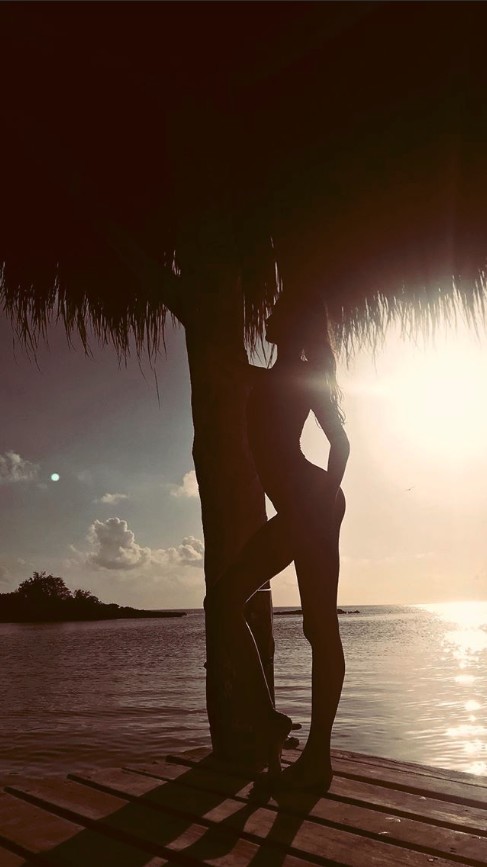
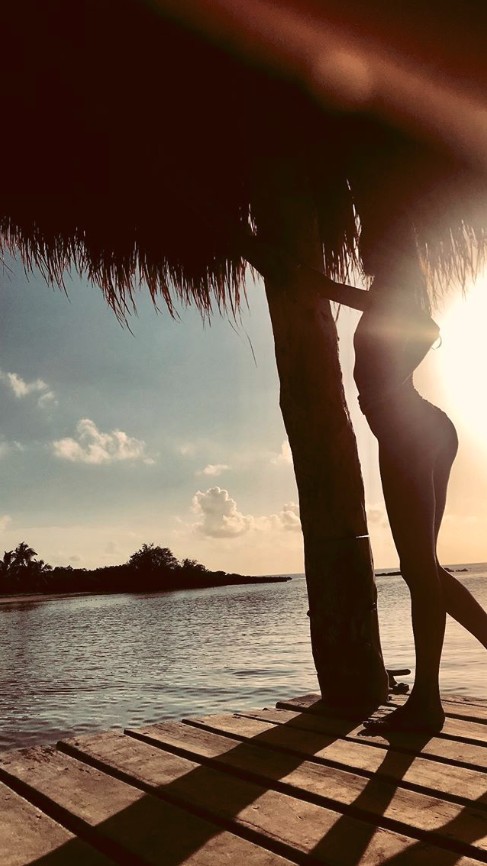
IG Story @simonepereleofficiel #catalog #swimsuit #photographer @studiofredmeylan @cinqetoilesproductions @yucatan_productions
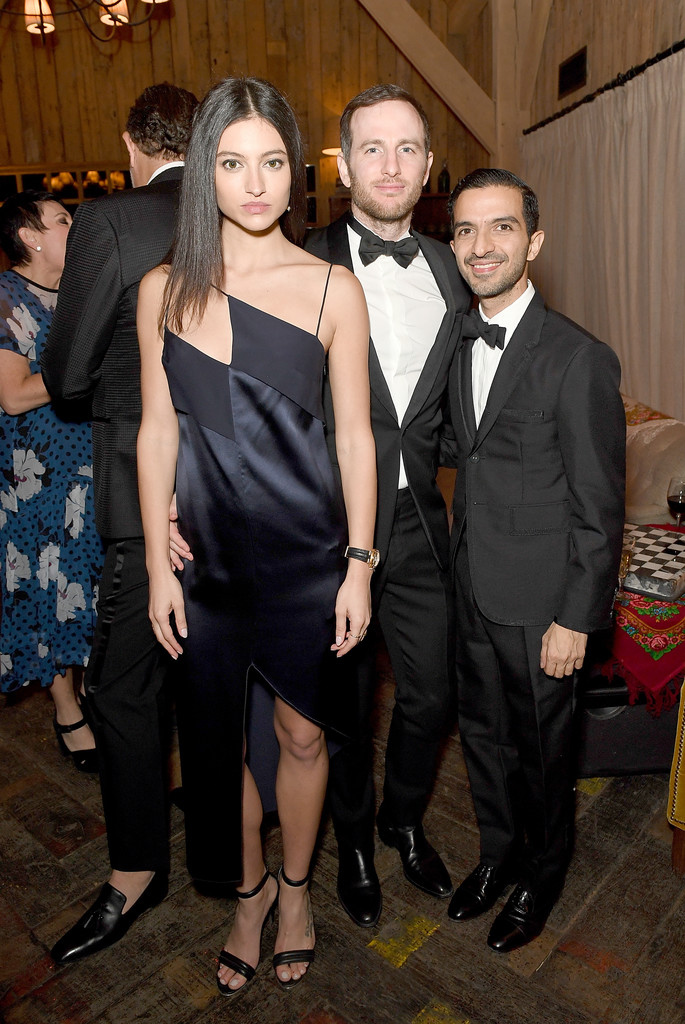
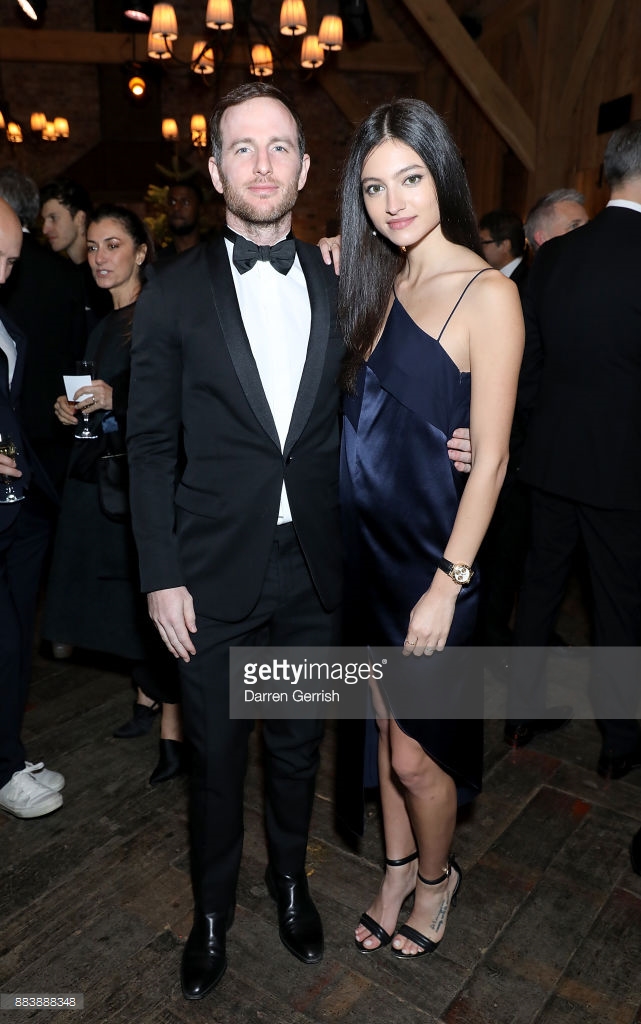
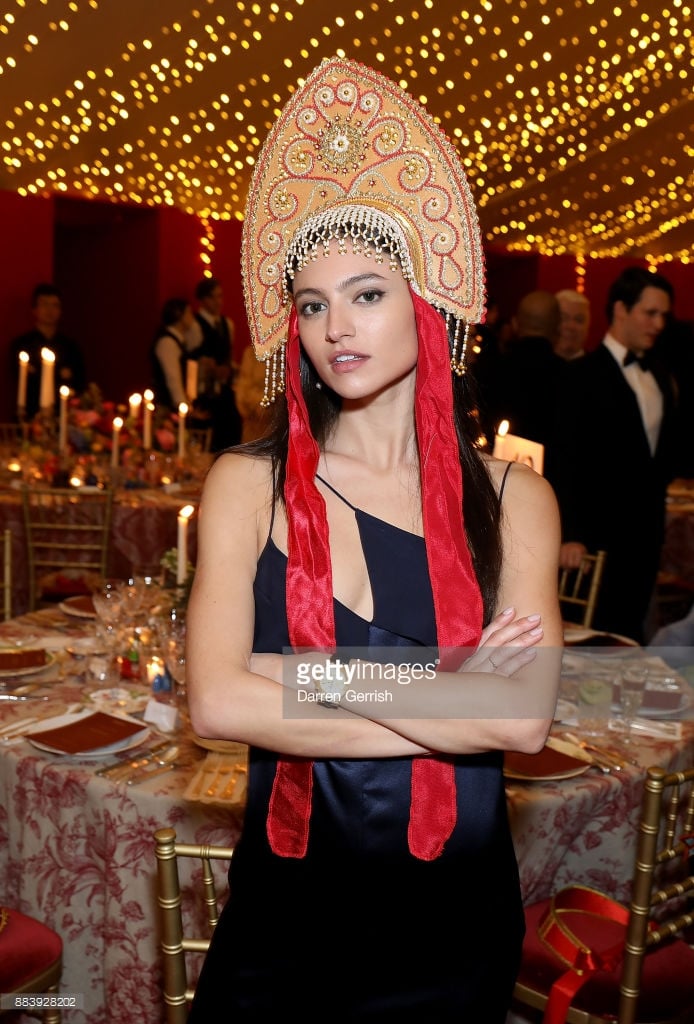
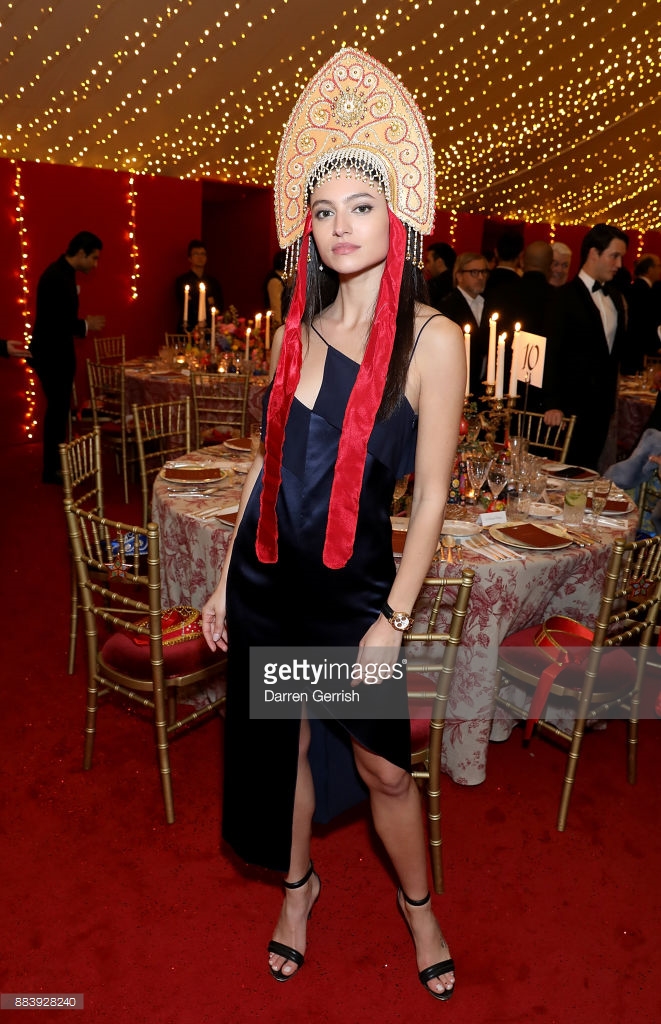
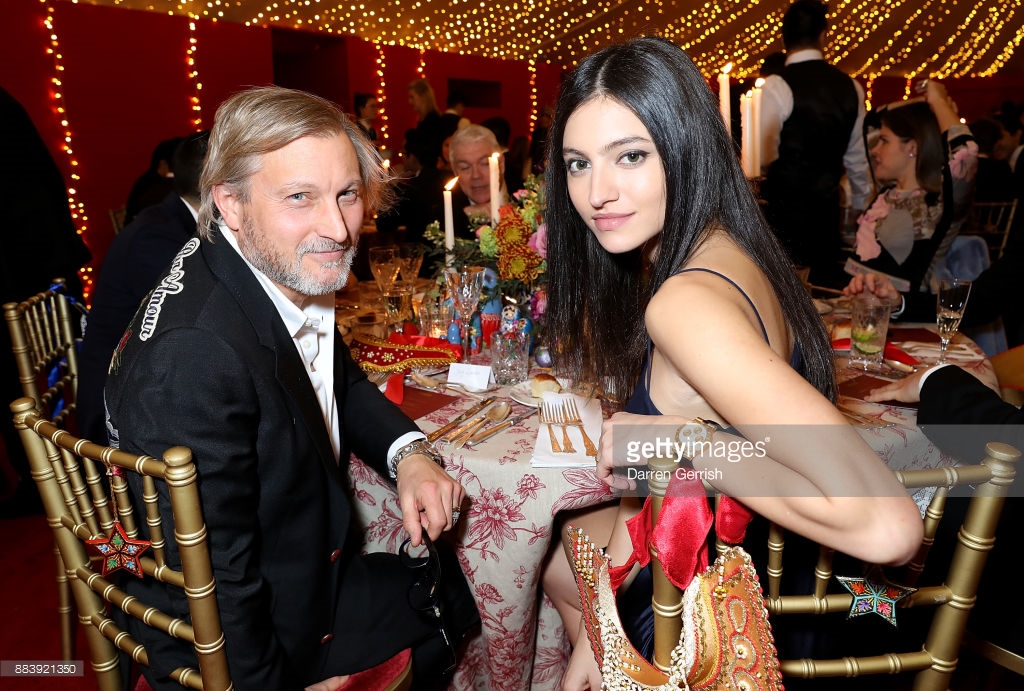
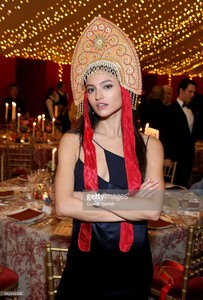
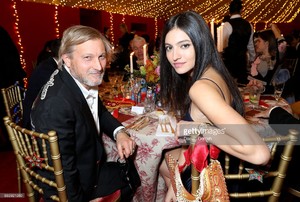
 The Business of Fashion Presents VOICES 2017 - Gala Dinner in London UK


 LUI Magazine - December/January 2018 CALENDAR 2018 Photographer : @michelsedan Director : @martinfougerol / Art Director : @ericbeckman66 / Casting : @cococasting / Fashion editor : @dfsablon assisted by @lennyoffduty / Hair & make up : @bobestvo NUDITY
 @broochini #shooting @paulbellaart @yucatan_productions @hels_broadfoot #stylish
Account
Navigation
Search
Configure browser push notifications
Chrome (Android)
- Tap the lock icon next to the address bar.
- Tap Permissions → Notifications.
- Adjust your preference.
Chrome (Desktop)
- Click the padlock icon in the address bar.
- Select Site settings.
- Find Notifications and adjust your preference.
Safari (iOS 16.4+)
- Ensure the site is installed via Add to Home Screen.
- Open Settings App → Notifications.
- Find your app name and adjust your preference.
Safari (macOS)
- Go to Safari → Preferences.
- Click the Websites tab.
- Select Notifications in the sidebar.
- Find this website and adjust your preference.
Edge (Android)
- Tap the lock icon next to the address bar.
- Tap Permissions.
- Find Notifications and adjust your preference.
Edge (Desktop)
- Click the padlock icon in the address bar.
- Click Permissions for this site.
- Find Notifications and adjust your preference.
Firefox (Android)
- Go to Settings → Site permissions.
- Tap Notifications.
- Find this site in the list and adjust your preference.
Firefox (Desktop)
- Open Firefox Settings.
- Search for Notifications.
- Find this site in the list and adjust your preference.