jj3
Members
-
Joined
Everything posted by jj3
-
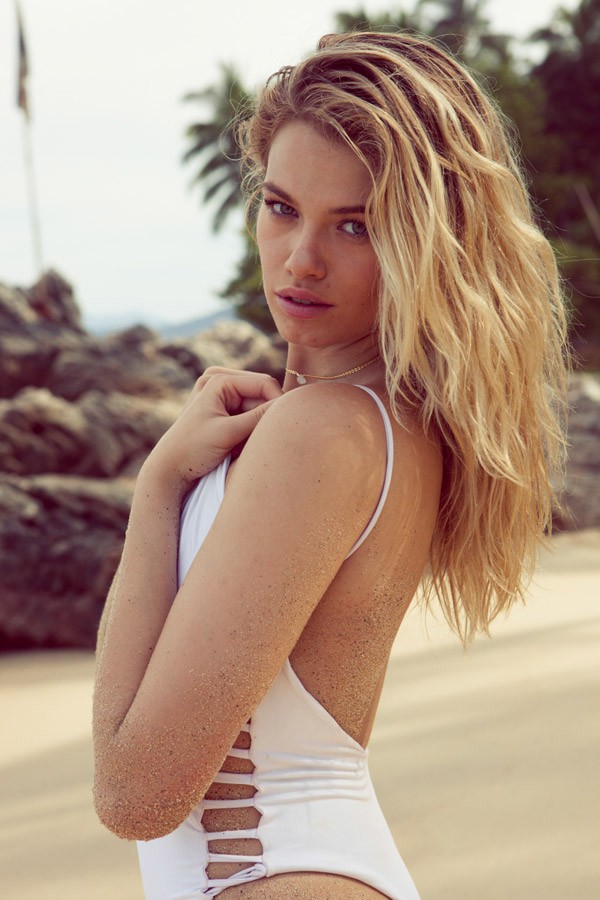
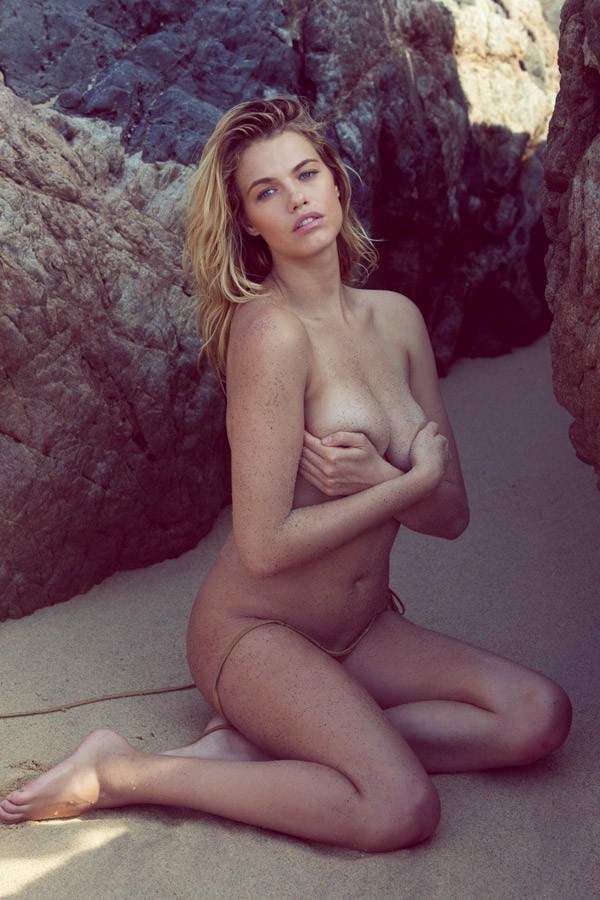
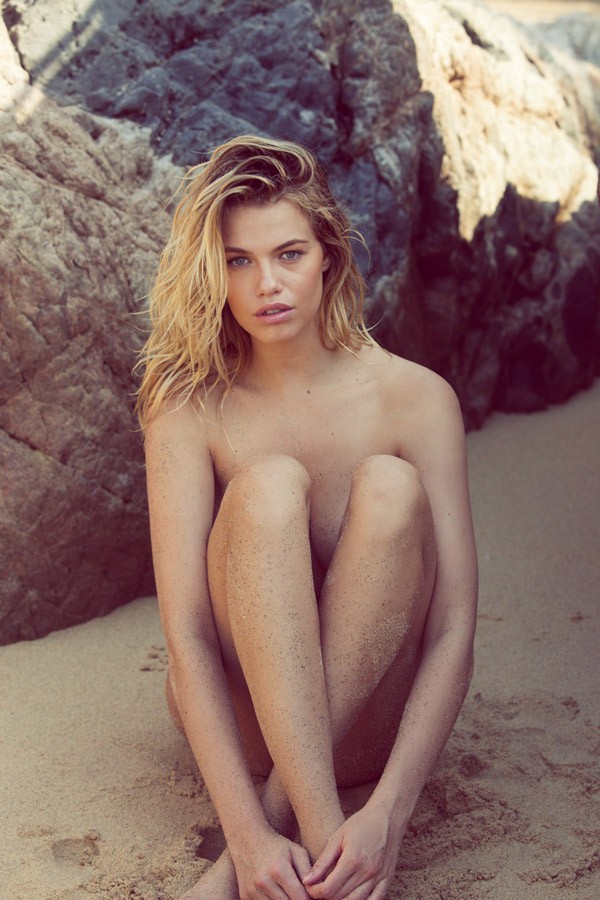
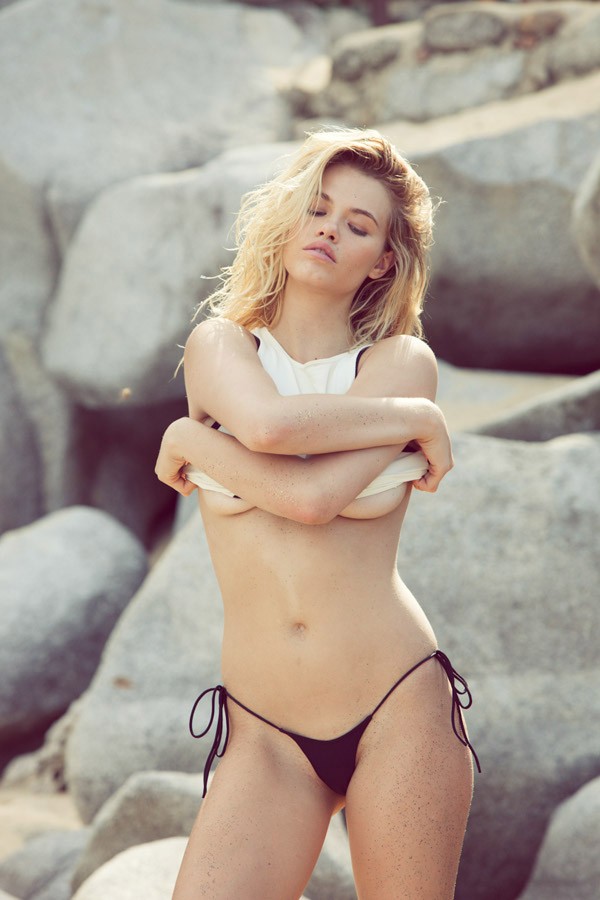
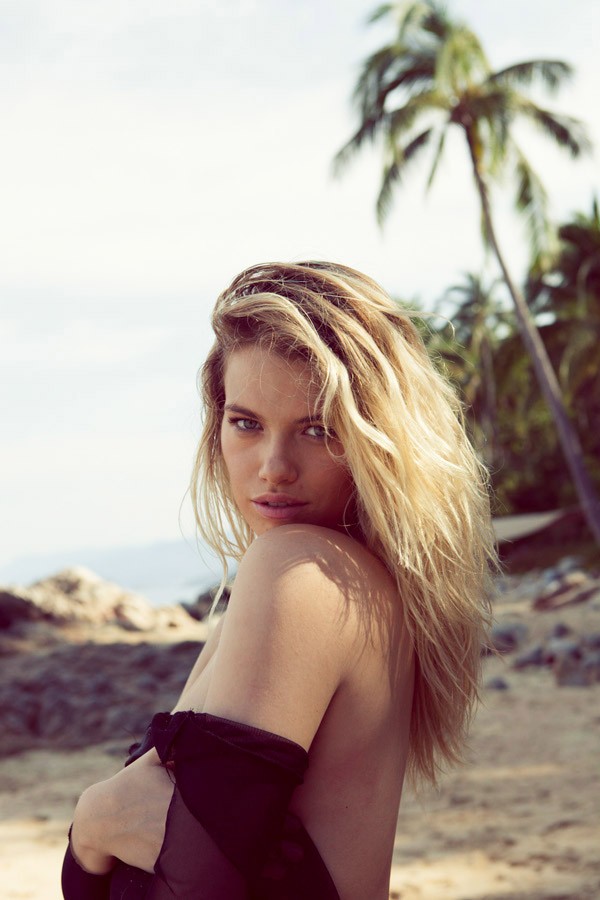
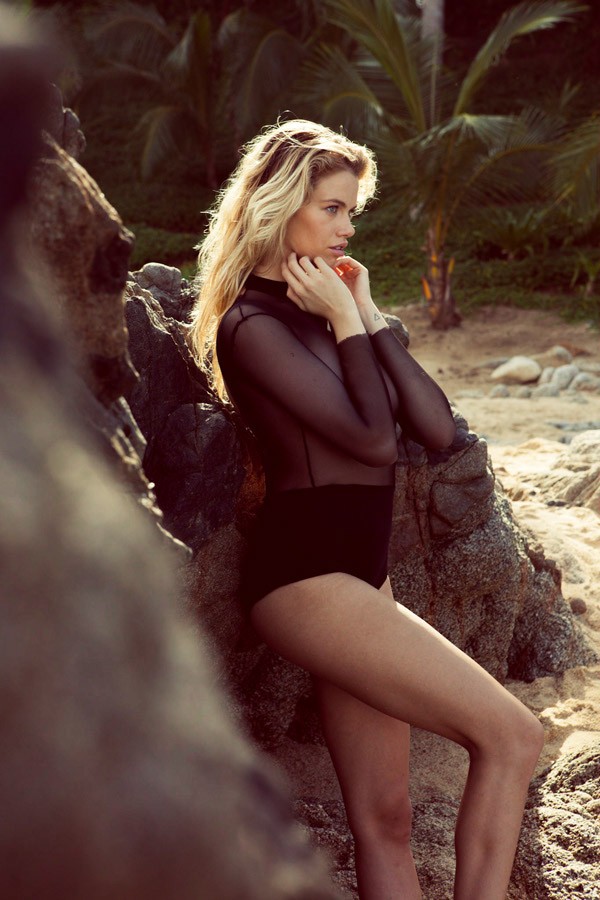
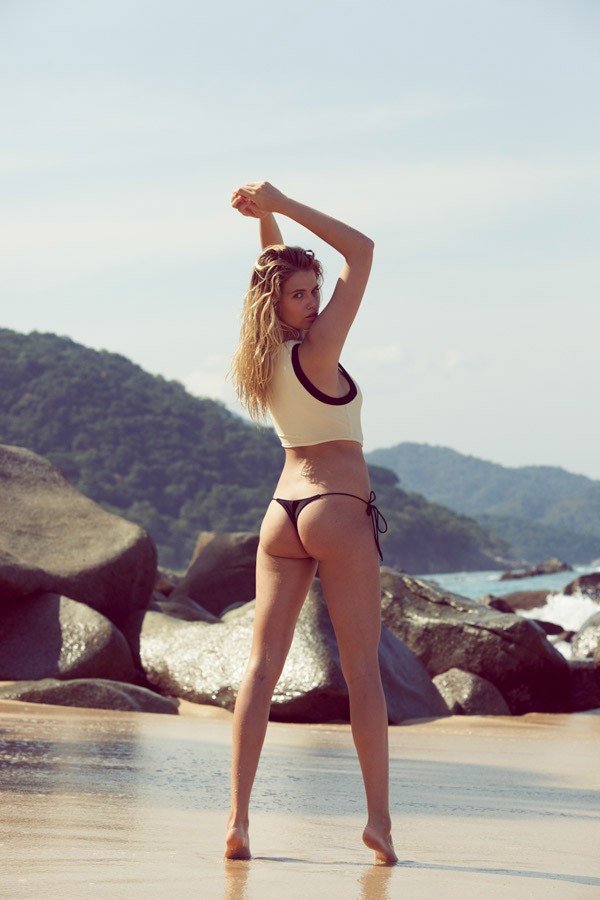
 Thanks so much @Nebuchadnezzar ! Do you have more details from this shoot perhaps ?
Thanks for the updates
I knew it I got my infos
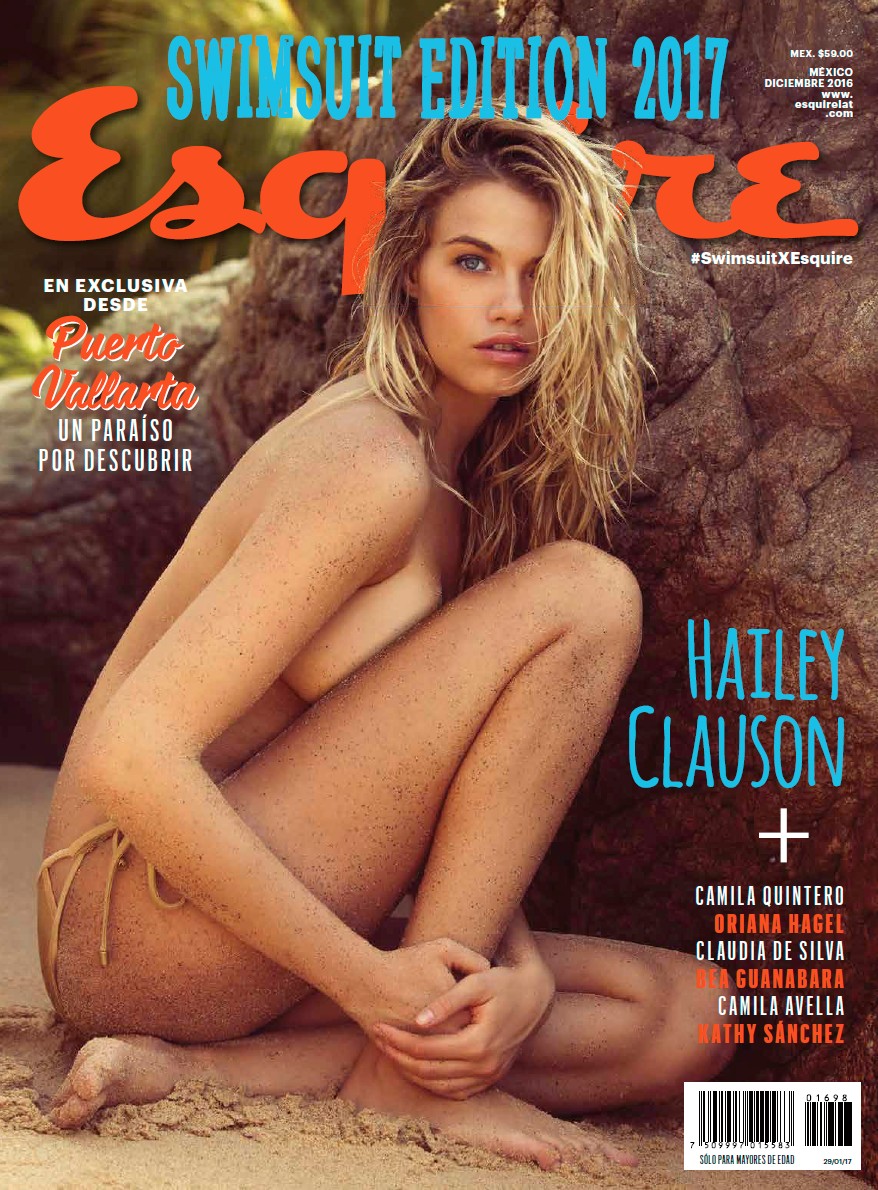
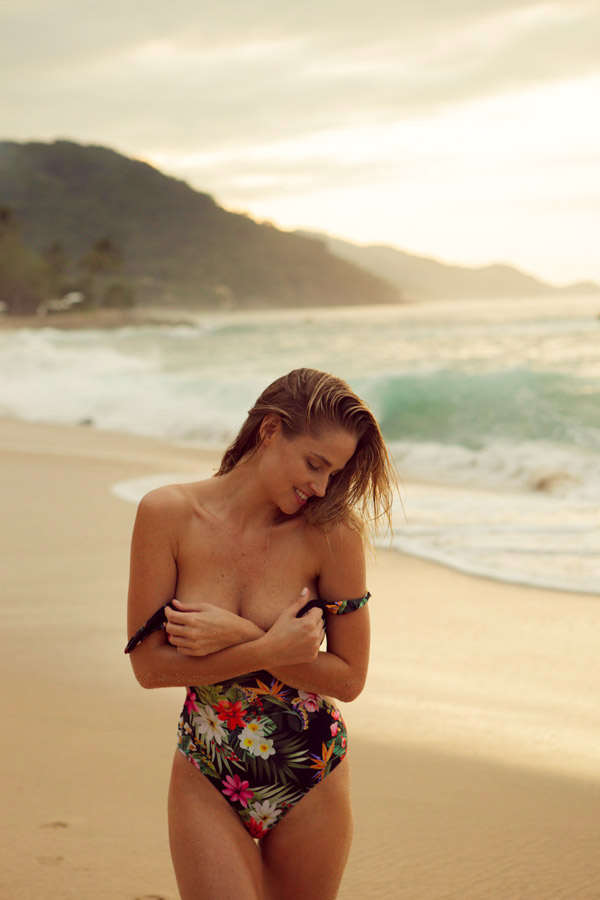
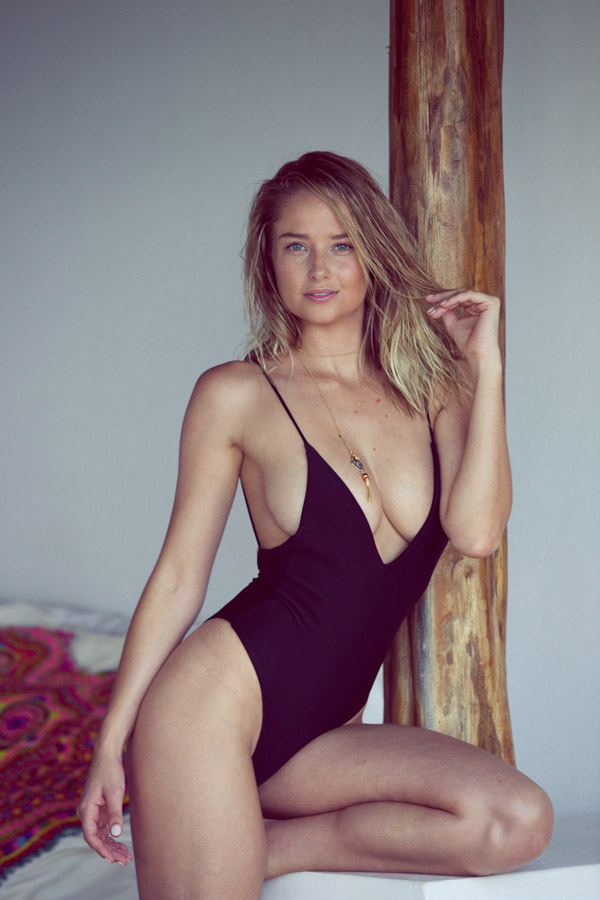
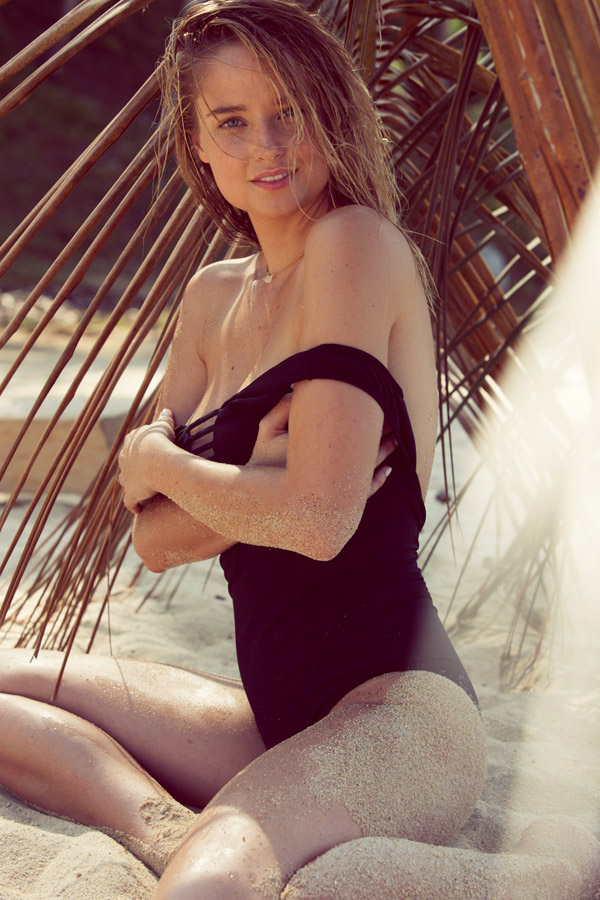
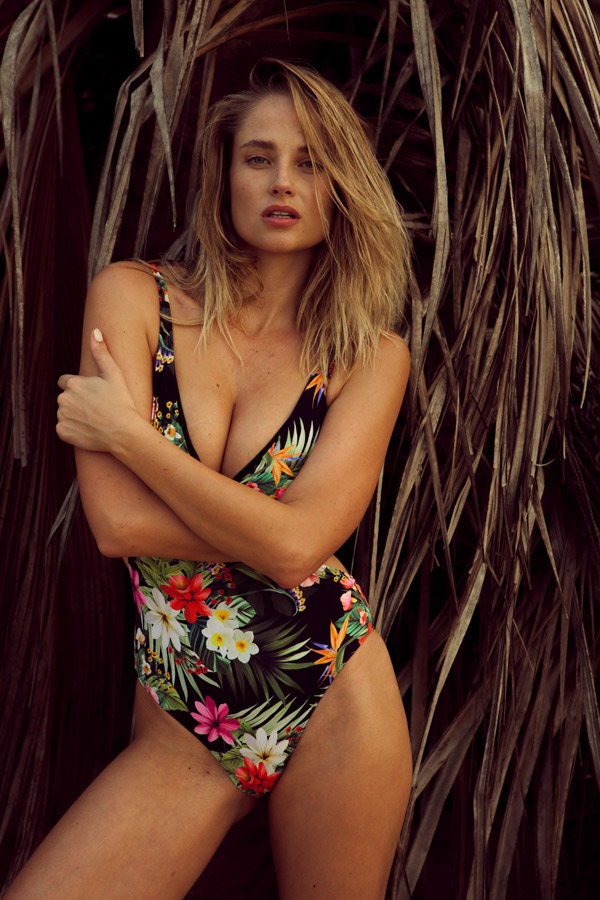
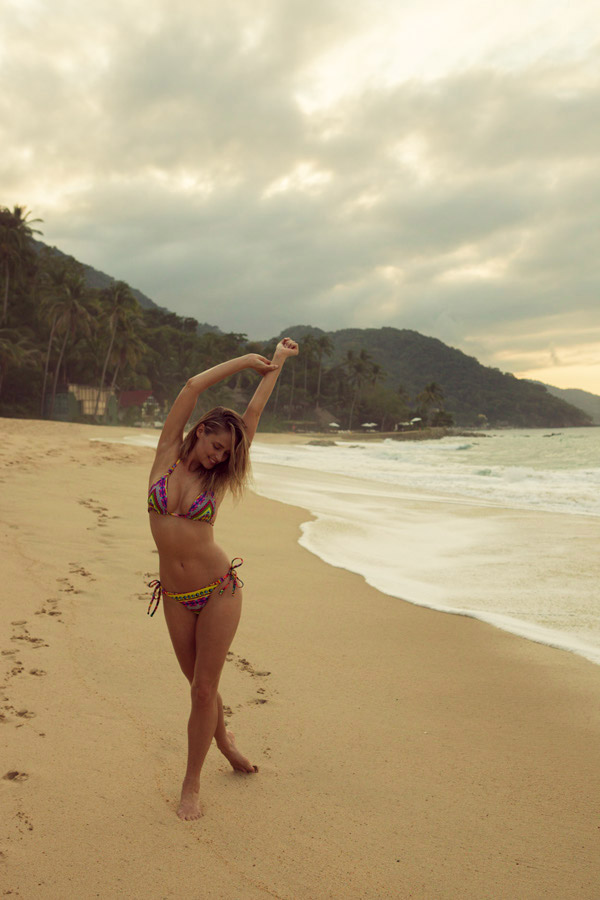
>> http://www.esquirelat.com/especiales/swimsuit-edition.html
Thanks so much @Nebuchadnezzar ! Do you have more details from this shoot perhaps ?
Thanks for the updates
I knew it I got my infos
>> http://www.esquirelat.com/especiales/swimsuit-edition.html










 I reallyyyyy don't know what to say ... Like, really really
^ Same!
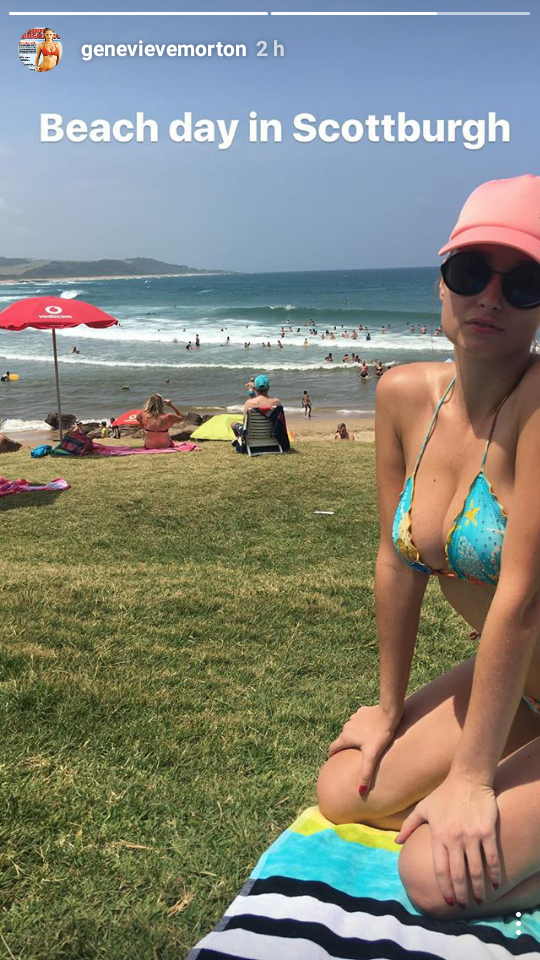
IG Story Gen is traveling in South-Africa!
I reallyyyyy don't know what to say ... Like, really really
^ Same!
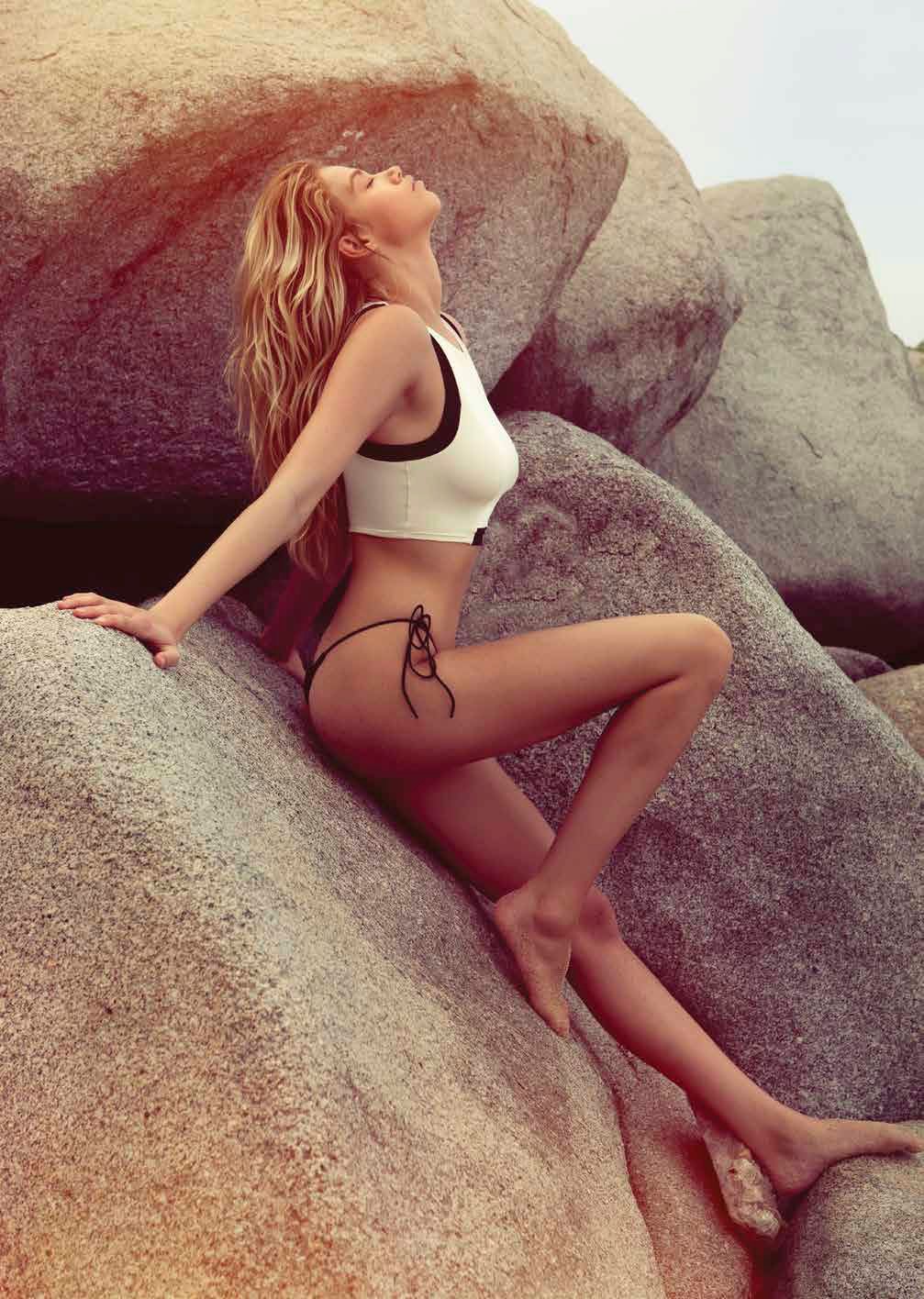
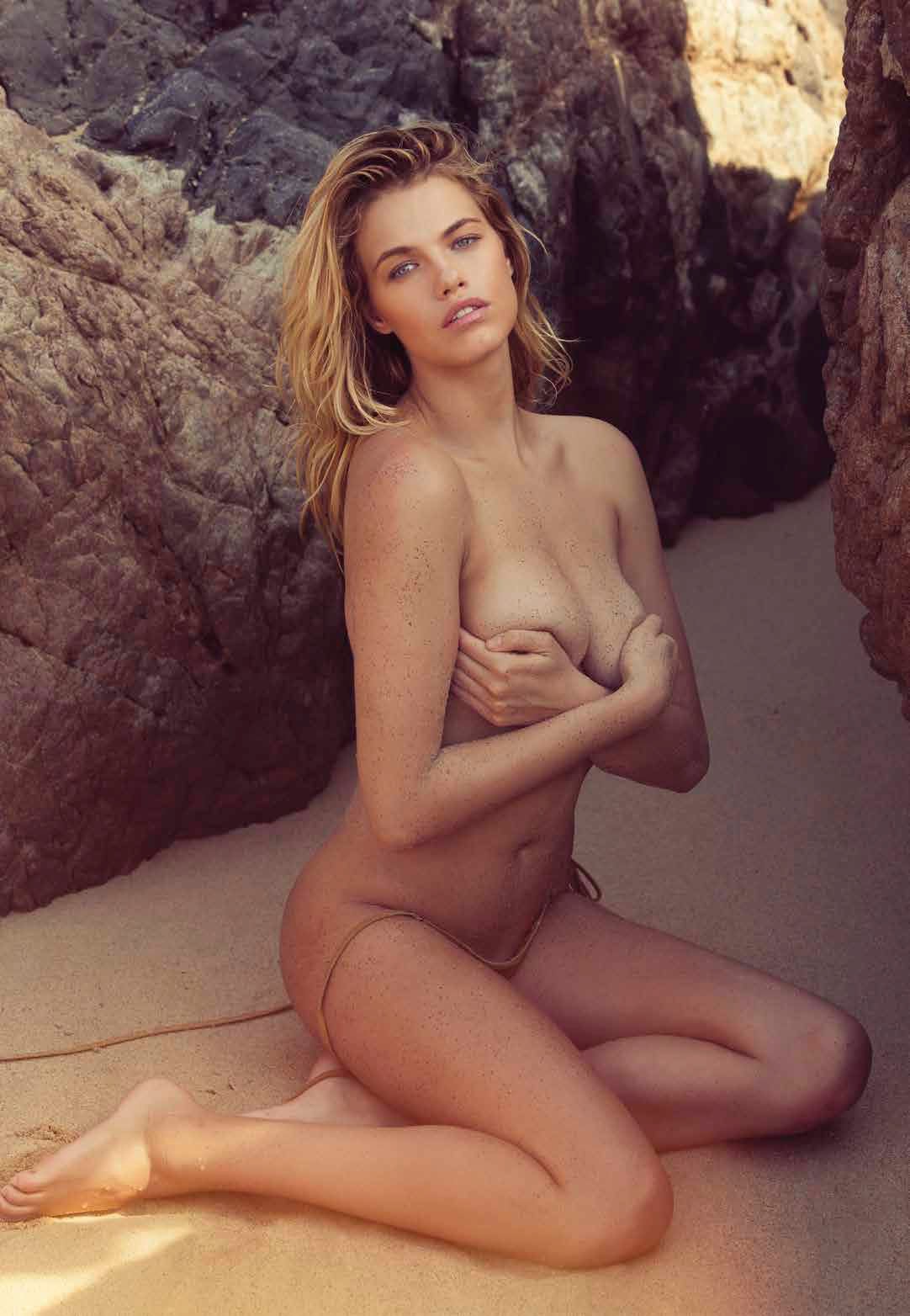
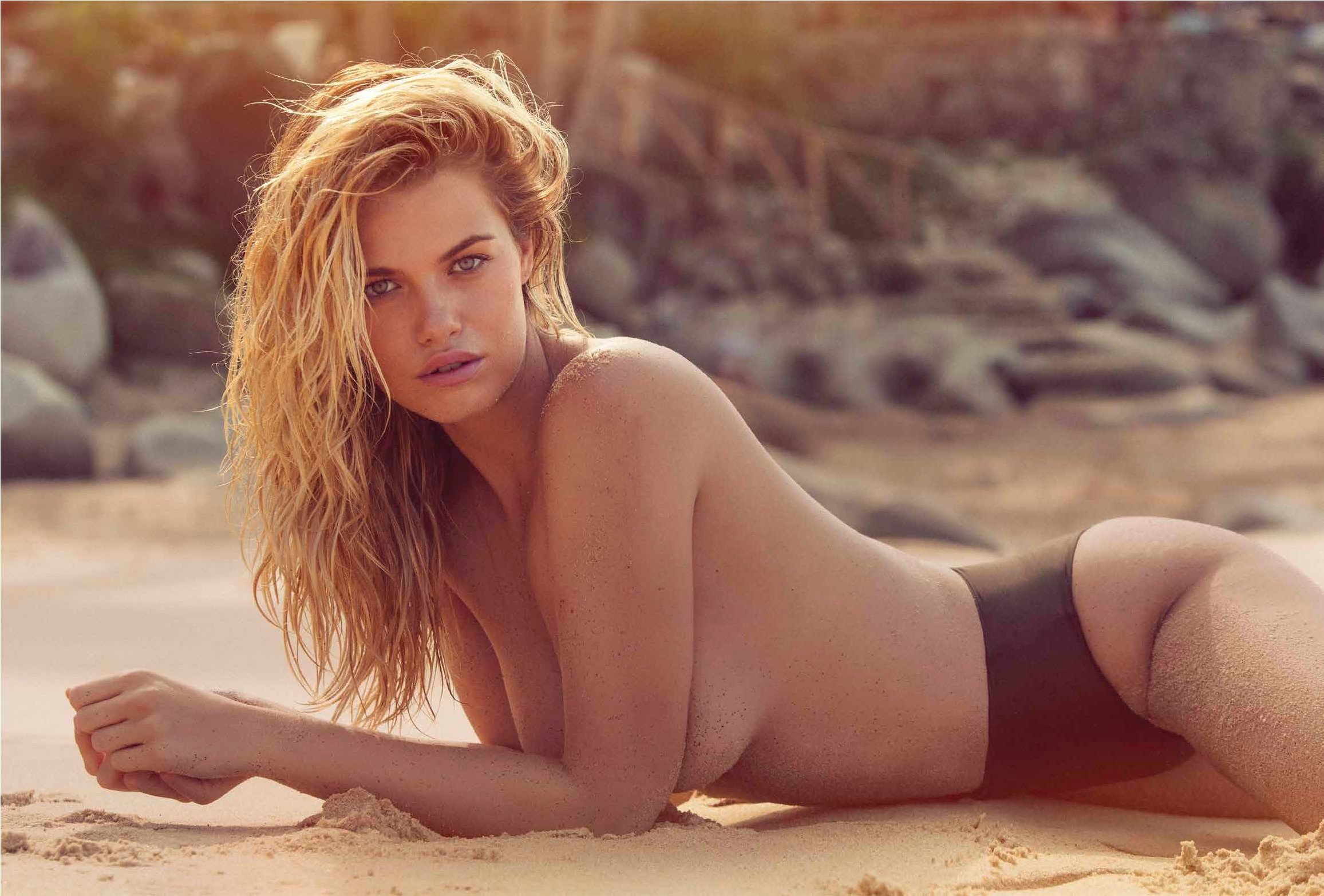
IG Story Gen is traveling in South-Africa!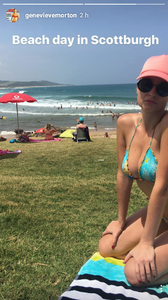 ^ That new cover and shoot is trully amazing !
Account
Search
Configure browser push notifications
Chrome (Android)
- Tap the lock icon next to the address bar.
- Tap Permissions → Notifications.
- Adjust your preference.
Chrome (Desktop)
- Click the padlock icon in the address bar.
- Select Site settings.
- Find Notifications and adjust your preference.
Safari (iOS 16.4+)
- Ensure the site is installed via Add to Home Screen.
- Open Settings App → Notifications.
- Find your app name and adjust your preference.
Safari (macOS)
- Go to Safari → Preferences.
- Click the Websites tab.
- Select Notifications in the sidebar.
- Find this website and adjust your preference.
Edge (Android)
- Tap the lock icon next to the address bar.
- Tap Permissions.
- Find Notifications and adjust your preference.
Edge (Desktop)
- Click the padlock icon in the address bar.
- Click Permissions for this site.
- Find Notifications and adjust your preference.
Firefox (Android)
- Go to Settings → Site permissions.
- Tap Notifications.
- Find this site in the list and adjust your preference.
Firefox (Desktop)
- Open Firefox Settings.
- Search for Notifications.
- Find this site in the list and adjust your preference.



















.jpg.b5591279c7bfb15d42e15bf87951b9a0.jpg)